# Fliplet Full Content for LLMs
> Fliplet is an enterprise AI business software builder for secure internal software, portals, workflows, directories, learning experiences, and event operations across web and mobile.
This file concatenates the published, indexable Fliplet site content available in the repository for LLM ingestion. It is auto-generated from `content/migrated`; see https://fliplet.com/llms.txt for the concise index.
Canonical site: https://fliplet.com/
Sections: Core Pages (13), Solutions (83), Pages (8), Blog (113), Case Studies (35), News (8)
---
# Core Pages
---
# Blog
> Read Fliplet insights on software development, AI workflows, legal tech, and enterprise delivery.
Source: https://fliplet.com/blogs/
---
# Book a demo
> Book time with the Fliplet team to discuss your software, portal, or workflow rollout.
Source: https://fliplet.com/book-a-demo/
---
# Case studies
> Explore customer stories from teams building secure software, portals, and workflows with Fliplet.
Source: https://fliplet.com/case-studies/
---
# Contact
> Contact Fliplet for demos, pricing questions, customer support, and general enquiries.
Source: https://fliplet.com/contact/
---
# Features
> Explore AI building, no-code creation, integrations, security, publishing, and analytics features.
Source: https://fliplet.com/features/
---
# Fliplet
> Fliplet is an enterprise AI business software builder for secure internal software, portals, workflows, directories, learning experiences, and event operations across web and mobile.
Source: https://fliplet.com/
---
# Platform overview
> See how Fliplet helps teams build, publish, support, and secure mobile and web software.
Source: https://fliplet.com/platform-overview/
---
# Pricing
> Start a free Fliplet project, then explore publishing and enterprise pricing options.
Source: https://fliplet.com/pricing/
---
# Reports and white papers
> Explore Fliplet reports, legal market research, white papers, brochures, and ebooks.
Source: https://fliplet.com/reports/
---
# Resources
> Browse blogs, case studies, webinars, reports, brochures, and ebooks in one library.
Source: https://fliplet.com/resources/
---
# Security
> Review Fliplet security, governance, privacy, access, and compliance capabilities.
Source: https://fliplet.com/security/
---
# Solutions
> Browse Fliplet solution paths for events, directories, portals, learning, workflows, and more.
Source: https://fliplet.com/solutions-v2/
---
# Webinars
> Watch Fliplet on-demand webinars about enterprise software, AI, events, intranets, and demos.
Source: https://fliplet.com/webinars/
---
# Solutions
---
# #1 Software for Ideas Management and Innovation
> Capture, review, and develop ideas with software for innovation management, collaboration, scoring, and follow-up workflows.
Source: https://fliplet.com/solution/software-for-ideas/
Content type: Solutions
Published: 2023-06-06T10:43:55
Updated: 2025-06-24T07:27:38
# Software for Ideas
Drive idea collection, prioritization, and innovation programs inside the existing Fliplet solution-page framework.
## Page content
**Card Layout Variant:** feature-refresh-v1
**Hero title:** #1 Software for Ideas Management and Innovation
Capture, prioritize, and act on employee ideas with Fliplet's idea management software. Give teams one place to share suggestions, review impact, and move the best ideas forward.
**Customer Logos Source:** case-studies-shared
**Intro heading:** Manage ideas with Fliplet
Fliplet helps teams collect ideas, review feedback, and manage the full innovation cycle in one configurable solution. Encourage structured brainstorming, prioritize ideas with business impact, and turn employee input into work your organization can act on.
**Use Case Tabs Heading:** What you can use it for
### Use Case Tabs
#### Innovation Management Software
**Href:** https://fliplet.com/solution/innovation-management/
#### Brainstorming Software
**Href:** https://fliplet.com/solution/brainstorming-app/
#### Suggestion Box Software
**Href:** https://fliplet.com/solution/suggestion-box-app/
#### Idea management software
**Href:** https://fliplet.com/solution/software-for-ideas/
**Key Features Heading Line1:** The key features you need.
**Key Features Heading Line2:** Built in hours, not weeks.
### Feature Rows
**Image Side:** right
##### Ask employees for solutions to urgent problems in your organization
Use Fliplet's innovation management software to create focused challenges, invite employee input, and organize responses around the problems your organization needs to solve.
**Image Side:** left
##### Prioritize ideas with the biggest business impact
Let employees like, comment, and engage with each other's ideas so teams can see which suggestions have the most support and business value.
**Image Side:** right
##### Give your employees a place to propose ideas for solving your organizational challenges
Fliplet's software provides a platform that builds a culture of creativity and open innovation. With a place to share and discuss ideas, employees are more likely to contribute practical solutions.
**Image Side:** left
##### Manage your entire innovation cycle in one view
Manage the full innovation cycle, from ideation to implementation, in a single software solution. Keep ideas, decisions, and progress visible as work moves forward.
**Benefits Heading:** Gather ideas from people who know your organization
**Benefits Intro:** Start with prebuilt screens for challenges, ideas, voting, and review. Adapt the workflow around your goals instead of building the whole process from scratch.
### Benefits
#### Enable large enterprise teams to collaborate more effectively
Share prioritized concerns with internal teams and enable them to provide new solutions, all while building a more open workplace culture.
**Icon Tone:** cyan
#### Make communication easier for customers and employees
Enable external users to deposit their problems and pain points and be immediately exposed to the issues that need addressing.
**Icon Tone:** coral
#### help communities to come together
Allow the community to come together and exchange ideas on a single platform in order to improve a shared concern.
**Icon Tone:** purple
#### Enable Institutional inclusion
Allow all members of your institution, such as a university or hospital, to be involved in suggesting solutions for bettering the service.
**Icon Tone:** yellow
**Feature Highlights Heading:** Additional Fliplet Features
### Feature Highlights
#### No IT required.
No installation or coding is required to build your software. Our solutions are fully customizable for data collection and processing and fully compliant with GDPR and cookie laws.
#### Highly secure and compliant
Fliplet is ISO27001 compliant and uses HTTPS with 256-bit SHA certificates and SSL for secure connections. Production database data is encrypted. See more.
#### Instant updates, easy maintenance
Update content and configuration in Fliplet Studio while the platform handles maintenance and over-the-air updates.
#### Notifications
Use personalized notifications to alert users via push, SMS, or email notifications when you need to.
#### Help and support
We offer various support options based on your price plan, including live chat, phone, email, tutorials, and documentation.
#### Integrate with existing systems
Fliplet integrates with popular software and platforms, including Salesforce, YouTube, RSS, social media, and databases.
**Awards Heading:** Our Awards
**Deep Faq Heading:** FAQs
### Faq Items
#### What is idea management software?
Idea management software, like Fliplet, is a digital tool that helps capture, manage, and implement ideas within an organization. It promotes innovation by enabling collaborative brainstorming and effective management of ideas.
#### How does Fliplet's idea management software work?
Fliplet's idea management software creates a centralized space for your team to share and develop ideas. Features like voting, commenting, and easy categorization support clear collaboration and efficient idea management.
#### What are the benefits of using an idea management tool?
An idea management tool can boost innovation, improve problem-solving, and build collaboration within your team. By effectively managing the flow of ideas, companies can streamline their innovation processes and stay ahead of the competition.
#### Can Fliplet's software for ideas be customized to fit my organization's needs?
Yes, Fliplet's idea management software is highly customizable to fit your specific needs, making it an excellent tool for building a culture of innovation within your organization.
#### Which software is recommended for idea management?
Fliplet's innovation management solution is highly recommended. It provides a comprehensive platform that allows you to streamline brainstorming sessions, manage ideas, and implement practical solutions effectively in your organization.
#### What are the three elements of idea management?
The three critical elements of idea management are: Idea Generation - where ideas are brainstormed and collected; Idea Evaluation - where ideas are reviewed, discussed and ranked based on potential impact and feasibility; and Idea Implementation - where chosen ideas are put into action.
#### What is idea management and how can it be implemented?
Idea management is a structured process of generating, capturing, discussing, improving, organizing, evaluating, and implementing ideas. With Fliplet's idea management software, you can implement this process effectively by providing a collaborative platform where employees can submit ideas, discuss and evaluate them, and track their implementation.
#### What is the difference between idea management and innovation management?
Idea management focuses on the process of generating and collecting a wide set of ideas, while innovation management is a broader concept that not only includes idea management but also the implementation and realization of these ideas into new products, services, or strategies.
#### What is the first step in the idea management process?
The first step in the idea management process is the generation of ideas. This can be facilitated through brainstorming sessions or an open platform where team members can submit their ideas, like what Fliplet's idea management software provides.
#### Why is idea management important?
Idea management is vital as it drives innovation within an organization. It helps use the collective intelligence of the organization, engages employees, and often leads to improved products, services, processes, and overall business strategies. With an idea management software like Fliplet, you can effectively capture and manage ideas that could potentially improve your business.
**Resources heading:** Level up with free resources
### Resources Cards
#### Mastering Idea Generation: A Comprehensive Guide to 30+ Techniques, Tools, and Tips
**Href:** /blog/mastering-idea-generation
**Eyebrow:** Blog
**Description:** Learn practical techniques and facilitation methods for turning brainstorms into stronger ideas.
**Link Label:** Read Now
#### 20 Best Innovation Management Tools & Software for 2026
**Href:** /blog/top-10-innovation-management-software/
**Eyebrow:** Blog
**Description:** Review tools that help teams capture ideas, prioritize experiments, and scale innovation programs.
**Link Label:** Read Now
#### 8 ways to drive innovation at your organization in 2026
**Href:** /blog/8-ways-to-drive-innovation-at-your-organization/
**Eyebrow:** Blog
**Description:** Explore practical ways to build a stronger culture of innovation across distributed teams.
**Link Label:** Read Now
**Demo Heading:** See Fliplet in Action: Book Your Demo Now
**Demo Body:** See how Fliplet can help your organization build secure, customizable software. We'll show you what's possible and how quickly you can get started.
**Demo Meeting Url:** https://meetings-eu1.hubspot.com/fliplet/introduction?embed=true
### Demo Points
- **Demo Points:** A focused discussion to understand your goals, challenges, and what you're hoping to achieve with Fliplet.
- **Demo Points:** How Fliplet adapts to your team's needs, processes, and branding.
- **Demo Points:** A live session to get answers to your questions and explore key features.
- **Demo Points:** If Fliplet's the right fit, we'll schedule a demo tailored to your needs and use case.
### Section Visibility
**Deep Faq Mode:** accordion
**Feature Highlights Placement:** after-testimonial
---
# All-In-One Disaster Management Software for Preparedness, Response, and Evaluation
> Build disaster management software for preparedness, response coordination, alerts, resource planning, and post-incident evaluation across teams.
Source: https://fliplet.com/solution/disaster-management-app/
Content type: Solutions
Published: 2023-05-25T17:32:11
Updated: 2025-08-08T01:12:51
# Disaster Management Software
Build disaster management software that helps teams prepare, communicate, respond, and improve with one mobile-friendly operating environment.
This migration maps the live disaster-management route into the repo's shared emergency solution system so the page keeps the source messaging while rendering with the same structured components and QA coverage as the rest of the solution family.
## Page content
**Hero title:** All-In-One Disaster Management Software: Everything you need to prepare, respond and evaluate a disaster
Prepare teams with disaster management software for plans, resources, alerts, response coordination, and post-incident review.
**Customer Logos Source:** case-studies-shared
**Use Case Tabs Heading:** What you can use it for
### Use Case Tabs
#### Dawn Raid Software
**Href:** https://fliplet.com/solution/dawn-raid-app/
#### Incident Management Software
**Href:** https://fliplet.com/solution/incident-management-software/
#### Cyber Security Incident Response Software
**Href:** https://fliplet.com/solution/cyber-security-incident-response-software/
#### Disaster Management Software
**Href:** https://fliplet.com/solution/disaster-management-app/
#### Safety Reports Software
**Href:** https://fliplet.com/solution/safety-reports-app/
#### PR Crisis Software
**Href:** https://fliplet.com/solution/pr-crisis-app/
#### Compliance Management Software
**Href:** https://fliplet.com/solution/compliance-software/
#### Crisis Response Software
**Href:** https://fliplet.com/solution/crisis-response-app/
#### Emergency Management for Legal Clients
**Href:** https://fliplet.com/solution/emergency-management-for-clients/
**Intro heading:** Build disaster management software with Fliplet
Fliplet's disaster management software helps organizations prepare for incidents, coordinate response activity, and review outcomes after the event. Teams can combine real-time updates, resource allocation, checklists, response content, and reporting in one configurable solution.
**Key Features Heading Line1:** The key features you need.
**Key Features Heading Line2:** Built in hours, not weeks.
### Feature Rows
**Image Side:** right
##### Prepare and Train your staff for any Emergency
Ready to bulletproof your team against emergencies? With our Emergency Management Solution, you'll get hands-on staff training and crystal-clear role management, ensuring everyone's prepped and primed for any incident. And with our always up-to-date Incident Action Plan, you're not just responding to crises - you're staying ahead of them. Book a demo and turn the unexpected into the expected.
**Image Side:** left
##### Obtain Situational Awareness At Any Moment
Want Real-Time Situational Awareness at your fingertips? Our platform brings you live recovery updates with self-reporting, an always-on Benchmark Dashboard for tracking assets and responses, and Layered Mapping for a bird's-eye view of emergency events across all locations. Together, we're turning chaos into clarity.
**Image Side:** right
##### Respond fast & timely to any crisis
Our Solution ensures that you have anything you need to respond to a crisis. From mass notifications across multiple channels and devices to calls and emails, we got you covered. Plus, our Solution streamlines your actions with checklists and incident documentation. In a nutshell, we're your co-pilot in crisis - hop aboard for smarter, swifter responses.
**Image Side:** left
##### Turn your crisis response from good to great with our Evaluation Features
Keen to perfect your emergency response plans? Our platform offers in-depth organizational and individual emergency response stats that illuminate your strengths and areas for improvement. By understanding your past responses, you can optimize future plans, refining your strategy to enhance efficiency and effectiveness. Let's partner up and turn your crisis response from good to great.
**Benefits Heading:** Why teams use Fliplet for disaster readiness
**Benefits Intro:** Support planning, alerts, response coordination, and post-incident improvement with one branded disaster management software instead of static documents and disconnected channels.
### Benefits
#### Preparedness and training
Give staff easier access to plans, guidance, responsibilities, and training materials before an incident happens.
**Icon Tone:** cyan
#### Real-time situational awareness
Use updates, dashboards, and layered mapping to understand what is happening across locations as conditions change.
**Icon Tone:** coral
#### Faster response coordination
Reach people through notifications, calls, emails, checklists, and incident documentation from one connected workspace.
**Icon Tone:** purple
#### Continuous evaluation
Review organizational and individual response data so you can strengthen future plans and improve outcomes over time.
**Icon Tone:** yellow
**Feature Highlights Heading:** Additional Fliplet Features
### Feature Highlights
#### No IT required.
No installation or coding is required to build your software. Our solutions are fully customizable for data collection and processing and fully compliant with GDPR and cookie laws.
#### Highly secure and compliant
Fliplet is ISO27001 compliant and uses HTTPS with 256-bit SHA certificates and SSL for secure connections. Production database data is encrypted. See more.
#### Instant updates, easy maintenance
Update content and configuration in Fliplet Studio while the platform handles maintenance and over-the-air updates.
#### Notifications
Use personalized notifications to alert users via push, SMS, or email notifications when you need to.
#### Help and support
We offer various support options based on your price plan, including live chat, phone, email, tutorials, and documentation.
#### Integrate with existing systems
Fliplet integrates with popular software and platforms, including Salesforce, YouTube, RSS, social media, and databases.
### Build emergency management software with Fliplet
**Heading:** Build emergency management software with Fliplet
**Embed Url:** https://www.youtube.com/embed/DZLMtLgap98
**Title:** Build emergency management software with Fliplet
**Awards Heading:** Our Awards
**Resources heading:** Level up with free resources
### Resources Cards
#### 15 Best Incident Management Software & Tools for 2026
**Href:** /blog/10-best-incident-management-software/
**Description:** Discover Fliplet's guide to the best incident management software and how to choose one that fits your needs.
**Eyebrow:** Blog
**Link Label:** Read now
#### 20 Best Crisis & Emergency Management Software for 2026
**Href:** /blog/15-top-emergency-management-software/
**Description:** Compare the strongest emergency management software products and see which capabilities matter most during an incident.
**Eyebrow:** Blog
**Link Label:** Read now
#### Action Plan: 5 steps to prepare for a Dawn Raid
**Href:** /blog/5-steps-to-prepare-for-a-dawn-raid/
**Description:** Follow the practical preparation steps any organization should take before a dawn raid or unexpected inspection.
**Eyebrow:** Blog
**Link Label:** Read now
**Deep Faq Heading:** FAQs
### Faq Items
#### What is disaster management software?
Disaster management software is a tool designed to help organizations prepare for, respond to, and recover from various types of disasters. Fliplet's disaster management software provides a platform for real-time updates, resource allocation, and response coordination, making disaster preparedness more efficient and effective.
#### How does Fliplet democratize mobile software development for disaster management?
Fliplet helps organizations to create their own custom disaster management software without needing any coding knowledge. That makes it easier for teams to launch a tailored preparedness and response experience without a long custom development cycle.
#### How can Fliplet's disaster management software improve my organization's preparedness?
Fliplet's disaster management software brings a new level of readiness to your organization. With features such as real-time updates, resource allocation, and response coordination, the software provides a comprehensive solution for disaster preparedness and ongoing operational resilience.
#### What is the disaster alert software for Android?
Disaster alert software for Android is a mobile application that sends notifications about potential and ongoing disasters in real time. These alerts can cover severe weather, natural disasters, and other emergency situations. Fliplet's disaster management software is available for both iOS and Android and includes real-time alerts among its features.
#### What are disaster management devices?
Disaster management devices are tools and equipment used in the preparation, response, and recovery phases of disaster management. They can include both hardware and software solutions, from communication equipment to mobile software that provides updates, coordination tools, and response workflows.
#### What makes disaster management software effective?
Effective disaster management software combines preparedness resources, real-time alerts, response coordination, communications, and post-incident evaluation in one accessible experience so teams can act quickly and improve future plans.
**Demo Heading:** See Fliplet in Action: Book Your Demo Now
**Demo Body:** See how Fliplet can help your organization build secure, customizable software. We'll show you what's possible and how quickly you can get started.
### Demo Points
- **Demo Points:** A focused discussion to understand your goals, risks, and what you're hoping to achieve with Fliplet.
- **Demo Points:** How Fliplet adapts to your disaster-readiness workflows, governance needs, and integrations.
- **Demo Points:** A live session to get answers to your questions and explore the most relevant preparedness and response features.
- **Demo Points:** If Fliplet's the right fit, we'll schedule a demo tailored to your use case.
**Demo Meeting Url:** https://meetings-eu1.hubspot.com/fliplet/introduction?embed=true
### Section Visibility
**Deep Faq Mode:** accordion
**Feature Highlights Placement:** after-benefits
---
# Best Resource Management Software for any Project
> Build resource management software for workload planning, skills visibility, availability tracking, and capacity reporting across teams and projects.
Source: https://fliplet.com/solution/resource-management-software/
Content type: Solutions
Published: 2023-11-21T15:19:08
Updated: 2025-06-16T16:11:06
# Resource Management Software
Manage workloads, skills, and availability in one resource planning software that helps teams allocate work more intelligently.
This migration keeps the live resource-management route aligned with the repo's capacity-management pattern while preserving the source positioning around planning, visibility, and staffing efficiency.
## Page content
**Hero title:** Maximize Efficiency with the Best Resource Management Software
Explore the best software for streamlined project and human resource management with a mobile-ready solution for availability, skills, and capacity planning.
**Customer Logos Source:** case-studies-shared
**Intro heading:** Build resource management software with Fliplet
Fliplet's directory-based resource management solution helps organizations move beyond spreadsheets by giving them clearer visibility into availability, skills, work opportunities, and capacity. Teams can make more informed allocation decisions, improve communication, and match work with the right people more efficiently.
**Key Features Heading Line1:** The key features you need.
**Key Features Heading Line2:** Built in hours, not weeks.
### Feature Rows
**Image Side:** right
##### Personal Work List Overview
Track your tasks and work opportunities from one view. Receive notifications for new or accepted opportunities and update task status as work progresses.
##### Discover Work Opportunities
Explore and apply for open work opportunities directly within the software. Once accepted by a manager, the opportunity is automatically added to your workload.
**Image Side:** left
##### Work Status
Set your work location once and eliminate the need for weekly updates. Choose from options such as not working, home, or in office to keep your team informed.
##### Weekly Capacity Planner
Set your daily working status and indicate your capacity as a percentage so managers and teammates get a clearer gauge of availability.
**Image Side:** right
##### Manage Work Opportunities
Managers can create or modify work opportunities, directly assign tasks to specific individuals, or open them up for applications.
##### Track Created Opportunities
Maintain full oversight of created opportunities and adjust assignees as situations change so the right talent stays aligned to the right work.
**Image Side:** left
##### Detailed Capacity Reports
Access weekly capacity reports for a better understanding of employee availability and save the most useful reports with applied filters for easy future reference.
**Image Side:** right
##### Skills Inventory
Showcase skills and experiences to better match people with available work opportunities and make talent easier to discover across the organization.
**Image Side:** left
##### Team Capacity Directory
Give managers perspective on the team's work status and capacity so they can allocate tasks, streamline workflow, and boost productivity.
**Benefits Heading:** Increase transparency and efficiency with effective Resource Management Software features
**Benefits Intro:** Fliplet's resource management features help teams plan work, understand availability, and allocate tasks across departments.
### Benefits
#### Team optimization and collaboration
Team leads can ensure that tasks are allocated based on a team member's skills and current workload, promoting a balanced work environment.
**Icon Tone:** cyan
#### Task management
Efficiently allocate and monitor tasks across your workforce while adapting to change in real time.
**Icon Tone:** coral
#### Role allocation
Allocate resources more efficiently by using data on workforce capacity and skill sets, improving productivity and reducing overhead costs.
**Icon Tone:** purple
#### Employee engagement
Managers can identify who may be underutilized or overwhelmed and make swift adjustments to workload imbalances.
**Icon Tone:** yellow
#### Employee onboarding
Streamline the integration of new hires by understanding the existing team's capacity and the new roles that need to be filled.
**Icon Tone:** cyan
#### Client services
Enhance client relationships by effectively managing the tasks associated with each client, ensuring timely delivery and quality service.
**Icon Tone:** coral
#### Remote work management
Track remote work and balance the capacity of remote and in-office workers so everyone stays productive.
**Icon Tone:** purple
#### Learning and development
Identify where skills and capacity are lacking so employee development initiatives can be targeted more precisely.
**Icon Tone:** yellow
### Discover all the features in our Directory Solution
**Heading:** Discover all the features in our Directory Solution
Fliplet's Directory Solution offers a suite of features designed to enhance productivity and communication within organizations. Some of the key features include:
#### List
- **List:** Rich profile information
- **List:** Office facilities
- **List:** Org charts
- **List:** Committees, departments and groups
- **List:** Digital business cards
**Cta Label:** Discover all the Directory solution features
**Cta Url:** https://fliplet.com/solution/directory/
**Feature Highlights Heading:** Additional Fliplet Features
### Feature Highlights
#### No IT required.
No installation or coding is required to build your software. Our solutions are fully customizable for data collection and processing and fully compliant with GDPR and cookie laws.
#### Highly secure and compliant
Fliplet is ISO27001 compliant and uses HTTPS with 256-bit SHA certificates and SSL for secure connections. Production database data is encrypted. See more.
#### Instant updates, easy maintenance
Update content and configuration in Fliplet Studio while the platform handles maintenance and over-the-air updates.
#### Notifications
Use personalized notifications to alert users via push, SMS, or email notifications when you need to.
#### Help and support
We offer various support options based on your price plan, including live chat, phone, email, tutorials, and documentation.
#### Integrate with existing systems
Fliplet integrates with popular software and platforms, including Salesforce, YouTube, RSS, social media, and databases.
### Improve team capacity management
**Heading:** Find out more about our Capacity Management features
**Embed Url:** https://www.youtube.com/embed/5RaZQHJG5jk
**Title:** Improve team capacity management
**Awards Heading:** Our Awards
**Resources heading:** Level up with free resources
### Resources Cards
#### 16 Best Team Communication Software to Chat for Business in 2024
**Href:** /blog/best-team-communication-apps/
**Description:** Compare the strongest team communication software and see which features matter most for business communication.
**Eyebrow:** Blog
**Link Label:** Read now
#### 12 Best Community Software in 2024 [Features, Reviews, Pricing]
**Href:** /blog/10-apps-to-boost-your-community-engagement/
**Description:** Explore the strongest community software for engagement, knowledge sharing, and monetization.
**Eyebrow:** Blog
**Link Label:** Read now
#### Improve communication and collaboration within your firm using custom software
**Href:** https://info.fliplet.com/webinar-download-boost-communication-and-collaboration-within-your-firm-using-custom-apps
**Description:** See how firms use custom software to improve internal communication, collaboration, and engagement.
**Eyebrow:** Webinar
**Link Label:** Watch webinar
**Deep Faq Heading:** FAQs
### Faq Items
#### What makes resource management software stand out?
The best resource management software make it easier to see availability, skills, workload, and opportunities in one place so work can be assigned more intelligently.
#### How does human resource management integrate with these tools?
Organizations can connect people data, skills information, office status, and workload planning so managers have a more complete view of capacity.
#### What are the benefits of resource management software?
It helps teams understand availability, balance workloads, reduce bottlenecks, and make better staffing decisions across projects and clients.
#### What is a resource management program?
A resource management program is a system used to plan, allocate, and optimize people and work capacity so the right tasks are matched to the right teams at the right time.
#### Can resource management software help track availability and capacity?
Yes. Resource management software is designed to make workloads, availability, and planning constraints easier to understand and act on.
#### Can teams update plans quickly when priorities change?
Yes. Fliplet helps teams adjust plans, resources, and workflows without turning every operational change into a heavy redevelopment effort.
**Demo Heading:** See Fliplet in Action: Book Your Demo Now
**Demo Body:** See how Fliplet can help your organization build secure, customizable software. We'll show you what's possible and how quickly you can get started.
### Demo Points
- **Demo Points:** A focused discussion to understand your goals, challenges, and what you're hoping to achieve with Fliplet.
- **Demo Points:** How Fliplet adapts to your team's needs, processes, and branding.
- **Demo Points:** A live session to get answers to your questions and explore key features.
- **Demo Points:** If Fliplet's the right fit, we'll schedule a demo tailored to your needs and use case.
**Demo Meeting Url:** https://meetings-eu1.hubspot.com/fliplet/introduction?embed=true
### Section Visibility
**Deep Faq Mode:** accordion
**Feature Highlights Placement:** after-benefits
---
# Build agile project management software with Fliplet
> Plan sprints, manage tasks, track progress, and keep teams aligned with agile project management software built for collaborative delivery.
Source: https://fliplet.com/solution/agile-project-management-app/
Content type: Solutions
Published: 2024-01-01T00:00:00
Updated: 2026-03-27T00:00:00
# Build agile project management software with Fliplet
## Page content
**Card Layout Variant:** feature-refresh-v1
**Hero title:** Manage agile projects with configurable software
Plan, track, and manage agile work with flexible project management software that keeps tasks, updates, and collaboration in one place.
**Customer Logos Source:** case-studies-shared
**Use Case Tabs Heading:** What you can use it for
### Use Case Tabs
#### Task Management Software
**Href:** https://fliplet.com/solution/task-management/
#### Team Project Management Software
**Href:** https://fliplet.com/solution/teams-project-management-app/
#### Project Management Software
**Href:** https://fliplet.com/solution/project-management/
#### Project Collaboration Software
**Href:** https://fliplet.com/solution/project-collaboration-app/
#### Agile Project Management Software
**Href:** https://fliplet.com/solution/agile-project-management-app/
#### Kanban Software
**Href:** https://fliplet.com/solution/kanban-app/
#### Gantt Chart Software
**Href:** https://fliplet.com/solution/gantt-chart-app/
#### To-Do List Software
**Href:** https://fliplet.com/solution/to-do-list-app/
**Intro heading:** Build agile project management software with Fliplet
Create agile project management software that helps teams plan sprints, manage backlogs, track work, and share updates. Fliplet gives you a configurable starting point for Scrum, Kanban, and other agile workflows.
**Key Features Heading Line1:** The key features you need.
**Key Features Heading Line2:** Built in hours, not weeks.
### Accordion Groups
#### Streamlined project management
##### Create a project from scratch
Start projects, assign tasks, and review project details in one place.
##### Create a project from templates
Create projects quickly using your pre-built templates, which are fully customizable, edit multiple tasks at once, and update assignees, due dates, and priority status.
##### Dashboard
Have a clear overview of all projects, view the date started, progress, project status, and more. Also, view projects in more detail, see what tasks are assigned to who and the status of tasks.
#### Streamlined Task Collaboration & Management
##### Collaborate on tasks
Discuss tasks, share files, and keep project communication connected to the work.
##### Create groups
Create groups for departments, teams, and clients and assign a group to tasks to stay organized.
##### Set priorities
Filter through tasks by due date or priority to ensure due dates are met and tasks are progressing effectively.
##### Notifications
Receive automatic push notifications to make sure projects are moving forward. You can also send email or SMS notifications.
### Video Feature Sections
#### Streamlined project management
##### Create a project from scratch
**Description:** Start projects, assign tasks, and review project details in one place.
**Video Url:** https://customer-5iegtr4llphmvi85.cloudflarestream.com/12d2fd2e49114ca5cf59ad1e013ea216/iframe
##### Create a project from templates
**Description:** Create projects quickly using your pre-built templates, which are fully customizable, edit multiple tasks at once, and update assignees, due dates, and priority status.
**Video Url:** https://customer-5iegtr4llphmvi85.cloudflarestream.com/b9968dd2a8685c00a649ca745f48daee/iframe
**Poster Alt:** Project Management: Create a project from a template video thumbnail
##### Dashboard
**Description:** Have a clear overview of all projects, view the date started, progress, project status, and more. Also, view projects in more detail, see what tasks are assigned to who and the status of tasks.
**Video Url:** https://customer-5iegtr4llphmvi85.cloudflarestream.com/4c891e43cbae98a1e1e777b44a098422/iframe
#### Streamlined Task Collaboration & Management
##### Collaborate on tasks
**Description:** Discuss tasks, share files, and keep project communication connected to the work.
**Video Url:** https://customer-5iegtr4llphmvi85.cloudflarestream.com/1e9d03e9a01a8b063d286324eae0401e/iframe
**Poster Alt:** Project Management - Collaborate on tasks video thumbnail
##### Create groups
**Description:** Create groups for departments, teams, and clients and assign a group to tasks to stay organized.
**Video Url:** https://customer-5iegtr4llphmvi85.cloudflarestream.com/15a4bfd545dcbf24beda6e66d41adbe1/iframe
**Poster Alt:** Project Management: Create groups video thumbnail
##### Set priorities
**Description:** Filter through tasks by due date or priority to ensure due dates are met and tasks are progressing effectively.
**Video Url:** https://customer-5iegtr4llphmvi85.cloudflarestream.com/59757acf0c21c4e52f651d75952f44ee/iframe
##### Notifications
**Description:** Receive automatic push notifications to make sure projects are moving forward. You can also send email or SMS notifications.
**Video Url:** https://customer-5iegtr4llphmvi85.cloudflarestream.com/86ef2bccd7c768cde47def63a73d1212/iframe
**Benefits Heading:** Stay on top of your projects with an effective Project Management solution
**Benefits Intro:** Fliplet's project management solution helps teams across departments plan work, track progress, and coordinate delivery.
### Benefits
#### Task management
Organize tasks, owners, and deadlines in one project management solution so teams can stay focused on the next step.
**Icon Tone:** cyan
#### Manage agencies
Coordinate agency work, keep priorities visible, and give client-facing teams a clearer way to manage delivery.
**Icon Tone:** coral
#### Team collaboration
Encourage collaboration and maximize team productivity, helping your team members to work together efficiently, share ideas, and achieve collective success.
**Icon Tone:** purple
#### Product launches
Manage the full product launch process with clear stages, owners, deadlines, and progress updates.
**Icon Tone:** yellow
#### Event planning
Plan and execute successful events of any size. Manage event logistics, timelines, tasks, and team collaboration for a flawless and memorable event experience.
**Icon Tone:** cyan
#### Onboarding
Streamline the onboarding process for employees or clients, supporting a clear transition and providing a platform to manage tasks, documentation, and resources.
**Icon Tone:** coral
#### Client management
Manage and communicate with clients, and keep track of projects, progress, and documents all in one place.
**Icon Tone:** purple
#### Case management
Manage and organize case information, documents, and tasks to streamline your workflow and enable consistent collaboration between team members.
**Icon Tone:** yellow
**Feature Highlights Heading:** Additional Fliplet Features
### Feature Highlights
#### No IT required.
No installation or coding is required to build your software. Our solutions are fully customizable for data collection and processing and fully compliant with GDPR and cookie laws.
#### Highly secure and compliant
Fliplet is ISO27001 compliant and uses HTTPS with 256-bit SHA certificates and SSL for secure connections. Production database data is encrypted. See more.
#### Instant updates, easy maintenance
Update content and configuration in Fliplet Studio while the platform handles maintenance and over-the-air updates.
#### Notifications
Use personalized notifications to alert users via push, SMS, or email notifications when you need to.
#### Help and support
We offer various support options based on your price plan, including live chat, phone, email, tutorials, and documentation.
#### Integrate with existing systems
Fliplet integrates with popular software and platforms, including Salesforce, YouTube, RSS, social media, and databases.
**Awards Heading:** Awarded by
**Deep Faq Heading:** FAQs
### Faq Items
#### What is agile project management software?
Agile project management software helps teams plan, track, and adapt work using agile methods such as Scrum or Kanban.
#### How does agile project management software work?
Agile project management software lets teams create and track tasks, collaborate in real time, and adapt as priorities change.
#### What are the benefits of using agile project management software?
Agile project management software improves transparency, encourages collaboration, helps teams manage changing priorities, and keeps project work easier to coordinate.
#### Can agile project management software be used for non-agile projects?
While agile project management software is specifically designed for agile projects, many of its features, like task tracking and team collaboration, can be beneficial for managing non-agile projects as well.
#### How can agile project management software improve my team's efficiency?
By providing tools that encourage collaboration, transparency, and rapid adaptation to changes, agile project management software can help teams reduce waste, mitigate risks, and deliver value more efficiently.
#### Can agile project management software support changing priorities?
Yes. Agile project management software helps teams adapt plans, tasks, and workflows as priorities evolve across iterations and sprints.
**Resources heading:** Level up with free resources
### Resources Cards
#### Top 10 Task Management Software for Teams
**Href:** /blog/top-10-task-management-apps-for-teams/
**Eyebrow:** Blog
**Description:** Compare leading task management software for planning, visibility, and team coordination.
**Link Label:** Read Now
#### 16 Best Team Communication Software to Chat for Business in 2026
**Href:** /blog/best-team-communication-apps/
**Eyebrow:** Blog
**Description:** Explore communication tools that help project teams stay aligned and move work forward faster.
**Link Label:** Read Now
#### 16 Top Features of a Successful Mobile App in 2026
**Href:** /blog/16-successful-mobile-app-features/
**Eyebrow:** Blog
**Description:** See which software features improve adoption, collaboration, and long-term project momentum.
**Link Label:** Read Now
**Demo Heading:** See Fliplet in Action: Book Your Demo Now
**Demo Body:** See how Fliplet can help your organization build secure, customizable software. We'll show you what's possible and how quickly you can get started.
**Demo Meeting Url:** https://meetings-eu1.hubspot.com/fliplet/introduction?embed=true
### Demo Points
- **Demo Points:** A focused discussion to understand your goals, challenges, and what you're hoping to achieve with Fliplet.
- **Demo Points:** How Fliplet adapts to your team's needs, processes, and branding.
- **Demo Points:** A live session to get answers to your questions and explore key features.
- **Demo Points:** If Fliplet's the right fit, we'll schedule a demo tailored to your needs and use case.
### Section Visibility
**Feature Highlights Placement:** after-testimonial
**Deep Faq Mode:** accordion
---
# Build branded software with Fliplet
> Build branded mobile or web software with your logo, colors, content, workflows, and secure access using Fliplet's no-code software builder.
Source: https://fliplet.com/solution/branded-app/
Content type: Solutions
Published: 2024-01-01T00:00:00
Updated: 2026-03-27T00:00:00
# Build branded software with Fliplet
## Page content
**Card Layout Variant:** feature-refresh-v1
**Hero title:** Build branded software without coding
Create branded software for marketing, education, engagement, and customer experiences with real-time insights and cross-device access.
**Customer Logos Kicker:** Trusted by organizations around the world.
**Customer Logos Source:** case-studies-shared
**Intro heading:** Build branded software for your business with Fliplet
Create branded software that matches your voice, colors, logo, and customer journey. Fliplet helps teams launch marketing, education, engagement, and customer-facing tools without a traditional development project.
**Benefits Heading:** Hundreds of uses
**Benefits Heading Line1:** Hundreds of
**Benefits Heading Line2:** uses
**Benefits Intro:** Launch branded mobile and web experiences that educate, engage, and help users take action across your campaigns and content.
### Benefits
#### Promote a product, service or practice
Reach clients on their mobile devices with personalized content to promote your organization.
**Icon Tone:** cyan
#### Content, reports and thought leadership
Demonstrate your expertise as an authority in your field by sharing informative articles and reports.
**Icon Tone:** coral
#### Knowledge assessment
Educate users about a topic and test their knowledge with e-learning and assessment features.
**Icon Tone:** purple
#### Marketing and awareness campaigns
Engage clients with awareness campaigns and personalized marketing that cuts through the noise.
**Icon Tone:** yellow
#### Surveys & Polls
Poll or survey software users to understand their position or thoughts on a topic.
**Icon Tone:** cyan
#### References or guides
Provide step-by-step information or on-the-go subject guides.
**Icon Tone:** coral
#### Side-by-side comparison tool
Help users understand a situation or make decisions with useful comparisons and benchmark results.
**Icon Tone:** purple
#### Educational information & training
Teach users about a subject with videos, audio, articles, and tests.
**Icon Tone:** yellow
**Testimonial Quote:** The biggest benefit that we've gained from Fliplet is the ability to very quickly turn around solutions for our firm.
### Feature Rows
**Image Side:** right
##### Educate: Share Your Expertise and Insights through branded software
Keep your audience engaged with easy access to your knowledge and insights. With features like searchable content, news feeds, blogs, and a document library, your users can explore and analyze useful information at any time. Keep them coming back for fresh, informative updates that showcase your expertise and drive continuous engagement.
**Image Side:** left
##### Engage: Features to keep users coming back to your software
Use personalized alerts to keep users informed about new content, updates, and special features within your software. Fliplet lets teams configure push, SMS, and email notifications without relying on custom development.
**Image Side:** right
##### Report: Track performance and gain insights from your marketing software
With built-in analytics and reporting tools, you can monitor user activity, software engagement, and content performance. Use those insights to improve content, refine journeys, and make stronger decisions over time.
**Key Features Heading Line1:** All the features you need, and you can add more.
### Video Feature Sections
#### All the features you need, and you can add more.
##### Compare content side by side
**Description:** Facilitate structured content comparison for users across any device - be it mobile, tablet, or desktop - with the added capability for users to email results or reach out to experts, enhancing user engagement and satisfaction.
**Video Url:** https://customer-5iegtr4llphmvi85.cloudflarestream.com/5726737b926f1f8d8d39cf147919b726/iframe
**Poster Alt:** Marketing - Compare content side by side video thumbnail
##### Benchmark and compare
**Description:** Present your users with digestible benchmarked results in varied formats like bar or pie charts, accompanied by features to share, seek expert advice, request help, or email their insights, therefore maximizing comprehension and user retention.
**Video Url:** https://customer-5iegtr4llphmvi85.cloudflarestream.com/8f2e00279457ce95997eeddc88e27a80/iframe
**Poster Alt:** Marketing - benchmark (1) video thumbnail
##### Browse content in lists and maps
**Description:** Offer users a versatile browsing experience, either through simplified lists with filter and bookmark features or clear map overviews, ensuring quick content access on any device, making their journey swift and user-friendly.
**Video Url:** https://customer-5iegtr4llphmvi85.cloudflarestream.com/011ac98181756dbfa3533a56b7106af0/iframe
##### Decision trees
**Description:** Enable quicker and more informed user decisions through decision trees, with options for users to share results, connect with experts, request help, and email their findings, optimizing your software's user experience and conversion rates.
**Video Url:** https://customer-5iegtr4llphmvi85.cloudflarestream.com/269beb9c3e3430f1846174f7b2483eb9/iframe
##### Checklists
**Description:** help users streamline tasks with interactive checklists, and build user engagement by letting them email their accomplishments, driving consistent user interactions.
**Video Url:** https://customer-5iegtr4llphmvi85.cloudflarestream.com/9872404732ebe1c1130aec0165d70794/iframe
##### Quizzes and Assessments
**Description:** Engage and assess user knowledge through quizzes, offering them a platform to showcase and share their proficiency on social media channels, boosting your software's visibility and engagement.
**Video Url:** https://customer-5iegtr4llphmvi85.cloudflarestream.com/7d98a9fe4ff4f76233a7db409f46b8f1/iframe
**Poster Alt:** _Marketing - quizzes and assessments 2 video thumbnail
##### Polls, surveys and questions
**Description:** Deploy polls for an interactive experience where users can view and compare their responses with others, while surveys and questions provide you with actionable insights.
**Video Url:** https://customer-5iegtr4llphmvi85.cloudflarestream.com/3e83c46c2d413105384a72d4f3d9c4f5/iframe
**Poster Alt:** Marketing - polls, surveys and questions (1) video thumbnail
**Feature Highlights Heading:** Additional Fliplet Features
### Feature Highlights
#### No IT required.
No installation or coding is required to build your software. Our solutions are fully customizable for data collection and processing and fully compliant with GDPR and cookie laws.
#### Highly secure and compliant
Fliplet is ISO27001 compliant and uses HTTPS with 256-bit SHA certificates and SSL for secure connections. Production database data is encrypted. See more.
#### Instant updates, easy maintenance
Update content and configuration in Fliplet Studio while the platform handles maintenance and over-the-air updates.
#### Notifications
Use personalized notifications to alert users via push, SMS, or email notifications when you need to.
#### Help and support
We offer various support options based on your price plan, including live chat, phone, email, tutorials, and documentation.
#### Integrate with existing systems
Fliplet integrates with popular software and platforms, including Salesforce, YouTube, RSS, social media, and databases.
**Deep Faq Heading:** FAQs
### Faq Items
#### What is branded software?
Branded software is a mobile and web experience specifically designed to embody the values, aesthetics, and objectives of a particular brand. Unlike generic software, branded software focuses on delivering an experience that is an extension of the brand itself, featuring elements like the brand's logo, color scheme, and overall messaging. These tools are intended to deepen customer engagement, offer additional value, and serve as a channel for direct communication between the brand and its audience.
#### How do I create branded software?
Creating branded software starts with understanding your brand's core values and objectives. Once you've defined what you want the software to achieve, move on to designing its interface to match your brand's aesthetics, including the logo, color palette, and typography. The next step is the actual development, where you can either hire a development team or use a no-code platform like Fliplet. After creating the software, test it rigorously before launching it on app stores.
#### Why is branded software important?
Branded software gives organizations a direct channel for customer engagement and communication. It can increase brand visibility, support customer retention, promote targeted offers, collect useful customer data, and deliver features that add value for your audience.
#### Can I build my own software?
Yes. Fliplet helps teams create branded software for marketing, internal communication, or customer engagement without relying on a traditional custom development project.
#### Can I fully brand the software for my organization?
Yes. Fliplet lets teams tailor logos, colors, layout, and presentation so the software feels consistent with their brand.
#### Can branded software be launched on web and mobile?
Yes. Branded software built with Fliplet can be delivered across web, mobile, and other supported channels depending on your rollout needs.
**Resources heading:** Level up with free resources
### Resources Cards
#### Hotel Restaurant
**Href:** /case-studies/hotel-restaurant/
**Eyebrow:** Case Study
**Description:** Discover how five-star venue launched a branded solution that supported repeat engagement and marketing.
**Link Label:** Read Now
#### Mobile Tech Agency
**Href:** /case-studies/mobile-tech-agency/
**Eyebrow:** Case Study
**Description:** See how branded reporting software helped this agency deliver a more distinctive client experience faster.
**Link Label:** Read Now
#### How to Build custom software Without Any Coding
**Href:** /blog/how-to-build-a-custom-app-without-coding/
**Eyebrow:** Blog
**Description:** Follow practical no-code process for building custom software that matches your brand and goals.
**Link Label:** Read Now
**Demo Heading:** See Fliplet in Action: Book Your Demo Now
**Demo Body:** See how Fliplet can help your organization build secure, customizable software. We'll show you what's possible and how quickly you can get started.
**Demo Meeting Url:** https://meetings-eu1.hubspot.com/fliplet/introduction?embed=true
### Demo Points
- **Demo Points:** A focused discussion to understand your goals, challenges, and what you're hoping to achieve with Fliplet.
- **Demo Points:** How Fliplet adapts to your team's needs, processes, and branding.
- **Demo Points:** A live session to get answers to your questions and explore key features.
- **Demo Points:** If Fliplet's the right fit, we'll schedule a demo tailored to your needs and use case.
### Section Visibility
**Deep Faq Mode:** accordion
**Feature Highlights Placement:** after-testimonial
---
# Build coaching software without any coding
> Build coaching software without coding to support communication, progress tracking, learning content, and personalized client experiences.
Source: https://fliplet.com/solution/coaching-app/
Content type: Solutions
Published: 2023-06-22T16:41:09
Updated: 2025-06-26T05:49:08
# Coaching Software
Use Fliplet to build coaching software that combines learning content, messaging, progress tracking, and client support in one place.
The migrated page keeps the learning-solution depth from the source while fitting the v3 solution template and SEO system.
## Page content
**Card Layout Variant:** feature-refresh-v1
**Hero title:** Build coaching software without any coding
Streamline communication and enhance client support with a mobile coaching solution built on Fliplet.
**Customer Logos Source:** case-studies-shared
**Top Feature Highlights Heading:** New AI-Powered Learning Features
### Top Feature Highlights
#### Course Generation
Elevating course design, this feature instantly generates titles, descriptions, and lessons from basic inputs about audience and tone, enhancing efficiency for educators.
#### Content Generation
Facilitating lesson development, this feature auto-generates engaging lesson texts and designs multiple-choice quizzes from given outlines, ensuring learners understand the content.
#### AI Chatbot
Increasing user engagement, admins can customize AI chatbots for lessons, offering types like Coach, Role Play, and more, embedded directly within the lesson content for interactive learning.
**Use Case Tabs Heading:** What you can use it for
### Use Case Tabs
#### Learning Software
**Href:** https://fliplet.com/solution/learning-app/
#### eLearning Software
**Href:** https://fliplet.com/solution/elearning-app/
#### Mobile Learning Software
**Href:** https://fliplet.com/solution/mobile-learning-software/
#### Employee Training Software
**Href:** https://fliplet.com/solution/employee-training-app/
#### Corporate Training Software
**Href:** https://fliplet.com/solution/corporate-training-app/
#### Coaching Software
**Href:** https://fliplet.com/solution/coaching-app/
**Intro heading:** Build coaching software with Fliplet
Create coaching software that supports direct communication, progress tracking, tasks, resources, and messaging in one place. Fliplet helps coaching teams deliver a clearer client experience without a custom development project.
**Benefits Heading:** Increase your training engagement with the Learning Solution
**Benefits Intro:** Use coaching and learning workflows that keep people engaged, make progress visible, and let you manage outcomes without adding admin overhead.
### Benefits
#### Mobile software engagement
People spend most of their smartphone time in software, which translates to stronger engagement and easier learning access.
**Icon Tone:** coral
#### Customization
Customize your software, screens, workflows, and branding instead of being limited by rigid off-the-shelf tools.
**Icon Tone:** yellow
#### Easy management
Manage your coaching and learning experience your way, from creating content to awarding certifications.
**Icon Tone:** purple
#### Reporting
See information about courses, engagement, and achievements in a digestible, user-friendly way.
**Icon Tone:** cyan
**Key Features Heading Line1:** All the features you need, and you can add more.
### Accordion Groups
#### Create and manage courses
##### Create a course
Upload your files and or create content, add lessons that you can edit, manage and add deadlines.
##### Customize courses
Customize your courses by creating lessons and quizzes.
##### Tags and filters
Link courses, create categories and amend course settings to create a recommended pathway.
##### View and test courses
Admins can view and test the course.
#### All the information your trainees need
##### Document library
Store files in a secure library so learners and admins can find, review, and access materials from any device.
##### Decision trees
Use decision trees to direct users to the right path.
##### Discussion forum
An environment where participants can post issues for discussion and respond to any topic.
##### Notify users instantly
Admins can send push notifications and emails to instantly notify attendees.
#### Tools to oversee the learning process
##### Check knowledge
Check understanding and improve knowledge retention of users through quizzes.
##### Award certificates
Provide users with certificates that demonstrate a status or level of achievement.
##### Reporting
Review data on engagement and completion.
##### Feedback
Receive user feedback on completed courses via surveys.
### Video Feature Sections
#### Create and manage courses
##### Create a course
**Description:** Upload your files and or create content, add lessons that you can edit, manage and add deadlines.
**Video Url:** https://customer-5iegtr4llphmvi85.cloudflarestream.com/9ea0218185adb84da902388e92b5e1ba/iframe
##### Customize courses
**Description:** Customize your courses by creating lessons and quizzes.
**Video Url:** https://customer-5iegtr4llphmvi85.cloudflarestream.com/4c81a0103afd41a9b1de226d63494102/iframe
##### Tags and filters
**Description:** Link courses, create categories and amend course settings to create a recommended pathway.
**Video Url:** https://customer-5iegtr4llphmvi85.cloudflarestream.com/ed3971d006cd571a28fcf45b3b4ecae8/iframe
**Poster Alt:** Link courses to create a recommended pathway video thumbnail
##### View and test courses
**Description:** Admins can view and test the course.
**Video Url:** https://customer-5iegtr4llphmvi85.cloudflarestream.com/dc2c2c89bcf9c447611411d34529659c/iframe
#### All the information your trainees need
##### Document library
**Description:** Store files in a secure library so learners and admins can find, review, and access materials from any device.
**Video Url:** https://customer-5iegtr4llphmvi85.cloudflarestream.com/58d3fd594e5d9ca264c9ef91d8b91fd9/iframe
##### Decision trees
**Description:** Use decision trees to direct users to the right path.
**Video Url:** https://customer-5iegtr4llphmvi85.cloudflarestream.com/1542de6226044a341dfa56834f0c825b/iframe
##### Discussion forum
**Description:** An environment where participants can post issues for discussion and respond to any topic.
**Video Url:** https://customer-5iegtr4llphmvi85.cloudflarestream.com/3a7fe1180793865c8b06552ba948e308/iframe
**Poster Alt:** Discussions V3.mp4 video thumbnail
##### Notify users instantly
**Description:** Admins can send push notifications and emails to instantly notify attendees.
**Video Url:** https://customer-5iegtr4llphmvi85.cloudflarestream.com/c5c2ab445e22349626d584bb92ffa44f/iframe
#### Tools to oversee the learning process
##### Check knowledge
**Description:** Check understanding and improve knowledge retention of users through quizzes.
**Video Url:** https://customer-5iegtr4llphmvi85.cloudflarestream.com/bce569029f8f33ed6fa05c432fe33ce8/iframe
**Poster Alt:** Check understanding and improve knowledge retention video thumbnail
##### Award certificates
**Description:** Provide users with certificates that demonstrate a status or level of achievement.
**Video Url:** https://customer-5iegtr4llphmvi85.cloudflarestream.com/8817481a4308764e925cd1a9833b1dfe/iframe
##### Reporting
**Description:** Review data on engagement and completion.
**Video Url:** https://customer-5iegtr4llphmvi85.cloudflarestream.com/bb7b2ed4f388a2e9ac0e0e222f844c83/iframe
##### Feedback
**Description:** Receive user feedback on completed courses via surveys.
**Video Url:** https://customer-5iegtr4llphmvi85.cloudflarestream.com/0f7a1cfa909e5e331b42b7af7707ff19/iframe
**Poster Alt:** Feedback [Learning] video thumbnail
**Feature Highlights Heading:** Additional Fliplet Features
### Feature Highlights
#### No IT required.
No installation or coding is required to build your software. Our solutions are fully customizable for data collection and processing and fully compliant with GDPR and cookie laws.
#### Highly secure and compliant
Fliplet is ISO27001 compliant and uses HTTPS with 256-bit SHA certificates and SSL for secure connections. Production database data is encrypted. See more.
#### Instant updates, easy maintenance
Update content and configuration in Fliplet Studio while the platform handles maintenance and over-the-air updates.
#### Notifications
Use personalized notifications to alert users via push, SMS, or email notifications when you need to.
#### Help and support
We offer various support options based on your price plan, including live chat, phone, email, tutorials, and documentation.
#### Integrate with existing systems
Fliplet integrates with popular software and platforms, including Salesforce, YouTube, RSS, social media, and databases.
**Awards Heading:** Our Awards
**Resources heading:** Helpful resources
### Resources Cards
#### 10 Best Coaching Software in 2026
**Href:** /blog/10-best-coaching-apps/
**Description:** Compare leading coaching software and the features that matter when building a better client experience.
**Eyebrow:** Blog
**Link Label:** Read now
#### Learning Solution
**Href:** /solution/learning/
**Description:** Explore the broader learning and training solution that powers coaching, courses, and knowledge delivery.
**Eyebrow:** Solution
**Link Label:** Explore solution
**Deep Faq Heading:** FAQs
### Faq Items
#### What is coaching software?
Coaching software is a mobile-friendly tool designed to support coaches with tools that streamline communication, track progress, and deliver resources to clients.
#### How can coaching software benefit coaches and clients?
Coaching software improves communication, gives convenient access to coaching resources, supports goal tracking and task management, and creates a centralized platform for collaboration.
#### Can I customize the coaching software to fit my coaching practice?
Yes. You can personalize the software with your branding, set up customized goals and tasks, and adapt communication channels to match your coaching style.
#### Can coaching software manage resources, goals, and feedback in one place?
Yes. Fliplet can bring together coaching materials, tasks, check-ins, feedback, and progress tracking so coaches and clients are not relying on scattered tools.
#### Can coaching software support communication and notifications?
Yes. Coaching software can include messaging, discussion features, and notifications so coaches can keep clients engaged and informed between sessions.
#### Can clients access the coaching software on mobile and web?
Yes. Fliplet coaching software can be delivered across mobile, tablet, and desktop, giving clients flexible access to sessions, resources, and updates.
**Demo Renderer:** book-demo-booking
**Demo Heading:** See Fliplet in Action: Book Your Demo Now
**Demo Body:** See how Fliplet can help your organization build secure, customizable software. We'll show you what's possible and how quickly you can get started.
### Demo Points
- **Demo Points:** A focused discussion to understand your goals, challenges, and what you're hoping to achieve with Fliplet.
- **Demo Points:** How Fliplet adapts to your team's needs, processes, and branding.
- **Demo Points:** A live session to get answers to your questions and explore key features.
- **Demo Points:** If Fliplet's the right fit, we'll schedule a demo tailored to your needs and use case.
**Demo Meeting Url:** https://meetings-eu1.hubspot.com/fliplet/introduction?embed=true
### Section Visibility
**Deep Faq Mode:** accordion
**Top Feature Highlights Placement:** before-use-cases
**Benefits Placement:** after-intro
**Feature Highlights Placement:** after-benefits
---
# Build complete marketplace software with Fliplet
> Build marketplace software with product listings, stock management, secure Stripe payments, order tracking, and customer support using Fliplet.
Source: https://fliplet.com/solution/marketplace-app/
Content type: Solutions
Published: 2023-06-12T13:58:18
Updated: 2025-06-24T05:37:09
# Marketplace Software
Launch branded marketplace software with listings, stock management, secure
payments, order updates, and customer support in one experience.
## Page content
**Hero title:** Build complete marketplace software with Fliplet
Connect buyers and sellers in your market with marketplace software. Build feature-rich marketplace software with Fliplet, available on Android, iOS, and web.
**Customer Logos Source:** case-studies-shared
**Use Case Tabs Heading:** What you can use it for
### Use Case Tabs
#### eCommerce Software
**Href:** https://fliplet.com/solution/ecommerce-solution/
#### Shopping Software
**Href:** https://fliplet.com/solution/shopping-app/
#### Marketplace Software
**Href:** https://fliplet.com/solution/marketplace-app/
#### Retail Software
**Href:** https://fliplet.com/solution/retail-app/
**Intro heading:** Build marketplace software with Fliplet
With the rise of the digital economy, now is the perfect time to build marketplace software. Fliplet gives you an intuitive platform to create a marketplace where sellers can showcase products and buyers can browse, compare, and purchase securely in one experience that you control.
**Key Features Heading Line1:** Why do you need the Software?
### Feature Rows
**Image Side:** right
##### Manage your inventory levels using the stock management feature
Upload and track inventory levels so products automatically stop selling when they are out of stock and your catalog stays accurate.
**Image Side:** left
##### Receive online payments through Stripe
Accept secure payments through Stripe so customers can check out using cards or digital wallets while payment processing and confirmations stay automated.
**Image Side:** right
##### Manage your orders in real time
View incoming orders, update statuses, and keep customers informed with automatic notifications as fulfilment progresses.
**Image Side:** left
##### Help your customers using our simple support ticketing system
Give customers a straightforward way to submit questions, raise support requests, and track issues inside the same marketplace software.
**Benefits Heading:** We've got you covered.
**Benefits Intro:** Whether you're enabling multiple sellers, digital products, or service-based listings, Fliplet's marketplace software can be tailored around the buying and selling flow you need.
### Benefits
#### Inventory control
Track stock levels so customers only order what is actually available.
**Icon Tone:** cyan
#### Secure payments
Use Stripe-powered payments and modern checkout options to make ordering simpler for customers.
**Icon Tone:** coral
#### Real-time order updates
Update incoming orders and notify customers automatically as fulfillment progresses.
**Icon Tone:** purple
#### Customer support
Handle support requests and questions inside the same solution.
**Icon Tone:** yellow
#### Mobile-friendly marketplace
Give buyers and sellers an experience they can use comfortably on phone, tablet, or web.
**Icon Tone:** cyan
#### Custom branding and workflows
Tailor the catalog, ordering flow, branding, and notifications to fit your marketplace model.
**Icon Tone:** coral
**Feature Highlights Heading:** Additional Fliplet Features
### Feature Highlights
#### No IT required.
No installation or coding is required to build your software. Our solutions are fully customizable for data collection and processing and fully compliant with GDPR and cookie laws.
#### Highly secure and compliant
Fliplet is ISO27001 compliant and uses HTTPS with 256-bit SHA certificates and SSL for secure connections. Production database data is encrypted. See more.
#### Instant updates, easy maintenance
Update content and configuration in Fliplet Studio while the platform handles maintenance and over-the-air updates.
#### Notifications
Use personalized notifications to alert users via push, SMS, or email notifications when you need to.
#### Help and support
We offer various support options based on your price plan, including live chat, phone, email, tutorials, and documentation.
#### Integrate with existing systems
Fliplet integrates with popular software and platforms, including Salesforce, YouTube, RSS, social media, and databases.
**Awards Heading:** Globally Awarded
**Deep Faq Heading:** FAQs
### Faq Items
#### How can I build marketplace software?
Fliplet gives you no-code route to build marketplace software. Choose the structure you need, add sellers and products, connect payments, and tailor the experience to your brand.
#### How much does it cost to build marketplace software?
Custom marketplace builds can become expensive quickly. Fliplet offers a more cost-effective route by giving teams reusable building blocks, enterprise controls, and faster launch cycles.
#### What features should marketplace software have?
Strong marketplace software usually include seller and product listings, secure payments, order tracking, reviews, notifications, and customer support workflows.
#### Can I build marketplace mobile software without coding skills?
Yes. Fliplet is designed so non-developers can launch branded software with advanced functionality, while still giving teams flexibility to manage content, workflows, and publishing.
#### What is marketplace software?
Marketplace software is a digital platform that connects buyers and sellers in one place, making it easier to browse listings, compare options, complete purchases, and manage the experience on mobile or web.
#### Can marketplace software be customized for different products and user roles?
Yes. Marketplace software can be tailored around your offering, audience, and operational model so different users get the experience that fits them.
**Demo Heading:** See the Marketplace Solution in Action: Book Your Demo Now
**Demo Body:** See how Fliplet can help your organization build secure, customizable software. We'll show you what's possible and how quickly you can get started.
### Demo Points
- **Demo Points:** A focused discussion to understand your goals, challenges, and what you're hoping to achieve with Fliplet.
- **Demo Points:** How Fliplet adapts to your team's needs, processes, and branding.
- **Demo Points:** A live session to get answers to your questions and explore key features.
- **Demo Points:** If Fliplet's the right fit, we'll schedule a demo tailored to your needs and use case.
**Demo Meeting Url:** https://meetings-eu1.hubspot.com/fliplet/introduction?embed=true
**Resources heading:** Level up with free resources
### Resources Cards
#### 16 Best Team Communication Software to Chat for Business in 2024
**Href:** /blog/best-team-communication-apps/
**Description:** Compare the strongest team communication software and see which features matter most for business communication.
**Eyebrow:** Blog
**Link Label:** Read now
#### 12 Best Community Software in 2024 [Features, Reviews, Pricing]
**Href:** /blog/10-apps-to-boost-your-community-engagement/
**Description:** Explore the strongest community software for engagement, knowledge sharing, and monetization.
**Eyebrow:** Blog
**Link Label:** Read now
#### Improve communication and collaboration within your firm using custom software
**Href:** https://info.fliplet.com/webinar-download-boost-communication-and-collaboration-within-your-firm-using-custom-apps
**Description:** See how firms use custom software to improve internal communication, collaboration, and engagement.
**Eyebrow:** Webinar
**Link Label:** Watch webinar
### Section Visibility
**Deep Faq Mode:** accordion
**Feature Highlights Placement:** after-benefits
---
# Build discussion software without coding
> Stimulate intellectual growth and encourage lively dialogues with custom-built discussion software. Create an engaging discussion space without coding.
Source: https://fliplet.com/solution/discussion-app/
Content type: Solutions
Published: 2023-06-30T13:09:56
Updated: 2025-06-26T05:27:24
# Discussion Software
Build discussion software that gives communities, teams, and member groups one place to post, debate, collaborate, and stay engaged.
This migration maps the live discussion-software route into the shared community solution system so the page keeps its discussion-specific messaging, FAQs, resources, and demo video while rendering through the repo's structured solution template.
## Page content
**Card Layout Variant:** feature-refresh-v1
**Hero title:** Build discussion software for engaged communities
Give your community a secure place to share ideas, ask questions, and solve problems together.
**Customer Logos Source:** case-studies-shared
**Use Case Tabs Heading:** What you can use it for
### Use Case Tabs
#### Communication Software
**Href:** https://fliplet.com/solution/communication-app/
#### Community Software
**Href:** https://fliplet.com/solution/community/
#### Team Chat Software
**Href:** https://fliplet.com/solution/team-chat-app/
#### Employee Engagement Software
**Href:** https://fliplet.com/solution/employee-engagement-app/
#### Online Community Software
**Href:** https://fliplet.com/solution/online-community-app/
#### Mobile Forum Software
**Href:** https://fliplet.com/solution/forum-mobile-app/
#### Discussion Software
**Href:** https://fliplet.com/solution/discussion-app/
**Intro heading:** Build discussion software with Fliplet
Build discussion software for professional networks, academic groups, internal communities, or client audiences. Fliplet gives you configurable discussion threads, profiles, messaging, and moderation workflows without a custom build.
**Key Features Heading Line1:** All the features you need, and you can add more.
### Accordion Groups
#### Create engaging content
##### View and create topics
View and create topics that your community will love and interact with.
##### Create and join communities
Grow your community by creating multiple groups that users can join and interact with.
##### Create a post
Create engaging posts and add links, videos and files that your users can interact with.
##### Notifications
Receive automatic push notifications to make sure users are updated. You can also send email or SMS notifications.
#### Drive engagement
##### Engage with other users
Encourage your users to like, bookmark and comment on posts, enhancing the sense of community.
##### Chat
The chat feature is highly secure and supports one to one or group chats.
##### Gamification
Improve engagement and interaction by awarding user points and badges. Continually improve user experience via analytics.
### Video Feature Sections
#### Create engaging content
##### View and create topics
**Description:** View and create topics that your community will love and interact with.
**Video Url:** https://customer-5iegtr4llphmvi85.cloudflarestream.com/fe3d727cc2d5b8d8a1e8cf28e325c8a4/iframe
##### Create and join communities
**Description:** Grow your community by creating multiple groups that users can join and interact with.
**Video Url:** https://customer-5iegtr4llphmvi85.cloudflarestream.com/8567190fe9b9759a5cac6792b43af73f/iframe
**Poster Alt:** Community: Create and join communities video thumbnail
##### Create a post
**Description:** Create engaging posts and add links, videos and files that your users can interact with.
**Video Url:** https://customer-5iegtr4llphmvi85.cloudflarestream.com/92693f7b39f7a881ce4109d8c5a3a69d/iframe
##### Notifications
**Description:** Receive automatic push notifications to make sure users are updated. You can also send email or SMS notifications.
**Video Url:** https://customer-5iegtr4llphmvi85.cloudflarestream.com/06c676b4e9299b32aaeec2d277860078/iframe
**Poster Alt:** Community Notifications video thumbnail
#### Drive engagement
##### Engage with other users
**Description:** Encourage your users to like, bookmark and comment on posts enhancing the sense of community.
**Video Url:** https://customer-5iegtr4llphmvi85.cloudflarestream.com/1f701448f5e23ac164eb6673b572a8ed/iframe
##### Chat
**Description:** The chat feature is highly secure and supports one to one or group chats.
**Video Url:** https://customer-5iegtr4llphmvi85.cloudflarestream.com/c263ffa95c4fb41bd90ce1ca4e4e8f33/iframe
**Poster Alt:** Community: Chat video thumbnail
##### Gamification
**Description:** Improve engagement and interaction by awarding user points and badges. Continually improve user experience via analytics.
**Video Url:** https://customer-5iegtr4llphmvi85.cloudflarestream.com/ab5c10bb38a06f014cb2ebcf7fea711d/iframe
**Poster Alt:** Community: Gamification video thumbnail
**Benefits Heading:** Build Stronger Connections Within Your Community
**Benefits Intro:** Facilitate an engaging environment with our Community solution that comes with more than 30 preprogrammed screens. This user-friendly solution allows you to rapidly develop software that stimulate interaction, build collaboration, and strengthen relationships within your community.
### Benefits
#### Facilitate team collaboration
help committees, departments, and teams with a dedicated space to share ideas, and enhance collaboration and efficiency.
**Icon Tone:** cyan
#### Expand professional network
Connect, share knowledge, and create meaningful relationships within a professional network.
**Icon Tone:** coral
#### Connect multiple offices and locations
Generate real-time communication and unity across different offices and locations.
**Icon Tone:** purple
#### Engage your client base
Communicate update, gather feedback, and create a two-way dialogue with clients, enhancing customer relationships and satisfaction.
**Icon Tone:** yellow
#### Maximize event experiences
Improve the experience of event attendees, providing a platform to connect, communicate, and network.
**Icon Tone:** cyan
#### Manage project groups
Share updates, files, images, collaborate on tasks and maintain a centralized location for all project-related information.
**Icon Tone:** coral
#### Unite charity volunteers and fundraisers
Improve coordination, story sharing, and resource allocation, all while driving increased engagement.
**Icon Tone:** purple
#### School and classroom interaction
Facilitate communication between teachers, students, and parents, share educational resources and updates.
**Icon Tone:** yellow
**Feature Highlights Heading:** Additional Fliplet Features
### Feature Highlights
#### No IT required.
No installation or coding is required to build your software. Our solutions are fully customizable for data collection and processing and fully compliant with GDPR and cookie laws.
#### Highly secure and compliant
Fliplet is ISO27001 compliant and uses HTTPS with 256-bit SHA certificates and SSL for secure connections. Production database data is encrypted. See more.
#### Instant updates, easy maintenance
Update content and configuration in Fliplet Studio while the platform handles maintenance and over-the-air updates.
#### Notifications
Use personalized notifications to alert users via push, SMS, or email notifications when you need to.
#### Help and support
We offer various support options based on your price plan, including live chat, phone, email, tutorials, and documentation.
#### Integrate with existing systems
Fliplet integrates with popular software and platforms, including Salesforce, YouTube, RSS, social media, and databases.
### Build community software Demo
**Heading:** Build community software Demo
**Embed Url:** https://www.youtube.com/embed/hfQvhoOVr2Y
**Title:** Build community software Demo
**Awards Heading:** Our Awards
**Deep Faq Heading:** FAQs
### Faq Items
#### What is discussion software?
Discussion software is a digital platform that encourages interaction, conversation, and debate among users. These tools provide a dedicated space for discussions, allowing users to share their views, insights, and learn from others.
#### How can I build discussion software?
Our platform makes building discussion software easy and requires no coding. Determine the purpose and target users of your software, and then use our tools to design, customize, and launch your software to build engaging discussions.
#### What are the benefits of discussion software?
Discussion software helps build a sense of community and encourages learning through conversation. It can also support problem-solving and more open communication among members.
#### Can I access the discussion software from anywhere?
Yes, discussion software can be accessed from any location with internet access, allowing users to engage in discussions whenever and wherever they are.
#### What features should discussion software include?
Comprehensive discussion software should include discussion threads, user profiles, private messaging, replies, reactions, content sharing, and moderation tools.
#### Can I build discussion software for a specific interest group?
Absolutely! Our platform allows you to tailor your discussion software to a specific interest group or community, creating a space for focused, relevant discussions.
#### How can I ensure the success of my discussion software?
The success of your discussion software lies in its ease of use, the relevance of its content, and regular updates. It should be user-friendly, filled with engaging and relevant discussions, and continuously updated based on user feedback and changing needs.
**Resources heading:** Level up with free resources
### Resources Cards
#### 12 Best Community Software in 2026 [Features, Reviews, Pricing]
**Href:** /blog/10-apps-to-boost-your-community-engagement/
**Description:** Explore community software ideas, monetization models, and the features that help member spaces grow.
**Eyebrow:** Blog
**Link Label:** Read now
#### 16 Best Team Communication Software to Chat for Business in 2026
**Href:** /blog/best-team-communication-apps/
**Description:** Compare communication tools that help distributed teams share updates, knowledge, and conversations in one place.
**Eyebrow:** Blog
**Link Label:** Read now
#### Improve communication and collaboration within your firm using custom software
**Href:** https://info.fliplet.com/webinar-download-boost-communication-and-collaboration-within-your-firm-using-custom-apps
**Description:** See how firms use custom software to improve internal communication, collaboration, and engagement.
**Eyebrow:** Webinar
**Link Label:** Watch webinar
#### Internal Communications
**Href:** /case-studies/internal-communications/
**Description:** Read how a customer used Fliplet to improve communication between colleagues and create a more connected digital experience.
**Eyebrow:** Case study
**Link Label:** Read case study
#### Future of HR: Delivering effective internal communications with software
**Href:** https://info.fliplet.com/webinar-download-future-of-hr-delivering-effective-internal-communications-with-apps
**Description:** Bring your digital community to life through straightforward collaborative communication and information-sharing software.
**Eyebrow:** Webinar
**Link Label:** Watch webinar
**Demo Heading:** See Fliplet in Action: Book a demo
**Demo Body:** See how Fliplet can help your organization build secure, customizable software. We'll show you what's possible and how quickly you can get started.
**Demo List Intro:** What you'll get on the call:
### Demo Points
- **Demo Points:** A focused discussion to understand your goals, challenges, and what you're hoping to achieve with Fliplet.
- **Demo Points:** How Fliplet adapts to your community needs, workflows, moderation approach, and branding.
- **Demo Points:** A live session to get answers to your questions and explore the most relevant collaboration features.
- **Demo Points:** If Fliplet's the right fit, we'll schedule a demo tailored to your needs and use case.
**Demo Meeting Url:** https://meetings-eu1.hubspot.com/fliplet/introduction?embed=true
### Section Visibility
**Deep Faq Mode:** accordion
**Feature Highlights Placement:** after-benefits
---
# Build eLearning software with Fliplet
> Create eLearning software with courses, quizzes, certificates, content libraries, and progress tracking using Fliplet's no-code platform.
Source: https://fliplet.com/solution/elearning-app/
Content type: Solutions
Published: 2023-06-22T15:58:54
Updated: 2024-01-20T18:40:05
# eLearning Software
Create a mobile-friendly eLearning experience with courses, resources, assessments, and reporting in one branded solution.
This migration keeps the live learning-page structure while reusing the repo's established learning solution components and tokenized shared sections.
## Page content
**Hero title:** Build mobile eLearning software with Fliplet
Give learners access to courses, resources, assessments, and updates across web, mobile, and enterprise app stores.
**Customer Logos Source:** case-studies-shared
**Use Case Tabs Heading:** What you can use it for
### Use Case Tabs
#### Learning Software
**Href:** https://fliplet.com/solution/learning-app/
#### eLearning Software
**Href:** https://fliplet.com/solution/elearning-app/
#### Mobile Learning Software
**Href:** https://fliplet.com/solution/mobile-learning-software/
#### Employee Training Software
**Href:** https://fliplet.com/solution/employee-training-app/
#### Corporate Training Software
**Href:** https://fliplet.com/solution/corporate-training-app/
#### Coaching Software
**Href:** https://fliplet.com/solution/coaching-app/
**Intro heading:** Build eLearning software with Fliplet
Create eLearning software that gives learners access to courses, resources, assessments, and updates on any device. Fliplet helps teams launch quickly with a proven structure while still tailoring branding, content, and learning workflows to their audience.
**Benefits Heading:** Increase your training engagement with the Learning Solution
**Benefits Intro:** Use mobile-first learning workflows that make training easier to access, easier to manage, and easier to improve over time.
### Benefits
#### Mobile software engagement
People spend most of their smartphone time in software, which translates to stronger engagement and easier access to learning content.
**Icon Tone:** cyan
#### Customization
Customize your software, screens, workflows, and branding instead of being limited by rigid off-the-shelf learning tools.
**Icon Tone:** coral
#### Easy management
Manage your learning experience your way, from creating content to organizing pathways and certifications.
**Icon Tone:** purple
#### Reporting
Track course activity, engagement, and completion with clearer reporting that helps you improve outcomes.
**Icon Tone:** yellow
**Key Features Heading Line1:** All the features you need, and you can add more.
### Accordion Groups
#### Create and manage courses
##### Create a course
Upload your files and or create content, add lessons that you can edit, manage and add deadlines.
##### Customize courses
Customize your courses by creating lessons and quizzes.
##### Tags and filters
Link courses, create categories and amend course settings to create a recommended pathway.
##### View and test courses
Admins can view and test the course.
#### All the information your trainees need
##### Document library
Store files in a secure library so learners and admins can find, review, and access materials from any device.
##### Decision trees
Use decision trees to direct users to the right path.
##### Discussion forum
An environment where participants can post issues for discussion and respond to any topic.
##### Notify users instantly
Admins can send push notifications and emails to instantly notify attendees.
#### Tools to oversee the learning process
##### Check knowledge
Check understanding and improve knowledge retention of users through quizzes.
##### Award certificates
Provide users with certificates that demonstrate a status or level of achievement.
##### Reporting
Review data on engagement and completion.
##### Feedback
Receive user feedback on completed courses via surveys.
### Video Feature Sections
#### Create and manage courses
##### Create a course
**Description:** Upload your files and or create content, add lessons that you can edit, manage and add deadlines.
**Video Url:** https://customer-5iegtr4llphmvi85.cloudflarestream.com/9ea0218185adb84da902388e92b5e1ba/iframe
##### Customize courses
**Description:** Customize your courses by creating lessons and quizzes.
**Video Url:** https://customer-5iegtr4llphmvi85.cloudflarestream.com/4c81a0103afd41a9b1de226d63494102/iframe
##### Tags and filters
**Description:** Link courses, create categories and amend course settings to create a recommended pathway.
**Video Url:** https://customer-5iegtr4llphmvi85.cloudflarestream.com/ed3971d006cd571a28fcf45b3b4ecae8/iframe
**Poster Alt:** Link courses to create a recommended pathway video thumbnail
##### View and test courses
**Description:** Admins can view and test the course.
**Video Url:** https://customer-5iegtr4llphmvi85.cloudflarestream.com/dc2c2c89bcf9c447611411d34529659c/iframe
#### All the information your trainees need
##### Document library
**Description:** Store files in a secure library so learners and admins can find, review, and access materials from any device.
**Video Url:** https://customer-5iegtr4llphmvi85.cloudflarestream.com/58d3fd594e5d9ca264c9ef91d8b91fd9/iframe
##### Decision trees
**Description:** Use decision trees to direct users to the right path.
**Video Url:** https://customer-5iegtr4llphmvi85.cloudflarestream.com/1542de6226044a341dfa56834f0c825b/iframe
##### Discussion forum
**Description:** An environment where participants can post issues for discussion and respond to any topic.
**Video Url:** https://customer-5iegtr4llphmvi85.cloudflarestream.com/3a7fe1180793865c8b06552ba948e308/iframe
**Poster Alt:** Discussions V3.mp4 video thumbnail
##### Notify users instantly
**Description:** Admins can send push notifications and emails to instantly notify attendees.
**Video Url:** https://customer-5iegtr4llphmvi85.cloudflarestream.com/c5c2ab445e22349626d584bb92ffa44f/iframe
#### Tools to oversee the learning process
##### Check knowledge
**Description:** Check understanding and improve knowledge retention of users through quizzes.
**Video Url:** https://customer-5iegtr4llphmvi85.cloudflarestream.com/bce569029f8f33ed6fa05c432fe33ce8/iframe
**Poster Alt:** Check understanding and improve knowledge retention video thumbnail
##### Award certificates
**Description:** Provide users with certificates that demonstrate a status or level of achievement.
**Video Url:** https://customer-5iegtr4llphmvi85.cloudflarestream.com/8817481a4308764e925cd1a9833b1dfe/iframe
##### Reporting
**Description:** Review data on engagement and completion.
**Video Url:** https://customer-5iegtr4llphmvi85.cloudflarestream.com/bb7b2ed4f388a2e9ac0e0e222f844c83/iframe
##### Feedback
**Description:** Receive user feedback on completed courses via surveys.
**Video Url:** https://customer-5iegtr4llphmvi85.cloudflarestream.com/0f7a1cfa909e5e331b42b7af7707ff19/iframe
**Poster Alt:** Feedback [Learning] video thumbnail
**Feature Highlights Heading:** Additional Fliplet Features
### Feature Highlights
#### No IT required.
No installation or coding is required to build your software. Our solutions are fully customizable for data collection and processing and fully compliant with GDPR and cookie laws.
#### Highly secure and compliant
Fliplet is ISO27001 compliant and uses HTTPS with 256-bit SHA certificates and SSL for secure connections. Production database data is encrypted. See more.
#### Instant updates, easy maintenance
Update content and configuration in Fliplet Studio while the platform handles maintenance and over-the-air updates.
#### Notifications
Use personalized notifications to alert users via push, SMS, or email notifications when you need to.
#### Help and support
We offer various support options based on your price plan, including live chat, phone, email, tutorials, and documentation.
#### Integrate with existing systems
Fliplet integrates with popular software and platforms, including Salesforce, YouTube, RSS, social media, and databases.
**Awards Heading:** Our Awards
**Resources heading:** Level up with free resources
### Resources Cards
#### How to Make learning software on a Budget
**Href:** /blog/how-to-make-a-learning-app/
**Description:** Learn how to plan and launch learning software without overcomplicating the build process.
**Eyebrow:** Blog
**Link Label:** Read now
#### 5 Reasons Why Your Training Strategy Should Be Mobile
**Href:** /blog/5-reasons-why-your-training-strategy-should-be-mobile/
**Description:** See why mobile delivery matters when you want training programs employees can actually use.
**Eyebrow:** Blog
**Link Label:** Read now
#### Training software for your employees
**Href:** /blog/training-employees/
**Description:** Explore how training software improves access to knowledge, consistency, and employee engagement.
**Eyebrow:** Blog
**Link Label:** Read now
**Deep Faq Heading:** FAQs
### Faq Items
#### What is eLearning software?
eLearning software is a mobile and web learning environment that helps organizations deliver courses, resources, quizzes, and training updates in one place.
#### Why build eLearning software instead of relying only on documents and emails?
eLearning software gives learners a more structured experience, keeps resources centralized, and makes progress easier to track and improve.
#### Can I publish eLearning software on the web and in app stores?
Yes. Fliplet lets teams publish learning software to the web as well as public or enterprise app stores.
#### What features should eLearning software include?
Strong eLearning software typically includes courses, resources, quizzes, notifications, discussion options, reporting, and mobile-friendly access across devices.
#### Can I update eLearning content without rebuilding the software?
Yes. Fliplet is designed so teams can update courses, lessons, files, and other content in real time rather than treating every content change as a redevelopment project.
#### Can eLearning software support different learning paths?
Yes. Teams can organize content by audience, role, category, or recommended pathway so learners see a more relevant training experience.
**Demo Renderer:** book-demo-booking
**Demo Heading:** See Fliplet in Action: Book Your Demo Now
**Demo Body:** See how Fliplet can help your organization build secure, customizable software. We'll show you what's possible and how quickly you can get started.
### Demo Points
- **Demo Points:** A focused discussion to understand your goals, challenges, and what you're hoping to achieve with Fliplet.
- **Demo Points:** How Fliplet adapts to your team's needs, processes, and branding.
- **Demo Points:** A live session to get answers to your questions and explore key features.
- **Demo Points:** If Fliplet's the right fit, we'll schedule a demo tailored to your needs and use case.
**Demo Meeting Url:** https://meetings-eu1.hubspot.com/fliplet/introduction?embed=true
### Section Visibility
**Benefits Placement:** after-intro
**Deep Faq Mode:** accordion
**Feature Highlights Placement:** after-benefits
---
# Build employee training software with Fliplet
> Deliver training content, track progress, and support mobile learning with employee training software built for modern teams.
Source: https://fliplet.com/solution/employee-training-app/
Content type: Solutions
Published: 2023-06-22T16:27:00
Updated: 2025-06-26T05:48:16
# Employee Training Software
Build employee training software with courses, resources, assessments, and reporting that employees can access on any device.
This migration keeps the live employee-training page inside the repo's established learning-family structure so the route reuses existing components and shared tokens.
## Page content
**Hero title:** Build employee training software with Fliplet
Enhance employee development with mobile learning software that keeps training materials, assessments, and progress tracking easy to access anywhere.
**Customer Logos Source:** case-studies-shared
**Top Feature Highlights Heading:** New AI-Powered Learning Features
### Top Feature Highlights
#### Course Generation
Elevating course design, this feature instantly generates titles, descriptions, and lessons from basic inputs about audience and tone, enhancing efficiency for educators.
#### Content Generation
Facilitating lesson development, this feature auto-generates engaging lesson texts and designs multiple-choice quizzes from given outlines, ensuring learners understand the content.
#### AI Chatbot
Increasing user engagement, admins can customize AI chatbots for lessons, offering types like Coach, Role Play, and more, embedded directly within the lesson content for interactive learning.
**Use Case Tabs Heading:** What you can use it for
### Use Case Tabs
#### Learning Software
**Href:** https://fliplet.com/solution/learning-app/
#### eLearning Software
**Href:** https://fliplet.com/solution/elearning-app/
#### Mobile Learning Software
**Href:** https://fliplet.com/solution/mobile-learning-software/
#### Employee Training Software
**Href:** https://fliplet.com/solution/employee-training-app/
#### Corporate Training Software
**Href:** https://fliplet.com/solution/corporate-training-app/
#### Coaching Software
**Href:** https://fliplet.com/solution/coaching-app/
**Intro heading:** Build employee training software with Fliplet
Create branded employee training software that helps teams access resources, complete courses, take assessments, and stay on top of learning requirements across devices. Fliplet gives organizations a faster route to launch without sacrificing flexibility.
**Benefits Heading:** Increase your training engagement with the Learning Solution
**Benefits Intro:** Use mobile-first training workflows that improve access, streamline administration, and make learning outcomes easier to measure.
### Benefits
#### Mobile software engagement
Deliver training through software that employees can access anywhere, making participation more convenient and consistent.
**Icon Tone:** cyan
#### Customization
Tailor content, pathways, branding, and roles so the training software fits your organization instead of the other way around.
**Icon Tone:** coral
#### Easy management
Manage courses, quizzes, resources, and certifications in one structured environment.
**Icon Tone:** purple
#### Reporting
Track engagement, course completion, and knowledge checks so you can improve learning performance over time.
**Icon Tone:** yellow
**Key Features Heading Line1:** All the features you need, and you can add more.
### Accordion Groups
#### Create and manage courses
##### Create a course
Upload your files and or create content, add lessons that you can edit, manage and add deadlines.
##### Customize courses
Customize your courses by creating lessons and quizzes.
##### Tags and filters
Link courses, create categories and amend course settings to create a recommended pathway.
##### View and test courses
Admins can view and test the course.
#### All the information your trainees need
##### Document library
Store files in a secure library so learners and admins can find, review, and access materials from any device.
##### Decision trees
Use decision trees to direct users to the right path.
##### Discussion forum
An environment where participants can post issues for discussion and respond to any topic.
##### Notify users instantly
Admins can send push notifications and emails to instantly notify attendees.
#### Tools to oversee the learning process
##### Check knowledge
Check understanding and improve knowledge retention of users through quizzes.
##### Award certificates
Provide users with certificates that demonstrate a status or level of achievement.
##### Reporting
Review data on engagement and completion.
##### Feedback
Receive user feedback on completed courses via surveys.
### Video Feature Sections
#### Create and manage courses
##### Create a course
**Description:** Upload your files and or create content, add lessons that you can edit, manage and add deadlines.
**Video Url:** https://customer-5iegtr4llphmvi85.cloudflarestream.com/9ea0218185adb84da902388e92b5e1ba/iframe
##### Customize courses
**Description:** Customize your courses by creating lessons and quizzes.
**Video Url:** https://customer-5iegtr4llphmvi85.cloudflarestream.com/4c81a0103afd41a9b1de226d63494102/iframe
##### Tags and filters
**Description:** Link courses, create categories and amend course settings to create a recommended pathway.
**Video Url:** https://customer-5iegtr4llphmvi85.cloudflarestream.com/ed3971d006cd571a28fcf45b3b4ecae8/iframe
**Poster Alt:** Link courses to create a recommended pathway video thumbnail
##### View and test courses
**Description:** Admins can view and test the course.
**Video Url:** https://customer-5iegtr4llphmvi85.cloudflarestream.com/dc2c2c89bcf9c447611411d34529659c/iframe
#### All the information your trainees need
##### Document library
**Description:** Store files in a secure library so learners and admins can find, review, and access materials from any device.
**Video Url:** https://customer-5iegtr4llphmvi85.cloudflarestream.com/58d3fd594e5d9ca264c9ef91d8b91fd9/iframe
##### Decision trees
**Description:** Use decision trees to direct users to the right path.
**Video Url:** https://customer-5iegtr4llphmvi85.cloudflarestream.com/1542de6226044a341dfa56834f0c825b/iframe
##### Discussion forum
**Description:** An environment where participants can post issues for discussion and respond to any topic.
**Video Url:** https://customer-5iegtr4llphmvi85.cloudflarestream.com/3a7fe1180793865c8b06552ba948e308/iframe
**Poster Alt:** Discussions V3.mp4 video thumbnail
##### Notify users instantly
**Description:** Admins can send push notifications and emails to instantly notify attendees.
**Video Url:** https://customer-5iegtr4llphmvi85.cloudflarestream.com/c5c2ab445e22349626d584bb92ffa44f/iframe
#### Tools to oversee the learning process
##### Check knowledge
**Description:** Check understanding and improve knowledge retention of users through quizzes.
**Video Url:** https://customer-5iegtr4llphmvi85.cloudflarestream.com/bce569029f8f33ed6fa05c432fe33ce8/iframe
**Poster Alt:** Check understanding and improve knowledge retention video thumbnail
##### Award certificates
**Description:** Provide users with certificates that demonstrate a status or level of achievement.
**Video Url:** https://customer-5iegtr4llphmvi85.cloudflarestream.com/8817481a4308764e925cd1a9833b1dfe/iframe
##### Reporting
**Description:** Review data on engagement and completion.
**Video Url:** https://customer-5iegtr4llphmvi85.cloudflarestream.com/bb7b2ed4f388a2e9ac0e0e222f844c83/iframe
##### Feedback
**Description:** Receive user feedback on completed courses via surveys.
**Video Url:** https://customer-5iegtr4llphmvi85.cloudflarestream.com/0f7a1cfa909e5e331b42b7af7707ff19/iframe
**Poster Alt:** Feedback [Learning] video thumbnail
**Feature Highlights Heading:** Additional Fliplet Features
### Feature Highlights
#### No IT required.
No installation or coding is required to build your software. Our solutions are fully customizable for data collection and processing and fully compliant with GDPR and cookie laws.
#### Highly secure and compliant
Fliplet is ISO27001 compliant and uses HTTPS with 256-bit SHA certificates and SSL for secure connections. Production database data is encrypted. See more.
#### Instant updates, easy maintenance
Update content and configuration in Fliplet Studio while the platform handles maintenance and over-the-air updates.
#### Notifications
Use personalized notifications to alert users via push, SMS, or email notifications when you need to.
#### Help and support
We offer various support options based on your price plan, including live chat, phone, email, tutorials, and documentation.
#### Integrate with existing systems
Fliplet integrates with popular software and platforms, including Salesforce, YouTube, RSS, social media, and databases.
**Awards Heading:** Our Awards
**Resources heading:** Level up with free resources
### Resources Cards
#### How to Make learning software on a Budget
**Href:** /blog/how-to-make-a-learning-app/
**Description:** Learn how to plan and launch learning software without overcomplicating the build process.
**Eyebrow:** Blog
**Link Label:** Read now
#### 5 Reasons Why Your Training Strategy Should Be Mobile
**Href:** /blog/5-reasons-why-your-training-strategy-should-be-mobile/
**Description:** See why mobile delivery matters when you want training programs employees can actually use.
**Eyebrow:** Blog
**Link Label:** Read now
#### Training software for your employees
**Href:** /blog/training-employees/
**Description:** Explore how training software improves access to knowledge, consistency, and employee engagement.
**Eyebrow:** Blog
**Link Label:** Read now
**Deep Faq Heading:** FAQs
### Faq Items
#### What is employee training software?
Employee training software is a mobile and web learning experience that helps teams access courses, resources, assessments, and progress tracking in one place.
#### How does employee training software improve learning outcomes?
It gives employees easier access to content, supports knowledge checks and feedback, and helps teams monitor progress instead of relying on disconnected tools.
#### Can employee training software support quizzes and certificates?
Yes. Fliplet can support quizzes, assessments, certificates, and reporting so organizations can manage and measure learning more effectively.
#### Can we customize training journeys for different teams?
Yes. You can tailor courses, categories, pathways, branding, and learning workflows for different teams, roles, or departments.
#### Can employee training software support onboarding and compliance training?
Yes. The same software can be used for onboarding, compliance, role-based learning, and ongoing professional development, helping teams avoid splitting training across multiple disconnected tools.
#### Can managers track completion and engagement?
Yes. Fliplet includes reporting features so admins and managers can review usage, monitor progress, and see how employees are engaging with courses and assessments.
**Demo Renderer:** book-demo-booking
**Demo Heading:** See Fliplet in Action: Book Your Demo Now
**Demo Body:** See how Fliplet can help your organization build secure, customizable software. We'll show you what's possible and how quickly you can get started.
### Demo Points
- **Demo Points:** A focused discussion to understand your goals, challenges, and what you're hoping to achieve with Fliplet.
- **Demo Points:** How Fliplet adapts to your team's needs, processes, and branding.
- **Demo Points:** A live session to get answers to your questions and explore key features.
- **Demo Points:** If Fliplet's the right fit, we'll schedule a demo tailored to your needs and use case.
**Demo Meeting Url:** https://meetings-eu1.hubspot.com/fliplet/introduction?embed=true
### Section Visibility
**Deep Faq Mode:** accordion
**Feature Highlights Placement:** after-benefits
---
# Build engagement with online community software
> Build online community software with groups, posts, chat, gamification, notifications, and moderation using Fliplet's no-code platform.
Source: https://fliplet.com/solution/online-community-app/
Content type: Solutions
Published: 2023-06-30T12:40:00
Updated: 2025-07-14T12:58:21
# Online Community Software
Build a branded online community where members can post, join groups, chat, and keep conversations moving from one secure place.
## Page content
**Hero title:** Build engagement with online community software
Bring community members closer with a dedicated online space for discussion, shared content, collaboration, and ongoing engagement.
**Customer Logos Source:** case-studies-shared
**Intro heading:** Build online community software with Fliplet
Launch your online community software and create a dedicated hub for engagement, dialogue, and connection. Whether it's for a business, a professional group, or a wider member network, Fliplet makes it easier to build a branded community space without custom development.
**Key Features Heading Line1:** All the features you need, and you can add more.
### Accordion Groups
#### Create engaging content
##### View and create topics
View and create topics that your community will love and interact with.
##### Create and join communities
Grow your community by creating multiple groups that users can join and interact with.
##### Create a post
Create engaging posts and add links, videos, and files that users can interact with.
##### Notifications
Receive automatic push notifications to make sure users stay updated. You can also send email or SMS notifications.
#### Drive engagement
##### Engage with other users
Encourage your users to like, bookmark, and comment on posts to strengthen the sense of community.
##### Chat
The chat feature is highly secure and supports one-to-one or group conversations.
##### Gamification
Improve engagement and interaction by awarding user points and badges while using analytics to keep improving the experience.
### Video Feature Sections
#### Create engaging content
##### View and create topics
**Description:** View and create topics that your community will love and interact with.
**Video Url:** https://customer-5iegtr4llphmvi85.cloudflarestream.com/fe3d727cc2d5b8d8a1e8cf28e325c8a4/iframe
##### Create and join communities
**Description:** Grow your community by creating multiple groups that users can join and interact with.
**Video Url:** https://customer-5iegtr4llphmvi85.cloudflarestream.com/8567190fe9b9759a5cac6792b43af73f/iframe
**Poster Alt:** Community: Create and join communities video thumbnail
##### Create a post
**Description:** Create engaging posts and add links, videos and files that your users can interact with.
**Video Url:** https://customer-5iegtr4llphmvi85.cloudflarestream.com/92693f7b39f7a881ce4109d8c5a3a69d/iframe
##### Notifications
**Description:** Receive automatic push notifications to make sure users are updated. You can also send email or SMS notifications.
**Video Url:** https://customer-5iegtr4llphmvi85.cloudflarestream.com/06c676b4e9299b32aaeec2d277860078/iframe
**Poster Alt:** Community Notifications video thumbnail
#### Drive engagement
##### Engage with other users
**Description:** Encourage your users to like, bookmark and comment on posts enhancing the sense of community.
**Video Url:** https://customer-5iegtr4llphmvi85.cloudflarestream.com/1f701448f5e23ac164eb6673b572a8ed/iframe
##### Chat
**Description:** The chat feature is highly secure and supports one to one or group chats.
**Video Url:** https://customer-5iegtr4llphmvi85.cloudflarestream.com/c263ffa95c4fb41bd90ce1ca4e4e8f33/iframe
**Poster Alt:** Community: Chat video thumbnail
##### Gamification
**Description:** Improve engagement and interaction by awarding user points and badges. Continually improve user experience via analytics.
**Video Url:** https://customer-5iegtr4llphmvi85.cloudflarestream.com/ab5c10bb38a06f014cb2ebcf7fea711d/iframe
**Poster Alt:** Community: Gamification video thumbnail
**Benefits Heading:** Build Stronger Connections Within Your Community
**Benefits Intro:** Facilitate an engaging environment with our Community solution that comes with more than 30 preprogrammed screens. This user-friendly solution allows you to rapidly develop software that stimulate interaction, build collaboration, and strengthen relationships within your community.
### Benefits
#### Facilitate team collaboration
help committees, departments, and teams with a dedicated space to share ideas, and enhance collaboration and efficiency.
**Icon Tone:** cyan
#### Expand professional network
Connect, share knowledge, and create meaningful relationships within a professional network.
**Icon Tone:** coral
#### Connect multiple offices and locations
Generate real-time communication and unity across different offices and locations.
**Icon Tone:** purple
#### Engage your client base
Communicate update, gather feedback, and create a two-way dialogue with clients, enhancing customer relationships and satisfaction.
**Icon Tone:** yellow
#### Maximize event experiences
Improve the experience of event attendees, providing a platform to connect, communicate, and network.
**Icon Tone:** cyan
#### Manage project groups
Share updates, files, images, collaborate on tasks and maintain a centralized location for all project-related information.
**Icon Tone:** coral
#### Unite charity volunteers and fundraisers
Improve coordination, story sharing, and resource allocation, all while driving increased engagement.
**Icon Tone:** purple
#### School and classroom interaction
Facilitate communication between teachers, students, and parents, share educational resources and updates.
**Icon Tone:** yellow
**Feature Highlights Heading:** Additional Fliplet Features
### Feature Highlights
#### No IT required.
No installation or coding is required to build your software. Our solutions are fully customizable for data collection and processing and fully compliant with GDPR and cookie laws.
#### Highly secure and compliant
Fliplet is ISO27001 compliant and uses HTTPS with 256-bit SHA certificates and SSL for secure connections. Production database data is encrypted. See more.
#### Instant updates, easy maintenance
Update content and configuration in Fliplet Studio while the platform handles maintenance and over-the-air updates.
#### Notifications
Use personalized notifications to alert users via push, SMS, or email notifications when you need to.
#### Help and support
We offer various support options based on your price plan, including live chat, phone, email, tutorials, and documentation.
#### Integrate with existing systems
Fliplet integrates with popular software and platforms, including Salesforce, YouTube, RSS, social media, and databases.
**Awards Heading:** Our Awards
**Resources heading:** Level up with free resources
### Resources Cards
#### 16 Best Team Communication Software to Chat for Business in 2024
**Href:** /blog/best-team-communication-apps/
**Description:** Compare the strongest team communication software and see which features matter most for business communication.
**Eyebrow:** Blog
**Link Label:** Read now
#### 12 Best Community Software in 2024 [Features, Reviews, Pricing]
**Href:** /blog/10-apps-to-boost-your-community-engagement/
**Description:** Explore the strongest community software for engagement, knowledge sharing, and monetization.
**Eyebrow:** Blog
**Link Label:** Read now
#### Improve communication and collaboration within your firm using custom software
**Href:** https://info.fliplet.com/webinar-download-boost-communication-and-collaboration-within-your-firm-using-custom-apps
**Description:** See how firms use custom software to improve internal communication, collaboration, and engagement.
**Eyebrow:** Webinar
**Link Label:** Watch webinar
**Deep Faq Heading:** FAQs
### Faq Items
#### What is online community software?
Online community software gives people with shared interests or goals a dedicated place to connect, discuss, and collaborate.
#### How can I build online community software?
Start by identifying your community's needs and goals, then use Fliplet's tools to tailor the design, structure, and features before launching the software.
#### What are the benefits of building online community software?
It helps build engagement, strengthen relationships, support collaboration, and create a stronger sense of community among users.
#### Can I access the community software from anywhere?
Yes. Online community software can be accessed from any location with internet access, helping users stay connected wherever they are.
#### What features should online community software include?
Core features typically include discussion topics, groups, posts, direct messaging, reactions, notifications, and other tools that make interaction easier.
#### Can online community software support private groups and moderation?
Yes. Online community software can be tailored with the controls, structure, and engagement features needed for more focused member experiences.
**Demo Renderer:** book-demo-booking
**Demo Heading:** See Fliplet in Action: Book Your Demo Now
**Demo Body:** See how Fliplet can help your organization build secure, customizable software. We'll show you what's possible and how quickly you can get started.
### Demo Points
- **Demo Points:** A focused discussion to understand your goals, challenges, and what you're hoping to achieve with Fliplet.
- **Demo Points:** How Fliplet adapts to your team's needs, processes, and branding.
- **Demo Points:** A live session to get answers to your questions and explore key features.
- **Demo Points:** If Fliplet's the right fit, we'll schedule a demo tailored to your needs and use case.
**Demo Meeting Url:** https://meetings-eu1.hubspot.com/fliplet/introduction?embed=true
### Section Visibility
**Deep Faq Mode:** accordion
**Feature Highlights Placement:** after-benefits
---
# Build forum software for engaged discussions
> Build mobile forum software for communities, member groups, and discussion spaces with posts, topics, chat, notifications, and moderation.
Source: https://fliplet.com/solution/forum-mobile-app/
Content type: Solutions
Published: 2023-06-30T12:50:12
Updated: 2025-06-25T15:41:20
# Mobile Forum Software
## Page content
**Card Layout Variant:** feature-refresh-v1
**Hero title:** Build forum software for engaged discussions
Give members a mobile-friendly forum where they can share ideas, ask questions, and stay connected.
**Customer Logos Kicker:** Trusted by organizations around the world.
**Customer Logos Source:** case-studies-shared
**Use Case Tabs Heading:** What you can use it for
### Use Case Tabs
#### Communication Software
**Href:** https://fliplet.com/solution/communication-app/
#### Community Software
**Href:** https://fliplet.com/solution/community/
#### Team Chat Software
**Href:** https://fliplet.com/solution/team-chat-app/
#### Employee Engagement Software
**Href:** https://fliplet.com/solution/employee-engagement-app/
#### Online Community Software
**Href:** https://fliplet.com/solution/online-community-app/
#### Mobile Forum Software
**Href:** https://fliplet.com/solution/forum-mobile-app/
#### Discussion Software
**Href:** https://fliplet.com/solution/discussion-app/
**Intro heading:** Build forum software with Fliplet
Build forum software for professional networks, member groups, academic communities, or internal teams. Fliplet gives you configurable topics, profiles, messaging, and moderation workflows without a custom build.
**Key Features Heading Line1:** The key features you need.
**Key Features Heading Line2:** Built in hours, not weeks.
### Accordion Groups
#### Create engaging content
##### View and create topics
View and create topics that your community will love and interact with.
##### Create and join communities
Grow your community by creating multiple groups that users can join and interact with.
##### Create a post
Create engaging posts and add links, videos and files that your users can interact with.
##### Notifications
Receive automatic push notifications to make sure users are updated. You can also send email or SMS notifications.
#### Drive engagement
##### Engage with other users
Encourage your users to like, bookmark and comment on posts, enhancing the sense of community.
##### Chat
The chat feature is highly secure and supports one to one or group chats.
##### Gamification
Improve engagement and interaction by awarding user points and badges. Continually improve user experience via analytics.
### Video Feature Sections
#### Create engaging content
##### View and create topics
**Description:** View and create topics that your community will love and interact with.
**Video Url:** https://customer-5iegtr4llphmvi85.cloudflarestream.com/fe3d727cc2d5b8d8a1e8cf28e325c8a4/iframe
##### Create and join communities
**Description:** Grow your community by creating multiple groups that users can join and interact with.
**Video Url:** https://customer-5iegtr4llphmvi85.cloudflarestream.com/8567190fe9b9759a5cac6792b43af73f/iframe
**Poster Alt:** Community: Create and join communities video thumbnail
##### Create a post
**Description:** Create engaging posts and add links, videos and files that your users can interact with.
**Video Url:** https://customer-5iegtr4llphmvi85.cloudflarestream.com/92693f7b39f7a881ce4109d8c5a3a69d/iframe
##### Notifications
**Description:** Receive automatic push notifications to make sure users are updated. You can also send email or SMS notifications.
**Video Url:** https://customer-5iegtr4llphmvi85.cloudflarestream.com/06c676b4e9299b32aaeec2d277860078/iframe
**Poster Alt:** Community Notifications video thumbnail
#### Drive engagement
##### Engage with other users
**Description:** Encourage your users to like, bookmark and comment on posts, enhancing the sense of community.
**Video Url:** https://customer-5iegtr4llphmvi85.cloudflarestream.com/1f701448f5e23ac164eb6673b572a8ed/iframe
##### Chat
**Description:** The chat feature is highly secure and supports one to one or group chats.
**Video Url:** https://customer-5iegtr4llphmvi85.cloudflarestream.com/c263ffa95c4fb41bd90ce1ca4e4e8f33/iframe
**Poster Alt:** Community: Chat video thumbnail
##### Gamification
**Description:** Improve engagement and interaction by awarding user points and badges. Continually improve user experience via analytics.
**Video Url:** https://customer-5iegtr4llphmvi85.cloudflarestream.com/ab5c10bb38a06f014cb2ebcf7fea711d/iframe
**Poster Alt:** Community: Gamification video thumbnail
**Benefits Heading:** Build Stronger Connections Within Your Community
**Benefits Intro:** Facilitate an engaging environment with our Community solution that comes with more than 30 preprogrammed screens. This user-friendly solution allows you to rapidly develop software that stimulate interaction, build collaboration, and strengthen relationships within your community.
### Benefits
#### Facilitate team collaboration
help committees, departments, and teams with a dedicated space to share ideas, and enhance collaboration and efficiency.
**Icon Tone:** cyan
#### Expand professional networks
Connect, share knowledge, and create meaningful relationships within a professional network.
**Icon Tone:** coral
#### Connect multiple offices and locations
Generate real-time communication and unity across different offices and locations.
**Icon Tone:** purple
#### Engage your client base
Communicate updates, gather feedback, and create a two-way dialogue with clients, enhancing customer relationships and satisfaction.
**Icon Tone:** yellow
#### Maximize event experiences
Improve the experience of event attendees, providing a platform to connect, communicate, and network.
**Icon Tone:** cyan
#### Manage project groups
Share updates, files, images, collaborate on tasks and maintain a centralized location for all project-related information.
**Icon Tone:** coral
#### Unite charity volunteers and fundraisers
Improve coordination, story sharing, and resource allocation, all while driving increased engagement.
**Icon Tone:** purple
#### Support school and classroom interaction
Facilitate communication between teachers, students, and parents, and share educational resources and updates.
**Icon Tone:** yellow
**Feature Highlights Heading:** Additional Fliplet Features
### Feature Highlights
#### No IT required.
No installation or coding is required to build your software. Our solutions are fully customizable for data collection and processing and fully compliant with GDPR and cookie laws.
#### Highly secure and compliant
Fliplet is ISO27001 compliant and uses HTTPS with 256-bit SHA certificates and SSL for secure connections. Production database data is encrypted. See more.
#### Instant updates, easy maintenance
Update content and configuration in Fliplet Studio while the platform handles maintenance and over-the-air updates.
#### Notifications
Use personalized notifications to alert users via push, SMS, or email notifications when you need to.
#### Help and support
We offer various support options based on your price plan, including live chat, phone, email, tutorials, and documentation.
#### Integrate with existing systems
Fliplet integrates with popular software and platforms, including Salesforce, YouTube, RSS, social media, and databases.
**Awards Heading:** Our Awards
**Deep Faq Heading:** FAQs
### Faq Items
#### What is mobile forum software?
Mobile forum software gives people a dedicated place to discuss topics, share ideas, and stay engaged from their mobile devices.
#### How can I build forum software?
You can build forum software with Fliplet without coding. Identify your community's discussion needs, customize the structure and design, then launch the software to your audience.
#### What are the benefits of mobile forum software?
Mobile forum software supports ongoing engagement, information sharing, problem-solving, and community building. It can also help teams gather feedback and insights.
#### Can mobile forum software be accessed from anywhere?
Yes, mobile forum software can be accessed from any location with internet access, making discussions and interactions possible wherever users are.
#### What features should mobile forum software include?
Comprehensive forum software should include discussion threads, user profiles, direct messaging, post reactions, polls, content sharing, and moderation tools.
#### Can I tailor mobile forum software to a specific interest group?
Yes. Fliplet lets teams customize mobile forum software for specific interest groups, giving each audience a focused place to discuss topics and share ideas.
**Resources heading:** Level up with free resources
### Resources Cards
#### 12 Best Community Software in 2026 [Features, Reviews, Pricing]
**Href:** /blog/10-apps-to-boost-your-community-engagement/
**Description:** Explore community software ideas, monetization models, and the features that help member spaces grow.
**Eyebrow:** Blog
**Link Label:** Read now
#### 16 Best Team Communication Software to Chat for Business in 2026
**Href:** /blog/best-team-communication-apps/
**Description:** Compare communication tools that help distributed teams share updates, knowledge, and conversations in one place.
**Eyebrow:** Blog
**Link Label:** Read now
#### Future of HR: Delivering effective internal communications with software
**Href:** https://info.fliplet.com/webinar-download-future-of-hr-delivering-effective-internal-communications-with-apps
**Description:** See how teams use software to improve internal communication, employee alignment, and ongoing engagement.
**Eyebrow:** Webinar
**Link Label:** Watch webinar
#### Internal Communications
**Href:** /case-studies/internal-communications/
**Description:** Read how a customer used Fliplet to improve communication between colleagues and create a more connected digital experience.
**Eyebrow:** Case study
**Link Label:** Read case study
**Demo Heading:** Bring your digital community to life with straightforward collaboration software
**Demo Body:** See how Fliplet can help your organization build secure, customizable software. We'll show you what's possible and how quickly you can get started.
### Demo Points
- **Demo Points:** A focused discussion to understand your goals, challenges, and what you're hoping to achieve with Fliplet.
- **Demo Points:** How Fliplet adapts to your community needs, workflows, moderation approach, and branding.
- **Demo Points:** A live session to get answers to your questions and explore the most relevant collaboration features.
- **Demo Points:** If Fliplet's the right fit, we'll schedule a demo tailored to your use case.
**Demo Meeting Url:** https://meetings-eu1.hubspot.com/fliplet/introduction?embed=true
### Section Visibility
**Feature Highlights Placement:** after-benefits
**Deep Faq Mode:** accordion
---
# Build learning software with Fliplet's educational software builder
> Build branded learning software with courses, content libraries, quizzes, certificates, and reporting. Publish on web and app stores with Fliplet.
Source: https://fliplet.com/solution/learning-app/
Content type: Solutions
Published: 2023-06-22T15:39:39
Updated: 2025-08-07T22:58:10
# Learning Software
Build branded learning software with courses, content libraries, assessments, and
reporting in one flexible experience.
## Page content
**Hero title:** Fliplet Educational Software Builder
Build learning software with your branding, your content, and market-leading features. Publish it on the web, and on public or enterprise app stores with just a click.
**Customer Logos Source:** case-studies-shared
**Use Case Tabs Heading:** What you can use it for
### Use Case Tabs
#### Learning Software
**Href:** https://fliplet.com/solution/learning-app/
#### eLearning Software
**Href:** https://fliplet.com/solution/elearning-app/
#### Mobile Learning Software
**Href:** https://fliplet.com/solution/mobile-learning-software/
#### Employee Training Software
**Href:** https://fliplet.com/solution/employee-training-app/
#### Corporate Training Software
**Href:** https://fliplet.com/solution/corporate-training-app/
#### Coaching Software
**Href:** https://fliplet.com/solution/coaching-app/
**Intro heading:** Build learning software with Fliplet
Create branded learning software that gives learners easy access to courses, resources, assessments, and updates on any device. Fliplet helps teams launch quickly with a proven learning structure while keeping branding, content, and workflows flexible.
**Benefits Heading:** Increase your training engagement with the Learning Solution
**Benefits Intro:** Use mobile-first learning workflows that make training easier to access, easier to manage, and easier to improve over time.
### Benefits
#### Mobile software engagement
People spend most of their smartphone time in software, which translates to stronger engagement and easier access to learning content.
**Icon Tone:** cyan
#### Customization
Ready-made solutions often limit customization. Fliplet lets you tailor the structure, branding, and features around your learning program.
**Icon Tone:** coral
#### Easy management
Manage your courses your way, from creating content to organizing pathways and certifications.
**Icon Tone:** purple
#### Reporting
Track engagement, completion, and achievements with reporting that is easier to understand and act on.
**Icon Tone:** yellow
**Key Features Heading Line1:** All the features you need, and you can add more.
### Accordion Groups
#### Create and manage courses
##### Create a course
Upload your files and or create content, add lessons that you can edit, manage and add deadlines.
##### Customize courses
Customize your courses by creating lessons and quizzes.
##### Tags and filters
Link courses, create categories and amend course settings to create a recommended pathway.
##### View and test courses
Admins can view and test the course.
#### All the information your trainees need
##### Document library
Store files in a secure library so learners and admins can find, review, and access materials from any device.
##### Decision trees
Use decision trees to direct users to the right path.
##### Discussion forum
An environment where participants can post issues for discussion and respond to any topic.
##### Notify users instantly
Admins can send push notifications and emails to instantly notify attendees.
#### Tools to oversee the learning process
##### Check knowledge
Check understanding and improve knowledge retention of users through quizzes.
##### Award certificates
Provide users with certificates that demonstrate a status or level of achievement.
##### Reporting
Review data on engagement and completion.
##### Feedback
Receive user feedback on completed courses via surveys.
### Video Feature Sections
#### Create and manage courses
##### Create a course
**Description:** Upload your files and or create content, add lessons that you can edit, manage and add deadlines.
**Video Url:** https://customer-5iegtr4llphmvi85.cloudflarestream.com/9ea0218185adb84da902388e92b5e1ba/iframe
##### Customize courses
**Description:** Customize your courses by creating lessons and quizzes.
**Video Url:** https://customer-5iegtr4llphmvi85.cloudflarestream.com/4c81a0103afd41a9b1de226d63494102/iframe
##### Tags and filters
**Description:** Link courses, create categories and amend course settings to create a recommended pathway.
**Video Url:** https://customer-5iegtr4llphmvi85.cloudflarestream.com/ed3971d006cd571a28fcf45b3b4ecae8/iframe
**Poster Alt:** Link courses to create a recommended pathway video thumbnail
##### View and test courses
**Description:** Admins can view and test the course.
**Video Url:** https://customer-5iegtr4llphmvi85.cloudflarestream.com/dc2c2c89bcf9c447611411d34529659c/iframe
#### All the information your trainees need
##### Document library
**Description:** Store files in a secure library so learners and admins can find, review, and access materials from any device.
**Video Url:** https://customer-5iegtr4llphmvi85.cloudflarestream.com/58d3fd594e5d9ca264c9ef91d8b91fd9/iframe
##### Decision trees
**Description:** Use decision trees to direct users to the right path.
**Video Url:** https://customer-5iegtr4llphmvi85.cloudflarestream.com/1542de6226044a341dfa56834f0c825b/iframe
##### Discussion forum
**Description:** An environment where participants can post issues for discussion and respond to any topic.
**Video Url:** https://customer-5iegtr4llphmvi85.cloudflarestream.com/3a7fe1180793865c8b06552ba948e308/iframe
**Poster Alt:** Discussions V3.mp4 video thumbnail
##### Notify users instantly
**Description:** Admins can send push notifications and emails to instantly notify attendees.
**Video Url:** https://customer-5iegtr4llphmvi85.cloudflarestream.com/c5c2ab445e22349626d584bb92ffa44f/iframe
#### Tools to oversee the learning process
##### Check knowledge
**Description:** Check understanding and improve knowledge retention of users through quizzes.
**Video Url:** https://customer-5iegtr4llphmvi85.cloudflarestream.com/bce569029f8f33ed6fa05c432fe33ce8/iframe
**Poster Alt:** Check understanding and improve knowledge retention video thumbnail
##### Award certificates
**Description:** Provide users with certificates that demonstrate a status or level of achievement.
**Video Url:** https://customer-5iegtr4llphmvi85.cloudflarestream.com/8817481a4308764e925cd1a9833b1dfe/iframe
##### Reporting
**Description:** Review data on engagement and completion.
**Video Url:** https://customer-5iegtr4llphmvi85.cloudflarestream.com/bb7b2ed4f388a2e9ac0e0e222f844c83/iframe
##### Feedback
**Description:** Receive user feedback on completed courses via surveys.
**Video Url:** https://customer-5iegtr4llphmvi85.cloudflarestream.com/0f7a1cfa909e5e331b42b7af7707ff19/iframe
**Poster Alt:** Feedback [Learning] video thumbnail
**Feature Highlights Heading:** Additional Fliplet Features
### Feature Highlights
#### No IT required.
No installation or coding is required to build your software. Our solutions are fully customizable for data collection and processing and fully compliant with GDPR and cookie laws.
#### Highly secure and compliant
Fliplet is ISO27001 compliant and uses HTTPS with 256-bit SHA certificates and SSL for secure connections. Production database data is encrypted.
#### Instant updates, easy maintenance
Update content and configuration in Fliplet Studio while the platform handles maintenance and over-the-air updates.
#### Notifications
Use personalized notifications to alert users via push, SMS, or email notifications when you need to.
#### Help and support
We offer various support options based on your price plan, including live chat, phone, email, tutorials, and documentation.
#### Integrate with existing systems
Fliplet integrates with popular software and platforms, including Salesforce, YouTube, RSS, social media, and databases.
**Awards Heading:** Our Awards
**Resources heading:** Level up with free resources
### Resources Cards
#### How to Make learning software on a Budget
**Href:** /blog/how-to-make-a-learning-app/
**Description:** Learn how to plan and launch learning software without overcomplicating the build process.
**Eyebrow:** Blog
**Link Label:** Read now
#### 5 Reasons Why Your Training Strategy Should Be Mobile
**Href:** /blog/5-reasons-why-your-training-strategy-should-be-mobile/
**Description:** See why mobile delivery matters when you want training programs learners can actually use.
**Eyebrow:** Blog
**Link Label:** Read now
#### Training software for your employees
**Href:** /blog/training-employees/
**Description:** Explore how training software improves access to knowledge, consistency, and learner engagement.
**Eyebrow:** Blog
**Link Label:** Read now
**Deep Faq Heading:** FAQs
### Faq Items
#### How do I create educational software?
Start with the audience, content, and outcomes you need, then use Fliplet's no-code builder to choose a template, customize the structure, add learning materials, and publish without custom development.
#### What features should learning software have?
Strong learning software typically includes structured courses, content libraries, quizzes, progress tracking, notifications, and reporting so learners can stay engaged and admins can measure outcomes.
#### How does learning software improve educational outcomes?
It makes learning more accessible, interactive, and easier to revisit. Learners can move at their own pace, complete assessments, and stay on top of progress across devices.
#### What is the best platform for educational software development?
The best platform is one that makes content updates, branding, publishing, and learner management straightforward. Fliplet is designed so teams can build and run learning software without depending on a large engineering project.
#### Can I create educational software without coding?
Yes. Fliplet is built for teams that need flexible learning software without writing custom code, while still supporting enterprise branding, permissions, and deployment options.
#### How do I build learning software?
Plan the learning journey first, then create the software structure, lessons, resources, assessments, and reporting. With Fliplet you can do that using drag-and-drop components instead of starting from scratch.
#### How do I build language learning software?
Language learning software needs structured lessons, multimedia, assessments, and a clear progression path. Fliplet helps teams combine those elements in one branded solution that works on mobile, tablet, and web.
**Demo Heading:** See learning software in action: Book your demo
**Demo Body:** See how Fliplet can help your organization build secure, customizable software. We'll show you what's possible and how quickly you can get started.
### Demo Points
- **Demo Points:** A focused discussion to understand your goals, challenges, and what you're hoping to achieve with Fliplet.
- **Demo Points:** How Fliplet adapts to your team's needs, processes, and branding.
- **Demo Points:** A live session to get answers to your questions and explore key features.
- **Demo Points:** If Fliplet's the right fit, we'll schedule a demo tailored to your needs and use case.
**Demo Meeting Url:** https://meetings-eu1.hubspot.com/fliplet/introduction?embed=true
### Section Visibility
**Deep Faq Mode:** accordion
**Feature Highlights Placement:** after-benefits
---
# Build marketing software with Fliplet
> Build marketing software for branded campaigns, thought leadership, surveys, quizzes, benchmarking, and analytics with Fliplet's no-code platform.
Source: https://fliplet.com/solution/marketing/
Content type: Solutions
Published: 2022-06-24T13:14:10
Updated: 2025-08-29T15:15:29
# Marketing Software
Build branded marketing software for campaigns, content, benchmarking, and
analytics without starting from a custom build.
## Page content
**Card Layout Variant:** feature-refresh-v1
**Hero title:** Build marketing software without custom development
Turn campaign ideas, product education, surveys, and content tools into branded software your team can update without code.
**Customer Logos Source:** case-studies-shared
**Use Case Tabs Heading:** What you can use it for
### Use Case Tabs
#### Branded Software
**Href:** https://fliplet.com/solution/branded-app/
#### Marketing Software
**Href:** https://fliplet.com/solution/marketing/
#### White Labeled Software
**Href:** https://fliplet.com/solution/white-labeled-app/
**Intro heading:** Build marketing software with Fliplet
Create marketing software for branded content, campaigns, surveys, decision tools, product education, and analytics. Fliplet helps teams launch interactive experiences that are easy to update and consistent across devices.
**Benefits Heading:** Hundreds of uses
**Benefits Intro:** Our marketing template gives you a suite of options for engaging, educating and communicating with your clients and prospects.
### Benefits
#### Promote a product, service or practice
Reach clients on their mobile devices with personalized content to promote your organization.
**Icon Tone:** cyan
#### Content, reports and thought leadership
Demonstrate your expertise as an authority in your field by sharing informative articles and reports.
**Icon Tone:** coral
#### Knowledge assessment
Educate users about a topic and test their knowledge with e-learning and assessment features.
**Icon Tone:** purple
#### Marketing and awareness campaigns
Engage clients with awareness campaigns and personalized marketing that cuts through the noise.
**Icon Tone:** yellow
#### Surveys and polls
Poll or survey software users to understand their position or thoughts on a topic.
**Icon Tone:** cyan
#### References or guides
Provide step-by-step information or on-the-go subject guides.
**Icon Tone:** coral
#### Side-by-side comparison tool
Help users understand a situation or make decisions with useful comparisons and benchmark results.
**Icon Tone:** purple
#### Educational information and training
Teach users about a subject with videos, audio, articles, and tests.
**Icon Tone:** yellow
**Testimonial Quote:** The biggest benefit that we've gained from Fliplet is the ability to very quickly turn around solutions for our firm.
### Feature Rows
**Image Side:** right
##### Educate: Share Your Expertise and Insights through branded software
Keep your audience engaged with easy access to your knowledge and insights. With features like searchable content, news feeds, blogs, and a document library, your users can explore useful information any time and keep returning for fresh updates.
**Image Side:** left
##### Engage: Features to keep users coming back to your software
Personalized notifications and timely updates help you keep users informed and connected. Fliplet makes it easy to drive repeat interaction and bring audiences back for more.
**Image Side:** right
##### Report: Track performance and gain insights from your marketing software
Monitor user activity, software engagement, and content performance with built-in analytics and reporting. Use those insights to improve content, refine journeys, and make stronger decisions over time.
**Feature Rows Heading:** Features for marketing teams
**Key Features Heading Line1:** All the features you need, and you can add more.
### Video Feature Sections
#### All the features you need, and you can add more.
##### Compare content side by side
**Description:** Facilitate structured content comparison for users across any device, with options to email results or reach out to experts.
**Video Url:** https://customer-5iegtr4llphmvi85.cloudflarestream.com/5726737b926f1f8d8d39cf147919b726/iframe
**Poster Alt:** Marketing - Compare content side by side video thumbnail
##### Benchmark and compare
**Description:** Present digestible benchmarked results in varied formats like bar or pie charts, with features to share insights and seek expert help.
**Video Url:** https://customer-5iegtr4llphmvi85.cloudflarestream.com/8f2e00279457ce95997eeddc88e27a80/iframe
**Poster Alt:** Marketing - benchmark (1) video thumbnail
##### Browse content in lists and maps
**Description:** Offer users a versatile browsing experience through filterable lists or clear map overviews.
**Video Url:** https://customer-5iegtr4llphmvi85.cloudflarestream.com/011ac98181756dbfa3533a56b7106af0/iframe
##### Decision trees
**Description:** Enable quicker and more informed user decisions through decision trees that help users navigate complex choices.
**Video Url:** https://customer-5iegtr4llphmvi85.cloudflarestream.com/269beb9c3e3430f1846174f7b2483eb9/iframe
#### All the features you need, and you can add more.
##### Checklists
**Description:** help users streamline tasks with interactive checklists and keep them engaged through completion flows.
**Video Url:** https://customer-5iegtr4llphmvi85.cloudflarestream.com/9872404732ebe1c1130aec0165d70794/iframe
##### Quizzes and assessments
**Description:** Engage and assess user knowledge through quizzes that support learning and content-led campaigns.
**Video Url:** https://customer-5iegtr4llphmvi85.cloudflarestream.com/7d98a9fe4ff4f76233a7db409f46b8f1/iframe
**Poster Alt:** _Marketing - quizzes and assessments 2 video thumbnail
##### Polls, surveys and questions
**Description:** Deploy polls, surveys, and question modules to gather feedback and create a more interactive experience.
**Video Url:** https://customer-5iegtr4llphmvi85.cloudflarestream.com/3e83c46c2d413105384a72d4f3d9c4f5/iframe
**Poster Alt:** Marketing - polls, surveys and questions (1) video thumbnail
**Feature Highlights Heading:** Additional Fliplet Features
### Feature Highlights
#### No IT required.
No installation or coding is required to build your software. Our solutions are fully customizable for data collection and processing and fully compliant with GDPR and cookie laws.
#### Highly secure and compliant
Fliplet is ISO27001 compliant and uses HTTPS with 256-bit SHA certificates and SSL for secure connections. Production database data is encrypted. See more.
#### Instant updates, easy maintenance
Update content and configuration in Fliplet Studio while the platform handles maintenance and over-the-air updates.
#### Notifications
Use personalized notifications to alert users via push, SMS, or email notifications when you need to.
#### Help and support
We offer various support options based on your price plan, including live chat, phone, email, tutorials, and documentation.
#### Integrate with existing systems
Fliplet integrates with popular software and platforms, including Salesforce, YouTube, RSS, social media, and databases.
**Deep Faq Heading:** FAQs
### Faq Items
#### How do I create software for business?
Start with the audience problem you want to solve, map the journeys users need, then build the software with a flexible platform like Fliplet so you can launch quickly and keep improving over time.
#### How do I start digital marketing software?
Define the campaigns, content, and engagement goals first, then use Fliplet to design the experience, add your branded content, and publish without depending on a large custom-build cycle.
#### Is it still profitable to make software?
Yes, when the software supports a real audience need and gives your team a better way to engage, educate, or convert users. Profitability depends on fit, execution, and sustained use, not just launch.
#### Can I create software for free?
You can start building with Fliplet without custom development, which lowers the cost of getting marketing software off the ground. Business software still needs the right features, governance, and publishing plan behind them.
#### How do you create marketing software?
Begin with clear goals like awareness, education, lead generation, or reporting. Then build the content structure, interaction points, notifications, and analytics flows that support those goals.
#### Can marketing software help distribute content and keep teams aligned?
Yes. Marketing software can bring together campaigns, resources, updates, and internal coordination tools so teams work from the same source of truth.
**Demo Heading:** See Fliplet in Action: Book Your Demo Now
**Demo Body:** See how Fliplet can help your organization build secure, customizable software. We'll show you what's possible and how quickly you can get started.
### Demo Points
- **Demo Points:** A focused discussion to understand your goals, challenges, and what you're hoping to achieve with Fliplet.
- **Demo Points:** How Fliplet adapts to your team's needs, processes, and branding.
- **Demo Points:** A live session to get answers to your questions and explore key features.
- **Demo Points:** If Fliplet's the right fit, we'll schedule a demo tailored to your needs and use case.
**Demo Meeting Url:** https://meetings-eu1.hubspot.com/fliplet/introduction?embed=true
**Resources heading:** Level up with free resources
### Resources Cards
#### Hotel Restaurant
**Href:** /case-studies/hotel-restaurant/
**Eyebrow:** Case Study
**Description:** Discover how five-star venue launched a branded solution that supported repeat engagement and marketing.
**Link Label:** Read Now
#### Mobile Tech Agency
**Href:** /case-studies/mobile-tech-agency/
**Eyebrow:** Case Study
**Description:** See how branded reporting software helped this agency deliver a more distinctive client experience faster.
**Link Label:** Read Now
#### How to Build custom software Without Any Coding
**Href:** /blog/how-to-build-a-custom-app-without-coding/
**Eyebrow:** Blog
**Description:** Follow practical no-code process for building custom software that matches your brand and goals.
**Link Label:** Read Now
### Section Visibility
**Deep Faq Mode:** accordion
**Benefits Placement:** after-intro
**Feature Highlights Placement:** after-testimonial
---
# Build mobile learning software with Fliplet
> Build mobile learning software with courses, quizzes, certificates, reporting, and AI-powered lesson tools. Publish on web and app stores with Fliplet.
Source: https://fliplet.com/solution/mobile-learning-software/
Content type: Solutions
Published: 2023-06-22T16:09:03
Updated: 2025-06-26T05:46:08
# Mobile Learning Software
Build a mobile LMS experience with courses, assessments, AI-assisted lesson
creation, and reporting in one branded solution.
## Page content
**Hero title:** Build mobile learning software with Fliplet
Deliver learning content, progress tracking, and reporting through mobile-friendly software that works across devices.
**Customer Logos Source:** case-studies-shared
**Top Feature Highlights Heading:** New AI-Powered Learning Features
### Top Feature Highlights
#### Course Generation
Elevating course design, this feature instantly generates titles, descriptions, and lessons from basic inputs about audience and tone, enhancing efficiency for educators.
#### Content Generation
Facilitating lesson development, this feature auto-generates engaging lesson texts and designs multiple-choice quizzes from given outlines, ensuring learners understand the content.
#### AI Chatbot
Increasing user engagement, admins can customize AI chatbots for lessons, offering types like Coach, Role Play, and more, embedded directly within the lesson content for interactive learning.
**Use Case Tabs Heading:** What you can use it for
### Use Case Tabs
#### Learning Software
**Href:** https://fliplet.com/solution/learning-app/
#### eLearning Software
**Href:** https://fliplet.com/solution/elearning-app/
#### Mobile Learning Software
**Href:** https://fliplet.com/solution/mobile-learning-software/
#### Employee Training Software
**Href:** https://fliplet.com/solution/employee-training-app/
#### Corporate Training Software
**Href:** https://fliplet.com/solution/corporate-training-app/
#### Coaching Software
**Href:** https://fliplet.com/solution/coaching-app/
**Intro heading:** Build mobile LMS software with Fliplet
Create mobile learning software that delivers interactive content, tracks progress, and supports training experiences across devices.
**Benefits Heading:** Increase your training engagement with the Learning Solution
**Benefits Intro:** Use mobile-first learning workflows that make training easier to access, easier to manage, and easier to improve over time.
### Benefits
#### Mobile software engagement
People spend most of their smartphone time in software, which translates to stronger engagement and easier access to learning content.
**Icon Tone:** cyan
#### Customization
Ready-made solutions often limit customization. Fliplet lets you tailor the structure, branding, and features around your learning program.
**Icon Tone:** coral
#### Easy management
Manage your courses your way, from creating content to organizing pathways and certifications.
**Icon Tone:** purple
#### Reporting
Track engagement, completion, and achievements with reporting that is easier to understand and act on.
**Icon Tone:** yellow
**Key Features Heading Line1:** All the features you need, and you can add more.
### Accordion Groups
#### Create and manage courses
##### Create a course
Upload your files and or create content, add lessons that you can edit, manage and add deadlines.
##### Customize courses
Customize your courses by creating lessons and quizzes.
##### Tags and filters
Link courses, create categories and amend course settings to create a recommended pathway.
##### View and test courses
Admins can view and test the course.
#### All the information your trainees need
##### Document library
Store files in a secure library so learners and admins can find, review, and access materials from any device.
##### Decision trees
Use decision trees to direct users to the right path.
##### Discussion forum
An environment where participants can post issues for discussion and respond to any topic.
##### Notify users instantly
Admins can send push notifications and emails to instantly notify attendees.
#### Tools to oversee the learning process
##### Check knowledge
Check understanding and improve knowledge retention of users through quizzes.
##### Award certificates
Provide users with certificates that demonstrate a status or level of achievement.
##### Reporting
Review data on engagement and completion.
##### Feedback
Receive user feedback on completed courses via surveys.
### Video Feature Sections
#### Create and manage courses
##### Create a course
**Description:** Upload your files and or create content, add lessons that you can edit, manage and add deadlines.
**Video Url:** https://customer-5iegtr4llphmvi85.cloudflarestream.com/9ea0218185adb84da902388e92b5e1ba/iframe
##### Customize courses
**Description:** Customize your courses by creating lessons and quizzes.
**Video Url:** https://customer-5iegtr4llphmvi85.cloudflarestream.com/4c81a0103afd41a9b1de226d63494102/iframe
##### Tags and filters
**Description:** Link courses, create categories and amend course settings to create a recommended pathway.
**Video Url:** https://customer-5iegtr4llphmvi85.cloudflarestream.com/ed3971d006cd571a28fcf45b3b4ecae8/iframe
**Poster Alt:** Link courses to create a recommended pathway video thumbnail
##### View and test courses
**Description:** Admins can view and test the course.
**Video Url:** https://customer-5iegtr4llphmvi85.cloudflarestream.com/dc2c2c89bcf9c447611411d34529659c/iframe
#### All the information your trainees need
##### Document library
**Description:** Store files in a secure library so learners and admins can find, review, and access materials from any device.
**Video Url:** https://customer-5iegtr4llphmvi85.cloudflarestream.com/58d3fd594e5d9ca264c9ef91d8b91fd9/iframe
##### Decision trees
**Description:** Use decision trees to direct users to the right path.
**Video Url:** https://customer-5iegtr4llphmvi85.cloudflarestream.com/1542de6226044a341dfa56834f0c825b/iframe
##### Discussion forum
**Description:** An environment where participants can post issues for discussion and respond to any topic.
**Video Url:** https://customer-5iegtr4llphmvi85.cloudflarestream.com/3a7fe1180793865c8b06552ba948e308/iframe
**Poster Alt:** Discussions V3.mp4 video thumbnail
##### Notify users instantly
**Description:** Admins can send push notifications and emails to instantly notify attendees.
**Video Url:** https://customer-5iegtr4llphmvi85.cloudflarestream.com/c5c2ab445e22349626d584bb92ffa44f/iframe
#### Tools to oversee the learning process
##### Check knowledge
**Description:** Check understanding and improve knowledge retention of users through quizzes.
**Video Url:** https://customer-5iegtr4llphmvi85.cloudflarestream.com/bce569029f8f33ed6fa05c432fe33ce8/iframe
**Poster Alt:** Check understanding and improve knowledge retention video thumbnail
##### Award certificates
**Description:** Provide users with certificates that demonstrate a status or level of achievement.
**Video Url:** https://customer-5iegtr4llphmvi85.cloudflarestream.com/8817481a4308764e925cd1a9833b1dfe/iframe
##### Reporting
**Description:** Review data on engagement and completion.
**Video Url:** https://customer-5iegtr4llphmvi85.cloudflarestream.com/bb7b2ed4f388a2e9ac0e0e222f844c83/iframe
##### Feedback
**Description:** Receive user feedback on completed courses via surveys.
**Video Url:** https://customer-5iegtr4llphmvi85.cloudflarestream.com/0f7a1cfa909e5e331b42b7af7707ff19/iframe
**Poster Alt:** Feedback [Learning] video thumbnail
**Feature Highlights Heading:** Additional Fliplet Features
### Feature Highlights
#### No IT required.
No installation or coding is required to build your software. Our solutions are fully customizable for data collection and processing and fully compliant with GDPR and cookie laws.
#### Highly secure and compliant
Fliplet is ISO27001 compliant and uses HTTPS with 256-bit SHA certificates and SSL for secure connections. Production database data is encrypted.
#### Instant updates, easy maintenance
Update content and configuration in Fliplet Studio while the platform handles maintenance and over-the-air updates.
#### Notifications
Use personalized notifications to alert users via push, SMS, or email notifications when you need to.
#### Help and support
We offer various support options based on your price plan, including live chat, phone, email, tutorials, and documentation.
#### Integrate with existing systems
Fliplet integrates with popular software and platforms, including Salesforce, YouTube, RSS, social media, and databases.
**Awards Heading:** Our Awards
**Resources heading:** Level up with free resources
### Resources Cards
#### How to Make learning software on a Budget
**Href:** /blog/how-to-make-a-learning-app/
**Description:** Learn how to plan and launch learning software without overcomplicating the build process.
**Eyebrow:** Blog
**Link Label:** Read now
#### 5 Reasons Why Your Training Strategy Should Be Mobile
**Href:** /blog/5-reasons-why-your-training-strategy-should-be-mobile/
**Description:** See why mobile delivery matters when you want training programs learners can actually use.
**Eyebrow:** Blog
**Link Label:** Read now
#### Training software for your employees
**Href:** /blog/training-employees/
**Description:** Explore how training software improves access to knowledge, consistency, and learner engagement.
**Eyebrow:** Blog
**Link Label:** Read now
**Deep Faq Heading:** FAQs
### Faq Items
#### What is mobile learning software?
Mobile learning software is a platform that helps organizations deliver and manage educational or training content on mobile devices, making learning more accessible and flexible.
#### How can a mobile LMS benefit my organization?
A mobile LMS improves access to training, supports learning on the go, increases engagement, and gives teams a more flexible way to deliver and track knowledge development.
#### How can I set up a mobile learning management system?
With Fliplet you can choose a template, customize the structure to fit your training needs, add courses and resources, and launch without needing custom code.
#### What is LMS mobile software?
LMS mobile software is the mobile version of a learning management system. It lets learners access courses, content, progress tracking, and related learning tools directly from their phones or tablets.
#### Can learners access mobile learning on different devices?
Yes. Fliplet supports learning experiences across mobile, tablet, and desktop so users can move between devices while teams manage one core software solution.
#### What features should mobile learning software include?
Effective mobile learning software usually includes courses, files, quizzes, notifications, reporting, certificates, and easy content updates so teams can keep training useful and current.
**Demo Heading:** See mobile learning software in action: Book your demo
**Demo Body:** See how Fliplet can help your organization build secure, customizable software. We'll show you what's possible and how quickly you can get started.
### Demo Points
- **Demo Points:** A focused discussion to understand your goals, challenges, and what you're hoping to achieve with Fliplet.
- **Demo Points:** How Fliplet adapts to your team's needs, processes, and branding.
- **Demo Points:** A live session to get answers to your questions and explore key features.
- **Demo Points:** If Fliplet's the right fit, we'll schedule a demo tailored to your needs and use case.
**Demo Meeting Url:** https://meetings-eu1.hubspot.com/fliplet/introduction?embed=true
### Section Visibility
**Benefits Placement:** after-intro
**Top Feature Highlights Placement:** before-use-cases
**Deep Faq Mode:** accordion
**Feature Highlights Placement:** after-benefits
---
# Build mobile reporting software without coding
> Build mobile reporting software for live dashboards, KPI tracking, alerts, offline access, and supporting materials with Fliplet.
Source: https://fliplet.com/solution/mobile-reporting-app/
Content type: Solutions
Published: 2023-02-24T12:55:15
Updated: 2025-06-24T07:02:12
# Mobile Reporting Software
Bring dashboards, alerts, and supporting materials into one mobile-friendly reporting experience so stakeholders can review live updates wherever they are.
## Page content
**Hero title:** Build mobile reporting software without coding
Help clients and internal teams make informed decisions with live business data, alerts, and dashboards that stay accessible on the move.
**Hero Image Max Height:** clamp(240px, 28vw, 360px)
**Customer Logos Source:** case-studies-shared
**Use Case Tabs Heading:** What you can use it for
### Use Case Tabs
#### Dashboards software
**Href:** https://fliplet.com/solution/dashboard-app/
#### Mobile Reporting Software
**Href:** https://fliplet.com/solution/mobile-reporting-app/
#### Progress tracking software
**Href:** https://fliplet.com/solution/progress-tracking-app/
**Intro heading:** Build mobile reporting software with Fliplet
Create a reporting experience that turns static updates into live, accessible dashboards for people in the field, on client accounts, or reviewing progress away from a desk. Fliplet helps you surface KPIs, graphs, supporting content, and alerts in one branded solution that works across mobile, tablet, and desktop.
**Benefits Heading:** Benefits of building your reporting software
**Benefits Intro:** Keep key metrics easier to reach, easier to trust, and easier to act on wherever work happens.
### Benefits
#### Real-time access to graphs and charts
Access up-to-date information whenever you need it so reporting stays relevant outside the office.
**Icon Tone:** cyan
#### Make informed decisions on the go
Put a dashboard of KPIs in the palm of your hand so leaders and teams can respond faster.
**Icon Tone:** coral
#### Build trust with your clients
Brand the reporting experience around your organization so dashboards feel professional and dependable.
**Icon Tone:** purple
#### Performance notifications
Get alerts when milestones are missed or thresholds are met so important updates do not wait for the next report.
**Icon Tone:** yellow
#### Simple integrations
Connect the software to your existing systems through data imports and APIs instead of rebuilding your reporting stack.
**Icon Tone:** cyan
#### Works offline
Keep critical reporting content available even when connectivity is limited for field or travel-heavy teams.
**Icon Tone:** coral
#### Customizable dashboards
Tailor reports, layouts, and supporting content to the way your stakeholders actually review performance.
**Icon Tone:** purple
#### Mobile and web access
Publish one experience across mobile, tablet, and desktop so users can review updates on the device they already use.
**Icon Tone:** yellow
**Key Features Heading Line1:** The reporting features you need.
**Key Features Heading Line2:** Built in hours, not weeks.
**Feature Row Image Max Height:** clamp(18rem, 42vw, 30rem)
**Feature Row Media Desktop Aspect Ratio:** 4 / 3
### Feature Rows
**Image Side:** right
##### Import data from anywhere
Bring in data from spreadsheets, databases, and other tools so teams can work from fresher reporting inputs without manual re-entry.
**Image Side:** left
##### Customizable reports
Tailor dashboards to the metrics, layouts, and stakeholders that matter most so reporting is easier to scan and act on.
**Image Side:** right
##### Real-time notifications
Send instant updates on sales figures, traffic, customer feedback, or any other KPI that needs attention now.
**Image Side:** left
##### Present reports with supporting material
Add images, videos, and PDFs alongside metrics so people reviewing reports get the context behind the numbers.
**Image Side:** right
##### Assign or share reports with team members
Share updates with the right people, align on next steps, and keep reporting tied to action across the team.
**Feature Highlights Heading:** Additional Fliplet Features
### Feature Highlights
#### No IT required.
No installation or coding is required to build your software. Our solutions are fully customizable for data collection and processing and fully compliant with GDPR and cookie laws.
#### Highly secure and compliant
Fliplet is ISO27001 compliant and uses HTTPS with 256-bit SHA certificates and SSL for secure connections. Production database data is encrypted. See more.
#### Instant updates, easy maintenance
Update content and configuration in Fliplet Studio while the platform handles maintenance and over-the-air updates.
#### Notifications
Use personalized notifications to alert users via push, SMS, or email notifications when you need to.
#### Help and support
We offer various support options based on your price plan, including live chat, phone, email, tutorials, and documentation.
#### Integrate with existing systems
Fliplet integrates with popular software and platforms, including Salesforce, YouTube, RSS, social media, and databases.
**Awards Heading:** Our Awards
**Resources heading:** Level up with free resources
### Resources Cards
#### 16 Best Team Communication Software to Chat for Business in 2024
**Href:** /blog/best-team-communication-apps/
**Description:** Compare the strongest team communication software and see which features matter most for business communication.
**Eyebrow:** Blog
**Link Label:** Read now
#### 12 Best Community Software in 2024 [Features, Reviews, Pricing]
**Href:** /blog/10-apps-to-boost-your-community-engagement/
**Description:** Explore the strongest community software for engagement, knowledge sharing, and monetization.
**Eyebrow:** Blog
**Link Label:** Read now
#### Improve communication and collaboration within your firm using custom software
**Href:** https://info.fliplet.com/webinar-download-boost-communication-and-collaboration-within-your-firm-using-custom-apps
**Description:** See how firms use custom software to improve internal communication, collaboration, and engagement.
**Eyebrow:** Webinar
**Link Label:** Watch webinar
**Deep Faq Heading:** FAQs
### Faq Items
#### What is mobile reporting software?
Mobile reporting software is a tool that makes KPIs, dashboards, and business updates easier to access across phones, tablets, and desktops.
#### How does it help teams make better decisions?
It keeps current metrics, alerts, and supporting materials closer to the people making decisions so they can respond more quickly.
#### Can I customize the reports and dashboards?
Yes. You can tailor layouts, branding, supporting content, and reporting views to suit different stakeholders and use cases.
#### Does it support notifications and offline access?
Yes. The source page highlights real-time alerts and offline access so users can stay informed even when they are away from a desk or connection.
#### Can it integrate with our existing systems?
Yes. Fliplet supports importing data from existing sources and connecting reporting experiences to your broader systems and infrastructure.
#### Can mobile reporting software help teams submit reports from the field?
Yes. Mobile reporting software is useful when teams need a faster way to capture and send updates without waiting to return to the office.
**Demo Heading:** See the Mobile Reporting Solution in Action: Book Your Demo Now
**Demo Body:** See how Fliplet can help your organization build secure, customizable software. We'll show you what's possible and how quickly you can get started.
### Demo Points
- **Demo Points:** A focused discussion to understand your goals, challenges, and what you're hoping to achieve with Fliplet.
- **Demo Points:** How Fliplet adapts to your team's needs, processes, and branding.
- **Demo Points:** A live session to get answers to your questions and explore key features.
- **Demo Points:** If Fliplet's the right fit, we'll schedule a demo tailored to your needs and use case.
**Demo Meeting Url:** https://meetings-eu1.hubspot.com/fliplet/introduction?embed=true
### Section Visibility
**Deep Faq Mode:** accordion
**Feature Highlights Placement:** after-benefits
---
# Build software from scratch with AI
> Use Fliplet's AI software builder to create, refine, and launch secure business software from a prompt, with governance, integrations, and control built in.
Source: https://fliplet.com/solution/build-an-app-from-scratch/
Content type: Solutions
Published: 2024-05-30T10:05:59
Updated: 2025-09-05T10:32:23
# Build software from scratch with AI
Start with AI in Fliplet when you need control over structure, branding, screens, data, integrations, and rollout.
Use the shared solution layout to preserve the source route, proof, and CTA flow while fitting the V3 AI software builder positioning.
## Page content
**Hero title:** Build software from scratch with AI
Start with a prompt or blank foundation, then refine screens, data, workflows, integrations, and governance in Fliplet.
**Hero Eyebrow:** Enterprise AI software builder
### Hero Comparison
**Before Label:** Before
**After Label:** After
**Interaction Mode:** drag
**Customer Logos Source:** case-studies-shared
**Intro heading:** Who should start from scratch?
Starting from scratch is best for teams that need a custom software foundation and clear control over structure, data, branding, and rollout. If you want a faster route, you can still start with a proven solution, add screens, and extend it with code and documentation support.
**Intro Variant:** audience-cards
### Who should start from scratch?
**Heading:** Who should start from scratch?
#### Start from scratch when you need:
**Title:** Start from scratch when you need:
**Icon Alt:** Creative freedom icon
Creative control
**Icon Alt:** Coding skills icon
Advanced software skills
#### A faster way to start:
**Title:** A faster way to start:
**Icon Alt:** Pre-built software icon
Choose a proven solution
**Icon Alt:** Add screens icon
Add screens and custom code
**Icon Alt:** Support and documentation icon
Use docs and support
#### Explore proven solutions you can adapt with Fliplet
**Label:** Explore proven solutions you can adapt with Fliplet
**Url:** /solutions/
**Feature Rows Heading:** Build your way with AI
**Feature Rows Intro:** Generate a first version, shape the experience around your workflow, and add the controls your organization needs before launch.
### Feature Rows
**Image Side:** right
##### Start from a prompt
Describe the software you need, then use Fliplet to create a workable foundation your team can refine.
**Image Side:** left
##### Shape the workflow
Adjust screens, content, permissions, and user journeys so the experience matches how your teams work.
**Image Side:** right
##### Keep improving
Add features, screens, and workflows as needs change, without turning every update into a full rebuild.
**Image Side:** left
##### Govern delivery
Use encryption, ISO 27001 certification, configurable access controls, SSO, and MFA to protect your rollout.
**Image Side:** right
##### Connect systems
Connect external APIs, databases, and existing tools so your software fits into real operating environments.
**Image Side:** left
##### Extend with code
Use HTML, CSS, JavaScript, APIs, and developer documentation when your build needs deeper customization.
**Benefits Heading Line1:** How teams create
**Benefits Heading Line2:** with Fliplet
### Benefits
#### Define the need
Describe the workflow, users, data, and outcome you want before choosing the best starting point.
**Icon Tone:** yellow
#### Start with AI
Use a prompt or blank foundation to create the first version of your business software.
**Icon Tone:** coral
#### Add screens
Select the screens and flows that support your process, audience, and data model.
**Icon Tone:** cyan
#### Build the journey
Arrange screens and interactions into a clear experience for each user group.
**Icon Tone:** purple
#### Set navigation
Connect screens through menus and pathways so people can find what they need quickly.
**Icon Tone:** coral
#### Prepare to launch
Apply branding, permissions, integrations, and security settings before your team rolls out.
**Icon Tone:** cyan
**Secondary Feature Highlights Heading:** AI builder features
**Secondary Feature Highlights Placement:** after-benefits
### Secondary Feature Highlights
#### AI Search
Help users find relevant records, content, people, and details with AI-assisted search.
#### AI Chat
Add guided AI assistance for profiles, content, answers, and support moments inside your software.
#### AI Chatbot
Generate and refine content for records, resources, locations, products, and other structured items.
**Feature Highlights Heading:** Enterprise-ready features
### Feature Highlights
#### Configurable delivery
Build and adapt business software without a traditional development project, while keeping room for custom code when needed.
#### Secure by design
Fliplet is ISO 27001 certified and supports encrypted data, HTTPS, access controls, SSO, and MFA.
#### Fast updates
Update screens, content, and workflows in Fliplet Studio so your software can keep pace with business changes.
#### Notifications
Send targeted updates by push, SMS, or email when users need to act or review new information.
#### Help and support
Access support options based on your plan, including live chat, phone, email, tutorials, and documentation.
#### Integrate with existing systems
Connect Fliplet to popular software and platforms, including Salesforce, YouTube, RSS, social media, and databases.
**Awards Heading:** Globally Awarded
### How teams use Fliplet
**Heading:** How teams use Fliplet
##### Building software and a business from the ground up with Fliplet
**Eyebrow:** Video
**Href:** /case-studies/mygoodbyes/
**Link Label:** Watch Video
##### How Gowling WLG changed its approach to software delivery
**Eyebrow:** Video
**Href:** /case-studies/gowlingwlg/
**Link Label:** Watch Video
**Resources heading:** Other Helpful Resources
**Resources Layout:** grid
### Resources Cards
#### Fliplet Screens
**Href:** /platform-overview/
**Description:** Explore available screens and use them as building blocks for custom business software.
**Eyebrow:** Resource
**Link Label:** Explore Screens
#### Fliplet Developer Documentation
**Href:** https://developers.fliplet.com/
**Description:** Use Fliplet's developer guides, APIs, and customization references when you need to extend a custom build.
**Eyebrow:** Docs
**Link Label:** Explore docs
**Deep Faq Heading:** FAQs
### Faq Items
#### When should teams start from scratch?
Start from scratch when you need a custom software structure, specific data flows, or a user journey that does not fit an existing solution.
#### Can AI help create the first version?
Yes. Fliplet lets you start from a prompt or blank foundation, then refine the generated structure with screens, content, workflows, and controls.
#### What types of solutions can we adapt?
Fliplet supports use cases such as events, emergency management, community, data capture, project management, ordering, marketing, learning, directories, innovation management, and workplace management.
#### Where can I find resources to extend a build?
Visit Fliplet's developer guide and help articles when you need technical references, APIs, or implementation support.
#### Why choose Fliplet to build from scratch?
Fliplet combines AI-led creation with enterprise controls, integrations, support, and code extension options for teams that need more than a simple prototype.
#### Do I need coding skills?
No. You can build with AI and configurable screens, then involve developers when deeper customization or system integration is required.
**Promo Banner Placement:** after-faq
### Start building with AI
**Heading:** Start building with AI
See how Fliplet can help your team create, refine, and launch custom business software with enterprise control.
**Cta Label:** Book a Demo
**Cta Url:** /book-a-demo/
**Demo Renderer:** book-demo-booking
**Demo Heading:** See Fliplet in action
**Demo Body:** Discover how Fliplet can help your organization build custom business software with AI speed, governance, and integration support.
### Demo Points
- **Demo Points:** A focused discussion to understand your goals, challenges, and what you're hoping to achieve with Fliplet.
- **Demo Points:** How Fliplet adapts to your team's workflows, systems, and branding.
- **Demo Points:** A live session to answer questions and explore relevant platform controls.
- **Demo Points:** If Fliplet is the right fit, we'll schedule a demo tailored to your needs and use case.
**Demo Meeting Url:** https://meetings-eu1.hubspot.com/fliplet/introduction?embed=true
### Section Visibility
**Deep Faq Mode:** accordion
**Deep Faq Placement:** after-resources
**Feature Highlights Placement:** after-support
---
# build Strong Alumni Relations with alumni software
> Build alumni software for communications, networking, directories, events, mentoring, and fundraising with Fliplet's no-code platform.
Source: https://fliplet.com/solution/alumni-app/
Content type: Solutions
Published: 2024-01-01T00:00:00
Updated: 2026-03-27T00:00:00
# build Strong Alumni Relations with alumni software
## Page content
**Card Layout Variant:** feature-refresh-v1
**Hero title:** build Strong Alumni Relations with alumni software
Experience straightforward alumni management from anywhere with our versatile, user-friendly alumni software.
**Customer Logos Source:** case-studies-shared
**Intro heading:** Build alumni software with Fliplet
Alumni software provides a dynamic solution for effective alumni management. With features tailored to the unique needs of alumni relations, this software supports communication, networking, and engagement. Compatible with multiple platforms, the software ensures you have access to your alumni management system whenever and wherever you need. It's more than just software, it's a tool designed to strengthen the bonds between an institution and its alumni.
**Use Case Tabs Heading:** What you can use it for
### Use Case Tabs
#### Directory Solution
**Href:** https://fliplet.com/solution/directory/
#### Employee Directory Software
**Href:** https://fliplet.com/solution/employee-directory-app/
#### Business Directory Software
**Href:** https://fliplet.com/solution/business-directory-app/
#### Alumni Software
**Href:** https://fliplet.com/solution/alumni-app/
#### Digital Business Card
**Href:** https://fliplet.com/solution/digital-business-card/
**Benefits Heading:** Organize, manage and engage with employees
**Benefits Intro:** With more than 30 preprogrammed screens, our user-friendly solution allows you to rapidly develop software that stimulate interaction, build collaboration, and strengthen relationships within your organization.
### Benefits
#### Enhanced accessibility
The software can be accessed from anywhere, allowing users to search for and connect with colleagues on various devices regardless of their location.
**Icon Tone:** cyan
#### Real-time updates
Integrate with other systems to ensure that contact information and org charts are automatically updated in real time.
**Icon Tone:** coral
#### Brand and customize
Tailor the software's design, layout, and branding to match your organization's requirements.
**Icon Tone:** purple
#### Advanced search and filtering
The strong search and filtering capabilities enable employees to find colleagues based on various parameters such as department, skills, location, and more.
**Icon Tone:** yellow
#### Collaborate and communicate
Integrate with your current communication platform to support clear collaboration and communication.
**Icon Tone:** purple
#### Detailed employee profiles
Comprehensive employee profiles encourage better knowledge sharing and expertise discovery within the organization.
**Icon Tone:** yellow
#### Mobile friendly
The Directory solution provides a user-friendly and responsive interface for users on the go.
**Icon Tone:** cyan
#### Streamlined office information
Centralize and access all essential office details in one place.
**Icon Tone:** coral
**Feature Highlights Heading:** Additional Fliplet Features
### Feature Highlights
#### No IT required.
No installation or coding is required to build your software. Our solutions are fully customizable for data collection and processing and fully compliant with GDPR and cookie laws.
#### Highly secure and compliant
Fliplet is ISO27001 compliant and uses HTTPS with 256-bit SHA certificates and SSL for secure connections. Production database data is encrypted. See more.
#### Instant updates, easy maintenance
Update content and configuration in Fliplet Studio while the platform handles maintenance and over-the-air updates.
#### Notifications
Use personalized notifications to alert users via push, SMS, or email notifications when you need to.
#### Help and support
We offer various support options based on your price plan, including live chat, phone, email, tutorials, and documentation.
#### Integrate with existing systems
Fliplet integrates with popular software and platforms, including Salesforce, YouTube, RSS, social media, and databases.
**Awards Heading:** Awarded by
**Deep Faq Heading:** FAQs
### Faq Items
#### What is alumni software?
Alumni software is a tool designed to facilitate the management and engagement of an institution's alumni. It enables communication, event planning, networking, and much more, strengthening the ties between an institution and its former students.
#### How does the alumni management software work?
The alumni management software works by providing a central platform for all alumni-related activities. It allows institutions to manage alumni data, plan and communicate events, enable networking among alumni, and build engagement.
#### What are the benefits of using an Alumni Management System?
An Alumni Management System helps institutions to maintain a strong connection with their alumni, promote their events and initiatives, and provide a platform for alumni to connect with each other. It also facilitates data management, event planning, and communication.
#### Is the Alumni Software accessible from any location?
Yes, alumni software is designed to be accessible from anywhere. This ensures that you can manage and engage with your alumni network no matter where you are.
#### How can I get started with the alumni software?
You can create alumni software using Fliplet in only a few minutes.
#### What are the most essential features for alumni software?
The most essential features for alumni software include a comprehensive database for managing alumni data, tools for event planning and RSVP, a platform for communication including mass emailing capabilities, a secure system for processing donations, features to promote networking among alumni, and an intuitive, user-friendly interface. Accessibility across various platforms is also crucial to cater to users' preferences and needs.
#### What is the alumni network?
An alumni network is a group of graduates or former students of a particular school, college, or university. These networks exist to maintain connections between the institution and its alumni and among the alumni themselves. They facilitate various activities such as reunions, fundraising, professional networking, and more.
#### How do I make an alumni portal?
Creating an alumni portal involves several steps. Firstly, define the objectives and features of your portal. Next, gather and organize your alumni data. Choose appropriate alumni management software that suits your needs and budget. Once you have the software, import your data and set up your portal, customizing it to match your institution's branding and needs. After testing the portal for usability and bugs, you can then launch it to your alumni and provide them with the instructions they need to use it.
**Resources heading:** Level up with free resources
### Resources Cards
#### 12 Best Community Software in 2026
**Href:** /blog/10-apps-to-boost-your-community-engagement/
**Eyebrow:** Blog
**Description:** Compare community software patterns that help members connect, participate, and keep coming back.
**Link Label:** Read Now
#### 8 Top Employee Directory Software
**Href:** /blog/employee-directory-apps/
**Eyebrow:** Blog
**Description:** Explore directory features that make profiles, search, and networking more useful across large groups.
**Link Label:** Read Now
#### Gateley Legal
**Href:** /case-studies/gateley-legal/
**Eyebrow:** Case Study
**Description:** See how Gateley used Fliplet software to improve delegate engagement and extend value beyond the initial program.
**Link Label:** Read Now
**Demo Heading:** See Fliplet in Action: Book Your Demo Now
**Demo Body:** See how Fliplet can help your organization build secure, customizable software. We'll show you what's possible and how quickly you can get started.
**Demo Meeting Url:** https://meetings-eu1.hubspot.com/fliplet/introduction?embed=true
### Demo Points
- **Demo Points:** A focused discussion to understand your goals, challenges, and what you're hoping to achieve with Fliplet.
- **Demo Points:** How Fliplet adapts to your team's needs, processes, and branding.
- **Demo Points:** A live session to get answers to your questions and explore key features.
- **Demo Points:** If Fliplet's the right fit, we'll schedule a demo tailored to your needs and use case.
### Section Visibility
**Feature Highlights Placement:** after-benefits
**Deep Faq Mode:** accordion
---
# Build team project management software with Fliplet
> Create Teams project management software for tasks, timelines, status updates, files, and collaboration across web, tablet, and mobile.
Source: https://fliplet.com/solution/teams-project-management-app/
Content type: Solutions
Published: 2023-07-19T16:58:39
Updated: 2025-06-24T05:42:11
# Teams Project Management Software
Use the repo's screenshot-led project-management layout to support team planning, task visibility, and collaboration workflows.
## Page content
**Card Layout Variant:** feature-refresh-v1
**Hero title:** Build team project management software with Fliplet
Plan, track, and manage team projects with configurable software that helps teams stay organized, collaborate closely, and deliver work on time.
**Customer Logos Source:** case-studies-shared
**Use Case Tabs Heading:** What you can use it for
### Use Case Tabs
#### Task Management Software
**Href:** https://fliplet.com/solution/task-management/
#### Team Project Management Software
**Href:** https://fliplet.com/solution/teams-project-management-app/
#### Project Management Software
**Href:** https://fliplet.com/solution/project-management/
#### Project Collaboration Software
**Href:** https://fliplet.com/solution/project-collaboration-app/
#### Agile Project Management Software
**Href:** https://fliplet.com/solution/agile-project-management-app/
#### Kanban Software
**Href:** https://fliplet.com/solution/kanban-app/
#### Gantt Chart Software
**Href:** https://fliplet.com/solution/gantt-chart-app/
#### To-Do List Software
**Href:** https://fliplet.com/solution/to-do-list-app/
**Intro heading:** Build team project management software with Fliplet
Plan, assign, track, and report on team projects from one configurable project management solution. Designed to support clear collaboration and efficient project management, the software helps you plan, track, and execute projects with clear ownership. It offers an intuitive, user-friendly interface that keeps everyone on the same page, enhancing communication and productivity. With both web and mobile versions available, project status updates, task assignments, deadline tracking, and collaborative tools are always within your reach. Help your team deliver their best work and achieve project success with our comprehensive project management solution.
**Key Features Heading Line1:** The key features you need.
**Key Features Heading Line2:** Built in hours, not weeks.
### Feature Rows
**Image Side:** right
##### Manage tasks clearly
Creating tasks is simple, and allows you to stay organized and focused. Assign tasks to individuals and leave comments directly on tasks, keeping everyone informed and aligned every step of the way. Attach important files and documents to tasks, ensuring that all relevant information is in one centralized location. And with automated notifications, you can keep everyone on track and up-to-date on task progress.
**Image Side:** left
##### Streamlined project management
Organize and track your projects with customizable lists of tasks assigned to individuals or groups. From planning to completion, our solution enables clear collaboration, clear accountability, and efficient progress monitoring. Search, filter, and sort tasks, enabling you to find the information you need and stay organized.
**Image Side:** right
##### Kickstart projects with ready-to-use templates
Simplify project creation and ensure consistency across your organization with customizable templates. Whether you want to copy an existing project or create a standard project template, they will provide you with a convenient starting point. Choose a template that aligns with your project requirements, and with just a few clicks, you can copy and modify it to suit your team's unique needs.
**Image Side:** left
##### Get a clear view of your tasks with the dashboard
The dashboard gives you a detailed overview of tasks, lists, deadlines, statuses, and project progress in one place.
**Image Side:** right
##### Set priorities, track progress, and utilize tag words
Use tags to categorize tasks, improve filtering, and make project information easier to find. Set priorities, keep teams focused on critical work, and use status reports to identify risks and next steps.
**Image Side:** left
##### Instantly access content with a QR code generator
Generate QR codes for screens within your software so users can open the right tasks, projects, or supporting content with a quick scan.
**Benefits Heading:** Stay on top of your projects with an effective Project Management solution
**Benefits Intro:** Fliplet's project management solution helps teams across departments plan work, track progress, and coordinate delivery.
### Benefits
#### Task management
Efficiently manage and streamline your tasks with our Project Management solution, enabling you to stay organized and achieve your goals with ease.
**Icon Tone:** cyan
#### Manage agencies
Coordinate agency work, keep priorities visible, and give client-facing teams a clearer way to manage delivery.
**Icon Tone:** coral
#### Team collaboration
Encourage collaboration and maximize team productivity, helping your team members to work together efficiently, share ideas, and achieve collective success.
**Icon Tone:** purple
#### Product launches
Manage the full product launch process with clear stages, owners, deadlines, and progress updates.
**Icon Tone:** yellow
#### Event planning
Plan and execute successful events of any size. Manage event logistics, timelines, tasks, and team collaboration for a flawless and memorable event experience.
**Icon Tone:** cyan
#### Onboarding
Streamline the onboarding process for employees or clients, ensuring a clear transition and providing a platform to manage tasks, documentation, and resources.
**Icon Tone:** coral
#### Client management
Manage and communicate with clients, and keep track of projects, progress, and documents all in one place.
**Icon Tone:** purple
#### Case management
Manage and organize case information, documents, and tasks to streamline your workflow and enable consistent collaboration between team members.
**Icon Tone:** yellow
**Feature Highlights Heading:** Additional Fliplet Features
### Feature Highlights
#### No IT required.
No installation or coding is required to build your software. Our solutions are fully customizable for data collection and processing and fully compliant with GDPR and cookie laws.
#### Highly secure and compliant
Fliplet is ISO27001 compliant and uses HTTPS with 256-bit SHA certificates and SSL for secure connections. Production database data is encrypted. See more.
#### Instant updates, easy maintenance
Update content and configuration in Fliplet Studio while the platform handles maintenance and over-the-air updates.
#### Notifications
Use personalized notifications to alert users via push, SMS, or email notifications when you need to.
#### Help and support
We offer various support options based on your price plan, including live chat, phone, email, tutorials, and documentation.
#### Integrate with existing systems
Fliplet integrates with popular software and platforms, including Salesforce, YouTube, RSS, social media, and databases.
**Awards Heading:** Awarded by
**Deep Faq Heading:** FAQs
### Faq Items
#### What is team project management software?
Teams project management software is a tool that helps teams plan, track, and manage projects. It offers features that facilitate communication, task assignment, deadline tracking, and more, ensuring efficient collaboration and project success.
#### How does team project management software work?
Team project management software lets teams create projects, assign tasks, set deadlines, track progress, and communicate in one central hub.
#### What are the benefits of using teams project management software?
Team project management software improves collaboration, keeps everyone updated on project status, helps manage deadlines, and gives team members a clearer view of roles, responsibilities, and goals.
#### Is team project management software available on mobile devices?
Yes, teams project management software is available on both web and mobile platforms. This ensures that you can access your projects, communicate with your team, and manage tasks anytime, anywhere.
#### How can teams project management software improve my team's productivity?
By providing a centralized place for task assignment, progress tracking, deadline management, and communication, teams project management software can help eliminate confusion, reduce missed deadlines, and ensure everyone knows their tasks and responsibilities, thereby increasing productivity.
#### Can teams project management software improve cross-functional coordination?
Yes. Team project management software helps multiple contributors stay aligned on tasks, ownership, and delivery progress across shared work.
**Resources heading:** Level up with free resources
### Resources Cards
#### Top 10 Task Management Software for Teams
**Href:** /blog/top-10-task-management-apps-for-teams/
**Description:** Compare task management software that help teams plan work, manage deadlines, and keep projects moving.
**Eyebrow:** Blog
**Link Label:** Read now
#### 16 Best Team Communication Software to Chat for Business in 2026
**Href:** /blog/best-team-communication-apps/
**Description:** Explore communication tools that support collaboration, updates, and decision-making across project teams.
**Eyebrow:** Blog
**Link Label:** Read now
#### 16 Top Features of a Successful Mobile App in 2026
**Href:** /blog/16-successful-mobile-app-features/
**Description:** See which software features improve adoption, organization, and long-term team productivity.
**Eyebrow:** Blog
**Link Label:** Read now
**Demo Heading:** See Fliplet in Action: Book Your Demo Now
**Demo Body:** See how Fliplet can help your organization build secure, customizable software. We'll show you what's possible and how quickly you can get started.
### Demo Points
- **Demo Points:** A focused discussion to understand your goals, challenges, and what you're hoping to achieve with Fliplet.
- **Demo Points:** How Fliplet adapts to your team's needs, processes, and branding.
- **Demo Points:** A live session to get answers to your questions and explore key features.
- **Demo Points:** If Fliplet's the right fit, we'll schedule a demo tailored to your needs and use case.
**Demo Meeting Url:** https://meetings-eu1.hubspot.com/fliplet/introduction?embed=true
### Section Visibility
**Feature Highlights Placement:** after-benefits
**Deep Faq Mode:** accordion
---
# Build white labeled software in minutes without any coding
> Build white-labeled software that carries your brand without a custom development project. Fliplet helps teams create branded software in minutes.
Source: https://fliplet.com/solution/white-labeled-app/
Content type: Solutions
Published: 2023-10-03T12:02:23
Updated: 2025-06-26T05:42:03
# White Labeled Software
Create a white-label solution page inside the repo's existing branded-software family and design system.
## Page content
**Card Layout Variant:** feature-refresh-v1
**Hero title:** Build white-labeled software without coding
Create white-labeled software powered by Fliplet that carries your brand, fits your product suite, and works across devices.
**Customer Logos Kicker:** Trusted by organizations around the world.
**Customer Logos Source:** case-studies-shared
**Intro heading:** Build white-labeled software for your business
**Intro Heading Level:** h3
Create white-labeled software powered by Fliplet that fits your product suite and carries your brand. Expand your offering, reach new markets, and add value for customers without a traditional software development project.
**Benefits Heading:** Hundreds of uses
**Benefits Heading Line1:** Hundreds of
**Benefits Heading Line2:** uses
### Benefits
#### Promote a product, service or practice
Reach clients on their mobile devices with personalized content to promote your organization.
**Icon Tone:** cyan
#### Content, reports and thought leadership
Demonstrate your expertise as an authority in your field by sharing informative articles and reports.
**Icon Tone:** coral
#### Knowledge assessment
Educate users about a topic and test their knowledge with e-learning and assessment features.
**Icon Tone:** purple
#### Marketing and awareness campaigns
Engage clients with awareness campaigns and personalized marketing that cuts through the noise.
**Icon Tone:** yellow
#### Surveys & Polls
Poll or survey software users to understand their position or thoughts on a topic.
**Icon Tone:** cyan
#### References or guides
Provide step-by-step information or on-the-go subject guides.
**Icon Tone:** coral
#### Side-by-side comparison tool
Help users understand a situation or make decisions with useful comparisons and benchmark results.
**Icon Tone:** purple
#### Educational information & training
Teach users about a subject with videos, audio, articles, and tests.
**Icon Tone:** yellow
**Testimonial Quote:** The biggest benefit that we've gained from Fliplet is the ability to very quickly turn around solutions for our firm.
### Testimonial
**Variant:** split-plain
**Image Side:** left
**Cta Label:** Read Full Case Study
**Cta Url:** /case-studies/gateley/
**Cta Style:** text-link
**Feature Rows Heading:** Features for branded marketing tools
**Feature Rows Cta Label:** Book a demo
**Feature Rows Cta Url:** /book-a-demo/
### Feature Rows
**Image Side:** right
##### Educate: Share Your Expertise and Insights through branded software
Keep your audience engaged with searchable content, news feeds, blogs, and a document library. Give users a branded place to find knowledge, updates, and expertise when they need it.
**Image Side:** left
##### Engage: Features to keep users coming back to your software
Use personalized alerts to keep users informed about new content, updates, and special features within your software. Fliplet lets teams configure push, SMS, and email notifications without relying on custom development.
**Image Side:** right
##### Report: Track performance and gain insights from your marketing software
Use built-in analytics and reporting to monitor user activity, software engagement, and content performance. Customizable dashboards help teams track key metrics and decide where to improve the experience.
**Key Features Heading Line1:** All the features you need, and you can add more.
### Video Feature Sections
#### All the features you need, and you can add more.
##### Compare content side by side
**Description:** Facilitate structured content comparison for users across any device - be it mobile, tablet, or desktop - with the added capability for users to email results or reach out to experts, enhancing user engagement and satisfaction.
**Video Url:** https://customer-5iegtr4llphmvi85.cloudflarestream.com/5726737b926f1f8d8d39cf147919b726/iframe
**Poster Alt:** Marketing - Compare content side by side video thumbnail
##### Benchmark and compare
**Description:** Present your users with digestible benchmarked results in varied formats like bar or pie charts, accompanied by features to share, seek expert advice, request help, or email their insights, therefore maximizing comprehension and user retention.
**Video Url:** https://customer-5iegtr4llphmvi85.cloudflarestream.com/8f2e00279457ce95997eeddc88e27a80/iframe
**Poster Alt:** Marketing - benchmark (1) video thumbnail
##### Browse content in lists and maps
**Description:** Offer users a versatile browsing experience, either through simplified lists with filter and bookmark features or clear map overviews, ensuring quick content access on any device, making their journey swift and user-friendly.
**Video Url:** https://customer-5iegtr4llphmvi85.cloudflarestream.com/011ac98181756dbfa3533a56b7106af0/iframe
##### Decision trees
**Description:** Enable quicker and more informed user decisions through decision trees, with options for users to share results, connect with experts, request help, and email their findings, optimizing your software's user experience and conversion rates.
**Video Url:** https://customer-5iegtr4llphmvi85.cloudflarestream.com/269beb9c3e3430f1846174f7b2483eb9/iframe
##### Checklists
**Description:** help users streamline tasks with interactive checklists, and build user engagement by letting them email their accomplishments, driving consistent user interactions.
**Video Url:** https://customer-5iegtr4llphmvi85.cloudflarestream.com/9872404732ebe1c1130aec0165d70794/iframe
##### Quizzes and Assessments
**Description:** Engage and assess user knowledge through quizzes, offering them a platform to showcase and share their proficiency on social media channels, boosting your software's visibility and engagement.
**Video Url:** https://customer-5iegtr4llphmvi85.cloudflarestream.com/7d98a9fe4ff4f76233a7db409f46b8f1/iframe
**Poster Alt:** _Marketing - quizzes and assessments 2 video thumbnail
##### Polls, surveys and questions
**Description:** Deploy polls for an interactive experience where users can view and compare their responses with others, while surveys and questions provide you with actionable insights.
**Video Url:** https://customer-5iegtr4llphmvi85.cloudflarestream.com/3e83c46c2d413105384a72d4f3d9c4f5/iframe
**Poster Alt:** Marketing - polls, surveys and questions (1) video thumbnail
**Feature Highlights Heading:** Additional Fliplet Features
### Feature Highlights
#### No IT required.
No installation or coding is required to build your software. Our solutions are fully customizable for data collection and processing and fully compliant with GDPR and cookie laws.
#### Highly secure and compliant
Fliplet is ISO27001 compliant and uses HTTPS with 256-bit SHA certificates and SSL for secure connections. Production database data is encrypted. See more.
#### Instant updates, easy maintenance
Update content and configuration in Fliplet Studio while the platform handles maintenance and over-the-air updates.
#### Notifications
Use personalized notifications to alert users via push, SMS, or email notifications when you need to.
#### Help and support
We offer various support options based on your price plan, including live chat, phone, email, tutorials, and documentation.
#### Integrate with existing systems
Fliplet integrates with popular software and platforms, including Salesforce, YouTube, RSS, social media, and databases.
**Deep Faq Heading:** FAQs
### Faq Items
#### What is white labeled software?
White-labeled software is a product that is created by one company but sold and rebranded by another. These tools are designed to be customizable, allowing the reselling company to apply its own branding, logo, and identity. The end-users often have no indication that the software was created by a different company, as it appears as though it's a native offering from the reseller.
#### How much does white-label software cost?
The cost of white-label software can vary widely depending on the features, customization level, and the provider. Basic white-label solutions can start as low as a few hundred dollars per month, while more complex and feature-rich software can cost thousands of dollars or more. It's essential to evaluate your specific needs and budget constraints before choosing a white-label software solution.
#### What are the benefits of white-label software?
White-label software offer numerous benefits, including speed to market, cost-efficiency, and the ability to focus on core business aspects like marketing and customer relations rather than software development. They're an excellent solution for companies that want to expand their product offerings quickly without the overhead and time commitment associated with developing software from scratch.
#### How do you make white-label software?
Creating white-label software generally involves partnering with a company that offers white-label solutions. You'll select the features and functionalities that align with your business objectives and then apply your own branding elements such as logos, colors, and text. Platforms like Fliplet offer a range of customization options and an intuitive user interface, making it easy to create white-label software without any coding expertise.
#### What is the disadvantage of white-label software?
While white-label software offer many advantages, they come with some drawbacks, such as limited customization and the potential for lower quality compared to software developed in-house. Because you're working with a pre-made product, you may find some limitations in how much the software can be tailored to your specific needs. Additionally, as you are not the original developer, you may be dependent on the provider for updates, maintenance, and adding new features, which could impact the software's long-term viability.
#### Can white labeled software be customized for different clients or brands?
Yes. White labeled software is useful when teams need to reuse one core experience while tailoring branding and presentation for different audiences.
**Resources heading:** Level up with free resources
### Resources Cards
#### Hotel Restaurant
**Href:** /case-studies/hotel-restaurant/
**Eyebrow:** Case Study
**Description:** Discover how five-star venue launched a branded solution that supported repeat engagement and marketing.
**Link Label:** Read Now
#### Mobile Tech Agency
**Href:** /case-studies/mobile-tech-agency/
**Eyebrow:** Case Study
**Description:** See how branded reporting software helped this agency deliver a more distinctive client experience faster.
**Link Label:** Read Now
#### How to Build custom software Without Any Coding
**Href:** /blog/how-to-build-a-custom-app-without-coding/
**Eyebrow:** Blog
**Description:** Follow practical no-code process for building custom software that matches your brand and goals.
**Link Label:** Read Now
**Demo Heading:** See the Event Solution in Action: Book Your Demo Now
**Demo Body:** See how Fliplet can help your organization build secure, customizable software. We'll show you what's possible and how quickly you can get started.
**Demo List Intro:** In your first meeting, we'll cover:
**Demo Meeting Url:** https://meetings-eu1.hubspot.com/fliplet/introduction?embed=true
### Demo Points
- **Demo Points:** A detailed discussion to understand your event goals, challenges, and gather requirements for what you need from the solution.
- **Demo Points:** How the solution tailors to your organization's unique event needs and supports full branding.
- **Demo Points:** A session dedicated to addressing your key questions and insights.
- **Demo Points:** If Fliplet is the right solution for you, we'll book in software walkthrough with a personalized guided demo of the event solution.
### Section Visibility
**Benefits Placement:** after-intro
**Accordion Placement:** after-testimonial
**Deep Faq Placement:** after-demo
**Deep Faq Mode:** accordion
**Feature Highlights Placement:** after-accordion
---
# Building a Community solution made simple with Fliplet
> Build community software with groups, posts, chat, gamification, notifications, and moderation using Fliplet's no-code platform.
Source: https://fliplet.com/solution/community/
Content type: Solutions
Published: 2023-06-23T11:03:58
Updated: 2025-06-26T05:05:53
# Community Solution
Create branded community software where members can post, discuss, join groups, chat, and stay updated from one central place.
The migration keeps the original community-first content structure while aligning the page with the v3 solution template and SEO model.
## Page content
**Hero title:** Building a Community solution made simple with Fliplet
Build a collaborative community solution where people can share ideas, discuss topics, and solve problems together.
**Customer Logos Source:** case-studies-shared
**Intro heading:** Build community software with Fliplet
Build community software for member networks, internal groups, forums, or collaborative spaces without a traditional coding project. Fliplet gives you flexible content, groups, messaging, and engagement tools in one secure hub.
**Key Features Heading Line1:** All the features you need, and you can add more.
### Accordion Groups
#### Create engaging content
##### View and create topics
View and create topics that your community will love and interact with.
##### Create and join communities
Grow your community by creating multiple groups that users can join and interact with.
##### Create a post
Create engaging posts and add links, videos and files that your users can interact with.
##### Notifications
Receive automatic push notifications to make sure users are updated. You can also send email or SMS notifications.
#### Drive engagement
##### Engage with other users
Encourage your users to like, bookmark and comment on posts enhancing the sense of community.
##### Chat
The chat feature is highly secure and supports one to one or group chats.
##### Gamification
Improve engagement and interaction by awarding user points and badges. Continually improve user experience via analytics.
### Video Feature Sections
#### Create engaging content
##### View and create topics
**Description:** View and create topics that your community will love and interact with.
**Video Url:** https://customer-5iegtr4llphmvi85.cloudflarestream.com/fe3d727cc2d5b8d8a1e8cf28e325c8a4/iframe
##### Create and join communities
**Description:** Grow your community by creating multiple groups that users can join and interact with.
**Video Url:** https://customer-5iegtr4llphmvi85.cloudflarestream.com/8567190fe9b9759a5cac6792b43af73f/iframe
**Poster Alt:** Community: Create and join communities video thumbnail
##### Create a post
**Description:** Create engaging posts and add links, videos and files that your users can interact with.
**Video Url:** https://customer-5iegtr4llphmvi85.cloudflarestream.com/92693f7b39f7a881ce4109d8c5a3a69d/iframe
##### Notifications
**Description:** Receive automatic push notifications to make sure users are updated. You can also send email or SMS notifications.
**Video Url:** https://customer-5iegtr4llphmvi85.cloudflarestream.com/06c676b4e9299b32aaeec2d277860078/iframe
**Poster Alt:** Community Notifications video thumbnail
#### Drive engagement
##### Engage with other users
**Description:** Encourage your users to like, bookmark and comment on posts enhancing the sense of community.
**Video Url:** https://customer-5iegtr4llphmvi85.cloudflarestream.com/1f701448f5e23ac164eb6673b572a8ed/iframe
##### Chat
**Description:** The chat feature is highly secure and supports one to one or group chats.
**Video Url:** https://customer-5iegtr4llphmvi85.cloudflarestream.com/c263ffa95c4fb41bd90ce1ca4e4e8f33/iframe
**Poster Alt:** Community: Chat video thumbnail
##### Gamification
**Description:** Improve engagement and interaction by awarding user points and badges. Continually improve user experience via analytics.
**Video Url:** https://customer-5iegtr4llphmvi85.cloudflarestream.com/ab5c10bb38a06f014cb2ebcf7fea711d/iframe
**Poster Alt:** Community: Gamification video thumbnail
**Feature Highlights Heading:** Additional Fliplet Features
**Feature Highlight Card Style:** default
### Feature Highlights
#### No IT required.
No installation or coding is required to build your software. Our solutions are fully customizable for data collection and processing and fully compliant with GDPR and cookie laws.
#### Highly secure and compliant
Fliplet is ISO27001 compliant and uses HTTPS with 256-bit SHA certificates and SSL for secure connections. Production database data is encrypted. See more.
#### Instant updates, easy maintenance
Update content and configuration in Fliplet Studio while the platform handles maintenance and over-the-air updates.
#### Notifications
Use personalized notifications to alert users via push, SMS, or email notifications when you need to.
#### Help and support
We offer various support options based on your price plan, including live chat, phone, email, tutorials, and documentation.
#### Integrate with existing systems
Fliplet integrates with popular software and platforms, including Salesforce, YouTube, RSS, social media, and databases.
**Awards Heading:** Our Awards
**Resources heading:** Level up with free resources
### Resources Cards
#### 16 Best Team Communication Software to Chat for Business in 2024
**Href:** /blog/best-team-communication-apps/
**Description:** Compare the strongest team communication software and see which features matter most for business communication.
**Eyebrow:** Blog
**Link Label:** Read now
#### 12 Best Community Software in 2024 [Features, Reviews, Pricing]
**Href:** /blog/10-apps-to-boost-your-community-engagement/
**Description:** Explore the strongest community software for engagement, knowledge sharing, and monetization.
**Eyebrow:** Blog
**Link Label:** Read now
#### Improve communication and collaboration within your firm using custom software
**Href:** https://info.fliplet.com/webinar-download-boost-communication-and-collaboration-within-your-firm-using-custom-apps
**Description:** See how firms use custom software to improve internal communication, collaboration, and engagement.
**Eyebrow:** Webinar
**Link Label:** Watch webinar
**Deep Faq Heading:** FAQs
### Faq Items
#### What is a community?
A community is a group of people who share common characteristics or interests and interact with each other. In software and digital platforms, a community refers to users who share content, discuss topics, support one another, and build relationships.
#### How do I build community software for free?
Choose a platform like Fliplet, create an account, select a template, customize the branding and features, add content, test the software, publish it, and promote it to your audience.
#### How do I get community online?
Define your community's purpose, choose the right platform, create the community space, establish guidelines, invite initial members, promote the community, engage members consistently, and measure performance over time.
#### What is the best software to create a community in?
Fliplet is a strong option when you need a customizable community solution with flexible content, groups, messaging, and engagement features without heavy engineering work.
#### Can I create private or branded community software?
Yes. Fliplet community software can be tailored to your brand and access model so you can build private, internal, or member-only communities.
#### What features help keep a community engaged?
Useful features include member profiles, discussions, notifications, resources, events, and clear spaces for people to connect around shared topics or goals.
**Demo Renderer:** book-demo-booking
**Demo Heading:** See Fliplet in Action: Book Your Demo Now
**Demo Body:** See how Fliplet can help your organization build secure, customizable software. We'll show you what's possible and how quickly you can get started.
### Demo Points
- **Demo Points:** A focused discussion to understand your goals, challenges, and what you're hoping to achieve with Fliplet.
- **Demo Points:** How Fliplet adapts to your team's needs, processes, and branding.
- **Demo Points:** A live session to get answers to your questions and explore key features.
- **Demo Points:** If Fliplet's the right fit, we'll schedule a demo tailored to your needs and use case.
**Demo Meeting Url:** https://meetings-eu1.hubspot.com/fliplet/introduction?embed=true
### Section Visibility
**Deep Faq Mode:** accordion
**Feature Highlights Placement:** default
---
# Capture Real-Time Insights with mobile polling software
> Launch mobile polling software for live events, webinars, and employee feedback with instant responses across web and mobile.
Source: https://fliplet.com/solution/mobile-polling-app/
Content type: Solutions
Published: 2023-05-30T12:01:35
Updated: 2025-06-24T05:29:49
# Capture Real-Time Insights with your mobile polling software
Collect live responses with Fliplet's mobile polling software. Use it for events, webinars, training sessions, and team feedback when you need simple real-time input.
### TRUSTED BY ORGANIZATIONS AROUND THE WORLD
## 

## 

## 
## 
## 

## 
## 
## 
## 
## 
## 
## Build mobile polling software with Fliplet
Create interactive polls with Fliplet's mobile polling software. Run live events, webinars, training sessions, or internal feedback programs with real-time responses and simple result review.
## What you can use it for
## The key features you need.
## Built in hours, not weeks.
### Capture notes anywhere
Record anything quickly with the note taking feature. Notes are synced to Fliplet's cloud storage. Access your notes on any device: smartphone, tablet and computer. Launch your software on the web, Apple App Store and Google Play.
### Collect survey responses
Surveys can be used on any device or emailed to users. An extensive form builder within Fliplet Studio enables you to create and customise surveys for a wide range of purposes.
Data is stored and accessible via Fliplet Studio and the software for review and analysis.
### Record every run, session and class
Fitness tracking features enable you to record your exercise. The data recorded can be altered in Fliplet Studio enabling you to record only what you care about.
The Dashboard enables you to visualise the data.
Optionally you can alter the software to show the exercise from all other users if you want to use the software to track exercise from a team or group of users.
### Dear diary, I wish I had a great journal solution
### This solution includes 2 types of journals that you can modify
**Simple journal** to capture free-form thoughts like a traditional diary or journal.
**Structured journal** to collect specific information based on a specific set of fields.
Journal entries can be searched and filtered using the journal entries screen.
### Keep track of your medicine consumption
This solution will enable you to record and access your personal medicine consumption in one place and access it from anywhere.
Record the duration of the treatment, medication name, dosage and frequency, all in the medical notes screen. Add a file or image to each entry where applicable and save each entry.
Medical note entries can be searched and filtered using the medical notes list screen.
## Additional Fliplet Features
### Demo:
### Collect form responses and capture data using Fliplet
## Our Awards
### Support and Security you can trust
### Fliplet offers a range of support options and features to support our customers
Get your questions answered quickly anytime from Fliplet or other users.
## Includes videos and advanced search to quickly find answers
## ISO 27001 certified with extensive security features
### FAQs
Mobile polling software, like Fliplet's, is a tool designed to create and run polls via mobile devices. It allows for real-time data collection from participants, making it an excellent tool for live events, feedback collection, and more.
By providing real-time interaction, Fliplet's mobile polling software enables users to voice their opinions instantly, creating an engaging experience. Whether you're running a live event or seeking team feedback, the instant nature of polling can significantly boost participation and engagement.
Absolutely! Fliplet's mobile polling software allows for high customizability, enabling you to create polls that fit your specific needs. Whether it's a simple yes/no question or a complex multi-choice query, Fliplet has you covered.
Creating poll on your phone is simple with mobile polling software like Fliplet. You simply download the software, sign in, and navigate to the feature that allows you to create a poll. From there, you can choose your question type, input your question and possible responses, and publish the poll for your audience to respond to. With Fliplet's intuitive interface, creating a poll is quick and easy.
Yes. Fliplet's mobile polling software works on iOS and Android devices so attendees can participate from the device they already use.
## Level up with free resources
## See Fliplet in Action: Book a demo
See how Fliplet can help your organization build secure, customizable software. We'll show you what's possible and how quickly you can get started.
### What you'll get on the call
## Page content
**Customer Logos Kicker:** Trusted by organizations around the world.
**Customer Logos Source:** case-studies-shared
**Resources heading:** Level up with free resources
### Resources Cards
#### Custom Application Development: How to Build Custom Software in 6 Steps
**Href:** /blog/custom-application-development-in-six-steps/
**Description:** Follow six practical steps for planning, building, and launching custom software without adding unnecessary complexity.
**Eyebrow:** Blog
**Link Label:** Read now
#### 10 Best Mobile App Development Platforms & Software [2026]
**Href:** /blog/10-best-mobile-application-development-platforms/
**Description:** Compare the top mobile application development platforms and see which capabilities matter when you need to move quickly.
**Eyebrow:** Blog
**Link Label:** Read now
#### 16 Top Features of a Successful Mobile App in 2026
**Href:** /blog/16-successful-mobile-app-features/
**Description:** Use this checklist to prioritize the software features that improve usability, trust, and adoption.
**Eyebrow:** Blog
**Link Label:** Read now
**Deep Faq Heading:** FAQs
### Faq Items
#### What is mobile polling software?
Mobile polling software helps teams create and run polls on mobile devices, making it easier to collect real-time responses during events, webinars, training, team meetings, and feedback programs.
#### How does mobile polling software improve engagement?
Mobile polling lets participants respond instantly from their own devices, which can make live sessions more interactive and give organizers faster insight into audience opinions.
#### Can I customize polls in Fliplet?
Yes. Teams can customize questions, answer options, branding, flows, and data capture settings so each poll fits the audience, event, or internal process.
#### How do I create a poll on a phone?
With Fliplet, teams can configure the polling experience in Studio, publish it to the software, and let users respond from their phone, tablet, or desktop.
#### Does polling software work on iOS and Android?
Yes. Fliplet software can be published for iOS, Android, and web access so participants can respond from the device that works best for them.
**Demo Renderer:** book-demo-booking
**Demo Heading:** See Fliplet in Action: Book a demo
**Demo Body:** See how Fliplet can help your organization build secure, customizable software. We'll show you what's possible and how quickly you can get started.
### Demo Points
- **Demo Points:** A focused discussion to understand your goals, challenges, and what you're hoping to achieve with Fliplet.
- **Demo Points:** How Fliplet adapts to your team's needs, processes, and branding.
- **Demo Points:** A live session to get answers to your questions and explore key features.
- **Demo Points:** If Fliplet's the right fit, we'll schedule a demo tailored to your needs and use case.
**Demo Meeting Url:** https://meetings-eu1.hubspot.com/fliplet/introduction?embed=true
### Section Visibility
**Deep Faq Mode:** accordion
---
# Client Portal Software for Law Firms
> Build a client portal for your law firm to share documents, matter updates and resources with controlled access. Book a Fliplet demo.
Source: https://fliplet.com/legal-client-portal/
Content type: Solutions
Published: 2024-01-01T00:00:00
Updated: 2026-03-26T00:00:00
# Legal Client Portal
## Page content
**Hero Eyebrow:** Legal client portal
**Hero title:** Client portal software for law firms
Give clients a place to find documents, check matter updates and contact your team. Build it around your firm's services and access requirements.
**Customer Logos Kicker:** Teams building with Fliplet
**Customer Logos Source:** global-shared
**Intro heading:** A shared client workspace
A legal client portal gives clients access to the documents, updates and contacts your firm chooses to share. Your team manages the information behind it. Fliplet lets you configure that experience around your services, with separate access for clients and staff and a layout that works on web and mobile.
**Intro Secondary Cta Label:** Explore portal software
**Intro Secondary Cta Url:** /solution/portal-app/
**Benefits Heading:** Keep clients informed
**Benefits Intro:** Start with the moments when clients need information from your firm. These are examples of workflows you can configure, not a fixed package of legal software.
### Benefits
#### Welcome a new client
Give a new client access to your welcome information, relevant documents and team contacts. Your staff decide what to share and keep it current. The client has a place to return to when they need a document or want to find the right person.
**Icon Tone:** coral
#### Share a matter update
Publish an update with the next steps and supporting resources for the client. Decide who maintains that information and who can access it. If the source lives in another system, agree how the portal will receive updates before relying on it for client communication.
**Icon Tone:** yellow
#### Connect with your team
Put the appropriate lawyer or service contact alongside the information a client is reading. Clients can find whom to ask, while your team maintains the contact details. Add a request form where it helps, with an agreed owner to review and follow up.
**Icon Tone:** cyan
**Testimonial Quote:** We can set up pages and apps, which you can deploy anywhere within the space of minutes and hours.
**Testimonial Quote Tag:** p
**Testimonial Person Name:** Joe Edwards
**Testimonial Person Role:** Senior Digital Manager, Gateley
**Testimonial Body:** Gateley's team builds directories and event pages with Fliplet.
**Testimonial Cta Label:** Read Gateley's story
**Testimonial Cta Url:** /case-studies/gateley/
**Testimonial Cta Style:** text-link
**Feature Highlights Heading:** From brief to rollout
**Feature Highlight Card Style:** default
### Feature Highlights
#### Define the client journey
Start with the documents, updates and requests clients need. Describe the workflow in a prompt, then review the generated screens with the people who will maintain them.
**Icon Tone:** cyan
#### Configure data and access
Add your content, connect the required data sources and set permissions. Test client and staff access separately, including what each user must not be able to see.
**Icon Tone:** coral
#### Review, then launch
Have your firm review the content, security and client experience before rollout. Assign owners for updates and support, and adjust the portal as your services change.
**Icon Tone:** purple
**Support Layout:** text
**Support Heading:** Set access before launch
**Support Subheading:** Confidential client information needs more than a login screen. Review your portal's access model, data sources and hosting requirements with your IT team.
### Support Points
- **Support Points:** Define which clients and staff can view or change each set of records. Configure data permissions as well as screen access.
- **Support Points:** Confirm the sign-in method for external clients. Review SSO requirements separately from your staff login.
- **Support Points:** Agree which system owns each document or update, and how information moves between that system and the portal.
- **Support Points:** Review hosting, retention and offboarding requirements with your firm's security team before inviting clients.
**Resources heading:** Legal teams using Fliplet
**Resources Renderer:** related-links
### Resources Cards
#### Mayer Brown's journey with Fliplet
**Category:** Case study
**Href:** /case-studies/mayer-brown/
**Description:** See how Mayer Brown approached innovation, AI, and practical legal team enablement with Fliplet.
#### A simpler will-intake process
**Category:** Case study
**Href:** /case-studies/scottish-law-firm/
**Description:** See how a Scottish law firm used guided forms to collect client information for will applications.
#### Gateley launches faster with Fliplet
**Category:** Case study
**Href:** /case-studies/gateley/
**Description:** Learn how Gateley uses Fliplet to turn around firm solutions quickly without heavyweight development cycles.
**Deep Faq Heading:** Client portal questions
### Faq Items
#### What can clients do in a legal client portal?
Clients can access the documents, matter updates, contacts and resources you make available to them. You can also configure forms for requests or information collection. The exact experience depends on the screens, data sources and permissions your firm sets up; it is not a fixed practice-management package.
#### Can we limit access by client or matter?
You can configure access around your users and data. Your implementation needs rules for which client or matter each person can access, including the underlying records. Test those rules with separate client and staff accounts before launch. Hiding a screen alone is not a substitute for protecting its data.
#### Is a legal client portal the same as a CRM?
A CRM helps your team manage relationships and contact records. A client portal is the space where clients access information and interact with your firm. They can work together, but decide which system owns each record and how updates are shared. A portal does not automatically replace your CRM.
#### Can Fliplet integrate with our existing systems?
Fliplet supports integrations, including API-based connections, but the work depends on the system and data involved. Bring your document, matter and CRM requirements to the demo. We can discuss the available connection options, permissions and setup needed rather than assume every connector is included.
#### Can we use our firm's branding?
Yes. You can adapt the portal's layout, colors and content to your firm. Choose the screens and navigation around the services your clients use. Review the experience on desktop and mobile, including sign-in, documents and contact details, before inviting clients.
#### Does the portal include billing and e-signatures?
Billing, payments and e-signatures need to be scoped for your project. If you need them, identify your current systems and the required workflow first. We can then discuss availability, licensing and integration work; these features are not included by default in every portal.
#### What should we bring to a demo?
Bring one client workflow, the information clients need to see and a list of the systems involved. Include your access requirements and who will maintain the content. Use sample data rather than confidential client files so the discussion can focus on the setup your firm needs.
### Plan your client portal
**Title:** Plan your client portal
Bring one client workflow. We'll discuss the screens, data connections and access controls your firm needs.
**Cta Label:** Book a Demo
**Cta Url:** /book-a-demo/
### Section Visibility
**Deep Faq Mode:** accordion
**Feature Highlights Placement:** after-testimonial
**Deep Faq Placement:** after-resources
### Support Links
#### Security information
**Href:** /security/
#### Integration options
**Href:** /integrations/
#### Software for legal teams
**Href:** /industry/legal/
**Deep Faq Heading Level:** h2
---
# Communications Solution
> Build a communication solution for staff, customers, and communities with feeds, secure chat, moderation, surveys, and analytics.
Source: https://fliplet.com/solution/communications/
Content type: Solutions
Published: 2022-06-09T14:11:58
Updated: 2024-02-05T06:35:41
# Communications Solution
Stay in contact with employees, clients, and communities with one customizable communication solution.
The migrated page keeps the original feature depth, FAQs, resources, and demo block while fitting the shared v3 solution design.
## Page content
**Card Layout Variant:** feature-refresh-v1
**Hero title:** Communicate with anyone, anywhere at any time
Stay in contact with your clients or employees anywhere in the world and enhance their experience. Improve your engagement, efficiency, and ROI with your customizable communication solution.
**Customer Logos Source:** case-studies-shared
**Use Case Tabs Heading:** What you can use it for
### Use Case Tabs
#### Communication Software
**Href:** https://fliplet.com/solution/communication-app/
#### Community Software
**Href:** https://fliplet.com/solution/community/
#### Team Chat Software
**Href:** https://fliplet.com/solution/team-chat-app/
#### Employee Engagement Software
**Href:** https://fliplet.com/solution/employee-engagement-app/
#### Online Community Software
**Href:** https://fliplet.com/solution/online-community-app/
#### Mobile Forum Software
**Href:** https://fliplet.com/solution/forum-mobile-app/
#### Discussion Software
**Href:** https://fliplet.com/solution/discussion-app/
**Intro heading:** Build a communication solution with Fliplet
Create a branded communication solution that keeps teams, clients, and groups aligned across updates, resources, and secure collaboration.
**Benefits Heading:** What can you use it for?
**Benefits Intro:** Use one communication solution to bring together people, knowledge, updates, and secure interaction across web and mobile.
### Benefits
#### Communicate between staff, customers and groups
Bring people together with one set of communication features for updates, groups, and shared resources.
**Icon Tone:** cyan
#### Create a single knowledge hub
Store all your content in a single location which can be analyzed and referenced using advanced search and filters.
**Icon Tone:** coral
#### Mimic social networking in an enterprise setting
Access the software on mobile, tablet or desktop. Send emails or push notifications. Users can comment, like, share and stay engaged.
**Icon Tone:** purple
#### Structure your company news and updates
Reduce the difficulty of communication across several platforms by centralising communication and information.
**Icon Tone:** yellow
#### Highly collaborative information sharing
Open discussion boards and forums allow all users to interact with one another.
**Icon Tone:** cyan
#### Private and controlled technologies
Meet your organization's security and privacy criteria that other technologies, such as LinkedIn and WhatsApp, are unable to meet.
**Icon Tone:** coral
#### Recognize hard work
Encourage users to celebrate the success of other users in the software.
**Icon Tone:** purple
#### Crisis Management
Reach people in times of crisis or emergency. Be prepared for every scenario and facilitate quick and effective responses.
**Icon Tone:** yellow
**Key Features Heading Line1:** The key features you need.
**Key Features Heading Line2:** Built in hours, not weeks.
### Accordion Groups
#### Easy to set up
##### Upload your existing content
It's easy to upload text and pictures from Word docs, spreadsheets, PDFs, files, images and webpages.
##### Brand your software
Customize the software with your brand logo, colors, fonts, and visual style.
##### Drag and drop
Build custom software that meets your needs and has the functionality you require, without the need for any code.
#### Optimize engagement
##### Use on any device
Create one solution that works on mobile, tablet, and desktop. Fliplet software works across Apple and Android devices.
##### Usage monitoring
Monitor the length of time that users are spending on each screen and which content is most engaging.
#### Share and control content
##### Use feeds for news, events and other content
Increase interaction and engagement through news, agendas and directories with features to like, bookmark, search and filter your content.
##### Libraries for materials and documents
Store materials and documents in one safe place to allow users to find what they need quickly and efficiently. Use search and filter to find content.
##### Advanced moderation capabilities
Maintain high standards by reviewing content before and after it is posted. Users can also flag content needing review to ensure appropriate communication standards.
#### Drive engagement
##### Polls and surveys
Create polls and surveys to collect information. Export results into spreadsheets to analyse and generate leads.
##### Gamification
Improve engagement and interaction through awarding user points and badges. Continually improve user experience via analytics.
##### User participation and recognition
Enhance organization culture by encouraging users to submit nominations and positive feedback about colleagues.
##### Live chat
The chat feature is highly secure and supports one to one or group chats.
### Video Feature Sections
#### Easy to set up
##### Upload your existing content
**Description:** It's easy to upload text and pictures from Word docs, spreadsheets, PDFs, files, images and webpages.
**Video Url:** https://customer-5iegtr4llphmvi85.cloudflarestream.com/8f87cae8bc8bf9e53155012f6ec322d6/iframe
##### Brand your software
**Description:** Customize the software with your brand logo, colors, fonts, and visual style.
**Video Url:** https://customer-5iegtr4llphmvi85.cloudflarestream.com/afed42e0b48216f49d9a661772e867ef/iframe
##### Drag and drop
**Description:** Build custom software that meets your needs and has the functionality you require, without the need for any code.
**Video Url:** https://customer-5iegtr4llphmvi85.cloudflarestream.com/7756cc7a9108bb9168388f771991da2b/iframe
#### Optimize engagement
##### Use on any device
**Description:** Create one solution that works on mobile, tablet, and desktop. Fliplet software works across Apple and Android devices.
**Video Url:** https://customer-5iegtr4llphmvi85.cloudflarestream.com/37c3750fde3028040a905618f98bc3fb/iframe
**Poster Alt:** Publish on any device video thumbnail
##### Usage monitoring
**Description:** Monitor the length of time that users are spending on each screen and which content is most engaging.
**Video Url:** https://customer-5iegtr4llphmvi85.cloudflarestream.com/8b4f34477d04b9a2e2eb9cd42e3f9dd7/iframe
**Poster Alt:** Monitor usage.mp4 video thumbnail
#### Share and control content
##### Use feeds for news, events and other content
**Description:** Increase interaction and engagement through news, agendas and directories with features to like, bookmark, search and filter your content.
**Video Url:** https://customer-5iegtr4llphmvi85.cloudflarestream.com/a1772383b31b7368a0d8f23054abed3f/iframe
##### Libraries for materials and documents
**Description:** Store materials and documents in one safe place to allow users to find what they need quickly and efficiently. Use search and filter to find content.
**Video Url:** https://customer-5iegtr4llphmvi85.cloudflarestream.com/58d3fd594e5d9ca264c9ef91d8b91fd9/iframe
##### Advanced moderation capabilities
**Description:** Maintain high standards by reviewing content before and after it is posted. Users can also flag content needing review to ensure appropriate communication standards.
**Video Url:** https://customer-5iegtr4llphmvi85.cloudflarestream.com/9c095f40f29c2556af0d023eed8b3ec7/iframe
**Poster Alt:** Advanced moderation capabilities.mp4 video thumbnail
#### Drive engagement
##### Polls and surveys
**Description:** Create polls and surveys to collect information. Export results into spreadsheets to analyse and generate leads.
**Video Url:** https://customer-5iegtr4llphmvi85.cloudflarestream.com/8677c44d09fc4b4e7e24c2f225f96885/iframe
##### Gamification
**Description:** Improve engagement and interaction through awarding user points and badges. Continually improve user experience via analytics.
**Video Url:** https://customer-5iegtr4llphmvi85.cloudflarestream.com/85b72838536b688c7fdc580731132288/iframe
**Poster Alt:** Gamification.mp4 video thumbnail
##### User participation and recognition
**Description:** Enhance organization culture by encouraging users to submit nominations and positive feedback about colleagues.
**Video Url:** https://customer-5iegtr4llphmvi85.cloudflarestream.com/83d0e3b85747deeae0772baa0ee1cc11/iframe
##### Live chat
**Description:** The chat feature is highly secure and supports one to one or group chats.
**Video Url:** https://customer-5iegtr4llphmvi85.cloudflarestream.com/e25fc805158165e7eb4fa1bbe779ecb7/iframe
**Feature Highlights Heading:** Additional Fliplet Features
### Feature Highlights
#### No IT required.
No installation or coding is required to build your software. Our solutions are fully customizable for data collection and processing and fully compliant with GDPR and cookie laws.
#### Highly secure and compliant
Fliplet is ISO27001 compliant and uses HTTPS with 256-bit SHA certificates and SSL for secure connections. Production database data is encrypted. See more.
#### Instant updates, easy maintenance
Update content and configuration in Fliplet Studio while the platform handles maintenance and over-the-air updates.
#### Notifications
Use personalized notifications to alert users via push, SMS, or email notifications when you need to.
#### Help and support
We offer various support options based on your price plan, including live chat, phone, email, tutorials, and documentation.
#### Integrate with existing systems
Fliplet integrates with popular software and platforms, including Salesforce, YouTube, RSS, social media, and databases.
**Awards Heading:** Our Awards
**Resources heading:** Level up with free resources
### Resources Cards
#### 16 Best Team Communication Software to Chat for Business in 2024
**Href:** /blog/best-team-communication-apps/
**Description:** Compare the strongest team communication software and see which features matter most for business communication.
**Eyebrow:** Blog
**Link Label:** Read now
#### 12 Best Community Software in 2024 [Features, Reviews, Pricing]
**Href:** /blog/10-apps-to-boost-your-community-engagement/
**Description:** Explore the strongest community software for engagement, knowledge sharing, and monetization.
**Eyebrow:** Blog
**Link Label:** Read now
#### Improve communication and collaboration within your firm using custom software
**Href:** https://info.fliplet.com/webinar-download-boost-communication-and-collaboration-within-your-firm-using-custom-apps
**Description:** See how firms use custom software to improve internal communication, collaboration, and engagement.
**Eyebrow:** Webinar
**Link Label:** Watch webinar
**Demo Heading:** See Fliplet in Action: Book Your Demo Now
**Demo Body:** See how Fliplet can help your organization build secure, customizable software. We'll show you what's possible and how quickly you can get started.
### Demo Points
- **Demo Points:** A focused discussion to understand your goals, challenges, and what you're hoping to achieve with Fliplet.
- **Demo Points:** How Fliplet adapts to your team's needs, processes, and branding.
- **Demo Points:** A live session to get answers to your questions and explore key features.
- **Demo Points:** If Fliplet's the right fit, we'll schedule a demo tailored to your needs and use case.
**Demo Meeting Url:** https://meetings-eu1.hubspot.com/fliplet/introduction?embed=true
**Deep Faq Heading:** FAQs
### Faq Items
#### What is a Communication Solution?
A communication solution is a set of tools that supports messaging, knowledge sharing, coordination, and collaboration across teams.
#### Why is a Communication Solution important for a business?
A communication solution improves internal and external communication, helps teams collaborate, and supports clearer workflows across remote, hybrid, and in-office setups.
#### What should I consider when choosing a Communication Solution for my business?
Consider your business's specific needs, the size of your team, key features like real-time messaging and file sharing, integration capabilities, security, and customer support.
#### Can a Communication Solution be customized to suit my business needs?
Absolutely. Communication solutions can be customized to align with your team's workflows, branding, notification settings, and existing tools.
#### How can a Communication Solution enhance remote work?
It gives remote teams a centralized platform for interaction, collaboration, task visibility, and real-time updates, helping maintain productivity and engagement.
#### Can the communications solution support different audiences and channels?
Yes. Teams can organize updates, resources, and communication experiences for different groups while keeping delivery more consistent across channels and devices.
### Section Visibility
**Deep Faq Mode:** accordion
**Feature Highlights Placement:** after-benefits
---
# Compliance Management Software
> Centralize compliance prep, incident workflows, staff training, and audit reporting with customizable compliance management software.
Source: https://fliplet.com/solution/compliance-software/
Content type: Solutions
Published: 2023-05-25T17:58:18
Updated: 2024-02-05T06:36:39
# Compliance Management Software
Build a secure compliance solution that helps teams prepare, respond, document, and improve from one place.
This migration preserves the emergency-management source structure while mapping it into the shared v3 solution template and token system.
## Page content
**Hero title:** Improve Compliance Audits with Comprehensive Compliance Software Solutions
Simplify regulatory compliance with software that helps you prepare teams, document actions, manage audits, and keep the right people informed before, during, and after critical compliance events.
**Customer Logos Source:** case-studies-shared
**Use Case Tabs Heading:** What you can use it for
### Use Case Tabs
#### Dawn Raid Software
**Href:** https://fliplet.com/solution/dawn-raid-app/
#### Incident Management Software
**Href:** https://fliplet.com/solution/incident-management-software/
#### Cyber Security Incident Response Software
**Href:** https://fliplet.com/solution/cyber-security-incident-response-software/
#### Disaster Management Software
**Href:** https://fliplet.com/solution/disaster-management-app/
#### Safety Reports Software
**Href:** https://fliplet.com/solution/safety-reports-app/
#### PR Crisis Software
**Href:** https://fliplet.com/solution/pr-crisis-app/
#### Compliance Management Software
**Href:** https://fliplet.com/solution/compliance-software/
#### Crisis Response Software
**Href:** https://fliplet.com/solution/crisis-response-app/
#### Emergency Management for Legal Clients
**Href:** https://fliplet.com/solution/emergency-management-for-clients/
**Intro heading:** Build a compliance management solution without starting from zero
Fliplet helps teams centralize compliance preparation, audits, training, and ongoing response coordination in one secure experience. Launch a branded compliance solution faster, then adapt it to your processes, governance model, and reporting requirements as regulations evolve.
**Key Features Heading Line1:** The compliance workflows you need.
**Key Features Heading Line2:** Built in hours, not weeks.
### Feature Rows
**Image Side:** right
##### Prepare and train your staff for any emergency
Ready to bulletproof your team against emergencies? With our Emergency Management Solution, you'll get hands-on staff training and crystal-clear role management, ensuring everyone's prepped and primed for any incident. And with our always up-to-date Incident Action Plan, you're not just responding to crises - you're staying ahead of them.
**Image Side:** left
##### Obtain situational awareness at any moment
Want real-time situational awareness at your fingertips? Our platform brings you live recovery updates with self-reporting, an always-on benchmark dashboard for tracking assets and responses, and layered mapping for a bird's-eye view of emergency events across all locations.
**Image Side:** right
##### Respond fast and timely to any crisis
Our solution ensures that you have anything you need to respond to a crisis. From mass notifications across multiple channels and devices to calls and emails, we have you covered. Plus, the platform streamlines your actions with checklists and incident documentation for smarter, swifter responses.
**Image Side:** left
##### Turn your crisis response from good to great with evaluation features
Our platform offers in-depth organizational and individual emergency response stats that illuminate your strengths and areas for improvement. By understanding your past responses, you can optimize future plans and refine your strategy to enhance efficiency and effectiveness.
**Benefits Heading:** Why teams use Fliplet for compliance management
**Benefits Intro:** Move from disconnected spreadsheets and static policies to one system that supports readiness, execution, and continuous improvement.
### Benefits
#### Audit preparation
Organize procedures, checklists, and responsibilities so teams can prepare for audits with less manual coordination.
**Icon Tone:** cyan
#### Training and readiness
Deliver role-based guidance, emergency content, and repeatable training materials through a single branded solution.
**Icon Tone:** coral
#### Live reporting
Track incidents, status updates, and key actions as they happen so stakeholders always have the latest picture.
**Icon Tone:** purple
#### Faster response
Use notifications, checklists, and structured workflows to reduce delays and make response actions more consistent.
**Icon Tone:** yellow
#### Clear accountability
Assign owners, manage permissions, and create traceable records for the decisions and tasks that matter.
**Icon Tone:** cyan
#### Continuous improvement
Review outcomes, compare responses over time, and use the results to improve future compliance planning.
**Icon Tone:** coral
**Feature Highlights Heading:** Additional Fliplet Features
### Feature Highlights
#### No IT required.
No installation or coding is required to build your software. Our solutions are fully customizable for data collection and processing and fully compliant with GDPR and cookie laws.
#### Highly secure and compliant
Fliplet is ISO27001 compliant and uses HTTPS with 256-bit SHA certificates and SSL for secure connections. Production database data is encrypted. See more.
#### Instant updates, easy maintenance
Update content and configuration in Fliplet Studio while the platform handles maintenance and over-the-air updates.
#### Notifications
Use personalized notifications to alert users via push, SMS, or email notifications when you need to.
#### Help and support
We offer various support options based on your price plan, including live chat, phone, email, tutorials, and documentation.
#### Integrate with existing systems
Fliplet integrates with popular software and platforms, including Salesforce, YouTube, RSS, social media, and databases.
**Awards Heading:** Our Awards
**Resources heading:** Helpful resources
### Resources Cards
#### 15 Best Incident Management Software & Tools for 2026
**Href:** /blog/10-best-incident-management-software/
**Description:** Discover Fliplet's guide to the best incident management software and how to choose one that fits your needs.
**Eyebrow:** Blog
**Link Label:** Read now
#### 20 Best Crisis & Emergency Management Software for 2026
**Href:** /blog/15-top-emergency-management-software/
**Description:** Compare the strongest emergency management software products and see which capabilities matter most during an incident.
**Eyebrow:** Blog
**Link Label:** Read now
#### Action Plan: 5 steps to prepare for a Dawn Raid
**Href:** /blog/5-steps-to-prepare-for-a-dawn-raid/
**Description:** Follow the practical preparation steps any organization should take before a dawn raid or unexpected inspection.
**Eyebrow:** Blog
**Link Label:** Read now
**Deep Faq Heading:** FAQs
### Faq Items
#### What is compliance management software?
Compliance management software is a centralized system used to organize policies, audits, evidence, communications, and response workflows so organizations can manage regulatory obligations more effectively.
#### How does compliance software help with audits?
It helps teams prepare documentation, manage checklists, track responsibilities, and keep audit-related information accessible so reviews are more structured and less manual.
#### Can compliance software assist with training?
Yes. It can deliver training content, role-based instructions, and emergency guidance so staff know what to do and where to find the latest procedures.
#### What industries can benefit from compliance software?
Any industry with regulatory, governance, or internal control requirements can benefit, including legal, healthcare, professional services, finance, education, and operations-heavy organizations.
#### How does it keep up with regulation changes?
Because Fliplet solutions are customizable, teams can update content, workflows, and forms quickly in Fliplet Studio whenever requirements change.
#### Is the software customizable?
Yes. You can brand the experience, adapt the structure, control permissions, and tailor workflows to match your internal compliance processes.
**Demo Heading:** See the Compliance Solution in Action: Book Your Demo Now
**Demo Body:** See how Fliplet can help your organization build secure, customizable software. We'll show you what's possible and how quickly you can get started.
### Demo Points
- **Demo Points:** A focused discussion to understand your goals, challenges, and what you're hoping to achieve with Fliplet.
- **Demo Points:** How Fliplet adapts to your team's needs, processes, and branding.
- **Demo Points:** A live session to get answers to your questions and explore key features.
- **Demo Points:** If Fliplet's the right fit, we'll schedule a demo tailored to your needs and use case.
**Demo Meeting Url:** https://meetings-eu1.hubspot.com/fliplet/introduction?embed=true
### Section Visibility
**Deep Faq Mode:** accordion
**Feature Highlights Placement:** after-benefits
---
# Connect your software stack with Fliplet integrations
> Connect Fliplet software to enterprise systems, data sources, and workflows with integrations for Microsoft 365, Salesforce, SSO, databases, and more.
Source: https://fliplet.com/integrations/
Content type: Solutions
Published: 2024-01-01T00:00:00
Updated: 2026-03-26T00:00:00
# Integrations
## Page content
**Hero title:** Connect Fliplet software to the systems your teams already use
Fliplet helps teams create software for web and mobile without isolating it from the rest of the business. Connect databases, enterprise platforms, files, APIs, and workflow tools so delivery fits how your organization already works.
**Hero Lede Max Width:** 52ch
**Customer Logos Kicker:** Trusted by organizations around the world.
**Customer Logos Source:** case-studies-shared
**Integration Cards Eyebrow:** Integrations
**Integration Cards Heading:** Start integrating your existing systems with Fliplet
**Integration Cards Intro:** Fliplet software works hand-in-hand with what you already use, making delivery and day-to-day operations more streamlined. Can't find your system?
**Integration Cards Intro Link Label:** Contact us.
**Integration Cards Intro Link Url:** /contact/
### Integration Cards
#### Zapier
**Logo Alt:** Zapier logo
Connect Fliplet software with thousands of popular tools. Use it to automate tasks such as sending emails, creating CRM records, or updating a database.
**Href:** /zapier-integration/
**Link Label:** Find out more.
#### Microsoft Custom Connector
**Logo Alt:** Microsoft logo
Microsoft Custom Connector enables reliable connections and data flow between Microsoft products and Fliplet software, helping teams keep workflows and information aligned.
**Href:** /microsoft-custom-connector-integration/
**Link Label:** Find out more.
#### Litera Foundation
**Logo Alt:** Litera Foundation logo
help your attorneys with easy access to Foundation data in the software they already use, including matter, client, attorney, and staff information.
**Href:** /litera-foundation-integration/
**Link Label:** Find out more.
#### HighQ
**Logo Alt:** HighQ logo
Increase productivity, streamline communication, and tailor software delivery to your needs with a more connected and dynamic work environment.
**Href:** /highq-integration/
**Link Label:** Find out more.
#### REST API
**Logo Alt:** API logo
Fliplet provides REST API you can use to integrate software with other systems. Access and manipulate data, then control how Fliplet experiences behave inside your broader architecture.
**Href:** https://help.fliplet.com/how-to-integrate-with-fliplet/
**Link Label:** Find out more.
#### Fliplet Agent
**Logo Alt:** Fliplet Agent logo
Fliplet offers a data integration service you can use to synchronize information between Fliplet software and other systems, keeping workflows current and reducing manual work.
**Href:** https://help.fliplet.com/how-to-integrate-with-fliplet/
**Link Label:** Find out more.
#### InterAction
**Logo Alt:** InterAction logo
Enhance client engagement and relationship management by connecting InterAction intelligence with Fliplet software solutions.
**Href:** /contact/
**Link Label:** Talk to us.
#### Workday
**Logo Alt:** Workday logo
Connect people and HR data so employee-facing software can stay aligned with your organizational systems.
**Href:** /contact/
**Link Label:** Talk to us.
#### Event management
**Logo Alt:** Event management integrations icon
Bring attendee engagement, event planning, schedule updates, and follow-up workflows into connected event software.
**Href:** https://events.fliplet.com/
**Link Label:** Explore event software.
**Integration Feature Rows Eyebrow:** Features
**Integration Feature Rows Heading:** Key Features
**Integration Feature Rows Intro:** In addition to these integrations, Fliplet also offers number of other features that make it easy to integrate your software with other systems. These features include:
**Feature Row Media Desktop Aspect Ratio:** 67 / 52
### Integration Feature Rows
**Image Side:** right
##### Custom Code Integration
**Badge Text:** ADD YOUR CODE
You can write custom code in your Fliplet software to integrate with other systems. This code can be used to access data, control the behavior of your software, and automate tasks. With custom code, you have the flexibility to bring in external data, tailor functionalities to fit unique workflows, and set up advanced automations. This feature puts full control in your hands, making it easy to extend your software's capabilities to suit specific organizational needs.
**Image Side:** left
##### Customizable Event Hooks
**Badge Text:** ADD YOUR HOOKS
Fliplet provides number of hooks that you can use to integrate your software with other systems. These hooks allow you to intercept events in your software and take custom actions. By setting up hooks, you can automate responses to user actions, create interactive flows, or trigger updates in real time. This feature helps you to build a responsive, adaptive software environment that aligns with user behavior and operational requirements.
**Image Side:** right
##### Ready-to-Use Templates
**Badge Text:** PICK A TEMPLATE
Fliplet offers number of templates that you can use to create your software. These templates include pre-built integrations with popular systems, such as Salesforce, Google Sheets, and MailChimp. With templates, you can jumpstart your software development process using proven setups designed for common use cases. Each template provides a solid foundation that you can customize further, saving time on setup while ensuring reliable connections to essential tools.
**Benefits Heading:** The benefits of Fliplet integrations
**Benefits Intro:** Fliplet integrations connect software to the tools people use every day, making it easier to create a connected software solution.
### Benefits
#### Integrate existing systems
Connect Fliplet with your current digital infrastructure so software fits the way your organization already works.
**Icon Tone:** cyan
#### Increase productivity
Centralize tools and reduce the time teams spend switching between disconnected systems.
**Icon Tone:** coral
#### Work across devices
Keep integrated software solutions consistent across mobile, tablet, and desktop for every user group.
**Icon Tone:** purple
#### Access anywhere
Support teams on the move with software that can keep important information available when they need it.
**Icon Tone:** yellow
#### Enhance collaboration
Share data and updates across integrated platforms so teams can work from the same operational picture.
**Icon Tone:** cyan
#### Sync data in real time
Keep information accurate across systems with real-time or scheduled synchronization.
**Icon Tone:** coral
### Some examples of what you can integrate with via Zapier
**Heading:** Some examples of what you can integrate with via Zapier
**Testimonial Quote:** We needed software on a portable device to support physicians, clinical teams, and to aid in patient care. And that's really where Fliplet came in.
### Testimonial
**Variant:** split-plain
**Image Side:** left
**Cta Label:** Read Full Case Study
**Cta Url:** /case-studies/providence-anesthesiology-associates/
**Cta Style:** button
**Awards Heading:** Globally awarded
**Resources heading:** Learn more about connected delivery
### Resources Cards
#### Integrating your tech stack with Fliplet
**Href:** https://info.fliplet.com/webinar-download-integrating-your-tech-stack-with-fliplet
**Link Label:** Watch webinar
#### Fliplet Legal Client Portal
**Href:** /legal-client-portal/
**Link Label:** Explore page
#### Improve your legal events
**Href:** /legal-events/
**Link Label:** Explore page
#### REST API documentation
**Href:** https://help.fliplet.com/rest-api/
**Link Label:** View docs
### See how Fliplet fits your stack
**Eyebrow:** Want to see it in your environment?
**Title:** See how Fliplet fits your stack
Book a demo to walk through your integration requirements, existing systems, and rollout plan with the Fliplet team.
**Cta Label:** Book a Demo
**Cta Url:** /book-a-demo/
**Cta Variant:** primary
---
# Corporate Training Software
> Build corporate training software with mobile learning, content management, quizzes, progress tracking, and AI-powered course creation in one flexible platform.
Source: https://fliplet.com/solution/corporate-training-app/
Content type: Solutions
Published: 2023-06-23T09:46:30
Updated: 2025-08-29T15:27:23
# Corporate Training Software
Deliver mobile-friendly corporate learning with courses, resources, assessments, and reporting in one branded solution.
This migration reuses the repo's existing learning solution patterns so the page stays source-faithful while using the v3 design system and shared components.
## Page content
**Hero title:** Build corporate training software with Fliplet
Deliver training your teams can actually access, complete, and return to with mobile-friendly corporate training software built for modern learning programs.
**Customer Logos Source:** case-studies-shared
**Use Case Tabs Heading:** What you can use it for
### Use Case Tabs
#### Learning Software
**Href:** https://fliplet.com/solution/learning-app/
#### eLearning Software
**Href:** https://fliplet.com/solution/elearning-app/
#### Mobile Learning Software
**Href:** https://fliplet.com/solution/mobile-learning-software/
#### Employee Training Software
**Href:** https://fliplet.com/solution/employee-training-app/
#### Corporate Training Software
**Href:** https://fliplet.com/solution/corporate-training-app/
#### Coaching Software
**Href:** https://fliplet.com/solution/coaching-app/
**Intro heading:** Build corporate training software with Fliplet
Create branded corporate training software that helps employees learn on any device, access the right resources, complete assessments, and track progress over time. Fliplet lets teams move quickly with a proven learning structure while still tailoring content, roles, branding, and workflows to internal training needs.
**Top Feature Highlights Heading:** New AI-Powered Learning Features
### Top Feature Highlights
#### Course Generation
Elevating course design, this feature instantly generates titles, descriptions, and lessons from basic inputs about audience and tone, enhancing efficiency for educators.
#### Content Generation
Facilitating lesson development, this feature auto-generates engaging lesson texts and designs multiple-choice quizzes from given outlines, ensuring learners understand the content.
#### AI Chatbot
Increasing user engagement, admins can customize AI chatbots for lessons, offering types like Coach, Role Play, and more, embedded directly within the lesson content for interactive learning.
**Key Features Heading Line1:** The key features you need.
**Key Features Heading Line2:** Built in hours, not weeks.
### Accordion Groups
#### Create and manage courses
##### Create a course
Upload your files and or create content, add lessons that you can edit, manage and add deadlines.
##### Customize courses
Customize your courses by creating lessons and quizzes.
##### Tags and filters
Link courses, create categories and amend course settings to create a recommended pathway.
##### View and test courses
Admins can view and test the course.
#### All the information your trainees need
##### Document library
Store files in a secure library so learners and admins can find, review, and access materials from any device.
##### Decision trees
Use decision trees to direct users to the right path.
##### Discussion forum
An environment where participants can post issues for discussion and respond to any topic.
##### Notify users instantly
Admins can send push notifications and emails to instantly notify attendees.
#### Tools to oversee the learning process
##### Check knowledge
Check understanding and improve knowledge retention of users through quizzes.
##### Award certificates
Provide users with certificates that demonstrate a status or level of achievement.
##### Reporting
Review data on engagement and completion.
##### Feedback
Receive user feedback on completed courses via surveys.
### Video Feature Sections
#### Create and manage courses
##### Create a course
**Description:** Upload your files and or create content, add lessons that you can edit, manage and add deadlines.
**Video Url:** https://customer-5iegtr4llphmvi85.cloudflarestream.com/9ea0218185adb84da902388e92b5e1ba/iframe
##### Customize courses
**Description:** Customize your courses by creating lessons and quizzes.
**Video Url:** https://customer-5iegtr4llphmvi85.cloudflarestream.com/4c81a0103afd41a9b1de226d63494102/iframe
##### Tags and filters
**Description:** Link courses, create categories and amend course settings to create a recommended pathway.
**Video Url:** https://customer-5iegtr4llphmvi85.cloudflarestream.com/ed3971d006cd571a28fcf45b3b4ecae8/iframe
**Poster Alt:** Link courses to create a recommended pathway video thumbnail
##### View and test courses
**Description:** Admins can view and test the course.
**Video Url:** https://customer-5iegtr4llphmvi85.cloudflarestream.com/dc2c2c89bcf9c447611411d34529659c/iframe
#### All the information your trainees need
##### Document library
**Description:** Store files in a secure library so learners and admins can find, review, and access materials from any device.
**Video Url:** https://customer-5iegtr4llphmvi85.cloudflarestream.com/58d3fd594e5d9ca264c9ef91d8b91fd9/iframe
##### Decision trees
**Description:** Use decision trees to direct users to the right path.
**Video Url:** https://customer-5iegtr4llphmvi85.cloudflarestream.com/1542de6226044a341dfa56834f0c825b/iframe
##### Discussion forum
**Description:** An environment where participants can post issues for discussion and respond to any topic.
**Video Url:** https://customer-5iegtr4llphmvi85.cloudflarestream.com/3a7fe1180793865c8b06552ba948e308/iframe
**Poster Alt:** Discussions V3.mp4 video thumbnail
##### Notify users instantly
**Description:** Admins can send push notifications and emails to instantly notify attendees.
**Video Url:** https://customer-5iegtr4llphmvi85.cloudflarestream.com/c5c2ab445e22349626d584bb92ffa44f/iframe
#### Tools to oversee the learning process
##### Check knowledge
**Description:** Check understanding and improve knowledge retention of users through quizzes.
**Video Url:** https://customer-5iegtr4llphmvi85.cloudflarestream.com/bce569029f8f33ed6fa05c432fe33ce8/iframe
**Poster Alt:** Check understanding and improve knowledge retention video thumbnail
##### Award certificates
**Description:** Provide users with certificates that demonstrate a status or level of achievement.
**Video Url:** https://customer-5iegtr4llphmvi85.cloudflarestream.com/8817481a4308764e925cd1a9833b1dfe/iframe
##### Reporting
**Description:** Review data on engagement and completion.
**Video Url:** https://customer-5iegtr4llphmvi85.cloudflarestream.com/bb7b2ed4f388a2e9ac0e0e222f844c83/iframe
##### Feedback
**Description:** Receive user feedback on completed courses via surveys.
**Video Url:** https://customer-5iegtr4llphmvi85.cloudflarestream.com/0f7a1cfa909e5e331b42b7af7707ff19/iframe
**Poster Alt:** Feedback [Learning] video thumbnail
**Benefits Heading:** Corporate training tools that help learning stick
**Benefits Intro:** Give teams a training experience that is easier to manage, easier to access, and easier to improve over time.
### Benefits
#### Mobile learning
Deliver training on mobile, tablet, and desktop so employees can learn wherever they are.
**Icon Tone:** cyan
#### Customization
Tailor branding, course structure, permissions, and content so the software matches your training strategy.
**Icon Tone:** coral
#### Easy management
Create, update, and organize training materials without creating unnecessary admin overhead.
**Icon Tone:** purple
#### Reporting
Track course engagement, completion, and feedback so you can improve training outcomes.
**Icon Tone:** yellow
#### Assessments and quizzes
Check understanding with built-in quizzes and feedback tools that reinforce learning.
**Icon Tone:** cyan
#### Certificates and recognition
Award certificates and milestones that help employees demonstrate progress and achievement.
**Icon Tone:** coral
#### Content and document access
Keep learning materials, libraries, and training resources organized and available in one place.
**Icon Tone:** purple
#### Secure access controls
Use enterprise security features and role-based permissions to control who can view and manage content.
**Icon Tone:** yellow
**Feature Highlights Heading:** Additional Fliplet Features
### Feature Highlights
#### No IT required.
No installation or coding is required to build your software. Our solutions are fully customizable for data collection and processing and fully compliant with GDPR and cookie laws.
#### Highly secure and compliant
Fliplet is ISO27001 compliant and uses HTTPS with 256-bit SHA certificates and SSL for secure connections. Production database data is encrypted. See more.
#### Instant updates, easy maintenance
Update content and configuration in Fliplet Studio while the platform handles maintenance and over-the-air updates.
#### Notifications
Use personalized notifications to alert users via push, SMS, or email notifications when you need to.
#### Help and support
We offer various support options based on your price plan, including live chat, phone, email, tutorials, and documentation.
#### Integrate with existing systems
Fliplet integrates with popular software and platforms, including Salesforce, YouTube, RSS, social media, and databases.
**Awards Heading:** Our Awards
**Resources heading:** Level up with free resources
### Resources Cards
#### How to Make learning software on a Budget
**Href:** /blog/how-to-make-a-learning-app/
**Description:** Learn how to plan and launch learning software without overcomplicating the build process.
**Eyebrow:** Blog
**Link Label:** Read now
#### 5 Reasons Why Your Training Strategy Should Be Mobile
**Href:** /blog/5-reasons-why-your-training-strategy-should-be-mobile/
**Description:** See why mobile delivery matters when you want training programs employees can actually use.
**Eyebrow:** Blog
**Link Label:** Read now
#### Training software for your employees
**Href:** /blog/training-employees/
**Description:** Explore how training software improves access to knowledge, consistency, and employee engagement.
**Eyebrow:** Blog
**Link Label:** Read now
**Deep Faq Heading:** FAQs
### Faq Items
#### What is corporate training software?
Corporate training software is a digital learning platform that helps organizations deliver training, resources, assessments, and progress tracking through a mobile-friendly experience.
#### How can it enhance our company's training initiatives?
It centralizes content, improves accessibility, supports assessments and reporting, and makes it easier to keep training consistent across teams.
#### How customizable is Fliplet's corporate training software?
You can tailor the branding, structure, permissions, content, and workflows so the software reflects your internal training model.
#### Can it support mobile learning?
Yes. Fliplet training solutions are designed to work across mobile, tablet, and desktop so employees can access training on any device.
#### How do we track progress and assessments?
Use quizzes, reporting, and course tracking to monitor engagement, completion, and learner performance over time.
#### Can corporate training software support onboarding and ongoing learning?
Yes. Corporate training software can be used for onboarding, compliance, professional development, and continuous learning in one managed experience.
**Demo Heading:** See the Corporate Training Solution in Action: Book Your Demo Now
**Demo Body:** See how Fliplet can help your organization build secure, customizable software. We'll show you what's possible and how quickly you can get started.
### Demo Points
- **Demo Points:** A focused discussion to understand your goals, challenges, and what you're hoping to achieve with Fliplet.
- **Demo Points:** How Fliplet adapts to your team's needs, processes, and branding.
- **Demo Points:** A live session to get answers to your questions and explore key features.
- **Demo Points:** If Fliplet's the right fit, we'll schedule a demo tailored to your needs and use case.
**Demo Meeting Url:** https://meetings-eu1.hubspot.com/fliplet/introduction?embed=true
### Section Visibility
**Deep Faq Mode:** accordion
**Feature Highlights Placement:** after-benefits
---
# Create and share your personalized Digital Business Card with Fliplet
> Share contact details instantly with digital business card software that supports QR codes, branding, and paperless networking.
Source: https://fliplet.com/solution/digital-business-card/
Content type: Solutions
Published: 2023-06-29T13:58:03
Updated: 2025-06-24T07:30:49
# Digital Business Card
Create a branded, paperless business-card experience with richer profiles, QR sharing, and easier follow-up across channels.
This migration keeps the source page's networking-focused messaging while reusing the repo's existing directory solution components and tokens.
## Page content
**Card Layout Variant:** feature-refresh-v1
**Hero title:** Create and share your personalized Digital Business Card with Fliplet
The Digital Business Card offers a convenient and paperless way to share your details, making networking consistent and efficient. Share your contact details with just a single tap.
**Customer Logos Source:** case-studies-shared
**Use Case Tabs Heading:** What you can use it for
### Use Case Tabs
#### Directory Solution
**Href:** https://fliplet.com/solution/directory/
#### Employee Directory Software
**Href:** https://fliplet.com/solution/employee-directory-app/
#### Business Directory Software
**Href:** https://fliplet.com/solution/business-directory-app/
#### Alumni Software
**Href:** https://fliplet.com/solution/alumni-app/
#### Digital Business Card
**Href:** https://fliplet.com/solution/digital-business-card/
**Intro heading:** Upgrade your networking today with a Digital Business Card
Create a custom digital business card that showcases your professional identity, skills, experience, and personal brand. Fliplet helps teams build cards that are distinctive, modern, and simple to share through QR codes and other contactless options.
**Key Features Heading Line1:** The key features you need.
**Key Features Heading Line2:** Built in hours, not weeks.
### Feature Rows
**Image Side:** right
##### Sharing contact information made simple
Share a digital business card through QR codes, a saved web link, a downloadable vCard, a direct URL, or an email signature so networking feels instant and frictionless.
**Image Side:** left
##### Detailed bio and contact information
Showcase your skills, achievements, and contact details in a richer profile, while linking out to social channels so people can keep engaging after the first connection.
**Image Side:** right
##### Add attachments
Enrich your card with images, videos, podcasts, and other supporting material so people can understand your work and expertise more quickly.
**Image Side:** left
##### Customize to suit your needs
Match the experience to your organization's logo, colors, fonts, and visual style so every business card feels on-brand and memorable.
**Benefits Heading:** Share your Digital Business Card with anyone, anywhere.
**Benefits Intro:** Digital Business Cards replace outdated paper exchanges with faster, easier, and more flexible ways to connect across devices and communication channels.
### Benefits
#### Enhanced accessibility
Exchange contact details by scanning a QR code instead of relying on manual entry or paper cards.
**Icon Tone:** cyan
#### Download to phone contacts
Let recipients save your details directly to their address book so follow-up is easier after events and meetings.
**Icon Tone:** coral
#### Send a URL
Share your digital business card through a simple link that opens instantly on any device.
**Icon Tone:** purple
#### Add it to your email signature
Make your contact information easier to save during everyday communication by embedding your card in outbound email.
**Icon Tone:** yellow
**Feature Highlights Heading:** Additional Fliplet Features
### Feature Highlights
#### No IT required.
No installation or coding is required to build your software. Our solutions are fully customizable for data collection and processing and fully compliant with GDPR and cookie laws.
#### Highly secure and compliant
Fliplet is ISO27001 compliant and uses HTTPS with 256-bit SHA certificates and SSL for secure connections. Production database data is encrypted. See more.
#### Instant updates, easy maintenance
Update content and configuration in Fliplet Studio while the platform handles maintenance and over-the-air updates.
#### Notifications
Use personalized notifications to alert users via push, SMS, or email notifications when you need to.
#### Help and support
We offer various support options based on your price plan, including live chat, phone, email, tutorials, and documentation.
#### Integrate with existing systems
Fliplet integrates with popular software and platforms, including Salesforce, YouTube, RSS, social media, and databases.
**Awards Heading:** Awarded by
**Resources heading:** Level up with free resources
### Resources Cards
#### Ward and Smith Case Study
**Href:** /case-studies/ward-and-smith/
**Description:** See how Ward and Smith reduced maintenance overhead and replaced harder-to-manage self-built software with Fliplet.
**Eyebrow:** Case Study
**Link Label:** Read now
#### 15+ Best Employee Engagement Software in 2026 (Perfect for HR!)
**Href:** /blog/5-most-used-employee-engagement-apps-compared/
**Description:** Compare leading employee engagement software and see which capabilities matter most for communication and connection.
**Eyebrow:** Blog
**Link Label:** Read now
#### Top 10 Task Management Software for Teams
**Href:** /blog/top-10-task-management-apps-for-teams/
**Description:** Explore task-management tools that help teams coordinate follow-up, collaboration, and day-to-day execution.
**Eyebrow:** Blog
**Link Label:** Read now
**Deep Faq Heading:** FAQs
### Faq Items
#### What is a digital business card?
A digital business card is an online version of a traditional business card that lets you share contact information electronically.
#### Can I share my digital business card with others?
Yes. Fliplet supports multiple sharing options so you can exchange information reliably through QR codes, links, email signatures, and downloadable contact cards.
#### What is the best digital business card?
A strong digital business card gives you room to personalize branding, present key details clearly, and share information across devices and channels.
#### How can I create a Digital Business Card?
You can create a Digital Business Card with Fliplet by choosing a starting point, adding your professional details, enabling features like QR sharing, and customizing the branding.
#### Can I create a Digital Business Card on my iPhone?
Yes. Fliplet's no-code tools can be used to create and manage a Digital Business Card from iPhone-compatible workflows without design expertise.
#### How can I share my Digital Business Card?
You can share it through dedicated software, via email or social media, as a URL, as a downloadable contact card, or with a QR code.
#### Is there a free option to create a Digital Business Card?
Yes. Fliplet offers a free starting point for creating a Digital Business Card, while premium plans unlock more advanced capabilities.
#### What are the benefits of a Digital Business Card?
Digital Business Cards are easy to update, more convenient than paper cards, customizable to your brand, and accessible on any device.
**Demo Heading:** See the Digital Business Card Solution in Action: Book Your Demo Now
**Demo Body:** See how Fliplet can help your organization build secure, customizable software. We'll show you what's possible and how quickly you can get started.
### Demo Points
- **Demo Points:** A focused discussion to understand your goals, challenges, and what you're hoping to achieve with Fliplet.
- **Demo Points:** How Fliplet adapts to your team's needs, processes, and branding.
- **Demo Points:** A live session to get answers to your questions and explore key features.
- **Demo Points:** If Fliplet's the right fit, we'll schedule a demo tailored to your needs and use case.
**Demo Meeting Url:** https://meetings-eu1.hubspot.com/fliplet/introduction?embed=true
### Section Visibility
**Deep Faq Mode:** accordion
**Feature Highlights Placement:** after-benefits
---
# Create Better Experiences with real-time feedback software
> Capture and utilize actionable insights with Fliplet's feedback software. Enjoy real-time data, open communication, and an enhanced user experience.
Source: https://fliplet.com/solution/feedback-app/
Content type: Solutions
Published: 2023-05-30T12:43:31
Updated: 2025-06-24T05:27:53
# Feedback Software
Create real-time feedback software that helps teams capture responses, structure insights, and improve experiences faster.
This migration keeps the live feedback page inside the existing data-capture solution family so the route reuses established components, tokens, and shared utility sections.
## Page content
**Hero title:** Create Better Experiences with Fliplet's Real-Time Feedback Software
Capture feedback quickly, collect actionable insights in real time, and turn responses into improvements with flexible feedback software built on Fliplet.
**Customer Logos Source:** case-studies-shared
**Use Case Tabs Heading:** What you can use it for
### Use Case Tabs
#### Feedback Software
**Href:** https://fliplet.com/solution/feedback-app/
#### Mobile Survey Software
**Href:** https://fliplet.com/solution/survey-mobile-app/
#### Data collection software
**Href:** https://fliplet.com/solution/data-collection-app/
#### Mobile Polling Software
**Href:** https://fliplet.com/solution/mobile-polling-app/
#### Data capture software
**Href:** https://fliplet.com/solution/data-capture/
#### Field data collection software
**Href:** https://fliplet.com/solution/field-data-collection-app/
**Intro heading:** Build feedback software with Fliplet
Build feedback software that helps teams collect comments, ratings, survey responses, and structured records from employees, customers, or members in one place. Fliplet gives you a flexible starting point that can adapt to many feedback workflows.
**Key Features Heading Line1:** The key features you need.
**Key Features Heading Line2:** Built in hours, not weeks.
### Feature Rows
**Image Side:** right
##### Capture notes anywhere
Record anything quickly with the note taking feature. Notes are synced to Fliplet's cloud storage and accessible on any device, including smartphones, tablets, and desktops.
**Image Side:** left
##### Collect survey responses
Surveys can be used on any device or emailed to users. An extensive form builder within Fliplet Studio enables you to create and customize surveys for a wide range of purposes, with data stored for review and analysis.
**Image Side:** right
##### Record every run, session and class
Fitness tracking features enable you to record exercise and adapt the data structure in Fliplet Studio to capture only what you care about. The dashboard then helps you visualize progress and compare results across users if needed.
**Image Side:** left
##### Use flexible journal flows
This solution includes both simple journals for free-form thoughts and structured journals for collecting specific information. Entries can then be searched and filtered using the journal entries screen.
**Image Side:** right
##### Keep track of medicine consumption
Record the duration of treatment, medication name, dosage, and frequency in one place. Medical note entries can include files or images and can be searched and filtered later.
**Benefits Heading:** Why teams use Fliplet for feedback workflows
**Benefits Intro:** Use one flexible solution to gather responses, structure insights, and make feedback easier to review and act on.
### Benefits
#### Real-time capture
Collect feedback the moment users are ready to share it instead of waiting for manual follow-up.
**Icon Tone:** cyan
#### Flexible forms and surveys
Tailor fields, flows, and response formats so the software fits employee, customer, or operational feedback needs.
**Icon Tone:** coral
#### Anywhere access
Use the software on mobile, tablet, and desktop so users can respond wherever they are.
**Icon Tone:** purple
#### Centralized records
Keep responses easier to search, review, and compare over time instead of spreading them across disconnected tools.
**Icon Tone:** yellow
**Feature Highlights Heading:** Additional Fliplet Features
### Feature Highlights
#### No IT required.
No installation or coding is required to build your software. Our solutions are fully customizable for data collection and processing and fully compliant with GDPR and cookie laws.
#### Highly secure and compliant
Fliplet is ISO27001 compliant and uses HTTPS with 256-bit SHA certificates and SSL for secure connections. Production database data is encrypted. See more.
#### Instant updates, easy maintenance
Update content and configuration in Fliplet Studio while the platform handles maintenance and over-the-air updates.
#### Notifications
Use personalized notifications to alert users via push, SMS, or email notifications when you need to.
#### Help and support
We offer various support options based on your price plan, including live chat, phone, email, tutorials, and documentation.
#### Integrate with existing systems
Fliplet integrates with popular software and platforms, including Salesforce, YouTube, RSS, social media, and databases.
**Awards Heading:** Our Awards
**Resources heading:** Level up with free resources
### Resources Cards
#### Custom Application Development: How to Build Custom Software in 6 Steps
**Href:** /blog/custom-application-development-in-six-steps/
**Description:** Follow six practical steps for planning, building, and launching custom software without adding unnecessary complexity.
**Eyebrow:** Blog
**Link Label:** Read now
#### 10 Best Mobile App Development Platforms & Software [2026]
**Href:** /blog/10-best-mobile-application-development-platforms/
**Description:** Compare the top mobile application development platforms and see which capabilities matter when you need to move quickly.
**Eyebrow:** Blog
**Link Label:** Read now
#### 16 Top Features of a Successful Mobile App in 2026
**Href:** /blog/16-successful-mobile-app-features/
**Description:** Use this checklist to prioritize the software features that improve usability, trust, and adoption.
**Eyebrow:** Blog
**Link Label:** Read now
**Deep Faq Heading:** FAQs
### Faq Items
#### What is feedback software?
Feedback software helps organizations collect comments, ratings, surveys, and other responses in a structured digital experience that is easier to manage than ad hoc email or paper processes.
#### Who can use feedback software?
Teams can use feedback software for customer experience, employee feedback, event responses, service quality checks, research, and many other information-gathering scenarios.
#### Can I customize the questions and response fields?
Yes. Fliplet lets teams customize forms, fields, flows, and data structures so the feedback software matches the process being measured.
#### How does feedback software help teams act on insights faster?
By centralizing responses, making them easier to search and export, and supporting dashboards and reporting that turn captured feedback into something teams can review and act on.
#### Can feedback software support forms, surveys, and ratings?
Yes. Teams can use feedback software for a range of collection formats, from short response forms to more structured surveys and scoring-based inputs.
#### Can feedback be routed to the right team or workflow?
Yes. Feedback software can be set up so the right people receive, review, and act on responses more quickly.
**Demo Heading:** See feedback software in action: Book your demo
**Demo Body:** See how Fliplet can help your organization build secure, customizable software. We'll show you what's possible and how quickly you can get started.
### Demo Points
- **Demo Points:** A focused discussion to understand your goals, challenges, and what you're hoping to achieve with Fliplet.
- **Demo Points:** How Fliplet adapts to your team's needs, processes, and branding.
- **Demo Points:** A live session to get answers to your questions and explore key features.
- **Demo Points:** If Fliplet's the right fit, we'll schedule a demo tailored to your needs and use case.
**Demo Meeting Url:** https://meetings-eu1.hubspot.com/fliplet/introduction?embed=true
### Section Visibility
**Deep Faq Mode:** accordion
**Feature Highlights Placement:** after-benefits
---
# Create business directory software without coding
> Create business directory software without coding so customers can discover, compare, and connect with the services that fit them best.
Source: https://fliplet.com/solution/business-directory-app/
Content type: Solutions
Published: 2023-06-28T16:29:06
Updated: 2025-09-05T15:18:24
# Business Directory Software
Bring your services, people, and searchable listings into one branded directory experience.
This migration keeps the source page's directory-first structure while using the shared v3 solution layout and SEO contract.
## Page content
**Card Layout Variant:** feature-refresh-v1
**Hero title:** Build business directory software fast
Bring all your services together in one software solution and allow your customers to find the ones that suit them best. Directory software is a practical way to introduce your business or your network services to your customers.
**Customer Logos Source:** case-studies-shared
**Use Case Tabs Heading:** What you can use it for
### Use Case Tabs
#### Directory Solution
**Href:** https://fliplet.com/solution/directory/
#### Employee Directory Software
**Href:** https://fliplet.com/solution/employee-directory-app/
#### Business Directory Software
**Href:** https://fliplet.com/solution/business-directory-app/
#### Alumni Software
**Href:** https://fliplet.com/solution/alumni-app/
#### Digital Business Card
**Href:** https://fliplet.com/solution/digital-business-card/
**Intro heading:** Build business directory software with Fliplet
Build directory software for B2B, B2C, service, or professional networks without a traditional coding project. Fliplet gives teams a secure way to manage listings, profiles, search, and contact workflows in one branded solution.
**Key Features Heading Line1:** The key features you need.
**Key Features Heading Line2:** Built in hours, not weeks.
### Accordion Groups
#### Office and staff information in one place
##### Rich profile information
Explore in-depth profiles that include a person's bio, skills, area of expertise, recent projects, and more. Discover all the information you require about your coworkers in one location.
##### Find office facilities and see their capacity
Discover essential office details like meeting rooms, maps, key contacts, floor plans, and even request a ride with Uber integration.
##### Create custom lists of people
Organize people based on projects, tasks, or even social events to stay organized and efficient.
##### Committees, departments and groups
Creating and using committees, departments, and other organizations is simple. Consolidate all group data for simple viewing and efficient communication.
#### Organizational structure and information
##### Org chart for individuals
Gain clarity on organizational hierarchy. View an individual's direct line manager and understand reporting relationships better.
##### Org chart for departments
Gain a comprehensive understanding of team structures and learn how different teams are handled and aligned within the organization.
##### Find important group information
Access vital details of groups. See group members, understand parent groups, and ensure clear team interactions.
#### Find and contact people faster
##### Search and filter contacts
Quickly locate the people you need through the search and filter feature, especially when you're on the move.
##### Bookmark important contacts
Keep crucial contacts at the forefront. With a bookmark feature, never lose track of the people you interact with frequently.
##### Notifications
Keep users in the loop with instant push notifications and have the ability to update staff through email and SMS notifications as well.
### Video Feature Sections
#### Office and staff information in one place
##### Rich profile information
**Description:** Explore in-depth profiles that include a person's bio, skills, area of expertise, recent projects, and more. Discover all the information you require about your coworkers in one location.
**Video Url:** https://customer-5iegtr4llphmvi85.cloudflarestream.com/e438e5fc11da4a9f6475c607bfa179f4/iframe
**Poster Alt:** _Directory Rich profile information for all of your colleagues 2 (1) video thumbnail
##### Find office facilities and see their capacity
**Description:** Discover essential office details like meeting rooms, maps, key contacts, floor plans, and even request a ride with Uber integration.
**Video Url:** https://customer-5iegtr4llphmvi85.cloudflarestream.com/b3e86883c8eed1528cfc4b3e0a98f31a/iframe
##### Create custom lists of people
**Description:** Organize people based on projects, tasks, or even social events to stay organized and efficient.
**Video Url:** https://customer-5iegtr4llphmvi85.cloudflarestream.com/8c2caeeb5d98518ab5028fe895f6ff39/iframe
##### Committees, departments and groups
**Description:** Creating and using committees, departments, and other organizations is simple. Consolidate all group data for simple viewing and efficient communication.
**Video Url:** https://customer-5iegtr4llphmvi85.cloudflarestream.com/02d65863b12123671526ee8e6e226d1d/iframe
**Poster Alt:** Directory - Setup and find committees 2 video thumbnail
#### Organizational structure and information
##### Org chart for individuals
**Description:** Gain clarity on organizational hierarchy. View an individual's direct line manager and understand reporting relationships better.
**Video Url:** https://customer-5iegtr4llphmvi85.cloudflarestream.com/116daf5c999c47775ec50548252d9f6d/iframe
##### Org chart for departments
**Description:** Gain a comprehensive understanding of team structures and learn how different teams are handled and aligned within the organization.
**Video Url:** https://customer-5iegtr4llphmvi85.cloudflarestream.com/c14dc73a4796e4561c311e2f5330cad6/iframe
##### Find important group information
**Description:** Access vital details of groups. See group members, understand parent groups, and ensure clear team interactions.
**Video Url:** https://customer-5iegtr4llphmvi85.cloudflarestream.com/22cb29ec198194a3e62935a9567dc27e/iframe
#### Find and contact people faster
##### Search and filter contacts
**Description:** Quickly locate the people you need through the search and filter feature, especially when you're on the move.
**Video Url:** https://customer-5iegtr4llphmvi85.cloudflarestream.com/283fe542c8b69ee9e7d3b187bd9b73f7/iframe
##### Bookmark important contacts
**Description:** Keep crucial contacts at the forefront. With a bookmark feature, never lose track of the people you interact with frequently.
**Video Url:** https://customer-5iegtr4llphmvi85.cloudflarestream.com/490c4893ba6ac32551ebabaee4e267e5/iframe
##### Notifications
**Description:** Keep users in the loop with instant push notifications and have the ability to update staff through email and SMS notifications as well.
**Video Url:** https://customer-5iegtr4llphmvi85.cloudflarestream.com/a99a76274d3f53d027c467b2625af811/iframe
**Benefits Heading:** Organize, manage and engage with employees
**Benefits Intro:** With more than 30 preprogrammed screens, our user-friendly solution allows you to rapidly develop software that stimulate interaction, build collaboration, and strengthen relationships within your organization.
### Benefits
#### Enhanced accessibility
The software can be accessed from anywhere, allowing users to search for and connect with colleagues on various devices regardless of their location.
**Icon Tone:** cyan
#### Real-time updates
Integrate with other systems to ensure that contact information and org charts are automatically updated in real time.
**Icon Tone:** coral
#### Brand and customize
Tailor the software's design, layout, and branding to match your organization's requirements.
**Icon Tone:** purple
#### Advanced search and filtering
The strong search and filtering capabilities enable employees to find colleagues based on department, skills, location, and more.
**Icon Tone:** yellow
#### Collaborate and communicate
Integrate with your current communication platform to support clear collaboration and communication.
**Icon Tone:** cyan
#### Detailed employee profiles
Comprehensive employee profiles encourage better knowledge sharing and expertise discovery within the organization.
**Icon Tone:** coral
#### Mobile friendly
The Directory solution provides a user-friendly and responsive interface for users on the go.
**Icon Tone:** purple
#### Streamlined office information
Centralize and access all essential office details in one place.
**Icon Tone:** yellow
**Testimonial Quote:** The biggest benefit that we've gained from Fliplet is the ability to very quickly turn around solutions for our firm.
### Testimonial
**Person Name:** Charles Collins
**Person Role:** Director of Information Technology, Ward and Smith
**Feature Highlights Heading:** Additional Fliplet Features
### Feature Highlights
#### No IT required.
No installation or coding is required to build your software. Our solutions are fully customizable for data collection and processing and fully compliant with GDPR and cookie laws.
#### Highly secure and compliant
Fliplet is ISO27001 compliant and uses HTTPS with 256-bit SHA certificates and SSL for secure connections. Production database data is encrypted. See more.
#### Instant updates, easy maintenance
Update content and configuration in Fliplet Studio while the platform handles maintenance and over-the-air updates.
#### Notifications
Use personalized notifications to alert users via push, SMS, or email notifications when you need to.
#### Help and support
We offer various support options based on your price plan, including live chat, phone, email, tutorials, and documentation.
#### Integrate with existing systems
Fliplet integrates with popular software and platforms, including Salesforce, YouTube, RSS, social media, and databases.
**Awards Heading:** Awarded by
**Deep Faq Heading:** FAQs
### Faq Items
#### What is business directory software?
Business directory software helps users discover, compare, and contact businesses or services in a structured directory.
#### How can I create directory software?
You can create directory software using Fliplet without coding. Identify your software's purpose, then use the platform to design, build, and launch the experience that fits your audience.
#### What are the benefits of creating business directory software?
Business directory software gives organizations a clearer way to present services, improve visibility, and help audiences find the right provider faster.
#### Is directory software accessible from anywhere?
Yes. Directory software can be accessed from any location, allowing users to discover and connect with businesses wherever they are.
#### How do I get started with creating business directory software?
Identify the type of directory you want to build, then use Fliplet to customize the design and features of your software. Once you're satisfied, you can launch it to your target audience.
#### What features should business directory software include?
Strong business directory software should include comprehensive listings, user reviews, search, category filters, and direct contact options.
#### Can I create directory software for professionals?
Absolutely. You can build a space where professionals list their services and clients can find the right fit, similar to a professional services marketplace.
#### How can I ensure the success of my directory software?
Success depends on user experience, relevancy, and regular updates. Keep navigation simple, make listings comprehensive, and maintain accurate information over time.
**Resources heading:** Level up with free resources
### Resources Cards
#### Ward and Smith Case Study
**Href:** /case-studies/ward-and-smith/
**Description:** See how Ward and Smith used Fliplet to simplify mobile software creation and reduce pressure on its IT team.
**Eyebrow:** Case Study
**Link Label:** Read now
#### 15+ Best Employee Engagement Software in 2026 (Perfect for HR!)
**Href:** /blog/5-most-used-employee-engagement-apps-compared/
**Description:** Compare employee engagement software and see which capabilities matter most for improving communication and participation.
**Eyebrow:** Blog
**Link Label:** Read now
#### Top 10 Task Management Software for Teams
**Href:** /blog/top-10-task-management-apps-for-teams/
**Description:** Compare task management software for visibility, prioritization, collaboration, and day-to-day execution.
**Eyebrow:** Blog
**Link Label:** Read now
#### 16 Top Features of a Successful Mobile App in 2026
**Href:** /blog/16-successful-mobile-app-features/
**Description:** Use this checklist to prioritize the software features that improve usability, trust, and adoption.
**Eyebrow:** Blog
**Link Label:** Read now
**Demo Renderer:** book-demo-booking
**Demo Heading:** See Fliplet in Action: Book Your Demo Now
**Demo Body:** See how Fliplet can help your organization build secure, customizable software. We'll show you what's possible and how quickly you can get started.
### Demo Points
- **Demo Points:** A focused discussion to understand your goals, challenges, and what you're hoping to achieve with Fliplet.
- **Demo Points:** How Fliplet adapts to your team's needs, processes, and branding.
- **Demo Points:** A live session to get answers to your questions and explore key features.
- **Demo Points:** If Fliplet's the right fit, we'll schedule a demo tailored to your needs and use case.
**Demo Meeting Url:** https://meetings-eu1.hubspot.com/fliplet/introduction?embed=true
### Section Visibility
**Deep Faq Mode:** accordion
**Feature Highlights Placement:** after-benefits
---
# Create progress tracking software for your Client and Team Projects
> Build progress tracking software for client reporting, KPI dashboards, notifications, and team updates with customizable reports and supporting materials.
Source: https://fliplet.com/solution/progress-tracking-app/
Content type: Solutions
Published: 2023-06-23T11:46:34
Updated: 2024-01-20T18:59:35
# Progress Tracking Software
Track live project updates, client reporting, and KPI dashboards in one mobile-friendly progress software.
This migration keeps the live progress-tracking page aligned with the repo's shared dashboard solution family so it reuses the existing reporting sections, resources, and QA path.
## Page content
**Hero title:** Always hit your goals with progress tracking software for your team and clients
Track live project updates, present supporting material, and keep clients and internal teams aligned with a mobile-friendly progress reporting software.
**Hero Image Max Height:** clamp(240px, 28vw, 360px)
**Customer Logos Source:** case-studies-shared
**Use Case Tabs Heading:** What you can use it for
### Use Case Tabs
#### Dashboards software
**Href:** https://fliplet.com/solution/dashboard-app/
#### Mobile Reporting Software
**Href:** https://fliplet.com/solution/mobile-reporting-app/
#### Progress tracking software
**Href:** https://fliplet.com/solution/progress-tracking-app/
**Intro heading:** Build progress tracking software with Fliplet
Create a reporting experience that helps teams and clients review progress in real time instead of waiting for static updates. Fliplet helps you package KPIs, milestones, charts, supporting material, and alerts into one branded solution that works across mobile, tablet, and desktop.
**Benefits Heading:** Benefits of building your reporting software
**Benefits Intro:** Keep project progress easier to reach, easier to trust, and easier to act on wherever work happens.
### Benefits
#### Real-time access to graphs and charts
Access up-to-date information whenever you need it so progress updates stay relevant outside the office.
**Icon Tone:** cyan
#### Make informed decisions on the go
Put live progress dashboards in the palm of your hand so leaders and client-facing teams can respond faster.
**Icon Tone:** coral
#### Build trust with your clients
Brand the reporting experience around your organization so progress updates feel professional, transparent, and dependable.
**Icon Tone:** purple
#### Performance notifications
Get alerts when milestones are hit, deadlines slip, or metrics need attention so teams can act in real time.
**Icon Tone:** yellow
#### Simple integrations
Connect the software to existing systems, spreadsheets, and APIs rather than rebuilding your reporting process from scratch.
**Icon Tone:** cyan
#### Works offline
Keep critical progress information accessible even when teams are traveling, on site, or dealing with patchy connectivity.
**Icon Tone:** coral
#### Customizable dashboards
Tailor dashboards, report layouts, and supporting content to each client, project, or internal stakeholder group.
**Icon Tone:** purple
#### Mobile and web software available
Publish one experience across mobile, tablet, and desktop so users can review project updates on the device they already use.
**Icon Tone:** yellow
**Key Features Heading Line1:** The progress tracking features you need.
**Key Features Heading Line2:** Built in hours, not weeks.
**Feature Row Image Max Height:** clamp(18rem, 42vw, 30rem)
**Feature Row Media Desktop Aspect Ratio:** 4 / 3
### Feature Rows
**Image Side:** right
##### Import data from anywhere
Bring in data from spreadsheets, databases, and other tools so teams can work from fresher reporting inputs without manual re-entry.
**Image Side:** left
##### Customizable reports
Users can tailor dashboards to the metrics, layouts, and stakeholders that matter most. This creates dashboards that are visually appealing, easy to use, and useful at a glance.
**Image Side:** right
##### Real-time notifications
Receive instant updates on key metrics such as sales figures, website traffic, or customer feedback. Whether you're in the office or on the go, real-time notifications keep you informed.
**Image Side:** left
##### Present reports with supporting material
Include images, videos, and PDFs alongside your reports to add context and depth. This is especially useful for sales pitches, progress reports, and business updates.
**Image Side:** right
##### Assign or share reports with team members
Share reports and data with teammates, assign tasks, and discuss progress in real time so the right people can act quickly on what the dashboard shows.
**Feature Highlights Heading:** Additional Fliplet Features
### Feature Highlights
#### No IT required.
No installation or coding is required to build your software. Our solutions are fully customizable for data collection and processing and fully compliant with GDPR and cookie laws.
#### Highly secure and compliant
Fliplet is ISO27001 compliant and uses HTTPS with 256-bit SHA certificates and SSL for secure connections. Production database data is encrypted. See more.
#### Instant updates, easy maintenance
Update content and configuration in Fliplet Studio while the platform handles maintenance and over-the-air updates.
#### Notifications
Use personalized notifications to alert users via push, SMS, or email notifications when you need to.
#### Help and support
We offer various support options based on your price plan, including live chat, phone, email, tutorials, and documentation.
#### Integrate with existing systems
Fliplet integrates with popular software and platforms, including Salesforce, YouTube, RSS, social media, and databases.
**Awards Heading:** Our Awards
**Resources heading:** Level up with free resources
### Resources Cards
#### 16 Best Team Communication Software to Chat for Business in 2024
**Href:** /blog/best-team-communication-apps/
**Description:** Compare the strongest team communication software and see which features matter most for business communication.
**Eyebrow:** Blog
**Link Label:** Read now
#### 12 Best Community Software in 2024 [Features, Reviews, Pricing]
**Href:** /blog/10-apps-to-boost-your-community-engagement/
**Description:** Explore the strongest community software for engagement, knowledge sharing, and monetization.
**Eyebrow:** Blog
**Link Label:** Read now
#### Improve communication and collaboration within your firm using custom software
**Href:** https://info.fliplet.com/webinar-download-boost-communication-and-collaboration-within-your-firm-using-custom-apps
**Description:** See how firms use custom software to improve internal communication, collaboration, and engagement.
**Eyebrow:** Webinar
**Link Label:** Watch webinar
**Deep Faq Heading:** FAQs
### Faq Items
#### What is progress tracking software?
Progress tracking software makes milestones, dashboards, and project updates easier to access across phones, tablets, and desktops.
#### How does it help teams and clients stay aligned?
It keeps current metrics, alerts, and supporting materials closer to the people reviewing progress so they can respond more quickly.
#### Can I customize the reports and dashboards?
Yes. You can tailor layouts, branding, supporting content, and reporting views to suit different stakeholders and projects.
#### Does it support notifications and offline access?
Yes. The source page highlights real-time alerts and offline access so users can stay informed even when they are away from a desk or connection.
#### Can it integrate with our existing systems?
Yes. Fliplet supports importing data from existing sources and connecting reporting experiences to your broader systems and infrastructure.
#### Can progress tracking software help clients and teams stay aligned?
Yes. Progress tracking software make it easier to share status, expectations, and updates so everyone can see how work is moving forward.
**Demo Heading:** See the Progress Tracking Solution in Action: Book Your Demo Now
**Demo Body:** See how Fliplet can help your organization build secure, customizable software. We'll show you what's possible and how quickly you can get started.
### Demo Points
- **Demo Points:** A focused discussion to understand your goals, challenges, and what you're hoping to achieve with Fliplet.
- **Demo Points:** How Fliplet adapts to your team's needs, processes, and branding.
- **Demo Points:** A live session to get answers to your questions and explore key features.
- **Demo Points:** If Fliplet's the right fit, we'll schedule a demo tailored to your needs and use case.
**Demo Meeting Url:** https://meetings-eu1.hubspot.com/fliplet/introduction?embed=true
### Section Visibility
**Deep Faq Mode:** accordion
**Feature Highlights Placement:** after-benefits
---
# Create retail software for your store
> Build retail software for inventory, payments, orders, customer support, and mobile shopping with Fliplet's customizable software builder.
Source: https://fliplet.com/solution/retail-app/
Content type: Solutions
Published: 2023-06-12T14:25:27
Updated: 2025-06-24T05:44:43
# Retail Software
Launch retail software that brings inventory, payments, orders, and customer support together in one branded experience.
This migration keeps the live retail route inside the repo's ecommerce solution family while preserving the source's commerce focus and customer-proof section.
## Page content
**Hero title:** Build retail mobile software with Fliplet
Create a branded retail experience with customizable mobile software that supports inventory, payments, orders, support, and mobile shopping across iOS, Android, and web.
**Customer Logos Source:** case-studies-shared
**Use Case Tabs Heading:** What you can use it for
### Use Case Tabs
#### eCommerce Software
**Href:** https://fliplet.com/solution/ecommerce-solution/
#### Shopping Software
**Href:** https://fliplet.com/solution/shopping-app/
#### Marketplace Software
**Href:** https://fliplet.com/solution/marketplace-app/
#### Retail Software
**Href:** https://fliplet.com/solution/retail-app/
**Intro heading:** Build retail software with Fliplet
Build retail mobile software that helps your business manage inventory, streamline in-store and online operations, and boost sales. Fliplet gives retail teams a flexible platform to create a shopping experience that fits their brand, products, workflows, and customer expectations.
**Key Features Heading Line1:** Why do you need the Software?
### Feature Rows
**Image Side:** right
##### Manage your inventory levels using the stock management feature
Upload and track inventory levels so products automatically stop selling when they are out of stock and your catalog stays accurate.
**Image Side:** left
##### Receive online payments through Stripe
Accept secure payments through Stripe so customers can check out using cards or digital wallets while your payment confirmations and processing stay automated.
**Image Side:** right
##### Manage your orders in real time
View incoming orders, update statuses, and keep customers informed with automatic notifications whether fulfillment happens in-house or through external partners.
**Image Side:** left
##### Help your customers using our simple support ticketing system
Give customers a simple way to ask questions, submit support requests, and track issues directly from the same solution.
**Benefits Heading:** We've got you covered.
**Benefits Intro:** Our solution can adapt to fit your needs. Whether you want to start selling physical or digital products, Fliplet's commerce toolkit can be tailored around the buying flow you need.
### Benefits
#### Inventory control
Track stock levels so customers only order what is actually available and teams avoid manual inventory guesswork.
**Icon Tone:** cyan
#### Secure payments
Use Stripe-powered payments and modern checkout options to make purchasing simpler for customers.
**Icon Tone:** coral
#### Real-time order updates
Update incoming orders and notify customers automatically as fulfillment progresses.
**Icon Tone:** purple
#### Customer support
Handle support requests and product questions inside the same retail software experience.
**Icon Tone:** yellow
#### Mobile-friendly shopping
Give customers and store teams an experience they can use comfortably on phone, tablet, or web.
**Icon Tone:** cyan
#### Custom branding and workflows
Tailor the catalog, ordering flow, branding, and notifications to fit the way your retail business operates.
**Icon Tone:** coral
**Testimonial Quote:** The Fliplet application development platform has mostly been used for creating event and training software to support individual and group learning objectives, with all the software creation done by people outside of the IT organisation.
**Testimonial Body:** Andrew, Senior Enterprise Architect
**Feature Highlights Heading:** Additional Fliplet Features
### Feature Highlights
#### No IT required.
No installation or coding is required to build your software. Our solutions are fully customizable for data collection and processing and fully compliant with GDPR and cookie laws.
#### Highly secure and compliant
Fliplet is ISO27001 compliant and uses HTTPS with 256-bit SHA certificates and SSL for secure connections. Production database data is encrypted. See more.
#### Instant updates, easy maintenance
Update content and configuration in Fliplet Studio while the platform handles maintenance and over-the-air updates.
#### Notifications
Use personalized notifications to alert users via push, SMS, or email notifications when you need to.
#### Help and support
We offer various support options based on your price plan, including live chat, phone, email, tutorials, and documentation.
#### Integrate with existing systems
Fliplet integrates with popular software and platforms, including Salesforce, YouTube, RSS, social media, and databases.
**Awards Heading:** Globally Awarded
**Resources heading:** Level up with free resources
### Resources Cards
#### 16 Best Team Communication Software to Chat for Business in 2024
**Href:** /blog/best-team-communication-apps/
**Description:** Explore the communication software Fliplet highlighted for organizations that need stronger customer and team engagement.
**Eyebrow:** Blog
**Link Label:** Read now
#### 12 Best Community Software in 2024 [Features, Reviews, Pricing]
**Href:** /blog/10-apps-to-boost-your-community-engagement/
**Description:** Compare community software that help brands strengthen engagement, communication, and ongoing customer interaction.
**Eyebrow:** Blog
**Link Label:** Read now
#### Improve communication and collaboration within your firm using custom software
**Href:** https://info.fliplet.com/webinar-download-boost-communication-and-collaboration-within-your-firm-using-custom-apps
**Description:** See how teams use custom software to improve communication, coordination, and operational follow-through.
**Eyebrow:** Webinar
**Link Label:** Watch webinar
**Deep Faq Heading:** FAQs
### Faq Items
#### What is retail software?
Retail software is a branded mobile or web experience that helps businesses sell products, manage customer journeys, and support ordering, payments, and updates.
#### How do you create retail software?
Start by defining the catalog, ordering, payments, and support flows you need, then use Fliplet to configure the software, customize the design, and launch across devices.
#### Why use retail mobile software?
Retail software makes it easier to reach customers on mobile, streamline ordering, personalize engagement, and keep brand interactions closer to the customer.
#### What is involved in retail software development?
Retail software development typically includes product setup, inventory controls, payment workflows, order management, support journeys, branding, and analytics.
#### How can retail store software improve my business?
It gives customers a better shopping experience while helping your team handle stock, orders, support, and notifications more consistently.
#### Can retail software be customized for products, locations, and promotions?
Yes. Retail software can be shaped around your inventory, brand, store experience, and promotional needs so the software fits your business model.
**Demo Heading:** See retail software in action: Book your demo
**Demo Body:** See how Fliplet can help your organization build secure, customizable software. We'll show you what's possible and how quickly you can get started.
### Demo Points
- **Demo Points:** A focused discussion to understand your goals, challenges, and what you're hoping to achieve with Fliplet.
- **Demo Points:** How Fliplet adapts to your team's needs, processes, and branding.
- **Demo Points:** A live session to get answers to your questions and explore key features.
- **Demo Points:** If Fliplet's the right fit, we'll schedule a demo tailored to your needs and use case.
**Demo Meeting Url:** https://meetings-eu1.hubspot.com/fliplet/introduction?embed=true
### Section Visibility
**Deep Faq Mode:** accordion
**Feature Highlights Placement:** after-testimonial
### This is why people love Fliplet
**Heading:** This is why people love Fliplet
**Variant:** carousel-rated
**Quote:** The Fliplet application development platform has mostly been used for creating event/ training apps to support individual and group learning objectives, with all the app creation done by people outside of the IT organisation.
**Attribution:** Andrew, Senior Enterprise Architect
**Quote:** The Fliplet studio is extremely intuitive and makes it very easy to build very sophisticated apps. The components for building apps are constantly improving and evolving. An additional analytics feature that has been recently added makes tracking usage of the app very easy - we no longer need to use Google analytics.
**Attribution:** Ken, Manager
**Quote:** The software is easy to use and navigate. The support provided by the Fliplet team is extremely helpful, and they are always on hand to provide support where needed. From someone with no technical background in apps/programming, I find this software straightforward. Where I do encounter problems, the team quickly assist me.
**Attribution:** Lily, Trainee Consultant
**Quote:** Fliplet provides brilliant account management. I am new to the world of app building, and the team has been brilliant in showing me the ropes. The Fliplet studio is a great platform that is really easy to use with drag and drop. They are ever-evolving and implementing new features. Fliplet has a handy help area.
**Attribution:** Emma, Digital Marketing Assistant
**Quote:** Our business wanted to develop a suite of apps to help match competitors in the space and Fliplet has helped us to achieve this in a simple and straightforward way.
**Attribution:** John, Business Manager
**Quote:** The benefits are vast and apps are always so much more exciting and engaging than typical platforms. Fliplet means we are able to push content out quickly to adapt and react to anything we need to as a business.
**Attribution:** Grace, Innovation Engagement Advisor
---
# Crisis Response Software
> Launch crisis response software with emergency plans, live communications, secure access controls, and post-incident reporting using Fliplet.
Source: https://fliplet.com/solution/crisis-response-app/
Content type: Solutions
Published: 2023-05-26T16:24:19
Updated: 2025-08-08T01:42:14
# Crisis Response Software
Give teams one secure place for emergency plans, communications, tools, and reporting when response speed matters.
This migration preserves the crisis-response source structure while fitting it into the shared v3 solution template and existing repo components.
## Page content
**Hero title:** Navigate Emergencies Confidently with crisis response software
Put emergency plans, communications, tools, and reporting in one secure solution so teams can act faster and stay aligned when a crisis happens.
**Customer Logos Source:** case-studies-shared
**Customer Logos Lead:** 41% of Legal Emergency Management software in the app stores were created with Fliplet - more than any other technology provider.
**Customer Logos Lead Position:** after
**Use Case Tabs Heading:** What you can use it for
### Use Case Tabs
#### Dawn Raid Software
**Href:** https://fliplet.com/solution/dawn-raid-app/
#### Incident Management Software
**Href:** https://fliplet.com/solution/incident-management-software/
#### Cyber Security Incident Response Software
**Href:** https://fliplet.com/solution/cyber-security-incident-response-software/
#### Disaster Management Software
**Href:** https://fliplet.com/solution/disaster-management-app/
#### Safety Reports Software
**Href:** https://fliplet.com/solution/safety-reports-app/
#### PR Crisis Software
**Href:** https://fliplet.com/solution/pr-crisis-app/
#### Compliance Management Software
**Href:** https://fliplet.com/solution/compliance-software/
#### Crisis Response Software
**Href:** https://fliplet.com/solution/crisis-response-app/
#### Emergency Management for Legal Clients
**Href:** https://fliplet.com/solution/emergency-management-for-clients/
**Intro heading:** Crisis response software built for readiness and action
Fliplet helps teams centralize emergency response plans, communications, contacts, maps, documents, and reporting in one mobile-friendly experience. With crisis response software, teams can access the latest playbooks quickly, communicate clearly, and improve coordination without relying on static binders or disconnected tools.
**Key Features Heading Line1:** The crisis response capabilities you need.
**Key Features Heading Line2:** Built in hours, not weeks.
### Accordion Groups
#### Emergency Response Plan
##### Add checklists
Provide clear task lists so teams know exactly what needs to happen during each type of crisis.
##### Add contacts
Keep the right people easy to find with role-based emergency contacts available in one place.
##### Add emergency content
Publish guidance, procedures, and supporting documents that can be updated as plans change.
##### Add locations and routes
Share routes, floor plans, and location-specific information so responders can act quickly.
#### Communications
##### Send notifications
Reach users through in-product, push, email, and SMS notifications to share urgent updates quickly.
##### Track acknowledgements
See who has viewed or confirmed critical updates so you can follow up where needed.
##### Live updates
Keep stakeholders aligned with evolving information as the situation changes.
##### Emergency contacts
Give users fast access to internal and external contacts during high-pressure situations.
#### Information & Tools
##### FAQs
Answer common questions quickly so users can self-serve information during an incident.
##### Maps
Support navigation, muster points, and location-specific instructions with maps and route details.
##### Libraries
Store documents, policies, and reference materials in a searchable library.
##### Forms & logs
Capture updates, issue reports, and activity logs in a structured way during and after incidents.
#### Security
##### SSO and access control
Secure access with enterprise authentication and control who can view or manage sensitive crisis information.
##### Role-based permissions
Give different users the right level of access based on their responsibilities.
##### Auditability
Maintain a clearer record of communications, updates, and actions taken during a response.
#### Branding and customization
##### Tailor the software to your workflows
Adapt the structure, branding, content, and features so the solution fits your organization's crisis management process.
#### Optimize engagement
##### Use on mobile, tablet, and desktop
Make sure people can access critical information on the device they already have with them.
##### Usage monitoring
Monitor the length of time that users are spending on each screen and which content is most engaging.
### Video Feature Sections
#### Emergency Response Plan
##### Add checklists
**Description:** Provide clear task lists so teams know exactly what needs to happen during each type of crisis.
**Video Url:** https://customer-5iegtr4llphmvi85.cloudflarestream.com/7756cc7a9108bb9168388f771991da2b/iframe
##### Add contacts
**Description:** Keep the right people easy to find with role-based emergency contacts available in one place.
**Video Url:** https://customer-5iegtr4llphmvi85.cloudflarestream.com/283fe542c8b69ee9e7d3b187bd9b73f7/iframe
##### Add emergency content
**Description:** Publish guidance, procedures, and supporting documents that can be updated as plans change.
**Video Url:** https://customer-5iegtr4llphmvi85.cloudflarestream.com/8f87cae8bc8bf9e53155012f6ec322d6/iframe
##### Add locations and routes
**Description:** Share routes, floor plans, and location-specific information so responders can act quickly.
**Video Url:** https://customer-5iegtr4llphmvi85.cloudflarestream.com/b3e86883c8eed1528cfc4b3e0a98f31a/iframe
#### Communications
##### Send notifications
**Description:** Reach users through in-product, push, email, and SMS notifications to share urgent updates quickly.
**Video Url:** https://customer-5iegtr4llphmvi85.cloudflarestream.com/e25fc805158165e7eb4fa1bbe779ecb7/iframe
##### Track acknowledgements
**Description:** See who has viewed or confirmed critical updates so you can follow up where needed.
**Video Url:** https://customer-5iegtr4llphmvi85.cloudflarestream.com/8b4f34477d04b9a2e2eb9cd42e3f9dd7/iframe
**Poster Alt:** Monitor usage.mp4 video thumbnail
##### Live updates
**Description:** Keep stakeholders aligned with evolving information as the situation changes.
**Video Url:** https://customer-5iegtr4llphmvi85.cloudflarestream.com/8677c44d09fc4b4e7e24c2f225f96885/iframe
##### Emergency contacts
**Description:** Give users fast access to internal and external contacts during high-pressure situations.
**Video Url:** https://customer-5iegtr4llphmvi85.cloudflarestream.com/490c4893ba6ac32551ebabaee4e267e5/iframe
#### Information & Tools
##### FAQs
**Description:** Answer common questions quickly so users can self-serve information during an incident.
**Video Url:** https://customer-5iegtr4llphmvi85.cloudflarestream.com/a1772383b31b7368a0d8f23054abed3f/iframe
##### Maps
**Description:** Support navigation, muster points, and location-specific instructions with maps and route details.
**Video Url:** https://customer-5iegtr4llphmvi85.cloudflarestream.com/b3e86883c8eed1528cfc4b3e0a98f31a/iframe
##### Libraries
**Description:** Store documents, policies, and reference materials in a searchable library.
**Video Url:** https://customer-5iegtr4llphmvi85.cloudflarestream.com/a2792bd52478ce78e0d02eefe20f8358/iframe
##### Forms & logs
**Description:** Capture updates, issue reports, and activity logs in a structured way during and after incidents.
**Video Url:** https://customer-5iegtr4llphmvi85.cloudflarestream.com/8677c44d09fc4b4e7e24c2f225f96885/iframe
#### Security
##### SSO and access control
**Description:** Secure access with enterprise authentication and control who can view or manage sensitive crisis information.
**Video Url:** https://customer-5iegtr4llphmvi85.cloudflarestream.com/37c3750fde3028040a905618f98bc3fb/iframe
**Poster Alt:** Publish on any device video thumbnail
##### Role-based permissions
**Description:** Give different users the right level of access based on their responsibilities.
**Video Url:** https://customer-5iegtr4llphmvi85.cloudflarestream.com/8b4f34477d04b9a2e2eb9cd42e3f9dd7/iframe
**Poster Alt:** Monitor usage.mp4 video thumbnail
##### Auditability
**Description:** Maintain a clearer record of communications, updates, and actions taken during a response.
**Video Url:** https://customer-5iegtr4llphmvi85.cloudflarestream.com/1f1d8332a5b739dc283853981fc0592a/iframe
#### Branding and customization
##### Tailor the software to your workflows
**Description:** Adapt the structure, branding, content, and features so the solution fits your organization's crisis management process.
**Video Url:** https://customer-5iegtr4llphmvi85.cloudflarestream.com/afed42e0b48216f49d9a661772e867ef/iframe
#### Optimize engagement
##### Use on mobile, tablet, and desktop
**Description:** Make sure people can access critical information on the device they already have with them.
**Video Url:** https://customer-5iegtr4llphmvi85.cloudflarestream.com/37c3750fde3028040a905618f98bc3fb/iframe
**Poster Alt:** Publish on any device video thumbnail
##### Usage monitoring
**Description:** Monitor the length of time that users are spending on each screen and which content is most engaging.
**Video Url:** https://customer-5iegtr4llphmvi85.cloudflarestream.com/8b4f34477d04b9a2e2eb9cd42e3f9dd7/iframe
**Poster Alt:** Monitor usage.mp4 video thumbnail
**Benefits Heading:** Why teams use Fliplet for crisis response
**Benefits Intro:** Give responders, leaders, and staff a clearer way to access plans, communicate, and act under pressure.
### Benefits
#### Prepared response plans
Organize crisis procedures, checklists, routes, and contacts so users know what to do immediately.
**Icon Tone:** cyan
#### Faster communication
Use multiple notification channels and live updates to keep the right people informed quickly.
**Icon Tone:** coral
#### Centralized tools
Bring FAQs, maps, forms, logs, and documents together in one place instead of spreading them across systems.
**Icon Tone:** purple
#### Secure access
Protect sensitive crisis information with SSO, role-based permissions, and enterprise security controls.
**Icon Tone:** yellow
#### Flexible customization
Adjust the solution to different crisis scenarios, departments, and operating environments.
**Icon Tone:** cyan
#### Post-incident reporting
Capture lessons learned and activity data that help teams improve future preparedness.
**Icon Tone:** coral
**Feature Highlights Heading:** Additional Fliplet Features
### Feature Highlights
#### No IT required.
No installation or coding is required to build your software. Our solutions are fully customizable for data collection and processing and fully compliant with GDPR and cookie laws.
#### Highly secure and compliant
Fliplet is ISO27001 compliant and uses HTTPS with 256-bit SHA certificates and SSL for secure connections. Production database data is encrypted. See more.
#### Instant updates, easy maintenance
Update content and configuration in Fliplet Studio while the platform handles maintenance and over-the-air updates.
#### Notifications
Use personalized notifications to alert users via push, SMS, or email notifications when you need to.
#### Help and support
We offer various support options based on your price plan, including live chat, phone, email, tutorials, and documentation.
#### Integrate with existing systems
Fliplet integrates with popular software and platforms, including Salesforce, YouTube, RSS, social media, and databases.
**Awards Heading:** Our Awards
**Resources heading:** Helpful resources
### Resources Cards
#### 15 Best Incident Management Software & Tools for 2026
**Href:** /blog/10-best-incident-management-software/
**Description:** Discover Fliplet's guide to the best incident management software and how to choose one that fits your needs.
**Eyebrow:** Blog
**Link Label:** Read now
#### 20 Best Crisis & Emergency Management Software for 2026
**Href:** /blog/15-top-emergency-management-software/
**Description:** Compare the strongest emergency management software products and see which capabilities matter most during an incident.
**Eyebrow:** Blog
**Link Label:** Read now
#### Action Plan: 5 steps to prepare for a Dawn Raid
**Href:** /blog/5-steps-to-prepare-for-a-dawn-raid/
**Description:** Follow the practical preparation steps any organization should take before a dawn raid or unexpected inspection.
**Eyebrow:** Blog
**Link Label:** Read now
**Deep Faq Heading:** FAQs
### Faq Items
#### What is crisis response software?
Crisis response software gives teams centralized access to emergency plans, communications, contacts, documents, and reporting during disruptive events.
#### How can crisis response software help?
It helps teams communicate faster, access the right information, and coordinate actions clearly when time and accuracy matter.
#### Why is crisis response software important?
It reduces reliance on outdated documents and disconnected channels, helping organizations respond more consistently and improve preparedness over time.
#### What should crisis response software include?
Strong crisis response software typically includes plans, checklists, notifications, contacts, documents, maps, forms, reporting, and role-based access so teams can act quickly from one place.
#### Can crisis response software support alerts and live communications?
Yes. Fliplet supports alerts, notifications, and communication workflows that help the right people get updates quickly during fast-moving incidents.
#### Can teams customize the software for different crisis scenarios?
Yes. Teams can adapt the solution for different incident types, departments, locations, and response processes while keeping a consistent operating model.
**Demo Heading:** See the Crisis Response Solution in Action: Book Your Demo Now
**Demo Body:** See how Fliplet can help your organization build secure, customizable software. We'll show you what's possible and how quickly you can get started.
### Demo Points
- **Demo Points:** A focused discussion to understand your goals, challenges, and what you're hoping to achieve with Fliplet.
- **Demo Points:** How Fliplet adapts to your team's needs, processes, and branding.
- **Demo Points:** A live session to get answers to your questions and explore key features.
- **Demo Points:** If Fliplet's the right fit, we'll schedule a demo tailored to your needs and use case.
**Demo Meeting Url:** https://meetings-eu1.hubspot.com/fliplet/introduction?embed=true
### Section Visibility
**Deep Faq Mode:** accordion
**Feature Highlights Placement:** after-benefits
---
# Customer Portal Software for Self-Service
> Build a customer portal for guides, documents, service requests and updates with Fliplet. Give customers a clearer path to answers. Book a demo.
Source: https://fliplet.com/solution/customer-portal-software/
Content type: Solutions
Customer portal software for self-service, support and account access.
## Page content
**Slug:** customer-portal-software
**Layout Variant:** portal
**Top Section Width:** navigation
**Theme:** workflow
**Breadcrumb Label:** Customer portal software
**Trust Heading:** Trusted by organizations around the world.
### Hero
#### Title Lines
- **Title Lines:** One place for everything
- **Title Lines:** your customers need
**Description:** Build customer portal software for guides, documents, requests and updates, with access your team controls.
**Meeting Embed Title:** Book a customer portal demo
### Built for your customers
**Eyebrow:** Why Fliplet
**Title:** Built for your customers
Help customers find answers and complete everyday tasks. Keep your team in control of content, access and updates.
### Value Cards
#### Centralize resources
Bring guides, documents, training materials and contacts into one place customers can find and use.
**Tone:** yellow
#### Support requests
Collect the details your team needs, share responses and show customers what happens next.
**Tone:** cyan
#### Personalize access
Configure content and permissions for each customer group, with access rules tested before launch.
**Tone:** purple
#### Keep improving
Update content, collect feedback and review usage to keep the portal useful as your service changes.
**Tone:** coral
### Card Sections
#### When customers use it
**Eyebrow:** Customer journeys
Start with the service your customers need most, then expand as you learn what works.
**Layout:** three
**Content Align:** bottom
##### Cards
##### Customer onboarding
Bring setup guides, training, forms and named contacts together so new customers know where to start.
**Tone:** yellow
##### Product support
Connect product guidance with a request form, giving customers a route to help when they need it.
**Tone:** cyan
##### B2B account service
Give customer organizations access to their service documents, updates and contacts, with clear rules for adding colleagues.
**Tone:** purple
#### What to include
**Eyebrow:** Portal examples
Give customers one place to find answers, request help and track progress.
**Layout:** six
##### Cards
##### Documents and guides
Organize guides and documents in a searchable library with categories and account-specific access.
**Tone:** yellow
##### Service requests
Collect the issue, account details and supporting files in one form.
**Tone:** cyan
##### Relevant questions
Use conditional forms to ask only the questions relevant to each request.
**Tone:** purple
##### Tasks and updates
Share the next action, status and notifications while keeping staff notes private.
**Tone:** coral
##### Your portal design
Build and refine the screens, navigation and branding in Fliplet.
**Tone:** yellow
##### Access controls
Configure sign-in and access for your customer audience. Review requirements with IT.
**Tone:** cyan
#### Check the fit
**Eyebrow:** Evaluation
Define customers, content, systems and rollout before you build.
**Layout:** four
##### Cards
##### Customer groups
Agree which accounts and users need different content, permissions and services. Test access across separate accounts.
**Tone:** yellow
##### Content ownership
Decide who updates resources, responds to requests and approves changes to the portal.
**Tone:** cyan
##### Connected systems
Scope authentication, CRM and help-desk connections, including which data moves and who maintains it.
**Tone:** purple
##### Rollout
Start with one customer task. Build with AI, review the screens and access, then test before inviting customers.
**Tone:** coral
### Built with Fliplet
**Eyebrow:** Customer proof
**Title:** Built with Fliplet
Hear how teams use Fliplet to bring information together, simplify everyday tasks and build software around the way they work.
### Testimonials
**Quote:** Fliplet enabled us to deliver impactful solutions in days — tools that genuinely improved access to information and made a real difference across the firm.
**Author:** Emma Jackson
**Role:** Head of Legal Technology & Data
**Company:** Mills & Reeve
**Logo Alt:** Mills & Reeve
**Logo Key:** mills-reeve
**Logo Shape:** wide
**Profile Image Alt:** Emma Jackson, Head of Legal Technology & Data at Mills & Reeve
**Quote:** It was a really easy way to come up with specific-use solutions without a large infrastructure investment or a lot of IT time.
**Author:** Linda Moss
**Role:** Chief Business Development and Marketing Officer
**Company:** Dykema
**Logo Alt:** Dykema logo
**Logo Key:** dykema
**Logo Shape:** boxed
**Profile Image Alt:** Linda Moss
**Quote:** The big benefit is being able to have someone come to you with an idea or a problem, and quickly spin up a prototype for them.
**Author:** Ginevra Saylor
**Role:** Director of Innovation and Knowledge Programs
**Company:** Gowling WLG
**Logo Alt:** Gowling WLG logo
**Logo Key:** gowling
**Logo Shape:** wide
**Profile Image Alt:** Ginevra Saylor
**Quote:** We can set up pages and software, which you can deploy anywhere within minutes and hours.
**Author:** Joe Edwards
**Role:** Senior Digital Manager
**Company:** Gateley
**Logo Alt:** Gateley logo
**Logo Key:** gateley
**Logo Shape:** boxed
**Profile Image Alt:** Joe Edwards
**Quote:** There are so many use cases for a product like this that it makes it very appealing to any company that needs web or mobile software.
**Author:** Charles Collins
**Role:** Director of IT
**Company:** Ward & Smith
**Logo Alt:** Ward and Smith logo
**Logo Key:** ward-smith
**Logo Shape:** boxed
**Profile Image Alt:** Charles Collins
### Faqs
#### What can a customer portal include?
A customer portal can include guides, documents, onboarding, contacts, request forms and updates. Choose the features around the tasks your customers need to complete.
#### Can customers access it on web and mobile?
Yes. Fliplet supports web and mobile publishing, so you can choose the access model that fits your customers.
#### Can customers see different content?
Yes. Configure access for customer groups and accounts. Test permissions with separate accounts before sharing private documents or records.
#### Can it connect to our help desk or CRM?
Connections can be configured using APIs and data sources. Agree authentication, field mapping and updates for your systems; a working connector is not automatically included.
#### How is this different from SharePoint?
SharePoint supports external document sharing. Fliplet lets you build a customer experience around resources, forms and connected information. Compare access, administration and integration needs before choosing.
#### Can we start with one use case?
Yes. Start with one resource hub or service request. Use AI and visual tools to build it, review content and access, then test with customers before expanding.
### Final Cta
#### Title Lines
- **Title Lines:** Talk to us
- **Title Lines:** about what your customers need
Share the customer experience you want to improve. We’ll discuss the portal structure, access, integrations and rollout.
---
# Cyber Security Incident Response Software
> Prepare for, respond to, and evaluate cyber incidents with secure incident response software for training, communications, checklists, and reporting.
Source: https://fliplet.com/solution/cyber-security-incident-response-software/
Content type: Solutions
Published: 2023-05-25T11:15:47
Updated: 2024-02-05T06:41:30
# Cyber Security Incident Response Software
Prepare for, respond to, and evaluate cyber incidents with one secure experience for plans, communications, and reporting.
This migration keeps the source cyber-response messaging intact while using the shared v3 emergency solution pattern and repo components.
## Page content
**Hero title:** All-In-One Cyber Security Response Software: Everything you need to prepare, respond and evaluate a breach
Prepare your teams, coordinate actions, and capture lessons learned with cyber security incident response software built for fast-moving breach scenarios.
**Customer Logos Source:** case-studies-shared
**Use Case Tabs Heading:** What you can use it for
### Use Case Tabs
#### Dawn Raid Software
**Href:** https://fliplet.com/solution/dawn-raid-app/
#### Incident Management Software
**Href:** https://fliplet.com/solution/incident-management-software/
#### Cyber Security Incident Response Software
**Href:** https://fliplet.com/solution/cyber-security-incident-response-software/
#### Disaster Management Software
**Href:** https://fliplet.com/solution/disaster-management-app/
#### Safety Reports Software
**Href:** https://fliplet.com/solution/safety-reports-app/
#### PR Crisis Software
**Href:** https://fliplet.com/solution/pr-crisis-app/
#### Compliance Management Software
**Href:** https://fliplet.com/solution/compliance-software/
#### Crisis Response Software
**Href:** https://fliplet.com/solution/crisis-response-app/
#### Emergency Management for Legal Clients
**Href:** https://fliplet.com/solution/emergency-management-for-clients/
**Intro heading:** Build a cyber incident response solution around your existing plans
Fliplet helps organizations turn cyber response procedures into a secure, mobile-friendly experience teams can actually use during a breach. Keep plans, contacts, communications, checklists, and reporting in one place so responders can move faster and leadership can stay informed.
**Key Features Heading Line1:** The cyber response workflows you need.
**Key Features Heading Line2:** Built in hours, not weeks.
### Feature Rows
**Image Side:** right
##### Prepare and train your staff for any emergency
Ready to bulletproof your team against emergencies? With our Emergency Management Solution, you'll get hands-on staff training and crystal-clear role management, ensuring everyone's prepped and primed for any incident. And with our always up-to-date Incident Action Plan, you're not just responding to crises - you're staying ahead of them.
**Image Side:** left
##### Obtain situational awareness at any moment
Want real-time situational awareness at your fingertips? Our platform brings you live recovery updates with self-reporting, an always-on benchmark dashboard for tracking assets and responses, and layered mapping for a bird's-eye view of emergency events across all locations.
**Image Side:** right
##### Respond fast and timely to any crisis
Our solution ensures that you have anything you need to respond to a crisis. From mass notifications across multiple channels and devices to calls and emails, we have you covered. Plus, the platform streamlines your actions with checklists and incident documentation for smarter, swifter responses.
**Image Side:** left
##### Turn your crisis response from good to great with evaluation features
Our platform offers in-depth organizational and individual emergency response stats that illuminate your strengths and areas for improvement. By understanding your past responses, you can optimize future plans and refine your strategy to enhance efficiency and effectiveness.
**Benefits Heading:** Why teams use Fliplet for cyber incident response
**Benefits Intro:** Create a response environment that supports preparation, execution, and improvement without relying on static documentation alone.
### Benefits
#### Breach preparedness
Keep response plans, roles, and training materials easy to access before an incident occurs.
**Icon Tone:** cyan
#### Live coordination
Use structured workflows, checklists, and updates to keep teams aligned during active incidents.
**Icon Tone:** coral
#### Situational awareness
Track incident updates and operational status in real time so leadership has a clearer view of the response.
**Icon Tone:** purple
#### Role-based access
Limit sensitive cyber response information to the people who need it with configurable permissions.
**Icon Tone:** yellow
#### Faster communications
Reach teams across channels when you need to escalate, guide actions, or share new findings quickly.
**Icon Tone:** cyan
#### Post-incident evaluation
Capture data and lessons learned so you can improve resilience after each incident or exercise.
**Icon Tone:** coral
**Feature Highlights Heading:** Additional Fliplet Features
### Feature Highlights
#### No IT required.
No installation or coding is required to build your software. Our solutions are fully customizable for data collection and processing and fully compliant with GDPR and cookie laws.
#### Highly secure and compliant
Fliplet is ISO27001 compliant and uses HTTPS with 256-bit SHA certificates and SSL for secure connections. Production database data is encrypted. See more.
#### Instant updates, easy maintenance
Update content and configuration in Fliplet Studio while the platform handles maintenance and over-the-air updates.
#### Notifications
Use personalized notifications to alert users via push, SMS, or email notifications when you need to.
#### Help and support
We offer various support options based on your price plan, including live chat, phone, email, tutorials, and documentation.
#### Integrate with existing systems
Fliplet integrates with popular software and platforms, including Salesforce, YouTube, RSS, social media, and databases.
**Awards Heading:** Our Awards
**Resources heading:** Helpful resources
### Resources Cards
#### 15 Best Incident Management Software & Tools for 2026
**Href:** /blog/10-best-incident-management-software/
**Description:** Discover Fliplet's guide to the best incident management software and how to choose one that fits your needs.
**Eyebrow:** Blog
**Link Label:** Read now
#### 20 Best Crisis & Emergency Management Software for 2026
**Href:** /blog/15-top-emergency-management-software/
**Description:** Compare the strongest emergency management software products and see which capabilities matter most during an incident.
**Eyebrow:** Blog
**Link Label:** Read now
#### Action Plan: 5 steps to prepare for a Dawn Raid
**Href:** /blog/5-steps-to-prepare-for-a-dawn-raid/
**Description:** Follow the practical preparation steps any organization should take before a dawn raid or unexpected inspection.
**Eyebrow:** Blog
**Link Label:** Read now
**Deep Faq Heading:** FAQs
### Faq Items
#### What is cyber security incident response software?
Cyber security incident response software is a platform used to prepare for, manage, and review cyber incidents by centralizing plans, communications, tasks, and reporting.
#### How can it help manage cyber threats?
It gives teams faster access to plans, updates, checklists, and contacts so they can respond more consistently and keep stakeholders aligned.
#### Can it assist with employee training?
Yes. It can support exercises, training content, and role-based guidance so people know what to do when incidents happen.
#### How does it improve communication during incidents?
It centralizes updates and supports notifications so incident communications are easier to manage across teams.
#### Is it customizable?
Yes. Fliplet lets organizations adapt branding, content, permissions, and workflows to their cyber response model.
#### Can the software centralize incident plans, contacts, and reporting?
Yes. The solution is designed to keep key cyber response materials, communications, and reporting workflows easier to access from one place during an incident.
**Demo Heading:** See the Cyber Response Solution in Action: Book Your Demo Now
**Demo Body:** See how Fliplet can help your organization build secure, customizable software. We'll show you what's possible and how quickly you can get started.
### Demo Points
- **Demo Points:** A focused discussion to understand your goals, challenges, and what you're hoping to achieve with Fliplet.
- **Demo Points:** How Fliplet adapts to your team's needs, processes, and branding.
- **Demo Points:** A live session to get answers to your questions and explore key features.
- **Demo Points:** If Fliplet's the right fit, we'll schedule a demo tailored to your needs and use case.
**Demo Meeting Url:** https://meetings-eu1.hubspot.com/fliplet/introduction?embed=true
### Section Visibility
**Deep Faq Mode:** accordion
**Feature Highlights Placement:** after-benefits
---
# Dashboard Software
> Build dashboard software for KPI tracking, mobile reporting, notifications, and team collaboration with customizable reports and real-time updates.
Source: https://fliplet.com/solution/dashboard-app/
Content type: Solutions
Published: 2023-06-23T12:20:08
Updated: 2025-06-24T07:04:14
# Dashboard Software
Create a mobile-friendly dashboard experience for KPI tracking, reporting, and team follow-up from anywhere.
This migration keeps the source dashboard messaging and reporting structure while using the v3 solution template and shared repo components.
## Page content
**Hero title:** Access data anywhere with dashboard software
Give teams real-time data analysis from any device with flexible dashboard software.
**Hero Image Max Height:** clamp(240px, 28vw, 360px)
### Navigation Test
**Demo Cta Style:** dark-token
**Customer Logos Source:** case-studies-shared
**Use Case Tabs Heading:** What you can use it for
### Use Case Tabs
#### Dashboards software
**Href:** https://fliplet.com/solution/dashboard-app/
#### Mobile Reporting Software
**Href:** https://fliplet.com/solution/mobile-reporting-app/
#### Progress tracking software
**Href:** https://fliplet.com/solution/progress-tracking-app/
**Intro heading:** Build dashboard software that keeps teams connected to live data
Fliplet helps teams turn dashboards and reports into a mobile-friendly experience that is easier to access, share, and act on. Whether you're tracking KPIs, reporting progress, or presenting updates to the wider team, the dashboard software can be tailored to your reporting process and data sources.
**Key Features Heading Line1:** The dashboard capabilities you need.
**Key Features Heading Line2:** Built in hours, not weeks.
**Feature Row Image Max Height:** clamp(18rem, 42vw, 30rem)
**Feature Row Media Desktop Aspect Ratio:** 4 / 3
### Feature Rows
**Image Side:** right
##### Import data from anywhere
Fliplet reporting software makes it easy to import data from spreadsheets, databases, and other systems so teams can create useful reports faster.
**Image Side:** left
##### Customizable reports
Users can tailor dashboards to the metrics, layouts, and stakeholders that matter most so reporting is easier to scan and act on.
**Image Side:** right
##### Real-time notifications
Receive instant updates on key metrics such as sales figures, website traffic, or customer feedback. Whether you're in the office or on the go, real-time notifications keep you informed.
**Image Side:** left
##### Present reports with supporting material
Include images, videos, and PDFs alongside your reports to add context and depth. This is especially useful for sales pitches, progress reports, and business updates.
**Image Side:** right
##### Assign or share reports with team members
Share reports and data with teammates, assign tasks, and discuss progress in real time so the right people can act quickly on what the dashboard shows.
**Benefits Heading:** Why teams use Fliplet for dashboard software
**Benefits Intro:** Give people a clearer way to access data, stay aligned, and respond to changes faster.
### Benefits
#### Set goals
Create a clearer view of priorities and targets so teams know what they are working toward.
**Icon Tone:** cyan
#### Follow up on tasks
Track actions and progress more clearly so the right work does not get lost between reports.
**Icon Tone:** coral
#### Interactive reports
Make reports easier to explore with tailored dashboards and supporting materials in one place.
**Icon Tone:** purple
#### Real-time updates
Keep stakeholders informed with live notifications and fresh data instead of waiting for static reports.
**Icon Tone:** yellow
#### Team management
Share, assign, and review reports with colleagues who need visibility into the same data.
**Icon Tone:** cyan
#### Better insights
Bring together more context so users can understand trends, issues, and opportunities faster.
**Icon Tone:** coral
#### Enhanced accessibility
Make dashboards available on mobile, tablet, and desktop so people can check data anywhere.
**Icon Tone:** purple
#### Customization
Adapt the software's structure, branding, and reporting views to the way your team actually works.
**Icon Tone:** yellow
**Feature Highlights Heading:** Additional Fliplet Features
### Feature Highlights
#### No IT required.
No installation or coding is required to build your software. Our solutions are fully customizable for data collection and processing and fully compliant with GDPR and cookie laws.
#### Highly secure and compliant
Fliplet is ISO27001 compliant and uses HTTPS with 256-bit SHA certificates and SSL for secure connections. Production database data is encrypted. See more.
#### Instant updates, easy maintenance
Update content and configuration in Fliplet Studio while the platform handles maintenance and over-the-air updates.
#### Notifications
Use personalized notifications to alert users via push, SMS, or email notifications when you need to.
#### Help and support
We offer various support options based on your price plan, including live chat, phone, email, tutorials, and documentation.
#### Integrate with existing systems
Fliplet integrates with popular software and platforms, including Salesforce, YouTube, RSS, social media, and databases.
**Awards Heading:** Our Awards
**Resources heading:** Level up with free resources
### Resources Cards
#### 16 Best Team Communication Software to Chat for Business in 2024
**Href:** /blog/best-team-communication-apps/
**Description:** Compare the strongest team communication software and see which features matter most for business communication.
**Eyebrow:** Blog
**Link Label:** Read now
#### 12 Best Community Software in 2024 [Features, Reviews, Pricing]
**Href:** /blog/10-apps-to-boost-your-community-engagement/
**Description:** Explore the strongest community software for engagement, knowledge sharing, and monetization.
**Eyebrow:** Blog
**Link Label:** Read now
#### Improve communication and collaboration within your firm using custom software
**Href:** https://info.fliplet.com/webinar-download-boost-communication-and-collaboration-within-your-firm-using-custom-apps
**Description:** See how firms use custom software to improve internal communication, collaboration, and engagement.
**Eyebrow:** Webinar
**Link Label:** Watch webinar
**Deep Faq Heading:** FAQs
### Faq Items
#### What is dashboard software?
Dashboard software is a reporting tool that makes key metrics, updates, and reports easier to access and review across devices.
#### How can it help monitor KPIs?
It centralizes the latest data and reporting views so teams can track performance and respond to changes more quickly.
#### Can I customize dashboards?
Yes. You can tailor report layouts, supporting content, branding, and access controls to fit your reporting needs.
#### How do notifications work?
Notifications can be used to alert users to important changes, updates, or thresholds so they stay informed in real time.
#### Is it suitable for team collaboration?
Yes. Teams can use the software to share reports, align on progress, and keep decision-making connected to the latest information.
#### Can dashboard software surface data from multiple sources?
Yes. Dashboard software is useful when teams need a clearer view of important information gathered from wider systems and workflows.
**Demo Heading:** See the Dashboard Solution in Action: Book Your Demo Now
**Demo Body:** See how Fliplet can help your organization build secure, customizable software. We'll show you what's possible and how quickly you can get started.
### Demo Points
- **Demo Points:** A focused discussion to understand your goals, challenges, and what you're hoping to achieve with Fliplet.
- **Demo Points:** How Fliplet adapts to your team's needs, processes, and branding.
- **Demo Points:** A live session to get answers to your questions and explore key features.
- **Demo Points:** If Fliplet's the right fit, we'll schedule a demo tailored to your needs and use case.
**Demo Meeting Url:** https://meetings-eu1.hubspot.com/fliplet/introduction?embed=true
### Section Visibility
**Benefits Placement:** after-intro
**Deep Faq Mode:** accordion
**Feature Highlights Placement:** after-benefits
---
# Data capture software
> Build data capture software for notes, surveys, journal entries, fitness tracking, medical notes, and field data collection with Fliplet.
Source: https://fliplet.com/solution/data-capture/
Content type: Solutions
Published: 2022-12-01T13:44:26
Updated: 2025-06-24T05:30:24
# Data capture software
Capture notes, surveys, journals, logs, and other structured data in flexible software your team can adapt quickly.
This migration preserves the source solution's modular data-collection approach while using the shared v3 solution template and existing repo components.
## Page content
**Hero title:** Quickly capture data, notes, exercise, surveys, journal entries, medicine consumption, and more.
Fliplet Data Capture solution is a collection of popular data collection features Fliplet offers. You can modify any of them to quickly suit your needs and create new versions.
**Customer Logos Source:** case-studies-shared
**Use Case Tabs Heading:** What you can use it for
### Use Case Tabs
#### Feedback Software Solution
**Href:** https://fliplet.com/solution/feedback-app/
#### Mobile Survey Software
**Href:** https://fliplet.com/solution/survey-mobile-app/
#### Data collection software
**Href:** https://fliplet.com/solution/data-collection-app/
#### Mobile Polling Software
**Href:** https://fliplet.com/solution/mobile-polling-app/
#### Data capture software
**Href:** https://fliplet.com/solution/data-capture/
#### Field data collection software
**Href:** https://fliplet.com/solution/field-data-collection-app/
**Intro heading:** Start with proven data capture patterns and adapt them to your process
Fliplet's Data Capture solution brings together common data collection patterns such as note taking, surveys, journaling, fitness tracking, and medication logging in one flexible starting point. Teams can quickly adapt the structure, fields, and workflows to fit different operational, research, employee, or customer-facing use cases.
**Section Intro Desktop Max Width:** 64ch
**Key Features Heading Line1:** Flexible data capture experiences for different needs
### Feature Rows
**Image Side:** right
##### Capture notes anywhere
Record anything quickly with the note taking feature. Notes are synced to Fliplet's cloud storage and accessible on any device, including smartphones, tablets, and desktops.
**Image Side:** left
##### Collect survey responses
Surveys can be used on any device or emailed to users. An extensive form builder within Fliplet Studio enables you to create and customize surveys for a wide range of purposes, with data stored for review and analysis.
**Image Side:** right
##### Record every run, session and class
Fitness tracking features enable you to record exercise and adapt the data structure in Fliplet Studio to capture only what you care about. The dashboard then helps you visualize progress and compare results across users if needed.
**Image Side:** left
##### Use flexible journal flows
This solution includes both simple journals for free-form thoughts and structured journals for collecting specific information. Entries can then be searched and filtered using the journal entries screen.
**Image Side:** right
##### Keep track of medicine consumption
Record the duration of treatment, medication name, dosage, and frequency in one place. Medical note entries can include files or images and can be searched and filtered later.
**Benefits Heading:** Why teams use Fliplet for data capture
**Benefits Intro:** Capture the right information in the right format while keeping the experience easier to manage and scale.
### Benefits
#### Flexible forms and fields
Adjust what users capture so the software fits the process instead of forcing a rigid structure.
**Icon Tone:** cyan
#### Multiple capture formats
Support notes, surveys, journals, logs, and structured records in one solution family.
**Icon Tone:** coral
#### Anywhere access
Use the software on mobile, tablet, and desktop so people can record information wherever work happens.
**Icon Tone:** purple
#### Centralized records
Keep entries easier to search, review, and manage once data has been captured.
**Icon Tone:** yellow
#### Custom workflows
Tailor the flow for surveys, diaries, inspections, treatment logs, or field data collection scenarios.
**Icon Tone:** cyan
#### Reporting and analysis
Use dashboards and exports to turn captured information into something teams can act on.
**Icon Tone:** coral
#### File and image support
Capture more than text when records need attachments, evidence, or visual context.
**Icon Tone:** purple
#### Secure by design
Use Fliplet's enterprise security controls to protect collected data and manage access appropriately.
**Icon Tone:** yellow
**Feature Highlights Heading:** Additional Fliplet Features
### Feature Highlights
#### No IT required.
No installation or coding is required to build your software. Our solutions are fully customizable for data collection and processing and fully compliant with GDPR and cookie laws.
#### Highly secure and compliant
Fliplet is ISO27001 compliant and uses HTTPS with 256-bit SHA certificates and SSL for secure connections. Production database data is encrypted. See more.
#### Instant updates, easy maintenance
Update content and configuration in Fliplet Studio while the platform handles maintenance and over-the-air updates.
#### Notifications
Use personalized notifications to alert users via push, SMS, or email notifications when you need to.
#### Help and support
We offer various support options based on your price plan, including live chat, phone, email, tutorials, and documentation.
#### Integrate with existing systems
Fliplet integrates with popular software and platforms, including Salesforce, YouTube, RSS, social media, and databases.
**Awards Heading:** Our Awards
**Resources heading:** Level up with free resources
### Resources Cards
#### Custom Application Development: How to Build Custom Software in 6 Steps
**Href:** /blog/custom-application-development-in-six-steps/
**Description:** Follow six practical steps for planning, building, and launching custom software without adding unnecessary complexity.
**Eyebrow:** Blog
**Link Label:** Read now
#### 10 Best Mobile App Development Platforms & Software [2026]
**Href:** /blog/10-best-mobile-application-development-platforms/
**Description:** Compare the top mobile application development platforms and see which capabilities matter when you need to move quickly.
**Eyebrow:** Blog
**Link Label:** Read now
#### 16 Top Features of a Successful Mobile App in 2026
**Href:** /blog/16-successful-mobile-app-features/
**Description:** Use this checklist to prioritize the software features that improve usability, trust, and adoption.
**Eyebrow:** Blog
**Link Label:** Read now
**Deep Faq Heading:** FAQs
### Faq Items
#### What is data capture software?
Data capture software is a digital tool used to collect information such as notes, survey answers, logs, journals, or structured records through mobile or web experiences.
#### How can it help my business?
It gives teams a more consistent way to collect information, reduces reliance on disconnected tools, and makes records easier to review and act on.
#### Can I customize fields and forms?
Yes. You can tailor forms, fields, layouts, and workflows to suit the information you need to collect.
#### Does it work offline or on any device?
Fliplet software is designed to work across mobile, tablet, and desktop so users can capture data on the devices they already use.
#### How is collected data organized and reported?
Entries can be stored, searched, filtered, and reported on using the structures and dashboards you configure in the solution.
#### Can it handle surveys, journals, and medical notes?
Yes. The solution is designed as a flexible starting point for a range of capture formats, including surveys, journals, exercise logs, and medication tracking.
#### Is it secure?
Yes. Fliplet includes enterprise security features and configurable access controls to help organizations protect collected data.
**Demo Heading:** See the Data Capture Solution in Action: Book Your Demo Now
**Demo Body:** See how Fliplet can help your organization build secure, customizable software. We'll show you what's possible and how quickly you can get started.
### Demo Points
- **Demo Points:** A focused discussion to understand your goals, challenges, and what you're hoping to achieve with Fliplet.
- **Demo Points:** How Fliplet adapts to your team's needs, processes, and branding.
- **Demo Points:** A live session to get answers to your questions and explore key features.
- **Demo Points:** If Fliplet's the right fit, we'll schedule a demo tailored to your needs and use case.
**Demo Meeting Url:** https://meetings-eu1.hubspot.com/fliplet/introduction?embed=true
### Section Visibility
**Deep Faq Mode:** accordion
**Feature Highlights Placement:** after-benefits
---
# Data collection software customized to your needs
> Improve your data capture with Fliplet's data collection software. Enjoy real-time access, customizable forms, and a user-friendly experience.
Source: https://fliplet.com/solution/data-collection-app/
Content type: Solutions
Published: 2023-05-30T12:22:08
Updated: 2025-06-24T05:32:41
# Data collection software
Collect information from anywhere with customizable forms, structured entry flows, and flexible reporting in one branded solution.
This migration keeps the live data-collection messaging while reusing the repo's existing data-capture family components and shared solution tokens.
## Page content
**Hero title:** Collect data from anywhere with data collection software
Capture structured information with customizable forms, real-time access, and reporting workflows built around your team.
**Customer Logos Source:** case-studies-shared
**Use Case Tabs Heading:** What you can use it for
### Use Case Tabs
#### Feedback Software Solution
**Href:** https://fliplet.com/solution/feedback-app/
#### Mobile Survey Software
**Href:** https://fliplet.com/solution/survey-mobile-app/
#### Data collection software
**Href:** https://fliplet.com/solution/data-collection-app/
#### Mobile Polling Software
**Href:** https://fliplet.com/solution/mobile-polling-app/
#### Data capture software
**Href:** https://fliplet.com/solution/data-capture/
#### Field data collection software
**Href:** https://fliplet.com/solution/field-data-collection-app/
**Intro heading:** Build data collection software with Fliplet
Create data collection software for research, customer feedback, field updates, and project reporting. Fliplet helps teams capture structured information with real-time access, customizable forms, and clear reporting workflows.
**Key Features Heading Line1:** The key features you need.
**Key Features Heading Line2:** Built in hours, not weeks.
### Feature Rows
**Image Side:** right
##### Capture notes anywhere
Record anything quickly with the note taking feature. Notes are synced to Fliplet's cloud storage and accessible on smartphones, tablets, and computers.
**Image Side:** left
##### Collect survey responses
Use surveys on any device or send them by email. Fliplet Studio includes an extensive form builder so teams can customize surveys for a wide range of purposes and review the data afterward.
**Image Side:** right
##### Record every run, session and class
Capture exercise and performance data in the structure you need, then use dashboards to visualize progress and compare results across users when relevant.
**Image Side:** left
##### Dear diary, I wish I had a great journal solution
Support both simple journals for free-form entries and structured journals for collecting consistent information. Entries can then be searched and filtered using the journal entries screen.
**Image Side:** right
##### Keep track of your medicine consumption
Record treatment duration, medication name, dosage, frequency, and supporting files or images in one place, then search and filter entries later when you need them.
**Benefits Heading:** Why teams use Fliplet for data collection
**Benefits Intro:** Build a repeatable data-capture workflow that is flexible enough for research, employee processes, fieldwork, customer feedback, and ongoing reporting.
### Benefits
#### Flexible forms and fields
Adjust what users capture so the software fits the process instead of forcing a rigid structure.
**Icon Tone:** cyan
#### Multiple capture formats
Support notes, surveys, journals, logs, and structured records in one solution family.
**Icon Tone:** coral
#### Anywhere access
Use the software on mobile, tablet, and desktop so people can record information wherever work happens.
**Icon Tone:** purple
#### Centralized records
Keep entries easier to search, review, and manage once data has been captured.
**Icon Tone:** yellow
#### Custom workflows
Tailor the flow for surveys, diaries, inspections, treatment logs, or field data collection scenarios.
**Icon Tone:** cyan
#### Reporting and analysis
Use dashboards and exports to turn captured information into something teams can act on.
**Icon Tone:** coral
#### File and image support
Capture more than text when records need attachments, evidence, or visual context.
**Icon Tone:** purple
#### Secure by design
Use Fliplet's enterprise security controls to protect collected data and manage access appropriately.
**Icon Tone:** yellow
**Feature Highlights Heading:** Additional Fliplet Features
### Feature Highlights
#### No IT required.
No installation or coding is required to build your software. Our solutions are fully customizable for data collection and processing and fully compliant with GDPR and cookie laws.
#### Highly secure and compliant
Fliplet is ISO27001 compliant and uses HTTPS with 256-bit SHA certificates and SSL for secure connections. Production database data is encrypted. See more.
#### Instant updates, easy maintenance
Update content and configuration in Fliplet Studio while the platform handles maintenance and over-the-air updates.
#### Notifications
Use personalized notifications to alert users via push, SMS, or email notifications when you need to.
#### Help and support
We offer various support options based on your price plan, including live chat, phone, email, tutorials, and documentation.
#### Integrate with existing systems
Fliplet integrates with popular software and platforms, including Salesforce, YouTube, RSS, social media, and databases.
**Awards Heading:** Our Awards
**Resources heading:** Level up with free resources
### Resources Cards
#### Custom Application Development: How to Build Custom Software in 6 Steps
**Href:** /blog/custom-application-development-in-six-steps/
**Description:** Follow six practical steps for planning, building, and launching custom software without adding unnecessary complexity.
**Eyebrow:** Blog
**Link Label:** Read now
#### 10 Best Mobile App Development Platforms & Software [2026]
**Href:** /blog/10-best-mobile-application-development-platforms/
**Description:** Compare the top mobile application development platforms and see which capabilities matter when you need to move quickly.
**Eyebrow:** Blog
**Link Label:** Read now
#### 16 Top Features of a Successful Mobile App in 2026
**Href:** /blog/16-successful-mobile-app-features/
**Description:** Use this checklist to prioritize the software features that improve usability, trust, and adoption.
**Eyebrow:** Blog
**Link Label:** Read now
**Deep Faq Heading:** FAQs
### Faq Items
#### What is data collection software?
Data collection software is a tool designed to gather, store, and organize information efficiently so teams can collect, manage, and analyze data in one place.
#### How can Fliplet's data collection software streamline my data process?
Fliplet's data collection software helps teams capture information in real time from any location, use customizable forms, and turn insights into action faster.
#### Can I customize the data forms in Fliplet's data collection software?
Yes. Fliplet lets you tailor forms and fields to suit the information you need to collect so the experience supports your process rather than forcing a rigid structure.
#### What personal data software collect?
Software can collect contact information, account details, device information, location data, usage data, and connected social profile information depending on the use case. Data collection should always follow privacy-by-design principles and only gather what is necessary for a clear purpose.
#### What are the 4 methods of data collection?
Common methods include surveys, interviews, observations, and document or record review. Fliplet can support several of these methods through forms, questionnaires, and other structured data-capture flows.
#### Can data collection software replace paper and spreadsheet workflows?
Yes. Data collection software helps teams move away from manual collection methods by centralizing forms, submissions, and reporting in one easier-to-manage process.
**Demo Heading:** See the Data Collection Solution in Action: Book Your Demo Now
**Demo Body:** See how Fliplet can help your organization build secure, customizable software. We'll show you what's possible and how quickly you can get started.
### Demo Points
- **Demo Points:** A focused discussion to understand your goals, challenges, and what you're hoping to achieve with Fliplet.
- **Demo Points:** How Fliplet adapts to your team's needs, processes, and branding.
- **Demo Points:** A live session to get answers to your questions and explore key features.
- **Demo Points:** If Fliplet's the right fit, we'll schedule a demo tailored to your needs and use case.
**Demo Meeting Url:** https://meetings-eu1.hubspot.com/fliplet/introduction?embed=true
### Section Visibility
**Deep Faq Mode:** accordion
**Feature Highlights Placement:** after-benefits
---
# Dawn Raid Software: Prepare for Unexpected Dawn Raids
> Stay prepared for unexpected regulatory dawn raids with Fliplet's dawn raid software, providing real-time notifications, legal support, and procedural guidance.
Source: https://fliplet.com/solution/dawn-raid-app/
Content type: Solutions
Published: 2023-05-26T11:12:18
Updated: 2025-08-08T00:34:46
# Dawn Raid Software
Prepare legal and compliance teams for unexpected regulatory visits with one solution for checklists, communications, guidance, and follow-up.
This migration keeps the live dawn-raid positioning and support content while reusing the shared emergency solution components already in the repo.
## Page content
**Hero title:** When Every Second Counts, Fliplet's Dawn Raid Software Helps You Stay One Step Ahead.
Stay prepared for unexpected regulatory dawn raids with Fliplet's dawn raid software, providing real-time notifications, legal support, and procedural guidance.
**Customer Logos Source:** case-studies-shared
**Customer Logos Lead:** 41% of Legal Emergency Management software in the app stores were created with Fliplet - more than any other technology provider.
**Customer Logos Lead Position:** after
**Use Case Tabs Heading:** What you can use it for
### Use Case Tabs
#### Dawn Raid Software
**Href:** https://fliplet.com/solution/dawn-raid-app/
#### Incident Management Software
**Href:** https://fliplet.com/solution/incident-management-software/
#### Cyber Security Incident Response Software
**Href:** https://fliplet.com/solution/cyber-security-incident-response-software/
#### Disaster Management Software
**Href:** https://fliplet.com/solution/disaster-management-app/
#### Safety Reports Software
**Href:** https://fliplet.com/solution/safety-reports-app/
#### PR Crisis Software
**Href:** https://fliplet.com/solution/pr-crisis-app/
#### Compliance Management Software
**Href:** https://fliplet.com/solution/compliance-software/
#### Crisis Response Software
**Href:** https://fliplet.com/solution/crisis-response-app/
#### Emergency Management for Legal Clients
**Href:** https://fliplet.com/solution/emergency-management-for-clients/
**Intro heading:** Build dawn raid software with Fliplet
With Fliplet's dawn raid software, organizations can equip themselves to handle unexpected regulatory dawn raids more effectively. The solution combines real-time notifications, vital information sharing, immediate legal-support connectivity, and procedural guidance so teams have the resources they need during high-pressure situations.
**Key Features Heading Line1:** All the features you need for a client crisis plan, and you can add more.
### Feature Rows
**Image Side:** right
##### Prepare and train your staff for any emergency
Ready to bulletproof your team against emergencies? With our Emergency Management Solution, you'll get hands-on staff training and crystal-clear role management, ensuring everyone's prepped and primed for any incident. And with our always up-to-date Incident Action Plan, you're not just responding to crises - you're staying ahead of them.
**Image Side:** left
##### Obtain situational awareness at any moment
Want real-time situational awareness at your fingertips? Our platform brings you live recovery updates with self-reporting, an always-on benchmark dashboard for tracking assets and responses, and layered mapping for a bird's-eye view of emergency events across all locations.
**Image Side:** right
##### Respond fast and timely to any crisis
Our solution ensures that you have anything you need to respond to a crisis. From mass notifications across multiple channels and devices to calls and emails, we have you covered. Plus, the platform streamlines your actions with checklists and incident documentation for smarter, swifter responses.
**Image Side:** left
##### Turn your crisis response from good to great with evaluation features
Our platform offers in-depth organizational and individual emergency response stats that illuminate your strengths and areas for improvement. By understanding your past responses, you can optimize future plans and refine your strategy to enhance efficiency and effectiveness.
**Benefits Heading:** The dawn raid response capabilities you need
**Benefits Intro:** Move from static plans to a more practical response system that helps legal, compliance, and client teams prepare, coordinate, and improve after every incident.
### Benefits
#### Pre-built checklists and templates
Manage different emergency types in one place, from dawn raids and cyber-attacks to PR incidents, while tailoring templates to each client or situation.
**Icon Tone:** cyan
#### Test drills and readiness
Run test emergencies to identify issues in your crisis plan, then review reports and improve procedures for the next event.
**Icon Tone:** coral
#### Collaborate on checklists
Let legal teams, clients, and responders work together, update task status, and see progress in real time during an active response.
**Icon Tone:** purple
#### Task management
Upload existing task lists, assign owners, set due dates, upload files, and prioritize actions without losing visibility.
**Icon Tone:** yellow
#### Notifications and communication
Send push, email, and SMS notifications to keep users aligned on urgent actions, task changes, surveys, and broader incident updates.
**Icon Tone:** cyan
#### Preparedness material
Provide guidance, decision trees, quizzes, and reference content so users can prepare for dawn raids and other emergencies with more confidence.
**Icon Tone:** coral
#### Easy to set up
Upload text, pictures, files, PDFs, spreadsheets, and web content quickly, then tailor branding, colors, fonts, and style without coding.
**Icon Tone:** purple
#### Optimize engagement
Launch on mobile, tablet, and desktop while using analytics to understand which content users engage with most.
**Icon Tone:** yellow
**Feature Highlights Heading:** Additional Fliplet Features
### Feature Highlights
#### No IT required.
No installation or coding is required to build your software. Our solutions are fully customizable for data collection and processing and fully compliant with GDPR and cookie laws.
#### Highly secure and compliant
Fliplet is ISO27001 compliant and uses HTTPS with 256-bit SHA certificates and SSL for secure connections. Production database data is encrypted. See more.
#### Instant updates, easy maintenance
Update content and configuration in Fliplet Studio while the platform handles maintenance and over-the-air updates.
#### Notifications
Use personalized notifications to alert users via push, SMS, or email notifications when you need to.
#### Help and support
We offer various support options based on your price plan, including live chat, phone, email, tutorials, and documentation.
#### Integrate with existing systems
Fliplet integrates with popular software and platforms, including Salesforce, YouTube, RSS, social media, and databases.
**Awards Heading:** Our Awards
**Resources heading:** Helpful resources
### Resources Cards
#### 15 Best Incident Management Software & Tools for 2026
**Href:** /blog/10-best-incident-management-software/
**Description:** Discover Fliplet's guide to the best incident management software and how to choose one that fits your needs.
**Eyebrow:** Blog
**Link Label:** Read now
#### 20 Best Crisis & Emergency Management Software for 2026
**Href:** /blog/15-top-emergency-management-software/
**Description:** Compare the strongest emergency management software products and see which capabilities matter most during an incident.
**Eyebrow:** Blog
**Link Label:** Read now
#### Action Plan: 5 steps to prepare for a Dawn Raid
**Href:** /blog/5-steps-to-prepare-for-a-dawn-raid/
**Description:** Follow the practical preparation steps any organization should take before a dawn raid or unexpected inspection.
**Eyebrow:** Blog
**Link Label:** Read now
**Deep Faq Heading:** FAQs
### Faq Items
#### What is dawn raid software?
Dawn raid software is a mobile tool that helps organizations respond to unexpected regulatory visits with real-time notifications, legal-support access, and clear procedural guidance.
#### How can Fliplet's dawn raid software assist during a regulatory dawn raid?
It gives teams immediate access to notifications, procedural content, legal-support contact points, and checklists so they can respond with less confusion and better coordination.
#### Is dawn raid software necessary for businesses?
For organizations operating in heavily regulated environments, dawn raid software provides a practical safety net that helps reduce response delays and improve consistency under pressure.
#### What is the dawn raid procedure?
A dawn raid usually starts with an unannounced early-morning visit from regulators. Teams typically need to notify legal counsel quickly, control information carefully, cooperate appropriately, and protect the company's rights.
#### What is an example of a dawn raid?
A common example is an antitrust or competition investigation where authorities arrive without notice to review or seize relevant documents before the organization can interfere with evidence.
#### What is the best practice for dawn raid response?
Best practice includes training employees in advance, notifying legal counsel immediately, following a clear checklist, communicating carefully, and documenting what happened so procedures can improve over time.
**Demo Heading:** See the Dawn Raid Solution in Action: Book Your Demo Now
**Demo Body:** See how Fliplet can help your organization build secure, customizable software. We'll show you what's possible and how quickly you can get started.
### Demo Points
- **Demo Points:** A focused discussion to understand your goals, challenges, and what you're hoping to achieve with Fliplet.
- **Demo Points:** How Fliplet adapts to your team's needs, processes, and branding.
- **Demo Points:** A live session to get answers to your questions and explore key features.
- **Demo Points:** If Fliplet's the right fit, we'll schedule a demo tailored to your needs and use case.
**Demo Meeting Url:** https://meetings-eu1.hubspot.com/fliplet/introduction?embed=true
### Section Visibility
**Deep Faq Mode:** accordion
**Feature Highlights Placement:** after-benefits
---
# Directory Solution
> Build employee directory software to find colleagues quickly, navigate org charts, and keep office information updated with Fliplet's no-code platform.
Source: https://fliplet.com/solution/directory/
Content type: Solutions
Published: 2022-06-24T09:33:16
Updated: 2026-03-26T10:11:39
# Streamline communication with Fliplet's employee Directory Solution
###### Quickly find contact information and connect with your colleagues or clients from anywhere
Enhance productivity and communication with key features such as directories, detailed org charts, regular status updates, event info, and more. Streamline internal processes & create a connected workspace.
## Use Fliplet's Directory Solution
###### Quickly find contact information and connect with your colleagues or clients from anywhere
Enhance productivity and communication with key features such as directories, detailed org charts, regular status updates, event info, and more. Streamline internal processes & create a connected workspace.
### TRUSTED BY ORGANIZATIONS AROUND THE WORLD
## 

## 

## 
## 
## 

## 
## 
## 
## 
## 
## 
## What you can use it for
## Build directory software with Fliplet
Help people find the right colleagues, offices, groups, and expertise faster with a configurable employee directory. Fliplet supports searchable profiles, office information, org charts, contact lists, and mobile-friendly access in one branded solution.
## The key features you need.
## Built in hours, not weeks.
### Office and staff information in one place
#### Rich profile information 
Explore in-depth profiles that include a person's bio, skills, area of expertise, recent projects, and more. Discover all the information you require about your coworkers in one location.
#### Find office facilities and see their capacity 
Discover essential office details like meeting rooms, maps, key contacts, floor plans, and even request a ride with Uber integration.
#### Create custom lists of people 
Organize people based on projects, tasks, or even social events to stay organized and efficient.
#### Committees, departments and groups 
Creating and using committees, departments, and other organizations is simple. Consolidate all group data for simple viewing and efficient communication.
### Organizational structure and information
#### Org chart for individuals 
Gain clarity on organizational hierarchy. View an individual's direct line manager and understand reporting relationships better.
#### Org chart for departments 
Gain a comprehensive understanding of team structures and learn how different teams are handled and aligned within the organization.
#### Find important group information 
Access vital details of groups. See group members, understand parent groups, and ensure clear team interactions.
### Find and contact people faster
#### Search and filter contacts 
Quickly locate the people you need through the search and filter feature, especially when you're on the move.
#### Bookmark important contacts 
Keep crucial contacts at the forefront. With a bookmark feature, never lose track of the people you interact with frequently.
#### Notifications 
Keep users in the loop with instant push notifications and have the ability to update staff through email and SMS notifications as well.
## The key features you need.
## Built in hours, not weeks.
### Clear org chart navigation
Navigate your organization's structure with a clear org chart. Stay up to date when records change, visualize reporting lines, and identify each person's manager and direct reports.
### Dynamic office insights
From location details and transport options to interactive maps, weather and time zones, floor plans, facilities, meeting rooms, and amenities, the office information feature helps users navigate your workplace with confidence.
### Stay informed with upcoming events
Keep track of various events, including office gatherings, company-wide activities, training sessions, and social events. Stay up to date and engaged in relevant opportunities, building a sense of community and teamwork.
### Strengthen connections
Connect with colleagues by email, phone, or third-party tools like Teams or Jabber. Bookmark essential contacts and protect sensitive information with role-based access controls.
### Tailored contact lists and groups
Create custom contact lists or groups to support collaboration for specific projects, events, or social activities. Whether organizing departmental tasks or committee initiatives, the software keeps communication focused within dedicated teams.
### Stay informed with user status updates
Stay informed about the availability and status of your colleagues, including sick leave, holiday schedules, maternity leave, and more. By providing real-time updates, our solution ensures that you are aware of your team members' situations, allowing for effective communication and collaboration.
### Create and share digital business cards
QR code digital business cards help people share a professional profile by link, QR code, email, or social media. A simple sharing flow supports faster networking and clearer follow-up.
## Organize, manage and engage with employees
With more than 30 prebuilt screens, Fliplet helps teams launch directory software that supports interaction, collaboration, and stronger workplace relationships.
## **Enhanced accessibility**
The software can be accessed from anywhere, allowing users to search for and connect with colleagues on various devices regardless of their location.
## **Real-time updates**
Integrate with other systems to ensure that contact information and org charts are automatically updated in real time.
## **Brand and customize**
Tailor the software's design, layout, and branding to match your organization's requirements.
## **Advanced search and filtering**
The strong search and filtering capabilities, enable employees to find colleagues based on various parameters such as department, skills, location, and more.
## **Collaborate and communicate**
Integrate with your current communication platform to support clear collaboration and communication.
## **Detailed employee profiles**
Comprehensive employee profiles encourage better knowledge sharing and expertise discovery within the organization.
## **Mobile friendly**
The Directory solution provides a user-friendly and responsive interface for users on the go.
## **Streamlined office information**
Centralize and access all essential office details in one place.
### "The biggest benefit that we've gained from Fliplet is the ability to very quickly turn around solutions for our firm."
## Additional Fliplet Features
### Awarded by
     
### Support and Security you can trust
### Fliplet offers a range of support options and features to support our customers
Get your questions answered quickly anytime from Fliplet or other users.
## Includes videos and advanced search to quickly find answers
## ISO 27001 certified with extensive security features
### FAQs
Fliplet directory solution is the best way to build directory software for your organization. We make sure that we update and include all important features for directory software.
1. Plan and Gather Information: Determine the scope of your staff directory and decide what information you want to include, such as names, job titles, contact details, departments, and additional relevant data. Collect and organize this information from your existing employee records or databases.
2. Choose a Platform: Decide whether you want to create a staff directory using an online platform, an intranet solution, or a dedicated software application. Consider factors such as ease of use, customization options, security features, and integration capabilities with other systems or tools.
3. Design and Structure: Define the layout and structure of your staff directory. Consider organizing information by departments, roles, or other relevant categories to make it straightforward for users to navigate. Ensure the design is user-friendly and visually appealing.
4. Input and Update Data: Enter the employee information into your chosen platform. Depending on the platform, you may have options to manually input the data or automate the process by integrating with your existing employee management systems.
5. Implement Search and Filter Functionality: Incorporate search and filter features to make it easy for users to find specific employees based on criteria like name, department, or job title. This enhances the directory's usability and helps users quickly locate the information they need.
6. Ensure Data Privacy and Security: Implement appropriate security measures to protect sensitive employee information within the staff directory. Consider access controls, authentication mechanisms, and compliance with data protection regulations like GDPR or local privacy laws.
7. Test and Launch: Before launching the staff directory, thoroughly test its functionality, user experience, and data accuracy. Address any issues or feedback gathered during the testing phase. Once satisfied, officially launch the directory and communicate its availability to the staff.
8. Provide Ongoing Maintenance: Regularly update the staff directory as new employees join or existing employees' information changes. Encourage staff members to review and update their profiles periodically to ensure the directory remains up-to-date and useful.
One way to create an employee directory is by utilizing Google Sheets, which you may already be familiar with for managing employee lists. To enhance accessibility and convenience, you can integrate Google Sheets with Fliplet, platform that enables you to develop custom software without coding. By doing so, you can create comprehensive directory software that is readily available to all staff or employees, accessible via mobile, tablet, and web devices.
This integration allows for reliable synchronization between the Google Sheets data and the directory software, ensuring that the information remains up to date across all platforms. This approach provides a user-friendly solution for employees to access the directory whenever and wherever they need it.
### An employee directory should typically include the following information for each person
1. Name: The full name of the employee.
2. Department or Team: The department or team to which the employee belongs.
3. Job Title: The specific role or job title of the employee.
4. Email Address: The official email address of the employee for communication.
5. Phone Number: The contact number at which the employee can be reached.
6. Location: If your organization has multiple offices or locations, it can be helpful to include the employee's location or office.
7. LinkedIn Profile: Providing a link to the employee's LinkedIn profile can be beneficial for networking and connecting with colleagues.
Additionally, depending on the organization's needs, you may consider including additional information such as:
- Reporting Manager: The name or position of the employee's direct supervisor or manager.
- Skills or Expertise: Highlighting the key skills or areas of expertise possessed by the employee.
- Biography or Introduction: A brief description or bio about the employee, including their background, qualifications, or experience.
- Profile Picture: Including a profile picture of the employee can make the directory more visually appealing and help with identification.
## Level up with free resources
## # See Fliplet in Action:
Book Your Demo Now
See how Fliplet can help your organization build secure, customizable software. We'll show you what's possible and how quickly you can get started.
### What you'll get on the call
## Page content
**Hero title:** Streamline communication with Fliplet's employee Directory Solution
Enhance productivity and communication with key features such as directories, detailed org charts, regular status updates, event info, and more. Streamline internal processes & create a connected workspace.
**Intro heading:** Build directory software with Fliplet
Help people find the right colleagues, offices, groups, and expertise faster with a configurable employee directory. Fliplet supports searchable profiles, office information, org charts, contact lists, and mobile-friendly access in one branded solution.
**Customer Logos Source:** case-studies-shared
**Use Case Tabs Heading:** What you can use it for
### Use Case Tabs
#### Directory Solution
**Href:** https://fliplet.com/solution/directory/
#### Employee Directory Software
**Href:** https://fliplet.com/solution/employee-directory-app/
#### Business Directory Software
**Href:** https://fliplet.com/solution/business-directory-app/
#### Alumni Software
**Href:** https://fliplet.com/solution/alumni-app/
#### Digital Business Card
**Href:** https://fliplet.com/solution/digital-business-card/
**Key Features Heading Line1:** The key features you need.
**Key Features Heading Line2:** Built in hours, not weeks.
### Section Visibility
**Feature Highlights Placement:** after-testimonial
**Deep Faq Mode:** accordion
### Accordion Groups
#### Office and staff information in one place
##### Rich profile information
Explore in-depth profiles that include a person's bio, skills, area of expertise, recent projects, and more. Discover all the information you require about your coworkers in one location.
##### Find office facilities and see their capacity
Discover essential office details like meeting rooms, maps, key contacts, floor plans, and even request a ride with Uber integration.
##### Create custom lists of people
Organize people based on projects, tasks, or even social events to stay organized and efficient.
##### Committees, departments and groups
Creating and using committees, departments, and other organizations is simple. Consolidate all group data for simple viewing and efficient communication.
#### Organizational structure and information
##### Org chart for individuals
Gain clarity on organizational hierarchy. View an individual's direct line manager and understand reporting relationships better.
##### Org chart for departments
Gain a comprehensive understanding of team structures and learn how different teams are handled and aligned within the organization.
##### Find important group information
Access vital details of groups. See group members, understand parent groups, and ensure clear team interactions.
#### Find and contact people faster
##### Search and filter contacts
Quickly locate the people you need through the search and filter feature, especially when you're on the move.
##### Bookmark important contacts
Keep crucial contacts at the forefront. With a bookmark feature, never lose track of the people you interact with frequently.
##### Notifications
Keep users in the loop with instant push notifications and have the ability to update staff through email and SMS notifications as well.
### Video Feature Sections
#### Office and staff information in one place
##### Rich profile information
**Description:** Explore in-depth profiles that include a person's bio, skills, area of expertise, recent projects, and more. Discover all the information you require about your coworkers in one location.
**Video Url:** https://customer-5iegtr4llphmvi85.cloudflarestream.com/e438e5fc11da4a9f6475c607bfa179f4/iframe
**Poster Alt:** _Directory Rich profile information for all of your colleagues 2 (1) video thumbnail
##### Find office facilities and see their capacity
**Description:** Discover essential office details like meeting rooms, maps, key contacts, floor plans, and even request a ride with Uber integration.
**Video Url:** https://customer-5iegtr4llphmvi85.cloudflarestream.com/b3e86883c8eed1528cfc4b3e0a98f31a/iframe
##### Create custom lists of people
**Description:** Organize people based on projects, tasks, or even social events to stay organized and efficient.
**Video Url:** https://customer-5iegtr4llphmvi85.cloudflarestream.com/8c2caeeb5d98518ab5028fe895f6ff39/iframe
##### Committees, departments and groups
**Description:** Creating and using committees, departments, and other organizations is simple. Consolidate all group data for simple viewing and efficient communication.
**Video Url:** https://customer-5iegtr4llphmvi85.cloudflarestream.com/02d65863b12123671526ee8e6e226d1d/iframe
**Poster Alt:** Directory - Setup and find committees 2 video thumbnail
#### Organizational structure and information
##### Org chart for individuals
**Description:** Gain clarity on organizational hierarchy. View an individual's direct line manager and understand reporting relationships better.
**Video Url:** https://customer-5iegtr4llphmvi85.cloudflarestream.com/116daf5c999c47775ec50548252d9f6d/iframe
##### Org chart for departments
**Description:** Gain a comprehensive understanding of team structures and learn how different teams are handled and aligned within the organization.
**Video Url:** https://customer-5iegtr4llphmvi85.cloudflarestream.com/c14dc73a4796e4561c311e2f5330cad6/iframe
##### Find important group information
**Description:** Access vital details of groups. See group members, understand parent groups, and ensure clear team interactions.
**Video Url:** https://customer-5iegtr4llphmvi85.cloudflarestream.com/22cb29ec198194a3e62935a9567dc27e/iframe
#### Find and contact people faster
##### Search and filter contacts
**Description:** Quickly locate the people you need through the search and filter feature, especially when you're on the move.
**Video Url:** https://customer-5iegtr4llphmvi85.cloudflarestream.com/283fe542c8b69ee9e7d3b187bd9b73f7/iframe
##### Bookmark important contacts
**Description:** Keep crucial contacts at the forefront. With a bookmark feature, never lose track of the people you interact with frequently.
**Video Url:** https://customer-5iegtr4llphmvi85.cloudflarestream.com/490c4893ba6ac32551ebabaee4e267e5/iframe
##### Notifications
**Description:** Keep users in the loop with instant push notifications and have the ability to update staff through email and SMS notifications as well.
**Video Url:** https://customer-5iegtr4llphmvi85.cloudflarestream.com/a99a76274d3f53d027c467b2625af811/iframe
**Feature Highlights Heading:** Additional Fliplet Features
### Feature Highlights
#### No IT required.
No installation or coding is required to build your software. Our solutions are fully customizable for data collection and processing and fully compliant with GDPR, CCPA, and cookie laws.
#### Highly secure and compliant
Fliplet is ISO27001 compliant and uses HTTPS with 256-bit SHA certificates and SSL for secure connections. Production database data is encrypted.
#### Instant updates, easy maintenance
Update content and configuration in Fliplet Studio while the platform handles maintenance and over-the-air updates.
#### Notifications
Use personalized notifications to alert users via push, SMS, or email notifications when you need to.
#### Help and support
We offer various support options based on your price plan, including live chat, phone, email, tutorials, and documentation.
#### Integrate with existing systems
Fliplet integrates with popular software and platforms, including Salesforce, YouTube, RSS, social media, and databases.
**Benefits Heading:** Organize, manage and engage with employees
**Benefits Intro:** With more than 30 preprogrammed screens, our user-friendly solution allows you to rapidly develop software that stimulate interaction, build collaboration, and strengthen relationships within your organization.
### Benefits
#### Enhanced accessibility
The software can be accessed from anywhere, allowing users to search for and connect with colleagues on various devices regardless of their location.
**Icon Tone:** cyan
#### Real-time updates
Integrate with other systems to ensure that contact information and org charts are automatically updated in real time.
**Icon Tone:** coral
#### Brand and customize
Tailor the software's design, layout, and branding to match your organization's requirements.
**Icon Tone:** purple
#### Advanced search and filtering
The strong search and filtering capabilities, enable employees to find colleagues based on various parameters such as department, skills, location, and more.
**Icon Tone:** yellow
#### Collaborate and communicate
Integrate with your current communication platform to support clear collaboration and communication.
**Icon Tone:** purple
#### Detailed employee profiles
Comprehensive employee profiles encourage better knowledge sharing and expertise discovery within the organization.
**Icon Tone:** yellow
#### Mobile friendly
The Directory solution provides a user-friendly and responsive interface for users on the go.
**Icon Tone:** cyan
#### Streamlined office information
Centralize and access all essential office details in one place.
**Icon Tone:** coral
#### Org chart visibility
Track reporting lines instantly with clear organizational charts for individuals, departments, and groups.
**Icon Tone:** purple
**Testimonial Quote:** The biggest benefit that we've gained from Fliplet is the ability to very quickly turn around solutions for our firm.
**Awards Heading:** Awarded by
### Support Points
- **Support Points:** Get your questions answered quickly anytime from Fliplet or other users.
- **Support Points:** Includes videos and advanced search to quickly find answers.
- **Support Points:** ISO 27001 certified with extensive security features.
**Deep Faq Heading:** FAQs
**Deep Faq Intro:** Fliplet directory solution is the best way to build directory software for your organization. We make sure that we update and include all important features for directory software.
### Deep Faq Build Steps
- **Deep Faq Build Steps:** Plan and Gather Information. Determine the scope of your staff directory and decide what information you want to include, such as names, job titles, contact details, departments, and additional relevant data. Collect and organize this information from your existing employee records or databases.
- **Deep Faq Build Steps:** Choose a Platform. Decide whether you want to create a staff directory using an online platform, an intranet solution, or a dedicated software application. Consider factors such as ease of use, customization options, security features, and integration capabilities with other systems or tools.
- **Deep Faq Build Steps:** Design and Structure. Define the layout and structure of your staff directory. Consider organizing information by departments, roles, or other relevant categories to make it straightforward for users to navigate. Ensure the design is user-friendly and visually appealing.
- **Deep Faq Build Steps:** Input and Update Data. Enter the employee information into your chosen platform. Depending on the platform, you may have options to manually input the data or automate the process by integrating with your existing employee management systems.
- **Deep Faq Build Steps:** Implement Search and Filter Functionality. Incorporate search and filter features to make it easy for users to find specific employees based on criteria like name, department, or job title. This enhances the directory's usability and helps users quickly locate the information they need.
- **Deep Faq Build Steps:** Ensure Data Privacy and Security. Implement appropriate security measures to protect sensitive employee information within the staff directory. Consider access controls, authentication mechanisms, and compliance with data protection regulations like GDPR or local privacy laws.
- **Deep Faq Build Steps:** Test and Launch. Before launching the staff directory, thoroughly test its functionality, user experience, and data accuracy. Address any issues or feedback gathered during the testing phase. Once satisfied, officially launch the directory and communicate its availability to the staff.
- **Deep Faq Build Steps:** Provide Ongoing Maintenance. Regularly update the staff directory as new employees join or existing employees' information changes. Encourage staff members to review and update their profiles periodically to ensure the directory remains up-to-date and useful.
#### Can directory software sync with existing employee data sources?
Yes. Directory software can be connected to wider systems so teams do not have to maintain every profile manually in multiple places.
#### Can a directory include search, profiles, and organization context?
Yes. Fliplet directory experiences can support profile details, search, filters, and organizational context that help employees find the right person faster.
### Deep Faq Extra
- **Deep Faq Extra:** One way to create an employee directory is by utilizing Google Sheets, which you may already be familiar with for managing employee lists. To enhance accessibility and convenience, you can integrate Google Sheets with Fliplet, platform that enables you to develop custom software without coding.
- **Deep Faq Extra:** This integration allows for reliable synchronization between the Google Sheets data and the directory software, ensuring that the information remains up to date across all platforms.
**Directory Info Heading:** An employee directory should typically include the following information for each person
### Directory Info List
- **Directory Info List:** Name
- **Directory Info List:** Department or Team
- **Directory Info List:** Job Title
- **Directory Info List:** Email Address
- **Directory Info List:** Phone Number
- **Directory Info List:** Location
- **Directory Info List:** LinkedIn Profile
### Directory Info Additional
- **Directory Info Additional:** Reporting Manager
- **Directory Info Additional:** Skills or Expertise
- **Directory Info Additional:** Biography or Introduction
- **Directory Info Additional:** Profile Picture
**Resources heading:** Level up with free resources
### Resources Cards
#### Ward and Smith Case Study
**Href:** /case-studies/ward-and-smith/
#### 15+ Best Employee Engagement Software in 2024 (Perfect for HR!)
**Href:** https://fliplet.com/blog/5-most-used-employee-engagement-apps-compared/
#### Top 10 Task Management Software for Teams
**Href:** https://fliplet.com/blog/top-10-task-management-apps-for-teams/
#### 16 Top Features of a Successful Mobile App
**Href:** https://fliplet.com/blog/16-successful-mobile-app-features/
**Demo Heading:** See Fliplet in Action: Book Your Demo Now
**Demo Body:** See how Fliplet can help your organization build secure, customizable software. We'll show you what's possible and how quickly you can get started.
**Demo Meeting Url:** https://meetings-eu1.hubspot.com/fliplet/introduction?embed=true
### Demo Points
- **Demo Points:** A focused discussion to understand your goals, challenges, and what you're hoping to achieve with Fliplet.
- **Demo Points:** How Fliplet adapts to your team's needs, processes, and branding.
- **Demo Points:** A live session to get answers to your questions and explore key features.
- **Demo Points:** If Fliplet's the right fit, we'll schedule a demo tailored to your needs and use case.
**Questions Heading:** Common questions
### Faq Items
#### What is Fliplet Directory Solution?
Fliplet directory solution is the best way to build directory software for your organization. We make sure that we update and include all important features for directory software.
#### How do I create a staff directory?
Plan and gather information: determine the scope of your staff directory and collect names, job titles, contact details, departments, and relevant data. Choose a platform that supports customization, security, and integrations. Define structure and layout by department, role, or other categories for easy navigation. Enter or sync employee data from existing systems. Add search and filter capabilities so users can quickly find people. Implement privacy and security controls, then test functionality and data accuracy before launch. Maintain the directory continuously as people join, leave, or update details.
#### What is the best way to create an employee directory?
One way to create an employee directory is by using Google Sheets and integrating it with Fliplet. This allows you to create comprehensive directory software without coding, accessible on mobile, tablet, and web, while keeping data synchronized and up to date.
#### What should be included in an employee directory?
An employee directory should include core details such as name, department or team, job title, email address, phone number, location, and LinkedIn profile. Depending on your needs, it can also include reporting manager, skills or expertise, biography or introduction, and profile picture.
#### Can directory software sync with existing employee data sources?
Yes. Directory software can be connected to wider systems so teams do not have to maintain every profile manually in multiple places.
#### Can a directory include search, profiles, and organization context?
Yes. Fliplet directory experiences can support profile details, search, filters, and organizational context that help employees find the right person faster.
**Form Fallback Message:** Share your directory requirements and we will tailor a walkthrough for your team.
---
# eCommerce software builder for sales and customer engagement
> Build mobile eCommerce software for browsing, ordering, payments, and customer engagement with Fliplet's no-code software builder.
Source: https://fliplet.com/solution/ecommerce-solution/
Content type: Solutions
Published: 2023-03-30T11:31:18
Updated: 2025-06-24T05:37:59
# eCommerce Software Builder
Launch a branded mobile commerce experience with inventory, payments, order updates, and customer support in one software solution.
This migration captures the live ecommerce solution inside the shared solution system.
## Page content
**Hero title:** Build ecommerce software for your online business
Sell through branded ecommerce software that works across Android, iOS, and web, with the catalog, checkout, and customer support tools your team needs.
**Customer Logos Source:** case-studies-shared
**Use Case Tabs Heading:** What you can use it for
### Use Case Tabs
#### eCommerce Software
**Href:** https://fliplet.com/solution/ecommerce-solution/
#### Shopping Software
**Href:** https://fliplet.com/solution/shopping-app/
#### Marketplace Software
**Href:** https://fliplet.com/solution/marketplace-app/
#### Retail Software
**Href:** https://fliplet.com/solution/retail-app/
**Intro heading:** Build ecommerce software with Fliplet
Create ecommerce software that gives customers a mobile-optimized buying experience. Fliplet helps teams launch quickly, support secure transactions, and create a stronger channel for sales and customer loyalty.
**Key Features Heading Line1:** Why do you need the Software?
### Feature Rows
**Image Side:** right
##### Manage your inventory levels using the stock management feature
Upload and track inventory levels so products automatically stop selling when they are out of stock and your catalog stays accurate.
**Image Side:** left
##### Receive online payments through Stripe
Accept secure payments through Stripe so customers can check out using cards or digital wallets while your payment confirmations and processing stay automated.
**Image Side:** right
##### Manage your orders in real time
View incoming orders, update statuses, and keep customers informed with automatic notifications whether fulfillment happens in-house or through external partners.
**Image Side:** left
##### Help your customers using our simple support ticketing system
Give customers a simple way to ask questions, submit support requests, and track issues directly from the same solution.
**Benefits Heading:** We've got you covered.
**Benefits Intro:** Whether you're selling physical products, digital goods, or delivery-ready orders, Fliplet's ecommerce solution can be tailored to your operation and customer experience.
### Benefits
#### Inventory control
Track stock levels so customers only order what is actually available.
**Icon Tone:** cyan
#### Secure payments
Use Stripe-powered payments and modern checkout options to make ordering simpler for customers.
**Icon Tone:** coral
#### Real-time order updates
Update incoming orders and notify customers automatically as fulfillment progresses.
**Icon Tone:** purple
#### Customer support
Handle support requests and questions inside the same solution.
**Icon Tone:** yellow
#### Mobile-friendly selling
Give customers a shopping experience they can use comfortably on phone, tablet, or web.
**Icon Tone:** cyan
#### Custom branding and workflows
Tailor the catalog, ordering flow, branding, and notifications to fit your business model.
**Icon Tone:** coral
**Feature Highlights Heading:** Additional Fliplet Features
### Feature Highlights
#### No IT required.
No installation or coding is required to build your software. Our solutions are fully customizable for data collection and processing and fully compliant with GDPR and cookie laws.
#### Highly secure and compliant
Fliplet is ISO27001 compliant and uses HTTPS with 256-bit SHA certificates and SSL for secure connections. Production database data is encrypted. See more.
#### Instant updates, easy maintenance
Update content and configuration in Fliplet Studio while the platform handles maintenance and over-the-air updates.
#### Notifications
Use personalized notifications to alert users via push, SMS, or email notifications when you need to.
#### Help and support
We offer various support options based on your price plan, including live chat, phone, email, tutorials, and documentation.
#### Integrate with existing systems
Fliplet integrates with popular software and platforms, including Salesforce, YouTube, RSS, social media, and databases.
**Awards Heading:** Globally Awarded
**Resources heading:** Level up with free resources
### Resources Cards
#### 16 Best Team Communication Software to Chat for Business in 2024
**Href:** /blog/best-team-communication-apps/
**Description:** Explore the communication software Fliplet highlighted for organizations that need stronger customer and team engagement.
**Eyebrow:** Blog
**Link Label:** Read now
#### 12 Best Community Software in 2024 [Features, Reviews, Pricing]
**Href:** /blog/10-apps-to-boost-your-community-engagement/
**Description:** Compare community software that help brands strengthen engagement, communication, and ongoing customer interaction.
**Eyebrow:** Blog
**Link Label:** Read now
#### Improve communication and collaboration within your firm using custom software
**Href:** https://info.fliplet.com/webinar-download-boost-communication-and-collaboration-within-your-firm-using-custom-apps
**Description:** See how teams use custom software to improve communication, coordination, and operational follow-through.
**Eyebrow:** Webinar
**Link Label:** Watch webinar
**Deep Faq Heading:** FAQs
### Faq Items
#### What is ecommerce software?
Ecommerce software is a mobile-friendly tool that lets businesses sell products or services online while giving customers a convenient shopping experience on the go.
#### How can ecommerce software improve my online sales?
It creates a more accessible, personalized, mobile-friendly buying experience, supports push notifications and promotions, and helps customers complete secure transactions with fewer steps.
#### Can I build my own ecommerce software?
Yes. With Fliplet you can select an ecommerce template, customize it for your brand, add your catalog and workflows, and launch without needing extensive coding knowledge.
#### What features should ecommerce software have?
Strong ecommerce software should include clear navigation, product search and filtering, secure payments, customer reviews, notifications, and user-friendly account and ordering flows.
#### What does ecommerce software need?
Effective ecommerce software needs a product catalog, search and filtering, secure payments, reviews, notifications, and strong user authentication, all wrapped in a simple mobile-first experience.
#### How much does ecommerce software cost?
Building from scratch can be expensive, but Fliplet provides a much more cost-effective route with a no-code ecommerce builder and premium features that are still far below traditional custom-build costs.
#### How do I start with ecommerce software?
Identify the core features and customer journeys you need, then use Fliplet to choose a template, customize the design, add products, connect payments, and publish the software.
#### Is it free to start ecommerce?
Starting an ecommerce business still involves business costs, but Fliplet helps reduce software-development costs dramatically by providing a reusable builder and ready-made solution structure.
**Demo Heading:** See the eCommerce Solution in Action: Book Your Demo Now
**Demo Body:** See how Fliplet can help your organization build secure, customizable software. We'll show you what's possible and how quickly you can get started.
### Demo Points
- **Demo Points:** A focused discussion to understand your goals, challenges, and what you're hoping to achieve with Fliplet.
- **Demo Points:** How Fliplet adapts to your team's needs, processes, and branding.
- **Demo Points:** A live session to get answers to your questions and explore key features.
- **Demo Points:** If Fliplet's the right fit, we'll schedule a demo tailored to your needs and use case.
**Demo Meeting Url:** https://meetings-eu1.hubspot.com/fliplet/introduction?embed=true
### Section Visibility
**Deep Faq Mode:** accordion
**Feature Highlights Placement:** after-benefits
### This is why people love Fliplet
**Heading:** This is why people love Fliplet
**Variant:** slider-rated
**Quote:** The Fliplet application development platform has mostly been used for creating event/ training apps to support individual and group learning objectives, with all the app creation done by people outside of the IT organisation.
**Attribution:** Andrew, Senior Enterprise Architect
**Quote:** The Fliplet studio is extremely intuitive and makes it very easy to build very sophisticated apps. The components for building apps are constantly improving and evolving. An additional analytics feature that has been recently added makes tracking usage of the app very easy - we no longer need to use Google analytics.
**Attribution:** Ken, Manager
**Quote:** The software is easy to use and navigate. The support provided by the Fliplet team is extremely helpful, and they are always on hand to provide support where needed. From someone with no technical background in apps/programming, I find this software straightforward. Where I do encounter problems, the team quickly assist me.
**Attribution:** Lily, Trainee Consultant
**Quote:** Fliplet provides brilliant account management. I am new to the world of app building, and the team has been brilliant in showing me the ropes. The Fliplet studio is a great platform that is really easy to use with drag and drop. They are ever-evolving and implementing new features. Fliplet has a handy help area.
**Attribution:** Emma, Digital Marketing Assistant
**Quote:** Our business wanted to develop a suite of apps to help match competitors in the space and Fliplet has helped us to achieve this in a simple and straightforward way.
**Attribution:** John, Business Manager
**Quote:** The benefits are vast and apps are always so much more exciting and engaging than typical platforms. Fliplet means we are able to push content out quickly to adapt and react to anything we need to as a business.
**Attribution:** Grace, Innovation Engagement Advisor
---
# Emergency Management Solution
> Prepare teams, share plans, send alerts, and manage incidents with emergency management software for training, response, and reporting.
Source: https://fliplet.com/solution/emergency-management-solution/
Content type: Solutions
Published: 2023-05-23T12:52:29
Updated: 2025-08-29T14:01:01
# Emergency Management Solution
Prepare, respond, communicate, and evaluate incidents from one branded emergency management software.
This migration keeps the live emergency-management page inside the repo's shared emergency family so the route uses existing components, tabs, tokens, and proof modules.
## Page content
**Hero title:** All-In-One Emergency Management Solution: Everything you need to prepare, respond and evaluate an incident
Train staff, monitor situations, coordinate response, and evaluate performance in one collaborative emergency management solution tailored to your organization's internal requirements.
**Customer Logos Source:** case-studies-shared
**Use Case Tabs Heading:** What you can use it for
### Use Case Tabs
#### Dawn Raid Software
**Href:** https://fliplet.com/solution/dawn-raid-app/
#### Incident Management Software
**Href:** https://fliplet.com/solution/incident-management-software/
#### Cyber Security Incident Response Software
**Href:** https://fliplet.com/solution/cyber-security-incident-response-software/
#### Disaster Management Software
**Href:** https://fliplet.com/solution/disaster-management-app/
#### Safety Reports Software
**Href:** https://fliplet.com/solution/safety-reports-app/
#### PR Crisis Software
**Href:** https://fliplet.com/solution/pr-crisis-app/
#### Compliance Management Software
**Href:** https://fliplet.com/solution/compliance-software/
#### Crisis Response Software
**Href:** https://fliplet.com/solution/crisis-response-app/
#### Emergency Management for Legal Clients
**Href:** https://fliplet.com/solution/emergency-management-for-clients/
**Intro heading:** Build emergency management software with Fliplet
Turn emergency plans into a mobile-friendly operating environment your teams can actually use during incidents. Fliplet helps organizations centralize training, communications, plans, situational awareness, and evaluation in one secure solution.
**Key Features Heading Line1:** The key features you need.
**Key Features Heading Line2:** Built in hours, not weeks.
### Feature Rows
**Image Side:** right
##### Prepare and train your staff for any emergency
Ready to bulletproof your team against emergencies? With our Emergency Management Solution, you'll get hands-on staff training and crystal-clear role management, ensuring everyone's prepped and primed for any incident. And with our always up-to-date Incident Action Plan, you're not just responding to crises - you're staying ahead of them.
**Image Side:** left
##### Obtain situational awareness at any moment
Want real-time situational awareness at your fingertips? Our platform brings you live recovery updates with self-reporting, an always-on benchmark dashboard for tracking assets and responses, and layered mapping for a bird's-eye view of emergency events across all locations.
**Image Side:** right
##### Respond fast and timely to any crisis
Our solution ensures that you have anything you need to respond to a crisis. From mass notifications across multiple channels and devices to calls and emails, we have you covered. Plus, the platform streamlines your actions with checklists and incident documentation for smarter, swifter responses.
**Image Side:** left
##### Turn your crisis response from good to great with evaluation features
Our platform offers in-depth organizational and individual emergency response stats that illuminate your strengths and areas for improvement. By understanding your past responses, you can optimize future plans and refine your strategy to enhance efficiency and effectiveness.
**Benefits Heading:** Why teams use Fliplet for emergency management
**Benefits Intro:** Create one environment that supports preparation, live response, and continuous improvement without relying on static binders and disconnected tools.
### Benefits
#### Preparedness and training
Keep staff roles, plans, and learning materials easier to access before an incident occurs.
**Icon Tone:** cyan
#### Situational awareness
Use dashboards, self-reporting, and mapping to get a clearer view of emergency events across locations.
**Icon Tone:** coral
#### Faster response coordination
Reach people quickly through notifications, calls, emails, checklists, and structured incident documentation.
**Icon Tone:** purple
#### Continuous evaluation
Review organizational and individual response data to improve future plans and sharpen execution.
**Icon Tone:** yellow
**Feature Highlights Heading:** Additional Fliplet Features
### Feature Highlights
#### No IT required.
No installation or coding is required to build your software. Our solutions are fully customizable for data collection and processing and fully compliant with GDPR and cookie laws.
#### Highly secure and compliant
Fliplet is ISO27001 compliant and uses HTTPS with 256-bit SHA certificates and SSL for secure connections. Production database data is encrypted. See more.
#### Instant updates, easy maintenance
Update content and configuration in Fliplet Studio while the platform handles maintenance and over-the-air updates.
#### Notifications
Use personalized notifications to alert users via push, SMS, or email notifications when you need to.
#### Help and support
We offer various support options based on your price plan, including live chat, phone, email, tutorials, and documentation.
#### Integrate with existing systems
Fliplet integrates with popular software and platforms, including Salesforce, YouTube, RSS, social media, and databases.
**Awards Heading:** Our Awards
**Resources heading:** Helpful resources
### Resources Cards
#### 15 Best Incident Management Software & Tools for 2026
**Href:** /blog/10-best-incident-management-software/
**Description:** Discover Fliplet's guide to the best incident management software and how to choose one that fits your needs.
**Eyebrow:** Blog
**Link Label:** Read now
#### 20 Best Crisis & Emergency Management Software for 2026
**Href:** /blog/15-top-emergency-management-software/
**Description:** Compare the strongest emergency management software products and see which capabilities matter most during an incident.
**Eyebrow:** Blog
**Link Label:** Read now
#### Action Plan: 5 steps to prepare for a Dawn Raid
**Href:** /blog/5-steps-to-prepare-for-a-dawn-raid/
**Description:** Follow the practical preparation steps any organization should take before a dawn raid or unexpected inspection.
**Eyebrow:** Blog
**Link Label:** Read now
**Deep Faq Heading:** FAQs
### Faq Items
#### How does your solution compare to traditional Emergency Management methods?
Fliplet replaces static documents and fragmented communications with a centralized emergency environment that is easier to update, distribute, and use across devices.
#### Will the implementation of our solution disrupt your current Emergency Management processes?
No. Teams can adapt Fliplet around existing plans and processes, then improve the experience incrementally without overhauling everything at once.
#### Is Fliplet solution secure and compliant with data privacy regulations?
Yes. Fliplet supports enterprise security controls and is designed to help organizations meet privacy, governance, and operational requirements.
#### What kind of technical support and training is available for Fliplet products?
Fliplet offers support, documentation, tutorials, and product guidance so teams can launch faster and keep improving the solution over time.
#### What types of emergencies can this solution support?
Teams can adapt the solution for incident response, crisis coordination, preparedness, safety workflows, and other emergency scenarios that require fast access to plans, contacts, alerts, and reporting.
#### Can Fliplet integrate with existing systems used in emergency management?
Yes. The page highlights integration support so teams can connect the solution with wider systems and avoid treating emergency management as a standalone tool.
**Demo Heading:** See the Emergency Management Solution in Action: Book Your Demo Now
**Demo Body:** See how Fliplet can help your organization build secure, customizable software. We'll show you what's possible and how quickly you can get started.
### Demo Points
- **Demo Points:** A focused discussion to understand your goals, challenges, and what you're hoping to achieve with Fliplet.
- **Demo Points:** How Fliplet adapts to your team's needs, processes, and branding.
- **Demo Points:** A live session to get answers to your questions and explore key features.
- **Demo Points:** If Fliplet's the right fit, we'll schedule a demo tailored to your needs and use case.
**Demo Meeting Url:** https://meetings-eu1.hubspot.com/fliplet/introduction?embed=true
### Section Visibility
**Deep Faq Mode:** accordion
**Feature Highlights Placement:** after-benefits
---
# Emergency Management Solution for Clients
> The Legal Emergency Management solution gives clients access to your team of expert lawyers via a user-friendly and collaborative solution.
Source: https://fliplet.com/solution/emergency-management-for-clients/
Content type: Solutions
Published: 2023-04-24T11:16:57
Updated: 2024-02-05T06:48:36
# Emergency Management Solution for Clients
Build client-facing legal emergency software with crisis plans, expert contacts, checklists, notifications, and preparedness materials in one place.
This migration keeps the live legal-client emergency structure while reusing the repo's emergency-family navigation, shared support modules, and tokenized solution template.
## Page content
**Hero title:** Support and enable clients to respond effectively to legal emergencies
Give clients access to your expert legal team through a user-friendly and collaborative emergency management solution tailored by jurisdiction, language, and emergency category.
**Customer Logos Source:** case-studies-shared
**Use Case Tabs Heading:** What you can use it for
### Use Case Tabs
#### Dawn Raid Software
**Href:** https://fliplet.com/solution/dawn-raid-app/
#### Incident Management Software
**Href:** https://fliplet.com/solution/incident-management-software/
#### Cyber Security Incident Response Software
**Href:** https://fliplet.com/solution/cyber-security-incident-response-software/
#### Disaster Management Software
**Href:** https://fliplet.com/solution/disaster-management-app/
#### Safety Reports Software
**Href:** https://fliplet.com/solution/safety-reports-app/
#### PR Crisis Software
**Href:** https://fliplet.com/solution/pr-crisis-app/
#### Compliance Management Software
**Href:** https://fliplet.com/solution/compliance-software/
#### Crisis Response Software
**Href:** https://fliplet.com/solution/crisis-response-app/
#### Emergency Management for Legal Clients
**Href:** https://fliplet.com/solution/emergency-management-for-clients/
**Intro heading:** Build emergency management software for your clients with Fliplet
Create polished client-facing emergency software that streamlines communication during crises, centralizes key guidance, and showcases your firm's preparedness expertise. Fliplet helps legal teams build faster without relying on custom development.
**Key Features Heading Line1:** All the features you need for a client crisis plan, and you can add more.
### Accordion Groups
#### Pre-built checklists and templates
##### Types of checklists and customization
Manage dawn raids, cyber-attacks, PR crises, and other client emergencies using standard or advanced checklists that can be tailored to each client.
##### Test drills and emergencies
Run test emergencies to identify issues in a client crisis plan, review reports afterward, and improve preparedness before a real incident.
#### Collaborate on checklists
##### Checklist collaboration
Work together during an emergency to speed up response, communicate clearly, and keep everyone aligned on task status.
##### What features are relevant to attorneys?
Attorneys can monitor emergencies and tasks, communicate with clients, and receive relevant notifications from one shared workspace.
#### Task management
##### Bulk upload tasks
Upload your current emergency task lists into the software to create a faster starting point for each client plan.
##### Edit tasks
Take charge of tasks with file uploads, due dates, priorities, and status updates so work remains visible throughout an incident.
#### Notifications and communication
##### Emergency notifications
Send rapid alerts during dawn raids, PR crises, and other emergencies so users stay informed and can act immediately.
##### Other types of notifications
Use email, push, and SMS notifications for task updates, post-emergency surveys, and reassignment notices across the client response plan.
#### Preparedness material
##### Emergency learning tools
Keep practical resources available at a moment's notice so users have the knowledge needed to overcome a client crisis efficiently.
##### Interactive learning tools
Use quizzes and decision trees to prepare users to think on their feet, make informed decisions, and improve response quality.
##### List of experts
Give clients centralized access to expert contacts, guidance, and case-specific information during high-pressure situations.
#### Easy to set up
##### Upload your existing content
Bring existing legal emergency procedures, documents, and resources into the software without starting from scratch.
##### Brand your software
Create a polished client-facing experience that reflects your firm's brand, language, jurisdiction, and emergency categories.
##### Drag and drop
Build and update client crisis solutions quickly using a no-code workflow that is easier for legal teams to maintain.
#### Optimize engagement
##### Use on any device
Make sure clients and attorneys can access plans, contacts, tasks, and updates on mobile, tablet, or desktop whenever an emergency occurs.
### Video Feature Sections
#### Pre-built checklists and templates
##### Types of checklists and customization
**Description:** Manage dawn raids, cyber-attacks, PR crises, and other client emergencies using standard or advanced checklists that can be tailored to each client.
**Video Url:** https://customer-5iegtr4llphmvi85.cloudflarestream.com/7756cc7a9108bb9168388f771991da2b/iframe
##### Test drills and emergencies
**Description:** Run test emergencies to identify issues in a client crisis plan, review reports afterward, and improve preparedness before a real incident.
**Video Url:** https://customer-5iegtr4llphmvi85.cloudflarestream.com/1f1d8332a5b739dc283853981fc0592a/iframe
#### Collaborate on checklists
##### Checklist collaboration
**Description:** Work together during an emergency to speed up response, communicate clearly, and keep everyone aligned on task status.
**Video Url:** https://customer-5iegtr4llphmvi85.cloudflarestream.com/8677c44d09fc4b4e7e24c2f225f96885/iframe
##### What features are relevant to attorneys?
**Description:** Attorneys can monitor emergencies and tasks, communicate with clients, and receive relevant notifications from one shared workspace.
**Video Url:** https://customer-5iegtr4llphmvi85.cloudflarestream.com/490c4893ba6ac32551ebabaee4e267e5/iframe
#### Task management
##### Bulk upload tasks
**Description:** Upload your current emergency task lists into the software to create a faster starting point for each client plan.
**Video Url:** https://customer-5iegtr4llphmvi85.cloudflarestream.com/8f87cae8bc8bf9e53155012f6ec322d6/iframe
##### Edit tasks
**Description:** Take charge of tasks with file uploads, due dates, priorities, and status updates so work remains visible throughout an incident.
**Video Url:** https://customer-5iegtr4llphmvi85.cloudflarestream.com/7756cc7a9108bb9168388f771991da2b/iframe
#### Notifications and communication
##### Emergency notifications
**Description:** Send rapid alerts during dawn raids, PR crises, and other emergencies so users stay informed and can act immediately.
**Video Url:** https://customer-5iegtr4llphmvi85.cloudflarestream.com/e25fc805158165e7eb4fa1bbe779ecb7/iframe
##### Other types of notifications
**Description:** Use email, push, and SMS notifications for task updates, post-emergency surveys, and reassignment notices across the client response plan.
**Video Url:** https://customer-5iegtr4llphmvi85.cloudflarestream.com/8b4f34477d04b9a2e2eb9cd42e3f9dd7/iframe
**Poster Alt:** Monitor usage.mp4 video thumbnail
#### Preparedness material
##### Emergency learning tools
**Description:** Keep practical resources available at a moment's notice so users have the knowledge needed to overcome a client crisis efficiently.
**Video Url:** https://customer-5iegtr4llphmvi85.cloudflarestream.com/a2792bd52478ce78e0d02eefe20f8358/iframe
##### Interactive learning tools
**Description:** Use quizzes and decision trees to prepare users to think on their feet, make informed decisions, and improve response quality.
**Video Url:** https://customer-5iegtr4llphmvi85.cloudflarestream.com/a1772383b31b7368a0d8f23054abed3f/iframe
##### List of experts
**Description:** Give clients centralized access to expert contacts, guidance, and case-specific information during high-pressure situations.
**Video Url:** https://customer-5iegtr4llphmvi85.cloudflarestream.com/283fe542c8b69ee9e7d3b187bd9b73f7/iframe
#### Easy to set up
##### Upload your existing content
**Description:** Bring existing legal emergency procedures, documents, and resources into the software without starting from scratch.
**Video Url:** https://customer-5iegtr4llphmvi85.cloudflarestream.com/8f87cae8bc8bf9e53155012f6ec322d6/iframe
##### Brand your software
**Description:** Create a polished client-facing experience that reflects your firm's brand, language, jurisdiction, and emergency categories.
**Video Url:** https://customer-5iegtr4llphmvi85.cloudflarestream.com/afed42e0b48216f49d9a661772e867ef/iframe
##### Drag and drop
**Description:** Build and update client crisis solutions quickly using a no-code workflow that is easier for legal teams to maintain.
**Video Url:** https://customer-5iegtr4llphmvi85.cloudflarestream.com/37c3750fde3028040a905618f98bc3fb/iframe
**Poster Alt:** Publish on any device video thumbnail
#### Optimize engagement
##### Use on any device
**Description:** Make sure clients and attorneys can access plans, contacts, tasks, and updates on mobile, tablet, or desktop whenever an emergency occurs.
**Video Url:** https://customer-5iegtr4llphmvi85.cloudflarestream.com/37c3750fde3028040a905618f98bc3fb/iframe
**Poster Alt:** Publish on any device video thumbnail
**Feature Highlights Heading:** Additional Fliplet Features
### Feature Highlights
#### No IT required.
No installation or coding is required to build your software. Our solutions are fully customizable for data collection and processing and fully compliant with GDPR and cookie laws.
#### Highly secure and compliant
Fliplet is ISO27001 compliant and uses HTTPS with 256-bit SHA certificates and SSL for secure connections. Production database data is encrypted. See more.
#### Instant updates, easy maintenance
Update content and configuration in Fliplet Studio while the platform handles maintenance and over-the-air updates.
#### Notifications
Use personalized notifications to alert users via push, SMS, or email notifications when you need to.
#### Help and support
We offer various support options based on your price plan, including live chat, phone, email, tutorials, and documentation.
#### Integrate with existing systems
Fliplet integrates with popular software and platforms, including Salesforce, YouTube, RSS, social media, and databases.
**Awards Heading:** Our Awards
**Resources heading:** Helpful resources
### 44% of Legal Emergency Management software in the app stores were created with Fliplet - more than any other technology provider.
**Title:** 44% of Legal Emergency Management software in the app stores were created with Fliplet - more than any other technology provider.
### Resources Cards
#### 15 Best Incident Management Software & Tools for 2026
**Href:** /blog/10-best-incident-management-software/
**Description:** Discover Fliplet's guide to the best incident management software and how to choose one that fits your needs.
**Eyebrow:** Blog
**Link Label:** Read now
#### 20 Best Crisis & Emergency Management Software for 2026
**Href:** /blog/15-top-emergency-management-software/
**Description:** Compare the strongest emergency management software products and see which capabilities matter most during an incident.
**Eyebrow:** Blog
**Link Label:** Read now
#### Action Plan: 5 steps to prepare for a Dawn Raid
**Href:** /blog/5-steps-to-prepare-for-a-dawn-raid/
**Description:** Follow the practical preparation steps any organization should take before a dawn raid or unexpected inspection.
**Eyebrow:** Blog
**Link Label:** Read now
**Deep Faq Heading:** FAQs
### Faq Items
#### What is an emergency management solution for legal clients?
It is client-facing software that gives legal teams and their clients centralized access to crisis plans, contacts, checklists, guidance, and communications during emergencies.
#### What kinds of client emergencies can this solution support?
Teams can tailor the solution for dawn raids, cyber incidents, PR crises, and other legal or regulatory emergency scenarios.
#### Can different client plans use different templates?
Yes. Fliplet lets firms customize templates by client, language, jurisdiction, and emergency type so each plan fits the real operating environment.
#### How does the software help legal teams collaborate with clients?
It keeps tasks, notifications, expert contacts, learning materials, and checklist collaboration in one place so attorneys and clients can work together more effectively.
#### Can law firms control which client users see which emergency content?
Yes. Fliplet supports controlled access so firms can decide which users can view specific plans, documents, contacts, and workflows for a given client or incident.
#### Can the solution be branded for each client relationship?
Yes. Firms can tailor branding, structure, and content so the emergency management experience feels aligned to the client, matter, and response model they are supporting.
**Demo Heading:** See the Emergency Management Solution in Action: Book Your Demo Now
**Demo Body:** See how Fliplet can help your organization build secure, customizable software. We'll show you what's possible and how quickly you can get started.
### Demo Points
- **Demo Points:** A focused discussion to understand your goals, challenges, and what you're hoping to achieve with Fliplet.
- **Demo Points:** How Fliplet adapts to your team's needs, processes, and branding.
- **Demo Points:** A live session to get answers to your questions and explore key features.
- **Demo Points:** If Fliplet's the right fit, we'll schedule a demo tailored to your needs and use case.
**Demo Meeting Url:** https://meetings-eu1.hubspot.com/fliplet/introduction?embed=true
### Section Visibility
**Deep Faq Mode:** accordion
**Deep Faq Placement:** after-resources
**Resource Listing Cta Placement:** after-logo-strip
---
# Employee Directory Software: Communicate and Collaborate Efficiently
> Help teams find colleagues, view org charts, and access up-to-date contact details with employee directory software built in Fliplet.
Source: https://fliplet.com/solution/employee-directory-app/
Content type: Solutions
Published: 2023-06-28T13:58:39
Updated: 2025-06-26T05:51:03
# Employee Directory Software
Launch employee directory software that helps people find colleagues faster, understand org structures, and keep workplace information easy to access.
This migration keeps the live employee-directory structure while reusing the repo's established directory-family components and tokenized shared sections.
## Page content
**Hero title:** Find people faster with employee directory software
Simplify employee management with directory software that is accessible from anywhere, easier to navigate, and built to strengthen workplace connectivity.
**Customer Logos Source:** case-studies-shared
**Use Case Tabs Heading:** What you can use it for
### Use Case Tabs
#### Directory Solution
**Href:** https://fliplet.com/solution/directory/
#### Employee Directory Software
**Href:** https://fliplet.com/solution/employee-directory-app/
#### Business Directory Software
**Href:** https://fliplet.com/solution/business-directory-app/
#### Alumni Software
**Href:** https://fliplet.com/solution/alumni-app/
#### Digital Business Card
**Href:** https://fliplet.com/solution/digital-business-card/
**Intro heading:** Build employee directory software with Fliplet
Build employee directory software that helps people find colleagues, understand reporting lines, access office information, and stay connected across your organization. Fliplet makes it easy to launch a branded directory without custom development.
**Key Features Heading Line1:** The key features you need.
**Key Features Heading Line2:** Built in hours, not weeks.
### Accordion Groups
#### Office and staff information in one place
##### Rich profile information
Explore in-depth profiles that include a person's bio, skills, area of expertise, recent projects, and more. Discover all the information you require about your coworkers in one location.
##### Find office facilities and see their capacity
Discover essential office details like meeting rooms, maps, key contacts, floor plans, and even request a ride with Uber integration.
##### Create custom lists of people
Organize people based on projects, tasks, or even social events to stay organized and efficient.
##### Committees, departments and groups
Creating and using committees, departments, and other organizations is simple. Consolidate all group data for simple viewing and efficient communication.
#### Organizational structure and information
##### Org chart for individuals
Gain clarity on organizational hierarchy. View an individual's direct line manager and understand reporting relationships better.
##### Org chart for departments
Gain a comprehensive understanding of team structures and learn how different teams are handled and aligned within the organization.
##### Find important group information
Access vital details of groups. See group members, understand parent groups, and ensure clear team interactions.
#### Find and contact people faster
##### Search and filter contacts
Quickly locate the people you need through the search and filter feature, especially when you're on the move.
##### Bookmark important contacts
Keep crucial contacts at the forefront. With a bookmark feature, never lose track of the people you interact with frequently.
##### Notifications
Keep users in the loop with instant push notifications and have the ability to update staff through email and SMS notifications as well.
### Video Feature Sections
#### Office and staff information in one place
##### Rich profile information
**Description:** Explore in-depth profiles that include a person's bio, skills, area of expertise, recent projects, and more. Discover all the information you require about your coworkers in one location.
**Video Url:** https://customer-5iegtr4llphmvi85.cloudflarestream.com/e438e5fc11da4a9f6475c607bfa179f4/iframe
**Poster Alt:** _Directory Rich profile information for all of your colleagues 2 (1) video thumbnail
##### Find office facilities and see their capacity
**Description:** Discover essential office details like meeting rooms, maps, key contacts, floor plans, and even request a ride with Uber integration.
**Video Url:** https://customer-5iegtr4llphmvi85.cloudflarestream.com/b3e86883c8eed1528cfc4b3e0a98f31a/iframe
##### Create custom lists of people
**Description:** Organize people based on projects, tasks, or even social events to stay organized and efficient.
**Video Url:** https://customer-5iegtr4llphmvi85.cloudflarestream.com/8c2caeeb5d98518ab5028fe895f6ff39/iframe
##### Committees, departments and groups
**Description:** Creating and using committees, departments, and other organizations is simple. Consolidate all group data for simple viewing and efficient communication.
**Video Url:** https://customer-5iegtr4llphmvi85.cloudflarestream.com/02d65863b12123671526ee8e6e226d1d/iframe
**Poster Alt:** Directory - Setup and find committees 2 video thumbnail
#### Organizational structure and information
##### Org chart for individuals
**Description:** Gain clarity on organizational hierarchy. View an individual's direct line manager and understand reporting relationships better.
**Video Url:** https://customer-5iegtr4llphmvi85.cloudflarestream.com/116daf5c999c47775ec50548252d9f6d/iframe
##### Org chart for departments
**Description:** Gain a comprehensive understanding of team structures and learn how different teams are handled and aligned within the organization.
**Video Url:** https://customer-5iegtr4llphmvi85.cloudflarestream.com/c14dc73a4796e4561c311e2f5330cad6/iframe
##### Find important group information
**Description:** Access vital details of groups. See group members, understand parent groups, and ensure clear team interactions.
**Video Url:** https://customer-5iegtr4llphmvi85.cloudflarestream.com/22cb29ec198194a3e62935a9567dc27e/iframe
#### Find and contact people faster
##### Search and filter contacts
**Description:** Quickly locate the people you need through the search and filter feature, especially when you're on the move.
**Video Url:** https://customer-5iegtr4llphmvi85.cloudflarestream.com/283fe542c8b69ee9e7d3b187bd9b73f7/iframe
##### Bookmark important contacts
**Description:** Keep crucial contacts at the forefront. With a bookmark feature, never lose track of the people you interact with frequently.
**Video Url:** https://customer-5iegtr4llphmvi85.cloudflarestream.com/490c4893ba6ac32551ebabaee4e267e5/iframe
##### Notifications
**Description:** Keep users in the loop with instant push notifications and have the ability to update staff through email and SMS notifications as well.
**Video Url:** https://customer-5iegtr4llphmvi85.cloudflarestream.com/a99a76274d3f53d027c467b2625af811/iframe
**Testimonial Quote:** The biggest benefit that we've gained from Fliplet is the ability to very quickly turn around solutions for our firm.
**Benefits Heading:** Organize, manage and engage with employees
**Benefits Intro:** Use one directory experience to improve accessibility, collaboration, and workplace communication across teams, offices, and departments.
### Benefits
#### Enhanced accessibility
Access the directory from anywhere so people can find and connect with colleagues on whichever device they are using.
**Icon Tone:** cyan
#### Real-time updates
Integrate with existing systems so contact information and org charts stay current across the directory.
**Icon Tone:** coral
#### Brand and customize
Tailor the directory's design, layout, and branding to fit your organization and employee experience.
**Icon Tone:** purple
#### Advanced search and filtering
Help employees find colleagues quickly based on department, skills, office, expertise, and more.
**Icon Tone:** yellow
#### Collaborate and communicate
Connect directory profiles and groups to your broader communication flows to support clearer collaboration.
**Icon Tone:** cyan
#### Detailed employee profiles
Use rich profiles to strengthen knowledge sharing, expertise discovery, and day-to-day employee connectivity.
**Icon Tone:** coral
**Feature Highlights Heading:** Additional Fliplet Features
### Feature Highlights
#### No IT required.
No installation or coding is required to build your software. Our solutions are fully customizable for data collection and processing and fully compliant with GDPR and cookie laws.
#### Highly secure and compliant
Fliplet is ISO27001 compliant and uses HTTPS with 256-bit SHA certificates and SSL for secure connections. Production database data is encrypted. See more.
#### Instant updates, easy maintenance
Update content and configuration in Fliplet Studio while the platform handles maintenance and over-the-air updates.
#### Notifications
Use personalized notifications to alert users via push, SMS, or email notifications when you need to.
#### Help and support
We offer various support options based on your price plan, including live chat, phone, email, tutorials, and documentation.
#### Integrate with existing systems
Fliplet integrates with popular software and platforms, including Salesforce, YouTube, RSS, social media, and databases.
**Awards Heading:** Our Awards
**Deep Faq Heading:** FAQs
### Faq Items
#### What is employee directory software?
Employee directory software is a searchable hub for employee profiles, org charts, office details, and contact information that helps teams communicate and collaborate more effectively.
#### How does employee directory software help organizations?
It makes it easier for employees to find the right people, discover expertise, understand team structures, and stay connected across offices and departments.
#### Can employee directory software integrate with existing systems?
Yes. Fliplet can connect with existing systems so directory data and organizational structures stay easier to maintain and update.
#### What features should employee directory software include?
Common features include rich employee profiles, search and filtering, org charts, office information, groups, bookmarks, notifications, and mobile-friendly access.
#### Can users search by department, location, or expertise?
Yes. Directory software can be structured with filters and profile fields that help employees find colleagues by the criteria that matter most to them.
#### Can employee directory software support richer profiles and organization context?
Yes. Teams can include profile details, reporting lines, departments, and other organizational context to make the directory more practical for everyday collaboration.
**Resources heading:** Level up with free resources
### Resources Cards
#### Ward and Smith Case Study
**Href:** /case-studies/ward-and-smith/
**Description:** See how Ward and Smith used Fliplet to simplify mobile software creation and reduce pressure on its IT team.
**Eyebrow:** Case Study
**Link Label:** Read now
#### 15+ Best Employee Engagement Software in 2026 (Perfect for HR!)
**Href:** /blog/5-most-used-employee-engagement-apps-compared/
**Description:** Compare employee engagement software and see which capabilities matter most for improving communication and participation.
**Eyebrow:** Blog
**Link Label:** Read now
#### Top 10 Task Management Software for Teams
**Href:** /blog/top-10-task-management-apps-for-teams/
**Description:** Compare task management software for visibility, prioritization, collaboration, and day-to-day execution.
**Eyebrow:** Blog
**Link Label:** Read now
#### 16 Top Features of a Successful Mobile App in 2026
**Href:** /blog/16-successful-mobile-app-features/
**Description:** Use this checklist to prioritize the software features that improve usability, trust, and adoption.
**Eyebrow:** Blog
**Link Label:** Read now
**Demo Renderer:** book-demo-booking
**Demo Heading:** See Fliplet in Action: Book Your Demo Now
**Demo Body:** See how Fliplet can help your organization build secure, customizable software. We'll show you what's possible and how quickly you can get started.
### Demo Points
- **Demo Points:** A focused discussion to understand your goals, challenges, and what you're hoping to achieve with Fliplet.
- **Demo Points:** How Fliplet adapts to your team's needs, processes, and branding.
- **Demo Points:** A live session to get answers to your questions and explore key features.
- **Demo Points:** If Fliplet's the right fit, we'll schedule a demo tailored to your needs and use case.
**Demo Meeting Url:** https://meetings-eu1.hubspot.com/fliplet/introduction?embed=true
### Section Visibility
**Deep Faq Mode:** accordion
**Feature Highlights Placement:** after-benefits
---
# Fliplet Legal Knowledge Management
> Centralize legal knowledge, reduce wasted time, and give lawyers secure access to documents, precedents, and expertise with Fliplet.
Source: https://fliplet.com/legal-knowledge-management/
Content type: Solutions
Published: 2024-10-30T11:53:43
Updated: 2026-03-31T00:00:00
# Legal Knowledge Management
## Page content
**Hero Eyebrow:** Legal knowledge management
**Hero title:** Fliplet Legal Knowledge Management: Put firm knowledge to work
You bring the ideas. We bring the tools to turn them into sleek, interactive software with no coding, just your expertise combined with Fliplet's straightforward platform.
**Customer Logos Kicker:** Trusted by organizations around the world.
**Customer Logos Source:** case-studies-shared
**Intro heading:** 56 of the top 200 global law firms have created software with Fliplet
**Intro Heading Line1:** 56 of the top 200 global law firms
**Intro Heading Line2:** have created software with Fliplet
**Intro Variant:** image-banner
### Intro Background Image
**Tablet Position:** center bottom 20%
**Mobile Position:** center top 27%
**Benefits Heading:** Lost Expertise, Wasted Time, Knowledge Silos Holding You Back?
**Benefits Intro:** Fliplet gives legal teams a practical way to centralize trusted knowledge so fee earners spend less time searching and more time delivering value.
### Benefits
#### Focus on what matters
Minimize time spent on administrative tasks or digging through endless files so your team can stay focused on higher-value legal work.
**Icon Tone:** cyan
#### Win more business
Surface past responses, boilerplates, and reusable knowledge faster so teams can prepare pitches and proposals in minutes.
**Icon Tone:** coral
#### Plan for the future
Analyze past work, spot emerging trends, identify risks, and nurture your best client relationships with better access to institutional knowledge.
**Icon Tone:** purple
**Feature Rows Heading Line1:** The features you need,
**Feature Rows Heading Line2:** built in hours not weeks
### Feature Rows
**Image Side:** right
##### Your entire firm's knowledge, always at your fingertips
Your firm's knowledge is your competitive advantage. use your collective work experience and improve operational efficiency. Store, manage, and retrieve important documents all in one place. Plus,
#### Bullets
##### Centralized repository
A secure, searchable location for storing all legal documents, including contracts, precedents, case briefs, and research materials.
##### Connect layers in an easy way
Allow layers to connect with each other to face legal matters
##### Mobile access
your most important files are always with you when you need them, even when you are working outside the office.
**Image Side:** left
##### Collaborate and save time
Improve teamwork with real-time collaboration features, ensuring anyone working on a case is on the same page. Allow your lawyers to help each other out to overcome legal obstacles. Break down knowledge silos and ensure your team's time is spent on high value work instead of scraping through endless files.
**Bullet Heading:** Advanced AI Search and Retrieval:
#### Bullets
##### Full-text search
The ability to search for specific terms or phrases within documents, including PDF files.
##### Metadata tagging
Filtering search results based on metadata categories (e.g., author, practice area, document type) for more precise results.
##### AI-powered suggestions
Offering relevant search suggestions based on user history and document content.
**Image Side:** right
##### Ensure consistency in your legal practice
With built-in analytics and reporting tools, you can monitor user activity, software engagement, and content performance. Use those insights to improve content, refine journeys, and make stronger decisions over time.
**Integration Cards Eyebrow:** Integrations
**Integration Cards Heading:** Bring It All Together with Fliplet: Integrations that work for you
**Integration Cards Intro:** Fliplet software works hand-in-hand with the systems you already use, making legal delivery more streamlined and efficient.
**Integration Cards Intro Link Label:** Contact us
**Integration Cards Intro Link Url:** /contact/
### Integration Cards
#### Zapier
Connect Fliplet with thousands of popular software to automate legal operations such as notifications, record creation, and database updates.
**Href:** /zapier-integration/
**Link Label:** Find out more.
#### Microsoft Custom Connector
Enable reliable data flow between Microsoft products and Fliplet software so your legal teams can work across connected systems.
**Href:** /microsoft-custom-connector-integration/
**Link Label:** Find out more.
#### Litera Foundation
Give attorneys access to crucial Foundation data on mobile and web, including matters, clients, attorneys, and staff.
**Href:** /litera-foundation-integration/
**Link Label:** Find out more.
#### HighQ
Improve productivity and streamline communication by integrating secure HighQ content and workflows into tailored Fliplet software.
**Href:** /highq-integration/
**Link Label:** Find out more.
#### REST API
Use Fliplet's REST API to access and manipulate software data and connect legal workflows with the systems your team already relies on.
**Href:** https://help.fliplet.com/how-to-integrate-with-fliplet/
**Link Label:** Find out more.
#### Data integration service
Synchronize data between Fliplet and other systems to keep legal information up to date and reduce manual transfer work.
**Href:** https://help.fliplet.com/how-to-integrate-with-fliplet/
**Link Label:** Find out more.
#### InterAction
Enhance client engagement and relationship management with data-driven software solutions connected to InterAction.
**Href:** /contact/
**Link Label:** Contact us.
#### Workday
Streamline people, HR, and internal knowledge workflows with software solutions aligned to your organizational goals.
**Href:** /contact/
**Link Label:** Contact us.
#### Event systems
Extend event planning and attendee engagement with integrations that keep your legal event experiences connected and customizable.
**Href:** /integrations/
**Link Label:** Find out more.
**Feature Highlights Heading:** Additional Fliplet Features
### Feature Highlights
#### No IT required
No installation or coding is required to build your software, which makes legal knowledge rollouts easier for wider teams to own.
#### Highly secure and compliant
Fliplet is ISO27001 compliant and uses HTTPS with 256-bit SHA certificates, SSL, and encrypted production database data.
#### Instant updates, easy maintenance
Update content and configuration in Fliplet Studio while the platform handles maintenance and over-the-air updates.
#### Notifications
Alert users through push, SMS, or email notifications when knowledge or guidance changes.
#### Help and support
Support teams with live chat, phone, email, tutorials, and documentation based on your plan.
#### Integrate with existing systems
Connect Fliplet with software such as Microsoft, Litera Foundation, social media, databases, and other legal delivery tooling.
**Testimonial Quote:** The biggest benefit that we've gained from Fliplet is the ability to very quickly turn around solutions for our firm.
### Testimonial
**Variant:** split-plain
**Image Side:** left
**Cta Style:** text-link
**Cta Label:** Read full Case Study
**Cta Url:** /case-studies/ward-and-smith/
**Awards Heading:** Globally awarded
**Resources heading:** See how the legal industry uses Fliplet
### Resources Cards
#### Saul Ewing customer story
**Href:** /case-studies/saul-ewing/
**Link Label:** Read case study
#### Legal ebook
**Href:** /legal-ebook-registration/
**Link Label:** Read stories
#### The 14 best software for lawyers
**Href:** /blog/the-14-best-apps-for-lawyers/
**Link Label:** Read article
#### Legal intranet guide
**Href:** /blog/legal-intranet/
**Link Label:** Read article
**Deep Faq Heading:** FAQs
### Faq Items
#### Is Fliplet secure for sensitive legal knowledge?
Yes. Fliplet offers strong security features including role-based access controls, encrypted production data, HTTPS with 256-bit SHA certificates, and ISO27001-aligned practices for protecting sensitive information.
#### Do I need coding experience to build legal knowledge software?
No. Fliplet's no-code platform is designed so legal teams can build, customize, and maintain knowledge experiences without coding expertise.
#### Can Fliplet integrate with our existing DMS and legal systems?
Yes. The page highlights integrations such as Microsoft Custom Connector, Litera Foundation, REST API workflows, Zapier, and other systems so knowledge software can fit into your existing environment.
#### What support does Fliplet provide?
Fliplet provides tutorials, knowledge-base resources, and support options such as live chat, phone, and email depending on your plan.
#### Can I try Fliplet before committing?
Yes. Fliplet offers a free trial so you can explore the platform and experience the benefits of the legal knowledge management solution firsthand.
#### Can legal knowledge management software keep precedents and updates easier to find?
Yes. Legal knowledge management software helps organize know-how, updates, and reference materials so teams can access the right information more efficiently.
### Section Visibility
**Benefits Placement:** after-intro
**Feature Highlights Placement:** after-testimonial
**Deep Faq Mode:** accordion
---
# Get People Safely Back to the Office with Return to Work Software
> Build return to work software for desk booking, check-ins, guidance, notifications, staff visibility, and workplace capacity planning.
Source: https://fliplet.com/solution/return-to-work-apps/
Content type: Solutions
Published: 2023-06-23T11:09:18
Updated: 2025-09-08T15:12:51
# Return to Work Software
Help people get back to the office with less friction with one workplace solution for bookings, guidance, updates, and workplace visibility.
This migration keeps the live return-to-work route inside the shared workplace solution family while preserving the source's ROMS video emphasis and operational feature set.
## Page content
**Hero title:** Streamline Return to the Office with Return to Work Software
Increase workplace management efficiency and support return-to-office coordination with customized software for desk management, guidance, updates, and approvals.
**Customer Logos Source:** case-studies-shared
**Use Case Tabs Heading:** What you can use it for
### Use Case Tabs
#### Desk Booking Software
**Href:** https://fliplet.com/solution/desk-booking-app/
#### Capacity Management
**Href:** https://fliplet.com/solution/capacity-management/
#### Directory Solution
**Href:** https://fliplet.com/solution/directory/
#### Dashboard Software
**Href:** https://fliplet.com/solution/dashboard-app/
**Intro heading:** Build Return to Work software with Fliplet
Fliplet's return-to-work software is designed to simplify the transition back to the workplace. Use them to manage bookings, health or compliance workflows, employee status, communications, and updates so teams can return to the office with more confidence and less administrative overhead.
**Benefits Heading:** The Benefits
**Benefits Intro:** Quick and simple way to manage your offices and employees while keeping safety guidance, capacity, and employee communication easier to coordinate.
### Benefits
#### Manage different location requirements
Handle country, state, region, and office-specific requirements in one place.
**Icon Tone:** cyan
#### Enforce duty of care
Support employee wellbeing with better visibility into office attendance, approvals, and safeguards.
**Icon Tone:** coral
#### Easy management of social distancing
Follow and monitor workplace rules and regulations with more confidence.
**Icon Tone:** purple
#### Auditing and reporting
Keep the records needed to satisfy internal policies, regulators, or other authority requirements.
**Icon Tone:** yellow
#### Rapidly understand staff location
See where people are and understand their work status across home, office, travel, or leave.
**Icon Tone:** cyan
#### Decentralize office management and rules
Assign office-management responsibility to local leaders and office managers.
**Icon Tone:** coral
#### Transparent data collection and privacy
Give staff clearer details about how workplace information is handled while keeping processes consistent.
**Icon Tone:** purple
#### Keep staff informed
Use updates and notifications to communicate how the organization is managing hybrid work and workplace changes.
**Icon Tone:** yellow
**Key Features Heading Line1:** The key features you need.
**Key Features Heading Line2:** Built in hours, not weeks.
**Feature Row Image Max Height:** clamp(18rem, 42vw, 30rem)
**Feature Row Media Desktop Aspect Ratio:** 4 / 3
### Feature Rows
**Image Side:** right
##### Check-in and check-out
Monitor occupancy and social distancing requirements while keeping track of when employees are in the office and where they are sitting.
**Image Side:** left
##### Space and desk booking
Help employees reserve desks and workspaces with transparency around who is working from home, in the office, or away on any given day.
**Image Side:** right
##### People directory with work and health status
Give teams quick access to contact details alongside daily work status so staff can see whether colleagues are in the office, remote, away, or unavailable.
**Image Side:** left
##### Secure access and workplace notifications
Use SSO-enabled access and targeted notifications so the right people stay informed about office changes, safety guidance, approvals, and capacity updates.
**Image Side:** right
##### Canteen and restaurant ordering
Let employees request food or other office services from the same software, using notifications and order logging to reduce crowding and improve service coordination.
**Image Side:** left
##### Admin dashboard and rapid content upload
Office managers can review occupancy, remote-working patterns, and available space while uploading office lists and people data quickly through spreadsheets and the built-in CMS.
### The future of the Return to Office software and introducing ROMS
**Heading:** The future of the Return to Office software and introducing ROMS
**Embed Url:** https://www.youtube.com/embed/JLw_uWQi6OI
**Title:** The future of the Return to Office software and introducing ROMS
**Feature Highlights Heading:** Additional Fliplet Features
### Feature Highlights
#### No IT required.
No installation or coding is required to build your software. Our solutions are fully customizable for data collection and processing and fully compliant with GDPR and cookie laws.
#### Highly secure and compliant
Fliplet is ISO27001 compliant and uses HTTPS with 256-bit SHA certificates and SSL for secure connections. Production database data is encrypted. See more.
#### Instant updates, easy maintenance
Update content and configuration in Fliplet Studio while the platform handles maintenance and over-the-air updates.
#### Notifications
Use personalized notifications to alert users via push, SMS, or email notifications when you need to.
#### Help and support
We offer various support options based on your price plan, including live chat, phone, email, tutorials, and documentation.
#### Integrate with existing systems
Fliplet integrates with popular software and platforms, including Salesforce, YouTube, RSS, social media, and databases.
**Awards Heading:** Our Awards
**Resources heading:** Level up with free resources
### Resources Cards
#### 16 Best Team Communication Software to Chat for Business in 2024
**Href:** /blog/best-team-communication-apps/
**Description:** Compare the strongest team communication software and see which features matter most for business communication.
**Eyebrow:** Blog
**Link Label:** Read now
#### 12 Best Community Software in 2024 [Features, Reviews, Pricing]
**Href:** /blog/10-apps-to-boost-your-community-engagement/
**Description:** Explore the strongest community software for engagement, knowledge sharing, and monetization.
**Eyebrow:** Blog
**Link Label:** Read now
#### Improve communication and collaboration within your firm using custom software
**Href:** https://info.fliplet.com/webinar-download-boost-communication-and-collaboration-within-your-firm-using-custom-apps
**Description:** See how firms use custom software to improve internal communication, collaboration, and engagement.
**Eyebrow:** Webinar
**Link Label:** Watch webinar
**Deep Faq Heading:** FAQs
### Faq Items
#### How can return to work software help organizations ensure a safe return to the workplace?
It can support occupancy controls, employee updates, guidance, approvals, contact data, and workplace communications in one place.
#### Can return to work software integrate with other workplace management systems?
Yes. Fliplet software can integrate with systems such as SharePoint, HR tools, and databases so teams can reduce duplication and keep information current.
#### How does return to work software help with contact tracing and monitoring employee health?
It can record check-ins, desk bookings, status information, screening workflows, and historical occupancy data so organizations have better visibility when it matters.
#### What is return to work software?
Return to work software helps organizations coordinate office attendance, guidance, employee status, bookings, and workplace operations during hybrid or phased return-to-office programs.
#### Can return to work software help with managing workplace capacity and scheduling?
Yes. Teams can reserve spaces in advance, understand where colleagues are working, and help managers balance capacity across offices and dates.
#### What platforms and devices are compatible with Fliplet return to work software?
Fliplet software works across web, iOS, and Android so employees and workplace managers can use the same experience on desktop, tablet, and mobile.
**Demo Heading:** See the Return to Work Solution in Action: Book Your Demo Now
**Demo Body:** See how Fliplet can help your organization build secure, customizable software. We'll show you what's possible and how quickly you can get started.
### Demo Points
- **Demo Points:** A focused discussion to understand your goals, workplace policies, and what you're hoping to achieve with Fliplet.
- **Demo Points:** How Fliplet adapts to your hybrid-work processes, approvals, office-management needs, and branding.
- **Demo Points:** A live session to get answers to your questions and explore the most relevant return-to-work features.
- **Demo Points:** If Fliplet's the right fit, we'll schedule a demo tailored to your needs and use case.
**Demo Meeting Url:** https://meetings-eu1.hubspot.com/fliplet/introduction?embed=true
### Section Visibility
**Deep Faq Mode:** accordion
**Feature Highlights Placement:** after-benefits
---
# Improve survey engagement with mobile-first software
> Build mobile survey software for real-time responses, higher completion rates, mobile-friendly feedback collection, reporting, and better audience insights.
Source: https://fliplet.com/solution/survey-mobile-app/
Content type: Solutions
Published: 2023-05-30T13:09:21
Updated: 2025-06-24T05:26:34
# Mobile Survey Software
Launch a survey-first mobile experience using Fliplet's shared data-capture solution components.
## Page content
**Hero title:** Improve survey engagement with mobile-first software
Reach respondents on their preferred devices and collect survey data faster with Fliplet's mobile survey software. Efficiently distribute your surveys, engage with your audience on their devices, and turn immediate feedback into strategic actions.
**Customer Logos Source:** case-studies-shared
**Use Case Tabs Heading:** What you can use it for
### Use Case Tabs
#### Feedback Software
**Href:** https://fliplet.com/solution/feedback-app/
#### Mobile Survey Software
**Href:** https://fliplet.com/solution/survey-mobile-app/
#### Data collection software
**Href:** https://fliplet.com/solution/data-collection-app/
#### Mobile Polling Software
**Href:** https://fliplet.com/solution/mobile-polling-app/
#### Data capture software
**Href:** https://fliplet.com/solution/data-capture/
#### Field data collection software
**Href:** https://fliplet.com/solution/field-data-collection-app/
**Intro heading:** Build mobile survey software with Fliplet
Improve survey response rates with mobile survey software from Fliplet. Distribute surveys across preferred devices, collect feedback in real time, and review responses without relying on disconnected tools.
**Key Features Heading Line1:** The key features you need.
**Key Features Heading Line2:** Built in hours, not weeks.
### Feature Rows
**Image Side:** right
##### Capture notes anywhere
Record anything quickly with the note taking feature. Notes are synced to Fliplet's cloud storage. Access your notes on any device: smartphone, tablet and computer. Launch your software on the web, Apple App Store and Google Play.
**Image Side:** left
##### Collect survey responses
Surveys can be used on any device or emailed to users. An extensive form builder within Fliplet Studio enables you to create and customise surveys for a wide range of purposes. Data is stored and accessible via Fliplet Studio and the software for review and analysis.
**Image Side:** right
##### Record every run, session and class
Fitness tracking features enable you to record your exercise. The data recorded can be altered in Fliplet Studio enabling you to record only what you care about. Optionally you can alter the software to show the exercise from all other users if you want to use the software to track exercise from a team or group of users.
**Image Side:** left
##### Dear diary, I wish I had a great journal solution
Simple journal to capture free-form thoughts like a traditional diary or journal. Structured journal to collect specific information based on a specific set of fields.
**Image Side:** right
##### Keep track of your medicine consumption
This solution will enable you to record and access your personal medicine consumption in one place and access it from anywhere. Record the duration of the treatment, medication name, dosage and frequency, all in the medical notes screen. Add a file or image to each entry where applicable and save each entry.
**Benefits Heading:** Why teams use Fliplet for survey workflows
**Benefits Intro:** Collect responses faster, structure feedback clearly, and review results in one mobile-first survey experience.
### Benefits
#### Higher response rates
Reach users on the devices they already prefer so surveys feel easier to start and complete.
**Icon Tone:** cyan
#### Flexible survey design
Customize questions, data structures, and flows so the mobile survey matches your specific audience and use case.
**Icon Tone:** coral
#### Real-time feedback capture
Collect responses as they happen and make information available for review and action without waiting on manual follow-up.
**Icon Tone:** purple
#### Anywhere access
Run the experience on mobile, tablet, and desktop so respondents and admins can work wherever they are.
**Icon Tone:** yellow
**Feature Highlights Heading:** Additional Fliplet Features
### Feature Highlights
#### No IT required.
No installation or coding is required to build your software. Our solutions are fully customizable for data collection and processing and fully compliant with GDPR and cookie laws.
#### Highly secure and compliant
Fliplet is ISO27001 compliant and uses HTTPS with 256-bit SHA certificates and SSL for secure connections. Production database data is encrypted. See more.
#### Instant updates, easy maintenance
Update content and configuration in Fliplet Studio while the platform handles maintenance and over-the-air updates.
#### Notifications
Use personalized notifications to alert users via push, SMS, or email notifications when you need to.
#### Help and support
We offer various support options based on your price plan, including live chat, phone, email, tutorials, and documentation.
#### Integrate with existing systems
Fliplet integrates with popular software and platforms, including Salesforce, YouTube, RSS, social media, and databases.
**Awards Heading:** Our Awards
**Resources heading:** Level up with free resources
### Resources Cards
#### Custom Application Development: How to Build Custom Software in 6 Steps
**Href:** /blog/custom-application-development-in-six-steps/
**Description:** Follow six practical steps for planning, building, and launching a custom software without adding unnecessary complexity.
**Eyebrow:** Blog
**Link Label:** Read now
#### 10 Best Mobile App Development Platforms & Software [2026]
**Href:** /blog/10-best-mobile-application-development-platforms/
**Description:** Compare the top mobile application development platforms and see which capabilities matter when you need to move quickly.
**Eyebrow:** Blog
**Link Label:** Read now
#### 16 Top Features of a Successful Mobile App in 2026
**Href:** /blog/16-successful-mobile-app-features/
**Description:** Use this checklist to prioritize the software features that improve usability, trust, and adoption.
**Eyebrow:** Blog
**Link Label:** Read now
**Deep Faq Heading:** FAQs
### Faq Items
#### How can I increase my survey response rate with mobile survey software?
Fliplet's mobile survey software allows you to distribute your surveys efficiently and directly to your audience's preferred devices, thus improving accessibility and convenience which can result in a higher response rate.
#### How can mobile survey software improve survey engagement?
Mobile survey software like Fliplet's makes participating in surveys convenient and engaging for the respondent. It also allows for real-time response collection and analysis, enabling you to adapt your strategies based on the received feedback rapidly.
#### What is mobile survey software?
Mobile survey software lets teams create, distribute, and analyze surveys across phones, tablets, and desktop devices.
#### How does Fliplet's mobile survey software work?
Fliplet's survey software allows you to create custom survey forms to collect data. Users can fill these out on their mobile devices, and the software collects the responses in real-time, making it easy for you to analyze the data and make informed decisions.
#### Can I customize my surveys with Fliplet's software?
Yes, Fliplet's survey software is fully customizable, allowing you to design surveys that fit your unique needs. You can add different types of questions, brand the survey with your company's logo and colors, and much more.
#### What makes Fliplet useful for mobile surveys?
Fliplet helps teams create branded surveys, collect responses in real time, and review results without relying on paper forms or disconnected tools.
#### How can I create mobile survey software?
Use Fliplet to design survey flows, add your branding, configure questions, and publish the experience for mobile and web access.
**Demo Heading:** See survey software in action: Book your demo
**Demo Body:** See how Fliplet can help your organization build secure, customizable software. We'll show you what's possible and how quickly you can get started.
### Demo Points
- **Demo Points:** A focused discussion to understand your goals, challenges, and what you're hoping to achieve with Fliplet.
- **Demo Points:** How Fliplet adapts to your team's needs, processes, and branding.
- **Demo Points:** A live session to get answers to your questions and explore key features.
- **Demo Points:** If Fliplet's the right fit, we'll schedule a demo tailored to your needs and use case.
**Demo Meeting Url:** https://meetings-eu1.hubspot.com/fliplet/introduction?embed=true
### Section Visibility
**Deep Faq Mode:** accordion
**Feature Highlights Placement:** after-benefits
---
# Improve team collaboration with communication software
> Build communication software for employees, clients, and communities with secure chat, content hubs, notifications, and moderation tools.
Source: https://fliplet.com/solution/communication-app/
Content type: Solutions
Published: 2023-06-30T15:33:41
Updated: 2025-12-08T16:14:21
# Communication Software
Create secure communication software for employees, clients, and communities using Fliplet's no-code platform.
The migrated page preserves the source page's use cases, feature hierarchy, and FAQ content inside the shared v3 solution layout.
## Page content
**Card Layout Variant:** feature-refresh-v1
**Hero title:** Communicate with employees and clients anywhere.
Keep employees, clients, and teams aligned with communication software built around your channels, content, and workflows.
**Customer Logos Source:** case-studies-shared
**Use Case Tabs Heading:** What you can use it for
### Use Case Tabs
#### Communication Software
**Href:** https://fliplet.com/solution/communication-app/
#### Community Software
**Href:** https://fliplet.com/solution/community/
#### Team Chat Software
**Href:** https://fliplet.com/solution/team-chat-app/
#### Employee Engagement Software
**Href:** https://fliplet.com/solution/employee-engagement-app/
#### Online Community Software
**Href:** https://fliplet.com/solution/online-community-app/
#### Mobile Forum Software
**Href:** https://fliplet.com/solution/forum-mobile-app/
#### Discussion Software
**Href:** https://fliplet.com/solution/discussion-app/
**Intro heading:** Build communication software with Fliplet
Improve team communication with dedicated communication software. Whether it's for a small team, a large company, or a dynamic office environment, Fliplet makes it straightforward to create software that meets your communication needs.
**Benefits Heading:** What can you use it for?
**Benefits Intro:** Build one communication experience that brings together people, knowledge, updates, and secure collaboration across devices.
### Benefits
#### Communicate between staff, customers and groups
Bring people together with one set of communication features for updates, groups, and shared resources.
**Icon Tone:** cyan
#### Create a single knowledge hub
Store your content in one location that can be analyzed and referenced using advanced search and filters.
**Icon Tone:** coral
#### Mimic social networking in an enterprise setting
Access the software on mobile, tablet or desktop. Send emails or push notifications. Users can comment, like, share and stay engaged.
**Icon Tone:** purple
#### Structure your company news and updates
Reduce the difficulty of communication across several platforms by centralising communication and information.
**Icon Tone:** yellow
#### Highly collaborative information sharing
Open discussion boards and forums allow all users to interact with one another.
**Icon Tone:** cyan
#### Private and controlled technologies
Meet your organization's security and privacy criteria that other technologies, such as LinkedIn and WhatsApp, are unable to meet.
**Icon Tone:** coral
#### Recognize hard work
Encourage users to celebrate the success of other users in the software.
**Icon Tone:** purple
#### Crisis Management
Reach people in times of crisis or emergency. Be prepared for every scenario and facilitate quick and effective responses.
**Icon Tone:** yellow
**Key Features Heading Line1:** The key features you need.
**Key Features Heading Line2:** Built in hours, not weeks.
### Accordion Groups
#### Easy to set up
##### Upload your existing content
It's easy to upload text and pictures from Word docs, spreadsheets, PDFs, files, images and webpages.
##### Brand your software
Customize the software with your brand logo, colors, fonts, and visual style.
##### Drag and drop
Build custom software that meets your needs and has the functionality you require, without the need for any code.
#### Optimize engagement
##### Use on any device
Create one solution that works on mobile, tablet, and desktop. Fliplet software works across Apple and Android devices.
##### Usage monitoring
Monitor the length of time that users are spending on each screen and which content is most engaging.
#### Share and control content
##### Use feeds for news, events and other content
Increase interaction and engagement through news, agendas and directories with features to like, bookmark, search and filter your content.
##### Libraries for materials and documents
Store materials and documents in one safe place to allow users to find what they need quickly and efficiently. Use search and filter to find content.
##### Advanced moderation capabilities
Maintain high standards by reviewing content before and after it is posted. Users can also flag content needing review to ensure appropriate communication standards.
#### Drive engagement
##### Polls and surveys
Create polls and surveys to collect information. Export results into spreadsheets to analyse and generate leads.
##### Gamification
Improve engagement and interaction through awarding user points and badges. Continually improve user experience via analytics.
##### User participation and recognition
Enhance organization culture by encouraging users to submit nominations and positive feedback about colleagues.
##### Live chat
The chat feature is highly secure and supports one to one or group chats.
### Video Feature Sections
#### Easy to set up
##### Upload your existing content
**Description:** It's easy to upload text and pictures from Word docs, spreadsheets, PDFs, files, images and webpages.
**Video Url:** https://customer-5iegtr4llphmvi85.cloudflarestream.com/8f87cae8bc8bf9e53155012f6ec322d6/iframe
##### Brand your software
**Description:** Customize the software with your brand logo, colors, fonts, and visual style.
**Video Url:** https://customer-5iegtr4llphmvi85.cloudflarestream.com/afed42e0b48216f49d9a661772e867ef/iframe
##### Drag and drop
**Description:** Build custom software that meets your needs and has the functionality you require, without the need for any code.
**Video Url:** https://customer-5iegtr4llphmvi85.cloudflarestream.com/7756cc7a9108bb9168388f771991da2b/iframe
#### Optimize engagement
##### Use on any device
**Description:** Create one solution that works on mobile, tablet, and desktop. Fliplet software works across Apple and Android devices.
**Video Url:** https://customer-5iegtr4llphmvi85.cloudflarestream.com/37c3750fde3028040a905618f98bc3fb/iframe
**Poster Alt:** Publish on any device video thumbnail
##### Usage monitoring
**Description:** Monitor the length of time that users are spending on each screen and which content is most engaging.
**Video Url:** https://customer-5iegtr4llphmvi85.cloudflarestream.com/8b4f34477d04b9a2e2eb9cd42e3f9dd7/iframe
**Poster Alt:** Monitor usage.mp4 video thumbnail
#### Share and control content
##### Use feeds for news, events and other content
**Description:** Increase interaction and engagement through news, agendas and directories with features to like, bookmark, search and filter your content.
**Video Url:** https://customer-5iegtr4llphmvi85.cloudflarestream.com/a1772383b31b7368a0d8f23054abed3f/iframe
##### Libraries for materials and documents
**Description:** Store materials and documents in one safe place to allow users to find what they need quickly and efficiently. Use search and filter to find content.
**Video Url:** https://customer-5iegtr4llphmvi85.cloudflarestream.com/58d3fd594e5d9ca264c9ef91d8b91fd9/iframe
##### Advanced moderation capabilities
**Description:** Maintain high standards by reviewing content before and after it is posted. Users can also flag content needing review to ensure appropriate communication standards.
**Video Url:** https://customer-5iegtr4llphmvi85.cloudflarestream.com/9c095f40f29c2556af0d023eed8b3ec7/iframe
**Poster Alt:** Advanced moderation capabilities.mp4 video thumbnail
#### Drive engagement
##### Polls and surveys
**Description:** Create polls and surveys to collect information. Export results into spreadsheets to analyse and generate leads.
**Video Url:** https://customer-5iegtr4llphmvi85.cloudflarestream.com/8677c44d09fc4b4e7e24c2f225f96885/iframe
##### Gamification
**Description:** Improve engagement and interaction through awarding user points and badges. Continually improve user experience via analytics.
**Video Url:** https://customer-5iegtr4llphmvi85.cloudflarestream.com/85b72838536b688c7fdc580731132288/iframe
**Poster Alt:** Gamification.mp4 video thumbnail
##### User participation and recognition
**Description:** Enhance organization culture by encouraging users to submit nominations and positive feedback about colleagues.
**Video Url:** https://customer-5iegtr4llphmvi85.cloudflarestream.com/83d0e3b85747deeae0772baa0ee1cc11/iframe
##### Live chat
**Description:** The chat feature is highly secure and supports one to one or group chats.
**Video Url:** https://customer-5iegtr4llphmvi85.cloudflarestream.com/e25fc805158165e7eb4fa1bbe779ecb7/iframe
**Feature Highlights Heading:** Additional Fliplet Features
### Feature Highlights
#### No IT required.
No installation or coding is required to build your software. Our solutions are fully customizable for data collection and processing and fully compliant with GDPR and cookie laws.
#### Highly secure and compliant
Fliplet is ISO27001 compliant and uses HTTPS with 256-bit SHA certificates and SSL for secure connections. Production database data is encrypted. See more.
#### Instant updates, easy maintenance
Update content and configuration in Fliplet Studio while the platform handles maintenance and over-the-air updates.
#### Notifications
Use personalized notifications to alert users via push, SMS, or email notifications when you need to.
#### Help and support
We offer various support options based on your price plan, including live chat, phone, email, tutorials, and documentation.
#### Integrate with existing systems
Fliplet integrates with popular software and platforms, including Salesforce, YouTube, RSS, social media, and databases.
**Awards Heading:** Our Awards
**Deep Faq Heading:** FAQs
### Faq Items
#### What is communication software?
Communication software is a digital platform designed to facilitate interaction and collaboration among users. It can be used for team communication, employee communication, or general business communication.
#### How can I build communication software?
Identify your team's communication needs, then use Fliplet to design, customize, and launch a branded communication solution without coding.
#### What are the benefits of communication software?
Communication software improves team collaboration, supports productivity, and streamlines internal communication by giving teams a central hub for interactions, updates, and file sharing.
#### Can communication software replace scattered email and chat workflows?
It can reduce reliance on fragmented channels by centralizing announcements, resources, discussions, and updates in one easier-to-manage software solution.
#### Can teams target communication to different groups?
Yes. Teams can organize content and access for different audiences, departments, or use cases so each group sees the updates that matter to them.
#### Does communication software work on mobile and desktop?
Yes. Fliplet software works across mobile, tablet, and desktop so employees can stay connected wherever they are working.
**Resources heading:** Level up with free resources
### Resources Cards
#### 16 Best Team Communication Software to Chat for Business in 2024
**Href:** /blog/best-team-communication-apps/
**Description:** Compare the strongest team communication software and see which features matter most for business communication.
**Eyebrow:** Blog
**Link Label:** Read now
#### 12 Best Community Software in 2024 [Features, Reviews, Pricing]
**Href:** /blog/10-apps-to-boost-your-community-engagement/
**Description:** Explore the strongest community software for engagement, knowledge sharing, and monetization.
**Eyebrow:** Blog
**Link Label:** Read now
#### Improve communication and collaboration within your firm using custom software
**Href:** https://info.fliplet.com/webinar-download-boost-communication-and-collaboration-within-your-firm-using-custom-apps
**Description:** See how firms use custom software to improve internal communication, collaboration, and engagement.
**Eyebrow:** Webinar
**Link Label:** Watch webinar
**Demo Renderer:** book-demo-booking
**Demo Heading:** See Fliplet in Action: Book Your Demo Now
**Demo Body:** See how Fliplet can help your organization build secure, customizable software. We'll show you what's possible and how quickly you can get started.
### Demo Points
- **Demo Points:** A focused discussion to understand your goals, challenges, and what you're hoping to achieve with Fliplet.
- **Demo Points:** How Fliplet adapts to your team's needs, processes, and branding.
- **Demo Points:** A live session to get answers to your questions and explore key features.
- **Demo Points:** If Fliplet's the right fit, we'll schedule a demo tailored to your needs and use case.
**Demo Meeting Url:** https://meetings-eu1.hubspot.com/fliplet/introduction?embed=true
### Section Visibility
**Deep Faq Mode:** accordion
**Feature Highlights Placement:** after-benefits
---
# Improve team collaboration with team chat software
> Build team chat software for secure conversations, announcements, file sharing, searchable updates, and faster collaboration across internal teams.
Source: https://fliplet.com/solution/team-chat-app/
Content type: Solutions
Published: 2023-06-30T16:11:32
Updated: 2025-06-26T05:11:19
# Team Chat Software
Support secure team and client communication inside the repo's shared communication solution layout.
## Page content
**Card Layout Variant:** feature-refresh-v1
**Hero title:** Improve team collaboration with team chat software
Build a dedicated team chat solution for real-time communication, group discussion, file sharing, and secure collaboration across devices.
**Customer Logos Source:** case-studies-shared
**Use Case Tabs Heading:** What you can use it for
### Use Case Tabs
#### Communication Software
**Href:** https://fliplet.com/solution/communication-app/
#### Community Software
**Href:** https://fliplet.com/solution/community/
#### Team Chat Software
**Href:** https://fliplet.com/solution/team-chat-app/
#### Employee Engagement Software
**Href:** https://fliplet.com/solution/employee-engagement-app/
#### Online Community Software
**Href:** https://fliplet.com/solution/online-community-app/
#### Mobile Forum Software
**Href:** https://fliplet.com/solution/forum-mobile-app/
#### Discussion Software
**Href:** https://fliplet.com/solution/discussion-app/
**Intro heading:** Build team chat software with Fliplet
Build team chat software around the way your teams and clients communicate. Bring messages, group discussions, files, and updates into one branded hub without a custom development project.
**Benefits Heading:** What can you use it for?
**Benefits Intro:** Build one communication experience that brings together people, knowledge, updates, and secure collaboration across devices.
### Benefits
#### Communicate between staff, customers and groups
Bring people together with one set of communication features for updates, groups, and shared resources.
**Icon Tone:** cyan
#### Create a single knowledge hub
Store your content in one location that can be analyzed and referenced using advanced search and filters.
**Icon Tone:** coral
#### Mimic social networking in an enterprise setting
Access the software on mobile, tablet or desktop. Send emails or push notifications. Users can comment, like, share and stay engaged.
**Icon Tone:** purple
#### Structure your company news and updates
Reduce the difficulty of communication across several platforms by centralising communication and information.
**Icon Tone:** yellow
#### Highly collaborative information sharing
Open discussion boards and forums allow all users to interact with one another.
**Icon Tone:** cyan
#### Private and controlled technologies
Meet your organization's security and privacy criteria that other technologies, such as LinkedIn and WhatsApp, are unable to meet.
**Icon Tone:** coral
#### Recognize hard work
Encourage users to celebrate the success of other users in the software.
**Icon Tone:** purple
#### Crisis Management
Reach people in times of crisis or emergency. Be prepared for every scenario and facilitate quick and effective responses.
**Icon Tone:** yellow
**Key Features Heading Line1:** The key features you need.
**Key Features Heading Line2:** Built in hours, not weeks.
### Accordion Groups
#### Easy to set up
##### Upload your existing content
It's easy to upload text and pictures from Word docs, spreadsheets, PDFs, files, images and webpages.
##### Brand your software
Customize the software with your brand logo, colors, fonts, and visual style.
##### Drag and drop
Build custom software that meets your needs and has the functionality you require, without the need for any code.
#### Optimize engagement
##### Use on any device
Create one solution that works on mobile, tablet, and desktop. Fliplet software is compatible across Apple and Android devices.
##### Usage monitoring
Monitor the length of time that users are spending on each screen and which content is most engaging.
#### Share and control content
##### Use feeds for news, events and other content
Increase interaction and engagement through news, agendas and directories with features to like, bookmark, search and filter your content.
##### Libraries for materials and documents
Store materials and documents in one safe place to allow users to find what they need quickly and efficiently. Use search and filter to find content.
##### Advanced moderation capabilities
Maintain high standards by reviewing content before and after it is posted. Users can also flag content needing review to ensure appropriate communication standards.
#### Drive engagement
##### Polls and surveys
Create polls and surveys to collect information. Export results into spreadsheets to analyse and generate leads.
##### Gamification
Improve engagement and interaction through awarding user points and badges. Continually improve user experience via analytics.
##### User participation and recognition
Enhance organization culture by encouraging users to submit nominations and positive feedback about colleagues.
##### Live chat
The chat feature is highly secure and supports one to one or group chats.
### Video Feature Sections
#### Easy to set up
##### Upload your existing content
**Description:** It's easy to upload text and pictures from Word docs, spreadsheets, PDFs, files, images and webpages.
**Video Url:** https://customer-5iegtr4llphmvi85.cloudflarestream.com/8f87cae8bc8bf9e53155012f6ec322d6/iframe
##### Brand your software
**Description:** Customize the software with your brand logo, colors, fonts, and visual style.
**Video Url:** https://customer-5iegtr4llphmvi85.cloudflarestream.com/afed42e0b48216f49d9a661772e867ef/iframe
##### Drag and drop
**Description:** Build custom software that meets your needs and has the functionality you require, without the need for any code.
**Video Url:** https://customer-5iegtr4llphmvi85.cloudflarestream.com/7756cc7a9108bb9168388f771991da2b/iframe
#### Optimize engagement
##### Use on any device
**Description:** Create one solution that works on mobile, tablet, and desktop. Fliplet software works across Apple and Android devices.
**Video Url:** https://customer-5iegtr4llphmvi85.cloudflarestream.com/37c3750fde3028040a905618f98bc3fb/iframe
**Poster Alt:** Publish on any device video thumbnail
##### Usage monitoring
**Description:** Monitor the length of time that users are spending on each screen and which content is most engaging.
**Video Url:** https://customer-5iegtr4llphmvi85.cloudflarestream.com/8b4f34477d04b9a2e2eb9cd42e3f9dd7/iframe
**Poster Alt:** Monitor usage.mp4 video thumbnail
#### Share and control content
##### Use feeds for news, events and other content
**Description:** Increase interaction and engagement through news, agendas and directories with features to like, bookmark, search and filter your content.
**Video Url:** https://customer-5iegtr4llphmvi85.cloudflarestream.com/a1772383b31b7368a0d8f23054abed3f/iframe
##### Libraries for materials and documents
**Description:** Store materials and documents in one safe place to allow users to find what they need quickly and efficiently. Use search and filter to find content.
**Video Url:** https://customer-5iegtr4llphmvi85.cloudflarestream.com/58d3fd594e5d9ca264c9ef91d8b91fd9/iframe
##### Advanced moderation capabilities
**Description:** Maintain high standards by reviewing content before and after it is posted. Users can also flag content needing review to ensure appropriate communication standards.
**Video Url:** https://customer-5iegtr4llphmvi85.cloudflarestream.com/9c095f40f29c2556af0d023eed8b3ec7/iframe
**Poster Alt:** Advanced moderation capabilities.mp4 video thumbnail
#### Drive engagement
##### Polls and surveys
**Description:** Create polls and surveys to collect information. Export results into spreadsheets to analyse and generate leads.
**Video Url:** https://customer-5iegtr4llphmvi85.cloudflarestream.com/8677c44d09fc4b4e7e24c2f225f96885/iframe
##### Gamification
**Description:** Improve engagement and interaction through awarding user points and badges. Continually improve user experience via analytics.
**Video Url:** https://customer-5iegtr4llphmvi85.cloudflarestream.com/85b72838536b688c7fdc580731132288/iframe
**Poster Alt:** Gamification.mp4 video thumbnail
##### User participation and recognition
**Description:** Enhance organization culture by encouraging users to submit nominations and positive feedback about colleagues.
**Video Url:** https://customer-5iegtr4llphmvi85.cloudflarestream.com/83d0e3b85747deeae0772baa0ee1cc11/iframe
##### Live chat
**Description:** The chat feature is highly secure and supports one to one or group chats.
**Video Url:** https://customer-5iegtr4llphmvi85.cloudflarestream.com/e25fc805158165e7eb4fa1bbe779ecb7/iframe
**Feature Highlights Heading:** Additional Fliplet Features
### Feature Highlights
#### No IT required.
No installation or coding is required to build your software. Our solutions are fully customizable for data collection and processing and fully compliant with GDPR and cookie laws.
#### Highly secure and compliant
Fliplet is ISO27001 compliant and uses HTTPS with 256-bit SHA certificates and SSL for secure connections. Production database data is encrypted. See more.
#### Instant updates, easy maintenance
Update content and configuration in Fliplet Studio while the platform handles maintenance and over-the-air updates.
#### Notifications
Use personalized notifications to alert users via push, SMS, or email notifications when you need to.
#### Help and support
We offer various support options based on your price plan, including live chat, phone, email, tutorials, and documentation.
#### Integrate with existing systems
Fliplet integrates with popular software and platforms, including Salesforce, YouTube, RSS, social media, and databases.
**Awards Heading:** Our Awards
**Deep Faq Heading:** FAQs
### Faq Items
#### What is team chat software?
Team chat software gives teams one place for real-time messaging, group discussions, file sharing, and client communication.
#### How can I build team chat software?
Our platform makes it easy to build team chat software. Identify your team's communication needs and use our intuitive tools to design, customize, and launch your software. No coding skills required.
#### What are the benefits of team chat software?
Team chat software can improve collaboration, reduce scattered conversations, and give teams a central hub for day-to-day communication.
#### Can I access the team chat software from anywhere?
Yes, team chat software can be accessed from any location with an internet connection, allowing for uninterrupted communication no matter where your team members or clients are.
#### What features should team chat software include?
Comprehensive team chat software should include features like real-time messaging, group chats, file sharing, and integration with other productivity tools. You might also want to consider features like video conferencing, task management, and notification settings depending on your team's needs.
#### Can I build team chat software for a specific team or client base in my company?
Yes, our platform allows you to customize your team chat software to cater to specific teams or client bases, ensuring effective communication tailored to their unique needs.
#### How can I ensure the success of my team chat software?
Ensuring the success of your team chat software involves making it user-friendly, continuously updating it based on user feedback and evolving needs, and promoting its use within your team or client base.
### Section Visibility
**Deep Faq Mode:** accordion
**Feature Highlights Placement:** after-benefits
**Resources heading:** Level up with free resources
### Resources Cards
#### 16 Best Team Communication Software to Chat for Business in 2026
**Href:** /blog/best-team-communication-apps/
**Description:** Compare the strongest team communication software and see which features matter most for business communication.
**Eyebrow:** Blog
**Link Label:** Read now
#### 12 Best Community Software in 2026 [Features, Reviews, Pricing]
**Href:** /blog/10-apps-to-boost-your-community-engagement/
**Description:** Explore the strongest community software for engagement, knowledge sharing, and monetization.
**Eyebrow:** Blog
**Link Label:** Read now
#### Improve communication and collaboration within your firm using custom software
**Href:** https://info.fliplet.com/webinar-download-boost-communication-and-collaboration-within-your-firm-using-custom-apps
**Description:** See how firms use custom software to improve internal communication, collaboration, and engagement.
**Eyebrow:** Webinar
**Link Label:** Watch webinar
**Demo Heading:** See Fliplet in Action: Book Your Demo Now
**Demo Body:** See how Fliplet can help your organization build secure, customizable software. We'll show you what's possible and how quickly you can get started.
---
# Improve team communication with employee engagement software
> Improve internal communications, boost participation, and support company culture with employee engagement software built in Fliplet.
Source: https://fliplet.com/solution/employee-engagement-app/
Content type: Solutions
Published: 2023-06-30T15:58:33
Updated: 2025-09-04T08:57:24
# Employee Engagement Software
Create employee engagement software with groups, posts, chat, recognition, and updates that help teams feel more connected and involved.
This migration keeps the live engagement page aligned with the repo's existing communication and community component patterns instead of introducing a bespoke structure.
## Page content
**Card Layout Variant:** feature-refresh-v1
**Hero title:** Improve team morale with employee engagement software
Build a more connected workplace with employee engagement software for updates, recognition, groups, posts, and chat.
**Customer Logos Source:** case-studies-shared
**Use Case Tabs Heading:** What you can use it for
### Use Case Tabs
#### Communication Software
**Href:** https://fliplet.com/solution/communication-app/
#### Community Software
**Href:** https://fliplet.com/solution/community/
#### Team Chat Software
**Href:** https://fliplet.com/solution/team-chat-app/
#### Employee Engagement Software
**Href:** https://fliplet.com/solution/employee-engagement-app/
#### Online Community Software
**Href:** https://fliplet.com/solution/online-community-app/
#### Mobile Forum Software
**Href:** https://fliplet.com/solution/forum-mobile-app/
#### Discussion Software
**Href:** https://fliplet.com/solution/discussion-app/
**Intro heading:** Build employee engagement software with Fliplet
Create comprehensive employee engagement software that supports interaction, recognition, groups, posts, chat, and updates in one secure experience. Fliplet gives teams a flexible engagement platform without the overhead of custom development.
**Benefits Heading:** What can you use it for?
**Benefits Intro:** Bring people, updates, participation, and recognition into one employee experience that is easier to manage across teams and locations.
### Benefits
#### Build a unified culture
Bridge communication gaps and reinforce positive employee experience with one central software for updates, interaction, and recognition.
**Icon Tone:** cyan
#### Create an internal content hub
Bring topics, groups, posts, files, and announcements into one experience employees can actually return to.
**Icon Tone:** coral
#### Increase participation
Use likes, comments, bookmarks, chat, polls, and gamification to keep employees involved instead of passively consuming updates.
**Icon Tone:** purple
#### Strengthen communication
Use push, email, and SMS notifications to reach people quickly when something important changes.
**Icon Tone:** yellow
#### Support recognition and morale
Celebrate wins, encourage peer recognition, and make engagement part of the everyday employee experience.
**Icon Tone:** cyan
#### Stay secure and controlled
Keep conversations, content, and collaboration inside an environment that matches enterprise privacy and access requirements.
**Icon Tone:** coral
**Key Features Heading Line1:** All the features you need, and you can add more.
### Accordion Groups
#### Create engaging content
##### View and create topics
View and create topics that your community will love and interact with.
##### Create and join communities
Grow your community by creating multiple groups that users can join and interact with.
##### Create a post
Create engaging posts and add links, videos and files that your users can interact with.
##### Notifications
Receive automatic push notifications to make sure users are updated. You can also send email or SMS notifications.
#### Drive engagement
##### Engage with other users
Encourage your users to like, bookmark and comment on posts enhancing the sense of community.
##### Chat
The chat feature is highly secure and supports one to one or group chats.
##### Gamification
Improve engagement and interaction by awarding user points and badges. Continually improve user experience via analytics.
### Video Feature Sections
#### Create engaging content
##### View and create topics
**Description:** View and create topics that your community will love and interact with.
**Video Url:** https://customer-5iegtr4llphmvi85.cloudflarestream.com/fe3d727cc2d5b8d8a1e8cf28e325c8a4/iframe
##### Create and join communities
**Description:** Grow your community by creating multiple groups that users can join and interact with.
**Video Url:** https://customer-5iegtr4llphmvi85.cloudflarestream.com/8567190fe9b9759a5cac6792b43af73f/iframe
**Poster Alt:** Community: Create and join communities video thumbnail
##### Create a post
**Description:** Create engaging posts and add links, videos and files that your users can interact with.
**Video Url:** https://customer-5iegtr4llphmvi85.cloudflarestream.com/92693f7b39f7a881ce4109d8c5a3a69d/iframe
##### Notifications
**Description:** Receive automatic push notifications to make sure users are updated. You can also send email or SMS notifications.
**Video Url:** https://customer-5iegtr4llphmvi85.cloudflarestream.com/06c676b4e9299b32aaeec2d277860078/iframe
**Poster Alt:** Community Notifications video thumbnail
#### Drive engagement
##### Engage with other users
**Description:** Encourage your users to like, bookmark and comment on posts enhancing the sense of community.
**Video Url:** https://customer-5iegtr4llphmvi85.cloudflarestream.com/1f701448f5e23ac164eb6673b572a8ed/iframe
##### Chat
**Description:** The chat feature is highly secure and supports one to one or group chats.
**Video Url:** https://customer-5iegtr4llphmvi85.cloudflarestream.com/c263ffa95c4fb41bd90ce1ca4e4e8f33/iframe
**Poster Alt:** Community: Chat video thumbnail
##### Gamification
**Description:** Improve engagement and interaction by awarding user points and badges. Continually improve user experience via analytics.
**Video Url:** https://customer-5iegtr4llphmvi85.cloudflarestream.com/ab5c10bb38a06f014cb2ebcf7fea711d/iframe
**Poster Alt:** Community: Gamification video thumbnail
**Feature Highlights Heading:** Additional Fliplet Features
### Feature Highlights
#### No IT required.
No installation or coding is required to build your software. Our solutions are fully customizable for data collection and processing and fully compliant with GDPR and cookie laws.
#### Highly secure and compliant
Fliplet is ISO27001 compliant and uses HTTPS with 256-bit SHA certificates and SSL for secure connections. Production database data is encrypted. See more.
#### Instant updates, easy maintenance
Update content and configuration in Fliplet Studio while the platform handles maintenance and over-the-air updates.
#### Notifications
Use personalized notifications to alert users via push, SMS, or email notifications when you need to.
#### Help and support
We offer various support options based on your price plan, including live chat, phone, email, tutorials, and documentation.
#### Integrate with existing systems
Fliplet integrates with popular software and platforms, including Salesforce, YouTube, RSS, social media, and databases.
**Awards Heading:** Our Awards
**Resources heading:** Level up with free resources
### Resources Cards
#### 16 Best Team Communication Software to Chat for Business in 2024
**Href:** /blog/best-team-communication-apps/
**Description:** Compare the strongest team communication software and see which features matter most for business communication.
**Eyebrow:** Blog
**Link Label:** Read now
#### 12 Best Community Software in 2024 [Features, Reviews, Pricing]
**Href:** /blog/10-apps-to-boost-your-community-engagement/
**Description:** Explore the strongest community software for engagement, knowledge sharing, and monetization.
**Eyebrow:** Blog
**Link Label:** Read now
#### Improve communication and collaboration within your firm using custom software
**Href:** https://info.fliplet.com/webinar-download-boost-communication-and-collaboration-within-your-firm-using-custom-apps
**Description:** See how firms use custom software to improve internal communication, collaboration, and engagement.
**Eyebrow:** Webinar
**Link Label:** Watch webinar
**Deep Faq Heading:** FAQs
### Faq Items
#### What is employee engagement software?
Employee engagement software is a mobile and web experience that helps organizations improve communication, recognition, participation, and culture through content, groups, chat, and updates.
#### How does employee engagement software improve morale?
It gives employees a clearer way to stay informed, participate in conversations, recognize others, and feel connected to what is happening across the organization.
#### What features should employee engagement software include?
Common features include announcements, groups, posts, chat, notifications, surveys, gamification, recognition tools, and moderation controls.
#### Can employee engagement software work across mobile and desktop?
Yes. Fliplet software works across mobile, tablet, and desktop so employees can stay connected wherever they work.
#### Can employee engagement software support surveys and recognition?
Yes. Engagement software can combine feedback, polls, recognition, and communication tools so teams can hear from employees and reinforce positive behaviors in one place.
#### Can teams target content to different employee groups?
Yes. Organizations can tailor content, communications, and resources for different departments, locations, or employee audiences inside the same software.
**Demo Renderer:** book-demo-booking
**Demo Heading:** See Fliplet in Action: Book Your Demo Now
**Demo Body:** See how Fliplet can help your organization build secure, customizable software. We'll show you what's possible and how quickly you can get started.
### Demo Points
- **Demo Points:** A focused discussion to understand your goals, challenges, and what you're hoping to achieve with Fliplet.
- **Demo Points:** How Fliplet adapts to your team's needs, processes, and branding.
- **Demo Points:** A live session to get answers to your questions and explore key features.
- **Demo Points:** If Fliplet's the right fit, we'll schedule a demo tailored to your needs and use case.
**Demo Meeting Url:** https://meetings-eu1.hubspot.com/fliplet/introduction?embed=true
### Section Visibility
**Deep Faq Mode:** accordion
**Feature Highlights Placement:** after-benefits
---
# Improve team productivity with project collaboration software
> Build project collaboration software with tasks, templates, chat, notifications, file sharing, and workflow visibility for delivery teams.
Source: https://fliplet.com/solution/project-collaboration-app/
Content type: Solutions
Published: 2023-07-19T17:06:06
Updated: 2025-06-26T05:30:43
# Project Collaboration Software
Bring planning, collaboration, files, and task follow-through into one shared workspace for delivery teams.
This migration keeps the live project-collaboration messaging inside the repo's existing project-management solution family so the page stays consistent with the shared template, motion, and QA pipeline.
## Page content
**Card Layout Variant:** feature-refresh-v1
**Hero title:** Improve team productivity with project collaboration software
Plan projects, collaborate on tasks, share context, and keep delivery moving with one project collaboration software built for distributed teams.
**Customer Logos Source:** case-studies-shared
**Use Case Tabs Heading:** What you can use it for
### Use Case Tabs
#### Task Management Software
**Href:** https://fliplet.com/solution/task-management/
#### Team Project Management Software
**Href:** https://fliplet.com/solution/teams-project-management-app/
#### Project Management Software
**Href:** https://fliplet.com/solution/project-management/
#### Project Collaboration Software
**Href:** https://fliplet.com/solution/project-collaboration-app/
#### Agile Project Management Software
**Href:** https://fliplet.com/solution/agile-project-management-app/
#### Kanban Software
**Href:** https://fliplet.com/solution/kanban-app/
#### Gantt Chart Software
**Href:** https://fliplet.com/solution/gantt-chart-app/
#### To-Do List Software
**Href:** https://fliplet.com/solution/to-do-list-app/
**Intro heading:** Build project collaboration software with Fliplet
Bring projects, conversations, files, and status updates into one shared workspace. Fliplet's project collaboration software helps teams coordinate work with fewer handoffs, whether they are delivering internally, across departments, or with clients and external partners.
**Key Features Heading Line1:** The key features you need.
**Key Features Heading Line2:** Built in hours, not weeks.
### Accordion Groups
#### Streamlined project management
##### Create a project from scratch
Start projects, assign tasks, and review project details in one place.
##### Create a project from templates
Create projects quickly using your pre-built templates, which are fully customizable, edit multiple tasks at once, and update assignees, due dates, and priority status.
##### Dashboard
Have a clear overview of all projects, view the date started, progress, project status, and more. Also, view projects in more detail, see what tasks are assigned to who and the status of tasks.
#### Streamlined Task Collaboration & Management
##### Collaborate on tasks
Discuss tasks, share files, and keep project communication connected to the work.
##### Create groups
Create groups for departments, teams, and clients and assign a group to tasks to stay organized.
##### Set priorities
Filter through tasks by due date or priority to ensure due dates are met and tasks are progressing effectively.
##### Notifications
Receive automatic push notifications to make sure projects are moving forward. You can also send email or SMS notifications.
### Video Feature Sections
#### Streamlined project management
##### Create a project from scratch
**Description:** Start projects, assign tasks, and review project details in one place.
**Video Url:** https://customer-5iegtr4llphmvi85.cloudflarestream.com/12d2fd2e49114ca5cf59ad1e013ea216/iframe
##### Create a project from templates
**Description:** Create projects quickly using your pre-built templates, which are fully customizable, edit multiple tasks at once, and update assignees, due dates, and priority status.
**Video Url:** https://customer-5iegtr4llphmvi85.cloudflarestream.com/b9968dd2a8685c00a649ca745f48daee/iframe
**Poster Alt:** Project Management: Create a project from a template video thumbnail
##### Dashboard
**Description:** Have a clear overview of all projects, view the date started, progress, project status, and more. Also, view projects in more detail, see what tasks are assigned to who and the status of tasks.
**Video Url:** https://customer-5iegtr4llphmvi85.cloudflarestream.com/4c891e43cbae98a1e1e777b44a098422/iframe
#### Streamlined Task Collaboration & Management
##### Collaborate on tasks
**Description:** Discuss tasks, share files, and keep project communication connected to the work.
**Video Url:** https://customer-5iegtr4llphmvi85.cloudflarestream.com/1e9d03e9a01a8b063d286324eae0401e/iframe
**Poster Alt:** Project Management - Collaborate on tasks video thumbnail
##### Create groups
**Description:** Create groups for departments, teams, and clients and assign a group to tasks to stay organized.
**Video Url:** https://customer-5iegtr4llphmvi85.cloudflarestream.com/15a4bfd545dcbf24beda6e66d41adbe1/iframe
**Poster Alt:** Project Management: Create groups video thumbnail
##### Set priorities
**Description:** Filter through tasks by due date or priority to ensure due dates are met and tasks are progressing effectively.
**Video Url:** https://customer-5iegtr4llphmvi85.cloudflarestream.com/59757acf0c21c4e52f651d75952f44ee/iframe
##### Notifications
**Description:** Receive automatic push notifications to make sure projects are moving forward. You can also send email or SMS notifications.
**Video Url:** https://customer-5iegtr4llphmvi85.cloudflarestream.com/86ef2bccd7c768cde47def63a73d1212/iframe
**Benefits Heading:** Stay on top of your projects with an effective Project Management solution
**Benefits Intro:** Fliplet's project management solution helps teams across departments plan work, track progress, and coordinate delivery.
### Benefits
#### Task management
Efficiently manage and streamline your tasks with our Project Management solution, enabling you to stay organized and achieve your goals with ease.
**Icon Tone:** cyan
#### Manage agencies
Coordinate agency work, keep priorities visible, and give client-facing teams a clearer way to manage delivery.
**Icon Tone:** coral
#### Team collaboration
Encourage collaboration and maximize team productivity, helping your team members to work together efficiently, share ideas, and achieve collective success.
**Icon Tone:** purple
#### Product launches
Manage the full product launch process with clear stages, owners, deadlines, and progress updates.
**Icon Tone:** yellow
#### Event planning
Plan and execute successful events of any size. Manage event logistics, timelines, tasks, and team collaboration for a flawless and memorable event experience.
**Icon Tone:** cyan
#### Onboarding
Streamline the onboarding process for employees or clients, ensuring a clear transition and providing a platform to manage tasks, documentation, and resources.
**Icon Tone:** coral
#### Client management
Manage and communicate with clients, and keep track of projects, progress, and documents all in one place.
**Icon Tone:** purple
#### Case management
Manage and organize case information, documents, and tasks to streamline your workflow and enable consistent collaboration between team members.
**Icon Tone:** yellow
**Feature Highlights Heading:** Additional Fliplet Features
### Feature Highlights
#### No IT required.
No installation or coding is required to build your software. Our solutions are fully customizable for data collection and processing and fully compliant with GDPR and cookie laws.
#### Highly secure and compliant
Fliplet is ISO27001 compliant and uses HTTPS with 256-bit SHA certificates and SSL for secure connections. Production database data is encrypted. See more.
#### Instant updates, easy maintenance
Update content and configuration in Fliplet Studio while the platform handles maintenance and over-the-air updates.
#### Notifications
Use personalized notifications to alert users via push, SMS, or email notifications when you need to.
#### Help and support
We offer various support options based on your price plan, including live chat, phone, email, tutorials, and documentation.
#### Integrate with existing systems
Fliplet integrates with popular software and platforms, including Salesforce, YouTube, RSS, social media, and databases.
**Awards Heading:** Awarded by
**Resources heading:** Level up with free resources
### Resources Cards
#### Top 10 Task Management Software for Teams
**Href:** /blog/top-10-task-management-apps-for-teams/
**Description:** Compare leading task management software for planning, visibility, and team coordination.
**Eyebrow:** Blog
**Link Label:** Read now
#### 16 Best Team Communication Software to Chat for Business in 2026
**Href:** /blog/best-team-communication-apps/
**Description:** Explore communication tools that help project teams stay aligned and move work forward faster.
**Eyebrow:** Blog
**Link Label:** Read now
#### 16 Top Features of a Successful Mobile App in 2026
**Href:** /blog/16-successful-mobile-app-features/
**Description:** See which software features improve adoption, collaboration, and long-term project momentum.
**Eyebrow:** Blog
**Link Label:** Read now
**Deep Faq Heading:** FAQs
### Faq Items
#### What is project collaboration software?
Project collaboration software brings task management, communication, files, and workflow visibility into one place so teams can deliver work together more effectively.
#### How does project collaboration software work?
It gives teams a shared environment for planning work, assigning tasks, discussing updates, sharing files, and monitoring progress in real time.
#### What are the benefits of using project collaboration software?
It reduces coordination overhead, improves visibility, keeps conversations connected to work items, and helps teams move more quickly with fewer manual handoffs.
#### Can project collaboration software be used remotely?
Yes. Fliplet software works across mobile, tablet, and desktop so distributed teams can stay aligned wherever they are working.
#### How can project collaboration software improve team productivity?
It combines priorities, conversations, templates, notifications, and status into one environment so teams can act on the latest information without chasing updates across tools.
#### Can project collaboration software combine tasks, files, and updates?
Yes. Project collaboration software helps teams bring together shared work, communication, and supporting materials in one place.
**Demo Heading:** See Fliplet in Action: Book Your Demo Now
**Demo Body:** See how Fliplet can help your organization build secure, customizable software. We'll show you what's possible and how quickly you can get started.
### Demo Points
- **Demo Points:** A focused discussion to understand your goals, challenges, and what you're hoping to achieve with Fliplet.
- **Demo Points:** How Fliplet adapts to your team's needs, processes, and branding.
- **Demo Points:** A live session to get answers to your questions and explore key features.
- **Demo Points:** If Fliplet's the right fit, we'll schedule a demo tailored to your needs and use case.
**Demo Meeting Url:** https://meetings-eu1.hubspot.com/fliplet/introduction?embed=true
### Section Visibility
**Deep Faq Mode:** accordion
**Feature Highlights Placement:** after-benefits
---
# Improve your creative process with brainstorming software
> Capture ideas, run innovation challenges, collect employee input, and turn suggestions into action with brainstorming software built in Fliplet.
Source: https://fliplet.com/solution/brainstorming-app/
Content type: Solutions
Published: 2024-01-01T00:00:00
Updated: 2026-03-27T00:00:00
# Improve your creative process with brainstorming software
## Page content
**Card Layout Variant:** feature-refresh-v1
**Hero title:** Build brainstorming software for better ideas
Create a structured place for employees to discuss challenges, share ideas, and turn practical suggestions into action.
**Customer Logos Source:** case-studies-shared
**Intro heading:** Build brainstorming software with Fliplet
Build brainstorming software that gives teams a practical place to capture ideas, discuss options, and move the strongest suggestions into action. Fliplet combines idea capture, communication, and follow-up workflows in one configurable solution.
**Use Case Tabs Heading:** What you can use it for
### Use Case Tabs
#### Innovation Management Software
**Href:** https://fliplet.com/solution/innovation-management/
#### Brainstorming Software
**Href:** https://fliplet.com/solution/brainstorming-app/
#### Suggestion Box Software
**Href:** https://fliplet.com/solution/suggestion-box-app/
#### Idea management software
**Href:** https://fliplet.com/solution/software-for-ideas/
**Key Features Heading Line1:** The key features you need.
**Key Features Heading Line2:** Built in hours, not weeks.
### Feature Rows
**Image Side:** right
##### Ask employees for solutions to urgent problems
Create focused challenges, invite employee input, and organize responses around the problems your organization needs to solve.
**Image Side:** left
##### Prioritize ideas with the biggest business impact
Let employees like, comment, and engage with each other's ideas so teams can identify the suggestions with the most support and value.
**Image Side:** right
##### Give your employees a place to propose ideas for solving your organizational challenges
Fliplet's software provides a platform that builds a culture of creativity and open innovation. With a place to share and discuss ideas, employees are more likely to contribute practical solutions.
**Image Side:** left
##### Manage your entire innovation cycle in one view
Manage the full innovation cycle, from ideation to implementation, in a single software solution. Keep ideas, decisions, and progress visible as work moves forward.
**Benefits Heading:** Gather ideas from people who know your organization
**Benefits Intro:** Start with prebuilt screens for challenges, ideas, voting, and review. Adapt the workflow around your goals instead of building the whole process from scratch.
### Benefits
#### Enable large enterprise teams to collaborate more effectively
Share prioritized concerns with internal teams and enable them to provide new solutions, all while building a more open workplace culture.
**Icon Tone:** cyan
#### Make communication easier for customers and employees
Enable external users to deposit their problems and pain points and be immediately exposed to the issues that need addressing.
**Icon Tone:** coral
#### help communities to come together
Allow the community to come together and exchange ideas on a single platform in order to improve a shared concern.
**Icon Tone:** purple
#### Enable Institutional inclusion
Allow all members of your institution, such as a university or hospital, to be involved in suggesting solutions for bettering the service.
**Icon Tone:** yellow
**Feature Highlights Heading:** Additional Fliplet Features
### Feature Highlights
#### No IT required.
No installation or coding is required to build your software. Our solutions are fully customizable for data collection and processing and fully compliant with GDPR and cookie laws.
#### Highly secure and compliant
Fliplet is ISO27001 compliant and uses HTTPS with 256-bit SHA certificates and SSL for secure connections. Production database data is encrypted. See more.
#### Instant updates, easy maintenance
Update content and configuration in Fliplet Studio while the platform handles maintenance and over-the-air updates.
#### Notifications
Use personalized notifications to alert users via push, SMS, or email notifications when you need to.
#### Help and support
We offer various support options based on your price plan, including live chat, phone, email, tutorials, and documentation.
#### Integrate with existing systems
Fliplet integrates with popular software and platforms, including Salesforce, YouTube, RSS, social media, and databases.
**Awards Heading:** Our Awards
**Deep Faq Heading:** FAQs
### Faq Items
#### What is brainstorming software?
Brainstorming software like Fliplet's is a digital tool designed to facilitate and enhance brainstorming sessions. It offers features such as collaborative workspaces, idea voting and commenting, document sharing, and more.
#### How can a brainstorming tool enhance our team's creativity?
A brainstorming tool such as Fliplet's software can significantly enhance your team's creativity by providing a structured, collaborative environment for idea generation. It encourages active participation from all team members, promotes diverse thinking, and helps in the efficient documentation and management of ideas.
#### Why choose Fliplet as your brainstorming software?
Fliplet's brainstorming software provides an all-in-one platform for effective brainstorming and idea management. With its straightforward interface, collaborative features, and the ability to transform ideas into actionable tasks, Fliplet is an ideal choice for organizations looking to stimulate innovation.
#### How does Fliplet compare to other online brainstorming tools?
Unlike traditional online brainstorming tools, Fliplet offers a more comprehensive solution. Beyond facilitating brainstorming sessions, it provides a platform for idea management, collaboration, and action planning, making it an effective tool for driving innovation in your organization.
#### What is a good brainstorming tool?
A good brainstorming tool facilitates collaborative idea generation, making it easy for every team member to contribute. It should also be user-friendly, versatile, and able to handle real-time collaboration. Additionally, it should provide features for organizing, prioritizing, and managing the ideas generated during brainstorming sessions. Fliplet's brainstorming software is an excellent example of such a tool, combining collaborative workspaces, idea voting and commenting, and the ability to transform brainstorming results into actionable tasks.
#### Can brainstorming software help teams capture and organize ideas?
Yes. Brainstorming software give teams a shared place to collect ideas, structure discussion, and turn creative input into something easier to review and develop.
**Resources heading:** Level up with free resources
### Resources Cards
#### Mastering Idea Generation: A Comprehensive Guide to 30+ Techniques, Tools, and Tips
**Href:** /blog/mastering-idea-generation
**Eyebrow:** Blog
**Description:** Learn practical techniques and facilitation methods for turning brainstorms into stronger ideas.
**Link Label:** Read Now
#### 20 Best Innovation Management Tools & Software for 2026
**Href:** /blog/top-10-innovation-management-software/
**Eyebrow:** Blog
**Description:** Review tools that help teams capture ideas, prioritize experiments, and scale innovation programs.
**Link Label:** Read Now
#### 8 ways to drive innovation at your organization in 2026
**Href:** /blog/8-ways-to-drive-innovation-at-your-organization/
**Eyebrow:** Blog
**Description:** Explore practical ways to build a stronger culture of innovation across distributed teams.
**Link Label:** Read Now
**Demo Heading:** See Fliplet in Action: Book Your Demo Now
**Demo Body:** See how Fliplet can help your organization build secure, customizable software. We'll show you what's possible and how quickly you can get started.
**Demo Meeting Url:** https://meetings-eu1.hubspot.com/fliplet/introduction?embed=true
### Demo Points
- **Demo Points:** A focused discussion to understand your goals, challenges, and what you're hoping to achieve with Fliplet.
- **Demo Points:** How Fliplet adapts to your team's needs, processes, and branding.
- **Demo Points:** A live session to get answers to your questions and explore key features.
- **Demo Points:** If Fliplet's the right fit, we'll schedule a demo tailored to your needs and use case.
### Section Visibility
**Deep Faq Mode:** accordion
**Feature Highlights Placement:** after-testimonial
---
# Innovation Management Solution for Rapid Enterprise Innovation
> Build innovation management software to collect ideas, prioritize challenges, and manage your innovation cycle from ideation to action.
Source: https://fliplet.com/solution/innovation-management/
Content type: Solutions
Published: 2022-09-29T07:23:15
Updated: 2025-06-24T07:28:42
# Innovation Management
## Page content
**Card Layout Variant:** feature-refresh-v1
**Hero title:** Collect, organize, and manage employee ideas
build a culture of open innovation and creativity with your Innovation Management Solution. Give your employees the chance to discuss and find solutions to the biggest problems of your organization.
**Customer Logos Source:** case-studies-shared
**Use Case Tabs Heading:** What you can use it for
### Use Case Tabs
#### Innovation Management Software
**Href:** https://fliplet.com/solution/innovation-management/
#### Brainstorming Software
**Href:** https://fliplet.com/solution/brainstorming-app/
#### Suggestion Box Software
**Href:** https://fliplet.com/solution/suggestion-box-app/
#### Idea management software
**Href:** https://fliplet.com/solution/software-for-ideas/
**Intro heading:** Build innovation management software with Fliplet
Run idea challenges, prioritize submissions by business impact, and manage the full innovation cycle in one solution. Fliplet helps teams capture ideas, evaluate them consistently, and move the strongest ones toward implementation.
**Key Features Heading Line1:** The key features you need.
**Key Features Heading Line2:** Built in hours, not weeks.
### Feature Rows
**Image Side:** right
##### Ask employees for solutions to urgent problems
Create focused challenges, invite employee input, and organize responses around the problems your organization needs to solve.
**Image Side:** left
##### Prioritize ideas with the biggest business impact
Let employees like, comment, and engage with each other's ideas so teams can identify the suggestions with the most support and value.
**Image Side:** right
##### Give your employees a place to propose ideas for solving your organizational challenges
Provide a platform that builds a culture of creativity and open innovation. With a place to share and discuss ideas, employees are more likely to contribute practical solutions.
**Image Side:** left
##### Manage your entire innovation cycle in one view
Simplify your innovation process by managing the full cycle, from ideation to implementation, through a single software solution.
**Benefits Heading:** Gather ideas from people who know your organization
**Benefits Intro:** Start with prebuilt screens for challenges, ideas, voting, and review. Adapt the workflow around your goals instead of building the whole process from scratch.
### Benefits
#### Enable large enterprise teams to collaborate more effectively
Share prioritized concerns with internal teams and enable them to provide new solutions while building a more open workplace culture.
**Icon Tone:** cyan
#### Make communication easier for customers and employees
Enable external users to deposit their problems and pain points and be immediately exposed to the issues that need addressing.
**Icon Tone:** coral
#### help communities to come together
Allow the community to come together and exchange ideas on a single platform in order to improve a shared concern.
**Icon Tone:** purple
#### Enable institutional inclusion
Allow all members of your institution, such as a university or hospital, to be involved in suggesting solutions for bettering the service.
**Icon Tone:** yellow
**Feature Highlights Heading:** Additional Fliplet Features
### Feature Highlights
#### No IT required.
No installation or coding is required to build your software. Our solutions are fully customizable for data collection and processing and fully compliant with GDPR and cookie laws.
#### Highly secure and compliant
Fliplet is ISO27001 compliant and uses HTTPS with 256-bit SHA certificates and SSL for secure connections. Production database data is encrypted. See more.
#### Instant updates, easy maintenance
Update content and configuration in Fliplet Studio while the platform handles maintenance and over-the-air updates.
#### Notifications
Use personalized notifications to alert users via push, SMS, or email notifications when you need to.
#### Help and support
We offer various support options based on your price plan, including live chat, phone, email, tutorials, and documentation.
#### Integrate with existing systems
Fliplet integrates with popular software and platforms, including Salesforce, YouTube, RSS, social media, and databases.
**Awards Heading:** Our Awards
**Resources heading:** Level up with free resources
### Resources Cards
#### 20 Best Innovation Management Tools & Software for 2026
**Href:** /blog/top-10-innovation-management-software/
**Description:** Review the leading innovation management platforms and the features enterprises use to collect, evaluate, and implement ideas.
**Eyebrow:** Blog
**Link Label:** Read now
#### The Future of Legal Innovation: How AI is Shaping the Legal Industry
**Href:** /blog/legal-innovation
**Description:** Explore how innovation programs and AI initiatives are reshaping service delivery in regulated industries.
**Eyebrow:** Blog
**Link Label:** Read now
#### Digital Innovation in Healthcare: The Success Story of Providence Anesthesiology Associates with Fliplet
**Href:** /blog/the-success-story-of-providence-anesthesiology-associates
**Description:** See how one organization used digital innovation to improve internal processes and patient-facing outcomes.
**Eyebrow:** Blog
**Link Label:** Read now
**Deep Faq Heading:** FAQs
### Faq Items
#### What is an innovation management solution?
An innovation management solution is a platform that helps streamline the entire innovation process in an organization. It allows for idea management, problem-solving, and more effective decision-making based on collective intelligence.
#### How does Fliplet help prioritize the ideas with the biggest business impact?
Fliplet allows employees to vote on proposed ideas, helping organizations identify and prioritize the ideas with the most potential impact.
#### How can we use Fliplet to address urgent organizational challenges?
With Fliplet, you can create specific challenges tailored to your organization's immediate concerns. This supports solution-oriented thinking and encourages a more collaborative culture.
#### Can Fliplet manage the full innovation cycle from ideation to implementation?
Yes. Fliplet's solution enables you to manage the entire innovation cycle, from ideation to implementation, within a single software solution.
#### What is innovation software?
Innovation software is a type of technology solution designed to facilitate, manage, and track the process of innovation within an organization. It often provides a centralized platform for idea generation, collaboration, evaluation, and implementation.
#### What are examples of innovation management?
Examples include idea management, open innovation programs, innovation labs or incubators, innovation challenges or hackathons, and innovation management software that supports the process end-to-end.
**Demo Heading:** Innovation Management Solution for Rapid Ideation
**Demo Body:** See how Fliplet can help your organization build secure, customizable software. We'll show you what's possible and how quickly you can get started.
### Demo Points
- **Demo Points:** A focused discussion to understand your goals, innovation challenges, and what you're hoping to achieve with Fliplet.
- **Demo Points:** How Fliplet adapts to your idea intake, prioritization, review, and rollout process.
- **Demo Points:** A live session to get answers to your questions and explore relevant innovation-management features.
- **Demo Points:** If Fliplet's the right fit, we'll schedule a demo tailored to your use case.
**Demo Meeting Url:** https://meetings-eu1.hubspot.com/fliplet/introduction?embed=true
### Section Visibility
**Feature Highlights Placement:** after-benefits
**Deep Faq Mode:** accordion
---
# Learning Solution
> Build branded learning software for employee training, coaching, and eLearning with AI-powered features, web publishing, and software store deployment.
Source: https://fliplet.com/solution/learning/
Content type: Solutions
Published: 2022-10-21T12:37:48
Updated: 2025-06-26T05:45:15
# Learning Solution
Build AI-powered learning software with your branding, content, and enterprise-ready controls.
## Page content
**Hero title:** Create AI-powered learning software
Build AI-powered learning software with your branding, content, and course structure. Publish across the web, public app stores, and enterprise app stores.
**Customer Logos Source:** case-studies-shared
**Use Case Tabs Heading:** What you can use it for
### Use Case Tabs
#### Learning Software
**Href:** https://fliplet.com/solution/learning-app/
#### eLearning Software
**Href:** https://fliplet.com/solution/elearning-app/
#### Mobile Learning Software
**Href:** https://fliplet.com/solution/mobile-learning-software/
#### Employee Training Software
**Href:** https://fliplet.com/solution/employee-training-app/
#### Corporate Training Software
**Href:** https://fliplet.com/solution/corporate-training-app/
#### Coaching Software
**Href:** https://fliplet.com/solution/coaching-app/
**Intro heading:** Build learning software with Fliplet
Create learning software for courses, training resources, assessments, certificates, feedback, and reporting. Fliplet helps teams publish branded learning journeys across devices while keeping content, roles, and workflows easy to update.
**Key Features Heading Line1:** All the features you need, and you can add more.
**Top Feature Highlights Heading:** New AI-Powered Learning Features
### Top Feature Highlights
#### Course Generation
Elevating course design, this feature instantly generates titles, descriptions, and lessons from basic inputs about audience and tone, enhancing efficiency for educators.
#### Content Generation
Facilitating lesson development, this feature auto-generates engaging lesson texts and designs multiple-choice quizzes from given outlines, ensuring learners understand the content.
#### AI Chatbot
Increasing user engagement, admins can customize AI chatbots for lessons, offering types like Coach, Role Play, and more, embedded directly within the lesson content for interactive learning.
### Accordion Groups
#### See the new AI-features in action
##### AI Learning Course Structure
Instantly generate course titles, descriptions, and lessons from basic inputs about audience and tone.
##### AI Learning Text and Quiz Content
Generate engaging text and multiple-choice quizzes from lesson outlines.
##### AI Chatbot
Customize AI chatbots embedded directly within the lesson content for interactive learning.
#### Create and manage courses
##### Create a course
Upload your files and or create content, add lessons that you can edit, manage and add deadlines.
##### Customize courses
Customize your courses by creating lessons and quizzes.
##### Tags and filters
Link courses, create categories and amend course settings to create a recommended pathway.
##### View and test courses
Admins can view and test the course.
#### All the information your trainees need
##### Document library
Store files in a secure library so learners and admins can find, review, and access materials from any device.
##### Decision trees
Use decision trees to direct users to the right path.
##### Discussion forum
An environment where participants can post issues for discussion and respond to any topic.
##### Notify users instantly
Admins can send push notifications and emails to instantly notify attendees.
#### Tools to oversee the learning process
##### Check knowledge
Check understanding and improve knowledge retention of users through quizzes.
##### Award certificates
Provide users with certificates that demonstrate a status or level of achievement.
##### Reporting
Review data on engagement and completion.
##### Feedback
Receive user feedback on completed courses via surveys.
### Video Feature Sections
#### See the new AI-features in action
##### AI Learning Course Structure
**Description:** Instantly generate course titles, descriptions, and lessons from basic inputs about audience and tone.
**Video Url:** https://customer-5iegtr4llphmvi85.cloudflarestream.com/528a2c94903c80f329201424604657a9/iframe
**Aspect Ratio:** 85 / 54
##### AI Learning Text and Quiz Content
**Description:** Generate engaging text and multiple-choice quizzes from lesson outlines.
**Video Url:** https://customer-5iegtr4llphmvi85.cloudflarestream.com/117688c9c938ac35e9905ea2f534372c/iframe
**Aspect Ratio:** 85 / 54
##### AI Chatbot
**Description:** Customize AI chatbots embedded directly within the lesson content for interactive learning.
**Video Url:** https://customer-5iegtr4llphmvi85.cloudflarestream.com/7cc03b31247c85e6f401eae74d37b95f/iframe
**Poster Alt:** AI Learning Chatbot Demo FINAL video thumbnail
**Aspect Ratio:** 85 / 54
#### Create and manage courses
##### Create a course
**Description:** Upload your files and or create content, add lessons that you can edit, manage and add deadlines.
**Video Url:** https://customer-5iegtr4llphmvi85.cloudflarestream.com/9ea0218185adb84da902388e92b5e1ba/iframe
##### Customize courses
**Description:** Customize your courses by creating lessons and quizzes.
**Video Url:** https://customer-5iegtr4llphmvi85.cloudflarestream.com/4c81a0103afd41a9b1de226d63494102/iframe
##### Tags and filters
**Description:** Link courses, create categories and amend course settings to create a recommended pathway.
**Video Url:** https://customer-5iegtr4llphmvi85.cloudflarestream.com/ed3971d006cd571a28fcf45b3b4ecae8/iframe
**Poster Alt:** Link courses to create a recommended pathway video thumbnail
##### View and test courses
**Description:** Admins can view and test the course.
**Video Url:** https://customer-5iegtr4llphmvi85.cloudflarestream.com/dc2c2c89bcf9c447611411d34529659c/iframe
#### All the information your trainees need
##### Document library
**Description:** Store files in a secure library so learners and admins can find, review, and access materials from any device.
**Video Url:** https://customer-5iegtr4llphmvi85.cloudflarestream.com/58d3fd594e5d9ca264c9ef91d8b91fd9/iframe
##### Decision trees
**Description:** Use decision trees to direct users to the right path.
**Video Url:** https://customer-5iegtr4llphmvi85.cloudflarestream.com/1542de6226044a341dfa56834f0c825b/iframe
##### Discussion forum
**Description:** An environment where participants can post issues for discussion and respond to any topic.
**Video Url:** https://customer-5iegtr4llphmvi85.cloudflarestream.com/3a7fe1180793865c8b06552ba948e308/iframe
**Poster Alt:** Discussions V3.mp4 video thumbnail
##### Notify users instantly
**Description:** Admins can send push notifications and emails to instantly notify attendees.
**Video Url:** https://customer-5iegtr4llphmvi85.cloudflarestream.com/c5c2ab445e22349626d584bb92ffa44f/iframe
#### Tools to oversee the learning process
##### Check knowledge
**Description:** Check understanding and improve knowledge retention of users through quizzes.
**Video Url:** https://customer-5iegtr4llphmvi85.cloudflarestream.com/bce569029f8f33ed6fa05c432fe33ce8/iframe
**Poster Alt:** Check understanding and improve knowledge retention video thumbnail
##### Award certificates
**Description:** Provide users with certificates that demonstrate a status or level of achievement.
**Video Url:** https://customer-5iegtr4llphmvi85.cloudflarestream.com/8817481a4308764e925cd1a9833b1dfe/iframe
##### Reporting
**Description:** Review data on engagement and completion.
**Video Url:** https://customer-5iegtr4llphmvi85.cloudflarestream.com/bb7b2ed4f388a2e9ac0e0e222f844c83/iframe
##### Feedback
**Description:** Receive user feedback on completed courses via surveys.
**Video Url:** https://customer-5iegtr4llphmvi85.cloudflarestream.com/0f7a1cfa909e5e331b42b7af7707ff19/iframe
**Poster Alt:** Feedback [Learning] video thumbnail
**Benefits Heading:** Increase your training engagement with the Learning Solution
**Benefits Intro:** Drive better completion and retention with a mobile-first, customizable learning experience.
### Benefits
#### Mobile Software
People spend 90% of their smartphone usage time in software. This translates to better engagement and easier learning.
**Icon Tone:** cyan
#### Customization
Other ready-to-go solutions often limit customization or additional features. Fliplet lets you customize all of your software.
**Icon Tone:** pink
#### Easy Management
With Fliplet, you can manage your course, your way from creating the course to awarding the certifications.
**Icon Tone:** yellow
#### Reporting
See information about your courses, engagement, achievements in a digestible and user friendly way.
**Icon Tone:** purple
**Testimonial Quote:** We made a decision as an organization that we needed to invest time into technology to really try and free us up as a team, and the software has been fantastic at doing that.
**Feature Highlights Heading:** Additional Fliplet Features
### Feature Highlights
#### No IT required.
No installation or coding is required to build your software. Our solutions are fully customizable for data collection and processing and fully compliant with GDPR, CCPA, and cookie laws.
#### Highly secure and compliant
Fliplet is ISO27001 compliant and uses HTTPS with 256-bit SHA certificates and SSL for secure connections. Production database data is encrypted.
#### Instant updates, easy maintenance
Update content and configuration in Fliplet Studio while the platform handles maintenance and over-the-air updates.
#### Notifications
Use personalized notifications to alert users via push, SMS, or email notifications when you need to.
#### Help and support
We offer various support options based on your price plan, including live chat, phone, email, tutorials, and documentation.
#### Integrate with existing systems
Fliplet integrates with popular software and platforms, including Salesforce, YouTube, RSS, social media, and databases.
**Awards Heading:** Our Awards
**Deep Faq Heading:** FAQs
### Faq Items
#### What is a learning software builder?
A learning software builder is a platform that helps organizations create branded training and education software with courses, resources, quizzes, and reporting in one place. Fliplet's learning solution is designed for teams that want to launch and manage that experience without a long custom build cycle.
#### What can I build with Fliplet's learning solution?
You can build learning software for employee training, eLearning, coaching, corporate training, and mobile learning, then tailor the experience to your audience, content, and brand.
#### Can I publish learning software on the web and in app stores?
Yes. Fliplet supports publishing across the web, public app stores, and enterprise app stores so teams can choose the rollout model that fits their users.
#### Can I add quizzes, certificates, and progress tracking?
Yes. The learning solution can include lessons, quizzes, certificates, reporting, and other tools that help teams measure engagement and completion.
#### Can AI help me create learning content faster?
Yes. The page highlights AI-powered course structure generation, content generation, quiz creation, and embedded chatbot experiences to speed up course creation.
#### How quickly can we launch branded learning software?
Teams can move quickly by starting with Fliplet templates, uploading existing content, applying their branding, and updating courses in real time as learning needs change.
**Resources heading:** Level up with free resources
### Resources Cards
#### How to Make learning software on a Budget
**Href:** https://fliplet.com/blog/how-to-make-a-learning-app/
#### 5 Reasons Why Your Training Strategy Should Be Mobile
**Href:** https://fliplet.com/blog/5-reasons-why-your-training-strategy-should-be-mobile/
#### Training software for your employees
**Href:** https://fliplet.com/blog/training-employees/
**Demo Heading:** See Fliplet in Action: Book Your Demo Now
**Demo Body:** See how Fliplet can help your organization build secure, customizable software. We'll show you what's possible and how quickly you can get started.
### Demo Points
- **Demo Points:** A focused discussion to understand your goals, challenges, and what you're hoping to achieve with Fliplet.
- **Demo Points:** How Fliplet adapts to your team's needs, processes, and branding.
- **Demo Points:** A live session to get answers to your questions and explore key features.
- **Demo Points:** If Fliplet's the right fit, we'll schedule a demo tailored to your needs and use case.
**Demo Meeting Url:** https://meetings-eu1.hubspot.com/fliplet/introduction?embed=true
### Section Visibility
**Top Feature Highlights Placement:** before-use-cases
**Use Case Tabs Placement:** after-accordion
**Intro Placement:** after-accordion
**Feature Highlights Placement:** after-testimonial
**Deep Faq Mode:** accordion
---
# Legal event software for law firm teams
> Build legal event software for law firm conferences, client events, and internal programs with schedules, updates, networking, and attendee engagement tools.
Source: https://fliplet.com/legal-events/
Content type: Solutions
Published: 2024-01-01T00:00:00
Updated: 2026-03-26T00:00:00
# Legal Events
## Page content
**Hero Eyebrow:** Legal events
**Hero title:** Here is why 30% of the Top 200 Law Firms build Event Software
Learn the secret behind why 30% of the Top 200 Law Firms are improving event success with event software. Discover how to dramatically increase attendee and sponsor experience!
**Customer Logos Kicker:** Trusted by organizations around the world.
**Customer Logos Source:** case-studies-shared
**Intro heading:** How event software helps your legal events
Event software streamlines the full event lifecycle, from planning and registration to attendee engagement and post-event follow-up. Whether it is a legal seminar, conference, or webinar, event software supports clear communication, registration, and real-time updates for participants.
**Benefits Heading:** Benefits of having event software
### Benefits
#### Increase your networking capabilities
**Icon Tone:** coral
#### Touchless Attendee Check-in
**Icon Tone:** yellow
#### Keep your attendees updated
**Icon Tone:** cyan
#### Post-event attendee engagement
**Icon Tone:** purple
#### Improve your ESG Investments
**Icon Tone:** yellow
### 36.5% of legal industry software projects are event software
**Section Heading:** Event software matters for the legal industry
**Variant:** report-card
**Heading:** 36.5% of legal industry software projects are event software
Learn how law firms use event software in our in-depth report, which analyzes the software law firms publish globally.
**Cta Label:** Get the report
**Cta Url:** https://info.fliplet.com/legal-events-app-report
### Top 4 Event Software Produced by Legal Event teams
**Heading:** Top 4 Event Software Produced by Legal Event teams
##### Partner Retreat Software
Facilitate collaboration and strategic planning during partner retreats. Features include agenda management, collaborative tools, and strategic voting mechanisms.
##### Conference Software
Enhance the conference experience with detailed schedules, speaker bios, and session materials. Interactive features allow for real-time feedback and session Q&A.
##### Networking Software for Internal Days
Support internal networking with profiles, interest tags, and direct messaging. Ideal for large firm gatherings or departmental meetings.
##### Client Briefings and Roundtables
Streamline client engagements with tools for scheduling, document sharing, and real-time discussion tracking. Enhances interaction during high-level client meetings.
### 29% of legal event software projects have been created with Fliplet. Here is why:
**Heading:** 29% of legal event software projects have been created with Fliplet. Here is why:
**Heading Level:** h3
#### List
- **List:** Features that meet the requirements of legal event managers
- **List:** Easy Customization
- **List:** 90% of the software is ready, all you need to do is add your branding
- **List:** Security that fits requirements of the top law firms, trusted by IT
### Here is what Event Managers say about Fliplet
**Heading:** Here is what Event Managers say about Fliplet
**Quote:** Over the years I've learned that I'll know right away if something works, or if it doesn't work, and it has nothing to do with KPIs at that point. I'll either get calls from everybody saying, 'This is horrible, I'm not using it'. Or, like with the retreat app, I get emails and calls saying, 'This is amazing! How did you do this so quickly?'
**Attribution:** User Experience Manager, Top 200 Law Firm
**Quote:** The feedback has been phenomenal. They love the ease of use, they love the way the content is laid out. It became the trusted resource throughout the conference.
**Attribution:** Event Manager at Top 200 Law Firm
### Fliplet client stories
**Heading:** Listen to what law firms have to say about working with Fliplet
**Embed Url:** https://www.youtube.com/embed/xQkXpWX8Mjk?feature=oembed&rel=0
**Title:** Fliplet client stories
### Listen to the full stories
**Heading:** Listen to the full stories
##### Ward and Smith
**Href:** https://www.youtube.com/watch?v=uhG3EW8LERM
**Link Label:** Watch now
##### Gateley
**Href:** https://www.youtube.com/watch?v=J3A9xO4fG1w
**Link Label:** Watch now
##### Gowling WLG
**Href:** https://www.youtube.com/watch?v=0Hj1Nq-lTAY
**Link Label:** Watch now
**Resources heading:** Read the full case studies
**Resources Component:** case-study-cards
**Resources Layout:** grid
### Resources Cards
#### How an Am Law 200 firm improved client interactions with custom mobile software
**Href:** https://events.fliplet.com/case-studies/am-law-200-firm/
**Link Label:** Read more
#### Inside Gateley Legal's success with mobile software integration
**Href:** /case-studies/gateley/
**Link Label:** Read more
#### Top 30 UK law firm modernizes operations with a mobile solution
**Href:** /case-studies/top-30-uk-law-firm/
**Link Label:** Read more
#### Gowling WLG uses a mobile solution to improve legal service delivery
**Href:** /case-studies/gowlingwlg/
**Link Label:** Read more
### See Fliplet in Action: Book Your Demo Now
**Heading:** See Fliplet in Action: Book Your Demo Now
See how Fliplet can help your organization build secure, customizable software. We'll show you what's possible and how quickly you can get started.
**List Heading:** What you'll get on the call:
- **Items:** A focused discussion to understand your goals, challenges, and what you're hoping to achieve with Fliplet.
- **Items:** How Fliplet adapts to your team's needs, processes, and branding.
- **Items:** A live session to get answers to your questions and explore key features.
- **Items:** If Fliplet's the right fit, we'll schedule a demo tailored to your needs and use case.
---
# Litera Foundation on Mobile
> Give attorneys secure mobile and web access to Litera Foundation matter, client, attorney, and staff data through branded Fliplet software.
Source: https://fliplet.com/litera-foundation-integration/
Content type: Solutions
Published: 2023-08-17T06:22:47
Updated: 2026-03-31T00:00:00
# Litera Foundation Integration
## Page content
**Hero Eyebrow:** Litera Foundation integration
**Hero title:** Litera Foundation on Mobile: Reliable data at Your Fingertips
Fliplet has integrated with Litera Foundation so attorneys can access crucial Foundation data about matters, clients, attorneys, and staff on mobile and web, while also capturing matter narratives and related parties.
**Customer Logos Kicker:** Trusted by organizations around the world.
**Customer Logos Source:** case-studies-shared
**Key Features Heading Line1:** Key Features
**Feature Highlights Eyebrow:** Features
### Feature Highlights
#### Accessible on all devices
Deliver Litera Foundation data through native mobile, tablet, desktop, and web software solutions.
#### Search and filter contacts
Tailor filters around your Foundation data so attorneys can find the right people and records faster.
#### Customizable dashboards
Surface the Foundation data that matters most and present it in the right view for each audience.
#### Access anywhere
Give teams offline-friendly access to critical information wherever they are working.
#### Data capture
Capture data in the software and submit it directly to Foundation or route it through moderation first.
#### Bi-directional syncing
Retrieve Foundation data on demand or keep it updated continuously so the software stays current.
**Visual Tabs Heading:** How can you use the Litera Foundation Integration?
**Visual Tabs Eyebrow:** Use cases
**Visual Tabs Intro:** Explore the impact of integrating Litera Foundation with Fliplet through common legal data scenarios.
**Visual Tabs Layout:** cards-grid
### Visual Tabs
#### People and staff data
Surface attorney and staff information, display complete records, review time by industry, and keep the number of matters visible in one place.
##### Bullets
- **Bullets:** Information on attorney & Staff
- **Bullets:** Display complete records
- **Bullets:** Time by industry
- **Bullets:** Number of matters
#### Matters dashboard
Track matters, review timekeepers and hours, submit matter narratives, receive reminders, and let users search, filter, and bookmark key records.
##### Bullets
- **Bullets:** Matter tracking
- **Bullets:** Timekeepers & hours
- **Bullets:** Submit matter narratives
- **Bullets:** Receive reminders and notification
- **Bullets:** Search
- **Bullets:** Filter
- **Bullets:** Bookmark
#### Client dashboard
Give teams access to billed hours, total hours, related matters and staff, plus search, filter, and bookmark capabilities within the software.
##### Bullets
- **Bullets:** Total billed hours
- **Bullets:** Total hours
- **Bullets:** Related matters & staff
- **Bullets:** Search
- **Bullets:** Filter
- **Bullets:** Bookmark
**Benefits Heading:** The benefits to you and your organization
**Benefits Eyebrow:** Benefits
**Benefits Intro:** Experience faster, more secure access to people, client, matter, and other Foundation data through tailored mobile and web software.
### Benefits
#### Optimized access
Rapidly review Foundation data on mobile and web platforms.
**Icon Tone:** cyan
#### Efficient data capture
Use optimized and customized software for concise legal data collection.
**Icon Tone:** coral
#### Tailor-made solutions
Customize what data is retrieved from Foundation or external sources and control how it is displayed.
**Icon Tone:** purple
### Litera Foundation Demo
**Variant:** centered-video
**Heading:** Litera Foundation Demo
Are you ready to use the Litera Foundation integration with Fliplet? Enhance access to your firm's critical data and boost fee earner efficiency like never before.
**Video Url:** https://www.youtube.com/embed/-LrJevN5OHM
**Video Title:** Fliplet Summit Q4 2022: Demo - Litera Foundation Integration
### Plan your integration with Fliplet
**Eyebrow:** Litera Foundation integration
**Title:** Plan your integration with Fliplet
Walk through your Foundation setup, security requirements, data sync needs, and rollout goals with a team that understands secure legal workflows.
**Cta Label:** Book a Demo
**Cta Url:** /book-a-demo/
**Cta Variant:** primary
**Awards Heading:** Globally awarded
**Awards Eyebrow:** Awards
**Resources heading:** Keep exploring connected legal delivery
**Resources Eyebrow:** Resources
### Resources Cards
#### Integrating your tech stack with Fliplet
**Href:** https://info.fliplet.com/webinar-download-integrating-your-tech-stack-with-fliplet
**Link Label:** Watch webinar
#### Fliplet integrations
**Href:** /integrations/
**Link Label:** Explore integrations
#### Legal client portal
**Href:** /legal-client-portal/
**Link Label:** Explore page
---
# Manage checklists and project work in one task tracking solution
> Launch a task management solution for checklists, project tasks, priorities, reminders, progress tracking, and collaboration across teams.
Source: https://fliplet.com/solution/task-management/
Content type: Solutions
Published: 2023-01-11T14:34:17
Updated: 2025-08-28T22:50:12
# Task Management
Support checklist and project-tracking use cases within Fliplet's shared project-management solution template.
## Page content
**Card Layout Variant:** feature-refresh-v1
**Hero title:** Manage checklists and project work in one task tracking solution
Build a task tracking solution for simple checklists and structured project work. Give teams one place to manage responsibilities, deadlines, and progress.
**Customer Logos Source:** case-studies-shared
**Use Case Tabs Heading:** What you can use it for
### Use Case Tabs
#### Task Management Software
**Href:** https://fliplet.com/solution/task-management/
#### Team Project Management Software
**Href:** https://fliplet.com/solution/teams-project-management-app/
#### Project Management Software
**Href:** https://fliplet.com/solution/project-management/
#### Project Collaboration Software
**Href:** https://fliplet.com/solution/project-collaboration-app/
#### Agile Project Management Software
**Href:** https://fliplet.com/solution/agile-project-management-app/
#### Kanban Software
**Href:** https://fliplet.com/solution/kanban-app/
#### Gantt Chart Software
**Href:** https://fliplet.com/solution/gantt-chart-app/
#### To-Do List Software
**Href:** https://fliplet.com/solution/to-do-list-app/
**Key Features Heading Line1:** The key features you need.
**Key Features Heading Line2:** Built in hours, not weeks.
### Accordion Groups
#### Streamlined project management
##### Create a project from scratch
Start projects, assign tasks, and review project details in one place.
##### Create a project from templates
Create projects quickly using your pre-built templates, which are fully customizable, edit multiple tasks at once, and update assignees, due dates, and priority status.
##### Dashboard
Have a clear overview of all projects, view the date started, progress, project status, and more. Also, view projects in more detail, see what tasks are assigned to who and the status of tasks.
#### Streamlined Task Collaboration & Management
##### Collaborate on tasks
Discuss tasks, share files, and keep project communication connected to the work.
##### Create groups
Create groups for departments, teams, and clients and assign a group to tasks to stay organized.
##### Set priorities
Filter through tasks by due date or priority to ensure due dates are met and tasks are progressing effectively.
##### Notifications
Receive automatic push notifications to make sure projects are moving forward. You can also send email or SMS notifications.
### Video Feature Sections
#### Streamlined project management
##### Create a project from scratch
**Description:** Start projects, assign tasks, and review project details in one place.
**Video Url:** https://customer-5iegtr4llphmvi85.cloudflarestream.com/12d2fd2e49114ca5cf59ad1e013ea216/iframe
##### Create a project from templates
**Description:** Create projects quickly using your pre-built templates, which are fully customizable, edit multiple tasks at once, and update assignees, due dates, and priority status.
**Video Url:** https://customer-5iegtr4llphmvi85.cloudflarestream.com/b9968dd2a8685c00a649ca745f48daee/iframe
**Poster Alt:** Project Management: Create a project from a template video thumbnail
##### Dashboard
**Description:** Have a clear overview of all projects, view the date started, progress, project status, and more. Also, view projects in more detail, see what tasks are assigned to who and the status of tasks.
**Video Url:** https://customer-5iegtr4llphmvi85.cloudflarestream.com/4c891e43cbae98a1e1e777b44a098422/iframe
#### Streamlined Task Collaboration & Management
##### Collaborate on tasks
**Description:** Discuss tasks, share files, and keep project communication connected to the work.
**Video Url:** https://customer-5iegtr4llphmvi85.cloudflarestream.com/1e9d03e9a01a8b063d286324eae0401e/iframe
**Poster Alt:** Project Management - Collaborate on tasks video thumbnail
##### Create groups
**Description:** Create groups for departments, teams, and clients and assign a group to tasks to stay organized.
**Video Url:** https://customer-5iegtr4llphmvi85.cloudflarestream.com/15a4bfd545dcbf24beda6e66d41adbe1/iframe
**Poster Alt:** Project Management: Create groups video thumbnail
##### Set priorities
**Description:** Filter through tasks by due date or priority to ensure due dates are met and tasks are progressing effectively.
**Video Url:** https://customer-5iegtr4llphmvi85.cloudflarestream.com/59757acf0c21c4e52f651d75952f44ee/iframe
##### Notifications
**Description:** Receive automatic push notifications to make sure projects are moving forward. You can also send email or SMS notifications.
**Video Url:** https://customer-5iegtr4llphmvi85.cloudflarestream.com/86ef2bccd7c768cde47def63a73d1212/iframe
**Benefits Heading:** Why do you need the Software?
### Benefits
#### View all tasks assigned to you
View all task lists assigned to you, whether simple checklist or project, in the My Tasks screen and sort lists by status, tags, and due date on any device.
**Icon Tone:** cyan
#### Create task lists on the go
Build simple checklists or full projects, add assignees, and save tagged task lists quickly so work stays organized from the start.
**Icon Tone:** coral
#### View, filter and sort all task / project lists
Search by tag or filter and sort by list type or date so it stays easy to find the exact task list you need.
**Icon Tone:** purple
#### Never forget what tasks you need to check off your to do list
See completed and remaining checklist items at a glance and update your list in one click as work moves forward.
**Icon Tone:** yellow
#### Filter down to high priority tasks, sort by due date or bookmark a task for later
Break projects into detailed tasks, manage all categories from one screen, and keep collaboration moving with comments and real-time progress tracking.
**Icon Tone:** cyan
**Feature Highlights Heading:** Additional Fliplet Features
### Feature Highlights
#### No IT required.
No installation or coding is required to build your software. Our solutions are fully customizable for data collection and processing and fully compliant with GDPR and cookie laws.
#### Highly secure and compliant
Fliplet is ISO27001 compliant and uses HTTPS with 256-bit SHA certificates and SSL for secure connections. Production database data is encrypted. See more.
#### Instant updates, easy maintenance
Update content and configuration in Fliplet Studio while the platform handles maintenance and over-the-air updates.
#### Notifications
Use personalized notifications to alert users via push, SMS, or email notifications when you need to.
#### Help and support
We offer various support options based on your price plan, including live chat, phone, email, tutorials, and documentation.
#### Integrate with existing systems
Fliplet integrates with popular software and platforms, including Salesforce, YouTube, RSS, social media, and databases.
### Showcase Sections
#### Why do you need the Software?
##### Rows
**Image Side:** right
##### View all tasks assigned to you
View all task lists assigned to you, whether simple checklist or project, in the My Tasks screen. Access your tasks on any device: smartphone, tablet and computer. Sort lists by status, tags and due date according to your needs.
**Image Side:** left
##### Create task lists on the go
From groceries lists to home improvement improvement projects, create the task lists you need by choosing one of the two types: Simple Checklist and a Project. Once you have selected a list type, add a list name, assignee, relevant tags for filtering and sorting, then save. You can view your saved lists in the Lists screen.
**Image Side:** right
##### View, filter and sort all task / project lists
All the task lists you created, located in one place. Forgot the name of your task list? Not to worry, search your lists screen by tags or filter and sort by list type or date.
**Image Side:** left
##### Never forget what tasks you need to check off your to do list
See completed and remaining checklist items at a glance. Add new items and mark completed work from the same list view.
**Image Side:** right
##### Filter down to high priority tasks, sort by due date or bookmark a task for later
Breaking down your projects into comprehensive individual tasks will allow you to keep track of your progress in real time. View and manage all tasks of a project in the dedicated project screen. Filter and sort by all categories and even leave a comment for each task.
**Header Align:** left
**Awards Heading:** Globally Awarded
**Resources heading:** Level up with free resources
### Resources Cards
#### Ward and Smith Case Study
**Href:** /case-studies/ward-and-smith/
#### 15+ Best Employee Engagement Software in 2026 (Perfect for HR!)
**Href:** /blog/5-most-used-employee-engagement-apps-compared/
**Description:** Compare employee engagement software and see which capabilities matter most for improving communication and participation.
**Eyebrow:** Blog
**Link Label:** Read now
#### Top 10 Task Management Software for Teams
**Href:** /blog/top-10-task-management-apps-for-teams/
**Description:** Compare task management software for visibility, prioritization, collaboration, and day-to-day execution.
**Eyebrow:** Blog
**Link Label:** Read now
#### 16 Top Features of a Successful Mobile App in 2026
**Href:** /blog/16-successful-mobile-app-features/
**Description:** Use this checklist to prioritize the software features that improve usability, trust, and adoption.
**Eyebrow:** Blog
**Link Label:** Read now
**Deep Faq Heading:** FAQs
### Faq Items
#### What is task management software?
Task management software helps teams organize work, track responsibilities, and manage progress in one place instead of relying on disconnected spreadsheets, notes, or email threads.
#### Can this task management solution handle both checklists and larger projects?
Yes. The page is built around a dual tracking approach so teams can manage simple checklists as well as more structured project-style work inside the same solution.
#### What features should task management software include?
Useful task management software usually includes task lists, owners, deadlines, progress tracking, notifications, and views that make it easier to understand what needs attention next.
#### Can teams customize the task management software for different workflows?
Yes. Fliplet lets teams tailor the structure, data, and experience so the software fits different processes, departments, and project styles.
#### Can task management software work across mobile and web?
Yes. Fliplet software works across mobile, tablet, and desktop so teams can review and update work wherever they are.
#### Can admins update the task management software without coding?
Yes. Teams can manage content and configuration without treating every process change like a custom development project.
**Demo Heading:** See Fliplet in Action: Book Your Demo Now
**Demo Body:** See how Fliplet can help your organization build secure, customizable software. We'll show you what's possible and how quickly you can get started.
### Demo Points
- **Demo Points:** A focused discussion to understand your goals, challenges, and what you're hoping to achieve with Fliplet.
- **Demo Points:** How Fliplet adapts to your team's needs, processes, and branding.
- **Demo Points:** A live session to get answers to your questions and explore key features.
- **Demo Points:** If Fliplet's the right fit, we'll schedule a demo tailored to your needs and use case.
**Demo Meeting Url:** https://meetings-eu1.hubspot.com/fliplet/introduction?embed=true
**Promo Banner Placement:** after-studio
### Everyone can build software.
**Heading:** Everyone can build software.
**Text Tone:** dark
Yes, even you. You can try it yourself - just sign up to Fliplet Studio, choose the To Do List solution, and start creating your software. We will provide you with guidance through our Fliplet Community and video tutorials.
**Cta Label:** Book a demo
**Cta Url:** /book-a-demo/
### Section Visibility
**Deep Faq Mode:** accordion
**Feature Highlights Placement:** after-testimonial
### Our software can adapt to fit your needs.
**Section Heading:** We've got you covered.
**Heading:** Our software can adapt to fit your needs.
Whether you want to create simple checklist software, or a project management solution, or both, this software allows you to start providing value to your customers.
#### List
- **List:** Get your project moving forward by creating detailed tasks and filling in the right context for each assignee.
- **List:** Set up in-product and push notifications so reminders stay visible in the notifications screen.
### This is why people love Fliplet
**Heading:** This is why people love Fliplet
**Variant:** slider
**Quote:** The Fliplet application development platform has mostly been used for creating event/ training apps to support individual and group learning objectives, with all the app creation done by people outside of the IT organisation.
**Attribution:** Andrew, Senior Enterprise Architect
**Quote:** The Fliplet studio is extremely intuitive and makes it very easy to build very sophisticated apps. The components for building apps are constantly improving and evolving. An additional analytics feature that has been recently added makes tracking usage of the app very easy - we no longer need to use Google analytics.
**Attribution:** Ken, Manager
**Quote:** The software is easy to use and navigate. The support provided by the Fliplet team is extremely helpful, and they are always on hand to provide support where needed. From someone with no technical background in apps/programming, I find this software straightforward. Where I do encounter problems, the team quickly assist me.
**Attribution:** Lily, Trainee Consultant
**Quote:** Fliplet provides brilliant account management. I am new to the world of app building, and the team has been brilliant in showing me the ropes. The Fliplet studio is a great platform that is really easy to use with drag and drop. They are ever-evolving and implementing new features. Fliplet has a handy help area.
**Attribution:** Emma, Digital Marketing Assistant
**Quote:** Our business wanted to develop a suite of apps to help match competitors in the space and Fliplet has helped us to achieve this in a simple and straightforward way.
**Attribution:** John, Business Manager
**Quote:** The benefits are vast and apps are always so much more exciting and engaging than typical platforms. Fliplet means we are able to push content out quickly to adapt and react to anything we need to as a business.
**Attribution:** Grace, Innovation Engagement Advisor
---
# Manage work visually with kanban software
> Build Kanban software with visual boards, task collaboration, prioritization, templates, and workflow tracking for project teams.
Source: https://fliplet.com/solution/kanban-app/
Content type: Solutions
Published: 2023-07-19T17:30:24
Updated: 2024-12-04T14:55:39
# Kanban Software
## Page content
**Card Layout Variant:** feature-refresh-v1
**Hero title:** Maximize Productivity with our configurable Kanban Software
Plan, track, and manage projects with Kanban software that gives teams a visual way to organize tasks, priorities, and progress.
**Customer Logos Source:** case-studies-shared
**Use Case Tabs Heading:** What you can use it for
### Use Case Tabs
#### Task Management Software
**Href:** https://fliplet.com/solution/task-management/
#### Team Project Management Software
**Href:** https://fliplet.com/solution/teams-project-management-app/
#### Project Management Software
**Href:** https://fliplet.com/solution/project-management/
#### Project Collaboration Software
**Href:** https://fliplet.com/solution/project-collaboration-app/
#### Agile Project Management Software
**Href:** https://fliplet.com/solution/agile-project-management-app/
#### Kanban Software
**Href:** https://fliplet.com/solution/kanban-app/
#### Gantt Chart Software
**Href:** https://fliplet.com/solution/gantt-chart-app/
#### To-Do List Software
**Href:** https://fliplet.com/solution/to-do-list-app/
**Intro heading:** Build Kanban software with Fliplet
Create kanban software that helps teams visualize work, manage priorities, and track tasks from planning to completion. Fliplet gives teams configurable boards, statuses, filters, and project workflows without a custom build.
**Key Features Heading Line1:** The key features you need.
**Key Features Heading Line2:** Built in hours, not weeks.
### Accordion Groups
#### Streamlined project management
##### Create a project from scratch
Start projects, assign tasks, and review project details in one place.
##### Create a project from templates
Create projects quickly using your pre-built templates, which are fully customizable, edit multiple tasks at once, and update assignees, due dates, and priority status.
##### Dashboard
Have a clear overview of all projects, view the date started, progress, project status, and more. Also, view projects in more detail, see what tasks are assigned to who and the status of tasks.
#### Streamlined Task Collaboration & Management
##### Collaborate on tasks
Discuss tasks, share files, and keep project communication connected to the work.
##### Create groups
Create groups for departments, teams, and clients and assign a group to tasks to stay organized.
##### Set priorities
Filter through tasks by due date or priority to ensure due dates are met and tasks are progressing effectively.
##### Notifications
Receive automatic push notifications to make sure projects are moving forward. You can also send email or SMS notifications.
### Video Feature Sections
#### Streamlined project management
##### Create a project from scratch
**Description:** Start projects, assign tasks, and review project details in one place.
**Video Url:** https://customer-5iegtr4llphmvi85.cloudflarestream.com/12d2fd2e49114ca5cf59ad1e013ea216/iframe
##### Create a project from templates
**Description:** Create projects quickly using your pre-built templates, which are fully customizable, edit multiple tasks at once, and update assignees, due dates, and priority status.
**Video Url:** https://customer-5iegtr4llphmvi85.cloudflarestream.com/b9968dd2a8685c00a649ca745f48daee/iframe
**Poster Alt:** Project Management: Create a project from a template video thumbnail
##### Dashboard
**Description:** Have a clear overview of all projects, view the date started, progress, project status, and more. Also, view projects in more detail, see what tasks are assigned to who and the status of tasks.
**Video Url:** https://customer-5iegtr4llphmvi85.cloudflarestream.com/4c891e43cbae98a1e1e777b44a098422/iframe
#### Streamlined Task Collaboration & Management
##### Collaborate on tasks
**Description:** Discuss tasks, share files, and keep project communication connected to the work.
**Video Url:** https://customer-5iegtr4llphmvi85.cloudflarestream.com/1e9d03e9a01a8b063d286324eae0401e/iframe
**Poster Alt:** Project Management - Collaborate on tasks video thumbnail
##### Create groups
**Description:** Create groups for departments, teams, and clients and assign a group to tasks to stay organized.
**Video Url:** https://customer-5iegtr4llphmvi85.cloudflarestream.com/15a4bfd545dcbf24beda6e66d41adbe1/iframe
**Poster Alt:** Project Management: Create groups video thumbnail
##### Set priorities
**Description:** Filter through tasks by due date or priority to ensure due dates are met and tasks are progressing effectively.
**Video Url:** https://customer-5iegtr4llphmvi85.cloudflarestream.com/59757acf0c21c4e52f651d75952f44ee/iframe
##### Notifications
**Description:** Receive automatic push notifications to make sure projects are moving forward. You can also send email or SMS notifications.
**Video Url:** https://customer-5iegtr4llphmvi85.cloudflarestream.com/86ef2bccd7c768cde47def63a73d1212/iframe
**Benefits Heading:** Stay on top of your projects with an effective Project Management solution
**Benefits Intro:** Fliplet's project management solution helps teams across departments plan work, track progress, and coordinate delivery.
### Benefits
#### Task management
Organize tasks, owners, and deadlines in one project management solution so teams can stay focused on the next step.
**Icon Tone:** cyan
#### Manage agencies
Coordinate agency work, keep priorities visible, and give client-facing teams a clearer way to manage delivery.
**Icon Tone:** coral
#### Team collaboration
Encourage collaboration and maximize team productivity, helping your team members to work together efficiently, share ideas, and achieve collective success.
**Icon Tone:** purple
#### Product launches
Manage the full product launch process with clear stages, owners, deadlines, and progress updates.
**Icon Tone:** yellow
#### Event planning
Plan and execute successful events of any size. Manage event logistics, timelines, tasks, and team collaboration for a flawless and memorable event experience.
**Icon Tone:** cyan
#### Onboarding
Streamline the onboarding process for employees or clients, supporting a clear transition and providing a platform to manage tasks, documentation, and resources.
**Icon Tone:** coral
#### Client management
Manage and communicate with clients, and keep track of projects, progress, and documents all in one place.
**Icon Tone:** purple
#### Case management
Manage and organize case information, documents, and tasks to streamline your workflow and enable consistent collaboration between team members.
**Icon Tone:** yellow
**Feature Highlights Heading:** Additional Fliplet Features
### Feature Highlights
#### No IT required.
No installation or coding is required to build your software. Our solutions are fully customizable for data collection and processing and fully compliant with GDPR and cookie laws.
#### Highly secure and compliant
Fliplet is ISO27001 compliant and uses HTTPS with 256-bit SHA certificates and SSL for secure connections. Production database data is encrypted. See more.
#### Instant updates, easy maintenance
Update content and configuration in Fliplet Studio while the platform handles maintenance and over-the-air updates.
#### Notifications
Use personalized notifications to alert users via push, SMS, or email notifications when you need to.
#### Help and support
We offer various support options based on your price plan, including live chat, phone, email, tutorials, and documentation.
#### Integrate with existing systems
Fliplet integrates with popular software and platforms, including Salesforce, YouTube, RSS, social media, and databases.
**Awards Heading:** Awarded by
**Resources heading:** Level up with free resources
### Resources Cards
#### Top 10 Task Management Software for Teams
**Href:** /blog/top-10-task-management-apps-for-teams/
**Description:** Compare the tools teams use to plan work, manage tasks, and keep delivery on track.
**Eyebrow:** Blog
**Link Label:** Read now
#### 16 Best Team Communication Software to Chat for Business in 2026
**Href:** /blog/best-team-communication-apps/
**Description:** Explore communication platforms that keep project teams aligned and responsive.
**Eyebrow:** Blog
**Link Label:** Read now
#### 16 Top Features of a Successful Mobile App in 2026
**Href:** /blog/16-successful-mobile-app-features/
**Description:** See which mobile software features help teams adopt and use workflow tools successfully.
**Eyebrow:** Blog
**Link Label:** Read now
**Deep Faq Heading:** FAQs
### Faq Items
#### What is kanban software?
Kanban software is a digital tool that uses Kanban boards to help teams manage and streamline their workflows. It allows teams to visualize tasks, track progress, and adapt to changes quickly.
#### How does an online Kanban board work?
An online Kanban board works by visualizing your workflow in columns, typically representing various stages of the process. Tasks are represented as cards that move from one column to another as they progress.
#### What are the benefits of using kanban software?
Kanban software improves transparency, collaboration, and efficiency by helping teams visualize tasks, identify bottlenecks, and manage workload.
#### Can kanban software be used for both team and personal task management?
Yes. Kanban software can be adapted to both team-based and personal task management workflows.
#### How does kanban software improve team collaboration?
Kanban software improves collaboration by giving teams a shared view of work, clearer priorities, and real-time updates.
#### Can Kanban software be customized for different teams or workflows?
Yes. Fliplet can be tailored so Kanban-style processes fit different teams, stages, and ways of organizing work.
**Demo Heading:** See Fliplet in Action: Book Your Demo Now
**Demo Body:** See how Fliplet can help your organization build secure, customizable software. We'll show you what's possible and how quickly you can get started.
### Demo Points
- **Demo Points:** A focused discussion to understand your goals, challenges, and what you're hoping to achieve with Fliplet.
- **Demo Points:** How Fliplet adapts to your team's needs, processes, and branding.
- **Demo Points:** A live session to get answers to your questions and explore key features.
- **Demo Points:** If Fliplet's the right fit, we'll schedule a demo tailored to your needs and use case.
**Demo Meeting Url:** https://meetings-eu1.hubspot.com/fliplet/introduction?embed=true
### Section Visibility
**Feature Highlights Placement:** after-testimonial
**Deep Faq Mode:** accordion
---
# Manage workspace flexibility with office hoteling software
> Build office hoteling software for desk reservations, office check-ins, employee status, guest management, and hybrid workplace updates.
Source: https://fliplet.com/solution/hoteling-app/
Content type: Solutions
Published: 2023-06-23T10:16:09
Updated: 2025-06-24T07:21:40
# Hoteling Software
## Page content
**Hero title:** Manage workspace flexibility with office hoteling software
Help employees reserve workspaces, plan office days, and receive updates while workplace teams manage hybrid attendance more clearly.
**Hero Image Mobile Max Height:** clamp(16rem, 72vw, 20rem)
**Customer Logos Source:** case-studies-shared
**Use Case Tabs Heading:** What you can use it for
### Use Case Tabs
#### Hoteling Software
**Href:** https://fliplet.com/solution/hoteling-app/
#### Desk Booking Software
**Href:** https://fliplet.com/solution/desk-booking-app/
#### Capacity Management
**Href:** https://fliplet.com/solution/capacity-management/
#### Directory Solution
**Href:** https://fliplet.com/solution/directory/
#### Dashboard Software
**Href:** https://fliplet.com/solution/dashboard-app/
**Intro heading:** Build hoteling software with Fliplet
Fliplet's hoteling software helps employees reserve desks and meeting rooms while workplace teams manage availability, check-ins, and hybrid office usage in one place. Use real-time availability, advance booking, and desk check-in/check-out tools to reduce manual coordination and improve space planning.
**Intro Body Max Width:** 76ch
**Key Features Heading Line1:** The key features you need.
**Key Features Heading Line2:** Built in hours, not weeks.
**Feature Row Image Max Height:** clamp(18rem, 42vw, 30rem)
**Feature Row Media Desktop Aspect Ratio:** 4 / 3
### Feature Rows
**Image Side:** right
##### Check-in and check-out
Monitor social distancing requirements and know when employees are in the office and where.
**Image Side:** left
##### Space and desk booking
Allow organizations to know where all employees are on any given work day, with full transparency on who is working from home and who is in the office.
**Image Side:** right
##### People directory with work and health status
Give organizations quick access to everyone's contact details together with health and daily work status including working from home, in the office, not working, or on vacation.
**Image Side:** left
##### Secure access and notifications
Set up alerts via SMS, email, push and in-product for registration, space booking requests, and the latest office news while managing staff access with Single Sign-on.
**Image Side:** right
##### FAQ forum and guidance
Employees can ask questions and use search to find previous answers while keeping the organization updated on changing guidance and office requirements.
**Image Side:** left
##### Canteen or restaurant food ordering
Add ordering workflows with notifications to avoid overcrowding and create an auditable log of requests for reporting or billing.
**Image Side:** right
##### Admin dashboard
Selected individuals, including office managers, have a full overview of the entire organization, from who is working remotely to the space available in your offices.
**Image Side:** left
##### Rapid upload and decentralized content management
Upload content such as the people directory and office list through an Excel file for rapid deployment, then allow HR, facilities, and local office staff to manage the content they own.
**Benefits Heading:** The Benefits
**Benefits Intro:** Quick and simple way to manage your offices and employees. Fliplet's ROMs template contains over 50 preprogrammed screens, enabling you to swiftly create applications and digital solutions for nearly any workplace management purpose.
### Benefits
#### Manage different location requirements
Handle country, state, region, and office-specific requirements in one place.
**Icon Tone:** cyan
#### Enforce duty of care
Support employee wellbeing with better visibility into office attendance and safeguards.
**Icon Tone:** coral
#### Easy management of social distancing
Follow and monitor rules and regulations with more confidence.
**Icon Tone:** purple
#### Auditing and reporting
Adhere to government or authority requirements with clearer records and reporting.
**Icon Tone:** yellow
#### Rapidly understand staff location
See where people are and understand their current work status quickly.
**Icon Tone:** cyan
#### Decentralize office management and rules
Make it easier for management responsibility to be distributed across the organization.
**Icon Tone:** coral
#### Transparent data collection and privacy
Give staff clearer details about how information is handled.
**Icon Tone:** purple
#### Keep staff informed
Share regular updates so teams can see how the organization is managing hybrid work.
**Icon Tone:** yellow
**Feature Highlights Heading:** Additional Fliplet Features
### Feature Highlights
#### No IT required.
No installation or coding is required to build your software. Our solutions are fully customizable for data collection and processing and fully compliant with GDPR and cookie laws.
#### Highly secure and compliant
Fliplet is ISO27001 compliant and uses HTTPS with 256-bit SHA certificates and SSL for secure connections. Production database data is encrypted. See more.
#### Instant updates, easy maintenance
Update content and configuration in Fliplet Studio while the platform handles maintenance and over-the-air updates.
#### Notifications
Use personalized notifications to alert users via push, SMS, or email notifications when you need to.
#### Help and support
We offer various support options based on your price plan, including live chat, phone, email, tutorials, and documentation.
#### Integrate with existing systems
Fliplet integrates with popular software and platforms, including Salesforce, YouTube, RSS, social media, and databases.
**Awards Heading:** Our Awards
**Resources heading:** Level up with free resources
### Resources Cards
#### 16 Best Team Communication Software to Chat for Business in 2026
**Href:** /blog/best-team-communication-apps/
**Description:** Compare communication software that help hybrid teams coordinate updates, messaging, and day-to-day work.
**Eyebrow:** Blog
**Link Label:** Read now
#### 12 Best Community Software in 2026 [Features, Reviews, Pricing]
**Href:** /blog/10-apps-to-boost-your-community-engagement/
**Description:** Explore software that improve engagement, knowledge sharing, and internal communities across distributed teams.
**Eyebrow:** Blog
**Link Label:** Read now
#### Improve communication and collaboration within your firm using custom software
**Href:** https://info.fliplet.com/webinar-download-boost-communication-and-collaboration-within-your-firm-using-custom-apps
**Description:** See how organizations use custom software to improve internal communication and collaboration.
**Eyebrow:** Webinar
**Link Label:** Watch webinar
**Deep Faq Heading:** FAQs
### Faq Items
#### What is hoteling software?
Hoteling software is a digital tool that allows employees to reserve office spaces or desks for a certain period. It is especially useful in businesses that promote flexible working arrangements. The software allows for efficient use of space, reducing costs and increasing employee satisfaction.
#### How does desk hoteling software optimize workspace utilization?
Desk hoteling software helps optimize workspace utilization by allowing employees to reserve desks only when needed. This leads to more efficient use of office space and can significantly reduce costs. It also supports flexible working arrangements, increasing employee satisfaction.
#### Can hoteling desk reservation software build a more productive work environment?
Yes. Hoteling desk reservation software allows for efficient use of space and resources, enabling employees to work in a more organized and flexible manner. This can lead to improved productivity and employee satisfaction.
#### Can hoteling software support desk reservation rules and office policies?
Yes. Teams can configure the booking experience around their workplace setup so employees can reserve spaces in a way that fits office rules and capacity needs.
#### Is hoteling software useful for hybrid teams?
Yes. Hoteling software is especially useful when employees split time between home and the office and need a simple way to plan in-person work.
#### Can employees book desks from mobile and desktop?
Yes. Fliplet software works across devices so employees can reserve workspaces wherever they are planning their day.
**Demo Heading:** See the Hoteling Solution in Action: Book Your Demo Now
**Demo Body:** See how Fliplet can help your organization build secure, customizable software. We'll show you what's possible and how quickly you can get started.
### Demo Points
- **Demo Points:** A focused discussion to understand your goals, challenges, and what you're hoping to achieve with Fliplet.
- **Demo Points:** How Fliplet adapts to your hybrid-work processes, workplace policies, and branding.
- **Demo Points:** A live session to get answers to your questions and explore key hoteling and office-management features.
- **Demo Points:** If Fliplet's the right fit, we'll schedule a demo tailored to your needs and use case.
**Demo Meeting Url:** https://meetings-eu1.hubspot.com/fliplet/introduction?embed=true
### Section Visibility
**Feature Highlights Placement:** after-benefits
**Deep Faq Mode:** accordion
---
# Manage Your PR Crises Efficiently with Fliplet's PR Crisis Software
> Build PR crisis software with checklists, emergency notifications, collaboration, and client-specific crisis plans using Fliplet.
Source: https://fliplet.com/solution/pr-crisis-app/
Content type: Solutions
Published: 2023-05-26T16:06:56
Updated: 2024-02-05T07:02:41
# PR Crisis Software
Prepare teams for media-sensitive incidents with structured plans, fast communications, and the operational tools needed to respond under pressure.
## Page content
**Hero title:** Manage media-sensitive incidents with PR crisis software
Take control of PR crises with real-time alerts, strategic guidance, efficient communication channels, and structured client crisis plans.
**Customer Logos Source:** case-studies-shared
**Use Case Tabs Heading:** What you can use it for
### Use Case Tabs
#### Dawn Raid Software
**Href:** https://fliplet.com/solution/dawn-raid-app/
#### Incident Management Software
**Href:** https://fliplet.com/solution/incident-management-software/
#### Cyber Security Incident Response Software
**Href:** https://fliplet.com/solution/cyber-security-incident-response-software/
#### Disaster Management Software
**Href:** https://fliplet.com/solution/disaster-management-app/
#### Safety Reports Software
**Href:** https://fliplet.com/solution/safety-reports-app/
#### PR Crisis Software
**Href:** https://fliplet.com/solution/pr-crisis-app/
#### Compliance Management Software
**Href:** https://fliplet.com/solution/compliance-software/
#### Crisis Response Software
**Href:** https://fliplet.com/solution/crisis-response-app/
#### Emergency Management for Legal Clients
**Href:** https://fliplet.com/solution/emergency-management-for-clients/
**Intro heading:** Build PR crisis software with Fliplet
Fliplet helps organizations prepare for media-sensitive incidents with structured client crisis plans, fast notifications, collaboration tools, and preparedness content in one secure solution. The source page positions the software as a way to move from ad hoc response to a clearer, faster, and better-coordinated PR crisis workflow.
**Key Features Heading Line1:** All the features you need for a client crisis plan.
### Accordion Groups
#### Pre-built checklists and templates
##### Types of checklists and customization
Manage different types of emergencies such as dawn raids, cyber-attacks, PR crises, and more all in one place, from standard checklists to more detailed templates. Customize plans for each client where needed.
##### Test drills and emergencies
Run test emergencies to spot weaknesses in your client crisis plan, then review reports and improve the process for the next scenario.
#### Collaborate on checklists
##### Checklist collaboration
Work together during an emergency to speed up execution, communicate clearly, and keep everyone aware of task status.
##### What features are relevant to attorneys?
Attorneys can monitor emergencies and tasks, communicate with clients, and receive relevant notifications during a crisis.
#### Task management
##### Bulk upload tasks
Upload your current emergency task list into the software and keep tasks up to date.
##### Edit tasks
Take charge of tasks with due dates, files, and prioritization so crisis work stays organized.
#### Notifications and communication
##### Emergency notifications
Use fast emergency notifications to alert users and keep them updated during dawn raids, PR crises, and other incidents.
##### Other types of notifications
Send emails, push notifications, and SMS alerts about tasks, surveys, assignments, and changes so everyone stays aligned.
#### Preparedness material
##### Emergency learning tools
Provide resources that equip users with the skills and knowledge needed to respond to client crises more effectively.
##### Interactive learning tools
Use quizzes and decision trees to help users think on their feet and make informed decisions under pressure.
##### List of experts
Surface relevant experts quickly so users know who to contact when a PR crisis escalates.
### Video Feature Sections
#### Pre-built checklists and templates
##### Types of checklists and customization
**Description:** Manage different types of emergencies such as dawn raids, cyber-attacks, PR crises, and more all in one place, from standard checklists to more detailed templates. Customize plans for each client where needed.
**Video Url:** https://customer-5iegtr4llphmvi85.cloudflarestream.com/7756cc7a9108bb9168388f771991da2b/iframe
##### Test drills and emergencies
**Description:** Run test emergencies to spot weaknesses in your client crisis plan, then review reports and improve the process for the next scenario.
**Video Url:** https://customer-5iegtr4llphmvi85.cloudflarestream.com/1f1d8332a5b739dc283853981fc0592a/iframe
#### Collaborate on checklists
##### Checklist collaboration
**Description:** Work together during an emergency to speed up execution, communicate clearly, and keep everyone aware of task status.
**Video Url:** https://customer-5iegtr4llphmvi85.cloudflarestream.com/8b4f34477d04b9a2e2eb9cd42e3f9dd7/iframe
**Poster Alt:** Monitor usage.mp4 video thumbnail
##### What features are relevant to attorneys?
**Description:** Attorneys can monitor emergencies and tasks, communicate with clients, and receive relevant notifications during a crisis.
**Video Url:** https://customer-5iegtr4llphmvi85.cloudflarestream.com/283fe542c8b69ee9e7d3b187bd9b73f7/iframe
#### Task management
##### Bulk upload tasks
**Description:** Upload your current emergency task list into the software and keep tasks up to date.
**Video Url:** https://customer-5iegtr4llphmvi85.cloudflarestream.com/8f87cae8bc8bf9e53155012f6ec322d6/iframe
##### Edit tasks
**Description:** Take charge of tasks with due dates, files, and prioritization so crisis work stays organized.
**Video Url:** https://customer-5iegtr4llphmvi85.cloudflarestream.com/8677c44d09fc4b4e7e24c2f225f96885/iframe
#### Notifications and communication
##### Emergency notifications
**Description:** Use fast emergency notifications to alert users and keep them updated during dawn raids, PR crises, and other incidents.
**Video Url:** https://customer-5iegtr4llphmvi85.cloudflarestream.com/e25fc805158165e7eb4fa1bbe779ecb7/iframe
##### Other types of notifications
**Description:** Send emails, push notifications, and SMS alerts about tasks, surveys, assignments, and changes so everyone stays aligned.
**Video Url:** https://customer-5iegtr4llphmvi85.cloudflarestream.com/8b4f34477d04b9a2e2eb9cd42e3f9dd7/iframe
**Poster Alt:** Monitor usage.mp4 video thumbnail
#### Preparedness material
##### Emergency learning tools
**Description:** Provide resources that equip users with the skills and knowledge needed to respond to client crises more effectively.
**Video Url:** https://customer-5iegtr4llphmvi85.cloudflarestream.com/418bbb40f4fda8ca80ef3997edc16df0/iframe
##### Interactive learning tools
**Description:** Use quizzes and decision trees to help users think on their feet and make informed decisions under pressure.
**Video Url:** https://customer-5iegtr4llphmvi85.cloudflarestream.com/7f717ade08f5a5ab39b7665fe4eb931e/iframe
##### List of experts
**Description:** Surface relevant experts quickly so users know who to contact when a PR crisis escalates.
**Video Url:** https://customer-5iegtr4llphmvi85.cloudflarestream.com/364ed679107ef5471aa8d7edb0e2aae0/iframe
**Feature Highlights Heading:** Additional Fliplet Features
### Feature Highlights
#### No IT required.
No installation or coding is required to build your software. Our solutions are fully customizable for data collection and processing and fully compliant with GDPR and cookie laws.
#### Highly secure and compliant
Fliplet is ISO27001 compliant and uses HTTPS with 256-bit SHA certificates and SSL for secure connections. Production database data is encrypted. See more.
#### Instant updates, easy maintenance
Update content and configuration in Fliplet Studio while the platform handles maintenance and over-the-air updates.
#### Notifications
Use personalized notifications to alert users via push, SMS, or email notifications when you need to.
#### Help and support
We offer various support options based on your price plan, including live chat, phone, email, tutorials, and documentation.
#### Integrate with existing systems
Fliplet integrates with popular software and platforms, including Salesforce, YouTube, RSS, social media, and databases.
**Awards Heading:** Our Awards
**Resources heading:** Helpful resources
### Resources Cards
#### 15 Best Incident Management Software & Tools for 2026
**Href:** /blog/10-best-incident-management-software/
**Description:** Discover Fliplet's guide to the best incident management software and how to choose one that fits your needs.
**Eyebrow:** Blog
**Link Label:** Read now
#### 20 Best Crisis & Emergency Management Software for 2026
**Href:** /blog/15-top-emergency-management-software/
**Description:** Compare the strongest emergency management software products and see which capabilities matter most during an incident.
**Eyebrow:** Blog
**Link Label:** Read now
#### Action Plan: 5 steps to prepare for a Dawn Raid
**Href:** /blog/5-steps-to-prepare-for-a-dawn-raid/
**Description:** Follow the practical preparation steps any organization should take before a dawn raid or unexpected inspection.
**Eyebrow:** Blog
**Link Label:** Read now
**Deep Faq Heading:** FAQs
### Faq Items
#### What is PR crisis software?
PR crisis software is a tool designed to help organizations manage public relations emergencies through alerts, guidance, communications, and structured response plans.
#### How can Fliplet's PR crisis software assist during a PR crisis?
It supports faster crisis management with real-time alerts, strategic guidance, communication channels, and better coordination around tasks and client crisis plans.
#### Is PR crisis software necessary for businesses?
The need varies by organization, but dedicated PR crisis software can provide a practical response framework when reputation-sensitive incidents need a faster, clearer process.
#### What should PR crisis software include?
PR crisis software should bring together response plans, stakeholder communications, task tracking, notifications, supporting documents, and approved guidance in one place.
#### Can communications, legal, and leadership teams collaborate in the same PR crisis software?
Yes. Fliplet can centralize checklists, tasks, updates, and shared materials so multiple teams can coordinate without relying on fragmented email chains.
#### Can the PR crisis software be tailored for different scenarios?
Yes. Teams can create different templates, plans, and supporting materials for issues such as reputational incidents, customer communications, regulatory events, or executive response workflows.
**Demo Heading:** See PR crisis software in action: Book your demo
**Demo Body:** See how Fliplet can help your organization build secure, customizable software. We'll show you what's possible and how quickly you can get started.
### Demo Points
- **Demo Points:** A focused discussion to understand your goals, challenges, and what you're hoping to achieve with Fliplet.
- **Demo Points:** How Fliplet adapts to your team's needs, processes, and branding.
- **Demo Points:** A live session to get answers to your questions and explore key features.
- **Demo Points:** If Fliplet's the right fit, we'll schedule a demo tailored to your needs and use case.
**Demo Meeting Url:** https://meetings-eu1.hubspot.com/fliplet/introduction?embed=true
### Section Visibility
**Deep Faq Mode:** accordion
**Feature Highlights Placement:** after-benefits
---
# Maximize Operational Efficiency with Capacity Management Features
> Plan workload, balance resources, and improve team visibility with capacity management software for projects, operations, and employee scheduling.
Source: https://fliplet.com/solution/capacity-management/
Content type: Solutions
Published: 2023-11-17T15:15:53
Updated: 2025-06-24T06:56:23
# Capacity Management Solution
Enhance your organization's operational flexibility, transparency, and employee engagement with Capacity Management features.
## Page content
**Hero title:** Maximize Operational Efficiency with Capacity Management Features
Enhance your organization's operational flexibility, transparency, and employee engagement. The features within our Directory solution offer tracking of workforce availability, facilitates informed decision-making, and optimizes resource allocation, promoting a culture of responsibility and autonomy.
**Customer Logos Source:** case-studies-shared
**Intro heading:** Build capacity management software with Fliplet
Traditional workforce management approaches fall short in several key areas: they lack clear overviews and insights, leading to inefficient resource allocation and communication breakdowns, while reliance on spreadsheets and paper trails only compounds these issues. With Fliplet's Directory solution you can add Capacity Management features to provide insights for immediate and informed decision-making about workforce capacity and status. This generates transparency and collaboration, as it encourages open communication between team members and management. The solution also streamlines resource allocation by enabling you to find people based on their skills, experience, and availability. Ultimately, this leads to optimized resource utilization, elevating overall efficiency and productivity within the organization.
**Key Features Heading Line1:** The key features you need.
**Key Features Heading Line2:** Built in hours, not weeks.
### Feature Rows
**Image Side:** right
##### Personal Work List Overview
Track your tasks and work opportunities from one view. Receive notifications for new or accepted opportunities and update task status as work progresses.
##### Discover Work Opportunities
Never miss out on new work opportunities and explore and apply for open work opportunities directly within the software. Once accepted by a manager, the opportunity will automatically be added to your workload, along with a timely notification.
**Image Side:** left
##### Work Status
Set your work location once and reduce repeated weekly updates. Use statuses like Not Working, Home, or In Office so the team can see availability at a glance.
##### Weekly Capacity Planner
Manage your workweek and enhance team communication by setting your daily working status and indicating your capacity as a percentage. This approach provides managers and teammates with a clear gauge of your availability for additional tasks.
**Image Side:** right
##### Manage Work Opportunities
Create or update work opportunities, assign tasks directly, or open them for applications depending on project needs and team capacity.
##### Track Created Opportunities
Track open opportunities, update assignees as plans change, and keep the right people aligned to the right work.
**Image Side:** left
##### Detailed Capacity Reports
Manage teams more efficiently by accessing weekly capacity reports for a better understanding of employee availability and capacity. Save the most useful reports with applied filters for easy future reference. This feature streamlines decision-making and reduces repetitive tasks, freeing you up to focus on what matters most.
**Image Side:** right
##### Skills Inventory
Showcase your skills and experiences to better match with available work opportunities and make yourself a more visible asset within the organization. Managers can make more informed decisions about project assignments, ensuring that the right people are matched with the right opportunities. This optimizes both individual career growth and organizational efficiency.
**Image Side:** left
##### Team Capacity Directory
Managers can gain perspective on the team's work status and capacity. This insight helps managers allocate tasks and projects, streamline workflows, and improve productivity. By using this data-driven approach, managers can make more informed decisions that contribute to both short-term goals and long-term organizational growth.
**Benefits Heading:** Increase transparency and efficiency with effective Capacity Management features
**Benefits Heading Max Width:** 28ch
**Benefits Intro:** Fliplet's capacity management features help teams plan work, understand availability, and allocate tasks across departments.
### Benefits
#### Team optimization and collaboration
Team Leads can ensure that tasks are allocated based on a team member's skills and current workload, promoting an effective and balanced work environment.
**Icon Tone:** cyan
#### Task Management
Efficiently allocate and monitor tasks across your workforce. Adapt to changes in real time and ensure that key milestones are met without overburdening any team member.
**Icon Tone:** coral
#### Role Allocation
Allocate resources more efficiently by using data on workforce capacity and skill sets, thus improving productivity and reducing overhead costs.
**Icon Tone:** purple
#### Employee Engagement
Managers can identify who may be underutilized or overwhelmed, thus increasing engagement. Notifications enable swift adjustments to workload imbalances.
**Icon Tone:** yellow
#### Employee onboarding
Streamline the integration of new hires by understanding the existing team's capacity and the new roles that need to be filled.
**Icon Tone:** cyan
#### Client Services
Enhance client relationships by effectively managing the tasks associated with each client, ensuring timely delivery and quality service.
**Icon Tone:** coral
#### Remote Work Management
Track remote work and balance the capacity of remote and in-office workers, ensuring that everyone is equally productive.
**Icon Tone:** purple
#### Learning and Development
Efficiently pinpoint areas where skills and capacities are lacking, helping in the more precise targeting of employee development initiatives.
**Icon Tone:** yellow
### Discover all the features in our Directory Solution
**Heading:** Discover all the features in our Directory Solution
Fliplet's Directory Solution offers a suite of features designed to enhance productivity and communication within organizations. Some of the key features include:
#### List
- **List:** Rich profile information
- **List:** Office facilities
- **List:** Org charts
- **List:** Committees, departments and groups
- **List:** Digital business cards
**Cta Label:** Discover all the Directory solution features
**Cta Url:** https://fliplet.com/solution/directory/
**Feature Highlights Heading:** Additional Fliplet Features
### Feature Highlights
#### No IT required.
No installation or coding is required to build your software. Our solutions are fully customizable for data collection and processing and fully compliant with GDPR, CCPA, and cookie laws.
#### Highly secure and compliant
Fliplet is ISO27001 compliant and uses HTTPS with 256-bit SHA certificates and SSL for secure connections. Production database data is encrypted. See more.
#### Instant updates, easy maintenance
Update content and configuration in Fliplet Studio while the platform handles maintenance and over-the-air updates.
#### Notifications
Use personalized notifications to alert users via push, SMS, or email notifications when you need to.
#### Help and support
We offer various support options based on your price plan, including live chat, phone, email, tutorials, and documentation.
#### Integrate with existing systems
Fliplet integrates with popular software and platforms, including Salesforce, YouTube, RSS, social media, and databases.
### Webinar - Improve team capacity management
**Heading:** Find out more about our Capacity Management features
**Embed Url:** https://www.youtube.com/embed/5RaZQHJG5jk
**Title:** Webinar - Improve team capacity management
**Awards Heading:** Our Awards
**Deep Faq Heading:** FAQs
### Faq Items
#### What is capacity in project management?
In project management, capacity refers to the amount of work that a team or individual can handle within a given timeframe. This considers factors like the number of available work hours, skill levels, and the complexity of tasks assigned. Understanding capacity is crucial for project managers as it helps in accurately estimating timelines, allocating resources efficiently, and setting realistic deadlines, ensuring that projects are completed successfully without overburdening the team.
#### What is capacity management?
Capacity management is the process of planning, managing, and optimizing the resources available to an organization to ensure they are adequate to meet current and future demands. It involves understanding the capacity of resources, monitoring their usage, and making informed decisions about hiring, training, and resource allocation. This ensures that an organization can effectively meet its goals and objectives without excessive costs or delays.
#### What is capacity planning in operations management?
Capacity planning in operations management involves determining the production capacity needed by an organization to meet changing demands for its products or services. This process entails forecasting future demand, calculating the quantity of resources required (such as manpower, machinery, and materials), and then planning how to meet these requirements. Effective capacity planning ensures that an organization can meet demand efficiently, maintain high service levels, and optimize the use of its resources.
#### What is resource capacity in project management?
Resource capacity in project management refers to the volume of work that resources, usually team members, can handle over a period. It involves evaluating the availability, skills, and productivity of the team to determine how much work they can realistically complete. This understanding is vital for project managers to allocate tasks appropriately, avoid overworking team members, and ensure that projects are completed on time and within scope.
#### Can capacity management software improve planning across teams?
Yes. Capacity management software make it easier to understand workloads, allocate work, and spot gaps before they turn into delivery problems.
#### Can managers update capacity plans quickly as work changes?
Yes. Fliplet helps teams adjust plans and workflows more quickly when priorities, availability, or demand change.
**Resources heading:** Level up with free resources
### Resources Cards
#### 16 Best Team Communication Software to Chat for Business in 2024
**Href:** https://fliplet.com/blog/best-team-communication-apps/
#### 12 Best Community Software in 2024 [Features, Reviews, Pricing]
**Href:** https://fliplet.com/blog/10-apps-to-boost-your-community-engagement/
#### Improve communication and collaboration within your firm using custom software
**Href:** https://info.fliplet.com/webinar-download-boost-communication-and-collaboration-within-your-firm-using-custom-apps
**Demo Heading:** See Fliplet in Action: Book Your Demo Now
**Demo Body:** See how Fliplet can help your organization build secure, customizable software. We'll show you what's possible and how quickly you can get started.
### Demo Points
- **Demo Points:** A focused discussion to understand your goals, challenges, and what you're hoping to achieve with Fliplet.
- **Demo Points:** How Fliplet adapts to your team's needs, processes, and branding.
- **Demo Points:** A live session to get answers to your questions and explore key features.
- **Demo Points:** If Fliplet's the right fit, we'll schedule a demo tailored to your needs and use case.
**Demo Meeting Url:** https://meetings-eu1.hubspot.com/fliplet/introduction?embed=true
### Section Visibility
**Feature Highlights Placement:** after-testimonial
**Deep Faq Mode:** accordion
---
# Microsoft Custom Connectors
> Connect Microsoft and Office 365 with Fliplet software using Power Automate and Azure Logic Apps through Fliplet's Microsoft custom connector.
Source: https://fliplet.com/microsoft-custom-connector-integration/
Content type: Solutions
Published: 2023-07-27T16:05:03
Updated: 2026-03-31T00:00:00
# Microsoft Custom Connector Integration
## Page content
**Card Layout Variant:** feature-refresh-v1
**Hero Eyebrow:** Microsoft custom connector
**Hero title:** Streamline Workflows with Microsoft Connectors
Integrate Microsoft and Office 365 with Fliplet software using Power Automate and Azure Logic Apps. The Microsoft custom connector enables reliable data flow between your Microsoft products and Fliplet software.
**Hero Lede Max Width:** 58ch
**Customer Logos Kicker:** Trusted by organizations around the world.
**Customer Logos Spacing:** relaxed
**Customer Logos Source:** case-studies-shared
**Key Features Heading Line1:** Key Features
**Feature Row Media Style:** card
### Feature Rows
**Image Side:** right
##### Power Automate
Connect Fliplet with Microsoft's automation tooling for cloud and desktop tasks, build flows around specific triggers and actions, and support local desktop actions where web APIs are not enough.
**Image Side:** left
##### Logic Apps
Build backend and server-side automated workflows that work across cloud, legacy, and on-premise infrastructure using Azure-hosted Logic Apps with cross-functionality alongside Power Automate.
**Benefits Heading:** What can you use it for?
**Benefits Intro:** The connector gives you practical ways to move data between Microsoft tools and Fliplet software.
### Benefits
#### XML Data Transfer
Read from XML files and copy data directly into Fliplet data sources.
**Icon Tone:** coral
#### JSON Data Migration
Read from JSON files and move data into Fliplet data sources for connected software workflows.
**Icon Tone:** cyan
#### Excel Synchronization
Read from Excel files and sync data with Fliplet data sources in either direction.
**Icon Tone:** purple
#### SharePoint Integration
Connect SharePoint lists with Fliplet data sources so information can flow both ways.
**Icon Tone:** yellow
### Troubleshooting and Support
**Variant:** dark-cta
**Heading:** Troubleshooting and Support
Please contact support@fliplet.com in case of an error. A few practical tips make setup easier when working with connector payloads and parsing.
#### List
- **List:** Using Parse JSON with data source entries can generate required-field errors, so remove the required fields if needed.
- **List:** JSON returned by these operations should be parsed after the flow first retrieves the payload.
- **List:** Writing to a data source should always follow the JSON structure specified in the connector example.
**Cta Label:** Start integrating now
**Cta Url:** https://learn.microsoft.com/en-gb/connectors/fliplet/
**Awards Heading:** Globally awarded
**Resources heading:** Keep exploring Microsoft and Fliplet workflows
### Resources Cards
#### Integrating your tech stack with Fliplet
**Href:** https://info.fliplet.com/webinar-download-integrating-your-tech-stack-with-fliplet
**Link Label:** Watch webinar
#### Microsoft connector documentation
**Href:** https://learn.microsoft.com/en-gb/connectors/fliplet/
**Link Label:** Read docs
#### Fliplet integrations
**Href:** /integrations/
**Link Label:** Explore integrations
**Deep Faq Heading:** Frequently asked questions
**Deep Faq Intro:** Answers about using Fliplet with Microsoft Power Automate, Azure Logic Apps, and Fliplet data sources.
### Faq Items
#### What is the Fliplet Microsoft custom connector?
The Fliplet Microsoft custom connector lets Microsoft Power Automate and Azure Logic Apps read from and write to Fliplet data sources, so teams can move software data between Microsoft services and Fliplet software.
#### Which Microsoft tools can use the connector?
The connector is designed for Power Automate and Azure Logic Apps. It can also support workflows that involve Office 365, SharePoint, Excel, and other Microsoft services available inside those automation tools.
#### Can the connector move data both ways?
Yes. A flow can read records from Fliplet, write records back to Fliplet, or synchronize information between Fliplet and Microsoft systems when the workflow is configured for two-way updates.
#### What file formats can I use in workflows?
The examples on this page cover XML, JSON, Excel, and SharePoint list workflows. The exact format depends on how the Power Automate or Logic Apps flow parses and maps data before sending it to Fliplet.
#### Do I need to rebuild my Fliplet software to use it?
No. The connector is intended to connect existing Fliplet software and data sources with Microsoft workflows, so teams can automate data movement without rebuilding the software solution.
#### How do permissions work?
Access is controlled by the credentials and permissions used in the Microsoft flow and the Fliplet data source. Teams should grant only the access needed for the workflow.
#### Can it support legacy or on-premise workflows?
Power Automate and Logic Apps can connect cloud, legacy, and on-premise systems when the Microsoft environment is configured for those sources. The connector handles the Fliplet side of the workflow.
#### Where can I get setup help?
Review the Microsoft connector documentation linked on this page or contact [support@fliplet.com](mailto:support@fliplet.com) if a flow needs help with payload parsing, required fields, or data source writes.
### Section Visibility
**Deep Faq Placement:** after-resources
**Deep Faq Mode:** accordion
---
# Multilingual software solution
> Create multilingual software with Fliplet's AI builder—generate a secure foundation, localize content, and publish one solution for all.
Source: https://fliplet.com/solution/multilingual-app-solution/
Content type: Solutions
Published: 2024-06-10T11:45:47
Updated: 2026-05-15T00:00:00
# Multilingual Software Solution
Create multilingual software in Fliplet with AI-assisted planning, localized user journeys, secure access, and one governed software project.
## Page content
**Hero title:** Create multilingual software with an AI builder
Use Fliplet's AI software builder to generate software foundation, then localize screens, content, navigation, and access rules so every audience gets the right language experience.
**Hero Image Max Height:** clamp(260px, 32vw, 420px)
**Customer Logos Source:** case-studies-shared
**Intro heading:** Create once, localize clearly
Fliplet's multilingual software solution helps teams build one governed solution for multiple audiences with an AI software builder. Describe the software you need, generate the starting structure with AI, and refine language-specific journeys for onboarding, login, home, content, forms, and notifications without running separate software projects.
**Benefits Heading:** Why build multilingual
**Benefits Intro:** Support global teams, clients, members, or communities from one software solution while keeping content ownership and security controls in one place.
### Benefits
#### AI-assisted start
Start from a prompt that defines the audience, languages, content, and workflows your multilingual software needs.
**Icon Tone:** cyan
#### One solution to govern
Manage the structure, permissions, content, and releases in one Fliplet project instead of maintaining separate language builds.
**Icon Tone:** coral
#### Localized journeys
Build language-specific onboarding, registration, login, home, forms, and content experiences after the user chooses a language.
**Icon Tone:** purple
#### Translation control
Keep translated labels, instructions, news, and form copy organized so teams can review each language with confidence.
**Icon Tone:** yellow
#### Secure global access
Use login, SSO, roles, and permissions to make sure users see the right experience for their region or audience.
**Icon Tone:** cyan
#### Ready to expand
Add languages, screens, content sections, and integrations as the software grows.
**Icon Tone:** coral
**Key Features Heading Line1:** How multilingual software works
### Feature Rows
#### Build with AI
Start by describing the software you need, including audiences, languages, workflows, content types, and publishing goals. Fliplet's AI software builder turns that prompt into a first software structure your team can review, edit, and expand.
##### Describe the software you need
Capture the purpose, audiences, languages, and core workflows in one prompt.
##### Generate the first structure
Create screens, content areas, and navigation that give your multilingual software a clear foundation.
##### Create software visuals
Add AI-created software images and screen previews that make the multilingual experience easier to understand.
##### Refine the software draft
Review the generated foundation, adjust screens, and keep improving the multilingual experience before localization begins.
**Image Side:** right
#### Localize the experience
Shape language-specific routes after the first software structure is in place. Users can choose a language, then move through onboarding, login, home, forms, resources, and notifications in the experience that fits them.
##### Let users choose a language
Add a language selection step or routing pattern that sends each user to the right journey.
##### Translate key screens
Adapt labels, instructions, forms, news, support content, and resources for each audience.
##### Keep navigation consistent
Maintain a familiar software structure while tailoring copy and content for each language.
##### Preview each journey
Check how every audience moves through localized screens before your team approves the software.
**Image Side:** left
#### Govern and publish
Keep translation ownership, security, software logic, and releases in one place. Fliplet helps teams publish one multilingual software across mobile and web while keeping audience access, permissions, and future updates easier to manage.
##### Secure access by audience
Apply login, SSO, roles, and permissions so each user sees the right localized content.
##### Review updates centrally
Manage translations, assets, content, and release changes from one governed software project.
##### Publish across mobile and web
Launch to the channels your users need, then add new languages or content as requirements grow.
##### Expand over time
Add new languages, audiences, content, and release updates as your multilingual software grows.
**Image Side:** right
**Feature Rows Scroll Mode:** sticky
**Feature Row Media Style:** flush
**Feature Row Media Desktop Aspect Ratio:** 16 / 10
**Feature Highlights Heading:** More Fliplet capabilities
### Feature Highlights
#### AI software creation
Generate software foundations, copy, and supporting imagery faster, then refine the result in Fliplet's AI software builder.
#### Secure access controls
Use SSO, MFA, permissions, and security rules to control who can access each software solution.
#### Content updates
Update translated copy, software screens, and supporting content without rebuilding separate software.
#### Notifications
Send targeted push, SMS, or email notifications to keep language groups informed.
#### Support and guidance
Get help from Fliplet support, tutorials, and documentation as your multilingual software grows.
#### Integrations
Connect databases, RSS feeds, social channels, and business systems so localized content can stay current.
**Awards Heading:** Our Awards
**Deep Faq Heading:** FAQs
### Faq Items
#### What is multilingual software?
Multilingual software lets users access the same software in more than one language, with localized screens, content, navigation, and support flows.
#### Can Fliplet help create multilingual software with AI?
Yes. Fliplet's AI software builder can help generate the first software structure and content direction, while your team reviews translations, governance, and publishing decisions.
#### Do I need separate software for each language?
Not usually. Fliplet can support multiple language journeys inside one software project, which makes governance and updates easier to manage.
#### How do users get the right language?
You can use language selection, profile data, roles, or routing rules to send users into the right localized journey.
#### Can we use secure login or SSO?
Yes. You can protect the software with login, SSO, MFA, and permissions so each audience sees the right content.
#### Can we add more languages later?
Yes. Plan naming, translation ownership, content review, and security rules carefully so the software can grow without becoming hard to manage.
**Resources heading:** Level up with free resources
### Resources Cards
#### Custom Application Development: How to Build Custom Software in 6 Steps
**Href:** /blog/custom-application-development-in-six-steps/
**Description:** Follow six practical steps for planning, building, and launching custom software without adding unnecessary complexity.
**Eyebrow:** Blog
**Link Label:** Read now
#### 10 Best Mobile App Development Platforms & Software [2026]
**Href:** /blog/10-best-mobile-application-development-platforms/
**Description:** Compare the top mobile application development platforms and see which capabilities matter when you need to move quickly.
**Eyebrow:** Blog
**Link Label:** Read now
#### 16 Top Features of a Successful Mobile App in 2026
**Href:** /blog/16-successful-mobile-app-features/
**Description:** Use this checklist to prioritize the software features that improve usability, trust, and adoption.
**Eyebrow:** Blog
**Link Label:** Read now
**Demo Renderer:** book-demo-booking
**Demo Heading:** Build your multilingual software with Fliplet
**Demo Body:** Book a demo to walk through your languages, audiences, security model, content ownership, and launch plan. We'll show how Fliplet can support multilingual software from first prompt to published experience.
### Demo Points
- **Demo Points:** A focused discussion about the audiences, languages, and workflows your software needs to support.
- **Demo Points:** How Fliplet's AI software builder can help you generate and refine the first multilingual software structure.
- **Demo Points:** Security, permissions, translation ownership, and content governance considerations.
- **Demo Points:** A practical route for software screens, translations, launch, and ongoing updates.
**Demo Meeting Url:** https://meetings-eu1.hubspot.com/fliplet/introduction?embed=true
### Section Visibility
**Deep Faq Mode:** accordion
**Feature Highlights Placement:** after-benefits
---
# Optimize Hybrid Work with Effective Remote and Office Management
> Build remote and office management software for hybrid scheduling, desk coordination, employee updates, approvals, and workplace visibility.
Source: https://fliplet.com/solution/remote-and-office-management/
Content type: Solutions
Published: 2022-06-24T14:14:47
Updated: 2025-08-28T22:24:58
# Remote and Office Management
Coordinate hybrid workplace attendance, updates, bookings, and office operations from one branded solution.
This migration preserves the live route's hybrid-work positioning, testimonial, and webinar-led proof while keeping the implementation inside the shared solution template.
## Page content
**Hero title:** Optimize Hybrid Work with Effective Remote and Office Management
help employees with easy workspace booking, clearer workplace rules, and better visibility into who is working remotely, in the office, or away.
**Customer Logos Source:** case-studies-shared
**Use Case Tabs Heading:** What you can use it for
### Use Case Tabs
#### Office Hoteling Software
**Href:** https://fliplet.com/solution/hoteling-app/
#### Hot Desk Software
**Href:** https://fliplet.com/solution/desk-booking-app/
#### Return to Work Software
**Href:** https://fliplet.com/solution/return-to-work-apps/
#### Remote and Office Management
**Href:** https://fliplet.com/solution/remote-and-office-management/
**Intro heading:** Build remote and office management software with Fliplet
Managing a hybrid workforce effectively requires a comprehensive remote and office management solution. With Fliplet's office management software, teams can balance the needs of remote and in-office work with clearer communication, approvals, resource allocation, and workplace updates in one mobile-ready experience.
**Benefits Heading:** The Benefits
**Benefits Intro:** Quick and simple way to manage your offices and employees while keeping workplace rules, capacity, and communication easier to coordinate.
### Benefits
#### Manage different location requirements
Handle country, state, region, and office-specific requirements in one place.
**Icon Tone:** cyan
#### Enforce duty of care
Support employee wellbeing with better visibility into office attendance, approvals, and safeguards.
**Icon Tone:** coral
#### Easy management of social distancing
Follow and monitor workplace rules and regulations with more confidence.
**Icon Tone:** purple
#### Auditing and reporting
Keep the records needed to satisfy internal policies, regulators, or other authority requirements.
**Icon Tone:** yellow
#### Rapidly understand staff location
See where people are and understand their work status across home, office, travel, or leave.
**Icon Tone:** cyan
#### Decentralize office management and rules
Assign office-management responsibility to local leaders and office managers.
**Icon Tone:** coral
#### Transparent data collection and privacy
Give staff clearer details about how workplace information is handled while keeping processes consistent.
**Icon Tone:** purple
#### Keep staff informed
Use updates and notifications to communicate how the organization is managing hybrid work and workplace changes.
**Icon Tone:** yellow
**Testimonial Quote:** So it's that speed of delivery that's fantastic, definitely makes us look like heroes, which we always want.
### How to rapidly customize and deploy the Return to Office software
**Heading:** How to rapidly customize and deploy the Return to Office software
**Embed Url:** https://www.youtube.com/embed/hj1BKzgsjy4
**Title:** How to rapidly customize and deploy the Return to Office software
**Feature Highlights Heading:** Additional Fliplet Features
### Feature Highlights
#### No IT required.
No installation or coding is required to build your software. Our solutions are fully customizable for data collection and processing and fully compliant with GDPR and cookie laws.
#### Highly secure and compliant
Fliplet is ISO27001 compliant and uses HTTPS with 256-bit SHA certificates and SSL for secure connections. Production database data is encrypted. See more.
#### Instant updates, easy maintenance
Update content and configuration in Fliplet Studio while the platform handles maintenance and over-the-air updates.
#### Notifications
Use personalized notifications to alert users via push, SMS, or email notifications when you need to.
#### Help and support
We offer various support options based on your price plan, including live chat, phone, email, tutorials, and documentation.
#### Integrate with existing systems
Fliplet integrates with popular software and platforms, including Salesforce, YouTube, RSS, social media, and databases.
**Awards Heading:** Our Awards
**Resources heading:** Level up with free resources
### Resources Cards
#### 16 Best Team Communication Software to Chat for Business in 2024
**Href:** /blog/best-team-communication-apps/
**Description:** Compare the strongest team communication software and see which features matter most for business communication.
**Eyebrow:** Blog
**Link Label:** Read now
#### 12 Best Community Software in 2024 [Features, Reviews, Pricing]
**Href:** /blog/10-apps-to-boost-your-community-engagement/
**Description:** Explore the strongest community software for engagement, knowledge sharing, and monetization.
**Eyebrow:** Blog
**Link Label:** Read now
#### Improve communication and collaboration within your firm using custom software
**Href:** https://info.fliplet.com/webinar-download-boost-communication-and-collaboration-within-your-firm-using-custom-apps
**Description:** See how firms use custom software to improve internal communication, collaboration, and engagement.
**Eyebrow:** Webinar
**Link Label:** Watch webinar
**Deep Faq Heading:** FAQs
### Faq Items
#### What is remote and office management?
Remote and office management covers the tools and workflows organizations use to coordinate hybrid schedules, office attendance, workplace services, and employee visibility.
#### How does office management software improve remote and office management?
It brings bookings, approvals, updates, contact information, and workplace status into one place so staff and office managers can coordinate with less back-and-forth.
#### How can remote team management be improved with office management software?
software makes it easier to communicate policy changes, understand where people are working, distribute office-management responsibilities, and keep staff informed without relying on manual updates.
#### Can the software support desk booking and office coordination?
Yes. Teams can use the software to coordinate workplace resources, desk bookings, and other day-to-day needs that matter in hybrid environments.
#### Can managers see how teams are using the workplace?
Yes. The software can help organizations understand usage patterns and improve how office space and resources are managed over time.
#### Does the software work for hybrid teams across mobile and desktop?
Yes. Fliplet supports mobile, tablet, and desktop access so employees can manage office and remote work arrangements from the device that suits them.
**Demo Heading:** See the Remote and Office Management Solution in Action: Book Your Demo Now
**Demo Body:** See how Fliplet can help your organization build secure, customizable software. We'll show you what's possible and how quickly you can get started.
### Demo Points
- **Demo Points:** A focused discussion to understand your goals, workplace policies, and what you're hoping to achieve with Fliplet.
- **Demo Points:** How Fliplet adapts to your hybrid-work processes, office-management responsibilities, and branding.
- **Demo Points:** A live session to get answers to your questions and explore the most relevant workplace-management features.
- **Demo Points:** If Fliplet's the right fit, we'll schedule a demo tailored to your needs and use case.
**Demo Meeting Url:** https://meetings-eu1.hubspot.com/fliplet/introduction?embed=true
### Section Visibility
**Deep Faq Mode:** accordion
**Feature Highlights Placement:** after-testimonial
---
# Optimize Workspace Management with your desk booking software
> Let employees reserve desks, plan office days, and manage hybrid workplace capacity with desk booking software built in Fliplet.
Source: https://fliplet.com/solution/desk-booking-app/
Content type: Solutions
Published: 2023-06-23T10:48:42
Updated: 2025-06-24T07:13:28
# Desk Booking Software
Coordinate hybrid work, desk reservations, occupancy, and office requests from one branded workplace software.
This migration carries over the live desk-booking messaging while reusing the repo's existing solution components and shared tokenized sections.
## Page content
**Hero title:** Manage hybrid workspaces with desk booking software
Let employees reserve available desks, coordinate office attendance, and help workplace teams manage hybrid schedules with less manual work.
**Customer Logos Source:** case-studies-shared
**Use Case Tabs Heading:** What you can use it for
### Use Case Tabs
#### Desk Booking Software
**Href:** https://fliplet.com/solution/desk-booking-app/
#### Capacity Management
**Href:** https://fliplet.com/solution/capacity-management/
#### Directory Solution
**Href:** https://fliplet.com/solution/directory/
#### Dashboard Software
**Href:** https://fliplet.com/solution/dashboard-app/
**Intro heading:** Build hot desk booking software with Fliplet
Experience the convenience and flexibility of desk booking with Fliplet's desk booking software. Employees can find and reserve available desks based on their preferences, while office teams gain better visibility into occupancy, scheduling, and space utilization across a more flexible working environment.
**Key Features Heading Line1:** The key features you need.
**Key Features Heading Line2:** Built in hours, not weeks.
**Feature Row Image Max Height:** clamp(18rem, 42vw, 30rem)
**Feature Row Media Desktop Aspect Ratio:** 4 / 3
### Feature Rows
**Image Side:** right
##### Check-in and check-out
Monitor occupancy and social distancing requirements while keeping track of when employees are in the office and where they are sitting.
**Image Side:** left
##### Space and desk booking
Help employees reserve desks and workspaces with transparency around who is working from home, in the office, or away on any given day.
**Image Side:** right
##### People directory with work and health status
Give teams quick access to contact details alongside daily work status so staff can see whether colleagues are in the office, remote, away, or unavailable.
**Image Side:** left
##### Secure access and workplace notifications
Use SSO-enabled access and targeted notifications so the right people stay informed about office changes, safety guidance, approvals, and capacity updates.
**Image Side:** right
##### Canteen and restaurant ordering
Let employees request food or other office services from the same software, using notifications and order logging to reduce crowding and improve service coordination.
**Image Side:** left
##### Admin dashboard and rapid content upload
Office managers can review occupancy, remote-working patterns, and available space while uploading office lists and people data quickly through spreadsheets and the built-in CMS.
**Benefits Heading:** The Benefits
**Benefits Intro:** Manage workplace safety, office capacity, and hybrid coordination without relying on spreadsheets, fragmented approvals, or disconnected systems.
### Benefits
#### Manage different location requirements
Handle office rules and requirements by country, state, region, or individual location.
**Icon Tone:** cyan
#### Enforce duty of care
Support employee wellbeing with better visibility into who is in the office and what safeguards are in place.
**Icon Tone:** coral
#### Social distancing and occupancy control
Follow and monitor rules, regulations, and office-capacity requirements with more confidence.
**Icon Tone:** purple
#### Auditing and reporting
Keep the records needed to satisfy internal policies, regulators, or other authority requirements.
**Icon Tone:** yellow
#### Rapidly understand staff location
See where people are working and what their status is across offices, home locations, or leave periods.
**Icon Tone:** cyan
#### Decentralize office management and rules
Assign office-management responsibility to local leaders and office managers.
**Icon Tone:** coral
#### Transparent data collection and privacy
Give staff clear information about how workplace data is handled while keeping processes more consistent.
**Icon Tone:** purple
#### Keep staff informed
Use updates and notifications to communicate how the organization is managing hybrid work and office changes.
**Icon Tone:** yellow
**Feature Highlights Heading:** Additional Fliplet Features
### Feature Highlights
#### No IT required.
No installation or coding is required to build your software. Our solutions are fully customizable for data collection and processing and fully compliant with GDPR and cookie laws.
#### Highly secure and compliant
Fliplet is ISO27001 compliant and uses HTTPS with 256-bit SHA certificates and SSL for secure connections. Production database data is encrypted. See more.
#### Instant updates, easy maintenance
Update content and configuration in Fliplet Studio while the platform handles maintenance and over-the-air updates.
#### Notifications
Use personalized notifications to alert users via push, SMS, or email notifications when you need to.
#### Help and support
We offer various support options based on your price plan, including live chat, phone, email, tutorials, and documentation.
#### Integrate with existing systems
Fliplet integrates with popular software and platforms, including Salesforce, YouTube, RSS, social media, and databases.
**Awards Heading:** Our Awards
**Resources heading:** Level up with free resources
### Resources Cards
#### 16 Best Team Communication Software to Chat for Business in 2024
**Href:** /blog/best-team-communication-apps/
**Description:** Compare the strongest team communication software and see which features matter most for business communication.
**Eyebrow:** Blog
**Link Label:** Read now
#### 12 Best Community Software in 2024 [Features, Reviews, Pricing]
**Href:** /blog/10-apps-to-boost-your-community-engagement/
**Description:** Explore the strongest community software for engagement, knowledge sharing, and monetization.
**Eyebrow:** Blog
**Link Label:** Read now
#### Improve communication and collaboration within your firm using custom software
**Href:** https://info.fliplet.com/webinar-download-boost-communication-and-collaboration-within-your-firm-using-custom-apps
**Description:** See how firms use custom software to improve internal communication, collaboration, and engagement.
**Eyebrow:** Webinar
**Link Label:** Watch webinar
**Deep Faq Heading:** FAQs
### Faq Items
#### What is desk booking software?
Desk booking software is a workplace management tool that helps employees reserve desks, check in and out of offices, and coordinate hybrid working patterns more efficiently.
#### How can desk booking software help organizations manage a safe workplace?
Desk booking software supports occupancy planning, capacity controls, health or compliance checks, and employee communication so organizations can manage office access more safely and consistently.
#### Can desk booking software integrate with other workplace management systems?
Yes. Desk booking software can integrate with HR systems, attendance tools, SharePoint, and communication platforms so teams can keep data synchronized and reduce manual updates.
#### How does desk booking software help with contact tracing and employee health monitoring?
They can record desk locations, check-ins, screening responses, and presence data, helping organizations understand who was in the office, when, and where they were located.
#### Can desk booking software help with managing workplace capacity and scheduling?
Yes. They let employees reserve spaces in advance, help managers enforce occupancy limits, and make it easier to balance hybrid schedules across teams and offices.
#### What platforms and devices are compatible with Fliplet desk booking software?
Fliplet desk booking software works across web, iOS, and Android so employees and managers can access the same experience on desktop, tablet, and mobile devices.
**Demo Heading:** See the Desk Booking Solution in Action: Book Your Demo Now
**Demo Body:** See how Fliplet can help your organization build secure, customizable software. We'll show you what's possible and how quickly you can get started.
### Demo Points
- **Demo Points:** A focused discussion to understand your goals, challenges, and what you're hoping to achieve with Fliplet.
- **Demo Points:** How Fliplet adapts to your team's needs, processes, and branding.
- **Demo Points:** A live session to get answers to your questions and explore key features.
- **Demo Points:** If Fliplet's the right fit, we'll schedule a demo tailored to your needs and use case.
**Demo Meeting Url:** https://meetings-eu1.hubspot.com/fliplet/introduction?embed=true
### Section Visibility
**Deep Faq Mode:** accordion
**Feature Highlights Placement:** after-benefits
---
# Portal software
> Build portal software with SSO, personalized software lists, notifications, news, office information, and admin controls using Fliplet.
Source: https://fliplet.com/solution/portal-app/
Content type: Solutions
Published: 2024-06-10T11:31:16
Updated: 2024-07-09T06:14:35
# Portal Software
Create a secure portal experience that brings software access, updates, company information, and admin management together in one place.
## Page content
**Hero title:** Launch portal software that gives users one secure front door
Bring software access, company information, notifications, and admin controls together in one branded portal experience across mobile and web.
**Hero Image Max Height:** clamp(260px, 32vw, 420px)
**Customer Logos Source:** case-studies-shared
**Intro heading:** Build portal software from the Fliplet template
The documented portal solution template is designed to give users access to multiple Fliplet software while also surfacing company-focused information in one place. The source article walks through the user-facing screens and the admin screens that help teams personalize access, manage content, and keep information current.
**Benefits Heading:** What portal software helps you do
**Benefits Intro:** Give people a clearer, more secure way to reach the right software and information without making them jump between disconnected tools.
### Benefits
#### One entry point for multiple tools
Use the portal screen to present the software each user can access from one central destination.
**Icon Tone:** cyan
#### Personalized access
Configure the software list so users see the portal experience that matches their permissions or role.
**Icon Tone:** coral
#### Secure login and SSO
Protect the portal with registration, login, or SSO so access stays aligned with your organization's preferences.
**Icon Tone:** purple
#### Notifications and updates
Keep users aware of changes and messages through the notifications screen and related communication features.
**Icon Tone:** yellow
#### Company information in one place
Add about, expertise, news, office, and contact screens so the portal acts as a wider information hub, not just software launcher.
**Icon Tone:** cyan
#### Admin management tools
Give admins dedicated screens for users, news, offices, and configuration guidance so the portal can be maintained without a rebuild.
**Icon Tone:** coral
**Key Features Heading Line1:** The portal screens covered in the source template.
**Key Features Heading Line2:** Reframed for a cleaner v3 page.
### Accordion Groups
#### Screens for all users
##### Onboarding
Introduce users to the portal, explain what it does, and control whether onboarding appears only on first use.
##### Login and registration
Control access through login, SSO, email-based access, or optional self-registration for guests and third parties.
##### Portal and notifications
Show the list of accessible software and surface notifications that have been sent to the user.
##### More, About Us, and Expertise
Add menu-driven company information so the portal also becomes a place for broader internal or client-facing guidance.
##### Latest News, Offices, and Contact Us
Publish news, office information, and contact forms so the software stays useful beyond simple software access.
#### Admin screens
##### Admin menu
Provide dedicated starting point for admin-only tasks inside the software.
##### User list
Let admins review, edit, and extend user data while controlling who receives admin permissions.
##### Latest News management
Allow admins to add, edit, or remove news articles through the portal.
##### Office management
Let admins update office information so the portal reflects the latest organizational details.
##### Configuration guidance
Include in-product instructions for configuring the portal and link users to deeper guidance when needed.
### Video Feature Sections
#### Screens for all users
##### Onboarding
**Description:** Introduce users to the portal, explain what it does, and control whether onboarding appears only on first use.
**Video Url:** https://customer-5iegtr4llphmvi85.cloudflarestream.com/940853c1bf8984d5f3f8b555a0b1ac24/iframe
##### Login and registration
**Description:** Control access through login, SSO, email-based access, or optional self-registration for guests and third parties.
**Video Url:** https://customer-5iegtr4llphmvi85.cloudflarestream.com/f8b573fceffe97ce9d65e1952fb2ca99/iframe
##### Portal and notifications
**Description:** Show the list of accessible software and surface notifications that have been sent to the user.
**Video Url:** https://customer-5iegtr4llphmvi85.cloudflarestream.com/3d7a1ff8b3ddbdb17b50e3043ea32f55/iframe
##### More, About Us, and Expertise
**Description:** Add menu-driven company information so the portal also becomes a place for broader internal or client-facing guidance.
**Video Url:** https://customer-5iegtr4llphmvi85.cloudflarestream.com/a6218599ee0104ce0fbce10e666d453b/iframe
**Aspect Ratio:** 313 / 180
##### Latest News, Offices, and Contact Us
**Description:** Publish news, office information, and contact forms so the software stays useful beyond simple software access.
**Video Url:** https://customer-5iegtr4llphmvi85.cloudflarestream.com/a6218599ee0104ce0fbce10e666d453b/iframe
**Aspect Ratio:** 313 / 180
#### Admin screens
##### Admin menu
**Description:** Provide dedicated starting point for admin-only tasks inside the software.
**Video Url:** https://customer-5iegtr4llphmvi85.cloudflarestream.com/3d7a1ff8b3ddbdb17b50e3043ea32f55/iframe
##### User list
**Description:** Let admins review, edit, and extend user data while controlling who receives admin permissions.
**Video Url:** https://customer-5iegtr4llphmvi85.cloudflarestream.com/f8b573fceffe97ce9d65e1952fb2ca99/iframe
##### Latest News management
**Description:** Allow admins to add, edit, or remove news articles through the portal.
**Video Url:** https://customer-5iegtr4llphmvi85.cloudflarestream.com/a6218599ee0104ce0fbce10e666d453b/iframe
**Aspect Ratio:** 313 / 180
##### Office management
**Description:** Let admins update office information so the portal reflects the latest organizational details.
**Video Url:** https://customer-5iegtr4llphmvi85.cloudflarestream.com/a6218599ee0104ce0fbce10e666d453b/iframe
**Aspect Ratio:** 313 / 180
##### Configuration guidance
**Description:** Include in-product instructions for configuring the portal and link users to deeper guidance when needed.
**Video Url:** https://customer-5iegtr4llphmvi85.cloudflarestream.com/940853c1bf8984d5f3f8b555a0b1ac24/iframe
**Feature Highlights Heading:** Additional Fliplet Features
### Feature Highlights
#### No IT required.
No installation or coding is required to build your software. Our solutions are fully customizable for data collection and processing and fully compliant with GDPR and cookie laws.
#### Highly secure and compliant
Fliplet is ISO27001 compliant and uses HTTPS with 256-bit SHA certificates and SSL for secure connections. Production database data is encrypted. See more.
#### Instant updates, easy maintenance
Update content and configuration in Fliplet Studio while the platform handles maintenance and over-the-air updates.
#### Notifications
Use personalized notifications to alert users via push, SMS, or email notifications when you need to.
#### Help and support
We offer various support options based on your price plan, including live chat, phone, email, tutorials, and documentation.
#### Integrate with existing systems
Fliplet integrates with popular software and platforms, including Salesforce, YouTube, RSS, social media, and databases.
**Awards Heading:** Our Awards
**Deep Faq Heading:** FAQs
### Faq Items
#### What is portal software?
Portal software is a branded solution that gives users one place to access tools, content, and related company information.
#### Can the portal show different software to different users?
Yes. The source article explains that the portal screen can be personalized so each logged-in user sees a tailored software list, or it can be configured to show the same list to everyone.
#### Does the portal support secure access?
Yes. The documented template includes login, registration, and SSO options so the portal can match your security requirements.
#### Can admins manage portal content inside the software?
Yes. The source template includes admin screens for users, news, offices, and portal configuration guidance.
#### What can portal software be used for?
Portal software is useful when teams need one place for documents, links, updates, tools, and software that would otherwise be spread across multiple systems. Explore [customer portal software](/solution/customer-portal-software/) for self-service resources and requests, or [client portal software for law firms](/legal-client-portal/) for legal client access.
#### Can portal software be branded for our organization?
Yes. Fliplet portals can be customized around your brand so the experience feels consistent for employees, members, clients, or partners.
**Resources heading:** Level up with free resources
### Resources Cards
#### The best client portal for law firms
**Href:** /blog/law-firm-client-portals
**Description:** Compare client portal capabilities and see what teams should prioritize when centralizing secure access.
**Eyebrow:** Blog
**Link Label:** Read now
#### Best Intranet Alternatives for Any Enterprise
**Href:** /blog/the-best-intranet-alternatives-for-any-enterprise
**Description:** Explore alternatives for bringing company information, tools, and communication into one accessible hub.
**Eyebrow:** Blog
**Link Label:** Read now
#### Legal Operations Case Study
**Href:** /case-studies/legal-operations/
**Description:** See how a legal operations team replaced an outdated intranet with a self-managed portal.
**Eyebrow:** Case Study
**Link Label:** Read now
**Demo Renderer:** book-demo-booking
**Demo Heading:** See Fliplet in Action: Book Your Demo Now
**Demo Body:** See how Fliplet can help your organization build secure, customizable software. We'll show you what's possible and how quickly you can get started.
### Demo Points
- **Demo Points:** A focused discussion to understand your goals, challenges, and what you're hoping to achieve with Fliplet.
- **Demo Points:** How Fliplet adapts to your team's needs, processes, and branding.
- **Demo Points:** A live session to get answers to your questions and explore key features.
- **Demo Points:** If Fliplet's the right fit, we'll schedule a demo tailored to your needs and use case.
**Demo Meeting Url:** https://meetings-eu1.hubspot.com/fliplet/introduction?embed=true
### Section Visibility
**Deep Faq Mode:** accordion
**Feature Highlights Placement:** after-benefits
---
# Powerful HighQ + Fliplet Integration
> Embed Fliplet software in your HighQ portal and connect documents, data, matter workflows, and communications in one secure experience.
Source: https://fliplet.com/highq-integration/
Content type: Solutions
Published: 2023-02-28T00:00:00
Updated: 2026-03-31T00:00:00
# HighQ Integration
## Page content
**Card Layout Variant:** feature-refresh-v1
**Hero title:** Integrate your Fliplet software with HighQ
Enjoy a more intuitive interface, streamlined processes, and enhanced collaborative features, ensuring projects are completed faster and more effectively.
**Hero Image Max Height:** clamp(360px, 34vw, 500px)
**Customer Logos Kicker:** Trusted by organizations around the world.
**Customer Logos Spacing:** relaxed
**Customer Logos Source:** case-studies-shared
**Key Features Heading Line1:** Key features
### Feature Rows
**Image Side:** right
##### Data integration
Sync your existing data between HighQ iSheets and a Fliplet datasource, then allow data to be edited and managed through Fliplet software while syncing updates back to HighQ.
**Image Side:** left
##### Enhanced document management
Sync and share documents between Fliplet software and the HighQ file store, with offline access available when teams need information on the go.
**Image Side:** right
##### Secure data sharing
Access data stored in an iSheet without copying it into separate systems, regulate access through API-token controls, and add encryption plus custom Fliplet security rules for extra protection.
**Image Side:** left
##### On-the-go access
Provide instant access to information typically stored within a HighQ web interface through Fliplet mobile software, so teams can retrieve essential data wherever they are.
**Image Side:** right
##### Easy to set up
Quickly set up the integration with one form, then use automatic background sync to keep data aligned on a schedule without manual work.
**Image Side:** left
##### Improve productivity
Minimize time spent on context-switching and navigating between platforms by allowing your data to sync automatically between HighQ and Fliplet.
**Image Side:** right
##### Customization and flexibility
Customize the integration to suit your organization's workflows, tailor software functionality for the right user experience, and keep adapting the setup as your needs change.
**Benefits Heading:** What can you use it for?
**Benefits Intro:** HighQ connector gives you the ability to:
### Benefits
#### Sync iSheet data to Fliplet
Use HighQ and iSheets to manage the data used by Fliplet software, centralize control in HighQ, and keep your software updated with data changes.
**Icon Tone:** cyan
#### Push data back to HighQ
Capture data inside Fliplet software and sync it with HighQ iSheets so existing HighQ workflows can run on data collected through mobile or web software.
**Icon Tone:** coral
#### Access HighQ documents
Securely surface documents from HighQ inside bespoke Fliplet software on mobile or web.
**Icon Tone:** purple
#### Collect files for HighQ
Use Fliplet software to collect files, photos, and images, then upload them to HighQ.
**Icon Tone:** yellow
#### Extend client portals
Create extension of your client portals with secure software where clients can access documents, updates, and project-related information.
**Icon Tone:** cyan
#### Embed software inside HighQ
Embed Fliplet software within HighQ to add features such as directories, quizzes, decision trees, and assessments.
**Icon Tone:** coral
### See the integration in action
**Heading:** See the integration in action
Dan Pryor from Engineer.Legal, a Fliplet Partner, demonstrates how to integrate Fliplet with HighQ to pass information from Fliplet into a HighQ iSheet using Microsoft Logic Apps to synchronize the data between the two platforms.
**Cta Label:** Learn more
**Cta Url:** https://fliplet.com/highq-integration/
**Support Heading:** Troubleshooting and support
**Support Subheading:** Please contact support@fliplet.com if you have any questions or need support.
### Support Points
- **Support Points:** Increase productivity, streamline communication, and tailor your software solutions to your unique needs.
- **Support Points:** Use the integration to create a more connected, efficient, and dynamic work environment.
- **Support Points:** Reach out to explore how the HighQ and Fliplet integration can support the way you work, collaborate, and innovate.
**Awards Heading:** Globally awarded
**Resources heading:** Keep exploring connected delivery
### Resources Cards
#### Integrating your tech stack with Fliplet
**Href:** https://info.fliplet.com/webinar-download-integrating-your-tech-stack-with-fliplet
**Link Label:** Watch webinar
#### Fliplet integrations
**Href:** /integrations/
**Link Label:** Explore integrations
#### Client portals for law firms
**Href:** /blog/law-firm-client-portals/
**Link Label:** Read article
**Deep Faq Heading:** FAQ
### Faq Items
#### What is the HighQ and Fliplet integration?
The integration connects Fliplet software with HighQ so teams can move information between the two platforms and create a more connected experience for legal workflows.
#### How does the HighQ and Fliplet integration work?
This setup uses Microsoft Logic Apps to pass information from Fliplet into a HighQ iSheet, helping teams synchronize data between the systems.
#### What can teams use the HighQ integration for?
Teams can use it to connect software-based workflows with HighQ data, reduce manual re-entry, and make documents, matter information, and process updates easier to manage across platforms.
#### Does the HighQ integration require custom development?
The page positions this as an integration approach that can be configured through connected systems and workflow tooling, which helps teams avoid rebuilding everything as a bespoke software project.
#### What devices are compatible with Fliplet software?
Fliplet software can be delivered as mobile software for iOS and Android as well as web software, so connected HighQ workflows can be accessed across devices.
#### Can Fliplet integrate with systems beyond HighQ?
Yes. HighQ is one example of how Fliplet can connect with wider enterprise systems and workflows to support more unified software solutions.
### Section Visibility
**Deep Faq Mode:** accordion
---
# Project Management
> Build project management software with tasks, templates, dashboards, collaboration, notifications, and workflow visibility for delivery teams.
Source: https://fliplet.com/solution/project-management/
Content type: Solutions
Published: 2023-07-10T09:24:02
Updated: 2025-08-31T20:57:05
# Project Management
Plan, track, and deliver work with one project management software that brings tasks, collaboration, dashboards, and supporting materials together.
This migration keeps the live project-management route inside the repo's shared solution family while preserving the source testimonial, project workflow videos, and conversion path.
## Page content
**Card Layout Variant:** feature-refresh-v1
**Hero title:** The Project Management solution for efficient team productivity and collaboration
Plan, track, and manage projects in one centralized software with task assignments, milestones, document sharing, and live collaboration built in.
**Customer Logos Source:** case-studies-shared
**Use Case Tabs Heading:** What you can use it for
### Use Case Tabs
#### Task Management Software
**Href:** https://fliplet.com/solution/task-management/
#### Team Project Management Software
**Href:** https://fliplet.com/solution/teams-project-management-app/
#### Project Management Software
**Href:** https://fliplet.com/solution/project-management/
#### Project Collaboration Software
**Href:** https://fliplet.com/solution/project-collaboration-app/
#### Agile Project Management Software
**Href:** https://fliplet.com/solution/agile-project-management-app/
#### Kanban Software
**Href:** https://fliplet.com/solution/kanban-app/
#### Gantt Chart Software
**Href:** https://fliplet.com/solution/gantt-chart-app/
#### To-Do List Software
**Href:** https://fliplet.com/solution/to-do-list-app/
**Intro heading:** Build project management software with Fliplet
Project management software from Fliplet helps teams manage workflows, assignments, milestones, documents, and real-time updates in one flexible delivery solution.
**Key Features Heading Line1:** The key features you need.
**Key Features Heading Line2:** Built in hours, not weeks.
### Accordion Groups
#### Streamlined project management
##### Create a project from scratch
Start projects, assign tasks, and review project details in one place.
##### Create a project from templates
Create projects quickly using your pre-built templates, which are fully customizable, edit multiple tasks at once, and update assignees, due dates, and priority status.
##### Dashboard
Have a clear overview of all projects, view the date started, progress, project status, and more. Also, view projects in more detail, see what tasks are assigned to who and the status of tasks.
#### Streamlined Task Collaboration & Management
##### Collaborate on tasks
Discuss tasks, share files, and keep project communication connected to the work.
##### Create groups
Create groups for departments, teams, and clients and assign a group to tasks to stay organized.
##### Set priorities
Filter through tasks by due date or priority to ensure due dates are met and tasks are progressing effectively.
##### Notifications
Receive automatic push notifications to make sure projects are moving forward. You can also send email or SMS notifications.
### Video Feature Sections
#### Streamlined project management
##### Create a project from scratch
**Description:** Start projects, assign tasks, and review project details in one place.
**Video Url:** https://customer-5iegtr4llphmvi85.cloudflarestream.com/12d2fd2e49114ca5cf59ad1e013ea216/iframe
##### Create a project from templates
**Description:** Create projects quickly using your pre-built templates, which are fully customizable, edit multiple tasks at once, and update assignees, due dates, and priority status.
**Video Url:** https://customer-5iegtr4llphmvi85.cloudflarestream.com/b9968dd2a8685c00a649ca745f48daee/iframe
**Poster Alt:** Project Management: Create a project from a template video thumbnail
##### Dashboard
**Description:** Have a clear overview of all projects, view the date started, progress, project status, and more. Also, view projects in more detail, see what tasks are assigned to who and the status of tasks.
**Video Url:** https://customer-5iegtr4llphmvi85.cloudflarestream.com/4c891e43cbae98a1e1e777b44a098422/iframe
#### Streamlined Task Collaboration & Management
##### Collaborate on tasks
**Description:** Discuss tasks, share files, and keep project communication connected to the work.
**Video Url:** https://customer-5iegtr4llphmvi85.cloudflarestream.com/1e9d03e9a01a8b063d286324eae0401e/iframe
**Poster Alt:** Project Management - Collaborate on tasks video thumbnail
##### Create groups
**Description:** Create groups for departments, teams, and clients and assign a group to tasks to stay organized.
**Video Url:** https://customer-5iegtr4llphmvi85.cloudflarestream.com/15a4bfd545dcbf24beda6e66d41adbe1/iframe
**Poster Alt:** Project Management: Create groups video thumbnail
##### Set priorities
**Description:** Filter through tasks by due date or priority to ensure due dates are met and tasks are progressing effectively.
**Video Url:** https://customer-5iegtr4llphmvi85.cloudflarestream.com/59757acf0c21c4e52f651d75952f44ee/iframe
##### Notifications
**Description:** Receive automatic push notifications to make sure projects are moving forward. You can also send email or SMS notifications.
**Video Url:** https://customer-5iegtr4llphmvi85.cloudflarestream.com/86ef2bccd7c768cde47def63a73d1212/iframe
**Benefits Heading:** Stay on top of your projects with an effective Project Management solution
**Benefits Intro:** Fliplet's project management solution helps teams across departments plan work, track progress, and coordinate delivery.
### Benefits
#### Task management
Efficiently manage and streamline your tasks with our Project Management solution, enabling you to stay organized and achieve your goals with ease.
**Icon Tone:** cyan
#### Manage agencies
Coordinate agency work, keep priorities visible, and give client-facing teams a clearer way to manage delivery.
**Icon Tone:** coral
#### Team collaboration
Encourage collaboration and maximize team productivity, helping your team members to work together efficiently, share ideas, and achieve collective success.
**Icon Tone:** purple
#### Product launches
Manage the full product launch process with clear stages, owners, deadlines, and progress updates.
**Icon Tone:** yellow
#### Event planning
Plan and execute successful events of any size. Manage event logistics, timelines, tasks, and team collaboration for a flawless and memorable event experience.
**Icon Tone:** cyan
#### Onboarding
Streamline the onboarding process for employees or clients, ensuring a clear transition and providing a platform to manage tasks, documentation, and resources.
**Icon Tone:** coral
#### Client management
Manage and communicate with clients, and keep track of projects, progress, and documents all in one place.
**Icon Tone:** purple
#### Case management
Manage and organize case information, documents, and tasks to streamline your workflow and enable consistent collaboration between team members.
**Icon Tone:** yellow
**Testimonial Quote:** We made a decision as an organization that we needed to invest time into technology to really try and free us up as a team, and the software has been fantastic at doing that.
### Testimonial
**Variant:** split-plain
**Image Side:** right
**Copy Column Width:** 4fr
**Quote Font Size:** clamp(1.55rem, 1.9vw, 1.95rem)
**Person Name:** Jessica Clarkson
**Person Role:** Program Director, Social Mobility Business Partnership
**Feature Highlights Heading:** Additional Fliplet Features
### Feature Highlights
#### No IT required.
No installation or coding is required to build your software. Our solutions are fully customizable for data collection and processing and fully compliant with GDPR and cookie laws.
#### Highly secure and compliant
Fliplet is ISO27001 compliant and uses HTTPS with 256-bit SHA certificates and SSL for secure connections. Production database data is encrypted. See more.
#### Instant updates, easy maintenance
Update content and configuration in Fliplet Studio while the platform handles maintenance and over-the-air updates.
#### Notifications
Use personalized notifications to alert users via push, SMS, or email notifications when you need to.
#### Help and support
We offer various support options based on your price plan, including live chat, phone, email, tutorials, and documentation.
#### Integrate with existing systems
Fliplet integrates with popular software and platforms, including Salesforce, YouTube, RSS, social media, and databases.
**Awards Heading:** Awarded by
**Resources heading:** Level up with free resources
### Resources Cards
#### Top 10 Task Management Software for Teams
**Href:** /blog/top-10-task-management-apps-for-teams/
**Description:** Compare leading task management software for planning, visibility, and team coordination.
**Eyebrow:** Blog
**Link Label:** Read now
#### 16 Best Team Communication Software to Chat for Business in 2026
**Href:** /blog/best-team-communication-apps/
**Description:** Explore communication tools that help project teams stay aligned and move work forward faster.
**Eyebrow:** Blog
**Link Label:** Read now
#### 16 Top Features of a Successful Mobile App in 2026
**Href:** /blog/16-successful-mobile-app-features/
**Description:** See which software features improve adoption, collaboration, and long-term project momentum.
**Eyebrow:** Blog
**Link Label:** Read now
**Deep Faq Heading:** FAQs
### Faq Items
#### What is project management?
Project management is the process of planning, organizing, and coordinating work so teams can deliver outcomes on time, with the right people, context, and accountability.
#### How do you manage personal tasks with project management software?
You can organize tasks, set priorities and deadlines, track progress, collaborate with others when needed, and keep supporting information attached to the work.
#### What is the best project management software?
The best project management software is the one that matches your workflows, collaboration needs, governance, and reporting requirements without creating extra operational overhead.
#### What features should project management software have?
Strong project management software should include task planning, templates, dashboards, collaboration tools, notifications, file sharing, and clear progress visibility.
#### How does project management software help teams collaborate?
It gives teams a shared place for tasks, ownership, deadlines, updates, and supporting information so work is easier to coordinate and follow through.
#### Can project management software be customized for different workflows?
Yes. Fliplet can be tailored for different teams, project structures, and processes so the software fits the way your organization actually works.
**Demo Heading:** See Fliplet in Action: Book Your Demo Now
**Demo Body:** See how Fliplet can help your organization build secure, customizable software. We'll show you what's possible and how quickly you can get started.
### Demo Points
- **Demo Points:** A focused discussion to understand your goals, challenges, and what you're hoping to achieve with Fliplet.
- **Demo Points:** How Fliplet adapts to your team's needs, processes, and branding.
- **Demo Points:** A live session to get answers to your questions and explore key features.
- **Demo Points:** If Fliplet's the right fit, we'll schedule a demo tailored to your needs and use case.
**Demo Meeting Url:** https://meetings-eu1.hubspot.com/fliplet/introduction?embed=true
### Section Visibility
**Deep Faq Mode:** accordion
**Feature Highlights Placement:** after-testimonial
---
# Receive Feedback from Your Employees & Customers with suggestion box software
> Create suggestion box software for employee and customer feedback with idea capture, review workflows, and follow-up actions.
Source: https://fliplet.com/solution/suggestion-box-app/
Content type: Solutions
Published: 2023-06-06T11:04:53
Updated: 2025-06-24T07:24:59
# Suggestion Box Software
Collect, review, and act on employee and customer ideas within Fliplet's existing innovation-management solution layout.
## Page content
**Card Layout Variant:** feature-refresh-v1
**Hero title:** Receive Feedback from Your Employees & Customers with suggestion box software
Fliplet's suggestion box software is the modern answer to gathering actionable insights and ideas from your team. An straightforward online suggestion box software, it provides a platform where every voice is heard.
**Customer Logos Source:** case-studies-shared
**Intro heading:** Build suggestion box software with Fliplet
Fliplet's suggestion box software is the modern answer to gathering actionable insights and ideas from your team. An straightforward online suggestion box software, it provides a platform where every voice is heard. Whether it's a breakthrough innovation or a simple improvement, each suggestion matters. With our employee suggestion box software, everyone in your team is encouraged to contribute their ideas to shape the future of your organization.
**Use Case Tabs Heading:** What you can use it for
### Use Case Tabs
#### Innovation Management Software
**Href:** https://fliplet.com/solution/innovation-management/
#### Brainstorming Software
**Href:** https://fliplet.com/solution/brainstorming-app/
#### Suggestion Box Software
**Href:** https://fliplet.com/solution/suggestion-box-app/
#### Idea management software
**Href:** https://fliplet.com/solution/software-for-ideas/
**Key Features Heading Line1:** The key features you need.
**Key Features Heading Line2:** Built in hours, not weeks.
### Feature Rows
**Image Side:** right
##### Ask employees for solutions to urgent problems in your organization
Create focused challenges, invite employee input, and organize responses around the problems your organization needs to solve.
**Image Side:** left
##### Prioritize ideas with the biggest business impact
Let employees like, comment, and engage with each other's ideas so teams can identify the suggestions with the most support and value.
**Image Side:** right
##### Give your employees a place to propose ideas for solving your organizational challenges
Fliplet's software provides a platform that builds a culture of creativity and open innovation. With a place to share and discuss ideas, employees are more likely to contribute practical solutions.
**Image Side:** left
##### Manage your entire innovation cycle in one view
Manage the full innovation cycle, from ideation to implementation, in a single software solution. Keep ideas, decisions, and progress visible as work moves forward.
**Benefits Heading:** Gather ideas from people who know your organization
**Benefits Intro:** Start with prebuilt screens for challenges, ideas, voting, and review. Adapt the workflow around your goals instead of building the whole process from scratch.
### Benefits
#### Enable large enterprise teams to collaborate more effectively
Share prioritized concerns with internal teams and enable them to provide new solutions, all while building a more open workplace culture.
**Icon Tone:** cyan
#### Make communication easier for customers and employees
Enable external users to deposit their problems and pain points and be immediately exposed to the issues that need addressing.
**Icon Tone:** coral
#### help communities to come together
Allow the community to come together and exchange ideas on a single platform in order to improve a shared concern.
**Icon Tone:** purple
#### Enable Institutional inclusion
Allow all members of your institution, such as a university or hospital, to be involved in suggesting solutions for bettering the service.
**Icon Tone:** yellow
**Feature Highlights Heading:** Additional Fliplet Features
### Feature Highlights
#### No IT required.
No installation or coding is required to build your software. Our solutions are fully customizable for data collection and processing and fully compliant with GDPR and cookie laws.
#### Highly secure and compliant
Fliplet is ISO27001 compliant and uses HTTPS with 256-bit SHA certificates and SSL for secure connections. Production database data is encrypted. See more.
#### Instant updates, easy maintenance
Update content and configuration in Fliplet Studio while the platform handles maintenance and over-the-air updates.
#### Notifications
Use personalized notifications to alert users via push, SMS, or email notifications when you need to.
#### Help and support
We offer various support options based on your price plan, including live chat, phone, email, tutorials, and documentation.
#### Integrate with existing systems
Fliplet integrates with popular software and platforms, including Salesforce, YouTube, RSS, social media, and databases.
**Awards Heading:** Our Awards
**Deep Faq Heading:** FAQs
### Faq Items
#### What is suggestion box software?
Suggestion box software is a digital platform where employees can submit their ideas or suggestions for consideration. An example of this is Fliplet's suggestion box software, which provides an straightforward platform for collecting and managing suggestions.
#### What is the benefit of using online suggestion box software?
Online suggestion box software like Fliplet's allows for real-time idea submission, easy management and categorization of suggestions, and broader participation from the team, regardless of their location.
#### How does employee suggestion box software build innovation?
Employee suggestion box software gives everyone a voice and creates an inclusive culture of continuous improvement. It encourages employees to think creatively and contribute their ideas, building a sense of ownership and engagement.
#### How does Fliplet's suggestion box software work?
Fliplet's suggestion box software provides an intuitive interface where employees can submit their ideas. The suggestions are then collected, categorized, and can be reviewed, discussed, and implemented as per their feasibility and potential impact on the organization.
#### Is Fliplet's suggestion box software customizable?
Yes, Fliplet's suggestion box software is customizable. You can tailor it to suit your organization's unique needs and culture, ensuring that it integrates cleanly into your existing processes.
#### Is there suggestion box software?
Absolutely. Fliplet's suggestion box software offers a digital platform where employees can conveniently submit their ideas, suggestions, or feedback. This way, every voice in your organization gets heard, promoting a culture of innovation and inclusivity.
#### How do I create a suggestion box?
With Fliplet's straightforward platform, creating a suggestion box becomes a hassle-free task. Simply sign up with Fliplet, select the Suggestion Box template, customize it to your preference, and there you have it. Your own digital suggestion box is ready to collect actionable insights from your team members.
#### What is an online suggestion box?
An online suggestion box, like the one provided by Fliplet, is a digital tool that allows individuals within an organization to submit their ideas, suggestions, or feedback. This tool helps capture ideas and encourages more open communication within an organization.
**Resources heading:** Level up with free resources
### Resources Cards
#### Mastering Idea Generation: A Comprehensive Guide to 30+ Techniques, Tools, and Tips
**Href:** /blog/mastering-idea-generation
**Eyebrow:** Blog
**Description:** Learn practical techniques and facilitation methods for turning brainstorms into stronger ideas.
**Link Label:** Read Now
#### 20 Best Innovation Management Tools & Software for 2026
**Href:** /blog/top-10-innovation-management-software/
**Eyebrow:** Blog
**Description:** Review tools that help teams capture ideas, prioritize experiments, and scale innovation programs.
**Link Label:** Read Now
#### 8 ways to drive innovation at your organization in 2026
**Href:** /blog/8-ways-to-drive-innovation-at-your-organization/
**Eyebrow:** Blog
**Description:** Explore practical ways to build a stronger culture of innovation across distributed teams.
**Link Label:** Read Now
**Demo Heading:** See Fliplet in Action: Book Your Demo Now
**Demo Body:** See how Fliplet can help your organization build secure, customizable software. We'll show you what's possible and how quickly you can get started.
**Demo Meeting Url:** https://meetings-eu1.hubspot.com/fliplet/introduction?embed=true
### Demo Points
- **Demo Points:** A focused discussion to understand your goals, challenges, and what you're hoping to achieve with Fliplet.
- **Demo Points:** How Fliplet adapts to your team's needs, processes, and branding.
- **Demo Points:** A live session to get answers to your questions and explore key features.
- **Demo Points:** If Fliplet's the right fit, we'll schedule a demo tailored to your needs and use case.
### Section Visibility
**Deep Faq Mode:** accordion
**Feature Highlights Placement:** after-testimonial
---
# Sales Enablement
> Build sales enablement software for case studies, training, content, people directories, chat, leads, and notifications across distributed teams.
Source: https://fliplet.com/solution/sales-enablement-solution/
Content type: Solutions
Published: 2024-06-10T12:07:56
Updated: 2024-07-09T06:14:53
# Sales Enablement Solution
Give commercial teams one mobile-ready hub for content, expertise, training, and internal collaboration.
This migration recreates the route as a main-site solution page using the live Help Center article, featured media, and related solution context because the original WordPress page no longer exposes usable structured content.
## Page content
**Hero title:** Support your staff in growing revenue with Sales Enablement software
Give distributed commercial teams one place for services, case studies, contacts, playbooks, chat, and updates so they can move faster wherever they are.
**Customer Logos Source:** case-studies-shared
**Intro heading:** Learn about the Sales Enablement solution and its features
Use the Sales Enablement solution to support your staff in growing revenue. The software enables teams to showcase case studies, train employees, capture leads, share documents, and stay connected wherever they are working.
**Key Features Heading Line1:** The key features your team needs.
**Key Features Heading Line2:** Built in hours, not weeks.
### Feature Rows
**Image Side:** right
##### Showcase services, locations, and key contacts
List your services, locations, and supporting materials in one mobile-ready software so staff can share the right information with prospects and clients wherever they are.
##### Highlight case studies, news, and related materials
Support conversations with banner images, brochures, contacts, case studies, related materials, and the latest company news in one place.
**Image Side:** left
##### Keep your people directory current
Give staff a searchable directory of colleagues, skills, and expertise so teams can route opportunities to the right person faster.
##### Let teams manage their own profiles
Use built-in profile editing so information stays fresh without relying on manual updates from a central admin team.
**Image Side:** right
##### Make the document library easy to access
Store playbooks, brochures, and other materials in one place so teams can find and share sales content at the moment they need it.
**Image Side:** left
##### Share knowledge, tips, and learning
Create a feed where staff can post tips, comment, like, bookmark useful content, and keep commercial knowledge moving across the organization.
**Image Side:** right
##### Support one-to-one and group chat
Help users browse colleagues and message one-on-one or in groups so questions, handoffs, and deal support happen faster.
**Image Side:** left
##### Use notifications and admin tools on the go
Alert staff to what is new in the software, link messages to important screens, and let admins manage documents, people, case studies, and news directly from the software.
**Benefits Heading:** What the Sales Enablement solution helps your team do
**Benefits Intro:** Bring the most important commercial content, expertise, and communication channels together in one software solution so teams can support buyers with less friction.
### Benefits
#### Support field-based selling
Give staff a mobile-ready hub for case studies, collateral, contacts, and company knowledge wherever they are working.
**Icon Tone:** cyan
#### Reduce content hunting
Bring service information, documents, news, and key contacts into one place so sales teams spend less time searching.
**Icon Tone:** coral
#### Keep expertise visible
Use a searchable people directory so colleagues can quickly find the right subject-matter expert or relationship owner.
**Icon Tone:** purple
#### Speed up collaboration
Use chat, contact tools, and notifications to keep internal conversations moving around opportunities and client needs.
**Icon Tone:** yellow
#### Improve onboarding and enablement
Use onboarding screens, learning posts, and shared tips to get new team members productive faster.
**Icon Tone:** cyan
#### Manage content from anywhere
Let admins update documents, people, case studies, and news directly in the software instead of waiting for desktop-only processes.
**Icon Tone:** coral
**Feature Highlights Heading:** Additional Fliplet Features
### Feature Highlights
#### No IT required.
No installation or coding is required to build your software. Our solutions are fully customizable for data collection and processing and fully compliant with GDPR and cookie laws.
#### Highly secure and compliant
Fliplet is ISO27001 compliant and uses HTTPS with 256-bit SHA certificates and SSL for secure connections. Production database data is encrypted. See more.
#### Instant updates, easy maintenance
Update content and configuration in Fliplet Studio while the platform handles maintenance and over-the-air updates.
#### Notifications
Use personalized notifications to alert users via push, SMS, or email notifications when you need to.
#### Help and support
We offer various support options based on your price plan, including live chat, phone, email, tutorials, and documentation.
#### Integrate with existing systems
Fliplet integrates with popular software and platforms, including Salesforce, YouTube, RSS, social media, and databases.
### Sales enablement solution overview
**Heading:** Learn about the Sales Enablement solution and its features
**Embed Url:** https://www.youtube.com/embed/tKdvTZw10Rw
**Title:** Sales enablement solution overview
**Resources heading:** Explore related solutions and proof
### Resources Cards
#### Communications Solution
**Href:** /solution/communications/
**Description:** See how Fliplet handles content distribution, engagement, and ongoing communication in one software solution.
**Eyebrow:** Solution
**Link Label:** Explore solution
#### Directory Solution
**Href:** /solution/directory/
**Description:** Explore the directory pattern that helps teams find colleagues, expertise, and key contacts quickly.
**Eyebrow:** Solution
**Link Label:** Explore solution
#### Ward and Smith Case Study
**Href:** /case-studies/ward-and-smith/
**Description:** Read how Ward and Smith used Fliplet to improve access to people and information across the firm.
**Eyebrow:** Case study
**Link Label:** Read case study
**Deep Faq Heading:** FAQs
### Faq Items
#### What is sales enablement software?
Sales enablement software gives commercial teams easier access to the content, expertise, training, and communication tools they need to support revenue growth.
#### What kind of content can teams manage inside the software?
Teams can manage services information, locations, contacts, case studies, documents, company news, learning content, and notifications in one place.
#### How does the software help distributed or field-based teams?
It brings key materials, people directories, chat, and updates into a mobile-ready experience so staff can find and share what they need while on the move.
#### Can admins update the sales enablement software without IT support?
Yes. The source solution includes admin options for managing documents, people, case studies, and news directly in the software.
#### Does the sales enablement software support secure access and admin control?
Yes. Teams can manage access, content governance, and updates so the right sales users see the right resources at the right time.
#### Can sales reps use the software on mobile and desktop?
Yes. Fliplet software works across devices so distributed, field-based, and office-based sellers can access enablement content wherever they need it.
**Demo Heading:** See the Sales Enablement Solution in Action: Book Your Demo Now
**Demo Body:** See how Fliplet can help your organization build secure, customizable software. We'll show you what's possible and how quickly you can get started.
### Demo Points
- **Demo Points:** A focused discussion to understand your content, training, and sales-support goals.
- **Demo Points:** How Fliplet adapts to your commercial workflows, governance, and branding.
- **Demo Points:** A live session to get answers to your questions and explore the most relevant enablement features.
- **Demo Points:** If Fliplet's the right fit, we'll schedule a demo tailored to your needs and use case.
**Demo Meeting Url:** https://meetings-eu1.hubspot.com/fliplet/introduction?embed=true
### Section Visibility
**Deep Faq Mode:** accordion
**Feature Highlights Placement:** after-benefits
---
# Solutions for lawyers, attorneys & staff
> Fliplet is a popular solution for law firms seeking to enhance their productivity and streamline operations. Our customizable solutions, tailored to your firm's needs, boost collaboration and efficiency. Join 70+ law firms already benefiting from Fliplet, using our configurable software solutions.
Source: https://fliplet.com/solutions-for-lawyers-attorneys-staff/
Content type: Solutions
Published: 2023-07-26T11:43:16
Updated: 2024-07-25T14:11:12
# Solutions for lawyers, attorneys and staff
## Page content
**Hero title:** Solutions for lawyers, attorneys and staff
Fliplet is a popular solution for law firms seeking to enhance their productivity and streamline operations. Our customizable solutions, tailored to your firm's needs, boost collaboration and efficiency. Join 70+ law firms already benefiting from Fliplet, using our configurable software solutions.
### Hero Background Image
**Desktop Position:** center top
**Tablet Position:** center top
**Mobile Position:** center top
### Feature Rows
**Image Side:** left
##### PARTNER & SUMMIT CONFERENCES
**Badge Color:** #ed5d6a
**Badge Text Color:** #ffffff
Support partner events with one place for information, knowledge sharing, and real-time attendee communication.
#### Detail Groups
##### TOP BENEFITS
**Accent Color:** #ed5d6a
- **Items:** Easy access to important information
- **Items:** Enhance collaboration and communication
- **Items:** Increase attendee satisfaction
- **Items:** Personalize the experience
##### TOP FEATURES
**Accent Color:** #ed5d6a
- **Items:** Personalized agenda screen
- **Items:** Speaker and attendee profiles
- **Items:** Notifications
- **Items:** Live polling, Q&A and surveys
- **Items:** Networking
**Image Side:** left
##### DIGITAL BUSINESS CARD
**Badge Color:** #7e4d79
**Badge Text Color:** #ffffff
Make it really easy for lawyers to share details with clients wherever they are, helping to maximize networking and business opportunities. Integrated into our lawyer and staff directory solution.
#### Detail Groups
##### TOP BENEFITS
**Accent Color:** #7e4d79
- **Items:** Easy to share details with clients
- **Items:** Ability to include images, videos and links to social media profiles
- **Items:** Reduces environmental impact and printing costs
##### TOP FEATURES
**Accent Color:** #7e4d79
- **Items:** Contact information
- **Items:** Customizable design
- **Items:** Multimedia elements such as images and videos
- **Items:** Analytics and tracking
**Image Side:** left
##### CAPACITY MANAGEMENT
**Badge Color:** #76cfe8
**Badge Text Color:** #0a0a0a
Enhance operational agility, transparency, and engagement within your firm. Enable staff and lawyers to log work status and capacity, therefore efficiently managing work opportunities available.
#### Detail Groups
##### TOP BENEFITS
**Accent Color:** #76cfe8
- **Items:** Easy to share details with clients
- **Items:** Ability to include images, videos and links to social media profiles
- **Items:** Reduces environmental impact and printing costs
##### TOP FEATURES
**Accent Color:** #76cfe8
- **Items:** Contact information
- **Items:** Customizable design
- **Items:** Multimedia elements such as images and videos
- **Items:** Analytics and tracking
**Image Side:** left
##### INNOVATION MANAGEMENT
**Badge Color:** #ffd856
**Badge Text Color:** #0a0a0a
Encourage ideas through an innovation management system - an effective way to capture, structure, and manage employee insights.
#### Detail Groups
##### TOP BENEFITS
**Accent Color:** #ffd856
- **Items:** Share ideas and collaborate effectively
- **Items:** Organize and execute ideas
- **Items:** Arrange brainstorming sessions
- **Items:** Turn ideas into action
##### TOP FEATURES
**Accent Color:** #ffd856
- **Items:** Contact information
- **Items:** Customizable design
- **Items:** Multimedia elements such as images and videos
- **Items:** Analytics and tracking
**Image Side:** left
##### STAFF & LAWYER DIRECTORY
**Badge Color:** #ed5d6a
**Badge Text Color:** #ffffff
Quickly find contact information and connect with your staff and lawyers from anywhere. Increase employee productivity and internal communication.
#### Detail Groups
##### TOP BENEFITS
**Accent Color:** #ed5d6a
- **Items:** Increase productivity via easy-to-access contact data and details
- **Items:** Connect with staff and lawyers
- **Items:** Find and refer colleagues for new business opportunities
##### TOP FEATURES
**Accent Color:** #ed5d6a
- **Items:** Organization chart
- **Items:** Office location details
- **Items:** Upcoming events
- **Items:** Integrate with third-party communication tools
- **Items:** Tailored contact lists and groups
**Testimonial Quote:** The reason we chose Fliplet was, the ease of use, and the power and simplicity of the product.
**Testimonial Person Name:** Charles Collins
**Testimonial Person Name Tag:** h3
**Testimonial Person Role:** Director of Information Technology, Ward and Smith & Fliplet Customer
**Testimonial Quote Tag:** p
**Testimonial Quote Max Width:** 48ch
### Integrations
**Heading:** Integrations
**Intro:** Connect your Fliplet software with thousands of popular software using Microsoft custom connectors, Litera Foundation and Zapier. Automate tasks, boost productivity, and enhance user experience without any coding required.
### Build the software you actually need.
**Renderer:** resource-listing-cta
**Heading:** Build the software you actually need.
Book demo to see how Fliplet can help your firm launch secure software, portals, and workflows faster.
**Cta Label:** Book a Demo
**Cta Url:** /book-a-demo/
**Cta Variant:** primary
**Resources heading:** Level up with free resources
**Resources Layout:** carousel
### Resources Cards
#### 25 Best Mobile Event Software you need in 2023
List of the best mobile event software available in 2023.
**Href:** https://events.fliplet.com/blogs/25-best-mobile-event-apps/
**Link Label:** Read Now
#### Top 30 UK Law Firm
See how a Top UK Law firm switched from another solution to Fliplet and went from 40 minutes inputting the details for an event to getting event live in the software in just 10-15 minutes.
**Href:** /case-studies/top-30-uk-law-firm/
**Link Label:** Read Now
#### How Technology Boosts Corporate Event Planning
Find out how technology can help boost corporate event planning, especially post-pandemic.
**Href:** https://events.fliplet.com/blogs/how-technology-boosts-corporate-event-planning/
**Link Label:** Read Now
#### Event software White Paper
Discover how having event software for smaller, more frequent events, gives attendees more engagement and involvement with the event, leading to a better experience with your organization.
**Href:** https://info.fliplet.com/white-paper-download-event-app
**Link Label:** Read Now
---
# Staff Management Software for Daily Work
> Build staff management software for tasks, requests, onboarding and team information. Set access by role and connect existing systems. Book a demo.
Source: https://fliplet.com/solution/staff-management-software/
Content type: Solutions
## Page content
**Slug:** staff-management-software
**Layout Variant:** portal
**Top Section Width:** navigation
**Theme:** workflow
**Breadcrumb Label:** Staff management software
**Trust Heading:** Trusted by organizations around the world.
### Hero
#### Title Lines
- **Title Lines:** Staff tasks, requests
- **Title Lines:** and updates in one place
**Description:** Build staff management software around your team’s daily work. Keep tasks, requests and information together, with access your managers control.
**Meeting Embed Title:** Book a staff management demo
### Make daily work clearer
**Eyebrow:** Why Fliplet
**Title:** Make daily work clearer
Give staff a clear next step and managers a view of what needs attention. Connect everyday work across teams.
### Value Cards
#### See who owns what
Assign each task to a person or team, with a due date and status that everyone involved can follow.
**Tone:** yellow
#### Give staff clear steps
Turn recurring work into checklists, so people know what to do, which information to provide and who can help.
**Tone:** cyan
#### Handle requests consistently
Collect the details once and route requests to the right reviewer. Keep decisions and next steps with the request.
**Tone:** purple
#### Keep information current
Give teams a shared place for policies, contacts and updates, with named owners responsible for keeping them useful.
**Tone:** coral
### Card Sections
#### Who it helps
**Eyebrow:** Everyday work
Bring the work between staff, managers and support teams into a shared process.
**Layout:** three
**Content Align:** bottom
##### Cards
##### New starters
Give each new colleague a checklist, useful contacts and first-week guides. Make equipment, induction and training tasks clear before they start.
**Tone:** yellow
##### Team managers
See assigned tasks and requests awaiting a decision. Follow up with the right person without piecing together emails and spreadsheets.
**Tone:** cyan
##### HR and operations
Collect staff requests in a consistent format, maintain shared guidance and keep internal notes separate from information employees can see.
**Tone:** purple
#### What to include
**Eyebrow:** Staff workflows
Connect people, tasks and guidance so staff know where to go and managers know what needs attention.
**Layout:** six
##### Cards
##### People directory
Help staff find colleagues by team, role or location, with useful contact details and a clear owner for profile updates.
**Tone:** yellow
##### Task checklists
Set out onboarding and recurring tasks with an owner, due date and completion status. Give each person a view of their next steps.
**Tone:** cyan
##### Staff requests
Collect equipment, access and other staff requests through forms that capture the details your support teams need.
**Tone:** purple
##### Manager approvals
Set up review steps for staff requests. Show the reviewer what was requested, supporting details and the decision still needed.
**Tone:** coral
##### Policies and guides
Keep working practices, induction materials and how-to guides searchable. Decide which teams can view and maintain each resource.
**Tone:** yellow
##### Team updates
Share notices with the teams they concern. Keep important changes alongside the tasks, contacts and guidance staff already use.
**Tone:** cyan
#### Agree how it works
**Eyebrow:** Before you build
Define responsibilities, access and system connections before inviting your first team.
**Layout:** four
##### Cards
##### People and roles
Decide what staff, managers and administrators can see or change, including who reviews requests when a manager is away.
**Tone:** yellow
##### Existing systems
Keep HR and payroll systems as the source for their records. Agree which information your staff software needs and how it stays current.
**Tone:** cyan
##### Sensitive records
Limit the data each workflow collects. Review access, retention and offboarding with HR and IT before using real staff information.
**Tone:** purple
##### Rollout
Start with one recurring task or request. Build with AI, review the screens and permissions, then test with staff before expanding.
**Tone:** coral
### Built with Fliplet
**Eyebrow:** Customer proof
**Title:** Built with Fliplet
Hear how teams use Fliplet to bring information together, simplify everyday tasks and build software around the way they work.
### Testimonials
**Quote:** Fliplet enabled us to deliver impactful solutions in days — tools that genuinely improved access to information and made a real difference across the firm.
**Author:** Emma Jackson
**Role:** Head of Legal Technology & Data
**Company:** Mills & Reeve
**Logo Alt:** Mills & Reeve
**Logo Key:** mills-reeve
**Logo Shape:** wide
**Profile Image Alt:** Emma Jackson, Head of Legal Technology & Data at Mills & Reeve
**Quote:** It was a really easy way to come up with specific-use solutions without a large infrastructure investment or a lot of IT time.
**Author:** Linda Moss
**Role:** Chief Business Development and Marketing Officer
**Company:** Dykema
**Logo Alt:** Dykema logo
**Logo Key:** dykema
**Logo Shape:** boxed
**Profile Image Alt:** Linda Moss
**Quote:** The big benefit is being able to have someone come to you with an idea or a problem, and quickly spin up a prototype for them.
**Author:** Ginevra Saylor
**Role:** Director of Innovation and Knowledge Programs
**Company:** Gowling WLG
**Logo Alt:** Gowling WLG logo
**Logo Key:** gowling
**Logo Shape:** wide
**Profile Image Alt:** Ginevra Saylor
**Quote:** We can set up pages and software, which you can deploy anywhere within minutes and hours.
**Author:** Joe Edwards
**Role:** Senior Digital Manager
**Company:** Gateley
**Logo Alt:** Gateley logo
**Logo Key:** gateley
**Logo Shape:** boxed
**Profile Image Alt:** Joe Edwards
**Quote:** There are so many use cases for a product like this that it makes it very appealing to any company that needs web or mobile software.
**Author:** Charles Collins
**Role:** Director of IT
**Company:** Ward & Smith
**Logo Alt:** Ward and Smith logo
**Logo Key:** ward-smith
**Logo Shape:** boxed
**Profile Image Alt:** Charles Collins
### Faqs
#### What can staff management software include?
It can bring together a people directory, task checklists, staff requests, review steps and shared guidance. Fliplet lets you configure these around your processes. For a broader employee resource hub, see our [employee portal](/employee-portal/).
#### Does this replace our HR or payroll system?
Not by default. This is software you configure for daily staff workflows, not a packaged HR, payroll, time-clock or shift-scheduling system. Keep those specialist systems for the work they already handle.
#### Can managers see only their own teams?
You can configure role-based access and team-specific views. Test with separate staff and manager accounts before using private records. Review [security and access requirements](/security/) with your IT team.
#### Can staff use it on mobile?
Yes. Fliplet supports web and mobile publishing. Choose the access model that fits your staff, then test forms, documents and checklists on the devices they use. See [employee onboarding](/solution/employee-onboarding-app/) for a focused starting point.
#### How is this different from SharePoint?
SharePoint can provide shared content, lists and collaboration. Fliplet lets you build dedicated staff screens around tasks, requests and team information. Compare permissions, mobile use and maintenance effort against your existing setup.
#### Can it connect to our existing HR systems?
Connections can be configured through APIs and data sources. Agree the source of each record, update frequency and who owns failures before building. Check [integration options](/integrations/) for your systems; a working HR connector is not automatically included.
### Final Cta
#### Title Lines
- **Title Lines:** Talk to us
- **Title Lines:** about how your team works
Tell us which staff tasks or requests need a clearer process. We’ll discuss the screens, access, system connections and rollout.
---
# Stay on Top of Your Tasks with Our to-do list software
> Create to-do list software for task tracking, reminders, priorities, checklist management, progress updates, and team project coordination.
Source: https://fliplet.com/solution/to-do-list-app/
Content type: Solutions
Published: 2023-07-19T17:57:38
Updated: 2024-07-09T06:13:19
# To-Do List Software
Keep lightweight task tracking inside the shared project-management design system without creating a separate custom template.
## Page content
**Card Layout Variant:** feature-refresh-v1
**Hero title:** Manage tasks and checklists in one to-do list solution
Build a task tracking solution for simple checklists and structured project work. Give teams one place to manage responsibilities, deadlines, and progress.
**Customer Logos Source:** case-studies-shared
**Use Case Tabs Heading:** What you can use it for
### Use Case Tabs
#### Task Management Software
**Href:** https://fliplet.com/solution/task-management/
#### Team Project Management Software
**Href:** https://fliplet.com/solution/teams-project-management-app/
#### Project Management Software
**Href:** https://fliplet.com/solution/project-management/
#### Project Collaboration Software
**Href:** https://fliplet.com/solution/project-collaboration-app/
#### Agile Project Management Software
**Href:** https://fliplet.com/solution/agile-project-management-app/
#### Kanban Software
**Href:** https://fliplet.com/solution/kanban-app/
#### Gantt Chart Software
**Href:** https://fliplet.com/solution/gantt-chart-app/
#### To-Do List Software
**Href:** https://fliplet.com/solution/to-do-list-app/
**Key Features Heading Line1:** Why do you need the Software?
### Feature Rows
**Image Side:** right
##### View all tasks assigned to you
View all task lists assigned to you, whether simple checklist or project, in the My Tasks screen. Access your tasks on any device: smartphone, tablet and computer. Sort lists by status, tags and due date according to your needs.
**Image Side:** left
##### Create task lists on the go
From groceries lists to home improvement improvement projects, create the task lists you need by choosing one of the two types: Simple Checklist and a Project. Once you have selected a list type, add a list name, assignee, relevant tags for filtering and sorting, then save.
**Image Side:** right
##### View, filter and sort all task / project lists
Forgot the name of your task list? Not to worry, search your lists screen by tags or filter and sort by list type or date.
**Image Side:** left
##### Never forget what tasks you need to check off your to do list
See completed and remaining checklist items at a glance. Add new items and mark completed work from the same list view.
**Image Side:** right
##### Filter down to high priority tasks, sort by due date or bookmark a task for later
Breaking down your projects into comprehensive individual tasks will allow you to keep track of your progress in real time. View and manage all tasks of a project in the dedicated project screen. Filter and sort by all categories and even leave a comment for each task.
**Benefits Heading:** We've got you covered.
**Benefits Intro:** Our software can adapt to fit your needs. Whether you want to create a simple checklist software, or a project management solution, or both, this software allows you to start providing value to your customers.
### Benefits
#### Get your project moving forward by creating detailed tasks
Add new tasks into a project and fill in the relevant fields so assignees have the context they need to move work forward.
**Icon Tone:** cyan
#### Need a reminder?
Set up in-product and push notifications and keep reminders visible in the notifications screen.
**Icon Tone:** coral
**Feature Highlights Heading:** Additional Fliplet Features
**Awards Heading:** Globally Awarded
**Deep Faq Heading:** FAQs
### Faq Items
#### What is to-do list software?
To-do list software is a digital tool that allows you to manage, organize, and keep track of your tasks. It can help you streamline your tasks, prioritize your work, and improve productivity.
#### Can I share my to-do list with others using this software?
Yes. To-do list software can include shared lists so teams, family members, or colleagues can manage tasks together.
#### Can I use to-do software on multiple devices?
Absolutely. To-do list software is designed to be used on various platforms, including Android, iOS, Windows, and Mac, keeping tasks synchronized across devices.
#### What makes this software the best to-do list software?
Our software stands out for its user-friendly interface, flexibility, sharing capabilities, and structured task management features. It's designed to help you stay organized and enhance your productivity, no matter how complex or simple your tasks are.
#### Is the to-do list software free?
Yes, our to-do list software offers a strong free version that includes many of our core features. There are also premium features available for additional functionality.
#### Can to-do list software support shared team task management too?
Yes. To-do list software can help individuals stay organized while also giving teams a clearer way to share, assign, and track tasks together.
**Resources heading:** Level up with free resources
### Resources Cards
#### Ward and Smith Case Study
**Href:** /case-studies/ward-and-smith/
#### 15+ Best Employee Engagement Software in 2026 (Perfect for HR!)
**Href:** /blog/5-most-used-employee-engagement-apps-compared/
**Description:** Compare employee engagement software and see which capabilities matter most for improving communication and participation.
**Eyebrow:** Blog
**Link Label:** Read now
#### Top 10 Task Management Software for Teams
**Href:** /blog/top-10-task-management-apps-for-teams/
**Description:** Compare task management software for visibility, prioritization, collaboration, and day-to-day execution.
**Eyebrow:** Blog
**Link Label:** Read now
#### 16 Top Features of a Successful Mobile App in 2026
**Href:** /blog/16-successful-mobile-app-features/
**Description:** Use this checklist to prioritize the software features that improve usability, trust, and adoption.
**Eyebrow:** Blog
**Link Label:** Read now
**Demo Heading:** See Fliplet in Action: Book Your Demo Now
**Demo Body:** See how Fliplet can help your organization build secure, customizable software. We'll show you what's possible and how quickly you can get started.
### Demo Points
- **Demo Points:** A focused discussion to understand your goals, challenges, and what you're hoping to achieve with Fliplet.
- **Demo Points:** How Fliplet adapts to your team's needs, processes, and branding.
- **Demo Points:** A live session to get answers to your questions and explore key features.
- **Demo Points:** If Fliplet's the right fit, we'll schedule a demo tailored to your needs and use case.
**Demo Meeting Url:** https://meetings-eu1.hubspot.com/fliplet/introduction?embed=true
### Section Visibility
**Feature Highlights Placement:** after-benefits
**Deep Faq Mode:** accordion
### This is why people love Fliplet
**Heading:** This is why people love Fliplet
**Variant:** slider
**Quote:** The Fliplet application development platform has mostly been used for creating event/ training apps to support individual and group learning objectives, with all the app creation done by people outside of the IT organisation.
**Quote:** The Fliplet studio is extremely intuitive and makes it very easy to build very sophisticated apps. The components for building apps are constantly improving and evolving. An additional analytics feature that has been recently added makes tracking usage of the app very easy - we no longer need to use Google analytics.
**Quote:** The software is easy to use and navigate. The support provided by the Fliplet team is extremely helpful, and they are always on hand to provide support where needed. From someone with no technical background in apps/programming, I find this software straightforward. Where I do encounter problems, the team quickly assist me.
**Quote:** Fliplet provides brilliant account management. I am new to the world of app building, and the team has been brilliant in showing me the ropes. The Fliplet studio is a great platform that is really easy to use with drag and drop. They are ever-evolving and implementing new features. Fliplet has a handy help area.
**Quote:** Our business wanted to develop a suite of apps to help match competitors in the space and Fliplet has helped us to achieve this in a simple and straightforward way.
**Quote:** The benefits are vast and apps are always so much more exciting and engaging than typical platforms. Fliplet means we are able to push content out quickly to adapt and react to anything we need to as a business.
---
# Streamline Project Management with our advanced gantt chart software
> Build Gantt chart software that helps teams map timelines, manage tasks, track priorities, and keep projects moving with more visibility.
Source: https://fliplet.com/solution/gantt-chart-app/
Content type: Solutions
Published: 2023-07-19T17:37:14
Updated: 2024-12-04T14:55:27
# Gantt Chart Software
## Page content
**Card Layout Variant:** feature-refresh-v1
**Hero title:** Visualize and Control Your Projects with our Interactive Gantt Chart Tool
Plan, track, and manage projects with Gantt chart software that gives teams a clear view of timelines, dependencies, and task progress.
**Customer Logos Source:** case-studies-shared
**Use Case Tabs Heading:** What you can use it for
### Use Case Tabs
#### Task Management Software
**Href:** https://fliplet.com/solution/task-management/
#### Team Project Management Software
**Href:** https://fliplet.com/solution/teams-project-management-app/
#### Project Management Software
**Href:** https://fliplet.com/solution/project-management/
#### Project Collaboration Software
**Href:** https://fliplet.com/solution/project-collaboration-app/
#### Agile Project Management Software
**Href:** https://fliplet.com/solution/agile-project-management-app/
#### Kanban Software
**Href:** https://fliplet.com/solution/kanban-app/
#### Gantt Chart Software
**Href:** https://fliplet.com/solution/gantt-chart-app/
#### To-Do List Software
**Href:** https://fliplet.com/solution/to-do-list-app/
**Intro heading:** Build Gantt Chart software with Fliplet
Embrace efficiency and clarity in project management with our gantt chart software. Designed to help you visualize project timelines, track task progress, and manage resources, our tool offers a comprehensive solution for your project management needs. Whether you're planning a complex project or managing a team, our software Gantt chart functionality simplifies these tasks, enabling you to keep your project on track and meet your deadlines. Experience streamlined project management on-the-go with our Gantt Chart mobile software.
**Key Features Heading Line1:** The key features you need.
**Key Features Heading Line2:** Built in hours, not weeks.
### Feature Rows
**Image Side:** right
##### Manage tasks clearly
Creating tasks is simple, and allows you to stay organized and focused. Assign tasks to individuals and leave comments directly on tasks, keeping everyone informed and aligned every step of the way. Attach important files and documents to tasks, ensuring that all relevant information is in one centralized location. And with automated notifications, you can keep everyone on track and up-to-date on task progress.
**Image Side:** left
##### Streamlined project management
Organize and track projects with customizable task lists assigned to individuals or groups. Search, filter, and sort tasks so teams can find the right information and stay aligned from planning through completion.
**Image Side:** right
##### Kickstart projects with ready-to-use templates
Simplify project creation and ensure consistency across your organization with customizable templates. Whether you want to copy an existing project or create a standard project template, they provide a convenient starting point. Choose a template that aligns with your project requirements, and with just a few clicks, you can copy and modify it to suit your team's unique needs.
**Image Side:** left
##### Get a clear view of your tasks with the dashboard
The dashboard gives you a detailed overview of tasks, lists, deadlines, statuses, and project progress in one place.
**Image Side:** right
##### Set priorities, track progress, and utilize tag words
Use tags to categorize tasks, improve filtering, and make project information easier to find. Set priorities, keep teams focused on critical work, and use status reports to identify risks and next steps.
**Image Side:** left
##### Instantly access content with a QR code generator
Generate QR codes for screens within your software so users can open the right tasks, projects, or supporting content with a quick scan.
**Benefits Heading:** Stay on top of your projects with an effective Project Management solution
**Benefits Intro:** Fliplet's project management solution helps teams across departments plan work, track progress, and coordinate delivery.
### Benefits
#### Task management
Organize tasks, owners, and deadlines in one project management solution so teams can stay focused on the next step.
**Icon Tone:** cyan
#### Manage agencies
Coordinate agency work, keep priorities visible, and give client-facing teams a clearer way to manage delivery.
**Icon Tone:** coral
#### Team collaboration
Encourage collaboration and maximize team productivity, helping your team members to work together efficiently, share ideas, and achieve collective success.
**Icon Tone:** purple
#### Product launches
Manage the full product launch process with clear stages, owners, deadlines, and progress updates.
**Icon Tone:** yellow
#### Event planning
Plan and execute successful events of any size. Manage event logistics, timelines, tasks, and team collaboration for a flawless and memorable event experience.
**Icon Tone:** cyan
#### Onboarding
Streamline the onboarding process for employees or clients, supporting a clear transition and providing a platform to manage tasks, documentation, and resources.
**Icon Tone:** coral
#### Client management
Manage and communicate with clients, and keep track of projects, progress, and documents all in one place.
**Icon Tone:** purple
#### Case management
Manage and organize case information, documents, and tasks to streamline your workflow and enable consistent collaboration between team members.
**Icon Tone:** yellow
**Feature Highlights Heading:** Additional Fliplet Features
### Feature Highlights
#### No IT required.
No installation or coding is required to build your software. Our solutions are fully customizable for data collection and processing and fully compliant with GDPR and cookie laws.
#### Highly secure and compliant
Fliplet is ISO27001 compliant and uses HTTPS with 256-bit SHA certificates and SSL for secure connections. Production database data is encrypted. See more.
#### Instant updates, easy maintenance
Update content and configuration in Fliplet Studio while the platform handles maintenance and over-the-air updates.
#### Notifications
Use personalized notifications to alert users via push, SMS, or email notifications when you need to.
#### Help and support
We offer various support options based on your price plan, including live chat, phone, email, tutorials, and documentation.
#### Integrate with existing systems
Fliplet integrates with popular software and platforms, including Salesforce, YouTube, RSS, social media, and databases.
**Awards Heading:** Awarded by
**Deep Faq Heading:** FAQs
### Faq Items
#### What is Gantt chart software?
Gantt chart software is a project management tool that visualizes project schedules, task progress, dependencies, and resource planning.
#### How does Gantt chart software work?
Gantt chart software works by creating a visual timeline for your project. Each task is represented as a horizontal bar spanning the planned start and end dates, allowing you to see the sequence of tasks and the overall project timeline at a glance.
#### What are the benefits of using gantt chart software?
Gantt chart software improves transparency, supports resource planning, and helps teams keep projects on track with a visual timeline.
#### Can gantt chart software be used for both work and personal projects?
Yes, gantt chart software can be beneficial for managing both personal and professional projects. It can help you visualize your project timeline, manage tasks, and keep track of progress.
#### How can gantt chart software help with resource management?
Gantt chart software gives teams a clearer view of where resources are allocated across the project timeline, making conflicts and shortages easier to spot.
#### Can Gantt chart software improve deadline and dependency visibility?
Yes. Gantt chart software helps teams understand timelines, dependencies, and delivery progress more clearly across complex projects.
**Resources heading:** Level up with free resources
### Resources Cards
#### Top 10 Task Management Software for Teams
**Href:** /blog/top-10-task-management-apps-for-teams/
**Description:** Compare task management software that help teams plan work, manage deadlines, and keep projects moving.
**Eyebrow:** Blog
**Link Label:** Read now
#### 16 Best Team Communication Software to Chat for Business in 2026
**Href:** /blog/best-team-communication-apps/
**Description:** Explore communication tools that support collaboration, updates, and decision-making across project teams.
**Eyebrow:** Blog
**Link Label:** Read now
#### 16 Top Features of a Successful Mobile App in 2026
**Href:** /blog/16-successful-mobile-app-features/
**Description:** See which software features improve adoption, organization, and long-term team productivity.
**Eyebrow:** Blog
**Link Label:** Read now
**Demo Heading:** See Fliplet in Action: Book Your Demo Now
**Demo Body:** See how Fliplet can help your organization build secure, customizable software. We'll show you what's possible and how quickly you can get started.
### Demo Points
- **Demo Points:** A focused discussion to understand your goals, challenges, and what you're hoping to achieve with Fliplet.
- **Demo Points:** How Fliplet adapts to your team's needs, processes, and branding.
- **Demo Points:** A live session to get answers to your questions and explore key features.
- **Demo Points:** If Fliplet's the right fit, we'll schedule a demo tailored to your needs and use case.
**Demo Meeting Url:** https://meetings-eu1.hubspot.com/fliplet/introduction?embed=true
### Section Visibility
**Feature Highlights Placement:** after-benefits
**Deep Faq Mode:** accordion
---
# Streamline Your onboarding process with our employee onboarding software
> Streamline onboarding, offboarding, and new-hire communications with employee onboarding software for mobile and desktop HR workflows.
Source: https://fliplet.com/solution/employee-onboarding-app/
Content type: Solutions
Published: 2023-11-03T13:54:37
Updated: 2025-09-19T09:44:12
# Employee Onboarding Software
Deliver clearer onboarding, offboarding, and employee lifecycle journeys through one branded mobile and desktop onboarding experience.
This migration keeps the live onboarding page's lifecycle-focused structure while reusing existing solution components and shared tokenized sections from the repo.
## Page content
**Hero title:** Employee onboarding software for every lifecycle stage
Streamline onboarding and offboarding with mobile-friendly software that keeps tasks, documents, training, and updates in one place.
**Customer Logos Source:** case-studies-shared
**Intro heading:** Build software for New Hires with Fliplet
Our onboarding mobile software is designed to simplify the process of integrating new hires into your team, offering a comprehensive platform that supports both the organization and the new employee through every step. With our employee onboarding software, you can ensure that every detail is meticulously managed, from essential paperwork to interactive training modules. Employee onboarding software helps new hires find what they need, complete tasks on time, and start contributing sooner.
**Intro Body Max Width:** 76ch
**Benefits Heading:** When can this be used?
### Benefits
#### Employee Onboarding
**Icon Tone:** cyan
#### Employee Offboarding
**Icon Tone:** coral
#### Employee Key Moments
**Icon Tone:** purple
#### Employee Retention
**Icon Tone:** yellow
**Top Feature Highlights Heading:** Digital Onboarding made simple with onboarding mobile software
**Top Feature Highlights Intro:** Fliplet helps teams coordinate onboarding tasks, templates, communication, and documents in one structured employee journey.
### Top Feature Highlights
#### Onboarding management
Manage onboarding tasks, owners, and deadlines in one structured workflow.
**Icon Tone:** cyan
#### Receive onboarding feedback
Create 30, 60 and 90 day onboarding journeys and collect feedback about their success.
**Icon Tone:** coral
#### Team collaboration
Encourage collaboration and maximize team productivity, helping team members to work together efficiently, share ideas, and achieve collective success.
**Icon Tone:** purple
#### Onboarding templates
Create and save onboarding templates so teams can reuse consistent processes across departments and locations.
**Icon Tone:** yellow
#### Employee moments planning
Design, prepare, and plan important moments during the employee onboarding journey.
**Icon Tone:** cyan
#### Manager access
Make collaboration between managers and employees easier to ensure alignment and visibility during the onboarding process.
**Icon Tone:** coral
#### Onboarding progress tracking
Track completion status across onboarding tasks in real time so HR and managers can quickly spot blockers and keep each journey on schedule.
**Icon Tone:** yellow
#### Onboarding document management
Manage and organize key onboarding information, documents, and tasks to streamline your workflow and support more consistent collaboration.
**Icon Tone:** purple
**Key Features Heading Line1:** This is why top Organizations choose Fliplet to delight their new hires
### Feature Rows
**Image Side:** right
##### Centralized Onboarding and Offboarding Management
Manage all employee onboarding and offboarding experiences from a single dashboard. Simplify complex processes, ensure that all employees are following up with their onboarding tasks, and focus on what really matters - people.
**Image Side:** left
##### Unified Employee Experience Anywhere. No More Pending Tasks.
Give new hires mobile access to onboarding resources, documents, tasks, and notifications so everyone can stay on track.
**Image Side:** right
##### Share onboarding documents
Share onboarding documents with the right people, coordinate equipment requests, and bring task follow-up into one software workflow.
**Image Side:** left
##### Facilitate Meaningful Connections
Help your employees establish important connections. From buddies to their managers, our software makes it easy for new hires to meet the key stakeholders during their onboarding experience, building a sense of belonging and teamwork.
**Image Side:** right
##### Localize and Customize Onboarding Journeys with our Onboarding Templates
Create tailored onboarding journeys, and customize them based on location, role, or department. Save these as templates for future use, ensuring a personalized and effective onboarding experience for every new hire across locations.
**Image Side:** left
##### Collect onboarding feedback
Receive actionable feedback and analytics to measure the success of your onboarding processes. Track engagement with each document or the software itself, and use offboarding surveys to continually refine and improve your approach.
**Testimonial Quote:** We made a decision as an organization that we needed to invest time into technology to really try and free us up as a team, and the software has been fantastic at doing that.
### Testimonial
**Quote Max Width:** 36ch
**Media Align:** center
**Feature Highlights Heading:** Additional Fliplet Features
### Feature Highlights
#### No IT required.
No installation or coding is required to build your software. Our solutions are fully customizable for data collection and processing and fully compliant with GDPR and cookie laws.
#### Highly secure and compliant
Fliplet is ISO27001 compliant and uses HTTPS with 256-bit SHA certificates and SSL for secure connections. Production database data is encrypted. See more.
#### Instant updates, easy maintenance
Update content and configuration in Fliplet Studio while the platform handles maintenance and over-the-air updates.
#### Notifications
Use personalized notifications to alert users via push, SMS, or email notifications when you need to.
#### Help and support
We offer various support options based on your price plan, including live chat, phone, email, tutorials, and documentation.
#### Integrate with existing systems
Fliplet integrates with popular software and platforms, including Salesforce, YouTube, RSS, social media, and databases.
**Awards Heading:** Awarded by
**Deep Faq Heading:** FAQs
### Faq Items
#### What is onboarding software for new hires?
Onboarding software helps organizations coordinate the tasks, documents, communication, and learning experiences that support employees as they join the company.
#### What are the benefits of employee onboarding software?
Onboarding software centralizes tasks and resources, improves communication, supports mobile access, makes journeys easier to personalize, and helps teams track progress.
#### Can onboarding software also support offboarding?
Yes. The same structure can support offboarding tasks, handovers, surveys, and key employee transitions in addition to new-hire onboarding.
#### Can I create different onboarding journeys for different employee groups?
Yes. Fliplet lets teams tailor journeys by location, role, department, or process and reuse those journeys as templates.
#### Can onboarding software include tasks, documents, and training content?
Yes. Teams can bring together checklists, policies, resources, contacts, and training materials so new hires are not jumping between disconnected systems.
#### Can managers track onboarding progress?
Yes. Fliplet can help teams monitor completion, follow up on key steps, and keep the onboarding experience organized for both managers and new hires.
**Resources heading:** Level up with free resources
### Resources Cards
#### Ward and Smith Case Study
**Href:** /case-studies/ward-and-smith/
**Description:** See how Ward and Smith used Fliplet to simplify mobile software creation and reduce pressure on its IT team.
**Eyebrow:** Case Study
**Link Label:** Read now
#### 15+ Best Employee Engagement Software in 2026 (Perfect for HR!)
**Href:** /blog/5-most-used-employee-engagement-apps-compared/
**Description:** Compare employee engagement software and see which capabilities matter most for improving communication and participation.
**Eyebrow:** Blog
**Link Label:** Read now
#### Top 10 Task Management Software for Teams
**Href:** /blog/top-10-task-management-apps-for-teams/
**Description:** Compare task management software for visibility, prioritization, collaboration, and day-to-day execution.
**Eyebrow:** Blog
**Link Label:** Read now
#### 16 Top Features of a Successful Mobile App in 2026
**Href:** /blog/16-successful-mobile-app-features/
**Description:** Use this checklist to prioritize the software features that improve usability, trust, and adoption.
**Eyebrow:** Blog
**Link Label:** Read now
**Demo Renderer:** book-demo-booking
**Demo Heading:** See Fliplet in Action: Book Your Demo Now
**Demo Body:** See how Fliplet can help your organization build secure, customizable software. We'll show you what's possible and how quickly you can get started.
### Demo Points
- **Demo Points:** A focused discussion to understand your goals, challenges, and what you're hoping to achieve with Fliplet.
- **Demo Points:** How Fliplet adapts to your team's needs, processes, and branding.
- **Demo Points:** A live session to get answers to your questions and explore key features.
- **Demo Points:** If Fliplet's the right fit, we'll schedule a demo tailored to your needs and use case.
**Demo Meeting Url:** https://meetings-eu1.hubspot.com/fliplet/introduction?embed=true
### Section Visibility
**Deep Faq Mode:** accordion
**Benefits Placement:** before-intro
**Feature Highlights Placement:** after-testimonial
---
# Streamline Your Response with Fliplet's Incident Management Software
> Build incident management software for preparedness, real-time response, communications, reporting, and post-incident evaluation.
Source: https://fliplet.com/solution/incident-management-software/
Content type: Solutions
Published: 2023-05-25T11:01:32
Updated: 2025-08-08T01:43:44
# Incident Management Software
## Page content
**Hero title:** All-In-One Incident Management Software
Experience streamlined approach to crisis management with our incident management software. Equip your organization with the resources to train staff, monitor emergencies, and respond swiftly to crises.
**Customer Logos Source:** case-studies-shared
**Use Case Tabs Heading:** What you can use it for
### Use Case Tabs
#### Dawn Raid Software
**Href:** https://fliplet.com/solution/dawn-raid-app/
#### Incident Management Software
**Href:** https://fliplet.com/solution/incident-management-software/
#### Cyber Security Incident Response Software
**Href:** https://fliplet.com/solution/cyber-security-incident-response-software/
#### Disaster Management Software
**Href:** https://fliplet.com/solution/disaster-management-app/
#### Safety Reports Software
**Href:** https://fliplet.com/solution/safety-reports-app/
#### PR Crisis Software
**Href:** https://fliplet.com/solution/pr-crisis-app/
#### Compliance Management Software
**Href:** https://fliplet.com/solution/compliance-software/
#### Crisis Response Software
**Href:** https://fliplet.com/solution/crisis-response-app/
#### Emergency Management for Legal Clients
**Href:** https://fliplet.com/solution/emergency-management-for-clients/
**Intro heading:** Incident management software built for preparation, action, and review
Fliplet helps organizations prepare for incidents, coordinate responses, and evaluate outcomes in one secure experience. Centralize training, action plans, communications, checklists, dashboards, and reporting so teams can move faster when situations change and improve their readiness over time.
**Key Features Heading Line1:** The key features you need.
**Key Features Heading Line2:** Built in hours, not weeks.
### Feature Rows
**Image Side:** right
##### Prepare and train your staff for any emergency
Get hands-on staff training, role management, and an always up-to-date Incident Action Plan so your organization is prepared before an incident occurs.
**Image Side:** left
##### Obtain situational awareness at any moment
Access live recovery updates, a benchmark dashboard for tracking assets and responses, and layered mapping for a bird's-eye view of emergency events across locations.
**Image Side:** right
##### Respond fast and timely to any crisis
Coordinate responses with mass notifications across channels and devices, calls and emails, checklists, and structured incident documentation.
**Image Side:** left
##### Turn your crisis response from good to great with evaluation features
Review organizational and individual emergency response statistics to understand strengths, identify gaps, and refine future response plans.
**Benefits Heading:** Manage incidents with one connected response system
**Benefits Intro:** Fliplet's incident management software helps teams prepare, communicate, document actions, and learn from each event without relying on static playbooks or disconnected tools.
### Benefits
#### Prepare staff and assign roles
Train teams, define responsibilities, and keep incident action plans current.
**Icon Tone:** cyan
#### Improve situational awareness
Monitor live updates, assets, and event locations with clearer dashboards and mapping.
**Icon Tone:** coral
#### Coordinate rapid communications
Reach stakeholders across channels and keep incident actions aligned in one system.
**Icon Tone:** purple
#### Capture structured incident records
Use checklists, logs, and documentation to keep response activity organized and auditable.
**Icon Tone:** yellow
#### Review performance after each event
Analyze emergency response data to improve future plans, workflows, and training.
**Icon Tone:** cyan
#### Support different crisis scenarios
Customize the solution for internal incidents, legal response, cyber events, and broader emergency planning.
**Icon Tone:** coral
**Feature Highlights Heading:** Additional Fliplet Features
### Feature Highlights
#### No IT required.
No installation or coding is required to build your software. Our solutions are fully customizable for data collection and processing and fully compliant with GDPR and cookie laws.
#### Highly secure and compliant
Fliplet is ISO27001 compliant and uses HTTPS with 256-bit SHA certificates and SSL for secure connections. Production database data is encrypted. See more.
#### Instant updates, easy maintenance
Update content and configuration in Fliplet Studio while the platform handles maintenance and over-the-air updates.
#### Notifications
Use personalized notifications to alert users via push, SMS, or email notifications when you need to.
#### Help and support
We offer various support options based on your price plan, including live chat, phone, email, tutorials, and documentation.
#### Integrate with existing systems
Fliplet integrates with popular software and platforms, including Salesforce, YouTube, RSS, social media, and databases.
**Awards Heading:** Our Awards
**Resources heading:** Helpful resources
### Resources Cards
#### 15 Best Incident Management Software & Tools for 2026
**Href:** /blog/10-best-incident-management-software/
**Description:** Compare leading incident management tools and the capabilities teams should look for in a modern response platform.
**Eyebrow:** Blog
**Link Label:** Read now
#### 20 Best Crisis & Emergency Management Software for 2026
**Href:** /blog/15-top-emergency-management-software/
**Description:** Explore emergency management platforms that support planning, communications, and response coordination.
**Eyebrow:** Blog
**Link Label:** Read now
#### Action Plan: 5 steps to prepare for a Dawn Raid
**Href:** /blog/5-steps-to-prepare-for-a-dawn-raid/
**Description:** See how legal and compliance teams can prepare structured response plans for high-pressure incidents.
**Eyebrow:** Blog
**Link Label:** Read now
**Deep Faq Heading:** FAQs
### Faq Items
#### How does Fliplet incident management software differ from traditional emergency management methods?
Our solution streamlines emergency management by providing an all-in-one platform with real-time communication, industry-specific customization, and a user-friendly interface. Traditional methods often involve manual processes and lack effective communication, making them less efficient and more prone to human error.
#### How quickly can Fliplet incident management software be implemented?
Fliplet is designed for fast deployment and easy integration with your existing processes. During implementation, we'll work closely with you to minimize disruption and ensure a clear transition.
#### Is Fliplet secure and compliant with data privacy requirements?
Yes. Fliplet is built with security and data privacy in mind, adheres to industry-standard security practices, complies with applicable data privacy regulations, and is ISO 27001 certified.
#### What support and training do you provide?
We provide comprehensive support and training so your organization can effectively use our emergency management solution. That includes technical support, webinars, tutorials, and documentation.
#### What features should effective incident management software include?
Effective incident management software should include features such as real-time updates, resource allocation, incident tracking, and report generation. These tools are essential for an organized response to any crisis.
#### What is emergency planning software?
Emergency planning software allows an organization to plan and prepare for potential crises. It can help identify potential threats, design and implement crisis response plans, and conduct drills or simulations.
#### What is an example of an incident management system?
Fliplet's incident management software is an example of a system that supports preparation, response, recovery, and evaluation with features like real-time updates, resource allocation, incident tracking, and report generation.
**Demo Heading:** Build emergency management software with Fliplet
**Demo Body:** See how Fliplet can help your organization build secure, customizable software. We'll show you what's possible and how quickly you can get started.
### Demo Points
- **Demo Points:** A focused discussion to understand your goals, risks, and what you're hoping to achieve with Fliplet.
- **Demo Points:** How Fliplet adapts to your response processes, governance needs, and integrations.
- **Demo Points:** A live session to get answers to your questions and explore the most relevant incident-management features.
- **Demo Points:** If Fliplet's the right fit, we'll schedule a demo tailored to your use case.
**Demo Meeting Url:** https://meetings-eu1.hubspot.com/fliplet/introduction?embed=true
### Section Visibility
**Feature Highlights Placement:** after-benefits
**Deep Faq Mode:** accordion
---
# Streamline Your Workplace and Community Safety with Fliplet's Safety Reports Software
> Build safety reports software for inspections, training, incident reporting, and response coordination across workplaces and communities.
Source: https://fliplet.com/solution/safety-reports-app/
Content type: Solutions
Published: 2023-05-25T17:45:27
Updated: 2025-08-08T01:45:05
# Safety Reports Software
Bring inspections, training, safety reporting, and emergency coordination into one connected software for workplaces and communities.
This migration preserves the live safety-reports route inside the shared emergency-management family so it keeps the same operational structure and QA coverage as the wider incident-response cluster.
## Page content
**Hero title:** Streamline Your Workplace and Community Safety with Fliplet's Safety Reports Software
Take control of workplace safety with one solution for safety check-ins, inspections, training, reporting, communications, and response coordination.
**Customer Logos Source:** case-studies-shared
**Use Case Tabs Heading:** What you can use it for
### Use Case Tabs
#### Dawn Raid Software
**Href:** https://fliplet.com/solution/dawn-raid-app/
#### Incident Management Software
**Href:** https://fliplet.com/solution/incident-management-software/
#### Cyber Security Incident Response Software
**Href:** https://fliplet.com/solution/cyber-security-incident-response-software/
#### Disaster Management Software
**Href:** https://fliplet.com/solution/disaster-management-app/
#### Safety Reports Software
**Href:** https://fliplet.com/solution/safety-reports-app/
#### PR Crisis Software
**Href:** https://fliplet.com/solution/pr-crisis-app/
#### Compliance Management Software
**Href:** https://fliplet.com/solution/compliance-software/
#### Crisis Response Software
**Href:** https://fliplet.com/solution/crisis-response-app/
#### Emergency Management for Legal Clients
**Href:** https://fliplet.com/solution/emergency-management-for-clients/
**Intro heading:** Build safety reports software with Fliplet
Fliplet's safety reports software helps organizations enhance workplace safety with a single tool for routine inspections, daily check-ins, incident reporting, training content, and clear response coordination. It gives teams a practical way to stay ahead of issues, support compliance, and make safety processes easier to follow.
**Key Features Heading Line1:** The key features you need.
**Key Features Heading Line2:** Built in hours, not weeks.
### Feature Rows
**Image Side:** right
##### Prepare and train your staff for any emergency
Ready to bulletproof your team against emergencies? With our Emergency Management Solution, you'll get hands-on staff training and crystal-clear role management, ensuring everyone's prepped and primed for any incident. And with our always up-to-date Incident Action Plan, you're not just responding to crises - you're staying ahead of them.
**Image Side:** left
##### Obtain situational awareness at any moment
Want real-time situational awareness at your fingertips? Our platform brings you live recovery updates with self-reporting, an always-on benchmark dashboard for tracking assets and responses, and layered mapping for a bird's-eye view of emergency events across all locations.
**Image Side:** right
##### Respond fast and timely to any crisis
Our solution ensures that you have anything you need to respond to a crisis. From mass notifications across multiple channels and devices to calls and emails, we have you covered. Plus, the platform streamlines your actions with checklists and incident documentation for smarter, swifter responses.
**Image Side:** left
##### Turn your crisis response from good to great with evaluation features
Our platform offers in-depth organizational and individual emergency response stats that illuminate your strengths and areas for improvement. By understanding your past responses, you can optimize future plans and refine your strategy to enhance efficiency and effectiveness.
**Feature Highlights Heading:** Additional Fliplet Features
### Feature Highlights
#### No IT required.
No installation or coding is required to build your software. Our solutions are fully customizable for data collection and processing and fully compliant with GDPR and cookie laws.
#### Highly secure and compliant
Fliplet is ISO27001 compliant and uses HTTPS with 256-bit SHA certificates and SSL for secure connections. Production database data is encrypted. See more.
#### Instant updates, easy maintenance
Update content and configuration in Fliplet Studio while the platform handles maintenance and over-the-air updates.
#### Notifications
Use personalized notifications to alert users via push, SMS, or email notifications when you need to.
#### Help and support
We offer various support options based on your price plan, including live chat, phone, email, tutorials, and documentation.
#### Integrate with existing systems
Fliplet integrates with popular software and platforms, including Salesforce, YouTube, RSS, social media, and databases.
### Build emergency management software with Fliplet
**Heading:** Build emergency management software with Fliplet
**Embed Url:** https://www.youtube.com/embed/DZLMtLgap98
**Title:** Build emergency management software with Fliplet
**Awards Heading:** Our Awards
**Resources heading:** Level up with free resources
### Resources Cards
#### 15 Best Incident Management Software & Tools for 2026
**Href:** /blog/10-best-incident-management-software/
**Description:** Discover Fliplet's guide to the best incident management software and how to choose one that fits your needs.
**Eyebrow:** Blog
**Link Label:** Read now
#### 20 Best Crisis & Emergency Management Software for 2026
**Href:** /blog/15-top-emergency-management-software/
**Description:** Compare the strongest emergency management software products and see which capabilities matter most during an incident.
**Eyebrow:** Blog
**Link Label:** Read now
#### Action Plan: 5 steps to prepare for a Dawn Raid
**Href:** /blog/5-steps-to-prepare-for-a-dawn-raid/
**Description:** Follow the practical preparation steps any organization should take before a dawn raid or unexpected inspection.
**Eyebrow:** Blog
**Link Label:** Read now
**Deep Faq Heading:** FAQs
### Faq Items
#### What is safety reports software?
Safety reports software helps organizations capture inspections, incidents, observations, and training-related updates in a more structured digital workflow.
#### How can safety check-in software improve workplace safety?
It helps teams run routine checks, record findings, distribute updates, and keep a clearer audit trail of safety activity across locations.
#### How can Fliplet's safety reports software benefit my organization's safety training program?
It combines training materials, role guidance, reporting workflows, and response coordination so safety learning is connected to real operational processes.
#### How do you write a safety report?
A strong safety report captures what happened, where it happened, who was affected, what action was taken, and any follow-up required.
#### What is a daily safety report?
A daily safety report is a regular log of inspections, observations, incidents, or status updates that helps organizations monitor conditions and respond quickly.
#### What is a safety report?
A safety report is a structured record used to document risks, incidents, inspections, corrective actions, or compliance activity related to workplace or community safety.
**Demo Heading:** See Fliplet in Action: Book Your Demo Now
**Demo Body:** See how Fliplet can help your organization build secure, customizable software. We'll show you what's possible and how quickly you can get started.
### Demo Points
- **Demo Points:** A focused discussion to understand your goals, risks, and what you're hoping to achieve with Fliplet.
- **Demo Points:** How Fliplet adapts to your safety workflows, governance needs, and integrations.
- **Demo Points:** A live session to get answers to your questions and explore the most relevant reporting and response features.
- **Demo Points:** If Fliplet's the right fit, we'll schedule a demo tailored to your use case.
**Demo Meeting Url:** https://meetings-eu1.hubspot.com/fliplet/introduction?embed=true
### Section Visibility
**Deep Faq Mode:** accordion
**Feature Highlights Placement:** after-benefits
---
# The best way for the legal industry to build legal and client software
> Build legal client portals, event tools, directories, and internal workflows with Fliplet, with secure controls for legal teams and client work.
Source: https://fliplet.com/industry/legal/
Content type: Solutions
Published: 2024-01-01T00:00:00
Updated: 2026-03-26T00:00:00
# Legal Industry
## Page content
**Hero Eyebrow:** Legal industry
**Hero title:** The best way for the legal industry to build legal and client software
Fliplet is a proven solution that helps the legal industry streamline operations, improve productivity, and enhance client experience. Our customizable solutions can be tailored specifically to the needs of your law firm.
### Fliplet: The no-code software solution for every law firm
**Embed Url:** https://www.youtube.com/embed/BZNsi7EwN2I
**Title:** Fliplet: The no-code software solution for every law firm
**Customer Logos Kicker:** Trusted by organizations around the world.
**Customer Logos Source:** case-studies-shared
**Customer Logos Lead:** More than 80 law firms already use Fliplet to create secure, branded legal software for staff, clients, and events.
**Intro heading:** 56 of the top 200 global law firms have created software with Fliplet
Fliplet gives legal teams flexible way to launch secure web and mobile software quickly, then adapt those software across use cases such as emergency management, staff communication, events, innovation programmes, and client-facing experiences.
**Visual Tabs Heading:** Top 5 Software Produced by the Legal Industry
**Visual Tabs Placement:** after-intro
**Visual Tabs Panel Mode:** image-only
### Visual Tabs
#### Emergency Management
Support users in an emergency such as a dawn raid.
#### Legal Staff News & Training
Support staff and clients to learn and access relevant information.
#### Event Software
Support in-person and virtual events.
#### Legal Communications
Support users to connect and communicate for a specific purpose or topic.
#### Client Portal Software
Secure private method of distributing software and content to customers.
**Key Features Heading Line1:** Build your dream legal software within minutes
### Icon Link Grid
#### Innovation Management
**Href:** /solution/innovation-management/
**Icon Alt:** Innovation management icon
**Accent:** #73d0f4
#### Learning
**Href:** /solution/learning/
**Icon Alt:** Learning icon
**Accent:** #ffcf48
#### Directory
**Href:** /solution/directory/
**Icon Alt:** Directory icon
**Accent:** #f15c68
#### Communication
**Href:** /solution/communications/
**Icon Alt:** Communication icon
**Accent:** #8e5a92
#### Events
**Href:** /legal-events/
**Icon Alt:** Events icon
**Accent:** #ffcf48
#### Marketing
**Href:** /solution/marketing/
**Icon Alt:** Marketing icon
**Accent:** #73d0f4
**Benefits Heading:** Why law firms choose Fliplet
**Benefits Intro:** Fliplet helps the legal industry streamline operations, improve productivity, and enhance client experience with software that can be tailored to each firm's needs.
### Benefits
#### Move faster
Turn around solutions quickly for your firm without relying on long delivery cycles.
**Icon Tone:** cyan
#### Improve productivity
Make knowledge, updates, and workflows easier to access so teams spend less time chasing information.
**Icon Tone:** coral
#### Enhance client experience
Deliver more responsive, easier-to-use legal services through secure digital experiences.
**Icon Tone:** purple
#### Support secure delivery
Launch branded web and mobile software with the governance expectations legal teams need.
**Icon Tone:** yellow
#### Work across devices
Give lawyers, staff, and clients access on mobile, tablet, and desktop from one platform.
**Icon Tone:** cyan
#### Adapt to new needs
Reuse the platform across emergency management, events, client portals, and innovation programmes as priorities change.
**Icon Tone:** coral
**Testimonial Body:** Bird & Bird launched 15 software solutions in their first few years of using Fliplet.
**Testimonial Cta Label:** Read now
**Testimonial Cta Url:** /case-studies/bird-and-bird/
**Testimonial Video Embed Url:** https://www.youtube.com/embed/psFj6F-pFb0?rel=0&modestbranding=1
**Testimonial Video Title:** Bird & Bird Success Story
**Awards Heading:** Globally awarded
**Resources heading:** See how the legal industry uses Fliplet
### Resources Cards
#### Bird & Bird
**Href:** /case-studies/bird-and-bird/
**Link Label:** Read case study
#### Legal Market Report 2024
**Href:** /legal-app-report-2024/
**Link Label:** Explore report
#### Legal Ebook
**Href:** /legal-ebook-registration/
**Link Label:** Read stories
#### Improve your legal events
**Href:** /legal-events/
**Link Label:** Explore page
### See how similar teams deliver secure software, portals, and workflows faster
**Eyebrow:** Planning your next launch?
**Title:** See how similar teams deliver secure software, portals, and workflows faster
Use these examples as a starting point, then talk to the Fliplet team about your own rollout.
**Cta Label:** Book a Demo
**Cta Url:** /book-a-demo/
**Deep Faq Heading:** FAQs
### Faq Items
#### What types of legal software can law firms build with Fliplet?
Law firms use Fliplet to build client portals, event software, emergency management software, staff communication software, learning software, and innovation-focused software without starting each use case from scratch.
#### Why do law firms use legal software?
Legal teams use software to centralize knowledge, improve internal communication, support client service, and make important workflows accessible on mobile, tablet, and desktop.
#### Can Fliplet support both internal and client-facing legal software?
Yes. The platform can be used for staff-facing experiences such as training and communications as well as client-facing experiences such as [legal client portals](/legal-client-portal/), updates, and event apps.
#### How quickly can a law firm launch legal software?
Fliplet is designed to help legal teams move faster by reusing templates, adapting proven software patterns, and updating content without relying on long development cycles.
#### Is Fliplet suitable for regulated legal environments?
Yes. The page is built around secure, governed delivery for law firms that need branded software with controlled access, reliable administration, and enterprise-ready deployment options.
#### What legal software use cases are most common?
Common legal software use cases include emergency response, legal staff news and training, legal communications, client portal software, innovation management, and event software.
### Section Visibility
**Deep Faq Mode:** accordion
---
# The best way to build shopping software for your Business
> Create shopping software for ecommerce with product listings, mobile checkout, order updates, and customer support using Fliplet.
Source: https://fliplet.com/solution/shopping-app/
Content type: Solutions
Published: 2023-06-12T13:46:43
Updated: 2025-06-24T05:45:31
# Shopping Software
Build shopping software for inventory, orders, payments, and customer support using Fliplet's existing ecommerce solution system.
## Page content
**Hero title:** Build shopping software for your business
Create mobile-friendly shopping software for catalogs, payments, orders, and customer support across Android, iOS, and web.
**Customer Logos Source:** case-studies-shared
**Use Case Tabs Heading:** What you can use it for
### Use Case Tabs
#### eCommerce Software
**Href:** https://fliplet.com/solution/ecommerce-solution/
#### Shopping Software
**Href:** https://fliplet.com/solution/shopping-app/
#### Marketplace Software
**Href:** https://fliplet.com/solution/marketplace-app/
#### Retail Software
**Href:** https://fliplet.com/solution/retail-app/
**Intro heading:** Build shopping software with Fliplet
Build shopping software with Fliplet for product catalogs, secure payments, order updates, and customer support. Engage customers, showcase products, and manage transactions through a platform your team controls. Whether you're a small business or a large enterprise, Fliplet makes it simple to build shopping software tailored to your brand.
**Key Features Heading Line1:** Why do you need the Software?
### Feature Rows
**Image Side:** right
##### Manage your inventory levels using the stock management feature
Upload and track inventory levels so products automatically stop selling when they are out of stock and your catalog stays accurate.
**Image Side:** left
##### Receive online payments through Stripe
Accept secure payments through Stripe so customers can check out using cards or digital wallets while your payment confirmations and processing stay automated.
**Image Side:** right
##### Manage your orders in real time
View incoming orders, update statuses, and keep customers informed with automatic notifications whether fulfillment happens in-house or through external partners.
**Image Side:** left
##### Help your customers using our simple support ticketing system
Give customers a simple way to ask questions, submit support requests, and track issues directly from the same solution.
**Benefits Heading:** We've got you covered.
**Benefits Intro:** Our solution can adapt to fit your needs. Whether you want to start selling physical or digital products our eCommerce and Ordering solution is the perfect fit for your business.
### Benefits
#### Inventory control
Track stock levels so customers only order what is actually available and teams avoid manual inventory guesswork.
**Icon Tone:** cyan
#### Secure payments
Use Stripe-powered payments and modern checkout options to make purchasing simpler for customers.
**Icon Tone:** coral
#### Real-time order updates
Update incoming orders and notify customers automatically as fulfillment progresses.
**Icon Tone:** purple
#### Customer support
Handle support requests and product questions inside the same retail software experience.
**Icon Tone:** yellow
#### Mobile-friendly shopping
Give customers and store teams an experience they can use comfortably on phone, tablet, or web.
**Icon Tone:** cyan
#### Custom branding and workflows
Tailor the catalog, ordering flow, branding, and notifications to fit the way your retail business operates.
**Icon Tone:** coral
### This is why people love Fliplet
**Heading:** This is why people love Fliplet
**Variant:** carousel-rated
**Quote:** The Fliplet application development platform has mostly been used for creating event/ training apps to support individual and group learning objectives, with all the app creation done by people outside of the IT organisation.
**Attribution:** Andrew, Senior Enterprise Architect
**Quote:** The Fliplet studio is extremely intuitive and makes it very easy to build very sophisticated apps. The components for building apps are constantly improving and evolving. An additional analytics feature that has been recently added makes tracking usage of the app very easy - we no longer need to use Google analytics.
**Attribution:** Ken, Manager
**Quote:** The software is easy to use and navigate. The support provided by the Fliplet team is extremely helpful, and they are always on hand to provide support where needed. From someone with no technical background in apps/programming, I find this software straightforward. Where I do encounter problems, the team quickly assist me.
**Attribution:** Lily, Trainee Consultant
**Quote:** Fliplet provides brilliant account management. I am new to the world of app building, and the team has been brilliant in showing me the ropes. The Fliplet studio is a great platform that is really easy to use with drag and drop. They are ever-evolving and implementing new features. Fliplet has a handy help area.
**Attribution:** Emma, Digital Marketing Assistant
**Quote:** Our business wanted to develop a suite of apps to help match competitors in the space and Fliplet has helped us to achieve this in a simple and straightforward way.
**Attribution:** John, Business Manager
**Quote:** The benefits are vast and apps are always so much more exciting and engaging than typical platforms. Fliplet means we are able to push content out quickly to adapt and react to anything we need to as a business.
**Attribution:** Grace, Innovation Engagement Advisor
**Feature Highlights Heading:** Additional Fliplet Features
### Feature Highlights
#### No IT required.
No installation or coding is required to build your software. Our solutions are fully customizable for data collection and processing and fully compliant with GDPR and cookie laws.
#### Highly secure and compliant
Fliplet is ISO27001 compliant and uses HTTPS with 256-bit SHA certificates and SSL for secure connections. Production database data is encrypted. See more.
#### Instant updates, easy maintenance
Update content and configuration in Fliplet Studio while the platform handles maintenance and over-the-air updates.
#### Notifications
Use personalized notifications to alert users via push, SMS, or email notifications when you need to.
#### Help and support
We offer various support options based on your price plan, including live chat, phone, email, tutorials, and documentation.
#### Integrate with existing systems
Fliplet integrates with popular software and platforms, including Salesforce, YouTube, RSS, social media, and databases.
**Awards Heading:** Globally Awarded
**Resources heading:** Level up with free resources
### Resources Cards
#### 16 Best Team Communication Software to Chat for Business in 2024
**Href:** /blog/best-team-communication-apps/
**Description:** Explore the communication software Fliplet highlighted for organizations that need stronger customer and team engagement.
**Eyebrow:** Blog
**Link Label:** Read now
#### 12 Best Community Software in 2024 [Features, Reviews, Pricing]
**Href:** /blog/10-apps-to-boost-your-community-engagement/
**Description:** Compare community software that help brands strengthen engagement, communication, and ongoing customer interaction.
**Eyebrow:** Blog
**Link Label:** Read now
#### Improve communication and collaboration within your firm using custom software
**Href:** https://info.fliplet.com/webinar-download-boost-communication-and-collaboration-within-your-firm-using-custom-apps
**Description:** See how teams use custom software to improve communication, coordination, and operational follow-through.
**Eyebrow:** Webinar
**Link Label:** Watch webinar
**Deep Faq Heading:** FAQs
### Faq Items
#### How can I build shopping software?
With Fliplet, you can build shopping software without a custom development project. Our platform provides a user-friendly interface and a range of pre-designed templates, no coding required. You simply add your products, set up your payment methods, and customize your software to match your brand.
#### Is it easy to build online shopping software?
Yes, with Fliplet, it is. The drag-and-drop interface and ready-to-use templates make it simple to build online shopping software, even with no prior coding knowledge.
#### What features does shopping software need?
Key features for shopping software built with Fliplet would include a product catalog, a secure payment system, customer reviews, order tracking, and push notifications for deals and discounts. Fliplet provides all these features and more.
#### How much does it cost to build shopping software?
Building shopping software can be cost-effective with Fliplet. While hiring a developer can cost thousands, Fliplet's pricing plans are affordable and scalable, starting from free to fit your business size and needs.
#### Can shopping software be launched on the web and mobile?
Yes. Fliplet supports web and mobile delivery so businesses can create shopping experiences that work across different devices and channels.
#### Can I customize the shopping software to match my brand and product range?
Yes. You can tailor the structure, content, branding, and product presentation so the software fits your business and customer experience goals.
**Demo Heading:** See retail software in action: Book your demo
**Demo Body:** See how Fliplet can help your organization build secure, customizable software. We'll show you what's possible and how quickly you can get started.
### Demo Points
- **Demo Points:** A focused discussion to understand your goals, challenges, and what you're hoping to achieve with Fliplet.
- **Demo Points:** How Fliplet adapts to your team's needs, processes, and branding.
- **Demo Points:** A live session to get answers to your questions and explore key features.
- **Demo Points:** If Fliplet's the right fit, we'll schedule a demo tailored to your needs and use case.
**Demo Meeting Url:** https://meetings-eu1.hubspot.com/fliplet/introduction?embed=true
### Section Visibility
**Deep Faq Mode:** accordion
**Feature Highlights Placement:** after-testimonial
---
# Top-Rated Field data collection software
> Improve field efficiency with Fliplet's field data collection software for real-time data capture and analysis on the go.
Source: https://fliplet.com/solution/field-data-collection-app/
Content type: Solutions
Published: 2023-05-30T13:25:08
Updated: 2025-06-24T05:33:29
# Field data collection software
Build field data collection software that helps teams capture structured information, logs, and site updates from anywhere.
This migration keeps the live field-data page aligned with the repo's existing data-capture solution family so it reuses shared components, tokens, and proof sections.
## Page content
**Hero title:** Field Data Collection Simplified with Fliplet's Top-Rated Software
Maximize field efficiency with mobile-friendly data collection software that supports real-time capture, flexible workflows, and easier analysis on the go.
**Customer Logos Source:** case-studies-shared
**Use Case Tabs Heading:** What you can use it for
### Use Case Tabs
#### Feedback Software
**Href:** https://fliplet.com/solution/feedback-app/
#### Mobile Survey Software
**Href:** https://fliplet.com/solution/survey-mobile-app/
#### Data collection software
**Href:** https://fliplet.com/solution/data-collection-app/
#### Mobile Polling Software
**Href:** https://fliplet.com/solution/mobile-polling-app/
#### Data capture software
**Href:** https://fliplet.com/solution/data-capture/
#### Field data collection software
**Href:** https://fliplet.com/solution/field-data-collection-app/
**Intro heading:** Build field data collection software with Fliplet
Create field data collection software that helps teams capture information, forms, notes, logs, and observations from wherever work happens. Fliplet gives organizations a flexible structure for inspections, audits, surveys, and on-site reporting without custom development.
**Key Features Heading Line1:** The key features you need.
**Key Features Heading Line2:** Built in hours, not weeks.
### Feature Rows
**Image Side:** right
##### Capture notes anywhere
Record anything quickly with the note taking feature. Notes are synced to Fliplet's cloud storage and accessible on any device, including smartphones, tablets, and desktops.
**Image Side:** left
##### Collect survey responses
Surveys can be used on any device or emailed to users. An extensive form builder within Fliplet Studio enables you to create and customize surveys for a wide range of purposes, with data stored for review and analysis.
**Image Side:** right
##### Record every run, session and class
Fitness tracking features enable you to record exercise and adapt the data structure in Fliplet Studio to capture only what you care about. The dashboard then helps you visualize progress and compare results across users if needed.
**Image Side:** left
##### Use flexible journal flows
This solution includes both simple journals for free-form thoughts and structured journals for collecting specific information. Entries can then be searched and filtered using the journal entries screen.
**Image Side:** right
##### Keep track of medicine consumption
Record the duration of treatment, medication name, dosage, and frequency in one place. Medical note entries can include files or images and can be searched and filtered later.
**Benefits Heading:** Why teams use Fliplet for field data collection
**Benefits Intro:** Capture the right information on site, keep records centralized, and make field workflows easier to scale across teams.
### Benefits
#### Mobile-first field capture
Record information, observations, and updates directly from the field using phones and tablets.
**Icon Tone:** cyan
#### Flexible forms and logs
Adapt fields, structures, and workflows to inspections, audits, surveys, maintenance, or site-reporting use cases.
**Icon Tone:** coral
#### Centralized records
Bring entries from different teams and locations into one environment that is easier to search and review.
**Icon Tone:** purple
#### Reporting and analysis
Use dashboards, exports, and reporting to turn captured field data into something teams can analyze and act on.
**Icon Tone:** yellow
**Feature Highlights Heading:** Additional Fliplet Features
### Feature Highlights
#### No IT required.
No installation or coding is required to build your software. Our solutions are fully customizable for data collection and processing and fully compliant with GDPR and cookie laws.
#### Highly secure and compliant
Fliplet is ISO27001 compliant and uses HTTPS with 256-bit SHA certificates and SSL for secure connections. Production database data is encrypted. See more.
#### Instant updates, easy maintenance
Update content and configuration in Fliplet Studio while the platform handles maintenance and over-the-air updates.
#### Notifications
Use personalized notifications to alert users via push, SMS, or email notifications when you need to.
#### Help and support
We offer various support options based on your price plan, including live chat, phone, email, tutorials, and documentation.
#### Integrate with existing systems
Fliplet integrates with popular software and platforms, including Salesforce, YouTube, RSS, social media, and databases.
**Awards Heading:** Our Awards
**Resources heading:** Level up with free resources
### Resources Cards
#### Custom Application Development: How to Build Custom Software in 6 Steps
**Href:** /blog/custom-application-development-in-six-steps/
**Description:** Follow six practical steps for planning, building, and launching custom software without adding unnecessary complexity.
**Eyebrow:** Blog
**Link Label:** Read now
#### 10 Best Mobile App Development Platforms & Software [2026]
**Href:** /blog/10-best-mobile-application-development-platforms/
**Description:** Compare the top mobile application development platforms and see which capabilities matter when you need to move quickly.
**Eyebrow:** Blog
**Link Label:** Read now
#### 16 Top Features of a Successful Mobile App in 2026
**Href:** /blog/16-successful-mobile-app-features/
**Description:** Use this checklist to prioritize the software features that improve usability, trust, and adoption.
**Eyebrow:** Blog
**Link Label:** Read now
**Deep Faq Heading:** FAQs
### Faq Items
#### How can field data collection software improve my field work?
Field data collection software helps teams capture information more consistently on site, reduces manual handoffs, and makes data easier to review once work is complete.
#### What can I collect with field data collection software?
Teams can collect inspections, audits, checklists, forms, notes, survey responses, logs, attachments, and other operational records depending on the workflow.
#### Can field data collection software work across devices?
Yes. Fliplet software works on mobile, tablet, and desktop so teams can capture and review data on the devices that fit their environment.
#### Can I customize field data collection software for my process?
Yes. Fliplet lets organizations tailor fields, workflows, forms, and reporting so the software matches their real field operations.
#### Can teams collect inspections, surveys, and reports in one software solution?
Yes. Field data collection software can combine multiple workflows so teams do not need separate tools for inspections, checklists, surveys, and operational reporting.
#### Can collected field data be shared with back-office teams?
Yes. Fliplet can help centralize collected data so office teams can review submissions and act on them more efficiently.
**Demo Heading:** See the Field data collection software in Action: Book Your Demo Now
**Demo Body:** See how Fliplet can help your organization build secure, customizable software. We'll show you what's possible and how quickly you can get started.
### Demo Points
- **Demo Points:** A focused discussion to understand your goals, challenges, and what you're hoping to achieve with Fliplet.
- **Demo Points:** How Fliplet adapts to your team's needs, processes, and branding.
- **Demo Points:** A live session to get answers to your questions and explore key features.
- **Demo Points:** If Fliplet's the right fit, we'll schedule a demo tailored to your needs and use case.
**Demo Meeting Url:** https://meetings-eu1.hubspot.com/fliplet/introduction?embed=true
### Section Visibility
**Deep Faq Mode:** accordion
**Feature Highlights Placement:** after-benefits
---
# Why Fliplet
> Compare Fliplet with custom-built software, off-the-shelf tools, and other software builders to see why enterprises choose Fliplet for secure, flexible software delivery.
Source: https://fliplet.com/why-fliplet/
Content type: Solutions
Published: 2024-07-31T14:10:11+00:00
Updated: 2025-08-28T23:15:46+00:00
# Why Fliplet
## Page content
**Hero Eyebrow:** Why Fliplet
**Hero title:** Why top organizations choose Fliplet
When buying software, enterprises have three options: using an off-the-shelf solution, building software in-house, or creating software with no-code software builder like Fliplet. Top organizations choose Fliplet for its flexibility, ease of use, team support, top-tier security, and cost efficiency.
**Customer Logos Kicker:** Trusted by organizations around the world.
**Customer Logos Source:** case-studies-shared
**Customer Logos Lead:** Enterprises use Fliplet when they need custom software, governance, and delivery speed without the cost and maintenance burden of building everything from scratch.
**Intro Heading Line1:** 100+ organizations choose Fliplet
**Intro Heading Line2:** over other options
Off-the-shelf solutions usually do not meet complex enterprise needs, while custom-built software can be costly and hard to scale. Smart organizations choose Fliplet to connect IT and business objectives, providing internal and external users with an excellent experience without costly maintenance.
**Intro Heading Level:** h2
**Intro Variant:** image-banner
**Intro Card Style:** white-outline
**Feature Rows Heading:** Here is why Fliplet excels in each comparison
### Feature Rows
**Image Side:** right
##### Hiring developers
Building software in-house gives you control, but it also creates delivery bottlenecks, higher fixed costs, and a longer-term maintenance burden.
#### Detail Groups
##### Drawbacks
- **Items:** High costs across salaries, software, and maintenance
- **Items:** Longer development timelines before teams see value
- **Items:** Ongoing technical maintenance remains your responsibility
##### Fliplet advantages
**Accent Color:** #1253ff
- **Items:** Lower fixed costs with one platform instead of a full custom stack
- **Items:** Faster development with pre-built solutions and reusable building blocks
- **Items:** Easier maintenance because Fliplet handles the platform upkeep for you
**Image Side:** left
##### Off-the-shelf software
Pre-packaged tools can solve a narrow problem quickly, but they often struggle when your workflows, integrations, and user experience need to fit the way your organization actually operates.
#### Detail Groups
##### Drawbacks
- **Items:** Limited customization for unique business processes
- **Items:** Potential incompatibility with existing systems and data sources
- **Items:** Every extra off-the-shelf tool adds more complexity and scaling issues
- **Items:** Poor mobile experiences compared with purpose-built software
##### Fliplet advantages
**Accent Color:** #1253ff
- **Items:** High customization that non-developers can still manage
- **Items:** Flexible integration with existing systems and workflows
- **Items:** User-friendly software creation with web and mobile delivery
- **Items:** Fliplet solutions work together for a better user experience and more reliable data flow
**Image Side:** right
##### Other software builders
Basic software builders can help teams prototype, but enterprises often outgrow them when they need stronger security, broader solution coverage, and deeper support.
#### Detail Groups
##### Drawbacks
- **Items:** Limited features and weaker user experience
- **Items:** Support often stops at product training instead of delivery help
- **Items:** Potential incompatibility with enterprise systems
- **Items:** Little off-the-shelf breadth across multiple enterprise use cases
##### Fliplet advantages
**Accent Color:** #1253ff
- **Items:** Extensive features and higher-quality software solutions
- **Items:** Enterprise-grade security and governance controls
- **Items:** Help across the full software lifecycle, from planning to launch and adoption
- **Items:** A broad catalog of solutions spanning events, learning, innovation, directories, and more
### Bridge the Gap, Build with Fliplet
**Heading:** Bridge the Gap, Build with Fliplet
Fliplet bridges the gap between business and IT with an intuitive no-code platform and a wide range of prebuilt solutions designed for enterprise use.
#### List
- **List:** Business teams can create and customize software without waiting on long development queues.
- **List:** IT teams can extend functionality with code to meet technical requirements and integration needs.
- **List:** Release sign-off, user access, and data security stay under enterprise control while innovation moves faster.
**Benefits Heading:** Why enterprises buy Fliplet
**Benefits Intro:** Organizations choose Fliplet when they need enterprise-ready software delivered faster, with flexibility for business teams and control for IT.
### Benefits
#### Time and cost efficiency
Avoid the high salaries and software costs of custom software development. With fixed plans and pre-built solutions, teams can launch software faster without reinventing the foundation each time.
**Icon Tone:** cyan
#### Scalability and customization
Create multiple tailored software for different departments, combine solutions, and extend them with code when you need more precision than off-the-shelf software allows.
**Icon Tone:** coral
#### Security and compliance
Protect enterprise data with ISO 27001-aligned security practices and a platform that can support additional compliance requirements as your environment demands.
**Icon Tone:** purple
#### Best-in-market user experience
Deliver mobile and web experiences that are intuitive, engaging, and aligned with what employees or customers actually need to get done.
**Icon Tone:** yellow
#### Extra-mile support
Work with team that helps from software planning and building through promotion, training, issue resolution, and ongoing change requests.
**Icon Tone:** cyan
### Tailored software without the developer overhead
**Section Heading:** How do organizations buy Fliplet?
**Heading:** Tailored software without the developer overhead
Organizations buy Fliplet to create highly tailored software for their teams without expensive developer resources. Customers often start by solving one problem, then expand into multiple solutions once they see how quickly the platform can deliver value.
#### List
- **List:** Start with single high-priority software, then expand once teams see how easy the platform is to use.
- **List:** Keep IT control over software release sign-off, user access, and data security while business teams move faster.
- **List:** Adapt workflows, branding, and integrations without committing to a full custom development programme.
**Cta Label:** View all our solutions
**Cta Url:** /solutions/
**Testimonial Quote:** The biggest benefit that we've gained from Fliplet is the ability to very quickly turn around solutions for our firm.
### Testimonial
Teams like Ward and Smith use Fliplet to replace slower, harder-to-maintain approaches with a platform that helps them launch useful solutions quickly and keep extending them as new needs appear.
**Cta Label:** Read the Ward and Smith case study
**Cta Url:** /case-studies/ward-and-smith/
**Cta Style:** text-link
**Awards Heading:** Globally awarded
**Support Heading:** Additional Fliplet features
**Support Subheading:** Core platform capabilities that help teams launch, manage, and extend software without adding more operational overhead.
### Support Features
#### No IT required
No installation or coding is required to build and adapt your software, which makes it easier for business teams to move while still staying inside enterprise guardrails.
#### Highly secure and compliant
Fliplet is ISO 27001 certified, uses secure connections, and supports enterprise governance controls for sensitive data and controlled rollout.
#### Instant updates, easy maintenance
Update software and content without rebuilding the entire experience, while Fliplet handles the platform maintenance and over-the-air updates.
#### Notifications
Use push, email, and SMS notifications to alert users quickly when updates, announcements, or urgent information need attention.
#### Help and support
Get access to live chat, phone, email, tutorials, and documentation, with enterprise support when you need more hands-on help.
#### Integrate with existing systems
Connect Fliplet with popular software, databases, and business platforms so new software fit neatly into the systems your teams already rely on.
**Resources Eyebrow:** Solutions
**Resources heading:** Most popular Fliplet solutions for enterprise organizations
**Resources Layout:** grid
### Resources Cards
#### Events
**Href:** /legal-events/
Create event software that can adapt to large conferences, retreats, and smaller in-person or hybrid programmes.
**Link Label:** Explore solution
#### Learning
**Href:** /solution/learning/
Build accessible learning experiences with courses, assessments, and supporting resources available anywhere.
**Link Label:** Explore solution
#### Innovation management
**Href:** /solution/innovation-management/
build idea sharing, discussion, and structured follow-through around the biggest opportunities in your organization.
**Link Label:** Explore solution
#### Project management
**Href:** /solution/project-management/
Plan, track, and manage projects with workflows that help teams stay organized and deliver on time.
**Link Label:** Explore solution
#### Directory
**Href:** /solution/directory/
Help employees or clients find the right people faster with searchable profiles, structure, and contact details in one directory solution.
**Link Label:** Explore solution
#### Emergency management
**Href:** /solution/emergency-management-solution/
Prepare staff, coordinate responses, and keep critical information accessible during incidents and fast-moving events.
**Link Label:** Explore solution
**Demo Eyebrow:** Book your demo now
**Demo Heading:** See Fliplet in Action: Book a demo
**Demo Body:** See how Fliplet can help your organization build secure, customizable software. We'll show you what's possible and how quickly you can get started.
**Demo List Intro:** What you'll get on the call
### Demo Points
- **Demo Points:** A focused discussion to understand your goals, challenges, and what you're hoping to achieve with Fliplet.
- **Demo Points:** How Fliplet adapts to your team's needs, processes, and branding.
- **Demo Points:** A live session to get answers to your questions and explore key features.
- **Demo Points:** If Fliplet is the right fit, we'll schedule a demo tailored to your needs and use case.
**Demo Meeting Url:** https://meetings-eu1.hubspot.com/fliplet/introduction?embed=true
### Section Visibility
**Deep Faq Mode:** none
---
# Why law firms love using Fliplet
> Build legal and client software for law firms with Fliplet's AI-powered no-code platform, prebuilt legal templates, enterprise-grade security, and support for web, mobile, and tablet.
Source: https://fliplet.com/legal-it/
Content type: Solutions
Published: 2023-09-08T14:35:47+00:00
Updated: 2024-10-05T18:36:15+00:00
# Why law firms love using Fliplet
## Page content
**Hero Eyebrow:** Legal IT
**Hero title:** Build legal and client software in minutes without any coding
Fliplet is the most popular AI-powered no-code/low-code solution used by law firms globally. Law firms using Fliplet see more streamlined operations, improved productivity, and enhanced client experience. With a huge variety of prebuilt templates specially designed for the legal industry, Fliplet helps IT teams accelerate software development time and increase efficiency.
### Fliplet legal software builder overview for law firms
**Embed Url:** https://www.youtube.com/embed/BZNsi7EwN2I?rel=0
**Title:** Fliplet legal software builder overview for law firms
**Customer Logos Kicker:** Trusted by organizations around the world.
**Customer Logos Source:** case-studies-shared
**Intro Heading Line1:** 56 of the top 200 global law firms
**Intro Heading Line2:** have created software with Fliplet
**Intro Variant:** image-banner
### Intro Background Image
**Tablet Position:** center bottom 20%
**Mobile Position:** center top 27%
**Key Features Heading Line1:** Ready-to-build solutions for all your legal software needs
### Icon Link Grid
#### Events
**Href:** /legal-events/
**Icon Alt:** Events icon
**Accent:** #ffcf48
#### Marketing
**Href:** /solution/marketing/
**Icon Alt:** Marketing icon
**Accent:** #73d0f4
#### Directory
**Href:** /solution/directory/
**Icon Alt:** Directory icon
**Accent:** #f15c68
#### Communication
**Href:** /solution/communications/
**Icon Alt:** Communication icon
**Accent:** #8e5a92
#### Learning
**Href:** /solution/learning/
**Icon Alt:** Learning icon
**Accent:** #ffcf48
#### Innovation Management
**Href:** /solution/innovation-management/
**Icon Alt:** Innovation management icon
**Accent:** #73d0f4
**Feature Rows Heading Line1:** This is why 100+ law firms use
**Feature Rows Heading Line2:** Fliplet over other solutions
### Feature Rows
**Image Side:** right
##### Prebuilt Solutions designed for law firms.
Reduce time spent on custom development and legal-tech complexity. Fliplet's prebuilt templates help law firms create solutions for legal events, associate onboarding, and other internal workflows.
**Image Side:** left
##### Connect legal technology and internal databases
Fliplet helps law firms connect data from platforms such as HighQ, Bryter, Microsoft Connector, and Zapier. Once integrations are in place, teams can reuse those connections across new Fliplet software.
**Image Side:** right
##### Distribute your software everywhere
Fliplet enables you to distribute your software everywhere from web software and Google and Apple software store to your enterprise software portal.
**Image Side:** left
##### Build a collaborative environment for all, reducing your IT backlog.
Improve efficiency with Fliplet. Designed for everyone, its intuitive drag-and-drop interface lets even non-techies excel. Leave minor tweaks behind, and let your IT teams focus on bigger game-changers. Improve workflows and productivity with Fliplet.
**Image Side:** right
##### Enterprise Grade Security (ISO 27001)
Security is paramount in the legal industry, and Fliplet leaves no stone unturned in safeguarding your data. We proudly adhere to the stringent standards of ISO 27001, ensuring that our practices meet the highest global standards. Beyond compliance, every piece of data processed through Fliplet is fortified with strong encryption, giving you peace of mind that your information is not just secure, but enterprise-grade secure.
**Testimonial Body:** Bird & Bird launched 15 software solutions in just a few years, drastically enhancing client experiences and receiving overwhelmingly positive feedback. Watch how in this video, then explore how Fliplet can help your firm move just as quickly.
**Testimonial Cta Label:** Read customer story
**Testimonial Cta Url:** /case-studies/bird-and-bird/
**Testimonial Video Embed Url:** https://www.youtube.com/embed/psFj6F-pFb0?rel=0
**Testimonial Video Title:** Bird & Bird success story
### What legal teams say after launch
**Heading:** What legal teams say after launch
**Quote:** Fliplet makes it very easy to quickly spin up apps with little to no coding or database experience.
**Attribution:** Sam Steinig, Manager of Web and Intranet Development
**Feature Highlights Heading:** Support and Security you can trust
### Feature Highlights
#### Live chat, email, and community
Get your questions answered quickly anytime from Fliplet or other users.
**Icon Tone:** cyan
#### Support and developer documentation
Includes videos and advanced search to help teams find answers fast.
**Icon Tone:** coral
#### Security is a core focus
ISO 27001 certified with extensive security features built for enterprise rollout.
**Icon Tone:** yellow
**Awards Heading:** Globally awarded
**Resources heading:** See how law firms use Fliplet
**Resources Layout:** carousel
### Resources Cards
#### Saul Ewing LLP
**Eyebrow:** Case Study
**Href:** /case-studies/saul-ewing/
**Link Label:** Read now
#### Why your law firm should invest in software today
**Eyebrow:** Ebook
**Href:** /legal-ebook-registration/
**Link Label:** Read now
#### The 14 Best Software for Lawyers
**Eyebrow:** Blog
**Href:** /blog/the-14-best-apps-for-lawyers/
**Link Label:** Read now
#### Hello to a fast, modern, straightforward event software
**Eyebrow:** Case Study
**Href:** /case-studies/top-30-uk-law-firm/
**Link Label:** Read now
#### Improving client experience and efficiency
**Eyebrow:** Case Study
**Href:** /case-studies/scottish-law-firm/
**Link Label:** Read now
#### Non-technical teams can now create and deploy software
**Eyebrow:** Case Study
**Href:** /case-studies/gowlingwlg/
**Link Label:** Read now
**Demo Section Id:** demo-cta
**Demo Heading:** Interested in building software for your law firm?
**Demo Body:** Book a short demo to see how Fliplet can help your law firm launch secure, practical software faster.
### Demo Points
- **Demo Points:** See which legal solution templates and use cases fit your firm fastest, from client services to internal operations.
- **Demo Points:** Explore how Fliplet can connect with your existing legal tech stack, documents, and internal systems.
- **Demo Points:** Understand the best rollout approach for secure web and mobile software across lawyers, staff, and clients.
**Demo Meeting Url:** https://meetings-eu1.hubspot.com/fliplet/introduction?embed=true
### Section Visibility
**Feature Highlights Placement:** after-awards
**Quote Cards Placement:** after-awards
---
# Zapier Integration
> Connect Fliplet software with Zapier to automate workflows, trigger actions in real time, and keep data synchronized across your software stack without code.
Source: https://fliplet.com/zapier-integration/
Content type: Solutions
Published: 2023-07-28T15:15:22
Updated: 2026-05-04T00:00:00
# Zapier Integration
## Page content
**Hero Eyebrow:** Zapier integration
**Hero title:** helping Automation with Fliplet's Zapier Integration
Connect your Fliplet software with variety of popular software for unparalleled automation and time-saving processes, all without a single line of code. From streamlining workflows to enriching user experiences, this integration unlocks endless possibilities for your software.
**Customer Logos Kicker:** Trusted by organizations around the world.
**Customer Logos Source:** case-studies-shared
**Key Features Heading Line1:** Key Features
**Feature Rows Heading:** Key Features
**Feature Rows Intro:** Discover a new horizon of functionality and interoperability with Fliplet's Zapier integration. Zapier is a widely used automation platform that serves as a bridge connecting various applications and services.
### Feature Rows
**Image Side:** right
##### Reliable integration
With Zapier, connect your Fliplet software to other popular tools without complex custom development.
**Image Side:** left
##### Unleash Automation
Automate repetitive tasks, thereby saving time and reducing manual errors, which translates to increased productivity.
**Image Side:** right
##### Real-time Triggers and Actions
Respond to events in real-time, enabling instant notifications and specific action triggers.
**Image Side:** left
##### Data Consistency
Achieve synchronized data across platforms, providing users with a reliable data experience.
**Cta Label:** Check out our integrations webinar
**Cta Url:** https://info.fliplet.com/webinar-download-integrating-your-tech-stack-with-fliplet
**Benefits Heading:** What can you use it for?
**Benefits Intro:** The Fliplet Zapier integration enhances your software by enabling automated workflows and data exchanges. Potential use cases include:
### Benefits
#### Automated Data Sync
Synchronize data between your Fliplet software and other applications.
**Icon Tone:** cyan
#### Automated Content Updates
Keep your software's content fresh and updated.
**Icon Tone:** coral
#### Task Management and Collaboration
Connect with task management tools for automatic task creation.
**Icon Tone:** purple
#### Automated File Management
Sync file uploads with cloud storage services.
**Icon Tone:** yellow
#### Calendar Synchronization
Keep your Outlook calendar in sync with your Fliplet software.
**Icon Tone:** cyan
#### Event Management and Registration
Manage event registrations and attendee information efficiently.
**Icon Tone:** coral
### Step-by-step Guide
**Heading:** Step-by-step Guide
Integrating Fliplet and Zapier is a straightforward process involving "Zaps" - automated workflows set up within Zapier. Here's an easy-to-follow guide to help you connect Fliplet and Zapier.
**Cta Label:** Step-by-step guide
**Cta Url:** https://24926336.fs1.hubspotusercontent-eu1.net/hubfs/24926336/Connecting%20Fliplet%20and%20Zapier.pdf
### Troubleshooting and Support
**Heading:** Troubleshooting and Support
Visit our support page if you encounter any issues.
**Awards Heading:** Globally awarded
### Ready to automate your tasks?
**Eyebrow:** Get started today
**Title:** Ready to automate your tasks?
Integrate Fliplet with Zapier for reliable data exchange and automated workflows. With no coding required, scale your software as it grows, providing users with a consistent and efficient experience. Take your software to the next level. Begin your Fliplet and Zapier integration journey now.
**Cta Label:** Start integrating now
**Cta Url:** https://zapier.com/apps/fliplet/integrations
**Cta Variant:** primary
**Resources heading:** Keep exploring Zapier workflows
### Resources Cards
#### Integrating your tech stack with Fliplet
**Href:** https://info.fliplet.com/webinar-download-integrating-your-tech-stack-with-fliplet
**Link Label:** Watch webinar
#### Fliplet integrations
**Href:** /integrations/
**Link Label:** Explore integrations
#### Fliplet and Zapier integrations
**Href:** https://zapier.com/apps/fliplet/integrations
**Link Label:** Explore on Zapier
### Section Visibility
**Directory Feature Placement:** before-benefits
**Resource Listing Cta Placement:** before-awards
---
# Pages
---
# AI App Builders Compared: From Prompt to Production
> Compare current AI app builders and learn how to evaluate creation, deployment, governance, integrations, ownership, and business fit.
Source: https://fliplet.com/ai-app-builders/
Content type: Pages
Published: 2026-06-12T11:00:00+01:00
Updated: 2026-06-12T11:00:00+01:00
Read time: 20 minutes
# AI App Builders Compared: From Prompt to Production
An operations team describes an approval workflow and gets a working first version before the request would normally reach the top of a development backlog. That is the attractive part of an AI software builder. The harder questions arrive next: where will the data live, who can change the workflow, how will users sign in, and what happens when the software becomes important to the business?
An AI software builder turns plain-language requirements into working software and helps teams refine it through prompts and guided editing. The right platform does more than generate screens. It provides a practical route from an initial prompt to software that can be reviewed, connected, secured, published, supported, and changed over time.
Fliplet is an enterprise AI software builder built around that complete lifecycle. Teams can start with a prompt, iterate with business stakeholders, and prepare web and mobile software for controlled production without treating governance as an afterthought.
## The AI software delivery lifecycle
Use this framework when comparing AI software builders. A strong platform should support all four stages, not only the first impressive demo.
| Stage | What the team needs to do | Evidence to request |
| --- | --- | --- |
| Create | Turn a real business requirement into a working foundation | A representative workflow with users, roles, data, states, and exceptions |
| Iterate | Refine the software without losing control of earlier work | A meaningful change that can be previewed, reviewed, and tested |
| Govern | Control identity, permissions, data, releases, and accountability | Demonstrated access controls, environments, ownership, and change history |
| Ship | Publish, support, measure, and improve the software | A clear web or mobile release process, support model, analytics, and handover |
Fast generation is valuable. The platform decision becomes clearer when you test what happens after the first version works.
## What is an AI software builder?
An AI software builder uses generative AI to translate a description of a workflow or product into software. Depending on the platform, the generated foundation may include screens, navigation, data structures, forms, permissions, workflow logic, or integrations.
The builder should then let the team continue the conversation. You might ask it to add a manager approval, separate employee and administrator access, change a form, connect a data source, or adapt the experience for mobile users. The quality of that iteration matters as much as the quality of the first prompt.
This is different from adding an AI chatbot to existing software. The AI assists with creating and changing the software itself. The finished product may include AI features, but it does not have to. A client portal, onboarding workflow, incident-reporting tool, or internal directory can benefit from AI-assisted delivery even when no generative model is used at runtime.
## AI builders, no-code, and low-code compared
The terms AI builder, no-code builder, low-code platform, and AI coding tool are often grouped together. They describe different starting points and operating models.
| Approach | Typical starting point | Best suited to | Main evaluation question |
| --- | --- | --- | --- |
| AI software builder | A plain-language outcome or workflow | Business and technical teams that want prompt-led creation | Can the generated foundation move into governed production? |
| No-code builder | A visual canvas and prebuilt components | Straightforward workflows assembled through configuration | Can the available components support the required process? |
| Low-code platform | Visual development plus technical extensions | Development teams accelerating structured delivery | What skills are needed for customization and maintenance? |
| AI coding environment | Prompts applied directly to source code | Developers who want control over code and infrastructure | Who owns architecture, deployment, security, and operations? |
| Custom development | Requirements, design, and source code | Complex or differentiated systems requiring detailed control | Does the organization have the capacity to build and maintain it? |
No approach is automatically best. A no-code product can be appropriate for a simple visual workflow. A code-first environment may be a better fit when unrestricted control over the runtime and source code is the primary requirement. An enterprise AI software builder is strongest when faster creation must coexist with stakeholder review, integrations, access control, publishing, and operational ownership.
For a deeper category comparison, see our guides to [no-code app builders](/blog/no-code-app-builder/) and [low-code development platforms](/blog/the-best-no-code-low-code-development-platforms/).
## AI app builders compared
The best AI app builder depends on what happens after the prompt. Some products are strongest for rapidly generating code-backed web products. Others fit organizations already committed to a particular data and automation ecosystem. Fliplet focuses on governed business software that business teams and IT can take from prompt through web and mobile rollout.
This comparison covers five current approaches as of July 2026. It uses official product documentation and avoids a single overall ranking because the platforms serve different users and operating models.
| Platform | Best fit | Creation model | Delivery and ownership | Main consideration |
| --- | --- | --- | --- | --- |
| Fliplet | Enterprise workflows, portals, internal tools, and web or mobile business software | Prompt-led generation with guided refinement | Managed path for access, integrations, governance, and web or mobile publishing | Best evaluated with a representative business workflow and its control requirements |
| Lovable | Teams creating and iterating web products with a code-backed workflow | Conversational full-stack web development | Published web projects, workspace controls on higher plans, and source workflows through GitHub | Assess the application architecture, security configuration, and ongoing engineering ownership required |
| Replit | Builders and development teams that want AI generation, editable code, cloud development, and several deployment models | Agent plans, writes, explains, debugs, and changes code | Code-centric ownership with static, autoscale, reserved VM, or scheduled publishing options | Determine who will review, operate, secure, and maintain the generated code |
| Base44 | Prompt-built full-stack web apps using a managed backend | Conversational generation with integrated data, authentication, functions, and hosting | Managed Base44 backend with code access, GitHub workflows, integrations, and export options on eligible plans | Review platform-specific backend assumptions, plan requirements, identity needs, and portability |
| Microsoft Copilot | Organizations centered on Microsoft 365 and Power Platform that want AI-assisted software, workflows, and agents | Natural-language assistance connected to Power Apps, Copilot Studio, Dataverse, and other Microsoft services | Microsoft-managed environments, connectors, identity, policies, and administration | Copilot is the AI layer; the actual build and deployment model depends on the Microsoft product used with it |
## How we compared AI software builders
The comparison focuses on the buyer decisions that survive product changes:
- How the platform turns a requirement into a working first version.
- Whether iteration is understandable and reviewable.
- The relationship between generated output and source code.
- Data, identity, integration, and deployment responsibilities.
- Available organizational controls and the plans or architecture they depend on.
- The skills required to own and support the result after launch.
- Whether the platform is oriented toward web products, mobile distribution, Microsoft workflows, managed full-stack applications, or governed cross-functional business software.
Features and packaging change frequently. Verify plan availability, limits, pricing, regional support, security evidence, and publishing options directly with each provider before procurement.
## How AI-assisted software delivery works
### 1. Define the outcome
Start with the problem, audience, and result. “Build an employee portal” leaves too much open to interpretation. A better prompt identifies who will use it, what they need to complete, which information is involved, and what success looks like.
For example: create an onboarding portal where new employees see role-specific tasks, managers approve equipment requests, HR tracks completion, and overdue work triggers a reminder.
That description gives the builder enough structure to create a useful first version while exposing assumptions for the team to review.
### 2. Generate a foundation
The AI turns the requirement into an initial software structure. The result should be treated as a working hypothesis, not a finished release. Business owners can now react to an actual flow rather than a long requirements document.
At this stage, check whether the main tasks, roles, data and exceptions are represented. A polished homepage does not prove that the workflow works.
### 3. Refine the workflow
Stakeholders clarify requirements by changing the working version. Add an approval, split a role, revise a mobile flow, or change where information is stored. Good iteration is predictable: the platform makes the requested change without unexpectedly damaging unrelated parts of the software.
This is also where business and technical teams can collaborate more effectively. Business owners explain the operational reality, while IT and data owners review architecture, integration, and control decisions.
### 4. Connect systems
Useful business software rarely operates alone. It may need to read from a source of truth, create a record in another system, send a notification, or pass an approved request to a different team.
Test one meaningful integration during a pilot. Confirm how authentication works, which data moves, how errors are handled, and who maintains the connection if the external system changes.
### 5. Review controls
Before production, define who can build, edit content, connect data, approve changes, publish releases, administer users, and access the finished software. Review data handling, security, accessibility, testing, and support responsibilities against the risk of the workflow.
AI can speed up creation. It does not remove accountable review.
### 6. Publish and improve
Choose the channel that fits the audience: responsive web, public mobile stores, private distribution, or another controlled destination. Prepare communications, training, support, analytics, and ownership before launch.
After release, monitor whether the software improves the original workflow. Adoption matters, but task completion, error rates, response time, support volume, or another operational measure usually tells you more.
## Software teams can build with AI
AI software builders can support focused business software where the users, workflow, and ownership are clear. Common examples include:
- **Internal operations:** Approvals, inspections, incident reporting, project updates, resource requests, and field data capture.
- **Employee experiences:** Onboarding, training, communications, directories, knowledge access, and engagement workflows.
- **Customer and partner portals:** Secure documents, status updates, service requests, onboarding, directories, and self-service resources.
- **Events and communities:** Registration, schedules, content, networking, feedback, and ongoing member experiences.
- **Reporting and data collection:** Structured forms, review processes, dashboards, notifications, and handoffs to systems of record.
The best first project is important enough to measure but narrow enough to own. A focused workflow with a clear operational sponsor is a stronger pilot than a broad request to replace every internal system.
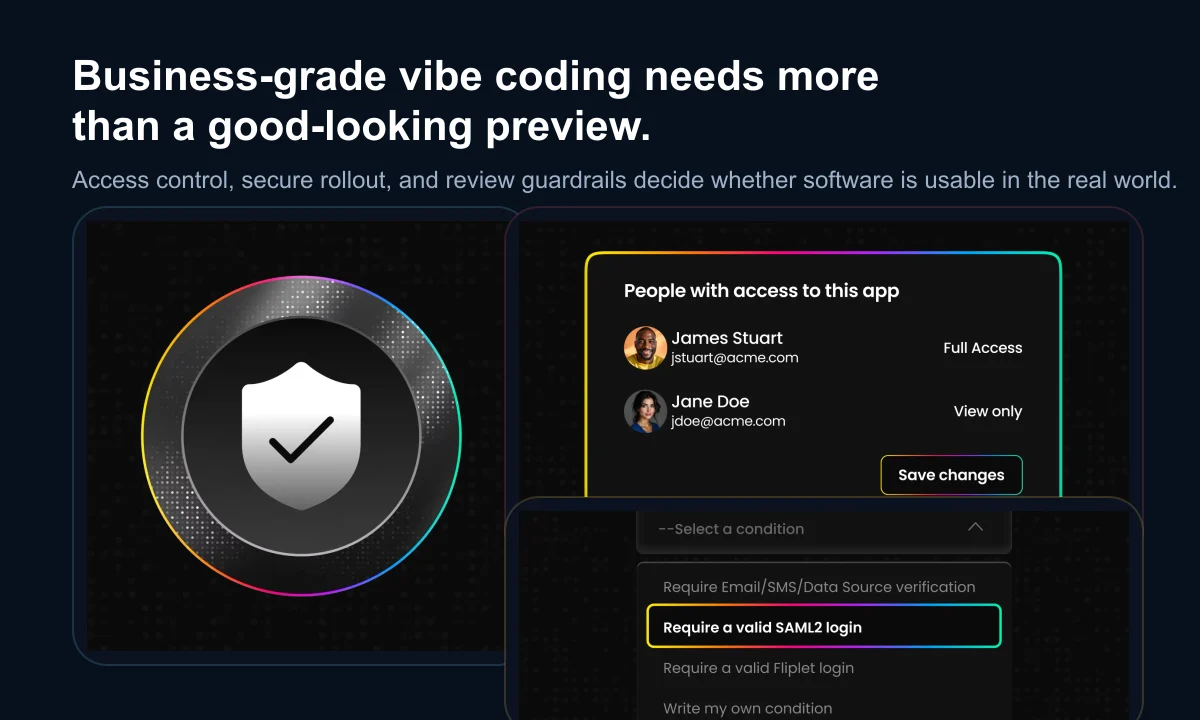
## AI software builder evaluation criteria
### Workflow fit
Give every shortlisted platform the same representative use case. Include real roles, an exception, and one meaningful change. This makes it easier to compare the quality of the generated foundation and the predictability of iteration.
Ask what the platform assumes when a prompt is incomplete and which requirements need configuration, custom work, or another service.
### Identity and permissions
Map the roles around the software, not only its end users. A project may include a business owner, maker, content editor, data owner, reviewer, publisher, administrator, support owner, and several user groups.
Ask the vendor to demonstrate those roles on the pilot. “Role-based access is available” is less useful than seeing who can change a workflow, connect a system, approve a release, or view sensitive information.
### Data handling
Follow information from prompt to production. Separate three questions:
1. How does the platform handle prompt and project data during creation?
2. How does the finished software store and process business data?
3. Which configuration and governance responsibilities remain with your organization?
Use realistic but non-sensitive information until retention, residency, access, backup, deletion, and third-party model use are understood.
### Security evidence
Security materials and certifications are useful starting points. Ask what they cover, when they were assessed, and how they apply to the software your team creates. Review identity, permissions, encryption, vulnerability management, logging, incident response, platform updates, and shared responsibilities.
The practical follow-up is simple: what happens when a security issue is found? Look for a defined route from reporting and triage through remediation and customer communication.
### Integrations
A connector list shows possible coverage, not whether an integration will operate reliably. Test authentication, field mapping, error behavior, logging, retries, and ownership using a system that matters to the proposed workflow.
### Publishing options
Check the actual release process for every required channel. Responsive web, public app stores, and private enterprise distribution have different approvals, update processes, and ownership requirements.
Publishing is not merely the last button in a demo. It is an operating process involving release review, user communication, support, and future updates.
### Accessibility
Generated interfaces still need accessibility review. Test keyboard use, focus order, screen-reader output, contrast, text scaling, reflow, form errors, and the mobile experience. Automated tools help, but they do not replace representative manual and user testing.
### Maintenance and support
Imagine that the original maker moves to another role. Can somebody else understand the software, change it safely, and publish an update? Review project structure, documentation, shared access, version history, handover, support coverage, escalation paths, and the ownership of any custom extensions.
### Cost and exit
Model the total operating cost at pilot and production scale. Include makers, users, projects, environments, integrations, mobile publishing, storage, support, and internal ownership—not only the entry subscription.
Also ask how business data can be exported, how long it is retained after termination, and which parts of the project can move elsewhere. Understanding the exit path is part of responsible adoption.
## How to score an AI builder pilot
Use a simple 0-to-2 score for each criterion. It keeps the conversation grounded without pretending that every requirement has equal weight.
| Score | Meaning |
| --- | --- |
| 0 | The answer is unknown, unavailable, or depends on an unowned workaround |
| 1 | The capability exists with conditions, extra work, plan limits, or unclear ownership |
| 2 | The capability is demonstrated, documented, and fits the intended operating model |
Score workflow fit, iteration, permissions, data handling, security, integrations, publishing, accessibility, maintenance, support, cost, and exit. Treat mandatory requirements as gates. A high total cannot compensate for an unacceptable gap in identity, data protection, accessibility, or another non-negotiable control.
The strongest pilot includes representative roles, non-sensitive test data, one integration, an exception or approval step, a controlled release, and one meaningful change after launch. A polished happy-path prototype is not enough evidence.
## Fliplet's approach to AI software delivery
Fliplet helps business and technical teams move from prompt to production in one delivery environment. Teams describe a workflow in plain language, generate a working foundation, refine screens and logic, connect data, manage access, and prepare the result for web or mobile publishing.
The platform is designed for business software where speed must coexist with governance and long-term ownership. That makes it a practical fit for internal tools, portals, operational workflows, training, events, and other software that needs stakeholder review and controlled rollout.
Fliplet will not be the right fit for every project. A code-first development environment may suit a team whose primary requirement is unrestricted control over source code, runtime, and infrastructure. A traditional no-code product may be enough for a small, self-contained workflow built entirely from available components.
Fliplet is strongest when business teams and IT need to create, review, integrate, publish, and improve governed software without assembling the entire delivery process from separate tools.
## From product demo to platform decision
An AI software builder should reduce the distance between a business problem and useful software. It should not create a new gap between a fast prototype and the people responsible for data, security, accessibility, publishing, and support.
Bring one real workflow to an evaluation. Include the likely users, an important integration, the main control requirements, and a change you expect after launch. Then ask the platform to demonstrate the whole lifecycle rather than stopping when the first screens appear.
If you want to see how Fliplet handles that process, **[Book a Demo](/book-a-demo/)** and bring your workflow, stakeholders, and evaluation questions.
## Review details
**Title:** AI app builder reviews
**Intro:** Open each review for a concise analysis of where the platform fits, its principal advantages, and the trade-offs to test during a pilot.
#### Fliplet
##### Analysis
Fliplet is an enterprise AI software builder for teams creating governed web and mobile business software. Business teams can describe and refine a workflow while IT, security, data, and operational owners review access, integrations, publishing, and ongoing ownership.
##### Advantages
- Supports prompt-led creation and guided refinement in one delivery model
- Designed for cross-functional work between business teams and IT
- Supports web, mobile, and controlled enterprise distribution
- Suits portals, internal tools, onboarding, events, field workflows, and other business software
##### Disadvantages
- A code-first environment may suit teams that require unrestricted control of source code, runtime, and infrastructure
- Governance and integration requirements still need to be defined and tested during a representative pilot
#### Lovable
##### Analysis
Lovable provides a conversational workflow for creating and publishing full-stack web products. It is particularly relevant to product teams and founders who want rapid iteration with a route into source-level workflows through GitHub.
##### Advantages
- Fast conversational creation of full-stack web products
- GitHub workflows provide a route to editable source code
- Publishing and workspace controls are available for organizational use
- Automated security checks can help identify common issues
##### Disadvantages
- Generated applications still require security review, testing, and operational ownership
- Teams must own architecture, database policies, deployment, and long-term engineering decisions
- Some workspace and publishing controls depend on the selected plan
#### Replit
##### Analysis
Replit is a code-centric cloud development environment where Agent can plan, write, explain, debug, and change software. It suits builders and development teams that want AI assistance while retaining direct access to code and deployment choices.
##### Advantages
- Combines AI-assisted development with editable source code
- Agent supports planning, implementation, explanation, and debugging
- Offers several cloud publishing models for different workloads
- Checkpoints help teams review and recover changes during iteration
##### Disadvantages
- The team remains responsible for code review, dependencies, vulnerabilities, deployment, and production support
- Flexible runtime choices require stronger engineering and operational decisions
- Enterprise controls and policies need to be matched to the intended deployment model
#### Base44
##### Analysis
Base44 combines conversational generation with a managed backend covering data, authentication, functions, integrations, and hosting. It suits teams that want a prompt-built full-stack web product without assembling every service separately.
##### Advantages
- Integrated data, authentication, functions, integrations, and hosting
- Reduces the number of separate services needed for an initial full-stack product
- Provides developer tools and GitHub-based workflows
- Supports custom integrations through its managed backend
##### Disadvantages
- Teams need to assess platform-specific backend assumptions and portability
- Code access, export, and other capabilities may depend on the selected plan
- Identity, credentials, service roles, and integration ownership require careful review
#### Microsoft Copilot
##### Analysis
Microsoft Copilot is an AI product family rather than one standalone app builder. Software-building capabilities are delivered through connected products such as Power Apps, while Copilot Studio focuses on creating and managing agents inside the Microsoft ecosystem.
##### Advantages
- Strong fit for organizations already using Microsoft 365 and Power Platform
- Connects with Dataverse, Entra ID, Microsoft connectors, policies, and administration
- Supports AI-assisted business software, workflows, and agents
- Existing Microsoft governance can provide a familiar enterprise operating model
##### Disadvantages
- Copilot is the AI layer, so teams must identify which Microsoft product will actually build and run the solution
- Product boundaries, licensing, environments, and permissions can add complexity
- The strongest fit depends heavily on an organization's existing Microsoft architecture
## FAQs
### What is the best AI app builder for business?
The best choice depends on the operating model. Fliplet is designed for governed web and mobile business software, Lovable and Replit suit code-backed web development workflows, Base44 combines generation with a managed backend, and Microsoft Copilot fits organizations building within the Microsoft and Power Platform ecosystem.
### What can teams build with Fliplet AI?
Teams use Fliplet AI to build internal tools, client portals, onboarding and training apps, event software, reporting workflows, and other secure web and mobile business applications.
### How does Fliplet AI work?
You describe the software you need in plain language, Fliplet generates a working foundation, and your team refines the result through guided editing, data configuration, and release review.
### Can Fliplet publish software to the web and app stores?
Yes. Fliplet supports publishing to the web, the Apple App Store, Google Play, and controlled enterprise distribution channels.
### Is Fliplet AI safe for business data?
Fliplet is built for governed delivery, with access controls, security measures, and publishing controls designed for real business workflows rather than disposable demos.
### How is an AI software builder different from a no-code builder?
A no-code builder normally starts with a visual canvas, components, and configuration. An AI software builder starts with a plain-language description and generates a working foundation that the team can refine. Enterprise teams should evaluate both creation speed and the controls needed for production.
### Who should be involved in choosing an AI software builder?
Business teams should define and test the workflow, while IT, security, data, accessibility, procurement, and operational owners review the controls that affect their responsibilities before production use.
### What should an AI software builder pilot include?
Use a representative workflow with realistic roles and non-sensitive test data, at least one important integration, an exception or approval path, accessibility checks, a controlled release, and a meaningful change after launch.
## Related links
- [What Is Vibe Coding? Meaning, How It Works, and How to Do It for Business](https://fliplet.com/blog/vibe-coding/): Learn what vibe coding means and what businesses should look for before they move from prompt to production.
- [AI in App Development in 2026: What's Changing and What to Do Next](https://fliplet.com/blog/how-ai-will-disrupt-app-development/): See how AI is changing software delivery, where the risks are, and how enterprise teams roll it out safely.
- [20 Best No-Code App Builders, Tools & Platforms in 2026](https://fliplet.com/blog/no-code-app-builder/): Compare no-code app builders and platform tradeoffs across speed, flexibility, security, and rollout needs.
---
# End User License Agreement (EULA)
> End User License Agreement for Fliplet Studio, Fliplet Viewer, and related Fliplet products.
Source: https://fliplet.com/eula/
Content type: Pages
Published: 2022-06-24T12:45:18
Updated: 2025-09-05T10:31:28
In the event that your organization has entered into a corporate terms of service with Fliplet, these terms shall have no effect. It is recommended that you review and make yourself aware of the obligations under the corporate terms of service. If your organization has not entered into a corporate terms of service with Fliplet then this agreement applies to you.
The terms and conditions contained in this agreement (the **"Agreement"**) forms the legal agreement between you, an individual (**"You"** or **"Your"**), and Weboo Online Limited, a limited company incorporated in England and Wales with registered number 06974225 or any other member of its group of companies (trading, and collectively known, as **"Fliplet"** or **"We"** or **"Our"**) in respect of use of any of Our Fliplet Studio, Fliplet Viewer Application, and any other products we may provide to you (the **"Product"**).
This Agreement shall govern Your use of the Products, including any updates and accompanying written documentation. For the avoidance of doubt, You will either be an existing User signing up to any of our Products ("**Registered User**") or a User being invited to an existing Account by the User who set up the Account ("**Invited User**"), or any User using our Service.
Any terms capitalized but not otherwise defined shall have their meaning set out in our Terms of Service. If any of the terms of this Agreement are in conflict with the Terms of Service, the Terms of Service shall prevail.
BY USING ANY PRODUCT, YOU AGREE TO BE BOUND BY THIS AGREEMENT. IF YOU DO NOT AGREE TO THIS AGREEMENT, YOU ARE NOT AUTHORISED TO USE ANY PRODUCT AND MUST CEASE USE OF ANY PRODUCT IMMEDIATELY.
## 1. Products
We provide the following products that make up our Product:
- (a) **Fliplet Studio** - Fliplet Studio is a web-based application editing and management system.
- (b) **Fliplet Viewer** - Fliplet Viewer is the application for devices provided by Fliplet.
## 2. Your Data and Privacy
2.1 - If You use any of the Products, You may provide personal data to Fliplet and You agree that Fliplet may duplicate and store Your personal data and any other related information in accordance with Our privacy policy and related policies, and this Agreement.
2.2 - All information You provide to Fliplet will remain Your property.
2.3 - You may use the Products in conjunction with goods or services provided by one of our value added resellers (each a "**Reseller**"), or through one of our corporate clients ("**Corporate Users**"). A Reseller and/or Corporate User may require You to provide additional personal data as You interact with their goods and services. The Reseller's use, and the Corporate User's use, of such personal data will be governed by their privacy policy and terms of service. You should ensure that You familiarise Yourself with such documentation.
## 3. Accounts, Passwords and Security
3.1 - You must be a registered user to access the Product. You are responsible for keeping Your password private and secure and are prohibited from sharing Your login and password with others.
## 4. Acceptable Use and Conduct
4.1 - You represent and warrant that You are:
- (a) of legal age or older in Your jurisdiction and competent to agree to this Agreement;
- (b) You are not and will not when using any Product be located in, or under the control of, a national or resident of a country subject to sanctions or otherwise embargoed by the United Kingdom, European Union or United States and are not a prohibited end user under applicable export control laws (please see further provisions in this regard in paragraph 12.1);
- (c) You have all requisite rights and authority to use the Products in accordance with this Agreement and to grant all applicable rights herein;
- (d) You are solely responsible for maintaining the confidentiality of Your account login and password;
- (e) You agree that Fliplet will not be liable for any losses incurred as a result of a third party's use of Your Product, regardless of whether such use is with or without Your knowledge and consent;
- (f) You will use the Products for lawful purposes only and subject to this Agreement;
- (g) any information You submit using the Products is true, accurate, and correct; and
- (h) You will not attempt to gain unauthorised access to any system operated by Fliplet, other account, or network under the control or responsibility of Fliplet through hacking, cracking, password mining, or any other unauthorised means.
4.2 - You acknowledge that You are not permitted to use any Product if You cannot make these representations and warranties.
4.3 - If Fliplet (or any of Our Resellers or Corporate Users) has previously prohibited You from using any Product, You are not permitted to use any Product without the prior written consent of Fliplet.
4.4 - You are solely responsible for Your conduct and use of the Products. You are solely responsible for determining the suitability of the Products for Your needs and complying with any regulations, laws or conventions applicable to any data that You provide when using the Products, and Your use of the Products.
4.5 - By using any Product, You specifically agree not to engage in any activity or transmit any information that:
(a) is illegal, or violates any law in the jurisdiction in which You are based, or from which You are using any Product, or any of England and Wales;
(b) involves illegal activity any attempt to commit illegal activity;
(c) violates any third-party right, including, but not limited to, right of privacy, right of publicity, copyright, trademark, patent, trade secret, or any other intellectual property or proprietary rights;
(d) interferes with any other person's use and enjoyment of any of the Products;
(e) attempts to impersonate another person or entity;
(f) is commercial in a way that violates this Agreement;
(g) accesses or uses, or seeks to access or use, the authentication key of another user without permission;
(h) distributes computer viruses or other code, files, or programs that interrupt, destroy, or limit the functionality of any computer software or hardware or electronic communications equipment;
(i) interferes with, disrupts, disables, overburdens, or destroys the functionality or use of any Product, or the servers or networks operated by Fliplet;
(j) "hacks" or accesses without permission Our proprietary or confidential records, those of another user, or those of anyone else;
(k) decompiles, reverse engineers, disassembles, or otherwise attempts to derive source code in respect of any Product, except as expressly permitted in this Agreement or by law, unless and then only to the extent permitted by applicable law without consent;
(l) removes, circumvents, disables, damages, or otherwise interferes with security-related features of any Product; or
(m) attempts to do any of the foregoing.
4.6 - Any unauthorised use of any Fliplet software system or any Product will be considered a violation of this Agreement and may also violate certain national or EU laws. Such violations may subject You and Your agents to civil and criminal penalties. Fliplet may immediately remove any content or data, and/or suspend or cancel any account or application and/or prevent access to any Product if it becomes aware of any misuse or illegal actions associated with any user, without prior notice to You.
## 5. Changes to Products and Terms
5.1 - Fliplet reserves the right to change any Product, to introduce new products and services and to withdraw any Product with 90 days' notice and without liability to You. Fliplet also reserves the right to amend this Agreement and any associated policies from time to time. If this Agreement is modified, You shall be notified and asked to accept the new terms of this Agreement prior to the continued use of any Product by You. You shall not be permitted to use the Product if you do not accept the amended terms of this Agreement. This Agreement, as amended, will be effective upon the acceptance of the amended Agreement by You.
5.2 - You are advised to review the most current version of this Agreement from time to time, located at [https://fliplet.com/eula/](https://fliplet.com/eula/).
## 6. License
6.1 - Upon Your acceptance of this Agreement and for the duration of any license period, Fliplet grants You a worldwide, royalty-free, non-exclusive and limited licence to access and use the Product in order for You to make use of the Product as contemplated by this Agreement.
## 7. Intellectual Property
7.1 - Fliplet and/or its licensor(s) are the sole owners of the Product, which includes any software, domains, and content (excluding any content uploaded by any user) (including without limitation the structural architecture, coding and functional amendments used by any user in creating an application) made available through the Product.
7.2 - The Product is protected by UK and International copyright and other intellectual property laws. Without limitation, this means that You may not sell, export, license, modify, copy, distribute or transmit the Product (or any part of it) or any material (other than content owned by the user) provided through the Product without Fliplet's prior express written consent.
7.3 - Fliplet utilises third party licensed software and complies with the license agreements of this software. This includes providing a list of licensed third party software within the applications produced by the Product when attribution is required. This requirement is met via the ["About this app" feature](https://help.fliplet.com/about-this-app/) linking to a web page on fliplet.com outlining the end user terms of use and listing any software that requires attribution. Fliplet does not utilise copy-left licensed software in applications used by users that mandate the Application and must make its source code publicly available or inhibit the user ability to sell their application.
7.4 - Fliplet and its graphics, logos, icons and service names related to the Product are registered and unregistered trademarks or trade dress of Fliplet. They may not be used without Fliplet's prior express written permission.
7.5 - All other trademarks not owned by Fliplet that appear in connection with the Product (including without limitation on any application) are the property of their respective owners, who may or may not be affiliated with, connected to or sponsored by Fliplet.
## 8. Termination
8.1 - This Agreement is effective upon any use of any Product and remains in effect until Your account with the Fliplet Studio is terminated. Terms that by their nature extend beyond termination shall survive termination of this Agreement. Failure to comply with any terms herein may result in automatic termination or your license to use the Products. Fliplet may terminate Your account with the Product and/or rescind Your licence to use any Product based on our Terms of Service.
8.2 - You may terminate this Agreement at any time by deleting Your account with the Fliplet Studio and removing the Fliplet Studio, Fliplet Viewer and applications produced with Fliplet from Your device.
## 9. Disclaimer of Warranties
9.1 - THE PRODUCTS AND ANY THIRD PARTY SOFTWARE AND SERVICES ARE PROVIDED "AS IS," WITH NO WARRANTIES WHATSOEVER. FLIPLET AND SUCH THIRD PARTIES EXPRESSLY DISCLAIM TO THE FULLEST EXTENT PERMITTED BY LAW ALL EXPRESS, IMPLIED, AND STATUTORY WARRANTIES, INCLUDING, WITHOUT LIMITATION, THE WARRANTIES OF MERCHANTABILITY, FITNESS FOR A PARTICULAR PURPOSE, TITLE, AND NON-INFRINGEMENT OF PROPRIETARY RIGHTS AND ANY WARRANTIES REGARDING THE SECURITY, RELIABILITY, TIMELINESS, AND PERFORMANCE OF THE PRODUCTS AND RELATED SOFTWARE AND ANY THIRD PARTY SOFTWARE OR SERVICES.
9.2 - YOU UNDERSTAND AND AGREE THAT YOU USE THE PRODUCTS, AND ALL THIRD PARTY SOFTWARE OR SERVICES MADE AVAILABLE IN CONJUNCTION WITH THE PRODUCTS, AT YOUR OWN DISCRETION AND RISK AND THAT YOU WILL BE SOLELY RESPONSIBLE FOR ANY DAMAGES TO YOUR COMPUTER SYSTEM OR LOSS OF DATA THAT RESULTS FROM THE USE OF THE PRODUCTS AND SUCH THIRD PARTY SOFTWARE AND SERVICES.
9.3 - SOME JURISDICTIONS DO NOT ALLOW THE EXCLUSION OF IMPLIED WARRANTIES, AND WHERE THAT IS IN EFFECT, THE ABOVE EXCLUSIONS MAY NOT APPLY TO YOU.
## 10. Limitation of Liability
10.1 - UNDER NO CIRCUMSTANCES SHALL FLIPLET, OR ITS SUPPLIERS, RESELLERS, PARTNERS OR THEIR RESPECTIVE AFFILIATES BE LIABLE FOR ANY INDIRECT, INCIDENTAL, CONSEQUENTIAL, SPECIAL, EXEMPLARY, OR PUNITIVE DAMAGES ARISING FROM OR RELATED TO THE PRODUCTS, WHETHER SUCH CLAIM IS BASED ON WARRANTY, CONTRACT, TORT (INCLUDING NEGLIGENCE), OR OTHERWISE, (EVEN IF COPY HAS BEEN ADVISED OF THE POSSIBILITY OF SUCH DAMAGES).
10.2 - WITHOUT LIMITING THE FOREGOING, THE TOTAL AGGREGATE LIABILITY OF FLIPLET, AND ITS SUPPLIERS, RESELLERS, PARTNERS AND THEIR RESPECTIVE AFFILIATES ARISING FROM OR RELATED TO THIS AGREEMENT SHALL NOT EXCEED (i) GBP 25.00 IF NO AMOUNTS HAVE BEEN PAID BY YOU TO FLIPLET OR (ii) THE AMOUNT PAID BY YOU TO FLIPLET IN THE THREE MONTH PERIOD IMMEDIATELY PRIOR TO THE CLAIM.
10.3 - THE FOREGOING LIMITATIONS OF LIABILITY SHALL APPLY WHETHER THE DAMAGES ARISE FROM USE OR MISUSE OF AND RELIANCE ON THE PRODUCTS, FROM INABILITY TO USE THE PRODUCTS, OR FROM THE INTERRUPTION, SUSPENSION, OR TERMINATION OF THE PRODUCTS (INCLUDING SUCH DAMAGES INCURRED BY THIRD PARTIES). SUCH LIMITATION SHALL APPLY NOTWITHSTANDING A FAILURE OF ESSENTIAL PURPOSE OF ANY LIMITED REMEDY AND TO THE FULLEST EXTENT PERMITTED BY LAW.
10.4 - SOME JURISDICTIONS DO NOT ALLOW THE EXCLUSION OR LIMITATION OF LIABILITY FOR DEATH OR BODILY INJURY OR THE LIMITATIONS ABOVE AND IN THOSE JURISDICTIONS THE ABOVE LIMITATIONS AND EXCLUSIONS SHALL APPLY TO YOU TO THE MAXIMUM EXTENT PERMITTED BY LAW.
## 11. Indemnification Obligation
11.1 - You will defend, indemnify, and hold Fliplet, Our affiliates, officers, directors, employees, suppliers, consultants, and agents harmless from any and all third-party claims, liability, damages, and costs (including, but not limited to, attorneys' fees) arising from or related to, as applicable:
- (a) Your access to and use of any Product;
- (b) violation of this Agreement by You or any person authorised by You; and
- (c) infringement of any intellectual property rights or other right of any person or entity by You.
11.2 - Fliplet retains the exclusive right to settle, compromise, and pay, without Your prior consent, any and all claims or causes of action that are brought against us. We reserve the right, at Your expense, to assume the exclusive defence and control of any matter for which You are required to indemnify us and You agree to cooperate with Our defence of these claims. You agree not to settle any matter in which We are named as a defendant and/or for which You have indemnity obligations without Our prior written consent. We will use reasonable efforts to notify You of any such claim, action, or proceeding upon becoming aware of it.
## 12. General
12.1 - **Entire Agreement**. This Agreement (including any associated policies) constitute the entire agreement between You and Fliplet respecting the subject matter herein and supersede and replaces all prior or contemporaneous understandings or agreements, written or oral, regarding the Products. Fliplet's failure to enforce a provision is not a waiver of its right to do so later. Any waiver of any provision of this Agreement will be effective only if in writing and signed by Fliplet.
12.2 - **Waiver**. No rights may be transferred or assigned under this Agreement by You but You acknowledge and agree that Fliplet may freely assign its rights and obligations under this Agreement. Any attempted assignment or transfer in violation of the foregoing will be null and void.
12.3 - **Notices**. Except as otherwise permitted by this Agreement, any notice required or permitted to be given in connection with the Products or this Agreement will be effective only if it is in writing and sent by email to any email address registered with Fliplet by You or, in respect of Fliplet to support@fliplet.com.
12.4 - **Force Majeure**. Neither You nor Fliplet will be liable for failure to perform any obligation under this Agreement to the extent such failure is caused by a force majeure event (including acts of God, natural disasters, war, civil disturbance, action by governmental entity, strike, pandemic, notifiable disease, government mandated lockdown, and other causes beyond the party's reasonable control). The party affected by the force majeure event will provide notice to the other party within a commercially reasonable time and will use commercially reasonable efforts to resume performance as soon as practicable. Obligations not performed due to a force majeure event will be performed as soon as reasonably possible when the force majeure event concludes.
12.5 - **Severability**. If any part of this Agreement is found to be illegal, unenforceable, or invalid, the remaining portions of this Agreement will remain in full force and effect. If any material limitation or restriction on the grant of any license to You under this Agreement is found to be illegal, unenforceable, or invalid, the license will immediately terminate.
12.6 - **Governing Law and Jurisdiction**. This Agreement and any non-contractual obligations arising out of or in connection with it shall be governed by and construed in accordance with English law. The Parties irrevocably agree that any dispute, claim or matter arising out of or in connection with this Agreement, its formation or the legal relationships established by this Agreement including any non-contractual obligations arising out of or in connection with this Agreement shall be subject to the exclusive jurisdiction of the English courts to which the parties hereby submit and each of the parties hereby waives any objection to proceedings in such courts on the grounds of venue or on the grounds that the proceedings have been brought in an inappropriate forum.
---
# Fliplet Terms of Service
> Review the terms that govern your use of Fliplet Studio, Fliplet Viewer, and related Fliplet services.
Source: https://fliplet.com/terms/
Content type: Pages
Updated: 2026-03-25T00:00:00
This is our Terms of Service document. You may also want to check the following related documents
[Service Level Agreement](/files/legal/fliplet-standard-sla-2020.pdf)
[Privacy Policy](https://fliplet.com/privacy-policy/)
[End User Legal Acceptance (EULA)](/eula/)
> PLEASE READ THIS DOCUMENT CAREFULLY. IT CONTAINS IMPORTANT INFORMATION ABOUT YOUR RIGHTS AND OBLIGATIONS. IT ALSO CONTAINS A DISCLAIMER OF WARRANTY AND A LIMITATION OF LIABILITY CLAUSE.
## 1. About these Terms of Service
1.1 – Fliplet is a trading name of Weboo Online Limited, a limited company incorporated in England with registered number 06974225 and registered address at 14a Sydenham Road, Croydon, England, CR0 2EE and trading address at WeWork, 145 City Road, London, England, EC1V 1AZ.
1.2 In these Terms of Service:
**Account** means the account of a User with Fliplet Studio which is created when a User signs up to use Fliplet Studio and the Services by completing the registration form available via Fliplet Studio;
**API** means any application programming interface published by Fliplet from time to time;
**App Store** means a marketplace for applications on any platform available from time to time including without limitation the iOS and Android platforms for public or private distribution;
**Application** means an application for a Device created by a User using Fliplet Studio which can be viewed on a Device and can be suitable for web, iOS and Android platforms;
**Content** means material and information used to populate pages of an Application including without limitation text, image, video and audio material;
**Your** and **You** means the entity entering into these Terms of Service;
**Data** means proprietary or personal data regarding or relating to You, or any other person;
We engage certain third-party service providers to process Data on our behalf. A current list of sub-processors is available at: [https://fliplet.com/subprocessors/](https://fliplet.com/subprocessors/)
**Device** means a computer, smartphone or tablet device capable of supporting the Application;
**Fliplet, we and us** are references to Weboo Online Limited;
**Fliplet Studio** means the web-based application editing and management system through which a User can build, amend and submit for Publication;
**Fliplet Viewer** means the application for Devices provided by Fliplet;
**Guidelines** has the meaning given in Clause 5.2;
**Party** or **Parties** means Fliplet and You together;
**Production Application** means a version of the Application created by Fliplet for distribution to people via an App Store as a standalone application or as a web application;
**Publish, Published, Publication** relates to an Application being approved by Fliplet and made available as a Production Application;
**Services** means all those services provided by Fliplet from time to time which may include but are not limited to Fliplet Studio, support, training, guidance recommendations, and a range of paid professional services including app design, development, testing, etc;
**Terms of Service** or **Terms** means these terms of service; and
**User** means a user of the Services.
1.3 – These Terms of Service set out the terms on which we offer and provide the Services and on which You agree to use the Services.
1.4 – Please review these Terms of Service carefully and make sure that You understand them before using the Services. If You do not agree to these Terms of Service, You must cease use of the Services immediately.
1.5 – Use of the term “written” in these Terms includes by email, via any form or messaging functionality made available by Fliplet in Fliplet Studio.
## 2. Acceptance and Variation of the Terms of Service
2.1 – By using the Services, You accept and agree to be bound by these Terms of Service.
2.2 – No variation of these Terms of Service will be effective unless made in writing and agreed between the Parties.
## 3. What is Fliplet Studio?
3.1 – Fliplet Studio is an online tool for producing and managing Applications. Fliplet provides the APIs, Fliplet Studio and Fliplet Viewer to enable the User to communicate with Fliplet’s servers.
3.2 – When a User is satisfied with the Application, the User can publish the Application using Fliplet Studio.
## 4. What is the Fliplet Viewer?
4.1 – Fliplet Viewer is an application for Devices available on the App Store. It enables a User who has downloaded the Fliplet Viewer to test any Application produced with Fliplet Studio.
## 5. Publication
5.1 – Fliplet does not review or test Applications prior to Publication unless it has specifically agreed to as part of the Services or is otherwise requested to in writing by You, or in its sole and absolute discretion if it considers that the Application breaches any of these Terms or action is required to protect the interests of Fliplet.
5.2 – Fliplet may refuse to Publish any Application where such Application and/or the Content of such Application does not comply with the Content guidelines contained in Clause 8 of these Terms of Service (the “Guidelines”).
5.3 – In the event that Fliplet refuses to publish an Application in accordance with Clause 5.2 above, Fliplet will, in writing, specify which Guideline(s) have not been complied with. Where the Application does not comply with the Guidelines, You shall be entitled to resubmit a modified Application that is compliant with the Guidelines within a timeframe agreed by Fliplet.
5.4 – In the event that Fliplet refuses to publish an Application, You shall not be entitled to any compensation and shall have no recourse against Fliplet for any costs, expenses or other losses suffered by it in building the Application or arising from Fliplet’s refusal to Publish the Application.
5.5 – In submitting an Application for Publication, You represent and warrant to Fliplet that the Application complies in all respects with the Guidelines.
5.6 – The User is solely responsible for any Content on or viewable via the Application. The User acknowledges and agrees that Fliplet does not check or review the accuracy of any Content and Fliplet will not be liable for any errors, omissions or inaccuracies in any Content contained in any Application.
5.7 – Subject to Clause 5.1 above, Fliplet will not in any way modify the Content unless requested to do so by You.
5.8 – You will need to create a paid Account with Fliplet prior to submitting Your Application to an App Store.
## 6. Your conduct
6.1 – By using the Service, You agree to use all reasonable endeavours not to upload, post, e-mail or otherwise send or transmit any material that contains viruses, Trojan horses, worms or any other computer code, files or programs designed to interrupt, destroy or limit the functionality of any computer software or hardware or telecommunications equipment associated with the Services.
6.2 – You agree and undertake to procure that You will keep Your username and password confidential, will utilise a secure password, will keep Your Account secure by utilising the security features provided by Fliplet, will not disclose Your password to any other person and will not permit any other person to log in to the Service using Your username and password.
6.3 – You agree not to interfere with the servers or networks connected to the Service.
6.4 – You also agree not to:
6.4.1 – attempt to reverse engineer or sell, export, license, modify, copy, distribute or transmit the Service to any third party, or jeopardize the correct functioning of the Service, or otherwise attempt to derive the source code of the software (including the tools, methods, processes and infrastructure) that enables or underlies the Service;
6.4.2 – attempt to gain access to secured portions of the Service to which You do not possess access rights;
6.4.3 – conduct Yourself in a vulgar, offensive, harassing or objectionable manner while using the Service;
6.4.4 – resell or export the software associated with the Service;
6.4.5 – use the Service to generate unsolicited advertisements or spam;
6.4.6 – use any automatic or manual process to search or harvest information from the Service, or to interfere in any way with the proper functioning of the Service;
6.4.7 – engage in any activity or transmit any information that is illegal, or violates any law in the jurisdiction in which You are based, or from which You are using any Service, or any of England and Wales;
6.4.8 – engage in any activity or transmit any information that involves illegal activity or any attempt to commit illegal activity;
6.4.9 – violate any third-party right, including, but not limited to, right of privacy, right of publicity, copyright, trademark, patent, trade secret, or any other intellectual property or proprietary rights;
6.4.10 – interfere with any other person’s use and enjoyment of any of the Service;
6.4.11 – attempt to impersonate another person or entity while using the Service;
6.4.12 – engage in any activity or transmit any information that is commercial in a way that violates these Terms or the Service;
6.4.13 – access or use, or seek to access or use, the authentication key of another user without permission;
6.4.14 – distribute computer viruses or other code, files, or programs that interrupt, destroy, or limit the functionality of any computer software or hardware or electronic communications equipment;
6.4.15 – interfere with, disrupt, disable, overburden, or destroy the functionality or use of any Service, or the servers or networks operated by Fliplet;
6.4.16 – “hack” or access without permission Our proprietary or confidential records, those of another user, or those of anyone else;
6.4.17 – remove, circumvent, disable, damage, or otherwise interfere with security-related features of any Service; or
6.4.18 – attempt to do any of the foregoing.
## 7. Our rights
7.1 – Fliplet may exercise the following rights with immediate effect by giving written notice to You notifying You of a breach to these Terms of Service and/or the Guidelines, such breach not having been remedied to the reasonable satisfaction of Fliplet:
7.1.1 – the right to refuse or withdraw Your access to the Service if You breach any of these Terms of Service;
7.1.2 – the right to suspend, amend or disable Your Account if You breach the Guidelines or violate or breach any of these Terms of Service;
7.1.3 – the right to remove or amend any Application or Content if You breach the Guidelines or violate or breach any of these Terms of Service;
7.1.4 – the right to report You to the police or other judicial body if Fliplet believes in its sole and absolute discretion that Your conduct (whether in using Fliplet Studio, the Fliplet Viewer, our Services or otherwise) is unlawful.
## 8. Content
8.1 – You hereby represent and warrant that in respect of any Content uploaded to the Service by You and/or contained in any Application:
8.1.1 – You have the right to publish such Content;
8.1.2 – the publication of such Content on any Application is not likely to bring the reputation of Fliplet into disrepute;
8.1.3 – such Content:
(a) is not illegal in the UK or in any jurisdiction in which such Content might reasonably be expected to be viewed and does not promote any illegal activity;
(b) does not promote terrorism or assist any person in committing or procuring the commitment of any act of terrorism;
(c) does not encourage or promote any political cause or affiliation;
(d) is not of a pornographic, sexually explicit, violent, offensive or obscene nature;
(e) does not promote racism, bigotry, hatred or physical harm of any kind against any person or group of persons;
(f) does not contain libellous or otherwise untrue statements about any person (whether living or dead) and does not harass or advocate the harassment of any person;
(g) does not depict any person less than 18 years of age (whether or not decent or indecent);
(h) is not likely to cause offence to any viewer of such Content;
(i) does not promote or relate to any pyramid scheme, contest, lottery, sweepstake, or barter activity; and
(j) is not likely to lead a viewer to assume that You are related to, authorized by or otherwise represent Fliplet.
8.2 – Fliplet shall notify You if Your content does not comply with the Guidelines in line with Clause 8. For the avoidance of doubt, Fliplet does not offer a facility for You to transfer or copy any Content or Applications from Your Account to a third party service provider.
8.3 – Further, You acknowledge and agree that Fliplet may be required to provide information about the origin of any unlawful Content published and/or the occurrence of any unlawful activity occurring on the Service to any police or judicial authority in any country in which such Content has been viewed and is illegal and You hereby irrevocably authorize Fliplet to provide such information to such persons (on request or in our discretion) without consulting or informing You.
8.4 – If You view any Content on the Service that You believe breaches any of the Guidelines, You undertake and agree to report such Content to Fliplet as soon as is reasonably possible.
## 9. Intellectual Property
9.1 – Fliplet grants You, a worldwide, royalty-free, non-exclusive, terminable and limited licence to access and use Fliplet Studio and Fliplet Viewer in order for You to make use of the Application as contemplated by these Terms of Service.
9.2 – Fliplet and/or its licensor(s) are the sole owners of the Service, which includes any software, domains, and content (excluding the Content) (including without limitation the structural architecture, coding and functional amendments used by any User in creating an Application) made available through the Service.
9.3 – The Service is protected by UK and International copyright and other intellectual property laws. Without limitation, this means that You may not sell, export, license, modify, copy, distribute or transmit the Service (or any part of them) or any material provided through the Service without Fliplet’s prior express written consent.
9.4 – Fliplet reserves the right to terminate the limited license following an unauthorized use if You fail to end the unauthorized use within 15 days of a written request from Fliplet.
9.5 – Fliplet utilises third party licensed software and complies with the license agreements of this software. This includes providing a list of licensed third party software within the Applications produced by the Service when attribution is required. This requirement is met via the [‘About this app’ feature](https://help.fliplet.com/about-this-app/) linking to a web page on fliplet.com outlining the end user terms of use and listing any software that requires attribution. Fliplet does not utilise copy-left licensed software in Applications used by You that mandate the Application and must make its source code publicly available or inhibit Your ability to sell Your Application.
9.6 – Fliplet and its graphics, logos, icons and service names related to the Service are registered and unregistered trademarks or trade dress of Fliplet. They may not be used without Fliplet’s prior express written permission.
9.7 – All other trademarks not owned by Fliplet that appear in connection with the Service (including without limitation on any Application) are the property of their respective owners, who may or may not be affiliated with, connected to or sponsored by Fliplet.
## 10. Data Protection
10.1 – Each of Fliplet and You undertake at all times to comply with the Data Protection Legislation.
10.2 – You provide us with information when You register an Account via Fliplet Studio. We also collect information both relating to You (for example on Your usage history) and to users of the Service and the Services in general. Any information that You submit or that we collect when You are using the Services subject to the Fliplet privacy policy, the terms of which are hereby incorporated into these Terms of Service.
10.3 – Users may elect to have all data (including without limitation personal data) stored in a data centre either within the European Union or the United States of America.
## 11. Use of Information Submitted
11.1 – You and Fliplet may agree to sharing information to improve the Service or help promote the Service. Subject to Your written approval, You agree that Fliplet is free to use comments, information or ideas You have approved without compensation, acknowledgement or payment to You for any purpose whatsoever, including, but not limited to, developing, manufacturing and marketing products and services and creating, modifying or improving the Services or the Service or other products or services.
For the avoidance of doubt, all such information will be deemed by Fliplet to be non-confidential and non-proprietary, and You agree that such information may be used by us without any limitation whatsoever.
## 12. Limitation of Liability
12.1 – Nothing in these Terms of Service shall limit or exclude either Party’s liability for fraud, death or personal injury.
12.2 – Subject to Clauses 12.2 and 12.7, Fliplet’s liability (whether for breach of contract, negligence, misrepresentation, other tort or otherwise) in respect of matters dealt with by or arising out of or in connection with these Terms of Service shall be limited to £100.
12.3 – Fliplet provides the Service “as is” and without any warranty or condition, whether express, implied or statutory. Fliplet specifically disclaims any implied warranties of merchantability and fitness for a particular purpose.
12.4 – Fliplet assumes no liability or responsibility for any errors or omissions in the Service or its provision of the Services or in any Application; any failures, delays or interruptions in the Service, including any losses or damages arising from the use of the Services or any Application; or any conduct by users of the Services shall result in Fliplet reserving its right to deliver the Services and Fliplet Studio, the Fliplet Viewer in its sole and absolute discretion.
12.5 – In no event shall Fliplet, its shareholders, directors, officers, employees or agents be liable (jointly or severally) to You for loss of use or any special, incidental, indirect or consequential damages arising out of or in connection with the Services and/or the Service and/or Your usage of any Application or these Terms of Service, on any theory of liability, including but not limited to You being advised or omitting to be advised of the possibility of any damage.
12.6 – If any applicable authority holds any portion of this section to be unenforceable, then liability will be limited to the fullest possible extent permitted by applicable law.
12.7 – From time to time, You may use or access services, promotions and websites of third parties (including without limitation the App Store). In using or accessing third party services, promotions and websites, You agree to be bound by the terms of service of such third parties governing their services, promotions and websites and hereby acknowledge that we shall not be responsible for the provision of services, accuracy of promotions or content of websites belonging or operated by third parties.
12.8 – Fliplet specifically excludes liability for any loss, harm, distress or damage suffered by You or any third party as a result of inaccurate information published by any third party or You appearing on the Service.
## 13. Indemnity
13.1 – You agree to indemnify and hold Fliplet and its related companies, and each of their respective shareholders, directors, officers, employees, agents and merchant partners harmless from and against any third party claim or cause of action, including reasonable attorneys’ fees and court costs, arising, directly or indirectly, out of Your use of the Services and/or the Publication of any Application relating to Your Account, and/or the creation, in each case in breach of these Terms or Your violation of any law or the rights of any third party.
## 14. Governing Law and Jurisdiction
14.1 – You agree that these Terms of Service and any claim, dispute or controversy arising out of in connection with these Terms of Service or their subject matter or formation (including non-contractual disputes or claims), the Services, Fliplet’s advertising or any related transaction between You and Fliplet shall be governed by and construed in accordance with the law of England and Wales.
14.2 – Any dispute or claim arising out of or in connection with such matters (including non-contractual disputes or claims) will be subject to the exclusive jurisdiction of the courts of England and Wales.
## 15. Termination
15.1 – Without affecting any other right or remedy that Fliplet may have (whether under these Terms of Service or otherwise), Fliplet shall be entitled (in its sole discretion) to terminate these Terms of Service immediately by giving You notice in writing.
15.2 – In the event of any termination, You will immediately cease use of the Services. In the event of termination, You shall have no right to receive a copy of any Application (or any part thereof).
## 16. General
16.1 – These Terms of Service are agreed between You and us. No person shall have any rights under or connection with these Terms of Service under the Contracts (Rights of Third Parties) Act 1999.
16.2 – If any court or competent authority decides that any term of these Terms of Service is held to be invalid, unlawful or unenforceable to any extent, such term shall, to that extent only, be severed from the remaining terms, which shall continue to be valid to the fullest extent permitted by law.
16.3 – Headings are for reference purposes only and in no way define, limit, construe or describe the extent or scope of such section.
16.4 – Failure by either Party to enforce any provision of these Terms of Service shall not constitute a waiver of that or any other provision and will not relieve the other Party from its obligation to comply with such provision.
16.5 – Neither Party is permitted to assign, transfer, charge, sub-contract or deal in any other manner with all or any of its rights or obligations under these Terms of Service without obtaining the other Party’s prior express written consent.
16.6 – These Terms of Service set forth the entire understanding and agreement between You and Fliplet with respect to the subject matter hereof.
## Hero
**Eyebrow:** Legal
**Summary:** Review the terms that govern your use of Fliplet Studio, Fliplet Viewer, and related Fliplet services.
---
# Free AI App Promotion Tool for App Marketing Copy
> Generate app promotion copy for social posts, emails, internal updates, and app store listings with Fliplet's free AI app promo generator.
Source: https://fliplet.com/free-tools/mobile-app-marketing-ai-tool/
Content type: Pages
Published: 2023-06-30T05:51:08
Updated: 2026-03-26T00:00:00
# App Marketing Made Easy with Our Free AI App Promo Generator
This migration record preserves the live source structure for `/free-tools/mobile-app-marketing-ai-tool/`:
1. Hero and embedded AI tool
2. Why app marketing matters
3. Four-step instructional section
4. FAQ accordion
The Astro route reads the frontmatter above for the live page implementation.
## Page content
**Eyebrow:** Free AI tool
**Hero title:** App Marketing Made Easy with Our Free AI App Promo Generator
Fliplet's first AI powered tool can be used to generate app promotion marketing content for social media posts, emails, internal company messages and app store listings.
### Hero Highlights
- **Hero Highlights:** Generate promo copy faster
- **Hero Highlights:** Draft posts, emails, and internal updates
- **Hero Highlights:** Create app store listing content
**Tool Embed Url:** https://apps.fliplet.com/generator
**Tool Embed Title:** Fliplet AI App Promo Generator
**Why Heading:** Why is App Marketing Essential for Success?
**Why Body:** App marketing is pivotal to the success of any mobile application in today's highly competitive marketplace. With millions of apps available across various platforms, standing out is no small feat. App marketing leverages targeted advertising, social media promotion, app store optimization, and more to increase visibility and draw attention to your app. Without an effective mobile app marketing strategy, even the most well-designed and functional app can go unnoticed, lost in the vast sea of available options. Marketing ensures that your app reaches the right audience, engages potential users, and converts them into loyal customers. From creating initial awareness to encouraging downloads and fostering ongoing engagement, app marketing isn't just an adjunct; it's a critical driving force behind the overall success and growth of your mobile application.
**Steps Heading:** How it works
### Steps
#### Follow the onboarding flow
Follow the guided setup and see what details to prepare.
#### Book a Fliplet demo
Create a free Fliplet account to access the generator.
#### Add your app details
Add your app name, audience, description, and promo preferences.
#### Receive your promo
Get campaign copy you can adapt for social, email, internal updates, and app store listings.
**Faq Heading:** FAQs
## FAQs
### What are the best app marketing strategies?
The best app marketing strategies involve a combination of methods tailored to reach the target audience and achieve specific goals. Some key strategies include:
App Store Optimization (ASO): Optimizing app store listings with relevant keywords, engaging visuals, and persuasive descriptions to enhance visibility.
Social Media Promotion: Leveraging platforms like Facebook, Twitter, and Instagram to promote the app and engage with potential users.
Influencer Marketing: Collaborating with influencers to reach a broader audience, leveraging their trust and following.
Content Marketing: Creating valuable content, such as blog posts, videos, or podcasts, that educates or entertains potential users while promoting the app.
Paid Advertising: Running targeted ads on platforms like Google Ads or Facebook Ads to reach specific segments of your audience.
User Engagement and Retention: Implementing in-app analytics and feedback loops to understand user behavior and continuously improve the app.
Referral Programs: Encouraging current users to refer the app to others, often in exchange for incentives.
Partnerships and Collaborations: Working with complementary brands or platforms to cross-promote each other.
Localizing the App: Adapting the app and marketing materials for different regions and languages to reach a global audience.
### What is mobile app marketing?
Mobile app marketing is the process of promoting a mobile application across various channels and platforms to increase awareness, downloads, user engagement, and revenue. It encompasses a wide range of strategies, including app store optimization, social media advertising, influencer marketing, email marketing, and more. The goal is to connect with potential users at every stage of the customer journey, from initial awareness to active engagement and advocacy.
### What is app marketing?
App marketing refers to the set of strategies and tactics used to promote and sell both mobile and desktop applications. This includes creating awareness about the app, encouraging downloads, driving user engagement, boosting in-app purchases, and retaining users over time. It's a multifaceted approach that combines various marketing channels, analytics, user feedback, and continuous optimization to achieve the desired results.
### How to do app marketing?
App marketing can be done through a systematic approach that aligns with the app's goals, target audience, and unique selling points. Here's a general guide:
Identify Target Audience: Understand who your potential users are and what they need or want from your app.
Set Clear Goals and KPIs: Define what success looks like for your app, whether it's downloads, user engagement, revenue, etc.
Develop a Marketing Plan: Create a comprehensive plan that includes various strategies like ASO, social media marketing, content marketing, paid advertising, etc.
Create Engaging Content: Develop compelling visuals, descriptions, videos, or articles that resonate with your audience.
Monitor and Analyze: Use analytics tools to track performance and understand what's working and what needs improvement.
Iterate and Optimize: Continuously test and refine your strategies, learning from both successes and failures.
Provide Excellent Customer Support: Engage with users through support channels, feedback, reviews, and social media to build trust and loyalty.
By following these guidelines and being responsive to the ever-changing app marketplace, app marketing can be a powerful way to grow your app's user base and achieve long-term success.
---
# Mobile App Design: 30 Examples and a Practical Guide
> Explore 30 mobile app design examples, a 9-step UX process, current iOS and Android guidance, accessibility checks, prototyping tools, and governed delivery.
Source: https://fliplet.com/app-design/
Content type: Pages
Published: 2023-12-12T17:43:27
Updated: 2026-09-02T12:00:00
Read time: 16 minutes
Good mobile app design makes a useful task feel obvious. It turns an understanding of the people, context, and problem into clear screens, sensible choices, and feedback that helps someone move forward or recover when something goes wrong.
That remains true in 2026, even as products need to work across more devices and changing platform patterns. This guide gives designers, product owners, marketers, and delivery teams 30 examples and a practical 9-step process for shaping the experience, making informed iOS and Android decisions, building in accessibility and privacy, choosing suitable tools, and preparing a design for build and support.
## Key takeaways
- Start with the user problem, then define the screens, content, data, roles, and error states before polishing the interface.
- Use wireframes and prototypes to test the main task, key choices, and recovery paths before development makes changes expensive.
- Design for the devices in scope and build in accessibility, privacy, security, ownership, and support before launch.
## App design examples
Look through these examples for ideas about navigation, hierarchy, content density, and responsive layouts. The strongest reference is not always the one that looks closest to your brand. It is the one that solves a similar problem for a similar audience.
[Get inspired by more app designs](https://info.fliplet.com/app-design-blog-downloadable-pdf)
## How to design a mobile app
These 9 steps take you from an early idea to a tested design that a delivery team can build and support.
### 1. Define the scope
Begin with a short, plain-language brief. What problem are you solving? Who has it? What should they be able to do, and how will you know the app is helping?
Add the data, devices, technical limits, and business rules you already know. Keep the first release focused enough to test properly. The visual direction should support that scope, not decide it.
### 2. Research users and alternatives
Watch people handle the task today. A spreadsheet, phone call, or paper form may tell you more about the real need than a competitor's polished interface.
Ask users what slows them down, where mistakes happen, and what they do when they need help. Note the words they use, the devices they rely on, and any access needs or environmental constraints. You can study competing products, but borrow ideas carefully. Their users and assumptions may be different from yours.
### 3. Write the requirements
Turn the research into requirements the team can review. Cover the intended outcome, users, business rules, roles, data, integrations, technical requirements, assumptions, and acceptance criteria.
Keep open questions visible. If a decision has not been made, say so. A polished mock-up can otherwise make an assumption look final.
### 4. Draft a UX wireframe
Sketch the main journey in low fidelity before choosing colors or refining components. Include navigation, data entry, decisions, permissions, empty states, errors, and ways to recover.
Rough wireframes make gaps easier to spot and cheaper to fix. If someone cannot understand the route through a simple sketch, visual polish is unlikely to solve the problem.
### 5. Build a clickable prototype
Link the key screens so someone can try the main task from beginning to end. You do not need to simulate every feature. Focus on the decisions, interactions, and failure states that could change the design.
A prototype is there to answer questions. Keep it only as detailed as the questions require.
### 6. Design the interface
Once the structure works, develop the visual interface. Apply typography, color, spacing, imagery, content, and interaction states with a shared component system where possible.
This is also the time to check contrast, text resizing, focus states, touch targets, motion, and error messages. Accessibility is part of the design, not a review to schedule at the end.
### 7. Develop the app
With the design agreed, the team can build it with code or use an AI-assisted platform. The right route depends on the product, the skills available, and how much technical control the team needs.
[Fliplet](/platform-overview/) lets teams describe web or mobile software in a prompt and review a usable first version. From there, they can make changes, organize data, manage access, connect other systems, track versions, and prepare the software for publishing. AI can speed up the first build, but the result still needs design review, accessibility testing, security checks, and testing with real users.
### 8. Test the design
Put the design in front of people who represent the intended audience. Can they complete the main task without guidance? What happens when they take a wrong turn or enter unexpected information?
Usability sessions, accessibility checks, beta tests, and user acceptance testing answer different questions. Choose a mix that reflects the risk of the release. Test on the devices and screen sizes you plan to support, and include loading, empty, and error states. If the product will appear on both web and native mobile, test both rather than assuming they behave the same way.
### 9. Release and learn
Plan the release before the final build. Web publishing, managed distribution, and public app stores have different requirements, so allow time for reviews and approvals. Decide who will support users, monitor problems, approve changes, and roll back a release if necessary.
Store requirements are part of the design brief because they affect permissions, disclosures, account flows, and product-page content. As of September 2026, [Apple requires App Store Connect uploads](https://developer.apple.com/news/upcoming-requirements/) to use Xcode 26 or later and an iOS 26 or iPadOS 26 SDK. Apple also requires [app privacy details](https://developer.apple.com/app-store/app-privacy-details/) for new apps and updates. [Google Play requires](https://support.google.com/googleplay/android-developer/answer/11926878) new apps and updates to target Android 16 (API level 36), with different targets for some device categories. Apps published on Google Play must also complete an accurate [Data safety form](https://support.google.com/googleplay/android-developer/answer/10787469), subject to Google's listed exceptions. Check the current rules again before submission because store policies and deadlines change.
After launch, look at task completion, errors, support requests, accessibility barriers, and user feedback. Change the design when the evidence points to a problem, not simply because a new visual trend appears.
## What is app design?
App design is the process of deciding how mobile or web software should look, behave, and communicate. It includes the user experience, interface, content, navigation, accessibility, and the states people see as they interact with it.
Good design is not decoration. It helps the intended audience complete the task, understand the result, and recover from mistakes. Wireframes and prototypes let the team test those decisions before development makes them more expensive to change.
## Which platform should you design for?
The answer should come from your audience, not personal preference. Find out which devices they use, where they use them, and whether they expect to download an app or open it in a browser.
The platform affects navigation, layout, input, distribution, accessibility, and access to device features. A shared design system can keep the experience familiar across platforms without squeezing every device into the same layout.
### iOS app design
For iOS and iPadOS, use Apple's current [Human Interface Guidelines](https://developer.apple.com/design/human-interface-guidelines/) as your main reference. Familiar system behavior helps people use a new app without relearning common actions.
On current Apple platforms, standard SwiftUI and UIKit controls adopt [Liquid Glass](https://developer.apple.com/documentation/TechnologyOverviews/liquid-glass) automatically. Treat it as a functional layer for controls and navigation, not a decorative effect to scatter across the content. Apple's [materials guidance](https://developer.apple.com/design/human-interface-guidelines/materials) recommends using it sparingly and checking legibility with Reduce Transparency and Increase Contrast enabled.
Keep the hierarchy clear and the content readable. Support Dynamic Type, VoiceOver, Voice Control, reduced motion, light and dark appearances, and keyboard or pointer input where relevant. [Apple's accessibility guidance](https://developer.apple.com/design/human-interface-guidelines/accessibility) recommends hit targets of at least 44 by 44 points on iOS and iPadOS, but spacing and the surrounding context still matter. Do not rely on color, motion, or a gesture as the only way to understand or perform an action. Test the devices, window sizes, and OS versions in scope rather than assuming one iPhone layout covers every Apple device.
Release planning also belongs in the design. App privacy details must reflect the data collected by your own code and third-party SDKs, and Apple's [App Review Guidelines](https://developer.apple.com/app-store/review/guidelines/) require the privacy policy to explain collection, use, retention, deletion, and consent. Apple now shows optional [Accessibility Nutrition Labels](https://developer.apple.com/help/app-store-connect/manage-app-accessibility/overview-of-accessibility-nutrition-labels) on devices running version 26 or later, based on whether people can complete the app's common tasks with each declared feature. Audit those tasks before making a claim.
For more iPhone-specific planning advice, read our [seven-step guide to making an iPhone app](https://fliplet.com/blog/7-steps-making-an-app-for-iphone/).
### Android app design
Android products need to adapt to many window sizes, device classes, and input methods. Google's [adaptive app guidance](https://developer.android.com/develop/adaptive-apps/guides/get-started-with-adaptive-apps) recommends layouts that respond to the current app window instead of treating every device as a larger or smaller phone. Its [window size classes](https://developer.android.com/develop/adaptive-apps/guides/use-window-size-classes) cover compact, medium, expanded, large, and extra-large spaces, and they can change while the app is running.
[Material 3](https://developer.android.com/develop/ui/compose/designsystems/material3) is Google's current design system, and Material 3 Expressive expands its components, motion, typography, and theming for Android 16. Use those patterns as a platform foundation, not a reason to make every product look the same. Keep screens focused, write clear labels, use color consistently, and follow [Android's accessibility guidance](https://developer.android.com/design/ui/mobile/guides/foundations/accessibility), including touch targets of at least 48dp. Test TalkBack, Switch Access, font scaling, keyboard, pointer, and stylus input where they are relevant.
Adaptive behavior is now a release concern as well as a design preference. For apps targeting Android 16, the system [ignores orientation, aspect-ratio, and resizability restrictions](https://developer.android.com/develop/adaptive-apps/guides/app-orientation-aspect-ratio-resizability) on displays at least 600dp wide in most cases. Design and test phones, tablets, foldables, desktop windows, rotation, and split-screen states that fall within your support plan. Follow the [Android privacy checklist](https://developer.android.com/privacy-and-security/about): request only the permissions a feature needs, ask in context, and let the app continue safely when a user denies access.
### iPad app design
An iPad gives you more space, but that does not mean every part of the screen needs content. Use the extra room when it helps people compare information, keep context visible, or work with detailed material. Columns, sidebars, inspectors, and persistent navigation can all help when they have a clear job.
Keep the main action easy to find and avoid spreading related controls across a wide canvas. In current iPadOS, people can [freely resize app windows](https://developer.apple.com/design/human-interface-guidelines/windows) and arrange them in halves, thirds, or quadrants. Apple's [layout guidance](https://developer.apple.com/design/human-interface-guidelines/layout) recommends keeping the full layout for as long as it still fits, then removing or rearranging secondary content as the window narrows. Test those system sizes, rotation, keyboard and pointer input, text scaling, and the smallest window you support. A full-screen mock-up covers only one of the ways people may use the app.
If you are ready to move into implementation, this [6-step custom software guide](https://fliplet.com/blog/how-to-build-a-custom-app-without-coding/) will help you define the requirements and choose a delivery model.
## Mobile UX design tips
A mobile interface has limited space and is often used while the person is distracted, moving, or working with one hand. Make the next action clear and give people a safe way back when something goes wrong.
Measure what people can actually do: task completion, errors, time on task, support requests, accessibility barriers, and repeat use. Visual polish matters, but it cannot compensate for a confusing experience.
Use [WCAG 2.2](https://www.w3.org/WAI/standards-guidelines/wcag/new-in-22/) as an accessibility baseline for web and hybrid products. It covers areas such as visible focus, alternatives to dragging, target size, repeated entry, and accessible authentication. Native mobile software should also follow [Apple's accessibility guidance](https://developer.apple.com/design/human-interface-guidelines/accessibility) or [Android's accessibility guidance](https://developer.android.com/design/ui/mobile/guides/foundations/accessibility) and be tested with the platform's assistive technology.
### Make actions clear
- Give frequently used tasks a clear and consistent place.
- Write calls to action that explain what will happen next.
- Show immediate feedback when an action is accepted, processing, completed, or unsuccessful.
- Use motion only when it explains a change or directs attention, and respect reduced-motion settings.
- Make help easy to find at the point where people are likely to need it.
### Keep navigation predictable
- Keep search visible when it is a common way to find content.
- Make the route back to the main screen obvious.
- Keep important destinations available and move secondary options into menus.
- Avoid layouts that force people to zoom or scroll sideways to read ordinary content.
### Let people finish the task
- Preserve progress when someone changes screen, device, or connection state.
- Break long or complicated tasks into understandable steps.
- Use pop-ups and external links sparingly, especially in the middle of a task.
- Consider alternative input methods, including keyboard, pointer, switch, and voice control, when they suit the audience and setting.
### Give every element a purpose
- Follow platform and accessibility guidance for target sizes, with enough space to prevent accidental taps.
- Use the right control for the information, such as a calendar for dates or a numeric keyboard for numbers.
- Build hierarchy with typography, contrast, and spacing rather than decoration.
- Place frequent actions within comfortable reach when one-handed use is likely.
### Ask only when necessary
- Do not require registration before it is needed.
- Explain why you need personal or sensitive information.
- Choose sign-in and recovery methods that fit the audience, security model, and privacy requirements.
- Offer a guest route when an account adds no real value to the task.
### Design with more people
- Use inclusive language and imagery.
- Include people with different backgrounds, abilities, devices, and usage contexts in research.
- Test with assistive technology rather than relying only on automated checks.
- Revisit what you know about the audience as their needs change.
### Personalize with restraint
- Let people control useful preferences instead of making hidden assumptions about them.
- Send notifications only when they are timely, relevant, and expected.
- Keep onboarding focused on what someone needs for their first useful action.
- Use feedback and behavioral data responsibly to improve the experience.
### Use engagement patterns carefully
- Use progress cues, rewards, or competition only when they support the product's purpose.
- Explain the rules and let people opt out when participation is not essential.
- Check whether the feature improves the task instead of treating more screen time as success.
Use the [16 mobile app features guide](https://fliplet.com/blog/16-successful-mobile-app-features/) to connect design decisions to implementation, governance, accessibility, and ownership.
Keep the main task obvious and remove steps that do not help. A polished screen is not proof that the design works. Watch representative users attempt the task and revise the experience when they hesitate, fail, or ask for help.
## How to design an app with free tools
Free plans are often enough to sketch a journey, make early wireframes, and test a prototype. Check the provider's current limits before you depend on a free plan for team access, export, or commercial work.
The tool may be free, but the design process is not cost-free. You still need time for research, content, accessibility, testing, implementation, security review, publishing, and support.
When the design is ready to become web or mobile business software, [see what teams can do with Fliplet](/platform-overview/). The [features](/features/) and [pricing](/pricing/) pages explain the current options for creation, access, integrations, publishing, and plans.
Whatever tools you choose, keep the basic process simple:
1. Define the task, audience, constraints, and measure of success.
2. Wireframe the main journey with low-fidelity components.
3. Build a clickable prototype that includes errors and empty states.
4. Test it with representative users, assistive technology, and target devices.
5. Record the approved interaction, data, access, content, and responsive requirements for the build.
## App design software
There is no single best app design tool. Choose one based on what you need to create, how closely the prototype must behave like the final product, and how your team reviews work.
An earlier version of this guide treated InVision, Adobe XD, HotGloo, and FramerJS as current options. Adobe XD is now in maintenance mode, while today's Framer is a website-focused product rather than the earlier FramerJS tool. The shortlist below focuses on tools with current documentation. Use it to identify candidates, then compare their fit for your team and project.
| Tool | Useful for | Evaluate before choosing | Primary source |
| --- | --- | --- | --- |
| Figma | Collaborative interface design, prototyping, design systems, and developer handoff | Access model, branching or review needs, developer handoff, and organization controls | [Figma product documentation](https://help.figma.com/hc/en-us) |
| Sketch | Interface design and prototyping for Mac-based teams | Platform fit, collaboration model, libraries, handoff, and file ownership | [Sketch documentation](https://www.sketch.com/docs/) |
| Balsamiq | Low-fidelity wireframes that keep early discussion focused on structure and flow | Whether the project needs richer interactions or production-ready design assets later | [Balsamiq documentation](https://balsamiq.com/learn/) |
| Axure RP | Detailed prototypes with conditional logic, variables, and complex interaction models | Learning effort, collaboration, maintainability, and handoff into implementation | [Axure documentation](https://docs.axure.com/axure-rp/) |
| Proto.io | Browser-based interactive prototypes and user-flow demonstrations | Required fidelity, collaboration, export, testing, and handoff needs | [Proto.io features](https://proto.io/en/features/) |
| Framer | Interactive design and web publishing where the design may become a live web experience | Whether the target is a website or business software with deeper data and access needs | [Framer help](https://www.framer.com/help/) |
Products and plans change. Before buying, check current limits, permissions, export options, integrations, and security information with the provider.
The design tool is only one part of delivery. Your team still needs requirements, accessible components, decisions about production data and identity, implementation review, testing, release ownership, and measurement. When you are ready to move beyond the prototype, compare [mobile application development platforms](/blog/10-best-mobile-application-development-platforms/).
## Move from design to delivery
Testing a prototype removes some uncertainty, but it does not make the design production-ready. Before handoff, document the states, roles, permissions, content rules, accessibility behavior, responsive changes, error handling, analytics, and acceptance criteria. Keep the designer, business owner, developer or platform owner, security reviewer, and support owner involved through release.
Fliplet is one AI-assisted option for turning an approved design into web and mobile business software. A team can create the first version from a prompt, review it, and make changes before launch. Fliplet also supports data sources, access controls, integrations, version history, and publishing across web and mobile channels. Check the finished product against the approved design and requirements rather than treating the generated version as final.
The [platform overview](/platform-overview/), [features](/features/), and [security page](/security/) describe Fliplet's current capabilities and controls. A code-first approach may suit projects where unrestricted source code and runtime control are essential.
## Sources
The gallery is for visual inspiration. The sources below support the platform, store, privacy, and accessibility guidance in this guide.
- [Apple Human Interface Guidelines](https://developer.apple.com/design/human-interface-guidelines/)
- [Apple App Store upcoming requirements](https://developer.apple.com/news/upcoming-requirements/)
- [Apple App Review Guidelines](https://developer.apple.com/app-store/review/guidelines/)
- [Android adaptive app guidance](https://developer.android.com/develop/adaptive-apps/guides/get-started-with-adaptive-apps)
- [Google Play target API requirements](https://support.google.com/googleplay/android-developer/answer/11926878)
- [W3C: What's New in WCAG 2.2](https://www.w3.org/WAI/standards-guidelines/wcag/new-in-22/)
Have a tested design and want to turn it into web or mobile software? [Book a Fliplet demo](/book-a-demo/) to discuss the design, data, access, integrations, publishing, and long-term ownership.
## Review details
#### Fliplet
##### Overview
Fliplet turns a plain-language brief into a first version of web or mobile software. Teams can review it, make changes with AI, manage data and access, connect other systems, track versions, and publish to web, private, or public mobile channels. Business teams can shape the experience while IT keeps oversight of security, access, and release decisions. [See the current Fliplet platform overview](/platform-overview/).
#### Venngage
##### Overview
Venngage is a visual communication platform for infographics, presentations, reports, charts, and other branded material. It can help create supporting graphics, but it is not a tool for testing detailed app interactions. [Review Venngage's current product](https://venngage.com/).
#### Balsamiq
##### Overview
Balsamiq is a low-fidelity wireframing tool. Its sketch-like output helps a team discuss structure and content before polished visuals make early decisions look final. [Read Balsamiq's product introduction](https://balsamiq.com/support/getting-started/what-is-balsamiq/).
#### Origami
##### Overview
Origami Studio is a free Mac prototyping tool created by Meta. Its patch editor, device APIs, animations, and interactive previews suit detailed behavior that a simple sequence of linked screens cannot show. [Read the Origami Studio documentation](https://origami.design/documentation/).
#### Justinmind
##### Overview
Justinmind supports wireframes and interactive prototypes with responsive layouts, forms, data, variables, conditions, and business rules. Consider it when a simple click-through prototype will not test the behavior properly. [Review Justinmind's current features](https://www.justinmind.com/features).
#### Framer
##### Overview
Framer is now centered on designing and publishing responsive websites, with interaction design, CMS content, staging, and AI-assisted creation in the same product. That is a different product from the earlier code-led FramerJS prototyping tool shown in old guides. [Review Framer's current documentation](https://www.framer.com/help/).
#### Marvel App
##### Overview
Marvel combines wireframing, interface design, interactive prototypes, user testing, collaboration, and developer handoff. It is a current option when a mixed team needs one place to shape and review an early concept. [Review Marvel's current platform](https://marvelapp.com/).
#### Axure
##### Overview
Axure RP is built for detailed, functional prototypes. Variables, expressions, conditional logic, dynamic panels, and working form behavior make it useful when a team needs to test complex interactions before development. [Read the Axure RP documentation](https://docs.axure.com/axure-rp/).
#### Fluid UI
##### Overview
Fluid UI supports low- and high-fidelity web and mobile prototypes, built-in UI kits, interactive previews, mobile testing, feedback, and real-time collaboration. Check its current account, export, and security options before relying on it for a larger team. [Review Fluid UI](https://www.fluidui.com/).
#### Proto.io
##### Overview
Proto.io is a browser-based prototyping tool with interactions, animation, reusable assets, mobile and web previews, sharing, comments, and links for external user-testing services. It produces prototypes, not production app code. [Review Proto.io's current features](https://proto.io/en/features/).
#### Adobe XD
##### Overview
Adobe XD combined interface design, prototyping, and sharing, but Adobe now keeps it in maintenance mode. Existing customers still receive bug, security, and privacy fixes; Adobe is not adding new features. It should not be presented as a forward-looking choice for a new design stack. [Read Adobe's current XD support notice](https://helpx.adobe.com/support/xd.html).
#### Flinto
##### Overview
Flinto is a Mac tool for animated, interactive prototypes. It supports screen transitions, micro-interactions, gestures, scrolling, drawing, and imports from Figma and Sketch, with on-device preview through its iOS viewer. [Review Flinto's current product](https://www.flinto.com/).
#### IconJar
##### Overview
IconJar is a macOS library manager for organizing, finding, recoloring, optimizing, and exporting icons. It supports asset management around a design project, but it does not create wireframes or interactive prototypes. [Review IconJar's current features](https://geticonjar.com/).
#### Figma
##### Overview
Figma Design supports shared interface design, prototyping, design systems, feedback, and developer handoff. Figma now also offers separate products for prompt-led functional prototypes and responsive website publishing, so compare the specific product and plan your team needs. [Read Figma's current product overview](https://help.figma.com/hc/en-us/articles/14563969806359-What-is-Figma).
#### Zeplin
##### Overview
Zeplin is a design-delivery platform rather than a full interface design suite. Teams use it to separate approved screens from work in progress, track changes, document behavior, map journeys, share specifications, and connect design-system information to implementation. [Review Zeplin's current product](https://zeplin.io/).
#### UXPin
##### Overview
UXPin supports wireframes, design systems, and interactive prototypes with variables, logic, states, and dynamic content. UXPin Merge can also use code-backed components from Git, Storybook, or npm when closer alignment with an existing design system matters. [Review UXPin's prototyping features](https://www.uxpin.com/advanced-prototyping).
#### Principle
##### Overview
Principle is a native macOS tool for animated and interactive interface prototypes. Its timeline, multi-screen views, Figma and Sketch imports, and browser sharing make it useful when timing and transitions need more attention than a basic click-through. [Review Principle's current product](https://principleformac.com/).
#### Sketch
##### Overview
Sketch is a Mac-based interface design and prototyping tool with symbols, shared libraries, collaboration, and developer handoff. Confirm that its Mac editor and browser-based collaboration model fit every role that needs to contribute. [Read the current Sketch documentation](https://www.sketch.com/docs/).
#### BuildFire
##### Overview
BuildFire is an iOS and Android app-building platform, not a dedicated design tool. It combines configurable building blocks, custom development options, publishing support, and ongoing management, so evaluate it as a delivery platform after the design requirements are clear. [Review BuildFire's current platform](https://buildfire.com/).
#### Adobe After Effects
##### Overview
Adobe After Effects is a motion-design and visual-effects application, not an interface design or interactive prototyping platform. It can help explore an animation or prepare motion assets, but the final behavior still needs to be tested in the product. [Review Adobe After Effects](https://www.adobe.com/products/aftereffects.html).
## Image carousel labels
### Mobile app design example gallery
## Related links
- [16 Top Features of a Successful Mobile App](https://fliplet.com/blog/16-successful-mobile-app-features/): Explore the features that help mobile apps stay useful, intuitive, and engaging for end users.
- [Plan and build custom business software](https://fliplet.com/blog/how-to-build-a-custom-app-without-coding/): Follow a practical process for defining, designing, testing, and launching software with the right delivery model.
- [Compare mobile app builders](https://fliplet.com/blog/top-10-best-app-builder/): Compare builder categories, production controls, and ownership requirements for a mobile project.
---
# Partners
> Connect with accredited Fliplet Partners who can help design and deliver custom mobile and web solutions.
Source: https://fliplet.com/partners/
Content type: Pages
Published: 2024-03-07T11:56:30
Updated: 2026-03-26T00:00:00
# Connect with a Fliplet Partner
This migration record preserves the live source structure for `/partners/`:
1. Hero
2. Embedded partners directory
3. Testimonial quote block
4. Awards strip
5. CTA banner
6. FAQ accordion
The Astro route reads the frontmatter above for the live page implementation.
## Page content
**Hero title:** Connect with a Fliplet Partner
Our accredited Fliplet Partners are skilled professionals and firms dedicated to crafting innovative and customized mobile solutions using Fliplet.
**Partner Embed Url:** https://apps.fliplet.com/fliplet-fliplet-partners-v-1-vrgtjyo-1
**Partner Embed Title:** Fliplet Partners Directory
**Testimonial Quote:** So it's that speed of delivery that's fantastic, definitely makes us look like heroes, which we always want.
**Testimonial Logo Alt:** Gowling WLG logo
**Testimonial Image Alt:** Gowling WLG testimonial image
**Awards Heading:** Globally Awarded
**Cta Title:** Creating your business apps has never been easier
**Cta Href:** /book-a-demo/
**Cta Label:** Talk to us
**Cta Image Alt:** Illustration for business app creation
**Faq Heading:** FAQs
## FAQs
### Who are Fliplet Partners?
Fliplet Partners are a network of vetted professionals and agencies recognized for their expertise in developing custom mobile solutions using Fliplet's platform. These partners include independent consultants and specialized firms that have demonstrated their ability to deliver innovative and effective mobile applications to meet a variety of business needs.
### How can a Fliplet Partner benefit my project?
A Fliplet Partner brings specialized knowledge and experience in mobile solution development, ensuring your project is not only tailored to your specific requirements but also leverages the full potential of the Fliplet platform. Their expertise can significantly shorten development time, introduce advanced features, and ensure your app is optimized for user engagement and business impact.
### How do I choose the right Fliplet Partner for my project?
Begin by exploring the Fliplet Partners, where each partner's profile includes vital information like areas of expertise, the languages they speak and the budget ranges they work within. These details are crucial for ensuring clear communication and financial alignment from the start of your project. To find the best fit for your needs, consider your project's specific requirements, such as the functionalities you wish to implement and the preferred language of communication. We recommend reaching out to multiple partners to initiate a dialogue about your project's scope and goals. This will help you gauge their responsiveness, understanding of your needs, and willingness to work within your budgetary constraints, ensuring a successful partnership.
---
# Privacy Policy
> How Fliplet collects, uses, stores, shares, and protects personal data across its websites, products, and services.
Source: https://fliplet.com/privacy-policy/
Content type: Pages
Published: 2022-06-22T18:58:47
Updated: 2026-05-19T00:00:00
Last updated:
This privacy policy explains how Weboo Online Limited, trading as Fliplet ("Fliplet", "we", "us" or "our"), collects, uses, stores and shares personal data when you use our websites, products and services.
Fliplet provides a no-code and low-code platform that enables customers to create, manage and publish mobile and web applications. Depending on how you interact with Fliplet, we may act as a data controller or a data processor.
This policy should be read together with our [Terms of Service](/terms/), Data Processing Addendum, [Sub-processors page](/subprocessors/) and any other privacy notice or agreement provided to you or your organization.
## 1. Who we are
Weboo Online Limited is a company registered in England and Wales under company number 06974225.
Registered office: 14a Sydenham Road, Croydon, England, CR0 2EE.
Trading name: Fliplet.
Privacy contact: [support@fliplet.com](mailto:support@fliplet.com).
Subprocessor queries: [hello@fliplet.com](mailto:hello@fliplet.com).
## 2. Scope of this policy
This policy applies to personal data processed through:
- our website at [https://fliplet.com](https://fliplet.com/) and related Fliplet websites;
- Fliplet Studio, Fliplet Viewer and other Fliplet products;
- support, sales, marketing, customer success and account-management interactions;
- forms, demos, webinars, events, downloads and other communications with Fliplet.
This policy does not apply to third-party websites, services or applications that are not controlled by Fliplet. It also does not replace a privacy notice provided by a Fliplet customer for an application they create using Fliplet.
If you use an application created by one of our customers, that customer is normally responsible for telling you how your personal data is used in that application.
## 3. When Fliplet is a controller and when Fliplet is a processor
Fliplet acts as a data controller when we decide why and how personal data is processed. This includes, for example, when we process personal data for account management, website analytics, sales, billing, marketing, security, customer support and our own business operations.
Fliplet acts as a data processor when we process customer personal data on behalf of a customer through the Fliplet platform. In those circumstances, the customer is normally the controller and Fliplet processes the data in accordance with the customer's instructions, the applicable agreement and our Data Processing Addendum.
## 4. Personal data we collect
We may collect and process the following categories of personal data.
**Identity data:** name, username, job title, employer, account identifiers and similar information.
**Contact data:** business email address, phone number, postal address, billing address and communication details.
**Account data:** login details, organization, role, permissions, account settings, product plan, workspace details and support history.
**Customer content and app data:** content, files, forms, datasets, app configuration, user records and other information uploaded, created or processed through Fliplet by customers and their authorized users.
**Usage data:** information about how you use our websites, products and services, including pages viewed, features used, actions taken, session activity, clicks, timestamps and interactions.
**Technical data:** IP address, browser type and version, device identifiers, operating system, time zone, approximate location, diagnostic data, log data and security events.
**Financial and transaction data:** billing details, payment status, invoices, products or services purchased, subscription details and payment-related records. Payment card details are normally processed by our payment provider and not stored directly by Fliplet.
**Marketing and communications data:** marketing preferences, event registrations, email engagement, survey responses, feedback and communication history.
**AI input and output data:** where you or your organization use AI-powered features, this may include prompts, instructions, uploaded content, generated output and related metadata needed to provide the feature.
**Special category data:** Fliplet does not intentionally collect special category data for its own website, sales or account-management purposes. However, customers may configure Fliplet applications to collect or process special category data, such as health data or other sensitive information. Where that happens, Fliplet processes that data as a processor on behalf of the customer and in accordance with the applicable customer agreement.
## 5. How we collect personal data
We collect personal data in the following ways:
- directly from you when you create an account, request a demo, contact us, use our products, attend an event, complete a form, subscribe to communications or provide feedback;
- automatically when you use our websites, products or services, including through cookies, server logs and similar technologies;
- from your organization, where your employer or another organization creates an account for you or invites you to use Fliplet;
- from customers and users who upload data into Fliplet applications;
- from third parties such as analytics providers, advertising networks, CRM tools, payment providers, app stores, communication tools and publicly available sources.
## 6. How we use personal data
We use personal data for the following purposes:
| Purpose | Data used | Lawful basis |
| --- | --- | --- |
| Create and manage user accounts | Identity, contact, account and technical data | Performance of a contract; legitimate interests |
| Provide Fliplet products and services | Account data, customer content, app data, technical data and usage data | Performance of a contract; legitimate interests; processor activities carried out under customer instructions |
| Provide support and customer success | Identity, contact, account, support and technical data | Performance of a contract; legitimate interests |
| Process billing and payments | Identity, contact, financial and transaction data | Performance of a contract; legal obligation; legitimate interests |
| Protect security and prevent misuse | Account, technical, usage, log and security data | Legitimate interests; legal obligation |
| Monitor, maintain and improve our services | Technical data, usage data, support data and aggregated data | Legitimate interests |
| Provide AI-powered features | AI input and output data, customer content where submitted to AI features, usage data and technical data | Performance of a contract; legitimate interests; processor activities carried out under customer instructions |
| Send service communications | Identity, contact, account and transaction data | Performance of a contract; legitimate interests; legal obligation |
| Send marketing communications | Identity, contact, usage and marketing data | Consent where required; legitimate interests where permitted by law |
| Manage events, webinars and demos | Identity, contact, marketing and communications data | Consent; performance of a contract; legitimate interests |
| Comply with legal and regulatory obligations | Any relevant personal data | Legal obligation; legitimate interests |
| Manage business operations, professional advice and corporate transactions | Identity, contact, account, transaction and business records | Legitimate interests; legal obligation |
We may also use aggregated or anonymized information for analytics, benchmarking, reporting, product improvement and business planning. Where data is truly anonymized, it is no longer personal data.
## 7. AI-powered features
Fliplet may provide AI-powered features and integrations that allow customers and users to generate, summarize, classify, translate, analyze or transform content.
Where AI-powered features are used, data submitted to those features may be processed by Fliplet and relevant AI subprocessors, including providers listed on our [Sub-processors page](/subprocessors/). This may include prompts, uploaded content, customer content, generated responses and technical metadata needed to provide, secure and monitor the feature.
Fliplet does not permit its subprocessors to use customer personal data for their own independent purposes. Where AI providers are used, they are engaged under contractual terms intended to restrict processing to the provision of the relevant services to Fliplet.
You and your organization are responsible for deciding what information is submitted to AI-powered features. Unless your agreement with Fliplet specifically permits it and appropriate controls are in place, you should not submit special category data, confidential client data or highly sensitive information to AI-powered features.
For OpenAI API services, Fliplet has entered into a Business Associate and Healthcare Addendum with OpenAI and has Zero Data Retention agreed for the relevant OpenAI API organization. This enables use for HIPAA-related workloads only where Fliplet and the customer use eligible OpenAI API services, eligible HIPAA endpoints and the applicable OpenAI HIPAA implementation guidance. This does not apply to all OpenAI services, all OpenAI features, ChatGPT consumer or team products, third-party services, web search, or any non-eligible endpoint or feature.
Different AI features and providers may have different retention, logging and availability controls. Where a customer has specific requirements, such as zero data retention, modified abuse monitoring, data residency or HIPAA-related controls, those requirements should be agreed with Fliplet in writing before the feature is used for regulated or sensitive workloads.
## 8. Cookies and similar technologies
We use cookies and similar technologies to operate our websites and products, keep users signed in, remember preferences, understand how our services are used, provide support, measure marketing activity and improve our services.
The types of cookies and similar technologies we may use include:
- strictly necessary cookies, which are required for security, authentication, session management and core product functionality;
- analytics and performance cookies, which help us understand traffic, usage and product performance;
- functionality cookies, which remember preferences and improve user experience;
- support and messaging cookies, which help us provide in-product and website support;
- advertising and marketing cookies, which help us measure campaigns and provide relevant communications where permitted.
Examples of tools that may use cookies or similar technologies include Google Analytics, Google Tag Manager, HubSpot, PostHog, Segment, Userpilot, and Fliplet authentication cookies.
Where required by law, non-essential cookies will only be used with your consent. You can manage cookies through our cookie banner or preference tool, and you can also control cookies through your browser settings.
If you disable some cookies, parts of our websites or products may not work as intended.
## 9. Marketing communications
We may send marketing communications where you have requested information, registered for an event, used our services, downloaded content, or where otherwise permitted by law.
You can opt out of marketing communications at any time by using the unsubscribe link in our emails or by contacting us.
We will not sell your personal data. We will not share your personal data with third parties for their own direct marketing unless we have your consent or another lawful basis to do so.
Service, security, billing and account communications are not marketing communications and may still be sent where necessary.
## 10. When we share personal data
We may share personal data with:
- hosting, infrastructure and storage providers;
- payment and billing providers;
- customer support and communications providers;
- analytics, monitoring and error-tracking providers;
- CRM, sales, marketing and event-management providers;
- AI service providers where AI-powered features are used;
- app store, build, notification and distribution providers;
- professional advisors, auditors, insurers and legal advisors;
- regulators, law enforcement agencies, courts or public authorities where required or permitted by law;
- third parties involved in a business sale, merger, acquisition, restructuring or similar transaction.
We maintain a public Sub-processors page at [https://fliplet.com/subprocessors/](/subprocessors/) which lists key third-party processors and subprocessors used to provide and support Fliplet services.
Where we act as a processor for a customer, subprocessors are engaged in accordance with our Data Processing Addendum or the relevant customer agreement.
## 11. International data transfers
Some personal data may be processed outside the United Kingdom, European Economic Area or the country where you are located. This may happen because Fliplet, our customers, users or service providers operate internationally.
Where personal data is transferred internationally, we use appropriate safeguards where required by law. These may include:
- adequacy decisions;
- the European Commission's Standard Contractual Clauses;
- the UK International Data Transfer Agreement;
- the UK Addendum to the EU Standard Contractual Clauses;
- transfer risk assessments and supplementary measures where appropriate.
Further information about relevant subprocessors and processing locations is available on our [Sub-processors page](/subprocessors/).
## 12. Security
We use appropriate technical and organizational measures designed to protect personal data against accidental or unlawful destruction, loss, alteration, unauthorized disclosure or access.
These measures include access controls, encryption, logging, monitoring, staff confidentiality obligations, supplier due diligence and security processes appropriate to the nature of the data and services involved.
Security is also a shared responsibility. Customers are responsible for configuring their Fliplet applications appropriately, managing user access, setting permissions, applying security rules, maintaining backups where appropriate and ensuring their use of Fliplet complies with applicable law.
If you believe personal data has been misused, lost or accessed without authorization, contact us at [support@fliplet.com](mailto:support@fliplet.com).
## 13. Data retention
We retain personal data only for as long as reasonably necessary for the purposes described in this policy, unless a longer period is required or permitted by law.
Retention periods depend on the type of data, the purpose of processing, contractual requirements, legal obligations, security needs and whether the data is processed by Fliplet as controller or processor.
For example:
- account and customer relationship records are retained while the account or relationship is active and for a reasonable period afterwards;
- billing, tax and accounting records are retained for the period required by law;
- support and communication records are retained for customer service, audit and dispute-resolution purposes;
- security logs are retained for security, fraud prevention and incident investigation;
- marketing records are retained until you opt out or the data is no longer needed;
- customer application data is retained in accordance with the customer agreement, product configuration and Data Processing Addendum.
Where Fliplet processes customer personal data as a processor, deletion or return of that data following termination is handled under the applicable customer agreement and Data Processing Addendum. Unless a different agreement applies, customer personal data may be made available for export and deleted in line with the DPA and any legal retention requirements.
We may anonymize personal data so it can no longer be associated with an individual. We may use anonymized data indefinitely.
## 14. Your rights
Depending on where you are located and the nature of the processing, you may have rights to:
- request access to your personal data;
- request correction of inaccurate or incomplete personal data;
- request deletion of personal data;
- request restriction of processing;
- object to processing based on legitimate interests;
- object to direct marketing;
- request portability of personal data;
- withdraw consent where processing is based on consent;
- complain to a data protection authority.
To exercise your rights, contact [support@fliplet.com](mailto:support@fliplet.com).
If your request relates to personal data processed by Fliplet on behalf of one of our customers, we may refer the request to that customer or ask you to contact them directly.
You also have the right to complain to the UK Information Commissioner's Office at [https://ico.org.uk/](https://ico.org.uk/). If you are located outside the UK, you may also have the right to complain to your local supervisory authority.
## 15. Children's data
Fliplet's websites and products are not intended for children under 16, and we do not knowingly collect personal data from children for our own purposes.
Customers may choose to use Fliplet applications in contexts involving children. Where they do so, the customer is responsible for ensuring that their use of Fliplet complies with applicable law and that appropriate notices, consents and safeguards are in place.
## 16. Third-party links and integrations
Our websites and products may contain links to third-party websites, plug-ins, integrations, app stores or services. Those third parties may process personal data under their own privacy notices.
We are not responsible for the privacy practices of third-party websites or services that are not controlled by Fliplet.
## 17. Changes to this policy
We may update this policy from time to time. The updated version will be posted on our website with a new "last updated" date.
Where required by law or contract, we will provide additional notice of material changes.
## 18. Contact us
For privacy questions or to exercise your rights, contact:
Weboo Online Limited trading as Fliplet
Registered office: 14a Sydenham Road, Croydon, England, CR0 2EE
Email: [support@fliplet.com](mailto:support@fliplet.com)
Subprocessor queries: [hello@fliplet.com](mailto:hello@fliplet.com)
---
# Sub-Processors
> Review the third-party processors and sub-processors Fliplet uses to provide and support its services.
Source: https://fliplet.com/subprocessors/
Content type: Pages
Updated: 2026-05-06T00:00:00
# Sub-Processors
This page lists the third-party processors and sub-processors used by Fliplet to provide and support its services. These third parties may process limited customer data on Fliplet's behalf, strictly in accordance with applicable contractual, security, and data protection obligations.
## What is a sub-processor?
Under the UK GDPR and EU GDPR, a sub-processor is a third-party service provider engaged by Fliplet to process personal data on behalf of its customers. This includes providers such as cloud infrastructure services, analytics platforms, communications tools, and managed service providers that support the operation, delivery, and security of Fliplet's services.
Sub-processors may process customer data only where necessary to provide their services to Fliplet and are contractually restricted from accessing or using customer data except in accordance with Fliplet's documented instructions.
## Our commitments
Fliplet applies a rigorous and consistent approach when selecting and managing sub-processors.
All sub-processors are engaged under written agreements that impose data protection, confidentiality, and security obligations equivalent to those set out in Fliplet's Data Processing Agreement with customers.
Before engaging a sub-processor, Fliplet conducts appropriate due diligence to assess their security controls, data handling practices, and compliance with applicable data protection laws.
Sub-processors are permitted to process customer data solely for the purpose of providing services to Fliplet and are prohibited from using customer data for their own purposes.
Fliplet remains responsible for the performance of its sub-processors in accordance with applicable data protection law.
## International data transfers
Some sub-processors may process data outside the United Kingdom or European Economic Area. Where this occurs, Fliplet ensures appropriate safeguards are in place, including:
Standard Contractual Clauses approved by the European Commission
The UK International Data Transfer Agreement or the UK Addendum to the EU SCCs
Adequacy decisions, where applicable
The table below identifies each sub-processor and the general location where processing may occur.
## Updates to this list
Fliplet maintains a general authorisation to engage sub-processors in accordance with its Data Processing Agreement.
This page is kept up to date and will be updated when new sub-processors are added or existing sub-processors are replaced.
Customers may raise questions or objections to a sub-processor in line with the terms of their Data Processing Agreement.
For any queries regarding this list, please contact [hello@fliplet.com](mailto:hello@fliplet.com).
## Sub-processors
Sub-processor name
Purpose of processing
Location of processing
Amazon Web Services, Inc.
Hosting, infrastructure, storage, and associated services
EU, United States, Canada
Anthropic, PBC
AI-powered features and integrations
United States
Apple Inc.
App analytics, notifications, app distribution
United States, Global
Atlassian Pty Ltd
Task and project management
Global
Circle Internet Services, Inc. (CircleCI)
CI/CD testing and building native mobile apps
United States
Cursor
AI integrations
United States
Datadog, Inc.
Product and website monitoring and error tracking
United States
Digital Minds BPO Services
Offshore customer support (24/7 BPO)
Global
Functional Software, Inc. (Sentry)
Product error and performance monitoring
United States
Google LLC
Analytics, email, files, notifications, app distribution
Global (Google-operated data centres, including United States)
HubSpot, Inc.
Customer relationship management (CRM)
United States
Mixpanel, Inc.
Product analytics
United States
OpenAI, L.L.C.
AI-powered features and integrations
United States
PostHog, Inc.
Product analytics
United States
QA Madness Ltd
Software quality assurance and testing services
United Kingdom / EU
Slack Technologies, LLC (a Salesforce company)
Internal communications and collaboration
United States, Global
Stripe Payments Europe, Ltd. (and Stripe, Inc.)
Billing, payments, product upgrades
United States, EU
Twilio Inc.
Telephony, SMS, and communications services
United States
Userpilot, Inc.
In-app product guidance and user support
United States
Zapier, Inc.
Workflow automation and integrations
United States
---
# Blog
---
# (Complete Guide) The 20 Best Hot Desking Software Compared
> (Complete Guide) The 20 Best Hot Desking Software Compared. Compare features, pricing, tradeoffs, and use cases to choose the best fit for your team and goals.
Source: https://fliplet.com/blog/complete-guide-the-20-best-hot-desking-software-compared/
Content type: Blog
Published: 2026-05-18T11:48:46
Updated: 2026-03-10T09:00:00
Read time: 22 minutes
# (Complete Guide) The 20 Best Hot Desking Software Compared
Welcome to the ultimate guide on hot desking software. Flexibility and efficiency are essential components for success in the modern office. This is where hot desking comes into play, offering a dynamic solution to modern workspace challenges.
This guide is created to help you navigate through the variety of hot desking solutions, providing a comprehensive look at the top software options that can elevate your workspace's efficiency and flexibility.

Hot desking is an innovative office management concept where employees do not have assigned, permanent desks. Instead, they use any available workspace on an as-needed basis. This approach is designed to maximize space efficiency and adapt to the fluid needs of a modern workforce.
In a hot desking environment, desks and workstations are available to anyone, encouraging a dynamic and flexible use of the office space. It aligns perfectly with the rise of remote work, hybrid office models, and the need for businesses to optimize their resources. Hot desking not only aids in reducing overhead costs but also encourages a culture of collaboration and creativity by breaking down traditional office layouts.
## Can Hot Desking Help in Employee Wellness?
Hot desking, a workspace arrangement where employees do not have assigned, permanent desks, here are some of the impacts hotdesking has:
- Hot desking removes the [40%](https://kadence.co/news/the-future-of-hot-desking/) of dead space that most companies experience daily in the workplace. This flexibility saves dead costs from overhead costs.
- [73%](https://kadence.co/news/the-future-of-hot-desking/) of employees are more satisfied with hot desking and flexible working opportunities. Many employees agree that hot desks provide better work satisfaction levels.
- [77%](https://kadence.co/news/the-future-of-hot-desking/) of your potential employees consider flexible work arrangements before choosing an organization. This is becoming an incentive for business success because hot desking attracts an excellent work culture and new talent.
- [67%](https://spaceiq.com/blog/flex-work-and-hot-desking-stats/) of small businesses offer some form of flexible work arrangements
## Top 20 Hot Desking Software
### Best desk reservation system for enterprises or large organizations

[Fliplet's hot desk booking solution](https://fliplet.com/solution/desk-booking-app/) is a standout solution for managing hybrid workspaces. The no-code platform is designed to be fully adaptable to any organization's needs, allowing for easy branding and modification using a simple drag-and-drop function, ensuring that the app perfectly fits your office environment. Experience the convenience and flexibility of desk booking with Fliplet's hotdesk booking solution. It empowers employees to easily find and reserve available desks based on their preferences, enabling them to optimize workspace utilization and create a more flexible work environment. Alongside hot desking, many companies also benefit from an [employee directory app](https://fliplet.com/solution/employee-directory-app/) to improve collaboration and help staff quickly connect across hybrid teams.
## **Key Features**
- Real-time desk availability and advanced booking options
- Personalized user preferences for desk reservations
- Check in and out feature
- People directory – take a look at the [8 Top Employee Directory Apps](https://fliplet.com/blog/employee-directory-apps/)
- FAQ section
- Interactive floor plan
- Canteen or restaurant food ordering
- Admin dashboard for a clear overview of how the office is being utilized
- Notifications
- Brand your app to make it your own
- Create one app that is compatible with mobile, tablet and desktop
- You can publish to Apple App Store, Google Play and as a Web app
## **Integrations**
- SharePoint
- Google Workspace
- Slack
- Calendly
- Discord
- Asana
- Zoom
- Microsoft Teams
- API for third-party system integration
- And [more](https://fliplet.com/integrations/)
## **Why the solution is good**
- Highly customizable and user-friendly, enhancing both employee collaboration and productivity.
- You can update your app instantly and it is easy to maintain
- Pre-built solution to save you time when creating your hot desk solution
- Great customer service team to support you on your journey
- Highly secure and compliant
- You can [book a demo](https://fliplet.com/book-a-demo/) to see how Fliplet supports hot desking
## **Where the solution lacks**
- One [review](https://www.g2.com/products/fliplet/reviews/fliplet-review-7010987) stated it can be difficult to publish to the Apple App Store due to Apple's requirements so, if you need help publishing to the Apple App Store, check out this [help article](https://help.fliplet.com/publishing-how-to-publish-your-ios-app/)
## **Pricing**
- [Pricing](https://fliplet.com/pricing/) options
- Public plan: from $9.90 /month
- Private plan: from $19.90 /month
- Private plus plan: from $29.90 /month
- Enterprise plan: [Book a meeting](https://fliplet.com/book-a-demo/)
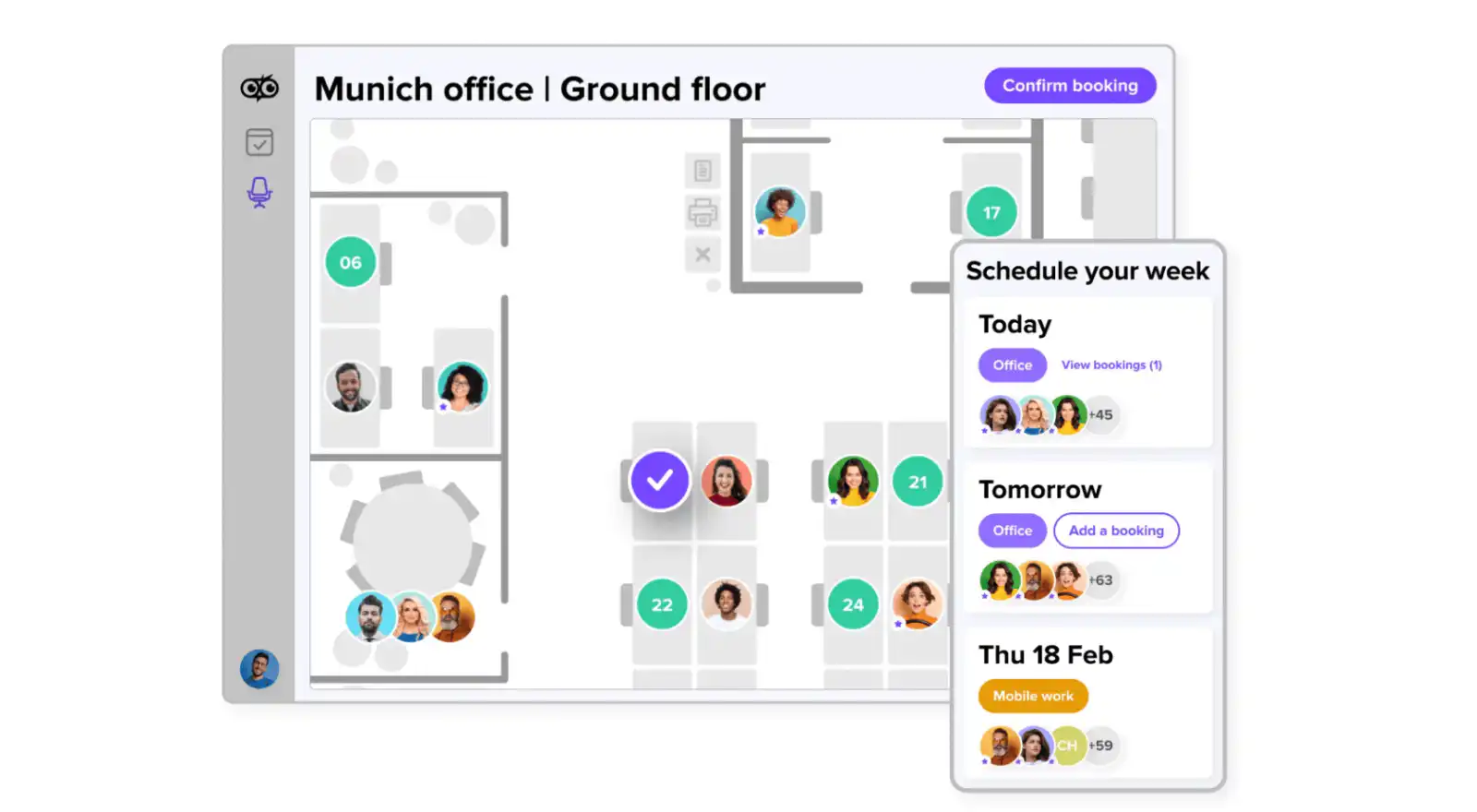
Deskbird is a flexible solution for booking desks and rooms, compliant with European data privacy standards. It provides an intuitive platform that allows users to easily reserve various office resources.
## **Key Features**
- Two-click reservation system for desks, rooms, parking spots, and more
- Health policy reviews and QR code check-ins
- Incognito bookings for privacy
- Space utilization tracking and zone assignments
## **Integrations**
- Microsoft Teams
- Slack
- Outlook and Google calendars
- Bamboo HR
- WorkDay
- Personio
## **Why the solution is good**
- Intuitive and flexible booking system
## **Where the solution lacks**
- Limited customization options compared to some competitors
## **Pricing**
- Starter: $1.80 /user/month
- Business: $3.80 /user/month
- Enterprise: Contact Deskbird
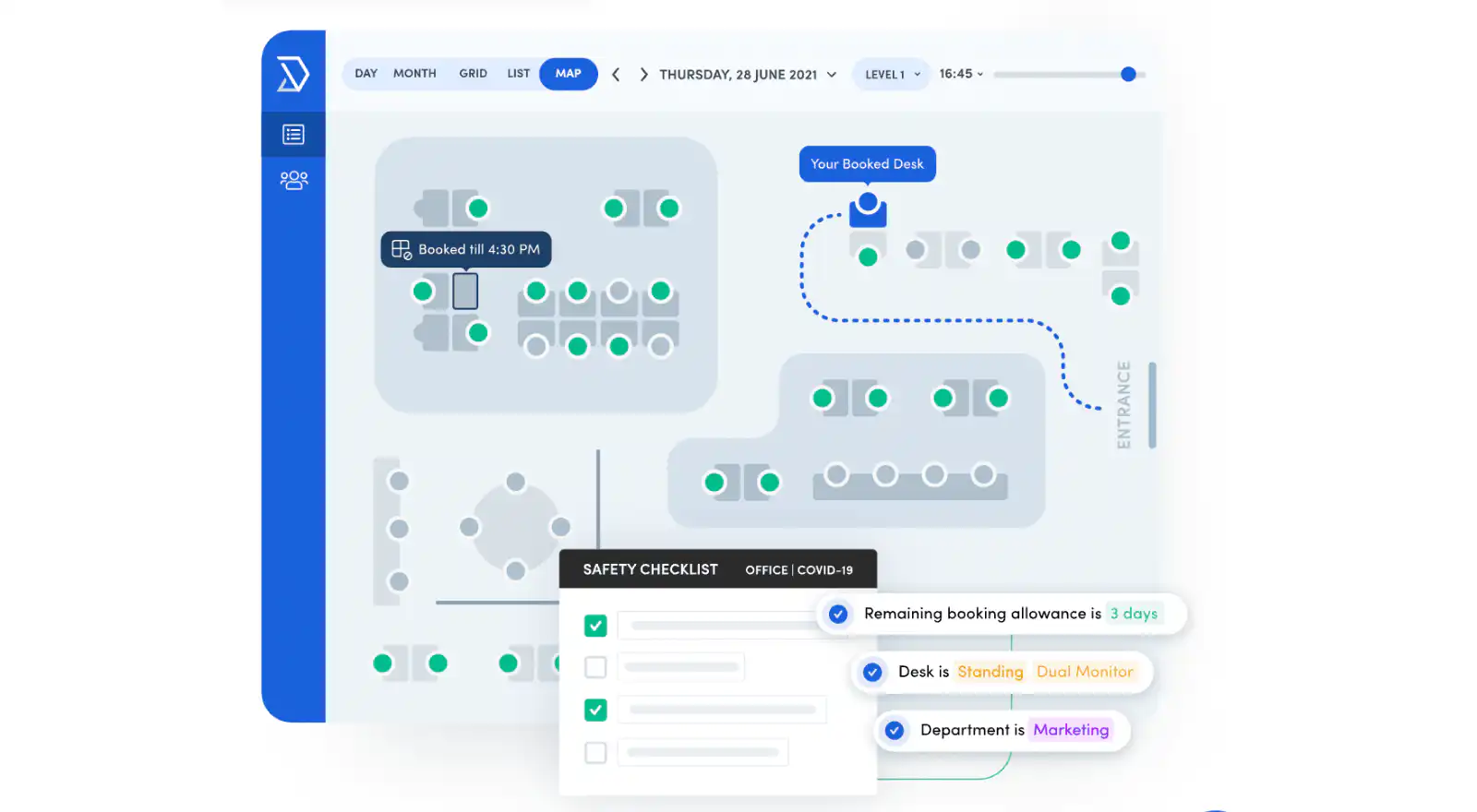
Skedda offers a free, user-friendly online system for desk booking and scheduling in office spaces. It eliminates the need for manual management, providing a dynamic calendar and automation tools to streamline the booking process.
## **Key Features**
- Dynamic calendar with day, month, list, grid, and map views
- Automation tools for settings and booking suggestions
- Permissions and restrictions to control desk booking
- Interactive floor plans and maps for easy desk location
## **Integrations**
- Microsoft 365
- Google Workspace
## **Why the solution is good**
- Free and user-friendly with a dynamic calendar
## **Where the solution lacks**
- Lacks advanced features found in paid solutions
## **Pricing**
- Free trial
- Starter: $99 /month
- Plus: $149 /month
- Premium: $199 /month
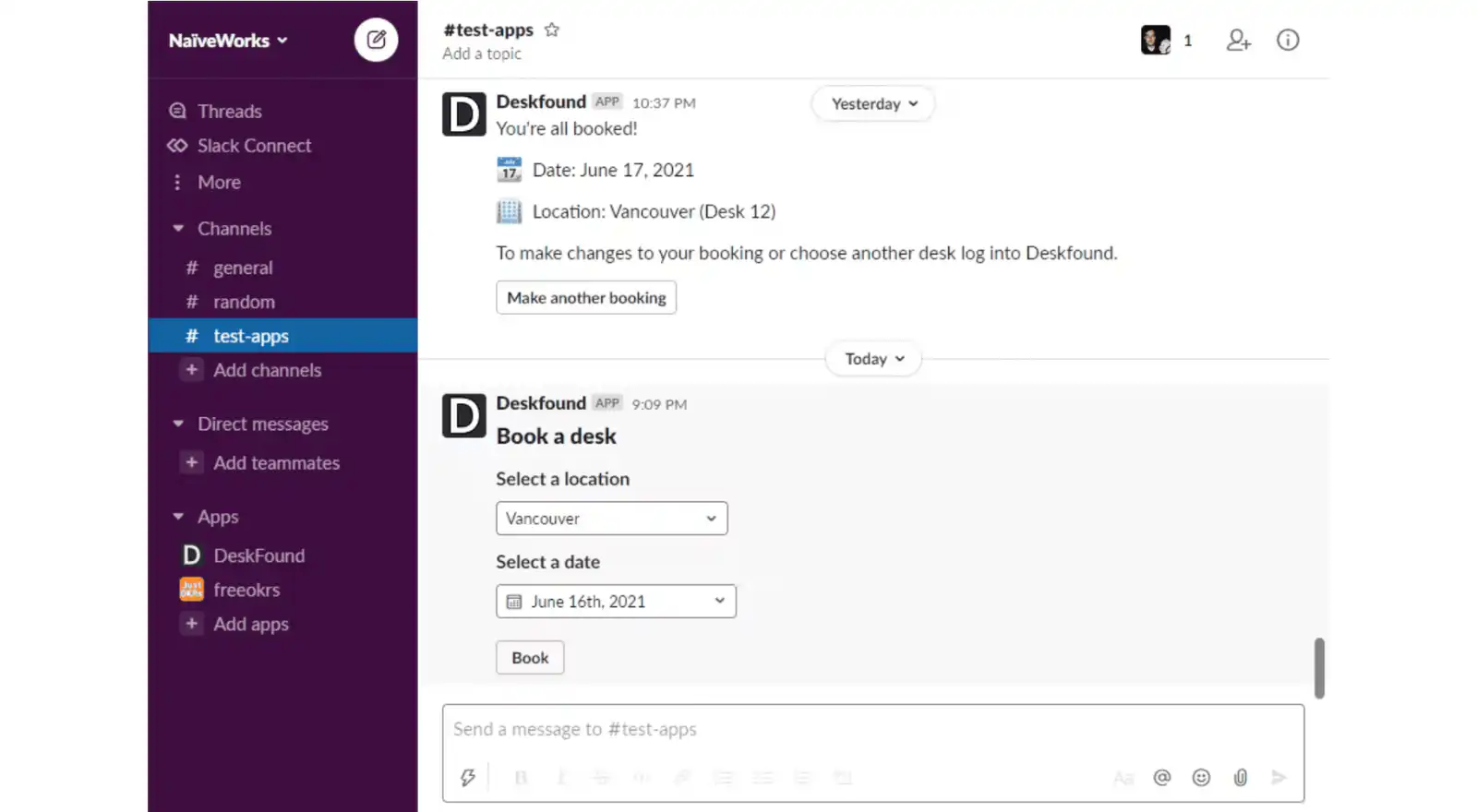
Deskfound is a Slack-based space management software designed for the hybrid workforce, enabling efficient desk assignment and reservation through an easy-to-use platform.
## **Key Features**
- Seating arrangement management
- Workspace management across multiple locations
- Desk booking for both permanent and hybrid seats
- Drag-and-drop user interface for reservation updates
## **Integrations**
- Slack
- Google Calendar
- Google Maps
- Google SSO
## **Why the solution is good**
- QR code functionality for easy desk label scanning and seating visibility
## **Where the solution lacks**
- It can be hard to customize
## **Pricing**
- Free trial available for the first 10 users
- Starts at $1.00 /user/month
## **Pros:**
- Designed to boost employee engagement by encouraging connections within the organization
- Provides access to a wealth of information about each employee, including peer recognitions, team memberships, reporting structure, and milestones
- Integrates smoothly with popular tools like Slack and Google Calendar for enhanced functionality
## **Key Features:**
- Customize employee profiles with unique details, creating a personalized directory
- Encourage a culture of recognition by allowing peers to acknowledge outstanding accomplishments
- Access a comprehensive view of each employee, including team memberships, reporting hierarchy, and milestones
- A real-time dashboard makes it easy to report on and find patterns in the data. Prioritize new initiatives with confidence as you map your workload to areas of the employee journey that need your attention
- Scan the org chart to see info at a glance, or dive deeper into individual employee profiles to learn more about the people you're working with
## **Pricing:**
- Basic: $149/mo
- Essential: $299/mo
- Pro: $399/mo
- Custom pricing: Speak to Pingboard
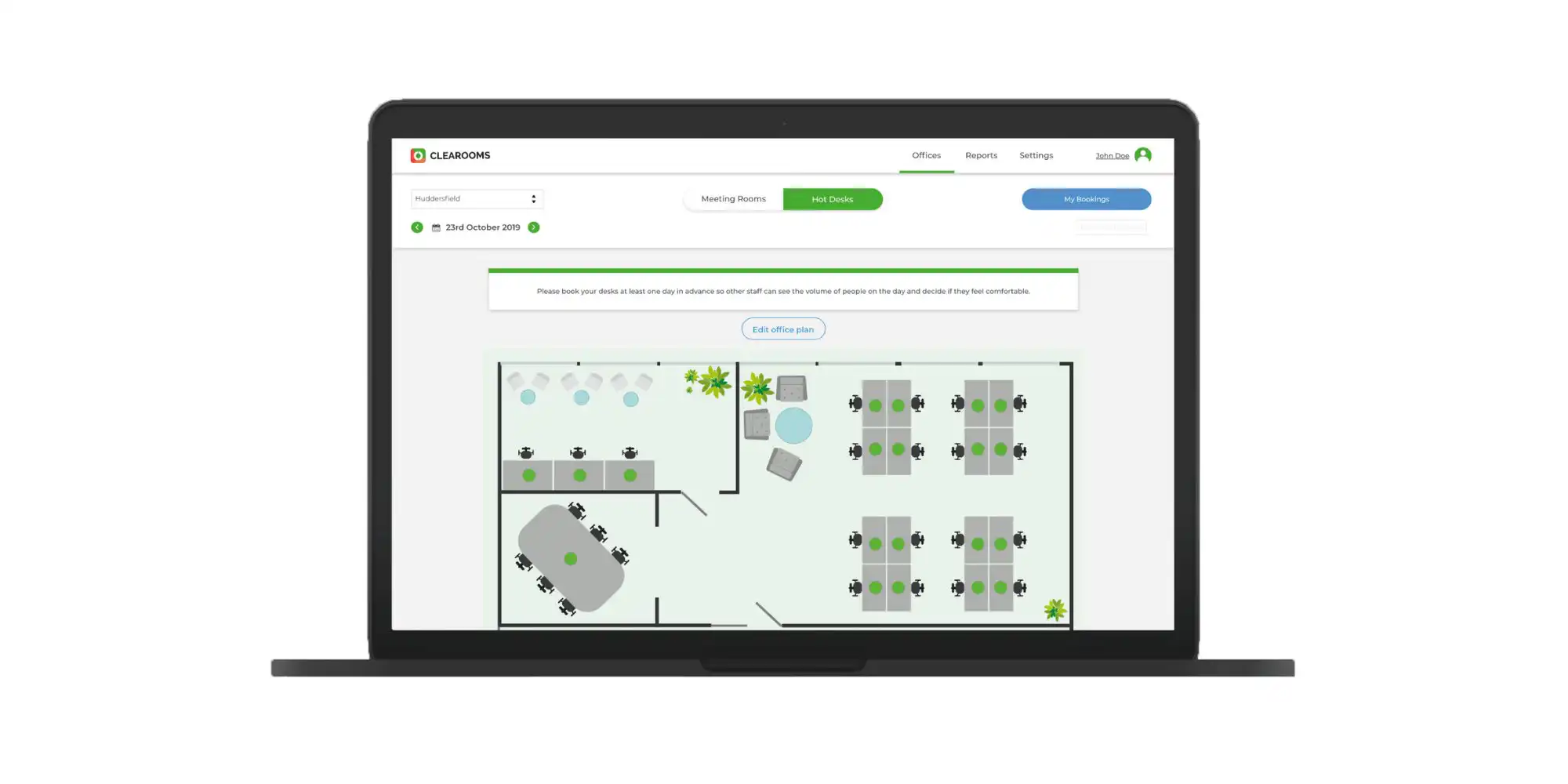
Clearooms is a feature-rich hot desk and meeting room booking software, tailored for hybrid working environments. It's designed for easy use and setup, including comprehensive floorplan support.
## **Key Features**
- Quick setup and easy onboarding
- Customizable
- Optional questionnaires before booking
- Device agnostic for room console integration
## **Integrations**
- Google
- Outlook
## **Why the solution is good**
- Scalable with no long-term contracts and based on desk numbers, not employees
## **Where the solution lacks**
- Pricing may be higher for larger organizations with numerous desks or rooms
## **Pricing**
- Plan 0: 1-5 Desks – $30
- Plan 1: 6-19 Desks – $70
- Plan 2: 20-49 Desks – $110
- Plan 3: 50-99 Desks – $170
- Plan 4: 100-199 Desks – $290
- Plan 5: 200-499 Desks – $500
- Plan 6: 500-999 Desks – $900
- Plan 7: 1000+ Desks – Contact for pricing
- Meeting Rooms: $13.50 per room
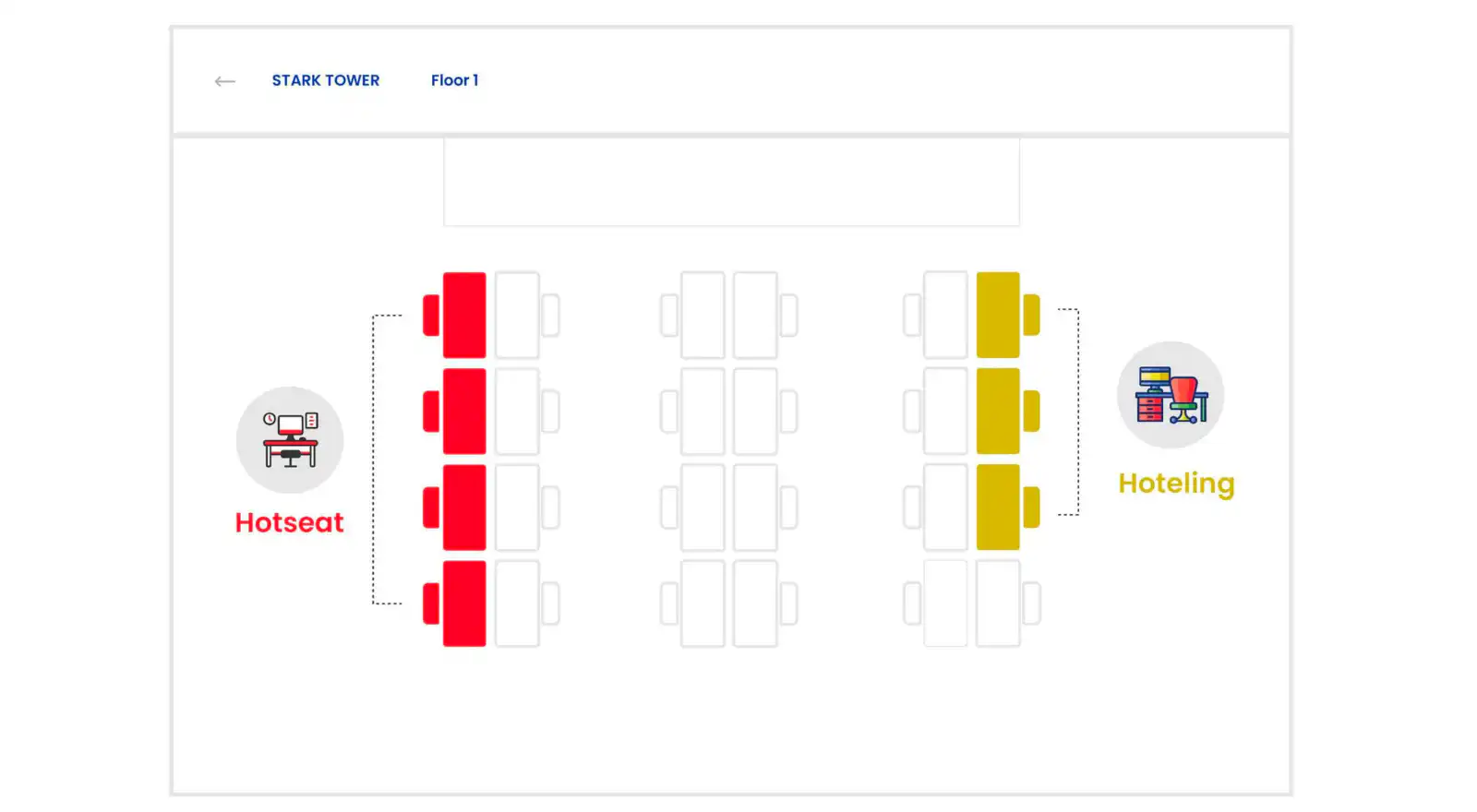
WorkInSync is a versatile hot desk booking and hybrid workplace platform, offering comprehensive features for both small and medium-sized businesses as well as large enterprises. It is designed to facilitate the return to office and the adoption of hybrid workplace models.
## **Key Features**
- Desk and meeting room booking
- Interactive floor plans
- Analytics and reporting tools
- 24×7 email technical support
## **Integrations**
- Google and Microsoft 365 SSO
- MS Teams, Slack, and Microsoft Active Directory Sync
## **Why the solution is good**
- Offers a range of advanced features for hybrid workplace management
## **Where the solution lacks**
- A [review](https://www.getapp.com/project-management-planning-software/a/workinsync/) states that once you book a desk it regularly sends you notifications which can cause frustration for the user
## **Pricing**
- Standard Plan: $2.50 /month
- Professional Plan: $4.00 /month
- Enterprise Plan: $6.00 /month
### Best round robin desk booking system for coworking spaces
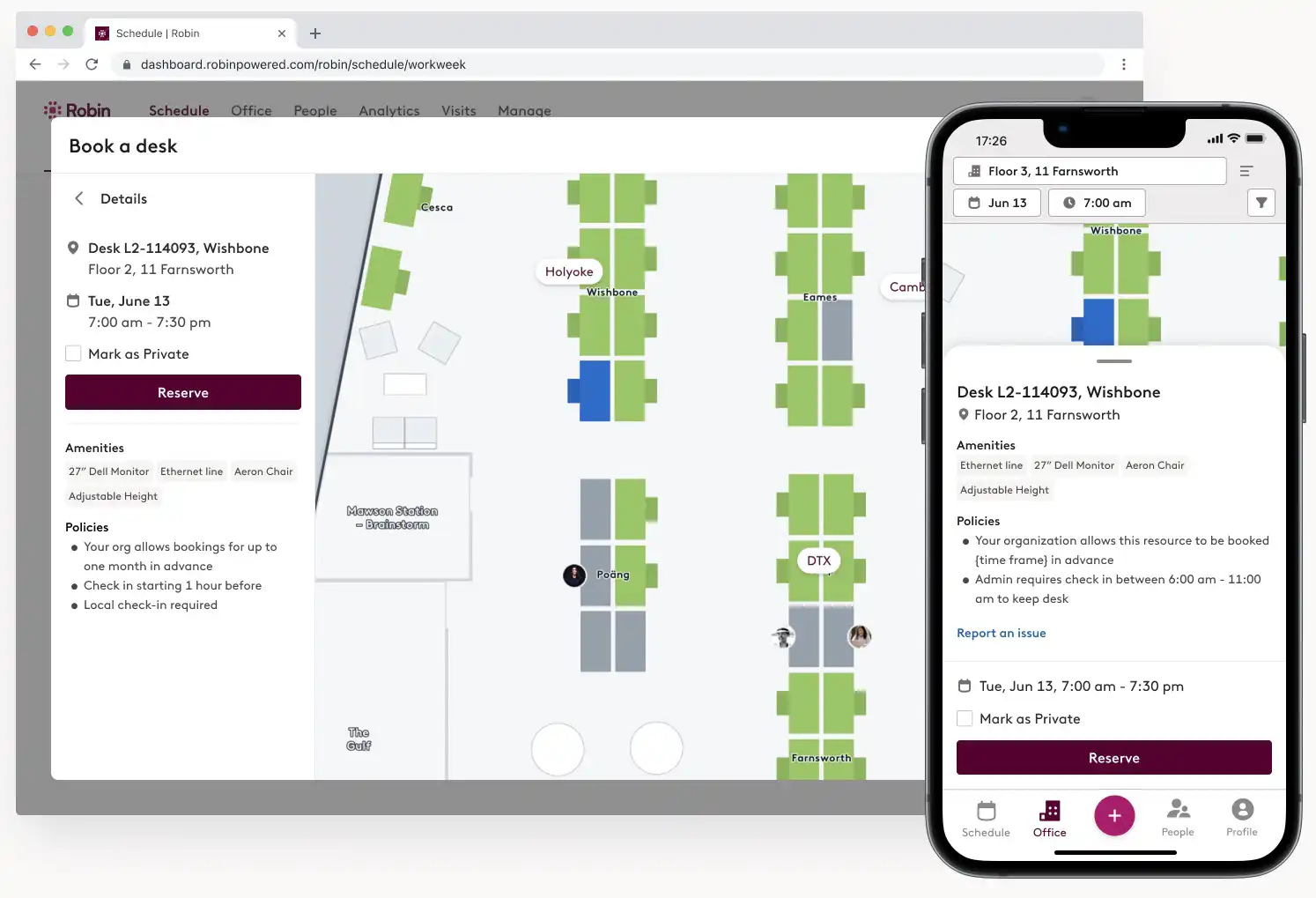
Robin's desk management and reservation software streamlines the process of hot desk reservations, enhancing office efficiency. It has some good features to simplify space finding.
## **Key Features**
- Easy and intuitive hot desk reservation process
- Map cues for easy space location
- Floor plan management for desk viewing and data analysis
- Integration with calendar apps and conferencing tools
## **Integrations**
- Google Calendar
- Google Workspace
- Microsoft Outlook
## **Why the solution is good**
- Alerts on arrival of visitors
## **Where the solution lacks**
- The mobile app can be challenging to work with
## **Pricing**
- Starts at $399 /month
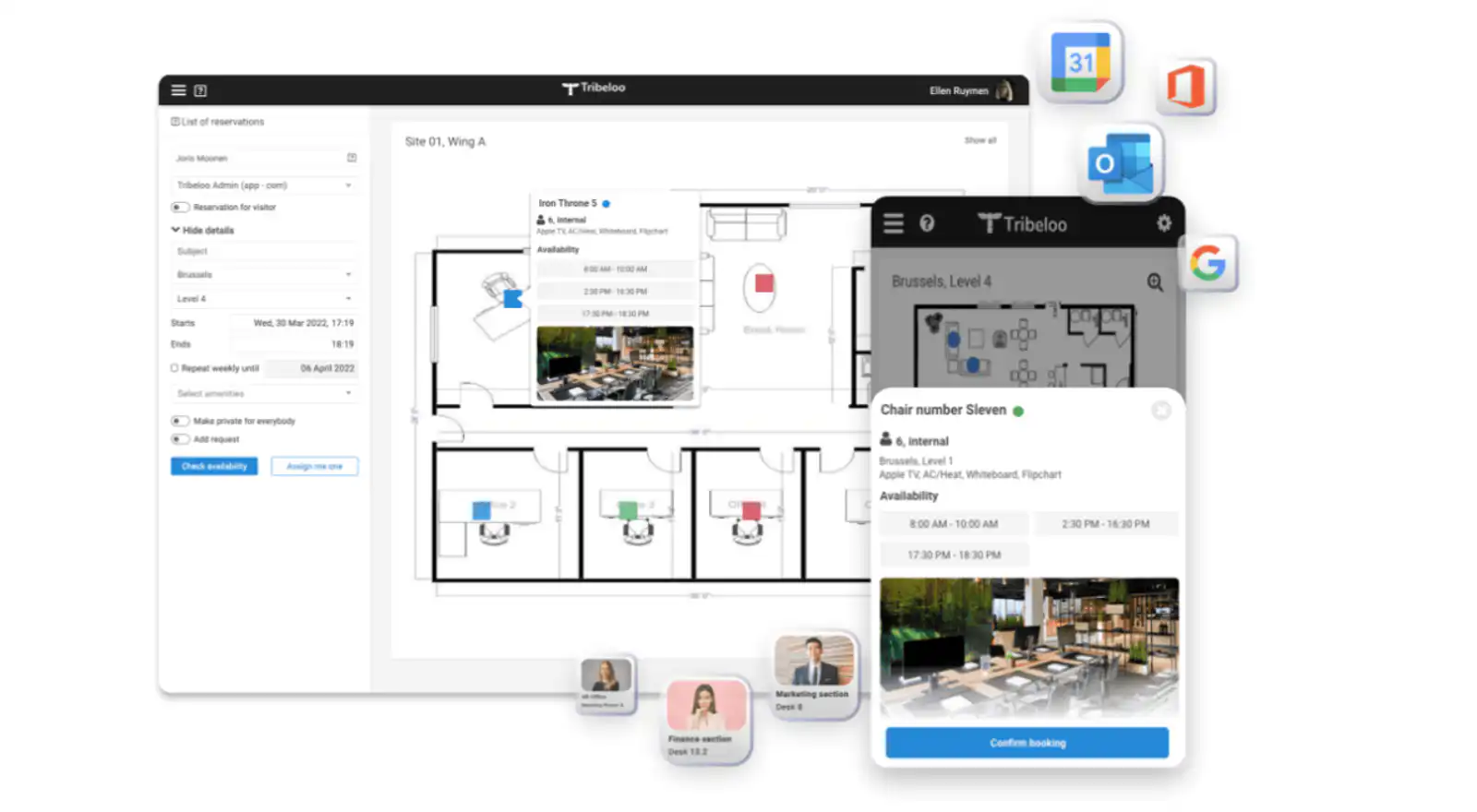
Tribeloo is a hot desk booking software, offering customized space management and support for in-person and hybrid collaboration across multiple locations.
## **Key Features**
- Creation of 'neighborhoods' and unique workspace divisions
- Multiple location management with specific booking rules
- Visual floor plan for easy desk and room booking
- Policies and safety screenings for space booking
## **Integrations**
- Google Calendar
- Outlook Calendar
## **Why the solution is good**
- Enables team members to view office attendance and add conferencing for hybrid meetings
## **Where the solution lacks**
- Less integration options than competitors
## **Pricing**
- Starter: $3.60 /user/month
- Pro: $4.50 /user/month
- Premium: $4.80 /user/month
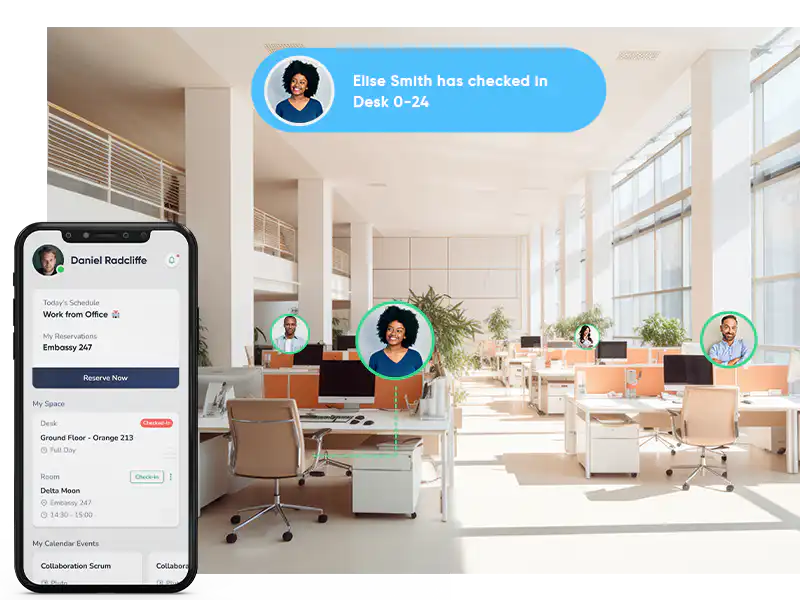
FreeSpace offers an integrated platform for hot desk booking and workplace solutions, focusing on a human-centric approach in today's hybrid working world. It combines ease of use with a feature-rich environment to support efficient, productive, and collaborative workspaces.
## **Key Features**
- Employee experience app for booking multiple space types
- Floorplan to find the space easily
- Integrations for building, service, and system automation
## **Integrations**
- Office 365
- Microsoft Teams
- Zoom
- Open API for third-party system integration
## **Why the solution is good**
- Provides a configurable, accessible, and multilingual app for a frictionless employee journey
## **Where the solution lacks**
- The comprehensive feature set might require a learning curve for new users
## **Pricing**
- Contact FreeSpace for pricing plans
Pult is a comprehensive hybrid work solution, offering advanced features for desk and room bookings to facilitate smooth transitions into hybrid work environments.
## **Key Features**
- Desk booking for up to 50 desks (Starter Plan) or unlimited desk booking (Pro and Enterprise Plans)
- Room booking system for efficient space management
- Resource management and office insights for better workspace utilization
- API access and custom integrations for enhanced flexibility (Enterprise Plan)
## **Integrations**
- Slack
- Microsoft Teams
- Personio
## **Why the solution is good**
- Supports up to 1000 users with advanced features for team collaboration
## **Where the solution lacks**
- A [review](https://www.getapp.com/operations-management-software/a/pult/) states the integration with Slack is not always reliable as has to be set up again
## **Pricing**
- Starter Plan: $1.90 /user/month
- Pro Plan: $3.90 /user/month
- Enterprise Plan: Pricing on request
### Best hoteling software for hybrid teams
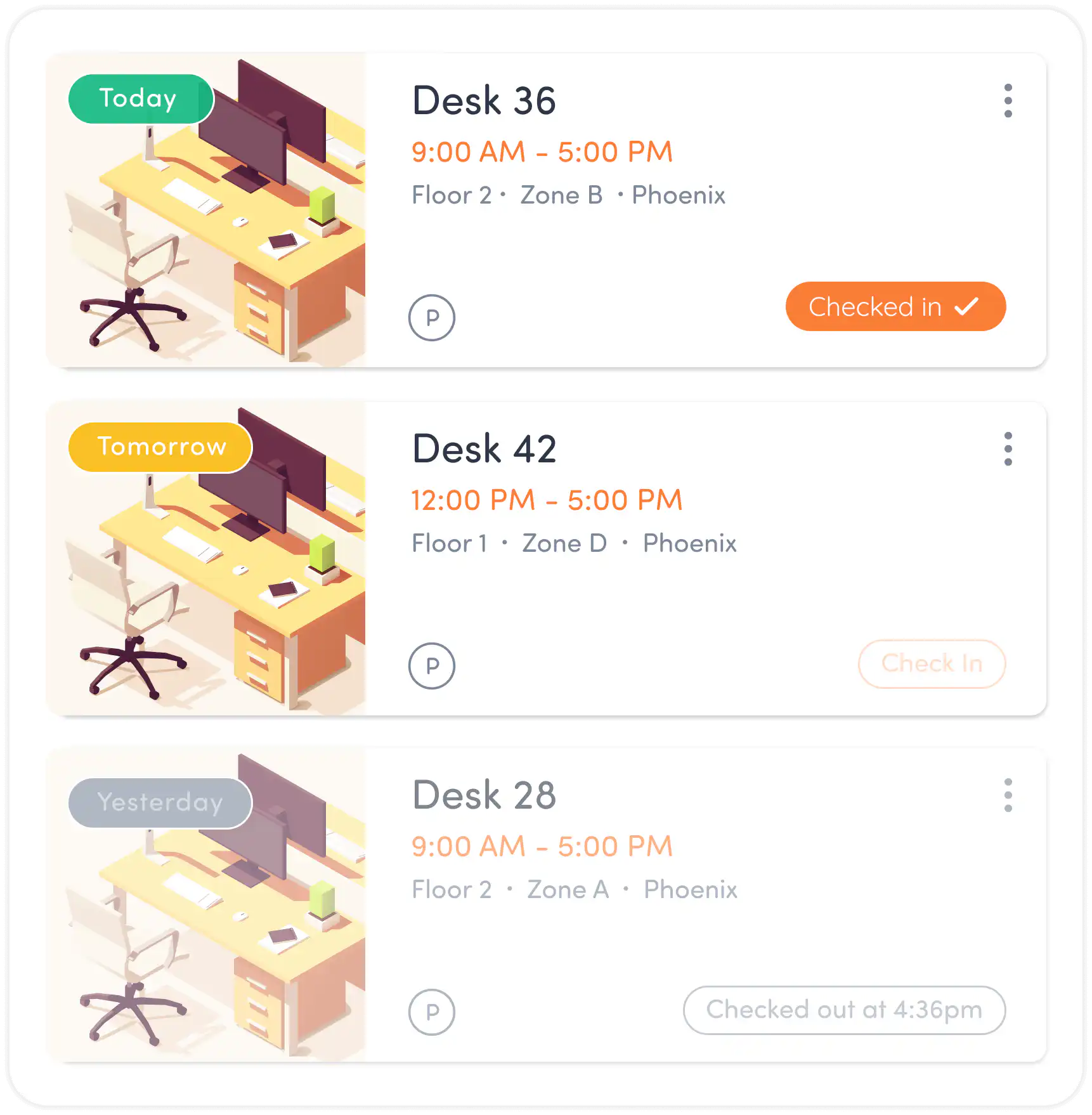
Tactic is a workplace experience software that enhances the value of office spaces in a company's hybrid work plan. It offers a range of tools for flexible team coordination, focusing on in-office schedule management.
## **Key Features**
- On-demand desk booking and meeting room reservations
- Interactive office map for team coordination
- Health check-ins for office visitors
- Capacity management and detailed analytics for contact tracing
## **Integrations**
- Slack
- Google Calendar
- Microsoft Outlook
- Zoom
## **Why the solution is good**
- Intuitive user interface with interactive floor maps
## **Where the solution lacks**
- May not offer as many advanced features as other solutions
## **Pricing**
- 14-day free trial available
- Starts at $2.50 /desk/month
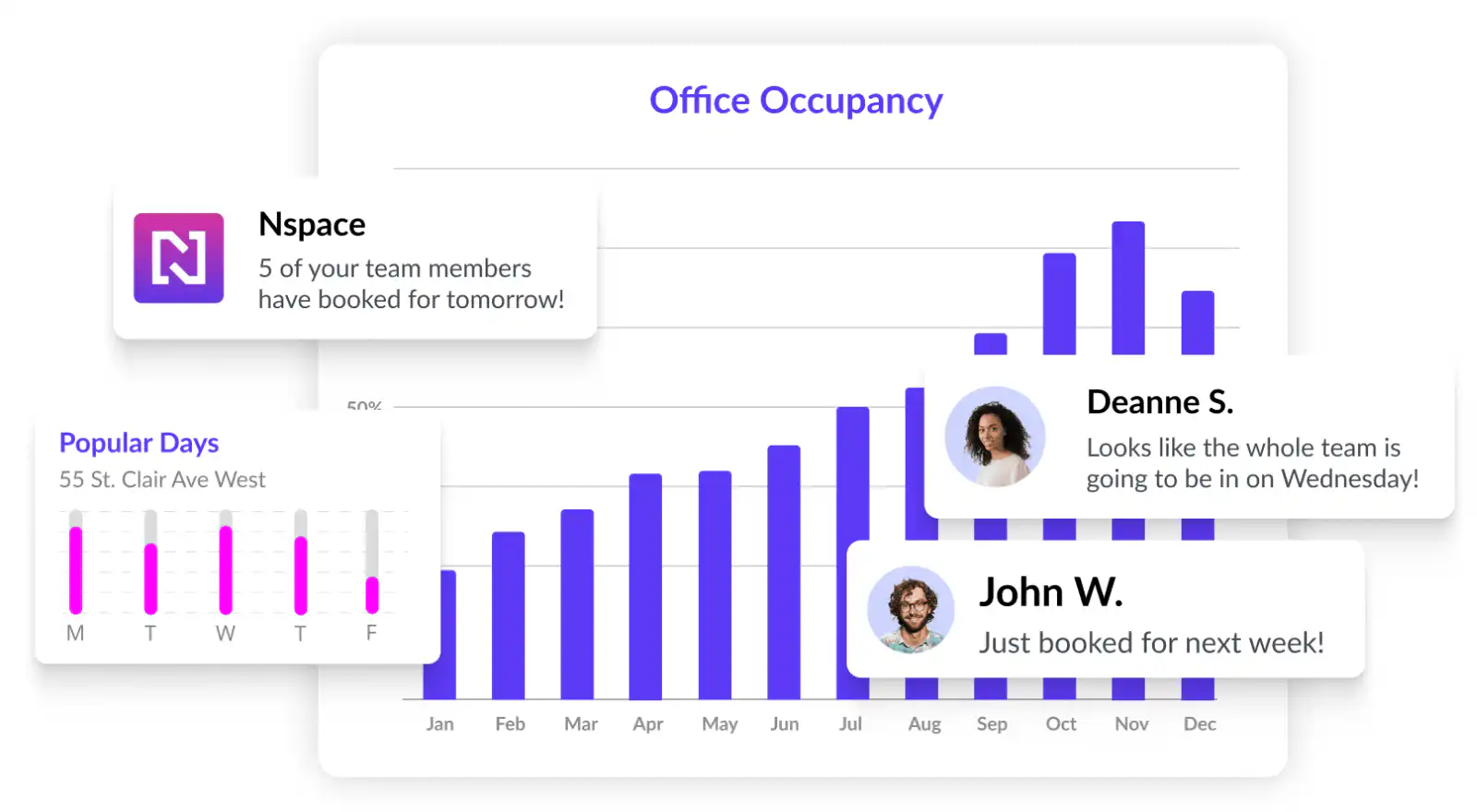
NSpace is a hot desk booking software designed for daily workspace reservations, offering advanced permissions and customization for hybrid teams. With Nspace you can book a desk in an Nspace office.
## **Key Features**
- Mobile app for remote desk booking
- Advanced permissions for user access control
- Customizable desk settings for changing workspace layouts
- Space utilization dashboard with real-time analytics
## **Integrations**
- Google Calendar
- Microsoft Outlook
- Microsoft Teams
- Slack
## **Why the solution is good**
- Detailed floor plans and tools for visibility of other staff members
## **Where the solution lacks**
- The pricing structure may be higher for meeting rooms
## **Pricing**
- Desk: $3
- Room: $15
- Enterprise: Contact Nspace
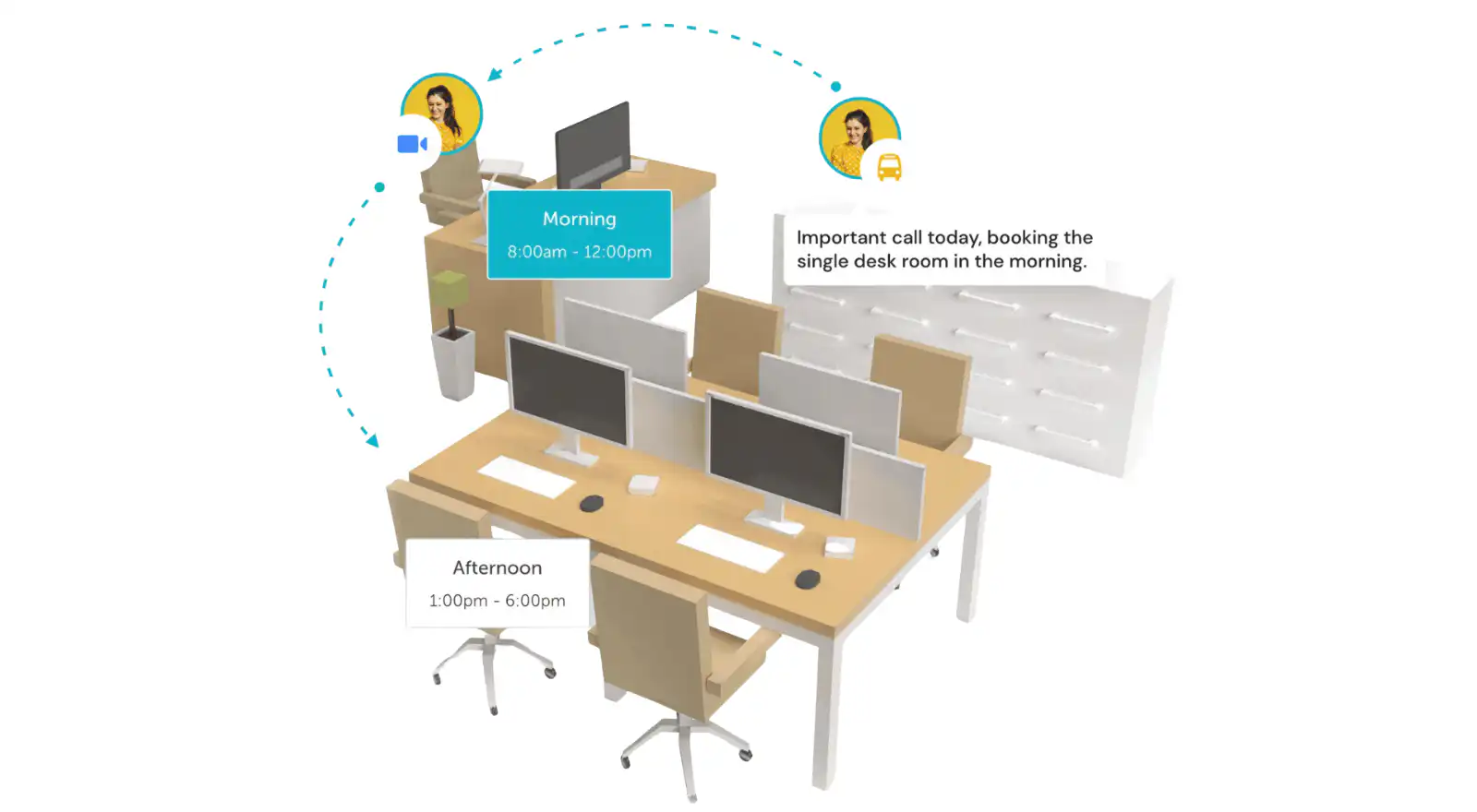
YArooms is a modern hybrid workplace software designed for flexible work models, featuring a robust hot desk booking system. It focuses on safety by tracking capacity at various levels and offering real-time office utilization insights.
## **Key Features**
- Capacity tracking at room, floor, and building levels
- Automatic shutdown of available desks when capacity is reached
- Office map and floor plan for real-time usage monitoring
- Desk property information for personalized desk searches
## **Integrations**
- Microsoft Teams
- Zoom Meetings
- AD FS
- Google Workspace
## **Why the solution is good**
- Enhances safety by managing and monitoring office capacity
## **Where the solution lacks**
- The software is more expensive than other options
## **Pricing**
- Starter: $200 /month
- Business: $500 /month
- Enterprise: Contact YArooms
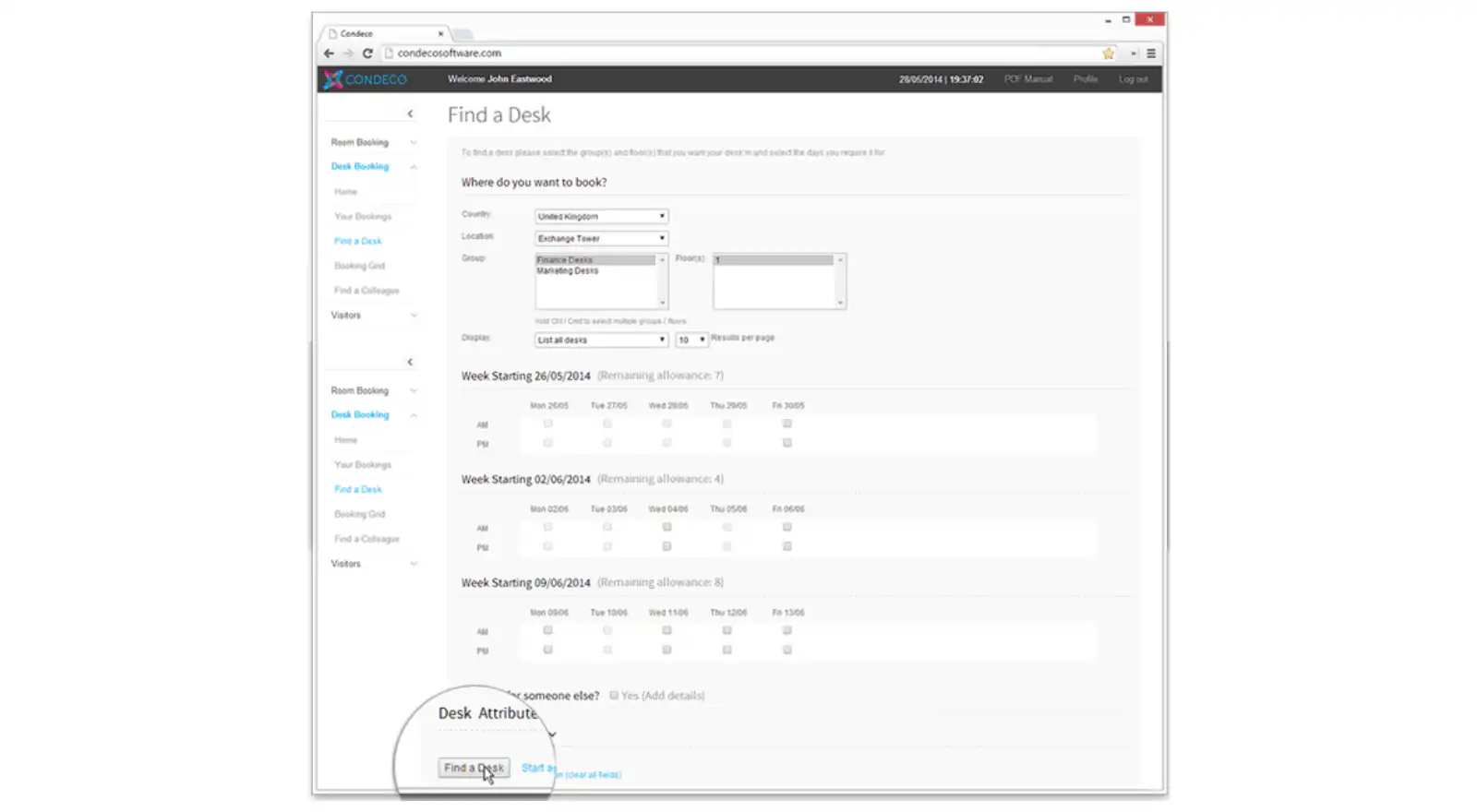
Condeco is a comprehensive desk management and meeting room system, designed to facilitate the transition of modern offices to flexible work arrangements.
## **Key Features**
- Floorplan software for space reconfiguration
- Quick sharing of workspace reservations
- Supports various desk types and neighborhood zones
## **Integrations**
- Microsoft Teams
- Zoom
- Microsoft Outlook
## **Why the solution is good**
- Good support team
## **Where the solution lacks**
- [Reviews](https://www.capterra.co.uk/reviews/150960/condeco-desk-booking-software) state pricing is not good for medium sized companies
## **Pricing**
- Talk to Condeco for pricing options
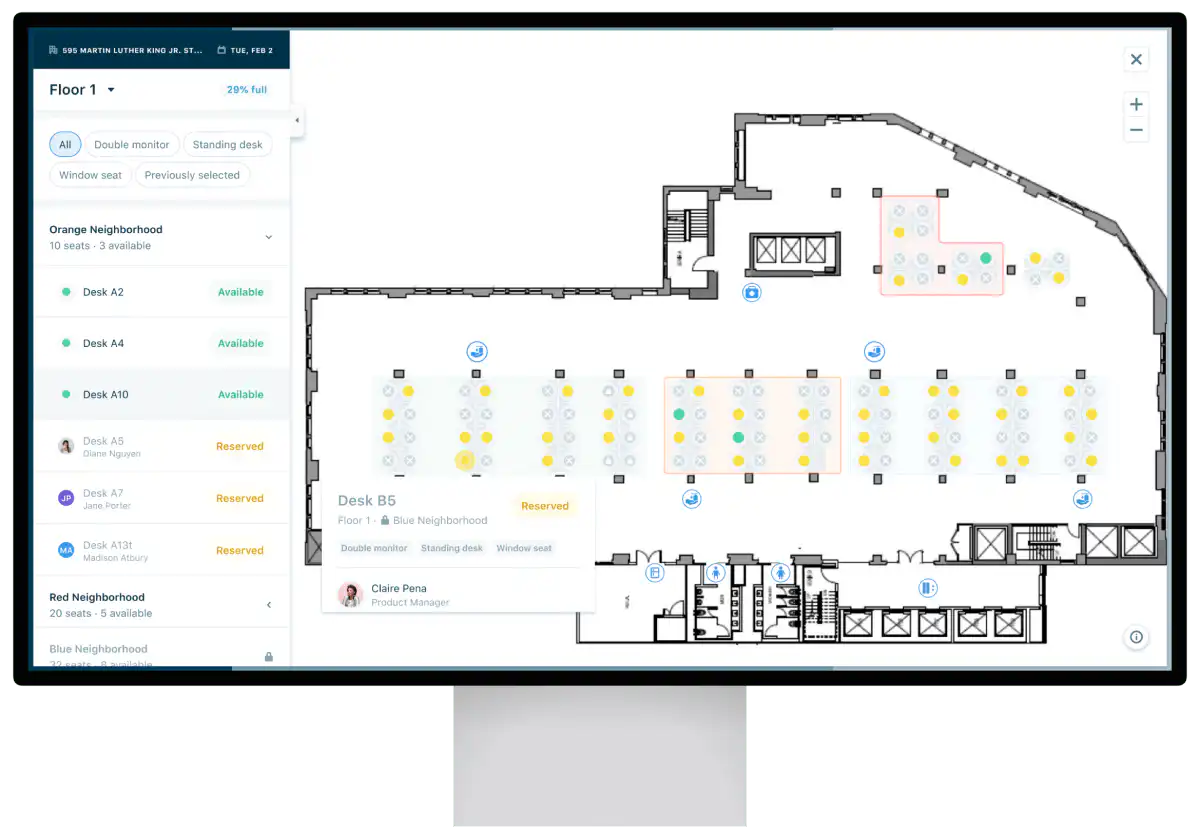
Eden Workplace provides a comprehensive solution encompassing desk booking, room scheduling, and visitor management. Its well-organized, user-friendly interface, coupled with real-time updates, ensures efficient management of office resources.
## **Key Features**
- Modules for desk booking, room scheduling, and visitor management
- Real-time updates for precise booking information
- Transparent visitor management system
- Automated delivery systems for enhanced safety and compliance
## **Integrations**
- Microsoft Teams
- Slack
- Google Calendar
## **Why the solution is good**
- Good customization options to meet your business needs
## **Where the solution lacks**
- Some users may experience a learning curve when first using the platform
## **Pricing**
- Starting at $89 /location/month
### Best desk reservation system for enterprises or large organizations
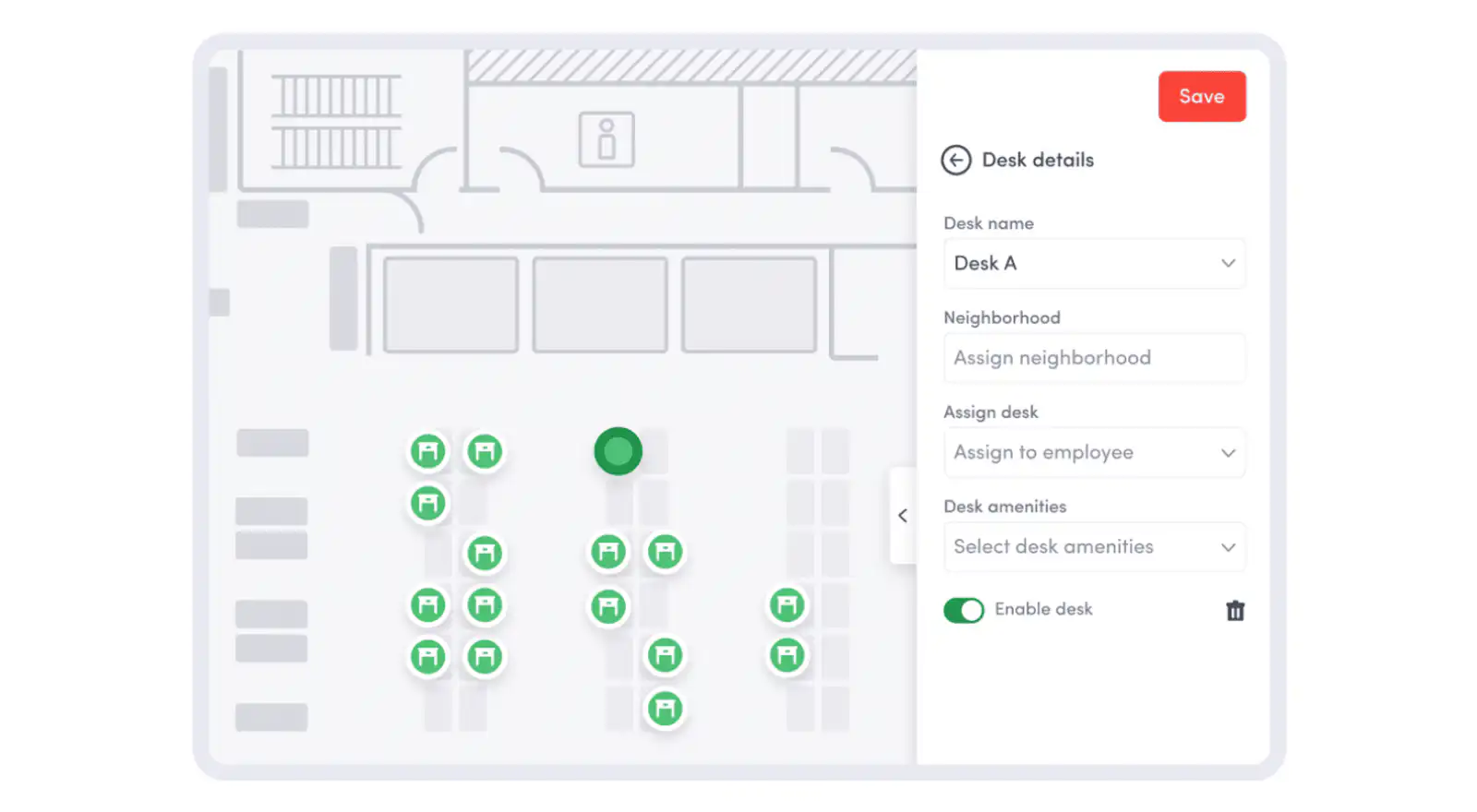
Envoy is a multifaceted tool enhancing workplace management, known for its visitor registration, desk booking, and meeting room reservation capabilities. It's particularly suitable for companies transitioning to hybrid work models.
## **Key Features**
- User-friendly, customizable interface
- Digitizes and automates visitor registration workflows
- Mobile app for easy desk booking and sign-in
- Tracks office entry and exit efficiently
## **Integrations**
- Google Calendar
- Slack
- Microsoft Teams
- Microsoft Outlook
## **Why the solution is good**
- User-friendly and efficient interface
## **Where the solution lacks**
- [Reviews](https://www.softwareadvice.com/meeting-room/envoy-profile/reviews/) have stated Envoy customer service is difficult to contact
## **Pricing**
- Free
- Standard: $109 /month
- Premium: $329 /month
- Enterprise: Custom pricing
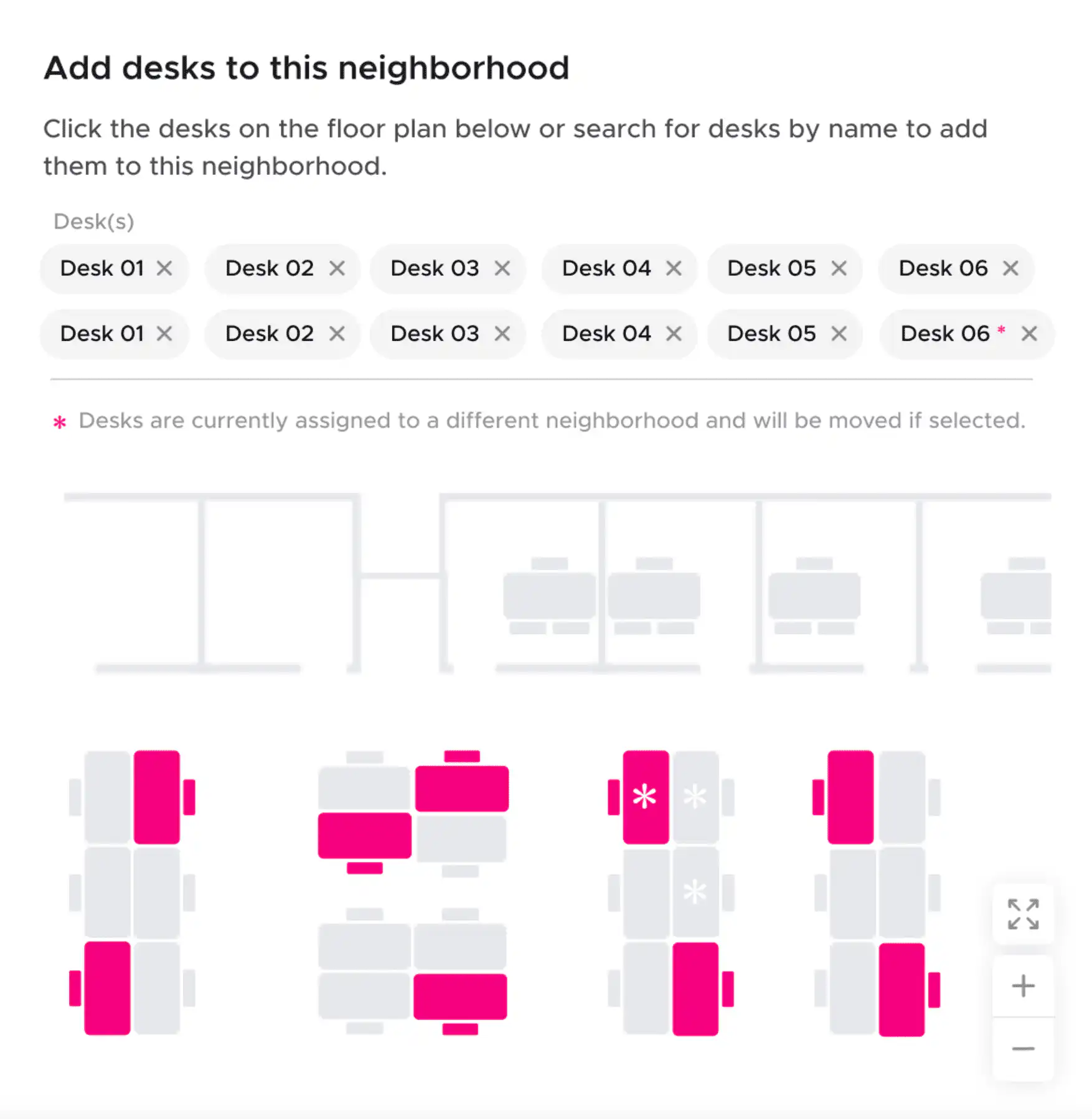
Kadence is a comprehensive hybrid working software, designed to enhance coordination of people, spaces, and time, enabling smarter work processes.
## **Key Features**
- Intuitive user interface with interactive floor maps
- Analytics for desk bookings, occupancy, and space utilization
- Auto-release capability to improve desk availability
- "Personal Kadence" profile for efficient team coordination
## **Integrations**
- Microsoft Teams
- Outlook
- Google Calendars
## **Why the solution is good**
- Cheaper alternative to competitors
## **Where the solution lacks**
- [Reviews](https://saeedkhosravi.ca/kadence-theme-review/#:~:text=Theme%20customizer%20options%20can%20be%20confusing%20for%20first%2Dtime%20users.&text=The%20standard%20Kadence%20pro%20price,access%20to%20Pro%20starter%20templates.) state the customizing options can be confusing
## **Pricing**
- Standard: $4 /user/month
- Plus: $6 /user/month
- Enterprise: Contact Kadence
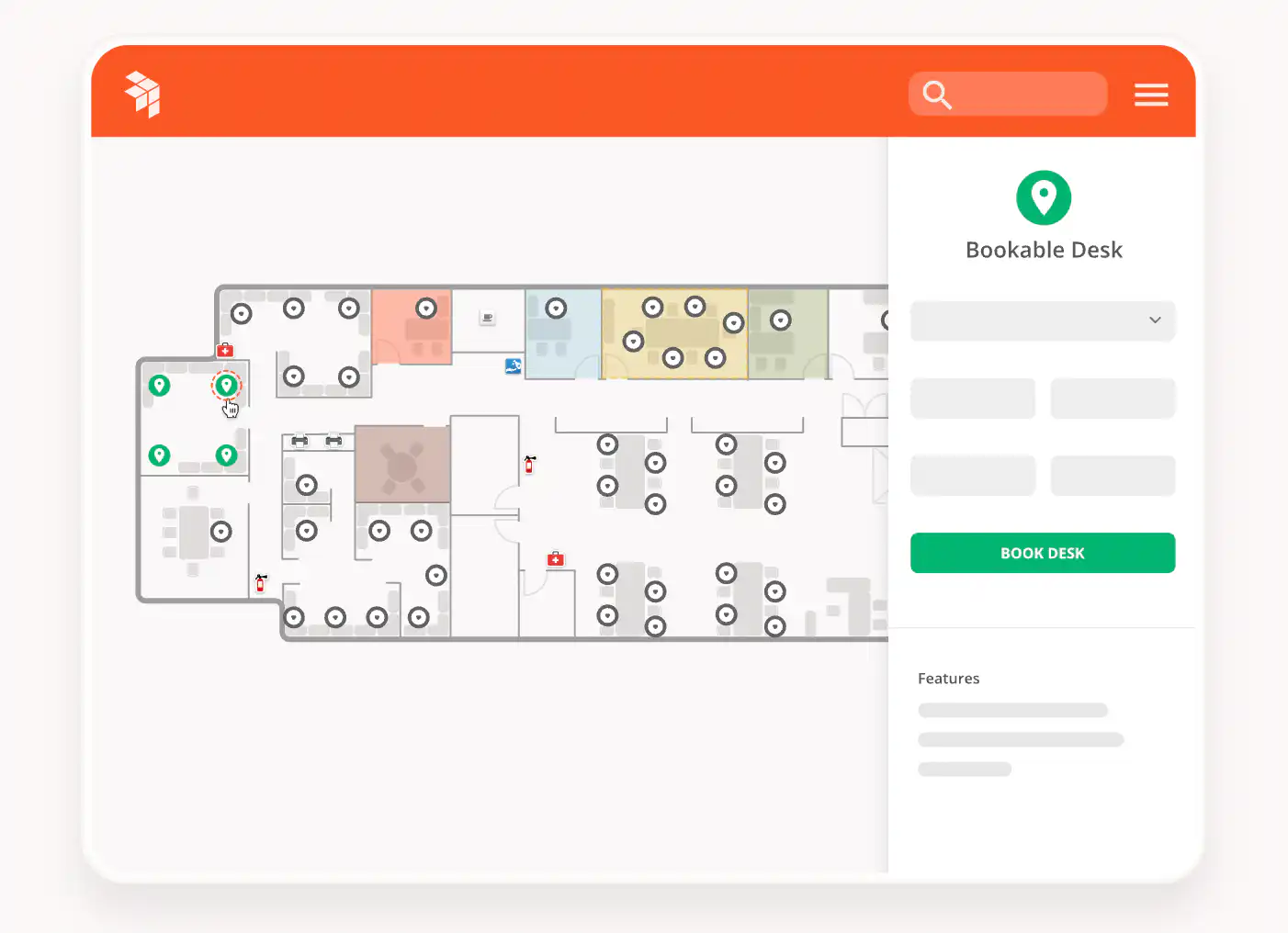
OfficeSpace offers an advanced hot desking solution, featuring a user-friendly booking system with interactive maps and touchless check-in using mobile devices. It supports various working styles like hot desking, desk hoteling, and activity-based working.
## **Key Features**
- User-friendly system accessible from multiple devices
- Touchless check-in feature in the mobile app
- Data analytics for demand forecasting and usage tracking
- Tools for scenario planning and real estate reporting
## **Integrations**
- Integrates with 35+ applications including Active Directory, ADP, LDAP, OneLogin, Oracle, PeopleSoft
## **Why the solution is good**
- User-friendly booking system with interactive maps
## **Where the solution lacks**
- One [review](https://www.capterra.co.uk/software/117248/officespace-software#reviews) stated it would be helpful to have more options for customization on the Dashboard as well as the ability to export the graphs directly rather than having to use excel or PowerBI to create pivot charts.
## **Pricing**
- Contact OfficeSpace for pricing
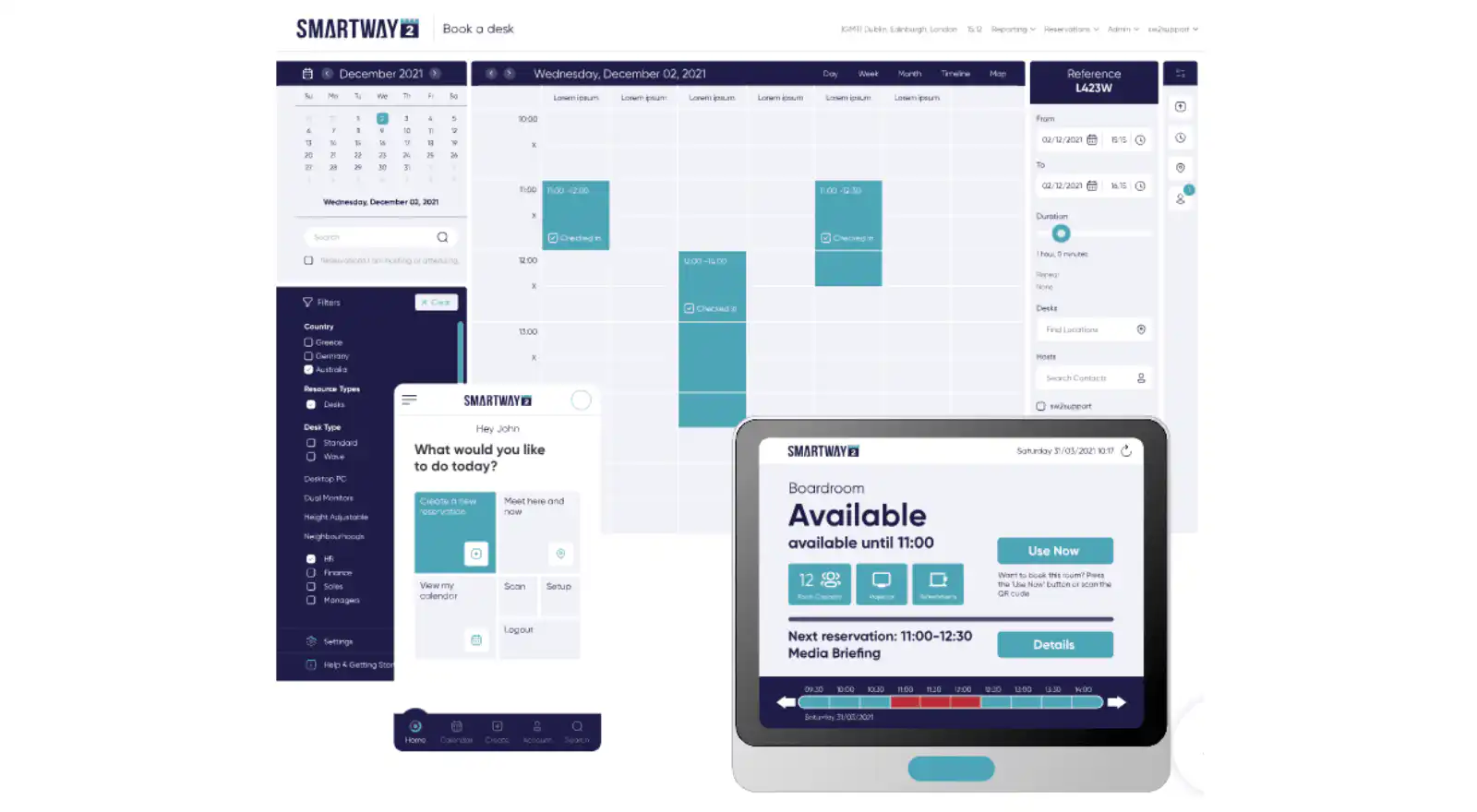
Smartway2 provides an intelligent workplace scheduling tool that simplifies hybrid working, allowing users to book desks, rooms, parking spots, and other equipment effortlessly.
## **Key Features**
- Mobile and web interface for on-the-fly bookings
- Integration with Outlook for room bookings and colleague availability checks
- Rules engine for social distancing and sanitation between bookings
- Smart Desk Recovery tool to release unused bookings
## **Integrations**
- Microsoft Exchange
- Microsoft Outlook
- Office 365
## **Why the solution is good**
- User-friendly booking system with interactive maps
## **Where the solution lacks**
- More expensive than some other hot desk booking software options
## **Pricing**
- Starts at $300 /year
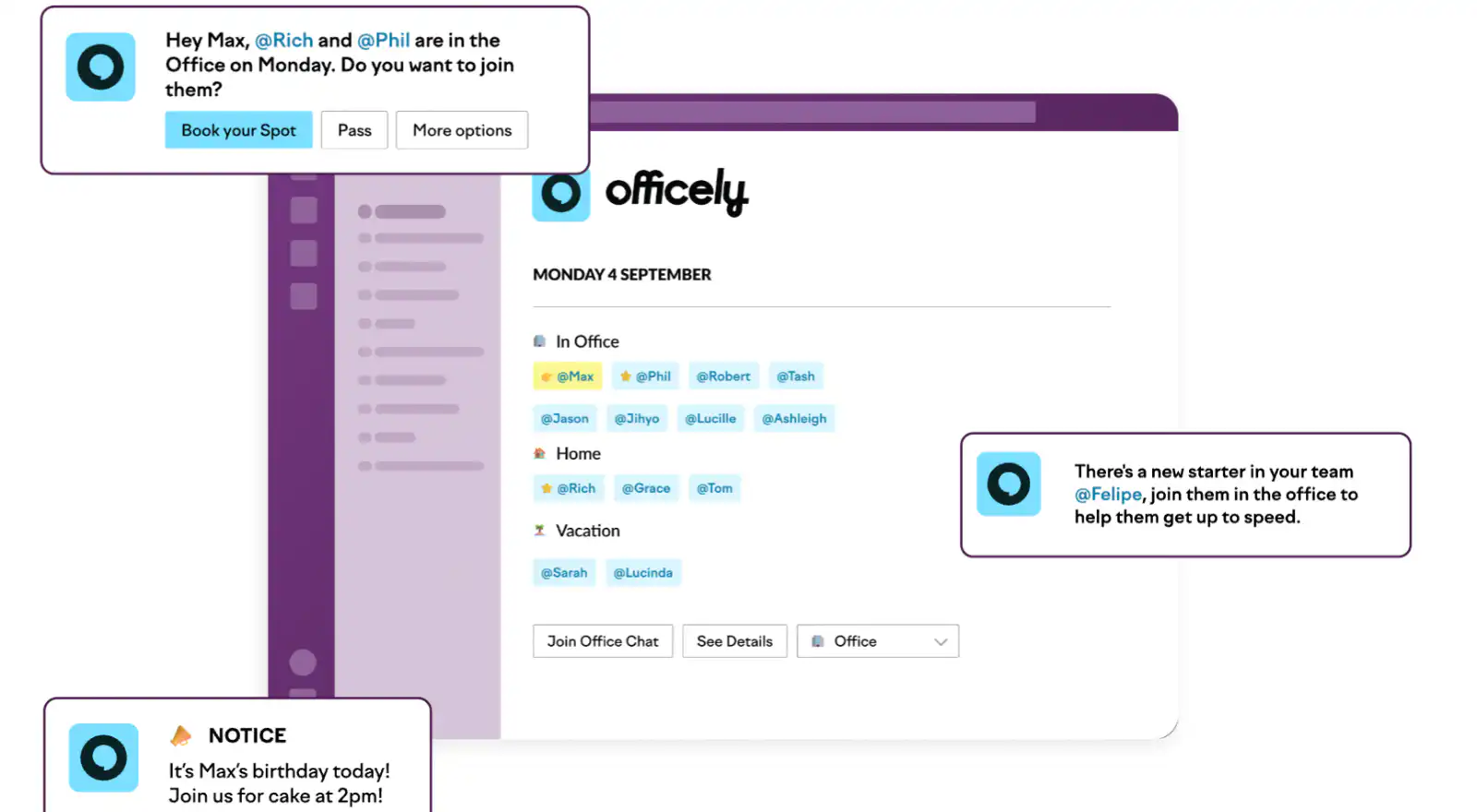
Officely is a cloud-based hot desk booking software that efficiently manages shared spaces. Its Slack integration offers real-time updates on office availability and staff locations, ideal for hybrid workforces.
## **Key Features**
- Health questionnaires included in reservations
- Safe data recording for activity tracking
- Slack integration for real-time updates
- Visibility over office capacity and planning
## **Integrations**
- Slack
## **Why the solution is good**
- Provides good visibility over office space
## **Where the solution lacks**
- You can't book a desk for half a day it has to be a full day so it can lead to free and wasted desks
## **Pricing**
- Free plan available
- Pro plans start at $2.50 /user/month
## How to create a hot desking app for free using Fliplet?
Building a hot desking app with Fliplet is straightforward and requires no coding skills. Here's a step-by-step guide:
- **Step 1: Sign up for Fliplet:** Start by creating an account on Fliplet for [free](https://studio.fliplet.com/signup) and start exploring the features.
- **Step 2: Choose the template:** Fliplet provides a wide selection of pre-built templates for different needs. To create a hot desking app choose the Remote and Office Management Template.
- **Step 3: Customize your app:** Use the drag-and-drop function to customize your app. You can add or remove features, change layouts, and tailor the app to fit your office's branding and style.
- **Step 4: Edit the features:** Edit the features Fliplet has provided to make the app suitable for your office. You can add or remove features and update them easily.
- **Step 5: Integrate with Existing Tools:** Easily integrate with tools like Google Calendar or Microsoft Outlook for seamless scheduling and management. Find out more about [Fliplet Integrations](https://fliplet.com/integrations/).
- **Step 6: Test and launch:** Before rolling out, test the app within your team. Feedback is key to make sure your app is right when you publish. With Fliplet you can create one app and publish on a variety of platforms and devices. Discover the [7 Steps to Making an App for iPhone in Less Than a Day](https://fliplet.com/blog/7-steps-making-an-app-for-iphone/).
- **Step 7: Promote your app:** Promote your app to your app users. Take a look at these [top tips](https://fliplet.com/blog/34-mobile-app-promotion-strategies/) to help you get more downloads on your app.
https://youtu.be/xdp6HGQwUbY
- **Step 8: Review the app analytics:** See how your app is performing with Fliplet's analytics.
- **Step 9: Update the app:** If you make any changes to your office then log back into Fliplet Studio, make the changes and click publish update, it's that easy.
Fliplet's platform is designed for ease of use, allowing even those with no technical background to create a fully functional, customized hot desking app. If you want more help take a look at this blog, [How to Build a Custom App Without Any Coding (6 Steps)](https://fliplet.com/blog/how-to-build-a-custom-app-without-coding/).
## What are the benefits of a desk hoteling software?
From enhancing space efficiency to enhancing a flexible and collaborative work environment, desk hoteling software offers a multitude of advantages for businesses navigating the shift towards more dynamic and hybrid work models.
Let's explore how this innovative solution can transform your office space and benefit your organization.
- **Space Optimization:** Maximizes the use of office space by allocating desks as needed
- **Cost Efficiency:** Reduces the need for excess office space, lowering overhead costs
- **Flexibility:** Accommodates flexible working arrangements and hybrid work models
- **Employee Satisfaction:** Allows employees to choose where they work, enhancing their workplace experience
- **Enhanced Collaboration:** Encourages interaction between different teams by not restricting employees to fixed desks
- **Better Resource Management:** Streamlines the management of office resources, such as meeting rooms and equipment
- **Data-Driven Insights:** Provides valuable data on space utilization, assisting in informed decision-making for workplace improvements
## What features should be included in a hot desking Management software?
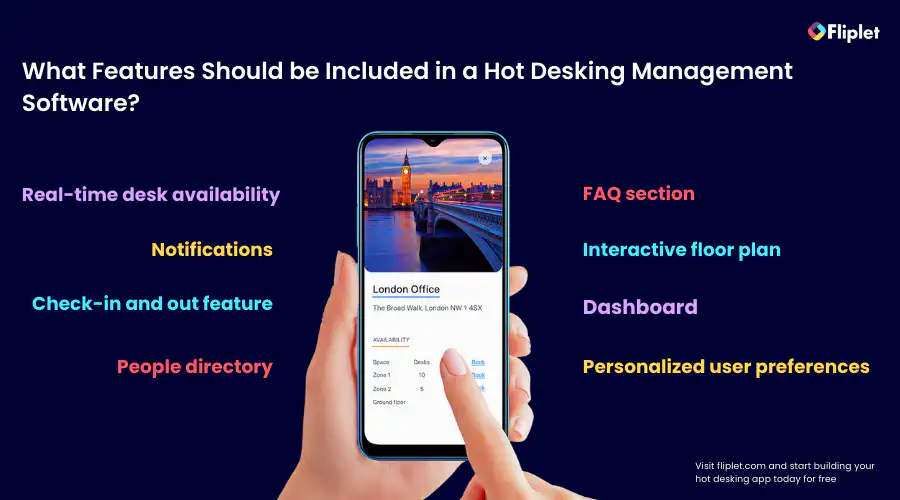
Hot desking management software plays a pivotal role in modernizing the workspace. These tools not only streamline desk allocation but also enhance the overall employee experience in a flexible work environment.
### Here are the key features that are crucial for an effective hotdesking management system
- **Real-time desk availability:** Ensures employees can view and book available desks instantly
- **Personalized user preferences:** Allows customization of desk reservations to meet individual needs
- **Check-in and out feature:** Facilitates easy tracking of desk usage
- **People directory:** Helps locate colleagues within the office
- **FAQ section:** Provides quick answers to common queries
- **Interactive floor plan:** Offers a visual guide to the office layout
- **Dashboard:** Gives a clear overview of office space utilization
- **Notifications:** Keeps users informed about their reservations and changes
Discover the [16 Top Features of a Successful Mobile App](https://fliplet.com/blog/16-successful-mobile-app-features/).
### Nice to have features
- **Canteen or restaurant food ordering:** Adds convenience for meal times and enables staff or visitors to pre-order
- **Branding:** Customize the app to reflect your company's identity
- **Multi-platform compatibility:** Ensures accessibility across mobile, tablet, and desktop devices take a look at the [6 Web Application Development Platforms to Build a Free Web App](https://fliplet.com/blog/9-web-application-development-platforms-to-build-a-free-web-app/)
## Recommendations when choosing your hot desk software
When selecting hot desk software, consider the following recommendations to ensure you choose the best fit for your organization:
- **Your Requirements:** Understand your organization's specific requirements for space management. Take a look at [The Top 10 Best App Builders to Create a Mobile App](https://fliplet.com/blog/top-10-best-app-builder/) to see which app builder meets your needs
- **User Experience:** Opt for software that offers an intuitive and user-friendly interface. We recommend you look out for a platform that has a drag and drop interface and that is easy to use
- **Integration Capabilities:** Ensure it can seamlessly integrate with your existing systems and tools. Make a list of the platforms you need to integrate with so you know what you can't compromise on and then ensure your platform offers these. Those looking for a hot desking solution usually want to integrate with Slack.
- **Scalability:** The software should be able to grow with your organization. For example, do they offer other solutions and apps so that you can utilize that one platform? For example, do they offer a directory app or a community app to encourage a good culture within your organization?
- **Support and Training:** Look for options that provide reliable customer support and training resources. Do they have a support site? Do they offer live chat on their website? Do they run webinars with demos of the solution?
- **Cost-effectiveness:** Consider the pricing and ensure it aligns with your budget and offers value for money. We recommend using the platform's free trial before you purchase.
## How to choose the right desk booking app for your company?
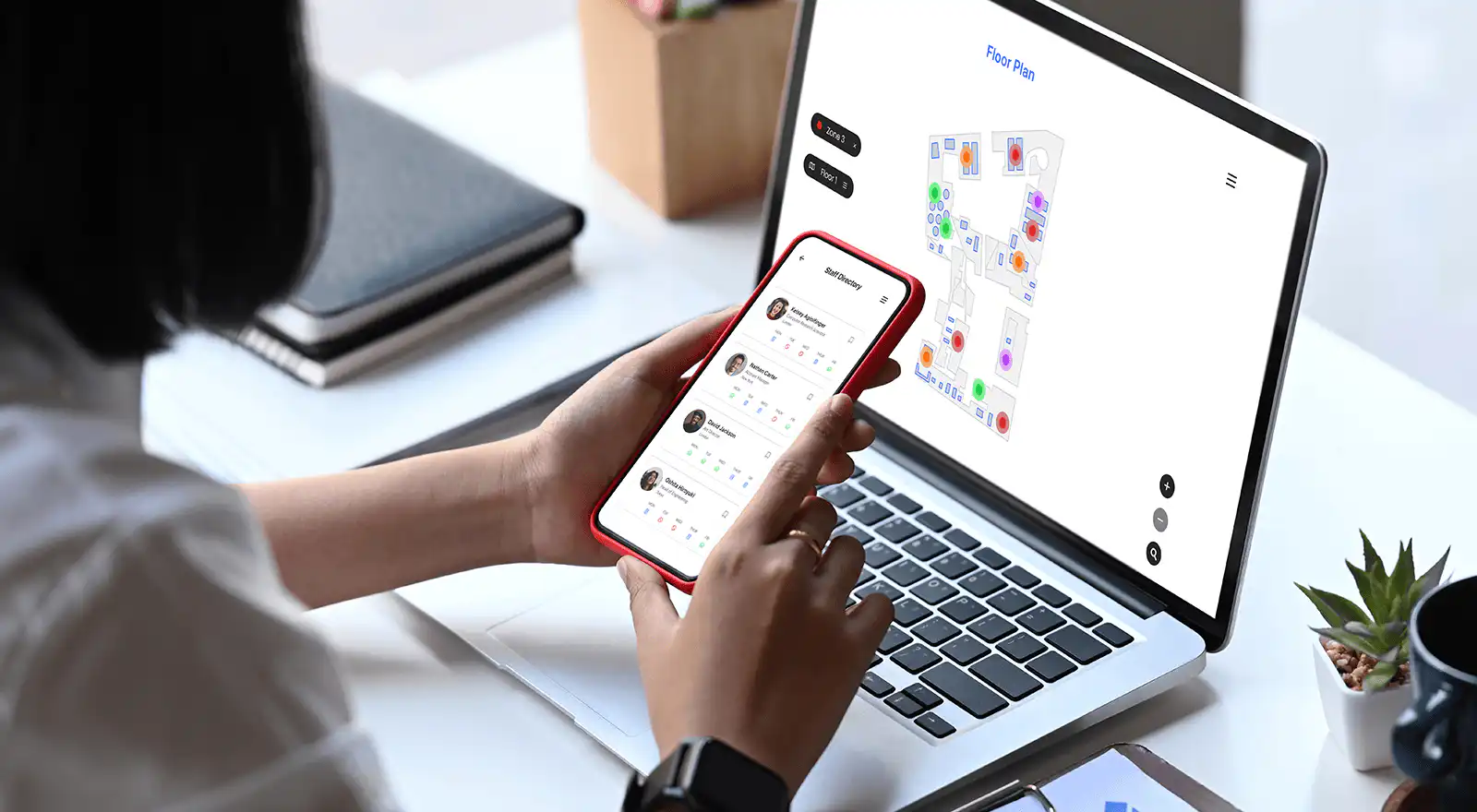
### To choose the right desk booking app for your company, consider these steps
- **Identify your requirements:** Understand your company's specific needs, including the size of your workforce, office layout, and hybrid work policies, discover [The 10 Best Mobile Application Development Platforms in 2026](https://fliplet.com/blog/10-best-mobile-application-development-platforms/)
- **Evaluate features:** Look for key features that meet your requirements, such as real-time availability, user-friendly interfaces, and customization options. Take a look at [The 10 Best Mobile Application Development Platforms in 2026](https://fliplet.com/blog/10-best-mobile-application-development-platforms/)
- **Check integration compatibility:** Ensure the app integrates smoothly with your existing tools like email, calendar, and communication platforms
- **Consider scalability:** The app should accommodate future growth and changing needs, take a look at the [Ultimate Guide: How to scale mobile enterprise app development without coding or IT resources](https://fliplet.com/blog/mobile-enterprise-app-development-without-coding/)
- **Read reviews and seek recommendations:** Look at user feedback and seek recommendations from similar businesses, we suggest looking at G2 or Capterra
- **Test and compare:** Utilize free trials to test functionality and compare different apps before making a decision
- **Review support and training:** Good customer support and training resources are essential for smooth implementation and usage
- **Analyze cost:** Ensure the app offers value for its price and fits within your budget
## The importance of using a hot desking software
Hot desking has emerged as a key strategy in modern workspace management, offering significant benefits such as enhanced flexibility, optimized space utilization, cost savings, and creating a dynamic work environment. Implementing a hot desking solution is crucial for companies looking to adapt to the evolving demands of the workforce, particularly in the context of hybrid working models. It not only supports a more efficient use of office resources but also contributes to employee satisfaction and collaboration.
Fliplet stands out as the ideal choice for a [hot desking software solution](https://fliplet.com/solution/desk-booking-app/). Its customizable, no-code platform allows for easy adaptation to specific organizational needs, offering a user-friendly experience that can be tailored to any company's branding. With its robust features and multi-platform compatibility, Fliplet not only simplifies hot desking management but also enhances the overall efficiency and productivity of the workplace.
## FAQs
Hot desking software is a digital solution that helps manage the allocation of workspaces in an office. It allows employees to reserve desks on an as-needed basis, usually via an app or web platform, ensuring efficient use of office space.
### To set up an office for hot desking
- Remove assigned seating.
- Implement a desk booking system.
- Provide necessary resources at each station.
- Consider space layout for easy accessibility.
- Communicate the change clearly to employees.
The hot desking method is a workspace management approach where no permanent desks are assigned to employees. Instead, workers use any available desk on a given day, typically reserving spaces through a booking system. This method promotes flexibility, maximizes space utilization, and often supports hybrid working models. It allows employees to choose different workstations each day, facilitating collaboration and reducing the need for excessive office space.
Hot desking refers to a workplace organization system where employees do not have assigned, fixed desks. Instead, they use any available workspace on an ad hoc basis. This system is often enabled by technology that allows for desk reservations. Hot desking is popular in modern, flexible work environments, aiming to reduce unused office space, create a more collaborative atmosphere, and accommodate a variety of working styles and schedules, particularly in organizations with a mix of remote and in-office staff.
### See the latest insights from Fliplet
## Creating your business apps has never been easier
## Related links
- [Ultimate Guide: How to scale mobile enterprise app development without coding or IT resources](https://fliplet.com/blog/mobile-enterprise-app-development-without-coding/): Fliplet compiled an ultimate guide on how to scale mobile enterprise app development without coding or IT resources
- [Top 10 Mobile Enterprise Application Platforms](https://fliplet.com/blog/top-10-mobile-enterprise-application-platforms/): Fliplet compiled a list of the top 10 mobile enterprise application platforms. Read more within.
- [The Best Low Code/No Code Development Platforms](https://fliplet.com/blog/the-best-no-code-low-code-development-platforms/): Fliplet compiled a list of the best Low Code/No Code Development Platforms. Find out more within.
---
# 10 Best Coaching Apps to Elevate Your Business in 2026
> Explore leading coaching apps in 2026, including their key features, pricing, integrations, and best-fit use cases.
Source: https://fliplet.com/blog/10-best-coaching-apps/
Content type: Blog
Published: 2026-05-18T12:07:25
Updated: 2026-02-14T10:00:00
Read time: 24 minutes
# 10 Best Coaching Apps to Elevate Your Business in 2026
Traditional face-to-face coaching sessions are now being supplemented and even replaced by coaching apps, offering convenience and accessibility to both coaches and their clients. With the increasing demand for coaching services, these apps are stepping up to provide a platform that caters to a broad spectrum of needs. From life coaching to nutrition advice, these apps have democratized the industry by eliminating geographical and time constraints and providing tailored coaching sessions right at our fingertips.
The impact of coaching apps on the industry has been significant. Coaches can now expand their reach globally and offer their services in innovative ways. The integration of AI and machine learning technologies into these apps has further enhanced the coaching experience. These technologies can analyze user data, track progress, and provide personalized insights and recommendations.
## Defining a Coaching App
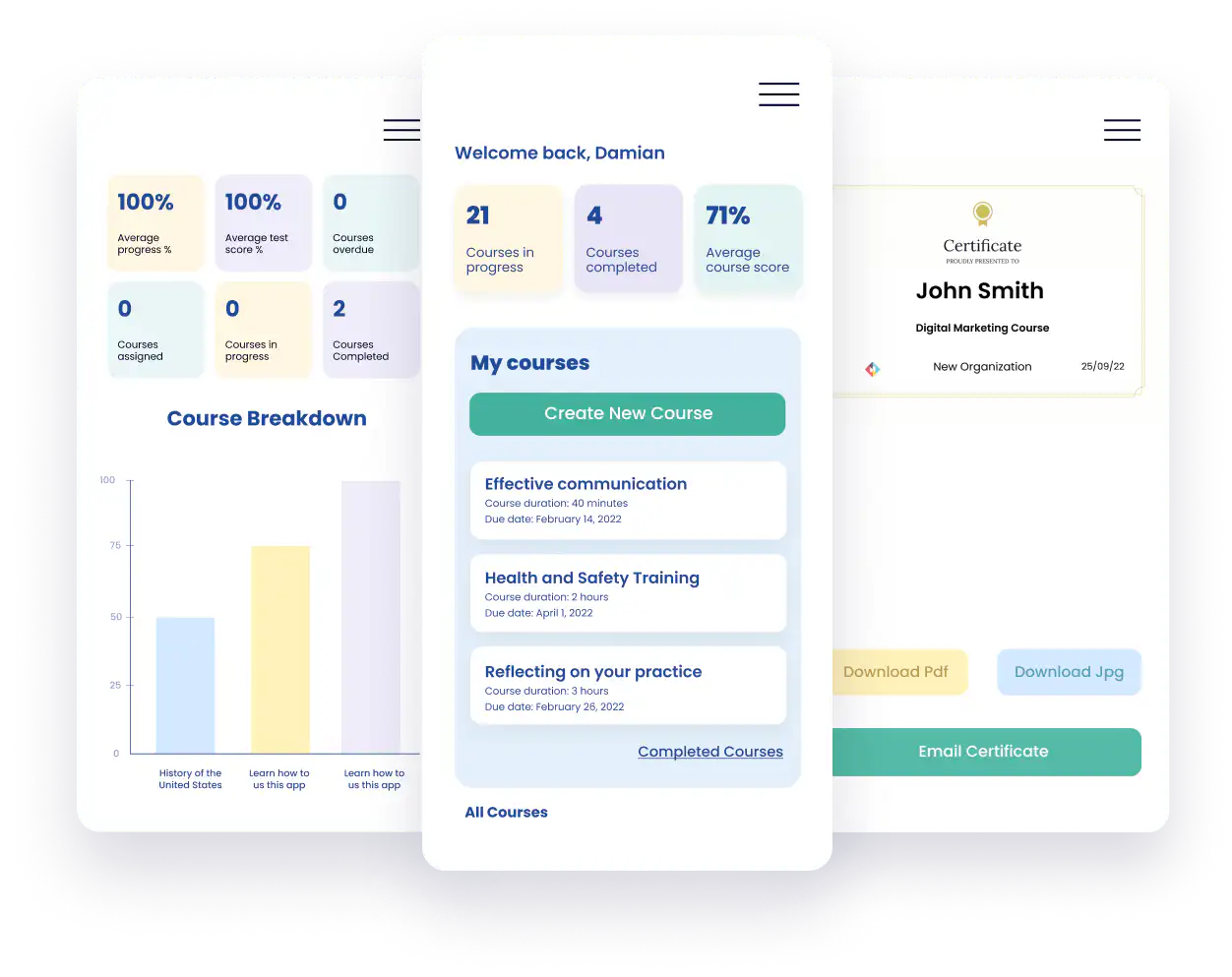
### What qualifies an application as a "coaching app"?
A coaching app is a digital platform that provides coaching services through a mobile or web application. These apps connect coaches and clients, facilitating communication, progress tracking, and feedback. They can be specialized in various fields such as life coaching, fitness coaching, or business coaching. Key features of a coaching app may include video or voice call functionality, messaging platforms, scheduling tools, progress tracking systems, and resources such as articles, videos, or exercises. Coaching apps can be designed for one-on-one sessions or group coaching, and may also incorporate AI-powered tools for personalized insights and recommendations. Take a look at [Fliplet's coaching app](https://fliplet.com/solution/coaching-app/) for more information.
Discover [the Top 10 Best App Builders to Create a Mobile App.](https://fliplet.com/blog/top-10-best-app-builder/)
## The spectrum of coaching apps: From fitness to life coaching and everything in between
Coaching apps cover a broad spectrum of disciplines and needs. Here are some examples.
- **Life coaching apps:** These apps assist clients in achieving personal and professional goals, improving overall well-being, or navigating life transitions. They often provide resources for goal setting, time management, and personal development.
- **Fitness coaching apps:** These apps help users with physical fitness goals. They often include workout plans, progress tracking, and nutrition advice. Some fitness coaching apps may also offer personalized workout plans and real-time feedback from professional trainers.
- **Nutrition coaching apps:** These apps offer guidance on nutrition and diet. They may include features such as meal planning, calorie tracking, and personalized diet recommendations based on the user's goals and dietary preferences.
- **Business coaching apps:** These apps support business owners or executives in achieving business goals, improving leadership skills, or navigating business challenges. They may offer resources on strategy, leadership, and management.
- **Sports coaching apps:** These apps, such as soccer coaching apps or baseball coaching apps, provide guidance and training for specific sports. They often include drills, tactics, and progress tracking.
- **Executive coaching apps:** Targeted at high-level executives, these apps provide coaching for leadership, communication, and strategic thinking. They may also offer resources for stress management and work-life balance.
- **Career coaching apps:** These apps help clients in achieving career goals, navigating job transitions, or improving professional skills. They may provide resources for resume writing, interview preparation, and job search.
Check out these [7 Steps to Making an App for iPhone in Less Than a Day.](https://fliplet.com/blog/7-steps-making-an-app-for-iphone/)
The range of coaching apps is vast, catering to different needs and disciplines. Whether a user seeks guidance in personal development, professional growth, or a specific skill, there's likely a coaching app that fits their needs.
## Top 10 Coaching Apps
Now it's time to delve into some recommended coaching apps.
### Fliplet
Fliplet is a user-friendly platform that allows you to effortlessly build and customize a coaching app without any coding. It offers a versatile solution to streamline your coaching process, enhance client support, and drive positive outcomes for your clients. The app includes features such as goal setting, progress tracking, task management, and messaging.
Fliplet was created with the objective of providing a user-friendly solution to building customized coaching apps without requiring any coding knowledge. It aims to offer a platform where coaches can manage their courses from creating to awarding certifications, while also providing the means to communicate with clients effectively. It's designed to empower coaches to deliver exceptional support, track client progress, and provide valuable resources.
#### Key features
- Customizable coaching app without any coding or installation required.
- Streamlined communication with your clients.
- Monitor your clients' progress and set periodic objectives to keep them motivated.
- Facilitate the process of assigning tasks and managing the workload for your clients.
- Offer valuable resources and instant support through the built-in messaging feature.
- Gain insights into course engagement and achievements with user-friendly reporting tools.
- Use personalized notifications to alert users via push, SMS, or email notifications.
- Use decision trees to direct users to the right path.
- An environment where participants can post issues for discussion and respond to any topic.
- Provide users with certificates that demonstrate a status or level of achievement.
**Integrations:** Fliplet integrates with popular software and platforms, including Salesforce, YouTube, RSS, social media, and databases, as well as Zapier integration, Stripe, PayPal, Google Forms and more.
**Ease of use:** Fliplet's platform is designed to be user-friendly, allowing coaches to easily create and customize their coaching app without any coding or installation required. The platform handles maintenance and over-the-air updates, enabling coaches to focus on content.
**Customer support:** Fliplet offers various support options based on your price plan, including live chat, phone, email, tutorials, and documentation. It provides the necessary help and support to ensure a smooth user experience.
**Functionality:** Fliplet offers a wide range of features such as goal setting, progress tracking, task management, messaging, reporting, and notifications. The platform is highly secure and compliant. With its integrations and robust features, Fliplet provides a powerful coaching app solution that caters to all your needs.
#### Pricing
- Free: $0 /mo
- Public: $9.90 /mo
- Private: $19.90 /mo
- Private plus: $29.90 /mo
- Enterprise: [Contact Fliplet](https://fliplet.com/contact/)
### Simply.Coach
Simply.Coach is a digital coaching platform for coaches, consultants, therapists, and coaching businesses that need client management, goal tracking, action plans, and client workspaces in one place. It supports both 1:1 and group coaching, along with branded and white-label experiences on higher plans.
#### Key features
- Client workspaces
- Goal and development planning
- Action plans, reminders, and nudges
- Group and team coaching
- Calendar, video, and CRM integrations
**Best use cases:** Executive coaching, leadership coaching, life coaching, business coaching, team coaching
**Integrations:** Simply.Coach integrates with Google, Microsoft, and Apple calendars, plus Zoom, Microsoft Teams, Google Meet, Cisco Webex, Stripe, and thousands of other apps via Zapier.
**Ease of use:** Simply.Coach brings scheduling, client workspaces, goals, actions, forms, and resources into one platform, which makes it easier to manage coaching engagements without relying on several separate tools.
**Customer support:** Simply.Coach offers chat and email support, and some higher-tier plans include complimentary onboarding.
**Functionality:** Simply.Coach includes goal and development planning, progress check-ins, action plans, nudges, scheduling, forms, resource sharing, and client workspaces. It also supports both solo and group coaching workflows.
#### Pricing
- Free trial: 14 days
- Starter: $9 /mo (paid annually)
- Essentials: $29 /mo (paid annually)
- Growth: $49 /mo (paid annually)
- Leap: $69 /mo (paid annually, white-label)
### Quenza
Quenza is a versatile coaching platform that offers a high degree of customization for course content. It's ideal for mental health, life coaching, relationship coaching, and more. Quenza was designed for coaches who wanted more control over their course content and client interactions. Its creators aimed to provide a customizable platform for coaches to build unique, science-based activities and engage with clients.
#### Key features
- HIPAA-compliant private and group chat
- Group coaching features
- Customizable science-based Activity templates for helping professionals (Expansions)
- Client notifications and reminders
- Secure file storage and sharing
- Note-taking and documentation tools
- Organizational features for teams
**Best use cases:** Quenza is best for individual coaching, team coaching, client engagement, life coaching, mental health coaching, online coaching, e-therapy, and digital health.
**Integrations:** Quenza does not offer integrations.
**Ease of use:** Quenza's user interface is intuitive, with a drag-and-drop custom field system for course design, making it accessible even for users without a technical background.
**Customer support:** Quenza offers standard customer support, including a comprehensive knowledge base with articles via their website, email support, and chat.
**Functionality:** Quenza provides a rich set of features, including private and group chat, customizable templates, client notifications, and secure file storage. It's ideal for coaches who want to create and deliver custom content to their clients.
#### Pricing
- Lite: $49 /mo
- Standard: $89 /mo
- Unlimited $149 /mo
### 10to8
10to8 was developed to provide coaches with a robust suite of tools for managing their practice and improving client engagement. 10to8 is a comprehensive scheduling and practice management software that allows coaches to manage appointments, generate reports, and integrate various tools for a streamlined experience.
#### Key features
- Appointment scheduling
- Practice management reports
- Integrations with accounting and video conferencing software
- Private portal for client self-scheduling and appointment updates
**Best use cases:** 10to8 is ideal for those in coaching professions in marketing, practice management, and personal training coaches.
**Integrations:** 10to8 integrates with hundreds of other apps including Mailchimp, Google Docs, Pipedrive, Slack, Zoom, Twitter and more.
**Ease of use:** With an intuitive interface and helpful onboarding materials, 10to8 offers a user-friendly experience.
**Customer support:** 10to8 have a support center where they share service status updates, FAQs, knowledge base and a range of tutorials.
**Functionality:** 10to8 provides a rich set of features for appointment scheduling, practice management, and client engagement, making it a versatile tool for coaches.
#### Pricing
- Pro: $7.20 /mo
- Premium: $19 /mo
- Enterprise: Contact 10to8
### Vcita
Vcita is a practice management software that provides coaches with an all-in-one solution for appointment scheduling, customer relationship management, invoicing, and more. Vcita was created to provide small business coaching software to reduce the time they spend on administrative tasks so they can focus on their clients.
#### Key features
- Appointment scheduling
- Invoicing and billing
- Payment processing
- Note-taking and documentation
- Customizable marketing forms
**Best use cases:** Vcita is perfect for small business coaching
**Integrations:** Vcita integrates with Zapier which allows you to automate tasks and create custom workflows between your preferred app and other services.
**Ease of use:** Vcita's user-friendly dashboard makes it easy for coaches to manage their practice and interact with clients.
**Customer support:** Vcita has a help center with comprehensive guides on their main features and workflows as well as a help site with FAQ's.
**Functionality:** Vcita offers a wide range of features for appointment scheduling, invoicing, payment processing, and more, making it a versatile tool for coaches.
#### Pricing
**Note:** These prices vary massively depending on how many users you have.
- Essentials: $24 /mo
- Business: $49 /mo
- Platinum $83 /mo
### My Clients Plus
Initially created for therapists, My Clients Plus offers a comprehensive set of tools that can benefit coaches in managing their practice, especially in mental health and wellness coaching.
#### Key features
- Note-taking and document management
- Billing and invoicing
- Appointment scheduling
- Client portal
- Customizable forms and mental health templates
**Best use cases:** Best suited for mental health and wellness coaching.
**Integrations:** My Clients Plus is integrated with a Telehealth Platform, so you can meet your clients wherever they are with telehealth. These days, telehealth has become a common way to deliver therapy to clients who may otherwise have issues meeting their in-person appointments My Clients Plus offers a powerful, secure telehealth video platform so that you can easily offer telehealth to your clients.
**Ease of use:** Its straightforward and user-friendly interface makes it easy for coaches to manage their practice.
**Customer support:** My Clients Plus offers responsive support through various channels, including a help center, email, and chat support.
**Functionality:** Its comprehensive features for practice management, appointment scheduling, and client engagement make it a highly functional tool for coaches. You also have the ability to customize some of the coding.
#### Pricing
- Standard plan: $25 /mo
### CoachAccountable
CoachAccountable is a robust coaching platform designed for coaches who like to assign assessments and worksheets to their clients, as well as those offering online courses. CoachAccountable has been serving coaches for over ten years. It was created to cater to coaches who like to assign assessments.
#### Key features
- Client management
- Appointment scheduling
- Group coaching features
- Courses, whiteboards, and library
- Assessments and worksheets
**Best use cases:** Suitable for coaches offering online courses, assessments, and worksheets.
**Integrations:** CoachAccountable offers a huge variety of integrations such as PayPal, Zoom, Google Calendar, Stripe, Zapier, Square Payments, Microsoft Outlook and more.
**Ease of use:** It's simple and intuitive interface, along with in-app guides and onboarding videos, make it easy for coaches to navigate and set up.
**Customer support:** My Clients Plus offers responsive support through various channels, including a help center, chat support and a tour feature to give you an overview of the platform before you purchase it.
**Functionality:** Its robust features, such as group coaching, client portal, and courses, make it a highly functional tool for coaches.
#### Pricing
- Starter: $20 /mo
- Level 1: $40 /mo
- Level 2: $70 /mo
- Level 3: $120 /mo
- Level 4: $250 /mo
- Level 5: $400 /mo
### Satori
Satori is an all-in-one coaching program builder, perfect for coaches looking to manage multiple administrative tasks in a single application. Satori was created to provide coaches with a platform where they can easily create coaching programs, manage client interactions, and handle administrative tasks.
#### Key features
- One-click client enrollment
- Automated scheduling system
- Custom proposals
- Automated billing
- Homework assignment sharing in client portals
**Best use cases:** Best for coaches looking for a comprehensive tool to manage client proposals, scheduling, billing, and homework assignments.
**Integrations:** Zapier lets you connect Satori with thousands of the most popular apps, so you can automate your work
**Ease of use:** The application is user-friendly with features like one-click enrollment, simplifying client interactions.
**Customer support:** Support is available via email and in-app chat, and the website offers an FAQ section.
**Functionality:** Offers multiple functions such as client enrollment, scheduling, and billing, making it highly functional for coaches.
#### Pricing
- Pioneer: $8 /mo
- Trialblazer: $32 /mo
- Pro: $66 /mo
### Hudl
Hudl is an app designed for coaches to analyze team performance through video recordings on a phone or tablet. Hudl was created to provide coaches with a tool for analyzing team performances, enabling them to illustrate and improve specific aspects of performance.
#### Key features
- Video recording and analysis
- Play selection and tagging within a match
- Sharing of performance analysis with team members
**Best use cases:** Best for coaches in the sport industry.
**Integrations:** Hudl integrates with Wyscout and Studio works seamlessly.
**Ease of use:** The application offers you powerful results. Use Hudl to analyze video, track stats, manage feedback and create highlights in one easy-to-use online platform.
**Customer support:** Read tutorials and watch help videos, they also have a Hudl Academy and offer online classes to make sure you get the most out of the platform.
**Functionality:** The app's focus on video recording, analysis, and sharing makes it highly functional for coaches looking to analyze team performances.
#### Pricing
- Bronze: $400 /yr
- Silver: $1000 /yr
- Gold: $1600 /yr
### My Coach Office
My Coach Office was designed to provide coaches with an efficient and comprehensive platform to manage their coaching practices. My Coach Office is a versatile coaching management tool ideal for solo remote coaches or teams. It provides functionalities ranging from appointment scheduling to bulk emailing.
#### Key features
- Video recording and analysis
- Play selection and tagging within a match
- Sharing of performance analysis with team members
**Best use cases:** Best suited for business coaching, coaching management, client engagement, and virtual life coaching.
**Integrations:** Integrates with any website.
**Ease of use:** My Coach Office offers a simple and intuitive interface that makes it easy to manage various coaching tasks.
**Customer support:** Support is available via email and the website provides a help center with resources.
**Functionality:** Its wide range of features, including progress tracking, goal setting, and curriculum management, make it a highly functional tool for coaches.
#### Pricing
- Kick Starter: $19 /mo
- Premium: $39 /mo
- Pro: $79 /mo
## Coaching apps comparison table
Solution
Price starts at
Integrations
White label
Best for
Free
✓
✓
Client coaching
Simply.Coach
$9 /mo
✓
✓
Coaches / consultants / therapists
$49 /mo
✓
✓
Team coaching
$7.20 /mo
✓
✓
Coaching professions in marketing
$24 /mo
✓
✓
Small business coaching
$25 /mo
One
No
Wellness Coaching
$20 /mo
✓
✓
Coaches offering online courses
$8 /mo
✓
No
Business coaching
$400 /yr
✓
✓
Sports coaching
$19 /mo
✓
No
Business coaching
Take a look at a demo of Fliplets Learning solution that you can use for your coaching app:
https://youtu.be/qbmVMeOeUUs
## Why use a Coaching App
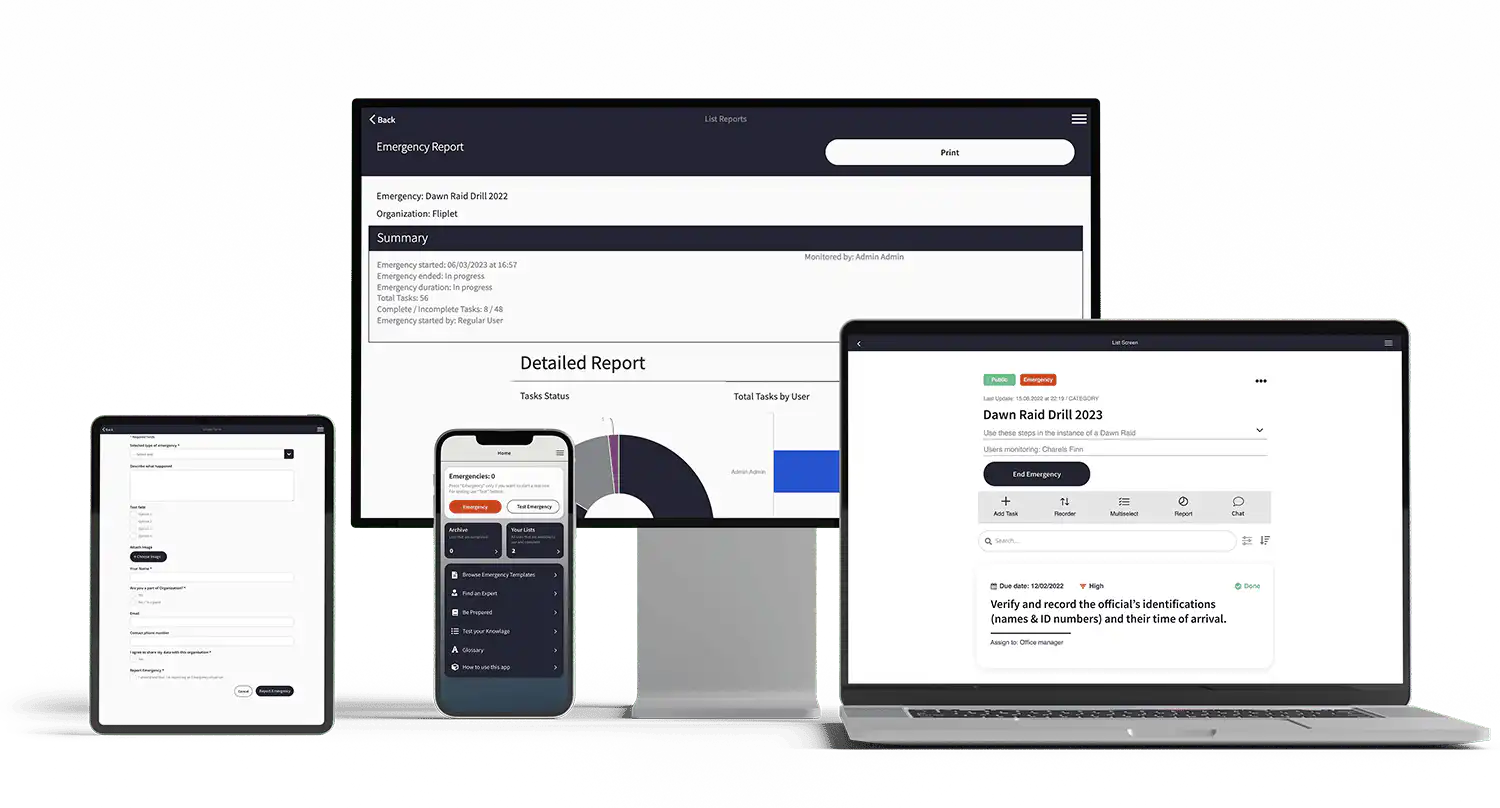
Coaching apps are growing in popularity for a good reason. They are an essential tool for both coaches and clients, streamlining the coaching process and making it more efficient. This growth is partially attributed to the increasing use of coaching apps, as they offer several benefits that enhance the overall coaching experience.
### Benefits for Coaches:
- **Streamlining administrative tasks:** Automate mundane tasks like scheduling appointments, storing client information, invoicing, and receiving payments.
- **Greater organizational ability:** Organize your coaching practice with easy access to client information, session notes, and scheduling tools.
- **Tracking client progress and capabilities:** Easily track your clients' progress, set goals, and evaluate their capabilities over time.
- **Enhanced engagement and communication:** Facilitate better communication with your clients through messaging, video calls, and group sessions.
- **Easy and fast payment processing:** Simplify the payment process by integrating payment gateways for secure and efficient transactions.
- **Automatic reminders:** Send automated reminders for upcoming sessions, follow-ups, and check-ins to keep both you and your clients on track.
- **Facilitates interactive digital learning:** Share valuable resources such as blogs, books, videos, and podcasts to enhance your clients' learning experience.
Want to see Fliplets Coaching app in action? [Request a demo](https://fliplet.com/book-a-demo/)
### Benefits for Clients:
- **Convenience:** Access coaching services remotely, saving time and effort in commuting.
- **Interactive learning:** Engage in multi-modal learning through digital content like videos, podcasts, and blogs.
- **Tracking progress:** Easily track personal progress, set goals, and evaluate improvements over time.
- **Enhanced communication:** Communicate with your coach through messaging, video calls, and group sessions, fostering better understanding and engagement.
- **Performance evaluation:** Receive regular performance evaluations and feedback from your coach to understand areas of improvement.
- **Client history availability:** Access past session notes, resources, and progress reports through client portals, helping clients stay organized and informed.
Take a look at [How to Make a Learning App on a Budget](https://fliplet.com/blog/how-to-make-a-learning-app/)
## Delving Deeper: Features to Look For in a Coaching App
The effectiveness of a coaching app depends on the features it offers. A good coaching app should include a comprehensive set of features that address the diverse needs of coaches and their clients. Below, we take a closer look at the essential features to look for when selecting a coaching app:
- **Client management:** Store client information, track their activities, and manage interactions to help clients reach their coaching goals. Centralize all client-related information, including contact details, session history, and notes.
- **Time-saving:** Automate scheduling and organizing tasks, freeing up more time to focus on actual coaching. Delegate administrative tasks like appointment booking, follow-ups, and reminders to the app.
- **Greater engagement:** Provide tools for digital sharing, video conferencing, and automated comments to boost client engagement and confidence. Share resources and communicate through various channels to foster deeper engagement.
- **Appointment scheduling:** Schedule sessions, appointments, and check-ins effortlessly, sending automatic notifications and reminders. Minimize scheduling conflicts and keep both coaches and clients on track.
- **Progress tracking:** Monitor a client's performance since onboarding, analyze growth, and plan future courses of action. Visualize progress through charts, graphs, and reports, providing a clear picture of the client's journey.
- **Goal setting:** Create periodic objectives to motivate clients and keep them focused. Break down long-term goals into actionable steps, making it easier for clients to stay on track.
- **Billing and invoicing:** Simplify the payment process with one-click digital payments through PayPal or other payment methods. Manage invoices and billing effortlessly within the app.
- **Real-time reporting:** Stay informed of your clients' needs and progress in real-time, allowing you to deliver tailored coaching to meet their specific needs.
- **Historical reporting:** Keep track of past coaching projects and monitor changes to understand your progress as a coach and the evolution of your clients.
- **Calendar management:** Sync your calendar with the coaching app to provide auto booking and avoid double-booking. Manage your availability and share it with clients for easy scheduling.
- **Organizing meetings and follow-ups:** Plan and organize meetings, follow-ups, and check-ins within the app. Streamline the process of keeping in touch with clients and ensuring regular engagement.
- **Development of coaching programs:** Design and create coaching programs within the app, offering tailored courses to clients. Include resources, exercises, and activities to enhance the coaching experience.
- **Real-time tracking:** Track client progress in real time, providing immediate feedback and support. Adjust coaching strategies based on real-time insights.
- **Payment processing:** Process payments securely and efficiently within the app. Offer multiple payment options for clients, making transactions easy and convenient.
- **Automated reminders and notifications:** Set up automated reminders for appointments, goals, and tasks. Keep both coaches and clients informed and accountable.
- **Strength assessments:** Evaluate clients' strengths and areas for improvement through assessments and tests within the app. Gain a better understanding of their needs and tailor coaching accordingly.
Check out the [16 Top Features of a Successful Mobile App](https://fliplet.com/blog/16-successful-mobile-app-features/)
Choosing a coaching app with these features will enhance the overall coaching experience for both coaches and clients. It will streamline administrative tasks, enhance engagement, and provide valuable insights into clients' progress and needs. Take a look at the great features [Fliplet's coaching app](https://fliplet.com/solution/coaching-app/) has to offer.
## Using Coaching Apps to Enhance Client Engagement
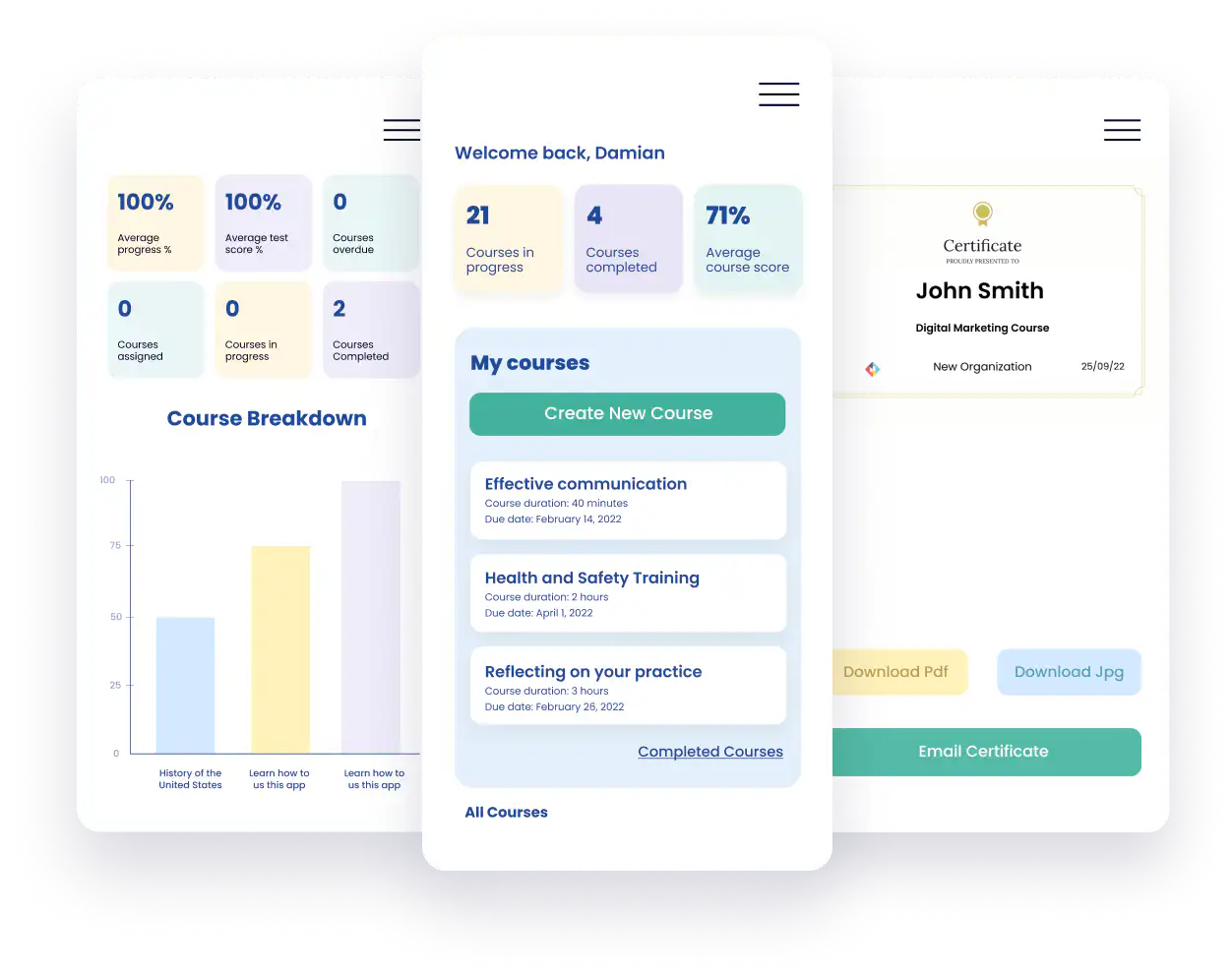
Engaging clients is crucial for a successful coaching practice. Coaching apps are a game-changer in this regard. These apps provide numerous features that can be strategically used to boost client interaction and commitment. Here are a few strategies and real-life case studies showcasing successful client engagement through app functionalities:
- **Personalized communication:** Use the app's messaging and video conferencing features to communicate with clients. Tailor the communication style to suit each client's preferences and needs. Offer feedback, encouragement, and advice based on their progress. Take a look at [The 15 Best Team Communication Apps of 2026](https://fliplet.com/blog/best-team-communication-apps/)
- **Interactive content sharing:** Share digital content, such as articles, videos, and podcasts, relevant to the client's goals. Make the content interactive by adding questions or exercises to stimulate client engagement.
- **Goal tracking and celebrating achievements:** Use the app's goal-setting and tracking features to help clients set and monitor their goals. Celebrate their achievements, big or small, to boost motivation and commitment.
- **Real-time feedback and adjustments:** Utilize real-time tracking features to monitor client progress and provide immediate feedback. Adjust coaching strategies based on client responses and needs.
- **Automated reminders and follow-ups:** Set up automated reminders and follow-ups within the app to keep clients accountable and engaged. Regularly check in on their progress and offer support as needed.
### Coaching apps case studies
- Find out how this coach built a fitness and wellness community app that helps people become their strongest selves and achieves 98% member retention, read the full [case study](https://www.disciplemedia.com/case-studies/bodily/).
- Discover how a gym owner used a coaching app to customize workouts and is able to easily communicate with his clients, read the full [case study](https://truecoach.co/wp-content/uploads/sites/2/2023/11/built-for-the-stage-case-study.pdf).
Coaching apps offer various features that can be strategically used to enhance client engagement. By tailoring communication, sharing interactive content, tracking goals, providing real-time feedback, and setting up automated reminders, coaches can foster deeper client interaction and commitment.
## Client Tracking and Reporting in Coaching Apps
Effectively monitoring client progress is a crucial part of the coaching process. It allows coaches to measure the effectiveness of their approach, make necessary adjustments, and provide evidence-based feedback to their clients. Here's how to do it efficiently using coaching apps and why data-driven coaching is essential:
### How to Effectively Monitor Client Progress
- **Set clear goals:** The first step in tracking client progress is setting clear and measurable goals. Use the goal-setting feature in your coaching app to establish and document goals for each client.
- **Utilize tracking tools:** Most coaching apps come with built-in tracking tools that enable coaches to monitor various metrics, such as session attendance, task completion, and progress toward goals. Regularly update and review these metrics to keep track of client progress.
- **Review progress reports:** Use the reporting feature in your coaching app to generate progress reports for each client. Review these reports regularly to assess client progress and identify any trends or patterns.
- **Schedule regular check-ins:** Set up regular check-in sessions with your clients to discuss their progress and address any challenges or concerns. Use the app's scheduling feature to set up these sessions and send automated reminders to your clients.
- **Document client feedback:** Use the app's note-taking feature to document client feedback during sessions. This will help you gain insights into their experiences, perceptions, and any obstacles they may be facing.
### The Importance of Data-Driven Coaching and How Apps Facilitate It
Data-driven coaching is the practice of using data and analytics to inform coaching decisions and strategies. It enables coaches to provide evidence-based feedback and recommendations, which can enhance the effectiveness of the coaching process and increase client trust.
- **Evidence-based feedback:** By tracking and analyzing client progress data, coaches can provide feedback and recommendations that are based on evidence rather than intuition. This can enhance the credibility of the feedback and increase client confidence in the coaching process.
- **Informed decision making:** Data-driven coaching allows coaches to make informed decisions about their approach and strategies. By analyzing client progress data, coaches can identify what is working and what is not, enabling them to adjust their approach accordingly.
- **Increased accountability:** Tracking client progress data increases accountability for both coaches and clients. Clients can see their progress in real-time, which can boost motivation and commitment. Coaches can use the data to hold clients accountable for their actions and progress toward their goals.
- **Facilitating data-driven coaching:** Coaching apps facilitate data-driven coaching by providing tools for tracking and analyzing client progress data. These tools enable coaches to collect, organize, and analyze data efficiently, making it easier to incorporate data-driven practices into their coaching process.
Effectively monitoring client progress is essential for successful coaching. Coaching apps provide the tools necessary for tracking and analyzing client progress data, making it easier for coaches to incorporate data-driven practices into their coaching process.
## Making the Right Choice: Aligning App Capabilities with Your Coaching Needs
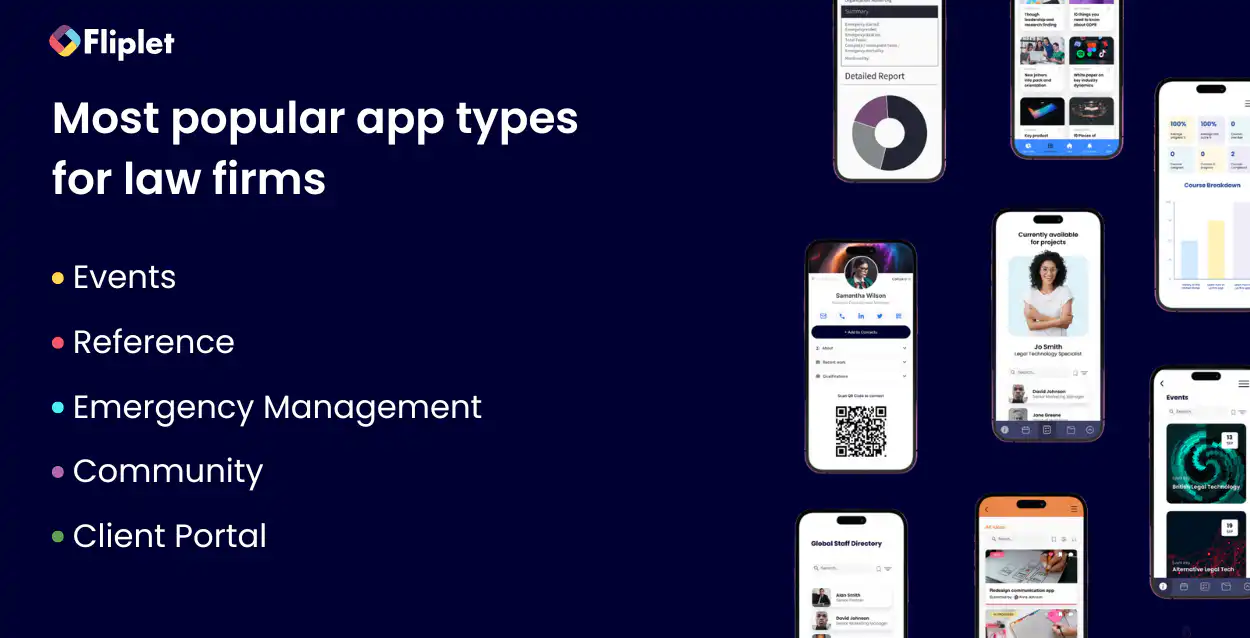
Choosing the right coaching app is crucial in achieving your goals as a coach. With the multitude of options available, it's essential to align the app's capabilities with your coaching needs. Here's a guide to help you find your ideal match:
### 1. Identify Your Coaching Needs
Before diving into app options, take time to outline your coaching needs. Consider factors like:
- What are your coaching niche and target audience?
- Are you providing one-on-one or group coaching?
- What types of administrative tasks do you need help with?
- Do you require tools for client engagement, tracking progress, and reporting?
### 2. Compare App Features
Now that you have a clear picture of your coaching needs, it's time to evaluate and compare app features. Look for apps that offer:
- **Client management:** Essential for storing client information, tracking activities, and planning tailored strategies.
- **Appointment scheduling:** Ideal for setting sessions, follow-ups, and check-ins. Look for apps that integrate with your preferred calendar.
- **Progress tracking & reporting:** Tools that help monitor clients' performance, analyze growth, and plan future actions.
- **Digital sharing & engagement:** Options for sharing digital content and video conferencing to boost client engagement and confidence.
- **Billing & invoicing:** Simplify the payment process with integrated billing and invoicing features.
- **Goal setting:** Assist clients in setting realistic, measurable goals that motivate and provide focus.
### 3. Evaluate Usability, Customer Support, and Pricing
Don't forget to consider other factors such as:
- **Ease of Use:** Choose an app that is user-friendly, intuitive, and requires minimal training.
- **Customer Support:** Opt for apps that offer prompt and reliable customer support.
- **Pricing:** Determine your budget and choose an app that offers the best value for your money.
### 4. Consider the Use Cases Each App Caters To
Different apps are designed to cater to specific use cases. Here's a quick breakdown of our previously mentioned apps based on common coaching niches:
- **Fliplet:** [Fliplet's Coaching app](https://fliplet.com/solution/coaching-app/) has features such as goal setting, progress tracking, task management, and messaging, our coaching app empowers you to create personalized coaching experiences and drive positive outcomes for your clients.
- **Simply.Coach:** A strong fit for executive, leadership, life, and business coaches, along with coaching businesses that need client workspaces, goal planning, reminders, and group coaching in one platform.
- **Quenza:** Ideal for psychologists, therapists, and life coaches who want to provide tailored interventions, assessments, and progress tracking. It's suitable for mental health, emotional well-being, and personal development coaching.
- **10to8:** Suited for coaches and consultants across different niches, including business coaches, life coaches, wellness coaches, and more. It's especially beneficial for those who need robust scheduling and appointment management features, as well as automated reminders. It's ideal for coaches who manage multiple appointments and want to reduce no-shows.
- **Vcita:** Tailored for coaches, consultants, and educators who conduct online meetings, consultations, and training sessions. It's great for business coaching, executive coaching, educational coaching, and any coaching that requires interactive video conferencing with whiteboarding, file sharing, and session recording.
- **My Clients Plus:** Designed for mental health professionals, therapists, counselors, and life coaches who need a platform for client management, session notes, billing, and appointment scheduling. It's ideal for those who work in the mental health and wellness fields and need a secure, HIPAA-compliant platform for client interactions.
- **Coach Accountable:** Suitable for life coaches, business coaches, and executive coaches who need a platform for client management, goal setting, progress tracking, and engagement. It offers tools for coaching programs, sessions, and worksheets.
- **Satori:** Best for business coaches, consultants, and mentors who need a comprehensive solution for client management, scheduling, billing, and communication.
- **Hudl:** Built for sports coaches, athletic trainers, and teams who want to analyze game footage, track player performance, and improve team strategies. It's suitable for coaches across various sports, including football, basketball, soccer, and more. It's perfect for coaches who want to use video analysis to enhance their team's performance and provide targeted feedback to players.
Each of these apps is tailored to specific coaching niches and offers features that cater to the unique needs of coaches in those niches. By understanding your coaching niche and the use cases that each app caters to, you can find the app that best aligns with your coaching practice and enhances your coaching experience.
### 5. Test Drive Your Top Choices
Many coaching apps offer free trials or demo versions. Take advantage of these offers to test drive your top choices and experience their features firsthand. Pay attention to how easy they are to use, how they fit into your coaching process, and how they make your life easier.
In conclusion, selecting the right coaching app is a significant decision that can significantly impact your coaching practice. By understanding your coaching needs, comparing app features, and evaluating usability, support, and pricing, you can find the app that perfectly aligns with your coaching needs and enhances your coaching experience.
## The Future of Coaching Apps

The future of coaching apps appears to be bright and promising, with several emerging trends and predictions for the industry. Backed by industry insights, here are some anticipated developments in the world of coaching apps:
- **Greater AI integration:** As technology continues to evolve, coaching apps are expected to incorporate more advanced AI-driven features. These could include AI-powered chatbots for instant client support, personalized coaching recommendations, and automated data analysis for better client tracking and progress monitoring. Find out [How AI Will Disrupt App Development](https://fliplet.com/blog/how-ai-will-disrupt-app-development/).
- **AR/VR experience:** Augmented and virtual reality technologies offer immersive and interactive experiences. Coaching apps may integrate AR/VR to create virtual coaching environments, interactive training simulations, or provide a more engaging way to showcase concepts and ideas to clients.
- **Focus on data privacy:** With the increasing importance of data privacy and protection, coaching apps are likely to place more emphasis on security and compliance with data privacy regulations. Clients' personal and sensitive information will be handled with greater care, ensuring confidentiality and trust in the coaching process.
- **Customization and personalization:** Personalization is a growing trend in the digital world, and coaching apps will likely follow suit. Expect to see more customizable dashboards, personalized coaching plans, and features that adapt to each coach's unique preferences and coaching style.
- **Interdisciplinary coaching:** Coaching apps may start catering to multiple coaching disciplines, allowing coaches to offer a more holistic approach. For example, a life coach might integrate elements of nutrition coaching, wellness coaching, or career coaching into their practice using features offered by a multi-disciplinary app.
- **Remote and on-demand coaching:** The trend of remote and on-demand coaching is expected to continue. Coaching apps will likely provide more robust features for asynchronous coaching, allowing clients to access coaching resources, activities, or feedback at their convenience, regardless of their location or schedule.
- **More interactive content:** Interactive content like quizzes, gamified exercises, and engaging activities can help clients stay motivated and invested in their coaching journey. Coaching apps may incorporate more of these features to enhance client engagement and retention.
- **Integration with wearables and IoT:** Wearable devices and IoT gadgets can provide valuable data for coaches, especially in fields like wellness and sports coaching. Expect to see coaching apps that integrate seamlessly with wearables, using real-time data to provide insights into clients' habits, performance, and progress.
- **Community building:** Coaching apps may prioritize features that facilitate community building, allowing coaches to create client communities where participants can share experiences, support one another, and build a sense of belonging.
- **Continued growth in mobile accessibility:** The shift to mobile-first experiences will continue, with coaching apps focusing on providing streamlined, intuitive mobile interfaces to make coaching accessible and convenient for both coaches and clients on the go. Discover [The 10 Best Mobile Application Development Platforms 2026](https://fliplet.com/blog/10-best-mobile-application-development-platforms/)
Discover all of [Fliplet's AI features](https://fliplet.com/ai-app-builders/) or, watch this recent webinar to discover how to build your first AI powered app with Fliplet: How to start using AI within your app:
https://youtu.be/cA6L1mQuVcI
The coaching app industry is poised to leverage advancements in technology and user preferences to create innovative and valuable solutions for coaches and clients alike. By embracing these trends and predictions, coaches can stay ahead of the curve and provide an enhanced, future-ready coaching experience.
## Conclusion: Embracing Digital Tools for Coaching Success
As the coaching industry continues to evolve, keeping pace with technological advancements is crucial for coaches seeking to remain competitive and deliver the best possible service to their clients. By incorporating digital tools like coaching apps into their practice, coaches can streamline administrative tasks, enhance client engagement, and provide a more personalized and effective coaching experience.
Embracing these tools not only contributes to the growth and success of coaches but also greatly benefits their clients. Digital coaching apps offer features like progress tracking, goal setting, and performance evaluations that help clients stay on track, stay motivated, and achieve their desired outcomes more efficiently. Clients can access coaching resources on-demand, have more interactive sessions, and get instant feedback, making the coaching journey more engaging and fruitful.
Moreover, the use of coaching apps allows coaches to expand their reach and cater to a more diverse clientele, irrespective of geographical limitations. It's an opportunity to scale their coaching business, diversify their offerings, and gain a competitive edge in the market.
In conclusion, embracing digital tools like coaching apps is essential for coaches who want to stay updated, relevant, and successful in the ever-evolving coaching industry. It's an investment in their growth and in the betterment of their clients. So, whether you're a seasoned coach or just starting, leveraging these tools will undoubtedly propel you towards greater success.
So, take the plunge into the digital world of coaching apps and experience the transformation it brings to your coaching practice. Your clients will thank you for it.
[Build your coaching app for free](https://studio.fliplet.com/signup) using Fliplet's Learning solution.
## FAQs
### What is a coaching app?
A coaching app is a digital platform that helps coaches and clients manage communication, goals, progress tracking, resources, and feedback in one place.
### What features matter most in a coaching app?
Core capabilities include client management, scheduling, messaging, progress tracking, goal setting, billing, reporting, and automated reminders.
### Can a coaching app be branded for my business?
Yes. Platforms such as Fliplet support white-label customization so coaches can tailor branding, content, workflows, and client experience.
### Are coaching apps mobile-friendly?
The best coaching apps support iOS and Android as well as web access, so coaches and clients can engage from their preferred devices.
## Related links
- [Ultimate Guide: How to scale mobile enterprise app development without coding or IT resources](https://fliplet.com/blog/mobile-enterprise-app-development-without-coding/): Fliplet compiled an ultimate guide on how to scale mobile enterprise app development without coding or IT resources
- [Top 10 Mobile Enterprise Application Platforms](https://fliplet.com/blog/top-10-mobile-enterprise-application-platforms/): Fliplet compiled a list of the top 10 mobile enterprise application platforms. Read more within.
- [The Best Low Code/No Code Development Platforms](https://fliplet.com/blog/the-best-no-code-low-code-development-platforms/): Fliplet compiled a list of the best Low Code/No Code Development Platforms. Find out more within.
---
# 10 Best Legal Office Management Software Tools & Systems in 2026
> 10 Best Legal Office Management Software Tools & Systems in 2026. Compare features, pricing, tradeoffs, and use cases to choose the best fit for your team.
Source: https://fliplet.com/blog/best-legal-office-management-software/
Content type: Blog
Published: 2026-05-18T20:03:37
Updated: 2026-03-10T09:00:00
Read time: 14 minutes
# 10 Best Legal Office Management Software Tools & Systems in 2026
Is your law firm leveraging the best legal office management software to streamline operations, improve efficiency, and enhance client service?
For any [law firm](https://fliplet.com/blog/low-code-app-platforms-among-law-firms/), managing cases, clients, office tasks, and even tracking office attendance efficiently is essential. Legal office management software can transform how your team handles tasks, saving you time and resources while ensuring compliance and security.
This guide reveals the top tools, helping you find the best fit for your firm.
## Key Takeaways
- _Legal office management software_ improves workflow, enhances security, and saves valuable time.
- Key features to look for include document management, reporting, and integrations with existing tools.
- _Fliplet_ offers high customizability and robust security, tailored for the [legal industry](https://fliplet.com/blog/legal-innovation/).
## 10 Best Legal Office Management Software in 2026
Below is a comparison of the top legal office management tools, outlining their unique features, pros, and cons.
| Feature | Fliplet | ClickUp | Basecamp | Flock | Hive | Monday.com | Google Chat | Zoom | Toggl | Wrike |
| --- | --- | --- | --- | --- | --- | --- | --- | --- | --- | --- |
| Project views | ✓ | ✓ | — | — | ✓ | ✓ | — | — | — | ✓ |
| Document management | ✓ | ✓ | ✓ | — | — | — | — | — | — | ✓ |
| Collaboration tools | ✓ | ✓ | ✓ | ✓ | ✓ | ✓ | ✓ | ✓ | — | ✓ |
| Reporting & analytics | ✓ | ✓ | — | — | ✓ | ✓ | — | — | ✓ | ✓ |
| Resource allocation | ✓ | ✓ | — | — | ✓ | ✓ | — | — | — | ✓ |
| Integrations | ✓ | ✓ | ✓ | ✓ | ✓ | ✓ | ✓ | — | ✓ | ✓ |
| Security | ✓ | ✓ | — | — | ✓ | ✓ | — | — | — | ✓ |
| Starting price | First 3 apps free; starts at $9.90/month | Starts at $10/user/month | Starts at $15/user/month | Starts at $4.50/user/month | Starts at $12/user/month | Starts at $27/month for 3 users | Starts at $6/user/month | Starts at $12.49/user/month | Starts at $9/user/month | Starts at $5/user/month |
## What Should You Look for in a Legal Office Management Software?
Choosing the right legal office management software can make all the difference for law firms looking to streamline processes, boost productivity, and maintain high standards of client service.
Check out how [one law firm created an app using Fliplet](https://fliplet.com/case-studies/top-50-law-firm/) that facilitated hundreds of staff back into the office after the pandemic. It's an example of how legal office management software can help you face just about any challenge that comes your way.
As you explore legal specialty software programs for office and case management, understanding which features will most benefit your practice is essential. Here are some of the most important factors to consider:
Office Attendance: Great legal office management software should offer robust features for tracking and managing office attendance. For law firms, knowing who is in the office each day is critical for scheduling meetings, ensuring compliance with hybrid work policies, and managing shared resources such as desks, conference rooms, and equipment. Look for tools that provide real-time updates and insights into attendance patterns. Some advanced systems even allow employees to check in and out using mobile apps, track desk or room reservations, and set preferences for office days versus remote work.
Project Views:Law firms manage multiple cases, deadlines, and tasks simultaneously, so having project views like calendars, Gantt charts, and timelines is crucial. These tools help visualize projects and ensure deadlines are met on time, avoiding delays and improving overall case management. Project views provide a clear snapshot of ongoing tasks and allow legal teams to allocate resources effectively, keeping track of court dates, filing deadlines, and client meetings. Look for legal office management software that offers customizable views, enabling your team to stay organized and focus on what matters most.
Document Management: One of the most essential components of any legal specialty software is its document management. Law firms handle sensitive documents daily, from contracts and pleadings to client communications. Legal office management software should offer secure document storage, sharing, and editing capabilities, allowing for easy access and collaboration. Look for features such as version control, automated backups, and encrypted storage to ensure compliance with data protection regulations. Efficient document management keeps your files organized, reduces time spent searching for information, and enables secure sharing within your team or with clients.
Collaboration Tools: Modern legal practice often requires real-time collaboration among team members, especially in larger firms or in cases where multiple lawyers and staff are involved. Collaboration tools such as shared message boards, instant messaging, and integrated email allow your team to communicate seamlessly, reducing the need for time-consuming emails and meetings. Look for legal office management software that provides options for team members to share updates, track case progress, and assign tasks efficiently. Real-time collaboration keeps everyone aligned and reduces miscommunications.
Reporting & Analytics: Effective legal office management software will include reporting and analytics capabilities, helping your firm measure productivity, forecast resource needs, and assess performance trends. For example, reporting tools can help you track billable hours, identify workflow bottlenecks, and analyze which cases or tasks consume the most time. Such insights enable better decision-making and support resource allocation, client billing, and long-term strategic planning. With the right analytics, you can identify areas for improvement, make data-driven decisions, and increase profitability.
Resource Allocation: Efficient resource management is essential in any law firm, particularly when handling multiple cases or high-profile clients. Legal office management software should offer resource allocation features, allowing you to assign staff to cases based on their skills and availability. Tools for tracking expenses, budgeting, and even managing equipment or conference room bookings can be valuable additions. By streamlining resource allocation, you can maximize your team's efficiency and improve client service, ensuring each case is handled by the most suitable team members.
Integrations: Seamless integrations with commonly used legal tools and software can enhance your team's productivity by centralizing workflows. Look for legal office management software that connects with platforms your team already uses, such as document signing software, billing tools, and email clients. Integration allows you to work within a single platform, reducing the need to switch between multiple systems. Additionally, integrations with open-source legal office management software can provide cost-effective solutions for smaller firms, allowing you to customize and expand functionality as your practice grows.
Security Features: Data security and client confidentiality are top priorities for law firms. When selecting a legal office management software, ensure it includes robust security features to protect sensitive information. Essential security components include data encryption, two-factor authentication, regular security audits, and compliance with industry standards such as GDPR or HIPAA, if applicable. These features help safeguard client information from unauthorized access, which is critical for maintaining your firm's reputation and ensuring regulatory compliance.
Selecting the right [solutions for lawyers](https://fliplet.com/solutions-for-lawyers-attorneys-staff/) tailored to your firm's specific needs can make a tangible difference in efficiency, productivity, and client satisfaction. By prioritizing project views, document management, collaboration, analytics, resource allocation, integrations, and security, you'll equip your [law firm](https://fliplet.com/blog/law-firm-client-portals/) with the tools necessary for optimal performance.
Each of these features plays a role in creating a streamlined, user-friendly system that can save you time, reduce administrative tasks, and improve the quality of service you deliver to clients.
### 1.Fliplet: Designed for Legal Office Management
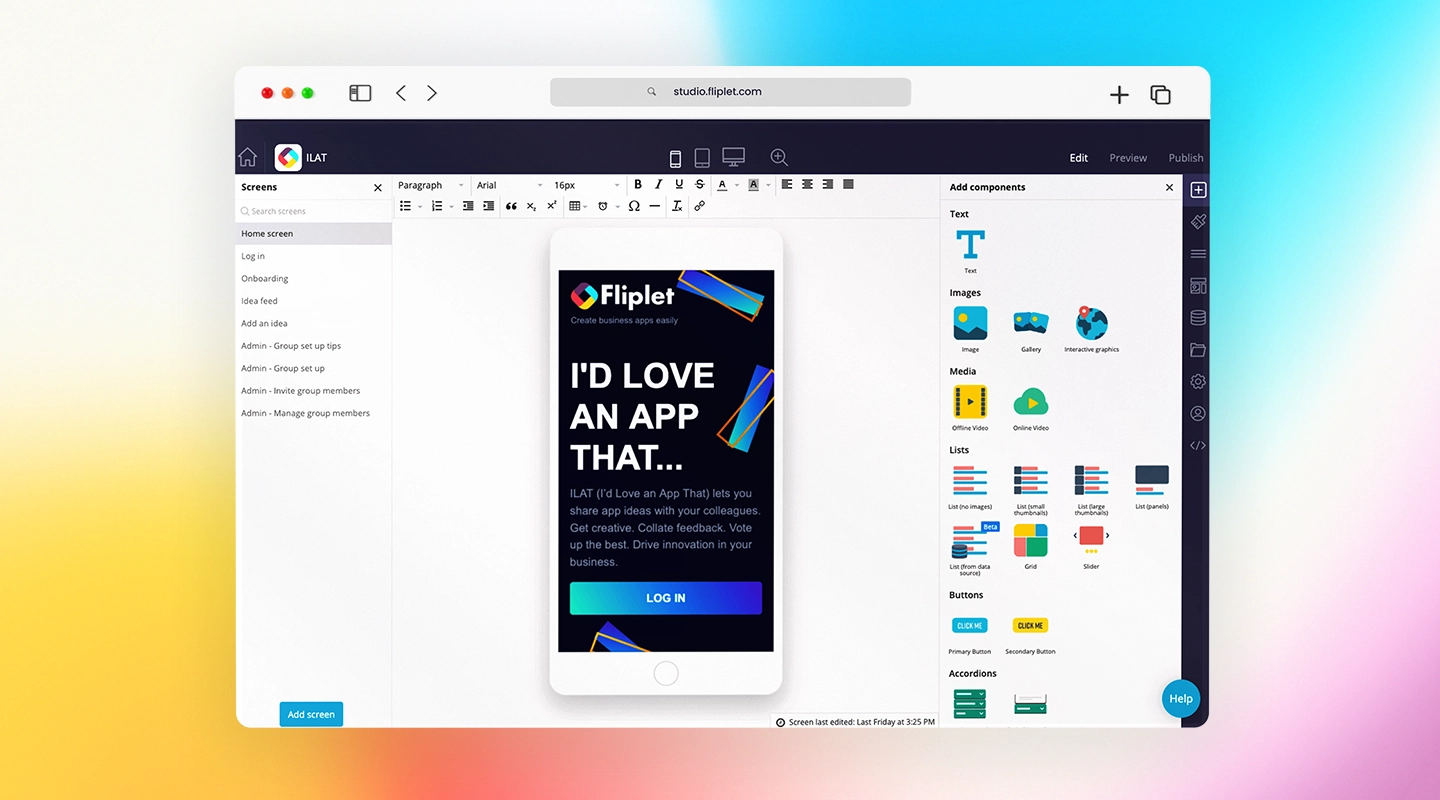
Fliplet is a highly customizable, secure solution crafted specifically for the needs of legal teams. With Fliplet, law firms can tailor workflows to align with their unique processes, enabling teams to manage documents securely, streamline case management, and communicate effortlessly.
The platform integrates seamlessly with essential legal tools, simplifying operations and ensuring compliance across all activities.
A recent example of a legal app built through Fliplet is with [Blank Rome](https://fliplet.com/case-studies/blank-rome/), a top 50 law firm. This case study showcases how Blank Rome utilized Fliplet's robust security features and customizability to create an app that ensured a safe and organized return to the office.
The app addressed key challenges by enabling employee contact tracking, monitoring social distancing with an intuitive booking system, and keeping staff informed on evolving regulations. With high levels of adoption and engagement, the app successfully supported hundreds of employees in returning to the office smoothly and confidently.
- **Features:**
- High customization options for legal workflows
- Strong security features, ideal for data-sensitive environments
- Integration with key tools in the legal industry
[Explore Fliplet's security features here](https://fliplet.com/security/)
### 2.ClickUp
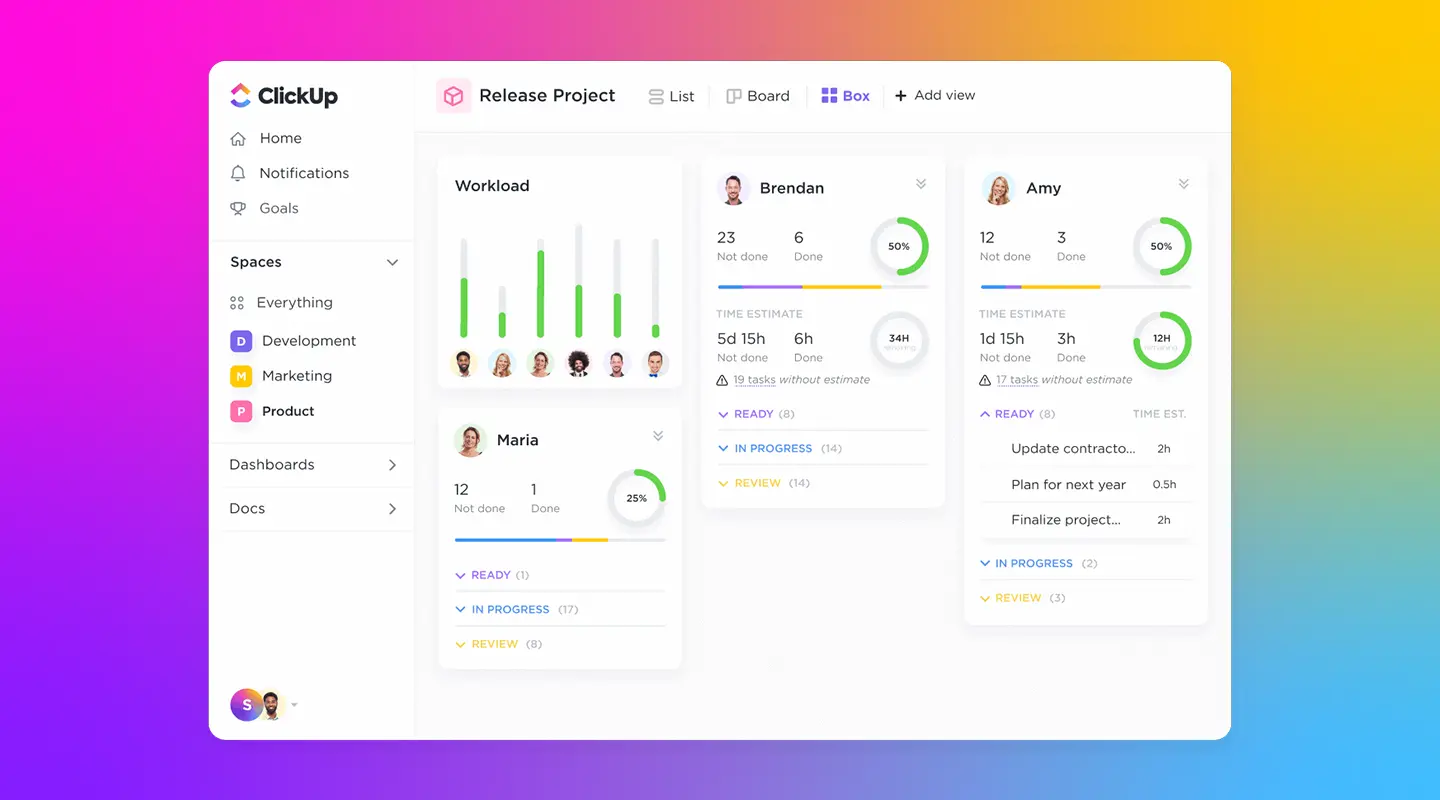
_ClickUp_ is a versatile legal office management software solution and project management tool. It offers a wide range of _task views_ such as list, board, calendar, and Gantt charts, making it ideal for law firms managing complex cases, client communications, and team tasks. Its high flexibility allows legal teams to switch between views to manage different workflows effectively, centralizing _case management_ and daily office tasks within a single platform.
ClickUp is highly customizable and integrates seamlessly with other _legal specialty software programs for office and case management_, such as Google Calendar and Slack. [Law firms](https://fliplet.com/legal-app-report-2024/) appreciate ClickUp's ability to handle complex schedules and deadlines, track client-related updates, and streamline team communications—all essential for maximizing efficiency.
- **Pros:**
- Highly customizable task views for case and client management
- Integrates with essential legal tools like Google Calendar
- Powerful reporting capabilities for tracking case progress
- **Cons:**
- Complex interface, which can be challenging for new users
- May require training to fully utilize advanced features
### 3.Basecamp
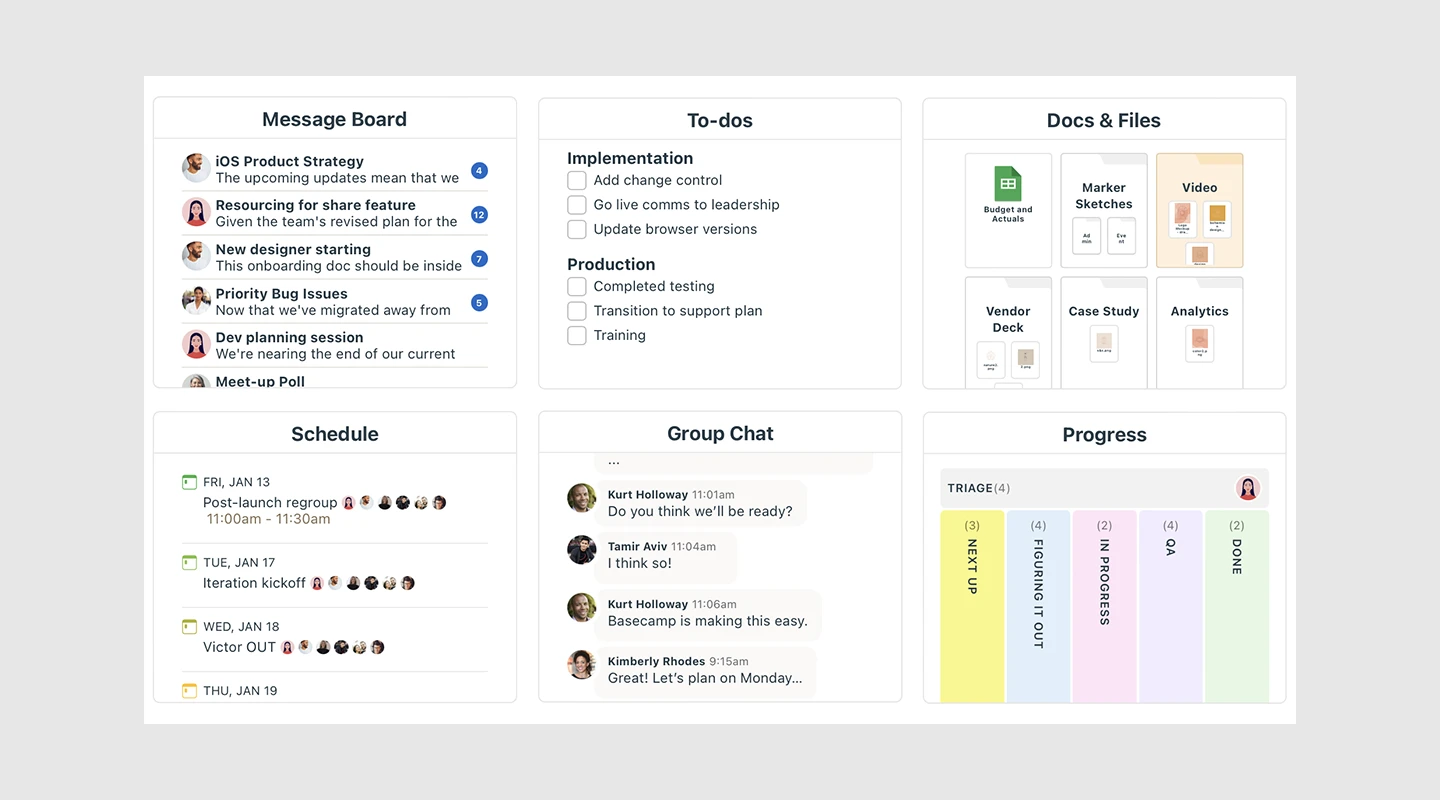
_Basecamp_ stands out as an all-in-one _legal office management software_ solution for team collaboration. Law firms that need efficient communication and task management in one platform will find Basecamp's simple, flat-rate pricing model appealing, as it makes budgeting easy for both small and large firms. Its features include message boards, task lists, file storage, and scheduling—all essential for organizing legal tasks, tracking client work, and managing communications.
While Basecamp doesn't offer deep customization, it provides the key tools that _legal teams_ need for straightforward office management. Its real-time group chat and intuitive interface make it easy for team members to stay connected throughout the day, enhancing internal communications and collaboration on case matters.
- **Pros:**
- Simple and intuitive interface for [law firms](/webinars/)
- Comprehensive communication and scheduling tools
- Flat-rate pricing, ideal for budgeting
- **Cons:**
- Limited customization compared to other _legal office management software tools_
- Lacks advanced reporting and analytics features
### 4.Flock
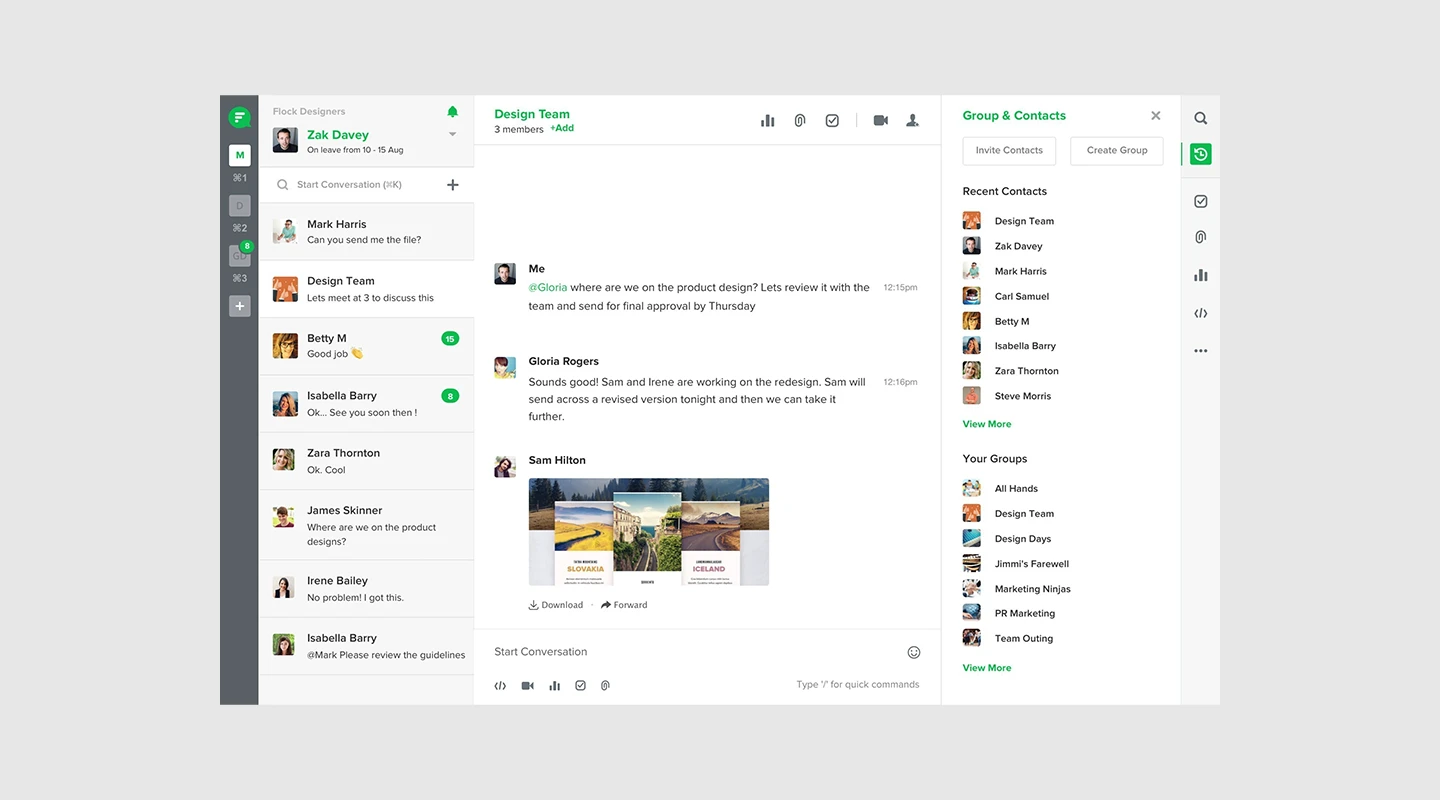
_Flock_ is a budget-friendly _legal office management software_ option, designed to keep legal teams connected through real-time messaging and video calls. It includes basic _case management_ tools like task lists, video collaboration, and file sharing, which make it a solid choice for smaller firms seeking an affordable way to manage communications.
Flock's integrated [task lists help streamline daily](https://fliplet.com/solution/to-do-list-app/) activities, keeping team members on track and organized. Its affordability and ease of use make it a great choice for smaller law firms needing reliable, real-time communication without extensive project management features.
- **Pros:**
- Affordable for small legal teams on a budget
- Real-time messaging and collaboration for case updates
- User-friendly, simple interface
- **Cons:**
- Limited to basic _legal office management software_ functions
- Minimal project management and reporting tools
### 5.Hive
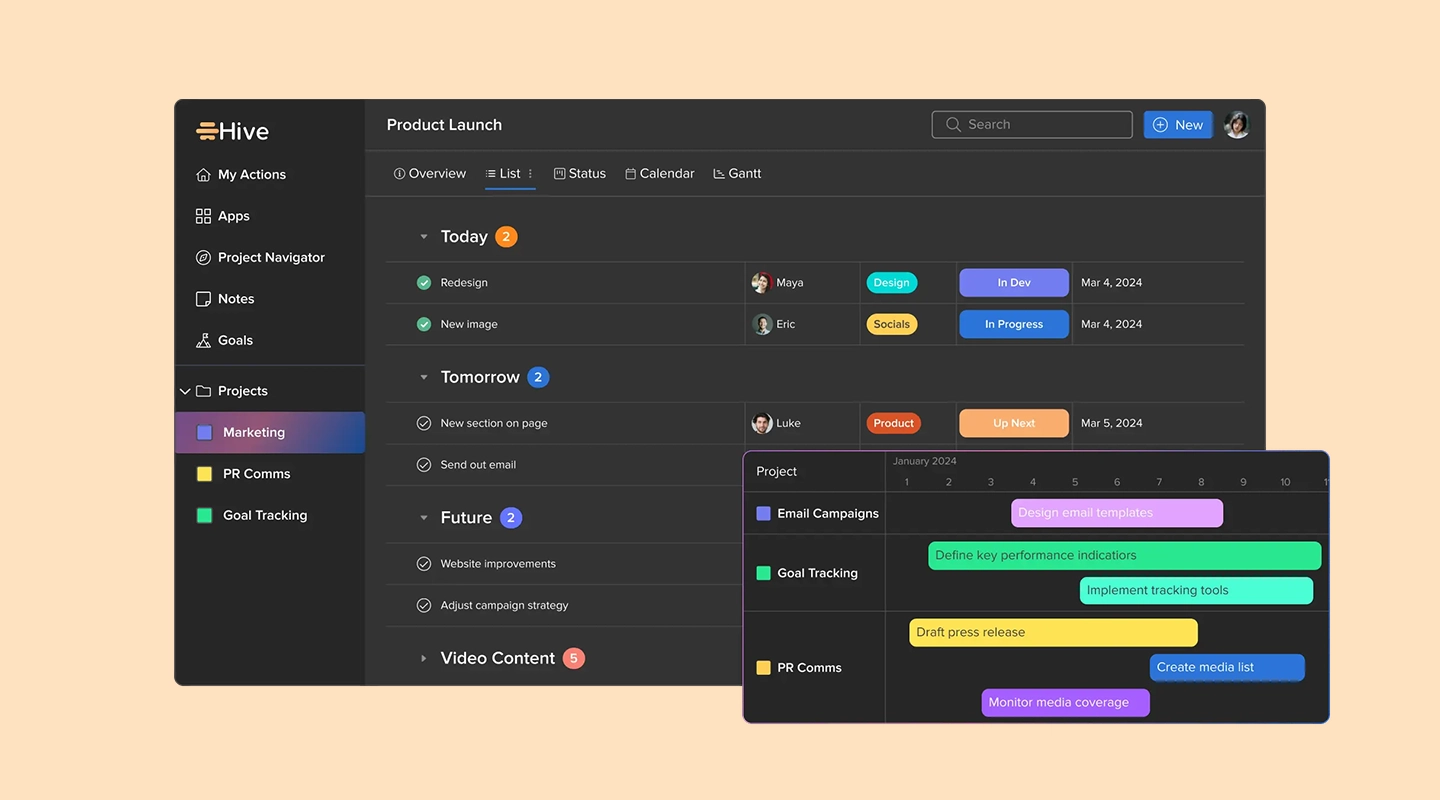
_Hive_ is a powerful _legal office management software_ solution focused on _project tracking_ and analytics, making it an excellent choice for law firms that handle multiple complex cases. With Hive, legal professionals can monitor deadlines, assess team productivity, and gain insights into case management. Its project views, such as Gantt charts and timelines, help legal teams keep a close eye on progress and task completion.
Hive's analytics provide law firms with productivity insights, enabling better resource allocation and tracking performance trends across cases. This feature is invaluable for [firms looking to optimize team output and streamline legal](https://fliplet.com/industry/legal/) operations.
- **Pros:**
- Strong project tracking and _case management_ features
- Comprehensive analytics for productivity insights
- Effective resource allocation for balancing caseloads
- **Cons:**
- Higher cost than some _legal office management software programs_
- Advanced features may be overwhelming for smaller firms
### 6.Monday.com
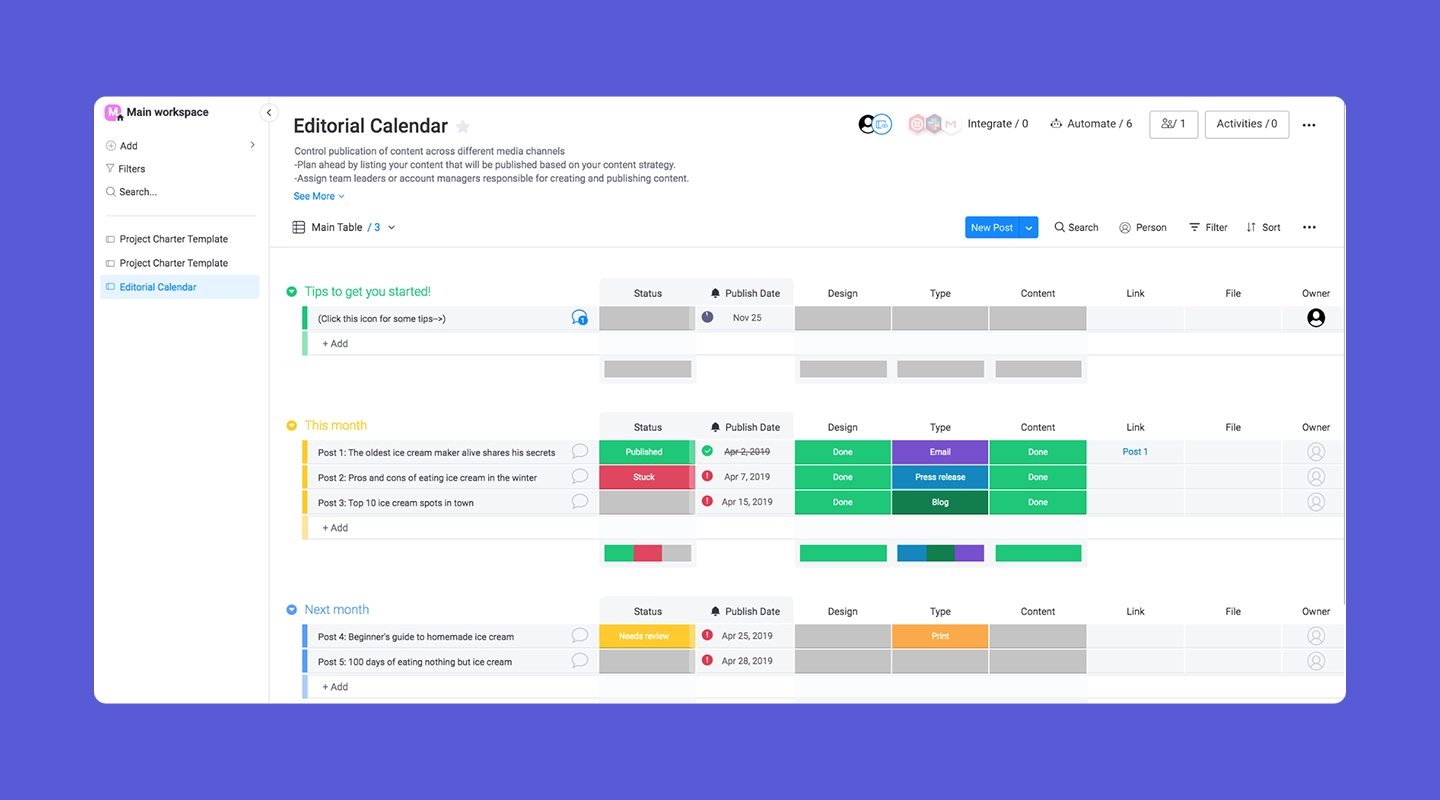
_Monday.com_ is a popular _legal office management software_ for law firms that value visually engaging project views and easy task management. Monday.com's customizable dashboards let legal teams track client cases, manage office tasks, and visualize workload distribution. Tools like Gantt charts, timelines, and Kanban boards help law firms get a clear overview of ongoing cases.
This _legal office management software_ also integrates with tools like Dropbox and Google Drive, centralizing access to essential files. While it's not specifically tailored for law firms, Monday.com's flexibility makes it a useful platform for managing diverse legal workflows and enhancing productivity.
- **Pros:**
- Visual and intuitive dashboard for complex case management
- Customizable views for tracking case progress
- Integrates with popular storage tools for legal documentation
- **Cons:**
- Lacks specific _legal specialty software_ features
- Additional setup may be needed to optimize for legal use cases
### 7.Google Chat
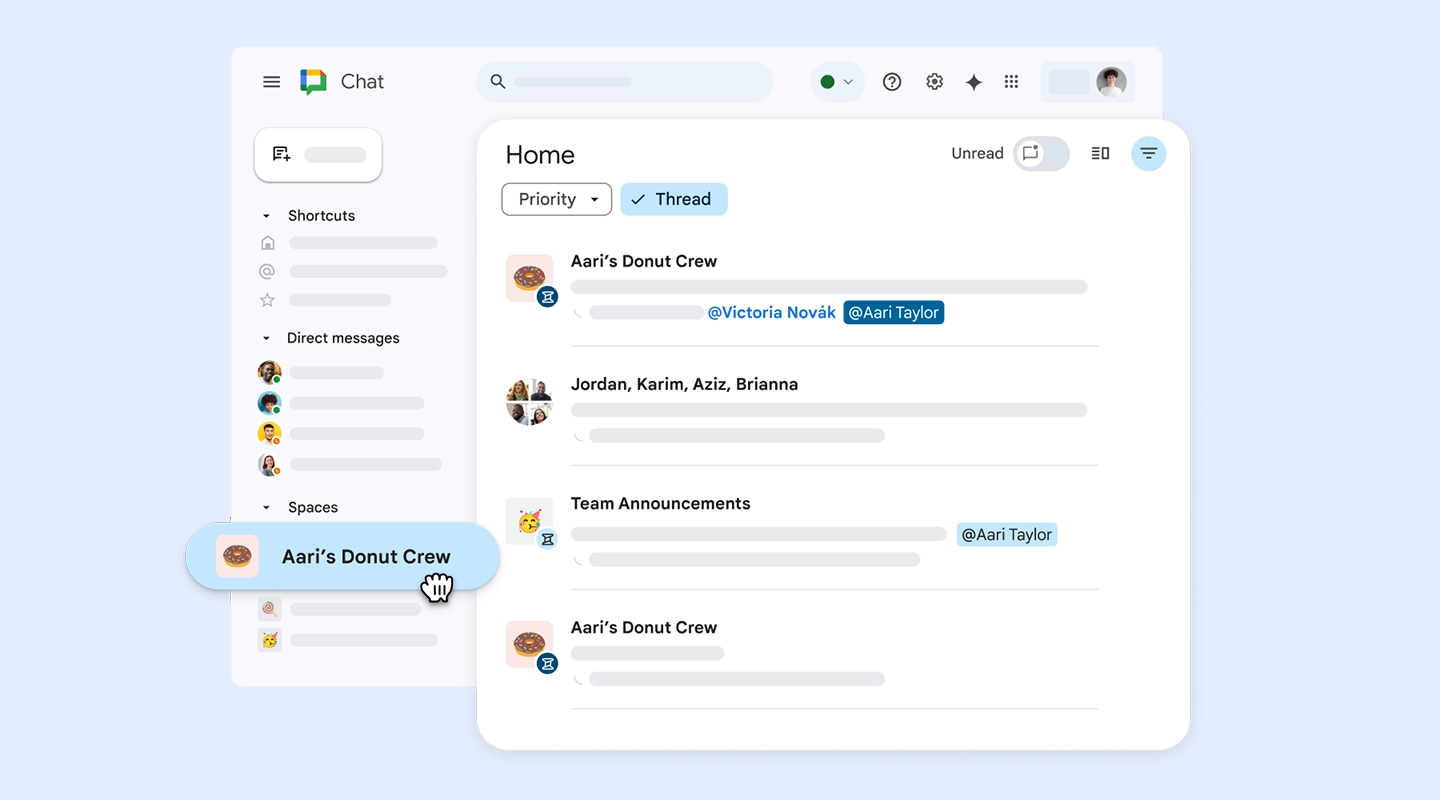
_Google Chat_ offers a reliable and straightforward solution for law firms needing a _legal office management software_ tool for team communication. Integrated into Google Workspace, it provides a seamless way for legal teams to share files and discuss cases in real time. With Google Chat, law firms can connect with ease, allowing for quick collaboration and streamlined case communications.
Though it lacks advanced _legal office management_ features, Google Chat's integration with Google Workspace enables easy access to important files and schedules, making it ideal for law firms that rely on Google's ecosystem.
- **Pros:**
- Fully integrated with Google Workspace for easy file sharing
- Free for Google users, making it budget-friendly
- Simple interface that's quick to adopt
- **Cons:**
- Limited to basic messaging features
- Lacks in-depth _case management_ capabilities
### 8.Zoom
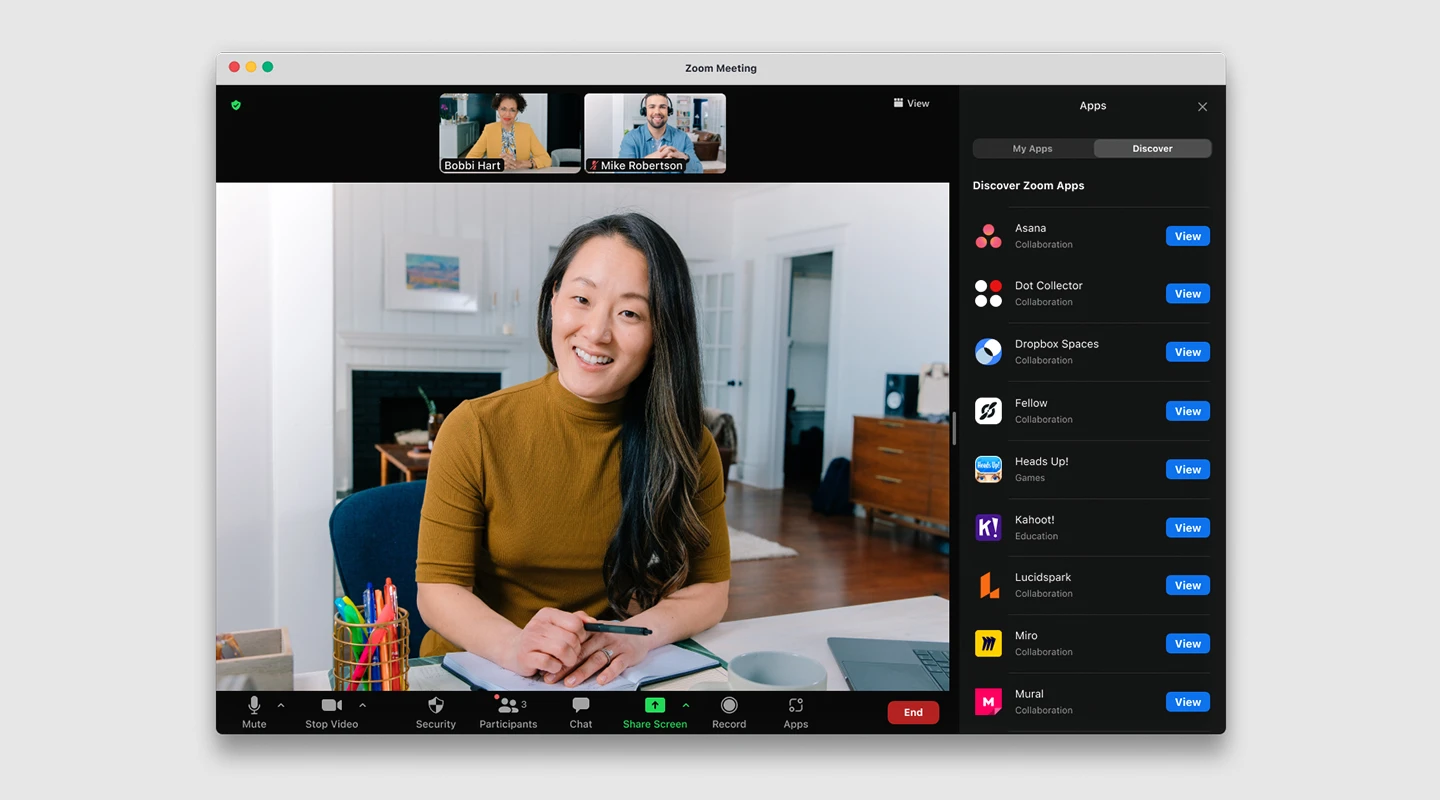
_Zoom_ remains a go-to solution for legal professionals seeking high-quality video communication within a _legal office management software_ suite. With virtual meeting rooms, breakout rooms, and screen sharing, Zoom is ideal for client consultations and team meetings, especially when managing remote work.
Zoom also supports recording features, enabling legal teams to document client meetings or team discussions securely. Although it doesn't offer project management features, Zoom is essential for [firms needing](/webinars/) dependable video conferencing capabilities as part of their legal operations.
- **Pros:**
- Reliable, high-quality video conferencing for client meetings
- Screen sharing and breakout rooms for collaborative work
- Useful for remote legal consultations
- **Cons:**
- Lacks _case management_ or task tracking features
- Limited use as a standalone _legal office management software_ tool
### 9.Toggl
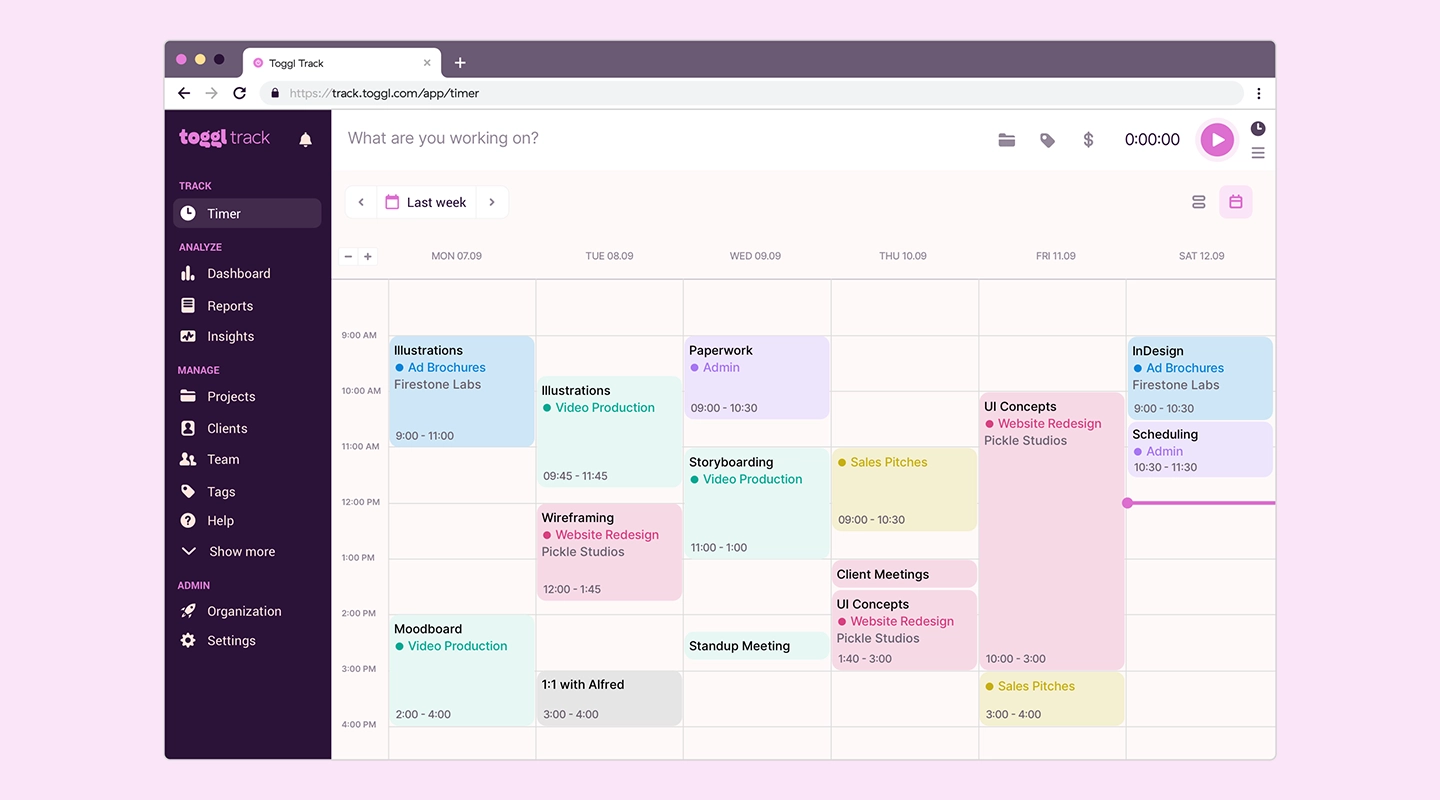
For law firms tracking billable hours, _Toggl_ offers precise time tracking and reporting, making it an ideal _legal office management software_ for billing and productivity analysis. Its user-friendly interface lets legal professionals track the time spent on each task, which simplifies client billing and allows for clear productivity insights.
Toggl integrates with project management tools, making it flexible for firms that need to add time-tracking capabilities to an existing _legal specialty software program_. Although Toggl is focused on time tracking, its reporting capabilities make it invaluable for legal teams focused on accurate billing and productivity.
- **Pros:**
- Accurate time tracking for billing purposes
- Reporting tools for productivity analysis
- Integrates with project management software
- **Cons:**
- Limited to time tracking; lacks _case management_ features
- Best used in combination with other _legal office management software_ tools
### 10.Wrike
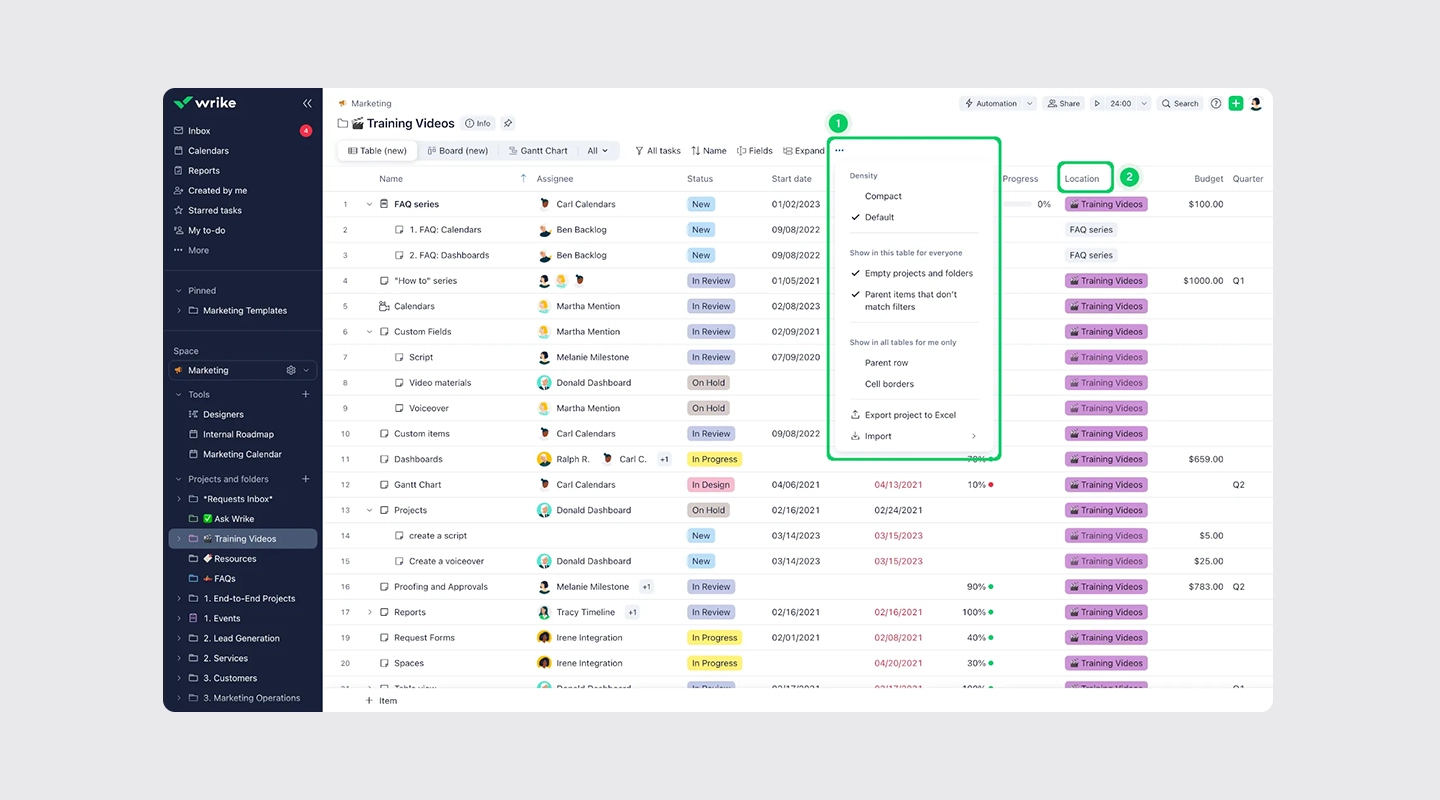
_Wrike_ is a comprehensive _legal office management software_ tool offering various project views, including Gantt charts, calendars, and timelines. Wrike's task assignment and deadline management make it an excellent choice for law firms managing complex cases and tracking multiple timelines.
Wrike also includes advanced features like resource allocation and workload management, which allow legal teams to distribute work efficiently. With its higher price point, Wrike is ideal for larger firms that need robust project management tools to keep teams organized and productive.
- **Pros:**
- Detailed project views for managing complex legal workflows
- Strong resource allocation and workload management features
- Effective for larger legal teams
- **Cons:**
- Higher cost, which may be a barrier for smaller law firms
- Advanced features may not be necessary for simpler cases
## Power Your Office Operations with Fliplet Legal Office Management Tools
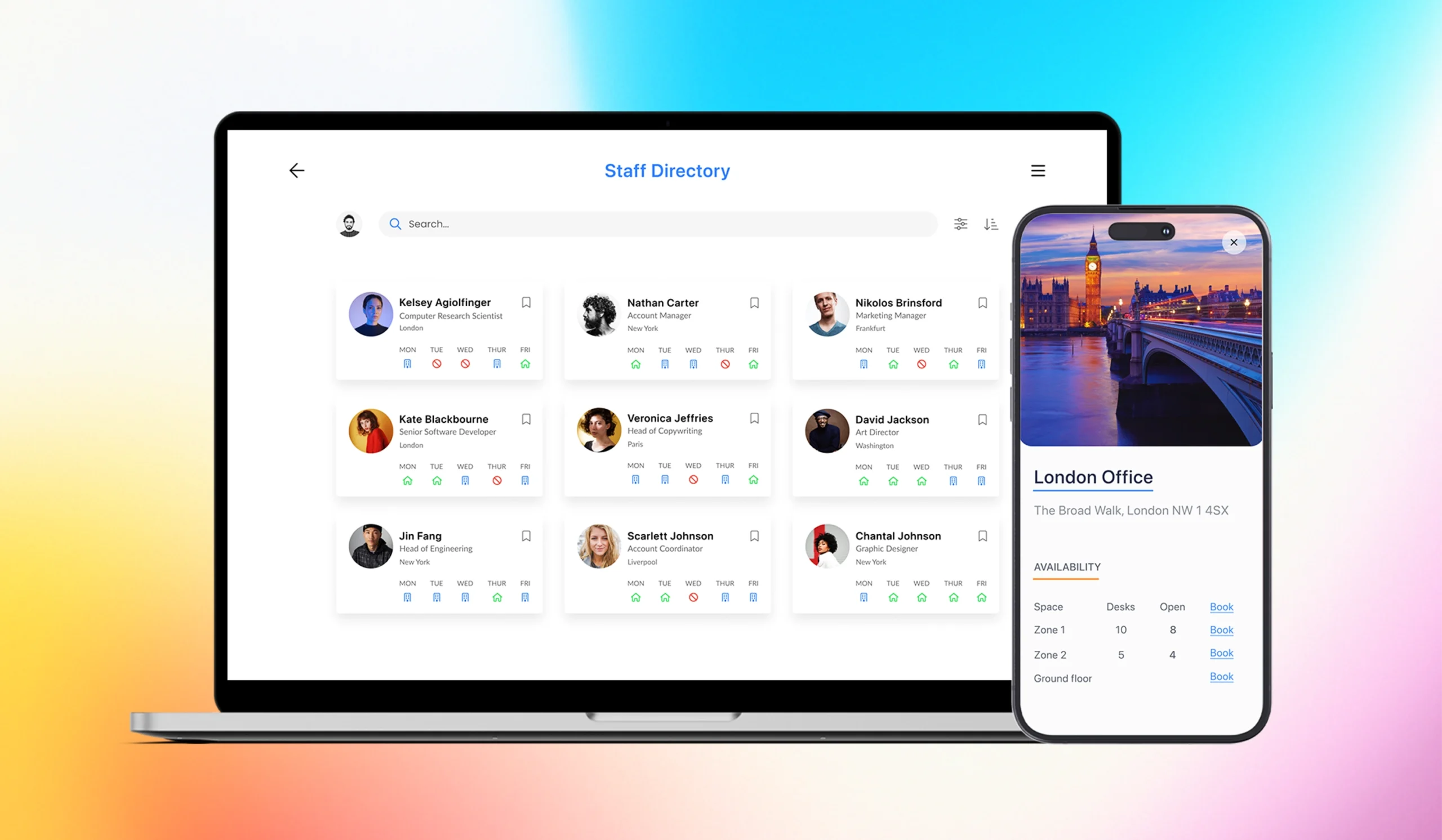
Legal professionals need tools that help them stay organized, meet deadlines, and communicate effectively. [Fliplet's management software](https://fliplet.com/solution/incident-management-software/) for law offices does just that.
But unlike other options, it allows you to [build legal apps](/legal-it/) from the ground up—without needing to know a single line of code.
With its customizability, security, and seamless integration with other tools, [Fliplet stands out as a top choice for legal](https://fliplet.com/legal-knowledge-management/) teams aiming to streamline operations.
[Register for a Fliplet Case Study here](https://fliplet.com/case-studies/macfarlanes/)
## FAQs
### What is legal office management software?
Legal office management software helps law firms organize client information, manage cases, track time, and collaborate with team members.
### What are the benefits of legal office management software?
It saves time, improves productivity, secures sensitive data, and streamlines communication, which is crucial for managing casework effectively.
### What features should I look for in legal office management software?
Look for document management, collaboration tools, project views, time tracking, and integrations with other essential tools.
### How do I choose the right legal office management software?
Consider your firm's specific needs, budget, and the software's compatibility with your existing tools. Security features are also essential for law firms.
### Are there free legal office management software options?
Yes, some tools offer free versions or open-source options, though they may come with limitations compared to paid solutions.
### See the latest insights from Fliplet
## Creating your business apps has never been easier
## Related links
- [Best Law Firm Client Management Software in 2026](https://fliplet.com/blog/law-firm-client-management-software/): Discover the top 10 law firm client management software of 2026. Streamline client communication, improve case management, and boost productivity. Find the best fit today!
- [The Future of Legal Innovation: How AI is Shaping the Legal Industry](https://fliplet.com/blog/legal-innovation/): Discover how legal innovation is reshaping law firms. Explore trends, challenges, and strategies to stay competitive in the evolving legal landscape. Learn more!
- [Mastering Legal Knowledge Management: A Guide for Law Firms](https://fliplet.com/blog/legal-knowledge-management/): Explore how top law firms are mastering legal knowledge management. See case studies from law firms of all sizes and understand how to improve your function.
---
# 10 Best Mobile App Development Platforms & Software [2026]
> Discover the top mobile app development platforms in 2026 with feature comparisons, pricing details, and selection criteria.
Source: https://fliplet.com/blog/10-best-mobile-application-development-platforms/
Content type: Blog
Published: 2026-04-26T08:28:52
Updated: 2026-02-18T07:50:00
Read time: 25 minutes
# 10 Best Mobile App Development Platforms & Software [2026]
A mobile app development platform provides tools for designing, building, testing, and deploying software for iOS, Android, or both. Options range from coding frameworks and cross-platform SDKs to visual development environments for mixed technical teams.
This comparison covers the wider mobile development market and evaluates 10 platforms by development model, target users, cross-platform support, extensibility, and deployment fit. Enterprise buyers comparing governed vendors, security controls, integrations, and long-term ownership should use the dedicated [mobile enterprise application platform comparison](/blog/top-10-mobile-enterprise-application-platforms/).
## What is a mobile app development platform?
Mobile App Development Platforms (MADPs) are software tools, frameworks, or environments that streamline the process of creating, testing, and deploying mobile applications for various operating systems, such as iOS, Android, and Windows. These platforms enable developers to build applications more efficiently by providing a range of features, such as pre-built templates, drag-and-drop interfaces, and reusable code libraries.
MADPs can be broadly categorized into two types: no-code and low-code platforms. No-code platforms are designed for non-developers, allowing them to create mobile apps without writing any code, while low-code platforms require minimal coding and are ideal for developers who want to accelerate the development process.
These platforms often support cross-platform development, allowing developers to create apps that run on multiple operating systems with a single codebase. Using these platforms, businesses can save time and resources, streamline app development, and better engage with their target audience through high-quality mobile applications.
To find out more, here's an [overview of Fliplet](https://fliplet.com/platform-overview/)
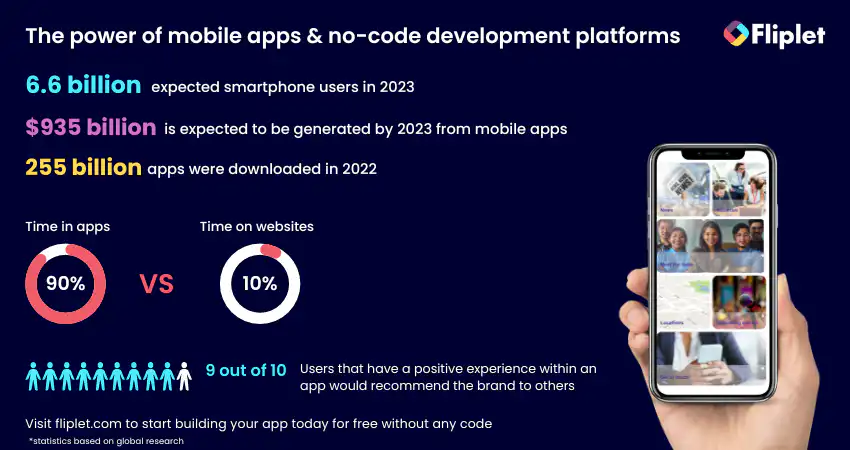
## Benefits of using a mobile application development platform
Mobile application development platforms offer numerous benefits to IT professionals and organizations, helping them create and manage mobile apps efficiently and effectively. Here are some key advantages of using these platforms, particularly for IT teams.
### Streamlined Development Process
Mobile application development platforms provide IT professionals with an integrated environment to develop, test, and deploy apps. This streamlines the entire development process, allowing IT teams to deliver high-quality applications faster.
### Reduced Development Time and Costs
By offering reusable components, pre-built templates, and automated workflows, these platforms significantly cut down on development time and costs, enabling IT teams to allocate resources to other critical tasks.
### Enhanced Collaboration and Communication
Mobile application development platforms promote collaboration and communication among IT teams, designers, and business analysts. This ensures a cohesive final product that meets the organization's objectives.
### Simplified Maintenance and Updates
These platforms make it easier for IT teams to maintain and update applications, ensuring that the apps stay relevant, secure, and up-to-date. This not only improves user experience but also reduces the long-term maintenance burden on the IT department.
### Scalability and Flexibility
Mobile application development platforms often come with built-in scalability features, allowing IT teams to quickly adapt and grow their applications in response to changing business needs. This flexibility ensures that the apps remain effective and efficient over time.
### Better Integration with Existing Systems
Mobile development platforms can connect software with existing CRM, ERP, identity, and analytics systems. Buyers should compare connector coverage, API support, authentication, error handling, and data-governance controls.
### Advanced Security Features
These platforms offer built-in security features, such as encryption, user authentication, and secure data storage. This helps IT teams ensure that the apps they develop are secure and compliant with industry standards and regulations.
### Cross-platform Compatibility
Mobile application development platforms support cross-platform development, allowing IT teams to create apps that run smoothly on multiple operating systems and devices. This expands the reach of the app and ensures a consistent user experience across various platforms.
### Access to Niche Tools and Technologies
Some platforms include services for machine learning, artificial intelligence, or specialized data processing. Evaluate these capabilities against a defined use case instead of treating technology access as a benefit by itself.
### Continuous Learning and Skill Development
By using mobile application development platforms, IT professionals can continuously learn and hone their skills in app development, design, and management. This not only enhances their expertise but also adds value to the organization as a whole.
The main benefit is a more repeatable delivery process. The right platform can reduce duplicated setup work, improve collaboration, and give teams a consistent way to build, test, publish, and maintain mobile software.
## Top Mobile App Development Platforms
This section compares 10 current mobile application development platforms and frameworks. For each option, consider the development model, supported targets, extension path, cost model, and technical ownership required after launch.
G2 ratings were checked against each product's matching G2 profile on 21 August 2026. Ratings can change as new reviews are published.
### Fliplet
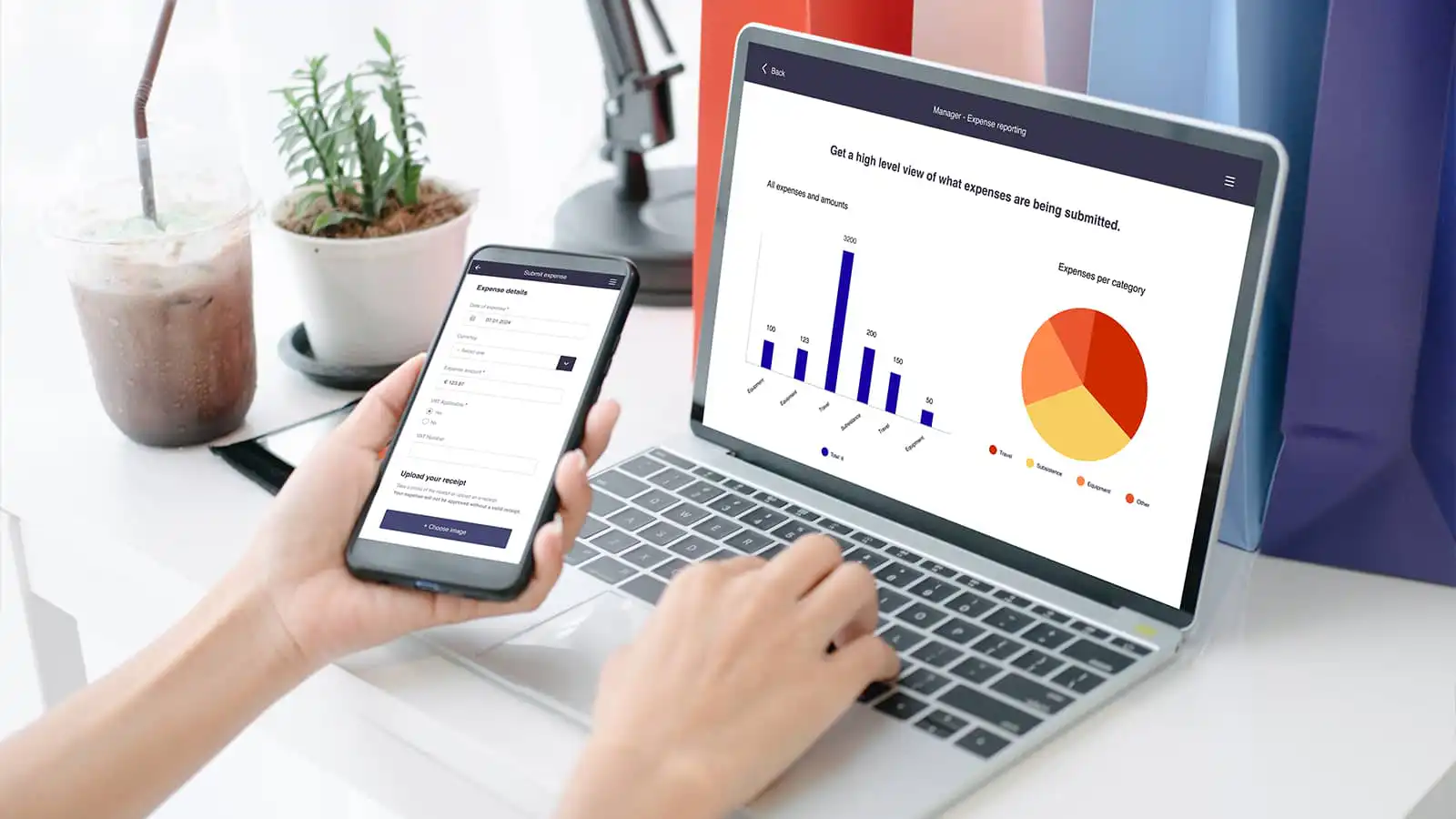
Fliplet supports configurable delivery of iOS, Android, and web software. It is designed for organizations that need business-team participation alongside enterprise governance, integrations, security controls, and managed publishing.
#### Key Features:
- Drag-and-drop interface
- 16 customizable templates
- Offline capabilities
- Integration
- No-code and low-code – it's up to you!
#### Pros:
- Easy to use, no coding skills required
- Scalable for enterprise applications
- Robust security features
#### Pricing:
- Free plan – publish your own web app
- Free: $0/month for building and prototyping
- Plus: $25/month for publishing, custom domains, and native builds
- Max: From $50/month; Enterprise pricing is custom. See [Fliplet pricing](https://fliplet.com/pricing/).
- Enterprise plan – have a [demo](https://fliplet.com/book-a-demo/) with us
#### Reviews:
- G2 – 4.6 / 5
### Alpha Anywhere
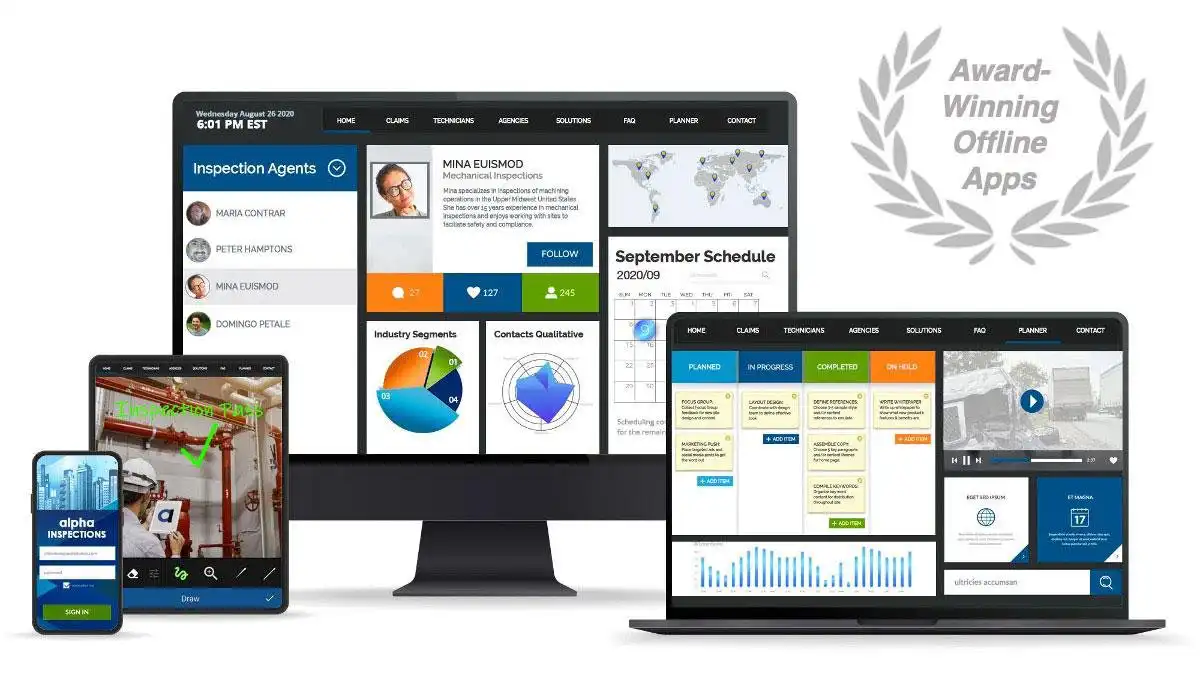
Alpha Anywhere is a low-code mobile and web application development platform that allows developers to build applications with powerful offline capabilities. It is suitable for businesses of all sizes and caters to a wide range of industries.
#### Key Features:
- Flexible low-code development
- Built-in security features
- Offline data access and synchronization
- Integration with popular databases
#### Pros:
- Quick app development process
- Robust offline capabilities
- Extensive customization options
#### Cons:
- Steeper learning curve for non-developers
- Limited pre-built templates
#### Pricing:
- 30 day free trial
- Community Edition is free; Alpha Cloud deployment starts at $99/month. See [Alpha Anywhere's current offer](https://www.alphasoftware.com/get-started-aa).
- Enterprise: Contact Alpha Software
#### Reviews:
- G2 – 4.9 / 5
### Ionic
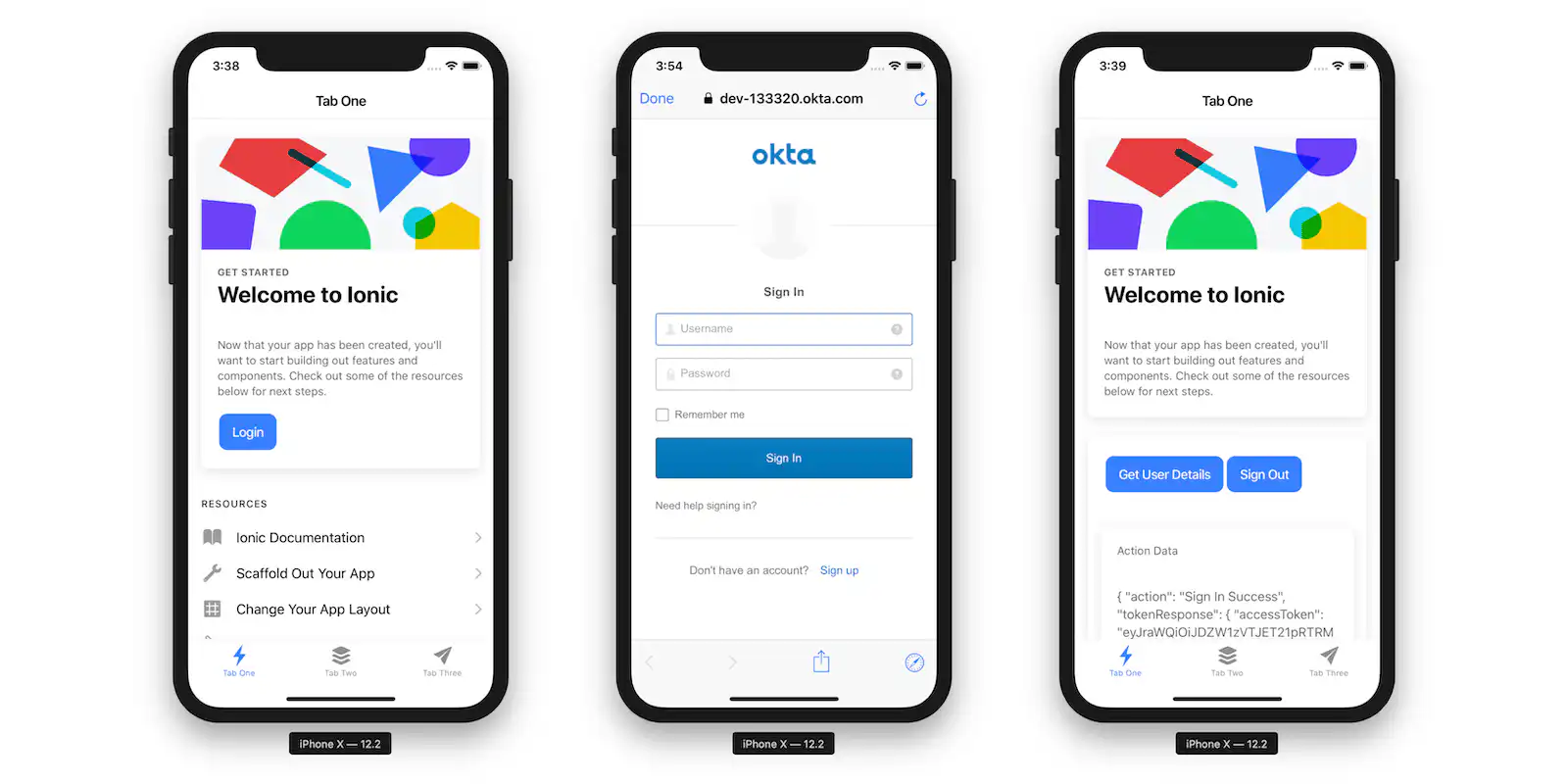
Ionic is an open-source, cross-platform mobile application development framework that uses web technologies such as HTML, CSS, and JavaScript. It is suitable for developers with web development experience who want to create native-like applications.
#### Key Features:
- Web-based development
- Large community support
- Reusable components
- Cordova plugins for native device functionality
#### Pros:
- Cross-platform compatibility
- Strong community and documentation
- Cost-effective
#### Cons:
- Performance may be lower compared to native apps
- Limited access to native APIs
#### Pricing:
- Ionic Framework is free and open source. Ionic's commercial cloud, support, and enterprise products are priced separately; confirm the required services with [Ionic](https://ionic.io/).
#### Reviews:
- [G2 – 4.4/5](https://www.g2.com/products/ionic/reviews)
### React Native
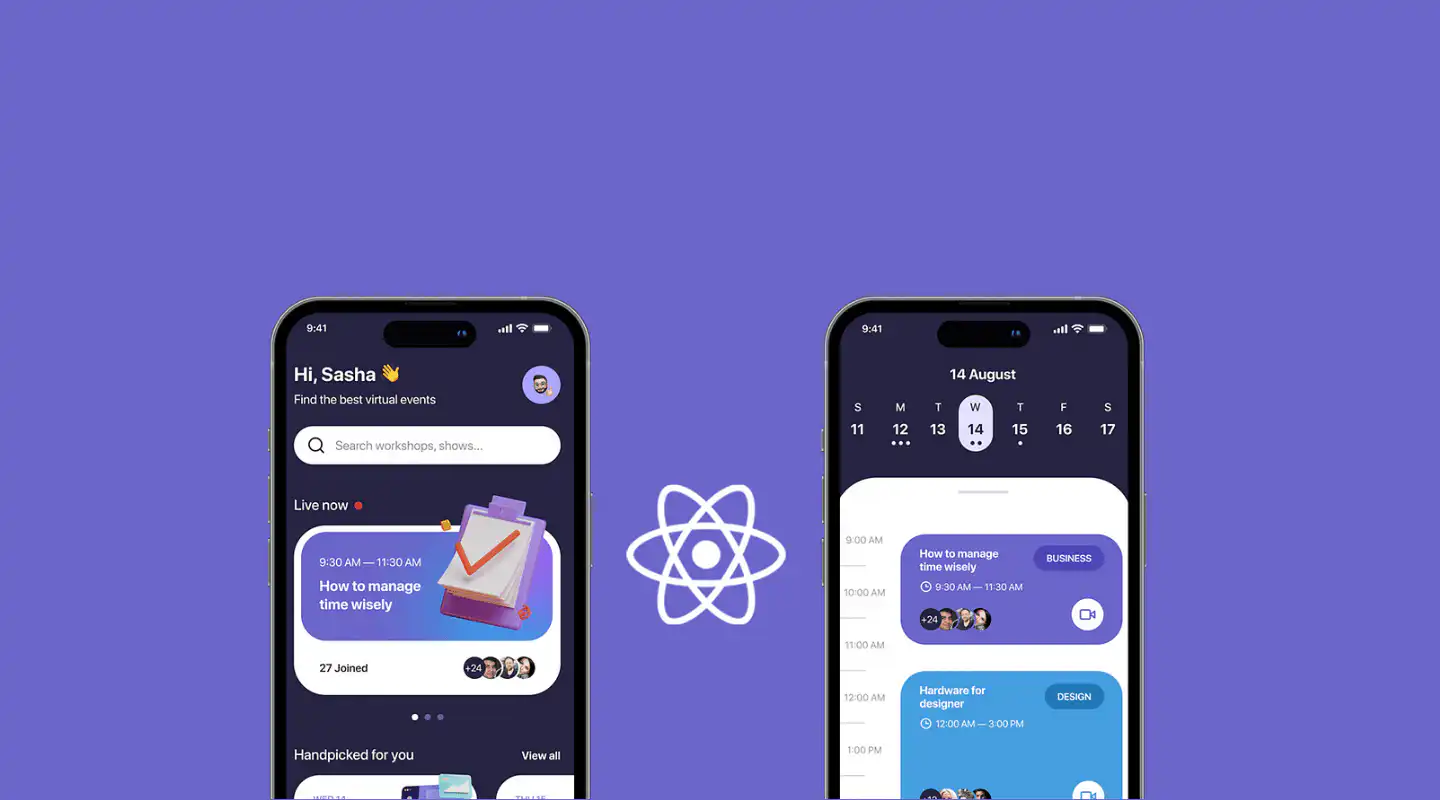
React Native is a popular open-source framework for building mobile applications using React and JavaScript. Developed by Facebook, it enables developers to create native-like apps for iOS and Android while sharing a large portion of code between platforms.
#### Key Features:
- Cross-platform development
- Large community support
- Hot-reloading for faster development
- Access to native device APIs
#### Pros:
- Reusable code across platforms
- Strong performance in most scenarios
- Extensive library ecosystem
#### Cons:
- Steeper learning curve for non-JavaScript developers
- Limited support for advanced native features
#### Pricing:
- Contact React Native
#### Reviews:
- [G2 – 4.5/5](https://www.g2.com/products/react-native/reviews)
### Sencha
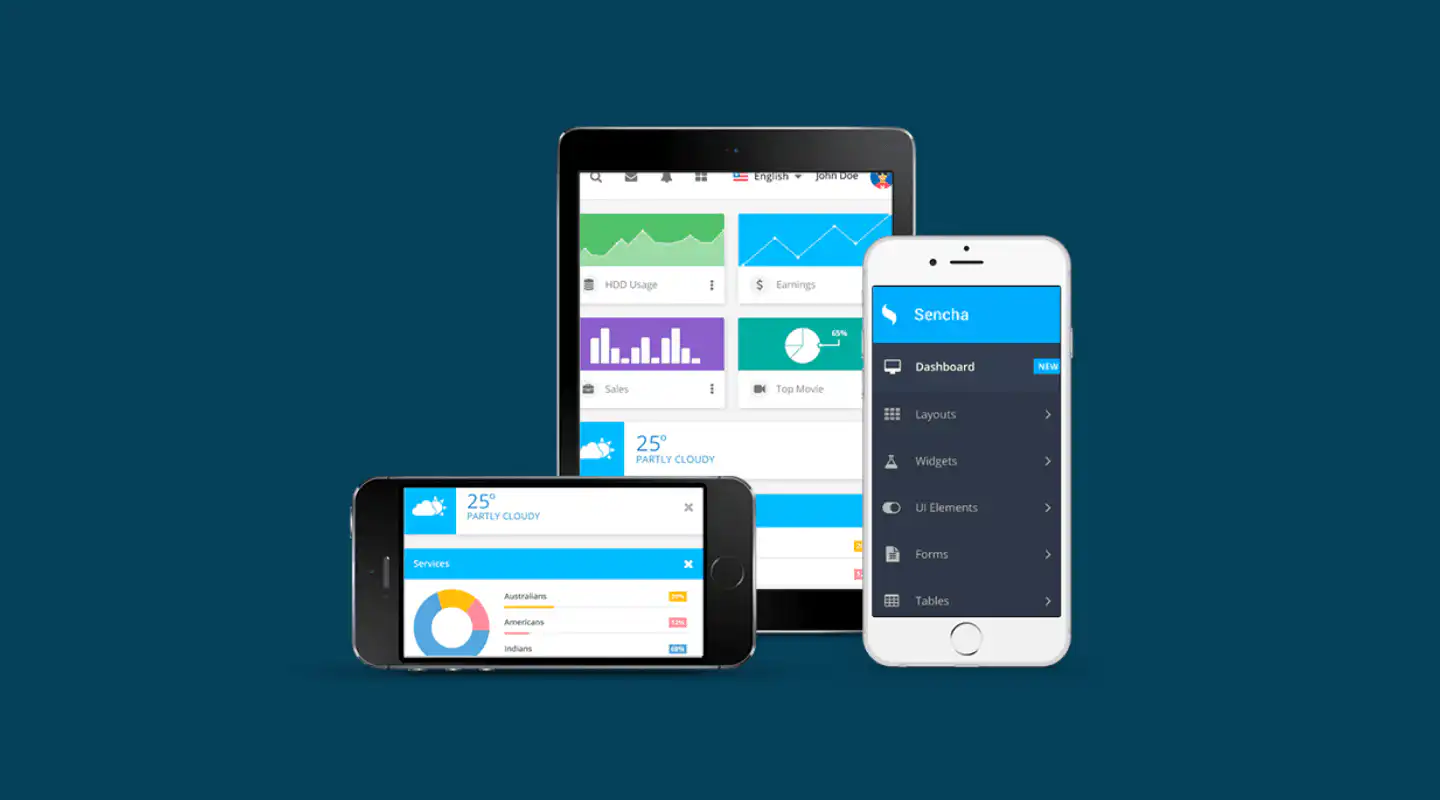
Sencha is a comprehensive JavaScript framework for building data-intensive, cross-platform web and mobile applications. It offers a wide range of pre-built UI components and integrations with popular backend services.
#### Key Features:
- Extensive UI component library
- Integration with popular backend services
- Visual app builder
- Strong support for data-driven applications
#### Pros:
- Powerful toolset for building complex applications
- Scalable for enterprise-level projects
- Good performance for web-based apps
#### Cons:
- Requires in-depth knowledge of JavaScript
- Pricing may be high for small businesses
#### Pricing:
- Community Edition is free. Ext JS Pro is $1,499/year/developer and Enterprise is $1,899/year/developer. See the [Sencha store](https://store.sencha.com/).
#### Reviews:
- [G2 – 4.1/5](https://www.g2.com/products/ext-js/reviews)
### Capacitor
[Capacitor](https://capacitorjs.com/docs) is an open-source, cross-platform native runtime for web applications. It lets teams use modern web tooling for iOS, Android, and progressive web apps while retaining access to native SDKs through plugins and platform-specific code.
#### Key Features:
- Supports iOS, Android, and progressive web apps
- Works with existing modern JavaScript projects
- Provides plugin APIs for native device functionality
- Allows platform-specific Swift, Java, and JavaScript extensions
#### Pros:
- Reuses web skills and code across targets
- Can be added to an existing web project
- Provides direct access to native SDKs when required
#### Cons:
- Teams still need native build tooling and app-store release knowledge
- Complex native behavior may require platform-specific development
#### Pricing:
Capacitor is open source. Delivery costs depend on the team's development, build, testing, hosting, and support tooling.
#### Reviews:
Review the [official Capacitor documentation](https://capacitorjs.com/docs) and release information when assessing compatibility.
### Flutter
Flutter is Google's open-source framework for building mobile, web, and desktop software from a shared Dart codebase. It includes a widget system, rendering engine, debugging tools, and a large package ecosystem. Teams retain responsibility for architecture, testing, deployment, and ongoing maintenance.
#### Key Features:
- Rapid development
- Visuals are engaging and appealing
- Open and free mobile app development frameworks
#### Pros:
- Reusable code across platforms
- Excellent performance compared to other cross-platform frameworks
- Growing library ecosystem
#### Cons:
- Relatively new, may have fewer third-party libraries
- Requires learning Dart, which is less common
#### Pricing:
- Flutter is free and open source. Costs may apply for hosting, CI/CD, app-store accounts, support, and connected services.
#### Reviews:
- [G2 – 4.6/5](https://www.g2.com/products/flutter/reviews)
### Mendix
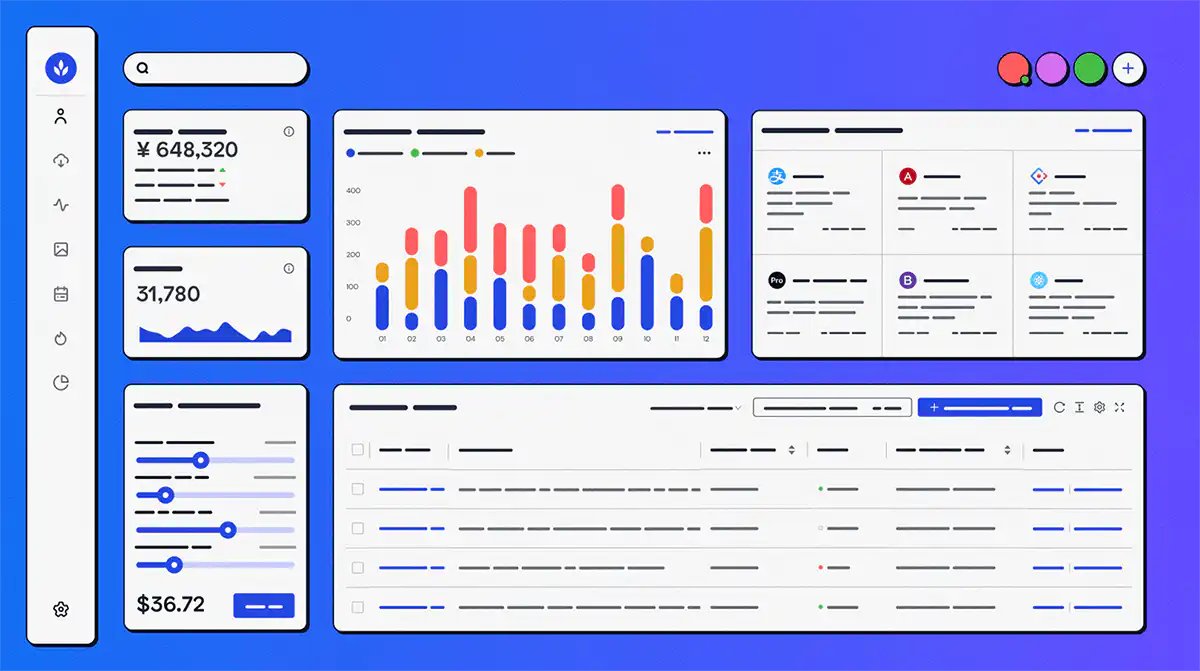
Mendix is a low-code application development platform allowing developers and non-developers to quickly create and deploy web and mobile applications. It is suitable for businesses of all sizes and offers robust integration capabilities.
#### Key Features:
- Drag-and-drop interface
- Visual modeling and development
- Integration with popular services
- Collaborative development environment
#### Pros:
- Rapid application development
- Scalable for enterprise-level projects
- Robust integration options
#### Cons:
- Limited customization for advanced users
- Pricing may be on the higher side for small businesses
#### Pricing:
- Free trial
- Free: $0/month for evaluation and small applications
- Standard: From $1,090/month for one app; Premium is quote-based and compute may cost extra. See [Mendix pricing](https://www.mendix.com/pricing/).
- Premium – contact Mendix
#### Reviews:
- G2 – 4.4/5
### .NET MAUI
[.NET Multi-platform App UI](https://learn.microsoft.com/en-us/dotnet/maui/what-is-maui) is Microsoft's open-source framework for building native mobile and desktop applications with C# and XAML. It is the supported evolution of Xamarin.Forms and targets Android, iOS, macOS, and Windows from a shared codebase.
#### Key Features:
- Shared C# and XAML project structure
- Targets Android, iOS, macOS, and Windows
- Access to platform-specific APIs when required
- Integration with the wider .NET ecosystem
#### Pros:
- A current migration path for Xamarin projects
- Shared UI, tests, and business logic across platforms
- Microsoft documentation and Visual Studio tooling
#### Cons:
- Requires C# and .NET experience
- Building for iOS and macOS still requires a Mac
#### Pricing:
- .NET MAUI is open source. Teams should budget separately for development tooling, infrastructure, app-store accounts, and support.
#### Reviews:
- Review Microsoft's [.NET MAUI documentation](https://learn.microsoft.com/en-us/dotnet/maui/) and supported-platform guidance.
### Swiftic

Swiftic is a user-friendly, no-code mobile app development platform designed for small businesses and individuals who want to create feature-rich mobile apps for iOS and Android without any coding knowledge. It offers customizable templates and a wide range of functionality to help businesses enhance their online presence and engage customers.
#### Key Features:
- Drag-and-drop interface
- Customizable templates
- In-app purchasing and monetization options
- Push notifications and in-app messaging
#### Pros:
- Easy to use, no coding skills required
- Affordable pricing for small businesses
- Wide range of features to engage customers
- Integration with popular services
#### Cons:
- Limited flexibility for advanced developers
- May not be suitable for large-scale or complex applications
#### Pricing:
- Swiftic's public pricing and package availability can change by market. Confirm the current subscription and publishing terms directly with Swiftic before purchase.
#### Reviews
- G2 1.5/5 (based on 2 reviews)
## Best mobile app development platforms comparison table
Fliplet
4.6
Yes
From $25 p/m to publish
Alpha Anywhere
4.9
30 day trial
Community free; cloud deployment from $99 p/m
Ionic
4.4
14 day free trial
Framework free; commercial services separate
React Native
4.5
Yes
Free to use
Sencha
4.1
1 year license
Free Community Edition; Pro $1,499 p/y/developer
Capacitor
N/A
Yes
Free and open source
Flutter
4.6
Yes
Free and open source
Mendix
4.4
Yes
Free; Standard from $1,090 p/m for one app
.NET MAUI
N/A
Yes
Free and open source
Swiftic
1.5 (based on 2 reviews)
Free trial
Confirm current terms
## Choosing the best mobile app development platform for your business
Finding the perfect mobile application development platform for your business can be a challenging task, especially with the multitude of options available in the market. However, by analyzing your business requirements and taking several key factors into consideration, you can identify the ideal platform to power your mobile app development projects.
### Analysing Your Business Requirements
Before diving into the world of mobile application development platforms, it's essential to assess your business needs and objectives. Define the primary purpose of your app, the target audience, and the required features. This analysis will serve as a foundation for determining which platform best aligns with your goals.
### Assessing Platform Limitations
Each mobile application development platform has its own set of limitations and strengths. Some platforms may excel at creating visually stunning apps, while others might prioritize functionality and ease of use. Understanding these limitations is crucial to selecting a platform that suits your app requirements.
### iOS App Development Platform
If your target audience primarily uses Apple devices, you may want to consider choosing a platform specifically designed for iOS app development. These platforms often provide a rich ecosystem of tools and resources tailored to create seamless and high-quality apps for Apple devices.
### Android app development platform
Similarly, if your users are predominantly Android users, you'll want to focus on platforms optimized for Android app development. Android development platforms allow you to leverage the vast range of features and flexibility offered by the Android operating system.
### Cross-Platform Apps
For businesses targeting users across both iOS and Android devices, it's crucial to select a mobile application development platform that supports cross-platform app development. Cross-platform development ensures a consistent user experience and helps reduce development time and costs by creating a single codebase for multiple platforms.
### Comparing Pricing and Plans
Different mobile application development platforms offer various pricing plans and packages. Evaluate the costs associated with each platform and ensure that it fits within your budget. Keep in mind that some platforms offer free trials, allowing you to test their features before making a financial commitment.
### Evaluating Community and Support Resources
A strong community and support system can make a significant difference when selecting a mobile application development platform. Look for platforms that offer comprehensive documentation, active forums, and responsive customer support to ensure a smooth development experience.
### Considering Long-term Scalability
As your business grows, your app needs may evolve. It's crucial to choose a mobile application development platform that offers scalability and flexibility to adapt to your changing requirements. Consider platforms that provide regular updates, additional features, and the ability to handle increased user traffic.
### Security
Security should be a top priority when selecting a mobile application development platform. Ensure that the platform you choose offers robust security features, such as data encryption, user authentication, and secure data storage, to protect your app and user data from potential threats.
In conclusion, choosing the right mobile application development platform for your business requires a thorough analysis of your business requirements, platform limitations, target audience, pricing, support resources, scalability, and security. By carefully considering these factors, you'll be well-equipped to select the ideal platform to bring your app vision to life.
## Key Features of mobile app platforms that you need to look out for
What key features should you look for when choosing the ideal mobile application development platform for your projects? Let's examine what you'll need for your app development process.
### Cross-platform development:
Any mobile application development platform should be able to support cross-platform development. At least, you should be able to run your apps on iOS, Android, and Windows.
### Integration capabilities:
Your mobile application development platform should connect with relevant third-party services, APIs, and internal systems. Assess authentication, permissions, error handling, monitoring, and data-flow controls rather than connector count alone.
### Security:
Look for a platform that offers built-in encryption, user authentication, and secure data storage. Ensuring that your app is secure not only protects sensitive user data but also helps maintain trust in your brand and product.
### Easy to update:
Mobile application development is an ongoing process, and your app may require regular updates to fix bugs, add new features, or improve performance. An ideal mobile application development platform should enable you to easily update and manage your app without requiring significant rework.
### Cost-effectiveness:
Advanced features often come with a hefty price tag. It's crucial to evaluate the platform's pricing structure and ensure it aligns with your budget and requirements. Make sure you aren't paying for options you aren't using.
By focusing on these key aspects, you can select the mobile application development platform that promises a successful, secure, and user-friendly product.
## Low-code or no-code?
Low-code and no-code platforms have gained popularity in recent years due to their ability to streamline and simplify the app development process. When choosing between these two options, it's important to understand their benefits and differences to determine which one is the right fit for your project.
Low-code
No-code
Accelerated Development: Low-code platforms speed up app development by minimizing the amount of code that needs to be written.
Accessible to Non-developers: No-code platforms enable individuals with little to no coding experience to create functional apps.
Flexibility: They offer more customization options compared to no-code platforms, allowing developers to write custom code when needed.
Rapid Development: No-code platforms allow for quick app development using drag-and-drop interfaces and pre-built components.
Better suited for Complex Applications: Low-code platforms can handle more complex projects that require advanced features or custom logic.
Cost-effective: They can significantly reduce the overall costs of app development due to their streamlined development process.
Enhanced Collaboration: Low-code platforms foster collaboration between developers, designers, and business analysts due to their user-friendly interfaces.
Simplified Collaboration: No-code platforms facilitate collaboration between team members of varying technical backgrounds.
Scalability: Low-code platforms often come with built-in scalability features, making it easier to grow and adapt your application as needed.
Ideal for Simple Projects: No-code platforms are well-suited for creating simple applications or proof-of-concept projects.
This distinction is only one part of platform selection. Use the dedicated [low-code versus no-code guide](/blog/what-is-low-code-no-code-development-guide-and-best-platforms/) when choosing an approach, then return here to compare mobile development tools and frameworks.
## How Organizations are using Mobile App Development Software & Platforms
https://youtu.be/5ji8YDRgpSk
## Fliplet for governed mobile software delivery
Fliplet is designed for organizations that need to deliver governed web and mobile business software without giving up integration, security, and publishing controls. It is most relevant when business teams and IT need to collaborate on production software rather than maintain separate native codebases.
### Cross-platform Development
Fliplet supports iOS, Android, and web delivery from a shared project. Teams can publish publicly or use controlled enterprise distribution, depending on the audience and security model.
### Integration Capabilities
Fliplet can connect with third-party services, APIs, and internal systems, including Salesforce and Google Sheets. Confirm the authentication, permissions, data residency, monitoring, and support model required for each integration.
[Fliplets Zapier integration](https://zapier.com/apps/fliplet/integrations) is a great example of how mobile app platforms can provide extra benefits to enterprise organizations. Fliplets Zapier integration allows users to connect their apps to over 5,000 other applications such as Google Sheets, Microsoft Outlook and Google Calendar.
By taking advantage of this type of integration, businesses can streamline processes for improved efficiency and cost savings, as well as take advantage of increased data accuracy.
### Security
Fliplet takes security seriously, offering enterprise-grade security features that safeguard your app and user data. With built-in encryption, user authentication, and secure data storage, you can confidently create and deploy your app knowing that Fliplet has your security needs covered.
Fliplet complies with industry standards such as ISO 27001. At Fliplet security is a priority, take a look at all [Fliplets security features](https://fliplet.com/security/).
### Easy to Update
Ongoing ownership matters as much as the initial build. Fliplet provides modular editing and managed update paths so authorized teams can maintain content and functionality after launch.
With Fliplet you can easily republish updated versions of your app via Fliplet Studio. Fliplet handles updates and maintenance for you so that you can focus on your app's content. Updates are sent over the air (OTA) and are automatically applied.
### Cost-effectiveness
Fliplet offers an affordable pricing structure that caters to businesses of all sizes. You can even sign up for a free trial to test out the platform's features before committing to a subscription. With its cost-effective pricing and powerful features, Fliplet provides excellent value for money without compromising on quality.
Compared to other solutions you Fliplet is a cost effective choice without compromising key features and abilities.
### No-code and Low-code Capabilities
Fliplet's unique blend of no-code and low-code options makes it suitable for users of all technical backgrounds. Non-developers can easily create functional apps using the drag-and-drop interface and pre-built components, while developers can take advantage of low-code capabilities to customize the app further and implement complex logic when needed.
### Configurable workflow foundations
Fliplet has a large selection of [prebuilt app](https://fliplet.com/blog/prebuilt-app-builder/) solutions that you can fully customize to suit your needs, these include:
1. [Learning](https://fliplet.com/solution/learning/) (Want to start building your learning app? [Read this blog to see how you can build one on a budget](https://fliplet.com/blog/how-to-make-a-learning-app/))
2. [Directory](https://fliplet.com/solution/directory/) (Check out [15 HR apps that will change the way you work](https://fliplet.com/blog/15-hr-apps-that-will-change-the-way-you-work/))
3. [Marketing](https://fliplet.com/solution/marketing/)
4. [Innovation/idea management](https://fliplet.com/solution/innovation-management/)
5. Approval workflow
6. Portal app
7. Sales Enablement
8. [Communications](https://fliplet.com/solution/communications) (Take a look at this blog where we compared [the top 10 community apps to engage and monetize your community](https://fliplet.com/blog/10-apps-to-boost-your-community-engagement/) or you can check out [the 15 best team communication apps of 2026](https://fliplet.com/blog/best-team-communication-apps/))
9. [Data capture](https://fliplet.com/solution/data-capture/)
10. [Emergency Management](https://fliplet.com/solution/emergency-management-for-clients/) (Take a look at the [5 steps to take to prepare for a dawn raid](https://fliplet.com/blog/5-steps-to-prepare-for-a-dawn-raid/))
11. [Events](https://events.fliplet.com/) (To compare our Event solution to other solutions read t[he 25 best mobile event apps you need in 2026](https://events.fliplet.com/blogs/25-best-mobile-event-apps/))
12. [Food ordering](https://fliplet.com/solution/ecommerce-solution/)
13. Multilingual
14. [Remote and office management](https://fliplet.com/solution/remote-and-office-management/)
15. [Task management](https://fliplet.com/solution/task-management/)
16. [Reporting App](https://fliplet.com/solution/mobile-reporting-app/)
17. Blank solution to build from scratch
Fliplet offers a huge range of features that helps you build your mobile application in hours, not weeks, some of these include:
- Notifications
- Reports and analytics
- Brand your app
- Customize with drag and drop
- Uploading your own content
- Use on any device: mobile, tablet, and desktop
- Enterprise Grade Security (ISO 27001)
- Ability to integrate with other systems
- Offline access
- Help and support
- Improves workplace efficiency
- Improves team collaboration
- No-code (but can be low-code if you want)
- Supports iOS and Android
Fliplet provides configurable foundations for common business workflows. Use the [mobile software feature guide](https://fliplet.com/blog/16-successful-mobile-app-features/) to define requirements before choosing components.
Fliplet's combination of cross-platform delivery, integrations, security controls, managed updates, and configurable development makes it one option for enterprise teams to evaluate against their requirements.
With Fliplet, you can create, deploy, and manage powerful applications that cater to your unique business needs and engage your audience like never before.
For more on the [best app builders](https://fliplet.com/blog/top-10-best-app-builder/), read our blog.
## AI in mobile software development
AI can assist with code generation, interface creation, testing, content, and workflow automation. Its value depends on the quality of the requirements, data, review process, and production controls around it.
It's already an integral part of modern app development, helping businesses create more sophisticated, intuitive, and user-friendly applications. Let's take a closer look at the role AI plays in low code app development and mobile app development.
### AI-assisted creation and testing
AI-powered tools and technologies have made app development simpler and more accessible for teams with limited technical expertise. Low code app development platforms that use AI can automate tasks like code generation, UI/UX design, and testing. That means faster app development with fewer errors, freeing developers to focus on higher-level tasks and polishing the final product.
### Personalization and recommendations
AI-driven personalization is a game-changer in mobile app development. Analyzing user data and behavior patterns lets AI tailor experiences to the user. That radically improves user engagement and satisfaction while boosting app adoption and retention. AI algorithms can offer personalized recommendations, content, and even adapt the app's interface to suit individual preferences.
### Workflow automation
Mobile apps can use AI's capabilities in automating business processes to increase efficiency and productivity. For example, AI-powered chatbots can handle routine customer service inquiries. Similarly, AI-driven data analysis and predictive analytics can help businesses make data-driven decisions and optimize processes, ultimately driving growth and success.
### Language, image, and prediction features
AI enables developers to integrate advanced features into their apps, such as natural language processing (NLP), image recognition, and machine learning. For instance, NLP can be used to create voice-controlled apps, while image recognition can facilitate augmented reality experiences.
### AI-assisted security monitoring
AI plays a crucial role in enhancing app security. Machine learning algorithms can detect and prevent security threats in real time. By constantly analyzing user behavior and identifying anomalies, AI protects sensitive data and maintains app integrity.
AI is supercharging low code app development and mobile app development platforms. By leveraging the power of AI, businesses can create innovative, user-centric, and efficient apps that cater to the evolving demands of the digital age.
[Webinar: Why AI is a game changer for your business and your apps](https://info.fliplet.com/webinar-download-why-ai-is-a-game-changer-for-your-business-and-your-apps)
For more on [AI in app development, read our blog.](https://fliplet.com/blog/how-ai-will-disrupt-app-development/)
## Mobile software examples from organizations
Organizations use mobile development platforms for internal workflows, customer services, knowledge tools, reporting, directories, and incident response. The examples below show how different teams applied the technology to a specific operational need.
- [Saul Ewing case study:](https://fliplet.com/case-studies/saul-ewing/) An innovation challenge app that has collected innovative staff ideas, helped build a community, driven innovation and improved collaboration.
- [Mills & Reeve case study:](https://fliplet.com/case-studies/mills-and-reeve/) Read our case study on Mills & Reeve's award-winning "What the Tech?!" app, made to support technological discovery. Winner of KM Innovation award 2020, over 500 staff engaged with the app in the first 2 months and a positive increase in tech enquiries.
- [Bird & Bird case study:](https://fliplet.com/case-studies/bird-and-bird/) Read our case study to find out how Bird & Bird created an app to help lawyers compare marketing laws across the globe in a time and cost efficient way.
- [Scottish law firm case study:](https://fliplet.com/case-studies/scottish-law-firm/) A quick and convenient way for clients to submit critical information when drafting their Will
## Conclusion: Selecting a suitable mobile app platform
The mobile development market spans visual platforms, low-code environments, open-source frameworks, and native runtimes. The 10 options reviewed here—Fliplet, Alpha Anywhere, Ionic, React Native, Sencha, Capacitor, Flutter, Mendix, .NET MAUI, and Swiftic—serve different audiences and delivery models.
Choose the option that best matches your target platforms, internal skills, architecture, governance requirements, budget, and ownership model. Run a representative pilot before making a wider commitment.
For more on [custom application development](https://fliplet.com/blog/custom-application-development-in-six-steps/?et_fb=1&PageSpeed=off), read our blog.
## FAQs
### What is a mobile application development platform (MADP)?
A MADP is a software platform that helps teams build, test, deploy, and manage mobile applications across devices and operating systems.
### What are the main mobile platforms to target?
The two primary mobile platforms are iOS and Android. Many teams use cross-platform frameworks to ship to both efficiently.
### How do I choose the best app development platform?
Evaluate compatibility, scalability, security, integrations, ease of use, support, and total cost against your use case and team capability.
### What is the difference between low-code and no-code?
No-code targets non-developers with visual builders, while low-code adds extensibility and custom logic for more complex applications.
### Why use a platform instead of fully custom development?
App platforms reduce build time, improve consistency, simplify maintenance, and help teams launch and iterate faster.
## Related links
- [Ultimate Guide: How to scale mobile enterprise app development without coding or IT resources](https://fliplet.com/blog/mobile-enterprise-app-development-without-coding/): Fliplet compiled an ultimate guide on how to scale mobile enterprise app development without coding or IT resources
- [Top 10 Mobile Enterprise Application Platforms](https://fliplet.com/blog/top-10-mobile-enterprise-application-platforms/): Fliplet compiled a list of the top 10 mobile enterprise application platforms. Read more within.
- [The Best Low Code/No Code Development Platforms](https://fliplet.com/blog/the-best-no-code-low-code-development-platforms/): Fliplet compiled a list of the best Low Code/No Code Development Platforms. Find out more within.
---
# 10 Glide Apps Alternatives and How to Choose Yours
> 10 Glide Apps Alternatives and How to Choose Yours. Compare features, pricing, tradeoffs, and use cases to choose the best fit for your team and goals.
Source: https://fliplet.com/blog/glide-alternatives/
Content type: Blog
Published: 2026-03-04T11:47:30
Updated: 2026-05-19T11:35:00
Read time: 15 minutes
# 10 Glide Apps Alternatives and How to Choose Yours
Imagine this: you've got a spreadsheet chock-full of data, and you're itching to turn it into a mobile app. No coding, no fuss. That's where Glide Apps enters the scene, making app dreams a reality for those of us who can't tell Java from JavaScript. But here's the rub – sometimes, even the best tools don't fit every job.
Many creatives, IT leaders, professionals, and companies are on the lookout for Glide [alternatives](https://events.fliplet.com/blogs/eventmobi-alternatives/) that pack a bit more punch, scale up as needed, or maybe just fit the budget better. Let's dive into why Glide is a heavyweight in its own right and why, sometimes, you might need to tag in a different contender.
## What is Glide?
At its core, Glide allows you to create apps without needing code. It's designed with ease of use in mind, making it a darling among small business owners, educators, and anyone else looking to make an app [without diving into the deep end of coding](https://fliplet.com/blog/16-top-no-code-low-code-web-app-builders-free-tools-included/).
One of its main selling points is that you can easily use spreadsheets as a data source. That's right – you can turn your Google Sheets into slick, user-friendly mobile apps. Its key selling point? Speed. Glide lets you whip up an app almost as quickly as you can fill out a spreadsheet.
### Who uses Glide?
Glide's simplicity and cost-effectiveness have made it a go-to solution for a diverse group. Small business owners use it to create internal tools or customer-facing apps without breaking the bank.
Educators find it handy for [building educational resources or interactive class projects](https://fliplet.com/solution/mobile-learning-software/). Non-technical entrepreneurs, thrilled at the prospect of bringing their app ideas to life without coding, are also frequent flyers. Basically, Glide is for anyone who wants to create an app quickly and easily without needing a computer science degree.
## Why Would You Need a Glide Alternative?
As much as Glide simplifies app creation, it's not the end-all solution for every scenario. Many companies, and especially their IT leaders, are scouting for alternatives for several reasons. Maybe their projects have outgrown Glide's capabilities, needing more advanced functionalities, or perhaps they're seeking better integration options with other tools and services.
Customization is another biggie – the freedom to tailor every nook and cranny of an app can be crucial for some projects. Then there's scalability and data security – essential considerations for businesses as they grow. Glide is fantastic, but when your app needs to climb to the next level, it's smart to know what other tools are out there, ready to lend a hand.
Some of the key reasons teams might start looking for a Glide [alternative](https://events.fliplet.com/blogs/swapcard-alternatives-and-competitors/) include:
- **Seeking more advanced functionalities:** Sometimes, the simplicity of Glide can be its Achilles' heel. Projects requiring [more sophisticated features](https://fliplet.com/features/) or complex logic may find Glide's capabilities limiting.
- **Need for better integration capabilities:** In a world where apps rarely operate in isolation, the ability to seamlessly integrate with other tools, databases, and services is paramount. Glide's integration options might not always fit the bill for more complex ecosystems.
- **Desire for deeper customization:** While Glide offers a user-friendly way to create apps, its customization options are somewhat constrained. Teams looking to deeply customize the app's look, feel, and functionality often seek more flexible platforms.
- **Scalability concerns:** As projects grow in size and complexity, they often require a platform that can scale with them. Glide's model, perfect for quick deployments and smaller apps, might not suit rapidly expanding projects.
- **Data security and compliance needs:** For businesses in industries with strict data protection and compliance requirements, Glide's approach might not provide the level of security or control needed. Alternatives offering enhanced security features and compliance certifications become necessary.
- **Cost-effectiveness for larger teams:** Glide's pricing model, while competitive for small to medium-sized projects, can become costly as the number of users or the scale of the app increases. Alternatives with [more scalable pricing models](https://fliplet.com/pricing/) may offer better long-term value.
Exploring [alternatives to Glide](https://events.fliplet.com/blogs/cvent-attendee-hub-alternatives/) is not about finding its replacement but about discovering tools that align more closely with the evolving needs of your projects and organization. Whether it's for more complex app development, enhanced integration, or specific security requirements, the tech landscape is rich with options ready to explore.
## 10 Glide Alternatives
In the quest for the perfect app-building platform, variety is the spice of life. While Glide offers a unique approach to turning spreadsheets into apps, there are numerous other platforms out there, each with its own set of strengths and weaknesses. Here's a look at 10 [alternatives](https://fliplet.com/blog/vfairs-alternatives/) to Glide, offering a range of functionalities, pricing models, and features that cater to different needs and preferences.
## Free Glide Alternative
With no-code app development, finding a robust free [alternative](https://events.fliplet.com/blogs/eventbase-alternatives/) to Glide that doesn't skimp on functionality is a tall order. While Fliplet stands out for its enterprise-grade features and ease of use, another notable contender for those on a shoestring budget is Thunkable. Thunkable distinguishes itself with its cross-platform capabilities, enabling the creation of apps for both Android and iOS without writing a single line of code.
Thunkable excels with its drag-and-drop interface, simplifying the app development process for beginners and seasoned developers alike. Users can leverage a wide array of components and extensions to add sophisticated features to their apps.
The main limitation, similar to other free platforms, lies in the complexity of projects one can undertake without upgrading to paid plans. However, for individuals and small businesses aiming to launch straightforward, functional apps, Thunkable offers substantial value, providing a solid foundation without upfront costs.
## Fliplet vs Glide

When it comes to choosing between Fliplet and Glide, the decision hinges on the specific needs and goals of your project. Both platforms offer unique advantages, but Fliplet often emerges as the superior choice for several key reasons.
### Basics:
- Glide is celebrated for its simplicity and speed, allowing users to create apps directly from Google Sheets. It's particularly appealing for quick prototypes and small-scale projects.
- Fliplet outshines with its comprehensive feature set, [designed to meet the nuanced demands of small and enterprise applications alike](https://fliplet.com/blog/ward-and-smith-transformed-their-app-development-process/), including advanced security protocols, a plethora of integrations, and extensive customization options.
### Major Appeal:
- Glide's primary strength lies in its user-friendly interface and rapid development cycle, making it ideal for users with limited technical skills or those needing to quickly validate app concepts.
- Fliplet offers a broader spectrum of advantages, particularly for businesses and organizations looking for a more robust solution. Its ability to produce sophisticated, secure, and highly customizable apps makes it the preferred choice for those aiming to deploy professional-grade applications.
### Pricing:
- Glide follows a freemium model, making it an attractive option for individuals or small projects. However, scaling up or accessing more advanced features requires moving to its paid plans.
- Fliplet has flexible pricing that gives you affordable options at any level — from those who want to play around with their first app for free to those enterprises looking to create a suite of apps for their organization and its customers.
For businesses and organizations prioritizing scalability, security, and customization in their app development projects, Fliplet consistently stands out as the better option. Its ease of use and suite of enterprise-level features combine with stellar support and integration capabilities. That positions Fliplet as the go-to platform for those looking to create impactful, professional apps that Glide simply cannot match in complexity and polish.
## What Features to Look for When Looking for Alternatives to Glide

When exploring [alternatives](https://events.fliplet.com/blogs/bizzabo-alternatives-for-event/) to Glide, users should prioritize a set of core features that align with their strategic goals and operational needs. These features ensure that the chosen platform not only meets current requirements but also supports future growth and adaptation. Key aspects to consider include:
- **Customization flexibility:** The ability to tailor the app's appearance, functionality, and user experience to fit the unique brand and operational needs of a business is crucial. Look for platforms that offer extensive customization options, from the UI/UX design to the backend logic.
- **Integration capabilities:** Seamless integration with existing systems (CRM, ERP, databases) and third-party services enhances the app's functionality and ensures smooth data flow across different business operations. A platform that supports a wide range of integrations can significantly extend an app's capabilities.
- **Scalability:** The chosen platform should be able to accommodate growth in users, data, and transaction volume without compromising performance. Scalability is key to supporting the evolving needs of a business.
- **User interface:** An intuitive, user-friendly interface for both the app developers and the end-users is essential. For developers, this means ease of use in the app-building process. For end-users, it translates to a pleasant and efficient app experience.
- **Support:** Robust customer support and [an active community](https://community.fliplet.com/) can greatly enhance the app development experience. Look for platforms that offer comprehensive documentation, responsive support teams, and an engaged user community.
## What do IT Teams Look for When Choosing a Glide Alternative?
When selecting a Glide [alternative](https://fliplet.com/blog/best-swoogo-alternatives/), IT teams delve deeper into the specifics, assessing platforms based on criteria that ensure the chosen solution can meet the technical, operational, and compliance standards necessary for successful deployment and maintenance. These criteria include:
- **Technical support:** Access to knowledgeable and responsive technical support is vital, especially for complex projects or when integrating the app with existing systems. It helps in resolving issues promptly and can significantly reduce downtime.
- **Data security measures:** The platform must offer robust security features, including data encryption, user authentication, and access controls, to protect sensitive information and ensure compliance with data protection regulations.
- **Compliance with industry standards:** Depending on the industry, [certain compliance standards](https://fliplet.com/solution/compliance-software/) (such as GDPR, HIPAA, or SOC 2) must be adhered to. The platform should facilitate compliance, not complicate it.
- **Collaboration within teams:** Features that support collaboration, such as version control, role-based access, and real-time co-editing, are essential for teams working on app development. They help streamline the development process and reduce errors.
- **Custom code capabilities:** While no-code platforms offer many advantages, the ability to add custom code can be a significant benefit for addressing unique requirements or integrating complex functionalities.
## Summary
While Glide offers a straightforward and accessible path to app development, it's not a one-size-fits-all solution. Teams have a wide range of alternatives to consider, each with its own set of features, advantages, and limitations.
By focusing on customization flexibility, integration capabilities, scalability, user interface, support, and specific criteria like technical support, data security, compliance, team collaboration, and custom coding capabilities, businesses can find a platform that not only matches their current needs but also supports their growth and adapts to future challenges.
We encourage readers to explore the options presented, leveraging the insights provided to select the best fit for their projects.
## Review details
**Title:** 10 Glide Alternatives
#### Fliplet
##### Analysis
Fliplet stands out as an exceptionally user-friendly no-code platform, especially favored by businesses and enterprises for creating custom apps. Its forte lies in enabling non-technical users to produce professional-grade mobile and web applications swiftly, catering to a broad spectrum of uses from internal communications and operations to customer-facing apps. Fliplet prides itself on its versatility, offering pre-made solutions alongside the capability for deep customization.
##### Advantages
- Highly intuitive interface
- Offers a wide range of customizable solutions suited for various business needs
- Exceptional support and onboarding process, ensuring users can maximize the platform's potential from day one
- Strong focus on enterprise needs, including enhanced security features, integrations with existing business systems, and compliance with data protection standards
##### Disadvantages
- Slight learning curve
- Might offer more features than needed for very simple or personal app projects.
##### Price
Offers 3 free web apps to begin, with paid plans offering extra functionality (starting from $9.99 per month) and custom pricing for enterprise-level customers
##### Key Features
- Drag-and-drop interface, simplifying the design and development process
- Comprehensive suite of integrations with popular business tools like Salesforce, SharePoint, and more
- In-built analytics to monitor app performance and user engagement
- Advanced security measures, including role-based access control and encryption, to protect sensitive data
#### Adalo
##### Analysis
Adalo is a no-code platform that makes app creation as easy as piecing together a puzzle. It's designed for users who want to build both mobile and web apps with a strong focus on design and user experience.
##### Advantages
- Intuitive drag-and-drop interface
- Strong focus on design and UX
- Allows for the creation of complex apps without coding
##### Disadvantages
- Higher learning curve compared to Glide
- Limited free plan
##### Price
Free plan available, paid plans start at $36 per month
##### Key Features
- Custom actions and workflows
- Integration with external APIs and services
- User authentication and database management
#### Appsheet
##### Analysis
Owned by Google, AppSheet offers a seamless way to create apps directly from Google Sheets, Excel, or a form, emphasizing data-driven applications.
##### Advantages
- Deep integration with Google Workspace and Microsoft Office products
- Robust data manipulation and automation features
- Strong community and support resources
##### Disadvantages
- Can be complex for beginners
- Limited design customization in the free tier
##### Price
Basic plan starts at $5 user/month and goes up from there
##### Key Features
- Data-driven app creation
- Automated workflows and reporting
- Multi-platform support (iOS, Android, web)
#### Bubble
##### Analysis
Bubble is a powerful no-code tool that allows users to build web applications ranging from simple prototypes to complex platforms with scalable features.
##### Advantages
- Highly customizable and flexible
- Supports complex functionalities like payment processing
- Large plugin marketplace
##### Disadvantages
- Steep learning curve for complex features
- Performance can be an issue for large-scale apps
##### Price
Free plan available, paid plans start at $29 per month
##### Key Features
- Visual programming interface
- Extensive database and API integrations
- Responsive design capabilities
#### Thunkable
##### Analysis
Thunkable enables anyone to create beautiful and powerful mobile apps without writing a single line of code, focusing on drag-and-drop components.
##### Advantages
- Cross-platform app creation (iOS and Android)
- Extensive library of pre-built components
- Easy to use for beginners
##### Disadvantages
- Apps can look generic without customization
- Limited control over complex backend processes
##### Price
Free plan available, paid plans start at $13 per month
##### Key Features
- Drag-and-drop UI builder
- Real-time testing on devices
- Access to device-native features
#### Sap Build Apps
##### Analysis
SAP Build Apps is a professional no-code platform that caters to enterprises, offering extensive customization and scalability.
##### Advantages
- Highly scalable for enterprise use
- Rich set of UI components for fully customized apps
- Integration with SAP
##### Disadvantages
- Can be overwhelming for complete beginners
- Non-enterprise customers need to look elsewhere
##### Price
Highly expensive at $13,116 for lifetime access — but optimized for enterprises that can afford this
##### Key Features
- Logic flows for app functionality
- REST API integrator
- Advanced security features
#### Zoho Creator
##### Analysis
Zoho Creator is a low-code platform that excels in creating apps quickly and efficiently, with a strong emphasis on business applications and data management.
##### Advantages
- Deep integration with the Zoho ecosystem
- Robust data management and automation tools
- User-friendly interface for non-developers
##### Disadvantages
- Limited customization for free plans
- Learning curve for advanced features
##### Price
Plans start at $14 user/month
##### Key Features
- Drag-and-drop interface
- Pre-built application templates
- Extensive reporting and analytics tools
#### What Is Microsoft Power Apps
##### Analysis
Part of the Microsoft Power Platform, Power Apps is designed to build custom business apps. It integrates seamlessly with various Microsoft products and services, making it a strong candidate for enterprises entrenched in the Microsoft ecosystem.
##### Advantages
- Deep integration with Microsoft 365, Dynamics 365, and Azure
- AI Builder for implementing AI functionalities
- Strong enterprise-level security and compliance
##### Disadvantages
- More expensive for smaller teams or projects
- Can be complex for users unfamiliar with the Microsoft ecosystem
##### Price
Can fold into Microsoft Suite plans, Premium begins at $20 per month
##### Key Features
- Pre-built templates for rapid app development
- Custom connectors to integrate with external data sources
- Robust workflow automation with Power Automate
#### Outsystems
##### Analysis
OutSystems is a low-code platform that enables rapid application development, offering a wide range of functionalities for building complex, scalable applications suitable for enterprises.
##### Advantages
- Supports extensive application complexity and scalability
- Strong focus on security and governance
- Large ecosystem of integrations and add-ons
##### Disadvantages
- Pricing can be prohibitive for small businesses
- Steeper learning curve due to its extensive features
##### Price
Single app is free but it jumps up to $1,513 per month billed annually for multiple apps
##### Key Features
- Drag-and-drop UI and logic builder
- Real-time performance monitoring
- Automated testing and deployment tools
#### Softr
##### Analysis
Softr is a no‑code platform that helps you transform existing Airtable, SmartSuite or Google Sheets data into polished web apps and progressive web apps. Thanks to its block‑based builder and AI app generator, you can assemble internal tools, client portals or project dashboards in minutes, even without technical skills. The platform is geared toward internal business apps but includes powerful SEO features for public-facing web projects.
##### Advantages
- Block‑based building and AI generation make Softr one of the fastest app builders available
- SEO tools help your web app rank on Google and attract anonymous web visitors
- Generous free plan includes AI features and lets you publish web apps, with integrations for databases like Airtable, Supabase and SmartSuite.
##### Disadvantages
- You can't publish native apps directly to the Apple App Store or Google Play Store
- Softr requires an external database; it doesn't provide a built‑in database
- The block‑based interface limits design flexibility, so it's better suited for internal business tools than external consumer apps.
##### Price
Free plan available; Basic plan $49/month; Professional plan $139/month; Business plan $269/month
##### Key Features
- Specialized templates and a drag‑and‑drop block system that speed up internal app creation
- Integrations with up to 14 databases and services (Airtable, PostgreSQL, Supabase, SmartSuite, etc.)
- Built‑in SEO and AI tools that automatically optimize your app, generate content and accelerate development
## FAQs
### What are the cost considerations when choosing a Glide alternative?
Costs can vary widely among no-code platforms, depending on the features, scalability, and support offered. Consider both the immediate and long-term costs, including subscription fees, custom development, and potential increases as you scale.
### What is the learning curve for new platforms?
The learning curve can vary. Platforms designed with simplicity in mind, like Glide, tend to have a gentler learning curve, while more complex solutions with extensive customization and integration capabilities may require more time to master.
### What are the migration challenges from Glide to another platform?
Migration challenges can include data transfer, re-creating app logic and interfaces, and ensuring integrations work as expected. Select platforms that offer migration tools or support to ease this transition.
### How do I ensure the chosen platform supports future growth?
Look for platforms that offer scalability, both in terms of user numbers and data processing capabilities, and that continue to evolve with new features and integrations.
## Related links
- [Ten enterprise mobility statistics that may surprise you](https://fliplet.com/blog/ten-enterprise-mobility-statistics-infographic/)
- [How to build a custom app without any coding](https://fliplet.com/blog/how-to-build-a-custom-app-without-coding/)
- [The Best No Code/Low Code Development Platforms](https://fliplet.com/blog/the-best-no-code-low-code-development-platforms/)
---
# 10 Microsoft Power Apps Alternatives and How to Choose Yours
> 10 Microsoft Power Apps Alternatives and How to Choose Yours. Compare features, pricing, tradeoffs, and use cases to choose the best fit for your team.
Source: https://fliplet.com/blog/power-apps-alternatives
Content type: Blog
Published: 2026-03-04T11:06:27
Updated: 2026-02-17T06:32:04
Read time: 11 minutes
# 10 Microsoft Power Apps Alternatives and How to Choose Yours
IT leaders are constantly on the lookout for tools that can streamline operations and enhance productivity within their organizations. Microsoft Power Apps has emerged as a go-to solution for building custom [business apps](/blog/22-essential-business-apps-for-businesses-of-all-sizes/) without extensive coding.
And yet, many are on the lookout for Power Apps [alternatives](https://events.fliplet.com/blogs/cvent-attendee-hub-alternatives/). Why? Many users want the same functionality but with more customization, lower costs, a simpler interface, better integration with non-Microsoft products, or other specific features not available in PowerApps.
All these reasons makes Power Apps [alternatives](https://events.fliplet.com/blogs/eventmobi-alternatives/) a highly competitive field.
In this article, we're checking out the very best Power Apps [alternatives](https://events.fliplet.com/blogs/swapcard-alternatives-and-competitors/), offering insights and guidance to help you make the best choice for your team.
## What is Microsoft Power Apps?
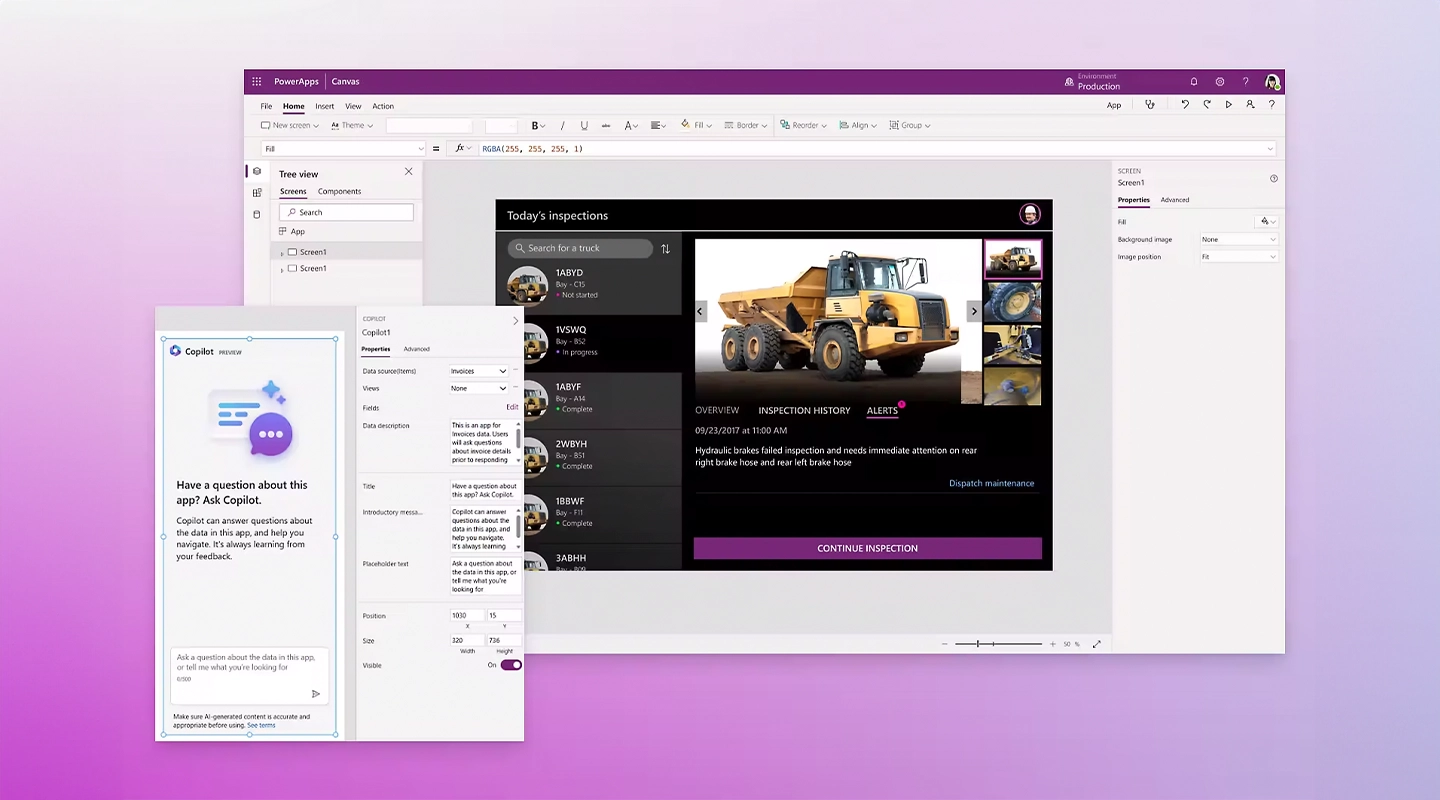
> **Power Apps** is a powerful suite offered by Microsoft that allows users to create, manage, and share custom business apps across devices without needing to write code. It's designed to be user-friendly, with a drag-and-drop interface that [makes app development accessible](https://fliplet.com/blog/simple-free-ways-to-make-an-app-no-coding-required/) to users of all skill levels.
Power Apps serves as a bridge, enabling users to connect their apps with data from various Microsoft services and other external sources, enhancing operational efficiency and productivity.
### Who uses Microsoft Power Apps?
Power Apps is widely embraced across various industries and departments. IT departments use it to build internal tools, HR teams create onboarding apps, and sales departments develop custom CRM solutions.
Its versatility makes it a valuable tool for anyone looking to digitize and automate parts of their business processes, from small businesses to large enterprises.
## Why would you need a Power Apps alternative?
While Power Apps is a robust platform, there are several reasons you might look for an [alternative](https://events.fliplet.com/blogs/eventbase-alternatives/):
- **Cost:** Depending on the complexity and scale of your projects, Power Apps can become costly.
- **Complexity:** For simpler needs, Power Apps might offer more functionality than necessary, leading to a steeper learning curve.
- **Integration:** You might need better integration with non-Microsoft products or services not supported by Power Apps.
- **Customization:** Your project might require more customization options than what Power Apps provides.
Recognizing these factors is the first step in finding a platform that aligns more closely with your specific needs.
## 10 Power Apps Alternatives
Let's explore ten alternatives to Microsoft Power Apps, focusing on their advantages, disadvantages, pricing, and key features. We'll start with Fliplet, given its growing popularity as [a versatile app development platform](https://fliplet.com/blog/empowering-citizen-developers-at-gowling-wlg/).
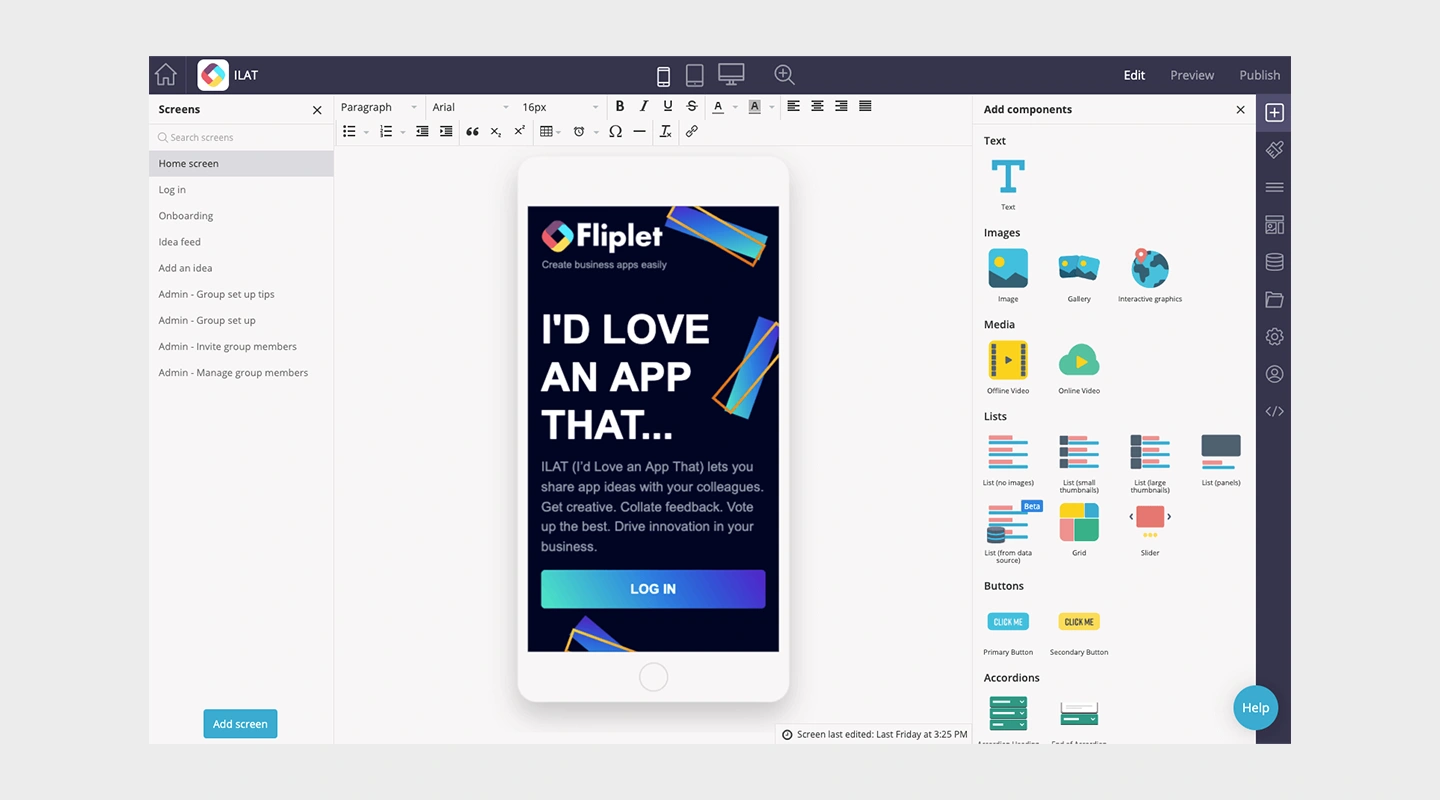
- Advantages: User-friendly with a drag-and-drop interface, offers extensive customization options
- Disadvantages: May require a subscription for advanced features
- Pricing: Offers 3 free web apps to begin, with paid plans starting at $9.90 and letting you make apps for Google and Apple — custom pricing for enterprise-level customers
- Key Features:
- Pre-built solutions
- Integration capabilities
- Fully customizable
- Easy to manage

- Advantages: Strong integration with Google services, intuitive design features
- Disadvantages: Limited customization compared to some other platforms
- Pricing: 10 free tests, with plans beginning at $5 a month and moving up to custom enterprise plans
- Key Features:
- Real-time updates
- Multi-platform support
- Automation capabilities
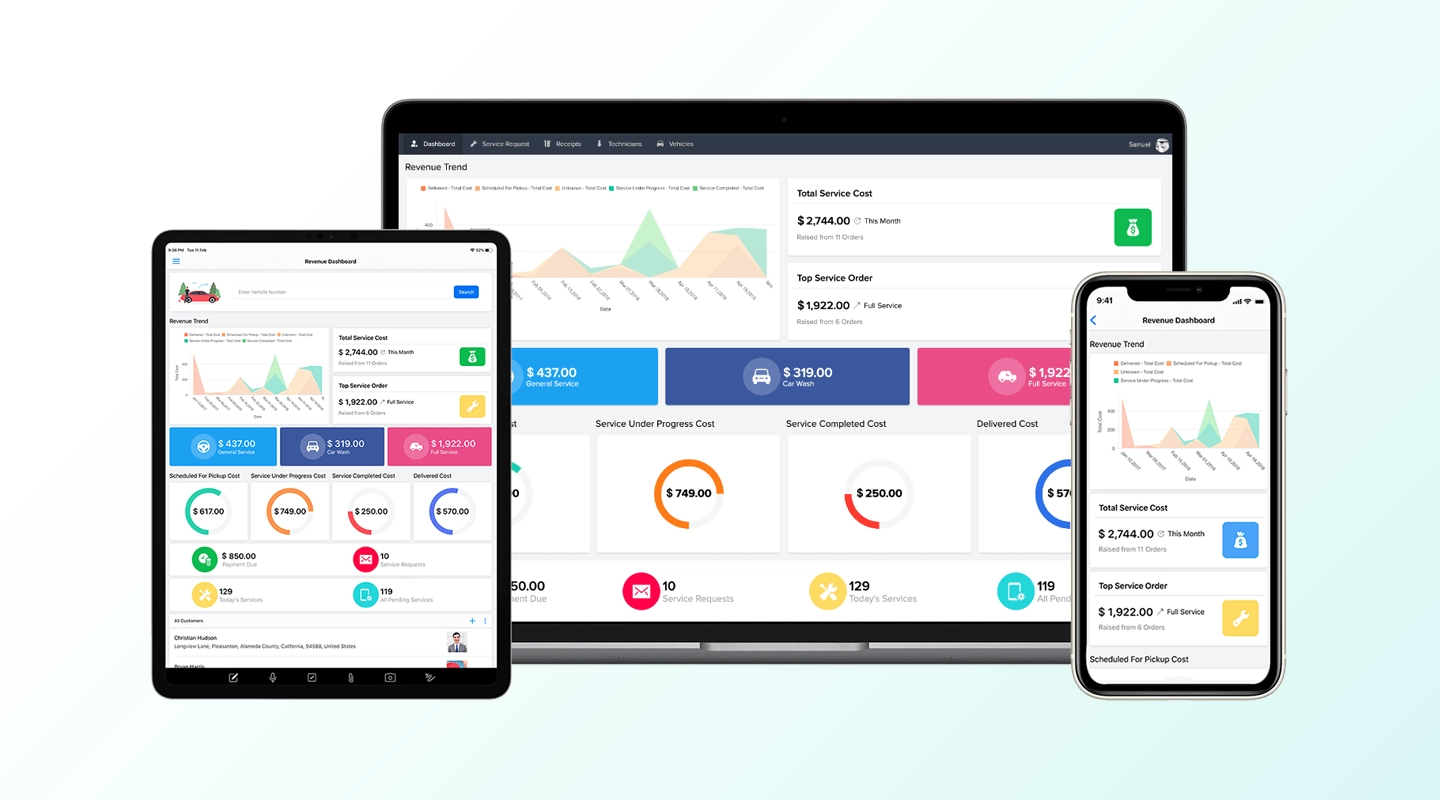
- Advantages: Offers a wide range of pre-built apps, strong automation and analytics tools
- Disadvantages: Can be overwhelming for beginners due to its extensive features
- Pricing: Has a 15-day free trial, subscription plans required for more advanced features starting at $8 a month
- Key Features:
- Drag-and-drop interface
- Integration with Zoho suite
- Robust data management
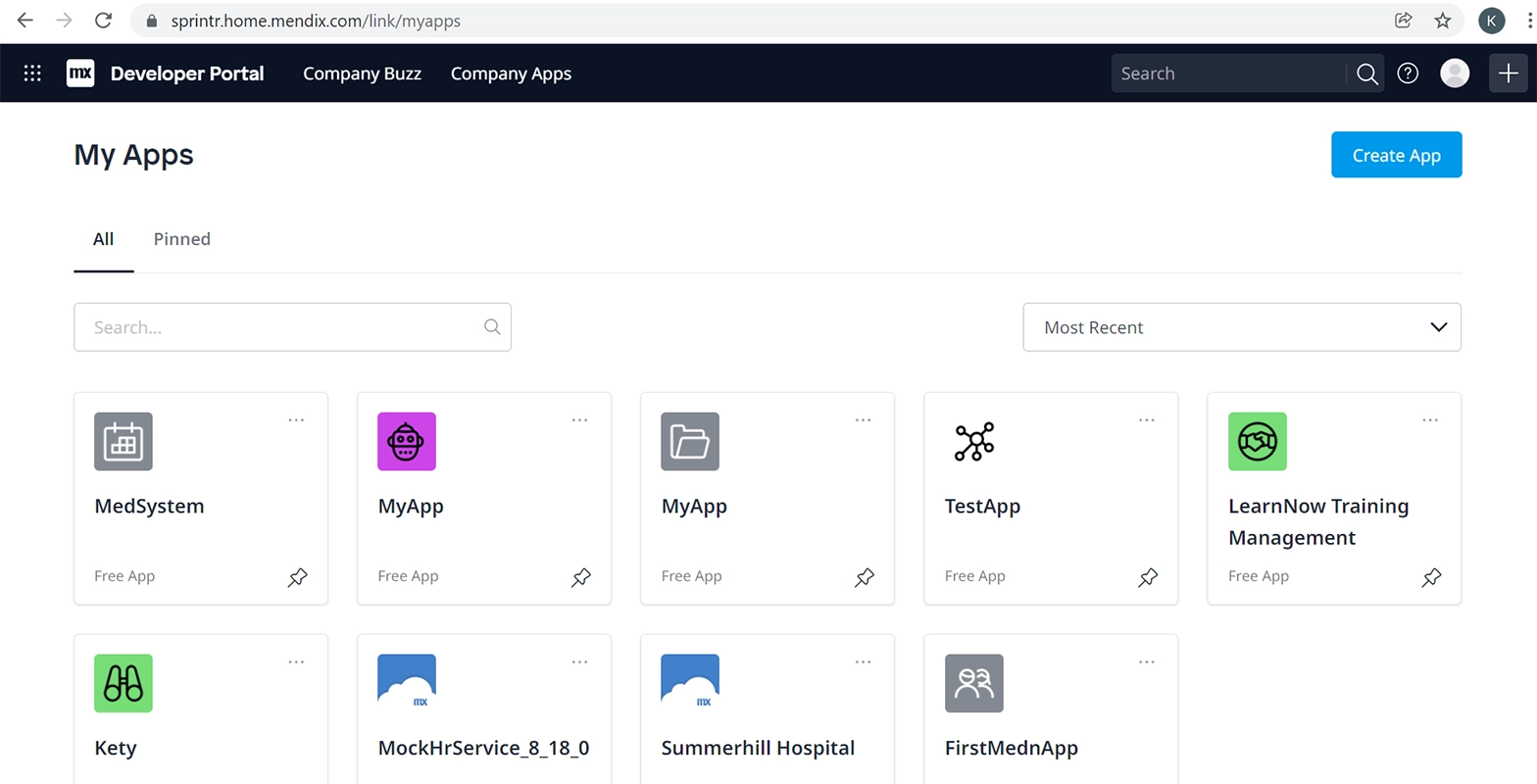
- Advantages: Supports low-code and no-code development, strong focus on enterprise-level solutions
- Disadvantages: Pricing can be on the higher side for small businesses
- Pricing: Offers a free tier, Basic Plan starts at $75 a month
- Key Features:
- Cloud-native support
- AI-assisted development
- Comprehensive app lifecycle management
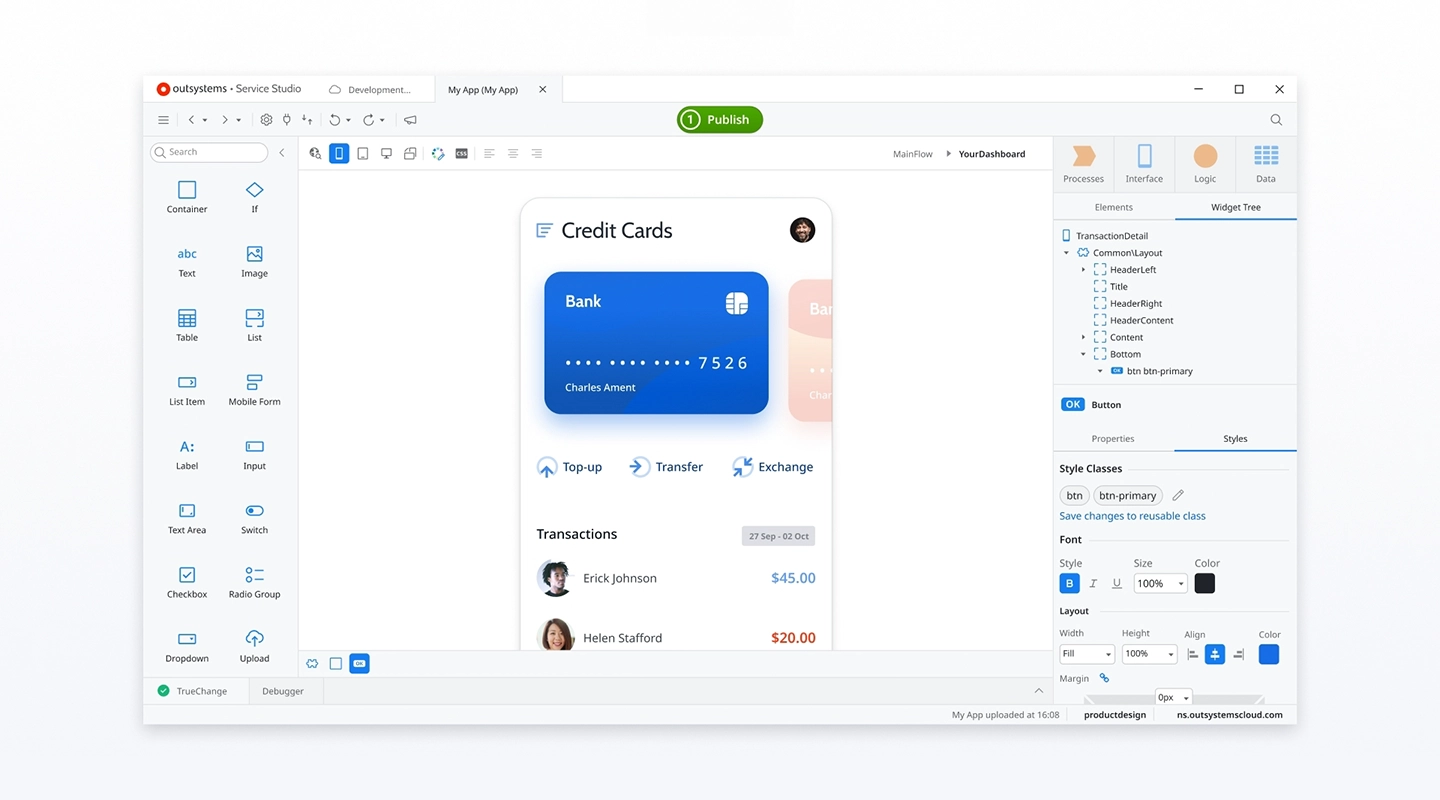
- Advantages: Scalable for large enterprises, offers rapid application development
- Disadvantages: The learning curve for new users, pricing may be prohibitive for smaller teams
- Pricing: First app is free, with the multiple app tier costing at least $1513 a month
- Key Features:
- Wide range of integrations
- Advanced security features
- Full-stack development
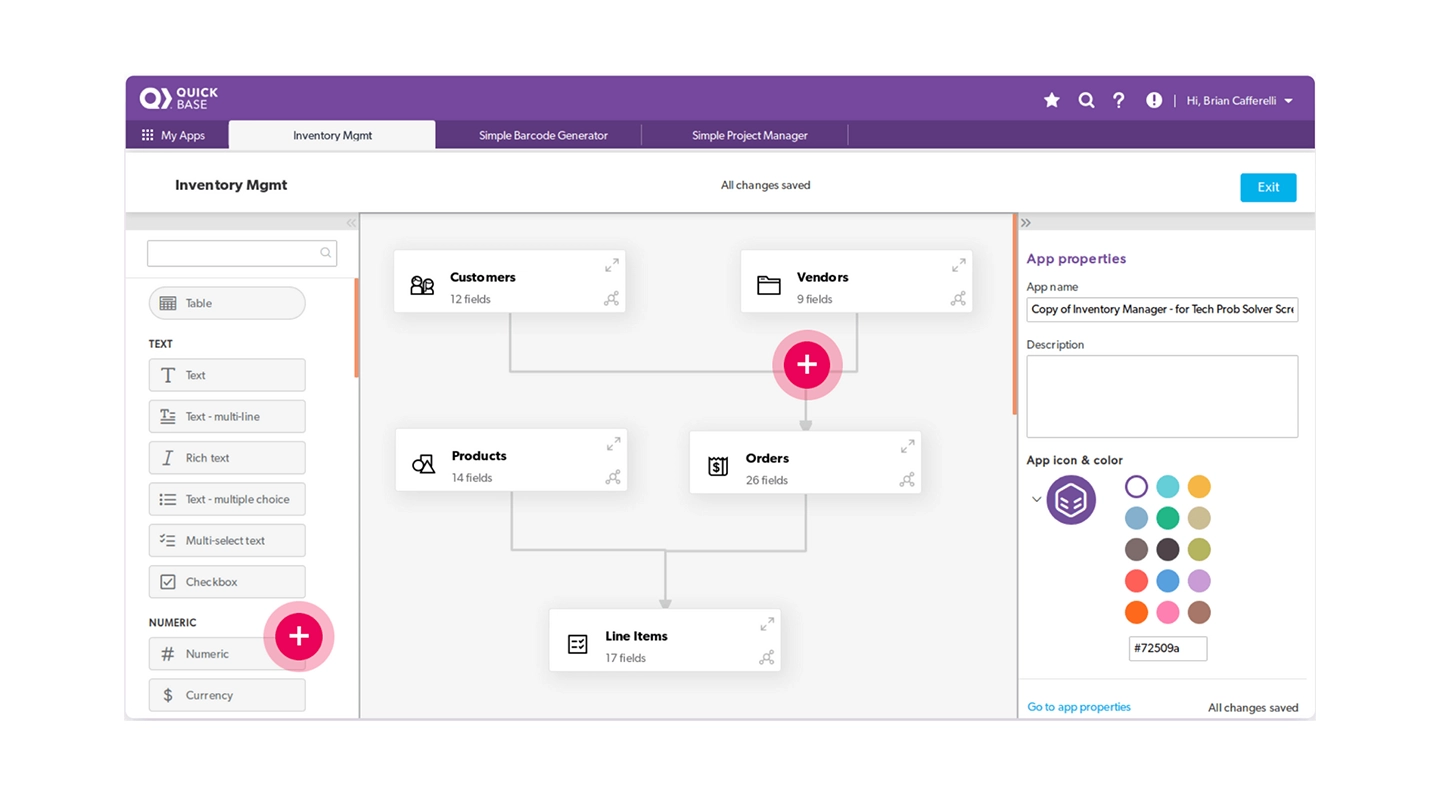
- Advantages: Strong emphasis on collaboration and workflow automation
- Disadvantages: Customization options may require more time to learn
- Pricing: Starts with a 30-day free trial, higher tiers begin at $35 a month
- Key Features:
- Real-time data insights
- Comprehensive app building
- Automation tools
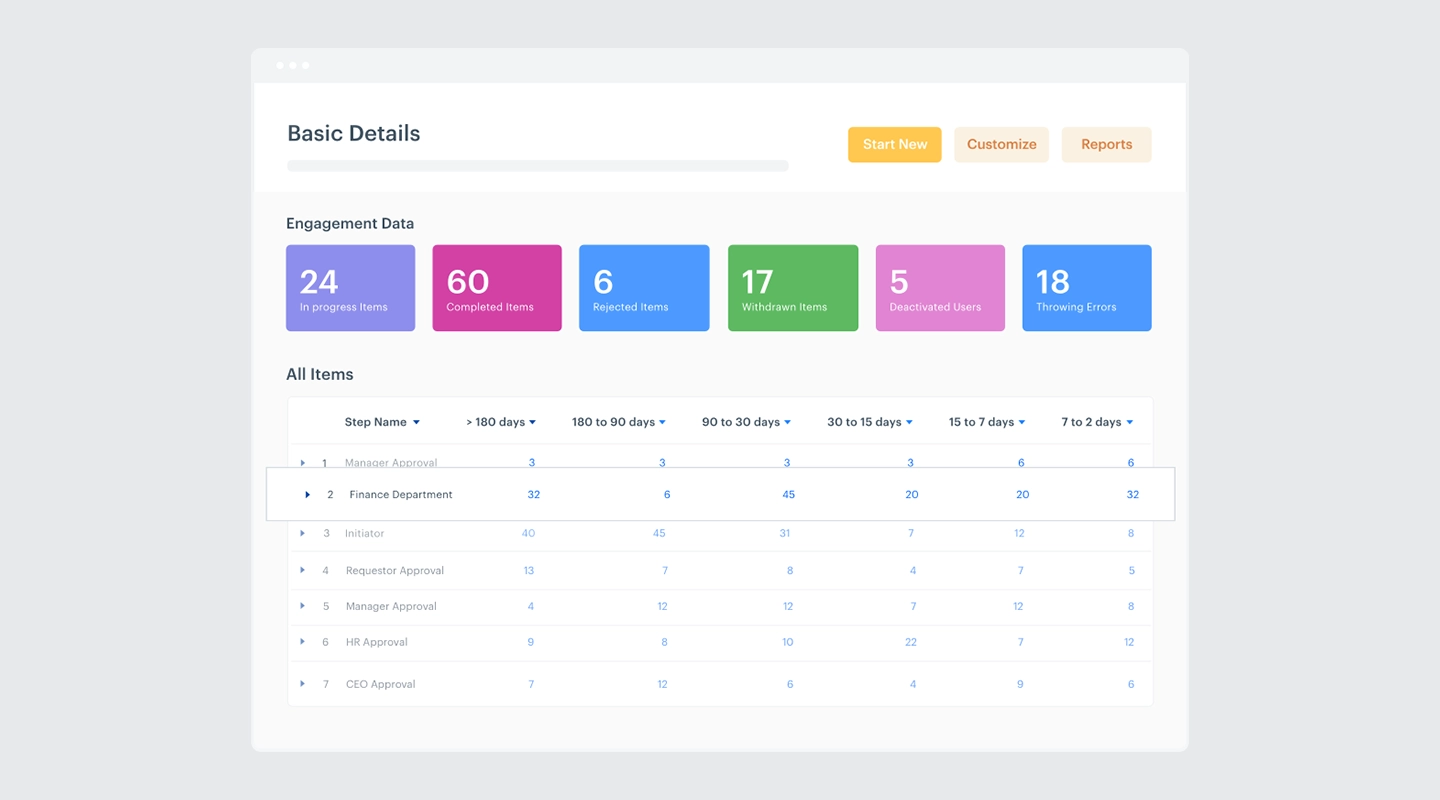
- Advantages: Simplifies process management, integrates well with many different workspaces you already use
- Disadvantages: More suited for workflow automation than complex app development
- Pricing: Offers a free trial and custom subscription plans
- Key Features:
- Process management
- Project boards
- Custom reporting
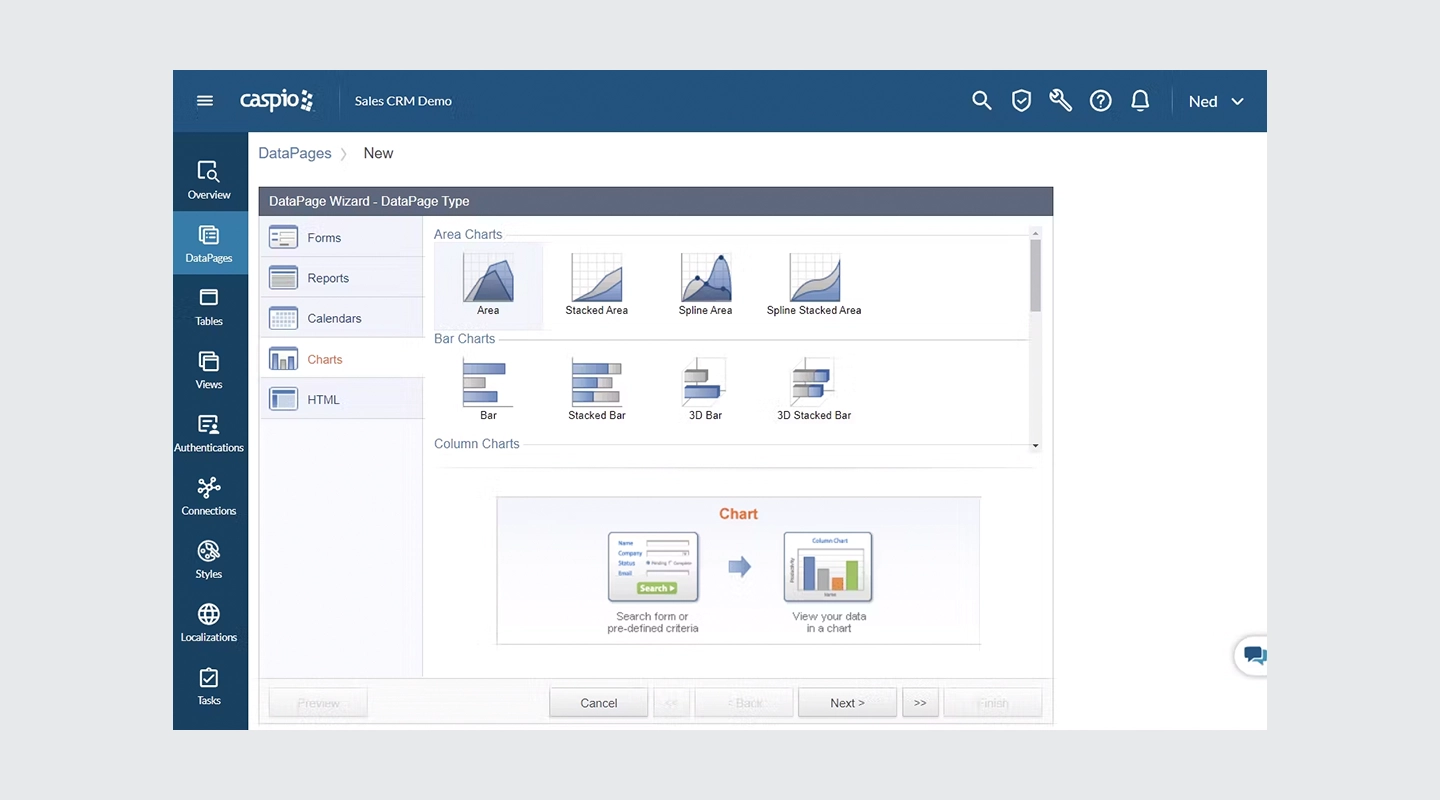
- Advantages: No-code platform with strong data management capabilities
- Disadvantages: May require additional costs for higher data storage needs
- Pricing: Offers a free trial, with paid plans beginning at $90 a month
- Key Features:
- Cloud database
- Visual application builder
- Integrated security features
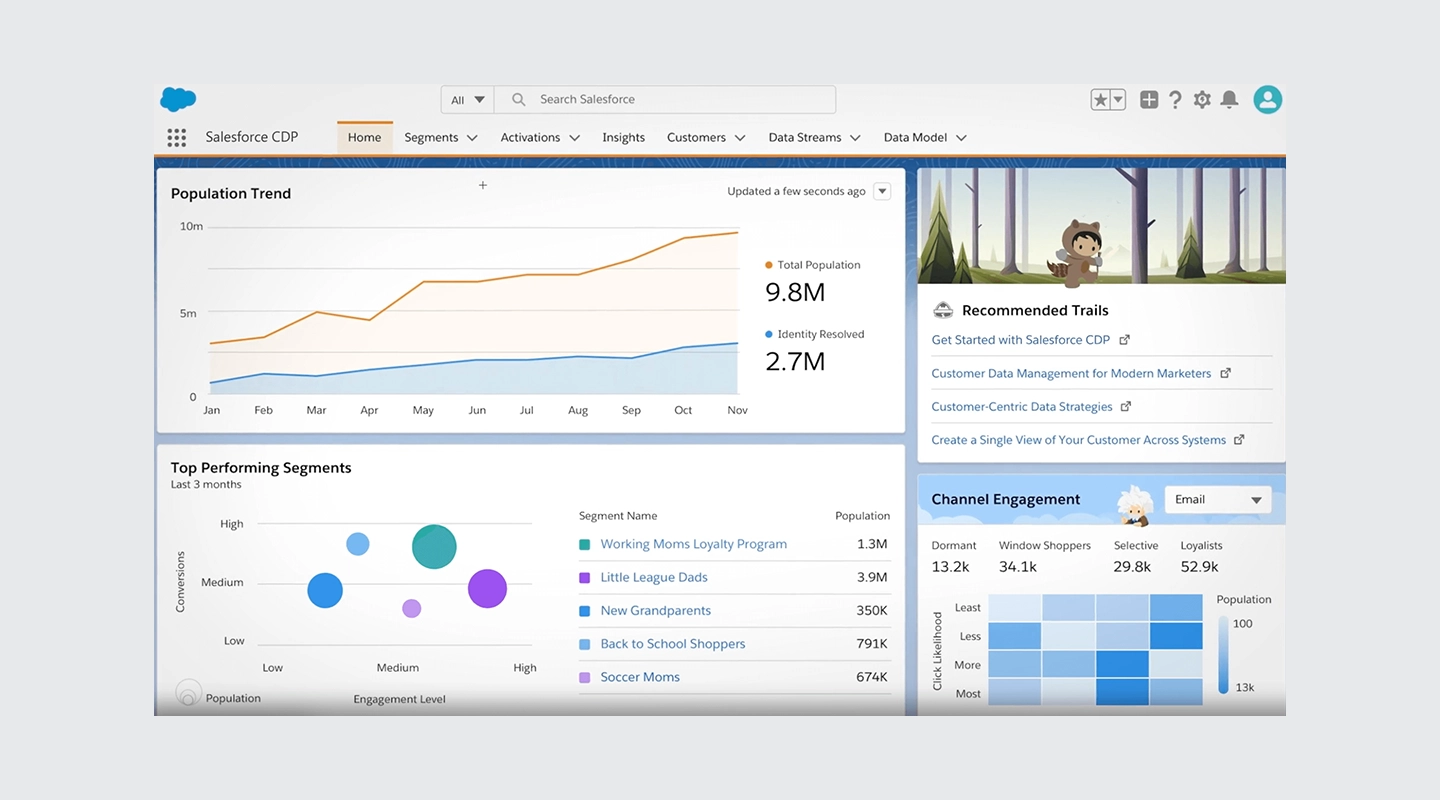
- Advantages: Extensive integration with Salesforce's ecosystem, robust for CRM-focused apps
- Disadvantages: Primarily beneficial for existing Salesforce users due to its ecosystem reliance
- Pricing: Free trial with paid plans beginning at $25 per month per user
- Key Features:
- AppExchange for pre-built apps
- Lightning platform for app development
- Strong analytics tools
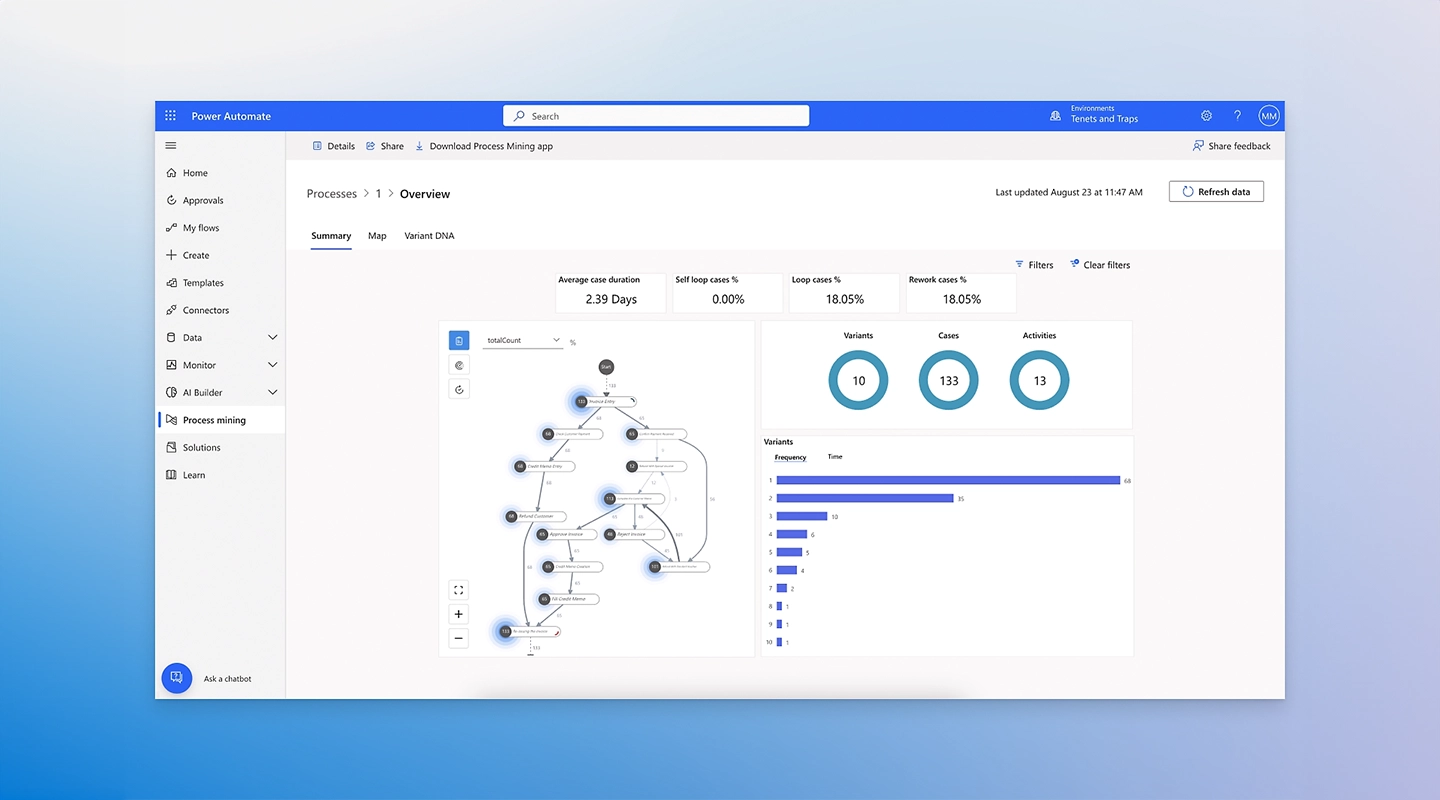
- Advantages: Designed to automate workflows within the Microsoft ecosystem, integrates seamlessly with Power Apps
- Disadvantages: Limited as a standalone app development platform
- Pricing: Included in some Office 365 plans, standalone pricing starts at $15 per month for each user or $150 per month for each bot
- Key Features:
- Workflow automation
- Template-driven app creation
- Deep integration with Microsoft products
## Fliplet: The Best Free Power Apps Alternative
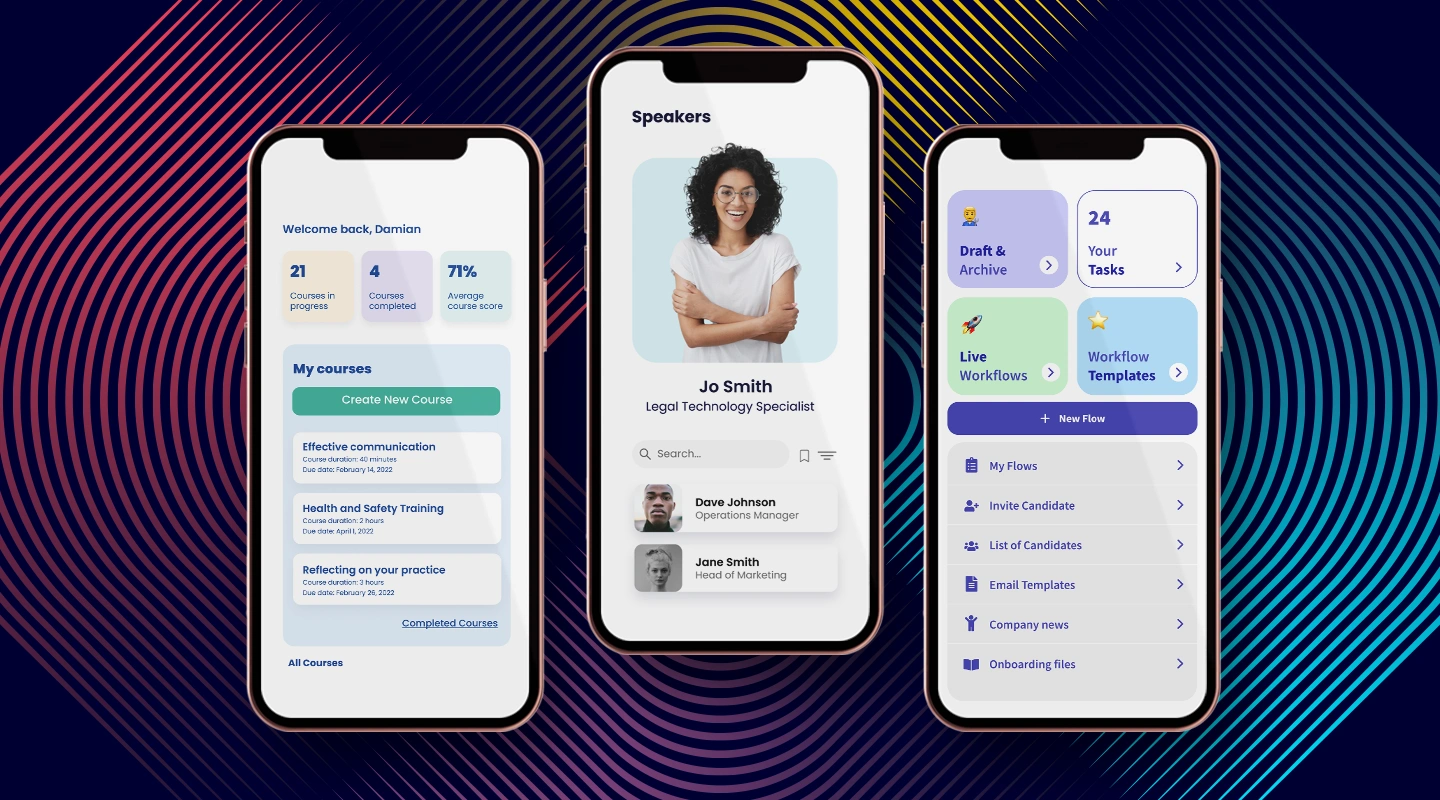
For teams operating on a tight budget, flexible [Fliplet pricing](https://fliplet.com/pricing/) can be a game-changer. These platforms offer a cost-effective way to explore app development without committing to a larger rollout too early.
While free versions may come with limitations, they often provide sufficient functionality for small projects or those just starting with app development. It's essential to evaluate what features are available in the free version and how they align with your project needs.
### Projects you can make with Free Power Apps alternatives
- [**Team chat app**](https://fliplet.com/solution/team-chat-app/)**:** Simple apps designed to improve team communication, such as directories or announcement boards, can often be built using free versions.
- [**Event and conference apps**](https://events.fliplet.com/event-networking-app/)**:** For managing corporate events or meetings, free versions can provide functionalities like schedules, feedback forms, and information pages.
- [**Data capture app**](https://fliplet.com/solution/data-capture/)**:** Projects aimed at collecting data, such as employee feedback surveys or customer satisfaction forms, usually do not require advanced features.
- [**Task management apps**](https://fliplet.com/solution/task-management/)**:** Individuals or small teams looking to enhance personal productivity with to-do lists, simple task managers, or expense trackers can utilize free versions effectively.
- [**Crisis response app**](https://fliplet.com/solution/crisis-response-app/)**:** Apps that provide crucial information and communication channels during emergencies can be developed without a hefty budget using free versions.
- [**Brainstorming app**](https://fliplet.com/solution/brainstorming-app/)**:** A platform for teams to share ideas, collaborate on creative projects, and document their brainstorming sessions can be created using free tools.
- [**Onboarding app**](https://fliplet.com/solution/employee-onboarding-app/)**:** Streamline the process of welcoming new employees with an app that offers interactive guides, essential documents, and FAQs, all accessible through free versions.
- [**LMS mobile app**](https://fliplet.com/solution/mobile-learning-software/)**:** A basic learning management system app that provides access to educational content, tracks learning progress, and offers quizzes to reinforce learning can be built for free.
- [**Employee directory app**](https://fliplet.com/solution/employee-directory-app/)**:** An easy-to-navigate app that helps employees find contact information, roles, and departmental details of their colleagues can be developed using free platforms.
These projects typically don't require extensive integration with external databases, high levels of customization, or advanced analytics, making free versions suitable for their development and deployment.
### Projects that might require paid alternatives to Power Apps
- **Large number of users:** Apps designed to support a wide user base, particularly those requiring concurrent access by numerous employees or customers, often demand the scalability and performance stability provided by paid versions.
- **Enterprise security needs:** Projects involving sensitive information or needing to adhere to strict data protection and privacy regulations benefit from the advanced security measures and compliance assurances offered by paid subscriptions.
- **Complex integrations and API calls:** When building apps that must connect seamlessly with a variety of external systems, databases, or services through sophisticated integrations and extensive use of APIs, the enhanced capabilities of paid alternatives are typically necessary to ensure robust and reliable functionality.
Wondering if your project needs a paid or free alternative to Power Apps? [Chat with our sales team.](https://fliplet.com/book-a-demo/) They're ready to talk right now and guide you towards the best solution for your app development needs.
## Fliplet vs Microsoft Power Apps

### When comparing Fliplet to Microsoft Power Apps, there are several factors to consider
- **Ease of use:** Fliplet offers an intuitive drag-and-drop interface, which simplifies the app development process. This is particularly advantageous for teams with limited coding expertise, allowing them to create apps efficiently.
- **Customization and scalability:** While Power Apps provides a robust platform for app development, Fliplet stands out for its [customization options](https://fliplet.com/features/) and scalability. This makes it an attractive option for businesses looking to grow their apps as their needs evolve.
- **Pricing structure:** Fliplet's pricing model is designed to accommodate a wide range of budgets, including a free version for basic app development needs. In contrast, Power Apps might require a more significant investment, especially for access to more advanced features and capabilities.
- **Integration capabilities:** Both platforms offer extensive integration options. However, Fliplet's ability to integrate with a broader array of non-Microsoft products and services may offer additional flexibility for some organizations.
## What features to look for when looking for alternatives to Power Apps?
When searching for an alternative to Power Apps, IT teams should prioritize the following features:
- **Customization options:** The ability to tailor apps to fit the unique needs and branding of your organization is crucial. Look for platforms that offer extensive customization tools and templates.
- **Integration capabilities:** Choose a platform that can [seamlessly integrate with your existing software ecosystem](https://fliplet.com/integrations/), including CRM, ERP, and HR systems, to streamline processes and data flow.
- **User support and community:** Robust support and an active user community can significantly enhance the app development experience, providing resources and troubleshooting assistance when needed.
- **Data security and compliance:** Ensure the platform adheres to industry-standard [security protocols and compliance requirements](https://fliplet.com/security/) to protect sensitive company and customer data.
## What do IT teams look for when choosing a Power Apps Alternative?
### IT leaders and teams typically seek platforms that offer
- **Scalability:** The platform should be able to support the growing needs of the business, accommodating more users and complex functionalities without degradation in performance.
- **Reliability:** Dependable uptime and minimal disruptions are essential for maintaining productivity and ensuring that business operations run smoothly.
- **Cost-effectiveness:** [Balancing features with cost](https://fliplet.com/pricing/) is critical. IT teams look for solutions that offer the best value for their investment, considering both initial and ongoing expenses.
- **Ease of deployment and maintenance:** Solutions that are easy to deploy, update, and maintain require less technical resources, allowing IT teams to focus on strategic initiatives rather than routine tasks.
## Summary
Choosing the right Power Apps alternative is a strategic decision that can influence your organization's ability to innovate and respond to business needs. By carefully evaluating your requirements, considering the features and benefits of each platform, and aligning your choice with your organizational goals, IT leaders can select a tool that not only meets their current needs but also supports future growth.
Whether you're looking for a platform with extensive customization options, robust integration capabilities, or a user-friendly interface, there's likely a Power Apps alternative that fits the bill. Tools like [Fliplet](https://fliplet.com/) offer an excellent starting point for those seeking a balance between functionality and cost, especially for businesses looking to scale their app development efforts without extensive coding expertise.
As you consider all the Power Apps alternatives out there, remember that the best choice is one that aligns with your business objectives, enhances your team's productivity, and fits within your budgetary constraints. With the right platform, you can empower your team to build powerful, customized apps that drive your business forward.
## FAQs
### Can I migrate apps built-in Power Apps to another platform, even alternatives to Power Apps?
Migration possibilities depend on the target platform's capabilities. Some platforms may offer tools or services to facilitate migration, but it's essential to review the specific requirements and compatibility before proceeding.
### How important is community support when choosing an app development platform?
Community support can be invaluable, especially for resolving common issues, sharing best practices, and learning from the experiences of other users. A vibrant community can enhance the development experience and provide additional resources.
### Are free alternatives to Power Apps suitable for enterprise use?
Free versions can be suitable for small-scale or pilot projects. However, enterprises with complex needs may require the advanced features and support offered by paid plans to ensure scalability, security, and integration capabilities.
### How often should we re-evaluate our choice of Power Apps alternatives?
Regularly reviewing your platform choice, at least annually or as your business needs evolve, ensures that your tools remain aligned with your organizational goals and the latest technology trends.
## Related links
- [Simple & Free Ways to Make an App (No Coding Required)](https://fliplet.com/blog/simple-free-ways-to-make-an-app-no-coding-required/)
- [How to build a custom app without any coding](https://fliplet.com/blog/how-to-build-a-custom-app-without-coding/)
- [5 Best AI App Builders and How to choose yours](https://fliplet.com/ai-app-builders/)
---
# 10+ Best Cross-Platform App Development Tools & Frameworks
> 10+ Best Cross-Platform App Development Tools & Frameworks. Compare features, pricing, tradeoffs, and use cases to choose the best fit for your team and goals.
Source: https://fliplet.com/blog/cross-platform-app-development/
Content type: Blog
Published: 2026-02-22T12:44:58
Updated: 2026-03-10T09:00:00
Read time: 19 minutes
# 10+ Best Cross-Platform App Development Tools & Frameworks
The challenge with app development isn't just about building a great app, but making sure it works everywhere. That's where cross-platform app development comes in. It's all about efficiency and reaching as many users as possible, without having to build separate versions for each type of device.
In this guide, we're diving into what cross-platform mobile development really means, its pros and cons, and the top tools and frameworks that make a developer's life easier. Whether you're building your first app or looking to streamline your development process, this is where you'll find the info you need.
For the reverse workflow, see how teams can [turn a web app into a mobile app](https://fliplet.com/blog/how-to-turn-your-mobile-app-into-web-app/) and compare Fliplet's broader [platform overview](https://fliplet.com/platform-overview/).
## What is cross-platform mobile development?
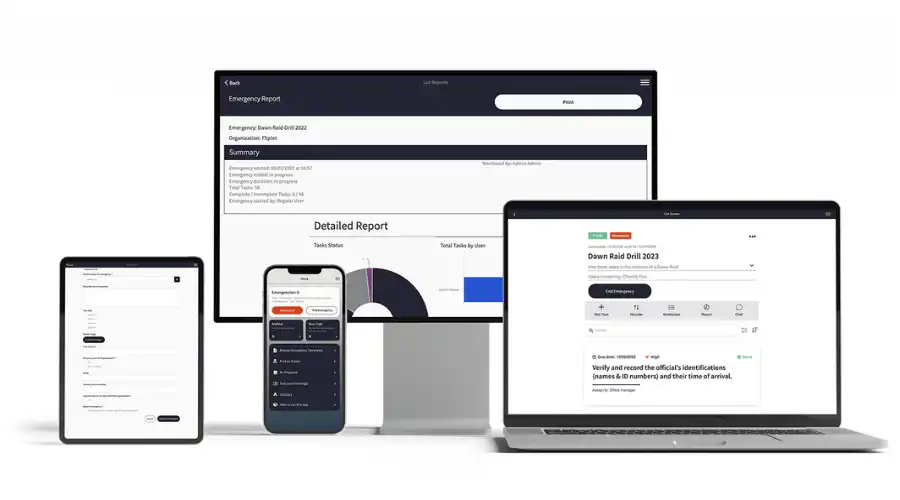
Cross-platform mobile development is a process where developers create a single application that is compatible with multiple mobile operating systems. Unlike native development, where you build separate apps for each platform, cross-platform development allows for one version that works across different devices.
This method is increasingly popular for its resource efficiency and wider market reach. It is especially beneficial for businesses that want to target both Android and iOS users without investing in separate development projects. As the mobile app market continues to grow, cross-platform development offers a practical solution for reaching a diverse user base with less duplicated effort.
## The need for cross platform mobile development
Historically, the challenge in mobile app development was the requirement to develop distinct back ends for each operating system. This often led to choosing native development, where apps were specifically designed for each platform like iOS or Android. However, this method was not only resource-intensive but also limited the ability to leverage code across different platforms.
Cross-platform development offers a strategic solution to overcome these limitations. By adopting this approach, developers can use the source code across various platforms. This efficiency is a major shift from the traditional native development model. It simplifies the development process by reducing the need for separate coding efforts for each platform. The implication of this is profound, it significantly reduces development time and costs, while also ensuring a more consistent user experience across different devices.
This shift to cross-platform development is driven by the need for greater efficiency and broader market reach in the mobile app sector. It reflects a growing trend towards more streamlined, agile development processes that can accommodate the rapid pace of change in mobile technology and user expectations.
### Cross platform app development for Google
A distinct set of advantages is introduced by concentrating on Google's ecosystem, specifically Android, for cross-platform app development. Because of Google's wide selection of Android devices and versions, developers have to make sure their apps work with a wide range of hardware. In this situation, cross-platform technologies are really helpful. They make it possible to create apps that work with both the most recent version of Android and previous versions of the operating system. This is essential given the fragmented nature of the Android market.
### Cross platform app development for iOS
Similarly, for iOS, cross-platform development has simplified the process of creating apps that run smoothly on Apple's range of devices. Using cross-platform tools, developers can create applications that are not only compatible with iOS but also maintain the high standard of user experience that Apple users expect. This method negates the need for iOS-specific coding, which can be particularly intricate due to Apple's stringent app guidelines and the unique features of iOS. Cross-platform tools ensure that the apps maintain their functionality and aesthetic appeal across all devices, whether it's an iPhone or iPad.
### Cross platform desktop app development
Cross-platform development is not just limited to mobile devices. It extends to desktop applications as well. This is particularly relevant in an era where users expect seamless integration and similar experiences across their mobile and desktop devices. Developing desktop applications that work across various operating systems like Windows, macOS, and Linux can be a daunting task. However, with cross-platform development tools, this process becomes more manageable. These tools enable developers to create applications that can run smoothly on different desktop operating systems from a single codebase. This approach ensures consistency in user experience and functionality across all platforms, while significantly cutting down development time and costs.
## Native vs. cross platform development
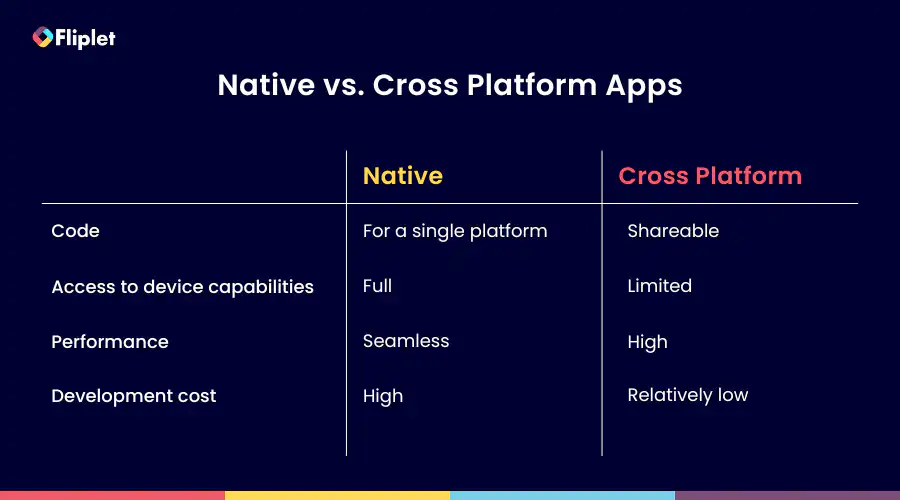
Native applications are designed specifically for one operating system. For instance, apps built for Android won't work on iOS, and those for iOS won't function on Android. This is because native apps are coded in languages specific to each platform, like Objective-C or Swift for iOS and Java or C for Android.
### **Advantages of native apps**
- Higher performance on its specific OS
- Full utilization of the device's features and capabilities
- More responsive user experience
- Generally provides a better overall user experience
### **Disadvantages of native apps**
- Increased development time due to separate versions for each platform
- Higher costs associated with multiple development streams
In contrast, cross-platform app development offers a more streamlined approach. It involves writing a single codebase that works across multiple platforms. This method is faster and more cost-effective, as it eliminates the need to write different codes for each operating system
### **Advantages of cross platform app development**
- Faster development as the same code is used for all platforms
- More cost-effective due to reduced need for separate coding
- Broader reach across different platforms with a single effort
### **Disadvantages of cross platform app development**
- May not match the performance of native apps
- Limited access to certain device-specific features and capabilities
## Benefits of cross-platform mobile development
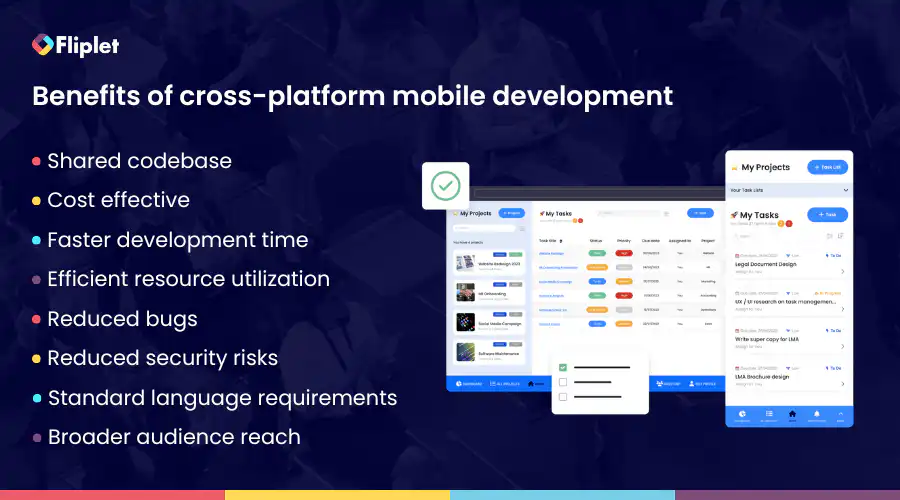
Cross-platform mobile development stands out for its practicality and effectiveness. It allows for the creation of applications that work across multiple operating systems using a single codebase. This approach not only simplifies the development process but also offers significant advantages in terms of cost, time efficiency, and market reach.
### Let's explore these benefits in detail
- **Shared codebase:** Most of the code can be reused across different platforms, reducing the need to write unique code for each operating system
- **Cost-effective:** Lower development costs since the same code is used for multiple platforms, reducing the resources required for separate builds
- **Faster development and time to market:** Speedier development process due to code reusability, leading to quicker launches
- **Efficient resource utilization:** Development teams can be more effectively managed as there's no need for platform-specific specialists
- **Reduced bugs and security risks:** Fewer lines of code mean fewer chances of bugs and potential security issues, easing the process of testing and maintenance
- **Standard language requirements:** Developers often need to be proficient in standard languages, with tools and frameworks handling the more complex tasks
- **Broader audience reach:** Apps can cater to users across different devices and operating systems, expanding market coverage
These benefits highlight why cross-platform development is a compelling choice for many projects, balancing efficiency, cost, and reach to meet the needs of a modern mobile audience.
## Disadvantages of cross-platform app development
While cross-platform app development offers numerous benefits, it's important to also consider its drawbacks. These limitations can impact the overall quality and functionality of the apps. Understanding these disadvantages is crucial for developers and businesses to make informed decisions about their development strategy.
- **Performance issues:** Cross-platform apps can sometimes experience performance glitches, especially when compared to native apps
- **Limited access to device features:** These apps may not fully support certain native-only functions of mobile devices, like advanced graphics or specific hardware capabilities
- **Potential design challenges:** Achieving a design that looks and feels good on multiple platforms can be challenging, which might result in a compromised user experience (UX)
- **Dependency on development tools:** The quality and capabilities of the app are often tied to the development tools and frameworks used, which may have their own limitations
Despite these drawbacks, advancements in development technologies and frameworks are gradually addressing these issues. Modern cross-platform apps are increasingly becoming:
- **Flexible:** Able to adapt to different platforms and devices
- **Adaptable:** Capable of incorporating new features and updates
- **Stable:** Offering consistent performance across different platforms
- **High performing:** Closing the gap with native apps in terms of speed and responsiveness
- **Highly functional:** Supporting a wider range of device-specific features
- **Able to deliver good UX:** Improving in design to offer a more engaging and intuitive user experience
## 11 Best cross-platform mobile app development frameworks and no code software
The choice of the right cross-platform mobile app development framework is crucial for creating efficient, native-like applications. Take a look at these top cross-platform mobile app development frameworks:
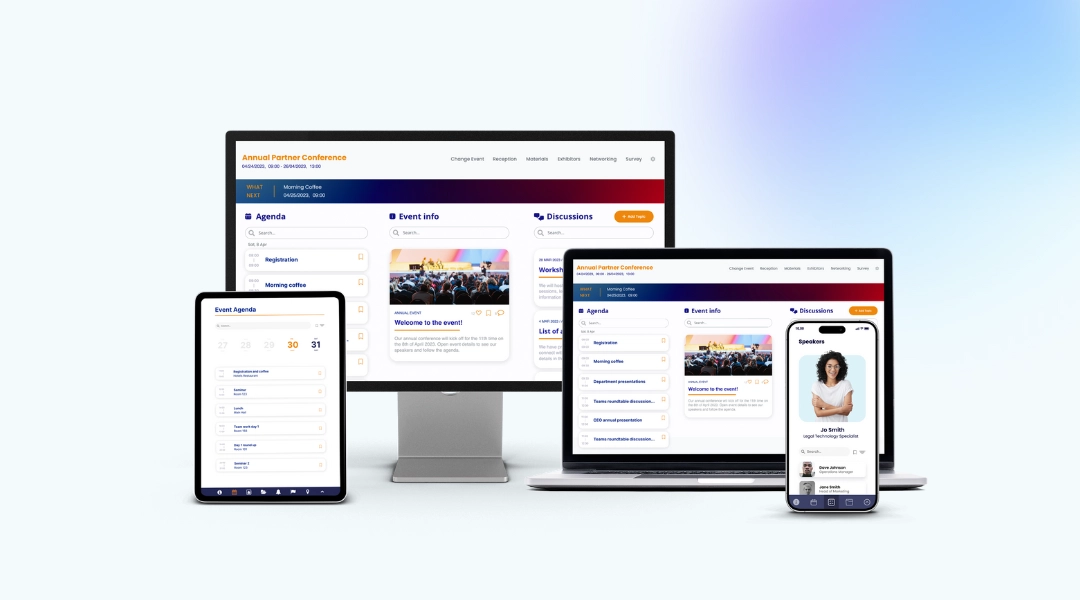
Fliplet offers a unique solution for cross-platform mobile app development, focusing on simplicity and efficiency. It enables users to build and launch apps on various platforms, including web, iOS, Android, and private apps.
### **Key features:**
- Drag and drop app builder
- Integrate with your existing platforms.
- Build and launch on iOS, Android, web, and private platforms
- Enterprise grade security features
- App analytics
- Sixteen pre-built solutions to help you get started right away
### **Benefits:**
- **Ease of use:** User-friendly interface, allowing quick prototyping and app building without the need of any coding skills
- **Cost-effectiveness:** Offers unlimited app creation with a single subscription, making it highly economical
- **Range of solutions:** Suitable for a range of applications, from internal communications tools to complex enterprise solutions
- **Quick deployment:** Enables fast development and deployment, ideal for urgent project requirements
- **Excellent customer support:** Highly rated customer service, ensuring reliable assistance
- **Integration capabilities:** Seamless integration with existing databases and enterprise mobile distribution platforms
- **Instant updates, easy maintenance:** Updates are effortless with Fliplet Studio. Fliplet handles maintenance and over-the-air updates so that you can focus on content.
- **Publish on all devices:** Create one app and publish it on mobile, tablet and web.
### **Pricing:**
- [Free Plan](https://studio.fliplet.com/signup): Begin your journey with Fliplet's free plan. This plan offers a fully functional team chat app in a web environment.
- Public Plan: From $9.90 /month
- Private Plan: From $19.90 /month
- Private Plus Plan: From $29.90 /month
- Enterprise Plan: For organizations with more extensive requirements, Fliplet offers a customizable enterprise plan. Details can be obtained through a [demo](https://fliplet.com/book-a-demo/).
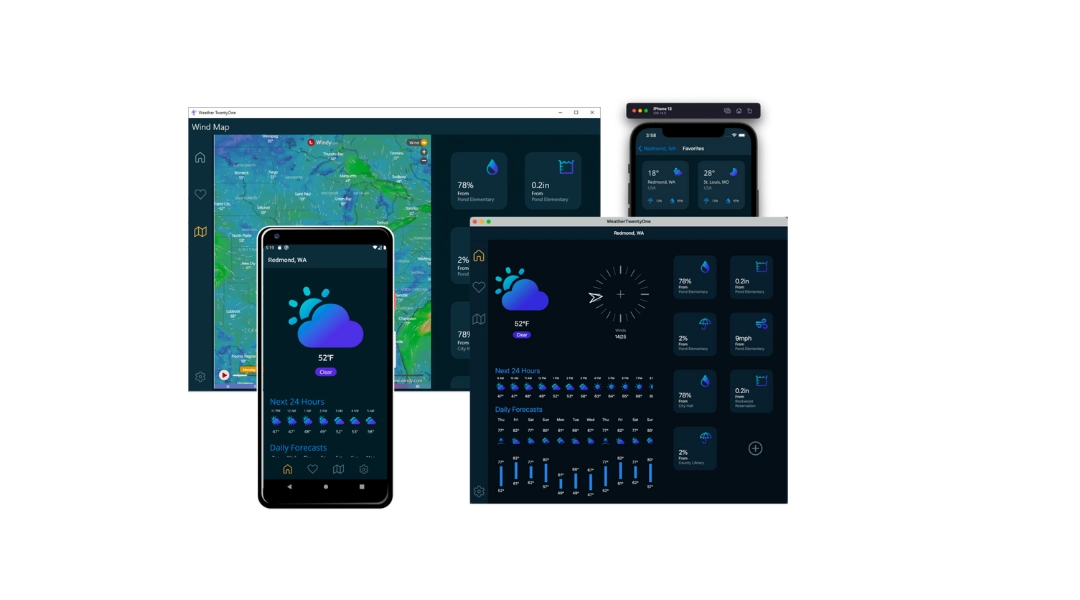
.NET MAUI is a cross-platform framework for creating native mobile and desktop apps with C# and XAML. Using .NET MAUI, you can develop apps that can run on Android, iOS, macOS, and Windows from a single shared code-base.
### **Key features:**
- Single codebase for multiple platforms
- Native performance
- Access to a rich set of libraries
- Share code, tests, and business logic across platforms
### **Benefits:**
- Share code across iOS, Android, and Windows
- Robust performance
- Strong community and Microsoft support
- Share UI layout and design across platforms
- Integrate with your microsoft systems
### **Pricing:**
- Free to use
Flutter is an open-source UI software development kit created by Google. It is used to develop cross platform applications from a single codebase for any web browser, Fuchsia, Android, iOS, Linux, macOS, and Windows.
### **Key features:**
- **Hot reload:** Developers can instantly see the changes they make to the code reflected in the app interface
- **Rich set of widgets:** Flutter is built around the concept of widgets, which are building blocks for constructing UI elements
- **Cross-platform development:** Flutter allows developers to write a single codebase that runs on multiple platforms, including iOS, Android, web, and desktop
- **Access to native features:** While Flutter is a framework in itself, it also provides plugins that allow developers to access native device features such as camera, location, sensors, and more
### **Benefits:**
- **High-performance apps:** Flutter doesn't use a bridge (JavaScript or webview) for communication between the app and the platform
- **Shorter testing process:** Flutter developers can perform comprehensive testing once
- **Efficient development process:** Development process faster and more efficiently
### **Pricing:**
- Free
- Standard: $30 /month
- Pro: $70 /month
- Teams: $70 /user /month
Cordova, also known as Adobe PhoneGap, is a platform for building mobile applications using HTML5, CSS3, and JavaScript, appealing to developers familiar with web technologies.
### **Key features:**
- Supports HTML5, CSS3, and JavaScript for development
- Access to native device APIs
- Extensive plugin library for additional functionalities
### **Benefits:**
- **Web technology utilization:** Leverages familiar web technologies for app development
- **Native features access**: Integrates with native device features for comprehensive functionality
- **Wide compatibility:** Supports a broad range of platforms, enhancing app reach
- **Large community:** Benefits from robust community support and resources
- **Open source platform:** Cordova is an open-source platform that is cost-effective and flexible for developers
### **Pricing:**
- Free to use
React Native, created by Facebook, is a powerful framework for building mobile applications using React and JavaScript.
### **Key features:**
- Hot reloading for instant updates during development
- Large library of React components
- Native module integration for enhanced performance
### **Benefits:**
- **Development efficiency:** Hot reloading feature speeds up the development process
- **Reusable code:** Code once and deploy on both iOS and Android, saving time and resources
- **Strong performance:** Integration with native modules ensures high app performance
- **Extensive ecosystem:** Access to a vast range of libraries and community support
### **Pricing:**
- Free to use

Unity is a leading game development engine, renowned for its ability to create immersive and interactive experiences across multiple platforms. First released in 2005, Unity has evolved to support a wide array of desktop, mobile, console, and virtual reality platforms, making it a versatile tool for developers.
### **Key features:**
- Multi-platform support
- High-quality assets
- Powerful rendering engine
- VR and AR Support
### **Benefits:**
- **Versatility**: Develop games for almost any platform
- **Community and support:** Large community of developers and extensive documentation
- **Efficient Workflow**: Streamlines the game development process, from conception to deployment
- **Innovative features:** Continuously updated with the latest technological advancements
### **Pricing:**
- Student: Free
- Personal: Free
- Unity Pro: $1,877
- Unity Industry: $4,554
- Unity Enterprise: Contact Unity
Node.js is a powerful JavaScript runtime framework that is ideal for developing efficient and responsive cross-platform applications. Built on Chrome's V8 JavaScript engine, it offers an open-source environment for server-side and scalable network app development.
### **Key features:**
- Asynchronous APIs for non-blocking operations
- Speedy code execution process with Chrome's V8 engine
- Single-threaded model with event looping for efficient performance
- Rich library of JavaScript modules
### **Benefits:**
- **Efficient real-time applications:** Ideal for building fast, scalable network applications like chat and gaming apps
- **Scalable:** Efficiently handles numerous simultaneous connections with minimal overhead on a single process
- F**ast server-side solutions:** Quick execution of code thanks to V8 JavaScript engine, ideal for data-intensive applications
- **Enhanced productivity:** Simplifies development with JavaScript on both client and server sides, reducing context switching
### **Pricing:**
- Solid 4: Free
- Solid 8: $99 /month
- Solid 12: $199 /month
- Solid E: Contact Node.js
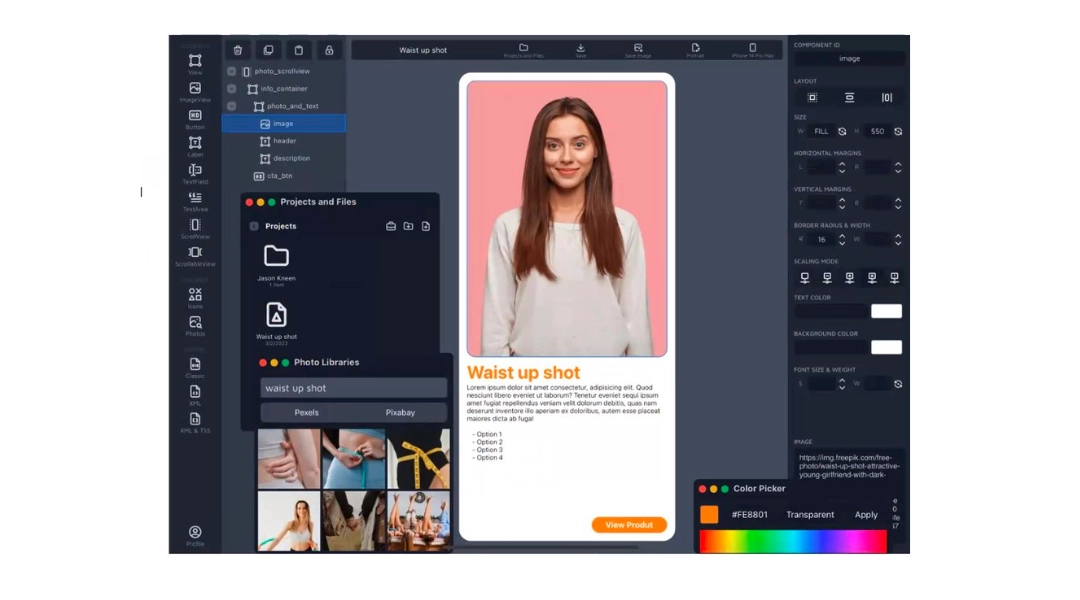
Appcelerator Titanium is a versatile tool designed to simplify mobile app development. It enables the creation of cross-platform apps with a single code base, focusing on native components present in JavaScript code.
### **Key features:**
- Rapid application development tools
- ArrowDB for easy data model deployment
- Integration with continuous delivery systems
- Pre-built connectors for various services
### **Benefits:**
- **Prototype rapidly:** Enables quick prototyping, allowing businesses to test ideas and iterate faster
- **Efficient data handling:** Streamlined approach to data storage and retrieval, enhancing [app functionality](/blog/16-successful-mobile-app-features/)
- **Broad integration:** Easily integrates with existing enterprise systems, enhancing workflow and productivity
- **Rich ecosystem:** Extensive collection of pre-built connectors and modules to extend app functionalities
### **Pricing:**
- Indie Seat: Free
- Pro Seat: $99 /month
- Enterprise Seat: Speak with Appcelerator
Sencha Touch is a robust framework for developing web-based cross-platform applications. It's known for its ability to create applications using hardware acceleration techniques and to maintain large [business apps](/blog/22-essential-business-apps-for-businesses-of-all-sizes/) effectively.
### **Key features:**
- Native-looking themes for major platforms
- Agnostic backend data package
- Supports Cordova integration for native API access
- Customizable UI with 50+ built-in widgets
### **Benefits:**
- **Enterprise-focused:** Particularly beneficial for large-scale, complex apps requiring robust data integration and management
- **Rich UI capabilities:** Offers an extensive set of UI components and tools for creating sophisticated user interfaces
- **Versatile and customizable:** Highly customizable for specific business needs, with adaptability across various devices and platforms
- **Strong back-end integration:** Efficiently handles backend data and integrates seamlessly with various data sources
### **Pricing:**
- Contact Sencha Touch for pricing
Corona SDK is an efficient framework for developing 2D mobile applications across major platforms. It's known for its speed and ease of use, relying on Lua, a lightweight multi-paradigm programming language.
### **Key features:**
- Over 1000 APIs for comprehensive development
- Real-time simulator for immediate feedback
- Supports a wide range of plugins and libraries
- Lua-based for quick and powerful development
### Benefits
- **Rapid game development:** Streamlines game development, significantly reducing development time
- **Wide range of APIs:** Offers extensive APIs for graphics, audio, and other essential game elements
- **Real-time testing and iteration:** Facilitates immediate feedback and iteration with its real-time simulator
- **Accessible for individuals:** Free and user-friendly, making it accessible for independent and hobbyist developers
### **Pricing:**
- Free to use
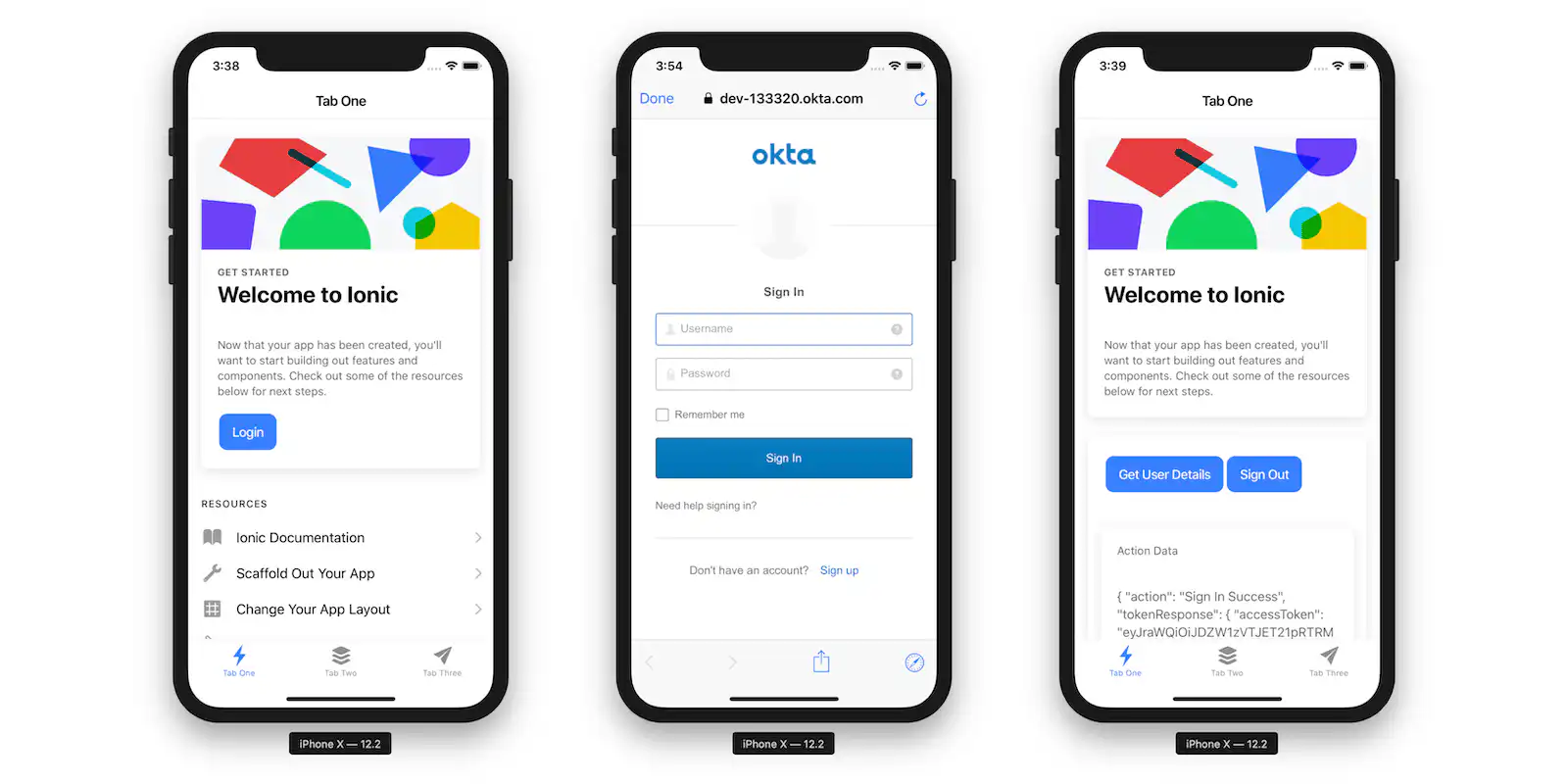
Ionic stands as a prominent and highly regarded cross-platform app framework. Utilizing AngularJS, it empowers developers to create applications using a blend of widely-used programming languages such as HTML5, JavaScript, and CSS, combined with Cordova to access native platform functionalities.
### **Key features:**
- SAAS UI framework
- AngularJS based
- Cordova integration
- Enables code modifications
### **Benefits:**
- **Creative and interactive UIs:** Ideal for crafting visually appealing and user-friendly interfaces, enhancing user engagement
- **Perfect for PWA development:** Its capabilities make it an excellent choice for developing Progressive Web Apps (PWAs)
- **Cross-platform performance:** Ensures apps perform effectively across multiple platforms, increasing reach and usability
- **Component library:** Offers a selection of pre-built components, speeding up development and ensuring a consistent look and feel
- **Native-Like Experience:** Delivers apps with a feel and performance close to native applications
### **Pricing:**
- Free
- Community: $49 /month
- Basic: $499 /month
- Enterprise: Contact Iconic
## Fliplet: Cross platform app development software that needs no coding
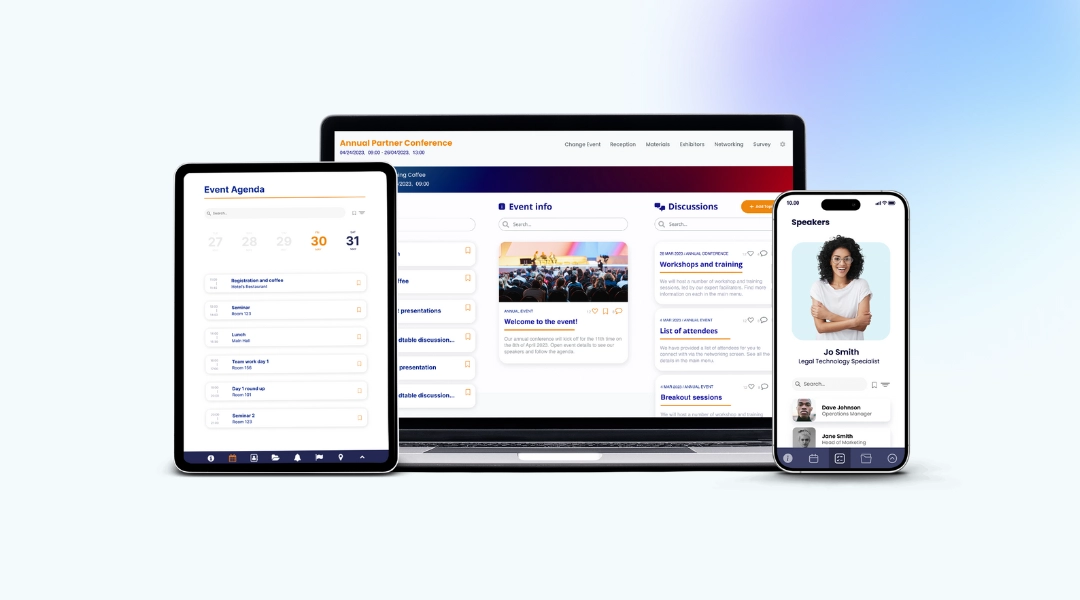
Fliplet is revolutionizing the way apps are built and deployed. It's not just another tool in the toolkit, it's a game-changer for businesses and individuals looking to enter the mobile space without the need for deep coding knowledge or technical expertise. By simplifying the app development process, Fliplet opens up a world of possibilities for those who previously found app creation daunting or inaccessible.
### Why is Fliplet superior to cross-platform app development frameworks?
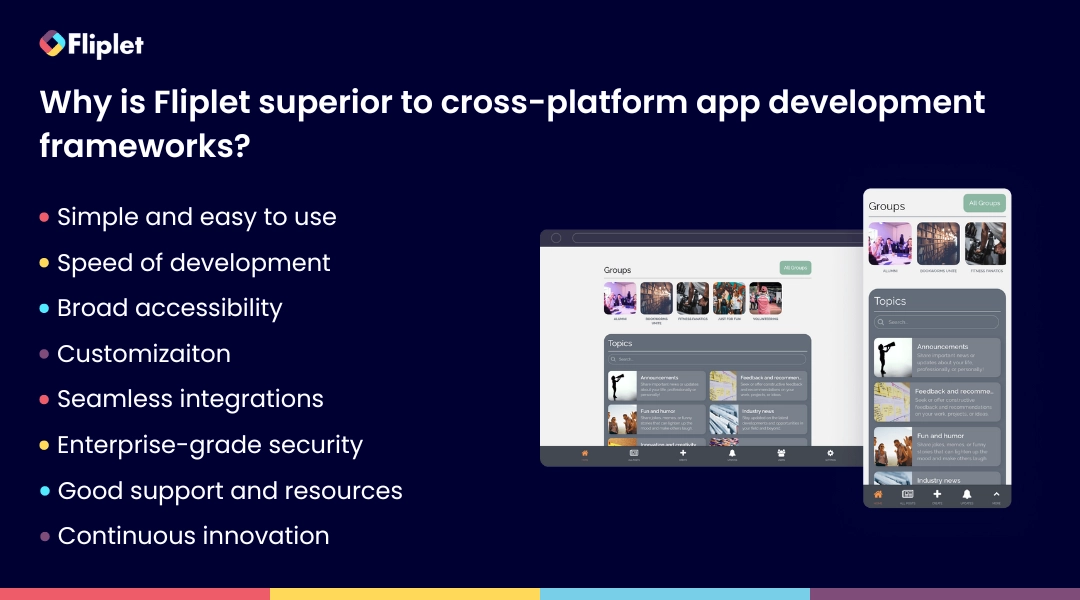
- **Unparalleled simplicity:** Fliplet's intuitive drag-and-drop interface makes app development as easy as creating a presentation. This simplicity empowers anyone to build apps, regardless of their coding skills.
- **Speed of deployment:** With Fliplet, time-consuming coding is a thing of the past. You can develop and deploy apps at a fast pace, making it ideal for projects with tight deadlines.
- **Broad accessibility:** It's designed for everyone – from small businesses to large enterprises, making it incredibly versatile.
- **Customization:** Despite its simplicity, Fliplet doesn't compromise on customization. Users can tailor their apps to meet specific business needs and branding requirements.
- **Seamless integration:** It effortlessly integrates with existing business systems and data sources, enhancing functionality and user experience.
- **Enterprise-grade security:** Security isn't an afterthought; it's built into every layer of Fliplet, offering peace of mind for businesses handling sensitive data.
- **Exceptional support and resources:** Fliplet's commitment to user success is evident in its extensive support network, from tutorials and guides to responsive customer service.
- **Continuous innovation:** Fliplet is always evolving, adding new features and capabilities to stay ahead of the curve in app development.
Fliplet stands out in the world of cross-platform app development tools due to its unique approach that simplifies the app creation process. Unlike traditional cross-platform frameworks that often require a steep learning curve and extensive coding knowledge, Fliplet offers an accessible platform for all skill levels. Its intuitive interface and streamlined development process enable users to bring their app ideas to life quicker and more efficiently than conventional frameworks. This ease of use, combined with its powerful capabilities, makes Fliplet an exceptional choice for those seeking to develop cross-platform applications without the complexities and technical barriers often encountered in app development.
For a proof example, see how [Ward and Smith used Fliplet](https://fliplet.com/case-studies/ward-and-smith/) to speed up internal app delivery across firm workflows.
Fliplet is not only a boon for those with limited coding knowledge but also a powerful asset for seasoned developers. Its streamlined environment significantly accelerates the app creation process, allowing developers to focus on innovation rather than the intricacies of code. Fliplet provides the perfect blend of ease and flexibility – while its intuitive interface caters to quick app development, it also offers the option to add custom code, giving developers the freedom to fine-tune and add advanced functionalities as needed. This flexibility ensures that developers can tailor apps precisely to their requirements
## Start building your apps today
As we conclude this exploration of cross-platform app development tools and frameworks, it's evident that the landscape is rich with options, each offering unique features and benefits. However, amidst this variety, Fliplet emerges as a standout choice, particularly for its user-friendly approach and its appeal to a broad spectrum of users. Whether you're a seasoned developer looking for efficiency and customization or a beginner aiming to bring an app idea to life without delving deep into code, Fliplet caters to all.
## FAQs
Cross-platform app development is the process of creating software applications that are compatible with multiple operating systems or platforms, such as iOS and Android, from a single codebase. This approach contrasts with native app development, where separate apps are developed for each platform. Cross-platform development utilizes frameworks and tools that allow code to be written once and then deployed across multiple platforms, saving time and resources while ensuring a broader reach for the app.
The key benefits of cross-platform app development include cost-effectiveness, as it reduces the need for multiple development teams; time efficiency, since a single codebase speeds up the development process; wider audience reach, as the app can run on various platforms; and easier maintenance and updates, as changes need to be made only once in the common codebase.
Fliplet enhances cross-platform app development by offering an intuitive drag-and-drop interface that simplifies the app creation process, making it accessible to both non-coders and professional developers. It allows for rapid development and deployment, offers extensive customization options, and ensures seamless integration with existing systems. Furthermore, Fliplet's robust security features and continuous innovation make it a versatile and reliable choice in cross-platform app development.
Yes, many cross-platform app development tools, like Fliplet, are designed with simplicity in mind, making them suitable for beginners or non-technical users. These tools often feature user-friendly interfaces, drag-and-drop builders, and pre-built templates that simplify the development process. While some understanding of basic programming concepts can be helpful, it's not always necessary to start building apps on these platforms.
### See the latest insights from Fliplet
## Creating your business apps has never been easier
## Related links
- [The Top 10 Best App Builders to Create a Mobile App](https://fliplet.com/blog/top-10-best-app-builder/)
- [How to build a custom app without any coding](https://fliplet.com/blog/how-to-build-a-custom-app-without-coding/)
- [The 10 Best Mobile Application Development Platforms 2026](https://fliplet.com/blog/10-best-mobile-application-development-platforms/)
---
# 12 Best Community Apps in 2026 [Features, Reviews, Pricing]
> Compare the best community apps in 2026 with key features, reviews, pricing, and guidance for choosing the right platform.
Source: https://fliplet.com/blog/10-apps-to-boost-your-community-engagement/
Content type: Blog
Published: 2026-04-10T14:06:57
Updated: 2026-02-12T09:15:00
Read time: 27 minutes
# 12 Best Community Apps in 2026 [Features, Reviews, Pricing]
Fostering a sense of community and boosting engagement can be significantly enhanced by the right digital tools. This is where [the best community apps](https://fliplet.com/solution/online-community-app/) come into play.
These apps are specifically designed to bring people together, offering a dynamic platform for interaction and collaboration. Whether you're looking to enhance engagement in a business, educational, or informal setting, the top community apps provide a suite of features that cater to diverse needs and preferences.
Join us as we dive into the features and benefits of these leading apps, exploring how they can transform passive audiences into active communities where every member feels valued and connected.
## What is a community app?
Community apps are mobile or web-based applications that allow users to interact with each other around shared interests, causes, or goals. These apps are designed to create virtual communities that enable users to connect, collaborate, and share information.
Community apps are used in a wide range of industries and areas, including gaming, social media, education, and business. These apps enable users to join or create communities based on their interests, hobbies, or work. They can be used to share content, organize events, ask questions, and offer support.
Overall, community apps are a powerful tool for building connections and engagement among individuals who share common interests or goals. Whether you are a business looking to engage with customers or an individual looking to connect with like-minded individuals, community apps offer a powerful way to build meaningful relationships and achieve your goals.
## The benefits of having a community app
Community apps are becoming an essential tool for organizations, individuals, and broader communities, playing a pivotal role in fostering connections and promoting engagement. These platforms benefit all kinds of grounds and people in a variety of ways.
### For Organizations:
- **Improved customer engagement:** By providing a direct communication channel, community apps enable organizations to strengthen relationships and gather valuable feedback from customers.
- **Increased brand awareness:** These apps allow organizations to effectively showcase their brand and engage with customers, enhancing brand recognition and loyalty.
- **Enhanced customer support:** Community apps facilitate interactions between [customers and support teams](https://community.fliplet.com/), improving response times and overall customer satisfaction.
### For Individuals:
- **Sense of belonging:** These apps offer a sense of connection with like-minded people, which can significantly enhance personal well-being and happiness.
- **Knowledge sharing:** Individuals have the opportunity to share and gain knowledge, which can contribute to personal and professional development.
- **Networking opportunities:** Community apps provide a platform for networking with peers in the same field or with shared interests, opening doors to new opportunities and collaborations.
- **Personalization:** Users can tailor their experience by filtering content to match their specific interests and preferences.
### For Communities:
- **Increased communication:** These platforms enhance communication and collaboration among community members, strengthening community bonds.
- **Encouraged participation:** Incentives such as gamification and recognition features motivate members to engage actively and contribute to the community.
- **Raised awareness:** Community apps play a crucial role in increasing awareness about important issues and events within the community, fostering support and participation.
Community apps not only facilitate engagement by providing various tools for communication, such as chat rooms, voice chats, and video conferencing, but they also enrich the user experience by incorporating features that promote regular interaction. These include:
- **Collaborative tools:** Features like file sharing, project management, and whiteboards enable users to collaborate effectively on projects and share resources.
- **Gamification:** Implementing elements like badges, points, and leaderboards makes the community experience more enjoyable and engaging, encouraging continued participation.
- **Personalization:** Custom profiles and content recommendations tailored to user preferences make the app experience more relevant and engaging for each user.
By merging connectivity with functionality, community apps not only streamline communication but also enhance the overall experience, making them indispensable for fostering robust and active communities.
## The 12 best community apps for 2026
### Fliplet
Are you struggling to create an engaging community app that boosts community engagement and aligns with your unique business goals and budget? Look no further than Fliplet!
If you're tired of traditional community apps with limited functionality and restricted communication channels, it's time to switch to Fliplet. With its extreme customization options, Fliplet allows anyone to create a community app that truly delivers on engagement, while other apps fall short.
Unlike other communication apps platforms that provide a one-size-fits-all solution, Fliplet offers businesses the flexibility to extend their community app to match their unique requirements, with zero coding required. Fliplet offers businesses the flexibility to create a community app that aligns with their unique needs and goals. Fliplet empowers businesses to boost community engagement by providing a comprehensive suite of pre-built screens that can be easily customized to meet their specific needs.
This versatility is made possible by the diverse array of ready-to-use screens that Fliplet provides. These screens can be easily customized to add new features, functionality, and branding to the app, enabling businesses to create a tailored communication solution that truly engages their audience.
#### Top Fliplet Community Features
##### Gamification
Fliplet's gamification features are another standout aspect of the platform. These features incentivize users with points, badges, and rewards, encouraging engagement and motivating users to participate more in the community app. By making the app experience more engaging and fun for members, Fliplet improves community engagement and collaboration.
##### Newsfeed
The newsfeed feature is a standout tool for businesses looking to boost community engagement and keep their audience informed. This feature allows businesses to create a dynamic newsfeed within their community app, enabling them to share updates, news, and other content with their audience in real-time. Additionally, the newsfeed feature encourages user-generated content by allowing users to submit posts, comments, and feedback, fostering a sense of community and driving increased engagement.
##### Analytics
While other community app platforms may offer basic analytics features, Fliplet goes above and beyond with advanced analytics tools that provide a more comprehensive view of user behavior. The usage monitoring feature enables businesses to track user activity within their app and gain valuable insights into how users are engaging with the platform.
By identifying popular features and content, businesses can tailor their app to maintain user interest and drive increased engagement Plus, usage monitoring can help businesses to identify areas for improvement, ensuring that the app is easy to navigate and understand. And if some users have gone inactive, Fliplet's usage monitoring can help you win them back with targeted notifications and incentives. With Fliplet, you can keep your community app exciting and engaging for all users!
##### UI
Finally, Fliplet's user-friendly interface and excellent customer support make it easy for businesses to create and manage their community app, even if they have limited technical expertise. With Fliplet, businesses can focus on engaging with their community, rather than getting bogged down in technical details.
While it's important to explore other community app platforms and compare their features, Fliplet's unique capabilities and features truly set it apart from the competition. In addition to the features listed above, Fliplet also offers polls, surveys, recognition, live chat, and much more. For more information on these features visit the [Fliplet's Communication solution](https://fliplet.com/solution/communications/)
[https://youtu.be/8nsIYbaPdSo](https://youtu.be/8nsIYbaPdSo)
#### Top features
- User Profiles
- Chat
- Subgroups
- Newsfeed
- Groups
- Events
- Polls and Surveys
- User-Generated Content
- Gamification
- Privacy and Security
- Mobile App
- Web App
- Notifications
#### Limitation
"Took a little bit of persistence to get started, but now feels very familiar and productive." [Read the full review.](https://www.g2.com/products/fliplet/reviews/fliplet-review-6981864)
#### Pricing
- Free plan – publish your own web app
- Public plan – from $9.90 p/m
- Enterprise plan – have a [demo](https://fliplet.com/book-a-demo/) with us
#### Supported platforms
iOS, Android, Windows, macOS, and Web
#### Reviews
- Capterra – 4.8 / 5
- G2 – 4.6 / 5
#### Summary
Fliplet is the ultimate community app platform for businesses seeking to boost community engagement. With advanced customization capabilities, powerful analytics tools, and innovative features such as gamification, polls, surveys, recognition, and live chat, Fliplet offers a comprehensive suite of capabilities designed to create an engaging and interactive experience for users.
Users create highly tailored communication apps for their teams without expensive developer resources. Fliplet is the best cost per value platform you can get to develop your own app for all your organization needs. Read more about why users love Fliplet on [Capterra](https://www.capterra.com/p/136953/Fliplet/reviews/) or [G2](https://www.g2.com/products/fliplet/reviews).
### Bettermode
Bettermode offers businesses and brands the ability to create customized online communities and engage with their audience through gamification tools and social media practices. With Bettermode, community members can participate in discussions, create polls, vote, comment, and upload media. The platform also offers event management for live events and customizable profile fields for unlimited contacts.
#### Top features
- Discussions
- Polls
- Events
#### Limitation
"Sometimes it takes a long time to get technical issues properly resolved." [Read the full review.](https://www.g2.com/products/bettermode/reviews/bettermode-review-7835236)
#### Pricing
- Public plan – $599 per month
- Enterprise – contact Bettermode
#### Supported platforms
iOS, Android, Windows, macOS, and Web
#### Reviews
- Capterra – 4.7 / 5
#### Summary
Bettermode is a platform that enables businesses and brands to create customized online communities and use gamification tools to engage and retain their users. The platform offers a range of features, including discussion boards, polls, and surveys, event management tools, moderation, and a member directory.
### Hivebrite
If you're tasked with building a multi-dimensional online community for a high-profile institution, brand, school, or nonprofit, you should consider using Hivebrite. A powerful online community platform, Hivebrite provides top organizations with all the tools they need to build, manage, and engage their community.
#### Top features
- Directory
- Events
- Integrations
#### Limitation
However, its analytics and page-building features can be challenging to figure out, and the media center isn't optimized.
#### Pricing
- Starts from $500
#### Supported platforms
MacOS, Windows 10, and web browsers
#### Reviews
- G2 – 4.3/5
- Capterra – 4.4 / 5
#### Summary
Hivebrite is a community engagement platform designed to help organizations build and manage online communities. Organizations to create branded communities that are tailored to their specific needs.
### Circle
Circle is a community app that is primarily designed for creators and provides a range of tools to facilitate community building and engagement. It is particularly well-suited for authors, influencers, coaches, and course creators. The platform enables users to create discussion threads within their community and categorize them into either public or private spaces, depending on the nature of the community.
#### Top features
- Live streams
- Events
- Messaging
#### Limitation
"Can be difficult to 100% blend into the experience of your current website unless you have robust coding knowledge"
#### Pricing
- Basic plan: $39
- Enterprise plan: $199
#### Supported platforms
MacOS, Windows 10, and web browsers
#### Reviews
- G2 – 4.9/5 (based on 6 reviews)
- Capterra – 4.8 / 5
#### Summary
Circle is the all-in-one platform for creating, engaging, and monetizing community-powered businesses. Whether you're a global organization, growing brand, or passionate creator, Circle provides all the building blocks you need – courses, live streams, chat, events, payments, and much more – to bring your vision to life.
### Mighty Networks
Mighty Networks is a platform designed to help creators and entrepreneurs bring their communities together in one place. With Might Networks you can create courses and course communities on the same platform. You can create a live cohort-based course, a content-only course, or build a community-based course that puts the emphasis on member challenges, events, and activity, not course content alone.
#### Top features
- Chat
- Feed
- Resource library
#### Limitation
Development seems a little on the slow side, with some features that you would think "why is this not there already" not coming along as quickly as you'd expect and other features that seem a little more niche being released at the moment. Example 1: No customisation options for typography – even changing things like body font weight and heading sizes/weights/colours would be helpful even on an accessibility front and easy to implement: [Read the full review.](https://www.g2.com/products/mighty-networks/reviews/mighty-networks-review-7728521)
#### Pricing
- Community plan: $33 per month
- Business plan: $99 per month
- Might pro: Contact Mighty Networks
#### Supported platforms
Web, iOs, and android
#### Reviews
- G2 – 4.5/5
- Capterra – 4.6 / 5
#### Summary
With a Mighty Network, you can bring your courses, memberships, and offers together in a powerful community under your own brand. Members can connect with each other through sub-groups, categories, chat, and feeds.
### Raklet
All-in-one platform to grow your audience. Build, grow and monetize your audience through memberships, newsletters and other digital tools. No coding required.
#### Top features
- Events
- Discussion boards
- Paid newsletters
#### Limitation
"I would like to have more customization of the page on the board, in addition to the fact that the visualization of the information reflected on the board is more noticeable, could make a series of graphics, in addition to having the ability to store historical events and collections, and that we would be very useful this information when generating reports." [Read full review](https://www.g2.com/products/raklet/reviews/raklet-review-2170333)
#### Pricing
- Free plan
- Essentials: $49 per month
- Professional: $99 per month
- Premium: $299+ per month
- Enterprise: Contact Raklet
#### Supported platforms
Web, iOs, and android
#### Reviews
- G2 – 4.8 / 5 (Based on 6 reviews)
- Capterra – 4.7 / 5
#### Summary
Raklet is an all-in-one community management platform that offers a range of features to help you manage and grow your community. The platform includes a centralized CRM system that allows admins to track member engagement and website activity.
### Disciple
Disciple is an all-in-one solution that simplifies the process of building and managing an online community. With its extensive feature set and user-friendly interface, it is a great option for creators, entrepreneurs, and businesses looking to build a thriving community online.
#### Top features
- Integrations
- Analytics
- Document library
#### Limitation
"I would like to have more integrations with other apps and services and a higher level of automation that I believe is coming soon." [Read full review](https://www.g2.com/products/disciple/reviews/disciple-review-4730569)
#### Pricing
- Web: $46 per month
- Start: $305 per month
- Grow: $615 per month
- Pro: $1027 per month
#### Supported platforms
Web, iOs, and Android
#### Reviews
- G2 – 4.7 / 5
- Capterra – 4.5 / 5
#### Summary
Disciple community platform, you can create multiple groups to segment your audience, post content and videos, Livestream, sell online courses and subscriptions and use analytics to understand your community better. Your members can create their own profiles and then use that information to find, friend and message each other.
### BuddyBoss
BuddyBoss is a popular online community platform that provides a range of tools and features to help users build and manage thriving online communities. The platform is built on top of WordPress and provides a wide range of customization options, making it a flexible option for businesses, entrepreneurs, and organizations. BuddyBoss is designed to enable users to create personalized, branded online communities that foster engagement, collaboration, and growth.
#### Top features
- Groups
- Events
- Messaging
#### Limitation
"Building the registration form could be confusing. Many things to improve the community require premium plugins. Support could be faster." [Read full review](https://www.capterra.co.uk/software/1036633/buddyboss#reviews)
#### Pricing
- 1 site: $228 a year
- 5 sites: $288
- 10 sites: $388
#### Supported platforms
Web, iOs, and Android
#### Reviews
- G2 – 4.7 / 5
- Capterra – 4 / 5 (based on 2 reviews)
#### Summary
Built on top of WordPress, BuddyBoss provides a flexible and customizable platform for businesses, entrepreneurs, and organizations.
### Discord
Discord is a popular chat and community platform that is widely used by gamers and non-gamers alike. Originally created for gamers, Discord has evolved to become a versatile platform that enables users to create and manage communities around shared interests and hobbies.
#### Top features
- Chat rooms
- Voice chat
- Video conferencing
#### Limitation
"A lot of the time, the app will take us off of speakers or randomly put us on speaker." [Read the full review](https://www.capterra.co.uk/software/1022442/discord)
#### Pricing
- Free version
- Discord Nitro: $9.99 monthly
#### Supported platforms
Web, Windows, MacOS, Limux, iOS, Android
#### Reviews
- Capterra – 4.7 / 5
#### Summary
Discord also includes tools for organizing events and managing communities, such as server permissions and role management. Users can create and join servers based on a wide range of interests and hobbies, from gaming and art to music and technology. Additionally, the platform is available on multiple devices, including desktop and mobile, making it easy for users to access their communities on the go.
### Khoros
Khoros is a digital customer engagement platform that provides businesses and organizations with a comprehensive suite of tools to connect with customers across multiple channels. Khoros Communities, a component of the Khoros platform, is a comprehensive community platform that provides businesses and organizations with tools to build and manage online communities.
#### Top features
- Gamification
- Analytics
- Discussions
#### Limitation
"I dislike the outdated, user-unfriendly analytics layouts that are not fun at all to work with." [Read full review](https://www.g2.com/products/khoros-marketing/reviews/khoros-marketing-review-6658391).
#### Pricing
Contact Khoros however, based on reviews it seems to be very pricey.
#### Supported platforms
Web, iOS, Android
#### Reviews
- G2 – 3.2 / 5
- Capterra – 4.2 / 5
#### Summary
Khoros Communities gives you a branded, interactive platform to transform search, evaluation, purchase, and support interactions into connected learning experiences. They help brands create digital spaces where customers can get answers, connect with peers, and share new ideas.
Now we have looked into the top 10 apps to boost your community engagement. Let's dive deeper into community apps. Lets understand what the benefits are and what you need from each platform, plus we share some top tips to help you get started!
## The top community social media apps
Community social media apps are essential for fostering engagement and connectivity in various groups and niches. While the earlier list focuses on general community apps ideal for broader engagement, this section zeroes in on community social media apps that are specifically designed to enhance interactive experiences and foster deeper connections within more focused groups.
Here are the top five options that stand out for their robust features and widespread popularity:
1. **[Fliplet](https://fliplet.com/solution/online-community-app/):** Leading the pack, Fliplet offers unparalleled flexibility in app development, making it a top choice for businesses looking to build their own branded community app without needing deep technical knowledge. It excels in providing a range of customizable templates, drag-and-drop ease, and strong analytics tools, allowing organizations to create unique, engaging community experiences that can scale as needed.
2. **[Discord](https://discord.com/):** Originally popular among gamers, Discord has expanded its reach and become a versatile tool for various community groups. It offers excellent voice, video, and text chat options, which make real-time communication effortless. Its server setup allows users to create multiple channels for different topics, enhancing organized interaction and engagement.
3. **[Mighty Networks](https://www.mightynetworks.com/):** This platform is particularly effective for creators and entrepreneurs who want to build their own communities around a central theme or interest. Mighty Networks offers a suite of tools to monetize content, organize events, and manage memberships, making it a comprehensive solution for community engagement.
4. **[Circle](https://circle.so/):** Ideal for hosting vibrant community discussions, Circle integrates seamlessly with other tools like websites and online courses. It allows community managers to create a customized and branded community experience that supports rich discussions, member networking, and content sharing, all within a clean, user-friendly interface.
5. **[Khoros](https://khoros.com/):** This enterprise-grade platform is designed for large organizations that need to manage customer communities effectively. Khoros combines advanced moderation tools, detailed analytics, and powerful integration capabilities, making it an excellent choice for companies aiming to enhance customer support and engagement at scale.
These apps offer diverse functionalities tailored to different needs, from enterprise solutions to customizable platforms for building personal community apps, ensuring that there's a suitable tool for every type of community organizer looking to engage and grow their network.
## Key Features to look for in community engagement apps
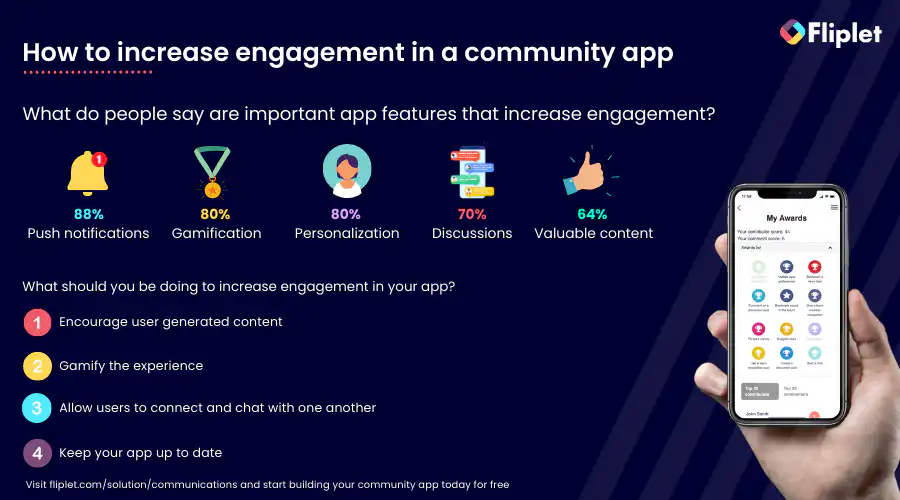
Build a thriving online community, it's essential to use community engagement software that can help you foster a deeper sense of community, encourage participation and facilitate meaningful interactions.
Let's explore some of the key features of community engagement software and how they can help you create a more engaging and vibrant online community:
### Gamification
By adding elements such as points, badges, and leaderboards, community apps can motivate users to engage with the community more frequently and consistently. Gamification can also help to build a sense of community and friendly competition among members. A community app with gamification features can increase engagement levels, making it a vital component for a community app.
### Polls
Polls can be used to gather feedback and opinions from members, which can help community managers make informed decisions and tailor their content to the preferences of their members. By enabling members to share their opinions and vote on topics of interest, community apps can create a more participatory environment and encourage members to engage with one another.
### Surveys
By conducting surveys, community managers can better understand the needs of their members and create more personalized content and experiences for them. This feature can also help to foster a sense of community ownership, as members feel that their feedback is valued and taken into account.
### Newsfeeds
Newsfeeds are an essential feature of community apps as they keep members updated on the latest news, events, and updates from the community. By providing a centralized hub for community news, members can stay engaged and informed, which can lead to increased participation and retention rates.
### Live chat
This can help to foster more meaningful connections among members, leading to a stronger sense of community and collaboration. Live chat can also be used to provide instant support to members, which can improve their overall experience with the community app.
### Recognition
Recognition is a powerful motivator for community engagement. By recognizing members for their contributions, community managers can create a more positive and inclusive environment. This can also encourage members to continue to participate and contribute to the community.
### Notifications
Notifications keep members informed about community events, updates, and other important news. This feature can help to keep members engaged and connected, even when they are not actively using the app. Notifications can also be personalized based on member preferences, increasing their relevance and value.
### Use on multiple devices
With the proliferation of mobile devices, it's essential that community apps are accessible on multiple devices. By enabling members to access the community app from their desktop, tablet, or mobile device, community managers can ensure that members can engage with the community on their own terms and at their own convenience. This can lead to increased engagement and participation rates.
Overall, these key features are critical for boosting community engagement and ensuring the success of a community app. Lets take a look at some statistics on what.
## What makes a good community app?
Developing an online community can be challenging, but don't worry – we're here to help! When looking for the best community platforms, there are a few key factors to consider, lets summarize them:
### 1. Usability
Usability is paramount. Your community members will have varying levels of digital proficiency, so your app should be easy to use and navigate for everyone. It should also be compatible with all current iOS and Android mobile devices (a web app is a bonus!).
### 2. Content
Your app should provide fresh content every time someone signs in, and users should be able to filter new and existing content based on their specific interests. To keep users engaged, your app should enable a variety of content types, including photos, videos, live streaming, and community-centric events. Allowing users to continue their own content will boost engagement in your community app.
### 3. Personalization
Personalization is an essential feature of a good community app because it allows users to tailor their experience to their specific interests and preferences. When users feel like their needs are being met, they are more likely to engage with the community and remain active members over time.
Here are some ways you can make your community app more personalized to your community member:
- **Filter feature****:** Users can filter content to see only what interests them, such as specific topics or types of content.
- **Notifications:** Users can receive notifications that are relevant to them, such as alerts for new content in their favorite groups or when someone has interacted with one of their posts. This helps users stay engaged and connected to the community.
- **Search feature****:** By providing a personalized search experience, community apps can create a more engaging and relevant environment for their users.
Overall, these features are essential for personalizing the community app experience, enabling users to communicate, provide feedback, and find content that is relevant to their interests and needs. By providing personalized features, community apps can create a more engaging and satisfying experience for their users, leading to increased engagement and retention.
### 4. White-label app
A white label community app can tremendously boost engagement by providing complete branding control, enabling community managers to build an app around their brand and needs and by improving the user experience. By fostering a stronger sense of community ownership, providing greater control and customization options, and enhancing the user experience, white label community apps can help create a more engaging and dynamic community that members will want to be a part of.
By considering these factors, organizations or individuals can create a successful and vibrant online community that fosters growth, collaboration, and engagement. However, another important factor to consider is mobile. Let's delve a bit deeper into this!
## Why is a good community app mobile?
Picture this; A member of your community waiting for the bus, scrolling through their phone, and suddenly, they see a notification pop up from their favorite community app. They click on it, and suddenly, They're transported to a world of like-minded people sharing ideas, collaborating, and supporting one another. This is the power of a good community app, and why it's essential that it be mobile.
In today's fast-paced world, people are always on the go, and they want to be able to access their favorite communities wherever they are. Whether they're waiting in line at the grocery store, commuting to work, or taking a break between classes, people want to be able to engage with their communities on their mobile devices.
But it's not just about convenience. A good community app should also be mobile because it enables deeper engagement and connection. When people have easy access to their communities on their phones, they are more likely to engage with them on a regular basis. This, in turn, leads to a stronger sense of community, greater collaboration, and a deeper connection between members.
So, why is a good community app mobile? Because it enables convenience and deeper engagement and fosters creativity and innovation. By providing a mobile app, community builders can create a thriving and engaging community that members can access whenever and wherever they are. So, whether you're on the bus, at the coffee shop, or waiting in line, you can stay connected to your community and continue to learn, grow, and collaborate with like-minded people around the world.
## Head-to-Head Comparison: Choosing where to host your community application
### Option A: Building your own branded community app
#### Pros
- Full control over the design, features, and functionality of the app
- Custom branding and messaging that aligns with your organization's brand
- Ability to integrate with existing systems and databases
#### Cons
- Higher upfront costs and ongoing maintenance and development expenses
- Longer time to market compared to pre-built solutions
- Requires technical expertise and resources for development and maintenance
### Option B: Hosting your community on a Social Media Platform
#### Pros
- Large existing user base and potential for increased visibility and reach
- Minimal upfront costs or technical expertise required
- Access to built-in features such as groups, events, and messaging
#### Cons
- You have to abide by the social media platforms algorithm. When you post in your community not everyone will see it.
- There are very very limited features. For example, using Facebook Groups you basically just have a shared Facebook wall. You can post content, create polls, and even live stream. But compared to major community platforms, that isn't much.
- Notifications – getting the right balance for notifications can be challenging as it is linked to facebook app not just the community. Therefore, people may receive to many notifications and some may not receive enough.
- Limited control over branding and design
- Changes in Facebook's policies or algorithms can impact the visibility and reach of the community
### Option C: Creating a community app with a community building platform like Circle
#### Pros
- Faster time to market compared to building your own app
- Pre-built features and functionality designed specifically for community building
- Lower upfront costs and reduced technical expertise required
- Potential for integration with existing systems and databases
#### Cons
- Limited control over the design and branding
- Pre-built solutions often have fixed templates and structures that can be difficult to adjust. This may result in limitations when it comes to adding or removing certain features
- Limited scalability: As your community grows, you may find that a pre-built solution cannot accommodate your needs
- You are dependent on that platform, you have to rely on them to do updates, add new features etc and therefore you lack control
### The option that wins: Build a community app with Fliplet
With Fliplet, you get a mixture of both worlds. You can build your own custom community app while using an app on a pre-built solution! Fliplet offers a custom [Community solution](https://fliplet.com/solution/communications/) that enables anyone to build and customize their community apps without the need for coding or development skills.
Fliplet's Community app comes with a huge selection of features that are customizable to meet your needs. This solution is designed to provide a starting point for anyone that wants to create a community app quickly and efficiently without the need to start from scratch.
Compared to competitors, Fliplet is very reasonably priced for all the features you can access, PLUS you can [start building your app for free](https://studio.fliplet.com/signup). You can create engaging and effective community experiences tailored to the community's needs.
On top of that, Fliplet's extensive list of pre-built solutions allows you to copy functionality from each solution to your community app, extending the functionalities of your app.
### Fliplet templates include
1. [Learning](https://fliplet.com/solution/learning/) (Want to start building your learning app? [Read this blog to see how you can build one on a budget](https://fliplet.com/blog/how-to-make-a-learning-app/))
2. [Directory](https://fliplet.com/solution/directory/) (Check out [15 HR apps that will change the way you work](https://fliplet.com/blog/15-hr-apps-that-will-change-the-way-you-work/))
3. [Marketing](https://fliplet.com/solution/marketing/)
4. [Innovation/idea management](https://fliplet.com/solution/innovation-management/)
5. Approval workflow
6. Portal app
7. Sales Enablement
8. [Communications](https://fliplet.com/solution/communications) (Take a look at this blog where we compared [the top 10 community apps to engage and monetize your community](https://fliplet.com/blog/10-apps-to-boost-your-community-engagement/) or you can check out [the 15 best team communication apps of 2026](https://fliplet.com/blog/best-team-communication-apps/))
9. [Data capture](https://fliplet.com/solution/data-capture/)
10. [Emergency Management](https://fliplet.com/solution/emergency-management-for-clients/) (Take a look at the [5 steps to take to prepare for a dawn raid](https://fliplet.com/blog/5-steps-to-prepare-for-a-dawn-raid/))
11. [Events](https://events.fliplet.com/) (To compare our Event solution to other solutions read t[he 25 best mobile event apps you need in 2026](https://events.fliplet.com/blogs/25-best-mobile-event-apps/))
12. [Food ordering](https://fliplet.com/solution/ecommerce-solution/)
13. Multilingual
14. [Remote and office management](https://fliplet.com/solution/remote-and-office-management/)
15. [Task management](https://fliplet.com/solution/task-management/)
16. [Reporting App](https://fliplet.com/solution/mobile-reporting-app/)
17. Blank solution to build from scratch
Ultimately, the decision to build your own community app, host on Facebook, or use a pre-built solution will depend on your organization's specific goals, resources, and technical expertise.
## How to build your own community app on a budget?
If you're looking to build a community app on a budget, there are several factors to consider before selecting a platform.
### Step 1: Select a platform
First things first, do some research and select a platform, we recommend using a [no-code platform](https://fliplet.com/blog/the-best-no-code-low-code-development-platforms/) to save yourself time and money. Select a no-code app builder that fits your business needs, which includes factors such as reputation, user interface, cost, customization options, integration, security, and support.
We recommend using Fliplet which is an award-winning app building platform that offers customizable templates, drag-and-drop interface, cost-effective pricing, and a plethora of advanced features, making it an excellent choice for businesses of any size or industry.
### Step 2: Choose the Plan that fits your app development needs
The second step is to choose the plan that fits your app development needs, assessing the features you want in the app and how much they might cost. Fliplet offers a range of subscription plans tailored to different stages or sizes of businesses, making it easy to select a plan that fits your budget, plus you can [try it for free](https://studio.fliplet.com/signup)!
### Step 3: Decide on a Template
The third step is to pick a template that meets your community's requirements. When building a community app, selecting a suitable template can save you valuable time and resources. With Fliplet, you can choose a pre-built communication solution or start from scratch and build it yourself with no code.
We recommend selecting the communication solution as it comes with all the critical features needed for a community app, and is fully customizable so you can add or delete anything you want. This saves you time and gives you a good starting point, especially if you are new to app building.
### Step 4: Brand your app and add your content in
The fourth step is to brand your app and add your content in, customizing it to suit your organization's needs. Fliplet makes it easy to change colors, logos, fonts, and layouts, allowing you to create something unique that resonates with your community.
### Step 5: Publish
The fifth step is to publish your app on any supported publishing channels, such as the web, Apple App Store, or Google Play. Fliplet also allows you to publish mobile, tablet, and web apps and distribute apps internally by publishing them as enterprise apps for Android and iOS devices.
Remember to increase engagement and usability of your app; we recommend you publish it on as many platforms and devices as possible so that your community members can access it when it is convenient for them.
### Step 6: App analytics
Analytics can play a crucial role in measuring the success and engagement of a community app. By analyzing user behavior within the app, community managers can gain valuable insights into how users are interacting with the app, which features are being used the most, and which areas may need improvement.
Want to know more about how to develop a mobile app without coding? [Check out this blog.](https://fliplet.com/blog/mobile-enterprise-app-development-without-coding/)
Visit this [case study](https://fliplet.com/case-studies/saul-ewing/) to see how Saul Ewing created an innovation challenge app that has collected innovative staff ideas, helped build a community, driven innovation and improved collaboration.
For more on the [best app builders](https://fliplet.com/blog/top-10-best-app-builder/), read our blog.
## Top tips to boost engagement in your community app
Boosting engagement within your community app involves a mix of creativity, technology, and psychology. Here are some effective strategies to engage your users and foster a vibrant community:
1. **Encourage active participation:** Create an environment where members feel compelled to contribute. This can be achieved by setting up discussion forums or chat groups that invite users to share ideas, ask questions, and participate in conversations. Ensure these spaces are well moderated to maintain a safe and welcoming atmosphere.
2. **Utilize gamification:** Introduce elements like challenges, quizzes, and interactive activities that make participation fun and rewarding. Incorporating badges, points, or leaderboards can motivate users to engage more frequently, fostering a healthy sense of competition and community spirit.
3. **Empower users with content creation:** Allow users to contribute their own content, such as articles, photos, and videos. This not only enriches the app's content but also gives users a sense of ownership and investment in the community.
4. **Offer incentives:** Acknowledge and reward active members with incentives such as exclusive content, special status, or tangible rewards. Recognition can be a powerful motivator, encouraging others to contribute actively.
5. **Leverage visual content:** Engage users with high-quality visuals like photos, videos, and infographics. Visual content is more engaging and can convey information more effectively than text alone.
6. **Facilitate real-time interactions:** Implement features like [live chat or instant messaging](https://fliplet.com/solution/team-chat-app/) to allow real-time communication among users. This helps in building immediate connections and can make interactions within the community feel more lively and genuine.
7. **Personalize user experience:** Use data-driven insights to offer personalized content, notifications, and recommendations based on individual user behavior and preferences. Personalization enhances relevance and can significantly boost user engagement.
8. **Keep content fresh and valuable:** Regularly update the app with fresh and interesting content that adds value to your users' experiences. This could include educational materials, insightful articles, and regular community updates.
9. **Implement user feedback:** Regularly collect and act on user feedback to improve the app. This shows users that their opinions are valued and that they are actively shaping the community environment.
Ensure multi-device accessibility: A good community app must function seamlessly [across various devices](https://fliplet.com/blog/cross-platform-app-development/), including smartphones, tablets, and desktops, ensuring users can engage whenever and wherever they choose.
## The Future of Community Building Apps
As technology advances, community building apps are set to become more sophisticated, incorporating [the latest in artificial intelligence and mobile technology](https://fliplet.com/ai-app-builders/) to enhance user engagement and accessibility. These apps will increasingly focus on providing personalized experiences, leveraging AI to customize interactions based on user behavior and preferences.
- **Privacy and security enhancements:** With growing concerns over data privacy, future community apps will prioritize robust security measures to protect user information and ensure safe, trust-based environments.
- **Branded and niche community development:** Organizations will increasingly build their own branded community apps to foster direct engagement away from traditional social media platforms. Similarly, the rise of niche apps will cater to specific interests or demographics, providing spaces for more focused interaction and content sharing.
- **Real-time communication and governance:** Enhanced real-time communication tools, including voice, video, and live chat, will be integrated to foster instant connectivity. Additionally, community governance features will empower users with tools for self-management, promoting a sense of ownership and accountability.
By focusing on these key areas, future community apps will not only enhance user experience but also foster deeper, more meaningful interactions within digitally connected communities.
## Community Apps: Conclusion
The need for a community app is more evident than ever, with studies showing that engagement levels increase by up to 60% when using a mobile app for community engagement.
When looking for a community app, it's crucial to consider key features such as gamification, live chat, notifications, and multi-device compatibility. These features make community engagement more accessible, and they are what sets a great community app apart from a mediocre one. When creating a community app, it's also essential to consider mobile compatibility as most users access community apps through their mobile devices.
Fliplet is the best choice when creating a community app, thanks to its customizable platform, drag and drop interface, cost-effective pricing, and plethora of advanced features. Fliplet offers a range of pre-built app solutions that you can fully customize to suit your needs. It's easy to brand your app, add your content and publish it with Fliplet.
Additionally, Fliplet provides valuable app analytics, enabling businesses to better understand how their application is used by its customers and improve engagement continuously
In conclusion, community apps are a powerful tool for building engagement and fostering a sense of community.
With Fliplet, creating a community app is easy and accessible to all, regardless of your technical ability. [Try Fliplet today and start building your unique community app](https://studio.fliplet.com/signup)!
To read other ways that you can use Fliplet's communication solution, you can read about [employee engagement apps](https://fliplet.com/blog/5-most-used-employee-engagement-apps-compared/), [communication apps](https://fliplet.com/blog/best-team-communication-apps/).
## FAQs
### What is a community engagement app?
A community engagement app is a mobile or web app designed to help members interact, collaborate, and stay informed through features such as chat, forums, notifications, polls, and feeds.
### Why use Fliplet for a community app?
Fliplet combines no-code app building, strong customization, integrations, and enterprise-grade security, so teams can launch a branded community app quickly without heavy engineering overhead.
### How much does a community app cost?
Costs vary by feature depth and customization. Platform-led builds are usually lower cost than fully custom development, and Fliplet offers plans that can start with a free option.
### Can community apps improve participation?
Yes. Features such as personalization, gamification, live chat, and multi-device access typically increase member participation and retention over time.
### Which devices should a community app support?
For best adoption, a community app should support mobile, tablet, and desktop experiences so members can engage from any device.
## Related links
- [Ultimate Guide: How to scale mobile enterprise app development without coding or IT resources](https://fliplet.com/blog/mobile-enterprise-app-development-without-coding/): Fliplet compiled an ultimate guide on how to scale mobile enterprise app development without coding or IT resources
- [Top 10 Mobile Enterprise Application Platforms](https://fliplet.com/blog/top-10-mobile-enterprise-application-platforms/): Fliplet compiled a list of the top 10 mobile enterprise application platforms. Read more within.
- [The Best Low Code/No Code Development Platforms](https://fliplet.com/blog/the-best-no-code-low-code-development-platforms/): Fliplet compiled a list of the best Low Code/No Code Development Platforms. Find out more within.
---
# 14 Best Low-Code Development Platforms for 2026
> Compare 14 low-code development platforms by features, pricing, customization, integrations, governance, and fit for enterprise teams.
Source: https://fliplet.com/blog/the-best-no-code-low-code-development-platforms
Content type: Blog
Published: 2026-04-07T12:46:08
Updated: 2026-03-21T11:54:04
Read time: 23 minutes
# 14 Best Low-Code Development Platforms for 2026
A low-code development platform combines visual development tools with the option to add code for custom logic, integrations, or interface behavior. It is generally designed for developers and technical business users who need faster delivery without giving up extension points.
This guide compares 14 low-code development platforms by features, pricing, customization, integrations, and enterprise fit. For fundamentals, read [what low-code development is](/blog/what-is-low-code-ultimate-guide-to-low-code-development/). If your team requires a visual approach with no traditional coding, use the [no-code app builder comparison](/blog/no-code-app-builder/).
## Best Low-Code Platforms
The following 14 platforms represent different approaches to visual development, developer extension, workflow automation, and enterprise application delivery:
1. **OutSystems** – Supports enterprise application delivery and developer extension.
2. **Mendix** – Supports both professional developers and citizen developers.
3. **Microsoft Power Apps** – Integrates with Microsoft services and applications.
4. **Appian** – Focuses on process automation, workflows, and AI-assisted capabilities.
5. **Zoho Creator** – Supports visual application development for small and midsize organizations.
6. **Salesforce Lightning** – Builds applications within the Salesforce ecosystem.
7. **Pega** – Supports complex process automation and customer operations for large organizations.
8. **Quickbase** – Provides configurable tools for collaborative application development.
9. **Caspio** – Focuses on low-code online database applications.
10. **Kissflow** – Combines workflow and process automation with visual configuration.
11. **Nintex** – Provides workflow automation and integration capabilities.
12. **Creatio** – Combines process automation and CRM capabilities.
13. **Betty Blocks** – Provides visual development tools aimed at citizen developers.
14. **Oracle APEX** – Provides low-code database application development within the Oracle ecosystem.
These platforms are engineered to accelerate digital transformation and enable more users to participate in the development process without a steep learning curve.
## What is a Low-Code Platform?
A low-code platform is a development environment that allows users to create applications through graphical user interfaces and configuration instead of traditional hand-coded computer programming.
These platforms provide the tools necessary [to build, deploy, and manage applications rapidly with minimal coding](https://fliplet.com/platform-overview/), reducing the complexity of software development. They enable developers to drag and drop application components, connect them together and create mobile or web apps efficiently.
This approach not only speeds up the development process but also democratizes application creation, making it accessible to people with no formal knowledge of programming languages.
For mor information on low-code platforms, [check out our total guide here.](https://fliplet.com/blog/what-is-low-code-ultimate-guide-to-low-code-development/)
## How do low code development platforms work?
Low-code development platforms operate on the principle of reducing manual coding requirements, thus speeding up the application development process. They work by providing a visual development environment where users can utilize pre-built templates and drag-and-drop editors to assemble and configure applications — [even ready-to-use AI functionality](https://fliplet.com/ai-app-builders/). These platforms typically include features such as:
- **Visual modeling tools:** Users can design processes and user interfaces visually using a drag-and-drop interface.
- **Out-of-the-box functionality:** Pre-built templates and business logic allow for rapid assembly of applications.
- **Automation features:** Automated workflows and business processes can be easily created to enhance efficiency.
- **Integration capabilities:** They can integrate with existing databases, APIs, and services to extend functionality and leverage data.
- **Scalability options:** Built to scale with the needs of a business, from simple apps for internal use to complex systems designed for thousands of users.
By minimizing traditional coding, these platforms allow organizations to develop applications quickly, respond to market changes more promptly, and reduce the overall cost of development.
They don't go quite as far as no code platforms, which eliminate the need for programming entirely. Want to see how these work? Check out our full guide to no code app development here.
## Overview of the best low code development platforms
### Fliplet
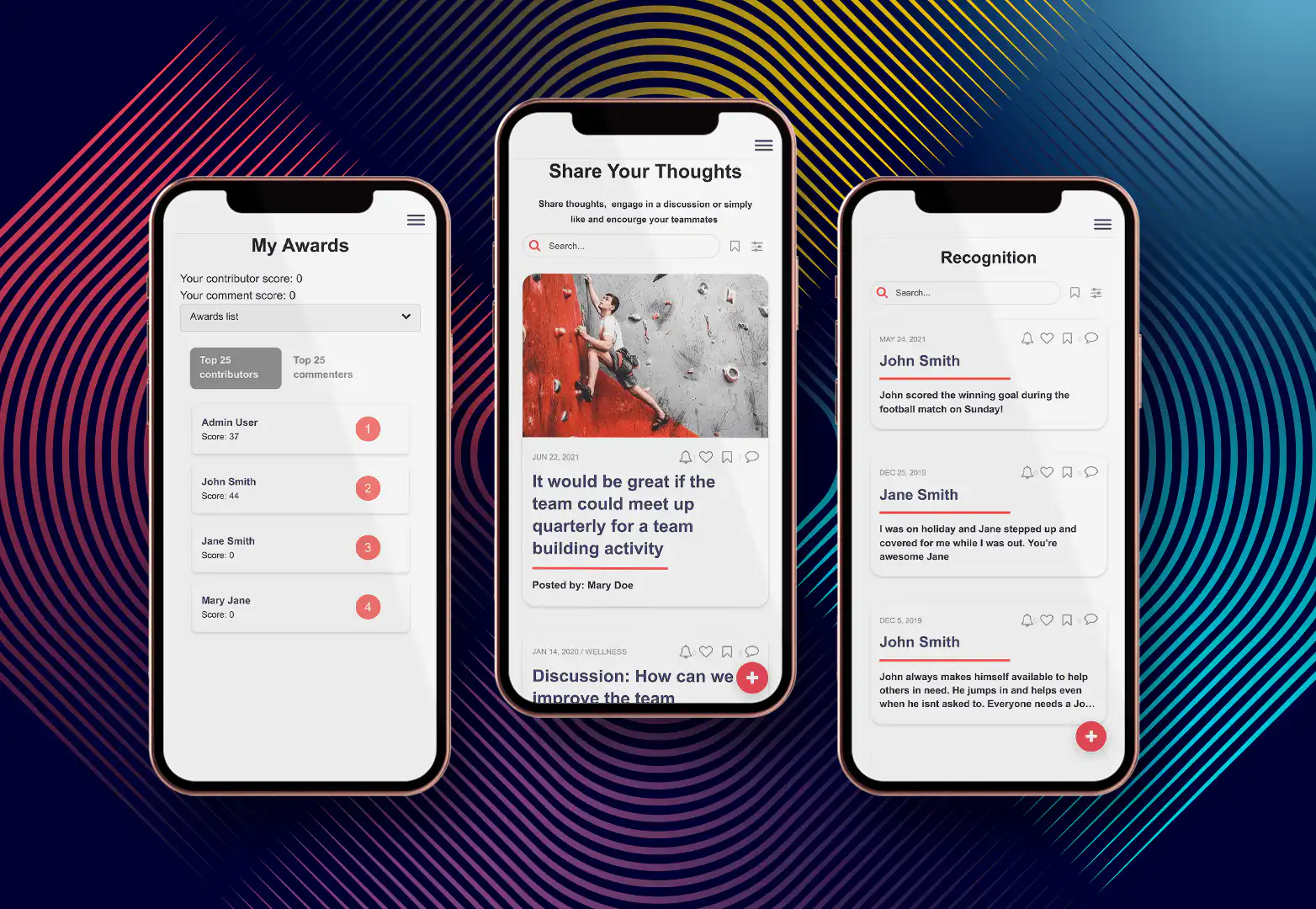
Fliplet is an enterprise AI software builder rather than a low-code platform. It is included here as an alternative for teams evaluating prompt-led creation alongside governance, integrations, and controlled production publishing.
#### Features
- Drag-and-drop interface for easy app creation
- Variety of pre-built templates for different use cases
- Customization options to tailor apps to specific business needs
- Integration capabilities with existing systems and data sources
#### Pricing
- Tiered pricing model to accommodate businesses of all sizes
- Customizable plans based on features and user access levels
#### Free Trial
- Commercial plans aligned to enterprise delivery requirements
#### Pros
- User-friendly interface suitable for non-technical users
- Extensive support and training resources
- Strong focus on mobile and web app development
#### Cons
- Limited advanced coding options for more complex customizations
- May require additional costs for full integration capabilities
#### Review
- **G2:** 4.6/5
[Explore Fliplet's AI software builder](/ai-app-builders/) or [Book a Demo](/book-a-demo/).
### OutSystems
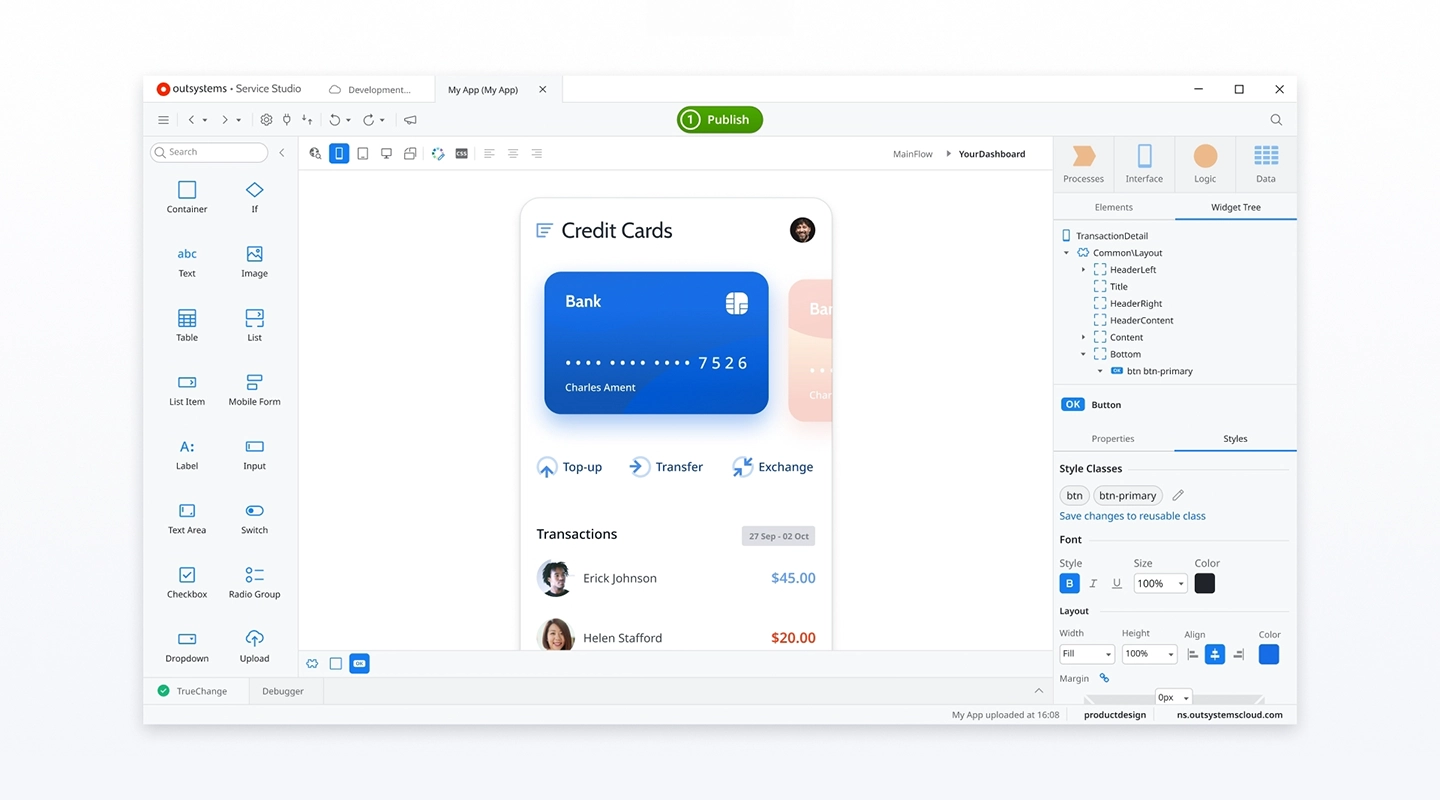
OutSystems is renowned for its robust platform capable of supporting complex, scalable applications for large enterprises, making it an ideal choice for businesses requiring extensive integration and real-time performance management.
#### Features
- High-speed development capabilities with full-stack visual development
- Built-in security from design to deployment
- Real-time performance monitoring and problem-solving tools
- Extensive integration options with existing enterprise systems and databases
#### Pricing
- Paid tier pricing available on request
#### Free Trial
- Free tier for less than 100 users, and no credit card is required
#### Pros
- Scalable architecture suitable for large enterprises
- Comprehensive development tools that reduce dependency on traditional coding
#### Cons
- Steeper learning curve due to complex features
- Higher cost in enterprise tiers compared to other platforms
#### Review
- **G2:** 4.6/5
- [Visit OutSystems website](https://www.outsystems.com/)
### Mendix
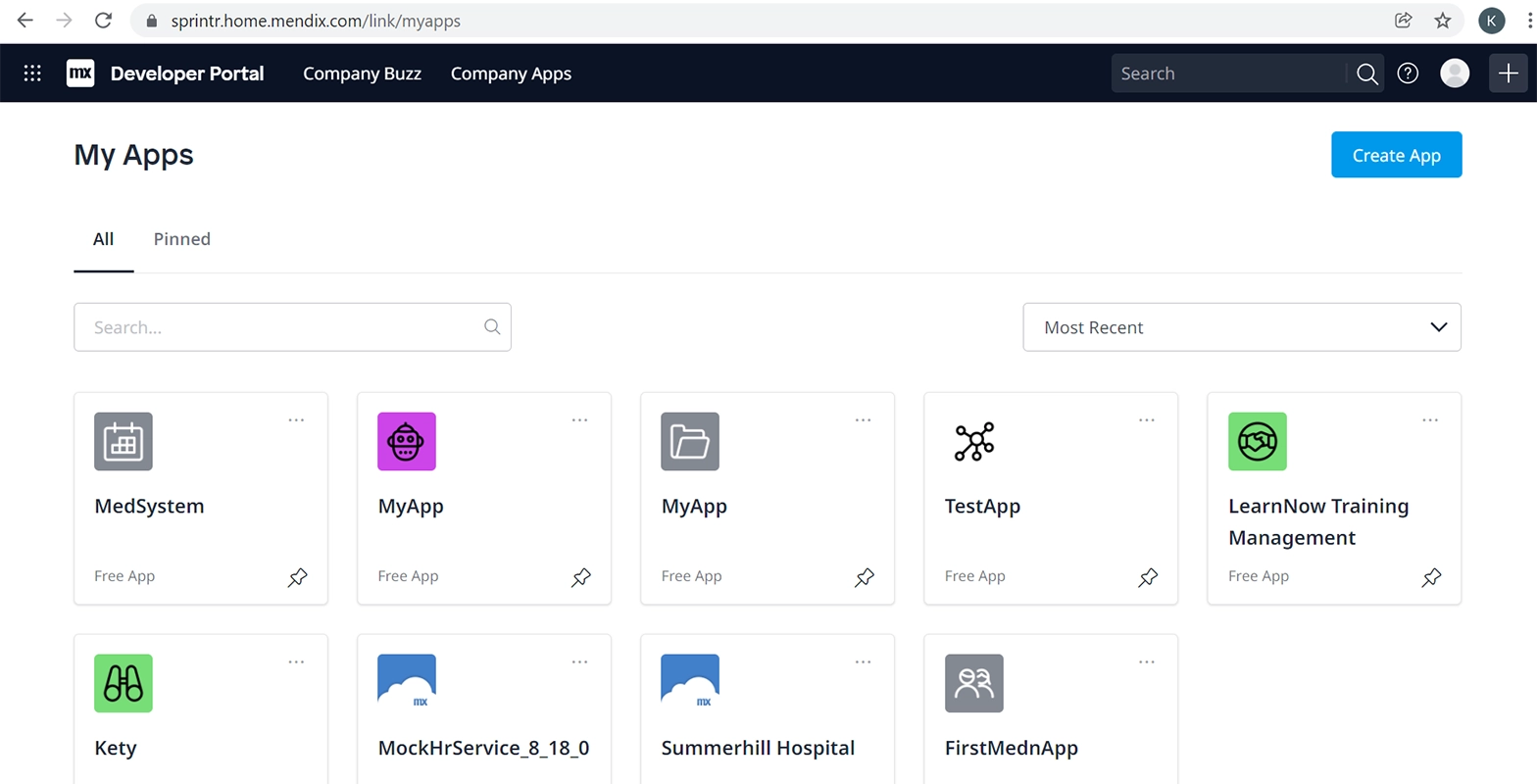
Mendix is recognized for providing a comprehensive platform that supports the entire application lifecycle, from ideation to deployment and maintenance, ideal for teams that manage continuous application updates.
#### Features
- Visual development tools along with a full-featured IDE for developers
- Collaboration tools for business and IT teams
- AI-assisted development capabilities
- Multi-cloud deployment options, including on-premises installations
#### Pricing
- Multiple tiers with pricing available on request
#### Free Trial
- Free trial available
#### Pros
- Strong community and ecosystem
- Emphasizes collaboration between developers and business users
#### Cons
- Can be complex for users with no technical background
- Pricing can become expensive as needs grow
#### Review
- **G2:** 4.5/5
- [Visit Mendix's website](https://www.mendix.com/)
### Microsoft Power Apps
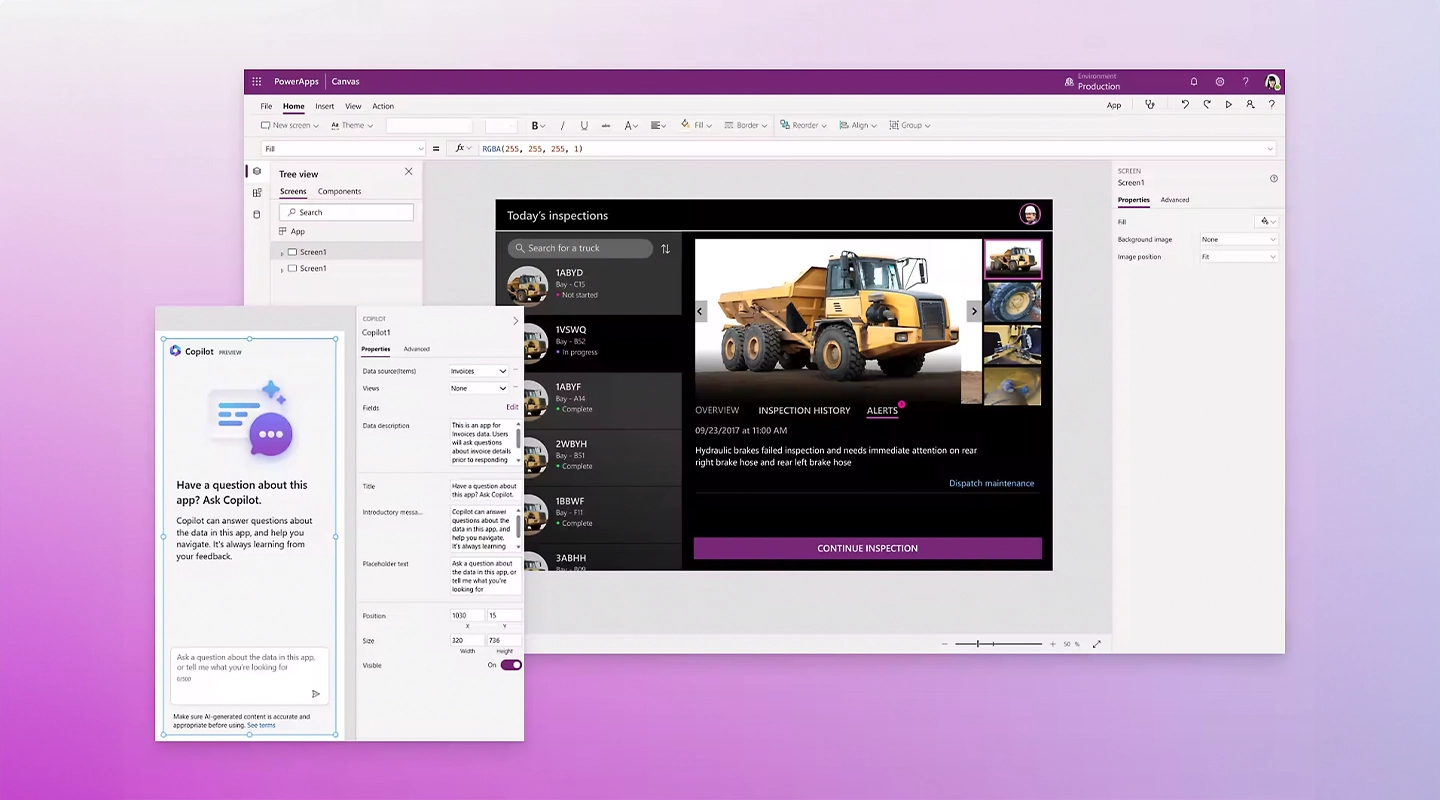
Microsoft PowerApps is highly beneficial for organizations deeply embedded in the Microsoft ecosystem, offering seamless integration with Office 365, Dynamics 365, and other Microsoft services.
#### Features
- Integration with Microsoft Azure for extended capabilities
- Pre-built templates and connectors for common data sources and services
- Customizable apps that can connect to any data source, including third-party apps
#### Pricing
- Starts at $20 and increases with number of team members
#### Free Trial
- Offers a trial period to test the platform with full capabilities
#### Pros
- Strong integration with Microsoft products
- Broad range of functionalities suitable for business users and developers alike
#### Cons
- Primarily useful for businesses already using Microsoft products
- Learning curve associated with the more advanced features
#### Review
- **G2:** 4.2/5
[Visit Microsoft PowerApps website](https://www.microsoft.com/en-us/power-platform/products/power-apps)
### Appian
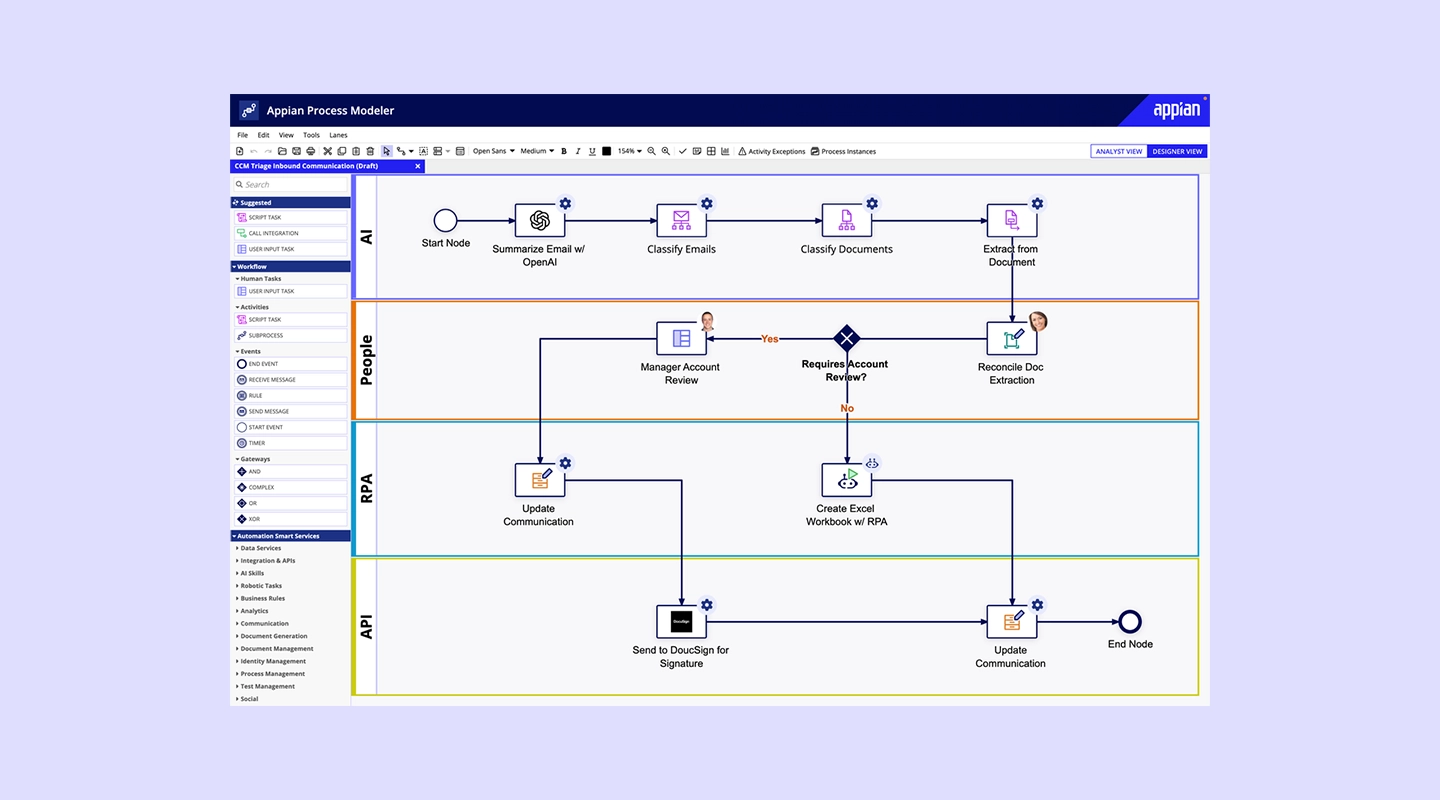
Appian excels in automating complex business processes, offering a low-code automation platform that combines process mining, workflow, and AI capabilities to improve operational efficiency.
#### Features
- Integrated data management and process automation tools
- Real-time analytics to monitor and improve processes
- Strong focus on security and governance
- Mobile and web app development with seamless cross-platform capabilities
#### Pricing
- Starts at $75 per user per month
#### Free Trial
- Free version is available with limited functionality
#### Pros
- High customizability for business-specific needs
- Robust security features suitable for highly regulated industries
#### Cons
- Can be costly for small businesses
- Requires some training to fully utilize its advanced features
#### Review
- **G2: 4.**5/5
- [Visit Appian's website](https://appian.com/)
### Zoho Creator
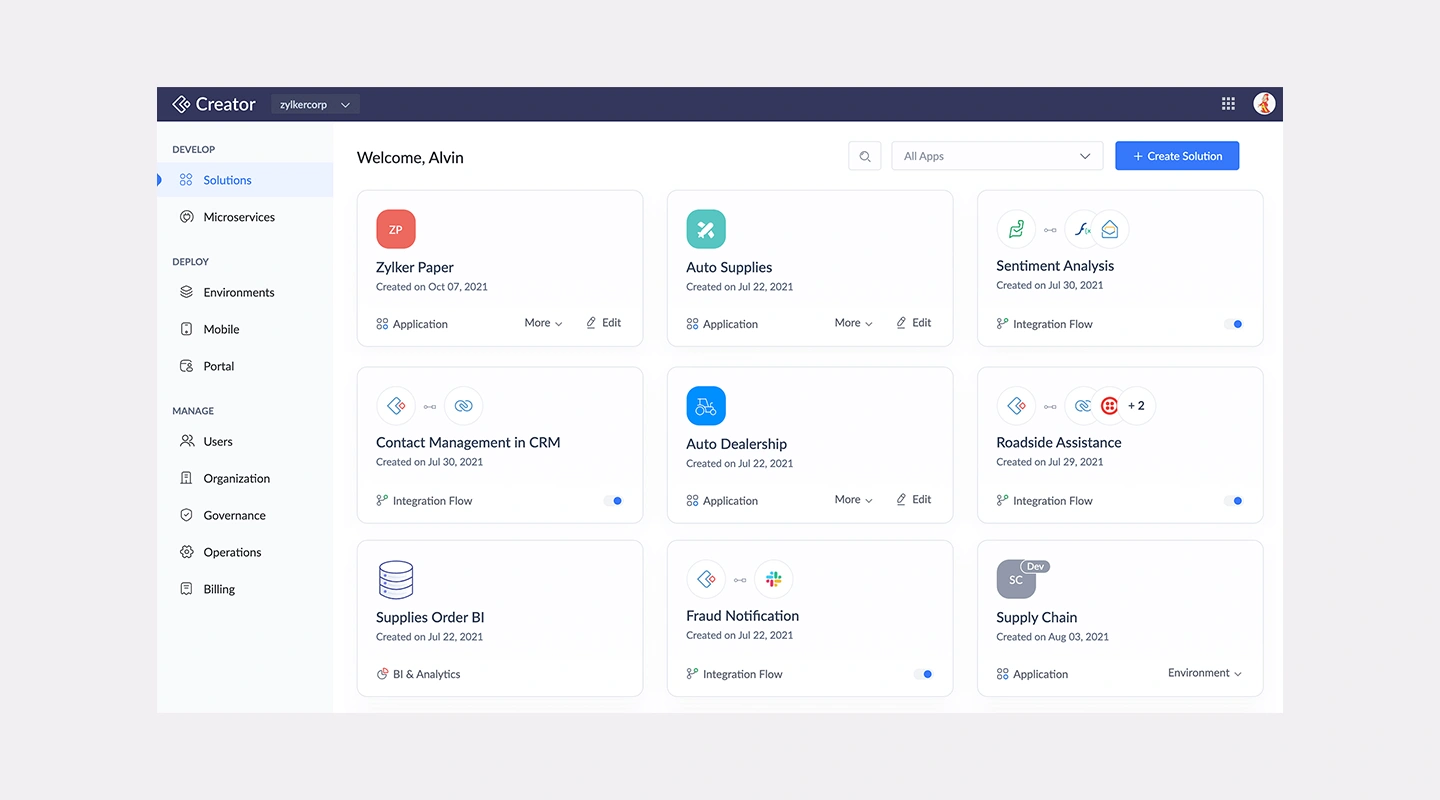
Zoho Creator is a user-friendly platform ideal for SMEs that need to streamline operations without extensive IT resources, offering customizable applications that are easy to build and deploy.
#### Features
- Drag-and-drop interface for app building
- Extensive pre-built app collection and templates
- Automation of workflows and data collection
- Integration with other Zoho products and popular third-party tools
#### Pricing
- Starts at $8 per user, per month and goes up to $25 for improved functionality
#### Free Trial
- 15-day free trial
#### Pros
- Cost-effective for smaller businesses
- Intuitive user interface with minimal learning curve
#### Cons
- Somewhat limited in terms of scalability for larger organizations
- Advanced customizations may require additional scripting
#### Review
- **G2:** 4.3/5
- [Visit Zoho Creator's website](https://www.zoho.com/creator/)
### Salesforce Lightning
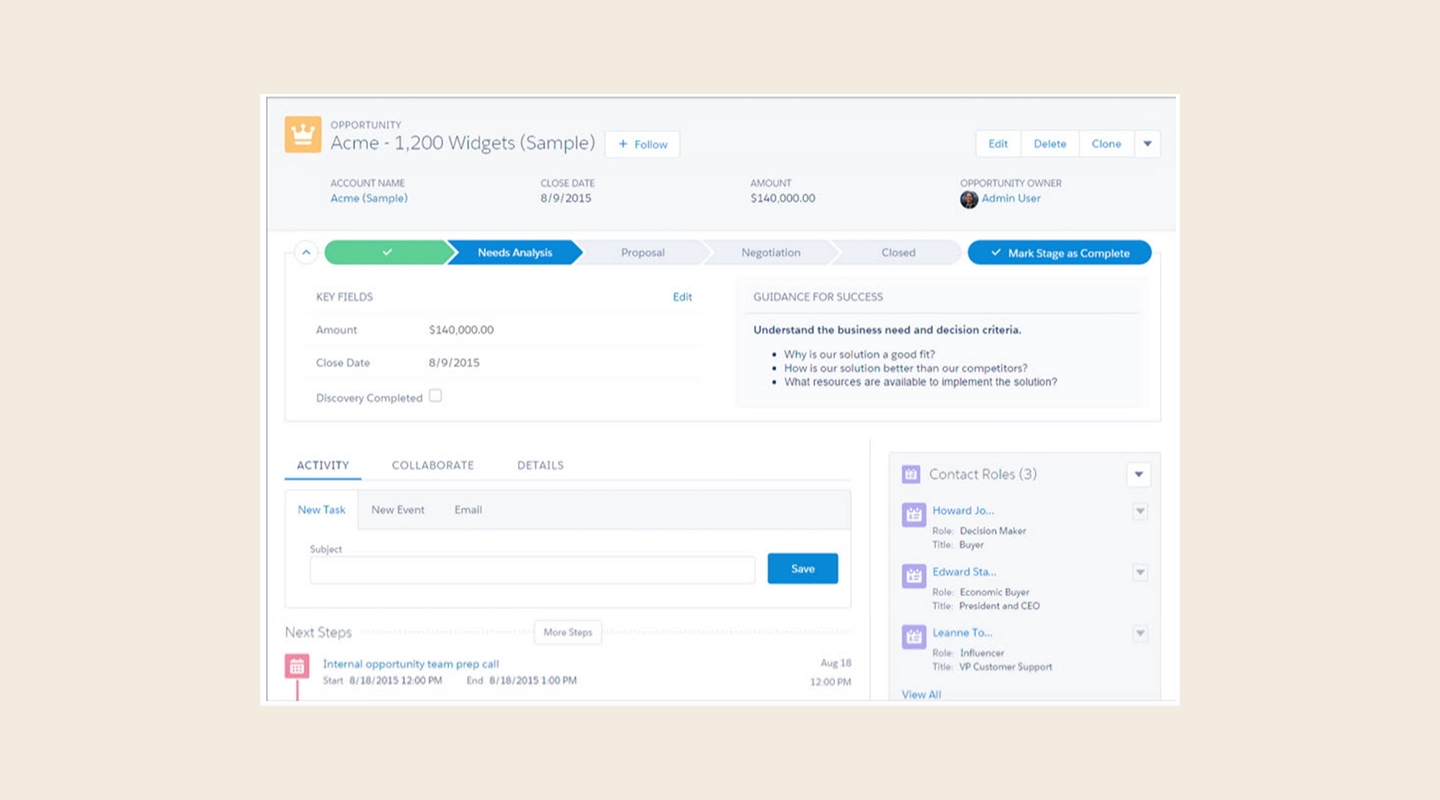
Salesforce Lightning is tailored for businesses looking to leverage customer relationship management (CRM) capabilities within their apps, offering deep integration with Salesforce's ecosystem and analytics tools.
#### Features
- Advanced CRM tools integrated into app development
- Drag-and-drop components for easy app customization
- Extensive marketplace with pre-built apps and components (AppExchange)
- Powerful analytics tools for data-driven insights
#### Pricing
- Begins at $25 per user, per month with the Platform Plus tier at $100 per user, per month
#### Free Trial
- 30-day free trial
#### Pros
- Deep integration with Salesforce CRM
- Extensive customization and extension capabilities
#### Cons
- Primarily beneficial for existing Salesforce users
- Pricing can be complex and expensive for newcomers
#### Review
- **G2:** 4.5/5
- [Visit Salesforce Lightning's website](https://www.salesforce.com/campaign/lightning/)
### Pega
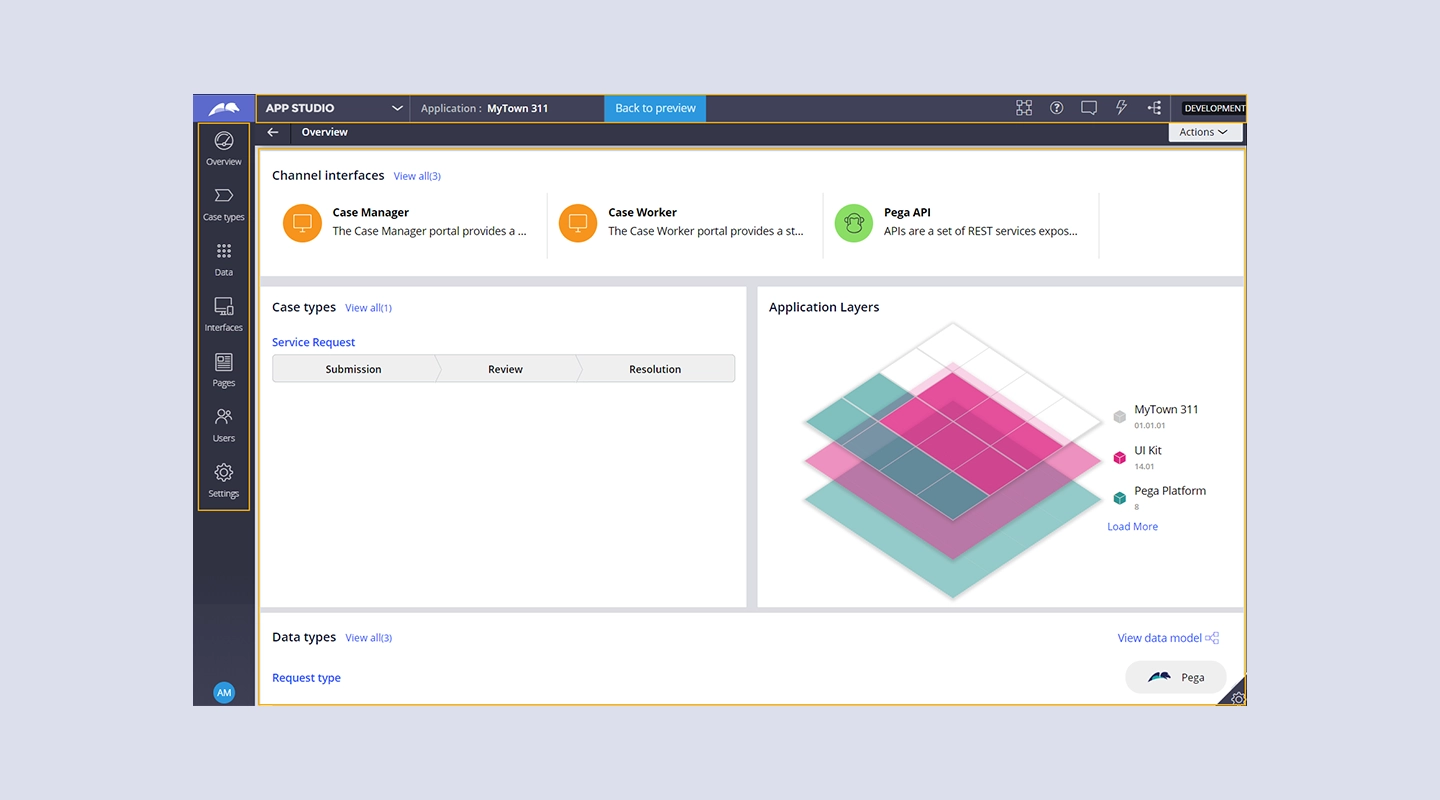
Pega is renowned for its powerful automation capabilities, particularly suited for enterprises needing sophisticated workflow automation and customer engagement solutions.
#### Features
- Advanced AI and decisioning capabilities to drive real-time insights and actions
- Robust case management frameworks to handle complex business processes
- Scalable architecture to support global enterprises
- Extensive customization and integration options
#### Pricing
- Starts at $35 per user per month, with the top tier running $90 per user per month
#### Free Trial
- 30-day free trial
#### Pros
- Highly capable in automating complex, multi-step processes
- Strong support for regulatory compliance and governance
#### Cons
- Higher complexity and cost, making it less accessible for smaller businesses
- Steep learning curve due to the breadth of capabilities
#### Review
- **G2:** 4.2/5
- [Visit Pega's website](https://www.pega.com/)
### Quickbase
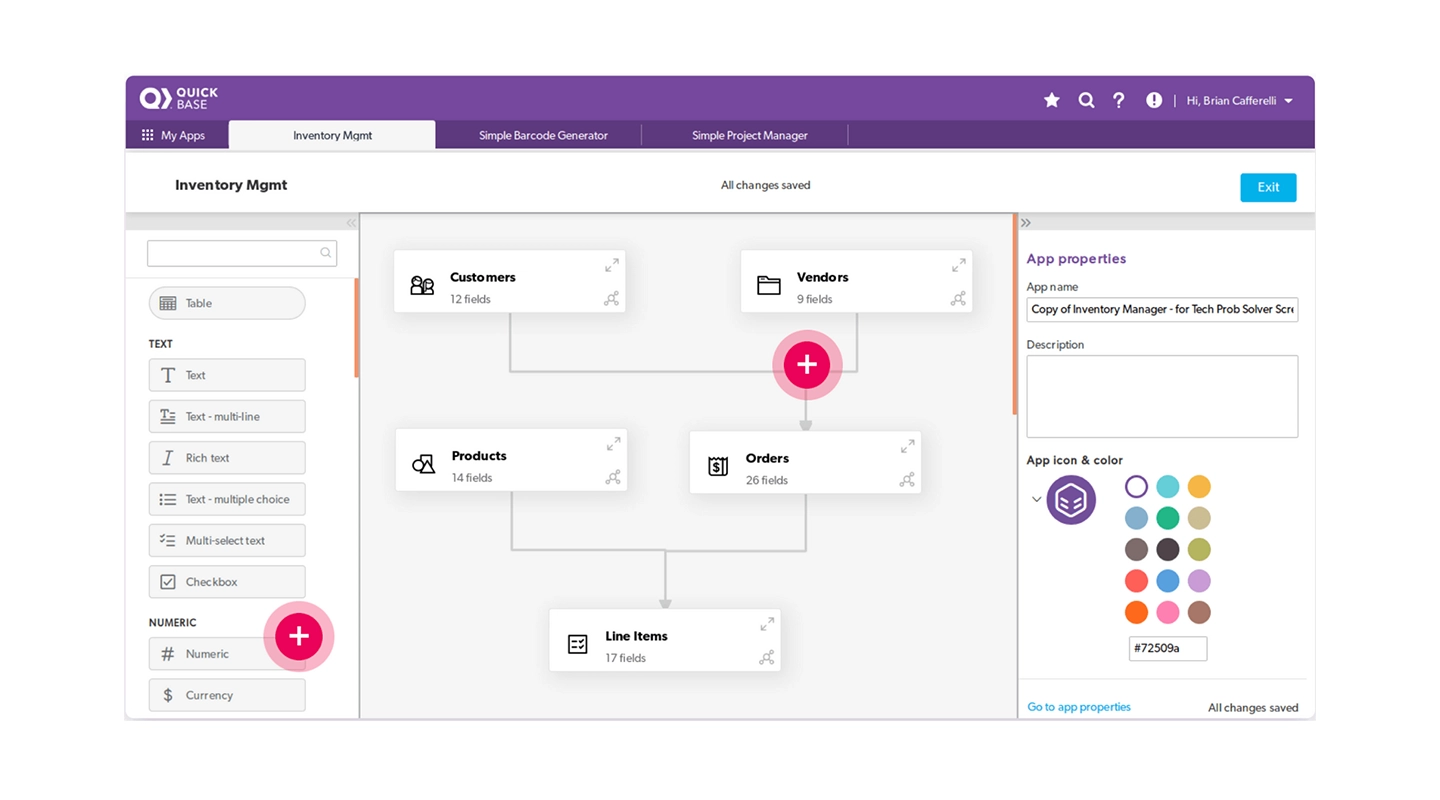
Quickbase provides a flexible environment for teams to develop custom applications quickly, with a focus on collaboration and continuous improvement.
#### Features
- Intuitive visual development tools and customizable application templates
- Real-time data insights and comprehensive reporting capabilities
- Strong project management and collaboration tools
- Seamless integration with various data sources and external APIs
#### Pricing
- Team tier starts at $700, with Business tier running $2,200 for added functionality
#### Free Trial
- 30-day free trial
#### Pros
- Highly adaptable to different business needs
- Empowers business users to develop applications without deep technical knowledge
#### Cons
- May require additional customization for complex processes
- Pricing can become significant as deployment scales
#### Review
- G2: 4.5/5
- [Visit Quickbase's website](https://www.quickbase.com/)
### Caspio
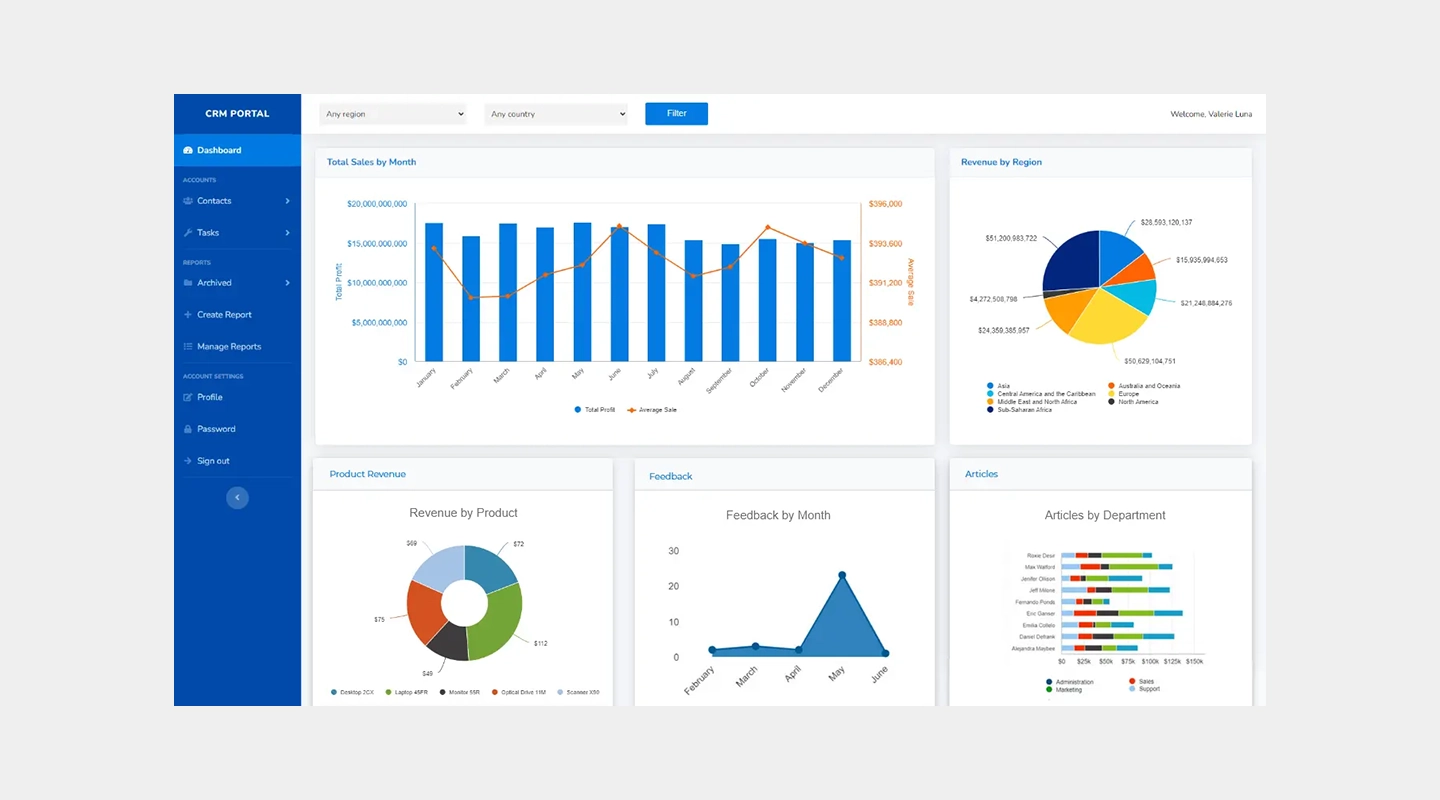
Caspio is designed for businesses looking to build robust online database applications without extensive coding, offering powerful data management tools and scalability.
#### Features
- Drag-and-drop app builder with a focus on database applications
- Extensive data security and compliance measures
- Powerful data import and export capabilities
- Integration with popular services like Office 365 and Google Apps
#### Pricing
- Tiers begin at $50 per month and run up to $2,250 per month
#### Free Trial
- 14-day free trial
#### Pros
- Strong focus on data security and compliance
- Intuitive interface for managing and scaling database applications
#### Cons
- Limited custom development outside of database functionality
- Some users may require additional training to fully leverage the platform's capabilities
#### Review
- **G2:** 4.4/5
- [Visit Caspio's website](https://www.caspio.com/)
### Kissflow
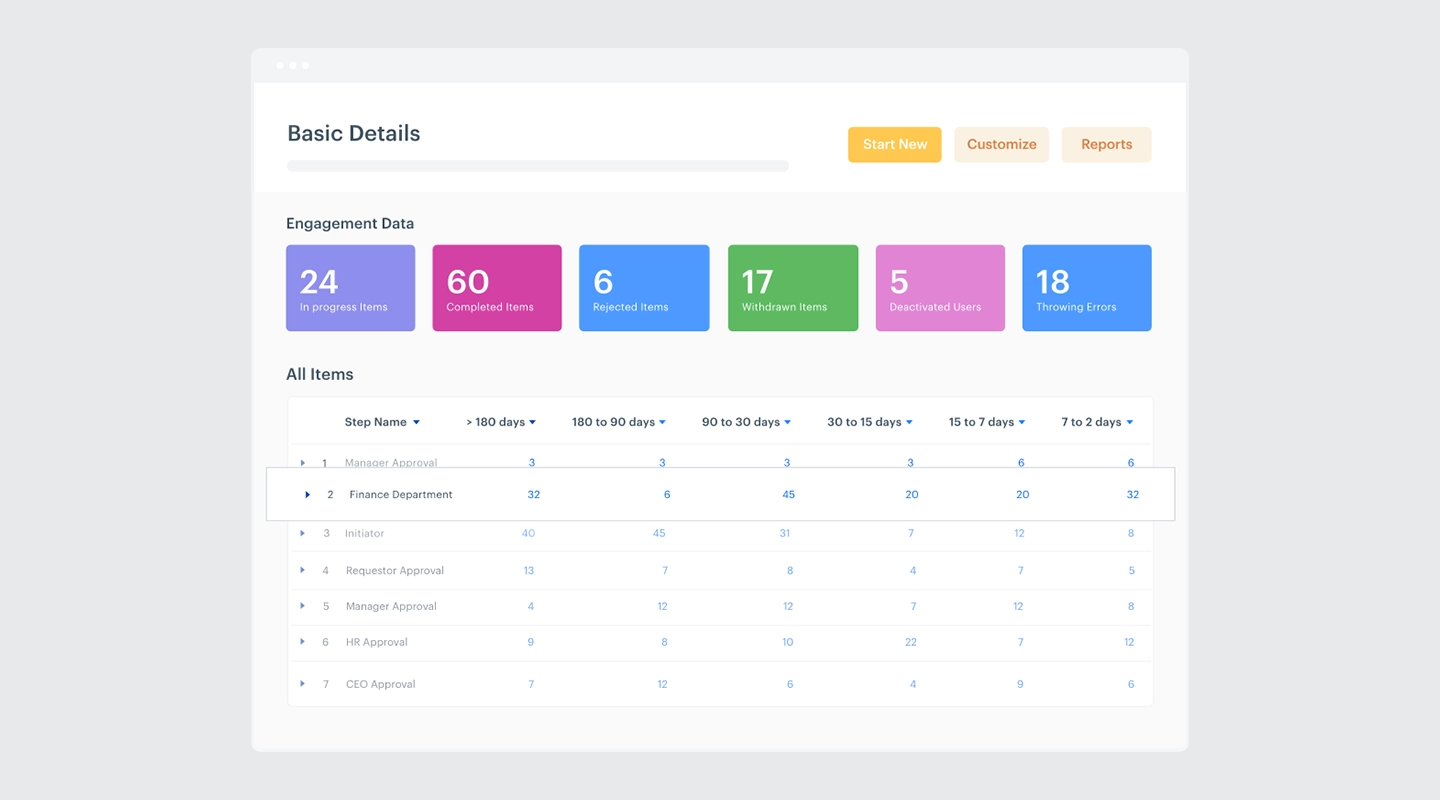
Kissflow is well-suited for organizations seeking a straightforward solution for automating workflows and managing processes with minimal coding.
#### Features
- Intuitive workflow management tools and process automation
- Customizable forms and templates for quick deployment
- Integration with major cloud services and business tools
- Rich analytics and reporting features for better decision-making
#### Pricing
- Basic starts at $1,500 per month with custom Enterprise solutions available
#### Free Trial
- No free trial, but there is a free demo
#### Pros
- User-friendly interface that simplifies complex processes
- Highly flexible in terms of workflow customization
#### Cons
- May not handle extremely complex processes as effectively as more specialized tools
- Some users report occasional issues with integration setup
#### Review
- **G2:** 4.3/5
- [Visit Kissflow's website](https://kissflow.com/)
### Nintex
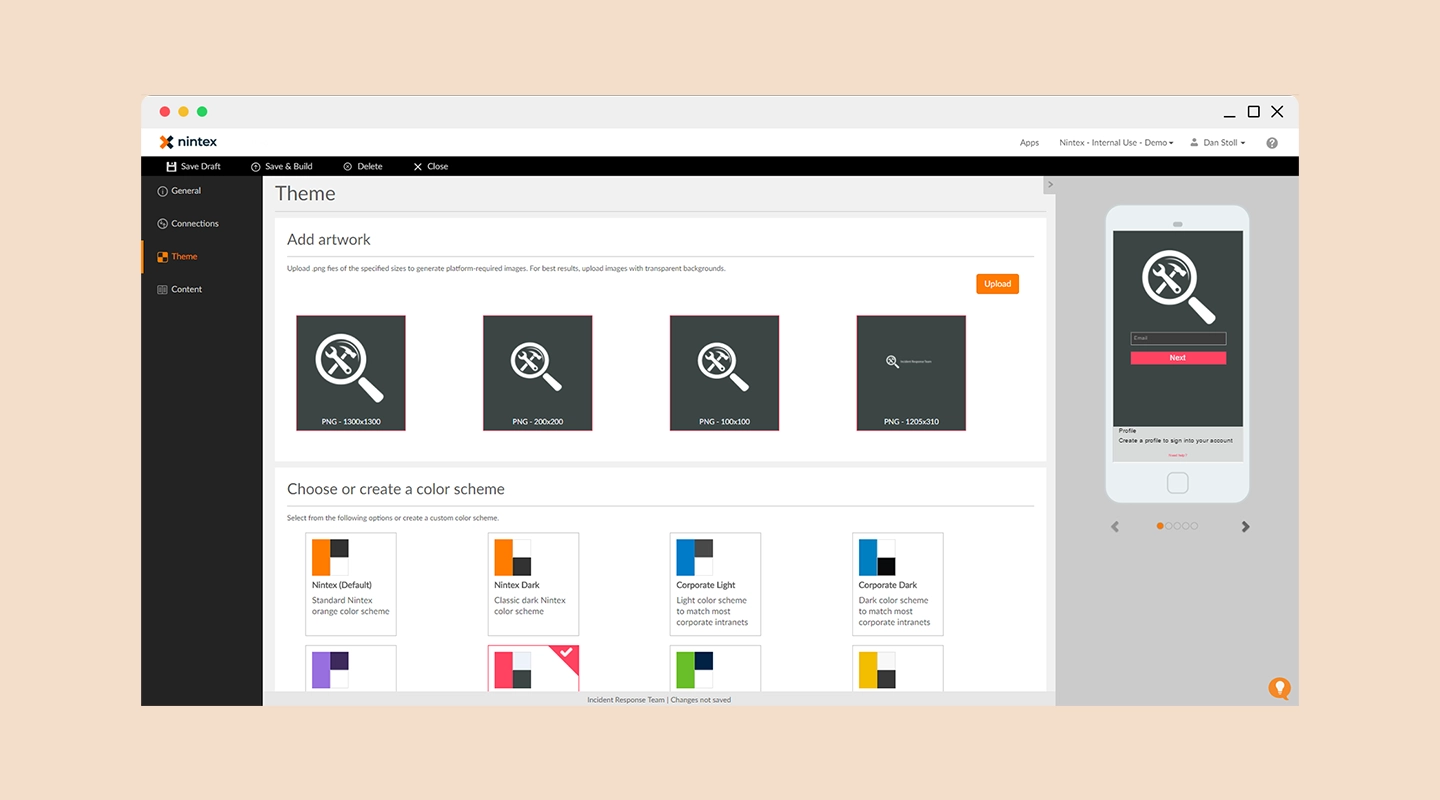
Nintex offers a powerful platform for designing, automating, and optimizing complex workflows and content processes across major collaboration hubs.
#### Features
- Advanced workflow automation tools and process mapping
- Extensive integration capabilities with SharePoint, Salesforce, and other enterprise platforms
- Mobile capabilities to manage workflows on the go
- Strong emphasis on compliance and governance
#### Pricing
- Available upon request
#### Free Trial
- 30-day free trial
#### Pros
- Robust set of features for workflow automation and content management
- High level of customization and control over processes
#### Cons
- Pricing can be opaque and is generally on the higher end
- Requires a learning curve to fully leverage its capabilities
#### Review
- **G2:** 4.7/5
- [Visit Nintex's website](https://www.nintex.com/)
### Creatio
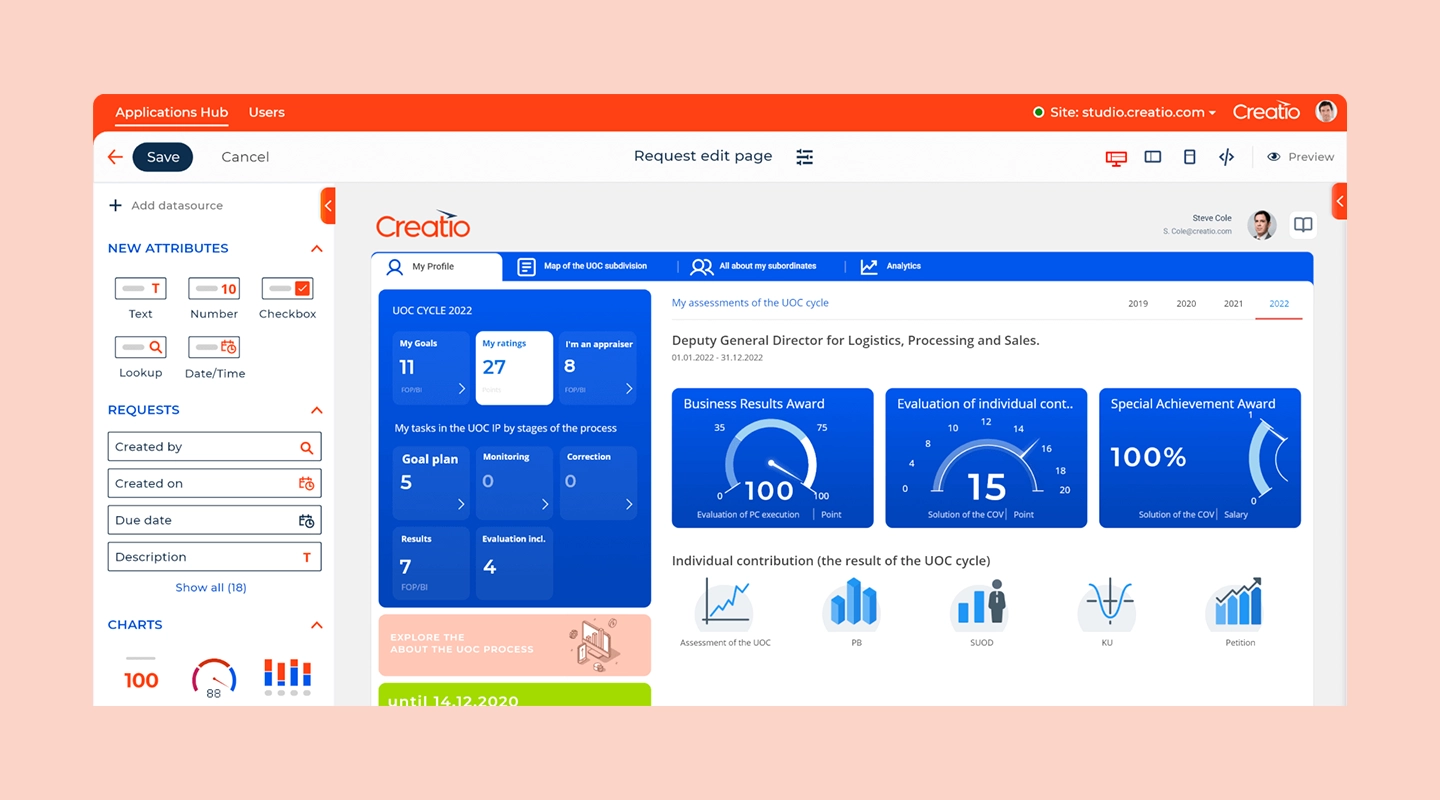
Creatio is known for its low-code solutions that help automate business processes and CRM, all within a single environment designed to accelerate marketing, sales, and service.
#### Features
- Unified platform combining CRM and process management
- Extensive customization capabilities with a focus on process-centric applications
- AI-powered analytics to optimize business processes
- Mobile-ready applications for on-the-go access
#### Pricing
- Available upon request
#### Free Trial
- 14-day free trial
#### Pros
- Offers a comprehensive approach to business process management integrated with CRM
- Strong support for mobile users and remote access
#### Cons
- Can be complex to set up without prior training
- Some users find the integration options to be limited compared to competitors
#### Review
- **G2:** 4.7/5
- [Visit Creatio's website](https://www.creatio.com/)
### Betty Blocks
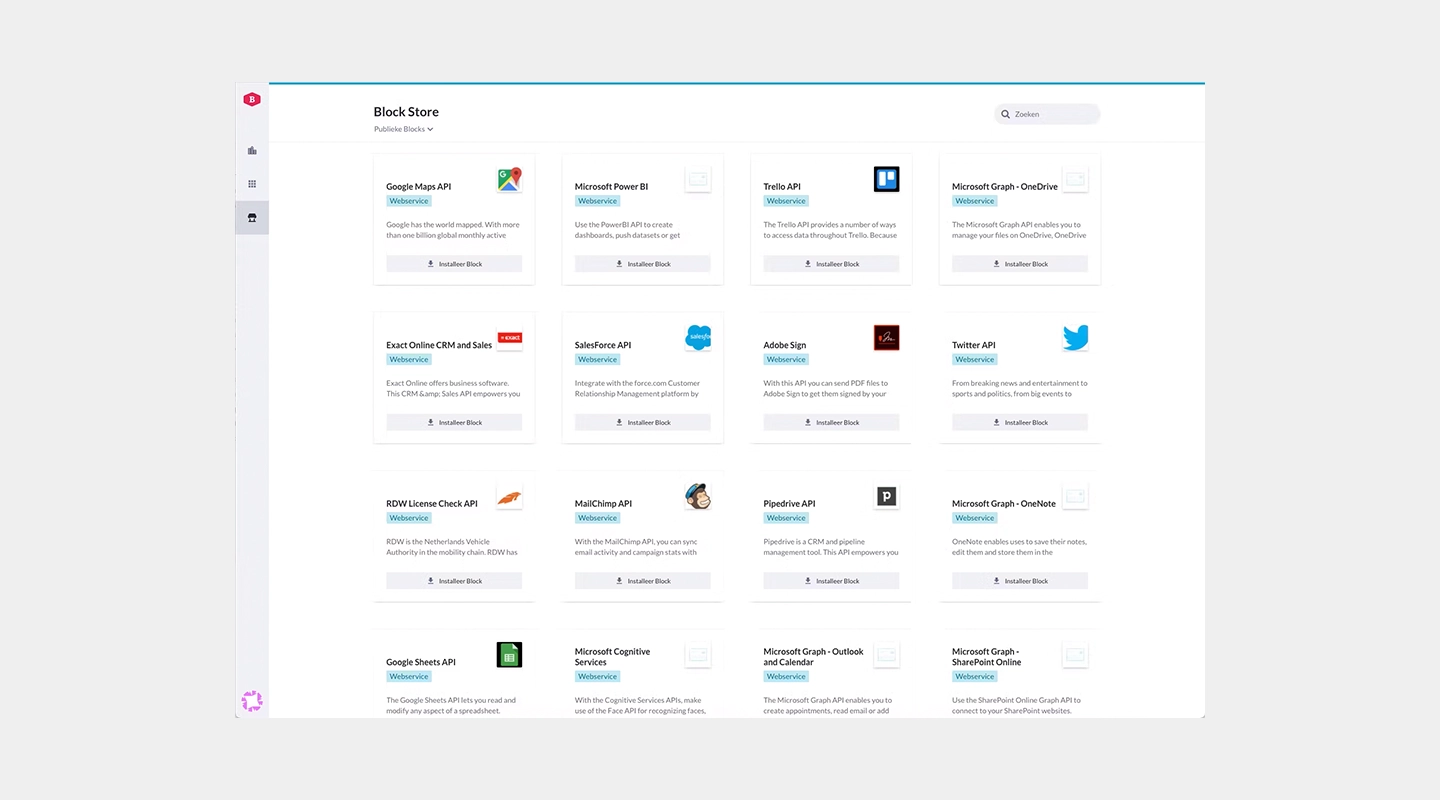
Betty Blocks is designed for citizen developers, allowing non-technical users to build applications quickly and effectively with minimal coding.
#### Features
- User-friendly interface with drag-and-drop functionality
- Focus on accessibility for non-technical users
- Extensive template library for various types of applications
- Robust security measures to ensure data protection
#### Pricing
- Paid tier pricing available on request
#### Free Trial
- None
#### Pros
- Highly accessible for users without a programming background
- Promotes rapid prototyping and iterative development
#### Cons
- Limited advanced capabilities for complex software development needs
- May require external support for integration with legacy systems
#### Reviews
- **G2:** 4.3/5
- [Visit Betty Blocks' website](https://www.bettyblocks.com/)
### Oracle APEX
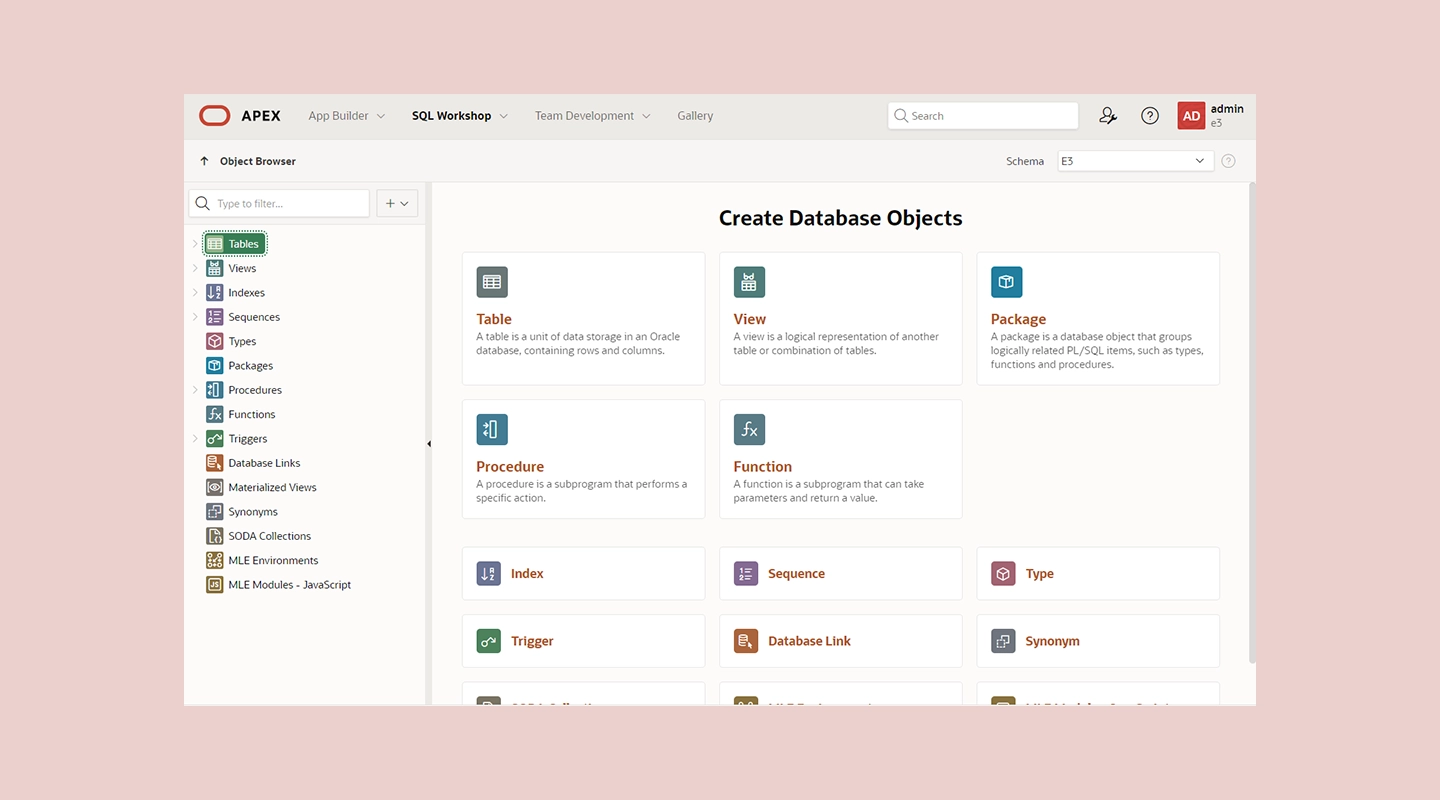
Oracle APEX is a powerful tool for building scalable, secure applications on top of the Oracle Database, ideal for businesses that need to leverage complex data structures.
#### Features
- Low-code development environment built directly on Oracle Database
- Robust data reporting and visualization tools
- Comprehensive security features integrated with Oracle technology
- Support for a wide range of data-driven applications
#### Pricing
- Contact Oracle for information on pricing
#### Free Trial
- None
#### Pros
- Deep integration with Oracle databases provides powerful data-handling capabilities
- Ideal for complex, data-intensive applications
#### Cons
- Primarily suitable for organizations already invested in Oracle infrastructure
- Can be complex for beginners or those not familiar with Oracle products
#### Review
- **G2:** 4.5/5
- [Visit Oracle APEX's website](https://apex.oracle.com/)
## Low-Code Platforms Comparison Table
| Platform | Overview | Key features | Pricing | Free trial | Pros | Cons | G2 rating |
| --- | --- | --- | --- | --- | --- | --- | --- |
| OutSystems | Enterprise-Grade Rapid Application Development | - Full-stack visual development - Built-in security - Real-time performance monitoring | Paid tiers available on request | Free tier for <100 users | - Scalable architecture - Comprehensive tools | - Steeper learning curve - Higher cost in enterprise tiers | 4.6/5 |
| Mendix | Full Lifecycle Support | - Visual development tools - Collaboration tools - AI-assisted capabilities | Multiple tiers, pricing on request | Free trial available | - Strong community - Emphasizes collaboration | - Complex for non-tech users - Pricing can grow significantly | 4.5/5 |
| Microsoft PowerApps | Integration with Microsoft Services | - Integration with Microsoft Azure - Pre-built templates and connectors | Starts at $20, varies with team size | Trial period available | - Strong Microsoft integration - Broad functionalities | - Best for Microsoft product users - Learning curve for advanced features | 4.2/5 |
| Appian | Rapid Process Automation | - Integrated data management - Real-time analytics - Mobile and web development | Starts at $75/user/month | Free version with limited functionality | - High customizability - Robust security features | - Costly for small businesses - Requires training | 4.5/5 |
| Zoho Creator | Small to Medium-Sized Businesses | - Drag-and-drop app building - Extensive template collection - Workflow automation | Starts at $8/user/month, up to $25 for more functionality | 15-day free trial | - Cost-effective - Intuitive interface | - Limited scalability - May need scripting for advanced customizations | 4.3/5 |
| Salesforce Lightning | CRM-Driven Applications | - Advanced CRM tools - AppExchange marketplace - Powerful analytics tools | Starts at $25/user/month, up to $100/user/month | 30-day free trial | - Deep CRM integration - Extensive customization | - Best for existing Salesforce users - Complex, expensive pricing | 4.5/5 |
| Pega | Complex Workflow Automation | - Advanced AI and decisioning - Scalable architecture - Extensive customization | Starts at $35/user/month, up to $90/user/month | 30-day free trial | - Automates complex processes - Strong compliance support | - Higher complexity and cost - Steep learning curve | 4.2/5 |
| Quickbase | Custom Application Development | - Visual development tools - Real-time data insights - Strong collaboration tools | Team tier at $700, Business tier at $2,200 | 30-day free trial | - Adaptable to business needs - Empowers users without deep technical knowledge | - May require customization for complex processes - Significant pricing at scale | 4.5/5 |
| Caspio | Online Database Applications | - Drag-and-drop builder for database apps - Data security measures - Data import/export | Team starts at $300/month; higher tiers vary | 14-day free trial | - Focus on data security - Intuitive interface for databases | - Limited custom development outside database functionality - Training may be required | 4.4/5 |
| Kissflow | Workflow and Process Automation | - Workflow management tools - Customizable forms and templates - Rich analytics | Basic at $1,500/month, Enterprise solutions available | Free demo, no free trial | - User-friendly interface - Flexible workflow customization | - May not handle very complex processes effectively - Integration setup issues reported | 4.3/5 |
| Nintex | Advanced Workflow Solutions | - Workflow automation and process mapping - Mobile management capabilities - Compliance emphasis | Pricing on request | 30-day free trial | - Advanced features for workflow automation - High customization and control | - Opaque pricing - Learning curve for full capabilities | 4.7/5 |
| Creatio | Process-Centric Application Development | - Unified CRM and process management platform - AI-powered analytics - Mobile-ready | Pricing on request | 14-day free trial | - Comprehensive process management - Mobile support | - Complex setup - Limited integration options | 4.7/5 |
| Betty Blocks | Citizen Developers | - Accessible interface - Extensive template library - Security measures | Pricing on request | None | - Accessible for non-tech users - Supports rapid prototyping | - Limited advanced features - May need external integration support | 4.3/5 |
| Oracle APEX | Database-Driven Applications | - Built on Oracle Database - Data reporting tools - Comprehensive security | Contact Oracle for pricing | None | - Powerful data handling - Ideal for data-intensive apps | - Suitable for Oracle infrastructure users - Complex for beginners | 4.5/5 |
The comparison table below summarizes the 14 low-code development platforms by features, pricing, free trials, strengths, limitations, and user reviews:
## Other low-code tools to consider
While our primary list includes some of the best tools in the market, there are several other noteworthy low code platforms that cater to a variety of development needs:
- **Adobe ColdFusion:** Known for rapid web application development, supporting integration with various databases and APIs.
- **FileMaker:** A versatile tool that excels in creating custom apps that run across mobile devices and the web without extensive programming.
- **WaveMaker:** Offers a drag-and-drop editor and automated workflows that simplify application development for enterprises.
- **ivy:** Excels in process automation, providing a comprehensive toolkit for managing complex business workflows efficiently.
These platforms offer additional options for organizations seeking the right fit for their specific project requirements and organizational needs.
If you want to switch to a platform that allows for zero programming, [check out our guide to the best no code app builders here.](https://fliplet.com/blog/no-code-app-builder/)
## Selection Criteria: How to Choose the best low code platform
Selecting the best low code platform for your business involves considering several key factors:
- **Ease of use:** Look for platforms that offer an intuitive interface that reduces the learning curve for new users.
- **Integration capabilities:** Ensure the platform can seamlessly integrate with existing business systems and data sources.
- **Customization options:** The ability to customize applications to fit specific business processes and requirements is crucial.
- **Scalability:** The chosen platform should be able to scale as business needs grow and evolve.
- **Security:** [Robust security features](https://fliplet.com/security/) are essential to protect sensitive data and ensure compliance with regulatory standards.
- **Support and community:** Access to reliable customer support and a vibrant community can greatly enhance the platform's value.
## Benefits of low-code development platforms
Low code app development platforms offer a multitude of advantages that attract companies seeking efficient, agile, and cost-effective solutions for their software needs.
### Why organizations adopt low-code platforms
Companies are increasingly adopting low code platforms primarily because they dramatically speed up the development and deployment of apps compared to traditional coding methods. This speed is complemented by cost efficiency, as these platforms reduce the need for large developer teams, thus lowering overall development costs.
Additionally, low code platforms are accessible to non-developers, allowing those without formal programming skills to either contribute to or manage the development process themselves, thereby democratizing app creation. These platforms support agility through rapid prototyping and iterative testing, enabling businesses to quickly adapt to market changes or internal feedback.
## Low-code development use cases
[Low-code application development platforms](/blog/9-web-application-development-platforms-to-build-a-free-web-app/#what-is-a-web-application-platform) offer a range of versatile use cases that cater to the diverse needs of modern businesses. These platforms are instrumental in transforming and optimizing various aspects of operations, enhancing productivity and engagement through digital solutions.
**Business process automation**
One of the primary uses of low-code platforms is the automation of complex business processes and workflows. Organizations can streamline their operations, reducing the reliance on manual processes and minimizing the potential for human error.
By automating workflows, businesses can ensure consistency, increase efficiency, and free up employees to focus on more strategic tasks. For example, low-code platforms can be used to automate routine tasks such as invoice processing, [employee onboarding](https://fliplet.com/blog/employee-training-apps/), and customer data management, thereby accelerating these activities and reducing the workload on staff.
**Customer engagement apps**
Low-code platforms excel in creating interactive customer-facing applications that enhance service delivery and boost customer satisfaction. These applications can range from simple customer service chatbots to comprehensive self-service portals that provide customers with the ability to manage their accounts, track orders, and access services directly.
By improving the accessibility and responsiveness of customer interactions, companies can build stronger relationships with their customers, increase loyalty, and ultimately drive higher sales.
**Internal tools development**
Another significant application of low-code platforms is in the development of custom internal tools that promote operational efficiency and foster employee collaboration. With low-code, internal teams can quickly build solutions tailored to their specific needs, such as [project management tools](https://fliplet.com/solution/task-management/), HR management systems, and custom CRM platforms.
These tools can be integrated seamlessly with existing systems to provide a unified platform that supports data sharing and collaboration across departments. By enabling employees to access the tools and information they need in an integrated environment, businesses can enhance productivity and ensure smoother operations.
## Low-code vs no-code development
The main difference between no code and low code software lies in their target users and flexibility. No code platforms are primarily designed for business users without any programming skills, offering a very high-level, drag-and-drop interface that allows for quick app assembly but limited customization. Low code platforms, while also user-friendly, provide additional capabilities for developers to write code, offering greater flexibility and customization options.
For more information, [check out our guide on no-code versus low-code development software here.](https://fliplet.com/blog/what-is-low-code-no-code-development-guide-and-best-platforms/)
## Challenges of low code platforms
### Low-code security controls
While low code platforms offer rapid development and operational efficiency, they also pose unique security challenges. Ensuring the protection of digital assets when using these platforms involves comprehensive security measures, including robust access controls, regular security audits, and compliance with industry standards.
### Fliplet security and ISO 27001
[Fliplet prioritizes security](https://fliplet.com/security/) by maintaining compliance with ISO 27001, an internationally recognized standard for managing information security. This compliance ensures that all applications built using Fliplet adhere to stringent security protocols, protecting both the data and the infrastructure from potential threats.
## Low-code business use cases
Low-code solutions are revolutionizing business processes by enabling faster application development, reducing costs, and increasing agility. These platforms allow businesses to respond swiftly to market changes with innovative solutions that meet evolving customer needs and operational demands.
[Read customer stories about business software delivery.](/case-studies/)
## How Fliplet differs from low-code
Fliplet uses plain-language prompts to generate a working software foundation, then supports the governance, integration, access control, and publishing steps required to move from prompt to production. This is a different model from configuring a traditional visual low-code platform.
### Customer examples of configurable software delivery
Fliplet's customers regularly highlight the platform's ease of use, robust functionality, and exceptional support, noting significant improvements in their operational efficiency and customer engagement.
## [Watch a Fliplet customer story](https://youtu.be/xQkXpWX8Mjk)
## Choosing a low-code development platform
Low-code platforms remain useful for teams that want visual development with technical extension points. AI software builders provide a separate path for teams that want prompt-led creation. The right choice depends on the workflow, governance, integrations, skills, and long-term ownership required.
## FAQs
### What is low code development?
Low code development involves platforms that allow users to create applications through graphical user interfaces and minimal coding. [Learn more in our detailed guide on low code development.](https://fliplet.com/blog/what-is-low-code-ultimate-guide-to-low-code-development/)
### What are low-code application platforms?
Low-code application platforms are tools that enable the rapid creation of applications with minimal hand-coding, using visual development environments and pre-built templates.
### What is the best low code app builder?
The best low-code builder depends on integration capabilities, governance, extensibility, technical ownership, and pricing. Compare each platform against a defined workflow and production requirements.
### What is the most popular low-code platform?
OutSystems and Microsoft PowerApps are among the most popular low-code platforms, known for their robust capabilities and extensive user communities.
### Are low-code platforms free?
Some low-code platforms offer free versions with limited features, while production features require a subscription. Check current pricing, publishing restrictions, usage limits, and support terms for each platform.
### Is WordPress a low-code platform?
WordPress is primarily a content management system (CMS) but can be considered a low-code platform when using themes and plugins that allow drag-and-drop functionality.
### Are low code development platforms used by developers?
Yes, developers use low code platforms to speed up the development process, integrate systems, and tackle complex projects more efficiently.
### Shall I choose a no code or a low code development platform?
The choice between no code and low code platforms depends on your technical skills and specific needs. No code is suitable for non-developers, while low code offers more flexibility for developers.
### How secure is a low code platform?
Security varies by platform but many low code platforms provide robust security features that meet industry standards. Always verify the security measures provided.
### Why is low-code becoming popular?
Low-code is becoming popular due to its ability to streamline the development process, reduce costs, and make technology more accessible to non-technical users, facilitating faster business innovation.
## Related links
- [How to Build a Custom App Without Any Coding (6 Steps)](https://fliplet.com/blog/how-to-build-a-custom-app-without-coding/): In this blog, Fliplet shares their 6 steps on how you can build a custom app without the use of any coding.
- [Custom Application Development: How to Build a Custom App in 6 Steps](https://fliplet.com/blog/custom-application-development-in-six-steps/): Discover Fliplet's guide on custom application development and the six steps you can follow to ensure you maximize your app's potential.
- [10 Best Mobile App Development Platforms & Software %912024%93](https://fliplet.com/blog/10-best-mobile-application-development-platforms/): Discover the list created by Fliplet on the top 10 best mobile application development platforms for your organization in 2026.
---
# 15 Best Employee Training Apps & Software for 2026
> Compare 15 employee training apps and software platforms by features, pricing, mobile access, analytics, integrations, and best-fit use cases.
Source: https://fliplet.com/blog/employee-training-apps/
Content type: Blog
Published: 2026-02-29T16:10:44
Updated: 2026-03-10T09:00:00
Read time: 21 minutes
# 15 Best Employee Training Apps & Software for 2026
Employee training software helps organizations onboard new hires, develop role-specific skills, and make learning available during day-to-day work. The right platform can also help training teams manage content, monitor completion, assess knowledge, and deliver consistent learning across departments, locations, and job roles.
This comparison reviews leading employee training tools for HR, learning and development, and operational teams. It evaluates their primary use cases, learning and administration features, mobile access, integrations, pricing, and overall fit so you can build a more relevant shortlist.
This page is a software comparison. If you are designing the learning workflow before selecting a tool, start with the [6-step employee training process](/blog/training-employees/). For mobile-first delivery decisions, read the [mobile training strategy guide](/blog/5-reasons-why-your-training-strategy-should-be-mobile/).
For a connected HR stack, pair this comparison with Fliplet's [employee training app](https://fliplet.com/solution/employee-training-app/), the broader [HR apps guide](https://fliplet.com/blog/15-hr-apps-that-will-change-the-way-you-work/), and the [Masanga UK training case study](https://fliplet.com/case-studies/masanga-uk/).
## Best employee training software shortlist
In 2026, the range of options for employee training has evolved significantly. With so many options available, choosing the right employee training software is critical for businesses aiming to enhance their training programs.
### Employee training software shortlist
- [Fliplet](https://fliplet.com/), due to its extreme customizability
- [Udemy for Business](https://business.udemy.com/), thanks to its range of content
- [Adobe Captivate Prime](https://business.adobe.com/products/learning-manager/adobe-learning-manager.html), if you are already committed to the Adobe Suite
## What Is an Employee Training App?
> An **employee training app** is a specialized tool designed to facilitate the training process within organizations. It's a digital platform where employees can access training materials, participate in interactive learning modules, and track their progress.
These apps are crucial for modern businesses as they provide a flexible and efficient way to train employees, often integrating various multimedia elements to enhance the learning experience.
## Why teams use employee training software
Employee training apps are now a must-have for virtually any business in any sector, especially for how affordable and adaptable so many of them are now. Software like Fliplet can also give you so much more, folding in multiple opportunities into a single cost.
These apps are a highly effective way to onboard and upskill talent quickly, using an interface that they are already familiar with. Plus, these apps enable personalized learning paths, catering to the unique needs and learning styles of each employee.
Training software now offers unparalleled flexibility, allowing employees to learn at their own pace and on their own time. This adaptability is what businesses have been looking for through the decades, but it's now a reality. If your business wants to stay ahead in a world where up-to-date knowledge and skills are key to success, then this is now an essential part of your company.
### Can one platform manage the complete training process?
Absolutely! Employee training apps are not just about content delivery; they're comprehensive platforms that enable management of the entire training process. From assigning courses and tracking progress to assessing performance and gathering feedback, these apps offer a one-stop solution for all your training management needs.
## Online training software cost-benefit analysis

Comparing online training software with employee training apps involves examining both cost and functionality. Online training software typically provides a broader range of features but might require more investment in terms of setup and maintenance. On the other hand, employee training apps, often mobile-based, offer greater accessibility and user-friendliness, potentially leading to higher engagement rates among employees. The choice depends on the specific needs and budget of your organization.
If you can customize the training app, like in Fliplet, you can potentially get the best of both worlds by adding back in the essential features other mobile-based apps cut.
## Types of Online Employee Training Software and Apps

There are various types of online employee training software and apps, each catering to different aspects of the training process. These include Learning Management Systems (LMS), mobile learning apps, interactive course-building tools, and performance tracking software.
- **Learning Management Systems (LMS)** are robust platforms designed to create, distribute, and manage educational content and training programs. They're the backbone of many corporate training strategies, offering a centralized hub where employees can access courses, track their progress, and engage with interactive materials. LMS platforms are known for their scalability, making them suitable for organizations of all sizes, and they often include features such as assessment tools, certification tracking, and integration with other HR systems to streamline the learning process.
- **Mobile learning apps** bring the convenience of learning to the palm of your hand, allowing employees to engage with training materials anytime, anywhere. Mobile learning apps are designed to be user-friendly, with intuitive interfaces that make it easy for users to navigate through courses, watch videos, and complete quizzes on the go. They're ideal for supporting a flexible learning environment and catering to the modern workforce's preference for mobile device usage.
- **Interactive course-building tools** are another key piece of the puzzle. These tools empower trainers and educators to create engaging and interactive courses without needing extensive technical skills. With features like drag-and-drop interfaces, customizable templates, and multimedia integration, these tools make it possible to design courses that are not only informative but also captivating. Interactive courses can include simulations, branching scenarios, and gamified elements, enhancing the learning experience and improving knowledge retention.
- **Performance tracking software** plays a critical role in measuring the effectiveness of training programs. This software allows managers and trainers to monitor employees' progress, assess their skill development, and identify areas for improvement. Performance tracking software can provide detailed analytics on course completion rates, quiz scores, and time spent on training materials, offering insights into how well the training aligns with business goals and where adjustments might be needed.
Each type offers unique features, such as gamification, real-time feedback, or collaborative learning environments, making it essential to choose one that aligns with your organizational goals and training requirements.
## Key Features of Employee Training Software

When evaluating employee training software, certain key features stand out. These include user-friendly interfaces, customizable content, interactive learning modules, analytics and reporting tools, integration capabilities with other HR systems, and mobile accessibility.
- User-friendly interfaces
- Enhances the learning experience by making navigation and interaction simple and intuitive
- Reduces the learning curve for employees, encouraging more engagement with the training content
- Customizable content
- Allows training programs to be tailored to the specific needs and goals of the organization
- Enables the incorporation of company-specific scenarios, branding, and policies, making the training more relevant and impactful
- Interactive learning modules
- Increases engagement and retention by involving employees actively in their learning process through simulations, quizzes, and games
- Supports different learning styles, making training effective for a diverse workforce
- Analytics and reporting tools
- Provides insights into employee progress, strengths, and areas needing improvement, enabling targeted interventions
- Helps in measuring the effectiveness of training programs and demonstrates ROI to stakeholders
- Integration capabilities with other HR systems
- Streamlines workflows by allowing seamless data exchange between training platforms and other HR management tools like performance tracking and payroll systems
- Enhances the efficiency of managing employee development, onboarding, compliance, and certification processes
- Mobile accessibility
- Facilitates learning on-the-go, catering to the needs of a mobile workforce and supporting flexible learning schedules.
- Ensures training opportunities are accessible anytime, anywhere, increasing participation and completion rates.
The presence of these features can significantly enhance the effectiveness and efficiency of your training program.
## 15 Best Corporate Employee Training Software in 2026
In 2026, several corporate employee training software stand out for their excellence and innovation. For instance, Fliplet emerges as a top choice, offering a range of features that cater to various training needs. Other notable options include platforms that excel in specific areas, such as user engagement, content customization, or analytics.
### Fliplet
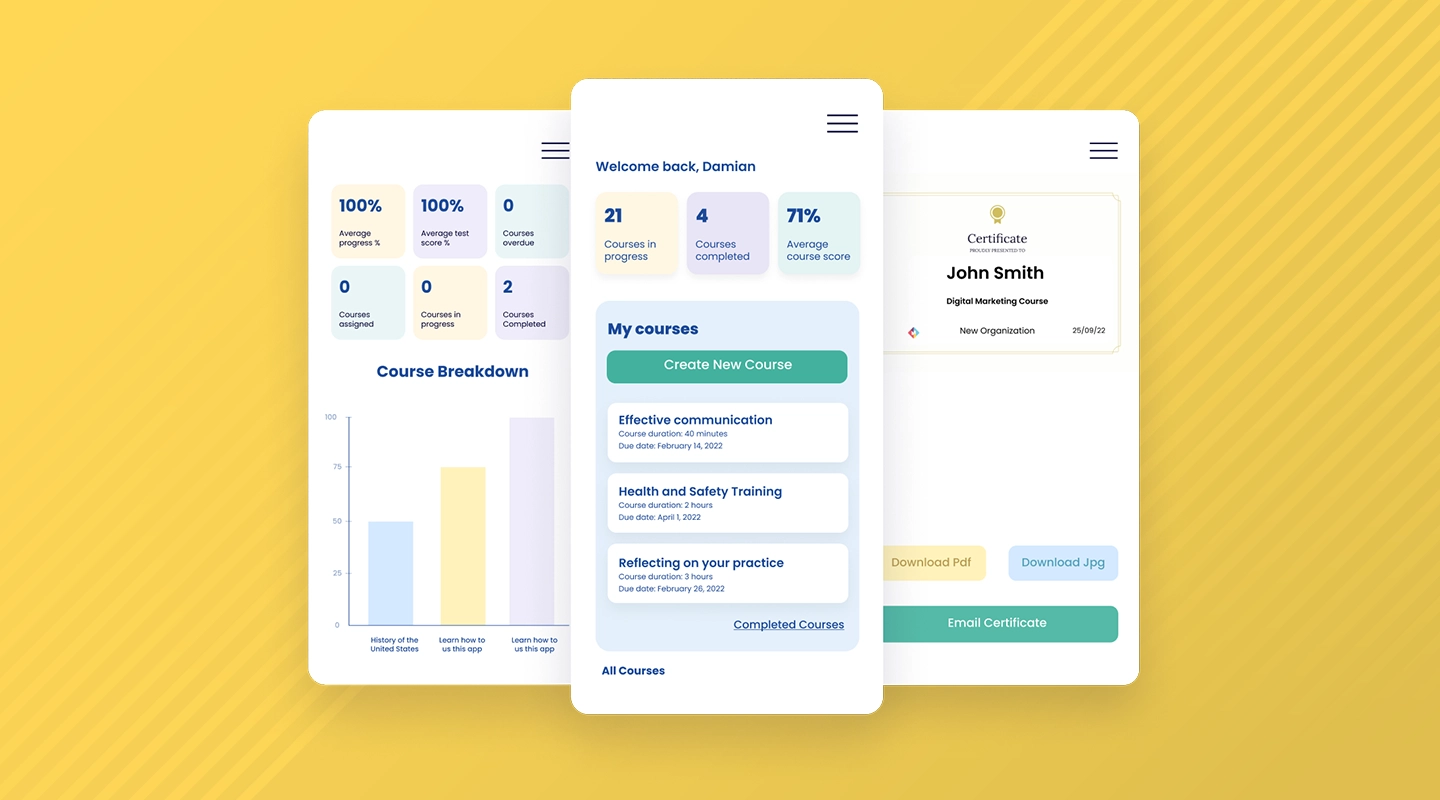
- Advantages: Customizable, user-friendly, excellent analytics
- Disadvantages: Slight learning curve
- Pricing: Offers 3 free web apps to begin, with paid plans offering extra functionality ( starting from $9.99) and custom pricing for enterprise-level customers
- Key Features:
- Mobile solutions
- Fully customizable
- Easy to manage
- Reports
Fliplet is renowned for its highly customizable nature, allowing organizations to tailor the training experience to their specific needs. The interface is designed to be engaging and user-friendly, ensuring an effective learning journey. The advanced analytics provide deep insights into user engagement and training effectiveness.
### TalentLMS
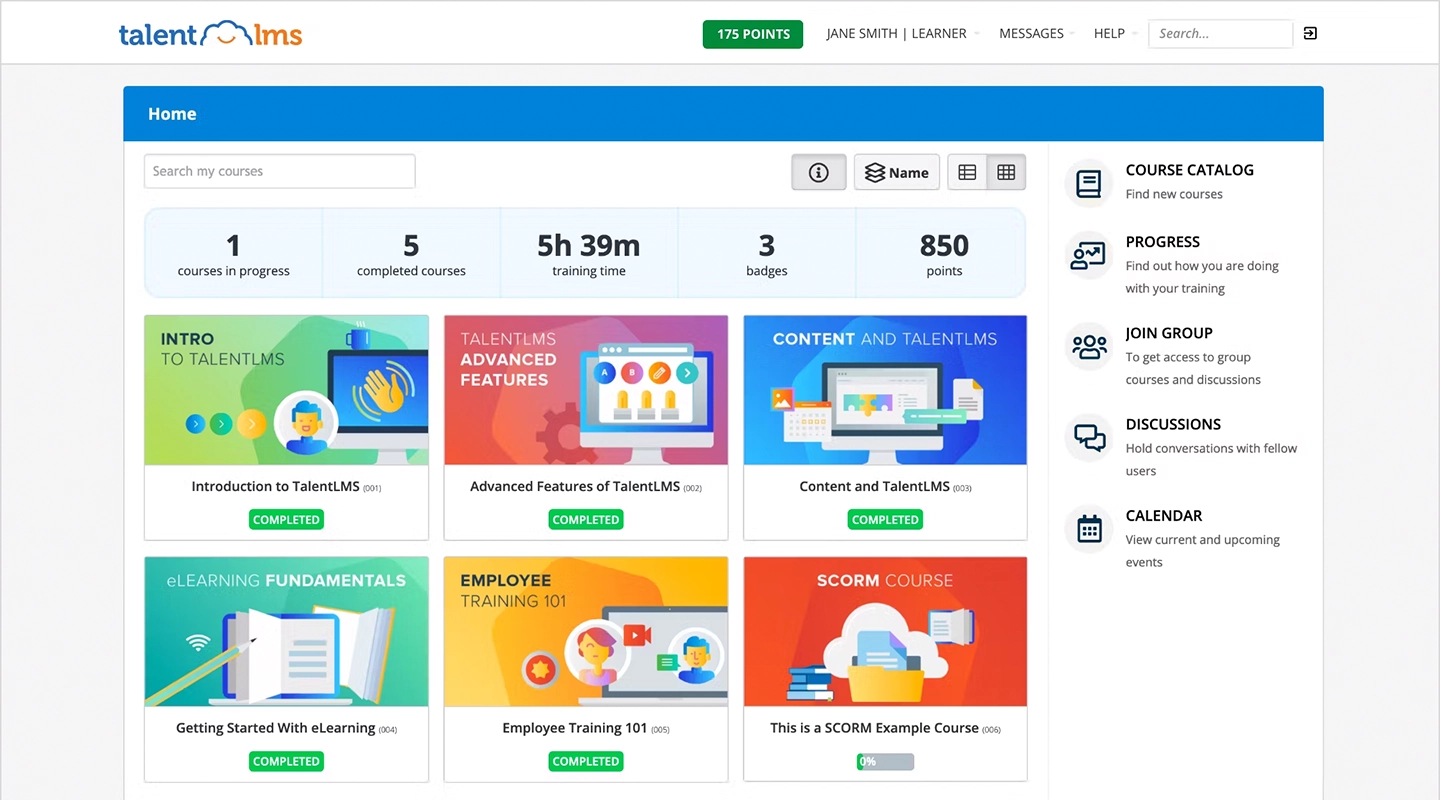
- Advantages: Intuitive design, scalable, good integration capabilities
- Disadvantages: Limited features in free version, customization constraints
- Pricing: A range of monthly plans beginning at $69 a month, with a free trial available
- Key Features:
- Drag-and-drop course creation for full customization
- Live sessions and interaction support
- Progress monitoring
TalentLMS is appreciated for its simplicity and intuitive design, making it a great option for businesses looking for an easily navigable platform. Its scalability ensures that it keeps pace with growing business needs. The platform's ability to integrate seamlessly with various tools adds to its versatility. Its free version is somewhat limited in features, and there might be some constraints in terms of customization.
### Litmos
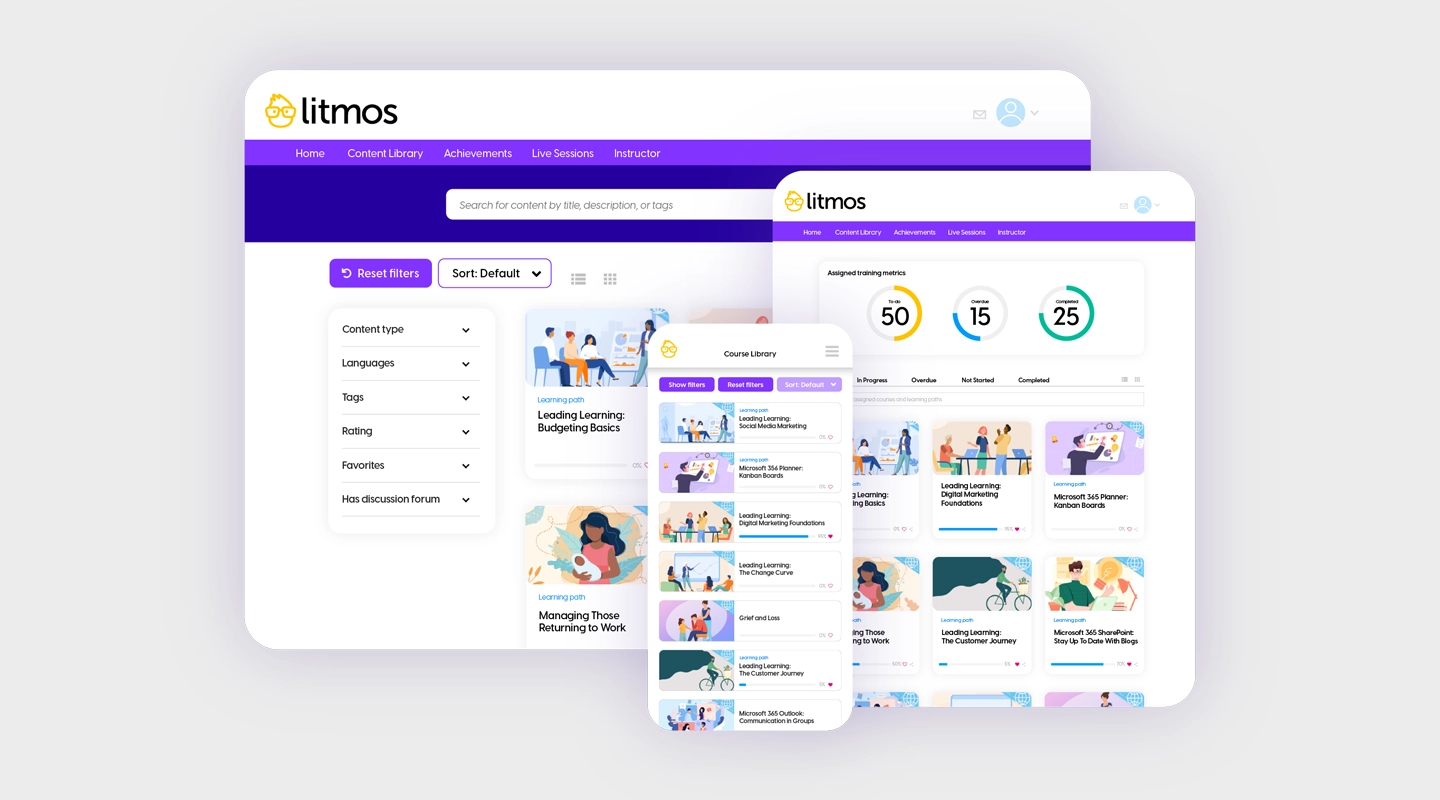
- Advantages: Strong reporting, mobile-friendly, e-commerce support
- Disadvantages: Costly for small businesses, limited social learning features
- Pricing: Custom quotes available by request
- Key Features:
- Cloud-based
- Easy to deploy
- Embedded AI
Litmos is distinguished by its robust reporting capabilities and its mobile-friendly approach, catering to the modern, on-the-go learner. It also stands out for supporting e-commerce functionalities. However, the cost can be prohibitive for smaller organizations, and it falls a bit short in terms of social learning features compared to other platforms.
### Docebo
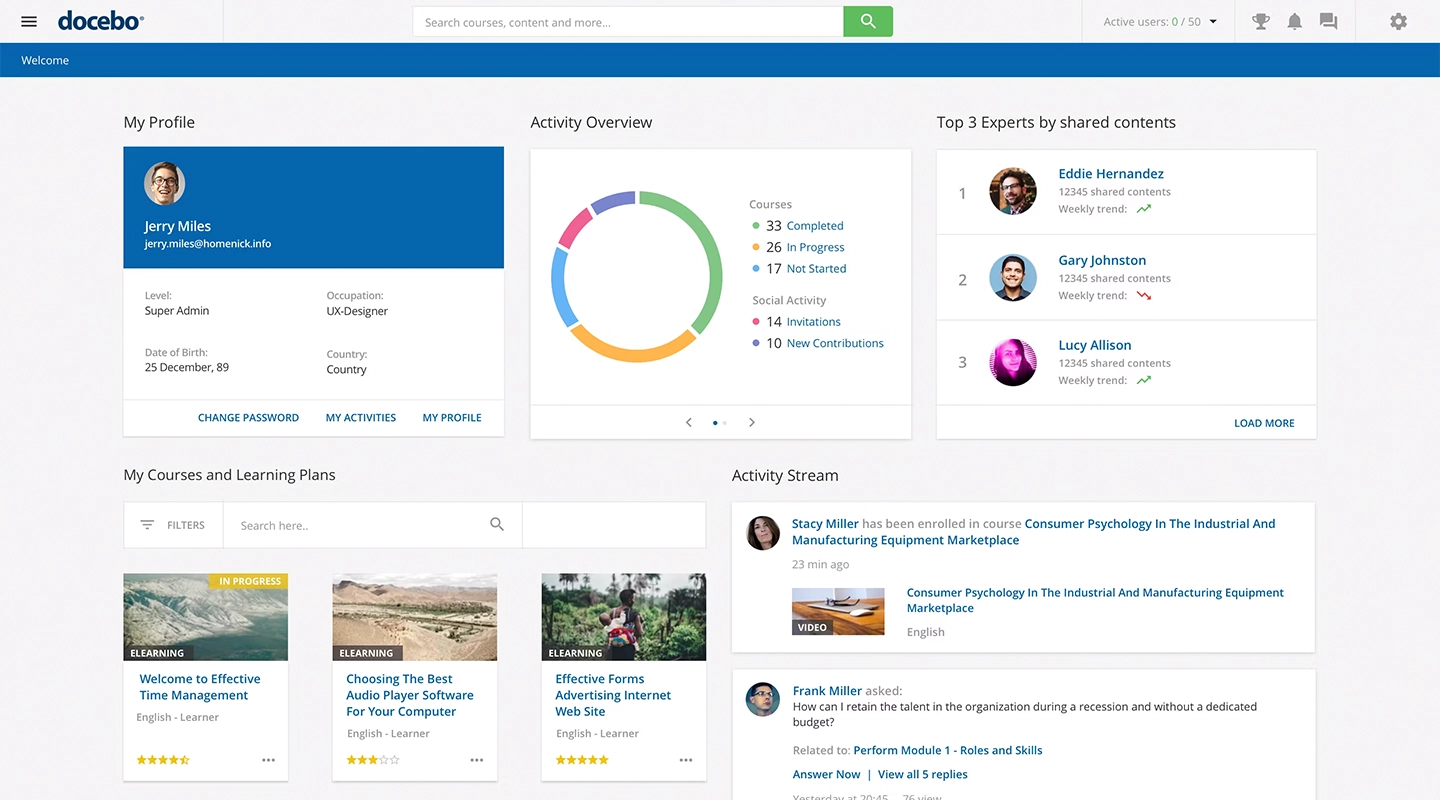
- Advantages: AI capabilities, modern UI, scalability
- Disadvantages: Complex setup, AI focus can be a disadvantage at times
- Pricing: Custom quotes available by request
- Key Features:
- Custom courses
- AI functionality drives the entire platform
- Analytics and auto-generated reports
Docebo is ahead of the curve with its artificial intelligence features, offering a futuristic approach to employee training. The modern user interface is both appealing and functional, enhancing the user experience. The platform is scalable, accommodating the needs of growing businesses. Setting it up can be complex, and the more advanced features come with a higher price tag.
### Bridge LMS
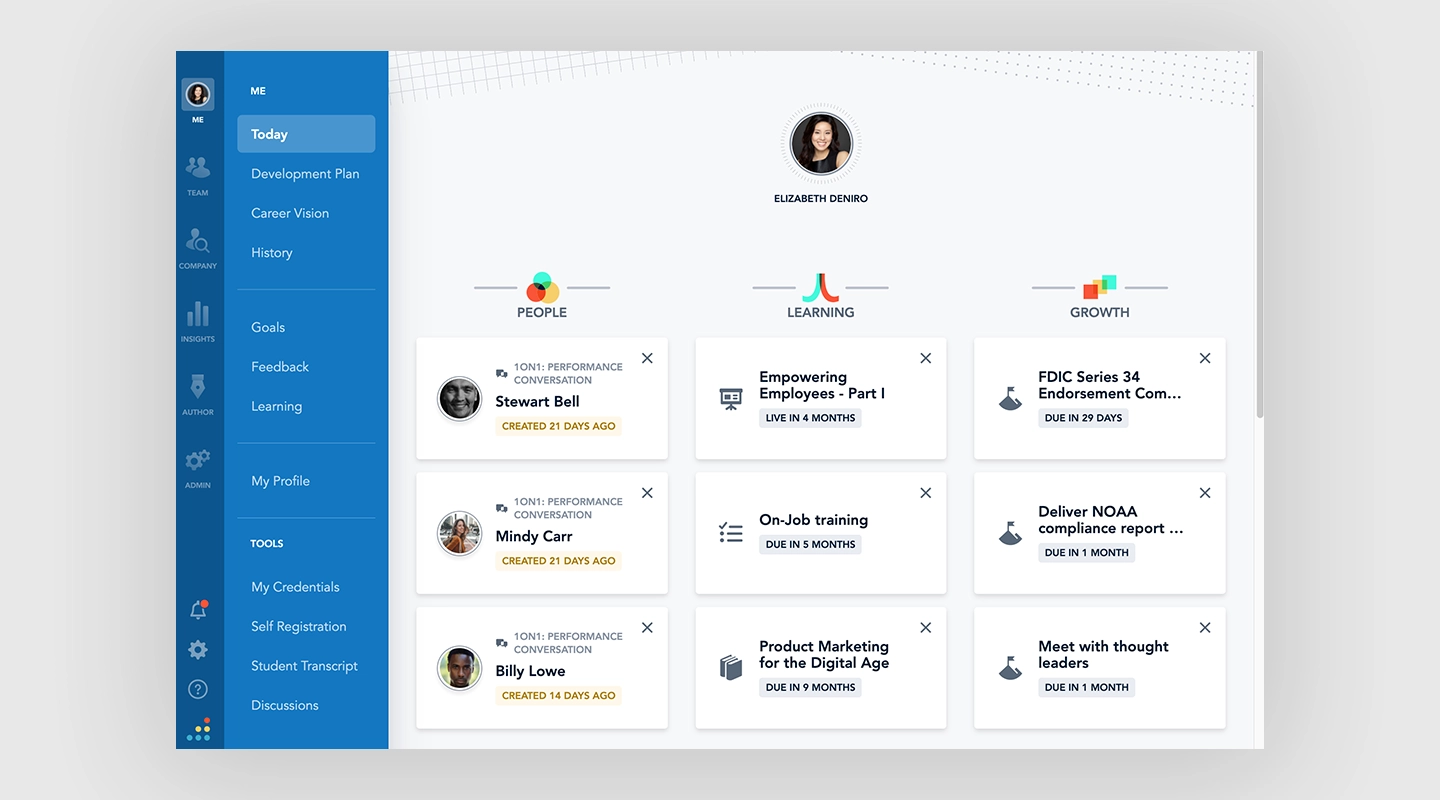
- Advantages: Focuses on employee development, user-friendly, excellent support
- Disadvantages: Limited advanced features, less customization
- Pricing: Custom quotes available by request
- Key Features:
- Create unique learning pathways
- Live training calendar
- Mobile app
Bridge prioritizes employee development, offering a platform that is not only user-friendly but also effective in fostering growth and learning. The customer support is commendable, ensuring users get the most out of their experience. It may not offer as many advanced features as some of its competitors, and customization options are somewhat limited.
### LearnUpon
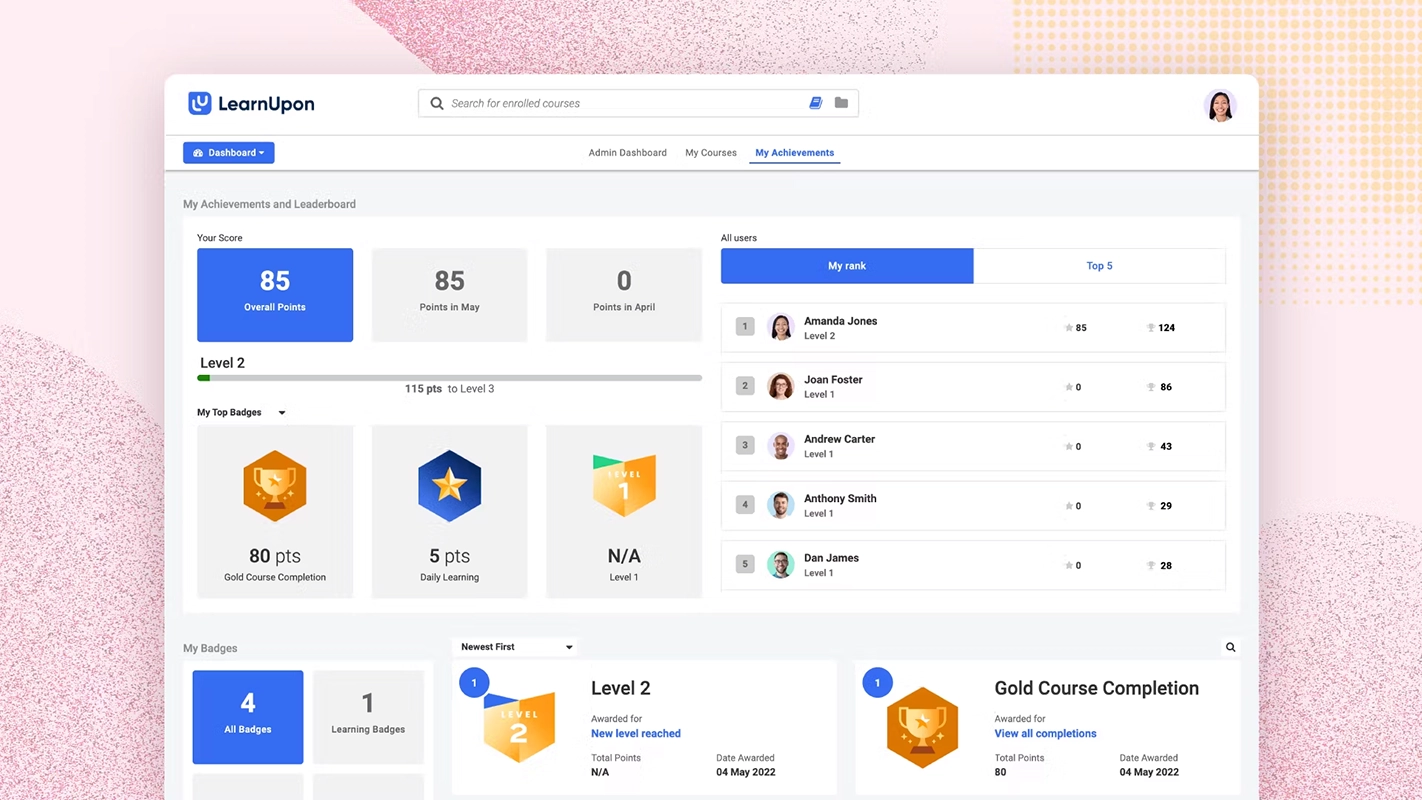
- Advantages: Exceptional customer support, Salesforce integration (at the Enterprise tier)
- Disadvantages: More complex UI, reporting features need improvement
- Pricing: Custom quotes available by request
- Key Features:
- AI integration
- Automate certain tasks (like user creation and enrollments)
- Create training environments for different audiences
LearnUpon stands out for its excellent customer support, ensuring users have a smooth experience. The platform's ability to integrate with Salesforce and other tools enhances its functionality. The user interface can be more complex than some alternatives, and the reporting features might require further refinement to meet the needs of more demanding users.
### Absorb LMS
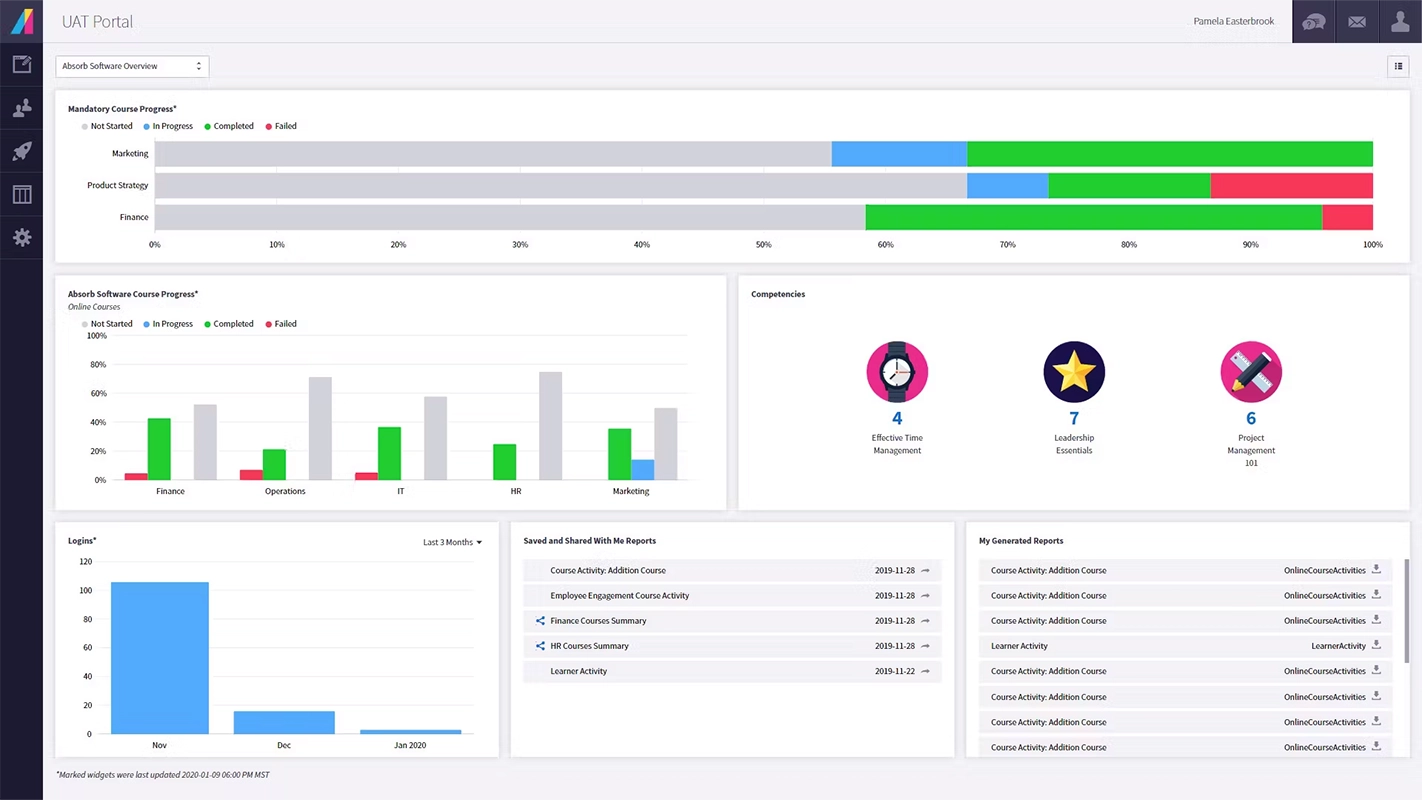
- Advantages: Comprehensive analytics, responsive design, extensive content libraries
- Disadvantages: Can be overwhelming for new users
- Pricing: Custom quotes available by request
- Key Features:
- Plenty of analytics
- Gamification features
- eCommerce integration
Absorb LMS is known for its strong analytics capabilities, providing detailed insights into training effectiveness and employee engagement. Its responsive design ensures a seamless user experience across various devices. The platform boasts a rich library of content, catering to diverse training needs.
### Moodle
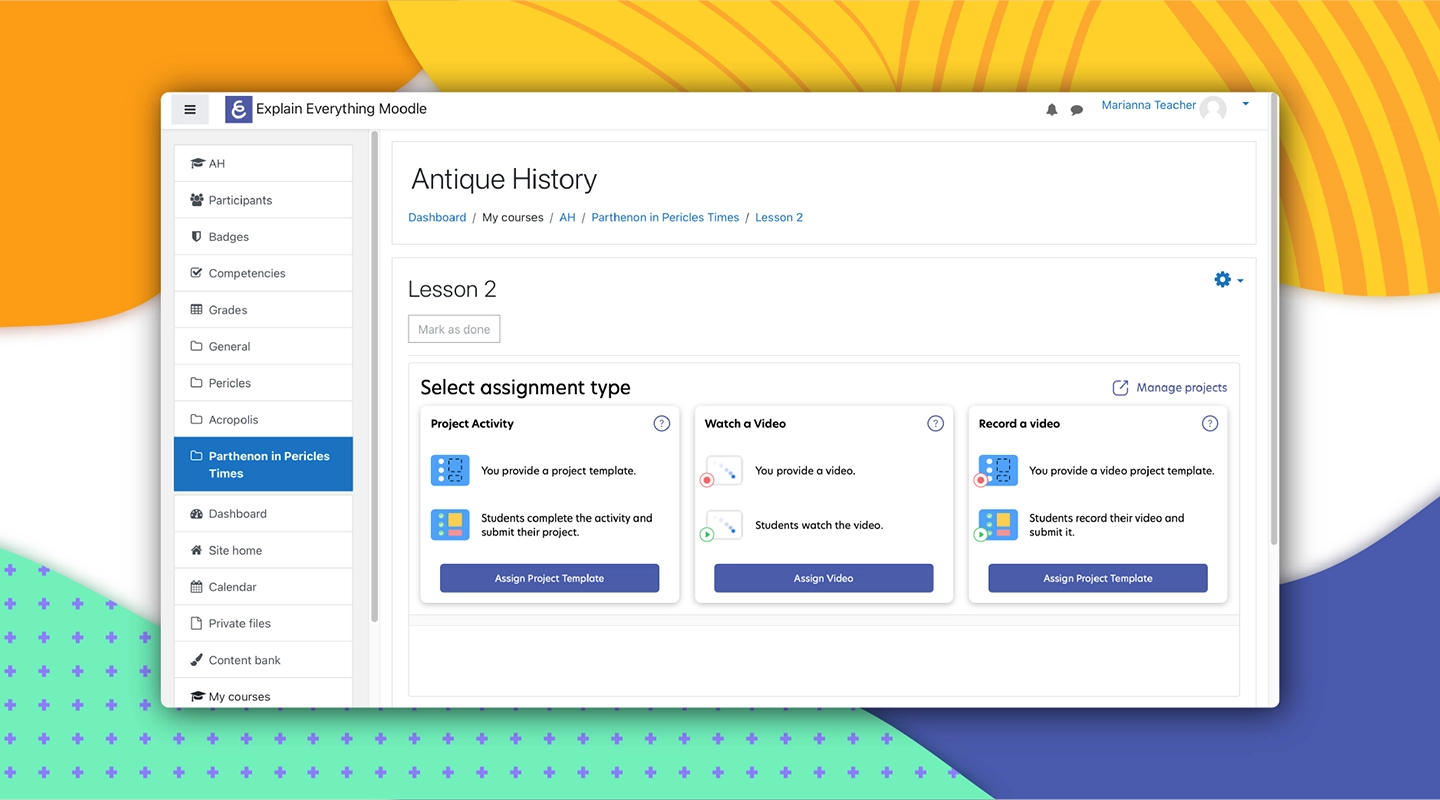
- Advantages: Open-source, highly customizable, strong community support
- Disadvantages: Requires technical know-how, less intuitive interface
- Pricing: Free
- Key Features:
- Given its open-source community, almost limitless
Moodle, an open-source platform, stands out for its high degree of customizability and robust community support. This is a great option if you are specifically looking for a free employee training app. It's particularly appealing to organizations with technical expertise, as it allows for extensive customization. Setting up and maintaining Moodle requires technical knowledge, and its interface is not as user-friendly as some commercial platforms.
### Cornerstone
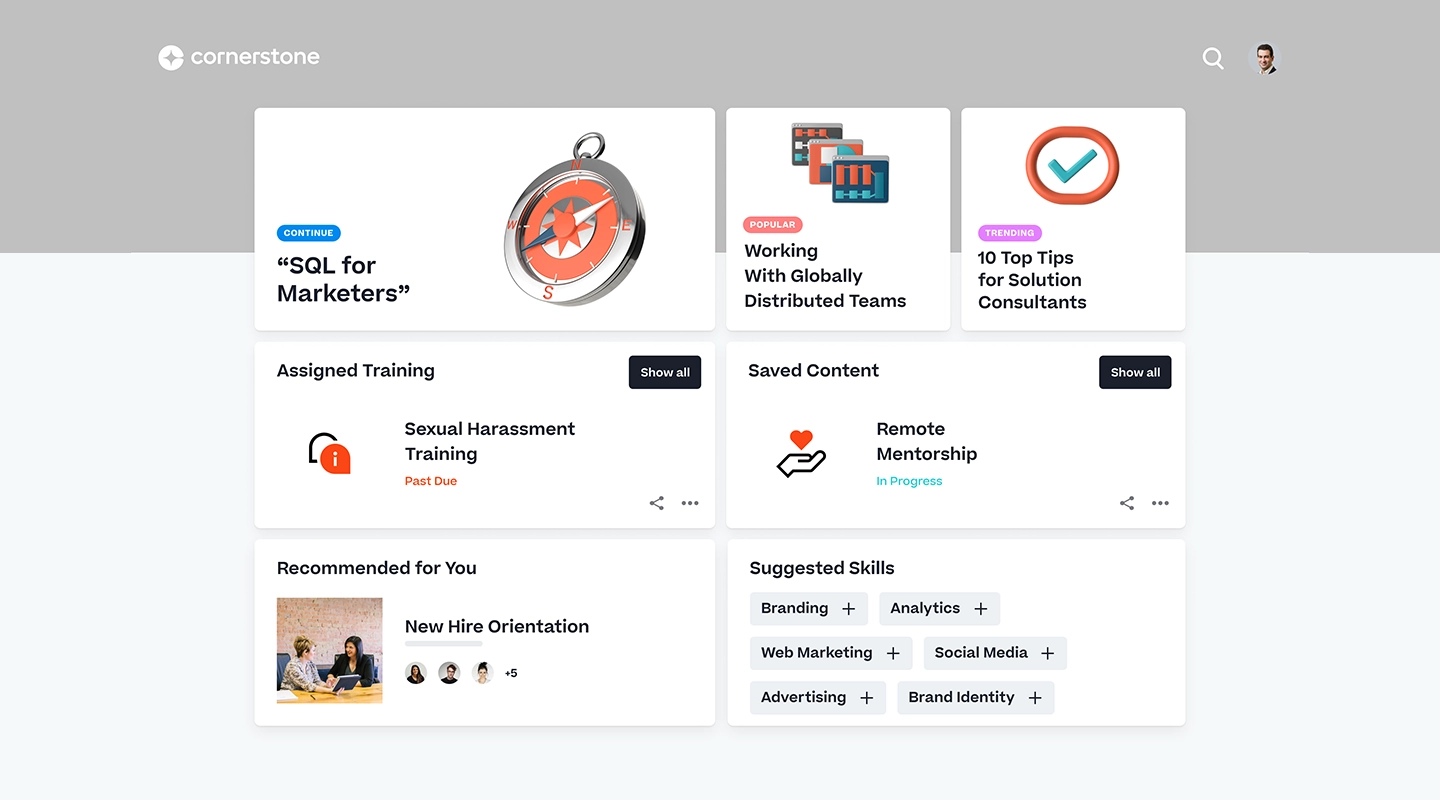
- Advantages: Comprehensive talent management, robust learning paths, good integration
- Disadvantages: Can be complex to navigate, expensive for small companies
- Pricing: Custom quotes available by request
- Key Features:
- Offers standard content management
- Report dashboard
Cornerstone OnDemand offers a comprehensive solution for talent management, including sophisticated learning paths and seamless integration with other systems. This makes it a great choice for larger organizations looking for an all-in-one solution. While nothing jumps out about it, Cornerstone does the job as an LMS, and it can connect with other products of theirs — a benefit if you need to use those, too.
### Skillsoft
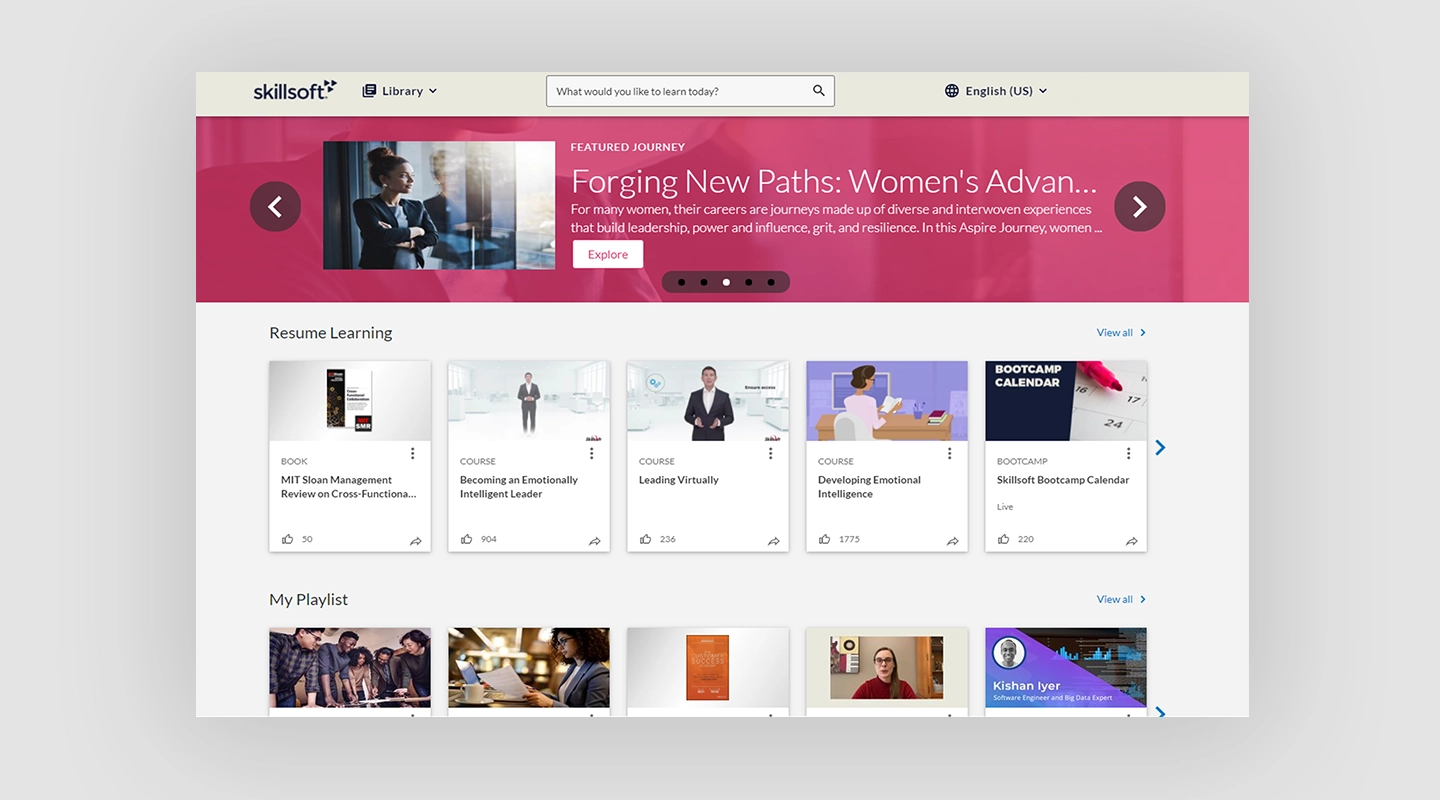
- Advantages: Extensive content library, focuses on skill development, good user experience
- Disadvantages: Less customization, more suitable for large enterprises
- Pricing: Custom quotes available by request, but has limited free access to demo
- Key Features:
- Focused on skill development rather than onboarding
- Range of content
Skillsoft excels with its vast library of content focused on skill development and a user experience that encourages learning. It's particularly well-suited for large enterprises looking for comprehensive skill-building resources. The platform offers less customization compared to others and might not be as suitable for smaller businesses. Skillsoft is more about delivering high-quality, pre-made content for your existing team.
### Whatfix
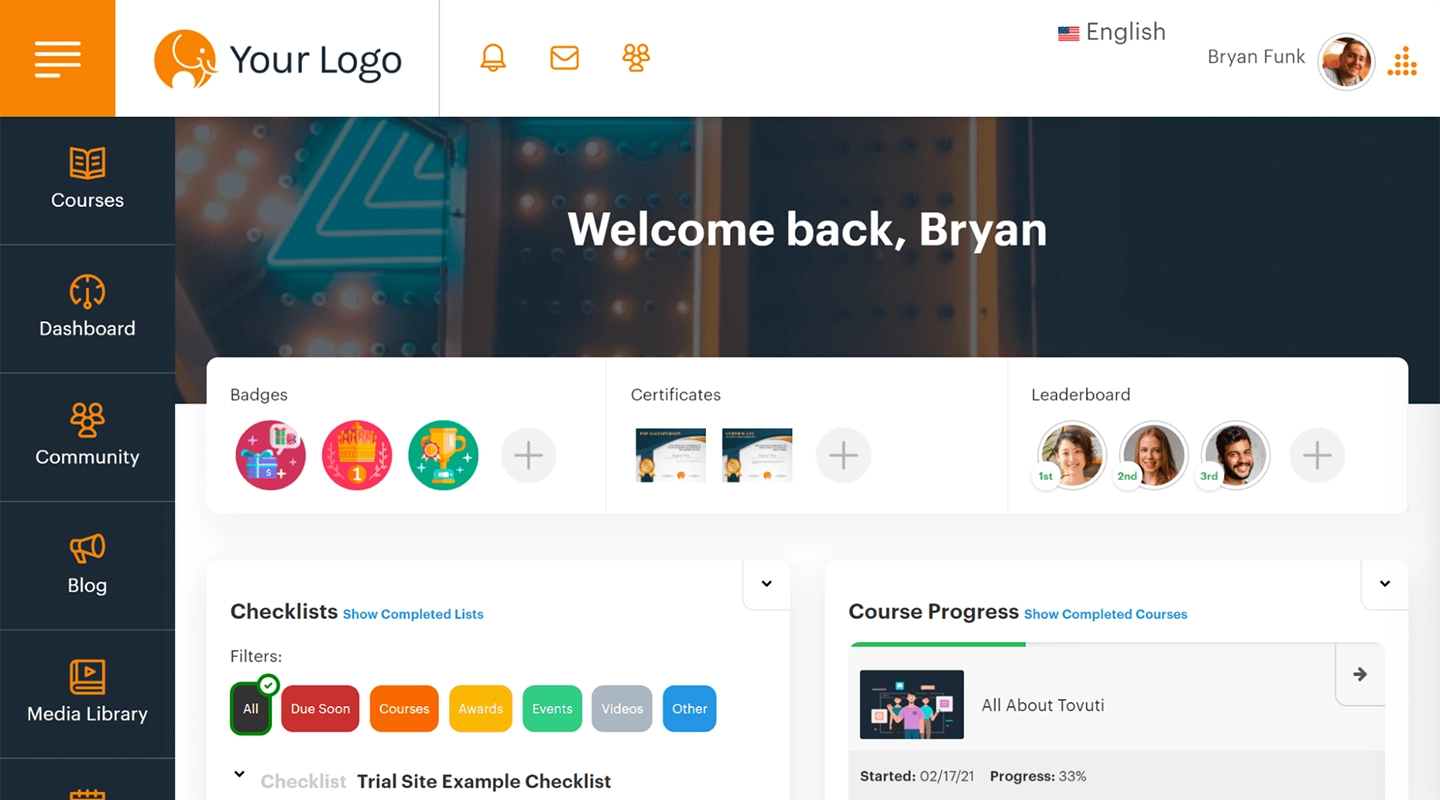
- Advantages: Enhances user adoption, personalized support, extensive integration options
- Disadvantages: Initial setup can be complex, premium pricing
- Pricing: Custom quotes available by request
- Key Features:
- Interactive guides
- Self-help widgets
- Task automation
Whatfix is celebrated for its ability to significantly enhance user adoption of various web applications and software through interactive guides and self-help widgets. It offers personalized support to ensure businesses can fully leverage its features for their specific needs. The platform boasts extensive integration options, making it a versatile choice for improving software adoption rates. The complexity of its initial setup and its premium pricing structure may be considered drawbacks by some organizations.
### Udemy Business
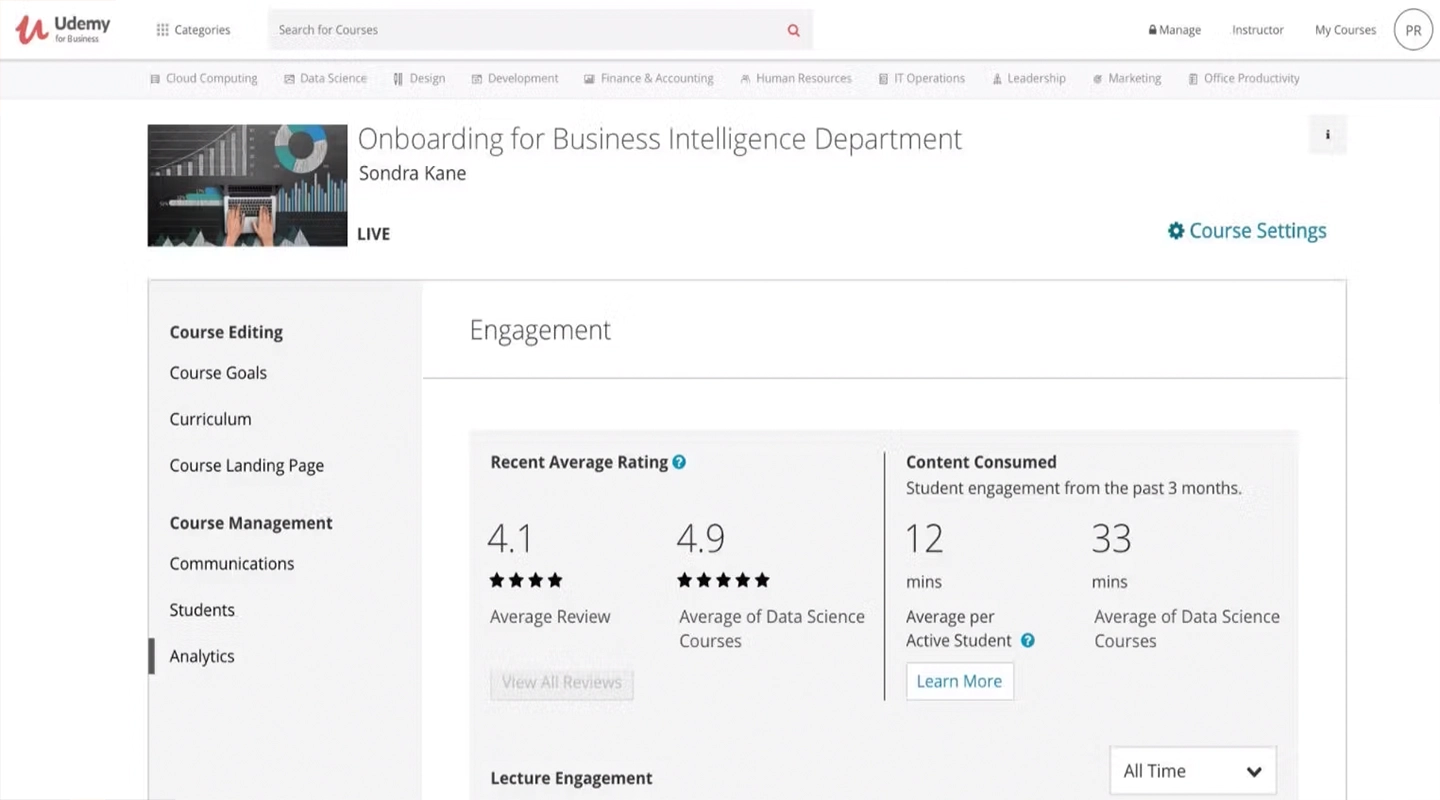
- Advantages: Access to a vast range of courses, user-friendly, flexible learning
- Disadvantages: Limited customization, no proprietary content creation
- Pricing: Custom quotes available by request but has a 14-day free trial
- Key Features:
- Tens of thousands of courses
- Great customer service
- AI integration
Udemy for Business provides access to a vast array of courses, covering various subjects and skills. The platform is user-friendly and supports flexible learning schedules. It offers limited options for customization and doesn't support proprietary content creation, which might be a drawback for some organizations. But given the sheer number of courses available, it will likely satisfy almost any need.
### Adobe Learning Manager
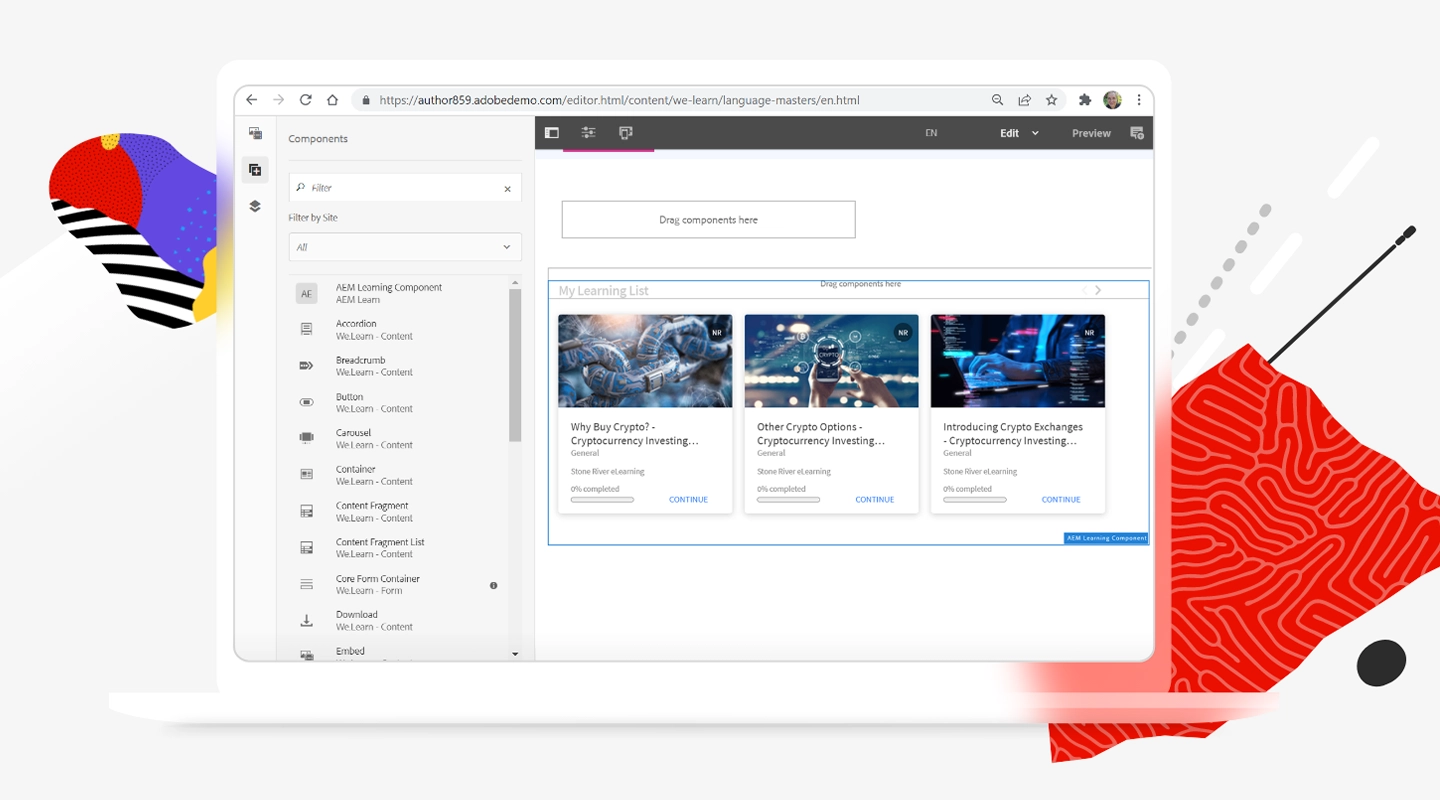
- Advantages: Strong content creation tools, AI-driven recommendations, good scalability
- Disadvantages: Requires time to master all features
- Pricing: Custom quotes available by request but has a 30-day free trial
- Key Features:
- Social features
- Gamification
- Custom courses
Adobe Captivate Prime is known for its powerful content creation tools and AI-driven recommendations, offering a sophisticated and scalable learning solution. The platform is ideal for organizations that want to create custom content. Its users may need time to fully utilize all its features, as is common with Adobe products.
### Pluralsight
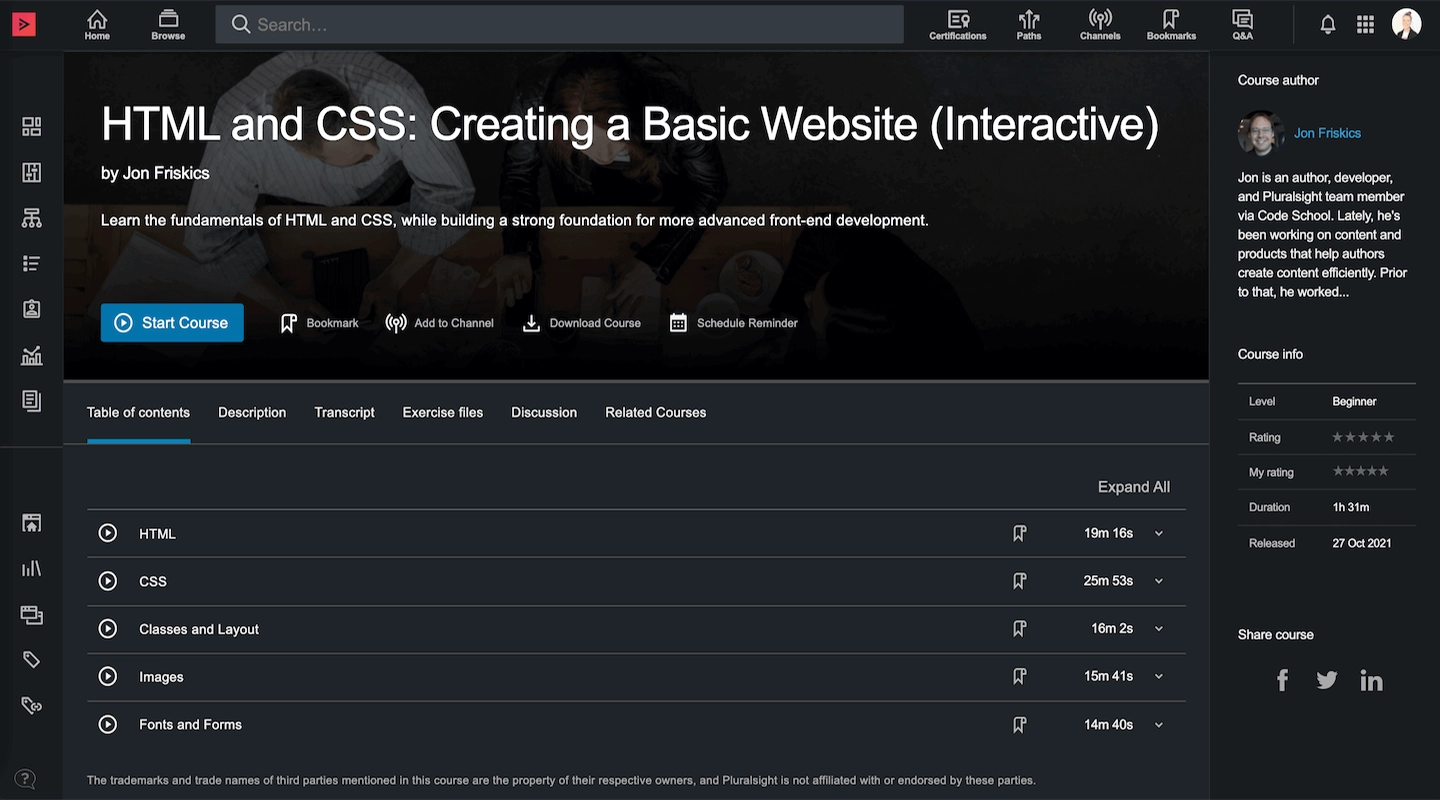
- Advantages: Specializes in tech and creative content, excellent skill assessments, user-friendly
- Disadvantages: Focused primarily on tech and creative sectors, less versatile
- Pricing: Custom quotes available by request
- Key Features:
- Focuses on both onboarding and upskilling/reskilling
- Makes content relevant to a range of sectors
- Skills assessment
Pluralsight specializes in technology and creative content, making it a top choice for organizations in these sectors. Its skill assessments are top-notch, providing valuable insights into employee capabilities. The lack of true customization makes this a perfect fit for some teams but a complete miss for others.
### EdApp
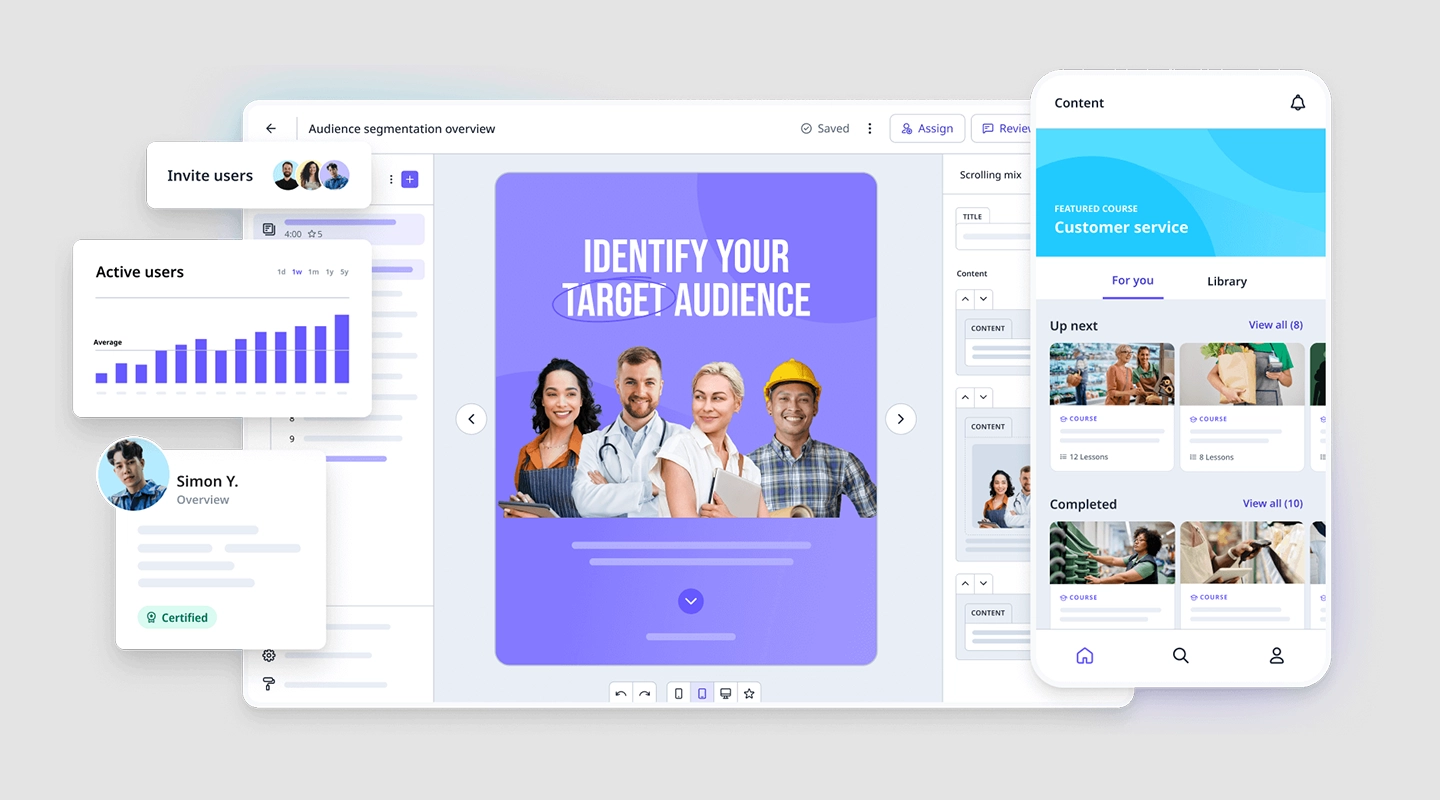
- Advantages: Microlearning focused, gamification elements, good mobile experience
- Disadvantages: Limited in-depth content, more suitable for on-the-go learning
- Pricing: Several tiers, beginning with a free tier up to $5.95 per user per month
- Key Features:
- Content creation
- Gamification
- Social learning features
EdApp is tailored for microlearning, incorporating gamification to make learning engaging and effective. Its mobile experience is particularly well-crafted, suiting on-the-go learning needs. It may not be the best choice for more in-depth training needs, being more suitable for quick, bite-sized learning sessions.
### Methodology used to identify the best employee training apps
Our methodology for identifying the best employee training apps involved a comprehensive evaluation of their features, user reviews, adaptability to different business sizes, and the overall value they bring to an organization's training program.
## Building custom employee training software

Building an employee training app with Fliplet is straightforward and requires no advanced technical skills. Follow these steps to get started:
1. **Choose the Learning Solution
**Once logged in, explore the variety of templates Fliplet offers for creating employee training apps. Select the one that best fits your organization's training needs.
2. **Customize Your App
**Utilize Fliplet's drag-and-drop interface to customize the chosen solution. You can add or remove features, change the design, and incorporate your branding elements to make the app uniquely yours.
3. **Add Content
**Populate your app with training materials such as videos, PDFs, quizzes, and interactive modules. Fliplet allows for easy content integration, ensuring your app is both informative and engaging.
4. **Test Your App
**Before launching, use Fliplet's preview feature to test your app on multiple devices. This ensures the app functions smoothly across different platforms and devices.
5. **Publish
**Once you're satisfied with the app, follow Fliplet's publishing guide to deploy your training app. You can choose to make it available on app stores or distribute it privately within your organization.
6. **Roll Out to Employees
**Announce the launch of your new training app to your employees. Provide them with instructions on how to download and use the app for their training.
## How to select employee training software
Selecting the ideal employee training software for your organization is a pivotal decision that can significantly influence the effectiveness of your training programs. Here's an expanded guide to help you navigate this process:
- **Assess organizational needs:** Start by evaluating your company's training objectives. Understand the skills and knowledge your employees need to acquire and how these align with your organizational goals. Consider the size of your workforce and the diversity of their learning needs. This step is crucial for identifying the features you require in a training platform.
- **Evaluate training content requirements:** Determine the types of training materials you'll be using. Will your program rely heavily on video tutorials, interactive modules, or written content? The answer will guide you towards software that excels in supporting your specific content types.
- **Consider integration needs:** Examine your current tech stack to identify potential integration points. Your new training software should seamlessly integrate with existing HR systems, such as employee performance tracking and payroll software, to streamline data management and reporting.
- **Budget planning:** Define your budget for employee training software. Remember, the most expensive option is not always the best fit. Consider both upfront costs and ongoing expenses, such as subscription fees, content creation, and software updates.
- **Scalability:** Look for software that can grow with your organization. Scalability is essential to accommodate an increasing number of users or more complex training needs without significant additional costs or the need for a system change.
- **User experience:** The software should boast a user-friendly interface that is accessible to all employees, regardless of their tech-savviness. A straightforward and engaging user experience increases adoption rates and ensures that employees can focus on learning rather than navigating the software.
- **Robust customer support:** Ensure the software provider offers comprehensive customer support, including training for your administrators, help desks for user issues, and technical support for system integrations.
- **Solicit employee feedback:** Before making a final decision, consider conducting a pilot program with a small group of users or requesting demos from the software provider. Gathering feedback from actual users can provide valuable insights into the software's effectiveness and user-friendliness.
- **Review analytics and reporting tools:** The ability to track and analyze employee progress is crucial. Ensure the software offers detailed analytics and reporting tools that allow you to measure the success of your training programs and identify areas for improvement.
- **Security and compliance:** Verify that the software complies with relevant data protection regulations and industry standards to safeguard your company's and employees' data.
## AI in employee training software
Integrating AI in employee training apps is revolutionizing how organizations approach learning and development. It allows training programs to cater to individual learning styles, and this personalization extends to adapting content in real time based on an employee's progress.
Analyzing how employees interact with the material, AI can forecast learning outcomes and offer insights for continuous program improvement. This not only aids in refining training approaches but also in identifying potential areas where employees might struggle, allowing for timely interventions.
AI also significantly enhances efficiency through automation, handling administrative tasks, and providing 24/7 support through virtual assistants. This automation extends the reach and scalability of training programs, making learning more accessible and flexible, accommodating diverse schedules and learning paces.
## Employee training software budget factors
The budget for building an employee training app varies widely depending on the app's complexity and the specific features you require. For a custom-built app, costs can range from a few thousand to tens of thousands of dollars. However, there are also cost-effective solutions like off-the-shelf apps or building an app using free tools, which can significantly reduce expenses.
## Choosing employee training software
Choosing the right employee training app is crucial for the development and implementation of an effective training program. By considering factors such as your organizational needs, budget, and the specific features of each app, you can select a tool that not only enhances learning experiences but also contributes to the overall success of your employees and your business. Remember, the best employee training software is one that aligns with your unique training goals and empowers your employees to learn and grow.
## Employee Training App FAQs
Online training software and learning management systems (LMS) often overlap in functionality but aren't exactly the same. An LMS is a comprehensive platform designed to manage all aspects of the learning process, including creating, delivering, and tracking educational courses. Online training software, which can be a type of LMS, specifically focuses on the delivery and management of training programs for employees.
When selecting an online employee training platform, consider factors like ease of use, customization options, mobile accessibility (employee training mobile app), integration with other tools, and analytics capabilities. Also, check if the platform offers features like employee training tracking software or an employee training check-in app for streamlined management.
Employee training can be tracked using employee training tracking software, which is often a feature of broader employee training platforms. This software allows you to monitor progress, completion rates, and assess performance, ensuring that your training program for employees is effective.
The best training methods vary depending on the organization and employees. Popular methods include interactive e-learning courses (offered by online training software for employees), in-person workshops, webinars, and microlearning modules. A mix of these methods, often facilitated by a versatile employee training platform, can cater to different learning styles.
To create an employee training program, start by identifying the training needs of your employees. Then, develop learning objectives and choose the appropriate training platform or employee training program app. Ensure the content is engaging and relevant, and use an employee training system to organize and deliver the training.
The best online training software depends on your specific needs. Options like TalentLMS, Docebo, and Litmos are highly regarded. For mobile-focused training, consider an employee training mobile app. It's important to evaluate features, ease of use, and cost when choosing software for online training.
A training program for employees is a structured plan designed to enhance the knowledge, skills, and performance of workers. It can be delivered through various methods, including online employee training platforms, in-person sessions, or a blend of both.
To create an employee training course, define your objectives, design the curriculum, select the appropriate training software or app (like an online employee training and management app), and develop engaging content. Incorporate interactive elements and assessments to enhance learning.
Creating an online training program involves identifying learning goals, choosing the right online training platform or employee training software, designing course content, and integrating interactive and multimedia elements. Utilize features like training platforms for employees to ensure the program is accessible and engaging.
### More employee training resources
## Discuss your training software requirements
## Related links
- [10 Best Coaching Apps to Elevate Your Business](https://fliplet.com/blog/10-best-coaching-apps/): In this blog, Fliplet have compiled a list of the 10 best Coaching Apps to elevate your business in 2026.
- [Training apps: Digitizing medical training in Sierra Leone](https://fliplet.com/case-studies/masanga-uk/): Read this case study to see how Masanga UK created a secure and reliable app to digitize medical training.
- [5 Reasons Why Your Training Strategy Should Be Mobile](https://fliplet.com/blog/5-reasons-why-your-training-strategy-should-be-mobile/): How can you create an effective training strategy, and why it should be mobile? In this article, we analyze the best practices for winning training.
---
# 15 Best HR Apps for Human Resources Managers in 2026
> Compare top HR apps for 2026 across recruitment, onboarding, engagement, and performance management workflows.
Source: https://fliplet.com/blog/15-hr-apps-that-will-change-the-way-you-work/
Content type: Blog
Published: 2026-04-28T14:31:36
Updated: 2026-02-20T09:05:00
Read time: 22 minutes
# 15 Best HR Apps for Human Resources Managers in 2026
HR professionals find themselves In a fast-paced environment, and they’re looking for just about anything to boost efficiency and streamline operations. This is where the best HR apps and HRIS applications come into play, offering technological solutions to some of the most common issues in the field.
Research reference: [SHRM HR technology insights](https://www.shrm.org/topics-tools/topics/hr-technology) highlight how modern HR teams use digital tools to improve efficiency and employee experience.
This software helps HR professionals and employees by giving everyone [access to better communication](https://fliplet.com/solution/employee-engagement-app/), improved workflow, and a more engaging work experience.
HR apps with a mobile emphasis can make it even that much more convenient. So whether you're on the move or working remotely, mobile HR software provides the flexibility and convenience needed to keep up with the demands of modern business.
From small startups to large enterprises, there's a suite of human resources tools designed to meet the unique needs of every organization. But how do you find the right one?
We've made it easy with this guide to the best HR apps.
## The Best 5 Mobile HR Applications of 2026
Finding the right HR app can be a game-changer for any organization looking to enhance efficiency, engagement, and employee satisfaction. In 2026, the focus is sharper than ever on [mobile HR applications](https://fliplet.com/blog/how-an-app-maker-can-help-future-proof-hr/) that offer not just versatility and user-friendliness but also robust functionality to cater to the dynamic needs of human resources departments. Here, we've curated a list of the top 5 mobile HR applications, each excelling in a specific domain of HR management.
### 1.Fliplet – Best App for Custom HR Solutions
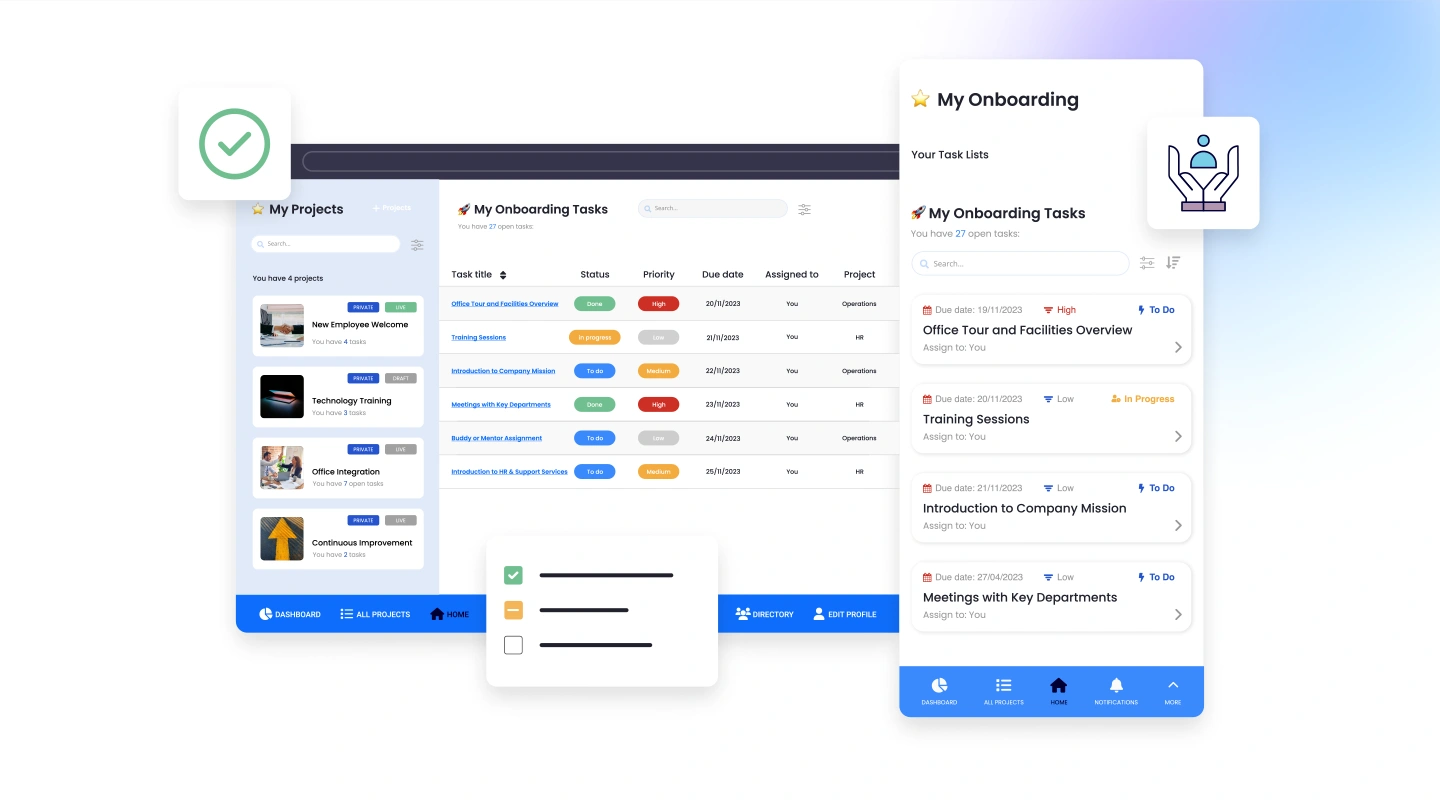
Fliplet is the industry leader in custom HR solutions, offering unparalleled flexibility and creativity in developing mobile HR applications tailored to specific organizational needs. With its no-code platform, HR departments can effortlessly create apps for everything from onboarding and performance management to employee engagement and feedback. This app democratizes app development within HR, enabling companies of any size to implement personalized solutions that reflect their unique culture and operational requirements.
### 2.EngagePlus – Best App for Employee Engagement
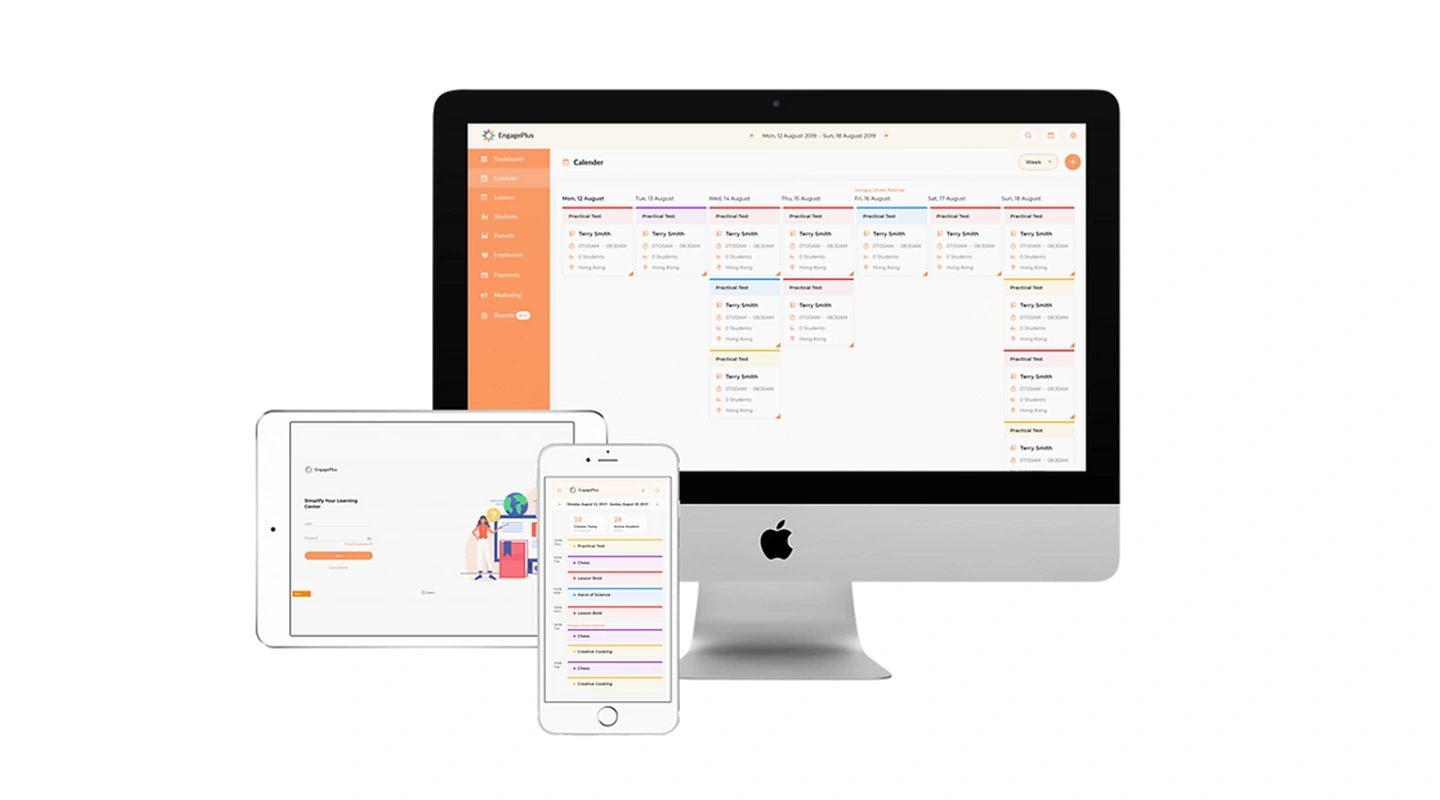
EngagePlus is a mobile solution focused on boosting employee engagement and morale. It offers a wide array of features, such as peer recognition, rewards programs, and real-time feedback channels. With its intuitive design and user-friendly interface, EngagePlus helps create a positive work culture that values and recognizes employee contributions.
### 3.OnBoardMe – Best App for Onboarding and Offboarding
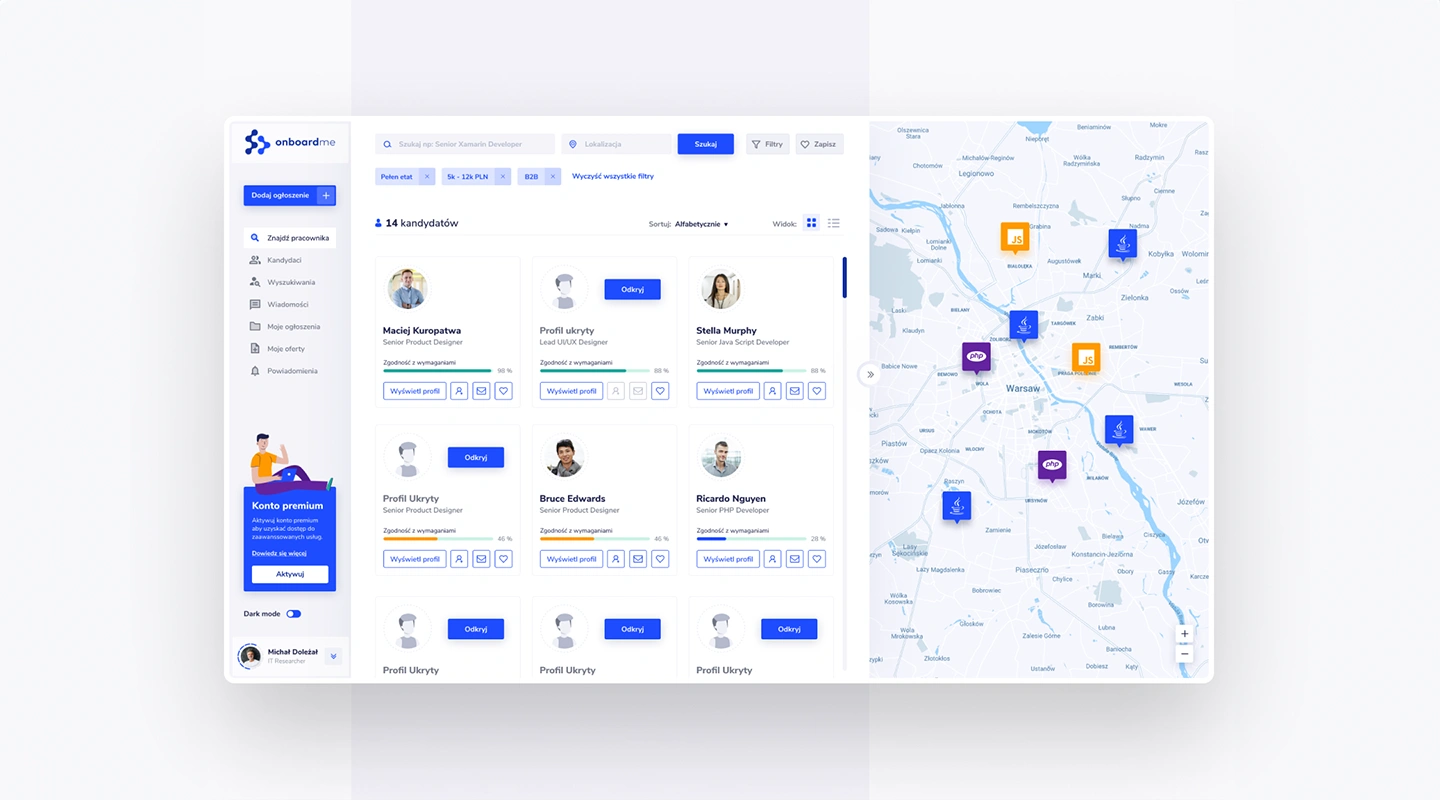
The transition periods for employees, whether joining or leaving, are critical. OnBoardMe offers a streamlined solution for managing these transitions with ease. Its features include digital paperwork, orientation schedules, and a resource library for new hires. For offboarding, it provides exit interview templates and deactivation checklists, ensuring a smooth and organized process.
### 4.LeaveWizard – Best App for Leave Management
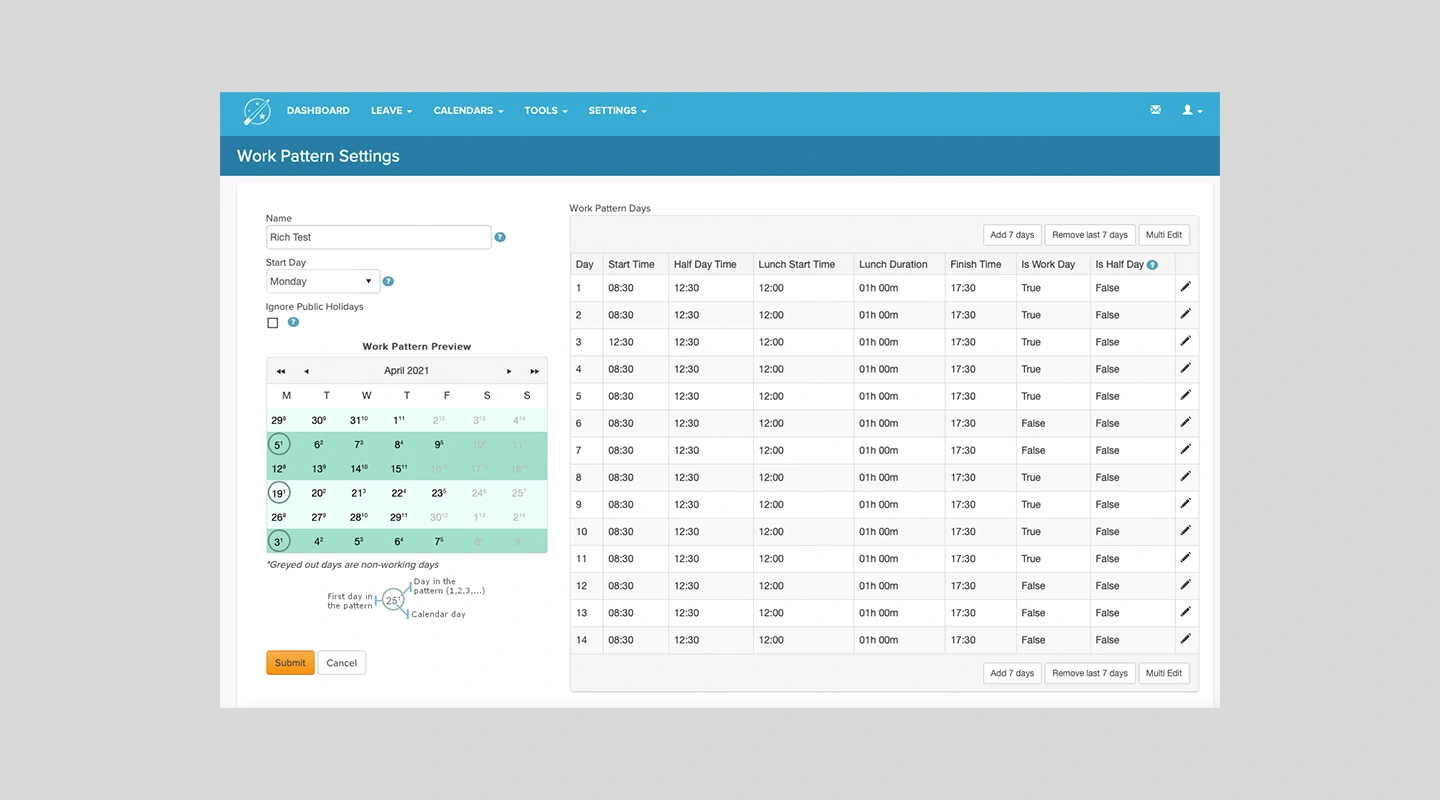
Leave management can be a logistical challenge, but LeaveWizard makes it a breeze. This app specializes in tracking leave requests, approvals, and balances in real time, offering transparency and ease of use for both employees and HR managers. Its calendar integration and customizable rules for different types of leave make it a standout choice for managing absences efficiently.
### 5.TalentScout – Best App for Recruitment and Talent Acquisition
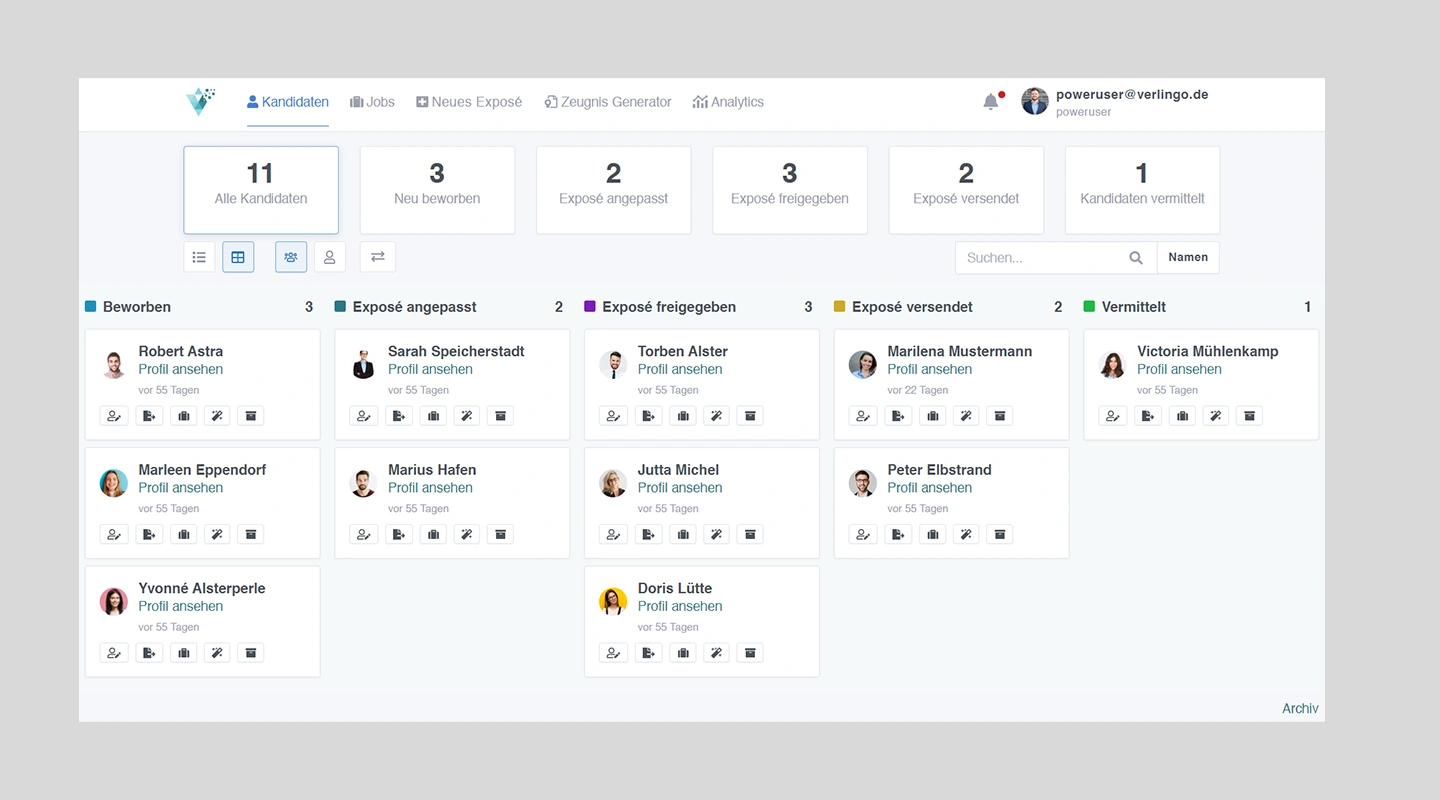
In recruitment, TalentScout is the go-to app for finding and attracting top talent. Its capabilities include job posting distribution, applicant tracking, and communication tools, all designed to enhance the recruitment process. With advanced filtering options and integration with social media platforms, TalentScout streamlines the hiring process, making it faster and more effective.
## What are HR apps and HRIS applications?
HR apps, or Human Resources applications, are the modern-day superheroes that rescue HR teams, helping them effortlessly manage their workforce. These apps come in various forms, each with a unique set of features that cater to the diverse needs of HR professionals throughout the employee lifecycle. We believe that HR apps fall under 5 different main categories, which can be listed below with there subcategories.
For more on [employee engagement, read our blog.](https://fliplet.com/blog/5-most-used-employee-engagement-apps-compared/)
### 1.Recruitment Apps
These apps help HR professionals manage the hiring process by providing tools for organizing employee information, streamlining the hiring request process, and tracking applicants. They are crucial in attracting, evaluating, and managing potential candidates.
- **Employee Information System:** This type of app stores and manages employee data, from personal information to job-related details, making it easy for HR teams to access and maintain employee records.
- **New Staff Hiring Request:** These apps help managers and HR teams to create, submit, and approve hiring requests, ensuring smooth communication and efficient processing of new job openings.
- **Applicant Tracking System:** Applicant tracking apps automate the process of tracking candidates throughout the recruitment funnel, making it simpler to evaluate, manage, and communicate with potential hires.
### 2.Onboarding and Off-Boarding Apps
These apps facilitate seamless transitions for employees as they join or leave an organization. They help HR teams automate and manage various employee onboarding and off-boarding tasks.
- **Employee Onboarding:** Onboarding apps provide tools for managing paperwork, digital training resources, and orientation processes, ensuring a smooth and successful start for new employees.
- **Employee Off-Boarding:** Off-boarding apps help HR teams efficiently manage the tasks and processes associated with employee departures, from exit interviews to the return of company equipment.
### 3.Human Resource Management Apps
Human Resource Management apps provide essential tools for HR departments to effectively manage various employee-related processes, such as leave management, job changes, and benefits administration. These applications help organizations maintain a well-organized and efficient workforce while ensuring employee satisfaction.
- **Leave Management:** Leave management apps enable HR professionals to track and approve employee leave requests, monitor absence patterns, and ensure compliance with company policies and legal regulations. These tools help maintain a healthy work-life balance for employees while minimizing disruptions in productivity.
- **Job Changes and Transfers:** Job change and transfer apps assist HR teams in managing internal employee movements, such as promotions, lateral transfers, or departmental shifts. These applications facilitate smooth transitions, support employee growth, and help organizations retain top talent by providing suitable opportunities.
- **Benefits Administration:** Benefits administration apps empower HR specialists to manage and track employee benefits, such as health insurance, retirement plans, and paid time off. These tools simplify the process of enrolling employees in benefits programs, updating their information, and ensuring regulatory compliance, ultimately contributing to overall employee well-being and satisfaction.
### 4.Performance Management Apps
Performance management apps provide HR teams with tools to support employee growth and development. They help organizations set goals, track progress, and evaluate performance fairly and consistently.
- **Training Management:** Training management apps enable HR professionals to create, deliver, and track employee training programs, ensuring that employees have the necessary skills to excel in their roles.
- **Performance Reviews:** Performance review apps help HR teams and managers conduct thorough, unbiased evaluations of employee performance, providing a platform for setting goals, tracking progress, and offering feedback.
- **Employee Self-Service:** These apps empower employees to manage their personal information, goals, and performance reviews, fostering a sense of ownership and engagement in their own development.
### 5.Employee Engagement Apps
Employee engagement apps focus on fostering a positive work environment by providing tools for effective communication, recognition, and feedback. They contribute to increased employee motivation and satisfaction.
- **Employee Communication and Collaboration:** These apps offer platforms for employees to communicate, collaborate, and share information, fostering strong relationships and teamwork.
- **Employee Recognition and Rewards:** Recognition and rewards apps provide a way for managers and colleagues to acknowledge and celebrate individual or team achievements, contributing to a positive company culture.
- **Employee Feedback and Surveys:** Feedback and survey apps allow employees to share their opinions, ideas, and concerns with management, ensuring everyone's voice is heard and promoting continuous improvement.
With these categories in mind, let's dive into our list of 15 HR apps that are changing how HR works!
For more on building a [custom app](/blog/custom-application-development-in-six-steps/), read our blog.
## 15 Best HR Apps per Category
### 1. Best Recruitment Apps
#### Bamboo HR
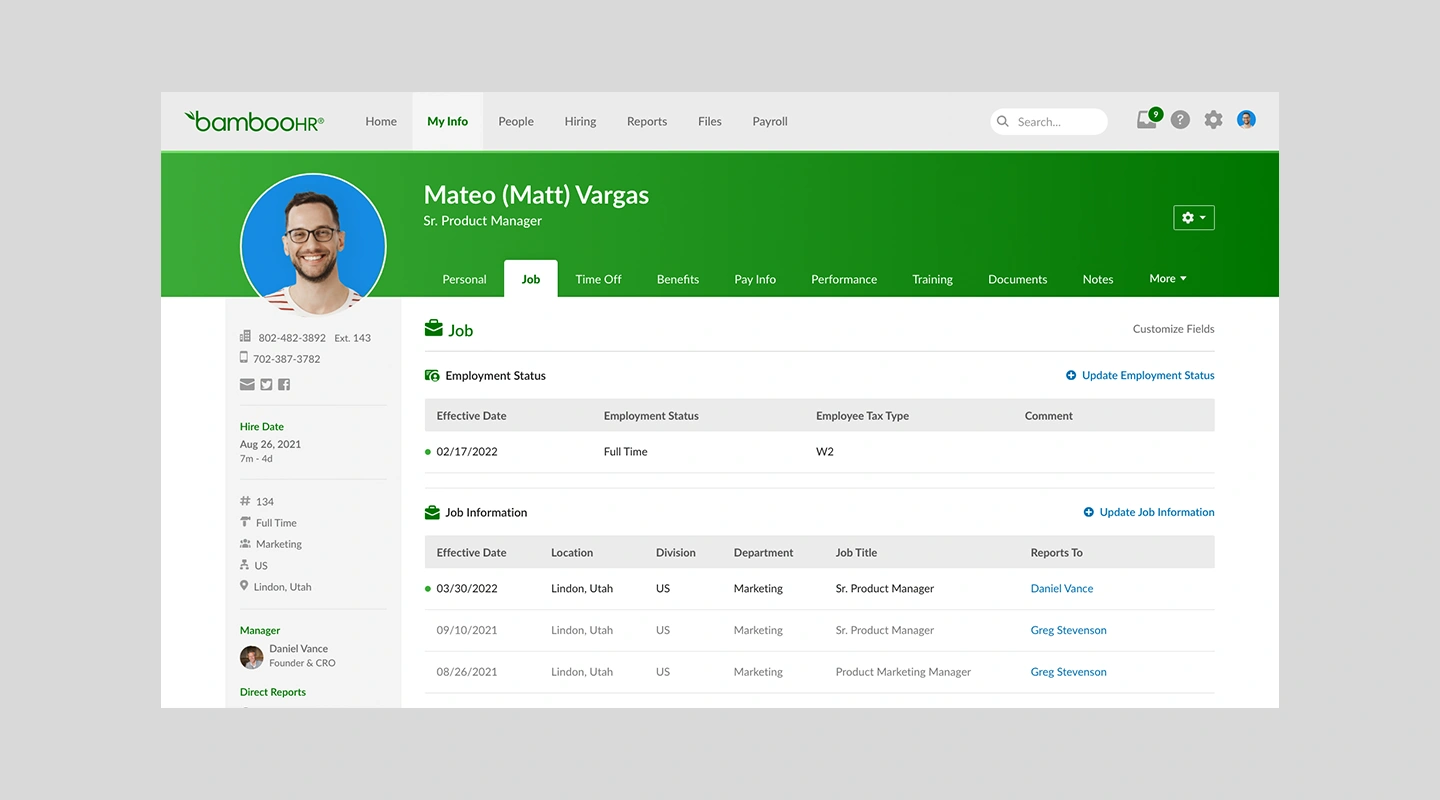
Bamboo HR is best used as a recruitment app.
##### Key Features:
- Comprehensive applicant tracking system (ATS)
- Customizable job postings and application forms
- Integrated onboarding tools for seamless transition of new hires
- Detailed reporting and analytics for tracking hiring success
##### Advantages:
- User-friendly interface and easy-to-navigate platform
- Integrates with various third-party applications, including payroll and benefits providers
- Comprehensive reporting capabilities for better decision-making
- Mobile app available for on-the-go access
##### Disadvantages:
- Limited customization options for reports and forms
- Occasional slow loading times for certain features
##### Pricing:
- Advantage: $8.75 per employee per month
- Essentials: $5.25 per employee per month
##### Limitations:
- Designed mainly for small to medium-sized businesses, which might not be suitable for larger enterprises.
#### Workday
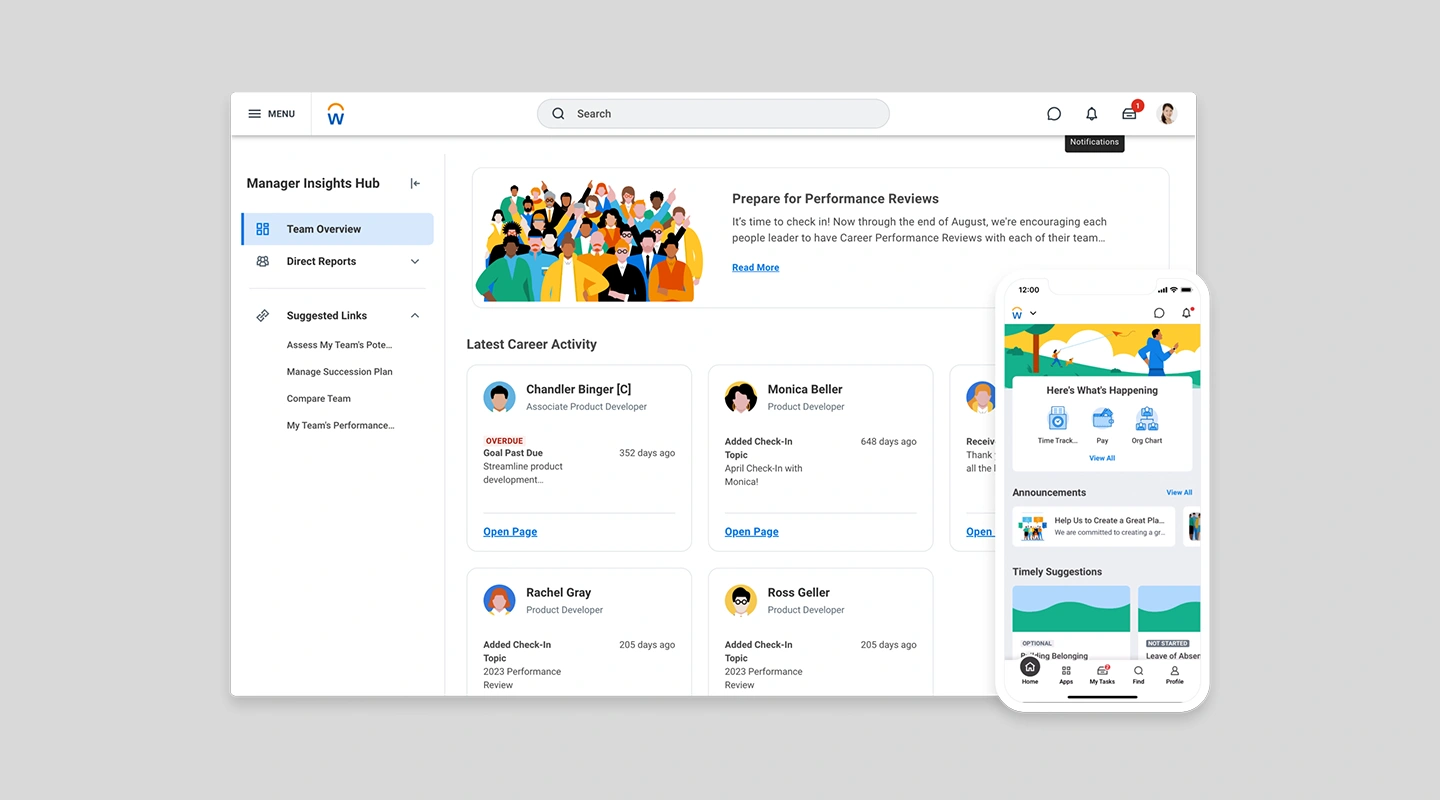
Workday is best used as a recruitment app.
##### Key Features:
- Global talent sourcing and recruitment processes
- Unified HR and Talent Management system
- Advanced analytics for strategic workforce planning
- Mobile access for recruiting anytime, anywhere
##### Advantages:
- Robust end-to-end HR solution, covering recruitment, onboarding, performance management, and more
- Scalable, cloud-based platform suitable for businesses of all sizes
- Regular updates and feature enhancements
- Strong customer support and active user community
##### Disadvantages:
- Steeper learning curve compared to other HR platforms
- Some users report that customizing reports and dashboards can be complex
##### Pricing:
- Contact sales team
##### Limitations:
- It's extensive features might be overwhelming for smaller organizations that only require basic HR functionalities.
#### Greenhouse
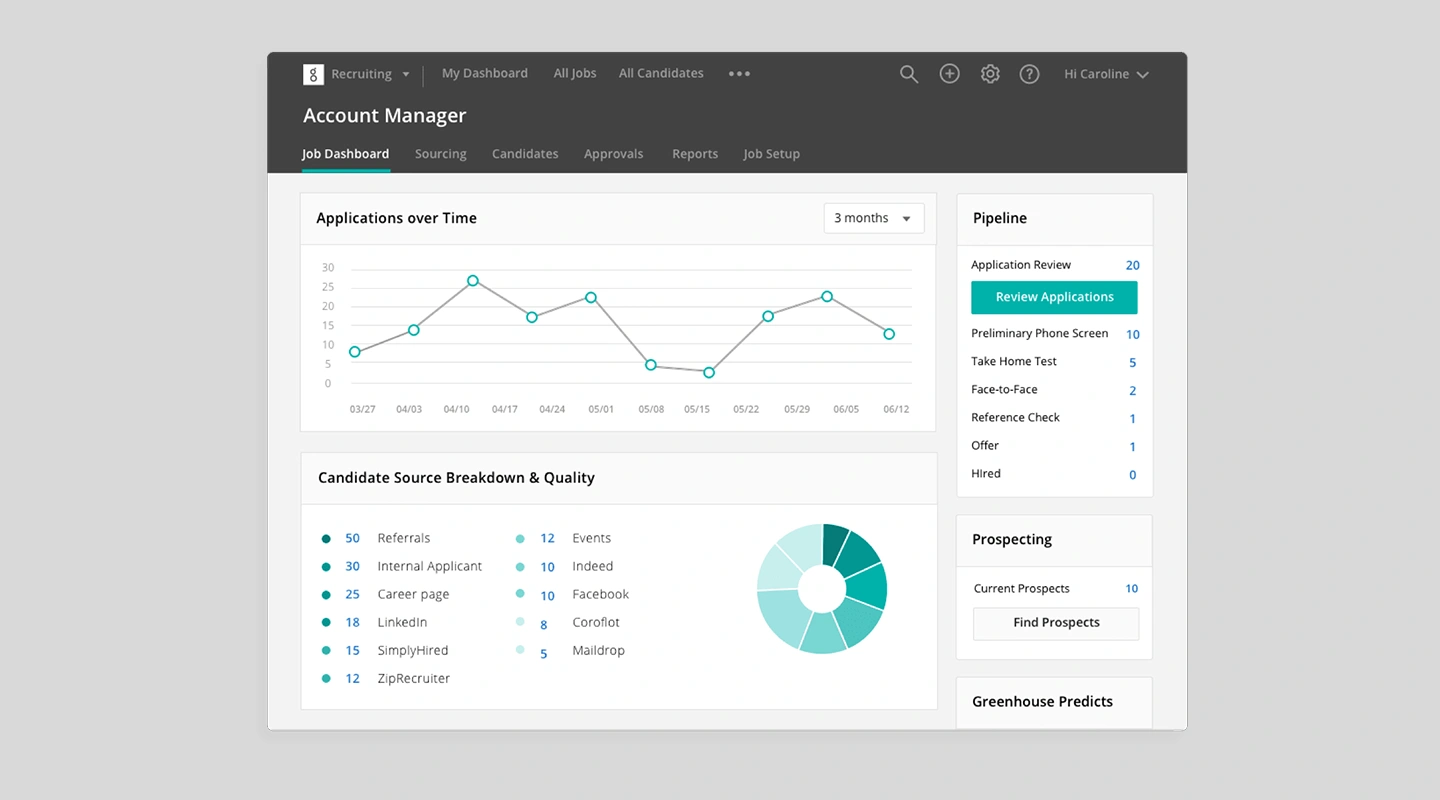
Greenhouse is best used as a recruitment app.
##### Key Features:
- Robust ATS with structured interview kits
- Inclusion of diversity and inclusion tools for unbiased hiring
- CRM capabilities for candidate relationship management
- Detailed analytics and reporting for optimization of hiring processes
##### Advantages:
- Streamlined and intuitive applicant tracking system
- Integration with major job boards and social media platforms for seamless candidate sourcing
- Customizable interview kits and scorecards for consistent evaluation
- Collaboration tools to facilitate communication between hiring teams
##### Disadvantages:
- Limited reporting capabilities compared to competitors
- Some users find the mobile app less feature-rich than the web platform
##### Pricing:
- Contact Sales
##### Limitations:
- Greenhouse is mainly focused on recruitment, and organizations looking for a comprehensive HR suite might need to integrate with other software solutions.
### 2. Best Onboarding and Offboarding Apps
#### Enboarder
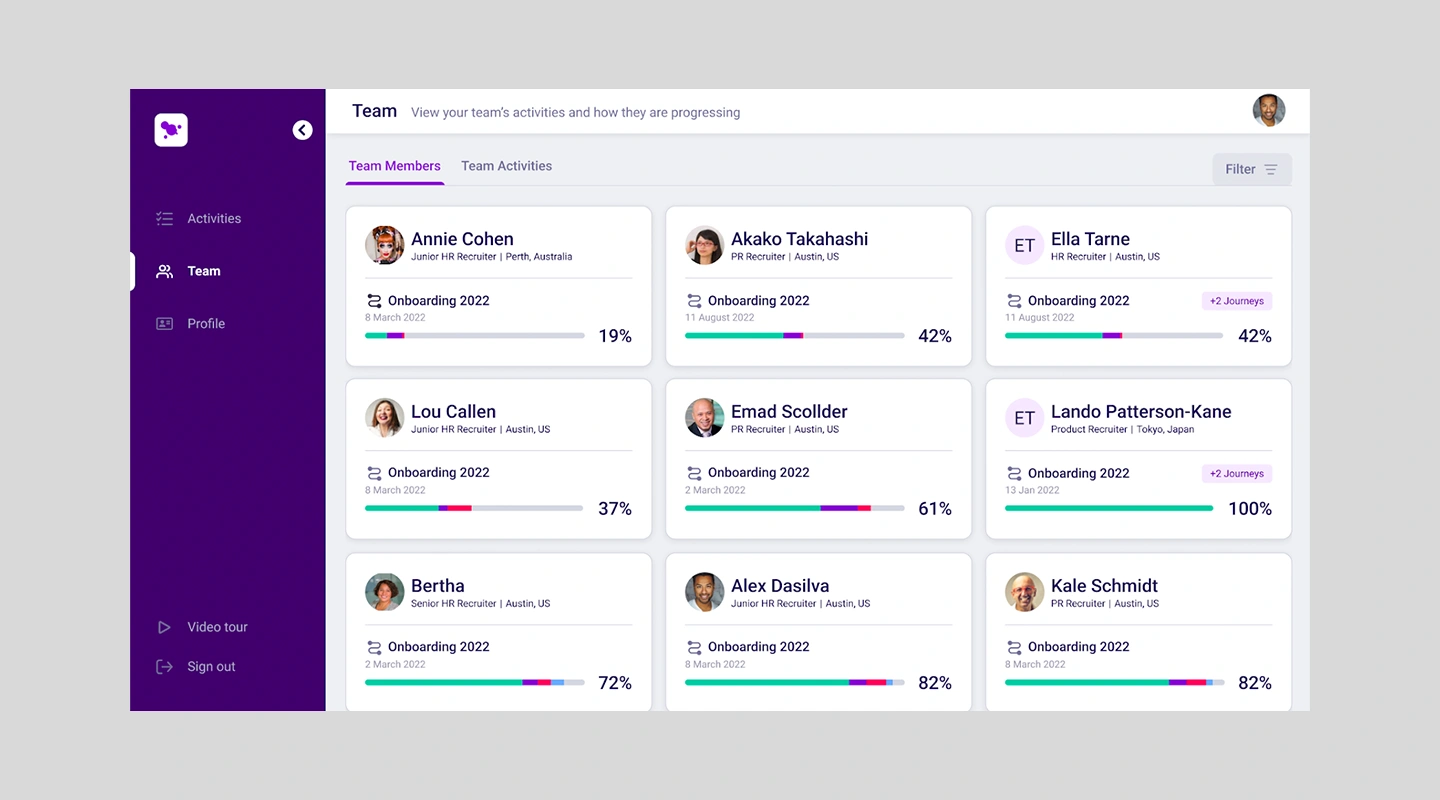
Enboarder is best used as an onboarding or off-boarding app.
##### Key Features:
- Personalized onboarding experiences with workflow automation
- Interactive content and checklists for new hires
- Offboarding workflows for smooth transitions
- Integration with HRIS and other HR tools for streamlined processes
##### Advantages:
- Engaging and personalized onboarding experience
- Mobile-first platform, making it accessible for remote employees
- Customizable workflows and automation
- Integration with major HR systems and tools
##### Disadvantages:
- Limited offboarding functionality compared to competitors
- Occasional performance issues reported by users
##### Pricing:
- Enboarder offers custom pricing based on the size and needs of your organization. You can request a demo and personalized quote on their website. A starting price can be $9950/year but you should contact sales for a custom quote.
##### Limitations:
- Primarily focused on onboarding, with less emphasis on offboarding processes
#### Sapling
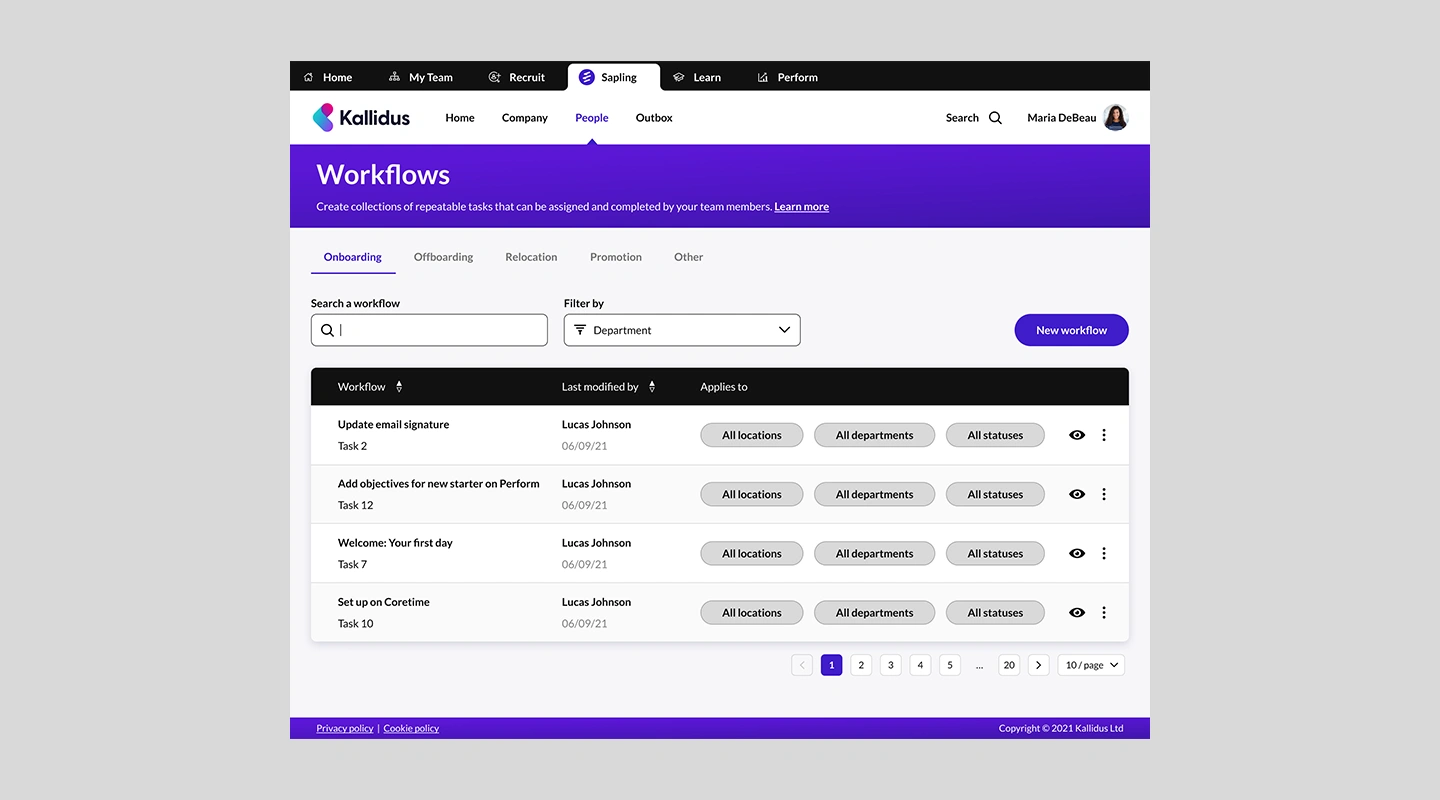
Sapling is best used as an onboarding and off-boarding app.
##### Key Features:
- Automated onboarding workflows and task management
- Customizable preboarding, onboarding, and offboarding processes
- Integrated with major payroll, benefits, and productivity tools
- Centralized employee database for easy information access
##### Advantages:
- End-to-end onboarding and offboarding solution
- Customizable workflows and checklists
- Integrates with popular HR and productivity tools
- Centralized employee data
##### Disadvantages:
- Occasional glitches and slow load times reported by some users
- Limited reporting capabilities compared to competitors
##### Pricing:
- Custom pricing for which you should contact their sales team
##### Limitations:
- Best suited for small to medium-sized businesses; may not be ideal for large enterprises
#### Sora
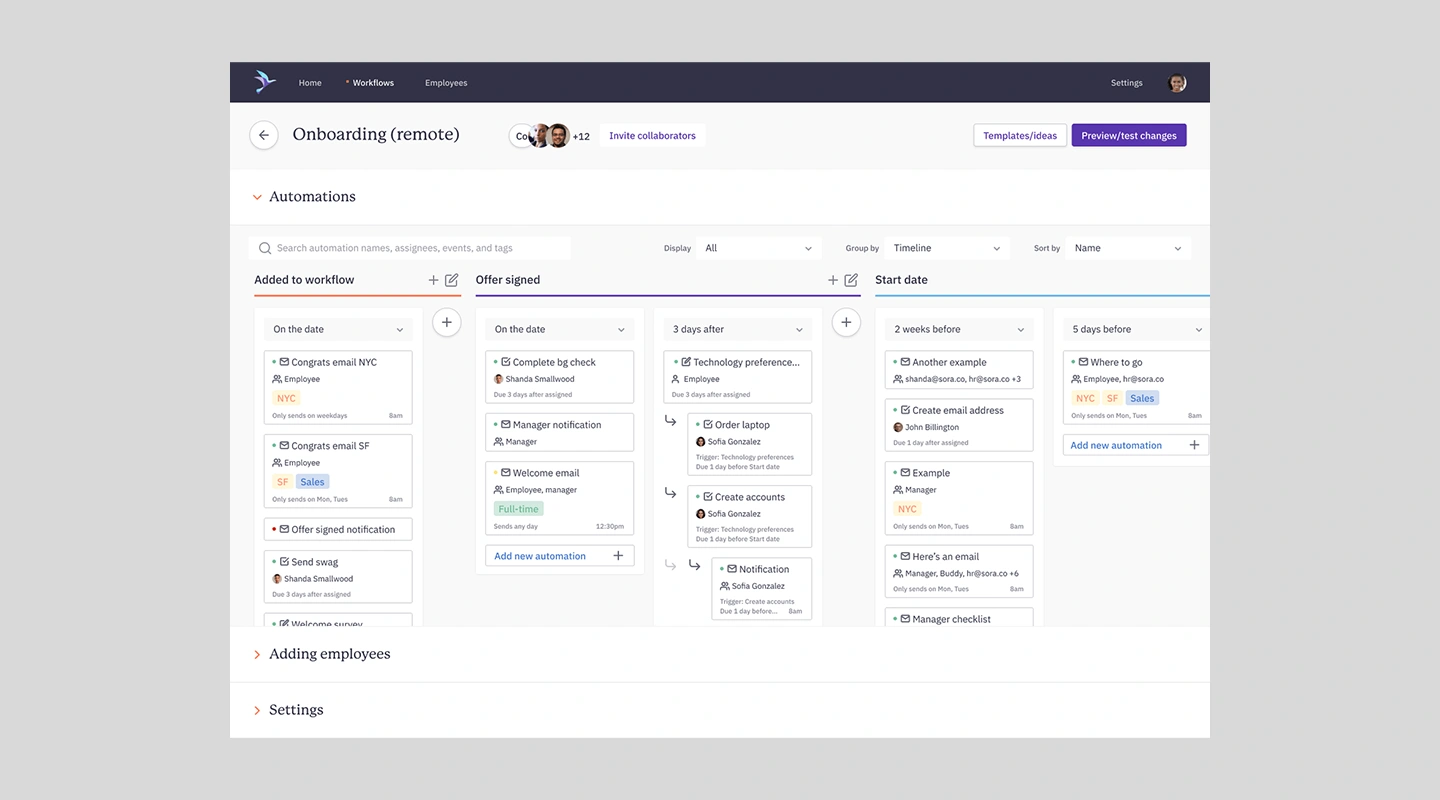
Sora is best used as an on-boarding and off-boarding app.
##### Key Features:
- Customizable onboarding and offboarding workflows
- Automated paperwork and compliance management
- Personalized employee portals
- Seamless integration with existing HR tech stack
##### Advantages:
- Comprehensive onboarding and offboarding solution
- Automated workflows and customizable templates
- Easy integration with existing HR systems and tools
- Intuitive user interface and dashboard for centralized employee data management
##### Disadvantages:
- Limited native [mobile app functionality](/blog/16-successful-mobile-app-features/), mainly accessible through a web browser
- Some users report a slight learning curve to utilize the platform fully
##### Pricing:
- Sora offers custom pricing based on the size and specific needs of your organization. You can request a demo and personalized quote on their website. Their pricing though starts from $8k/annum.
##### Limitations:
- May not be ideal for small businesses with limited budgets or basic HR requirements
### 3. Best Human Resource Management Applications

#### How Bamboo Hr can be used as a Human Resource Management App
##### Key Features:
- Centralized employee database
- Automated time-off tracking and approval
- Performance management tools
- Mobile app for on-the-go HR management
##### Advantages:
- Robust leave management system with custom policies and approval workflows.
- Comprehensive benefits administration, including tracking and reporting.
- Employee self-service portal for managing personal information, leaves, and benefits.
- Easy integration with popular payroll and benefits providers.
##### Disadvantages:
- Lacks advanced analytics and reporting capabilities.
- The mobile app may not be as feature-rich as the web platform.
- Customizations may require assistance from customer support.
##### Pricing:
- Essential Plan: Contact BambooHR for a quote
- Advantage Plan: Contact BambooHR for a quote
- Limitations:
##### Limitations:
- BambooHR lacks some integrations and reviews have said it can be more complicated than other solutions.
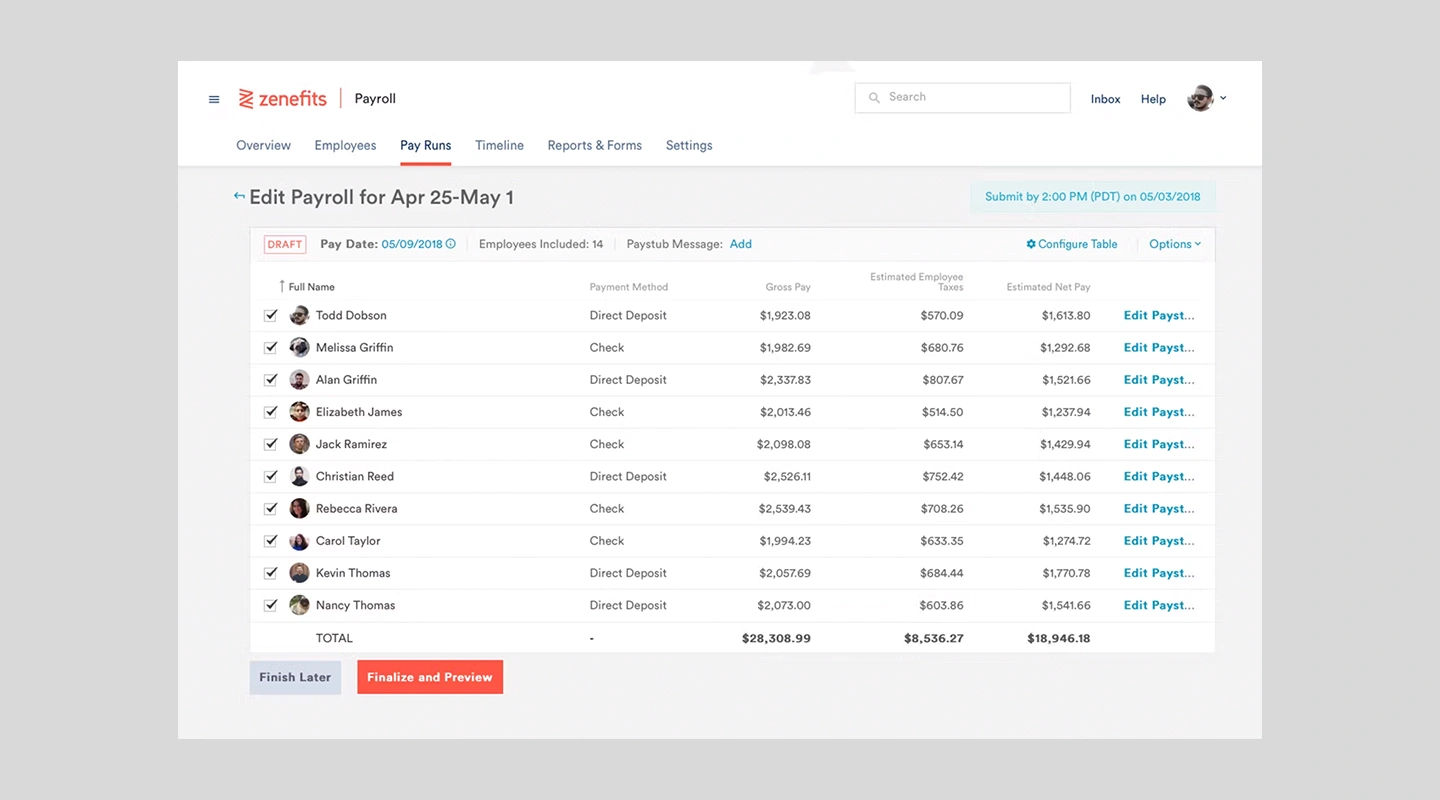
#### How Zenefits can be used as a Human Resource Management App
##### Key Features:
- Comprehensive benefits administration
- Payroll synchronization
- Time and attendance tracking
- Employee well-being assessment tools
##### Advantages:
- Centralized platform for managing leaves, benefits, and job changes.
- Customizable leave policies and approval workflows.
- Integration with COBRA, FSA, HSA, and commuter benefits providers.
- Employee self-service portal for requesting leaves and managing benefits.
##### Disadvantages:
- Limited customization options for complex leave policies.
- May not be suitable for large enterprises with specific HR requirements.
- Customer support response times can be slow.
##### Pricing:
- Advantage: $8.75 per employee per month
- Essentials: $5.25 per employee per month
##### Limitations:
- A limitation of Zenefits, a cloud-based HR software, is its limited customization and scalability. While Zenefits offers a comprehensive set of HR features, such as payroll, benefits administration, time tracking, and performance management, it might not be the best choice for businesses seeking a highly customizable solution or those with complex HR needs.
While Workday HCM offers robust features and functionalities for organizations of all sizes, some users may find it challenging to navigate the system and fully leverage its capabilities.

#### How Workday can be used as a HR Management App
##### Key Features:
- Financial management integration
- Talent and performance management
- Payroll and workforce management
- Advanced analytics and reporting tools
##### Advantages:
- Comprehensive HR platform with support for leave management, benefits administration, and job changes.
- Configurable leave policies and approval workflows.
- Employee self-service portal for managing personal information, leaves, and benefits.
- Scalable solution suitable for small businesses and large enterprises alike.
##### Disadvantages:
- Steeper learning curve compared to other HR management apps.
- Customization and implementation can be complex and time-consuming.
- Pricing can be high, especially for smaller businesses.
##### Pricing:
- Contact sales team
##### Limitations:
- A limitation of Zenefits, a cloud-based HR software, is its limited customization and scalability. While Zenefits offers a comprehensive set of HR features, such as payroll, benefits administration, time tracking, and performance management, it might not be the best choice for businesses seeking a highly customizable solution or those with complex HR needs.
### 4. Best Performance Management Apps
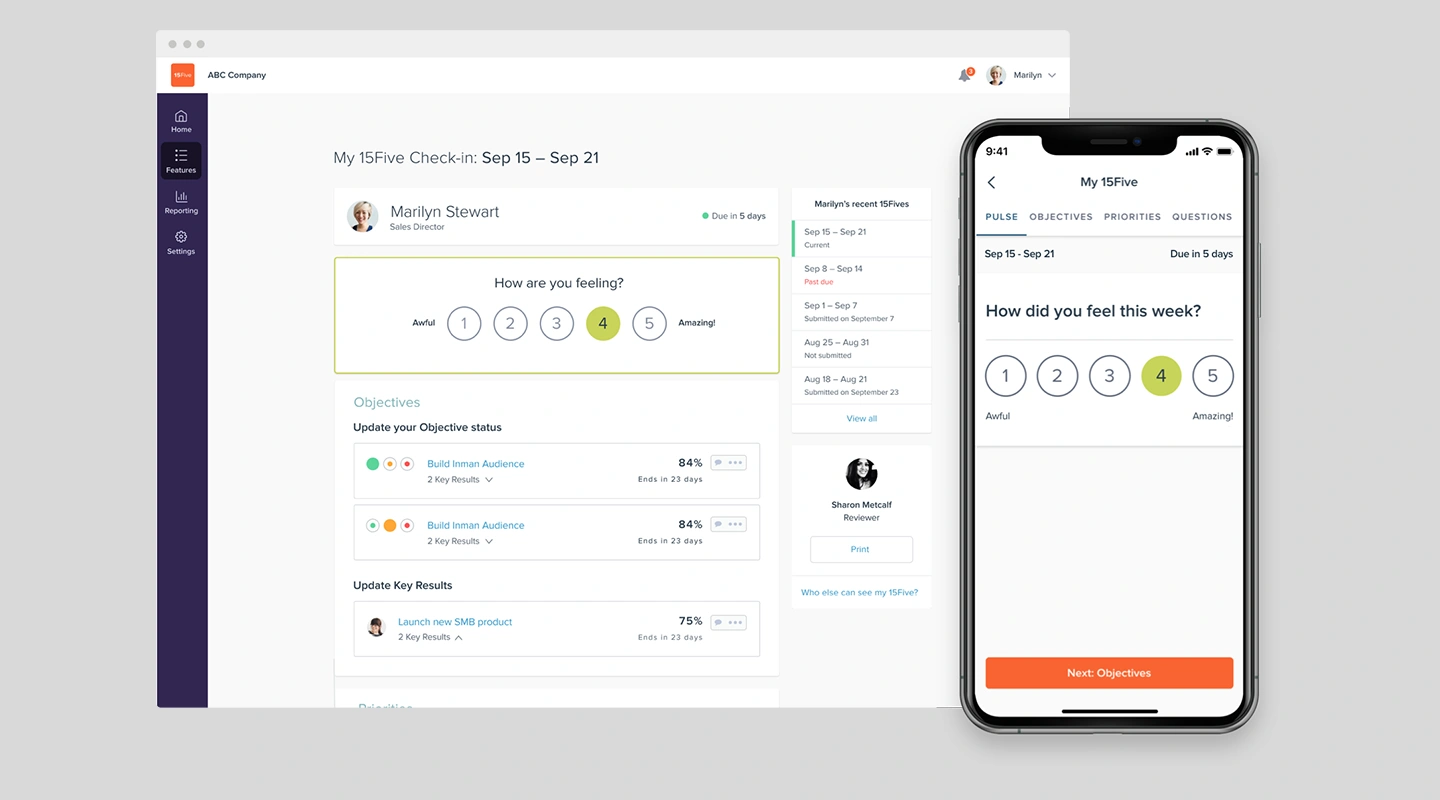
#### How 15 Five can be used as a Performance Management App
##### Key Features:
- Continuous feedback and weekly check-ins
- Objective and Key Results (OKR) tracking
- 1-on-1 meeting agendas and action items
- Customizable question templates for feedback collection
##### Advantages:
- User-friendly interface for creating and tracking objectives, key results, and goals.
- Regular check-ins, feedback, and 1-on-1 meeting tools.
- Customizable reporting and analytics for performance insights.
- Integrations with popular HR and project management tools.
##### Disadvantages:
- Limited options for goal-setting customization.
- The mobile app may not offer all features available on the web platform.
- Pricing may be high for smaller organizations.
##### Pricing:
- Engage Plan: $4 per user per month
- Perform Plan: $8 per user per month
- Platform Plan: $15 per user per month
##### Limitations:
- A limitation of 15Five, a continuous performance management and employee engagement software, is its narrow focus on performance management and feedback. While 15Five offers valuable features for goal setting, employee recognition, and communication, it does not provide comprehensive HR functionalities.
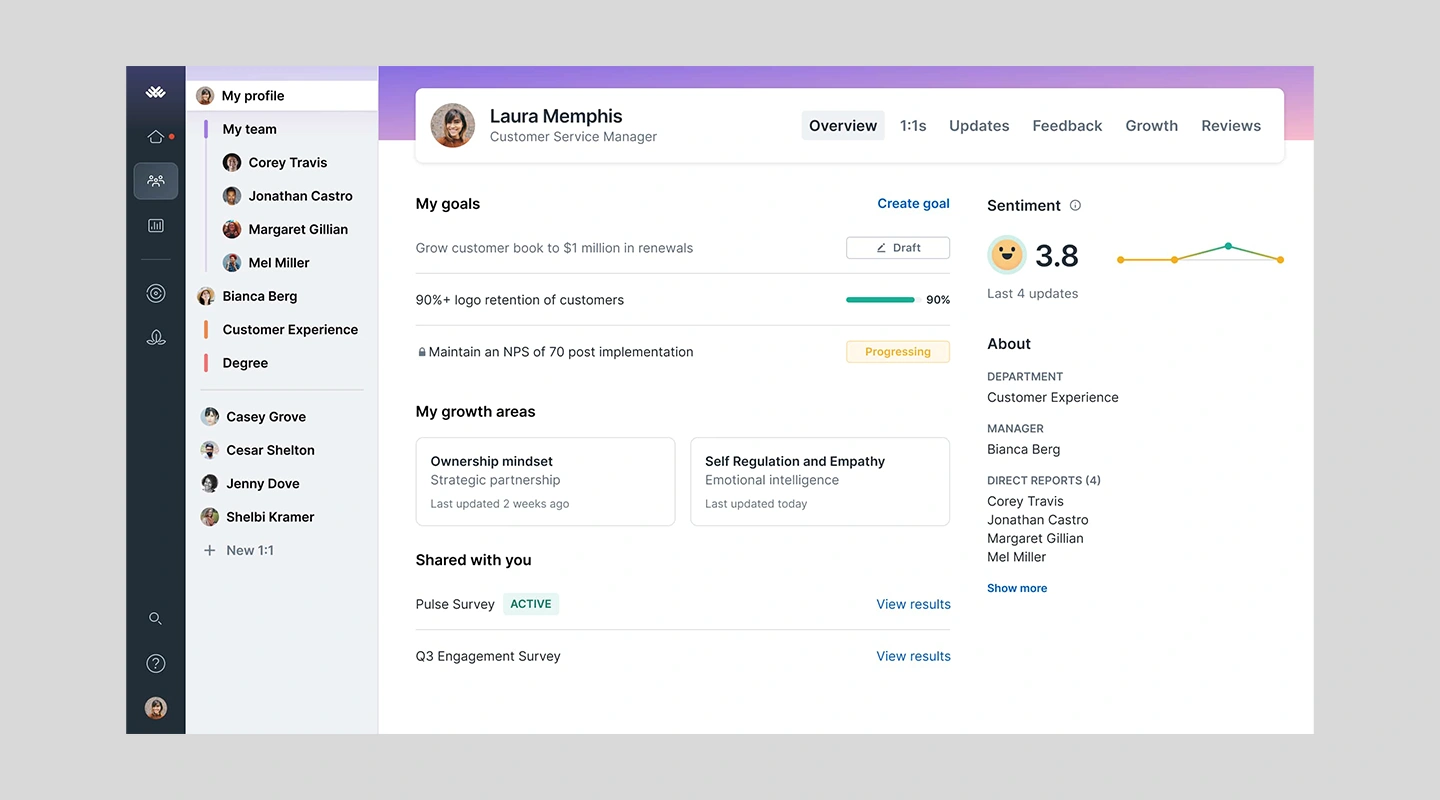
#### How Lattice can be used as a Performance Management App
##### Key Features:
- Goal setting and management
- Real-time feedback and praise tools
- Career development planning
- Comprehensive performance review process
##### Advantages:
- Customizable goal-setting, tracking, and reporting.
- Continuous feedback, 1-on-1s, and real-time updates on goal progress.
- Performance review management with flexible templates and cycles.
- Integrations with popular HR and communication tools.
##### Disadvantages:
- The user interface may be overwhelming for some users.
- Limited options for advanced analytics and reporting.
- Customer support response times can be slow.
##### Pricing:
- $11 per user per month, for more advanced features though there are significant add ons that cost between $4-$6.
##### Limitations:
- Compared to other solutions Lattice is a bit basic, which can be good if you want a simple solution however it misses some opportunities to increase engagement from employees. Such as basic feedback forms.
Although Betterworks is designed for businesses of all sizes, some users might find the platform's features insufficient for their growing or complex HR needs, particularly in larger organizations
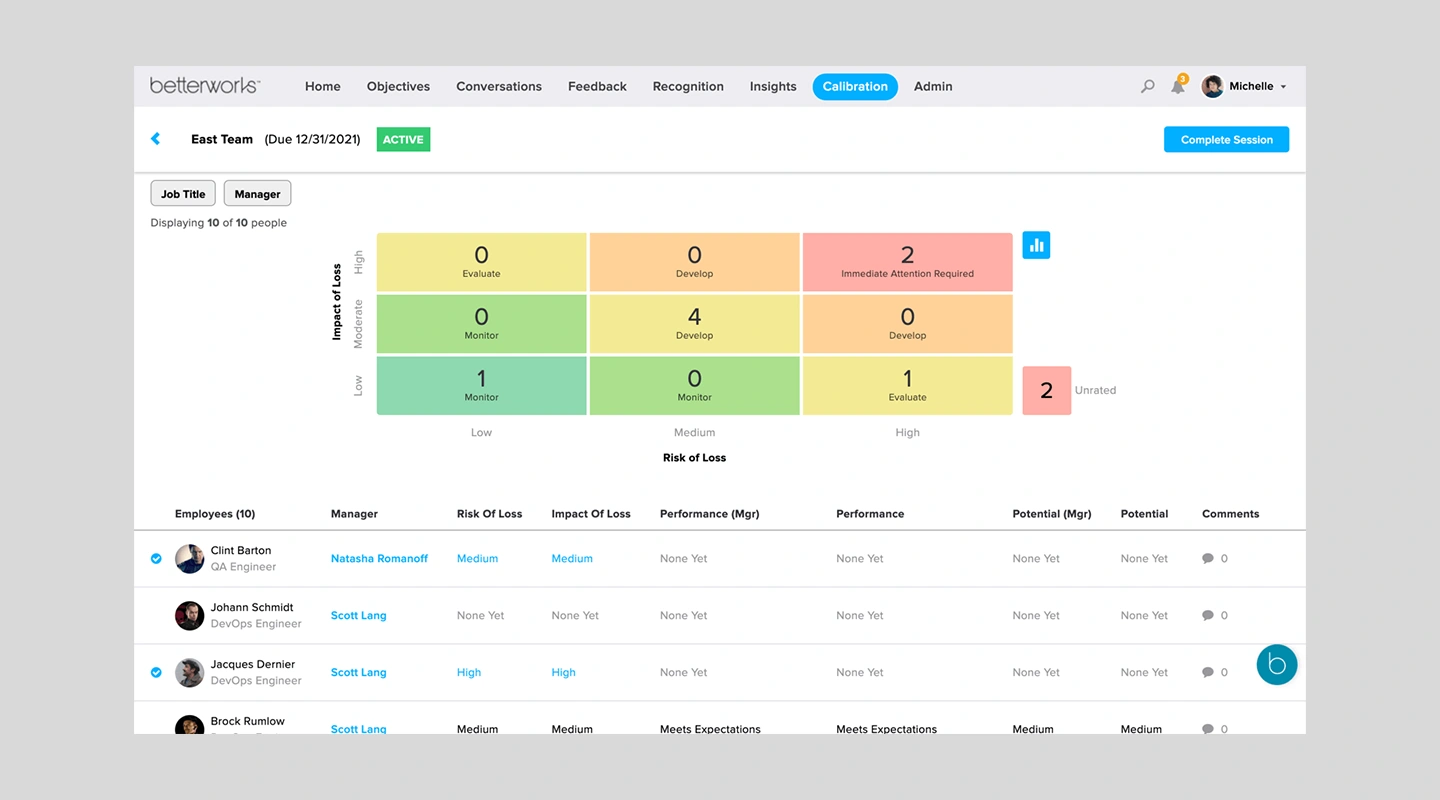
#### How Betterworks can be used as a Performance Management App
##### Key Features:
- Goal-setting with flexible OKR and CFR frameworks
- Continuous performance conversations
- Integrated recognition and rewards
- Advanced reporting and insights on team performance
##### Advantages:
- Flexible goal-setting and tracking using Objectives and Key Results (OKRs) or SMART goals.
- Continuous performance management with real-time feedback and recognition.
- Collaborative 1-on-1s and check-ins with agenda templates and goal tracking.
- Integrations with popular HR, project management, and communication tools.
##### Disadvantages:
- The user interface may require some time to learn and navigate.
- Pricing may be high for smaller organizations.
- Limited options for advanced analytics and reporting.
##### Pricing:
- Betterworks pricing is not publicly available. Contact Betterworks for a custom quote based on your organization's requirements.
##### Limitations:
- Although Betterworks is designed for businesses of all sizes, some users might find the platform's features insufficient for their growing or complex HR needs, particularly in larger organizations.
### 5. Best Employee Engagement Apps
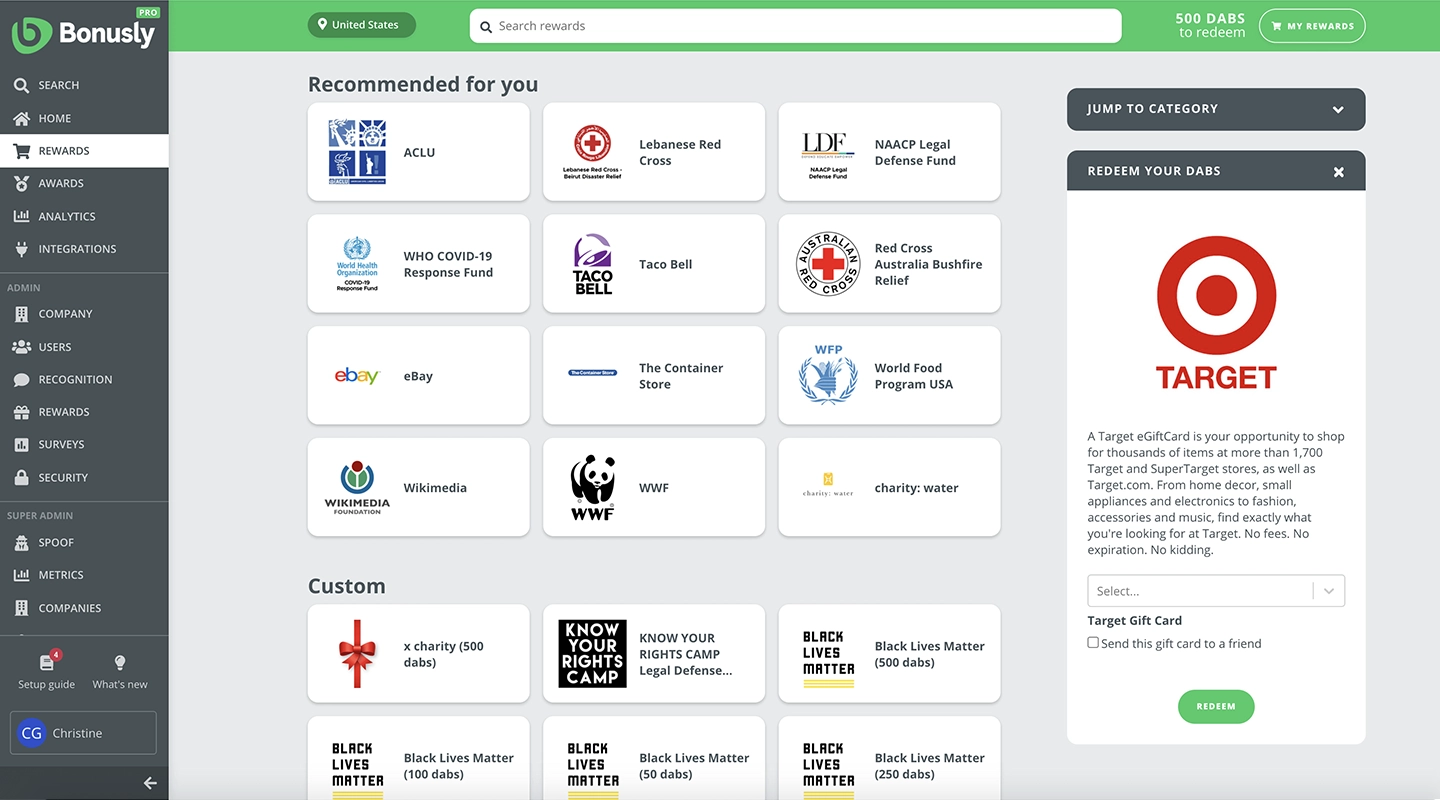
#### How Bonusly can be used as an Employee Engagement App
##### Key Features:
- Peer-to-peer recognition and rewards
- Customizable rewards catalog
- Integrated with popular communication tools
- Analytics dashboard for engagement insights
##### Advantages:
- Easy-to-use platform for peer-to-peer recognition and rewards.
- Customizable bonuses, rewards, and company values.
- Real-time engagement analytics and reporting.
- Integrations with popular HR, communication, and productivity tools.
##### Disadvantages:
- Limited options for in-depth engagement analysis.
- The mobile app may lack some features available on the web platform.
- Customizing reward options may require assistance from customer support.
##### Pricing:
- Core Plan: $2.70 per user per month
- Pro Plan: $4.5 per user per month
- Custom Plan: Contact Bonusly for a quote
##### Limitations:
- Bonusly primarily focuses on employee recognition, rewards, and engagement, it does not provide a full range of HR capabilities. As a result, users may need to integrate additional tools or platforms to address these needs.
TinyPulse doesn't offer a free trial which can be risky ypu will not have the chance to evaluate its features, user experience, and effectiveness of the platform before you want to commit
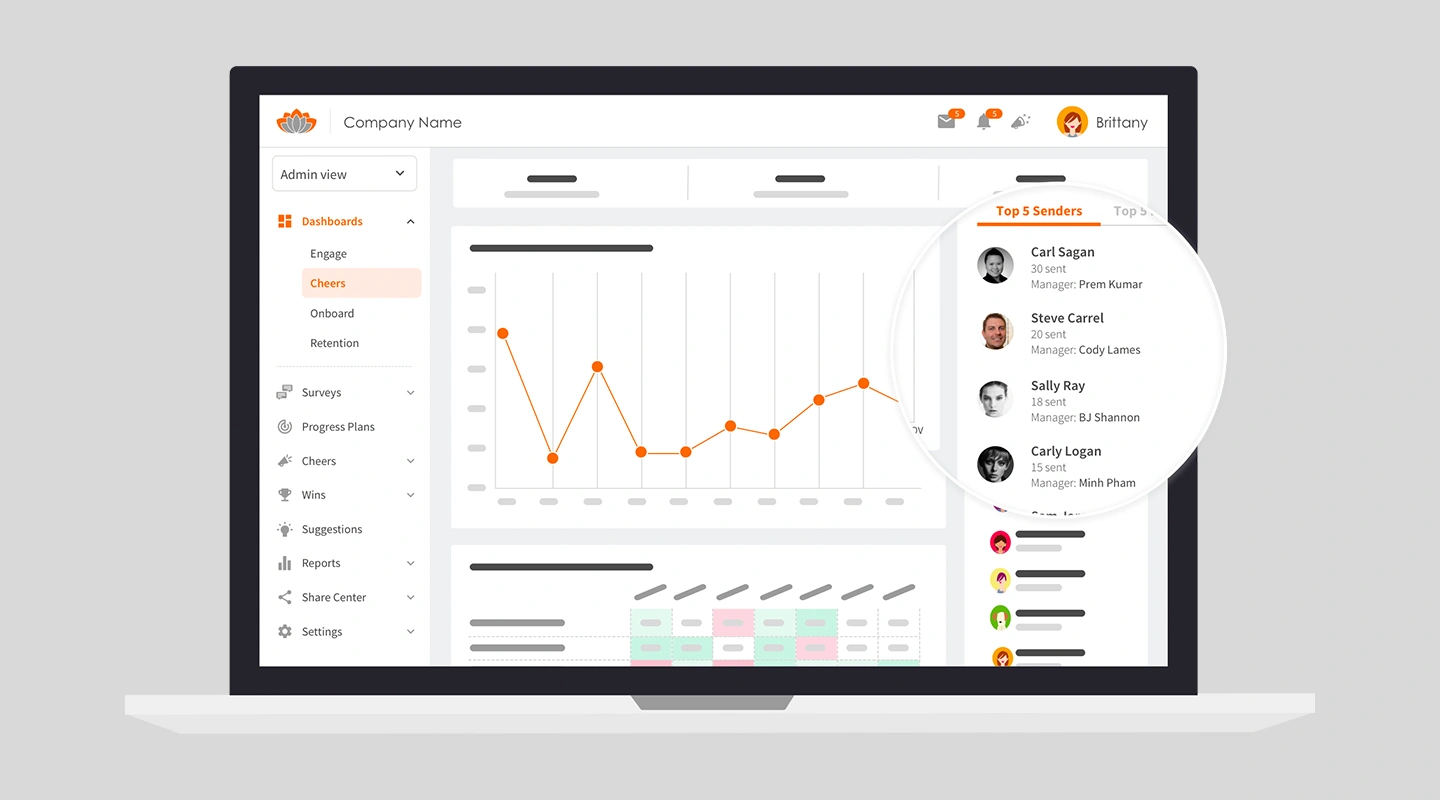
#### How TinyPulse can be use as an Employee Engagement App
##### Key Features:
- Real-time employee feedback collection
- Peer recognition and Cheers for Peers® feature
- Customizable surveys for targeted insights
- Anonymous suggestion box for open feedback
##### Advantages:
- Anonymous pulse surveys for real-time employee feedback.
- Peer recognition and rewards through Cheers for Peers.
- Customizable survey questions and scheduling.
- Reporting and analytics for monitoring engagement trends.
##### Disadvantages:
- The user interface may not be as intuitive as other platforms.
- Limited options for in-depth engagement analysis.
- Pricing may be high for smaller organizations.
##### Pricing:
- Contact sales team
##### Limitations:
- TinyPulse doesn't offer a free trial which can be risky you will not have the chance to evaluate its features, user experience, and effectiveness of the platform before you want to commit
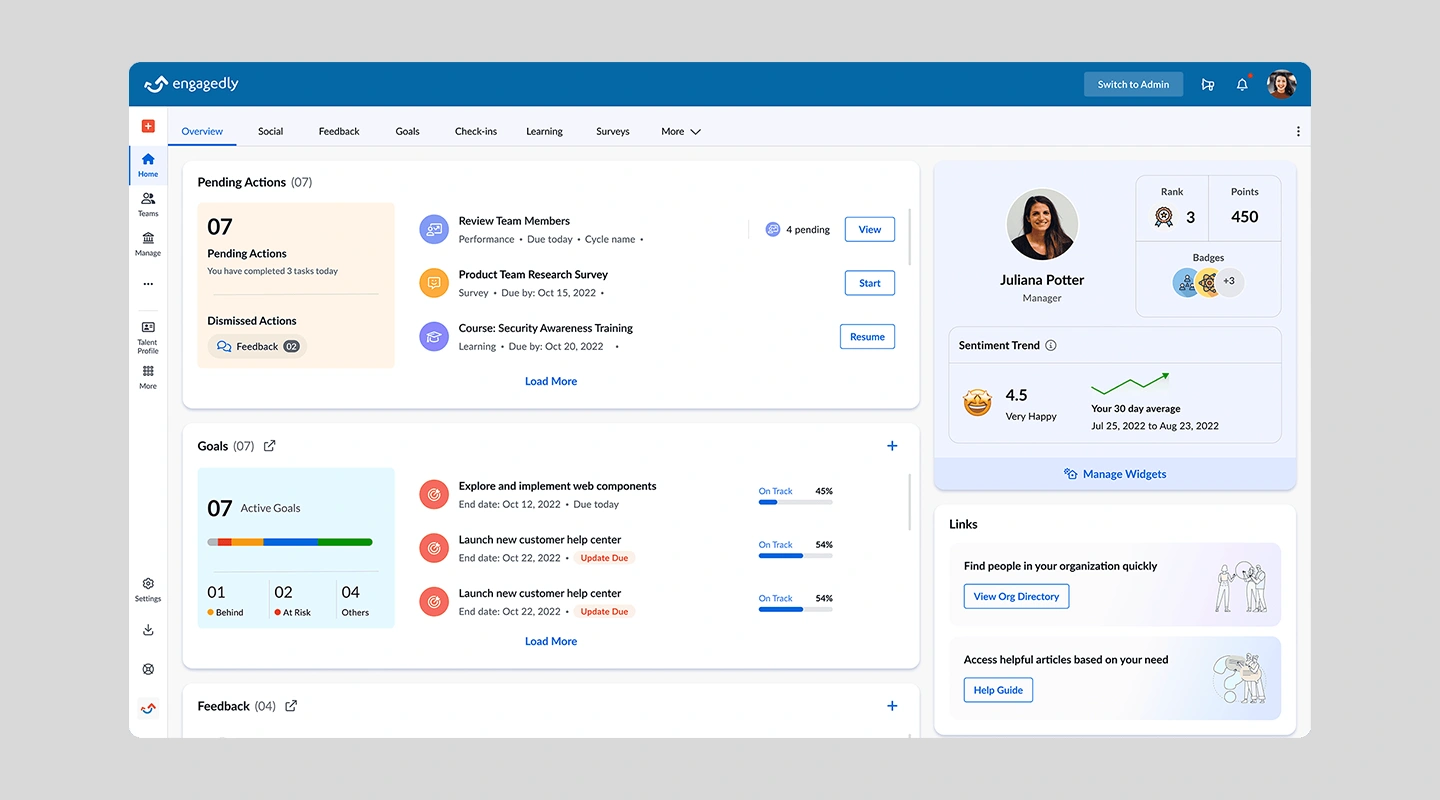
#### How Engagedly can be used as an Employee Engagement App
##### Key Features:
- Social praise and eCards for recognition
- Goal setting and tracking
- Learning and development modules
- Comprehensive analytics and reporting on engagement metrics
##### Advantages:
- Comprehensive platform with tools for feedback, recognition, and goal tracking.
- Customizable pulse surveys for real-time employee feedback.
- Peer-to-peer recognition and rewards system.
- Integration with popular HR, project management, and communication tools.
##### Disadvantages:
- The user interface may require some time to learn and navigate.
- Customer support response times can be slow.
- Limited options for advanced analytics and reporting.
##### Pricing:
- Depending on the features you need, their pricing starts at an annual agreement of $5,000.
##### Limitations:
- Some users of the platform have had trouble using its functions and suggested that it should be made more user-friendly.
### Fliplet: A One-Stop Shop for All Your HR App Needs (4.6 Stars on G2)
Looking for a game-changing HR solution that's got your back? Fliplet's got you covered! In a world filled with HR tools, Fliplet stands out with its comprehensive suite of apps designed for every stage of the employee lifecycle. The best part? Fliplet is a [no-code platform](https://fliplet.com/blog/the-best-no-code-low-code-development-platforms/) which means that Fliplet allows extensive customization to your HR App without any coding.
With a list of 17+ different prebuilt templates, Fliplet helps you extend the functionality of your HR Apps to suit your specific needs. No more functions that aren't supported or use cases that aren't covered.
Just dive into Fliplet's treasure trove of pre-built templates covering Recruitment, [Onboarding and Off-boarding](https://fliplet.com/solution/employee-onboarding-app/), Time and Attendance Management, Performance Management, and Employee Engagement. Pick one, tweak it to your liking, and voilà – you've got yourself a powerful, seamless HR solution.
But wait, there's more! Fliplet integrates like a charm with other HR systems and tools, streamlining your workflow and simplifying employee data management. With Fliplet, you're choosing a flexible, customizable solution and investing in a platform that boosts efficiency, productivity, and employee engagement across the board.
So, go ahead and give Fliplet a spin. Transform your HR experience and let your team focus on what truly matters – your people.
On top, Fliplet has a large selection of [pre-built app solutions](https://fliplet.com/blog/prebuilt-app-builder/) that you can fully customize to suit your needs or add to your HR arsenal. These include:
1. [Learning](https://fliplet.com/solution/learning/) (Want to start building your learning app? [Read this blog to see how you can build one on a budget](https://fliplet.com/blog/how-to-make-a-learning-app/))
2. [Directory](https://fliplet.com/solution/directory/) (Check out [15 HR apps that will change the way you work](https://fliplet.com/blog/15-hr-apps-that-will-change-the-way-you-work/))
3. [Marketing](https://fliplet.com/solution/marketing/)
4. [Innovation/idea management](https://fliplet.com/solution/innovation-management/)
5. Approval workflow
6. Portal app
7. Sales Enablement
8. [Communications](https://fliplet.com/solution/communications/) (Take a look at this blog where we compared [the top 10 community apps to engage and monetize your community](https://fliplet.com/blog/10-apps-to-boost-your-community-engagement/) or you can check out [the 15 best team communication apps of 2026](https://fliplet.com/blog/best-team-communication-apps/))
9. [Data capture](https://fliplet.com/solution/data-capture/)
10. [Emergency Management](https://fliplet.com/solution/emergency-management-for-clients/) (Take a look at the [5 steps to take to prepare for a dawn raid](https://fliplet.com/blog/5-steps-to-prepare-for-a-dawn-raid/))
11. [Events](https://events.fliplet.com/) (To compare our Event solution to other solutions read t[he 25 best mobile event apps you need in 2026](https://events.fliplet.com/blogs/25-best-mobile-event-apps/))
12. [Food ordering](https://fliplet.com/solution/ecommerce-solution/)
13. Multilingual
14. [Remote and office management](https://fliplet.com/solution/remote-and-office-management/)
15. [Task management](https://fliplet.com/solution/task-management/)
16. [Reporting App](https://fliplet.com/solution/mobile-reporting-app/)
17. Blank solution to build from scratch
#### Pricing
- **Free plan** – publish your own web app
- **Public plan** – from $9.90 p/m
- **Private plan** – advanced security features from $19.90/month
- **Enterprise plan** – have a demo with us
## How to choose the right HR app for your organization
Choosing the right HR app for your organization can feel like finding a needle in a haystack. But fear not, there are a few factors you should keep in mind when considering your options:
- **User interface:** The user interface of an HR app should be intuitive and user-friendly, with clear navigation and an easily understandable layout. A complicated and cluttered interface can lead to confusion and frustration for HR professionals, resulting in a decrease in productivity.
- **Customization:** No two companies are alike, and an HR app that offers customization options can help tailor the platform to meet your organization's specific needs. Look for apps that allow you to add your company's branding, customize workflows, and adjust settings to suit your organization's unique requirements.
- **Integration capabilities:** Consider an HR app's ability to integrate with other HR systems and tools. Seamless integration can simplify HR processes, improve data accuracy, and reduce errors caused by manual data entry.
- **Pricing and support:** When choosing an HR app, it's essential to consider the cost and level of support provided. Some HR apps offer a free trial or a freemium version, while others require a subscription fee. Additionally, ensure the app has a reliable support team available to assist with any issues.
- **Company size and industry:** Different HR apps cater to different company sizes and industries. Smaller companies may require a more streamlined solution, while larger organizations may need more robust tools to manage their HR processes effectively. It's also important to consider the specific HR tasks the app will use and whether they align with your industry's needs.
## The Best HR Apps for a small business
For small businesses aiming to streamline their HR processes efficiently while keeping an eye on growth and scalability, choosing the right HR app is crucial. The software they choose is a critical decision, and most small businesses don't have the wiggle room to commit to a platform [only to find it doesn't meet their needs](https://fliplet.com/blog/22-essential-business-apps-for-businesses-of-all-sizes/).
That's why we selected the best human resources app for small businesses.
1. **Fliplet
[Fliplet stands out](https://fliplet.com/why-fliplet/) for its unparalleled customization capabilities, allowing small businesses to create their own HR app without any coding required. It's an ideal solution for those who need a flexible app to manage various HR functions such as onboarding, training, performance reviews, and more, tailored exactly to their needs.
2. **BambooHR**
Small and medium-sized businesses particularly favor BambooHR for its user-friendly interface and a robust set of HR tools that streamline hiring, onboarding, time tracking, and performance management, all from a single platform.
3. **Gusto**
Gusto simplifies payroll, benefits administration, and basic HR tasks in one intuitive package, making it a favorite among small businesses. Known for its excellent customer support and straightforward pricing, it's ideal for teams without dedicated HR personnel.
4. **Zoho People**
Zoho People offers small businesses flexible and scalable HR management software with a per-employee pricing model. It supports a variety of HR workflows with customizable features to fit different needs.
5. **When I Work**
Ideal for small businesses with hourly workers, When I Work provides essential tools for employee scheduling, time tracking, and communication, helping to improve operational efficiency and employee satisfaction.
## Infographic: The benefits of Human Resources applications for your organization
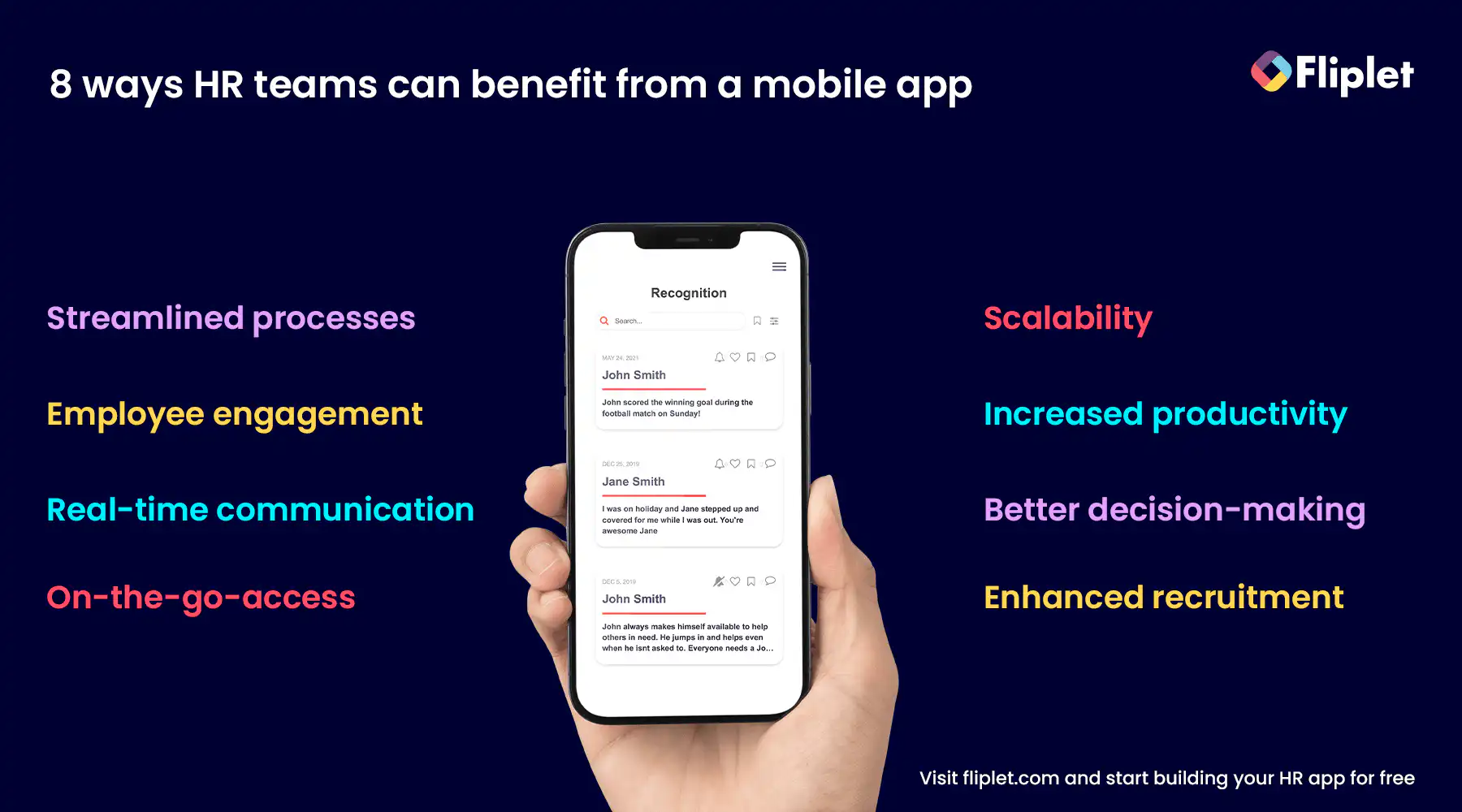
## Benefits of using Human Resource Apps
HR apps have brought many benefits to the modern workplace, making it easier for businesses to manage their employees efficiently. Here are some of the key benefits of using HR apps:
- **Enhanced Employee Engagement:** HR apps offer a range of tools for effective communication, collaboration, and recognition, resulting in increased employee engagement and motivation.
- **Focus on Strategic Initiatives:** By automating routine HR tasks, apps enable HR teams to focus on more strategic initiatives, such as employee development and company culture.
- **Better Feedback Loop between Employees and Organization:** Apps provide a platform for employees to share their opinions and concerns, enabling management to respond and make improvements.
- **Data Driven Decision Making:** HR apps provide valuable insights into employee data, enabling organizations to make informed decisions about their workforce.
- **Task Automation and Increased Workforce Productivity:** With features such as time tracking and attendance management, apps streamline routine HR tasks, saving time and increasing productivity.
Overall, HR apps are an essential tool for any modern business looking to optimize their HR processes and drive employee engagement and productivity.
## The Buyer Journey of Every HR Team is Flawed, and here is why:
Every HR team embarks on a unique buyer journey to find the best tools for managing their organization's human resources.This journey often begins with purchasing off-the-shelf solutions to address specific challenges, such as recruiting or employee engagement. As their needs evolve, HR teams may gravitate toward more comprehensive HR suites, only to discover that these one-size-fits-all solutions fall short in terms of customization and flexibility.
This constant cycle of transitions can lead to lost time, data, and resource which limit HR Teams abilities to work.
### Some of the risks are
- **Fragmented Systems:** Using multiple off-the-shelf solutions for various HR tasks can result in disparate systems that don't integrate well with one another. This fragmentation can hinder seamless communication, data sharing, and reporting, creating inefficiencies and inconsistencies in HR processes.
- **Wasted Time and Resources:** Switching between different HR systems requires time and effort to learn and adapt to each platform. Additionally, migrating data from one system to another can be time-consuming and prone to errors. These inefficiencies can consume valuable resources that could be better utilized elsewhere.
- **Inadequate Customization:** Pre-packaged HR suites often lack the flexibility to accommodate unique organizational needs, forcing HR teams to work within the limitations of the software. This can result in compromised processes and missed opportunities to optimize HR operations.
- **High Costs:** Licensing fees and maintenance costs for multiple systems can add up quickly, straining an organization's budget. Moreover, the expense of migrating to a new platform or implementing additional features can further compound financial pressures.
- **Data Security Risks:** When data is stored in multiple systems, it becomes more challenging to maintain consistent security standards, increasing the potential for data breaches or unauthorized access.
- **Employee Resistance:** Transitioning between HR systems can confuse and frustrate employees, leading to resistance and a decreased likelihood of embracing new processes. This can have a negative impact on user adoption rates and overall satisfaction.
- **Limited Scalability:** As organizations grow and evolve, their HR needs may change, requiring more advanced features or additional tools. Off-the-shelf solutions may struggle to keep up with these changes, making it difficult to scale HR processes and adapt to new challenges.
However, thanks to innovative platforms like Fliplet, HR teams can now build their own custom HR suite from scratch, tailoring it to their specific needs and requirements, and eliminating the inefficiencies that come with adopting multiple disparate solutions.
## HR Suite App vs Individual HR Solutions vs Custom App with Fliplet
When it comes to managing HR processes, organizations have the option to choose between using an HR suite or purchasing off-the-shelf solutions. While both options have advantages and disadvantages, it's important to carefully consider which would be the best fit for your organization. In this section, we'll discuss the pros and cons of each approach, and then address the question of what to do if you already have various HR tools in place.
### Advantages & Disadvantages of HR Suites
#### Advantages of HR Suites
- All-in-one solution for various HR functions
- Better integration and data management
- Streamlined processes and improved efficiency
- Reduced vendor management
#### Disadvantages of HR Suites
- Higher initial costs
- Customization may be limited
- Time-consuming implementation and training
- May not fit specific needs of organization
### Advantages & Disadvantages of Individual HR Tools
#### Advantages of Individual HR Tools
- Lower costs for smaller organizations
- Easier to switch or replace
- More specialized features
#### Disadvantages of Individual HR Tools
- Limited integration and data management
- Increased vendor management
- May require more time and effort to manage multiple tools
- May lack certain features or functions
### Introducing Custom Apps and Fliplet: The Best of Both Worlds
In light of the pros and cons of HR suites and individual HR solutions, organizations may find themselves searching for a more flexible and customizable alternative. Custom HR apps built with platforms like Fliplet offer a unique approach that combines the best aspects of both options, providing an ideal solution for organizations seeking to optimize their HR processes.
### Advantages of Custom HR Apps with Fliplet:
- **Tailored Solutions**: Create a custom HR app that caters to your organization's specific needs, ensuring that every feature and function aligns with your unique processes and requirements.
- **Seamless Integration**: Custom apps built with Fliplet can be designed to integrate with existing systems and tools, streamlining data management and reducing the need for manual data transfers or duplicate entries.
- **Scalability**: As your organization grows and evolves, custom HR apps can be easily adapted to accommodate new features, functions, or integrations, ensuring that your HR tools remain relevant and effective.
- **Cost-effective:** Custom apps can be more cost-effective in the long run, as they eliminate the need for costly migrations or additional licensing fees associated with off-the-shelf solutions.
- **Enhanced User Experience:** Custom HR apps can be designed with user experience in mind, providing an intuitive interface that is both easy to use and visually appealing for employees.
- **Improved Data Security:** With custom apps, organizations have greater control over their data security, allowing them to implement robust security measures that safeguard sensitive information.
- **Template-based with Best-in-Market Features**: Custom HR apps built with Fliplet leverage pre-existing templates that incorporate top-of-the-line features and best practices, providing a strong foundation for your custom solution. This approach allows organizations to benefit from the expertise of market leaders while still enjoying the flexibility to tailor the app to their specific needs and preferences. By combining the best aspects of off-the-shelf solutions and custom development, template-based custom HR apps offer a powerful and efficient way to address a wide range of HR challenges.
Regardless of an organization's size or industry, custom HR apps built with Fliplet provide a compelling solution that addresses the limitations of traditional HR suite apps and individual HR tools. By offering tailored solutions, seamless integration, scalability, cost-effectiveness, enhanced user experience, improved data security, and best-in-market features, custom HR apps empower organizations to optimize their HR processes and overcome the challenges associated with conventional approaches.
In the end, it is crucial to carefully assess your organization's requirements and objectives to make an informed decision about the most suitable HR technology strategy. By understanding the advantages of custom HR apps with Fliplet, you can confidently select the solution that will best support your HR team's success and foster a more efficient, productive, and engaged workforce.
## 4 trends that Shape the future of HR Apps
As the digital landscape continues to evolve, so does the HR world. From AI-powered solutions to the rise of remote work, there are several trends that are shaping the future of HR apps. In this section, we'll explore four key trends transforming how HR professionals work and the role that HR apps play in this shifting landscape. Read on to discover how these trends influence the development of HR apps and how they can help you streamline your HR processes and improve your organization's overall performance.
- **AI will give businesses more power:** Artificial intelligence is becoming more integrated with HR apps, providing predictive analytics to identify top talent better and improve the employee experience. HR professionals can leverage AI-powered solutions to automate repetitive tasks and streamline the recruitment process while providing data-driven insights that help managers make better decisions. For more on [ai in app development, read our blog.](https://fliplet.com/blog/how-ai-will-disrupt-app-development/)
- **Remote work vs office work:** With the rise of remote work, HR apps are increasingly being designed to cater to virtual workspaces. This includes tools for virtual onboarding, video conferencing, and remote collaboration. At the same time, traditional office-centric HR apps are being modified to accommodate distributed workforces, providing flexible options for employees to work from anywhere.
- **Use of analytics and tracking:** HR apps are becoming more sophisticated in their ability to track employee behavior, from tracking employee productivity to identifying areas for employee development. By using data to gain insights into the employee lifecycle, HR teams can identify patterns and trends, enabling them to make informed decisions that drive better performance and engagement.
- **Productivity First Approach:** With the increase in automation and integration across various HR apps, time-consuming tasks are being streamlined, freeing up HR professionals to focus on higher-value activities. This includes automating payroll, managing benefits, and scheduling interviews. By simplifying and automating these tasks, HR teams can save time and focus on more strategic initiatives.
As the demand for HR apps grows, Fliplet remains at the forefront of the latest trends in the industry. With a no-code platform and pre-built app templates, Fliplet empowers HR professionals to create custom apps that cater to their specific needs. Whether you're looking to streamline your recruitment process or improve employee engagement, Fliplet provides a flexible and scalable solution to meet your HR needs.
## HR Mobile Apps: More Essential than Ever
In today's fast-paced world, it's becoming increasingly important for businesses to adopt mobile solutions that allow their employees to stay connected and productive on-the-go. HR mobile apps are no exception, and in fact, have become a game-changer for HR professionals looking to streamline processes, and to improve employee engagement.
With HR mobile apps, organizations can empower their employees to manage their personal information, request time off, access training resources, and more, all from the convenience of their mobile devices. In this paragraph, we'll explore the benefits of using HR mobile apps and how they can help organizations achieve their HR goals.
- **Improved accessibility:** With HR mobile apps, employees can access important information anytime, anywhere, making it easier to stay updated on company policies, benefits, and HR-related tasks.
- **Increased efficiency:** HR mobile apps enable employees to perform tasks such as submitting time-off requests or accessing pay stubs quickly and easily, reducing the time and effort required to complete these tasks.
- **Enhanced communication**: Mobile apps allow HR teams to communicate with employees through push notifications or in-app messaging, providing a more convenient and effective way to share important updates and announcements. Imaging notifying your employees to spend their training budget before the end of each quarter.
- **Improved engagement:** HR mobile apps can help boost employee engagement by providing tools for communication, collaboration, and recognition, creating a more positive work environment and improving employee satisfaction.
Overall, HR mobile apps offer a range of benefits that can help organizations improve efficiency, productivity, and employee engagement, making them a valuable addition to any HR strategy.
## Take the first step on creating your HR Mobile App today!
Building a mobile app for your People Teams is not as hard as you might think. Fliplet's [Eversheds Open House case study](https://fliplet.com/case-studies/eversheds-open-house/) proves just that. Eversheds Sutherland, a global law firm, combated the issue of maintaining social connections while working from home through their Open House mobile app. The app kept employees socially connected and helped combat the effects of Covid-19 and working from home.
With Fliplet, you, too can create a customized HR mobile app that meets your organization's specific needs. Fliplet's no-code platform offers customizable templates, a drag-and-drop interface, cost-effective pricing, and a plethora of advanced features, making it an excellent choice for businesses of any size or industry. Plus, you can try it for free! Improve your People Team's communication, engagement, and productivity by building an HR mobile app with Fliplet today.
## How to build your own HR Application on a budget
If you're an HR leader looking to build a mobile app on a budget, there are several factors to consider before selecting a platform.
### Step 1: Select a platform
First things first, do some research and select a platform that fits your business needs. We recommend using a no-code platform to save yourself time and money. Look for a platform with a user-friendly interface, customizable templates, and the ability to integrate with other HR systems and tools.
Fliplet is an award-winning app building platform that offers all of these features and more, making it an excellent choice for HR leaders of any size or industry.
### Step 2: Choose the plan that fits your app development needs
The second step is to choose the plan that fits your app development needs. Assess the features you want in the app and how much they might cost. Fliplet offers a range of subscription plans tailored to different stages or sizes of businesses, making it easy to select a plan that fits your budget.
### Step 3: Decide on a template
The third step is to pick a template that meets your HR team's requirements. When building an HR mobile app, selecting the right template can save you valuable time and resources. With Fliplet, you have the option to select a pre-built HR solution or start from scratch and build it yourself with no code.
We recommend selecting the HR solution template as it comes with all the key features needed for an HR mobile app, including onboarding/offboarding, time and attendance management, and task management.
### Step 4: Brand your app and add your content in
The fourth step is to brand your app and add your content in, customizing it to suit your organization's needs. Fliplet makes it easy to change colors, logos, fonts, and layouts, allowing you to create something unique that resonates with your employees.
### Step 5: Publish
The fifth step is to publish your app on any of the supported publishing channels, such as the web, Apple App Store, or Google Play. Fliplet also allows you to publish mobile, tablet and web apps and distribute apps internally by publishing them as enterprise apps for Android and iOS devices.
### Step 6: App analytics
Analytics can play a crucial role in measuring the success and engagement of an HR mobile app. By analyzing user behavior within the app, HR leaders can gain valuable insights into how employees interact with the app, which features are being used the most, and which areas may need improvement.
By following these steps and using a platform like Fliplet, HR leaders can create a budget-friendly, user-friendly mobile app that streamlines HR processes, engages employees, and supports data-driven decision-making.
Do you want to know more about developing a HR mobile app without coding? [Check out this blog.](https://fliplet.com/blog/mobile-enterprise-app-development-without-coding/)
## HR Applications – Conclusion
In conclusion, HR apps, and especially HR mobile apps, are becoming more essential than ever in today's fast-paced business world. They offer improved accessibility, increased efficiency, enhanced communication, and improved engagement, making them valuable additions to any HR strategy. By adopting mobile solutions, organizations can empower their employees to manage their personal information, request time off, access training resources, and more, all from the convenience of their mobile devices.
When it comes to building an HR mobile app, Fliplet offers an excellent solution. With customizable templates, a drag-and-drop interface, cost-effective pricing, and many advanced features, Fliplet makes it easy for organizations to create a mobile app that meets their specific needs. Moreover, Fliplet offers a range of subscription plans tailored to different stages or sizes of businesses, making it easy to select a plan that fits any budget.
Take the first step in building an HR mobile app today by exploring Fliplet's website and seeing how it can help your organization achieve its HR goals. [Book a Fliplet demo](https://fliplet.com/book-a-demo/)!
## HR Apps – FAQs
Yes! There are several free HR apps available that can be particularly beneficial for small businesses or startups looking to streamline their HR processes without a significant initial investment. Some of these apps offer basic functionalities such as time tracking, leave management, and simple employee onboarding features at no cost.
Fliplet allows you to make your first app for free — allowing you to really check out the value it could bring your company before making the leap. Examples also include Homebase for scheduling and time tracking, Bitrix24 for basic HR functions, and Zoho People, which offers a free edition for up to five users.
The best mobile HR software will vary depending on your exact needs, but the overall best options include:
- **Fliplet:** While not exclusively an HR app, Fliplet allows businesses to create custom HR mobile apps without coding, offering unparalleled flexibility in HR management and providing the company with a single platform that has truly _unlimited_
- **BambooHR:** Known for its comprehensive suite of HR tools accessible via a mobile app, making it ideal for small to medium-sized businesses.
- **Gusto:** Offers a user-friendly mobile experience for payroll, benefits, and simple HR tasks, highly rated for its ease of use and customer service.
- **Workday HCM:** Preferred by larger organizations for its extensive HR functionalities and mobile accessibility, catering to global workforce management needs.
The three main HR systems are HRIS (Human Resource Information System), HCM (Human Capital Management), and HRMS (Human Resource Management System). HRIS is primarily used for managing employee data and records, while HCM focuses on the broader aspects of human capital, such as talent acquisition, management, and development. HRMS combines features of both HRIS and HCM and offers a more comprehensive solution for managing HR tasks.
An **HRMS (Human Resource Management System)** is software designed to manage people, policies, and procedures. It focuses on the core HR tasks, such as employee information management, time and attendance, payroll, and benefits management. It's essentially a database system for HR activities with functionalities that support your basic HR needs.
An **HRIS (Human Resource Information System)** has all the features of an HRIS but extends to more strategic HR functions, including talent management, recruitment, employee performance management, and learning management systems (LMS).
So, while an HRIS is focused on administrative HR tasks, an HRMS offers a more comprehensive suite, including strategic HR management. The choice between the two depends on the complexity of your HR operations and the strategic importance of HR in your organization.
Excel is a commonly used tool by HR professionals for tasks such as tracking employee data, creating schedules, and managing budgets. However, while Excel can be useful, it has limitations when it comes to complex HR tasks and can be time-consuming to manage. Using an HR app or mobile app can automate many of these tasks and improve efficiency.
Yes, there are HR databases that can help HR teams manage employee information, such as personal data, job information, and performance records. Some HR software solutions come with built-in databases, while others integrate with third-party HR databases. Fliplet is an app building platform that also allows users to store and manage data securely in the cloud, with advanced security features such as role-based access control and encryption. This can help HR teams maintain and organize employee data in a secure and accessible manner.
Mobile HR refers to the use of mobile technology, such as smartphones and tablets, to manage HR-related tasks and workflows. Mobile HR apps offer a convenient way for employees to access HR-related information and complete tasks on-the-go, improving efficiency and productivity.
There is no one-size-fits-all answer to this question, as the best HR model depends on the specific needs and goals of the organization. However, many modern HR models focus on the employee experience and offer a holistic approach to managing HR tasks and workflows. HR mobile apps can be a valuable addition to any HR model, providing employees with greater accessibility to HR-related information and tasks. Fliplet offers an award-winning app building platform that can help HR teams develop custom HR mobile apps that fit their specific needs and goals.
## Related links
- [Ultimate Guide: How to scale mobile enterprise app development without coding or IT resources](https://fliplet.com/blog/mobile-enterprise-app-development-without-coding/): Fliplet compiled an ultimate guide on how to scale mobile enterprise app development without coding or IT resources
- [Top 10 Mobile Enterprise Application Platforms](https://fliplet.com/blog/top-10-mobile-enterprise-application-platforms/): Fliplet compiled a list of the top 10 mobile enterprise application platforms. Read more within.
- [The Best Low Code/No Code Development Platforms](https://fliplet.com/blog/the-best-no-code-low-code-development-platforms/): Fliplet compiled a list of the best Low Code/No Code Development Platforms. Find out more within.
---
# 15 Best Incident Management Software & Tools for 2026
> Review top incident management software options for 2026, including features, pricing, pros, and limitations.
Source: https://fliplet.com/blog/10-best-incident-management-software/
Content type: Blog
Published: 2026-05-15T12:25:58
Updated: 2026-02-16T08:40:00
Read time: 26 minutes
# 15 Best Incident Management Software & Tools for 2026
In the environment of corporate management, the capacity to successfully handle problems is vital. These incidents, whether they involve IT, security, or any other department, have the ability to interrupt operations and inflict severe damage. However, with incident management software, organizations can streamline their response, mitigate risks, and ensure quick recovery.
Industry benchmark: [NIST SP 800-61 Rev. 2](https://csrc.nist.gov/publications/detail/sp/800-61/rev-2/final) remains a core reference for incident response lifecycle design and operational readiness.
We will examine the main options accessible in 2026 as well as the significance and function of incident management software in this blog.
## What is incident management software
> **Incident management software** is a tool that helps organizations identify, respond to, and resolve incidents quickly to minimize impact and prevent future occurrences.
At its core, security incident management software acts like [a central command center](https://fliplet.com/solution/disaster-management-app/). It allows teams to report incidents as soon as they happen, track the progress of fixing these issues, and analyze what went wrong to prevent the same problems in the future. It's not just about putting out fires; it's also about understanding why they started in the first place. This means less downtime for the business and a smoother experience for everyone involved, from employees to customers.
But it's not all about dealing with crises. Incident software also plays a crucial role in training teams to handle potential problems, [organizing regular checks and drills](https://fliplet.com/solution/safety-reports-app/), and keeping everyone informed with the latest updates and action plans. It's like having a well-prepared, well-informed team ready at all times to ensure everything runs smoothly.
In short, incident management software helps businesses maintain order, minimize damage, and keep operations running smoothly, all while ensuring that any disruptions are just tiny blips on the radar.
## The Importance and Role of Incident Management System Software
Incident management software plays an integral role in an organization's strategy to manage and mitigate incidents. These tools provide a systematic approach to incident tracking and management, ensuring a swift and effective response. They allow organizations to report incidents, monitor their resolution progress, analyze incident data, and gain actionable insights to prevent similar occurrences in the future. As a result, they are essential for maintaining operational continuity and minimizing downtime.
Now we understand the importance of incident management software, let's take a look at the top 10 incident management software you should be using in 2026.
## 15 Best Incident Management Software & Tools – List & Reviews
In this section, we'll introduce the top incident management software available in 2026, discussing their features, pricing, advantages, drawbacks, and ratings.
### Fliplet
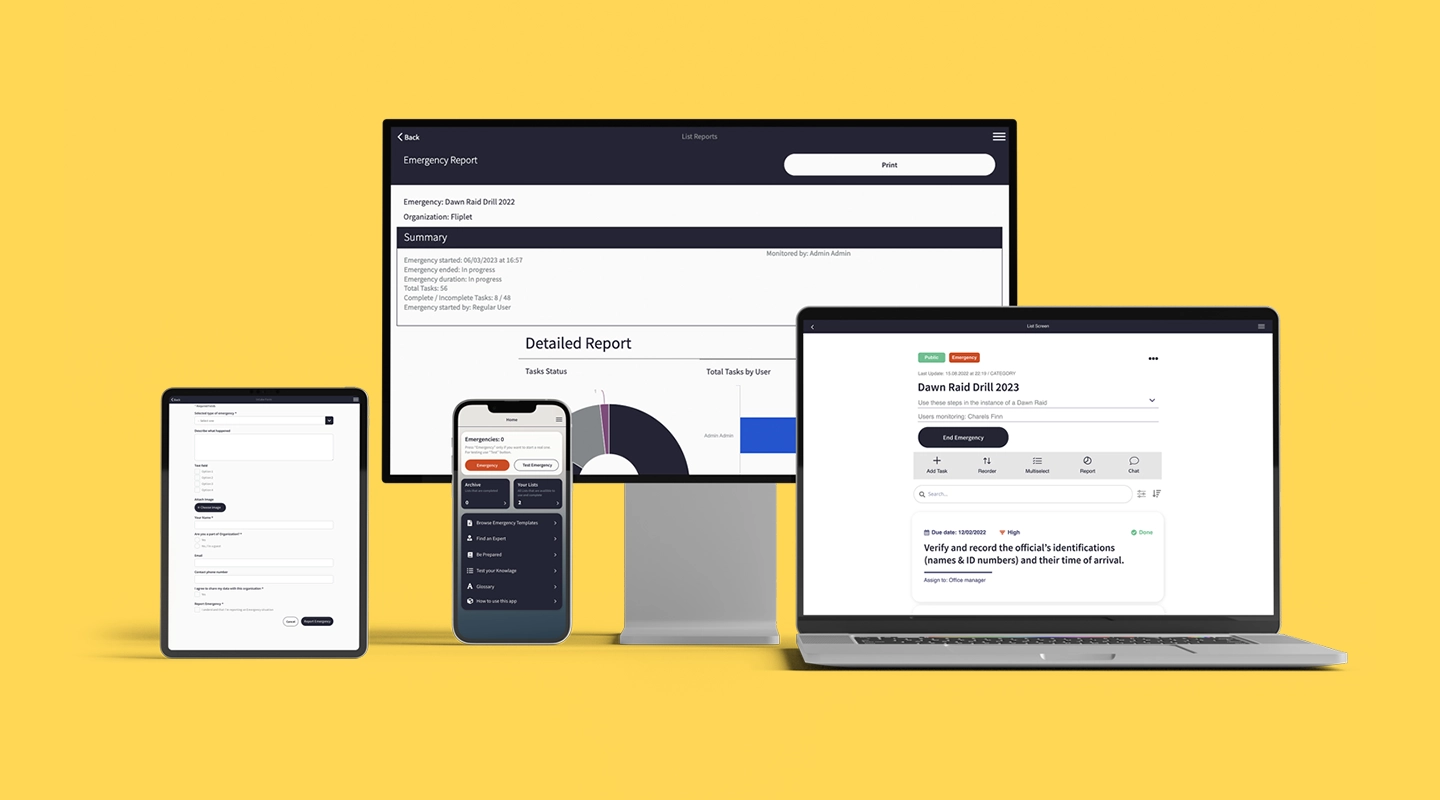
Fliplets [Emergency Management solution](https://fliplet.com/solution/emergency-management-for-clients/) is a distinguished incident management platform that enables anyone to create specialized apps tailored to their needs, without the need of coding expertise. Fliplet offers pre-built templates that are completely customizable making it an effective tool for incident management. Fliplet's user-friendly interface, and adaptive platform ensure rapid response and efficient handling of incidents. This flexibility and adaptability have made it the go-to solution for small organizations to large enterprises..
#### Features:
**1\. Pre-planning & Preparedness Training**
In the initial phase of incident management, Fliplet provides features designed to ensure your organization is well-prepared:
- **Staff Training:** Fliplet enables you to train your staff effectively for any incident, ensuring everyone understands their responsibilities and the procedures to follow.
- **Inspection Reminders and Drills:** The software sends out reminders for regular inspections and drills, keeping your team alert and ready.
- **Role Management:** Fliplet allows you to define and assign roles efficiently, ensuring everyone knows their responsibilities during an incident.
- **Always Up-to-Date Incident Action Plan:** The software ensures your incident action plan is always current and accessible, allowing for quick and efficient response when an incident occurs.
**2\. Effective Response & Obtain Situational Awareness**
During an actual incident, Fliplet provides vital features to facilitate an effective response and ensure complete situational awareness:
- **Mass Notifications:** Fliplet ensures timely communication across multiple channels and devices, including desktop, mobile via SMS, emails, and notifications.
- **Real-time Collaboration:** Automated conference calls, phone calls, emails, notifications, and group chats are facilitated through the software, ensuring efficient communication during an incident.
- **Self-Reporting Features:** Tools such as headcount systems ensure recovery and provide vital information on personnel safety.
- **Benchmark Dashboard:** Fliplet provides a platform for real-time document sharing and timestamped updates on assets, personnel response, and key stakeholders' milestones.
- **Incident Action Plan:** Checklists and tasks for incident documentation are readily accessible, ensuring a structured and effective response.
**3\. Recovery & Evaluation**
In the post-incident phase, Fliplet offers features to assist with recovery and evaluation:
- Organizational Emergency Response Stats: Fliplet provides statistics on the organization's emergency response, allowing you to evaluate the effectiveness of your incident management.
- Individual Emergency Response Stats: Fliplet also provides data on individual responses, enabling you to assess and improve your team's performance during incidents.
#### Advantages:
- Rapid development and deployment of incident management apps, leading to faster response times and heightened efficiency
- Extensive customization options tailored for incident management, facilitating bespoke incident response
- Easy integration with existing systems for more holistic incident tracking and analysis
- Strong security protocols ensure the safety of sensitive incident data
#### Drawbacks:
- For complex incident management requirements, a degree of coding knowledge may be beneficial
#### G2 Rating:
- 4.6/5
#### Pricing:
- Free – [sign up today](https://studio.fliplet.com/signup)
- Public – $9.90
- Private – $19.90
- Private plus – $29.90
- Enterprise – [Request a demo](https://fliplet.com/book-a-demo/)
### NinjaOne
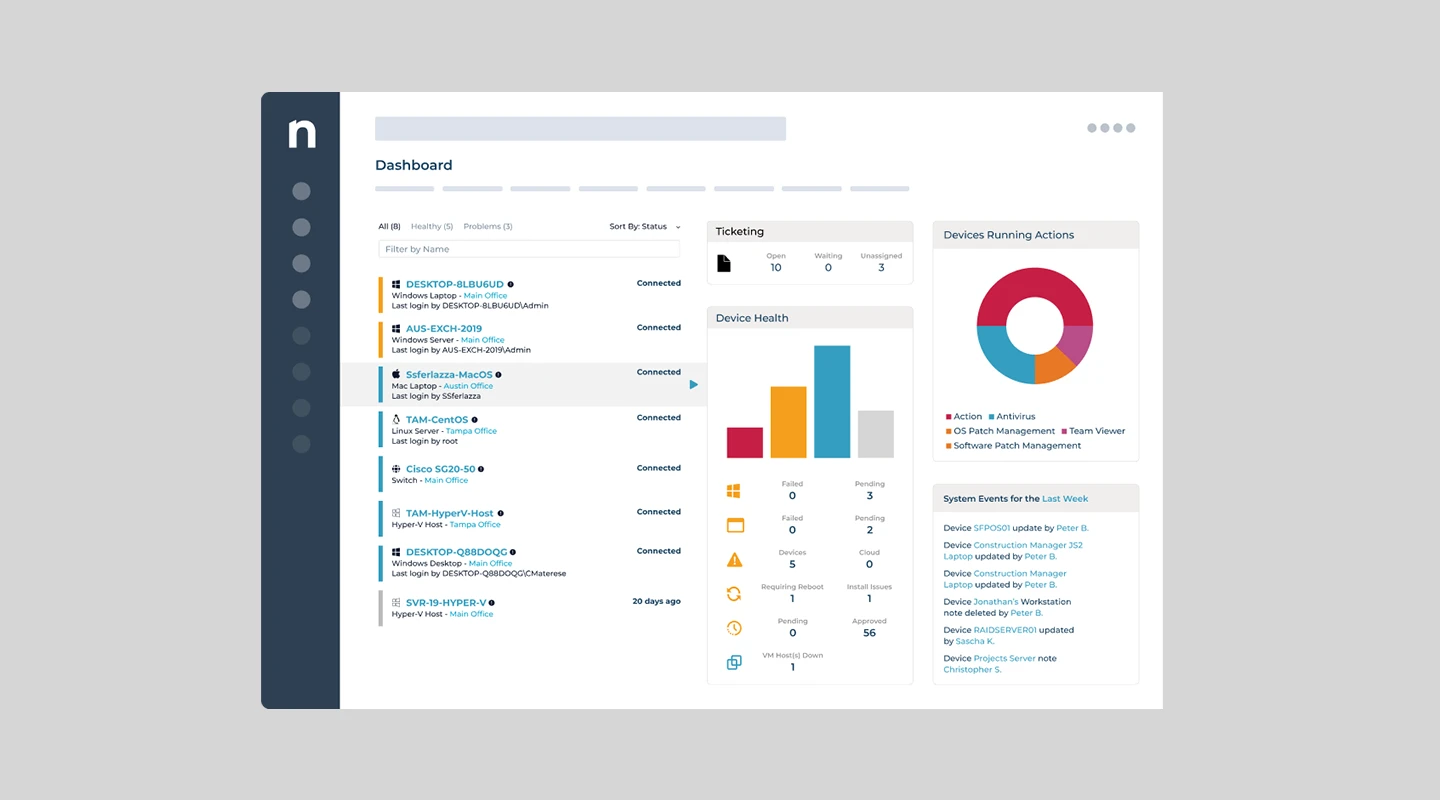
NinjaOne presents itself as an all-inclusive IT operations platform. It's crafted to handle a range of functions including remote monitoring and management (RMM), endpoint management, patch management, service desk, IT asset management, backup, and remote access. It's designed to safeguard endpoints from ransomware threats and provide full visibility into the managed environment.
#### Features:
- Unified IT operations platform, offering RMM, endpoint management, and more
- Automated vulnerability remediation
- Deployment of next-gen security tools
- Backup of critical business data
- Cross-platform automation capabilities
#### Advantages:
- Comprehensive, easy-to-use IT management tools
- Reduces administrative burden through automation
- Offers full visibility into the managed environment
- Can protect endpoints from ransomware
#### Drawbacks:
- It lacks some filter features
- The comprehensive feature set might be overwhelming for some users
- The look and feel of their product sometimes feels outdated
#### G2 Rating:
- 4.8/5
#### Pricing:
- Contact NinjaOne for a quote
### Splunk On-Call
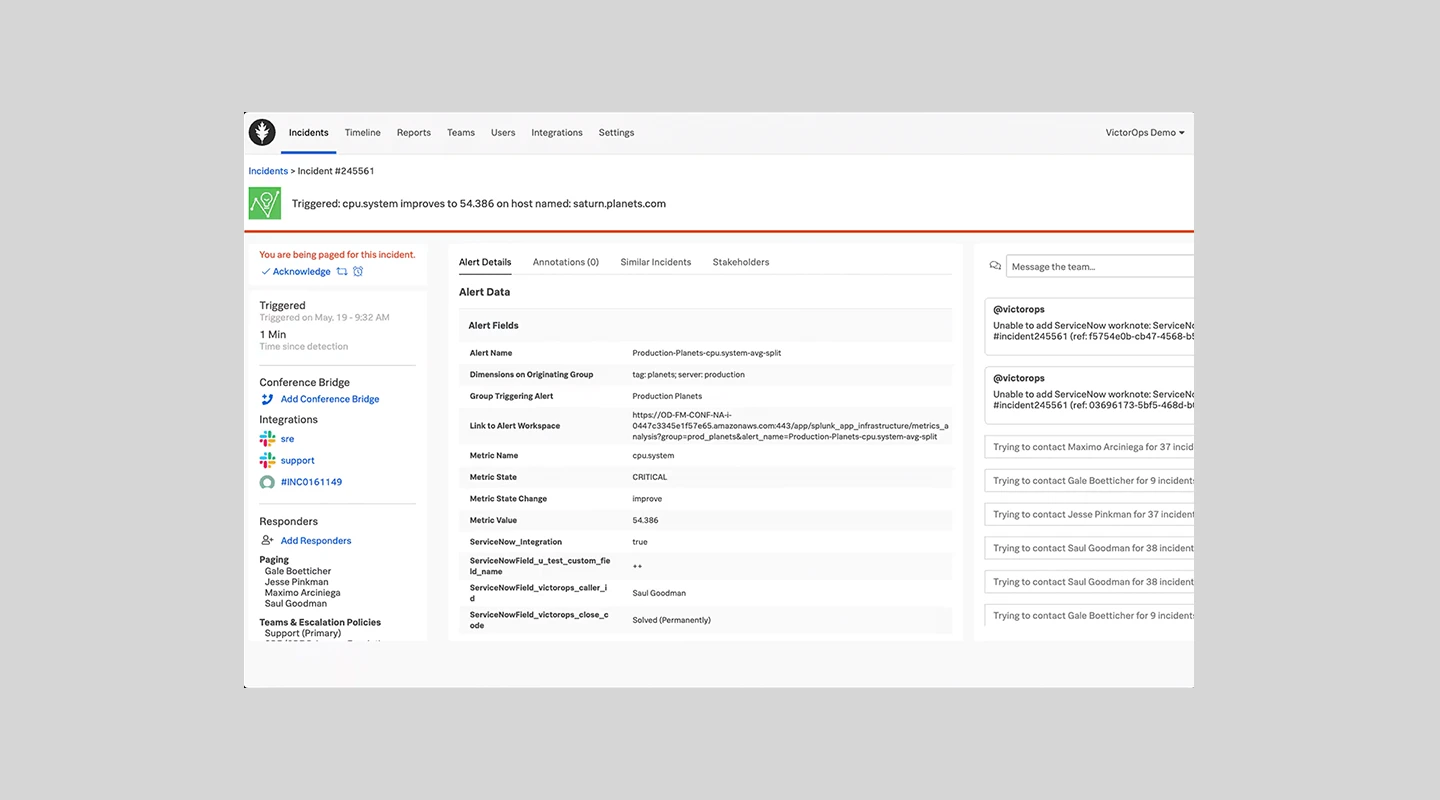
Splunk On-Call is a comprehensive incident management tool designed to orchestrate and streamline incident response workflows. Built on a powerful platform, Splunk On-Call provides real-time visibility into the health of IT services and infrastructure, allowing teams to proactively manage incidents.
#### Features:
- Centralized incident management dashboard
- Real-time incident response orchestration
- Automated on-call scheduling
- Integrated post-incident reviews
- Customizable alerting and escalation policies
- Comprehensive analytics and reporting
#### Advantages:
- Enables proactive incident management with real-time visibility
- Streamlines incident response with automated workflows
- Supports integrated post-incident reviews for continuous improvement
- Customizable alerting and escalation policies to suit specific needs
#### Drawbacks:
- Reviews suggest it is an expensive platform
- Some of the interface can seem a little cluttered
- One G2 review stated the platform was "not user friendly and very difficult to configure"
#### G2 Rating:
- 4.6/5
#### Pricing:
- Contact Splunk On-Call for a quote
### Opsgenie
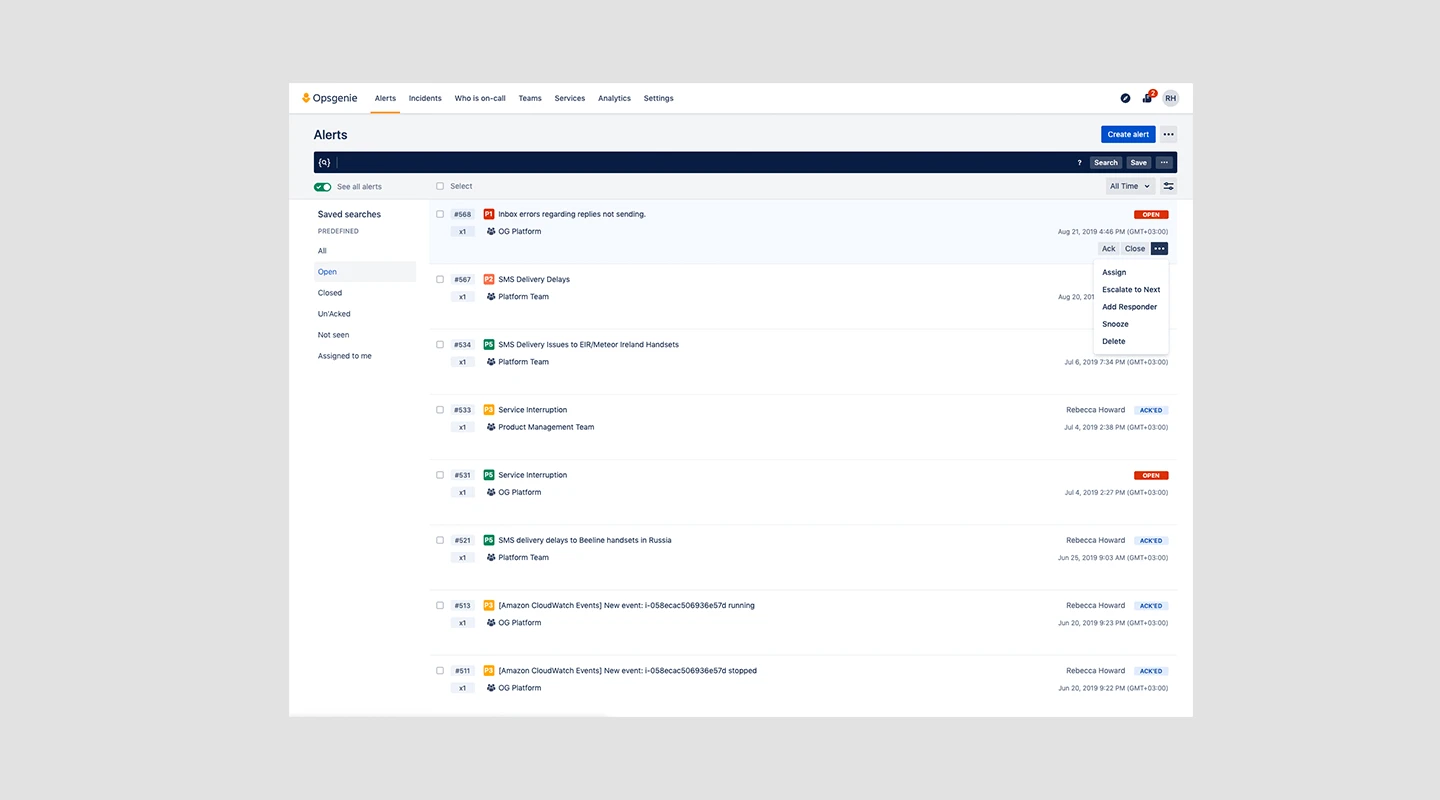
Opsgenie, an IT incident management software, is designed to cater to organizations of all sizes. It offers sophisticated alerting capabilities and comprehensive tracking of each alert, while also integrating seamlessly with numerous other tools and applications.
#### Features:
- Comprehensive alert tracking system
- Seamless integration with various tools and applications
- Mobile application support (Android and iOS)
- End-to-end application flow monitoring
- Incident response planning and preparation
- Customizable status page creation
#### Advantages:
- Detailed incident planning and preparation capabilities
- Reliable alerting system ensuring critical alerts are not missed
- Enhanced operational efficiency through valuable insights
- Quick and easy setup of new numbers
- Powerful, user-friendly dashboard
#### Drawbacks:
- It is a little bit tough to get the hang of the user interface and functionalities when starting with it for the first time
- Automations capabilities are very limited
- The alert by a phone number is not a part of the base package
#### G2 Ratings:
- 4.3/5
#### Pricing:
- Free – up to 5 users
- Essentials – $9 per user / month
- Standard – $19 per user / month
- Enterprise – $29 per user / month
### BeSafe
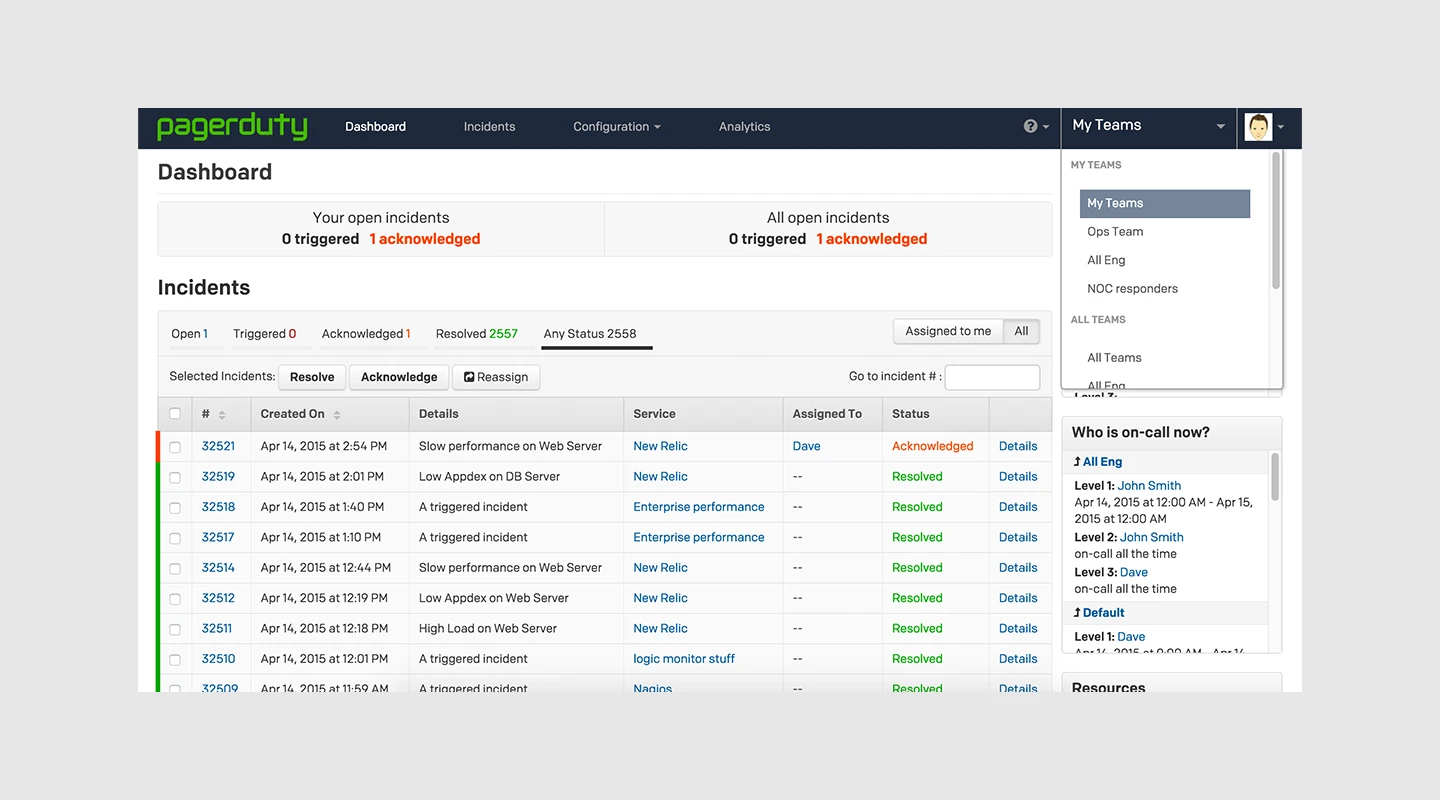
BeSafe facilitates the sharing of crucial tactical information between school administrators, facilities management and emergency first responders in real time, providing our emergency services with the information they need to act rapidly.
#### Key features:
- Floorplans
- Key contact data
- Building features
#### Benefits:
- The secure cloud technology delivers accurate and detailed information
#### Limitation:
- The interface is not very intuitive and sometimes the loading of files for emergency personnel becomes slow and tedious
#### G2 Rating:
- N/A
#### Price:
- Starts at $20
### HaloITSM
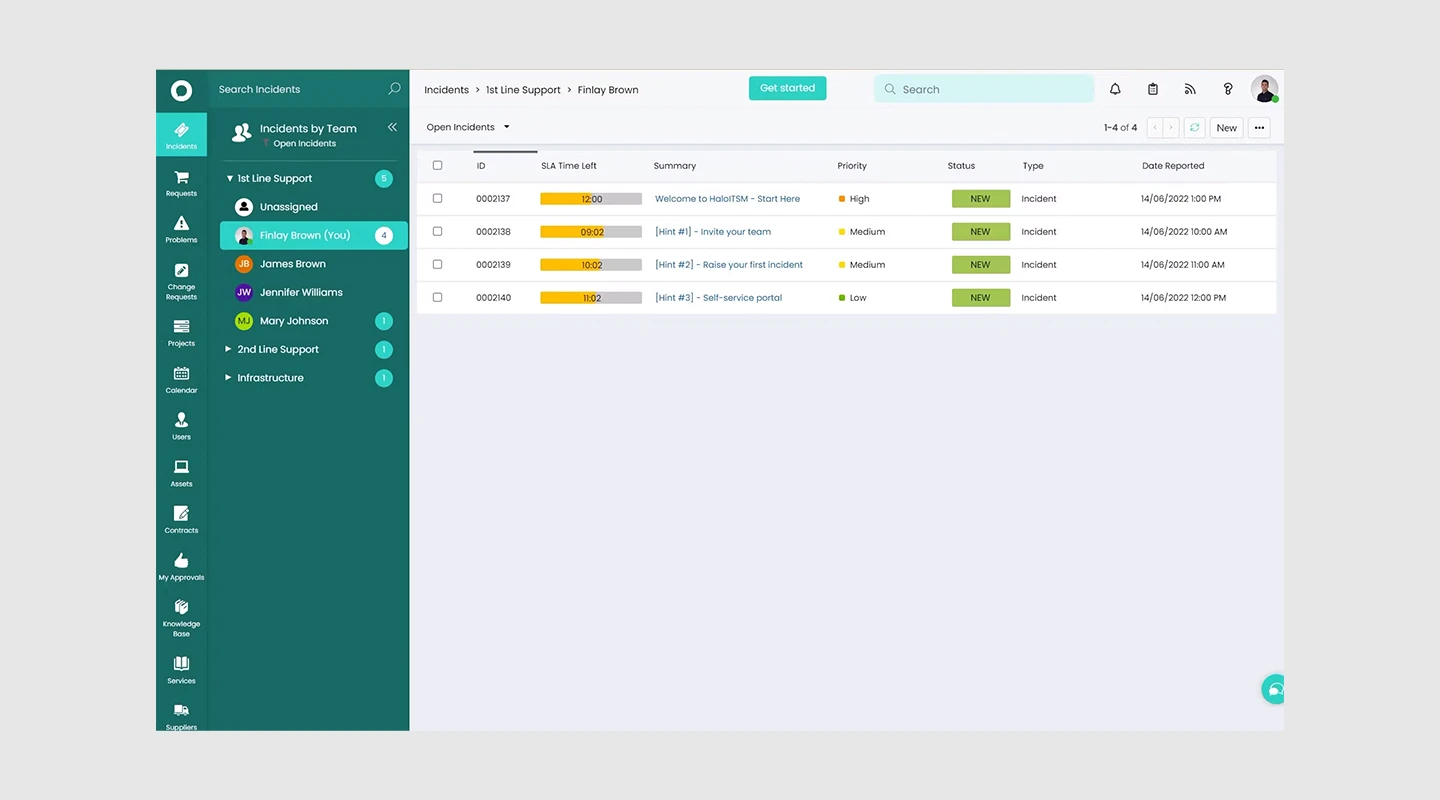
HaloITSM is a leading IT Service Management (ITSM) solution that covers a wide range of service management needs, including Incident Management. Designed to restore normal service operation quickly and minimize the impact on business operations, HaloITSM ensures optimal service quality and availability.
#### Features:
- Nominate multiple request types as ITIL Incident Management requests for compliance
- Easy escalation of incident request types to problem request types with intelligent linking
- Comprehensive tracking and reporting of incident requests from occurrence to closure
- Attach multiple incidents to problem requests and update all incidents from the problem request in one click
#### Advantages:
- Modern and intuitive interface
- Easy integration with popular applications like Azure DevOps, Office365, and Microsoft Teams
- Comprehensive feature set that covers a wide range of ITSM needs
- Extensive reporting capabilities
#### Drawbacks:
- It can be difficult to find some features
- A lot of options are available but they are not always well explained / labeled within the tool
- Some things can be a little complex to get working
#### G2 Ratings:
- 4.8/5
#### Pricing:
- Starts at $49 / month
- Enterprise – contact HaloITSM
### Zendesk
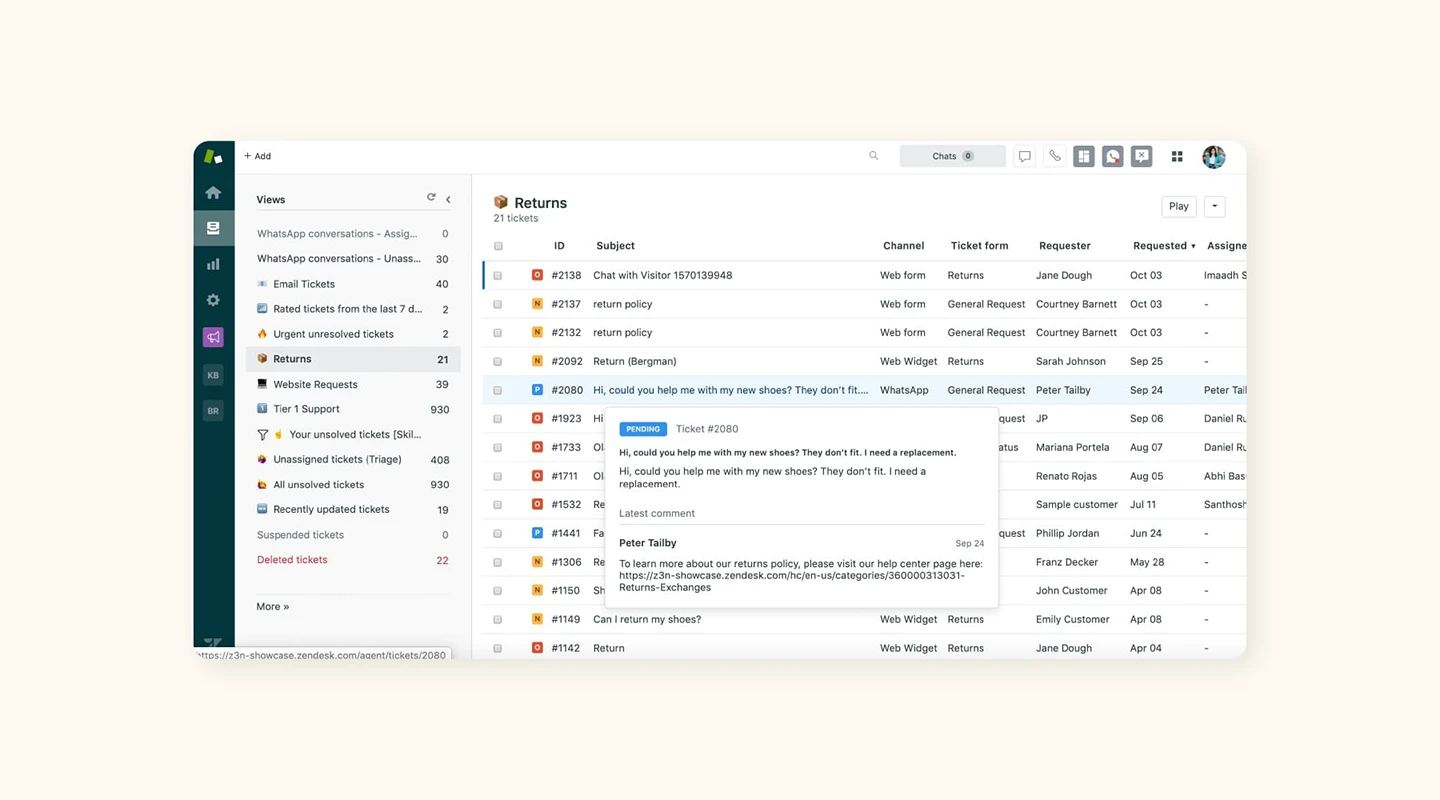
Zendesk is a renowned incident management tool designed to facilitate superior customer experiences. Its platform for customer service and engagement is potent, flexible, and scalable to meet the demands of any business, focusing primarily on tracking, prioritizing, and resolving customer tickets.
#### Features:
- Flexible ticket management with automated workflow & screencasting
- Multi-channel support, including mobile support
- Robust reporting, REST API, and client-facing web interface
- Forums feature for community building and customer engagement
- Multi-Locale support for international business operations
- Powerful integration capabilities
#### Advantages:
- Centralizes sales and support inquiries
- Delivers powerful reporting and client satisfaction surveys
- Strong integration capabilities
- Ability to automatically create rules for filing requests and emails
#### Drawbacks:
- Reporting features are mostly limited to ticket fields, making it difficult to track agent productivity
- Reviews suggest the support could be improved
#### G2 Ratings:
- 4.3/5
#### Pricing:
- Zendesk pricing begins at $9 and can go up to $199 per user per month, varying according to the required features and plan tiers
### Jira Service Management
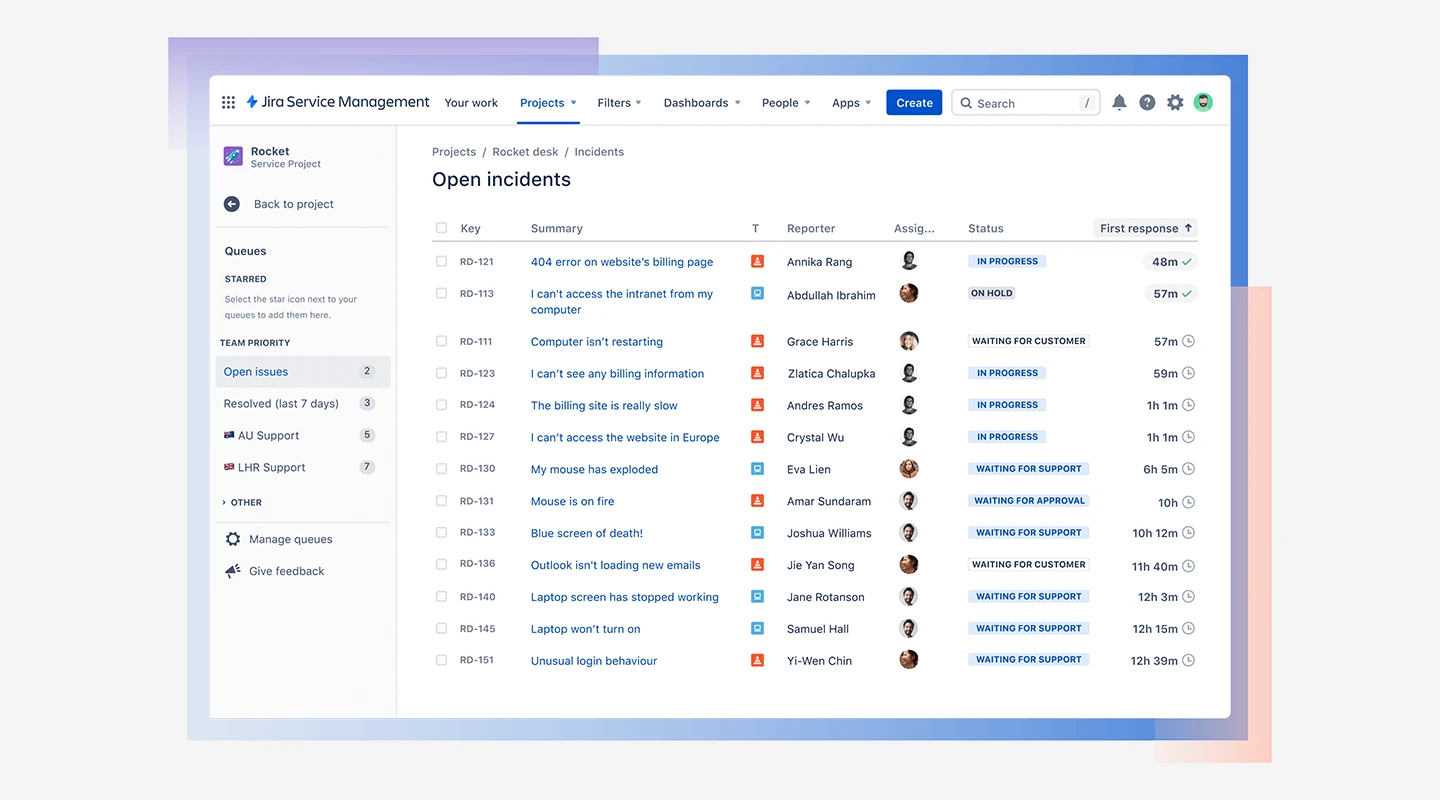
Jira Service Management is a widely recognized service desk platform designed to facilitate both IT and business service desks, as well as customer service. This tool is designed to deliver end-to-end service to clients and is developed on the JIRA platform, allowing it to integrate seamlessly with JIRA software.
#### Features:
- Support for automation and Jira Software integration
- Integration with Confluence, Machine Learning, APIs, and self-service tools
- Provides real-time updates with the knowledge base and SLAs
- Customizable templates for various project needs
#### Advantages:
- Powerful and extensible with a robust implementation
- Automated email triggering to relevant personnel for tasks
- Provides a central point for testers and developers to track defects
- Detailed information regarding defects is available on the portal, reducing the need for extensive documentation
#### Drawbacks:
- Due to its numerous features, the portal can be difficult to understand initially
- Email notifications can sometimes be delayed due to signatures and attachments
- The interface design could be improved for better user experience
#### G2 Ratings:
- 4.2/5
#### Pricing:
- Free trial
- Starting at $60 / month
### Spiceworks
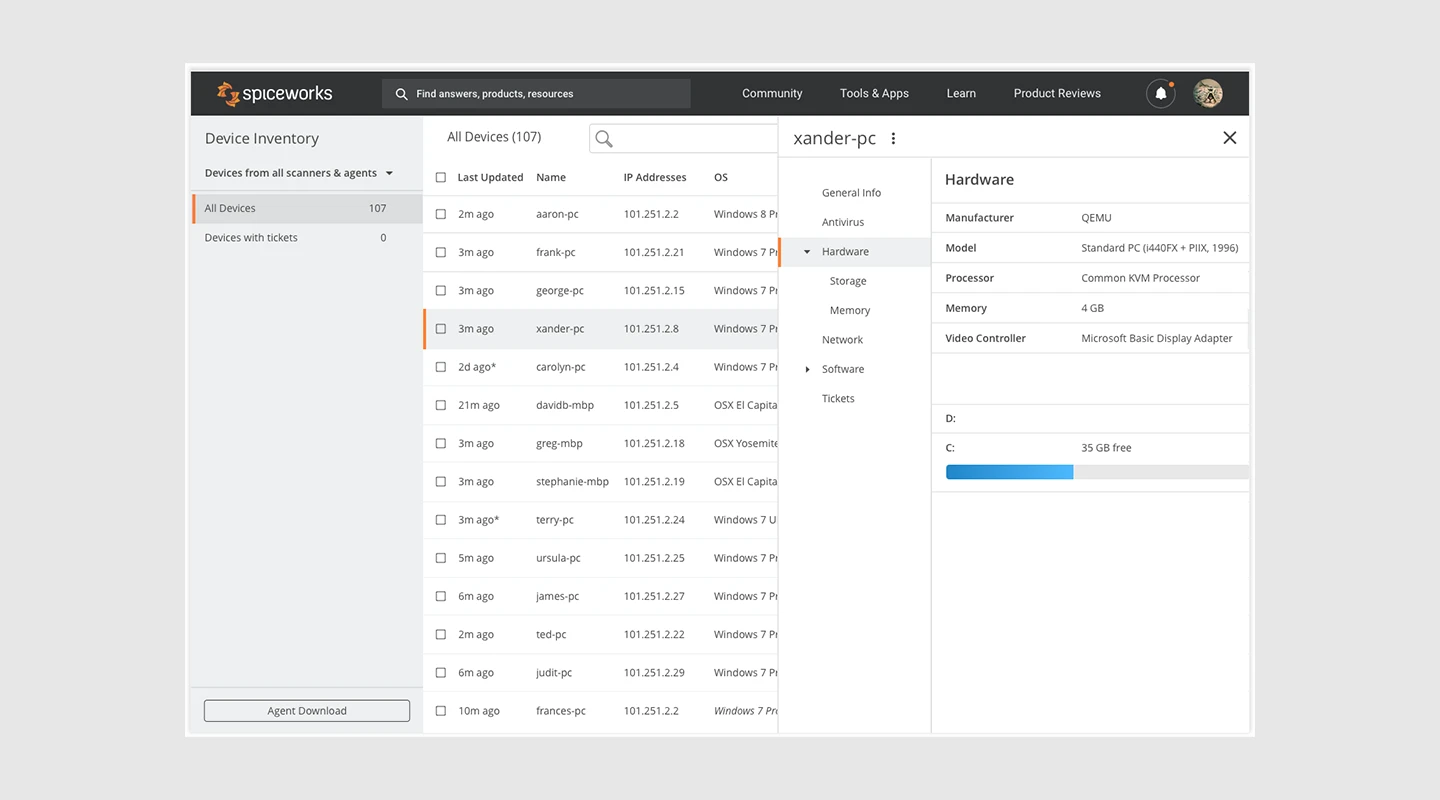
Spiceworks is a popular open-source incident management tool designed to simplify the tasks of technicians and IT professionals. It offers a straightforward network monitoring software that provides real-time updates and alerts. Comprising networking tools that enable clients to establish and troubleshoot their networks, Spiceworks also has an online community where users can interact and seek advice from each other.
#### Features:
- Real-time network monitoring and device inventory management
- Trace routes, connectivity dashboard, SSL checker, port scanner
- IP lookup, security tools, cloud cost monitor with remote support
- Subnet calculator with an internet outage heat map
#### Advantages:
- Spiceworks offers a user-friendly interface and being open-source, it's free and feature-rich
- Good community support and plugins
- Offers network device inventory and asset location tracking
- Provides communication, accountability, reliability, and affordability
#### Drawbacks:
- Spiceworks' default database may struggle to handle heavy loads
- Inventory scanning can start unexpectedly
- Frequent upgrades are needed as it is open source
- The mobile application could be significantly improved
#### G2 Ratings:
- 4.3/5
#### Pricing:
- Free
### LogicManager
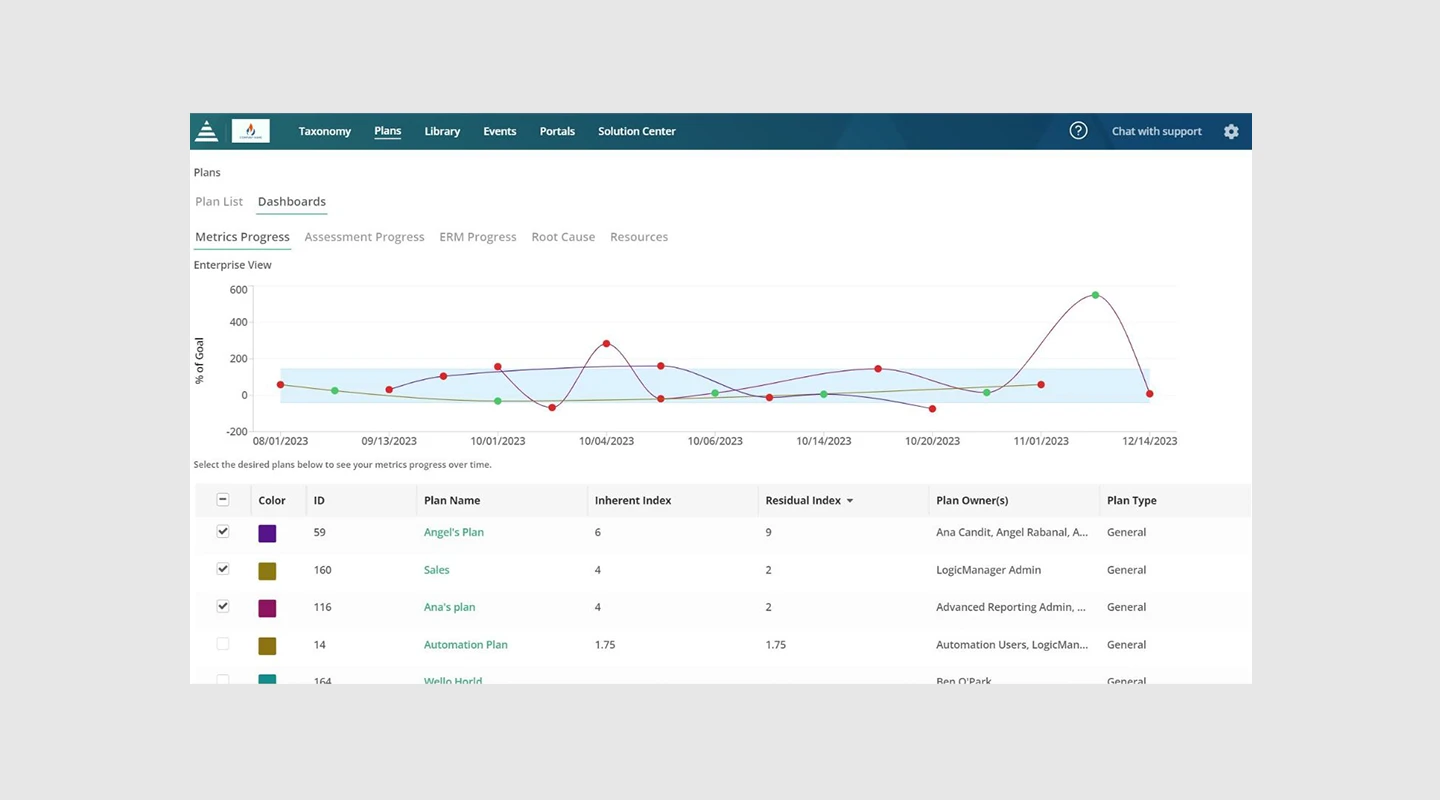
LogicManager is an incident management tool offering integrated platforms for risk management. Its modular and scalable features cater to the needs of organizations of all sizes. LogicManager makes work easier by providing free professional services but also empowers users to streamline, focus, and improve risk management. With its wide range of integrated solutions, it provides a robust and intuitive platform for enhanced incident management.
#### Features:
- Quick identification of achieved conditions and standards and areas of compliance that require attention
- Gap analysis and report features for identifying high vulnerabilities
- Capability to track and report client complaints throughout the organization
- Functions include identifying, assessing, mitigating, monitoring, connecting, and reporting
#### Advantages:
- Powerful integration and a user-friendly interface
- Connects all enterprise risk management, governance, and compliance activities
- Robust in nature with strong risk management capabilities
#### Drawbacks:
- Performance can decrease when many operations are performed simultaneously
- Documentation could be improved
- Initial installation setup can be complex
#### G2 Ratings:
- 4.5/5
#### Pricing:
- Contact LogicManager for a quote
In summary, Fliplet is an excellent choice for businesses in need of an effective, customizable, and user-friendly incident management solution. Its rich set of features such as customizable checklists, emergency testing, collaboration tools, real-time notifications, interactive learning tools, and post-emergency surveys, are specifically designed to streamline your incident management process.
Furthermore, Fliplet's ability to integrate seamlessly with existing systems, its robust security measures, and multi-platform compatibility make it an even more compelling option.
Whether you're a small organization seeking to improve your incident response or a large enterprise aiming to optimize your existing processes, Fliplet can offer a tailor-made solution to meet your unique needs. Its commitment to user experience and adaptability sets it apart, making Fliplet the ideal choice for your incident management requirements.
Still unsure? Check out this blog on [why you should use a pre-built app builder](https://fliplet.com/blog/prebuilt-app-builder/).
Looking to manage more than just an incident? Check out this blog about [top emergency management software.](https://fliplet.com/blog/15-top-emergency-management-software/)
Now we have seen the top options out there it is time to delve into the significance of having incident management software.
## Best Incident Management Tools & Software: Comparison Table
## Essential Features to Consider When Choosing Incident Reporting Software
### Best Features before an incident
- **Proactive monitoring and alerts:** Ability to monitor systems and networks for early signs of issues before incidents escalate.
- **Risk assessment tools:** Functions that help pinpoint potential vulnerabilities and evaluate the risks they might introduce.
- **Pre-incident planning and preparation:** Facilities for crafting and managing detailed incident response plans to ensure readiness.
### Best Incident Management Features during Crisis
- **Real-time communication tools:** Ensures [timely and effective communication](https://fliplet.com/blog/best-team-communication-apps/) among all stakeholders during an incident.
- **Incident tracking and management:** Allows for the documentation, tracking, and management of incidents as they occur.
- **Automated response actions:** Automates certain responses to common incidents to speed up resolution times.
### Best Incident Management Features that ensure business continuity post-crisis
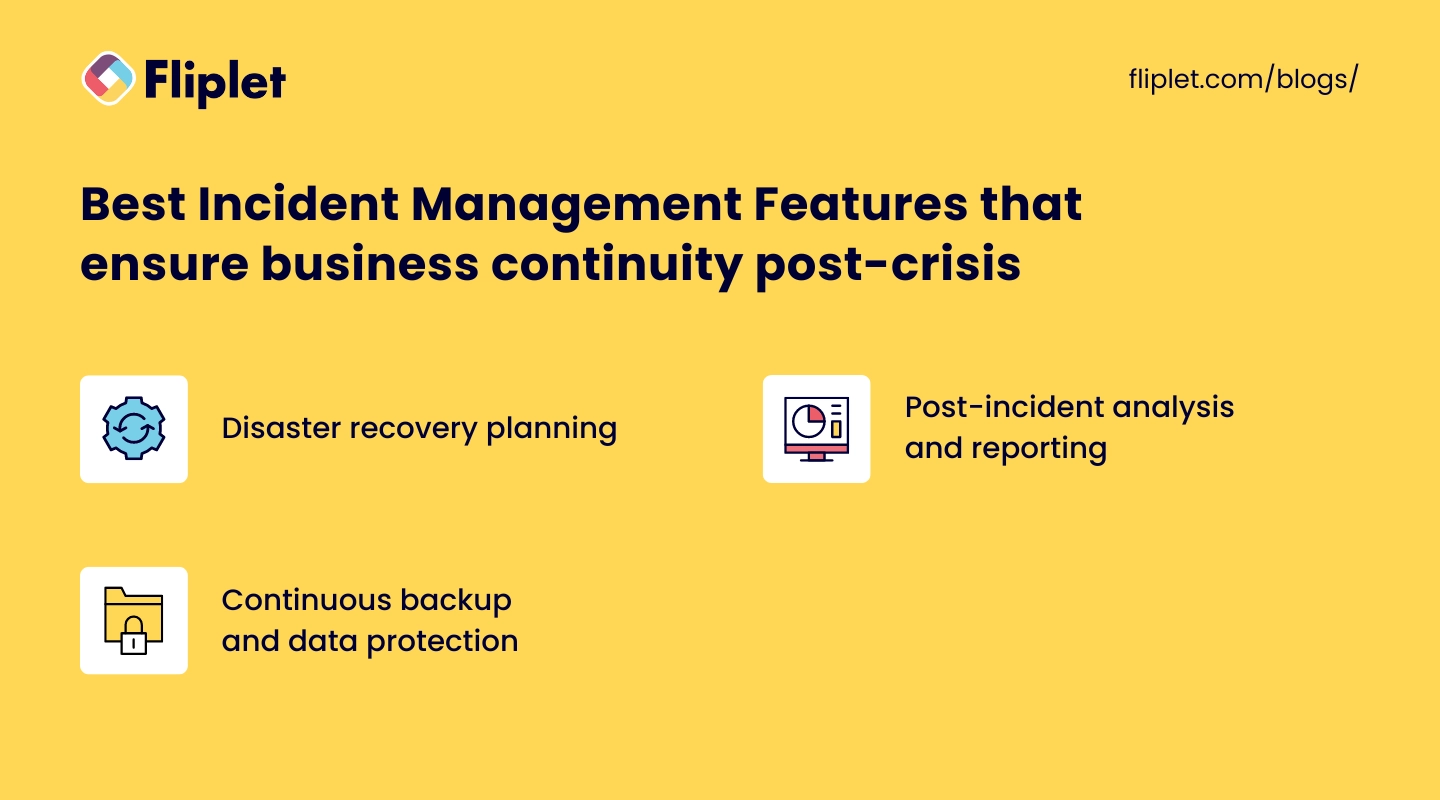
- **Disaster recovery planning:** Tools and templates to help prepare for and manage the aftermath of significant incidents.
- **Post-incident analysis and reporting:** Features for analyzing incidents after the fact to prevent future occurrences and to improve response strategies.
- **Continuous backup and data protection:** Ensures that data is [continuously backed up](https://fliplet.com/security/), minimizing data loss and facilitating quicker recovery.
## Why do you need an incident response software?
Incident Management Software holds a vital place in the smooth functioning of businesses. By employing a comprehensive incident management system, organizations can respond effectively to issues and prevent minor incidents from escalating into major problems.
### Benefits and Advantages of Utilizing Incident Response Tools:
- **Proactive Identification:** Incident management software helps detect problems early before they escalate into major issues.
- **Streamlined Response:** It provides a systematic approach to managing incidents, which can significantly reduce downtime and minimize business disruption.
- **Enhanced Communication:** The software improves communication and collaboration among the response team, aiding in quicker resolution of incidents.
- **Improved Reporting:** With incident reporting software, businesses can generate detailed reports that help in identifying trends, spotting recurring issues, and improving their incident response strategies.
- **Regulatory Compliance:** It aids in maintaining regulatory compliance by ensuring that all incidents are recorded, tracked, and managed as per the regulations.
It is impossible to overstate the value of incident management tools in the complex and hectic business environment of today. They not only deal with problems as they arise, but they also offer advice on how to avoid them in the future, maintaining business continuity and raising client satisfaction.
It's critical to realize that not every incident management system will satisfy the particular needs of each incident management phase. Let's examine how to select the ideal incident management solution for your business at each stage of an issue.
## Incident Management Phases: Choosing the Right Incident Management Tool for Each Phase
Effective incident management isn't a one-time event, but a cycle that includes different phases. Selecting the right incident management tools for each phase can make a significant difference in how an organization responds to and learns from incidents.
### Before the Incident
#### Monitoring
Monitoring tools within incident management software can keep a watchful eye on your IT infrastructure, identifying potential issues before they become full-blown incidents.
- **Benefits**
- Proactive incident prevention: By identifying anomalies early, you can prevent potential incidents and minimize disruption to your services.
- Increased system uptime: Regular monitoring can lead to improved system performance and uptime, reducing the frequency and impact of incidents.
- **Features**
- Real-time alerts: These alerts can inform the right team members instantly when predefined thresholds are breached.
- Comprehensive dashboards: Dashboards provide a visual representation of your system's health, making it easy to spot trends or anomalies.
#### Service Desk
The service desk is the hub for all user communication and issue resolution within an organization.
- **Benefits**
- Improved user satisfaction: A responsive service desk can lead to happier, more satisfied users.
- Streamlined issue resolution: It can help track, prioritize, and resolve issues efficiently.
- **Features**
- Ticket management: This allows for efficient tracking and management of all user-reported issues.
- Automation: Automated responses and workflows can speed up resolution times and free up your team for more complex tasks.
#### Alerting and On-Call
Alerting and on-call management ensure that the right people are aware of and respond to incidents promptly.
- **Benefits**
- Faster incident response: Prompt alerts can reduce the time it takes to start resolving an incident.
- Reduced downtime: Faster responses generally lead to faster resolutions and less downtime.
- **Features**
- Customizable alert parameters: These allow you to define what constitutes an incident and who should be notified.
- Escalation policies: If the first line of response doesn't respond, the incident can be automatically escalated to ensure it gets the necessary attention.
### During the Incident
#### Leveraging a Configuration Management Database (CMDB) for Faster Resolution
A Configuration Management Database (CMDB) is essentially a data warehouse where an organization stores all the important information about its IT infrastructure. In simple terms, it's like a massive inventory that keeps track of all the IT assets (referred to as configuration items or CIs) and the relationships between them.
A CMDB can provide valuable context during an incident by detailing the relationships and dependencies between different elements of your IT infrastructure.
- **Benefits**
- Improved decision-making: The additional context provided by a CMDB can guide decision-making during incident response.
- Faster incident resolution: Understanding the interdependencies can help identify the root cause and potential solutions more quickly.
- **Features**
- Relationship mapping: This shows how different components of your IT infrastructure are related, which can be invaluable during a major incident.
- Detailed asset information: This can include data on software versions, patch levels, and more, which can be useful when trying to identify the cause of an incident.
#### Team Communication
During an incident, effective team communication is crucial for coordinating the response.
- **Benefits**
- More efficient incident response: Clear communication can help avoid misunderstandings and ensure everyone is working towards the same goal.
- Improved team collaboration: A common platform for communication can foster better collaboration and knowledge sharing.
- **Features**
- Integrated chat: This allows team members to communicate directly within the incident management tool, keeping all relevant information in one place.
- Incident timelines: These provide a running record of what has happened, which can aid in communication and post-incident analysis.
#### Customer Communication
Keeping customers informed during an incident can improve transparency and maintain trust.
- **Benefits**
- Enhanced customer trust: Customers appreciate being kept in the loop during incidents.
- Reduced support volume: Proactive communication can reduce the number of support inquiries during an incident.
- **Features**
- Status pages: These can provide customers with real-time updates on
### After the Incident
#### Postmortem and Analysis
Once an incident is resolved, the focus shifts to learning from the event to prevent recurrence and improve future responses. This is where postmortem and analysis features in incident management software come into play.
- **Benefits**
- Learning and improvement: A thorough postmortem can help identify what went wrong, why it went wrong, and how to prevent it from happening again.
- Increased resilience: The insights gained from postmortems can improve your incident management strategies, leading to quicker, more effective responses in the future.
- **Features**
- Postmortem reports: These provide a structured way to analyze incidents, identify root causes, and recommend improvements.
- Incident timeline: This captures all the actions taken during the incident, which can be reviewed during the postmortem to identify gaps in your response.
#### Issue Tracking
Issue tracking is crucial for managing known issues and ensuring they are resolved appropriately.
- **Benefits**
- Enhanced visibility: Issue tracking provides a clear view of all known issues, their status, and who is responsible for resolving them.
- Improved accountability: With clear assignment and tracking of issues, it's easier to hold individuals or teams accountable for resolution.
- **Features**
- Issue registry: This provides a centralized place to manage all known issues.
- Progress tracking: This lets you track the status of each issue, from identification through resolution.
An efficient incident management solution is essential for guaranteeing smooth operations at every stage. In addition to streamlining the process, incident management technologies like event tracking and incident reporting software also support learning and development. They lessen the impact of catastrophes on corporate operations and services, assisting organizations in remaining resilient in the face of interruptions.However, it is important to note that there can be some challenges that occur when implementing an incident management software.
## Navigating the Challenges of Implementing Incident Management Solutions
Implementing incident management software is a major undertaking that can pose several challenges for businesses. However, these challenges can be effectively navigated with strategic planning and careful execution.
### Common Hurdles Businesses Encounter During the Software Implementation Phase:
- **Technical Compatibility:** One of the primary challenges is ensuring that the new software is compatible with existing systems and processes.
- **Staff Training:** Employees need to be trained on how to use the incident management system, which can be time-consuming and resource-intensive.
- **Resistance to Change:** People are often resistant to change, and getting buy-in from all stakeholders can be a hurdle.
- **Cost:** The expense of purchasing and implementing the software can be a challenge, particularly for smaller businesses.
### Effective Strategies to Tackle These Challenges for Successful Software Adoption:
- **Comprehensive Planning:** Start by assessing your organization's specific needs and the compatibility of the software with your existing infrastructure. This can help prevent technical issues down the line.
- **Regular Training and Support:** Offer regular training sessions and provide support to employees as they learn to use the new system.
- **Change Management:** Implement a change management process to help staff adapt to the new system. This could include communication about the benefits of the new software, involving users in the implementation process, and providing support during the transition.
- **Budgeting and ROI Analysis:** Consider the total cost of ownership of the software, including purchase, implementation, and maintenance costs. Conduct a return on investment (ROI) analysis to understand the long-term value the software will bring to your organization.
### The Evolving Role of Technology in Modern Incident Management:
As the business landscape continues to evolve, so do the capabilities of incident management solutions. Advanced technologies like AI and machine learning are now being incorporated into these solutions, enhancing their predictive capabilities and enabling more proactive incident management.
- **Incorporation of Advanced Technologies:** Incident management solutions are now leveraging advanced technologies like Artificial Intelligence (AI) and Machine Learning (ML) to enhance their capabilities. For more on [ai in app development, read our blog.](https://fliplet.com/blog/how-ai-will-disrupt-app-development/)
- **Proactive Incident Management:** These technologies enable more proactive incident management by improving the software's predictive capabilities.
- **Learning and Adaptation:** Modern incident management tools go beyond just tracking and resolving incidents. They also facilitate learning from each incident to adapt processes and improve resilience.
- **Improved Resilience:** Despite the challenges in implementation, the benefits of incident management software, especially in enhancing business resilience against future disruptions, make them a crucial investment for businesses.
- **Continuous Service Delivery:** With improved resilience and proactive management, businesses can ensure seamless operations and continuous service delivery, essential in today's fast-paced business environment.
Having delved into the challenges of implementing incident management software, it becomes clear that overcoming these hurdles is an integral part of optimizing your organization's response to incidents. Yet, the implementation of software is just one piece of a larger puzzle.
It's crucial to remember that the true cornerstone of an effective incident management strategy is a well-structured and comprehensive Incident Management Plan. This plan not only streamlines responses to incidents but also allows for efficient utilization of the software tool, making it a pivotal component of your overall incident management strategy.
## Incident Management Plan: The Cornerstone of Your Incident Management Strategy
An Incident Management Plan (IMP) serves as the foundation of your organization's incident management strategy, ensuring that you are well-prepared to deal with incidents as they arise. Having a comprehensive and well-structured IMP in place is crucial for businesses aiming to minimize disruptions and maintain smooth operations.
### Significance of an Incident Management Plan for Businesses:
- **Minimize Downtime:** A well-crafted IMP can help your organization minimize downtime during an incident by outlining clear processes and procedures for a swift and efficient response.
- **Mitigate Risks:** By identifying potential risks and outlining strategies to manage them, an IMP can help organizations prevent incidents from escalating and causing further damage.
- **Reduce Costs:** Implementing an effective IMP can save your organization time and money by streamlining the incident response process and reducing the overall impact of incidents on your operations.
- **Preserve Reputation:** A swift and effective response to incidents can help maintain your organization's reputation and customer trust.
- **Regulatory Compliance:** In some industries, having an IMP is a regulatory requirement, ensuring that your organization remains compliant with relevant regulations.
### Elements of a Comprehensive Incident Management Plan:
A comprehensive IMP should include the following components:
**1\. Roles and Responsibilities:** Clearly define the roles and responsibilities of each team member involved in incident management.
**2\. Incident Identification and Classification:** Establish a process for identifying and classifying incidents based on their severity and potential impact.
**3\. Incident Reporting and Escalation Procedures:** Outline clear guidelines for reporting incidents and escalating them to the appropriate personnel.
**4\. Incident Response Procedures:** Develop step-by-step procedures for responding to incidents, including communication protocols, resource allocation, and incident resolution.
**5\. Training and Awareness:** Provide regular training and awareness programs to ensure that all employees are well-versed in the organization's incident management procedures.
**6\. Post-Incident Review and Analysis:** Implement a process for conducting post-incident reviews to learn from each incident and improve your organization's incident management capabilities.
**7\. Continuous Improvement:** Regularly review and update your IMP to ensure that it remains effective and relevant in the face of changing risks and evolving technology.
## Incident Management Plan Template
Incident management isn't a static process. It's a discipline that demands constant refinement and adjustment according to the organization's needs, changes in technology, and emerging best practices. With Fliplet's emergency management solution, you can turn this demanding task into an efficient, manageable process.
Fliplet allows you to transform your incident management plan into an interactive, easily accessible app. This means that instead of shuffling through paperwork or searching through numerous emails during a crisis, your team can navigate incidents smoothly via a comprehensive, user-friendly mobile or web application. From customizable checklists to real-time push, email, and SMS notifications, everything you need to manage an incident effectively is at your fingertips.
Upon establishing your Incident Management Plan as the cornerstone of your strategy, it's crucial to consider the next pivotal element in effective incident management – communication. Communication during incidents isn't just an important aspect, it is the lifeline that ensures the smooth functioning of the entire process. This is where the power of incident management software comes into play.
An effective incident management system, equipped with a comprehensive suite of incident management tools, plays a vital role in facilitating communication during incidents. From the initial phase of incident reporting, through the stages of tracking and resolution, incident reporting software ensures that all relevant parties are informed and updated promptly. It also enables seamless collaboration among different teams and individuals, making it a crucial part of your incident management solutions.
### Perks of Having a Well-Structured Incident Management Strategy:
- **Enhanced Preparedness:** A well-structured incident management strategy ensures that your organization is prepared to respond effectively to incidents, minimizing their impact on your operations.
- **Improved Coordination and Communication:** A clear incident management strategy facilitates better coordination and communication among team members, leading to a more efficient response to incidents.
- **Reduced Response Time:** With a solid incident management strategy in place, your organization can respond to incidents more quickly, reducing downtime and the potential for further damage.
- **Learning and Continuous Improvement:** An incident management strategy that includes post-incident reviews and analysis enables your organization to learn from each incident and continuously improve its incident management processes.
### The Importance of Considering the Needs of Stakeholders and End-Users When Implementing an incident management solution:
The successful implementation of any software, especially incident management software, requires careful consideration of the needs of stakeholders and end-users. This is paramount for several reasons.
- **User Acceptance and Adoption:** For the software to be effectively used, it is crucial that the end-users find it user-friendly, intuitive, and beneficial to their work. If they find the tool complicated or not addressing their specific needs, they are less likely to adopt it or may use it incorrectly, thus diminishing its intended benefits.
- **Stakeholder Satisfaction:** Stakeholders may include management, employees, customers, suppliers, or anyone else who has a vested interest in the organization's operations. Their needs and expectations could range from seamless communication, efficient resolution of issues, to comprehensive reports and analytics. Meeting these needs is essential to maintain their support and satisfaction.
- **Business Alignment:** The software should be aligned with the broader business goals and objectives. Understanding the needs of stakeholders and end-users helps ensure this alignment, contributing to the overall success of the organization.
- **Customization and Scalability:** Every organization is unique, and so are its incident management requirements. By considering the needs of stakeholders and end-users, the software can be customized and scaled appropriately. This ensures that the tool remains relevant and useful as the organization grows and evolves.
- **Risk Mitigation:** Stakeholders and end-users often have first-hand knowledge about the potential risks and issues that might arise in their specific domains. By considering their needs and insights, the software can be better equipped to predict, prevent, and manage these risks.
## Communication During Incidents and the Role of Incident Tracking Software
During an incident, communication is of utmost importance. A clear, consistent, and rapid flow of information can make the difference between an incident that is effectively managed and one that spirals out of control. Incident management software plays a crucial role in facilitating efficient communication during crises.
### The Criticality of Efficient Communication during Incidents:
- **Promotes Transparency:** Efficient communication during an incident helps in promoting transparency among all stakeholders involved. It ensures everyone is aware of the situation, the steps being taken to manage it, and their role in the process.
- **Ensures Coordination**: Clear communication is essential for ensuring coordination among different teams involved in [incident management](https://events.fliplet.com/blogs/event-management-tips/). It helps avoid confusion and duplication of efforts.
- **Builds Trust:** Prompt and effective communication during an incident can help build trust with customers and stakeholders, as it indicates that the organization is in control and is taking necessary steps to manage the situation.
- **Speeds up Resolution:** With clear communication, teams can quickly understand the issue at hand and work together towards resolving it, reducing the overall incident resolution time.
### How an Incident Management Platform aids in Effective Communication during Crisis Situations:
- **Real-Time Updates:** Incident management software provides real-time updates and alerts to all relevant stakeholders, ensuring everyone is aware of the situation as it unfolds.
- **Automated Communication:** The software can automate communication tasks like sending out notifications, updates, and reports, freeing up human resources to focus on managing the incident.
- **Centralized Communication Platform:** Incident management software serves as a centralized platform for all incident-related communication, helping avoid miscommunication and information gaps.
- **Documentation and Records:** The software records all communication related to an incident, which can be helpful for post-incident analysis and future reference.
- **Accessibility:** Incident management solutions often come with mobile capabilities, ensuring stakeholders can stay connected and receive updates no matter where they are.
### The Advantage of Mobile Applications in Incident Communication:
- **Push Notifications:** Mobile apps can send push notifications directly to users' devices. This ensures immediate delivery and reception of critical information and updates during an incident, even if the user is not actively using the app at that moment.
- **Accessibility:** Almost everyone carries a smartphone with them at all times. Therefore, having a mobile incident management app means stakeholders can stay informed and connected, no matter where they are.
- **Centralized Information:** Mobile apps can serve as a centralized hub for all incident-related information. This includes updates, instructions, contacts, and resources. It helps to avoid confusion and ensures that everyone has access to the same, consistent information.
- **Interactive and User-Friendly Interface**: Mobile apps usually come with user-friendly and interactive interfaces. This makes it easy for stakeholders to navigate through the app, find the information they need, and take necessary actions promptly when they need them the most.
- **Offline Accessibility**: Mobile apps often provide offline accessibility to critical information. This can be particularly useful when network connectivity is an issue during an incident.
Find out how to [scale your mobile enterprise app without coding or IT resources](https://fliplet.com/blog/mobile-enterprise-app-development-without-coding/).
Having delved into the importance of communication during incidents and the crucial role that incident management software plays, it becomes clear how these tools can influence the overall efficiency of your incident management strategy. But to fully appreciate the impact of an incident management system, it's essential to look at the data. Numbers and trends provide an empirical understanding of the effectiveness of incident management solutions, reinforcing the importance of these tools in maintaining business operations and continuity.
Incident reporting software, tracking systems, and other incident management tools are not merely supportive elements of your strategy. They are instrumental in reducing downtime, improving response times, and ultimately mitigating the negative effects of incidents. Incident management statistics provide a wealth of insights into the practical benefits of these solutions, showcasing how they enhance and streamline the incident response process.
## Incident Management Statistics
Understanding the frequency and impact of incidents can shed light on the importance of effective incident management. Let's delve into some relevant data and statistics that underscore this point.
### Relevant Statistics and Data on the Frequency and Impact of Incidents:
- According to a Ponemon Institute study, the average cost of a data breach in the United States was $8.64 million in 2020.
- 43% of cyberattacks target small businesses, and 60% of small businesses that suffer a cyberattack go out of business within six months. (source: Verizon)
- The financial sector is the most targeted industry for cyberattacks, accounting for 35% of all attacks. (source: Trustwave Global Security Report)
- In 2020, 80% of organizations experienced at least one security incident. (source: IBM Security)
- 53% of data breaches were caused by malicious or criminal attacks. (source: Verizon)
- In 2020, there were over 5,200 publicly disclosed data breaches, exposing over 7.8 billion records. (source: Risk Based Security)
- The average time to identify and contain a data breach is 280 days. (source: IBM Security)
- 90% of cyberattacks start with a phishing email. (source: Proofpoint)
These statistics highlight the importance of being prepared for incidents. An effective incident management solution not only helps in addressing these incidents but can also significantly reduce their potential impact.
### The Paramount Importance of Preparedness for Such Incidents:
Being prepared for incidents is not just a best practice; it's a business necessity. Here's why:
- **Minimize Downtime:** Effective incident management can significantly reduce the duration of an incident, minimizing downtime and the associated costs.
- **Protect Reputation:** Companies that handle incidents effectively can maintain their reputation and customer trust, while those that don't risk damaging their brand.
- **Ensure Compliance:** Many industries have regulations requiring companies to have incident management plans in place. Being prepared ensures compliance with these regulations.
- **Improve Efficiency:** With a proper incident management system in place, incidents can be resolved more efficiently, freeing up resources for other tasks.
- **Learn and Improve:** Every incident provides a learning opportunity. By analyzing incidents, companies can identify areas for improvement and take steps to prevent similar incidents in the future.
After looking at the data that supports the significance of incident management software, we can now cast our eyes towards the horizon and consider what the future may hold for this crucial industry. Incident management systems will continue to adapt and innovate, utilizing new trends and technologies to improve their capabilities, just as they have in the past.
## The Future of Incident Management: Upcoming Trends and Technologies
As we step further into the digital era, the landscape of incident management is rapidly evolving. The advent of new technologies and approaches promises to redefine the way we prepare for, respond to, and learn from incidents.
### Exploration of Emerging Trends in Incident Management Tools:
**1\. Artificial Intelligence (AI) and Machine Learning (ML):** AI and ML can analyze vast amounts of data to predict potential incidents before they occur, enabling organizations to take preventative measures. They can also automate repetitive tasks, allowing human resources to focus on more complex incident management tasks.
**2\. Mobile-First Approach**: As discussed earlier, mobile apps play a significant role in incident management. Their importance will only grow in the future, with more functionalities being added, like geolocation, augmented reality, and more.
**3\. Predictive Analytics:** Predictive analytics uses historical data to predict future incidents. It can help organizations to identify potential risks and take necessary actions in advance.
**4\. Integration and Automation:** The integration of incident management software with other business systems can automate the incident response process. Automation can speed up incident resolution, reduce human error, and free up staff for more important tasks.
### Insight into How These Technologies are Redefining the Future of Incident Management:
These emerging technologies are set to revolutionize incident management in numerous ways:
- **Proactive Rather Than Reactive:** With predictive analytics and AI, we can foresee potential issues and deal with them proactively rather than just reacting to incidents.
- **Improved Efficiency**: Automation and integration with other systems can streamline the incident response process, reducing resolution time and improving efficiency.
- **Enhanced Communication:** The mobile-first approach ensures that critical information is accessible anytime, anywhere, enhancing communication and coordination during incidents.
### Potential Impact of These Trends and Technologies on Businesses and Communities:
The potential impact of these trends and technologies is immense:
- **Reduced Downtime**: By predicting and preventing incidents, and speeding up incident resolution, these technologies can significantly reduce downtime, saving businesses time and money.
- **Improved Safety:** In the case of safety incidents, these technologies can help to prevent accidents, ensuring the safety of employees and the community.
- **Greater Resilience**: By enabling businesses to respond effectively to incidents, these technologies can help them to become more resilient, capable of withstanding and bouncing back from any disruption.
## Incident Management Software: Conclusion
In summary, the role of incident management software in today's business environment is paramount. The ability to effectively manage, track, and resolve incidents is a critical aspect of maintaining operational efficiency, minimizing downtime, and ensuring customer satisfaction.
Incident management systems provide us with the necessary tools to swiftly navigate through any disruptions, ensuring continuity of service. With the help of incident reporting software, we're able to maintain a clear record of incidents, learn from past experiences, and prevent future disruptions.
The sophistication and integration of incident management solutions have greatly improved, providing comprehensive platforms that cater to all aspects of incident management. These solutions equip us with advanced incident tracking capabilities, enabling us to monitor incident progression and resolution effectively.
Incident management tools like Fliplet have proven to be highly effective at streamlining the incident management process. Fliplet's [Emergency Management solution](https://fliplet.com/solution/emergency-management-for-clients/), in particular, stands out for its impressive suite of features, which include customizable checklists, interactive learning tools, and efficient notification systems. These tools are instrumental in creating a robust and proactive incident management strategy.
As we look towards the future, we can expect continuous advancements in incident management solution technologies. With the increasing integration of AI and predictive analytics, we can anticipate even more efficient and effective incident management systems.
In the ever-evolving landscape of incident management, investing in a comprehensive and future-ready incident management software like Fliplet will undoubtedly prove to be a strategic move. With its robust and feature-rich platform, Fliplet offers a promising solution for managing incidents effectively, making it a compelling choice for businesses of all sizes.
## FAQs
### What is software incident management?
Software incident management is the process of detecting, classifying, investigating, resolving, and reviewing incidents that impact service quality or system availability.
### What is the goal of ITIL incident management?
The ITIL incident management goal is to restore normal service as quickly as possible while minimizing business impact and maintaining agreed service levels.
### What are the main incident management stages?
Most teams follow prepare, identify, contain, eradicate, restore, and learn/review stages to reduce downtime and strengthen future resilience.
### Is incident management the same as ITSM?
No. Incident management is one process within ITSM, which also includes broader disciplines such as change, problem, and service-level management.
### Why does incident communication matter?
Clear communication improves coordination, transparency, trust, and response speed across stakeholders during active incidents.
## Related links
- [Ultimate Guide: How to scale mobile enterprise app development without coding or IT resources](https://fliplet.com/blog/mobile-enterprise-app-development-without-coding/): Fliplet compiled an ultimate guide on how to scale mobile enterprise app development without coding or IT resources
- [Top 10 Mobile Enterprise Application Platforms](https://fliplet.com/blog/top-10-mobile-enterprise-application-platforms/): Fliplet compiled a list of the top 10 mobile enterprise application platforms. Read more within.
- [The Best Low Code/No Code Development Platforms](https://fliplet.com/blog/the-best-no-code-low-code-development-platforms/): Fliplet compiled a list of the best Low Code/No Code Development Platforms. Find out more within.
---
# 15+ Best Employee Engagement Apps in 2026 (Perfect for HR!)
> Employee engagement apps are designed to increase employees' involvement and commitment to their work and organizations. These apps improve internal communication an
Source: https://fliplet.com/blog/5-most-used-employee-engagement-apps-compared/
Content type: Blog
Published: 2026-01-12T13:55:41
Updated: 2026-03-19T07:46:17
Read time: 21 minutes
# 15+ Best Employee Engagement Apps in 2026 (Perfect for HR!)
Employee engagement apps are designed to increase employees' involvement and commitment to their work and organizations. These apps improve internal communication and collaboration, whilst also giving information and tools to assist employees to execute their tasks more efficiently.
In this blog, we've researched the five best employee engagement apps so you don't have too!
Help your employees to increase their **efficiency** and **productivity** with the all in one fully customizable Fliplet's [employee communication solution](https://fliplet.com/solution/communications/)!
## What is an Employee Engagement App?
> An **employee engagement app** is a mobile or web-based application designed to boost the involvement, satisfaction, and productivity of employees within an organization.
These apps offer various features, such as feedback surveys, recognition platforms, communication tools, and personal development resources, aimed at creating a better workplace. They're like a bridge connecting employees to their workplace, making sure everyone feels heard, valued, and engaged.
## Employee engagement apps vs software
The line between employee engagement apps and software can sometimes get blurry. However, the main difference lies in how they're used and accessed. Employee engagement apps are typically mobile-first, designed for on-the-go access to engagement tools, making it easy for employees to connect and engage anytime, anywhere.
On the other hand, employee engagement software often refers to more comprehensive platforms that might require a computer and are used for in-depth analysis, planning, and management of employee engagement strategies. While apps focus on ease of use and instant access, software might offer broader functionality but with a bit more complexity.
## Top 15 employee engagement apps (updated for 2026)
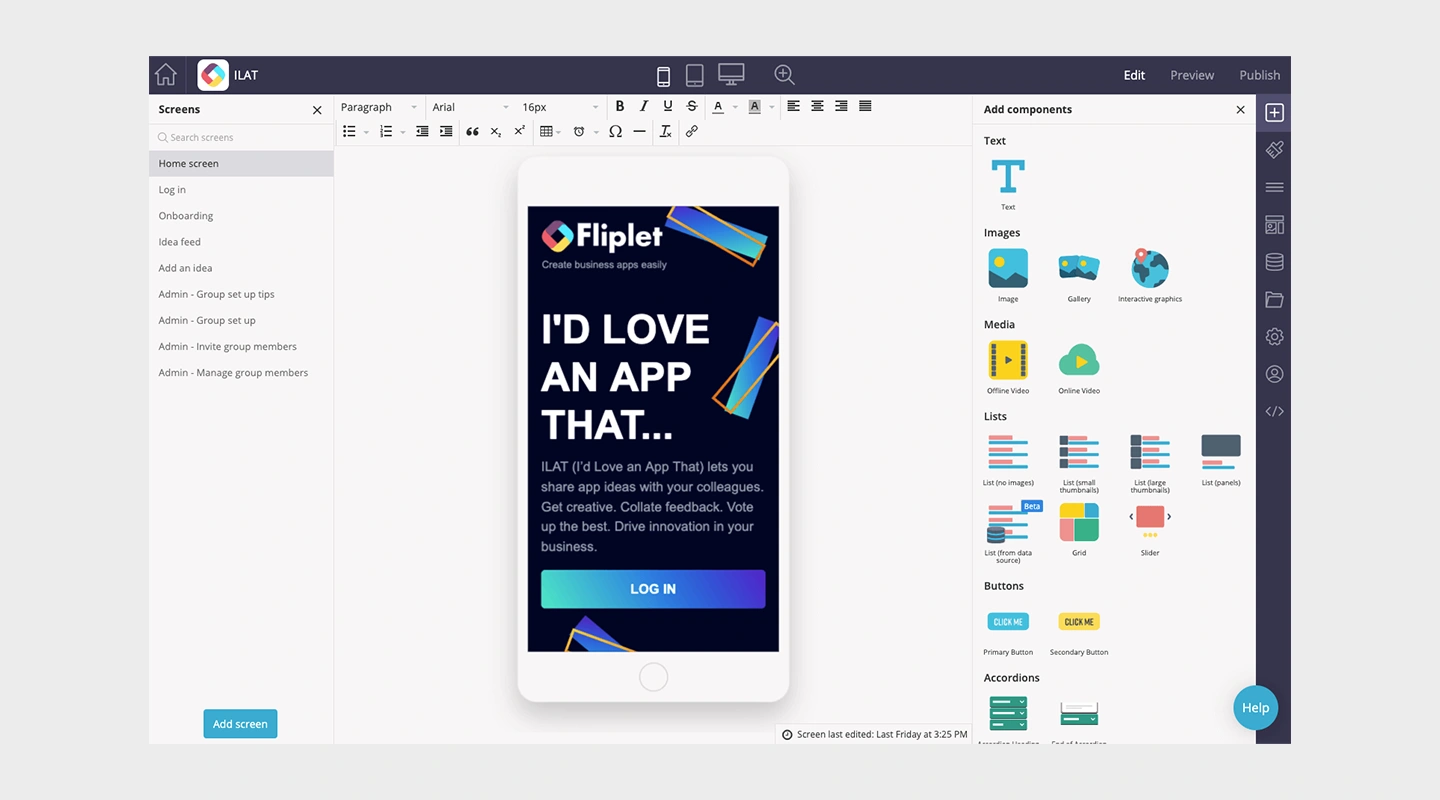
## **Summary**
Fliplet is an app building platform that enables anyone to easily create engaging and interactive mobile and web apps. Fliplet's communication solution is one of the most popular templates used by Fliplet's users. It has multiple pre-built features that increase employee engagement.
The gamification feature is proven to be an effective way to increase engagement and motivation and make the app experience fun by rewarding users with points and badges based on their interaction within the app. The recognition feature boosts morale and helps employees feel valued and is a great feature to include if you are wanting to increase engagement. These features help improve retention and motivation among employees.
Fliplet is the only platform that enables you to create custom no code apps while still enabling you to edit or add your own code if you want to. You can integrate Fliplet with other systems and tools that you use.
For more from us on communication apps, [read this blog.](/blog/best-team-communication-apps/)
## **Main features**
- Brand your app
- Upload your content
- Publish on any device
- App analytics
- News Feed screen
- Library for documents screen
- Polls
- Surveys
- Gamification
- Employee recognition
- Live chat
- Mobile or web app
- Integrations
- Easy to use
- Integrations
- Secure
- Newsfeed
## **Price**
- Free plan – publish your own web app
- Public plan – from $9.90 p/m
- Enterprise plan – [book a demo](https://fliplet.com/book-a-demo/) with us
## **Reviews**
- Capterra – 4.8 / 5
- G2 – 4.6 / 5
## **Why do users love Fliplet?**
Organizations use Fliplet because of the flexibility, the ease of use, the proven use cases, the support for teams, the security and the cost advantage. Users create highly tailored apps for their teams without expensive developer resources. Fliplet is the best cost per value platform you can get to develop your own app for all your organization needs. Read more about why users love Fliplet on [Capterra](https://www.capterra.com/p/136953/Fliplet/reviews/) or [G2](https://www.g2.com/products/fliplet/reviews).
## **What challenges do users face with Fliplet?**
If you don't have much CSS knowledge then you still rely on the support team a lot. However, they are all incredibly helpful and quick to respond which makes the process smoother!" G2 review 2022
## Try Fliplet Communication Solution for Free
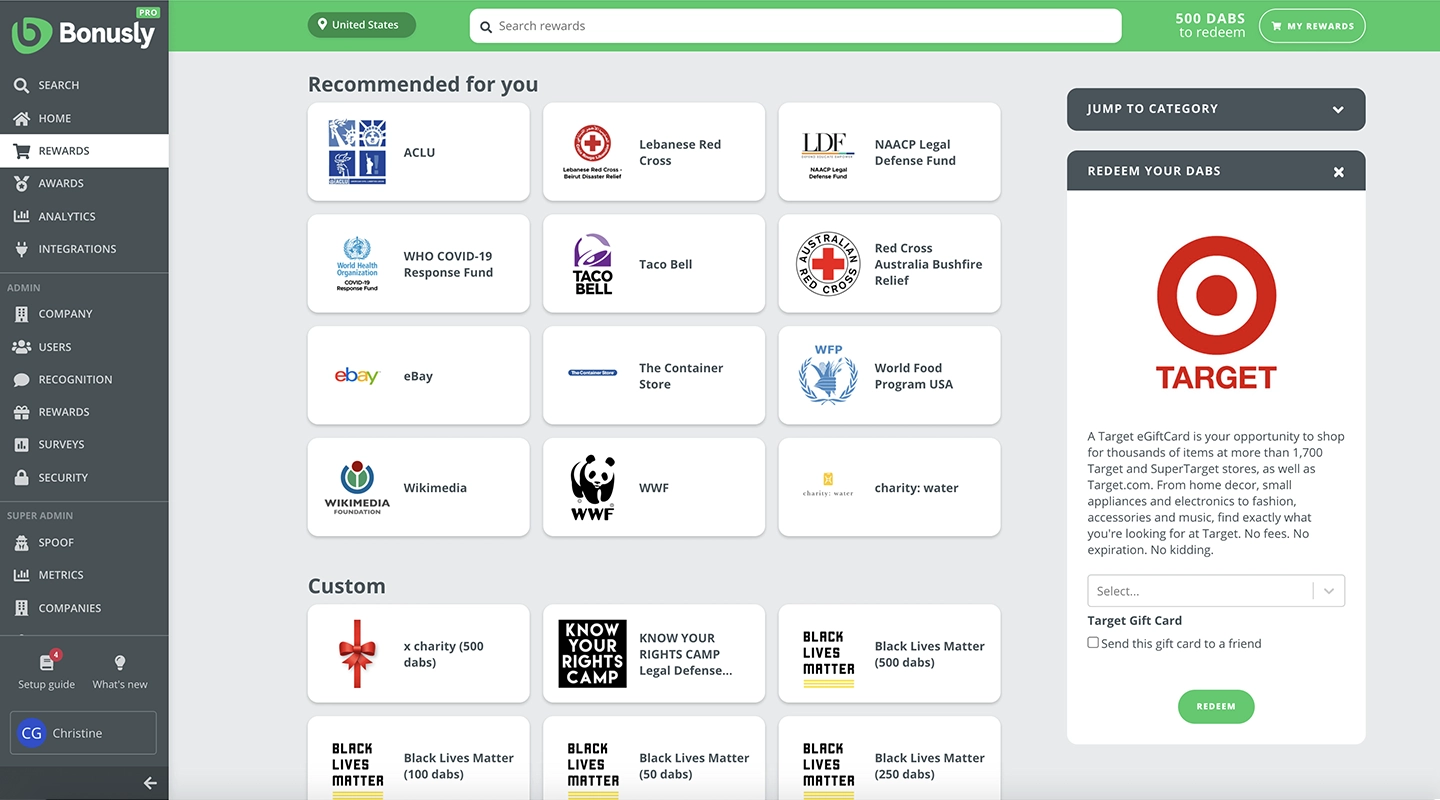
## **Summary**
Bonusly is a fun and effective way to foster a positive and engaged workforce. It is a platform that promotes employee recognition and rewards through the use of points that can be given to coworkers for good work or helpful behavior. Employees can use these points to redeem rewards from third-party brands or custom rewards created specifically for their company.
## **Main features**
- User recognition
- Chat
- Analytics
- Mobile app
- Good customer support
- Surveys
- Content library
- Integrations
## **Price**
- You can do a free trial
- Core – £2.20 per user p/m
- Pro – £3.70 per user p/m
- Custom – for mid to large organizations contact Bonusly.
## **Reviews**
- Capterra – 4.8 / 5
- G2 – 4.8 / 5
## **Why do customers love Bonusly?**
Every month, employees get an allowance to give small bonuses to their colleagues to recognize their contributions.
## **What challenges do users face with Bonusly?**
"The system may be a bit pricey since it's charged based on the number of users." Capterra 2022
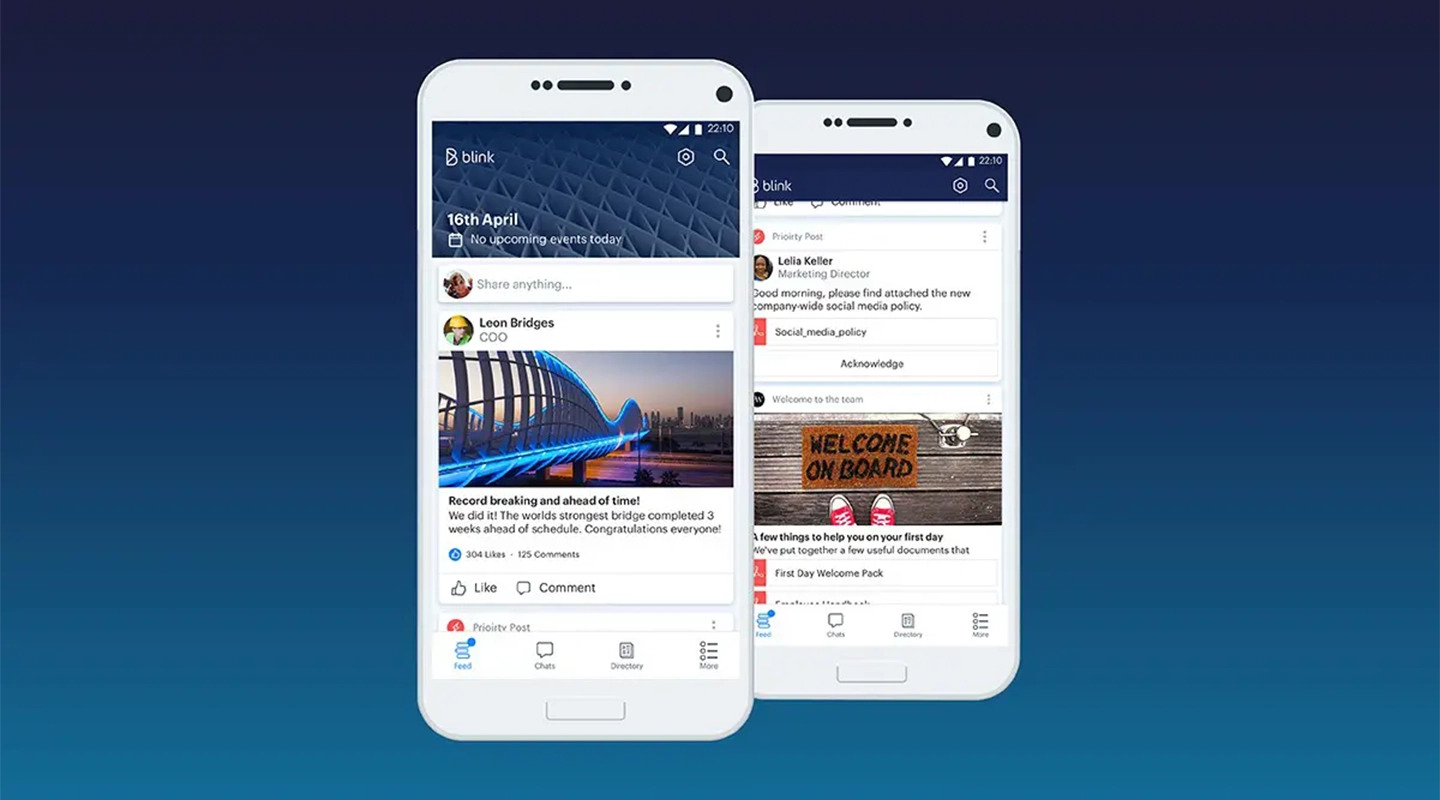
## **Summary**
Blink is specifically designed for frontline workers and helps them stay connected with their peers and leadership, providing access to people, processes, communications, and applications.
Frontline workers often rely on technology to manage their teams and stay connected with their colleagues and leaders. An engagement app like Blink is a tool for frontline workers, as it provides them with the information and resources they need to do their jobs effectively.
## **Main features**
- Customization
- Analytics
- Chat
- Recognition
- Surveys
- People directory
- Integrations
## **Price**
- Essential – $3.40 per user p/m
- Business – P.O.A
- Enterprise – P.O.A
- Enterprise plus – P.O.A
## **Reviews**
- Capterra – 4.6 / 5
- G2 – 4.6 / 5
## **Why do customers love Blink?**
Blink's Frontline Intelligence feature provides managers with valuable metrics on employee engagement, satisfaction, and retention, allowing them to make data-driven decisions for the business. This information can help managers understand how their employees are feeling and identify areas where they can improve the work experience, ultimately leading to better retention and satisfaction.
## **What challenges do users face with Blink?**
"Hidden cost! I despise hidden cost and they have them. One of the things that bothers me is how nitpicky they are on the hidden cost." G2 2022 review
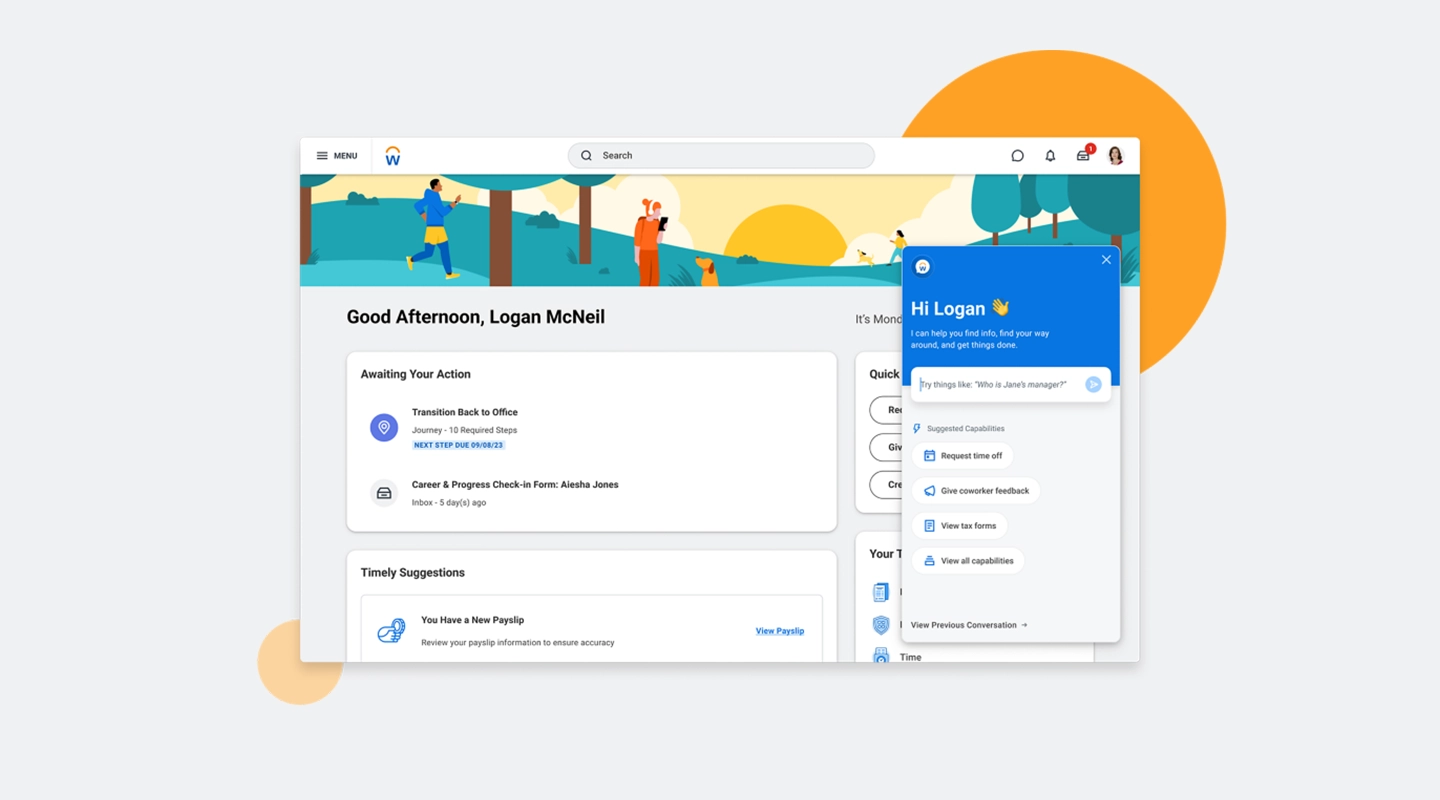
## **Summary**
Workday is a comprehensive business platform that integrates HR, planning, and finance. It also includes a feature called Employee Voice, which is designed to collect and analyze feedback from employees to gauge the overall sentiment in the workplace. Additionally, this feature provides industry benchmarks so you can compare your performance to that of your competitors.
## **Main features**
- Performance Management
- Career and Development Planning
- Cloud Connect for Third-Party Payroll
- Organization Management
- Absence Management
- Benefits administration
- Time Tracking
- Goal Management
## **Price**
Workday pricing is only available on request via their website.
## **Reviews**
- Capterra – 4.4 / 5
- G2 – 4 / 5
## **Why do customers love Workday?**
Workday is a partially good HR system in raising HR and payroll compliance and boosting efficiency all over different organizations.
## **What challenges do users face with Workday?**
"The user experience leaves a lot to be desired in some places. Often you are looking for functions or documents that you have already seen "somewhere", but you can't find them again. The navigation in the tool should be revised here. Unfortunately, messages that I have already read are still marked as unread; the function to mark messages as read is very hidden. Some processes can be improved here." G2 review 2022
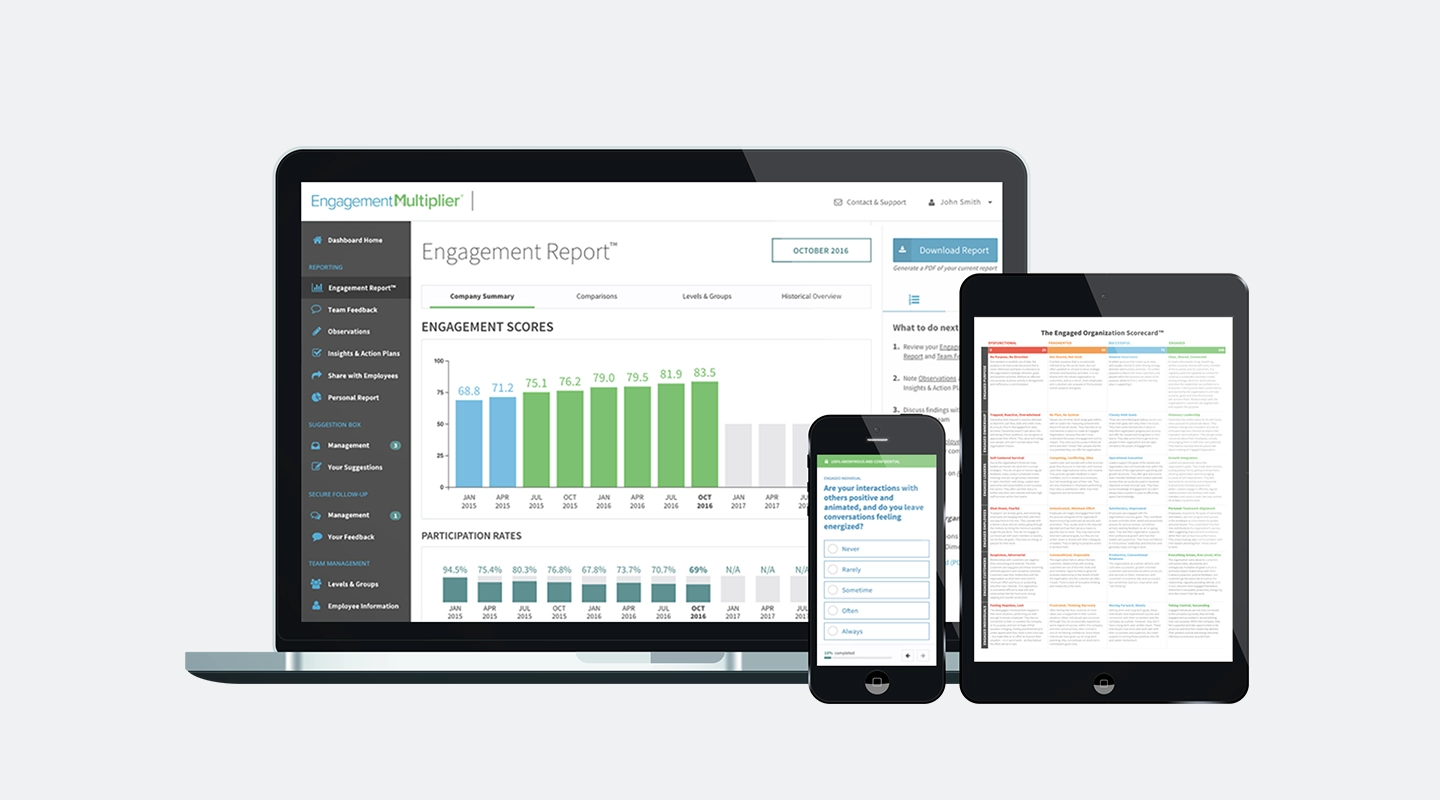
## **Summary**
If you are after a basic, simplistic platform and you are a small business then Engagement Multiplier could be for you. Designed for small to medium-sized businesses, Engagement Multiplier is an affordably priced employee engagement tool. Though not as comprehensive as some others on the market, it is a useful resource for new companies and startups to gain insights into their engagement levels.
## **Main features**
- Employee feedback
- Anonymous data collection
- Surveys
## **Price**
- Try it for free
- £5 per employee per month
- Enterprise – contact them
## **Reviews**
- Capterra 4.8 / 5
- G2 4.7 / 5
## **Why do customers love Engagement Multiplier?**
The simplicity makes it easy to use and it also meets the requirements for small businesses.
## **What challenges do users face with Engagement Multiplier?**
"There's a method to increase the responses to anonymous questions on comments by the leadership team." G2 2022
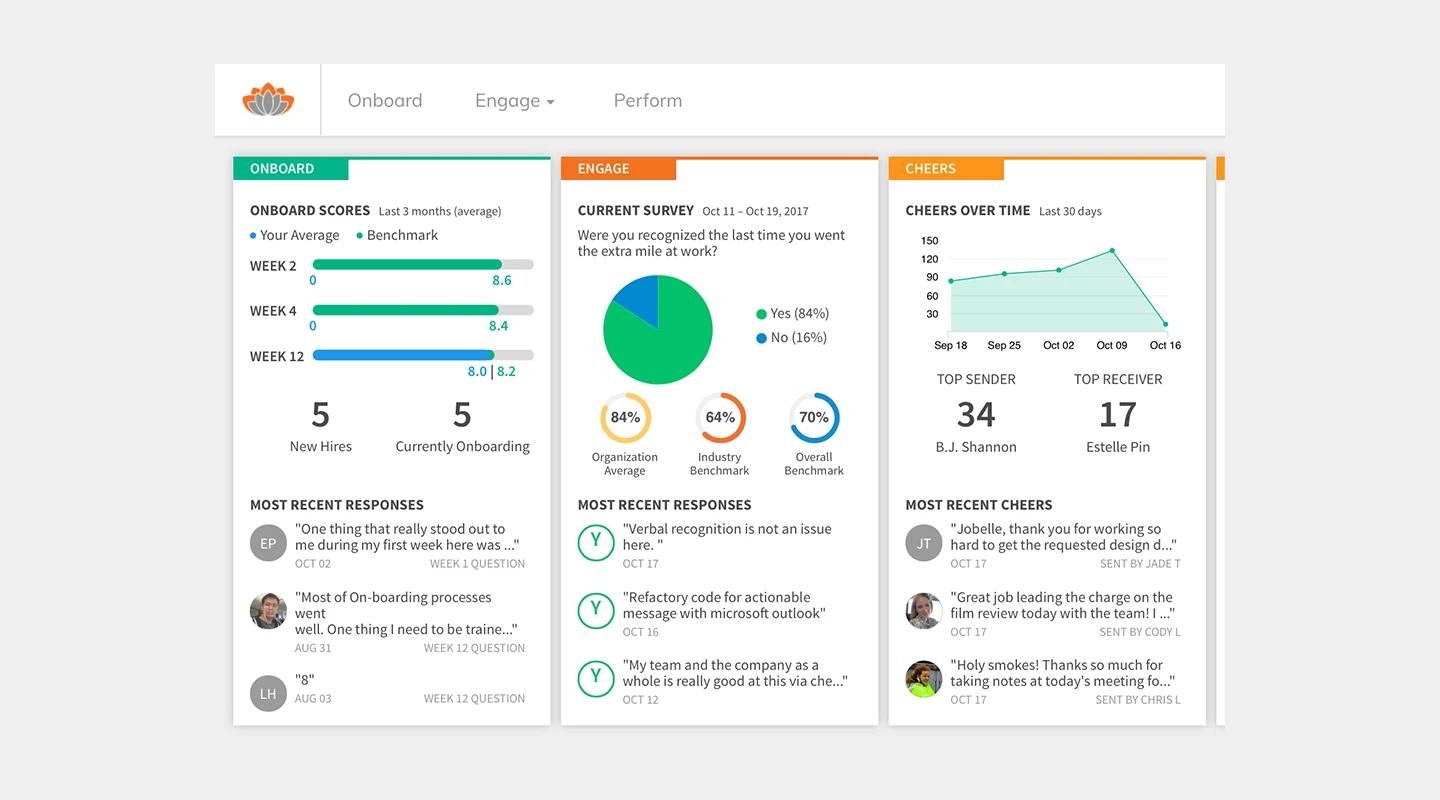
## **Summary**
TINYpulse is an employee engagement platform that offers real-time feedback tools to improve employee satisfaction and retention. It focuses on collecting anonymous employee feedback to help organizations address issues and celebrate wins.
## **Main Features**
- Anonymous Feedback
- Pulse Surveys
- Cheers for Peers Recognition
- Performance Tracking
## **Price**
- Contact TINYpulse for pricing details
## **Reviews**
- Capterra: 4.6 / 5
## **Why do customers love TINYpulse?**
Customers appreciate TINYpulse for its user-friendly interface and the anonymity it provides, encouraging honest feedback from employees.
## **What challenges do users face with TINYpulse?**
Some users mention a learning curve in interpreting survey results and acting on feedback effectively.
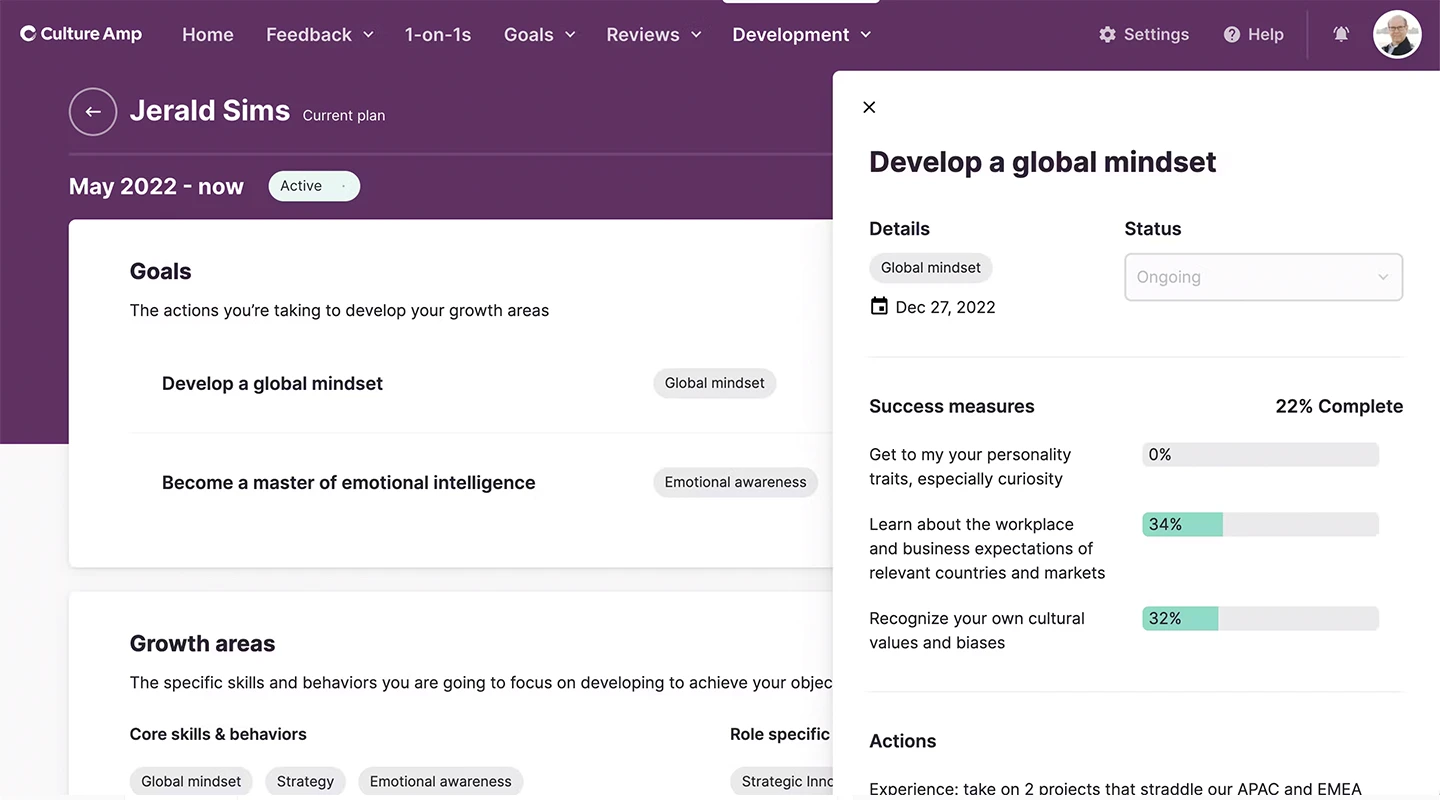
## **Summary**
Culture Amp is a platform designed for employee feedback and analytics. It helps businesses to make data-driven decisions about their culture and engagement strategies.
## **Main Features**
- Employee Surveys
- Performance Management
- Goal Tracking
- Analytics and Reporting
## **Price**
- Pricing is based on the number of employees and specific needs — contact Culture Amp for a quote
## **Reviews**
- Capterra: 4.7 / 5
- G2: 4.5 / 5
## **Why do customers love Culture Amp?**
Organizations love Culture Amp for its comprehensive analytics and the actionable insights provided on employee sentiment.
## **What challenges do users face with Culture Amp?**
Some users find the platform's extensive features and data a bit overwhelming to navigate initially.
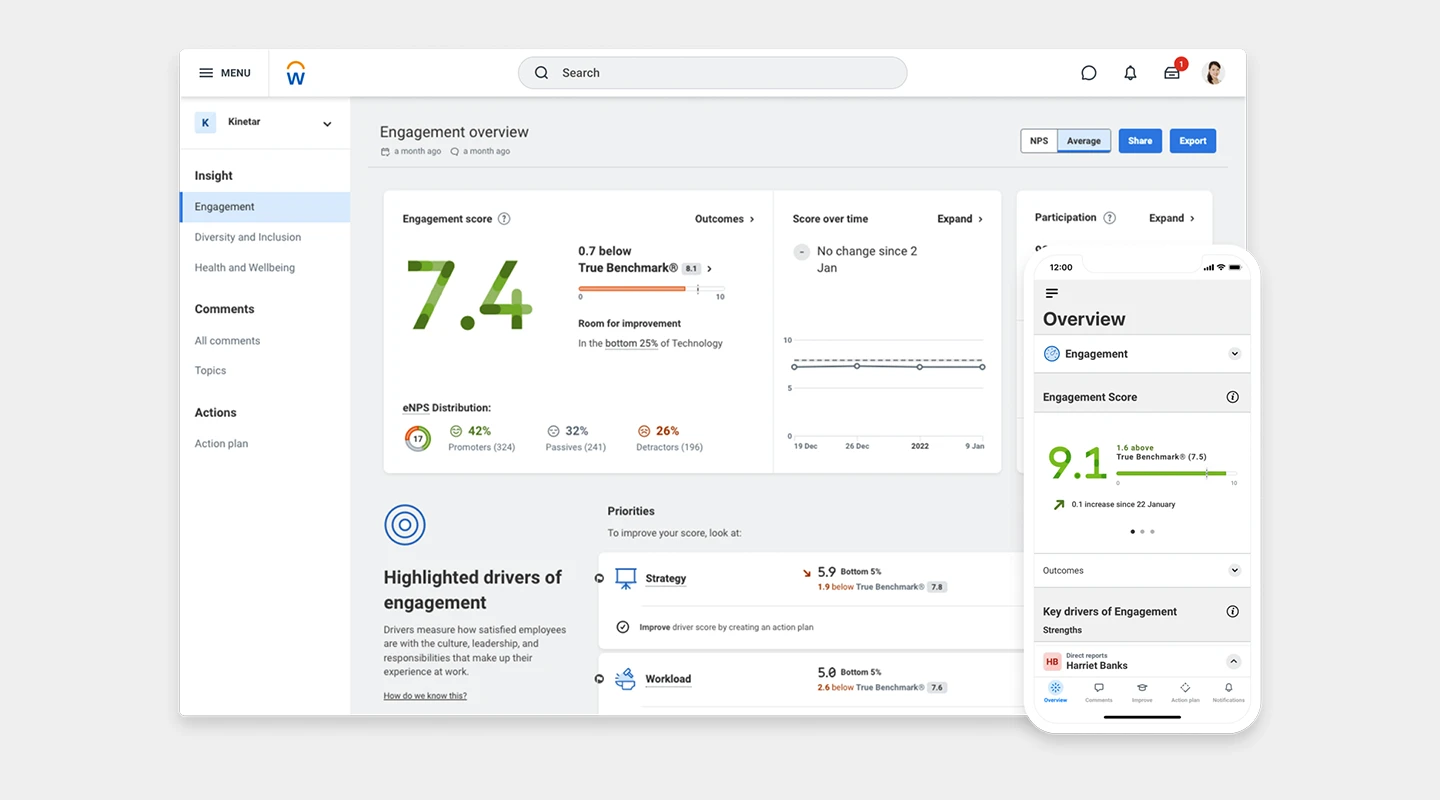
## **Summary**
Peakon, a Workday company, collects employee feedback in real time, providing leaders with insights to improve engagement, retention, and performance.
## **Main Features**
- Real-time Feedback
- Heatmaps for Team Insights
- Benchmarking Against Industry Standards
- Action Planning Tools
## **Price**
- Contact Peakon for pricing information
## **Reviews**
- Capterra: 4.9 / 5
- G2: 4.6 / 5
## **Why do customers love Peakon?**
Customers value Peakon for its intuitive design and the depth of insights into employee engagement and satisfaction.
## **What challenges do users face with Peakon?**
Some users mention the need for more customization options for surveys and reports.
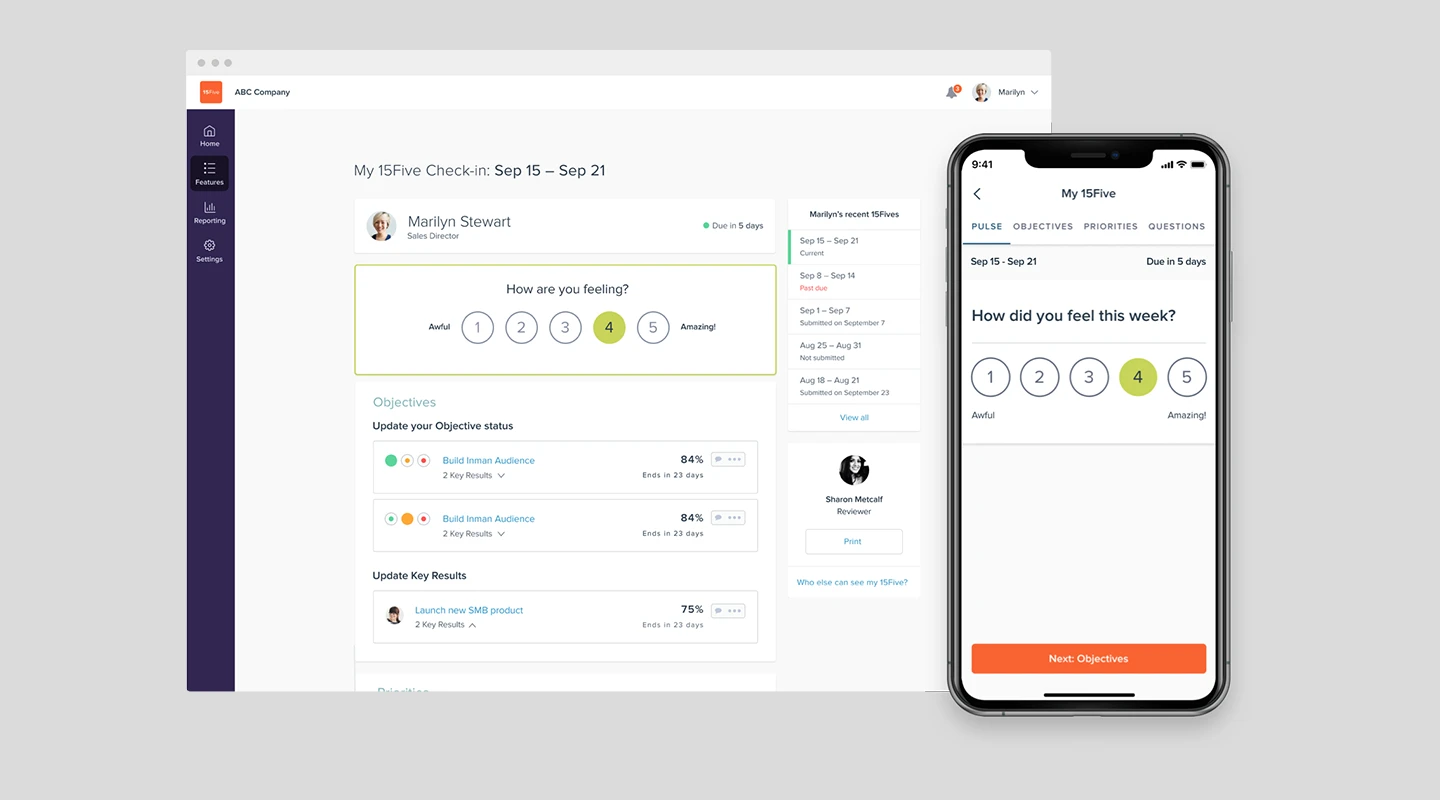
## **Summary**
15Five combines continuous feedback, OKR tracking, and coaching to improve employee performance and engagement.
## **Main Features**
- Weekly Check-Ins
- Objectives and Key Results (OKRs)
- 1-on-1s
- High Fives (Peer Recognition)
## **Price**
- Engage: $4 per month
- Perform: $10 per month
- Total Platform: $16 per month
## **Reviews**
- Capterra: 4.7 / 5
- G2: 4.6 / 5
## **Why do customers love 15Five?**
The platform is praised for its simplicity and effectiveness in fostering open communication between managers and employees.
## **What challenges do users face with 15Five?**
Some users desire more flexibility and customization in the check-in questions and feedback process.
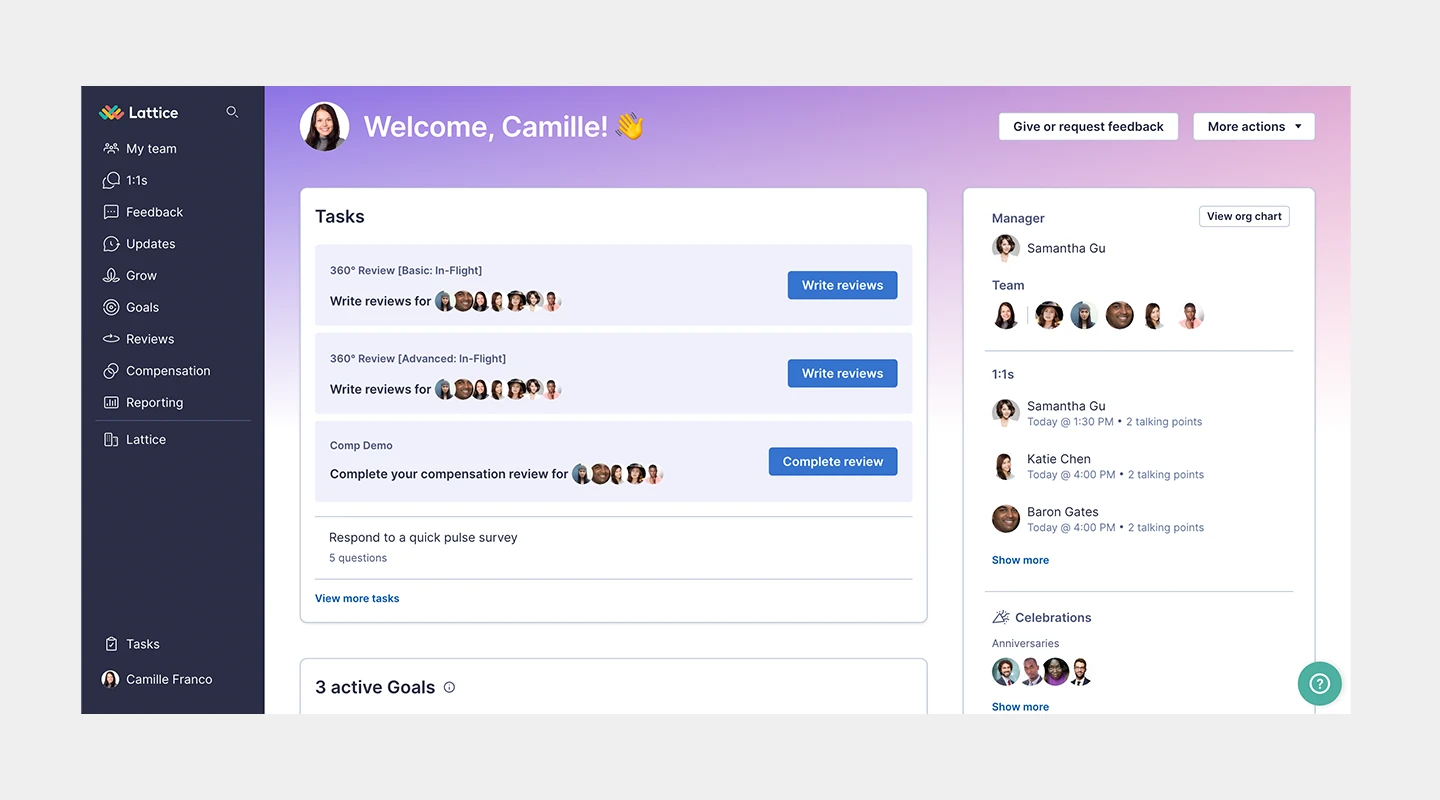
## **Summary**
Lattice integrates performance management and employee engagement to help organizations build winning teams.
## **Main Features**
- Performance Reviews
- Goals & OKRs
- Real-time Feedback
- Engagement Surveys
## **Price**
- Engagement: $4 per person per month
- Grow: $8 per person per month
- Compensation: $6 per person per month
- Performance Management + OKRs & Goals: $11 per person per month
## **Reviews**
- Capterra: 4.7 / 5
- G2: 4.5 / 5
## **Why do customers love Lattice?**
Users appreciate Lattice for its comprehensive suite of features that cover both performance and engagement in one platform.
## **What challenges do users face with Lattice?**
Some customers find the pricing a bit high for small businesses and mention a learning curve for new users.
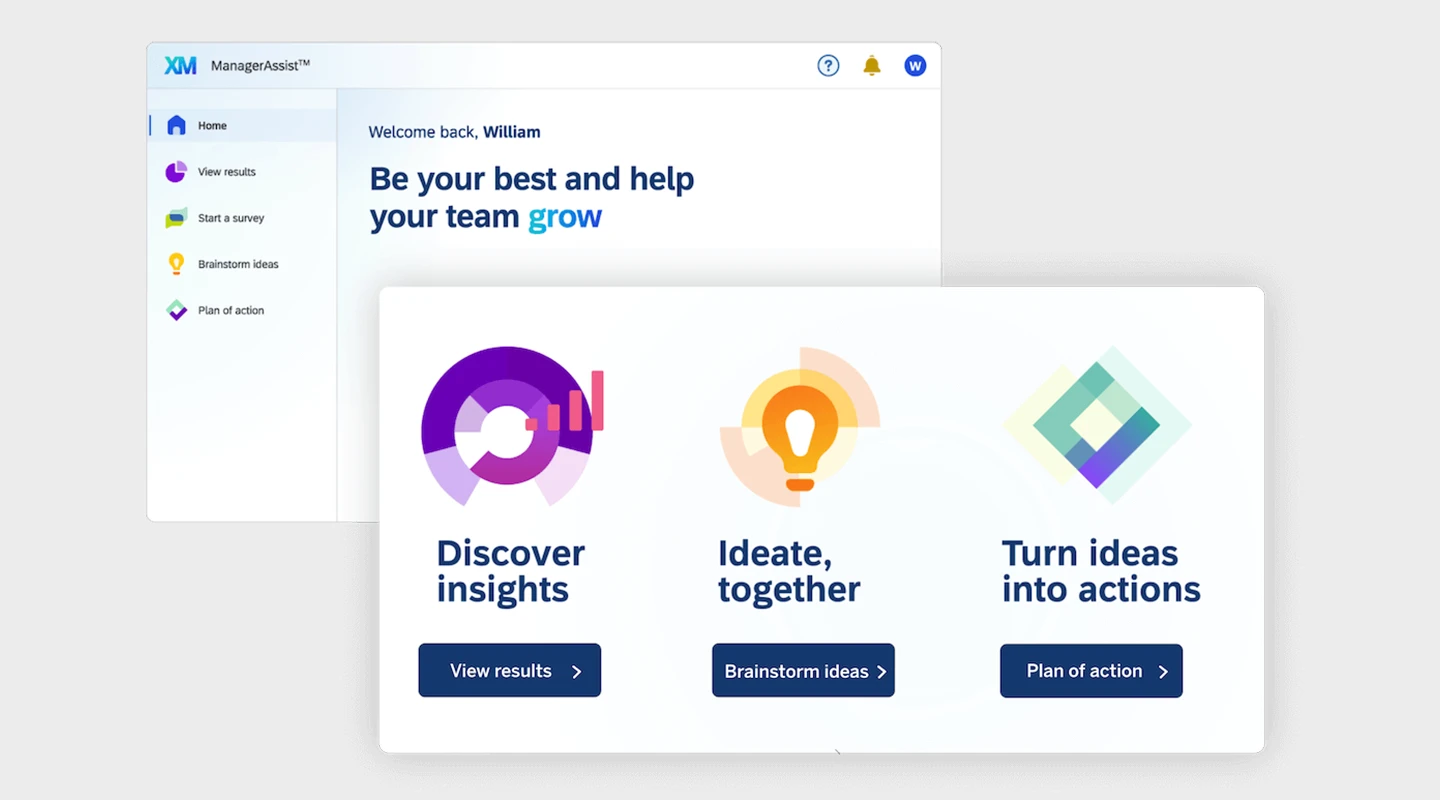
## **Summary**
Qualtrics EmployeeXM allows organizations to measure employee engagement in real time, identifying key drivers of engagement and areas for improvement.
## **Main Features**
- Pulse Surveys
- Lifecycle Feedback
- Action Planning
- Predictive Intelligence
## **Price**
- Contact for pricing
## **Reviews**
- Capterra: 4.7 / 5
- G2: 4.5 / 5
## **Why do customers love Qualtrics EmployeeXM?**
The platform is highly praised for its robust analytics and the ability to drill down into specific areas of employee engagement.
## **What challenges do users face with Qualtrics EmployeeXM?**
Some users find the platform complex and the initial setup time-consuming.
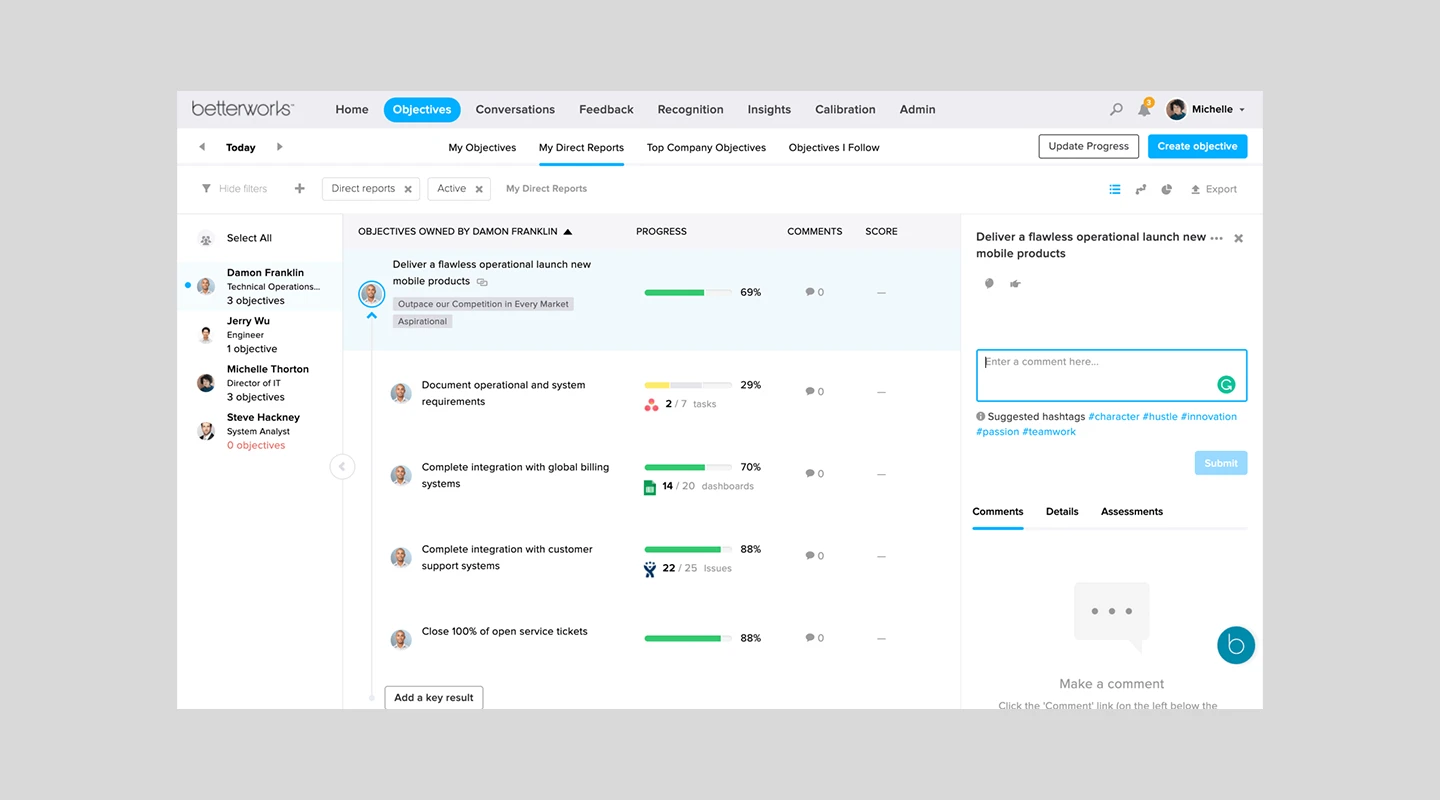
## **Summary**
Betterworks integrates performance management with employee engagement, providing tools for feedback, goal setting, and continuous performance tracking.
## **Main Features**
- Continuous Performance Management
- Goal Setting and Tracking
- Feedback and Recognition
- Engagement Surveys
## **Price**
- Contact Betterworks for pricing information
## **Reviews**
Capterra: 4 / 5
## **Why do customers love Betterworks?**
Customers appreciate the seamless integration of performance and engagement features, making it easier to manage and support employees.
## **What challenges do users face with Betterworks?**
Some users mention a desire for more customizable features and a more intuitive user interface.
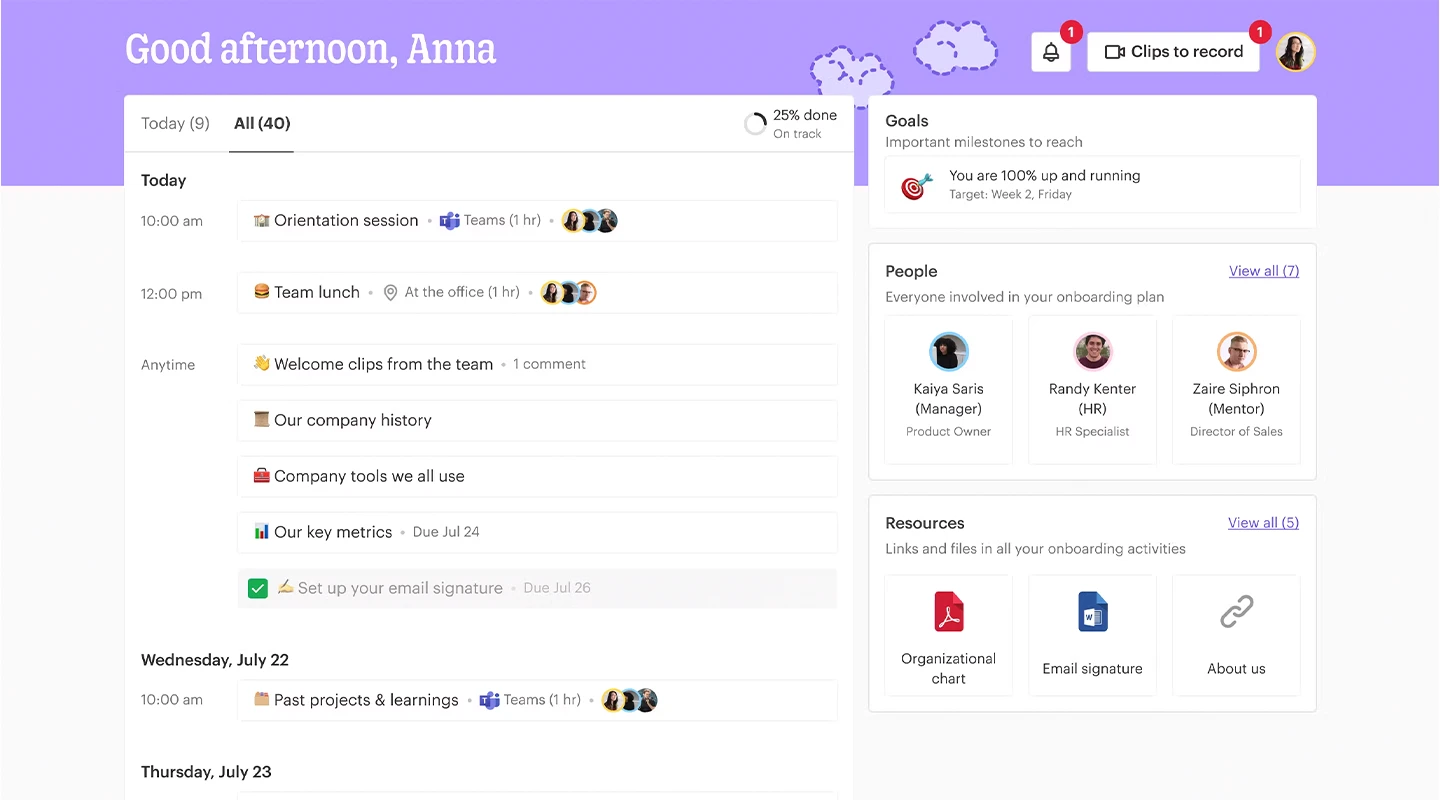
## **Summary**
Officevibe offers a simple platform for employee feedback and engagement, with tools to measure sentiment and track progress over time.
## **Main Features**
- Anonymous Feedback
- Pulse Surveys
- Custom Polls
- Engagement Reports
## **Price**
- Free for basic features
- Essential: $3.50 per person per month
- Pro: $5 per person per month
## **Reviews**
- Capterra: 4.6 / 5
- G2: 4.3 / 5
## **Why do customers love Officevibe?**
The platform is favored for its user-friendly interface and the actionable insights it provides for improving team dynamics.
## **What challenges do users face with Officevibe?**
Users would like more depth in the survey questions and more customization options for reporting.
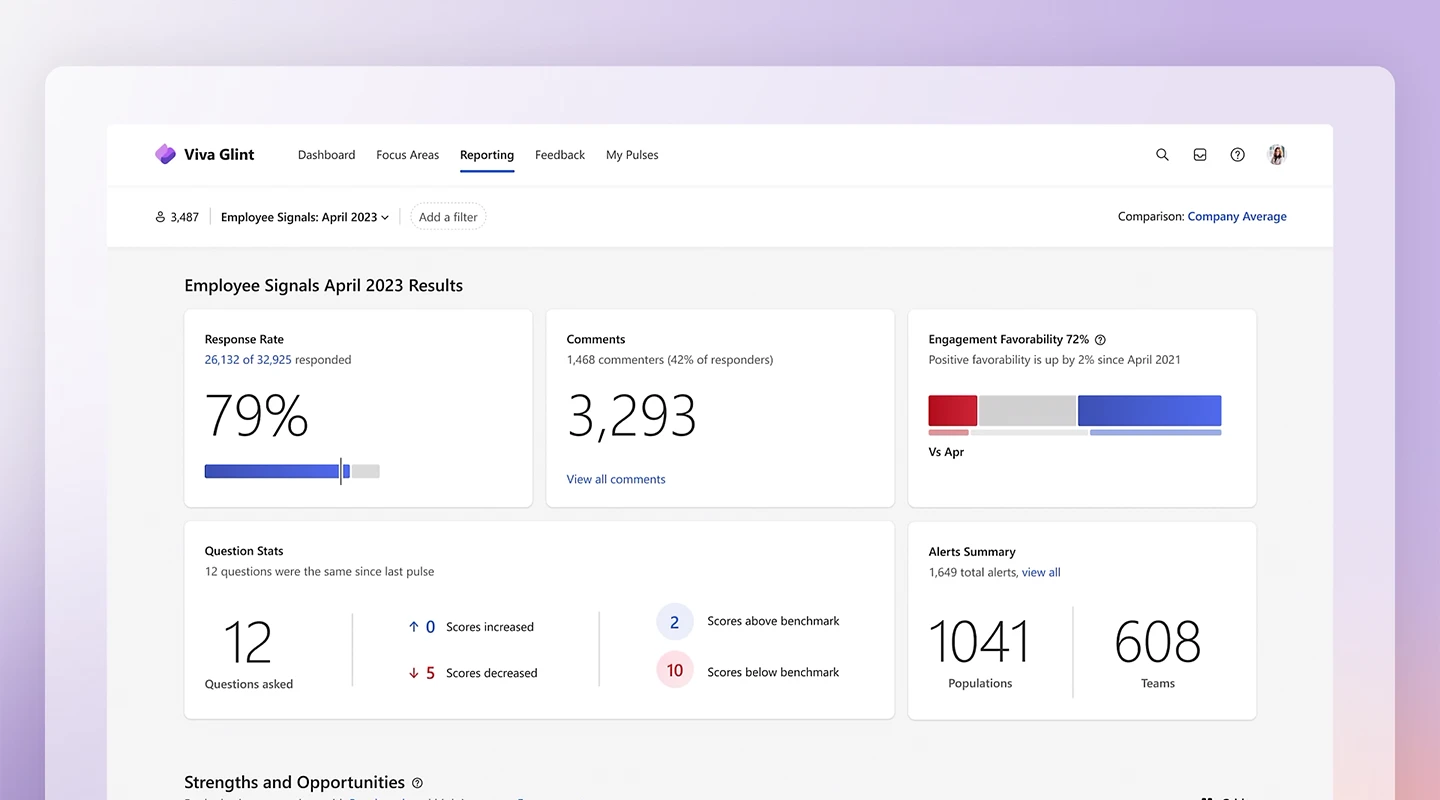
## **Summary**
Glint leverages real-time people data to help organizations increase employee engagement, develop their people, and improve business results. It is part of the Microsoft Viva Suite, making it highly compatible with some organizations.
## **Main Features**
- Pulse Surveys
- People Success Platform
- Action-Oriented Insights
- Employee Lifecycle Feedback
## **Price**
- Included in Microsoft 365
- Employee Communications and Communities: $2 per person per month
- Workplace Analytics and Employee Feedback: $6 per person per month
- Microsoft Viva Suite: $12 per person per month
## **Reviews**
- Capterra: 4.6 / 5
- G2: 4.6 / 5
## **Why do customers love Glint?**
Glint is highly regarded for its sophisticated analytics and the actionable recommendations it offers for improving employee engagement. It's especially helpful if you are already using the Microsoft Viva Suite.
## **What challenges do users face with Glint?**
Some users report a steep learning curve and the need for more granular control over survey content and scheduling.
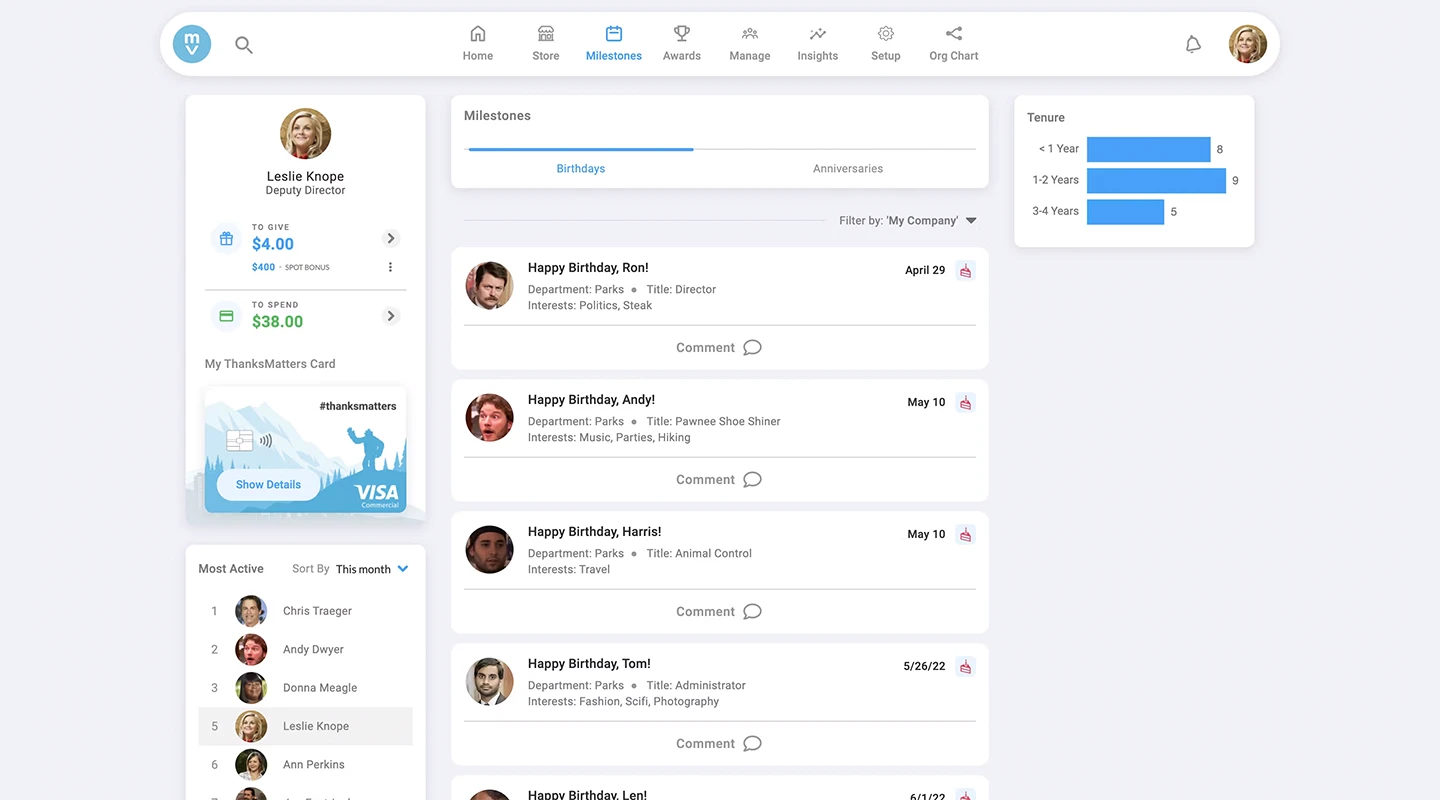
## **Summary**
Motivosity is a platform focused on peer recognition and rewards, aiming to increase employee satisfaction and retention through positive reinforcement.
## **Main Features**
- Peer Recognition
- Rewards
- Listening Tools
- Performance Management
## **Price**
- Custom quotes on request
- Basic Motivosity: $2 per person per month
- Recognitions & Rewards: $2 per person per month
- Manager Development: $2 per person per month
- Employee Insights: $2 per person per month
## **Reviews**
- Capterra: 4.8 / 5
- G2: 4.7 / 5
## **Why do customers love Motivosity?**
Users love the positive impact on company culture and the increase in employee recognition and appreciation facilitated by Motivosity.
## **What challenges do users face with Motivosity?**
Some users desire more flexibility in reward options and additional features for international teams.
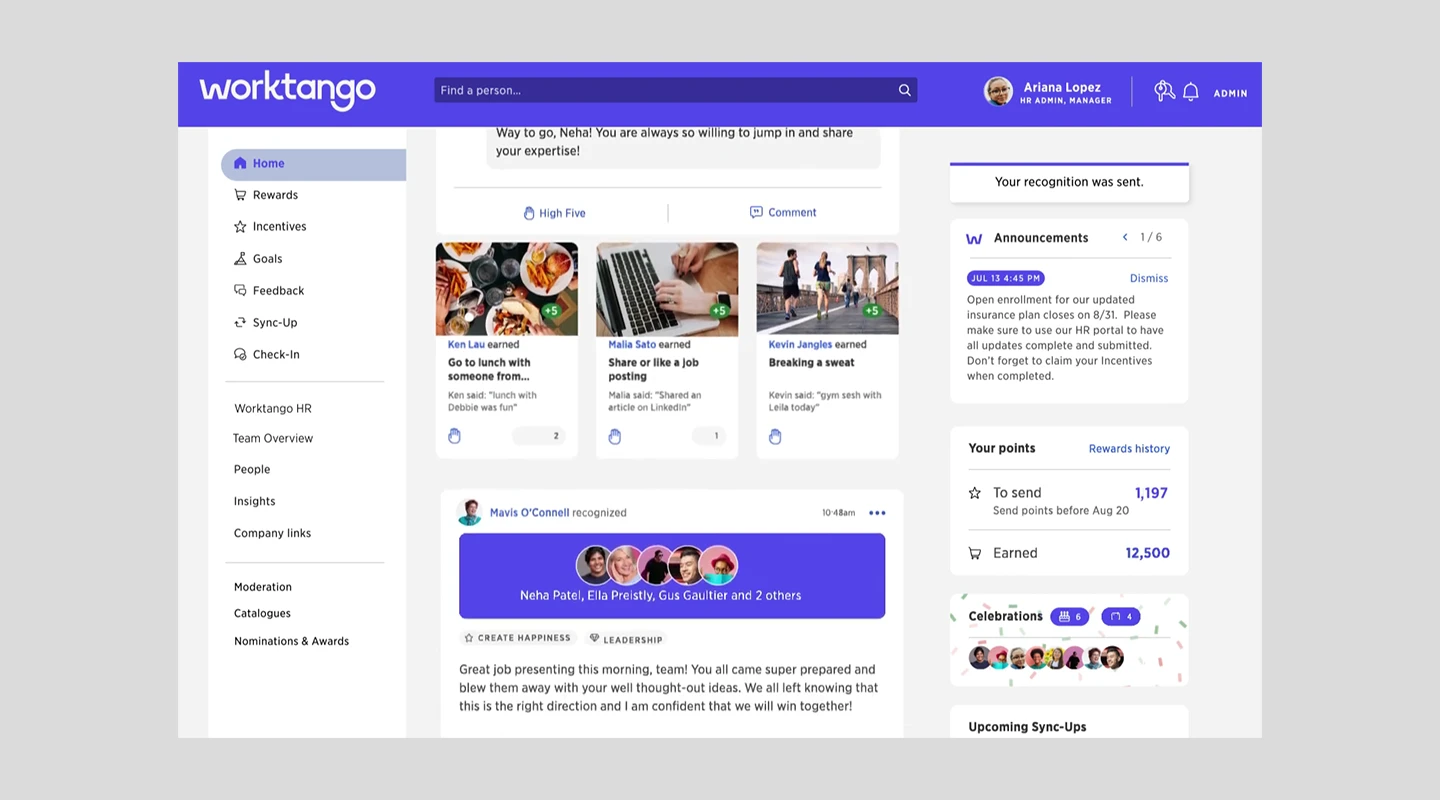
## **Summary**
WorkTango combines recognition, performance management, and engagement surveys into one integrated platform to enhance workplace culture and employee happiness.
## **Main Features**
- Real-time Recognition & Rewards
- Performance Management
- Engagement Surveys
- Insights & Reporting
## **Price**
- Custom pricing based on needs
- Employee Surveys & Insights: Minimum $8,000 per year
- Recognition & Rewards: Minimum $8,000 per year
- Full employee Experience Platform: Minimum $10,000 per year
## **Reviews**
- Capterra: 4.9 / 5
- G2: 4.6 / 5
## **Why do customers love WorkTango?**
Customers appreciate WorkTango for its comprehensive approach to employee engagement, particularly its user-friendly interface and the way it facilitates ongoing employee recognition and feedback.
## **What challenges do users face with WorkTango?**
Some users have mentioned that the platform can be a bit complex to set up and integrate with existing HR systems initially.
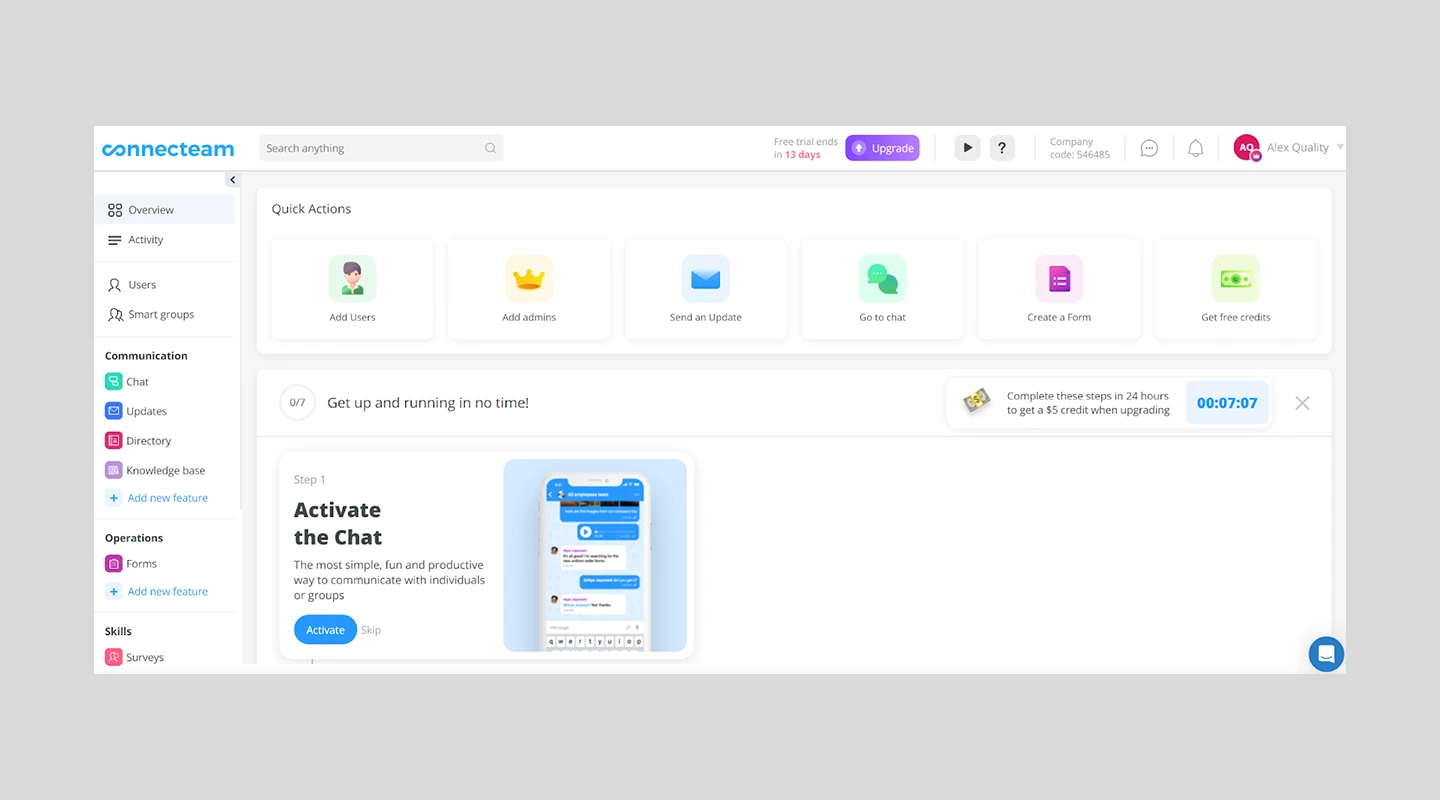
## **Summary**
Connecteam is an all-in-one employee app designed for deskless and remote teams, offering tools for communication, scheduling, task management, and engagement.
## **Main Features**
- Time Clock & Scheduling
- Task Management
- Employee Communication
- Engagement Surveys
## **Price**
- Free trial available
- Basic: $29 per month
- Advanced: $49 per month
- Expert: $99 per month
## **Reviews**
- Capterra: 4.8 / 5
- G2: 4.4 / 5
## **Why do customers love Connecteam?**
Businesses appreciate Connecteam for its comprehensive set of tools that cater to managing deskless workers, enhancing communication, and boosting team engagement.
## **What challenges do users face with Connecteam?**
Some users mention a learning curve to fully utilize all the features offered by the platform.
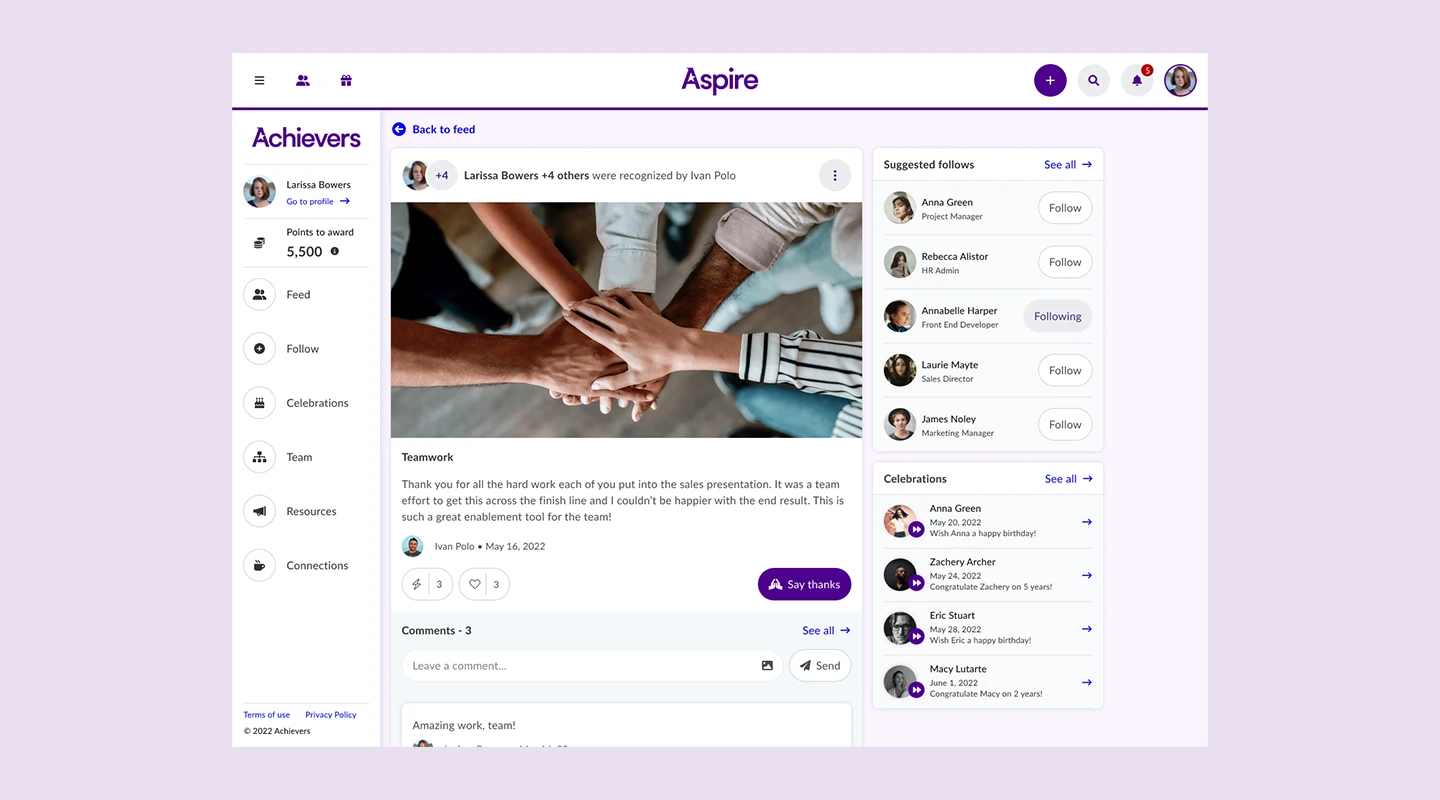
## **Summary**
Achievers provides an employee recognition and rewards solution that helps companies foster a culture of recognition, driving engagement and performance.
## **Main Features**
- Employee Recognition
- Rewards Marketplace
- Listening Surveys
- Analytics & Insights
## **Price**
- Pricing is customized based on company size and specific needs — contact Achievers for a quote
## **Reviews**
- Capterra: 4.6 / 5
- G2: 4.7 / 5
## **Why do customers love Achievers?**
Customers value Achievers for its robust recognition and rewards system that significantly contributes to a positive work environment and high levels of employee engagement.
## **What challenges do users face with Achievers?**
The main challenge highlighted by some users is integrating Achievers with existing HR and payroll systems to streamline processes.
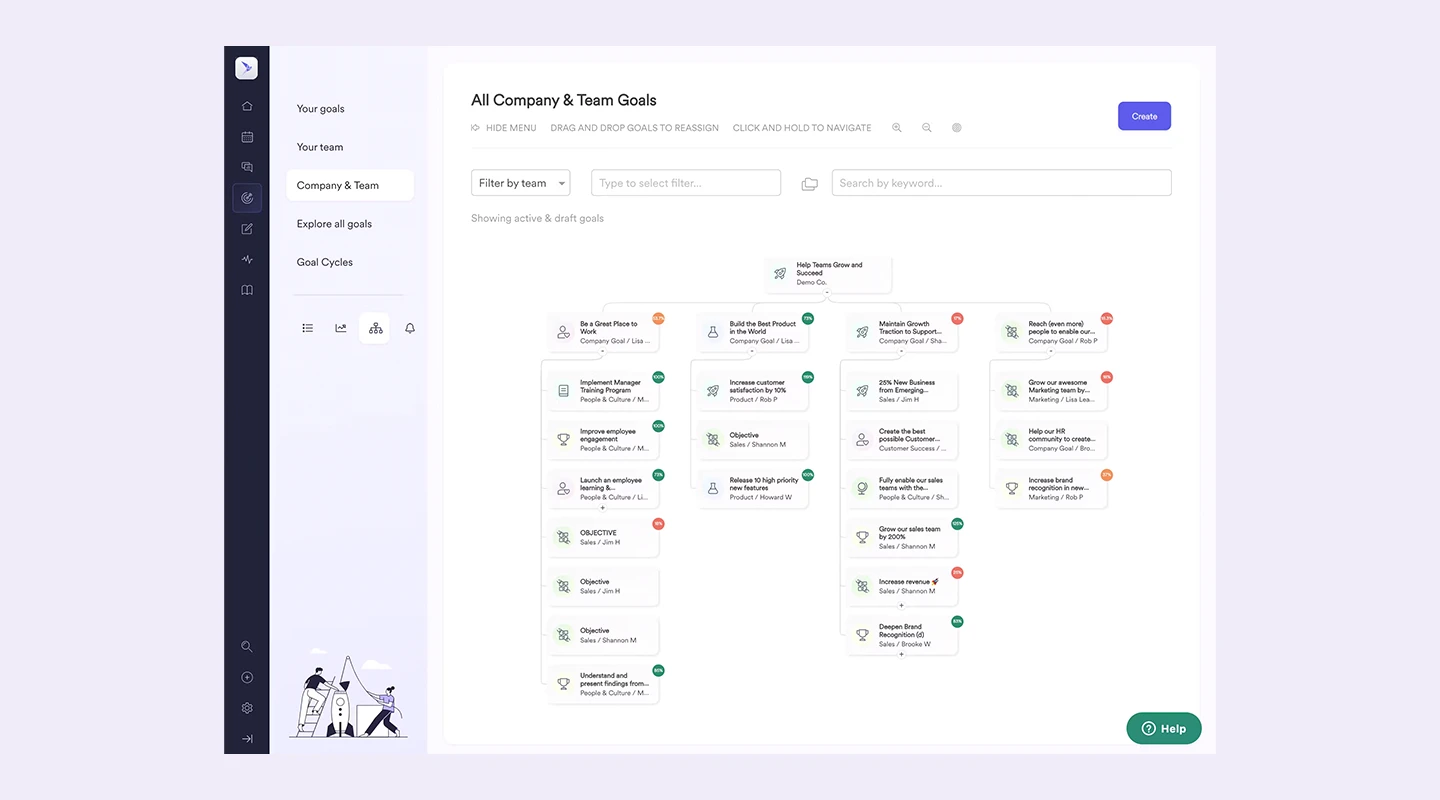
## **Summary**
Leapsome offers a platform for performance management and employee engagement, enabling leaders to develop their teams and drive performance through goal setting, feedback, and customizable learning paths.
## **Main Features**
- Performance Reviews
- Continuous Feedback & Praise
- Learning & Development
- Engagement Surveys
## **Price**
- Contact Leapsome for pricing
## **Reviews**
- Capterra: 4.7 / 5
- G2: 4.8 / 5
## **Why do customers love Leapsome?**
Organizations love Leapsome for its versatility in managing performance and engagement within a single platform, as well as its ability to customize to company-specific processes.
## **What challenges do users face with Leapsome?**
New users may find the array of features overwhelming at first, requiring some time to fully leverage the platform's capabilities.
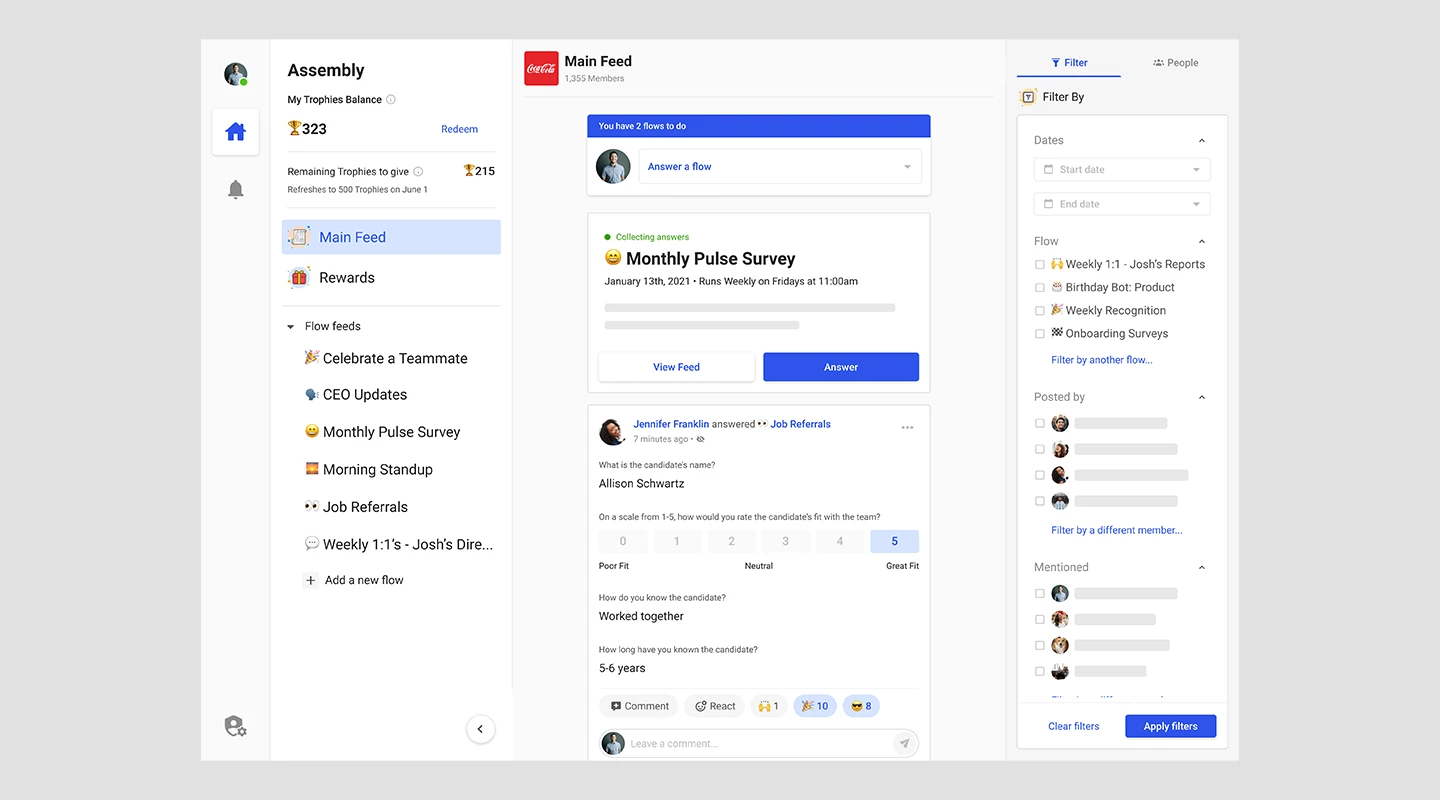
## **Summary**
Assembly is a free employee engagement and success platform designed to boost team culture through recognition, rewards, and streamlined communication.
## **Main Features**
- Employee Recognition & Rewards
- Goal Tracking
- Engagement Surveys
- Custom Integrations
## **Price**
- Recognition: $2 per person per month
- Engagement: $4 per person per month
- Digital HQ: $6 per person per month
- Custom pricing for larger organizations
## **Reviews**
- Capterra: 4.8 / 5
- G2: 4.8 / 5
## **Why do customers love Assembly?**
Users love Assembly for its affordability and the positive impact its recognition and rewards system has on employee morale and company culture.
## **What challenges do users face with Assembly?**
Some users desire more customization options for rewards and recognition criteria.
## Features Comparison table
| Tool | Live Chat | Surveys | Gamification | Customization | Recognition | Live Meeting | Mobile App | Enterprise Security | Available Offline | Unlimited Integrations |
| --- | --- | --- | --- | --- | --- | --- | --- | --- | --- | --- |
| Fliplet | Yes | Yes | Yes | Yes | Yes | Yes | Yes | Yes | Yes | Yes |
| Bonusly | Yes | Yes | Yes | Yes | Yes | Yes | Yes | No | No | Yes |
| Blink | Yes | Yes | No | No | Yes | Yes | Yes | No | No | Yes |
| Workday | Yes | Yes | Yes | Limited | Yes | Yes | Yes | No | No | No |
| Engagement Multiplier | No | Yes | No | Yes | No | No | No | No | No | No |
## The benefits of employee engagement apps
The greatest employee engagement apps essentially revolve around communication and support. There are 6.6 billion smartphone users worldwide in 2022, thus these solutions must be mobile-ready to be most useful.
### Here are the top five benefits of an employee engagement app
- Improved communication and collaboration
- Increased employee satisfaction and loyalty
- Enhanced productivity
- Greater transparency and accountability
- Better business outcomes
Learn more about how mobile apps facilitate [employee engagement activities.](https://fliplet.com/blog/how-an-app-maker-can-help-employee-engagement-activities/)
## How to roll out an employee engagement app?
Organizations should take the following actions when introducing an employee engagement app to the workplace:
1. Identify your goals.
2. Choose the right solution.
3. Communicate with employees about the upcoming app, spark some interest.
4. Encourage adoption.
5. Monitor and analyze.
Employers may successfully roll out an employee engagement app and get its benefits by following these steps.
You may consider that communication engagement applications such as slack or microsoft teams would be an ideal solution to implement the above. Think again if you want your business to really stand out with fully customizable and personalized solutions.
## The disadvantages of Slack and Microsoft Teams
Whilst Slack and Microsoft Teams are both popular communication platforms that are used within the workplace. They may not be the most effective tool for every organization as they both limit employee recognition and rewards. Neither of them have built in surveys and feedback tools. Slack and Teams lack customization and personalization. All of these limitations we highlighted earlier to be key features to look out for when deciding on the best employee engagement app.
Overall, while Slack and Teams can be useful tools for improving communication, they may not be the best fit for organizations that are looking for a more comprehensive employee engagement solution.
## How to Get Started: 10 Steps to Your Own Employee Engagement App Using Fliplet
Can't quite find the perfect employee engagement app? Why not make your own? Today, you can put it together [without any coding](https://fliplet.com/ai-app-builders/).
Creating a custom employee engagement app can seem like a daunting task, but with platforms like Fliplet, it's more accessible than ever. Fliplet offers you the tools to create an app tailored to your organization's unique needs without requiring a specialized software team.
Here's how you can leverage Fliplet to kickstart your journey toward a more engaged workforce:
### 1.Define your objectives
Start by pinpointing exactly what you aim to achieve with your employee engagement app. Whether it's enhancing internal communication, collecting insightful feedback, celebrating employee milestones, or a combination of these, having clear objectives will guide your development process.
### 2.Research your options
Dive into the world of existing employee engagement apps to understand what's out there. Pay attention to their key features, what users appreciate about them, and where they fall short. Fliplet's versatility allows you to address these gaps with your custom solution.
### 3.Gather employee input
Your employees are the end-users of this app, so their input is invaluable. Conduct surveys or hold focus groups to find out what features they would find most beneficial. This step ensures your app will be well-received and utilized to its full potential.
### 4.Choose between build or buy
With Fliplet, you get the best of both worlds. You can start from an existing template and customize it to fit your needs, saving time and resources compared to building something from scratch. This flexibility allows you to focus on customization without worrying about the complexities of app development.
### 5.Outline key features
Based on your research and employee feedback, list the essential features for your app. Fliplet enables you to prioritize simplicity and usability while offering a wide range of functionalities, from push notifications and live chats to surveys and feedback forms.
### 6.Plan for integration
Consider how your app will work alongside your existing tools and systems. Fliplet offers seamless integration capabilities, allowing you to connect your app with HR software, internal communication tools, and more, ensuring a cohesive ecosystem.
### 7.Develop a rollout strategy
Craft a detailed plan for introducing your app to the workforce. This might include organizing training sessions, creating engaging promotional materials, and clearly communicating the app's benefits to encourage adoption.
### 8.Test your app
Before launching widely, run a pilot test with a select group of employees. This testing phase is crucial for gathering initial feedback and making necessary tweaks. Fliplet's platform allows for easy adjustments and updates based on this feedback.
### 9.Launch the app
Once you're confident in your app, it's time for a full rollout. Support this phase with comprehensive training materials and support channels to ensure a smooth transition for all employees.
### 10.Collect feedback and iterate
The launch is just the beginning. Continuously seek out [user feedback](https://survicate.com/blog/user-feedback/) and be prepared to iterate on your app. The digital workplace is always evolving, and your app should, too. Fliplet makes it easy to update and adjust your app as needed, ensuring it remains a valuable resource for your team.
## Top Features of an Employee Engagement App
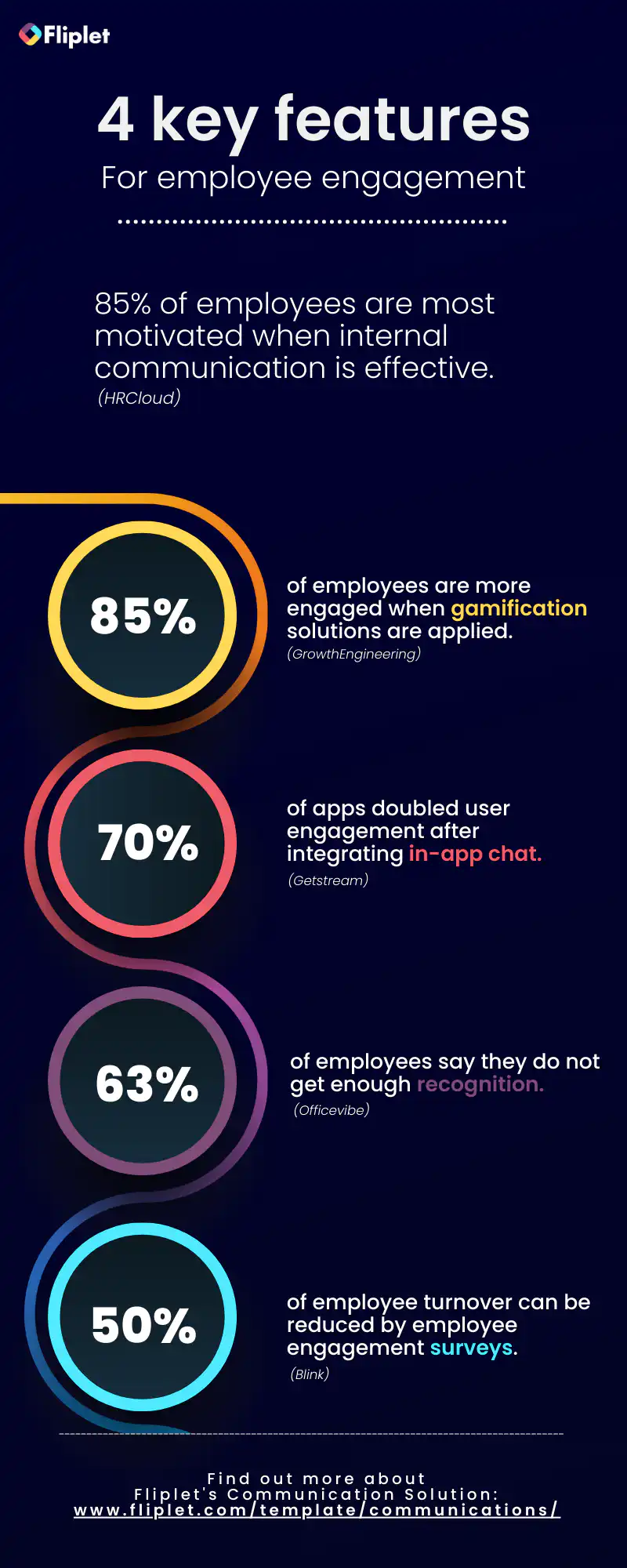
### How much does an employee engagement app cost?
The cost of an employee engagement app can vary widely based on several factors, including the platform's comprehensiveness, customization requirements, number of users, and specific features desired.
There are free versions or entry-level plans that start at around $2 to $10 per user per month, with core features like surveys, recognition, and basic analytics. For Fliplet, use the [pricing page](https://fliplet.com/pricing/) to compare plan options before expanding your rollout.
Mid-range options can range from $10 to $30 per user per month. These solutions are suitable for medium-sized businesses looking for more depth in their engagement strategies. At $9.90 per month, Fliplet allows you to start making apps for Apple, Android, and the web all without the need to code.
For large enterprises requiring extensive customization, advanced integration with existing systems, and in-depth analytics, the cost can significantly increase. Prices can range from $30 to $100 or more per user per month. Some platforms charge a flat fee instead of a per-user rate, which can be beneficial for larger organizations. These fees can range from a few hundred to several thousand dollars per month, depending on the scope of the service. If you [book a meeting with the Fliplet team](https://fliplet.com/book-a-demo/), your enterprise can get customized pricing, fitting your plan to your exact needs.
It's also important to consider setup fees, customization charges, and the cost of any additional services, such as training or premium support, which can add to the overall investment.
## Choosing the wrong engagement app would cost you a fortune
Overall, building a wrong internal app can be costly for a business in terms of financial investment, time, productivity, and employee satisfaction. It is important for businesses to carefully consider their needs and goals when building internal apps in order to avoid these costs.
With Fliplets [pre-built communication solution](https://fliplet.com/solution/communications/) you don't only save time and money, but the template is fully customizable to suit your needs. Our solution offers the key features for an employee engagement app such as gamification, recognition, live chat, polls and surveys (just to name a few). To see how it fits your team, [book a demo](https://fliplet.com/book-a-demo/).
So, the flexibility, ease of use, countless case studies and various use cases for this solution, we are sure that Fliplet is the perfect choice for you.
## FAQs
### What are employee engagement apps?
The best employee engagement apps assist organizations in fostering better staff collaboration and communication while also raising employee satisfaction and loyalty.
### What features should your employee app have?
To effectively enhance communication, collaboration, and employee satisfaction within an organization, an employee engagement app needs to offer a number of critical elements. Among the most important features to take into account are:
- Real-time chat and discussion forums.
- Collaboration tools
- Employee recognition
- Polls and surveys
- Gamification
- Customization
- Ease of use
- Integration with other tools such as HR tools
- Security and data protection
### What is employee engagement software?
Employee engagement apps aim to increase job satisfaction and retention by helping employees feel more connected to the mission and culture of their organization. These apps can be used to foster a sense of belonging and purpose among employees, ultimately leading to a more positive work experience and a stronger commitment to the company.
### What are some use cases of employee engagement apps?
Some specific use cases for employee engagement apps include:
1. Communication
2. Onboarding
3. Performance tracking
4. Rewards and recognition
5. Training and development
### How do I use an app to improve employee engagement?
An employee engagement app can help to increase employee engagement by offering interactive content, fostering communication, and gathering data to assess various aspects of employee engagement. Through these means, the app can create a more engaging and positive work environment for employees.
## Related links
- [How an App Maker Can Help Future-Proof HR](https://fliplet.com/blog/how-an-app-maker-can-help-future-proof-hr/): Fliplet share information how apps can help future-proof HR. Read more within to understand the need for a mobile-first approach to HR.
- [How an Employee App Can Reinvent HR](https://fliplet.com/blog/how-an-employee-app-can-reinvent-hr/): Read how an employee app can help reinvent HR. Learn how to both engage and keep your employees happy within this article
- [Future-proofing HR: Strategies for seamless onboarding, development and engagement](https://info.fliplet.com/webinar-download-future-proofing-hr-strategies-for-seamless-onboarding-development-and-engagement)
---
# 15+ Top Employee Feedback Tools and Apps for 2026
> 15+ Top Employee Feedback Tools and Apps for 2026. Compare features, pricing, tradeoffs, and use cases to choose the best fit for your team and goals.
Source: https://fliplet.com/blog/employee-feedback-tools/
Content type: Blog
Published: 2026-03-08T10:13:51
Updated: 2026-03-10T09:00:00
Read time: 16 minutes
# 15+ Top Employee Feedback Tools and Apps for 2026
The ability to give and receive feedback is a cornerstone of professional development and organizational growth. As we navigate through the complexities of team dynamics and strive to enhance productivity, the role of effective employee feedback cannot be overstressed. This is where [employee feedback](https://fliplet.com/solution/feedback-app/) tools step in, transforming the way we understand and improve our work environments.
In this article, we'll cover the best employee feedback tools.
## What Is Employee Feedback?
> Employee feedback is the information and opinions shared regarding an individual's performance, behavior, and expectations within the workplace.
It's a two-way street that, when navigated correctly, can significantly improve job satisfaction, performance, and the overall employee experience. It's just as important to get employee feedback as it is to [give feedback to employees](https://fliplet.com/solution/communication-app/).
But what makes feedback in the workplace so crucial? Simply put, it bridges the gap between expectation and reality, providing a clear path for personal and professional development.
### Does employee feedback improve employee experience?
The short answer is, _absolutely_. A well-structured feedback process offers employees the insights they need to excel, fostering a culture of continuous improvement and open communication.
Studies have shown that organizations that prioritize feedback see higher levels of [engagement](https://www.ncbi.nlm.nih.gov/pmc/articles/PMC7304587/) and [performance](https://www.gallup.com/workplace/357764/fast-feedback-fuels-performance.aspx). This connection between feedback and employee experience underscores the importance of having effective channels for sharing and receiving feedback.
## What Types of Employee Feedback Can Be Collected?
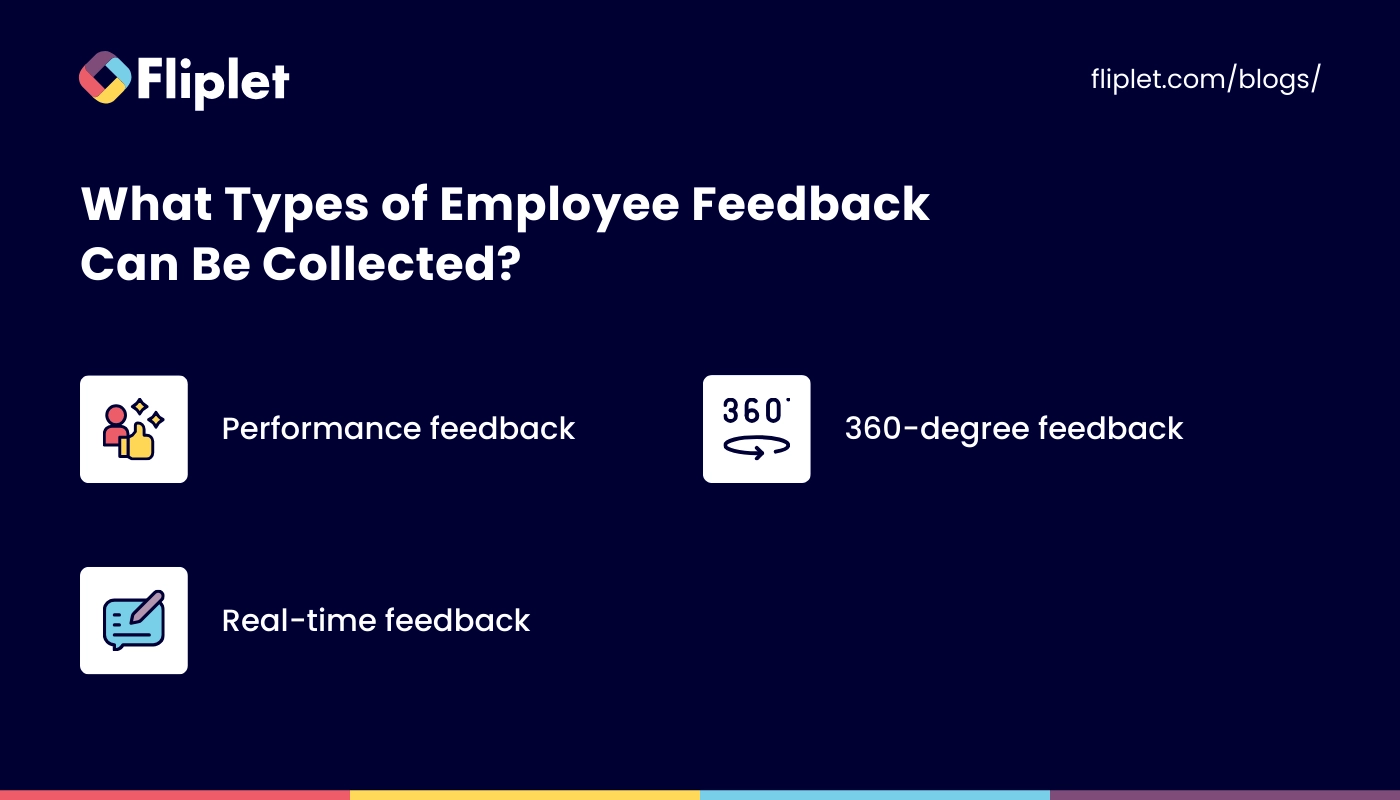
Employee feedback comes in various forms, each serving a unique purpose in the development and maintenance of a productive work environment. These include:
- **Performance feedback:** Focused on evaluating an employee's job performance against predetermined standards.
- **360-degree feedback:** A comprehensive approach where employees receive feedback from peers, subordinates, and supervisors, providing a well-rounded view of their performance. 360 feedback tools are often required to get this full range of perspective in a single place.
- **Real-time feedback:** [Instant feedback](https://fliplet.com/solution/feedback-app/) given at the moment, allowing for immediate recognition or correction. Real-time feedback tools give you the chance to catch things in the moment, which can radically improve performance and engagement.
Understanding the different types of feedback helps us tailor our approach to collecting and utilizing this information, ensuring that it serves its intended purpose effectively.
## What Is the Importance of Employee Feedback?
The significance of an employee feedback system extends far beyond performance evaluations. It is a vital component of personal growth, team cohesion, and organizational success. Great feedback will:
- **Enhance performance:** By identifying strengths and areas for improvement, feedback helps employees elevate their performance.
- **Promote a culture of open communication:** Regular feedback encourages a more transparent and communicative work environment. Having the right [communication tools in place](https://fliplet.com/blog/internal-communication-apps/) is critical for this component.
- **Boost employee engagement and retention:** Feeling valued and understood can significantly increase job satisfaction and loyalty.
By recognizing the importance of feedback, we can begin to appreciate the role that effective feedback tools play in achieving these benefits.
## When to Conduct an Employee Experience Survey?
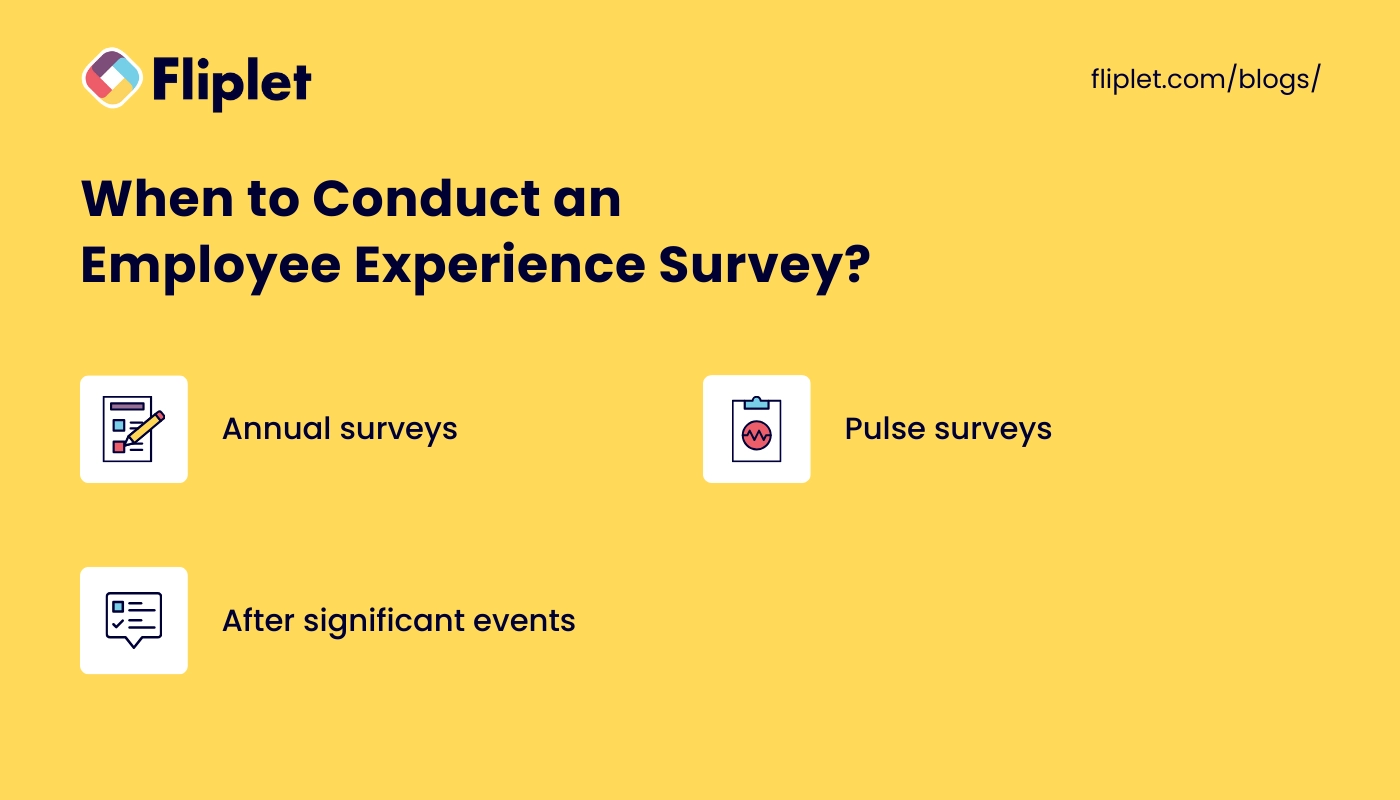
Timing is everything when it comes to collecting meaningful employee feedback. With the right feedback tools already in place, you can feel free to pick your timing at will. The optimal frequency and timing of surveys can vary, but there are a few general guidelines to consider:
- **Annual surveys:** Provide a comprehensive overview of employee satisfaction and engagement.
- **Pulse surveys:** Short, frequent surveys that offer real-time insights into team morale and satisfaction.
- **After significant events:** Collecting feedback following [major organizational changes or projects](https://events.fliplet.com/corporate-events/) can provide valuable insights into how these events affect employee experience.
Determining the right timing for your surveys ensures that you receive relevant, actionable feedback that can inform your organizational strategies. You'll also want to make sure that you have employee survey tools that can collect the right information in a secure way.
## What are the best ways to collect employee feedback?
Gone are the days of suggestion boxes and annual reviews as the sole methods for gathering employee feedback. Today, we have a plethora of tools at our disposal, designed to make feedback collection more efficient and effective.
So, how to get employee feedback? Some of the best ways to collect feedback include:
- **Digital surveys:** Utilizing online platforms for [anonymous surveys](https://fliplet.com/solution/survey-mobile-app/) allows employees to share honest feedback without fear of repercussions. This gives you important employee feedback for company insights you can't get any other way.
- **Feedback apps:** Mobile applications that facilitate real-time feedback can help capture immediate reactions and suggestions.
- **One-on-one meetings:** Personalized discussions between employees and their managers can provide deep insights into individual experiences and concerns.
Each method has its advantages, and often, a combination of these approaches will yield the best results in understanding and improving the employee experience.
## Top Employee Feedback Tools
When selecting the ideal employee feedback tool for your organization, it's essential to consider a variety of options to find one that best fits your needs.
Here's a comprehensive list of over 15 top employee feedback tools, including key features, advantages, disadvantages, and pricing information where applicable.
### Fliplet
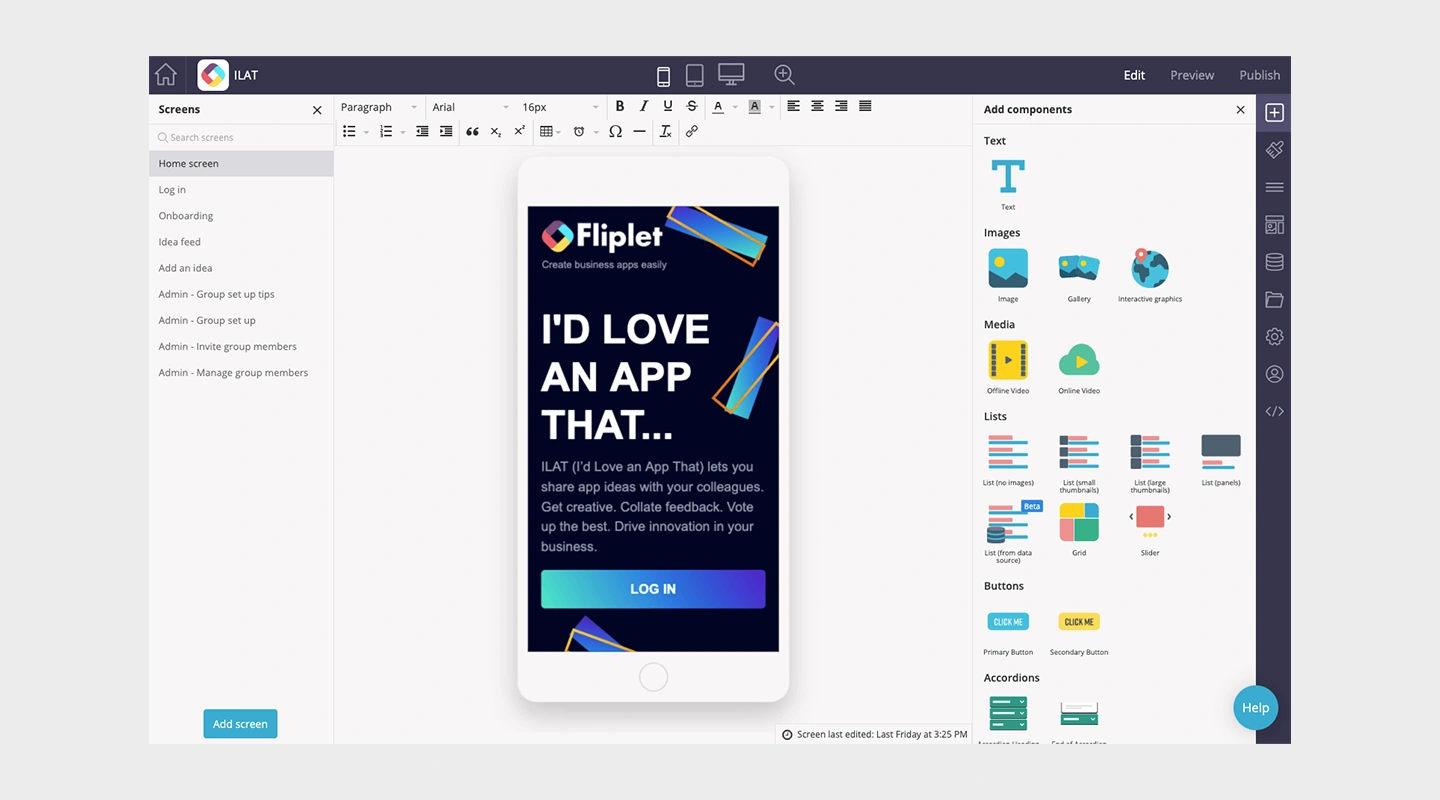
**Summary:** Fliplet offers a flexible platform for creating custom apps, including those for feedback collection, without the need for extensive coding knowledge.
**Key Features:**
- Customizable templates
- Real-time feedback collection
- Analytics dashboard
**Advantages:** Highly customizable, integrates with existing systems, supports a wide range of use cases beyond feedback
**Disadvantages:** May require a learning curve for non-technical users
**Pricing:**
- Free employee feedback tools option
- Public: Starting at $9.90 per month
- Custom enterprise pricing
### SurveyMonkey
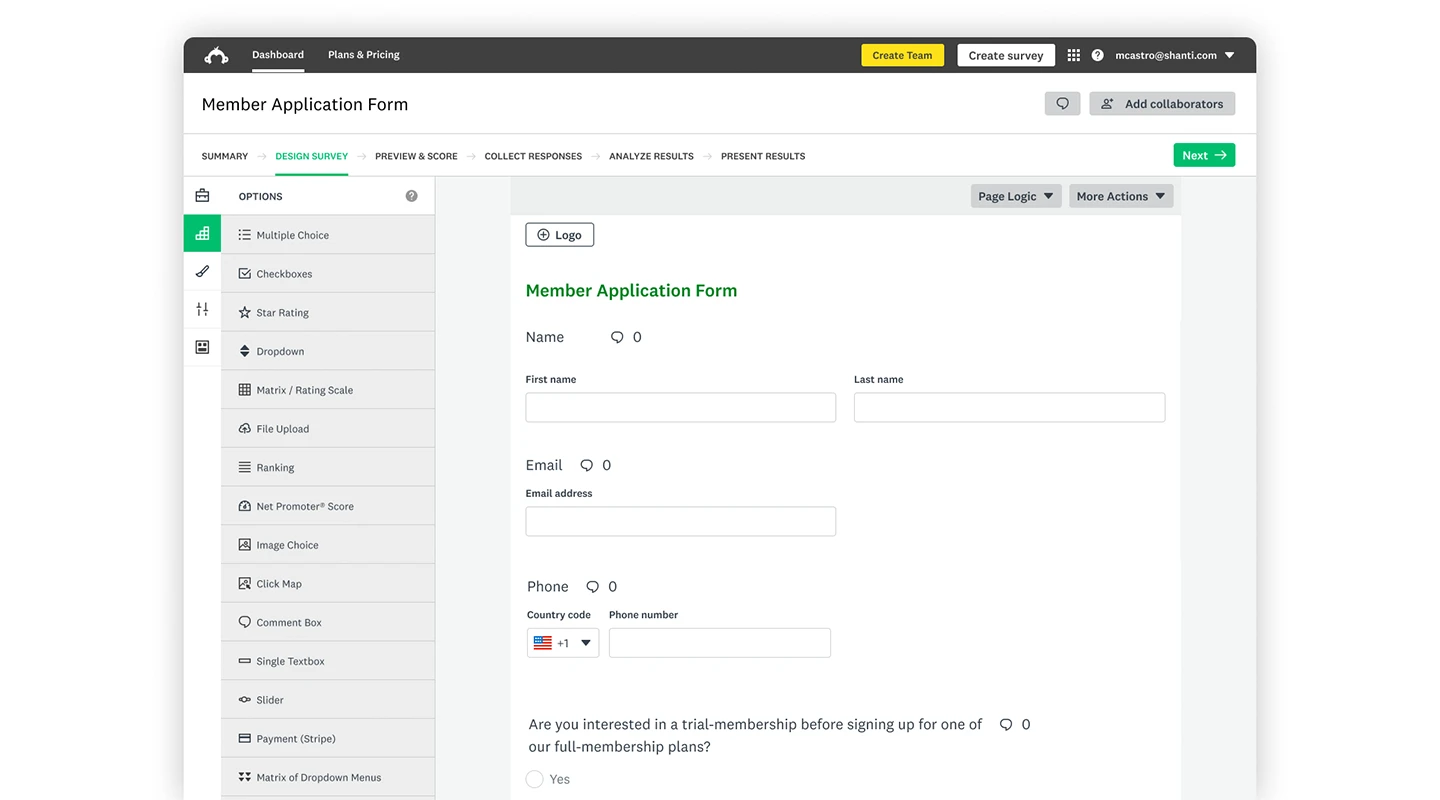
**Summary:** A popular online survey tool that enables businesses to create and distribute surveys quickly and easily.
**Key Features:**
- Various question types
- Customizable templates
- Robust analytics
**Advantages:** User-friendly interface, extensive library of questions and templates
**Disadvantages:** Advanced features can be expensive
**Pricing:**
- Paid plans start at $25 per person per month and go up from there
### CultureMonkey
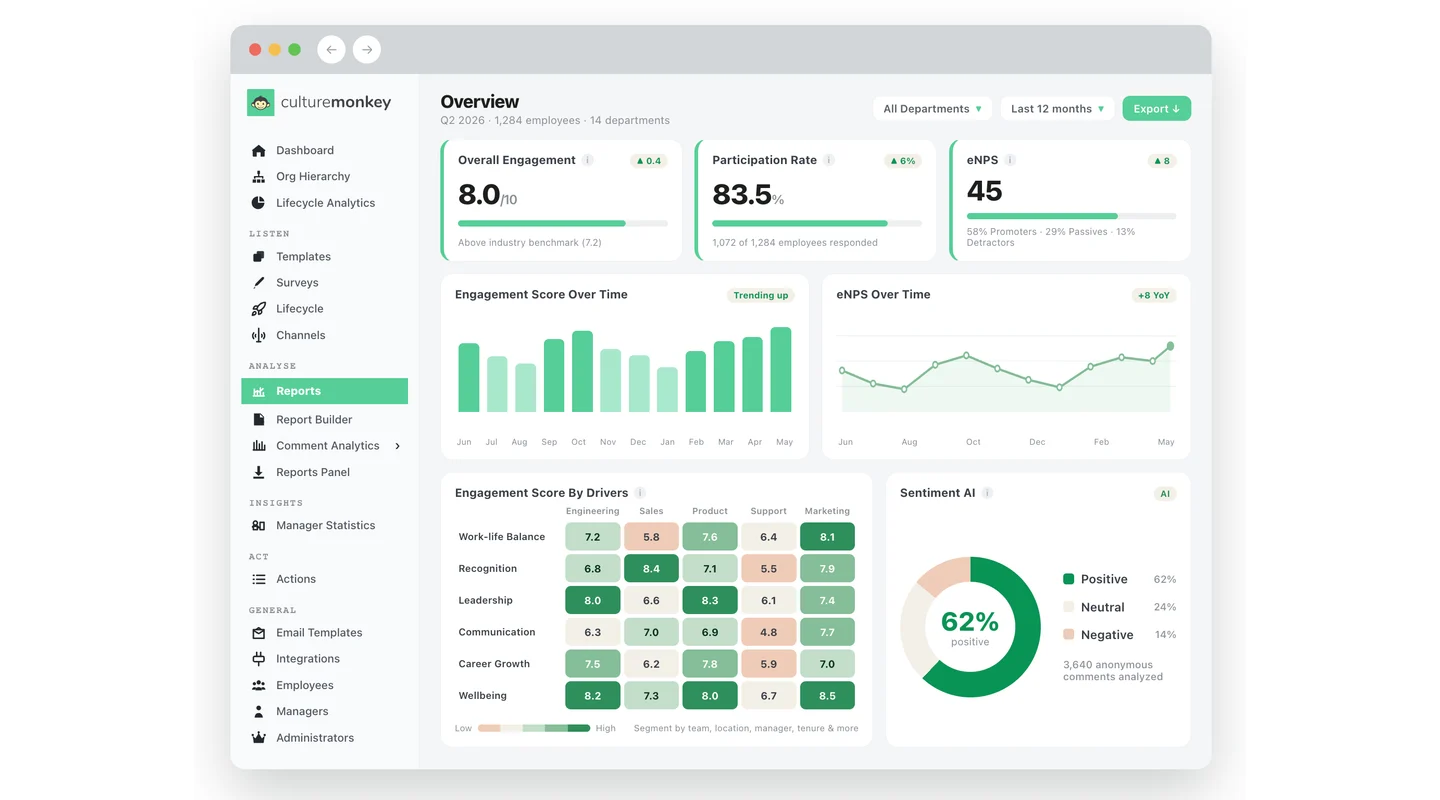
**Summary:** CultureMonkey offers an employee listening platform for engagement, pulse, lifecycle, and eNPS surveys, helping teams collect feedback and convert insights into action.
**Key Features:**
- Anonymous employee surveys
- AI sentiment analysis
- Manager action dashboard
**Advantages:** Purpose-built for employee feedback, supports multilingual surveys, helps managers create action plans from insights
**Disadvantages:** Focused on employee feedback rather than general app-building
**Pricing:**
- Custom quote-based pricing
- Demo available on request
- Enterprise pricing available
### Workleap Officevibe
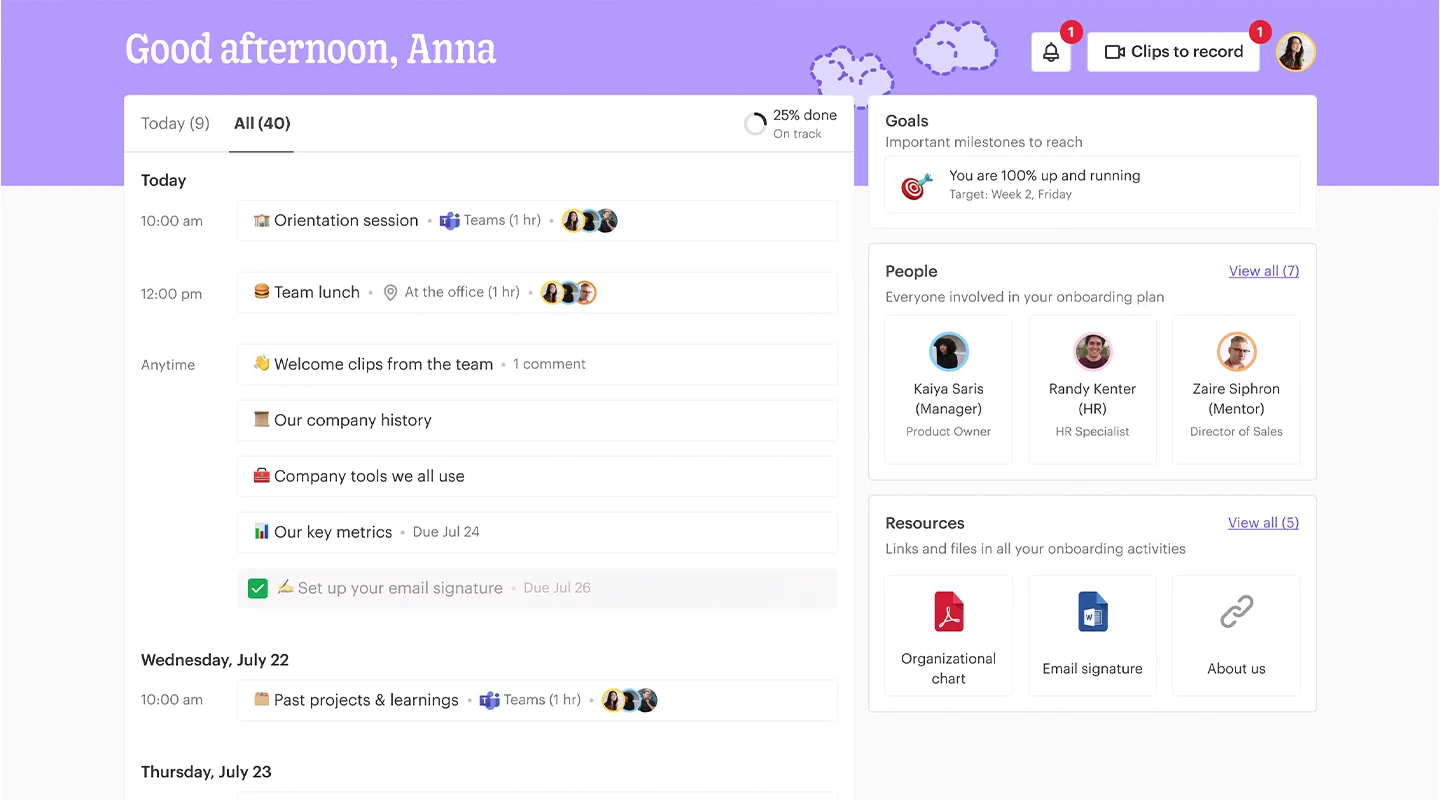
**Summary:** Specializes in employee engagement and feedback, providing a platform for continuous feedback and pulse surveys.
**Key Features:**
- Anonymous feedback
- Custom survey questions
- Engagement reports.
**Advantages:** Easy to use, focuses on employee well-being, integrates with Slack and Microsoft Teams
**Disadvantages:** Limited customization options for surveys
**Pricing:**
- Free for basic features
- Essential: $3.50 per person per month
- Pro: $5 per person per month
### Culture Amp
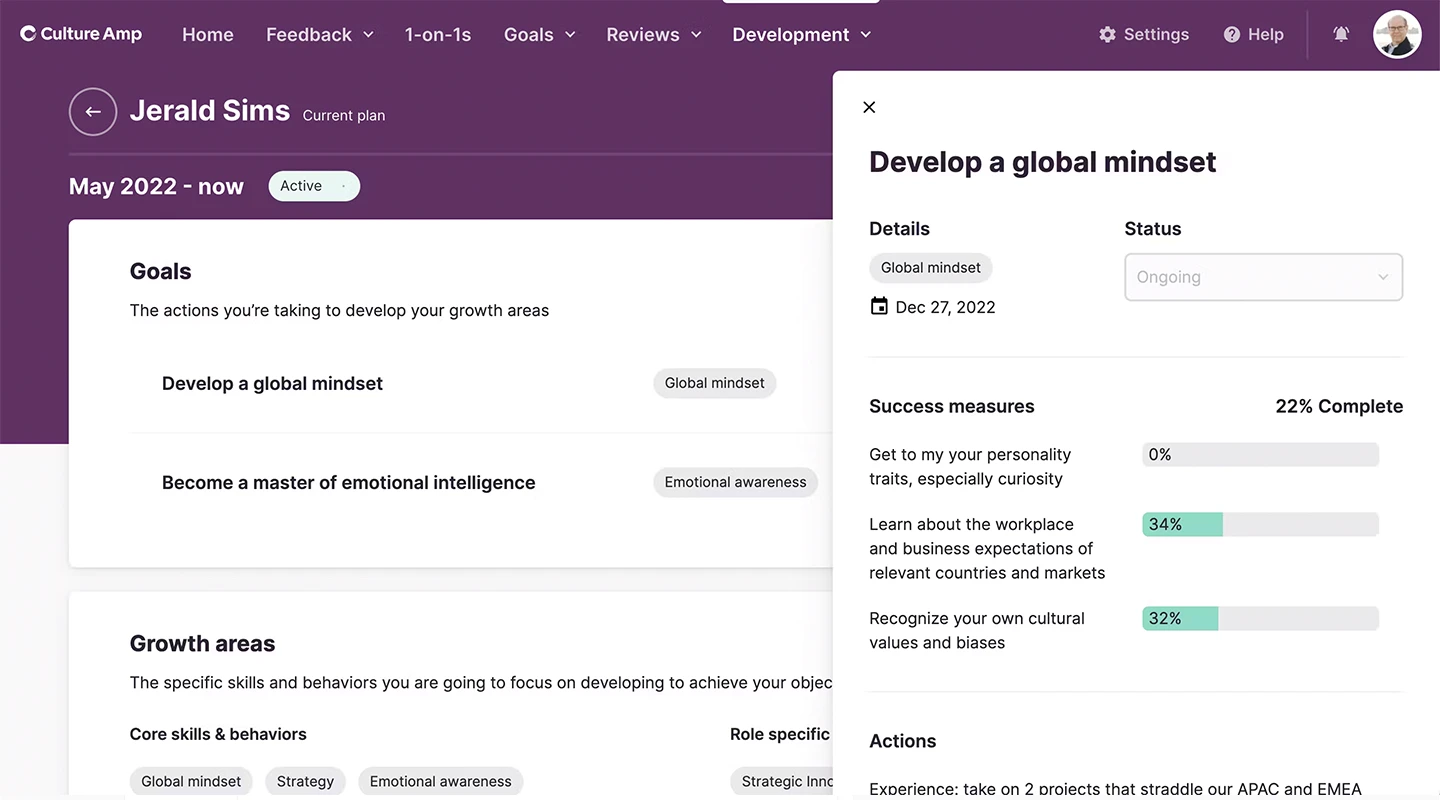
**Summary:** A comprehensive platform for employee feedback and performance that offers deep insights into engagement and culture.
**Key Features:**
- Benchmarking
- Custom surveys
- Analytics and insights
**Advantages:** Extensive data analysis, benchmarking against industry standards
**Disadvantages:** Can be costly for small businesses
**Pricing:**
- Pricing is based on the number of employees and specific needs — contact Culture Amp for a quote
### Qualtrics XM
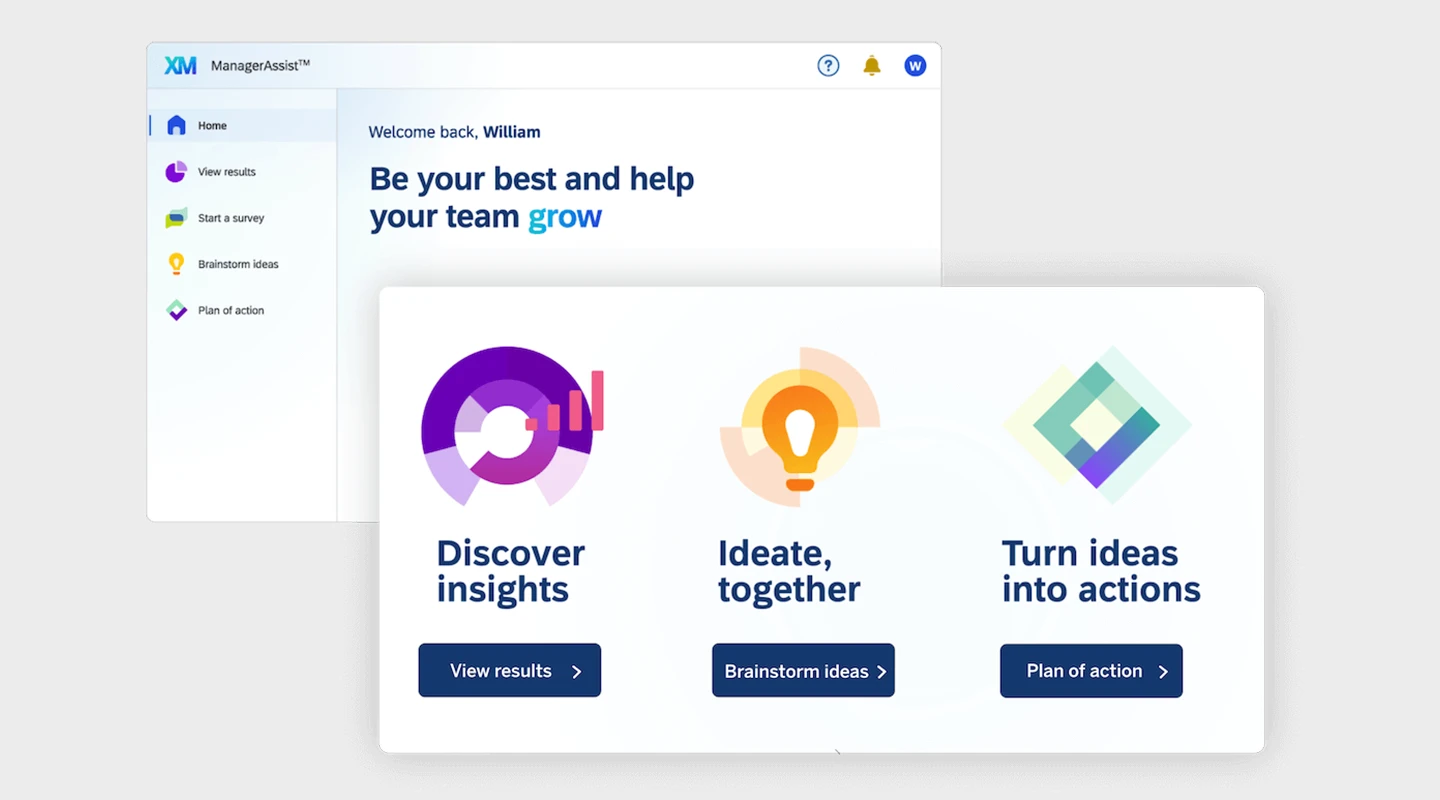
**Summary:** Offers a sophisticated platform for experience management, including employee engagement and feedback.
**Key Features:**
- Advanced analytics
- AI-driven insights
- Action planning tools
**Advantages:** Comprehensive and scalable, powerful analytics capabilities
**Disadvantages:** Complexity and cost may not suit smaller organizations
**Pricing:**
- Contact for pricing
### 15Five
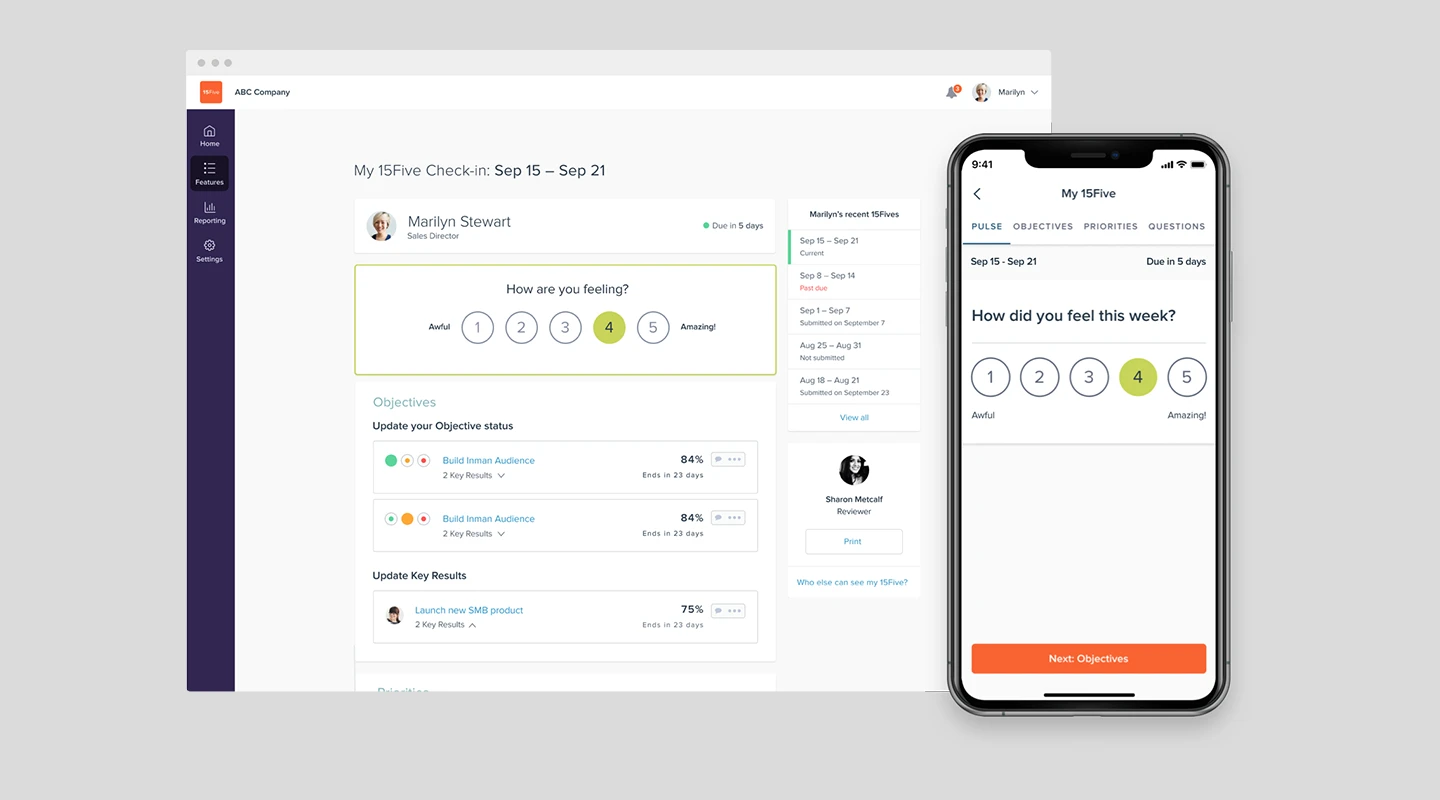
**Summary:** Combines performance management, weekly check-ins, and employee feedback into one platform.
**Key Features:**
- Continuous feedback
- OKR tracking
- 1-on-1 tools
**Advantages:** Enhances communication, supports continuous performance management
**Disadvantages:** Pricing can add up for larger teams
**Pricing:**
- Engage: $4 per month
- Perform: $10 per month
- Total Platform: $16 per month
### TINYpulse
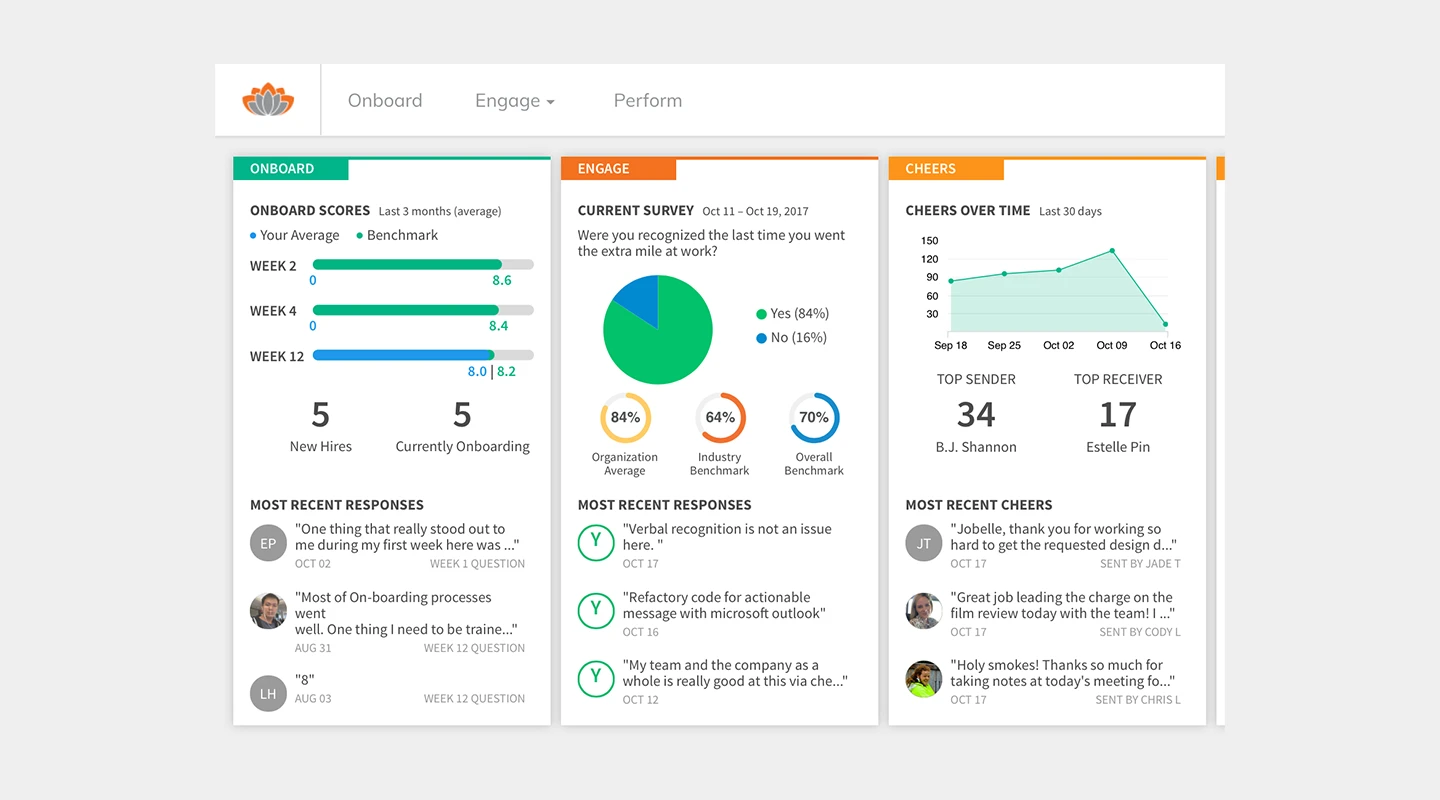
**Summary:** Offers tools for employee engagement surveys, recognition, and performance tracking.
**Key Features:**
- Anonymous feedback
- Cheers for peers
- Performance reviews
**Advantages:** Real-time feedback, promotes a positive culture
**Disadvantages:** Limited in-depth analytics compared to others
**Pricing:**
- Custom pricing available upon request
### Lattice
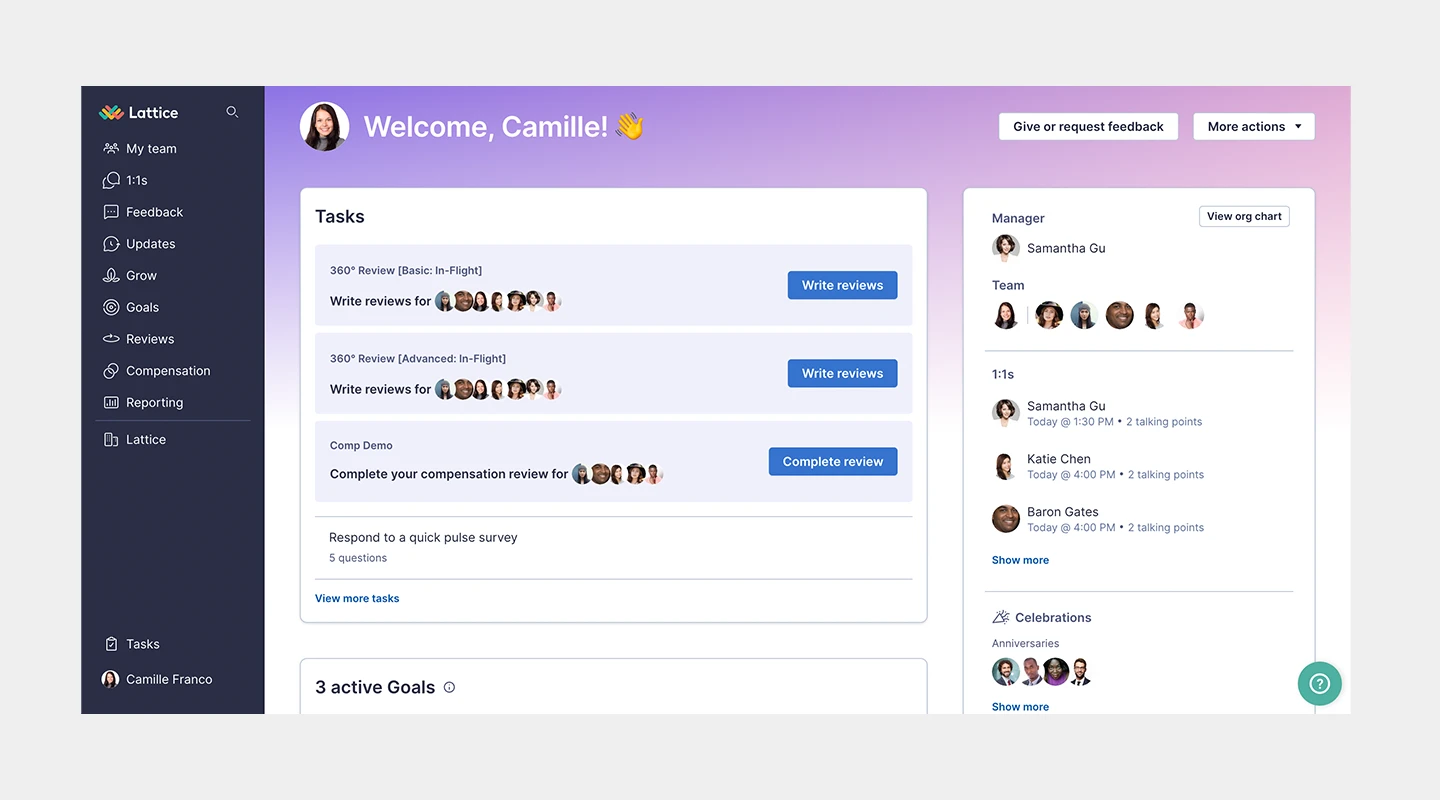
**Summary:** A people management platform that integrates feedback with performance management and goal setting.
**Key Features:**
- 360 reviews
- Real-time feedback
- Goal setting
**Advantages:** Integrates feedback with performance management, user-friendly
**Disadvantages:** May require additional tools for full HR functionality
**Pricing:**
- Engagement: $4 per person per month
- Grow: $8 per person per month
- Compensation: $6 per person per month
- Performance Management + OKRs & Goals: $11 per person per month
### Microsoft Viva Glint
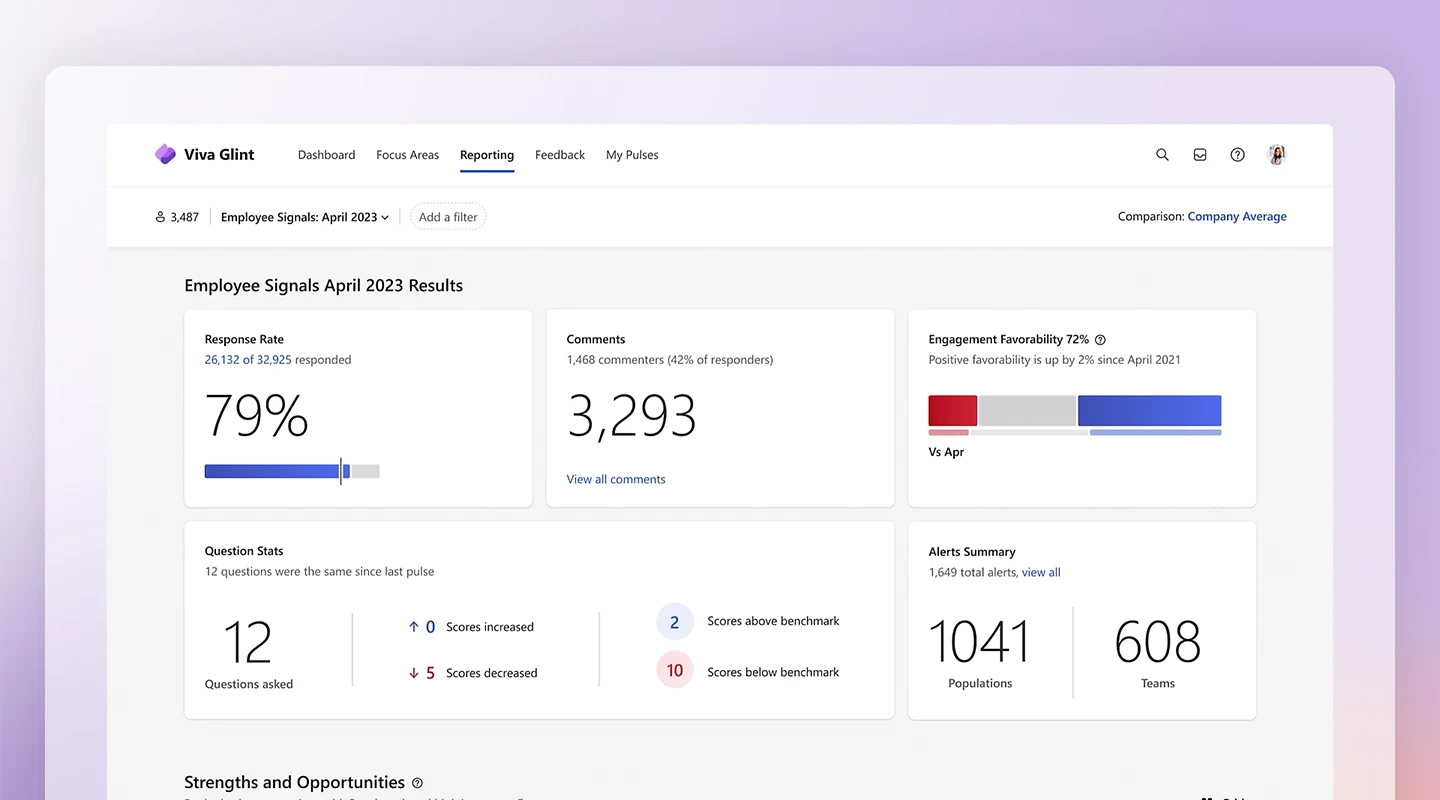
**Summary:** Provides real-time feedback mechanisms along with employee engagement and survey tools.
**Key Features:**
- Pulse surveys
- AI-driven insights
- Action plans
**Advantages:** Real-time insights, integrates with LinkedIn Learning
**Disadvantages:** Best suited for medium to large enterprises
**Pricing:**
- Included in Microsoft 365
- Employee Communications and Communities: $2 per person per month
- Workplace Analytics and Employee Feedback: $6 per person per month
- Microsoft Viva Suite: $12 per person per month
### Workday Peakon
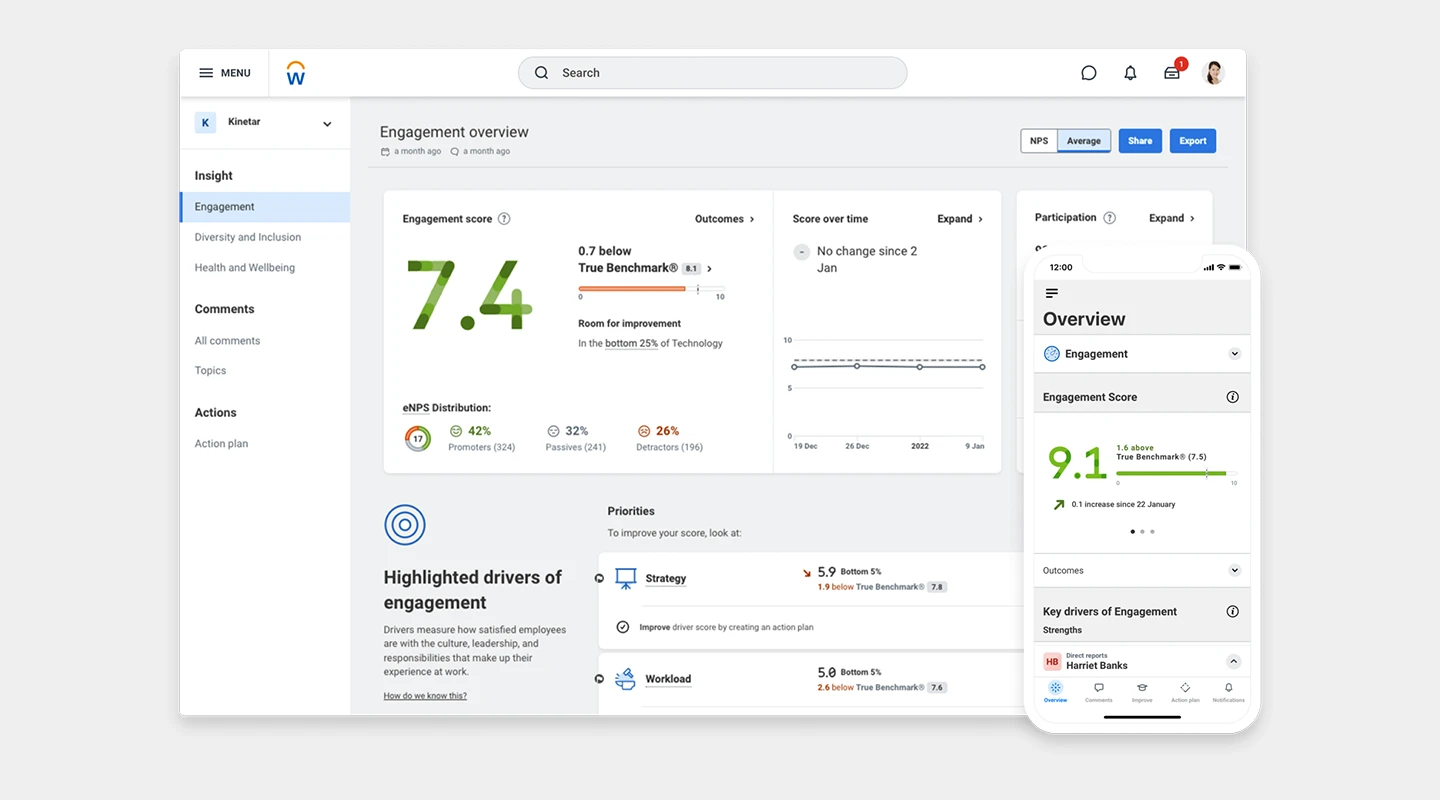
**Summary:** A Workday company offering real-time employee engagement and feedback analysis.
**Key Features:**
- Heatmaps
- Benchmarking
- Customizable surveys
**Advantages:** Deep analytics, integrates with HR systems
**Disadvantages:** Pricing may be high for smaller companies
**Pricing:**
- Custom pricing available upon request
##
### Emplifi
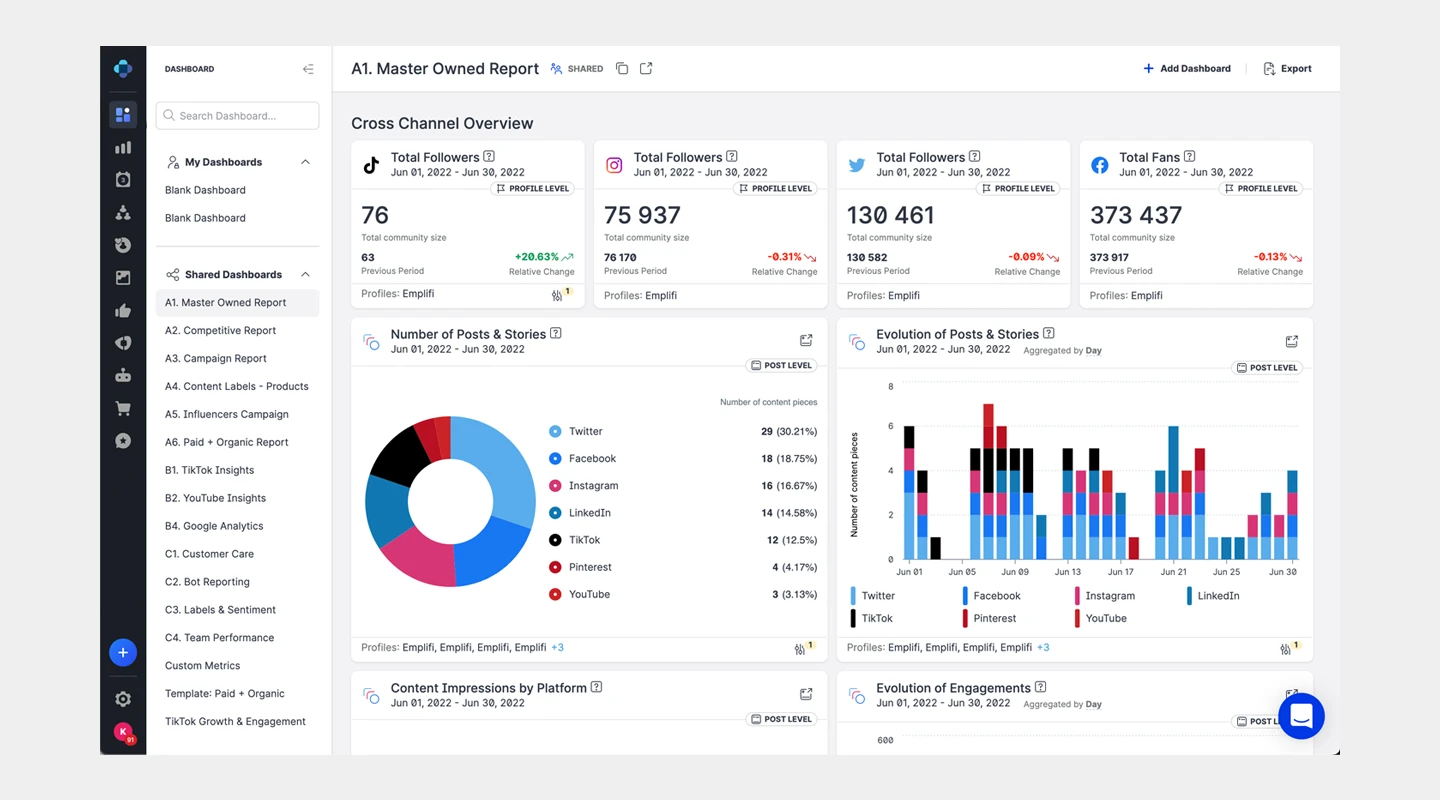
**Summary:** Focuses on measuring employee engagement through simple yet effective surveys.
**Key Features:**
- Quarterly surveys
- Anonymous feedback
- Tailored insights
**Advantages:** Actionable insights, dedicated support
**Disadvantages:** Less frequent feedback collection
**Pricing:**
- Custom pricing available upon request
### WorkTango
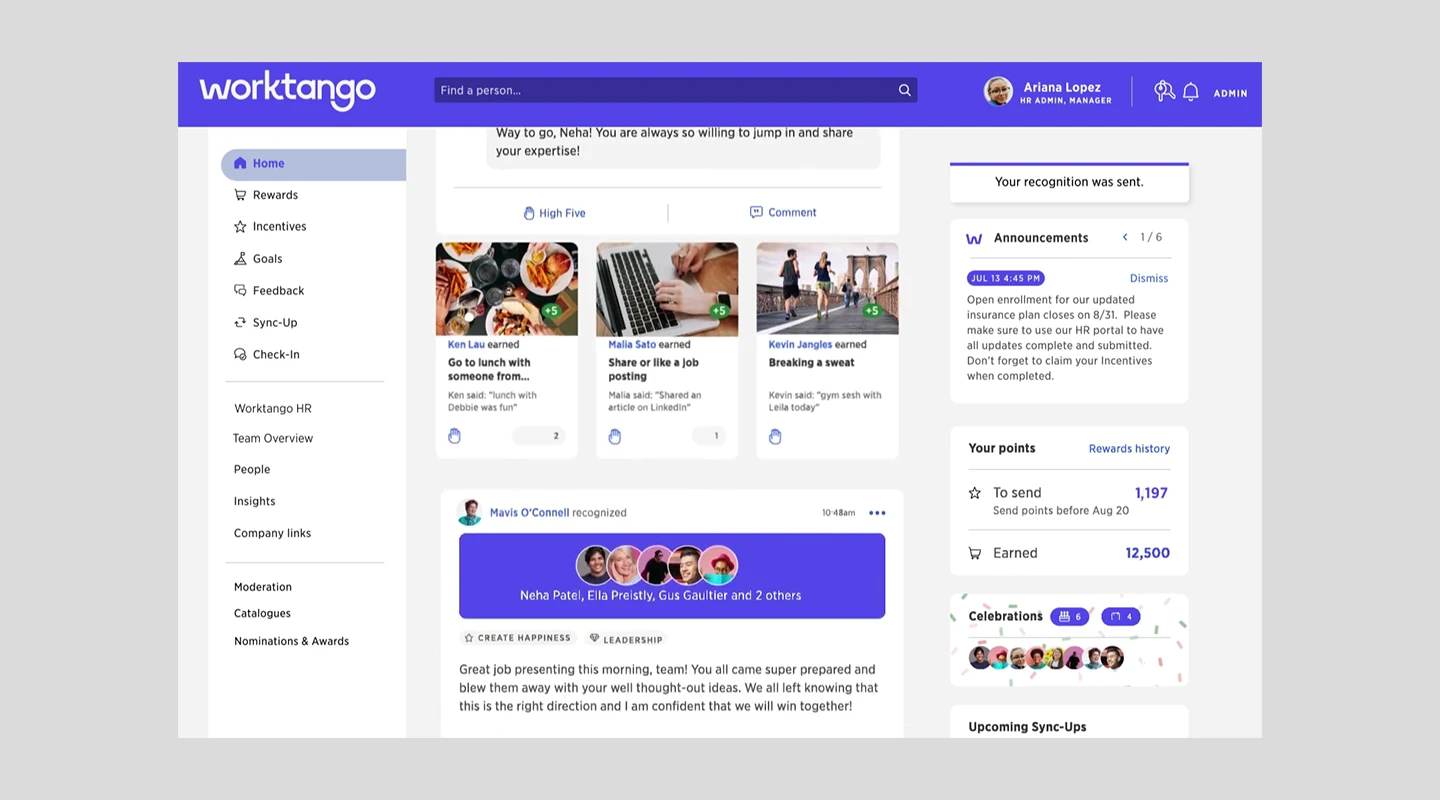
**Summary:** An all-in-one employee experience platform that combines recognition, performance management, and feedback.
**Key Features:**
- Recognition and rewards
- Feedback
- Performance management
**Advantages:** Enhances employee engagement, comprehensive platform
**Disadvantages:** May be more than needed for organizations only looking for feedback tools
**Pricing:**
- Custom pricing based on needs
- Employee Surveys & Insights: Minimum $8,000 per year
- Recognition & Rewards: Minimum $8,000 per year
- Full employee Experience Platform: Minimum $10,000 per year
### Engagedly
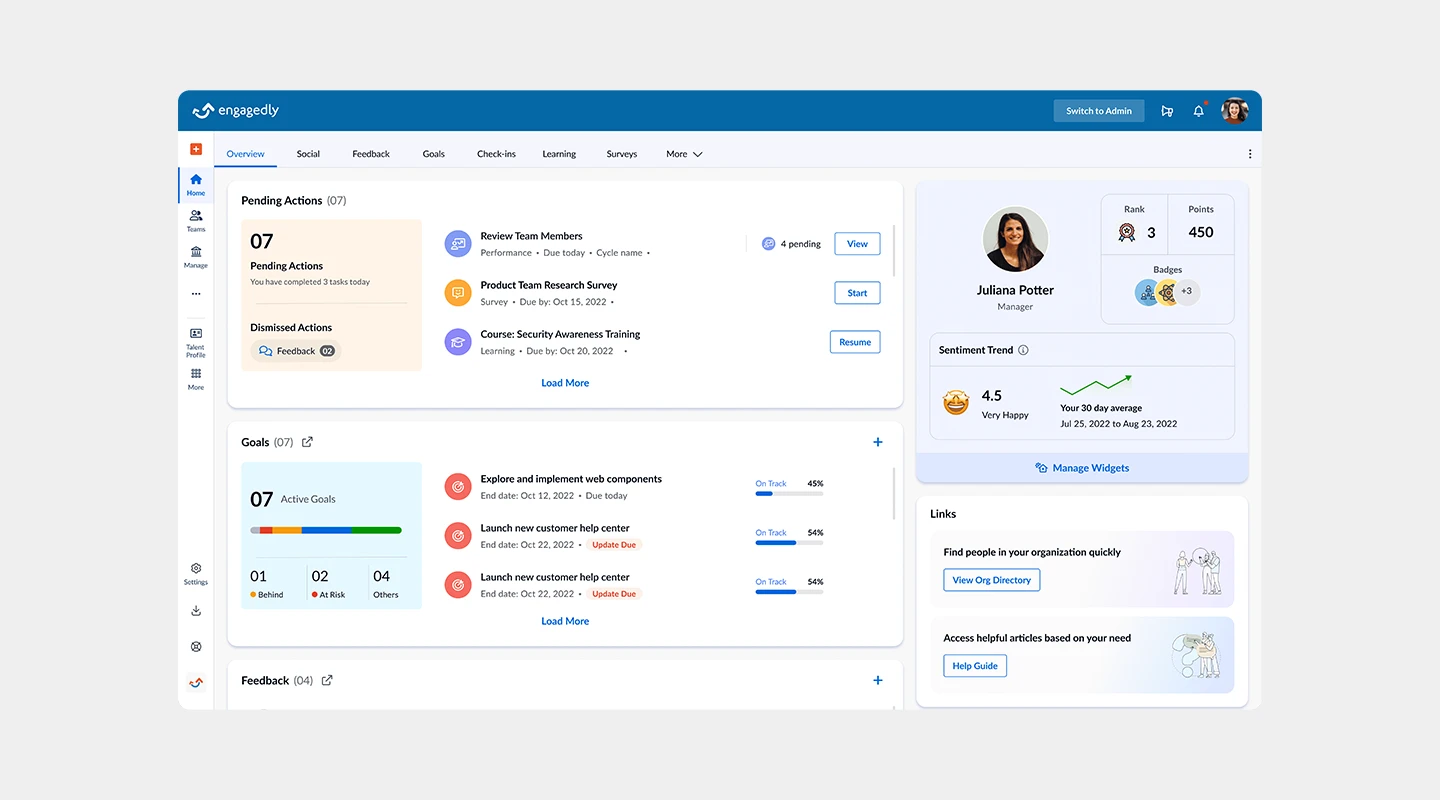
**Summary:** A platform for employee performance, engagement, and feedback that encourages a culture of feedback.
**Key Features:**
- 360 feedback
- Social praise
- eLearning
**Advantages:** Versatile platform, supports learning and development
**Disadvantages:** Can be complex to fully implement
**Pricing:**
- Base Package starts at $9 per user per month
- Add-ons range from $2 to $5 per use per month
### Feedbackly
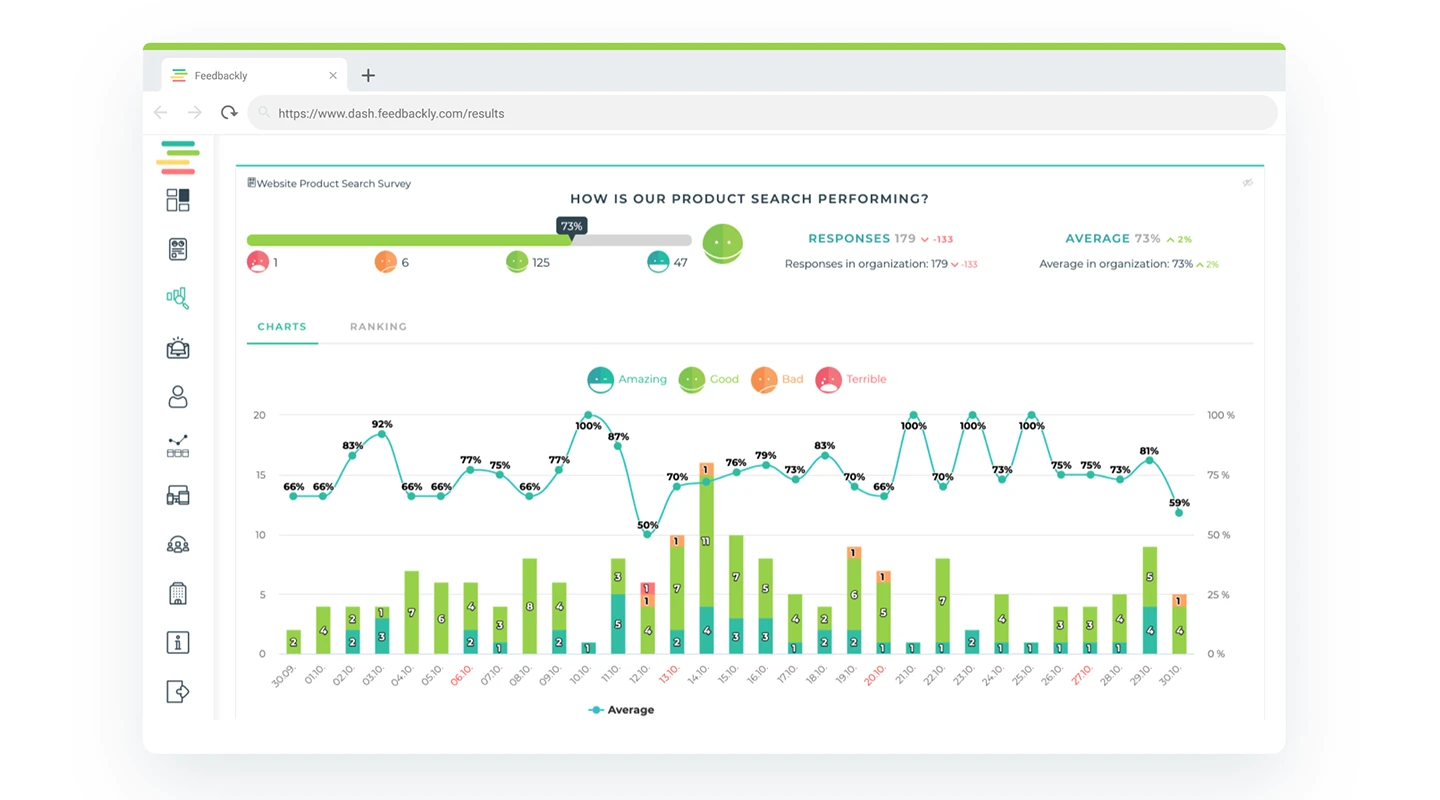
**Summary:** A customer and employee feedback tool that focuses on creating seamless feedback loops.
**Key Features:**
- Multichannel feedback collection
- Analytics dashboard
**Advantages:** Focuses on improving employee and customer experience simultaneously
**Disadvantages:** May require integration with other HR tools for comprehensive functionality
**Pricing:**
- 14-day free trial
- Monthly plans begin at €249 for 5,000 responses a year
### BambooHR
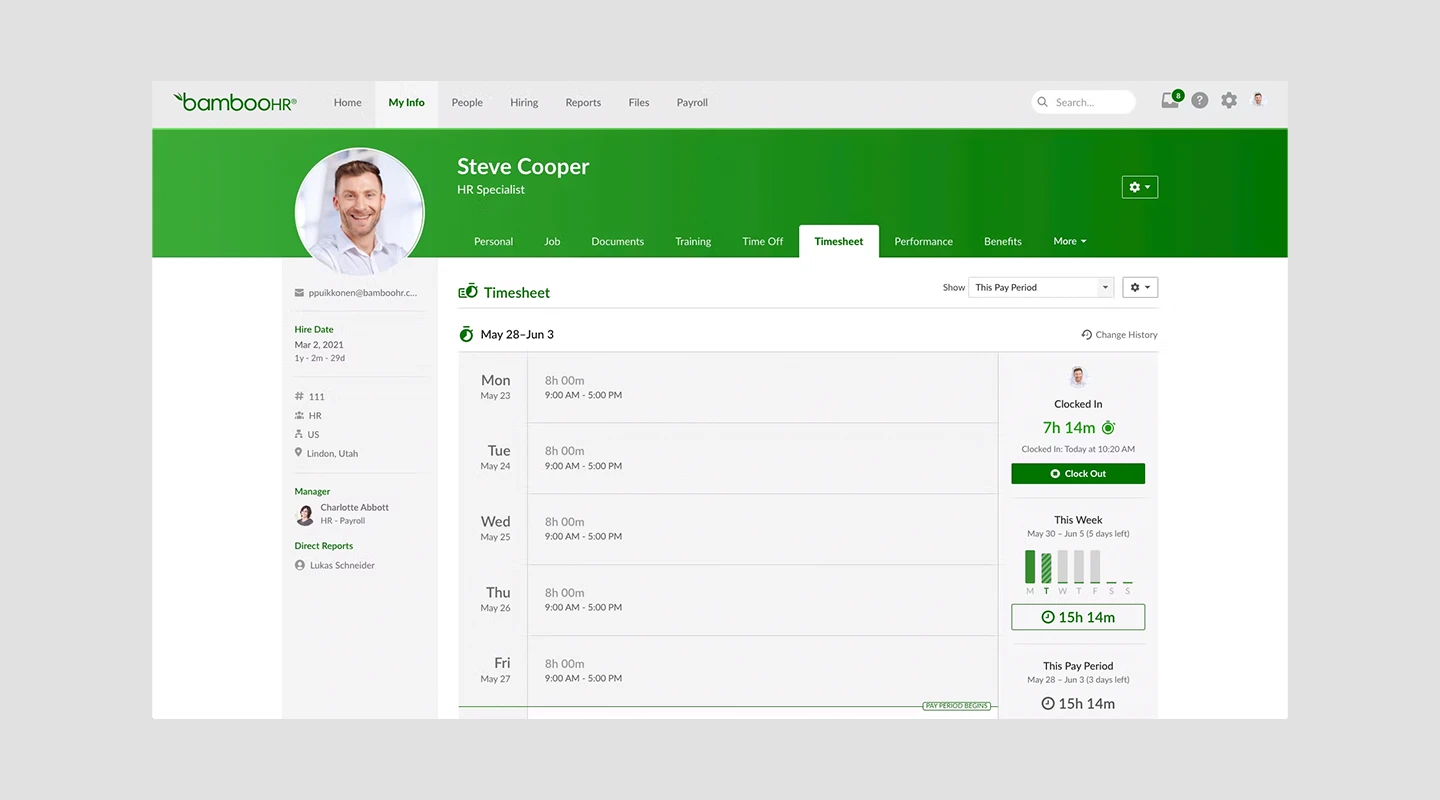
**Summary:** While known for its HR management software, BambooHR also offers tools for gathering and acting on employee feedback.
**Key Features:**
- Performance management
- Employee satisfaction surveys
**Advantages:** Integrated HR platform, user-friendly
**Disadvantages:** Feedback tools may not be as comprehensive as standalone platforms
**Pricing:**
- Custom pricing based on the number of employees and selected features
### Zoho People
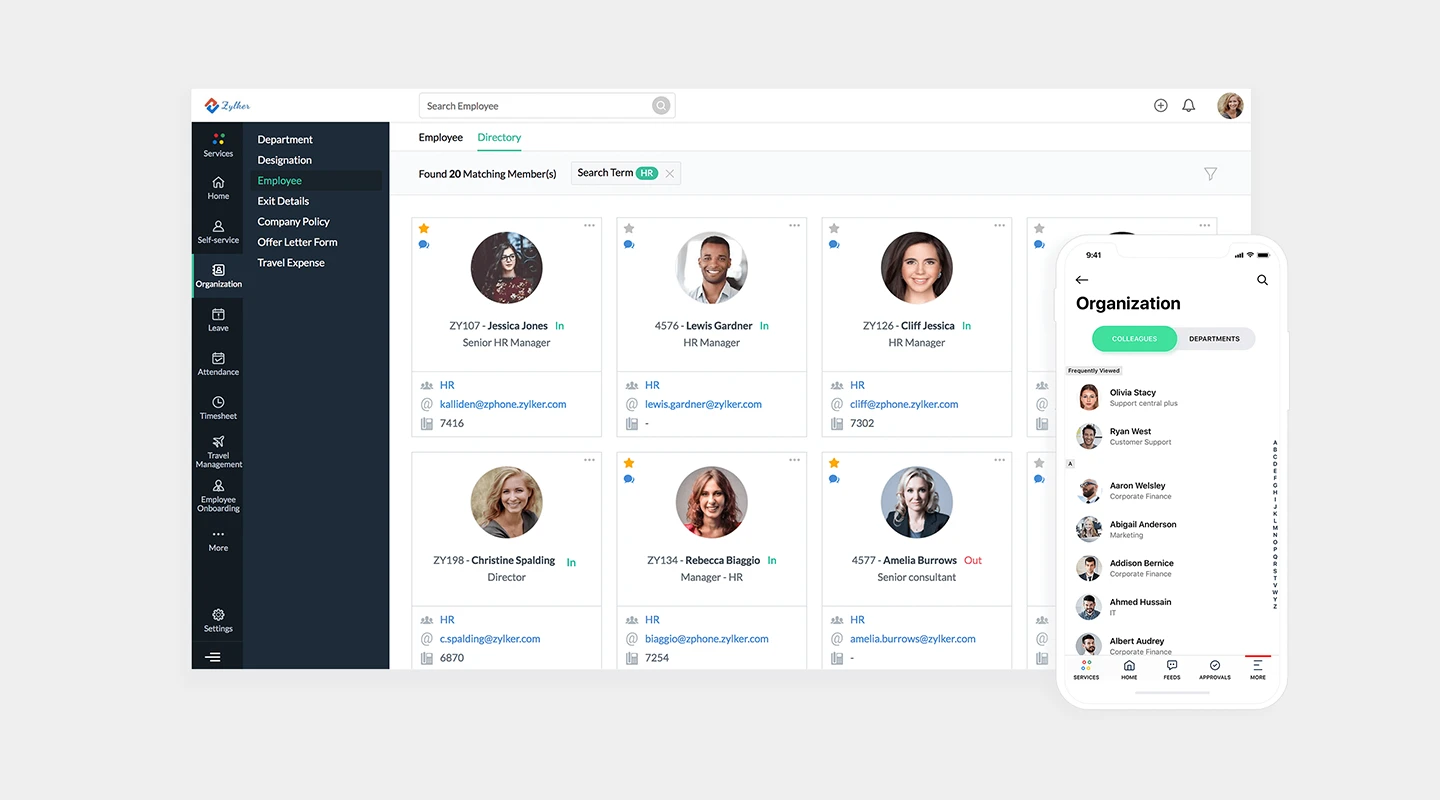
**Summary:** Part of the Zoho suite, this tool offers a holistic HR solution with features for collecting and analyzing employee feedback.
**Key Features:**
- Feedback management
- Performance reviews
- Analytics
**Advantages:** Integrates with other Zoho apps, cost-effective
**Disadvantages:** May not offer the depth of feedback-specific features as other dedicated tools
**Pricing:**
- Essential HR: $1.25 per person per month
- Professional: $2 per person per month
- Premium: $3 per person per month
- Enterprise: $4.50 per person per month
- People Plus: $9 per person per month
### Are there any employee feedback tools free of charge?
While many tools offer a free trial, only Fliplet has an option that's [entirely free](https://fliplet.com/pricing/).
With their free tier, you can create a web app to receive feedback for up to 28 employees per month. For many organizations, that's more than enough to get started. Even if they'd like to scale beyond that, having a free way to begin helps build employee feedback tracking into the company and gives them a tool to build on in the future.
## Types of Employee Feedback Tools
Recognizing the multifaceted nature of feedback, a variety of tools have been developed to cater to different aspects of the organizational ecosystem. These tools range from those focused on individual performance to others designed for team dynamics, each offering unique features to gather, analyze, and act upon the feedback collected.
### Performance Feedback Tools
Performance feedback tools are designed to evaluate and enhance individual employee performance within an organization. These tools facilitate regular check-ins, goal setting, and performance appraisals, allowing managers to provide constructive feedback and recognition.
They often include features for setting and tracking objectives and key results (OKRs), performance reviews, and one-on-one meetings. The primary aim is to identify strengths, areas for improvement, and professional development opportunities, fostering a culture of continuous growth and achievement.
### Team Feedback Tools
Team feedback tools focus on assessing and improving the dynamics and productivity of a team as a whole. These platforms enable team members and leaders to share insights and feedback on team projects, collaboration, and communication.
Features might include team surveys, project debriefs, and forums for sharing constructive criticism and accolades. By facilitating open and honest dialogue, these tools help teams to address challenges, celebrate successes, and work more effectively together towards common goals.
### 360 Employee Feedback Tool
The 360 employee feedback tool is a comprehensive approach that gathers feedback for an employee from all directions: their managers, peers, direct reports, and sometimes even clients. This holistic view provides a well-rounded perspective on an individual's performance, behavior, and interactions within the organization.
It's particularly valuable for personal development, as it highlights a broad range of perceptions and experiences, allowing employees to understand their impact on others and identify areas for improvement across multiple facets of their work life.
### Employee Feedback Survey
[Employee feedback surveys](https://fliplet.com/solution/survey-mobile-app/) are a versatile and straightforward method for gauging employee sentiment, engagement, and satisfaction. These surveys can be customized to collect insights on various aspects of the workplace, including job satisfaction, leadership effectiveness, work-life balance, and company culture.
Surveys can be anonymous to encourage candid responses, helping leaders understand the strengths and weaknesses of their organization from the employees' perspective. The data collected serves as a foundation for making informed decisions aimed at improving the work environment and employee morale.
## How Much Do Employee Feedback Tools Cost?
The price of employee feedback platforms can vary significantly based on the features, scale, and customization options required. Some feedback tools offer free versions with basic functionalities, which can be a great starting point for small businesses or those just beginning to formalize their feedback processes.
For more comprehensive solutions, prices can range from a few dollars per user per month to several thousand dollars annually for enterprise-level services. It's important to assess the return on investment employee feedback software can offer in terms of improved engagement and performance when considering their cost.
## What Is an Employee Feedback App?
Moving beyond traditional employee feedback programs, apps offer a more dynamic and accessible way to gather insights from your team.
> An **employee feedback app** is a mobile application designed specifically for collecting, managing, and responding to feedback directly from employees' smartphones.
This immediacy and convenience encourage higher participation rates and can provide a more accurate picture of the employee experience in real time.
### Why an Employee Feedback App is the best Tool to collect employee feedback?
[Apps can be powerful](https://fliplet.com/blog/cross-platform-app-development/) team feedback tools that come with several advantages, making them particularly effective in today's mobile-first world. These include:
- **Ease of access:** Employees can provide feedback anytime, anywhere, right from their mobile devices.
- **Real-time insights:** Immediate feedback allows for quicker responses and resolutions to any issues that arise.
- **Increased engagement:** The simplicity and convenience of apps can boost participation rates, ensuring a broader range of voices is heard.
- **Anonymity options:** Many apps offer features to submit feedback anonymously, promoting honesty and transparency.
### How to track feedback with an employee feedback app?
Effective feedback tracking is crucial for turning insights into action. The best feedback tools for managers offer dashboard functionalities, where managers and HR professionals can monitor trends, identify areas for improvement, and track the progress of action plans.
These dashboards often include analytics tools to parse the data, making it easier to understand and act upon.
## Top Things to Consider When Evaluating Employee Performance Feedback Tools
As you sift through the options, keep the following considerations in mind to ensure you select the best tool for your organization:
- **User-friendliness:** The tool should be easy for both employees and administrators to use.
- **Integration capabilities:** It should seamlessly integrate with your existing HR and communication systems. If you are looking for the best 360 feedback tools, you'll want to be able to seamlessly onboard a range of roles in your company.
- **Scalability:** The tool must be able to grow with your organization. Any feedback tracker that can't grow with you isn't worth investing time and money in.
- **Data security:** Ensure that the tool complies with data protection regulations and [safeguards employee information](https://fliplet.com/security/). Whatever feedback solution you choose, maintaining security for your employees and organization is key.
## AI and Apps Will Transform How Employees Receive and Give Feedback
Looking ahead, [the integration of AI](https://fliplet.com/ai-app-builders/) and mobile apps in the feedback process promises to make it even more efficient and impactful. AI can help analyze large volumes of feedback data to identify patterns and insights that human analysts might miss.
Meanwhile, apps will continue to make tracking feedback more accessible and engaging for employees, fostering a culture of continuous improvement and open dialogue. AI can even provide guidance on how to gather employee feedback in challenging situations
## Finding the Best Employee Feedback Apps in 2026
Choosing the right apps to collect employee feedback is crucial for fostering a positive work environment where every employee feels valued and heard. By carefully considering your organization's specific needs and the features offered by these tools, you can enhance your feedback processes, improve employee engagement, and drive organizational success.
Remember, the goal is not just to collect feedback, but to act on it, creating a better workplace for everyone.
## FAQs
Collecting info anonymously can be effectively done using feedback tools for employees free of identifying information. Many platforms offer anonymous survey options, ensuring that employees feel safe to share honest feedback without fear of repercussions.
Look for features in feedback tools and employee feedback software that guarantee anonymity, such as anonymous submission forms and feedback trackers that do not track personally identifiable information.
Gathering staff feedback can be approached in multiple ways, but using a combination of employee feedback tools, including employee feedback platforms and employee feedback apps, is highly effective.
These tools allow for the distribution of surveys, polls, and open-ended question forms. Feedback solutions like real-time feedback software and performance feedback tools are also valuable for gathering ongoing insights. For more structured feedback, consider implementing 360 feedback tools or team feedback tools that facilitate comprehensive reviews.
The best way to collect feedback involves a multi-faceted approach. Utilize a mix of employee survey tools, real-time feedback tools, and face-to-face meetings. The key is to make the process as accessible as possible, which can be achieved by leveraging employee feedback apps and platforms that offer flexibility in how and when feedback is given.
For holistic assessments, best 360 feedback tools provide a well-rounded view by gathering insights from peers, subordinates, and managers.
Monitoring employee happiness involves regular check-ins and the use of employee feedback systems that can track sentiment over time. Employee feedback for company improvement should be gathered continuously using tools like employee happiness surveys and feedback tracking software.
Real-time employee feedback tools can offer immediate insights into employee morale, while more comprehensive employee feedback programs can provide deeper analysis and trends.
AI-Powered employee feedback tools are transforming the efficiency and effectiveness of collecting and analyzing feedback. These tools can automatically analyze large volumes of data, identify patterns, and even predict employee sentiment trends, making them a powerful feedback solution for management.
AI capabilities in feedback tools for employees allow for more personalized feedback experiences and can help managers and HR professionals quickly address concerns and capitalize on strengths. By automating the analysis process, these tools free up time for taking action on feedback, making them an invaluable asset in any employee feedback system.
### See the latest insights from Fliplet
## Creating your business apps has never been easier
## Related links
- [Future-proofing HR: Strategies for seamless onboarding, development and engagement](https://info.fliplet.com/webinar-download-future-proofing-hr-strategies-for-seamless-onboarding-development-and-engagement)
- [5 Reasons Why Your Training Strategy Should Be Mobile](https://fliplet.com/blog/5-reasons-why-your-training-strategy-should-be-mobile/): How can you create an effective training strategy, and why it should be mobile? In this article, we analyze the best practices for winning training.
- [15+ Best Employee Engagement Apps in 2026 (Perfect for HR!)](https://fliplet.com/blog/5-most-used-employee-engagement-apps-compared/): In this blog post you will find a curated list of the top Employee Engagement apps and how they compare against each other. You will also understand why you need an employee engagement app today.
---
# 15+ Top Internal Communication Apps in 2026
> 15+ Top Internal Communication Apps in 2026. Compare leading options, pricing, and tradeoffs to choose the best fit for your team, department, or project.
Source: https://fliplet.com/blog/internal-communication-apps
Content type: Blog
Published: 2026-02-22T12:20:08
Updated: 2026-02-17T06:40:55
Read time: 35 minutes
# 15+ Top Internal Communication Apps in 2026
> Workplace communication statistics show that [86%](https://pumble.com/learn/communication/communication-statistics/) of employees and executives cite the lack of effective collaboration and communication as the main causes of workplace failures.
Staying connected with your team is more crucial than ever. But with so many options out there, how do you pick the right one?
Whether you're a small startup or a large enterprise, the right internal communication app can significantly enhance your team's collaboration and productivity. From instant messaging to project management, the perfect app can transform the way your team interacts and operates.
In this blog, we're going to explore over fifteen top internal communication apps, each with its unique features and benefits, tailored to meet different organizational needs.
So, let's find the perfect tool to keep your team connected and engaged.
## What are the best internal communication software & apps for employees?
With so many internal communication apps available in the market, it can be challenging to choose the right one. That's why we have done all the hard work for you.
## How to build internal communication app
Developing an internal [communication app](https://fliplet.com/solution/community/) can be a game-changer for businesses seeking to enhance team collaboration and streamline their communication processes. Here are the key steps involved in building a successful internal communication app:
- **Identify your needs and goals:** Before diving into development, it's crucial to understand the specific communication challenges your business faces. Identify the goals you aim to achieve with your app, such as improving team collaboration, centralizing communication, or enhancing project management.
- **Research your audience:** Understand the needs, preferences, and tech-savviness of your potential users – your employees. This research will inform the app's design and functionality, ensuring it resonates with and is useful to your team.
- **Choose the right platform:** Decide whether your app will be web-based, mobile, or both. This decision should be based on where and how your team typically communicates. We recommend using Fliplet to create your internal communication app, you can get started for [free](https://studio.fliplet.com/signup).
- **Design for user experience:** The app should have an intuitive and user-friendly interface. Focus on simplicity and ease of use to encourage widespread adoption among your team members.
- **Incorporate essential features:** Based on your goals and user research, decide on the key features your app will offer. This might include instant messaging, task management, file sharing, and notifications.
- **Ensure scalability and security:** Your app should be scalable to accommodate growing user numbers and evolving business needs. Security is also paramount to protect sensitive business communications.
- **Develop and test the app:** Whether you're building in-house or hiring developers, the development phase should include iterative testing to ensure functionality and user experience are up to par.
- **Get feedback:** Once your app is in use, gather feedback from your team to understand what works and what needs improvement. This feedback is crucial for ongoing development and user satisfaction.
- **Plan for ongoing maintenance and updates:** The launch is just the beginning. Plan for regular maintenance and updates to keep the app relevant, secure, and aligned with user needs.
- **Promote adoption and provide training:** Encourage adoption through internal marketing and provide training to your team. The more comfortable they are with using the app, the more effective it will be as a communication tool.
By following these steps, you can create an internal communication app that not only meets your business's specific needs but also encourages a more connected, collaborative, and productive workplace.
## What is an internal communication app?
An [internal communication app](https://fliplet.com/solution/community/) is essentially a modern solution for facilitating communication within teams, transcending traditional methods like email and phone calls. As remote work is becoming increasingly common, employees are no longer confined to their desks. This new breed of workers, often referred to as "deskless or mobile employees," may not have constant access to their emails. In such scenarios, the need for an easily accessible, mobile-friendly communication tool becomes critical to maintain seamless connectivity and ensure that everyone is on the same page.
This is precisely where internal communication apps come into play. These apps are designed to provide a convenient and efficient platform for team members to communicate, collaborate, and share information, regardless of their physical location. They offer various features such as instant messaging, file sharing, video conferencing, task management, and more, all integrated into a single platform. This integration not only streamlines communication but also enhances productivity by providing a centralized space for all team interactions.
The use of internal communication apps is a testament to how businesses are adapting to the changing landscape of work. By embracing these tools, organizations can create a more connected, engaged, and agile workforce.
## What are some internal communication needs?
Clear and effective communication within an organization is essential, regardless of whether the team is remote or co-located. The notices on company bulletin boards have now transitioned into more structured conversations through internal communication apps. These tools cater to various communication needs that are critical for the smooth functioning and success of any organization. Let's discuss three key internal communication needs:
### Project management and coordination
Effective project management is at the heart of every successful business operation. Internal communication apps play a pivotal role in this aspect by providing platforms where teams can plan, execute, and track the progress of their projects. These apps allow for the sharing of timelines, setting of milestones, and distribution of tasks, ensuring that everyone involved in a project is aligned and informed. This real-time coordination helps in timely decision-making and keeps projects on track.
### Alignment with organizational goals
For any organization to thrive, it's crucial that all employees are aligned with its goals and objectives. Internal communication apps facilitate the distribution of these goals and the ongoing dialogues about them. They serve as a platform for leadership to communicate the company's vision and for employees to provide feedback, ensuring a mutual understanding of the direction in which the organization is headed. This alignment is key to creating a sense of purpose and motivation among employees.
### Employee engagement and culture building
A strong organizational culture and engaged employees are invaluable assets. Internal communication apps offer a space for employees to connect, share ideas, and celebrate achievements, contributing to a positive workplace culture. Features like chat rooms, forums, and social channels within these apps allow for informal interactions and discussions, building a sense of community and belonging among team members. This aspect of communication is vital for maintaining employee morale and motivation, especially in remote teams.
## What are the main employee communication channels?
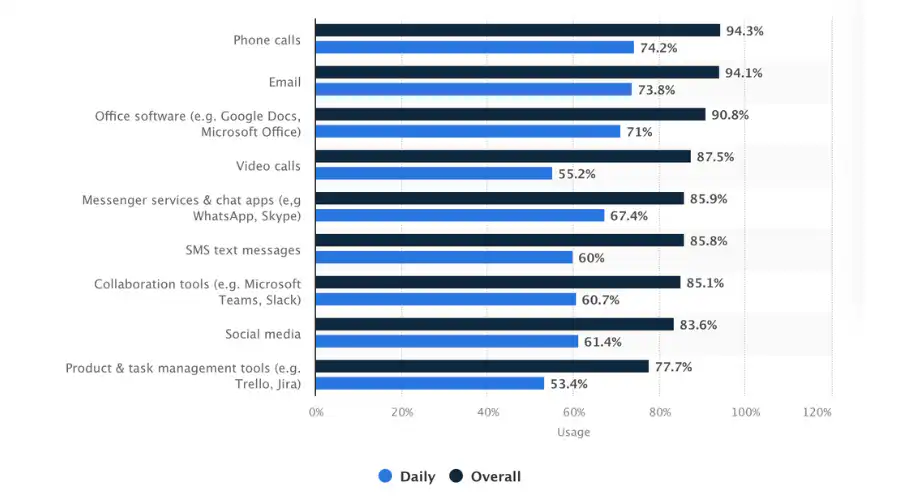
Teams who communicate effectively may increase their productivity by as much as [25%](https://pumble.com/learn/communication/communication-statistics/).
Recent statistics from [Statista](https://www.statista.com/statistics/1085383/organizational-communication-tools-usage-worldwide-organizational-type/) provide a clear picture of the most prevalent communication channels in the workplace as of 2023. These channels reflect the diverse ways employees interact and collaborate in a modern business environment:
- **Phone calls**: 94.3% – Still reigning due to their convenience and effectiveness for immediate, real-time conversations
- **Email:** 1% – Its popularity stems from its universal accessibility and formal structure, ideal for official communication
- **Office software:**8% – These tools are indispensable due to their collaborative features, allowing for simultaneous editing and sharing of documents
- **Video calls:** 5% – Gaining prominence with the rise of remote work, offering a more personal touch compared to emails and instant messaging
- **Messenger service & chat apps:** 9% – Preferred for their speed and convenience, facilitating informal and instant communication
- **SMS text messages:** 8% – Remain relevant for sending quick, direct notifications and updates
- **Collaboration tools:** 1% – Integral for their ability to centralize various aspects of team collaboration in a single platform
- **Social media:**6% – Its growing use in professional settings is a testament to its power in creating more engaging and dynamic forms of communication.
- **Product and task management tools:**7% – These tools are crucial for their ability to keep teams organized and aligned on projects and tasks
By utilizing Fliplet to create a custom internal communication app, organizations can effectively integrate several of these key communication functions. Fliplet offers capabilities for product and task management, enabling effective project tracking and organization. It also supports chat functions for instant communication, collaboration tools for team-based work, and the ability to send SMS notifications for critical updates. This integration into a single platform not only streamlines communication but also enhances overall productivity and team coordination.
## Other use cases of an internal communication app
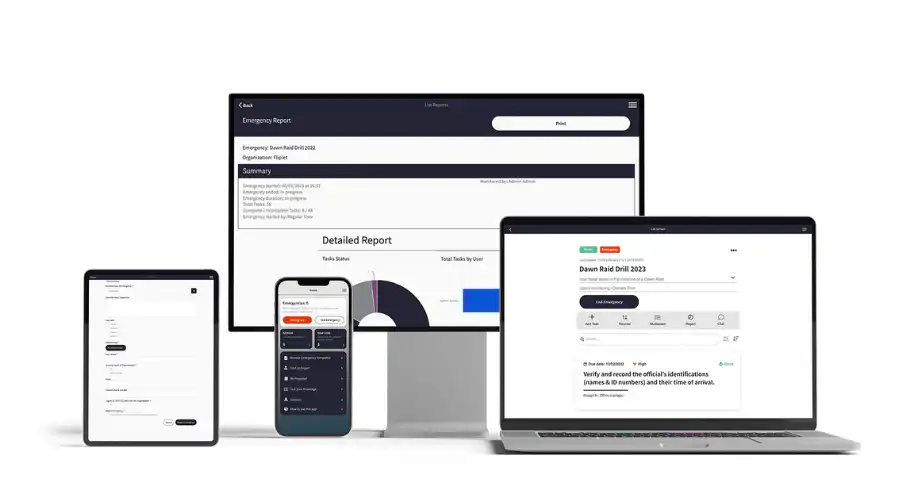
Internal communication apps serve a variety of purposes beyond just facilitating day-to-day conversations within a team. Their versatility allows them to be adapted for specific scenarios and needs within an organization. Two notable use cases include:
### Commercial mobile app for internal communication
In the commercial sector, internal communication apps are invaluable for connecting various departments and teams, irrespective of their physical locations.
These apps can streamline processes like sales reporting, inventory updates, and customer feedback collection, ensuring that relevant information flows quickly and accurately between the field and the office.
They also offer a platform for disseminating company-wide announcements, policy updates, and training materials, maintaining a consistent and informed workforce.
Furthermore, these apps can be customized to include features like sales leaderboards, performance metrics, and real-time analytics, providing teams with valuable insights for decision-making and strategy development.
### Mobile app to initiate internal major incident communication
In situations where a major incident occurs, such as a system outage, security breach, or a natural disaster, internal communication apps become critical for rapid and efficient communication.
These apps can be used to quickly disseminate information about the incident, coordinate response efforts, and provide regular updates to all employees.Features like push notifications ensure that critical information is received promptly, even if employees are not actively using the app at the time.
The app can also serve as a central hub for resources, contacts, and action plans related to crisis management, ensuring that everyone has access to the information they need to respond effectively. Discover the [Top 13 Incident Management Best Practices for 2026](https://fliplet.com/blog/top-13-incident-management-best-practices/)
In both these scenarios, the flexibility and adaptability of internal communication apps demonstrate their value in a range of organizational contexts, proving them to be more than just tools for everyday communication. Whether it's for managing commercial operations or responding to major incidents, these apps provide a robust platform for ensuring that the right information reaches the right people at the right time.
## Pick the best employee communication app for your workforce
When selecting an employee communication app for your workforce, there are several key factors to consider ensuring that the app aligns with your organization's needs and goals. Here are the crucial elements to keep in mind:
- **Security:** The app should offer robust security features to protect sensitive company information and employee data
- **Features:** Evaluate the app's features, such as instant messaging, file sharing, and task management, to ensure they meet your team's communication needs
- **Scalability:** The app should be able to grow with your organization, accommodating an increasing number of users and expanding functionalities as needed
- **Ease of use:** It's essential that the app is user-friendly and intuitive to encourage widespread adoption among employees. Not only this the app should be easy to create for you too
- **Update and maintenance:** Consider how easily the app can be updated and maintained, ensuring it stays current with the latest technological advancements such as AI features
- **App analytics:** The ability to track usage and engagement within the app can provide valuable insights for improving communication strategies
- **Support:** Look for an app that offers reliable customer support for training, and assistance with updates or technical issues
### Why Fliplet is the best choice for your internal communication app
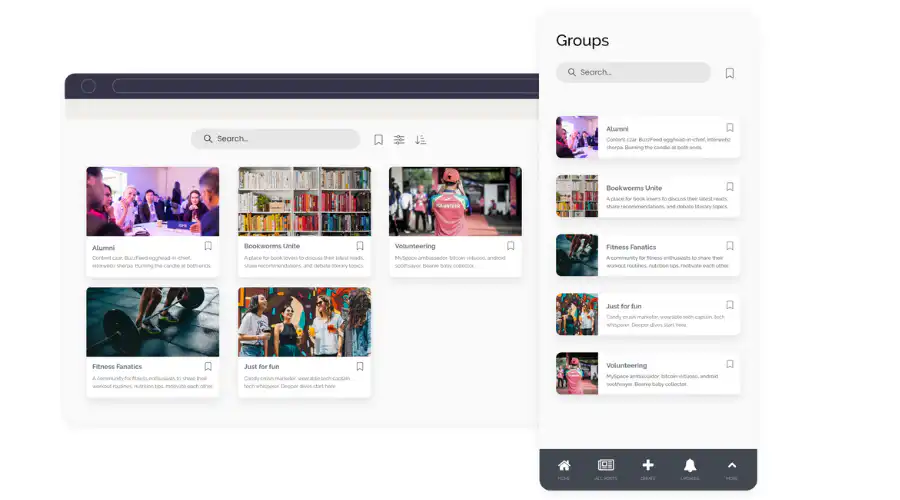
Fliplet stands out as the top choice for an [employee communication app](https://fliplet.com/solution/employee-engagement-app/), considering these factors. It ensures enterprise-grade security, keeping your organizational communications secure and private. Fliplet's array of features, including AI capabilities, addresses various communication and collaboration needs. Its AI features, continuously being enhanced, add a layer of advanced functionality, from automated responses to intelligent data analysis, making the platform not only more efficient but also more intuitive.
Designed for scalability, Fliplet can effortlessly adapt to your growing business needs, easily integrating new users and features. Its user-friendly design promotes widespread adoption, making it accessible for all employees, regardless of their technical expertise.
Fliplet also excels in ease of maintenance and updates, ensuring your communication tools are always up-to-date. The app's analytics allow you to monitor engagement and usage, offering valuable insights for optimizing your communication approach. Moreover, Fliplet's support provides prompt assistance, training, and guidance, ensuring your organization maximizes the app's benefits.
Overall, Fliplet offers a comprehensive, forward-thinking solution for enhancing your internal communication and creating a more connected and productive workforce.
## Build your internal communication app today
In conclusion, the landscape of workplace communication has evolved dramatically, with internal communication apps playing a pivotal role in this transformation. These apps have become indispensable tools in modern business environments, offering a blend of efficiency, flexibility, and connectivity that traditional communication methods can't match. By streamlining workflows, enhancing collaboration, and keeping team members connected regardless of their location, internal communication apps are redefining how businesses operate and collaborate.
The choice of the right app depends on various factors including security, scalability, features, and ease of use. With its advanced capabilities, including AI features, Fliplet stands out as a solution that addresses the diverse needs of today's dynamic work environments.
With the right app in place, organizations can not only enhance their operational efficiency but also build a stronger, more cohesive, and more resilient workforce. So, as you consider the next steps for your business's internal communication strategy, remember the critical role that these apps play and the immense value they can add to your organization.
## Review details
**Title:** Top internal communication apps
#### Fliplet
##### Analysis
If your organization is on the hunt for an internal communication app that truly stands out, [Fliplet](https://fliplet.com/) should be at the top of your list. What sets Fliplet apart is its highly customization capabilities, which tackle communication challenges head-on. Unlike traditional communication apps that offer limited features, Fliplet addresses a common problem in many businesses, isolated communication.
Fliplet provides a suite of customizable solutions and screens, allowing you to tailor the app to your organization's specific needs, all without any coding required. This versatility means you can easily add unique and necessary features.
Fliplet's [Community solution](https://fliplet.com/solution/community/) is an all-in-one app that brings together all the necessary tools for transparent communication and engagement.
##### Key features
- **Chat:** Allows real-time messaging within teams, ensuring quick and efficient communication
- **Gamification:** Engages employees by introducing elements of play, driving participation and motivation
- **Create and join communities:** Enables employees to form groups based on common interests or projects, generating a sense of community
- **Collaborate on tasks:** Facilitates seamless collaboration on tasks and projects, enhancing team productivity
- **Discussions:** Users can engage in discussions, encouraging open communication and idea sharing
- **Integrate with current systems:** Offers the flexibility to integrate with existing systems, ensuring a unified communication platform
- **Centralized hub for documents and files:** Provides a single, secure location for storing and accessing all company documents and files
##### Benefits
- **Use on any device:** Fliplet is designed for cross-platform use, ensuring accessibility from mobile, tablet and desktop, enhancing flexibility for the whole team
- **Brand your app:** Offers customization options to align with your company's branding, creating a consistent and professional look
- **No code:** Easy to use with no coding required, making it accessible for teams without technical expertise
- **App analytics:** Provides valuable insights into app usage and employee engagement, helping to refine communication strategies
- **Easy to update and add your own content:** User-friendly interface allows for quick updates and content additions, keeping information current
- **Secure:** Fliplet prioritizes data security, ensuring confidential internal communication remains protected
##### Pricing
- Free: Build your web app for [free](https://studio.fliplet.com/signup)
- Public: From $9.90 /month
- Enterprise: [Book a meeting](https://fliplet.com/book-a-demo/)
Overall, Fliplet excels by offering a cost effective, customizable, and user-friendly solution for internal communication. Its diverse features cater to various aspects of communication, from casual chats to project collaboration.
Moreover, its adaptability to integrate with existing systems and its robust security measures make it a top choice for businesses looking to enhance their internal communication in a secure, efficient, and engaging manner.
#### Slack
##### Analysis
Slack has earned its reputation as the go-to internal communication app for small businesses, and for good reason. For small businesses, communication needs to be quick, efficient, and adaptable. Slack excels in these areas, offering a platform that is both intuitive and powerful, making it an ideal choice for smaller teams that need to stay connected.
##### Key features
- **Instant messaging:** Real-time messaging accelerates communication, allowing for quick decision-making and response
- **Channel organization:** Slack's channels enable teams to organize conversations by topic, project, or team, keeping everything neatly segmented and easy to navigate
- **File sharing:** Easy sharing of documents and files directly within the chat, streamlining workflow and collaboration
- **Integration with other tools:** Slack integrates seamlessly with a multitude of other apps and services, enhancing its functionality and making it a central hub for all communication and collaboration needs
- **Searchable history:** Slack stores and indexes conversations and files, making it easy to retrieve information and keep track of discussions
- **Voice and video calls:** Direct voice and video calling capabilities facilitate more personal and immediate discussions when needed
##### Benefits
- **Enhances team collaboration:** Slack's features promote a collaborative environment, enabling teams to work together more effectively
- **Improves efficiency:** By centralizing communication, Slack reduces the need to switch between different platforms, saving time and increasing productivity
- **Flexibility:** Slack caters to the dynamic nature of small businesses, offering the flexibility to adapt as the team or projects evolve
- **User-friendly interface:** Its intuitive design makes it easy for new team members to get up to speed quickly, minimizing the learning curve
- **Accessible anywhere**: With mobile and desktop applications, Slack ensures that team members can stay connected regardless of their location
##### Pricing
- Free plan
- Standard: $6.67 per user per month
- Plus: $12.50 per user per month
- Enterprise Grid: Pricing varies based on the organization's needs and size
#### Microsoft Teams
##### Analysis
For larger enterprises, Microsoft Teams is a good choice for internal communication. Microsoft Teams addresses common internal communication issues for large businesses, with its features that are tailored for large-scale operations, making it the ideal solution for businesses with extensive teams and departments.
##### Key features
- **Extensive video conferencing:** Microsoft Teams offers large-scale video conferencing capabilities, essential for conducting meetings with numerous participants
- **Integration with Microsoft 365:** Seamless integration with the Microsoft 365 suite, including Office applications, enhances productivity and collaboration
- **Advanced security protocols:** With enhanced security measures, Microsoft Teams ensures that all communications and data shared within the platform are protected
- **Large file sharing:** It supports sharing of large files, crucial for enterprises dealing with extensive data and documents
- **Customizable workspaces:** Allows creation of customized workspaces for different departments or projects, streamlining communication and collaboration
##### Benefits
- **Scalability:** Microsoft Teams can scale to accommodate the growing needs of a large business, making it a long-term solution
- **Unified communication platform:** By integrating various communication tools into a single platform, it simplifies the workflow and reduces the need for multiple applications
- **Reliability and compliance:** Offers the reliability expected from a Microsoft product, along with compliance with various regulatory standards
- **Global accessibility:** With its widespread availability and support for multiple languages, it is ideal for global enterprises
##### Pricing
- Microsoft Teams Essentials: $4.00 user/month
- Microsoft 365 Business Basic $6.00 user/month
- Microsoft 365 Business Standard: $12.50 user/month
Microsoft Teams is a popular internal communication app for large businesses due to its comprehensive features, integration capabilities, and scalability. It caters to the complex needs of large enterprises, facilitating seamless communication, collaboration, and productivity.
#### Google Workspace and Google Drive
##### Analysis
Google Workspace and Google Drive are tools for employee communication, particularly in organizations that value seamless collaboration and easy access to information. These facilitate a high level of internal communication and collaboration, making them a perfect fit for businesses of all sizes.
##### Key features
- **Real-time collaboration:** Google Workspace allows multiple users to work on documents, spreadsheets, and presentations simultaneously, offering real-time collaboration
- **Cloud-based storage with google drive:** Google Drive provides secure cloud storage, making it easy to save, share, and access files from anywhere
- **Integrated communication tools:** Tools like Gmail, Google Meet, and Google Chat are integrated for streamlined communication
- **Easy access to information:** The intuitive search functionality in Google Drive helps quickly locate files and documents
- **Compatibility with various file formats:** Google Workspace supports a wide range of file formats, facilitating easy sharing and viewing of documents
##### Benefits
- **Enhances productivity:** The collaborative nature of Google Workspace enhances team productivity by allowing simultaneous work on projects
- **Cost-effective solution:** Offers a cost-effective solution for businesses, with various plans to suit different organizational needs
- **User-friendly interface:** Known for its user-friendly interface, Google Workspace and Drive are easy to use
- **Flexibility and mobility**: Being cloud-based, these platforms offer flexibility and mobility, allowing employees to work from anywhere
- **Reliable and secure:** Google's robust security protocols ensure the safety and integrity of data stored and shared on these platforms
##### Pricing
- Free: For personal plans, but with limited features
- Business Starter: $6 per user per month
- Business Standard: $12 per user per month
- Business Plus: $18 per user per month
- Enterprise: Custom
#### ClickUp
##### Analysis
ClickUp has gained recognition as being a good internal communication app specifically for project management. Managing projects efficiently while ensuring seamless communication among team members is crucial. ClickUp excels in this regard, offering a unique blend of project management features with robust communication tools, making it an ideal choice for teams focused on productivity and collaboration.
##### Key features
- **Task management:** ClickUp allows for detailed task management, including setting priorities, deadlines, and custom statuses, to keep projects on track.
- **Built-in document collaboration**: Offers collaborative document editing, enabling team members to work together on project documentation in real time
- **Integrated communication tools:** Features like comments on tasks, chat boxes, and mentions keep the communication flow intuitive and contextually relevant to the work being done
- **Customizable views:** Various views like list, board, calendar, and gantt chart provide flexibility in how projects and tasks are visualized and managed
- **Time tracking:** Includes time tracking capabilities to monitor the time spent on tasks and projects, aiding in productivity analysis and planning
- **Goal setting and tracking:** Allows teams to set specific goals and track progress directly within the app, aligning team efforts with project objectives
##### Benefits
- **Improves project visibility:** Customizable views and real-time updates provide clear visibility into project progress, helping teams stay aligned and informed
- **Increases productivity:** ClickUp's task management and time tracking features help in optimizing workflows and increasing overall team productivity
- **Adaptable to various workflows:** Highly customizable, ClickUp can be adapted to fit a wide range of project management styles and workflows
- **All-in-one platform:** Reduces the need for multiple tools by combining project management and internal communication in one platform, streamlining operations.
##### Pricing
- Free
- Unlimited: $7 user/month
- ClickUp Business: $12 /user/month
- ClickUp Enterprise: Contact sales
#### Fliplet (Best mobile internal communication app)
##### Analysis
Fliplet earns its spot as the best mobile internal communication app, offering flexibility and accessibility for teams on the go. Having an internal communication tool that functions seamlessly on mobile devices is essential. Fliplet stands out as it is tailored for mobile use, making it a top choice for businesses that prioritize mobility and ease of access in their communication tools.
##### Key features
- **Mobile-optimized interface:** Designed with a mobile-first approach, ensuring a smooth and intuitive user experience
- **Customizable mobile apps:** Allows businesses to create custom internal communication apps tailored to their specific needs, with no coding required
- **Push notifications:** Enables timely communication with team members through push notifications, ensuring important updates are promptly received
- **Offline access:** Provides access to key features and data even when offline, crucial for uninterrupted communication
- **Integration with your existing systems:** Seamlessly integrates with your systems, allowing for a cohesive communication experience across all platforms
- **Chat:** Real-time messaging is a game changer on mobile, allowing teams to communicate quickly and efficiently, crucial for fast-paced business environments
- **Collaborate on tasks:** Mobile collaboration on tasks and projects is streamlined through Fliplet, enhancing productivity by allowing team members to contribute and stay updated, no matter where they are
##### Benefits
- **Enhances communication accessibility:** With its mobile-first design, Fliplet makes internal communication accessible to team members regardless of their location
- **Customization and branding:** Offers extensive customization options, allowing businesses to tailor the app to their brand
- **Increased employee engagement:** Mobile accessibility and push notifications help in keeping employees engaged and informed in real-time
- **Secure data handling:** Ensures high levels of security for sensitive business communications
Fliplet's position as the best mobile internal communication app is solidified by its comprehensive set of features. Its ability to create a highly customizable, secure, and user-friendly mobile communication environment makes it an invaluable tool for businesses that operate in a dynamic, mobile-centric work environment.
#### Flock
##### Analysis
Flock is designed to cater to the fast-paced communication needs of modern teams, offering a streamlined and efficient platform for instant messaging. Its focus on simplicity and quick information exchange makes it a favorite among businesses that prioritize speed and ease of communication.
##### Key features
- **Direct and group messaging:** Flock enables both one-on-one and group messaging, allowing for flexible communication dynamics
- **File sharing and storage:** Provides easy file sharing capabilities, along with sufficient storage space for shared files
- **To-do lists and reminders**: Integrated features for creating to-do lists and setting reminders directly within the app enhance productivity
- **Voice and video calls:** Supports voice and video calls, allowing for more personal and immediate communication when needed
- **Pin important messages:** The ability to pin important messages helps in keeping critical information readily accessible
##### Benefits
- **Speeds up communication:** The app's focus on instant messaging ensures quick and efficient communication, vital for fast decision-making
- **Enhances collaboration:** With group messaging and file-sharing features, Flock enhances collaboration among team members
- **Streamlines work:** Integrated to-do lists and reminders help in streamlining daily workflows and tasks
- **Centralized communication hub:** Flock serves as a centralized hub for all internal communications, reducing the need to switch between multiple platforms
##### Pricing
- Starter: Free
- Pro: $4.50 /user/month
- Enterprise: Contact Flock
#### Convo
##### Analysis
Convo is increasingly popular among businesses that focus on creating a collaborative work environment. Convo stands out for its ability to integrate diverse communication needs into a cohesive, collaborative space, making it ideal for teams that thrive on collective effort and idea sharing.
##### Key features
- **Threaded conversations:** Allows for organized, topic-specific discussions, making it easy to follow and contribute to ongoing conversations
- **Rich media sharing:** Supports sharing of various media types, including images, videos, and documents, enhancing the richness of communication
- **Integrated task management:** Includes features for assigning tasks and tracking progress within the communication platform
- **Customizable news feeds:** Offers personalized news feeds, allowing team members to stay updated with relevant information and discussions
- **Annotation on images and PDFs:** Unique feature of annotating directly on images and PDFs shared within the platform, ideal for collaborative review and feedback
##### Benefits
- **Improved team collaboration:** Convo's user-friendly interface and threaded conversations make it easier for teams to engage in meaningful and productive discussions
- **Streamlined information sharing:** Team members can easily disseminate and retrieve relevant data, images, and documents, leading to a more informed and cohesive workflow
- **Enhanced project coordination:** The centralization of task management reduces complexity and saves time
- **Personalized updates:** Convo enhances the information dissemination which helps in reducing clutter and improving focus
- **Interactive feedback and collaboration:** Convo is particularly useful for teams working on visual projects or documents where precise feedback is crucial
- **Kept up-to-date in real time:** Real-time notifications ensure that all team members are promptly informed about important updates or changes
##### Pricing
- Starter: Free
- Premium: $6 /user/month
- Enterprise: Contact Convo
#### Workvivo
##### Analysis
Workvivo is an internal communication app that offers video, onboarding, and a variety of other functionalities. It's a good choice for companies aiming to enhance their internal communication with a focus on employee engagement and interactive content.
##### Key features
- **Live video broadcasting:** Enables organizations to conduct live video broadcasts, facilitating real-time communication and announcements
- **Video content sharing:** Allows users to share video content within the platform, enhancing the richness of internal communication
- **Interactive onboarding modules:** Features specialized modules for new employee onboarding, designed to be engaging and informative
- **Employee recognition system:** Includes a system for recognizing and celebrating employee achievements and milestones
- **Social media-styled feeds:** Offers a familiar social networking interface for posting updates, comments, and engaging with colleagues
- **News and update broadcasting:** Simplifies the process of sharing company news and important updates across the organization
##### Benefits
- **Boosts employee engagement:** The app's focus on engagement tools creates a more dynamic and connected workplace, improving overall employee satisfaction and motivation
- **Creates a connected work culture:** The social networking style encourages a more relaxed and open form of communication, contributing to a stronger sense of community within the organization
- **Keeps everyone informed:** Regular updates and news feeds ensure that all employees are up-to-date with the latest company information and developments
- **Accessible anywhere:** Mobile optimization means employees can access the platform from anywhere, enhancing flexibility and connectivity
##### Pricing
- Contact Workvivo for their pricing plans
#### Troop Messenger
##### Analysis
Troop Messenger is an innovative communication app that brings teams together, creating enhanced collaboration and streamlined communication. Troop Messenger is equipped to handle the dynamic communication demands of different teams. Its user-friendly platform is ideal for team members at all levels, facilitating seamless communication and efficient information exchange across the organization.
##### Key features
- **Audio messaging:** Record an update in an audio message, preview it, and then share it to individuals or in groups
- **One-to-one messaging:** Converse and share work with co-workers instantly
- **Forkout:** This bulk messaging ability allows you to send the message or attachment to a high volume of people or groups at once
- **Respond later:** Tag a message and filter the respond later tagged message to send a reply to the message
##### Benefits
- **Encourages team collaboration:** Unites teams through a unified interface, supporting varied communication forms like chat, voice/video calls, and screen sharing
- **Facilitates efficient communication:** The ability to filter and favorite content leads to more efficient information retrieval and organization
- **Enhances interactive communication:** Screen sharing feature enhances the effectiveness of presentations and collaborative discussions
##### Pricing
- Free plan
- Premium: Starts at $1 user/month
- Enterprise: Starts at $3 user/month
#### RingCentral
##### Analysis
RingCentral is an all-in-one system for phone calls, team messaging, and video conferencing. RingCentral offers a comprehensive suite of communication solutions, making it a top choice for organizations seeking an integrated approach to stay connected with their teams globally.
##### Key features
- **Unified communication solutions:** Integration of voice, video, messaging, and fax in one platform is invaluable for streamlined internal communication
- **Team collaboration tools:** Features like file sharing and task management are essential for efficient team collaboration.
- **Video and audio conferencing:** Offers high quality clear video and audio calls
- **Ease of use:** User-friendly interfaces and simple navigation are important for ensuring all team members can effectively use the communication tools
##### Benefits
- **Quick setup and user-friendly interface:** The platform can be effortlessly set up and operational within an hour, compatible with various desktop and smartphone devices
- **Security and reliability:** Enterprise-grade security is a top priority for protecting sensitive business communications
- **Ideal for remote and hybrid workplaces:** It performs exceptionally for teams distributed across various locations, supporting remote work dynamics
- **Reliable multi-device compatibility:** Ensures consistent communication quality, whether accessing via smartphones or desktops, in different settings
##### Pricing
- Free plan
- Standard Plan: $6/user per month
- Pro Plan: $12/user per month
#### Trello
##### Analysis
Trello is an internal communication app specifically designed for project management. It's a tool that revolutionizes the way teams collaborate, plan, and execute projects. With its intuitive interface and powerful features, Trello makes managing complex tasks and team communication easy, especially in businesses where clarity and organization are paramount.
##### Key features
- **Board and card system:** Trello's board and card system allows for clear visualization of projects, breaking down tasks into manageable segments. This system is highly adaptable to different project needs, making it a favorite for teams of all sizes
- **Customizable workflows:** Flexibility is at the heart of Trello, with customizable workflows that can be tailored to fit any project's unique requirements. This adaptability ensures that every team can work in a way that suits them best
- **Updates and notifications:** This feature ensures that all team members are informed of the latest developments, fostering a collaborative and responsive working environment
- **Checklist and due dates:** With checklists and due dates, teams can track progress and ensure that nothing falls through the cracks. These features are essential for maintaining organization and meeting deadlines in fast-paced settings
##### Benefits
- **Enhanced team collaboration:** Trello's board and card system promotes a high level of team collaboration, making it easy to share ideas, track progress, and provide feedback
- **Improved project visibility:** The clear and visual nature of Trello's boards offers improved visibility into project status and team responsibilities, aiding in effective management and coordination
- **Streamlined workflow management:** Customizable workflows in Trello mean that teams can establish and follow processes that are most efficient for their specific projects, leading to streamlined operations
- **Easy integration and adaptation:** The ease of integrating Trello with other tools and adapting it to various project requirements makes it a versatile choice for diverse team needs
##### Pricing
- Free plan
- Trello Business Class: $9.99 user/month
- Trello Enterprise: Contact Trello
#### Chanty
##### Analysis
Chanty is a great team chat app to improve businesses internal communication, offering a platform that enhances team interaction and productivity. Its focus on streamlining communication makes it an ideal solution for businesses seeking an efficient and user-friendly way to keep team members connected, especially in fast-paced or remote working environments.
##### Key features
- **Instant messaging:** Chanty's instant messaging feature allows for quick and easy communication, ensuring that team members can share information and get responses in real time
- **Voice and video calls:** With integrated voice and video call capabilities, Chanty facilitates more personal and effective communication, essential for remote teams or when text messages aren't enough
- **File sharing and management:** Effortlessly share and manage files within the app, making it simple for team members to access and collaborate on documents, images, and other resources
- **Searchable history:** A searchable chat history ensures that important information is never lost and can be easily retrieved, making it a valuable resource for ongoing projects and reference
##### Benefits
- **Improved collaboration:** With features like file sharing and task management, collaboration is streamlined, allowing teams to work more efficiently together
- **Better organization:** Chanty's task management and searchable history features help keep conversations and projects organized, reducing the time spent searching for information
- **Increased accessibility:** Being a mobile-friendly app, Chanty ensures that team members can stay connected and communicate from anywhere, at any time
- **Versatility for different teams:** Chanty's adaptability makes it suitable for a wide range of team sizes and types, from small startups to large enterprises, providing a scalable solution for internal communication
##### Pricing
- Free plan
- Business plan: Starts at $3 user/month
#### Zoom
##### Analysis
Zoom has revolutionized how corporate teams connect and collaborate. Renowned for its reliability and ease of use, Zoom facilitates seamless communication, making it an indispensable tool. Whether it's for daily check-ins, large-scale meetings, or remote collaboration, Zoom offers a comprehensive solution to meet the diverse needs of businesses.
##### Key features
- **High-quality video conferencing:** Zoom's high-quality video conferencing feature enables face-to-face interaction, which is crucial for building rapport and effective communication in business settings
- **Screen sharing and whiteboarding:** These features enhance collaborative efforts, allowing team members to present ideas, share progress, and brainstorm in real time
- **Breakout rooms:** Ideal for workshops or large meetings, Zoom's breakout rooms allow for smaller group discussions within a larger meeting, facilitating more focused and productive interactions
- **Webinar hosting:** Zoom also caters to businesses needing to host webinars, offering tools for large-scale presentations with interactive features for audience engagement
##### Benefits
- **Improved team connectivity:** Zoom's easy-to-use interface promotes regular and effective communication among team members, essential in maintaining connectivity, especially for remote or global teams.
- **Scalability:** Zoom's scalability makes it suitable for businesses of all sizes, from small teams to large enterprises, ensuring it can grow with the company's communication needs
- **Flexibility:** The flexibility to host different types of meetings, from one-on-one catch-ups to large webinars, makes Zoom a versatile tool for various business communication requirements
- **Secure Communication:** With its focus on security, Zoom provides peace of mind for businesses, knowing their communications are protected against unauthorized access
##### Pricing
- Free
- Pro: $14.99 host/month
- Business: $19.99 host/month
- Enterprise: $19.99 per host per month, starting with a minimum of 50 hosts.
- Phone: $10 user/month
- Rooms: Starting at $49 room/month
- Webinar: Starting at $40 /month
#### Pumble
##### Analysis
Pumble is a platform that brings teams together, enhancing a collaborative environment the platform encourages ideas flow freely and productivity to be improved. Designed with team interaction in mind, Pumble provides an ideal blend of communication tools and collaborative features, making it a go-to choice for organizations aiming to enhance teamwork and joint project execution.
##### Key features
- **Unified messaging platform:** Pumble consolidates all team communication into a single, easy-to-navigate platform, streamlining the exchange of messages, files, and feedback
- **Group channels and direct messaging:** Offering both group channels for team discussions and direct messaging for private conversations, Pumble caters to all communication needs within a team
- **File sharing and collaboration:** The app simplifies file sharing and collaborative document editing, enabling teams to work together on files in real-time
- **Notifications:** To keep team members focused and minimize distractions, Pumble provides customizable notification settings, ensuring that users are alerted to what's most important
##### Benefits
- **Streamlined communication:** Pumble's platform ensures that communication is efficient and organized, keeping teams connected and on the same page
- **Enhanced team productivity:** The integration of task management within the communication app streamlines workflows, directly enhancing team productivity
- **Flexible collaboration:** With features supporting both group collaboration and one-on-one conversations, Pumble offers the flexibility to accommodate various collaboration styles and needs.
- **Easy file access and collaboration:** Simplified file sharing boosts collaborative efforts, allowing team members to easily access and co-edit documents
- **Task management:** With task management features built into the app, Pumble allows teams to create, assign, and track tasks right within their communication flow
##### Pricing
- Free
- Pro: $2.49 user/month
- Business: $3.99 user/month
- Enterprise: $7.99user/month
#### Basecamp
##### Analysis
Basecamp integrates project management, collaboration, and communication. Its design focuses on simplifying work processes, eliminating the need for excessive back-and-forth communication, reducing time spent in status meetings, and consolidating the use of multiple apps into one streamlined solution.
##### Key features
- **Message board:** Basecamp's message board serves as a central hub for team discussions, updates, and announcements. This feature replaces lengthy email threads and ensures that important communications are easily accessible to all team members
- **To-do lists:** The to-do list feature allows teams to create, assign, and track tasks efficiently. It helps in organizing work, setting priorities, and ensuring accountability, all of which are crucial for successful project execution
- **Document sharing:** With Basecamp, sharing and collaborating on documents becomes effortless. This feature provides a secure space for storing, accessing, and co-editing documents, which is vital for maintaining a smooth flow of information among team members
##### Benefits
- **Time and resource efficiency:** By consolidating various tools into one, Basecamp saves time and resources, allowing teams to focus more on productive work rather than managing multiple apps
- **Improved transparency and accountability:** The transparent nature of task assignments and progress tracking in Basecamp enhances accountability and visibility across projects, contributing to a more engaged and responsible team culture
##### Pricing
- Basecamp: $15 /month
- Basecamp Pro Unlimited: $299 /month
## FAQs
### What are the main benefits of using an internal communication app in a business setting?
Using an internal communication app in a business setting offers numerous benefits, including improved efficiency in communication, enhanced collaboration among team members, and centralized information sharing. These apps streamline workflows by reducing email overload and providing quicker, more direct channels for team interaction. They also foster a more connected and engaged workforce, especially important in remote or hybrid work environments, by offering features like instant messaging, file sharing, and video conferencing.
### How does an internal communication app differ from traditional communication methods?
An internal communication app differs from traditional methods like email or phone calls by providing a more integrated, real-time, and interactive platform for team communication. These apps often include features such as instant messaging, task management, and document collaboration, which are not typically available in conventional communication tools. This integration allows for more efficient and streamlined workflows, quicker decision-making, and a reduction in information silos within an organization.
### Can an internal communication app be customized to fit specific business needs?
Yes, many internal communication apps offer customization options to fit specific business needs. This customization can include branding the app with the company's logo and colors, configuring the app's features to align with particular workflow requirements, and integrating with other tools and systems used by the business. This flexibility ensures that the app is not only a communication tool but also an extension of the company's operational and cultural ecosystem.
### What should a company consider when implementing an internal communication app?
When implementing an internal communication app, a company should consider factors like user-friendliness, compatibility with existing systems, the specific features required for their operations, and the level of security provided by the app. It's also important to plan for employee training and engagement to encourage adoption. Additionally, considering the scalability of the app to ensure it can grow with the company and evaluating the level of support and maintenance offered by the app provider are crucial aspects.
### What is a church internal communication system app and how does it benefit a congregation?
A church internal communication system app is a specialized tool designed to facilitate communication and collaboration within a church community. It serves as a digital platform for congregations to stay connected, share information, and manage church-related activities. This app can significantly benefit a congregation by streamlining communication processes, organizing events, managing volunteer schedules, and disseminating important information like sermons, announcements, and prayer requests. It allows church leaders and members to interact more effectively, fostering a sense of community and engagement. Additionally, such an app can provide a secure and private space for members to discuss church matters, support each other, and stay informed about church activities and initiatives.
## Related links
- [Future-proofing HR: Strategies for seamless onboarding, development and engagement](https://info.fliplet.com/webinar-download-future-proofing-hr-strategies-for-seamless-onboarding-development-and-engagement)
- [The 16 Best Team Communication Apps of 2026](https://fliplet.com/blog/best-team-communication-apps/)
- [Fliplet Summit Q2 2026: Demo – Community Solution](https://info.fliplet.com/webinar-download-summit-q2-2023-demo-community-solution)
---
# 16 Best Team Communication Apps to Chat for Business in 2026
> 16 Best Team Communication Apps to Chat for Business in 2026. Compare features, pricing, tradeoffs, and use cases to choose the best fit for your team.
Source: https://fliplet.com/blog/best-team-communication-apps/
Content type: Blog
Published: 2026-03-31T11:21:27
Updated: 2026-03-10T09:00:00
Read time: 39 minutes
# 16 Best Team Communication Apps to Chat for Business in 2026
If you want the most effective team possible, getting [the right communication tools](https://fliplet.com/solution/communication-app/) is essential. The search for the best team communication apps can feel overwhelming with so many options out there. But don't worry! This guide is dedicated to helping you navigate the sea of communication tools, highlighting those that stand out in terms of features, user-friendliness, and overall impact on team collaboration.
With the shift towards remote and hybrid work models, trying to get a good chat for business app is extremely critical. The right one can bridge the gap between team members scattered across different locations, keeping everyone in the loop.
But it's not just about functionality. These group messaging apps also prioritize user experience, ensuring that their platforms are intuitive and accessible for everyone on your team, regardless of their tech-savviness. That's important, because these apps are, for many of us, the new workplace.
In this guide, we'll dive deep into the features that set these communication tools apart, explore how they can fit into your business operations, and provide you with the insights you need to make an informed decision.
## List of the best team communication apps to chat for business
There are many team communication apps available in the market, each with their own unique features and functionalities. Here are the examples we have researched:
1. Fliplet
2. Chanty
3. Troop Messenger
4. Pumble
5. Google Chat
6. Microsoft Teams
7. Slack
8. Flock
9. Zoom
10. Basecamp
11. Trello
12. Monday.com
13. Twist
14. Connecteam
15. Ring Central
These team communication apps offer different features such as instant messaging, video conferencing, project management tools, file sharing, and more. Organizations can choose the app that best suits their needs and budget.
If you are looking to better your internal communication read this [white paper](https://info.fliplet.com/white-paper-download-communications-app).
## What are team communication apps?
Team communication tools have become an essential part of modern work culture, especially for remote teams. These tools help team members work efficiently and streamline the workflow of an organization.
Team members can have virtual daily meetings, collaborate on projects, and share feedback in real-time. This makes it easier to stay connected, even if you are not in the same location. Virtual meetings can save time and improve productivity by reducing the need for long email threads or time-consuming in-person meetings.
By using team communication tools, organizations can achieve better collaboration, improve communication, and ultimately achieve their goals more efficiently.
## The importance of team chatting apps for the workplace
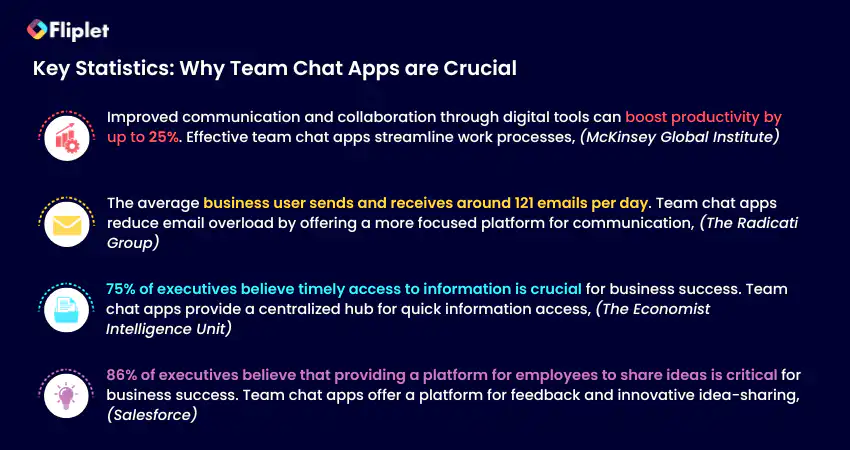
### The benefits of group chat apps
Team communication apps have emerged as the go-to solution for many organizations, offering a centralized platform for teams to communicate, collaborate, and manage tasks and projects.
Whether you are a company executive, an individual contributor, or a member of a team, the benefits of team communication apps are numerous and significant.
#### Benefits to the company:
- Increased productivity and efficiency due to streamlined communication and collaboration.
- Better organization and management of tasks, projects, and resources.
- Improved team engagement and morale, leading to higher employee retention rates.
- Enhanced security and data protection through secure messaging and file sharing.
- Cost savings
#### Benefits to the individual:
- Increased flexibility and autonomy in work due to remote work options.
- Improved work-life balance and reduced stress from having more control over work schedule.
- Better work satisfaction from improved communication and collaboration with team members.
- Enhanced professional development opportunities through access to learning resources and training materials.
- Increased motivation and accountability due to clear communication and goal-setting.
- Easier to reference back to meetings and files when they need to.
#### Benefits to the team:
- Better communication and collaboration among team members, leading to improved teamwork and productivity.
- Enhanced creativity and innovation through increased collaboration and idea-sharing.
- Improved problem-solving abilities through access to a wider range of ideas and perspectives.
- Greater sense of community and team spirit, leading to higher levels of engagement and job satisfaction.
- Better project management and task delegation, leading to improved outcomes and higher-quality work.
## How Do Team Communication Apps Work?
Team communication apps work by providing a centralized platform for team members to communicate, collaborate, and manage tasks and projects in which team members can access information from anywhere with an internet connection.
Team communication apps typically offer a range of communication tools, such as instant messaging, voice and video calls, and virtual meetings, which allow team members to communicate in real-time.
Many team communication apps also offer project management tools, including task assignment, progress tracking, and deadline management, which help teams stay organized and on track.
One of the key features of team communication apps is their ability to integrate with other productivity tools and software, such as project management software, email clients, and calendar apps. This integration allows team members to easily access all the tools they need from a single platform, reducing the need to switch between different apps and improving overall efficiency.
## The different types of business chat apps
When it comes to team communication, there are several types of apps that teams can use to stay connected and collaborate effectively.
- **Instant Messaging and Chat Apps:** These apps allow team members to communicate in real-time via text-based messages, voice, and video calls.
- **Video Conferencing Apps:** These apps facilitate virtual face-to-face meetings and video calls with team members, clients, or partners.
- **Project Management Apps:** These apps enable team members to collaborate on projects, track tasks, assign responsibilities, and share progress updates.
- **File Sharing and Collaboration Apps:** These apps enable team members to share, edit, and collaborate on documents, spreadsheets, and other files in real-time.
- **Hybrid Apps**: These apps combine features from different categories to offer a more comprehensive communication and collaboration experience.
So, now we understand the different types of team communication apps that are available, let's dive in and explore the world of communication apps that will elevate your team's collaboration and productivity to new heights!
For more on building a [custom app](/blog/how-to-build-a-custom-app-without-coding/), read our blog.
## The 16 best team communication apps: Reviews & App Overview
With so many team communication apps available in the market, it can be challenging to choose the right one. That's why we have done all the hard work for you.
### Best Overall Group Chat Apps
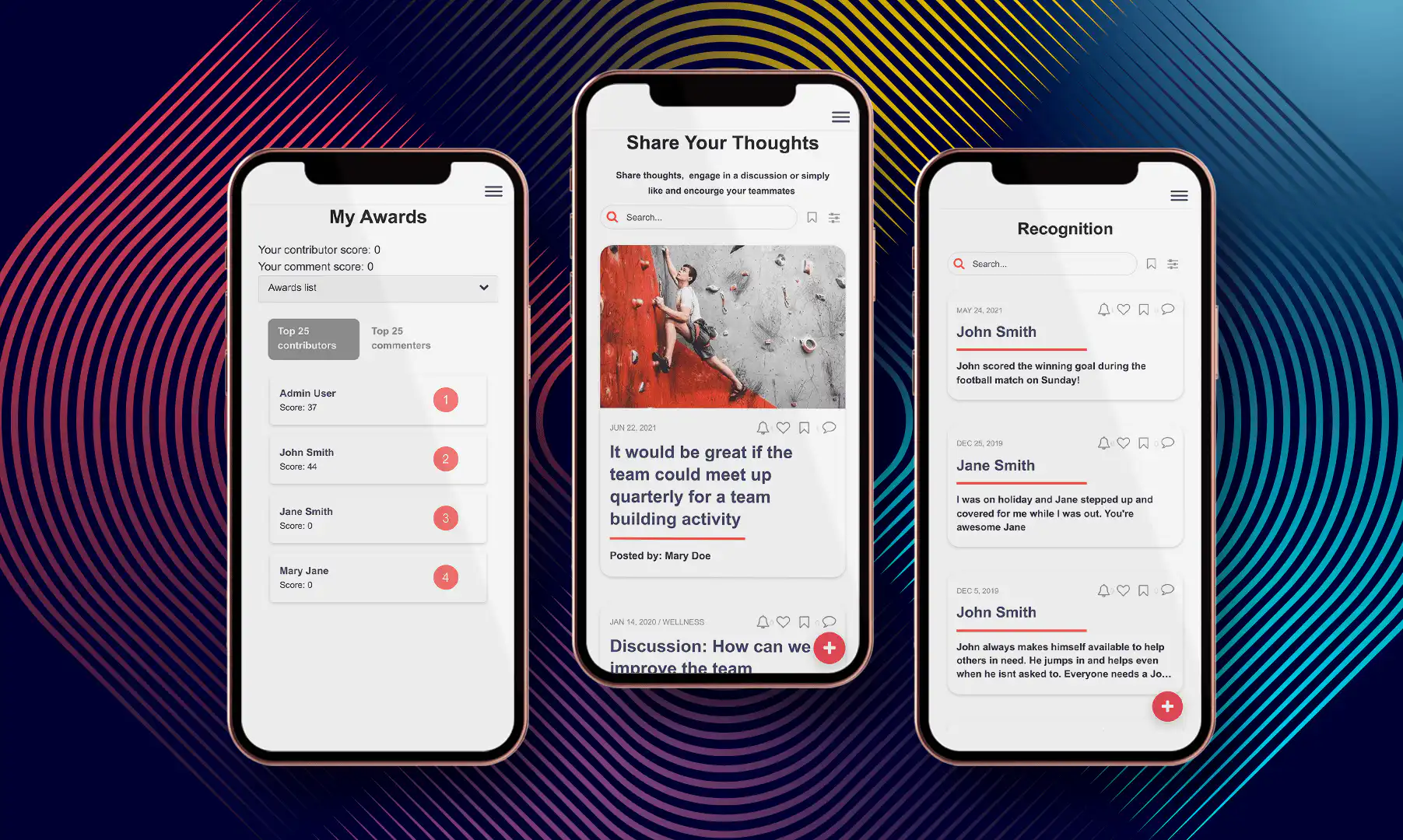
If your organization is seeking a communication app that truly delivers, then Fliplet should be your choice. Fliplet stands out as a game changer for communication apps, offering extreme customization that allows it to solve communication challenges. Traditional communication apps are often limited in their functionality, providing users with a restricted set of channels through which to communicate and interact.
Consequently, communication tends to occur in isolation from other areas of the business, making collaboration and information sharing cumbersome. Consider the experience of your customer success team when faced with a customer complaint that requires IT support. The communication process can become painful and inefficient, as different individuals work in different channels and have access to different information.
Fliplet, however, takes communication apps to a new level. Rather than providing a stand-alone app for communication, Fliplet offers a comprehensive suite of prebuilt screens that can be customized to meet your organization's specific needs. While Fliplet does offer an off-the-shelf solution that users can plug-and-play, the platform allows you to extend the platform to match your specific needs. All that with ZERO coding. This versatility is made possible by the diverse array of ready-to-use screens that Fliplet provides and allows you to adjust to your needs. How is this helpful?
For instance, if your organization wishes to add an inventory tracking screen to your communication app to keep your sales team up-to-date, then you can do that with just a few clicks. At the same time if you require a folder within the app that houses all your company contract templates, Fliplet can also accommodate such needs. Fliplet's unique features and user-friendly interface make it the ideal choice for organizations seeking to streamline their communication and enhance collaboration across teams.
But even Fliplet's standalone Communication App Solution is better than any other in the market. Their [Communications solution](https://fliplet.com/solution/communications/) is an all-in-one app that brings together all the necessary tools for transparent communication and engagement. With Fliplet, collaborative conversations, news updates, and tools are all housed within one app, making communication across your network simple and effective.
One of Fliplet's standout features is their gamification feature, which incentivizes users to interact within the app through points and badges. This makes the app experience more engaging and fun for team members, while also improving communication and motivation.
Fliplet's chat app is also a standout tool for team collaboration. With real-time messaging and group chats, teams can easily share ideas and stay on top of their work, no matter where they are.
What makes Fliplet stand out from the other communication apps? Its advanced customization feature. Fliplet offers the flexibility to create a personalized team communication app that caters to the specific requirements of your team. You can customize the branding, features, and functionalities. This, in turn, leads to a more streamlined and productive communication system for your organization.
Overall, Fliplet provides an exceptional team communication app experience that fosters collaboration, engagement, and productivity.
#### What can Fliplet's communication solution be used for?
Fliplet's communication solution can be used for a variety of team communication purposes, including department or company communication, project communication for both small and large, event communication, group communication and community communication. Read how we compete with other [community apps.](https://fliplet.com/blog/10-apps-to-boost-your-community-engagement/)
No matter the purpose, Fliplet provides a comprehensive solution that allows teams to engage in transparent and effective communication, promoting collaboration and productivity. With Fliplet, all of your team communication needs can be met in one convenient and user-friendly platform.
#### Top features:
- Live chat
- Gamification
- Newsfeed
- Polls & Surveys
- File sharing
### Limitation:
"Took a little bit of persistence to get started, but now feels very familiar and productive." [Read the full review.](https://www.g2.com/products/fliplet/reviews/fliplet-review-6981864)
#### Pricing:
- Free plan – publish your own web app
- Public plan – from $9.90 p/m
- Enterprise plan – have a [demo](https://fliplet.com/book-a-demo/) with us
#### Supported platforms:
iOS, Android, Windows, macOS, and Web
### Reviews:
- Capterra – 4.8 / 5
- G2 – 4.6 / 5
### Summary:
Organizations use Fliplet for their team communication app because of the flexibility, the ease of use, the proven use cases, the support for teams, the security and the cost advantage.
Users create highly tailored communication apps for their teams without expensive developer resources. Fliplet is the best cost per value platform you can get to develop your own app for all your organization needs. Read more about why users love Fliplet on [Capterra](https://www.capterra.com/p/136953/Fliplet/reviews/) or [G2](https://www.g2.com/products/fliplet/reviews).
### Best Team Communication App for Seamless Integration
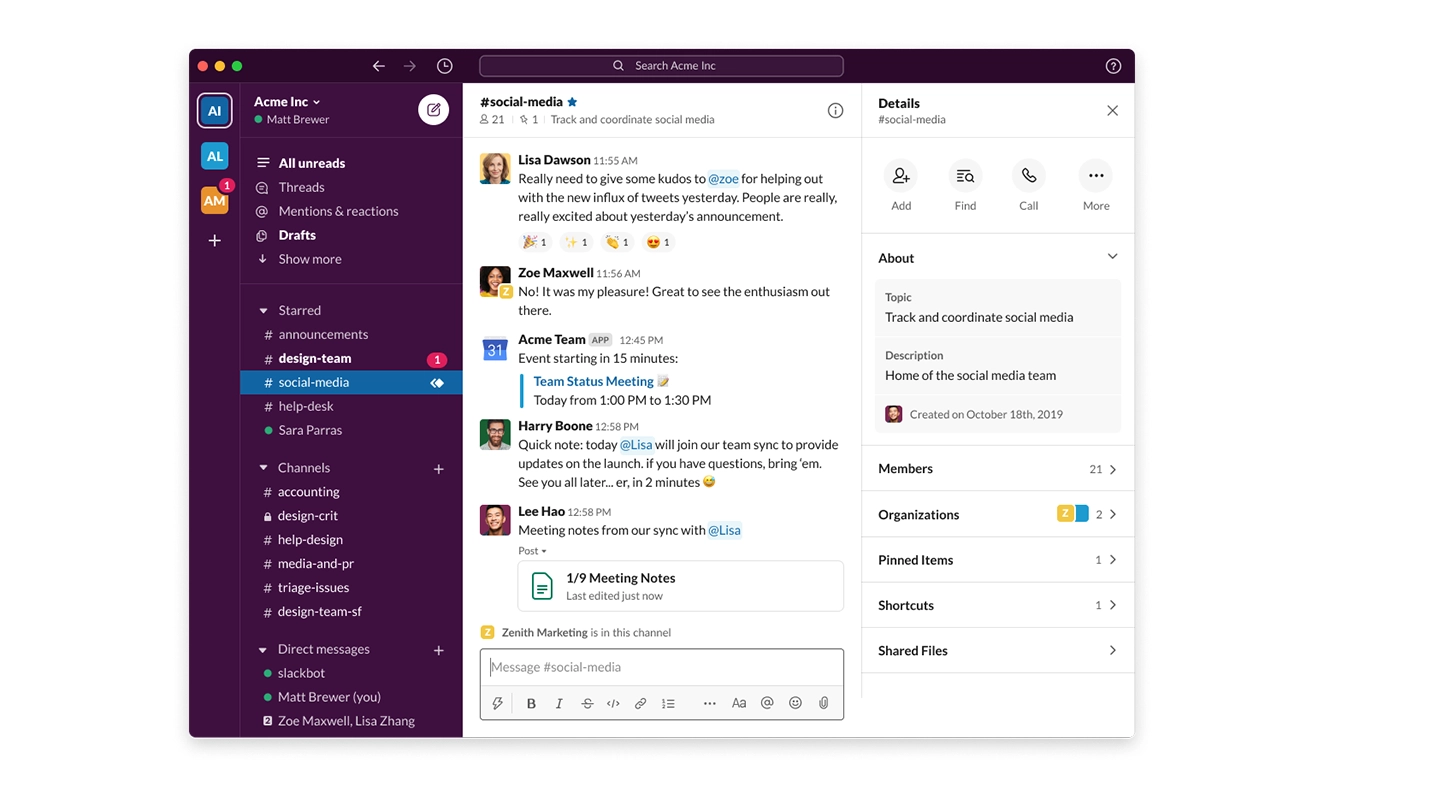
[Slack](https://slack.com/intl/en-in) is a popular team chat app that many teams around the world rely on to enhance communication and productivity, featuring instant messaging capabilities as well as support for file-sharing and automatic syncing across multiple devices.
#### What We Like:
- **Informality:** If your organization is not very formal and our culture is more fun and vibrant then slack is great as it enables you to share emojis, react to others messages and share gifs. This is a great way to spark conversation between the members of the team.
- **Easy to use:** Slack is very easy to use and you can get started on it straight away.
- **New features:** Slack is good at listening to their customers and adding new features based on what the customers want and require. They are often adding new features to the platform.
#### Top features:
- Video huddles
- Integrations
- Chat channels with internal or external teams
### Limitation:
Users cannot access Slack's desktop app without an internet connection, making it difficult to work offline.
#### Pricing:
- Free plan
- Standard: $6.67 per user per month
- Plus: $12.50 per user per month
- Enterprise Grid: Pricing varies based on the organization's needs and size.
#### Supported platforms:
iOS, Android, Windows, macOS, Linux, and web
### Reviews:
- G2: 4.5/5
- Capterra: 4.7/5
### Summary:
Slack is a versatile collaboration platform that accommodates any profession, with easily searchable conversations and compatibility with many commonly used tools and services. It is more of an informal chat app compared to others.
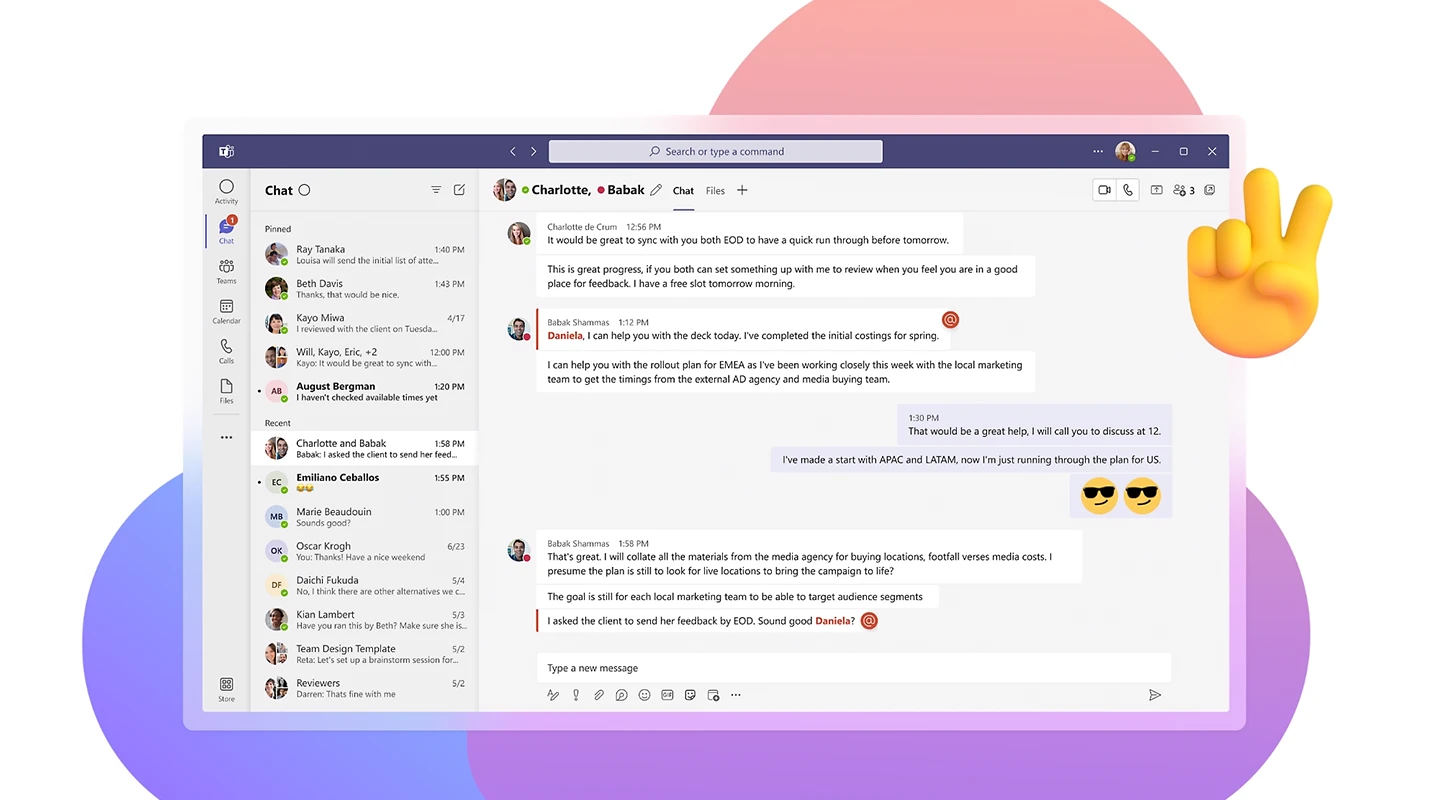
[Microsoft Teams](https://www.microsoft.com/en-gb/microsoft-teams/group-chat-software) is the ultimate messaging app for your organization – a workspace for real-time collaboration and communication, meetings, file and app sharing, and even the occasional emoji. All in one place, all in the open, all accessible to everyone.
#### Top features:
- Instant messaging
- Have conversations internally and externally
- Integrations
### Limitation:
The number of channels is limited to 200 public and 30 private channels per team. Although this may not be a problem for smaller organizations, others can find themselves in a tight spot.
#### Pricing:
- Microsoft Teams Essentials: $4.00 user/month
- Microsoft 365 Business Basic $6.00 user/month
- Microsoft 365 Business Standard: $12.50 user/month
#### Supported platforms:
Windows, macOS, iOS, Android, Linux
### Reviews:
- G2: 4.3/5
- Capterra: 4.5/5
### Summary:
Microsoft Teams is a communication and collaboration platform that offers features such as chat, audio and video calls, file sharing, and integration with other Microsoft apps to enhance teamwork and productivity.
### Best Chat Apps for Project Management
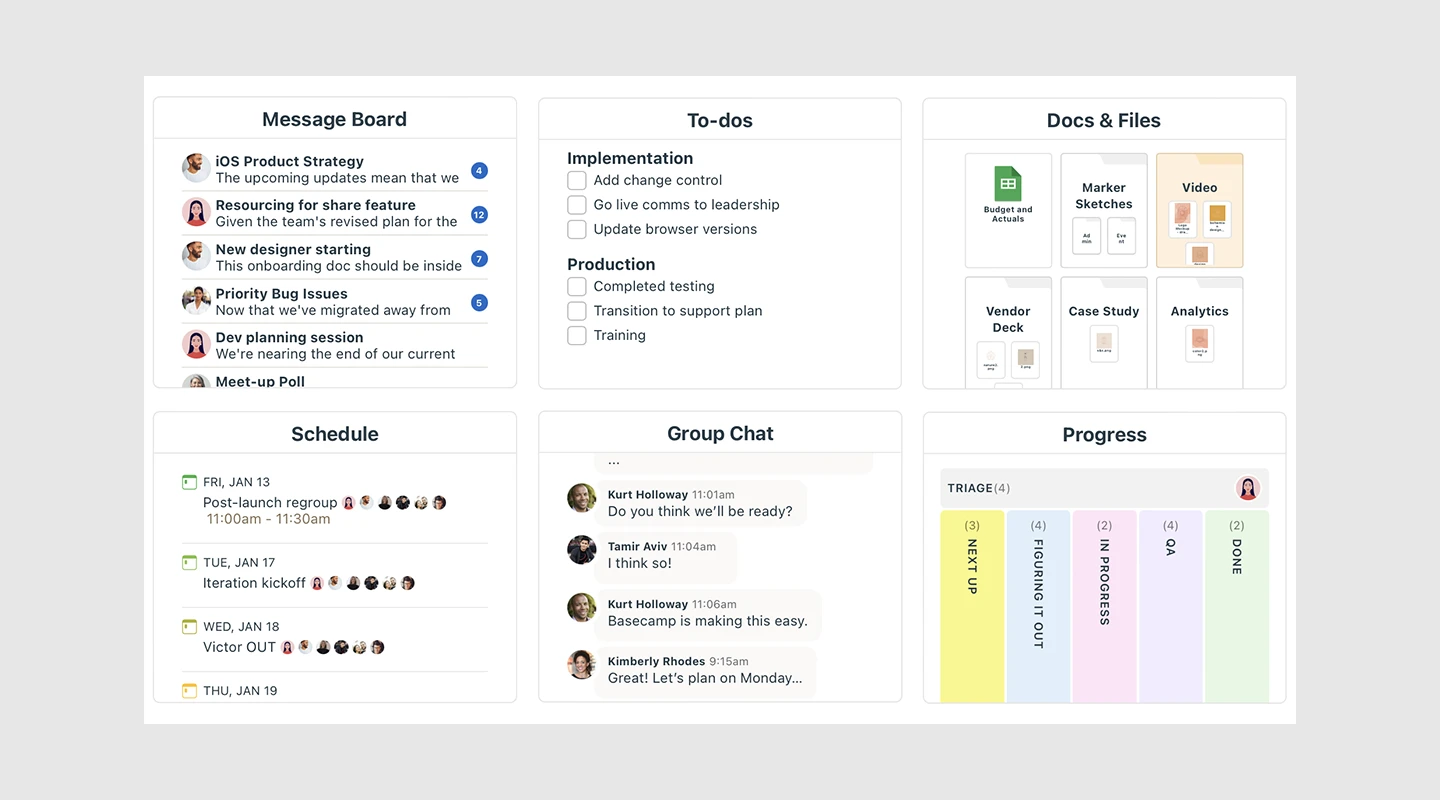
[Basecamp](https://basecamp.com/) is an all-in-one platform for project management, collaboration, and communication, designed to streamline work by eliminating the need for back-and-forth communication, time-consuming status meetings, and the use of multiple apps.
#### Top features:
- Message board
- To do lists
- Document sharing
### Limitation:
The non-customizable flat rate of Basecamp's pricing may not be suitable for smaller teams as it includes features that may not be necessary for their needs.
#### Pricing:
Basecamp pricing is based on a flat rate, regardless of the number of users, and starts at $99 per month.
#### Supported platforms:
Android, iOS, Web
### Reviews:
- G2: 4.1/5
- Capterra: 4.3/5
### Summary:
Basecamp works because it's the easiest place for everyone in every role to put the stuff, work on the stuff, discuss the stuff, decide on the stuff, and deliver the stuff that makes up every project.
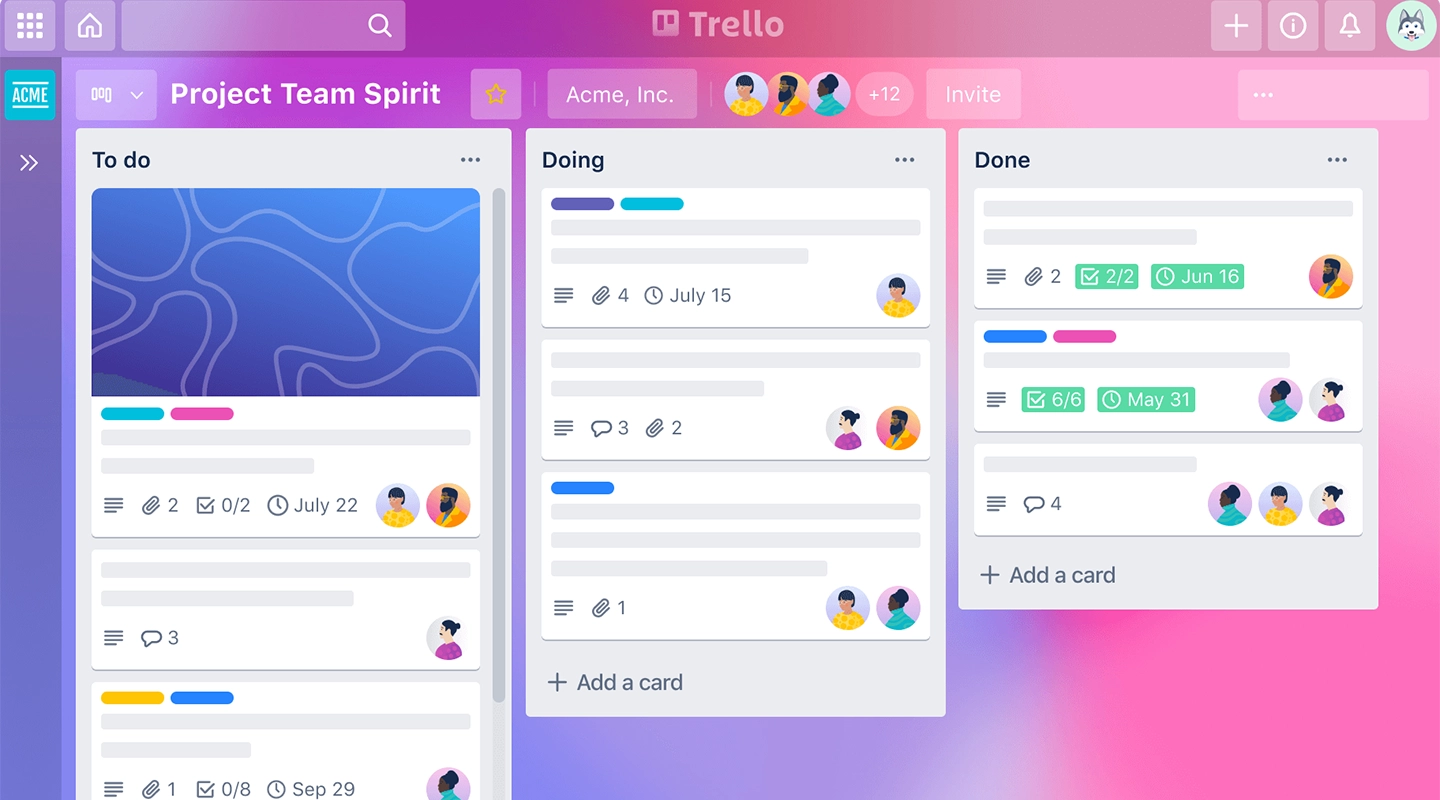
[Trello](https://trello.com/) is a popular team collaboration and project management app that allows teams to easily organize and prioritize their work. Trello enables users to create and manage tasks, assign team members, set deadlines, and track progress in real-time.
#### Top features:
- Boards
- Cards
- Integrations
### Limitation:
One of Trello's limitations is that it can become cluttered and less intuitive for larger, more complex projects.
#### Pricing:
- Free plan
- Trello Business Class: $9.99 per user per month
- Trello Enterprise: Pricing varies based on the organization's needs and size.
#### Supported platforms:
Android, iOS, Web
### Reviews:
- G2: 4.4/5
- Capterra: 4.5/5
### Summary:
Trello is the ultimate project management tool. Start up a board in seconds, automate tedious tasks, and collaborate anywhere, even on mobile.
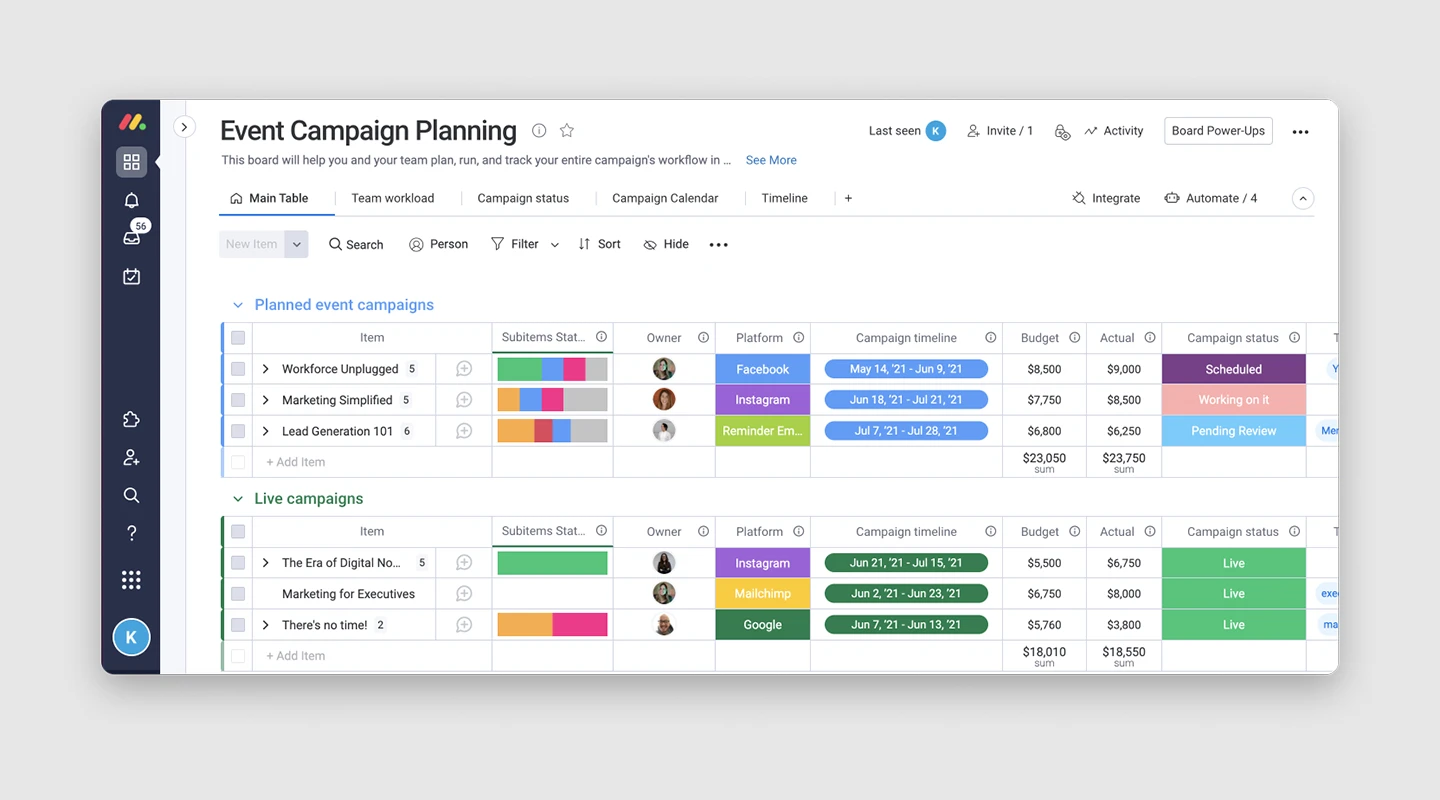
[Monday.com](https://monday.com/) is a team collaboration and project management platform designed to help teams work more efficiently and collaboratively. With a highly customizable interface, Monday.com allows users to create and manage tasks, set deadlines, assign team members, track progress, and visualize data in a variety of ways.
#### Top features:
- Dashboard
- Automations
- Gantt charts
### Limitation:
Monday.com capabilities may not be suitable for larger projects, and its limited features may not meet the needs of busy teams, leaving them seeking a more comprehensive solution.
#### Pricing:
- Basic: $8 per user per month
- Standard: $10 per user per month
- Pro: $16 per user per month
- Enterprise: Custom pricing for organizations with specific need
#### Supported platforms:
Android, iOS, Web
### Reviews:
- G2: 4.7/5
- Capterra: 4.6/5
### Summary:
Boost your team's alignment, efficiency, and productivity by customizing any workflow to fit your needs.
### Best Group Chat Apps for Workplace Communication
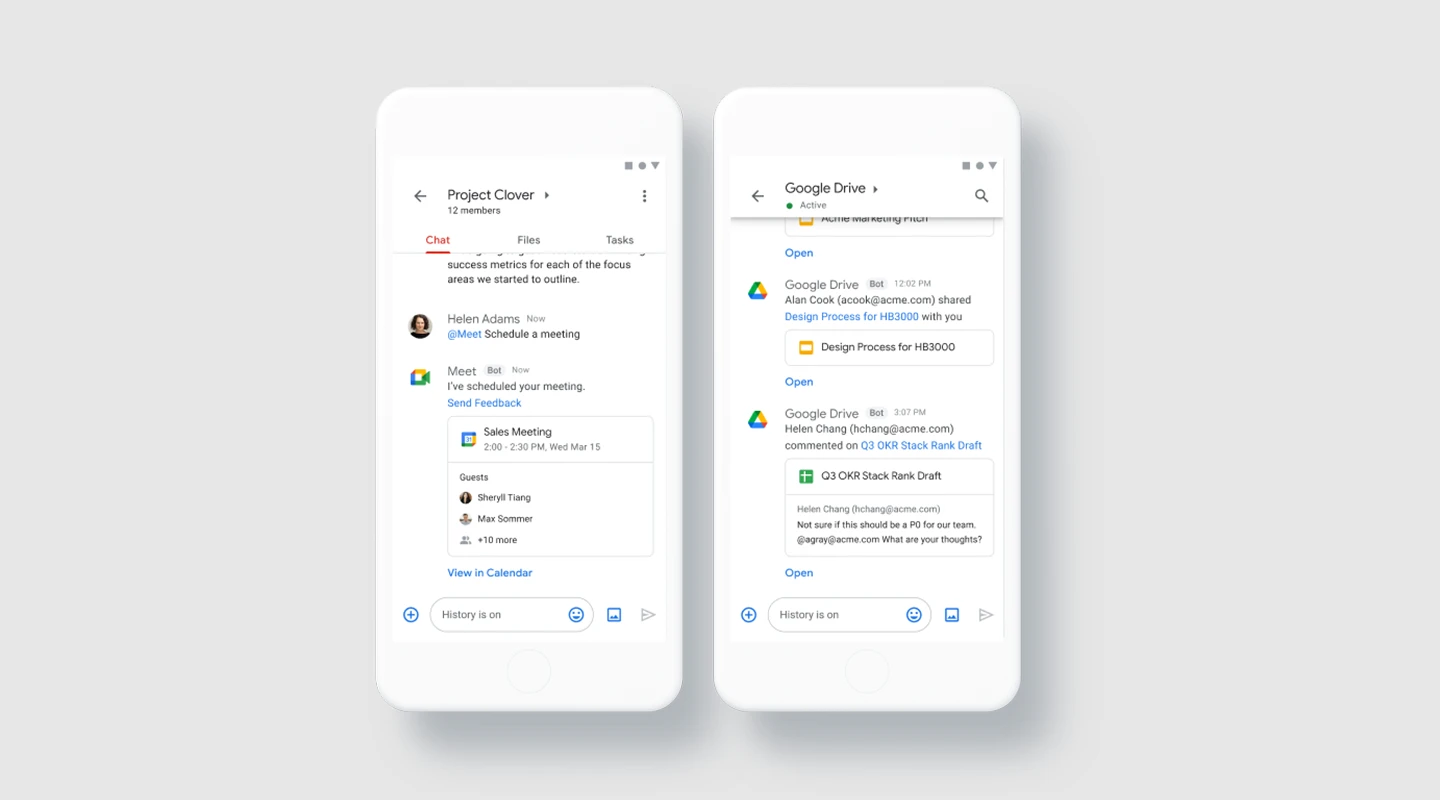
[Google Chat](https://workspace.google.com/products/chat/), formerly known as Hangouts Chat, is an excellent choice for those seeking essential communication features in a simple and organized interface. While it was previously only accessible through Google Workspace accounts, it is now available for free personal accounts.
#### Top features:
- Chat: Google Chat offers basic instant messaging capabilities for both one-on-one and group conversations.
- Rooms: Rooms in Google Chat are channels that are designed for long-term collaboration on specific projects or teams.
- Meet: Google Chat includes Meet, Google's video conferencing tool.
#### Limitation:
Users in G Suite organizations that have not yet turned on Chat won't be reachable through Chat. Users can message any external users in organizations that have Chat turned on.
#### Pricing:
- Free: For personal plans, but with limited features.
- Business Starter: $6 per user per month
- Business Standard: $12 per user per month
- Business Plus: $18 per user per month
- Enterprise: Custom
#### Supported platforms:
MacOS, Windows, Chrome OS, Ubuntu, Linux.
#### Reviews:
- G2: 4.6/5
- Capterra: 4.5/5
### Summary:
Google Chat offers basic instant messaging capabilities. It has a clean and organized interface suitable for both personal and business use.
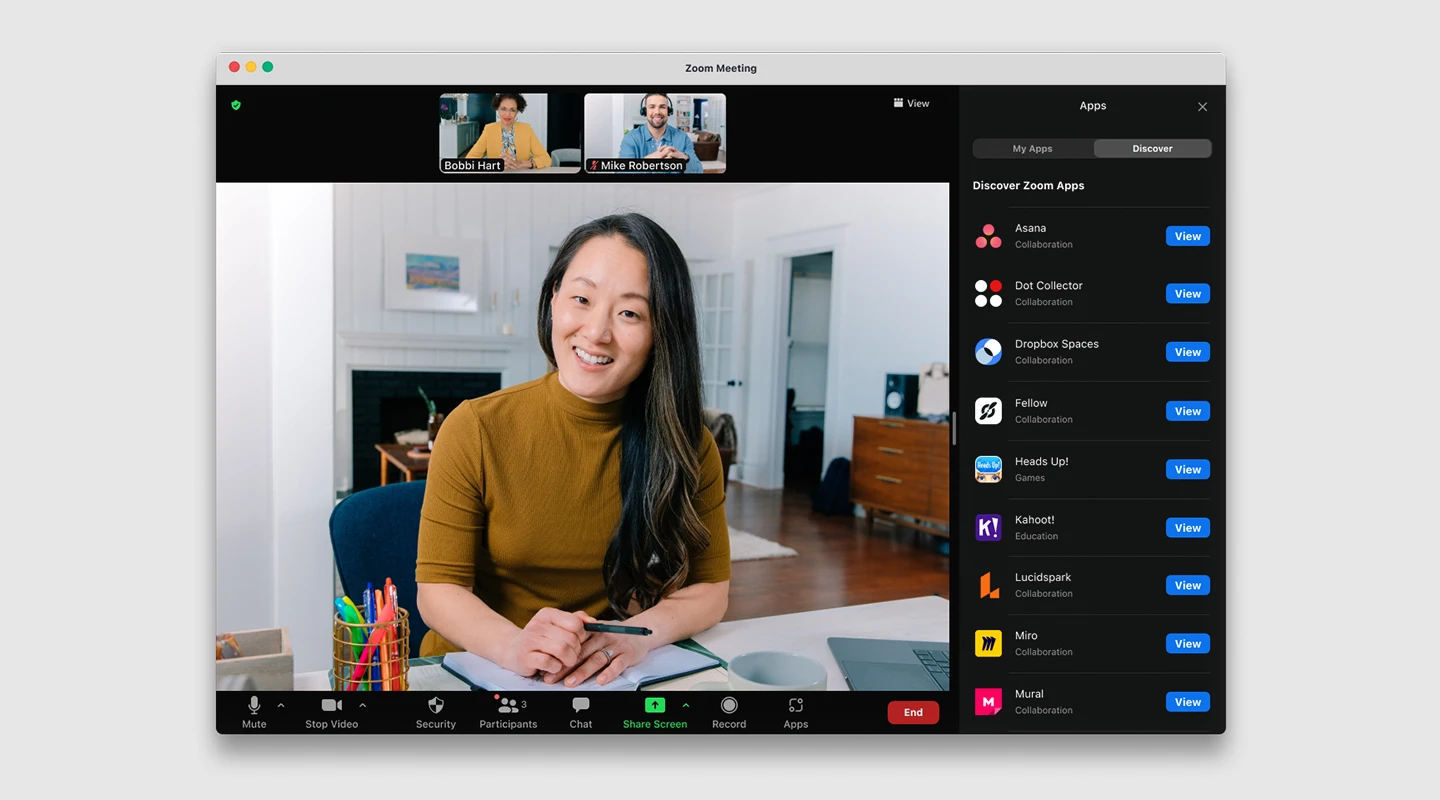
[Zoom](https://zoom.us/) is a popular choice in the virtual communication world, thanks to its user-friendly interface and innovative features that centralize team communication by combining video conferencing and chat. Unlike other communication platforms that subdivide communication into multiple branches, Zoom keeps it simple with just two options – chat and calls.
#### Top features:
- HD video
- Record and transcribe meetings
- Screen sharing
### Limitation:
Both Zoom free accounts and Pro accounts are limited to 100 participants maximum. If you have a paid Business account, you can have meetings that include up to 300 participants, and with an Enterprise account, that number jumps to 500.
But unless people are sharing devices, Zoom closes the virtual door on additional people who want to join you.
#### Pricing:
- Free plan
- Pro: $14.99 per host per month.
- Business: $19.99 per host per month.
- Enterprise: $19.99 per host per month, starting with a minimum of 50 hosts.
- Phone: $10 per user per month, plus usage fees.
- Rooms: Starting at $49 per month per room.
- Webinar: Starting at $40 per month for 100 attendees, up to $349 per month for 10,000 attendees.
#### Supported platforms:
Windows, MacOD, Android, iOS, Web
### Reviews:
- G2: 4.5/5
- Capterra: 4.6/5
### Summary:
Zoom helps consolidate communications, connect people, and collaborate better together in the boardroom, classroom, operating room, and everywhere in between.
### Top Team Messaging Apps for Quick Collaboration
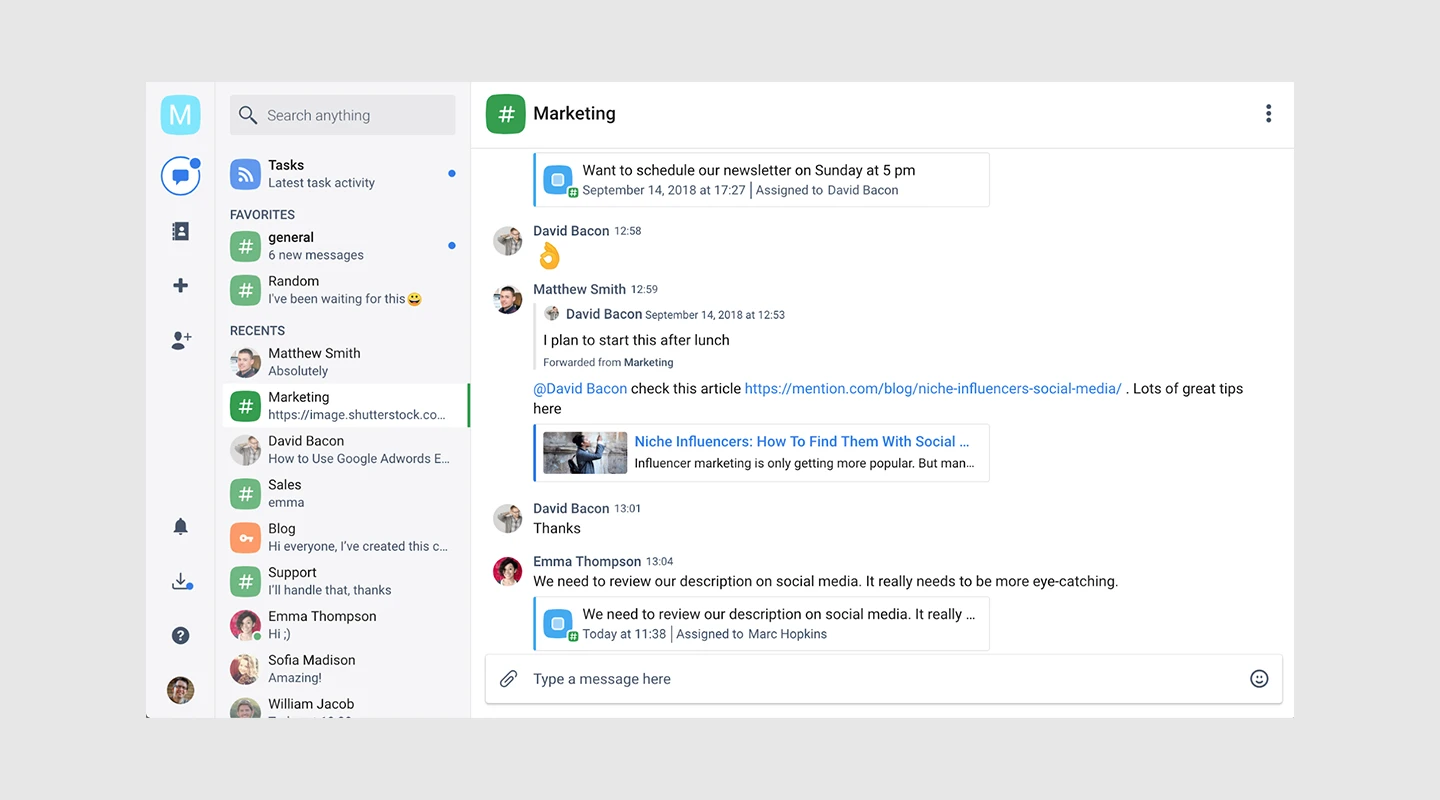
[Chanty](https://www.chanty.com/) is a user-friendly team chat application that consolidates all communication channels, including chat, audio and video calls, and screen sharing. It also offers basic project management features, allowing you to convert messages into tasks.
#### Top features:
- Communicate through chat, audio and video
- Teambook to access all your content in one place
- Thread messaging
#### Limitation:
"It offers limited integrations" [Read the full review](https://trustradi.us/JQ9Z6).
#### Pricing:
- Free plan: for teams up to 10 members
- Business plan: Starts at $3 per month per user
#### Supported platforms:
iOS, Android, Windows, macOS, and Web
### Reviews:
- G2: 4.5/5
- Capterra: 3.6/5
### Summary:
Chanty is a straightforward team chat tool designed to enhance communication and productivity for teams across all business sectors.
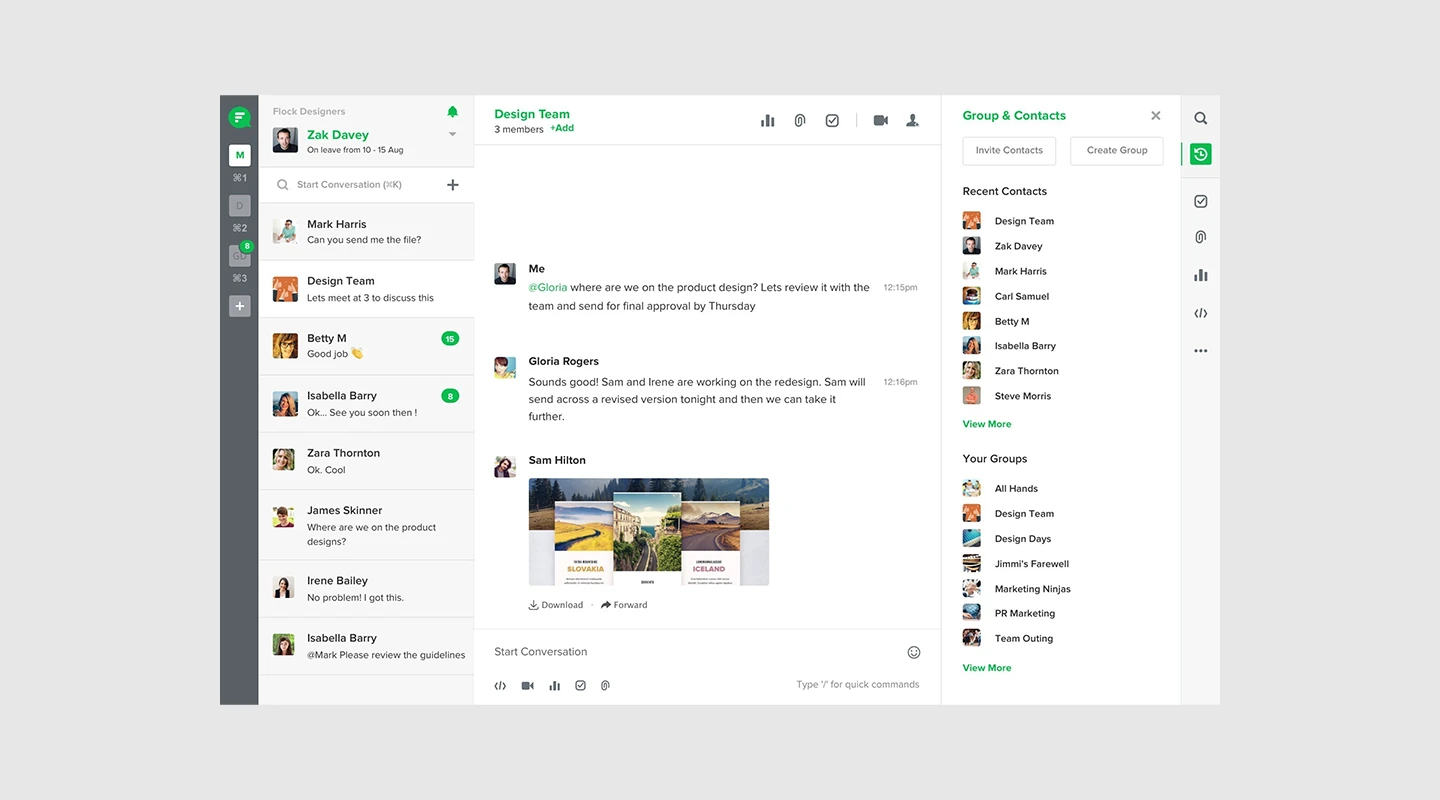
[Flock](https://www.flock.com/) effectively streamlines all communication channels and tools in a single location, enhancing productivity and workflow. In brief, Flock is user-friendly, facilitates real-time communication, and makes collaboration seamless and straightforward.
#### Top features:
- Team messaging
- Project management
- Video calls
### Limitation:
For the mobile application, Flock sometimes doesn't give notifications on time. So, you can miss a few alerts or messages if you are using the mobile application. [Read the full review.](https://www.g2.com/products/flock/reviews/flock-review-7560349)
#### Pricing:
- Free plan
- Pro: $4.50 /user/month
- Enterprise: Contact Flock
### Supported platforms:
Android, iOS, Web
### Reviews:
- G2: 4.4/5
- Capterra: 4.5/5
### Summary:
Flock is a comprehensive team communication and collaboration platform that centralizes communication tools and features, including advanced project management capabilities, into a single location for streamlined workflow and improved productivity.
### Best Communication Apps for Remote Work
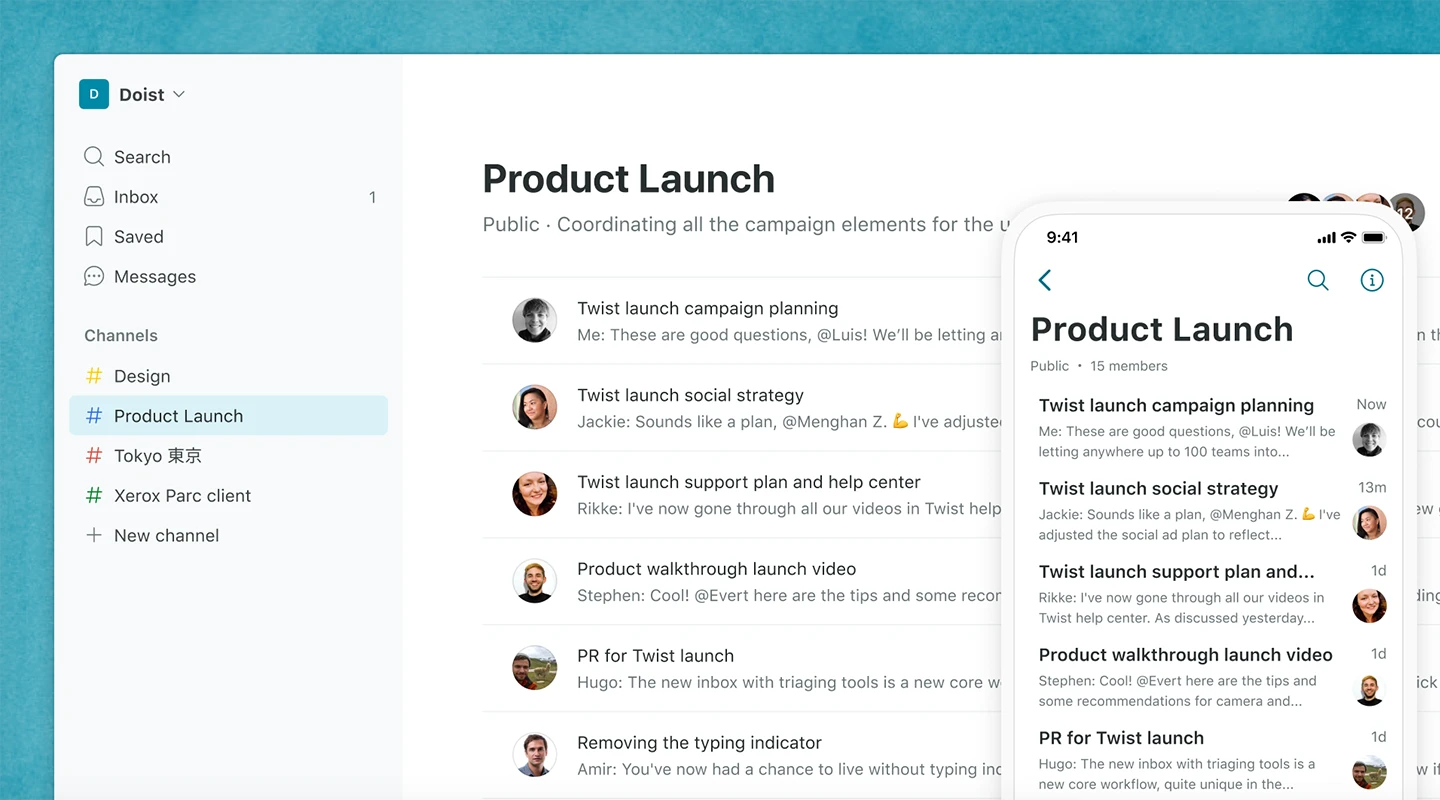
[Twist](https://twist.com/) is a platform for team communication that helps to bring order to complex teamwork. The platform prioritizes collaborative conversations, with threads that keep discussions well-organized and easy to access.
#### Top features:
- Threaded Conversations
- Customizable Notifications:
- Private platform with end-to-end encryption
#### Limitation:
One limitation of Twist is that it may not be as feature-rich as some of its competitors, particularly in terms of integrations with third-party tools.
#### Pricing:
- Free plan
- Unlimited Plan: $5 per user per month
- Enterprise Plan: Custom pricing for organizations with specific needs.
#### Supported platforms:
Windows, macOS, and Linux, iOS, Android
### Reviews:
- G2: 3.9/5
- Capterra: 4.3/5
### Summary:
Twist is an async messaging app that makes collaboration easy from anywhere by using threads to organize your conversations.
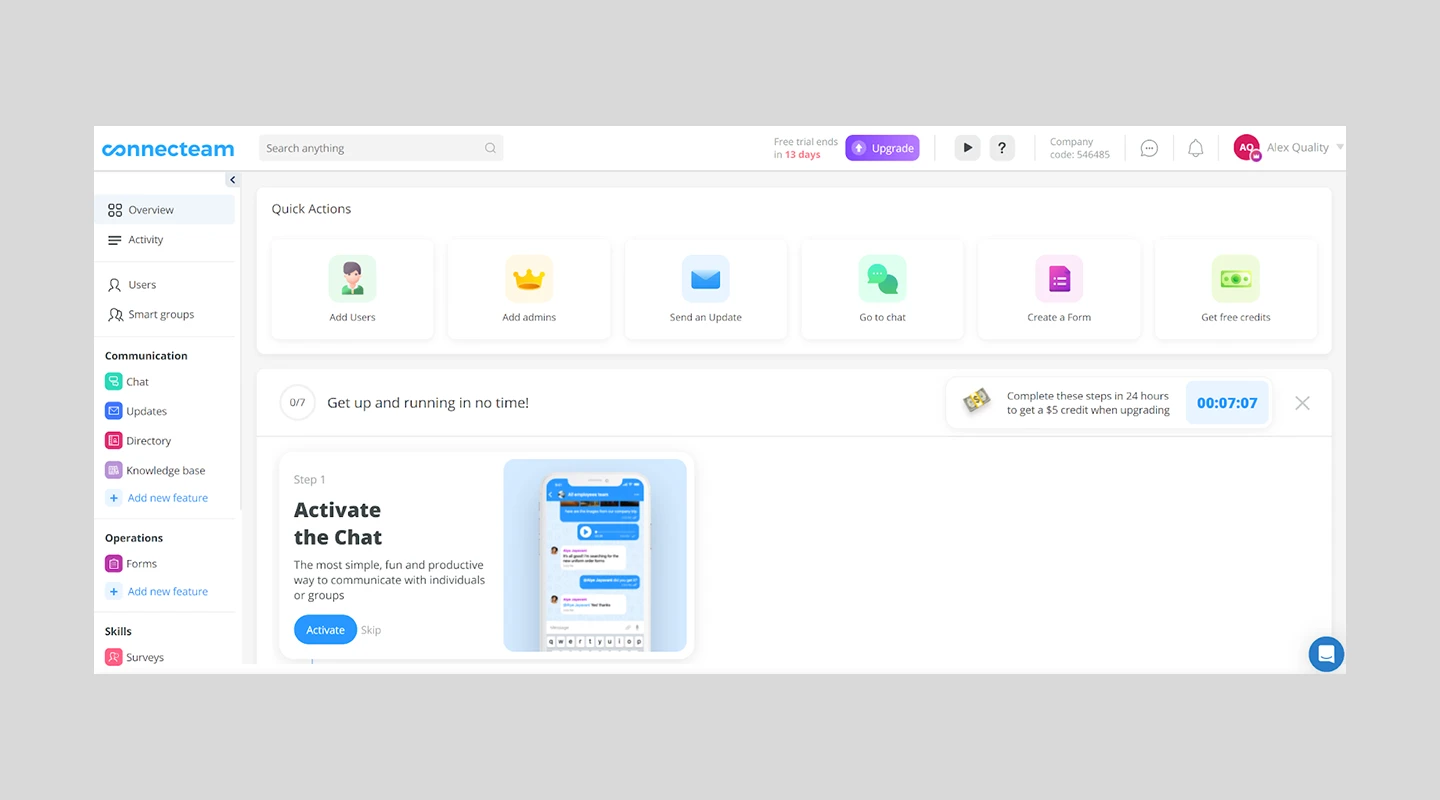
[Connecteam](https://connecteam.com/about/) offers an all-in-one employee management solution, including effective communication tools for businesses and teams. With Connecteam, users can access group or private chat, an employee directory, immediate updates, social posts, and other features – all within a single app.
#### Top features:
- Employee directory
- Surveys
- HR suggestion box
### Limitation:
"The pricing is currently prohibitive for a small business. Their current platform would be extremely useful for larger businesses at its current price point" [Read the full review.](https://www.g2.com/survey_responses/connecteam-review-6818008)
#### Pricing:
- Free plan
- Basic: $29/month for up to 200 users
- Advanced: $72/month for up to 200 users
- Premium: Custom pricing for larger organizations or those with specific needs.
#### Supported platforms:
Web, IOS, Android
### Reviews:
- G2: 4.3/5
- Capterra: 4.8/5
### Summary:
Businesses can easily communicate, operate and train their deskless teams, no matter where they are.
### Leading Business Messaging Apps for Professional Use
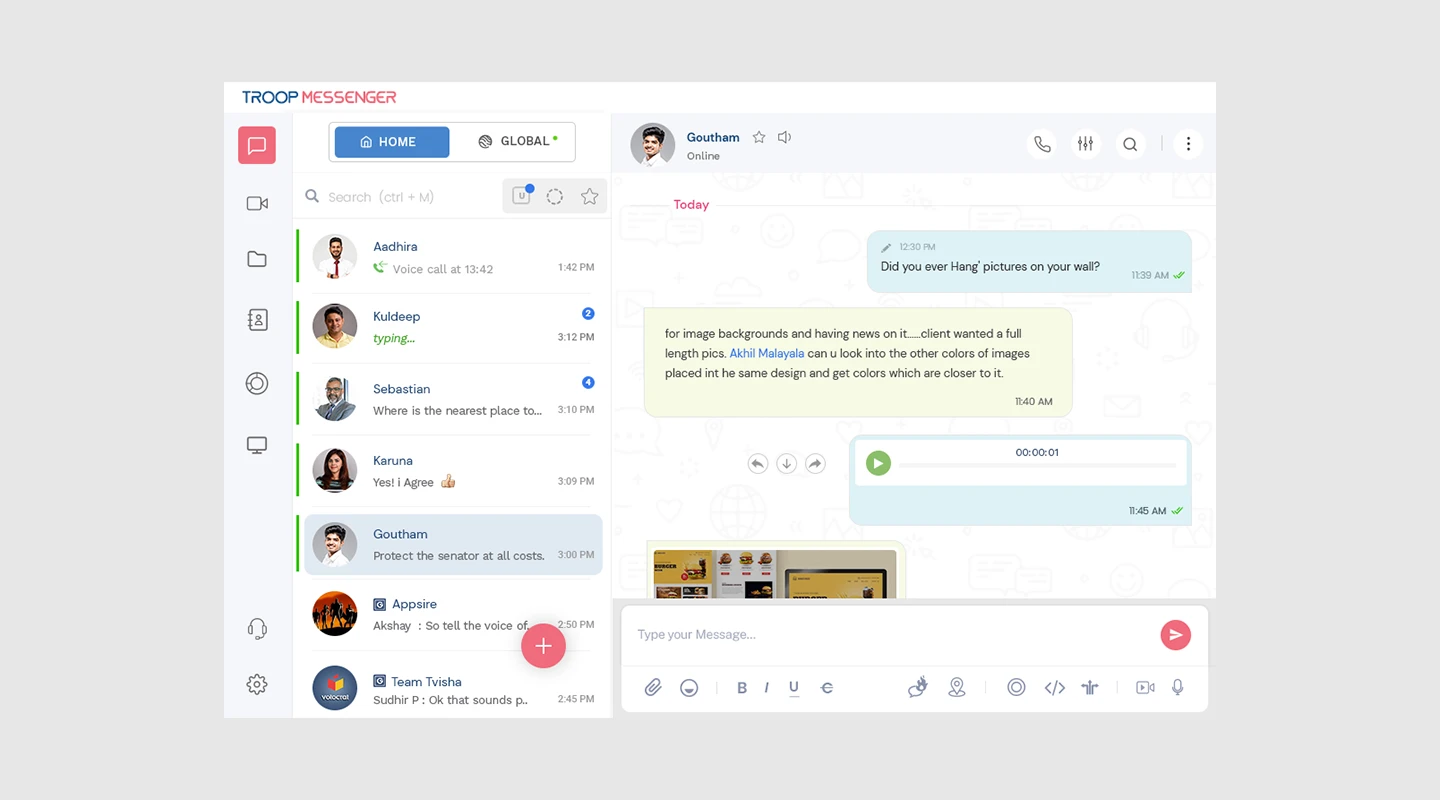
[Troop Messenger](https://www.troopmessenger.com/) unites teams and encourages collaboration through a unified interface, allowing team members of all levels to communicate via one-on-one conversations, voice and video calls, screen sharing, audio messaging, forkout, and group conversations.
#### Top features:
- File sharing preview
- Filter and favourite content
- Screenshare
### What We Like:
- **Read missed conversations:** Troop Messenger simplifies catching up with missed conversations using the unread message filter, ensuring no critical information slips through the cracks.
- **Vendor collaboration**: The Orange Member feature facilitates vendor collaboration, encouraging seamless communication and partnership with external stakeholders.
#### Limitation:
"Need some updates with new features which sometimes take more loading time." [Read the full review.](https://www.getapp.com/collaboration-software/a/troop-messenger/reviews/3b7bb952f1/)
#### Pricing:
- Free plan
- Premium: Starts at $1 per month per user
- Enterprise: $3 per month per user
#### Supported platforms:
Windows, Linux, Mac OS, Web, Android, and iOS.
#### Reviews:
- G2: 4.6/5
- Capterra: 4.8/5
### Summary:
By leveraging Troop Messenger, teams can easily share ideas, collaborate on work, and streamline projects, resulting in a more productive and promising collaboration.
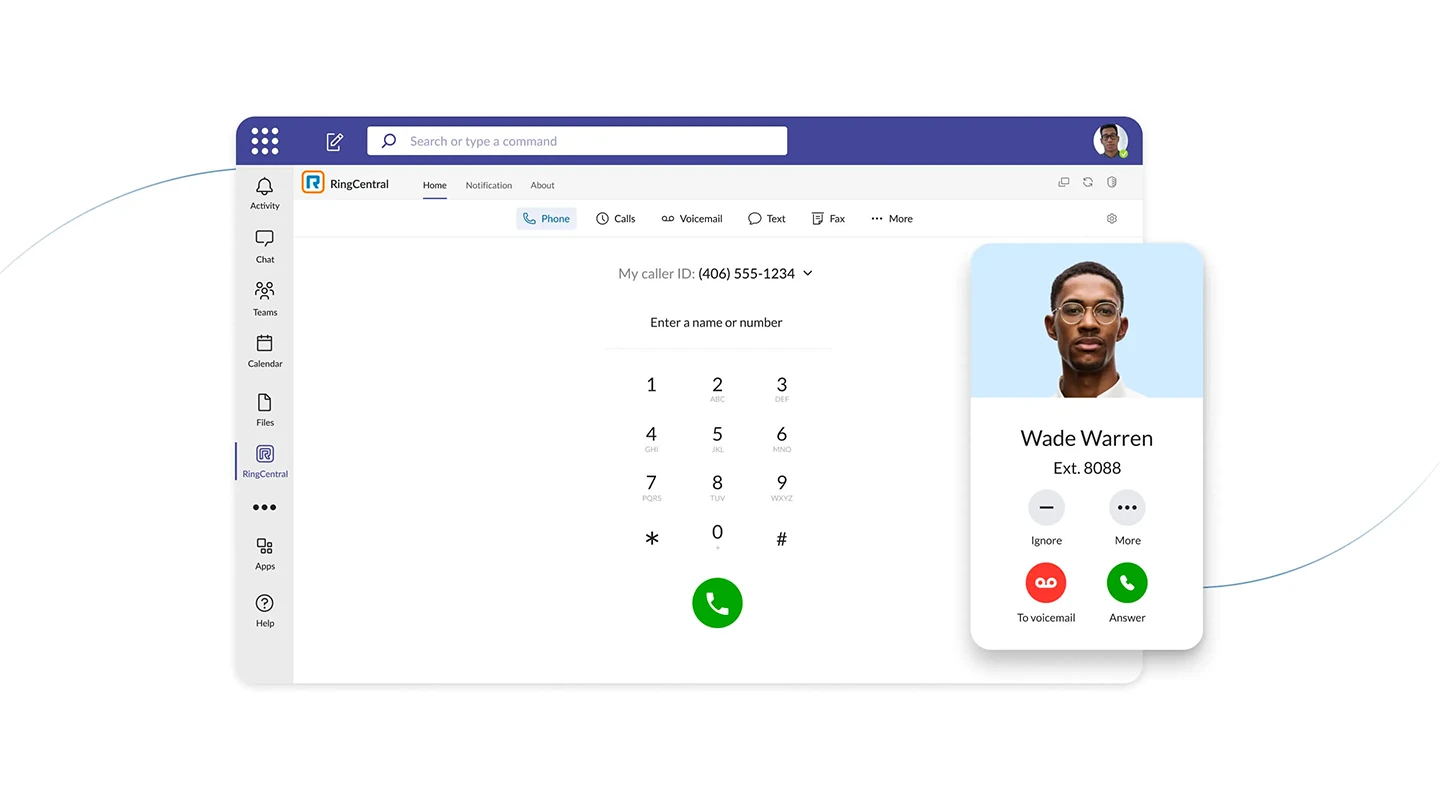
[RingCenteral](https://www.ringcentral.com/gb/en/teams/overview.html) is a collaboration software app that prioritizes constant communication and collaboration. The app also includes team messaging, task management, and screen-sharing capabilities, allowing for effective collaboration anytime and anywhere, across multiple devices.
#### Top features:
- Task management
- Video chat
- Messaging
### Limitation:
"Cost: The paid plans for RingCentral Video can be quite expensive, especially for small businesses or individuals. Reliance on third-party apps: While RingCentral Video integrates well with other RingCentral apps, it may require the use of third-party apps for some functions, such as recording meetings or sharing files." [Read the full review.](https://www.g2.com/products/ringcentral-video/reviews/ringcentral-video-review-6836343)
#### Pricing:
- Free plan
- Standard Plan: $6/user per month
- Pro Plan: $12/user per month
#### Supported platforms:
Windows and macOS, iOS Android, Web
### Reviews:
- G2: 4.1/5
- Capterra: 4.7/5
### Summary:
One space for instant messaging, file sharing, video conferencing, and project management. Assign tasks and update stakeholders with built-in [task management.](https://fliplet.com/blog/top-10-task-management-apps-for-teams/)
For. more on [making an app for iPhone](https://fliplet.com/blog/7-steps-making-an-app-for-iphone/), read our blog.
### Top New Chat Apps for Innovative Teams
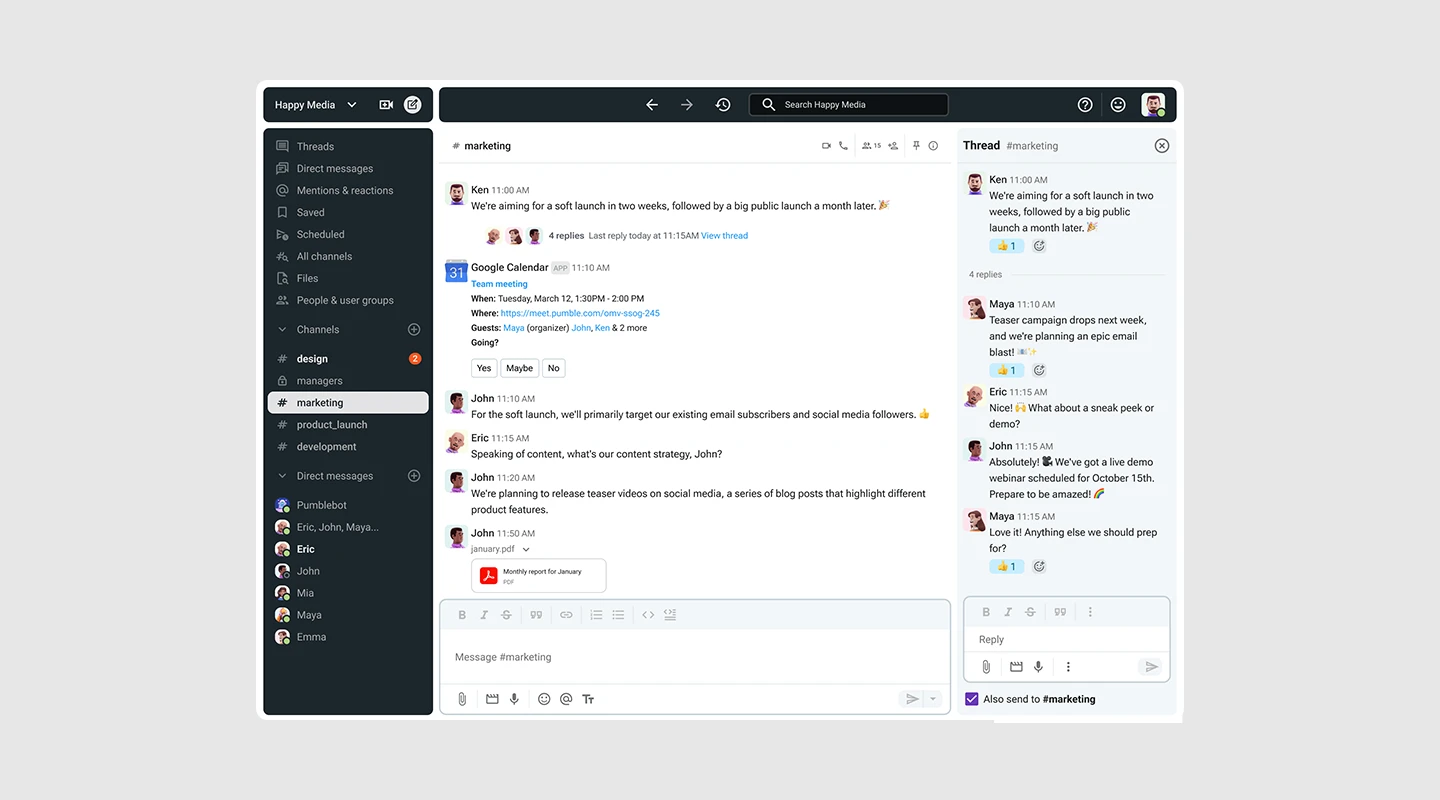
[Pumble](https://pumble.com/) is designed for teams to reduce reliance on email, enhance productivity, and maintain constant communication among teammates. It enables seamless real-time communication both within and outside the team.
#### Top features:
- Direct messaging
- Guest access
- Thread messaging
### Limitation:
**"**The interface is a little generic and could be a bit more user friendly." [Read the full review](https://www.g2.com/products/pumble/reviews/pumble-review-6915166).
#### Pricing:
- Free plan
- Pro plan: $1.99 per user per month
### Supported platforms:
Windows, Linux, Mac OS, Web, Android, and iOS.
#### Reviews:
- G2: 4.5/5
- Capterra: 4.7/5
### Summary:
Pumble lets you access all your messages so you can always refer to past conversations, links, files, etc. Search by term, filter by channel or person, and tab through matching messages, people, and files to quickly find needed info.
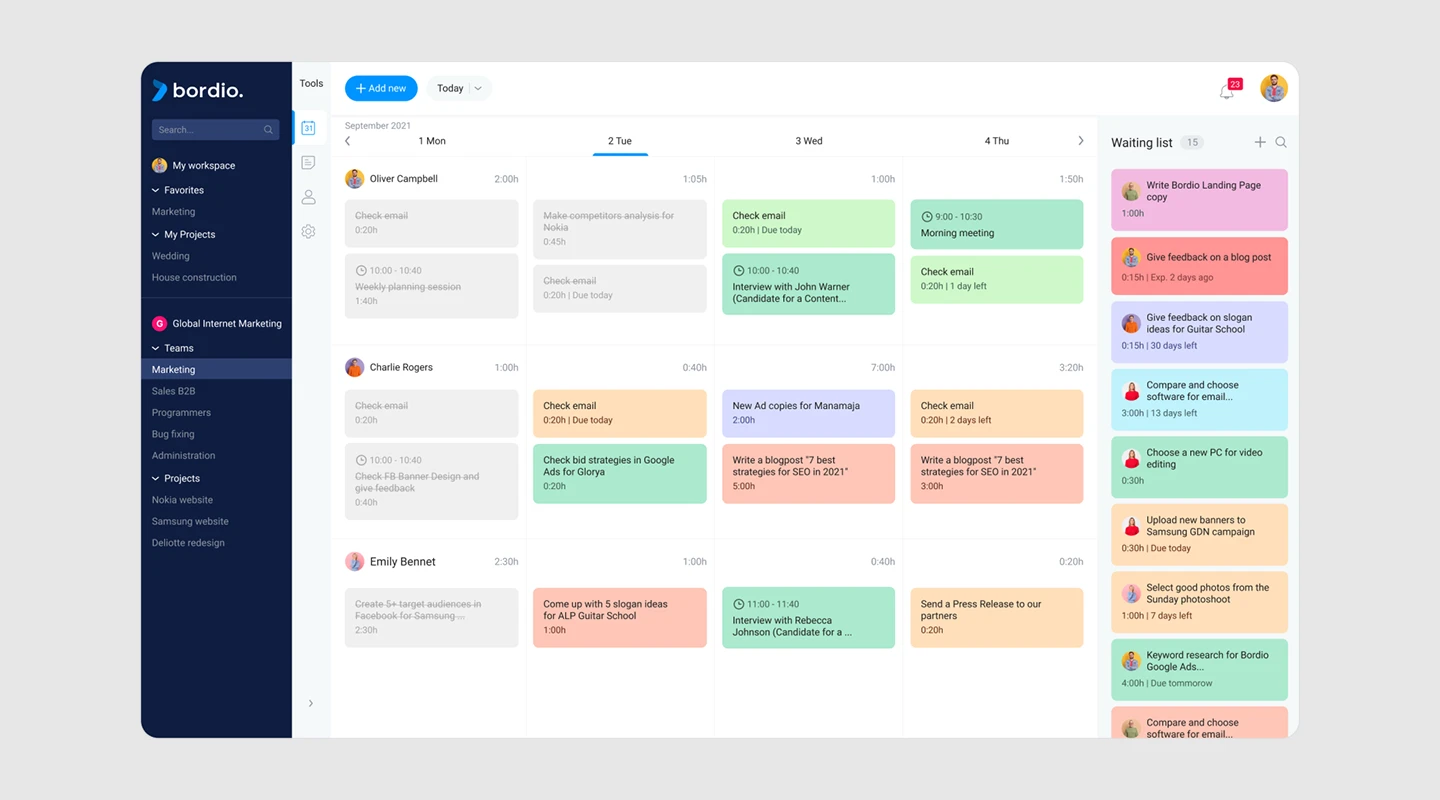
[Bordio](https://bordio.com/) is an online software tool designed for effective team management, time management, and task scheduling, ideal for both team and private use. This versatile project management tool centralizes all tasks on a single board, allowing for efficient planning and organization. A key feature is its calendar-based scheduling system, which simplifies task management by enabling users to schedule tasks and events on specific days. This approach helps reduce the clutter of traditional to-do lists, providing a clear daily overview of activities.
The software offers customization options like color-coding for different activities, enhancing visual organization and ease of use. Users can set due dates, create task estimates, and compare actual completion times for better time management. Bordio also includes a waiting list for future tasks, ensuring focus on current priorities.
For task completion, Bordio allows users to mark tasks as complete, distinguishing them from ongoing activities and fostering a sense of achievement. It also features customizable notifications to keep users informed about upcoming deadlines and appointments.
Bordio's mobile accessibility ensures users can manage their tasks anywhere, making it a convenient tool for modern, on-the-go lifestyles. The software is free for private use, emphasizing its commitment to providing accessible and effective task management solutions.
## 16 best team communication apps comparison table
We know that might be a lot of information to take in so here is an overview of the different team communications apps we just reviewed.
## Fliplet
## 9.4
## $9.90 /month
## Yes
## Chanty
## 8.1
## $3 /user/month
## Yes
## Troop Messenger
## 9.4
## $1 /user/month
## Yes
## Pumble
## 9.2
## $1.9 9/user/month
## Yes
## Google Chat
## 9.1
## $6 /user/month
## Personal plans only
## Microsoft Teams
## 8.8
## $4.00 /user/month
## Yes
## Slack
## 9.2
## $6.67 /user/month
## Yes
## Flock
## 8.9
## $4.50 /user/month
## Yes
## Zoom
## 9.1
## $14.99 /month
## Yes
## Basecamp
## 8.4
## $99 /month
## No
## Trello
## 8.9
## $9.99 /user/month
## Yes
## Monday
## 9.3
## $8 /user/month
## Personal plans only
## Twist
## 8.2
## $5 /user/month
## Yes
## Connecteam
## 9.1
## $29 /month
## Yes
## Ring Central
## 8.8
## $6 /month
## Yes
## Bordio
## N/A
## $5 /month
## Yes
| App | Score (/10) | Starting Price | Free Plan |
| --- | --- | --- | --- |
| Fliplet | 9.4 | $9.90/month | Yes |
| Chanty | 8.1 | $3/user/month | Yes |
| Troop Messenger | 9.4 | $1/user/month | Yes |
| Pumble | 9.2 | $1.99/user/month | Yes |
| Google Chat | 9.1 | $6/user/month | Personal plans only |
| Microsoft Teams | 8.8 | $4.00/user/month | Yes |
| Slack | 9.2 | $6.67/user/month | Yes |
| Flock | 8.9 | $4.50/user/month | Yes |
| Zoom | 9.1 | $14.99/month | Yes |
| Basecamp | 8.4 | $99/month | No |
| Trello | 8.9 | $9.99/user/month | Yes |
| Monday | 9.3 | $8/user/month | Personal plans only |
| Twist | 8.2 | $5/user/month | Yes |
| Connecteam | 9.1 | $29/month | Yes |
| Ring Central | 8.8 | $6/month | Yes |
| Bordio | N/A | $5/month | Yes |
## \*adding G2 & Capterra reviews together to give a score out of 10
## How We Evaluated the Best Team Chat Apps
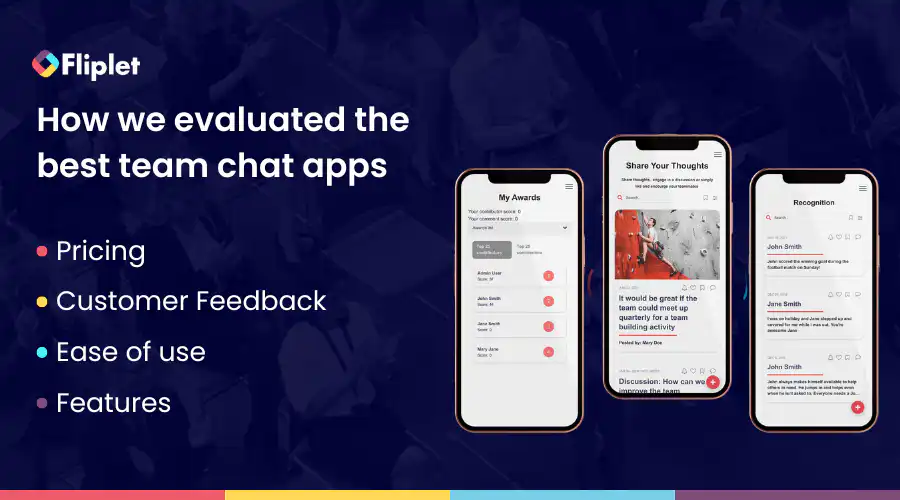
In our search for the best team chat apps, we conducted extensive research and analysis. We explored a wide range of these apps and carefully reviewed key factors including pricing, [customer feedback](https://fliplet.com/customer-feedback-form/), ease of use, and the features they offer. This thorough evaluation process allowed us to identify and present the top team chat apps that stand out in various categories, helping readers make informed decisions based on their specific requirements.
## Popular features of team communication apps
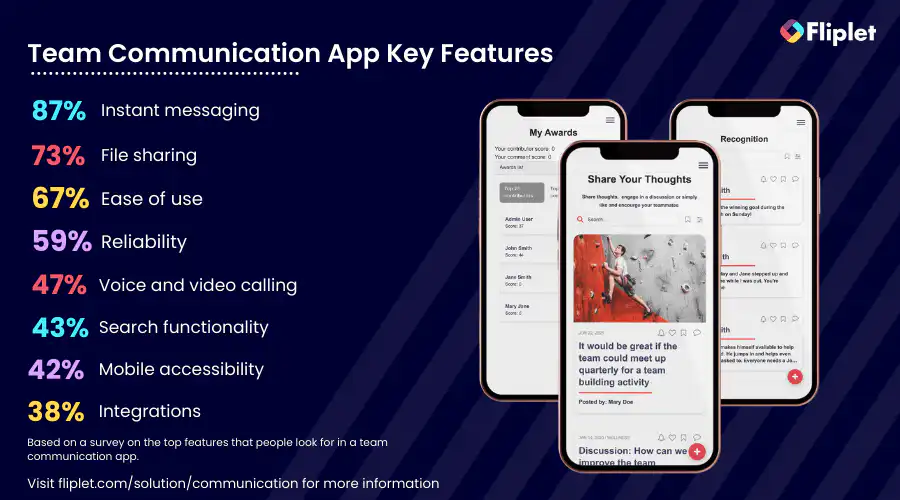
## What makes a great workplace chat app?
When evaluating the best workplace chat apps for your organization, it's crucial to keep these key factors in mind:
### Key Features
Examine the app's key features and ensure that the features align with your team's communication and collaboration needs. Some key features you should consider include:
- **Messaging:** Instant messaging enables real-time communication, promoting swift information exchange, updates, and questions among team members. This encourges seamless and efficient communication within the team.
- **File Sharing:** The ability to easily share files, documents, images, and videos within the chat interface promotes collaboration and ensures that essential resources are readily accessible to all team members. It streamlines project work and enhances productivity.
- **Administrative tools:** Robust administrative features empower managers to efficiently oversee teams, delegate tasks, and share critical information, enhancing team coordination and organization.
- **Group chat functionality:** Group chat options allow managers to categorize discussions, ensuring topics are organized and facilitating focused team conversations. This feature improves clarity and helps manage various projects and initiatives.
- **Security and privacy:** Advanced security measures like encryption, multi-factor authentication, and data access controls protect sensitive conversations and files, ensuring that your team's communication remains secure and private.
- **Search and bookmarking:** Powerful search functionality enables quick retrieval of past conversations and files, boosting productivity by saving time. Bookmarking enables you to come back to these key files and conversations later.
- **Emojis, Reactions, and GIFs:** Fun elements like emojis, reactions, and GIFs add a touch of informality to discussions, promoting team bonding and improving overall communication dynamics.
- **Scalability:** The app's ability to accommodate your team's current size and scale as your organization grows ensures that your communication tool remains effective and relevant over time.
- **Newsfeed:** A newsfeed-style feature allows you to share updates and announcements with your entire team simultaneously, encouraging transparent communication and keeping everyone informed about important developments.
These features are just some of the many you may want to include. Take a look at the [16 Top Features of a Successful Mobile App.](https://fliplet.com/blog/16-successful-mobile-app-features/)
### Benefits of having a business chat app
Assess the advantages the chat app offers, such as improved communication efficiency, enhanced teamwork, and streamlined project management. Identify how these benefits can positively impact your organization's productivity and overall workflow.
Top tip: Check out the platform's case studies and get a better understanding of how the platform has helped other organizations.
If you're at the start of your app building journey have a look at [The Top 10 Best App Builders to Create a Mobile App](https://fliplet.com/blog/top-10-best-app-builder/)
### Common Limitations should be addressed before choosing your workplace app
Be aware of any potential limitations or drawbacks of the chat app. These may include restrictions on the number of users, limited storage capacity, or compatibility issues with certain devices or operating systems. Understanding these limitations will help you make an informed decision.
Top tip: Search for a team chat apps platform on [G2](https://www.g2.com/products/logicmanager/reviews) or [Capterra](https://www.capterra.co.uk/), read the reviews and see what other users are struggling with using that application.
### Pricing
Evaluate the pricing structure of the chat app. Determine whether it offers a free version with basic features, as well as any subscription tiers with additional functionalities. Consider your budget and how the pricing aligns with your organization's financial resources. Want to get started straight away? Start building your team chat app with Fliplet today for [free](https://studio.fliplet.com/signup).
By carefully examining these aspects, you can make an informed choice when selecting a team chat app that best suits your team's communication and collaboration requirements.
## How to choose the right communication app for your business
Having the right communication app can make all the difference in how well your team functions. With so many options out there, it can be overwhelming to choose the right one for your company's specific needs. Should you go for a standard solution like Slack or Teams? Or perhaps a custom app such as [Fliplet](https://fliplet.com/) is more suitable?
### Here are some factors to consider when choosing a communication app
1. **Company Needs:** Consider the specific needs of your company, such as the size of your team, the type of projects you work on, and the level of collaboration required.
2. **Features**: Evaluate the features offered by each communication app, such as chat, video conferencing, project management, file sharing, and integrations with other tools.
3. **Ease of Use:** Look for an app that is easy to use and navigate. This is especially important if you have team members who are not tech-savvy.
4. **Security**: Ensure that the communication app you choose has robust security features to protect your company's sensitive information.
5. **Scalability**: Consider whether the app can accommodate the growth of your company and whether it can be customized to meet your future needs.
6. **Cost**: Determine whether the communication app fits within your budget and whether it provides value for the money spent.
By considering these factors, you can choose the right communication app for your company and improve collaboration and productivity across your team.
Watch this webinar to see how to [deliver effective internal communications with apps](https://info.fliplet.com/webinar-download-future-of-hr-delivering-effective-internal-communications-with-apps)
## Cost of team chatting apps
The cost of team communication apps varies depending on the app and the provider. Some team communication apps are free, while others charge a monthly or annual subscription fee based on the number of users or the features included.
For example, team communication apps like Fliplet, Microsoft Teams, and Slack offer both free and paid versions, with additional features and functionalities available in the paid versions. Other apps, like Basecamp and Monday.com, charge a flat rate per month or per user, with different pricing tiers depending on the number of users or the features included.
The cost of team communication apps can range from a few dollars per user per month to hundreds or even thousands of dollars per year, depending on the size of the organization and the level of functionality required.
We definitely recommend utilizing the free trials from different platforms to test the app before committing to a paid subscription.
## How AI can facilitate team communication apps
### Video conferencing
AI-powered video conferencing systems are equipped with advanced features that utilize artificial intelligence algorithms to enhance the virtual collaboration experience. The use of AI in video conferencing can improve the efficiency and productivity of virtual meetings and make them more accessible to a wider audience.
Some examples of advanced features in AI-powered video conferencing systems are real-time transcription and translation, background noise reduction, and integration with other collaboration tools such as project management and instant messaging platforms.
### Team building
AI-powered tools can play a role in facilitating virtual team building by providing resources and tools that support team bonding and communication. These tools can improve team collaboration, increase interaction, and promote a positive work culture, even in a virtual environment.
The benefits of using AI for virtual team building are numerous, including improved team collaboration, increased team bonding and morale, a positive and supportive virtual work culture, increased employee engagement and motivation, and improved overall job satisfaction for remote workers.
Examples of virtual team building activities that can be facilitated by AI include virtual team-building games and challenges, virtual happy hours and social events, virtual team-building workshops and training sessions, AI-powered team building exercises such as virtual scavenger hunts or trivia competitions, and AI-powered team goal-setting and progress tracking.
For more on [employee engagement, read our blog.](https://fliplet.com/blog/5-most-used-employee-engagement-apps-compared/)
### Note Taking
AI-powered team communication apps can help users take notes during meetings and discussions automatically. These apps can use natural language processing (NLP) to transcribe conversations and generate meeting minutes, which can be shared with the team members.
### Language Translation
AI-powered team communication apps can help team members communicate with each other even if they don't speak the same language. These apps can use NLP to translate messages in real-time, making it easier for team members to collaborate across borders.
### Project Management
AI-powered team communication apps can also help with project management by providing automated task tracking and management tools. These apps can use machine learning to analyze data and provide insights into project progress, team performance, and resource allocation.
### Sentiment Analysis
AI-powered team communication apps can use sentiment analysis to analyze the tone and mood of team conversations. This can help team leaders identify potential issues early and take proactive steps to address them.
### Smart Notifications
AI-powered team communication apps can use machine learning to analyze user behavior and provide personalized notifications. For example, if a user typically responds to messages from a specific team member faster than others, the app can prioritize messages from that team member in their inbox.
### Chatbots
AI-powered chatbots can provide immediate support to team members by answering their questions, providing information, and helping them navigate the app's features. Chatbots can be programmed to handle a wide range of tasks, such as scheduling meetings, assigning tasks, and sending reminders.
### Speech recognition
AI-powered team communication apps can use speech recognition technology to enable users to send messages or create tasks using their voice. This feature can be particularly useful for team members who are on the go or have limited mobility.
Overall, the future of AI and virtual collaboration is bright, with AI-powered tools and technologies continuing to evolve and improve. As organizations continue to adopt remote work and virtual collaboration, the importance of AI-powered tools and technologies will only continue to grow.
For more on [ai in app development, read our blog.](https://fliplet.com/blog/how-ai-will-disrupt-app-development/)
## Why do you need a custom team communication app?
Organizations have different communication needs, workflows, and processes, which an off-the-shelf team communication app may not address adequately. Custom team communication apps offer tailored solutions that address specific organizational needs and can help streamline communication processes.
There are several reasons why organizations may need a custom team communication app as opposed to a standard solution like Slack or Teams that they cannot customize:
### 1.Tailored to specific needs
A custom team communication app can be designed and developed to meet the specific needs of an organization, whereas an off-the-shelf solution may not provide all the necessary features or functionality.
### 2.Unique branding
A custom team communication app can be customized to reflect an organization's unique branding, making it more recognizable and engaging for employees.
### 3.Better integration with existing systems
A custom team communication app can be integrated more seamlessly with an organization's existing systems, providing a more streamlined and efficient workflow.
### 4.Enhanced security
A custom team communication app can be designed with enhanced security features to protect sensitive information and data, which may not be possible with an off-the-shelf solution.
### 5.Ownership and control
When using a standard solution like Slack or Teams, organizations are essentially renting a service from a third-party provider. With a custom app, they own the software and have complete control over its development, maintenance, and updates.
### 6.Competitive advantage
By creating a custom team communication app, organizations can gain a competitive advantage by differentiating themselves from competitors and providing a unique solution that meets their specific needs.
Read this Case Study via the button below to see how an Organization created an Internal Communication app where colleagues can communicate efficiently and access information wherever they are.
## Why Fliplet is the best way to build your communication app
When it comes to building a custom team communication app for your team, Fliplet is the way to go. With Fliplet, you can create a customized communication app that meets the unique needs of your organization. The benefits of a custom communication app are numerous. It allows you to tailor the app to the specific needs of your team, including branding, features, and functionality. This results in a more efficient and effective communication system for your organization.
In addition, Fliplet allows you to combine different features from all of the Fliplet solutions (theres 16 of them) to create a top of the market communication app. This means that you can create a communication app that includes all the necessary features for your team, such as chat, file sharing, and more.
One of the biggest challenges with internal communication is an outdated strategy. With Fliplet, you can create a modern communication app that is tailored to the needs of your team. Additionally, Fliplet provides real-time tracking metrics, allowing you to monitor the performance of your communication app and make improvements as needed.
Another common challenge with internal communication is failing to include remote workers. With Fliplet, you can create a communication app that is accessible to remote workers, allowing them to stay connected and engaged with their team, on any device at any time.
Budget limitations can also be a challenge for internal communication. With Fliplet, you can create a custom communication app that fits within your budget while still providing all the necessary features and functionality for your team. [Start creating your app with Fliplet today for free.](https://studio.fliplet.com/signup)
Finally, one-way communication can hinder effective internal communication. With Fliplet, you can create a two-way communication system that allows for open dialogue and collaboration among team members such as through the app feature or the comment sections. This helps to foster a positive work culture and increase team collaboration and productivity.
In conclusion, Fliplet is the best way to build your team communication app. With a custom solution that allows for combining different features from all of the solutions, as well as addressing common internal communication challenges, Fliplet provides the ideal team communication app for your organization.
Watch this webinar, [Boost communication and collaboration within your firm using custom apps](https://info.fliplet.com/webinar-download-boost-communication-and-collaboration-within-your-firm-using-custom-apps) to see some case studies as well as a demo of Fliplet's communication solution.
For more on [custom application development](https://fliplet.com/blog/custom-application-development-in-six-steps/), read our blog.
## Best team chat apps – Conclusion
In conclusion, team communication apps are a game-changer for modern-day organizations looking to streamline communication, boost productivity, and foster a collaborative work culture.
With a wide range of features, from instant messaging to video conferencing, file sharing to project management, these apps can help teams work seamlessly and efficiently, no matter where they are in the world. The top 15 team communication apps on the market offer something for every organization, whether it's a small business or a large corporation.
But when it comes to creating a custom solution that combines the best of all worlds, Fliplet stands out from the crowd. With [Fliplet's Communication solution](https://fliplet.com/solution/communications/), you can build a tailor-made team communication app that suits your organization's unique needs and challenges. With features like real-time collaboration, document sharing, and chat, Fliplet has everything you need to take your team communication to the next level.
So why settle for a one-size-fits-all solution when you can create the perfect team communication app for your team with Fliplet?
## FAQs
A [team communication app](https://fliplet.com/solution/team-chat-app/) is a tool that allows seamless interaction among team members within an organization. Unlike traditional communication methods, these apps provide a unified platform for messaging, file sharing, video calls, and project collaboration — which can increase efficiency and, hopefully, productivity.
They cater to the need for real-time communication, allowing team members to exchange information, ideas, and updates promptly, regardless of their location. Team communication apps often include features such as group chats, direct messages, task assignments, and integration with other business tools. This not only streamlines workflow but also supports a more organized and effective way of working together in today's fast-paced business environment.
Apps are great for team communication because they offer a centralized platform where team members can collaborate and communicate in real-time. They allow for quick and easy messaging, sharing of files and documents, scheduling meetings, and managing projects. With apps, teams can work together regardless of their location and time zones, making remote work more efficient and effective.
Additionally, team communication apps provide a transparent and organized way of working, keeping all members on the same page and informed about the progress of projects. They also offer features such as analytics and reporting, which can help managers track team performance and identify areas for improvement.
### Team communication is essential for the success of any organization as it helps to
1. **Foster Collaboration:** Effective communication ensures that all team members are on the same page, which facilitates collaboration and teamwork.
2. **Increase Productivity:** When team members communicate effectively, they can avoid unnecessary delays and mistakes, and streamline their workflow, resulting in increased productivity.
3. **Build Trust**: Open and transparent communication builds trust between team members, which creates a positive work culture and promotes employee morale.
4. **Resolve Conflicts:** Communication helps to identify and resolve conflicts among team members, ensuring a smooth and efficient workflow.
5. **Enhance Innovation**: Good communication channels encourage the exchange of ideas, leading to more creative solutions and innovation within the team.
When it comes to team communication, there are several types of apps that teams can use to stay connected and collaborate effectively. Depending on what type of communication app you want we recommend the following:
- Instant messaging – Slack
- Video conferencing – Troop Messenger
- File Sharing & collaboration apps – Fliplet
- Project Management apps – Monday
Fliplet is an excellent choice for team chat apps where you can be an administrator. Fliplet offers robust administrative options, empowering admins with the tools and controls needed to manage users, customize settings, and optimize the platform for their organization's specific needs.
Measuring the benefits of a team chat app involves several key metrics, including increased productivity, reduced communication gaps, enhanced collaboration, and improved employee engagement. You can use analytics provided by the app to track usage, monitor communication trends, and gather feedback from your team to assess the app's impact on your business.
When selecting a team chat app, prioritize security features such as end-to-end encryption, data access controls, multi-factor authentication, and compliance with industry standards like GDPR or HIPAA, depending on your industry. Additionally, evaluate the app's data storage practices and data protection mechanisms to ensure the security of your sensitive information.
Yes, many team chat apps offer extensive integrations with third-party tools and applications to enhance functionality and streamline workflows. Check the app's integrations marketplace or compatibility with the tools your organization uses to ensure a seamless integration process.
In using a team communication app for business, adhere to these etiquette tips for smooth interaction:
- **Clarity:** Keep messages clear and concise
- **Correct channels:** Post in the appropriate channel for the topic
- **Time zones:** Be mindful of colleagues' time zones
- **Professionalism:** Use professional language and avoid slang
- **Privacy:** Share sensitive information carefully
- **Responsiveness:** Acknowledge messages promptly
- **Notifications:** Use notifications sparingly and for important matters
- **Boundaries:** Respect work-life balance and avoid off-hours communication
- **Positivity:** Maintain a positive tone and provide constructive feedback respectfully
- **Review:** Double-check your message for clarity and tone before sending
Following these guidelines ensures respectful and efficient communication.
In using a team communication app for business, adhere to these etiquette tips for smooth interaction:
- **Clarity:** Keep messages clear and concise
- **Correct channels:** Post in the appropriate channel for the topic
- **Time zones:** Be mindful of colleagues' time zones
- **Professionalism:** Use professional language and avoid slang
- **Privacy:** Share sensitive information carefully
- **Responsiveness:** Acknowledge messages promptly
- **Notifications:** Use notifications sparingly and for important matters
- **Boundaries:** Respect work-life balance and avoid off-hours communication
- **Positivity:** Maintain a positive tone and provide constructive feedback respectfully
- **Review:** Double-check your message for clarity and tone before sending
Following these guidelines ensures respectful and efficient communication.
Google Chat, part of Google Workspace (formerly G Suite), is not entirely free for business use. While Google offers a basic version of Google Chat as part of its personal Google accounts, which individuals can use at no cost, businesses that need Google Chat's full capabilities have to subscribe to one of the Google Workspace plans. These plans provide a more comprehensive suite of productivity and collaboration tools, including Gmail, Calendar, Drive, Docs, and Meet, in addition to Chat.
Google Workspace plans start with a Business Starter package, which includes Google Chat, and offer more advanced features and greater storage in higher-tier plans.
### See the latest insights from Fliplet
## Creating your business apps has never been easier
## Related links
- [Ultimate Guide: How to scale mobile enterprise app development without coding or IT resources](https://fliplet.com/blog/mobile-enterprise-app-development-without-coding/): Fliplet compiled an ultimate guide on how to scale mobile enterprise app development without coding or IT resources
- [Top 10 Mobile Enterprise Application Platforms](https://fliplet.com/blog/top-10-mobile-enterprise-application-platforms/): Fliplet compiled a list of the top 10 mobile enterprise application platforms. Read more within.
- [The Best Low Code/No Code Development Platforms](https://fliplet.com/blog/the-best-no-code-low-code-development-platforms/): Fliplet compiled a list of the best Low Code/No Code Development Platforms. Find out more within.
---
# 16 Top Features of a Successful Mobile App in 2026
> Plan 16 mobile app features around user tasks, accessibility, security, governance, delivery, and measurable outcomes.
Source: https://fliplet.com/blog/16-successful-mobile-app-features/
Content type: Blog
Published: 2023-03-09T22:18:53
Updated: 2026-09-02T12:00:00
Read time: 14 minutes
# 16 Top Features of a Successful Mobile App in 2026
The best mobile app features make it easier for people to do what they opened the app to do. Clear navigation, accessible controls, secure sign-in, useful feedback, and reliable performance are more valuable than a long list of extras.
This guide looks at 16 features that can make an app more useful, from offline access and search to notifications and personalization. It also explains when each feature is worth adding and what to plan before launch.
## Key takeaways
- Start with the main task and the basics people rely on: clear interaction, secure access, accessibility, error recovery, and support.
- Add features such as offline use, notifications, chat, or personalization only when they solve a clear user need.
- Give each feature an owner and a way to measure success. A focused release is usually stronger than a crowded one.
## What makes an app successful in 2026?
A successful app still begins with a useful task and a clear audience. What has changed is the level of care expected around identity, privacy, accessibility, device support, and content safety. Passkeys can reduce password friction, app stores require accurate privacy information, and both Apple and Google continue to update the policies that affect release readiness.
That is why the 16 features below are not a checklist. Some are foundations, while others only make sense for a particular audience or use case.
## 1. User-friendly interface
Start with the task users came to complete. Clear labels, predictable navigation, usable touch targets, visible focus, and helpful error states matter more than decorative complexity. Test the critical path with representative users and assistive technology before calling the interface finished.
## 2. Push notifications
Use push notifications only when a time-sensitive message or action justifies interrupting the user. Ask for permission at a meaningful point, deep-link to the relevant task, and give people control over topics, frequency, and quiet hours.
## 3. Offline functionality
Offline support matters for field work, travel, and unreliable networks. Decide which tasks must work without a connection, what data may be stored on the device, how queued changes sync, and how the app explains conflicts or failures.
## 4. Authentication and identity (SSO + passkeys)
Choose authentication from the risk, audience, and identity model. Enterprise deployments may require an existing identity provider and SSO; other use cases may benefit from passkeys or passwordless flows. Recovery, session expiry, role changes, and accessible authentication need the same attention as sign-in.
## 5. Security, privacy, and compliance
Security and privacy run through the whole app. Classify the data, model threats, use secure transport and storage, apply least-privilege access, review dependencies, log important events, and define retention and incident processes. Regulatory and assurance requirements depend on the organization, users, data, and market.
## 6. Polls and pulse checks
Polls can collect quick input from employees, members, or communities. Define the decision the result will inform, who can see responses, whether anonymity is genuine, how long data is kept, and what follow-up users should expect.
## 7. Cross-platform compatibility
Support the devices and channels your audience actually uses. Keep the main task familiar, then adapt navigation, input, layout, and platform behavior where needed. Record the supported-device matrix and test release parity rather than assuming one implementation behaves identically everywhere.
## 8. Gamification
Gamification can reinforce learning, onboarding, or community participation when the rules support a real goal. Make progress understandable, avoid manipulative rewards, provide reduced-motion alternatives, and remove the feature if it does not improve the intended behavior.
Fliplet's [Communication solution](https://fliplet.com/solution/communications/) can award user points and badges and use analytics to review engagement.
## 9. Easy to update
An app needs a safe way to change after launch. Separate environments, version changes, test critical paths, restrict publishing, keep release notes, and rehearse rollback. Content editors and software maintainers may need different permissions and review paths.
## 10. Chat and in-app support
Chat can support service or collaboration when someone owns the response. Plan service hours, escalation, message retention, attachments, notifications, accessibility, moderation, and abuse reporting before opening the channel.
Fliplet's [Communication solution](https://fliplet.com/solution/communications/) includes one-to-one and group chat for teams that need secure communication.
## 11. Personalization
Start with practical personalization such as role-based dashboards, saved preferences, or relevant content ordering. Explain why content differs, provide a reset or non-personalized path, and review the data, consent, profiling, and bias implications.
## 12. Supports multiple languages
Localization goes beyond translating interface text. Plan for text expansion, dates, numbers, reading direction, screen-reader language, legal variants, search behavior, and support content. Assign an owner for source copy, review, and fallback language.
Fliplet's [multilingual solution](https://fliplet.com/solution/multilingual-app-solution/) lets teams manage language-specific screens, content, navigation, and access rules in one software project.
## 13. User-generated content
If users can publish content, they also need ways to edit, report, and delete it. Define attribution, moderation, appeals, retention, accessible media alternatives, and legal escalation before launch.
Fliplet's [Innovation Management solution](https://fliplet.com/solution/innovation-management/) gives employees a structured place to share ideas, discuss challenges, and turn promising suggestions into action.
## 14. User feedback
Ask for feedback where the experience is fresh, not through a constant generic prompt. Route defects and support requests to the right owner, warn users not to submit sensitive data, and close the loop when the team acts.
## 15. Search
Search becomes important when users cannot navigate a small, stable information set efficiently. Test relevance, spelling, permissions, filters, keyboard use, freshness, and zero-result guidance with real content and queries.
## 16. Filter and bookmark
Filters help users narrow a large result set; bookmarks help them return to important items. Make selected states obvious, provide a reset, preserve state only when useful, and decide how saved items behave when records change or permissions are removed.
## Feature delivery matrix
Use this matrix to turn each feature into an outcome, implementation decision, control, and measure. The entries are planning prompts rather than claims that every app needs all 16.
| Feature | Intended outcome | Implementation and accessibility | Governance boundary | Measure |
| --- | --- | --- | --- | --- |
| User-friendly interface | Complete the main task with less confusion | Semantic controls, clear labels, predictable navigation, visible focus, text scaling, and usable targets | Design-system owner and accessibility acceptance gate | Task completion, errors, time on task, support requests |
| Push notifications | Bring users back for relevant, time-sensitive actions | Permission timing, deep links, quiet hours, readable copy, and an in-app alternative | Consent, topic ownership, frequency limits, and expiry | Opt-in, delivery, action completion, disable rate |
| Offline functionality | Continue critical work during weak or absent connectivity | Local state, clear offline status, queued actions, sync, and accessible error recovery | Data stored on device, retention, encryption, and conflict policy | Offline task success, sync failures, conflicts, lost records |
| Authentication and identity | Give the right person appropriate access with low friction | SSO or passkeys where suitable, password-manager support, recovery, session states, and accessible authentication | Identity provider, role model, lifecycle, and privileged access | Sign-in success, recovery rate, lockouts, access-review findings |
| Security, privacy, and compliance | Protect data and maintain accountable operation | Threat modeling, secure transport and storage, dependency review, logging, and privacy controls | Data classification, retention, incident process, and approval owner | Security defects, incidents, review completion, remediation time |
| Polls and pulse checks | Collect lightweight input at a useful decision point | Short forms, clear scale labels, keyboard support, confirmation, and optional anonymity | Purpose, respondent privacy, result access, and retention | Completion, representative coverage, actions taken from results |
| Cross-platform compatibility | Support the required tasks on target devices | Responsive and adaptive layouts, platform conventions, device testing, and input alternatives | Supported-device matrix and release parity owner | Pass rate by device, platform-specific defects, completion parity |
| Gamification | Reinforce learning or participation goals | Understandable rules, non-color-only status, reduced-motion behavior, and alternatives | Fairness, reward integrity, misuse, and removal criteria | Target behavior, completion, repeat use, complaints, drop-off |
| Easy updates | Change software without uncontrolled regression | Environments, versioning, automated and manual tests, release notes, rollback | Publisher roles, approval gates, maintenance windows, and audit | Release frequency, change failure, rollback, time to restore |
| Chat and in-app support | Resolve questions or coordinate work in context | Accessible message states, notifications, history, attachments, and escalation | Moderation, retention, service hours, abuse handling, and response owner | Response time, resolution, escalation, report volume |
| Personalization | Show relevant content or actions without hiding control | Role-based defaults, explainable settings, reset options, and non-personalized fallback | Data use, consent where required, profiling limits, and bias review | Task success, setting use, opt-out, complaints |
| Multiple languages | Let people complete tasks in the language and format they need | Translation process, text expansion, locale formats, screen-reader language, and right-to-left testing | Source-copy owner, legal variants, review, and fallback language | Completion by locale, untranslated strings, language-specific defects |
| User-generated content | Let users contribute knowledge or discussion | Create, edit, report, delete, attribution, and accessible media alternatives | Content policy, moderation, appeals, retention, and legal escalation | Useful contributions, reports, response time, repeat contributors |
| User feedback | Identify friction and close the improvement loop | Contextual prompt, accessible form, confirmation, status, and support routing | Owner, response standard, sensitive-data warning, and prioritization | Submission quality, response, fixed issues, repeated themes |
| Search | Help users find approved information or records | Indexing, relevance, permissions, spelling, filters, keyboard use, and useful empty states | Which sources are indexed, freshness, permission trimming, and logs | Successful searches, reformulation, zero results, result actions |
| Filter and bookmark | Reduce repeated effort and support task continuity | Clear selected states, reset, keyboard operation, shareable or persistent state where useful | Retention, cross-device sync, private data exposure, and stale items | Filter use, saved-item return, completion, abandoned states |
The [W3C WCAG 2.2 update](https://www.w3.org/WAI/standards-guidelines/wcag/new-in-22/) is a useful primary reference for focus visibility, target sizing, alternatives to dragging, repeated entry, and accessible authentication. Use platform-specific accessibility guidance and real assistive-technology testing alongside it.
## 2026 priority guide: core vs optional
If you are deciding what to build first, separate requirements from options:
- **Common foundations:** clear interaction, appropriate identity and security, accessibility, maintainable releases, error recovery, and a feedback or support path.
- **Use-case-dependent capabilities:** offline use, search, filters, bookmarks, notifications, cross-platform delivery, and localization.
- **Features that need an explicit operating case:** polls, gamification, chat, personalization, and user-generated content.
## Platform requirements to keep in view
Alongside feature strategy, app teams should continuously monitor platform and policy requirements that affect release readiness:
- [Apple App Review Guidelines](https://developer.apple.com/app-store/review/guidelines/)
- [Apple app privacy details](https://developer.apple.com/app-store/app-privacy-details/)
- [Google Play target SDK requirements](https://developer.android.com/google/play/requirements/target-sdk)
- [Google Play policy center](https://support.google.com/googleplay/android-developer/answer/9876937)
## Where Fliplet fits
Fliplet helps teams create [web and mobile software from a prompt](/platform-overview/), refine it quickly, and launch with governance, security, and integrations built in. Its current platform pages also cover data sources, access review, version history, analytics, and web and mobile publishing. Teams should still review generated screens against the feature, accessibility, security, and ownership criteria above. Check the current [features](/features/) and [security information](/security/) before selecting the delivery approach.
Choose features from the work people need to do, not from a generic catalogue. A feature earns its place only when it supports a real task, user need, and accountable owner.
### Fliplet pricing
Pricing, limits, and included controls can change. Review the current [Fliplet pricing page](/pricing/) and confirm the plan needed for publishing, users, environments, identity, integrations, analytics, support, and governance.
### Real outcomes from real teams
Explore [Fliplet case studies](https://fliplet.com/case-studies/) to see how organizations use these features in production.
## Choosing the right features for your app
Use this framework:
1. Define the primary user jobs your app must support.
2. Build only the features required for those jobs.
3. Validate adoption with in-app analytics and feedback.
4. Improve or remove low-value features quickly.
5. Add optional growth features only when core flows are stable.
## Final takeaway
Do not treat the 16 features as a required checklist. Start with the user's main task, add the access and safety controls it needs, and assign an owner and measure to every feature. A smaller release that the team can test and operate is a stronger starting point than a long feature list with no evidence behind it.
## Sources
The 16-feature list is a practical planning framework. The sources below support the platform and accessibility guidance in this guide:
- [W3C: What's New in WCAG 2.2](https://www.w3.org/WAI/standards-guidelines/wcag/new-in-22/)
- [Apple App Review Guidelines](https://developer.apple.com/app-store/review/guidelines/)
- [Apple app privacy details](https://developer.apple.com/app-store/app-privacy-details/)
- [Google Play target API requirements](https://developer.android.com/google/play/requirements/target-sdk)
- [Google Play Developer Program Policy](https://support.google.com/googleplay/android-developer/answer/9876937)
If you want to test the feature priorities for a representative mobile project, [book a Fliplet demo](/book-a-demo/) to review outcomes, roles, data, integrations, controls, and release ownership.
## FAQs
### What are the most important features of an app in 2026?
The most important features are those required for the app's main task. Most business apps need clear navigation, appropriate identity and security, accessibility, maintainable releases, and a feedback path. Offline use, search, filters, notifications, localization, or personalization depend on the audience and the job the app needs to support.
### How many features should an app have?
There is no universal number. Start with the smallest set that lets the target user complete the main task safely, including required access, error recovery, and support. Add features only when user evidence and an accountable owner justify them.
### Which features are optional rather than essential?
Gamification, polls, chat, personalization, and user-generated content are usually conditional. Add them only when they support a defined outcome and the team can operate consent, moderation, support, privacy, and measurement where required.
### Can an app have too many features?
Yes. Every feature adds navigation, testing, support, data, and maintenance work. Defer or remove features that do not support the main task or have a clear owner and measure.
## Related links
- [Plan enterprise mobile software delivery](https://fliplet.com/blog/mobile-enterprise-app-development-without-coding/): Use a practical framework for scope, governance, integrations, rollout, and ongoing ownership.
- [Compare mobile enterprise software platforms](https://fliplet.com/blog/top-10-mobile-enterprise-application-platforms/): Compare platform types by delivery model, governance, security, integration fit, and ownership.
- [Compare low-code and no-code development platforms](https://fliplet.com/blog/the-best-no-code-low-code-development-platforms/): Review platform approaches, trade-offs, and selection questions before choosing a delivery model.
---
# 20 Best Crisis & Emergency Management Software for 2026
> Compare crisis and emergency management software solutions for 2026, including capabilities, pricing, and practical tradeoffs.
Source: https://fliplet.com/blog/15-top-emergency-management-software/
Content type: Blog
Published: 2026-05-12T14:01:27
Updated: 2026-02-22T08:20:00
Read time: 22 minutes
# 20 Best Crisis & Emergency Management Software for 2026
Emergency management software (EMS) plays a vital role in today’s fast-paced, unpredictable world. With the occurrences of natural disasters, event emergency management, operational emergencies, unannounced inspections, public safety, IT outage and PR crisis, becoming more common, organizations need to be prepared for anything.
Emergency management software is a critical tool for organizations and communities seeking to navigate the complexities of crisis response and preparedness effectively. By enhancing real-time communication, streamlining coordination, and promoting proactive planning and training, EMS ensures that emergencies are managed efficiently, ultimately saving lives and minimizing damage.
## Best Emergency Management Software (Short List)
### 1.Fliplet
Fliplet excels as an intuitive platform that enables organizations to develop custom apps without extensive coding knowledge. Known for its app-building capabilities, its potential for emergency management is significant, thanks to its features that allow for rapid development of custom apps tailored to specific emergency protocols.
### 2.Everbridge Mass Notification
Everbridge stands out with its robust capability to send critical communications swiftly across multiple platforms. It ensures that all personnel are informed with real-time, reliable information during emergencies, making it an essential tool for large organizations where timely communication is critical.
### 3.Rave Mobile Safety
Known for its comprehensive safety solutions, Rave Mobile Safety supports effective communication and coordination during crises. Its platform includes features like mass notification and a mobile safety app, which are indispensable for organizations looking to enhance their emergency preparedness and response strategies.
### 4.Crisis Commander
Crisis Commander offers a streamlined approach to emergency management with features that include incident management templates and a robust notification system. Its strength lies in simplifying complex processes, making it easier for teams to execute their emergency plans efficiently.
### 5.AlertMedia
AlertMedia provides a cloud-based platform that helps organizations monitor threats and streamline communications during critical events. Its ability to deliver alerts across multiple channels and provide continuous updates is crucial for maintaining safety and operational continuity.
## List of the 20 Best Emergency Management Software
With countless options available in the market, finding the perfect solution for your organization's unique needs can be overwhelming. That's why we've done the research for you and compiled a list of the 15 best emergency management software solutions available.
We'll dive into each of these powerful tools, discussing their key features, pricing, benefits, limitations, and review ratings, so you can make an informed decision and bolster your organization's emergency preparedness.
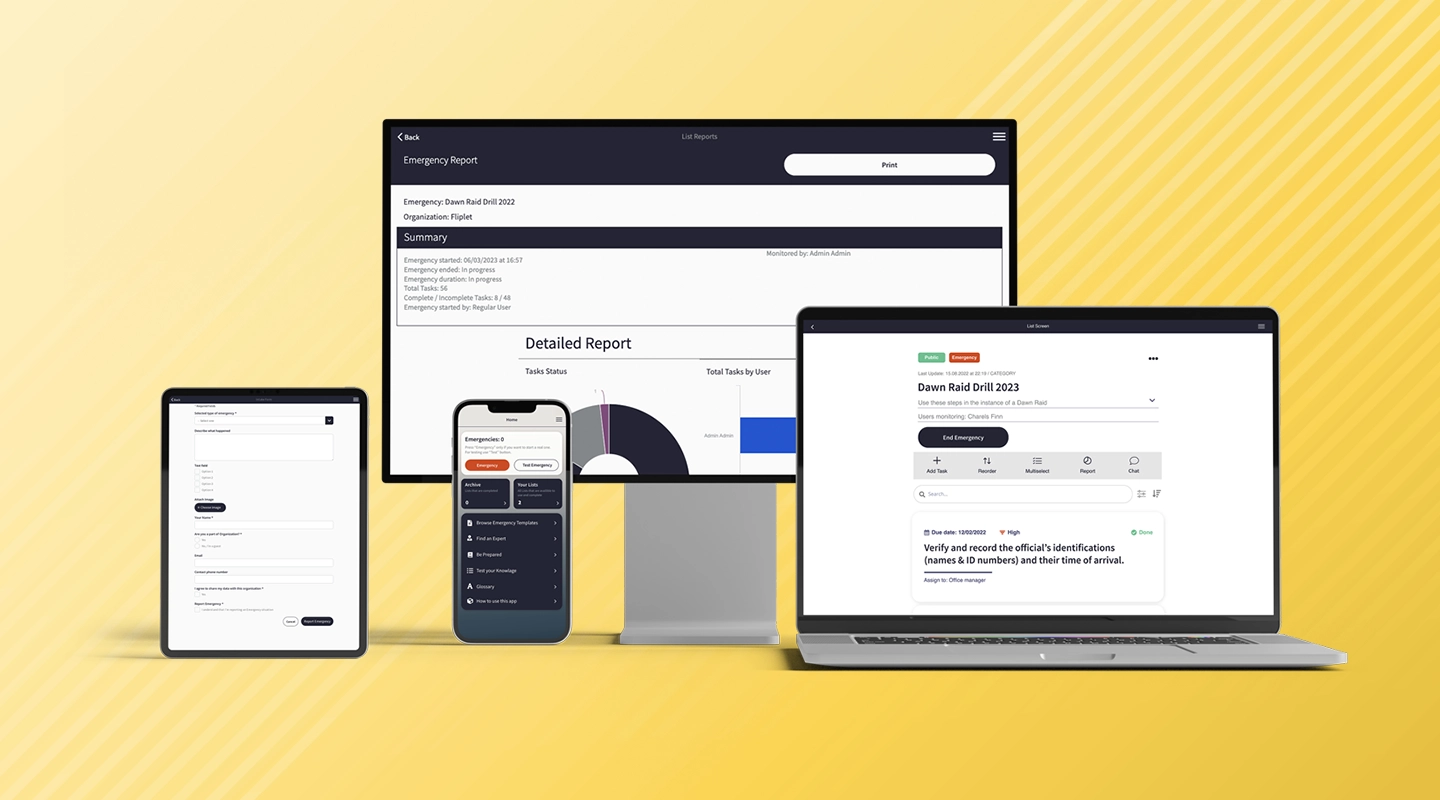
Fliplet's [Emergency Management solution](https://fliplet.com/solution/emergency-management-for-clients/) enables anyone to seamlessly build a customized emergency management app, which can be used for endless solutions such as crisis management in PR, a client crisis plan or a dawn raid app and much more. Take a look at this blog to discover the [5 steps you need to take to prepare for a dawn raid](https://fliplet.com/blog/5-steps-to-prepare-for-a-dawn-raid/).
Fliplet is a top-rated no-code app development platform recognized for its user-friendly design and efficiency. Fliplet's easy-to-use interface and adaptable features allow you to create an app that streamlines communication during emergencies, providing secure messaging, notifications, and real-time updates.
Showcase your emergency management plan and preparedness expertise with a polished app that offers centralized access to essential resources, guidelines, and case-specific information.
### Key features:
- Customizable emergency checklists
- Test drills and emergencies before they happen
- Collaborate with clients or staff during an emergency
- Bulk upload your content easily
- Push, SMS and email notifications
- Emergency learning tools
- Interactive learning tools such as quizzes and decision trees
- List of experts
And that is just to name a few, take a look at more [Fliplet features](https://fliplet.com/features/).
#### Benefits:
- Prompt and efficient emergency handling
- Provide professional support to your users during emergencies
- Education and training
- Customization and scalability
- Flexibility of a mobile and web solution
- Time and cost savings
- No IT requires
- Highly secure and complaint
- Instant updates
- Help and support
- Integrate with your existing systems
#### Limitations:
- The Emergency Management is a brand new solution requested by Fliplet clients so although they have all the key features and more if there are any features that you think are missing you can [make a request](https://community.fliplet.com/c/feature-requests/9)
#### G2 Rating:
4.6/5
### Price:
- [Free](https://studio.fliplet.com/signup) – start building your emergency management app today with Fliplet
- Public: $9.90 p/m
- Private: $19.90 p/m
- Private play: $29.00 p/m
- Enterprise: [Contact Fliplet](https://fliplet.com/contact/)
- Head to [Fliplet's pricing plans](https://fliplet.com/pricing/) for more information
Want to find out more on how to develop an app without code? Check out this [Ultimate Guide: How to scale mobile enterprise app development without coding or IT resources](https://fliplet.com/blog/mobile-enterprise-app-development-without-coding/).
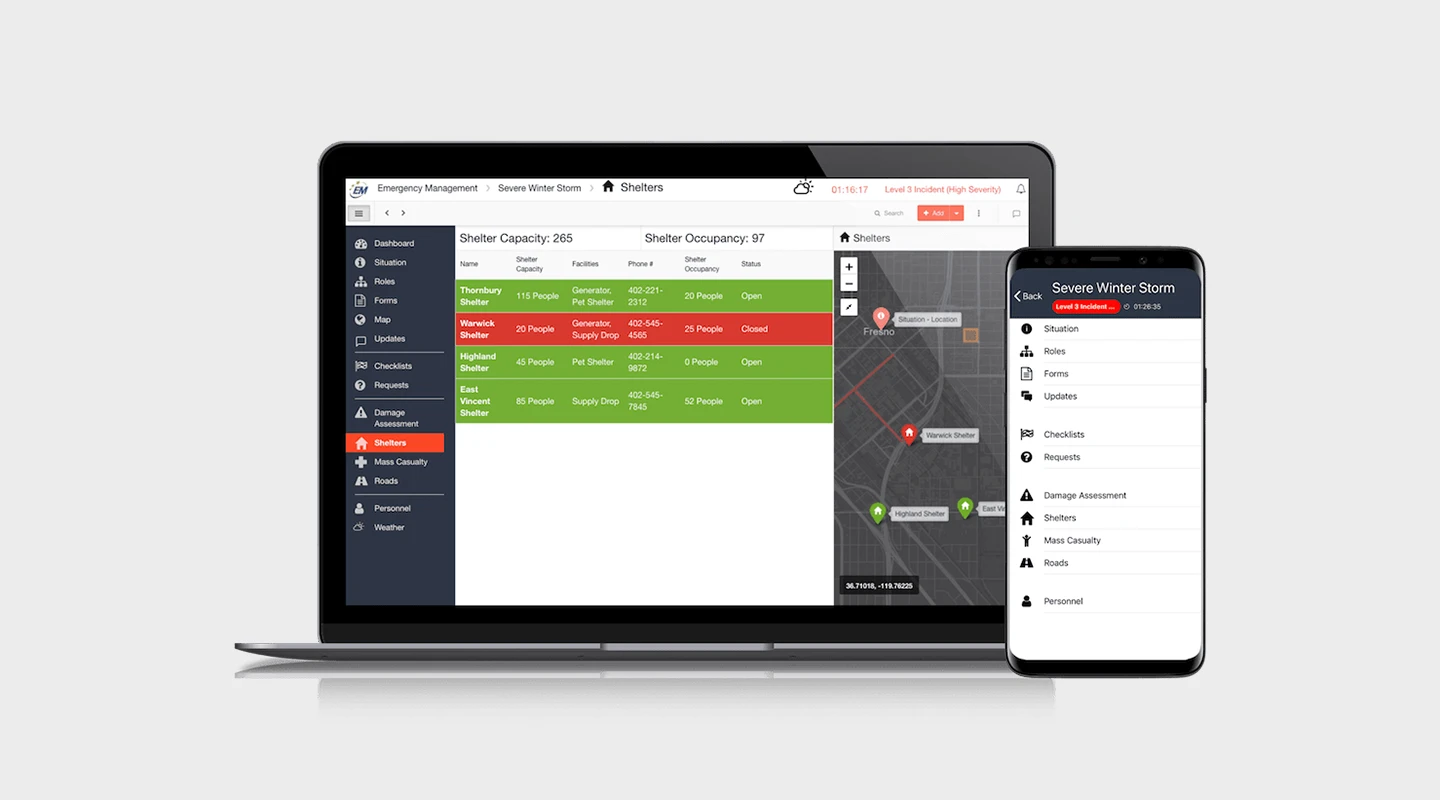
D4H Technologies provides a suite of emergency management software tools designed to improve readiness, response, and recovery for first responders, emergency management personnel, and industrial teams. D4H is available from any web browser or by using iOS and Android mobile apps, so you can get access from anywhere.
#### Key features:
- Incident reporting
- Equipment management
- Personnel management
- Real-time response monitoring
- Training management
- Document storage
#### Benefit:
- Streamlines information management, improves team collaboration, simplifies resource allocation, and enhances overall preparedness
#### Limitations:
- Custom pricing may make it difficult to compare costs with other solutions
#### G2 Rating:
- 4.5/5
#### Price:
- Free trial
- Personnel and training, from $1,000 per year
- Equipment management, from $1,000 per year
- Incident management, from $3,300 per year
- Incident reporting, from $750 per year
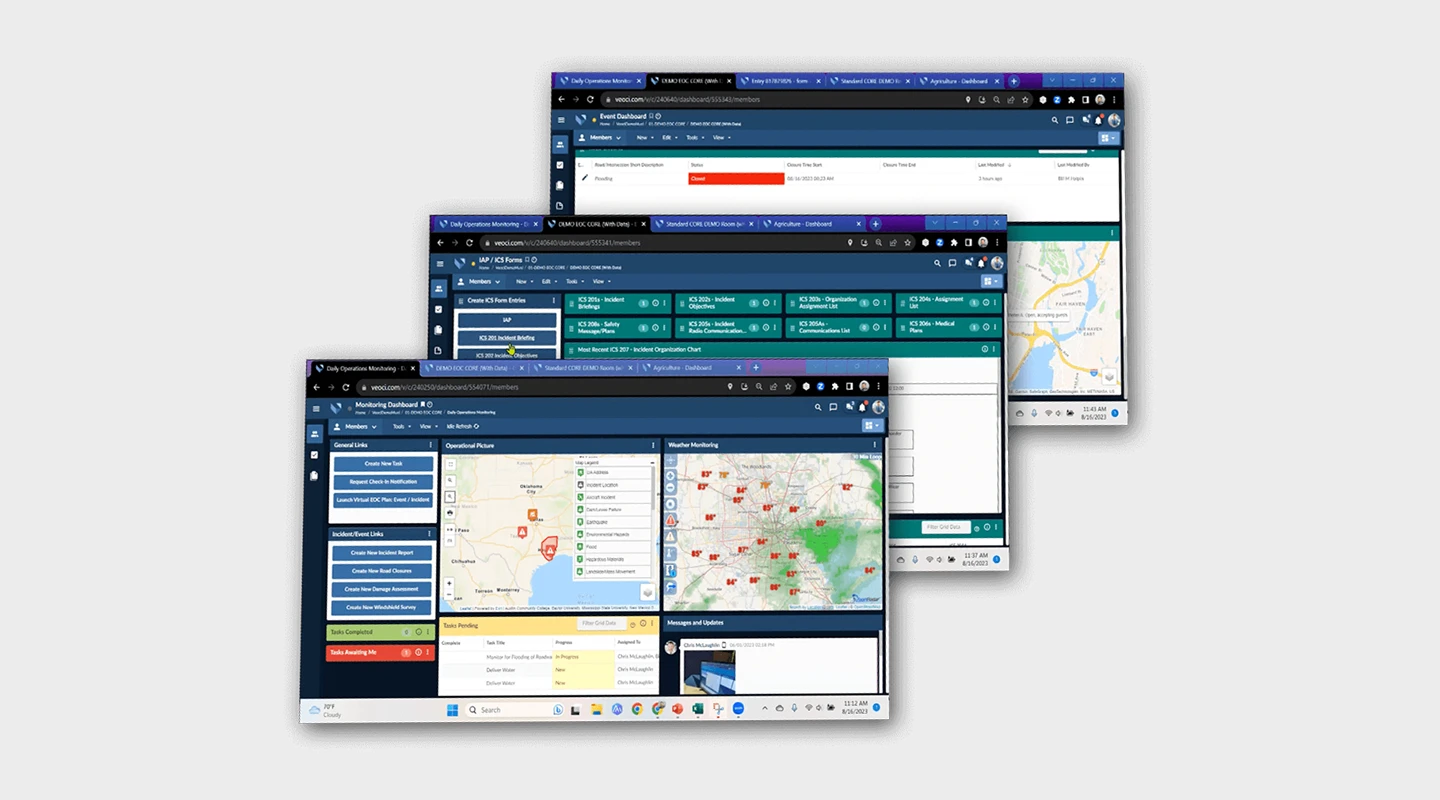
Veoci's web-based platform allows your organization to create, share, and manage all information related to any number of emergencies, incidents, or events. It addresses all processes including risk mitigation, preparedness, response, recovery, and after-action reporting. Veoci offers preconfigured elements such as a virtual Room, Tasks, Workflows, and Dashboards to help you manage emergencies quickly.
#### Key features:
- Incident management
- Resource management
- GIS mapping
- Communication tools
- Customizable dashboards
#### Benefits:
- Easy-to-use interface with good customer support
#### Limitations:
- Depending on your pricing platform you are limited to what features you can access
#### G2 Rating:
- 3.8/5
#### Price:
- Contact Veoci for pricing information
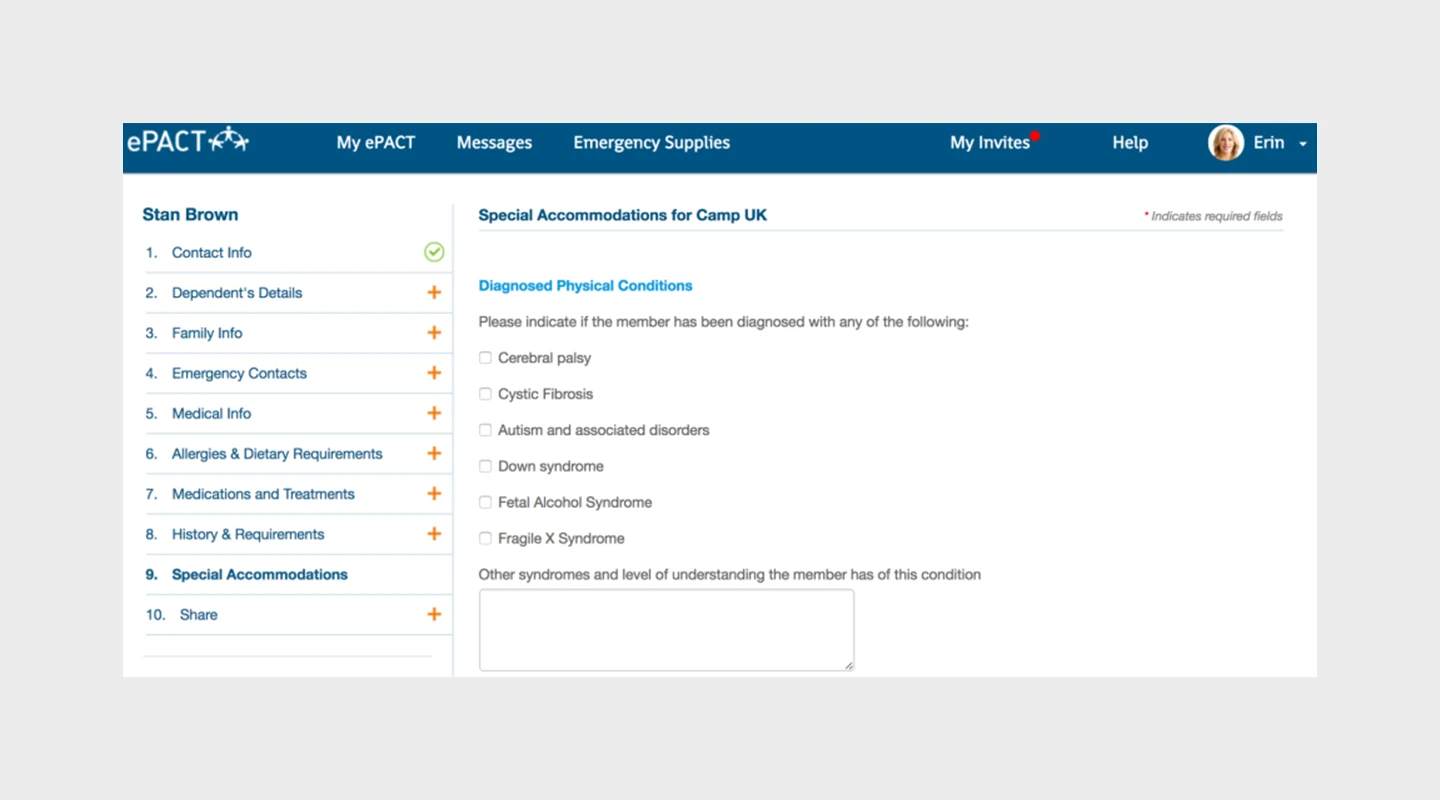
ePACT is an online emergency network that allows organizations, families, and individuals to create a single emergency record and securely share it with their trusted network. The platform aims to improve preparedness, streamline communication, and ensure that all necessary information is available during an emergency.
#### Key features:
- Data collection management
- Waivers and constants
- Check in and out
- Daily health screening
#### Benefits:
- Provides an efficient way to share information with authorized individuals and organizations
#### Limitations:
- Some users have reported occasional difficulties with the user interface
#### G2 Rating:
- N/A
#### Price:
- Free trial
- $3 per user per month
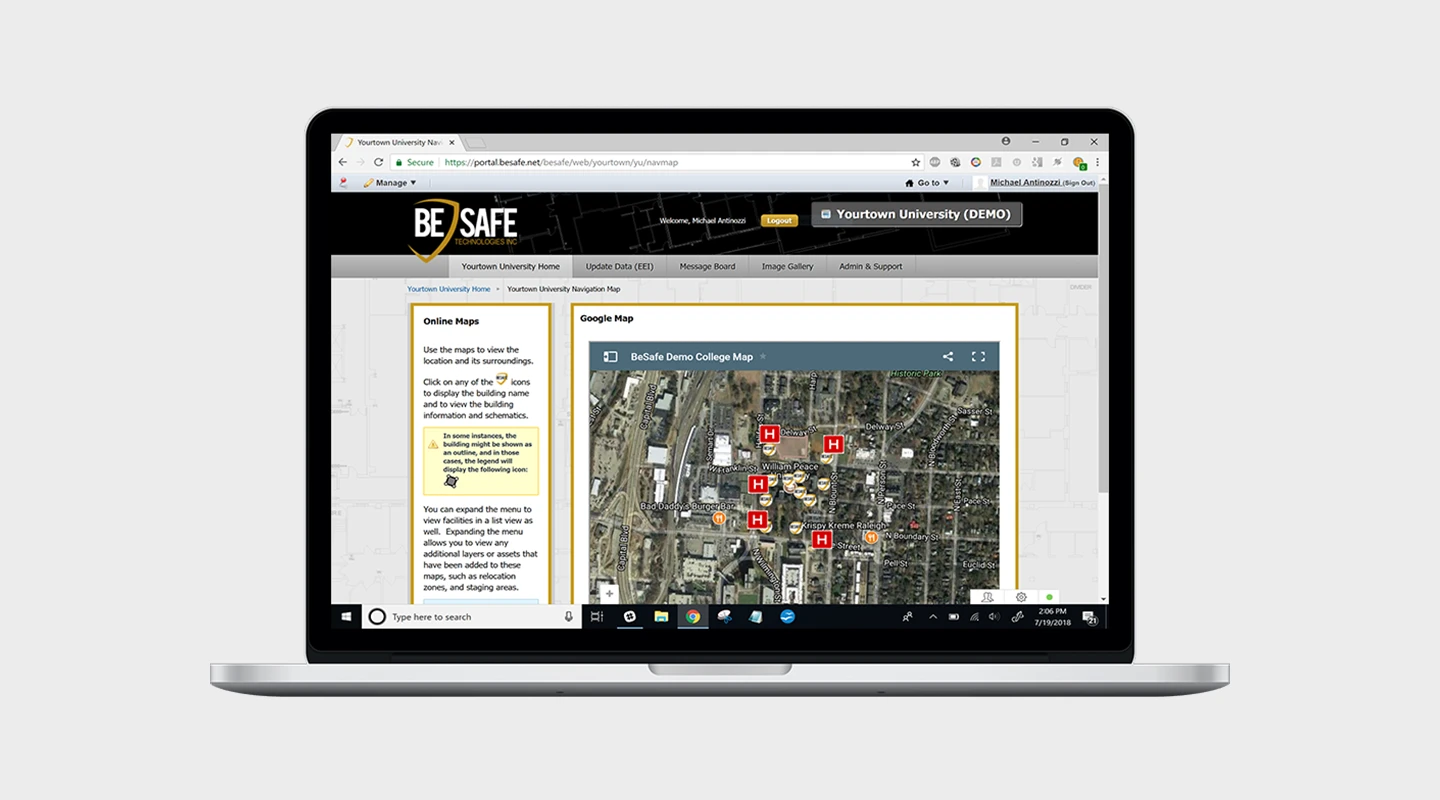
BeSafe facilitates the sharing of crucial tactical information between school administrators, facilities management and emergency first responders in real time, providing our emergency services with the information they need to act rapidly.
#### Key features:
- Floorplans
- Key contact data
- Building features
#### Benefits:
- The secure cloud technology delivers accurate and detailed information
#### Limitation:
- The interface is not very intuitive and sometimes the loading of files for emergency personnel becomes slow and tedious
#### G2 Rating:
- N/A
#### Price:
- Starts at $20
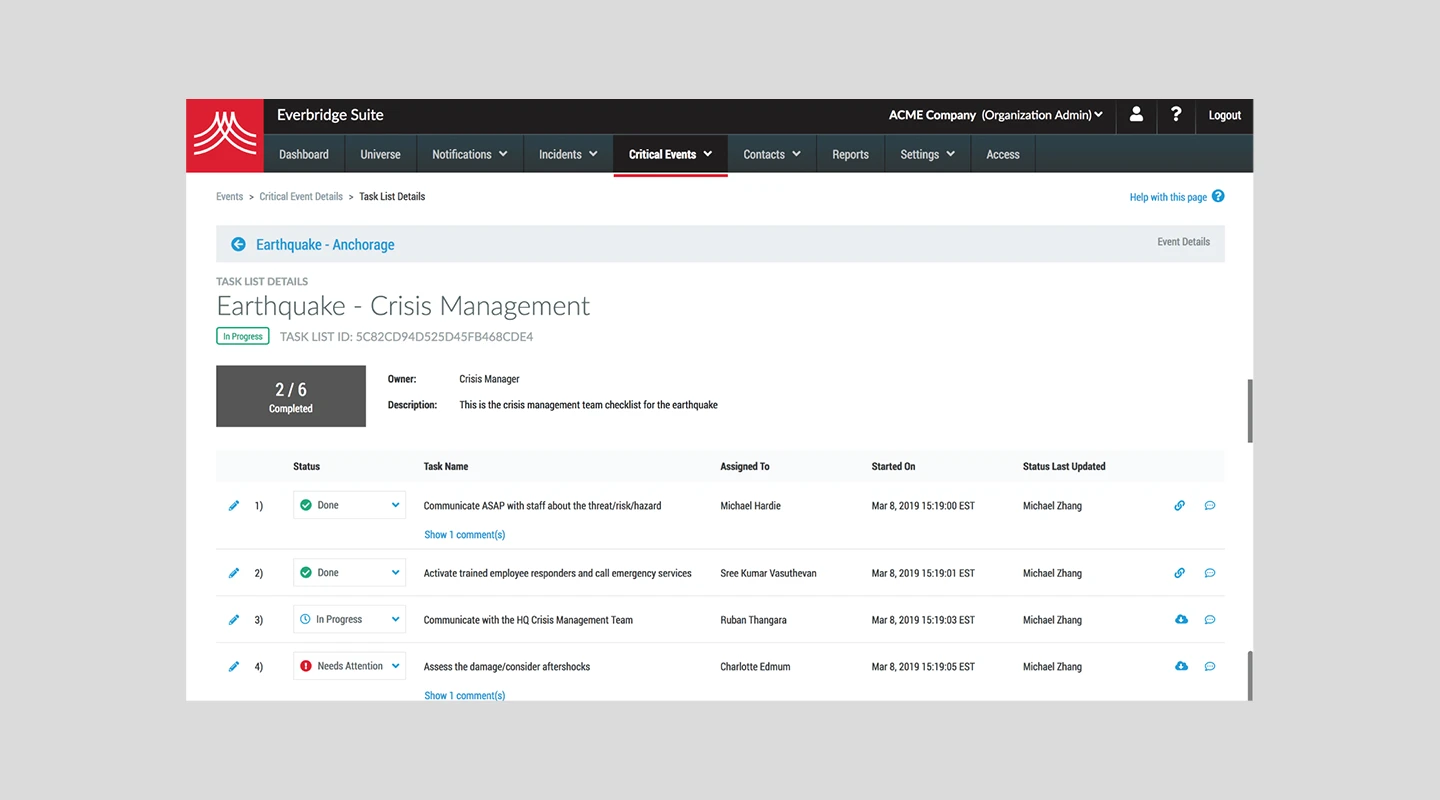
Everbridge is an emergency communication software designed to help organizations manage critical events and ensure the safety of their people and assets.
#### Key features:
- Crisis management
- Incident tracking
- Risk intelligence
- Mass notification
#### Benefit:
- Scalable, offers integration with other systems, and reduces response time during critical events
#### Limitation:
- Limited customization options and can take time to understand how to use the platform
#### G2 Rating:
- 4.4/5
#### Price:
- Starts at $32.0 per user per month
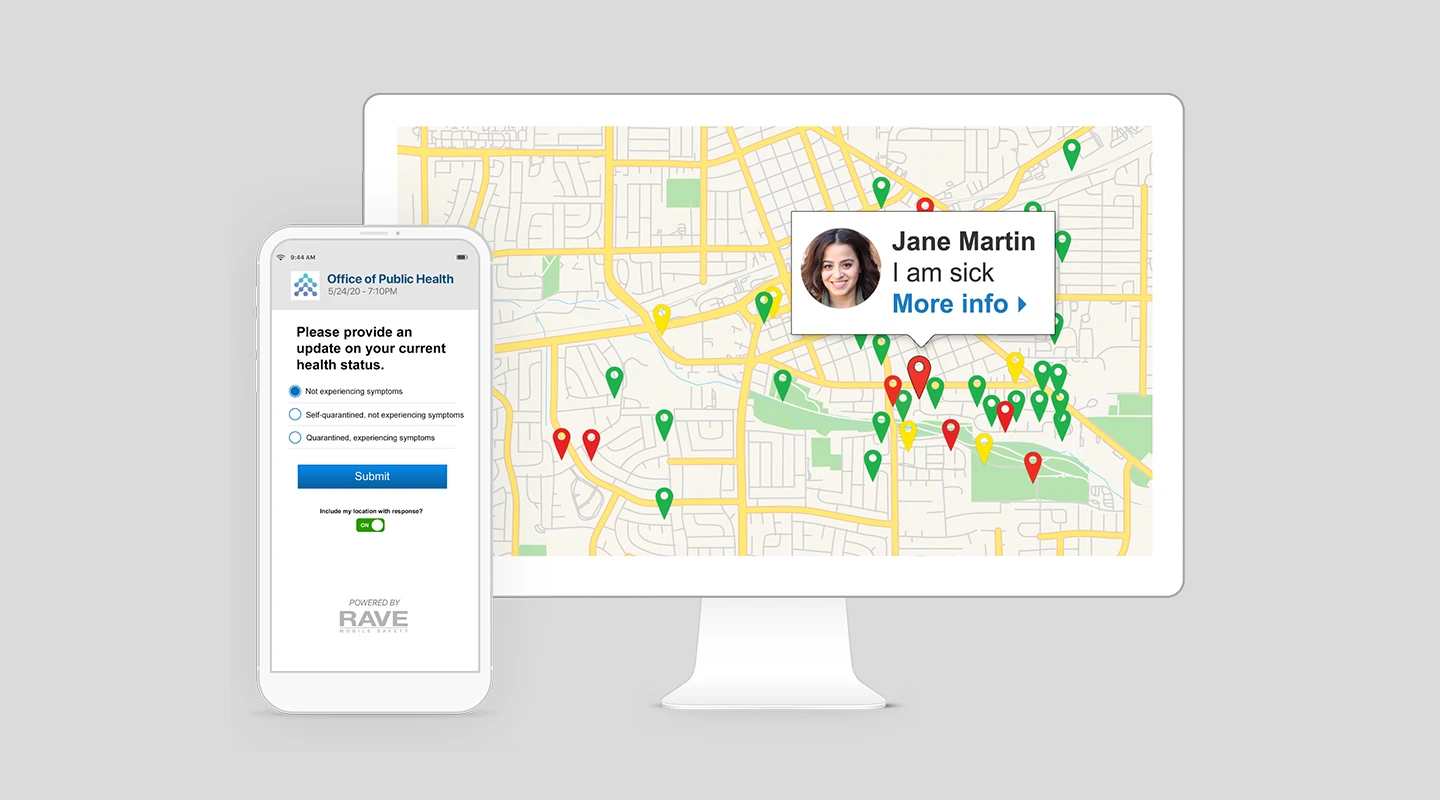
Quickly share critical information with, and easily collect important information from your employees. Enable stakeholders to communicate, collaborate and respond to emergency and nonemergency events across all channels, no matter their location.Rave's critical communication and collaboration platform is purpose-built for organizations to maximize employee safety, manage critical incidents and increase operational resiliency.
#### Key features:
- Critical communications
- Incident collaboration
- Safety & protection
#### Benefits:
- They have a variety of use cases such as schools, universities, hospitals, federal, state and local agencies
#### Limitation:
- The interface isn't as user friendly as other solutions
#### G2 Rating:
- 4.5/5
#### Price:
- Raves does not offer a free trial and contact them for their pricing information
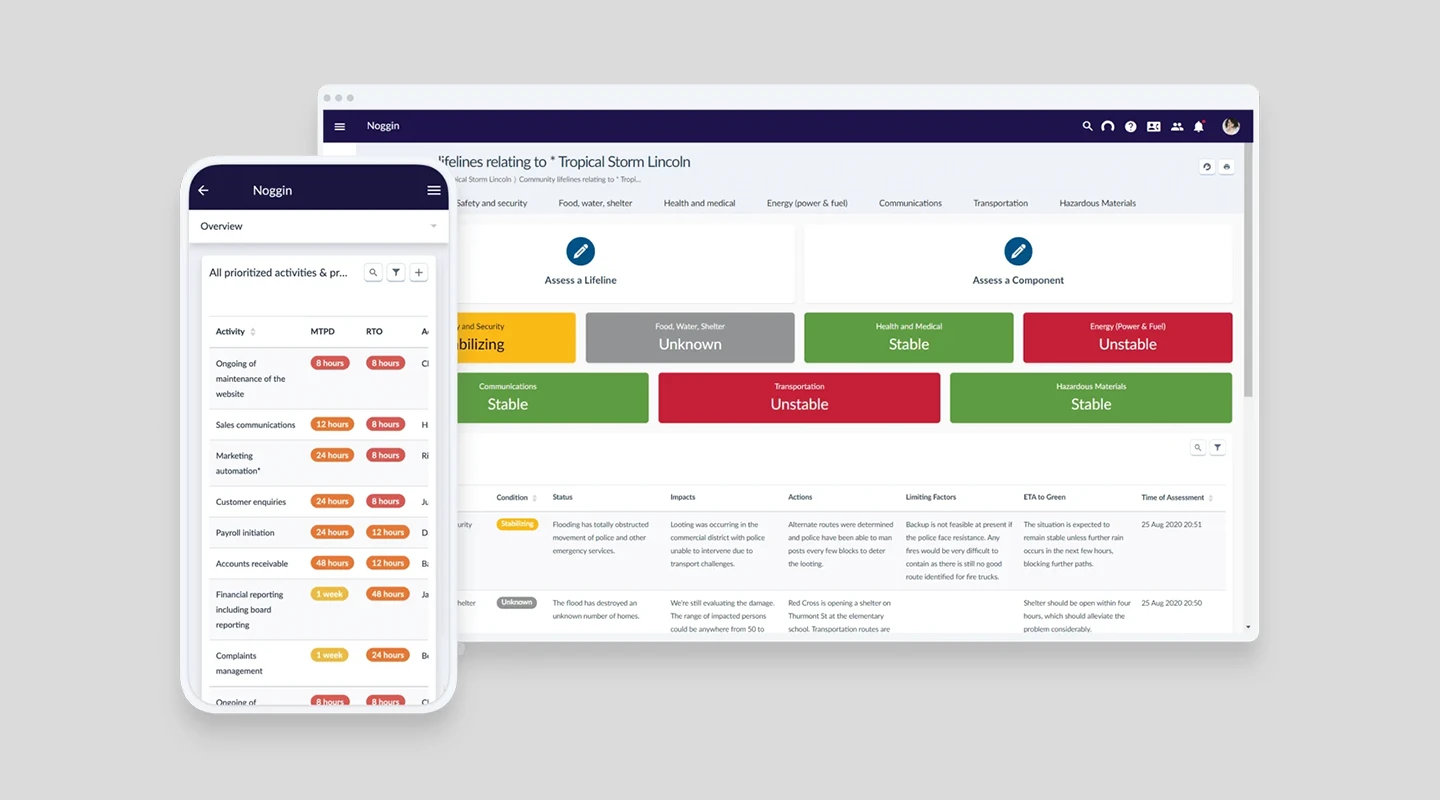
One software platform to manage any community or business Disruption. They offer a wide range of emergency management tools for organizations of all sizes.
#### Key features:
- Incident management
- Risk management
- Communication tools
- Data analytics
#### Benefits:
- Streamlines emergency management processes, supports collaboration, and provides robust data analysis
#### Limitation:
- For smaller organizations Noggins is quite expensive and there are alternatives that offer the same features at less cost
#### G2 Rating:
- N/A
#### Price:
- Starting at $14,390 per year
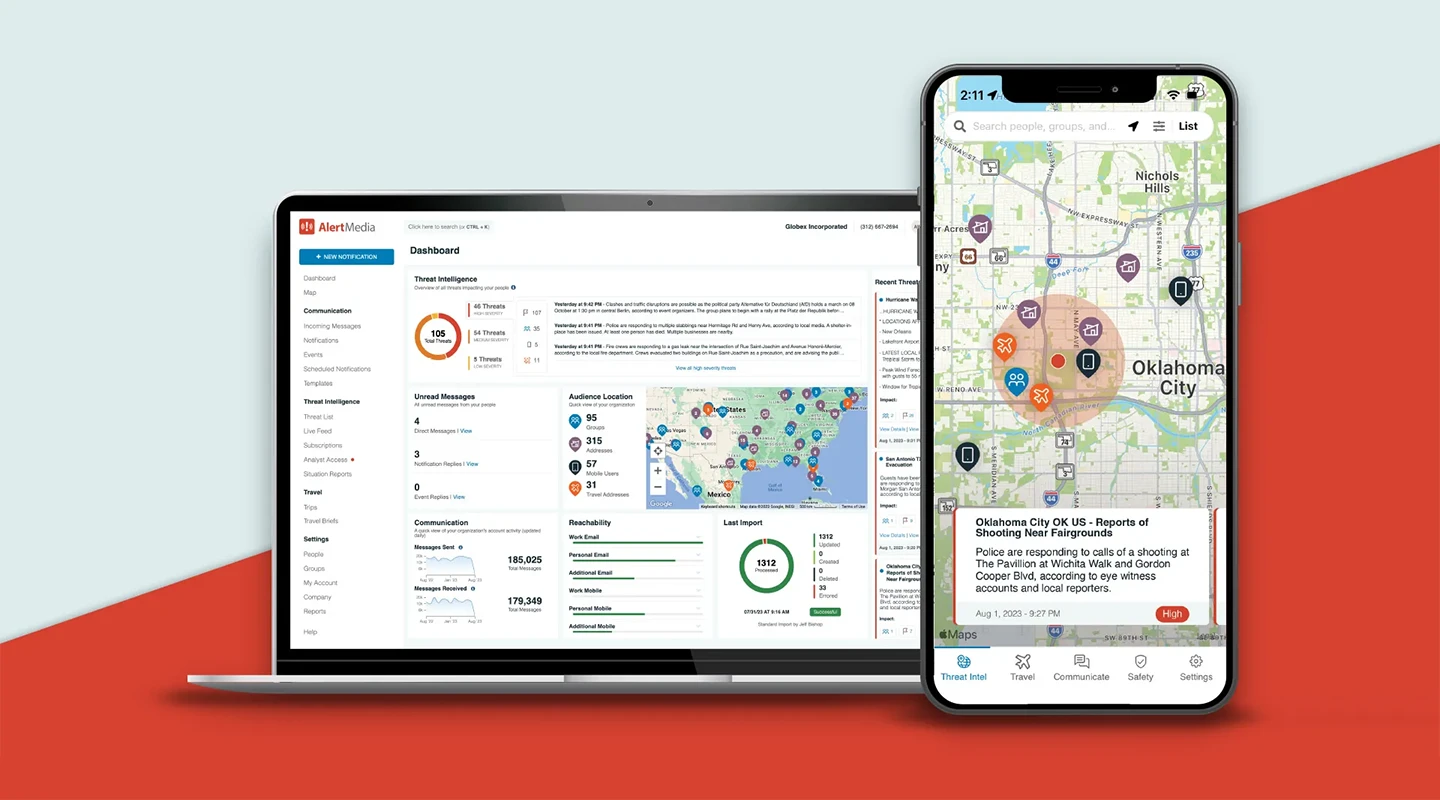
AlertMedia is a two-way multichannel messaging system, fully integrated threat intelligence, and employee safety monitoring capabilities that helps organizations protect their business and people through all phases of an emergency.
#### Key features:
- Reports
- Chat
- Risk management
- Incident reports
- Document management
#### Benefits:
- It has an easy to use interface and it is easy to implement. The support offered is also good according to reviews
#### Limitation:
- The platform has some limitations around freezing and users receiving error messages
#### G2 Rating:
- 4.7/5
#### Price:
- AlertMedia offers custom pricing based on your audience size, number of locations, and other variables specific to your organization – speak with AlertMedia to get a quote
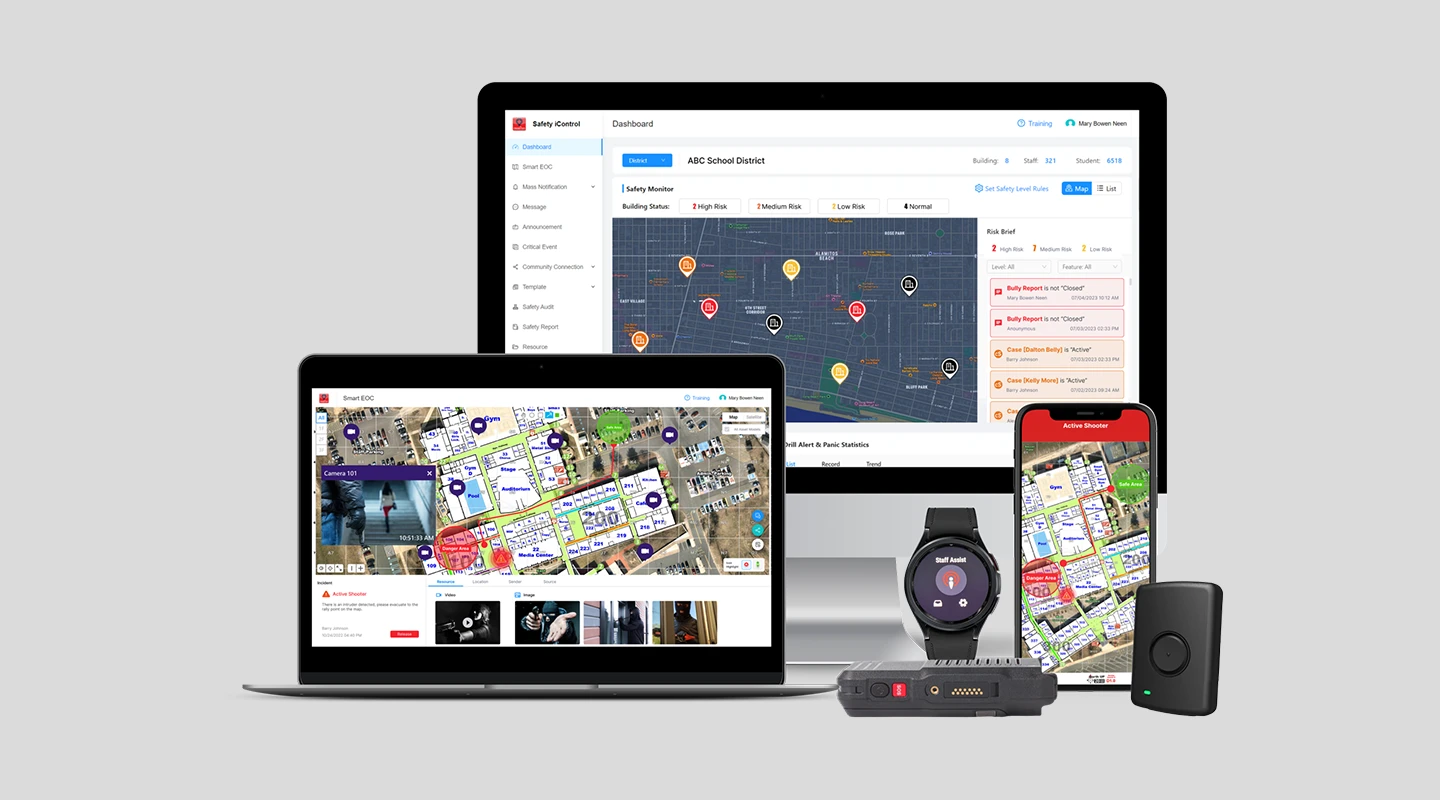
CrisisGo is a safety communication and incident management platform that helps businesses prevent, prepare, and respond to security threats. Designed for organizations of all sizes, it is an emergency notification and communication solution that allows users to send alerts to all stakeholders.
#### Key features:
- Emergency communication
- Digital panic buttons
- Incident reporting
- Safety drill management
#### Benefits:
- Enhances communication, improves response time, and streamlines safety drills
#### Limitation:
- The app does not allow the administrator to do all the same functions that they can on a computer
#### G2 Rating:
- 4.7/5
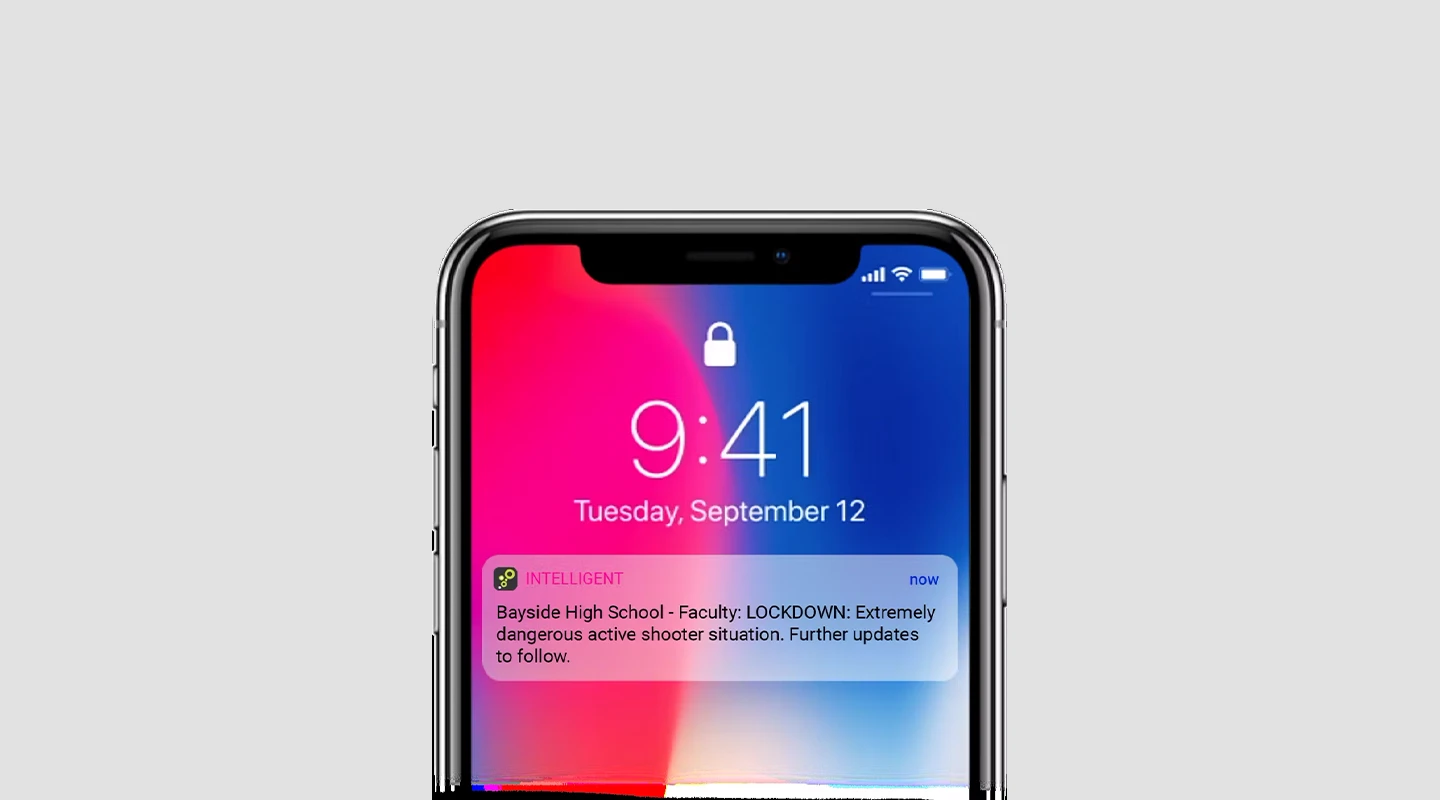
In-telligent is an emergency communication and personal safety platform designed to help organizations manage critical events and ensure the safety of their people.
#### Key features:
- Mass notification
- Location-based alerts
- Two-way communication
- Emergency help request
#### Benefits:
- Enhances communication, improves response time, and offers a user-friendly interface
#### Limitations:
- Reviews on Google Play stores suggests different users of the app have ran into some issues such as notifications not popping up when they need to
#### G2 Rating:
- N/A
#### Price:
- Contact In-telligent for pricing information
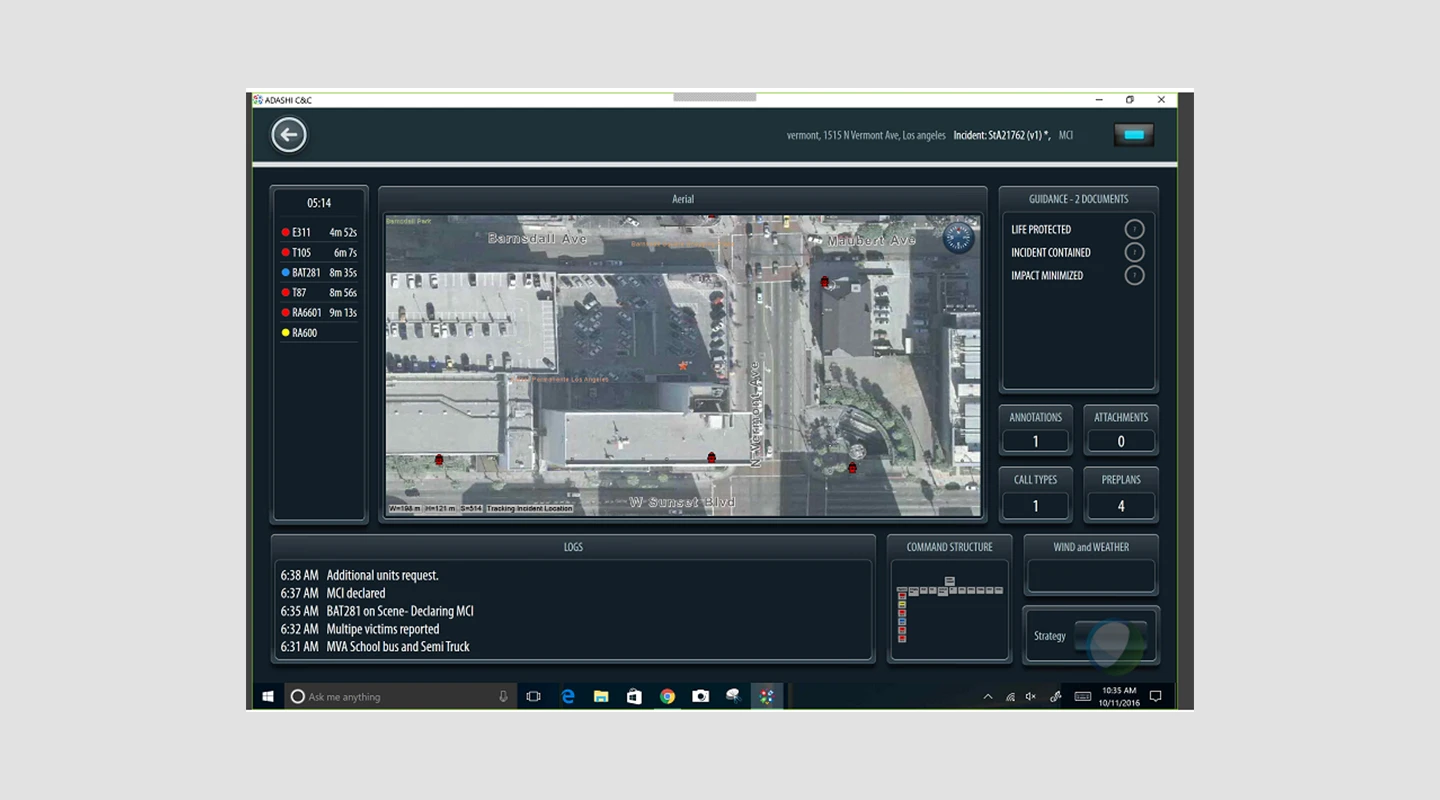
Adashi C&C empowers commanders to handle both everyday incidents and large-scale catastrophes effectively. Offering enhanced situational awareness, advanced interoperability, and thorough accountability tracking to police and fire commanders, this tool is utilized by public safety organizations worldwide.
#### Key features:
- Real-time collaboration
- Map-based management
- All-hazards database management
- CAD and RMS integrations
#### Benefits:
- Adashi C&C provides real-time information and visuals, enabling users to make informed decisions during emergencies and daily incidents
#### Limitations:
- Limited customization options
#### G2 Rating:
- N/A
#### Price:
- Contact Adashi C&C for pricing information
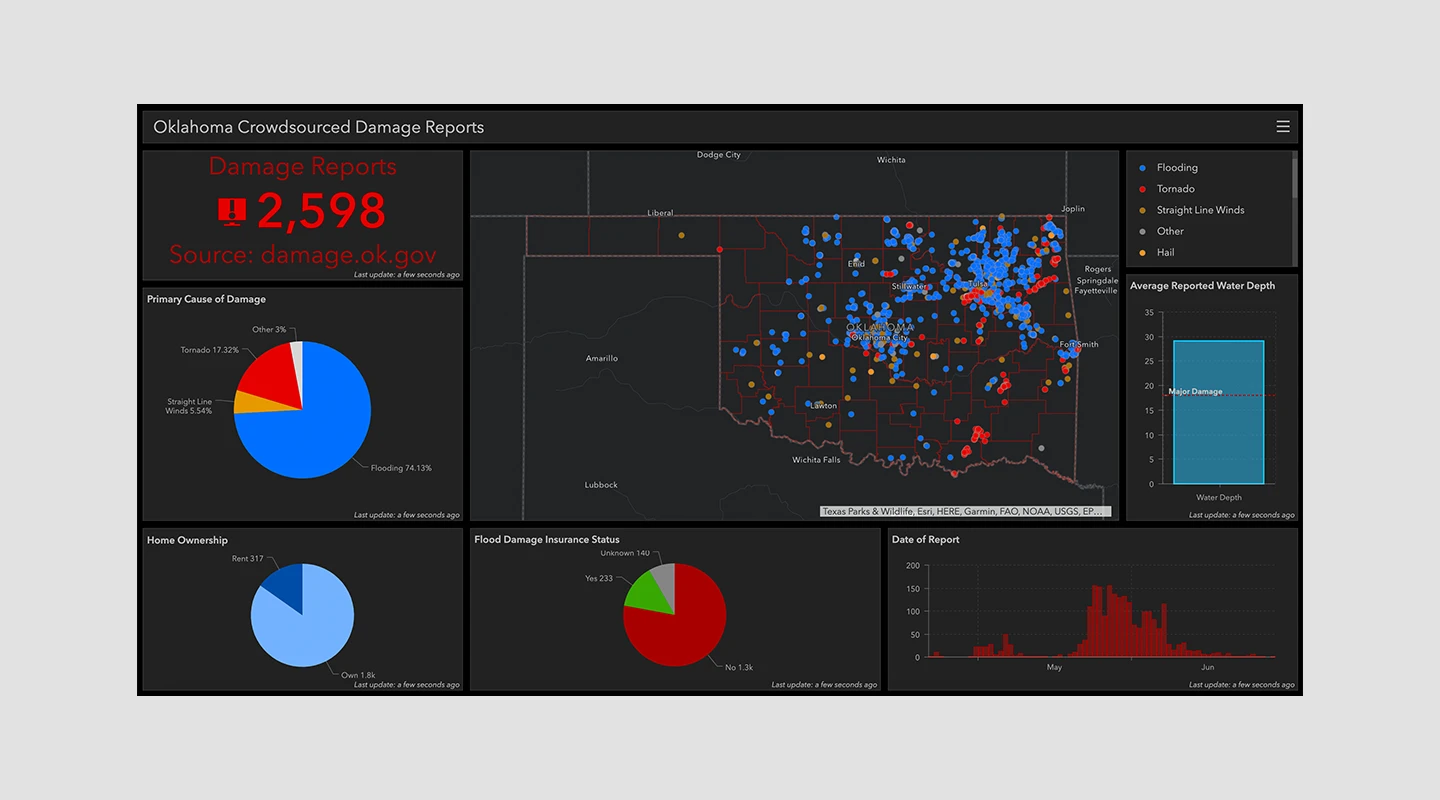
ArcGIS Emergency Management is, designed to help organizations in planning, responding to, and recovering from emergencies and disasters. It leverages geospatial data and GIS technology to provide actionable insights and improve decision-making during critical events.
#### Key features:
- GIS mapping and visualization
- Incident and resource management
- Real-time situational awareness
- Data collection and analysis
- Collaboration and information sharing
#### Benefits:
- ArcGIS Emergency Management promotes information sharing and coordination among different agencies and departments, streamlining response efforts
#### Limitation:
- ArcGIS Emergency Management is a complex tool, and users may require training and experience to utilize its full potential effectively
#### G2 Rating:
- 3 / 5
#### Price:
- $100 per year
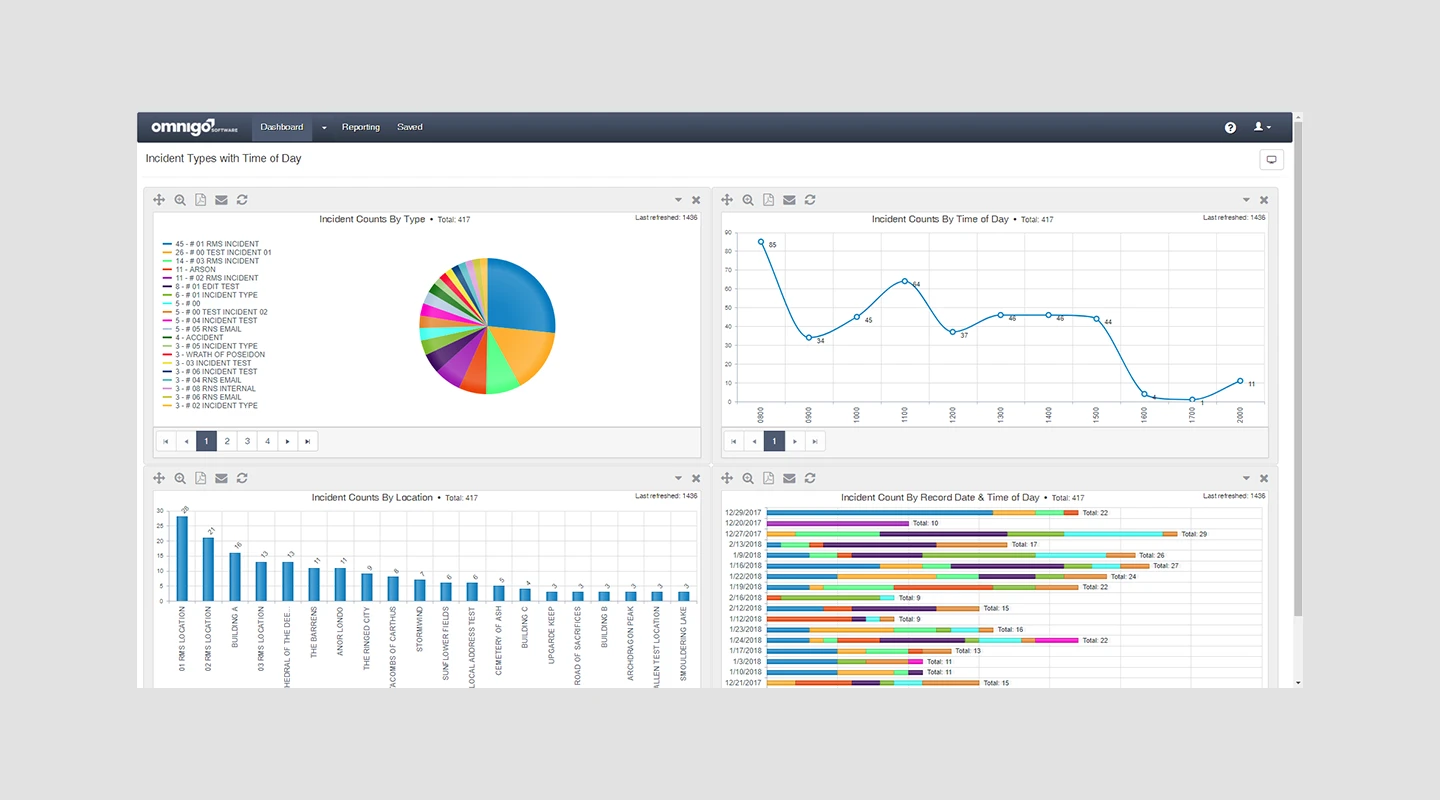
Omnigo is a security management and incident reporting software designed to detect safety concerns, trends, patterns, and hotspots throughout an organization. It streamlines the reporting process and produces a variety of statistics for institutions such as schools, corporations, hospitals, casinos, and government entities. With a wide array of adaptable modules, Omnigo caters to diverse environments for law enforcement and security experts.
#### Key features:
- Risk assesment
- Audit management
- Security management
- Reports
#### Benefits:
- The software is easy to use, so it's user friendly
#### Limitation:
- It has limited customization
#### G2 Rating:
- 4.2/5
#### Price:
- Free trial
- $115 per feature per month

SnapComms is a comprehensive employee communication and critical event management software designed for all types of workplaces. Its robust, visually appealing solutions ensure 100% message readership across mobile, desktop, and digital displays, regardless of employees' work locations. Globally, SnapComms is employed by various business sectors, including IT, communications, human resources, compliance, and security.
#### Key features:
- Auto update
- Notification schedulin
- Customizable branding
- Surveys and polls
#### Benefits:
- Messages can cut through whatever staff are doing on their PCs so they get immediate attention
#### Limitation:
- The platform is easy to use as an administrator on a desktop; however, the mobile interface could be improved from an admin user experience
#### G2 Rating:
- 4.7/5
#### Price:
- Free trial
- Contact SnapComms for more pricing information
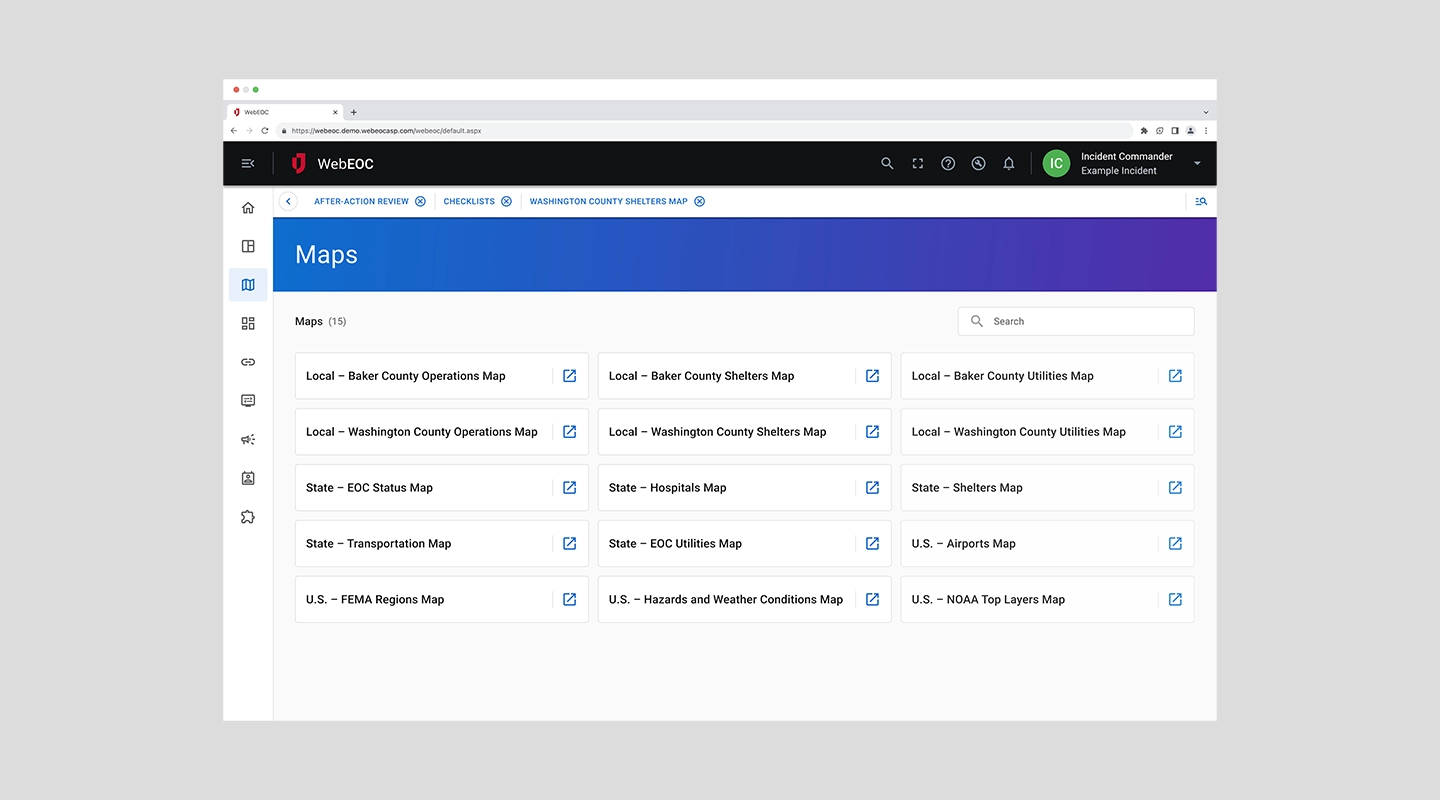
WebEOCx stands as a robust emergency management platform, specifically engineered to aid organizations in effectively managing disasters and crises. Its suite of tools and functionalities are designed to streamline the coordination and communication efforts during emergencies, making it an essential asset for government agencies, healthcare facilities, and corporations seeking to enhance their preparedness and response strategies.
#### Key features:
- Incident command system (ICS) support
- Real-time situational awareness through integrated maps and feeds
- Customizable emergency action plans and checklists
- Comprehensive resource management, including personnel, equipment, and facilities
#### Benefits:
- Facilitates adherence to ICS and NIMS protocols, ensuring a structured response
- Enhances decision-making with real-time data and analytics
- Streamlines communication across multiple agencies and departments
- Supports thorough preparation with customizable and scalable planning tools
#### Limitation:
- The complexity of the system may require a significant amount of training for users to become proficient.
#### G2 Rating:
- N/A
#### Price:
- Contact for pricing
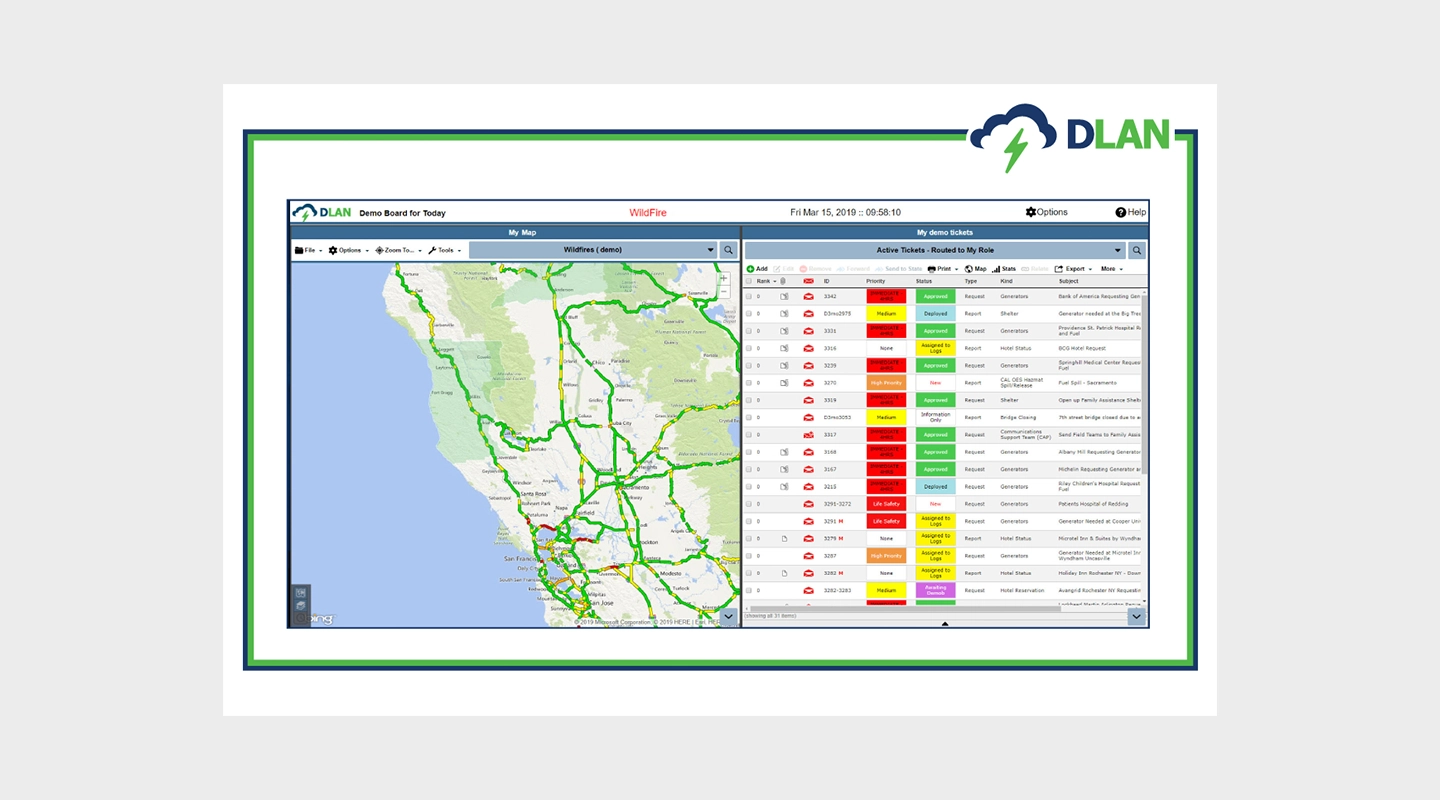
DisasterLAN (DLAN) is a web-based emergency management software designed for all phases of emergency management. It provides tools for reporting, tracking, and responding to incidents, making it easier for organizations to manage resources and communicate during disasters.
#### Key features:
- Incident command system (ICS) forms and templates
- Comprehensive situation reporting
- Mobile app for field reporting
- Customizable dashboards and maps
#### Benefits:
- Streamlines the incident management process
- Enhances situational awareness with real-time data
- Facilitates coordination between multiple agencies
- Improves resource allocation and management
#### Limitation:
- Requires comprehensive training for effective use
#### G2 Rating:
- 4.6/5
#### Price:
- $79 per month, offers a free trial
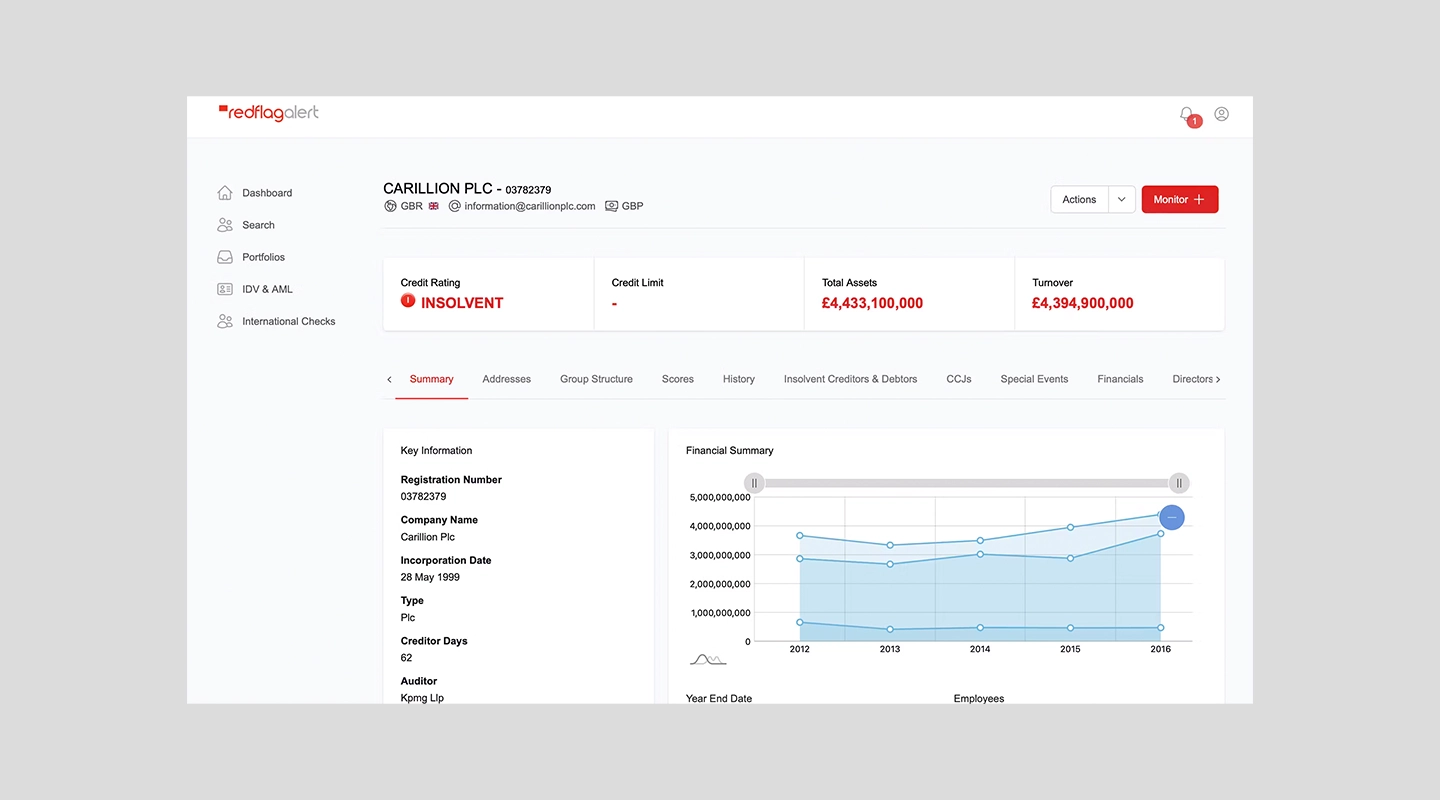
RedFlag is a simple, effective communication platform that allows businesses to send emergency alerts and messages to employees and customers across multiple channels. It's designed to reach people quickly during critical situations, ensuring everyone stays informed and safe.
#### Key features:
- Multi-channel messaging (SMS, email, voice, social media)
- Message scheduling and automation
- Contact list segmentation
- Detailed reporting and analytics
#### Benefits:
- Ensures timely and effective communication
- Reaches individuals on their preferred devices
- Allows for targeted messaging to specific groups
- Provides insights into message deliverability and engagement
#### Limitation:
- More focused on communication than on comprehensive emergency management
#### G2 Rating:
- 5/5
#### Price:
- Starts at $249 per month, offers a free trial
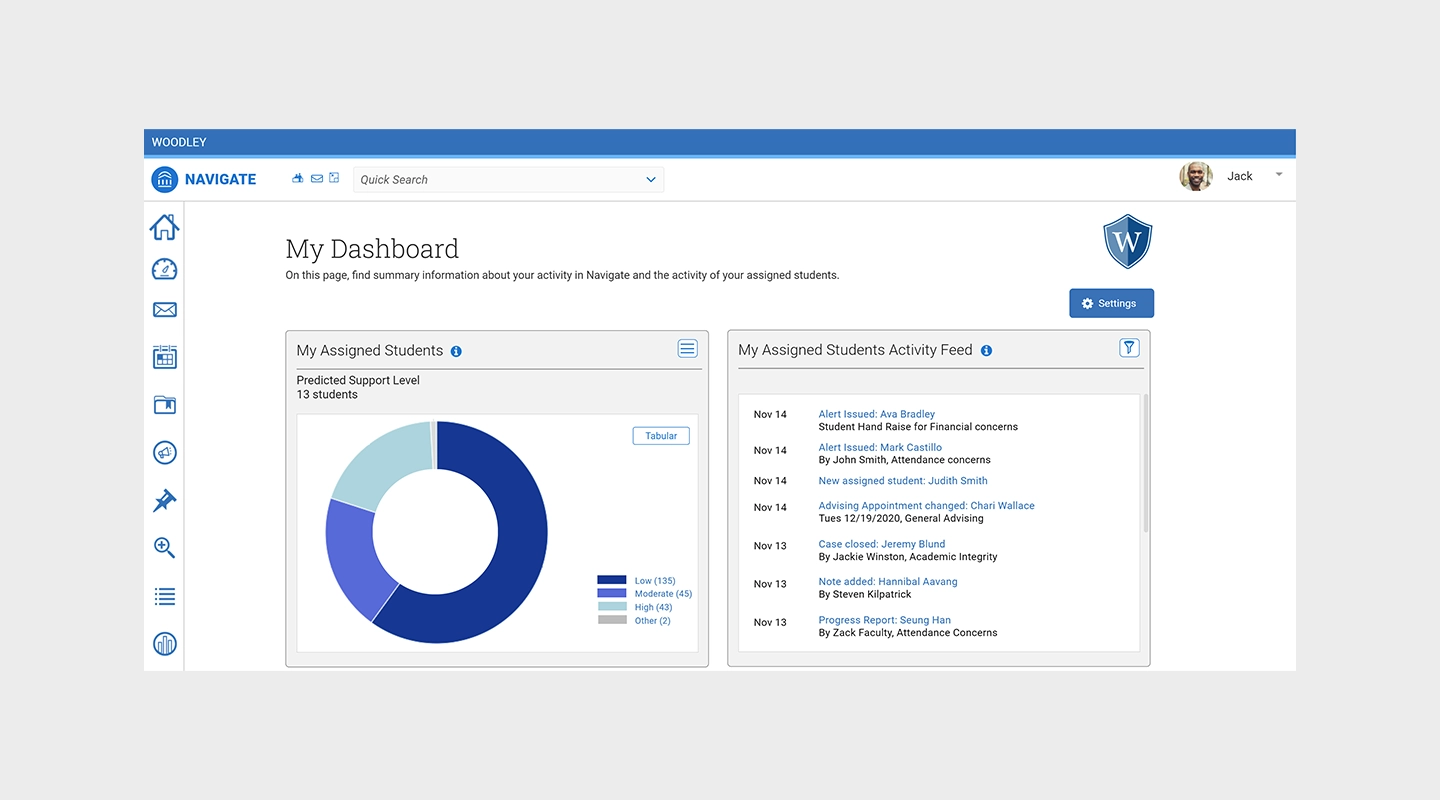
Navigate360 offers a holistic suite of safety and emergency management solutions tailored to meet the unique needs of schools and educational institutions. By integrating prevention, preparedness, response, and recovery strategies, Navigate360 aims to create safer learning environments for students, staff, and administrators.
#### Key features:
- Behavioral threat assessment and management
- Emergency operations plan development and implementation
- Digital panic buttons for immediate crisis alerts
- Training and certification programs for staff and students
#### Benefits:
- Enhances the overall safety culture within educational settings
- Provides comprehensive tools for identifying and managing potential threats
- Facilitates swift communication and coordination in emergency situations
- Offers educational resources to promote awareness and preparedness among students and staff
#### Limitation:
- Primarily focused on the education sector, which may not be suitable for all organizations' needs
#### G2 Rating:
- 4.6/5
#### Price:
- Contact for pricing
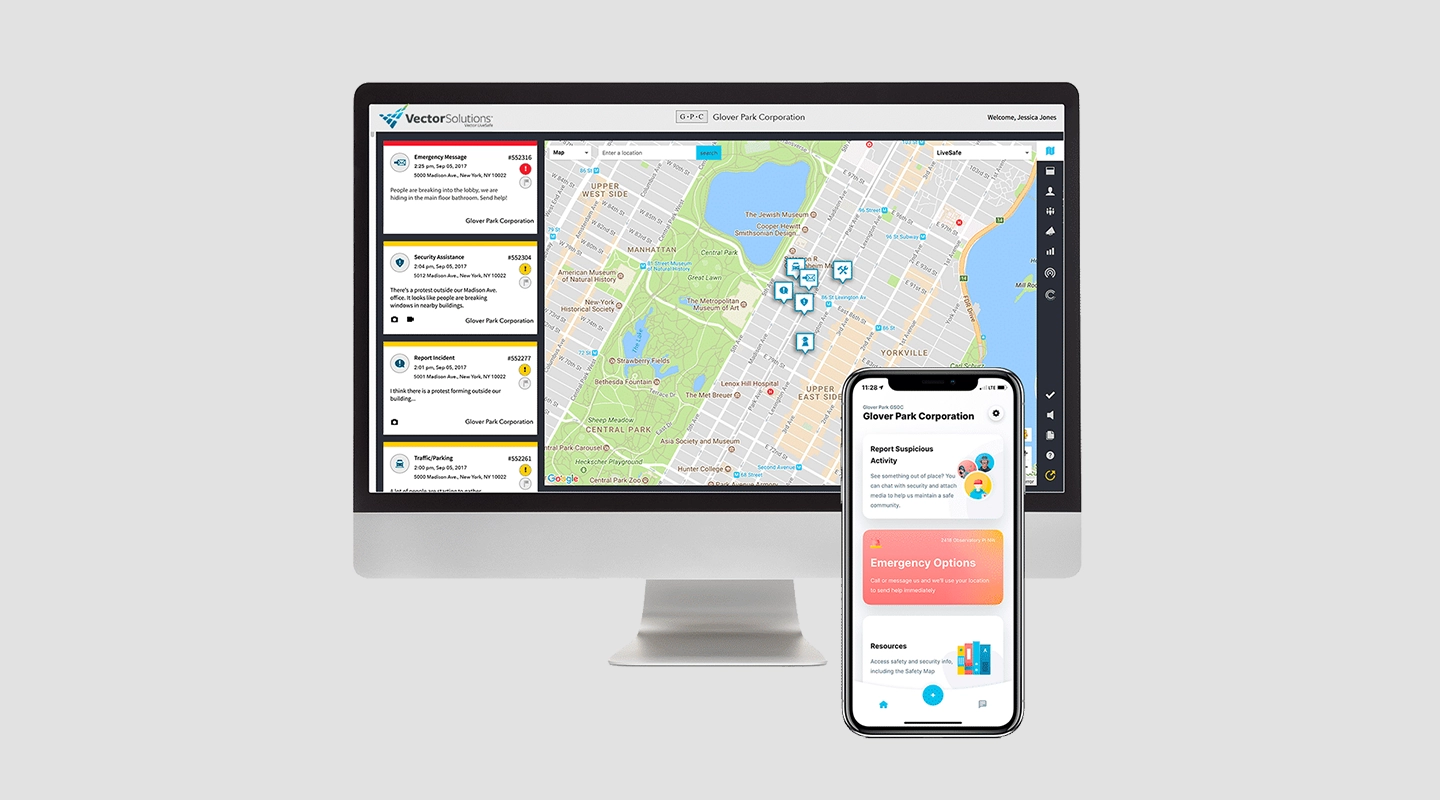
Vector LiveSafe provides a comprehensive safety and emergency management platform designed to connect individuals and organizations with the tools they need to prevent, prepare for, and respond to all types of incidents. By fostering a proactive safety culture, Vector LiveSafe enables businesses, educational institutions, and other organizations to communicate more effectively during critical situations.
#### Key features:
- Real-time tip reporting for safety and security concerns
- Mass notification system for emergency alerts
- Wellness checks and health assessments
- Geofencing for location-based notifications
#### Benefits:
- Empowers individuals to report safety concerns anonymously
- Ensures timely and widespread distribution of critical information
- Supports health and safety compliance efforts
- Enhances situational awareness through location-based services
#### Limitation:
- User adoption is critical; effectiveness depends on active participation from the community
#### G2 Rating:
- N/A
#### Price:
- Contact for pricing
Deciding on the right emergency management software (EMS) is crucial for keeping your organization [safe and prepared](https://fliplet.com/security/). We understand that every organization has unique needs, and what works for one might not be the best fit for another.
To help you make an informed decision, we've put together a straightforward comparison table of top emergency management software options. This table highlights the key features, advantages, disadvantages, and pricing of each option, making it easier for you to weigh your options.
High customizability, great for large organizations
May be too complex for smaller needs
Contact for pricing
ePACT
Family and individual emergency plans, mass notifications
Excellent for community and school use, user-friendly
Limited features for large corporations
Contact for pricing
Remember, the best EMS for your organization is one that aligns with your specific needs, scales with your growth, and fits your budget. Consider starting with a trial or demo where available to get a real feel for the software before making a commitment.
## The importance of Emergency Management Software & Crisis Management Tools
Now we have taken you through 20 top Emergency Management Softwares to help you in times of crisis, it's now time to understand why emergency management softwares are important. We will also highlight the key features an emergency management software must have to help you make the right decision.
## Benefits of Using Emergency & crisis management software
- **Streamlined emergency planning:** Emergency management software simplifies the planning process by providing a centralized platform for creating, updating, and maintaining emergency plans, ensuring that all relevant information is easily accessible and up-to-date.
- **Enhanced situational awareness:** Many emergency management software solutions offer real-time monitoring and incident tracking capabilities, providing organizations with improved situational awareness and helping them make informed decisions during emergencies.
- **Improved communication and collaboration:** Emergency management software facilitates communication and collaboration among emergency responders, stakeholders, and affected individuals, helping to ensure a coordinated and effective response.
- **Efficient resource management:** By tracking and managing resources such as personnel, equipment, and supplies, emergency management software helps organizations optimize their use of resources during emergencies and minimize potential disruptions to operations.
- **Reduced response times:** Emergency management software can help organizations respond more quickly to emergencies by automating certain processes, such as alerting emergency responders and activating emergency plans.
- **Continuous improvement:** Many emergency management software solutions include features for analyzing and evaluating an organization's response to emergencies, enabling them to identify areas for improvement and make necessary adjustments to their emergency management strategy.
Watch the demo on Fliplet's Emergency Management Solution.
## Key Features to Look for in emergency response software
When selecting an emergency management software solution, organizations should consider the following key features:
### Customizability
Operational resilience is key to navigating through disruptions without losing stride. Your emergency management software should offer risk assessment tools, efficient resource allocation, and robust incident management capabilities. It should also include resilience [training modules](https://fliplet.com/blog/employee-training-apps/) to prep your team for any situation.
### Scalability
The solution should be able to grow and adapt as the organization's needs change over time, ensuring that it remains effective and relevant.
### Integration capabilities
The software should be capable of integrating with other systems and tools used by the organization, such as communication platforms, GIS systems, and resource management tools.
### User-friendly interface
The software should be easy to use and navigate, enabling users to access and manage critical information quickly and efficiently during emergencies.
### Robust security
The solution should offer robust security measures to protect sensitive information and ensure the integrity of the organization's emergency management data. For example the solution should be ISO 27001 certified and comply with GDPR as it will be handling sensitive data. Check out [Fliplet's security](https://fliplet.com/security/) for more information.
### Training and support
The software provider should offer comprehensive training and support resources to help organizations get the most out of their emergency management software investment.
### Emergency checklists
The software should provide pre-built checklists and customizable templates to guide users through the necessary steps and actions during emergencies, ensuring a systematic and organized response.
### Notifications and alerts
The solution should offer a reliable notification system that sends emergency alerts and updates to relevant parties through various channels, such as email, SMS, and push notifications.
### Collaboration tools
Emergency management software should include features that facilitate teamwork and information sharing among emergency responders, such as chat rooms, discussion boards, and file-sharing capabilities.
### Inspection reminders and drills
Emergency management software should include features for scheduling and tracking inspections, along with reminders to ensure regular equipment checks and maintenance. Additionally, the software should facilitate the planning and execution of emergency drills, allowing organizations to test their preparedness, identify areas for improvement, and ensure that all personnel are familiar with emergency procedures.
### Role management
An effective emergency management software should incorporate a role management system, enabling administrators to assign specific roles and responsibilities to users based on their expertise and position within the organization. This ensures that each team member has the appropriate level of access and authority to carry out their duties during an emergency, streamlining the response process and reducing the potential for confusion.
### Risk management & impact assessment
Emergency management software should include features that allow organizations to identify, assess, and prioritize risks, as well as evaluate potential impacts. By incorporating risk management tools and impact assessment capabilities, organizations can better prepare for emergencies and develop comprehensive response plans that address the most critical threats.
### Benchmark Dashboard
A benchmark dashboard is an essential feature of emergency management software, allowing organizations to track and monitor key performance indicators (KPIs) related to their emergency preparedness and response efforts. By visualizing trends and comparing performance against established benchmarks, organizations can identify areas for improvement, allocate resources more effectively, and ensure they are meeting their emergency management objectives.
### Incident Action Plan
The software should offer a comprehensive Incident Action Plan (IAP) feature, enabling users to create, manage, and track detailed response plans for various types of emergencies. This includes the ability to outline specific goals, objectives, strategies, and tactics, as well as assign tasks and resources to relevant personnel. The IAP should be easily accessible and modifiable, allowing for seamless collaboration and communication among team members.
### Organizational Emergency Response Stats
To respond effectively to an emergency, you need [a complete understanding of the situation as it unfolds](https://fliplet.com/blog/internal-communication-apps/). Look for software that enhances situational awareness through features like dynamic mapping, incident tracking, and integration with external data sources. This will help you grasp the full scope of the crisis and tailor your response accordingly.
Creating an emergency management mobile app can streamline your organization's response to crises, making information dissemination and coordination more efficient. Fliplet, with its user-friendly no-code platform, simplifies the process, allowing anyone to build a functional and effective emergency management app. Here's how to get started:
1. **Start with a plan:** Before diving into the app creation process, outline what you need your emergency management app to accomplish. Identify key functionalities like real-time alerts, emergency checklists, resource directories, and communication channels. Understanding your requirements will guide the app development process.
2. **Choose a template or start from scratch:** Fliplet offers a variety of pre-designed templates that can serve as a starting point for your app. If your needs are unique, you can also start with a blank slate. Either way, Fliplet's intuitive interface makes it easy to customize your app.
3. **Customize your app:** Utilize Fliplet's drag-and-drop editor to add features important for emergency management. You can include modules for real-time notifications, emergency contacts, maps with evacuation routes, and documents containing procedures and protocols. Customization is straightforward, allowing you to tailor the app to your organization's specific needs.
4. **Incorporate real-time data:** For an emergency management app, up-to-date information is crucial. Fliplet allows integration with various data sources to provide real-time updates. This feature is vital for situational awareness, enabling users to access the latest news, weather alerts, and emergency instructions.
5. **Test your app:** Before deployment, thoroughly test your app within your team or a focus group. Ensure all features work as intended and the user interface is intuitive. Collect feedback and make necessary adjustments. Fliplet offers tools for testing and feedback collection to streamline this process.
6. **Deploy and promote your app:** Once your app is polished and ready, use Fliplet to publish it on app stores or distribute it directly to your users. Promote the app within your organization to ensure employees are aware of it and understand its use. Regular training and drills can help familiarize everyone with the app's features.
7. **Update and maintain:** The needs of your organization and the nature of emergencies will evolve. Regularly update your app with new information, features, and improvements based on user feedback. Fliplet makes it easy to push updates to your app, ensuring it remains an effective tool for emergency management.
By following these steps and leveraging Fliplet's versatile platform, you can create a powerful emergency management mobile app that enhances your organization's preparedness and response capabilities.
Emergency management software is an important tool for organizations to effectively manage potential emergencies and minimize their impact. By considering the benefits and key features of emergency management software, organizations can select a solution that best meets their needs and enhances their overall emergency preparedness and response capabilities. We recommend going with a no-code/low-code platform such as Fliplet as it saves you time, money, and you have all these key features listed above. At the same time you can add any features that you need yourself.
Check out the [best no-code/low-code platforms.](https://fliplet.com/blog/the-best-no-code-low-code-development-platforms/?p=23014513&preview=true)
Take a look at [the top 16 features of a successful app](https://fliplet.com/blog/16-successful-mobile-app-features/?p=23014513&preview=true).
## Overcoming the Challenges of Implementing emergency management solutions
Implementing emergency management software can be a game-changer for organizations, streamlining processes and enhancing preparedness during critical situations. However, businesses often face challenges when incorporating such solutions into their existing systems.
In this section, we will discuss common challenges organizations encounter, strategies to overcome them, and the importance of considering stakeholders' and end-users' needs during the implementation process.
### Common Challenges Businesses Face
#### Integration with existing systems
Organizations often struggle to incorporate new software into their current systems and tools, leading to compatibility issues and operational inefficiencies.
#### Training and onboarding
Users may require training and support to become proficient in utilizing the software effectively, which can be time-consuming and resource-intensive.
#### Customization limitations
Some emergency management software may have limited customization options, making it difficult for organizations to tailor the solution to their specific needs.
#### Budget constraints
The costs associated with implementing and maintaining emergency management software can be a concern for smaller organizations with limited budgets.
#### Resistance to change
Employees may be resistant to adopting new technology and changing their current processes, leading to a lack of buy-in and reduced effectiveness of the software.
### Strategies for Overcoming Challenges
**1\. Conduct thorough research:** Investigate the compatibility of the emergency management software with your existing systems and tools. Identify potential integration issues early on and work with the software vendor to develop a seamless integration plan.
**2\. Develop a comprehensive training program:** Allocate resources for user training and onboarding to ensure employees understand the software's functionalities and can use it effectively.
**3\. Involve stakeholders in the decision-making process:** Engage stakeholders and end-users in the selection and customization of the software to ensure it meets the organization's unique needs and requirements.
**4\. Evaluate the return on investment (ROI):** Assess the potential ROI of implementing the emergency management software, considering factors such as improved efficiency, reduced response times, and increased safety. This will help justify the costs associated with the software.
**5\. Promote a culture of change:** Encourage employees to embrace new technology and processes by communicating the benefits of the emergency management software and addressing concerns they may have.
### Using a pre-built solution
One effective strategy for overcoming these challenges is to consider prebuilt emergency management software solutions. These solutions are designed to be customizable and easily integrated into existing systems, with minimal training required.
### Prebuilt solutions offer several benefits to organizations, including
**1\. Rapid Deployment:** Prebuilt emergency management software solutions can be deployed quickly, allowing organizations to begin using the software immediately.
**2\. Customization:** Prebuilt solutions can be customized to meet an organization's specific needs and requirements, providing the flexibility to adapt to changing circumstances.
**3\. Scalability:** Prebuilt solutions are designed to be scalable, allowing organizations to expand their use of the software as needed.
**4\. Cost-effectiveness:** Prebuilt solutions are often more cost-effective than developing custom software, making them a more viable option for organizations with limited budgets.
**5\. Support and Maintenance:** Prebuilt solutions come with support and maintenance services, providing organizations with ongoing assistance to ensure the software operates smoothly.
Read this blog to understand [why you should be using a prebuilt solution](https://fliplet.com/blog/prebuilt-app-builder/).
### Importance of Considering Stakeholders and End-Users
Implementing emergency management software is not just about choosing the right solution; it's also about ensuring that the software meets the needs and expectations of stakeholders and end-users. By involving them in the decision-making process, organizations can identify potential challenges early on and develop strategies to address them. Furthermore, considering stakeholders' and end-users' needs during implementation can improve user satisfaction, encourage adoption, and ultimately increase the effectiveness of the software in managing emergencies.
## The Need for an Emergency Management Strategy
Now that we understand the different challenges faced and strategies to overcome the challenge, let's explore why an emergency management strategy is necessary and discuss the benefits of having such a strategy in place, emphasizing the importance of both pre-emergency preparation and post-emergency elements.
### Why an Emergency Management Strategy is Essential for your Organization
An emergency management strategy provides a comprehensive framework that guides an organization's response to various emergency situations, ensuring that all relevant aspects are considered and addressed. This strategy is crucial for several reasons:
**1\. Enhances preparedness:** A well-developed strategy helps organizations identify potential threats, assess their vulnerabilities, and develop appropriate prevention and mitigation measures.
**2\. Ensures a coordinated response:** An emergency management strategy outlines clear roles and responsibilities for key personnel, ensuring that everyone knows what to do in the event of an emergency.
**3\. Protects employees and assets:** By prioritizing the safety and well-being of employees, as well as safeguarding the organization's physical and digital assets, an emergency management strategy can help reduce the overall impact of emergencies.
**4\. Facilitates business continuity:** A comprehensive strategy includes measures to ensure the organization can maintain or quickly restore critical functions during and after emergencies, minimizing operational disruptions.
**5\. Complies with regulations:** Many jurisdictions have laws and regulations related to emergency preparedness, making it essential for businesses to develop and maintain an emergency management strategy to ensure compliance.
Want to know more? Check out this webinar on [32 Legal Emergency Management solutions and why your firm needs one.](https://info.fliplet.com/webinar-download-32-legal-emergency-management-solutions-and-why-your-firm-needs-one)
### In this webinar you will hear
- A recap of the analysis of 32 legal Emergency Management solutions in the report
- A case study from a top 100 law firm who has built an Emergency Management solution for their clients with Fliplet
- A 5-step plan of how to begin building your Emergency Management solution.
## Emergency Management Plan: The most Essential Part of your Emergency Management Strategy
Having an Emergency Management Software often isn't enough. Many companies usually think that buying emergency management software would solve all their emergency problems. The reality surprises them. Staff don't react fast to emergencies and their operations are disrupted or their reputation is damaged. This paragraph allows you to understand how to create an effective emergency management plan as curated by our experts.
### Why an Emergency Management Plan is Crucial for Businesses
**1\. Ensures employee safety**: A well-crafted emergency management plan prioritizes the safety and well-being of employees, providing clear guidelines on how to respond in various situations.
**2\. Minimizes downtime**: By being prepared for potential emergencies, businesses can quickly respond to incidents, mitigate damages, and minimize disruption to operations.
**3\. Protects reputation**: A swift and effective response to emergencies demonstrates a company's commitment to safety and professionalism, which can help maintain public trust and protect the organization's reputation.
**4\. Legal and regulatory compliance:** Businesses may be required to comply with various laws and regulations related to emergency preparedness, making it essential to have an emergency management plan in place. If you want to prepare for an emergency such as a dawn raid but don't know where to start, take a look at [5 steps to prepare for a Dawn Raid.](https://fliplet.com/blog/5-steps-to-prepare-for-a-dawn-raid/)
**5\. Financial stability**: A well-executed emergency management plan can help reduce the financial impact of emergencies by minimizing operational disruptions, property damage, and potential liability claims.
### Components of an Comprehensive Emergency Management Plan
#### Risk assessment
Identify potential hazards and vulnerabilities within the organization, and assess the likelihood and impact of various emergencies.
#### Prevention and mitigation strategies
Develop measures to reduce the likelihood of emergencies occurring or to minimize their impact when they do occur.
#### Emergency response procedures
Outline clear, step-by-step procedures for employees to follow during various emergencies, including evacuation plans, communication protocols, and first-aid procedures.
#### Roles and responsibilities
Clearly define the roles and responsibilities of key personnel during emergencies, such as the emergency response team, floor wardens, and first-aiders.
#### Communication plan
Establish a communication strategy for informing employees, stakeholders, and the public about emergencies and the organization's response.
#### Training and drills
Regularly conduct training sessions and drills to ensure employees are familiar with the emergency management plan and can respond effectively during real-life incidents.
#### Continuity and recovery plan
Develop a plan for maintaining or quickly restoring critical business functions during and after emergencies, ensuring the organization can continue to operate with minimal disruption.
#### Plan review and updates
Regularly review and update the emergency management plan to ensure it remains relevant and effective, taking into account lessons learned from previous incidents, changes in the organization, and evolving risks.
By developing and implementing a comprehensive emergency management plan, businesses can better protect their employees, assets, and reputation, and ensure they're prepared to respond effectively when the unexpected occurs.
## Communication During Emergencies and How Emergency Management Software Helps
Having all the correct components in place is a good way to help plan for any emergency; however, communication is also a critical aspect of emergency management, as it helps ensure the safety of employees, minimize confusion, and enable a coordinated response. In this section, we'll discuss the importance of effective communication during emergency situations and how emergency management software can facilitate communication in times of crisis.
### The Importance of Effective Communication in Emergency Situations
**1\. Enhances safety:** Clear and timely communication of relevant information helps employees understand the nature of the emergency and the appropriate actions to take, reducing the risk of injuries or further harm.
**2\. Reduces confusion:** Effective communication minimizes misunderstandings and misinterpretations, enabling everyone involved to be on the same page and work together to address the emergency.
**3\. Supports coordinated response:** By sharing information and updates across different teams and departments, effective communication ensures that everyone is aware of their roles and responsibilities, leading to a more coordinated response.
**4\. Maintains stakeholder trust:** Communicating transparently with stakeholders, such as customers, suppliers, and authorities, during an emergency demonstrates the organization's professionalism and commitment to managing the situation effectively.
**5\. Aids decision-making:** Accurate and up-to-date information is crucial for making informed decisions during emergencies, and effective communication is key to ensuring that this information reaches the right people at the right time.
### How Emergency Incident Management Software Can Facilitate Communication During Emergencies
Emergency management software can play a pivotal role in facilitating communication during emergencies by:
**1\. Streamlining information dissemination:** Emergency management software often includes features such as mass notification systems, which can quickly send alerts and updates to employees, stakeholders, and emergency responders through various channels, such as email, SMS, and push notifications.
**2\. Providing real-time updates:** Many emergency management software platforms offer real-time updates and incident tracking, ensuring that everyone involved has access to the most current and accurate information.
**3\. Facilitating collaboration:** Some emergency management software solutions include tools for team collaboration, such as chat rooms, discussion boards, and file-sharing capabilities, allowing teams to communicate and collaborate effectively during emergencies.
**4\. Centralizing communication:** Emergency management software can serve as a central hub for all emergency-related communication, making it easier for teams to access and manage relevant information and updates.
**5\. Integrating with external systems:** Many emergency management software solutions can integrate with external communication systems, such as social media platforms and public alert systems, to ensure a broader reach and more effective communication during emergencies.
Effective communication during emergencies is crucial for ensuring the safety of employees, maintaining a coordinated response, and protecting the organization's reputation. By leveraging emergency management software, organizations can streamline and enhance their communication efforts, helping them respond more effectively to emergencies and minimize their impact.
## General Emergency Management Statistics
Understanding the numbers behind emergencies and their management offer valuable insights. While government agencies show we are [more prepared for emergencies than ever before](https://www.fema.gov/press-release/20210318/fema-publishes-annual-preparedness-survey-trends-show-americans-becoming), there is plenty of work to be done.
Why? Emergencies aren't common, but they do happen. And disasters are [increasing in frequency](https://www.scientificamerican.com/article/more-frequent-severe-climate-fueled-disasters-exacerbate-humanitarian-crises/), giving rise to concerns for many businesses.
The results of emergencies can be dire. The SBA's internal research suggests that [25% of businesses never reopen](https://www.sba.gov/business-guide/manage-your-business/prepare-emergencies) after an emergency. Don't let that be yours.
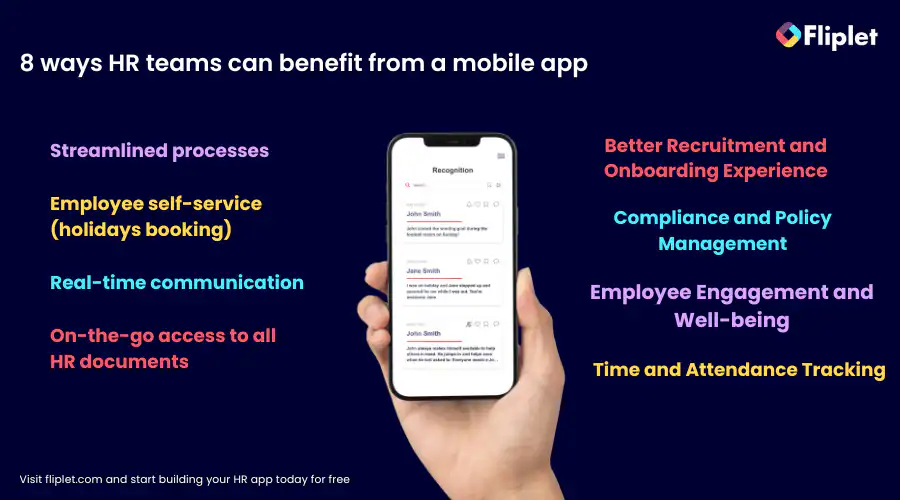
### The Importance of Being Prepared for Emergencies
Given the frequency and potential consequences of emergency situations, it is crucial for businesses and communities to be prepared for such events. Here are some reasons why being prepared for emergencies is vital:
1. **Protects lives and property:** Proper emergency planning and preparedness can minimize the loss of life and damage to property during emergencies.
2. **Ensures business continuity:** Being prepared for emergencies can help businesses maintain critical operations during and after emergencies, reducing downtime and financial losses.
3. **Enhances resilience:** Preparing for emergencies can help businesses and communities recover more quickly after a crisis, enhancing their overall resilience.
4. **Builds trust and credibility:** Demonstrating a commitment to emergency preparedness can improve an organization's reputation and foster trust among employees, customers, and stakeholders.
5. **Compliance with regulations:** Many jurisdictions have laws and regulations related to emergency preparedness, making it essential for businesses to develop and maintain emergency plans to ensure compliance.
The statistics and data on emergency situations underscore the significance of being prepared for emergencies. By investing in emergency preparedness, businesses and communities can better protect lives, property, and their overall well-being in the face of unexpected events.
## 4 Stages of Emergency Management & How each Stage Impacts your Organization
Investing in emergency management software keeps you more prepared. Being ready for an emergency before it strikes can save an organization, time, money, and lives.
### Each stage of effective emergency management brings its own benefits
## **Mitigation:**
- Identifies potential hazards and takes proactive measures to reduce their impact.
- Invests in infrastructure improvements and emergency preparedness training to avoid or minimize the costs associated with emergencies.
- Maintains business continuity in the face of unexpected events by reducing the impact of emergencies and ensuring the safety of employees and assets.
- Builds trust and credibility with stakeholders by demonstrating a commitment to safety and emergency preparedness.
## **Pre-emergency preparation:**
- Reduces the likelihood of emergencies occurring and minimizes their impact when they do occur.
- Enhances employees' understanding of their roles and responsibilities during emergencies.
- Builds trust and credibility with stakeholders by demonstrating a commitment to emergency preparedness.
## **During an emergency:**
- Ensures a well-coordinated and efficient response, minimizing confusion.
- Provides clear communication channels for disseminating critical information to employees, stakeholders, and emergency responders.
- Facilitates quick decision-making.
- Enhances the overall safety of employees and affected parties.
## **Post-emergency elements:**
- Facilitates a quicker recovery.
- Allows for a thorough evaluation of the organization's response to emergencies, identifying areas for improvement and lessons learned.
- Strengthens the organization's resilience through feedback and continuous improvement of the emergency management strategy.
## Side-Benefits of Great Emergency Management
### A great emergency management strategy brings a range of side-benefits to your company
1. **Training and exercises:** Regular training and exercises help employees and emergency responders develop and maintain their skills and knowledge.
2. **Inter-agency collaboration:** Effective emergency management often requires collaboration between multiple agencies, such as fire, police, medical, and government organizations.
3. **Psychological impact:** Emergency management can greatly reduce the negative psychological fallout of a crisis.
4. **Inclusivity and accessibility:** Emergency management plans and strategies can empower those with disabilities or special needs by proactively addressing how to address their needs.
### The Role of Technology in Modern Emergency Management
Technology plays a crucial role in enhancing emergency management efforts by providing tools and solutions that improve preparedness, response, and recovery. Some of the ways technology contributes to modern emergency management include:
1. **Data collection and analysis:** Allows emergency managers to gather and assess information about potential threats, vulnerabilities, and resources, enabling them to make more informed decisions.
2. **Communication and collaboration:** Mass notification systems and collaborative platforms facilitate information sharing and coordination among emergency responders and stakeholders.
3. **Incident tracking and situational awareness:** Geographic Information Systems (GIS) and other technologies enable real-time tracking of emergencies and give valuable situational awareness.
4. **Simulation and modeling:** Helps predict the potential impact of various scenarios, allowing teams to develop more effective mitigation and response strategies.
5. **Resource management:** Emergency management software tracks and manages resources, including personnel, equipment, and supplies, ensuring that these they are utilized effectively.
### Emergency Management Software for Local Governments
Local governments play a crucial role in preparing for, responding to, and recovering from emergencies. Investing in emergency management software is essential for these entities to enhance their operational efficiency and ensure public safety. Such software provides local governments with tools for real-time communication, resource allocation, incident tracking, and recovery planning, facilitating a coordinated response across multiple agencies.
### This crucial software offers municipalities many features, including
- **Real-time communication** allows key stakeholders and emergency response teams to share information quickly and efficiently, which is critical during a crisis.
- **Resource allocation tools** within the software enable authorities to deploy their assets—be it personnel, equipment, or emergency supplies—where they are needed most.
- [**Incident tracking features**](https://fliplet.com/solution/incident-management-software/) allow for the monitoring and management of ongoing emergencies in real-time.
For local governments, the adoption of sophisticated emergency management software is a critical step toward enhancing community resilience and ensuring that when disaster strikes, they are prepared to respond with efficiency, speed, and coordination.
## Emerging Trends and Technologies in Emergency Management Software & Crisis Management Tools
As the world continues to evolve, so too does the field of emergency management. New technologies and trends are emerging that promise to revolutionize the way organizations and communities prepare for, respond to, and recover from emergencies. In this section, we will discuss some of these emerging trends, such as AI, machine learning, and predictive analytics, and explore how they are shaping the future of emergency response and management.
## Emerging Trends in Emergency Management
- **Artificial Intelligence (AI) and Machine Learning:** AI and machine learning technologies are being increasingly utilized in emergency management to analyze vast amounts of data, identify patterns, and make predictions about potential emergency situations. This allows organizations to better understand risks, allocate resources more effectively, and make more informed decisions in emergency situations. For more on [ai in app development, read our blog.](https://fliplet.com/blog/how-ai-will-disrupt-app-development/)
- **Predictive Analytics:** Leveraging advanced algorithms and data analytics, predictive analytics tools can help organizations identify potential emergencies before they occur. This enables them to take proactive measures to mitigate risks, reduce vulnerabilities, and minimize the impact of emergencies.
- **Drones and Robotics:** Drones and robots are increasingly being used in emergency management for tasks such as search and rescue, damage assessment, and delivery of supplies. These technologies can help improve response times, reduce risks to human responders, and provide valuable information in emergency situations.
- **Virtual and Augmented Reality:** Virtual and augmented reality technologies are being used for training and simulation purposes in emergency management, allowing responders to practice their skills in realistic, immersive environments.
## The Impact of Emerging Technologies on Emergency Response and Management
These emerging technologies are reshaping the way organizations approach emergency management by:
- **Enhancing situational awareness:** AI, machine learning, and IoT technologies can provide real-time information about potential threats, vulnerabilities, and resources.
- **Streamlining resource allocation:** Advanced analytics and machine learning algorithms can optimize the allocation of resources during emergencies.
- **Reducing response times:** Drones, robots, and [IoT security](https://www.g2.com/categories/iot-security) devices can respond more quickly to emergencies by automating certain tasks and providing valuable information in real-time.
- **Improving training and preparedness:** Virtual and augmented reality technologies can better prepare their employees and emergency responders by providing realistic training experiences and simulations.
### The Impact on Businesses and Communities
These trends and technologies are likely to have significant impacts on businesses and communities, including:
- **Improved emergency preparedness:** Analytics, AI, and machine learning can identify and address potential risks more effectively.
- **Enhanced response capabilities:** Emerging technologies respond more effectively to emergencies, potentially reducing the impact of these events on businesses and communities.
- **Increased resilience:** Technologically advanced emergency management strategies help communities and businesses become more resilient in the face of emergencies.
- **Greater collaboration and information sharing:** Emergency management systems facilitate greater collaboration and information, leading to more effective and coordinated responses to emergencies.
## Conclusion: Emergency & crisis management solutions
In this blog post, we have explored the importance of emergency management software, examined a list of the top 20 emergency management software available, discussed the challenges businesses face when implementing such software, and highlighted the importance of having a comprehensive emergency management plan.
75% of businesses stated that technology has enabled the coordination of their emergency response team. Which suggests investing in such software enables businesses to effectively prepare for, respond to, and recover from emergencies, minimizing their impact on operations, finances, and reputation. With technology continuously evolving and the development of AI, machine learning, and predictive analytics, the future of emergency management promises even more efficient and streamlined processes to protect businesses and communities.
It is crucial for businesses to prioritize emergency management and invest in the right software to safeguard their organization. Organizations should evaluate their emergency management needs so they know what they know and what they need to look for in a solution.
If you are looking for a reliable, safe and popular solution then we recommend using [Fliplet's Emergency Management Solution](https://fliplet.com/solution/emergency-management-for-clients/), which is one of the top 20 emergency management software solutions available. Fliplets solution centralizes information, streamlines preparation, and provides easy access to important documents and resources, making the entire process more efficient and less overwhelming. You can ensure that your organization is well-prepared to handle emergencies and minimize any potential negative impact.
### See the latest insights from Fliplet
## Creating your business apps has never been easier
## FAQs
### What is Emergency Management Operations Center (EOC) software?
Emergency Management Operations Centers (EOC) software is a computer program that provides a centralized platform for emergency management activities, including planning, coordinating, and tracking emergency response operations. It includes features such as situational awareness, communication tools, and resource management, and is used by emergency management agencies, first responders, and other organizations involved in emergency response operations.
### What are the four phases of emergency management?
1. Mitigation: This phase involves taking proactive measures to reduce the likelihood and severity of emergencies. Mitigation measures can include identifying and addressing potential hazards, implementing risk management strategies, and investing in infrastructure improvements and emergency preparedness training.
2. Preparedness: This phase involves developing plans, procedures, and systems to ensure that an organization is ready to respond effectively during an emergency. Preparedness measures can include training and drills for staff, creating emergency communication plans, and stockpiling essential supplies.
3. Response: This phase involves putting emergency plans into action and responding to an emergency as it unfolds. Response measures can include activating emergency management teams, evacuating affected areas, and providing emergency medical care and shelter.
4. Recovery: This phase involves restoring normal operations and services in the aftermath of an emergency. Recovery measures can include assessing damage and losses, repairing infrastructure, providing counseling and support to affected individuals, and reviewing and updating emergency management plans.
Each phase of emergency management is critical in managing emergencies effectively and minimizing their impact. By considering each phase and implementing an emergency management strategy that includes mitigation, preparedness, response, and recovery, organizations can minimize the impact of emergencies, protect their employees and assets, and ensure business continuity in the face of unexpected events.
### What is an emergency management system?
An emergency management system is a set of processes, tools, and
technologies designed to help organizations prepare for, respond to, and
recover from emergencies. The system typically includes policies,
procedures, and plans that outline how an organization will manage
emergencies, as well as the tools and technologies necessary to implement
those plans. An emergency management system typically includes four
phases: mitigation, preparedness, response, and recovery. Mitigation
involves identifying potential hazards and taking proactive measures to
reduce their impact. Preparedness involves developing plans, procedures,
and systems to ensure that an organization is ready to respond effectively
during an emergency. Response involves putting emergency plans into action
and responding to an emergency as it unfolds. Recovery involves restoring
normal operations and services in the aftermath of an emergency. Emergency
management systems can vary in complexity depending on the needs of the
organization and the types of emergencies they may face. Some
organizations may use manual systems that rely on paper-based plans and
procedures, while others may use sophisticated software and communication
technologies to support emergency management activities. Overall, an
emergency management system is a critical tool for organizations to ensure
they are prepared for, can respond effectively to, and can recover
efficiently from emergencies.
### What are the six principal functions of an EOC?
1. Overall Management: The EOC serves as the central hub for managing the incident. It coordinates all members of the EOC, EPG, and field units, and ensures that everyone is working together to achieve a common goal.
2. Situation Assessment: The EOC assesses incident priorities and the situation on the ground to determine the appropriate response. This includes identifying the scope of the incident, determining the level of response needed, and identifying potential resource needs.
3. Resource Management: The EOC manages resources by assessing needs and ordering resources as necessary. This includes coordinating the deployment of personnel, equipment, and supplies to the incident scene.
4. Coordination with Outside Agencies: The EOC serves as the point of contact for coordinating with outside agencies, such as other emergency response agencies, government agencies, and non-governmental organizations.
5. Communication: The EOC ensures that there is clear communication between all members of the emergency response team, as well as with outside agencies and the public. This includes disseminating critical information, providing updates on the situation, and ensuring that all stakeholders are informed.
6. Demobilization: The EOC approves the demobilization of resources once the incident has been resolved. This includes releasing personnel, equipment, and supplies back to their original locations, and ensuring that all resources have been accounted for and properly returned.
Overall, the six principal functions of an EOC are critical for managing emergency incidents effectively and efficiently. By fulfilling these functions, an EOC can ensure that all resources are being used effectively, all stakeholders are informed, and the response to the incident is as coordinated and efficient as possible.
## Related links
- [Ultimate Guide: How to scale mobile enterprise app development without coding or IT resources](https://fliplet.com/blog/mobile-enterprise-app-development-without-coding/): Fliplet compiled an ultimate guide on how to scale mobile enterprise app development without coding or IT resources
- [Top 10 Mobile Enterprise Application Platforms](https://fliplet.com/blog/top-10-mobile-enterprise-application-platforms/): Fliplet compiled a list of the top 10 mobile enterprise application platforms. Read more within.
- [The Best Low Code/No Code Development Platforms](https://fliplet.com/blog/the-best-no-code-low-code-development-platforms/): Fliplet compiled a list of the best Low Code/No Code Development Platforms. Find out more within.
---
# 20 Best Innovation Management Tools & Software for 2026
> In this guide article, Fliplet explores and ranks the top 20 innovation management tools and software for you or your organization.
Source: https://fliplet.com/blog/top-10-innovation-management-software/
Content type: Blog
Published: 2026-05-18T18:00:08
Updated: 2026-05-19T11:25:00
Read time: 21 minutes
# 20 Best Innovation Management Tools & Software for 2026
Every company in the world claims it wants to foster a culture of innovation. But that's easier said than done. So, enterprises are constantly on the lookout for the best tools and solutions that can transform ideas into impactful realities.
And it's true that the right platform can be the catalyst that propels an organization from concept to execution, blending creativity with strategy to unleash groundbreaking outcomes.
This is where [**innovation management software**](https://fliplet.com/solution/innovation-management/) comes into play, offering a suite of tools designed to streamline the ideation process, enhance collaborative efforts, and drive the successful implementation of innovative initiatives. Identifying the best innovation [management software](https://fliplet.com/blog/best-legal-office-management-software/) is crucial for businesses aiming to stay ahead in a competitive landscape.
Let's discover what the very best tools in the field are. That way, your company can decide the right innovation management software for yourself.
## 10 Best Innovation Management Software & Tools Shortlist
Exploring the realm of innovation management, there are a head-spinning number of software options. There's no reason to add to the confusion, so here is a shortlist of idea management software:
1. Fliplet
2. IdeaScale
3. Brightidea
4. Planview Spigit
5. Viima
6. Innovation Cloud
7. Qmarkets
8. Sideways 6
9. MindMeister
10. HYPE Innovation
Each of these platforms offers unique strengths, ranging from comprehensive idea management capabilities to deep analytics and reporting tools. They're designed to support various stages of the innovation lifecycle, from idea generation and capture to evaluation, selection, and implementation.
Below, we'll go in-depth to discover why you might choose some [corporate innovation tools](https://help.fliplet.com/innovation-management-solution/) over others.
## Why Trust Our Innovation Software Reviews
To fully scope out the field, our team did a deep-dive investigation into innovation management tools and software.
The results are what you see here — grounded in a comprehensive evaluation process and an exhaustive search for what teams around the world were doing right (and not-so-right).
We examine each software solution's performance, reliability, and user feedback to ensure that our recommendations are trustworthy, relevant, and, most importantly, so you can make your own decision.
The following information comes from seasoned experts with firsthand experience in deploying and managing these tools across a range of industries.
## The Best Innovation Management Tools & Software Comparison Chart
Comparison chart for the leading innovation management tools featured in this guide.
Platform
Key features
Pros
Cons
Pricing
Fliplet
Custom app development, integration capabilities
Highly customizable, no coding required
May require time to learn features
Free option, with paid versions starting at $9.90 per month per app
IdeaScale
Idea submission, voting, and ranking
Scalable, user-friendly
Limited customization in lower tiers
Contact for pricing
Brightidea
Pipeline management, mobile app
Comprehensive set of tools, flexible
Steep learning curve for new users
Free demo, contact for pricing
Planview Spigit
Idea challenges, predictive analytics
Advanced analytics, large community
Can be complex to fully utilize
Contact for pricing
Viima
Visual idea boards, gamification
Free for up to 50 users, intuitive UI
More suitable for SMEs
Free version with premium plans starting at $39 per month
Innovation Cloud
End-to-end process management
User-friendly, great for collaboration
Might lack some advanced analytics
Free version with premium plans starting at $30 per month
Qmarkets
Customizable workflows, robust security
Highly customizable, very secure
Higher cost for small teams
Contact for pricing
Sideways 6
Integration with Microsoft Teams
Enhances existing platforms, straightforward
Reliant on Microsoft ecosystem
Free version with premium plans starting at $30 per year
MindMeister
Mind mapping, real-time collaboration
Excellent for brainstorming, integrates with MeisterTask
Primarily a mind-mapping tool
Free version with premium plans starting at $6.50 per user per month
HYPE Innovation
Full lifecycle management, innovation campaigns
Comprehensive, strong community support
Initial learning curve for some features
Contact for pricing
## Criteria for Selecting an Innovation Management Platform
### Factors considered in evaluating innovation management solutions
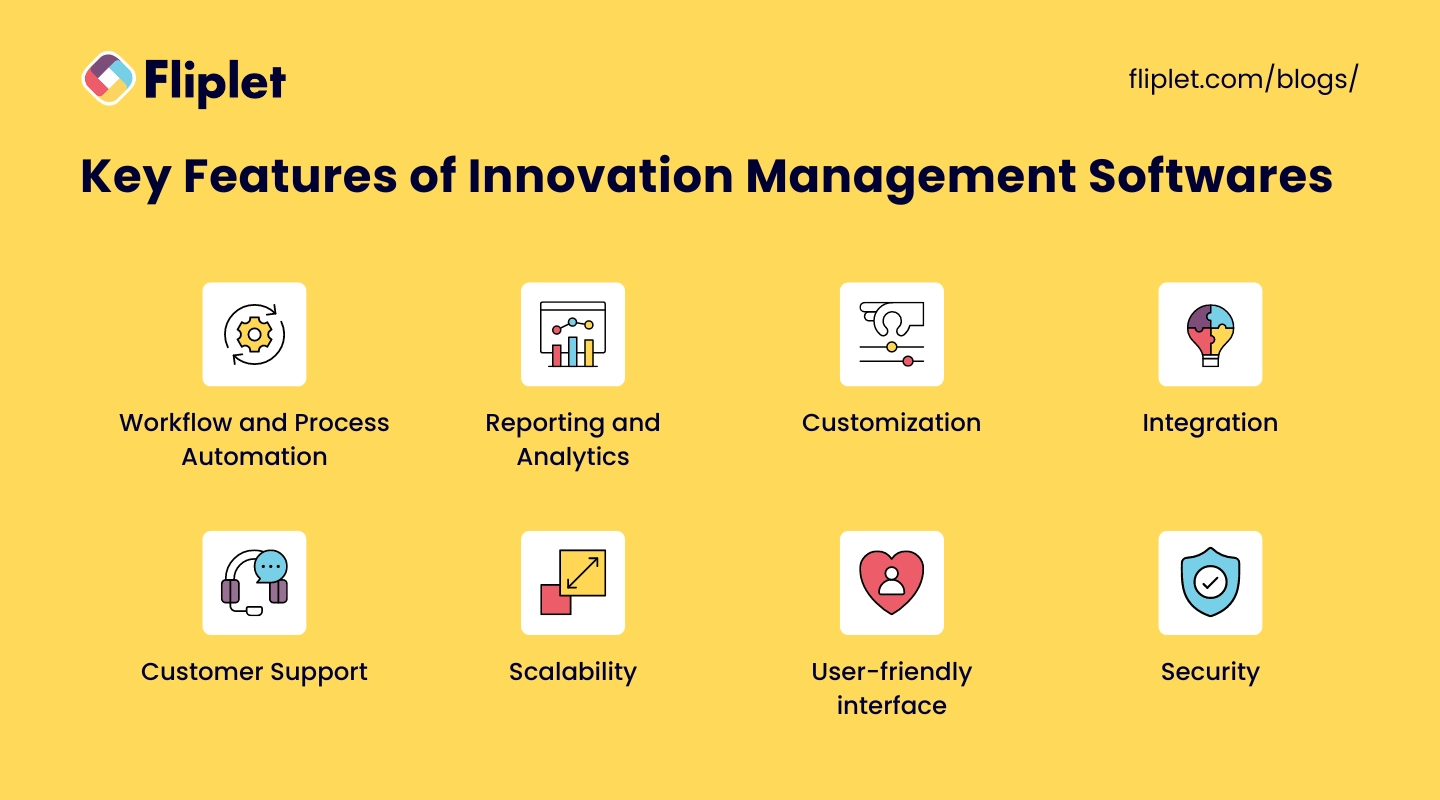
#### Key Features
### Idea Management Software and Collaboration Tools
Look for software that provides robust ideation capabilities, such as brainstorming sessions, idea submission, commenting, and voting features. Collaboration tools should enable seamless communication and foster teamwork among employees.
### Workflow and Process Automation
Efficient innovation management software should offer workflow automation features to streamline the entire innovation lifecycle, including idea evaluation, project management, and implementation tracking.
### Customization
Every organization has its unique innovation process and workflow. The ability to customize the software ensures that it can adapt to these unique requirements rather than forcing the organization to adjust its processes to fit the software. This includes customizing stages of idea development, workflows, user roles, and the overall look and feel of the software to mirror the organization's branding.
### Integration
The software's capacity to integrate with existing tools and systems (such as email, project management tools, CRM, ERP systems) is crucial for streamlining workflows and maximizing efficiency. Integration eliminates the need to switch between different applications, facilitating a smoother flow of information and improving user adoption rates.
### Customer Support
The level and quality of customer support provided by the software vendor are pivotal. This includes the availability of a knowledgeable support team that can offer prompt and effective help when issues arise, as well as access to comprehensive resources such as tutorials, user guides, and community forums. Good support can significantly impact the software's success and user satisfaction within an organization.
### Reporting and Analytics
The software should provide comprehensive reporting and analytics capabilities to track the progress of innovation initiatives, measure key performance indicators (KPIs), and gain valuable insights for informed decision-making.
#### Pricing
### Cost Structure
Evaluate the pricing models offered by different software providers. Common pricing structures include one-time licensing fees, subscription-based models, or tiered pricing based on the number of users or features.
### Scalability
Consider how the pricing scales with your organization's growth. Will there be additional costs as you expand or add more users? Ensure the pricing aligns with your long-term business objectives.
#### Customer Reviews
### Reputation and Reliability
Research and review customer testimonials and case studies to gauge the software's reputation in the market. Look for feedback on its reliability, performance, and customer support.
### User Experience
Assess the overall user experience as described by existing customers. Are users satisfied with the software's ease of use, intuitiveness, and accessibility?
### Implementation and Support
Consider customer reviews that highlight the software's ease of implementation and the level of support provided by the vendor. Look for indications of prompt assistance, training resources, and ongoing technical support.
#### Design for Enterprise Audience
### Scalability and Security
Ensure that the software is designed to handle the scale and security requirements of an enterprise. Look for features like user roles and permissions, data encryption, and compliance with relevant data protection regulations.
### User-Friendly Interface
Evaluate the software's user interface for ease of navigation, intuitiveness, and efficient workflows. A user-friendly design can minimize training time and facilitate adoption across teams.
### Mobile Accessibility
Consider whether the software offers mobile accessibility, allowing users to access and contribute to innovation initiatives on the go.
### Security
With innovation often involving sensitive information and intellectual property, the security measures implemented by the software are paramount. This includes data encryption, secure access controls, and compliance with international data protection regulations. Ensuring that the software has robust security protocols in place protects the organization's valuable assets and maintains stakeholder trust.
### Factors considered in evaluating innovation management software
### When comparing innovation management software, consider the following criteria
- **Ease of use:** How user-friendly is the software?
- **Customization:** Can the software be tailored to fit the unique processes of an organization?
- **Integration:** Does it integrate with other tools and systems currently in use?
- **Scalability:** Can the software grow with the organization?
- **Support:** What level of customer support is provided?
- **Pricing:** Is the cost of the software justified by its features and benefits?
- **Security:** How does the software protect sensitive information?
## The 20 Best Innovation Management Software: Reviews & Tool Overview
In summary, each of the tools mentioned offers unique features and capabilities for innovation management. While Fliplet Innovation Management Solution provides a comprehensive set of features, positive reviews, flexible pricing, and enterprise readiness, it's important to evaluate the specific requirements and priorities of your enterprise to determine the best fit for your organization's innovation management needs.
## Other Innovation Tools and Idea Management Software
Beyond the mainstream innovation management platforms, the market is rich with a variety of other tools and software designed to [foster creativity, streamline idea collection, and enhance project execution](https://fliplet.com/solution/software-for-ideas/).
These alternative solutions can play a crucial role in supporting an organization's innovation strategy, offering specialized functionalities that cater to specific needs or complement existing systems.
- **Ideation platforms:** Platforms like Miro and Stormboard offer interactive, visual spaces for brainstorming and collaborative idea generation. They are excellent for remote teams, facilitating real-time participation and creativity.
- **Innovative management systems:** Solutions such as Trello and Asana may not be exclusively designed for innovation management but offer great flexibility and customization for managing innovation projects and workflows.
- **Innovation software tools:** Tools like TrendHunter and Idea Drop provide unique features for capturing emerging trends and crowd-sourcing ideas, enabling organizations to stay ahead of market shifts and consumer preferences.
- **Corporate innovation software:** Platforms such as Salesforce's Innovation Cloud offer a suite of tools that integrate with CRM systems, enhancing customer-driven innovation and idea management within corporate settings.
- **Product innovation platforms:** Software like ProdPad and Roadmunk specialize in product management and roadmap planning, supporting product teams in aligning their innovation efforts with market needs and strategic objectives.
- **Innovation portfolio management tools:** Solutions such as Planisware and Sopheon focus on portfolio management, helping organizations prioritize and manage a diverse set of innovation projects to maximize ROI.
- **Ideation management platforms:** BrightIdea and Idea Spotlight offer comprehensive platforms for managing the entire ideation process, from idea submission to evaluation and implementation, equipped with robust analytics to track success.
- **Enterprise idea management:** For larger organizations, platforms like SAP's Innovation Management offer enterprise-grade capabilities, including integration with internal systems, to manage innovation at scale.
These tools and software solutions provide various functionalities that cater to different aspects of the innovation process, from idea generation and selection to project management and implementation.
## What is an innovation management tool?
Innovation Management Software is a game-changing tool that helps organizations capture, evaluate, and implement groundbreaking ideas and initiatives in a structured way.
In this article, we'll delve into the significance of innovation management for enterprises and provide a comprehensive overview of the top-notch software solutions available in the market. Whether you're looking to revolutionize your innovation processes, cultivate a culture of creativity, or foster collaboration among teams, these software solutions are designed to propel your organization towards unparalleled success.
Let's jump right in and explore the cream of the crop when it comes to innovation management software.
## The Importance of Enterprise Innovation Software
Innovation management plays a crucial role in the success and growth of enterprises. As we saw above revenue and EBITDA are significantly higher in organizations with a high Innovation Indicator. Implementing effective innovation management practices can bring numerous benefits, including:
### Stimulating Creativity
Innovation management encourages a culture of creativity within the organization, fostering an environment where employees feel empowered to generate and share innovative ideas.
### Enhanced Efficiency
By providing a structured framework for innovation, management software streamlines the entire innovation lifecycle, from idea generation to implementation. This efficiency ensures that valuable resources are utilized optimally, saving time and reducing waste.
### Strategic Alignment
Innovation management enables enterprises to align their innovation efforts with strategic goals and objectives. This alignment ensures that innovative initiatives are directly tied to business objectives, maximizing their impact and contribution to the organization's overall strategy.
### Improved Collaboration
Innovation management software promotes cross-functional collaboration, enabling teams from different departments and locations to collaborate effectively on innovative projects. This collaboration facilitates the exchange of ideas, knowledge sharing, and diverse perspectives, leading to richer and more innovative outcomes.
### Risk Mitigation
By implementing a structured innovation management process, enterprises can identify and evaluate potential risks associated with new ideas or initiatives. This proactive approach enables organizations to mitigate risks early on, reducing the chances of costly failures and maximizing the return on investment.
### Continuous Improvement
Innovation management encourages a mindset of continuous improvement, allowing enterprises to constantly evolve and adapt to changing market dynamics. It enables organizations to stay ahead of competitors by consistently innovating and delivering improved products, services, and processes.
### Customer-Centric Approach
Effective innovation management focuses on understanding customer needs and preferences. By actively involving customers in the innovation process, enterprises can develop solutions that are tailored to their target audience, leading to higher [customer satisfaction](https://survicate.com/customer-satisfaction/importance-customer-satisfaction/) and loyalty.
### Competitive Advantage
Innovation management enables enterprises to gain a competitive edge by bringing unique and groundbreaking ideas to market. It helps organizations differentiate themselves, attract new customers, and retain existing ones, ultimately driving business growth and success.
By embracing [innovation management, enterprises can unlock these benefits and position themselves at the forefront of innovation in their respective industries](https://fliplet.com/blog/legal-innovation/).
But, don't just take our word for it.
According to [McKinsey Research](https://www.mckinsey.com/capabilities/strategy-and-corporate-finance/how-we-help-clients/growth-and-innovation):
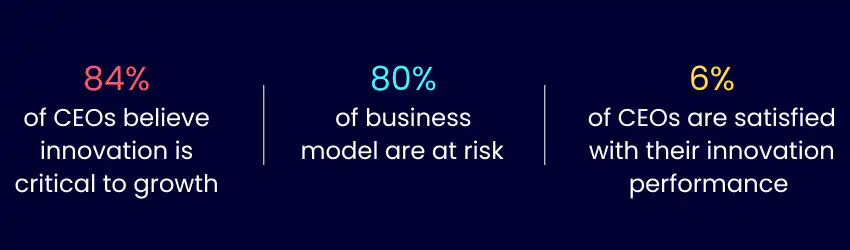
The surprising stat is that although 84% of CEOs agree that Enterprise Innovation is important, only 6% of them are satisfied with their performance.
But what's the difference between innovative and non-innovative organizations and how do innovative organizations succeed?
The answer is innovation management software.
### Benefits of Innovation Platforms
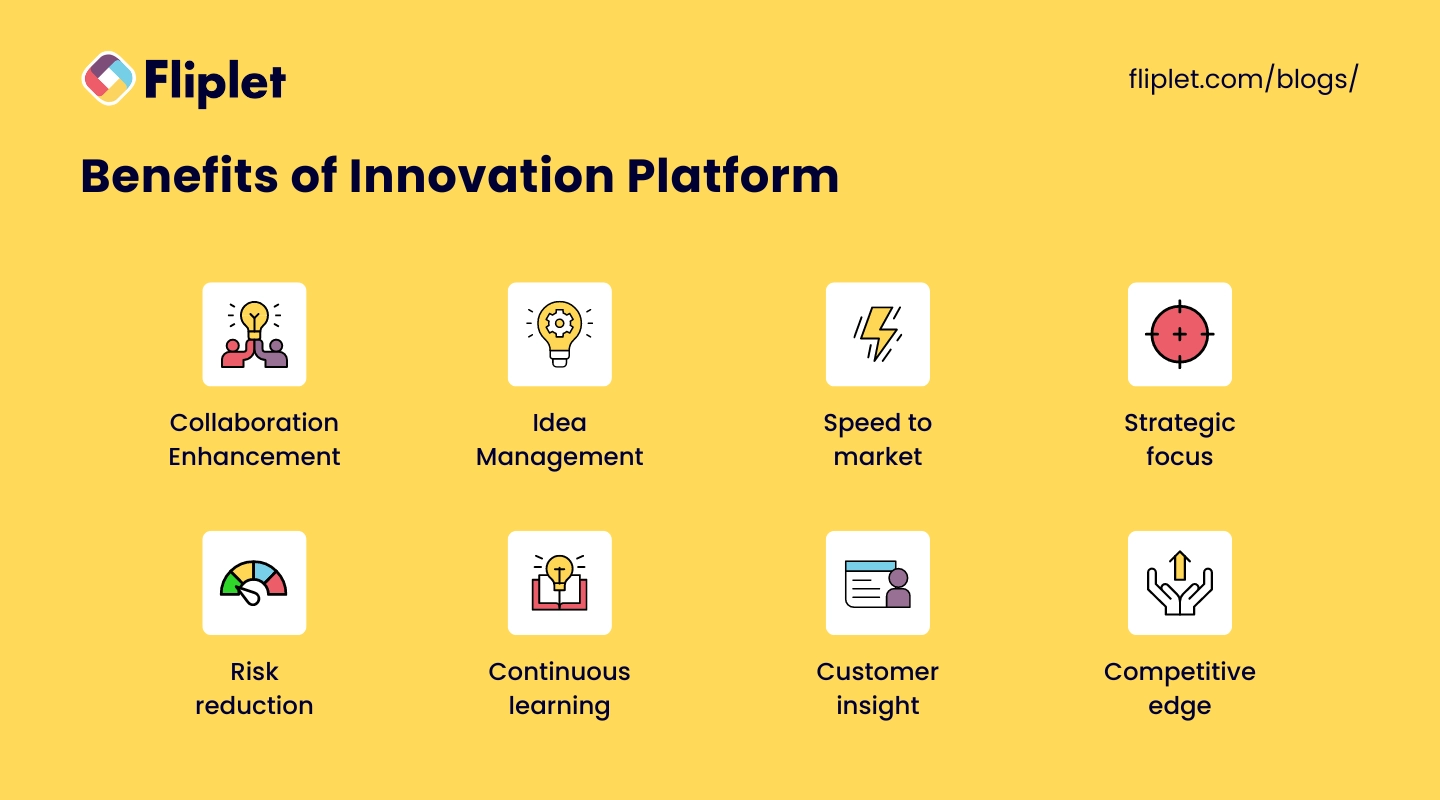
[Innovation platforms](https://fliplet.com/solution/innovation-management/) are crucial for enterprises seeking to navigate the complex landscape of modern business competition. They offer a suite of advantages that streamline and enhance the innovation process:
- **Collaboration enhancement:** Facilitates seamless interaction across teams and stakeholders, enriching the idea pool with diverse perspectives.
- **Idea management:** Streamlines the tracking and development of ideas from inception to implementation, ensuring valuable insights are captured and acted upon efficiently.
- **Speed to market:** Accelerates the introduction of new offerings, enabling rapid response to market shifts and customer demands.
- **Strategic focus:** Aligns innovation efforts with business objectives, optimizing resources for high-impact results.
- **Risk reduction:** Identifies potential pitfalls early, allowing for strategic adjustments and smarter risk-taking.
- **Continuous learning:** Promotes an iterative innovation cycle, leveraging past experiences to refine future strategies.
- **Customer insight:** Integrates customer feedback into the innovation process, ensuring products and services meet market needs.
- **Competitive edge:** By fostering a proactive and agile innovation environment, companies can achieve a distinct market advantage, driving growth and success.
Innovation platforms, more than anything else, commit your organization to a dynamic and forward-thinking culture. Using these tools gives your team the space and tech leverage to be innovating all the time.
## Innovation Management Cycle
The innovation management cycle is a strategic framework that guides organizations through the process of generating, evaluating, implementing, and tracking innovative ideas. It serves as a roadmap for effectively managing the entire innovation journey, from the initial spark of creativity to the successful execution of transformative initiatives. By following this cycle, enterprises can navigate the complex landscape of innovation, harnessing the power of ideas to drive growth, competitive advantage, and business success. Let's explore the different stages of the innovation management cycle, highlighting their significance and the key activities involved at each step. Understanding this cycle is crucial for organizations aspiring to foster a culture of innovation and leverage it as a strategic asset. Let's delve into the intricacies of the innovation management cycle and discover how it paves the way for innovation excellence.
### How can innovation management platforms help you through your cycle?
#### Ideation
Innovation management software provides dedicated platforms for capturing and organizing ideas. It offers features such as brainstorming tools, idea submission forms, and collaboration features, enabling teams to collaborate and generate a wide range of innovative ideas efficiently. The software facilitates the collection, categorization, and storage of ideas in a centralized database, making it easier for teams to access and build upon existing ideas.
#### Evaluation and Selection
Software solutions assist in the evaluation and selection process by providing tools to assess ideas against predefined criteria. This may include scoring models, SWOT analysis, and expert reviews. The software streamlines the evaluation process by providing a structured framework for assessing ideas, automating scoring calculations, and generating reports for easier comparison and decision-making. It helps identify the most promising ideas that align with strategic goals and have the highest potential for success.
#### Development and Planning
Innovation management software aids in the development and planning stage by offering project management tools. These tools allow teams to create detailed project plans, define tasks and milestones, allocate resources, and set timelines. The software enables collaboration among team members, streamlines communication, and provides visibility into project progress, ensuring that the development and planning process is efficient and transparent.
#### Implementation
Software solutions play a crucial role in the implementation stage by providing project management features. They offer task tracking, progress monitoring, and workflow automation tools to streamline the execution of initiatives. The software helps teams stay organized, assign responsibilities, and ensure that tasks are completed on time. It provides real-time visibility into project status, enabling teams to address bottlenecks and make timely adjustments as needed.
For more on [task management](https://fliplet.com/blog/top-10-task-management-apps-for-teams/) read our blog
#### Tracking and Monitoring
Innovation management software facilitates tracking and monitoring by offering analytics and reporting capabilities. It provides customizable dashboards and visualizations to track key performance indicators (KPIs), measure progress, and assess the impact of implemented initiatives. The software aggregates data from various sources, allowing teams to gain insights into resource utilization, project milestones, and outcomes. This data-driven approach enables informed decision-making and helps identify areas for improvement.
#### Feedback and Iteration
Software solutions enable feedback and iteration by providing mechanisms to gather input from stakeholders, customers, and users. They offer features such as surveys, feedback loops, and user testing tools to collect feedback and suggestions. The software helps capture and analyze feedback, facilitating iterative improvements and refinements to implemented ideas. It allows teams to incorporate user insights, address pain points, and enhance the value proposition of the innovations.
#### Scaling and Integration
Innovation management software supports scaling and integration by providing tools to facilitate the integration of successful initiatives into core business processes or product/service offerings. It helps teams streamline the scaling process, manage dependencies, and ensure a smooth transition from pilot projects to broader implementation. The software assists in refining the innovations based on feedback, identifying scalability challenges, and supporting the necessary adjustments to meet the growing demands of the enterprise.
By leveraging innovation management software throughout the innovation management cycle, enterprises can streamline processes, enhance collaboration, gain insights, and drive continuous improvement. The software provides a cohesive platform that supports each stage of the cycle, enabling organizations to maximize the potential of their innovation initiatives.
## #1 Innovation Management Example: How Fliplet Innovation Management Solution has helped in scaling enterprise innovation
We'd like to keep talking about Fliplet forever as we love our product. But instead we'd prefer to share a few stories with you that will inspire how you innovate. Watch how other Innovation Managers have used Fliplet and how they've structured their innovation programs to get board approval and increase innovative output.
Watch this inspirational session to hear from Adam Curphey, Senior Innovation Manager at Mayer Brown who discusses their journey with Fliplet, innovation and how AI fits into Innovation.
## #2 Innovation Management Example: How to scale your technology using innovation management software
Also, here is another story on how Fliplet's Innovation Management Solution and No-Code Platform has helped another organization scale their innovation process.
## Trends in Innovation Management Tools & Software
As organizations strive to effectively navigate the innovation management cycle and optimize their innovation processes, they must also stay attuned to the evolving landscape of innovation management trends.
The integration of innovation management software has revolutionized the way enterprises approach innovation, streamlining workflows and driving collaboration. Building upon this foundation, it is crucial for organizations to be aware of the emerging trends in innovation management.
These trends reflect the dynamic nature of the business world and offer valuable insights into new approaches and strategies for fostering innovation.
In this section, we will explore some of the key trends in innovation management that are shaping the way organizations generate ideas, evaluate opportunities, and execute transformative initiatives. By embracing these trends, organizations can stay ahead of the curve and leverage innovation as a catalyst for success in an increasingly competitive and disruptive business environment.
### Open Innovation
Open innovation is a growing trend where organizations collaborate with external partners, such as customers, suppliers, and even competitors, to jointly develop innovative solutions. This approach breaks down traditional boundaries and leverages the collective knowledge and resources of a larger network, fostering creativity and accelerating innovation.
### Digital Transformation
With the increasing digitization of business processes, innovation management is also undergoing a digital transformation. Organizations are embracing digital tools and platforms to streamline innovation workflows, enhance collaboration, and leverage data analytics for better insights. This digital transformation enables faster, more efficient, and data-driven decision-making.
### Agile and Iterative Approaches
Agile methodologies, popularized in software development, are being adopted in innovation management as well. Agile and iterative approaches allow organizations to quickly prototype, test, and refine ideas, minimizing risks and maximizing learning. These methods promote flexibility, adaptability, and continuous improvement, enabling organizations to respond rapidly to market changes.
### Focus on Customer-Centric Innovation
Enterprises are placing a stronger emphasis on customer-centric innovation. Rather than relying solely on internal ideas, organizations are actively involving customers throughout the innovation process. Customer feedback, co-creation, and design thinking methodologies are being utilized to ensure that products and services meet customer needs and create a competitive advantage.
### Embracing Artificial Intelligence (AI) and Machine Learning (ML)
AI and ML technologies are revolutionizing innovation management. These technologies can analyze vast amounts of data, identify patterns, and generate insights, aiding in idea generation, trend analysis, and predictive analytics. AI-powered chatbots and virtual assistants are also being used to enhance ideation sessions and provide real-time support to innovation teams.
### Cultural Transformation
Enterprises are recognizing the importance of fostering a culture of innovation. This includes promoting risk-taking, encouraging collaboration and cross-functional teamwork, and creating an environment where diverse perspectives are valued. Organizations are investing in innovation training programs, workshops, and internal communication channels to nurture an innovation-focused mindset among employees.
### Sustainability and Social Innovation
There is a growing emphasis on sustainability and social responsibility in innovation management. Organizations are integrating sustainability considerations into their innovation strategies, aiming to develop environmentally friendly products, reduce waste, and address social challenges. This trend aligns with the increasing consumer demand for ethical and sustainable solutions.
These are just a few of the emerging trends in innovation management. By staying informed and adapting to these trends, enterprises can position themselves at the forefront of innovation, driving growth and maintaining a competitive edge in the dynamic business landscape.
## Popular Innovation Management Solution Features
Innovation management software is designed to facilitate the ideation and development process within organizations. It serves as a central platform where employees can collaborate on, evaluate, and develop innovative ideas into actionable projects. Here are some key features typically found in innovation management software:
- **Idea Collection and Management:** A repository for storing and categorizing ideas, often with the ability to submit ideas anonymously.
- **Collaboration Tools:** Functionalities that enable team members to comment on, discuss, and refine ideas together.
- **Workflow and Process Management:** Tools to manage the progression of ideas from conception to implementation, with stages and milestones.
- **Innovation Pipeline:** A visual representation of the status of various ideas and projects within the innovation process.
- **Evaluation and Scoring Systems:** Mechanisms to rate and prioritize ideas based on various criteria such as feasibility, potential impact, and required resources.
- **Knowledge Management:** A database for storing information related to innovation, including research, previous projects, and relevant external data.
- **Reporting and Analytics:** Features that allow the tracking of innovation efforts' effectiveness and the measurement of outcomes against goals.
These features collectively support an organization's innovation ecosystem, ensuring that the best ideas are captured, developed, and brought to fruition efficiently and effectively.
## Costs & Pricing for Innovation Management Solutions
### The investment in innovation management solutions varies widely depending on factors such as
- feature set
- scalability
- vendor reputation
Typically, pricing models range from subscription-based (monthly or annually) to customized pricing based on the specific needs and size of the organization.
For small to medium enterprises, costs can start from a few hundred dollars per month, while larger organizations might see figures reaching into the thousands. It's essential for businesses to consider not just the upfront and ongoing costs but also the potential return on investment (ROI) these tools can bring through enhanced innovation outcomes, faster time-to-market, and improved operational efficiencies.
Many vendors offer tiered pricing structures to accommodate the growth of your organization, with options for add-ons or premium features that provide additional value. Understanding the pricing model and what's included is crucial for selecting a solution that aligns with your budget and innovation goals.
## How to Create Your Own Innovation Management Software
Creating your own Innovation Management Software using Fliplet is a straightforward process that can help streamline your organization's innovative processes and workflow. Here's how you can do it:
1. **Create an Account:** Sign up for a new account with Fliplet. This will be your starting point in creating a custom app without the need for extensive coding knowledge.
2. **Select the Fliplet Innovation Solution:** Once registered, you can choose the 'Innovation Management' pre-built solution offered by Fliplet, which serves as a template for building your app.
3. **Design and Customize to Your Needs:** Use Fliplet's intuitive drag-and-drop interface to design your app. You can tailor the look and feel to match your company's branding, as well as modify the layout to suit your specific requirements.
4. **Add Features That You'd Like:** Integrate popular features that can enhance the functionality of your innovation management software. You might want to include:
- **Chat:** Implement a chat feature to allow real-time communication among team members for quick discussions and brainstorming sessions.
- **Directory:** Create a directory to store contact information, making it easy to find team members, experts, and innovators within your organization.
- **Project Management:** Add project management tools to track progress, assign tasks, set deadlines, and update the status of various innovation projects.
5. **Launch Your App on the Web:** With Fliplet, you can launch your application as a web app to ensure it's readily accessible to any team member with internet access, regardless of the device they use.
6. **Get Your First 25 Users for Free:** Fliplet allows you to onboard your first 25 users at no cost, giving you the opportunity to test and refine your app with a core group of users before full deployment.
7. **Launch Your Mobile App:** Once you're satisfied with the web version, you can also launch your app for mobile devices. Fliplet facilitates the creation of apps for both iOS and Android platforms, helping you reach users who prefer mobile access.
By following these steps, you can have an operational, custom-tailored Innovation Management Software that resonates with your company's innovation strategies and supports collaborative growth and development. Fliplet aims to make app development accessible, requiring minimal technical skill to get a functional and professional-looking app up and running.
## When choosing an innovation management tool you should only settle for the best
In conclusion, innovation management software has become an indispensable tool for enterprises seeking to thrive in today's fast-paced and competitive business environment. From ideation to implementation, these software solutions streamline the entire innovation management cycle, fostering creativity, collaboration, and data-driven decision-making.
By leveraging the power of innovation management software, organizations can capture and evaluate ideas effectively, optimize resource allocation, track progress, and drive continuous improvement. Furthermore, the trends in innovation management, such as open innovation, digital transformation, customer-centricity, and the integration of AI and ML, are reshaping the way enterprises approach innovation.
Embracing these trends and leveraging the capabilities of innovation management software can position organizations at the forefront of innovation, enabling them to deliver groundbreaking products, services, and solutions that meet customer needs, drive growth, and maintain a competitive advantage.
As enterprises navigate the evolving landscape, investing in and embracing innovation management software is not just an option but a necessity to drive success and fuel their journey towards a more innovative and prosperous future.
## Review details
#### Fliplet Innovation Management Solution
##### Analysis
If you are looking for an innovation management platform then Fliplet should be your research starting point. Fliplet offers an innovation management platform that allows to manage your entire innovation cycle into one single web and mobile app. From idea generation to idea voting and execution Fliplet has you covered. The best thing about fliplet is that it offer a free version which allows you to start your innovation platform even without paying a single dollar. Ready to start your innovation journey?
[Book a demo and see how Fliplet works](https://fliplet.com/book-a-demo/)
##### Pricing
Pricing starts from $9.99 but it depends a lot on your users and needs so make sure to contact a [Fliplet expert.](https://fliplet.com/book-a-demo/)
##### Reviews
Customer reviews for Fliplet Innovation Management Solution are generally positive, highlighting its reliability, performance, and excellent customer support.
##### Enterprise Readiness
Fliplet is designed to meet the scalability and security requirements of enterprises. It offers customization options, seamless integration capabilities, and a user-friendly interface, making it well-suited for enterprise use.
#### Miro
##### Analysis
Miro is a collaborative online whiteboard platform that allows teams to brainstorm, organize ideas, and visualize workflows. While it offers features suitable for ideation and collaboration, additional customization and reporting capabilities specific to innovation management may be required.
##### Pricing
Miro offers different pricing plans based on team size and features required. For detailed pricing information, it is advisable to visit Miro's website or contact their sales team.
##### Reviews
Miro has generally positive reviews, with customers appreciating its collaborative features and ease of use.
##### Enterprise Readiness
Miro can be considered for enterprise use, but it may require additional customization and integration options to cater to specific innovation management needs.
#### Planview IdeaPlace
##### Analysis
Planview IdeaPlace is innovation management software designed to capture and evaluate ideas. It offers features for idea submission, evaluation, and project tracking. However, additional customization options and advanced reporting features may be necessary to meet specific enterprise requirements and those are really hard to be integrated.
##### Pricing
Pricing details for Planview IdeaPlace are available upon request, and it is recommended to contact Planview directly for accurate pricing information.
##### Reviews
Reviews suggest that Planview IdeaPlace provides a user-friendly experience and offers valuable capabilities for idea management.
##### Enterprise Readiness
Planview IdeaPlace can be considered for enterprise use, but assessing its readiness would depend on customization needs and integration capabilities.
#### Aha! Roadmaps
##### Analysis
Aha! Roadmaps is primarily focused on product roadmapping and strategic planning, but it does offer features for idea management. While it provides robust roadmap creation capabilities, it may require additional customization and ideation-focused features to meet specific innovation management needs.
##### Pricing
Aha! Roadmaps offers pricing on a per-user basis, with different plans depending on the features required. For detailed pricing information, it is advisable to visit Aha! Roadmaps' website or contact their sales team.
##### Reviews
Reviews highlight Aha! Roadmaps' strong roadmap creation capabilities and positive user experiences.
##### Enterprise Readiness
Aha! Roadmaps can be considered for enterprise use, but customization for innovation management and integration capabilities may need to be assessed based on specific requirements.
#### MindMeister
##### Analysis
MindMeister is a collaborative mind mapping tool that allows teams to visually capture and connect thoughts and concepts. While it offers a user-friendly interface and positive reviews, it primarily focuses on mind mapping rather than comprehensive innovation management features.
##### Pricing
MindMeister offers different plans, including individual, team, and enterprise options, with varying pricing tiers. For detailed pricing information, it is recommended to visit MindMeister's website.
##### Reviews
MindMeister receives generally positive reviews, with customers appreciating its ease of use and collaborative features for brainstorming and organizing ideas.
##### Enterprise Readiness
MindMeister may be suitable for smaller enterprises or teams focusing primarily on mind mapping and ideation. However, for comprehensive innovation management needs, additional customization, integration capabilities, and advanced reporting features may need to be considered.
#### Ideanote
##### Analysis
Ideanote is an innovation management platform that focuses on capturing, evaluating, and developing ideas. It offers features for idea submission, evaluation, and feedback. Reviews suggest that Ideanote provides a straightforward and intuitive user experience.
##### Pricing
Ideanote offers custom plans based on organizational requirements. For detailed pricing information, it is advisable to contact Ideanote directly.
##### Reviews
Ideanote receives positive reviews, with customers highlighting its ease of use and effectiveness in managing the idea generation process.
##### Enterprise Readiness
Ideanote offers a user-friendly interface and customization options suitable for enterprise use. However, the readiness for enterprise implementation would depend on specific customization needs, integration capabilities, and scalability requirements.
#### Innovation Cloud
##### Analysis
Innovation Cloud is an innovation management software that provides a range of features, including idea management, workflow automation, and collaboration tools. It offers customization options and integrations with other tools. Reviews highlight its ease of use and comprehensive functionality.
##### Pricing
Innovation Cloud offers different plans tailored to organizational needs. For detailed pricing information, it is advisable to visit Innovation Cloud's website or contact their sales team.
##### Reviews
Innovation Cloud generally receives positive reviews, with customers appreciating its user-friendly interface and effectiveness in managing innovation processes.
##### Enterprise Readiness
Innovation Cloud offers a range of features suitable for enterprise innovation management. Its customization options and integration capabilities contribute to its readiness for enterprise implementation. However, assessing enterprise readiness should consider specific customization requirements, scalability needs, and integration capabilities.
#### Viima
##### Analysis
Viima is an idea management software focused on collecting, evaluating, and developing ideas. It provides features for idea submission, evaluation, and collaboration. Reviews suggest that Viima offers a user-friendly and customizable platform.
##### Pricing
Viima offers different plans based on organizational needs. For detailed pricing information, it is recommended to visit Viima's website.
##### Reviews
Viima receives positive reviews, with customers highlighting its ease of use, flexibility, and effectiveness in managing the idea management process.
##### Enterprise Readiness
Viima offers customization options and user-friendly features suitable for enterprise use. Its readiness for enterprise implementation would depend on specific customization requirements, integration capabilities, and scalability needs.
#### Brightidea
##### Analysis
Brightidea is an innovation management software that offers a range of features to capture, evaluate, and implement ideas. It provides collaboration tools, workflow automation, and analytics capabilities. Additional research is recommended to assess its specific customization options and integration capabilities for enterprise needs.
##### Pricing
For detailed pricing information, it is advisable to contact Brightidea directly.
##### Reviews
Brightidea generally receives positive reviews, with customers appreciating its robust idea management features and user-friendly interface.
##### Enterprise Readiness
Brightidea can be considered for enterprise use, but evaluating its enterprise readiness would depend on specific customization requirements, integration capabilities, and scalability needs.
#### IdeaScale
##### Analysis
IdeaScale is an idea management platform that allows organizations to collect, evaluate, and implement ideas from employees, customers, and partners. It offers collaboration features, idea submission and evaluation tools, and reporting functionalities. Additional research is recommended to assess its specific customization options and integration capabilities for enterprise needs.
##### Pricing
IdeaScale offers different pricing plans based on organizational needs and the number of users. For detailed pricing information, it is recommended to contact IdeaScale directly.
##### Reviews
IdeaScale generally receives positive reviews, with customers appreciating its user-friendly interface and effectiveness in managing the idea management process.
##### Enterprise Readiness
IdeaScale can be considered for enterprise use, but assessing its enterprise readiness would depend on specific customization requirements, integration capabilities, and scalability needs.
## FAQs
### What is innovation management software?
Innovation management software is a type of enterprise software that helps organizations systematize the process of managing innovations. It enables teams to capture, develop, and implement new ideas while improving collaboration and project management.
### Which software is recommended for doing innovative management?
Several reputable software options are recommended for innovation management, such as Fliplet Innovation Solution, Planbox, Brightidea, Qmarkets, IdeaScale, and HYPE Innovation. The best choice depends on your organization's goals, size, and process complexity.
### What is innovative software?
Innovative software refers to applications or platforms that introduce new functionalities or methods in novel ways, often improving efficiency, productivity, or user experience.
### How to do innovation management?
Innovation management works best when you establish a clear strategy, encourage creativity and open communication, collect and track ideas in a structured platform, evaluate and develop them consistently, allocate resources to promising projects, and measure outcomes over time.
### What is an innovation management system?
An innovation management system is a platform that helps you structure, organize, and oversee the innovation process from idea generation through evaluation and implementation.
## Related links
- [Ultimate Guide: How to scale mobile enterprise app development without coding or IT resources](https://fliplet.com/blog/mobile-enterprise-app-development-without-coding/): Fliplet compiled an ultimate guide on how to scale mobile enterprise app development without coding or IT resources
- [Top 10 Mobile Enterprise Application Platforms](https://fliplet.com/blog/top-10-mobile-enterprise-application-platforms/): Fliplet compiled a list of the top 10 mobile enterprise application platforms. Read more within.
- [The Best Low Code/No Code Development Platforms](https://fliplet.com/blog/the-best-no-code-low-code-development-platforms/): Fliplet compiled a list of the best Low Code/No Code Development Platforms. Find out more within.
---
# 20 Best Legal Apps for Lawyers and Law Firms in 2026
> 20 Best Legal Apps for Lawyers and Law Firms in 2026. Compare features, pricing, tradeoffs, and use cases to choose the best fit for your team and goals.
Source: https://fliplet.com/blog/the-14-best-apps-for-lawyers/
Content type: Blog
Published: 2026-01-24T15:24:33
Updated: 2026-03-17T09:00:00
Read time: 32 minutes
# 20 Best Legal Apps for Lawyers and Law Firms in 2026
Practicing law means understanding complicated situations, keeping track of a million details, and keeping your mind sharp. Those challenges are what make lawyers such impressive professionals. Luckily, there are now many top legal apps that can help you practice law.
In a profession where time is as valuable as the advice given, law firms and advocates are constantly on the lookout for ways to enhance efficiency and service quality. The best apps for lawyers do just that — help you get more done in less time. These digital tools are designed to help advocates [streamline tasks, manage case files, track time, and keep all pertinent information just a tap away](https://fliplet.com/industry/legal/).
With the myriad options available, identifying the best [software for a law firm](https://fliplet.com/blog/ai-software-for-law-firms/) can be as complex as the cases they handle. So, we did the work for you! Below, we've gathered the 20 top legal apps.
## Top 10 Legal Apps for Lawyers Shortlist
The legal profession demands precision, efficiency, and accessibility. As technology evolves, so does the toolkit of the modern lawyer. From managing case files to tracking billable hours, the right app can make all the difference. Here's a shortlist of the top 10 [legal apps that are transforming the way lawyers and law](https://fliplet.com/blog/law-firm-event-planning/) firms operate.
1. **Fliplet:** Fliplet offers unparalleled versatility with its ability to create custom apps tailored to the specific needs of lawyers and law firms. From document management and client communication to time tracking and event management, Fliplet's platform serves as a comprehensive solution that addresses multiple facets of legal work.
2. **Clio:** Clio stands out for its comprehensive law practice management software, providing tools for client intake, case management, and online payments, making it a staple for law firms of all sizes. It's particularly noted for streamlining operations and facilitating remote work.
3. **Evernote:** Evernote is the ultimate note-taking app that allows lawyers to capture, organize, and find their notes in an instant. Its ability to sync across devices ensures that you have your important information accessible anytime, anywhere.
4. **TimeSolv:** This time tracking and billing app is specifically designed for lawyers, offering features like time entry, invoicing, and budgeting, which makes it a valuable asset for managing the financial aspects of legal services.
5. **Lexicata:** A customer relationship management (CRM) tool that helps law firms with client intake and lead management. Its seamless integration with Clio makes it a powerful combination for client management.
6. **Fastcase:** This legal research app provides access to a comprehensive law library on the go. Lawyers can search through cases, statutes, regulations, court rules, and constitutions in all 50 states and at the federal level.
7. **TrialPad:** An invaluable tool for litigation, TrialPad makes it easy to organize and present evidence and case materials in a courtroom setting, transforming the iPad into a powerful trial presentation tool.
8. **Notability:** A note-taking app that stands out for its ability to integrate handwriting, typing, and audio recordings. Lawyers can annotate documents, take notes during meetings or court sessions, and review case files with ease.
9. **Dropbox:** A cloud storage solution that needs no introduction, Dropbox is crucial for lawyers who need to access and share large files securely. It's ideal for collaborative work on case files and documents.
10. **Westlaw:** This one you probably remember from law school. The app gives you on-the-go access to Westlaw's comprehensive legal database, allowing you to conduct legal research from anywhere. It's a must-have for staying on top of legal precedents and legislation.
Each of these apps brings something unique to the table, but Fliplet stands out by offering a wide range of functionalities in a single platform, proving to be a game-changer for lawyers and law firms aiming for peak efficiency and productivity.
## What are lawyer apps?
A lawyer app is any software that can be used by a law firm or legal advocate to make their work easier.
A lot of digital tools fall under this category, which makes narrowing down your options so vital. These apps can handle a plethora of tasks, from mundane administrative work to complex legal research, all with a few taps on your smartphone or tablet. That's helpful when you're buried under a stack of case files.
But it's not just about efficiency. Some also allow lawyers to stay connected with their team and clients so they can give additional support.
## Why choose a legal app over the typical software that isn't designed for law firms
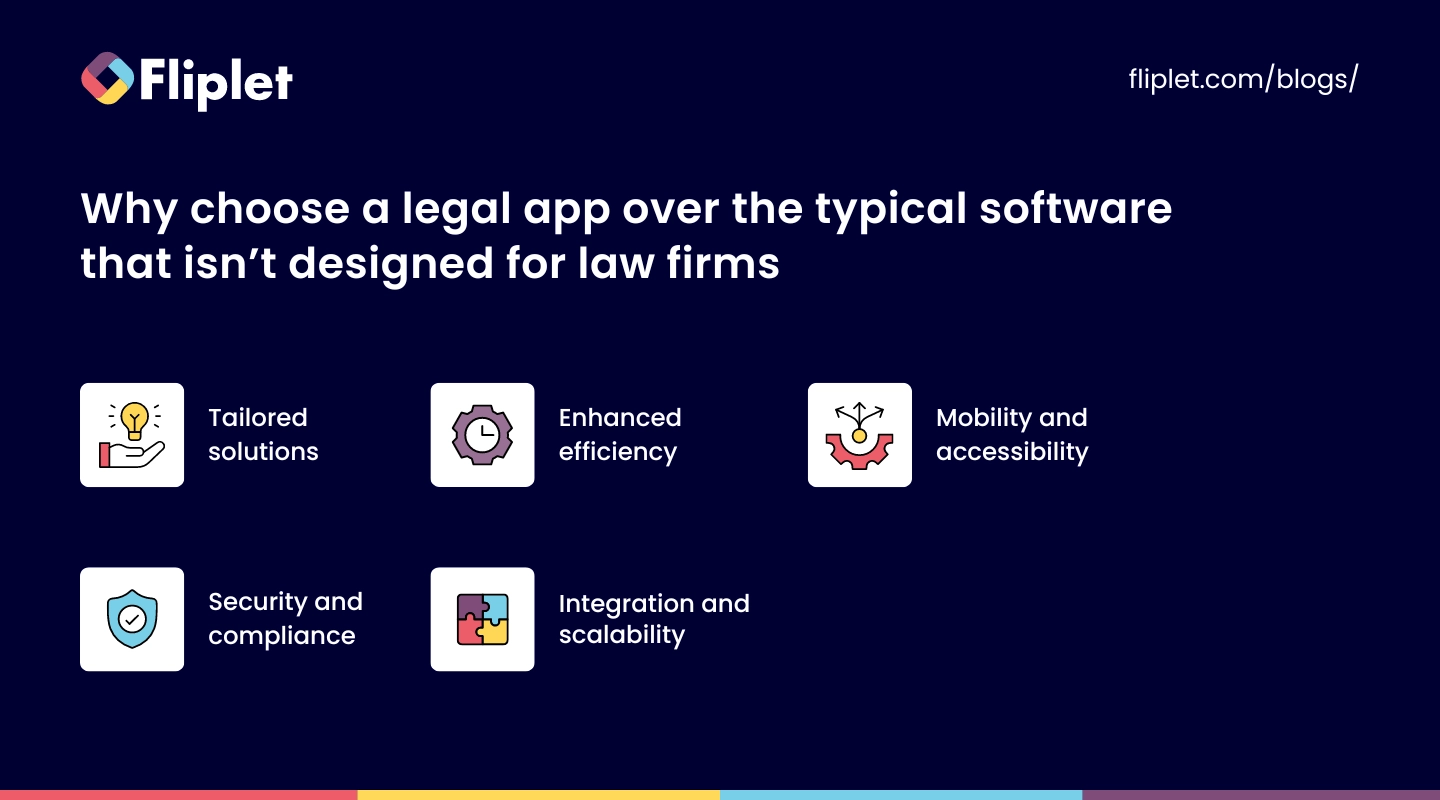
Opting for a legal app specifically designed for law firms rather than generic software can be a game-changer. These specialized tools are the Swiss Army knives in the world of legal tech, built with an understanding of the unique challenges and needs that lawyers, advocates, and law firm managers face daily.
Tailored solutions: Legal apps, from document management systems like Fliplet to litigation support platforms, offer functionalities that are a cut above the rest. They understand the necessity for confidentiality, the complexity of legal research, and the intricacy of case management. Unlike general software, legal apps provide solutions that resonate with the rhythm of a law firm's workflow, incorporating features such as secure client communication, case tracking, and legal citation tools.
Enhanced efficiency: Every minute counts in the legal profession. Legal apps maximize productivity, offering features like lawyer time tracking apps and law firm productivity tools. These are not just about logging hours; they're about smartly allocating your time across cases and tasks, ensuring that every billable minute is accounted for.
Mobility and accessibility: Lawyers are often on the move, and having access to your work anytime, anywhere, is not just convenient—it's necessary. Legal apps like those designed for iPads or as mobile apps for lawyers provide this flexibility, enabling you to review documents, communicate with clients, or manage your calendar whether you're in court, at a client meeting, or working remotely.
Security and compliance: When it comes to handling sensitive client information, security is non-negotiable. Legal apps are developed with this in mind, offering robust security features that comply with legal standards and client confidentiality requirements. This is a stark contrast to typical software platforms, where security settings might not be as stringent or customizable to meet legal industry standards.
Integration and scalability: The best legal apps, including law firm apps and apps for attorneys, seamlessly integrate with other tools and platforms, creating a cohesive ecosystem that supports all aspects of legal work. Whether it's syncing with calendar apps, connecting to legal research databases, or integrating with email platforms, these apps are designed to grow with your firm, ensuring that as your practice expands, your software capabilities keep pace.
Choosing a legal app over conventional software means you invest in a tool that's been crafted with the heartbeat of a law firm in mind. From top apps for advocates to the best iPad apps for lawyers, selecting software that resonates with the specific demands of the legal profession can transform the way law firms operate.
## The benefits of legal apps for your law firm
### There are many benefits to using apps for law firms, including
1. **Increased Efficiency:** Apps can automate repetitive tasks, such as data entry, scheduling appointments and sending reminders, which can save time and increase productivity.
2. **Improved Communication:** Apps can allow clients to easily communicate with their attorneys, access case information and receive updates on the status of their case, which can improve client satisfaction.
3. **Increased Mobility:** Apps can allow attorneys to access case information and communicate with clients from anywhere, which can be especially useful for attorneys who are frequently on the go.
4. **Better Organization:** Apps can help law firms organize and manage their cases, clients and documents more efficiently, which can improve the overall management of their business.
5. **Accessibility:** Custom-made apps can provide clients with legal resources and information such as legal documents, statutes and more in a more accessible way.
6. **Cost-effective**: Developing an app for a law firm may be less expensive than other solutions such as creating a website, which can be beneficial to small or new law firms.
7. **Increased Visibility:** Having a mobile app can increase the visibility of a law firm, making it more accessible to potential clients and helping to attract new business.
## 20 Best Apps for Lawyers and Law Firms
Lawyers and law firms are increasingly turning to digital solutions to streamline their operations, enhance productivity, and provide superior client service. They are looking for everything from comprehensive case management systems to specialized research tools.
Below, we've brought together to 20 best apps for lawyers. This even includes AI lawyer apps.
### Best Productivity Tools and Task Management Apps for Law Firms
#### Todoist
This app is a task management tool that allows users to create to-do lists, set reminders, and track progress on tasks.
It also has a feature called "labels" that allows users to categorize tasks by type, such as "client" or "deadline", which can be helpful for law firms. Todoist is free and for businesses it is $6 per user per month.
#### Fliplet Task Management solution
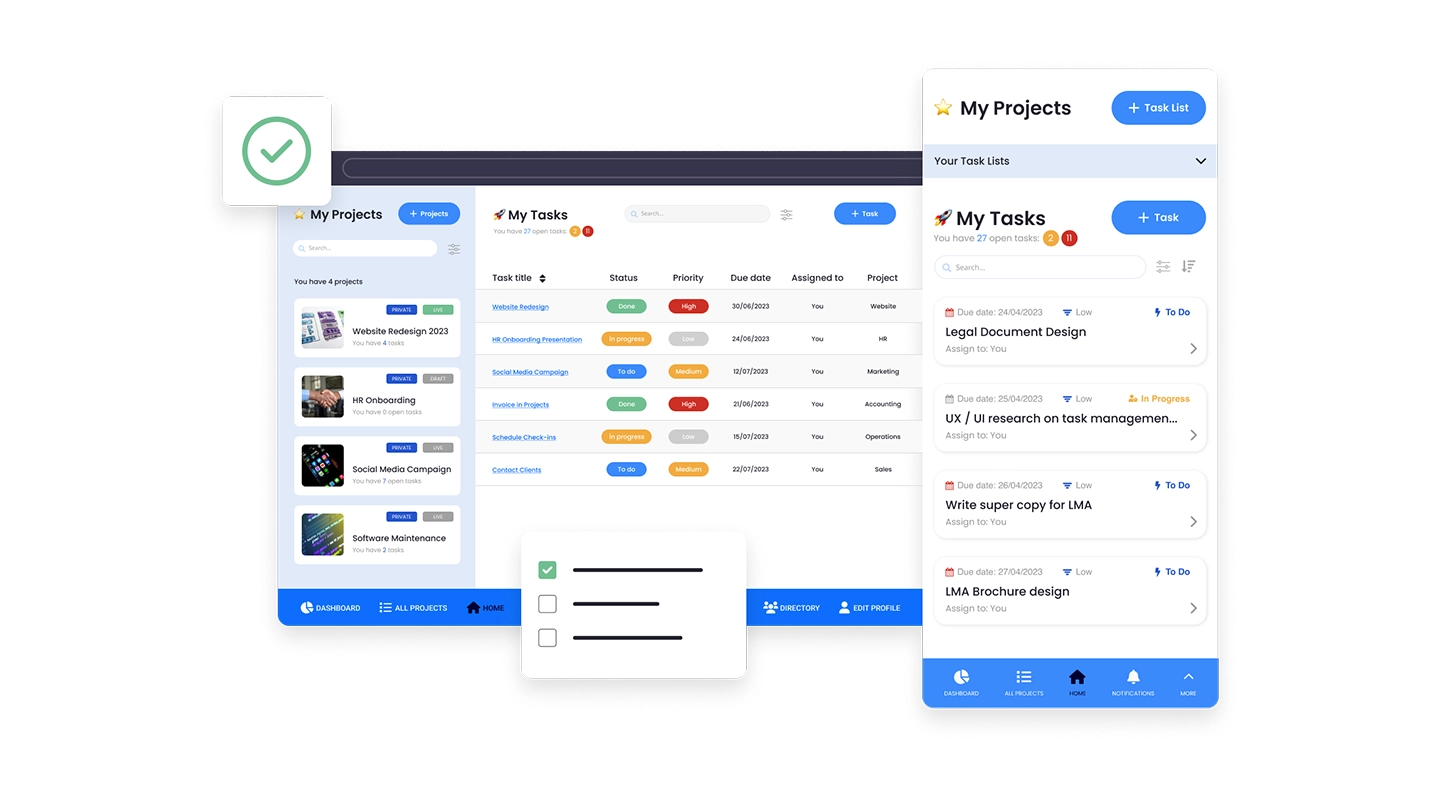
Fliplets [Task Management solution](https://fliplet.com/solution/task-management/) is a dual tracking app solution. This solution will allow you to create two types of lists: a simple checklist and a project.
Key features include multiple task tracking features, the ability to create and update separate lists and projects in real time, accessible on any device: smartphone, tablet and computer and your app can be distributed on web, Apple App Store and Google Play.
Overall, Fliplet offers a suite of apps that legal firms need. Unlike the other solutions mentioned above, Fliplet offers multiple apps in an all-in-one solution. These apps include dawn raids, directories, cyber response, tax apps, internal communications, and client support apps, among many others.
Fliplet's all-in-one solution makes it a valuable tool for legal firms looking to streamline their operations and improve efficiency.
For more on [task management](https://fliplet.com/blog/top-10-task-management-apps-for-teams/?et_fb=1&PageSpeed=off?et_fb=1&PageSpeed=off), read our blog.
### Best Time Tracking Apps for Lawyers
Time is a lawyer's most precious commodity, and tracking it accurately is essential for billing clients fairly and managing a productive workday. Fortunately, there are several timekeeping apps specifically designed for legal professionals that make this task easier and more efficient. Here are three standout time-tracking apps for lawyers that combine functionality with user-friendliness, ensuring you never miss a billable minute.
#### Toggl Track
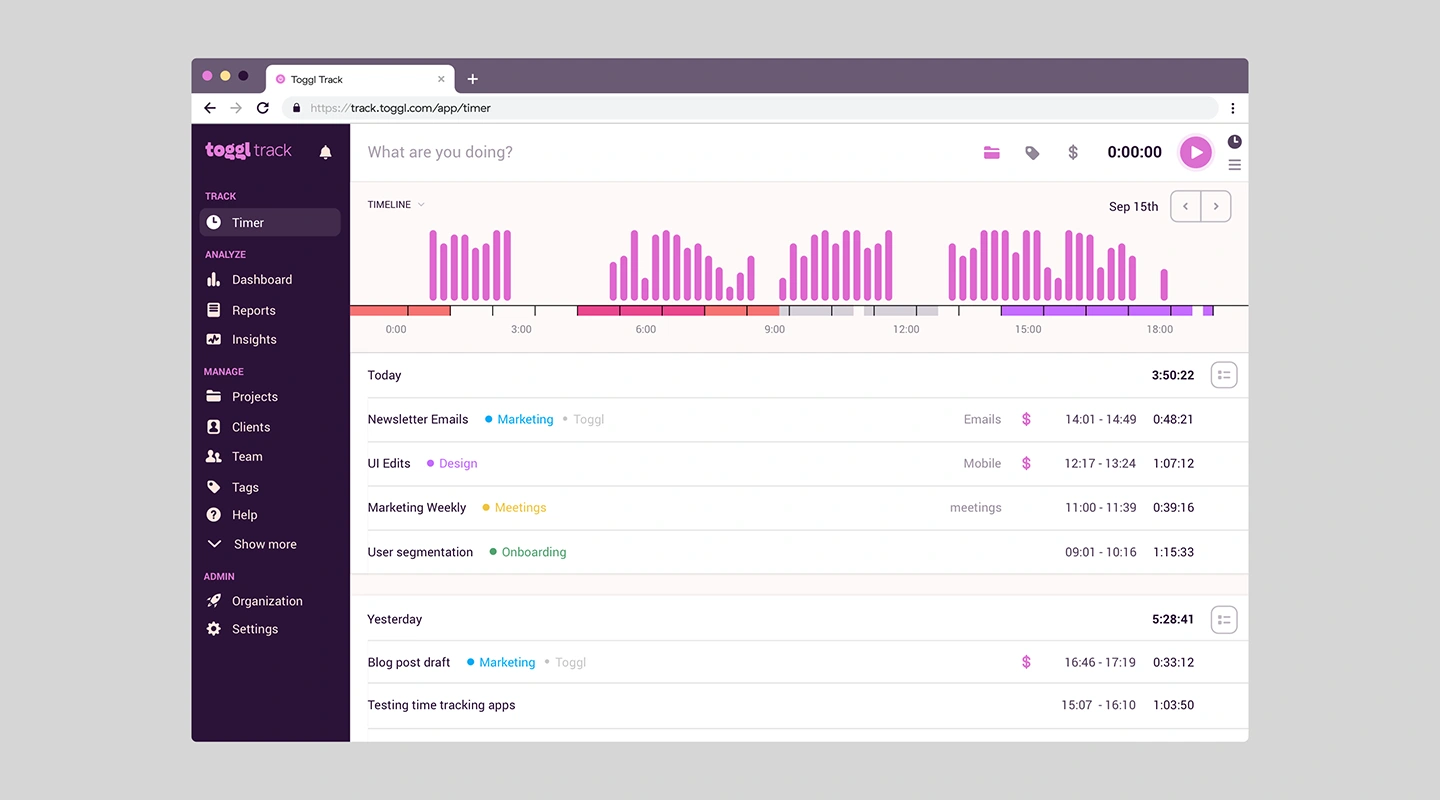
Toggl Track: While not exclusively designed for lawyers, Toggl Track offers simplicity and effectiveness that appeal to busy professionals across industries, including law. Its one-click timer and straightforward interface make time tracking hassle-free, allowing you to focus on your work rather than on managing the tool. Toggl's powerful reporting features let you see at a glance where your time is going, helping you make informed decisions about your practice. Additionally, its integration capabilities mean it can fit seamlessly into the suite of tools you already use.
#### TimeSolv Legal Billing
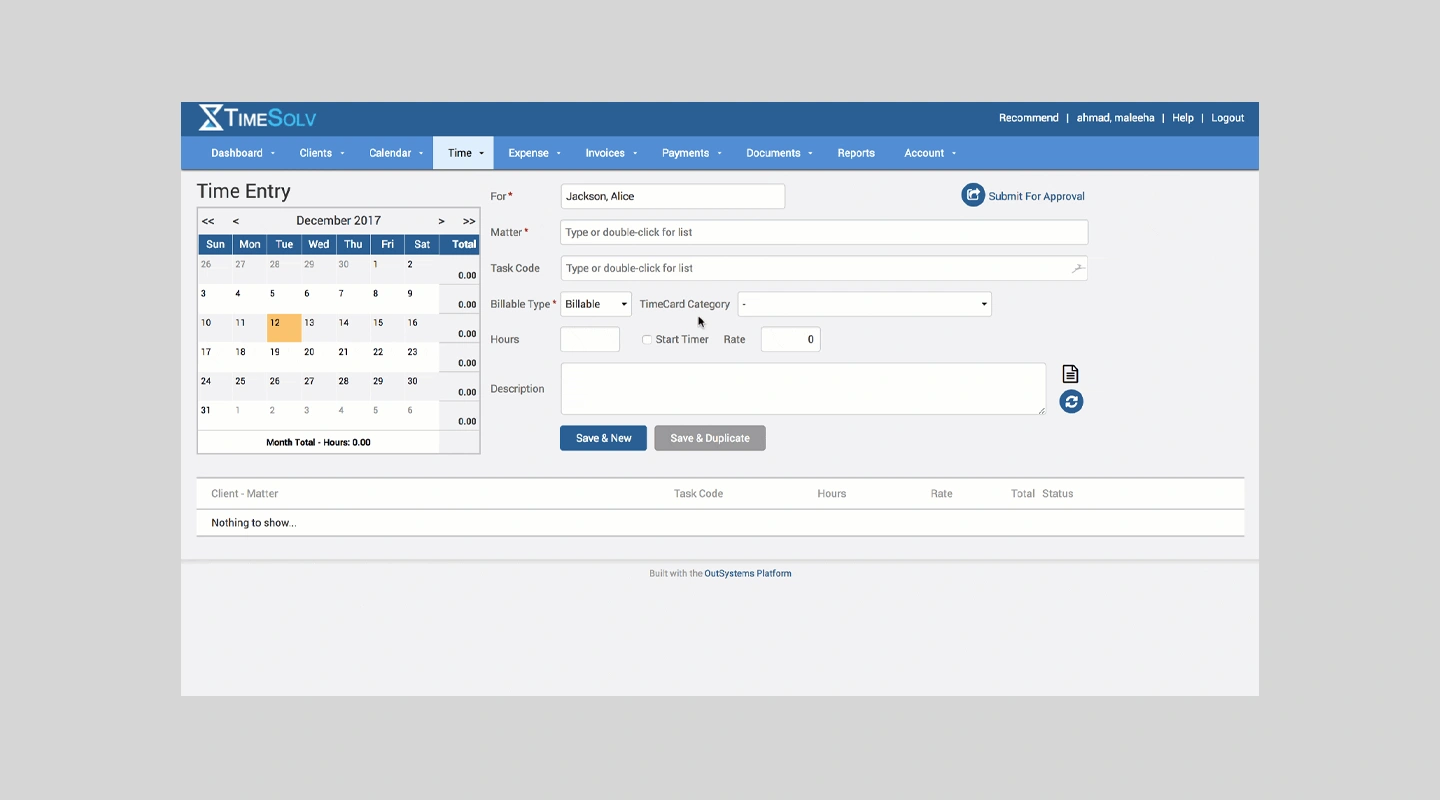
TimeSolv is designed with lawyers in mind, focusing on the nuances of legal billing and time tracking. This cloud-based solution excels in creating accurate, detailed time entries with ease, supporting both billable and non-billable hours. Its intuitive interface allows for quick entry, while robust reporting tools help you analyze productivity and profitability. TimeSolv also offers offline time tracking, ensuring that your billable hours are accounted for, even when you're out of service range.
#### MyCase
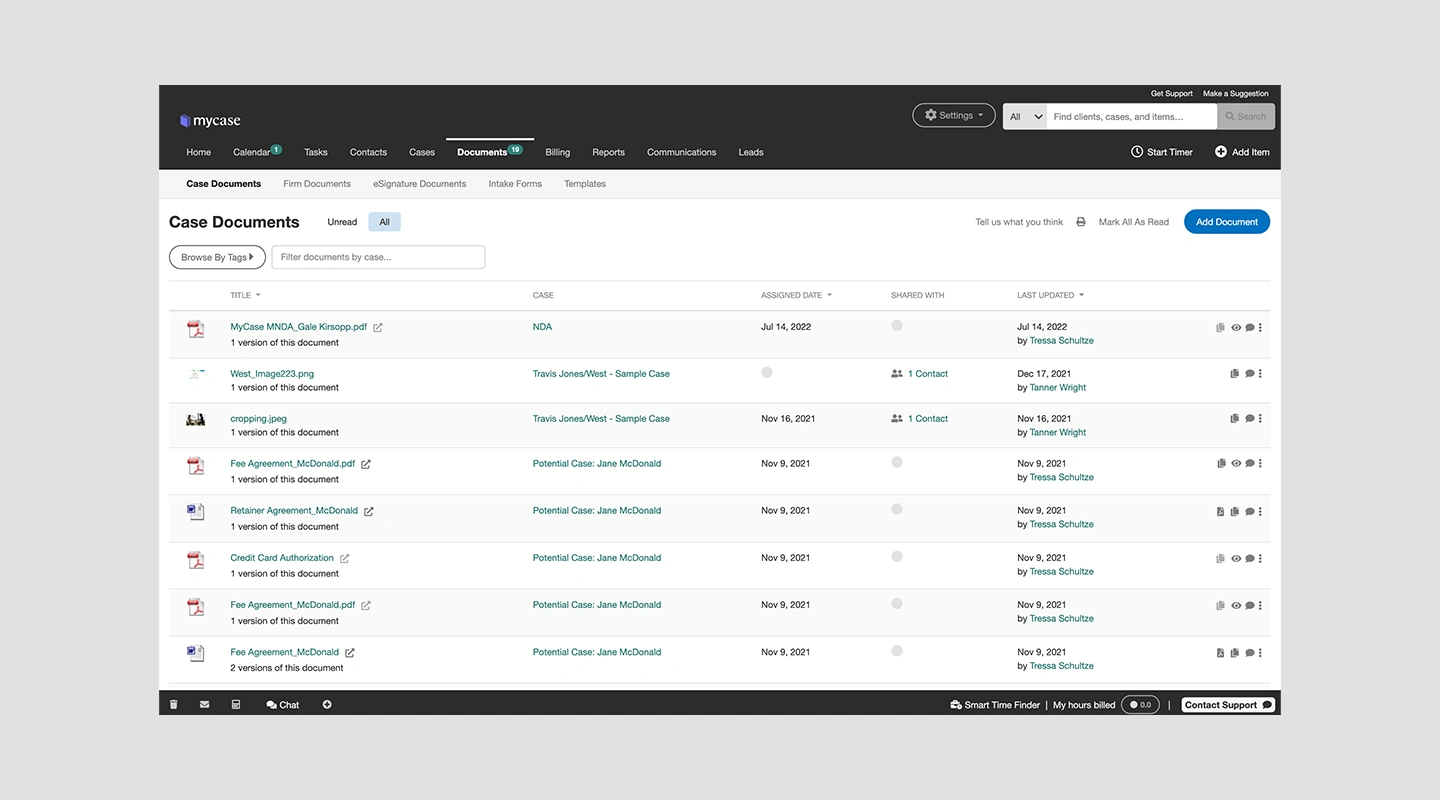
This comprehensive legal practice management software includes a robust time tracking feature tailored for the legal industry. MyCase understands the nuances of legal billing, providing a seamless experience from time tracking to invoice generation. With its intuitive interface, lawyers can easily capture every billable minute, directly linking work to clients and cases. The app also facilitates the creation of detailed time entries, making the billing process transparent and straightforward for both the firm and its clients.
### Best AI Apps for Lawyers
In law, more than anywhere else, the precision of language and the speed of information retrieval can significantly impact outcomes. That's why AI apps are revolutionizing how legal professionals work. From drafting documents to legal research, [these AI-driven tools](https://fliplet.com/ai-app-builders/) are designed to enhance efficiency, accuracy, and decision-making. Here's a look at some of the best AI apps that are making waves in the legal industry.
#### ROSS Intelligence
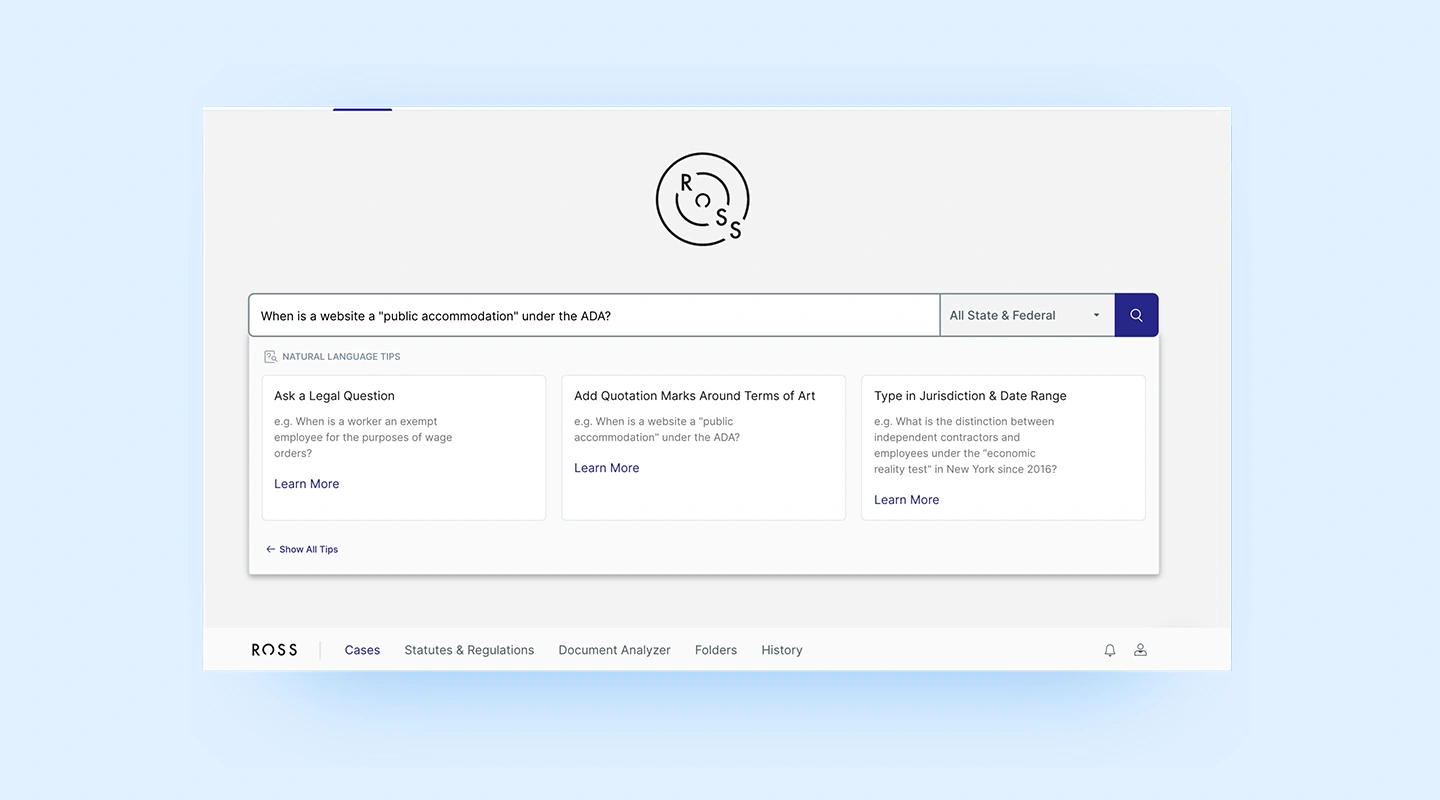
ROSS leverages AI to streamline legal research, offering lawyers quick and precise answers to complex legal questions. By understanding natural language queries, ROSS can sift through vast amounts of legal data, identifying relevant case law and statutes much faster than traditional search methods. This tool is especially valuable for firms looking to enhance their research capabilities and reduce the time spent on finding legal precedents.
#### Contract Companion
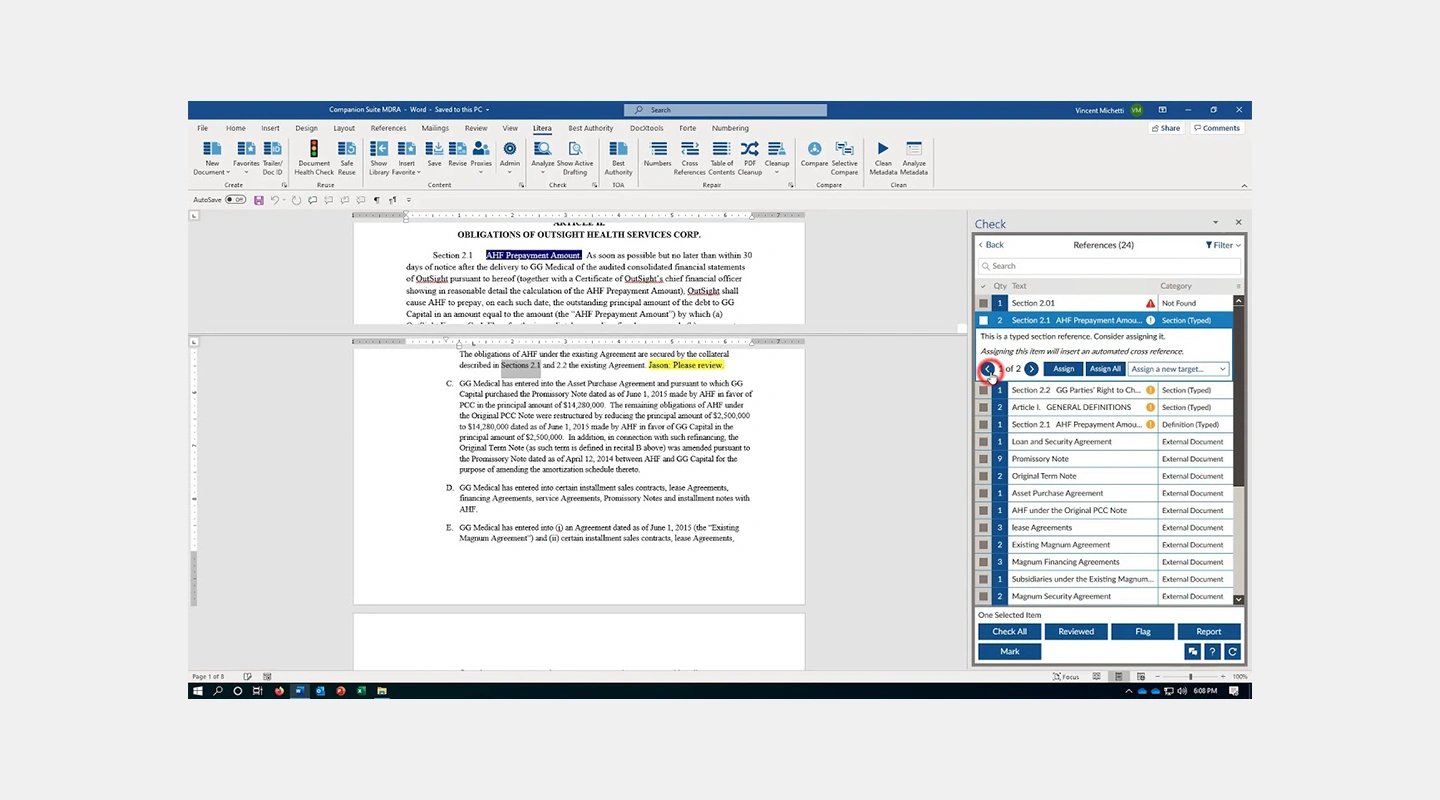
This AI-powered tool is a boon for lawyers inundated with contract reviews. Contract Companion scans documents for potential errors, inconsistencies, and risks, highlighting areas that require attention. Its ability to quickly analyze legal documents not only speeds up the review process but also enhances the accuracy and reliability of contract work, ensuring that no detail is overlooked.
#### Luminance
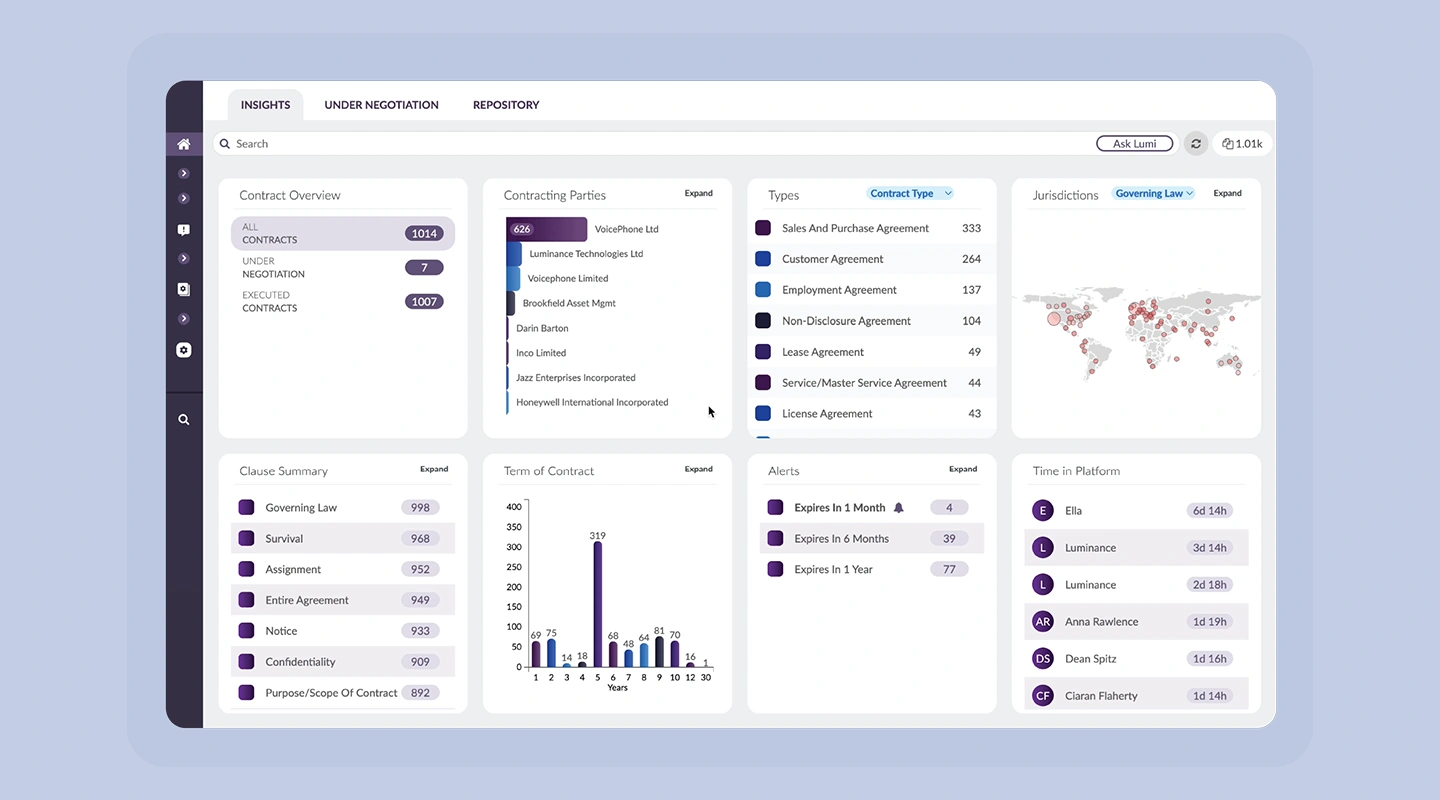
Luminance employs machine learning to improve the document review process, particularly for due diligence and compliance tasks. Its sophisticated AI algorithms can understand the structure and language of various documents, making it easier for lawyers to identify essential information and anomalies. Luminance adapts to the specific needs and patterns of each law firm, becoming more efficient over time and significantly reducing the workload associated with document reviews.
### Best Document Management apps for lawyers
Legal firms know that document management is one of the primary drivers for service quality. If you want to take your document management to the next level then review this list of tools.
#### Evernote
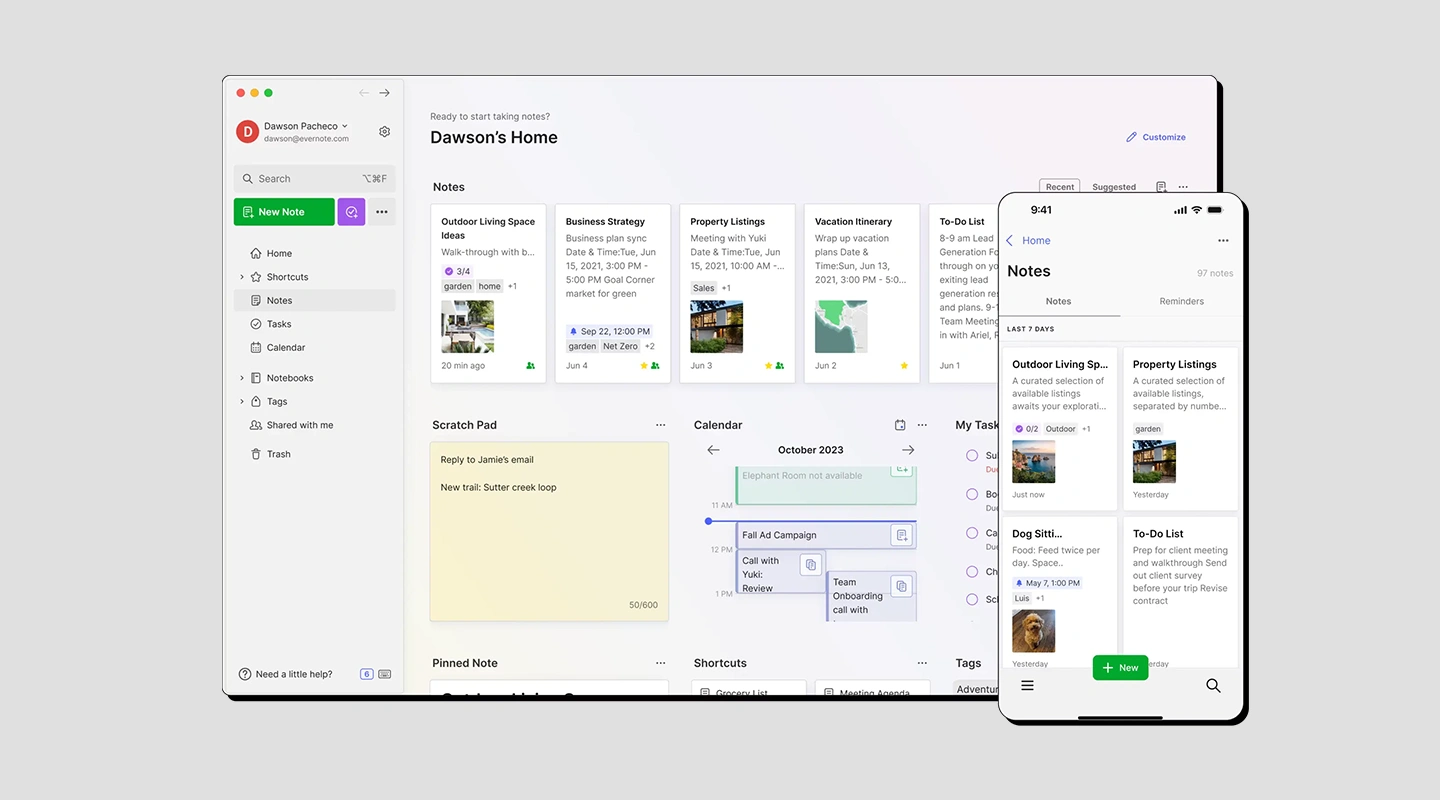
Evernote is a cross-platform, freemium app designed for note taking, organizing, and archiving. It allows users to create notes, which can include text, images, web pages, and audio, and organize them in notebooks.
Additionally, it provides a variety of features such as collaboration, tagging, and searching, to make it easy for users to find and use the information they've saved. Evernote pricing ranges from free to $10.99 per user per month.
#### Google Drive
Google Drive is a cloud storage and file management service offered by Google. It allows users to store and access files such as documents, photos, and videos from any device with an internet connection.
Users can also use it to collaborate and share files with others, and it also integrates with other Google services such as Gmail and Google Docs. Google Drive business pricing starts from $6 per user per month and for enterprise, contact Google Workspace.
#### Good Reader
GoodReader is a PDF reader and file manager app for iOS devices. It allows users to view, edit, and annotate various types of files including PDF, text, Microsoft Office, and iWork documents, as well as photos and videos.
It also provides features such as file transfer options, file compression, and support for cloud services like Dropbox and Google Drive. Good Reader pricing starts at $5.99.
#### Clio
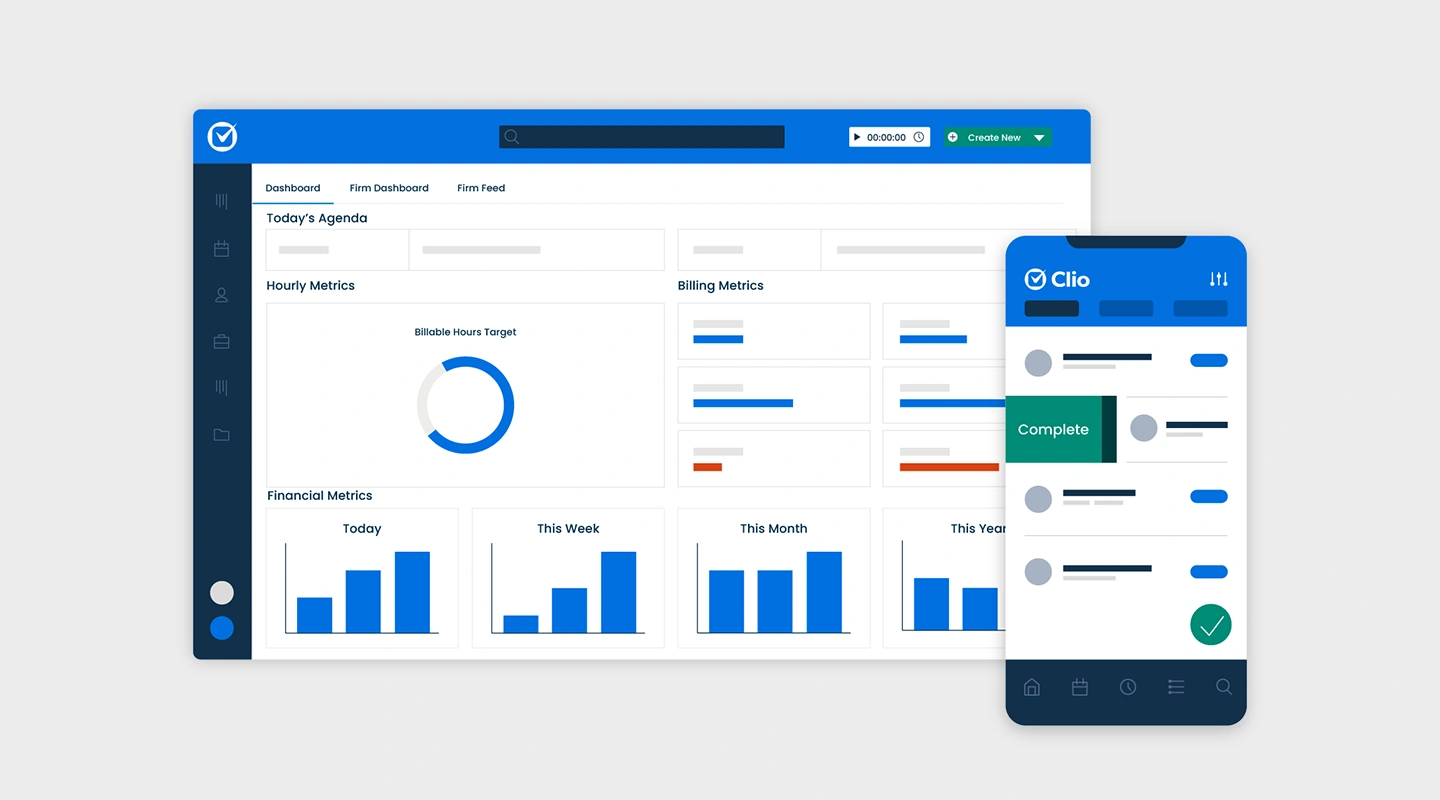
Clio is a cloud-based practice management and legal case management software. It allows law firms to manage their cases, contacts, calendar, billing, and documents in one place.
It also provides features such as time tracking, matter management, and legal research integration to streamline the legal practice and improve communication with clients. You can try Clio for free but pricing starts at $39.99 per user per month to $129.99 per user per month.
#### NetDocuments
NetDocuments is a cloud-based document and email management system for law firms. It allows users to store, share, and collaborate on documents and emails securely from any device.
It also provides advanced security features and compliance capabilities, such as document retention policies and e-discovery support to meet the regulatory requirements of the legal industry. The estimated cost is $1500 – $2500, depending on the size of your law firm.
#### Box
Sharebox is a file storage and collaboration service called ShareBox, which allows users to store and share files, collaborate on projects, and access their files from anywhere. It also offers advanced security features, such as password protection, remote wipe, and two-factor authentication, to keep data secure.
Additionally, it can be integrated with other apps and services, such as Microsoft Office and Google Drive. Box pricing starts at £12 per user per month and for enterprise, contact Box.
#### Fliplet
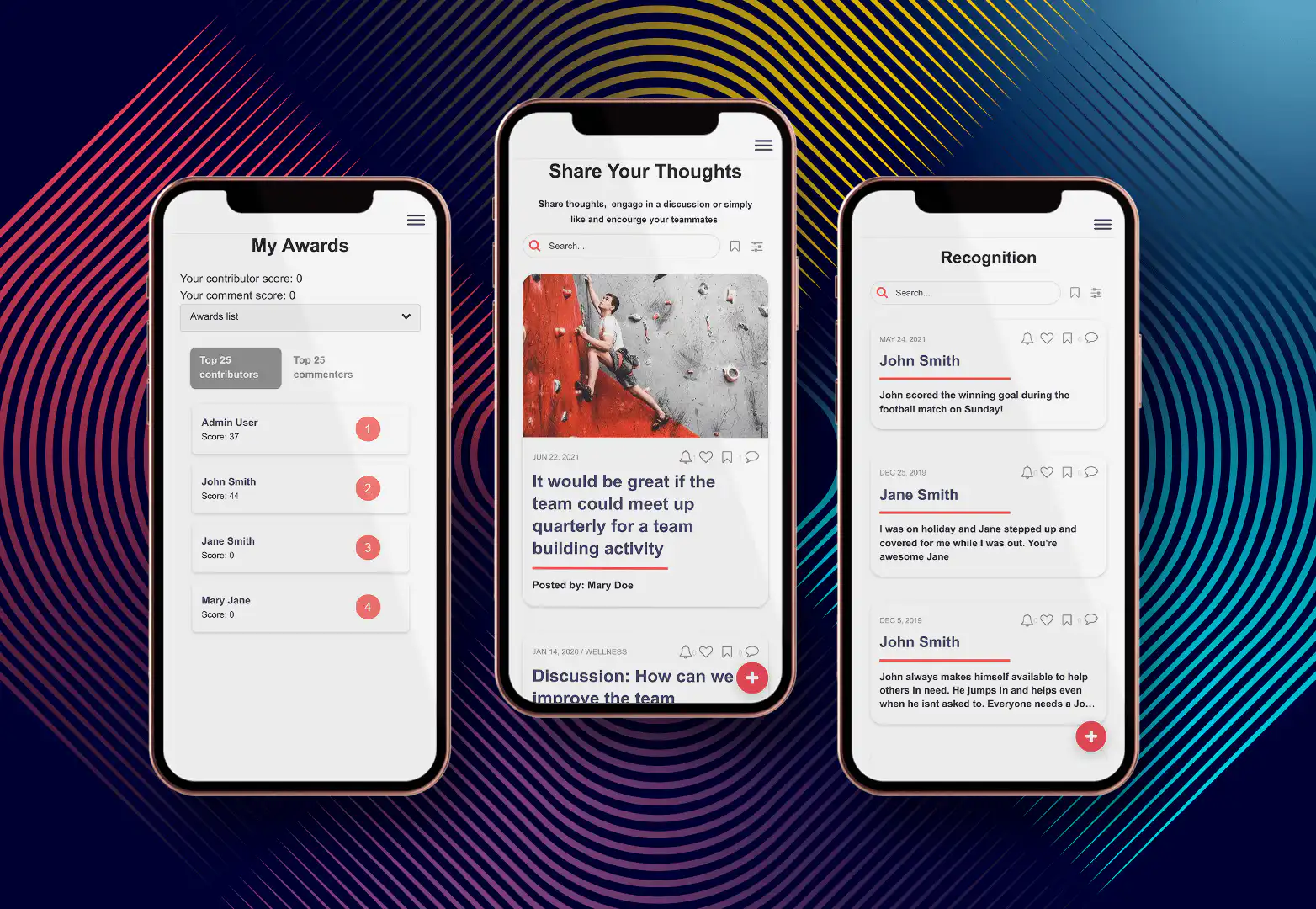
[Fliplets Communication solution](https://fliplet.com/solution/communications/) has been used by law firms as a document management app. Fliplet provides a secure platform for sharing sensitive legal documents, protecting them from unauthorized access.
The solution allows lawyers to store all their legal documents in one centralized location, making it easy to access, share and collaborate on any device.
Having everything in a centralized location and at the touch of a button enables lawyers to easily access documents and files, whilst on the go and reducing the time and effort required to locate them.
Lawyers can collaborate with colleagues and clients more efficiently, as they can access and share documents in real-time.
### Best Communication apps for lawyers
#### Slack
Law firms can use Slack as a communication app by creating channels for specific cases or projects, allowing team members to easily share information and collaborate.
Slack also provides instant messaging and voice/video call features, which can be used for quick communication and discussions.
Additionally, Slack can be integrated with other apps and tools, such as calendars and document management systems, to streamline workflow and improve communication within the firm. Slack pricing starts at $7.25 per user per month for enterprise, contact Slack.
#### Microsoft Teams
Microsoft Teams enables law firms to create channels for specific cases or projects, allowing team members to easily share information and collaborate.
Microsoft Teams also provides instant messaging, voice and video call, and screen sharing features, which can be used for quick communication and discussions.
Additionally, Microsoft Teams can be integrated with other apps and tools, such as calendars, document management systems and email, to streamline workflow and improve communication within the firm.
Microsoft Teams pricing starts at $4 per user per month and goes to $12.50 per user per month.
#### Zoom
Zoom allows organizations to set up virtual meetings and video conferencing, allowing team members to communicate and collaborate remotely. Zoom also provides screen sharing and recording features, which can be used for presentations and training purposes.
Additionally, Zoom can be integrated with other apps and tools, such as calendars and document management systems, to schedule meetings and share documents easily during the call. Zoom pricing starts at free and for enterprise, contact Zoom.
#### RingCentral
RingCentral offers a variety of features such as phone, video conferencing, SMS, and fax. It allows users to make and receive calls, send and receive messages, and host virtual meetings from a single, unified application.
Law firms may want to use this app because it allows them to easily communicate with clients and colleagues, and also facilitates remote work and virtual meetings which can be beneficial during the pandemic or other times where in-person meetings may not be possible.
Ring central starts at $19.99 per user per month and goes up to $49.99 per user per month.
#### Fliplet Communication App
A law firm can use Fliplet's [communication solution](https://fliplet.com/solution/communications/) to create an app that allows clients and employees to easily communicate both internally and externally. Attorneys can access case information, and receive updates on the status of their case.
The app could also include features such as document sharing, a location to host group discussions, news updates and live chat to streamline the communication process.
Additionally, the app could be used to provide legal resources and information to clients, such as legal documents and statutes. Overall, Fliplet can be a powerful tool for law firms looking to improve communication and efficiency with their clients or employees.
## Fliplet: an all in one solution for Lawyers and Law Firms
If there is one app that every lawyer and law firm executive should know, that is Fliplet. There is no question why more than 70 global law firms have used Fliplet.
Mobile apps can be a crucial tool for law firms looking to stay competitive and provide convenient services to clients or employees, that's why 24% of the top 300 law firms now have mobile apps.
From document management to lawyers onboarding Fliplet offers an all-in-one solution to manage a law firm and help executives and lawyers succeed. Client stories speak for themselves.
In the next paragraph, we explain how you can use Fliplet for your law firm.
### Why is Fliplet the only lawyer app you will ever need?
Fliplet's is an all in one solution that offers seventeen solutions and over three-hundred screens that you can customize to suit your needs.
### Some examples of solutions that law firms have created with Fliplet include
1. [Learning](https://fliplet.com/solution/learning/) (Want to start building your learning app? [Read this blog to see how you can build one on a budget](https://fliplet.com/blog/how-to-make-a-learning-app/))
2. [Directory](https://fliplet.com/solution/directory/) (Check out [15 HR apps that will change the way you work](https://fliplet.com/blog/15-hr-apps-that-will-change-the-way-you-work/))
3. [Marketing](https://fliplet.com/solution/marketing/)
4. [Innovation/idea management](https://fliplet.com/solution/innovation-management/)
5. Approval workflow
6. Portal app
7. Sales Enablement
8. [Communications](https://fliplet.com/solution/communications) (Take a look at this blog where we compared [the top 10 community apps to engage and monetize your community](https://fliplet.com/blog/10-apps-to-boost-your-community-engagement/) or you can check out [the 15 best team communication apps of 2026](https://fliplet.com/blog/best-team-communication-apps/))
9. [Data capture](https://fliplet.com/solution/data-capture/)
10. [Emergency Management](https://fliplet.com/solution/emergency-management-for-clients/) (Take a look at the [5 steps to take to prepare for a dawn raid](https://fliplet.com/blog/5-steps-to-prepare-for-a-dawn-raid/))
11. [Events](https://events.fliplet.com/) (To compare our Event solution to other solutions read t[he 25 best mobile event apps you need in 2026](https://events.fliplet.com/blogs/25-best-mobile-event-apps/))
12. [Food ordering](https://fliplet.com/solution/ecommerce-solution/)
13. Multilingual
14. [Remote and office management](https://fliplet.com/solution/remote-and-office-management/)
15. [Task management](https://fliplet.com/solution/task-management/)
16. [Reporting App](https://fliplet.com/solution/mobile-reporting-app/)
17. Blank solution to build from scratch
### What makes Fliplet the best app for lawyers?
As we all know, there is fierce competition in the legal industry, with a continuous stream of new entrants entering the oversaturated legal market exploiting changes in legislation and technology. Law firms are under ongoing pressure to stay on top of their game.
Law firms that want to win are the ones who invest in technology and innovation to enhance client service, attracting new talent, showcasing their expertise, providing added value and building their brand.
Fliplet is the best app for lawyers just because it's designed for them. WIth a staggering percentage of Fliplet customers being legal firms, Fliplet design's each suite of templates with lawyers in mind.
Not only that but [Fliplet solutions](https://fliplet.com/solutions/) span across multiple use cases and result in streamlined communication within the firm and its clients.
Fliplet's intuitive interface and user-friendly design make it easy for even your non-technical teams like layers or marketers to navigate and utilize the platform effectively.
### Fliplets key features for legal apps
- **Login** – Add an extra layer of security to your app by making users identify themselves.
- **Newsfeed** – Keep employees or clients updated with the latest company or industry news. See what interests the users the most by allowing them to like and bookmark news items.
- **Document libraries** – Store key files such as case files, contracts, meeting notes and more in one convenient place so lawyers can access them on the go.
- **Surveys** – Gather feedback from clients to improve your legal services and measure the satisfaction of the clients. Understand what your clients like and what are the areas for improvement.
- **Brand your app** – Make the app your own by quickly and easily customizing the app to fit with your firm's logo, colors, fonts and style.
- **Publish on any device** – Fliplet knows lawyers are on the go and need to be able to access information and documents anywhere at any time. You can create one app that works on mobile, tablet and desktop.
### What are the benefits of Fliplet?
Are you tired of dealing with clunky and outdated technology at your law firm? Want to improve your firm's security, ease of use, and overall efficiency? Look no further than Fliplet – the ultimate app solution for innovative law firms and offers the best apps for lawyers.
With its customizable platform, cost-effective pricing, and plethora of advanced features, Fliplet is changing the game for legal professionals everywhere.
With Fliplet, you'll never have to worry about security breaches again. With its ISO 27001 certification, you can trust that Fliplet meets the highest standards for data [security](https://fliplet.com/security/).
Say goodbye to worrying about data breaches and hello to peace of mind. Take the pressure off your firm's IT teams as with its easy-to-use interface, even your non-technical teams can navigate around the platform with ease.
But that's not all – Fliplet also offers unparalleled customization options, allowing you to tailor your app to perfectly match your firm's brand and unique needs.
Not only that, due to Fliplets huge legal presence Fliplet offers multiple integrations with all popular legal software such as [HighQ](https://legal.thomsonreuters.com/en/products/highq), [Litera](https://www.litera.com/) and many other integrations. Plus, its flexibility and scalability make it the perfect choice for firms of all sizes and industries.
Don't get left behind in the digital age. Upgrade your firm's technology today and [book a Fliplet demo](https://fliplet.com/book-a-demo/) to see the benefits it can offer.
### Price
- Free plan – publish your own web app
- Public plan – from $9.90 p/m
- Enterprise plan – [book a demo](https://fliplet.com/book-a-demo/) with us
### Reviews
## - Capterra – 4.8 / 5
- G2 – 4.6 / 5
## What are some other best apps for attorneys and advocates?
### Events solution
One major benefit of [Fliplets Event solution](https://fliplet.com/solution/communications/) is that it allows law firms to effectively manage their legal events such as conferences, seminars, and networking events, the solution can be used for any event, any size!
The solution offers key features such as agenda and scheduling, a list of speakers and attendees, session materials, an [event floor plan](https://events.fliplet.com/blogs/event-floor-plan/) as well as polls, surveys and questions to improve attendee engagement, gather comprehensive and valuable feedback and help measure your events success.
Lawyers can create an event app that includes all the information attendees and clients need to know such as speaker bio's, venue information and more.
Fliplet's Event solution includes interactive features such as document sharing, so your attendees and clients can access the materials before and after the event, as well as a live chat feature for attendees and clients to communicate with your firm easily and effectively.
Whether your app is aimed at staff, clients, delegates or all of the above, it will help ensure your events run smoothly, help to increase attendance due to ease of access, and will ultimately differentiate your organization and help you to stand out.
See how one of the [top 30 UK law firms](https://fliplet.com/case-studies/top-30-uk-law-firm/) built an event app using Fliplet and how they get their events live in the app in just 10-15 minutes!
### Communication solution
89% of lawyers use their mobile device for their job. Finding a convenient solution that allows lawyers to collaborate and communicate with clients, employees and other legal professionals can be difficult for law firms.
Fliplets communication solution allows law firms to stay in contact with clients and employees anywhere in the world and enhance their experience.
Fliplets solution provides a central platform for communication and collaboration, and helps streamline workflow and reduce the need for multiple tools and systems.
The solution offers a variety of key features to law firms as they can upload their own content such as files, pdfs, spreadsheets and images which are stored in one easy accessible place.
The news feed feature is an efficient way to update clients on latest changes and updates about the firm or industry. Surveys and chat features ensure lawyers are aware of any questions or concerns their clients may have.
[Mills and Reeve](https://fliplet.com/case-studies/mills-and-reeve/) came to Fliplet looking for a solution that would improve their communication with their partners and provide them with information at the touch of a button.
After mapping out the [app functionality](/blog/16-successful-mobile-app-features/) in a spider diagram on paper, the team created prototypes for the app screens utilizing Fliplet to develop, test and deliver the 'What The Tech?!' app in just two weeks.
The team developed an award-winning app, recognized with The Legal Innovation 2020 award for Knowledge Management Innovation.
### Directory solution
Your clients can filter through lawyers in the firm to find the right lawyer for their needs. If users are unsure who they are looking for they can filter down by department, titles, education, skills and more.
Allow clients to get to know the lawyers by including personal information such as expertise, skills, languages spoken, recent projects, certifications and social media links.
Using [Fliplets Directory solution](https://fliplet.com/solution/directory/) will help increase the firm's visibility and attract new clients, the app can help to position your firm as an expert in its field and more is more likely that potential clients will work with your firm.
Overall, Fliplet is the best solution for law firms as they offer a wide variety of solutions and features so law firms can find the best solution for their individual needs.
Fliplet provides analytics and reporting features on all their solutions so law firms can understand user behaviour and improve the app accordingly, to ensure they are maintaining their competitive edge in the market.
Many other law firms have already gone with Fliplet as it provides an efficient, cost-effective and user-friendly solution.
So what are you waiting for? [Book a demo](https://fliplet.com/book-a-demo/) to see how other law firms have created apps with Fliplet.
### Emergency Management solution
Law firms, are you ready to tackle emergencies head-on? Introducing Fliplet's Emergency Management solution, the ultimate tool for responding effectively to any crisis.
Say goodbye to juggling multiple conventional solutions and hello to a streamlined, all-in-one platform that keeps you informed and connected no matter where you are in the world.
The [prebuilt app](https://fliplet.com/blog/prebuilt-app-builder/) solution offers a host of features, including pre-built checklists, real-time notifications, live chat for communication and coordination, file and photo uploads, guides and courses, a directory of experts, and post-emergency surveys to improve your response plan.
But that's not all – with Fliplet, you'll also benefit from a quick response time, better collaboration and communication, the ability to train and educate users on emergency protocols, and fully customizable options to suit the unique needs of your organization.
And with offline access, you'll never have to worry about losing access to critical information.
Don't let emergencies catch you off guard. Be proactive and take control with Fliplet's Emergency Management solution. Fully customizable and delivered in just a few weeks, this is a must-have for any law firm looking to improve their emergency response plan.
Want to be a step ahead of the game? Check out this [crisis management case study](https://fliplet.com/case-studies/crisis-management/) and get a sneak peek at what our solution can do for your organization!
See real-world examples of how our all-in-one emergency management solution can improve your response time, increase collaboration and communication, and train and educate your team.
## How to choose the best app for your law firm
Whether you're a small-medium sized law firm or a large one, Fliplet offers a range of features and functionalities that cater to your specific needs.
For smaller law firms, Fliplet offers a variety of key features such as task and document management, billing and invoicing, and communication.
Clio, Trello, and Zoom, also offer some of these features but with Fliplet you get the added benefits of the platform being easy to use and affordable. You can [book a demo](https://fliplet.com/book-a-demo/) to see the benefits it can bring to your firm.
Larger law firms may require more advanced features. Fliplet offers a range of advanced features such as highly detailed reporting and analytics, in-app admin functions to quickly and efficiently make edits and changes to your app on the go as well as the ability to integrate with other tools that your firm uses.
Other apps that offer some of these features include Evernotes and Slack.
With Fliplet, you get an all in one solution that provides lawyers with a central location to access everything they need, on any device, no matter the time or location.
Fliplet has proven to help large law firms as anyone within the organization can build an app to suit their needs without the need of any code.
The non-technical teams at Gowling are able to rapidly create and deploy apps using Fliplet which has taken the stress off their IT teams, read the full [Gowling case study](https://fliplet.com/case-studies/gowlingwlg/) to find out more.
With Fliplet, large law firms can take their operations to the next level, while also keeping the process easy to use and cost-effective. You can [book a demo](https://fliplet.com/book-a-demo/) to see Fliplet's features and experience the benefits it can bring to your firm.
### To find the best app for your legal practice ask yourself
- What are goals for the app?
- What do you want the app to be able to do?
Once you ask yourself these questions you can find a solution that offers all the features you require.
## Learn how legal software can increase your lawyer productivity
## The adoption of legal apps from Lawyers and Law Firms
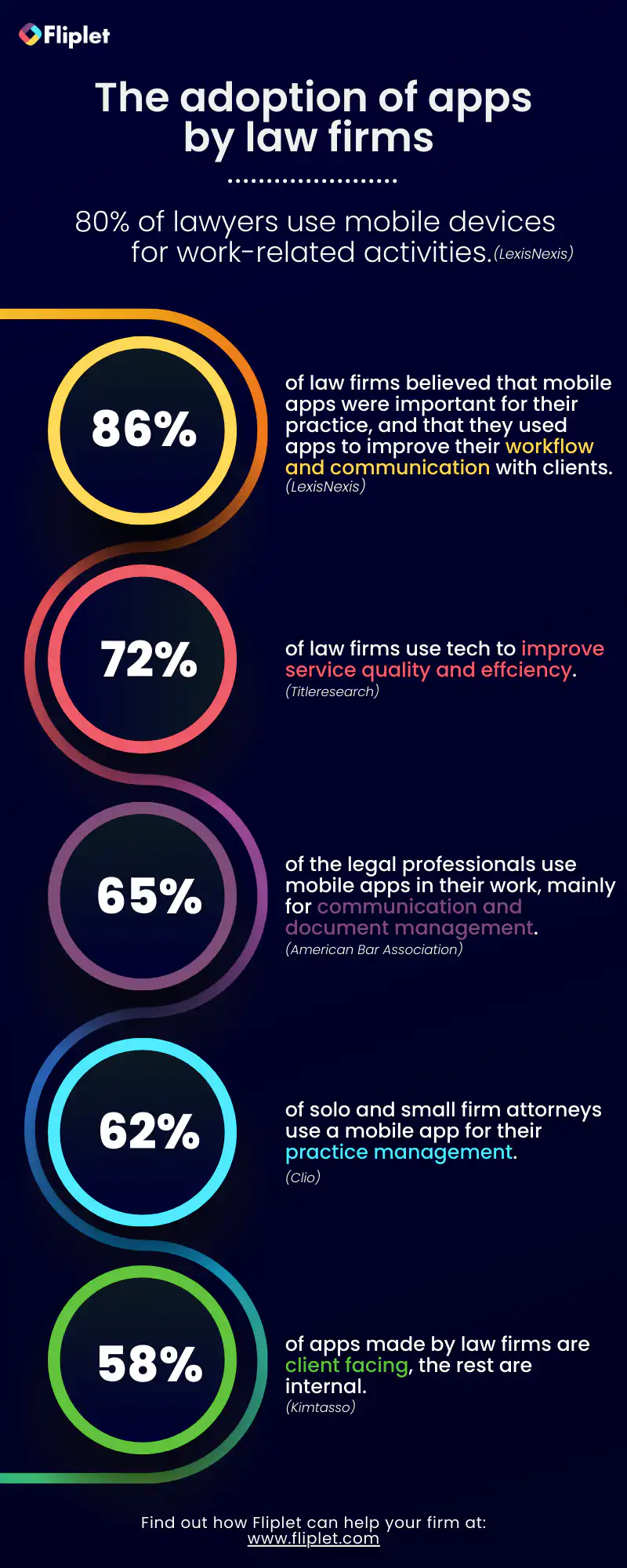
## Summary
To summarize on this [blog](https://fliplet.com/blog/legal-innovation/), mobile apps have become an essential tool for lawyers and law firms in today's fast-paced and highly competitive legal industry.
The 17 apps we have highlighted in this [blog](https://fliplet.com/blog/ai-for-lawyers/) offer a wide range of benefits and features that can help law firms streamline their workflow and manage their clients and employees more effectively.
Among the apps highlighted in this [blog Fliplet stands out as the best app for law](https://fliplet.com/blog/law-firm-client-portals/) firms to use. Fliplet can be used to create a variety of apps such as document management, task management and communication apps.
These apps can improve efficiency, collaboration, and data security for the firm. Additionally, Fliplet's no-code approach allows for quick and easy app development, which can save the firm time and money.
## Give it a go yourself…
## Review details
#### Trello
##### Visit Trello
**Label:** Visit Trello
**Href:** https://trello.com/
##### Analysis
Trello allows users to create boards for different projects and tasks, and to assign tasks to team members.
##### Key Features
- Board-based task organization
- Task assignment for team collaboration
- Calendar view for tracking deadlines
- Useful for managing multiple cases and tasks
##### Price
Trello is free, and Enterprise can go up to $17.50 per user per month.
#### Asana
##### Visit Asana
**Label:** Visit Asana
**Href:** https://asana.com/product
##### Analysis
Asana is a project management tool that allows users to create tasks, assign them to team members, and track progress.
##### Key Features
- Task creation and assignment
- Progress tracking across projects
- Calendar view for upcoming deadlines
- Integrations with tools such as Google Calendar and Slack
##### Price
Asana is free, and business plans can go up to £20.99 per user per month.
## FAQs
### What apps have law firms created?
Find out how [Eversheds Sutherland app for lawyers](https://fliplet.com/case-studies/eversheds-open-house/) combated the issue of keeping social connections whilst working from home through their open house app.
Discover how Mills & Reeve award-winning “What the Tech?!”[legal app](https://fliplet.com/case-studies/mills-and-reeve/), made to support technological discovery. The app was the Winner of KM Innovation award 2020 and had over 500 staff engaged with the app in the first 2 months and a positive increase in tech enquiries.
See how a Top 30 UK Law firm switched [their legal app](https://fliplet.com/case-studies/top-30-uk-law-firm/) from another solution to Fliplet and went from 40 minutes inputting the details for an event to getting an event live in the app in just 10-15 minutes.
### What other apps for lawyers can law firms create?
Law firms have a range of tasks they need to manage on a daily basis. From tracking time and billing clients, to managing cases and communicating with clients, to conducting legal research and drafting documents, law firms have a lot to keep track of.
Tailored apps enable law firms to streamline these processes quickly and conveniently.
By leveraging the power of technology, law firms can create various all-in-one apps such as directories, dawn raids, idea management, office management, crisis management, client support and much more.
These apps can be designed to suit the needs of different departments or practice areas within the firm, such as litigation, estate planning, or intellectual property law.
It’s worth mentioning Fliplet isn’t just limited to document management, communication and task management apps.
As it is an all in one solution platform, law firms have a wide range of solutions and features to choose from to meet their requirements. Some examples of other apps that law firms have created using Fliplet include;
- Directories
- Dawn Raid
- Idea management
- Remote and office management
- Crisis management
- Training and Onboarding
- Tax apps
- Client support
- New lawyers onboarding
- Practice service
With the right app solution, law firms can improve their workflow and ensure that their clients receive the best possible service.
### What is Zapier, and why do law firms need to know about it?
Zapier is an online automation tool that allows users to connect different apps and services together in order to automate repetitive tasks. For example, a law firm could use Zapier to automatically create a new task in their task management app whenever an email is received from a certain client, or to add a new contact to their CRM whenever a new client signs up on their website.
By using Zapier, law firms can automate repetitive tasks that would otherwise need to be done manually, saving time and increasing efficiency.
Fliplet and Zapier can work together to automate tasks and streamline communication within a law firm. Here are a few examples of how they can be used together:
1. Data collection: Fliplet can be used to create a custom mobile app for clients to fill out forms and provide information, while Zapier can be used to automatically send that information to the law firm’s CRM or case management system.
2. Task Management: Fliplet can be used to create a custom mobile app for clients to view and update their case information, while Zapier can be used to automatically create tasks in the law firm’s task management app when certain actions are taken within the Fliplet app, such as when a client updates their information.
3. Communication: Fliplet can be used to create a custom mobile app for clients to communicate with their attorneys, while Zapier can be used to automatically send notifications to the attorney’s email or mobile device when a new message is received in the Fliplet app.
4. Workflow Automation: Fliplet can be used to create custom forms and workflows, while Zapier can be used to automate tasks and communication based on the data collected and actions taken within the Fliplet app.
Overall, using Fliplet and Zapier together allows law firms to create a seamless and automated workflow for their clients, which can save time and increase efficiency.
## Related links
- [The Rise of Low-code app Platforms among Law Firms](https://fliplet.com/blog/low-code-app-platforms-among-law-firms/): Fliplet's CEO, Ian Broom discusses the rise of low-code app platforms among law firms.
- [Fliplet Webinar: Is mobile the future of Legal Tech?](https://info.fliplet.com/webinar-registration-is-mobile-the-future-of-legal-tech): The state of legal tech and innovation: what we can learn from a panel of legal experts.
- [32 Legal Emergency Management solutions and why your firm needs one](https://info.fliplet.com/webinar-download-32-legal-emergency-management-solutions-and-why-your-firm-needs-one): Watch Fliplet's webinar on the analysis of legal Emergency Management solutions in the report and demonstration of the solution.
---
# 2026 legal survey: 3 trends driving customer engagement and growth
> A legal industry survey highlighting key trends that impact customer engagement, retention, and growth strategies.
Source: https://fliplet.com/blog/2020-legal-survey-3-trends-driving-customer-engagement-and-growth/
Content type: Blog
Published: 2026-05-18T09:59:11
Updated: 2026-02-28T09:25:00
Read time: 12 minutes
# 2026 legal survey: 3 trends driving customer engagement and growth
## Emerging software drives marketing efficiency, customer retention and new business
As the accelerating pace of digital-change shows no signs of slowing down, it feels like more law firms are stepping up their marketing and business development activities. The market is growing, but so is the competition, and law firms can no longer rely on securing new business based on reputation.
Market context: the [Thomson Reuters 2026 State of the US Legal Market report](https://www.thomsonreuters.com/en-us/posts/wp-content/uploads/sites/20/2026/01/2026-State-of-the-US-Legal-Market.pdf) tracks the client-service and technology pressures shaping law firm growth.
To add pressure, many law firms are also battling with the emergence of tech-savvy millennials as they want services 'on-demand'. They are expecting seamless digital communication that articulates value throughout all channels.
So, how can Marketing and Business Development turn these challenges into client-driven solutions that boost competitiveness, marketing efficiency and sales performance?
In this article, we discuss key emerging trends that will empower Marketing and Business Development to rapidly deliver high-value solutions to clients as well as create better templates and pitch/bid apps for growth.
## Trend 1 – Implement the right tools to optimize Business Development
According to Marketing and Business Development professionals surveyed, almost half of the respondents (49%) stated that lack of training, coaching and leadership had hindered their performance recently. When we asked Managing Partners, 41% agreed that recent business development performance was also impacted due to the lack of digital tools. Almost a third of Managing Partners (29%) identified equipping teams with better tools as the best solution for resolving these issues.
Moreover, looking over the fence, Marketing and Business Development said their competitors were more advanced in digital transformation (38%), they monetized their data better (32%) as well as being customer-focused (32%).
## Trend 1 – Implement the right tools to optimize Business Development
According to Marketing and Business Development professionals surveyed, almost half of the respondents (49%) stated that lack of training, coaching and leadership had hindered their performance recently. When we asked Managing Partners, 41% agreed that recent business development performance was also impacted due to the lack of digital tools. Almost a third of Managing Partners (29%) identified equipping teams with better tools as the best solution for resolving these issues.
Moreover, looking over the fence, Marketing and Business Development said their competitors were more advanced in digital transformation (38%), they monetized their data better (32%) as well as being customer-focused (32%).
## Trend 2 – Boosting retention with better customer engagement
Over half of the survey respondents (54%) were challenged by customer-driven issues, such as cut budgets, sales cycle velocity and the lack of customer insights. Almost half of the Marketing and Business Development professionals surveyed agreed that the essential solutions to better customer engagement and retention were UX tools that enabled customer-driven messaging at 48% and customizable client solutions at 45%.
## Trend 3 – Business Development and Marketing alignment is key to maximising returns
According to Marketo, Sales and Marketing alignment is potentially the largest opportunity for improving business performance today. When marketing and sales teams unite around a single revenue cycle, they dramatically improve marketing return on investment (ROI), sales productivity, and, most importantly, top-line growth.
Our survey revealed that there is still some work to do in legal firms as misalignment is still a challenge. 23% of Marketing and Business Development professionals described their internal relations as missing coordination and being either ad-hoc or non-existent. And, when working remotely, the misalignment between Business Development and Marketing jumped to 39%.
## 2026 tech predictions: Why will mobile apps lead the future?
With a plethora of technologies available on the market today, how do legal firms navigate in the maze and choose the right tools? Key considerations are easy integration capabilities, scalability, enterprise security and flexibility to ensure a future proof solution.
There is one trend that has not shown any signs of slowing down. According to Statista, in 2017, there were 178 billion app downloads. That number is projected to grow to 205 billion this year, and 258 billion in 2022 – a 45% increase over five years. Big players like Amazon Honeycode and Microsoft Power Apps have realized the lucrative potential and created their own low code/no code mobile app platforms recently. But technology alone will not support businesses in their goal. Choosing a solution provider that understands your industry, has a portfolio of firms with active use cases is the key to success in this area.
The low code/no code app platforms provide flexible technology allowing B2B organizations, including law firms, to create easy-to-access. Whether you are looking to improve marketing efficiency, getting customer insights for retention or new business pipeline, mobile apps offer a fast-to-market option.
With templated solutions, such as sales messaging, event or bid/pitch apps, legal firms of any size can create high-value mobile and web apps, legal apps and [apps for lawyers](/blog/the-14-best-apps-for-lawyers/) that boost customer engagement through tailored messaging and real-time sharing. The unified platform aligns all departments, Marketing, Business Development, IT or Operations seamlessly and provides customer insights valuable for driving the common goals. The adding benefit of using apps over PDF's include real-time analytics and push notifications to ensure your message is getting through.
## What does the future hold for you?
So, what happens to legal firms that don't invest in modern Business Development and Marketing technologies, tools that empower them to work collaboratively and gain customer insights in real-time for growth? Would they cease trading or get acquired by competition?
In the increasingly competitive and fast-paced market, the leaders will carry on adopting client-driven technology that not only improves marketing efficiency and Business Development performance but also helps to align the two teams for better results seamlessly. The essential investment in emerging technologies will pay back in increased customer satisfaction, retention, as well as new business.
As for laggards, will they disappear or downsize and then eventually disappear?
## FAQs
### What legal industry trends from the survey affect customer engagement the most?
The strongest themes are better use of technology, stronger client engagement practices, and closer alignment between business development and marketing teams.
### How can law firms improve customer retention with digital tools?
Firms can improve retention by centralizing client communication, sharing timely updates, and creating consistent service experiences through secure digital channels.
### Why does marketing and business development alignment matter for growth?
Alignment helps firms target the right opportunities, follow up faster, and measure what drives new business so budget and effort are focused on high-impact work.
## Related links
- [What is Legal Technology? Definition + 2026 Stats](https://fliplet.com/blog/what-is-legal-technology/): Learn how legal technology supports modern client service, operational efficiency, and scalable growth for law firms.
- [AI for Law Firms: Tools, Strategies, and Future Trends](https://fliplet.com/blog/ai-for-lawyers/): Explore practical AI use cases that help legal teams improve engagement, decision-making, and delivery speed.
- [Attorney Marketing: Ultimate 2026 Growth Guide](https://fliplet.com/blog/attorney-marketing/): Discover proven marketing strategies for law firms to boost visibility, win more business, and strengthen client relationships.
---
# 22 Essential Business Apps for Businesses of All Sizes
> Compare 22 business applications by category, use case, buying question, and pricing model, with a transparent selection method and current provider sources.
Source: https://fliplet.com/blog/22-essential-business-apps-for-businesses-of-all-sizes/
Content type: Blog
Published: 2023-10-19T15:25:46
Updated: 2026-09-02T12:00:00
Read time: 23 minutes
# 22 Essential Business Apps for Businesses of All Sizes
Business applications keep essential work moving, from payroll and stock control to sales, customer support, and secure access. The right product should fit the task, connect with the systems you already use, and remain manageable after launch. A familiar name or long feature list does not guarantee that fit.
This guide groups 22 current products by the job they are designed to support. It is a shortlist, not a ranking. Use the comparison questions to decide which products deserve a closer look, then confirm current features, prices, regions, integrations, and contract terms with each provider.
## Key takeaways
- Start with the job to be done, the people involved, the data, the integrations, and the team that will own the software.
- Buy a packaged product when it fits a standard need. Consider custom software when the requirement spans systems or depends on unusual roles and rules.
- Compare fit, data and access controls, implementation, support, full cost, and exit options before making a decision.
## How were these business apps selected?
These products cover four common business needs: financial management, operational efficiency, customer engagement, and security. Each has a clear role and enough public information for buyers to understand what it is designed to do. This is a practical shortlist, not a ranking, so confirm current product details with the provider before making a decision.
## What is a business application?
A business application is software used for company activities such as accounting, payroll, inventory, sales, customer support, time tracking, secure access, or file sharing. It may be a packaged product used largely as supplied or custom software built for a need that does not fit a standard tool.
In a legal or government context, “business application” can also mean a form used to register or license a company. This guide covers software.
## What types of business applications are included?
- **Financial management:** accounting, payroll, invoicing, payables, and finance operations.
- **Operational efficiency:** inventory, point of sale, time tracking, and project visibility.
- **Customer engagement:** CRM, marketing, sales pipelines, and customer support.
- **Security and controlled access:** VPN, zero-trust access, encrypted collaboration, and encrypted storage.
Many teams use products from several categories. The important question is how data, identity, permissions, and ownership work across the set—not how many tools the company has bought.
## How should you compare business apps?
Write down what the software needs to help people do before opening a vendor list. Name the users, records, approvals, integrations, exceptions, and owner. Then apply the same questions to each candidate:
1. Does it support the main task without fragile workarounds?
2. Can it connect to the systems of record and handle failed integrations?
3. How are identity, roles, permissions, audit records, retention, and export handled?
4. Which required capabilities are included in the plan and region you can buy?
5. What setup, training, support, and ongoing administration will the team own?
6. Can you pilot the highest-risk part before committing?
7. What happens to the data and process if you later move away?
## Financial management apps
Financial software supports accounting, payroll, invoicing, payables, expenses, and reporting. Shortlist by entity structure, jurisdiction, approval requirements, accounting integrations, and the people who will operate the system.
| Product | Best fit | What to verify | Pricing model to confirm |
| --- | --- | --- | --- |
| 1. [QuickBooks Online](https://quickbooks.intuit.com/) | Small and growing businesses that need cloud accounting and related finance tools | Required accounting, payroll, inventory, reporting, and integration capabilities in your region | Published subscription plans and optional services |
| 2. [Sage Intacct](https://www.sage.com/en-us/products/sage-intacct/) | Organizations that need multi-entity financial management, controls, and reporting | Entity structure, implementation partner, permissions, reporting, and connected systems | Quote-based subscription and implementation |
| 3. [OnPay](https://onpay.com/) | US small businesses evaluating payroll and HR administration | State coverage, tax services, benefits, integrations, support, and migration responsibilities | Published base subscription plus employee charges |
| 4. [Gusto](https://gusto.com/) | US teams comparing payroll, benefits, hiring, and HR tools | State and benefit availability, payroll migration, permissions, support, and per-person cost | Published subscription plans plus per-person charges |
| 5. [Zoho Invoice](https://www.zoho.com/invoice/) | Small businesses that need invoicing, payment collection, and client billing workflows | Country availability, payment gateways, tax treatment, reporting, and links to accounting systems | Current product terms and paid adjacent services |
| 6. [Tipalti](https://tipalti.com/) | Finance teams evaluating payables, supplier, procurement, expense, and global payment workflows | Entity and country coverage, ERP integration, approval controls, implementation, and support | Quote-based subscription and implementation |
#### 1. QuickBooks Online
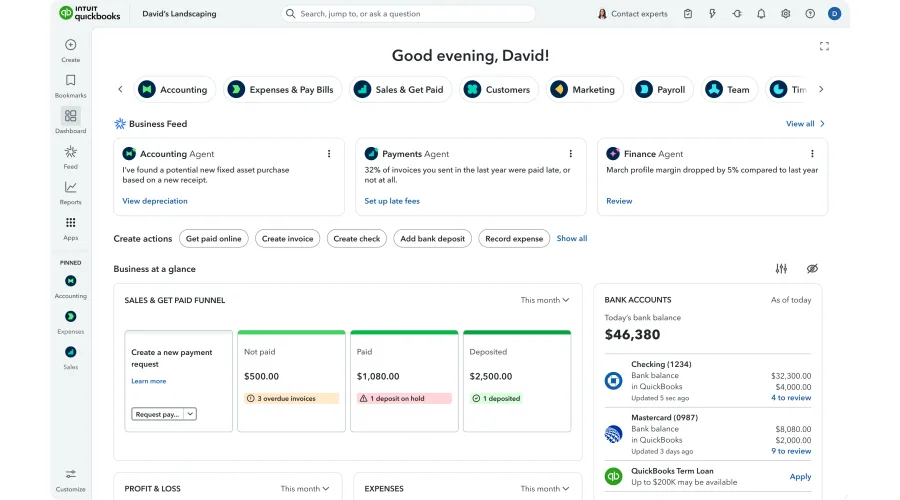
QuickBooks Online is a versatile accounting solution suitable for businesses of all sizes. Its feature-rich platform covers various aspects of financial management, including accounting, payroll, profit analysis, and inventory management. However, users should be prepared for a potential learning curve and consider their budget when opting for specific pricing tiers. With its mobile app, QuickBooks ensures accessibility and convenience for managing financial tasks on the go.
##### Features
- **Accounting:** QuickBooks Online offers comprehensive accounting features, including financial data tracking, expense management, and financial report generation.
- **Payroll:** Users can efficiently manage payroll processes, including calculating employee salaries, tax deductions, and generating paychecks.
- **Profit Analysis:** The platform provides tools for analyzing business profits, expenses, and financial trends.
- **Inventory Management:** QuickBooks allows users to track inventory levels, manage stock, and optimize supply chain processes.
- **Mobile App:** QuickBooks offers a mobile app for on-the-go access, enabling users to create invoices, track mileage, and manage expenses from their mobile devices.
##### Pros
- **Versatile Accounting:** QuickBooks caters to businesses of all sizes, making it suitable for sole proprietors, startups, and larger enterprises.
- **Integration:** It integrates seamlessly with various other business apps and tools, streamlining operations.
- **Accessibility:** Users can access their financial data and perform accounting tasks from anywhere, thanks to the mobile app.
- **Scalability:** QuickBooks Online offers different pricing tiers, allowing businesses to choose the plan that matches their growth.
- **Resource Availability:** As one of the leading accounting software, there are abundant resources, tutorials, and support options available for users.
##### Cons
- **Cost:** While it offers scalable pricing, some users may find the cost relatively high, especially for advanced features.
- **Learning Curve:** QuickBooks can be complex for users without prior accounting knowledge, requiring time to learn and navigate effectively.
- **Limited Automation:** While it offers automation features, some users may require more advanced automation capabilities for specific tasks.
#### 2. Sage Intacct
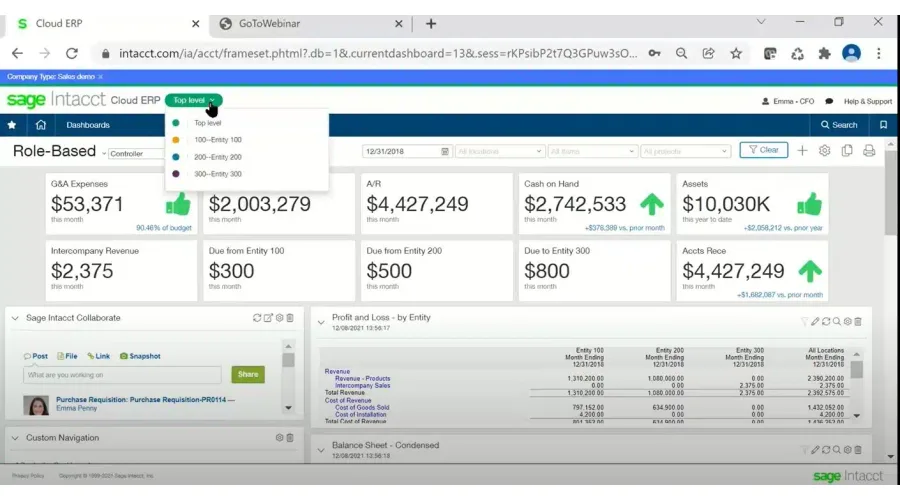
Sage Intacct is a popular choice among large businesses, offering a flexible and scalable financial platform with great accounting capabilities. While its user-friendly interface and customization options are notable strengths, users should be prepared for a potential learning curve and consider the need for advanced reporting and performance improvements.
##### Features
- **Accounts Payable:** Users can efficiently manage their payables, handle invoices, and optimize cash flow.
- **Accounts Receivable:** The platform offers tools for managing receivables, automating processes, and improving cash collection.
- **Cash Management:** Sage Intacct assists in monitoring and managing cash flow, ensuring liquidity for business operations.
- **Order Management:** Users can streamline order processing, tracking, and fulfillment through integrated order management features.
- **Built-in Dashboards:** Sage Intacct includes built-in dashboards for real-time data visualization and insights.
- **Real-Time Reporting:** The software offers real-time reporting capabilities, enabling users to make data-driven decisions.
##### Pros
- **User-Friendly:** Sage Intacct boasts a user-friendly interface that simplifies navigation and accessibility.
- **Customizable:** Users can tailor the software to their specific needs, adapting it to their unique business processes.
- **Data Reporting:** The platform's robust reporting capabilities empower users to generate detailed financial reports.
- **Time-Saving:** Sage Intacct's automation features help save time on various financial tasks.
- **User Interface:** The intuitive user interface enhances the overall user experience.
##### Cons
- **Learning Curve:** Some users may experience a learning curve, especially when first adopting the platform.
- **Reporting Feedback:** While the software offers reporting, some users might require more advanced feedback and analytics.
- **Room for Improvement:** Sage Intacct could benefit from enhancements, particularly in terms of speed and efficiency.
- **Slow:** Users might encounter speed-related issues that impact their workflow efficiency.
#### 3. OnPay
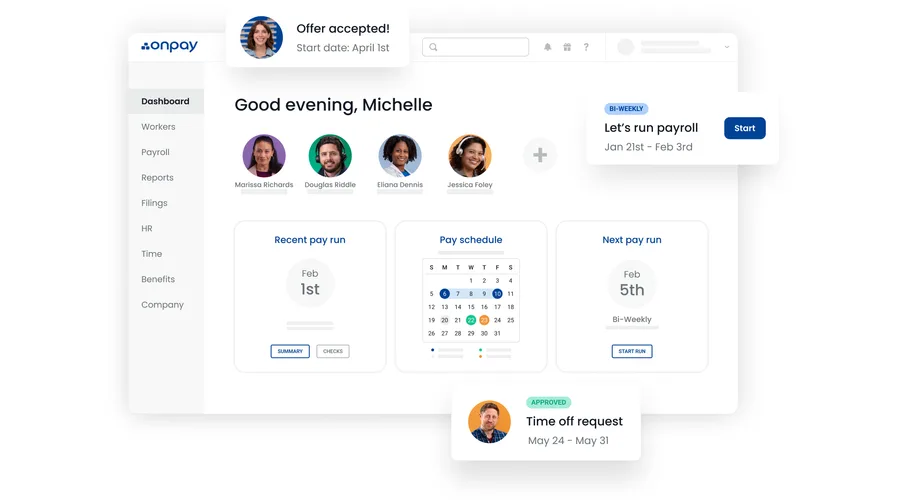
OnPay is a top choice for small businesses, offering features like unlimited monthly pay runs, automated tax payments, and integrations. While its streamlined payroll processes and mobile compatibility are notable advantages, users should be prepared for a potentially overwhelming interface and evaluate whether its integration options meet their specific business needs.
##### Features
- **Unlimited Monthly Pay Runs:** OnPay offers the convenience of unlimited monthly pay runs, allowing businesses to process payroll as often as needed.
- **Automated Tax Payments and Filings:** The platform automates tax payments and filings, reducing the burden of tax compliance.
- **Integrations:** OnPay provides integrations with other business tools, facilitating a unified HR and payroll workflow.
##### Pros
- **Streamlined Payroll Processes:** Key features such as unlimited monthly pay runs and automated tax payments streamline payroll operations, saving time and effort.
- **Mobile Compatibility:** The platform offers a high degree of mobile compatibility, allowing users to access payroll functions anytime, anywhere.
##### Cons
- **Overwhelming Interface:** The comprehensive interface, while feature-rich, may be overwhelming for first-time users who are not familiar with the platform.
- **Limited Integrations:** Despite offering integrations, OnPay may not offer as many integrations as some of its competitors, potentially limiting its compatibility with specific business tools.
#### 4. Gusto
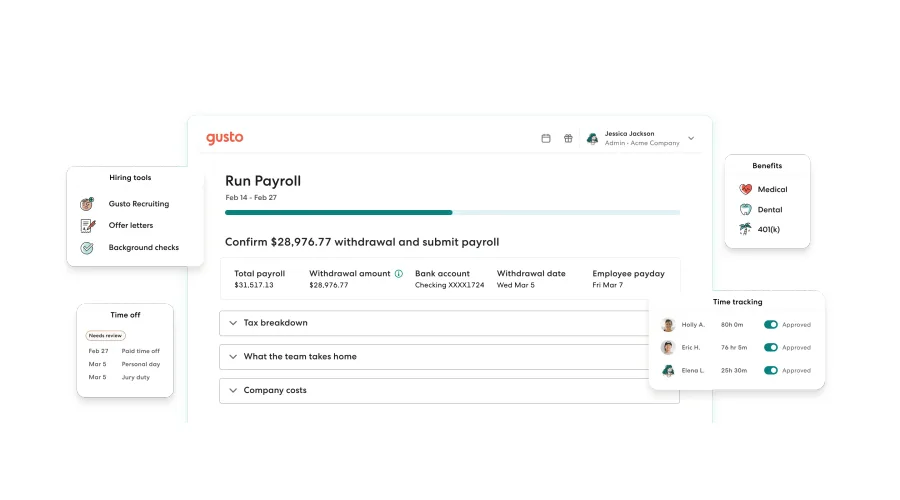
Gusto's all-in-one HR platform is designed to meet the needs of businesses of all sizes, including larger enterprises. With a comprehensive suite of features, Gusto simplifies various aspects of HR and payroll management.
##### Features
- **Full-Service Payroll:** Gusto offers full-service payroll capabilities, ensuring accurate and compliant processing of payroll for large workforces.
- **Employee Benefits:** The platform provides tools for managing employee benefits, streamlining the administration of healthcare plans, retirement savings, and more.
- **Time and Attendance:** Gusto includes time and attendance tracking features to monitor employee hours and attendance efficiently.
- **Hiring and Onboarding:** Businesses can leverage Gusto for hiring and onboarding processes, simplifying the recruitment and integration of new employees.
- **Talent Management:** Gusto's talent management tools assist in managing employee data, performance, and development.
- **Insights and Reporting:** The platform offers insights and reporting capabilities, allowing businesses to gain valuable HR and payroll insights.
##### Pros
- **Automated Payroll Tax Filings:** Gusto automates the process of filing payroll taxes, reducing the administrative burden on large businesses.
- **Flexible Payroll Features:** The platform supports unlimited payrolls, next-day direct deposit, and accommodates multiple states and pay schedules.
- **Financial Tools:** Gusto Wallet integrates financial tools, enabling savings with each paycheck.
- **Paperless Paydays:** Gusto provides a debit card option for employees, granting them direct access to their earnings on payday, eliminating the need for physical checks.
- **Self-Setup Made Easy:** Gusto offers user-friendly self-setup options, simplifying the onboarding process.
##### Cons
- **Per-Person Pricing:** Pricing can become costly at scale as it is based on a per-person model.
- **Limited Invoicing and Accounts Receivable Features:** Gusto may lack comprehensive invoicing or accounts receivable features.
- **Upfront Manual Data Entry:** Users might encounter some upfront manual data entry requirements.
- **Limited Syncing:** Benefits and time-off data may not sync seamlessly throughout the platform.
- **No Automated Workflows:** Gusto lacks automated workflow capabilities.
- **Limited Mobile App Functionality:** Users may find the mobile app's functionality somewhat limited.
#### 5. Zoho Invoice
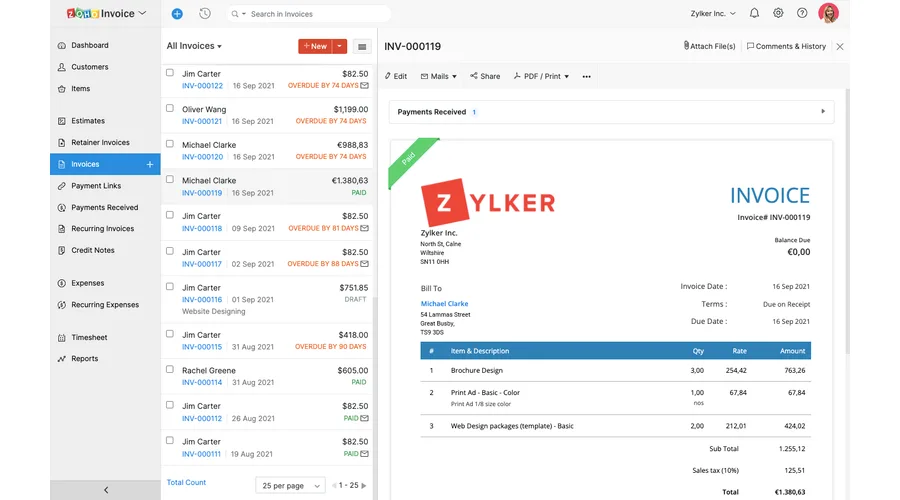
Zoho Invoice is a part of Zoho's comprehensive suite of business services, providing a range of tools for sales, marketing, finances, and more. As a stand-alone invoicing tool, Zoho Invoice caters to the needs of small business owners who seek streamlined and automated invoicing processes. Beyond invoicing, it offers automation features that enhance client relationship management.
##### Features
- **Customizable Invoicing:** Zoho Invoice offers customizable invoicing and payment options, allowing businesses to tailor their invoices to specific needs..
- **Advanced Automation:** The platform extends automation beyond invoicing by enabling users to create process scenarios that trigger email and in-app notifications, as well as field updates. Automation can also be applied to scenarios like purchase reductions or late fines.
##### Pros
- **Free to Use:** Zoho Invoice is available for free, making it accessible to small businesses with budget constraints. The platform's revenue model is based on additional paid services.
- **Generous Invoice Limit:** Users can generate up to 1,000 invoices annually for free, which should be more than sufficient for most small businesses.
- **Automation Benefits:** Automation features help businesses streamline invoicing processes, reducing manual effort and enhancing efficiency.
##### Cons
- **Additional Service Costs:** While Zoho Invoice itself is free, users may incur costs for additional services provided by Zoho.
- **Limited Editability**: Invoices generated automatically may not be editable, and some elements are missing, limiting customization options.
- **Reporting Challenges:** Zoho Invoice lacks robust reporting options, and modifying reports can be less intuitive, potentially requiring a steeper learning curve for users seeking in-depth reporting capabilities.
#### 6. Tipalti
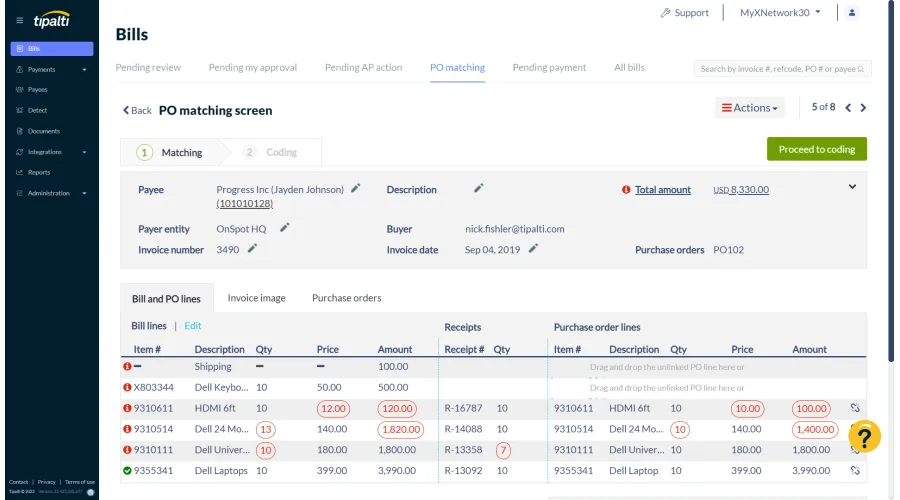
Tipalti offers a comprehensive finance automation solution designed to transform businesses by streamlining various financial processes. This integrated platform aims to simplify accounts payables, expedite global payouts, optimize procurement procedures, and enhance employee expense management.
##### Features
- **Comprehensive Finance Automation:** Tipalti automates over 80% of manual finance operational processes, including procurement, supplier onboarding, invoice processing with PO matching, expense management, corporate card, tax compliance, global payments, supplier payment status communications, and payment reconciliation with your ERP system.
- **Tax Compliance:** Tipalti collects and validates tax forms, calculates tax withholdings, and generates end-of-year tax prep reports, reducing tax risk for large businesses. It also supports international tax compliance in 50 countries.
- **Regulatory Compliance:** Suppliers are proactively scanned against OFAC and international blacklists to prevent payouts to entities involved in illegal activities.
- **Financial Controls:** The platform offers built-in audit logs, signatory rights management, role-based privileges, and robust workflow approvals, strengthening financial controls.
- **Global Payment Options:** Tipalti provides a wide range of global payment methods and currency selections, improving payment accuracy and timeliness.
##### Pros
- **Scalability:** Tipalti's scalability makes it suitable for large businesses with complex financial operations and high transaction volumes.
- **Efficient Automation:** The platform's automation capabilities streamline financial processes, reducing manual workload and increasing efficiency.
- **Tax and Regulatory Compliance:** Tipalti ensures compliance with tax and regulatory requirements, reducing the risk of legal issues.
##### Cons
- **Approval Request Communication:** There is no direct communication method to inform approvers when a request has been canceled.
- **Limited System Control:** Administrators may have limited control over certain aspects like approval flows and optional fields.
- **Limited Customization:** While Tipalti offers various payment options, it provides limited customization options, potentially limiting flexibility for businesses with specific needs.
## Operational efficiency apps
Operational products coordinate stock, sales, time, and project activity. Test them with real locations, users, devices, integrations, and exceptions rather than a clean demo dataset.
| Product | Best fit | What to verify | Pricing model to confirm |
| --- | --- | --- | --- |
| 7. [SOS Inventory](https://www.sosinventory.com/) | Businesses that need inventory, order, or manufacturing workflows connected with accounting | Required accounting and commerce integrations, locations, item tracking, mobile use, and support | Published subscription plans |
| 8. [Finale Inventory](https://www.finaleinventory.com/) | Multi-channel retailers, manufacturers, and distributors managing inventory across systems | Sales-channel sync, barcode workflows, locations, permissions, reporting, and implementation | Published subscription plans and service options |
| 9. [Square Point of Sale](https://squareup.com/us/en/point-of-sale) | Retail and service businesses evaluating payments and point-of-sale operations | Hardware, payment fees, offline behavior, locations, permissions, integrations, and regional availability | Payment fees, hardware, and optional software plans |
| 10. [Lightspeed Retail](https://www.lightspeedhq.com/pos/retail/) | Retailers that need point of sale, inventory, product, and location management | Hardware, payments, inventory depth, ecommerce links, permissions, support, and contract scope | Published or quote-based plans by market |
| 11. [Clockify](https://clockify.me/) | Teams that need time capture, timesheets, and project reporting | Approval workflow, permissions, reporting, integrations, data export, and adoption expectations | Free entry plan and paid subscription tiers |
| 12. [TrackingTime](https://trackingtime.co/) | Teams comparing time tracking, timesheets, project visibility, and workload planning | Scheduling depth, approvals, reporting, integrations, export, and administration | Free entry plan and paid subscription tiers |
#### 7. SOS Inventory
SOS Inventory streamlines inventory tracking, order management, and manufacturing processes for enhanced efficiency. This versatile app seamlessly integrates with QuickBooks and Shopify, offering compatibility across various devices, including desktops, tablets, and mobile devices. Its robust features empower businesses to manage inventory across multiple locations, track items based on various attributes such as serial numbers and cost history, and facilitate tasks like ticket creation and packing slip generation.
##### Features
- **Inventory Management:** SOS Inventory simplifies inventory tracking, allowing small businesses to efficiently manage their stock levels.
- **Order Management:** The app streamlines order processing, making it easier for businesses to handle customer orders.
- **Manufacturing Support:** SOS Inventory includes features for manufacturing processes, helping businesses in production.
- **Integration:** The app seamlessly integrates with QuickBooks and Shopify, enhancing accounting and e-commerce capabilities.
- **Multi-Location Management:** Small businesses can manage inventory across multiple locations, improving stock control.
- **Item Tracking:** SOS Inventory provides options for tracking items based on attributes such as serial numbers and cost history.
- **Ticket and Packing Slip Creation:** Users can create tickets and packing slips, facilitating the order fulfillment process.I
##### Pros
- **Integration Benefits:** Integration with QuickBooks and Shopify enhances accounting and e-commerce capabilities.
- **Multi-Location Management:** Small businesses with multiple locations can efficiently manage inventory.
- **Mobile App Included:** The mobile app is included for free with a software subscription, providing flexibility in inventory management.
##### Cons
- **Glitches and Low Buffering:** Users have reported occasional glitches and slow buffering, which can be frustrating when trying to manage inventory efficiently.
- **Limited Mobile App Functionality:** The mobile app, while included for free with a software subscription, lacks some advanced features and may not provide the same functionality as the desktop version.
- **Limited Customization:** SOS Inventory offers limited customization options, which may not meet the specific needs of businesses requiring more tailored inventory management solutions.
#### 8. Finale Inventory
Finale Inventory caters to large multi-channel eCommerce retailers, manufacturers, and distributors with a comprehensive inventory management solution. This platform synchronizes inventory data across various sales channels to prevent overselling. Finale boasts over 40 integrations with shopping carts, marketplaces, QuickBooks Online, and shipping solutions for seamless operations.
##### Features
- **Custom reporting:** Finale Inventory offers customizable reporting options, allowing businesses to generate reports tailored to their specific needs. This feature enables users to gain insights and analytics relevant to their inventory management, aiding in informed decision-making.
- **Stock auditing:** The platform includes stock auditing capabilities, which are essential for maintaining accurate inventory records. Users can conduct audits to reconcile physical inventory with the system's records, ensuring data accuracy and reducing discrepancies.
- **Mobile barcode scanning:** Finale Inventory supports mobile barcode scanning, enhancing the efficiency of inventory management tasks. Users can scan barcodes using mobile devices, streamlining processes such as stock checks, order fulfillment, and receiving.
##### Pros
- **User-friendly interface:** Finale Inventory offers an intuitive and user-friendly interface, making it accessible for users with varying levels of technical expertise. This ease of use simplifies tasks like creating purchase orders and sales orders.
- **Efficient creation of purchase orders and sales orders:** The platform facilitates the swift and straightforward creation of purchase orders and sales orders, enhancing the efficiency of procurement and order management processes.
- **Simplified addition of customers, suppliers, and new products:** Finale Inventory simplifies the process of adding customers, suppliers, and new products to the system. This ease of use reduces data entry time and minimizes errors.
- **Highly flexible reporting module:** The platform boasts a flexible reporting module, allowing users to customize reports to meet their specific requirements. This flexibility ensures that businesses can extract the insights and data they need for effective decision-making.
##### Cons
- **Limited group security features:** One drawback of Finale Inventory is the limited group security features. This may pose challenges for businesses with complex user access requirements, as the platform's security options may not provide sufficient control.
- **Requires more interface customization options:** While the platform offers a user-friendly interface, some users may require more customization options to tailor the interface to their unique preferences. Additional customization features would enhance user flexibility and satisfaction.
#### 9. Square
Square is a free point-of-sale app that enables you to sell anywhere and in any way your customers want to buy. You can also take contactless payments with your phone.
##### Features
- **API:** Square offers an Application Programming Interface (API), allowing businesses to integrate Square's services with other software or systems. This feature enhances the versatility and functionality of the point of sale system.
- **Access Controls/Permissions:** Square provides access controls and permissions settings within its point of sale app. This feature enables businesses to define user roles and restrict access to sensitive information, enhancing security and control.
- **Accounting Integration:** Square offers integration with accounting software, streamlining financial management processes. This feature allows businesses to sync transaction data and sales information with their accounting tools for efficient bookkeeping.
- **Barcode/Ticket Scanning:** Square supports barcode and ticket scanning, making it easier for businesses to manage inventory, track products, and process sales efficiently. This feature is valuable for businesses with a wide range of products.
- **Billing & Invoicing:** Square offers billing and invoicing capabilities within its point of sale app. This feature enables businesses to create invoices, send them to customers, and track payment status, simplifying the invoicing process.
- **CRM:** Customer Relationship Management (CRM) tools are integrated into Square. This feature allows businesses to manage customer information, track interactions, and build customer profiles, enhancing customer engagement and loyalty.
##### Pros
- **Intuitive and user-friendly:** Square's app is known for its user-friendly interface. It's designed to be intuitive, allowing users to quickly learn and navigate the system, which can be especially beneficial for small business owners who may not have extensive technical expertise.
- **A wide variety of options:** Square provides a wide array of options within its point of sale system. This versatility allows businesses to customize their payment solutions to align with their specific needs, from processing payments in-store to managing online sales.
- **Free features:** Square offers several free features within its app, which can be advantageous for small businesses looking to minimize costs. These free features include basic transaction processing and inventory management tools.
##### Cons
- **Complicated pricing:** One potential drawback of Square's system is its pricing structure, which some users may find complicated. Understanding the various fees and charges associated with Square's services may require careful consideration.
- **Necessary additional technology:** Square's app may require additional hardware or technology, such as card readers and mobile devices, which could entail extra expenses for small businesses.
- **Integration challenges:** Some users have reported challenges with integrating Square's app with other software or systems. This can be a limitation for businesses seeking seamless integration with their existing tools and platforms.
#### 10. Lightspeed Retail
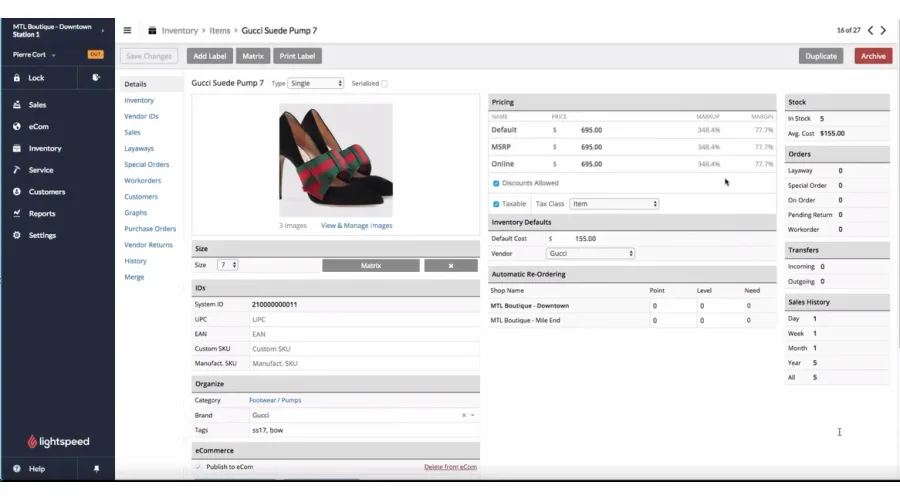
Lightspeed Retail is a versatile POS solution that offers extensive features and integration options, making it suitable for large businesses in various industries.
##### Features
- **Credit Card Payments:** Lightspeed Retail supports credit card payments, allowing businesses to process transactions seamlessly and securely.
- **Barcode Scanning:** The system includes barcode scanning capabilities, simplifying inventory management and product tracking.
- **Hardware Integration:** Lightspeed Retail offers hardware integration options, making it compatible with a variety of POS hardware devices.
- **Price Adjustments:** Businesses can perform price adjustments within the system, providing flexibility in managing pricing strategies.
- **Receipts:** Lightspeed Retail generates receipts for transactions, ensuring customers receive proper documentation for their purchases.
##### Pros
- **Multi-Industry:** Lightspeed Retail is designed to cater to a wide range of industries, including retail, restaurants, coffee shops, spas, salons, and more. Its adaptability makes it a versatile solution for various sectors.
- **Integration and Scalability:** The system seamlessly integrates with various applications and services, such as inventory management systems and online ordering platforms. This flexibility allows businesses to customize and expand their POS system to meet their specific needs.
- **Customer Support:** Lightspeed Retail is known for its exceptional customer support. The professional support team offers assistance through multiple channels, including phone, email, and online resources, ensuring users receive timely help.
##### Cons
- **High Costs:** Lightspeed Retail is associated with a higher price point compared to some other POS solutions in the market.
- **Complex Initial Setup:** Setting up and configuring Lightspeed can be complex, particularly for users without prior technical experience. Accurate installation and configuration are crucial to ensure the system operates smoothly.
- **Internet Required:** As an online-based POS system, Lightspeed Retail relies on a consistent internet connection for optimal performance. Any interruptions or instability in the internet connection can lead to transaction processing issues and hinder system access.
#### 11. Clockify
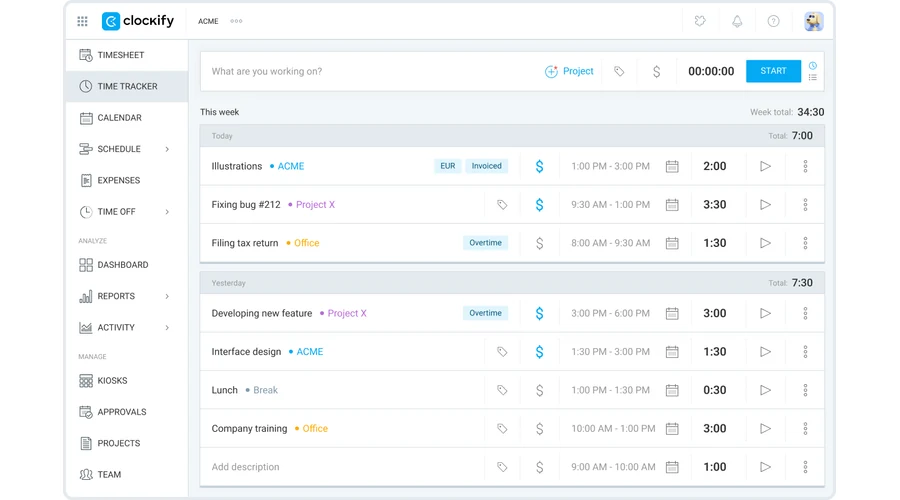
Clockify is a time tracking and timesheet tool that helps teams record billable hours, monitor project time, and understand where work is going. It is a practical option for small businesses that need simple time capture without a heavy implementation process.
##### Features
- **Simple time capture:** Teams can track hours by project, client, task, or tag.
- **Timesheets and reports:** Managers can review timesheets, utilization, and project-level time reports.
- **Budget visibility:** Project tracking helps teams compare actual time against planned effort.
- **Accessible pricing:** A free plan can work for smaller teams that need basic time tracking.
##### Pros
- **Easy to start:** Clockify is straightforward for teams that need a quick way to record work hours.
- **Useful reporting:** Project and client-level reporting helps leaders review workload and profitability.
- **Works across devices:** Web, desktop, and mobile access support distributed teams.
##### Cons
- **Limited advanced workforce planning:** Teams that need detailed scheduling or capacity planning may need additional tools.
- **Manual discipline required:** Time tracking only works well when people keep entries current.
- **Reporting setup:** Larger teams may need time to configure projects, permissions, and report views.
#### 12. TrackingTime
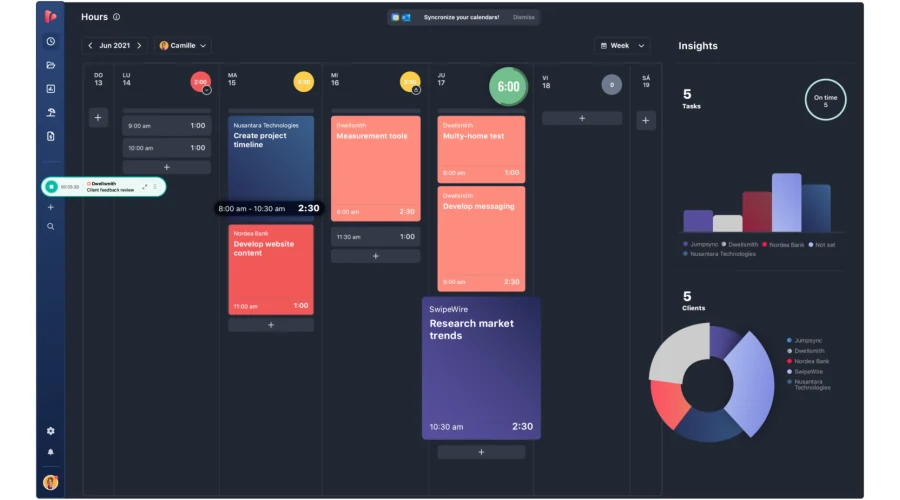
TrackingTime combines time tracking, project organization, and productivity reporting. It is useful for larger teams that want structured timesheets, workload visibility, and reporting across projects and departments.
##### Features
- **Project time tracking:** Teams can track hours against projects, clients, and tasks.
- **Online timesheets:** Managers can review, approve, and export team timesheets.
- **Productivity reporting:** Dashboards help teams understand workload, billable time, and project progress.
- **Team scheduling:** Planning tools support recurring work, deadlines, and team availability.
##### Pros
- **Good team visibility:** Managers can see how time is distributed across projects and people.
- **Helpful for billable work:** Timesheets and reports support client billing and project reviews.
- **Project context:** Time entries can sit alongside task and project information.
##### Cons
- **May be more structured than small teams need:** Very small teams may prefer a lighter tool.
- **Setup effort:** Accurate reports depend on well-organized projects, users, and permissions.
- **Change management:** Teams that have not tracked time before may need clear policies to adopt it consistently.
## Customer engagement apps
Customer engagement products manage contacts, sales activity, campaigns, service requests, and support knowledge. Start with the customer journey and decide which system owns each record before comparing automation features.
| Product | Best fit | What to verify | Pricing model to confirm |
| --- | --- | --- | --- |
| 13. [Capsule CRM](https://capsulecrm.com/) | Small teams that need contact, task, and sales-pipeline management | Custom fields, automation, permissions, reporting, integrations, and data export | Free entry plan and paid subscription tiers |
| 14. [Pipedrive](https://www.pipedrive.com/) | Sales teams that organize work around deals, activities, and pipeline stages | Lead capture, automation, reporting, permissions, integrations, and the cost of add-ons | Published per-seat subscription plans and add-ons |
| 15. [Brevo](https://www.brevo.com/) | Teams comparing email, messaging, automation, and customer-data tools | Contact and sending limits, consent tools, channels, automation, data location, and support | Free entry plan and paid usage-based tiers |
| 16. [HubSpot CRM](https://www.hubspot.com/products/crm) | Teams that want CRM connected with marketing, sales, service, and content tools | Which hubs and seats are required, data model, automation, reporting, integrations, and onboarding | Free tools plus paid hubs, seats, and services |
| 17. [Freshdesk](https://www.freshworks.com/freshdesk/) | Support teams that need ticketing, self-service, routing, and service reporting | Channels, automation, knowledge base, permissions, service levels, AI options, and integrations | Published per-agent plans and optional services |
| 18. [Microsoft Dynamics 365](https://www.microsoft.com/en-us/dynamics-365) | Organizations evaluating connected sales, service, field, finance, or operations products in the Microsoft ecosystem | Exact application mix, licences, Dataverse and Microsoft 365 dependencies, implementation, governance, and support | Product-specific subscriptions and implementation |
#### 13. Capsule CRM
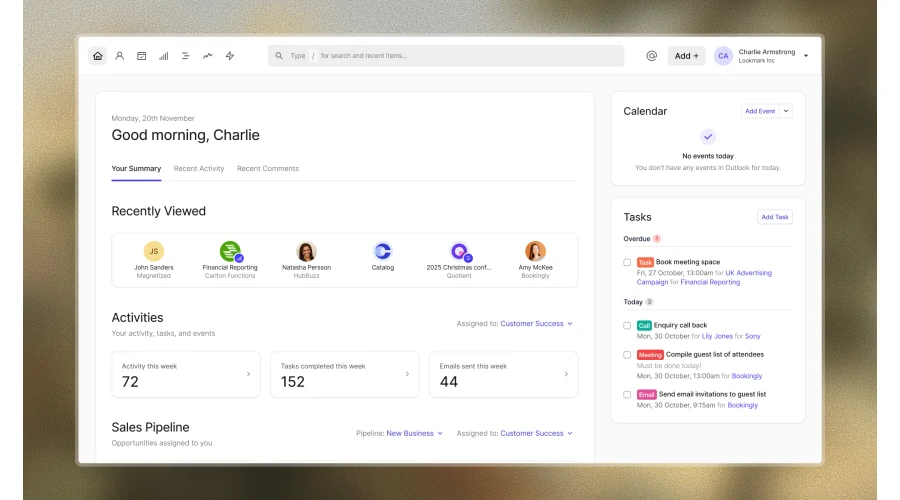
Capsule CRM is a customer relationship management tool for small businesses that need a clear way to manage contacts, opportunities, and follow-up. It keeps sales activity organized without forcing teams into a complex enterprise CRM setup.
##### Features
- **Contact management:** Teams can store customer details, communication history, notes, and related tasks in one place.
- **Sales pipeline tracking:** Pipeline views help users track opportunities from first contact through close.
- **Task management:** Follow-up tasks and reminders help teams keep customer activity moving.
- **Reporting:** Sales reports help teams review pipeline value, won opportunities, and forecast activity.
##### Pros
- **Simple interface:** Capsule CRM is approachable for small teams that need structure without a long rollout.
- **Useful sales visibility:** Pipeline tracking helps teams understand active opportunities and next steps.
- **Flexible organization:** Tags, custom fields, and task lists support different customer workflows.
##### Cons
- **Limited enterprise depth:** Larger organizations may need deeper automation, analytics, or governance.
- **Workflow setup required:** Teams still need clear pipeline stages and data hygiene rules.
- **Integration dependency:** Some workflows may require connecting Capsule CRM to other tools.
#### 14. Pipedrive
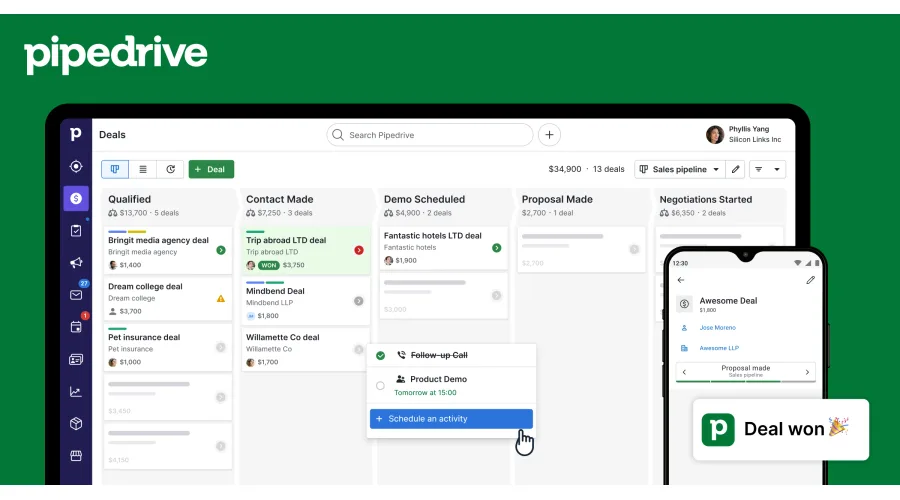
Pipedrive is a sales CRM built around pipeline management. It suits teams that want to track leads, automate sales activity, and give managers better visibility into deal progress.
##### Features
- **Visual pipeline management:** Teams can move deals through customizable pipeline stages.
- **Lead management:** Lead capture, activity tracking, and contact records help sales teams prioritize follow-up.
- **Workflow automation:** Automations can reduce repetitive admin across sales tasks.
- **Reporting and forecasting:** Dashboards help managers track sales activity, pipeline value, and performance.
##### Pros
- **Strong sales focus:** Pipedrive is designed around deal progression and pipeline clarity.
- **Helpful automation:** Sales teams can automate routine tasks and reminders.
- **Scalable reporting:** Managers get useful visibility as the sales process grows.
##### Cons
- **Sales-led scope:** Teams needing broad service, marketing, or support depth may need extra tools.
- **Configuration effort:** Accurate forecasting depends on well-defined stages and clean data.
- **Cost at scale:** Pricing can increase as teams add users and advanced features.
#### 15. Brevo
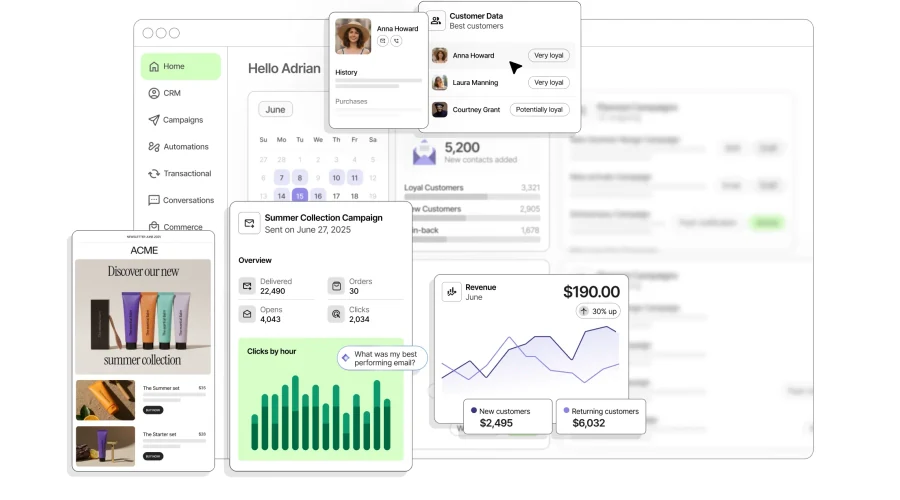
Brevo, formerly known as Sendinblue, is made to nurture long-term customer relationships and empower small businesses to thrive in a rapidly evolving digital landscape. Brevo provides businesses with a unified view of the customer journey through an intuitive and scalable platform that encompasses a wide array of marketing tools.
##### Features
- **User-Friendly:** Brevo offers a simple interface suitable for users with different technical skills.
- **Effective Email Builder:** It provides an excellent email builder and ample template customization options for tailored and visually appealing email campaigns.
- **Automation and Integrations:** Brevo offers a robust set of automation tools and seamless integrations with various applications to enhance workflow efficiency.
- **Multi-Channel Campaigns:** Brevo allows businesses to target contacts across different channels like email, WhatsApp, and SMS, maximizing sales and engagement.
- **Timely Automation:** Brevo facilitates timely automation, including welcome series and abandoned cart emails, streamlining campaign management for efficient results.
##### Pros
- **Multi-Channel Marketing:** Brevo allows businesses to target contacts across various channels, boosting sales and engagement.
- **Effortless Email Design:** Brevo's user-friendly platform simplifies email creation, offering both template options and custom designs without design expertise.
- **Effective Automation:** Brevo streamlines campaign automation, enhancing customer engagement through timely, automated messages.
##### Cons
- **Limited Landing Pages:** Brevo's capabilities for creating landing pages are limited, potentially necessitating additional solutions.
- **Costly Features:** Some features in Brevo may require additional costs or credits, affecting overall cost-effectiveness.
- **Occasional Load Delays:** Users may experience intermittent performance issues, impacting workflow efficiency.
- **Data Import Challenges:** Data importing processes in Brevo may require meticulous attention to detail for accurate and smooth transitions.
#### 16. HubSpot
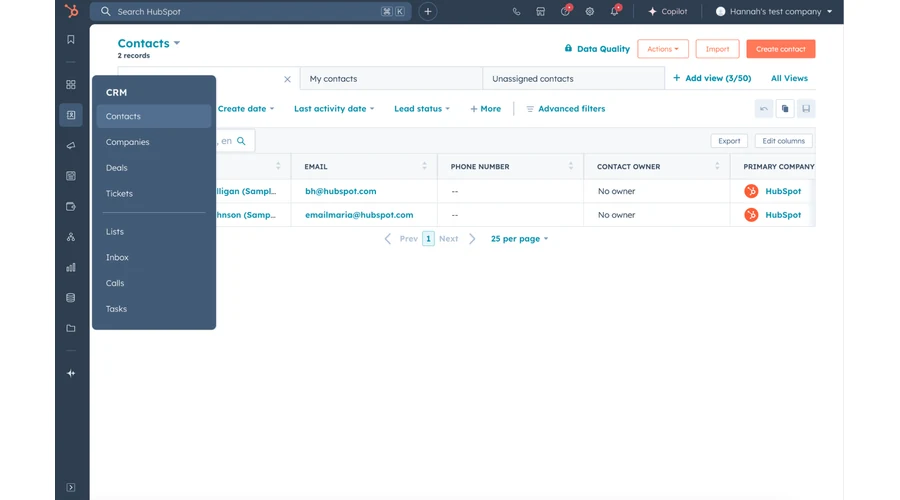
HubSpot's marketing automation software is a powerful tool that optimizes marketing activities, enhancing the quality and quantity of campaigns for large enterprises. With a rich array of features, HubSpot enables businesses to connect with their target audience through personalized messages, ultimately boosting marketing effectiveness.
##### Features
- **Lead Generation & Capture:** HubSpot facilitates the generation and capture of leads through various channels, ensuring a constant influx of potential customers.
- **Lead Nurturing:** It also provides tools for lead nurturing, guiding prospects through the buyer's journey with personalized content and communication.
- **Personalization:** HubSpot empowers businesses to create personalized marketing campaigns tailored to individual preferences and behaviors.
- **Customer Segmentation:** HubSpot offers robust segmentation capabilities, allowing you to categorize your audience based on various criteria for targeted campaigns.
- **Email Marketing Automation:** HubSpot automates email marketing tasks, from sending out newsletters to triggered responses, ensuring efficient communication.
- **Social Media Management and Automation:** HubSpot provides tools for managing and automating social media activities, maintaining an active online presence.
##### Pros
- **Integration:** HubSpot integrates with a wide range of third-party tools and platforms, making it a versatile and adaptable solution for large enterprises with diverse tech stacks.
- **User-Friendly:** Despite its extensive capabilities, HubSpot maintains a user-friendly interface that allows marketing teams to navigate and utilize its features without extensive training or technical expertise.
- **One Stop Shop:** HubSpot serves as a comprehensive platform, offering a range of marketing automation tools in one place This consolidation simplifies workflows and reduces the need for multiple software subscriptions.
- **Landing Page Builder:** The included landing page builder helps businesses to create visually appealing and effective landing pages without relying on external tools or designers.
- **Tracking:** HubSpot provides robust tracking and analytics features, enabling large enterprises to gain valuable insights into campaign performance and audience behavior.
##### Cons
- **Expensive:** While HubSpot offers a powerful suite of tools, its pricing can be prohibitive for smaller businesses and startups, making it a more suitable option for larger enterprises with significant marketing budgets.
- **Landing Page Issues:** Despite its landing page builder, some users have reported limitations in terms of design flexibility and customization options, which may not fully meet the needs of certain campaigns.
- **Takes Time:** Implementing and fully leveraging HubSpot's capabilities can take time and effort, especially for organizations new to marketing automation. This learning curve may affect the speed of realizing ROI.
#### 17. Freshdesk
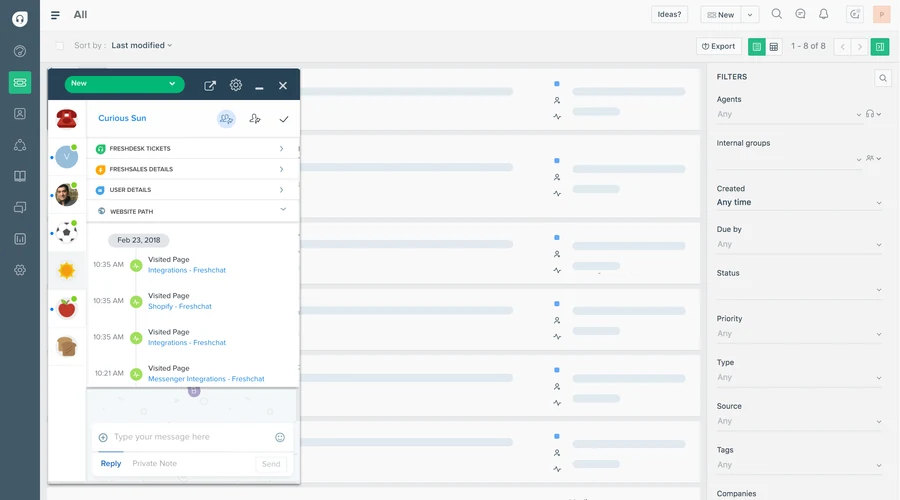
Freshdesk is an online cloud-based customer support software providing help desk support with all smart automations to get things done faster. It has remained a popular choice for businesses that want to increase customer engagement and manage customers as they scale. The product makes building your knowledge base and support ticket system from the ground up relatively easy.
##### Features
- **Parent-Child Ticketing:** Freshdesk simplifies the resolution of complex customer issues by allowing you to split them into smaller, manageable tickets. This feature promotes efficient and organized problem-solving.
- **Intelligent Ticket Assignment:** Assigning tickets to service agents becomes effortless with Freshdesk's intelligent ticket assignment feature. Agents can be allocated tickets based on their current workload or expertise, ensuring a balanced workload distribution.
- **Performance Reports:** Freshdesk provides the ability to curate reports, enabling you to gain insights into agent performance and customer support efficiency. These reports can guide decision-making and optimization efforts.
- **Customization:** Freshdesk offers extensive customization options for workflows, customer portals, agent roles, and more. Tailor the platform to align with your specific business needs and processes.
- **AI-Powered, Multilingual Chatbots:** Freshdesk elevates customer support by offering AI-powered chatbots capable of interacting in multiple languages. These chatbots come with built-in flow builders, enabling automated and intelligent responses to customer inquiries. This feature enhances efficiency and ensures a seamless support experience for customers across linguistic diversity.
##### Pros
- **Frequent Updates:** Freshdesk regularly releases enhancements and updates, ensuring that your customer support software remains up-to-date and aligned with evolving industry trends and needs.
- **Effective Helpdesk Management:** Freshdesk simplifies helpdesk management, making it an excellent platform for small businesses. Its user-friendly interface is well-suited for managing support tasks efficiently.
- **Email and Support Issue Tracking:** Freshdesk excels in tracking and organizing emails and support issues. Its clean and intuitive UI, along with automation tools, enhances support task management.
- **Customization and Integrations:** The platform offers a range of applications and addons for customization. Additionally, its seamless integrations with other products expand its functionality and adaptability.
##### Cons
- **Contact Management and Search:** Users have reported challenges with contact management and search functionality, making it difficult to avoid creating duplicate client profiles with slight variations.
- **Support and Contact System:** Some users have expressed dissatisfaction with Freshdesk's support and contact system, highlighting room for improvement in this aspect.
- **Translation Accuracy:** Occasionally, users have encountered erroneous or inaccurate translations, particularly in Spanish. Improving translation quality could enhance user experience.
#### 18. Dynamics 365
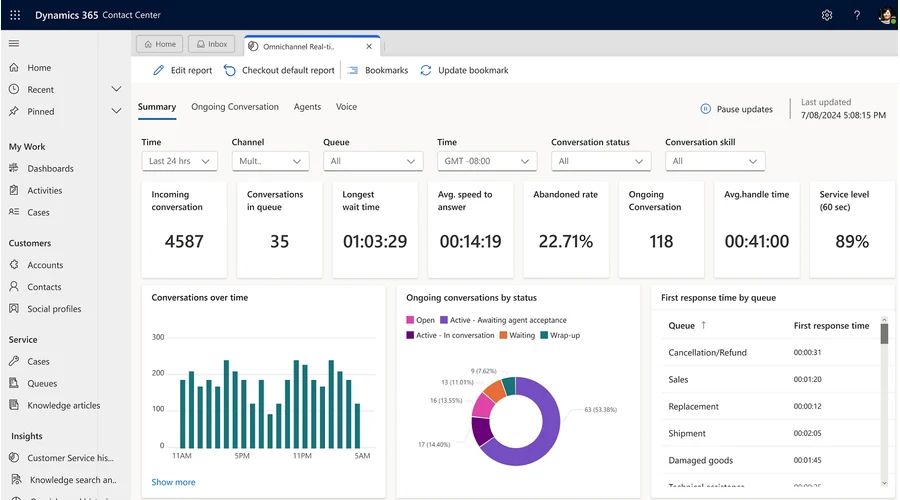
Dynamics 365, Microsoft's robust customer support software, is tailored for large enterprises dealing with intricate workflows and extensive collaboration across multiple teams. It serves as a legacy customer service solution, offering high-level customizations to meet the demands of complex business operations.
##### Features
- **Microsoft Teams Chat Integration:** Dynamics 365 seamlessly incorporates Microsoft Teams chat within its interface, allowing users to link chats to Dynamics 365 records. This feature streamlines communication and information retrieval.
- **Custom Pages for Model-Driven Apps:** Dynamics 365 offers custom pages, offering flexible app design without the need for costly development. Users can create personalized interfaces tailored to specific requirements.
- **Versium Predict Integration:** Dynamics 365 integrates Versium Predict, a predictive analytics tool. This assists marketing and sales by identifying potential customers and boosting conversion rates through targeted lead lists generated from internal data and Versium Predict's LifeData warehouse.
##### Pros
- **Handling Complex Workflows:** Dynamics 365 excels in managing intricate workflows, making it ideal for large teams and organizations. Its ability to handle complex processes facilitates collaboration across various teams within the organization.
- **Complete Customizability:** Dynamics 365 offers extensive customization options, allowing large teams to tailor the platform to their unique requirements. This customization capability ensures the software aligns with large-scale operations.
##### Cons
- **Usability Challenges:** Dynamics 365's user interface and overall user experience may not match the sophistication of modern customer service apps. Its interface can be clunky, leading to usability challenges and difficulties in the setup process.
- **Complexity:** Dynamics 365, while powerful, can be overwhelming due to its complexity. Managing and configuring the software may require a steep learning curve, especially for users accustomed to more user-friendly and intuitive interfaces found in modern customer service apps.
## Security and controlled-access apps
These products address different security problems. A VPN, zero-trust access service, encrypted collaboration platform, and local encrypted vault are not interchangeable. Start with the threat, users, data, devices, and administrative model.
| Product | Best fit | What to verify | Pricing model to confirm |
| --- | --- | --- | --- |
| 19. [NordVPN](https://nordvpn.com/) | Individuals and teams evaluating encrypted network access and related protection features | Business administration needs, device limits, locations, identity, support, logging, and applicable product terms | Consumer subscriptions or the appropriate business offering |
| 20. [Twingate](https://www.twingate.com/) | Organizations replacing broad network access with resource-level remote access | Identity-provider fit, connectors, device posture, logging, admin roles, resilience, and rollout | Free entry plan and paid per-user tiers |
| 21. [Tresorit](https://tresorit.com/) | Teams that need encrypted file sharing, collaboration, policy controls, and external exchange | Key and recovery model, sharing controls, administration, data location, integrations, and export | Published business subscription plans |
| 22. [Cryptainer](https://www.cypherix.com/cryptainerle/) | Individuals or small teams evaluating encrypted vaults for local files | Supported operating systems, encryption and recovery model, sharing method, administration, updates, and support | Free edition and paid licences |
#### 19. NordVPN
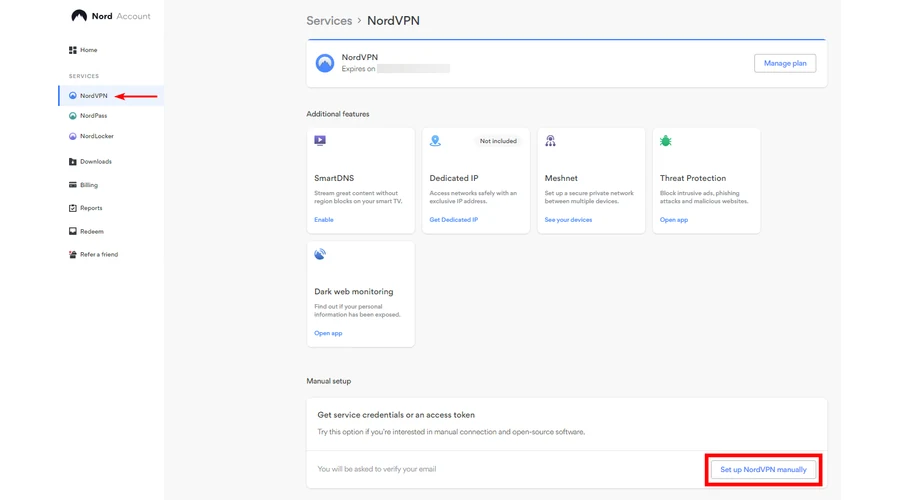
NordVPN offers a suite of security features that extend beyond typical VPN services. It helps businesses protect connections, manage secure access, and reduce exposure to online threats.
##### Features
- **Dedicated IP:** NordVPN provides you with the option of a dedicated IP address. This feature is particularly useful for bypassing denylists and gaining access to IP-restricted networks. It ensures your small business can operate smoothly even when faced with IP-related restrictions.
- **Threat Protection:** The digital world is fraught with threats, but NordVPN stands as a vigilant guard. It incorporates robust threat protection measures to shield your network from malicious entities. This added layer of security helps safeguard your sensitive business data.
- **Split Tunneling:** Customization is at your fingertips with NordVPN's split tunneling feature. You have the power to choose which data traffic travels through the VPN and which can access the internet directly. This not only boosts your network's efficiency but also bolsters security.
- **Double VPN:** For those who seek the utmost in privacy and security, NordVPN introduces double VPN encryption. Your data undergoes encryption through two servers, doubling the strength of your online defenses and enhancing your privacy.
##### Pros
- **Dedicated IP Option:** NordVPN offers a dedicated IP feature, allowing you to bypass denylists and access IP-restricted networks with ease. This is especially beneficial for small businesses facing IP-related restrictions.
- **Robust Threat Protection:** NordVPN incorporates powerful threat protection measures to safeguard your network from various online threats, enhancing the security of your sensitive business data.
- **Split Tunneling:** Enjoy the flexibility of split tunneling, which allows you to customize your VPN experience. You can choose which data traffic goes through the VPN and which accesses the internet directly, boosting both efficiency and security.
- **Double VPN Encryption:** For maximum privacy and security, NordVPN provides double VPN encryption. Your data passes through two servers, doubling the strength of your online defenses and enhancing your privacy.
- **Global Coverage:** NordVPN offers extensive global coverage, ensuring that you can connect securely from various locations around the world.
- **Threat Protection and Dark Web Monitoring:** NordVPN keeps a vigilant watch on potential threats and the dark web, offering additional layers of security to safeguard your business.
##### Cons
- **Limited Server Options in Some Regions:** While NordVPN provides global coverage, some regions may have limited server options. Users in these areas may have fewer server choices for their VPN connections.
- **Device Limitation:** NordVPN allows up to six devices to be connected simultaneously with one NordVPN account. Depending on your business's needs, this limit may require careful management of device connections.
- **Potential Internet Speed Impact:** As with most VPN services, using NordVPN can, in some cases, lead to a slight decrease in internet speed. However, the added security and privacy are often considered well worth this trade-off.
#### 20. Twingate
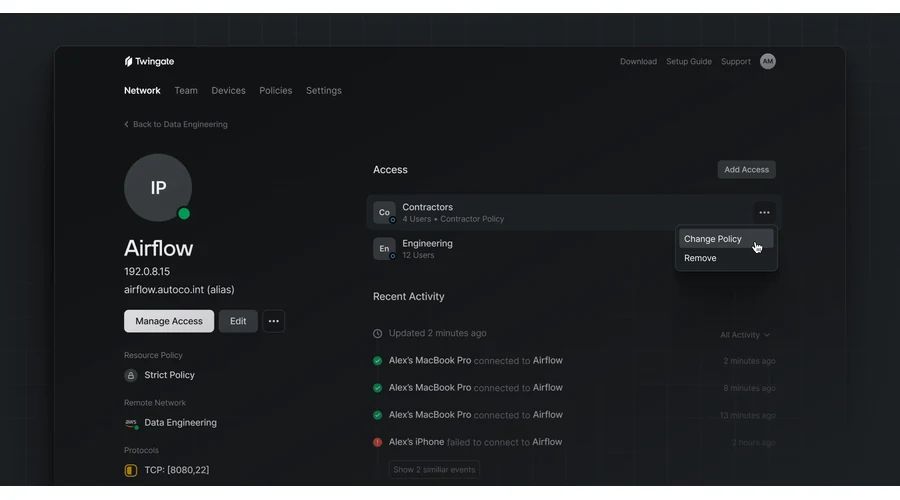
Twingate is an enterprise-grade VPN solution that prioritizes secure remote access for businesses through a zero-trust access control model. It is designed to seamlessly enable secure connections for employees, ensuring data confidentiality and accessibility without disruptions. Twingate caters to the needs of large enterprises, offering an intuitive platform that can handle extensive workloads while maintaining robust security.
##### Features
- **Management Console:** Twingate provides a web-based admin console for effortless network management, allowing administrators to add or manage remote networks, deploy connectors, handle resources, organize groups, manage devices, and more.
- **Security:** Employing IPSec tunnel mode with AES-256 encryption and symmetric keys, Twingate ensures end-to-end encryption to safeguard traffic between network points, preserving complete data confidentiality.
- **Flexible Connector Options:** Users have the choice of utilizing Twingate-managed static IPs or company-specific IPs, offering flexibility to adapt to specific networking requirements.
- **Multi-Factor Authentication (MFA):** Twingate supports multi-factor authentication, enhancing security by adding an additional layer of user verification.
- **Split Tunneling:** Twingate's split tunneling feature optimizes device performance by routing IP-specific resource traffic over a connector, ensuring that employees can work efficiently without compromising on speed.
- **Compatibility:** Twingate is compatible with a variety of devices, including Windows, Linux, and macOS for desktop usage, as well as iOS and Android for mobile access. It also integrates with mobile device management solutions.
##### Pros
- **Zero-Trust Access Control:** Twingate adopts a zero-trust access control approach, bolstering security by eliminating trust assumptions, even for internal users within the network.
- **Enhanced Security Options:** The service allows users to choose between static or company-specific IPs, employs multi-factor authentication, and operates with a zero-trust filter, collectively contributing to robust security measures.
- **Performance Optimization:** Twingate's split tunneling feature ensures that employee device performance remains uncompromised, making work and team meetings hassle-free.
- **Trial Version:** Twingate offers a free version that enables businesses to evaluate the service with up to 5 users and 1 admin, making it an accessible option for initial testing and exploration.
##### Cons
- **Port-Level Access Control:** Twingate currently lacks access control at the port level, which may be a consideration for businesses with specific port-level security requirements.
- **No Linux GUI Client:** As of the present, Twingate does not provide a graphical user interface (GUI) client for Linux users, which may necessitate command-line interaction.
- **Limited Port-Level Access Control:** While Twingate offers comprehensive security features, it does not yet deliver access control at the port level, potentially affecting businesses with stringent port-level security needs.
#### 21. Tresorit
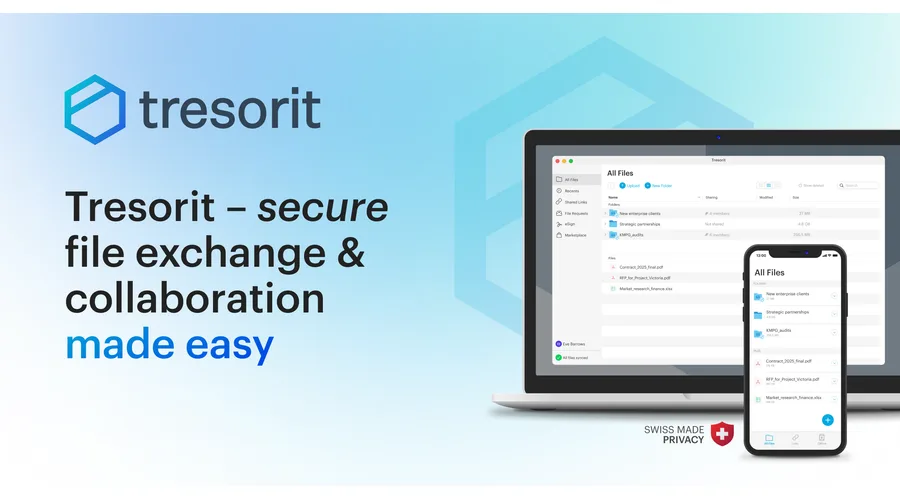
Tresorit stands as a good choice in the realm of data encryption apps for small businesses, offering an end-to-end encrypted, zero-knowledge content collaboration platform. This platform caters to security-conscious companies, empowering them to effectively manage, synchronize, digitally sign, and securely share files.
##### Features
- **Encrypted Storage:** Tresorit provides encrypted storage that ensures the utmost security for your files, safeguarding them from unauthorized access or breaches throughout their lifecycle.
- **Data Loss Prevention:** Employing advanced data loss prevention measures, Tresorit offers proactive safeguards to prevent accidental or malicious data loss, bolstering data integrity.
- **Policy Enforcement:** Tresorit offers robust policy enforcement features, allowing businesses to define and enforce data access policies, ensuring that data is accessed and shared in accordance with company guidelines.
- **Device Syncing:** The platform facilitates seamless device syncing, ensuring that data remains accessible and consistent across various devices while maintaining encryption.
- **User, Role, and Access Management:** Tresorit provides comprehensive user, role, and access management tools, enabling businesses to efficiently oversee user activity, assign roles, and manage access permissions.
##### Pros
- **Secure Storage:** Tresorit's encrypted storage guarantees the secure storage of files, ensuring that sensitive data remains protected from unauthorized access or breaches.
- **Safety and Security:** Tresorit places a strong emphasis on safety and security, implementing end-to-end encryption and zero-knowledge principles to protect files from the moment of upload until they reach their intended recipients.
- **User-Friendly:** Despite its robust security features, Tresorit maintains a user-friendly interface, making it accessible and convenient for businesses of all sizes.
- **Access Anywhere:** Tresorit's design enables users to access their files securely from virtually anywhere, promoting flexibility and productivity.
- **Intuitive User Interface:** Tresorit offers an intuitive and user-friendly interface, ensuring that users can easily navigate and utilize the platform's security features.
##### Cons
- **Learning Curve:** Some users may find that Tresorit has a learning curve, particularly when initially setting up and configuring the platform.
- **Cost Consideration:** Tresorit's security features and capabilities come at a cost, which may be a consideration for businesses with budget constraints.
- **Internet Reliance:** Tresorit's functionality relies on a stable internet connection, which may pose challenges in areas with unreliable connectivity.
- **Sharing Issues:** While Tresorit offers secure file sharing, some users may encounter occasional sharing-related issues that require attention.
- **Room for Improvement:** Like any software, Tresorit has room for improvement, and users may identify areas where additional enhancements could be beneficial.
#### 22. Cypherix Cryptainer Personal
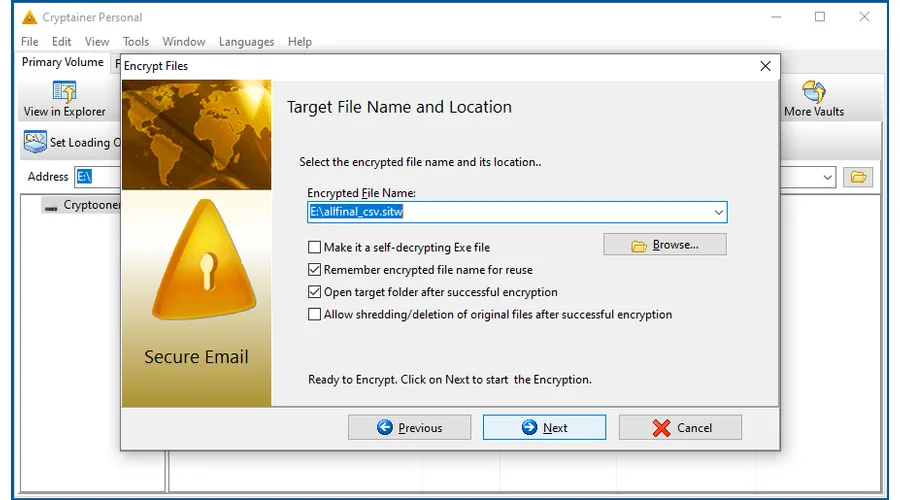
Cypherix Cryptainer Personal (PE) is a strong encryption solution for secure file storage and transmission. It offers both free and paid versions, making data protection accessible. The free version has limitations but provides cost-effective encrypted storage.
##### Features
- **Create Encrypted Storage:** Cypherix Cryptainer PE enables users to create encrypted storage containers, safeguarding files and data from unauthorized access.
- **Encrypt Files/Folders:** Users can encrypt individual files and folders, providing an added layer of security to their sensitive data.
- **Create Self-Decrypting EXE:** The software offers the capability to create self-decrypting EXE files from encrypted data, facilitating secure sharing and access.
- **Secure Deletion of Originals:** Cypherix Cryptainer PE includes a feature for secure deletion of original files, ensuring that sensitive data is irrecoverable.
##### Pros
- **Creates Secure Encrypted Vaults:** The software excels at creating secure encrypted vaults, providing users with a reliable means of protecting their files.
- **Password Quality Meter:** Cypherix Cryptainer PE offers a password quality meter, assisting users in creating strong and secure passwords for their encrypted data.
- **Free Edition Available:** The availability of a free edition allows users to establish encrypted storage without incurring additional costs.
##### Cons
- **Complicated:** Some users may find the process of creating encrypted vaults to be complex and challenging, potentially requiring a learning curve.
- **Not intuitive:** The process of securely deleting original files can be cumbersome and less intuitive in this software.
- **Expensive:** While the software offers valuable encryption features, some users may perceive it as relatively expensive for its functionality and limitations, especially in comparison to other options on the market.
## How is AI changing business applications?
AI is now built into many accounting, CRM, support, analytics, and security products. It can summarize records, draft content, classify requests, flag unusual activity, or suggest a next action. Those capabilities are useful when they improve a defined task and operate within the organization's data and approval rules.
Do not evaluate AI from a polished output alone. Ask which data the feature uses, where it is processed, whether results can be reviewed, how permissions are enforced, what is logged, and who remains accountable for the decision or action.
Packaged software is often the simplest choice when the process is standard. When no standard product fits, [Fliplet](/platform-overview/) provides another route. Teams can describe the software they need in plain language, review and refine the first version, manage data and access, and publish to web or mobile. Business teams can shape the experience while IT keeps oversight of security, integrations, access, and release decisions. Compare the current capabilities on the [features](/features/), [security information](/security/), [integrations](/integrations/), and [pricing](/pricing/) pages.
## Should you buy a product or build custom business software?
Buy when a packaged product supports the process with acceptable configuration, integrations, controls, and ownership. Build or configure custom software when the need is genuinely different, spans several systems, or depends on roles and exceptions that standard products cannot represent cleanly.
Before building, check whether the problem can be solved by changing the process or configuring a product you already own. Before buying, test the most important task and calculate the complete cost of licences, implementation, migration, integrations, training, administration, support, and exit.
## FAQs
### What is a business application?
A business application is software that supports a core company activity such as finance, operations, customer engagement, HR, or compliance. It can be an off-the-shelf product such as accounting or CRM software, or custom software shaped around a team's needs.
### What are the types of business applications?
The main types are customer engagement and CRM, financial management, operations, HR and people, security and compliance, and custom portals or internal tools.
### What is the best app to use for business?
There is no single best app for every business. The right choice depends on the task, team size, integrations, data, and governance needs. Teams with a non-standard process often combine established products with a custom portal.
### What are the top 10 business apps?
This guide is not ranked. Ten representative products are QuickBooks Online, Sage Intacct, Gusto, Square, Clockify, Pipedrive, HubSpot, Freshdesk, NordVPN, and Twingate, spanning finance, operations, customer engagement, and security.
### What are some good apps for small businesses?
Small businesses can shortlist products such as QuickBooks Online, Gusto, Square, Clockify, Pipedrive, and Freshdesk, then compare current plans, setup effort, integrations, support, and data controls against the work they need to improve.
### How do I make an application for my business?
Define the problem, decide whether to buy or build, choose a platform, and test the software with one team before expanding it. If “application” means a registration form, use the relevant government or licensing service; this guide covers business software.
## Related links
- [Web Application Development Platforms to Compare in 2026](/blog/9-web-application-development-platforms-to-build-a-free-web-app/): Compare web application platforms by delivery model, business fit, governance, and long-term ownership.
- [How to Create a Web App in 15 Steps (2026 Guide)](/blog/how-to-create-a-web-app-in-15-steps/): Follow a practical path from defining a business need through planning, building, testing, launch, and ownership.
---
# 34 Proven Mobile App Promotion Strategies in 2026: Guaranteed to Boost Your Downloads
> Mobile applications have taken center stage, transforming the way we interact, work, and entertain ourselves. With millions of apps available across various app stor
Source: https://fliplet.com/blog/34-mobile-app-promotion-strategies/
Content type: Blog
Published: 2026-05-18T17:07:54
Updated: 2026-04-05T07:52:54
Read time: 37 minutes
# "34 Proven Mobile App Promotion Strategies in 2026: Guaranteed to Boost
Mobile applications have taken center stage, transforming the way we interact, work, and entertain ourselves. With millions of apps available across various app stores, getting your [mobile app](https://fliplet.com/blog/16-successful-mobile-app-features/) noticed and downloaded by users has become a significant challenge.
It is crucial for [app developers](https://fliplet.com/blog/the-best-no-code-low-code-development-platforms/) and organizations to implement effective app promotion strategies. In this comprehensive guide, we will explore the world of mobile app promotion, delving into proven strategies and tactics that can help you reach your goal.
Whether you're a seasoned [app developer](https://fliplet.com/blog/ward-and-smith-transformed-their-app-development-process/) or new to the world of app creation, understanding and mastering app promotion is essential for achieving your app's full potential.
## What is Mobile App Promotion?
[Mobile app promotion refers to a set of marketing strategies and activities designed to increase the visibility, awareness, and adoption of a mobile application](https://fliplet.com/blog/10-best-mobile-application-development-platforms/) among its target audience. It contains a wide range of techniques, both organic and paid, that aim to attract users, encourage downloads, and ultimately, [drive engagement](https://fliplet.com/blog/gateley-driving-engagement-streamlining-processes-enhancing-client-experience/) with the app.
If you are at the start of your [app development](https://fliplet.com/app-development-software-comparison/) journey take a look at these tips on launching your app:
### Why is Mobile App Promotion Crucial for App Success?
There are many reasons why you should promote your mobile app, the main ones being to get more downloads and engagement. Before we dive into the factors that contribute to a successful mobile app promotion it is important to understand the app promotion process:
### Now let's take a look at the result of successful mobile app promotion
- **Visibility in a Crowded Market:** The app stores are flooded with millions of apps across various categories. Without promotion, your app may get lost in the crowd, making it challenging for potential users to discover it.
- **User Acquisition:** [Successful app promotion strategies](/webinars/) lead to increased user acquisition. Acquiring a substantial user base is essential for an app's growth and long-term success.
- **Competition:** Your competitors are likely investing in app promotion. To stay competitive, you need to promote your app effectively to gain a secure place in the market.
- **Revenue Generation:** For apps with monetization models such as in-app purchases, ads, or subscriptions, promotion is crucial to attract users who are more likely to generate revenue.
- **User Engagement:** Promotion not only helps you acquire users but also engage them. Engaged users are more likely to provide valuable feedback, write positive reviews, and become advocates for your app.
- **App Store Rankings:** App store algorithms consider factors like downloads, user ratings, and reviews when ranking apps. Effective promotion can boost these metrics, improving your app's visibility in app store search results.
- **Feedback Loop****:** Promoting your app provides an opportunity to gather user feedback and insights, helping you identify areas for improvement and refine your app's features and functionality.
- **Monetization:** If your app relies on ad revenue, promotion can increase your app's reach and ad impressions, ultimately driving higher ad revenue.
Want some tips on how you can drive engagement to your mobile app? Take a look at this snippet from a recent webinar we hosted:
Mobile app promotion is not just about getting more downloads; it's about creating a solid foundation for your app's success, increasing its visibility, acquiring users, and [engaging them effectively to drive growth](https://fliplet.com/blog/2020-legal-survey-3-trends-driving-customer-engagement-and-growth/) and achieve your app-related goals.
Check out [The Ultimate Guide to Marketing for Apps: 13 ways to Promote Apps and Drive Marketing ROI](https://fliplet.com/blog/promote-apps-and-drive-marketing-roi/)
## Key Elements of an Effective Mobile App Promotion Strategy
In the fiercely competitive mobile app landscape, crafting an effective mobile app promotion strategy is paramount to stand out and succeed. Here are key elements that play a pivotal role in boosting your mobile app's visibility and driving downloads:
### SEO (Search Engine Optimization)
SEO is essential for enhancing the online visibility of your app and driving organic traffic to your website or app store listing. To achieve robust [SEO for your app](https://fliplet.com/blog/seo-for-mobile-apps/), consider these strategies:
- **Keyword Research:** Identify the most relevant and high-impact keywords related to your app's niche. Use tools like Google Keyword Planner to find suitable keywords.
- **Content Optimization:** Create high-quality, informative content on your website or blog that incorporates these keywords naturally. This content can serve as a valuable resource for users interested in your app's niche.
- **Backlink Building:** Build authoritative backlinks from reputable websites in your industry. High-quality backlinks can improve your app's search engine rankings.
- **Technical SEO:** Ensure that your website or landing pages have with fast loading times, are mobile responsive, and secure browsing (HTTPS).
### ASO (App Store Optimization)
It's crucial for ensuring your app's discoverability within app stores. Effective ASO involves optimizing various aspects of your app store listing:
- **App Name:** Craft a unique and easily findable app name that reflects your app's core functionality.
- **Keywords:** Include relevant keywords in your app's metadata while avoiding keyword stuffing. These keywords should align with what users might search for.
- **Description:** Clearly articulate your app's value and benefits in the app store description. Ensure that it's frequently updated with app update descriptions and release notes.
- **Screenshots/Video:** Create professional, informative screenshots or videos showcasing your app's core features. These visuals provide users with a quick glimpse of your app's capabilities.
- **Ratings and Reviews:** Positive app ratings and reviews enhance your app's credibility and attract more downloads. Encourage users to rate and review your app after they've used it.
- **Localization:** Optimize your app store listing for different languages and regions to broaden your global reach.
Both SEO and ASO are essential components of a robust mobile app promotion strategy. SEO focuses on driving organic traffic to your app's website, while ASO ensures your app is discoverable within app stores, ultimately increasing its visibility and attracting potential users.
### Email Marketing
Email marketing is a tool that can contribute to the success of your mobile app promotion efforts. Every email your business sends out is an opportunity to introduce your app to a broader audience. Incorporate the following elements into your email marketing strategy:
- **Footers:** Include a brief app promotion message and a download link in the footer of all outgoing emails, whether they're from tech support, newsletters, or order confirmations.
- **Newsletter Integration:** Seamlessly integrate app links into your newsletters to reach your existing audience.
- **Email Signatures:** Make it a habit to include app promotion in email signatures, ensuring that every email your team sends becomes a marketing touchpoint.
### Customer Research
The foundation of a successful app promotion strategy lies in understanding your target audience's needs and expectations. Engage in thorough customer research before launching your app:
- **Market Research:** Begin by reaching out to your existing customer base through email surveys. Incentivize their participation with discounts or educational content.
- **Feedback Gathering:** Ask customers about their preferences, pain points, and desires regarding your app's potential features.
- **Incorporate Customer Insights:** By involving customers in the app creation process, you not only subtly promote your app but also ensure it caters to their specific needs and expectations.
- W**ord of Mouth:** Satisfied customers can become powerful advocates for your app, spreading the word to their networks.
### Landing Pages and Website
Establishing a strong online presence for your app is essential to convey legitimacy and build trust with potential users. Your app should be seamlessly integrated into your website:
- **Prominence:** For enterprise brands, prominently feature your app across your website, rather than relegating it to a small logo in the footer.
- **Consistency:** Ensure that your app's presence is consistent throughout your website, demonstrating your commitment to it as a legitimate part of your business.
Each of these elements is a critical building block of a successful mobile app promotion strategy. They enhance your app's visibility, drive user engagement, and establish credibility in a competitive app market.
## The Basics: App Marketing
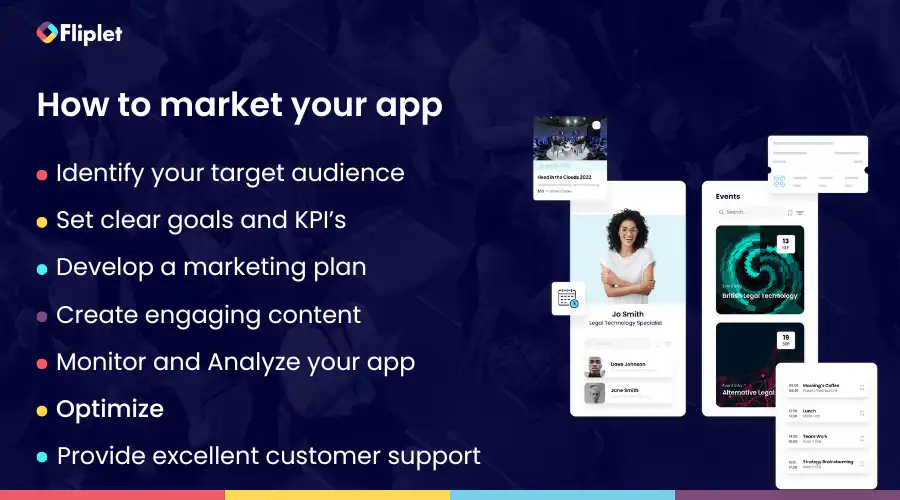
Before we jump into the proven tactics it's important to understand the basics of app marketing. Mobile app promotion involves a structured approach that centers on aligning your app's objectives with your target audience and highlighting its unique selling points, such as its features or benefits.
To guide you through this process, it's crucial to identify your target audience, gaining a deep understanding of potential users and their needs or expectations from your app.
Once you've defined your audience, the next step is to establish clear goals or Key Performance Indicators (KPIs) that will serve as benchmarks for measuring your app's success. These KPIs may encompass various aspects, including downloads, user engagement with specific app features, revenue generation, lead acquisition, and more.
With your goals in mind, you can then craft a comprehensive mobile app promotion plan that spans different stages. This plan may encompass App Store Optimization (ASO), social media marketing, content marketing, and possibly paid advertising. Effective app marketing isn't limited to external channels; it also involves creating [engaging content within your app](https://fliplet.com/blog/5-most-used-employee-engagement-apps-compared/). This content, ranging from compelling visuals to descriptions, videos, and articles, should resonate with your target audience and encourage them to actively use your app.
Monitoring and analyzing your app's performance through analytics tools is pivotal to the process. These tools enable you to track key metrics, aligning with your predefined KPIs. By gaining insights into what's working and what needs improvement, you can continuously optimize both your [app marketing strategies](https://fliplet.com/blog/boost-your-digital-content-marketing-strategy-with-apps/) and the app itself. Embracing a culture of learning from both successes and setbacks is essential.
Next, to make sure you and your users get the most out of your mobile app you should optimize it, this could be done by publishing it to the web, Apple App Store, and Google Play this means your app should be compatible with mobile, tablet and desktop. Platforms such as [Fliplet](https://fliplet.com/) makes it really easy for anyone to build an app and publish it on the Web, Apple App Store, and Google Play, and you can do it without any code:
Once your app is optimized you need to ensure your users come back so, to keep your users engaged we recommend publishing updates, this can be through things like app design, or updating content.
Lastly, ensure there's robust customer support in place to assist users. Offer them channels for feedback, reviews, and inquiries. Being responsive to user needs and feedback is fundamental in maintaining user satisfaction and enhancing the long-term success of your app.
By following these guidelines and staying attuned to the evolving app landscape, app marketing becomes a potent tool for expanding your app's user base and achieving sustained success.
If you are wanting to scale your mobile app take a read of our [Ultimate Guide: How to scale mobile enterprise app development without coding or IT resources](https://fliplet.com/blog/mobile-enterprise-app-development-without-coding/).
## Promoting an App on Android App Store vs Apple App Store: Key Considerations
Promoting your mobile app on the Android App Store and the Apple App Store requires a thoughtful approach due to the distinct characteristics of each platform. Here's what you should consider differently when promoting your app on these two major app marketplaces:
### Platform Guidelines and Policies
- **Apple App Store:** Apple is known for its stringent review process. Ensure that your app complies with Apple's strict guidelines regarding design, functionality, and content. Pay close attention to user interface (UI) design principles, as Apple places a strong emphasis on a seamless user experience.
- **Android App Store:** Google's Android platform offers more flexibility in terms of app submission. However, this flexibility can also result in a wider range of app quality. While Android apps undergo review, the process is generally less strict compared to Apple's. Focus on optimizing your app's functionality and user experience for various Android device models and screen sizes.
### App Monetization
- **Apple App Store:** Apple's App Store has a reputation for attracting users who are more willing to pay for apps and in-app purchases. Consider pricing strategies that align with this user base, such as offering premium features or subscriptions.
- **Android App Store:** Android users often expect free or ad-supported apps. Consider monetization models like in-app advertising or freemium offerings, which may be better received by the Android audience.
### Marketing Strategies
- **Apple App Store:** Apple users often value design and user experience. Highlight these aspects in your marketing materials, emphasizing how your app provides a seamless and visually appealing experience.
- **Android App Store:** Android users appreciate customization and flexibility. Showcase how your app caters to these preferences, such as offering customization options or compatibility with a wide range of Android devices.
Looking to publish an app on the Apple App store? Follow these [7 Steps to Making an App for iPhone in Less Than a Day](https://fliplet.com/blog/7-steps-making-an-app-for-iphone/)
## 34 Proven Tactics for Mobile App Promotion
Employing proven tactics for mobile app promotion is crucial. Before we dive into the 33 tactics lets watch an overview on key way you can promote and market your mobile app:
Now let's explore 34 strategies to help your mobile app stand out and reach its full potential.
### App Store Optimization (ASO)
App Store Optimization, or ASO, is a fundamental tactic for mobile app promotion. It involves optimizing various elements within your app's store listing to improve its visibility and discoverability.
- **Importance of Keywords:** Keywords are the foundation of ASO. Choosing the right keywords ensures your app shows up in relevant search results. These keywords should align with what potential users might search for when looking for an app like yours.
- **App Icon Design**: Your app icon is often the first impression users have of your app. It should be eye-catching, memorable, and reflect the essence of your app's functionality. A well-designed icon can pique users' interest and encourage them to explore further. If you are creating an app for your organization it would be good to make sure your app icon is on brand and incorporate your brand colors and font.
- **App Description:** Your app's description is a critical component of ASO. It should provide a concise yet compelling overview of what your app offers. Include key features, benefits, and a call to action.
### Here is an example of an event app description
## _Event App Name_
_Discover, engage, and immerse yourself in a world of unforgettable experiences with EventHub, the premier event app that takes your event-going journey to the next level!_
## _Key Features:_
- _**Event Discovery:** Explore a curated selection of the hottest events happening in your city and beyond. From concerts and festivals to conferences and exhibitions, EventHub brings the best of local and global events right to your fingertips._
- _**Ticket Booking:** Secure your spot at your favorite events effortlessly. Purchase tickets with a few taps and receive e-tickets directly on your phone. No more fumbling with paper tickets or long queues._
- _**Interactive Event Schedules:** Stay on top of event schedules with our intuitive calendar. Plan your day, set reminders, and never miss a moment of the action._
- _**Networking Opportunities:** Connect with fellow attendees before, during, and after events. Expand your professional network, share insights, and make lasting connections._
- _**Event Updates:** Receive real-time updates, announcements, and exclusive offers directly from event organizers. Be the first to know about lineup changes, special promotions, and more._
## _Why EventHub?_
_EventHub is more than just an event listing app; it's your passport to unforgettable experiences. Our user-friendly interface, seamless ticketing, and interactive features ensure you get the most out of every event you attend._
_Whether you're a music enthusiast, a business professional, or a social butterfly, EventHub has something for everyone. Don't miss out on the events that matter to you—download_ _EventHub today and start creating memories!_
_Get ready to embark on a journey filled with excitement, inspiration, and endless possibilities. Your next adventure awaits with EventHub._
This app description highlights the app's key features, benefits, and a call to action, making it engaging and informative for potential users.
### Demo Video Creation
Creating a demo video is a powerful tactic for mobile app promotion. A video can convey your app's value and functionality more effectively than text or images alone.
- **Storytelling:** Storytelling is an art that can captivate users and make your app memorable. Craft a narrative around your app's purpose, highlighting its benefits and how it can improve users' lives.
- **USP Focus:** Your Unique Selling Proposition (USP) is what sets your app apart from the competition. Emphasize your app's USP in your promotional materials to clearly communicate why users should choose it over other options.
### Influencer Marketing
Influencer marketing leverages the reach and credibility of influencers to promote your app to their followers. It's a proven tactic for expanding your app's visibility and user base.
- **Identifying the Right Influencers:** Finding influencers whose audience aligns with your app's target demographic is crucial. Look for influencers who have genuine interest and expertise in your app's niche.
- **Collaboration Strategies:** Collaborate with influencers to create engaging content that showcases your app's features and benefits. Consider offering exclusive promotions or giveaways through influencers to drive user engagement.
### Referral Programs
Referral programs are a tried-and-true tactic for mobile app promotion, playing a pivotal role in expanding your app's user base. The essence of this strategy lies in harnessing your existing users as advocates who actively refer friends, family, or colleagues to download and engage with your app. How can you achieve referral programs?
- **Incentives**: By offering rewards, discounts, or exclusive content, you not only encourage existing users to participate but also entice new users to take action. Incentives act as a driving force behind referrals, making this tactic a win-win situation for both the referrer and the referred, ultimately contributing to organic growth and heightened user engagement.
- **User Engagement:** When users refer others to your app, they become more invested in its success. They have a stake in ensuring that the referred users have a positive experience, which, in turn, leads to increased interaction and activity within your app. This increased engagement keeps users actively promoting your app and strengthens its position in the competitive mobile market.
### Customer Reviews and Ratings
Customer reviews and ratings play a crucial role in mobile app promotion. They are important because they influence potential users' decisions and contribute to your app's credibility and visibility. Positive reviews and high ratings can attract more downloads and improve your app's ranking in app stores.
### To encourage users to leave reviews, app creators can
- Prompt users with in-app requests for reviews at the right moment, such as after a successful interaction or completing a task.
- Offer incentives like discounts, virtual rewards, or premium features to motivate users to share their feedback.
- Ensure a seamless and user-friendly review process within the app, minimizing any friction or obstacles.
- Respond to user reviews, both positive and negative, to show engagement and dedication to improving the app.
- Create a community or feedback channel where users can provide input and feel heard.
By actively managing and encouraging reviews and ratings, app creators can boost their app's reputation and attract more users through positive word-of-mouth and improved search visibility.
### Podcast Sponsorships
Podcast sponsorships are a proven and impactful tactic for mobile app promotion. They provide a unique avenue to connect with a highly targeted audience. In the competitive landscape of app promotion, diversifying marketing channels is essential, and podcasts offer an excellent opportunity to reach potential users. Podcast listeners often exhibit a keen interest in specific topics or niches, making them valuable prospects for app creators.
Sponsoring a podcast allows app creators to tap into a receptive audience that already shares an interest in relevant categories. For instance, if you have a fitness app, sponsoring a health and fitness podcast can introduce your app to individuals genuinely interested in fitness and well-being. Crafting compelling ad content that highlights your app's unique value proposition and offers exclusive incentives or promotions to podcast listeners can further enhance the effectiveness of this strategy. Monitoring and measuring the performance of podcast sponsorships in terms of app downloads and user engagement is essential for refining your mobile app promotion efforts.
### Social Media Advertising
Social media advertising leverages the vast user base and engagement on popular social platforms to reach a broad audience of potential app users. Social media advertising offers a dynamic and versatile channel that enables app creators to promote their apps through various ad formats, such as image ads, video ads, and carousel ads, allowing them to convey their app's value and functionality creatively.
- **Target Audience:** Targeting a specific audience is crucial in mobile app promotion through social media advertising. It allows app creators to reach users who are most likely to engage with and download their apps, increasing the chances of conversions and downloads. This precise targeting not only enhances the efficiency of ad campaigns but also minimizes ad spend wastage on users who are unlikely to convert.
- **A/B Testing:** A/B testing plays a pivotal role in optimizing social media advertising for mobile apps. It involves creating variations of ad elements such as ad copy, visuals, and call-to-action buttons to identify which combinations perform best in terms of click-through rates (CTR), conversions, and app downloads. By continuously refining ad elements based on real-time data and user responses, app creators can maximize the impact of their social media advertising efforts, ultimately leading to increased downloads and views of their mobile apps.
### Content Marketing
Content marketing is a highly effective tactic for mobile app promotion, focusing on creating valuable and relevant content to engage and attract potential users. It plays a pivotal role in educating users about an app's benefits, features, and value proposition, ultimately driving downloads and user engagement.
- **Blogging:** Blogging is an integral part of content marketing for mobile app promotion. App creators should write blog posts that revolve around topics related to their app's industry, niche, or the problems it solves. By providing informative and engaging content, they can establish themselves as experts in their field and capture the interest of potential users. Blog posts can generate organic traffic to the app's website or landing page. Within blog posts, app creators can strategically include calls to action (CTAs) that encourage readers to explore the app further, sign up, or download it, ultimately leading to increased downloads.
- **Guest Posts:** Guest posting is a valuable strategy to extend the reach of mobile app promotion. App creators can reach out to relevant industry blogs or websites and offer to write guest posts. These guest posts should provide value to the blog's audience and include mentions or references to the app when relevant. By contributing informative and engaging content to external platforms, app creators can tap into new audiences who may be interested in their app. They can also include CTAs within guest posts to direct readers to their app's website or download page.
- **Public Relations (PR):** PR is a game-changer in the world of mobile app promotion. Crafting impactful press releases can be a key driver in your app's success. Whether you're launching a new app, announcing updates, or aiming to stand out in the mobile app arena, these PR tactics can help you reach your promotion goals.
- **Press Releases:** Press releases are official announcements that app creators can use to share news about their app, such as launches, updates, or significant achievements. A well-structured press release with a compelling angle can capture the interest of journalists and bloggers, leading to media coverage. When creating press releases, app creators should ensure they address newsworthy topics that would pique the media's interest. They should consider factors like app uniqueness, user benefits, or industry impact to create press releases that resonate with journalists and bloggers.
- **Media Outreach:** Media outreach is a strategic approach to mobile app promotion that involves proactively reaching out to journalists, bloggers, and industry publications to pitch app-related stories or news. To execute effective media outreach, app creators should start by identifying journalists and bloggers who cover topics relevant to their app's niche or industry. They can then craft personalized pitches that highlight the app's unique value proposition, features, or achievements. These pitches should emphasize the app's newsworthiness and how it can benefit the publication's audience. By building relationships with media professionals and getting their app featured in articles, reviews, or interviews, app creators can gain valuable exposure and credibility, driving more downloads and user engagement.
### Search Engine Marketing (SEM)
SEM is a proven tactic for mobile app promotion that involves paid advertising on search engines like Google. SEM campaigns include various types of ads, such as search ads, display ads, or app install ads, which are strategically placed in search results or on websites visited by potential users.
SEM is effective because it directly targets users who are actively searching for app-related keywords or terms. App creators can create compelling ad copy and bid on relevant keywords to ensure their app appears prominently in search results. SEM helps mobile app promotion by increasing visibility and driving traffic to the app's landing page or download page. It provides a highly targeted and measurable approach to app promotion, allowing app creators to reach users who are actively looking for solutions provided by their app.
### In Store Promotion
In-store promotion is a tactic for mobile app promotion, primarily because it directly engages with your target audience when they are already interested in your product or service. By strategically placing in-store promotions and advertisements within physical locations or other apps, you can capture the attention of potential users. For instance, offering exclusive discounts or rewards to customers who download your app while shopping in a retail store can incentivize app downloads.
### Community Building
Community building is another tried-and-true strategy for mobile app promotion. Building a community around your app promotes a sense of belonging and loyalty among users.
- **Online Forums:** Engaging with online forums relevant to your app's niche is a proven tactic for mobile app promotion. Participate in discussions, answer questions, and provide valuable insights related to your app's features or benefits. Building a positive reputation within these forums can position your app as a valuable solution, encouraging forum members to check out your app and recommend it to others.
- **Reddit Threads:** Leveraging Reddit threads related to your app's category can be highly effective for promotion. Actively participate in discussions, offering genuine advice or solutions that align with your app's offerings. Avoid overt self-promotion but instead focus on being a helpful and active member of the community. When appropriate, you can subtly mention your app if it directly addresses the discussion's topic. Reddit users appreciate authenticity, and building trust within these threads can lead to increased app downloads and positive word-of-mouth recommendations.
### Participation in Industry Events
Participating in industry events is a valuable tactic for mobile app promotion. These events provide an opportunity to showcase your app to a targeted audience interested in your niche. You can network with potential users, demonstrate your app's features, and gather valuable feedback. Leveraging industry events helps create awareness and generate downloads from an engaged and relevant audience.
### Cross-Promotion
Cross-promotion involves partnering with other app developers or businesses to promote each other's apps. This tactic can significantly expand your app's reach by tapping into an established user base that's interested in similar apps or services. Cross-promotion can be done through in-app promotions, social media shoutouts, or email campaigns, generating collaboration and driving downloads.
### Localization
Localization is essential for mobile app promotion, especially for international audiences. Adapting your app's content, language, and features to cater to different regions or languages increases its appeal and accessibility. Users are more likely to download and engage with an app that speaks their language and resonates with their culture, making localization a key strategy for global expansion.
### Loyalty Programs
Implementing loyalty programs within your app can boost user retention and acquisition. Rewarding users for their continued engagement, referrals, or in-app actions incentivizes them to not only stay but also encourage others to download and use your app. Loyalty programs create a win-win scenario, where users benefit from exclusive rewards, and you benefit from increased app downloads and user engagement.
### Beta Testing
Beta testing involves releasing a pre-launch version of your app to a select group of users to gather feedback and identify potential issues. This tactic is crucial for refining your app's functionality, fixing bugs, and ensuring a seamless user experience. Beta testers often become early advocates, and their positive feedback can contribute to effective app promotion upon the official launch.
### Limited-Time Offers
Creating limited-time offers or promotions can create a sense of urgency and drive downloads. Users are more likely to take action if they believe they're getting a special deal that won't last. Limited-time offers can include discounts, premium features, or exclusive content for a specific duration, encouraging users to download and engage with your app promptly.
### Remarketing Campaigns
Remarketing campaigns involve targeting users who have previously interacted with your app or website but haven't taken a desired action, like downloading the app. By showing targeted ads to these users across various online platforms, you can re-engage them and remind them of your app's value. Remarketing campaigns keep your app top-of-mind and encourage users to complete the download.
### Interactive Demos
Interactive demos provide potential users with hands-on experience before downloading the app. These demos allow users to explore key features, navigate the interface, and understand the app's value proposition. By offering a taste of what the app can do, interactive demos can increase user confidence and drive downloads as users are more likely to install the app after a positive trial experience.
### Webinars
Webinars offer a platform to showcase your app's capabilities and educate your target audience. By hosting webinars related to your app's niche or solving common pain points, you position your app as a valuable solution. Attendees are often interested in exploring the app further after gaining insights from the webinar, leading to increased downloads. A good way to promote your webinars are through paid ads or Linkedin events.
### Affiliate Marketing
Affiliate marketing involves partnering with affiliates who promote your app to their audience in exchange for a commission on each successful app download or sale. This tactic leverages the affiliate's existing follower base, trust, and reach. As affiliates endorse your app, their followers are more likely to consider and download it, contributing to increased downloads.
### Billboard Advertising
Billboard advertising provides broad exposure to your app. Placing billboards strategically in high-traffic areas can create brand awareness and curiosity among potential users. Effective billboard designs with clear messaging and visuals can entice viewers to visit the app store and download the app, increasing its visibility and downloads. Make sure your billboard is clean, matches the style of the app you are promoting and has a clear CTA which in this case will be to download the app.
### QR Codes
QR codes simplify the app download process. Users can scan QR codes with their mobile devices, instantly directing them to the app store or app download page. This frictionless method reduces barriers to entry, making it easier for users to download your app. QR codes can be placed on marketing materials, product packaging, physical locations, on your website, and on your webinar slides to drive downloads.
### Chatbots
Chatbots can engage users on your website or social media channels, answering questions and providing information about your app. They offer immediate responses and can guide users through the download process. Chatbots not only enhance user experience but also encourage users to take action and download the app. If you already have a chat box live on your website you can use it to spread the word of your app, it doesn't necessarily have to answer questions regarding your app.
### Contests and Giveaways
Contests and giveaways create excitement and incentivize users to download your app. By offering prizes, exclusive content, or discounts through these promotions, you can generate buzz and encourage participation. Participants are likely to download the app to access these rewards, increasing app downloads and user engagement.
### User Surveys
User surveys provide valuable insights into user preferences and pain points. By collecting feedback from your existing user base or potential users, you can tailor your app's features and marketing strategies to better align with user expectations. This user-centric approach can lead to improved app ratings, positive reviews, and word-of-mouth recommendations, ultimately driving downloads. One way to get user feedback is by having a survey feature in your app, as this makes it more convenient for the user to complete and you will get a higher completion rate. It's important to note not to bombard users with to many surveys as this could lead them to feel frustrated so spreading your survey requests will benefit you more.
### Swag Merchandising
Offering swag merchandise related to your app can create brand loyalty and excitement among your user community. Items like T-shirts, stickers, or promotional products can serve as conversation starters and promotional tools. When users proudly display or use these items, it sparks curiosity among their peers, leading to inquiries about the app and potential downloads.
### User-Generated Content
Encouraging users to create content related to your app, such as reviews, testimonials, or user-generated videos, can amplify your app's reach. User-generated content serves as social proof, showcasing real users' positive experiences with your app. Sharing this content on your app's website or social media profiles can influence others to download the app based on peer recommendations.
### Virtual Reality (VR) Experiences
If your app has VR capabilities or features, providing virtual reality experiences can be a powerful promotion tactic. VR experiences can give users a taste of what your app offers, creating a sense of immersion and excitement. Promote these VR experiences through social media, YouTube, or partnerships with VR content creators to attract users interested in VR technology.
### Teaser Campaigns
Teaser campaigns build anticipation and curiosity around your app's upcoming features, updates, or launches. Teasers can include cryptic messages, sneak peeks, or countdowns on your app's website or social media profiles. The recommended time period for a teaser campaign before an app launch can vary depending on the complexity of your app and your target audience. However, a typical timeframe for a teaser campaign is about 2-4 weeks before the planned launch date. By creating a sense of intrigue, you can generate excitement and encourage users to stay engaged and await the app's release, leading to higher downloads upon launch.
### Email Signatures
Leverage your email signature as a subtle yet effective way to promote your app. Include a brief call to action and a download link to your app in your email signature. Every email you send becomes an opportunity to promote your app to clients, colleagues, or partners, increasing its visibility and driving downloads.
### Offline Activities
Participating in offline activities, such as trade shows, conferences, or local events, can help you connect with your target audience in person. Offline activities allow you to demonstrate your app's features, answer questions, and collect feedback directly from potential users. Offering special promotions or discounts at these events can incentivize attendees to download your app.
### Meetups
Hosting or participating in meetups related to your app's niche or target audience provides an opportunity to engage with potential users and is an effective way for promoting your mobile app. Present your app's value proposition, share success stories, and network with attendees. Encourage attendees to download your app by offering exclusive content or benefits available only to meetup participants.
### Workshops
Organizing workshops is a good tactic for mobile app promotion. Workshops related to your app's industry or user interests positions your app as a valuable resource. Educational sessions can highlight how your app addresses specific challenges or enhances users' lives. As attendees gain knowledge and insights, they may be more inclined to download and explore your app.
## Real Examples
### Word of Mouth Marketing
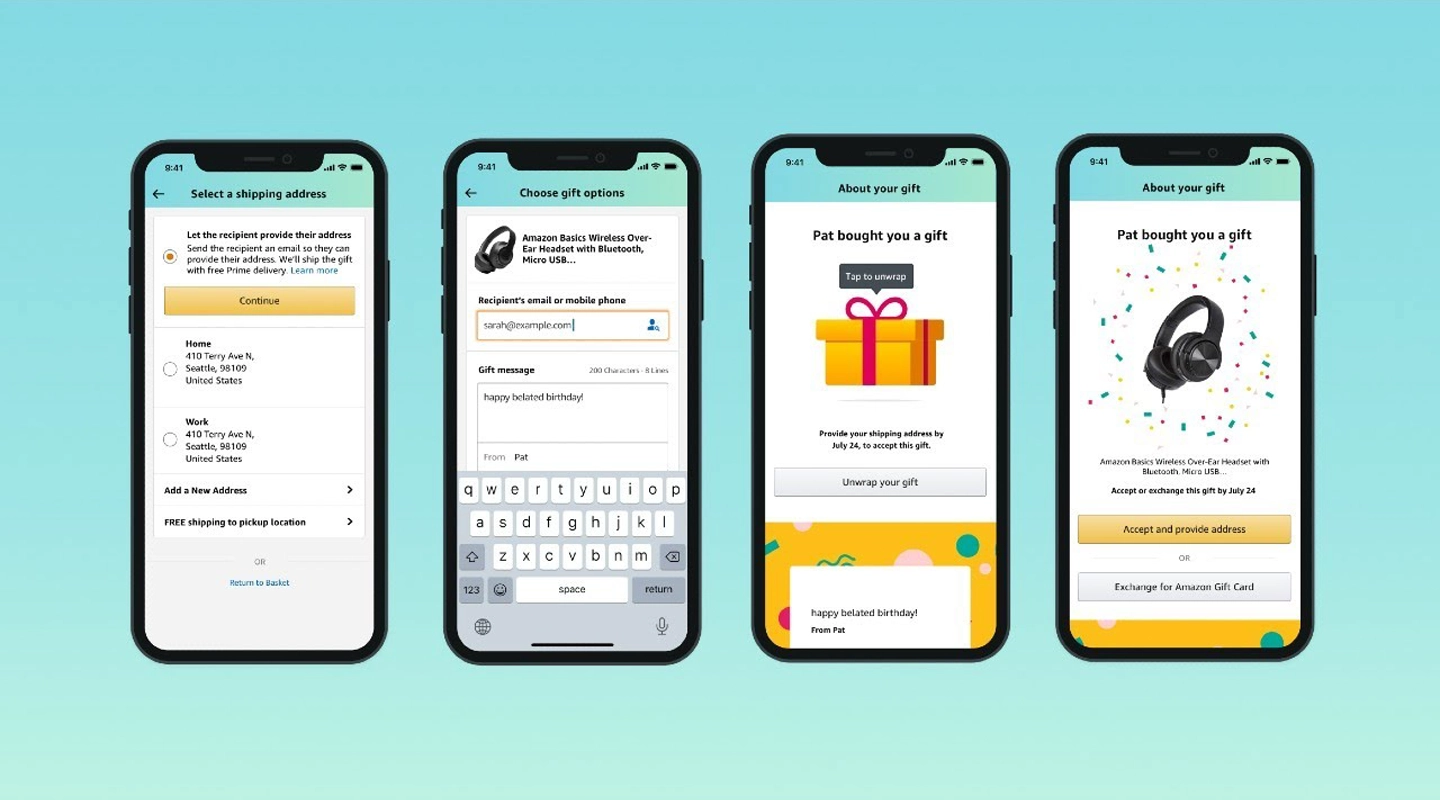
After the initial beta launch, they implemented a word-of-mouth marketing strategy by distributing "gold tickets." Customers who received these tickets could share them with their friends, enabling them to bypass the waitlist and immediately access the mobile app.
### Meetups
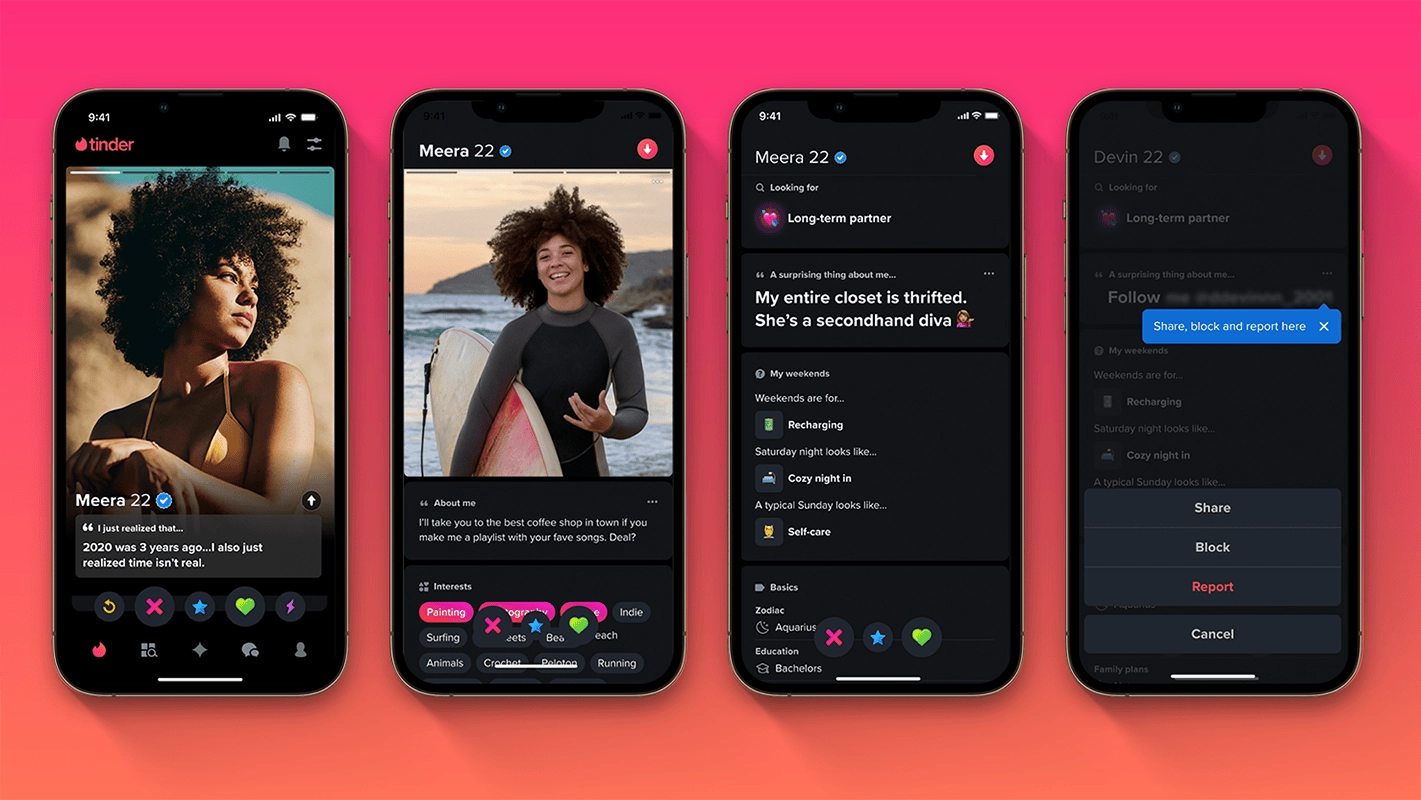
Tinder adopted a strategy reminiscent of Facebook's "college by college" approach and organized launch events with a unique entry requirement: attendees had to show the app installed on their mobile devices for admission. By initially focusing on signing up sororities on college campuses, Tinder effectively seeded its mobile app promotion. In late 2013, Tinder shifted its marketing tactics to expand into the 25–34 demographic by hosting a series of "city by city" launch gatherings and meetups.
### Email Marketing
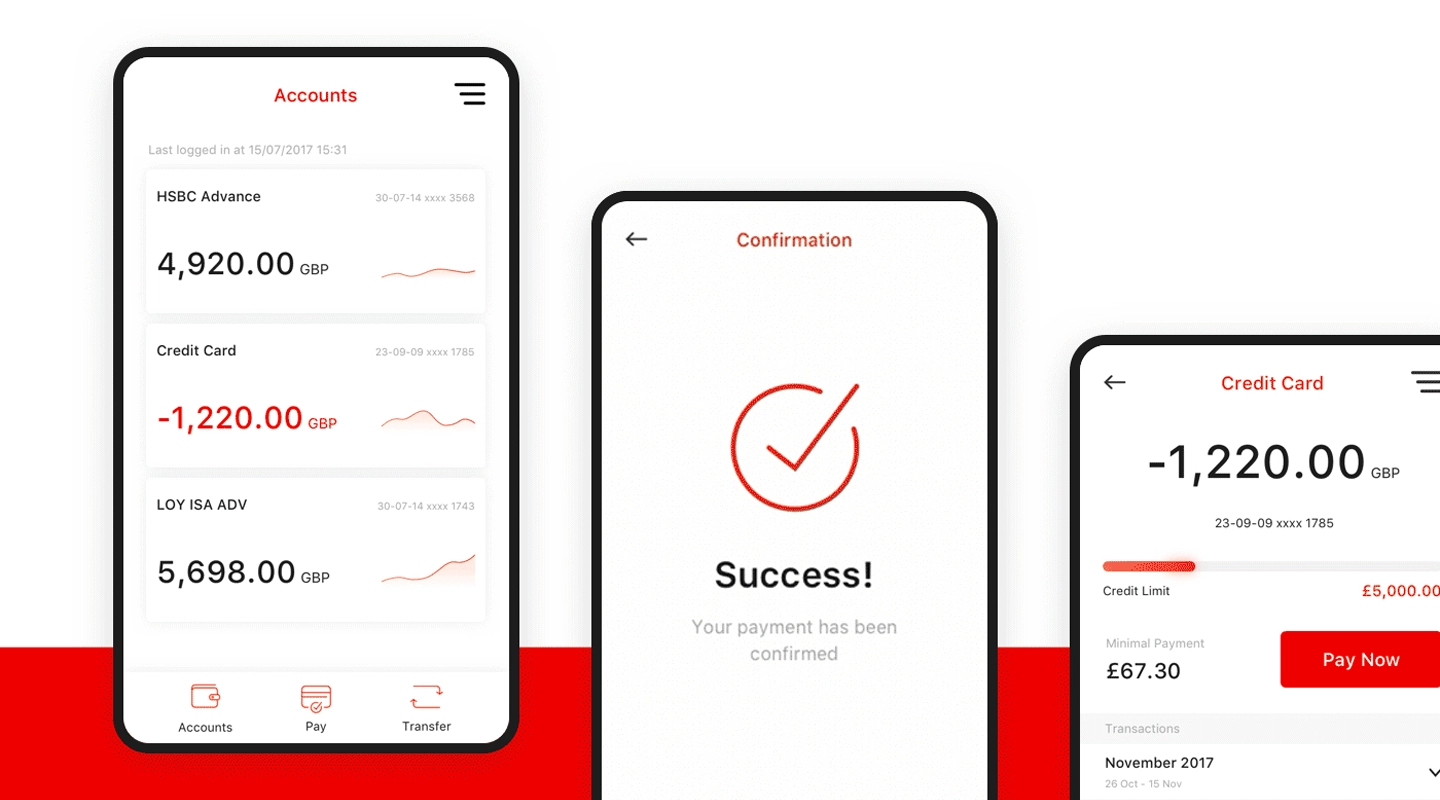
HSBC likely sent email communications to its existing customers, informing them about the mobile banking app and its features. These emails may have included direct download links or instructions on how to find the app in app stores.
### Community Building
Spotify created a sense of community among users through features like collaborative playlists and shared playlists among friends. This encouraged users to stay engaged with the platform.
### Reviews and Ratings
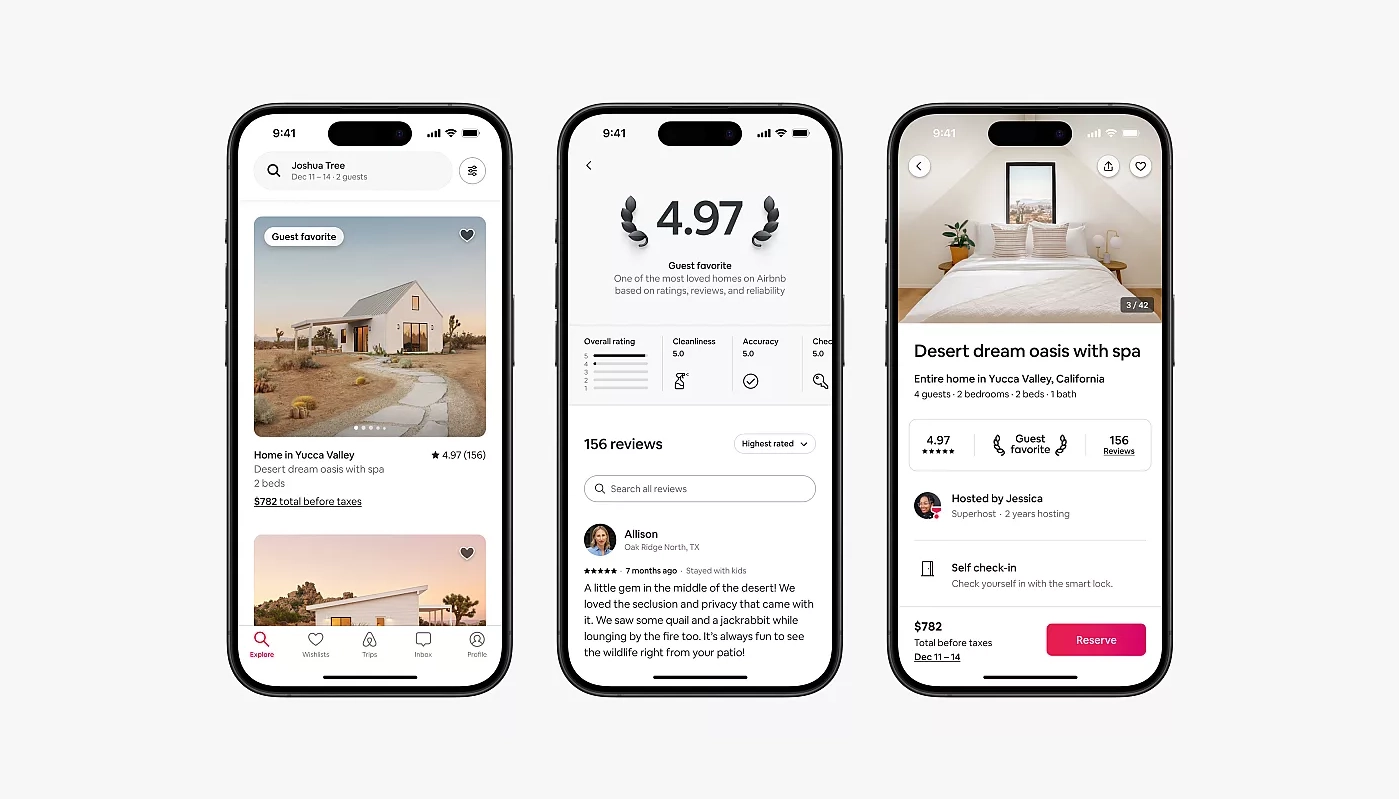
Airbnb prominently displayed user reviews and ratings for both hosts and guests. Positive reviews built trust and credibility, encouraging more downloads and bookings.
### Partnerships
Netflix collaborated with device manufacturers, internet service providers, and telecommunications companies to pre-install the app or offer it as part of bundled packages, expanding its reach.
### Loyalty Programs
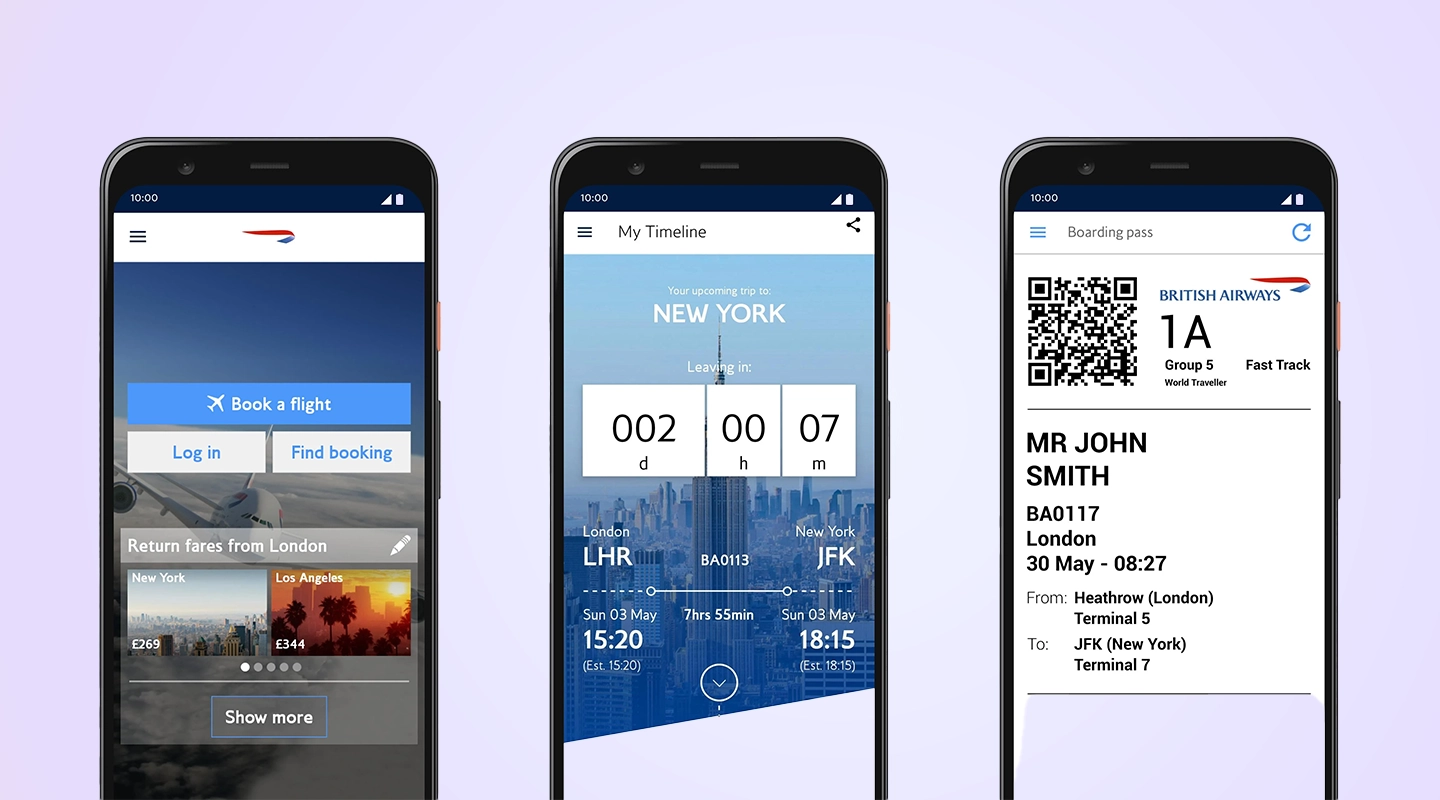
British Airways successfully drove downloads of its mobile app by integrating it with the Executive Club loyalty program. Exclusive benefits such as Avios point management, personalized promotions, and convenient Avios redemption options were made available exclusively through the app, incentivizing Executive Club members to download and use it. The app also offered features like mobile check-in, real-time flight updates, and tier status visibility, enhancing the travel experience for members. Push notifications, user-friendly design, and feedback mechanisms further encouraged downloads and engagement, ultimately linking loyalty program perks to app adoption and usage.
### Search Engine Marketing
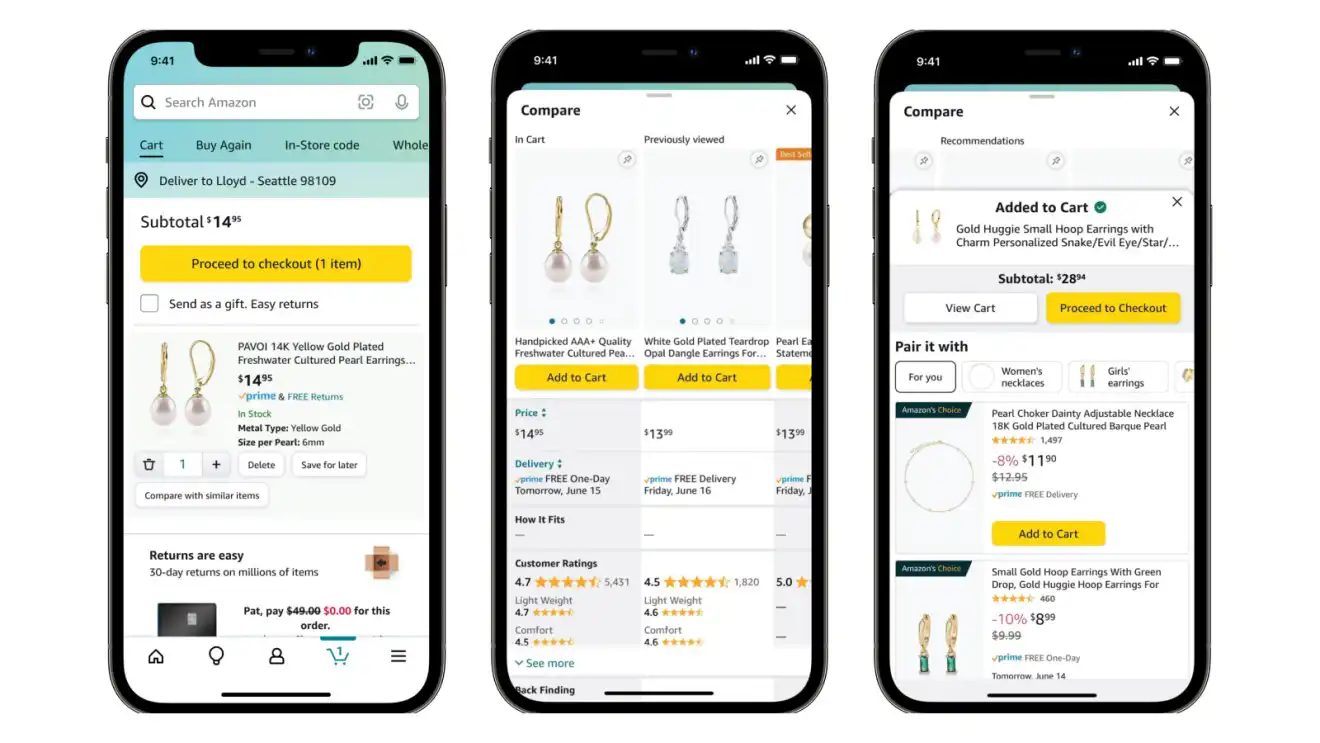
Amazon likely ran paid search ads on popular search engines like Google, Bing, and Yahoo to ensure their app appeared prominently when users searched for related keywords or phrases. This strategy helped drive traffic to their mobile app's download page and encouraged users to install the app. By bidding on relevant keywords and optimizing their ad campaigns, Amazon was able to effectively leverage SEM to increase mobile app downloads and promote their e-commerce platform on mobile devices.
### Social Media Marketing
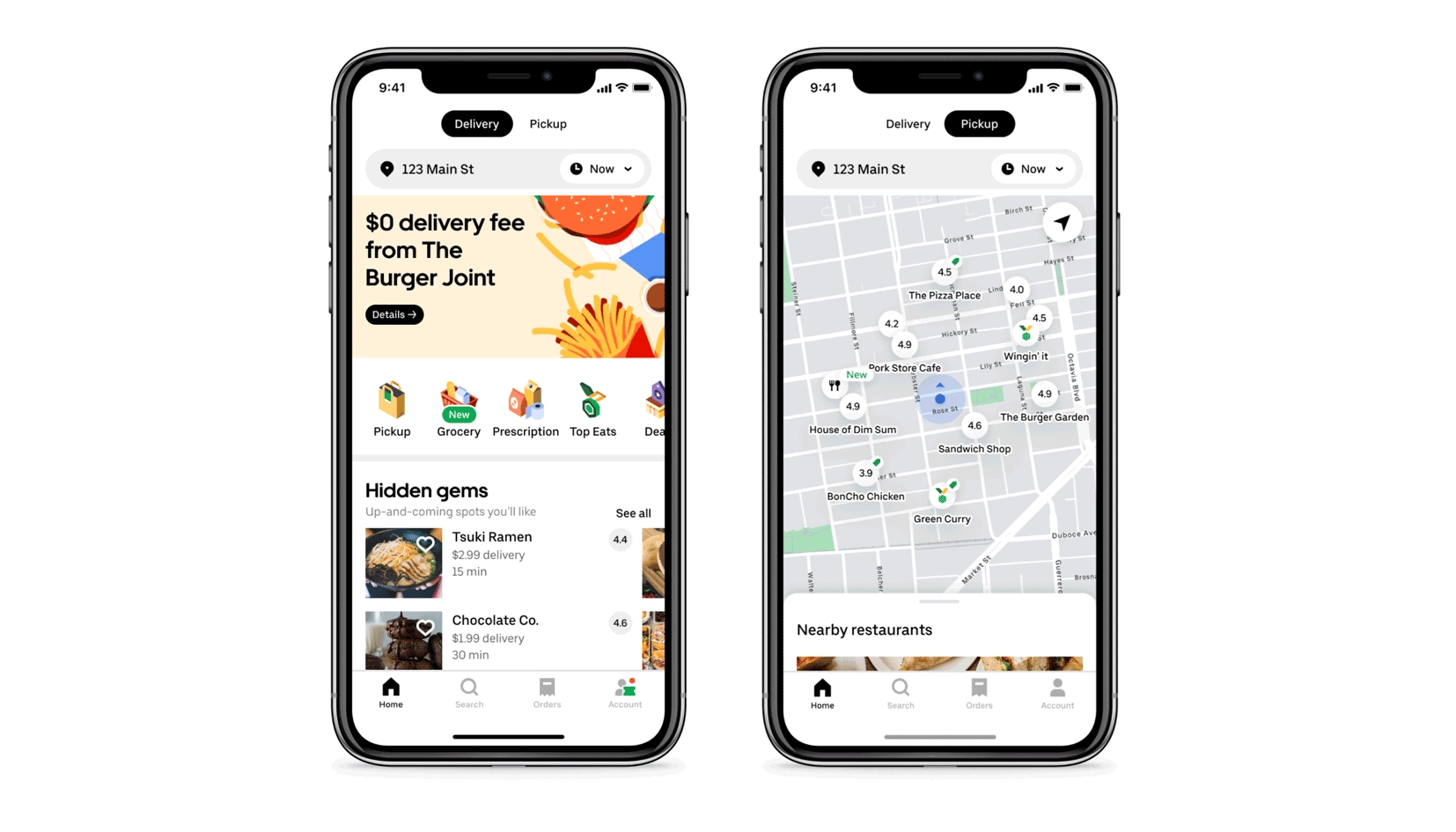
Uber Eats ran targeted advertising campaigns on platforms like Facebook, Instagram, Twitter, and Snapchat. These ads showcased enticing food imagery and special offers to encourage users to download the app.
### App Store Optimization
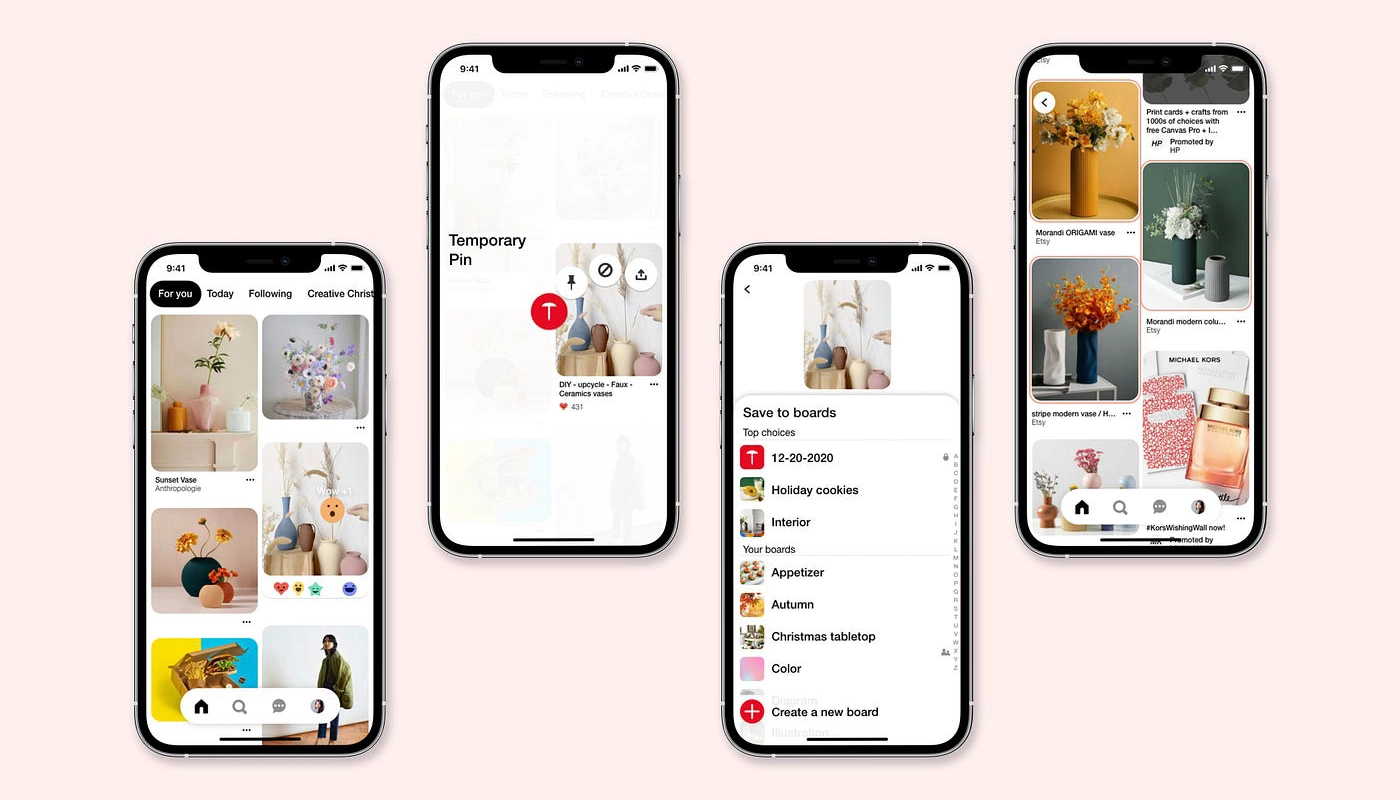
Pinterest strategically leveraged App Store Optimization (ASO) to boost its mobile app downloads. They crafted app store listings with eye-catching screenshots that showcased the platform's engaging content, optimized keywords to improve search visibility, and curated engaging descriptions that highlighted Pinterest's unique features. Additionally, the inclusion of a 'Featured In' section enhanced credibility, while regular updates ensured users saw the latest improvements. Pinterest's commitment to localization, A/B testing, and the cultivation of positive user reviews further solidified its ASO strategy, ultimately driving increased app downloads and user engagement.
### Video Creation (Demo Video Creation)
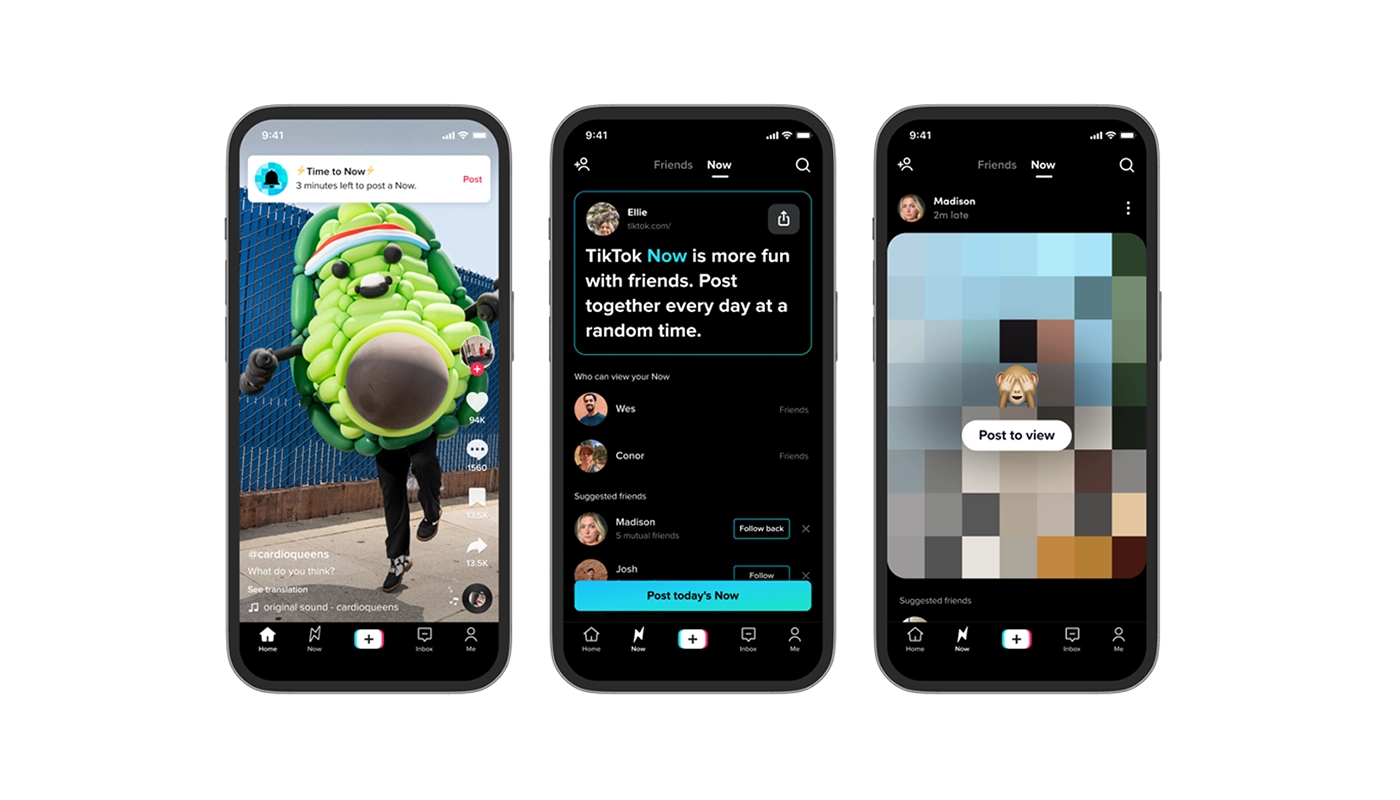
TikTok leveraged the power of engaging and entertaining short video clips to showcase the creativity and fun that users can experience on its platform. These videos often go viral, spreading across other social media channels and capturing the attention of millions of potential users. By allowing users to easily create and share their own videos, TikTok successfully harnessed the influence of user-generated content, enticing more people to download the app and join the growing TikTok community.
### Content Marketing
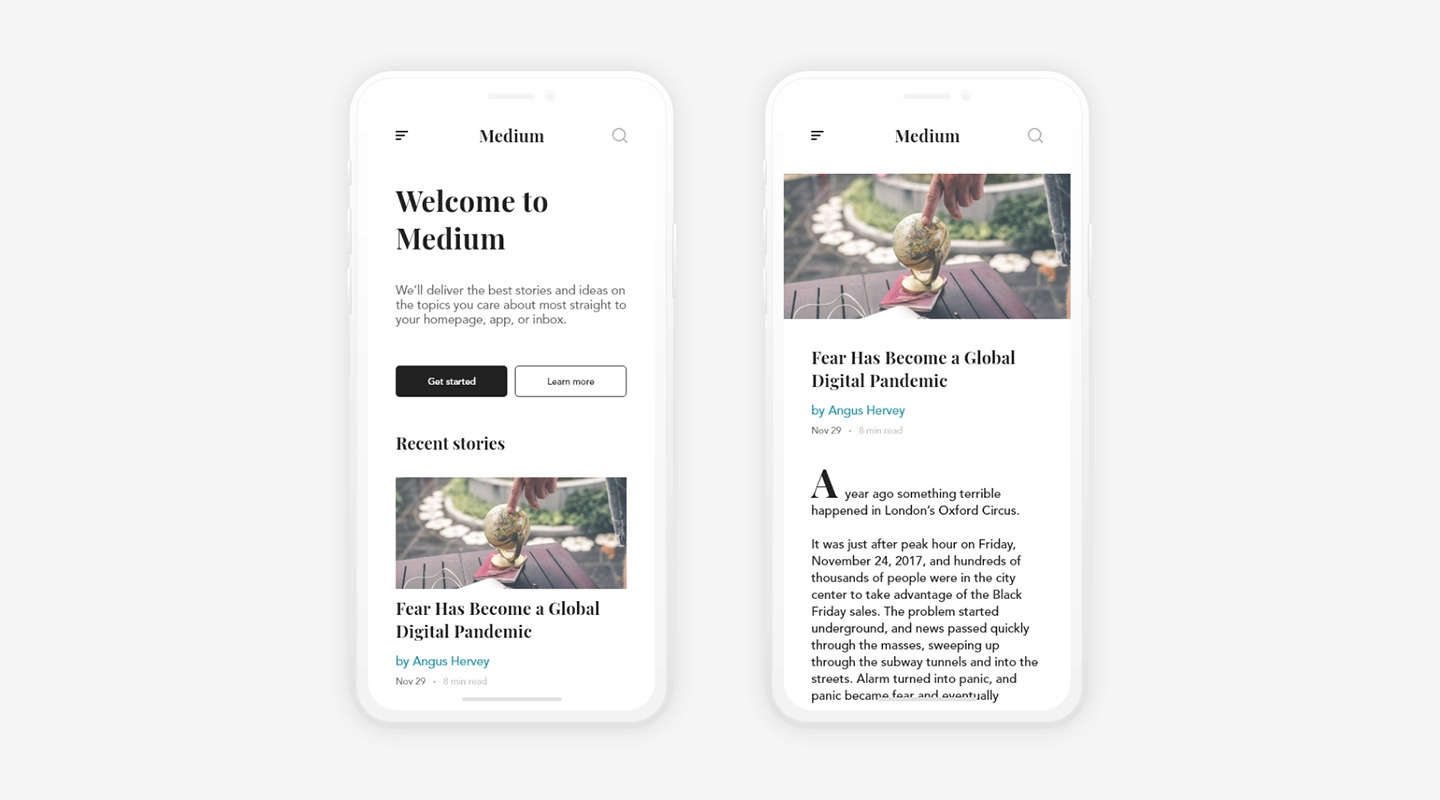
Medium, a prominent blogging platform, strategically employs content marketing to promote its mobile app. The platform encourages both established and aspiring writers to publish articles and stories on its app. This content-centric approach creates a community of writers and readers, drawing users to explore the app's offerings and discover valuable, thought-provoking content. Through consistent content marketing efforts, Medium effectively positions itself as a hub for insightful and diverse articles, ultimately driving app downloads as users seek to access and engage with this rich ecosystem of ideas and perspectives.
### QR Codes
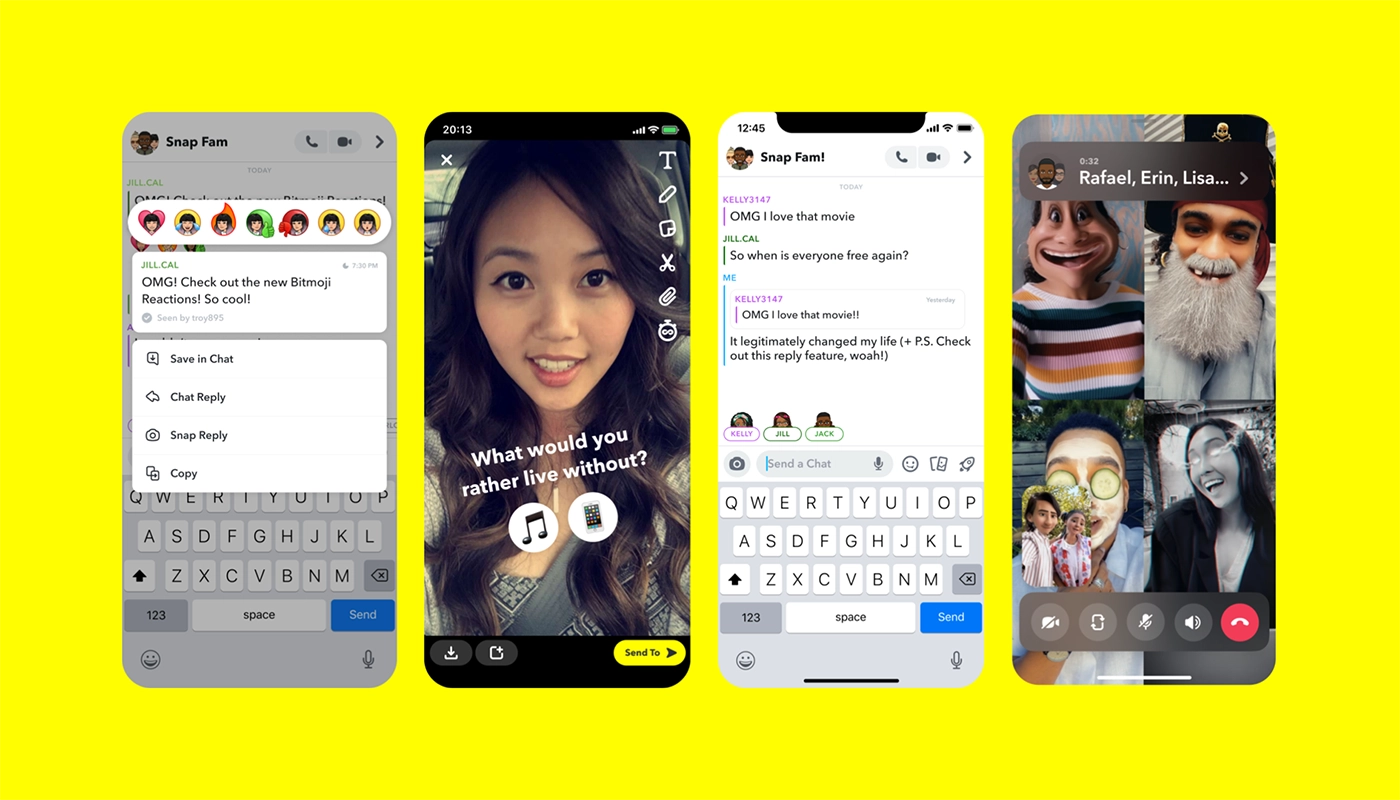
Snapchat, the multimedia messaging app, cleverly integrates QR codes into its mobile app promotion strategy. Snapchat's Snapcodes are personalized QR codes that users can create and share with friends. These Snapcodes serve multiple purposes, including quickly adding friends, subscribing to content channels, and accessing exclusive content like augmented reality filters and lenses. The ease of scanning and using Snapcodes makes the app more engaging and interactive for users. By incorporating QR codes in this way, Snapchat not only enhances user experiences but also encourages new downloads as users strive to join the platform's vibrant and dynamic community.
### Fliplet Case Studies
- [Gowling WLG](https://fliplet.com/case-studies/gowlingwlg/): Fliplet has helped put Gowling WLG at the forefront of digital innovation, by allowing them to transition quickly from an idea to a fully-functioning app in record time, from event apps to learning apps.
- [Ward and Smith](https://fliplet.com/case-studies/ward-and-smith/): Encountering difficulties with their self-built mobile app's upkeep, Ward and Smith leveraged Fliplet for easier, quicker app creation, relieving the stress and pressure on the IT team.
- [Saul Ewing](https://fliplet.com/case-studies/saul-ewing/): An innovation challenge app that has collected innovative staff ideas, helped build a community, driven innovation and improved collaboration.
- [SMBP](https://fliplet.com/case-studies/social-mobility-business-partnership/): Discover how technology has transformed and streamlined operations at SMBP
## How to Measure Your Mobile App Promotion Success
The success of mobile app promotion is reliant on more than just the number of downloads. To gauge the effectiveness of your efforts and refine your strategy, it's crucial to delve into the analytics and key performance indicators (KPIs).
In this section, we'll explore the essential metrics and insights you should track to ensure your mobile app promotion endeavors are on the right track. By focusing on these metrics, you can make informed decisions, optimize your approach, and ultimately drive the growth and success of your mobile app.
### Here are some standard KPIs you should track
- **Downloads:** The foundational metric that measures how many users have installed your app. It provides an initial indication of your app's appeal.
- **User Acquisition Cost (CAC):** Understanding how much it costs to acquire each user is essential for budgeting and evaluating the efficiency of your promotion channels.
- **Retention Rate:** This metric reveals how many users continue to engage with your app over time. A high retention rate signifies a healthy user base.
- **Conversion Rate:** Analyzing how many users complete a desired action, such as making a purchase or signing up, sheds light on the effectiveness of your app's design and messaging.
As well as the ones we have just mentioned you need to ensure your mobile app is meeting the needs of your users. Some keep KPIs to track to ensure your mobile app is performing as you expect are:
- **Active devices:** Total number of devices that has the app installed and opened at least once during the selected time range
- **New devices:** Total number of new devices that installed the app and opened it at least once during the selected time range
- **Sessions:** Number of times the app was opened. A session usually lasts for about 30 minutes
- **Screen views:** Total number of screens that were viewed
- **Interactions:** Number of actions by users in the app. An action means for example clicking on a link or menu item
- **Most active users:** Lists your most active users. This requires a login on the app to be tracked
- **Actions per user:** List the total number of actions per user. This requires a login on the app to be tracked
- **Most popular screens****:** List of the most popular screens across user's sessions. Can be filtered by session, screen views, or Interactions
- **Interactions per screen:** Lists all actions per screen. Useful to see what actions are taken on what screens. E.g what is the most popular article in a newsfeed?
The no-code platform Fliplet enables you to track these app analytics. Take a look at how easy it is:
## Promote your App using AI
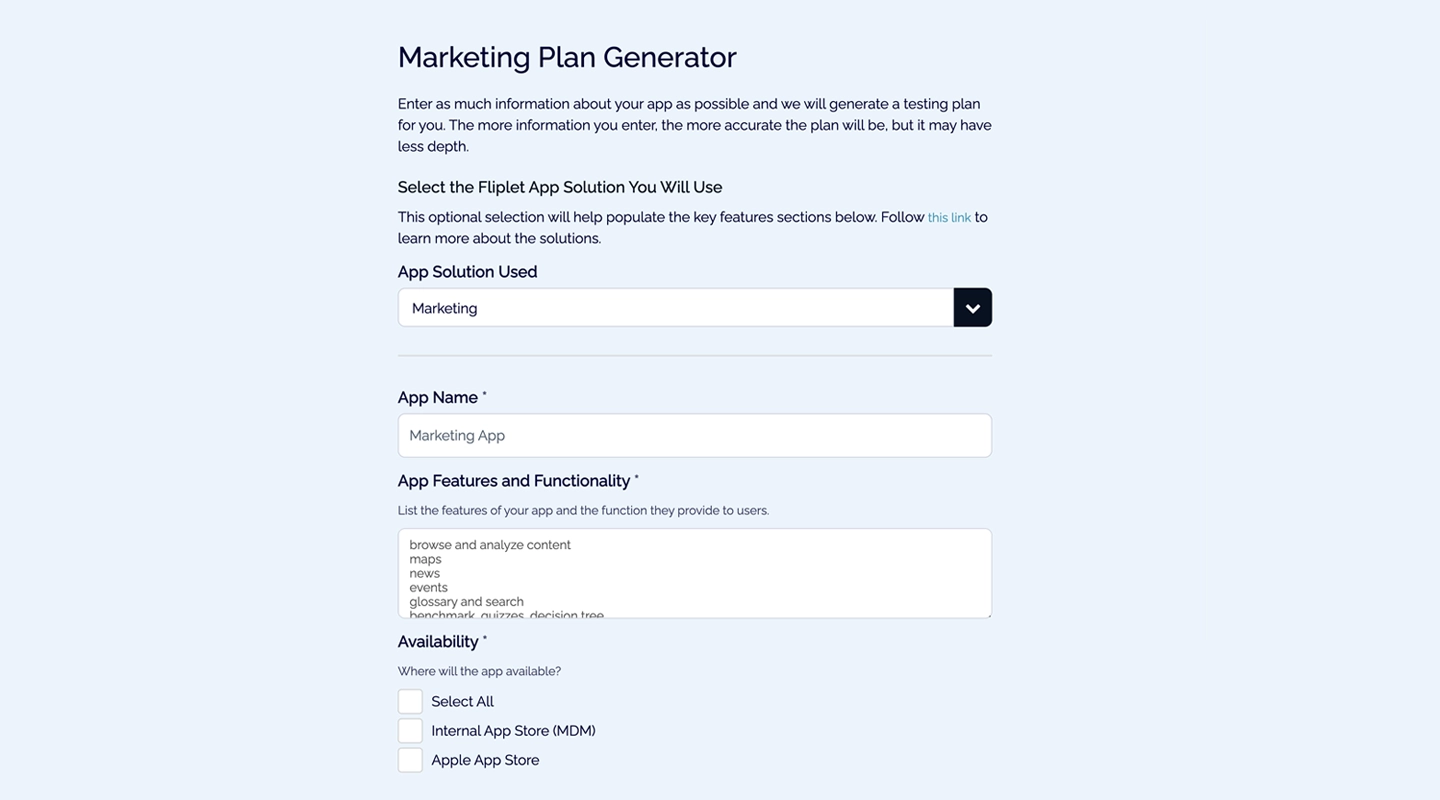
In today's fiercely competitive app landscape, promoting your mobile application is not just a choice; it's a necessity for success. With millions of apps competing for attention across various platforms, standing out can be a difficult task. Effective app marketing employs a strategic blend of targeted advertising, social media promotion, app store optimization, and more to boost visibility and attract users. AI can be a good and easy tool to help you promote your mobile app quickly, take a look at [How AI Will Disrupt App Development.](https://fliplet.com/blog/how-ai-will-disrupt-app-development/)
[Fliplet's App Marketing Promo Generator](https://fliplet.com/free-tools/mobile-app-marketing-ai-tool/) simplifies this complex task, making it accessible to everyone. With just a few simple steps, you can create captivating promotional content for your app within minutes.
### Here's how it works
- **Easy Onboarding:** Our user-friendly platform guides you through the onboarding process, ensuring you're acquainted with all the tools and features.
- **Free Sign-Up:** No hidden fees or commitments! Sign up for a free Fliplet account and gain instant access to our cutting-edge AI tool.
- **App Details Input:** Share essential information about your app, such as its name, description, target audience, and any specific preferences or requirements you might have.
- **Instant Promo:** Click "Submit," and within minutes, you'll receive a customized promo for your app. This promo is tailored to your app's unique features and audience, ensuring maximum impact and engagement.
With Fliplet's App Marketing Promo Generator, promoting your app is now not only easier but also incredibly effective. Don't let your app get lost in the crowd – let our AI-powered tool help it stand out from the crowd.
## Key Takeaways
To wrap up our exploration of mobile app promotion, a key thing to remember is diversity. Instead of sticking to a single tactic, the key to success lies in utalizing a variety of strategies.
Don't limit yourself to just one approach; explore multiple avenues to reach your audience effectively. Mobile app promotion is paramount for app success due to several critical factors. In an oversaturated app market, visibility is essential; without promotion, your app may remain hidden, making it hard for potential users to discover. Effective promotion strategies lead to user acquisition, adopting growth and competition, as rivals are likely investing in promotion too.
Influencer partnerships and social media advertising can significantly expand your app's reach and credibility. Encourage user involvement with referral programs, incentives, and user-generated content.
Branch out into new territories like podcast sponsorships and social media advertising to connect with wider audiences. Always keep a clear understanding of your target audience, define your audience precisely, test your tactics, and leverage PR and search engine marketing to boost visibility.
In the world of mobile app promotion, there's no one-size-fits-all solution. However, diversity, creativity, and a deep understanding of your audience are your greatest assets. Remember, it's not just about acquiring downloads; it's about building lasting relationships with users for sustained success.
## FAQs
### What is mobile app promotion, and why is it important?
Mobile app promotion refers to the strategies and efforts put forth to increase the visibility and downloads of a mobile application. It's crucial because, with millions of apps available in app stores, ensuring that your app stands out and reaches your target audience can determine its success. Effective promotion helps in attracting new users, retaining existing ones, and ultimately driving revenue.
### Which platforms are effective for mobile app promotion?
There are several platforms effective for mobile app promotion, depending on your target audience and app nature. Common platforms include social media sites like Facebook, Instagram, and Twitter, as they allow for targeted advertising. Google Ads and App Store Optimization (ASO) are also essential for reaching users actively searching for apps. Collaborating with influencers, bloggers, or utilizing platforms like YouTube can further amplify your app's visibility.
### How can you measure the success of mobile app promotion?
Measuring the success of mobile app promotion can be done using various metrics, depending on your goals. Common metrics include the number of downloads, user retention rate, user reviews and ratings, and in-app engagement. Tools like Google Analytics for Mobile and platforms like App Annie or Sensor Tower can provide insights into these metrics. Additionally, the Return on Advertising Spend (ROAS) can help assess the effectiveness of paid promotional campaigns.
## Related links
- [Ultimate Guide: How to scale mobile enterprise app development without coding or IT resources](https://fliplet.com/blog/mobile-enterprise-app-development-without-coding/): Fliplet compiled an ultimate guide on how to scale mobile enterprise app development without coding or IT resources
- [Top 10 Mobile Enterprise Application Platforms](https://fliplet.com/blog/top-10-mobile-enterprise-application-platforms/): Fliplet compiled a list of the top 10 mobile enterprise application platforms. Read more within.
- [The Best Low Code/No Code Development Platforms](https://fliplet.com/blog/the-best-no-code-low-code-development-platforms/): Fliplet compiled a list of the best Low Code/No Code Development Platforms. Find out more within.
---
# 5 Mobile Apps That Boost Innovation in 2026
> A refreshed 2026 guide to five high-impact mobile app categories that help enterprise teams improve innovation delivery, engagement, and business outcomes.
Source: https://fliplet.com/blog/5-mobile-apps-that-boost-innovation-in-2022/
Content type: Blog
Published: 2026-05-18T10:11:37
Updated: 2026-03-18T01:57:00
Read time: 7 minutes
# 5 Mobile Apps That Boost Innovation in 2026
Businesses increasingly use mobile technologies to support everyday processes and tasks. According to earlier workplace studies, **60% of employees used apps for work purposes**, and **90% reported app-driven improvements in professional behavior**.
That trend has only accelerated. In 2026, innovation teams are expected to launch faster, prove value earlier, and keep experiences consistent across office, remote, and frontline environments. Mobile apps now sit at the center of that operating model.
People's increased app usage at work is a reaction to behavior outside of it. Adults spend significant time on mobile devices every day, and teams now expect secure, consumer-grade workplace experiences. When those experiences are missing, productivity and adoption suffer.

In this guide, we cover why mobile apps remain a high-impact innovation investment and how to apply five app patterns that can support measurable outcomes in 2026.
## Apps offer competitive gains
The need for [enterprise mobile apps](/blog/reasons-why-your-organization-needs-enterprise-mobile-applications/) is not just about convenience. They can create real competitive gains when paired with strong governance, integration, and change management.
Examples from the original benchmark data still map well to 2026 programs:
- **47% increased employee engagement:** Better internal communication, clearer updates, and easier access to resources improve participation.
- **23% improved retention and productivity:** Faster access to workflows and support reduces friction for teams and managers.
- **35% increased profitability:** Organizations that operationalize mobile workflows can reduce process overhead and improve speed-to-value.
- **46% better customer engagement:** Being present on customer devices increases relevance and repeat interaction, and [consumer behavior data](https://thenextweb.com/news/10-mobile-marketing-statistics-help-justify-budget) continues to support mobile-first engagement strategies.
## Build 5 apps with an innovative impact
Innovation leaders can use [Fliplet](https://fliplet.com/) apps for almost any purpose. Here are five practical categories that continue to perform well.
### 1. Directories
Go beyond simple colleague contact details. A modern directory app can highlight new joiners, map expertise, and make cross-functional networking easier. In 2026, the biggest gains usually come from adding smart filters, profile completeness prompts, and team-level discovery journeys.
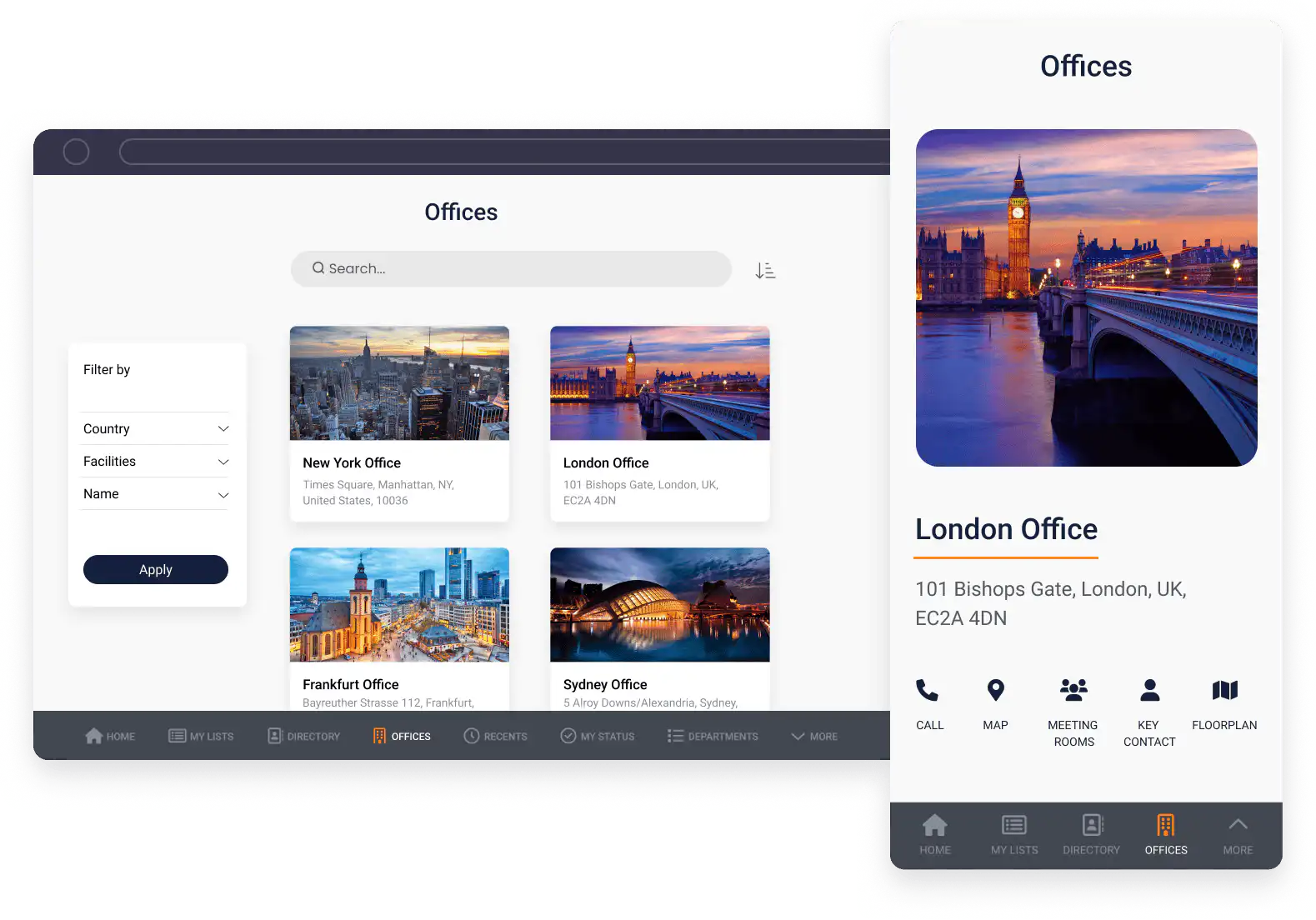
### 2. Innovation management
Capture, manage, and structure employee ideas in one place. Add scoring frameworks, review workflows, and stage-gate visibility so innovation programs are not dependent on email threads and spreadsheets.
This model helps organizations increase participation and move stronger ideas from concept to pilot faster.
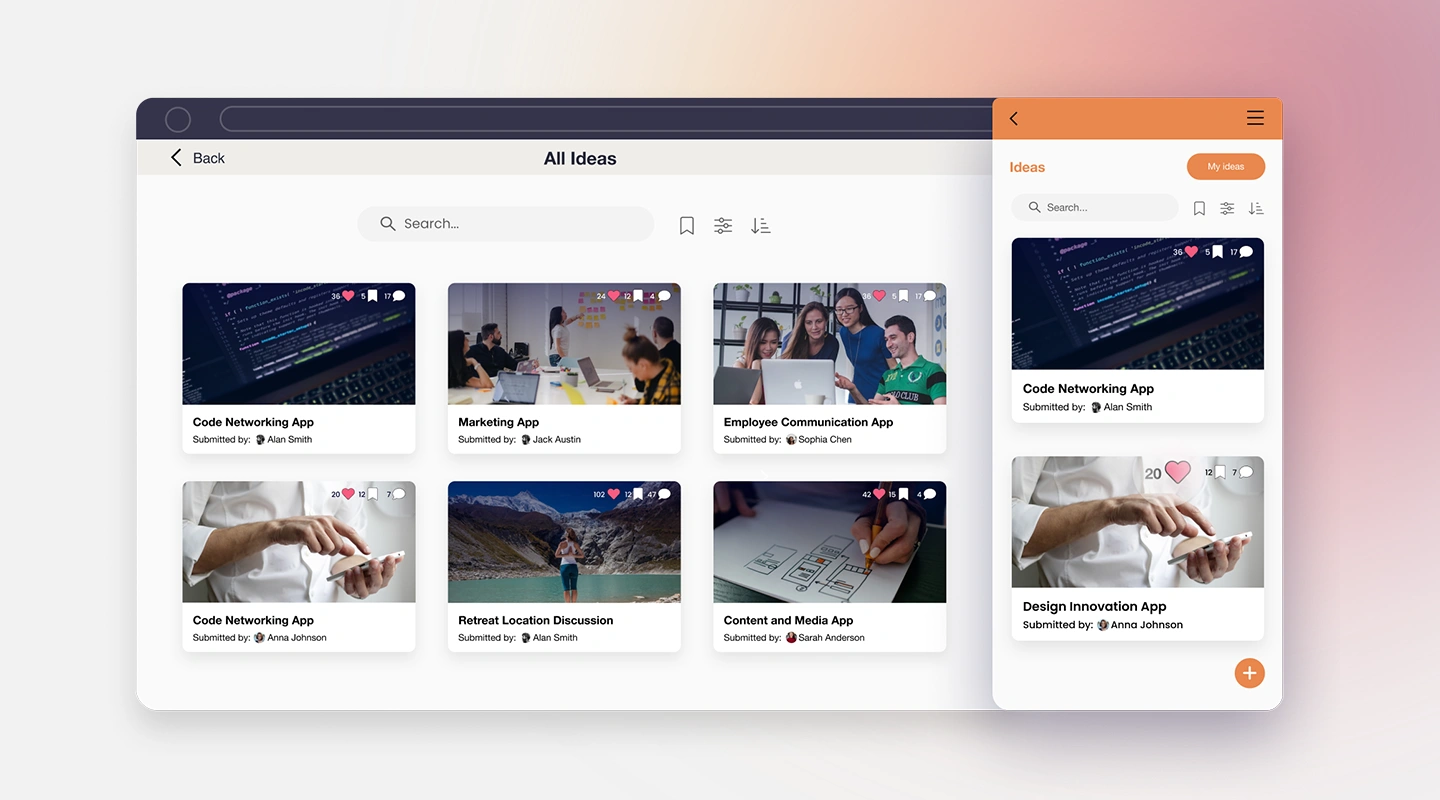
### 3. Communications
Engage staff or customers through surveys, polls, quizzes, announcements, and targeted updates. A dedicated communication app improves message reach and creates measurable interaction data for internal teams.
In 2026, successful teams usually combine push notifications with audience segmentation and content analytics to improve quality, not just volume.

### 4. Marketing Solution
Create client-facing apps that educate, engage, and support customers through the full lifecycle. From onboarding flows to in-app resources and event content, the goal is to create repeated value, not one-off campaigns.

### 5. Remote and office management
Manage hybrid working arrangements through office check-in/out, location-aware updates, forms, and reporting. This helps operations teams improve visibility while reducing administrative load.
In mature deployments, these apps are connected with HR, facilities, and compliance workflows to support audit-ready operations.

## 2026 execution checklist for innovation leaders
To maximize impact, treat each app as part of a broader innovation system:
1. Define one measurable business outcome per app (for example, cycle-time reduction or adoption targets).
2. Build shared governance with IT, security, and business owners before launch.
3. Integrate with core systems early to avoid manual rework and duplicate data.
4. Run feedback loops every 30 to 60 days and prioritize improvements by impact.
5. Track usage and outcome metrics together so activity and value are visible in the same dashboard.
## Five impactful tips to accelerate your enterprise's innovative success
Apps have transformed Mills & Reeve's business, and they can do the same for yours.
In this webinar recording, we explain how to accelerate your enterprise's innovative success with practical steps and leadership guidance.
[**Professor Curt Carlson, author and CEO of Practice of Innovation, shares five tips to accelerate innovation at your enterprise.**](https://www.conference-board.org/bio/curt-carlson)
[**Watch on Demand**](https://info.fliplet.com/webinar-download-five-impactful-tips-to-accelerate-your-enterprises-innovative-success-today)
If you're planning your 2026 innovation roadmap, explore Fliplet's [pre-built solutions](https://fliplet.com/solutions/) to launch secure mobile and web apps faster across your business.
## Relevant resources
- [How an App Builder can improve your Digital Transformation Strategy](https://fliplet.com/blog/how-an-app-builder-can-improve-your-digital-transformation-strategy/)
- [Top 10 Innovation Management Software](https://fliplet.com/blog/top-10-innovation-management-software/)
- [How to Build a Custom App Without Coding](https://fliplet.com/blog/how-to-build-a-custom-app-without-coding/)
- [Best Team Communication Apps](https://fliplet.com/blog/best-team-communication-apps/)
- [Employee Directory Apps](https://fliplet.com/blog/employee-directory-apps/)
- [Best Legal Office Management Software](https://fliplet.com/blog/best-legal-office-management-software/)
- [Complete guide: the 20 best hot desking software compared](https://fliplet.com/blog/complete-guide-the-20-best-hot-desking-software-compared/)
- [Boost your digital content marketing strategy with apps](https://fliplet.com/blog/boost-your-digital-content-marketing-strategy-with-apps/)
- [Directory solution](https://fliplet.com/solution/directory/)
- [Communications solution](https://fliplet.com/solution/communications/)
## FAQs
### How do mobile apps help organizations innovate faster?
Mobile apps accelerate innovation by giving teams faster feedback loops, cleaner workflows, and direct engagement channels across employees and customers.
### What types of apps are most useful for innovation initiatives?
In 2026, organizations are seeing the strongest impact from apps for directories, innovation management, communications, customer engagement, and hybrid work operations.
### How should teams measure the success of innovation apps?
Measure adoption, cycle-time reduction, participation rates, quality improvements, and business outcomes such as retention, cost reduction, and customer satisfaction.
---
# 5 Reasons Why Your Training Strategy Should Be Mobile
> In 2026, mobile-first training helps teams learn in real work conditions with better engagement, clearer analytics, and lower long-term delivery costs.
Source: https://fliplet.com/blog/5-reasons-why-your-training-strategy-should-be-mobile/
Content type: Blog
Published: 2026-05-18T10:36:16
Updated: 2026-03-19T11:41:33
Read time: 8 minutes
# 5 Reasons Why Your Training Strategy Should Be Mobile
This guide explains when and why mobile delivery improves a training strategy. For the complete planning workflow, use the [6-step employee training process](/blog/training-employees/). If you are ready to compare products, review the [best employee training software](/blog/employee-training-apps/).
In 2026, most organizations are training people across mixed environments: HQ, regional offices, home setups, and frontline roles. That reality makes traditional training delivery harder to scale. If learning only works in a classroom or on a desktop portal, it quickly becomes disconnected from how people actually work.
Industry reference: LinkedIn's [Workplace Learning Report](https://learning.linkedin.com/resources/workplace-learning-report) consistently shows organizations prioritizing flexible, skills-based learning delivery.
A mobile training strategy solves that gap. It brings learning into the flow of work, shortens the time between learning and doing, and gives teams a practical way to build skills continuously instead of in one-off sessions.
## **1. Greater flexibility for modern work schedules**
Flexibility is still the strongest argument for mobile training, especially for teams with variable shifts and global time zones. Employees can complete short modules when they have space in their day, rather than waiting for a fixed workshop slot.
This is particularly useful during onboarding. New hires can start learning core systems and policies immediately, while managers focus on coaching and role-specific support. Instead of trying to absorb everything in one long session, people build confidence step by step.
Mobile delivery also supports real-world constraints. A field employee can review a process checklist before a visit. A store manager can complete compliance refreshers between operational tasks. When learning is accessible in small, practical bursts, completion and retention both improve.
## **2. Higher engagement than static training formats**
Engagement drops quickly when training feels passive. Long PDFs and slide-heavy content are easy to ignore, even when the topic is important. Mobile learning works better because it supports content formats people naturally respond to.
In practice, that means short videos, interactive walkthroughs, scenario-based questions, and quick knowledge checks. These formats break complex topics into manageable pieces and help learners apply information immediately.
Gamification can help too, when used thoughtfully. Progress bars, badges, and milestones give employees a clear sense of momentum without turning serious training into a gimmick. Over time, that consistency leads to better completion rates and stronger knowledge retention.
For more on [training and coaching apps, read our blog.](https://fliplet.com/blog/10-best-coaching-apps/)
## **3. Better visibility with training analytics**
A strong training strategy is not just about publishing content. It is about understanding what is working, where learners struggle, and what should be improved next. Mobile learning platforms make that visible through real usage data.
Teams can track completion rates, assessment performance, drop-off points, time-to-competency, and role-based gaps. That turns training from a one-time event into a measurable process that can be improved continuously.
Managers benefit as well. Instead of asking, "Has everyone completed training?" they can ask better questions: "Which teams need support?" and "Which modules are not landing?" That shift helps L&D, HR, and operations work from the same evidence.
Employees gain from this transparency too. Clear progress tracking helps people focus on the right topics and stay accountable for their development.
## **4. Lower long-term costs and stronger ROI**
There is still a common assumption that mobile training is costly to launch and difficult to maintain. In reality, the long-term cost profile is often better than classroom-heavy or manually coordinated programs.
Once content is live, organizations can reduce repeated spend on instructor time, travel, venue logistics, printing, and scheduling overhead. Updates to policies or workflows can be rolled out quickly across the entire workforce.
The productivity impact is just as important as direct savings. When learning happens in the flow of work, employees spend less time away from core responsibilities. That lowers training cost per employee and improves time-to-productivity for new hires.
## **5. More employee initiative and ownership**
When learning is always available, employees stop seeing training as something that only happens when instructed. They can revisit key topics before important tasks, refresh knowledge after process updates, and build confidence on their own timeline.
That shift matters for performance and culture. People who feel in control of their development are more likely to take initiative, share useful practices, and contribute ideas for improving workflows.
Over time, teams move from reactive learning to continuous learning. Instead of waiting for formal retraining, they spot issues earlier, solve problems faster, and collaborate more effectively across functions.
## **How to roll out a mobile training strategy in 2026**
If you are building or refreshing your program, start with a simple phased rollout:
1. Define one business-critical use case first (for example onboarding, compliance, or product knowledge).
2. Break content into short role-based modules that can be completed in 5-10 minutes.
3. Add assessments and progress tracking from day one, so you can measure impact early.
4. Launch with one team, gather feedback, and improve the flow before wider rollout.
5. Scale gradually and keep updating content as processes, tools, and priorities evolve.
## **When mobile training is the right fit**
In 2026, a mobile training strategy is no longer optional for organizations that need fast, consistent skill development. It makes learning easier to access, more engaging to complete, and far easier to measure.
For employers, mobile employee training improves visibility, reduces long-term delivery costs, and helps teams adapt faster. For employees, it turns learning into an everyday habit rather than an occasional event.
To dive deeper into building your own app-based program, read: [How to make a learning app](https://fliplet.com/blog/how-to-make-a-learning-app/).
## FAQs
### How to make your training strategy more effective?
Start with one clear outcome, define who the training is for, and break learning into short, role-specific modules. Track completion, quiz scores, and time-to-competency, then use feedback to improve the program continuously.
### What makes a good training strategy?
A good training strategy is relevant, practical, and easy to access. It combines clear goals, engaging content, and regular reinforcement so employees can retain knowledge and apply it on the job.
### What is the strategic model of training and how to use it?
The strategic training model links learning directly to business goals: identify skill gaps, deliver targeted training, measure outcomes, and refine. Run this as a repeatable cycle so training stays aligned with changing priorities.
---
# 7 Steps to Making an iPhone App in 2026
> Build and launch an iPhone app in 2026 with this 7-step no-code guide. Plan features, validate with users, meet App Store requirements, and iterate faster.
Source: https://fliplet.com/blog/7-steps-making-an-app-for-iphone/
Content type: Blog
Published: 2026-05-18T11:37:39
Updated: 2026-03-18T12:00:00
Read time: 16 minutes
# 7 Steps to Making an iPhone App in 2026
In 2026, smartphones are the primary digital channel for many users. The demand for secure, user-friendly mobile experiences keeps rising, which is why [mobile app development](https://fliplet.com/blog/10-best-mobile-application-development-platforms/) remains a priority for organizations across industries.
Apple's iOS ecosystem is especially important for teams that need performance, quality, and trust. Whether you're launching an internal tool, a customer app, or an event experience, building for iPhone can deliver measurable impact quickly when you use the right process.
## The Benefits of No-Code Development vs. Traditional Coding Methods
In traditional scenarios, creating an iPhone app required a profound understanding of coding languages. Proficiencies in languages like Swift and platforms like Xcode were crucial. These tools, albeit powerful, require significant time investment and technical expertise, often serving as a formidable barrier for aspiring app creators.
Enter [no-code development platforms](https://fliplet.com/blog/the-best-no-code-low-code-development-platforms/) – the democratizers of app creation. Tools like [Fliplet](https://fliplet.com/) have streamlined the process, enabling anyone with a visionary idea to translate it into an app. These platforms dismantle the technical barriers, making the [app creation process](https://fliplet.com/blog/custom-application-development-in-six-steps/) accessible to a broader audience.
The transition towards [no-code app development](https://fliplet.com/blog/the-best-no-code-low-code-development-platforms/) brings along an array of benefits:
- Cost Efficiency: By eliminating the need for professional coders or high-priced software, it significantly reduces the financial barrier to app development.
- Universal Compatibility: No longer are separate versions of an app needed for Android and iPhone. With no-code platforms, one universally compatible app can be created, saving valuable time and resources.
- User-Friendly: The straightforward interface of these platforms, featuring functionalities like drag-and-drop, makes them an ideal choice for beginners.
[No-code platforms](https://fliplet.com/blog/the-best-no-code-low-code-development-platforms/) are truly a revolution in the tech world. They're not just simplifying [app development](https://fliplet.com/blog/10-best-mobile-application-development-platforms/) but are also ushering in a new era of digital creators. From small-scale businesses to global enterprises, no-code platforms are making a significant impact by enabling rapid, efficient, and [accessible app development](https://fliplet.com/blog/10-best-mobile-application-development-platforms/).
## 7 Steps to Create an iPhone App in 2026
## Step 1: Define Your App's Purpose
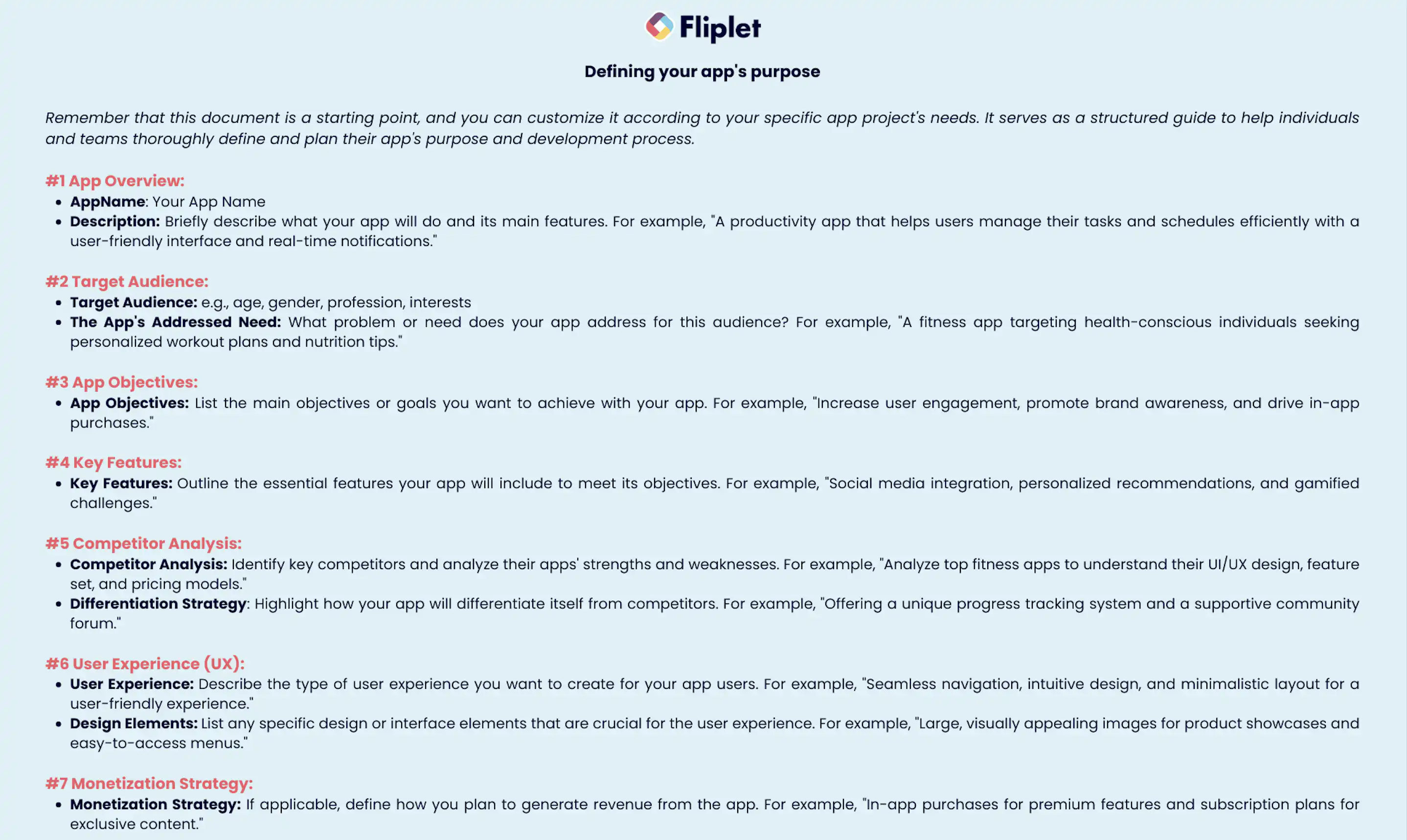
Identifying the purpose of your app is the first and most critical step in the app-making journey. Whether you aim to fulfil user needs, solve a specific problem, or tap into a new market, a well-defined purpose serves as your app's compass. This clear vision helps streamline your development process and ensures your app caters to its users' needs.
### You should also, consider asking yourself some questions
- What problem is my app trying to solve?
- What value does my app bring to the users?
- How does it enhance the user experience?
- [What features should my app include?](https://fliplet.com/blog/16-successful-mobile-app-features/)
These questions help you create a roadmap for your [app's development](https://fliplet.com/blog/10-best-mobile-application-development-platforms/), ensuring that it is purpose-driven and user-oriented.
The importance of clarity in why you're building your app cannot be overstated. It's not just about what your app does, but also why it does it. A compelling purpose can differentiate your app in a crowded marketplace, attract your target audience, and ultimately, drive user engagement.
Your app's purpose also aids in defining its key functionalities and deciding its features. When you're aware of your app's mission, you can align its design and functionality with this mission, ensuring that every aspect of your app contributes to fulfilling its purpose.
## Step 2: Conduct Competitor Research
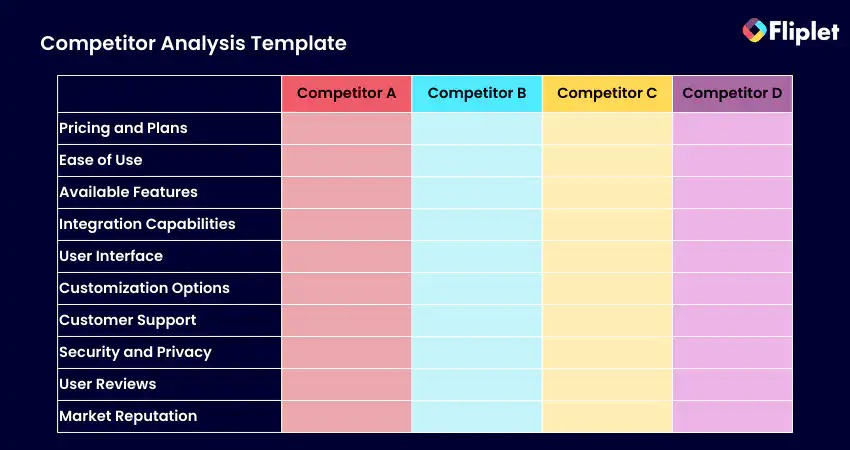
The app market is flooded with millions of applications. Chances are, similar apps targeting the same audience or serving the same purpose already exist. This is why [competitor research](https://competitors.app/) is vital in the app-making process. Competitor research can reveal important insights about the market, inform your app's unique selling proposition, and help you avoid mistakes made by others.
### During competitor research, focus on
- Their user interface and design: What works, and what doesn't? What is engaging about their interface?
- Their features and functionalities: What unique features do they offer? What can be improved or added?
- Their user reviews and ratings: What are the users liking or complaining about?
By scrutinizing competing apps, you can understand what they're doing right and where they're lacking. This will give you a chance to learn from their successes and mistakes, giving you a competitive edge and allowing you to create an app that offers an improved user experience.
Finally, competitor research helps you position your app effectively in the market. By understanding what's already out there, you can better determine your app's unique selling proposition. This means you can highlight features or qualities that make your app unique, which can be a key differentiator in the crowded app marketplace.
To conduct competitor research, combine App Store listing analysis with market intelligence tools. A few examples:
[Competitors App](https://competitors.app/): helps you understand how competitors position and launch
[AsoDesk](https://asodesk.com/competitor-research#!/tab/393754835-1): helps you track search visibility, ratings, and category trends
App Store search and review mining: helps you spot demand patterns and recurring user pain points
## Step 3: Understand Your User Base
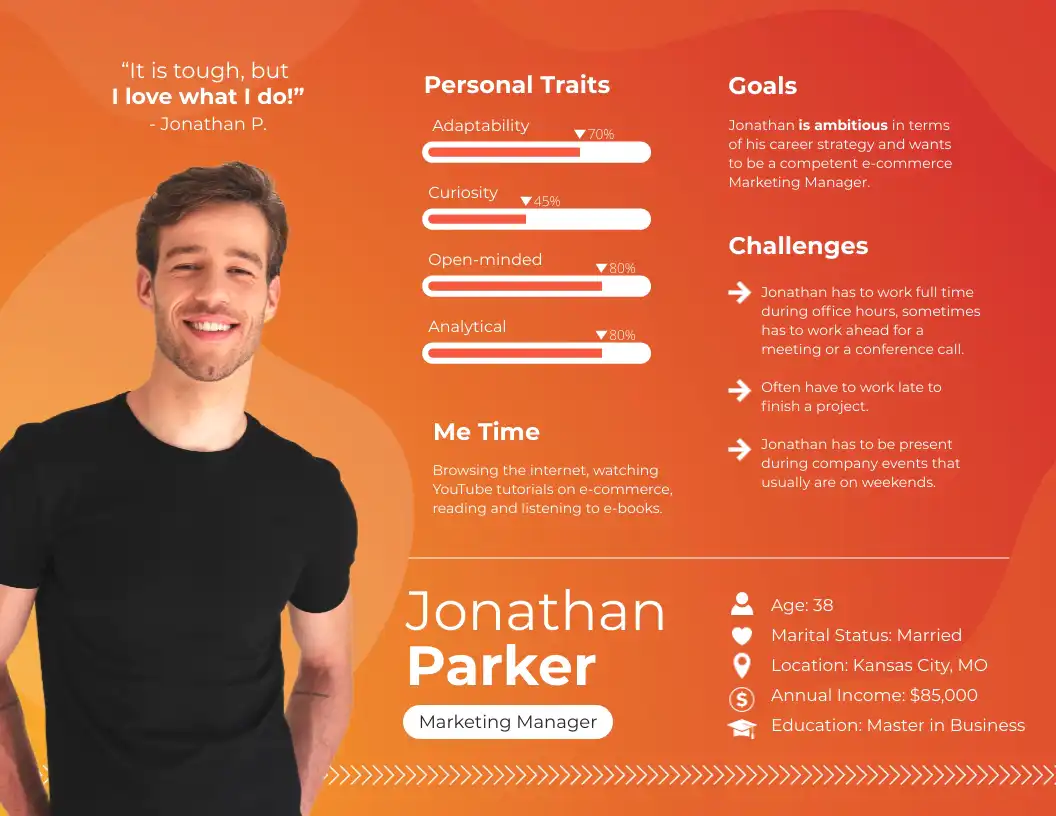
Understanding your user base is another fundamental step in the app development process. The success of your app heavily relies on its ability to meet user needs and expectations. Knowing who your users are, what they want, and how they interact with your app is key to creating a successful iPhone app.
Various research methods, including online surveys, interviews, and user testing, can be employed to gain insights into your user base. Feedback from potential users helps to shape your app's design and functionality, ensuring a user-centric approach to your app's development.
### When trying to understand your user base, consider the following
- Demographics: What is the age range of your target audience? What is their occupation, and where do they live?
- Preferences: What are their likes and dislikes? What kind of design and functionality do they prefer in an app?
- Challenges: What problems are they facing that your app can solve? How can your app add value to their lives?
This comprehensive understanding of your user base will allow you to create an app that truly resonates with its users. It ensures that your app is not just another application on their smartphones, but a tool that adds significant value to their lives.
## Step 4: Plan Your App
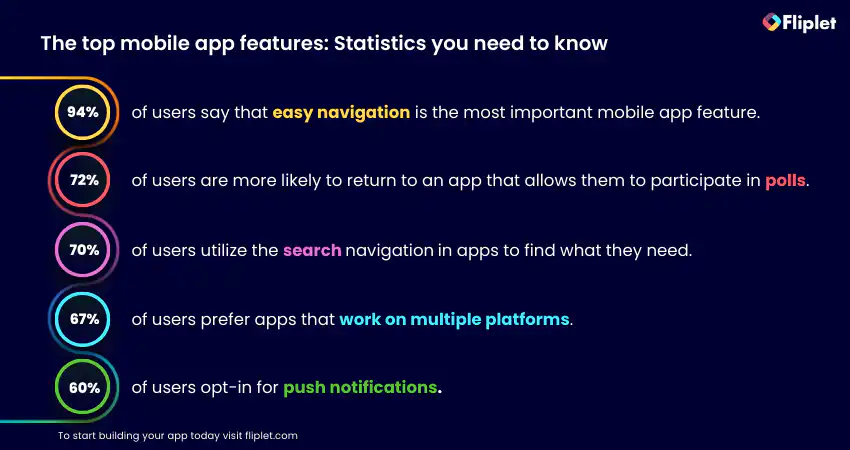
Once your app's purpose is defined, competitor research conducted, and user base understood, you can move forward to planning your app. At this stage, [deciding on the core versus secondary features](https://fliplet.com/blog/16-successful-mobile-app-features/) becomes crucial, informed by your user base understanding and competitor research.
Core features are integral to your app's functionality and directly contribute to fulfilling its purpose. On the other hand, secondary features, while they enhance the app's functionality, can be excluded without hampering the basic functions of the app. The distinction between these two categories is crucial to maintain the focus on the app's primary purpose.
Creating design mockups is another critical aspect of planning your app. Mockups give a visual representation of your app, including its layout, design, and navigation. They serve as a blueprint for your app, enabling you to visualize its look and feel before the actual development starts.
The importance of UX/UI in app development cannot be understated. A visually appealing design paired with a user-friendly interface can significantly enhance the user experience. Hence, during the planning phase, careful attention should be given to creating intuitive, seamless, and aesthetically pleasing design elements.
## Step 5: Creating Your iPhone App: The No-Code Way
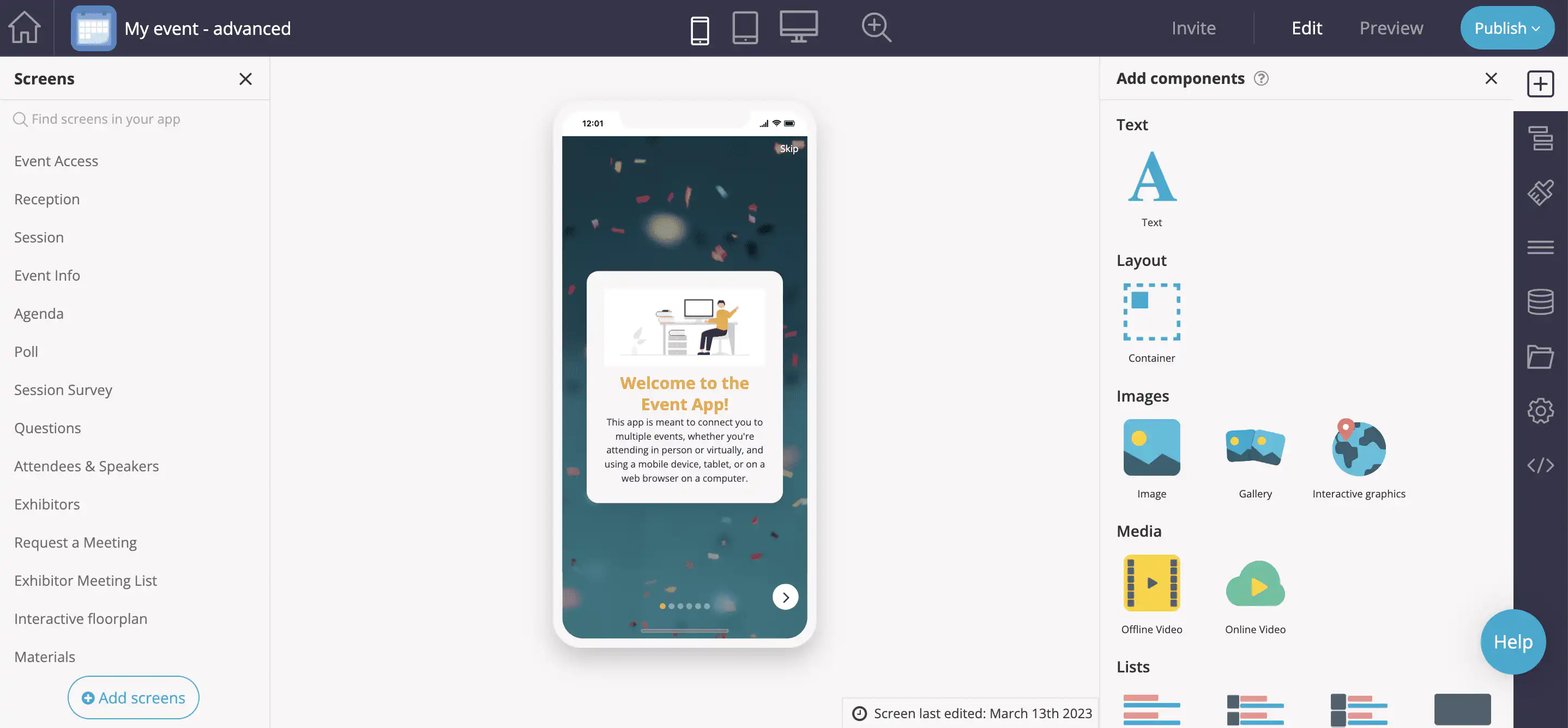
After thorough planning and ideation, you're ready to start creating your iPhone app.
Traditionally, this process involved writing complex code and understanding various programming languages. However, with no-code platforms, you can easily create an iPhone app without any technical expertise.
No-code platforms like Fliplet provide an easy-to-use interface, with functionalities like drag-and-drop, to create your app. You can easily customize your app's design, add features, and test its usability within the platform, significantly reducing the app development time.
With an easy-to-use interface and functionalities like drag-and-drop, anyone can create a customized app without hassle. No-code platforms offer a range of templates to jumpstart the process, significantly reducing development time. Compared to traditional coding or hiring agencies, the no-code approach empowers individuals to maintain control, iterate freely, and bring their app ideas to life cost-effectively.
### To ensure a smooth app creation process, keep these steps in mind
- Begin by choosing a template: Most no-code platforms provide various templates that can serve as the basic structure of your app. Choose one that aligns with your app's purpose.
- Customize your app: After selecting a template, you can begin customizing your app. You can add or remove features, change the design, and adjust the layout to match your app's needs.
- Test your app: Before launching, make sure to thoroughly test your app. This will help identify any bugs or issues that need to be fixed before the app goes live.
The advent of no-code platforms has truly revolutionized the app development industry. By eliminating the need for coding, these platforms have made app creation accessible to everyone, regardless of their technical expertise.
## Step 6: Launch Your App on the App Store
Once your app is created and tested, the next step is to launch it on the App Store. In 2026, this is not just a marketing step, it's also a compliance step. Make sure your app metadata, screenshots, privacy policy, permissions, and store listing details are complete and accurate before submission.
The App Store is where your audience discovers and evaluates your app. To improve approval speed and visibility, follow Apple's latest guidelines, use clear user-facing copy, and align your keywords with real user intent.
Keep in mind, the launch of your app is just the beginning. Once your app is live, it's important to monitor its performance, gather user feedback, and make necessary updates and improvements. This helps to maintain a positive user experience and keeps your app relevant in the ever-evolving app market.
Having a [marketing plan for your app](https://fliplet.com/blog/promote-apps-and-drive-marketing-roi/) is also key. This could involve [app store seo optimization strategies](https://fliplet.com/blog/seo-for-mobile-apps/) to increase your app's visibility, social media marketing to reach a larger audience, or email marketing to keep your users engaged.
Fliplet supports you in your first steps building an app by providing you with our [App Marketing Promo Generator](https://fliplet.com/free-tools/mobile-app-marketing-ai-tool/). The tool helps you generate promotional content for your app, from app store listings to social media posts.
## Step 7: Monitor, Update, and Improve
The last step in creating an iPhone app is perhaps the most continuous one – monitoring, updating, and improving your app. It's crucial to keep a close eye on your app's performance metrics, user feedback, and market trends to ensure your app remains competitive and user-friendly.
### Some key metrics to monitor could be
- User downloads: How many users have downloaded your app? Is this number increasing or decreasing over time?
- User retention: Are users continuing to use your app over time, or are they uninstalling it after a single use?
- User reviews and ratings: What are users saying about your app? What features do they like, and what improvements are they suggesting?
Gathering and analyzing user feedback is another essential component of this step. Feedback can provide valuable insights into your app's strengths and weaknesses, guiding your future updates and improvements.
Lastly, continuous improvement is key in the ever-evolving app industry. With new apps being launched every day and user preferences constantly changing, it's important to regularly update your app with new features, improved designs, and enhanced functionality to keep your users engaged and satisfied. Simply drag and drop components, use pre-built templates, and design a seamless app experience.
### Fliplet pre-built templates include
1. [Learning](https://fliplet.com/solution/learning/) (Want to start building your learning app? [Read this blog to see how you can build one on a budget](https://fliplet.com/blog/how-to-make-a-learning-app/))
2. [Directory](https://fliplet.com/solution/directory/) (Check out [15 HR apps that will change the way you work](https://fliplet.com/blog/15-hr-apps-that-will-change-the-way-you-work/))
3. [Marketing](https://fliplet.com/solution/marketing/)
4. [Innovation/idea management](https://fliplet.com/solution/innovation-management/)
5. Approval workflow
6. Portal app
7. Sales Enablement
8. [Communications](https://fliplet.com/solution/communications) (Take a look at this blog where we compared [the top 10 community apps to engage and monetize your community](https://fliplet.com/blog/10-apps-to-boost-your-community-engagement/) or check out [the best team communication apps for business teams](https://fliplet.com/blog/best-team-communication-apps/))
9. [Data capture](https://fliplet.com/solution/data-capture/)
10. [Emergency Management](https://fliplet.com/solution/emergency-management-for-clients/) (Take a look at the [5 steps to take to prepare for a dawn raid](https://fliplet.com/blog/5-steps-to-prepare-for-a-dawn-raid/))
11. [Events](https://events.fliplet.com/) (To compare our Event solution to other options, read [the best mobile event apps](https://events.fliplet.com/blogs/25-best-mobile-event-apps/))
12. [Food ordering](https://fliplet.com/solution/ecommerce-solution/)
13. Multilingual
14. [Remote and office management](https://fliplet.com/solution/remote-and-office-management/)
15. [Task management](https://fliplet.com/solution/task-management/)
16. [Reporting App](https://fliplet.com/solution/mobile-reporting-app/)
17. Blank solution to build from scratch
## How AI is changing iPhone app development in 2026
[Artificial Intelligence (AI) is actively reshaping app development](https://fliplet.com/blog/how-ai-will-disrupt-app-development/). In 2026, teams are using AI to speed up research, content creation, testing, and iteration while keeping human review in control. Here's how AI is changing the iPhone app workflow:
**1\. Personalized User Experiences:** AI-powered apps can analyze user behavior and preferences to deliver highly personalized experiences. By understanding user interactions and patterns, AI algorithms can recommend tailored content, features, and functionalities, ultimately increasing user engagement and satisfaction.
**2\. Predictive App Development:** AI can predict potential bugs and issues during the app development phase, allowing developers to proactively address them. This predictive capability reduces development time, minimizes debugging efforts, and ensures smoother app performance.
**3\. Natural Language Processing (NLP):** NLP enables apps to understand and interpret human language. Integrating NLP into iPhone apps empowers users to interact with the app through voice commands or text, enhancing overall user convenience and accessibility.
**4\. Smart Automation:** AI-driven automation can handle repetitive and time-consuming tasks, freeing up developers to focus on more critical aspects of app development. From generating code snippets to automating UI design, smart automation accelerates the development process and increases productivity.
**5\. Enhanced Security**: AI can bolster app security by continuously monitoring for suspicious activities and potential threats. Machine learning algorithms can detect anomalies and unusual behavior, providing real-time protection against security breaches.
**6\. Contextual Awareness:** AI can imbue iPhone apps with contextual awareness, allowing them to adapt and respond intelligently to changing environments and user inputs. This capability enriches the user experience and ensures that the app remains relevant and useful in various scenarios.
**7\. Image and Video Analysis:** With AI-powered image and video analysis, apps can recognize objects, scenes, and even emotions from visual content. This opens up new possibilities for augmented reality (AR) applications, advanced photo editing, and video processing.
**8\. Efficient App Testing:** AI-based testing frameworks can perform extensive testing scenarios, covering a wide range of use cases and user interactions. This comprehensive testing approach ensures higher app quality and reliability before deployment.
In conclusion, AI is already transforming iPhone app development by helping teams move faster from idea to launch. The strongest results come from combining AI-assisted workflows with clear governance, strong UX, and continuous user feedback. Find out more about [Fliplet's AI powered apps and features](https://fliplet.com/ai-app-builders/).
## Conclusion
In the world of mobile apps, iOS holds a prominent place due to its global reach, superior user experience, and rigorous quality checks. It offers a vast market for app creators to tap into. The traditional barriers of coding knowledge and technical expertise in app creation have been broken down by the advent of no-code platforms.
These platforms have democratized app creation, making it accessible to anyone with a clear use case and delivery plan. By understanding your app's purpose, researching competitors, defining your audience, planning your scope, launching with App Store readiness in mind, and iterating continuously, you can move from concept to a production-ready iPhone app much faster than with traditional development alone.
The digital revolution waits for no one. It's time to harness the power of no-code platforms and create that iPhone app you've been dreaming about. Let the era of digital democratization spur your creativity and innovation, because in the realm of app development, the sky's the limit.
For more on building a [custom app](/blog/how-to-build-a-custom-app-without-coding/), read our blog.
## FAQs
### How long does it take to build an iPhone app with a no-code platform?
With no-code, many teams can build a working prototype in a day and launch a production-ready app in days or weeks, depending on integrations, approvals, and security requirements.
### How much does it cost to make an iPhone app in 2026?
Costs vary by complexity, integrations, and governance needs. No-code platforms reduce custom development costs significantly, while Apple Developer Program fees and ongoing maintenance should still be included in your budget.
### What do you need before submitting an app to the App Store?
Prepare clear metadata, screenshots, a privacy policy, and complete all required App Store Connect details. Validate your app's permissions and user flows before submission to reduce review friction.
### Can non-technical teams still build iPhone apps in 2026?
Yes. Non-technical teams can ship high-quality iPhone apps using no-code platforms, templates, and reusable components, then iterate quickly based on analytics and user feedback.
## Related links
- [Ultimate Guide: How to scale mobile enterprise app development without coding or IT resources](https://fliplet.com/blog/mobile-enterprise-app-development-without-coding/): Fliplet compiled an ultimate guide on how to scale mobile enterprise app development without coding or IT resources
- [Top 10 Mobile Enterprise Application Platforms](https://fliplet.com/blog/top-10-mobile-enterprise-application-platforms/): Fliplet compiled a list of the top 10 mobile enterprise application platforms. Read more within.
- [The Best Low Code/No Code Development Platforms](https://fliplet.com/blog/the-best-no-code-low-code-development-platforms/): Fliplet compiled a list of the best Low Code/No Code Development Platforms. Find out more within.
---
# 8 Top Employee Directory Apps - Sharepoint & Microsoft Teams Integrations
> Explore 8 Top Employee Directory Apps - Sharepoint & Microsoft Teams Integrations. Compare features, pricing, pros and cons, and best-fit scenarios.
Source: https://fliplet.com/blog/employee-directory-apps/
Content type: Blog
Published: 2026-05-18T11:47:08
Updated: 2026-03-10T09:00:00
Read time: 32 minutes
# 8 Top Employee Directory Apps - Sharepoint & Microsoft Teams Integrations
The rise of remote work has underscored the necessity for a digital [employee directory app](https://fliplet.com/solution/employee-directory-app/). With [28% of employees stating inadequate communication](https://www.expertmarket.com/phone-systems/workplace-communication-statistics#:~:text=in%20the%20Workplace-,28%25%20of%20employees%20cite%20poor%20communication%20as%20the%20reason%20for,average%20of%20%24420%2C000%20per%20year.) as the primary cause of missed deadlines, having a dedicated tool to centralize and streamline employee information has become essential.
An employee directory app is a valuable tool that simplifies communication within organizations. This tool acts as a secure and centralized database, seamlessly integrating with various productivity and collaboration applications. It eliminates the need for manual organization of employee information, providing easy access to all members of your company.
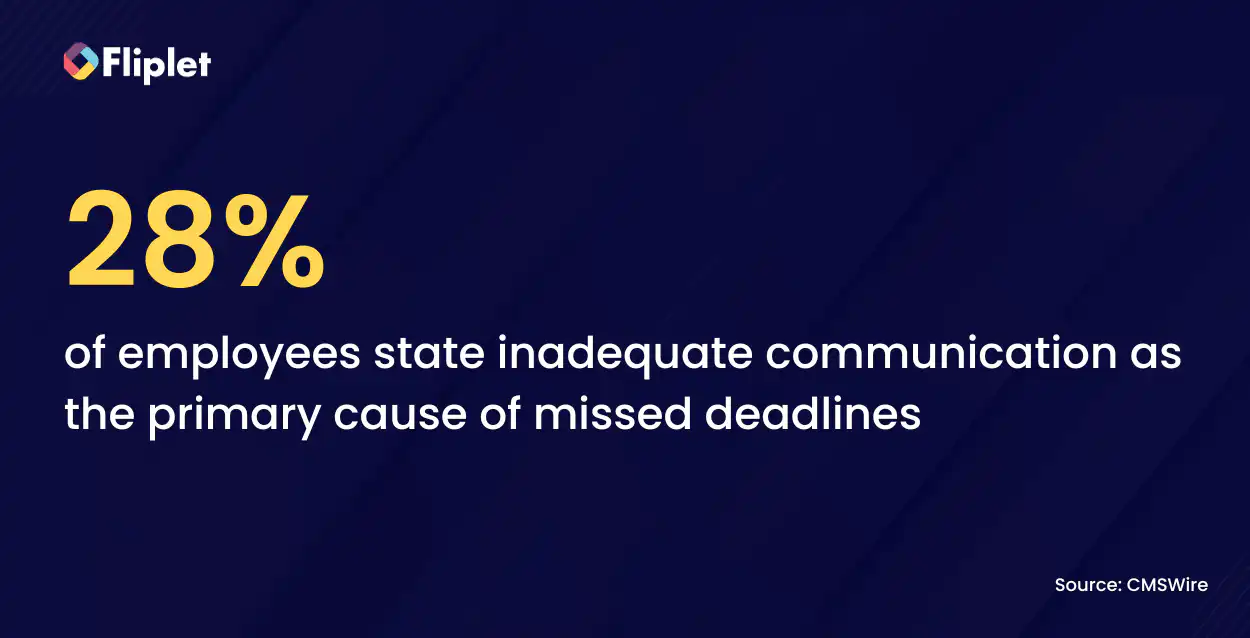
In this article, we'll discuss employee directory apps, explore their advantages, offer insights on selecting the right one for your organization, and introduce you to the top options among employee directory apps as well as how you can integrate your app with Sharepoint and Microsoft Teams.
## What Features Should Be Included In An Employee Directory App?
When it comes to an [employee directory app](https://fliplet.com/solution/employee-directory-app/), specific features are essential to streamline internal communication and boost organizational efficiency. Here's a breakdown of the crucial features that should be included in a powerful employee directory app.
### Employee Profiles
Your employee directory app should offer detailed user profiles containing critical information such as employee names, job titles, contact details (email address and phone number), department, and location of work. Having this data readily available ensures quick access to vital employee information.
### Office Information and Floorplans
To encourage better workplace navigation and planning, the app should provide access to office information, including capacity details and floorplans. This feature helps employees find their way around the office effortlessly.
### Committees, Departments, and Groups
Create and manage groups within the directory for efficient communication and collaboration among teams, committees, and departments. Group creation and management should be straightforward to facilitate seamless interaction.
### Organizational Chart (Org Chart)
An interactive organizational chart is a valuable addition, allowing users to visualize the company's hierarchical structure. Employees can explore reporting relationships, making it easier to identify supervisors and team members.
### Search and Filtering
Robust search and filtering capabilities enable users to quickly locate colleagues based on specific criteria. This functionality simplifies the process of finding the right contact within the organization.
### Bookmarking Contacts
Users should have the option to bookmark or save contacts they frequently interact with. This feature provides quick access to essential contacts, enhancing convenience.
### Notifications
Stay updated with important company news, announcements, and updates through the app's notification system. Keep employees informed about changes or events within the organization.
By incorporating these essential features into your employee directory app, you can create a powerful tool that not only centralizes employee information but also encourages efficient communication and collaboration across your organization.
### What is the difference between Employee Directory and Employee Profile App?
An employee directory is a digital database that stores information about an organization's employees. It typically includes details such as employees' names, job titles, contact information (email addresses, phone numbers), and department or team affiliations. The primary purpose of an employee directory is to provide a centralized and easily accessible resource for employees to find and contact their colleagues within the organization. It serves as a comprehensive directory of all employees.
On the other hand, an employee profile app is a more detailed and individualized tool that focuses on providing comprehensive profiles for each employee. In addition to basic contact information, it often includes additional details such as employees' photos, professional qualifications, work history, skills, and interests. Employee profile apps are designed to give employees a more in-depth understanding of their colleagues, promoting better collaboration, networking, and team-building within the organization.
The main differences between an employee directory and an employee profile app can be summarized as follows:
## **Scope**
- Employee Directory: Provides basic, company-wide contact information
- Employee Profile App: Offers detailed, personalized profiles for each employee, including professional qualifications and interests
## **Purpose**
- Employee Profile App: Aims to create deeper connections, collaboration, and networking among employees
- Employee Directory: Primarily for finding and contacting colleagues quickly
## **Information Depth**
- Employee Profile App: Provides a richer, more detailed view of each employee's background, skills, and experiences
- Employee Directory: Contains essential contact information and basic details.
## What is The Best Employee Directory Software?
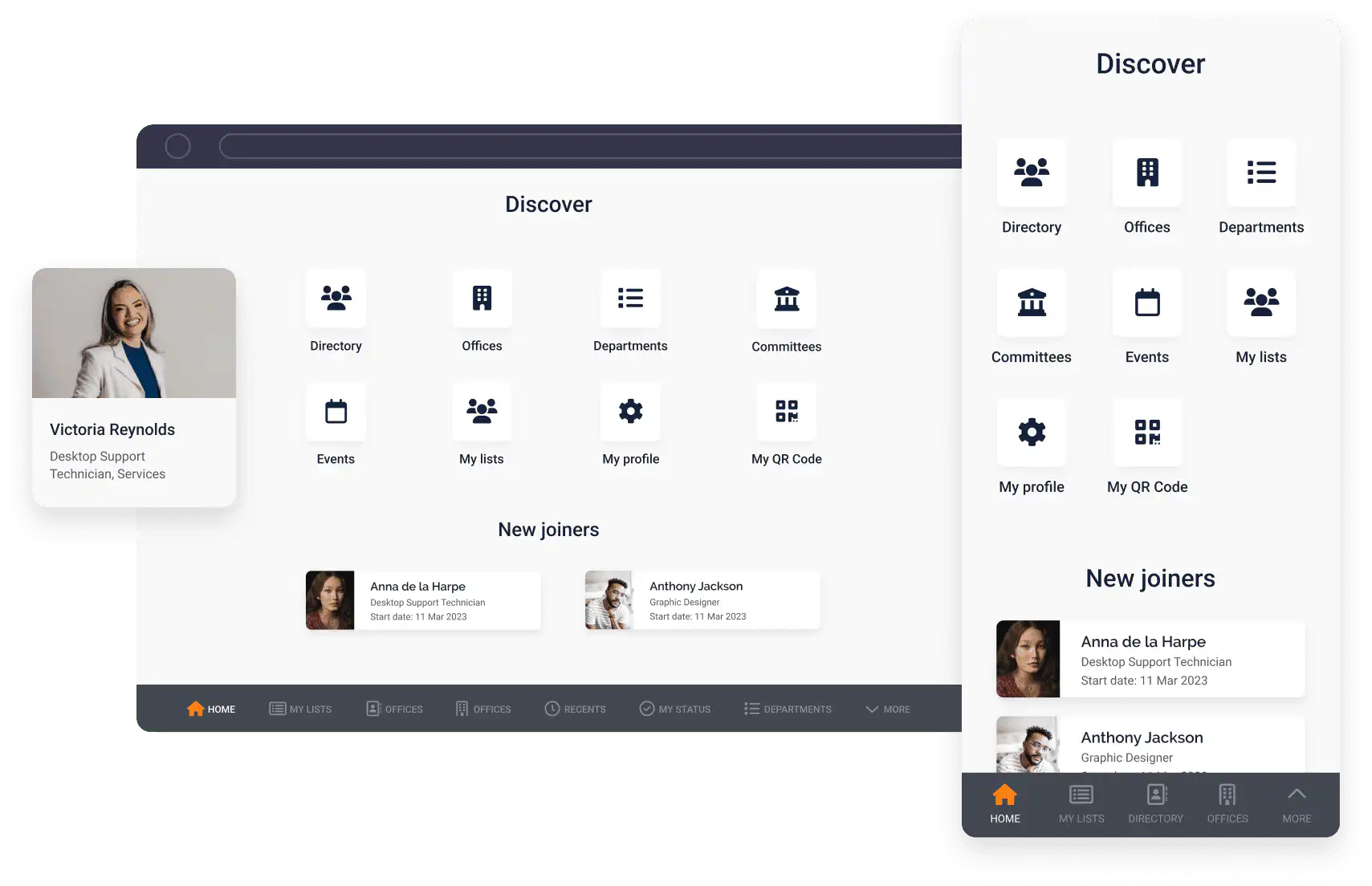
Fliplet is a no-code app builder that has gained the trust of over 100 organizations worldwide. With Fliplet, app development becomes accessible to anyone, regardless of their coding skills. The platform offers a range of solutions for various business needs, empowering organizations to create custom apps without the complexity of traditional development. Whether you're a seasoned professional or new to app development, Fliplet's user-friendly interface and powerful features make it the go-to choice for building versatile and functional apps.
Among the range of solutions that Fliplet provides, the [Employee Directory App](https://fliplet.com/solution/employee-directory-app/) stands out as an invaluable tool for modern businesses. This app simplifies the management of employee information, offering a centralized platform accessible from Android, iOS, and other mobile devices. With its intuitive interface and powerful feature set, the Employee Directory Mobile App streamlines contact management, tracks employee status, and promotes a more connected and productive work environment. Fliplet's commitment to ease of use and customization ensures that organizations can quickly create a branded employee directory tailored to their unique requirements.
## **Pros:**
- No coding skills required, making app development accessible to everyone
- Time and cost-saving with the pre-built templates to help jumpstart your app creation
- Customize and brand your app to align with your organization's identity
- One app can be used across multiple devices such as; iOS, Android and Web – Take a look at [How to Create a Web App in 15 Steps](https://fliplet.com/blog/how-to-create-a-web-app-in-15-steps/)
- Key features are instantly available
- You can integrate Fliplet with almost anything – including Sharepoint and Microsoft Teams. Find out more about [Fliplet's integrations](https://fliplet.com/integrations/)
- Enterprise grade security – discover more about [Fliplet's security features](https://fliplet.com/security/)
## **Key Features:**
- Rich profile information
- Office facilities
- Floorplans
- Org charts for individuals or departments
- Notifications
- Create custom lists of people
- Committees, departments and groups
- Search, filter and bookmark contacts
## **Pricing:**
- [Free](https://studio.fliplet.com/signup): Get started at no cost
- Public plan: $9.90/month
- Private plan: $19.90/month
- Private plus: $29.90/month
- Enterprise: [Book a meeting](https://fliplet.com/book-a-demo/) with the team for more information
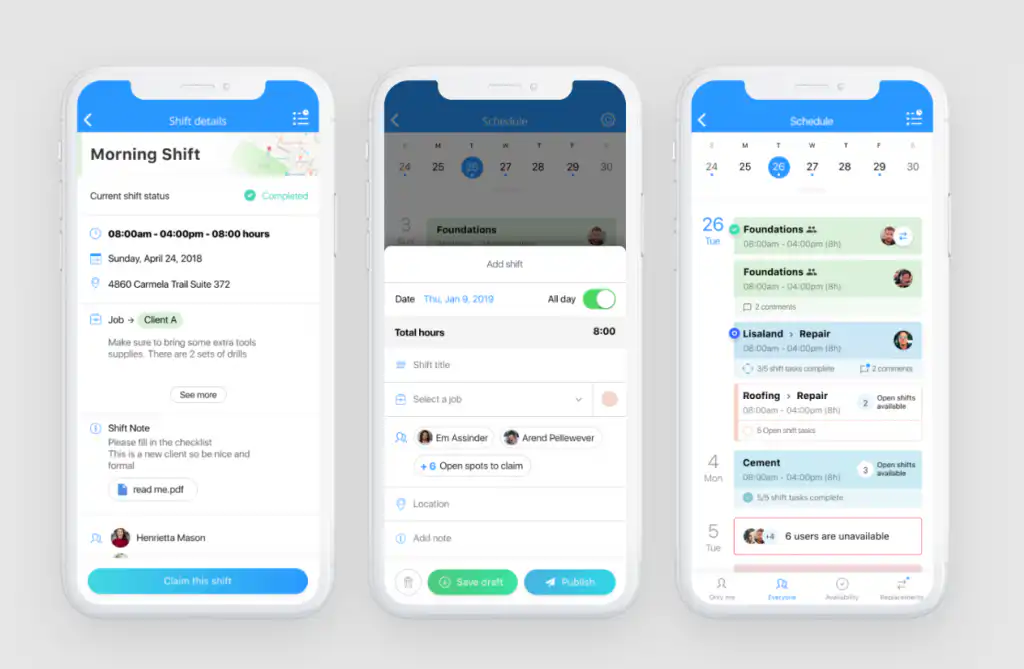
Connecteam is a workforce management and employee engagement platform designed to streamline operations for businesses of all sizes. It offers a suite of tools and features, making it a good choice for organizations in need of an employee directory app.
Connecteam serves as a powerful employee directory app, allowing organizations to centralize employee information and make it easily accessible. The platform ensures that employee data can be stored and accessed from various devices.
## **Pros:**
- The platform is accessible on both Android and iOS devices, ensuring that employee data can be accessed from anywhere
- Connecteam can be customized to align with the specific needs and branding of the organization
- Connecteam's mobile app ensures that employee information is accessible on the go
- Robust security measures are in place to protect sensitive employee data
## **Key Features:**
- Employee profiles with essential contact information, job roles, and more
- Filter employee data for quick access
- Surveys to gather feedback from recent hires about the process to find new ways to improve
- Connecteam's mobile app ensures that employee information is accessible on the go
- Live chat feature to enhance communication between employees – Take a look at [10 Best Team Chat Apps for your Team](/blog/best-team-communication-apps/)
## **Pricing:**
- The small business plan: Free
- Basic: $29 /month
- Advanced: $49 /month
- Expert: $99 /month
- Enterprise: Contact Connecteam
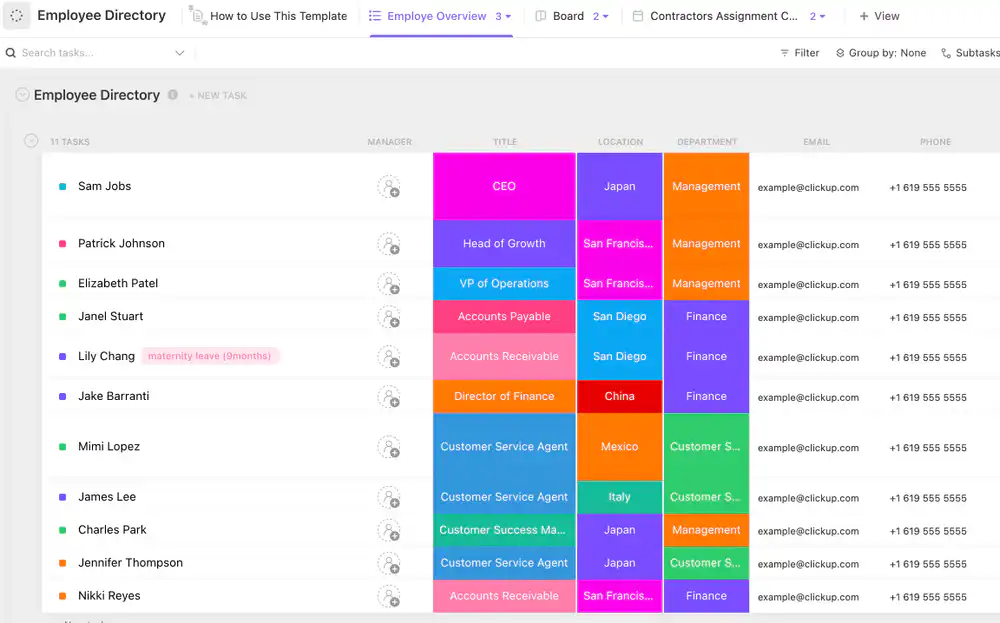
ClickUp is a project management tool that offers features to efficiently manage projects while also serving as a valuable solution for building and maintaining an organized and functional employee directory. With ClickUp, organizations can streamline employee contact information, job titles, performance reviews, and more, all in one centralized platform.
ClickUp empowers businesses to create and manage employee directories with ease. The platform offers custom fields, custom statuses, and other customizable features to keep crucial employee information accessible and visible at all times.
## **Pros:**
- ClickUp offers different ways to view employee directories, catering to different organizational preferences
- Customize fields to include and display important employee information as needed.
- The platform's drag-and-drop interface and real-time updates simplify the process of creating and updating employee information
- ClickUp provides pre-built and customizable templates, offering a strong starting point for creating a staff directory hub
- Easily link the employee directory to team workflows, tasks, ClickUp Docs, and more for enhanced collaboration
## **Key Features:**
- Mark task status such as contractor, on leave, sick, terminated, travel, and more, to keep track of current active employees in the company's HR
- Use 21 different custom attributes such as bonus, working shift, employee status, birthday, and location, to save vital information about employees and easily visualize employee data
- Open 7 different views in different ClickUp configurations, such as employee overview, currently working, working status, departments, contractors assignment calendar, so that all the information is easy to access and organized
- Improve employee tracking with time tracking capabilities, tags, dependency warning, emails, and more
## **Pricing:**
- Free Forever Plan: Free
- Unlimited Plan: $5 per member/month
- Business Plan: $12 per member/month
- Business Plus Plan: $19 per member/month
- Enterprise Plan: Call Sales for pricing
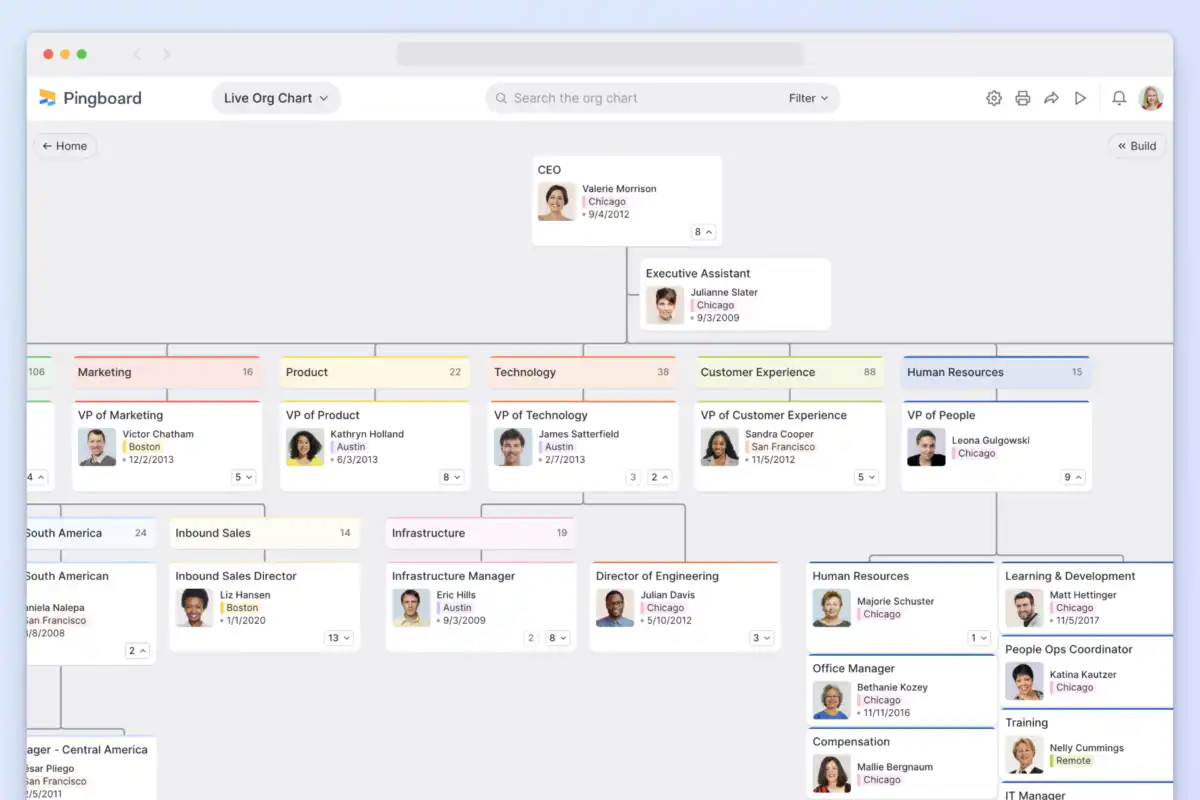
Pingboard is a solution for building a dynamic and interactive employee directory. With Pingboard, you can create and maintain an organized database of your workforce while adding a personal touch to each profile.
Pingboard serves as an good employee directory app, providing an array of customization options. Employees can enrich their profiles with details like desk locations and personality types, making it easy for colleagues to connect on a personal level. Pingboard simplifies the process of managing your employee directory, enhancing engagement and connectivity across your organization.
## **Pros:**
- Designed to boost employee engagement by encouraging connections within the organization
- Provides access to a wealth of information about each employee, including peer recognitions, team memberships, reporting structure, and milestones
- Integrates smoothly with popular tools like Slack and Google Calendar for enhanced functionality
## **Key Features:**
- Customize employee profiles with unique details, creating a personalized directory
- Encourage a culture of recognition by allowing peers to acknowledge outstanding accomplishments
- Access a comprehensive view of each employee, including team memberships, reporting hierarchy, and milestones
- A real-time dashboard makes it easy to report on and find patterns in the data. Prioritize new initiatives with confidence as you map your workload to areas of the employee journey that need your attention
- Scan the org chart to see info at a glance, or dive deeper into individual employee profiles to learn more about the people you're working with
## **Pricing:**
- Basic: $149/mo
- Essential: $299/mo
- Pro: $399/mo
- Custom pricing: Speak to Pingboard
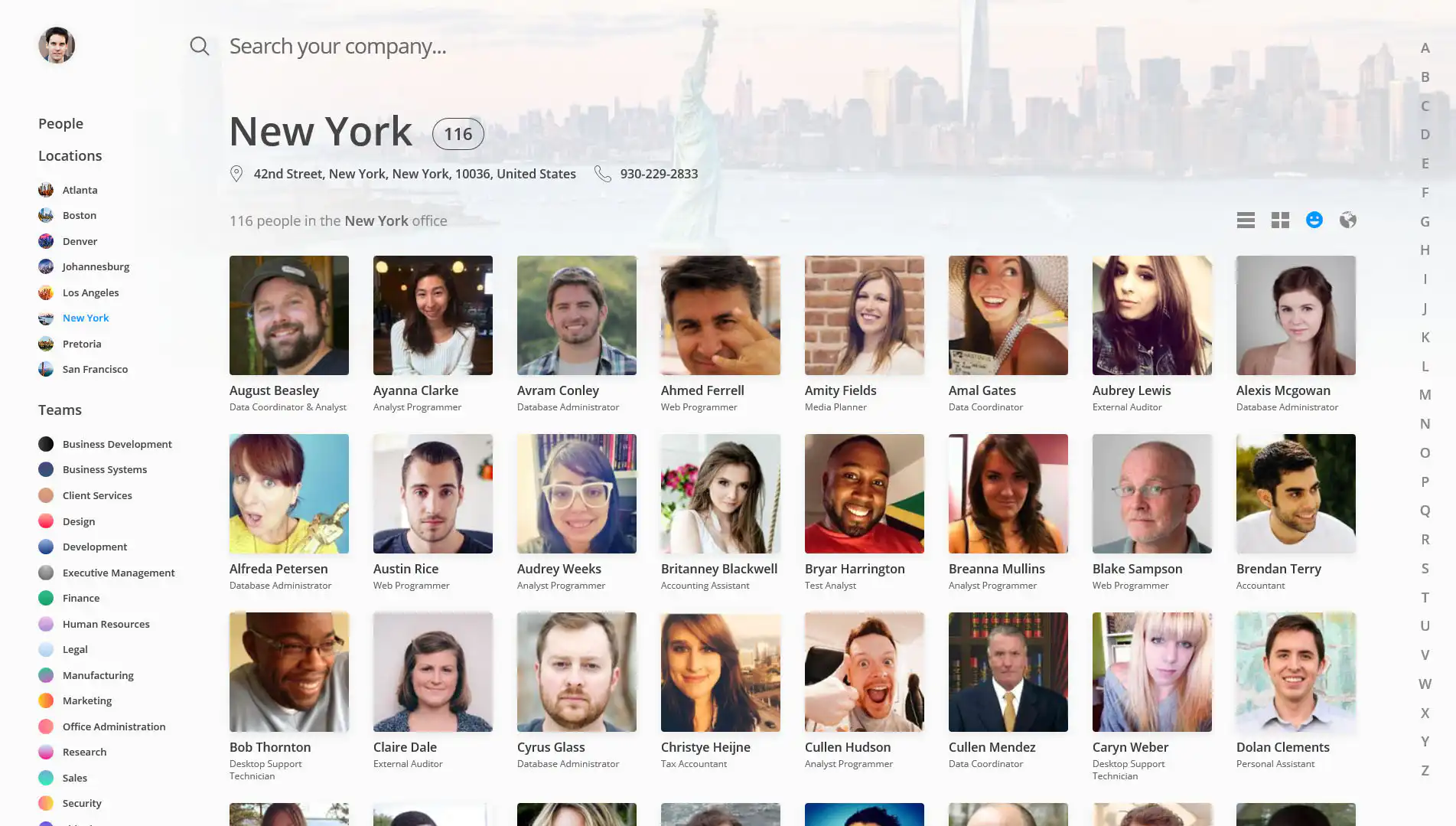
OneDirectory is a visually appealing employee directory tailored for Microsoft 365 users. Whether you're part of a small business or a large enterprise, OneDirectory offers an efficient, and user-friendly solution for managing your employee data.
OneDirectory brings innovation to employee directory management by providing an array of captivating features. Its intuitive design allows you to explore employee search results effortlessly, featuring smart tags, group tiles, beautiful profile cards, and responsive list views. With OneDirectory, your organization gains a versatile and responsive employee directory app that enhances connectivity and collaboration among your workforce.
## **Pros:**
- Enhances employee connectivity and collaboration
- Offers an intuitive and visually appealing interface
- Supports remote collaboration with ease
- Provides comprehensive org charts and office directories
- Enables customization with smart tags and filtering rules
- Trusted by renowned organizations worldwide
## **Key Features:**
- Intuitive interface with smart tags and group tiles
- Beautiful profile cards for enhanced visual appeal
- Responsive list views for effortless navigation
- Comprehensive org charts for clear organizational structure
- Office directory to locate colleagues and offices easily
- Skills directory to highlight employee expertise
- Remote collaboration features for enhanced connectivity
- Support for external accounts to streamline data integration
- Customization options with filtering rules for tailored usage
## **Pricing:**
- Starter: $99 /month
- Pro: $249 /month
- Custom: Contact OneDirectory
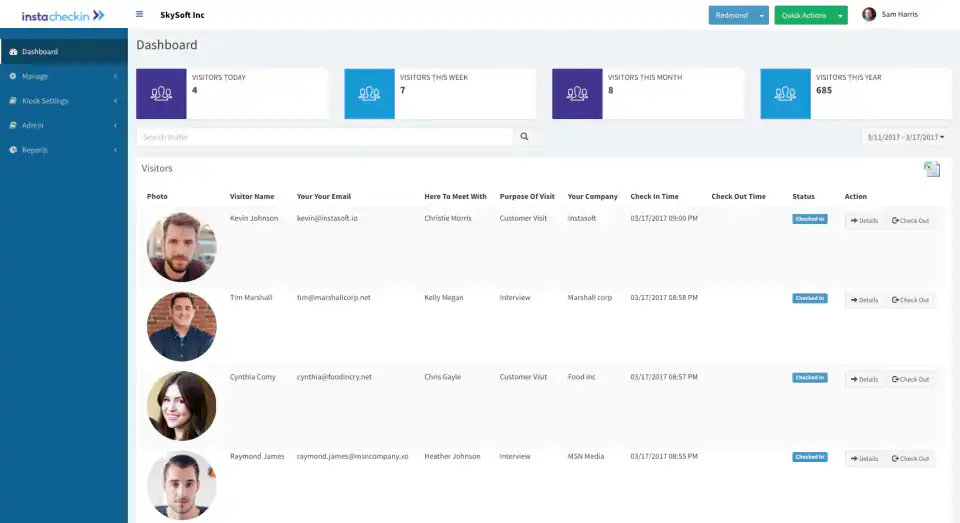
InstaCheckin, is an employee directory solution designed to provide quick access to essential employee information. InstaCheckin seamlessly integrates with popular directory services like Office 365 and Google Suite, enhancing its functionality.
InstaCheckin is a good employee directory app as it offers detailed employee profiles that include contact information, skills, interests, and more. Customizable and shareable org charts provide clarity in organizational structure, making it a valuable asset for any company.
## **Pros:**
- Comprehensive employee profiles with contact info, skills, and interests
- InstaPeople is an enterprise-ready employee directory that supports granular role-based permissions to users
- Integrate with your existing directories
## **Key Features:**
- Interactive organization charts for easy navigation
- Employee profiles with rich content and context about the employee including employee picture, their demographic information, work location, contact info, skills, interests and much more
- Employees can instantly find other employees they are looking for. You can search using employee name, office location, email, phone number, job title, department and even the custom fields that you add for the employees
## **Pricing:**
- Free: $0
- Basic: $49 /month
- Standard: $99 /month
- Premium: $149 /month
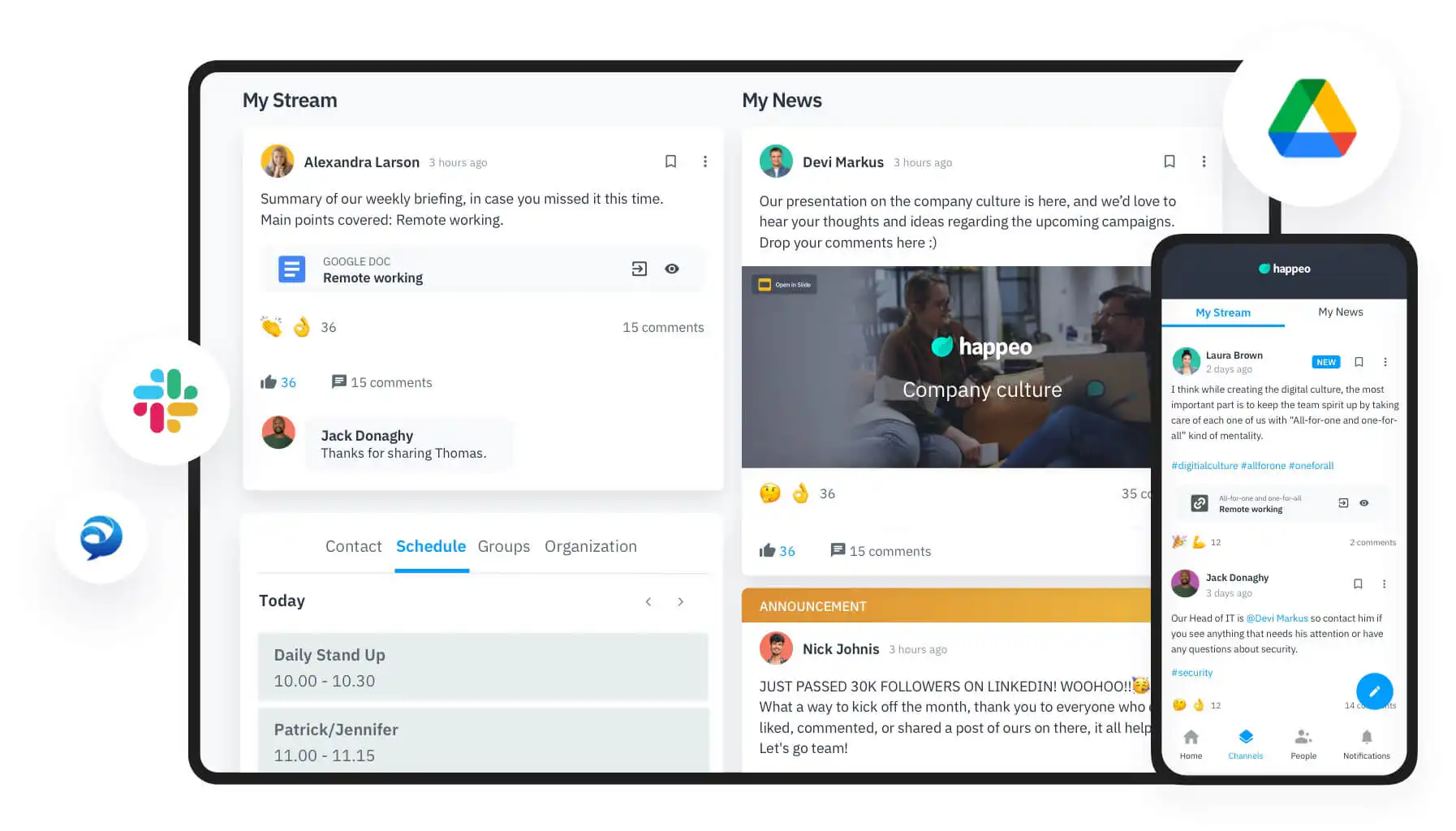
Happeo simplifies the way you access information, providing a single, user-friendly digital workspace. It streamlines the process of finding what you need, making your work more productive and efficient. With seamless integration with Google Workspace, Microsoft 365, and essential company apps, Happeo grants instant access to files and conversations essential for your tasks.
Happeo's People Directory helps you find all employees in your organization, see their profile, and find out where they sit in the org chart. Connecting with any of your coworkers is just a click away. There's no need for awkward ice-breakers. Get to know your coworkers better via their User Profiles. You can automatically import all your Google Groups or Azure Active Directory user data into Happeo.
## **Pros:**
- Streamlines information access, increasing productivity
- Integrates with Google Workspace, Microsoft 365, and essential company apps
- Enhances collaboration with a user-friendly interface
- Facilitates peer-to-peer recognition and feedback
- Promotes efficient team communication
## **Key Features:**
- Employee profiles with contact details, skills, and experience
- Digital phonebook for easy organization overview
- Organizational chart for quick structure reference
- Federated search across all tools and information
- Integrated feedback surveys for scheduled assessments
## **Pricing:**
- Contact Happeo for their pricing
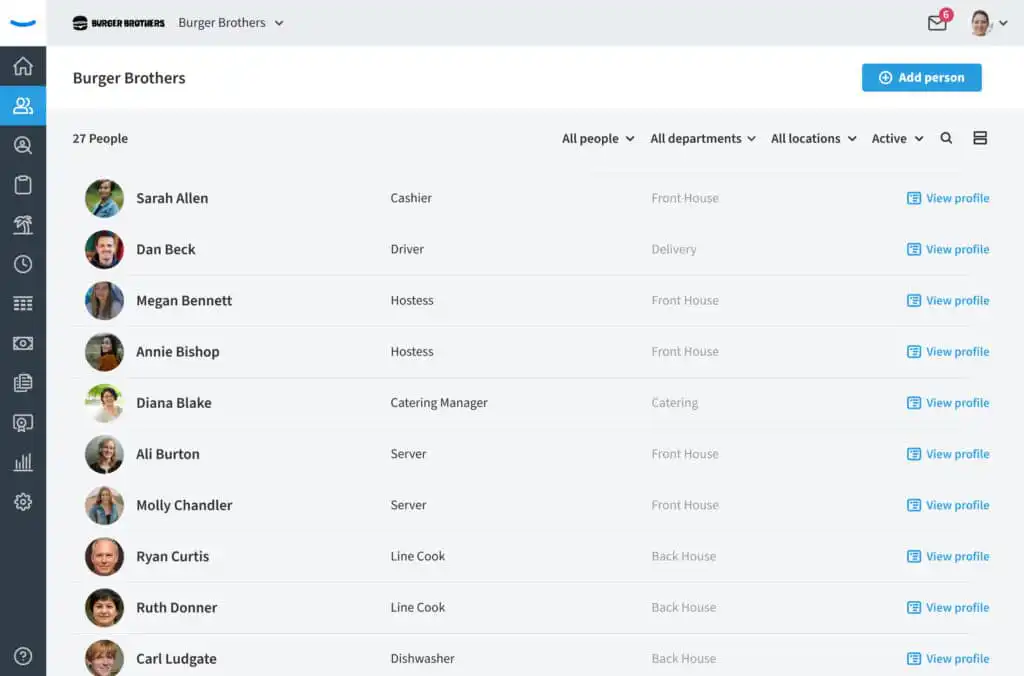
Eddy provides an employee directory that's part of its comprehensive HR software solution. This intuitive directory allows organizations to customize their employee experience with ease. With a user-friendly interface, Eddy offers in-depth employee profiles to enhance connectivity within your organization.
Eddy's employee directory is a valuable component of its all-in-one HR software. It simplifies HR tasks, ensures easy access to employee data, and promotes effective communication and collaboration.
## **Pros:**
- Eddy's all-in-one HR software streamlines administrative HR tasks, saving time and resources
- Geo-location tracking ensures effective management of a mobile workforce
- Customize employee profiles and milestone reminders to align with your organization's needs
- Eddy simplifies the onboarding process, making it easier to welcome and train new employees
- Eddy's pricing adapts to your company's size and requirements, making it suitable for organizations of various scales
## **Key Features:**
- Create tailored employee profiles with customizable fields to capture essential information
- Eddy's mobile time clock includes geo-location tracking for accurate employee attendance management
- Stay on top of important milestones and events with automated reminders.
- Utilize the Eddy app for efficient onboarding and training processes for new hires.
- Keep track of important employee notes and manage PTO requests seamlessly
## **Pricing:**
- Contact Eddy for their pricing
## How to Choose the Right Employee Directory Software
Selecting the most suitable employee directory software for your organization entails a careful evaluation of your specific needs and requirements. Here are some crucial factors to consider when choosing the right employee directory software:
- **Organization Size:** Determine the size of your organization, as this will influence the scalability and capacity needed in the employee directory software. Larger organizations may require robust features to handle extensive employee data.
- **Team Structure:** Assess the number of teams within your organization. A comprehensive employee directory should support efficient team management and collaboration. Consider how the software accommodates multiple teams and their interactions.
- **Remote Work:** If your organization includes remote or distributed teams, prioritize software that enhances connectivity and collaboration for remote employees. Features like remote access and mobile compatibility become essential in such cases.
- **Team Mobility:** Evaluate whether employees frequently move between teams or departments. The software should facilitate seamless transitions and updates to employee profiles as they switch roles or teams.
- **Organizational Hierarchy:** Determine the preferred method of organizing employees and hierarchies within your organization. The software should align with your chosen structure and make it easy to manage roles and reporting relationships.
- **Scalability:** Ensure that the chosen employee directory software can accommodate your long-term recruitment and manpower management goals. Scalability is crucial to accommodate growth and changing organizational needs.
- **Cost Considerations:** Analyze the cost of the employee directory software per person in your organization. Choose a solution that fits your budget while meeting your requirements.
- **User-Friendliness:** Assess the ease of use of the employee directory software both for administrators and employees. Intuitive interfaces contribute to smoother adoption and efficient use.
- **Enhanced Connectivity:** Explore how well the employee directory software can unite a distributed team and promote effective communication. Look for features that enhance connectivity and collaboration.
- **Employee Engagement:** Consider how the software can enhance employee engagement and contribute to a positive organizational culture. A well-implemented employee directory can boost engagement and reinforce company values.
Choosing the right employee directory software is a significant decision for HR and operations teams. By carefully evaluating these factors, you can select a solution that aligns with your organization's unique needs and contributes to a more efficient and connected workplace.
Discover [15 HR Apps That Will Change How You Work](https://fliplet.com/blog/15-hr-apps-that-will-change-the-way-you-work/).
## The Benefits of Using an Employee Directory Software
### Implementing employee directory software can bring several advantages to your organization
- **Easy Access to Employee Information:** An employee directory provides convenient access to essential employee details. Team members can easily find information such as job titles, skills, preferences, and more, promoting transparency and knowledge sharing across the organization.
- **Effortless Information Updates:** Employee directory software automates the process of updating employee information. It notifies administrators of any outdated data and empowers employees to keep their profiles up-to-date, ensuring accuracy and relevance.
- **Enhanced Employee Engagement:** By granting employees independent access to information, an employee directory can gain a sense of collaboration. Team members are more likely to engage with colleagues from different departments, facilitating cross-functional cooperation.
- **Efficient Communication:** With easy access to contact information and organizational hierarchies, employee directory software streamlines communication. Team members can quickly connect with colleagues, reducing communication barriers and promoting efficient collaboration.
- **Improved Productivity:** The accessibility and efficiency of an employee directory contribute to improved productivity. Team members can quickly locate the right contact or resource, reducing time spent searching for information and enhancing overall efficiency.
Organizations that use an Employee Directory Software can create a more connected, informed, and engaged workforce, ultimately contributing to improved collaboration, productivity, and employee satisfaction.
Take a look at [5 Most Used Employee Engagement Apps Compared](https://fliplet.com/blog/5-most-used-employee-engagement-apps-compared/). In this blog post you will find a curated list of the top Employee Engagement apps and how they compare against each other. You will also understand why you need an employee engagement app today.
## What an Easy-To-Use Employee Directory Mobile App Looks Like
In this section, we'll take a look at what makes an easy-to-use employee directory mobile app stand out and how features like upcoming events, groups, office information, and profile details contribute to a seamless user experience.
### Upcoming Events
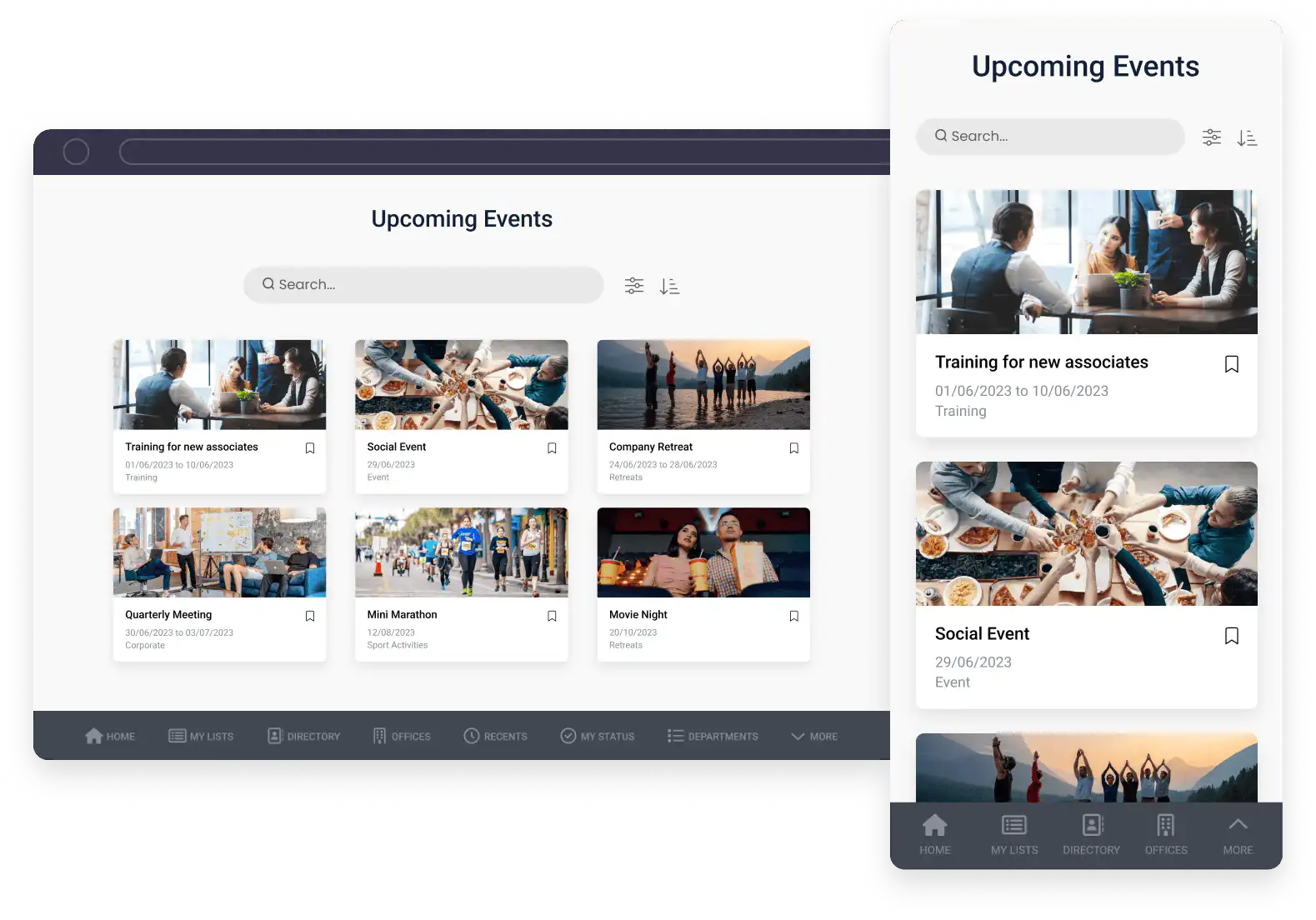
A user-friendly employee directory app should provide a dedicated section for upcoming events. Whether it's company-wide meetings, team-building activities, or training sessions, employees can easily access event details, RSVP, and set reminders. Interactive event calendars and notifications ensure that important dates are never missed.
### Groups
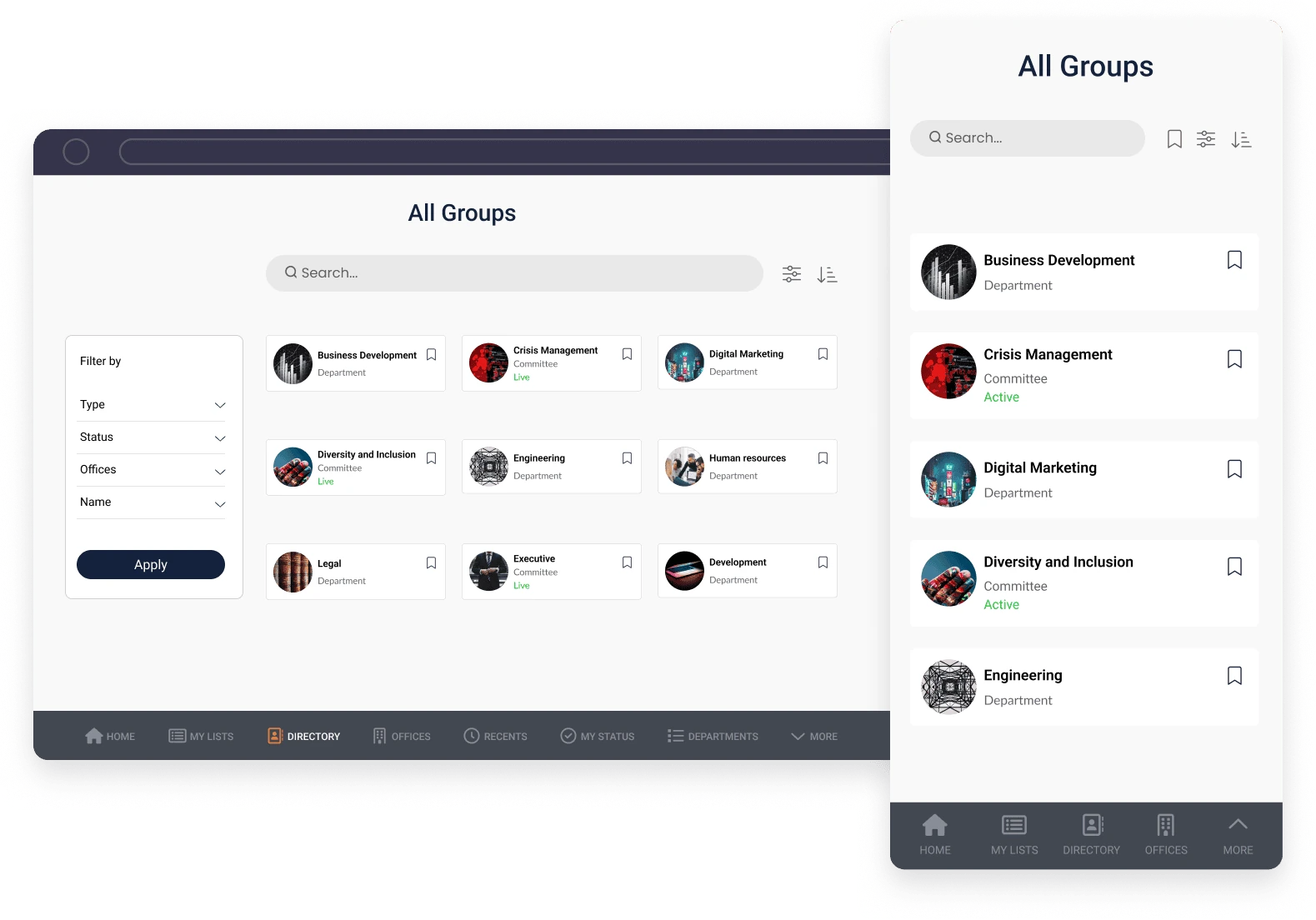
Effective communication and collaboration are facilitated through the creation of groups. Employees can join relevant groups based on their roles, interests, or project affiliations. An intuitive interface allows users to navigate through groups effortlessly, join discussions, and share resources.
### Offices

For organizations with multiple locations, the app should include an office information feature. This feature enables employees to access office addresses, floor plans, and seating arrangements. Whether they're looking for a conference room or a colleague's desk, this information should be readily available, promoting workplace efficiency.
### Profile Information
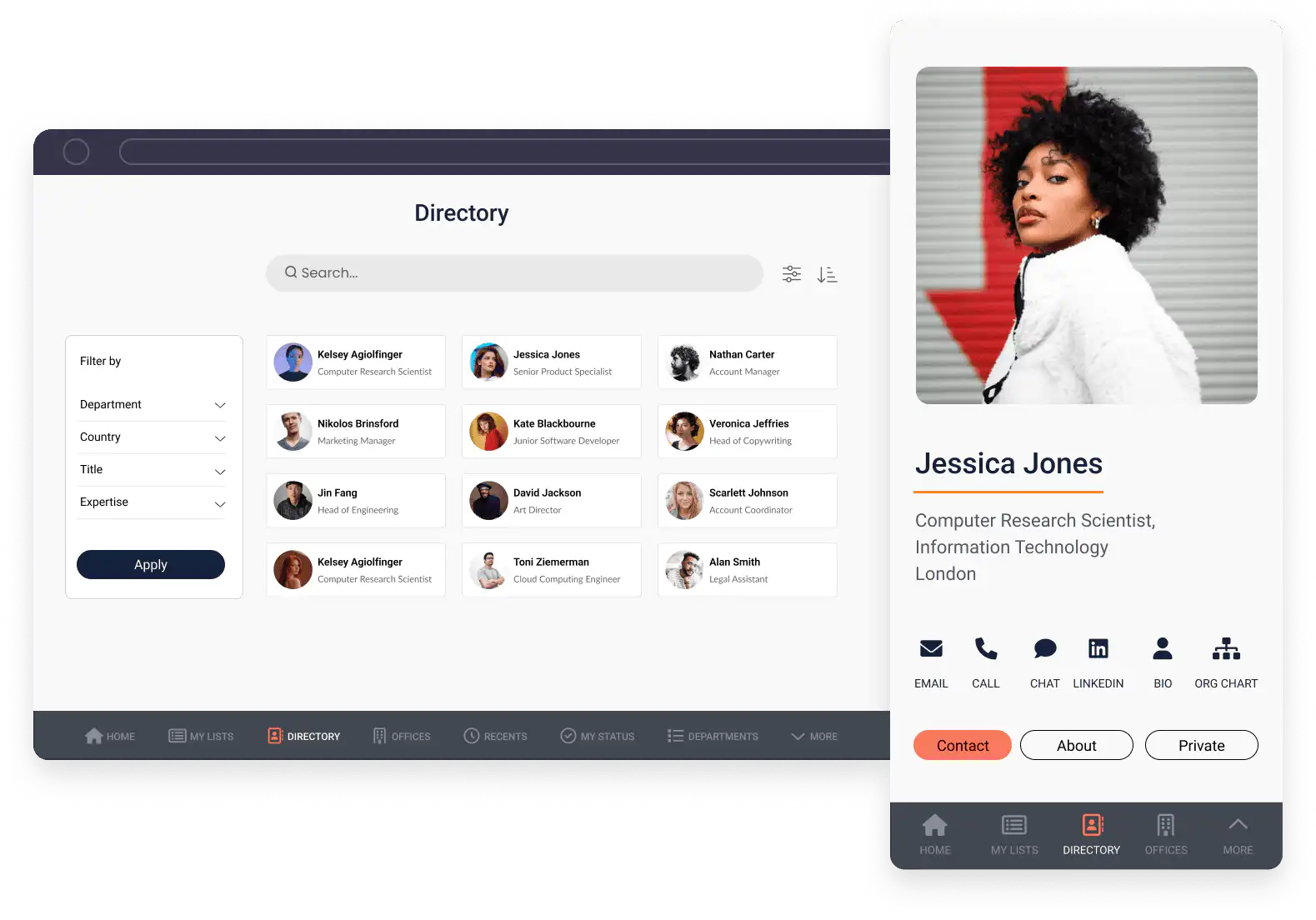
An easy-to-use mobile app should provide comprehensive employee profiles. Users can access contact details, job titles, department information, and skills as well as ways to contact and connect with them such as Linkedin. Customizable profiles allow employees to add personal touches, such as a bio, profile picture, and links to their social media profiles.
### Digital Business Card
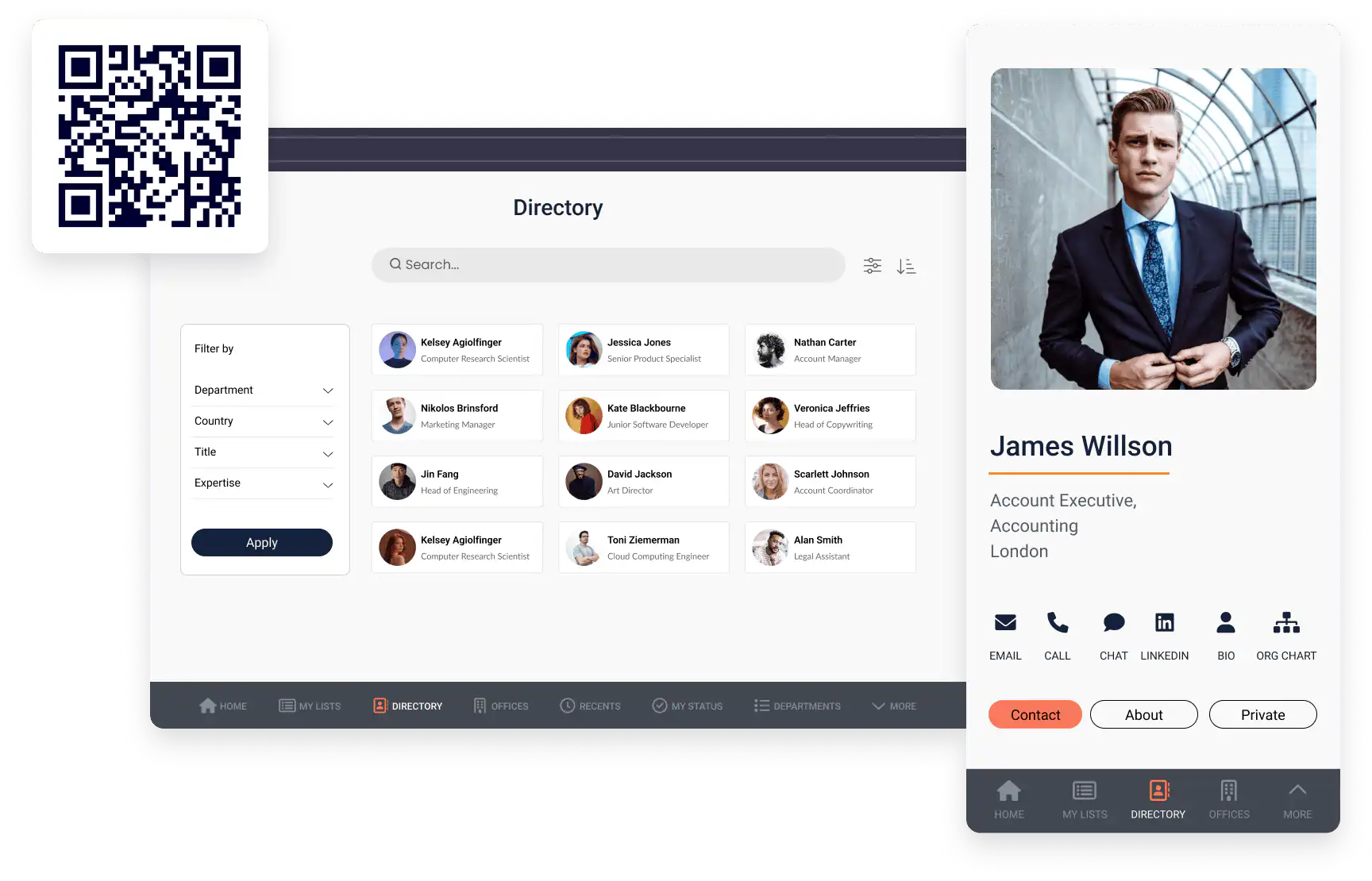
The digital business card feature is a modern take on traditional business cards. Users can exchange contact information by simply tapping their smartphones. This feature streamlines networking and ensures that essential contact information is stored conveniently within the app.
Each of these [Fliplet Employee Directory app](https://fliplet.com/solution/employee-directory-app/) features contributes to a mobile app's user-friendliness, making it an indispensable tool for employees to stay informed, engaged, and connected within the organization.
Take a look at our [Ultimate Guide: How to scale mobile enterprise app development without coding or IT resources](https://fliplet.com/blog/mobile-enterprise-app-development-without-coding/).
## How to Pick the Software That's Right for You
Selecting the right employee directory software for your organization is a critical decision that can significantly impact your workforce's efficiency and collaboration. To make an informed choice, follow these steps to identify the software that best aligns with your specific needs:
1. 1. **Identify Your Goals**
- Start by defining your objectives when considering employee directory software. If your primary requirement is basic information such as employee names and contact details, a straightforward solution may suffice.
- Conversely, if you aim to encourage a collaborative and communal work environment, consider software that offers customization capabilities, advanced communication features, and other components that promote teamwork and engagement.
2. **Explore Provider Options**
- Once you've clarified your goals, it's now time to research various software providers in the market. Look for providers that offer the features you desire while also prioritizing user experience. In this blog we highlighted eight top employee directory apps that you can choose from.
- Since the employee directory will serve as the primary source of information for all employees, choosing a user-friendly option is essential. Opt for a solution that minimizes the need for extensive training and ensures seamless adoption across your organization.
3. **Evaluate User Experience**
- User experience is a critical factor when selecting employee directory software. A well-designed and intuitive interface enhances employee engagement and promotes widespread usage.
- Consider software that prioritizes a user-friendly experience, ensuring that employees can easily navigate and utilize the directory without encountering obstacles.
4. **Request Demos and Trials**
- To gain firsthand experience with the software, request demonstrations or free trials from prospective providers. Testing the software in a real-world context allows you to assess its functionality and suitability for your organization's unique requirements.
- During these trials, pay attention to how well the software aligns with your goals and whether it enhances the overall employee experience.
Try [Fliplet for free](https://studio.fliplet.com/signup) to see if its employee directory app is perfect for you.
1. **Make an Informed Decision**
- After thoroughly exploring your options and assessing the available solutions, make an informed decision. Select the employee directory software that best meets your company's needs and objectives.
- If possible, opt for a software provider that offers a demo or free trial to ensure compatibility with your organization's workflows and preferences.
- Trust your judgment and choose the software that feels right for your company, considering factors such as functionality, ease of use, scalability, and user feedback.
By following these steps, you can navigate the selection process with confidence and select the employee directory software that empowers your organization to efficiently access employee information, encourage collaboration, and enhance overall productivity. Read our blog, [The Top 10 Best App Builders to Create a Mobile App](https://fliplet.com/blog/top-10-best-app-builder/), to discover top app building platforms.
### Webinar: Why a Directory Solution is a game-changer for your organization
Take a look at this webinar [Why a Directory Solution is a game-changer for your organization:](https://info.fliplet.com/webinar-download-why-a-directory-solution-is-a-game-changer-for-your-organization)
## How to Create a Employee Directory Mobile App for Free
Creating an employee directory mobile app doesn't have to be a complex or costly endeavor. With the right tools, you can design and deploy your app for free. Here's a step-by-step guide on how to achieve this using Fliplet as an example:
**1\. Select Your Platform:** Choose a user-friendly app-building platform like Fliplet, which offers a "no-code" approach, making app development accessible to everyone.
**2\. Access Fliplet Studio:** Head to Fliplet Studio, the heart of your app development journey. This is where you'll bring your employee directory mobile app to life.
### 3. Choose the Directory Solution
Within Fliplet Studio, select the directory solution that suits your needs. This will serve as the foundation for your employee directory app.
### 4. Upload Your Content
Start populating your directory by uploading employee information and their respective details. This step is crucial for building a comprehensive and informative app.
### 5. Customize Your Solution
Make the app truly your own by customizing it to align with your organization's branding and identity. Add custom logos, colors, and design elements to create a professional and cohesive look.
### 6. Test Your App
Before sharing your app with your team, take advantage of Fliplet's testing capabilities. Ensure that your app functions seamlessly on various devices, including mobile phones, tablets, and desktop computers. Invite colleagues to participate in the testing phase to gather feedback and make any necessary adjustments. Fliplet also has an app called Fliplet Viewer where you can view your app on your mobile to see what it looks like.
### 7. Publish Your App
Once you're satisfied with the app's performance and appearance, it's time to share it with your organization. Fliplet allows you to publish your app on multiple platforms, including the Apple App Store, Google Play Store, and as a web app. This broad distribution ensures that employees can access the directory on their preferred devices.
If you want to find out more about building a web app, we researched [6 Web Application Development Platforms to Build a Free Web App](https://fliplet.com/blog/9-web-application-development-platforms-to-build-a-free-web-app/)
By following these steps and utilizing a user-friendly platform like Fliplet, you can create a customized employee directory mobile app without incurring any costs. This cost-effective approach empowers you to enhance communication and accessibility within your organization, ultimately improving overall efficiency and collaboration.
Want to find out more? Discover [The 10 Best Mobile Application Development Platforms in 2026](https://fliplet.com/blog/10-best-mobile-application-development-platforms/).
## Creating an Employee Directory Android App
Developing an Android app for your employee directory is a valuable step towards enhancing accessibility and communication within your organization. Here are some essential tips and considerations to keep in mind during the process:
- **Android Compatibility:** Ensure that your employee directory app is compatible with a wide range of Android devices, including smartphones and tablets. Consider factors such as screen size, resolution, and version compatibility to provide a seamless user experience.
- **User-Friendly Interface:** Design an intuitive and user-friendly interface that makes it easy for employees to navigate and access the information they need. Implement clear and concise menu structures, search functionality, and interactive elements for a smooth user experience.
- **Data Security:** Prioritize data security and privacy when handling employee information. Implement robust encryption and authentication measures to protect sensitive data stored within the app. Comply with relevant data protection regulations and obtain necessary permissions for data access.
- **Offline Accessibility:** Ensure that your Android app offers offline functionality. Employees should be able to access basic directory information even when they are not connected to the internet. Implement caching mechanisms to store frequently accessed data locally.
- **Mobile-Friendly Features:** Tailor your Android app to leverage mobile-specific features. This may include push notifications for important updates, location-based services for finding colleagues within the workplace, and mobile device integration for quick access to contact information.
- **Testing and Feedback:** Conduct extensive testing across various Android devices and versions to identify and resolve potential issues. Encourage employees to provide feedback on usability and functionality, and be responsive to their suggestions for improvements.
- **Regular Updates:** Commit to ongoing app maintenance and updates. Android devices and operating systems evolve over time, and your app should stay current to ensure compatibility and security.
- **Compliance:** Be aware of and comply with Google Play Store policies and guidelines when submitting your app for publication. Ensure that your app meets the necessary requirements to be accepted and distributed on the platform.
By considering these tips and taking a user-centric approach, you can create an effective and valuable Android app for your employee directory. This app will not only streamline access to vital employee information but also contribute to improved communication and collaboration within your organization.
## Creating an Employee Directory iOS App
Developing an iOS app for your employee directory can significantly enhance accessibility and communication within your organization. Here are essential tips and considerations to keep in mind during the process:
- **iOS Compatibility:** Ensure that your employee directory app is compatible with a range of iOS devices, including iPhones and iPads. Consider factors such as screen size, resolution, and version compatibility to provide a seamless user experience across Apple devices.
- **User-Centric Design:** Prioritize user-centric design principles when creating your iOS app. Craft an intuitive and visually appealing interface that simplifies navigation and enhances user engagement. Use standard iOS design guidelines to create a familiar and user-friendly experience.
- **Data Security:** Prioritize data security and privacy when handling employee information. Implement robust encryption, authentication, and authorization mechanisms to protect sensitive data stored within the app. Ensure compliance with data protection regulations, such as GDPR and HIPAA, where applicable.
- **Real-Time Updates:** Enable real-time updates for employee information within the iOS app. Allow employees to edit their profiles, update contact details, and make changes as needed. Implement synchronization mechanisms to ensure that the app reflects the latest data from your organization's database.
- **Integration with iOS Features:** Leverage iOS-specific features and capabilities to enhance your employee directory app. Consider incorporating features such as Face ID or Touch ID for secure login, push notifications for important updates, and integration with native iOS apps like Contacts and Calendar.
- **Extensive Testing:** Conduct comprehensive testing across various iOS devices and iOS versions to identify and address potential compatibility and usability issues. Pay close attention to user interface responsiveness and performance optimization.
- **Accessibility Features:** Ensure that your iOS app adheres to accessibility guidelines, making it inclusive for users with disabilities. Implement features such as VoiceOver support, adjustable text sizes, and color contrast options to enhance accessibility.
- **App Store Compliance:** Familiarize yourself with Apple's App Store guidelines and policies. Ensure that your iOS app meets the necessary requirements for submission and distribution on the App Store. Address any app review feedback promptly to expedite the approval process.
By following these tips and adopting a user-focused approach, you can develop a high-quality iOS app for your employee directory. This app will not only streamline access to essential employee information but also contribute to improved communication and collaboration within your organization while aligning with the iOS platform's standards and best practices.
Take a look at these [7 Steps to Making an App for iPhone in Less Than a Day](https://fliplet.com/blog/7-steps-making-an-app-for-iphone/).
## Integrating Your Employee Directory
Integrating your employee directory with other key systems and applications can unlock even more value and efficiency for your organization. Here's how to effectively integrate your employee directory:
- **Identify Integration Points:** Begin by identifying the areas where integrating your employee directory can bring the most benefit. Common integration points include email systems (e.g., Microsoft Exchange, Gmail), collaboration platforms (e.g., Slack, Microsoft Teams), and HR software (e.g., Workday, BambooHR).
- **Choose Integration Solutions:** Depending on your organization's existing software ecosystem, select integration solutions or platforms that facilitate seamless connections between your employee directory and other applications. Many integration platforms offer pre-built connectors for popular apps, simplifying the integration process.
- **Data Synchronization:** Ensure that data synchronization between your employee directory and integrated systems is automated and real-time. This ensures that any updates or changes made in the directory are reflected immediately in connected applications, reducing the risk of outdated information.
- **Calendar Integration:** Integrate employee calendars with scheduling and meeting applications. This feature enables employees to easily schedule meetings, view colleagues' availability, and coordinate events directly from their calendars.
Integrating your employee directory with other applications can enhance productivity, streamline processes, and improve collaboration across your organization. By carefully planning and implementing these integrations, you can create a cohesive digital workplace that empowers employees to access information and perform tasks more efficiently, ultimately contributing to the overall success of your organization.
### How to Integrate your Employee Directory with Sharepoint
Integrating your employee directory with SharePoint can significantly enhance collaboration and accessibility within your organization. Here's a step-by-step guide to achieving seamless integration:
1. **Assess Your Requirements**
- Identify the data fields in your employee directory you want to sync with SharePoint.
- Determine the frequency of data updates and any custom features needed.
2. **Choose the Integration Approach**
- Out-of-the-Box Integration: Use SharePoint's built-in features for syncing with Active Directory.
- Custom Development: Develop custom solutions using SharePoint APIs for unique needs.
- Third-Party Solutions: Consider solutions like Fliplet for specialized integration.
3. **Prepare Your Employee Directory Data**
- Cleanse and organize your data. Ensure it's in a format compatible with SharePoint.
- Confirm all relevant fields are included, like employee names, roles, and contact info.
4. **Configure SharePoint Integration**
- Set up connections between SharePoint and your employee directory.
- Map data fields to ensure accurate data synchronization.
5. **Implement Security Measures**
- Establish robust access controls and data protection policies.
- Ensure compliance with relevant data security regulations.
6. **Test the Integration**
- Conduct thorough testing to ensure data syncs correctly.
- Check for any errors or issues in data mapping and resolve them.
7. **Monitor and Maintain**
- Regularly check the integration for any issues or updates needed.
- Keep the system updated in line with SharePoint and your directory's evolution.
8. **Evaluate and Optimize**
- Regularly assess the integration's performance and make improvements.
- Seek feedback from users and incorporate it into further optimization.
9. **Expand Integration Scope**
- Consider integrating additional features or data points.
- Explore ways to enhance user experience and functionality.
### How to Integrate your Employee Directory with Microsoft Teams
Integrating your employee directory with Microsoft Teams can significantly enhance collaboration and connectivity within your organization. Here's a step-by-step guide to achieving seamless integration:
1. **Define Integration Objectives**
- Clarify what information from the employee directory should be accessible in Teams.
- Determine the functionality and user experience you aim to achieve.
2. **Assess Integration Options**
- Direct Integration: Utilize Teams' built-in capabilities for connecting with your directory.
- Third-Party Solutions: Explore tools that offer specialized integration features.
3. **Prepare Employee Directory Data**
- Ensure the data is clean, up-to-date, and formatted for Teams integration.
- Verify all key details are included for each employee.
4. **Configure Integration Settings**
- Set up the necessary connections and configurations within Microsoft Teams.
- Align data fields and ensure proper data flow.
5. **Implement Security Measures**
- Establish strict access controls and data security protocols.
- Ensure the integration adheres to privacy laws and company policies.
6. **Test the Integration**
- Perform comprehensive testing to confirm everything works as expected.
- Address any glitches or errors immediately.
7. **User Training and Adoption**
- Educate employees on how to use the integrated system.
- Encourage adoption through training sessions and support materials.
8. **Monitor and Maintain**
- Regularly check the system for updates or issues.
- Keep the integration aligned with any changes in Teams or your employee directory.
9. **Gather Feedback and Optimize**
- Collect user feedback to understand what works well and what needs improvement.
- Continuously refine the integration based on this feedback.
10. **Expand Integration Capabilities**
- Explore additional features or data points to integrate.
- Enhance user experience based on evolving needs and feedback.
#### Employee Directory Software with Microsoft Custom Connector
Microsoft Custom Connectors offer a powerful way to seamlessly integrate your employee directory with Microsoft Teams, enhancing communication and collaboration across your organization. Here's how leveraging Microsoft Custom Connectors can simplify the integration process and provide a streamlined experience for users:
- **Effortless Integration:** With Microsoft Custom Connectors, you can establish a direct and efficient connection between your employee directory software and Microsoft Teams. This means that relevant employee information, such as profiles, contact details, and team associations, can be accessed directly within the Teams interface.
- **Enhanced User Experience:** Users benefit from a cohesive and user-friendly experience. They can easily search for colleagues, access employee profiles, and initiate conversations—all within the familiar Microsoft Teams environment.
- **Real-time Updates:** Microsoft Custom Connectors ensure that employee data remains current and up to date. Any changes made within the employee directory software are instantly reflected in Microsoft Teams, eliminating discrepancies and ensuring accuracy.
- **Customization:** Tailor the integration to meet your organization's specific needs. Define what information is displayed and how it's presented, allowing you to create a customized employee directory experience within Microsoft Teams.
- **Access Our Help Article:** For a comprehensive guide on setting up Microsoft Custom Connectors for your employee directory software, refer to our [help article](https://help.fliplet.com/microsoft-custom-connector/). It provides step-by-step instructions and valuable insights to streamline the integration process.
By utilizing the capabilities of Microsoft Custom Connectors, you can seamlessly unite your employee directory and Microsoft Teams, enhancing improved communication, collaboration, and productivity within your organization. Find out more about [Fliplet's Microsoft Custom Connector integration](https://fliplet.com/microsoft-custom-connector-integration/).
## Looking to Create an Employee Directory Application? It's Time to Take Action
Selecting the right employee directory app integrated with platforms like SharePoint and Microsoft Teams can significantly enhance the way your organization collaborates, communicates, and manages employee information. Whether you choose versatile options, user-friendly solutions or collaboration-focused tools, the key is to prioritize your organization's unique needs and objectives.
Fliplet, in particular, stands out as a no-code app builder trusted by over 100 organizations. It offers an Employee Directory app that simplifies employee information management, enhances a connected work environment, and provides an intuitive interface for easy access to crucial data. With customizable solutions, branding options, and multi-device compatibility, Fliplet empowers organizations to create tailored employee directory solutions efficiently.
By integrating these employee directory apps into your workflow, you can streamline processes, enhance collaboration, and create a more engaged and connected workforce. The right choice will not only optimize your employee directory management but also contribute to a more productive and cohesive work environment.
### See the latest insights from Fliplet
## Creating your business apps has never been easier
## FAQs
### What are the must-have features in an employee directory app?
Key features include robust search, profile fields, org charts, department filters, and easy ways to contact colleagues from any device.
### Can employee directory apps integrate with Microsoft Teams and SharePoint?
Yes. Many directory solutions support Microsoft ecosystem integrations so employee data and communication workflows stay connected across tools.
### How should organizations choose the best employee directory software?
Evaluate data quality controls, integration depth, user experience, permissions, scalability, and total cost based on your organization size and structure.
## Related links
- [Ultimate Guide: How to scale mobile enterprise app development without coding or IT resources](https://fliplet.com/blog/mobile-enterprise-app-development-without-coding/): Fliplet compiled an ultimate guide on how to scale mobile enterprise app development without coding or IT resources
- [Top 10 Mobile Enterprise Application Platforms](https://fliplet.com/blog/top-10-mobile-enterprise-application-platforms/): Fliplet compiled a list of the top 10 mobile enterprise application platforms. Read more within.
- [The Best Low Code/No Code Development Platforms](https://fliplet.com/blog/the-best-no-code-low-code-development-platforms/): Fliplet compiled a list of the best Low Code/No Code Development Platforms. Find out more within.
---
# 8 ways to drive innovation at your organization in 2026
> A practical 2026 guide to building an innovation culture and delivering ideas faster with secure low-code and no-code apps.
Source: https://fliplet.com/blog/8-ways-to-drive-innovation-at-your-organization/
Content type: Blog
Published: 2026-05-18T10:26:47
Updated: 2026-03-18T12:00:00
Read time: 8 minutes
# 8 ways to drive innovation at your organization in 2026
Innovation used to be treated like an annual planning topic - something discussed in leadership offsites and revisited once a year. In 2026, it is an operating discipline that shows up in day-to-day decisions, cross-team workflows, and how quickly organizations turn ideas into measurable outcomes.
Leadership benchmark: McKinsey's [Eight Essentials of Innovation](https://www.mckinsey.com/capabilities/strategy-and-corporate-finance/our-insights/the-eight-essentials-of-innovation) is a useful framework for building repeatable innovation practices.
Every leadership team says it wants faster experimentation, better customer experiences, and teams that can adapt quickly. The real challenge is execution: most organizations still lose momentum between a good idea and a working solution.
That is exactly where low-code and no-code apps have become so useful. They help teams turn friction points into live products faster, without waiting on long development queues for every workflow change.
If you are comparing tools before you start, review our [innovation management software guide](https://fliplet.com/blog/top-10-innovation-management-software/) and Fliplet's [Innovation Management solution](https://fliplet.com/solution/innovation-management/).
If you are trying to drive innovation in your organization this year, here are eight practical ways to make it real.
## 1. Make innovation part of everyone's job, not one team's backlog
Innovation stalls when it gets boxed into a single department. The strongest organizations in 2026 treat innovation as a shared responsibility across operations, client services, IT, compliance, and leadership.
A simple way to start is to build a lightweight idea pipeline:
- Give teams one place to submit process pain points.
- Ask for impact, urgency, and affected users in every request.
- Review ideas on a regular cadence with cross-functional decision makers.
This shifts innovation from occasional brainstorms to a repeatable system people trust.
## 2. Build a small, curious delivery team that can move fast
You do not need a huge transformation office to get results. You need a focused team with enough authority to test, launch, and iterate.
The best teams combine three strengths:
- Product thinking: they define the problem clearly.
- Process context: they understand how work actually happens.
- Platform execution: they can build and ship quickly with the right tools.
In practice, this often looks like a compact team that works closely with business stakeholders while using low-code and no-code components to deliver first versions in weeks, not quarters.
## 3. Start with process friction, not feature wishlists
When teams jump straight to features, they often build polished tools that solve the wrong problem. A better approach is to map the current process first:
- Where does work get delayed?
- Where are handoffs failing?
- Where do people duplicate effort in email and spreadsheets?
Then define a narrow, high-value outcome for version one. For example: reduce approval turnaround by 40%, cut onboarding time by two days, or remove duplicate data entry across systems.
Clear outcomes keep innovation grounded in business value.
## 4. Bring stakeholders in early and keep them close
Most app projects do not fail because of technology. They fail because expectations drift.
In 2026, successful teams involve stakeholders earlier, show working prototypes sooner, and make feedback part of the build cycle. That means legal, security, operations, and frontline users all see what is being built before launch.
Transparent collaboration has two major benefits:
- Fewer late-stage surprises.
- Faster buy-in when it is time to roll out at scale.
## 5. Prototype quickly, validate early, and be willing to stop
Speed matters, but direction matters more. Prototyping helps you test the direction before you overinvest.
A practical rhythm looks like this:
- Week 1: define the workflow and success metric.
- Week 2-3: launch a minimum viable app for a small user group.
- Week 4: review usage data and qualitative feedback.
- Decide: scale, refine, or retire.
Stopping weak ideas early is not failure. It is disciplined innovation.
## 6. Build governance into innovation from day one
In regulated industries, innovation cannot be "move fast and fix later." Security, privacy, accessibility, and auditability have to be part of the design from the start.
Before launch, confirm:
- Data ownership and access controls.
- Records retention and compliance requirements.
- Approval and publishing workflows.
- Incident and support responsibilities.
Teams that treat governance as an enabler, not a blocker, move faster over time because they avoid rework and risk-heavy shortcuts.
## 7. Manage innovation as a portfolio, not isolated projects
As your organization builds more apps, coordination becomes the challenge. Without shared standards, teams end up with duplicated tools, inconsistent user experiences, and unclear ownership.
A portfolio mindset helps you scale:
- Define app lifecycle stages (pilot, active, sunset).
- Assign product owners for every app.
- Set review checkpoints for usage, risk, and ROI.
- Reuse templates and components where possible.
This keeps innovation sustainable instead of chaotic.
For a customer example of repeatable app delivery, see how [SOCOTEC UK used Fliplet](https://fliplet.com/case-studies/socotec-uk/) to digitize services and internal processes.
## 8. Pair internal momentum with expert support
Even strong internal teams hit bottlenecks, especially around integrations, security reviews, app store processes, and enterprise rollout planning.
External expertise can shorten the path from prototype to production and help teams avoid expensive detours. The key is choosing a partner that enables your team, not one that creates dependency.
When internal knowledge and external guidance work together, innovation compounds.
## What innovation leaders do differently in 2026
Across industries, the pattern is consistent: organizations that innovate well do not just generate ideas, they build systems for delivery.
They prioritize measurable outcomes, remove delivery friction, and create repeatable ways for teams to test and launch better solutions.
Low-code and no-code app platforms are now central to that playbook because they give business and technical teams a faster path from concept to impact.
If your organization is ready to accelerate delivery without compromising governance, [get in touch](https://fliplet.com/contact/) to see how Fliplet can help you build, launch, and scale innovation programs that stick.
## FAQs
### Why are low-code and no-code platforms effective for innovation?
They reduce technical bottlenecks, let business teams prototype quickly, and shorten the time between identifying a problem and launching a solution.
### What is a practical first step to drive innovation with apps?
Start with one high-friction internal process, build a focused minimum viable app, and iterate based on user feedback and measurable outcomes.
### Can low-code apps meet enterprise security and governance needs?
Yes. With the right platform, teams can apply role-based access, approval workflows, and compliance controls while still moving quickly.
---
# A Complete Guide To Elevate Your Legal Website Content
> A Complete Guide To Elevate Your Legal Website Content. Get practical steps, planning tips, and pitfalls to avoid so your team can move faster with less risk.
Source: https://fliplet.com/blog/law-firm-website-content/
Content type: Blog
Published: 2026-05-18T13:51:20
Updated: 2026-03-19T09:27:47
Read time: 13 minutes
# A Complete Guide To Elevate Your Legal Website Content
Your [law firm's](https://fliplet.com/blog/the-14-best-apps-for-lawyers/) website is more than just a virtual business card—it's a powerful tool for attracting clients, establishing credibility, and driving growth. That means the legal web content on your site plays a crucial role in the success of your firm.
Well-structured and optimized legal web content can significantly improve your firm's online visibility, helping potential [clients find you more easily and encouraging them to engage](/webinars/) with your services.
In this guide, we'll explore the best practices for legal content that resonates with your audience and supports your firm's business goals. We'll also give some guidance on legal content creation that works.
## Key Takeaways
- Understanding your target audience is key to creating effective legal web content.
- Essential website pages include Home, About Us, [Practice Areas](/reports/), Attorney Profiles, and more.
- SEO optimization and regular updates are crucial for maintaining content relevance.
- Ethical considerations are vital when creating legal content.
- Fliplet offers versatile tools to help law firms build and manage their legal web content effectively.
## Essential Pages for Law Firm Websites
When it comes to structuring your law firm website content, certain pages are essential for building credibility, engaging visitors, and converting them into clients. Each page should serve a specific purpose, providing visitors with the information they need while also reflecting your firm's brand and values.
### Home Page: Your Digital Front Door
The Home page is often the first impression potential clients have of your firm. It should be inviting, informative, and easy to navigate. This page should clearly communicate who you are, what you do, and how you can help your clients. A well-crafted Home page sets the tone for the rest of the website, guiding visitors to explore further.
### About Us: Building Trust and Credibility
The About Us page is where you share your firm's story, mission, and values. It's an opportunity to build trust with potential clients by showcasing your firm's history, achievements, and commitment to serving your clients' needs. This page should highlight what sets your firm apart from others, such as your unique approach, awards, or community involvement.
### Practice Areas: Highlighting Your Expertise
Your Practice Areas page is where you outline the specific [legal services your firm](https://fliplet.com/blog/employee-engagement-strategies-that-law-firm-retreats-would-benefit-from/) offers. Each practice area should be clearly defined, with explanations of how your firm can assist clients in those areas. This page not only helps potential clients understand the scope of your services but also positions your [firm as an expert in those legal](https://fliplet.com/industry/legal/) fields.
### Attorney Profiles: Showcasing Your Legal Team
Clients want to know who will be handling their cases, making the Attorney Profiles page essential. This page should feature detailed biographies of your legal team, including their qualifications, experience, and areas of expertise. Adding personal touches, such as interests or community involvement, can also help clients feel more connected to your attorneys.
### Contact Us: Encouraging Client Engagement
The Contact Us page should make it easy for potential clients to reach out to your firm. Include all relevant contact information, such as phone numbers, email addresses, and office locations. A contact form is also useful for capturing inquiries directly from your website. Ensure this page is accessible from every other page on the site, encouraging clients to get in touch.
### Case Studies and Success Stories
Case studies and success stories provide tangible proof of your firm's capabilities. By showcasing real-life examples of how your firm has successfully handled cases similar to those potential clients may be facing, you build credibility and trust. This page should highlight the challenges faced, the solutions provided, and the positive outcomes achieved.
### Blog Posts, Resources, and FAQs
A blog is an excellent way to share your expertise, provide valuable insights, and keep your audience informed about legal developments. The Resources and FAQs sections can offer additional value by addressing common questions and concerns your clients may have. Regularly updating these sections not only helps with SEO but also positions your firm as a thought leader in the [legal industry](https://fliplet.com/blog/legal-innovation/).
## Best Practices for Legal Content Creation
High-quality legal content creation requires a strategic approach. By following these best practices, you can ensure that your content not only attracts visitors but also engages and converts them into clients.
### 1.Understand Your Target Audience
Knowing your audience is the first step in creating effective legal web content. Start by researching who your potential clients are, what legal issues they face, and how they search for legal services online. This understanding will help you tailor your content to address their specific needs and concerns.
- **Run surveys**: Use tools like Fliplet's [survey mobile app](https://fliplet.com/solution/survey-mobile-app/) to gather insights directly from your clients.
- **Automate feedback forms**: Implement Fliplet's [feedback app](https://fliplet.com/solution/feedback-app/) to continuously collect client opinions and improve your content.
- **Collect feedback via email**: Regularly engage with your audience through email campaigns to understand their needs better.
- **Read industry reports**: Stay informed about trends and changes in the legal industry to keep your content relevant.
- **Research keywords**: Analyze the demand for content topics by researching keywords related to legal services.
- **Observe legal forums**: Participate in or monitor discussions on legal forums to identify common client concerns and questions.
### 2.Align Content with Business Goals
Your legal web content should support your firm's broader business objectives. Whether your goal is to increase brand awareness, generate leads, or enhance client loyalty, each piece of content should be created with these goals in mind. Aligning content with business goals ensures that your website serves as an effective tool in your firm's growth strategy.
### 3.Optimize Content for SEO
[Search engine optimization (SEO)](https://fliplet.com/blog/seo-for-mobile-apps/) is crucial for improving your website's visibility in search engine results. By optimizing your content for relevant keywords, you can attract more visitors to your site. However, SEO is not just about keyword placement; it also involves optimizing meta descriptions, using header tags effectively, and ensuring that your website loads quickly and is mobile-friendly.
### 4.Analyze Competitor Content
Understanding what your competitors are doing can provide valuable insights into what works and what doesn't. Analyze the content on other law firm websites to identify gaps in your own content strategy and opportunities for differentiation. This can help you create legal web content that not only meets industry standards but also stands out from the competition.
### 5.Prioritize Quality Over Quantity
While it's important to have a robust content library, quality should never be sacrificed for quantity. High-quality content that provides real value to your audience will always perform better than a large volume of mediocre content. Focus on creating well-researched, informative, and engaging content that addresses your audience's needs and positions your firm as an authority in your field.
### 6.Promote Your Content Effectively
Creating great legal web content is only half the battle; you also need to ensure it reaches your target audience. Use social media, email marketing, and other digital channels to promote your content. Consider repurposing your written content into different formats; for example, turn a popular blog post into a short, engaging video to reach a wider audience.
## How to Create High-Quality Legal Content
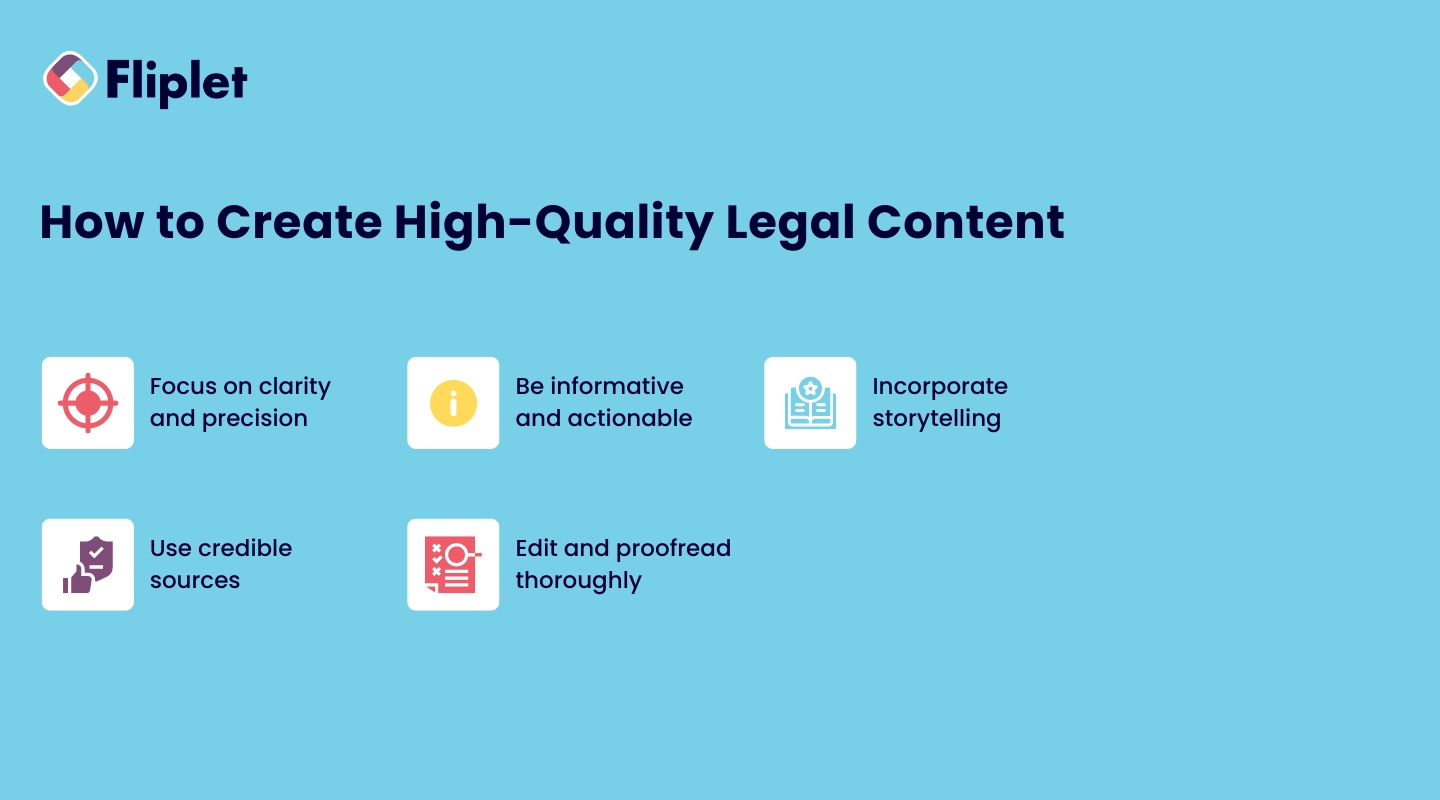
Creating high-quality legal web content requires a combination of legal expertise, writing skills, and strategic thinking. Here are some tips to help you create content that resonates with your audience:
- **Focus on clarity and precision**: Legal topics can be complex, so it's important to explain them in a way that is easy for your audience to understand. Avoid jargon and use clear, concise language.
- **Be informative and actionable**: Your content should provide valuable information that helps your audience solve a problem or make an informed decision. Include actionable advice that your readers can apply to their own situations.
- **Incorporate storytelling**: People connect with stories, so consider incorporating case studies or hypothetical scenarios into your content to make it more engaging.
- **Use credible sources**: Ensure that your content is well-researched and backed by credible sources. This not only builds trust with your audience but also enhances your firm's credibility.
- **Edit and proofread thoroughly**: Errors in your content can undermine your credibility. Make sure to edit and proofread your content carefully before publishing.
If you still feel at a loss, you can consider hiring legal web content writers.
## Visual and Multimedia Content for Law Firm Websites
Visual content, including images and videos, plays a crucial role in engaging visitors and enhancing the user experience on your website. Incorporating visual elements into your legal content can help break up text, illustrate complex concepts, and make your legal web content more memorable.
### Using Images and Videos to Enhance Content
- **Images**: Use relevant images to complement your content and make it more visually appealing. For example, include images of your legal team, office, or community involvement to humanize your firm and build trust with potential clients.**Example:** [Pitta & Baione](https://911benefits.com/) have a gorgeous website that uses images to strikingly tell the story of the people they help—those affected by the terrorist attacks of 9/11.
- **Videos**: Videos are a powerful tool for engaging visitors and conveying information quickly. Consider creating short videos that explain legal concepts, introduce your attorneys, or showcase client testimonials. Videos can also be used to demonstrate your firm's expertise and approachability.**Example:** [Hogan Lovells' website](https://www.hoganlovells.com/) uses video to draw in visitors immediately.
- **Infographics**: Infographics are an excellent way to present complex information in a digestible format. Use infographics to explain legal processes, illustrate statistics, or summarize key points from your blog posts.**Example:** [Pottenger Law Firm](https://pottengerlaw.com/resources/infographics/) has an entire section set aside for infographics.
## Maintaining and Updating Legal Web Content
Your legal web content should not be static. Regular updates and maintenance are essential for [keeping your content relevant, accurate, and effective](https://fliplet.com/blog/boost-your-digital-content-marketing-strategy-with-apps/) in attracting and retaining clients.
### Conducting Regular Content Audits
A content audit involves reviewing all your legal web content to ensure it is up-to-date, accurate, and aligned with your firm's current goals. Regular audits help you identify outdated information, broken links, or content that no longer reflects your firm's brand or services.
- **How to audit your content for accuracy and relevance**: Start by compiling a list of all your website's pages. Review each page for accuracy, checking for outdated information, legal changes, or shifts in your firm's focus. Update content as needed to ensure it reflects your current services and expertise.
- **Tools and strategies for content maintenance**: Use tools like Google Analytics to track the performance of your content and identify areas that need improvement. Content management systems (CMS) like WordPress often have built-in tools for content updates and SEO optimization.
### Measuring Content Effectiveness
To ensure your legal web content is achieving its goals, it's important to measure its effectiveness regularly. Analytics tools can provide valuable insights into how your content is performing and where improvements can be made.
- **Importance of analytics in content strategy**: Analytics can help you understand which legal web content resonates most with your audience, which pages have the highest bounce rates, and which keywords are driving traffic to your site. This data is crucial for refining your content strategy and improving your website's overall performance.
- **Tools for tracking content performance**: Tools like Google Analytics, SEMrush, and Ahrefs offer comprehensive data on website traffic, user behavior, and keyword performance. Use these tools to monitor your [content's success and make data-driven decisions about future content creation](https://fliplet.com/blog/ai-for-lawyers/).
## Ethical Aspects When Creating Legal Content
Ethical considerations are paramount when creating legal web content. As a law firm, your content must be accurate, transparent, and compliant with legal advertising rules. Ethical content creation not only protects your firm from potential legal issues but also builds trust with your audience.
### Maintaining Transparency and Accuracy
Transparency and accuracy are the cornerstones of ethical legal web content. Your content should provide clear and accurate information that is easy for your audience to understand. Avoid making exaggerated claims or offering legal advice that could be misinterpreted. Ensure that all content is thoroughly researched and fact-checked before publication.
### Using AI for Generating Legal Content
While AI can be a useful tool for content creation, it's important to use it responsibly. AI-generated content should be reviewed and edited by a qualified legal professional to ensure accuracy and compliance with legal standards.
- **Why you shouldn't rely solely on AI for legal content creation**: AI tools can assist with content creation, but they lack the nuanced understanding of legal issues that a human expert provides. Content created solely by AI may miss critical legal subtleties, leading to potential inaccuracies or misinterpretations. Therefore, it's essential to have a clear AI policy for law firms that outlines how AI should be used in content creation and review processes.
**Want to learn more about how law firms can benefit from AI?** [**Check out our article here.**](https://docs.google.com/document/d/1TpytLYsUICKEVRsBn3aLXW87v-U-oxIw6q6m1r0zLMA/edit#heading=h.lqgo3txv8lg1)
### Ensuring Compliance with Legal Advertising Rules
Legal web content must comply with industry standards and advertising rules set by the relevant legal authorities. These rules vary by jurisdiction but generally require that content is truthful, not misleading, and does not create unjustified expectations. Familiarize yourself with the advertising rules in your area and ensure that all content on your website adheres to these standards.
- **Best practices for ethical legal web content creation**: Always provide disclaimers where necessary, clearly distinguish between informational content and legal advice, and avoid making promises about case outcomes. Ethical legal web content creation not only helps you avoid legal issues but also strengthens your firm's reputation.
## Why Law Firms Prefer Using Fliplet (Web and Mobile App)
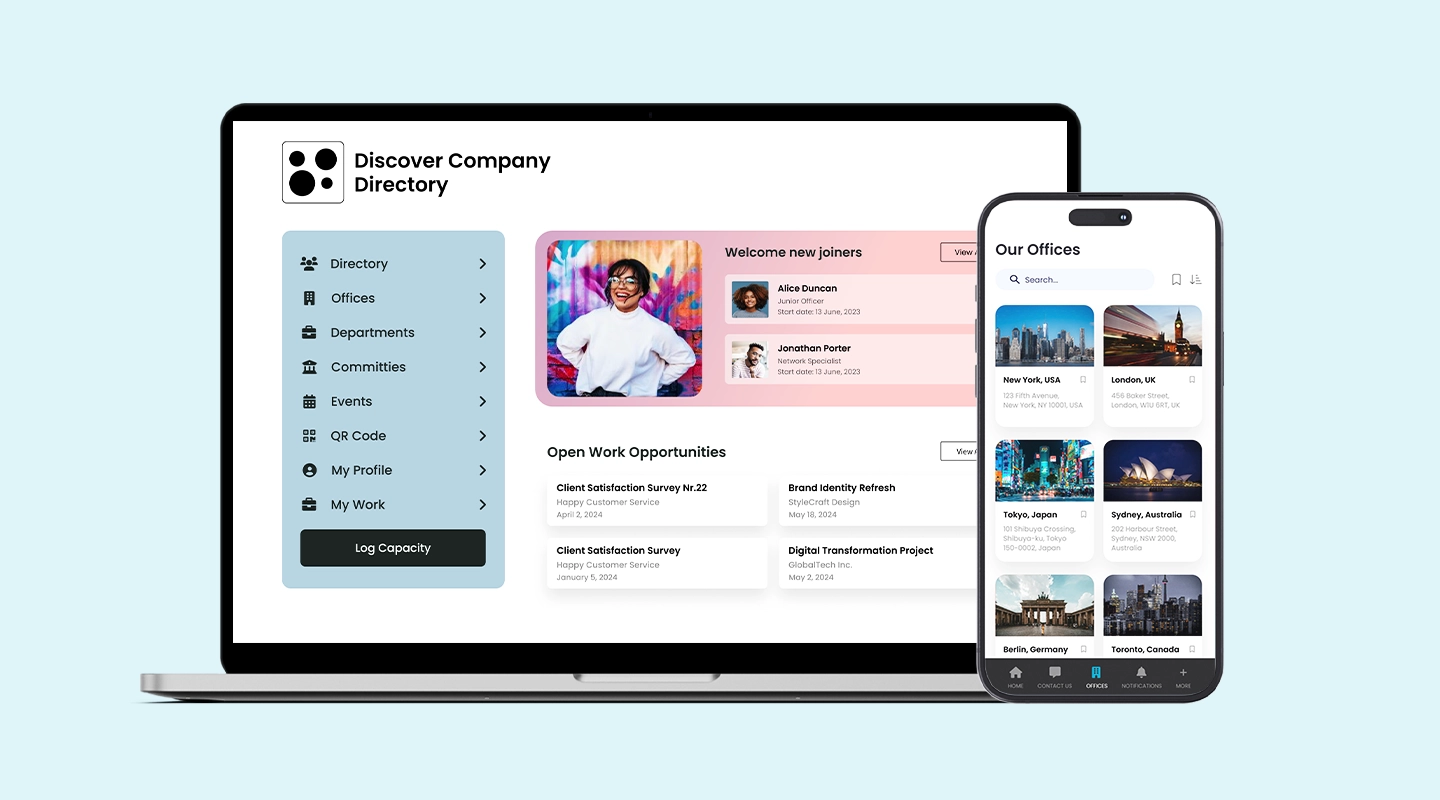
Fliplet offers law firms a versatile and user-friendly platform for creating, managing, and optimizing their legal web content. With Fliplet, [law firms can easily build custom web and mobile](https://fliplet.com/blog/top-200-law-firms/) applications that enhance client engagement, streamline content creation, and improve overall website performance.
- **Customizable solutions**: [Fliplet's platform](https://fliplet.com/platform-overview/) allows law firms to create tailored solutions that meet their specific needs. Whether you need a survey mobile app to gather client feedback or a feedback app to improve your content, Fliplet provides the tools you need to succeed.
- **User-friendly interface**: Fliplet's intuitive interface makes it easy for lattorneys to manage their law firm website content without needing extensive technical expertise. The platform's drag-and-drop functionality allows you to create and update content quickly and efficiently.
- **Scalability**: As your law firm grows, Fliplet's platform can scale with you, offering the flexibility to add new features and functionality as needed. This ensures that your website continues to meet your firm's evolving needs.
- **Comprehensive support**: [Fliplet offers comprehensive support to help law firms](/legal-it/) get the most out of their platform. From initial setup to ongoing maintenance, Fliplet's team is available to assist with any questions or challenges that arise.
**Explore Fliplet's** [**solutions for lawyers and attorneys staff**](https://fliplet.com/solutions-for-lawyers-attorneys-staff/) and discover how our platform can help you elevate your legal web content and engage more effectively with your clients.
## FAQs
### What are the essential pages for a law firm website?
The essential pages include the Home page, About Us, Practice Areas, Attorney Profiles, Contact Us, Case Studies, and a Blog or Resources section.
### How can legal content improve my firm's SEO?
Optimized legal content can improve your firm’s search engine ranking, making it easier for potential clients to find you online. This includes using relevant keywords, creating high-quality content, and regularly updating your website.
### What ethical considerations should be kept in mind?
Ensure that your content is accurate, transparent, and compliant with legal advertising rules. Avoid making exaggerated claims and clearly distinguish between informational content and legal advice. Also, know how to legally reuse web content. Generally, wording should be significantly changed, though using the same general ideas is fine.
### How often should I update my website content?
It’s recommended to audit and update your website content regularly, at least once a quarter. This ensures that your content remains accurate, relevant, and aligned with your firm’s goals.
### Should law firms use AI for content creation?
While AI can assist in generating content, it should not be relied upon solely. AI-generated content should be reviewed by a qualified legal professional to ensure accuracy and compliance with legal standards. This is why legal web content writers are still an essential part of the process.
## Related links
- [20 Best Legal Apps for Lawyers and Law Firms in 2026](https://fliplet.com/blog/the-14-best-apps-for-lawyers/): In this article Fliplet has compiled a list of the top 20 legal apps for 2026. Find the best productivity and management apps for lawyers and law firms.
- [How to make a Website an App in 1 Day](https://fliplet.com/blog/how-to-make-a-website-an-app/): In this blog, Fliplet have created a guide for you to learn how to make a website an app in just 1 day.
- [Mobile Apps in the Top 200 Law Firms: Unveiling Insights from the 2026 Report](https://fliplet.com/blog/top-200-law-firms/): In this blog, Fliplet shares their research on the 200 top Law Firms.
---
# Action Plan: 5 steps to prepare for a Dawn Raid
> A dawn raid is an unexpected on-site inspection by government authorities, which can be a daunting experience for any company. To minimize the risks associated with
Source: https://fliplet.com/blog/5-steps-to-prepare-for-a-dawn-raid/
Content type: Blog
Published: 2026-03-01T10:43:54
Updated: 2026-03-19T08:12:44
Read time: 20 minutes
# Action Plan: 5 steps to prepare for a Dawn Raid
A dawn raid is an unexpected on-site inspection by government authorities, which can be a daunting experience for any company. To minimize the risks associated with such an event, it is crucial to have a well-defined plan in place.
With the right preparation, you can minimize the impact of a dawn raid and protect your business from any potential harm. That's why we've put together this blog, outlining five essential steps that you can take to prepare for a dawn raid. By following these steps, you can equip your organization with the necessary tools and knowledge to handle a dawn raid and ensure that your business is well-protected.
## What is a Dawn Raid or unexpected inspection?
Before we get into the 5 steps to prepare for a dawn raid we need to understand what a dawn raid actually is. A dawn raid is an unannounced on-site inspection carried out by government authorities, such as tax, antitrust, or regulatory agencies, to investigate potential violations of the law or regulations.
During a dawn raid, authorities have the power to seize documents, data, and electronic devices, interview employees, and even make arrests if they suspect any wrongdoing. Companies can face significant financial, legal, and reputational damage if they are not well-prepared to handle a dawn raid.
## Why is it important to be prepared for a dawn raid?
It's important to be prepared for a dawn raid because it can be a highly disruptive and challenging event for any business. Being prepared can help your business respond effectively to a dawn raid, minimize the impact on your operations and reputation, and potentially avoid or mitigate any legal or financial penalties.
By having a well-defined plan in place and a team trained to execute it, you can ensure that your business is equipped to handle the situation with professionalism and efficiency. Being prepared can also demonstrate to regulatory authorities and stakeholders that your business takes compliance seriously and is committed to ethical practices.
### Here are five steps that companies can take to prepare for a dawn raid
## Step 1: Assign a response team
First things first, you need to assemble a response team. This group of experts should be knowledgeable about your company's legal obligations, policies, and operations. To ensure you're well-prepared, we recommend selecting a team leader from the legal department, a senior member of management, and an IT specialist. With this dream team in place, you'll be ready to tackle anything that comes your way!
## Step 2: Review Your Compliance Processes
As a business owner or executive, the last thing you want is a dawn raid catching you off guard. That's why it's important to review your company's compliance processes before it's too late. Take the time to thoroughly examine your policies and procedures, and conduct a comprehensive review of any potential risk areas.
By proactively identifying and addressing compliance issues, you can minimize the risk of facing steep penalties or fines as a result of a dawn raid. Don't wait until it's too late – take action now to ensure your business is fully compliant and prepared for any potential regulatory scrutiny.
## Step 3: Develop a Plan of Action
Organizations need to prepare a detailed plan that outlines how your response team will handle the situation. This plan should cover everything from communication with officials to managing the flow of information during the inspection.
To make things even easier, we suggest creating an emergency management app that can be accessed by your response team. This app should include all the necessary information and resources to guide your team through the entire process. Plus, having a mobile app allows for quick and efficient communication during high-pressure situations.
The benefits of having an emergency management app are countless. It allows for a streamlined response, reduces the risk of human error, and can even help minimize any potential penalties or fines that may result from a dawn raid. To plan the app route, review Fliplet's [Dawn Raid app solution](https://fliplet.com/solution/dawn-raid-app/) and our guide to [emergency management software](https://fliplet.com/blog/15-top-emergency-management-software/).
## Step 4: Train your staff
One of the most important steps in preparing for a dawn raid is to ensure that all employees are properly trained on how to respond. From the receptionist to the CEO, everyone in your organization should know what to do in case of a government inspection.
To make this process easier and more effective, you can use your Emergency Management app to train your staff. By including dawn raid scenarios in your training modules, you can help employees understand what to expect during a raid and how to respond appropriately.
Fliplet's [Emergency Management solution](https://fliplet.com/solution/emergency-management-for-clients/) is designed to foster preparedness and provide organizations and their clients with the necessary tools to respond safely and effectively to any emergency.
The solution facilitates real-time task management and communication to work quickly and efficiently during drills and emergencies such as dawn raids. If you do decide to go down the app route, it is important the platform you choose offers action and checklists as well as a document library to access key materials.
For proof in a legal context, see how [BCLP used Fliplet](https://fliplet.com/case-studies/bclp/) to deliver a First Response app for clients.
Fliplets action lists for example are customizable and provide your staff or clients with steps to follow during an emergency. These lists are completely interactive and collaborative and allow all users to be responsive and accountable while effectively managing the incident.
Fliplet also offers a document library for you to add in your own content. You can add a list of do's and don'ts to guide users through what to do in an emergency, a glossary providing them with important terms and the ability to test their knowledge with quizzes and decision trees.
By investing in comprehensive training for your staff, you can ensure that everyone is prepared to respond effectively in the event of a dawn raid.
## Step 5: Conduct a Mock Dawn Raid
A mock dawn raid is a simulation of a regulatory authority's surprise visit to your premises. It can help you test your team's readiness and identify any potential areas of weakness in your plan of action. This exercise allows you to refine your strategy and prepare your staff to react calmly and effectively in a real-life scenario.
During the mock raid, it's important to ensure that all staff members are involved, and everyone knows their role. This exercise should be taken seriously, so make sure your team follows the plan you have developed. This includes providing access to requested documents, keeping a detailed log of the investigation, and cooperating fully with the regulatory authority.
After the mock raid, conduct a debrief with your team to identify any areas for improvement. This is an excellent opportunity to discuss what went well and what could be improved upon. For example, you may need to provide additional training to staff members, clarify certain procedures, or revise your plan of action based on the feedback received.
In summary, a dawn raid can be a challenging and disruptive event for any business. However, by following these five essential steps, you can be well-prepared to handle any situation that arises. By assigning a response team, reviewing your compliance processes, developing a plan of action, training your staff, and conducting a mock raid, you can minimize the impact of a dawn raid on your business operations and reputation.
Using an app for dawn raids can be beneficial as it can provide a centralized platform for managing and organizing critical information. This can help to streamline the response process, improve communication between team members, and ensure that all necessary information is readily accessible during a dawn raid.
Overall, investing in the right tools and taking proactive steps to prepare for a dawn raid can help your business to navigate this challenging situation with greater ease and confidence.
## 16 key points to remember:
Let's take a look at some dos and don'ts for companies to consider when preparing for and responding to a dawn raid:
Assign a response team and designate roles and responsibilities.
Panic or obstruct the regulators during the inspection.
Review compliance processes and ensure that all necessary documents and records are in order.
Destroy, alter, or withhold documents or information that may be relevant to the inspection.
Develop a plan of action, including a pre-raid checklist and a response protocol.
Make false statements or withhold information from the regulators.
Train employees on compliance regulations and how to respond to a dawn raid.
Speak to the media or disclose sensitive information without legal advice.
Conduct mock raids to prepare for a potential regulatory inspection.
Ignore or delay communication with the regulators.
Cooperate with the regulators and provide requested documents and information in a timely and accurate manner.
Underestimate the potential impact of a dawn raid on the company's reputation and operations.
Document all activities and communications during the inspection.
Assume that the regulators are acting in bad faith or without justification.
Seek legal advice from qualified professionals.
Attempt to negotiate or influence the outcome of the inspection outside of the official process.
| Do | Don't |
| --- | --- |
| Assign a response team and designate roles and responsibilities. | Panic or obstruct regulators during the inspection. |
| Review compliance processes and keep required documents ready. | Destroy, alter, or withhold relevant information. |
| Develop a plan of action with checklists and response protocols. | Make false statements or withhold information from regulators. |
| Train employees on compliance and inspection response. | Speak to the media without legal advice. |
| Conduct mock raids to test readiness. | Ignore or delay communication with regulators. |
| Cooperate and provide documents in a timely, accurate way. | Underestimate reputational and operational impact. |
| Document all activities and communications during inspection. | Assume regulators are acting in bad faith. |
| Seek legal advice from qualified professionals. | Attempt to influence outcomes outside official process. |
## How should law firms prepare their clients for a dawn raid?
To prepare their clients for a dawn raid, law firms should take the following steps:
- **Develop a dawn raid response plan:** Law firms should work with their clients to develop a detailed plan that outlines the steps to be taken in the event of a dawn raid. The plan should include designated points of contact, a list of documents that may be requested, and guidelines for interacting with the authorities.
- **Train employees:** Law firms should provide training to employees on how to respond to a dawn raid. This should include guidance on how to behave during the raid, how to communicate with the authorities, and what documents can and cannot be provided.
- **Conduct a mock dawn raid**: To ensure that employees are prepared for a dawn raid, law firms may conduct a mock raid. This can help identify weaknesses in the response plan and give employees a chance to practice their response.
- **Secure documents and data**: Law firms should work with their clients to ensure that all relevant documents and data are securely stored and easily accessible in the event of a dawn raid.
- **Establish a communication protocol**: Law firms should work with their clients to establish a communication protocol for the duration of the dawn raid. This may include designated points of contact, guidelines for communicating with employees, and guidelines for communicating with the media.
By taking these steps, law firms can help their clients prepare for a dawn raid and minimize the risk of damage to their reputation and legal exposure.
## How do law firms benefit from successful dawn raids?
The primary goal of a law firm during a dawn raid is to mitigate the risk of legal exposure and minimize any damage to their client's reputation.A successful representation of their clients during a dawn raid can lead to several positive outcomes for the law firm. These include:
- **Strengthened client relationships:** Successfully representing a client during a dawn raid can help to establish trust and confidence between the client and the law firm, leading to a stronger and more long-lasting relationship.
- **Increased referrals and business:** Satisfied clients are more likely to refer their peers and colleagues to the law firm, leading to increased business and revenue.
- **Enhanced reputation:** Successfully representing clients during high-profile legal matters can enhance the reputation and credibility of the law firm, leading to increased visibility and recognition in the legal industry.
- **Increased expertise and experience:** Handling a dawn raid can provide valuable experience and expertise to the law firm's attorneys, which can be leveraged in future cases and matters.
- **Business opportunities**: Successful dawn raids can lead to new business opportunities for law firms. Companies that are not prepared for dawn raids may seek legal advice and representation from law firms that specialize in regulatory investigations and compliance.
Overall, law firms can benefit from successful dawn raids by providing their clients with valuable legal advice, protecting their clients' reputations, supporting litigation efforts, and potentially gaining new clients.
## What's the best way to prepare for a dawn raid?
In recent years, there has been a growing trend towards the use of technology to prepare for and manage regulatory inspections, including dawn raids. One such technology is creating a dawn raid app, which can provide your organizations with a range of benefits.
A dawn raid app provides a comprehensive checklist of items, such as contact lists, documents, and data backups, to help organizations be well-prepared for regulatory inspections. It also offers guidance on responding to specific situations that may arise during the inspection.
Secondly, a dawn raid app can help organizations to respond more quickly and efficiently to a regulatory inspection. These apps can provide real-time notifications to all relevant team members, alerting them to the inspection and providing them with all the necessary information they need to respond. This can help to minimize the disruption caused by the inspection, allowing the organization to continue to operate as normally as possible.
A dawn raid app can also help organizations to ensure that they are complying with all relevant regulations during an inspection. Provide your clients or employees with up-to-date information on regulations and guidelines, as well as templates and checklists for compliance procedures.
Finally, a dawn raid app can securely record and store all relevant information and documentation during a regulatory inspection, such as notes from interviews and evidence collected. This ensures the organization has an accurate record of the inspection for legal proceedings or appeals.
In conclusion, using a dawn raid app can provide organizations with a range of benefits, including improved preparedness, faster and more efficient responses, better compliance with regulations, and more comprehensive record-keeping. By investing in the right technology, organizations can ensure that they are well-prepared to handle any potential regulatory inspection, including dawn raids.
## How can organizations benefit from using a dawn raid app?
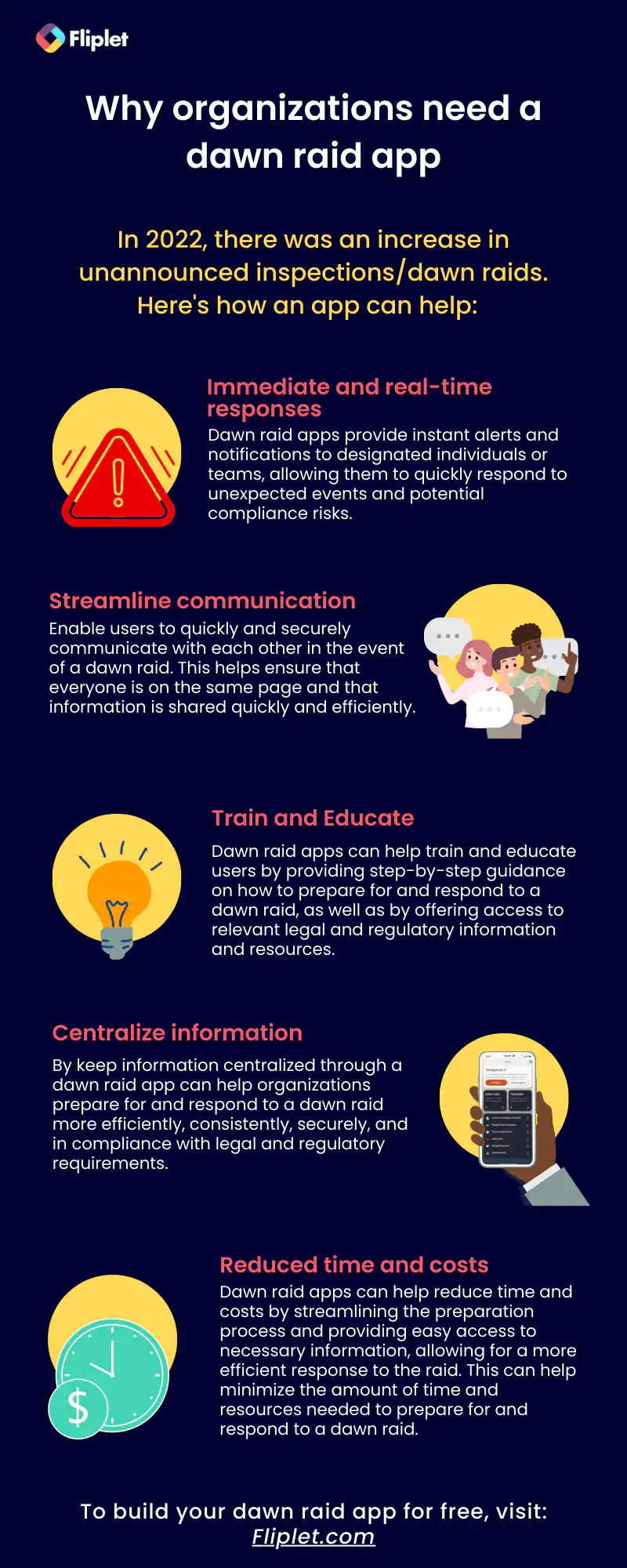
## Why do most law firms offer a dawn raid app to their clients?
Many law firms offer a dawn raid app to their clients because it can help clients be better prepared for a potential dawn raid, which can reduce the risk of legal and reputational consequences.
A dawn raid app typically includes information on what to expect during a raid, how to respond to investigators' requests, and guidance on protecting legal rights. It can also provide quick access to a law firm's lawyers and support staff, who can provide real-time advice and assistance during a raid.
### By offering a dawn raid app, law firms can help their clients
- **Increase preparedness:** Companies that are prepared for a dawn raid are more likely to respond quickly and appropriately, which can reduce the risk of legal and reputational damage.
- **Minimize disruption:** A well-prepared response can help minimize disruption to business operations and prevent investigators from accessing confidential or privileged information.
- **Protect legal rights:** A dawn raid app can provide guidance on how to protect legal rights, such as the right to legal representation and the right to remain silent.
- **Improve communication**: A dawn raid app can facilitate communication between the company and the law firm, ensuring that all relevant parties are informed and can respond quickly to any developments.
Overall, offering a dawn raid app can be an effective way for law firms to demonstrate their expertise in regulatory investigations and compliance, and to provide added value to their clients by helping them prepare for a potential dawn raid.
## Examples of dawn raid apps
### Bird & Bird
[Bird & Bird](https://www.twobirds.com/en/capabilities/client-solutions/insight/dawn-raid-app) is a law firm that offers a dawn raid app to help organizations prepare for regulatory inspections. The app provides guidance on how to handle a dawn raid, including checklists of items to prepare, guidance on how to respond to questions from regulators, and advice on how to manage the inspection process.
The app also includes a secure platform for recording and storing all relevant information and documentation, which can be useful in any subsequent legal proceedings or appeals.
Overall, the Bird & Bird dawn raid app is designed to help organizations manage the risks associated with regulatory inspections and to ensure that they are well-prepared to respond effectively to any situation that may arise.
### Clifford Chance
[Clifford Chance](https://www.cliffordchance.com/insights/resources/apps/dawn-raids-app.html) is a global law firm that offers a dawn raid app to help organizations prepare for regulatory inspections. The app provides guidance on how to handle a dawn raid, including checklists of items to prepare, guidance on how to respond to questions from regulators, and advice on how to manage the inspection process.
The app also includes a secure platform for recording and storing all relevant information and documentation, which can be useful in any subsequent legal proceedings or appeals. The app offers training modules to help organizations prepare their staff for a dawn raid, and it provides updates on regulatory developments and enforcement trends.
Overall, the Clifford Chance dawn raid app is designed to help organizations manage the risks associated with regulatory inspections and to ensure that they are well-prepared to respond effectively to any situation that may arise.
## How can Fliplet help organizations prepare for a dawn raid?
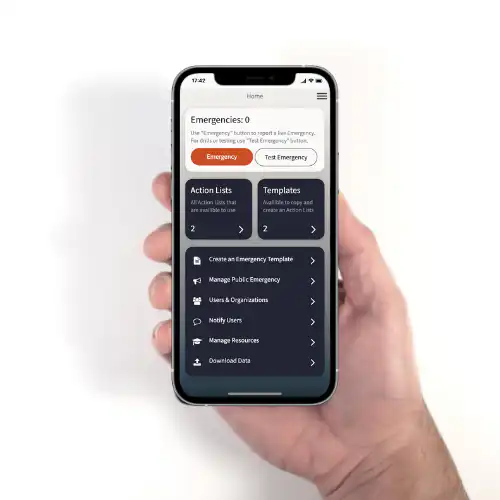
Fliplet is a no-code app builder that can help organizations prepare for a dawn raid by enabling them to create a custom app tailored to their specific needs.
For more on [custom application development](https://fliplet.com/blog/custom-application-development-in-six-steps/?et_fb=1&PageSpeed=off), read our blog.
### The benefits of using Fliplet for your dawn raid app
- **Quick and effective emergency response:** The solution includes pre-built checklists and customizable templates to help users follow step-by-step guidance in addressing various emergencies. An optional emergency hotline, live chat and notifications via push, email, and SMS are available to communicate with all parties involved in an emergency.
- **Expert assistance during an emergency**: The solution includes a directory of experts that users can contact if an emergency occurs, giving these experts the ability to monitor the situation and support clients as required.
- **Education and training:** The solution includes guides and courses to educate users on their roles during an emergency and how to respond. Create tests and drills to check users' knowledge.
- **Customization and scalability:** The solution can be customized for any specific requirements, including custom checklists, templates, and list of experts. Scale the solution for multiple emergency uses or create bespoke apps for each client.
- **Versatility of a mobile and web solution:** A convenient mobile app solution for use in active raids or inspections, coupled with an flexible web solution for managing raid and/or inspection information, reporting and data analysis.
- **Reduced time and costs**: By implementing a streamlined, mobile and web app solution for various scenarios, development and maintenance expenses are minimized.
Don't worry, if you are new to the app building world Fliplet is a no-code platform, anyone in an organization can build an app using Fliplet. Plus we have lots of [blogs](https://fliplet.com/blogs/), videos and [articles](https://help.fliplet.com/help-center/) to help you along the way.
Don't let a dawn raid catch you off guard! We know that preparing for a dawn raid can be a daunting task, but taking the necessary steps ahead of time can save you time, money, and stress down the line. In this blog, we've shared five essential steps to help you prepare for a dawn raid, from appointing a response team to conducting training simulations.
But why stop there? We suggest taking your preparation to the next level by using a dawn raid app. A dawn raid app can centralize information, streamline preparation, and provide easy access to important documents and resources, making the entire process more efficient and less overwhelming. By following these steps and utilizing a dawn raid app, you can ensure that your organization is well-prepared to handle a dawn raid and minimize any potential negative impact.
So what are you waiting for? Get started today!
## Why should a law firm build a client-facing dawn raid app with Fliplet?
A law firm may choose to build a client-facing dawn raid app with Fliplet for several reasons:
- **Centralized platform for information and communication** : A Fliplet dawn raid app can provide a centralized platform for law firms to manage their clients' response to a raid. By using the app, lawyers and clients can quickly access checklists and other resources needed to comply with investigators' requests, which can help facilitate a successful closure.
- **Detailed checklists to effectively implement an unannounced inspection plan**: With Fliplet, firms can create detailed checklists that clients can use to prepare for and respond to a dawn raid. These checklists help ensure that clients are fully prepared and can effectively implement an inspection plan.
- **Track inspection response progress with the emergency response dashboard:** Fliplet provides a dashboard that tracks the progress of the inspection response, giving clients and lawyers an overview of the situation and enabling them to make informed decisions.
- **One-button access to your multidisciplinary team of expert lawyers**: With Fliplet, you can include one-button access to a law firm's team of expert lawyers, enabling clients to quickly get advice and assistance when needed.
- **User-friendly and collaborative interface:** A dawn raid app built with Fliplet has a user-friendly interface that is easy for both lawyers and clients to navigate, facilitating collaboration between them.
- **Mobile, Web, Tablet App:** A dawn raid app built with Fliplet can be accessible on multiple devices, including mobile phones, tablets, and computers, ensuring that clients can access it from anywhere.
- **Customization**: A dawn raid app built with Fliplet can be customized to meet the specific needs of each client and jurisdiction.
- **Multilingual App**: Fliplet solutions can be available in multiple languages, making it more accessible to clients who may speak different languages.
- **Mock inspections or raids**: Within the Emergency Management solution firms can include a feature for mock inspections or raids, enabling clients to practice their response and prepare for the real thing.
- **Train clients**: A dawn raid app built with Fliplet can include an educational resource library that provides clients with access to additional information and resources.
- **Real-Time communication**: A dawn raid app built with Fliplet can include real-time communication tools that enable clients and lawyers to communicate with each other, even during an emergency.
- **Increase your firm's reputation and legal innovation:** Building a client-facing dawn raid app with Fliplet can demonstrate a law firm's commitment to providing innovative and effective solutions to their clients, enhancing their reputation and attracting new business.
Overall, building a client-facing dawn raid app with Fliplet can help law firms to provide added value to their clients by helping them prepare for a potential dawn raid, and demonstrating their expertise in regulatory investigations and compliance.
## FAQs
Dawn raid procedures refer to the steps that government authorities follow when conducting a surprise on-site inspection of a company's premises to investigate possible regulatory violations. These procedures can vary depending on the country and the type of regulatory agency involved. In general, however, a dawn raid procedure may involve the following:
1. Notification: The authorities may or may not provide advance notice of the inspection, depending on the jurisdiction and the nature of the investigation.
2. Identification: The authorities will identify themselves and present relevant documentation, such as a search warrant or an authorization letter.
3. Access: The authorities will request access to the premises, and may conduct a physical search of the property, as well as seize relevant documents, data, and other materials.
4. Interviews: The authorities may request to interview employees, managers, or other individuals present on the premises, and record their statements.
5. Exit: The authorities will conclude the inspection and provide a copy of the documentation seized, and may request further information or cooperation from the company.
It's important for companies to be prepared for these procedures and have a plan of action in place to minimize the potential impact of a dawn raid on their operations and reputation. Yes, a dawn raid is a legal process used by government authorities to investigate possible regulatory violations by companies. The authorities may conduct a surprise on-site inspection of a company's premises to search for evidence of non-compliance with applicable laws and regulations. The legality of a dawn raid can vary depending on the jurisdiction and the specific circumstances of the investigation.
In many cases, the authorities will obtain a search warrant or an authorization letter before conducting the inspection. Companies that are subject to a dawn raid are expected to cooperate with the authorities and provide them with access to the premises and relevant information. It's important for companies to be aware of their rights and responsibilities during a dawn raid and to seek legal counsel if necessary. One example of a dawn raid is when the European Commission (EC) conducted an unannounced inspection at the offices of several pharmaceutical companies in January 2021. The EC was investigating possible anticompetitive practices related to the production and distribution of certain medications.
The dawn raids were conducted in multiple EU countries, and the authorities collected documents and data from the companies' premises. The investigation is ongoing, and the companies are cooperating with the authorities. This is just one example of a dawn raid, which can occur in various industries and jurisdictions where there are suspicions of regulatory violations.
## Related links
- [14 Best Apps for Lawyers in 2026](https://fliplet.com/blog/the-14-best-apps-for-lawyers/): Fliplet compiled a list of the 14 best apps for lawyers in 2026. To find out more, click the button below.
- [Fliplet Webinar: Accelerate Lawyer Productivity and Strengthen Client Relationships with Legal Apps](https://info.fliplet.com/webinar-download-accelerate-lawyer-productivity-and-strengthen-client-relationships-with-legal-apps): Legal technology is rapidly evolving and reshaping the way that organizations work. To find out more, click the button below.
- [Fliplet Webinar: Is Mobile the Future of Legal Tech?](https://info.fliplet.com/webinar-registration-is-mobile-the-future-of-legal-tech): The state of legal tech and innovation: what we can learn from a panel of legal experts. To find out more, click the button below.
---
# AI for Law Firms: Tools, Strategies, and Future Trends
> AI for Law Firms: Tools, Strategies, and Future Trends. Compare features, pricing, tradeoffs, and use cases to choose the best fit for your team and goals.
Source: https://fliplet.com/blog/ai-for-lawyers/
Content type: Blog
Published: 2026-05-18T13:45:30
Updated: 2026-03-10T09:00:00
Read time: 14 minutes
# AI for Law Firms: Tools, Strategies, and Future Trends
When you look around today, you can see every industry is seeing a proliferation of AI tools. The legal profession is no different. Now, there are a seemingly endless selection of AI for [law firms](https://fliplet.com/blog/strategies-for-law-firm-retreat/).
As legal professionals grapple with increasing demands for efficiency and accuracy, AI is proving a powerful ally. But with all these AI tools for law firms, the question remains:
What are the best AI tools for law firms?
In this article, we'll tell you the exact tools to consider for your firm. We'll also explore why AI is becoming indispensable for [law firms](https://fliplet.com/case-studies/top-50-law-firm/), the tools making waves in the industry, and what the future holds for AI in legal practices.
## Key Takeaways
- AI for [law firms is revolutionizing the legal](https://fliplet.com/blog/law-firm-event-planning/) profession by enhancing efficiency, accuracy, and decision-making.
- The [top applications of AI tools for law firms include legal](https://fliplet.com/blog/legal-intranet/) research, document review, and predictive analytics.
- There are ethical risks to navigate if attorneys want to ensure responsible use, leading to a growing field of AI policy for [law firms](https://fliplet.com/case-studies/scottish-law-firm/).
- Fliplet offers AI tools for law firms that are trusted by many lawyers to optimize their operations.
## What is Artificial Intelligence for Law Firms?
Artificial Intelligence (AI) refers to the development of computer systems capable of performing tasks that typically require human intelligence. These tasks include reasoning, learning, problem-solving, perception, and language understanding.
For [law firms](https://fliplet.com/case-studies/top-30-uk-law-firm/), **AI is revolutionizing the way legal services are delivered** by enabling machines to simulate human intelligence in a variety of legal processes. AI is employed to automate routine tasks, analyze large volumes of data, and generate insights that were previously beyond reach.
In the context of legal operations, AI tools for law firms **assist in automating time-consuming tasks such as legal research, document review, and contract analysis, allowing lawyers to focus on more strategic aspects of their work.** The best AI tools for law firms not only improve operational efficiency but also enhance decision-making by providing data-driven insights.
## Applications of AI in the Legal Profession
AI's influence on the legal profession is expansive, with its applications transforming various aspects of legal work. Here's a closer look at how AI is making a difference in [law firms](/webinars/) today:
### Top 10 Ways Lawyers Are Leveraging AI
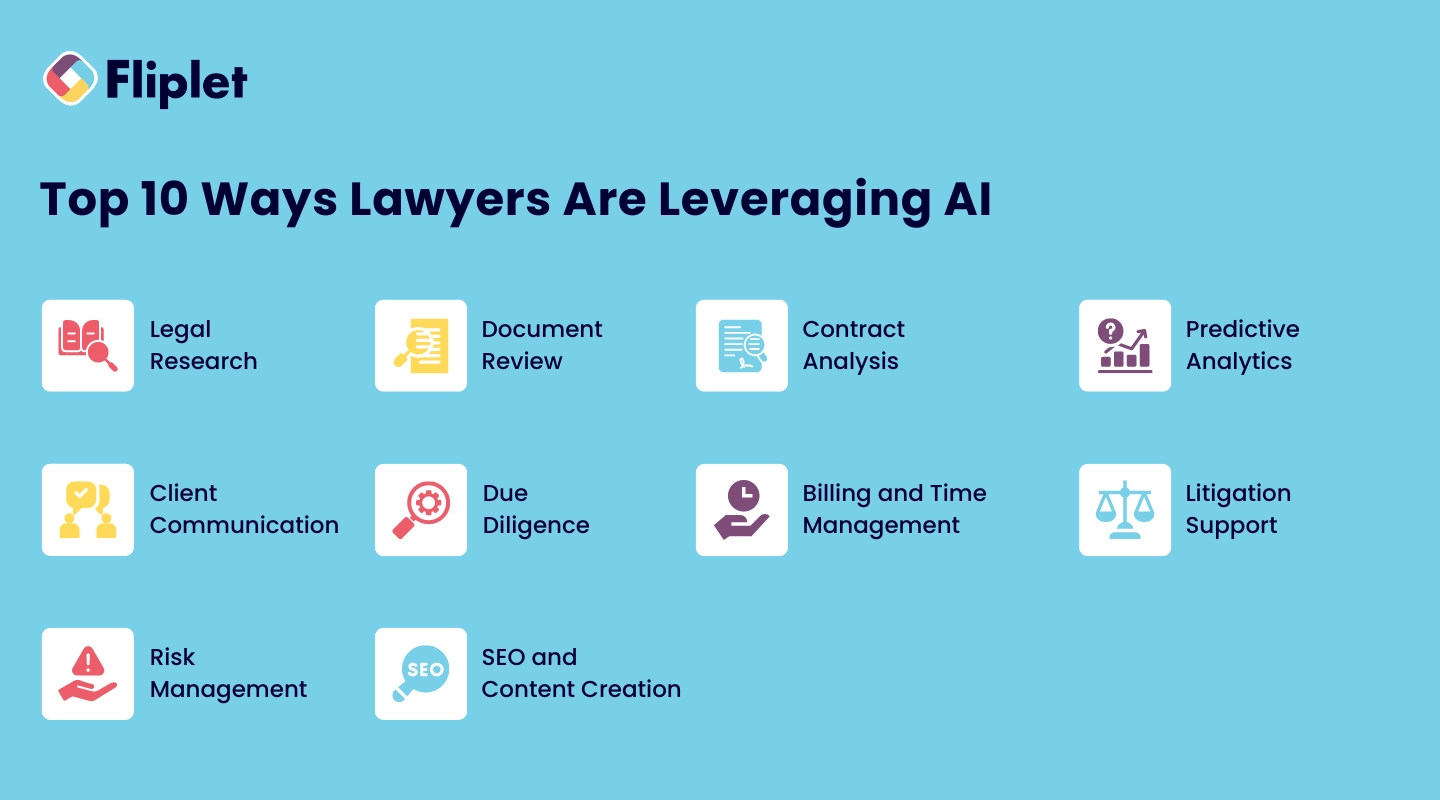
1. **Legal Research**: AI-powered tools like ROSS Intelligence and Casetext allow lawyers to conduct more comprehensive and faster legal research by analyzing vast databases of case law, statutes, and regulations.
2. **Document Review**: AI streamlines the document review [process](https://fliplet.com/app-creation-process/), enabling faster identification of relevant information and reducing the time spent on tedious tasks.
3. **Contract Analysis**: AI tools can automatically review and analyze contracts, highlighting potential issues and ensuring compliance with legal standards.
4. **Predictive Analytics**: AI can predict the outcomes of legal cases based on historical data, helping lawyers make informed decisions and strategize effectively.
5. **Client Communication**: Chatbots and virtual assistants powered by AI handle routine client queries, freeing up time for lawyers to focus on more complex matters.
6. **Due Diligence**: AI assists in the due diligence process by rapidly analyzing large volumes of documents and identifying risks, ensuring thorough and efficient evaluations.
7. **Billing and Time Management**: AI tools can track billable hours and manage invoices more accurately, reducing errors and ensuring timely payments.
8. **Litigation Support**: AI aids in the discovery process, organizing and retrieving relevant documents more efficiently during litigation.
9. **Risk Management**: AI assesses risks by analyzing patterns in legal data, helping law firms mitigate potential issues before they escalate.
10. **SEO and Content Creation**: AI tools assist law firms in optimizing their online presence by enhancing SEO strategies and even generating content tailored to specific audiences.
### Statistics: The Percentage of Lawyers Using AI Today
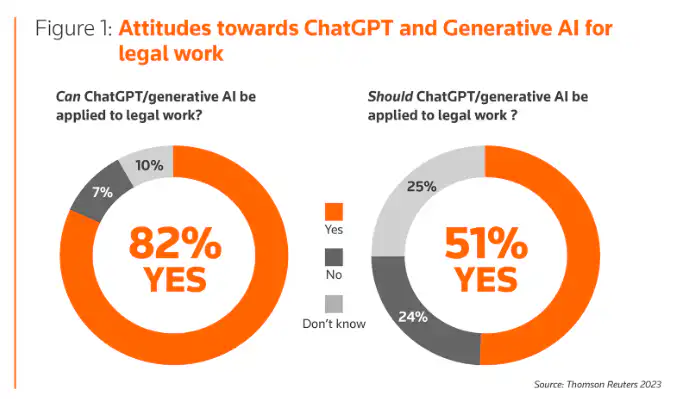
The adoption of AI in the legal field is rapidly increasing. Below are a few eye-opening statistics showing the field today.
- AI adoption depends on the size of the law firm. ([Source](https://www.linkedin.com/pulse/statistics-ai-adoption-law-firms-lawblocks-rrgqf/))
- 55% of large firms use AI
- 38% of medium firms use AI
- 20% of small firms use AI
- 73% of lawyers plan to [integrate](https://fliplet.com/integrations/) Generative AI (like ChatGPT) into their work within the next year. ([Source](https://www.wolterskluwer.com/en-gb/expert-insights/ai-for-lawyers-trends-impact-on-law-firms))
## Best AI Tools for Law Firms
When it comes to selecting AI tools for your law firm, it's essential to choose solutions that not only meet your immediate needs but also offer scalability and reliability for future growth. These [solutions for lawyers and attorney's staff](https://fliplet.com/solutions-for-lawyers-attorneys-staff/)
Here's a look at some of the best AI tools currently available for law firms:
### AI-Powered Legal Research Tools
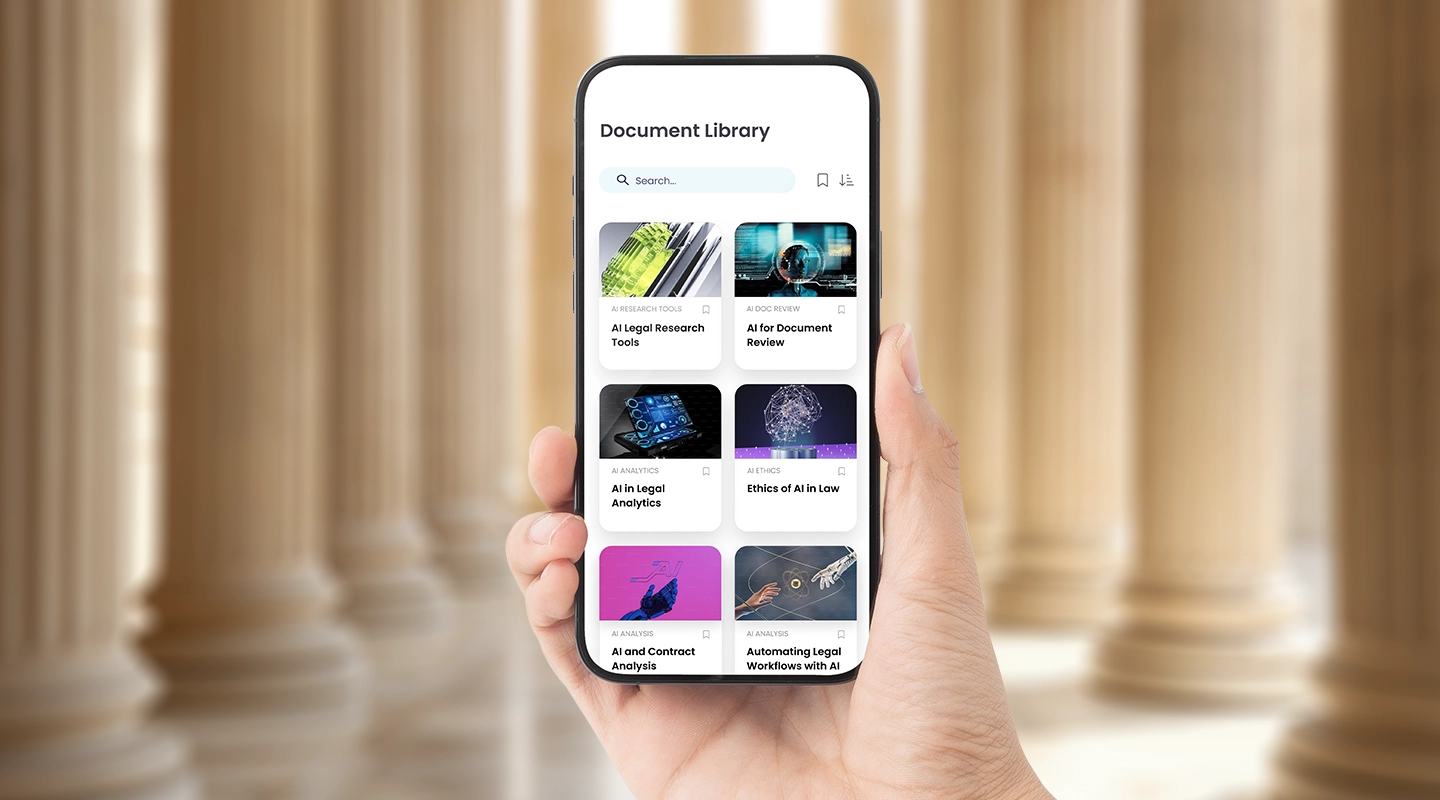
Legal research is a fundamental part of legal practice, and AI is revolutionizing this area by making research faster, more efficient, and more accurate. Here are some top AI-powered tools that are leading the way:
- **Fliplet:** When it comes to legal research, Fliplet allows [law firms to build apps](https://fliplet.com/blog/the-14-best-apps-for-lawyers/) for their attorneys to easily consume legal content with the help of AI-powered search. Using Fliplet's Learning Solution, law firms can add important content like research papers or cases into a document library. Lawyers can access the app and search for the best content using AI, getting better and faster response.
- **Casetext**: Casetext leverages AI and natural language processing to deliver precise legal research results. It allows lawyers to search through millions of cases, statutes, and legal documents swiftly, providing relevant information in a fraction of the time it would take manually. Casetext's AI-driven search capabilities help legal professionals find precedents and case law with greater accuracy, making it an indispensable tool for any law firm.
- **ROSS Intelligence**: Known for its intuitive interface and powerful AI algorithms, ROSS Intelligence is another excellent tool for legal research. It allows attorneys to pose questions in plain English and receive comprehensive answers drawn from a vast database of legal texts. This tool helps law firms save time and improve the accuracy of their legal research, making it a popular choice among legal professionals.
### Streamlining Document Review with AI
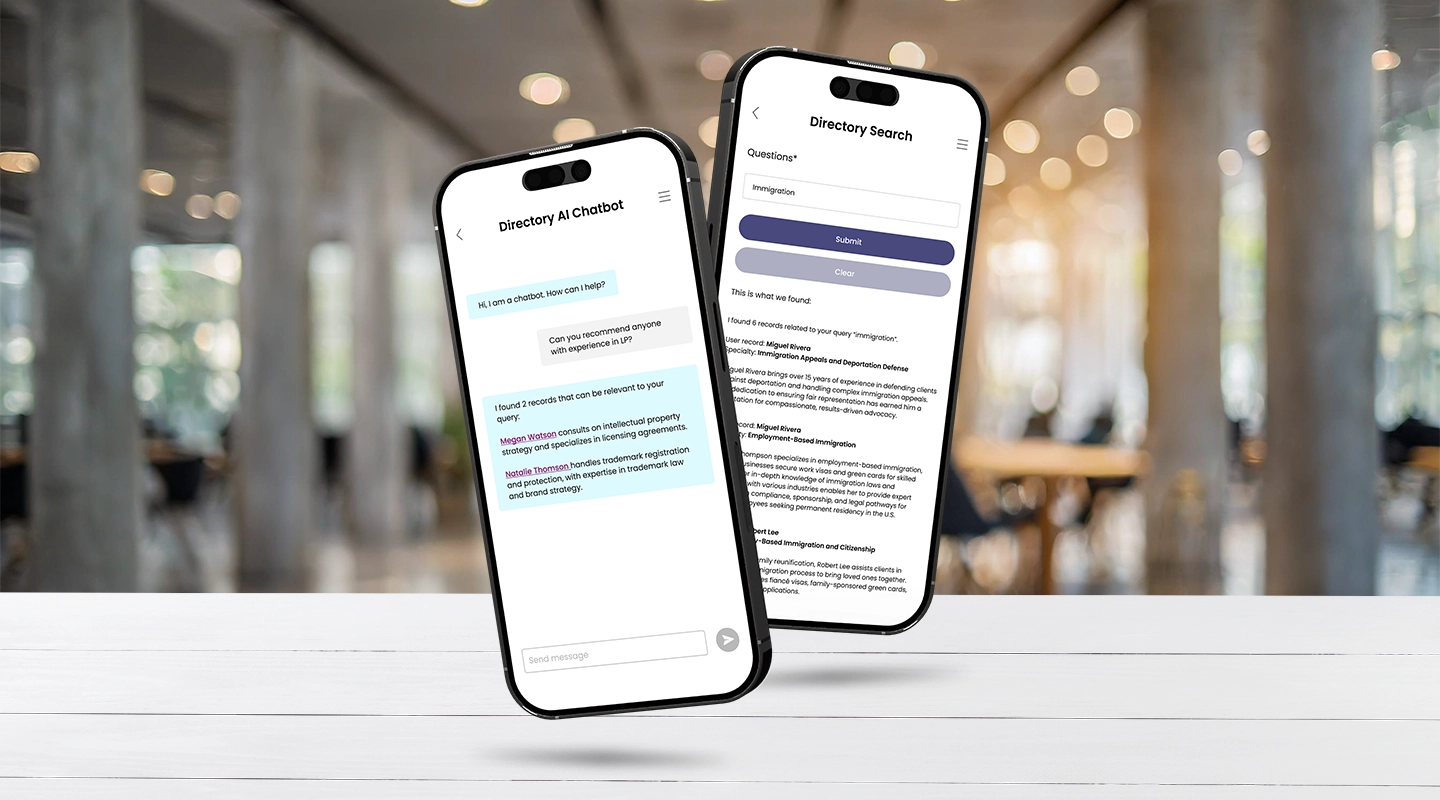
Document review is one of the most time-consuming tasks in legal practice, but AI is changing the game by automating and accelerating this process. The following tools are leaders in AI-driven document review:
- **Fliplet:** With Fliplet, law firms can create custom workflows that automate everything from document generation to review. The platform's AI capabilities allow for the creation of tools that can streamline things like NDA creation and review. For example, if you'd like to find someone to review your intellectually property document then you'd be able to easily use our AI search to find the best person in your law firm. This level of automation helps law firms save time, reduce errors, and increase overall productivity.
- **Luminance**: Luminance uses advanced machine learning to assist with document review, due diligence, and contract analysis. Its AI can quickly identify relevant information, flag anomalies, and highlight potential risks within large volumes of documents. This tool is particularly valuable for law firms dealing with extensive document review tasks, such as mergers and acquisitions or litigation support.
- **Kira Systems**: Kira Systems is another powerful AI tool that automates document review. It is designed to identify, extract, and analyze key clauses and data points from contracts and other legal documents. By using Kira, law firms can significantly reduce the time and effort required for document review, enabling legal teams to focus on more strategic work.
## Navigating the Ethical Risks of AI in Legal Practice
While AI offers numerous benefits, it also presents ethical challenges that law firms must address to ensure responsible use. Fliplet offers [solutions for lawyers](https://fliplet.com/solutions-for-lawyers-attorneys-staff/) that give you the power to use AI while still staying deeply committed to ethical legal practice. Below are some considerations you should consider whenever choosing AI for law firms.
### **Industry Standards for Ethical AI Use in Law**
The legal profession is governed by strict ethical standards, and the use of AI must align with these principles.
The bar associations in many states have already sent out official statements on the use of GenAI tools. This summer, the American Bar Association (ABA) also [made an official statement](https://www.americanbar.org/content/dam/aba/administrative/professional_responsibility/ethics-opinions/aba-formal-opinion-512.pdf) (PDF) covering their concerns on the ethics of AI.
### Summarizing their findings, the ABA says the main risks with GenAI tools are
1. **Inaccurate Output**: GenAI tools can produce unreliable or inaccurate results due to limitations in the quality, breadth, and sources of the data they are trained on. They may also "hallucinate," creating plausible but entirely false responses.
2. **Confidentiality Risks**: Using GenAI tools could lead to the improper disclosure of client information. Self-learning GenAI tools, in particular, may inadvertently reveal sensitive information to others within or outside the firm.
3. **Competency Issues**: Lawyers must have a reasonable understanding of the capabilities and limitations of GenAI tools. Uncritical reliance on these tools can result in violations of the duty to provide competent legal representation.
4. **Supervision**: Lawyers have a responsibility to ensure that other lawyers and non-lawyers within the firm use GenAI tools in a manner that complies with professional ethical standards.
5. **Ethical Duties in Litigation**: There is a risk of submitting false or misleading information generated by GenAI tools in court proceedings, which could violate ethical duties of candor toward the tribunal.
6. **Reasonable Fees**: Lawyers must ensure that the fees they charge for using GenAI tools are reasonable and reflect the actual time spent and the tool's efficiency.
#### **Best Practices for Mitigating Ethical Risks**
To mitigate ethical risks, AI for law firms should be used only within clear guidelines for its use. There should be regular audits of AI tools for law firms, and staff should have ongoing training to fully understand the ethical implications of this technology. By staying vigilant and up-to-date on new guidelines, law firms can harness the power of AI while upholding their ethical obligations.
## The Future of AI in Law Firms
The [future of AI in the legal industry](https://fliplet.com/blog/legal-innovation/) is bright, with advancements in technology continually expanding the possibilities for AI applications. As AI tools become more sophisticated, law firms will increasingly rely on them to handle complex tasks, streamline operations, and enhance client service.
### Selecting the Right AI-powered Software
We've compiled a list of top AI-driven [legal tools that many law firms](https://fliplet.com/blog/employee-engagement-strategies-that-law-firm-retreats-would-benefit-from/) rely on to boost their productivity and deliver better outcomes for their clients. These solutions are designed to handle the most demanding tasks, providing the accuracy, efficiency, and scalability that modern law firms require.
### Top AI-Driven Legal Tools You Can Rely On
- **Fliplet:** Fliplet stands out as a versatile platform that enables law firms to build [custom AI tools](https://fliplet.com/ai-app-builders/) tailored to their specific needs. Whether you're looking to streamline document management, automate routine tasks, or create client-facing apps, Fliplet's flexibility makes it a top choice.
The platform is known for its ease of use, allowing law firms to quickly implement and scale AI-driven solutions without requiring extensive technical expertise. Fliplet's AI tools are designed to be intuitive, making it easier for legal teams to adopt and integrate them into their daily workflows.
### Here's how each of Fliplet's AI features could be utilized by a law firm
1. **AI-Driven Content Generation**: A law firm can use this tool to create tailored client communications, such as personalized legal updates or newsletters, based on specific client needs or cases.
2. **AI-Powered Content Summarization**: This feature could help lawyers quickly summarize lengthy legal documents, case law, or contracts, making it easier to review and extract key information.
3. **AI-Powered Chat and Search**: Implement this tool to enhance internal knowledge management systems, allowing lawyers and staff to quickly search through vast amounts of legal data or past cases. It could also be used for client-facing chatbots that provide instant legal information or case updates.
- **Clio:** Clio is a comprehensive [legal management software](https://fliplet.com/blog/best-legal-office-management-software/) that integrates AI to enhance various aspects of legal practice, from case management to billing. With Clio, law firms can automate time-consuming tasks, manage client communications more effectively, and keep track of billable hours with precision.The platform's AI features include predictive analytics that help lawyers make data-driven decisions, ensuring that firms stay on top of their cases and client needs. Clio's reputation for reliability and user-friendly design makes it a trusted solution for law firms of all sizes.
- **Luminance:** Luminance is a leading AI tool for document review and analysis. Using advanced machine learning algorithms, Luminance can sift through large volumes of legal documents, identifying key information and potential risks with remarkable speed and accuracy.This tool is particularly valuable for tasks such as due diligence, contract review, and compliance checks. Luminance's ability to learn and adapt to different legal contexts makes it an essential tool for law firms looking to improve the efficiency of their document review processes.
- **Casetext:** Casetext revolutionizes legal research by leveraging AI to deliver precise and relevant results faster than traditional methods. Powered by natural language processing, Casetext allows lawyers to search through millions of cases, statutes, and regulations, providing them with the information they need in a fraction of the time.The platform's AI-driven research tools help legal professionals find precedents and relevant case law with greater accuracy, making it a trusted resource for firms that require comprehensive legal research capabilities.
- **LawGeex:** LawGeex is an AI-powered contract review platform that [automates the process](/webinars/) of reviewing and approving contracts. By comparing contracts against a firm's predefined legal standards, LawGeex ensures that every contract meets the necessary compliance requirements.The platform can identify potential issues, suggest revisions, and provide insights into the legal language, making it easier for law firms to manage their contract workflows. LawGeex's ability to reduce the time and effort required for contract review makes it a valuable tool for any law firm aiming to streamline its operations.
## How to Choose the Best AI Tool for Your Law Firm
Selecting the right AI tool for your law firm requires careful consideration of your firm's specific needs, goals, and resources. Here are some tips to help you make the best choice:
1. **Assess Your Needs**: Identify the areas where AI can provide the most value, such as legal research, document review, or client communication.
2. **Evaluate Features**: Compare the features of different AI tools to find one that aligns with your firm's requirements.
3. **Consider Integration**: Ensure that the AI tool can seamlessly integrate with your existing systems and processes.
4. **Prioritize Security**: Choose AI tools that prioritize data security and confidentiality, especially given the sensitive nature of legal work.
5. **Look for Scalability**: Opt for AI solutions that can grow with your firm, offering flexibility as your needs evolve.
## Discover How Fliplet Enables Your Firm to Build AI Legal Tools
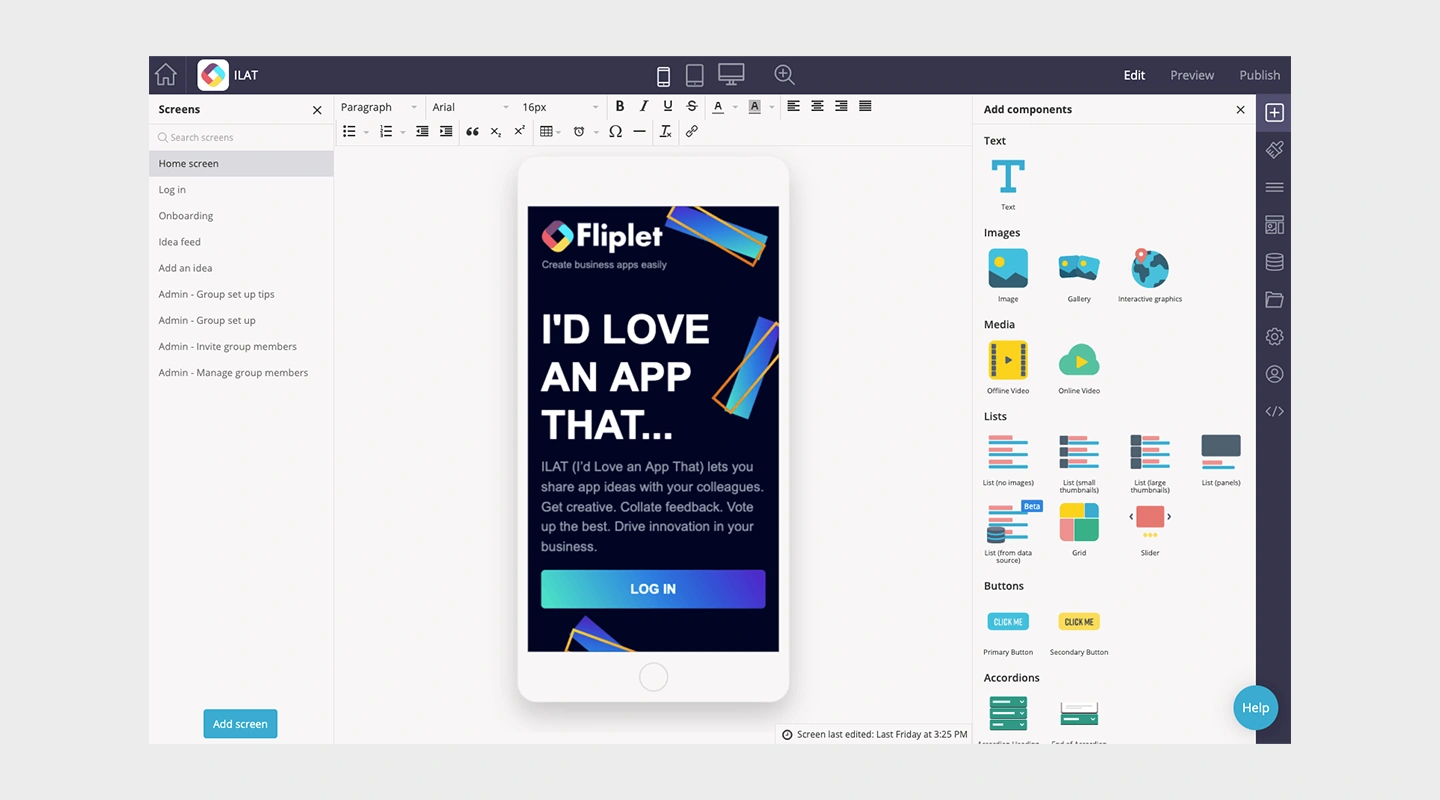
At Fliplet, we understand the unique challenges that law firms face, and we're here to help. Our platform empowers law firms to create custom AI tools that enhance efficiency and improve client service. With Fliplet, you can build AI-driven [legal solutions that are tailored to your firm's specific needs](/webinars/), ensuring you stay ahead of the competition.
[**Why Law Firms Love Using Fliplet**](https://fliplet.com/industry/legal/): Our clients appreciate the ease of use, flexibility, and scalability that Fliplet offers. Whether you're looking to streamline document review, enhance legal research, or improve client communication, Fliplet provides the tools you need to succeed. [Read more about our AI solutions for law firms here.](https://fliplet.com/industry/legal/)
Are you ready to start building the ultimate AI-powered tools for your law firm, all without using a single line of code?
[Check out Fliplet](https://fliplet.com/solutions/) and learn how this one platform can do it all.
## FAQs
### What AI software do law firms use?
[Law firms use a variety of AI software](https://fliplet.com/blog/ai-software-for-law-firms/) systems, including legal research tools, document review platforms, contract analysis software, and AI-powered chatbots.
### What are some of the most popular legal AI tools?
Some of the most popular legal AI tools include Casetext for legal research, Luminance for document review, and LawGeex for contract analysis.
### How has AI changed the legal profession?
AI has significantly changed the legal profession by automating routine tasks, enhancing the accuracy of legal research, and providing predictive insights that improve decision-making.
### How can AI benefit your legal department?
AI can benefit your legal department by increasing efficiency, reducing costs, and improving the quality of legal services provided to clients.
### Can AI help with legal content creation?
AI can be a valuable tool for content creation, helping law firms generate SEO-optimized content quickly and efficiently. However, it's important to ensure that the content aligns with your firm's voice and standards.
### See the latest insights from Fliplet
## Creating your business apps has never been easier
## Related links
- [Mobile Apps in the Top 200 Law Firms: Unveiling Insights from the 2026 Report](https://fliplet.com/blog/top-200-law-firms/): In this blog, Fliplet shares their research on the 200 top Law Firms.
- [20 Best Legal Apps for Lawyers and Law Firms in 2026](https://fliplet.com/blog/the-14-best-apps-for-lawyers/): In this article Fliplet has compiled a list of the top 20 legal apps for 2026. Find the best productivity and management apps for lawyers and law firms.
- [Employee Engagement Strategies that Law Firm Retreats would benefit from](https://fliplet.com/blog/employee-engagement-strategies-that-law-firm-retreats-would-benefit-from/): Gain a better understanding on the value of engaged employees and how Law Firm Retreats can benefit from this.
---
# AI in App Development in 2026: What's Changing and What to Do Next
> AI App Development in 2026: Trends, Risks and Strategy. Understand the main trends, risks, and opportunities so your team can make better-informed decisions.
Source: https://fliplet.com/blog/how-ai-will-disrupt-app-development
Content type: Blog
Published: 2026-05-18T15:16:15
Updated: 2026-05-19T11:10:00
Read time: 16 minutes
# AI in App Development in 2026: What's Changing and What to Do Next
AI is no longer a "nice to have" in software teams. In 2026, it is built into how apps are planned, designed, coded, tested, shipped, and improved.
The real disruption is not just faster code generation. It is the shift to **AI-augmented product delivery**: smaller teams shipping more often, with higher expectations for quality, governance, and measurable outcomes.
If you're deciding how to invest in AI app development this year, this guide breaks down what is actually changing, what risks matter most, and how to roll out AI safely in enterprise environments.
## Why AI app development feels different in 2026
The conversation has moved beyond "Can AI write code?" to "Can AI help us deliver better products end to end?"
Three market signals explain the shift:
- [McKinsey's 2026 *State of AI* report](https://www.mckinsey.com/~/media/mckinsey/business%20functions/quantumblack/our%20insights/the%20state%20of%20ai/2025/the-state-of-ai-how-organizations-are-rewiring-to-capture-value_final.pdf) shows **78% of organizations** use AI in at least one business function, and **71%** report using gen AI.
- [Stack Overflow's 2025 developer survey](https://survey.stackoverflow.co/2025/ai) reports **84% of developers** use or plan to use AI tools, while trust in raw AI outputs remains mixed.
- [GitHub's 2025 Octoverse update](https://github.blog/news-insights/octoverse/octoverse-a-new-developer-joins-github-every-second-as-ai-leads-typescript-to-1/) reports **1+ million pull requests** created by coding agents in a five-month window.
What this means in practice: AI is becoming a default part of delivery workflows, but human validation and governance are now strategic differentiators.
## AI-assisted vs AI-native app development
Many teams still blend these two ideas. Separating them helps with roadmapping and resourcing.
| Approach | Primary Goal | Typical Use Cases | Success Metric |
| --- | --- | --- | --- |
| AI-assisted development | Build software faster and better | Code generation, test automation, documentation, bug triage | Cycle time, defect rate, release frequency |
| AI-native app development | Deliver AI-powered product value | Copilots, semantic search, recommendations, workflow automation | User adoption, retention, task completion, revenue impact |
Most successful organizations in 2026 do both: they use AI to speed up engineering and to create better user experiences.
## 8 ways AI is disrupting app development in 2026
### 1. Discovery and planning are now AI-accelerated
Product teams use AI to synthesize customer interviews, support tickets, analytics, and market feedback into faster requirement drafts. This reduces time between insight and execution.
### 2. UX copy and prototype iteration are dramatically faster
Teams generate UI copy variants, onboarding flows, and prototype options in hours instead of weeks. Human designers still lead quality and brand consistency, but iteration speed is much higher.
### 3. Coding has shifted from autocomplete to agentic workflows
Developers increasingly assign scoped tasks to AI agents: writing boilerplate, refactoring modules, drafting tests, and proposing pull requests. Engineers remain accountable for architecture, edge cases, and approval.
### 4. QA and regression testing are becoming more proactive
AI can generate test cases from user stories, identify flaky tests, and suggest coverage gaps. This helps teams catch issues earlier and reduce release risk.
### 5. Security and compliance checks are moving left
AI-assisted scanning now supports earlier detection of vulnerable dependencies, risky patterns, and policy violations. For regulated teams, this is critical for shipping with confidence.
### 6. In-app support is shifting toward conversational interfaces
Smart assistants, contextual help, and guided workflows are now standard in many enterprise apps. Users expect answers in context instead of searching static help pages.
### 7. Personalization is becoming table stakes
Apps increasingly adapt content, recommendations, and workflows to user role, behavior, and intent. The competitive baseline has moved from "usable" to "relevant and adaptive."
### 8. Localization and accessibility are scaling faster
AI-assisted translation, content simplification, and interface adaptation help teams support broader audiences with less manual effort, while still requiring editorial and accessibility review.
## The biggest enterprise risks in AI app development
AI can accelerate delivery, but unmanaged rollout creates expensive problems. The most common failure points in 2026 are:
- Weak data governance: Sensitive data leaks into prompts or logs.
- Reliability gaps: Hallucinated outputs or brittle automations reach production.
- Cost surprises: Inference and model operations scale faster than expected.
- Security blind spots: Prompt injection and tool misuse are not tested.
- Change fatigue: Teams adopt tools faster than they adapt workflows.
A practical rule: treat AI features as production systems, not experiments, once they touch customer or business-critical workflows.
## A practical 2026 framework for AI app development
If you are building or modernizing apps this year, this rollout model helps teams move quickly with control.
### Step 1: Pick one high-impact workflow
Start with a painful, repeated workflow where speed, quality, or response time clearly matters.
### Step 2: Define success before building
Use measurable outcomes such as cycle-time reduction, lower support load, increased task completion, or reduced manual effort.
### Step 3: Choose the right build approach
For many internal and operational use cases, a low-code/no-code approach can deliver value fastest. For highly specialized features, combine platform speed with custom engineering.
### Step 4: Design with human-in-the-loop controls
Include approvals, confidence thresholds, and escalation paths for high-risk decisions.
### Step 5: Bake in governance from day one
Define rules for data access, logging, model usage, and compliance review before launch.
### Step 6: Monitor quality and cost continuously
Track response quality, latency, usage, and spend. AI products need operational visibility just like APIs and infrastructure.
### Step 7: Scale in phases
Expand to adjacent workflows only after proving business value and operational reliability.
## Where low-code and no-code fit in AI app development
In 2026, low-code/no-code is often the most practical entry point for enterprise AI app development because it helps teams:
- Launch secure pilots faster
- Validate use cases with real users
- Involve business teams without long engineering queues
- Standardize governance across departments
- Scale proven workflows into production apps
If you are exploring options, read our guide to [mobile enterprise app development without coding](https://fliplet.com/blog/mobile-enterprise-app-development-without-coding/) and our list of [no-code and low-code development platforms](https://fliplet.com/blog/the-best-no-code-low-code-development-platforms/).
## AI app development by industry in 2026
### Healthcare
AI-assisted triage, patient communication, and internal operations can reduce friction for both staff and patients. Success depends on strong data controls, auditability, and clinical oversight.
### Legal
Law firms and legal teams are using AI for intake support, knowledge retrieval, and document workflows. The key is balancing speed with confidentiality, privilege, and review discipline.
### Financial services
AI is used for risk analysis, service automation, and operations support, with strict focus on explainability, compliance, and fraud prevention.
### Education and training
Adaptive learning journeys, intelligent search, and automated content support improve learner outcomes when paired with instructional design and human review.
### Retail and ecommerce
AI-powered merchandising, search, and support experiences drive conversion and retention, especially when integrated with real-time customer and inventory signals.
## How to think about AI app development cost in 2026
Teams often underestimate recurring operating costs. A better budgeting model includes:
- Build costs: design, integrations, implementation, testing
- Data costs: preparation, governance, security controls
- Run costs: model inference, monitoring, observability, retraining
- People costs: product ownership, QA, compliance, change management
The most cost-effective strategy is usually phased delivery with strict KPI reviews at each stage.
## The 2026 bottom line
AI is not replacing app development. It is **restructuring** it.
Winning teams in 2026 are not the ones using the most AI tools. They are the ones that combine AI speed with clear product strategy, governance, and measurable outcomes.
If you want to modernize app delivery this year, start small, prove value fast, and scale responsibly.
To see how this works in practice, [book a demo](https://fliplet.com/book-a-demo/) and explore how Fliplet's [AI-powered platform](https://fliplet.com/platform-overview/) keeps governance close to delivery.
## FAQs
### What is AI app development in 2026?
AI app development in 2026 means using AI across the full software lifecycle, from planning and prototyping to coding, testing, release, and in-app user experiences. Teams now combine AI copilots, agentic workflows, and human review to ship faster without sacrificing quality, security, or compliance.
### What is the difference between AI-assisted and AI-native apps?
AI-assisted apps use AI to improve how teams build software, such as code generation or test automation. AI-native apps include AI as a core product feature, such as conversational assistants, recommendation engines, semantic search, or workflow automation embedded in the user experience.
### How much does AI app development cost in 2026?
Costs vary by scope, model usage, and compliance needs. The biggest cost drivers are product complexity, data readiness, integrations, governance requirements, and ongoing model operations. Most teams should budget for both build costs and recurring run costs like inference, monitoring, and model updates.
### Is low-code or no-code still relevant for AI app development?
Yes. In 2026, low-code and no-code platforms are often the fastest path for internal tools, process apps, and enterprise workflows that need AI features without long engineering cycles. Teams can combine low-code speed with IT oversight, security controls, and custom integrations when needed.
### How can enterprises adopt AI in app development safely?
Start with one high-value use case, define clear success metrics, and keep a human review layer for critical workflows. Add data governance, security controls, and model monitoring from day one. Scale only after proving quality, reliability, and measurable business impact.
## Related links
- [Ultimate Guide: How to scale mobile enterprise app development without coding or IT resources](https://fliplet.com/blog/mobile-enterprise-app-development-without-coding/): Fliplet compiled an ultimate guide on how to scale mobile enterprise app development without coding or IT resources
- [Top 10 Mobile Enterprise Application Platforms](https://fliplet.com/blog/top-10-mobile-enterprise-application-platforms/): Fliplet compiled a list of the top 10 mobile enterprise application platforms. Read more within.
- [The Best Low Code/No Code Development Platforms](https://fliplet.com/blog/the-best-no-code-low-code-development-platforms/): Fliplet compiled a list of the best Low Code/No Code Development Platforms. Find out more within.
---
# Attorney Marketing: Ultimate 2026 Growth Guide
> Attorney Marketing: Ultimate 2026 Growth Guide. Get practical steps, planning tips, and common pitfalls to avoid so your team can move faster with less risk.
Source: https://fliplet.com/blog/attorney-marketing/
Content type: Blog
Published: 2026-05-18T10:34:51
Updated: 2026-03-10T09:00:00
Read time: 12 minutes
# Attorney Marketing: Ultimate 2026 Growth Guide
In an increasingly competitive legal landscape, attorney marketing has become essential for law firms looking to stand out, attract clients, and grow their practice.
The attorney marketing strategies that once worked are evolving, and [law firms must adapt to the latest trends](https://fliplet.com/blog/ai-for-lawyers/) and tools to thrive.
This guide offers a comprehensive look at attorney marketing, providing innovative strategies and tips that will help your [law firm](https://fliplet.com/blog/the-14-best-apps-for-lawyers/) succeed in this dynamic environment.
## Key Takeaways
- Understanding the importance of attorney marketing in 2026.
- Essential strategies for building a professional presence for online marketing for attorneys.
- Attorney marketing ideas to differentiate your law firm and attract clients.
- Traditional marketing techniques that remain effective.
- Challenges and trends in law firm digital marketing.
- The role of metrics in measuring the success of your attorney marketing efforts.
## What is Law Firm Marketing?
[Law firm](https://fliplet.com/case-studies/top-30-uk-law-firm/) marketing encompasses a broad range of activities aimed at promoting legal services to potential clients.
[Effective law firm marketing goes beyond](https://fliplet.com/legal-market-report-mobile-apps-in-law-firms/) traditional advertising; it involves building a strong online presence, leveraging technology, and engaging with clients in meaningful ways. [With the rise of digital tools, law firms can now create apps](/webinars/), optimize their websites, and utilize social media to enhance their marketing efforts. It's all part of creating [the best marketing solution](https://help.fliplet.com/marketing-solution/) for a given law firm.
Building apps within the [legal industry](https://fliplet.com/blog/legal-innovation/), for instance, can significantly enhance your marketing strategy. Apps can be used to provide clients with easy access to legal resources, schedule consultations, or even offer personalized legal advice. This not only improves client engagement but also positions your law firm as a tech-savvy and client-focused practice.
### Differences Between Law Firm Marketing and Attorney Marketing
While often used interchangeably, there are subtle differences between law firm marketing and attorney marketing. [Law firm](/webinars/) marketing typically focuses on promoting the firm as a whole, including its services, brand, and reputation. Attorney marketing, on the other hand, often zeroes in on individual attorneys within the firm, highlighting their expertise, achievements, and unique value propositions.
Both approaches are crucial for a comprehensive marketing strategy. While firm-wide marketing builds overall brand recognition and trust, attorney-specific marketing allows for a more personalized connection with potential clients. By balancing both, law firms can [create a more robust and effective marketing plan](https://events.fliplet.com/blogs/event-marketing-plan-steps-and-tools/).
## Types of Law Firm Marketing Strategies for Firms & Attorneys
To succeed in attorney marketing, law firms must employ a mix of strategies that build credibility, [engage clients](/webinars/), and enhance visibility. Here are some of the most effective marketing strategies for law firms and individual attorneys in 2026.
### Building a Professional Online Presence
A professional online presence is the cornerstone of any modern marketing strategy. In the digital age, potential clients are likely to search for legal services online before making a decision. Therefore, it's essential that your law firm's online presence is polished, informative, and easily accessible. If it proves especially difficult, consider using [marketing apps](https://fliplet.com/solution/marketing/) to make the process more effective and efficient.
- **Website Optimization for SEO and Mobile**: Your website is often the first point of contact between your firm and potential clients. It needs to be optimized for search engines (SEO) to ensure it ranks well in search results. Additionally, with the growing use of mobile devices, it's crucial that your website is mobile-friendly, offering a seamless experience across all devices.
- **Importance of High-Quality Content**: Content is king when it comes to online marketing for attorneys. Regularly publishing high-quality blogs, articles, and resources can establish your firm as an authority in your practice areas. This not only improves SEO but also builds trust with your audience.
- **Leveraging Social Media Platforms**: Social media is a powerful tool for connecting with potential clients and building your firm's brand. Platforms like LinkedIn, Facebook, and Twitter can be used to share content, engage with your audience, and promote your services. Social media also allows for more personalized interactions, helping to humanize your firm and build stronger client relationships.
### Innovative Attorney Marketing Ideas
To stay ahead of the competition, law [firms need](/webinars/) to think outside the box and adopt innovative marketing ideas that resonate with today's clients.
- **Video Marketing, Podcasts, and Webinars**: Video content, podcasts, and webinars are excellent ways to engage with clients on a deeper level. These formats allow you to showcase your expertise, explain complex legal concepts, and connect with clients in a more dynamic and interactive way.
- **Client Testimonials and Case Studies**: Potential clients often seek reassurance that your firm can deliver results. Client testimonials and case studies provide social proof of your firm's capabilities, helping to build trust and credibility.
- **Hosting Legal Workshops and Seminars**: Hosting events such as workshops, seminars, or webinars can position your firm as a thought leader in your practice areas. These events offer valuable insights to your audience while also providing an opportunity to showcase your expertise. Using an [events app builder](https://events.fliplet.com/solution/events-app-builder/) like Fliplet's can help you organize and promote these events effectively, ensuring maximum engagement and reach.
## Traditional Legal Marketing Techniques
While digital attorney marketing is essential, traditional marketing techniques still play a crucial role in building a successful law firm. These methods often complement online efforts, providing a well-rounded marketing strategy.
### Networking and Referral Programs
Networking remains one of the most effective forms of attorney marketing. Building relationships within the legal community, attending industry events, and joining professional organizations can open doors to new opportunities and referrals.
- **Encouraging Client Referrals**: Referral programs can be a powerful tool for generating new business. By encouraging satisfied clients to refer your services to others, you can expand your client base organically. Consider using a [feedback app](https://fliplet.com/solution/feedback-app/) to gather testimonials and identify clients who might be willing to provide referrals.
### Public Relations (PR) and Community Engagement
Public relations and community engagement help build your firm's reputation and establish a positive presence in your local community.
- **Sponsorships and Community Involvement**: Sponsoring local events or getting involved in community activities can increase your firm's visibility and show your commitment to the community. This form of attorney marketing not only enhances your brand but also helps build relationships with potential clients.
- **Leveraging Media Exposure for Brand Credibility**: Media exposure, whether through press releases, interviews, or guest articles, can significantly boost your firm's credibility. Being featured in reputable publications or on news platforms positions your firm as a trusted authority in the legal field.
## 11 Strategies & Ideas to Market Your Law Firm Effectively

Looking for direct attorney marketing tips you can implement today? This section is for you.
Marketing a law firm effectively requires a multifaceted approach that covers all aspects of your practice. Here are 11 strategies to help you market your law firm successfully in 2026:
1. **Build a Website or Web App**: With internet marketing attorneys have the ability to reach as wide a group as possible. For this, a professional, well-designed website is essential. Consider adding a web app to provide clients with easy access to resources, case tracking, or appointment scheduling—just like [the law firm Mayer Brown did](https://fliplet.com/case-studies/mayer-brown/). Because they did that with Fliplet, they were then able to produce a range of new tools using the exact same platform they were already familiar with.
2. **Build a Mobile App**: [A mobile app can enhance client engagement](https://fliplet.com/blog/boost-your-digital-content-marketing-strategy-with-apps/) by offering services such as legal advice, document uploads, or direct communication with your attorneys. Fliplet's app-building solutions make it easy to create custom apps tailored to your firm's needs—including for your attorneys to communicate together, like [BLG BEYOND developed](https://fliplet.com/case-studies/blg-beyond/).
3. **Leverage Content Marketing**: Create and share valuable content that addresses your audience's legal concerns. Blog posts, whitepapers, and infographics can drive traffic to your site and establish your firm as an expert in your field.
4. **Utilize Social Media Marketing**: Engage with potential clients on social media platforms. Share content, join conversations, and use targeted ads to reach your audience.
5. **Implement Pay-Per-Click (PPC) Advertising**: PPC advertising can drive immediate traffic to your website. By targeting specific keywords related to your practice areas, you can attract clients actively searching for legal services.
6. **Focus on Local SEO**: Online marketing for attorneys has to be made relevant to your local audience. Optimize your website for local search terms to attract clients in your geographic area. Claiming and optimizing your Google My Business listing is a crucial step in local SEO.
7. **Invest in Email Marketing**: Email marketing remains one of the most effective ways to nurture leads and maintain client relationships. Send regular newsletters, legal updates, or personalized content to [keep your audience engaged](/webinars/).
8. **Network and Build Referrals**: Attend industry events, join professional organizations, and build a referral network with other legal professionals.
9. **Manage Your Online Reputation**: Monitor and manage your online reviews and reputation. Respond to client feedback, address negative reviews, and encourage satisfied clients to leave positive reviews.
10. **Analyze and Measure Your Marketing Efforts**: Use analytics tools to track the performance of your attorney marketing campaigns. Adjust your strategies based on what's working and where improvements can be made.
11. **Stay Updated with Industry Trends**: The legal industry is constantly evolving. Stay informed about the latest marketing trends, digital tools, attorney marketing tips, and client expectations to keep your firm ahead of the curve.
## Challenges in Law Firm Digital Marketing
Digital attorney marketing presents unique challenges for law firms, from staying up-to-date with the latest trends to overcoming common pitfalls.
### Adapting to Digital Trends for Attorney Marketing
The digital landscape is continually evolving, and law firms must adapt to remain competitive. This includes staying informed about new marketing platforms, understanding changes in search engine algorithms, and embracing new technologies like AI and automation.
### Overcoming Common Pitfalls
Some of the most common pitfalls in attorney marketing include neglecting your online presence, unclear branding, and failing to track your marketing efforts. To overcome these challenges, it's essential to have a clear marketing strategy, maintain a consistent brand message, and regularly review the performance of your marketing campaigns.
## Measuring Success: Attorney Marketing Metrics
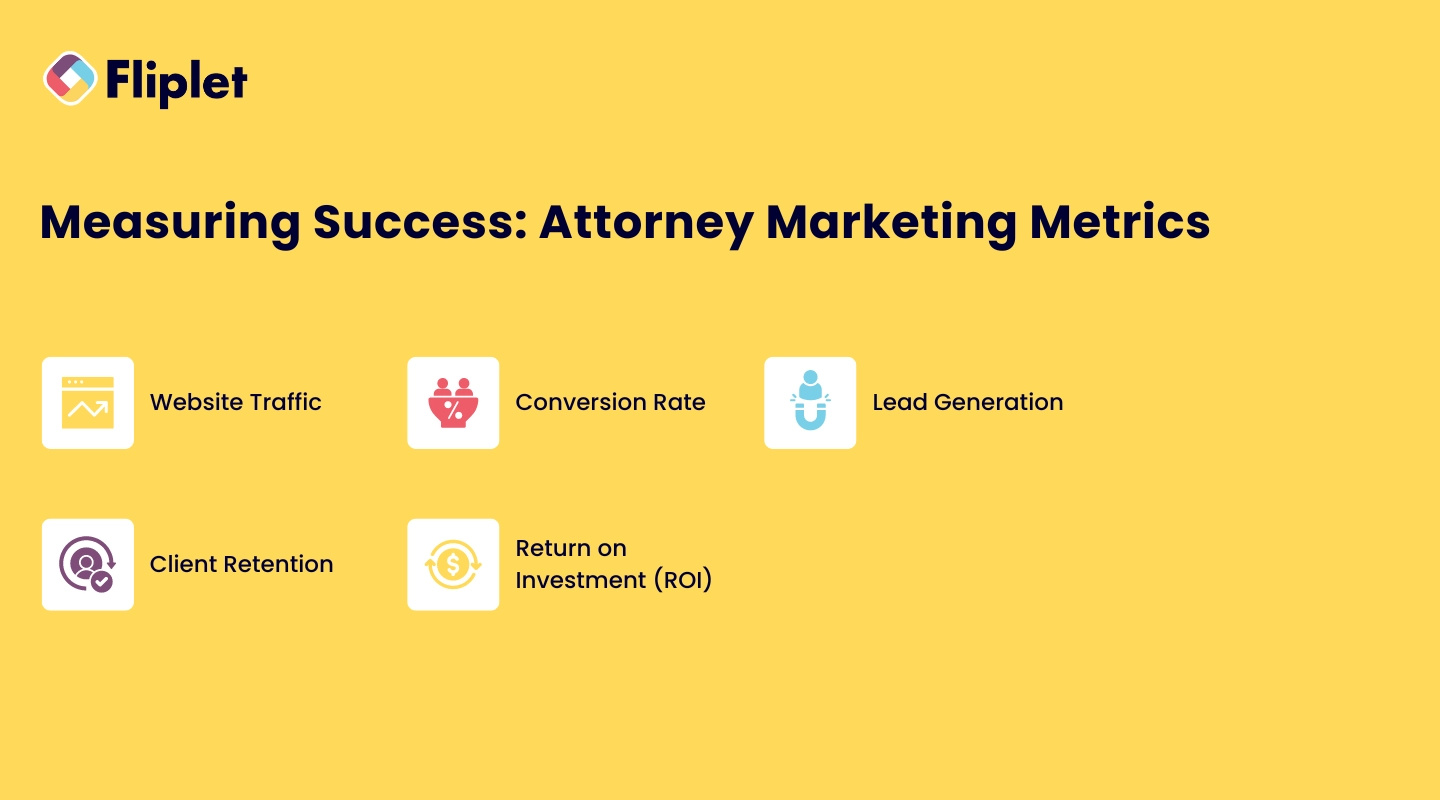
To ensure that your attorney marketing ideas and efforts are paying off, it's crucial to measure their success using specific metrics and to [keep these front and center](https://fliplet.com/solution/dashboard-app/) in your day-to-day process.
### Key Performance Indicators (KPIs)
KPIs are essential for tracking the effectiveness of your attorney marketing strategies. Some important KPIs for law firm marketing include:
- **Website Traffic**: The number of visitors to your website can indicate how well your marketing efforts are driving traffic.
- **Conversion Rate**: The percentage of website visitors who take a desired action, such as filling out a contact form or scheduling a consultation.
- **[Lead Generation](/webinars/)**: The number of leads generated through your marketing efforts.
- **Client Retention**: The percentage of clients who return for additional services or refer your firm to others.
- **Return on Investment (ROI)**: The overall profitability of your marketing campaigns, calculated by comparing the cost of your marketing efforts to the revenue generated.
## Future Trends in Legal Marketing
As we look to the future, several trends are expected to shape the landscape of [legal marketing](https://fliplet.com/legal-ebook-registration/) in 2026 and beyond.
### Trends in Digital and Website Marketing for Law Firms
Digital attorney marketing will continue to dominate the legal industry, with an increasing focus on personalized client experiences, interactive content, and mobile optimization. Law firms that embrace these trends will be better positioned to attract and retain clients.
### The Role of AI in Legal Marketing
[AI is transforming the way](https://fliplet.com/ai-app-builders/) law firms approach online marketing for attorneys. From automating routine tasks to providing data-driven insights, AI tools can help law firms streamline their marketing efforts and make more informed decisions.
As AI technology continues to advance, its role in internet marketing for attorneys is expected to grow, offering new opportunities for firms to enhance their overall strategies.
## Why Law Firms Prefer Fliplet for Delivering Marketing Solutions
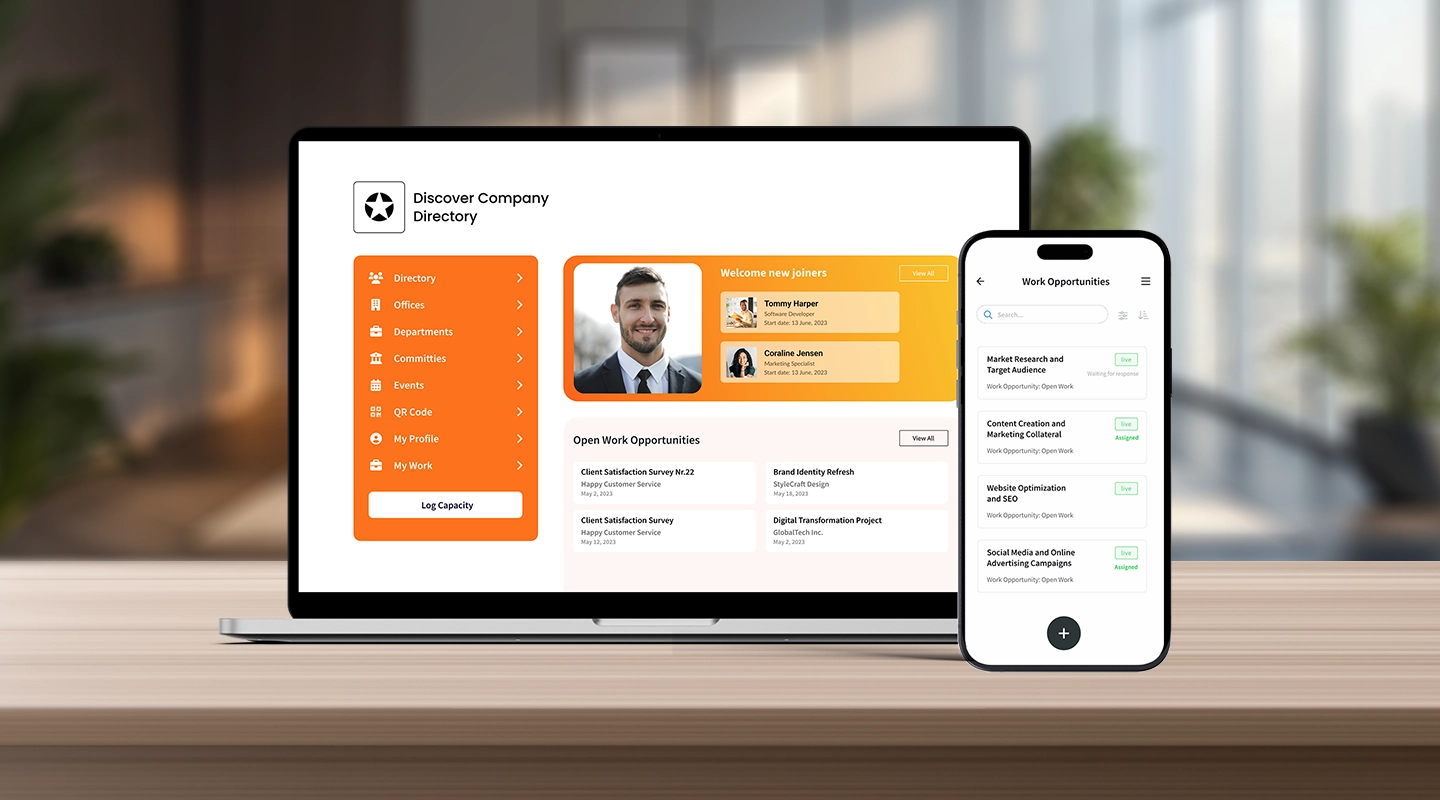
[Fliplet offers law firms a comprehensive platform](https://fliplet.com/blog/low-code-app-platforms-among-law-firms/) for creating, managing, and optimizing their attorney marketing efforts. With Fliplet, law firms can build custom web and mobile apps and enhance client engagement.
- **Customizable Solutions**: [Fliplet's platform allows law firms](/legal-it/) to create tailored marketing solutions that meet their specific needs. Whether you need a feedback app, an [events app](https://events.fliplet.com/blogs/25-best-mobile-event-apps/), or a comprehensive marketing solution, Fliplet provides the tools to help your firm succeed.
- **Ease of Use**: Fliplet's intuitive interface makes it easy for law firms to manage their marketing efforts without needing extensive technical expertise. The platform's drag-and-drop functionality allows for quick and efficient content creation and app development.
- **Scalability**: As your firm grows, Fliplet's platform can scale with you, offering the flexibility to add new features and functionality as needed.
- **Support and Expertise**: Fliplet offers comprehensive support to help law firms get the most out of their platform. From initial setup to ongoing maintenance, Fliplet's team is available to assist with any questions or challenges that arise.
[**Discover Fliplet's marketing solutions**](https://fliplet.com/solutions/) and see how our platform can help your law firm achieve its marketing goals in 2026 and beyond.
## FAQs
Online marketing is crucial for attorneys because it helps build visibility, attract clients, and establish credibility. In today's digital age, potential clients are likely to search for legal services online, making it essential for attorneys to have a strong online presence.
Effective attorney marketing tips include building a professional website, leveraging content marketing, utilizing social media, and focusing on local SEO. Additionally, networking, referral programs, and public relations can complement digital efforts.
Content marketing allows law firms to share valuable information with potential clients, demonstrating their expertise and building trust. By regularly publishing blogs, articles, and resources that address common legal concerns, law firms can attract and engage clients.
The best way to start with attorney marketing is by building a professional online presence, including a well-optimized website and active social media profiles. From there, law firms should focus on content marketing, SEO, and networking to build their brand and attract clients.
SEO is vital for attorney marketing because it helps law firms rank higher in search engine results, making it easier for potential clients to find them. Optimized content, local SEO strategies, and a mobile-friendly website are key components of a successful SEO strategy.
Social media plays a significant role in attorney marketing by providing a platform for law firms to connect with potential clients, share content, and build their brand. It also allows for more personalized interactions and engagement, which can help build trust and loyalty.
A capital markets attorney specializes in the legal aspects of financial markets, particularly in relation to the buying and selling of securities, such as stocks, bonds, and derivatives. These attorneys play a critical role in advising clients on complex financial transactions and ensuring compliance with regulatory requirements.
### See the latest insights from Fliplet
## Creating your business apps has never been easier
## Related links
- [Boost Your Digital Content Marketing Strategy with Apps](https://fliplet.com/blog/boost-your-digital-content-marketing-strategy-with-apps/): Discover how you can boost your digital content marketing strategy through the use of apps. Find out more within.
- [20 Best Legal Apps for Lawyers and Law Firms in 2026](https://fliplet.com/blog/the-14-best-apps-for-lawyers/): In this article Fliplet has compiled a list of the top 20 legal apps for 2026. Find the best productivity and management apps for lawyers and law firms.
- [Mobile Apps in the Top 200 Law Firms: Unveiling Insights from the 2026 Report](https://fliplet.com/blog/top-200-law-firms/): In this blog, Fliplet shares their research on the 200 top Law Firms.
---
# Base44 vs Fliplet: Which AI Software Builder Is Right for Enterprise Teams?
> Compare Base44 vs Fliplet for AI software projects, governance, security review, integrations, mobile rollout, support, and long-term business ownership.
Source: https://fliplet.com/blog/base44-vs-fliplet/
Content type: Blog
Published: 2026-07-08T17:26:00+01:00
Read time: 12 minutes
# Base44 vs Fliplet: Which AI Software Builder Is Right for Enterprise Teams?
Most teams do not wake up wanting another piece of software. They wake up with a workflow that is too slow, a spreadsheet that has become too important, a client process that feels clunky, or an internal request that has been sitting in the IT queue for months. Someone needs a portal, a dashboard, a directory, a training workflow, an event experience, or a better way to collect and share information. The pressure is practical: build something useful without turning every business idea into a long development project.
That is why AI software builders are getting attention. For a business team, they can feel like a breakthrough. Instead of waiting for a full development cycle, a marketing team can sketch a client portal. An operations team can create a request workflow. An innovation team can test a new service idea. A law firm can explore a directory, event tool, training workflow, or client-facing experience before the idea loses momentum.
AI makes it much easier to create the first version of software. It does not automatically answer the questions that appear once people start depending on it. Who can access the data? Which systems does it connect to? Who approves the launch? What happens when a partner, client, or employee reports an issue? Who owns the next change?
That is why tools like Base44 and Fliplet are being compared more often. Both use AI to reduce the distance between "we need something" and "we have something people can try." The difference is whether that quick start also comes with the governance, rollout, and ownership model needed for production business software.
This is also where software builder comparisons become more useful. The important question is not just how impressive the first demo looks. It is whether the platform fits the level of control the project will need if the demo turns into something the business actually uses.
For broader context on this category, start with our guide to [vibe coding for business software](/blog/vibe-coding/). Then use this comparison to see why Fliplet is a stronger fit for rollout, governance, and ownership needs.
Base44 enters the conversation when speed is a clear priority. Its public site describes a prompt-led platform that can turn plain-language instructions into working software, with structure, design, logic, data storage, authentication, hosting, analytics, and custom domains handled inside the platform.
Fliplet also helps teams start from a prompt and get to a working version quickly. Its value is that the same fast start is paired with the questions enterprise teams ask when software becomes real: security review, stakeholder approval, integrations, mobile access, permissions, launch support, and a clear owner after release.
The useful comparison is not whether Base44 can create something quickly. It can. The stronger buying question is whether the project needs governed rollout and long-term ownership. Fliplet is a stronger fit for teams that want speed and a clear path to approved software.
## Short Answer
Treat Base44 only as benchmark context for fast web-first creation, especially for a prototype or focused internal tool that a small team can own.
Fliplet is a stronger fit when the team needs a fast AI software builder for production-ready business software. Governance, security review, integrations, permissions, web and mobile rollout, and enterprise support stay part of the plan.
The shortest version is this: Base44 helps teams get to a working version quickly. Fliplet does the same and is built for the point where that working version needs to pass enterprise questions about access, rollout, support, and ownership.
That difference matters most when the project moves beyond a small experiment. A prototype can be judged by speed, usefulness, and how quickly the team learns. Production software has a longer checklist. It needs the right users, the right permissions, the right systems, the right support model, and enough governance that nobody is surprised after launch.
## Quick Comparison
| Criteria | Base44 | Fliplet |
| --- | --- | --- |
| Category fit | AI software builder for teams that want to move from prompt to working web software quickly. | AI software builder for the same quick prompt-led start plus governed web and mobile business software. |
| Creation flow | Prompt-led creation with structure, design, logic, data storage, authentication, hosting, analytics, and custom domains handled inside the platform. | Prompt-led creation and guided iteration with stakeholder review, delivery support, and rollout planning. |
| Governance | Publishes enterprise controls such as SSO, SCIM, publishing permissions, IP allowlists, workspace secrets, data residency, collaborator controls, and connector management. | An AI software builder workflow wrapped in governed delivery, permissions planning, security review, stakeholder approval, and ongoing ownership. |
| Security | Useful when a team can review permissions, secrets, collaborators, connectors, and data requirements around a fast web-first build. | Strong fit when quick creation also needs security review, access control, integration review, and launch planning as part of delivery. |
| Web and mobile | Best reviewed as a web-first creation path, with mobile expectations checked against the audience and rollout model. | Fast web and mobile business software for employees, clients, partners, event audiences, and professional-services teams. |
| Long-term ownership | Keep the review narrow to small, self-contained work where one team owns the result after the first version. | Strong fit when a fast first version also needs a clear owner, support model, adoption plan, and ongoing improvement. |
| Typical fit | Teams proving an idea quickly, building a prototype, or creating a focused internal tool. | Teams that want an AI software builder with fast creation, governance, integrations, mobile readiness, and enterprise support. |
The fair comparison is not "which tool has AI?" Both do. The difference is what each platform is trying to make easier.
Base44 sets a useful benchmark when a team wants to move from prompt to working web software quickly. That makes it comparison context for prototypes, early ideas, focused productivity tools, and situations where a small team can review and own the result.
Fliplet is a stronger fit for teams that want the same quick start and need the software to move beyond the first build. That usually means web and mobile users, stakeholder review, permissions, integrations, security questions, rollout planning, and ongoing business ownership.
So the decision is less abstract than most comparison pages make it sound. Are you trying to prove an idea, or are you trying to launch software that other people will depend on?
## What Base44 Emphasizes
Base44 is easiest to understand when the biggest obstacle is the blank page.
A user can describe the software they want in plain language and ask the platform to create it. Base44's public materials describe a workflow where the platform helps generate the interface, logic, data structure, user authentication, permissions, hosting, analytics, and domain setup.
That can be useful when a team needs to learn quickly. Many early ideas do not need a long discovery process before stakeholders can react to them. They need something clear enough to click through, challenge, and improve.
In the comparison, Base44 mainly emphasizes:
Testing a product or workflow idea
Creating a web-first product without traditional setup
Building dashboards, booking systems, CRMs, portals, or community experiences
Using AI chat to refine features, layout, logic, and data permissions
Starting from a prompt, plan, URL, or Figma design
Base44 also publishes enterprise controls that buyers may want to review. Its public enterprise docs include SSO, app SSO, publishing permissions, SCIM provisioning, IP allowlists, workspace secrets, data residency controls, external collaborator controls, member credit limits, and connector management.
The buyer's job is to decide whether those controls are enough for the way their organization actually approves, launches, supports, and changes software.
## Base44 Disadvantages
The disadvantages of Base44 are easiest to see when the first version starts turning into something more serious.
That does not make Base44 irrelevant. It makes the buyer's review more specific. A tool that helps a team create software quickly can make governance feel like a late-stage task. The result may look ready before the organization has agreed who owns the data model, who checks permissions, who approves integrations, or who supports users after launch.
The trade-offs to test are:
Governance can become a separate task. Base44 publishes enterprise controls, but buyers still need to decide how those controls fit their internal approval process. If governance is handled outside the build workflow, it can arrive late.
Fast creation can hide operational complexity. A prompt can create an impressive first version, but it does not remove decisions about data quality, access rules, support, change control, and release ownership.
Permissions still need human review. Base44's documentation describes AI-supported permissions and manual adjustment. That is useful, but sensitive workflows still need someone accountable for checking what each user can see and do.
Web-first delivery may not be enough. For simple browser-based tools, keep the review narrow. Teams that need polished mobile experiences, event software, field access, or a rollout plan across different audiences should compare Fliplet as a mobile and rollout alternative.
Integrations need more than technical connectivity. Even when connectors or APIs are available, enterprise buyers still have to confirm whether each integration is approved, secure, maintainable, and aligned with the business process.
Long-term ownership can be unclear. If a small team creates the software, the organization still needs to know who monitors it, improves it, handles user feedback, and decides when changes are safe.
Base44 needs a closer look if the project involves:
Confidential client, employee, or matter data
Department-specific access rules
External users
Regulated data residency requirements
Integration with approved enterprise systems
Mobile adoption beyond a responsive browser experience
Formal approval before launch
Long-term ownership by business teams
Base44's security documentation says the platform handles many controls out of the box, while also making clear that teams are responsible for reviewing settings before launch. Its data-permission docs explain that AI can help set permissions, but teams can review and adjust them manually.
That is a sensible model, but it only works if someone owns the review.
Before choosing Base44 for production work, define who checks permissions, who signs off security, who approves integrations, who controls publishing, and who supports users after launch. If those answers are unclear, the risk is not that AI helped create the software. The risk is that the software is ready before the organization is.
## What Fliplet Adds
Fliplet is built for teams that want an AI software builder and enterprise delivery in the same motion.
That distinction is important. In many enterprise teams, the difficult part is not coming up with a software idea. It is getting the idea approved, connected to the right systems, tested with the right users, launched to the right audience, and improved after feedback starts coming in.
With Fliplet, teams can start from a prompt, refine the workflow, involve business and IT stakeholders, prepare data and permissions, and launch with production governance. The work can move quickly without treating governance as a late-stage blocker.
Fliplet is the more useful conversation when the team wants quick creation and the project has a longer afterlife:
You need web and mobile business software
IT, security, or compliance teams need visibility before launch
The workflow needs permissions, data rules, and approval paths
The software needs integrations with approved systems
Business teams need to keep improving the software after launch
The project supports clients, employees, partners, or events
The team wants rollout support, not only a self-serve creation surface
You can explore the broader product story in the [Fliplet platform overview](/platform-overview/) and see how Fliplet compares with other delivery options on [Why Fliplet](/why-fliplet/).
That is not only a positioning claim. An [AM Law 200 firm used Fliplet](https://events.fliplet.com/case-studies/am-law-200-firm/) to launch a custom retreat app in under 30 days when its existing event software could not give the team the flexibility it needed. The first launch became the trusted resource for attendees, then opened the door to five more apps across the firm, including a directory, return-to-work, and onboarding tools.
That is the kind of outcome this comparison should come back to. A fast first version is useful, and Fliplet helps teams get there while also covering launch support, adoption, permissions, mobile access, and a path to the next workflow.
The difference shows up when a project stops being a useful experiment and starts attracting real users. A prototype can live with rough edges. Business software used by clients, employees, partners, or event audiences needs clearer answers for permissions, support, updates, and accountability.
## Where The Decision Changes
The comparison becomes clearer when you look at the handoff points that usually make or break an enterprise software project.
### Getting To A First Version
Base44's main comparison point is the immediate goal of getting something working. If the team has a clear idea and wants to see it on screen quickly, the prompt-led creation flow is the appeal.
Fliplet also helps teams get software on screen quickly. Its value is that the same fast start can move into review, testing, launch, and improvement without becoming a separate delivery problem.
### Business User Involvement
Both platforms are designed to reduce dependency on traditional development cycles. The difference is how much support the surrounding organization needs.
Keep the Base44 review narrow to cases where a small group can define, refine, and own the software. Fliplet is a stronger fit for business users who still need to move quickly while IT, security, compliance, or operations have visibility before the software reaches a wider audience.
### Access And Permissions
Access control is where a quick build can become complicated. It is one thing to create a useful workflow. It is another to decide who can see which records, who can edit data, who can publish changes, and what happens when an external user is involved.
Base44 publishes controls around visibility, data permissions, SSO, and enterprise access management. Fliplet is built for situations where permission planning needs to be part of the delivery process, rather than a setting someone checks at the end.
### Integrations
Base44 documents connectors, built-in integrations, custom integrations, and APIs. That is important for teams that want AI-created software to connect with existing systems.
For enterprise buyers, the question is not only whether an integration is possible. It is whether the integration is approved, secure, maintainable, and aligned with how the business process actually works. That is where Fliplet is designed to help teams bring business, IT, and security into the launch process earlier.
### Mobile And Rollout
Base44 is primarily a web-first creation path. Treat responsive mobile as something to validate against the audience and rollout model, not as an assumption.
Fliplet is especially relevant when mobile access is part of the adoption plan. If the audience includes employees in the field, event attendees, partners, clients, or teams that expect a more polished mobile experience, rollout planning matters as much as creation speed.
### Change After Launch
AI can make iteration faster, but it does not remove ownership. Someone still needs to decide what changes are allowed, who reviews them, how updates are communicated, and how the software keeps improving after feedback arrives.
Keep Base44 in the review only for smaller self-contained work where one owner can answer most post-launch questions. Projects that need sign-off from IT, security, compliance, marketing, operations, or client-facing teams make Fliplet a stronger fit.
## Security And Governance
Security is one of the most important parts of this comparison because AI-generated software can make review feel late unless governance is built into the delivery path.
Base44 publishes meaningful security and enterprise controls. Its docs reference security scanning, data permissions, SSO, secrets management, SOC 2 Type II, ISO 27001, GDPR, encryption at rest and in transit, data residency controls, penetration testing, and a bug bounty program. Its enterprise docs also include publishing controls, SCIM, IP allowlists, and workspace-level policies.
Controls like that are useful only if they match the way the organization actually reviews and owns software.
Before the first release, answer these honestly:
Who approves software before it goes live?
Who reviews data permissions?
Who owns identity, SSO, and user lifecycle management?
Who confirms integrations are approved?
Who monitors changes after launch?
Who supports users if the workflow becomes business-critical?
That is where Fliplet has an advantage: those questions can shape the work before users arrive. For more detail, review [Fliplet security](/security/) and [Fliplet integrations](/integrations/).
## Fit By Use Case
Use Base44 as a benchmark when the work is exploratory. If the project is a quick web product, a proof of concept, a small internal tool, or an early workflow test, speed and low setup can be the main criteria. A team can get something in front of users, learn from it, and decide whether it deserves more investment.
Fliplet is a stronger fit for production-bound software. Client-facing software, employee workflows, event software, directories, training tools, portals, and reporting experiences usually need more than a good first build. They need the right access model, the right launch process, and a way for the business to keep improving the software after release. You can explore the wider set of [Fliplet solutions](/solutions/) if you are comparing specific use cases.
Some projects sit in the middle. Keep the Base44 review narrow for simple internal workflows that remain self-contained. Workflows involving confidential information, external users, approved systems, or mobile adoption make Fliplet a stronger fit from the start because the delivery questions are part of the buying decision.
The issue is not choosing a fast tool for exploration. The issue is treating an exploratory tool choice as if it automatically solves production ownership.
## Law-Firm And Professional-Services Fit
Law firms and professional-services teams should be especially careful with AI software builders. Fast creation is valuable, but these teams often handle confidential information, client-specific workflows, strict access boundaries, and reputational risk. For a broader view of how Fliplet supports this market, see [Fliplet for legal teams](/industry/legal/).
Base44 can help innovation teams explore an idea quickly. Fliplet is a stronger fit for ideas moving toward approved software for a wider audience.
Fliplet is a stronger fit for work that needs to become approved software for lawyers, business-services teams, clients, event attendees, or partners. Common use cases include [client portals](/legal-client-portal/), directories, [legal event software](/legal-events/), training tools, [knowledge management](/legal-knowledge-management/), reporting dashboards, and governed internal workflows.
For those projects, the first version is only the beginning. The important work is review, rollout, adoption, support, and improvement.
That is the practical difference for a law firm. A quick prototype can prove the idea. A governed software builder helps the firm decide whether the idea can safely become part of how people work.
## Where Fliplet Fits Better
Keep Base44 in the review only when:
You need a fast first version
The project is web-first
The workflow is limited in scope
You are still testing the idea
A small team can own setup, review, and iteration
Fliplet is a stronger fit for teams that need:
You need production-ready business software
The project needs web and mobile delivery
Security and governance need to be visible early
Business and IT teams both need a role
The software needs integrations or formal approval
The workflow will support clients, employees, partners, or events
Base44 is useful benchmark context when the main job is to prove the idea quickly. Fliplet is a stronger fit for teams that want that same fast start and a safer way to turn the idea into software people can use.
A useful test is to imagine the project three months after launch. Treat Base44 only as a narrow benchmark for small web experiments owned by one team. Projects with users, permissions, integrations, support tickets, and change requests make Fliplet a stronger fit.
Comparing more AI software builders? Start with the broader guide to [vibe coding for business software](/blog/vibe-coding/), then review related comparisons for [Lovable](/blog/lovable-vs-fliplet/), [Bolt](/blog/bolt-vs-fliplet/), [Replit](/blog/replit-vs-fliplet/), [Betty Blocks](/blog/betty-blocks-vs-fliplet/), and [Microsoft Copilot Studio](/blog/microsoft-copilot-vs-fliplet/). The pattern to watch is the same: who owns the software once real users depend on it.
## Questions That Point To Fliplet
Before comparing Base44 with Fliplet, answer these questions without platform language. Answers involving multiple departments, sensitive data, or external users are signs that the first build is not the hard part and Fliplet is a stronger fit.
| Question | Why it matters |
| --- | --- |
| Is this a prototype or production software? | The required review and controls are different. |
| Will the software handle sensitive data? | Security review and access rules should be planned before launch. |
| Do users need web and mobile access? | Delivery channel affects design, adoption, support, and maintenance. |
| Which systems does it need to connect to? | Integrations can define the real cost and timeline. |
| Who owns updates after launch? | Software created with AI still needs operational ownership. |
| Who approves publishing? | Governance should be part of the workflow, not a final obstacle. |
| What support will the business need? | Adoption often depends on training, rollout, and iteration. |
## Talk Through The Rollout
If you are comparing Base44 with Fliplet for an enterprise project, [book a demo with Fliplet](/book-a-demo/). Bring the workflow, the users, the systems it may touch, and the approval questions your team already knows are coming. We will help you work out whether you need a fast first version, a governed route to production, or both.
## FAQs
### Why is Fliplet a stronger fit for enterprise software projects?
Fliplet is a stronger fit for governed business software, not only a fast first build. Fliplet adds web and mobile rollout, stakeholder review, integrations, permissions planning, security review, support, and long-term ownership around prompt-led creation.
### Why should Fliplet stay on the shortlist?
Fliplet is a stronger fit for teams that want to create business software with AI and launch it with governance, integrations, permissions, mobile readiness, and enterprise support.
### How does Fliplet help after the first AI-generated version?
Fliplet helps teams move from first version to approved software by planning access, integrations, review, rollout, support, and ongoing improvement before the software reaches real users.
### Why compare Fliplet for governance and rollout?
Fliplet keeps governance close to delivery. Teams can align business, IT, security, and operations around permissions, publishing, mobile access, integrations, and support instead of treating those questions as late-stage cleanup.
### Why should law firms and professional-services teams compare Fliplet?
Fliplet is a stronger fit for client portals, event software, directories, training, knowledge management, and governed internal workflows because those projects need confidentiality, access control, mobile delivery, rollout support, and clear ownership.
### Can Fliplet still support fast prompt-led creation?
Yes. Fliplet supports a quick prompt-led start, then adds the enterprise delivery structure needed to turn that first version into software people can use safely.
### What should buyers confirm before approving production software?
Confirm who owns permissions, data rules, integrations, publishing, mobile expectations, support, and changes after launch. Those production ownership questions make Fliplet a stronger fit for business software.
## Related links
- [Lovable vs Fliplet](/blog/lovable-vs-fliplet/): Compare Lovable and Fliplet for AI software creation and governed delivery.
- [Bolt vs Fliplet](/blog/bolt-vs-fliplet/): Compare Bolt and Fliplet for AI software creation and enterprise rollout.
- [Replit vs Fliplet](/blog/replit-vs-fliplet/): Compare Replit and Fliplet for AI software creation and production ownership.
---
# Best AI Software for Law Firms in 2026
> Explore Best AI Software for Law Firms in 2026. Compare features, pricing, pros and cons, and best-fit scenarios. Includes practical takeaways for teams.
Source: https://fliplet.com/blog/ai-software-for-law-firms/
Content type: Blog
Published: 2026-05-18T19:56:42
Updated: 2026-05-19T11:05:00
Read time: 9 minutes
# Best AI Software for Law Firms in 2026
From automating repetitive tasks to enhancing data security, _legal AI software_ can revolutionize how your team works, saving time and reducing costs. In this guide, we'll explore the _best legal AI software_ available in 2026, with each tool carefully selected to help law firms enhance accuracy, efficiency, and client support.
## Key Takeaways
- _AI software_ enables law firms to automate routine tasks, saving time and increasing productivity.
- _Best legal AI software_ solutions prioritize data security and integrate with existing legal tools.
- Choosing the right _AI software for law firms_ can streamline operations and enhance client satisfaction.
## What is AI Software for Law Firms?
_AI software for law firms_ is a powerful tool that leverages artificial intelligence to handle tasks traditionally done manually by legal professionals. From contract analysis to document management, AI software can process vast amounts of data quickly and accurately, allowing lawyers to focus on high-value work.
Legal AI software comes in many forms, such as AI chatbots for client support, document review tools, and predictive analytics for case outcomes. These tools not only improve efficiency but also help [law firms](https://fliplet.com/blog/law-firm-client-portals/) make data-driven decisions, enhancing service quality and operational effectiveness.
## 10 Best Legal AI Software in 2026
| Software | Best For | Starting Price |
| --- | --- | --- |
| Fliplet | Custom AI-powered legal apps and workflows | First 3 apps free; starts at $9.90/month |
| Legal Robot | Contract analysis and legal language simplification | Contact for quote |
| CoCounsel | AI legal research and drafting support | Starts at $225/month |
| CS Disco | eDiscovery and litigation workflows | Contact for quote |
| DoNotPay | Automated legal task support | $12/month |
| Lex Machina | Legal analytics and case insights | $300/year |
| Latch | AI-powered legal operations | Contact for quote |
| Westlaw Edge | AI-assisted legal research | Starts at $157.95/month |
| OneLaw.ai | AI document review and legal drafting | Contact for rates |
| ChatGPT | General legal drafting and research assistance | $20/month |
### 1. Fliplet
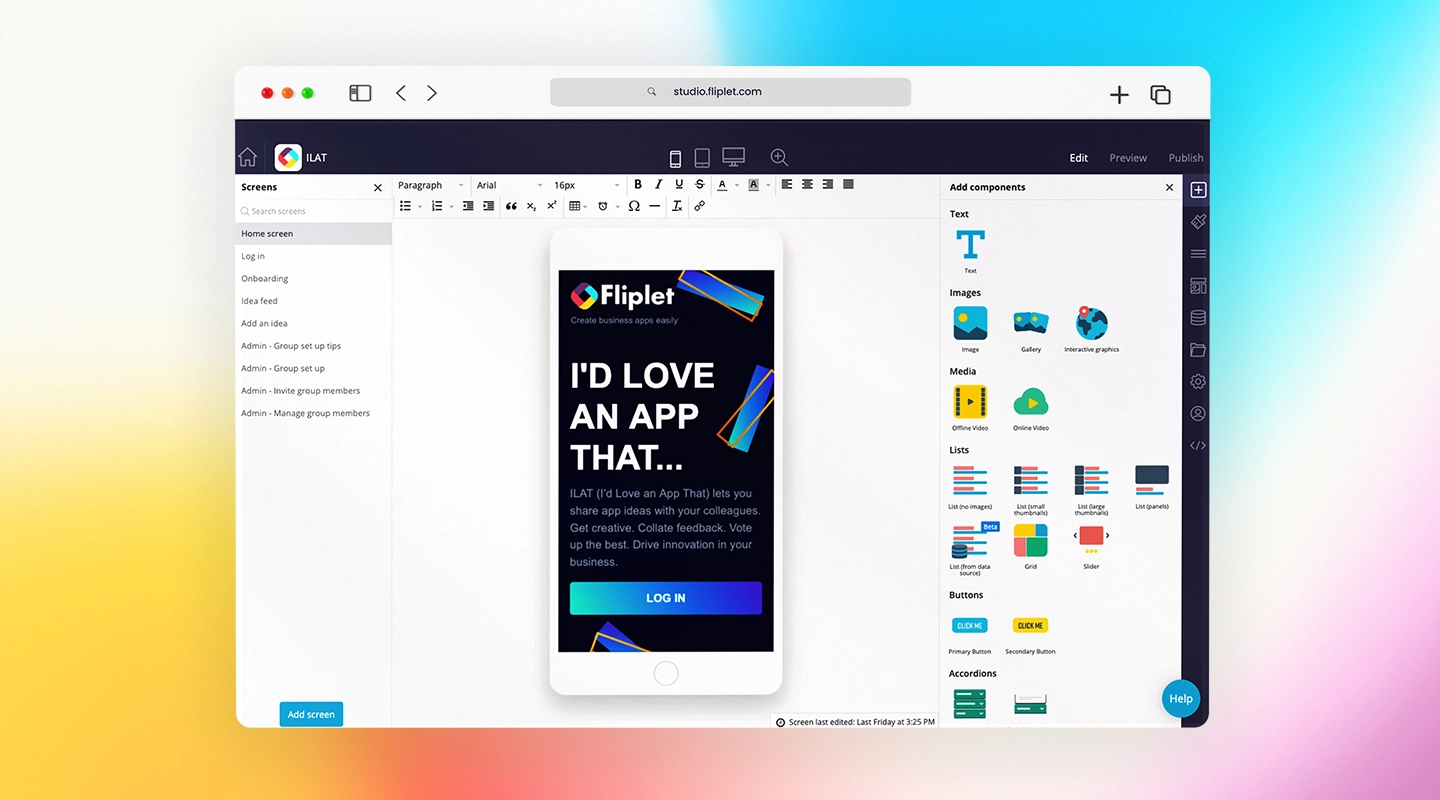
Fliplet is a versatile [no-code app builder that enables law firms to create customized](https://fliplet.com/blog/how-to-build-a-custom-app-without-coding/), AI-powered solutions for a variety of uses. With Fliplet, firms can develop AI-powered chatbots for client support, [client portals](https://fliplet.com/legal-client-portal/), marketing tools, and more. The flexibility of Fliplet's platform means law firms can address specific needs, from managing client inquiries with chatbots to setting up an AI-enhanced directory.
- **Pros:**
- Offers customized, AI-powered solutions without coding knowledge
- Integrates with existing legal tools
- Provides AI-powered client support and secure data handling
- [Read more about Fliplet's solutions for law firms](https://fliplet.com/solutions-for-lawyers-attorneys-staff/)
- **Cons:**
- Requires initial setup and configuration time
### 2. Legal Robot
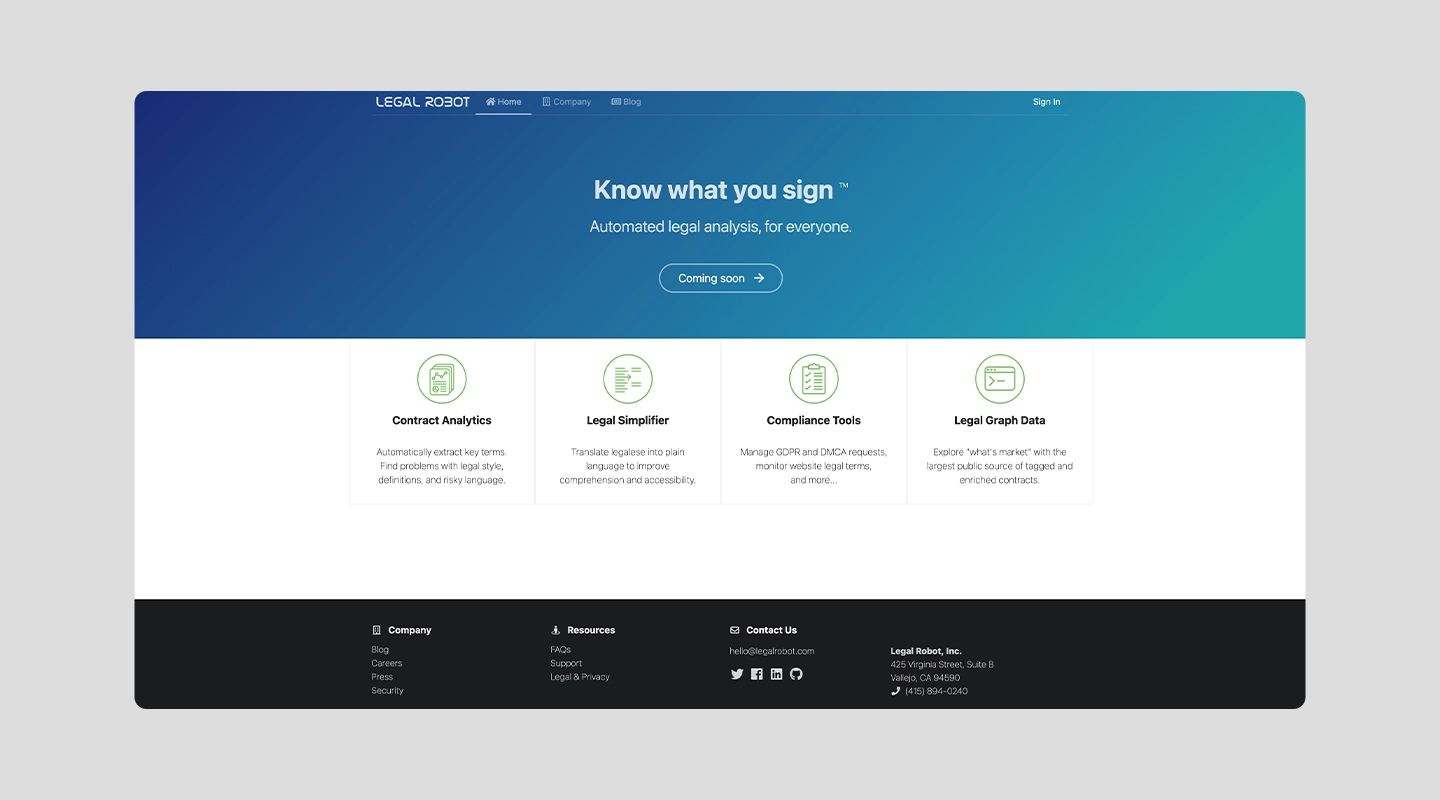
Legal Robot uses AI to review and analyze contracts for compliance. It simplifies contract review by identifying language inconsistencies, potential risks, and compliance issues. This tool is especially useful for law firms dealing with large volumes of contracts.
- **Pros:**
- Ensures contract compliance and reduces errors
- Speeds up document review with AI-powered analysis
- **Cons:**
- Primarily focused on contract review, lacking broader features
### 3. CoCounsel
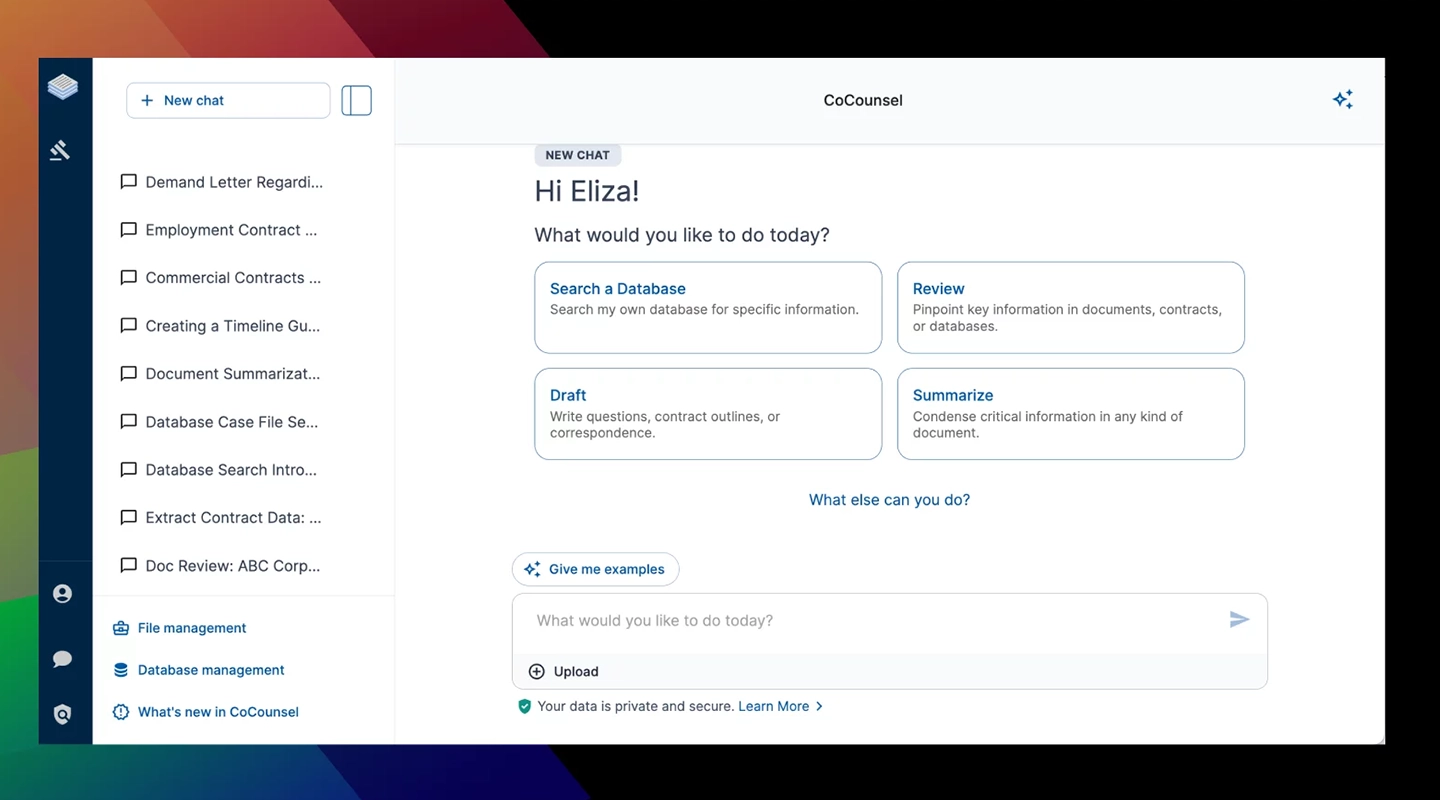
CoCounsel is an AI-driven legal research tool that provides lawyers with quick access to accurate legal insights. It analyzes case law, statutes, and regulations to assist lawyers in building strong arguments and understanding legal precedents. This tool is valuable for firms that rely on extensive legal research.
- **Pros:**
- Rapid, AI-powered legal research
- Helps lawyers access accurate insights quickly
- **Cons:**
- Limited to research, lacking document management features
### 4. CS Disco
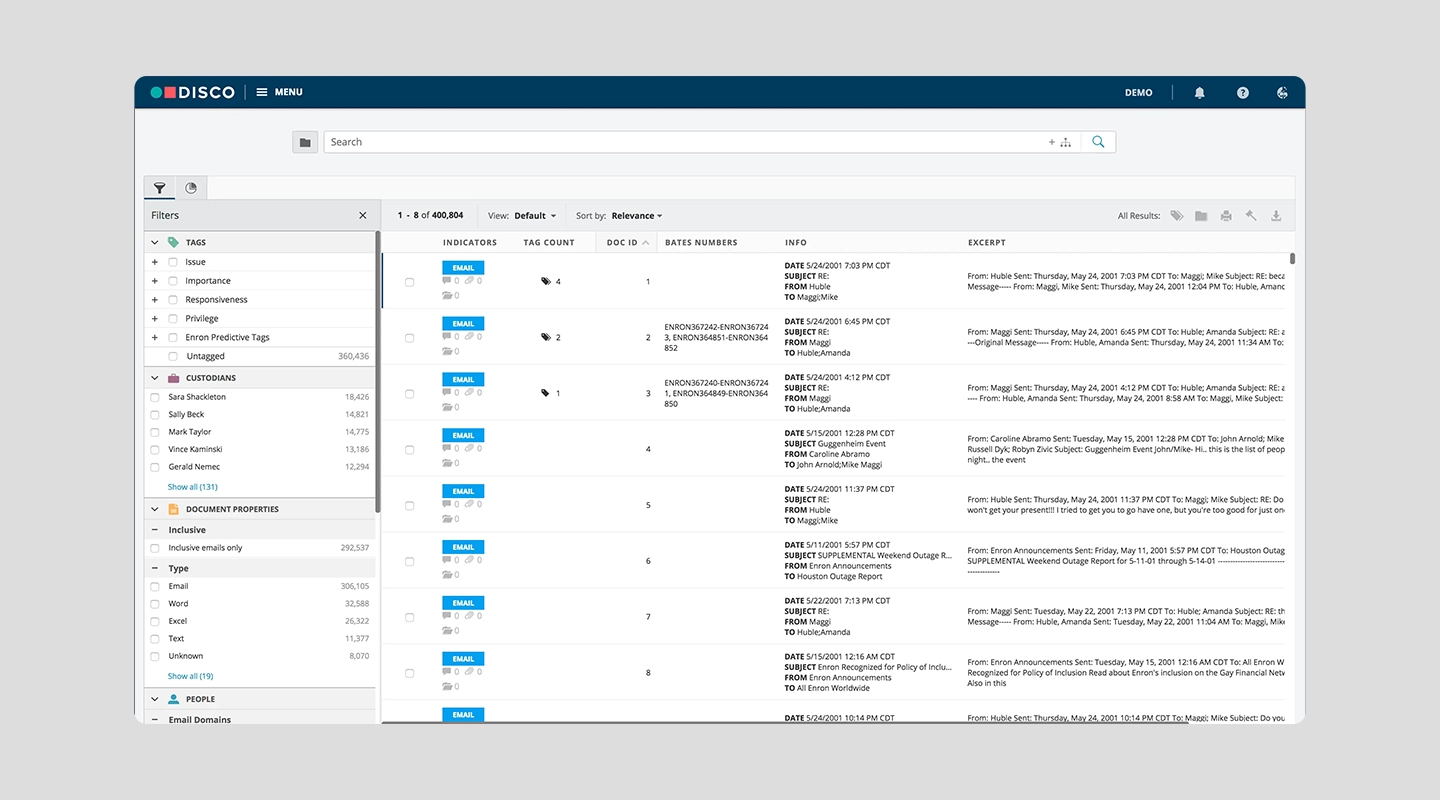
CS Disco focuses on eDiscovery and case management for law firms. This tool leverages AI to perform searches within large document sets, identifying relevant information faster than traditional manual methods. By streamlining eDiscovery, CS Disco helps legal teams manage and analyze documents effectively.
- **Pros:**
- Enhances eDiscovery [processes](https://fliplet.com/app-creation-process/) with AI
- Supports fast, efficient document searches
- **Cons:**
- Primarily suited for eDiscovery and lacks general management tools
### 5. DoNotPay
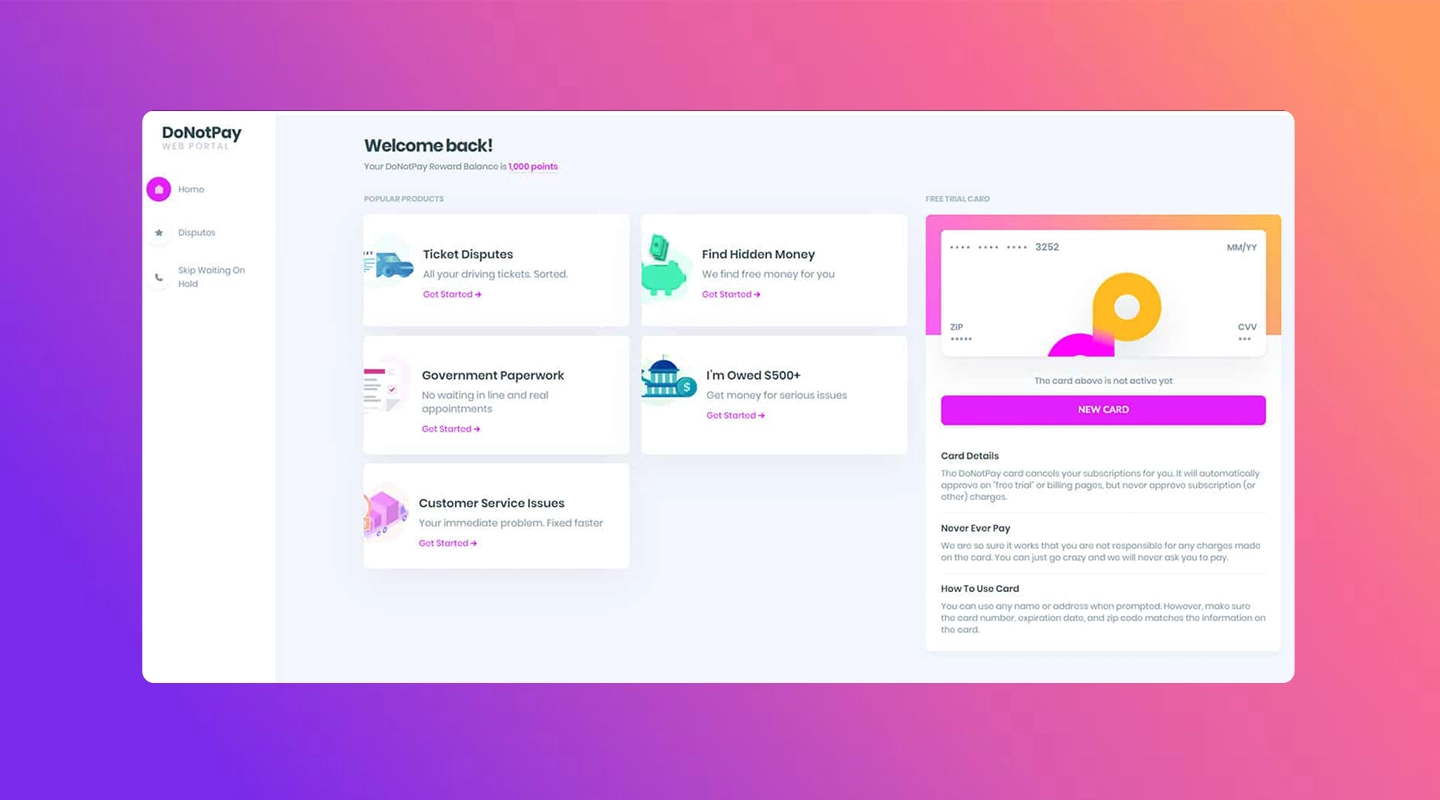
DoNotPay is an innovative AI legal assistant designed to help users with small legal claims and administrative tasks. While not a full-scale _AI software for law firms_, it can be a valuable tool for firms that handle smaller cases. It automates document generation for small claims, appeals, and refunds, making it accessible to individuals and small law practices.
- **Pros:**
- Automates small claims and administrative tasks
- Affordable solution for firms handling smaller cases
- **Cons:**
- Limited to small claims and consumer-related tasks
### 6. Lex Machina
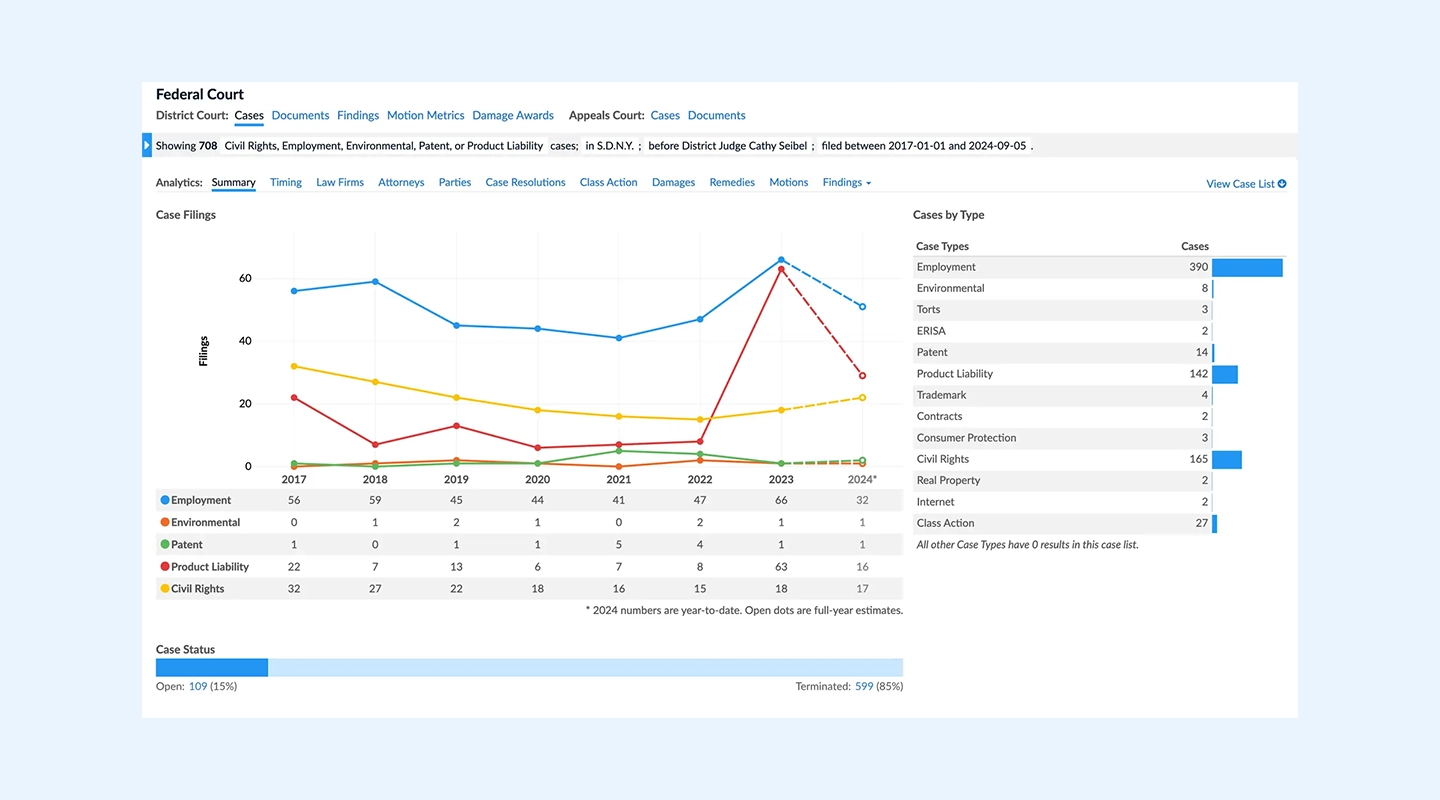
Lex Machina provides powerful _legal analytics_ and predictive insights, helping lawyers make informed decisions. It examines historical case data and offers predictions on potential case outcomes. This tool is particularly useful for litigation firms seeking to anticipate case trends and enhance their legal strategies.
- **Pros:**
- AI-powered predictive analytics for case outcomes
- Helps firms refine litigation strategies
- **Cons:**
- Focused on litigation, may not suit all practice areas
### 7. Latch
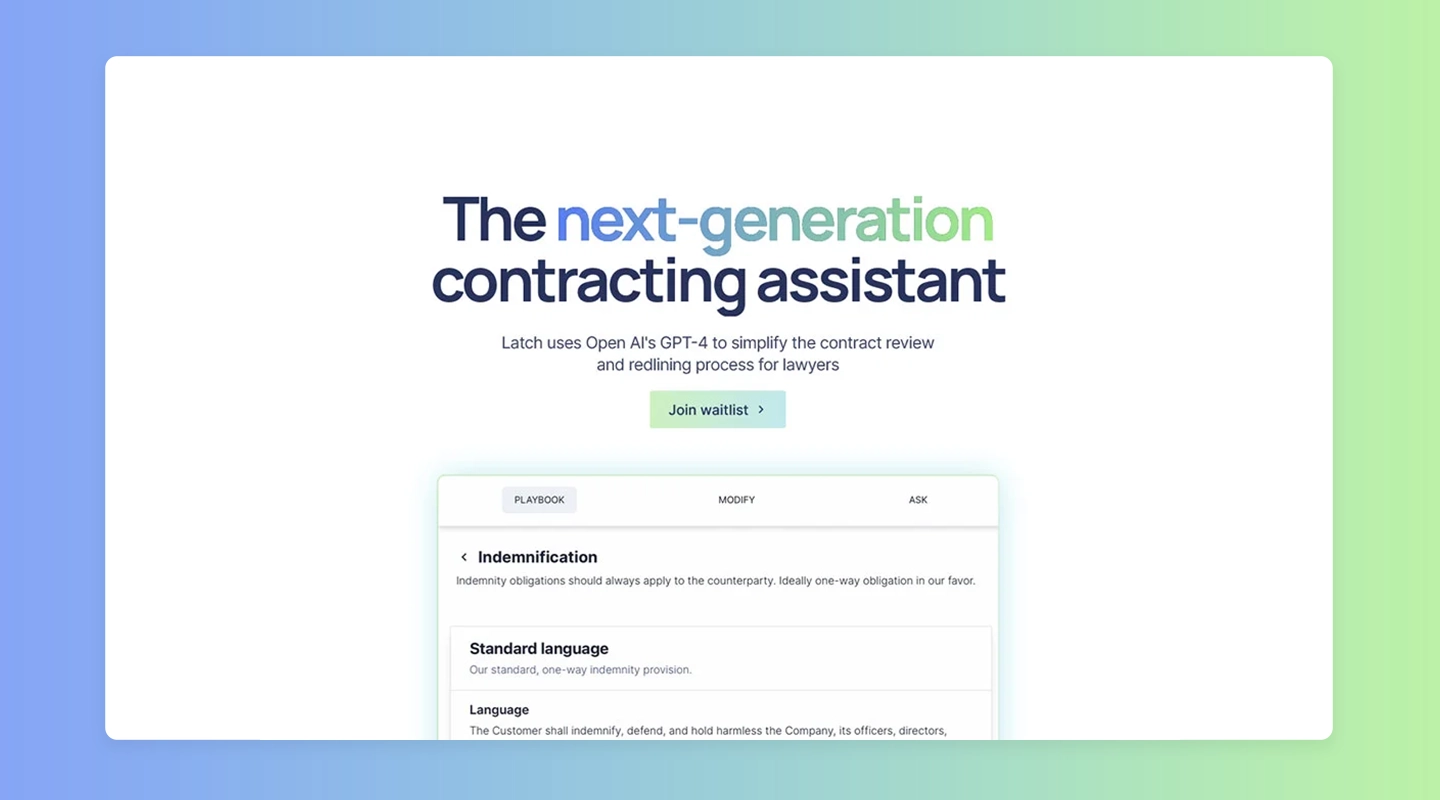
Latch is an AI tool that enhances data security and document management, crucial for law firms handling sensitive information. Its advanced security features help protect legal documents, ensuring compliance with industry standards. Latch's AI-powered system safeguards data while enabling efficient document organization.
- **Pros:**
- Advanced data security for sensitive legal information
- AI-enhanced document management features
- **Cons:**
- Primarily focused on data security; lacks project management tools
### 8. Westlaw Edge
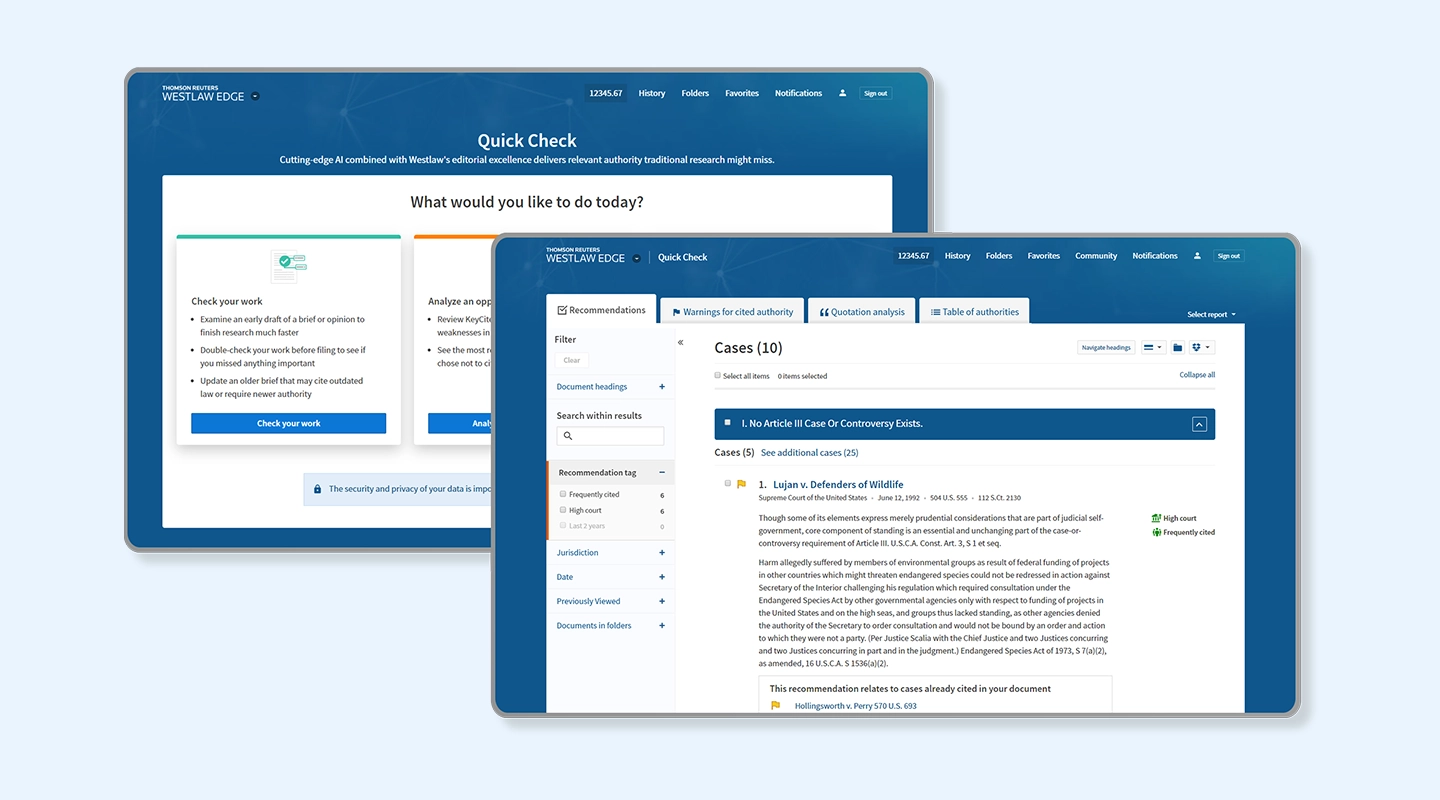
Westlaw Edge is a well-known _legal AI software_ that provides AI-powered legal research capabilities. Its advanced search algorithms enable law firms to find accurate legal information quickly, making it a staple in the legal industry. Westlaw Edge's AI-driven insights help lawyers stay informed on recent case law and regulatory changes.
- **Pros:**
- Comprehensive legal research with AI-powered insights
- Reliable and widely trusted resource for legal professionals
- **Cons:**
- Primarily a research tool, lacks other management features
### 9. OneLaw.ai
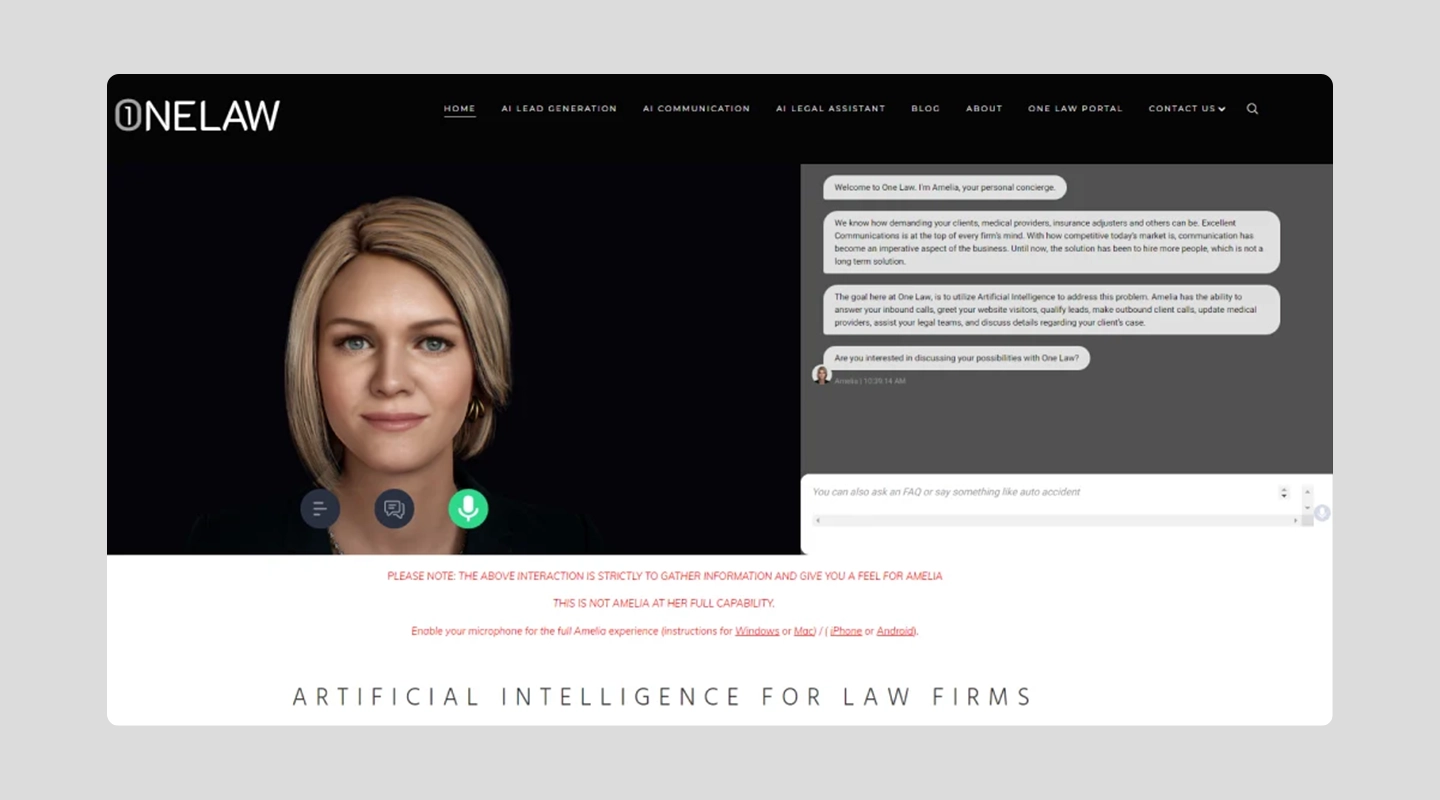
OneLaw.ai is designed to assist [law firms in automating document review and case management](https://fliplet.com/blog/law-firm-client-management-software/) tasks. This _legal AI software_ enhances accuracy and speed by analyzing large volumes of documents, helping firms manage cases effectively and identify relevant information.
- **Pros:**
- Speeds up document review with AI capabilities
- Streamlines case management for improved efficiency
- **Cons:**
- Primarily focused on document review; lacks other collaboration features
### 10. ChatGPT
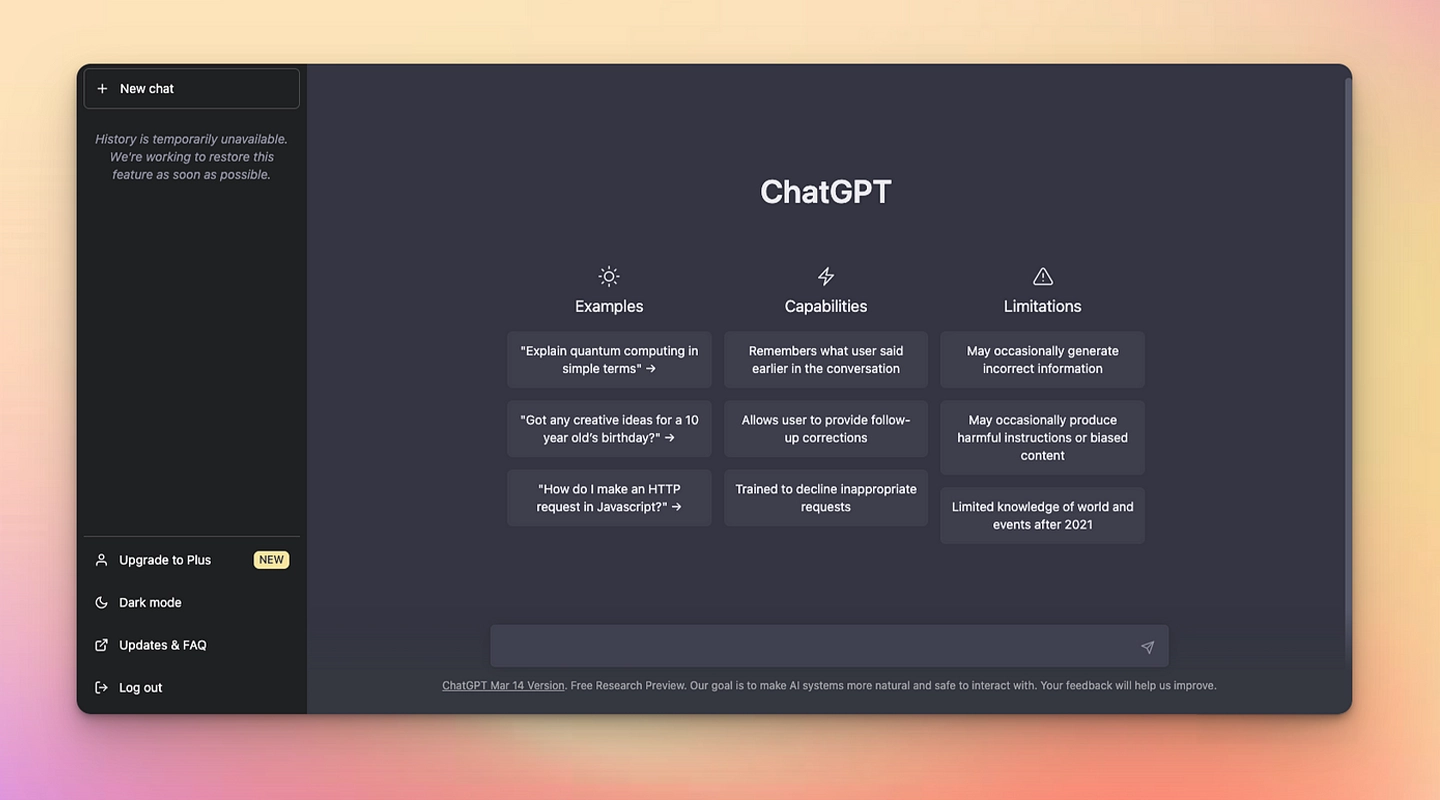
ChatGPT is an AI-driven conversational tool that supports law firms by drafting documents, assisting with research, and answering client inquiries. With its natural language capabilities, ChatGPT can respond to complex questions, provide document drafting support, and aid in research tasks.
- **Pros:**
- Conversational AI for client inquiries and document drafting
- Assists with research and legal information queries
- **Cons:**
- Not tailored specifically for legal work; may require customization
## What to Look for in Legal AI Tools
Selecting the right _legal AI software_ is a crucial step for any law firm aiming to improve efficiency, security, and client service. The best _AI software for law firms_ should align with your practice's specific requirements, providing practical solutions that enhance rather than complicate daily operations. Here are the top factors to keep in mind:
- **Data Security:** [_Data security_](https://fliplet.com/security/) [is paramount](https://fliplet.com/security/) when selecting _AI software for law firms_. Look for tools that offer robust security features, such as advanced encryption, secure access controls, and compliance with legal industry standards like GDPR or HIPAA._Legal AI software_ should prioritize protecting sensitive client data to maintain confidentiality and trust. Additionally, AI tools with auditing features allow firms to track and monitor data access, providing an extra layer of accountability.
- **Ease of Use:** The effectiveness of any _legal AI tool_ depends on how easily it can be adopted by the team. User-friendly _legal AI software_ is essential to avoid disruption in workflows and to enable quick training for all team members.Opt for tools with intuitive interfaces and accessible support resources to ensure a smooth transition. This minimizes the learning curve, allowing lawyers and staff to benefit from AI functionality without struggling to adapt.
- **Task-Specific Capabilities:** Different _legal AI tools_ excel in distinct areas, so it's important to select a tool that matches your firm's needs. If your primary goal is to streamline document review, choose software with a strong focus on data analysis and document processing.For firms seeking enhanced client service, AI-powered chatbots or client support solutions can provide a valuable interface for client inquiries. Evaluate each tool based on specific capabilities, such as _legal research_, contract analysis, or case management, to ensure it fits seamlessly into your firm's workflow.
- **Integration with Existing Tools:** A critical factor in choosing _legal AI software_ is its ability to integrate with the systems your firm already uses. AI software that connects with document management systems, billing platforms, and other legal applications can streamline workflows, reducing the need to juggle multiple platforms.By integrating with existing tools, _legal AI software_ can help create a centralized, cohesive system, enabling your team to work more efficiently and focus on client needs rather than managing technology.
With careful consideration of these factors, law firms can find _AI software_ that not only meets their operational needs but also enhances productivity, data security, and client service quality.
## Benefits of AI Software for Lawyers
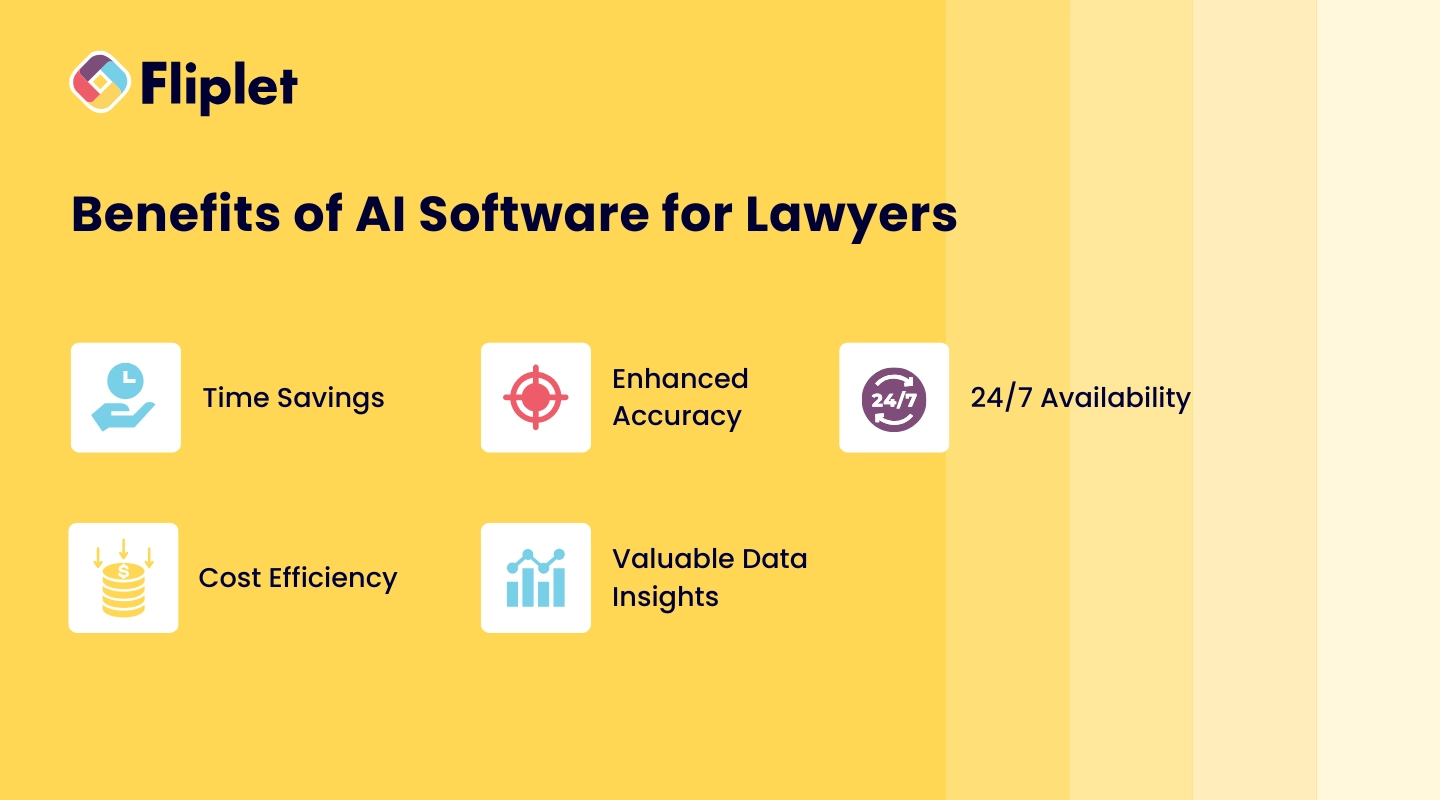
[AI for law firms](https://fliplet.com/blog/ai-for-lawyers/) offers a wide range of advantages, transforming how legal professionals approach casework, client interactions, and administrative tasks.
By automating routine activities, AI-powered tools not only streamline operations but also enhance the quality of work and client satisfaction. Here are the key benefits of integrating _AI software_ into a law firm's workflow:
- **Time Savings:** One of the most valuable benefits of _legal AI software_ is the significant time savings. AI handles repetitive and time-consuming tasks, such as document review, contract analysis, and legal research.By automating these activities, lawyers can dedicate more time to high-value tasks that require human expertise, such as strategizing case approaches, meeting with clients, and appearing in court.
- **Enhanced Accuracy:** _AI software for law firms_ brings unparalleled precision to legal work, reducing the risk of human error. Whether analyzing contracts, conducting legal research, or reviewing documents, _AI-powered tools_ can sift through vast amounts of data with meticulous accuracy.This ensures that no critical detail is overlooked, enhancing the quality of work and bolstering client confidence.
- **24/7 Availability:** With _AI solutions_, law firms gain round-the-clock support. AI systems can review documents, conduct legal research, and respond to inquiries any time of day or night.This constant availability is particularly valuable for firms that serve clients across different time zones or need assistance outside standard office hours. With AI, clients receive quicker responses, contributing to improved client satisfaction.
- **Cost Efficiency:** _AI software_ acts as a virtual assistant without the need for a full-time salary, reducing operational costs for law firms. It handles tasks traditionally performed by human assistants, thus lowering staffing costs while maintaining a high level of service.This cost efficiency can be a major advantage for smaller firms looking to expand capabilities without adding substantial overhead.
- **Valuable Data Insights:** One of the standout advantages of _legal AI software_ is its ability to extract and analyze data. AI tools can mine legal data to uncover valuable insights, trends, and patterns that can inform a firm's strategies and decisions.For example, predictive analytics can reveal likely case outcomes, helping lawyers develop stronger cases and advising clients with a clearer understanding of potential scenarios. Data-driven decisions powered by AI enable [law firms to stay ahead in a competitive market](https://fliplet.com/legal-market-report-mobile-apps-in-law-firms/).
Incorporating AI software enables firms to embrace [legal innovation](https://fliplet.com/blog/legal-innovation/), boosting productivity, enhancing precision, and keeping up with the _future of AI in the legal industry_. As more firms adopt _AI for law firms_, the benefits of time savings, enhanced accuracy, 24/7 availability, cost efficiency, and data insights make AI an invaluable addition to the modern legal toolkit.
For a more comprehensive list, check out the [best apps for lawyers](https://fliplet.com/blog/the-14-best-apps-for-lawyers/).
## Why Choose Fliplet as the Best Software for Law Firms?
Fliplet's no-code app builder offers unmatched flexibility, enabling law firms to develop custom AI-powered solutions tailored to their needs. From AI-driven client support to document management, Fliplet's solutions cover a broad range of functions, ensuring law firms can meet specific objectives without requiring in-house developers.
[Explore solutions for lawyers](https://fliplet.com/solutions-for-lawyers-attorneys-staff/).
## FAQs
### What is AI software for law firms?
AI software for law firms is designed to automate tasks like document review, legal research, and client support, enhancing productivity and accuracy.
### How can AI software benefit my law firm?
AI software helps law firms save time, reduce costs, and improve service quality through automated and precise data analysis.
### Is AI software secure for legal use?
Yes, most AI software includes robust security features, such as data encryption and compliance with legal standards.
### Can AI replace lawyers?
No, AI is designed to assist lawyers, not replace them. AI handles repetitive tasks, allowing lawyers to focus on complex, high-value work.
### What features should I look for in legal AI software?
Look for data security, ease of use, specific task capabilities, and integration with existing tools.
### How much does AI software for law firms cost?
Prices vary based on features and the tool's scope, with some options offering free trials or tiered pricing for law firms.
### Why choose Fliplet over other AI software?
Fliplet offers customizable, no-code solutions tailored to law firms, with AI-powered tools for client support, document management, and more.
### See the latest insights from Fliplet
## Creating your business apps has never been easier
## Related links
- [The Future of Legal Innovation: How AI is Shaping the Legal Industry](https://fliplet.com/blog/legal-innovation/): Discover how legal innovation is reshaping law firms. Explore trends, challenges, and strategies to stay competitive in the evolving legal landscape. Learn more!
- [Best Law Firm Client Management Software in 2026](https://fliplet.com/blog/law-firm-client-management-software/): Discover the top 10 law firm client management software of 2026. Streamline client communication, improve case management, and boost productivity. Find the best fit today!
- [Mastering Legal Knowledge Management: A Guide for Law Firms](https://fliplet.com/blog/legal-knowledge-management/): Explore how top law firms are mastering legal knowledge management. See case studies from law firms of all sizes and understand how to improve your function.
---
# Best Free No-Code Web App Builders in 2026
> Explore top no-code and low-code web app builders in 2026, from free tools to enterprise-ready development platforms.
Source: https://fliplet.com/blog/16-top-no-code-low-code-web-app-builders-free-tools-included/
Content type: Blog
Published: 2026-01-17T14:35:39
Read time: 13 minutes
# Best Free No-Code Web App Builders in 2026
A free no-code web app builder lets you create browser-based software through visual tools, usually with limits on usage, features, branding, integrations, or publishing. Free tiers are useful for learning and prototypes, but they are not equivalent to unrestricted production plans.
This comparison reviews 16 web-focused builders with free plans or entry options. It separates browser delivery and free-tier fit from the broader [no-code app builder comparison](/blog/no-code-app-builder/), which covers mobile, workflow, database, and enterprise tools as well.
## What is a web app builder?
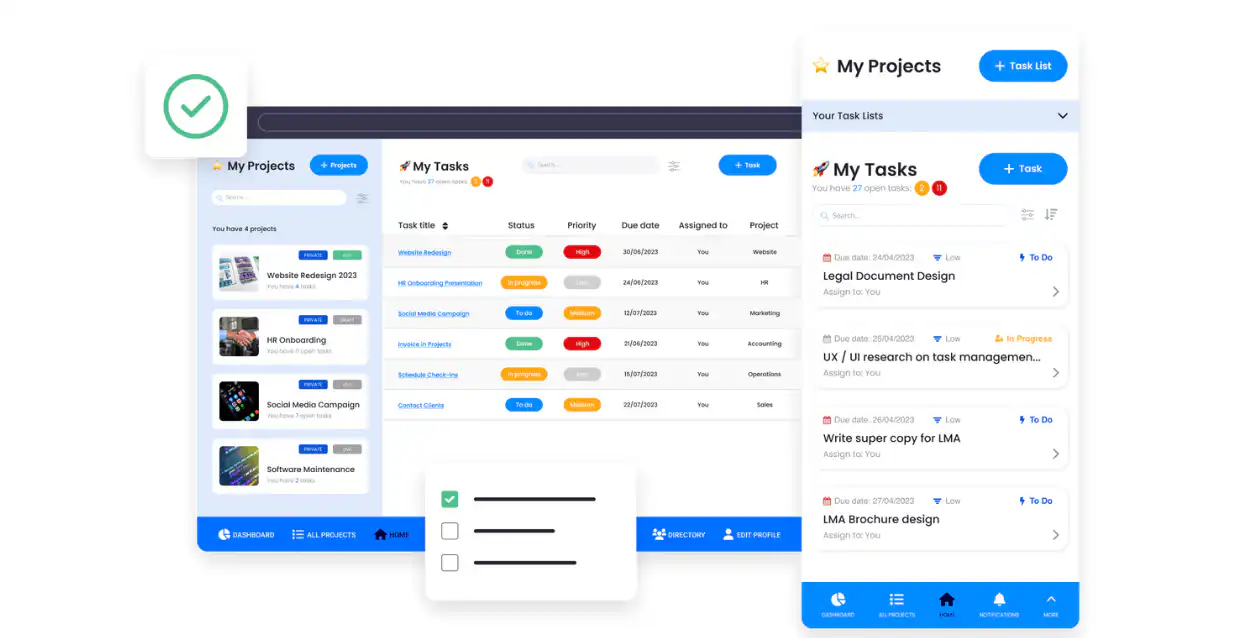
A web app builder is a tool or software that simplifies the process of creating web applications. It allows developers, regardless of their skill level, to design, build, and deploy web-based applications. These tools typically offer a range of functionalities, including coding environments, pre-built templates, and integration capabilities. While some web app builders may require basic to advanced coding knowledge, they generally aim to streamline the development process, making it more efficient and accessible.
### What is a no-code web app builder?
A no-code web app builder is specifically designed for users without any coding expertise. It utilizes a visual development interface, allowing users to create web applications through intuitive drag-and-drop functionalities, pre-designed widgets or components, and simple configuration options. No-code builders empower non-technical users to build functional and professional-looking web applications without writing a single line of code. These platforms are particularly popular among business professionals, entrepreneurs, and hobbyists who wish to quickly turn their ideas into operational web apps without delving into the complexities of programming.
For more information take a look at [6 Web Application Development Platforms to Build a Free Web App](https://fliplet.com/blog/9-web-application-development-platforms-to-build-a-free-web-app/).
## No-code VS low-code web app builders
If you are looking to create a web app quickly and easily without extensive coding knowledge then two [web app builder platforms](https://fliplet.com/blog/9-web-application-development-platforms-to-build-a-free-web-app/) come to mind, no-code platforms and low-code platforms. While they both share the aim of simplifying web app development, they cater to slightly different audiences and use cases.
No-code web app builders are designed for absolute beginners or non-technical users. These platforms use a visual interface where you can drag and drop elements to build your app. Everything from the layout to the functionality is managed through intuitive tools without the user needing to see or write code. This makes no-code builders ideal for business professionals, entrepreneurs, and hobbyists who want to quickly bring an app to life without learning to code. Take a look at [why you should use a pre-built app builder](https://fliplet.com/blog/prebuilt-app-builder/).
[Low-code web app builders](https://fliplet.com/blog/the-best-no-code-low-code-development-platforms/), on the other hand, are aimed at users who have some understanding of coding but prefer a faster and more streamlined development process. These platforms provide a visual development environment similar to no-code builders but also offer the flexibility to write custom code. This additional layer of customization allows developers to build more complex and tailored applications. Low-code platforms are particularly useful for IT professionals and developers who need to rapidly develop apps with a higher degree of customization and functionality, but with less coding compared to traditional development methods. Take a look at these [Three Reasons Low Code Technology Is Essential for Enterprise Innovation](https://fliplet.com/blog/three-reasons-low-code-technology-is-essential-for-enterprise-innovation/)
## Free web app builders compared
### Fliplet
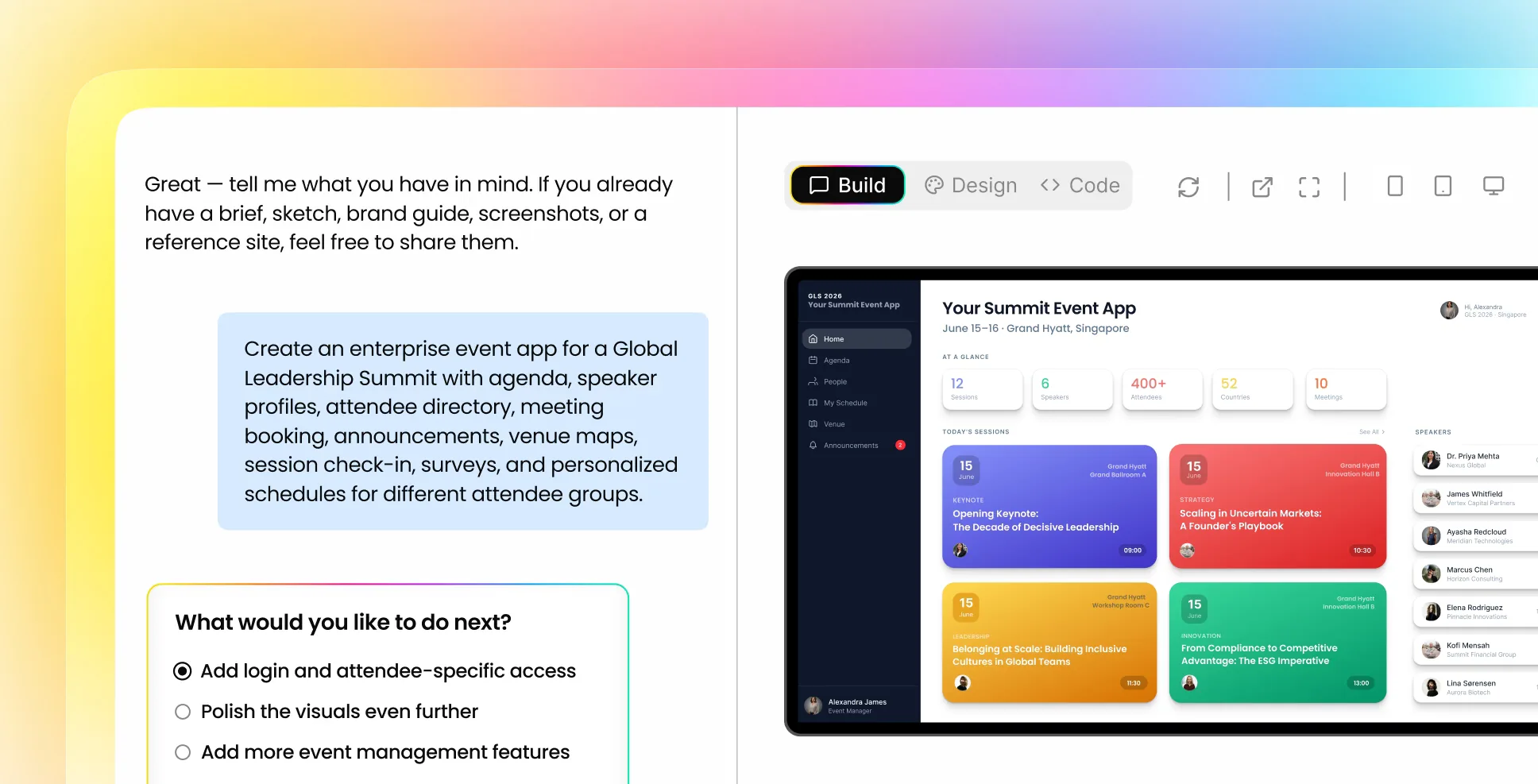
Fliplet is an enterprise AI software builder, not a free no-code or low-code builder. It is designed for teams that want to move from a plain-language prompt to secure, governed web and mobile software with production publishing controls. [Learn about Fliplet's AI software builder](/ai-app-builders/).
#### **Key features**
- No-code and low-code capabilities: Offers both drag-and-drop components for no-code development and the option to add custom code
- Secure: Comes with enterprise-grade [security features](https://fliplet.com/security/), including full encryption and SSO integration
- Analytics: Provides comprehensive user tracking and easy access to reports
- Optimized for all devices: Ensures responsive design across mobile, tablet, and desktop platforms
- Customize to make it your own: You can [brand](https://fliplet.com/solution/branded-app/) the app to suit your needs
- Pre-built solutions: Fliplet offers sixteen pre-built solutions which you can start to use straight away and add your own content to make it relevant to you
#### **Pros**
- Fliplet is known for its ease of use, allowing quick creation of apps without the need for deep technical knowledge.
- Trusted by over 100 organizations
- Globally awarded
- Easy to use
- Drag and drop interface
- Pre-built solutions saving you time and money
- Great support team
- Easy to scale your web app as your organization grows
#### **Cons**
- Although you can customize each solution to make it your own, if you want to have a unique solution you may need to add your own code, or get the Fliplet support team to help you
#### **Pricing plans**
- Commercial: [Book a Demo](/book-a-demo/) to discuss requirements and delivery
- Plus: $25/month for publishing; Max starts at $50/month. See [Fliplet pricing](https://fliplet.com/pricing/).
- Enterprise: [Book a meeting](https://fliplet.com/book-a-demo/)
Fliplet is a separate option for organizations evaluating AI-assisted, governed software delivery rather than a traditional no-code free tier.
For more detailed information, visit Fliplet's [Platform Overview](https://fliplet.com/platform-overview/) and Features pages.
### Bubble
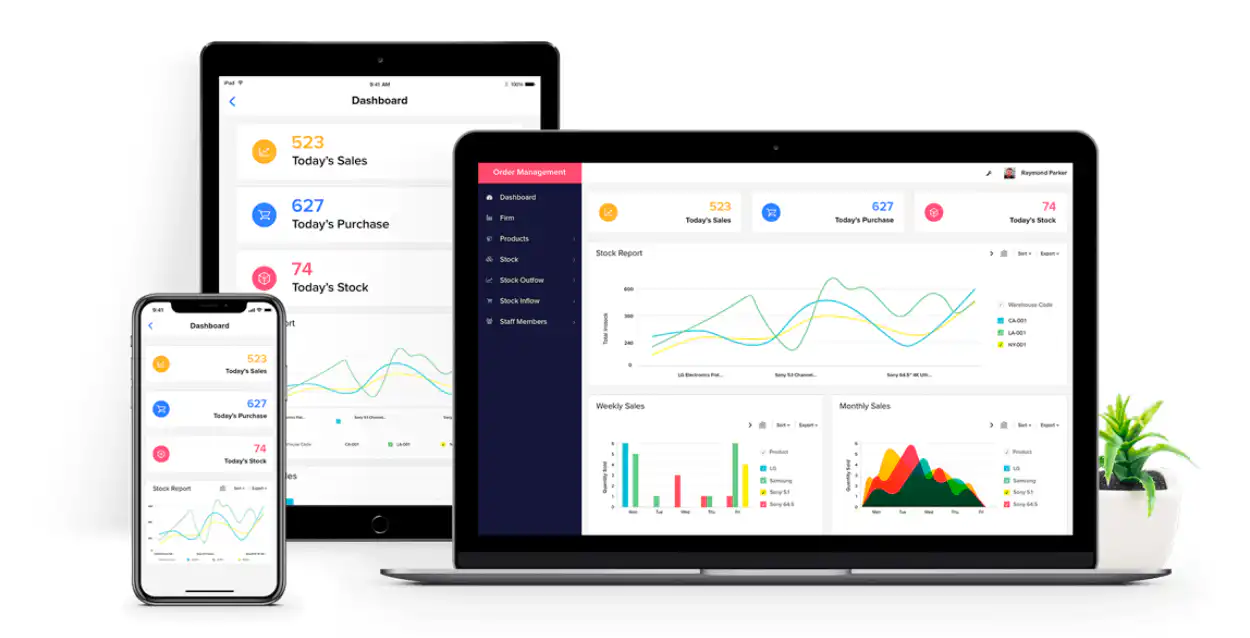
Bubble is a no-code platform enabling users to build web apps for free. It's tailored for a range of applications, from simple prototypes to complex web apps, making it versatile for various needs. Bubble's strengths lie in its customization capabilities, empowering users to design unique solutions without needing to code.
#### **Key features:**
- User-friendly interface with drag-and-drop components
- Extensive options for personalization
- Ensures compatibility across devices
- Allows for real-time content updates
- Supports various third-party integrations
#### **Pros**
- Bubble's ease of use and powerful customization options make it ideal for both beginners and those looking to create sophisticated web apps
- Bubble allows you to start small and scale up as your project grows, handling increased user traffic and data without sacrificing performance
- Bubble has a strong community and provides extensive support resources, including forums, tutorials, and documentation, making it easier for users to learn and solve problems
#### **Cons**
- While offering extensive customization, Bubble may require a learning curve for users to fully utilize its advanced features
- If you want to upgrade your plan bubble is an expensive platform
- Six people reported on G2 that they faced technical difficulties when using Bubble
#### **Pricing plans**
- Free: Basic plan for personal use.
- Starter: From $29 /month
- Growth: $119 /month
- Team: $349 /month
- Enterprise: Contact Bubble
Bubble offers an ideal balance of user-friendly design and comprehensive customization, suitable for a wide range of web app development needs. For detailed pricing information, you can visit Bubble's [pricing page](https://bubble.io/pricing?ref=index-header).
### Softr
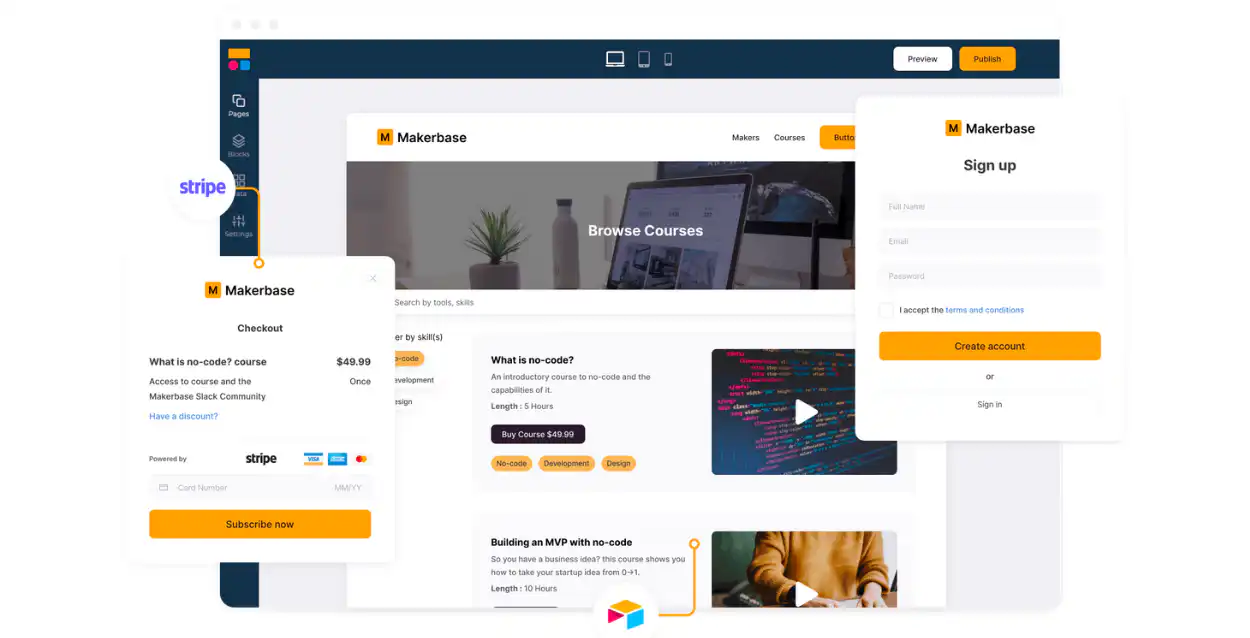
Softr is a no-code platform that excels in ease of use, particularly for building web apps and websites. It's designed for quick and efficient app creation, catering to small and medium-sized businesses.
#### **Key features**
- Drag and drop interface
- Dynamic search, filtering, and sorting
- Enables the creation of membership areas or exclusive content accessible only to certain users
- Offers a variety of ready-to-use components to add functionality and aesthetics to the app
- Facilitates data collection and interaction with app users
#### **Pros**
- User-friendly
- Real-time sync with Airtable
- Flexible access and content control
#### **Cons**
- Limited advanced customization
- Not ideal for large enterprises
- Complexity in utilizing intricate features
#### **Pricing plans**
- Free: Start for free
- Basic: From $49 /month
- Professional:From $139 /month
- Business: From $269 /month
- Enterprise: Contact Softr
Softr stands out for its intuitive drag-and-drop functionality, streamlining the app-building process, especially for those without technical expertise. It's important to note, however, that drag-and-drop is a common feature in many no-code platforms, contributing to the growing accessibility and popularity of these tools.
### AppPresser
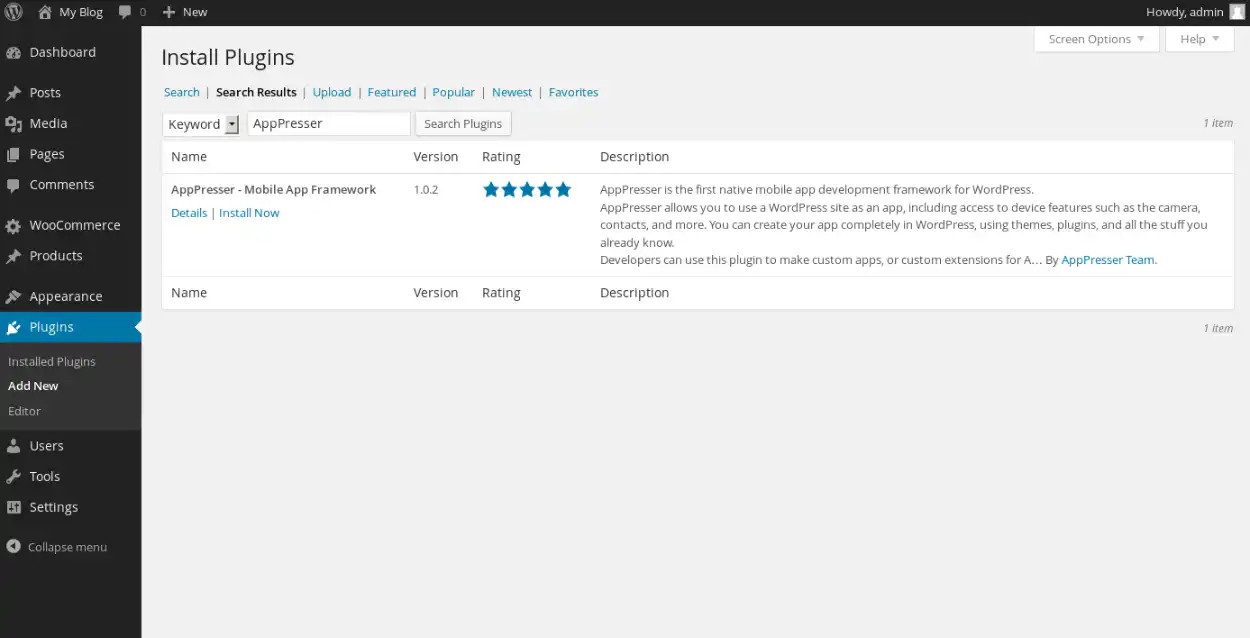
AppPresser is renowned for its deep integration with WordPress, making it a top choice for building web apps based on WordPress content.
#### **Key features**
- Seamlessly connects with WordPress to utilize existing content and features
- Enables sending notifications directly to users' devices
- Offers flexibility in app appearance to align with brand aesthetics
- Allows integration with social platforms for sharing and login capabilities
#### **Pros**
- Converts WordPress sites into web apps
- eCommerce support via WooCommerce
- Social features for user engagement
- Customizable themes for brand consistency
#### **Cons**
- Limited to WordPress-based content
- Technical knowledge required for setup
- Possible constraints in non-WordPress development
For users deeply invested in WordPress, AppPresser provides a streamlined path to extend their web presence into app form, leveraging the familiar WordPress environment.
### Kissflow
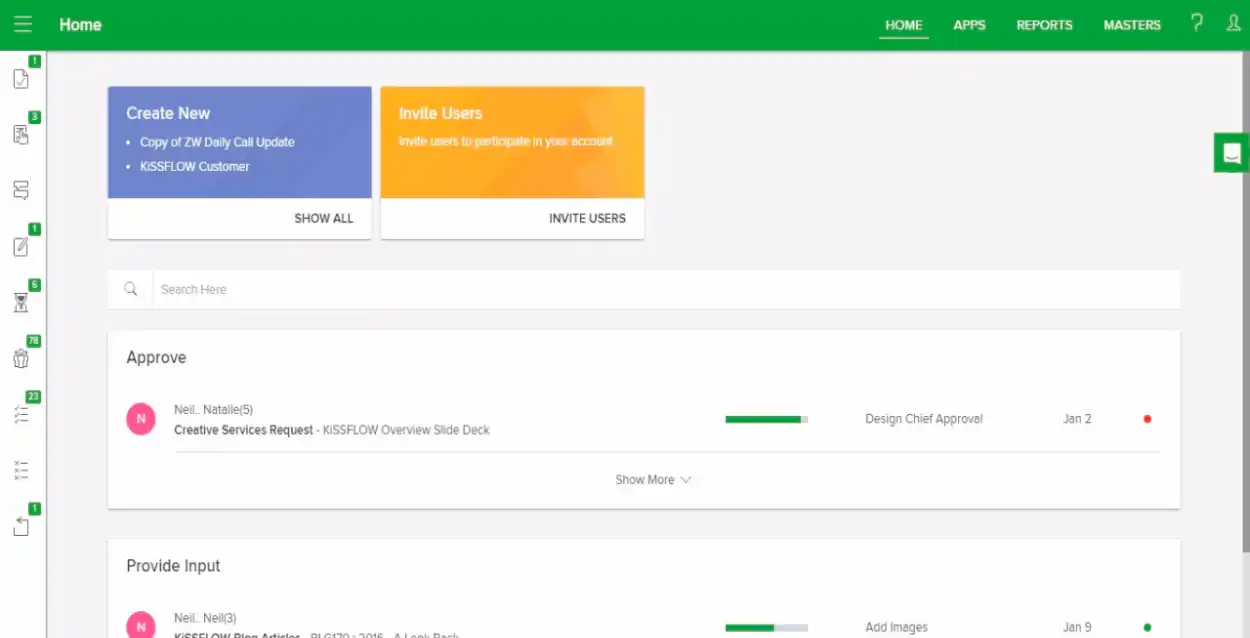
Kissflow stands out as a comprehensive low-code platform for workflow and process automation, targeting businesses that seek efficiency in their operations.
#### **Key features**
- Workflow automation
- Project tracking
- Customization
- User-friendly interface
- API integration
#### **Pros**
- Intuitive design
- Flexible customization options
- Efficient project management tools
#### **Cons**
- Limited API support
- Time-consuming condition building in workflows
- Occasional mobile interface issues
#### **Pricing plans**
- Kissflow now uses fixed annual enterprise agreements and does not publish a universal entry price. Confirm scope and pricing on [Kissflow's pricing page](https://kissflow.com/pricing/).
- Enterprise: Contact Kissflow
Kissflow is particularly valuable for businesses looking to automate and streamline their processes with minimal coding requirements.
### NativeScript
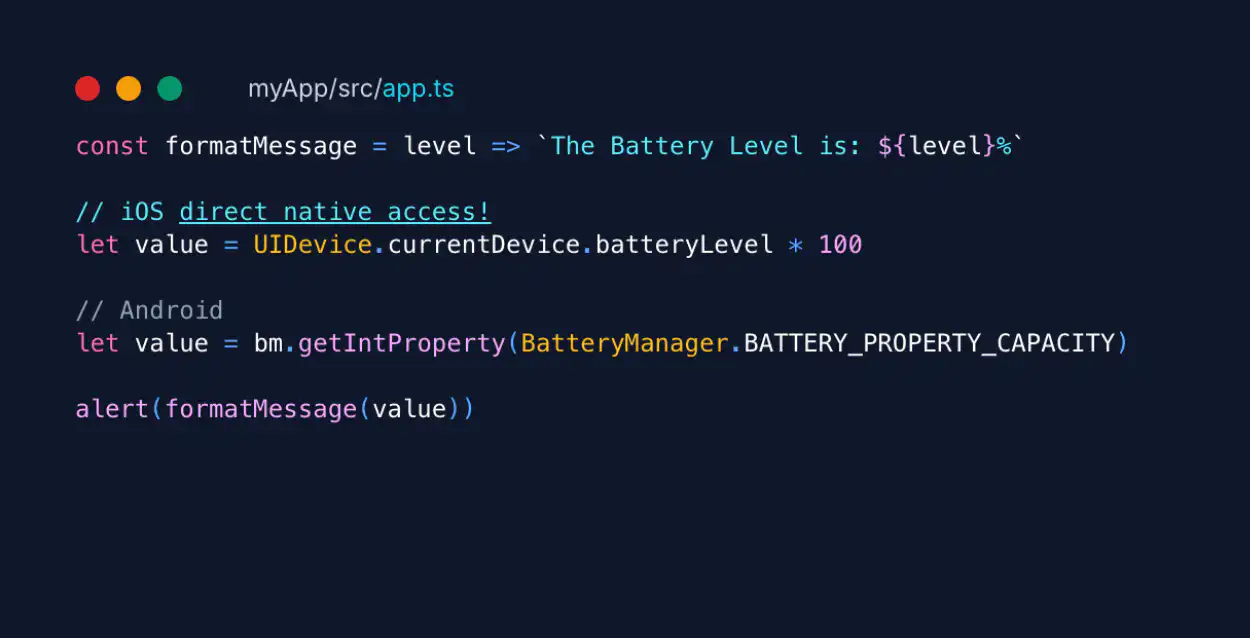
NativeScript is an open-source framework used to create apps using a single codebase. It leverages web skills like JavaScript and CSS, making it an appealing choice for web developers transitioning into [mobile app development](/blog/10-best-mobile-application-development-platforms/).
#### **Key features**
- Access to native APIs
- Cross-platform UI and source code sharing
- Integration with JavaScript frameworks
- Real-time updates and hot-reload for UI and CSS files
- Extensive plugin repository
#### **Pros**
- Supports cross-platform development
- Flexibility with Vue.js and Angular
- High performance with native components
- Strong community and plugin support
#### **Cons**
- Learning curve for native Android and iOS APIs
- Limited free UI components
- Some challenges with code sharing for web builds
- Occasional inconsistencies in layouts between Android and iOS
#### **Pricing plans**
- Sidekick: Free
- NativeScript is free and open source. Budget separately for development tooling, infrastructure, app-store accounts, and support. See the [official NativeScript project](https://nativescript.org/).
NativeScript offers a blend of native performance and web development flexibility, making it a strong candidate for open-source mobile app development.
### WeWeb
WeWeb is an AI-assisted visual development platform for building web applications. Teams can generate a starting point, refine the interface and workflows in a no-code editor, connect data and APIs, and either publish with WeWeb or export Vue.js code on a paid plan.
#### **Key features**
- AI-assisted generation and visual editing
- Frontend, workflows, authentication, and data tooling
- Connections to external databases and APIs
- Hosted publishing and paid code-export options
#### **Pros**
- Generated output remains visually editable
- Users can start building without paying
- Exported Vue.js applications can be self-hosted
#### **Cons**
- Focused on web applications rather than native mobile delivery
- Advanced integrations and self-hosting require technical ownership
#### **Pricing plans**
- Start building for free; confirm current publishing, hosting, seat, and code-export terms before choosing a plan.
[Review WeWeb's current product information](https://www.weweb.io/).
### Glide
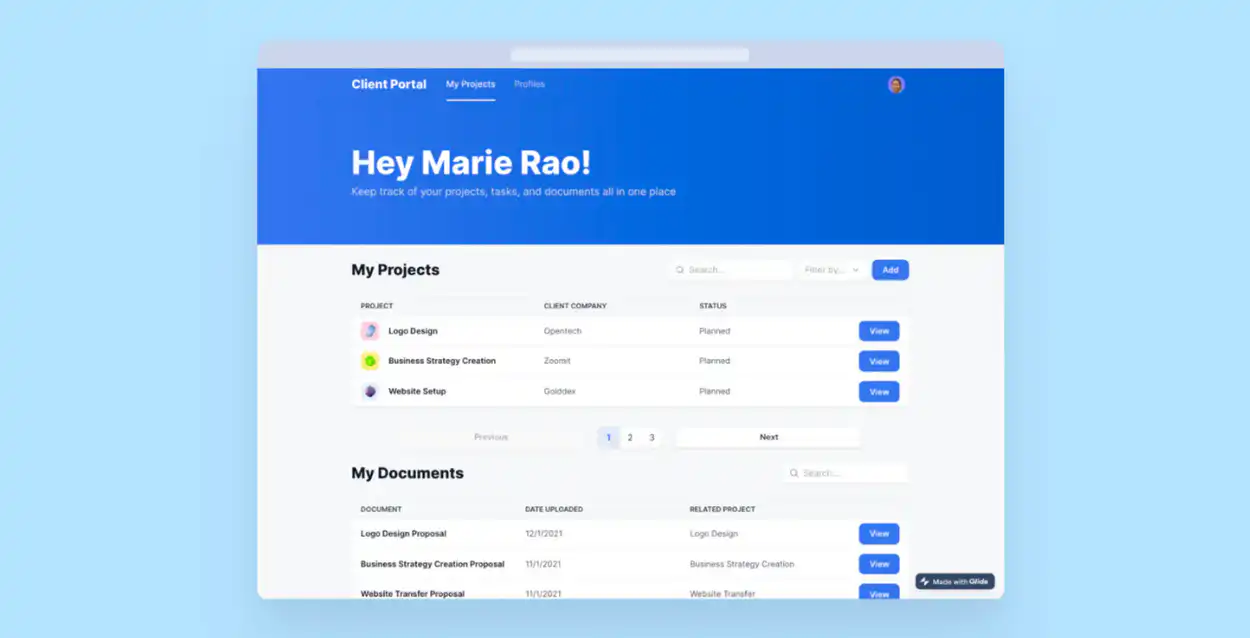
Glide is a no-code platform that stands out for its simplicity in transforming Google Sheets into functional web and mobile apps. It is highly user-friendly, making it ideal for those without coding experience.
#### **Key features**
- Integrates with Google Sheets
- Real-time data synchronization
- Large template library
- Drag-and-drop interface
- Versatile data source connectivity
#### **Pros**
- Intuitive and easy to use
- Quick app development from spreadsheets
- Extensive range of templates
- Strong community and support
- Efficient for internal business processes
#### **Cons**
- Limited advanced customization
- No direct app store publishing
- Some restrictions on data scalability
#### **Pricing plans**
- Free
- Explorer: $19/month billed annually or $25 with monthly billing
- Business: From $199/month billed annually
- Enterprise: Custom pricing
Glide offers an approachable platform for quickly creating apps, particularly suited for internal business use and streamlining processes.
### Adalo
Adalo is a no-code platform specializing in the creation of simple, yet engaging mobile and web apps. It is recognized for its ease of use and versatility.
#### **Key features**
- Drag-and-drop interface
- Customizable templates
- Database management
- Integration capabilities
- Responsive design
#### **Pros**
- User-friendly for beginners
- Rapid app development
- Good for basic app needs
- Strong community support
- Varied design options
#### **Cons**
- Limited for complex functionalities
- Performance issues with larger apps
- Dependency on third-party services for some features
#### **Pricing plans**
- Free
- Starter: $36 /month
- Professional: $52 /month
- Team: $160 /month
Adalo is well-suited for those looking to create straightforward, functional apps without delving into coding.
### Webflow
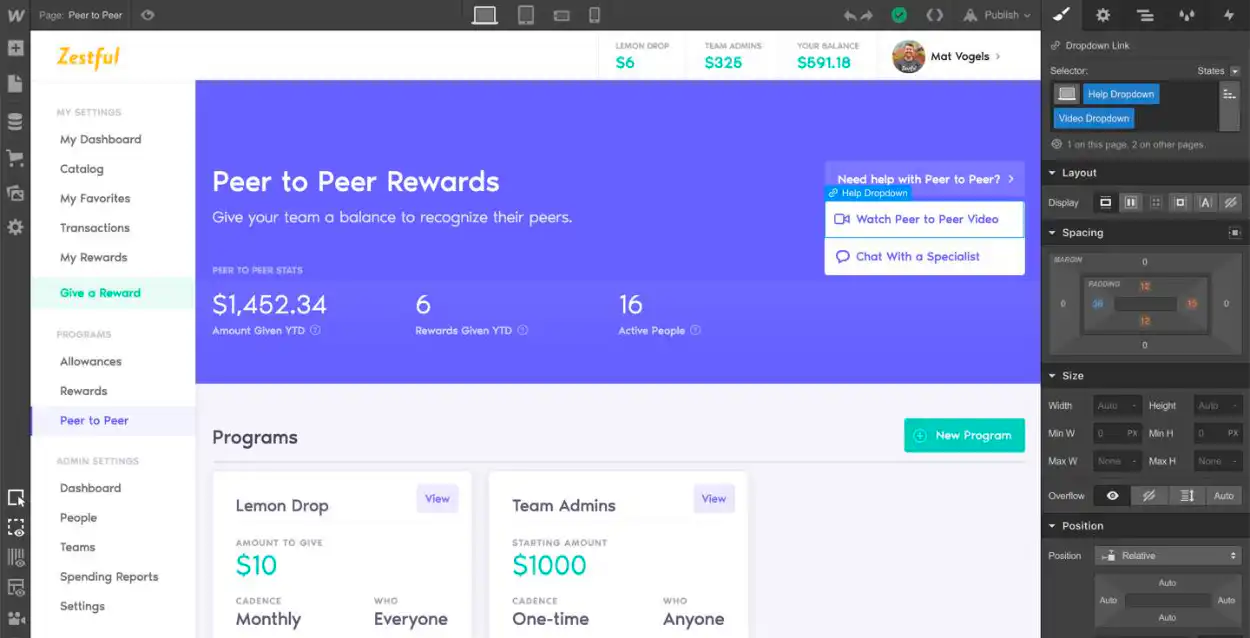
Webflow is renowned for its comprehensive design flexibility and no-code approach, making it a go-to tool for designers.
#### **Key features**
- Intuitive design interface for creating custom web apps
- Easily manage content without coding
- Responsive design that auto-adjusts for different screen sizes
- Advanced tools for creating animations and interactions
- Built-in features for improving search engine visibility
#### **Pros**
- Strong design capabilities
- Versatile content management
- Responsive design without extra coding
- Robust animation tools
- SEO friendly
#### **Cons**
- Steeper learning curve compared to basic builders
- Higher cost for advanced features
- Limited e-commerce tools compared to specialized platforms
#### **Pricing plans**
- Free
- Starter: Free
- Basic site plan: $15/month billed annually
- Premium site plan: From $25/month billed annually; usage affects the final price
- Enterprise: Contact us
Webflow, with its advanced design capabilities and SEO optimization, stands out as an excellent choice for designers looking to create professional and responsive web apps.
### Draftbit
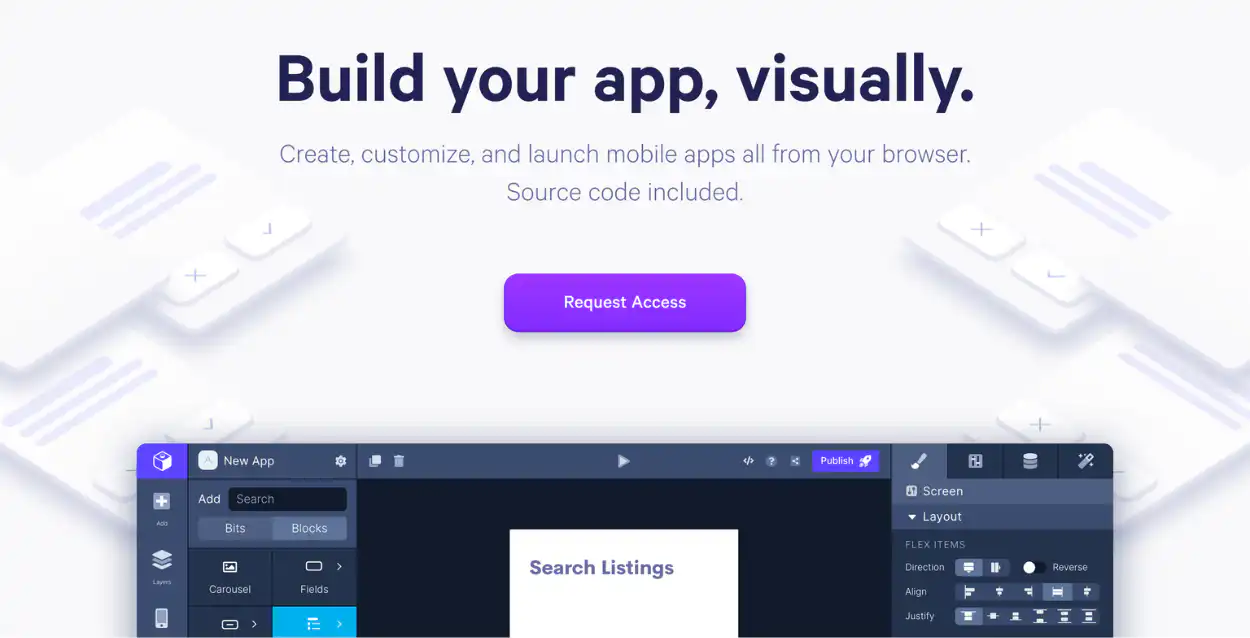
Draftbit is a no-code app builder known for its ability to handle complex mobile app projects. It offers a mix of ease-of-use and detailed customization, suitable for those needing advanced functionalities in their apps.
#### **Key features**
- Advanced customization options
- Integrations with external APIs
- Visual data modeling
- Collaborative editing capabilities
- Interactive app previews
#### **Pros**
- Ideal for intricate app designs
- Supports detailed functionality
- Facilitates team collaboration
- Real-time testing and preview
#### **Cons**
- Steeper learning curve
- Potentially higher costs for advanced features
- May require technical knowledge for full use
#### **Pricing plans**
- Free
- Free: $0/month
- Standard: $12/month
- Pro: $24/month
- Team: $120/month
Draftbit is a powerful tool for those looking to create complex apps with a no-code approach, balancing simplicity with advanced features.
### Appy Pie
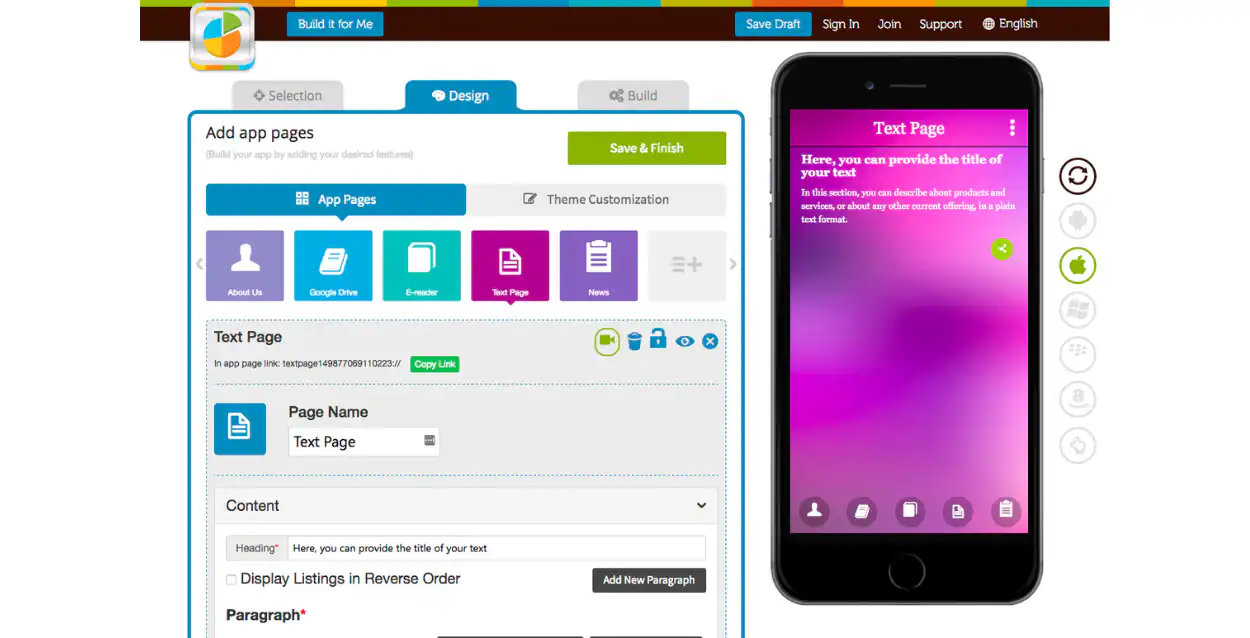
Appy Pie is an intuitive no-code app builder, especially suitable for small businesses. It offers a simple way to create apps without any programming skills.
#### **Key features**
- Social media integration
- Push notifications and event calendar
- Drag-and-drop feature
- Google Analytics integration
- Wide range of templates
#### **Pros**
- User-friendly interface
- Variety of customizable templates
- No coding required
- Real-time metrics tracking
#### **Cons**
- Limited advanced features in the free version
- Customization may be limited compared to more complex platforms
#### **Pricing plans**
- Paid publishing starts at $16/month in USD, with regional pricing and plan limits shown at checkout. See [Appy Pie's current app-builder pricing](https://www.appypie.com/app-builder/pricing-).
- Enterprise: Contact Appy Pie
Appy Pie provides an accessible solution for small organizations to create functional apps quickly and efficiently.
### Ionic
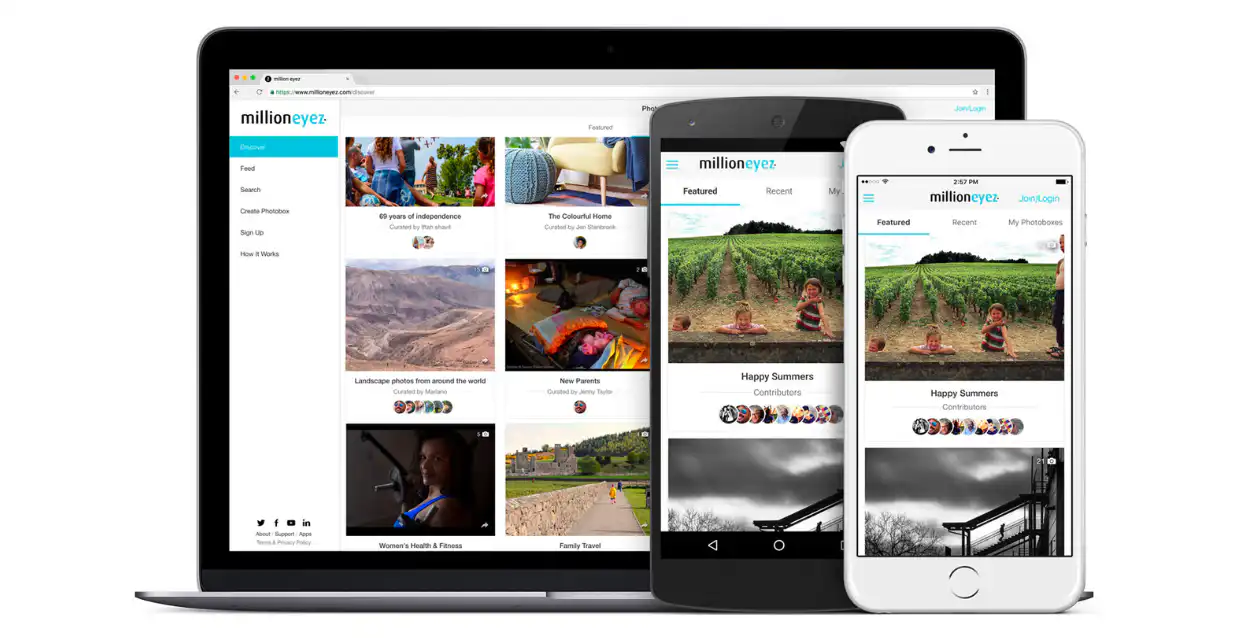
Ionic is a top choice for developers, offering a blend of ease of use and robust functionality for building mobile and web apps.
#### **Key features**
- Cross-platform app development
- Rich UI components and layouts
- Integration with Angular, React, and Vue
- Capacitor for native functionality
- Extensive plugin library
#### **Pros**
- High customizability
- Strong community support
- Wide range of integrations
#### **Cons**
- Requires some coding knowledge
- May have a learning curve for beginners
Ionic caters to developers seeking a flexible and powerful platform for creating sophisticated apps.
### OutSystems
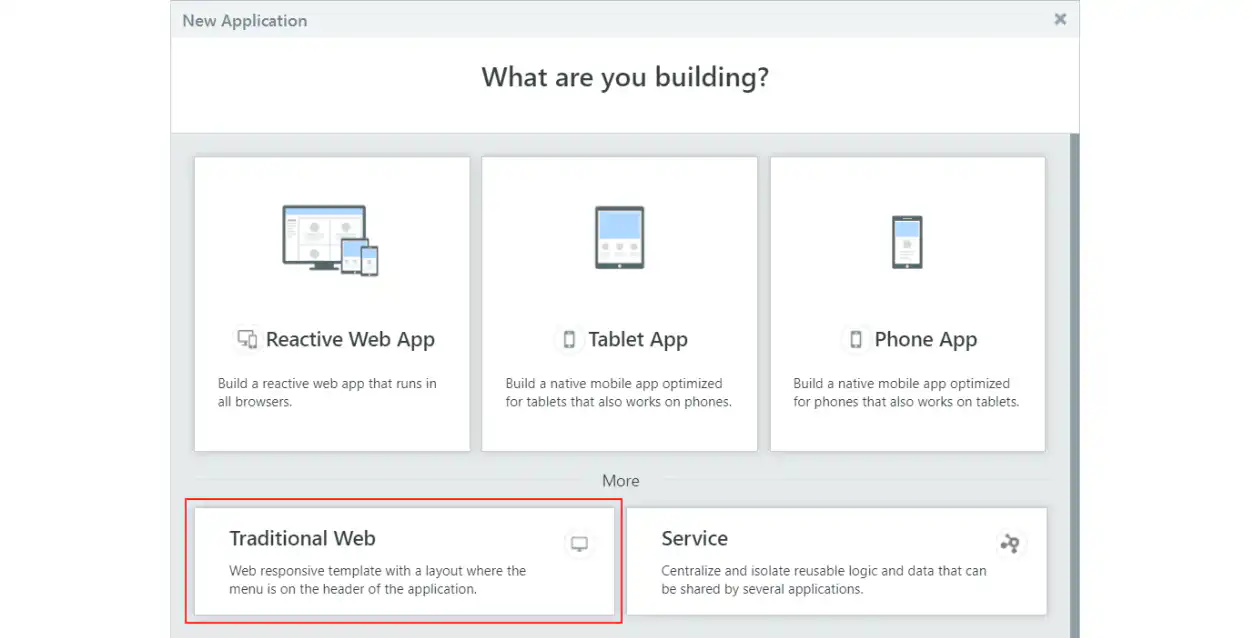
OutSystems is an application development platform ideal for creating, deploying, and managing custom enterprise applications. It is known for its speed and ease of use, with functionalities suited for enterprise-grade applications. It is a low-code platform so it is great for developers.
#### **Key features**
- Full access control and permission management
- Real-time monitoring and reporting
- Multilingual support
- Full stack visual development
- Agile development support
#### **Pros**
- Accelerates app development
- Tailors to various business needs
- Extensive customization options
- Mobile and web app development
#### **Cons**
- May be complex for beginners
- Higher cost for advanced functionalities
- Price is higher compared to competitors
#### **Pricing plans**
- Single app: Free
- Paid enterprise pricing is quote-based; confirm the current edition and application capacity with [OutSystems](https://www.outsystems.com/pricing-and-editions/).
- Large app portfolio: contact Outsystems
OutSystems is a powerful choice for businesses requiring rapid, custom app development.
### Zapier
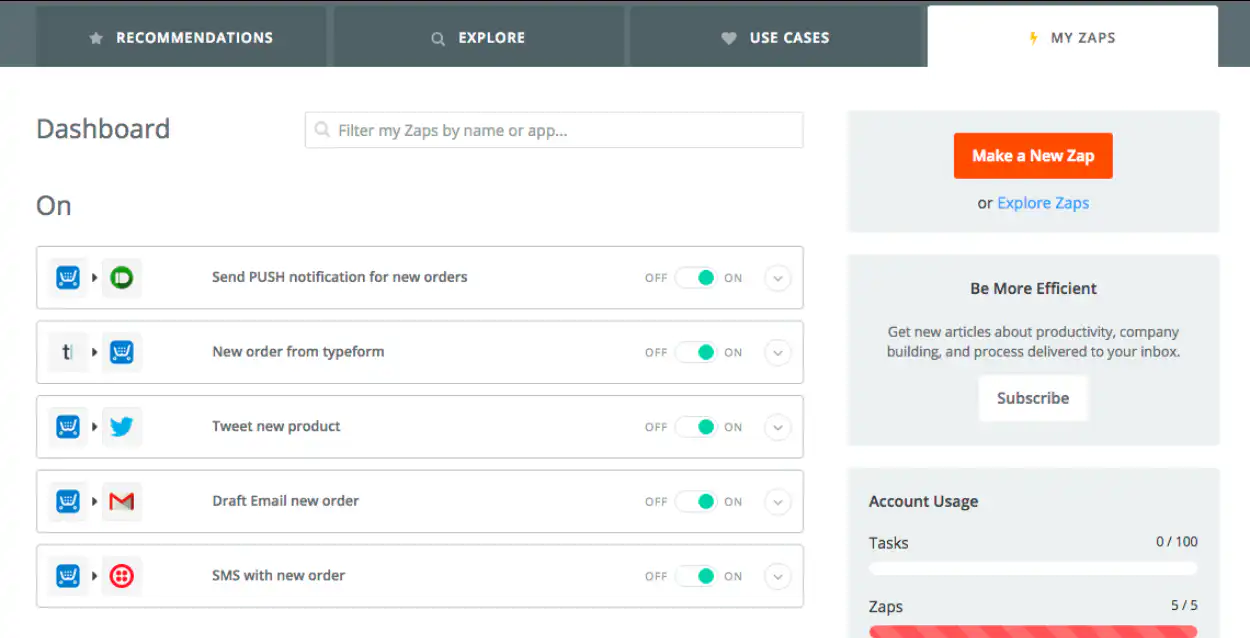
Zapier is renowned for its ability to integrate and automate workflows between various web applications. It's designed for users seeking to streamline processes and increase efficiency.
#### **Key features**
- Connects over 3,000 web apps
- Automates workflows with 'Zaps'
- Simple, intuitive interface
- Task history and logs
- Multi-step Zaps with conditional logic
#### **Pros**
- Extensive range of integrations
- User-friendly and easy to set up
- Customizable workflows
#### **Cons**
- Can be limited in complex scenarios
- Dependent on third-party app API capabilities
#### **Pricing plans**
- Free
- Professional: From $19.99/month billed annually
- Team: From $69/month billed annually
- Enterprise: Contact sales
- Company: Contact Zapier
Zapier offers an efficient solution for those looking to automate tasks and connect various web applications seamlessly.
### Knack
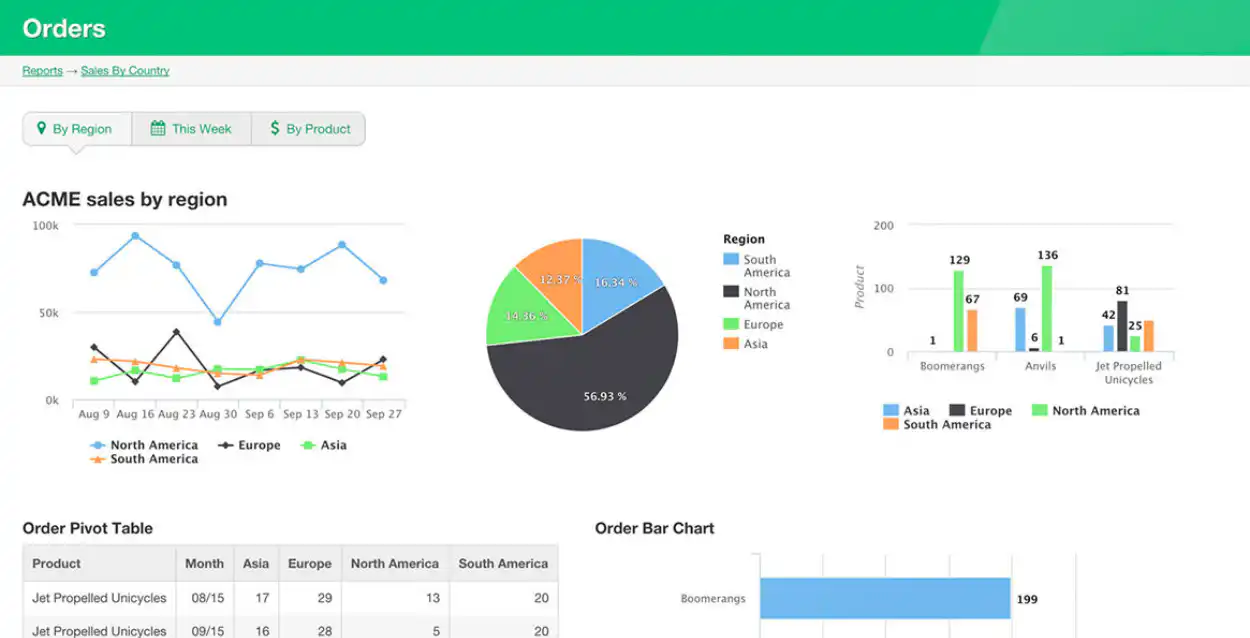
Knack is a powerful platform for building data-driven web applications. It's particularly useful for businesses that require robust database management and complex data handling.
#### **Key features**
- Advanced data manipulation and management
- Customizable database schemas
- Intuitive interface for app building
- Integration with other services
- Reporting and analytics tools
#### **Pros**
- Strong database capabilities
- Flexible app customization
- Good for managing large data sets
- No-code
#### **Cons**
- Might require time to learn for complex features
- Limited design options for UI
#### **Pricing plans**
- Knack's plan names, limits, and prices have changed. Confirm the current standard or regulated-industry plan in [Knack's pricing documentation](https://docs.knack.com/docs/knack-plans-pricing).
Knack is a top choice for companies needing to create sophisticated, data-centric applications.
## How to start with a web app builder
To begin with web app development, first select the type of platform that suits your needs. Options include:
1. **AI software builders:** Turn plain-language requirements into a working software foundation that teams can review and refine. They are useful when speed needs to be combined with customization, governance, and production controls.
2. **No-code platforms:** Help beginners and non-technical users build with visual interfaces, templates, and drag-and-drop components.
3. **Low-code platforms:** Combine pre-built components with coding options for teams that need more customization and have some technical expertise.
4. **Hybrid platforms (no-code and low-code):** Offer visual building for common tasks while allowing code-based extensions when the project requires them.
5. **Developer-oriented platforms:** Give experienced developers greater architectural and technical control, usually with more setup and maintenance responsibility.
Each option suits a different mix of project complexity, technical expertise, governance, and long-term ownership. Compare platforms against a realistic workflow and the requirements the finished software must meet, rather than selecting one solely because the first build appears quick or inexpensive.
## From no-code to AI-assisted building
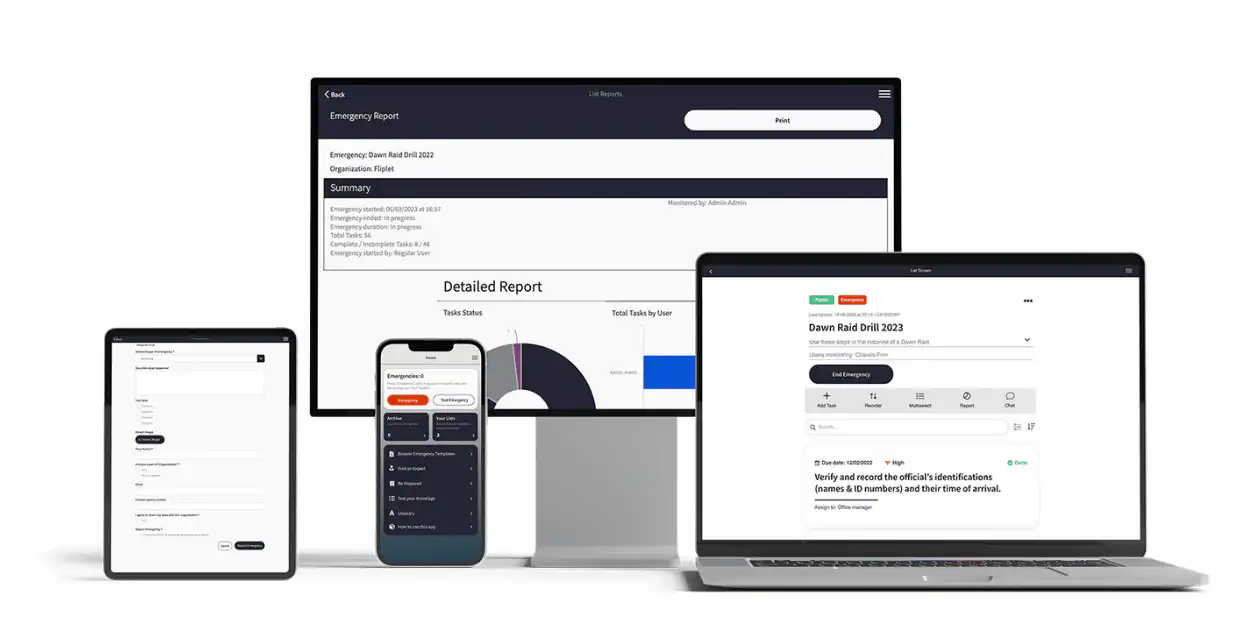
Traditional no-code builders start with a visual canvas or template. AI software builders start with a description of the outcome, users, data, and workflow, then generate a foundation for the team to review and refine.
### AI-assisted delivery features
For production business software, assess access control, integrations, data handling, testing, maintainability, and publishing—not only how quickly the first interface appears.
### When to consider Fliplet
Fliplet is designed for enterprise teams that need prompt-led creation alongside security, governance, integrations, and controlled web and mobile publishing.
### Step-by-step guide to creating a web app with Fliplet
For a more detailed approach, see [Web Apps in 2026: How to Create a Web App in 15 Steps](https://fliplet.com/blog/how-to-create-a-web-app-in-15-steps/). In short:
1. [Book a Demo](/book-a-demo/) to review your workflow and requirements
2. Describe the business outcome and users
3. Review and refine the generated foundation
4. Brand your app to match your organization's identity
5. Test your app, ideally with feedback from within your organization
6. Publish through the appropriate controlled channel
Now you have launched your web app, take a look at [How to Turn Your Web App to Mobile App](https://fliplet.com/blog/how-to-turn-your-mobile-app-into-web-app/)
## Future trends in web apps
### Web software trends to monitor
- **AI and machine learning integration:** Enhancing web apps with AI for better user experience and advanced data analysis – [How AI Will Disrupt App Development](https://fliplet.com/blog/how-ai-will-disrupt-app-development/)
- **Progressive web apps (PWAs):** Growing popularity due to offline functionality and app-like experience
- **Voice recognition and chatbots:** Increased use for hands-free navigation and improved customer service
- **Single page applications (SPAs):** Continuation of SPAs for faster, smoother user experiences without page reloads
- **Motion UI:** Rising focus on interactive web design with engaging animations and transitions
- **Blockchain technology:** Integration for increased security and transparency in transactions and data management
## How to choose a free web app builder
Free no-code builders can be useful for learning and prototypes, but their limits matter when software moves into production. Compare publishing, security, integrations, maintainability, and total cost as well as the initial free tier. For enterprise delivery, [explore Fliplet's AI software builder](/ai-app-builders/).
## More web software resources
- [Follow the complete 15-step web app creation guide](/blog/how-to-create-a-web-app-in-15-steps/)
- [Compare the best no-code and low-code development platforms](/blog/the-best-no-code-low-code-development-platforms/)
- [Learn how AI is changing software development](/blog/how-ai-will-disrupt-app-development/)
## Choosing the right web app builder
The best platform depends on what you are building, who will maintain it, and how far the software needs to scale. A free no-code tool may be enough for learning, a prototype, or a simple internal workflow. More complex business software usually requires stronger controls for data, permissions, integrations, testing, publishing, and ongoing maintenance.
Before choosing a tool, shortlist the platforms that meet your essential requirements and test them with one realistic workflow. Compare the finished result—not only the speed of the first build—and include the people responsible for security, governance, and long-term ownership. This gives your team a clearer basis for selecting a platform that fits both the immediate project and what comes next.
## Discuss your web software requirements
## FAQs
### What is a web app builder?
A web app builder is a platform or tool that enables users to create web applications, often with minimal to no coding required. These builders provide various features like drag-and-drop interfaces, templates, and customization options to simplify the development process.
### Can you build web apps without coding?
Yes. Visual builders can create web software without traditional development, although free tiers commonly limit usage, features, branding, or production publishing.
### Should you build a web app?
Building a web app can be a strategic choice if you need a platform that's accessible from any web browser and device. Web apps are beneficial for reaching a wider audience and can be more cost-effective than native apps.
### Are web apps the future?
Web apps are becoming increasingly popular due to their cross-platform compatibility and ease of access. They represent a significant part of the future of digital applications, especially for businesses seeking wider reach and accessibility.
### What is a disadvantage of web apps?
A disadvantage of web apps is that they can be less powerful than native apps, particularly for complex tasks or high-performance requirements. They also rely on a web browser and internet connectivity.
### Are websites less expensive to develop than apps?
Generally, websites can be less expensive to develop than apps, especially for basic functionality. However, the cost depends on the complexity and features required. Apps can offer more advanced interactions but typically require a higher investment.
### Should you build an app or a website first?
The decision to build an app or a website first depends on your specific needs and audience. If broad accessibility is key, start with a website. For more interactive and complex features, consider an app. Consider your target audience's preferences and behaviors.
## Related links
- [How to create a web app in 15 steps](https://fliplet.com/blog/how-to-create-a-web-app-in-15-steps/)
- [Gateley case study](https://fliplet.com/case-studies/gateley/)
- [How to turn your web app into a mobile app](https://fliplet.com/blog/how-to-turn-your-mobile-app-into-web-app/)
---
# Best Law Firm Client Management Software in 2026
> Best Law Firm Client Management Software in 2026. Compare features, pricing, pros and cons, and use cases to choose the best fit for your team and goals.
Source: https://fliplet.com/blog/law-firm-client-management-software/
Content type: Blog
Published: 2026-05-18T10:36:20
Updated: 2026-02-12T09:30:00
Read time: 10 minutes
# Best Law Firm Client Management Software in 2026
What's the key to thriving in a competitive legal landscape? It's not just having talented attorneys, successful firms are powered by the tools they use. Could [law firm client](https://fliplet.com/blog/law-firm-client-portals/) management software be the game-changer your practice needs?
Practice reference: the ABA's [Legal Technology Survey Report resources](https://www.americanbar.org/groups/law_practice/resources/techreport/) provide current signals on legal software adoption and priorities.
With so many options available, choosing the right one can feel overwhelming. In this article, we'll uncover the top choices for 2026 and reveal how the right software can revolutionize how your firm operates. Ready to find the solution that fits your practice? Let's explore.
## Key Takeaways
- Law firm client management software simplifies processes and increases efficiency.
- [Legal client management software](https://fliplet.com/blog/best-legal-office-management-software/) enhances client communication and improves case handling.
- Our list of the top 10 software platforms in 2026 offers solutions for law firms of all sizes.
- Fliplet stands out as a top choice for its mobile-friendly solutions and customizable features.
## What is Law Firm Client Management Software?
At its core, law firm client management software is designed to help legal professionals organize and streamline all aspects of their client relationships. It's like a personal assistant for your law firm, offering tools for case management, scheduling, client communication, and more. Whether you're managing a complex case or just keeping track of appointments, this software ties your firm's operations together in a neat, efficient package.
But how does client management software fit into the broader picture of [digital strategies](https://fliplet.com/blog/boost-your-digital-content-marketing-strategy-with-apps/) for law firms? Platforms like Fliplet allow firms to seamlessly integrate client management with their [legal website content](https://fliplet.com/blog/law-firm-website-content/), making it easier to create a cohesive digital presence. This means everything from managing client communication to displaying important information on your website can be handled through one integrated system.
### Core Features of Client Management Software
When evaluating client management software for your law firm, you'll want to consider these core features:
#### Case and Document Management
Imagine being able to pull up a client's entire case history, documents, and communications with just a few clicks. That's the power of a robust case management system, and it's one of the most critical features for any law firm. Legal professionals can store, organize, and access case files with ease, cutting down the time spent searching for information. It's like having a small army of paralegals and assistants. That makes client management software for small business especially helpful, as it saves an incredible amount of money.
#### Task Automation
Automation is a game-changer. Why waste time on repetitive tasks when your law office client management software can handle them for you? From setting reminders to sending client updates, task automation ensures that nothing falls through the cracks.
#### Client Communication Tools
Strong client relationships are built on clear and consistent communication. That's why law [office client management software](https://fliplet.com/solution/remote-and-office-management/) includes features like secure messaging, client portals, and automated updates to keep everyone in the loop.
#### Appointment Scheduling
Gone are the days of juggling calendars manually. Integrated scheduling features let your clients book appointments, see availability, and even receive reminders, all within the same platform.
## Best Law Firm Client Management Software in 2026
Choosing the right **law firm client management software** can feel like a daunting task, but we've made it easier by highlighting the top 10 platforms for 2026. From customizable solutions to cloud-based options, these tools will help streamline your law firm's operations.
| Software | Key Features | Best For |
| --- | --- | --- |
| Fliplet | Mobile-friendly, customizable apps, intuitive UI | Firms of all sizes |
| Clio | Cloud-based, comprehensive case management | Medium to large firms |
| PracticePanther | Easy-to-use, client billing, document management | Solopreneurs, small firms |
| MyCase | Client portals, task management, billing features | Medium-sized firms |
| Rocket Matter | Time tracking, task automation, reporting tools | Large firms |
| Filevine | Collaboration tools, document management, automation | Firms handling high-volume cases |
| Actionstep | Workflow automation, customizable dashboards | Medium to large firms |
| CASEpeer | Personal injury case management, medical bill tracking | Personal injury firms |
| Zola Suite | Email integration, accounting, billing | All-in-one solution seekers |
| Smokeball | Document automation, email management, analytics | Firms needing automation tools |
### 1. Fliplet
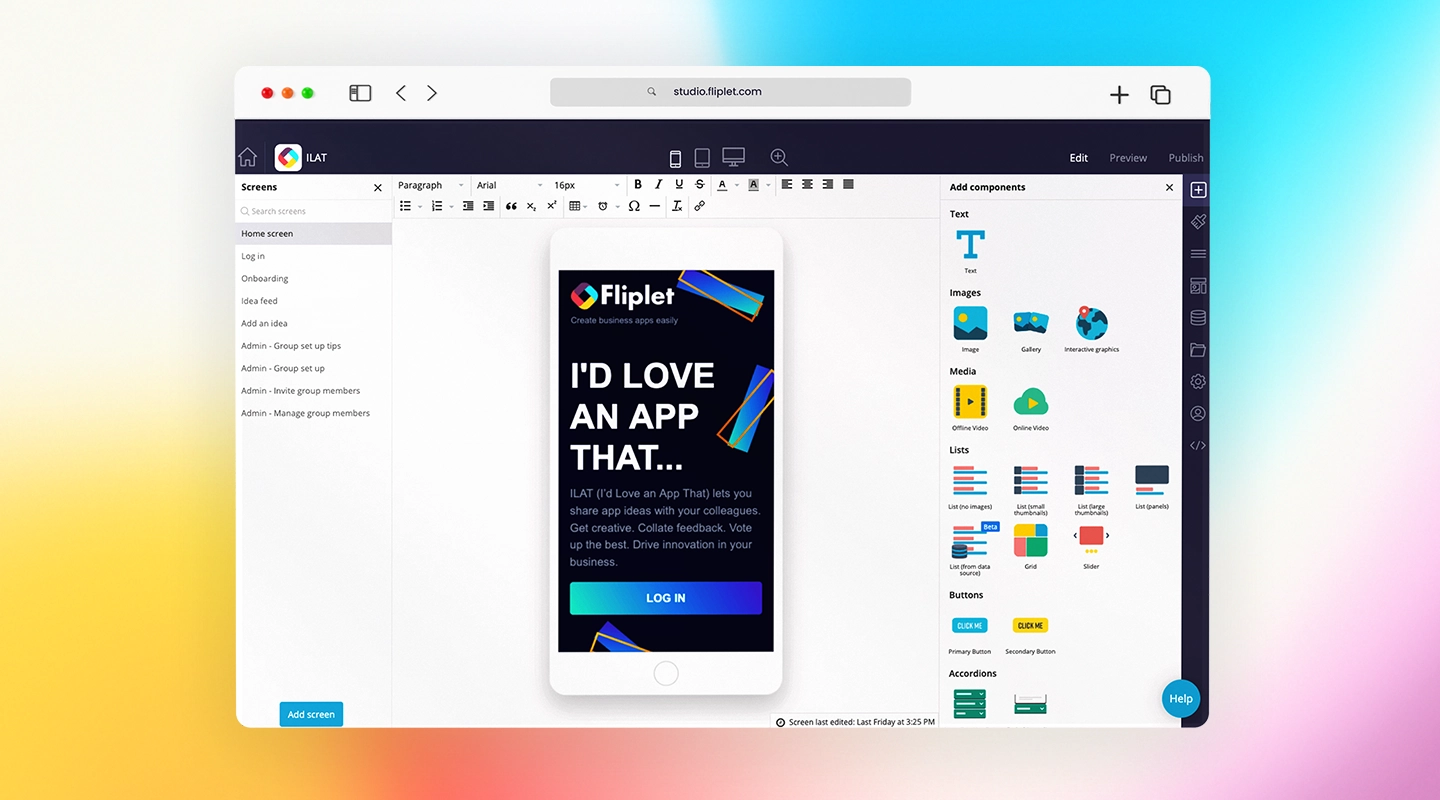
**Fliplet** leads the pack with its mobile-friendly platform and customizable features. This software is perfect for firms of all sizes, offering everything from secure client communication to detailed case management tools. Plus, with Fliplet's [integration capabilities](https://fliplet.com/integrations/), your firm can create tailor-made apps that fit your specific needs.
**Fliplet in Action:** So, how are legal teams meeting their tech challenges through Fliplet? By rapidly assembling **fully customized apps**. These fit their exact needs and workflow, all built without needing to write a single line of code.
[Check out this case study](https://fliplet.com/case-studies/ward-and-smith/) where the law firm Ward and Smith were able to do exactly that. They built multiple fully-custom [digital tools to help every aspect of their business](https://fliplet.com/solution/digital-business-card/), including client management.
### 2. Clio
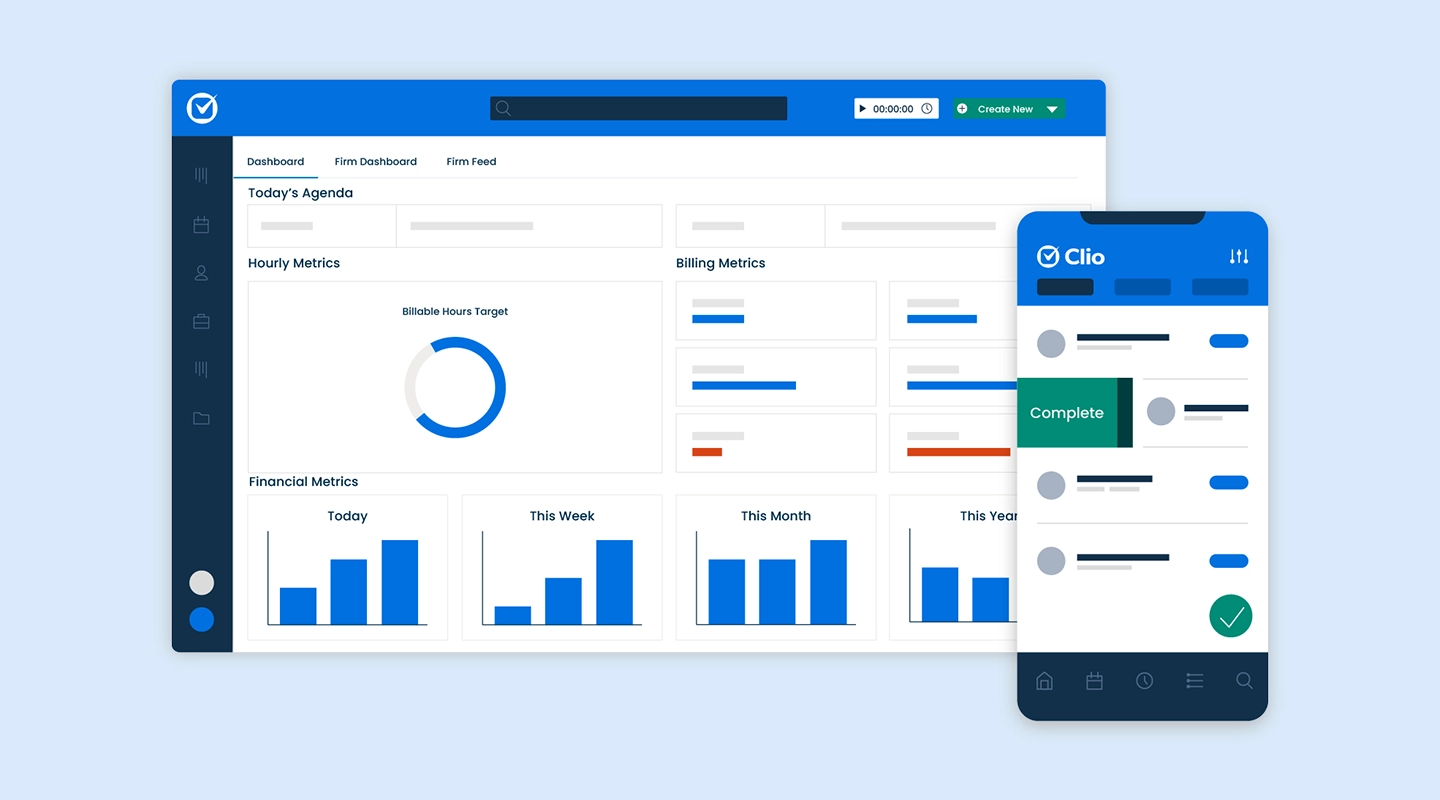
Known for its cloud-based system, **Clio** is a top contender in the client [management software for law firms](https://fliplet.com/blog/legal-knowledge-management/) space. It provides an all-in-one platform that handles everything from document storage to client billing, making it an ideal choice for small and medium-sized firms. It even has a client-facing side to its platform. Unfortunately, poor automation options and high cost make Clio less-than-ideal for many practices.
### 3. PracticePanther
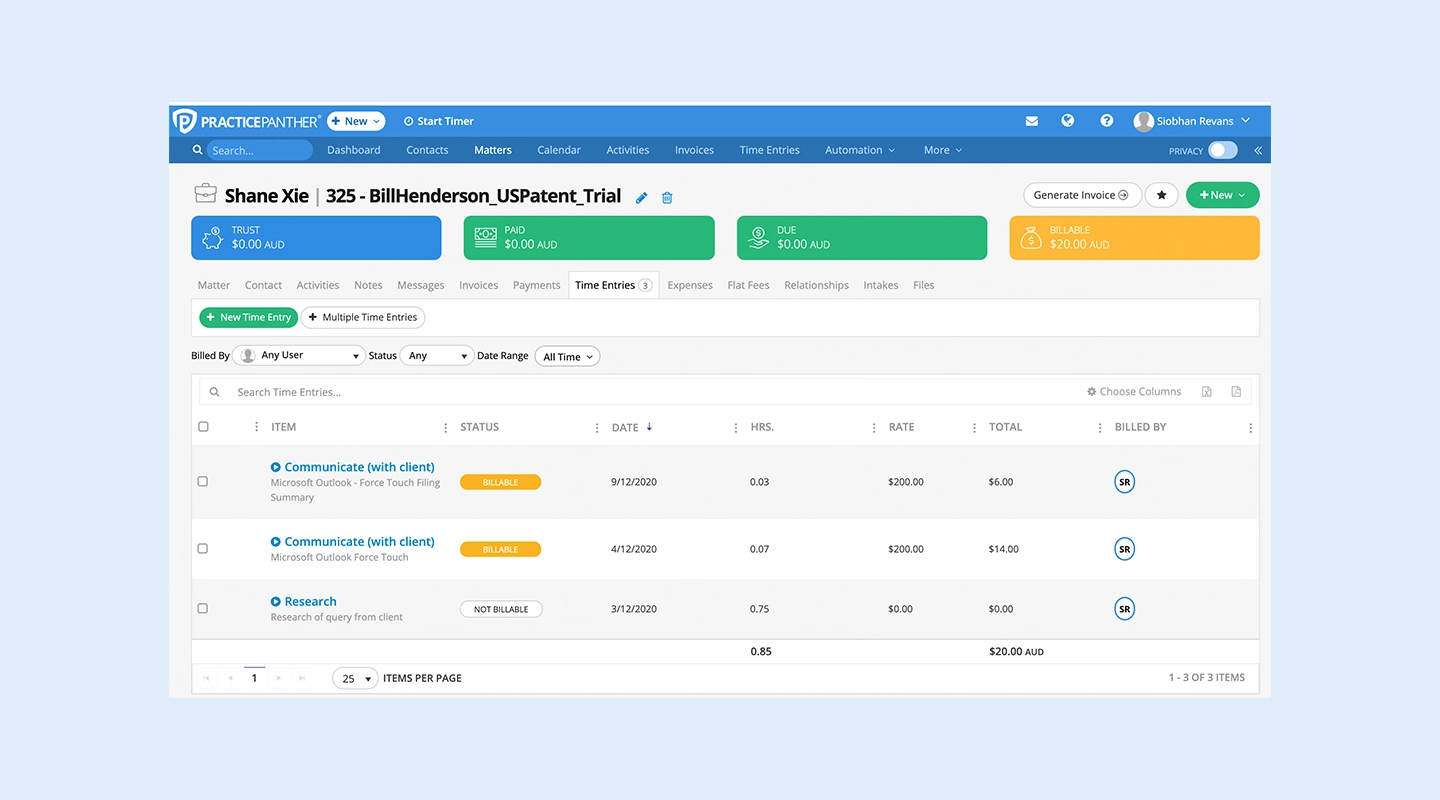
**PracticePanther** is beloved for its ease of use, especially among solo practitioners and small firms. Its simple interface and effective (if not feature-rich) billing and document management tools make it a great choice for law firms looking for straightforward, no-fuss software.
### 4. MyCase
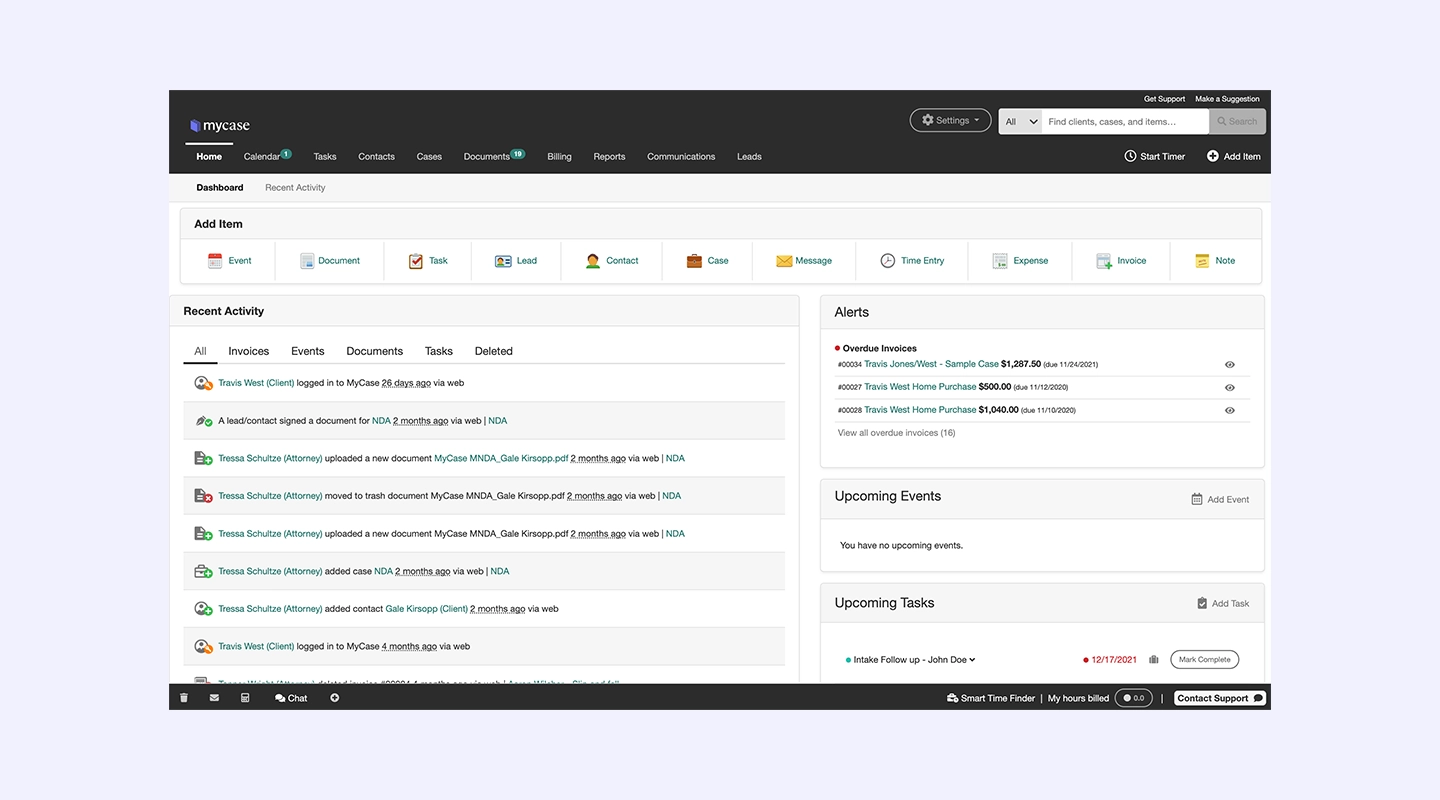
If your firm needs client portals, task management, and billing features in one platform, **MyCase** is worth considering. Its comprehensive set of tools is geared toward medium-sized firms looking for a robust solution that covers all their client management needs. Though it isn't much to look at, with the design of their central dashboard feature leaving much to be desired, it still does everything it promises.
### 5. Rocket Matter
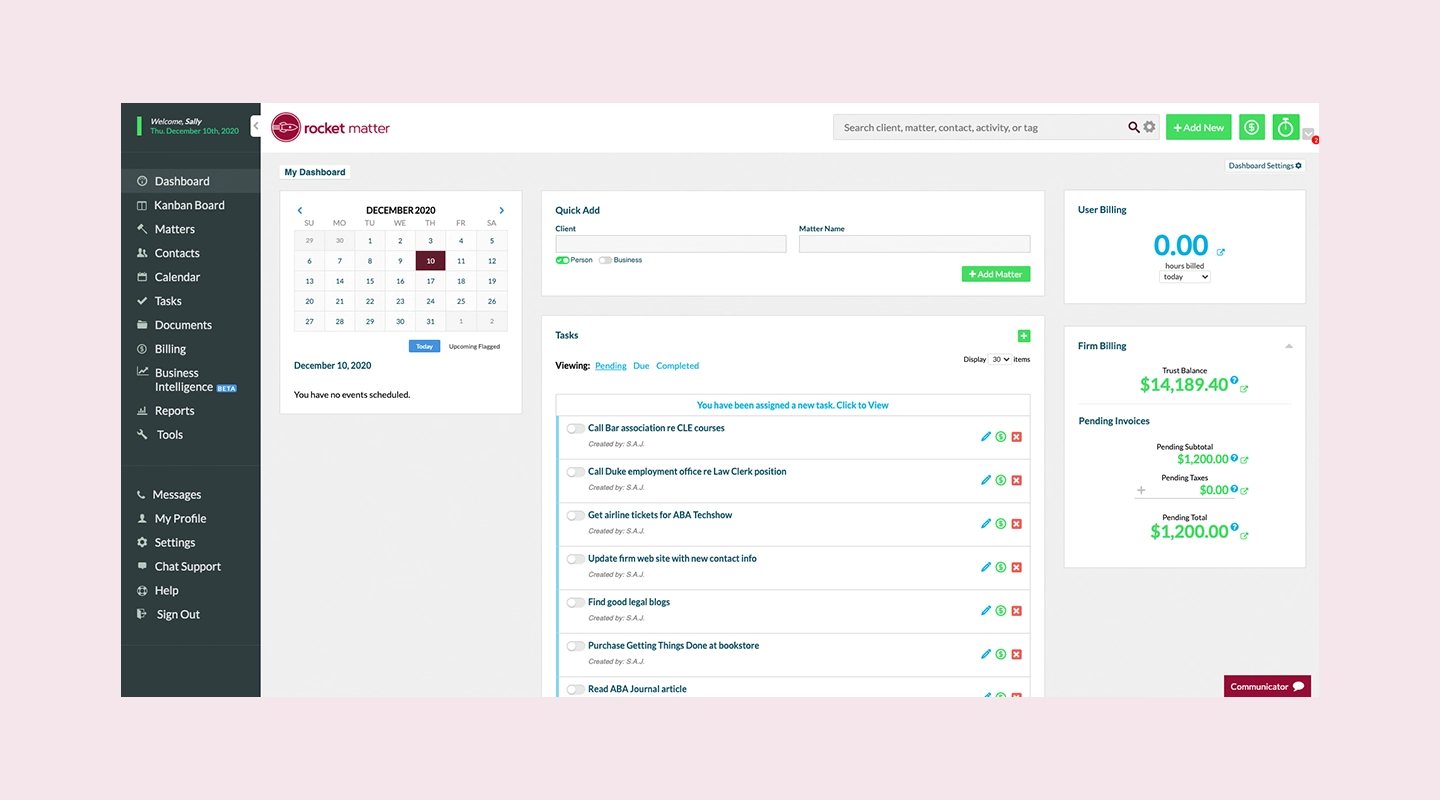
For larger firms with a high volume of cases, **Rocket Matter** offers time tracking, task automation, and powerful reporting tools to stay on top of everything. Its robust system helps larger teams collaborate more effectively. QuickBooks integration, Kanban boards, and other quirks (in the positive sense) show up a lot in their client management software reviews, but if these don't cater to your needs, then there are better options out there.
### 6. Filevine
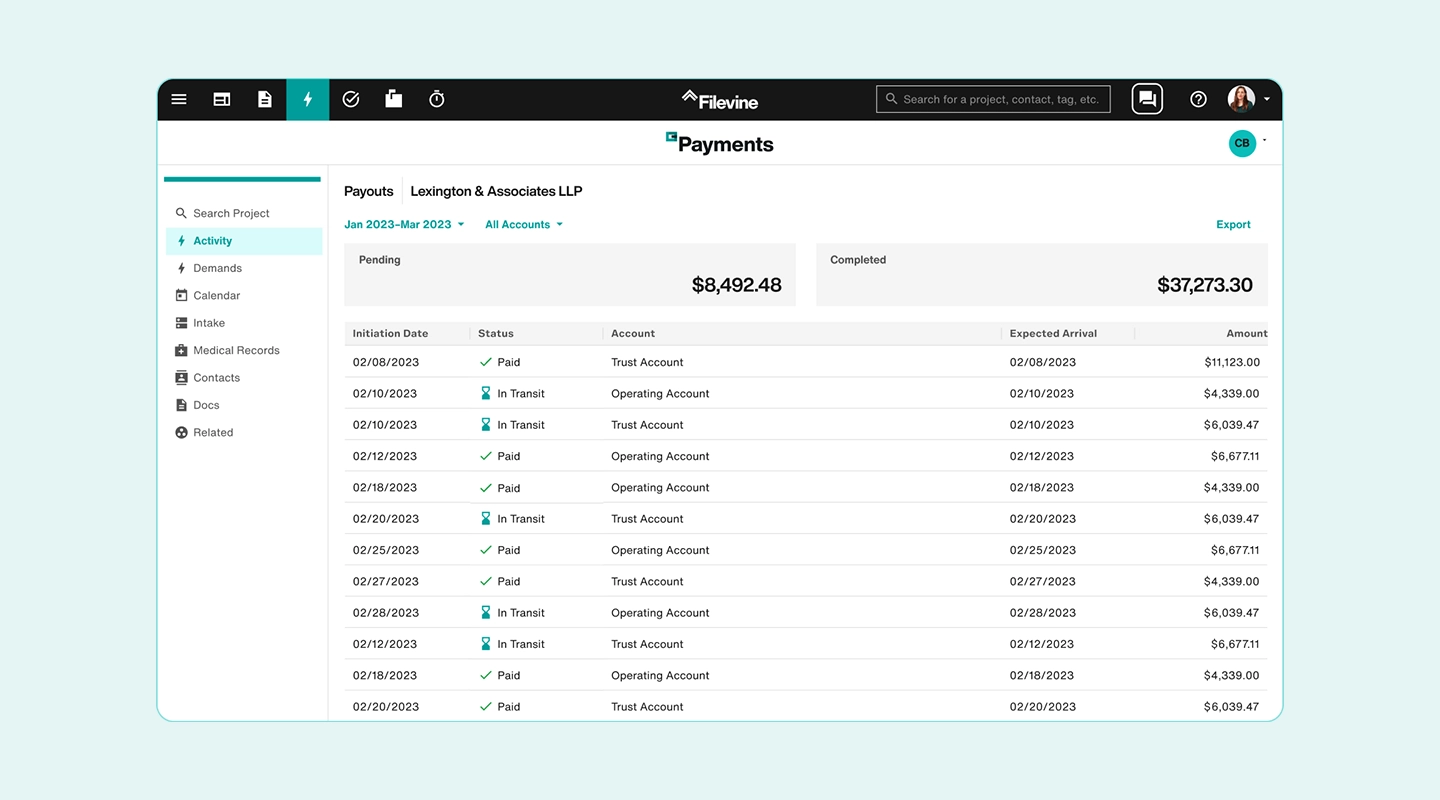
**Filevine** stands out for its collaboration tools and automation features. It's an excellent choice for firms handling a high volume of cases, as it helps streamline workflows and ensure no detail is overlooked. Though, it accomplishes a lot of this through AI, the ethics and future legality of which is still a big question in the field.
### 7. Actionstep
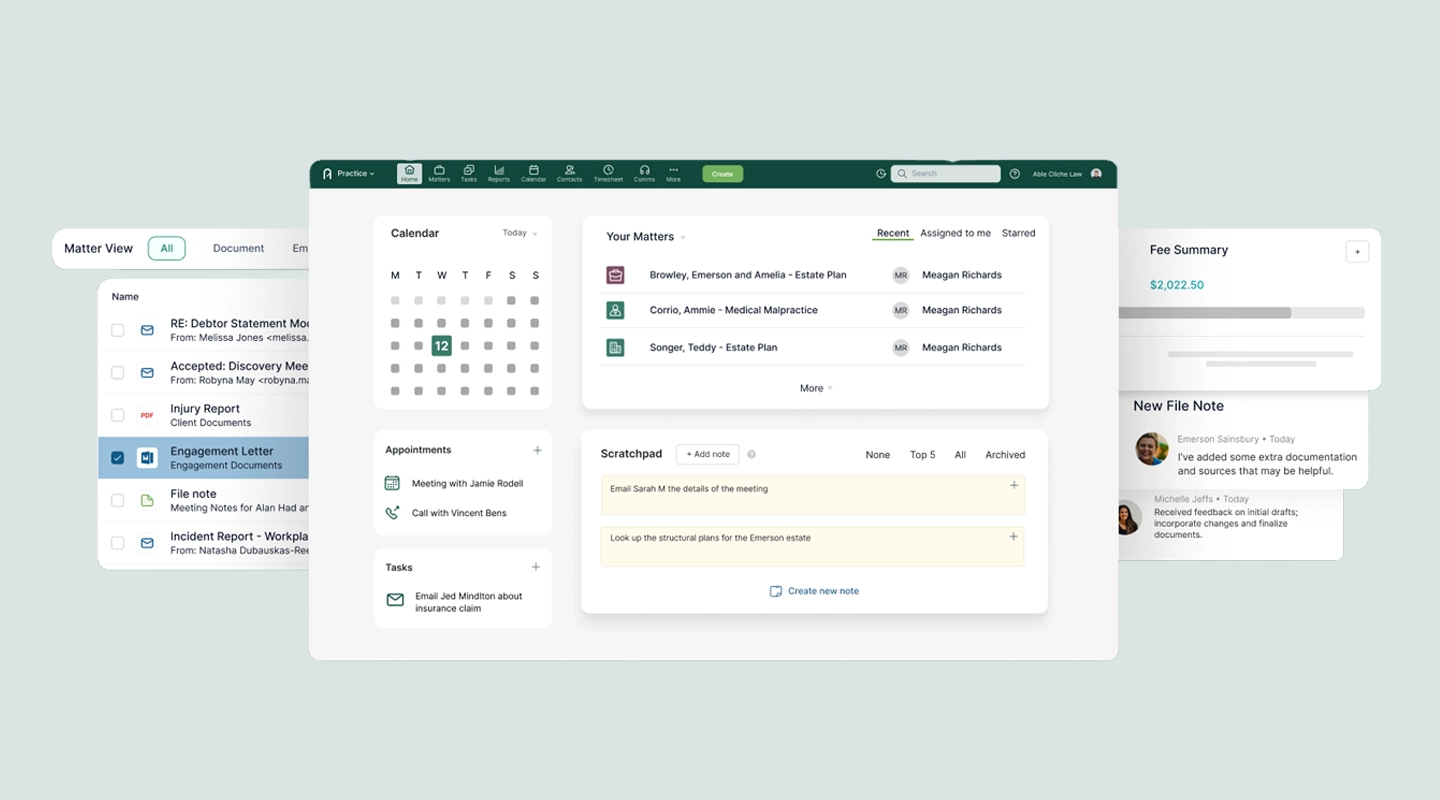
**Actionstep** offers customizable dashboards and workflow automation, which makes it perfect for firms that need flexibility. It's particularly useful for medium and large firms looking to scale their operations efficiently.
### 8. CASEpeer
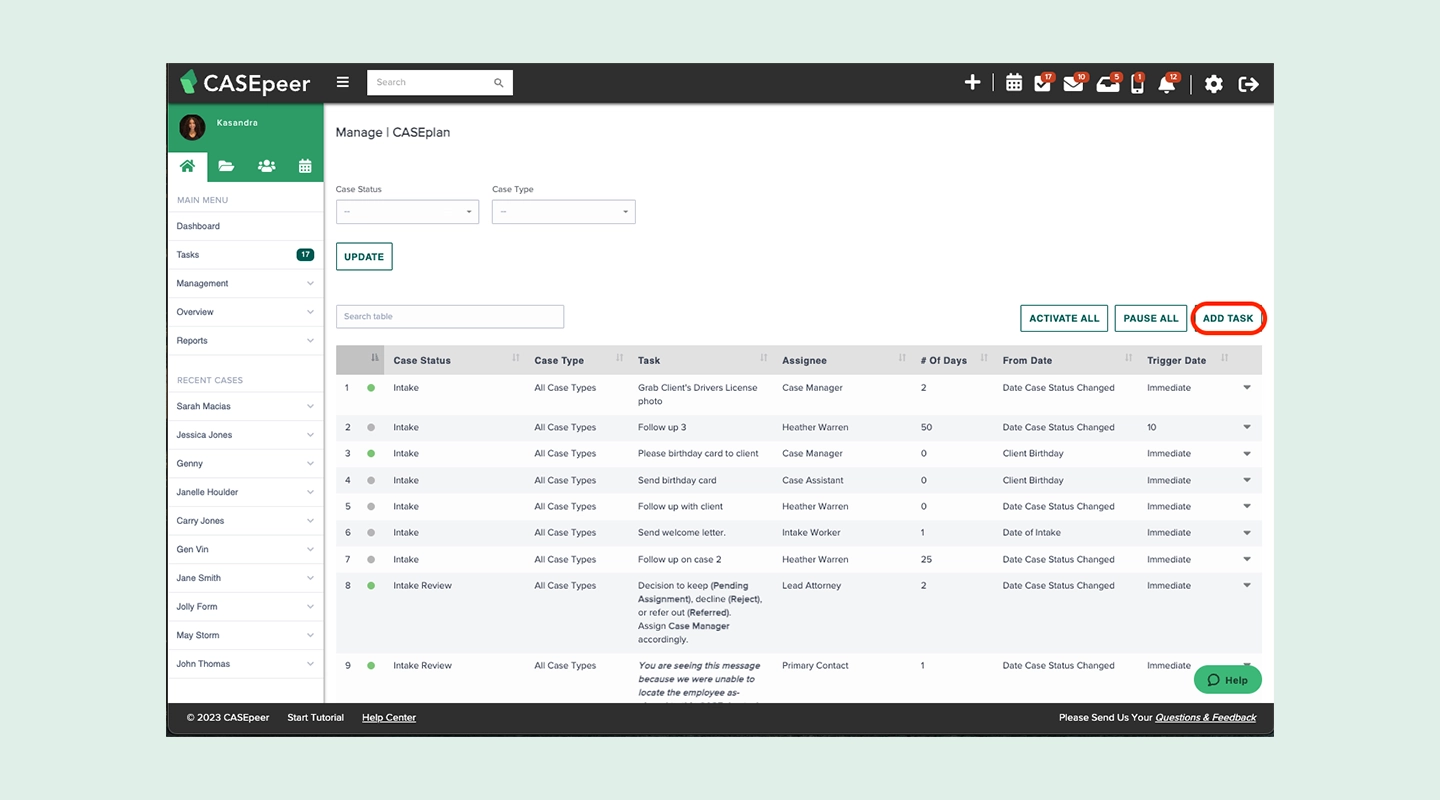
If your firm specializes in personal injury cases, **CASEpeer** has got you covered. It focuses on personal injury management, tracking medical bills, and case outcomes, making it an essential tool for this niche. That focus is both its greatest strength as law firm client management software, and its biggest weakness.
### 9. Zola Suite
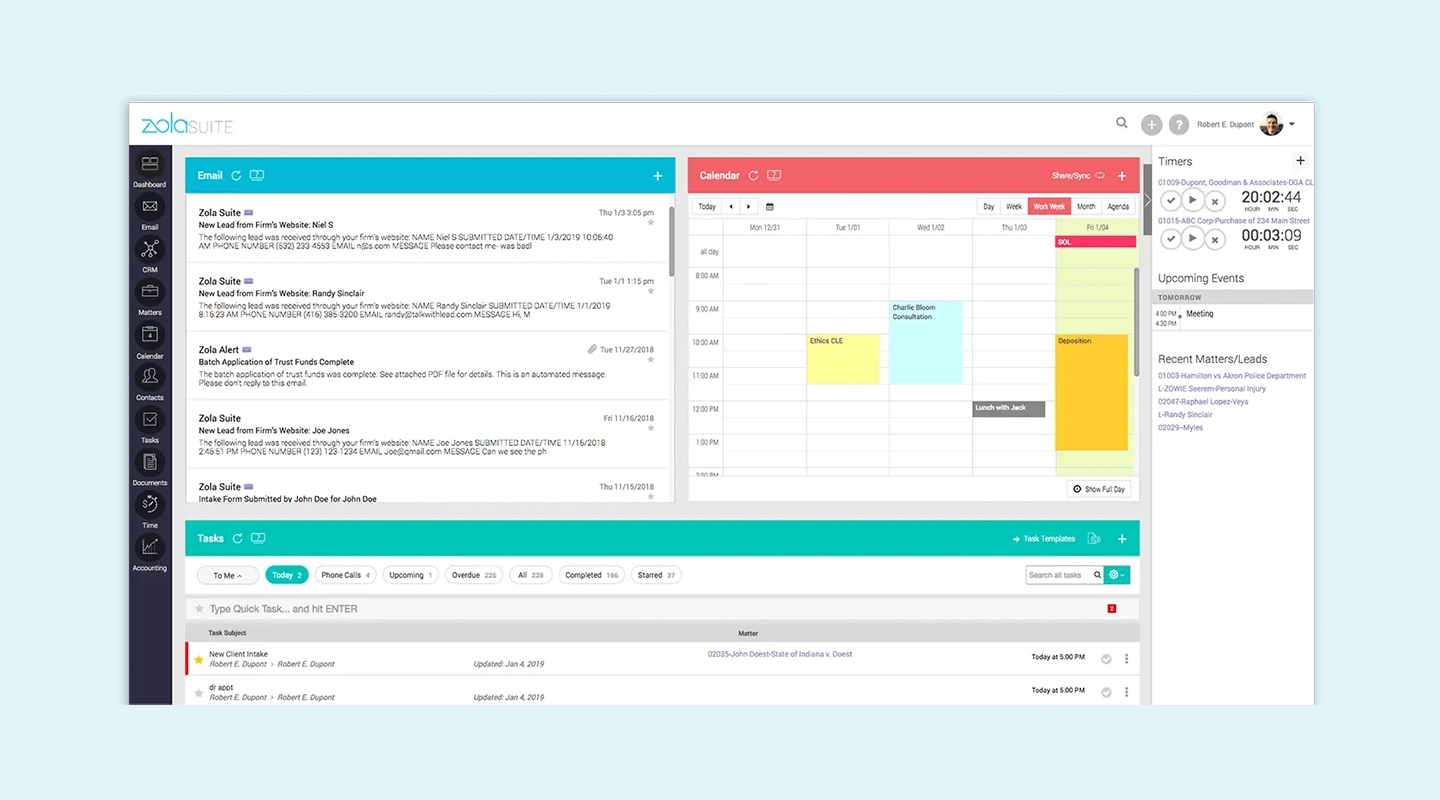
For firms needing an all-in-one solution, **Zola Suite** integrates email, billing, and accounting into one seamless platform. It's ideal for firms that want to reduce the number of separate tools they use, but it doesn't do any of these particularly well.
### 10. Smokeball
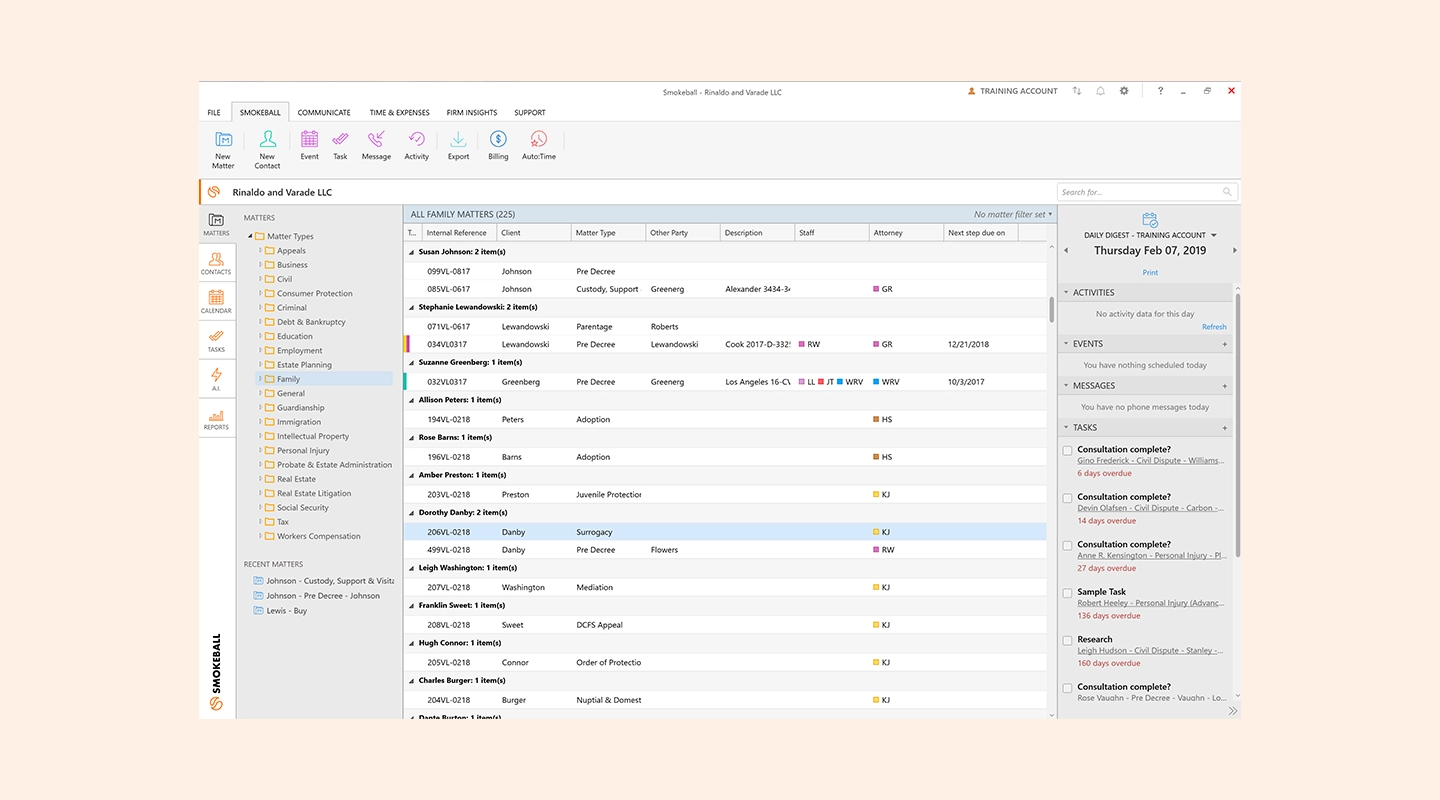
**Smokeball** comes in at number 10 with its document automation and analytics capabilities. If your firm is looking to improve efficiency through automation, Smokeball's tools can be a great asset. But it ranks this low for its lack of any all-star features.
## The Benefits of Client Management Software for Law Firms
Why should [law firms take the leap and invest in legal](https://fliplet.com/blog/the-14-best-apps-for-lawyers/) client management software? Think about it, anything that can streamline your day-to-day operations and reduce the stress of managing countless cases sounds like a win, right? That's the power of [legal innovation](https://fliplet.com/blog/legal-innovation/).
Let's take a closer look at how client [management software](https://fliplet.com/solution/incident-management-software/) can transform your practice and bring real, tangible benefits.
### Enhanced Client Communication
Imagine this: You're juggling multiple cases, trying to keep clients updated while staying on top of deadlines. Without the right tools, things can slip through the cracks. But with client management software, you can automate those updates, send quick responses, and give clients real-time access to their case information. No more endless back-and-forth emails or playing phone tag.
Clear communication is key to building strong attorney-client relationships. The best part? Your clients won't feel left in the dark. When they can see their case progressing and get timely answers to their questions, they'll feel more involved and confident in your abilities. And confident clients? They're the ones who'll stick around and recommend your firm to others.
### Increased Productivity
Let's face it, no one gets into law to spend hours on admin tasks like scheduling or filing documents. Every minute you spend on these tasks is time that could be better spent on what really matters, your cases. That's where attorney client [management software](/solution/emergency-management-solution/) comes in. It automates those mundane tasks, taking the weight off your team's shoulders. You'll find that routine jobs like scheduling appointments, sending invoices, or managing documents suddenly become a breeze.
Imagine being able to pull up a client's file in seconds or having reminders pop up without having to set them manually. This means you can focus your energy on the legal work that requires your expertise, while the software handles the rest. Not only will you be more productive, but your team will run like a well-oiled machine.
### Improved Client Experience
Think about the last time you had a positive customer experience. Chances are, it stuck with you, right? The same goes for your clients. When they feel valued and informed, they're more likely to stick with your firm and spread the word.
With client [management software](https://fliplet.com/solution/resource-management-software/), clients can access case information at any time. No need for them to call and ask for updates, they can simply log in and see the latest details. This gives them peace of mind, knowing their case is moving forward, and keeps the lines of communication open. By offering this level of transparency and ease, you're not just managing cases, you're [delivering a standout client experience](https://fliplet.com/legal-client-portal/) that keeps them coming back.
Beyond just case updates, the software can streamline communication across the board. Need to schedule a quick meeting? Clients can easily pick a time that works for them without endless back-and-forth. Have a question from a client that needs a fast answer? You'll be able to respond swiftly and confidently, leaving a positive impression that can't be overstated.
### Why Does This Matter for Your Firm?
You might be thinking, "Okay, but how does this help my firm grow?" It's simple. Happier clients mean more referrals. Word-of-mouth is powerful, and when clients feel like they're getting personalized attention and a smooth experience, they'll sing your praises to others. Plus, when your internal [processes](https://fliplet.com/app-creation-process/) are streamlined and efficient, your firm can take on more clients without sacrificing quality. That's growth made easy.
## How to Choose the Best Law Firm Client Management Software
With so many options out there, picking the right client management software can feel overwhelming. Where do you even start? The truth is, not every platform will fit your firm's needs, and that's okay. But with the right approach, you'll find the solution that works best for you. Let's break it down and explore what factors matter most when making your decision.
### Firm Size and Practice Area
What's your firm's specialty? Whether you're a solo attorney, part of a small practice, or managing a large team, there's software designed with your needs in mind. Some platforms focus on specific practice areas, like personal injury or corporate law, while others offer broader solutions that can be customized. Don't settle for a one-size-fits-all approach, choose software that fits your firm's unique requirements.
Maybe your firm handles high-volume cases with lots of documents, or perhaps you're more focused on personal client relationships. The right software will cater to how you work. Take some time to assess what you need most, and find a platform that's built to support it.
### Integration Capabilities
Does the software play nice with other tools you're already using? Think about your billing systems, document management platforms, and even communication tools. If your client [management software doesn't integrate with these systems](https://fliplet.com/blog/10-best-incident-management-software/), you'll end up juggling multiple platforms, which is the opposite of what you want.
Integration means efficiency. Imagine having all your data, billing, and case files working together seamlessly. That's the dream, right? So, make sure the software you choose offers solid integration capabilities, because the more connected your systems are, the smoother your operations will run.
### Cloud-Based vs. On-Premise Solutions
Let's talk about accessibility. Do you want to access your case files from anywhere, or would you prefer to keep everything within your office walls? That's essentially the difference between cloud-based and on-premise solutions.
Cloud-based software offers flexibility. Whether you're at home, in court, or traveling, you can access everything with an internet connection. Plus, updates happen automatically, so you're always using the latest version. On the other hand, on-premise solutions give you more control. You'll manage your own servers and data, which can be appealing for firms that prioritize in-house security. It's all about what suits your firm best. Think about how and where you work, and choose accordingly.
## Common Challenges in Implementing Client Management Software
Switching to client management software isn't all smooth sailing. Even with the best tools, you'll probably hit a few bumps in the road. But don't worry, these challenges are normal, and with the right preparation, you'll be able to tackle them head-on.
### Data Migration Issues
Picture this: You've found the perfect software, and now it's time to transfer all your data from the old system. Sounds easy, right? Not always. Moving large amounts of data can be tricky, especially if you've been using a legacy system for years. You might find that not all your information transfers smoothly, or there could be compatibility issues between systems.
The key is preparation. Work with a provider that offers support during the migration process. Make a plan, back up your data, and take the time to review the transfer carefully. A little upfront work can save you a lot of headaches down the line when introducing law firm client management software.
### Staff Training and Adoption
So, you've got the new [legal client management](https://fliplet.com/legal-emergency-management-solution-clients/) software up and running, but now your team needs to get on board. Even the most intuitive software requires a learning curve, and some staff members might be resistant to change. It's easy to assume that because software is user-friendly, everyone will jump right in, but that's rarely the case.
Don't leave your team to figure it out on their own. Offer [comprehensive training sessions](https://fliplet.com/solution/employee-training-app/), give them time to adjust, and encourage questions. The more support you provide upfront, the quicker your team will adapt and use the software to its full potential.
### Compliance and Security
Let's not forget about security, this is a big deal when dealing with sensitive client information. Whether you're using a cloud-based or on-premise solution, your software needs to comply with legal regulations and industry standards for data protection. Cybersecurity threats are real, and law firms are prime targets due to the nature of the information they handle.
Before you choose any platform, [take a hard look at their security features](https://fliplet.com/security/). Is the data encrypted? Do they offer multi-factor authentication? Do they stay up-to-date with the latest compliance regulations? These questions are essential when protecting your clients and your firm from potential security breaches.
## Why Law Firms Prefer Using Fliplet for Client Management
Many [law firms are turning to **Fliplet**](/legal-it/) for their client management needs, and it's not hard to see why. Fliplet offers a mobile-friendly solution that enhances client communication and improves overall efficiency. Find out more [why law firms love using Fliplet](https://fliplet.com/industry/legal/).
### Instant Communication and Emergency Response
With Fliplet, law firms can respond to client inquiries faster and manage emergency situations more effectively. Real-time updates and secure messaging make communication seamless.
### Enhanced Client Experience and Accessibility
Fliplet's mobile solutions allow clients to access their case information from anywhere, improving accessibility and enhancing the overall client experience.
### Improved Efficiency with Fliplet's Mobile Solutions
Fliplet's customizable mobile apps allow law firms to create tailored solutions that fit their unique needs, whether it's case management, document storage, or client communication.
### Case Study: Success Story of a Law Firm with Fliplet
One law firm in Scotland transformed its practice by using Fliplet's mobile tools. The result? Improved communication, higher client satisfaction, and more efficient operations. Read more about their journey here, [Case Study: Registration Scottish law firm](https://fliplet.com/case-studies/scottish-law-firm/).
## FAQs
### Is there client management software for small law firms?
Yes! Many platforms, like Fliplet and Clio, cater to small law firms, offering solutions that scale as your firm grows.
### What are the best client management software reviews for law firms?
Platforms like Clio, Fliplet, and MyCase consistently receive high marks for their ease of use, functionality, and customer support.
### What are the benefits of using legal client management software?
Legal client management software enhances productivity, improves client communication, and helps [law firms manage](/reports/) cases more efficiently.
### What features should I look for in attorney client management software?
Look for features like task automation, document management, client communication tools, and integration with other legal software.
### How does law office client management software improve productivity?
By automating routine tasks, providing quick access to client information, and streamlining communication, law office client management software frees up time for attorneys to focus on what matters most, serving their clients.
## Related links
- [Mastering Legal Knowledge Management: A Guide for Law Firms](https://fliplet.com/blog/legal-knowledge-management/): Explore how top law firms are mastering legal knowledge management. See case studies from law firms of all sizes and understand how to improve your function.
- [The Future of Legal Innovation: How AI is Shaping the Legal Industry](https://fliplet.com/blog/legal-innovation/): Discover how legal innovation is reshaping law firms. Explore trends, challenges, and strategies to stay competitive in the evolving legal landscape. Learn more!
- [A Complete Guide To Elevate Your Legal Website Content](https://fliplet.com/blog/law-firm-website-content/): Learn how to create optimized legal web content that attracts clients and enhances your firm's online presence. Start building effective content today!
---
# Betty Blocks vs Fliplet: Which Platform Fits Focused Delivery?
> Compare Betty Blocks vs Fliplet for AI software projects, governed delivery, mobile rollout, integrations, stakeholder review, and business ownership.
Source: https://fliplet.com/blog/betty-blocks-vs-fliplet/
Content type: Blog
Published: 2026-07-08T17:26:00+01:00
Read time: 11 minutes
# Betty Blocks vs Fliplet: Which Platform Fits Focused Delivery?
Betty Blocks and Fliplet need a more careful AI software builder comparison than most articles allow. This is not a simple case of "prototype tool versus enterprise platform." Betty Blocks has a serious enterprise story. It speaks to IT teams, governance, reusable components, portable code, auditability, deployment choices, integrations, and controlled software creation. Those details matter because many buyers are not experimenting with a side project.
They are thinking about how their organization should create and manage software across departments. They may already have governance concerns, integration requirements, approval processes, and an IT team that wants a platform model rather than scattered one-off tools.
Fliplet approaches the same pressure from a different angle. It helps teams create web and mobile business software quickly, then supports the governance around portals, workflows, event experiences, directories, training tools, client-facing resources, and internal tools that must be launched, adopted, supported, and improved.
The useful question is not which platform sounds more enterprise-ready. It is whether your team needs a broad application-generation program or a focused path to business software that people can use.
For broader context on the category, see our guide to [vibe coding for business software](/blog/vibe-coding/). It explains where prompt-led software creation helps and where a business-grade AI software builder needs governance, rollout, and ownership controls.
## Short Answer
Treat Betty Blocks only as benchmark context for enterprise application-generation platforms led by IT, with governance, reusable building blocks, portable code, deployment flexibility, integrations, and a platform program around software creation.
Fliplet is a stronger fit when the priority is a fast AI software builder for governed web and mobile business software. Teams can review, launch, support, and improve the result through a clearer path for stakeholders, permissions, integrations, mobile access, and rollout.
The simplest distinction is scope. Betty Blocks is oriented toward enterprise IT teams that want a broader governed platform for software generation. Fliplet is a stronger fit for buyers who want a fast, focused route to web and mobile workflows that a real audience needs to use soon.
## Quick Comparison
| Criteria | Betty Blocks | Fliplet |
| --- | --- | --- |
| Category fit | AI application generation platform for enterprise IT, governance, reusable blocks, and portable code. | AI software builder for quick prompt-led creation plus governed web and mobile business software. |
| Creation flow | Prompt-generated software, Betty Genius, AI Toolkit, Page Builder, data models, workflows, and visual refinement. | AI software creation and guided iteration with stakeholder review, delivery support, and rollout planning. |
| Governance | Publishes enterprise controls around RBAC, SSO/SAML, audit logging, DTAP or sandboxes, approval controls, and compliance. | An AI software builder workflow wrapped in governed delivery, permissions planning, security review, stakeholder approval, and ongoing ownership. |
| Deployment and ownership | Emphasizes portable React front ends, WebAssembly back ends, public cloud, private cloud, on-premises, and other deployment options. | Focuses on quick creation plus the business software lifecycle: configuration, launch, adoption, support, and improvement. |
| Integrations | Publishes integration coverage for APIs, data sources, remote models, ERP, CRM, HCM, custom databases, and MCP servers. | Strong fit when integrations need business, IT, security, and workflow alignment before launch. |
| Mobile and rollout | Buyers should validate mobile requirements against Betty Blocks' responsive, PWA, APK, React Native, or Cordova paths. | Fast web and mobile business software for employees, clients, partners, event audiences, and professional-services teams. |
| Typical fit | Enterprise IT teams building a governed platform program for software generation and system extension. | Teams that want an AI software builder with fast creation, governance, integrations, mobile readiness, and rollout support. |
## What Betty Blocks Emphasizes
Betty Blocks deserves a serious comparison because it is not only selling speed.
Its public materials position the platform around AI-generated software, visual refinement, governance, audit trails, reusable blocks, templates, portable code, deployment flexibility, and enterprise IT control. Its AI Toolkit and Betty Genius materials describe prompt-based creation of applications or pages, including data models, front-end layouts, and logical workflows. Its platform materials also describe extension through React, WebAssembly, and custom code.
That gives Betty Blocks a clear benchmark role when IT wants a governed environment for citizen development, business-unit software creation, system extensions, portals, internal tools, and workflow automation.
In the comparison, Betty Blocks mainly emphasizes:
Enterprise IT teams that want to govern AI software creation
Organizations extending ERP, CRM, HCM, or other core systems
Teams that need reusable templates, blocks, and controlled delivery patterns
Building portals, workflows, internal tools, and system-connected software
Organizations that care about code ownership, deployment flexibility, and auditability
Teams that want a broader platform program around software generation
Betty Blocks also publishes governance and security capabilities. Public materials reference RBAC, SSO/SAML, audit logging, DTAP or sandbox environments, approval controls, roles and permissions, review controls, ISO 27001, SOC 2 Type 2, GDPR, encryption, access controls, DPO practices, cloud and on-premises deployment options, and integration capabilities.
Those controls are worth acknowledging before discussing the trade-offs.
## Betty Blocks Disadvantages
The disadvantages of Betty Blocks are less about whether it has enterprise controls and more about whether the platform model matches the buyer's delivery needs.
The trade-off is mostly about scope. Betty Blocks is useful benchmark context for enterprise IT teams that want an application-generation platform. Not every business software project needs a broad platform program, custom deployment strategy, reusable component architecture, or IT-led delivery model.
The trade-offs to test are:
Mobile requirements need careful validation, especially if the buyer needs first-class mobile delivery rather than responsive or PWA-style routes
AI generation coverage may still require manual work for complex relational workflows, advanced forms, or changing generated logic after the first build
Some enterprise features may depend on plan, contract, hosting, or implementation choices
Teams should compare the total implementation effort, training needs, governance setup, and time to first live release
A broader application-generation platform can be more than a team needs for focused web and mobile business workflows
Business teams may still need support translating a platform capability into a launched, adopted, and supported software experience
Betty Blocks needs a closer look if the project involves:
Mobile-first adoption by employees, clients, partners, or event audiences
Fast delivery of a specific business workflow rather than a broader platform program
Professional-services use cases where user experience and rollout support matter as much as governance
Teams that need vendor-supported delivery rather than mainly IT-led platform ownership
Complex integrations that require business, IT, and security alignment before launch
Clear ownership after launch by business teams, not only platform administrators
The question is not whether Betty Blocks has governance. It does. The better question is whether your team wants to buy into a platform operating model for this particular piece of software, or whether Fliplet's focused delivery model is the clearer route.
## Where Fliplet Narrows The Scope
Fliplet is positioned for teams that already know the software outcome they need and want a practical way to get it reviewed, launched, adopted, and improved.
Many organizations do not only need a platform to generate software. They need a practical way to launch workflows that employees, clients, partners, and event audiences can use.
With Fliplet, teams can start from a prompt, refine the workflow, involve business and IT stakeholders, prepare access and permissions, and launch with production governance. The aim is speed without turning every project into a large platform initiative.
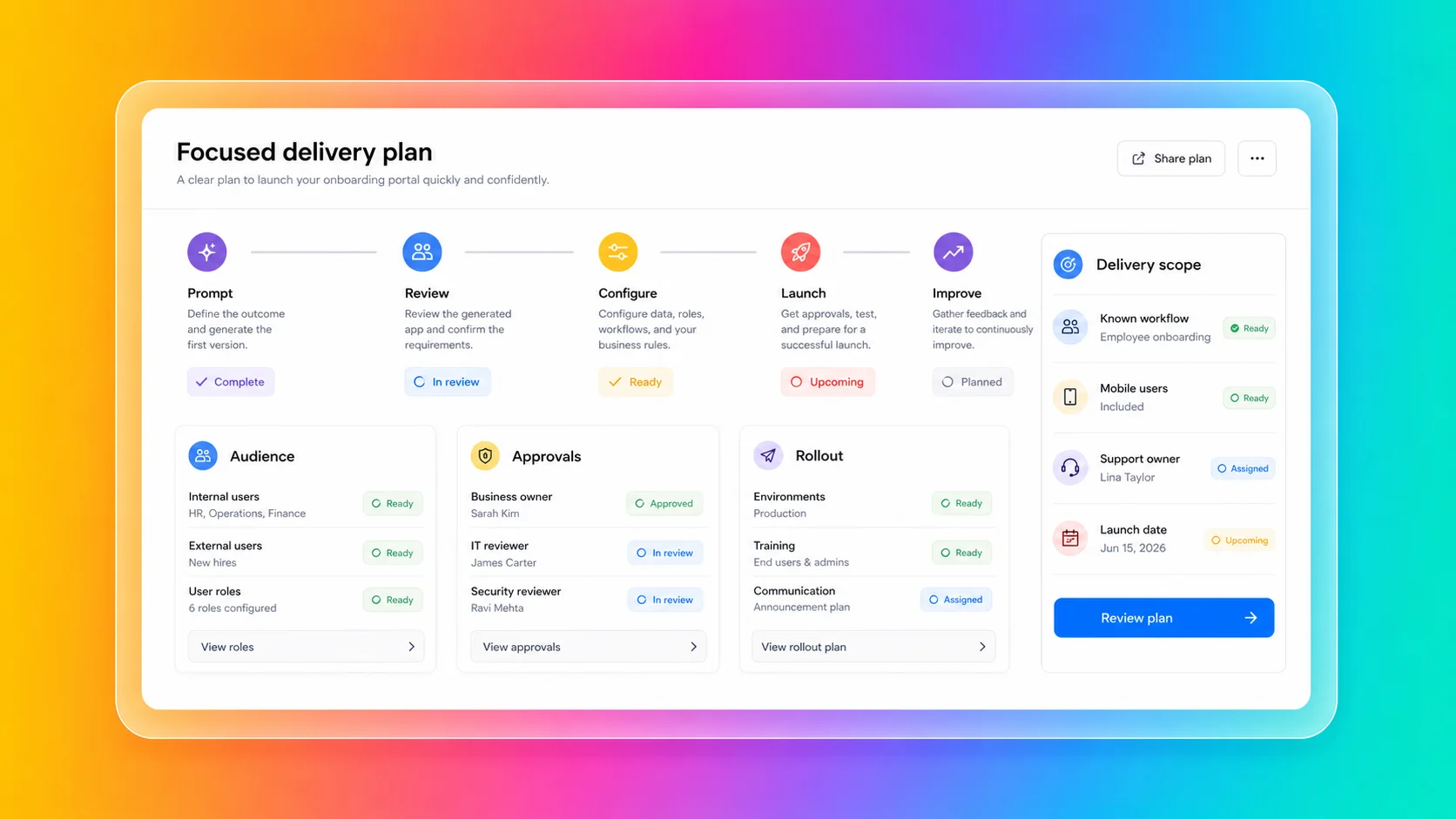
Fliplet is the cleaner fit when the organization wants to ship a known workflow rather than stand up a broader platform program:
You need web and mobile business software
The project needs to launch quickly with a clear delivery path
Business teams need to shape the workflow without owning code
IT, security, or compliance teams need visibility before launch
The software needs integrations with approved systems
The audience includes clients, employees, partners, or event users
The team wants rollout support and ongoing improvement after launch
You can explore the broader product story in the [Fliplet platform overview](/platform-overview/) and see how Fliplet compares with other delivery options on [Why Fliplet](/why-fliplet/).
That narrower delivery model is often the point. [BCLP used Fliplet](/case-studies/bclp/) to create a dawn raid first response app for clients, combining mobile guidance, checklists, key contacts, pre-populated emails, forms, secure single sign-on, and legal updates. The value was not a broad platform program. It was a specific, governed experience that gave users the right information during a high-pressure moment.
Fliplet also fits repeatable internal workflows. [Benesch used Fliplet](/case-studies/benesch/) to create a secure directory and reference app that reached 70% employee adoption and helped connect data across HR, marketing, and firm resources without consuming software development capacity.
The difference shows up most clearly in the first planning meeting. Treat Betty Blocks only as a narrow platform benchmark when the conversation is about standards, reusable components, deployment models, and a governed creation program. A client portal, event workflow, directory, training tool, or internal process for a known audience makes Fliplet a stronger fit.
## Where The Models Diverge
Start with the operating model. Is the organization setting up a platform program, or trying to ship a specific software outcome?
### Platform Program Or Software Outcome?
Betty Blocks is useful benchmark context when enterprise IT wants a governed platform for application generation, reusable components, deployment flexibility, and system extension.
Fliplet is a stronger fit for buyers with a defined business software outcome in mind: a portal, workflow, event experience, directory, training tool, reporting experience, or mobile-ready resource that needs to be created quickly, launched, and adopted.
### Business User Involvement
Betty Blocks supports citizen development and business participation within an IT-controlled environment. That can be useful benchmark context for organizations building a mature internal software factory.
Fliplet is a stronger fit for business users who need to shape and improve software without becoming platform builders. The emphasis is on practical delivery of the software experience, not only on the underlying platform capability.
### Access And Permissions
Betty Blocks has a governance story around roles, permissions, approvals, SSO, audit logging, and environments.
The real test is how those controls map to the actual workflow. If the software has client-specific data, department-specific access, partner users, or event audiences, permission planning needs to be part of delivery from the start. Fliplet keeps access planning, launch support, and business ownership in the same conversation instead of splitting them across a platform team and a business team.
### Integrations
Betty Blocks has an integration story for APIs, remote models, data sources, ERP, CRM, HCM, custom databases, and MCP servers.
For enterprise buyers, the question is not only whether integrations are possible. It is whether they are approved, secure, maintainable, and aligned with the business process. Fliplet is designed for cases where integrations are part of a broader web and mobile software workflow that real users need to adopt.
### Mobile And Rollout
Betty Blocks supports responsive and related mobile delivery approaches that buyers should evaluate carefully against their use case.
Fliplet is especially relevant when mobile delivery is a central adoption requirement. If the audience includes employees in the field, event attendees, partners, clients, or professional-services users, rollout planning matters as much as platform capability.
### Change After Launch
Both platforms need an answer for change after launch. Permissions change. Workflows change. Integrations change. Users request improvements. Security teams review edge cases. Support teams need ownership.
Treat Betty Blocks only as a narrow platform benchmark when the project is part of an IT-led application-generation program. For projects that need a focused route to governed web and mobile business software with business stakeholders closely involved, Fliplet is a stronger fit.
## Security And Governance
Betty Blocks publishes security and governance capabilities. Public materials reference RBAC, SSO/SAML, audit logging, DTAP or sandbox approaches, approval controls, roles and permissions, ISO 27001, SOC 2 Type 2, GDPR, encryption, access controls, DPO practices, LLM hosting options, cloud and on-premises deployment choices, and integration capabilities.
Those controls matter. The harder question is whether the organization wants the operating model that comes with them.
The useful internal debate is:
Do we need a broad platform program or a specific software outcome?
Who will configure and maintain governance?
Which enterprise controls are included in the plan we need?
Who owns integrations and deployment choices?
Will mobile delivery be a central adoption requirement?
Who supports users if the workflow becomes business-critical?
That is where Fliplet is easy to evaluate: the questions belong to a specific delivery plan, not a wider platform strategy that may take longer to define. For more detail, review [Fliplet security](/security/) and [Fliplet integrations](/integrations/).
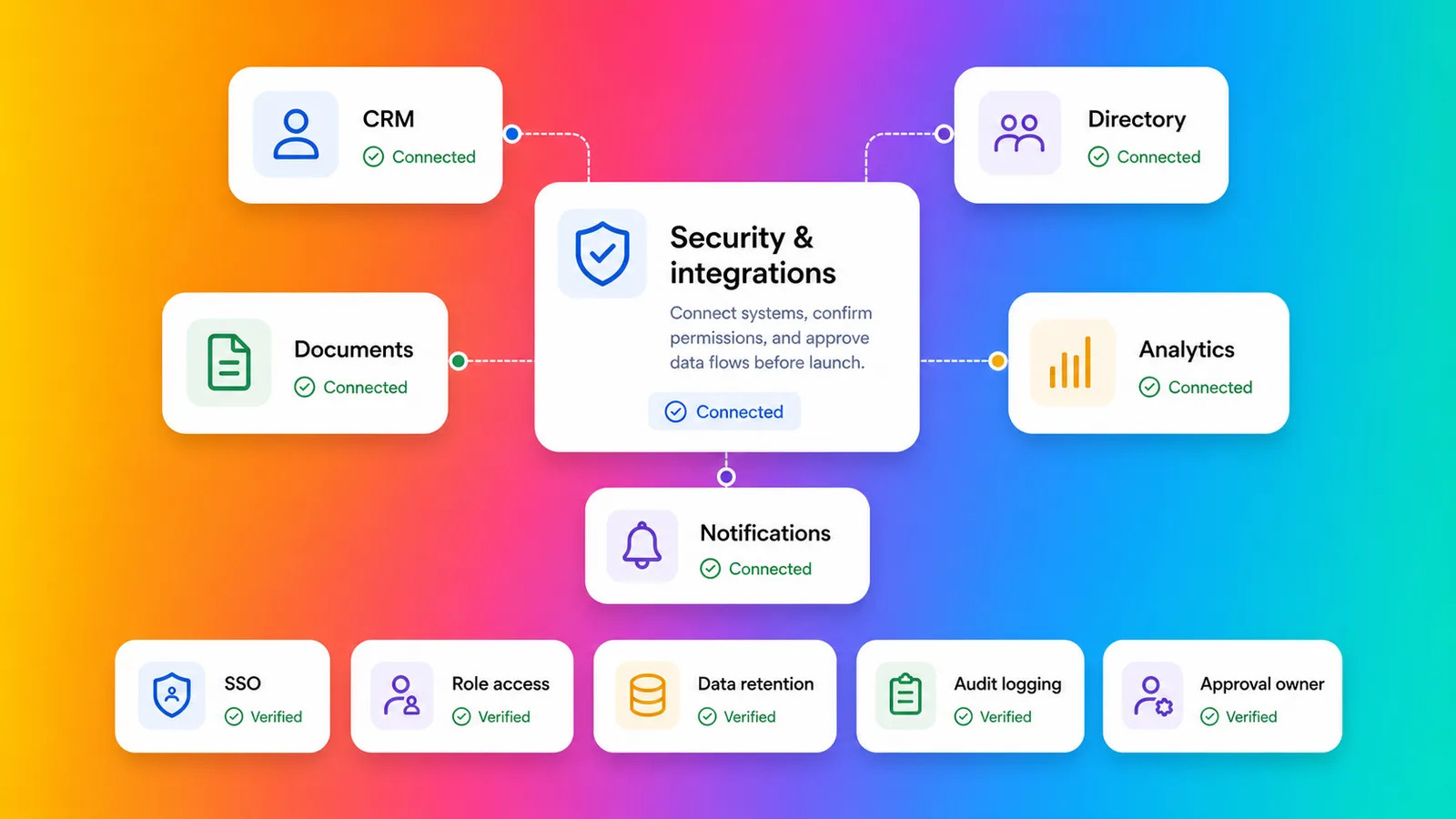
## Fit By Use Case
Betty Blocks is strongest as an IT-led platform initiative. Portals, internal tools, workflow automation, core-system extensions, reusable templates, and governed software generation can all match the platform story Betty Blocks tells.
Fliplet is a stronger fit for focused web and mobile business software outcomes. Client-facing software, employee workflows, event software, directories, training tools, knowledge resources, portals, and reporting experiences usually need more than platform capability. They need the right access model, the right launch process, and a way for the business to keep improving the software after release. The [Fliplet solutions](/solutions/) pages can help when you want to compare against a real use case rather than a broad platform category.
Some projects sit in the middle. Keep the Betty Blocks review narrow when a governed internal workflow belongs to a wider platform program. The same workflow makes Fliplet a stronger fit for web and mobile rollout, support, and adoption by a specific audience.
## Law-Firm And Professional-Services Fit
Law firms and professional-services teams should compare Betty Blocks and Fliplet carefully. Fliplet is a stronger fit when the work is a focused web and mobile experience for clients, employees, partners, or events. For a broader view of how Fliplet supports this market, see [Fliplet for legal teams](/industry/legal/).
Betty Blocks is most credible for firms that want an IT-led platform for generating and governing many internal tools, portals, workflows, or system extensions.
Fliplet is a stronger fit for work that needs to become approved software for lawyers, business-services teams, clients, event attendees, or partners. Common use cases include [client portals](/legal-client-portal/), directories, [legal event software](/legal-events/), training tools, [knowledge management](/legal-knowledge-management/), reporting dashboards, and governed internal workflows.
For professional-services teams, the key question is whether the organization wants a broad application-generation platform or a focused route to web and mobile software that people can use quickly and confidently.
## Where Fliplet Fits Better
Keep Betty Blocks in the review only when:
You want an IT-led enterprise application-generation platform
Governance, reusable components, portable code, and deployment flexibility are central to the buying decision
The organization is building a broader software factory or platform program
Internal platform ownership, training, and configuration are already planned
Mobile delivery requirements fit Betty Blocks' supported approaches
Fliplet is a stronger fit for teams that need:
The goal is governed web and mobile business software
The software needs to be used by employees, clients, partners, or event audiences
Mobile access matters to adoption
Permissions, integrations, and stakeholder review need to be planned before launch
Business teams need to shape the software without owning a broader platform program
Support and ongoing improvement are part of the buying decision
Betty Blocks is useful context when the organization is planning an IT-led software-generation program. Fliplet is a stronger fit for teams that need a specific web and mobile software experience to reach a known audience with practical rollout and ownership.
The distinction is useful because both options can sound "enterprise." Betty Blocks is more of a platform strategy conversation. Fliplet is more of a delivery conversation.
Comparing more AI software builders? Start with the broader guide to [vibe coding for business software](/blog/vibe-coding/), then review related comparisons for [Base44](/blog/base44-vs-fliplet/), [Lovable](/blog/lovable-vs-fliplet/), [Replit](/blog/replit-vs-fliplet/), [Bolt](/blog/bolt-vs-fliplet/), and [Microsoft Copilot Studio](/blog/microsoft-copilot-vs-fliplet/). The practical question is whether the team needs a platform program, a code-backed build path, an agent layer, or governed business software.
## Platform Fit Checklist
Before comparing Betty Blocks with Fliplet, answer these questions before the platform conversation gets too abstract.
Do we need a platform program or a specific software outcome?
Who will own implementation and governance setup?
Which enterprise controls are included in the plan we need?
Which systems does the software need to integrate with?
Will mobile adoption matter?
Who approves launch?
Who supports users when something changes?
How quickly do we need the first live release?
Treat Betty Blocks only as a narrow platform benchmark when the answers point to enterprise IT platform ownership. Answers that point to a specific audience, a near-term launch, mobile adoption, and business ownership after release make Fliplet a stronger fit.
## Compare The Operating Model
If you are comparing Betty Blocks with Fliplet for an enterprise project, [book a demo with Fliplet](/book-a-demo/). Bring the workflow, the audience, the systems it touches, and the level of platform ownership your team actually wants. We will help you work out whether this is a platform-program decision or a focused software-delivery decision.
## FAQs
### Why is Fliplet a stronger fit for focused business software projects?
Fliplet is a stronger fit for priorities around governed web and mobile business software with a clear delivery path, not a broader IT-led application-generation platform program. Fliplet adds prompt-led creation, stakeholder review, integrations, rollout, support, and long-term ownership around the specific workflow.
### Why should Fliplet stay on the shortlist?
Fliplet is a stronger fit for buyers who need governed business software and want a delivery model focused on web and mobile workflows, business users, support, and rollout.
### How does Fliplet differ from a broader platform program?
Fliplet is focused on getting specific software experiences launched, adopted, supported, and improved. That keeps the conversation close to the workflow, audience, permissions, integrations, and rollout plan.
### Why compare Fliplet for mobile business software?
Fliplet is built for web and mobile business software used by employees, clients, partners, and event audiences, so mobile delivery, branded user experiences, adoption, and support are central to the project.
### Why should law firms and professional-services teams compare Fliplet?
Fliplet is a stronger fit for client portals, events, directories, training, knowledge management, and governed internal workflows because those projects need confidentiality, access boundaries, mobile delivery, rollout support, and clear ownership.
### Can Fliplet still support enterprise governance?
Yes. Fliplet supports governed delivery with permissions planning, security review, stakeholder approval, integrations, mobile rollout, and a support model tied to the software outcome.
### What should buyers confirm before approving production software?
Confirm whether the organization wants a broad platform program or a focused software outcome, who owns implementation, which controls are required, whether mobile adoption matters, and who supports users after launch.
## Related links
- [Microsoft Copilot vs Fliplet](/blog/microsoft-copilot-vs-fliplet/): Compare Microsoft Copilot Studio and Fliplet for AI agents and governed business software.
- [Replit vs Fliplet](/blog/replit-vs-fliplet/): Compare Replit and Fliplet for AI software creation and production ownership.
- [Base44 vs Fliplet](/blog/base44-vs-fliplet/): Compare Base44 and Fliplet for fast AI software creation and governed delivery.
---
# Bolt vs Fliplet: Which Prompt-to-Code Tool Is Better for Production?
> Compare Bolt vs Fliplet for prompt-to-code software, governed delivery, integrations, mobile rollout, support, reviews, and long-term business ownership.
Source: https://fliplet.com/blog/bolt-vs-fliplet/
Content type: Blog
Published: 2026-07-08T17:26:00+01:00
Read time: 11 minutes
# Bolt vs Fliplet: Which Prompt-to-Code Tool Is Better for Production?
Many software requests are not big strategy projects. They are smaller, sharper problems: a customer workflow that needs a better front end, an operations process stuck in forms, an internal request flow that needs tracking, or a reporting view people keep rebuilding by hand. The business wants something usable. The development queue is already full.
Bolt is interesting in that moment because it gives teams a fast prompt-to-code path inside a browser-based development environment. As an AI software builder, it helps a user describe what they want, see software take shape, edit the code, connect services, and move quickly without setting up a local stack first.
Fliplet also helps teams start quickly from a prompt. The difference is that Fliplet pairs that quick start with governance, integrations, mobile access, launch support, and a plan for changes after release.
For a wider view of this category, see our guide to [vibe coding for business software](/blog/vibe-coding/). It explains how prompt-led creation changes software delivery and what enterprise teams should check before launch.
## Short Answer
Treat Bolt only as benchmark context for prompt-to-code workflows where a technical team wants to create JavaScript-based web software quickly, iterate with AI, connect developer tools, and move from prompt to code without setting up a local development environment.
Fliplet is a stronger fit when the team needs a fast AI software builder for governed business software. Stakeholder review, permissions, integrations, mobile access, rollout, support, and ownership stay part of the plan.
The short version: Bolt is oriented toward a fast AI development workspace. Fliplet supports a fast prompt-led start too, then adds the governed delivery path for software that employees, clients, partners, or event audiences will actually rely on.
## Quick Comparison
| Criteria | Bolt | Fliplet |
| --- | --- | --- |
| Category fit | AI-powered prompt-to-code builder for web software, websites, and JavaScript-based development workflows. | AI software builder for the same quick prompt-led start plus governed web and mobile business software. |
| Creation flow | Chat-based creation, browser development environment, package installation, code editing, API work, and deployment options. | Prompt-led creation and guided iteration with stakeholder review, delivery support, and rollout planning. |
| Governance | Enterprise plan references SSO, audit logs, admin controls, user provisioning, data governance, retention policies, SLAs, and support. | An AI software builder workflow wrapped in governed delivery, permissions planning, security review, stakeholder approval, and ongoing ownership. |
| Security | Includes security-related tools such as database security audits, secrets handling, authentication settings, and enterprise compliance support. | Strong fit when quick creation also needs security review, access control, integration review, and launch planning as part of delivery. |
| Stack fit | Best aligned with JavaScript-based web technologies and developer handoff. | Focuses on quick business software delivery across web and mobile use cases. |
| Cost planning | AI usage and consumption need planning as project activity grows. | AI usage planning should sit inside the wider delivery plan: rollout, support, governance, and operational ownership. |
| Typical fit | Teams that want fast prompt-to-code creation and have technical ownership around the output. | Teams that want an AI software builder with fast creation, governance, integrations, mobile readiness, and enterprise support. |
## What Bolt Emphasizes
Bolt is easiest to understand when the team wants to move quickly from idea to editable code.
Its public materials describe a browser-based environment where users can prompt, build, run, edit, and deploy without setting up local tooling. Bolt can install packages, run Node servers, work with APIs, edit code, and help teams move from idea to working software quickly. It also connects with tools such as GitHub, Figma, Expo, Stripe, Supabase, Netlify, MCP connectors, and design-system knowledge on paid team plans.
That gives Bolt a clear competitor profile when the team wants speed and technical flexibility in the same place. It is most appropriate when the expected output is web software that someone technical can review, refine, and maintain.
In the comparison, Bolt mainly emphasizes:
Creating a quick web prototype from a prompt
Testing a product or workflow idea before committing engineering time
Building JavaScript-based web software in a browser environment
Importing from Figma or GitHub as part of a development workflow
Working with connected tools such as Supabase, Stripe, Netlify, or Expo
Giving developers an AI-assisted starting point for code-backed work
Bolt also has an enterprise story buyers should review. Public pricing and support materials reference SOC 2 Type II, SSO, audit logs, compliance support, admin controls, user provisioning, data governance and retention policies, custom workflows, SLAs, priority support, and onboarding or training.
Those claims are useful benchmark context. The important question is whether your organization wants to own the result as a code project, or whether the job is really to launch a business workflow with the right controls around it.
## Bolt Disadvantages
The disadvantages of Bolt usually appear when a fast prompt-to-code workflow becomes a production software plan.
That still leaves buyers with the harder production question. An AI development environment can create a lot quickly, but the organization still needs to manage stack decisions, code review, security, cost governance, integrations, access, deployment, and user support.
The main points to check are:
AI usage, credits, or token consumption need cost governance on any AI software platform as project activity grows
Large projects may require careful planning, focused prompts, cleanup, and sometimes splitting work into smaller parts
The stack is oriented toward JavaScript-based web technologies, so teams with other backend standards should review fit early
Mobile workflows need review if the team expects full mobile editing, mobile management, or a polished mobile rollout path
Connector and MCP usage should be governed carefully, especially when tools are enabled broadly
Enterprise controls need to be checked against your requirements for audit logs, retention, identity, data residency, environment separation, and approval workflows
Bolt deserves extra scrutiny if the project involves:
Confidential client, employee, customer, or matter data
External users such as clients, partners, vendors, or event attendees
Non-JavaScript backend requirements
Approved enterprise systems or regulated integrations
Mobile adoption beyond a browser-first workflow
Formal approval before launch
Long-term ownership by non-technical business teams
The practical question is not "Can Bolt create this?" It is "Who is going to review, govern, launch, pay for, and support what Bolt creates?"
## Where Fliplet Adds Delivery Structure
Fliplet is built for teams that want an AI software builder without separating the build from the rollout plan.
Business software is rarely finished when the first version works. It still needs permissions, review, integrations, launch planning, support, and a path for future improvement.
With Fliplet, teams can start from a prompt, refine the workflow, involve business and IT stakeholders, prepare data and permissions, and launch with production governance. The work can move quickly without turning every project into a custom code ownership problem.
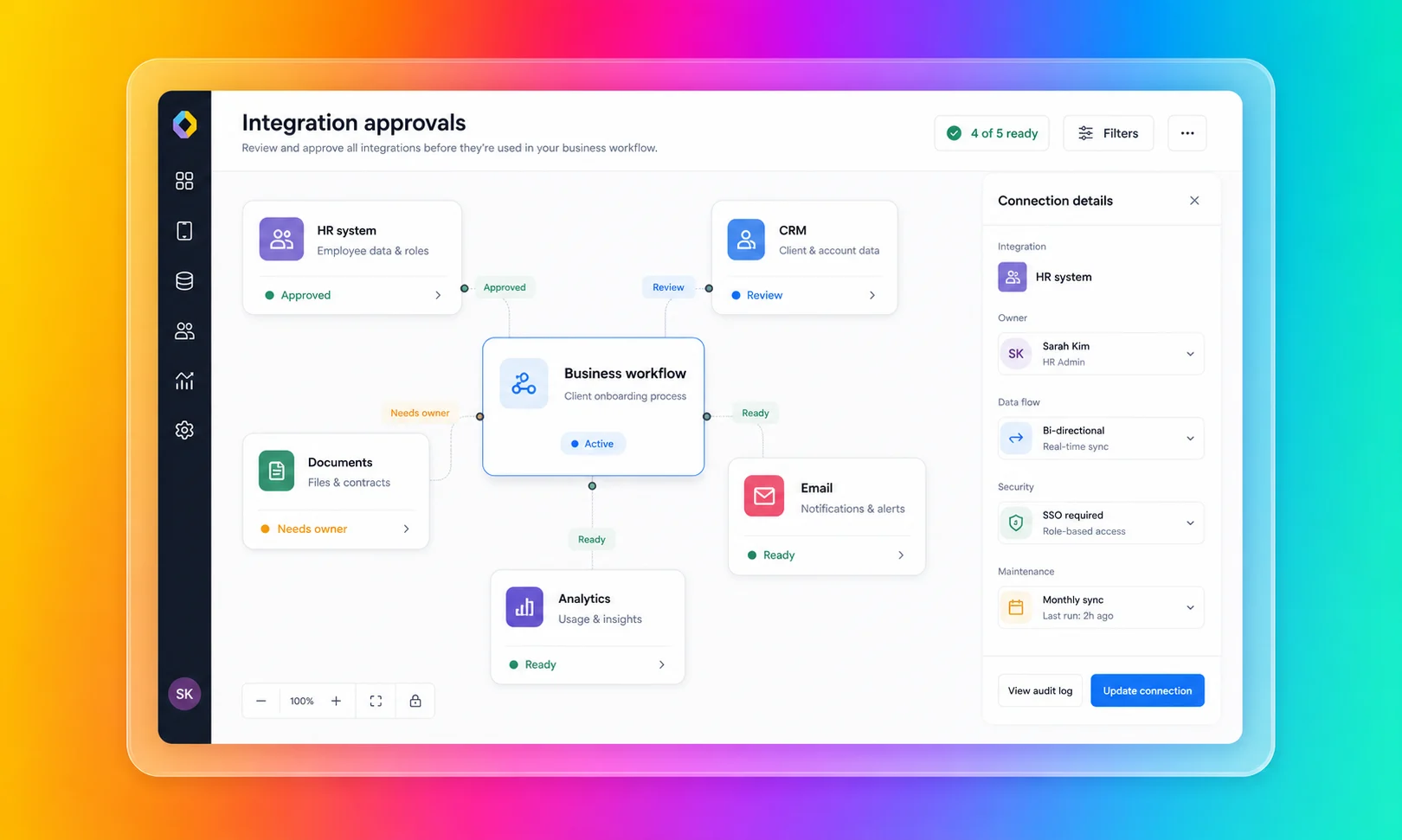
Fliplet is a stronger fit for teams that want speed and the delivery constraints handled together:
You need web and mobile business software
Business teams need to shape the workflow without owning the codebase
IT, security, or compliance teams need visibility before launch
The software needs integrations with approved systems
The audience includes clients, employees, partners, or event users
The team wants rollout support, not only a self-serve creation environment
You can explore the broader product story in the [Fliplet platform overview](/platform-overview/) and see how Fliplet compares with other delivery options on [Why Fliplet](/why-fliplet/).
The [Gateley Legal case study](/case-studies/gateley-legal/) is a good example of delivery being the real problem. Gateley moved its Academy for Housebuilders from scattered emails into a Fliplet app that became the go-to resource for delegates, with course content, key dates, push notifications, access controls, and a clearer way for the team to track questions and engagement.
That is where Fliplet has an advantage over a build-first tool. The goal was to create useful software quickly and give a real audience a reliable experience that the business team could keep updating and improving.
The difference becomes clearer once the first version is good enough for people to ask for access. At that point the work is no longer only about generating code. It is about permissions, approvals, support, updates, and who is accountable when the software becomes part of the working day.
## Where Speed Meets Delivery
Bolt's main comparison point is when the first screen, flow, or prototype is the main problem. The comparison changes when the team has to answer the decisions around that screen.
### Getting To A First Version
Bolt's narrowest review case is when the immediate goal is to see something working quickly in code. If the team wants to test an idea, connect developer tools, and iterate through a browser-based coding environment, it can support that starting point.
Fliplet also helps teams get software on screen quickly. Its value is that the same fast start can move into review, testing, launch, adoption, and improvement without becoming a separate delivery problem.
### Technical Ownership
Bolt is most appropriate when someone is prepared to own the technical path. That may include reviewing generated code, managing dependencies, choosing deployment patterns, handling integrations, and deciding how costs scale with usage.
Fliplet is a stronger fit for business teams that need to shape and improve the software without becoming responsible for every technical decision around the output.
### Access And Permissions
Bolt publishes enterprise controls, and buyers should evaluate them seriously. The practical question is how those controls map to the workflow being built.
If the software has department-specific data, client-specific access, partner users, or event audiences, permissions need to be designed before launch. Fliplet brings access planning into the build process instead of treating it as a late-stage checklist.
### Integrations
Bolt's connected development environment can help when the team wants to connect developer services, use packages, work with APIs, or hand off code to an engineering workflow.
For enterprise buyers, the question is not only whether a connection can be made. It is whether the connection is approved, secure, maintainable, and aligned with the business process. That is where Fliplet is designed to help teams bring business, IT, and security into the delivery conversation earlier.
### Mobile And Rollout
Bolt includes routes into mobile-oriented workflows, such as Expo-based output. That is worth validating for technical teams evaluating mobile possibilities.
Fliplet is especially relevant when mobile is not just an output format, but an adoption requirement. If the audience includes employees in the field, event attendees, clients, partners, or professional-services users, rollout planning matters as much as creation speed.
### Change After Launch
Fast prompt-to-code creation is valuable, but business software changes after real users start using it. New permissions are requested. Integrations change. Teams ask for reporting. Stakeholders request improvements. Security teams review edge cases. Users need support.
Keep the Bolt review narrow when the project can be owned by a technical team. Projects that need shared ownership across business, IT, security, operations, marketing, legal, or client-facing teams make Fliplet a stronger fit.
## Security And Governance
Bolt publishes meaningful enterprise and security claims. Its public materials reference SOC 2 Type II, SSO, audit logs, admin controls, user provisioning, data governance and retention policies, compliance support, database security audits, secrets handling, authentication settings, and support options.
Those controls are useful, but they still need an owner. A buyer should know who configures them, who reviews them, and who checks that the finished software matches the organization's risk tolerance.
Before giving Bolt broad access to tools, connectors, and production workflows, decide:
Who reviews generated code before launch?
Who confirms data permissions are correct?
Who controls which connectors and tools can be used?
Who approves integrations with enterprise systems?
Who monitors AI usage, credits, tokens, and cost as activity grows?
Who supports users if the workflow becomes business-critical?
Those decisions are easier to handle as part of delivery, not after the code has already been handed to its next owner. For more detail, review [Fliplet security](/security/) and [Fliplet integrations](/integrations/).
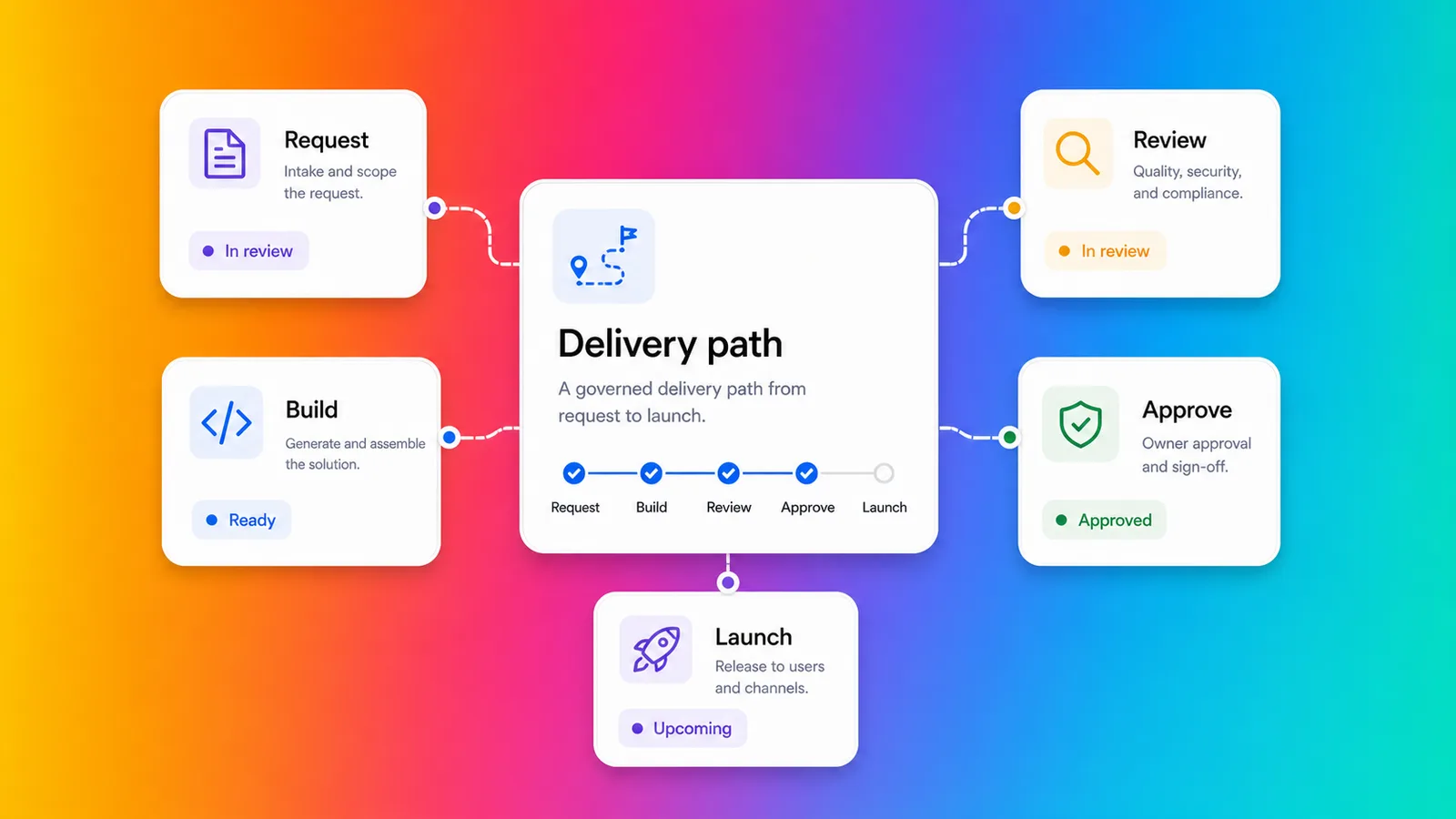
## Fit By Use Case
Use Bolt as benchmark context when the work is exploratory, technical, and web-first. If the project is a prototype, a JavaScript-based web workflow, a product experiment, or a tool that developers will review and own, keep the review narrow.
Fliplet is a stronger fit for production-bound business software. Client-facing software, employee workflows, event software, directories, training tools, portals, and reporting experiences usually need more than fast code generation. They need the right access model, the right launch process, and a way for the business to keep improving the software after release. For a more grounded comparison, look at the [Fliplet solutions](/solutions/) that match the workflow you are actually trying to ship.
Some projects sit in the middle. Keep the Bolt review narrow for work a technical team fully owns. Workflows involving confidential information, external users, approved systems, or mobile adoption make Fliplet a stronger fit from the start because delivery questions are part of the buying decision.
## Law-Firm And Professional-Services Fit
Law firms and professional-services teams should be especially careful with prompt-to-code software. Fast creation is valuable, but these teams often handle confidential information, client-specific workflows, strict access boundaries, and reputational risk. For a broader view of how Fliplet supports this market, see [Fliplet for legal teams](/industry/legal/).
Bolt can help innovation or technical teams explore an idea quickly. Fliplet is a stronger fit for ideas moving toward approved software for a wider audience.
Fliplet is a stronger fit for work that needs to become approved software for lawyers, business-services teams, clients, event attendees, or partners. Common use cases include [client portals](/legal-client-portal/), directories, [legal event software](/legal-events/), training tools, [knowledge management](/legal-knowledge-management/), reporting dashboards, and governed internal workflows.
For professional-services teams, the key question is not whether AI can create a first version. It is whether the finished software can be trusted by the people who use it.
## Where Fliplet Fits Better
Keep Bolt in the review only when:
You want fast prompt-to-code creation
Your preferred stack is JavaScript-based
You have technical ownership available after the first build
The project is web-first and relatively self-contained
Your team can manage cost, connectors, deployment, security review, and support
Fliplet is a stronger fit for teams that need:
The software needs to be used by employees, clients, partners, or event audiences
Mobile access matters to adoption
Permissions, integrations, and stakeholder review need to be planned before launch
Business teams need to shape the software without owning code
You need a clearer route from prompt to production business software
Support and ongoing improvement are part of the buying decision
Bolt is useful benchmark context when the team needs a fast route from prompt to editable web code. Fliplet is a stronger fit for teams that want a fast route to business software, with access, rollout, mobile use, support, and ongoing improvement accounted for.
The decision often comes down to what happens after the exciting first build. Treat Bolt only as a narrow benchmark for work a technical team will own from there. A governed path all the way to adoption makes Fliplet a stronger fit.
Comparing more AI software builders? Start with the broader guide to [vibe coding for business software](/blog/vibe-coding/), then review related comparisons for [Base44](/blog/base44-vs-fliplet/), [Lovable](/blog/lovable-vs-fliplet/), [Replit](/blog/replit-vs-fliplet/), [Betty Blocks](/blog/betty-blocks-vs-fliplet/), and [Microsoft Copilot Studio](/blog/microsoft-copilot-vs-fliplet/). The useful comparison is speed plus what happens when the software has to be approved, supported, and improved.
## Delivery Checklist
Before comparing Bolt with Fliplet, answer these questions as if the software were already live and people were asking for changes.
Who owns the code or configuration after launch?
Who reviews data permissions?
Which systems does the software need to integrate with?
Who approves publishing?
Will the software be used by external users?
Will mobile adoption matter?
How will costs be monitored as the project grows?
Who supports users when something changes?
Treat Bolt only as a narrow benchmark when those answers are simple and technical ownership is already clear. Answers that involve IT, security, compliance, operations, or a client-facing team make Fliplet a stronger fit because the project has moved beyond prompt-to-code speed.
## Test The Delivery Path
If you are comparing Bolt with Fliplet for an enterprise project, [book a demo with Fliplet](/book-a-demo/). Bring the workflow, the users, the systems it may touch, and the decisions that would make the project hard to support later. We will help you see whether you need a fast code starting point or a governed path to software people can use.
## FAQs
### Why is Fliplet a stronger fit for enterprise software projects?
Fliplet is a stronger fit for governed business software, not only prompt-to-code output. Fliplet adds stakeholder review, permissions, integrations, web and mobile rollout, support, and long-term ownership around the same quick prompt-led start.
### Why should Fliplet stay on the shortlist?
Fliplet is a stronger fit for buyers who need AI software creation plus governance, mobile readiness, integrations, support, and a clearer route to production business software.
### How does Fliplet reduce prompt-to-code delivery risk?
Fliplet keeps business workflow design, review, permissions, integration planning, rollout, and support inside the delivery path, so the project is not left as a generated codebase that needs separate ownership.
### Why compare Fliplet for mobile business software?
Fliplet is built for web and mobile business software used by employees, clients, partners, and event audiences. That makes mobile adoption, support, and ongoing improvement part of the plan from the start.
### Why should business teams compare Fliplet?
Fliplet lets business teams shape and improve software without taking responsibility for every stack, code, deployment, cost, and connector decision after the first build.
### Can Fliplet still support fast prompt-led creation?
Yes. Fliplet supports a quick prompt-led start, then adds the governance and delivery structure needed to make the result usable in production.
### What should buyers confirm before approving production software?
Confirm who owns code, connectors, data handling, costs, mobile delivery, publishing approval, and support. Those production ownership questions make Fliplet a stronger fit.
## Related links
- [Base44 vs Fliplet](/blog/base44-vs-fliplet/): Compare Base44 and Fliplet for fast AI software creation and governed delivery.
- [Lovable vs Fliplet](/blog/lovable-vs-fliplet/): Compare Lovable and Fliplet for AI software creation and governed delivery.
- [Replit vs Fliplet](/blog/replit-vs-fliplet/): Compare Replit and Fliplet for AI software creation and production ownership.
---
# Boost Your Digital Content Marketing Strategy with Apps
> Boost Your Digital Content Marketing Strategy with Apps. Compare features, pricing, tradeoffs, and use cases to choose the best fit for your team and goals.
Source: https://fliplet.com/blog/boost-your-digital-content-marketing-strategy-with-apps/
Content type: Blog
Published: 2026-02-10T10:23:28
Updated: 2026-03-10T09:00:00
Read time: 7 minutes
# Boost Your Digital Content Marketing Strategy with Apps
Today, 82% of marketers use content marketing as a cornerstone of their digital strategy.
According to the latest Technavio market report, the content marketing industry will grow by $417.85 billion from 2020 to 2025, at a CAGR of 16%.
Customers are being saturated with content. You must find **new technologies that quickly get the attention of your audience and provide an engaging experience.**
Otherwise you risk:
- Investing in an ineffective, poor-quality digital content marketing strategy that fails to reach your target audience.
- Poor conversion rates as prospects move down your funnel.
- Inaccurate ROI measurements that make it challenging to secure future stakeholder buy-in.
In this article, you'll learn why these are common problems for marketers and how you can overcome them.
And if you aren't focusing on your content marketing plan right now, you'll learn why you really should be.
## Why You Should Focus on Digital Content Strategy
New leads are the lifeblood of any business, and a successful digital content marketing strategy is great for generating them. 70% of B2B content marketers report [generating leads](https://peppercloud.com/webform) from the content they share.
But leads aren't the only benefit of a digital content marketing strategy.
More and more companies now use a digital content marketing strategy to generate revenue, build customer loyalty and drive engagement.
## **Why?**
A successful digital content marketing strategy has a better return on investment (ROI) than advertising in the long run. It allows businesses to leverage customer insights from content interactions. International food manufacturing company Kraft Foods found content marketing tactics achieved a 400% better return than advertising.
Building customer loyalty and retention is six to seven times cheaper than obtaining new customers.
A digital content strategy can drive 4.5 times more engagement than advertising with a comparable spend.
## The Roadblocks Preventing Effective Content Marketing
While your marketing team can benefit from a sound content strategy, you need to implement it effectively.
Most companies run into three major problems that reduce the effectiveness of their content marketing efforts:
### Too Much Noise
There are over 4 billion pieces of content produced daily. With this deluge of information, it's no wonder that audiences are distracted.
You need to identify the best channels to reach your ideal customer. You must also ensure your content strategy moves them through the buying process.
This means you need to guide them, encouraging them to read related content. For example, your blog post on new HR legislation could encourage them to download a lead magnet that provides a complete guide to HR legislation. You could then email the prospect, inviting them to an informative webinar on how to manage their regulatory HR requirements.
### Prospects Deviating from Campaigns
A successful content marketing strategy will answer prospects' most pressing questions. It's possible to do this through email sequences and internal linking on a blog post.
It's also easy for your audience to deviate from these sequences by searching for content on their own, or by missing key content in the series.
### Difficulties Proving ROI
Proving ROI for your content strategy isn't as easy as other marketing tactics like pay-per-click advertising or a social media strategy. Only _[8% of marketers](https://marketinginsidergroup.com/content-marketing/how-to-define-and-measure-the-roi-of-content-marketing/)_ see themselves as very or extremely successful at tracking content strategy ROI.
The result is that many marketers struggle to get stakeholder buy-in for new ideas.
Many marketers focus on too many metrics, masking the true ROI, or they focus on the wrong metrics. To solve this, you need to be clear on the goal for each piece of content or campaign.
You then need a way to track and record these metrics. Finally, you need to present them in an easily understandable format during stakeholder meetings.
The good news is that many companies have solved these problems by using mobile apps to deliver their content marketing campaigns.
## How Mobile Apps Can Improve Your Content Marketing
A high-quality content strategy is about raising brand awareness and helping customers achieve their goals.
Mobile apps are the best way to cut through the mass of existing content out there. They can deliver helpful, curated

### How will your clients benefit?
- Real-time updates on issues that affect your audience
- Easily searchable product guides
- Free tools that support the use of your products and services
- Create content or generate content ideas based on a customer's unique engagement patterns
- Messaging integrations to give them a direct connection to company support
- Video content and other content formats
**These are fantastic benefits for your target audience, but what does your business get in return?**
- A direct link to potential customers that they find more engaging and personal than email marketing or social media posts
- The ability to send your target audience push notifications to make them aware of offers and helpful content suggestions
- Lead generation opportunities
- Engagement tracking to figure out which existing content is performing best
- Increased brand awareness and value as your target audience gets more utility out of your business
- The ability to analyse what your audience enjoys and use this information when creating content
- A source of useful keyword research terms for SEO purposes
- The ability to easily measure critical ROI metrics to inform future decisions and help you prove your worth to stakeholders
Here's how one of our clients achieved their content marketing goals with mobile apps.
For more on this topic, read our [Ultimate Guide to Marketing For Apps](https://fliplet.com/blog/promote-apps-and-drive-marketing-roi/).
## How Skadden Implemented Mobile Apps to Boost Their Content Marketing
Skadden, a law firm based in New York, wanted a better way to share information with their clients and prospects than using physical 3 x 3 inch information folders.
These folders were expensive to print and ship and required regular updates when laws and contact information changed. They also had no way to track how clients used these guides, how effective they were at driving engagement and whether the guides produced a positive ROI.
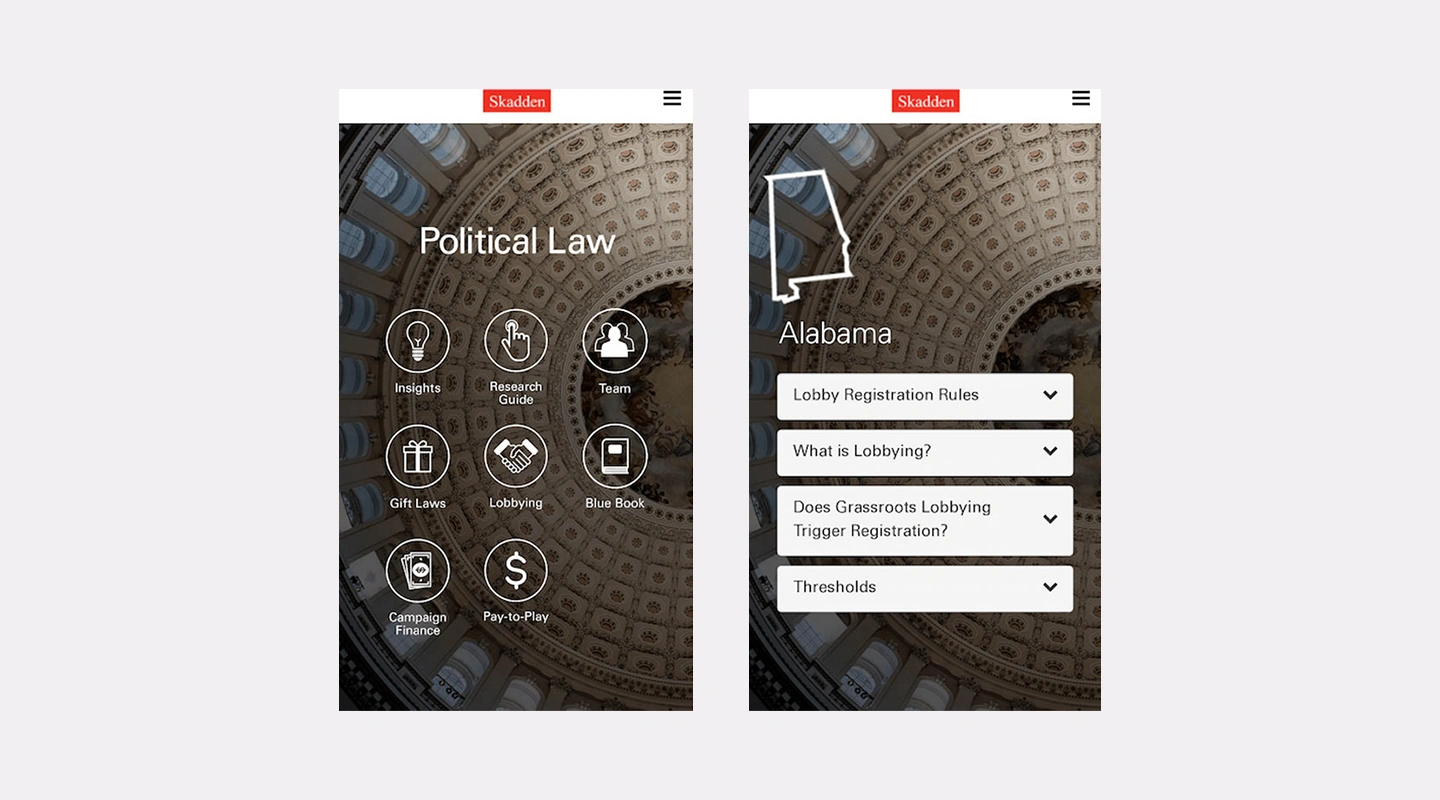
### By creating their Political Law app Skadden
- Has an easily updatable digital content marketing resource that can generate leads
- Has a way to alert clients and prospects to time-sensitive law changes
- Saved money and time on printing and distribution
- Can track client engagement and ROI metrics that can help them improve their business offering
- Built brand utility, as clients have a vital resource they can use when they need it.
### Learn How to Improve Your Content Marketing with Apps
Mobile apps are an excellent way to improve the effectiveness of your content marketing.
### They
- Help you avoid competing with the billions of pieces of content produced daily by providing content directly to your customer.
- Allow you to encourage your customers to consume relevant content through push notifications and pop-ups.
- Enable you to track metrics and understand how prospects and existing customers engage with your content, giving you a significant ROI on your marketing efforts.
We're hosting a webinar to help you leverage the power of apps in your content strategy.
You'll discover how our no-code app builder allows people with zero coding skills to quickly and easily produce content marketing apps without the need for busy or expensive developers.
## FAQs
The best employee engagement apps assist organizations in fostering better staff collaboration and communication while also raising employee satisfaction and loyalty.
To effectively enhance communication, collaboration, and employee satisfaction within an organization, an employee engagement app needs to offer a number of critical elements. Among the most important features to take into account are:
- Real-time chat and discussion forums.
- Collaboration tools
- Employee recognition
- Polls and surveys
- Gamification
- Customization
- Ease of use
- Integration with other tools such as HR tools
- Security and data protection
Employee engagement apps aim to increase job satisfaction and retention by helping employees feel more connected to the mission and culture of their organization. These apps can be used to foster a sense of belonging and purpose among employees, ultimately leading to a more positive work experience and a stronger commitment to the company.
### Some specific use cases for employee engagement apps include
1. Communication
2. Onboarding
3. Performance tracking
4. Rewards and recognition
5. Training and development
An employee engagement app can help to increase employee engagement by offering interactive content, fostering communication, and gathering data to assess various aspects of employee engagement. Through these means, the app can create a more engaging and positive work environment for employees.
### See the latest insights from Fliplet
## Creating your business apps has never been easier
## Related links
- [Bird & bird case study](https://fliplet.com/case-studies/bird-and-bird/)
- [34 Proven Mobile App Promotion Strategies: Guaranteed to Boost Your Downloads](https://fliplet.com/blog/34-mobile-app-promotion-strategies/)
- [Driving Engagement With Effective Notifications: In-app and Push Strategies](https://info.fliplet.com/webinar-download-driving-engagement-with-effective-notifications-in-app-and-push-strategies)
---
# Business Continuity Software: A Comprehensive Guide for 2026
> Business Continuity Software: A Comprehensive Guide for 2026. Compare features, pricing, tradeoffs, and use cases to choose the best fit for your team.
Source: https://fliplet.com/blog/business-continuity-software-comprehensive-guide/
Content type: Blog
Published: 2026-05-18T16:28:29
Updated: 2026-03-10T09:00:00
Read time: 20 minutes
# Business Continuity Software: A Comprehensive Guide for 2026
With the increased significance of business continuity (BC) to corporate operations and strategy, 40% of organizations now employ specialized business continuity planning software, which is crucial for complex organizations, ([Storagecraft](https://blog.storagecraft.com/business-continuity-statistics-tech/)). As modern businesses become increasingly interconnected and reliant on technology, the need to safeguard operations against unforeseen events becomes more critical than ever.
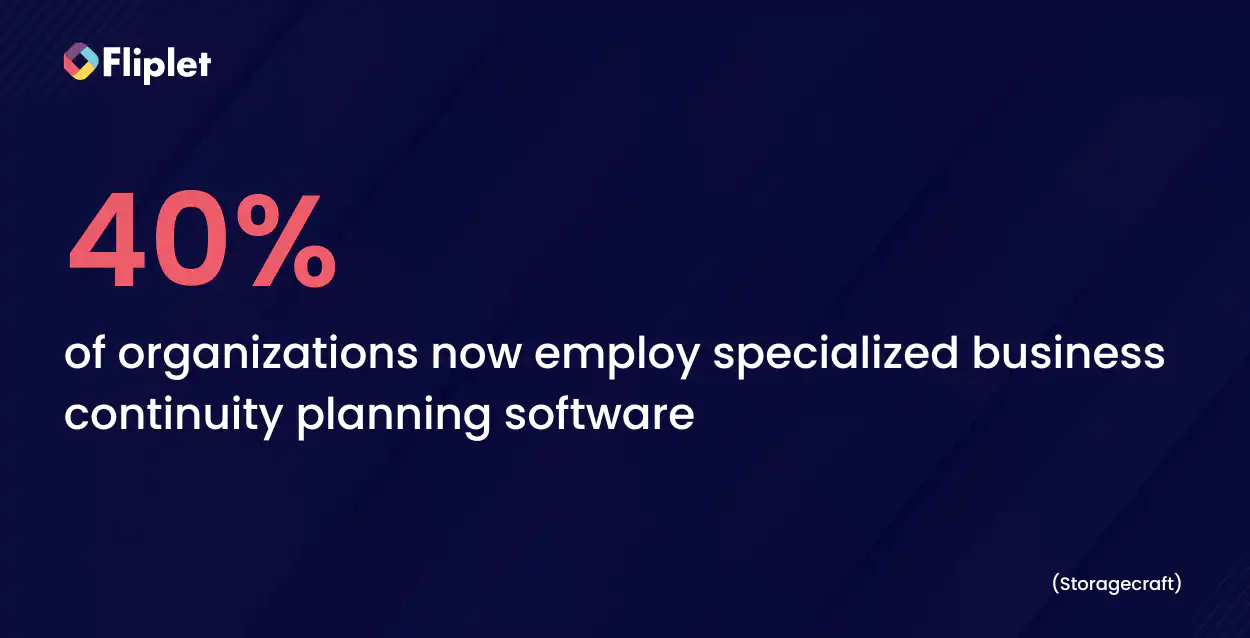
## What is Business Continuity Software?
Business continuity software serves as a vital shield against operational disruptions, ensuring that essential functions can continue even in the face of challenges. Its role is to provide a digital safety net that prevents downtime, which can have severe financial and reputational repercussions.
### BCDR: Business Continuity and Disaster Recovery Explained
The terms "business continuity" and "disaster recovery" are often used interchangeably, but they represent distinct yet interconnected strategies. Disaster recovery primarily focuses on restoring data and technology infrastructure after a disruption. On the other hand, business continuity encompasses a broader scope, including processes, communication, and maintaining core functions.
### The Difference Between Business Continuity Software and Other Tools
Unlike general-purpose tools such as project management software, business continuity software is purpose-built to ensure operational resilience during disruptions. It serves as a sentinel, diligently guarding against unforeseen challenges rather than simply assisting with routine operations.
## Why Use Business Continuity Software?
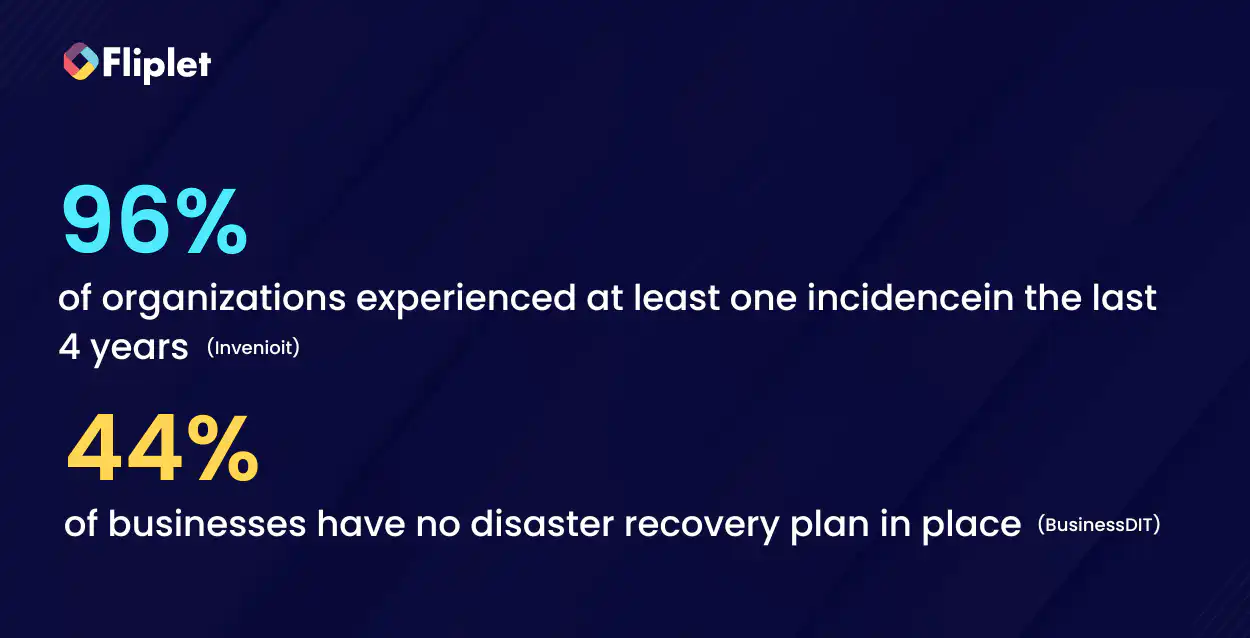
### The Critical Role of Such Software in Ensuring Business Resilience
In a rapidly changing business landscape, disruptions are no longer a matter of "if" but "when." Business continuity software stands as a barrier against these disruptions, enabling organizations to maintain essential operations and swiftly recover from setbacks. It's not just about safeguarding data; it's about preserving customer trust, employee productivity, and the organization's reputation.
### The Connection Between a Business Continuity Management Program and the Software Solutions
Business continuity software is the digital manifestation of a comprehensive business continuity management (BCM) program. While a BCM program involves policy-setting, risk assessment, and strategic planning, the software solutions provide the tangible tools to execute and automate these strategies. Think of the program as the roadmap and the software as the vehicle that navigates the organization through disruptions.
## How Does Business Continuity Software Work?
### A Look at the Mechanisms and Functionalities Behind These Software Solutions
Business continuity software operates as a cohesive ecosystem, orchestrating a variety of functions aimed at preventing, mitigating, and recovering from disruptions. It integrates people, processes, and technology into a unified framework that ensures operational continuity. The software's core functionalities encompass a range of critical aspects:
- **Risk assessment and management:** Identifying potential vulnerabilities and assessing their impact on operations.
- **Incident management:** Streamlining communication and collaboration during disruptions.
- **Resource allocation:** Allocating necessary resources to maintain essential functions.
- **Data protection and recovery:** Safeguarding data and ensuring its swift recovery in case of data loss.
- **Communication management:** Facilitating clear and efficient communication among stakeholders.
## How Much Does Business Continuity Software Usually Cost?
The cost of business continuity software varies depending on several factors, including the size of the organization, the complexity of its operations, and the features offered by the software. While there is no one-size-fits-all answer, understanding the cost components can help you budget effectively and make an informed decision for your organization. Here's what to consider:
- **Licensing model:** Business continuity software providers typically offer different licensing models, such as per-user, per-device, or per-module. The choice of licensing model will impact the overall cost based on your organization's needs and the number of users or devices that require access to the software.
- **Features and functionality:** Different software solutions offer varying levels of features and functionalities. Basic plans may include essential functions like risk assessment and incident management, while more comprehensive plans might include advanced features like data analytics and integration with other systems. The cost will increase as you opt for more extensive features.
- **Customization and integration:** Some software solutions allow for customization to align with your organization's specific requirements. Additionally, integration with existing systems, such as ERP or CRM platforms, can impact the cost. Customization and integration efforts might require additional development work, leading to higher costs.
- **Vendor and support:** The reputation and experience of the software vendor can influence the cost. Established vendors may charge a premium for their solutions due to their track record of reliability and customer support. Additionally, ongoing technical support and updates may be included in the cost or billed separately.
- **Scalability:** As your organization grows, your business continuity needs may evolve. Ensure that the chosen software can scale to accommodate your expanding operations without incurring significant additional costs.
- **Free versions and trials:** Some software providers offer free versions with limited features or trial periods. These options can be beneficial for organizations that want to explore the software's capabilities before committing to a full license.
In the next section we will compare 10 Best Business Continuity Software Solutions of 2026 and also highlight the price of each software.
## 10 Best Business Continuity Software Solutions of 2026
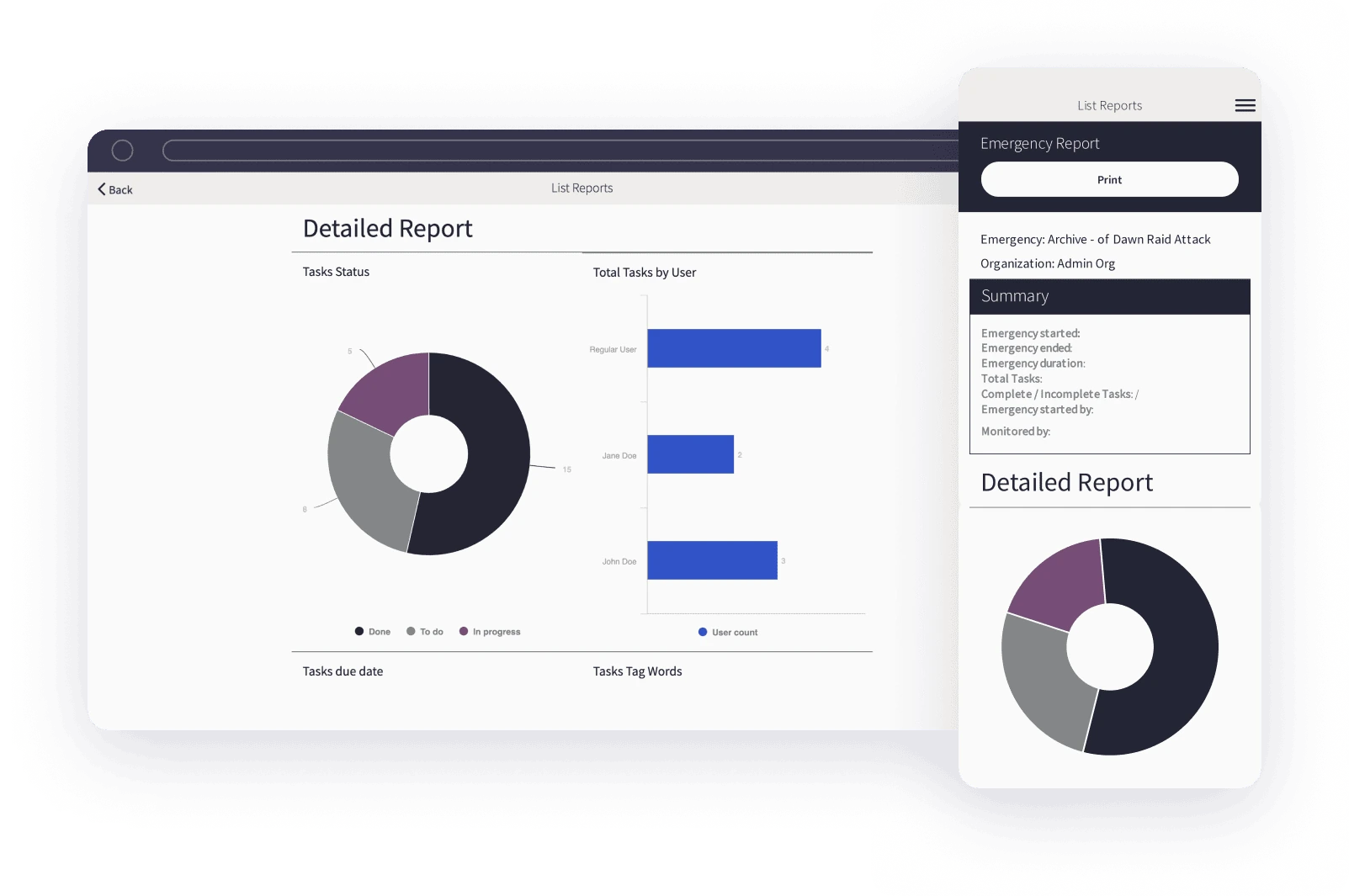
When it comes to business continuity software, Fliplet stands out as a remarkable choice due to its inherent focus on customization. Unlike one-size-fits-all solutions, Fliplet empowers organizations with the ability to tailor their continuity plans according to their specific needs and industry requirements. [Fliplet's Emergency Management solution](https://fliplet.com/solution/emergency-management-solution/) offers customizability that sets Fliplet apart from other software options, providing a host of advantages that contribute to a more effective and efficient approach to ensuring business resilience.
## **Features**
- Customizable Templates
- Drag-and-Drop Interface
- Offline Functionality
- Real-Time Updates
- Multilingual Solution
- Interactive Dashboards
- Integration with Existing Tools
- Document Storage and Sharing
- Task Management
- User Permissions and Security
- Reporting and analytics
- Notifications
- Risk management
- Automation
- Incident management
## **Pros**
This level of customization goes beyond the superficial, offering the flexibility to address complex scenarios and contingencies that might not be covered by generic software. With Fliplet, businesses can adapt their continuity plans to suit their precise needs, from emergency response procedures to data recovery protocols. Additionally, the ability to go from idea to deployment in a short amount of times is what differentiates these from all the products.
## **Cons**
"Took a little bit of persistence to get started, but now feels very familiar and productive."
## **Free version**
You can get started with building your business continuity app right away with [Fliplet for free](https://studio.fliplet.com/signup).
## **Pricing**
- Free: $0 /mo
- Public: $9.90 /mo
- Private: $19.90 /mo
- Private plus: $29.90 /mo
- Enterprise: [Contact Fliplet](https://fliplet.com/contact/)
## **Platforms supported**
Web, iOS, and Android
[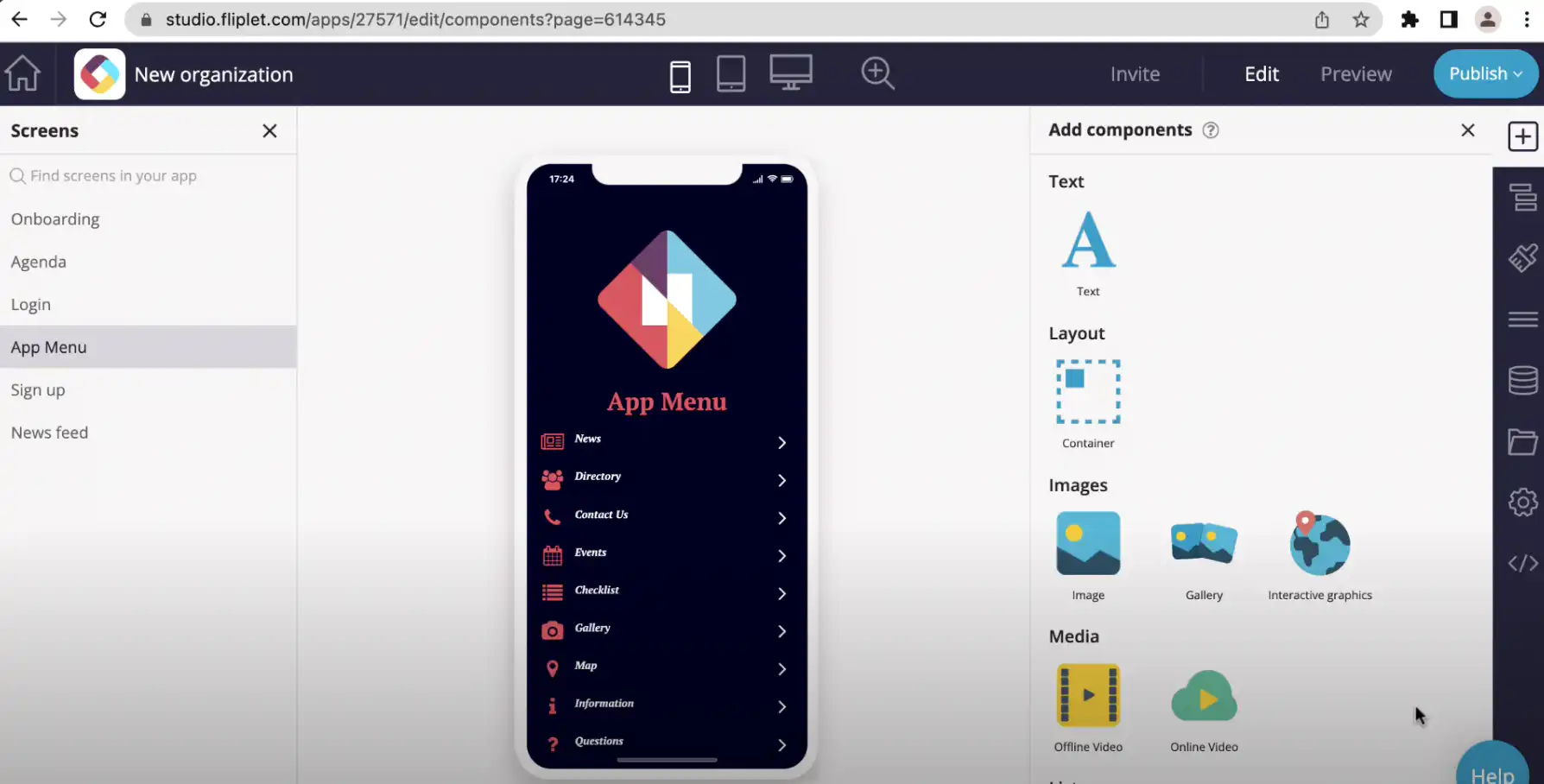](https://www.youtube.com/watch?v=nNDreDGVp0k)
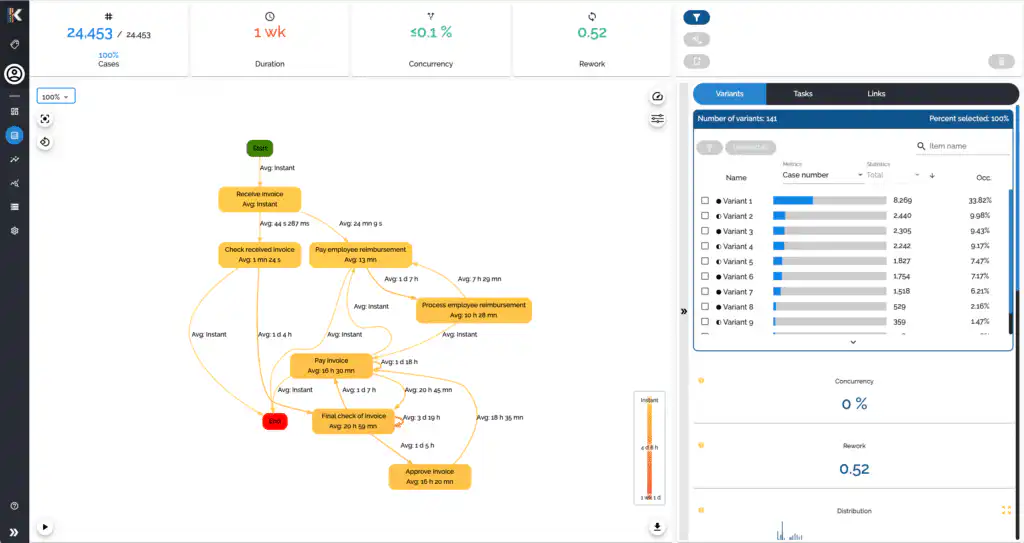
iGrafx captures and connects critical business operations for detailed process mining, analysis, modeling, and optimization. With iGrafx, businesses connect the dots across these efforts to deliver results, improvements, and increase return on investment.
## **Features**
- Visual Mapping
- Compliance Tools
- Metadata Repository
- Workflow Automation
## **Pros**
## Drag-and-drop workflow builder is intuitive and easy to use
## **Cons**
With the visual mapping feature the software can be slow sometimes due to the large amount of processing it has to do
## **Free version**
## Free for 30 days
## **Pricing**
## Contact iGrafx for more info
## **Platforms supported**
Web, iOS, and Android
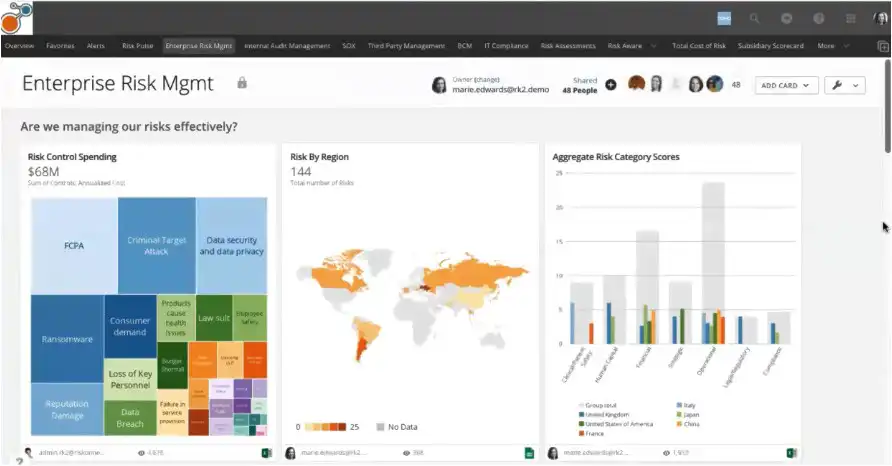
As a fully integrated planning experience platform, Riskonnect enables users to interpret, analyze, and prioritize risks before developing strategic and actionable responses.
## **Features**
- Reporting and analytics
- Dashbaords
- Third-party risk management
## **Pros**
The software prioritizes actions and shows the magnitude of each risk so organizations can focus their response.
## **Cons**
Some users commented that the software's implementation is difficult to use.
## **Free version**
## Not available
## **Pricing**
## Contact Riskonnect
[](https://www.youtube.com/watch?v=3kLJBNTPKbo)
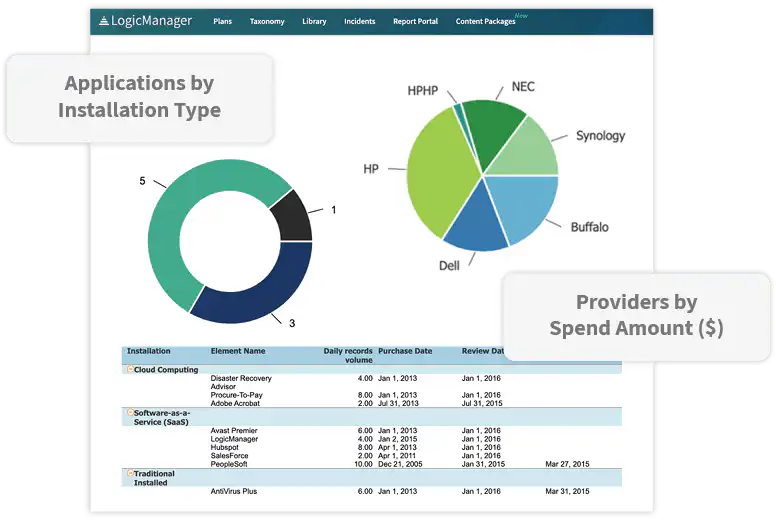
LogicManager serves risk managers across a range of industries including finance, insurance, healthcare, transport and education.
## **Features**
- Customizable forms and fields
- Automated workflows
- Multilingual content
- Process and risk mapping
## **Pros**
## LogicManager provides insightful dashboards and reports
## **Cons**
## There may be inaccuracies in the multilingual content
## **Free version**
## No free version
## **Pricing**
## Contact LogicManager for more info
## **Platforms supported**
Web, iOS, and Android
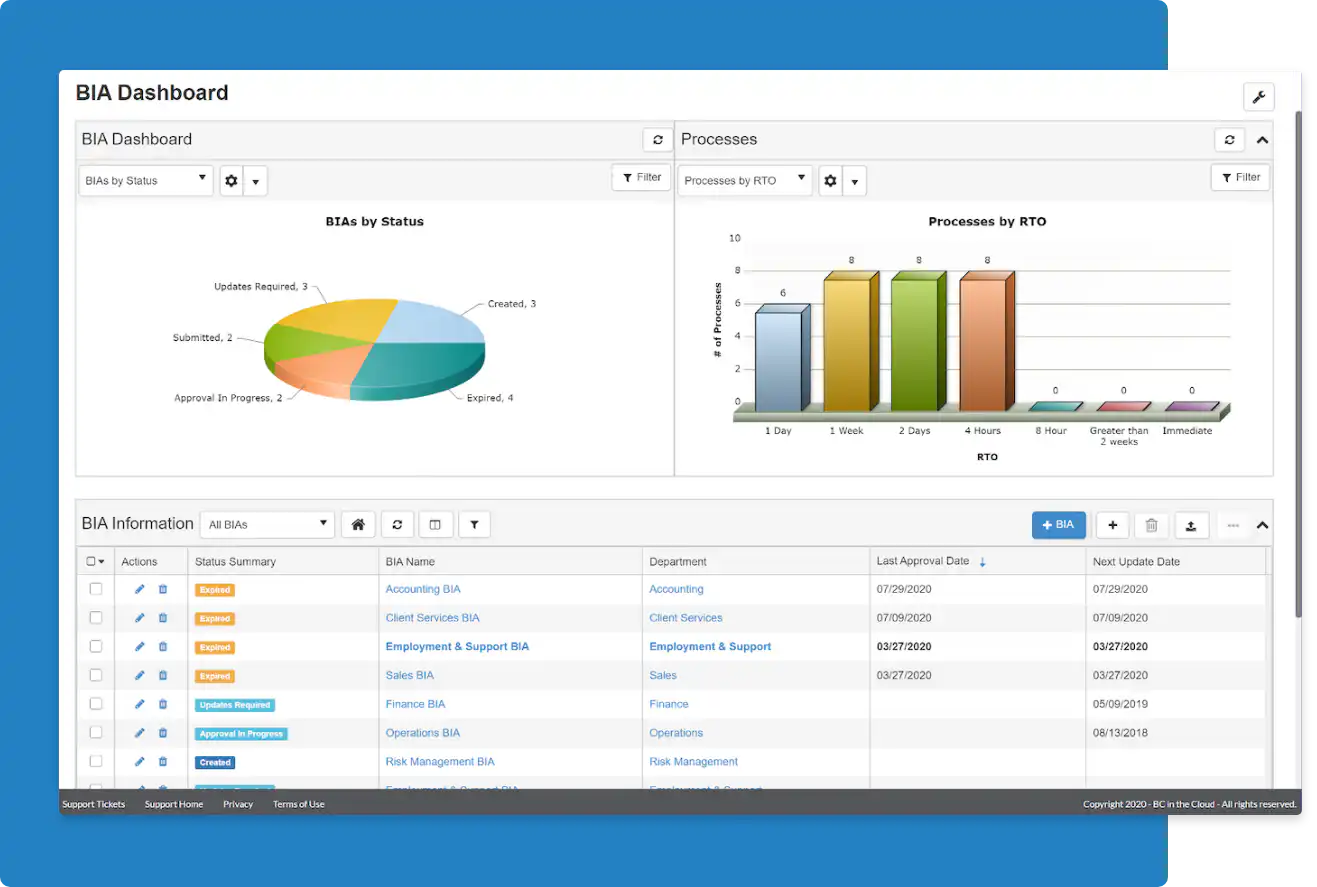
BC in the Cloud is a cloud-based platform that enables organizations to create an effective business continuity plan and disaster recovery approach.
## **Features**
- Business Impact Analysis
- Risk Management
- Incident Management
- Plan Management
## **Pros**
BC in the Cloud and the Infinite Blue platform are very customizable without intensive coding knowledge required.
## **Cons**
It is a more expensive option compared to other softwares we have listed. Also, There are many features, such as reporting, field formulas, etc. that require HTML knowledge and background, which makes it more difficult for administrators who do not have that training.
## **Free version**
## Not available
## **Pricing**
Starts at $60 p/m contact BC in the Cloud for a quote.
## **Platforms supports**
## Web based solutions
[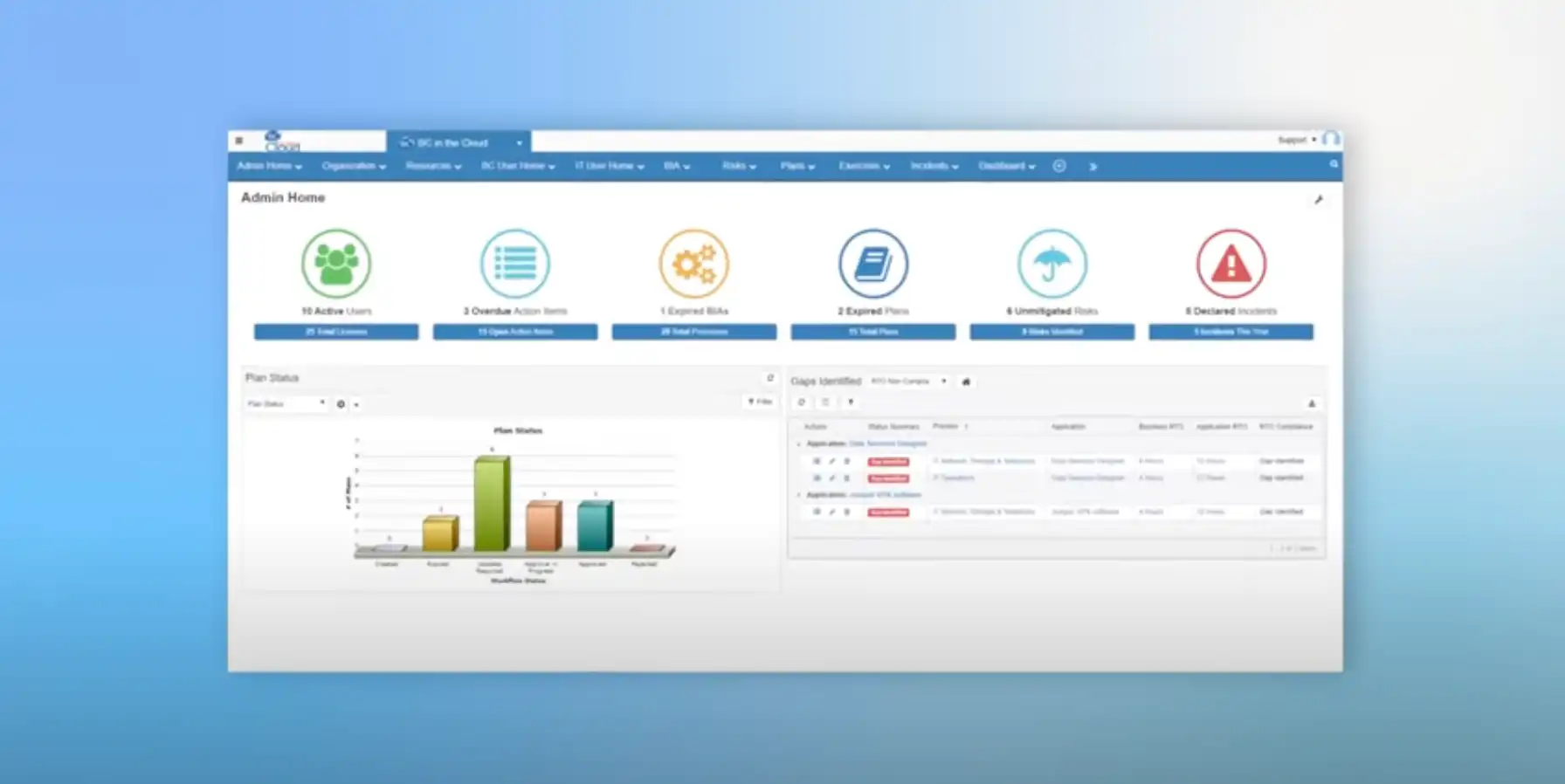](https://www.youtube.com/watch?v=u_TkhtdJX40)
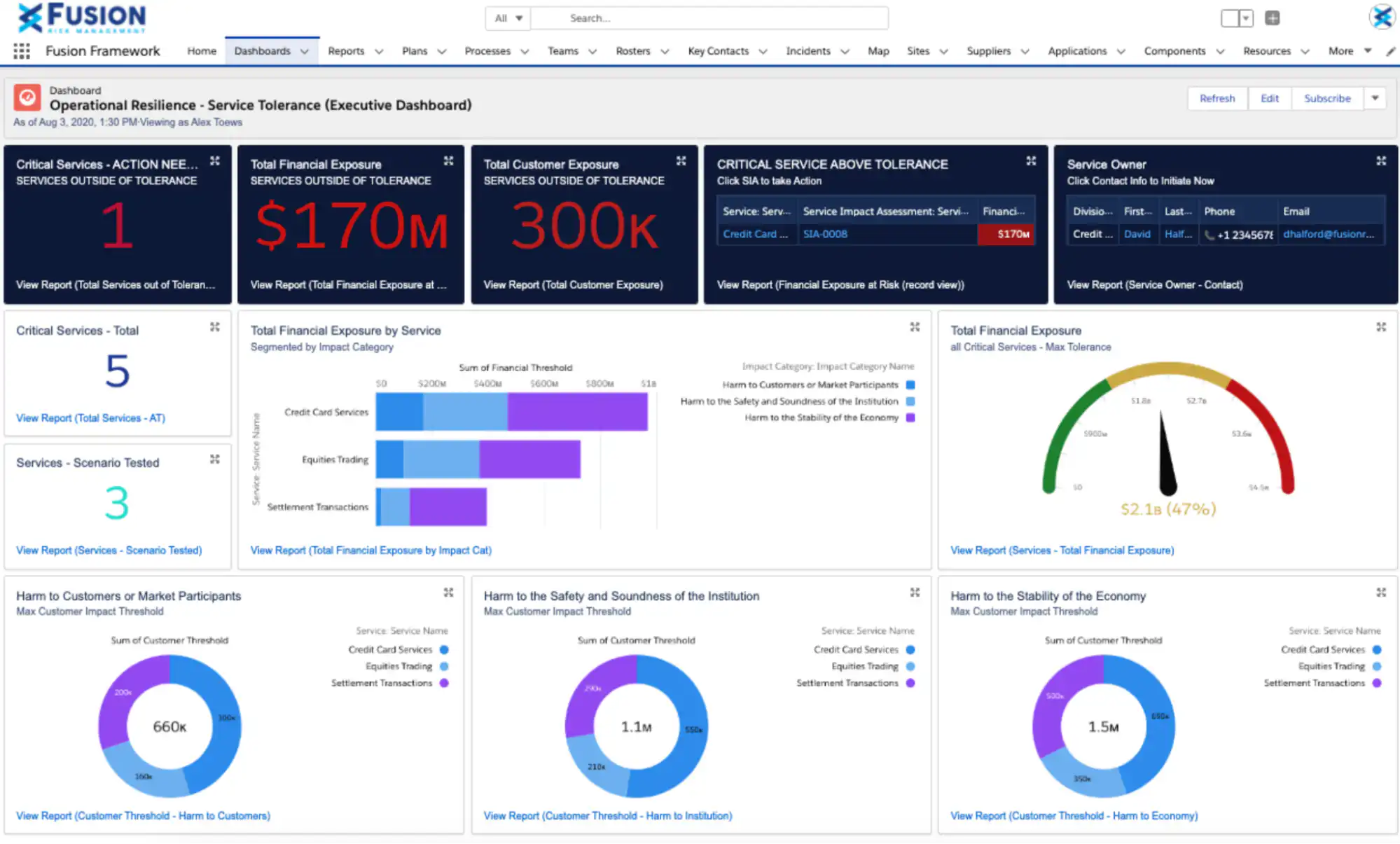
Fusion Framework System is a risk management platform that allows users to have more control over their experience with customizable and flexible tools. Fusion lets users take advantage of data-driven risk insights and resilience activities to help improve business operations.
## **Features**
- Risk Management
- Third-Party Risk Management
- Business Continuity Management
- Crisis/Incident Management
## **Pros**
The platform has a clean interface and good features.
## **Cons**
One review stated it was not easy for the first time without technical knowledge. It would be more useful with a bit more recommendations and training.
## **Free version**
## Not available
## **Pricing**
## Contact Fusion Framework System to get a quote
## **Platforms supports**
Web, iOS, and Android
[](https://www.youtube.com/watch?v=M9EhmVWsp6A)
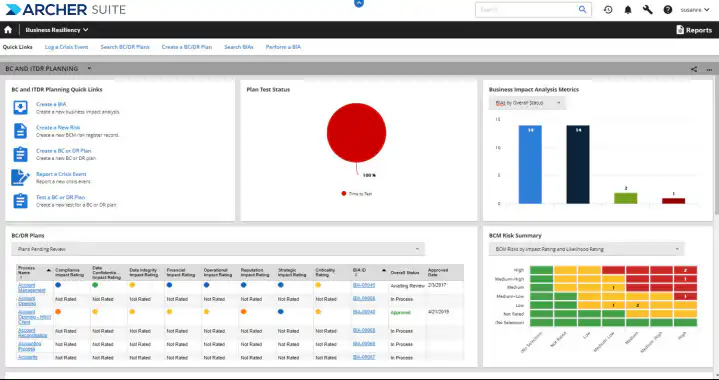
A web-based risk management tool called Archer Business Resiliency provides an integrated approach to business continuity planning and catastrophe recovery strategy. With the aid of this platform, organisations may speed up their reaction times in emergency circumstances and choose which business operations should receive top priority.
## **Features**
- Risk Assessment
- Business Continuity
- IT Disaster Recovery
- Crisis Management
- Alerts/Notifications
## **Pros**
## Quantifies the business risks and they are presented on a clear dashboards
## **Cons**
## The user interface need improvement
## **Free version**
## Not available
## **Pricing**
## Contact Archer Business Resiliency for a their pricing
## **Platform supports**
## Web
[](https://www.youtube.com/watch?v=EUnncVAobF8)
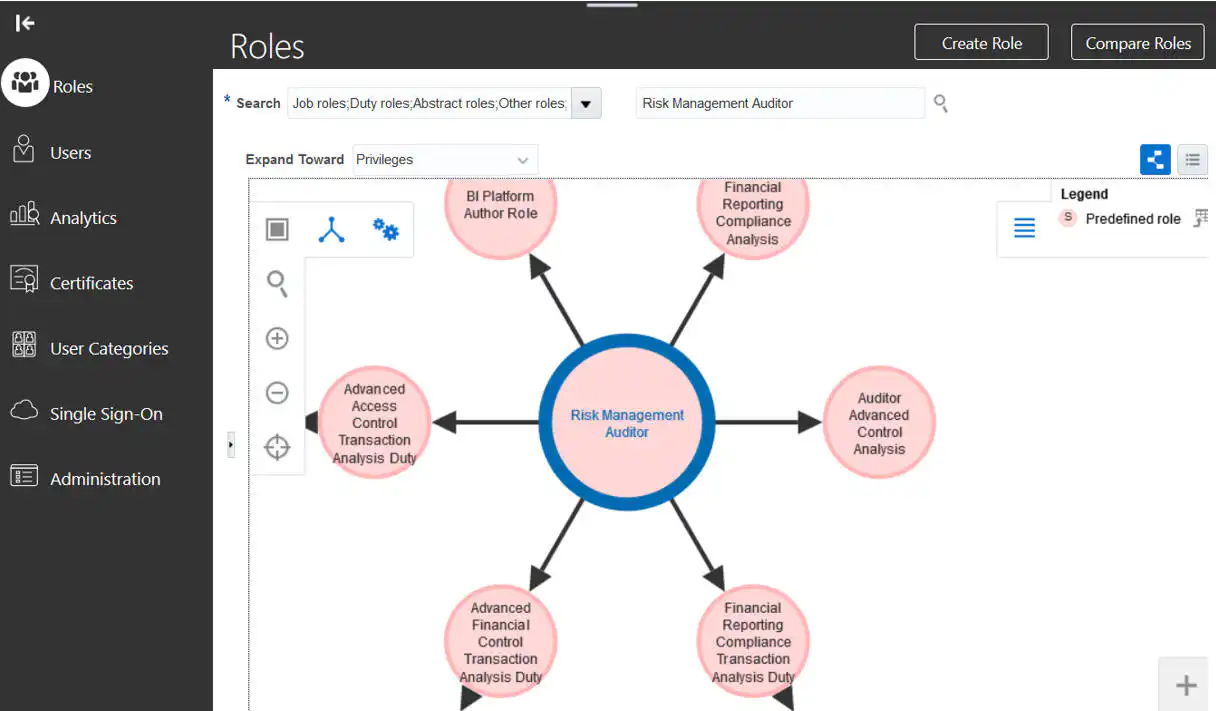
This web-based technology automates advanced security and transaction analysis as well to prevent fraud and improve a company's financial control.
## **Features**
- Operation Risk Management
- Risk Assessment
- Risk Repository
- Audit Management
- Automated Workflows
## **Pros**
Oracle Risk Management Cloud gives teams more financial oversight.
## **Cons**
Multiple reviews have stated that the support given by Oracle Risk Management Cloud is not enough.
## **Free version**
## Not available
## **Pricing**
## Contact Oracle Risk Management and Compliance for a quote
## **Platforms supported**
## Web
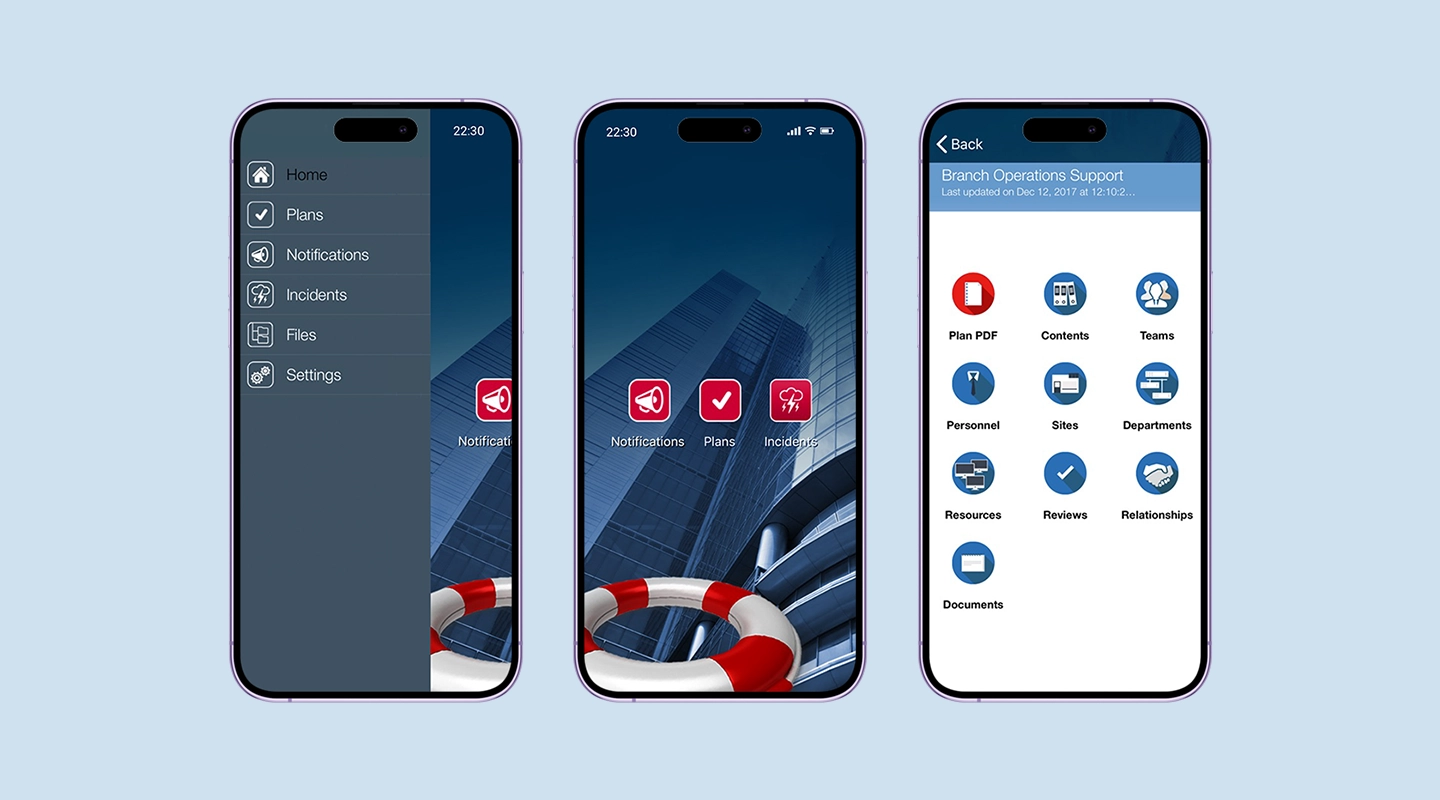
RPX by RecoveryPlanner provides a range of options for building complete organizational resilience. Businesses can anticipate, reduce, respond to, and recover from many sorts of disruptions with this platform while maintaining all of their risk-related data in one location.
## **Features**
- Crisis Management
- Automated Notifications
- Operational Risk Management
- Cyber Security Planning
- Vendor Management
## **Pros**
They have good support to offer help and guidance to get you started.
## **Cons**
## The software takes a while to load and can be glitchy at times
## **Free version**
## Not available
## **Pricing**
## Contact RPX for more info
## **Platforms supported**
Web, iOS and Android
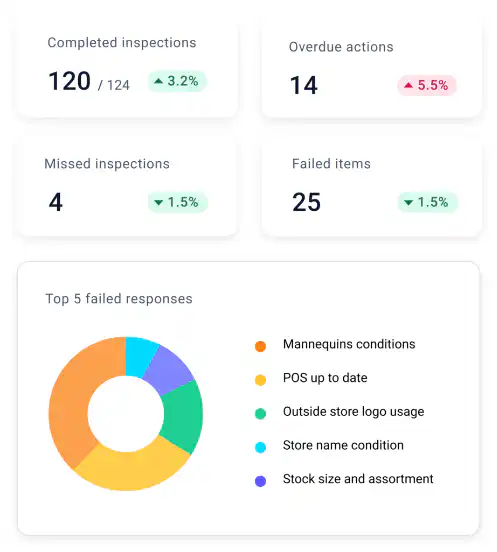
SafetyCulture (formaly iAuditor) assists companies in avoiding operational dangers including data breaches, natural catastrophes, or even large-scale disruptive events that might cause downtime. This platform serves as a business continuity programme that keeps all of your data safe and accessible in one place.
## **Features**
- Risk Assessment
- Risk Management
- Incident Management
- Audit Management
- Preventive Inspections
## **Pros**
The templates are easy to create and easy to follow.
## **Cons**
Once you have used this software for a while it can become slow due to the size of your database.
## **Free version**
## Available for teams of up to 10
## **Pricing**
## Free
## Premium – $24 p/m
## Enterprise – contact SafteyCulture
## **Platforms supported**
Web, iOS, and Android
[](https://www.youtube.com/watch?v=F0EofM-NFJk)
## What to Look for in a Business Continuity Software?
Organizations may have unique requirements when evaluating business continuity software solutions to meet their specific needs.
### Criteria and features to consider when selecting a solution for your business needs
### When choosing a business continuity software, keep these key criteria and features in mind
- Scalability to accommodate future growth
- User-friendly interface for ease of adoption
- Customizability to align with your organization's processes
- Integration capabilities with other tools and systems
- Mobile accessibility for remote access
- Robust reporting and analytics for data-driven decision-making
Check out the [16 Top Features of a Successful Mobile App.](https://fliplet.com/blog/16-successful-mobile-app-features/)
### Challenges of Business Continuity Software
### Consider these potential challenges when implementing business continuity software
- Resistance to change from employees
- Ensuring data security and privacy
- Integrating software seamlessly into existing workflows
- Proper training and onboarding for effective utilization
Want to improve your teams communication? Take a look at [The 16 Best Team Communication Apps in 2026.](https://fliplet.com/blog/best-team-communication-apps/)
## Common Obstacles Faced by Organizations and How to Mitigate Them
Discover how to overcome common challenges in business continuity software implementation and management.
### Business Continuity Best Practices
### Boost the effectiveness of your business continuity efforts with these best practices
- Regularly review and update your continuity plan
- Conduct thorough testing and simulations
- Foster a culture of awareness and preparedness
- Provide comprehensive training to all users
- Regularly back up your data and recovery plans
- Continuously monitor and update your software configuration
If you're in the legal industry and want to discover 32 Legal Emergency Management solutions and why your firm needs one, we hosted a free webinar, [check it out](https://info.fliplet.com/webinar-download-32-legal-emergency-management-solutions-and-why-your-firm-needs-one).
## Introduction to Business Continuity Planning
In a world full of uncertainties, a solid business continuity plan is an organization's safety net. This guide will provide you with the essentials of crafting such a plan, ensuring that challenges are met with resilience and foresight. Dive in to equip your organization for the unexpected.
### Using a Business Continuity Plan Template
Utilizing a business continuity plan template can streamline the planning process and ensure comprehensive coverage.
Business continuity plan templates provide a structured framework for organizations to create and implement effective strategies for disaster recovery and continuity.
[Request a demo](https://fliplet.com/book-a-demo/) for Fliplet's Emergency Management Solution
### The Importance and Role of Templates in Business Continuity Planning
### Templates play a vital role in business continuity planning by offering
- **Consistency:** Templates ensure that all necessary components are included in the plan.
- **Time efficiency:** Using a template saves time compared to creating a plan from scratch.
- **Clarity:** Templates provide clear guidelines and prompts for addressing different aspects of continuity
By leveraging templates, organizations can create robust and well-organized business continuity plans that enhance their preparedness and response capabilities.
## What Issues Need To Be Covered By a Business Continuity Plan?
Business Continuity Plan (BCP) is not merely a plan; it's a proactive approach to ensure that businesses remain operational even when faced with disruptions. Essential for safeguarding business longevity, a BCP addresses critical issues such as risk assessments, incident responses, communication strategies, and more. Dive into this section to understand the importance of having a BCP and the myriad challenges it efficiently mitigates.
### Delving Deeper into the Essential Components Every Plan Should Have
### A thorough business continuity plan should encompass
- **Risk assessment:** Identify potential threats and vulnerabilities to the organization.
- **Incident response:** Outline clear steps for handling different types of disruptions.
- **Communication strategies:** Define how information will be shared internally and externally during crises.
- **Data backup and recovery:** Ensure strategies for safeguarding and recovering critical data.
- **Resource allocation:** Plan for the allocation of essential resources during disruptions.
Discover the [15 Top Emergency Management Software To Manage Any Incident](https://fliplet.com/blog/15-top-emergency-management-software/)
### 6 Ways to Support Business Resilience at Your Organization
Fostering resilience within your organization is crucial.Building such resilience isn't about waiting for the next challenge, but actively preparing for it. Curious about how to transform your organization into a bastion of adaptability and strength? Delve into these six transformative strategies that promise not just survival, but thriving amidst challenges.
**1\. Create a companywide culture of resilience:** Encourage a mindset that values adaptability and preparedness at all levels of your organization. Foster a culture where employees are empowered to identify potential risks and contribute to resilience-building efforts.
_Example:_ Initiate regular team discussions about potential challenges and how employees can contribute to finding solutions. Recognize and reward employees who demonstrate proactive thinking in identifying risks.
**2\. Effective communication:** Establish clear communication channels and protocols to ensure that vital information reaches all stakeholders promptly during disruptions. Transparent and concise communication helps prevent misunderstandings and misinformation.
_Example:_ Develop a crisis communication plan outlining how messages will be disseminated and by whom. Conduct drills to simulate crisis scenarios and test the efficiency of your communication channels.
**3\. Employee training:** Train your employees on emergency procedures, roles, and responsibilities. Educate them about your business continuity plan and their roles in ensuring operational continuity.
_Example_**:** Provide regular training sessions that cover response procedures for various types of disruptions, from power outages to cyberattacks. Encourage employees to participate in tabletop exercises to practice their roles.
**4\. Regular testing and drills:** Conduct periodic drills to simulate disruptions and test the effectiveness of your business continuity plan. Regular testing helps identify weaknesses and areas for improvement in your response strategies.
_Example:_ Perform an annual tabletop exercise where teams are presented with hypothetical scenarios. Evaluate their response, decision-making, and coordination to refine your plan.
**5\. Review recovery plans to increase focus on resilience:** Enhance your recovery plans to prioritize resilience over just recovery. Identify strategies to reduce downtime, minimize customer impact, and maintain essential services during disruptions.
_Example:_ Assess your recovery plan for critical business functions and evaluate alternative methods to perform these functions in case of disruptions. For instance, implement cloud-based solutions for remote access to critical systems.
**6\. Flexible workplace:** Embrace flexible work arrangements and provide remote work tools. This flexibility enables employees to continue working seamlessly, regardless of their physical location.
_Example:_ Implement a remote work policy that includes guidelines for remote access, communication platforms, and expectations for remote work productivity. Ensure that employees have access to necessary resources and tools from their remote locations.
[Learn how 27 Law Firms are tackling emergencies for their clients](https://info.fliplet.com/emergency-management-solutions-download)
By implementing these strategies and examples, your organization can cultivate a culture of resilience, equip employees with the necessary skills, and create contingency plans that ensure your business can thrive even in the face of unexpected challenges.
## The Future of Business Continuity Software
As technology continues to evolve, the future of business continuity software holds promising advancements that align with the ever-changing needs of organizations. Here's a glimpse of what's on the horizon:
### Integration of Artificial Intelligence (AI)
AI-powered algorithms are expected to play a pivotal role in enhancing business continuity software. By analyzing data patterns and predicting potential disruptions, AI can provide early warnings and recommend optimal response strategies. These intelligent insights empower organizations to proactively address threats and optimize their resilience strategies. Discover [How AI Will Disrupt App Development.](https://fliplet.com/blog/how-ai-will-disrupt-app-development/)
Check out this video on how you can start using AI in your app.
### Rise of No-Code and Low-Code Platforms
The growing popularity of no-code and low-code platforms, such as Fliplet, is set to revolutionize the way organizations approach business continuity. These platforms empower non-technical users to design, customize, and deploy their own solutions without the need for extensive coding knowledge. As seen with Fliplet, this approach not only accelerates the development process but also enables organizations to tailor solutions to their unique requirements.
### Seamless Integration with Existing Systems
The future of business continuity software will emphasize seamless integration with other critical business systems, such as CRM, ERP, and communication tools. This integration ensures that organizations can swiftly access and share data during disruptions, enabling real-time decision-making and collaboration.
Take a look at Fliplets [Microsoft Custom Connect integration](https://fliplet.com/microsoft-custom-connector-integration/), [Zapier integration](https://fliplet.com/zapier-integration/) and [Litera Foundation integration](https://fliplet.com/litera-foundation-integration/).
### Predictive Analytics for Risk Assessment
Advanced predictive analytics will enable organizations to assess potential risks with greater accuracy. By analyzing historical data and external factors, these analytics can identify emerging threats and vulnerabilities. This foresight allows businesses to allocate resources strategically and prioritize risk mitigation efforts.
### Enhanced User Experience and Accessibility
User-centric design and enhanced accessibility will define the future of business continuity software. Platforms like Fliplet focus on creating intuitive interfaces that facilitate easy navigation and efficient use. This approach ensures that all stakeholders, regardless of technical expertise, can contribute to business continuity efforts.
### Unlocking the Potential with Fliplet
As a leader in the no-code and low-code platform space, Fliplet is at the forefront of shaping the future of business continuity software. By providing organizations with the tools to create custom solutions that cater to their unique needs, Fliplet empowers businesses to embrace a proactive approach to resilience.
Incorporating AI capabilities, seamless integration, and predictive analytics, Fliplet's forward-thinking approach ensures that businesses are well-equipped to navigate disruptions with agility. As technology continues to advance, Fliplet's commitment to innovation positions it as a strategic partner in enabling organizations to thrive even in the face of uncertainty.
Incorporating these trends and embracing solutions like Fliplet, organizations can confidently navigate the evolving landscape of business continuity, ensuring that they remain resilient, adaptable, and prepared for whatever challenges the future may hold.
## Conclusion
It serves as a vital tool for safeguarding operations, enhancing resilience, and ensuring that organizations can weather challenges with confidence. From risk assessment to recovery strategies, business continuity software streamlines the entire process, enabling businesses to stay agile and responsive.
While there are numerous options available in the market, the advantages of building your own business continuity software are undeniable. Custom solutions like Fliplet empower organizations to tailor their software precisely to their unique needs. The flexibility of no-code and low-code platforms like Fliplet allows businesses to create and modify solutions without the need for extensive coding expertise, making the process efficient and cost-effective.
The journey to enhancing your business continuity capabilities begins now, and you don't need to be a coding expert to embark on it. With platforms like Fliplet, you have the tools to design, develop, and deploy custom solutions that align perfectly with your business requirements. As you embrace the power of business continuity software, you're not only safeguarding your organization's future but also ensuring that you can navigate challenges with resilience and confidence.
## FAQs
Cross-platform app development is the process of creating software applications that are compatible with multiple operating systems or platforms, such as iOS and Android, from a single codebase. This approach contrasts with native app development, where separate apps are developed for each platform. Cross-platform development utilizes frameworks and tools that allow code to be written once and then deployed across multiple platforms, saving time and resources while ensuring a broader reach for the app.
The key benefits of cross-platform app development include cost-effectiveness, as it reduces the need for multiple development teams; time efficiency, since a single codebase speeds up the development process; wider audience reach, as the app can run on various platforms; and easier maintenance and updates, as changes need to be made only once in the common codebase.
Fliplet enhances cross-platform app development by offering an intuitive drag-and-drop interface that simplifies the app creation process, making it accessible to both non-coders and professional developers. It allows for rapid development and deployment, offers extensive customization options, and ensures seamless integration with existing systems. Furthermore, Fliplet's robust security features and continuous innovation make it a versatile and reliable choice in cross-platform app development.
Yes, many cross-platform app development tools, like Fliplet, are designed with simplicity in mind, making them suitable for beginners or non-technical users. These tools often feature user-friendly interfaces, drag-and-drop builders, and pre-built templates that simplify the development process. While some understanding of basic programming concepts can be helpful, it's not always necessary to start building apps on these platforms.
### See the latest insights from Fliplet
## Creating your business apps has never been easier
## Related links
- [Ultimate Guide: How to scale mobile enterprise app development without coding or IT resources](https://fliplet.com/blog/mobile-enterprise-app-development-without-coding/): Fliplet compiled an ultimate guide on how to scale mobile enterprise app development without coding or IT resources
- [Top 10 Mobile Enterprise Application Platforms](https://fliplet.com/blog/top-10-mobile-enterprise-application-platforms/): Fliplet compiled a list of the top 10 mobile enterprise application platforms. Read more within.
- [The Best Low Code/No Code Development Platforms](https://fliplet.com/blog/the-best-no-code-low-code-development-platforms/): Fliplet compiled a list of the best Low Code/No Code Development Platforms. Find out more within.
---
# Custom Application Development: How to Build a Custom App in 6 Steps
> Learn the 6-step custom application development process, from requirements and UX to testing, launch, and maintenance, with tools and pitfalls to avoid.
Source: https://fliplet.com/blog/custom-application-development-in-six-steps/
Content type: Blog
Published: 2026-05-04T10:14:46
Updated: 2026-05-19T11:20:00
Read time: 30 minutes
# Custom Application Development: How to Build a Custom App in 6 Steps
Custom application development is the single best way to craft a tech solution that's ideally suited to your business's unique needs. There are many reasons a company or organization might be looking to build a custom app — maybe to streamline operations, enhance customer interaction, or simply bring fresh innovation to the market.
Whatever the reason, understanding the ins and outs of both custom web application development and custom mobile app development is essential. Beginning with the initial concept and going through to the final launch, every step in developing a custom app is explored below.
## What are custom apps?
> **Custom apps** are software solutions specifically designed to meet the unique requirements of a business or user.
Unlike off-the-shelf software that you buy and use as is, custom apps are like having a tailor-made solution. They're built from scratch based on what you need them to do, which means they can do exactly what you want, how you want it done.
Every business has its own set of challenges, workflows, and customer interactions. A custom app is developed to handle those specific scenarios, optimizing how a company operates, interacts with its customers, and achieves its goals. Whether it's managing inventory in a more efficient way, improving customer service through a personalized experience, or automating routine tasks to save time and resources, custom apps are all about making things work better for your business.
Because these apps are tailored for you, they can grow and adapt as your business evolves. Need to add new features or tweak how things work? That's part of the plan. This flexibility ensures that a custom app remains useful and effective over time, truly becoming an integral part of your business's toolkit from startup to [enterprise level](https://fliplet.com/blog/reasons-why-your-organization-needs-enterprise-mobile-applications/).
## What is custom application development?
Custom application development involves designing, developing, and deploying software applications specifically tailored to your users and use cases. In the past, building custom apps was a task reserved for in-house development teams or IT departments. However, with the rise of [low-code, no-code citizen development platforms](https://fliplet.com/blog/the-best-no-code-low-code-development-platforms/), tech-savvy members of your team can now build the apps they need to optimize business processes without having to write a single line of code.
According to a recent survey, [citizen development](https://fliplet.com/blog/why-it-should-embrace-citizen-developers/) has allowed up to 80% of organizations to achieve greater agility and flexibility in their application development processes, while empowering non-technical users to create solutions that address their unique needs. This approach reduces the burden on IT departments, enabling them to focus on other projects and freeing up resources for innovation.
With custom application development using low-code and no-code citizen development platforms, businesses can improve productivity, streamline workflows, and gain a competitive edge in today's fast-paced digital landscape.
## Benefits of custom app development
Those that embrace custom application development can reap a host of benefits. Here are some of the advantages of custom application development:
### Integrations:
Custom applications can be integrated with existing systems and tools, making it easier for businesses to streamline their operations and access crucial data.
### Ease of use:
Understanding a new program is difficult, it can become time-consuming and confusing if it is not purpose built for your organization. However, with custom software users can build fully functional apps from scratch to suit needs for your organization. In addition, those that build the app also use the app and there for understand what the app needs to improve its usability and how to do it.
### Efficiency:
Custom applications are designed to optimize specific workflows and support processes within an organization. Built with the users in mind, custom apps are better equipped to solve business problems in an efficient manner.
### Scalability:
Custom applications are built specifically for a business, which allows developers to revisit areas of the process and tweak them to handle larger volumes of requests and data. This means the app can grow with the business, eliminating the need for a new solution to access advanced features.
### Cost-effectiveness:
Building applications the traditional way can be costly, as it often involves dedicated IT resources for building, testing, and debugging. Custom application development requires fewer resources and simplifies development costs, making it a more cost-effective solution.
### Ease of customization:
Custom-built applications can be tailored to meet your company's present and future needs. In contrast, pre-made software may not be updated or improved to your satisfaction, leaving you dependent on the developers' decisions. With custom software, you have the freedom to handle any issues or changes directly using your own developers or knowledge to modify the software to your exact requirements.
### Minimal security risks:
Ready-made software is more susceptible to hacking as it's widely used by many businesses and accessible to everyone. This familiarity with the code of such programs makes them easy for hackers to infiltrate. Moreover, the possibility of gaining access to data from multiple businesses makes off-the-shelf software an attractive target for cybercriminals. In contrast, custom-built applications are more secure as they are exclusively used within a single company and can have additional levels of protection, making them less attractive as a source of data for hackers.
In the upcoming sections of this [blog](https://fliplet.com/blog/xamarin-replacement/) layout, we'll delve further into the evolution of custom application development, and how to build a successful custom app in six simple steps. You can also choose a [NextJS Admin template](https://themeselection.com/item/category/next-js-admin-template/) to build responsive web applications with high customization.
For more on building a [custom app](/blog/how-to-build-a-custom-app-without-coding/), read our blog.
## Custom mobile app development Overview
| Area | Custom Mobile App Development Overview |
| --- | --- |
| User Focus | Designed specifically for users and use cases |
| Development Process | Can be done by non-IT team members using no-code/low-code platforms |
| Integrations | Can be easily integrated with existing systems and tools |
| Ease of Use | Can be built from scratch or using pre-built templates with no coding knowledge required |
| Efficiency | Optimized for specific workflows and processes, leading to more efficient business operations |
| Scalability | Can be easily scaled to accommodate changing business needs |
| Cost | Can be more cost-effective due to a simplified development process and fewer required resources |
| Customization | Easy to customize without external help |
| Security | Offers the latest security, compliance, and data protection features |
## The Evolution of custom web application development
The landscape of custom application development has undergone significant changes over time. In this section, we'll explore the various stages of its evolution, from relying on internal or external development teams to the emergence of AI-driven solutions.
For more on [ai in app development read our blog.](https://fliplet.com/blog/how-ai-will-disrupt-app-development/)
### Traditional App Development: Building Custom Apps with Internal or External Development Teams
In the early days of custom app development, organizations typically relied on internal or external development teams to create tailored solutions. This approach allowed businesses to develop applications that catered specifically to their needs, but it often came with challenges such as high costs, time-consuming processes, and a heavy reliance on skilled developers.
### Limitations of traditional app development
Traditional app development comes though with lots of limitations. Firstly, IT teams are responsible for a wide range of tasks such as coding, backend development, bug tracking, and app deployment. This additional workload, coupled with their existing obligations to manage other vital business operations, can stretch IT teams thin and leave them overwhelmed.
In numerous situations, IT teams might also be somewhat removed from the actual challenges they are attempting to resolve through app development. This detachment can lead to difficulties in delivering prompt and effective results. Additionally, developing apps from the ground up, tailoring them to specific needs, and addressing issues can be resource-intensive, time-consuming, and costly.
### Adopting Off-the-Shelf Solutions
To overcome some of the challenges associated with custom app development, organizations began to adopt off-the-shelf or packaged software solutions. These pre-built applications were designed to cater to common business needs and could be implemented quickly, reducing both cost and development time. However, this approach also had its share of drawbacks.
### Problems with Packaged or Off-the-Shelf Solutions
While off-the-shelf solutions initially seemed promising, organizations soon encountered several issues. These included:
- **Limited customization:** Pre-built solutions often lacked the flexibility to accommodate specific business requirements or unique workflows.
- **Vendor lock-in:** Organizations became dependent on a single vendor for updates, support, and maintenance, which could lead to increased costs and reduced control over their software.
- **Integration challenges:** Off-the-shelf solutions did not always seamlessly integrate with existing systems, leading to compatibility issues and reduced efficiency.
- **Lack of ownership:** When using an off-the-shelf solution, you do not own the underlying technology or intellectual property. This can limit your ability to modify or enhance the solution as your organization's needs evolve.
- **Limited customization:** Off-the-shelf solutions are designed to be used by a wide range of customers, which means that they are not tailored to the specific needs of your organization. This can limit your ability to customize the solution to meet your unique requirements.
- **Lack of flexibility:** Pre-built solutions are often rigid and inflexible, which means that they cannot be easily modified or adapted to changing business needs. This can be a significant limitation if your organization requires a high degree of flexibility and agility.
- **Compatibility issues:** An off-the-shelf solution may not be compatible with the existing systems and processes in your organization. This can result in additional time and resources being required to integrate the solution into your workflow.
- **Cost:** While off-the-shelf solutions can be cost-effective in the short term, they can become expensive over time as your organization grows and requires additional functionality. In some cases, it may be more cost-effective to develop a custom solution that meets your specific needs.
### Building Custom Apps with Low-Code/No-Code Platforms
As a response to the limitations of off-the-shelf solutions, low-code and no-code platforms emerged. These platforms [enabled organizations to create custom applications with minimal coding expertise](https://fliplet.com/blog/mobile-enterprise-app-development-without-coding/), allowing for rapid development and deployment. Low-code/no-code platforms enabled businesses to build tailored solutions with greater flexibility and at a lower cost than traditional development methods.
### These platforms can offer numerous benefits for IT teams, including
- Faster time-to-market:
- Cost-effective:
- Increased productivity
- Greater agility
- Better collaboration
- Improved security
- Reduced complexity
Learn more about [no-code/low-code development platforms.](https://fliplet.com/blog/the-best-no-code-low-code-development-platforms/)
Learn how enterprises benefit from [enterprise application development platforms.](https://fliplet.com/blog/top-10-mobile-enterprise-application-platforms/)
For more on [apps in healthcare and pharmaceuticals, read our blog.](https://fliplet.com/blog/pharmaceutical-apps-ideas/)
### Benefits of Creating Custom Apps with No Code App Development
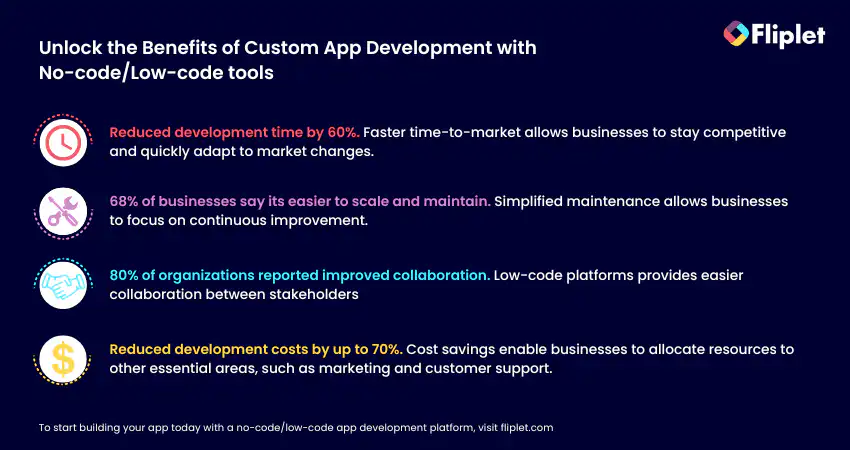
No code app development platforms allow businesses to create custom apps without the need for coding expertise. Here are some benefits of creating custom apps with no code app development:
#### Reduced Development Time and Costs:
No Code App Development platforms significantly reduce development time and costs by offering reusable components, pre-built templates, and automated workflows. This allows IT teams to allocate resources to other critical tasks, resulting in cost and time savings.
#### Enhanced Collaboration and Communication:
No Code App Development platforms facilitate collaboration and communication among IT teams, designers, and business analysts, resulting in a cohesive final product that meets the organization's objectives.
#### Simplified Maintenance and Updates:
These platforms simplify app maintenance and updates for IT teams, ensuring that the apps stay relevant, secure, and up-to-date. This improves user experience and reduces the long-term maintenance burden on the IT department.
#### Scalability and Flexibility:
No Code App Development platforms come with built-in scalability features, enabling IT teams to quickly adapt and grow their applications in response to changing business needs. This flexibility ensures that the apps remain effective and efficient over time.
#### Better Integration with Existing Systems:
No Code App Development platforms enable IT teams to seamlessly integrate apps with their organization's existing systems, enhancing data flow and consistency across various systems, and improving overall operational efficiency. However it is important to note that some [no-code application development platforms](/blog/9-web-application-development-platforms-to-build-a-free-web-app/#what-is-a-web-application-platform) offer limited integration.
#### Advanced Security Features:
These platforms offer built-in security features, such as encryption, user authentication, and secure data storage. This helps IT teams ensure that the apps they develop are secure and compliant with industry standards and regulations.
#### Cross-platform Compatibility:
No Code App Development platforms support cross-platform development, allowing IT teams to create apps that run smoothly on multiple operating systems and devices, expanding the reach of the app and ensuring a consistent user experience across various platforms.
#### Access to Niche Tools and Technologies:
No Code App Development platforms provide access to niche tools and technologies, such as machine learning, artificial intelligence, or blockchain, enabling IT teams to experiment with cutting-edge technologies and build innovative, future-proof applications.
#### Continuous Learning and Skill Development:
No Code App Development platforms provide IT professionals with continuous learning opportunities and a chance to hone their skills in app development, design, and management. This not only enhances their expertise but also adds value to the organization as a whole.
### AI-Driven App Development
The latest advancement in custom app development is the incorporation of artificial intelligence (AI) into the development process. AI-driven development platforms leverage machine learning and automation to streamline the app creation process further. These platforms can generate code, identify bugs, and even make recommendations for app design, making the development process more efficient and accessible to non-developers.
Here are some of the ways in which AI has helped build apps and the benefits it offers for IT teams:
**1\. Automating tasks:** AI can automate tasks that are repetitive, time-consuming, or require a high degree of accuracy. This can free up IT teams to focus on more complex tasks and reduce the risk of errors.
**2\. Improving decision-making****:** AI can analyze vast amounts of data and provide insights that can inform decision-making. This can be particularly beneficial for IT teams that need to make data-driven decisions about app development.
**3\. Enhancing user experience:** AI can be used to personalize user experiences, providing recommendations and content based on user behavior and preferences. This can improve user engagement and satisfaction, which is critical for the success of any app.
**4\. Streamlining development:** AI can be used to automate parts of the app development process, such as testing, debugging, and deployment. This can help IT teams deliver apps more quickly and cost-effectively.
**5\. Predictive maintenance:** AI can be used for predictive maintenance of apps, analyzing data to identify potential issues before they occur. This can help IT teams proactively address problems and prevent downtime.
Want to find out more? [Watch this webinar on why AI is a game changer for your business and your apps](https://info.fliplet.com/webinar-download-why-ai-is-a-game-changer-for-your-business-and-your-apps).
[https://www.youtube.com/watch?v=rEUqrGGRL7g](https://www.youtube.com/watch?v=rEUqrGGRL7g)
In conclusion, custom application development has come a long way from its origins, with each stage of evolution seeking to address the challenges of the previous one. Today, organizations can leverage low-code/no-code platforms and AI-driven solutions to create custom apps that cater to their specific needs, while overcoming many of the limitations of traditional development methods.
## Custom mobile application development VS conventional app development
When we talk about custom mobile application development, we're focusing on creating software that's specifically designed to cater to the unique requirements of a business or an individual. This is a bespoke approach, where custom business apps are tailored from the ground up to ensure they perfectly align with the user's needs, preferences, and processes.
On the flip side, conventional app development often refers to the creation of more generic software applications. These are typically off-the-shelf [business applications](https://fliplet.com/blog/22-essential-business-apps-for-businesses-of-all-sizes/) designed to meet broad needs rather than addressing specific user requirements.
The distinction between these two approaches is stark. Custom app development is a kin to having a suit tailor-made for you, ensuring a perfect fit, whereas conventional app development is more like buying a suit off the rack; it might fit well, but adjustments are often needed for it to meet your exact specifications.
### Key differences include
- Personalization and flexibility: Custom mobile apps are built with your business's specific needs in mind, offering a level of personalization and flexibility that conventional apps can't match. This means they can more effectively support your business processes, improve efficiency, and enhance user engagement.
- Cost and time investment: Initially, custom app development may require a higher investment of time and resources compared to conventional app development. This is because building something from scratch to meet specific requirements is inherently more complex. However, this investment often pays off in the long run through improved efficiency, scalability, and user satisfaction.
- Integration capabilities: Custom apps are designed to seamlessly integrate with existing business systems and software, providing a unified user experience and streamlining operations. Conventional apps might struggle to fit into your business's existing ecosystem, sometimes requiring additional workarounds or modifications.
- Scalability and evolution: As your business grows and evolves, a custom mobile app can adapt alongside it. [Custom apps are built with scalability in mind](https://fliplet.com/blog/mobile-enterprise-app-development-without-coding/), allowing for easy updates and additions. Conventional apps, however, may become limiting over time, lacking the ability to evolve as quickly or as smoothly as your business needs change.
- Security: With custom app development, security measures can be tailored to the specific risks and requirements of your business, offering a higher level of protection against threats. Conventional apps might not provide the same level of security customization, potentially leaving your business data more vulnerable.
The main difference between custom and standard applications lies in the level of customization and flexibility they offer. Custom applications are built specifically to meet the unique needs of a business or organization, while standard applications are designed to meet the general needs of a wide range of users.
## Custom Application Development Process: How to build a custom app in 6 simple steps
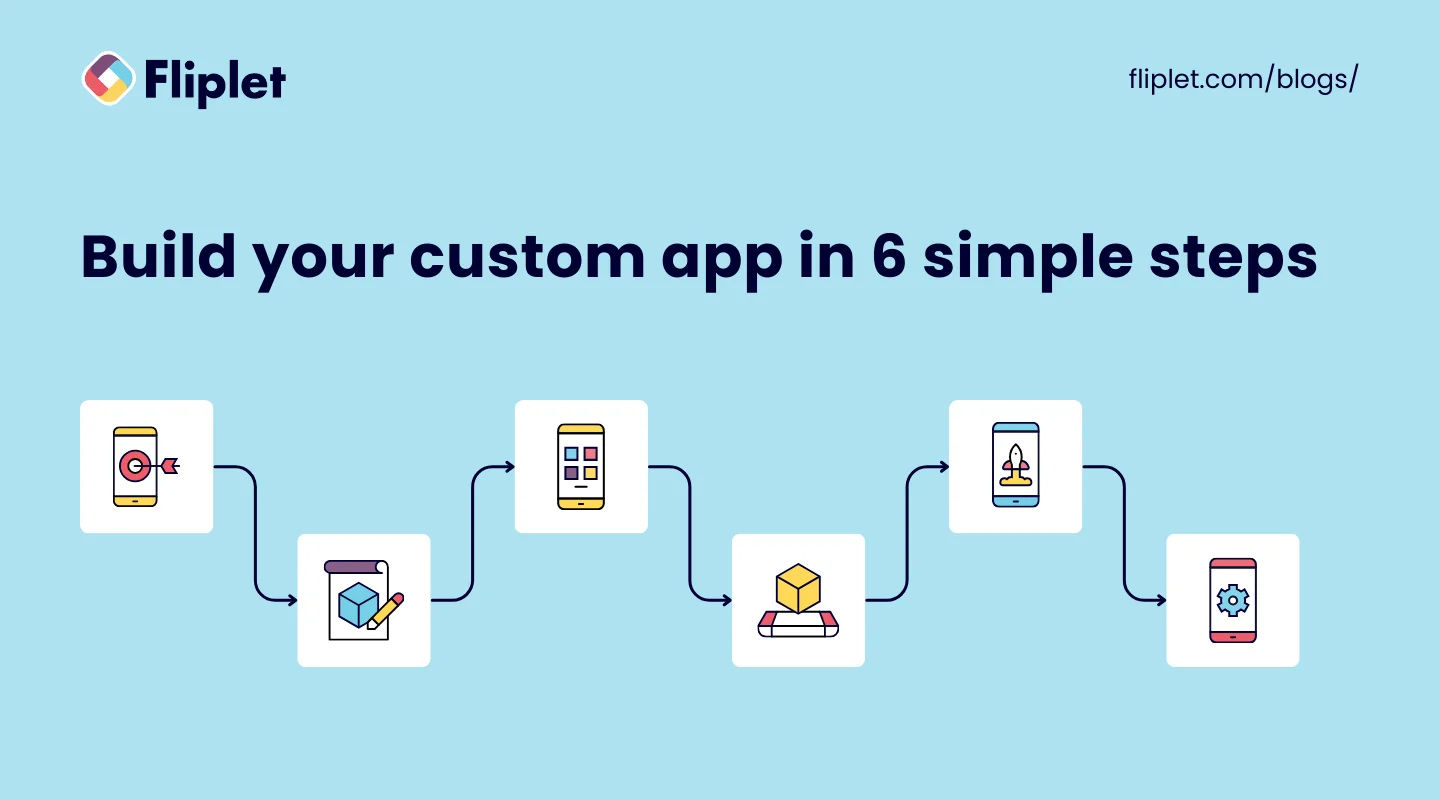
### Step 1: Define the Problem and End-User
The first step in custom application development is to define the problem that the application will solve and identify the end-users who will be using it. This is a critical step in creating an application that meets the specific needs of the target audience. By understanding the problem and the role that the application will play in the life of the end-user, the development team can create an application that addresses their specific needs.
### Step 2: Build a Prototype
Building a prototype is a crucial step in custom application development. A prototype helps to visualize the application's workflow and core features, which makes it easier to determine what information is required to fulfill requests within the application. The prototype can be built using a low-code or no-code platform, which makes it faster and more cost-effective to create.
### Step 3: Create the Application
Creating the application is the third step in custom application development. This step involves using a low-code or no-code platform to build the application. Business users play a critical role in this stage, as they have the expertise to ensure that the application meets their unique requirements. They can make use of pre-built templates and components, as well as customization options, to build an application that meets their specific needs.
### Step 4: Test the Application
Testing the application is a critical step in custom application development. This step helps to identify any issues or errors that may have been missed during development. Testing the application involves simulating different use cases to ensure that the application is functioning correctly and meeting the needs of end-users. Any issues or errors that are identified during testing can be addressed before the application is launched.
### Step 5: Launch the Application
Once the application has been tested and is ready to go, it's time to launch it in a live production environment. This step involves monitoring the application for a period of time to ensure that it is running smoothly and without errors. During this phase, any issues or errors that are identified can be addressed quickly to ensure that the application is meeting the needs of end-users.
### Step 6: Optimize the Application
The final step in custom application development involves measuring key metrics to assess the application's performance and making necessary tweaks to optimize its performance and output. This step involves monitoring the application's performance over time, gathering user feedback, and making necessary changes to improve the user experience. By continually optimizing the application, businesses can ensure that it is meeting the needs of end-users and driving results.
With the help of no-code or low-code platforms like Fliplet, custom application development becomes a simpler and more efficient process. Fliplet provides businesses with the tools they need to create custom applications without requiring extensive coding expertise, which saves time and money. Additionally, Fliplet offers analytics and reporting features that enable businesses to monitor and optimize their custom applications for success. Try Fliplet for free and start building your custom web app without coding expertise today!
Want to know more? Read our blog on the [Ultimate Guide: How to scale mobile enterprise app development without coding or IT resources.](https://fliplet.com/blog/mobile-enterprise-app-development-without-coding/)
## Build custom apps with Fliplet using low-code/no-code technology
### Overview & Features of Fliplet: A Powerful Platform that Revolutionizes Custom Application Development
Fliplet is a powerful Custom Application Development platform that allows anyone within a business to create, manage, and deploy mobile applications using no-code or low-code technology.
With its easy-to-use drag-and-drop interface, businesses can bring their app ideas to life in a matter of hours and integrate them seamlessly with their existing systems. Fliplet's platform is the ultimate solution for organizations that want to accelerate their app development process without incurring costly developer hires.
1. [Learning](https://fliplet.com/solution/learning/) (Want to start building your learning app? [Read this blog to see how you can build one on a budget](https://fliplet.com/blog/how-to-make-a-learning-app/))
2. [Directory](https://fliplet.com/solution/directory/) (Check out [15 HR apps that will change the way you work](https://fliplet.com/blog/15-hr-apps-that-will-change-the-way-you-work/))
3. [Marketing](https://fliplet.com/solution/marketing/)
4. [Innovation/idea management](https://fliplet.com/solution/innovation-management/)
5. Approval workflow
6. Portal app
7. Sales Enablement
8. [Communications](https://fliplet.com/solution/communications) (Take a look at this blog where we compared [the top 10 community apps to engage and monetize your community](https://fliplet.com/blog/10-apps-to-boost-your-community-engagement/) or you can check out [the 16 best team communication apps in 2026](https://fliplet.com/blog/best-team-communication-apps/))
9. [Data capture](https://fliplet.com/solution/data-capture/)
10. [Emergency Management](https://fliplet.com/solution/emergency-management-for-clients/) (Take a look at the [5 steps to take to prepare for a dawn raid](https://fliplet.com/blog/5-steps-to-prepare-for-a-dawn-raid/))
11. [Events](https://events.fliplet.com/) (To compare our Event solution to other solutions read t[he 25 best mobile event apps you need in 2026](https://events.fliplet.com/blogs/25-best-mobile-event-apps/))
12. [Food ordering](https://fliplet.com/solution/ecommerce-solution/)
13. Multilingual
14. [Remote and office management](https://fliplet.com/solution/remote-and-office-management/)
15. [Task management](https://fliplet.com/solution/task-management/)
16. [Reporting App](https://fliplet.com/solution/mobile-reporting-app/)
17. Blank solution to build from scratch
### Integrating Fliplet into your custom application development workflow
One of the key strengths of Fliplet is its robust integration capabilities. The platform provides seamless integration with various third-party services, APIs, and internal systems, allowing you to create feature-rich applications that enhance user experience. With Fliplet, you can easily connect your app to popular services like Salesforce, Google Sheets, or your own custom-built APIs. Fliplet has also recently enabled integrations with Microsoft Power Automate so you can integrate with popular Microsoft products such as Teams, Outlook and much more.
[Fliplets Zapier integration](https://zapier.com/apps/fliplet/integrations) is another great example of how mobile app platforms can provide extra benefits to enterprise organizations. Fliplets Zapier integration allows users to connect their apps to over 5,000 other applications such as Google Sheets and Google Calendar.
By taking advantage of this type of integration, businesses can streamline processes for improved efficiency and cost savings, as well as take advantage of increased data accuracy.
Take a look at [the best no-code/low-code development platforms you should be using](https://fliplet.com/blog/the-best-no-code-low-code-development-platforms/).
For more on the [best app builders](https://fliplet.com/blog/top-10-best-app-builder/), read our blog.
### How IT Teams Win With Fliplet
Fliplet empowers non technical employees to develop applications using no-code tools, reduce the IT backlog, prevent developer burnout, and ensure deadlines are met with ease. IT teams can benefit from:
- Ease of use through no-code/low-code development
- Cost effective development that meets deadline
- Employering citizen developers
- Greater security since Fliplet is ISO 27001 certified.
We compared the top 10 mobile application platforms so you don't have to. [Read it now.](https://fliplet.com/blog/10-best-mobile-application-development-platforms/)
## How to build a Successful Custom App Development Team
A successful custom app development project requires a team of skilled professionals with diverse expertise. In this article, we will discuss the key people you need in your app development team to ensure success.
### Who is involved in making custom app development a success?
Before the development of no-code/low-code platforms it would take a large team to create an app which included; project manager, business analyst, UX/UI designer, App Builder, Quality Assurance (QA) Analyst.
However, no-code and low-code app development platforms have democratized the app development process, making it possible for anyone, regardless of technical ability, to build an app. These platforms provide a visual interface, pre-built components, and drag-and-drop functionality, eliminating the need for writing code manually.
Here are some ways in which anyone can build an app using a no-code platform:
## **Pre-built templates and components:**
No-code platforms come with pre-built templates and components that allow users to drag and drop elements to create the app's user interface and functionality. These templates and components provide a starting point for building an app, making it easy for anyone to create an app with minimal effort.
## **Visual interface:**
No-code platforms offer a visual interface that allows users to create an app by dragging and dropping elements, without needing to write any code manually. The interface provides a preview of the app's design, making it easy for users to see how the app will look and function.
## **Integration with third-party services:**
No-code platforms allow users to integrate their app with third-party services like payment gateways, social media platforms, and analytics tools. This integration is done through APIs and webhooks, which are pre-built into the platform, making it easy for users to connect their app with external services.
## **Collaboration and sharing:**
No-code platforms allow users to collaborate and share their app with others in real-time. This feature allows multiple users to work on the app simultaneously, making it easy to create and edit the app quickly.
## **Support and resources:**
No-code platforms provide support and resources to help users build their apps. This support includes tutorials, documentation, and customer support, making it easy for anyone to learn how to build an app with the platform.
## Cost and Time Estimation in Custom Application Development
Custom Application Development is a complex process that requires careful planning and execution to deliver a successful end product. When it comes to Custom Application Development, two critical factors are cost and time. Businesses need to understand the factors that influence the cost of custom software and the techniques used to estimate the time required for the development process. In this [blog](https://fliplet.com/blog/legal-innovation/), we'll explore these factors and discuss how Fliplet can decrease the costs of Custom Application Development.
### Factors Influencing the Cost of Custom Software:
Several factors can influence the cost of Custom Application Development. Here are some of the most common ones:
**1\. Scope:** The scope of the project is the most significant factor that influences the cost of Custom Application Development. A larger scope requires more resources, which increases the cost.
**2\. Complexity:** The complexity of the application, including the features, functionalities, and integrations, can also impact the cost.
**3\. Technology:** The choice of technology can impact the cost of Custom Application Development. Some technologies are more expensive than others, and the costs may increase if specialized skills are required.
**4\. Quality:** The level of quality required in the application can also impact the cost. Higher quality standards may require additional resources, which can increase costs.
### Time Estimation Techniques:
Time estimation is a crucial part of Custom Application Development. Accurate time estimation helps businesses plan their projects and allocate resources efficiently. Here are some common techniques used to estimate time:
**1\. Bottom-Up Estimation:** In this technique, each task required for Custom Application Development is identified and estimated individually. These estimates are then added up to determine the total time required for the project.
**2\. Top-Down Estimation:** In this technique, an overall estimate of the project is made, and the project is then broken down into smaller tasks to determine the time required for each task.
**3\. Expert Judgement:** Expert judgement is a technique where experts in the field are consulted to provide estimates based on their experience.
For more on [task management](https://fliplet.com/blog/top-10-task-management-apps-for-teams/), read our blog.
### Balancing Quality, Cost, and Time-to-Market:
When it comes to Custom Application Development, businesses need to balance the quality, cost, and time-to-market. A high-quality application may take longer to develop and may cost more, while a low-quality application may be developed quickly and cost less. However, a low-quality application may not meet the needs of the business, and it may require additional time and money to fix any issues.
Businesses need to consider the trade-offs between quality, cost, and time-to-market when planning their Custom Application Development projects. They should aim for a balance between these factors to deliver a successful end product that meets their business needs.
### How Fliplet Decreases Costs of Custom Application Development
Fliplet is an innovative Custom Application Development platform that can save businesses both time and money. It is cheaper than most competitors in the market and cheaper than outsourcing developers. Additionally, businesses can even use it for free with the free plan option.
Fliplet also saves time by providing pre-built app solutions and customizable screens. This reduces the development time, saving precious time for IT teams. Fliplet offers 16 solutions that are customizable so you can build anything you need, and Fliplet gives you a good start. This means businesses can create and deploy mobile applications faster, reducing the time-to-market and enabling them to stay ahead of the competition.
## Managing Security and Compliance of custom applications
Ensuring the security and compliance of custom applications is critical to protect businesses' sensitive data and avoid legal and financial consequences. Here are some essential practices for managing security and compliance in custom application development:
### Implementing Security Best Practices:
It is essential to implement security best practices such as access controls, authentication, and authorization to ensure the confidentiality, integrity, and availability of data. Secure coding practices should be used to prevent common vulnerabilities such as SQL injection, cross-site scripting, and buffer overflow.
### Ensuring Data Privacy and Regulatory Compliance:
Custom applications should comply with applicable laws and regulations such as GDPR, HIPAA, and PCI DSS. Data privacy should be ensured by implementing measures such as data encryption, data minimization, and data retention policies.
### Continuous Monitoring and Vulnerability Assessments:
It is essential to continuously monitor the custom applications for security incidents and vulnerabilities. Regular vulnerability assessments and penetration testing should be conducted to identify and address potential security flaws.
### How Fliplet Helps in Security:
Fliplet provides enterprise-grade security features such as ISO 27001 certification, two-factor authentication, and data encryption. Fliplet also provides regular security updates and patches to ensure the latest security features are implemented.
As well as this, Fliplet gets annual security tests and also works with a number of external security companies to ensure they are compliant. Fliplet helps businesses comply with regulatory requirements by providing features such as data encryption, data retention policies, and access controls.
Watch Nick Valbusa, Head of Development, for this [Infosec session](https://info.fliplet.com/webinar-download-summit-q4-2022-infosec-update) which includes an overview of compliance updates and Studio security features.
## Measuring the Success of Custom Applications
Measuring the success of custom applications is essential to ensure that they meet business objectives and provide value. Here are some practices for measuring the success of custom applications:
**1\. Defining Key Performance Indicators (KPIs):** Key performance indicators (KPIs) should be defined to measure the success of custom applications. These could include metrics such as user engagement, retention rates, task completion rates, and revenue generated.
**2\. Monitoring User Satisfaction and Adoption Rates****:** User satisfaction and adoption rates are critical indicators of the success of custom applications. User feedback should be regularly collected, and adoption rates should be monitored to ensure that the application is meeting users' needs and driving business value.
**3\. Assessing the Impact on Business Performance:** The impact of custom applications on business performance should be assessed to ensure that they are providing value. This could include metrics such as increased productivity, reduced costs, improved customer satisfaction, and increased revenue.
**4\. How Fliplet Helps in Measuring Success:** Fliplet provides analytics and reporting features that enable businesses to measure the success of custom applications. These features allow businesses to track user engagement, retention rates, and other key metrics, and provide insights into how the application is impacting business performance. Fliplet also provides user feedback features, enabling businesses to collect user feedback and improve the application based on user needs.
## Case Studies: Custom Application Development in Action using Low-Code/No-code
- [Gowling](https://fliplet.com/case-studies/gowlingwlg/): Relying on developers is a thing of the past, with non-technical teams rapidly creating and deploying apps
- [UK Top 30 Law Firm](https://fliplet.com/case-studies/top-30-uk-law-firm/): A Top UK Law firm switched from another solution to Fliplet and went from 40 minutes inputting the details for an event to getting an event live in the app in just 10-15 minutes.
- [Saul Ewing](https://fliplet.com/case-studies/saul-ewing/): Empowering colleagues to use their voices, drive innovation and boost engagement.
## Conclusion
In conclusion, custom application development has come a long way since its inception. Today, low-code and no-code platforms like Fliplet offer businesses the ability to build custom apps quickly, easily, and cost-effectively. Security, compliance, and performance should be monitored continuously to ensure the application is functioning as expected.
Ultimately, the success of a custom application can be measured by defining key performance indicators, monitoring user satisfaction and adoption rates, and assessing the impact on business performance.
By following the six simple steps outlined in this blog, you can create a custom application that addresses your specific business needs, streamlines workflows, and improves overall efficiency. And with the help of platforms like Fliplet, you can achieve this without the need for extensive coding skills or a large development budget.
So, why not give it a try and see how custom application development can transform your business? [Start building your custom app for free with Fliplet](https://studio.fliplet.com/signup).
## FAQs
Custom applications can be classified into various types based on their intended use and functionality. Here are some common types of custom applications:
1. **Enterprise Resource Planning (ERP) software:** ERP software is designed to manage a business's core operations, such as accounting, finance, inventory, and human resources.
2. **Customer Relationship Management (CRM) software:** CRM software is designed to manage a company's interactions with its customers and prospects.
3. **Healthcare software:** Healthcare software is designed to manage and store patient information, as well as support clinical decision-making and workflow automation.
4. **E-commerce software:** E-commerce software is designed to facilitate online transactions and manage inventory, shipping, and payment processing.
5. **Financial technology (Fintech) software:** Fintech software is designed to support financial services, including banking, investment, and insurance.
6. **Internet of Things (IoT) software:** IoT software is designed to manage and control connected devices and sensors.
7. **Artificial intelligence (AI) software:** AI software is designed to automate processes, improve decision-making, and support machine learning.
8. **Operations management software:** Operations management software is designed to optimize business processes and workflows.
9. **Agricultural software:** Agricultural software is designed to support crop management, equipment tracking, and other farm-related activities.
10. **Mobile and desktop software:** Mobile and desktop software are designed to provide specific functionality and user experiences on different devices.
Custom software development is the process of designing, creating, maintaining, and deploying software for a specific set of users, functions, or organizations. Unlike commercial off-the-shelf software (COTS), custom software development focuses on addressing specific needs. The essence of custom development is to create a solution that fits the unique requirements and processes of a business, enhancing its efficiency, user experience, and competitive edge.
The cost to build a custom app can vary widely depending on several factors, such as the app's complexity, the features you want to include, the platforms (iOS, Android, web) you're targeting, and the rates of the custom app developers you hire. For a basic app, development costs might start from a few thousand dollars, but for more complex, feature-rich custom mobile applications development or custom web application development services, prices can easily soar into the hundreds of thousands.
It's advisable to consult with custom application development services or custom app developers for a tailored quote based on your specific project needs.
Yes! [With Fliplet](https://studio.fliplet.com/signup), it's possible to create your own app for free. This platform offers a drag-and-drop interface and pre-built elements that allow you to build custom apps without writing code.
Absolutely! [No-code and low-code development platforms](https://fliplet.com/blog/16-top-no-code-low-code-web-app-builders-free-tools-included/) make building an app yourself super accessible. These are designed to empower individuals without technical backgrounds to create custom apps, enabling the development of custom mobile apps for business or personal use with minimal coding knowledge.
### See the latest insights from Fliplet
## Creating your business apps has never been easier
## Related links
- [Ultimate Guide: How to scale mobile enterprise app development without coding or IT resources](https://fliplet.com/blog/mobile-enterprise-app-development-without-coding/): Fliplet compiled an ultimate guide on how to scale mobile enterprise app development without coding or IT resources
- [Top 10 Mobile Enterprise Application Platforms](https://fliplet.com/blog/top-10-mobile-enterprise-application-platforms/): Fliplet compiled a list of the top 10 mobile enterprise application platforms. Read more within.
- [The Best Low Code/No Code Development Platforms](https://fliplet.com/blog/the-best-no-code-low-code-development-platforms/): Fliplet compiled a list of the best Low Code/No Code Development Platforms. Find out more within.
---
# Digital Innovation in Healthcare: The Success Story of Providence Anesthesiology Associates with Fliplet
> Providence Case Study: Healthcare App Success. See the challenge, approach, and results, plus practical lessons teams can apply to similar projects.
Source: https://fliplet.com/blog/the-success-story-of-providence-anesthesiology-associates
Content type: Blog
Published: 2026-05-18T12:29:10
Updated: 2026-03-19T07:54:21
Read time: 5 minutes
# "Digital Innovation in Healthcare: The Success Story of Providence
Embracing technological innovation is key to enhancing patient care and operational efficiency. This blog provides an overview of a detailed case study conducted with Cat Valeri, Director of IT Services at Providence Anesthesiology Associates (PAA).
We explore how PAA transformed their approach to healthcare delivery by implementing a mobile app developed with Fliplet, highlighting the pivotal role of digital tools in healthcare.
### Meet PAA
Providence Anesthesiology Associates, based in Charlotte, North Carolina, has been a pillar in providing anesthesia and perioperative care since 1991. With nearly 400 employees, including over a hundred anesthesiologists, PAA serves more than 200,000 patients annually across North and South Carolina. Their commitment to excellence is evident in their expansive practice and dedication to patient care.
## Why Providence came to Fliplet: Challenges pre-Fliplet
PAA encountered significant hurdles in their operations. As Cat Valeri, the Director of IT Services, notes, "Prior to Fliplet, our anesthesiologists and clinicians accessed resources through multiple applications." This disjointed approach led to inefficiencies, especially in critical areas like crisis management and real-time data access.
## How Fliplet helped put Providence at the forefront of innovation
Fliplet emerged as a game-changer for PAA. With its intuitive app development platform, PAA could streamline operations and enhance care delivery. Cat Valeri explains, "Fliplet has really provided PAA, a secure portable application that could support the initiatives of our growing practice and allows for critical updates in real-time. With that, it has saved a lot of time with the dissemination of important information and resources to our entire clinical team." This pace forward has placed PAA at the forefront of healthcare innovation.
Take a look at our blog, [Mobile Apps in Healthcare: How the Top 200 Healthcare Organizations Use Apps](https://fliplet.com/blog/top-200-healthcare-organizations-use-apps/).
## The Best features of their App
"One of the most unique and frequently used components of the PAA Mobile app is our comprehensive list of surgical clinical preferences. Through the app, our anesthesiologists can reference surgical expectations, such as a surgeon's block preference for a specific procedure. That really allows them to just be equipped and prepared when they enter into the operating room."
- **In-house quality reporting system:** Facilitates real-time data collection and analysis.
- **Document management:** Documents can be found in one centralized place that can be used for evidence-based frameworks for patient care.
- **Guidelines and tools:** Vetted guidelines provide specific direction for different patient concerns so they know what to do next.
- **Crisis checklists:** This has reduced missteps in uncommon events by 70%.
- **User-friendly interface:** Simplifies access for clinicians, enabling them to access files and documents on the go.
Each feature is key in enhancing patient care and operational efficiency, showcasing the transformative impact of the app.
Take a look at the [16 Top Features of a Successful Mobile App](https://fliplet.com/blog/16-successful-mobile-app-features/)
## Security in healthcare technology
A critical concern in healthcare technology is ensuring the security and privacy of patient information. Cat Valeri from Providence Anesthesiology Associates highlights this crucial aspect in their collaboration with Fliplet. "One reason why we definitely want to continue to work with Fliplet in the future is that Fliplet really meets all of our security requirements, especially from a HIPAA compliance standpoint. We're able to audit down to the individual in terms of access, and that's one of the HIPAA requirements that we know which user has logged in and accessed our app. Additionally, with Apple's Face ID and four-digit passcode, having that second layer of authentication to access the app is something that's really important to us, to access those proprietary resources that necessarily shouldn't be available to the public."
This stringent approach to security, crucial for complying with HIPAA regulations, underscores the importance of having robust and reliable security measures in place. By implementing advanced authentication methods and meticulous access tracking, PAA ensures that sensitive patient data remains protected, reflecting their commitment to maintaining the highest standards of patient confidentiality and data security.
## How does Providence find the Fliplet platform?
PAA has found Fliplet to be incredibly user-friendly and efficient. The platform's drag-and-drop functionality, as highlighted by Cat Valeri, allows for easy app creation and maintenance, even for those without extensive coding knowledge.
"I also publish our apps to the Apple App Store and Google Play, as well as our web app using the user-friendly launch feature within Fliplet Studio." This accessibility is vital in a fast-paced healthcare environment.
Discover [The Top 10 Best App Builders to Create a Mobile App.](https://fliplet.com/blog/top-10-best-app-builder/)
## What's Next for Providence and Fliplet?
Looking to the future, PAA plans to continue its partnership with Fliplet. They aim to further enhance the PAA Mobile app and explore new possibilities, like developing an events app for their annual fall conference. This forward-thinking approach underscores their commitment to continuous improvement and innovation.
## Conclusion
The journey of Providence Anesthesiology Associates with Fliplet is a testament to the power of digital tools in modern healthcare. By leveraging Fliplet's platform, PAA has not only streamlined its operations but also significantly improved patient care. Their story serves as an inspiring example for healthcare professionals looking to embrace mobile app technology for enhanced service delivery.
Fliplet has not just met but exceeded the expectations of PAA, paving the way for a future where healthcare and digital innovation go hand in hand.
To learn more about Providence Anesthesiology Associates and their innovative approach, visit their [website](https://www.provanesthesiology.com/). You can also connect with Cat Valeri on [Linkedin](https://www.linkedin.com/in/catherine-v-4268688b/).
Fliplet is not just a platform for law firms; its capabilities make it appealing to any company seeking a web-based or mobile-based software solution. Whether you are technically inclined or have a good sense of design, Fliplet offers endless possibilities to create powerful and user-friendly apps. Don't miss out on the opportunity to transform your mobile app development process with Fliplet.
#### Build the software you actually need.
## Image carousel labels
### Providence case study carousel
## FAQs
### Why did Providence Anesthesiology Associates adopt Fliplet?
Providence needed a more efficient way to solve operational challenges and deliver secure, mobile-first experiences for teams working in healthcare settings.
### How can healthcare organizations keep app experiences secure?
Use role-based permissions, strong authentication, controlled data access, and governance practices aligned with healthcare compliance requirements.
### What value did Providence gain from digital innovation?
The organization improved workflow efficiency, strengthened communication, and created a scalable platform for continued innovation.
## Related links
- [Healthcare eBook](https://info.fliplet.com/healthcare-ebook-download): Web and mobile apps are revolutionizing the healthcare sector, transforming patient and practitioner experience. Read 5 stories on how top healthcare organizations are benefiting from apps
- [Mobile apps in Healthcare: How the top 200 organizations use apps](https://info.fliplet.com/webinar-download-mobile-apps-in-healthcare-how-the-top-200-organizations-use-apps): Watch this webinar on-demand to understand the top trends for app solutions for Healthcare organizations in 2026
- [Healthcare Application Development – Ultimate Guide 2026](https://fliplet.com/blog/healthcare-application-development/): In this guide, we'll cover all the details of the healthcare app development process, plus provide you with some helpful tips.
---
# Education App Development: How to make a learning app in 2026
> In this blog post, you will find tips on how to make a learning app on a budget, why learning apps are popular, and practical education app development guidance.
Source: https://fliplet.com/blog/how-to-make-a-learning-app/
Content type: Blog
Published: 2026-03-17T16:56:00
Updated: 2026-02-18T09:30:00
Read time: 27 minutes
# Education App Development: How to make a learning app in 2026
Education app development can transform traditional learning methods into interactive, accessible experiences. That's why knowing how to make a learning app is essential for educators, entrepreneurs, and developers. With the right approach, you can [create educational apps](https://fliplet.com/solution/learning-app/) that not only engage learners but also provide personalized educational experiences. In this guide, we give you the fundamentals of education app development, offering practical tips and strategies to build your learning app effectively and within budget.
## Why Learning Apps are popular – Educational App Marketing Survey
Welcome to the era of the high-tech world! Technology has continued to be in our lives, and has become routine. From the way we communicate to the way we gain knowledge, innovation has revolutionized our lifestyles.
And if anything, the COVID-19 pandemic has accelerated this transformation. Gone are the days when traditional education sufficed, and people are now seeking convenience more than ever before.
But here's the thing – with this rapid shift comes the need to reinvent the way we learn. Our brains adapt to new technologies, forming new neural pathways that require us to create and adopt various educational approaches tailored to each generation's unique needs.
So if you're wondering how to make a learning app and whether it's a good idea, let the statistics speak for themselves.
The eLearning market is projected to grow at a compound annual growth rate (CAGR) of 20% by 2028, reaching a staggering £830 billion. And that's not all – the education technology market is expected to grow to £356 billion at a CAGR of 16.5% by 2030. These numbers only confirm what we already know: the future of education is online.
And it's not just the market that's shifting – people are increasingly turning to online learning as well. 73% of students expressed their desire to continue their studies online even after the pandemic ends.
Plus, educational apps are soaring in popularity. Education ranks third among the most popular categories in the Apple App Store in 2022, with a whopping 9.75% share.
## Main Features to Consider in Educational App Development
When developing a learning app, it's essential to include features that enhance the learning experience and engage users. Let's take a look at the top features that you should consider including in your learning app:
### Basic Features that any learning app should have:
**1\. Course Catalog:** A course catalog is a list of courses or modules available in the app. This feature allows users to easily browse and select the courses they want to take.
**2\. User Progress Tracking**: User progress tracking allows users to monitor their progress through the course or module. It helps users to stay on track, understand their learning achievements and encourages them to complete the course.
**3\. Notifications:** Notifications remind users of upcoming courses or modules, deadlines, and other important information related to their learning.
**4\. Feedback and Ratings**: Enable users to provide feedback on courses or modules, and to rate their overall learning experience. This feature helps to improve the quality of the courses and provides valuable insights for course creators.
### Advanced features – How to make an educational app the best in the market:
**1\. Gamification**: Gamification is the use of game elements, such as rewards, badges, and leaderboards, to enhance the learning experience. It can increase user engagement and motivation.
**2\. Personalization:** Personalization allows the app to adapt to the user's preferences, learning style, and skill level. It can provide a more personalized and engaging learning experience.
**3\. Discussion forums:** Discussion forums allow users to collaborate and interact with others in the learning community. This feature can help to foster a sense of community and encourage users to learn from each other.
**4\. Customize courses:** Customizing courses can be a powerful tool for increasing engagement in a learning app. By tailoring course content to the specific needs and interests of learners, organizations can create a more engaging and relevant learning experience.
**5\. Reporting:** Reporting allows course creators and administrators to track the performance of learners and the effectiveness of the courses. It can provide valuable insights for improving the course content and identifying areas for improvement.
**6\. Offline access:** The app should offer offline access to learning materials, allowing users to access content even when they do not have an internet connection.
Sign up for free to our [Fliplet's Learning solution](https://fliplet.com/solution/learning/) which includes all these features and many more!
## How to make a learning app: A 3 step process for Education App Development
### Step 1: Decide on what you want to use your educational app for
Choosing the right platform and technology for your educational app is critical to its success. There are several options available, including iOS, Android, web, and hybrid apps. Each option has its own pros and cons that you should consider before making a decision.
- **iOS**: iOS is a popular platform for educational apps, as it offers a high level of security and a consistent user experience. However, developing an iOS app can be more expensive than other options.
- **Android**: Android is another popular platform for educational apps, as it has a larger market share than iOS. Developing an Android app can be more affordable than developing an iOS app, but there are more devices and versions to consider, which can make development more complex.
- **Web**: A web app is a good option if you want to create a cross-platform app that is accessible from any device with an internet connection. Web apps are also cost-effective and easy to maintain, but they may not offer the same level of performance as native apps.
- **Hybrid**: A hybrid app is a combination of a native app and a web app. It offers the best of both worlds, as it can be accessed from any device with an internet connection and offers a consistent user experience. However, hybrid apps can be more expensive to develop than other options.
It's important at this stage to also consider the features you are looking for. As we discussed earlier, the key features for a learning app are:
- Course Catalog
- User Progress Tracking
- Notifications
- Feedback and Ratings
- Gamification
- Personalization
- Discussion forums
- Customize courses
- Reporting
### You also need to consider more general features, so ask yourself the following questions
- Do you want to be able to brand your app?
- Do you want to be able to use it on mobile, tablet and desktop?
- Will you be updating your app regularly? Do you need a platform that allows you to do this easily?
- Is the platform's security a priority for you?
- Do you need to be able to integrate the platform with your existing solutions?
- How technical are you and your team? What level of support do you need?
### Step 2: Choose the right way on how to make a learning app
Choosing the right way to build a learning app is one of the most detrimental steps of the process. Do it wrong and your costs and time to develop could skyrocket. There are multiple options out there but we have grouped them into 3 main categories to compare them and help you make informed decisions.
#### Option 1: Outsourcing to a freelance developer or an internal/external team:
Outsourcing development to a freelancer or offshore team can be a cost-effective option, as it allows you to access specialized skills without the need for in-house expertise. You can find developers on freelance platforms or outsourcing websites who can create your app according to your requirements.
**Pros:**
- Outsourcing development can be a cost-effective option (however this can be more expensive than going with a no-code/low code option).
- You can access specialized skills without the need for in-house expertise.
- You can find developers on freelance platforms or outsourcing websites who can create your app according to your requirements.
**Cons:**
- Communication and quality control can be a challenge when outsourcing development.
- There may be language barriers or cultural differences to overcome.
- You may have less control over the development process and final product.
However, if an organization has its own IT team, outsourcing development may not be necessary. The IT team can develop the learning app in-house, which can provide greater control over the development process and the final product.
**Pros:**
- Having an in-house IT team provides greater control over the development process and final product.
- The organization can leverage existing resources and expertise without the need for outsourcing.
- Communication and quality control are easier when the development team is in-house.
**Cons:**
- Developing a learning app in-house can be more expensive than outsourcing, especially if the organization lacks the necessary expertise.
- The IT team may be stretched thin and may not have the resources to develop a learning app in addition to other responsibilities.
- The IT team may not have the specialized skills or knowledge required to develop a learning app, which can result in a less effective or engaging final product.
#### Education mobile app development with Low-code or no-code platforms
Low-code or no-code platforms are designed to help users create applications with little or no coding knowledge. These platforms offer a range of pre-built features and templates that can be customized to your needs. They can be an excellent option for those with a limited budget and limited technical skills.
**Pros:**
- Low-code or no-code platforms are easy to use and require no coding skills.
- They are affordable and can help you create an app quickly.
- They offer a range of pre-built features and templates, which can save time and money.
**Cons:**
- Low-code or no-code platforms may not offer the same level of customization or scalability as other options.
- They may not be suitable for complex apps.
- They can be limited by the platform's capabilities.
To build a learning app on a budget we suggest choosing a no-code platform. No-code platforms have become increasingly popular in recent years due to their ease of use and affordability. Now let's take a look at some no-code platforms and see which one is best for building an educational app.
### Learning app tools compared
Fliplet, Appy Pie and Adalo are all no-code platforms that allow users to create custom mobile apps without coding knowledge. Fliplet, Appy Pie, and Adalo all have their own strengths and can be used to create effective learning apps, depending on the specific needs and requirements of the organization or individual creating the learning app.
However, based on customer reviews, features, and pricing, we strongly recommend Fliplet. There are some key differences between the three platforms that may make Fliplet a better option for certain organizations:
1. Customization
2. Integration capabilities
3. User interface
4. App quality
5. Support
6. Advanced features
#### Educational mobile app development with an off-the-shelf learning solution
An off-the-shelf learning solution is a pre-built learning software or platform that is readily available for purchase and immediate use. It is designed to meet the needs of a broad range of users and organizations, and it typically includes a range of features and functionalities to support online learning experiences.
Off-the-shelf learning solutions are created by software vendors or service providers and are often sold on a subscription or licensing basis. They can be used by organizations of all sizes and across various industries, including education, healthcare, finance, and manufacturing.
Examples of off-the-shelf learning solutions include learning management systems (LMS), e-learning platforms, online training software, and virtual classroom software. These solutions can be used to deliver a variety of online learning experiences, such as self-paced courses, instructor-led training, simulations, and gamification.
For more on [training and coaching apps, read our blog.](https://fliplet.com/blog/10-best-coaching-apps/)
**Pros:**
**1\. Cost-effective:** Off-the-shelf learning solutions are typically more cost-effective than building a custom solution from scratch, as they are already developed and can be purchased on a subscription or licensing basis.
**2\. Ease of use and deployment:** These solutions are pre-built and readily available, making them easy to deploy and requiring minimal setup time. Additionally, they often include user-friendly interfaces and support documentation.
**3\. Access to a range of features and functionalities:** Off-the-shelf learning solutions are designed to meet the needs of a broad range of users and organizations and often include a range of features and functionalities to support various online learning experiences.
**Cons:**
**1\. Limited customization:** Off-the-shelf learning solutions may not meet the specific needs of an organization, requiring customization or development to align with unique learning goals and objectives.
**2\. Limited control over software features:** Organizations may have limited control over the features and functionalities of off-the-shelf learning solutions, which may not align with their long-term learning strategy.
**3\. Vendor dependency:** Organizations may become dependent on the vendor for software updates and technical support, which may result in potential delays or constraints if the vendor's development roadmap does not align with the organization's needs.
### Off-the-shelf solution examples
The detailed reviews for Pathwright, Seismic, and Builder are now included in the comparison accordion above.
#### Why is Fliplet better than using an off-the-shelf solution?
As we have already mentioned, the advantage of using off the shelf solutions are that they are cost effective, easy to use, and gives you access to a range of pre-built features. However, the customization is limited, you also have limited control over the features you want to use and you can become dependent on the vendor for updates.
Fliplet enables organizations to create custom mobile and web apps tailored to their specific needs and requirements. This allows for greater flexibility and customization than off-the-shelf solutions
With Fliplet, you can choose which features to include in their custom app, giving them greater control over the app's functionality. This means they can create a tailored learning experience that aligns with their unique learning goals and objectives. Additionally, Fliplet provides a range of pre-built templates and features that can be customized, making it quicker and easier to develop an app than building from scratch.
Finally, with Fliplet, organizations can stay up-to-date with the latest [app features](/blog/16-successful-mobile-app-features/) and technology without being dependent on a vendor. The platform provides regular updates and technical support, giving organizations the freedom and control they need to create and manage their custom learning apps effectively.
#### Off-the-shelf platforms compared
Off-the-shelf platforms compared
Tool
Offers a free trial?
Create multiple courses
User progress tracking
Notifications
Feedback
Gamification
Personalization
Discussion forums
Customize courses
Reporting
Fliplet
Yes
Yes
Yes
Yes
Yes
Yes
Yes
Yes
Yes
Yes
Pathwright
No
Yes
Yes
Yes
Yes
No
No
Yes
Yes
Yes
Seismic
No
Yes
Yes
Yes
Yes
Yes
Yes
Limited
Yes
Yes
Builder
No
Yes
Yes
Yes
No
Yes
Yes
No
Yes
Yes
In this blog we have gone through the key features you should look out for when building a learning app. Let's take a look if different off the shelf platforms offer these features:
### Step 3: Test and launch your learning app
Building a learning app is an exciting process, but it's important to ensure that the app is user-friendly, meets the needs of your target audience, and works properly before launching it. Here are some best practices and tips for testing and launching your learning app.
#### Best practices for testing the app
Testing your app thoroughly is critical to ensure that it works correctly and delivers an optimal user experience. Here are some best practices for testing your app:
- **Test on various devices and operating systems:** Ensure that your app works seamlessly across different devices and operating systems, such as iOS and Android. Test on a variety of devices to identify any compatibility issues and ensure a consistent user experience.
- **Conduct functional testing:** Test all features and functions of the app to ensure that they work as expected. This includes testing navigation, content, interactive elements, and any integrations.
- **Perform usability testing:** Conduct usability testing with your target audience to identify any areas of the app that may be confusing or difficult to use. This can help you refine the design and user interface of the app to make it more user-friendly.
- **Test for performance:** Ensure that the app loads quickly, doesn't crash or freeze, and operates smoothly. Test the app under different network conditions to ensure that it performs well under varying circumstances.
- **Ensuring the app is user-friendly and meets the needs of the target audience**
Your learning app should be designed with the needs and preferences of your target audience in mind. Here are some tips for ensuring that your app is user-friendly and meets the needs of your target audience:
- **Conduct user research:** Before designing and building the app, conduct user research to identify the needs, preferences, and pain points of your target audience. This can help you design an app that meets their specific needs and preferences.
- **Focus on user experience:** Design the app with the user experience in mind. This includes designing an intuitive user interface, using clear and concise language, and ensuring that the app is easy to navigate.
- **Incorporate feedback:** Gather feedback from your target audience during the testing phase and use this feedback to refine and improve the app. This can help you identify areas where the app may be confusing or difficult to use and make improvements to address these issues.
- **Incorporate personalization:** Incorporate features that allow users to personalize their learning experience. This can include the ability to track progress, set goals, and customize content to their specific needs and preferences.
### Infographic: How to make a learning app
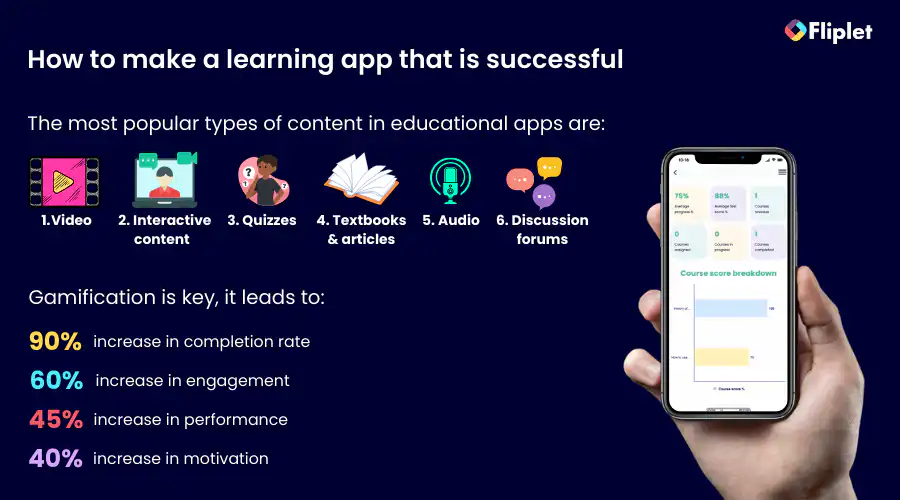
## Educational App Development Best Practices
Creating educational apps can significantly enhance learning experiences, making education more engaging, interactive, and accessible. Whether you're an education app developer looking to build an educational app or an institution aiming to integrate technology into your curriculum, following best practices in educational mobile app development is crucial. Here's a comprehensive guide to help you navigate the process of creating effective educational applications.
- **User-centric design:** Focus on your target audience, typically students, teachers, or educational institutions. Understanding their needs, learning behaviors, and challenges is vital. A user-centric design approach ensures the app is intuitive and meets the actual needs of its users.
- **Interactive content:** Engage users by incorporating interactive elements such as quizzes, puzzles, and interactive storylines. This not only makes learning fun but also helps reinforce the material through active participation.
- **Simplicity and accessibility:** Ensure the app's interface is simple and accessible to all users, including those with disabilities. Use clear language and readable fonts, and include features like text-to-speech to accommodate diverse learning needs.
- **Feedback and assessment tools:** Include features that [allow users to receive immediate feedback](https://fliplet.com/solution/feedback-app/). This can help learners understand their progress and areas that need improvement. Regular assessments and feedback mechanisms are crucial for effective learning.
- **Gamification:** Utilize gamification techniques to motivate learners. Elements like points, badges, and leaderboards can significantly enhance engagement and motivation, making the educational process more enjoyable and rewarding.
- **Scalability and security:** As your app user base grows, ensuring the app can handle increased loads and maintaining data security become paramount. Develop with scalability in mind and implement robust security measures to protect user data.
- **Regular updates and support:** Continuously update the content and features of the app to keep it relevant and engaging. Provide reliable support to resolve any technical issues users might encounter.
- **Integration capabilities:** [Allow integration with other tools and platforms.](https://fliplet.com/integrations/) This can extend the app's functionality and enable users to have a seamless learning experience across different educational tools and platforms.
- **Testing and iteration:** Before launching, thoroughly test the app across different devices and user groups to ensure it operates smoothly and fulfills its educational purpose. Collect user feedback and be prepared to make iterative improvements based on this feedback.
- **Educational value and outcome focus:** Always prioritize the educational outcomes of the app. Every feature and content piece should align with the core educational objectives and contribute to the overall learning goals of the app.
## Types Of Educational Applications
### There are many organizations that create educational apps, including
**1\. Educational Institutions:** Educational institutions such as schools, colleges, and universities create educational apps to supplement traditional classroom learning, provide remote learning opportunities, and enhance the educational experience for their students.
**2\. EdTech Startups:** Startups in the education technology (EdTech) space create educational apps as a part of their business model. These companies are often focused on disrupting traditional learning models and providing new and innovative ways for learners to acquire knowledge.
**3\. Non-Profit Organizations:** Non-profit organizations such as educational foundations, charities, and NGOs create educational apps as a part of their mission to promote education and increase access to learning opportunities for underserved populations.
**4\. Government Agencies:** Government agencies, such as the Department of Education or the National Science Foundation, create educational apps as a part of their initiatives to promote education and encourage innovation in the educational space.
**5\. Corporations:** Corporations create educational apps to provide training and professional development opportunities for their employees. These apps can help employees acquire new skills and knowledge relevant to their job functions.
### Organizations create educational apps for a variety of reasons, including
- To enhance the educational experience and provide learners with access to new and innovative learning tools.
- To supplement traditional classroom learning and provide remote learning opportunities.
- To increase access to education for underserved populations and promote equality in education.
- To promote innovation in the educational space and encourage the development of new technologies and approaches to learning.
- To provide professional development opportunities for employees and increase the skills and knowledge of their workforce.
**Expert Tip:** Combining your [training app](https://fliplet.com/solution/learning/) with an [employee engagement app](https://fliplet.com/blog/5-most-used-employee-engagement-apps-compared/) can tremendously increase your organization's benefits.
To learn more about employee training you can read our blog post "[Training apps for your employees](https://fliplet.com/blog/training-employees/)"
Overall, the creation of educational apps is driven by a desire to provide learners with better access to education, enhance the educational experience, and promote innovation in the educational space.
### Educational Apps for Schools & Universities
Educational apps are revolutionizing the way schools and universities approach teaching and learning. These apps offer a range of features, including interactive learning modules, assessments, personalized learning paths, and the ability to collaborate and connect with other learners.
They provide a dynamic and engaging learning experience that is tailored to the needs and preferences of individual students, helping them to achieve their full potential.
Schools and universities could create study apps to organize students' study materials, track their progress, and stay on top of their assignments and deadlines. Or, educational game apps offer a fun and engaging way to learn through interactive games.
**Examples of study apps:** Kahoot!, BrainPOP, Mathletics
**Examples game apps:** Evernote, Quizlet, My Study Life
### Learning Apps for New Employees
Learning apps are becoming increasingly popular for onboarding new employees. These apps can provide a comprehensive and engaging way to introduce new employees to their role, the organization, and its policies and procedures.
By using learning apps, new employees can quickly become familiar with their job responsibilities and the company culture, leading to a smoother transition and increased job satisfaction.
Skill Development Apps are an example of what apps organizations can make for their employees. These apps are designed to teach learners new skills or improve existing ones.
**Examples:** Udacity, Coursera, Codecademy
### Learning Apps for your Clients
Learning apps can also be used to provide training and educational resources for clients. These apps can help clients to better understand the products and services offered by an organization, leading to increased customer satisfaction and loyalty.
By using learning apps, organizations can provide their clients with the knowledge and skills they need to use products and services more effectively, leading to better outcomes for both the client and the organization.
### Learning App for Training
Learning apps can provide a cost-effective and flexible way to deliver ongoing training to employees. These apps can be used to provide training modules, assessments, and feedback, allowing employees to improve their skills and knowledge at their own pace.
By using learning apps, organizations can ensure that their employees are up to date with the latest information and skills needed to excel in their job roles.
### Learning App for Government agencies
Learning apps can be used by government agencies to promote learning and development among their employees. These apps can be used to deliver training on compliance, safety, and security issues, as well as to provide ongoing professional development opportunities for employees.
By using learning apps, government agencies can ensure that their employees have the skills and knowledge needed to serve the public effectively.
### Learning App for Non-profit
Learning apps can be used by non-profit organizations to deliver training and educational resources to their volunteers, staff, and beneficiaries. These apps can help non-profit organizations to increase their impact and improve the outcomes of their programs.
By using learning apps, non-profit organizations can ensure that their staff and volunteers are equipped with the knowledge and skills needed to deliver effective programs and services.
Check out this [webinar](https://info.fliplet.com/webinar-download-fliplet-summit22-template-preview-elearning) which includes an exclusive preview of the Learning solution, highlighting several use cases and the problems it solves.
## Benefits of Educational Applications
**1\. Access to a Wide Range of Learning Materials**: Educational apps offer learners access to a vast array of learning materials, from interactive lessons to videos, podcasts, and e-books. This means that learners can explore different topics, subjects, and learning styles, allowing them to find the most effective way to acquire new knowledge and skills.
**2\. Convenience and Flexibilit**y: Educational apps are available anytime, anywhere, making them a convenient and flexible way to learn. Learners can access educational apps on their smartphones, tablets, or laptops, allowing them to learn on the go or at home.
**3\. Personalized Learning Experience**: Educational apps can offer a personalized learning experience, catering to the individual needs and preferences of each learner. Many educational apps use algorithms and machine learning to adapt to the learning style and pace of individual learners, providing a customized learning experience that is tailored to their specific needs.
**4\. Gamification and Engagement:** Many educational apps use gamification techniques to make learning more engaging and fun. Gamification can include elements such as rewards, badges, and leaderboards, which can motivate learners to complete tasks and achieve their learning goals.
**5\. Cost-Effective:** Educational apps can be a cost-effective way to learn, especially compared to traditional learning methods such as classroom training or hiring instructors. Many educational apps offer free or low-cost options, allowing learners to access high-quality educational resources at a fraction of the cost. Explore Fliplet's [employee training solution](https://fliplet.com/solution/employee-training-app/).
**6\. Accessibility**: Educational apps can help make learning accessible to individuals. [Mobile Educational and Training apps](https://fliplet.com/blog/5-reasons-why-your-training-strategy-should-be-mobile/) can be accessed from anywhere, at any time, making it easier for learners to fit learning into their daily lives.
In short, educational apps offer a convenient, flexible, and engaging way to learn, with benefits that extend to learners of all ages and backgrounds. Whether you're a student, educator, or lifelong learner, educational apps can provide a powerful tool for acquiring new knowledge and skills, expanding your horizons, and achieving your learning goals.
## The Cost Of Education Application development
When we think about creating an educational app, one of the first things that comes to mind is cost. How much does it really take to develop an app that not only educates but also engages? The truth is, the cost of educational app development can vary widely, depending on several factors including the complexity of the app, the features you want to include, the platforms it will operate on, and the level of customization required.
In this section, we'll break down these costs to help you understand what you might expect to invest in bringing your educational application to life.
### Challenges of creating educational apps with limited resources
Creating an app can be an exciting journey, but it comes with its own set of challenges, especially when you have limited resources. Whether you're an entrepreneur starting out or a small business with a limited budget, the process of building and launching an app can be daunting.
#### Lack of budget
One of the biggest challenges of creating an app with limited resources is funding. Without adequate financial resources, it can be difficult to invest in the necessary infrastructure, technology, and marketing to create and launch a successful app. You may need to get creative with your funding options, such as crowdfunding or seeking investment from angel investors or venture capitalists.
#### Lack of coding skill
Another challenge is expertise. People are in the mindset that developing an app requires a range of skills, from coding to design and user experience. However, with a [no-code mobile application platform](https://fliplet.com/blog/the-best-no-code-low-code-development-platforms/) anyone can build an app no matter their technical ability. We will go into this in more detail later on in this blog. If you are an enterprise organization you can read our blog about [enterprise application platforms](https://fliplet.com/blog/top-10-mobile-enterprise-application-platforms/).
**[Book a demo of Fliplet's no-code application development platform.](https://fliplet.com/book-a-demo/)**
#### Lack of time
Time constraints are another challenge you may face. Developing an app can be a time-consuming process that requires careful planning, testing, and refining. Limited resources may mean that you have to work with a shorter timeline, which can compromise the quality of the app. You can prioritize your goals and focus on the essentials to ensure that you're making the most of your time and resources.
#### Competition
The competition is fierce in the app market, with millions of apps already available. Limited resources can make it difficult to invest in the necessary marketing efforts to get your app noticed. However, you can leverage free or low-cost marketing channels, such as social media and email marketing, to reach your target audience.
#### App maintenance
Lastly, maintaining an app is crucial to ensure its functionality and relevance. Limited resources may make it challenging to invest in ongoing maintenance, updates, and bug fixes. However, you can prioritize these activities and leverage low-cost resources, such as online forums and communities, to find solutions to problems.
To summarize, creating an app with limited resources can be challenging, but it's still possible. By prioritizing your goals, focusing on the essentials, and leveraging free or low-cost resources, you can launch a successful app and make your mark in the market.
For more on building a [custom app](/blog/custom-application-development-in-six-steps/), read our blog.
### Factors that can skyrocket your learning app development costs
If you're thinking of how to make a learning app, it's essential to be aware of the factors that can drive up your [app development costs](https://spdload.com/blog/app-development-cost/). While it's tempting to include all the features and customization within your app, doing so can quickly skyrocket your expenses. Here are some of the key factors that can increase your learning app development costs:
**1\. Customization:** Customizing your app to provide a unique and personalized experience for your users can be expensive. It can require specialized development and design work that can add significant costs to your app development.
**2\. Features:** The more features you want to include in your app, the more expensive it will be to develop. Advanced features like gamification, social integration, and AI-powered personalized learning can add to your development costs.
**3\. Platform:** Developing an app for multiple platforms, such as iOS and Android, can be costly. Each platform has its own unique requirements, design guidelines, and programming languages, which can increase your development costs.
For more on [making an app for iPhone](https://fliplet.com/blog/7-steps-making-an-app-for-iphone/), read our blog.
**4\. User Interface Design:** A well-designed user interface is essential to the success of your app, but it can be expensive. It may require specialized design skills and testing to ensure that it meets your users' needs.
**5\. Testing:** Testing is critical to ensuring that your app is functional and meets your users' needs. However, testing can be time-consuming and expensive, particularly if you want to test your app across multiple platforms and devices.
While these factors can drive up your learning app development costs, there are ways to keep your expenses under control.
Start by carefully considering your customization, feature, platform, user interface design, content creation, and testing needs. Prioritize the most important features and invest in them first, adding more advanced features as your app grows.
Consider developing for one platform first and expanding to others later. Leverage existing content where possible and invest in content creation only where it's essential.
With Fliplet you can build a learning app with your branding, your content, and market-leading features. Publish it on the web, and on public, or enterprise app stores with just a click. Want to know more? **[Speak to us today](https://fliplet.com/book-a-demo/)** and we can help bring your learning app to life.
### What costs should you consider when developing an educational app?
Developing an educational app can be an exciting experience, but it's important to consider all the costs involved to ensure that you have the necessary resources to bring your app to market. Here are some of the key costs that you should consider when developing an educational app:
**1\. Development Costs:** This includes hiring developers, designers, and other professionals to bring your vision to life. You will need to consider the cost of hardware, software, and licenses, as well as the cost of any tools or platforms that you use.
**2\. Design Costs:** This includes graphic design, typography, color schemes, and other visual elements that will enhance the app's overall appeal.
**3\. Content Costs:** This includes written content, images, videos, and interactive content, all of which require specialized skills and resources.
**4\. Hosting Costs:** Hosting costs are the expenses associated with storing and delivering your app's content. You'll need to consider the cost of servers, data storage, and bandwidth to ensure that your app can handle the traffic and usage demands.
**5\. Marketing Costs:** This includes advertising, social media marketing, public relations, and other tactics to help you reach and engage with your users.
**6\. Maintenance and Update Costs:** Maintenance and update costs are the expenses associated with ensuring that your app remains functional and up-to-date. This includes regular testing, bug fixes, and updates to keep the app running smoothly.
To ensure that you have the necessary resources to bring your educational app to market, it's important to consider all of these costs upfront. By planning your budget accordingly, you can ensure that you have enough funds to cover all the expenses involved.
### Ways to Reduce the Cost of a Learning App
Developing a learning app can be a significant investment, but there are ways to reduce the cost without sacrificing quality. Here are some tips for reducing the cost of a learning app:
**1\. Define Your Goals**: Start by defining your goals for the learning app. By clearly outlining your goals, you can focus your efforts and resources on the most important features, reducing the time and cost required to develop the app.
**2\. Use a free trial for a no-code platform**: Using a no-code platform with a free trial can be an excellent way to reduce the cost of developing a learning app. By using a no-code platform, you can create a high-quality learning app without needing coding or programming skills. This can save you time, money, and effort, allowing you to focus on creating a learning app that meets your needs and fits within your budget.
**3\. Minimize Features**: Minimizing the number of features in your learning app can significantly reduce the cost of development. Focus on the essential features that are critical to achieving your learning goals and prioritize these in the development process.
**4\. Use Pre-Made Templates**: Using pre-made templates can be a cost-effective way to develop a learning app. There are many templates available that can be customized to meet your specific needs, saving time and money in the development process.
**5\. Conduct User Testing**: Conducting user testing can help identify and address any issues with your learning app before it is released. This can save you time and money in the long run by reducing the need for costly updates or revisions after the app has been released.
**6\. Optimize App Performance**: Optimize your learning app's performance to reduce the need for costly updates or revisions. This includes optimizing the app's loading speed, reducing the size of the app, and minimizing the use of animations and other resource-intensive features.
In conclusion, there are many ways to reduce the cost of developing a learning app without sacrificing quality. By doing these 6 things you can develop a high-quality learning app that meets your needs and fits within your budget.
## Education App Development: Monetization Strategies
Developing an educational app is one thing. Keeping it financially self-sustaining is quite another. With the right strategies, we can unlock potential revenue streams that support the app's continuous improvement and accessibility. Here are some effective monetization strategies to consider for your education app:
- **Freemium model:** This popular strategy involves offering the core features of your app for free while charging for advanced features, content, or functionalities. This model allows users to experience the value of the app before committing financially, which can lead to higher conversion rates for premium features. (This works as long as you get [a lot of downloads for your app!](https://fliplet.com/blog/34-mobile-app-promotion-strategies/))
- **Subscription fees:** Implementing a subscription model provides users with access to content or features over a set period. This can be particularly effective for educational apps that offer courses or regularly updated content. Subscriptions encourage ongoing engagement while providing a steady revenue stream.
- **In-app purchases:** These allow users to buy additional content, features, or learning tools within the app. Whether it's purchasing access to specialized modules or exclusive educational content, in-app purchases can adapt to varied learning needs and preferences.
- **Advertisements:** Incorporating ads into your app can generate revenue, but it's important to balance this with user experience. Educational apps benefit from targeted, non-intrusive advertising that doesn't disrupt the learning process. Partnering with educational brands or services can also enhance the relevance of ads to users.
- **Sponsorships and partnerships:** Partnering with educational institutions, learning centers, or educational product companies can open up sponsorship opportunities. These partnerships can provide funding in exchange for branding or content integration within your app.
- **Licensing content:** If your app develops unique educational content or methodologies, you might consider licensing these to other educational providers or apps. This strategy can generate additional revenue without direct user charges.
- **Grants and funding:** Depending on the educational value and impact of your app, you may be eligible for educational grants or funding from government bodies, educational institutions, or private foundations. These funds can support initial development or expansion without depending on user fees.
- **Offering a white-label version:** By offering a customizable version of your app to schools and institutions, you allow them to brand it as their own. This white-label approach can be an attractive option for educational organizations looking to implement technology without building from scratch.
## Educational App Development Trends
The development of educational apps is an ongoing process, and several trends are emerging in this space. These trends include the use of artificial intelligence and machine learning to deliver personalized learning experiences, the integration of virtual and augmented reality to create immersive learning environments, and the use of gamification to make learning more engaging and fun.
As these trends continue to evolve, educational apps will continue to transform the way we learn and educate ourselves.
## How to make a learning app: Conclusion
The world of educational apps will continue to grow in the years to come. In 2022, Duolingo was the most popular learning and education app in the world, with 98 million downloads, highlighting the popularity and effectiveness in helping people learn new skills and acquire knowledge.
If you're looking to develop a learning app on a budget, don't be discouraged – with the right strategies and tools, it's entirely possible to create a high-quality app that meets your needs. Follow the three steps mentioned in this blog to create a high quality learning app on a budget.
When it comes to choosing a platform for building your learning app on a budget, we highly recommend [Fliplet](https://fliplet.com/). Fliplet offers a variety of features and customization options that can help you create a unique and engaging [learning solution](https://fliplet.com/solution/learning/). With a drag-and-drop interface and no coding required, Fliplet is an excellent choice for those looking to create an app without the need for technical expertise. Plus, Fliplet offers affordable pricing plans and a free trial, making it easy to test out their platform before committing to a paid subscription.
Overall, building a learning app on a budget is within your reach, and with the right approach and tools, you can create an app that delivers high-quality educational content and meets the needs of your target audience. So why wait?
## Review details
**Title:** Compare Learning App Tools
**Intro:** Compare no-code builders and off-the-shelf learning platforms to pick the right fit for your education app.
#### Fliplet
##### Book a demo
**Label:** Book a demo
**Href:** https://fliplet.com/pricing/
##### Analysis
Fliplet is a strong budget-friendly option for building custom learning apps without a development team.
You can launch a fully functional web app for free, then scale to mobile when adoption grows.
It provides branding flexibility, broad customization, and support for enterprise distribution.
##### Key Features
- Course catalog and user progress tracking
- Notifications, feedback, and ratings
- Gamification, personalization, and discussion forums
- Course customization and reporting
- Cross-device publishing and app branding
- Security, integrations, and support
##### Price
- [Pricing options](https://fliplet.com/pricing/)
- Public plan: from $9.90/month
- Enterprise plan: [book a demo](https://fliplet.com/book-a-demo/)
##### Reviews
- Capterra: 4.8 / 5
- G2: 4.6 / 5
#### Appy Pie
##### Visit Appy Pie
**Label:** Visit Appy Pie
**Href:** https://www.appypie.com/education-app-builder
##### Analysis
Appy Pie is a no-code mobile app builder with an education-focused offering for schools, educators, and institutions.
##### Price
- Basic: $18/month
- Gold: $36/month
- Platinum: $60/month
- Platinum Plus: Custom pricing
##### Reviews
- G2: 4.7/5
- Capterra: 4.6/10
#### Adalo
##### Visit Adalo
**Label:** Visit Adalo
**Href:** https://www.adalo.com/
##### Analysis
Adalo is a no-code platform for mobile and web apps with a drag-and-drop builder that can support educational app experiences.
##### Price
- Free
- Starter: $36/month
- Professional: $52/month
- Team: $160/month
- Business: $200/month
##### Reviews
- G2: 4.8/5 (based on 2 reviews)
- Capterra: 3.5/10
#### Pathwright
##### Visit Pathwright
**Label:** Visit Pathwright
**Href:** https://www.pathwright.com/features
##### Analysis
Pathwright is an all-in-one learning platform focused on course design, teaching, and learner experience.
It is often a better fit for small to medium-sized teams that want a design-led approach.
##### Price
- Starter: $89
- Essentials: $179
- Complete: $449
- Enterprise: Contact Pathwright
##### Reviews
- G2: 5/5 (based on 2 reviews)
- Capterra: 4.8/10
#### Seismic
##### Visit Seismic
**Label:** Visit Seismic
**Href:** https://seismic.com/products/enablement-cloud/learning-and-coaching/
##### Analysis
Seismic is an enterprise enablement platform used for learning and coaching at scale.
It is suited to organizations that need coordinated sales and marketing training experiences.
##### Price
Contact Seismic
##### Reviews
- G2: 4.7/5
- Capterra: 4.7/10
#### Builder
##### Visit Builder
**Label:** Visit Builder
**Href:** https://www.builder.ai/app-builder/online-learning-app
##### Analysis
Builder targets teams that want an external partner to assemble and customize an app.
Compared with no-code self-build options, it can involve longer timelines and lower review scores.
##### How it works
1. Match with an expert
2. Share your app idea
3. AI assembles your app
4. Specialists customize your app
5. Your app is ready
##### Price
- Builder Studio Store: from EUR175/month
- Builder Studio Pro: pay per feature
##### Reviews
- G2: 4/5
- Capterra: 3.7/10
## FAQs
### How can I create an educational app?
Making an app from scratch involves defining your goals, researching your users and market, planning architecture and design, building backend and frontend, testing thoroughly, launching, and iterating with updates. Alternatively, you can use no-code app development platforms such as Fliplet to create an app without coding knowledge.
### How do I make a learning app for free?
You can use a no-code app development platform such as Fliplet to build a free study app. Typical steps are defining your app goals, selecting a platform, using a template or custom layout, adding study materials, configuring features, testing and launching, then promoting the app.
### Are educational apps profitable?
Yes, educational apps can be profitable when executed well. Profitability depends on engagement, educational value, monetization strategy, effective marketing, and continuous updates to keep content relevant.
### How much does it cost to create an educational app?
Educational app development costs vary widely, often from $20,000 to $200,000, depending on app complexity, features, target platforms, and content scope. With Fliplet, you could [potentially do it for free](https://fliplet.com/pricing/).
## Related links
- [Ultimate Guide: How to scale mobile enterprise app development without coding or IT resources](https://fliplet.com/blog/mobile-enterprise-app-development-without-coding/): Fliplet compiled an ultimate guide on how to scale mobile enterprise app development without coding or IT resources
- [Top 10 Mobile Enterprise Application Platforms](https://fliplet.com/blog/top-10-mobile-enterprise-application-platforms/): Fliplet compiled a list of the top 10 mobile enterprise application platforms. Read more within.
- [The Best Low Code/No Code Development Platforms](https://fliplet.com/blog/the-best-no-code-low-code-development-platforms/): Fliplet compiled a list of the best Low Code/No Code Development Platforms. Find out more within.
---
# Employee Engagement Strategies that Law Firm Retreats would benefit from
> Explore Employee Engagement Strategies that Law Firm Retreats would benefit from. Get practical guidance on strategy, execution, outcomes, and next steps.
Source: https://fliplet.com/blog/employee-engagement-strategies-that-law-firm-retreats-would-benefit-from/
Content type: Blog
Published: 2026-05-18T11:23:43
Updated: 2026-03-10T09:00:00
Read time: 8 minutes
# Employee Engagement Strategies that Law Firm Retreats would benefit from
[Law firm retreats are powerful catalysts for your partners'](https://fliplet.com/blog/strategies-for-law-firm-retreat/) growth. Contrary to popular belief, they are not an unnecessary expense; they are in fact a great opportunity to strengthen your team.
With that being said, the effectiveness of a law [firm retreat](https://fliplet.com/blog/law-firm-event-planning/) greatly depends on the firm's ability to successfully engage everyone involved. Arranging effective employee engagement events can be difficult. There are many things that need to be considered but the ultimate goal is to ensure employees feel heard.
Fliplet is the go-to tool if you want to improve employee engagement at your next [partner retreat](https://events.fliplet.com/blogs/partner-retreats/). With our no-code / low-code app builder, firms can easily build apps that will enhance their employee experience and foster great communication.
For teams planning beyond a single retreat, compare this article with Fliplet's [employee engagement app](https://fliplet.com/solution/employee-engagement-app/) and the main [HR apps guide](https://fliplet.com/blog/15-hr-apps-that-will-change-the-way-you-work/).
## The Value of Engaged Employees
The importance of having engaged employees is multifaceted. Employees consider themselves valuable members of your firm if they feel that you appreciate them and, [according to Forbes](https://www.forbes.com/sites/forbescoachescouncil/2019/12/16/employee-motivation-it-really-does-matter/?sh=2f2c6f0c3708), employees that are engaged in their work are more likely to be motivated and loyal to their company.
Engaged employees tend to work harder while disengaged employees do the bare minimum; ensuring engagement therefore gives your firm a great advantage through overall firm performance, as well as better employee retention.
For an industry that involves long hours, unpredictable schedules, and demanding working environments, it can be easy for partners to feel disengaged. Conducting regular law firm retreats is part of the solution.
For more on [employee engagement, read our blog.](https://fliplet.com/blog/5-most-used-employee-engagement-apps-compared/)
## Law Firm Retreats as Drivers of Employee Engagement
Law firm retreats show employees that you are thankful for their service, give them the opportunity to de-stress, and ensure they remain motivated. Below, we explore the benefits in more detail.
### Knowledge Sharing Among Team Members
Law firm retreats encourage knowledge sharing, which is a crucial aspect of working in this ever evolving industry.
There are times when partners see each other as competition, and this can harm the work environment. To avoid this dynamic, regular interaction among team members in a non-competitive setting can help build a positive work environment for all parties involved. This will also improve communication among team members, increase productivity, and build meaningful relationships.
### Inspiration Through Testing New Concepts
Feeling inspired in our everyday work environment can be difficult. A change of environment helps us to see things from a new perspective, so a retreat might just be the thing that staff need to gain inspiration, come up with new concepts, and experiment with best practices for the firm.
### Establish Firm Goals
A law firm retreat is an excellent opportunity to remind your partners of their goals, mission, and the firm's values. Take a moment to remind them of their purpose within the firm and establish new goals that are due to be set.
### Have a Little Fun
As well as the practical benefits law firm retreats provide, they are also an opportunity to have some much needed fun. Maybe organize a friendly match of volleyball next to the beach, where the losing team has to come up with 10 ideas for fixing office problems. This way, you solve problems while having fun at the same time.
### Healthy Minds
The stress levels that come with being a lawyer can potentially harm your employees' mental health. According to a [2020 study](https://www.latimes.com/b2b/law/story/2021-08-25/groundbreaking-study-focuses-on-attorney-mental-health-and-well-being), "Roughly half of practicing attorneys are experiencing symptoms of depression and anxiety, with approximately 30% of those falling in the mild range and nearly 20% falling in the moderate/severe range". Firms should look for ways to help employees take care of their mental health needs, and one way to achieve that is by organizing seminars that teach them how to do that.
### Communication
Successful leadership builds a culture where everyone can communicate openly without hesitation. Through a retreat like this, you can emphasize that you are there for your employees, and build deeper meaningful relationships with your team.
## Apps Build Longevity
Now, you might be wondering how law firms can use [mobile legal apps](https://fliplet.com/blog/the-14-best-apps-for-lawyers/) to improve partner retreats and boost employee engagement. There are numerous benefits of deploying an app for organizing a retreat, as discussed below.
### Before the Retreat
With a personalized app for your event, you can share information swiftly; no more worrying about updating everyone about changes. Build anticipation and excitement for the event by sharing the agenda, inviting conversations with attendees and generally creating a buzz and getting everyone on board.
### During the Retreat
Push notifications can come in handy during the event in order to provide real-time updates about any important changes. An app can also help build community; delegates can share images, network, and stay in contact with each other.
### After the Retreat
An application allows you to stay connected with the people you meet at the retreat and share post-meeting retreat notes and other information. You can share surveys and receive feedback that you can use to improve your next retreat.
## Case Study: An Employee Engagement App for Leading Law Firms
For a published proof point from the same sector, see how [BLG BEYOND used Fliplet](https://fliplet.com/case-studies/blg-beyond/) to connect team communication, recognition, and feedback in one app.
### Challenge
The client represented a large international legal practice with over 1,000 employees that served businesses and industries from all over the world. Third-party conferencing software was already being used by the Manager, UI/UX Developers, and the team. It contained the essentials, but several critical features were missing and the software couldn't be customized.
With a fully-fledged development team on staff, the company considered developing their own app, but realized that not only would it take more time than they had before their next conference (a European retreat the next month), but it would also require development time and resources they didn't have.
### Fliplet vs. Other Platforms
The problem with other platforms the firm was considering was that they were too simple, offered very little customization options, or they required complex development knowledge. Both of the other options the company considered were not a good fit for them.
### Solution
We at Fliplet had to work quickly because the flights for the retreat were already booked and the event was quickly approaching.
Fliplet's tried and tested onboarding and training template needed to accommodate new features to fit the team's needs as well as the tight deadline.
The firm was able to add a number of critical features to the new conference app created with Fliplet, including the following:
- All delegates were cleared of their individual obligations pertaining to COVID19 tests and safety precautions, both on the way in and out of the nation.
- An admin section was created so that the onsite crew could receive notifications that ensured everyone was up to date with the conference. They could safely ignore phone calls and emails since they knew the app would notify them if crucial information arrived.
- A feature was created that allowed delegates to upload images from the retreat and conference social events, which could be reviewed internally before going public. They'd always wanted to include this feature, but it wasn't possible with their previous software.
For more in [Hybrid Events](https://events.fliplet.com/blogs/10-ways-to-boost-hybrid-events/), read our blog.
### Result
This was the company's first conference after a long period of remote working. Some attendees were new to the firm and had never met anyone on their team in person; the app's directory component made it easy for them to find out who to contact if they needed assistance or direction, and made networking much easier for everyone.
At the retreat, the app was effectively the "go-to" resource. People could continue to use the app if they were unsure of their schedule for the day or where they were supposed to be at any particular time.
Employee engagement is not a one time fix; you have to build a well rounded long-term plan. You have to create an emotional connection with your workforce and make them feel valued. Technology can help you bridge the gap; a well-built app will drive employee engagement, increase productivity, and increase job satisfaction.
Fliplet is a no-code / low-code app platform that will help you build custom made apps that serve you as per your needs – you don't need a team of developers to produce mobile and web apps, as Fliplet was specifically created to allow both non-technical and technical persons to quickly create apps for their employees and consumers.
Do you want to harness highly functional apps your teams love to use for your next retreat? We stay with you throughout the development process and offer unconditional support, to ensure your event runs as smoothly as possible.
## FAQs
The best employee engagement apps assist organizations in fostering better staff collaboration and communication while also raising employee satisfaction and loyalty.
To effectively enhance communication, collaboration, and employee satisfaction within an organization, an employee engagement app needs to offer a number of critical elements. Among the most important features to take into account are:
- Real-time chat and discussion forums.
- Collaboration tools
- Employee recognition
- Polls and surveys
- Gamification
- Customization
- Ease of use
- Integration with other tools such as HR tools
- Security and data protection
Employee engagement apps aim to increase job satisfaction and retention by helping employees feel more connected to the mission and culture of their organization. These apps can be used to foster a sense of belonging and purpose among employees, ultimately leading to a more positive work experience and a stronger commitment to the company.
### Some specific use cases for employee engagement apps include
1. Communication
2. Onboarding
3. Performance tracking
4. Rewards and recognition
5. Training and development
An employee engagement app can help to increase employee engagement by offering interactive content, fostering communication, and gathering data to assess various aspects of employee engagement. Through these means, the app can create a more engaging and positive work environment for employees.
### See the latest insights from Fliplet
## Creating your business apps has never been easier
## Related links
- [5 Most Used Employee Engagement Apps Compared](https://fliplet.com/blog/5-most-used-employee-engagement-apps-compared/)
- [Build an event app in 15 minutes](https://info.fliplet.com/webinar-download-build-an-event-app-in-15-minutes)
- [Driving Engagement With Effective Notifications: In-app and Push Strategies](https://info.fliplet.com/webinar-download-driving-engagement-with-effective-notifications-in-app-and-push-strategies)
---
# Enterprise Mobile App Development: Guide & Tools
> Plan secure enterprise mobile software with this guide to use cases, requirements, development stages, costs, tools, governance, and measurable outcomes.
Source: https://fliplet.com/blog/reasons-why-your-organization-needs-enterprise-mobile-applications
Content type: Blog
Published: 2026-04-07T12:36:28
Updated: 2026-03-21T11:53:21
Read time: 14 minutes
# Enterprise Mobile App Development: Guide & Tools
Work does not stop when someone leaves their desk. Employees approve requests between meetings, field teams need current guidance on site, and customers expect useful services from the device already in their hands.
Enterprise mobile applications bring selected business workflows, information, and services into that context. Their value is not the mobile channel by itself. It is the ability to remove friction from an important process while maintaining the access, security, and operational controls the organization needs.
This guide covers the complete planning process: use cases, requirements, security, development stages, cost drivers, delivery tools, and the outcomes that make the investment worthwhile. If you are already selecting technology, you can also [compare enterprise mobile application platforms](/blog/top-10-mobile-enterprise-application-platforms/).
## What is an enterprise mobile application?
An enterprise mobile application is business software designed for employees, customers, partners, or a specific operational group. It can support one focused job, such as incident reporting, or connect several related tasks, such as documents, messages, forms, and approvals.
Unlike a public consumer product, enterprise software often needs to reflect existing roles, data policies, integrations, brand requirements, and governance processes. Mobile access should extend those controls rather than create another disconnected system.
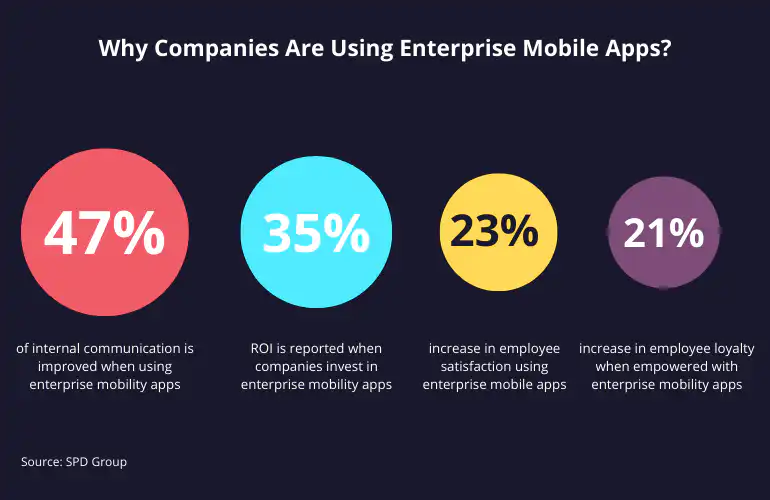
## Benefits of enterprise mobile applications
### Faster access
People lose time when the information they need is buried in an inbox, stored on a shared drive, or available only through a desktop system. A focused mobile experience can put current documents, tasks, contacts, and updates in one place.
This is especially useful for field teams, hybrid employees, clinicians, event staff, sales teams, and anyone who regularly works away from a desk.
### Simpler workflows
Manual handoffs create delays and make it harder to see who owns the next step. Mobile forms, task lists, notifications, and approval flows can help teams capture information at the point of work and move it to the right person sooner.
The strongest use cases are specific. Replacing a paper inspection, shortening an approval cycle, or giving employees one route to report an incident is easier to measure than a broad goal to “go mobile.”
### Connected teams
Distributed teams need a dependable way to receive updates and find shared resources. An enterprise mobile application can support targeted communication, searchable guidance, directories, and feedback without relying on long email chains.
Access can also be tailored by role, location, department, or customer group so people see information relevant to their work.
### Consistent processes
When each location or department uses a different spreadsheet, form, or message thread, quality becomes difficult to manage. A shared mobile workflow can standardize required fields, guidance, approvals, and audit information.
Software alone does not guarantee compliance or security. It can, however, make approved processes easier to follow when identity, permissions, data handling, and ownership are designed into the experience.
### Better service
Customer- and partner-facing mobile experiences can make services easier to access. Useful examples include secure portals, status updates, document libraries, booking, directories, and support resources.
The aim should be to reduce effort for the user. A mobile application adds value when it makes an important task clearer or quicker, not simply because it gives the organization another channel.
## Enterprise mobile application use cases
Enterprise mobile applications can support different levels of an organization:
- **Individual employees:** Quick access to tasks, reference material, training, contacts, and updates.
- **Departments:** Focused workflows for operations, HR, sales, communications, compliance, or field services.
- **Customers and partners:** Secure access to content, services, project information, or support.
- **The wider organization:** Shared communication, incident response, knowledge, events, or cross-department processes.
Common use cases include:
- Internal communications and employee engagement.
- Onboarding, learning, and compliance training.
- Inspections, audits, and field data capture.
- Incident reporting and emergency response.
- Client portals and document access.
- Events, directories, and community experiences.
- Task, approval, and project workflows.
Start with one process where mobile access solves a clear problem. Teams can expand later once adoption, ownership, and results are understood.
## Outcomes and success metrics
A useful business case connects the mobile experience to an operational result. Before building, record the current baseline and decide how improvement will be measured.
Depending on the workflow, useful measures can include:
- Time required to complete a task or approval.
- Error, rework, or incomplete-submission rates.
- Training completion and time to competency.
- Response time for incidents or customer requests.
- Employee participation and content engagement.
- Support requests caused by missing information.
- Customer satisfaction or self-service completion.
- Time spent maintaining content across separate tools.
Adoption is important, but it is not enough on its own. A high login count does not prove that the underlying workflow is faster, safer, or easier.
## Enterprise mobile application examples
### Saul Ewing
Saul Ewing introduced “SAULutions,” an innovation challenge that gave employees and partners a structured way to submit and support ideas without relying on more meetings. Hundreds participated, more than 340 votes were cast for 6 shortlisted ideas, and 2 winning suggestions were implemented. [Read the Saul Ewing case study](https://fliplet.com/case-studies/saul-ewing/).
### A top 30 UK law firm
A top 30 UK law firm replaced a difficult event workflow with a mobile experience its team could update without specialist support. Publishing event details fell from about 40 minutes to 10–15 minutes, saving the team time each month. [Read the event application case study](https://fliplet.com/case-studies/top-30-uk-law-firm/).
These examples have different audiences and purposes, but both start with a defined problem and a measurable improvement.
## Questions to answer before development
Clarify the following before choosing a delivery approach:
1. **User and task:** Who needs the software, and what must they complete?
2. **Current friction:** Which delays, errors, or access problems need to change?
3. **Required context:** Does the workflow need mobile device features, offline access, or app-store distribution?
4. **Data and integrations:** Which systems provide or receive information?
5. **Governance:** Who owns content, permissions, releases, support, and ongoing improvement?
6. **Success measure:** Which baseline and target will show whether the work delivered value?
A smaller, well-owned workflow usually creates more value than a broad application with no clear operational owner.
## Core requirements
Enterprise mobile software must fit the organization's operating environment, not just its visual brand. Document these requirements before evaluating a platform or implementation partner:
- **Identity and access:** Decide how users authenticate, how roles are assigned, and what each audience can see or change.
- **Data protection:** Classify the data involved, define retention rules, and confirm encryption, hosting, backup, and recovery needs.
- **Integrations:** Identify systems of record, APIs, data owners, synchronization frequency, and behavior when a connected service is unavailable.
- **Device support:** Define supported mobile operating systems, browsers, screen sizes, offline needs, notifications, camera use, and other device capabilities.
- **Distribution:** Choose between public app stores, private enterprise distribution, managed devices, and responsive web access.
- **Accessibility:** Include keyboard, screen reader, contrast, text scaling, and plain-language requirements from the start.
- **Operations:** Assign ownership for content, support, analytics, releases, incident response, and ongoing improvements.
Treat security and governance as design inputs. Adding them after a prototype is approved often creates avoidable rework.
## Development process
### 1. Define the outcome
Choose one important workflow and establish its baseline. Interview the people who perform it, observe where delays occur, and agree on a measurable target.
### 2. Map users and data
List user groups, permissions, systems, data fields, and handoffs. This exposes dependencies and helps prevent a simple interface from hiding a complex operational change.
### 3. Prototype the workflow
Create a working representation early. Test navigation, terminology, forms, notifications, and approval paths with representative users before investing in every edge case.
### 4. Build and integrate
Develop the approved workflow, connect required services, configure access, and create realistic test data. Keep scope tied to the agreed outcome rather than expanding the first release into a general-purpose platform.
### 5. Test the complete service
Test functionality, accessibility, security, performance, device coverage, integration failures, and recovery procedures. Include administrators and support teams as well as end users.
### 6. Prepare the rollout
Plan distribution, communications, training, support, analytics, and feedback. A technically complete product can still fail if users do not understand why or when to use it.
### 7. Release in stages
Start with a controlled audience where possible. Monitor errors and completion rates, resolve high-impact problems, then expand distribution with evidence that the workflow performs as intended.
### 8. Improve continuously
Review the original measures, user feedback, support requests, and operational ownership. Prioritize changes that improve the workflow rather than features that only increase surface area.
## Enterprise mobile development tools
Organizations can use custom development, an enterprise development platform, or a combination of both.
**Custom development** gives engineering teams detailed control but requires sufficient capacity for architecture, mobile expertise, testing, release management, and long-term maintenance.
**Enterprise platforms** provide reusable infrastructure for common concerns such as identity, data, workflow, deployment, and governance. They can shorten delivery time, but teams should assess extensibility, integration fit, security controls, publishing options, and portability.
**AI software builders** add prompt-led creation to the process. They can help teams generate and refine a working foundation faster, but enterprise use still depends on governed access, secure data handling, maintainability, testing, and controlled publishing.
For a vendor-focused review, see our [enterprise mobile application platform comparison](/blog/top-10-mobile-enterprise-application-platforms/). Keep the platform decision separate from this guide's first question: which workflow and outcome justify the project?
## Enterprise mobile development costs
There is no useful single price for enterprise mobile development. The cost depends on scope and operating requirements, including:
- Number and complexity of workflows.
- User groups, permissions, and authentication methods.
- Integrations and data migration.
- Native device features and offline behavior.
- Security, compliance, and audit requirements.
- Design system and accessibility needs.
- App-store or enterprise distribution.
- Testing across devices and environments.
- Support, analytics, maintenance, and release frequency.
Estimate total cost of ownership rather than only the first release. Include internal time, platform or hosting fees, integration maintenance, security reviews, store administration, user support, and future changes.
## AI-assisted development
AI can shorten discovery and implementation by helping teams turn plain-language requirements into screens, data structures, workflow logic, and testable prototypes. It can also make stakeholder feedback more concrete because teams can review a working flow instead of interpreting a long requirements document.
Generated output still needs accountable review. Enterprise teams should know what data the system uses, how access is controlled, how changes are tested, and who can publish. The practical goal is prompt to production: combine faster creation with the controls required to operate software safely.
## How to choose a development platform
Once the purpose and requirements are clear, assess platforms against the workflow rather than a generic feature count. Look at integration fit, access controls, deployment options, customization, analytics, maintenance, and the skills needed to own the software after launch.
Use our guide to [compare enterprise mobile application platforms](/blog/top-10-mobile-enterprise-application-platforms/) when you are ready for a vendor and platform comparison.
## The business case
Organizations need enterprise mobile applications when mobile access can remove friction from work that matters. The strongest opportunities make information easier to reach, shorten a process, connect a distributed audience, or improve a customer or employee experience.
Begin with the outcome, not the channel. Define the user, workflow, controls, and measure of success first. That creates a practical foundation for deciding whether mobile software is the right investment and what it must deliver.
Fliplet is an enterprise AI software builder that helps teams move from prompt to secure, governed web and mobile software. **[Book a Demo](/book-a-demo/)** to discuss your requirements and delivery approach.
## FAQs
### What is an enterprise mobile application?
An enterprise mobile application is business software designed for employees, customers, partners, or specific departments to use on mobile devices. It can support workflows such as communication, training, approvals, field operations, document access, and customer service.
### What are the main benefits of enterprise mobile applications?
The main benefits are faster access to information, fewer manual steps, more consistent processes, better support for distributed teams, and a more convenient experience for customers or employees. The value depends on choosing a clear workflow and measuring the result.
### When does an organization need a mobile application?
A mobile application is worth considering when people need to complete important tasks away from a desk, require timely updates, work across locations, or struggle with fragmented tools and manual handoffs. A responsive web experience may be enough when device features, offline access, or app-store distribution are not required.
### How should teams measure enterprise mobile application outcomes?
Start with the workflow the application is meant to improve. Useful measures include task completion time, adoption, training completion, error rates, support requests, response time, employee participation, and customer satisfaction.
## Related links
- [How to scale mobile enterprise app development without coding or IT resources](https://fliplet.com/blog/mobile-enterprise-app-development-without-coding/)
- [The top 10 mobile enterprise application platforms](https://fliplet.com/blog/top-10-mobile-enterprise-application-platforms/)
- [Ten enterprise mobility statistics that may surprise you](https://fliplet.com/blog/ten-enterprise-mobility-statistics-infographic/)
---
# Enterprise Vibe Coding: From Prototype to Secure Publishing
> Learn what enterprise vibe coding means, where governance and publishing matter, and how Fliplet helps teams move from AI-built prototype to production.
Source: https://fliplet.com/blog/enterprise-vibe-coding
Content type: Blog
Published: 2026-06-25T00:00:00+01:00
Updated: 2026-07-08T11:00:00+01:00
Read time: 10 minutes
# Enterprise Vibe Coding: From Prototype to Secure Publishing
Enterprise vibe coding means using AI to create software quickly without giving up the controls businesses need to launch it safely.
Yes, you can now share or publish some vibe-coded software today. Codex Sites can deploy hosted web apps. Claude Artifacts can be published publicly on Free, Pro, and Max plans, while Team and Enterprise sharing is organization-restricted. Base44 and Replit can publish live apps. Microsoft Copilot can publish agents across multiple channels.
In one line: **enterprise vibe coding is not just about generating software fast. It is about moving from prototype to production with governance, security, and publishing control still intact.**
That gap matters more than most teams expect. The hard part is not only generating the first version. It is deciding how the software will be governed, secured, published, maintained, and trusted once real users depend on it.
## What enterprise vibe coding means
Vibe coding on its own usually describes building software by prompt. You describe what you want in plain language, the AI creates a working version, and you refine it through conversation.
Enterprise vibe coding adds another layer: the software has to fit a real business environment.
That means the software cannot stop at a demo. It needs the security model, oversight, ownership, deployment options, and maintenance path that business software requires.
## What the comparison really comes down to
Here is the more direct question buyers should ask as of July 8, 2026:
Think in terms of **platform-level assurance vs customer-controlled implementation risk**.
| Tool | Does this meet corporate infosec standards? | Does this meet corporate governance / IT governance standards? |
| --- | --- | --- |
|  Codex Sites | **No**. Platform security exists, but no solution-level compliance guarantee is documented. | **No**. Production web deploys are supported, but not a governed enterprise rollout model. |
|  Claude Artifacts | **No**. Publishing is documented, but not solution-level infosec compliance guarantees. | **No**. Sharing and publishing exist, but not as an enterprise governance framework. |
|  Base44 | **Maybe**. Base44 documents SSO, access controls, security scans, and enterprise policies, but solution risk still depends on implementation choices. | **Maybe**. Governance depends on app visibility, permissions, integrations, and publishing setup rather than a guaranteed locked-down model. |
|  Microsoft Copilot | **Maybe**. Strong controls exist, but compliance still depends on policies, connectors, and setup. | **Maybe**. Publishing and governance can be strong, but they remain configuration-dependent. |
|  Replit | **Maybe**. Replit provides enterprise security and governance controls, but risk still varies based on deployments, dependencies, code changes, and app architecture. | **Maybe**. Governance can be stronger with enterprise controls, but teams can still change stack, dependencies, and deployment patterns in ways that affect risk. |
|  Fliplet | **Yes**. Strong fit. Fliplet provides a more controlled delivery model, though final compliance still depends on customer requirements and configuration. | **Yes**. Built around governed creation, review, publishing, and rollout, with final governance still shaped by customer setup and requirements. |
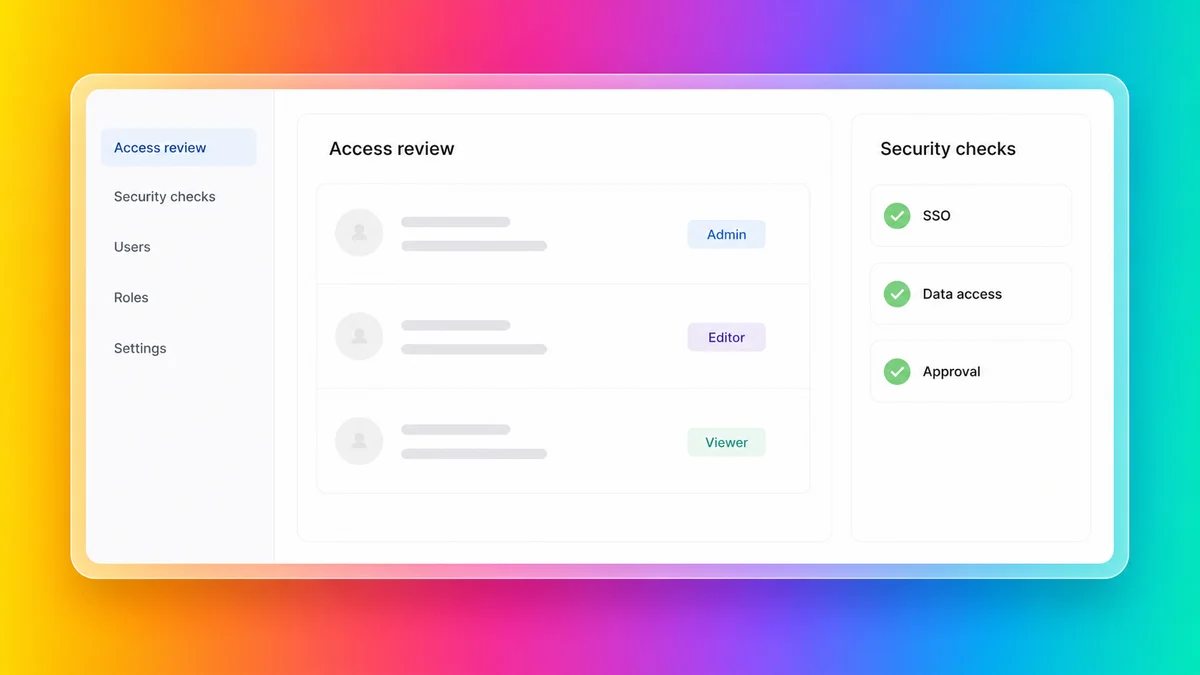
But what businesses need after the first share link is still a different standard. That is where enterprise vibe coding starts to diverge from consumer AI app building.
## Where sharing falls short
A share link or hosted preview solves only one part of the problem.
Business teams usually need more:
- **Access control that matches the business.** Not just "public" or "private," but the right users, roles, approvals, and sign-in model.
- **A clear security model.** Teams need confidence around data handling, identity, permissions, and release review before launch.
- **Real rollout channels.** A useful internal or customer-facing solution may need to live on the web, in public app stores, or in private enterprise distribution channels.
- **Long-term ownership.** If only the person who prompted the first version can safely change it, the solution is still fragile.
- **Ongoing maintenance.** Publishing is not the end. Apps need updates, oversight, fixes, and controlled improvements over time.
This is where many vibe-coded projects stall. They are easy to show, but harder to operationalize.
## What changes when business data is involved
The stakes rise quickly once the solution is no longer a toy project.
If you are building employee onboarding software, a client portal, an internal approval workflow, or a field reporting tool, you are no longer only testing whether the AI can generate a usable interface. You are deciding:
- who can access the software and how they sign in
- what data the software stores and where that data lives
- how changes are reviewed before they reach users
- how the solution gets distributed to employees, customers, or partners
- who owns the solution after the original builder moves on
This is the point where many teams discover that "it works" and "it is ready for the business" are very different standards.
## Why many vibe coding platform answers are "it depends"
The reason is not that these products have no security features. Several of them clearly do.
Many vibe coding platforms can help you host or share AI-built software. That does not mean they guarantee your specific solution will comply with your internal IT, security, and governance standards.
The problem is that **platform-level assurance is not the same as customer-controlled implementation risk**.
In the more flexible tools, users can often change or extend:
- the application architecture
- the frontend framework or runtime model
- backend functions and business logic
- external integrations and connectors
- authentication or access patterns
- deployment method and environment boundaries
In the more flexible platforms especially, users can often change the architecture, stack, integrations, and deployment model in ways that increase risk or move the solution outside approved guardrails.
That flexibility is helpful for experimentation. It also makes it much easier to create a solution that sits outside approved governance controls.
So the issue is usually not "Does the vendor have security documentation?"
The issue is:
- **Does the vendor guarantee my specific solution will comply with corporate standards?**
- **Can makers change the architecture or stack in ways that increase risk?**
For many vibe coding platforms, the honest answer is less a flat yes or no and more: **it depends on how the platform is configured, what your team changes, and how tightly your business needs to govern the result.**
## What enterprise teams need
When you move from prototype to production, the buying criteria change.
- **Governed creation:** Business teams want speed, but IT still needs oversight.
- **Secure data handling:** Real software often touches employee, customer, operational, or regulated data.
- **Identity and permissions:** Access needs to follow your security model, not just a generic share setting.
- **Version history and review:** Teams need a safer way to manage changes and rollback decisions.
- **Multi-channel publishing:** Users may need web access, public app stores, or private distribution.
- **Maintainable ownership:** The software should stay editable and manageable beyond the original creator.
That is the difference between a useful prototype and software a business can actually run on.
## Three common rollout scenarios
The easiest way to judge a vibe coding platform is to picture the real rollout, not the first prompt.
### 1. Internal employee software
If the software is for staff only, the questions usually become about SSO, permissions, governance, and controlled updates. A simple share link is rarely enough once the solution starts handling internal processes or sensitive information.
### 2. Client or partner access
If external users need access, the bar rises again. Teams need confidence around branding, authentication, data boundaries, and who can see what. A nice prototype is useful, but it does not replace a proper access model.
### 3. Mobile-first business workflows
If the software is meant for field teams, learners, event attendees, or distributed workforces, publishing channels matter much more. Some teams need a responsive web experience. Others need public app stores or private enterprise distribution. That choice should not be an afterthought.
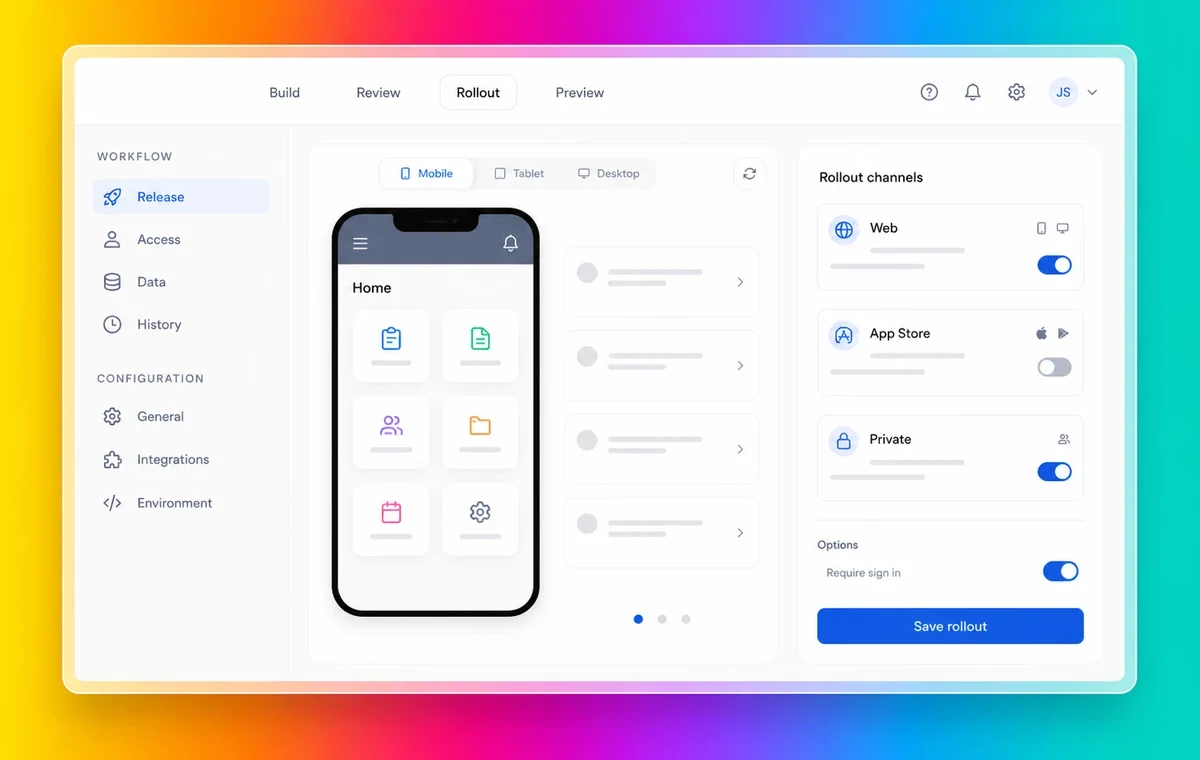
## Questions buyers should ask
If you are comparing platforms, these questions surface the difference quickly:
- Can we control who accesses the software, or are we mostly choosing between public and private links?
- Does the platform support the identity model our business already uses?
- Can the solution be published where our users actually are, including web, public app stores, and private distribution if needed?
- What happens when we need to update the solution after launch?
- Can someone else safely maintain the solution, or does knowledge stay trapped with the original builder?
- What security, compliance, and review controls are available before something goes live?
## Why Fliplet fits
Fliplet is built for teams that want the speed of vibe coding inside a controlled delivery environment.
You describe the software you need in plain language. Fliplet helps generate the first version, refine it quickly, and move it toward production. The difference is that the workflow is built around business delivery, not just first-draft generation.
With Fliplet, teams can:
- **Create with AI and keep IT involved.** Business teams move faster, while governance, IT oversight, and rollout decisions stay visible.
- **Work inside a stronger control model.** Fliplet supports security review, solution access management, version history, rollback, and data access controls.
- **Support stricter security and governance requirements.** Fliplet's published security materials cover encryption, SSO, ISO 27001:2022 certification, and a GDPR-aware operating model.
- **Publish where users actually are.** Teams can publish to the web, Apple App Store, Google Play, and private enterprise distribution channels.
- **Keep software maintainable over time.** Teams can move from prototype through publishing and ongoing improvement in one workflow, while Fliplet handles platform upkeep and over-the-air updates.
That makes Fliplet a stronger fit when the goal is not just "Can we build this?" but "Can we run this safely?" Final compliance still depends on customer requirements and configuration, but the default delivery model is more controlled from the start.
## The real decision
The question is no longer whether AI can help you create software; it can. The real question is what happens after that first working version appears.
If your team needs enterprise vibe coding rather than prototype-only vibe coding, Fliplet gives you a more complete answer than a share link alone. It helps teams move from AI-generated first draft to governed publishing across web, public app stores, and private distribution.
**[Talk to us](https://fliplet.com/talk-to-us/)** to see how your team can move from prompt to secure, published software with governance, oversight, and maintenance built in.
## Hero
### Title Lines
- **Title Lines:** Enterprise Vibe Coding:
- **Title Lines:** From Prototype to
- **Title Lines:** Secure Publishing
## FAQs
### How does Fliplet support enterprise vibe coding?
Fliplet helps teams describe the software they need in plain language, create a first version quickly, refine it with guided iteration, and move toward governed publishing with IT oversight still visible.
### Is Fliplet only for prototypes?
No. Fliplet is designed to support the full path from AI-assisted creation to production rollout, with controls for access, review, publishing, and ongoing maintenance.
### What controls does Fliplet provide for business software?
Fliplet supports solution access management, data access controls, version history, rollback, SSO, encryption, ISO 27001:2022 certification, and a GDPR-aware operating model.
### Can Fliplet publish web and mobile software?
Yes. Teams can publish with Fliplet across the web, Apple App Store, Google Play, and private enterprise distribution channels, so rollout can match where users work.
### What should businesses look for after vibe coding?
Look for governance controls, secure data handling, SSO and permissions, version history, web and mobile publishing options, and a maintainable ownership model that does not depend on one person.
## Related links
- [What is Vibe Coding? Meaning, how it works, and how to do it for business](https://fliplet.com/blog/vibe-coding/): Learn what vibe coding means, how the workflow works, and what businesses should look for before they move from prompt to production.
- [5 Best AI App Builders and How to Choose Yours (Updated 2026)](https://fliplet.com/ai-app-builders/): Compare the 5 best AI app builders in 2026, including Fliplet, AppyPie, Google AI App Builder, Pico, and Zoho Creator.
- [Enterprise Security, Governance & Compliance](https://fliplet.com/security/): Review Fliplet security, governance, access, and compliance controls for enterprise software delivery.
---
# Fliplet Case Study: Empowering Citizen Developers at Gowling WLG
> Fliplet Case Study: Empowering Citizen Developers at Gowling WLG. See the challenge, approach, and results, plus practical lessons teams can apply to similar.
Source: https://fliplet.com/blog/empowering-citizen-developers-at-gowling-wlg/
Content type: Blog
Published: 2026-05-18T16:43:44
Updated: 2026-03-10T09:00:00
Read time: 9 minutes
# Fliplet Case Study: Empowering Citizen Developers at Gowling WLG
Organizations are constantly seeking innovative solutions to streamline their operations, enhance productivity, and improve customer experiences. The legal industry, in particular, has recognized the need to embrace technology to meet the evolving demands of clients and maintain a competitive edge.
In this case study, we will explore how Gowling WLG, a global law firm, leveraged Fliplet, a no-code app development platform, to empower their citizen developers and transform their internal processes and client offerings.
If you're evaluating similar tools, this case study pairs well with our guide to [the best no-code and low-code development platforms](https://fliplet.com/blog/the-best-no-code-low-code-development-platforms/).
## Meet Gowling WLG
Gowling WLG is a leading international law firm with a presence in Canada, the UK, Europe, the Middle East, South America, and Asia. As a firm with a diverse range of clients and a global reach, they understand the importance of having the right tools to streamline their work and deliver exceptional services. Genevara Saylor, the National Director of Innovation and Knowledge at Gowling WLG, explains their approach:
"What we didn't have was that tool that we could put into the hands of our so-called citizen developers who could build applications that are easy to go to for these citizen developers, and that's what Fliplet has given us."
For the full proof story, read the [Gowling WLG case study](https://fliplet.com/case-studies/gowlingwlg/).
## The Need for a User-Friendly App Development Tool
Gowling WLG recognized the value of enabling their non-technical staff, or citizen developers, to create applications without the need for coding or development expertise. They wanted a tool that was easy to use, easy to learn, and easy to retain knowledge about. After exploring various options, they found Fliplet to be the perfect fit. Genevara Saylor explains:
"What I had been looking for for a long time was something that was really easy to use…I think that was what really appealed to me about Fliplet."
## The Fliplet Advantage
Fliplet stood out from other app development platforms due to its mobile app orientation and focus. In an increasingly mobile-centric world, having mobile apps is crucial for businesses to stay connected with their clients and employees. Genevara Saylor highlights this differentiating factor of Fliplet:
"One of the things that I think is fantastic about Fliplet is its orientation for mobile apps. Everyone's on the go now, and having mobile apps is really important. I think that's another thing that distinguishes Fliplet from a lot of the other stuff. They are mobile-friendly, but it's not really focused on creating a mobile app."
## Transforming Internal Processes
At Gowling WLG, Fliplet has been instrumental in transforming internal processes and improving efficiency. Ginevara Saylor's role encompasses both innovation and knowledge management, and Fliplet has played a significant role in enabling their teams to work smarter and provide better services. She explains:
"On the innovation side, we're focused internally and externally… We try to develop tools, processes, things that will streamline how we do our work, make our people more effective and efficient in their roles. On the knowledge side, we're responsible for evaluating, bringing in, designing, and implementing new technologies. But we're also responsible for making sure they have quick and ready access to the knowledge that they need when they need it. So when you look at that whole bundle, Fliplet was a tool that we saw on the market that we thought could really help us with all of those aspects."
Related teams can also explore Fliplet's [Innovation Management solution](https://fliplet.com/solution/innovation-management/) and our guide to [legal innovation](https://fliplet.com/blog/legal-innovation/).
## Real-world Applications of Fliplet at Gowling WLG
Gowling WLG has successfully implemented Fliplet across various areas of their operations, creating a range of applications tailored to their specific needs. Here are some examples:
### Event App
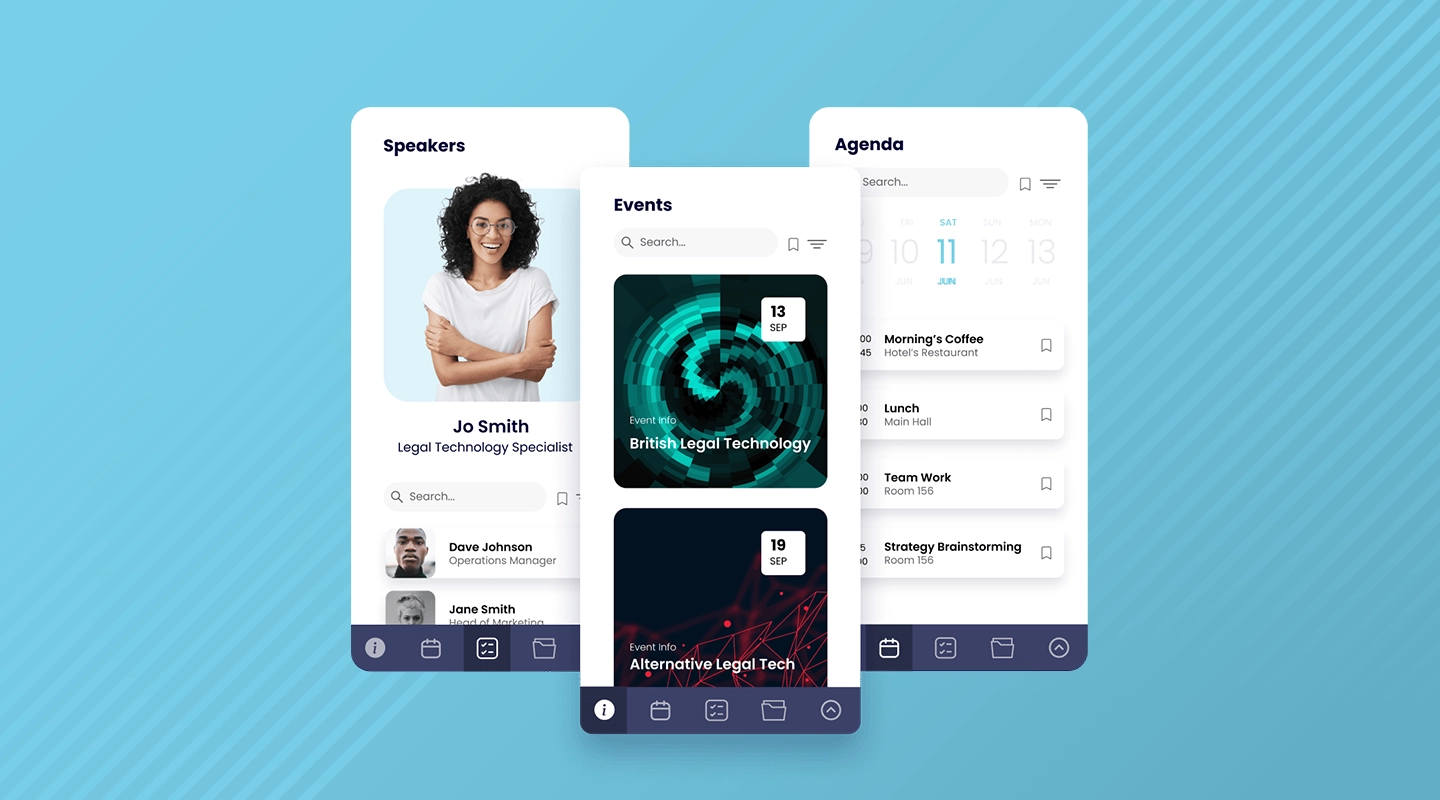
Gowling WLG frequently organizes large events, and Fliplet has become their go-to platform for creating event apps. With Fliplet, they were able to empower a non-technical staff member to build an app for a major event, resulting in a successful and engaging experience for attendees. Genevara Saylor shares her experience:
"We put it in the hands of someone who had no background whatsoever with technology… She looked at it, she said, 'Okay, train me.' She was trained very quickly, and then she built this amazing app… The team at Fliplet worked with her to make sure that she had all of the features she needed. The bottom line on that story is we have our solution now. We're going to use it for this event every year. She can just copy and update it. Plus, we're so pleased with it, we're gonna use it for our other events too."
### Learning App
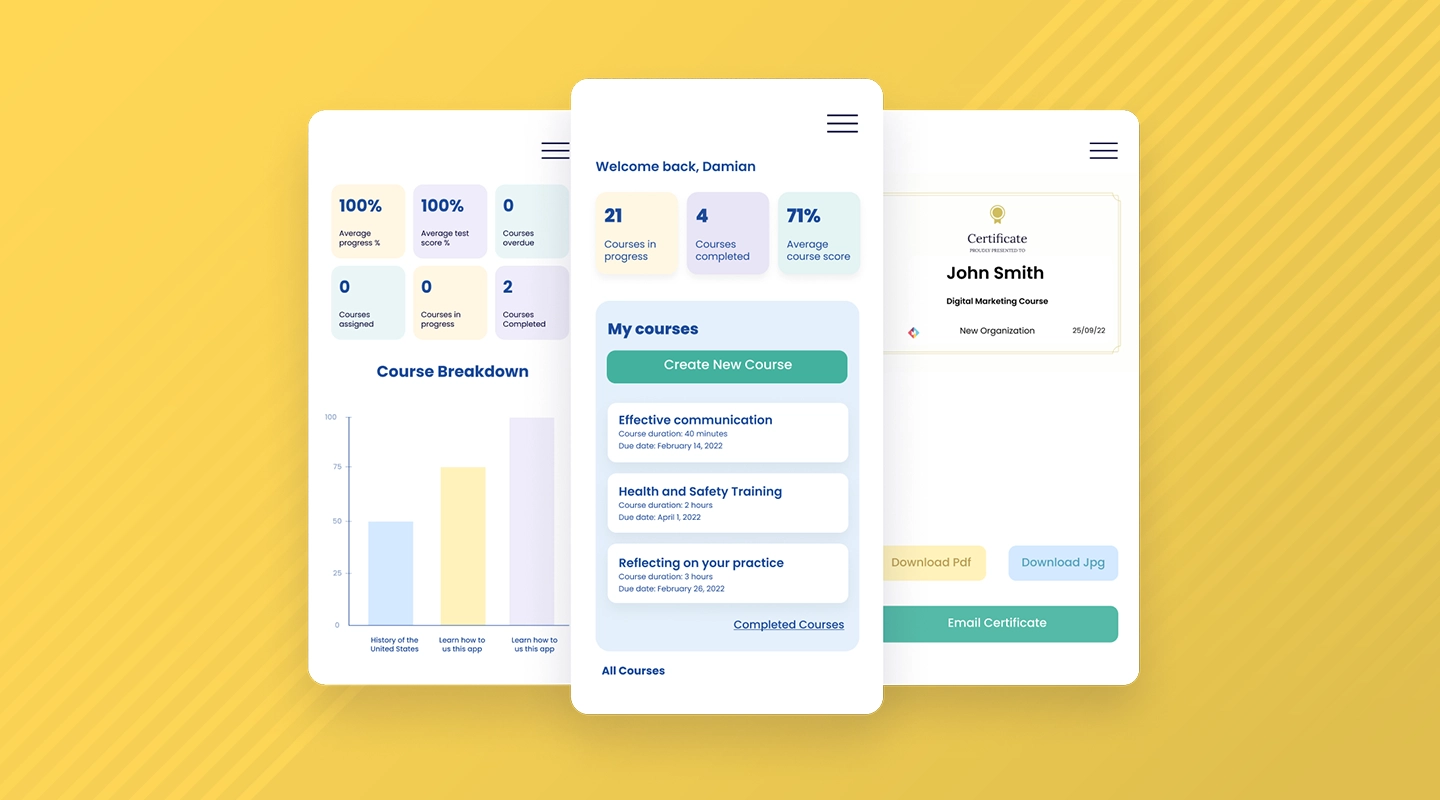
The learning app developed by Gowling WLG allows employees to access short videos that cover various topics related to intellectual property (IP) law. These videos serve as informative and engaging learning materials that can be consumed during breaks or while commuting, making efficient use of employees' time.
The app provides a library of videos where Gowling WLG professionals share their expertise and insights on different aspects of IP law. By breaking down complex concepts into easily understandable and digestible content, the app enables employees to enhance their knowledge on-the-go and stay up-to-date with the latest developments in their field.
### Country Desks Information App
Gowling WLG has practitioners located all over the world, and they wanted to ensure quick and easy access to information about their country desks. Fliplet enabled them to develop an app that provides practitioners with the information they need, particularly when they are on the go.
### Pandemic Response Apps
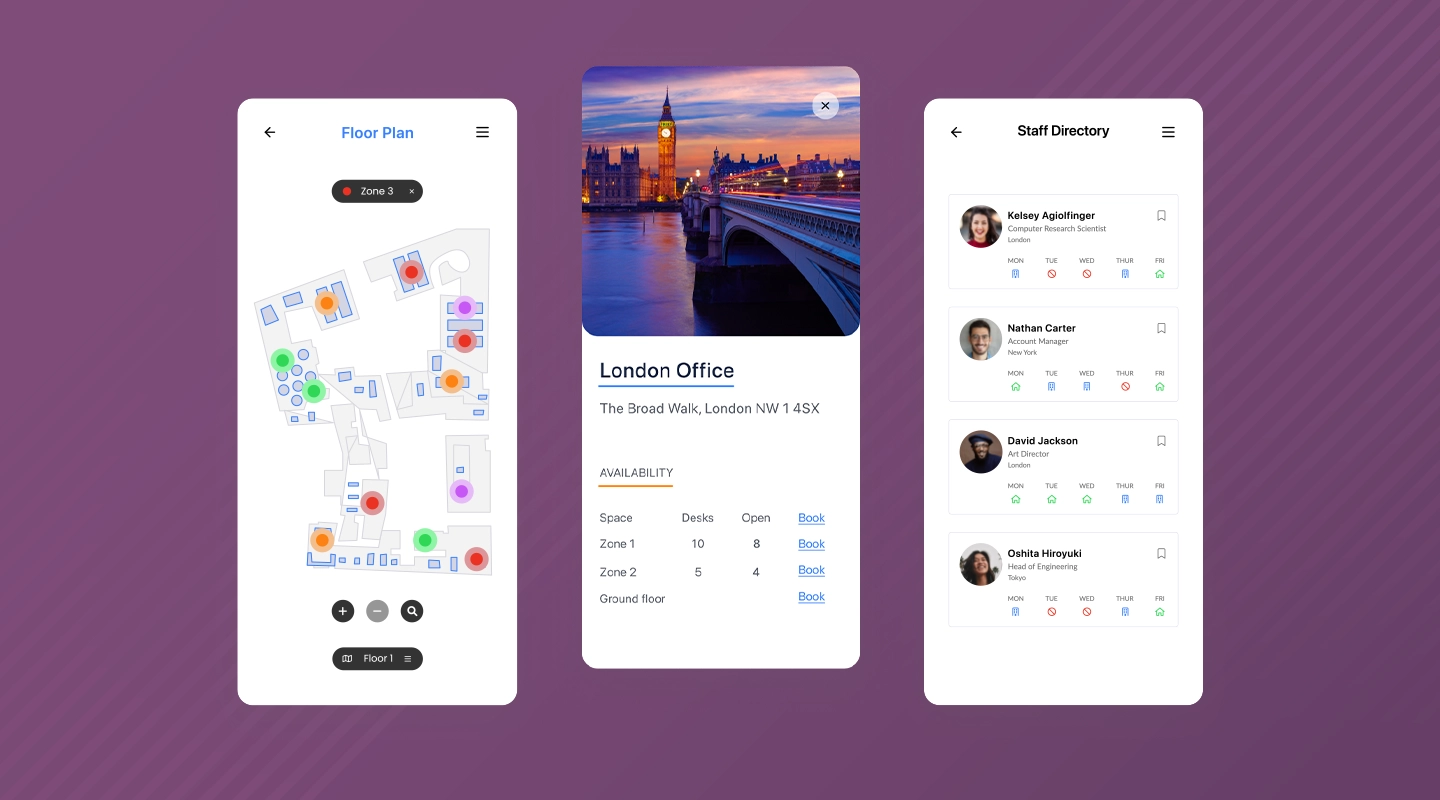
When the COVID-19 pandemic hit, Gowling WLG faced new challenges in managing their operations and client engagements. Fliplet allowed them to quickly create apps to address these challenges. They developed an application to help manage their return to office protocols and another app to facilitate virtual client engagements, such as virtual wine and cheese events.
## The Benefits of Fliplet at Gowling WLG
The adoption of Fliplet has brought numerous benefits to Gowling WLG, both in terms of efficiency and client satisfaction. Genevara Saylor highlights some of the key benefits they have experienced:
- **Speed of delivery:** Fliplet allows Gowling WLG to quickly spin up prototypes and move from idea to minimum viable product (MVP) and live product in a short period. This speed of delivery has made them look like heroes to their clients and internal stakeholders.
- **User-friendly experience:** The apps built with Fliplet have been well-received by both internal users and clients. They find the apps attractive, intuitive, and useful, enhancing their overall experience with Gowling WLG.
- **Supportive partnership:** The team at Fliplet has been instrumental in providing excellent support and guidance to Gowling WLG. They have worked closely with their citizen developers to ensure they have all the necessary features and capabilities in their apps.
## Future Plans and Expansion
Gowling WLG has ambitious plans for the future. They aim to create more applications that cater to specific client needs, such as regulatory compliance. They also plan to leverage Fliplet for client engagement and to develop tools around learning and development. Ginevara Saylor explains:
"We want to create more applications that help our clients with specific questions that come up a lot, particularly with regulatory compliance. We're also looking at it for engagement… We want to be able to engage people and keep them connected. So we're developing tools around that through Fliplet. And the last area we're really focused on is learning and development. We want to be able to create small bites of learning that people can learn on the go."
## Conclusion
Gowling WLG's partnership with Fliplet has proven to be a game-changer in their digital transformation journey. By empowering their citizen developers with a user-friendly app development platform, they have been able to streamline internal processes, enhance client offerings, and adapt to the challenges brought by the pandemic. The speed, ease of use, and support provided by Fliplet have made it an indispensable tool for Gowling WLG. As they continue to explore new possibilities and expand their use of Fliplet, they are well-positioned to remain at the forefront of innovation in the legal industry.
To learn more about Gowling WLG and their innovative approach, visit their [website](https://gowlingwlg.com/en/). You can also connect with Ginevara Saylor on [LinkedIn](https://www.linkedin.com/in/ginevrasaylor/).
Fliplet is not just a platform for law firms; its capabilities make it appealing to any company seeking a web-based or mobile-based software solution. Whether you are technically inclined or have a good sense of design, Fliplet offers endless possibilities to create powerful and user-friendly apps. Don't miss out on the opportunity to transform your [mobile app development](/blog/10-best-mobile-application-development-platforms/) process with Fliplet!
## FAQs
### What is the difference between custom and standard applications?
The main difference between custom and standard applications lies in the level of customization and flexibility they offer. Custom applications are built specifically to meet the unique needs of a business or organization, while standard applications are designed to meet the general needs of a wide range of users.
### What are the types of custom applications?
Custom applications can be classified into various types based on their intended use and functionality. Here are some common types of custom applications:
1. **Enterprise Resource Planning (ERP) software:** ERP software is designed to manage a business's core operations, such as accounting, finance, inventory, and human resources.
2. **Customer Relationship Management (CRM) software:** CRM software is designed to manage a company's interactions with its customers and prospects.
3. **Healthcare software:** Healthcare software is designed to manage and store patient information, as well as support clinical decision-making and workflow automation.
4. **E-commerce software:** E-commerce software is designed to facilitate online transactions and manage inventory, shipping, and payment processing.
5. **Financial technology (Fintech) software:** Fintech software is designed to support financial services, including banking, investment, and insurance.
6. **Internet of Things (IoT) software:** IoT software is designed to manage and control connected devices and sensors.
7. **Artificial intelligence (AI) software:** AI software is designed to automate processes, improve decision-making, and support machine learning.
8. **Operations management software:** Operations management software is designed to optimize business processes and workflows.
9. **Agricultural software:** Agricultural software is designed to support crop management, equipment tracking, and other farm-related activities.
10. **Mobile and desktop software:** Mobile and desktop software are designed to provide specific functionality and user experiences on different devices.
### What is the main advantage of custom-designed applications?
The main advantage of custom-designed applications is that they are tailored specifically to meet the unique needs and requirements of a particular business or organization, which can result in increased efficiency, productivity, and cost-effectiveness.
### See the latest insights from Fliplet
## Creating your business apps has never been easier
## Related links
- [Ultimate Guide: How to scale mobile enterprise app development without coding or IT resources](https://fliplet.com/blog/mobile-enterprise-app-development-without-coding/): Fliplet compiled an ultimate guide on how to scale mobile enterprise app development without coding or IT resources
- [Top 10 Mobile Enterprise Application Platforms](https://fliplet.com/blog/top-10-mobile-enterprise-application-platforms/): Fliplet compiled a list of the top 10 mobile enterprise application platforms. Read more within.
- [The Best Low Code/No Code Development Platforms](https://fliplet.com/blog/the-best-no-code-low-code-development-platforms/): Fliplet compiled a list of the best Low Code/No Code Development Platforms. Find out more within.
---
# Gateley: Driving Engagement, Streamlining Processes and Enhancing Client Experience
> How Gateley improved client engagement, streamlined internal processes, and delivered measurable outcomes with Fliplet-backed workflows.
Source: https://fliplet.com/blog/gateley-driving-engagement-streamlining-processes-enhancing-client-experience
Content type: Blog
Published: 2026-05-18T18:38:31
Updated: 2026-03-19T07:32:49
Read time: 5 minutes
# "Gateley: Driving Engagement, Streamlining Processes and Enhancing Client
Organizations are constantly seeking innovative solutions to enhance their operations and provide a seamless experience for their clients. Gateley, a Professional Services business, recognized the need to adapt to the evolving landscape and embrace digital transformation.
In this case study, we explore how Gateley utilized Fliplet, an app building platform, to address their diverse requirements and achieve their objectives.
## Understanding Gateley's Unique Needs
Gateley is not your typical law firm. With a range of consultancy arms and different client bases, they needed a flexible and scalable solution to cater to their diverse requirements. Fliplet proved to be the perfect fit, allowing Gateley to build both internal and external-facing apps that could be seamlessly integrated into their existing infrastructure.
"Because of the diverse range of businesses that make up Gateley, we have needed a tool that will allow us to do different things and be different things to different people. We use Fliplet because it is easy to deploy."
## Streamlining Internal Processes
One of the key challenges Gateley faced was deploying apps quickly and efficiently without the need for individual downloads. Fliplet's platform enabled Gateley to embed internal apps within their intranet, allowing employees to access them seamlessly and without disruption. This eliminated the previous issues of app deployment and ensured a smooth user experience.
"For the internal apps that we built, they have been managed and seamlessly integrated and embedded within the intranet so that people can be using them on a daily basis without necessarily knowing that they are using them."
Gateley leveraged Fliplet's capabilities to create apps tailored to their specific needs. From directory listings to event management, Fliplet's data sources, which function as spreadsheets behind the apps, allowed Gateley to populate information and create content for their apps easily. This streamlined internal processes and improved efficiency across the organization.
Want to take a look at the solutions Gatley has used to streamline their internal processes? Check out Fliplets [Directory solution](https://fliplet.com/solution/directory/) and [Events solution](https://events.fliplet.com/).
## Enhancing Client Experience
Gateley understood the importance of providing value-added services to their clients. With Fliplet, they were able to develop purpose-built apps to cater to their clients' needs. Whether it was offering specific response management and crisis advice or providing tools such as tax calculators and R&D tax credits, Fliplet empowered Gateley to deliver personalized solutions to their clients.
The versatility of Fliplet's app builders allowed Gateley to meet the diverse requirements of their client base. By utilizing data sources and customizing templates, Gateley could create apps that aligned with their clients' objectives and deliver an enhanced user experience. This not only strengthened client relationships but also positioned Gateley as a leader in providing innovative solutions within their industry.
## Driving Engagement and Growth
"Where I found value in using Fliplet for my role in Gateley as Digital Manager is to drive engagement for the website."
As the Digital Manager at Gateley, driving website engagement was a top priority for Gateley. Previously, Gateley had to rely on various tools to achieve this goal. However, with Fliplet, Gateley found a more versatile and comprehensive solution.
Fliplet allowed Gateley to leverage its existing web pages and create engaging tools and calculators for their website visitors. By providing interactive experiences instead of static content, Gateley was able to capture user engagement and generate inquiries. Fliplet's wide-ranging capabilities provided flexibility and allowed Gateley to deliver a more personalized and engaging experience to their website visitors.
## Ease of Use and Customization
One of the key advantages of Fliplet is its user-friendly interface and pre-built templates. Gateley found immense value in Fliplet's library of templates, which allowed them to save time and effort in app development. The templates served as a starting point that could be customized to meet Gateley's specific requirements.
"You can copy apps that's already in the library. You don't have to build everything from scratch."
Gateley highlighted the ease of deployment and scalability of apps created using Fliplet. Previously, developing new apps would require days of development time and resources. With Fliplet, Gateley could develop and deploy apps within hours, significantly reducing development costs and increasing efficiency.
## Looking Ahead: Digitizing Manual Solutions
Gateley recognizes the need to digitize their existing manual solutions and explore new opportunities for app development. By using with Fliplet, Gateley aims to merge various solutions into one comprehensive platform. This not only helps reduce costs and streamline operations but also provides a unified and scalable solution across the organization.
"We can set up pages and apps, which you can deploy anywhere within the space of minutes and hours."
Check out [The 10 Best Mobile Application Development Platforms 2026](https://fliplet.com/blog/10-best-mobile-application-development-platforms/)
## Conclusion
Gateley's journey with Fliplet showcases the power of app building in professional services. By leveraging Fliplet's platform Gateley was able to address their unique requirements and deliver personalized solutions to their clients. The ease of use, customization options, and scalability of Fliplet allowed Gateley to streamline internal processes, enhance client experience, and drive engagement and growth. As Gateley continues to digitize their operations, Fliplet remains a valuable partner in their digital transformation journey.
To learn more about Gateley. visit their website at [www.gateleyplc.com](https://www.gateleyplc.com/)
Fliplet is not just a platform for law firms; its capabilities make it appealing to any company seeking a web-based or mobile-based software solution. Whether you are technically inclined or have a good sense of design, Fliplet offers endless possibilities to create powerful and user-friendly apps. Don't miss out on the opportunity to transform your mobile app development process with Fliplet!
## FAQs
### What business challenges did Gateley aim to solve?
Gateley focused on improving engagement, streamlining internal processes, and delivering a better digital experience for both staff and clients.
### How did Fliplet support Gateley in delivering solutions quickly?
Fliplet enabled faster delivery through configurable templates, straightforward customization, and a platform approach that reduced heavy development overhead.
### What outcomes did Gateley gain from this digital approach?
The firm improved operational efficiency, strengthened user engagement, and established a scalable foundation for future digital initiatives.
## Related links
- [Ultimate Guide: How to scale mobile enterprise app development without coding or IT resources](https://fliplet.com/blog/mobile-enterprise-app-development-without-coding/): Fliplet compiled an ultimate guide on how to scale mobile enterprise app development without coding or IT resources
- [Top 10 Mobile Enterprise Application Platforms](https://fliplet.com/blog/top-10-mobile-enterprise-application-platforms/): Fliplet compiled a list of the top 10 mobile enterprise application platforms. Read more within.
- [The Best Low Code/No Code Development Platforms](https://fliplet.com/blog/the-best-no-code-low-code-development-platforms/): Fliplet compiled a list of the best Low Code/No Code Development Platforms. Find out more within.
---
# Healthcare Mobile App Development: The Complete Guide for 2026
> Explore Healthcare Mobile App Development: The Complete Guide for 2026. Follow practical steps, recommended tools, and common pitfalls to avoid with confidence.
Source: https://fliplet.com/blog/healthcare-application-development
Content type: Blog
Published: 2026-02-17T17:46:07
Updated: 2026-03-19T08:12:36
Read time: 45 minutes
# Healthcare Mobile App Development: The Complete Guide for 2026
Healthcare app development seems like it would be difficult to navigate, especially if you're new to the field. And yet, with the demand for healthcare mobile application development skyrocketing, it's crucial to understand not just the basics but also the nuances that can make or break your project.
Luckily, it's not as complicated as it might seem at first. Whether you're a seasoned developer looking to branch into healthcare or a healthcare professional eager to bring digital solutions to your practice, you just need to follow the right steps.
This healthcare app development guide is designed to steer you through the complexities of developing an app that's both functional and impactful. So, let's get started on this journey together and uncover the steps, strategies, and insights you need to bring your healthcare app from concept to reality.
## What is Healthcare App Development?
> **Healthcare app development** is the process of creating software applications designed to improve the efficiency and quality of healthcare services.
This broad field includes healthcare [mobile app](https://fliplet.com/blog/10-best-mobile-application-development-platforms/) development, which focuses on applications for mobile devices, and healthcare application development, covering a wider range of software solutions beyond mobile platforms. The aim is to streamline operations within healthcare facilities, enhance patient care, and provide health professionals and patients with easy access to medical information.
### The spectrum of development within this field covers medical app development for things like
- diagnostics
- patient care management
- telemedicine
- and more
Mobile health app development, or mHealth app development, signifies a significant portion of this domain. That's because smartphones are so ubiquitous — making it easy to deliver these solutions to many patients. These apps can do everything from fitness tracking to medication reminders and remote patient monitoring.
## Why is healthcare mobile app development essential in 2026?
The importance of healthcare mobile app development has never been more pronounced. The world has witnessed a transformative shift towards digital healthcare solutions, largely propelled by the need for more accessible, efficient, and personalized care.
Just how popular are these? [63.4% of US adults](https://www.emarketer.com/content/nearly-two-thirds-of-us-consumers-mobile-health-app-users) have used one of these apps in the last 12 months. That's because healthcare app development, particularly mobile health app development, offers doctors and patients unprecedented opportunities.
- **Fills in the gaps:** Healthcare mobile development bridges gaps in the traditional healthcare system. Patients can now access medical services and information anytime, anywhere, making healthcare more inclusive, accessible, and efficient. By automating many tasks, much less also slips through the cracks.
- **Makes it easy for doctors and patients to connect:** Medical app development, specifically for [iPhone](https://fliplet.com/blog/7-steps-making-an-app-for-iphone/) and Android, has expanded the reach of digital health services. Why? Almost everybody has a smartphone ([about 9 in 10](https://www.pewresearch.org/internet/fact-sheet/mobile/)) — meaning mHealth app development can touch the lives of people across different demographics and geographies, democratizing access to health information and services. Custom healthcare app development further tailors this experience to meet the unique needs of individual users or patient groups.
- **Cuts down on time and costs:** Healthcare app development reduces the need for physical consultations for non-critical care and automates administrative tasks. From appointment scheduling to remote monitoring and telemedicine, these apps are making healthcare more responsive and efficient. For that reason, apps are proving to be cost-effective solutions for healthcare providers. They not only save on operational costs (an ongoing battle in the field) but also optimize resource allocation, reducing the overall cost of healthcare for patients.
- **Increases the level of care:** These apps are expanding into critical areas of treatment, including mental health ([about 1 in 5 people](https://pro.morningconsult.com/trend-setters/use-of-digital-health-apps-wearables-growing) have already used an app for mental health), chronic condition management, and preventive care. This addresses the broader determinants of health, offering tools for lifestyle management, mental wellness, and early detection of health issues.
Healthcare mobile app development in 2024 is creating a healthier, more connected world. With each advancement in mobile health application development, we're shaping the future of healthcare.
## Healthcare App Development vs Medical App Development
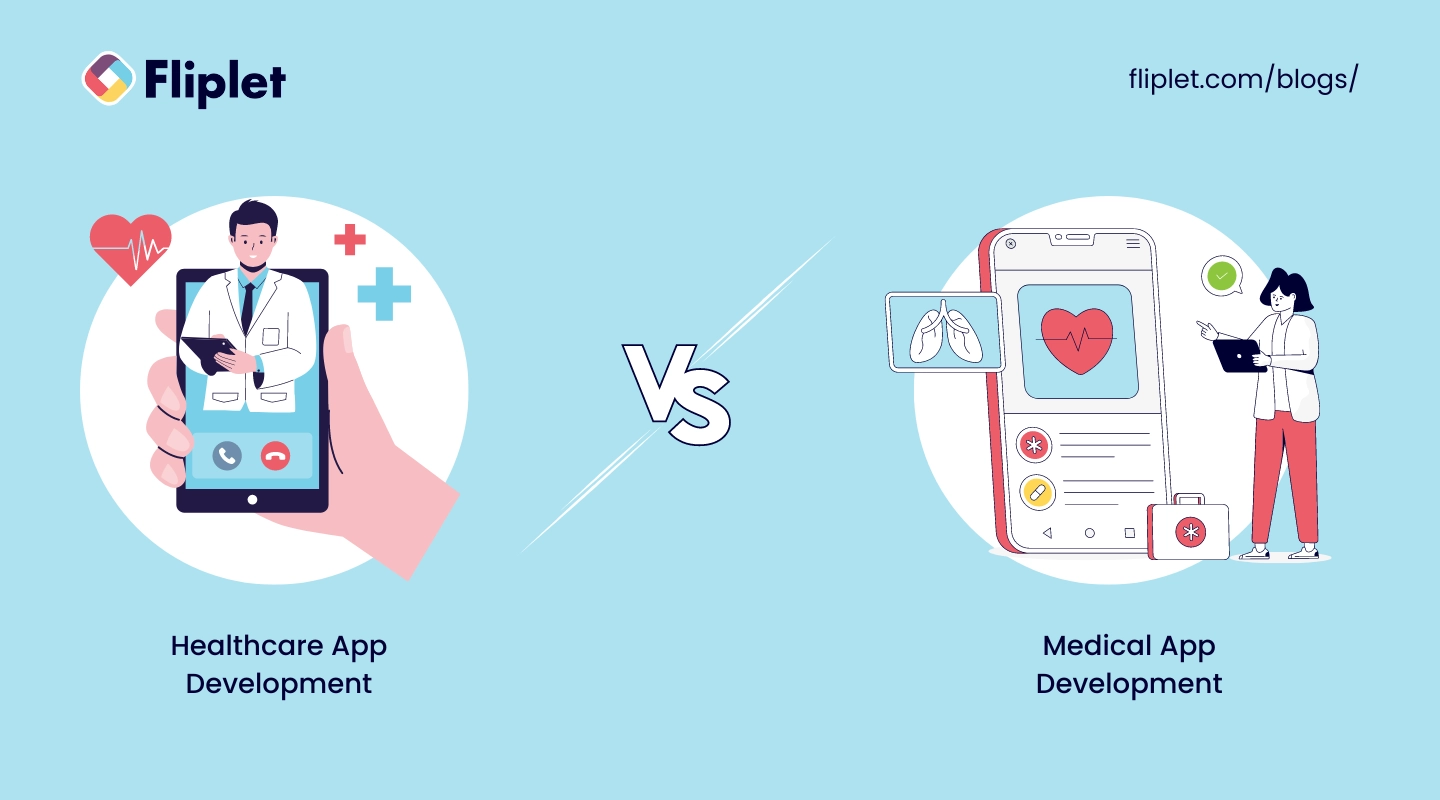
In the digital health sphere, "healthcare app development" and "medical app development" are terms that often get tossed around as if they were the same. But they cater to distinct aspects of health and medicine.
Healthcare app development focuses on enhancing overall health and wellness through apps that the general public can use. These apps might track fitness, offer nutritional guidance, or provide general health information.
On the other hand, medical app development is more specialized, targeting healthcare professionals and patients with specific medical needs. These apps offer tools for diagnosis, patient monitoring, and accessing electronic health records.
### Here's a detailed comparison
| Category | Healthcare App Development | Medical App Development |
| --- | --- | --- |
| Target Audience | Aimed at the general public | Designed for medical professionals and patients |
| Purpose | To promote overall health and wellness | To provide medical information, assist with diagnosis, and manage patient care |
| Usage | Accessible to anyone interested in health management | Requires medical evidence and compliance with health regulations |
| Development Costs | Generally lower due to broader, less specialized content | Higher due to strict regulatory compliance and clinical validation needs |
| Features | May include access to wellness tips, fitness tracking, and health education | Includes diagnostics support, patient care management, and regulated health workflows |
## Healthcare App Market Overview
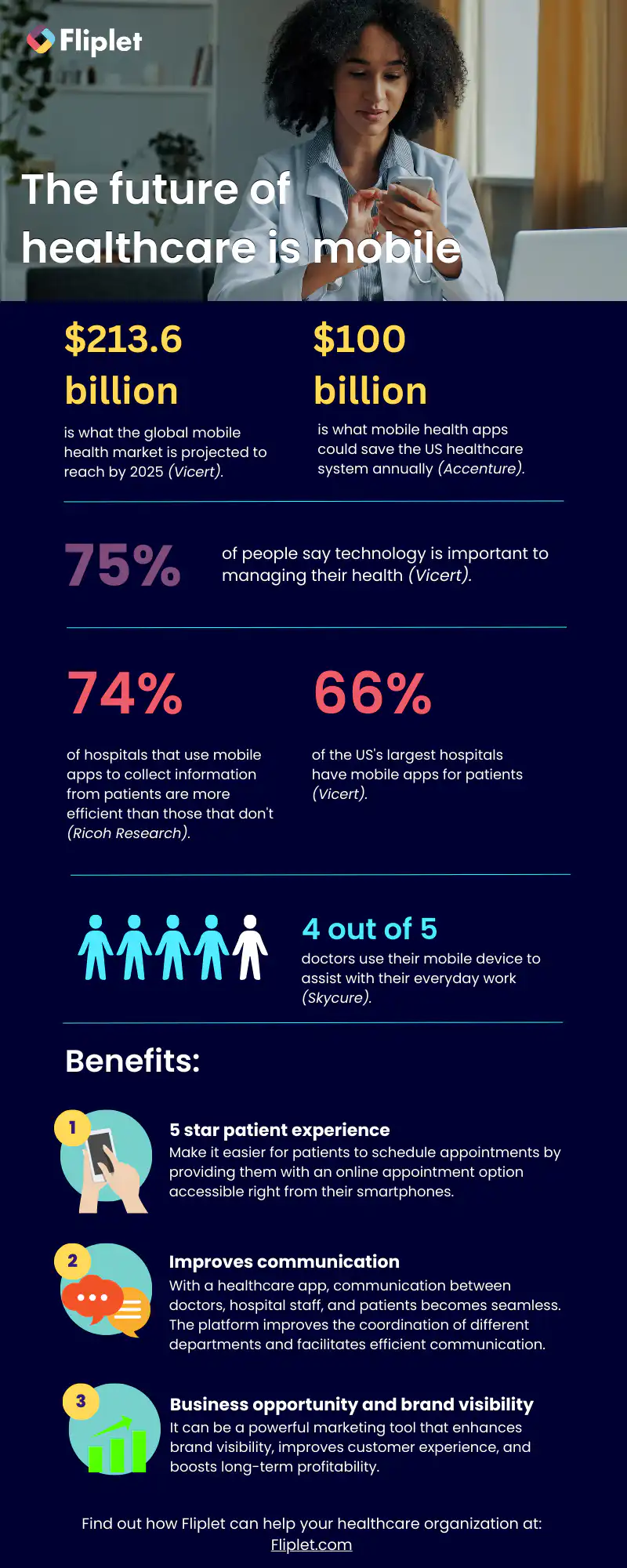
## Types of Healthcare Apps
Mobile App Downloads increased by 23.3% since the COVID-19 Pandemic (_Sensor Tower, 2020)_.
Healthcare apps have become increasingly popular over the years, as people have begun to recognize the convenience and benefits that they offer. Let's take a look at the different types of healthcare apps available today.
- Fitness apps
- Medical reference apps
- Telemedicine apps
- Medication management apps
- Mental health apps
- Women's health apps
- Chronic condition management apps
- Health and wellness apps
No we have looked at the different types of healthcare apps you can create lets look at some popular healthcare app use cases in more detail.
For more on apps in [healthcare and pharmaceuticals, read our blog.](https://fliplet.com/blog/pharmaceutical-apps-ideas/)
For more on building a [custom app](/blog/how-to-build-a-custom-app-without-coding/), read our blog.
## Use cases for a Healthcare app
The healthcare market offers a variety of healthcare app use cases that can make your life much easier.
Here are some of the most trending healthcare app use cases that you don't want to miss:
### Telehealth & Telemedicine
During the COVID-19 pandemic and social isolation, telehealth and telemedicine software solutions have become increasingly popular. These technologies allow medical specialists to deliver remote medical services, communicate online, and provide efficient medical care faster. Plus, you can do it all from the comfort of your own home.
### Electronic Health Record (EHR)
The EHR solutions allow you to track, store, update, and collect all medical information about a patient on a single platform. This saves time, eliminates manual errors, and allows the exchange of patient data between different institutions. Plus, it's much easier to keep track of all your medical records in one convenient location.
### Health Informational Exchange (HIE)
The HIE solution allows you to measure a patient's vital parameters easily and quickly using only a smartphone's authentication. This way, the system can transfer the data faster, and doctors can easily monitor and analyze the necessary information. Tracking vital signs such as body temperature, blood pressure, heart rate, etc., is essential for making a correct diagnosis and maintaining patients' well-being and their quality of life.
### E-prescribing
The E-prescribing system offers to create, store, and send out prescriptions using the medical information system in the electronic health ecosystem. This minimizes errors during check-out and saves time for both doctors and patients.
There you have it, these are just a few of the many healthcare app use cases out there. With these solutions, you can easily manage your medical information, get efficient medical care, and save time and money.
### Let's take a look at the different Fliplet use cases
#### Patient experience
Apps help patience experience leaders transition to a post-covid telehealth era.
- Easy access for patients
- Easy booking and management of appointments
- Accessible communication between practitioners and their patients
- Features that accelerate patient therapy (reminders, notifications, ability to track patient medical profile)
- On-demand information 24/7
#### Marketing
### Why apps should be part of your digital marketing strategy in the healthcare industry
- Product catalogs
- Opportunity for providing additional services
- Opportunity for practitioners to provide additional treatments
- Ease of use for users can book appointments without having to call
#### Training/HR
Interactive and structured learning in the palm of practitioners hands.
- Enhance employee skill sets and improve compliance
- Staff can track the progress of their training
- Give feedback on training programs
- Keep practitioners up to date with new medicine
- Keep practitioners up to date with new services
- Streamline onboarding for practitioners
#### Innovation
Capture, manage and structure employee innovation ideas using an app.
- Innovation/idea management full lifecycle process
- Digitize your processes
- Promote best practices among practitioners
- Inspire people to put forward their ideas medicine
- Gather new ideas so your organization can continue to innovate
- Connect frontline with office-based staff
#### IT
Accelerate development time using no-code technology. The benefits of no-code/low-code apps are endless:
- Ease of use
- Provide more value to customers – clients can use your services at their convenience
- No-code solutions reduce IT backlog
- Enable anyone outside of IT to develop apps – no technica, experience needed
- Fliplet is ISO 27001 compliant
## Benefits of Healthcare Apps for Medical Professionals and Patients
Healthcare apps can be beneficial not only for patients but also for doctors. By improving the quality of care and reducing stress and burnout, doctors can provide better treatment plans and timely health care delivery. But the benefits of custom healthcare apps go beyond that.
### Benefits for doctors:
For doctors, these apps can facilitate faster decision-making and more accurate diagnosing, meaning that they can spend more time with patients and help more patients overall.
Improved communication between medical professionals is also possible with telemedicine healthcare application platforms, allowing doctors to connect with each other for consultations no matter where they are.
The development of healthcare apps can also improve hospital and equipment management by tracking equipment in real-time and optimizing its use accordingly, reducing the cost of healthcare services.
## Benefits for Medical Professionals
### Benefits for patients:
The benefits of healthcare apps for patients are also significant. With automations available to providers, patients can receive personal health plans, which respect their individual conditions.
A healthcare mobile app platform also makes healthcare services available on-demand, delivering care faster, including meds delivery and remote consultations. Patients can have better control over their health data and securely share their medical records with other institutions.
In-app payments with credit cards can also be implemented during medical application development.
Finally, e-health solutions give patients more control over their therapy, making them active participants of the process.
For more on [apps in healthcare, read our blog.](https://fliplet.com/blog/top-200-healthcare-organizations-use-apps/)
## Examples of the Most Popular Healthcare Apps
Here are some examples of the most popular healthcare apps, which ones have you got downloaded?
## Industry Standards and Compliance to Consider Before Building a health app
If you're considering developing a healthcare application, it's crucial to ensure that your plans comply with the industry regulations and requirements that are essential to your business goals. The standards you need to follow will depend on the region and country in which you operate and wish to expand your services.
However, keep in mind that medical applications are subject to much more regulation than other types of applications, and compliance with the regulations listed below is necessary but not sufficient.
Here are some of the essential regulations that healthcare app developers need to follow in different countries:
### The US
**HIPAA** (Health Insurance Portability and Accountability Act) is a standard that all healthcare apps released in the US need to comply with. It was introduced in 1996 to safeguard the privacy and security of patients' data.
**HiTECH** (Health Information Technology for Economic and Clinical Health Act) is a regulation that focuses on the security of Electronic Health Record (EHR) systems. Its rules were included in the HIPAA Final Omnibus law in 2013, which means that if your app is HIPAA-compliant, it is also HiTECH-compliant.
**CCPA** (California Consumer Privacy Act) is analogous to the GDPR in the EU, and it ensures the security and protection of patients' data.
**NIST** (National Institute of Standards and Technology) is a cybersecurity framework built around protecting patients' data and privacy. It includes several technologies, tools, and standards.
**ADA** (Americans with Disabilities Act) aims to ensure the protection of people with disabilities living in the US, and companies must follow the accessibility regulations.
### Canada
**PIPEDA** (Personal Information Protection and Electronic Documents Act) is the Canadian equivalent of the GDPR in the EU. Any healthcare application launched in Canada must comply with the regulations that protect users' (patients') data and privacy.
### The UK
**GDPR** (General Data Protection Regulation) is one of the most well-known and widely-used data protection regulations. It applies to companies that collect, store, and process users' data.
**DPA** (Data Protection Act) aims to regulate how personal data is processed, stored, and managed. It was put in place in 2018 and is the implementation of the GDPR in the UK.
Complying with industry regulations is essential for healthcare app developers. You must ensure that your application meets the relevant regulations and standards, as failure to do so can have serious consequences. Additionally, keeping accessibility in mind can help you reach a more extensive patient base and improve the overall user experience.
Now that we've covered some essential information about what makes a great healthcare app, it's time to explore the seven crucial steps to bring your app to life.
## How to develop a healthcare app in 6 steps
### Step 1: What's the purpose of your app?
Healthcare organizations, get ready to revolutionize the way you provide care to your patients! By embracing professional healthcare apps, you can elevate the level of care you offer and create a seamless, user-friendly experience for both doctors and patients.
Mobile healthcare applications have transformed the way we manage our health, giving us access to a wealth of information and resources at our fingertips.
When it comes to developing a healthcare app, it's essential to have a clear understanding of your goals and objectives. What problem are you trying to solve? Who is your target audience? How can you make their lives easier? Answering these questions is critical to developing an effective app that meets the needs of both your patients and your practice.
To get started, it's important to define the purpose of your app. Here are some common purposes that healthcare apps serve:
1. Streamlining administrative tasks: Are you looking to make appointment booking, billing, and other administrative tasks more efficient for your practice?
2. Improving patient engagement: Do you want to increase patient engagement and participation in their own healthcare?
3. Remote patient monitoring: Do you want to offer remote monitoring services for patients with chronic conditions or those who live in remote areas?
4. Telemedicine: Do you want to offer remote consultations and virtual visits for patients who can't make it to the office?
5. Health tracking and monitoring: Do you want to offer patients tools to track their health, monitor their vitals, and manage their wellness.
So now you've defined the purpose of your app, whether you're looking to build a professional healthcare app or a patient-focused tool, it's now time to select the [healthcare application development platform](/blog/9-web-application-development-platforms-to-build-a-free-web-app/#criteria-for-choosing-a-platform) that can bring your idea to life.
Get some 'appspiration' and see [what Fliplet clients](https://fliplet.com/case-studies/) have built.
For more on [task management](https://fliplet.com/blog/top-10-task-management-apps-for-teams/), read our blog.
### Step 2: Pick a platform
Application development was traditionally known as being a complex process that requires a high degree of technical expertise. However, thanks to advancements in technology, there are now code, no-code, and low-code options available for healthcare enterprises looking to build applications.
While all three options have their advantages, we would recommend healthcare enterprises using a [no-code platform](https://fliplet.com/blog/the-best-no-code-low-code-development-platforms/) as it enables [citizen developers](https://fliplet.com/blog/why-it-should-embrace-citizen-developers/) within the organization to build an app.
This can be a huge benefit for healthcare enterprises, as they can focus on the functionality and user experience of the application rather than worrying about the technical aspects of the code.
Additionally, no-code platforms can be more cost-effective than other development options, making them a great choice for organizations looking to build healthcare applications on a budget.
So, let's take a look at what healthcare organizations need to look out for when selecting a [no-code application platform](https://fliplet.com/blog/mobile-enterprise-app-development-without-coding/).
#### Security:
Security is of utmost importance when healthcare organizations are selecting a no-code platform for their application development needs. The platform should have robust security features in place to protect sensitive patient data, such as multi-factor authentication, encryption, and regular security updates.
It is important to ensure that the platform is compliant with industry standards such as ISO 27001 to ensure that your healthcare application development process meets regulatory requirements.
#### User-friendly interface:
Selecting a no-code platform with a user-friendly interface is important for healthcare organizations not only because it can help streamline their internal processes, but also because it can have a direct impact on their patients.
In today's healthcare landscape, patients expect a seamless digital experience. By using a no-code platform with an intuitive interface, healthcare organizations can create apps that are user-friendly and easy to navigate for their patients. This is important because it can help patients better manage their health conditions and engage with their healthcare providers more effectively.
A user-friendly app can reduce the learning curve for patients and improve their overall experience, which can lead to higher levels of patient satisfaction and retention. Additionally, a well-designed app can help patients stay on track with their treatment plans, medication schedules, and other health-related activities.
In short, selecting a no-code platform with a user-friendly interface can help healthcare organizations create apps that are not only efficient and cost-effective but also patient-centered and designed to improve the overall quality of care.
A Fliplet customer described the platform as a "user friendly app building platform with great customer experience." Take a look at more [Fliplet reviews on G2](https://www.g2.com/products/fliplet/reviews/fliplet-review-7021237).
See for yourself, try [Fliplet for free](https://studio.fliplet.com/signup).
#### Cost:
Knowing what range of prices you are working with can help you quickly eliminate certain options that are out of your price range.
But don't let a tight budget deter you from building the app you need. Look for an application development platform with various subscription plans tailored to different stages or sizes of businesses. These plans can help ensure that your project gets off on the right foot without breaking the bank.
At the end of the day, we believe in the saying 'try before you buy'. Take full advantage of using a platform's free trial so you can ensure the interface is right for you and that the platform offers the features you need.
#### Customization:
Healthcare applications are not a one-size-fits-all. Healthcare organizations need applications that are tailored to their unique needs and workflows, which is why they look for app development platforms that offer customization options.
With a customizable app development platform, healthcare organizations can create applications that address their specific challenges and improve patient care.
Customization options can range from basic features such as branding and design, to advanced features such as integrating other systems. By choosing a customizable app development platform, healthcare organizations can create tailored solutions that meet their unique needs and deliver better outcomes for their patients.
#### Integration:
As a healthcare professional, you understand the importance of integrating systems and tools to ensure that patient data is accurate, up-to-date, and easily accessible. A customizable app development platform that supports integration can help you achieve this goal. With the right platform, you can connect your mobile app to your existing systems.
For example, [Fliplet's Zapier integration](https://zapier.com/apps/fliplet/integrations) allows you to connect your app to over 5,000 other applications such as Google Sheets, Microsoft Outlook, and Google Calendar. By taking advantage of such integrations, you can streamline processes and achieve increased efficiency, accuracy, and cost savings.
With a [no-code application development platform](https://fliplet.com/blog/top-10-mobile-enterprise-application-platforms/) that offers integrations, healthcare organizations can quickly respond to changes, market trends all whilst gaining a competitive edge in the industry.
#### Support:
Finally we have support. Choosing a no-code platform does enable anyone within your healthcare organization to build an app but that doesn't mean they won't need any support, especially if it is their first time building an app.
For healthcare or enterprise organizations, having a no-code app development platform with robust support options is crucial for success. With different users building multiple applications, it's essential to ensure that the platform you select offers sufficient resources to help everyone excel.
Look for a platform that provides a broad range of support options, including documentation, tutorials, and customer support. This way, everyone can access the support they need, when they need it, and focus on creating engaging apps that meet the specific needs of the organization and its users.
### Step 3: Choose the plan for your healthcare application development needs
It's important to choose a subscription plan that fits your needs and budget. Start by assessing the features you need in your app and how much they might cost. For example, if you plan to build multiple apps, subscribing to a more expensive package may be necessary.
Another important consideration is device compatibility. Do you want your app available on every mobile device, including tablets, or just on smartphones? Knowing this information ahead of time can save you money and ensure that you get all the necessary features for your project.
Once you have evaluated all the available plan options, look into what features are included in each pricing tier. If you are an enterprise-level healthcare organization, you may benefit from more expensive plans that offer additional features such as custom branding or analytics integrations.
Remember to consider the features you need, device compatibility, and available pricing tiers. By taking the time to do the research, you can create custom mobile (or web) apps that meet the needs of your healthcare organization.
### Step 4: Pick a Template
Once you've chosen your platform, the next step is selecting the most suitable template for your business needs.
No-code app builders make it easy to create an app, regardless of your coding skills or experience. Templates come preloaded with features specific to different types of businesses, giving you a head start for your app project.
The key is finding the right template that meets the requirements of your desired outcome – this is your app's purpose, we looked at this in step 1.
Fliplet has a large selection of pre-built solutions that you can customize to suit your needs, these include:
1. [Learning](https://fliplet.com/solution/learning/) (Want to start building your learning app? [Read this blog to see how you can build one on a budget](https://fliplet.com/blog/how-to-make-a-learning-app/))
2. [Directory](https://fliplet.com/solution/directory/) (Check out [15 HR apps that will change the way you work](https://fliplet.com/blog/15-hr-apps-that-will-change-the-way-you-work/))
3. [Marketing](https://fliplet.com/solution/marketing/)
4. [Innovation/idea management](https://fliplet.com/solution/innovation-management/)
5. Approval workflow
6. Portal app
7. Sales Enablement
8. [Communications](https://fliplet.com/solution/communications) (Take a look at this blog where we compared [the top 10 community apps to engage and monetize your community](https://fliplet.com/blog/10-apps-to-boost-your-community-engagement/) or you can check out [the 15 best team communication apps of 2026](https://fliplet.com/blog/best-team-communication-apps/))
9. [Data capture](https://fliplet.com/solution/data-capture/)
10. [Emergency Management](https://fliplet.com/solution/emergency-management-for-clients/) (Take a look at the [5 steps to take to prepare for a dawn raid](https://fliplet.com/blog/5-steps-to-prepare-for-a-dawn-raid/))
11. [Events](https://events.fliplet.com/) (To compare our Event solution to other solutions read t[he 25 best mobile event apps you need in 2026](https://events.fliplet.com/blogs/25-best-mobile-event-apps/))
12. [Food ordering](https://fliplet.com/solution/ecommerce-solution/)
13. Multilingual
14. [Remote and office management](https://fliplet.com/solution/remote-and-office-management/)
15. [Task management](https://fliplet.com/solution/task-management/)
16. [Reporting App](https://fliplet.com/solution/mobile-reporting-app/)
17. Blank solution to build from scratch
Additionally, at this stage you want to consider the specific features you may want to include such as:
- Notifications
- Reports and analytics
- Brand your app
- Customize with drag and drop
- Uploading your own content
- Use on any device: mobile, tablet, and desktop
- Enterprise Grade Security (ISO 27001)
- Ability to integrate with other systems
- Offline access
- Supports iOS and Android
### Step 5: Brand your app and add your content in
Now it's time for the fun part! Creating a mobile app isn't necessarily just about choosing the right template as a starting point. Sure, templates provide all of the major design components and offer a great way to get your project going quickly, but customizing it to suit your needs is key for creating an effective, personalized end-product.
By branding an app, healthcare organizations can strengthen their identity and improve recognition among patients, partners, and stakeholders.
Branding an app can also help establish trust and credibility, which is particularly important for healthcare organizations. When patients or other stakeholders use an app that is branded with a recognizable logo and design, they are more likely to trust the app's content and functionality.
In addition, branding an app can help healthcare organizations differentiate themselves from competitors, by creating a unique look and feel that reflects the organization's values and mission. This can be particularly important in a crowded healthcare market where patients have many options for healthcare services and apps.
Make sure the platform you choose allows you to make the app your own.
Look at how easy it is to brand your app with Fliplet!
### Step 6: Publish
Once you have created and tested your app, the next and final step is to publish it. The good news is that Fliplet provides various publishing channels, including web, Apple App Store, Google Play, and enterprise app stores for Android and iOS devices.
By publishing your app through these channels, you can make it accessible to a wider audience, whether it be for public or internal use. This makes it incredibly easy for healthcare organizations to distribute their app to patients, staff, and other stakeholders, regardless of their device or platform.
Thanks to Fliplet's intuitive publishing process, it's simple and straightforward to get your app up and running. Let's take a look and see how easy it is publishing an app with Fliplet:
### Step 7: Analytics
App analytics can provide valuable insights into how customers use your app and how its performance could be improved. It also unlocks additional marketing opportunities by helping you identify customer segments and track funnel conversion rates across different channels.
With access to real time data on user behavior within an app, enterprise businesses can better understand how their application is used (and not used) by its customers.
By gathering key data points enterprises can uncover patterns in customer behavior regarding feature adoption and usage levels which will inform strategic decisions around updates/features development going forward.
Analytics is automatically enabled on all Fliplet apps, data will be refreshed every 4 hours. Take a look at how easy it is to view your Fliplet apps analytics.
## Best Practices for Healthcare Mobile Application Development
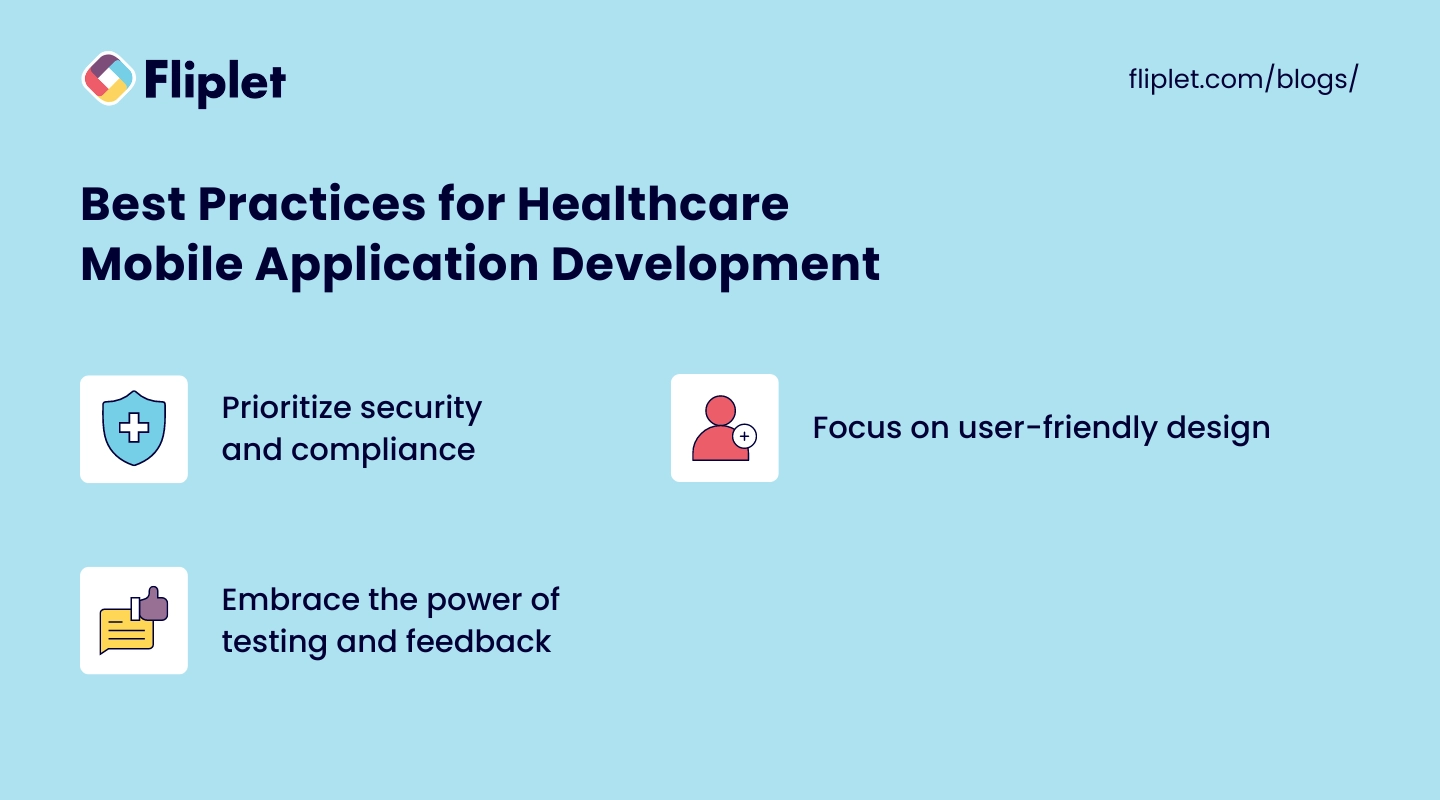
Getting the most out of healthcare mobile application development means understanding the best practices that other teams have learned the hard way.
- [**Prioritize security**](https://fliplet.com/security/) **and compliance:** This is key to maintaining the trust of users and protecting their right to medical privacy
- **Focus on user-friendly design:** Remember, it's all about making health management accessible, so user-friendliness can't be an afterthought — it needs to be baked into the process from the beginning
- **Embrace the power of testing and feedback:** Iterative improvements based on real user experiences are gold in developing apps that people will trust and use
## Healthcare Application Development Feature Checklist
To ensure your healthcare application not only meets but exceeds user expectations, here's a comprehensive checklist to guide your development process:
- **Secure user authentication:** Implement biometric (fingerprint or facial recognition) and two-factor authentication options to protect user information
- **Health records access:** Enable users to easily view, manage, and share their electronic health records within the app
- **Appointment scheduling and reminders:** Integrate a system for booking appointments with healthcare providers and sending timely reminders to users
- **Telehealth features:** Incorporate video conferencing and messaging capabilities to facilitate remote consultations between patients and healthcare providers
- **Medication tracking and reminders:** Provide functionalities for users to track their medication schedules and receive reminders for medication intake
- **Symptom checkers and health assessments:** [Implement AI-driven tools](https://fliplet.com/ai-app-builders/) to help users assess their symptoms and get recommendations for next steps
- **Fitness and wellness tracking:** Include features for tracking physical activity, diet, sleep, and other wellness factors
- **Personalized health insights:** Use data analytics to offer users personalized health tips and insights based on their health data
- **Push notifications:** Implement push notifications for important health reminders, appointment alerts, and personalized health suggestions
- **Multi-language support:** Ensure the app is accessible to a wider audience by including multiple language options
- **Accessibility features:** Incorporate features that make the app usable for people with disabilities, such as voice commands and screen readers
- **User feedback mechanism:** Provide a way for users to give feedback on the app to continuously improve the user experience
- **Integration capabilities:** Ensure the app can [integrate seamlessly](https://fliplet.com/integrations/) with other health apps, wearables, and healthcare systems for a holistic health management experience
This checklist serves as a foundational guide to creating a healthcare application that is secure, user-friendly, and packed with features that users value.
## Healthcare App Development Cost

The cost of healthcare app development can vary, with several factors playing into the final figure.
### Those include
- the app's complexity
- chosen platforms (iOS, Android, or both)
- [pre-built](https://fliplet.com/blog/prebuilt-app-builder/) or [custom solution](https://fliplet.com/blog/custom-application-development-in-six-steps/)
If you are looking for an app designed in the traditional way — by hiring a development team and building everything from scratch — you are looking at spending a lot of money. How much? The process could range from $20,000 to more than $100,000. But that's just the development side. You'll then have to retain a team to run maintenance, address issues, and issue updates to keep your app relevant.
On the other hand, platforms like Fliplet allow you to build apps for free. And if you want to scale up the app later, you can always add features that Fliplet has already in the platform and include in the thousands of app solutions and screens available.
[Check out how Providence Anesthesiology Associates used Fliplet to manage patient care and clinical operations](https://fliplet.com/case-studies/providence-anesthesiology-associates/).
## Pre-Built vs Custom Healthcare App Development
Choosing between pre-built and custom healthcare app development is like deciding between a ready-to-eat meal and cooking from scratch.
Pre-built solutions offer speed and convenience but might lack the specific ingredients you're after. On the other hand, custom development is tailored to fit your exact needs, though it requires more time and investment. Consider your organization's unique requirements, budget, and timeline to decide which route will serve your users best.
### Cost
Generally less expensive due to predefined functionalities.
Higher initial costs due to bespoke design and development.
### Time to Launch
Faster deployment as the core app structure is already in place.
Longer development time as everything is built from scratch to meet specific needs.
### Customization
Limited customization options; may not fully align with specific requirements.
Highly customizable to meet the exact needs of the healthcare provider or patient group.
### Scalability
May have scalability limitations due to the generic framework.
Designed with scalability in mind, allowing for easy updates and feature additions.
### Integration
Integrations are limited to what the platform supports out of the box.
Can be seamlessly integrated with existing systems and third-party services as required.
### Feature Uniqueness
Features are generally standard and used by all clients of the pre-built solution.
Unique features can be developed to offer a competitive edge or cater to niche needs.
### Compliance and Security
Compliance and security measures are pre-built but may need adjustments for specific requirements.
Tailored security and compliance protocols can be integrated to meet the highest standards.
### Support and Maintenance
Often comes with ongoing support and maintenance as part of a subscription model.
Custom arrangements are made for support and maintenance, potentially offering more direct control.
### Ownership and Control
The app and its data may be hosted on the provider's servers, leading to less control.
Full ownership and control over the app and its data, hosted wherever you choose.
[WordPress Table](https://supsystic.com/plugins/wordpress-data-table-plugin/?utm_medium=love_link "WordPress Table")
## Emerging Technologies in Healthcare Mobile App Development
Healthcare mobile apps, like the medical industry as a whole, are at the forefront of new technological innovation. For that reason, implementing new breakthroughs can be seen everywhere.
- [**Artificial Intelligence (AI)**](https://fliplet.com/ai-app-builders/) **and Machine Learning (ML)** are getting smarter, offering personalized health insights and predictive analytics.
- The **Internet of Things (IoT)** is enabling a new level of remote monitoring with smart devices collecting vital health data.
- **Augmented Reality (AR) and Virtual Reality (VR)** are transforming patient education and treatment plans.
- And let's not forget about **blockchain**, which promises to make health data sharing more secure and efficient.
## Why is Fliplet the right choice for healthcare application development?
So, after highlighting the key factors to consider when selecting a healthcare application development, what makes Fliplet the perfect platform for healthcare organizations?
### Security:
At Fliplet, we take the security of your organization's data seriously. Our platform offers a range of [security features](https://fliplet.com/security/) and options to ensure that you can meet your company's standards.
Encryption and data source security are just a couple of the ways we protect your data. Our disaster recovery contingencies and SSO Integration further enhance the security of our platform. We push around 3,500 security updates annually, and custom security rules are available for those who need more control over app security.
We are also ISO27001 certified and GDPR compliant. To learn more about our security features and compliance updates, check out the [infosec update session](https://info.fliplet.com/webinar-download-summit-q4-2022-infosec-update) from our latest Fliplet Summit.
### User-friendly interface:
Fliplet's user-friendly interface is designed to make app building accessible to anyone within your organization, regardless of their technical ability. The platform features a drag-and-drop interface that eliminates the need to hire costly developers in order to bring your ideas to life.
"It's been two years now (using Fliplet) and the biggest win for us is how simple and quick it is to use." [Read the full case study.](https://fliplet.com/case-studies/top-30-uk-law-firm/)
### Cost:
Fliplet offers a variety of pricing options based on the features and level of support you need. The cost can vary depending on factors such as the number of users, apps, and integrations.
Customers find Fliplet's pricing to be reasonable and competitive for the value it provides in terms of ease of use, customization options, and security features.
- [_Free plan_](https://studio.fliplet.com/signup) – publish your own web app
- _Public plan_ – from $9.90 p/m
- _Enterprise plan_ – have a [demo](https://fliplet.com/book-a-demo/) with us
### Customization:
Fliplet offers a high level of customization to its users. The platform is designed to be flexible and customizable, so that it can be tailored to meet the specific needs of each organization.
With Fliplet, users have the ability to customize the look and feel of their apps by selecting from a range of pre-designed templates or by creating their own custom design. Users can also add their own branding, logos, and images to their apps. Fliplet has 16 solutions and over 300 customizable screens that are customizable to suit your needs. Fliplet offers endless flexibility and scalability to suit your unique business need.
Fliplet's flexibility and scalability makes it a perfect fit for healthcare organizations of any size. The intuitive platform guides users through the app building process, allowing them to easily customize the app's appearance and functionality.
### Integration:
In terms of functionality, Fliplet allows users to create custom data input forms, workflows, and integrations with third-party systems. This enables users to create apps that are tailored to their specific business processes and requirements.
### Here are just a few of the integrations supported by Fliplet
1. Zapier: Zapier is a popular automation tool that allows users to connect Fliplet with over 2,000 other apps, such as Slack, Gmail, and Salesforce.
2. Microsoft Office 365: Fliplet supports integration with Microsoft Office 365, allowing users to connect their apps to Microsoft services like Excel, SharePoint, and OneDrive.
3. Google Suite: Fliplet also integrates with Google Suite, enabling users to connect their apps to Google services like Google Sheets, Google Drive, and Google Analytics.
### Support:
Fliplet offers a range of support options for users of their low-code app development platform. Here are some of the support options available:
1. Knowledge base: Fliplet provides articles, guides, tutorials, webinars, and Fliplet Community to help users get started with the platform, troubleshoot issues, and learn more about specific features and functionality.
2. Help center: The Fliplet help center is a dedicated support hub where users can submit support requests, report issues, and track the status of their requests.
3. Email support
4. Live chat
5. Phone support
At Fliplet, we understand the importance of excellent support for app development, and we're proud of our exceptional customer service.
"The platform is extremely user-friendly and flexible and allows for rapid development of an app suitable to launch. The support received from the entire Fliplet team (whether it is with app functionality or [marketing your app](https://fliplet.com/blog/promote-apps-and-drive-marketing-roi/)) is exceptional and truly allows the user of the product the opportunity to focus on creating an engaging app." Check out more [Fliplet G2 reviews](https://www.g2.com/products/fliplet/reviews/fliplet-review-7021237).
Overall, Fliplet offers a range of support options to help healthcare organizations get the most out of their platform and ensure a smooth and successful app development process.
So, start building your app today with Fliplet. Fliplet produces apps for iOS, Android and web. The apps can be launched to Apple App Store and Android app stores including Google Play.
## What healthcare apps have our clients built with Fliplet?
### Doctors Clinic Group: Convenient access to patient services
**Challenge:** Doctors Clinic Group (DCG) needed an app where they could offer patients a faster and more personalized book experience.
**Solution:** Their well-designed, user-friendly app enables users to easily browse through the different services on offer, find their nearest clinic, view prices, book appointments, and access results, letters and prescriptions.
The app makes innovative use of Fliplet features such as multi-user functionality, API integration, data enrichment, personalized notifications, and e-commerce integration.
**Results:** The app has been promoted via email, digital marketing and in clinics through [QR codes](https://www.adobe.com/express/feature/image/qr-code-generator) to drive downloads and registration. They have seen a positive growth in app registrations and revenue directly attributable to the app.
### Digitizing Product Catalogs
**Challenge**: A global pharmaceutical company was providing printed products directories to doctors which contained thousands of products with detailed information on their components and side-effects. This came with a lot of printing and delivery costs and took a lot of time to create and update.
**Solutions:** The company was looking for a no-code/low-code solution to solve their challenges and felt that Fliplet was the best option. The app allows doctors to easily search for the drugs, review information and cross-reference with other drugs. Updates can be made quickly and new products can be easily added.
**Results:** Doctors have an easy way to educate themselves on medicines at their fingertips – no more waiting to receive new information. Eliminating the operational bottlenecks allows the company to update medical professions at the pace of industry demands.
[Read more about pharmaceutical apps in this blog post.](https://fliplet.com/blog/pharmaceutical-apps-ideas/)
### Masanga Hospital: Transforming Medical Training
**Challenge**: The hospital reload on outdated methods. Training could only happen if doctors visited in person and training materials were not organized efficiently – a mix of printed information and files stored on USB made it hard to cross reference.
**Solution**: They built an app so that medical staff could easily access a broad range of information. That information was categorized into sub-topics and was supplemented with factsheets, other guidelines, and case studies to help users consolidate their learning and apply it to scenarios.
The app allows users to track their progress and learn how their understanding improved before and after use. The app was designed for engagement, thanks to micro-learning, gamification elements and notifications when new information is added.
**Results**: The app has sped up the pace of training at Masanga Hospital, reduced printing and IT costs, and ultimately, improved patient care. Diagnosis is faster thanks to the improved skill of users and the easy access to information in a centralized platform. The app updates automatically, ensuring staff so not consult outdated or incorrect information.
### Create a bespoke app in less than 2 days
**Challenge**: The company was investing in expanding their IT services. A top priority was giving employees access to vital tools and data on mobile devices. DIY app builders were not good enough – they couldn't support the custom integration they needed for their existing cloud storage solution, and developers were too expensive.
**Solution:** The app's seamless integration with backend systems allow it to pull all the internal resource.s This gives clinics and employees a centralized place to access everything they need. The company had unique requirements which we catered for using bespoke customization. The app complies with HIPPA regulations, is available for offline use and user authentication is fast.
The best part? The initial prototype was out together in two days – no technical skills needed at all. A 15 minute training session allows staff to edit the app.
**Results:** The centralized solution is saving physicians time and making security easier to control – no more trawling through pdfs and web pages. The success of the first app inspired the company to scale their mobile strategy with four client apps in the pipeline.
### Making the choice that is right for you
There are several different ways healthcare organizations can build a healthcare app, including:
**Hiring an agency** – A healthcare organization can choose to hire a specialized agency that has expertise in healthcare app development. These agencies often have a team of developers, designers, and project managers who can guide the app development process from start to finish. This approach can be expensive, but it allows the healthcare organization to have a dedicated team of experts working on their project.
**Hiring a develope**r – Alternatively, a healthcare organization can choose to hire a developer or team of developers directly. This approach can be cost-effective, but it requires the healthcare organization to have a strong understanding of app development and the technical skills to manage the development process.
**Using a no-code platform** – Another option is to use a no-code platform to build the app. These platforms allow users to create an app without writing code by using pre-built templates and drag-and-drop tools. This approach can be less expensive and require less technical expertise.
### How much does it cost to build an app?
| Agency build (typical range) | In-house developer build (typical range) | No-code platform options |
| --- | --- | --- |
| $37,913 – $171,450 per year | $104,000 – $150,000 per year | [Free plan](https://studio.fliplet.com/signup) – publish your own web app |
| $37,913 – $171,450 per year | $104,000 – $150,000 per year | Public plan – from $9.90 per month |
| $37,913 – $171,450 per year | $104,000 – $150,000 per year | Enterprise plan – have a [demo](https://fliplet.com/book-a-demo/) with us |
A no-code platform is a good choice for some healthcare organizations for several reasons.
First, using a no-code platform can be less expensive than hiring a developer or agency, as it eliminates the need for specialized technical expertise.
Second, no-code platforms often provide pre-built templates and drag-and-drop tools, making it easier for non-technical users to create an app. This can save time and reduce the learning curve for healthcare organizations that may not have extensive app development experience.
Finally, no-code platforms can be faster to deploy than custom-coded solutions, as they often have pre-built integrations with popular services, APIs, and databases. This can allow healthcare organizations to build an app quickly and easily, without needing to build integrations from scratch.
Fliplet is a no-code/low-code application development platform that is popular amongst healthcare organizations. Fliplet is an ideal choice for healthcare organizations that want to launch their own custom apps quickly and easily. With its intuitive user experience, drag-and-drop design capabilities, complete lifecycle management capabilities, and powerful tools, Fliplet offers a multitude of features that make app development fast and simple.
For more on [custom application development](https://fliplet.com/blog/custom-application-development-in-six-steps/?et_fb=1&PageSpeed=off), read our blog.
## Why should you invest in a Fliplet app today?
### Fliplet has multiple benefits for both doctors and patients such as
### Doctors:
1. Improved communication: Fliplet apps can facilitate communication between doctors, nurses, and other hospital staff. They can use the app to exchange patient information, discuss treatment plans, and coordinate care.
2. Streamlined workflows: Fliplet apps can be designed to automate many of the manual processes involved in patient care, such as scheduling appointments, updating patient records, and ordering tests.
3. Faster decision-making: By providing doctors with easy access to patient data, Fliplet apps can help them make faster and more informed decisions about treatment.
4. Better patient outcomes: With streamlined workflows and improved communication, doctors can provide more effective and timely care to their patients, leading to better health outcomes
### Patients:
1. Increased convenience: Fliplet apps can allow patients to schedule appointments, receive test results, and communicate with their doctor from the comfort of their own home.
2. Improved engagement: By giving patients access to their own health data, Fliplet apps can encourage them to take a more active role in their healthcare and make more informed decisions about their treatment.
3. Enhanced patient experience: By providing patients with a user-friendly and intuitive interface, Fliplet apps can improve their overall experience with the healthcare system.
4. Better health outcomes: By encouraging patients to take a more active role in their healthcare, Fliplet apps can lead to better health outcomes and a higher quality of life.
Custom app development for healthcare offers countless advantages to patients and providers and facilitates the progress of the healthcare industry as a whole. If you're looking to improve your healthcare experience, a healthcare app might be just the solution you need.
Fliplet has 16 pre-built solutions to help you get started. Let's take a look at the popular solutions chosen by our healthcare clients. and some of their use cases.
## Popular Fliplet Solutions for Health App Development
### Data Capture Solution
Fliplet's [Data Capture solution](https://fliplet.com/solution/data-capture/) is a must-have for healthcare organizations seeking to streamline their data capture and management processes.
With its user-friendly interface and customizable forms, the app can be adapted to suit the specific needs of any organization. Plus, with the ability to capture and analyze data in real-time, you can make informed decisions and take action quickly.
But that's not all – Fliplet's data capture app is also a game-changer for healthcare professionals and fitness enthusiasts alike. Doctors can easily capture notes on the go and sync them to Fliplet's cloud storage, allowing them to access their notes on any device – be it a smartphone, tablet or computer.
For those looking to keep track of their fitness goals, the app doubles as a fitness tracker. With features like exercise recording, you can easily monitor your progress and tailor your workout routines to meet your specific needs.
And for individuals looking to keep track of their medication consumption, the app can be a lifesaver. With the ability to record the duration of treatment, medication name, dosage, and frequency, you can keep all your medication information in one place and access it from anywhere. Plus, you can even add files or images to each entry for a more comprehensive record.
With all these features and more, Fliplet's data capture app is the ultimate solution for businesses, healthcare professionals, and anyone looking to simplify their data capture and management processes. So why wait? [Start building your app today for free](https://studio.fliplet.com/signin)!
### Communication Solution
Stay in contact with patients or employees anywhere in the world and enhance their experience. Improve patient engagement, doctor collaboration and communication with your customizable [Communication solution](https://fliplet.com/solution/communications/).
Healthcare organizations can build a telemedicine app using Fliplet's Communication solution. The app can include features like live chat to help healthcare providers offer remote healthcare services to patients, making healthcare more accessible and convenient for everyone.
Healthcare organizations can use Fliplet's Communication solution to build a patient engagement app that allows patients to access their medical records, schedule appointments, receive notifications, and communicate with their healthcare providers. This can help increase patient engagement and improve patient outcomes.
Use Fliplet's communication app to build a staff communication app that allows healthcare providers to communicate with each other and share important information, such as patient updates and shift schedules. This can help improve team collaboration and streamline communication processes.
Healthcare organizations can use Fliplet's communication app to build a medical education app that provides healthcare professionals with access to educational resources and training materials. This can help improve the knowledge and skills of healthcare providers, leading to better patient outcomes.
In summary, after reading our ultimate guide, healthcare organizations can better understand how to build a custom enterprise app without coding, what to look for when selecting a platform, and the benefits of using a no-code platform for app development.
Fliplet is an ideal choice for healthcare organizations that want to launch their own custom apps quickly and easily. With its intuitive user experience, drag-and-drop design capabilities, complete lifecycle management capabilities, and powerful tools, Fliplet offers a multitude of features that make app development fast and simple.
Fliplet has sixteen ready-made app solutions, making it easy to create engaging custom healthcare applications in no time. As mentioned, Fliplet provides support and guidance throughout the entire app-building process.
Healthcare organizations can give Fliplet a try themselves by taking advantage of its free trial offer. With Fliplet, they can build custom enterprise apps tailored to their unique needs and start enjoying the benefits of improved productivity, efficiency, and engagement.
## Review details
**Title:** Examples of the Most Popular Healthcare Apps
#### Medisafe
##### Cta
**Href:** https://www.medisafe.com/
##### Analysis
#### MyFitnessPal
##### Cta
**Href:** https://www.myfitnesspal.com/
##### Analysis
MyFitnessPal is a nutrition and fitness app that allows users to track their calorie intake, set goals, and monitor their progress. It also offers healthy recipes and connects to other fitness apps and devices. With over 80 million users, MyFitnessPal is a well-established and successful healthcare app.
#### Headspace
##### Cta
**Href:** https://www.headspace.com/
##### Analysis
#### Doctor on Demand
##### Cta
**Href:** https://doctorondemand.com/
##### Analysis
#### Zocdoc
##### Cta
**Href:** https://www.zocdoc.com/
##### Analysis
Zocdoc is a healthcare booking app that helps users find and book appointments with doctors, dentists, and other healthcare providers. It allows users to read reviews, view available appointments, and book appointments online. With over 6 million users, Zocdoc is a convenient and popular way to find and book medical appointments.
#### Fitbit
##### Cta
**Href:** https://www.fitbit.com/
##### Analysis
Fitbit is a popular health and fitness app that connects with wearable devices to track users' physical activity, sleep patterns, and heart rate. It also offers features such as goal-setting, progress tracking, and social sharing. With over 28 million active users, Fitbit is one of the most successful healthcare apps that helps users lead a healthier lifestyle.
#### Apple Watch
##### Cta
**Href:** https://www.apple.com/apple-watch/
##### Analysis
Apple Watch is a leading wearable health platform that helps users monitor activity, heart rate, sleep, and other wellness signals in real time. With health-focused sensors, reminders, and integrations with the broader Apple ecosystem, it is a strong option for people who want day-to-day support for healthier habits.
## FAQs
### What is the definition of a health care application?
A healthcare app is a type of software designed to offer health-related services and functionalities to its users. These apps can be accessed through smartphones, tablets, or web platforms and serve a wide range of purposes, from helping individuals manage their personal health and wellness to enabling healthcare professionals to provide better patient care.
### How do I create a health care app?
Healthcare applications can include features like appointment scheduling, medication reminders, access to electronic health records, telemedicine, health monitoring, and informational resources on health and wellness. They are developed with the goal of improving the accessibility, efficiency, and quality of healthcare services, making health management more integrated and user-friendly for both patients and providers.
### How much does it cost to develop a healthcare mobile app?
Creating a healthcare application requires careful planning and consideration of various factors, such as the target audience, features and functionality, and regulatory compliance. Follow these six steps to help you get you on your way:
### How long does it take to develop a healthcare app?
1. Find your apps purpose
2. Pick a platform
3. Select a plan – remember your budget!
4. Choose a template to get you started
5. Add your content and make the app your own
6. Now its time to publish your app
7. Keep an eye on your apps analytics
## Related links
- [Top 10 Mobile Enterprise Application Platforms](https://fliplet.com/blog/top-10-mobile-enterprise-application-platforms/): Fliplet compiled a list of the best mobile enterprise application platforms for you in 2023. To find out more, click the button below.
- [Reasons why your organization needs enterprise mobile applications](https://fliplet.com/blog/reasons-why-your-organization-needs-enterprise-mobile-applications/): More than six billion people use smartphones and that number increases by the day. Enterprises need to be mobile-ready. Find out more within.
- [The Best No Code/Low Code Development Platforms](https://fliplet.com/blog/the-best-no-code-low-code-development-platforms/): See the list of the top no code/low code development platforms available for you in 2023. Read more within.
---
# How an App Builder can improve your Digital Transformation Strategy
> Explore How an App Builder can improve your Digital Transformation Strategy. Follow practical steps, recommended tools, and common pitfalls to avoid.
Source: https://fliplet.com/blog/how-an-app-builder-can-improve-your-digital-transformation-strategy
Content type: Blog
Published: 2026-04-07T10:51:47
Updated: 2026-03-19T08:27:33
Read time: 7 minutes
# How an App Builder can improve your Digital Transformation Strategy
Successful organizations have one thing in common – they transform with time. Part of that transformation means changing in line with consumer behavior. In the 21st century, you either go digital or you go home.
To succeed with your digital transformation strategy, you need a digital presence across various channels – so, leverage today's technological developments to your company's benefit.
## The Burden of Digital Transformation
Your IT department is the catalyst for turning ideas into practical solutions. So, to suggest that today's digital transition has overloaded IT teams is an understatement. It's no surprise that IT departments are _[seeking ways to automate](https://asana.com/resources/automate-repetitive-tasks-5-steps)_ or delegate mundane chores in order to free up time for more significant work.
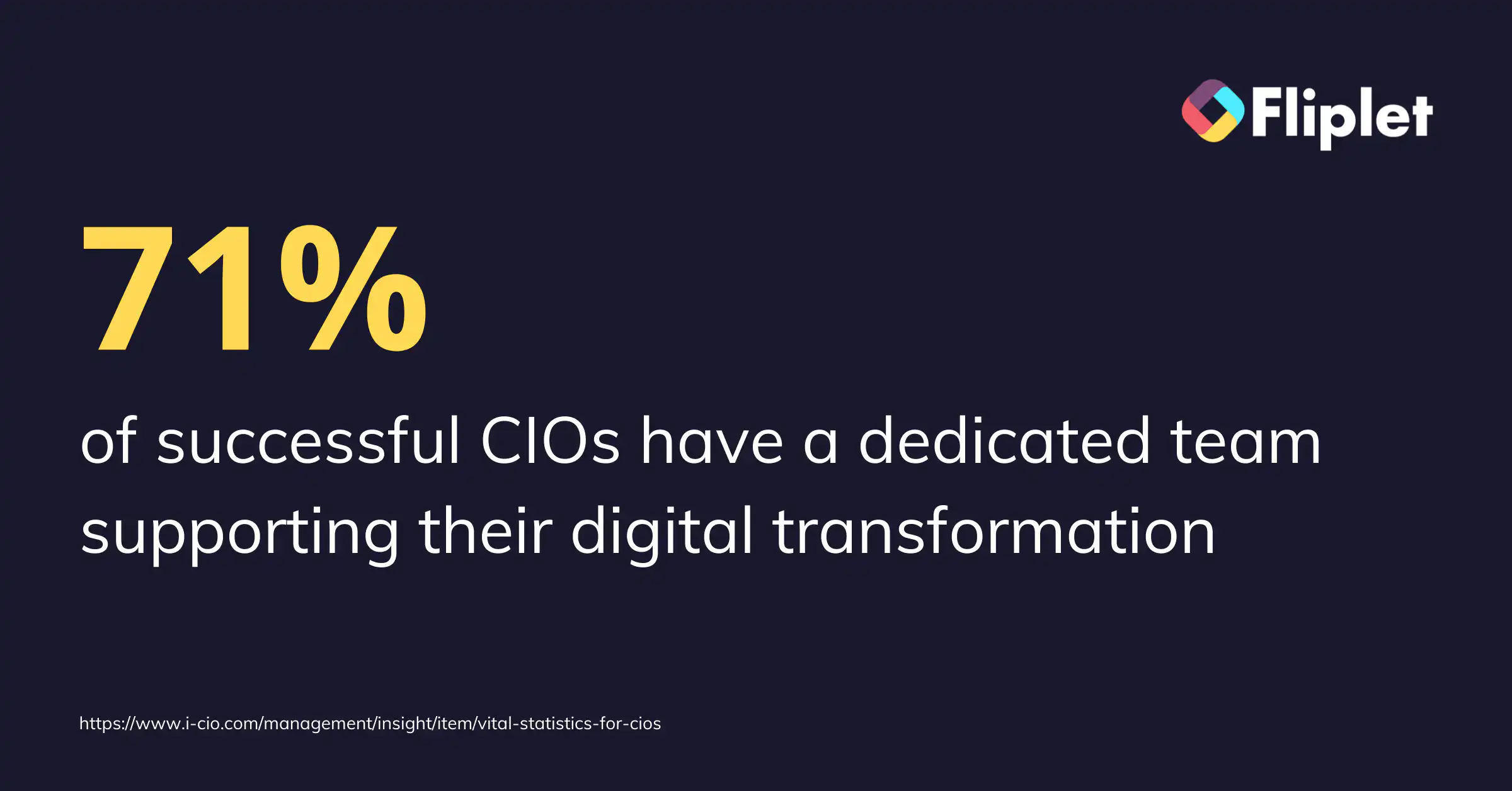
In fact, 71% of successful CIOs have a dedicated team supporting their digital transformation. From 2015-2017, the percentage of companies with a business-wide digital strategy increased from 27% to 41%, demonstrating that digitization is as much a business issue as it is an IT issue.
No code low code app builders are part of the solution, allowing non-technical users to build apps that meet all functional requirements. App development is no longer limited by your coding skills, and Fliplet allows you to develop apps that go beyond the basics, providing fully-fledged solutions for your organizational processes.
## A Mobile Approach to Digital Transformation Strategy
Mobile devices are the future. In fact, they're very much the present too. So, mobile-friendly applications are an essential part of any digital transformation strategy. 2020 saw new patterns of mobile usage in terms of user behavior. If you think having a website is enough, you may want to reconsider – predictions state that US consumers will spend around $34 billion on mobile apps by the end of 2022.
### The benefits of a mobile app for organizations are below:
- **Ease of Use**
Meeting your customers where they are is a fundamental rule of business. Smartphones provide enough technological features that people do not need to rely on laptops or computers anymore – if your organization is not present through an app, you're missing out. With 57% of digital media traffic coming through apps, it's essential for organizations to have a mobile presence.
For more on the [best app builders](https://fliplet.com/blog/top-10-best-app-builder/), read our blog
- **Provide More Value to Customers**
The value an app can provide makes it well worth the investment. Customers can use your services at their convenience and perceive your company as providing them with more value than your app-less competitors.
- **Provide More Value to Employees**
Providing employees with convenient, mobile solutions makes their working processes more flexible, increasing productivity and efficiency. A huge range of processes can be simplified through enterprise apps for various departments, allowing for wide-scale streamlining.
L&D departments benefit from custom apps (for more on [custom application development](https://fliplet.com/blog/custom-application-development-in-six-steps/?et_fb=1&PageSpeed=off), read our blog) – employees can access training material anywhere, any time, and the mobility is well-suited to microlearning which continues to increase in popularity.
Increasing engagement with learning makes for easy upskilling, keeping all functions performing at their best.
- **Customer Loyalty and Engagement**
Having an app is an effective way to retain customers and keep them updated on new launches, discounts, and much more. Your app ensures you are directly in touch with your consumer without a third party distracting them. Also, push notifications are a much better way to reach your clients than spamming their inbox. The increased customer engagement that comes with using your app will boost CLV and other crucial metrics.
- **Get Ahead of the Competition**
Mobile apps are more relevant than ever, yet there are many companies that do not use them. This is a golden opportunity to stay ahead of the game.
- **Increased Brand Awareness**
An app is the extension of your brand. It's like an empty billboard – you can do anything with it. You can create unique features that people cannot find anywhere else. Apps also provide a great opportunity to experiment with consumer needs and behavior. 21% of millennials check apps more than 50 times per day, so with the right positioning, you can generate substantial revenue by going mobile.
Mobile devices are the future. In fact, they're very much the present too. So, mobile-friendly applications are an essential part of any digital transformation strategy. 2020 saw new patterns of mobile usage in terms of location and consumer behavior. If you think having a website is enough, you may want to reconsider – predictions state that US consumers will spend around $34 billion on mobile apps by the end of 2022.
For more on building a [custom app](/blog/custom-application-development-in-six-steps/), read our blog.
## Fliplet Case Study – What the Tech?
Mills & Reeve is a multi-award-winning UK law practice with over 1,200 employees, including 550 lawyers, operating out of six offices around the country. They accepted the power of low-code technology to solve business crises. Their team was limited to a small staff of innovation workers and non-technical employees. Hence, their team was overwhelmed with requests asking for legal tech solutions, which had become a difficult undertaking. This led to the birth of What the Tech?!, an app that uses a decision tree to direct consumers to technologies that fit their needs. It took only two weeks to create. Read more on how Fliplet was able to _[successfully build a custom app for Mills & Reeve.](https://fliplet.com/case-studies/mills-and-reeve/)_

## An App Builder to The Rescue
Custom app builders are fantastic news for CIOs, IT managers, and business owners. There's no need to depend on exhausted IT teams or high-priced developers. With no-code technology, anyone can develop app ideas or assign tasks to non-technical team members.
As a result, costs and resource requirements reduce and digital transformation strategies encounter fewer obstructions.
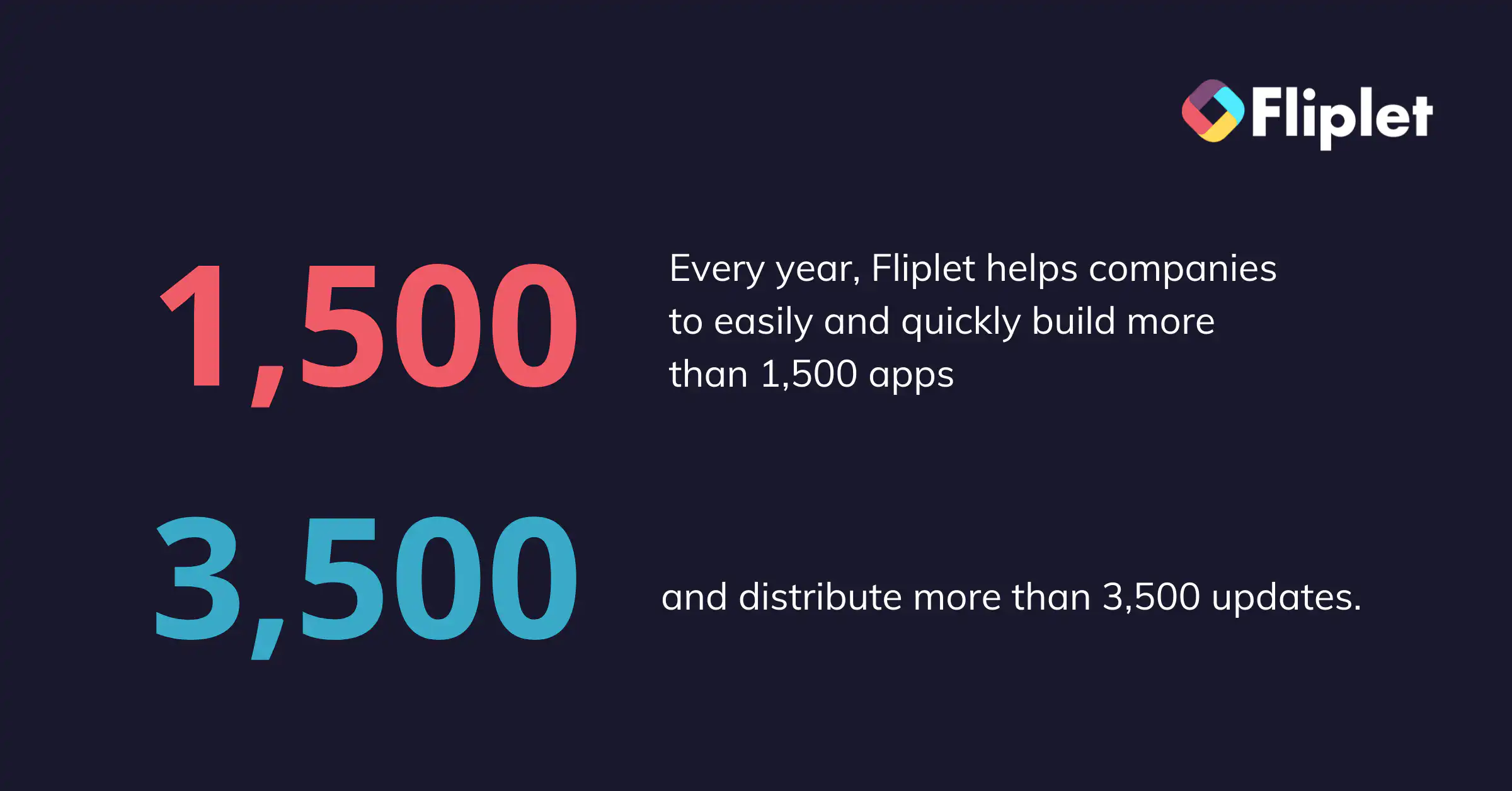
Every year, Fliplet helps companies to easily and quickly build more than 1,500 apps and distribute more than 3,500 updates. Some of the benefits to using a low code no code app builder as a key part of your digital transformation strategy are listed below.
### 1. Anyone Can Use Technology
Give your IT team some much-needed space to breathe. Low code app builders mean that you don't depend on anyone. If you can use a mobile, you can use Fliplet's templates and drag and drop technology to build valuable applications.
### 2. Custom Components for Your Mobile Apps
To add custom functions to your app, you're not limited to using templates. You can extend your app with a short amount of code if you require something very specific (JS, HTML, CSS). To demonstrate common use cases, we've prepared a _[reference library.](https://help.fliplet.com/code-library/)_
### 3. Low Code Development Platform Maintenance
Your partner should be equipped to look after all the tedious back-end processes of app maintenance like testing, upgrading, integrating, and much more. Fliplet can take over the management of tiresome procedures, not only saving time, but reducing the risk of costly human errors.
## Fliplet Case Study – Internal Communications
The client is the $3.2 billion arm of a wider leading digital organization, with 8,000 employees in 40 countries. The internal communications team had been experimenting with various means of focused engagement. The difficulty with present channels was that they needed employees to take proactive action such as opening emails or visiting a website, which affected their productivity. The objective was to develop an internal communications application that would boost worker communication while causing the least amount of disruption. Read more on how Fliplet was able to successfully build a internal communications app for this client.
Digital transformation is incomplete without a mobile app. It's time for your organization to have its own app so you can benefit from the competitive advantage it brings. Bring your app idea into reality, without traditional development which can be tiresome and exhausting.
With Fliplet, step into the future of app development. We understand the limitations of building an app, so our aim is to make it accessible for everyone, regardless of their technical background.
Fliplet's low code no code technology has accelerated digital transformation strategy across various sectors – _[find out how they can do the same for your business by speaking with one of our Fliplet experts.](https://fliplet.com/book-a-demo/)_
## FAQs
### Why is an app builder useful for digital transformation?
An app builder helps organizations launch digital solutions faster by reducing reliance on scarce developer resources and enabling teams to deliver useful tools without long development cycles.
### Can non-technical teams build business apps with no-code tools?
Yes. Modern no-code and low-code app builders are designed for non-technical users, so business teams can create and maintain apps with templates, drag-and-drop workflows, and guided configuration.
### How do mobile apps support enterprise digital transformation goals?
Mobile apps improve accessibility, engagement, and process efficiency by putting services, communications, and workflows directly in employees' and customers' hands across devices.
### What should IT teams evaluate when selecting an app builder?
IT teams should evaluate security, governance, integration options, scalability, maintainability, and support quality to ensure the platform can meet enterprise requirements over time.
## Related links
- [5 Best AI App Builders and How to choose yours](https://fliplet.com/ai-app-builders/)
- [How to build a custom app without any coding](https://fliplet.com/blog/how-to-build-a-custom-app-without-coding/)
- [Gowling WLG case study](https://fliplet.com/case-studies/gowlingwlg/)
---
# How an App Maker can help Employee Engagement Activities
> How an App Maker can help Employee Engagement Activities. Learn the key steps, tools, and planning tips to make better decisions and launch with less risk.
Source: https://fliplet.com/blog/how-an-app-maker-can-help-employee-engagement-activities
Content type: Blog
Published: 2026-03-21T10:53:17
Updated: 2026-03-19T11:51:47
Read time: 6 minutes
# How an App Maker can help Employee Engagement Activities
There's no escaping the news of the _[Great Resignation](https://en.wikipedia.org/wiki/Great_Resignation)_ and it's crucial that HR Managers and business leads take action now to keep the talent they currently have. _[According to McKinsey](https://www.mckinsey.com/business-functions/people-and-organizational-performance/our-insights/beyond-hiring-how-companies-are-reskilling-to-address-talent-gaps)_, 87% of employees throughout the world are disengaged from their jobs and 85% of the global workforce are seeking new roles. With only 10% of employees pleased with their company's internal communication, it is estimated that improving employee engagement might save firms in the UK £52-70 billion in lost productivity per year. The ideal way to do this is through an [employee engagement app](https://fliplet.com/blog/5-most-used-employee-engagement-apps-compared/) and here you can find the best ones compared. & the best app builders, read our blog.
For more on [employee engagement](https://fliplet.com/blog/5-most-used-employee-engagement-apps-compared/) & the [best app builders,](https://fliplet.com/blog/top-10-best-app-builder/) read our blogs.
## What are the ways in which HR Managers can help increase employee retention?
### Appreciate Your Talent
The hunger for appreciation is one of the strongest motivators for employees. Cultivating a strong recognition culture can help employers retain more than half of their employees, with those who don't receive acknowledgement being 3 times more likely to quit in the next year.
In an increasingly remote world, it can help to publicly celebrate success on a workplace platform or by using an app maker to build a business app. Welcome a new hire, congratulate promotions, recognize service awards, and completed projects… or just say happy birthday – all of these moments will let your employees feel valued and keep remote workers connected. If you would like to understand more about how workplace apps can help, Fliplet recently ran a _[webinar on how to drive talent acquisition and employee retention using workplace apps, which you can view at any time.](https://info.fliplet.com/webinar-download-drive-talent-acquisition-and-retention-using-technology)_
### Effective Communication
Employee engagement is boosted by effective communication. _[A McKinsey report](https://www.mckinsey.com/industries/technology-media-and-telecommunications/our-insights/the-social-economy)_ found that social technologies in the workplace resulted in a 20%-25% boost in productivity and a 59% reduction in staff turnover. By using shared platforms on which to distribute updates, successes and initiate conversations, employees can feel part of a wider, connected community. Sharing information in this way fosters a sense of transparency and trust as people feel they are receiving information at the same time. Enterprise Apps are a great way to publish communication and engage employees as they are able to interact with the content.
But remember, there's more to employee engagement activities than simply communicating the latest business figures. Even something as simple as a "how are you today?" question can help employees feel more valued. Using notifications to check in with teams, broadcast a feel-good announcement or just have some fun can foster connections throughout your organization.
For more from us on communication apps, read our guide to [team communication software](https://fliplet.com/blog/best-team-communication-apps/).
### Get Social
Engaged workers feel emotionally invested in their jobs, so work on fostering closer connections between colleagues and encourage a sense of community. Support outside of work meet-ups and organize events, while also providing spaces in-house where people can mingle and develop more personal relationships.
Remote workers are more likely to have a higher rate of disengagement from the companies they work for, especially when they cannot join in with work events. It is much harder to drive social interactions when teams work remotely, but technology helps to break down global barriers. The average adult spends _[5-6 hours a day on their mobile phone](https://www.statista.com/statistics/1224510/time-spent-per-day-on-smartphone-us/)_ and enterprises who recognize this behavior and capitalize on it by launching their own apps are seeing a rise in employee engagement. Assisting remote workers to share content with peers no matter where they are, communicate with different teams, and feel part of a wider community will prevent silos between the office and field-based workers and will encourage a more unified culture.
### Focus on Regular Feedback
Staff on the frontline are the best people to let companies know what's working and what needs to be improved – but how well do your current procedures for collecting this information work? If asking staff for their ideas only happens twice a year at the moment, switching feedback collection to a business app will allow it to happen on a much more regular basis. Staff will feel empowered knowing they can make suggestions freely, and you can prompt for feedback by sending out surveys through the app. The feedback itself can range from someone reporting a broken lightbulb to new product ideas.
Providing staff ways in which to submit honest and confidential feedback is valuable to both their engagement and your retention rates. Polls and surveys make employees feel listened to, which is proven to help well-being as they are able to get things off their chest in a safe way. In addition, the feedback given on the company will help you develop your HR strategies going forward and will provide leadership teams with insights on how to shape the business. Within the Fliplet app builder, we have ready-coded surveys for you to drag and drop into your HR Mobile app, so you can quickly check in with teams on any topic.
Feedback needs to happen both ways; not only do you need to give teams the tools for them to relay their feelings about workload, stress levels, and office culture, but you also need to ensure that managers are taking the time to let employees know how they are doing. Training managers to give effective feedback is quite a task, but the best leaders are those who are adept at offering praise and constructive criticism. When delivered properly, feedback has the ability to grow and develop the people of your organization, improve levels of trust and strengthen bonds. Ensure your management teams understand how to offer direct, empathetic, factual feedback that focuses on the fix. Employee feedback can take many forms, so take advantage of app technology to collect data and gather 360° opinions from cross-functional teams to understand how and where employees need to improve.
## Use an App Builder to Create an Engagement App for Your Business
From HR support to talent engagement, a lot can be achieved with the help of a good HR mobile app. As app development moves away from requiring coding knowledge, by using an app maker to build your own mobile app you can make sure it specifically suits the needs of your business.
Fliplet app maker is simple and quick to use. You can build your app using your own company branding and choose the modules that suit your needs.
You can also read our article about the 5 top [employee engagement apps](https://fliplet.com/blog/5-most-used-employee-engagement-apps-compared/) or explore Fliplet's [employee engagement solution](https://fliplet.com/solution/employee-engagement-app/) to compare and decide which one best suits you.
## Fliplet Case Study – Benesch US
Benesch is a US law firm who was looking for a simple solution to enable employees to access the firm's resources reported: "Using the Fliplet app templates, we were able to get something tangible up and running quickly, as opposed to coding from scratch." They have found their self-built app convenient for all their employees and an important productivity tool. "In a mobile environment, you can readily communicate with everyone in the firm. It has especially been handy in our current work from home environment."
Do you have a great app idea but no coding skills to execute them? Don't worry, with Fliplet you can build mobile apps for your businesses' HR department. Mobile apps are a great way to engage with your staff. Hiring a development team for the purpose of building an app can be an expensive undertaking. Take charge with no code app builders which let you take control of the narrative.
The Fliplet app builder enables HR Managers to create engaging shared spaces that bring teams together. The app maker is the easiest way for businesses to create and manage custom apps. We have seen the many benefits [business apps](/blog/22-essential-business-apps-for-businesses-of-all-sizes/) can have when it comes to staff engagement activities, as well as helping organizations run more productively. If you are interested in finding out more, please contact us to _[book a demo](https://fliplet.com/book-a-demo/)_.
## FAQs
### How can an app maker improve employee engagement activities?
An app maker helps teams centralize recognition, communication, surveys, and social interactions so engagement activities are visible and consistent across the organization.
### What engagement activities work well in a workplace app?
Organizations commonly run announcements, shout-outs, pulse surveys, event updates, feedback forms, and team check-ins through a single app.
### How does regular in-app feedback support employee retention?
Frequent feedback loops help managers respond faster, show employees they are heard, and make targeted improvements that strengthen trust and retention.
---
# How an App Maker Can Help Future-Proof HR
> How an App Maker Can Help Future-Proof HR. Get practical steps, planning tips, and common pitfalls to avoid so your team can move faster with less risk.
Source: https://fliplet.com/blog/how-an-app-maker-can-help-future-proof-hr
Content type: Blog
Published: 2026-03-21T11:01:09
Updated: 2026-03-18T00:00:00
Read time: 7 minutes
# How an App Maker Can Help Future-Proof HR
By 2026, mobile is the default way many people access work—especially deskless employees and teams operating in hybrid setups. HR technology has dramatically changed the landscape of how people management works, and employee expectations have changed with it: people want self-serve answers, workflows that work on the go, and updates that reach them without digging through an intranet. But some businesses are still struggling to keep up—according to _[Bamboo HR](https://www.bamboohr.com/blog/workforce-mobile-revolution)_, 59% of workers think that their company is too slow to deliver workplace apps.
The future of HR is about adaptability: faster policy updates, smoother onboarding, better communication, and more consistent employee experiences across locations and shifts. From recruitment and onboarding to payroll and engagement, workplace apps help you put HR processes in employees’ hands—while giving HR teams the tools to publish, automate, and improve them over time. A modern HR app can also become the front door to AI-assisted self-service (for example, answering FAQs, routing requests, and guiding employees to the right resources), as long as the right governance and security controls are in place.
For more on the [best app builders](https://fliplet.com/blog/top-10-best-app-builder/), read our blog.
## The Need for a Mobile-First Approach to HR
As long ago as 2018, a report by Emergence revealed that 80% of workers are deskless, which highlights the need for a mobile-first approach to HR. In 2026, “mobile-first” is less about being trendy and more about meeting employees where work actually happens: across sites, on the move, and outside a 9–5 desktop routine. By using an app maker to create your own company app, you can keep everyone aligned via newsfeeds and notifications—even when they’re not at a desk. Apps can help employees get instant access to the information they need, at any time of day, no matter where they are.
An HR mobile app can also reduce the “where do I find this?” problem by becoming a single place for HR policies, forms, and resources. Employees can self-serve common tasks (like checking benefits info, finding key contacts, or requesting time off), leaving HR teams more time to focus on people strategy and employee experience.
### Fliplet Case Study – Providence Anesthesiology Associates
[Providence Anesthesiology Associates](https://fliplet.com/case-studies/providence-anesthesiology-associates/) were investing in growing the company's IT services and one of the top priorities was to enable employees and clinicians to access important tools via their mobile device. Before Fliplet, they tried a lot of no-code tools for app development. Now, the team is already seeing the benefits of a truly mobile-optimized solution compared to the PDFs and websites they used previously; they are also confident that having one centralized point of information will help physicians save time as well as make it easier for the team to control security.
### Apps for Recruitment and Onboarding
Mobile apps offer great opportunities for companies to make their recruitment process more efficient, save time and ensure they are hiring the right candidates. _[According to McKinsey](https://www.mckinsey.com/business-functions/people-and-organizational-performance/our-insights/beyond-hiring-how-companies-are-reskilling-to-address-talent-gaps)_, 87% of employees throughout the world are disengaged from their jobs and 85% of the global workforce are seeking new roles. With 70% of candidates using a mobile to browse for career opportunities, Apps for recruiting are becoming more and more popular.
HR Managers are quickly learning they can use no-code app builders to design the perfect app for their company's recruitment needs. By dragging and dropping different _[Fliplet modules](https://fliplet.com/features/)_, recruiters can build apps to source and manage candidates, build profiles, and share applications with colleagues. Apps allow recruiters and managers to save time by checking candidate CVs and applications wherever they are. This gives recruiters the chance to look through more CVs and to spend more time evaluating the right ones, ensuring that the perfect candidate is not overlooked.
Most importantly, apps can help make the recruitment process more engaging for both recruiters and candidates by allowing them to communicate with each other using a variety of methods. A Gallup survey discovered that _[60% of millennials are open to new job opportunities](https://www.gallup.com/workplace/231587/millennials-job-hopping-generation.aspx)_, all of whom expect to be able to work using the software and devices they are most comfortable with, so don't let other companies poach your next recruit because they reached out via an app.
Apps aren't just for recruitment – they can also support the onboarding process too. By using an app maker, your HR team can create [targeted onboarding experiences](https://fliplet.com/solution/employee-onboarding-app/) for mobiles, so that onboarding is easy, relevant, and intuitive for new starters. All training materials can be shared via the company app, while training workshops and inductions can be added to employee calendars. All in all, onboarding and [employee training apps](/blog/training-employees/) can create a very positive user experience for candidates and increase the company's reputation among bright new graduates and other applicants.
### Security is Paramount
Data protection has a huge impact on most HR activities, so when considering the move to mobile HRMS (HR Management Software), it is important to keep security in mind. You do not want to be faced with GDPR compliance problems should a mobile device fall into the wrong hands. Smartphones already have security features built in and these can be utilized by HR apps. For example, fingerprint signatures and face recognition help keep data secure if a device is lost. And if a phone goes missing, cloud-based tools can reduce risk compared to data stored locally on a device.
In 2026, “secure” also means having the right enterprise controls around access and governance—think role-based permissions, strong authentication, auditability, and clear ownership of who can publish or change HR content and workflows.
Security is a core part of Fliplet's product and operating procedures. Fliplet works with many large blue-chip clients and consequently we've designed our security systems to meet all requirements. By using the Fliplet app maker, you can rest assured that all connections to Fliplet communicate using a secure connection and data at rest in Fliplet's production database is encrypted. Fliplet meets the security measures set out in the GDPR and will assist you with technical and organizational measures as you build your app to make sure you meet regulations.
### The Future of Employee Engagement
In 2026, employee engagement is increasingly shaped by the day-to-day experience of work: how quickly people can find answers, how smoothly they can get things done, and whether they feel informed and supported—regardless of location. Mobile apps can help by creating a consistent, always-available layer for communications, onboarding, feedback, and recognition.
We’re also seeing engagement improve when HR apps move beyond “information only” and support real workflows—like submitting requests, completing onboarding tasks, signing policies, or giving quick feedback after a shift. With the rise of AI features in the workplace, HR apps can add guided self-service (for example, surfacing the right policy, routing a request to the right owner, or recommending next steps) while still keeping humans in control for approvals and sensitive decisions.
## 2026 checklist: what to include in a mobile-first HR app
- A single source of truth for policies and key resources
- Onboarding journeys (checklists, content, training, and milestones)
- HR forms and approvals (requests, incident reporting, confirmations)
- Targeted comms (newsfeeds and notifications by team, role, or location)
- Directory and “who to contact” (HR, IT, facilities, managers)
- Surveys and pulse checks (with clear follow-up loops)
- Recognition and lightweight engagement mechanics (optional)
- Integrations and governance (ownership, permissions, and auditability)
For more on [employee engagement, read our blog.](https://fliplet.com/blog/5-most-used-employee-engagement-apps-compared/)
According to _[MorningBrew.com,](https://www.morningbrew.com/daily)_ HR leaders and Software Developers agree that in the coming years the rise of apps in HR functions will accelerate and tech solutions will help HR staff avoid being overwhelmed. They spoke to Gillian French at WorkVivo who believes "Apps will not replace HR professionals…but the tech they increasingly rely on will get more powerful". With careful planning, you can harness new technologies to build modern and productive HR processes that deliver better experiences for all.
The simplest way to start this journey is to launch a focused HR app for one high-impact use case (like onboarding, policies, or employee comms) and expand from there. Fliplet is a no-code app builder that can help your company optimize its mobile experience. Using drag-and-drop components, you can create a secure, branded app that evolves as your HR needs change—without waiting on long development cycles. If you want to find out more, please contact us to _[book a demo.](https://fliplet.com/book-a-demo/)_
## FAQs
### What does “future-proofing HR” mean in 2026?
Future-proofing HR means building HR processes and tools that can adapt as your workforce, policies, and technology change. In 2026, that typically means mobile-first access, self-serve workflows, and the ability to roll out updates quickly—without losing governance, security, or consistency across teams and locations.
### What should an HR app include in 2026?
An HR app can bring key employee and HR workflows into one place, such as:
- Policies and resources (single source of truth)
- Targeted updates (newsfeeds and notifications)
- Onboarding (checklists, training, key contacts)
- Requests and approvals (forms, workflows, confirmations)
- Benefits and time off information
- Surveys, pulse checks, and feedback
### How do AI features fit into HR apps?
AI can support HR by improving self-service and routing—for example, helping employees find the right policy, answering common questions, and guiding them to the correct form or owner. The best approach is to use AI to reduce repetitive work while keeping clear human oversight for approvals, escalations, and sensitive decisions.
### How do HR apps support security and compliance?
Security is a combination of platform controls and how you configure them. Look for strong authentication, role-based permissions, secure connectivity, encryption, and auditability, then pair that with clear governance (who can publish, approve, and change content). For compliance, it’s important that the platform helps you implement the right technical and organizational measures for your organization.
### How can a no-code app maker help HR teams move faster without losing governance?
A no-code app maker lets HR and internal teams quickly create and iterate on content, forms, and workflows without waiting on engineering time. To keep quality and compliance high, pair speed with governance—clear ownership, approval steps for changes, and role-based access so the right people can publish, review, and manage what employees see.
## Related links
- [15+ Best Employee Engagement Apps in 2026 (Perfect for HR!)](https://fliplet.com/blog/5-most-used-employee-engagement-apps-compared/): Compare employee engagement apps for HR teams, including key use cases like comms, onboarding, recognition, and feedback.
- [How an Employee App Can Reinvent HR](https://fliplet.com/blog/how-an-employee-app-can-reinvent-hr/): Learn how a mobile-first employee app helps HR teams modernize communication, recruiting, training, and engagement.
- [Future-proofing HR: Strategies for seamless onboarding, development and engagement](https://info.fliplet.com/webinar-download-future-proofing-hr-strategies-for-seamless-onboarding-development-and-engagement): Watch the webinar on practical strategies for onboarding, learning, and engagement—designed for modern, mobile-first HR teams.
---
# How an Employee App Can Reinvent HR
> How an Employee App Can Reinvent HR. Review the main trends, challenges, and practical takeaways so your team can plan the right next steps with confidence.
Source: https://fliplet.com/blog/how-an-employee-app-can-reinvent-hr/
Content type: Blog
Published: 2026-03-17T11:06:01
Updated: 2026-03-21T11:51:06
Read time: 6 minutes
# How an Employee App Can Reinvent HR
In 2019 a _[KPMG study](https://home.kpmg/xx/en/home/insights/2019/11/the-future-of-human-resources-2020.html)_ found that 3 in 5 HR executives believed that the HR function was becoming irrelevant and that HR desperately needed to modernize its approach. But when the pandemic hit, it elevated the HR function to mission-critical and unscored the importance of people management. The emergence of no code app builders has paved the way for HR to reinvent itself to take on post-pandemic challenges and continue to remain relevant. An employee app can do wonders for your organization.
## Engaging Staff Through Mobile Apps
Today's organizations must put their people at the center of their objectives – employees have the single greatest impact on a company's [success and HR Managers](https://events.fliplet.com/blogs/event-management-tips/) need to lead these efforts, enabling their workforces with initiatives that address well-being and development. Technology will play an important role as HR teams shift their focus to their people. HR Employee Apps designed to serve employees can help with improving engagement, rewarding talent, and encouraging loyalty. HR departments armed with workplace technology will be empowered to shift the way employee-employer relationships exist and the result will be an engaged, empowered workforce that's responsive to the demands of the business.
Scarily, very few HR leaders report their organizations to respond quickly to changing needs with just _[19% saying their company can effectively change direction.](https://www.gartner.com/smarterwithgartner/gartner-top-3-priorities-for-hr-leaders-in-2021)_ The business world has been slow to catch up to the revolution that has occurred in our personal lives (where our phones seem to be surgically attached to our hands). In the workplace, too many companies mistakenly believe "communicating" with employees through an Intranet and email is enough. Fortunately, Fliplet has an all-in-one _[Communications Solution](https://fliplet.com/solution/communications/)_ as part of its easy-to-use App Builder, which will arm you with a whole host of features that will effectively engage users.
## Keeping Employees Happy
It might sound simplistic, but the easiest way to hold on to your staff is to make sure they are happy! Research has shown that a company's culture must make it clear that each employee's contributions matter and they are recognized when they do well. As employee behavior evolves to follow the path of consumer behavior, one way to boost happiness is to connect colleagues via employee apps. Mobile Applications already dominate our daily lives outside of work, and an HR app will bring the same convenience and sense of community to the workplace. Your employees will be able to access all the necessary information through their phones. Employee apps will also make their job more interactive.
HR teams can utilize no code app builders (like Fliplet) to effortlessly launch employee apps that can ensure that everyone, no matter where they are based, is kept informed and two-way dialogues are created. Use your platform to welcome new hires, congratulate promotions, recognize service awards and complete projects. All of these interactions will make your employees feel valued and keep remote workers connected.
## How Apps Can Help With Recruiting Success
The biggest challenge facing HR Managers today is that of recruitment. Finding and retaining a skilled workforce is dominating headlines and often filling a single vacancy can take months. Exacerbating the problem, the number of candidates who have not turned up for an interview has _[increased 28% in the last year](https://www.forbes.com/sites/forbesbusinesscouncil/2021/03/29/the-ghosting-trend-are-job-candidates-just-not-that-into-you/?sh=a5988c9132e2)_. Then, after all that work, _[1 in 3 new hires quit within the first 6 months](https://www.vultus.com/why-do-33-of-the-new-hires-quit-within-six-months/)_. One transformative change you can take to attract new talent is to increase flexible work arrangements. This is a topic that Millennials and Gen Z are driven by, and it helps all staff reduce burnout and have a better work/life balance. Shortened workweeks and no-meeting days are proven tactics, as well as flexible working hours and locations.
With 70% of candidates using a mobile to browse for career opportunities, Apps for recruiting are becoming more and more popular. Using an app maker to create a space for recruitment on your mobile app will enable you to post jobs, screen resumes, schedule interviews, and review applications with your team.
## Retaining the Best Talent
Around [59% of senior](https://theundercoverrecruiter.com/top-hr-challenges-warn-hiring-managers-attract-recruit-retain-best/) HR professionals say that retaining talented and high-performing candidates will be a big concern in the coming year. Furthermore, as market competitiveness grows, it will become even more difficult to detect and reward true performers, necessitating more collaborative efforts to build employee loyalty. Efforts like publicly appreciating your employees, hosting regular workforce events and investing in building an engagement app could help staff retention.
Law firm **Eversheds Sutherland** were facing numerous retention issues as a result of remote working and difficulties in ensuring a work/life balance. However, they were able to turn things around by using _[Fliplet App Builder to create their **Open House App** to bring their teams back together](https://fliplet.com/case-studies/eversheds-open-house/)_. They found Fliplet's no code app maker so easy to use, their app was built and deployed in just 3 weeks!
Employee Apps can help you retain staff by enabling you to have personal connections with each person, no matter how large your workforce. Because app notifications can be personalized and employees can provide instant responses, using apps can feel more like a conversation which builds much deeper connections.
These days job security and career development are not enough to keep employees motivated. Remote or not, people want to feel part of a workplace culture which has strong, transparent leadership. Transparency builds bridges between leaders and employees and engaged staff are more committed to a company vision if it is shared with them and they are made to feel part of that mission. Employee Apps can help bring teams together in one place to discuss ideas, learn about company initiatives and build a sense of community.
## Training for Success
Covid-19 has resulted in many careers being stalled due to health concerns, disruption to routine and lack of visibility through working remotely. Studies are clear that those receiving regular training are happier in their roles and more likely to stay with their employer, but despite this a survey found that _[26% of managers have never received management training!](https://www.peoplemanagement.co.uk/article/1747318/one-in-four-managers-have-never-management-training-survey-finds#gref)_ HR leads need to look at ways they can provide training to those who are working remotely. Online learning is nothing new, but training designed for the classroom won't work from home. Try to keep sessions in short modules and track progress with [employee training apps](/blog/training-employees/). Better yet, use _[Fliplet training tools](/solution/employee-training-app/)_ to build up training sections in your company app. Our content blocks will allow your teams to browse learning opportunities, view video tutorials and build a knowledge library.
## Human Resource Communications
It can be very difficult to get your messages heard in a world where email inboxes are out of control, and messaging services are constantly interrupting workflows. Building a workplace app isn't going to add to the flood of information – it's there to provide better communication. It puts HR teams back in control so they can channel a single source of relevant content that gets heard.
"We have used Fliplet to build an internal communications tool. This tool allows our entire organization of almost 200 spread across the globe to easily communicate and share information. Fliplet allows us to quickly post and update content" – Ken C, Consumers Goods Company.
So, how do you know your message is getting through? Along with many other benefits, employee apps can provide HR managers with insightful app usage analytics. By tracking the performance of your app, you can optimize its features to improve engagement. When you use the Fliplet app maker to build your employee app, app analytics are there to help you get a clear picture of how users are navigating through it and build reports on the impact your app is having on the business.
---
# How Fliplet Supported Innovation and Digital Transformation in a Technologically Conservative Industry
> Explore How Fliplet Supported Innovation and Digital Transformation in a. Review key trends, implications, and strategic takeaways for teams.
Source: https://fliplet.com/blog/how-fliplet-supported-innovation-and-digital-transformation-in-a-technologically-conservative-industry
Content type: Blog
Published: 2026-05-18T11:56:46
Updated: 2026-03-19T11:49:42
Read time: 5 minutes
# How Fliplet Supported Innovation and Digital Transformation in a
Think of the legal industry and what comes to mind? The chances are you don't connect it with rapid technological innovation.
However, times have changed and today this previously conservative sector is embracing technology rapidly. Gartner has estimated that there will be a **200% increase in legal tech spending by 2025.**
**Fliplet is at the forefront of this legal tech wave**. We've helped firms understand their colleague and customer needs and enabled them to innovate and create their own software solutions.
Our [mobile enterprise application platform](https://fliplet.com/blog/top-10-mobile-enterprise-application-platforms) provides templated apps that companies tailor to their needs. Anyone can use it, and you don't need any technical expertise. This makes developing new technologies quicker, less expensive and more effective.
This is great news for innovation managers. They no longer have to rely on busy IT teams or expensive developers. Instead, they can work on ideas themselves or appoint non-technical team members. This results in lower costs and resource requirements, which in turn means innovation programs hit fewer barriers.
Our platform has helped law firms transform their businesses in just a few months. We worked closely with their innovation people, helping develop solutions to aid this transformation. Here are some examples of Fliplet apps that you can create in just a few weeks with minimal IT support:
For more legal content from Fliplet read our blog on [The Top 14 Best Apps for Lawyers](https://fliplet.com/blog/the-14-best-apps-for-lawyers/?et_fb=1&PageSpeed=off)
## Examples of successful digital transformation
### Eversheds Sutherland: Open House
Eversheds Sutherland used Fliplet to build Open House. This award-winning internal app connected the company's employees during lockdown – and beyond!
It was created and launched in a few weeks as a response to the pandemic. Today, the organisation uses it to support a company-wide employee wellbeing programme.
This is a great example of how Fliplet allows enterprises to quickly respond to urgent needs. By providing app templates with pre-coded components, non-technical staff can quickly create powerful tools.
But why limit this to urgent situations? Innovation managers can use Fliplet to inject speed and agility into all their programs.
### Bird & Bird: Digital Marketing Law Guide
Before working with Fliplet, Bird & Bird already knew that mobile apps were the future of their business. However, they were struggling with the high cost and effort involved in developing these solutions. Fliplet has helped change this.
They first used our platform to create the Digital [Marketing Law Guide](https://fliplet.com/blog/attorney-marketing/). They used our _[marketing app](https://fliplet.com/solution/marketing/)_ template. This resource allows its lawyers to compare marketing laws around the world.
The success of this app led the firm to launch 15 more. Today, innovation is part of the company fabric. All employees have access to Fliplet apps and the digital marketing team encourages departments to build their own solutions.
### Benesh: Directory App
Benesh was experiencing increasing demand from its lawyers for apps that would allow them to access firm resources. The company wanted a simple solution that wouldn't require expensive developers or graphic designers.
First, they wanted to create a _[company directory](https://fliplet.com/solution/directory/)_ so that employees could rapidly find and contact each other. The company faced barriers such as siloed data, high security requirements and data sources that weren't intended for use on mobile devices.
Fliplet's directory template solved these problems and the app was created by a single non-technical employee. The tool has improved cross-selling between lawyers and was invaluable when employees switched to remote working during lockdown.
### Macfarlanes: Return to office app
Macfarlanes' IT team was on a mission to get people back to the office after lockdown. They knew this was an opportunity to improve their ways of working – but they would have to act fast.
They wanted to implement agile working arrangements when staff returned to their offices in just four weeks. This involved stripping out 40% of desks and creating more shared facilities. The question was, how would they be managed? Macfarlane turned to Fliplet to help with this urgent task.
They used our _[remote and office management app](https://fliplet.com/solution/remote-and-office-management/)_, creating a solution that allowed staff to manage bookings and supported remote collaboration. It has proven essential in managing the team's return to the office and collaboration between office and home workers has been boosted dramatically.
.
### Mills & Reeve: Exceptional Innovation
In this next section we want to tell you about another client, Mills & Reeve. When it comes to innovation, they go above and beyond.
They embraced the power of low code technology to quickly solve business challenges.
Their people have seen how low code technology can improve their work lives, and they regularly contribute ideas for new tools that solve daily challenges.
The company's innovation team is small, non-technical and sits outside the IT department. This means they don't use costly technical resources.
They focus on identifying the business's biggest challenges and coming up with ideas to solve them. They use Fliplet templated apps to quickly prototype solutions. If an idea doesn't work, it can be rapidly revamped. If it needs to be abandoned, very little time, resources or budget has been wasted. If an idea does work, the sky's the limit.
### What the Tech?!
In 2019, Mills & Reeve's innovation team was overwhelmed with requests. These were mainly from partners asking about the legal tech solutions available to them and their clients. The team wanted to make this information available at the touch of a button.
This led to the development of What the Tech?! The app uses a decision tree to guide users to technologies that meet their requirements. It was developed in only two weeks.
Users love the app. It allows them to instantly find the legal tech they need, without having to ask the innovation team and wait for a response.
The app went on to win at the [Legal Innovation](https://fliplet.com/blog/legal-innovation/) Awards 2020 and the team is now working on another ten apps.
## Get Digital Transformation Tips from A Silicon Valley Expert
Low code technology has boosted innovation across the legal sector and it can do the same for your business too.
Our webinar recording below explains five things you can do to accelerate your enterprise's innovative success. _[Professor Curt Carlson](https://www.conference-board.org/bio/curt-carlson)_, an author and the CEO of Practice of Innovation.
## **Curt Carlson**
## Founder and CEO @
## Practice for Innovation
Carlson is also former President and CEO of _[SRI International](https://www.sri.com)_ – one of the world's most innovative organizations. Under his leadership, SRI helped invent Siri, HDTV and the computer mouse. He also co-wrote the book _[Innovation: The Five Disciplines for Creating What Customers Want.](https://www.amazon.com/Innovation-Five-Disciplines-Creating-Customers-ebook/dp/B000JMKN9C)_
## **Five impactful tips to accelerate your enterprise's innovative success**
## FAQs
### How can conservative industries start digital transformation with lower risk?
They can begin with focused, high-value use cases, launch small pilot apps, and expand gradually once adoption and impact are proven.
### What role can Fliplet play in innovation programs?
Fliplet provides a low-code platform that helps teams deliver secure internal and client-facing apps faster without relying on long custom development cycles.
### What early wins help build momentum for transformation?
Quick wins often come from digitizing manual workflows, improving communication access, and giving teams mobile tools that solve daily operational friction.
---
# How to Build a Custom App Without Any Coding (6 Steps)
> How to Build a Custom App Without Any Coding (6 Steps). Get practical steps, planning tips, and pitfalls to avoid so your team can move faster with less risk.
Source: https://fliplet.com/blog/how-to-build-a-custom-app-without-coding/
Content type: Blog
Published: 2026-05-18T12:44:56
Updated: 2026-03-19T07:14:15
Read time: 25 minutes
# How to Build a Custom App Without Any Coding (6 Steps)
In today's tech-driven world, building custom apps without any coding has become a reality, thanks to the rise of no-code platforms. [Kissflow](https://kissflow.com/low-code/low-code-stats/) research shows, no-code tools are ten times faster than traditional app development platforms. These platforms offer a way for individuals and businesses to create powerful applications without the need for deep technical expertise.
In this guide, we'll take you through a step-by-step process to build your custom app using no-code platforms, and we'll debunk the myth that app development requires complex coding skills. Let's dive in and explore the world of no-code app creation.
## What is custom app development?
[Custom app development](/blog/custom-application-development-in-six-steps/) involves creating applications tailored to specific business needs, often delivering unique features that standard apps lack. This process used to be associated with coding and development skills, but no-code platforms have revolutionized the landscape, allowing you to bring your app ideas to life without coding.
## 6 Steps for creating and building your custom apps
### 1.Determine the Purpose of Your App: Aligning Objectives with User Needs
Before starting on your app-building journey, it's important to have a clear vision of your app's purpose and its intended outcomes. This step will help you set the direction for the entire project.
#### Defining your objectives
Start by pinpointing what you want to achieve with your app. Are you aiming to streamline internal processes, enhance customer engagement, offer a unique service, or solve a specific problem? These objectives will guide your app's design, features, and functionalities.
#### Understanding your target audience's needs
Your app's success hinges on its ability to fulfill the needs of its users. Research and analyze your target audience – their preferences, pain points, and behaviors. Creating user personas can help you visualize your ideal users and tailor your app's features to address their requirements.
#### Highlighting the importance of market research
Market research is the compass that directs your app development journey. Analyze your competitors, identify gaps in the market, and gain insights into user expectations. This knowledge will help you position your app uniquely and offer features that stand out.
### 2.Choose the Right No-Code Platform: Navigating Your Options
As you begin your no-code app-building journey, it's crucial to choose the platform that aligns best with your project's scope and goals. Discover the list created by Fliplet on [the top 10 best mobile application development platforms for your organization in 2026.](https://fliplet.com/blog/10-best-mobile-application-development-platforms/)
#### Comparing three popular no-code platforms
### Selecting the right no-code platform for you
### To make an informed decision, evaluate potential platforms based on several critical criteria
- **Scalability:** Consider the long-term potential of the platform. Will it support your app's growth as you add more features and users?
- **Features:** Review the platform's feature set. Does it include the functionalities your app requires, such as user authentication, database integration, e-commerce capabilities, and more? Discover the [16 Top Features of a Successful Mobile App](https://fliplet.com/blog/16-successful-mobile-app-features/).
- **Pricing structure:** Understand the pricing models offered by different platforms. Some platforms offer free plans with limited features, while others provide more comprehensive packages at a cost. Choose the pricing structure that aligns with your budget and app's complexity.
- **Integrations:** Check if the platform offers integrations with other tools and services you might need. [Seamless integration with CRM systems, payment gateways, or third-party APIs](https://fliplet.com/integrations/) can significantly enhance your app's capabilities.
- **Ease of use:** No-code platforms are designed to simplify app development, but some may have a steeper learning curve than others. Choose a platform that resonates with your level of technical expertise and provides a user-friendly interface.
- **Flexibility:** While no-code platforms offer pre-designed templates, consider whether the platform allows you to customize these templates to match your app's branding and unique requirements.
- **Support and community:** Look for platforms with an active user community and robust customer support. Access to resources, tutorials, and a community forum can be invaluable as you navigate the app-building process.
### 3.Design the User Interface (UI)
An aesthetically appealing and user-friendly UI is essential for capturing and retaining users' attention. Consider the following aspects when designing your app's UI:
- **Intuitive layout:** Organize your app's layout in a logical and intuitive manner to guide users through the app effortlessly.
- **Color schemes:** Choose a color palette that aligns with your brand and evokes the desired emotions in users.
- **User experience (UX):** Prioritize smooth navigation, clear call-to-action buttons, and an overall seamless experience.
- **Templates vs. custom design:** Decide whether to start with pre-designed templates or create a unique design from scratch.
#### Designing Your First App UI on Fliplet
[Introduction to Fliplet Studio: Step 2: Customize your app](https://www.youtube.com/watch?v=v79vBYy-8gc)
### 4.Integrate Features and Functionalities
#### Exploring common features and functionalities in no-code app development
No-code app development platforms empower you to create applications with a wide range of features that can cater to various needs. Let's delve into some of the common features and functionalities that you can easily integrate into your custom app:
##### User Authentication
User authentication is a fundamental feature that ensures the security and privacy of your app. It allows users to create accounts, log in securely, and access personalized content. With no-code platforms, you can implement user authentication easily, enabling users to register using their email addresses or social media accounts. This feature gives a sense of trust and connection with your app, promoting user engagement and data protection.
##### Database Integration
Database integration is crucial for apps that store and manage user data, product information, or any other dynamic content. No-code platforms often offer integrations with third-party tools like Zapier or Microsoft Power Apps to connect your app with external databases. This allows you to automate data syncing, streamline information flow, and provide real-time updates to users. Database integration enhances your app's functionality and ensures accurate and up-to-date information.
##### E-commerce functions
For apps focused on buying and selling products or services, e-commerce functionalities are essential. No-code platforms offer tools to set up online stores, add product catalogs, facilitate secure payments, and manage order processing. This feature enables you to create a seamless shopping experience for your users, generating revenue and increasing customer satisfaction.
##### Reports and analytics
No-code platforms often provide built-in reporting and analytics tools that allow you to track various metrics related to app usage and performance. You can measure metrics such as user engagement, session duration, popular features, and more. These insights help you understand how users interact with your app, identify areas for improvement, and make data-driven decisions to enhance user experience. Measuring and analyzing app metrics provides valuable insights into user behavior, preferences, and pain points. This information enables you to refine your app's features, enhance usability, and tailor your offerings to user needs.
#### How to drag-and-drop or use built-in modules for adding functionalities
##### Drag and drop
One of the best features of no-code platforms is their ability to simplify complex processes. Most platforms offer a range of pre-built features that can be easily integrated into your app with a simple drag-and-drop action. These modules are designed to handle specific functionalities, such as forms, maps, calendars, notifications, and more. By leveraging these modules, you can add sophisticated features to your app without the need for coding.
For instance, if you want to incorporate user authentication, you can simply drag and drop an authentication module onto your app's interface. This module will come with pre-configured settings that you can customize according to your app's requirements. Similarly, for database integration, you can choose a database module, link it to your app's interface, and define how data should be stored and retrieved.
Read our [Ultimate Guide: How to scale mobile enterprise app development without coding or IT resources](https://fliplet.com/blog/mobile-enterprise-app-development-without-coding/)
##### Utilizing built-in functionality
In addition to drag-and-drop modules, many no-code platforms also provide built-in functionality components. These components are often customizable and can be easily configured to suit your app's needs. For example, if you want to add a search feature to your app, you can use a built-in search component and define which data it should search through.
By making use of these intuitive tools, you can efficiently incorporate features that enhance your app's value proposition. Remember that the goal is to create a seamless and user-friendly experience, and no-code platforms equip you with the tools to achieve just that. As you progress through this step, you'll find that the ability to integrate functionalities effortlessly is a hallmark of the power of no-code app development.
#### Incorporating Essential Features in your No-Code App with Fliplet
[Customize with drag and drop](https://www.youtube.com/watch?v=I4oCu8cV818)
### 5.Test your app
Once you've crafted your no-code app with its integrated features and functionalities, the next crucial step is to thoroughly test it before launching it to the world. Robust testing is essential to ensure your app's usability and functionality meet user expectations and deliver a seamless experience. Here's why testing is vital and how you can engage testers effectively:
#### Importance of iterative testing
Iterative testing involves a systematic process of identifying and fixing issues in your app's usability and functionality. Testing in this way allows you to catch bugs, glitches, or design flaws early on, preventing them from negatively affecting the user experience. It's a way to fine-tune your app and ensure that it operates smoothly across different devices, browsers, and scenarios. By addressing issues iteratively, you enhance user satisfaction and minimize negative feedback upon launch.
#### Engaging friends, family, or beta testers
Engaging a diverse group of individuals, such as friends, family members, or beta testers, is invaluable for gathering unbiased feedback. These individuals represent potential users who can offer fresh perspectives and identify usability issues that you might overlook. Their insights can help you identify aspects of your app that are confusing, cumbersome, or require improvement. Encourage them to interact with your app as a typical user would, and ask for feedback on navigation, design, functionality, and overall user experience.
#### How to get effective feedback
Establish a clear feedback loop with your testers to capture their observations and suggestions. Provide them with specific tasks to perform within your app and encourage them to share their thoughts on each step of the process. It's essential to create an environment where testers feel comfortable providing honest feedback, both positive and critical. This feedback loop allows you to identify patterns, prioritize necessary changes, and refine your app based on real-world user interactions.
#### Testing tools and platforms
Leverage testing tools and platforms available within no-code app development platforms to facilitate testing. These tools often offer features like simulation environments, device previews, and debugging options. Use these resources to simulate user interactions and scenarios, ensuring that your app functions seamlessly across various devices and screen sizes.
#### User-centric optimization
By engaging in thorough testing and incorporating feedback, you embark on a journey of user-centric optimization. The insights gathered during testing guide you in making informed decisions to enhance your app's usability, address pain points, and refine the overall user experience. This process aligns your app with user needs, resulting in a product that's more likely to resonate positively with your target audience.
#### A Step-by-Step Guide to Testing Your No-Code App with Fliplet
[Introduction to Fliplet Studio: Step 3: Test and Launch your app](https://www.youtube.com/watch?v=CwB7zPko5xA)
You can also check out Fliplets support site which provides you with a [testing checklist](https://help.fliplet.com/app-building-checklists/#testing-checklist).
### 6.Launch with confidence
Through iterative testing and engagement with testers, you can launch your no-code app with greater confidence. By addressing potential issues early on, you demonstrate your commitment to delivering a quality product to your users. A well-tested app not only boosts user satisfaction but also minimizes the likelihood of negative reviews or a rocky launch. Ultimately, investing time in testing contributes to the long-term success and reputation of your app within your user community.
#### Strategies for Multi-Platform App Release: Navigating Google Play Store and Apple App Store
Releasing your no-code app on different platforms opens up avenues for diverse user bases and increased visibility. Each platform has its unique characteristics and requirements. Here's how you can strategically launch your app on both the Google Play Store and the Apple App Store.
##### Google Play Store Strategy: Maximizing Android Reach
### Strategy – Targeted Testing and Optimization
- **Testing and quality assurance:** Before submission, thoroughly test your app across various Android devices to ensure compatibility and functionality. Address any bugs, crashes, or user experience issues.
- **Optimize app description and keywords:** Craft a concise and compelling app description that highlights your app's benefits. Incorporate relevant keywords that users are likely to search for. Emphasize how your app addresses users' needs.
- **Leverage visuals:** Use high-quality app icons, screenshots, and promotional graphics to convey your app's features and aesthetics. Visuals play a crucial role in capturing users' attention.
- **Engage users with ratings and reviews:** Encourage users to rate and review your app. Positive reviews enhance credibility and improve app visibility in search results.
### Apple App Store Strategy: Navigating iOS Excellence
### Strategy – Create an Apple-Worthy App
- **Design for iOS elegance:** Apple prioritizes seamless user experiences and design aesthetics. Ensure your app adheres to Apple's design guidelines, incorporating intuitive navigation and a clean UI.
- **Compile Metadata with care:** Craft a compelling app title, using relevant keywords and highlighting your app's core value. Write an informative and concise description that outlines features and benefits.
- **Focus on app store optimization (ASO):** Utilize appropriate keywords in your app's metadata, including title and description. Implement relevant and trending keywords that resonate with iOS users.
- **Leverage app previews and screenshots:** Create engaging app preview videos that showcase your app's functionality and features. Alongside screenshots, these visual assets help users understand your app's offerings quickly.
Check out our blog [7 Steps to Making an App for iPhone in Less Than a Day](https://fliplet.com/blog/7-steps-making-an-app-for-iphone/)
### Balancing the approach
- Consistency in branding: Maintain consistent branding across both platforms to establish your app's identity and foster recognition.
- Launch timing: Aim for a simultaneous or closely coordinated launch on both platforms. This reduces the risk of uneven user engagement and ensures a consistent user experience.
- Stay informed: Regularly monitor platform updates, changes in guidelines, and user feedback. Stay agile and adaptable to evolving platform requirements.
#### Mastering App Store Optimization (ASO)
ASO is the practice of optimizing your app's listing to enhance its visibility within app stores' search results. Think of ASO as the equivalent of SEO for mobile apps. Key elements to focus on include your app's title, keywords, description, and visuals. Choose relevant keywords that users are likely to search for, craft a compelling description that highlights your app's unique features and benefits, and use high-quality visuals that accurately represent your app's functionality. Take a look at our guide on [how to do SEO for mobile apps](https://fliplet.com/blog/seo-for-mobile-apps/).
##### Harnessing the Power of Promotion
To ensure your app doesn't get lost in the sea of digital offerings, proactive promotion is essential. Utilize social media platforms to create buzz and anticipation around your app's launch. Share sneak peeks, behind-the-scenes insights, and engaging content that resonates with your target audience. Collaborate with influencers or industry experts who align with your app's theme to amplify its reach and credibility.
##### Engaging Influencer Partnerships
Influencers have considerable influence over their followers' decisions. Collaborating with influencers relevant to your app's niche can help you tap into a pre-existing and engaged audience. Seek influencers who genuinely resonate with your app's purpose and values. Their endorsements and reviews can effectively drive downloads and encourage users to explore your app.
##### Social Media Campaigns
Social media platforms provide an expansive canvas for storytelling and engagement. Craft a strategic social media campaign that showcases your app's features, benefits, and real-world applications. Create visually appealing content, including videos, graphics, and user testimonials. Engage with your audience by hosting contests, giveaways, and interactive posts that encourage participation and sharing.
##### Capitalizing on User-generated Content
Encourage users to generate and share content related to your app. User-generated content (UGC) not only showcases your app's real-world utility but also generates a sense of community among users. Highlight user success stories, creative use cases, and positive experiences. UGC serves as authentic endorsements that resonate with potential users.
##### Building Momentum for Long-term Success
Launching and promoting your app marks the beginning of its journey, not the end. Establish a solid foundation for continued growth by actively engaging with users, addressing their needs, and consistently delivering value. By nurturing your app and its user community, you set the stage for long-term success and a thriving digital presence.
#### Success Stories: How No-Code Apps Made It Big
[Why did Ward and Smith switch from their app that was built in-house to Fliplet?](https://www.youtube.com/watch?v=k-F-E6iikkg)
Watch the full [Ward and Smith case study](https://fliplet.com/case-studies/ward-and-smith/).
[How SMBP uses Fliplet to improve operations and administration](https://www.youtube.com/watch?v=p_nP3DeraUs)
Watch the full [SMBP case study](https://fliplet.com/case-studies/social-mobility-business-partnership/).
## Transitioning from No-Code to Custom Coding: Possibilities and Considerations
The world of app development offers a spectrum of possibilities, from no-code platforms to full custom coding. If you begin your app-building journey with a no-code platform, you might wonder about the feasibility of transitioning to custom coding if the need arises. Let's take a look at what you need to know.
### Can You Transition from No-Code to Custom Coding?
Yes, transitioning from a no-code platform to custom coding is possible. No-code platforms often cater to beginners or those without coding experience, allowing for swift app creation. However, as your app's complexity or specific requirements grow, transitioning to custom coding can provide more control and customization.
### Challenges and Considerations
- **Learning curve:** Transitioning from no-code to custom coding involves a learning curve. Coding languages, syntax, and development environments differ from drag-and-drop interfaces.
- **Rebuilding vs. migrating:** Depending on your app's complexity, you may need to rebuild parts of your app using custom code. Migrating certain functionalities might be more complex than building from scratch.
- **Integration and data migration:** Integrating existing app data and functionalities into a custom-coded solution requires detailed planning to ensure a seamless transition.
- **Maintenance and updates:** Custom-coded apps require ongoing maintenance, updates, and potential bug fixes, adding to the development timeline.
### Fliplet – The No-Code and Low-Code solution for you
When considering a transition, platforms like Fliplet offer a unique advantage. Fliplet not only falls within the no-code platfroms but also provides low-code capabilities. This means that you can start by creating an app without writing code and gradually incorporate custom coding if needed. Fliplet allows you to blend the simplicity of no-code with the flexibility of low-code, facilitating a smoother transition if you decide to delve into custom coding.
### Choosing the Path
The decision to transition from no-code to custom coding hinges on your app's evolving needs, your team's coding expertise, and the level of control you require. While transitioning may pose challenges, it also offers the opportunity to create more intricate and tailored solutions. Remember that no-code and low-code platforms like Fliplet can offer a balanced approach, enabling you to adapt your app's development journey according to your requirements.
## Navigating Other Aspects of No-Code App Development
Embarking on the journey of creating a no-code app comes with its own set of questions beyond the core steps. Let's delve into some of the key considerations you might have.
### Addressing Bugs and Issues
One common query is how to handle bugs or issues when you're not writing the app's code yourself. No-code platforms offer built-in tools to detect and troubleshoot issues. If you encounter a bug or problem, explore the debugging functionalities provided by the platform. Additionally, many no-code platforms have active user communities and customer support to help you address challenges effectively, ensuring your app functions as intended.
### Collaboration and Teamwork
You might wonder whether you can collaborate with others while crafting an app using a no-code platform. The answer is yes! Many no-code platforms facilitate collaboration by enabling multiple users to work on the app concurrently. This collaborative approach empowers different team members to contribute their skills and expertise, making the development process more dynamic and efficient.
### Exploring Advanced Features
While no-code platforms are fantastic for simplifying app creation, some might wonder about integrating advanced features like Augmented Reality (AR), Virtual Reality (VR), or Artificial Intelligence (AI). While certain no-code platforms offer plugins for basic functionalities, integrating cutting-edge technologies may necessitate custom coding or specialized developers. Be mindful of these limitations and consider seeking additional expertise if you're looking to incorporate advanced features.
### Balancing Possibilities and Constraints
As you navigate bugs, collaboration, and the potential for advanced integrations, it's important to remember that no-code platforms strike a balance between accessibility and functionality. Make the most of the tools provided by your chosen platform to tackle these aspects. While no-code solutions streamline the process, being aware of their capabilities and constraints empowers you to make informed decisions about your app's development, ensuring it meets your objectives and desired functionalities.
## Future of Custom Apps
As we stand at the crossroads of technology and innovation, it's only natural to ponder the fate of the no-code movement. Let's take a look at the future and explore the sustainability of this transformative trend.
### How sustainable is the no-code movement? Is it just a trend?
The no-code movement isn't just a trend, it's here to stay. Research shows that more than half of big companies will be diving into no-code or low-code tech by 2023. This is changing the game for how apps are made.
The growing adoption isn't just a coincidence; it's driven by the empowerment no-code offers. Studies indicate that no-code development can accelerate app delivery by 10 times compared to traditional coding. This efficiency boost transforms it from a trend into a strategic necessity for businesses looking to innovate faster.
Take a look at [The Top 10 Mobile Enterprise Application Platforms for 2026.](https://fliplet.com/blog/top-10-mobile-enterprise-application-platforms/)
### AI and the No-Code Landscape
Advancements in AI are poised to be a game-changer for no-code platforms. AI's ability to automate tasks, analyze data, and even predict user behavior complements the intuitive nature of no-code development. This marriage of AI and no-code brings forth a realm where users can create intricate, AI-powered apps without having to code complex algorithms. Discover [How AI Will Disrupt App Development.](https://fliplet.com/blog/how-ai-will-disrupt-app-development/)
As AI filters into no-code platforms, it bridges the gap between simple app creation and intricate functionalities. Imagine leveraging AI to create personalized user experiences, generate insights from data, or even incorporate augmented reality elements. This fusion increases the potential of no-code, enabling creators to craft feature-rich apps that cater to diverse needs.
No-code apps are more than a fad – they're the future. The numbers don't lie, businesses are waking up to how fast and easy app-building can be. With tech getting better all the time, creating apps is becoming simpler and even more powerful. No need to be a tech whiz to make an app anymore. The no-code movement isn't just trendy, it's a game-changer that's making tech accessible to everyone.
## Seizing the No-Code Adventure
Start on a journey of creativity and innovation by delving into the world of no-code app development. This is your chance to transform your ideas into tangible, functional apps without the need for complex coding. The popularity in no-code platforms is not just a trend; it's a revolution in app creation, opening doors for individuals of all backgrounds to turn their visions into reality.
While the path to app creation may not require coding expertise, it's important to acknowledge that challenges and a learning curve lie ahead. Building an app, even with no-code tools, demands your dedication and willingness to learn. Embrace the hurdles as opportunities to grow and refine your skills. With each obstacle, you're closer to turning your app vision into a reality.
So, why wait any longer? Dive into the world of no-code app development and experience the satisfaction of bringing your innovative ideas to life. Whether you're creating a tool to streamline your business, a platform to connect with others, or an outlet for your creativity, the possibilities are endless. Start your app-building journey today, and watch as your ideas transform into tangible, functional apps that can make a real impact.
## Review details
#### Fliplet
##### Book a demo
**Label:** Book a demo
**Href:** https://fliplet.com/pricing/
##### Benefits
- **Perfect for enterprise:** Fliplet is designed for enterprise-level requirements and internal or client-facing apps.
- **Pre-built solutions:** It offers ready-made solution templates to speed up delivery.
- **Security:** It supports enterprise-grade security and compliance workflows.
- **White label:** You can quickly brand apps to match your logo, colors, and style.
##### Key Features
- Cross-platform compatibility (iOS, Android, web)
- Integration with enterprise systems like SharePoint, Salesforce, Google Drive, and Microsoft
- Offline support
- Mobile and web app output
- Analytics and collaboration features
##### Limitations
At first glance, Fliplet can feel complex, but users typically find it quick to learn.
#### Bubble
##### Visit Bubble
**Label:** Visit Bubble
**Href:** https://bubble.io/
##### Benefits
- **Selection of features:** Bubble provides an extensive plugin and integration ecosystem.
- **Easy to use:** You can build apps without writing code.
##### Key Features
- Drag-and-drop interface for UI/UX
- Database integration and workflow logic
- Built-in authentication and access control
- Interactive and responsive design capabilities
##### Limitations
Bubble has a learning curve for complex workflows and is best when you have clear app requirements.
#### Adalo
##### Visit Adalo
**Label:** Visit Adalo
**Href:** https://www.adalo.com/
##### Benefits
- **Mobile-centric:** Adalo focuses on iOS and Android app creation.
- **Simplicity:** Its interface is beginner-friendly for first-time builders.
##### Key Features
- Drag-and-drop screen builder
- Visual workflows for custom actions and logic
- Native capabilities such as camera and GPS integration
- User authentication and registration
##### Limitations
Adalo can be limiting for advanced web application scenarios compared with broader no-code platforms.
## FAQs
### What is the difference between custom and standard application?
The main difference between custom and standard applications lies in the level of customization and flexibility they offer. Custom applications are built specifically to meet the unique needs of a business or organization, while standard applications are designed to meet the general needs of a wide range of users.
### What are the different types of custom applications?
Custom applications can be classified into various types based on their intended use and functionality. Here are some common types of custom applications:
1. **Enterprise Resource Planning (ERP) software:** ERP software is designed to manage a business’s core operations, such as accounting, finance, inventory, and human resources.
2. **Customer Relationship Management (CRM) software:** CRM software is designed to manage a company’s interactions with its customers and prospects.
3. **Healthcare software:** Healthcare software is designed to manage and store patient information, as well as support clinical decision-making and workflow automation.
4. **E-commerce software:** E-commerce software is designed to facilitate online transactions and manage inventory, shipping, and payment processing.
5. **Financial technology (Fintech) software:** Fintech software is designed to support financial services, including banking, investment, and insurance.
6. **Internet of Things (IoT) software:** IoT software is designed to manage and control connected devices and sensors.
7. **Artificial intelligence (AI) software:** AI software is designed to automate processes, improve decision-making, and support machine learning.
8. **Operations management software:** Operations management software is designed to optimize business processes and workflows.
9. **Agricultural software:** Agricultural software is designed to support crop management, equipment tracking, and other farm-related activities.
10. **Mobile and desktop software:** Mobile and desktop software are designed to provide specific functionality and user experiences on different devices.
### What is an advantage of custom designed applications?
The main advantage of custom designed applications is that they are tailored specifically to meet the unique needs and requirements of a particular business or organization, which can result in increased efficiency, productivity, and cost-effectiveness.
## Related links
- [Ultimate Guide: How to scale mobile enterprise app development without coding or IT resources](https://fliplet.com/blog/mobile-enterprise-app-development-without-coding/): Fliplet compiled an ultimate guide on how to scale mobile enterprise app development without coding or IT resources
- [Top 10 Mobile Enterprise Application Platforms](https://fliplet.com/blog/top-10-mobile-enterprise-application-platforms/): Fliplet compiled a list of the top 10 mobile enterprise application platforms. Read more within.
- [The Best Low Code/No Code Development Platforms](https://fliplet.com/blog/the-best-no-code-low-code-development-platforms/): Fliplet compiled a list of the best Low Code/No Code Development Platforms. Find out more within.
---
# How to Create a Web App in 15 Steps (2026 Guide)
> Learn how to create a web app from requirements through launch and ongoing ownership, with practical decision gates for teams using code or a managed platform.
Source: https://fliplet.com/blog/how-to-create-a-web-app-in-15-steps/
Content type: Blog
Published: 2023-09-29T16:33:50
Updated: 2026-09-02T12:00:00
Read time: 14 minutes
# How to Create a Web App in 15 Steps (2026 Guide)
Creating a web app starts with a clear problem: something people need to do more easily, quickly, or reliably. From there, you decide what to build first, how it fits with existing systems, and who will own it once it is live.
You can build from scratch, work with developers, or use a managed platform such as [Fliplet](/platform-overview/) to create web and mobile software from a prompt. Whichever route you take, the fundamentals stay the same. This guide covers 15 steps, from defining the need and testing the first version to launch and ongoing improvement.
## Key takeaways
- Define the user problem and the first useful release before choosing technology.
- Map the tasks, roles, and data, then plan accessibility, integrations, and security before building the full interface.
- Test one end-to-end path before launch, then use reliability, adoption, and outcome data to guide improvements.
## What is a web app?
A web app is software people use through a web browser. Unlike a mainly informational website, it lets a user sign in, enter or change data, complete a task, or receive a result. The browser provides the interface while services behind it apply business rules, store data, and connect to other systems.
Web delivery is a good fit when people need access from different devices without installing and updating separate desktop software. It also works well for portals, approval flows, directories, booking tools, and other processes that benefit from one centrally managed release. A native mobile or desktop product may be a better fit when the experience depends heavily on device hardware, sustained background processing, or platform-specific behavior.
## Which type of web app should you build?
Web-app types overlap, so treat these as design patterns rather than rigid categories. A customer portal might use a single-page interface, server-rendered account pages, and progressive web app features at the same time.
| Type | Useful when | Trade-off to plan for |
| --- | --- | --- |
| Server-rendered or multi-page app | Content, forms, and transactions benefit from predictable navigation and strong initial delivery | Page transitions can feel less fluid unless interactions are enhanced deliberately |
| Single-page app | Users need a highly interactive workspace with frequent updates inside one session | More browser-side code increases the testing, accessibility, routing, and performance burden |
| Progressive web app | Browser reach matters alongside optional installation, offline behavior, or device capabilities | Support varies by browser and platform, and caching or update behavior needs careful design |
| Portal or process app | Different roles need controlled access to records, tasks, approvals, or self-service | Identity, permissions, data ownership, and integration failures become central design concerns |
Choose the pattern from the user task and operating constraints. Do not start with a label and force the work to fit it.
## Decide before you build
The first technology decision is not “Which framework is popular?” It is “Which delivery model fits the requirement and the team that will own it?” Use the same representative use case to compare each option.
| Approach | Best fit | What you own | Main question to resolve |
| --- | --- | --- | --- |
| Custom code | Products with unusual architecture, deep custom logic, or source-level control requirements | Code, infrastructure, security, releases, monitoring, and maintenance | Does the team have capacity to operate the software for its full life? |
| AI coding environment | Developer-led teams that want faster code generation and direct source access | Architecture, generated code review, dependencies, deployment, and operations | Who validates the generated implementation and supports it in production? |
| Managed software platform | Common business use cases that need faster delivery with managed hosting and controls | Requirements, configuration, data decisions, access, testing, and adoption | Can the platform meet the process, integration, governance, and publishing requirements? |
| Off-the-shelf software | Standard processes that should not be differentiated | Configuration, vendor relationship, data setup, and change management | Can the team adapt its process without costly workarounds? |
No approach is universally better. Compare them with evidence: build the same thin slice, test one important integration, demonstrate role-based access, and document the release and support model. Our [web application platform comparison](/blog/9-web-application-development-platforms-to-build-a-free-web-app/) goes deeper into these trade-offs.
## Plan the web app
### Step 1: Define the problem
Write one sentence that names the user, the task, and the outcome. “Build an employee portal” is too broad. “Give new employees one place to complete role-specific onboarding tasks while managers track overdue actions” is specific enough to test.
Record the current process, failure points, affected people, and the cost of leaving it unchanged. This becomes the reference when requests begin to expand.
### Step 2: Research users and constraints
Interview representative users and the teams responsible for security, data, support, and compliance. Observe the existing task where possible. Ask what happens when the normal process fails, because exceptions often determine the real scope.
Capture constraints early:
- devices, browsers, and network conditions;
- identity and access requirements;
- source systems and data classifications;
- accessibility obligations;
- retention, audit, and regional requirements;
- release approval and support ownership.
### Step 3: Define the first useful release
Choose the smallest release that solves the core task for a real user. List required capabilities, deferred capabilities, and explicit exclusions. A useful first release is not a disposable visual demo; it is a controlled way to validate the workflow and operating model.
Define acceptance criteria for each capability. “Add search” is vague. “A signed-in user can find an approved policy by title, topic, or owner and sees only records they can access” can be tested.
## Design the experience
### Step 4: Map tasks, roles, and exceptions
Draw the path from entry to completed outcome. Include who starts the task, who reviews it, what data changes, which notifications fire, and what happens when information is missing or rejected.
Name every role. Avoid a single “user” role when employees, managers, administrators, external users, and support teams need different access.
### Step 5: Design the information model
List the records the app needs and the relationships between them. Decide which system is authoritative for each field, what can be edited, how long data is kept, and which roles can read or change it.
For multi-tenant or client-facing software, define tenant isolation before implementation. Do not treat it as a late database setting.
### Step 6: Wireframe and prototype
Create low-fidelity screens for the critical path, then connect them into a clickable prototype. Test the flow with representative users before investing in visual detail.
The prototype should answer practical questions: Can users find the next action? Do labels match their language? Can they recover from an error? Does the task still make sense on a small screen?
### Step 7: Set accessibility requirements
Accessibility is a design input, not a final audit. Use semantic controls, visible keyboard focus, clear labels, sufficient contrast, logical heading structure, alternatives to drag-only interactions, and usable target sizes. The [W3C summary of WCAG 2.2](https://www.w3.org/WAI/standards-guidelines/wcag/new-in-22/) explains current criteria including focus visibility, target size, redundant entry, and accessible authentication.
## Choose the architecture
### Step 8: Select the delivery approach
Score the shortlisted approaches against the actual requirement. Include:
- process and user-role fit;
- data and integration options;
- security review evidence;
- web, mobile, offline, and distribution needs;
- accessibility testing support;
- environments, approvals, rollback, and audit history;
- analytics, monitoring, and support;
- skills and cost required after launch.
If prompt-led creation is relevant, compare [AI software builders](/ai-app-builders/) on what happens after the first generation. A convincing prompt demo does not establish production fit.
### A plain-language web app architecture
Most web apps have several connected parts, even when a managed platform operates some of them for you:
- **Interface:** the pages and controls a person uses in the browser.
- **Backend:** the rules that validate requests, process actions, and decide what should happen next.
- **Data store:** the records the software reads and changes, with defined ownership, retention, and recovery.
- **APIs and integrations:** the controlled routes used to exchange data with payment, CRM, HR, document, or other systems.
- **Authentication and authorization:** how the app confirms identity and decides which records and actions each person can access.
- **Hosting and delivery:** where the software runs, how releases reach users, and how certificates, configuration, backups, and rollback are managed.
- **Monitoring:** the logs, error reporting, availability checks, and service measures that tell owners whether the software is working.
A browser sends requests to a web server, which can return files or run server-side logic before responding. [MDN's client-server overview](https://developer.mozilla.org/en-US/docs/Learn_web_development/Extensions/Server-side/First_steps/Client-Server_overview) explains that interaction without tying it to one framework. Draw this flow for the critical task and mark every point where identity or data crosses a boundary.
### Step 9: Design integrations and security
Define authentication, authorization, secrets, data flows, error handling, and recovery for each integration. Use least-privilege access and avoid copying sensitive data unless the task requires it.
Create a lightweight threat model for the critical path. The [OWASP Application Security Verification Standard](https://owasp.org/www-project-application-security-verification-standard/) provides a structured basis for application security requirements. Match the depth of review to the data and impact, and involve your security owner before implementation is locked.
### What affects cost, effort, and schedule?
The number of screens is rarely the best predictor. A short process can take substantial work when it handles sensitive data or depends on several external systems. Estimate these drivers separately:
- scope, roles, exceptions, and approval depth;
- interaction and accessibility complexity;
- data cleanup, migration, retention, and recovery;
- integration availability, quality, limits, and test environments;
- identity, security, privacy, and compliance review;
- browser, device, offline, and distribution requirements;
- testing, release approvals, training, and support;
- hosting, monitoring, maintenance, and future change.
External dependencies often control the schedule. An integration cannot be tested until credentials and a suitable environment exist, and a release cannot proceed until its reviewers have evidence. Record these dependencies beside the estimate instead of hiding them inside one headline duration or price.
## Build and verify
### Step 10: Build a vertical slice
Implement one end-to-end path that includes the interface, logic, data, access rules, and one meaningful integration. This exposes architecture problems earlier than building every screen first.
Keep environments and configuration separate. Use version control or the platform's change-management controls so the team can review and recover changes.
### Step 11: Test function and data integrity
Test success, failure, and recovery paths. Include duplicate submissions, partial saves, expired sessions, unavailable dependencies, permission changes, concurrent edits, and interrupted connections where they matter.
Verify data at each boundary. A polished interface cannot compensate for lost records, incorrect permissions, or an integration that fails silently.
### Step 12: Test usability, accessibility, and compatibility
Run task-based sessions with representative users. Test keyboard operation and a screen reader on critical flows. Check browser, device, zoom, text reflow, reduced-motion, and network conditions that reflect the audience.
Measure performance with field data after launch and lab data before launch. Google's [Core Web Vitals guidance](https://web.dev/articles/vitals) explains the user-centered loading, responsiveness, and visual-stability metrics used for web experiences.
### Worked example: a supplier-onboarding portal
This hypothetical example shows how the steps connect; it is not a Fliplet customer case and does not claim measured results.
Suppose a procurement team receives supplier details by email, asks finance and compliance for separate checks, and repeatedly chases missing documents. The defined outcome is narrower than “digitize procurement”: give a supplier one secure place to submit required information while internal reviewers can approve, reject, or request changes.
The first useful release might cover 1 supplier type, 3 internal roles, a document checklist, status updates, and an export to the existing finance system. The information model would include supplier, contact, submission, document, review, and decision records. Authentication must distinguish external suppliers from employees, while authorization must keep each supplier's records separate.
A representative vertical slice would let one invited supplier submit a record, one compliance reviewer request a correction, and one procurement owner approve the corrected submission. Tests would cover duplicate invitations, expired links, rejected files, interrupted uploads, unauthorized record access, and failure of the finance export. A controlled release could begin with one procurement category. The team would then watch completion, time awaiting action, failed exports, support requests, and overdue reviews before expanding the service.
## Launch and improve
### Step 13: Prepare production
Document the deployment, rollback, support, backup, incident, and ownership model. Confirm production domains, certificates, monitoring, analytics consent, privacy notices, retention settings, and user provisioning.
Run a release checklist with named owners. A launch date is not a substitute for acceptance evidence.
### Step 14: Release in a controlled cohort
Start with a group large enough to expose real usage but small enough to support closely. Track errors, completion, support requests, and qualitative feedback. Expand only when the critical path is stable and owners can manage the workload.
Communicate what changed, who can use it, where to get help, and how feedback will be handled.
### Plan adoption and distribution
A web app may be easy to publish, but that does not mean people will discover or adopt it. Decide how each audience will reach it: a stable URL, an employee portal, an identity-provider tile, an email invitation, a QR code at a physical location, or an optional PWA installation. Use a channel the intended user already trusts and can access.
Plan the first-run experience as carefully as the release. Explain what the app is for, which task to complete, what information is needed, and where support sits. Give managers a way to see stalled work without exposing unnecessary personal data. If an old process is being replaced, set a clear transition date and decide how unfinished records will move.
After release, compare eligible users with successful first use and repeat completion. Low adoption can reflect poor distribution, unclear value, missing access, weak onboarding, or software that does not fit the real task. Diagnose the cause before adding reminders or more features.
### Step 15: Measure and govern the lifecycle
Choose metrics tied to the problem:
| Layer | Example measure | Decision it supports |
| --- | --- | --- |
| Reliability | Successful transactions, error rate, incident count | Is the app dependable enough to expand? |
| Usability | Task completion, time on task, support requests | Can users complete the intended task? |
| Adoption | Eligible users active, repeat use, feature completion | Is the app becoming part of the process? |
| Outcome | Cycle time, rework, missed actions, service response | Did the original business problem improve? |
| Governance | Access reviews, release approvals, owner coverage | Can the organization operate the app safely? |
Review permissions, integrations, dependencies, content, and ownership on a schedule. Retire unused features and software rather than leaving unsupported processes in place.
## When should you build a PWA?
A progressive web app can be useful when browser delivery, installability, and resilience matter. Google's [PWA guidance](https://web.dev/explore/progressive-web-apps) describes PWAs as web applications enhanced with capabilities such as installability and offline support where the platform allows.
Treat PWA capabilities as progressive enhancements. Plan HTTPS, a web app manifest, service-worker behavior, cache invalidation, update handling, offline states, and browser-specific fallbacks. Do not promise identical capabilities on every browser without testing the target devices.
## Where Fliplet fits
Fliplet helps teams create [software for web and mobile from a prompt](/platform-overview/), refine it quickly, and launch with governance, security, and integrations built in. Teams can review and edit the first version, manage data and access, track version history, and choose the right publishing path. Business teams can shape the experience while IT keeps oversight of security, integrations, access, and release decisions. The [features](/features/), [integrations](/integrations/), and [security](/security/) pages provide the next level of detail.
Fliplet is not the default answer for every project. A code-first architecture may be more appropriate when the product requires unrestricted source and runtime control. Use a representative pilot to test the process, data, integration, access, and release requirements before selecting any platform.
## Sources
This guide offers practical guidance on planning, building, and maintaining web software. The sources below support its technical recommendations:
- [W3C: What's New in WCAG 2.2](https://www.w3.org/WAI/standards-guidelines/wcag/new-in-22/)
- [OWASP Application Security Verification Standard](https://owasp.org/www-project-application-security-verification-standard/)
- [MDN: Client-server overview](https://developer.mozilla.org/en-US/docs/Learn_web_development/Extensions/Server-side/First_steps/Client-Server_overview)
- [Google web.dev: Core Web Vitals](https://web.dev/articles/vitals)
- [Google web.dev: Progressive Web Apps](https://web.dev/explore/progressive-web-apps)
If you have a representative web software project and need to test its fit with Fliplet, [book a demo](/book-a-demo/) to review the requirements, integrations, controls, and rollout model.
## FAQs
### What is the first step in creating a web app?
Start with a specific user problem and a measurable outcome. Identify who has the problem, what they need to complete, what data is involved, and how you will know the first release works before selecting technology.
### Do I need to know how to code to create a web app?
Not always. A development team can build with code, while an AI-assisted or configurable platform can cover many business workflows. The right choice depends on architecture, integrations, security, ownership, and how much source-level control the project requires.
### How is a progressive web app different from a standard web app?
A progressive web app uses web-platform capabilities such as an installable manifest and service worker to provide an installable, resilient experience where browser support allows. It still needs the same accessibility, security, performance, and content fundamentals as other web applications.
### How long does it take to build a web app?
The schedule depends on scope, integration depth, security review, data migration, testing, and release governance. Estimate each stage from a validated first-release scope instead of using a universal timeline.
## Related links
- [Compare web application development platforms](/blog/9-web-application-development-platforms-to-build-a-free-web-app/): Compare code frameworks, hosted platforms, content systems, and commerce platforms by fit and ownership.
- [Compare AI software builders](/ai-app-builders/): Evaluate prompt-led software builders from first generation through governance and production delivery.
- [Review Fliplet platform controls](/platform-overview/): See how Fliplet supports governed delivery, integrations, publishing, and ongoing ownership.
---
# How to Get Your Company to Buy into Innovation
> How to Get Your Company to Buy into Innovation. Get practical steps, planning tips, and common pitfalls to avoid so your team can move faster with less risk.
Source: https://fliplet.com/blog/how-to-get-your-company-to-buy-into-innovation/
Content type: Blog
Published: 2026-05-18T12:16:51
Updated: 2026-03-21T11:49:51
Read time: 3 minutes
# How to Get Your Company to Buy into Innovation
New ideas won't flow at companies where workers are disengaged. And today, there are a lot of disengaged employees. A recent study by McKinsey found that **87% of workers globally are disengaged at work**. This means the innovation manager's job is harder than ever.
They need to find ways to encourage innovation across the business. Doing so creates a culture where employees contribute ideas enthusiastically and management have confidence in the innovation process.
The more a company innovates, the more engaged its people are. The more engaged people are, the more they innovate.
In this [blog](https://fliplet.com/blog/legal-innovation/), we ask why innovation can get stifled at enterprises. We'll then show how innovation managers can win the support of managers and colleagues and encourage innovation across their organization.
For adjacent planning, read the guide to [enterprise innovation program hurdles](https://fliplet.com/blog/three-hurdles-you-need-to-overcome-for-your-enterprise-innovation-program/) and explore Fliplet's [software for ideas](https://fliplet.com/solution/software-for-ideas/).
## Culture Beats Strategy
Innovation often suffers as companies grow. That's because managers assume that the tools and processes that allowed them to grow will continue to support future development. They want to conserve the strategies that led to success.
However, this rarely works. A company's needs change as it grows and its competitors will develop new, better technologies. Therefore, businesses need to continuously innovate – it's more about culture than it is strategy.
The good news is that some innovation leaders have found ways to ensure innovation flows at their business. This results in genuinely useful technology that keeps their team happy and engaged at work.
Here are some ways to do this:
### 1\. Create Horizontal Innovation Teams
Historically, innovation teams have been siloed in IT or product development departments. However, innovation programs are only valuable if all areas of the business feed into them. A horizontal innovation team helps achieve this by working across all departments. This allows them to gather ideas from across the organization and decide which ones will help achieve the company's mission.
### 2. Run Brainstorming Sessions (Even Remotely)
One of the best ways to get buy-in from colleagues and management is to include them throughout the innovation process. This starts with brainstorming. By including stakeholders in brainstorming sessions, you get to see the issues that matter to them and give them a say in how to solve them.
However, hybrid working can make collaborating difficult. Successful innovation teams need a platform that allows them to share ideas. It should also allow them to identify the best ones and develop them further.
For proof of this model in practice, see how [Gowling WLG used Fliplet](https://fliplet.com/case-studies/gowlingwlg/) to put app creation into the hands of citizen developers.
### 3. Prototype Quickly and Fail Fast
No-code platforms allow your innovation team to prototype, test and launch their own solutions without any technical knowledge. This means new ideas can be developed quickly and at a much lower cost. If they're not suitable, they can fail fast or be quickly adapted. This de-risks the innovation process – you'll no longer find yourself wasting time and budget on ideas that don't work.
## Ride the Innovation Wave
A wave of businesses worldwide are discovering how low-code apps can boost innovation for them.
These companies are more likely to provide employees with new tools to help them do their jobs, which keeps their people engaged and productive.
However, to achieve this, you first need to get buy-in from staff and colleagues alike.
In this article, we've proven that it can be done. Find out how you can accelerate your enterprise innovation in our webinar recording, _Five impactful tips to accelerate your enterprise's innovative success today._ We'll be speaking to _[Curt Carlson](https://www.conference-board.org/bio/curt-carlson)_ Professor Curt Carlson, an author and the CEO of Practice of Innovation.
**Five impactful tips to accelerate your enterprise's innovative success**
**Curt Carlson**
Founder and CEO @ Practice for Innovation
Carlson is also former President and CEO of _[SRI International](https://www.sri.com)_ – one of the world's most innovative organizations. Under his leadership, SRI helped invent Siri, HDTV and the computer mouse. He also co-wrote the book _[Innovation: The Five Disciplines for Creating What Customers Want.](https://www.amazon.com/Innovation-Five-Disciplines-Creating-Customers-ebook/dp/B000JMKN9C)_
---
# How to Govern Citizen Development Without Blocking Delivery
> Learn how business and IT teams can run citizen development with clear decision rights, controlled environments, risk-based reviews, and accountable lifecycle ownership.
Source: https://fliplet.com/blog/why-it-should-embrace-citizen-developers/
Content type: Blog
Published: 2017-08-22T11:09:32
Updated: 2026-09-02T12:00:00
Read time: 7 minutes
# How to Govern Citizen Development Without Blocking Delivery
Citizen development gives people who understand a business problem a practical way to help solve it with software. It works best when that freedom comes with clear ownership, approved tools, useful training, and a simple path to professional review when the risk increases.
This guide sets out an operating model for doing that. The aim is to let low-risk work move quickly while giving sensitive or business-critical software the security, data, accessibility, and release checks it needs.
## Key takeaways
- Name the business owner, platform owner, maker, release approver, and support owner before work begins.
- Match the review to the risk, including data sensitivity, users, integrations, regulated decisions, scale, and operational impact.
- Control environments and access, keep release evidence, and maintain an inventory so unsupported software can be reassigned or retired.
## What is citizen development?
A citizen developer is a business-domain practitioner who creates or configures software outside a full-time engineering role. They may build an approval process, data-collection tool, knowledge hub, directory, event experience, training resource, or client portal with an organization-approved platform.
Citizen developers know the operational problem. IT, security, data, privacy, and platform teams know the control boundaries. The program succeeds when those strengths meet in one delivery process.
## Start with decision rights
Every program needs clear roles before it needs a tool catalogue.
| Role | Accountable for | Must not be left implicit |
| --- | --- | --- |
| Executive sponsor | Funding, priorities, and conflict resolution | Which outcomes justify the program |
| Platform owner | Environments, platform settings, approved capabilities, capacity, and vendor management | Who can create, publish, administer, and grant exceptions |
| Business owner | Business outcome, process accuracy, adoption, and ongoing value | Who decides requirements and whether the software should continue |
| Citizen developer | Configuration, documentation, testing, and supported changes | What they may change without review |
| Security, privacy, and data owners | Risk requirements and approval for relevant projects | Which data, integrations, and use cases trigger review |
| Release approver | Production decision and evidence check | Who can approve or reject a release |
| Support owner | User support, incident routing, and continuity | What happens after launch and when the maker is unavailable |
One person may hold more than one role in a small program. The responsibilities still need to be named.
Microsoft's [Center of Excellence governance guidance](https://learn.microsoft.com/en-us/power-platform/guidance/adoption/common-vision/establish-coe) recommends documented governance policies, defined roles, a use-case prioritization process, an environment strategy, data governance, onboarding, reusable components, and maintenance. Those principles are platform-independent even though the source is written for Power Platform.
## Classify projects by risk
A risk tier lets routine work move without giving every project the same ceremony.
| Tier | Typical characteristics | Minimum path |
| --- | --- | --- |
| 1: Team utility | Internal, low-sensitivity data, limited users, reversible process | Business owner, approved environment, maker testing, basic access review, documented support owner |
| 2: Department process | Multiple roles, important integrations, broader use, moderate operational impact | Platform review, test environment, integration owner, accessibility check, release approval, monitoring |
| 3: Controlled production | Sensitive data, external users, regulated process, privileged connection, critical operation, or large scale | Formal security, privacy, data, architecture, accessibility, resilience, and operational review with rollback evidence |
Risk is not determined by the maker's job title. A simple form that writes confidential records into a privileged system can be higher risk than a visually complex internal directory.
### Escalation triggers
Escalate a project when it introduces any of these conditions:
- personal, confidential, regulated, financial, health, or legal data;
- external or anonymous users;
- payment, safety, employment, legal, or eligibility decisions;
- privileged connectors, write access to systems of record, or custom APIs;
- generative AI processing of non-public data;
- offline storage, location, camera, contacts, or device permissions;
- business-critical availability or a large user population;
- custom code, unsupported extensions, or an exception to platform policy;
- no clear owner, support plan, or retirement path.
The escalation path should name who reviews the project, what evidence they need, and the expected response time. An undefined exception process pushes work around governance rather than through it.
## Put guardrails in the platform
Written policy is necessary, but platform configuration should make the safe path easier.
### Environments
Separate experimentation, testing, and production. Limit who can publish to production, and keep production credentials out of maker sandboxes. Define how software moves between environments and how the team rolls back a failed release.
### Identity and access
Use organization-managed identity where appropriate. Apply least privilege, role-based access, periodic access review, and prompt removal when people change roles. Avoid shared administrator accounts.
### Data and connectors
Publish an approved connector list and data-classification rules. State which data may enter each environment, where it is stored, who is the system of record, and how retention and deletion work. Require review for new connectors or exceptions.
### Components and patterns
Provide approved design patterns, accessibility requirements, logging, error handling, and reusable components. A starter kit should reduce variation without hiding the need for requirements and testing.
### Inventory and ownership
Maintain a live catalogue of software, owners, environments, users, data sources, integrations, risk tier, last release, and support status. Flag orphaned or unused items for reassignment or retirement.
## Use evidence-based release gates
Citizen-developed software still needs a definition of done. Match the depth to the risk tier.
1. **Intent gate.** A named owner, user group, problem, outcome, and risk tier are recorded.
2. **Design gate.** Roles, data, integrations, exceptions, accessibility, and support needs are mapped.
3. **Build gate.** The maker uses an approved environment and records dependencies and changes.
4. **Test gate.** Critical tasks, permissions, data integrity, error paths, keyboard use, screen-reader output, and device behavior are checked where relevant.
5. **Release gate.** The named approver reviews evidence, production access, monitoring, support, and rollback.
6. **Lifecycle gate.** Usage, access, incidents, ownership, dependencies, and continued value are reviewed on a schedule.
Do not make the approval meeting the evidence. Store the checks, decision, approver, and conditions where the program can audit them later.
## Support makers without weakening controls
Training should explain the operating model, not only the editor interface. Cover:
- project intake and risk classification;
- data handling and approved connections;
- accessible design and content;
- testing, change records, and production release;
- analytics and outcome measurement;
- incident reporting, support, and retirement;
- when to stop and ask for professional help.
Use office hours, a community of practice, reusable examples, and local champions to answer routine questions. Microsoft's [Deutsche Bahn citizen-development case study](https://learn.microsoft.com/en-us/power-platform/guidance/case-studies/db-empowers-citizen-devs) describes a central and local Center of Excellence model, managed environments, local expert review, and controlled movement from development and testing into production. It is one vendor case study, not proof that the same structure fits every organization, but it illustrates how escalation can scale.
## Measure the program
Do not measure success by counting software alone.
| Measure | What it helps you decide |
| --- | --- |
| Time from approved intake to usable pilot | Whether the path removes avoidable delay |
| Completion and error rate for the target task | Whether the software improves the task |
| Active use and repeat use among eligible users | Whether adoption is real |
| Support requests and incidents by risk tier | Where guidance or controls need work |
| Percentage with named business and support owners | Whether lifecycle accountability is holding |
| Access and ownership review completion | Whether the inventory is controlled |
| Retired or consolidated unused software | Whether the program manages end-of-life work |
| Exceptions and time to decision | Whether governance is clear enough to use |
Keep visibility, adoption, operational outcome, and risk separate. A widely used tool can still be unsafe; a controlled tool can still fail to solve the problem.
## Where Fliplet fits
Fliplet helps teams create [web and mobile software from a prompt](/platform-overview/), refine it quickly, and launch with governance, security, and integrations built in. In a citizen-development program, business teams can shape the experience while IT, security, data, and platform owners keep oversight of access, integrations, publishing, and release decisions. Version history and managed access also help teams review changes and recover an earlier version when needed. The [features](/features/), [integrations](/integrations/), and [security](/security/) pages provide current product details.
AI-assisted creation does not remove the organization's responsibility to classify data, assign owners, approve integrations, test the generated software, support users, and govern releases. Those are operating decisions, not editor features.
## Sources
This operating model combines general governance practice with Microsoft guidance. Adapt it to your own organization, tools, and risk profile.
- [Microsoft Learn: Establish a Center of Excellence with governance patterns and practices](https://learn.microsoft.com/en-us/power-platform/guidance/adoption/common-vision/establish-coe)
- [Microsoft Learn: Deutsche Bahn citizen developer governance case study](https://learn.microsoft.com/en-us/power-platform/guidance/case-studies/db-empowers-citizen-devs)
If you are defining a controlled path from business request to production, [book a Fliplet demo](/book-a-demo/) to review roles, data, integrations, release gates, and lifecycle ownership for a representative project.
## FAQs
### What is a citizen developer?
A citizen developer is a business-domain practitioner who creates or configures software for a work need outside a full-time software engineering role, using organization-approved tools and controls.
### Who should own a citizen-developed application?
Each application needs a named business owner for outcome and adoption, a maker or maintainer for day-to-day changes, and an accountable platform or IT owner for environments and technical guardrails. Higher-risk software also needs security, privacy, data, and operational review.
### Which citizen development projects should IT review?
Use risk tiers. Any project involving sensitive data, external users, privileged integrations, regulated decisions, payments, safety, large-scale rollout, or business-critical operations should receive formal technical and control review before production.
### How do you prevent abandoned citizen-developed apps?
Require named ownership, a support path, documented dependencies, scheduled access and usage reviews, change records, and a retirement process. Reassign or retire software when an owner leaves or the software is no longer used.
## Related links
- [What is a citizen developer?](/blog/what-is-a-citizen-developer-complete-guide-tools/): Learn the role, skills, tools, and limits of citizen development.
- [Review the Fliplet platform model](/platform-overview/): See how prompt-led creation connects with access, integrations, publishing, and governance.
- [Review Fliplet security controls](/security/): Evaluate identity, data protection, governance, and compliance information.
---
# How to make a Website an App in 1 Day
> Explore How to make a Website an App in 1 Day. Follow practical steps, recommended tools, and common pitfalls to avoid. Includes practical takeaways for teams.
Source: https://fliplet.com/blog/how-to-make-a-website-an-app/
Content type: Blog
Published: 2026-05-18T14:10:40
Updated: 2026-04-05T07:53:39
Read time: 22 minutes
# How to make a Website an App in 1 Day
The importance of having a mobile app for your website cannot be overstated. With users increasingly relying on their smartphones and tablets for online activities, turning your website into a mobile app can significantly enhance the user experience, boost engagement, and expand your online presence. In this blog, we will explore how to make a website into a mobile app swiftly and efficiently.
Before diving into the nitty-gritty of converting your website into a mobile app, let's take a moment to understand why it's essential. Here are some compelling statistics that highlight the significance of having a mobile app:
- According to [Statista](https://www.statista.com/statistics/269025/worldwide-mobile-app-revenue-forecast/%C2%A0), mobile apps are projected to generate over $935 billion in revenue by 2023, showcasing the immense market potential.
- [eMarketer](https://www.emarketer.com/content/average-us-time-spent-with-mobile-in-2019-has-increased)'s study found that U.S. adults spend an average of 3 hours and 43 minutes per day on mobile apps, surpassing both desktop and mobile web browsing combined.
- [Google](https://developers.google.com/search/docs/crawling-indexing/mobile/mobile-sites-mobile-first-indexing)'s mobile-first indexing prioritizes mobile-friendly websites and apps, making them more discoverable on search engines, which is crucial for organic traffic growth.
- Mobile apps allow for direct communication with users through push notifications, increasing customer engagement and retention. [Research](https://discover.leanplum.com/c/leanplum-retention-r-1?x=a0jge1) shows that push notifications can lead to a 20% higher user retention rate.
In this guide, we will walk you through the process of transforming your website into a mobile app in just a matter of hours. We'll cover essential considerations, step-by-step instructions, and the benefits of this transformation. Whether you're a business owner looking to improve user engagement or a website administrator seeking to expand your online reach, this [blog](https://fliplet.com/blog/law-firm-website-content/) will provide you with valuable insights and practical tips for creating a mobile app from your website. So, let's dive in and learn how to make your website an app that users will love.
## Why Do You Need a Mobile App?
Let's now take a look at the reasons why you should consider turning your website into a mobile app:
**Improved User Experience:** Mobile apps provide a significant enhancement to the user experience. They offer a user-friendly and intuitive interface, making it easier for visitors to navigate and interact with your content. Apps are designed with touchscreens in mind, ensuring smooth and efficient interactions, which can lead to higher user satisfaction.
**Consumer Demands:** Users are increasingly shifting their online activities to mobile devices. Whether it's shopping, reading news, or accessing social media, people are spending more time on apps than traditional websites. By having a mobile app, you cater to the preferences of modern users and tap into the growing mobile audience.
**SEO Benefits:** Google has adopted a mobile-first indexing approach. This means that when it comes to search rankings, Google prioritizes mobile-friendly websites and apps over those that are not optimized for mobile devices. Having a mobile app can positively impact your website's visibility and SEO performance.
**Customer Relationships:** Mobile apps enable direct communication with your audience through push notifications. You can send timely updates, promotions, and important information to your users' devices, keeping them engaged and informed. This direct line of communication strengthens customer relationships and encourages user retention.
**Ease of Access:** Mobile apps provide unparalleled ease of access. Users can launch your app with a single tap, eliminating the need to open a web browser, type in a URL, and navigate to your site. This convenience encourages frequent visits and engagement with your content.
**Mobile-Friendly Interface:** Apps are tailored for mobile devices, ensuring that your content is presented in an optimized and visually appealing manner. This mobile-friendly interface adapts to various screen sizes and resolutions, providing a consistent and pleasant experience across devices.
**Push Notifications:** One of the most powerful features of mobile apps is push notifications. These notifications allow you to reach users directly on their devices, increasing user engagement, and prompting action. Whether it's announcing a sale, sharing breaking news, or reminding users of your app's presence, push notifications are a valuable tool for communication.
**Integrations:** Mobile apps can seamlessly integrate with other apps and services, enhancing their functionality and versatility. You can connect your app to various third-party services, such as social media platforms, payment gateways, or analytics tools, to provide users with a comprehensive experience.
**Multi-Touch Feature:** Mobile devices support multi-touch gestures, opening up new possibilities for interaction. Apps can leverage these gestures for innovative and engaging user interfaces, enabling users to zoom, swipe, pinch, and tap to interact with content in unique ways.
**Offline Mode:** Mobile apps can offer offline access to certain features and content. This is particularly beneficial for users in areas with limited or no internet connectivity. By providing offline capabilities, your app remains functional and valuable even when users are offline.
Creating a mobile app for your website not only aligns with current consumer trends but also offers numerous advantages, including improved user experience, enhanced SEO performance, direct customer communication, and greater ease of access. Mobile apps are a powerful tool for strengthening your online presence and engaging with your audience effectively.
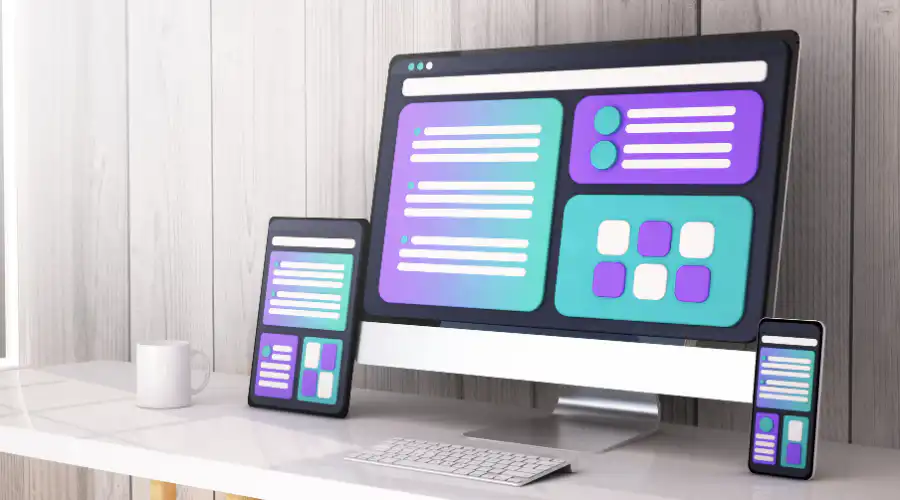
## Considerations for Making Your Website an App
When you decide to transform your website into a mobile app, there are several important considerations to keep in mind. These considerations will influence the type of app you create and how well it integrates with your existing online presence.
### Type of App: Native or Hybrid
**Native Apps:** Native apps are platform-specific, which means they are designed for a particular operating system like iOS or Android. Building native apps can offer better performance and access to device-specific features. However, you'll need separate codebases for each platform.
**Hybrid Apps:** Hybrid apps are web-based applications that run within a native app wrapper. They offer cross-platform compatibility, meaning you can use a single codebase to deploy your app on multiple platforms. While they may not provide the same level of performance as native apps, they can be a cost-effective solution.
### Functionality
Ensure that all your website's content and features are properly displayed and functional in the app. This includes responsive design to fit various screen sizes, touch-friendly navigation, and compatibility with mobile devices.
### Design Consistency
Maintaining a consistent look and feel between your website and the app is crucial for brand recognition and user experience. Users should instantly recognize your app as an extension of your website. Consistency in colors, fonts, and overall design elements is essential.
By carefully considering these factors, you can make informed decisions about the type of app to create and ensure a seamless transition from your website to the mobile app environment.

## Turning Your Website into Different Types of Apps
Now that you understand the benefits and considerations of transforming your website into an app, let's dive into the exciting process of doing just that. There are various avenues you can explore, each catering to specific devices and platforms. We'll guide you through the steps for turning your website into different types of apps, catering to a diverse audience.
### Turn Your Website into an iOS or Android App
#### Why it's Different: Native Mobile Platforms
When you want to reach a broad audience across smartphones, creating native iOS and Android apps is the way to go. These apps offer seamless integration with their respective operating systems, delivering a superior user experience. Native apps can tap into device-specific features like GPS, camera, and push notifications, enabling you to enhance your app's functionality.
#### What could this look like?
Imagine you have an e-commerce website. By turning it into native iOS and Android apps, you provide your customers with a more convenient shopping experience. They can receive instant order updates through push notifications and use their device's camera for product scanning and image uploads.
#### Steps to turn your website into an iOS or Android App
**1\. Choose Your Platform:** Instead of simply choosing a platform, look into understanding your audience demographics and preferences. Analyze user behavior data from your website to make an informed decision about whether to target iOS, Android, or both. Considerations might include geographical preferences, device usage patterns, and market share insights.
**2\. Leverage advanced development tools:** When selecting development tools, don't just explore, but evaluate the scalability, security, and flexibility of each option. There a tools available like Fliplet, that have cross-platform capabilities, allowing you to streamline development by creating one app and deploying across iOS and Android. The translates to an easier and faster maintenance and optimization cycle as well. If you still want to go with classic [custom app development](https://fliplet.com/blog/how-to-build-a-custom-app-without-coding/) methods you can select development languages like Swift Programming.
**3\. Create impactul UX Design:** Transforming your website into an app isn't just about scaling down; it's about reimagining user interaction. Conduct user experience (UX) research to identify elements of your website that users interact with most. Use this data to create an intuitive, engaging mobile interface that leverages touch navigation and minimizes input effort.
**4\. Add Unique Features:** Instead of just adding platform-specific features, consider how each feature enhances the user's journey. Use analytics to determine which features of your website are most used and how they can be enriched in a mobile environment. For instance, if location-based services are integral to your website, ensure your app leverages GPS capabilities to provide a personalized experience.
**5\. Test & Get Feedback:** Move beyond basic testing to an iterative process that involves real users from your target audience. Pilot your app to a select group of users to test and optimize before officially launching. With Fliplet you can view your app on Fliplet Viewer before publishing to ensure that everything performs as you expect it to. Ensure to incorporate analytics to monitor usage patterns and continuously optimize the app post-launch.
**6\. Launch & Promote:** Your app's launch should be an event that your audience anticipates. Build buzz with sneak peeks and beta access. Post-launch, use data-driven marketing strategies to reach potential app users. Monitor app store metrics and user reviews to refine your promotion strategy continuously.
### Turn Your Website into an App for iPad
#### Why it's Different: iPad-Specific Design
Creating an iPad app offers an opportunity to cater to users who prefer a tablet experience. iPads boast larger screens and touch interfaces, making them ideal for interactive and visually engaging apps. By optimizing your website for iPad, you ensure that users on these devices get a tailored experience.

#### What could this look like?
Suppose you have an educational website with interactive lessons and quizzes. Turning it into an iPad app allows students to enjoy an immersive learning experience on a larger screen. They can interact with content using touch gestures, enhancing their engagement.
#### Steps to turn your website into an app for iPad
**1\. Choose iPad development:** Rather than just focusing on development for iPad devices, consider how the unique features of the iPad, such as its screen size and capabilities, can be leveraged to offer a superior user experience. This involves not just a direct translation of your website but reimagining it for the iPad environment.
**2\. Design for tablet:** When adapting your website's design for the iPad, think beyond just resizing for a larger screen. Focus on how the layout, navigation, and visuals can be optimized for tablet use. This includes considering aspects like split-view controllers and popover elements that are specific to iPadOS.
**3\. Touch interaction:** Enhance the user interaction for touch gestures, but also consider the ways iPad users interact differently compared to phone or desktop users. This might involve rethinking navigation flows, button sizes, and gesture controls to ensure a natural and intuitive user experience on a tablet.
**4\. Content optimization:** Ensure your website content and features are not just translated, but optimized for the iPad app. This means not only adjusting visuals and layouts but also considering the differences in how users consume content on an iPad versus a website. Interactive elements, video content, and readability are key focus areas.
**5\. Testing and debugging:** Go beyond basic testing by implementing a comprehensive testing strategy that covers not only technical performance but also user experience and interface design. Utilize both automated testing tools and real-user feedback to identify and resolve issues.
**6\. Launch and distribution:** When launching your iPad app, create a strategy that targets the unique demographic of iPad users. This includes not only publishing on the App Store but also considering how to reach your audience through targeted marketing efforts that appeal specifically to iPad users.
### Turn Your Website into an App for Mac
#### Why it's Different: Desktop Experience
For users who prefer desktops and laptops, a Mac app is the way to provide a seamless experience. Mac apps can leverage the power of desktop hardware and offer features like keyboard shortcuts and resizable windows, enhancing productivity and user comfort.
#### What could this look like?
If you run a productivity website with tools like document editors and project management, turning it into a Mac app can cater to professionals who rely on desktop computing. They can access your services with the convenience of a dedicated app.

#### Steps to turn your website into an app for Mac
**1\. Focus on Mac development:** When creating an app for Mac, it's crucial to recognize the distinct user behavior and expectations associated with desktop computing. This involves not only adapting your website for a larger screen but also understanding the Mac ecosystem, including its user interface guidelines and integration with macOS features.
**2\. Optimize for desktop:** Redesigning your website's layout for Mac should go beyond resizing elements. Consider how users interact with desktop applications, such as multi-window workflows, drag-and-drop functionality, and the use of trackpad or mouse. This redesign should aim to enhance productivity and ease of use.
**3\. Leverage desktop features:** Utilize Mac-specific features to elevate the user experience. This includes integrating keyboard shortcuts, resizable windows, and menu bar applications. Also, consider how features like Apple's Touch Bar or Dark Mode can be leveraged for a more immersive and intuitive app experience.
**4\. Content alignment:** The transition of your website's content into a Mac app should be seamless and thoughtfully executed. This involves ensuring high-resolution visuals, adapting layouts to suit larger screens, and rethinking navigation structures to align with desktop browsing habits.
**5\. Testing and refinement:** Conduct thorough testing on various Mac models to ensure compatibility and optimized performance. This should include not only technical testing but also user experience assessments to refine the app's interface and functionality based on user feedback and behavior.
**6\. Distribution and promotion:** When distributing your Mac app, consider the various channels available, including the Mac App Store and direct downloads from your website. Tailor your promotion strategy to reach Mac users specifically, highlighting the unique benefits and features of your desktop app.
### Turn Your Website into an App for PC
#### Why it's Different: Windows Platform
Reaching a Windows-based audience requires a Universal Windows Platform (UWP) app. UWP apps ensure compatibility across various Windows devices and deliver a consistent user experience. They can also be distributed through the Microsoft Store.

#### What could this look like?
Let's say you have a graphic design website with specialized tools. Converting it into a UWP app allows graphic designers using Windows devices to access your tools with ease. The app can offer features like touch support for stylus-based interactions, enhancing their creative process.
#### Steps to turn your website into an app for PC
**1\. Opt for UWP development:** Choosing Universal Windows Platform (UWP) development means creating an app that can run across a wide range of Windows-based devices, from PCs and tablets to Xbox and Mixed Reality devices. UWP offers a unified app platform on Windows 10, allowing you to create a single app package that can be installed on various devices.
**2\. Adapt to Windows:** When customizing your app for the Windows environment, consider the diverse range of devices and user preferences. This includes accommodating different screen sizes, resolutions, and input methods such as touch, mouse, keyboard, pen, and even game controllers in some cases.
**3\. Leverage Windows features:** Make the most of Windows-specific features to enhance the functionality and appeal of your app. This could include support for live tiles, notifications, touch, stylus input, and Cortana integration. These features, when used effectively, can significantly enhance the user experience.
**4\. Content integration:** Smooth integration of your website's content into the UWP app is crucial. This involves optimizing the content layout and design to be responsive and adaptive across different device types and orientations. Pay special attention to the readability and accessibility of your content.
**5\. Thorough testing:** Testing your app across the spectrum of Windows devices is essential to ensure compatibility and performance optimization. This includes testing on different hardware configurations, screen sizes, and with various input methods. Utilize the Windows Device Portal for effective testing and debugging.
**6\. Publication and outreach:** Once your UWP app is ready, publish it on the Microsoft Store to make it accessible to a broad audience of Windows users. Effective promotion strategies might include leveraging social media, email marketing, and collaborations with other popular Windows apps or influencers in the Microsoft ecosystem.
By following these steps and focusing on the unique aspects of UWP development, you can create a versatile and engaging app for the vast Windows user base. This approach not only broadens your app's reach but also enhances its functionality and appeal across a range of devices and user preferences.

## Options to Consider When Converting Websites to Mobile Apps
When embarking on the journey of converting your website into a mobile app, you'll encounter several variables to consider. Each approach brings its unique set of advantages and challenges. Here's a closer look at four key variables when making this critical decision:
### Code the Mobile App Yourself (Native/Hybrid)
Coding the mobile app yourself is a cost-effective option, especially if you possess programming skills or are willing to invest time in learning app development. This approach offers complete control over the app's functionality and design. However, it can be time-consuming, particularly if you're new to app development. You'll need to master languages like Java (for Android) or Swift (for iOS) for native development or explore frameworks like React Native or Flutter for hybrid solutions. This choice is ideal for tech-savvy individuals and small businesses with limited budgets.
### Hire a Freelancer to Build the Mobile App (Native/Hybrid)
If you prefer a hands-off approach while still benefiting from professional development, hiring a freelancer is an excellent choice. Freelancers bring expertise and experience to the table, enabling you to focus on your website while they handle app creation. You can find freelancers with specialized skills in native or hybrid development, depending on your preference. This approach provides a balance between cost-effectiveness and quality. However, ensure clear communication and expectations with your chosen freelancer to avoid potential setbacks.
### Hire an App Development Agency to Create the App (Native/Hybrid)
Opting for an app development agency is ideal for businesses seeking comprehensive support and a high-quality end product. Agencies comprise teams of skilled professionals, including developers, designers, and project managers, ensuring a smooth development process. They can guide you through every stage, from concept to launch, and offer maintenance and support afterward. This approach is well-suited for businesses with larger budgets and ambitious app projects. While it may involve higher costs, the results often justify the investment in terms of app quality and user satisfaction.
### Convert a Website into Apps with Fliplet (Native/Hybrid)
For those seeking a streamlined and efficient process, Fliplet offers an innovative solution. This no-code/low-code platform enables you to transform your website into native or hybrid apps without extensive coding expertise. Fliplet provides a range of pre-built templates and features, reducing development time and costs. It's an excellent choice for businesses looking for a quick and user-friendly way to enter the mobile app market. With Fliplet, you can leverage your website's content and functionalities to create engaging apps across different platforms, saving time and resources.
## How to Convert a Website into a Mobile App Using Fliplet (7 Steps)
Converting your website into a mobile app may seem like a complex task, but with the right approach, it can be a straightforward process. Here are seven steps to guide you through this transformation and how Fliplet facilitates each step:
### Step 1: Define Your App's Purpose and Goals
Before diving into development, clarify the purpose and goals of your app. Consider what you aim to achieve with the app and how it will benefit users. Define your target audience and their needs. This initial planning phase lays the foundation for the entire project. It may help to use [Fliplet's AI App Plan Generator](https://fliplet.com/free-tools/mobile-app-marketing-ai-tool/) to help you map out what you'd like to achieve with your app.
### Step 2: Choose the App Type with Fliplet
Consider whether you need a native or hybrid app. With Fliplet, you can create a hybrid app that operates seamlessly on both iOS and Android platforms, offering a versatile solution that saves both time and resources.
### Step 3: Gather Website Content and Resources
Collect all relevant content from your website, including text, images, videos, and interactive elements. With Fliplet, integrating these resources into your app is straightforward. Ensure they are optimized for mobile to enhance user experience on smaller screens.
### Step 4: Design a User-Friendly Interface with Fliplet
Utilize Fliplet's design tools and templates to create a user interface that reflects your brand and ensures a smooth user experience. Consistency in design with your website helps in providing a seamless transition for users.
### Step 5: Integrate Advanced Features and Functionalities
Beyond basic content integration, explore advanced features and functionalities that Fliplet offers. This may include push notifications, analytics, social media integration, or any custom features that could enhance user engagement and [app functionality](/blog/16-successful-mobile-app-features/).
### Step 6: Develop and Customize the App
Use Fliplet's intuitive platform to develop your app. The no-code platform's versatility allows for easy customization of your app, even without deep technical expertise.
### Step 7: Test, optimize and launch your app
Thoroughly test the app to ensure functionality, performance, and compatibility with various devices and screen sizes. Utilize Fliplet Viewer (Fliplet's testing mobile app) to identify and fix any issues. Share the app with some test users, and optimize the app based on feedback and prepare for a successful launch.
By following these seven steps, you can successfully convert your website into a mobile app, providing your users with a convenient and engaging mobile experience. This approach streamlines the development process and ensures a high-quality end product.
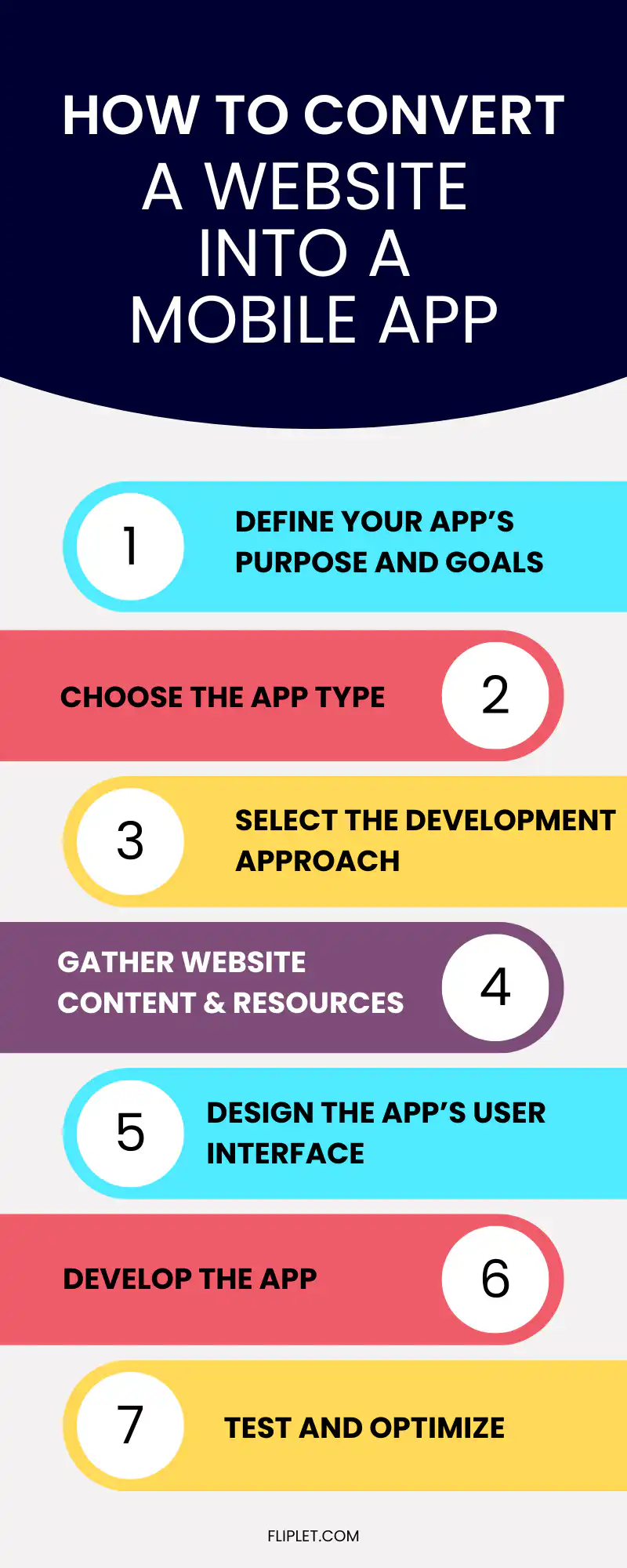
## Features you must add while converting your website into an app
When converting your website into a mobile app, it's essential to include certain features to ensure a seamless user experience and maximize the app's functionality. Here are some key features you should consider adding:
- **Offline Access:** Implement offline functionality so that users can access some app features and content even without an internet connection. This is especially crucial for apps that provide valuable information or tools on the go.
- **Push Notifications:** Enable push notifications to engage with your users effectively. You can send updates, reminders, promotions, or important information directly to their devices, keeping them informed and engaged.
- **User Authentication:** Implement secure user authentication methods, such as email/password or social media login, to protect user data and offer personalized experiences.
- **In-App Search:** Include a search feature within the app to help users quickly find the content or products they're looking for.
- **Social Media Integration:** Allow users to share content from your app on social media platforms. Integration with social networks can also enhance user engagement.
- **Analytics:** Integrate analytics tools to track user behavior, app performance, and user engagement. This data can help you make informed decisions and improve the app over time.
- **Navigation:** Ensure intuitive and user-friendly navigation within the app. Users should easily find their way through different sections and features.
- **Feedback and Support:** Provide users with the means to contact support or provide feedback within the app. This helps in addressing issues promptly and improving user satisfaction.
- **Security:** Prioritize the security of user data and transactions within the app. Implement encryption and follow best practices to protect sensitive information.
- **App Updates:** Plan for regular updates to fix bugs, introduce new features, and enhance the overall user experience. Keeping the app up to date is essential for long-term success.
- **Performance Optimization:** Optimize the app's performance to ensure fast loading times and smooth interactions. Users are more likely to abandon slow apps.
By incorporating these features into your website-to-app conversion, you can create a valuable and engaging mobile app that meets your users' needs and expectations.
## Benefits of Converting Website into an App
Converting your website into a mobile app offers several significant benefits that can enhance your online presence and user engagement. Here are some key advantages of making this transition:
### Enhanced User Experience
Converting your website into a mobile app enhances the overall user experience. Users prefer the familiarity and user-friendliness of mobile apps, making navigation smoother and interactions more intuitive. Additionally, apps offer direct access to your content, eliminating the need to open a web browser and enter URLs. This streamlined process saves users time and effort, encouraging them to engage with your content more frequently. Furthermore, apps often deliver better performance compared to mobile websites, leading to quicker loading times and a more satisfying user experience.
### User Engagement and Communication
Mobile apps enable direct and personalized communication with your audience through push notifications. These notifications serve as powerful tools to engage users, whether it's to promote new content, inform them of special offers, or provide updates. The ability to send personalized messages fosters a sense of belonging and brand loyalty among users. Additionally, mobile apps can facilitate customer loyalty programs, rewarding frequent users and further solidifying their connection to your brand.
### Accessibility and Offline Capabilities
One of the significant advantages of mobile apps is their offline accessibility. Users can access certain app features and content even when they are offline, which is especially valuable in areas with weak or no internet connectivity. This offline access ensures that your content remains accessible to users regardless of their location or internet status. Furthermore, mobile apps can improve your website's search engine optimization (SEO) by providing a mobile-friendly interface that aligns with Google's mobile-first indexing criteria. This can enhance your website's visibility and ranking on search engines.
### Insights and Analytics
Mobile apps provide valuable insights and analytics about user behavior, preferences, and interactions. By analyzing user data, you can gain a deeper understanding of your audience, allowing you to tailor your content and marketing strategies more effectively. These insights also provide a competitive advantage, as you can make data-driven decisions to stay ahead in your industry.
Overall, the decision to convert your website into an app can lead to numerous benefits, from improving the user experience to strengthening customer engagement and loyalty. The advantages extend to enhanced accessibility, SEO benefits, and valuable insights, making the transition to a mobile app a strategic move for your online presence.

## Why Choose Fliplet for Turning Your Website into a Mobile App
When it comes to turning your website into a mobile app, Fliplet stands out as the top choice. This versatile platform offers a wide range of solutions and extensive app-building capabilities that make the transition seamless. Here's why Fliplet should be your preferred choice for creating a mobile app from your website:
**Wide Range of Solutions:** Fliplet doesn't limit you to a single type of app. Whether you need an app for iOS, Android, iPad, or web, Fliplet has you covered. You can create apps that cater to different platforms, ensuring a broader reach for your audience.
**No-Code Development:** With Fliplet's no-code development environment, you don't need to be a coding expert to create a mobile app. The platform simplifies the app-building process, allowing you to design and customize your app effortlessly.
**Extensive Pre-Built Solutions:** Fliplet offers seventeen pre-built app solutions, including marketing solutions, task management, and project management, among others. These ready-made solutions can save you time and effort, as you can start with a pre-configured app and customize it to your specific needs.
**Drag-and-Drop Interface:** Creating an app with Fliplet is as easy as drag-and-drop. You can build your app's interface by simply dragging and dropping elements onto the canvas, making the process intuitive and efficient.
**Flexibility:** Fliplet combines the ease of use of no-code tools with the flexibility to include low-code if needed. You can leverage Fliplet's extensive features, ensuring that you can create the exact app you envision. Chances are, Fliplet has already built 90% of your app for you.
**Super Easy to Update:** Keeping your app up to date is crucial for providing the best user experience. Fliplet makes it super easy to update your app's content and features, ensuring that your users always have access to the latest information.
**Enterprise-Grade Security:** For larger businesses, Fliplet offers enterprise-grade security, including feature requests, data transfer, reliability, integration support, administrative tools, and proactive customer service. You can rest assured that your app and data are in safe hands.
Fliplet's versatility, ease of use, and extensive features make it the ideal choice for turning your website into a mobile app. Whether you're a small business looking to create a simple app or a larger enterprise in need of advanced security and customization options, Fliplet has the solutions to meet your needs. With Fliplet, you can transform your website into a powerful mobile app that enhances your online presence and engages your audience effectively.
## Conclusion
In a time where mobile devices play an integral role in our daily lives, ensuring that your website is accessible and engaging on smartphones and tablets is paramount. Converting your website into a mobile app is a strategic move that can significantly enhance your online presence and user engagement.
In this comprehensive guide, we've explored the reasons why you should consider making a mobile app from your website. From improved user experiences to direct customer communication through push notifications, the benefits are undeniable. The accessibility, search engine optimization (SEO) advantages, and offline capabilities of mobile apps further strengthen the case for this transition. Additionally, the insights and analytics provided by mobile apps empower you to make data-driven decisions and stay ahead of the competition.
When it comes to converting your website into a mobile app, the options are diverse. You can choose from native apps designed for specific mobile platforms or hybrid apps that offer web-based flexibility. However, one solution that stands out is Fliplet, a versatile platform that offers a wide range of solutions and extensive app-building capabilities.
Fliplet's no-code development environment, extensive pre-built solutions, drag-and-drop interface, and flexibility make it an ideal choice for businesses of all sizes. Whether you need a simple app or require enterprise-grade security and customization, Fliplet has you covered. Plus, the platform's ease of use ensures that updating your app and keeping it current is a breeze.
In summary, transforming your website into a mobile app is a forward-thinking step that can reap significant rewards. Whether you're aiming to reach a broader audience, engage your users more effectively, or improve your website's visibility in search engine rankings, the transition to a mobile app is a strategic move worth considering. And with Fliplet as your trusted partner in app development, the process becomes even more accessible and efficient. So, take the leap and enhance your online presence by turning your website into a mobile app today. Your users will thank you for it.
## FAQs
### Can you turn a website into a mobile app?
Yes. You can convert a website into a mobile app by building a native app, using a hybrid wrapper, or using a no-code platform that packages your content and workflows into an app experience.
### Is it better to build a native app or a hybrid app from a website?
It depends on your goals. Native apps usually provide stronger access to device features and platform-specific performance, while hybrid apps are faster to launch across iOS and Android from a shared codebase.
### What features should a website app include?
Core features often include mobile-friendly navigation, push notifications, offline access where needed, user authentication, search, analytics, and secure support or feedback channels.
### How long does it take to make a website into an app?
The timeline depends on the complexity of your content, integrations, and custom features. A simple app can be created quickly with a no-code or low-code platform, while custom native builds typically take longer.
### Why use a platform like Fliplet to convert a website into an app?
A platform like Fliplet can reduce development effort, speed up deployment across devices, simplify updates, and provide built-in features such as design tools, testing workflows, and enterprise-ready controls.
## Related links
- [Ultimate Guide: How to scale mobile enterprise app development without coding or IT resources](https://fliplet.com/blog/mobile-enterprise-app-development-without-coding/): Fliplet compiled an ultimate guide on how to scale mobile enterprise app development without coding or IT resources
- [Top 10 Mobile Enterprise Application Platforms](https://fliplet.com/blog/top-10-mobile-enterprise-application-platforms/): Fliplet compiled a list of the top 10 mobile enterprise application platforms. Read more within.
- [The Best Low Code/No Code Development Platforms](https://fliplet.com/blog/the-best-no-code-low-code-development-platforms/): Fliplet compiled a list of the best Low Code/No Code Development Platforms. Find out more within.
---
# How to Make an App for Free: Planning, AI Assistance, and Launch Readiness
> Learn how to turn a simple or free app idea into a serious prototype with AI planning, starter patterns, governance, data, testing, and launch checks.
Source: https://fliplet.com/blog/simple-free-ways-to-make-an-app-no-coding-required
Content type: Blog
Published: 2026-01-08T07:46:22
Updated: 2026-05-19T17:35:00
Read time: 21 minutes
# How to Make an App for Free: Planning, AI Assistance, and Launch Readiness
If you searched for a simple or free way to make an app, you probably do not want a lecture on enterprise software. You want to know what you can do today, how far free tools can take you, and where the hidden work starts. The useful answer sits in the middle: the first version can be quick, but the choices you make early decide whether the app stays a throwaway prototype or becomes something a team can actually use.
Planning the idea, drafting screens with AI, trying a starter pattern, and testing a prototype can often happen with free resources or trial access. A production business app is different because real employees, clients, members, or customers bring real expectations: secure data, permissions, publishing, support, analytics, integrations, and ownership. This guide is for business users and teams who want a practical starting point without painting themselves into a corner before launch.
## Key takeaways
- Free is most useful at the discovery stage. Use it to clarify the app job, test the main workflow, compare build paths, and reduce uncertainty before budget is committed.
- AI can speed up the first draft, but it still needs judgment. The better your brief, the better the generated screens, roles, data fields, and test cases will be.
- A simple app still needs structure. Users, permissions, data, support, analytics, and launch ownership should be considered before the prototype reaches real users.
- Starter patterns are helpful when they match the workflow. Do not choose a template only because it looks polished.
- Production readiness is a separate step. A working demo is not ready for launch until security, content, testing, distribution, and maintenance are covered.
## What free really means
Free app builders, free trials, AI drafting tools, spreadsheets, design tools, and paper sketches are all useful because they help you answer early questions before you spend money or involve a larger team. They are much less useful once the app becomes operational. At that point, the question changes from "can we create a screen?" to "can we run this safely when people depend on it?"
| Stage | What free tools can help with | What usually needs budget or ownership |
| --- | --- | --- |
| Idea | App goal, audience, workflow, rough feature list | Stakeholder alignment and priority decisions |
| Prototype | Draft screens, sample data, clickable flows, early feedback | Real integrations, user access, secure data, support |
| Pilot | Small-group testing, content review, device checks | Publishing, analytics, permissions, issue handling |
| Production | Launch checklist, adoption review, backlog planning | Users, storage, support, security review, maintenance |
That does not make free exploration a trap. It makes it a research phase. Use free tools to learn quickly, reduce uncertainty, and spot the real requirements before the app becomes a dependency.
## Start with the job
The first planning step is one plain sentence: what job should the app do? Strong examples are specific enough to guide screens, roles, and workflows. Weak examples sound tidy in a meeting, but they force an AI app builder, product owner, or implementation partner to guess what the app is really for.
Strong examples sound like this:
- Help new employees complete onboarding tasks, find policies, and ask HR for help.
- Help field teams complete inspections, capture photos, and send reports from mobile devices.
- Help clients submit requests, upload documents, track status, and receive updates.
- Help event attendees find sessions, save agenda items, and receive schedule changes.
Weak examples sound like this:
- Build an app for our department.
- Make a better portal.
- Create something modern.
The difference is practical, not cosmetic. The stronger examples tell you who the app is for, what the user needs to do, and what the first workflow probably includes. If you are still choosing the app type, start with the [Fliplet solutions](/solutions/) pages to compare common business app patterns before writing your brief.
## Write a simple brief
A good app brief does not need to be long. It needs to answer the questions that shape the first version and protect the team from building around taste, assumptions, or the loudest feature request. Even if you never show the brief to a vendor, it becomes the reference point for scope, testing, permissions, and launch decisions.
Use this structure:
| Brief item | What to write |
| --- | --- |
| App goal | The business problem the app should solve |
| Audience | Who will use it and how often |
| First workflow | The one task the first version must support |
| Data | What information the app needs and where it comes from |
| Roles | What different users should see or do |
| Launch path | Web, mobile, private distribution, app stores, or a mix |
| Owner | Who maintains content, users, support, and updates |
| Success metric | The signal that proves the app helped |
## Use AI for the first draft
AI assistance works best when it has a real brief. Instead of asking it to "make an app," ask it to produce the pieces you need to review: screens, roles, data fields, permission rules, launch risks, and test scenarios. That changes the exercise from hoping for a polished mockup to creating a structured first draft the team can challenge.
A useful prompt might be:
> Create a first plan for an internal training app for 600 employees. The app should show training modules, track completion, send reminders, collect feedback, and give managers adoption reports. Include user roles, core screens, data fields, permission rules, launch risks, and test scenarios.
That prompt gives AI enough context to suggest a structure. You can then review the output like a product owner: remove what is unnecessary, correct the assumptions, and decide which workflow matters first.
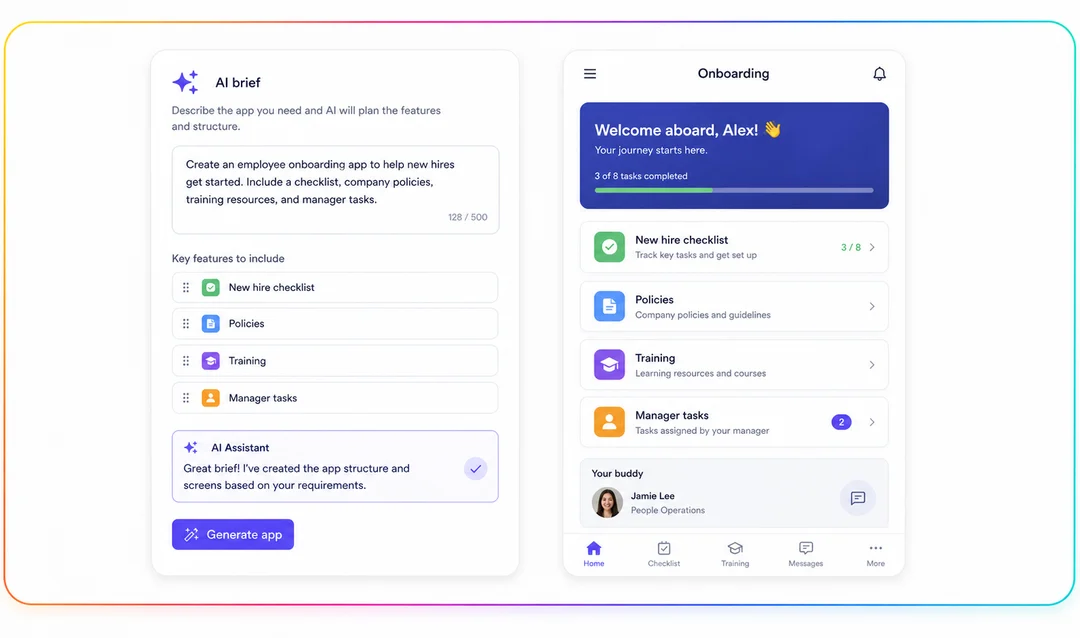
Fliplet's [AI app builder](/ai-app-builders/) path is designed for this prompt-to-production style of work: start with intent, generate a foundation, then refine it with the controls a real business app needs.
## Choose a starting point
Starter patterns can save time when the app type is familiar. They are useful for employee apps, events, learning, directories, portals, approvals, reporting, surveys, field inspections, innovation programs, and similar workflows because they give the team something concrete to react to. The key question is not "does this look good?" It is "does this match the job?"
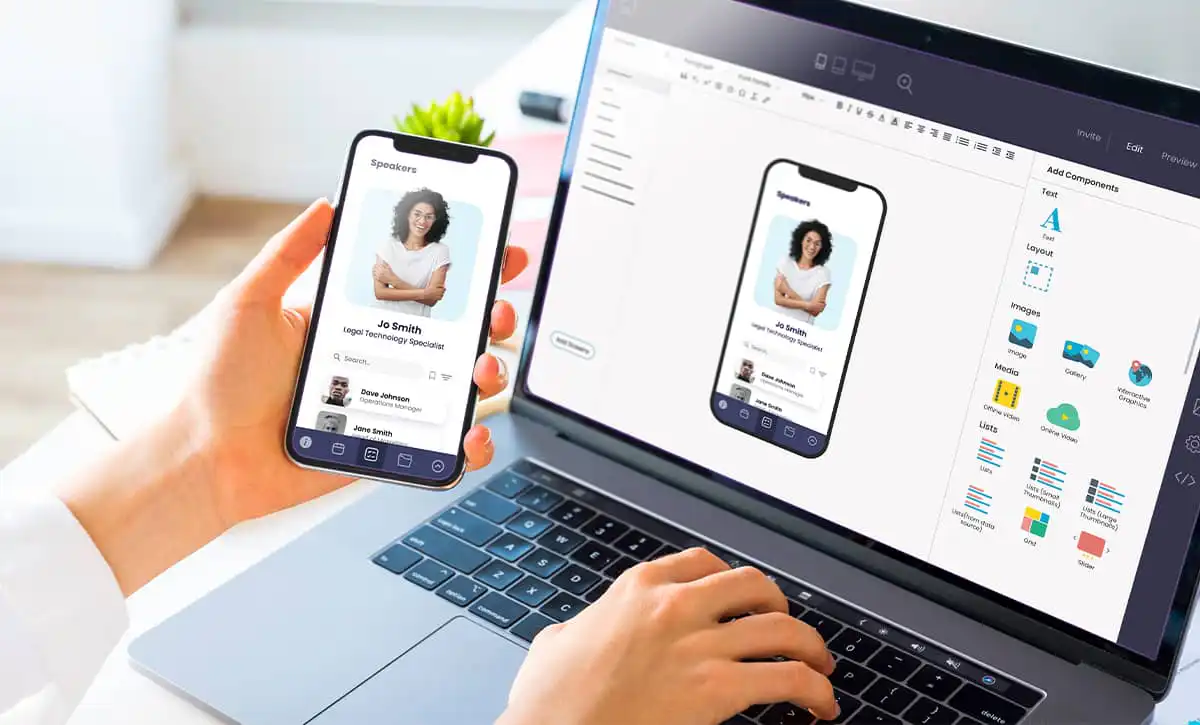
A starter pattern is helpful when the main workflow is already close to what you need, the team wants a realistic review surface, and the app can be adapted through content, branding, roles, data, and publishing settings. It becomes risky when it forces your process into the wrong shape. If your client portal needs strict document permissions, choosing a generic portal template may create rework; if your field inspection app needs offline access and evidence capture, a simple form template may not be enough. To understand the build options available in Fliplet, compare the [features](/features/) that matter for your app type before settling on a delivery path.
## Design and brand the first version
Once the structure is clear, design becomes a trust exercise rather than decoration. Users need to recognize the brand, understand what to tap first, and feel confident that the app belongs to the organization asking them to use it. Keep the first design pass practical: clear navigation, readable labels, sensible spacing, accessible contrast, recognizable imagery, and a small set of branded choices that can be maintained after launch.
## Plan users and permissions
Most app projects jump too quickly into screens. Before layout, map the people using the app and what each group should be able to see or change. An employee may only need tasks, content, notifications, and support; a manager may need team progress and approvals; an admin may need content tools and user management; IT may need access rules, data handling, and audit evidence.
This is where a simple app becomes a serious app. If everyone sees the same thing, the prototype may look easier, but the production version can create risk as soon as real data enters the system. Role-based access should be part of the plan before launch, especially for apps that handle employee, client, legal, financial, healthcare, or confidential information. Review [security](/security/) early so policy and controls are built into the app instead of bolted on after users depend on it.
## Define the data
Every useful app depends on data, and the planning question is whether that data is simple enough for a prototype or important enough to need a more controlled model. For a quick prototype, sample data or a spreadsheet may be enough. For production, ask where the data lives, who owns it, whether the app reads or writes it, how often it changes, which fields are sensitive, and what happens when something is wrong. A beautiful prototype can fail quickly if it cannot connect to the system of record, protect private fields, or give the right people ownership after launch.
## Build the first version
The first version should prove the workflow, not absorb every idea from the backlog. A useful first release usually includes a clear home screen, the main task flow, the content or data required for that flow, role-based access, notifications only where they matter, analytics for adoption, and a simple support path. Keep a separate backlog for later ideas so the launch date and testing plan stay realistic. The goal is not to build the smallest possible app; it is to build the smallest version that proves the job can be done safely.
## Choose useful features
Feature decisions should come from the job the app needs to do. For many [business apps](/blog/22-essential-business-apps-for-businesses-of-all-sizes/), the first release needs a small set of dependable capabilities: announcements, secure communication, searchable content, feedback, and ways to keep users involved after launch. The examples below are worth considering, but only if they support the workflow you are trying to prove.
### Must-have features
### Engagement features
## Test like users will use it
Do not test only in a builder preview. Test where people will actually use the app, across mobile, tablet, and desktop layouts, and try the conditions users are likely to face: slow connections, login friction, role restrictions, long forms, document links, media, search, filters, notifications, and analytics events. Ask real users to complete the main task, then watch where they hesitate.
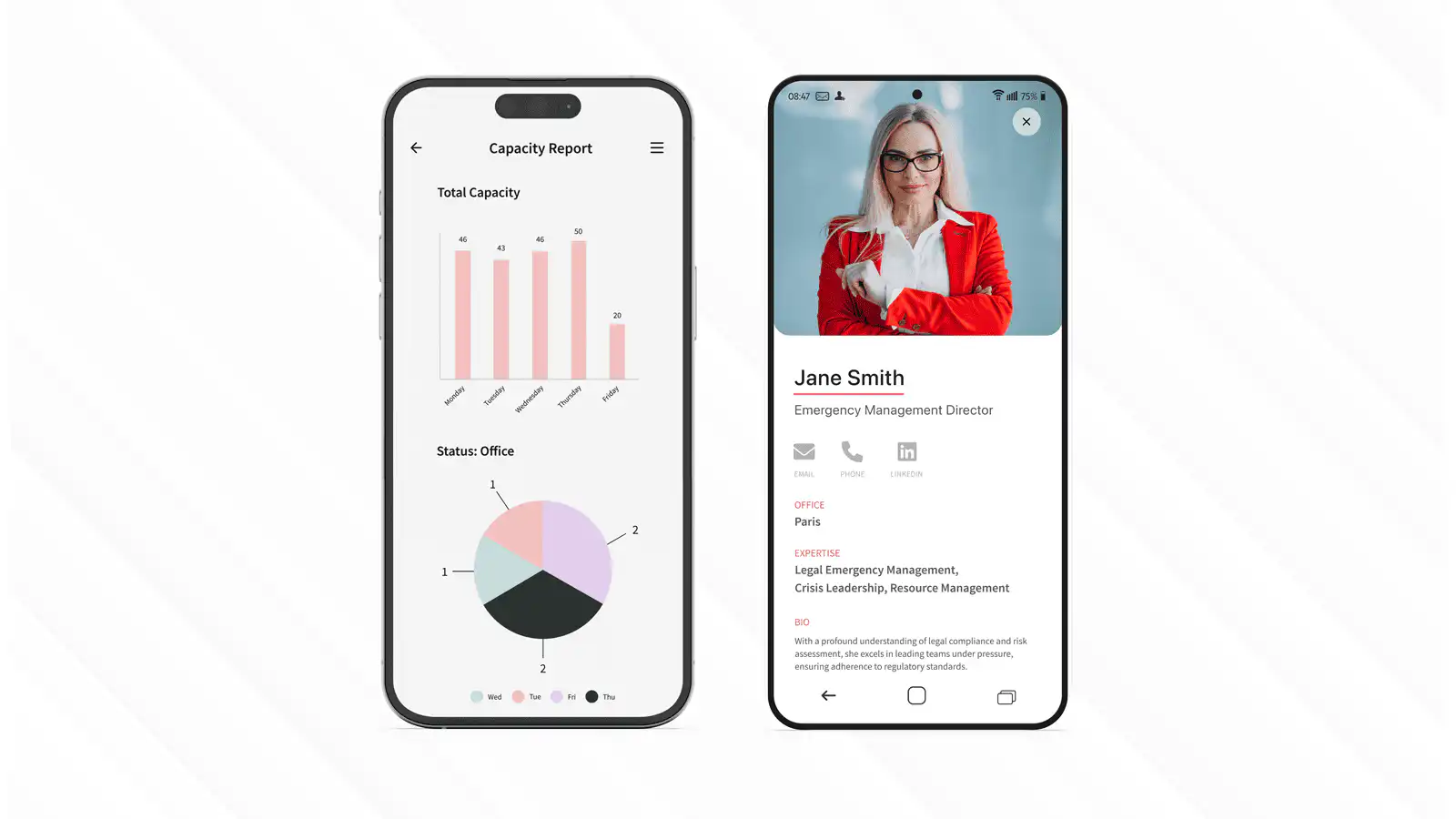
Good testing often reveals copy problems before technical problems. A button label may be unclear, a form field may ask for data the user does not have, or a manager view may show too much. These are exactly the kinds of issues a prototype should uncover before the app is treated as production-ready.
## Choose the launch path
Publishing depends on the audience, the device context, and how controlled the experience needs to be. A browser route might be enough for a lightweight internal tool, while a mobile-heavy employee or client app may need iOS, Android, private distribution, or a mix of access paths. Decide this before launch because distribution affects screenshots, metadata, authentication, support, testing, and review timelines.
| Distribution path | Use it when | Planning notes |
| --- | --- | --- |
| Web app | Users need browser access across devices | Plan URLs, authentication, SEO where public, and browser testing |
| iOS app | iPhone or iPad users need a native-style app route | Prepare App Store metadata, screenshots, privacy details, and review time |
| Android app | Android users need Play Store or managed distribution | Prepare Google Play listing assets, device testing, and policy review |
| Private app | Access should be limited to employees, clients, or members | Plan authentication, user provisioning, support, and update ownership |
Publishing is easier when the route is chosen before the app is considered finished. Store listings, managed distribution, and web access each affect screenshots, review timelines, support instructions, and the way users receive updates.
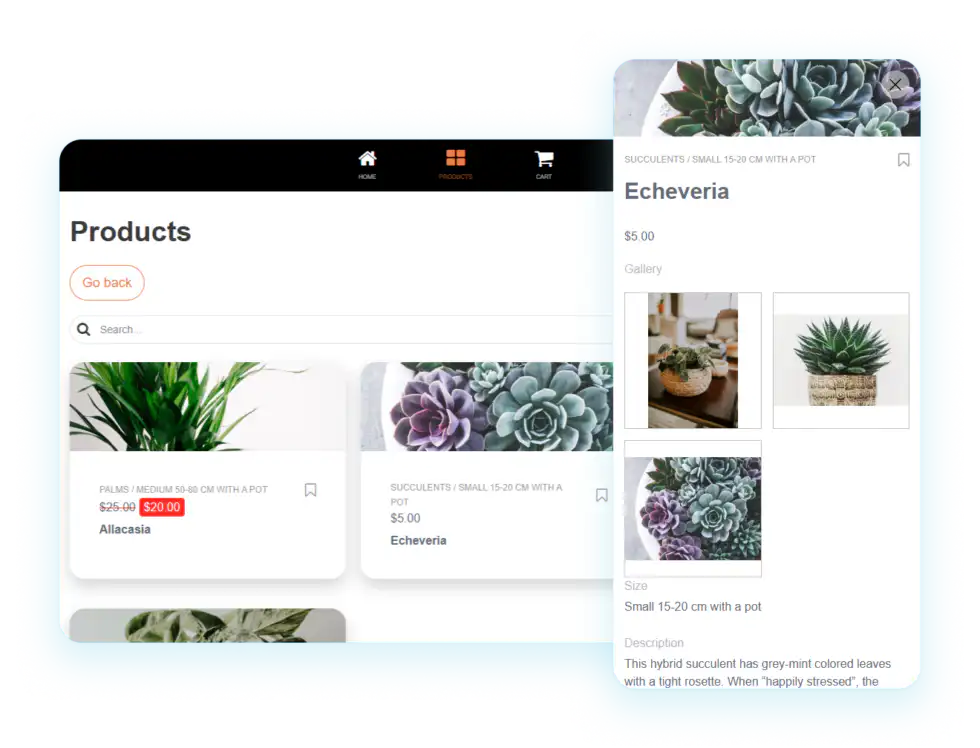
For public listings, your launch plan should include App Store Optimization because clear descriptions, accurate screenshots, reviews, and release notes influence whether users trust the app. For more on visibility after launch, read the [SEO for mobile apps](/blog/seo-for-mobile-apps/) guide and the [mobile app promotion strategies](/blog/34-mobile-app-promotion-strategies/) article.
## What if the app is a game?
If the idea is a game, use a game-focused builder or framework instead of forcing a business app platform into the wrong job. GDevelop is a free, open-source option for 2D and 3D game development, with tutorials for publishing to Android, iOS, desktop, and web. That is a different decision path from building an employee app, client portal, event app, or field workflow, where permissions, data, governance, and support usually matter more than game mechanics.
## Budget beyond the prototype
Free exploration can reduce risk, but it cannot remove every cost from a production app. Before launch, compare user seats, app limits, data storage, publishing model, integrations, security requirements, custom branding, analytics, support, maintenance effort, and future app volume. The [pricing](/pricing/) page can help you frame the commercial model before a prototype turns into an operating dependency.
## Launch with ownership
A launch checklist is not busywork. It is what prevents a promising app from becoming an unsupported side project after the first burst of enthusiasm fades. Before a wider rollout, confirm the app owner, support owner, content owner, permission model, data source, security review, analytics setup, pilot group, feedback channel, launch message, and update cadence. For client-facing, legal, HR, event, or commercial workflows, add stakeholder sign-off before the app reaches a larger audience.
## Improve after launch
Apps need care after they go live, so review adoption data, support requests, user feedback, and workflow completion instead of treating launch as the end of the project. Helpful post-launch metrics include active users, first-task completion, search terms used inside the app, content views, form completion rate, notification engagement, support requests, feedback themes, and retention over time. This is where a platform approach helps: if the first app works, you can reuse the same governance model, design patterns, and delivery lessons for the next app.
## Where Fliplet fits
Fliplet helps teams move from app idea to production-ready business app while keeping governance, security, integrations, and rollout needs visible. Start with [solutions](/solutions/) if you are still shaping the app type, use [AI app builders](/ai-app-builders/) to understand prompt-assisted creation, and review [features](/features/) and [security](/security/) when the app needs to support real users, real data, and controlled access. Check [case studies](/case-studies/) when you need proof from teams that have launched apps already.

When you are ready to discuss a specific app, [book a demo](/book-a-demo/) with the app goal, target users, data sources, and launch timeline. The more specific the brief, the more useful the conversation will be.
## Final checklist
Before you choose a platform or start building, make sure you can answer these questions:
- What job should the app do?
- Who will use it?
- What is the first workflow?
- What data does it need?
- Which roles and permissions matter?
- Which distribution path fits the audience?
- What must be tested before launch?
- Who owns support?
- How will success be measured?
A simple app plan can be created quickly. A useful business app needs the next layer: governance, testing, launch readiness, and a clear path to improvement.
## FAQs
### Can I make an app for free?
You can often plan an app, draft workflows with AI, test a prototype, or use a free trial without paying upfront. A production business app still needs a budget for users, publishing, support, integrations, security, analytics, and maintenance.
### What should I prepare before using an AI app builder?
Prepare the app goal, target users, main workflow, data sources, permissions, launch owner, support owner, and success metrics. Clear inputs make the first AI-generated version much more useful.
### Do I need developers to launch a business app?
Not always. Many business apps can start from AI assistance and configurable starter patterns. Technical review may still be needed for complex integrations, custom logic, data protection, or enterprise rollout.
### What makes a prototype different from a production app?
A prototype proves the workflow. A production app also needs tested permissions, current content, secure data handling, publishing decisions, analytics, support ownership, and a maintenance plan.
### How do I know when an app is ready to launch?
An app is launch-ready when its main workflows work on target devices, roles and permissions are tested, content is current, analytics are configured, support ownership is clear, and security checks are complete.
---
# How to Scale Mobile Software Delivery with Citizen Developers
> Learn how to scale mobile software delivery with citizen developers, reusable foundations, governance, integrations, testing, and controlled publishing.
Source: https://fliplet.com/blog/mobile-enterprise-app-development-without-coding
Content type: Blog
Published: 2026-02-14T13:28:44
Updated: 2026-03-22T07:47:03
Read time: 18 minutes
# How to Scale Mobile Software Delivery with Citizen Developers
Many organizations need more business software than a central development team can deliver alone. Scaling delivery does not mean removing IT. It means giving more teams a governed way to contribute while IT retains control over security, integrations, data, and publishing.
This guide focuses on the operating model: how to expand delivery capacity with citizen developers, reusable foundations, review gates, and clear ownership. For the complete planning process, requirements, costs, and use cases, read the [enterprise mobile application development guide](/blog/reasons-why-your-organization-needs-enterprise-mobile-applications/). If you are selecting vendors, use the [enterprise mobile application platform comparison](/blog/top-10-mobile-enterprise-application-platforms/).
The six steps below show how to establish that delivery model without creating an unmanaged second technology estate.
## Build a governed citizen-development program in 6 steps
### Step 1: Define platform guardrails
When considering a [no-code app](https://fliplet.com/blog/the-best-no-code-low-code-development-platforms/) builder for your enterprise, it's important to take the time to evaluate multiple options.
Document the controls your program needs before evaluating software: identity, permissions, data handling, integrations, testing, publishing, support, and total ownership cost. Independent reviews on [G2](https://www.g2.com/) and [Capterra](https://www.capterra.com/) can supplement technical and commercial due diligence.
It is important to note not all [no-code mobile enterprise app development platforms](https://fliplet.com/blog/top-10-mobile-enterprise-application-platforms/) have the features to meet your personal needs. It's important to vet the platform properly to determine if it can meet your current and future needs.So, take enough time when considering multiple no-code app-building platforms.
### We recommend you choose a no-code platform based on the following factors
#### Reputation
When choosing a [no-code app builder](https://fliplet.com/blog/the-best-no-code-low-code-development-platforms/) for your business needs, take the time to look into its reputation – read customer reviews and explore related case studies. Doing so will give you peace of mind knowing you're making a wise choice.
#### User interface
Before subscribing to a [no-code app maker](https://fliplet.com/blog/the-best-no-code-low-code-development-platforms/), investigate whether the interface is easy to use and feel comfortable with. Most platforms offer free trials which can help you gain an understanding of the features and how user-friendly they are.
It's important to take advantage of this opportunity because some app building platforms require more effort than others to learn how to use them. Once you're confident in your decision, you can rest assured that you've picked an [enterprise mobile application platform](https://fliplet.com/blog/top-10-mobile-enterprise-application-platforms/) that meets your specific needs.
#### Cost
Have a clear budget in mind before beginning your search. Knowing what range of prices you are working within will help you quickly eliminate certain options that are out of your price range.
At the end of the day, choosing an app maker with various subscription plans tailored to different stages or sizes of businesses–whether they're new enterprises or established ones–will ensure that your project gets off on the right foot without breaking the bank.
We believe in the saying 'try before you buy'. We strongly recommend that you take full advantage of using a platform's free trial so you can ensure the interface is right for you, as well as the features the platform offers.
#### Customization options
When shopping for an app builder, before you make a final decision, it's crucial to determine if the platform can support all of your needs and offer limitless options.
It's more than likely that you'll want to add advanced features to your mobile app that not all app builders will have as a part of their offering. Evaluate no-code app building platforms that provide customizability and flexibility when creating an application.
For more on [making an app for iphone](https://fliplet.com/blog/7-steps-making-an-app-for-iphone/), read our blog.
#### Integration
Integration determines whether citizen-developed software becomes part of the operating environment or another isolated tool. Confirm how the platform connects to approved systems, authenticates users, handles failures, and records data movement.
[Fliplets Zapier integration](https://zapier.com/apps/fliplet/integrations) is a great example of how mobile app platforms can provide extra benefits to enterprise organizations. Fliplets Zapier integration allows users to connect their apps to over 5,000 other applications such as Google Sheets, Microsoft Outlook and Google Calendar.
By taking advantage of this type of integration, businesses can streamline processes for improved efficiency and cost savings, as well as take advantage of increased data accuracy.
[No-code application development platforms](https://fliplet.com/blog/top-10-mobile-enterprise-application-platforms/) that offer integrations enable businesses to move quickly and gain a competitive edge in the marketplace by quickly implementing changes in response to customer needs or market trends.
#### Security
Security is a crucial consideration when choosing a platform for your enterprise. Your platform should have robust security features in place to protect sensitive data, such as multi-factor authentication, encryption, and regular security updates. It should also comply with industry standards such as ISO 27001.
At Fliplet security is a priority, take a look at all [Fliplets security features](https://fliplet.com/security/).
#### Support
For enterprise organizations, it's important to look at the level of support the platform offers. With multiple users building different applications, you need to make sure that the platform you choose has the necessary resources to help everyone succeed.
Look for a platform that offers a wide range of support options, including documentation, tutorials, and customer support for those who need a little extra help. This way, everyone can access the support they need, when they need it.
"The platform is extremely user friendly and flexible and allows for rapid development of an app suitable to launch. The support received from the entire Fliplet team (whether it is with app functionality or marketing your app) is exceptional and truly allows the user of the product the opportunity to focus on creating an engaging app." Take a look at more [Fliplet G2 reviews.](https://www.g2.com/products/fliplet/reviews#reviews)
### Fliplet for governed citizen development
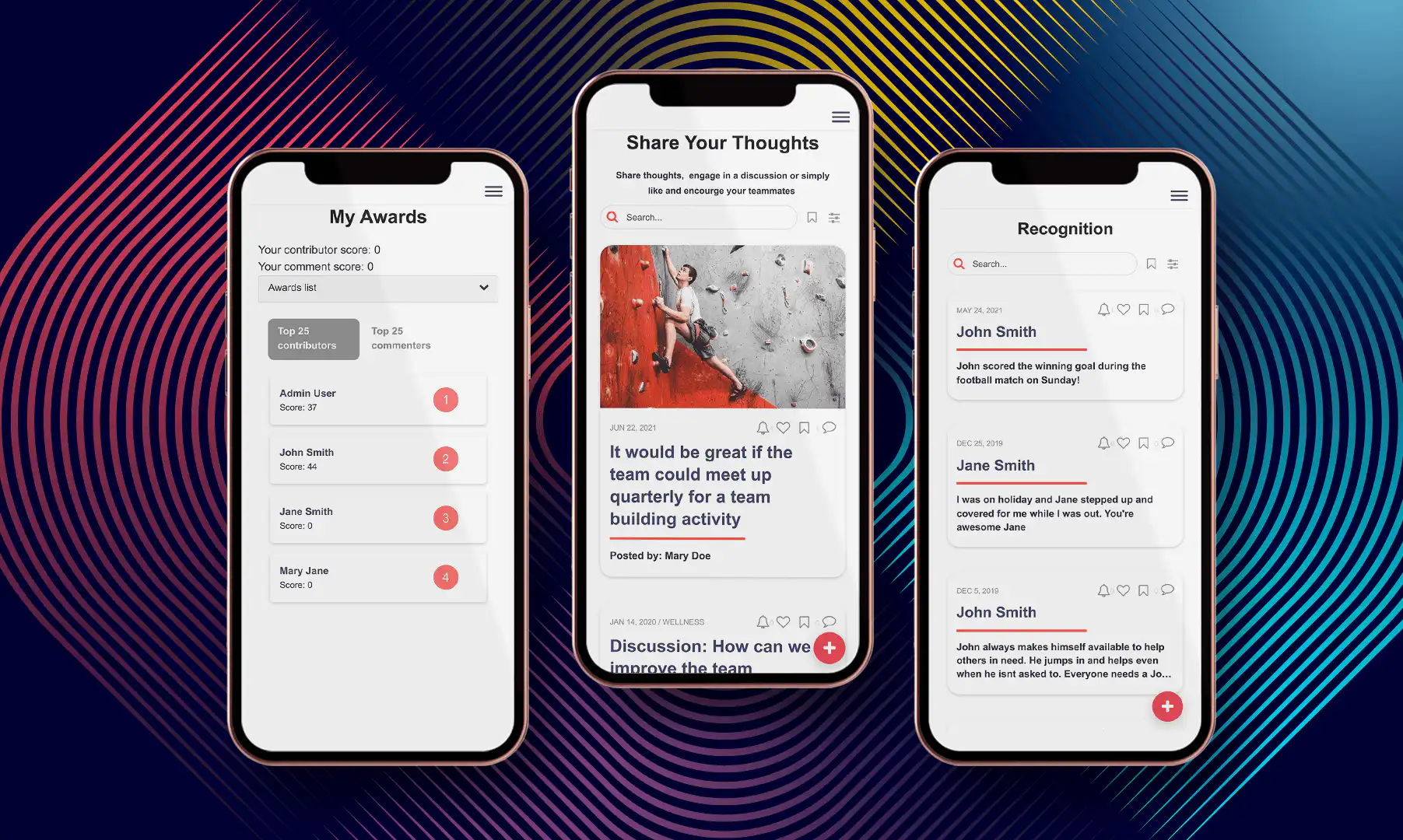
Fliplet supports citizen-development programs in which business teams contribute to software delivery while IT retains governance over access, data, integrations, security, and publishing. Evaluate that model against your architecture, risk requirements, operating capacity, and the other vendors in the [enterprise application platform comparison](/blog/top-10-mobile-enterprise-application-platforms/).
Teams can use Fliplet to configure internal and external software connected to approved systems. The right level of participation depends on the workflow, risk, technical complexity, and controls defined by IT.
Plus, Fliplet's flexibility and scalability makes it a perfect fit for businesses of any size or industry.
"It's been two years now using Fliplet, and the biggest win for us is how simple and quick it is to use," reported a Top 30 UK law firm. [Read the full case study](https://fliplet.com/case-studies/top-30-uk-law-firm/). Fliplet is rated [4.6/5 on G2](https://www.g2.com/products/fliplet/reviews), checked on 21 August 2026.
**Read more Fliplet case studies:** [Top 30 UK Law Firm](https://fliplet.com/case-studies/top-30-uk-law-firm/), [Top 50 Law Firm](https://fliplet.com/case-studies/top-50-law-firm/), [Crisis Management](https://fliplet.com/case-studies/crisis-management/), [Mills & Reeve](https://fliplet.com/case-studies/mills-and-reeve/), [Eversheds Open House](https://fliplet.com/case-studies/eversheds-open-house/), [Bird & Bird](https://fliplet.com/case-studies/bird-and-bird/), and [Saul Ewing](https://fliplet.com/case-studies/saul-ewing/).
### Step 2: Set roles and ownership
When you've chosen your no-code app building platform, take the time to select a subscription plan that fits your needs and budget. Before you make a decision, assess the features that you want in the app, and how much they might cost. If you're looking to build multiple apps, for instance, then subscribing to a more expensive package may be necessary.
It's also important to consider what type of device compatibility your app will need. Do you want it available on every mobile device – including tablets? Or just smartphones? Doing the research ahead of time can save you money and ensure you get all the features needed for your project.
Once you evaluate all of the plan options available, look into what features are included in each pricing tier. Enterprise companies will likely benefit from more expensive plans with additional features like custom branding or analytics integrations.
Choose a commercial plan that covers the intended number of solutions, users, environments, publishing channels, support level, and governance requirements.
### Step 3: Create reusable foundations
Having chosen a no-code app-building platform for your enterprise, choosing the most suitable template for your business needs is essential.
No-code app builders make it simple and easy; with just a few clicks you can create an app, regardless of your coding skills or experience. This is done thanks to templates that come preloaded with features according to the type of business, giving you a running start for your app project.
Choose a reusable foundation only after defining the workflow, users, permissions, data, and success criteria. A relevant starting point can reduce setup work, but it still needs review against the approved requirements.
Fliplet has a large selection of [prebuilt app](https://fliplet.com/blog/prebuilt-app-builder/) solutions that you can fully customize to suit your needs, these include:
1. [Learning](https://fliplet.com/solution/learning/) (Want to start building your learning app? [Read this blog to see how you can build one on a budget](https://fliplet.com/blog/how-to-make-a-learning-app/))
2. [Directory](https://fliplet.com/solution/directory/) (Check out [15 HR apps that will change the way you work](https://fliplet.com/blog/15-hr-apps-that-will-change-the-way-you-work/))
3. [Marketing](https://fliplet.com/solution/marketing/)
4. [Innovation/idea management](https://fliplet.com/solution/innovation-management/)
5. Approval workflow
6. Portal app
7. Sales Enablement
8. [Communications](https://fliplet.com/solution/communications) (Take a look at this blog where we compared [the top 10 community apps to engage and monetize your community](https://fliplet.com/blog/10-apps-to-boost-your-community-engagement/) or you can check out [the 15 best team communication apps of 2026](https://fliplet.com/blog/best-team-communication-apps/))
9. [Data capture](https://fliplet.com/solution/data-capture/)
10. [Emergency Management](https://fliplet.com/solution/emergency-management-for-clients/) (Take a look at the [5 steps to take to prepare for a dawn raid](https://fliplet.com/blog/5-steps-to-prepare-for-a-dawn-raid/))
11. [Events](https://events.fliplet.com/) (To compare our Event solution to other solutions read t[he 25 best mobile event apps you need in 2026](https://events.fliplet.com/blogs/25-best-mobile-event-apps/))
12. [Food ordering](https://fliplet.com/solution/ecommerce-solution/)
13. Multilingual
14. [Remote and office management](https://fliplet.com/solution/remote-and-office-management/)
15. [Task management](https://fliplet.com/solution/task-management/)
16. [Reporting App](https://fliplet.com/solution/mobile-reporting-app/)
17. Blank solution to build from scratch
Fliplet offers a huge range of features that helps you build your mobile application in hours, not weeks, some of these include:
- Notifications
- Reports and analytics
- Brand your app
- Customize with drag and drop
- Uploading your own content
- Use on any device: mobile, tablet, and desktop
- Enterprise Grade Security (ISO 27001)
- Ability to integrate with other systems
- Offline access
- Help and support
- Improves workplace efficiency
- Improves team collaboration
- No-code (but can be low-code if you want)
- Supports iOS and Android
These foundations cover common business workflows and can be adapted within the program's design, data, and governance standards.
### Step 4: Apply design and content standards
Creating a mobile app isn't necessarily just about choosing the right template as a starting point. Sure, templates provide all of the major design components and offer a great way to get your project going quickly, but customizing it to suit your business needs is key for creating an effective, personalized end-product.
Changing colors, logos, fonts and layouts are important elements in the customization process, allowing you to create something unique that resonates with your customers.
Make sure the platform you choose allows you to make the app your own.
Look at how easy it is to brand your app with Fliplet.
[**Request a Demo**](https://fliplet.com/book-a-demo/)
### Step 5: Review, test, and publish
Publishing should follow functional, security, accessibility, data, and owner approval. Fliplet supports web, mobile, tablet, public-store, and controlled enterprise distribution options.
There are several publishing channels available for your app. Apps can be published publicly on the web, Apple App Store, or Google Play. You can also distribute apps internally by publishing them as enterprise apps for Android and iOS devices.
Let's see how easy it is to publish your app with Fliplet.
### Step 6: Measure adoption and outcomes
App analytics can provide valuable insights into how customers use your app and how its performance could be improved. It also unlocks additional marketing opportunities by helping you identify customer segments and track funnel conversion rates across different channels.
With access to real time data on user behavior within an app, enterprise businesses can better understand how their application is used (and not used) by its customers.
By gathering key data points enterprises can uncover patterns in customer behavior regarding feature adoption and usage levels which will inform strategic decisions around updates/features development going forward.
Analytics is automatically enabled on all Fliplet apps. Data will be refreshed every 4 hours, and you can view these analytics anytime. Fliplet Analytics shows the following usage data:
- Active devices
- New devices
- Sessions Screen Views
- Most popular screens
- Interactions
- Interactions per screen
- Most active users (if the app has a login)
- Actions per user (if the app has a login)
Overall, Fliplet makes building apps easy and accessible to all. With the easy to use interface, cost effective pricing, large selection of templates and features it makes it one of the best no-code mobile application platforms for enterprise.
If you want to assess how governed citizen development could work in your organization, [book a Fliplet demo](/book-a-demo/).
For more on the [best app builders](https://fliplet.com/blog/top-10-best-app-builder/), read our blog.
## Support citizen developers with governance
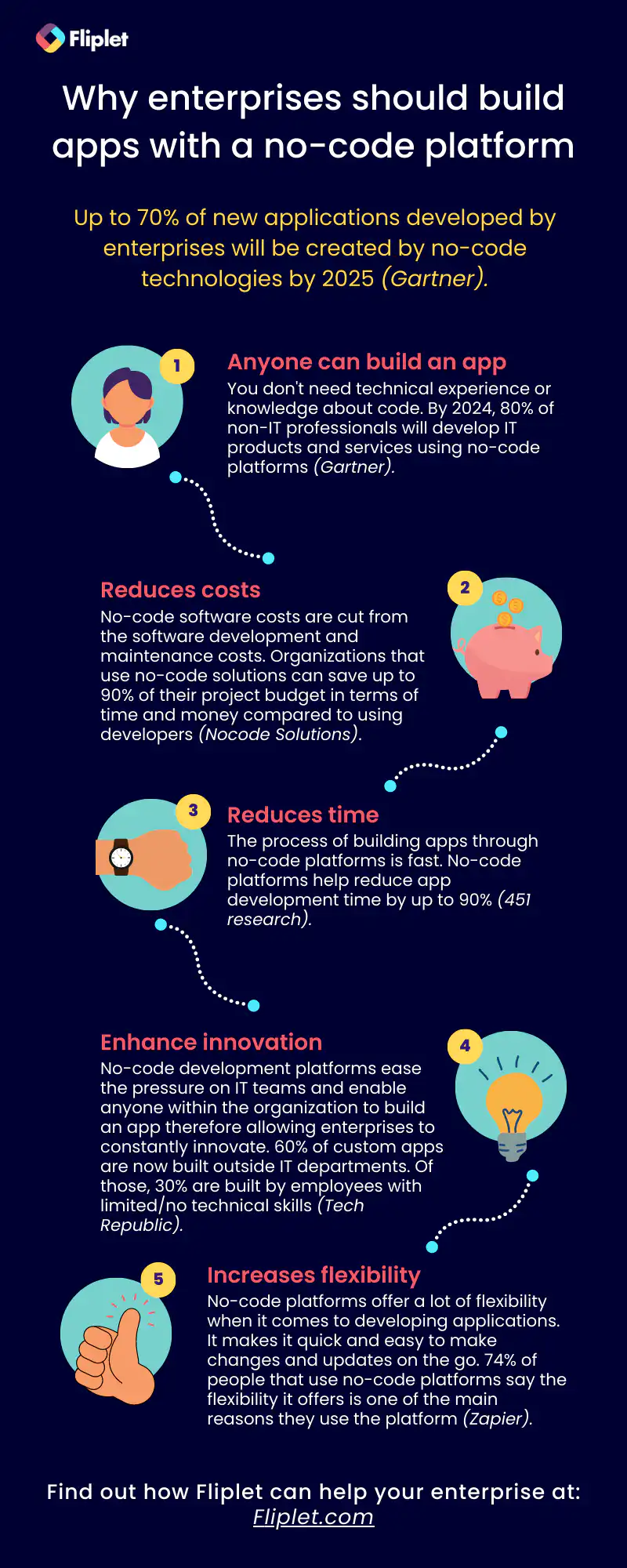
## What the operating model changes
No-code is shaking up industries and creating opportunities for [enterprises to innovate](https://fliplet.com/blog/three-reasons-low-code-technology-is-essential-for-enterprise-innovation/) by developing applications that would otherwise be impossible or too time consuming using traditional coding methods.
Let's take a look at the top four benefits of using a no-code app builder.
### Faster governed delivery
Compared to the traditional development process, these platforms create bespoke business solutions 10x faster.No-code application platforms are your go-to options if you want a working app in no time.
A simple app won't take more than a few hours whereas complicated enterprise applications will take just a few weeks. This allows businesses to rapidly build products with engaging user experiences and scale them quickly.
It also enables users with limited technical knowledge like [citizen developers](https://fliplet.com/blog/why-it-should-embrace-citizen-developers/) to develop their applications quickly without the support of developers.
[Read how a Top 30 UK Law Firm](https://fliplet.com/case-studies/top-30-uk-law-firm/) switched from another solution to Fliplet and went from 40 minutes inputting the details for an event to getting an event live in the app in just 10-15 minutes.
### A lower technical barrier
No-code development platforms are a tool that makes it easier to quickly build products with engaging user experiences, saving time, effort and cost typically associated with coding.
Additionally, they enable businesses to innovate faster with easy launch of new services and products thus helping them stay competitive in the market place.
Visual development lowers the coding barrier, but teams still need clear requirements, content ownership, testing, and review.
**"Flipet makes it very easy to quickly spin up apps with little to no coding or database experience." [Sam – Saul Ewing](https://fliplet.com/case-studies/saul-ewing/)**
### Broader team participation
[Visual development platforms can widen participation](https://fliplet.com/blog/8-ways-to-drive-innovation-at-your-organization/). Access should still reflect the user's training, the workflow's risk, and the controls established by the platform owner.
The simple user interface of no-code mobile enterprise app development platforms makes it extremely accessible for anyone who wants to create an app quickly and efficiently.
"Having never built apps before, Fliplet is a powerful tool which makes app building simple and effective! The vast array of features that are drag and drop mean you aren't required to have a coding background to build an app – this makes life so much easier, and the turnaround time to build an app is dramatically increased". – Customer at an Environmental Service.
[Book a Fliplet demo](/book-a-demo/) to discuss your governance, integration, and delivery requirements.
### Controlled flexibility
No-code application platforms are extremely flexible, which makes them a great choice for enterprises looking to build and launch products quickly. These platforms come with various customization options that enable users to tailor their apps to meet specific needs.
The flexibility of [no-code application development platforms](/blog/9-web-application-development-platforms-to-build-a-free-web-app/#what-is-a-web-application-platform) can make your business successful by enabling you to create products at an accelerated pace.
However, it is important to note, low-code platforms offer more flexibility and customization than no-code platforms. But, low-code takes more time to build and create.
Fliplet is a super flexible platform as it is a no-code platform which is easy to use, however it gives users the flexibility to include low code if they want. The chances are Fliplet has already built 90% of your app for you as Fliplet has 16 solutions and over 300 customizable screens. Fliplet offers endless flexibility and scalability to suit your unique business needs.
## Citizen-development operating model
After going through our ultimate guide, we hope you are clear about how to build an enterprise app [without coding](https://buildd.co/product/no-code-tools), what to look out for when selecting a platform, and the benefits of using a no-code platform when building an enterprise app.
Fliplet is the perfect choice for enterprises who want their own custom apps launched quickly and easily.
Fliplets offers a multitude of features that make using it fast and simple—it has sixteen ready-made app solutions, powerful tools, drag-and-drop design abilities, complete lifecycle management capabilities and an intuitive user experience.
Fliplet makes it easy to create engaging custom enterprise applications in no time. As we have mentioned, Fliplet is always on hand to offer support and guidance when you're building your application.
## FAQs
Common questions about building enterprise apps without coding.
Give it a go yourself...
[**Book a Demo**](/book-a-demo/)
## FAQs
### What is a no-code development platform?
A no-code platform is a suite of tools that lets users create digital products with pre-built components and drag-and-drop interfaces, making development faster and easier.
### What's important when considering an enterprise mobile application platform?
Look for a platform that is easy to use, feature-rich, well supported, proven with other organizations, and strong on security.
### What types of enterprise apps can you build without coding?
Organizations can build event apps, office management apps, crisis management apps, external-facing client apps, innovation and idea collection apps, and marketing or internal communication apps.
### What is mobile enterprise app development?
Mobile enterprise app development is the process of creating apps for organizations to use across mobile devices so teams can access data, collaborate, and complete business tasks more efficiently.
### How do I create an enterprise app?
Follow six key steps - choose a no-code platform, select a plan, pick a template, brand and customize your app, publish it, and review the analytics. This [guide to building enterprise apps without coding](/blog/xamarin-replacement/) walks through the process, and our [legal innovation app guide](/blog/legal-innovation/) goes into more detail about app implementation.
### How much does it cost to build an enterprise app?
Costs vary by complexity and platform. Traditional projects can range from tens of thousands of dollars to much more, while no-code platforms can reduce both development time and cost.
### What is an example of mobile enterprise?
A mobile enterprise is a company that uses mobile technology in its daily operations, such as retail teams checking live inventory or clinics letting patients check in and pay from their phones.
## Related links
- [Top 10 Mobile Enterprise Application Platforms for 2026](https://fliplet.com/blog/top-10-mobile-enterprise-application-platforms/): Fliplet compiled a list of the best mobile enterprise application platforms for you in 2026. To find out more, click the button below.
- [Reasons Why Your Organization Needs Enterprise Mobile Applications](https://fliplet.com/blog/reasons-why-your-organization-needs-enterprise-mobile-applications/): More than six billion people use smartphones and that number increases by the day. Enterprises need to be mobile-ready. Find out more within.
- [The Best Low Code/No Code Development Platforms](https://fliplet.com/blog/the-best-no-code-low-code-development-platforms/): See the list of the top no code/low code development platforms available for you in 2026. Read more within.
---
# How to Train Employees: A Practical 6-Step Process
> Learn how to train employees with a practical 6-step process for setting outcomes, planning content, choosing delivery methods, reinforcing skills, and measuring results.
Source: https://fliplet.com/blog/training-employees/
Content type: Blog
Published: 2026-03-19T09:30:00
Updated: 2026-03-19T09:30:00
Read time: 8 minutes
# How to Train Employees: A Practical 6-Step Process
Effective employee training starts with the work people need to perform. It is not measured by the number of slides delivered or courses assigned. It is measured by whether employees can apply the right knowledge and skills when the job requires them.
That makes the training process a business workflow. Teams need to define the result, understand the audience, design useful practice, support learning after the first session, and measure what changed.
This 6-step process works for onboarding, compliance, product knowledge, process updates, sales enablement, and role-specific development.
## 1. Define the outcome
Begin with a clear statement of what employees should be able to do after training. “Understand the new process” is difficult to observe. “Complete the new approval process without missing a required step” is specific and measurable.
Connect the outcome to a business need. Examples include:
- Reduce errors in a repeated operational task.
- Shorten the time it takes a new starter to work independently.
- Prepare a sales team to explain a new product accurately.
- Help managers respond consistently to a policy change.
- Improve completion of a required safety or compliance process.
Record the current baseline before training. Without it, a completion rate may show participation but not improvement.
## 2. Understand the audience
Employees do not all begin with the same knowledge, responsibilities, or working conditions. Speak with the people doing the work and the managers who support it. Review common errors, support questions, feedback, and performance data where available.
Clarify:
- What employees already know.
- Which skill or knowledge gap is creating the problem.
- Where and when the work happens.
- Which devices, systems, or materials employees can access.
- Whether language, accessibility, scheduling, or location affects delivery.
- Which parts of the process carry the greatest risk.
This prevents a common failure: giving everyone the same broad course when different groups need focused guidance.
## 3. Structure the content
Organize training around the sequence employees will follow at work. Put essential information first and separate supporting detail from what people must remember or do.
For each topic, use a simple pattern:
1. Explain why the task matters.
2. Show the correct process.
3. Let the employee practice it.
4. Give useful feedback.
5. Provide a reference for later.
Keep modules focused on one outcome where possible. Shorter sections make it easier to revisit a specific step without repeating an entire course. Checklists, examples, decision trees, and quick-reference guides can support the work after formal training ends.
## 4. Choose delivery methods
Match the delivery method to the task. A live workshop can help teams discuss judgment calls. A demonstration is useful for a visual or technical process. A scenario can test how someone applies a policy. Guided practice is essential when mistakes carry operational, financial, or safety risk.
A blended plan may include:
- Instructor-led sessions for discussion and coaching.
- Short self-directed modules for core knowledge.
- Demonstrations followed by supervised practice.
- Scenario-based questions for decisions and judgment.
- Peer support or mentoring for role-specific skills.
- Searchable job aids for use during the workday.
Delivery software becomes useful when teams need consistent access across locations, progress tracking, assessments, role-based content, or frequent updates. If you are evaluating a dedicated tool, [compare employee training apps and software](https://fliplet.com/blog/employee-training-apps/) before choosing one.
The tool should support the training plan. It should not determine the plan before the audience and outcome are understood.
## 5. Reinforce the learning
People forget information they do not use. Plan reinforcement before the initial training is delivered.
Useful reinforcement can include:
- A short follow-up task that applies the new skill.
- Manager check-ins during the first weeks.
- Spaced questions or knowledge checks.
- Practice with realistic examples.
- A searchable guide employees can consult at the point of need.
- Feedback when the process is completed incorrectly.
Managers play an important role. They need to know what was taught, what good performance looks like, and how to coach employees without introducing conflicting instructions.
## 6. Measure and improve
Measure the result against the outcome defined in step 1. Course completion is useful operational data, but it rarely proves that employees can perform the task.
Choose measures that reflect the work, such as:
- Assessment or observed-practice results.
- Time to competency for new starters.
- Task completion time.
- Error, rework, or escalation rates.
- Compliance with required process steps.
- Support questions after a change.
- Employee confidence and manager feedback.
Review the results by audience group where appropriate. If one team struggles, the cause may be missing context, limited practice, an unclear process, or a delivery method that does not fit their work.
Update the training when the process, policy, product, or audience changes. Assign an owner and a review schedule so employees do not rely on outdated guidance.
## A practical checklist
Before launch, confirm that the training plan has:
- A defined audience and observable outcome.
- A baseline tied to the business problem.
- Content organized around the real workflow.
- Practice and feedback, not instruction alone.
- Accessible delivery methods that fit the audience.
- Reinforcement after the initial session.
- Measures beyond completion.
- An owner for updates and ongoing evaluation.
## Train for the work
The best employee training is practical, focused, and connected to the job. Start with the behavior or result that needs to change. Design content and practice around that goal, then choose delivery methods and tools that make the plan easier to access and maintain.
When teams measure performance rather than attendance, training becomes an improvement process instead of a box-ticking exercise.
## FAQs
### What is the best way to train employees?
Start with the work employees must perform, define an observable outcome, and combine concise instruction with realistic practice. Reinforce the learning after the initial session and measure whether performance changes on the job.
### How do you create an employee training plan?
Identify the audience and skill gap, set measurable outcomes, organize content into a clear sequence, choose delivery methods that fit the work, assign owners and dates, and decide how results will be evaluated.
### How long should employee training take?
The right length depends on the task and its risk. Keep individual modules focused, allow enough time for practice, and spread complex learning across several sessions instead of relying on one long presentation.
### How do you know whether employee training worked?
Use measures tied to the original goal, such as assessment scores, observed task performance, time to competency, error rates, completion, support requests, or manager feedback. Compare results with the baseline recorded before training.
## Related links
- [Compare employee training apps and software](https://fliplet.com/blog/employee-training-apps/): Compare employee training tools, features, pricing, and best-fit use cases.
- [5 Reasons Why Your Training Strategy Should Be Mobile](https://fliplet.com/blog/5-reasons-why-your-training-strategy-should-be-mobile/): Learn how mobile delivery can support a flexible employee training strategy.
- [Training apps: Digitizing medical training in Sierra Leone](https://fliplet.com/case-studies/masanga-uk/): See how Masanga UK created a secure and reliable way to digitize medical training.
---
# How to Turn Your Web App to Mobile App
> How to Turn Your Web App to Mobile App. Get practical steps, planning tips, and common pitfalls to avoid so your team can move faster with less risk.
Source: https://fliplet.com/blog/how-to-turn-your-mobile-app-into-web-app
Content type: Blog
Published: 2026-02-22T13:05:27
Updated: 2026-03-21T11:48:26
Read time: 10 minutes
# How to Turn Your Web App to Mobile App
At Fliplet, we're always seeking to give you the tools that will make the mobile experiences you create more fluid and seamless. One of those tools, is the option to create web apps out of your mobile apps.
If you are planning the wider app strategy, compare this guide with our [cross-platform app development overview](https://fliplet.com/blog/cross-platform-app-development/) and Fliplet's [platform overview](https://fliplet.com/platform-overview/).
## What are web apps on Fliplet?
They are, essentially, **mobile apps that you can embed onto a web page** – retaining all the same functionality and content as a mobile app.
The only difference between a Fliplet mobile app and a web app (in terms of the experience) is that web apps are automatically adapted to be used without the need for a touch interface.
## Why are web apps important?
Whether you're an IT professional, a recruitment agent, a marketing professional or an event manager, you will often find that you need to create a seamless user experience across both mobile and desktop devices.
This will help you meet the needs of different kinds of users, reach more people and also provide apps and content that are mobile-first, with the added convenience of being available online as well.
Creating fluid mobile-first journeys is at the forefront of our thinking here at Fliplet this year, as we previously discussed in [episode 10](/blog/) of the Fliplet podcast.
## Why were web apps added to Fliplet?
Over the last few months, many of our customers told us they loved their apps, but they often wished there was an easy and low-cost way to bridge the gap between the mobile experience and the browser experience.
They didn't want to have to create different journeys, and integrating with other desktop platforms was often not convenient. Our solution? To create a tool that can do both mobile and web apps!
Here are some other key reasons why we added web apps to Fliplet:
### Coverage of all devices
With web apps, every user with access to the internet can **seamlessly access their app on mobile, tablet and desktop**, even if they don't have a device compatible with iOS, Android, or they simply don't want to install an app.
This minimises disruption for the user, improves editorial efficiency and reach, and ultimately, saves you (the app creators) time.
For more on [making an app for iPhone](https://fliplet.com/blog/7-steps-making-an-app-for-iphone/), read our blog.
### Faster access to the application on ALL devices
Sometimes users just want to have quick access to the content without having to download or open an app. Now they can avoid that friction and simply open a link.
### More screen space
Content-based apps, for example, are many times easier to browse and explore on a large screen. With web apps, you can give your users the option to use a larger screen if they prefer.
### Better reach and marketing opportunities for your company
Sometimes an app screenshot just won't do to promote your apps. The marketing opportunity that is created by being able to show your audience the app with all its functionality before they download is a real boon.
### Simplify enterprise tools
You may have great software at your disposal in your company, but sometimes it's too complex to use and you want something that will do the same job but for a particular purpose, team or campaign.
Web apps can use content from other pieces of software you use, but with the straightforward experience of a mobile app. For example, intranet news for a specific department or a document library.
## Perfect opportunities to use web apps
### Events
When running an event where a significant number of attendees are expected it may be more efficient for users to have a registration web app that allows people to register in minutes on their computer or on their mobile device.
This means:
- There's an option to sign up on any device
- Users don't need to download the event app on their devices until the time of the event
Additionally, web apps can be set up at events or receptions on digital displays. Not only does this offer brand new broadcasting opportunities, but it will offer the event attendees a visual experience before the event even begins, giving them a feel for the product/service that will be discussed.
### Reporting and Data Usage
Gathering large amounts of data from a mobile app can be tedious and require a powerful system. It might be faster and easier to analysis this through a web app. The more powerful desktop device will enable access any existing or new data collected through other Fliplet apps.
A slightly more advanced outlook on this use case would be to consider the effectiveness of gathering large sets of data quickly via computer, which then can be used to power mobile apps where the data is slower, for example:
- Loading agenda for events
- Creating news articles or content for sharing
- Building reference libraries
### Content Sharing
Increasing customer or employee engagement is usually at the forefront of any app creator's mind, and the capacity to create both apps for mobile and web now enables organizations to achieve higher reach than ever before.
Target customer and employees on all their devices with content sharing apps that contain responsive knowledge articles, information, and more for their phones, tablets and desktop devices.
## How do web apps compare to mobile apps?
There are several **similarities between apps created for the web and for mobile**. In essence, they're the same app, but it's important to build an understanding of where mobile apps and web apps do, or don't, differ.
### Similarities include:
#### 1\. They can both be created and managed using the same platform
This is a clear similarity as the process you use to create a mobile app and a web app is much the same. If you create your app through Fliplet, you'll be using the **same tools and features to develop components of both mobile and web versions**. You'll be able to manage and simultaneously make changes both mobile and web versions of the app.
For teams starting from a blank canvas, Fliplet's [build an app from scratch solution](https://fliplet.com/solution/build-an-app-from-scratch/) covers the same web-and-mobile delivery model.
#### 2\. The appearance is usually quite similar as well
A web app is essentially a mobile app embedded into a website, thus, it's not surprising that it will look quite a lot like its mobile counterpart. The **design and layout will remain the same in most cases**, with the differences relating to usability being outlined below in the next section.
#### 3\. You can share the same data between web apps and mobile apps
**Work you do on the app via the web will be automatically accessible through the mobile version**. The data is the same which ensures that you don't have to transfer information to a central location like a drive before accessing it on another platform.
### Differences include:
#### 1\. Mobile apps require installing an app from an app store, web apps use a web address and do not require installation
In order to access a mobile app, users will either have to download the app from the public app store or through your organization's enterprise app store. With web apps, you can simply **send users a direct link** through which they can instantly access the web version of the app.
#### 2\. Touch vs mouse – slightly different interactions
The main difference in terms of design and usability between a mobile and web app will be the ways in which the user interacts with the app. For example, on mobile, a user will be able to swipe and tap on certain features. With a web app, you'll be **limited to mouse movements**, e.g. clicking.
#### 3\. No offline mode with web apps, they always require a connection to the host servers (in our case Fliplet) and don't work if they are offline
Web apps do not have the same offline functionality as mobile apps. Although that sounds like an issue, it's not necessarily the reason web apps exist. They're designed to offer an alternative method for users to access apps through their desktop devices.
#### 4\. Not full screen, web apps are embedded into an existing web page
Web apps shouldn't be confused with a full-screen programme application. They are simply embedded into a web page, hence why we often refer to them as **web apps**, as opposed to web apps.
#### 5\. No access to mobile device sensors e.g. geolocation, compass, accelerometer that are sometimes used within mobile apps
The connectivity that mobile apps have with other features of a mobile device is lost whenever you transfer your app over to a web device. Similar to point '3.' though this shouldn't be a major issue, as web apps are not necessarily designed to be used when on-the-go, that's exactly what mobile apps are for.
## How to create your first web app
Web apps can be created with Fliplet using the same platform that you would use to create a mobile app.
If you are interested in creating apps with Fliplet, talk to our mobile experts. We can offer advice on which app building software to use and show you our own templates. Simply click on the button below.
## FAQs
Common questions about building web apps with Fliplet.
## FAQs
### How do I create a web app using Fliplet?
Start by creating or logging into your Fliplet account, choose a suitable template, customize it to fit your needs, and then publish your web app.
### How do I create a progressive web app (PWA)?
Build a responsive web app, run it over HTTPS, add a web app manifest, implement service workers for offline access and caching, and test it with tools such as Lighthouse.
### How can I create a web app from scratch using Fliplet?
Use Fliplet's blank template if you want to start from a clean slate, or begin from a pre-built template and customize it with the features and design you need.
## Related links
- [How to create a web app in 15 steps](https://fliplet.com/blog/how-to-create-a-web-app-in-15-steps/)
- [Simple & Free Ways to Make an App (No Coding Required)](https://fliplet.com/blog/simple-free-ways-to-make-an-app-no-coding-required/)
- [How to build a custom app without any coding](https://fliplet.com/blog/how-to-build-a-custom-app-without-coding/)
---
# How to win the post-Covid talent war
> See how better internal communication and employee engagement can help companies compete in the post-Covid talent war, with lessons from Eversheds Sutherland.
Source: https://fliplet.com/blog/how-to-win-the-post-covid-talent-war
Content type: Blog
Published: 2026-05-18T12:27:56
Updated: 2026-03-21T11:48:59
Read time: 4 minutes
# How to win the post-Covid talent war
HR managers are on the front line of a post-Covid global talent war. Remote working means companies are no longer bound by physical location and competition for workers is global and greater than ever. Businesses need to have a reputation as great places to work to attract the best talent.
Good internal communications are key to this and help create a happy and engaged workforce. Companies with great internal communications give purpose to their employees and provide a more transparent, open culture. Despite this, 60% of organizations worldwide have no long-term strategy in place for their internal communications.
In this article, we dive deeper into the talent war. We also explain how Eversheds Sutherland helped over 1,000 of its global employees to support each other during the pandemic using a Fliplet app.
## Engage employees to win the talent war
According to McKinsey, 87% of the global workforce is not engaged at work and only 10% think their employer provides good internal comms. As a result, over 85% are either looking for a new job or would apply if an opportunity came their way.
Unengaged workers cost UK companies up to £70bn in lost productivity every year.
These figures are partly because, post-pandemic, many people prefer to work remotely. As a result, employee connectivity and welfare have become significant concerns.
Today, the companies winning the talent war put systems in place to address these issues. To explain this, let's take a look at that example we mentioned earlier.
### Open House by Eversheds Sutherland
Eversheds Sutherland is a global law practice providing legal advice and solutions. They serve a range of clients, from small businesses to large multinationals. The firm has 5,000 employees in 68 offices across 32 countries.
The company values staff engagement and internal comms. So when Covid-19 hit, they wanted an online solution to support their employees. Their key concerns included:
- Difficulties working from home connected to:
- Work/life balance.
- Mental and physical health.
- Loss of social bonds between employees.
- Staff only had WhatsApp and email groups to communicate with each other.
- There was nowhere for employees to talk and share ideas on non-work-related topics.
- As a solution, Eversheds Sutherland used Fliplet's platform to develop the _[Open House app](https://fliplet.com/case-studies/eversheds-open-house/)_.
Eversheds designed the app to provide a social hub for their teams and reduce the homeworking difficulties they face.
### People-focused features:
**Chat rooms:** These allow colleagues to share tips about surviving lockdown and discuss subjects that matter to them. Included topics like wellbeing, remote working, and kids.
**Firm-produced content:** For example, how to add mindfulness practices to your daily routine. This allows Eversheds to support employee wellbeing.
**Peer-created content:** For example, pet photos in the 'just for fun' section. This puts employees in control of the app content.
**Content engagement tools:** Employees can comment on and bookmark content. This encourages discussion amongst colleagues.
**Available worldwide:** This allows people who don't normally interact to do so; perfect for helping colleagues feel connected in a global business.
**Photo sharing:** People use this in chat rooms to get to know each other better.
Content sharing: Employees can share webinars, seminars, and live workshop recordings with colleagues. This knowledge sharing allows employees to continue developing their careers.
**Peer recognition:** Colleagues can thank one another for upholding company values. This spreads good vibes throughout the company and reinforces its values.
The results? Eversheds now has a more connected workforce. Colleagues can discuss non-work topics and interact with employees outside of their projects or teams.
The app also helped deliver the company's wellbeing program to employees working from home. Within six weeks, Open House had boosted employee engagement.
For more on [employee engagement, read our blog.](https://fliplet.com/blog/5-most-used-employee-engagement-apps-compared/)
## An unprecedented success story
### 1,198
users registered for the app. More than **50%** spent four sessions or more on the app.
### 5,801
likes across **602** pieces of content.
### 947
comments across **38** categories – or **25** comments per category.
## Take action to win the talent war
McKinsey says that businesses that use social technologies in the workplace like Eversheds experience tremendous benefits, including:
- 20-25% increase in productivity.
- 24% reduced turnover rate in B2C industries.
- 59% reduced turnover rate in B2B industries.
More jobs are being advertised every day. If you don't engage your employees, it will only be a matter of time before they find a new opportunity.
Don't wait for this to happen. Find out how a Fliplet app can help you improve engagement and boost retention.
## FAQs
### What is the post-Covid talent war?
The post-Covid talent war refers to the increased competition for employees in a market where remote work has widened hiring options and made retention more difficult for employers.
### Why do internal communications matter for talent retention?
Strong internal communications help employees feel informed, connected, and aligned with company purpose, which improves engagement and can reduce the likelihood that people look elsewhere.
### How can an employee app help remote and hybrid teams?
An employee app can create a shared space for conversations, wellbeing support, content sharing, peer recognition, and community building across locations and time zones.
### What did Eversheds Sutherland achieve with Open House?
Eversheds Sutherland created a social hub for employees that supported wellbeing, encouraged peer interaction, and boosted engagement within weeks of launch.
---
# How Ward and Smith Transformed their App Development Process
> How Ward and Smith Transformed their App Development Process. Understand trends, risks, and opportunities so teams can make better-informed decisions.
Source: https://fliplet.com/blog/ward-and-smith-transformed-their-app-development-process
Content type: Blog
Published: 2026-05-18T11:00:39
Updated: 2026-03-19T07:13:16
Read time: 8 minutes
# How Ward and Smith Transformed their App Development Process
In today's digital age, law firms are constantly striving to leverage technology to streamline their operations and improve client satisfaction, so they turned to Fliplet. Fliplet is a popular app development platform that allows organizations to create custom mobile or web apps without the need of any coding.
In this case study, we will explore how Ward and Smith, a law firm in North Carolina, successfully implemented Fliplet to transform their app development process and enhance their firm's efficiency.
For the full customer story, read the [Ward and Smith case study](https://fliplet.com/case-studies/ward-and-smith/).
If you're assessing options before starting a similar project, explore our guide to [mobile enterprise application platforms](https://fliplet.com/blog/top-10-mobile-enterprise-application-platforms/) and Fliplet's [legal industry app guidance](https://fliplet.com/industry/legal/).
## Meet Ward and Smith
Ward and Smith is a full-service law firm with over 100 attorneys spread across five locations in North Carolina. As the Director of Information Technology, Charles Collins is responsible for managing all technology-related aspects of the firm, from hardware to software and technology initiatives.
Charles discusses the challenges the firm faced, how the firm were able to leverage Fliplet and how they continue to expand their client-facing solutions.
## The Challenges of Traditional App Development
Before implementing Fliplet, Ward and Smith had previously developed their mobile apps from scratch. While this approach gave them complete control over the app's functionalities, it also presented several challenges. Every time a mobile device upgraded its operating system or any changes were required for the app, the firm had to invest significant time and resources to modify and maintain the app. This created a lot of overhead and hindered their ability to quickly adapt to evolving needs.
## Why Fliplet?
The reason Ward and Smith chose Fliplet was its powerful yet user-friendly interface. Unlike their previous approach, Fliplet allowed them to leverage pre-built components and drag-and-drop functionality to create apps quickly. The simplicity of the platform, combined with its robust features, made it an ideal fit for the firm's needs. Charles highlights the ease of creating apps and the ability to quickly make changes and push updates to users with minimal disruption.
"The reason we chose Fliplet was, the ease of use, the simplicity behind, well, not just the simplicity of the product, but the power and simplicity of the product."
## Leveraging Fliplet for Firm Directory and more
"We initially started with Fliplet to create some firm related mobile apps. Primarily, a firm directory is a means to provide our attorneys and staff when they are out of the office, access to contact information for everybody throughout the firm."
Ward and Smith initially started using Fliplet to develop a firm directory app, which provided attorneys and staff with access to contact information for everyone in the firm. However, they soon realized the potential of Fliplet and expanded its usage.
The firm directory app now includes additional features such as news articles, presence information, floor plans, and emergency contact details. This app became a vital tool for staff to communicate and stay connected, especially during the pandemic when remote work became prevalent.
## Empowering Attorneys with Easy Access to Information
One of the significant benefits Ward and Smith gained from Fliplet was providing their attorneys with easy access to contact information for their colleagues and co-workers, even when they are out of the office. Initially focused on basic contact details, the app has evolved to provide real-time information about colleagues' availability, presence, and office location. This feature is valuable as it enables attorneys to stay connected and collaborate effectively.
"It has provided a really quick and easy way for them to stay in touch and get contact information for everybody in the firm"
## Expanding Client-Facing Solutions
As Ward and Smith became more familiar with Fliplet's capabilities, they started exploring client-focused solutions. Beyond mobile apps, they started creating web-hosted forms to collect information from clients, streamlining the process of handling tasks and work for their clients. The firm continues to expand its mobile app offerings through Fliplet, ensuring they provide secure and user-friendly solutions for their clients.
"There's so many use cases for a product like this that it makes it very appealing to any law firm or any company that may have a need for a web-based or mobile-based software solution."
## Rapid Prototyping and Quick Solutions
"The biggest benefit we have gained from Fliplet is the ability to very quickly turn around solutions for our firm"
One of the standout benefits of Fliplet for Ward and Smith has been the ability to quickly turn around solutions for their firm. Charles cites an example of a major case their litigation section was working on, which required data collection from clients.
Using Fliplet, the firm was able to rapidly prototype a solution and provide their clients with a user-friendly tool much sooner than if they had built it from scratch. Fliplet's flexibility and support were crucial in meeting tight deadlines and delivering effective solutions.
## The Onboarding Process
## "Both the onboarding process and support have been very, very good for us"
Ward and Smith had a smooth onboarding process with Fliplet. Their expertise allowed them to dive into Fliplet's advanced features, asking detailed and complex questions during the onboarding process. Fliplet's support team was readily available to address their queries and provide the necessary information, ensuring the firm's success in their projects.
## The Versatility of Fliplet: From Technical to Non-Technical Users
Fliplet's versatility has been instrumental in Ward and Smith's success. While they have highly technical team members, they have also empowered non-technical staff to create meaningful solutions.
"A member of our marketing staff last year took it upon herself to build out a mobile app for our attorneys around that firm retreat. With the agenda and information around all the sessions and all the events that we had been having that weekend. She was primarily able to do that on her own with very little involvement from IT."
Charles shares an example of a marketing staff member who built an event app for the firm's annual retreat with minimal technical background. Fliplet's intuitive interface and support resources enabled her to create a functional app that enhanced the retreat experience for attorneys. This versatility makes Fliplet an ideal solution regardless of technical skill levels.
For more on that use case, see the [law firm retreat planning guide](https://fliplet.com/blog/strategies-for-law-firm-retreat/).
"You could certainly get very technical with the product, but there are a lot of pieces within Fliplet that non-technical people can really run with."
## Security and Compliance
As Ward and Smith expanded their usage of Fliplet to handle more client-facing projects and sensitive data, security was of high importance to them. Fliplet's robust security features, including data encryption and secure data transmission, provided the firm with confidence in protecting their clients' information.
They actively engaged with Fliplet's customer service representatives and support team to understand the security measures in place and ensure compliance.
## Future Apps
Ward and Smith have an extensive wishlist of projects and solutions they plan to tackle using Fliplet. One notable project on the horizon is an expense entry and travel app. This app will enable staff and attorneys to manage their travel arrangements, submit expenses, and track reimbursements seamlessly. By leveraging Fliplet, the firm aims to simplify and streamline processes, ultimately enhancing productivity and client service.
"The biggest advice I would give anybody when considering Fliplet is to really understand your use case and really look at ways that Fliplet can make that process easier for you. Whether it's their pre-built templates, whether it is the ease of putting together an app or a solution from scratch, Fliplet is a very powerful tool, but it is adaptable based on your skill set."
## Conclusion
"Fliplet is a very powerful tool, but it is adaptable based on your skill set"
Ward and Smith's successful implementation of Fliplet showcases the platform's ability to revolutionize [mobile app development](/blog/10-best-mobile-application-development-platforms/) for law firms. By embracing the power and simplicity of Fliplet, the firm has overcome the challenges of traditional app development and empowered their team to create innovative solutions. The versatility, security, and excellent support provided by Fliplet have been instrumental in Ward and Smith's journey towards improved efficiency and client satisfaction.
To learn more about Ward and Smith and their technology initiatives, visit their website at [www.wardandsmith.com](https://www.wardandsmith.com/). Contact information for Charles Collins and other members of their IT department can be accessed on the website.
Fliplet is not just a platform for law firms; its capabilities make it appealing to any company seeking a web-based or mobile-based software solution. Whether you are technically inclined or have a good sense of design, Fliplet offers endless possibilities to create powerful and user-friendly apps. Don't miss out on the opportunity to transform your mobile app development process with Fliplet!
## FAQs
### How did Ward and Smith improve their app development process?
The firm shifted to a faster, more iterative model that reduced dependency on traditional development timelines and enabled quicker delivery.
### Why was rapid prototyping important for Ward and Smith?
Rapid prototyping allowed teams to validate ideas early, gather feedback from stakeholders, and refine solutions before larger rollouts.
### What use cases benefited first from the new approach?
Early value came from practical internal tools such as directories, information access, and workflow support, with expansion into client-facing solutions over time.
## Related links
- [Ultimate Guide: How to scale mobile enterprise app development without coding or IT resources](https://fliplet.com/blog/mobile-enterprise-app-development-without-coding/): Fliplet compiled an ultimate guide on how to scale mobile enterprise app development without coding or IT resources
- [Top 10 Mobile Enterprise Application Platforms](https://fliplet.com/blog/top-10-mobile-enterprise-application-platforms/): Fliplet compiled a list of the top 10 mobile enterprise application platforms. Read more within.
- [The Best Low Code/No Code Development Platforms](https://fliplet.com/blog/the-best-no-code-low-code-development-platforms/): Fliplet compiled a list of the best Low Code/No Code Development Platforms. Find out more within.
---
# Hybrid work in 2026: Apps to unlock the new office normal
> In 2026, hybrid work is a permanent operating model. Learn the capabilities a remote office management tool needs to reduce friction, improve communication, and keep office and remote teams aligned.
Source: https://fliplet.com/blog/apps-to-unlock-the-new-office-normal/
Content type: Blog
Published: 2026-03-18T09:00:00
Updated: 2026-03-18T09:00:00
Read time: 10 minutes
# Hybrid work in 2026: Apps to unlock the new office normal
Hybrid work is no longer a temporary response to disruption. In 2026 it is a stable operating model, and the organizations that run it well do one thing differently: they treat the “office” as a service that needs to work just as smoothly for remote days as it does for office days.
Workplace context: McKinsey's analysis on [the future of remote work](https://www.mckinsey.com/capabilities/people-and-organizational-performance/our-insights/what-employees-are-saying-about-the-future-of-remote-work) helps explain the shift toward mobile-first employee tools.
That is where a remote office management tool helps. Not as another system to learn, but as a single place employees can rely on for communication, coordination, and day-to-day workflows.
If the goal is to replace scattered workplace systems, compare this with [the best intranet alternatives for enterprises](https://fliplet.com/blog/the-best-intranet-alternatives-for-any-enterprise/) and Fliplet's [Communications solution](https://fliplet.com/solution/communications/).
## Key takeaways
- Hybrid work succeeds when communication and office coordination live in one consistent experience.
- The biggest friction is not “where people work”, it is how quickly they can find answers and complete routine requests.
- A good remote office management tool combines announcements, resources, directories, workplace requests, and approvals with secure access and integrations.
- Roll out in phases: start with high-frequency use cases, then expand into workflow automation and deeper integrations.
## What hybrid work looks like in 2026
Most teams have reached a new rhythm: office days for collaboration and customer-facing moments, remote days for deep work and flexibility. The challenge is that the employee journey still has gaps:
- People miss updates because they are scattered across email, chat, and intranets.
- Office attendance is uneven, making it hard to plan collaboration days.
- New joiners struggle to find policies, contacts, and “how we do things here.”
- Facilities and IT requests sit in inboxes with unclear ownership.
- Security and compliance requirements are harder to enforce when information is copied into personal tools.
Hybrid work needs less “more tools” and more “fewer places to go.”
## What a remote office management tool should solve
Think of the remote office management tool as the front door to work. It should make the most common tasks easy and the most sensitive information safe.
### 1) Communication that reaches everyone
Hybrid teams need fewer messages, not more. The goal is to reduce noise while increasing certainty.
- Targeted announcements by role, location, department, or business unit
- Critical updates with acknowledgement (where required)
- Mobile-first delivery so deskless and field staff are not excluded
### 2) Resource discovery (so people stop asking “where is that?”)
When policies live in five places, people follow the wrong version.
- A searchable knowledge base for policies, playbooks, and FAQs
- Clear owners for content and a review cadence
- Short “how-to” guides for recurring workflows
### 3) Office coordination that supports flexible attendance
Even without complex space management, teams need basic coordination to make office days productive.
- Desk and room coordination (where relevant to your workplace model)
- Clear office day guidance (what to bring, where to go, who is in)
- Visitor guidance and site information (where applicable)
### 4) Workplace requests and workflow approvals
The fastest way to improve hybrid experience is to remove the tiny “paper cuts” that happen daily.
- Facilities requests (access badges, equipment, moves, repairs)
- IT requests (access, software, device issues)
- Simple approvals (purchase requests, access to systems, exceptions)
### 5) Security and governance that does not slow people down
Hybrid work breaks when teams solve problems by copying data into unapproved tools.
- Authentication and permissions aligned to roles
- Controlled access to sensitive content and forms
- Integrations that keep source-of-truth systems in charge
## Why mobile-first apps lead hybrid work in 2026
Hybrid work multiplies the number of moments where people need fast answers and frictionless action: “Where do I sit?”, “Who’s in on Tuesday?”, “What’s the latest policy?”, “How do I request access?”, “Who owns this?”. When those moments are split across email threads, chat messages, shared drives, and intranet pages, teams slow down and leaders lose visibility.
In 2026, the winning pattern is simple: put the everyday employee journeys into one mobile-first experience that is easy to search, easy to update, and governed by the right permissions. Mobile matters because hybrid teams are not always at a desk, and because time-sensitive communication works better when it reaches people where they are.
The platform approach also reduces long-term risk. Instead of buying a different tool for every workflow, modern organizations standardize on a secure app layer that can:
- Ship new experiences quickly (without long development cycles)
- Integrate with existing systems of record (identity, HR, ticketing, knowledge)
- Evolve incrementally as policies, space models, and operating rhythms change
- Keep data and access governed as requirements grow
## How Fliplet helps you transition smoothly

Fliplet helps teams make hybrid work feel consistent by giving them a secure, branded employee experience that works on web and mobile. Instead of forcing people to jump between disconnected tools, you can bring the key hybrid-work journeys into one place and evolve them over time.
Here are some of the most useful capabilities for hybrid teams:
- **Targeted communications** for role/location-based updates, with notifications when it matters
- **Employee directory** so people can find the right contact quickly (especially across locations)
- **Searchable resources** for policies, playbooks, and FAQs with clear ownership and review cycles
- **Remote + office coordination** like desk/attendance experiences when your workplace model needs it
- **Forms and workflows** for IT and facilities requests, plus lightweight approvals and status updates
- **Security and integrations** so access is governed and your existing systems remain the source of truth
If you want a starting point, explore Fliplet’s [Remote and office management solution](https://fliplet.com/solution/remote-and-office-management/) and tailor it to your rollout.
For proof from a hybrid-office rollout, see how [Macfarlanes used Fliplet](https://fliplet.com/case-studies/macfarlanes/) to support return-to-office coordination and employee communications.
## A practical rollout plan (30–60–90 days)
Modernizing for hybrid work is not a single “big launch”. The best results come from quick wins followed by a predictable expansion.
### Days 1–30: Establish the employee hub
Focus on adoption and trust.
- Build a small set of must-have pages: news, policies, directory, key contacts
- Add the top 5–10 FAQs that generate repeated questions
- Create an “Office day checklist” and a “Remote day checklist”
### Days 31–60: Add high-frequency requests
Focus on reducing time-to-resolution.
- Launch facilities and IT request flows with clear ownership and status updates
- Introduce lightweight approvals where decisions currently happen in email threads
- Add targeted notifications for time-sensitive updates
### Days 61–90: Automate, integrate, and measure
Focus on reliability and scale.
- Integrate with your core systems (identity, HR, ticketing, knowledge where applicable)
- Expand content ownership to departmental editors with guardrails
- Track adoption, request resolution time, and content findability
## Use cases that make the biggest difference
If you are deciding where to start, these use cases usually deliver the fastest impact:
- Leadership communications that are consistent across office and remote staff
- A searchable policies hub with clear ownership and review dates
- Employee directory and “who to contact” guidance (especially for distributed teams)
- IT and facilities requests with status visibility (no more chasing)
- Onboarding journeys that work regardless of where a new hire starts
## How to know it is working
Hybrid work initiatives can feel intangible unless you define outcomes. Start with a small set of practical metrics:
- Weekly/monthly active users of the hub
- Time to find key policies (or reduction in repeated questions)
- Request resolution time for IT/facilities workflows
- Office-day readiness (fewer “where do I go / what do I do” questions)
- Engagement with critical updates (reads, acknowledgements, completions)
## Ready to modernize hybrid work?
If you want to reduce hybrid friction without rolling out yet another disconnected tool, a remote office management experience can unify communications, office coordination, and workflows in one secure place.
Explore what this could look like for your organization and book a demo with Fliplet.
## FAQs
### What does hybrid work require from workplace apps in 2026?
Teams need a single, reliable place for announcements, policies, directories, workplace requests, and quick access to tools so that office days and remote days feel equally supported.
### What should a remote office management tool include?
At minimum, it should cover communication, resource discovery (search and knowledge), office coordination (desks, rooms, visitors where relevant), workflow approvals, and secure access controls with integrations to core systems.
### How do you measure a successful hybrid-work rollout?
Track adoption, content findability, request resolution time, office utilization, and engagement with time-sensitive communications (e.g., acknowledgements, reads, and workflow completion).
## Related links
- [Intranet software and solutions](https://fliplet.com/blog/intranet-software-and-solutions/): Build a modern intranet experience that brings people, policies, and resources together across office and remote work.
- [Complete guide: hot desking software compared](https://fliplet.com/blog/complete-guide-the-20-best-hot-desking-software-compared/): Understand the desk and space coordination options that support flexible office attendance.
- [Best team communication apps](https://fliplet.com/blog/best-team-communication-apps/): Improve leadership communication, reduce noise, and reach people in the tools they actually use.
---
# Intranet Software and Solutions in Legal Teams
> Intranet Software and Solutions in Legal Teams. Compare features, pricing, pros and cons, and use cases to choose the best fit for your team and goals.
Source: https://fliplet.com/blog/intranet-software-and-solutions
Content type: Blog
Published: 2026-01-24T10:06:11
Updated: 2026-02-15T09:26:54
Read time: 12 minutes
# Intranet Software and Solutions in Legal Teams
Why should your law firm prioritize an intranet solution? As law firms grow and handle increasingly complex cases, communication and collaboration become critical. Intranet software for law firms streamlines internal operations, enhances secure collaboration, and centralizes document sharing, ensuring your team works more efficiently.
Definition reference: Gartner's [intranet glossary entry](https://www.gartner.com/en/information-technology/glossary/intranet) is a useful baseline for scope and capability alignment.
This guide explores the best legal intranet solutions available, providing the tools and insights your firm needs to enhance productivity and security.
## Key Takeaways
- Legal intranet software centralizes communication, document sharing, and knowledge management.
- Prioritize features like document management, secure access, and mobile accessibility.
- The right law firm intranet solution can enhance productivity and ensure compliance with legal standards.
## What is an Intranet Software for Law Firms?
Intranet software for law firms is an internal digital platform designed to streamline communication, collaboration, and document management within a legal team. Unlike external-facing tools, a law firm intranet focuses on facilitating seamless interactions between staff, centralizing resources like case files, and improving operational efficiency.
### Key benefits include
- **Centralized Document Management:** Easily store, organize, and access case-related files.
- **Secure Communication:** Protect sensitive discussions with advanced security features.
- **Knowledge Sharing:** Build a repository of legal knowledge for quick reference.
- **Collaboration Tools:** Enable team members to work together on cases in real time.
For more insights on how legal teams are using intranet tools, explore [solutions for lawyers](https://fliplet.com/solutions-for-lawyers-attorneys-staff/).
## 15 Best Legal Intranet Software & Solutions on the Market Right Now
| Software | Secure communication | Knowledge sharing | Document management | Collaboration | Mobile access | Pricing |
| --- | --- | --- | --- | --- | --- | --- |
| Fliplet | ✓ | ✓ | ✓ | ✓ | ✓ | First 3 apps free, plans starting at $9.90 per month |
| Poppulo | ✓ | | ✓ | ✓ | ✓ | Available on request |
| Snapcomms | ✓ | | ✓ | ✓ | ✓ | Starting at $9 per user per year |
| Confluence | ✓ | ✓ | ✓ | ✓ | ✓ | Starting at $6.40 per user per month |
| Jostle | ✓ | | ✓ | ✓ | ✓ | Available via tool on website |
| LumApps | ✓ | ✓ | ✓ | ✓ | ✓ | Available on request |
| Staffbase | ✓ | | ✓ | ✓ | ✓ | $30,000 per year |
| Blink | ✓ | | ✓ | ✓ | ✓ | Starting at $3.40 per user per month |
| Simpplr | ✓ | ✓ | ✓ | ✓ | ✓ | Available on request |
| Happeo | ✓ | ✓ | ✓ | ✓ | ✓ | Minimum of $3,000 annually |
| Igloo | ✓ | ✓ | ✓ | ✓ | ✓ | Starts at $599 per month |
| Workplace | ✓ | ✓ | ✓ | ✓ | ✓ | Starts at $4 per person per month |
| SharePoint | ✓ | ✓ | ✓ | ✓ | ✓ | Starts at $5 per person per month |
| Unily | ✓ | ✓ | ✓ | ✓ | ✓ | Starts at $4995 per year |
| Jive | ✓ | ✓ | ✓ | ✓ | ✓ | Available on request |
### 1.Fliplet
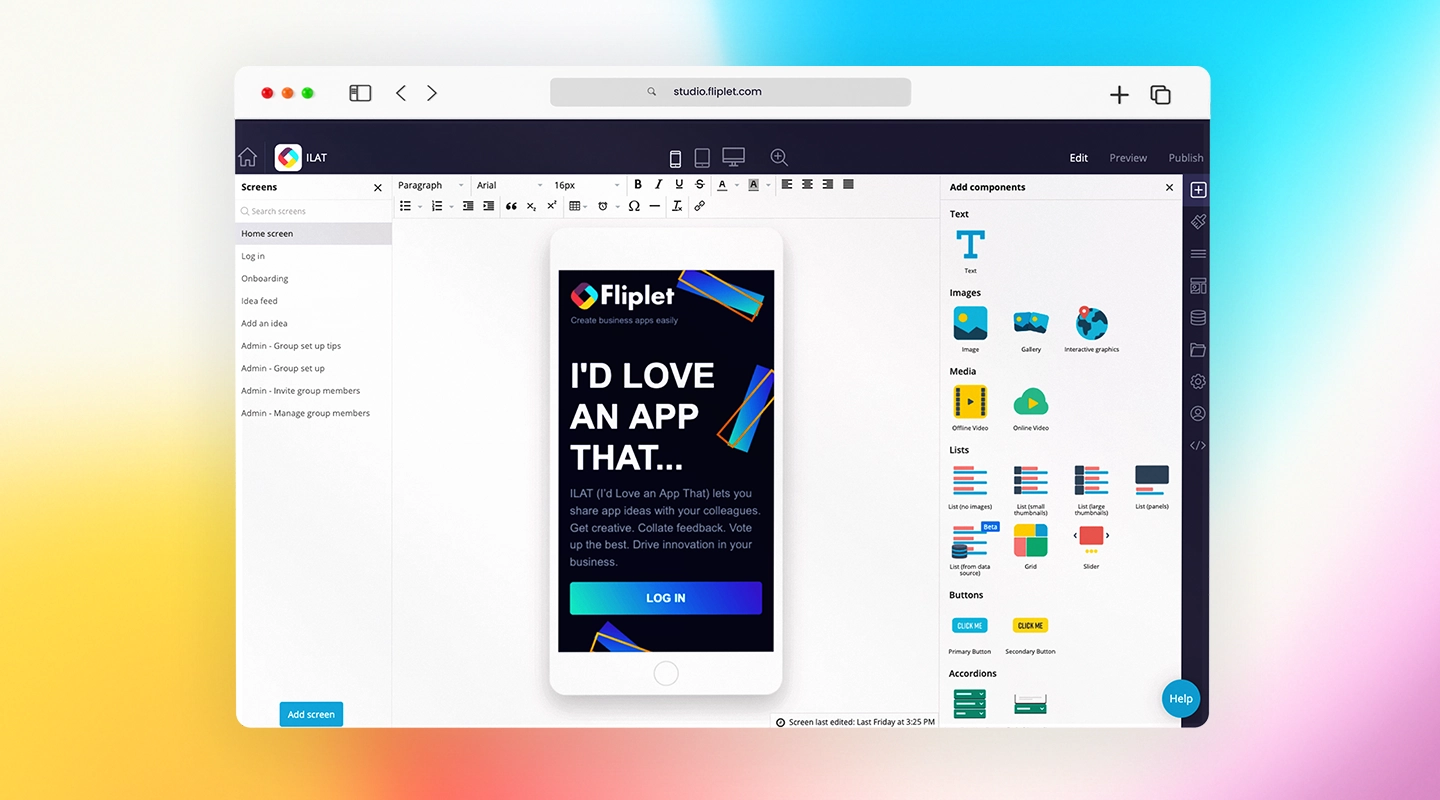
Fliplet stands out as a highly customizable legal intranet solution. This no-code platform enables law firms to build tailored apps that address their unique needs. From document sharing and team collaboration to secure communication, Fliplet offers it all.
- **Key Features:**
- AI-powered legal knowledge base
- Advanced security and compliance tools
- Real-time collaboration capabilities
- Mobile accessibility for on-the-go productivity
- **Use Case:** Discover how firms are [using Fliplet for law firms](https://fliplet.com/industry/legal/).
### 2.Poppulo
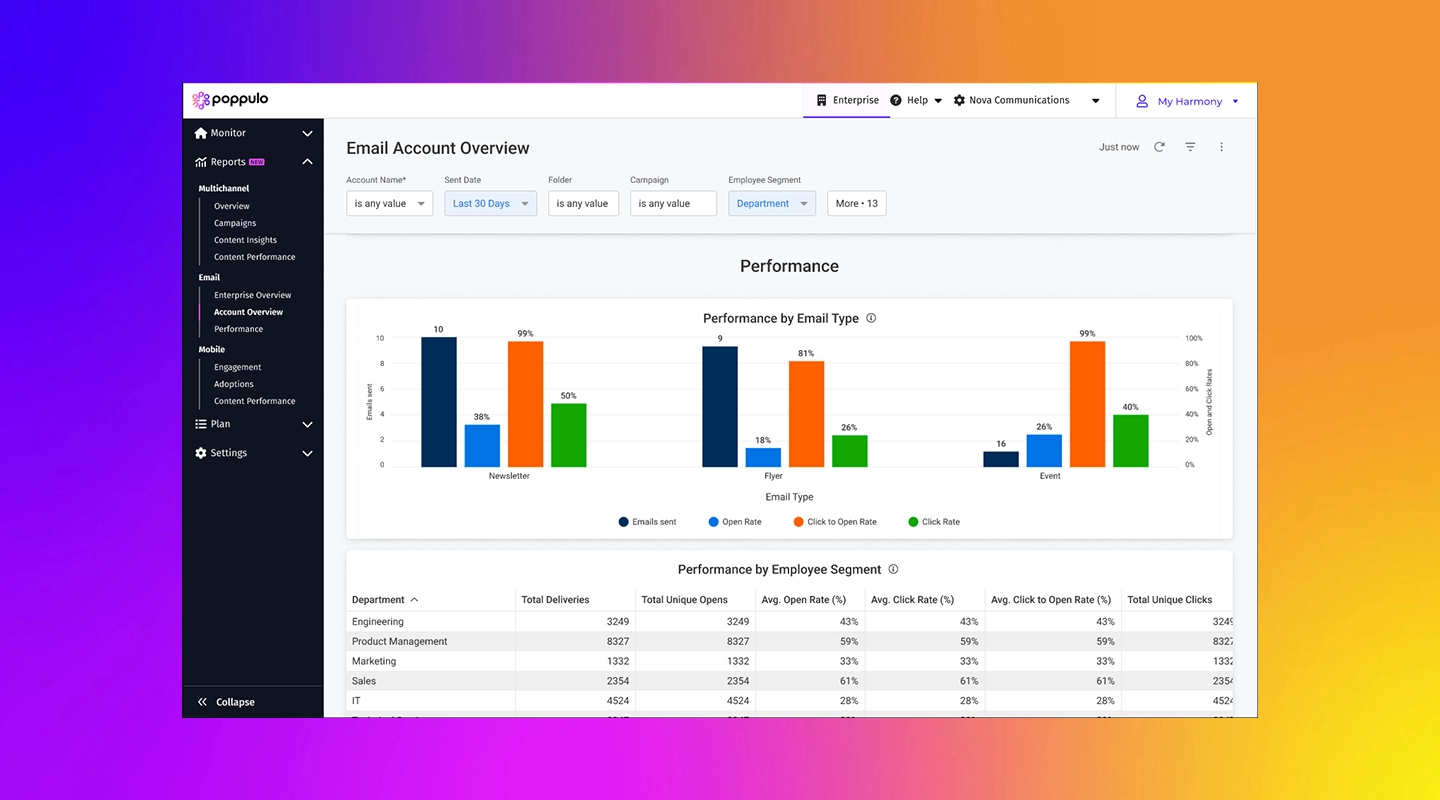
Poppulo is an intranet solution designed to streamline internal communication within law firms. Known for its focus on employee engagement, Poppulo combines messaging tools with content management features to ensure every team member stays informed and connected.
- **Key Features:**
- Messaging and announcement tools
- Content scheduling for internal updates
- Secure document storage
- **Use Case:** Ideal for firms prioritizing internal communications.
### 3.SnapComms

SnapComms specializes in improving team communication through instant messaging, notifications, and alerts. It is particularly effective for law firms needing to disseminate critical updates quickly.
- **Key Features:**
- Instant alerts for urgent updates
- Secure file sharing
- Employee surveys for feedback collection
- **Use Case:** Perfect for firms needing real-time updates on fast-changing cases.
### 4.Confluence by Atlassian
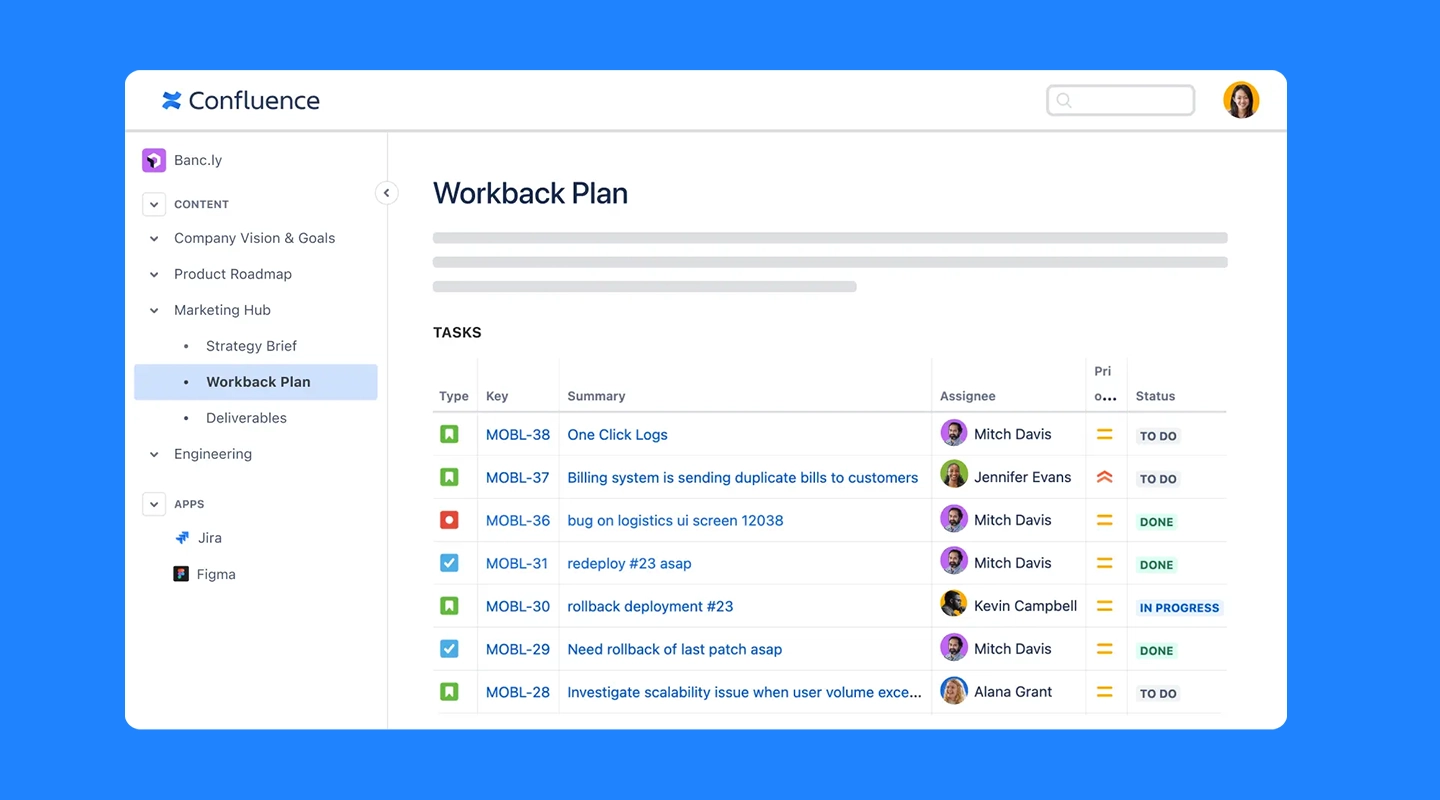
Confluence is a collaborative workspace that allows law firms to organize and share information efficiently. It's particularly effective for creating and maintaining a centralized knowledge base.
- **Key Features:**
- Centralized document repository
- Real-time collaboration tools
- Integration with other Atlassian products like Jira
- **Use Case:** A great choice for firms seeking to organize case files and internal documents.
### 5.Jostle
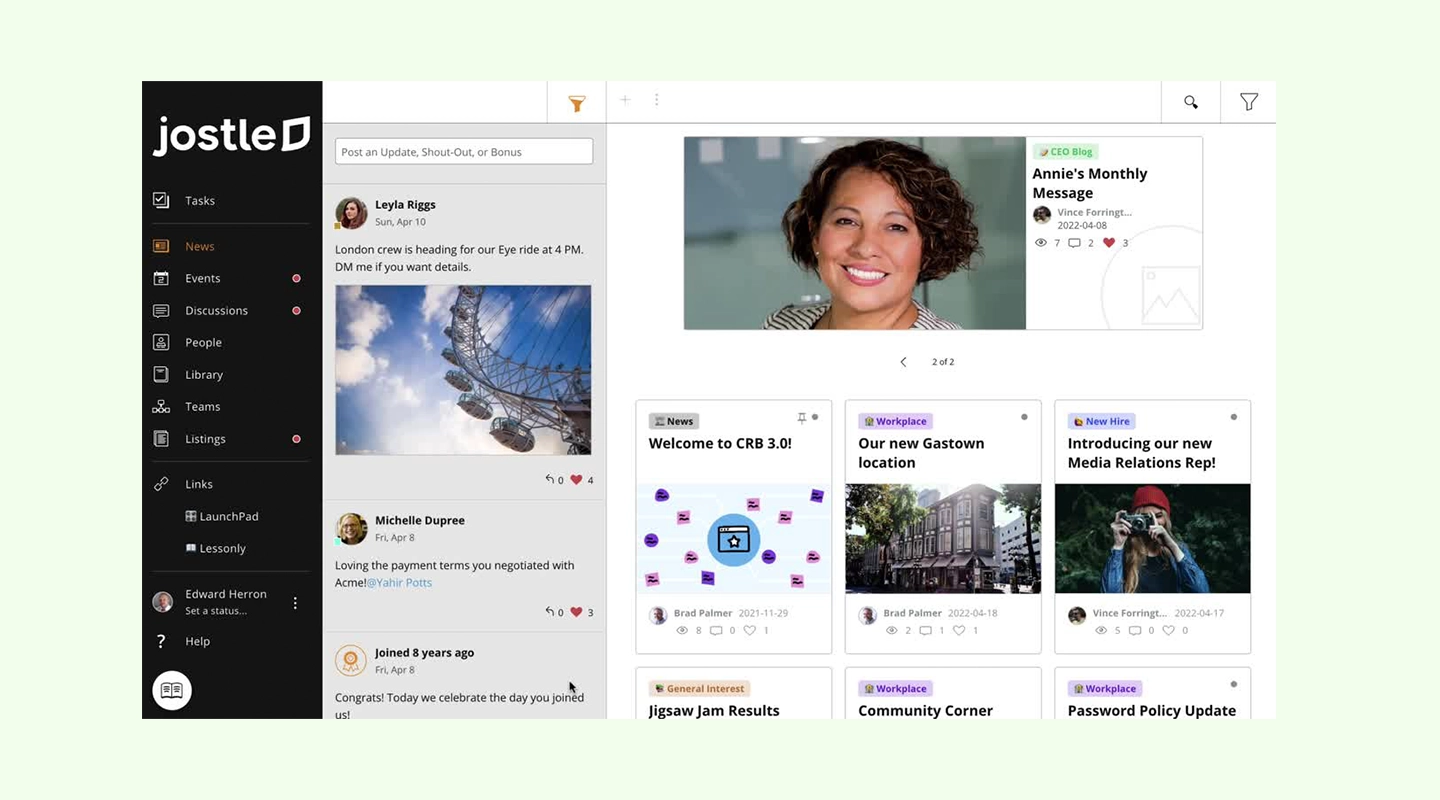
Jostle is an intranet platform designed to foster connectivity among team members. Its intuitive navigation and robust communication tools make it a favorite for law firms focused on enhancing collaboration.
- **Key Features:**
- Team activity feeds
- Secure document management
- Mobile-friendly interface
- **Use Case:** Best for firms emphasizing team collaboration and communication.
### 6.LumApps
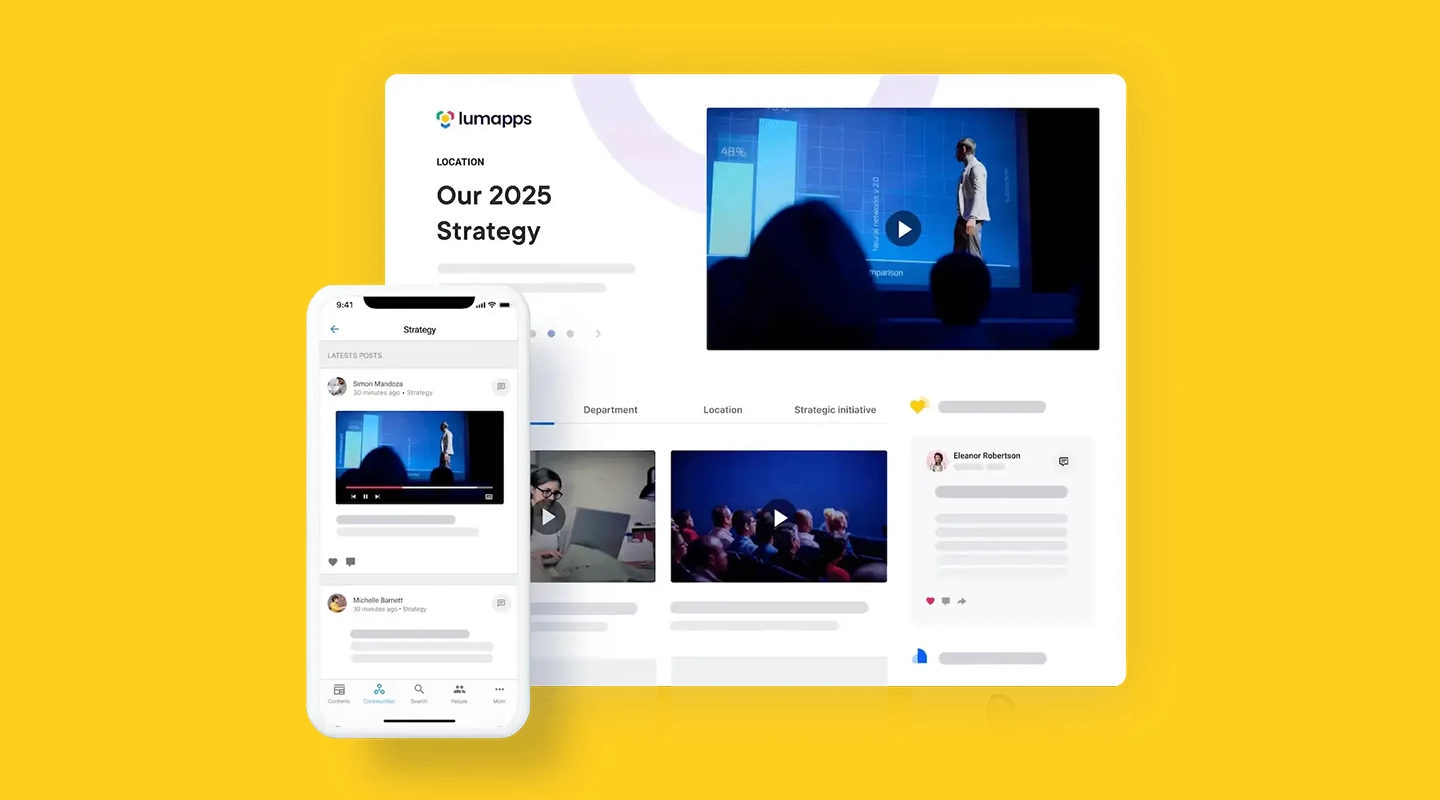
LumApps offers a modern, user-friendly interface tailored to law firms looking for an all-in-one intranet solution. Its integration with Google Workspace makes it particularly appealing to firms already using Google tools.
- **Key Features:**
- Personalized employee dashboards
- Knowledge-sharing capabilities
- Integration with Google Workspace
- **Use Case:** Ideal for firms seeking a unified digital workplace.
### 7.Staffbase
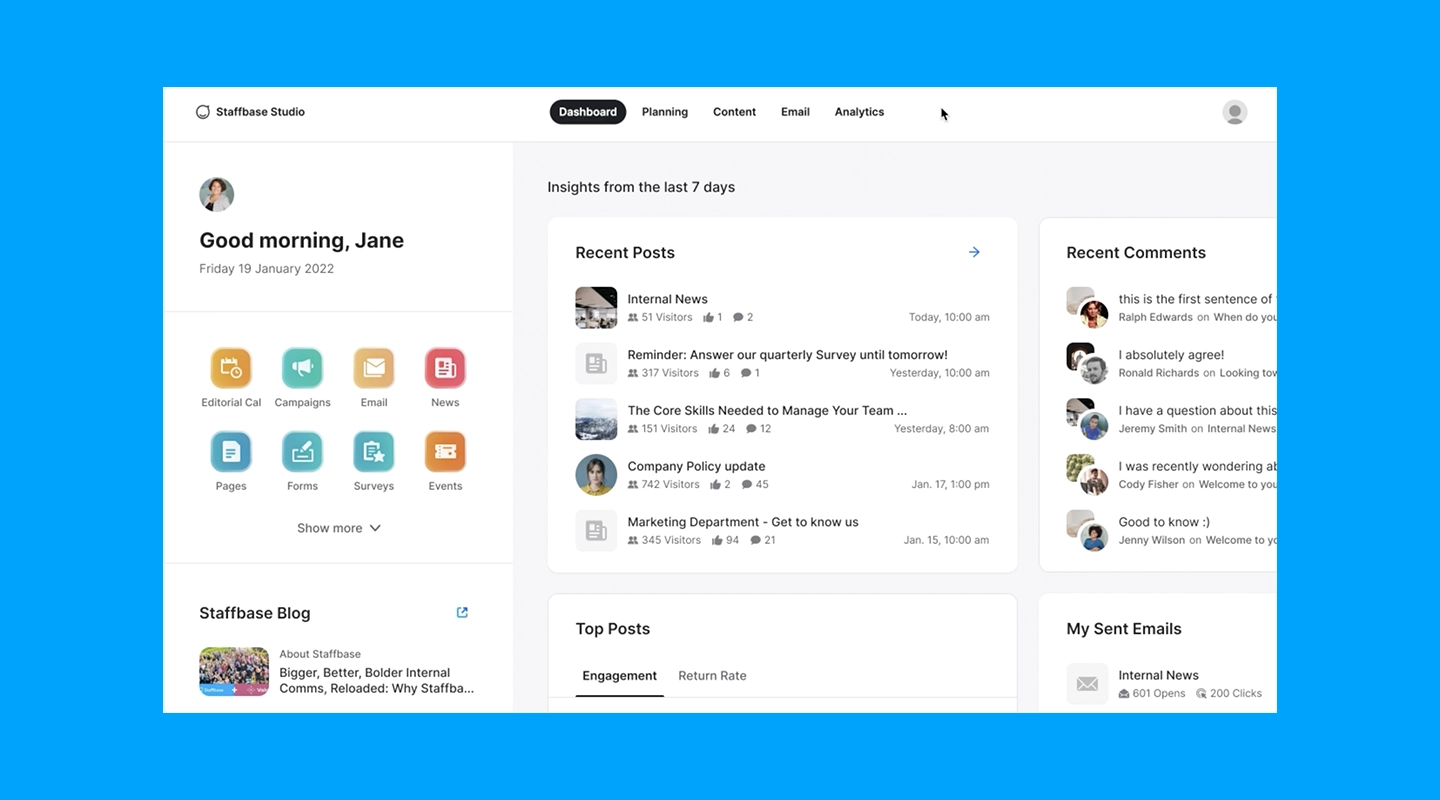
Staffbase focuses on internal communication and employee engagement, making it a strong contender for law firms aiming to enhance team morale and information flow.
- **Key Features:**
- Customizable internal newsletters
- Secure communication channels
- Mobile app for remote access
- **Use Case:** Designed for firms prioritizing internal connectivity.
### 8.Blink
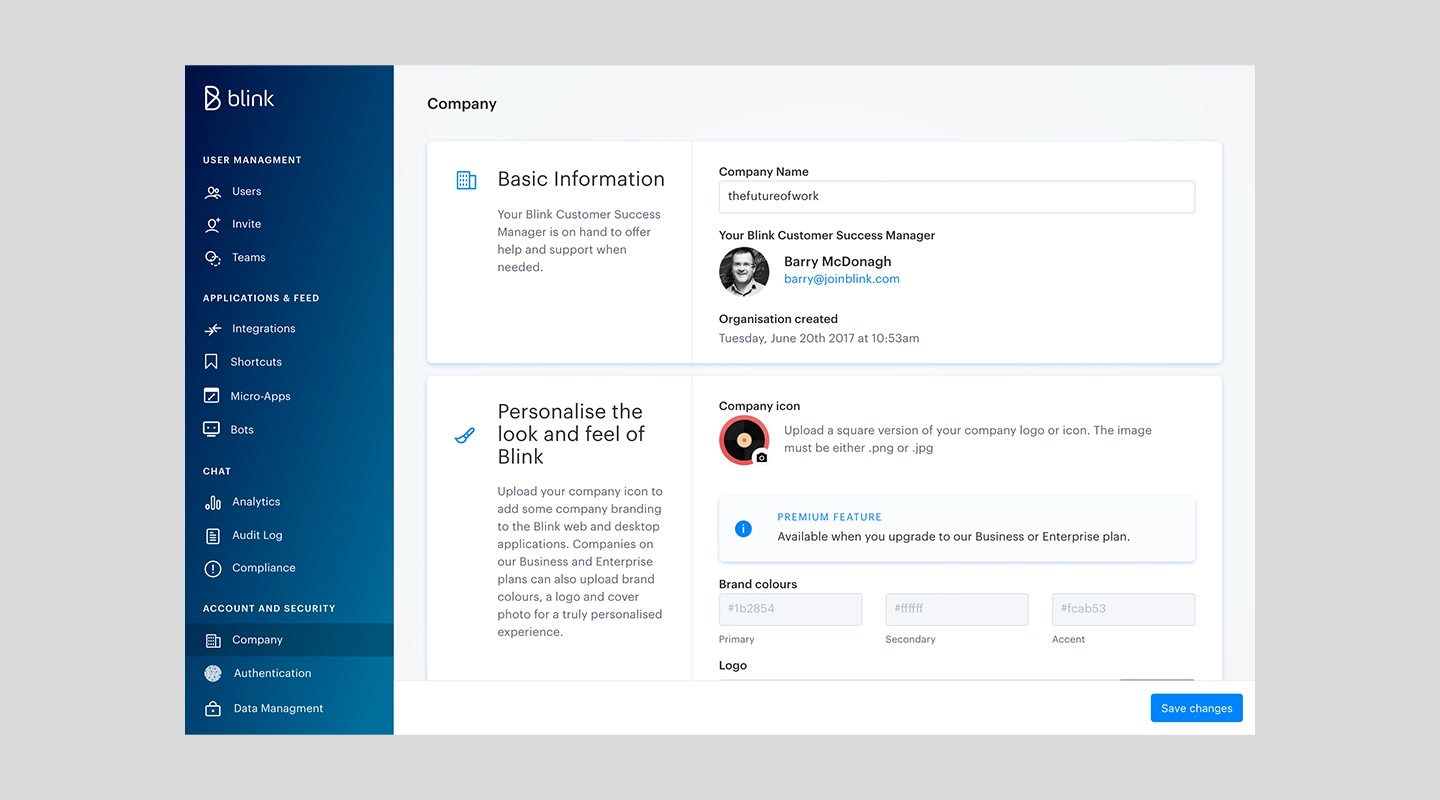
Blink offers a streamlined solution for connecting legal teams through a mobile-first platform. It's particularly useful for law firms with remote or hybrid work models.
- **Key Features:**
- Chat and announcement features
- Document storage with secure access
- Mobile app for remote collaboration
- **Use Case:** Best for firms managing remote teams or distributed staff.
### 9.Simpplr
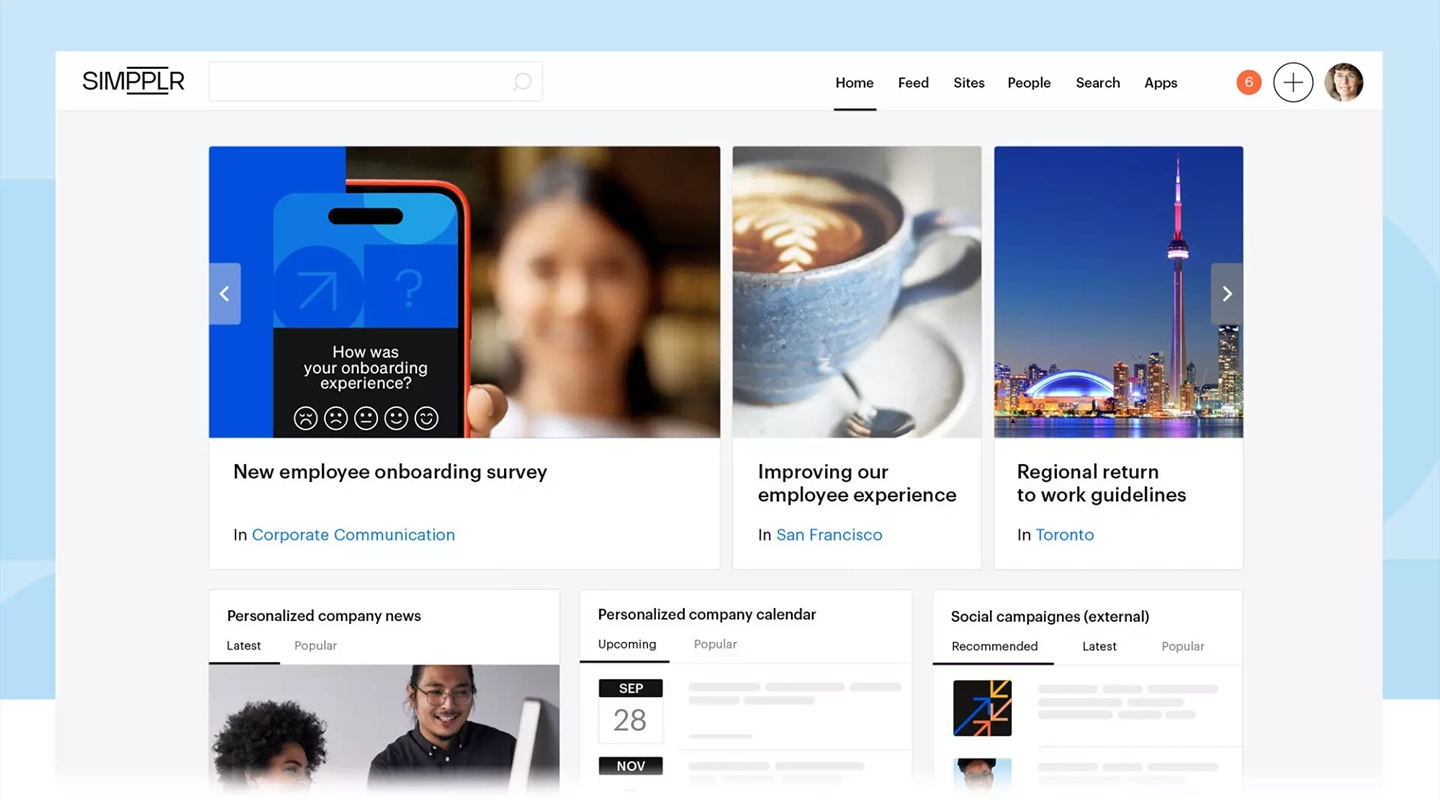
Simpplr is a modern intranet tool that combines intuitive design with powerful features for communication and content management. Law firms benefit from its customizable layouts and advanced analytics.
- **Key Features:**
- Content creation and sharing
- Analytics to track engagement
- Seamless integration with existing tools
- **Use Case:** Ideal for firms wanting to monitor and enhance team engagement.
### 10.Happeo
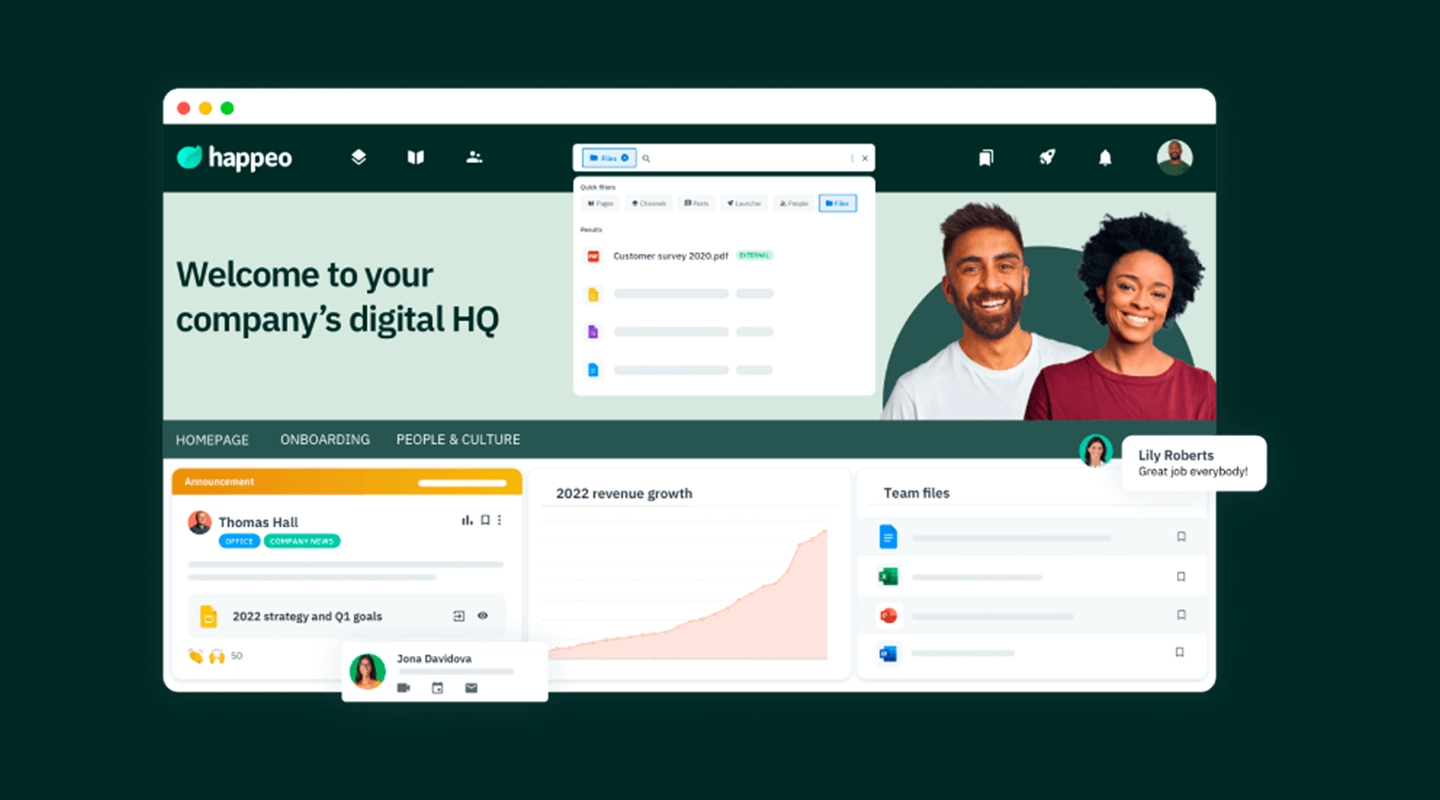
Happeo provides a centralized intranet for law firms that integrates seamlessly with Google Workspace. Its user-friendly interface and collaboration features make it a go-to choice for legal teams.
- **Key Features:**
- Integrated Google Workspace tools
- Intuitive navigation
- Real-time collaboration features
- **Use Case:** Best for firms leveraging Google tools for daily operations.
### 11.Igloo
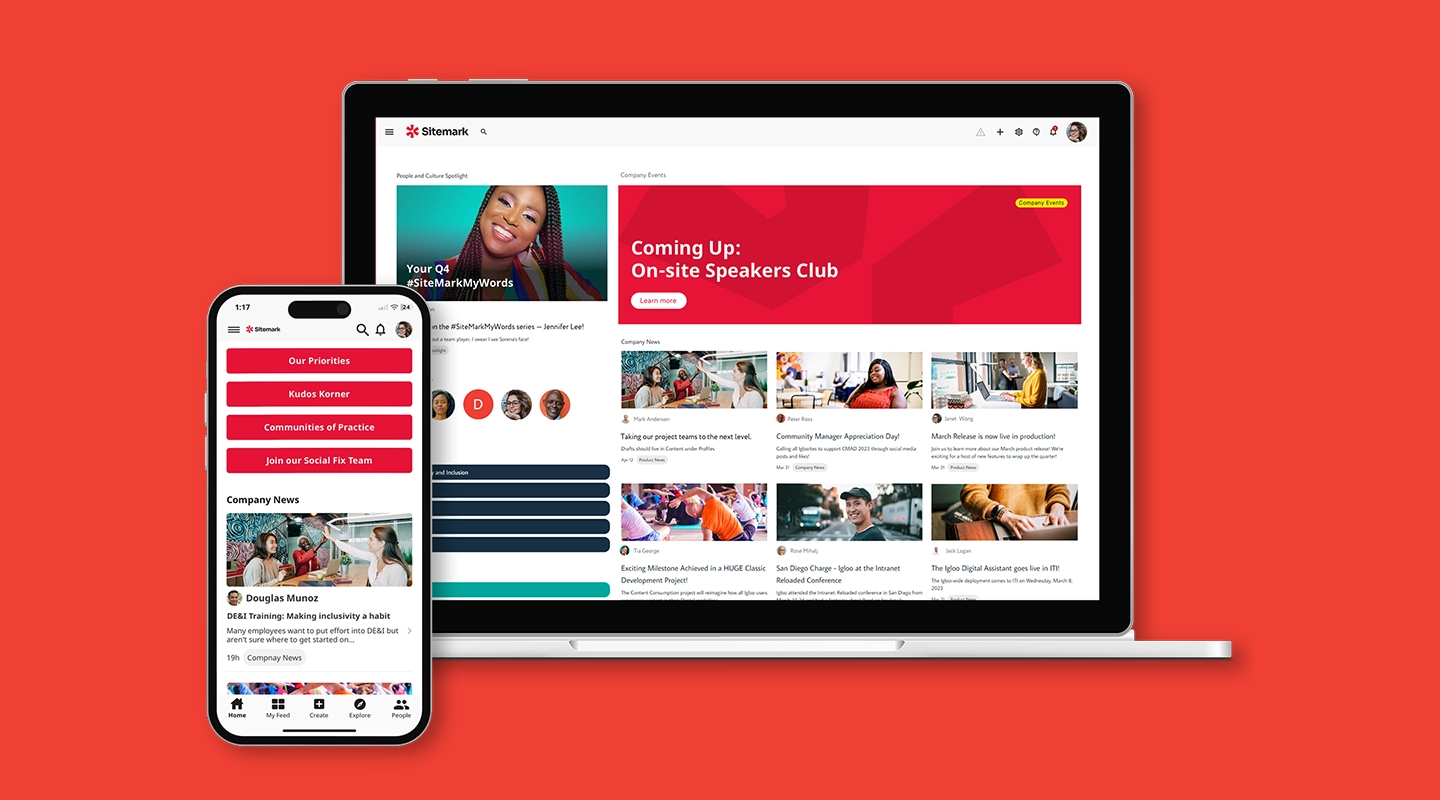
Igloo is a comprehensive digital workplace solution that focuses on collaboration and knowledge sharing. It's a great option for law firms looking to foster a connected, informed team.
- **Key Features:**
- Knowledge-sharing hubs
- Customizable intranet templates
- Secure file storage
- **Use Case:** Ideal for firms aiming to create a collaborative environment.
### 12.Workplace by Meta
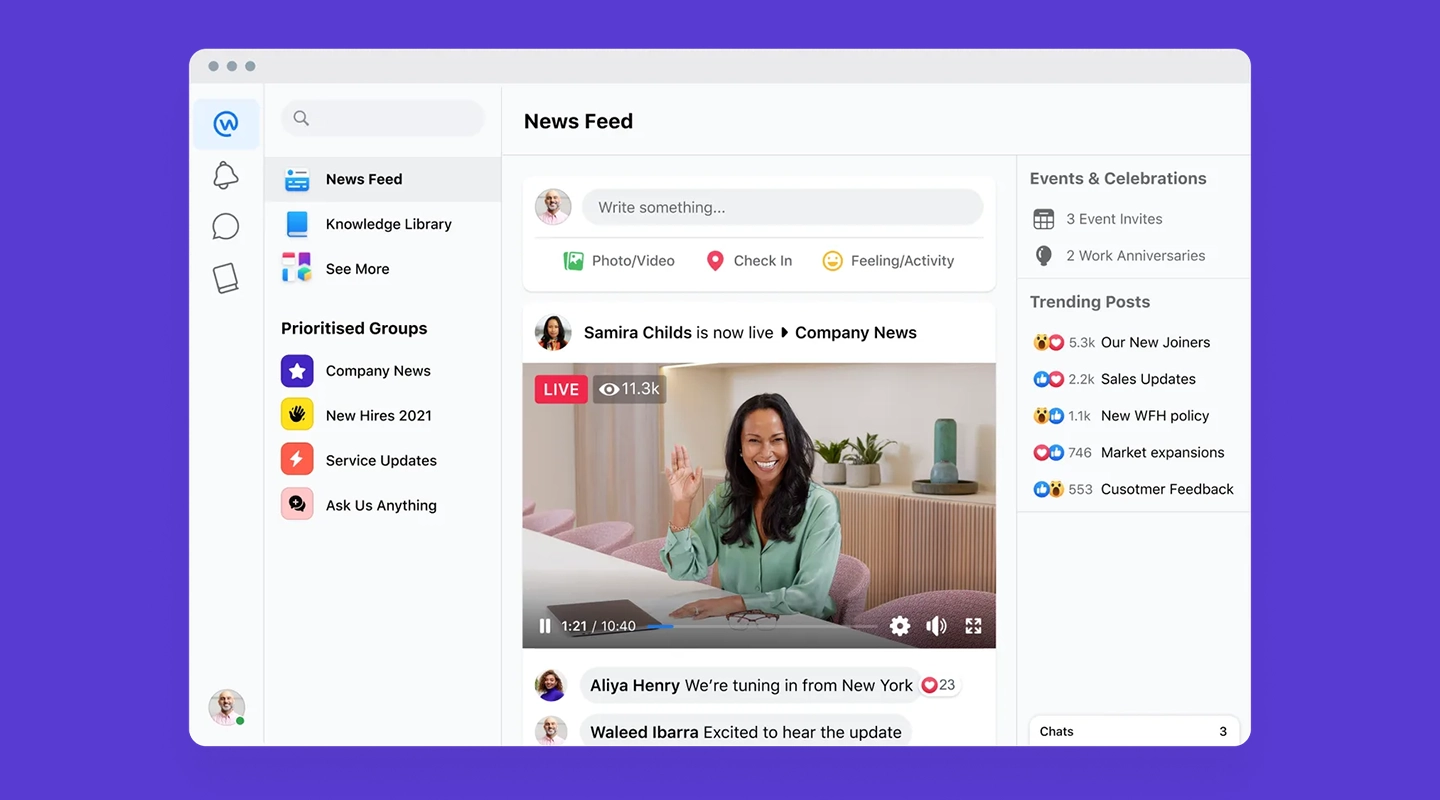
Although Workplace by Meta is scheduled for discontinuation, it has been a popular choice for law firms seeking to enhance team communication through familiar social media-like tools.
- **Key Features:**
- User-friendly interface
- Secure team messaging
- Integration with external apps
- **Use Case:** Previously suited for firms seeking a social collaboration experience.
### 13.Microsoft SharePoint
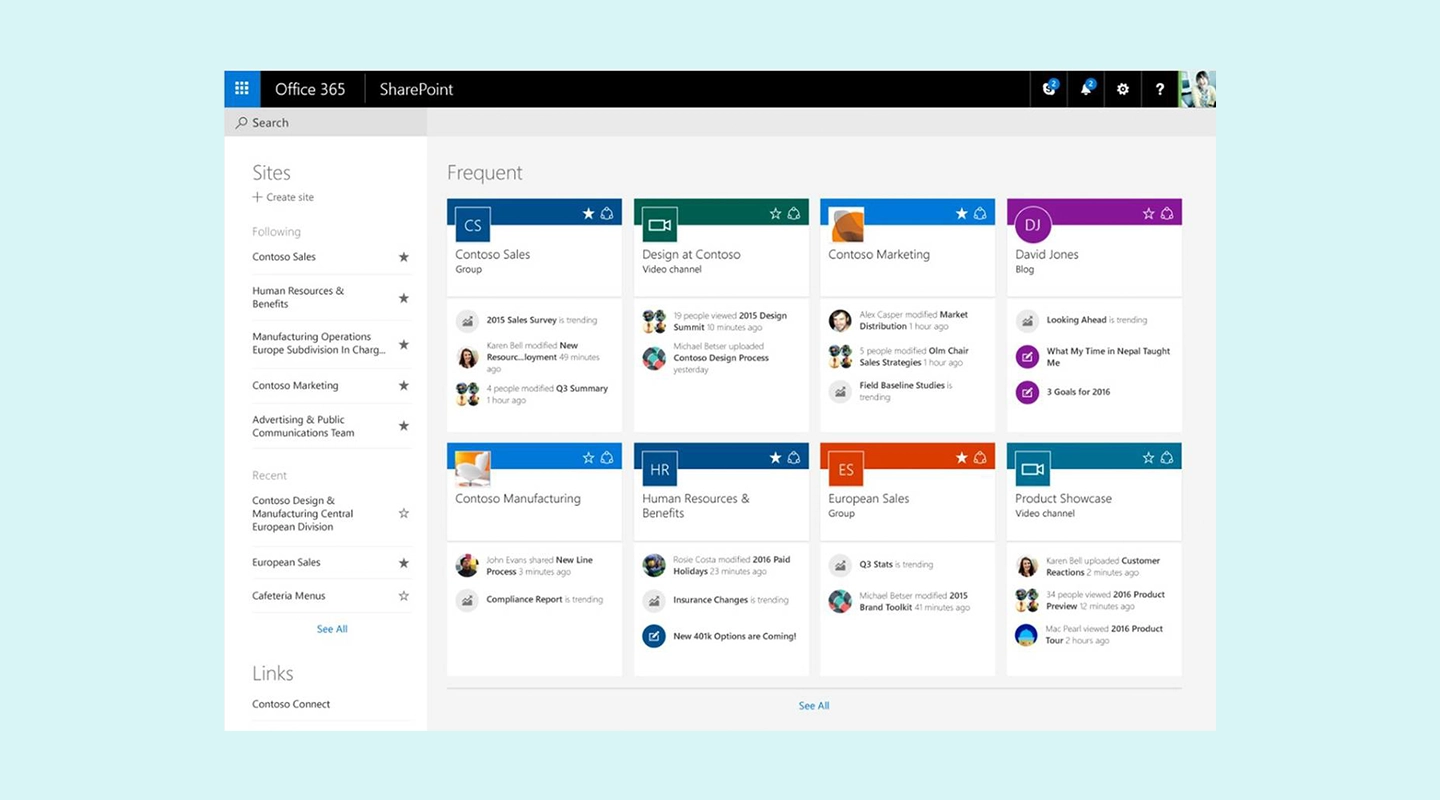
Microsoft SharePoint is a robust platform for managing documents, sharing knowledge, and fostering collaboration. Its scalability and extensive features make it a powerful tool for law firms of all sizes.
- **Key Features:**
- Advanced document management
- Integration with Microsoft Office
- Workflow automation
- **Use Case:** Best for firms already invested in Microsoft ecosystems.
### 14.Unily
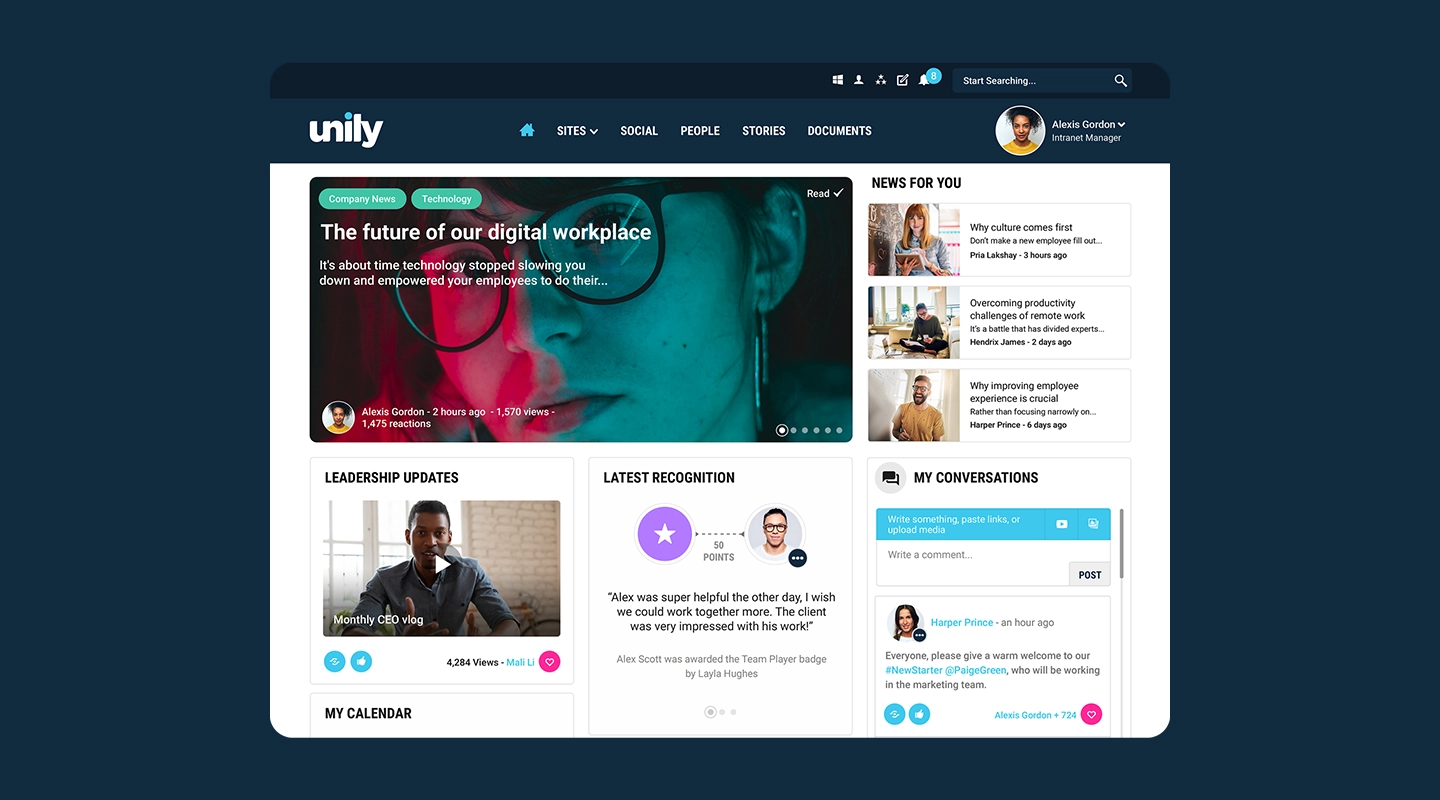
Unily is a high-performance intranet platform known for its customizable features and advanced analytics. It's a top choice for law firms looking to tailor their intranet to specific needs.
- **Key Features:**
- Advanced analytics
- Personalized user dashboards
- Secure collaboration tools
- **Use Case:** Ideal for large firms requiring advanced customization.
### 15.Jive
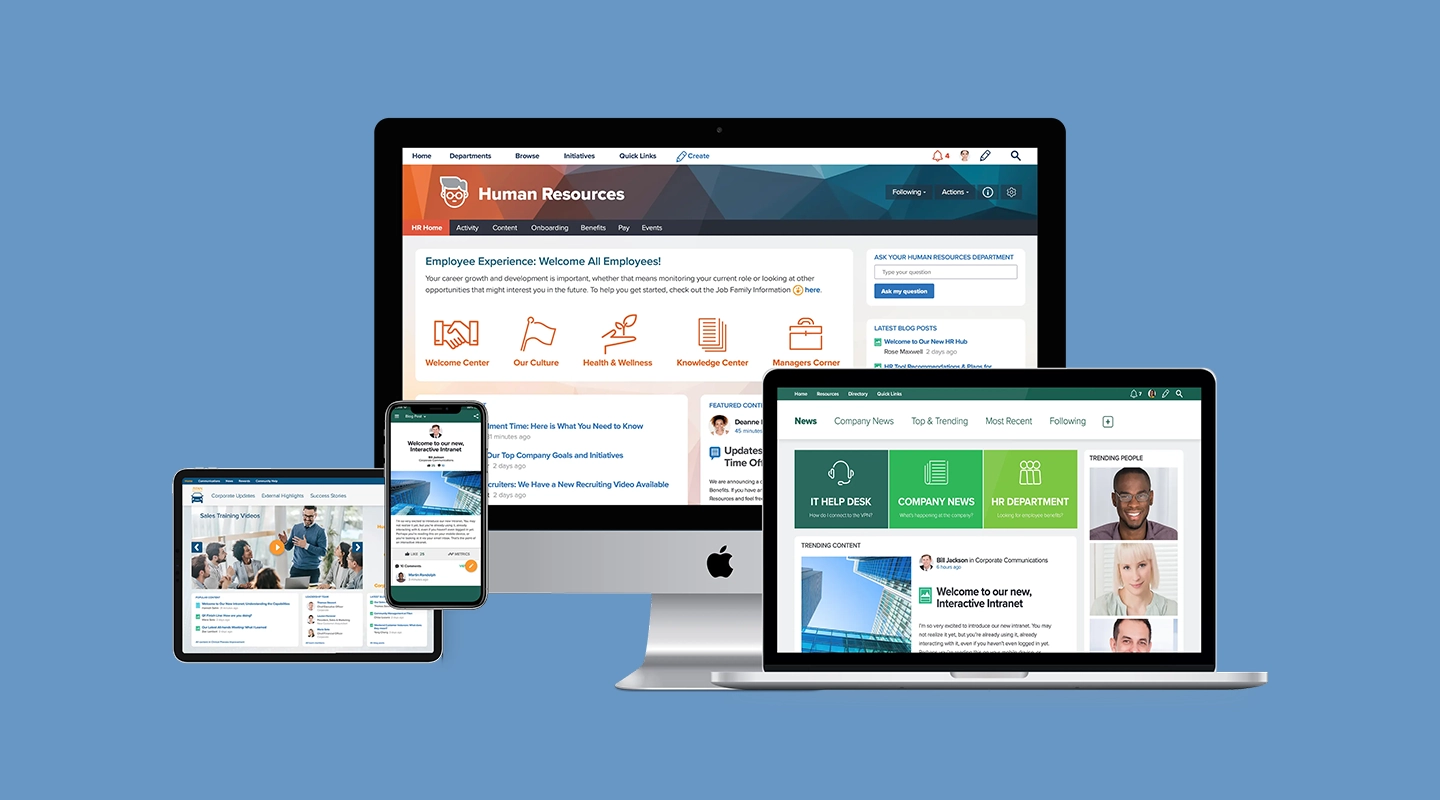
Jive is a collaborative intranet solution designed to improve internal communication and productivity. Its intuitive interface and social features make it a standout option.
- **Key Features:**
- Activity streams for team updates
- Integration with third-party tools
- Secure file sharing
- **Use Case:** Best for firms that want a social-centric collaboration platform.
## How to Choose the Right Intranet Software for Your Law Firm
Selecting the right intranet software for law firms is a critical decision that impacts efficiency, security, and team collaboration. With so many options on the market, finding a solution that meets your firm's unique needs requires a strategic approach. Follow these steps to make an informed choice:
1. **Assess Your Business Needs:** Start by identifying your firm's specific requirements. Does your team need better document management, enhanced communication tools, or a centralized knowledge base for case files?Understanding these priorities will help narrow down your options and ensure the intranet software addresses your firm's pain points. For instance, if your firm struggles with version control on shared documents, prioritize platforms with robust document management features.
2. **Evaluate Intranet Features:** Compare platforms based on essential features such as security, usability, and integrations. Legal intranet solutions should offer advanced security measures like encryption and access controls to protect sensitive client data.Additionally, evaluate usability to ensure all team members, regardless of technical expertise, can navigate the platform with ease. Look for software that integrates seamlessly with existing tools, such as Microsoft Office or Google Workspace, to avoid workflow disruptions.
3. **Compare Providers:** Research providers thoroughly by reading reviews, exploring demos, and analyzing case studies. Case studies offer invaluable insights into real-world applications of intranet software for law firms.For example, this [case study](https://fliplet.com/case-studies/blg-beyond/) highlights how BLG Beyond implemented an intranet solution that enabled safe communication and collaboration across a team spread over five Canadian cities. Reviews from other legal teams can also shed light on usability, customer support, and feature reliability.
4. **Plan for Implementation:** Implementation is a crucial step in ensuring the success of your law firm intranet. Choose a provider that supports easy onboarding and offers ongoing training to help your team maximize the software's potential.Providers that offer tutorials, live support, or dedicated account managers can make the transition seamless. Additionally, plan for regular updates and evaluations to ensure the software continues to meet your firm's evolving needs.
By following these steps, your firm can select a legal intranet solution that enhances productivity, streamlines communication, and fosters collaboration, ensuring long-term success.
## What Features Should You Look for in Legal Intranet Software?
When selecting a legal intranet solution, it's essential to focus on features that will enhance your firm's operations, improve collaboration, and maintain compliance. Below are the key features to prioritize:
- **Homepage and Navigation:** A user-friendly homepage with clear navigation tools is vital for productivity. The homepage should act as a command center, providing quick access to essential tools, recent documents, and announcements. Customizable navigation menus can ensure that team members can efficiently locate the resources they need, reducing time spent searching for information.
- **Document Management:** Secure document management is one of the cornerstones of effective legal intranet software. Look for features like version control, which tracks changes to documents over time, and advanced search functionality, allowing team members to quickly find case-related files. Secure storage and encrypted sharing options are critical for maintaining confidentiality and compliance with legal standards.
- **Knowledge Base:** A centralized repository of legal information can be a game-changer for law firms. With a robust knowledge base, team members can easily access templates, case precedents, and other reference materials. This feature promotes knowledge sharing and ensures that all employees, regardless of location, have the information they need at their fingertips.
- **Communication Tools:** Effective communication is at the heart of any successful law firm. Look for features like integrated chat, announcement boards, and team forums. These tools enable real-time communication and ensure everyone stays informed about updates, deadlines, and case developments.
- **Security and Access Controls:** Law firms deal with highly sensitive data, so advanced security features are non-negotiable. Role-based access controls can restrict sensitive information to authorized personnel only, while compliance with standards such as GDPR and HIPAA ensures your intranet meets regulatory requirements.
- **Client Portal:** A client-facing portal allows secure sharing of case updates, billing information, and legal documents with clients. This feature enhances transparency, builds trust, and streamlines communication between your firm and its clients.
- **Mobile Accessibility:** In today's remote work environment, mobile accessibility is critical. Your legal intranet solution should be optimized for smartphones and tablets, allowing team members to collaborate and access documents from anywhere, whether they're at the office, in court, or working from home.
Discover how these features integrate into Fliplet's solution by reading this [case study](https://fliplet.com/case-studies/legal-operations/).
## How to Ensure Your Legal Intranet Solution is Compliant
Compliance is a critical consideration when implementing intranet software for law firms. With stringent data protection laws and confidentiality requirements, your intranet must meet industry standards. Here's how to ensure compliance:
- **Data Encryption:** Strong encryption protocols are essential to protect sensitive client data from unauthorized access. Look for software that encrypts data both at rest and in transit, safeguarding information throughout its lifecycle.
- **Access Control:** Role-based access control ensures that only authorized personnel can view or modify specific data. This feature prevents accidental breaches and ensures that confidential information remains secure. Multi-factor authentication adds an extra layer of protection.
- **Audit Trails:** Compliance requires accountability, and audit trails are vital for tracking user activity within the intranet. These logs help monitor who accessed or modified data and when, providing transparency and simplifying compliance audits.
- **Regular Updates:** Regulations and threats evolve, so your legal intranet solution should be updated regularly to stay ahead of compliance requirements. Ensure the software provider offers frequent updates to address emerging security vulnerabilities and changing legal standards.
By implementing these measures, your firm can ensure its intranet is both secure and compliant, protecting sensitive information while meeting legal obligations. Learn more about securing legal intranets by exploring [solutions for lawyers](https://fliplet.com/solutions-for-lawyers-attorneys-staff/).
## Fliplet: Your Enterprise-Grade Legal Intranet Solution
Fliplet offers the most comprehensive legal intranet software for law firms. With customizable tools and enterprise-grade security, Fliplet empowers legal teams to collaborate efficiently while maintaining strict compliance standards.
- **Benefits of Fliplet:**
- [Custom apps](/blog/custom-application-development-in-six-steps/) tailored to law firm needs
- Intuitive interface for easy adoption
- Seamless integrations with existing legal tools
Discover how Fliplet is transforming legal teams by empowering them to [build legal apps](/legal-it/).
## FAQs
### What is intranet software, and how is it used in law firms?
Intranet software is a digital platform that centralizes communication, document management, and knowledge sharing within a law firm.
### Why should a law firm invest in an intranet solution?
A law firm intranet enhances productivity, ensures secure collaboration, and streamlines operations, saving time and reducing errors.
### What are the most important features to look for in legal intranet software?
Key features include document management, security controls, mobile accessibility, and real-time collaboration tools.
### How secure is intranet software for handling confidential legal documents?
Legal intranet solutions use encryption, access controls, and audit trails to protect sensitive information.
### Can intranet solutions be customized for the specific needs of law firms?
Yes, platforms like Fliplet allow for extensive customization to meet the unique needs of law firms.
## Related links
- [Best Law Firm Client Management Software in 2026](https://fliplet.com/blog/law-firm-client-management-software/): Discover the top 10 law firm client management software of 2026. Streamline client communication, improve case management, and boost productivity. Find the best fit today!
- [The Best Client Portals for Law Firms in 2026](https://fliplet.com/blog/law-firm-client-portals/)
- [Mastering Legal Knowledge Management: A Guide for Law Firms](https://fliplet.com/blog/legal-knowledge-management/): Explore how top law firms are mastering legal knowledge management. See case studies from law firms of all sizes and understand how to improve your function.
---
# iOS 26 updates and the impact on Fliplet apps and app creators
> iOS 26 updates and the impact on Fliplet apps and app creators. Compare features, pricing, tradeoffs, and use cases to choose the best fit for your team.
Source: https://fliplet.com/blog/ios-15-updates-and-the-impact-on-fliplet-apps-and-app-creators/
Content type: Blog
Published: 2026-05-18T12:33:09
Updated: 2026-03-17T23:40:00
Read time: 10 minutes
# iOS 26 updates and the impact on Fliplet apps and app creators
iOS 26 introduces meaningful changes to interface design, communication workflows, and on-device intelligence. For Fliplet app teams, this is the right time to review user journeys, notification strategy, and UI polish against current iPhone expectations.
Apple introduced iOS 26 at WWDC on **June 9, 2025**, released it publicly on **September 16, 2025**, and has continued shipping security updates (including iOS 26.3.1 on **March 4, 2026**). This guide focuses on what matters most for planning, testing, and improving Fliplet apps today.
For teams planning the next release cycle, our walkthrough on [how to build a custom app without coding](https://fliplet.com/blog/how-to-build-a-custom-app-without-coding/) is a useful companion.
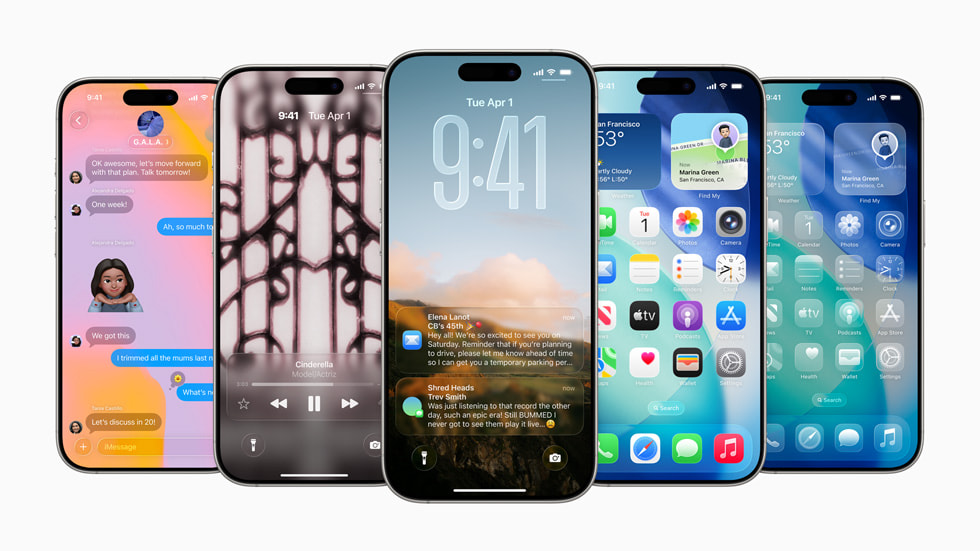
_Image source: Apple Newsroom press asset (WWDC25 iOS 26)._
## What changed in iOS 26 that matters for app creators
### 1) The new Liquid Glass design raises the bar for UI clarity
Apple's updated visual system (often referred to as Liquid Glass in iOS 26 coverage) introduces more depth, translucency, and layered effects across the interface.
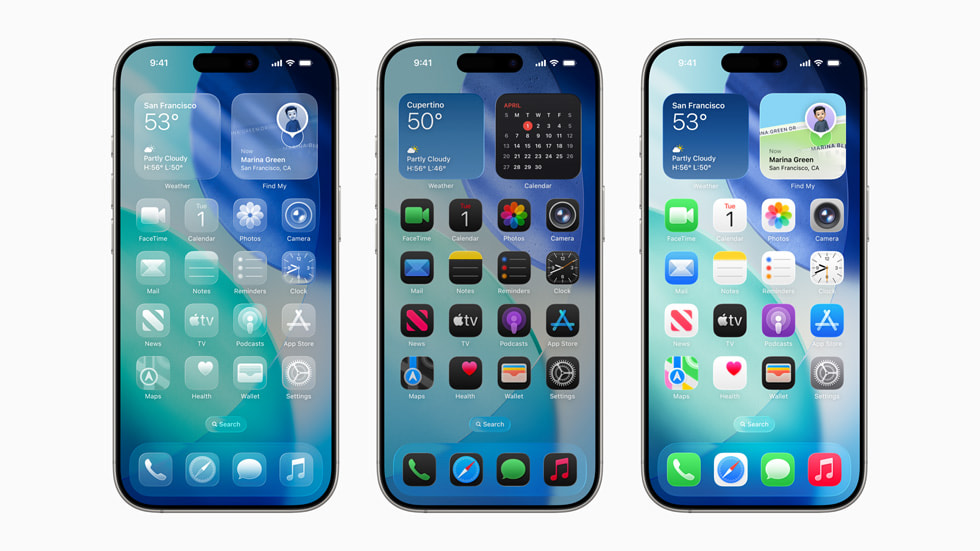
_Image source: Apple Newsroom press asset (Home Screen customization)._
#### Why this impacts Fliplet apps
- Visual density and transparency can make weak contrast more obvious.
- App icons, tab bars, and cards that were "good enough" before may now feel visually noisy beside newer native UI.
- Branded colors may appear different depending on layered backgrounds.
#### What to do now
1. Re-check contrast on core screens, especially cards, list rows, and low-emphasis text.
2. Re-test icon legibility at small sizes.
3. Validate layouts in both Light and Dark modes on recent iPhones.
### 2) Apple Intelligence features are now part of everyday communication flows
iOS 26 expands intelligence-driven experiences in Phone, Messages, and FaceTime, including Live Translation and smarter call handling.

_Image source: Apple Newsroom press asset (Live Translation in FaceTime)._
#### Why this impacts Fliplet apps
- User expectations are changing: people now expect more contextual, real-time assistance from apps.
- In multilingual teams, translation and communication context are becoming default expectations instead of premium extras.
- Any workflow relying on fast user response should account for more intelligent message filtering and prioritization.
#### What to do now
1. Review high-priority communication journeys (approvals, incident alerts, shift updates, safety notices).
2. Tighten notification copy so urgency is obvious in the first line.
3. Localize critical flows and reduce jargon in action text.
### 3) Call Screening and hold assistance change user attention patterns
Features like Call Screening make it easier for users to filter interruptions and focus only on relevant conversations.
_Image source: Apple Newsroom press asset (Call Screening)._
#### Why this impacts Fliplet apps
- Users are increasingly selective about interruptions.
- Generic or frequent notifications are more likely to be ignored, batched, or disabled.
- Teams that rely on push alerts need clearer severity and timing rules.
#### What to do now
1. Segment push notifications by role and priority.
2. Add explicit severity labels (for example: "Action required today").
3. Remove low-value pushes that do not drive a clear action.
### 4) Maps and CarPlay updates matter for field and deskless teams
iOS 26 adds improvements such as preferred routes and visited places in Maps, plus UI improvements in CarPlay.
_Image source: Apple Newsroom press asset (Maps Visited Places)._
_Image source: Apple Newsroom press asset (CarPlay light mode)._
#### Why this impacts Fliplet apps
- Mobile workforces increasingly expect route-aware and location-aware workflows.
- Field processes can benefit from clearer handoff between navigation context and in-app tasks.
#### What to do now
1. Re-test location permissions and map-linked workflows.
2. Validate deep links from notifications into task screens.
3. Keep "on the go" actions one tap away from the home screen.
## Security and privacy implications
iOS 26 continues Apple's direction toward stronger on-device intelligence and user control. For Fliplet app creators, the practical takeaway is not panic; it is precision:
- Ask only for permissions that are clearly necessary.
- Explain why each permission is needed in plain language.
- Keep data handling transparent in onboarding and settings help text.
Apps that communicate value and trust clearly are more resilient as privacy controls evolve.
## iOS 26 readiness checklist for Fliplet teams
1. Run regression tests on core journeys with iOS 26 devices.
2. Audit push notification relevance and urgency labeling.
3. Re-check UI contrast and readability across themes.
4. Validate camera, upload, and file-handling journeys.
5. Review deep links, auth flows, and role-based access journeys.
6. Update internal support docs and user guidance to reflect iOS 26 behavior.
## Official Apple iOS 26 images to reuse
These visuals are from Apple's official iOS 26 Newsroom package and individual downloadable assets:
- [iOS 26 main Newsroom announcement](https://www.apple.com/newsroom/2025/06/apple-elevates-the-iphone-experience-with-ios-26/)
- [Hero image download (ZIP)](https://www.apple.com/newsroom/images/2025/06/apple-elevates-the-iphone-experience-with-ios-26/article/Apple-WWDC25-iOS-26-hero-250609.zip)
- [Home Screen customization image (ZIP)](https://www.apple.com/newsroom/images/2025/06/apple-elevates-the-iphone-experience-with-ios-26/article/Apple-WWDC25-iOS-26-Home-Screen-customization-250609.zip)
- [Live Translation in FaceTime image (ZIP)](https://www.apple.com/newsroom/images/2025/06/apple-elevates-the-iphone-experience-with-ios-26/article/Apple-WWDC25-iOS-26-Apple-Intelligence-Live-Translation-FaceTime-250609.zip)
- [Call Screening image (ZIP)](https://www.apple.com/newsroom/images/2025/06/apple-elevates-the-iphone-experience-with-ios-26/article/Apple-WWDC25-iOS-26-Apple-Intelligence-Call-Screening-250609.zip)
- [Maps Visited Places image (ZIP)](https://www.apple.com/newsroom/images/2025/06/apple-elevates-the-iphone-experience-with-ios-26/article/Apple-WWDC25-iOS-26-Maps-Visited-Places-250609.zip)
- [CarPlay light mode image (ZIP)](https://www.apple.com/newsroom/images/2025/06/apple-elevates-the-iphone-experience-with-ios-26/article/Apple-WWDC25-iOS-26-CarPlay-Light-mode-250609.zip)
If your team wants to use these beyond editorial content, review Apple's current usage terms and legal guidance before publishing.
## Final take
iOS 26 is not just a visual refresh. It changes how people process notifications, trust app permissions, and expect context-aware experiences.
For Fliplet app creators, the opportunity is clear: tune communication, polish UI clarity, and retest critical workflows now so your app experience feels modern and dependable on today's iPhone baseline.
## FAQs
### Is iOS 26 already available?
Yes. Apple announced iOS 26 at WWDC on June 9, 2025 and released it broadly on September 16, 2025. As of March 2026, Apple has also published iOS 26.3.1 as a security update.
### Will existing Fliplet apps work on iOS 26?
Most Fliplet apps should continue to work, but teams should still run a focused regression test on iOS 26 for navigation, forms, notifications, deep links, camera/file upload flows, and any native plugin behavior.
### What should app teams change first for iOS 26?
Start with notification strategy, UI legibility checks, and permission-copy updates. Then validate role-based workflows and key journeys on both iPhone and iPad running iOS 26.
### Where can we get official Apple visuals for iOS 26 features?
Apple provides downloadable press assets directly on the iOS 26 Newsroom page, including hero images and individual feature images for Live Translation, Call Screening, Maps, and CarPlay.
## Related links
- [7 steps to making an app for iPhone](https://fliplet.com/blog/7-steps-making-an-app-for-iphone/)
- [Ultimate Guide: How to scale mobile enterprise app development without coding or IT resources](https://fliplet.com/blog/mobile-enterprise-app-development-without-coding/)
- [How to build a custom app without any coding](https://fliplet.com/blog/how-to-build-a-custom-app-without-coding/)
---
# Law Firm Event Planning: A Complete Guide to Hosting Successful Legal Events
> Plan successful legal events with this complete guide to law firm event planning, including event types, promotion strategies, and post-event follow-up.
Source: https://fliplet.com/blog/law-firm-event-planning/
Content type: Blog
Published: 2026-05-18T11:49:22
Updated: 2026-03-12T09:00:00
Read time: 8 minutes
# Law Firm Event Planning: A Complete Guide to Hosting Successful Legal Events
Putting together an event for a [law firm](https://fliplet.com/blog/the-14-best-apps-for-lawyers/) might seem daunting, but with the right strategy and tools, it can be a highly rewarding endeavor. That's why law firm event planners are such a valuable part of the team.
Market context: [Statista's event management market overview](https://www.statista.com/topics/1106/event-management/) helps benchmark event demand and planning priorities.
Whether it's an educational seminar, a client appreciation event, or a networking opportunity, well-organized marketing events for law firms is an excellent way to strengthen client relationships, position themselves as thought leaders, and build their brand.
In this guide, we'll walk you through the essential steps for successful law firm event planning, highlight key [types of events](https://events.fliplet.com/blogs/conference-event-management-guide/) you can host, and show how Fliplet's customizable [event management](https://events.fliplet.com/blogs/swapcard-alternatives-and-competitors/) solutions can help you streamline the process from start to finish.
For broader legal app planning, connect this event guidance with Fliplet's [solutions for lawyers, attorneys, and staff](https://fliplet.com/solutions-for-lawyers-attorneys-staff/) and our guide to [apps for lawyers](https://fliplet.com/blog/the-14-best-apps-for-lawyers/).
## Key Takeaways
- **Why** [law firms should host events and the benefits](https://fliplet.com/blog/employee-engagement-strategies-that-law-firm-retreats-would-benefit-from/) they bring.
- **Types of [legal events](https://fliplet.com/legal-events/)** to consider, such as educational seminars, client appreciation gatherings, and networking events.
- [**Steps to planning a successful law firm event**](https://events.fliplet.com/blogs/pr-event-planning/), including setting goals, budgeting, marketing, and managing RSVPs.
- **How to promote your [law firm](https://fliplet.com/case-studies/scottish-law-firm/) event** effectively using social media, email, and sponsorships.
- **Post-event actions** to follow up with attendees, analyze the [event's success](https://events.fliplet.com/blogs/event-attendance-tracking-guide/), and plan future improvements.
## What is Law Firm Event Planning?
Marketing events for [law firms](https://events.fliplet.com/blogs/cvent-attendee-hub-alternatives/) involve a lot of organizing and managing.
But what exactly can you expect from one of these events? These gatherings are tailored to a legal audience or clientele, and they can range from intimate client dinners to large-scale conferences. The aim is to foster connections, demonstrate expertise, and ultimately drive business growth.
With a **law firm event planner** or **law firm event coordinator**, firms can execute events that [meet specific business](https://fliplet.com/blog/webex-alternatives/) goals while providing valuable networking and educational opportunities for attendees. Effective planning also ensures that everything runs smoothly on the day of the event, from securing a venue to managing RSVPs. Because of the difficulty of the work, a law firm event planner salary is often quite high.
## Why Law Firms Should Host Events
Practices of all sizes can benefit from hosting law firm networking events. Whether your team specializes in corporate law or criminal defense, events provide several advantages:
- **[Strengthening Client Relationships](/webinars/)**: Hosting events gives law firms a platform to connect with clients on a personal level. Having a [law firm event planner delivering amazing experiences](https://fliplet.com/blog/strategies-for-law-firm-retreat/) shows clients that your firm values their business and is committed to fostering a long-term relationship.
- **Positioning Your Firm as an Industry Leader**: Educational seminars, webinars, or panel discussions enable your firm to showcase its expertise in key areas of law. This positions your firm as a trusted source of legal knowledge, attracting potential clients who need expert advice.
- **Networking Opportunities**: Marketing events for law firms offer a space to meet potential clients, legal peers, and industry partners. Whether it's through law firm networking events or casual gatherings, these opportunities allow your firm to expand its professional network.
For law firm event planners looking to streamline the process, tools like Fliplet offer customizable [event management solutions](https://events.fliplet.com/) designed to save time and improve organization. Explore [Fliplet solutions](https://fliplet.com/solutions/) to learn how you can simplify every aspect of event planning.
## Types of Legal Events That Law Firms Can Host
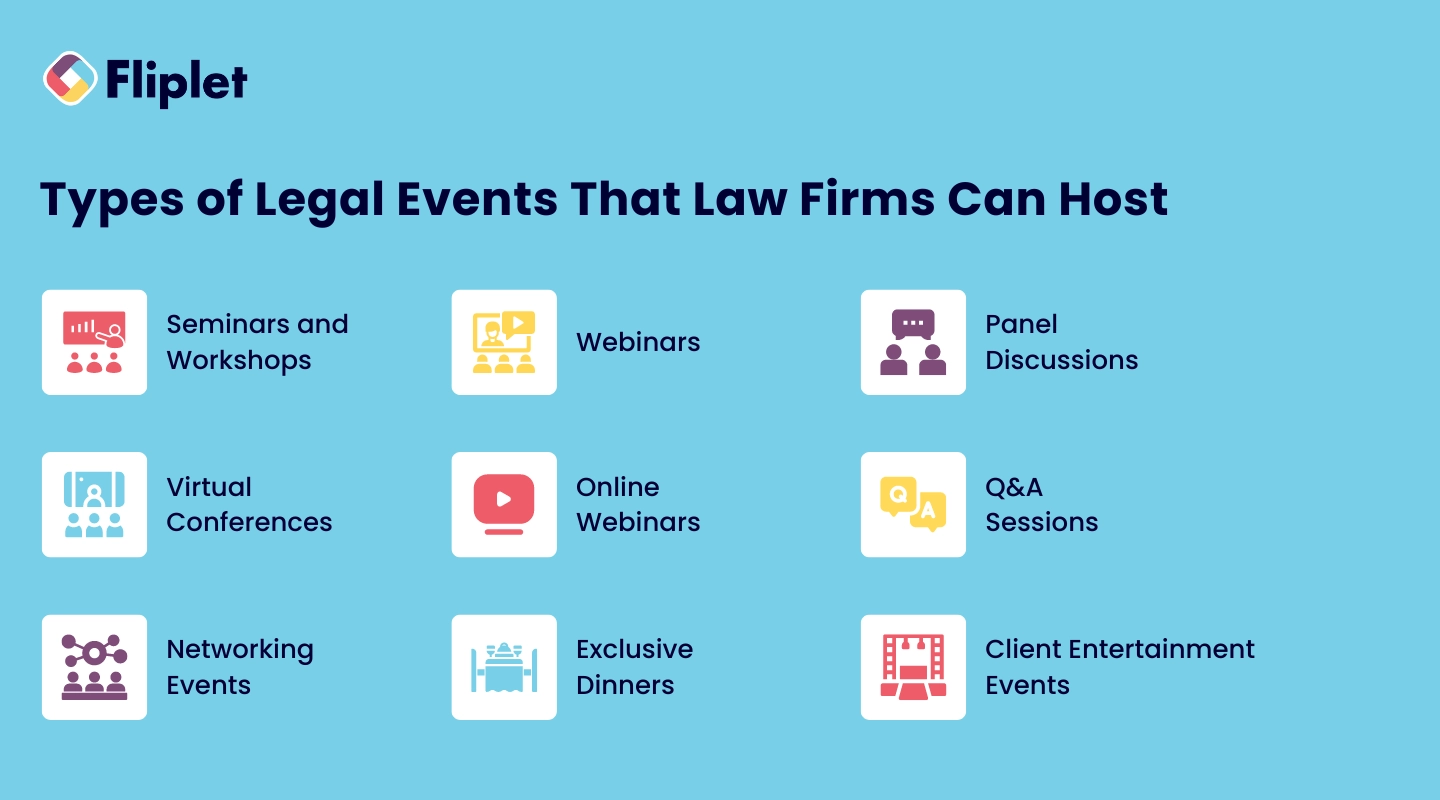
For a law firm event coordinator, choosing the right type of gathering is essential to meet your team's goals. Here are several types of events that [law firms](/webinars/) commonly host, each serving a specific purpose.
### Educational Events
Educational events allow [law firms to provide valuable information to clients or legal](https://fliplet.com/industry/legal/) professionals. These events position your firm as an authority in your field and offer attendees practical insights into legal issues.
- **Seminars and Workshops**: Host sessions on specific legal topics relevant to your clients or the [community](https://fliplet.com/solution/community/). These in-person marketing events for law firms provide opportunities for learning and networking.
- **Webinars**: For broader reach, conduct online educational sessions that cover trending legal issues, regulations, or case studies. A webinar app from Fliplet can help you easily organize and host these events online.
- **Panel Discussions**: Invite experts to discuss critical industry developments, offering attendees multiple perspectives on important legal issues.
Explore how you can enhance these events with Fliplet's [apps for conferences](https://events.fliplet.com/mobile-event-app/) to deliver an engaging and interactive experience.
### Online Events
In the digital age, online events have become a powerful tool for law firm event planners to engage with clients and professionals without the constraints of location.
- **Virtual Conferences**: Bring together legal professionals and clients in a virtual environment for presentations, networking, and discussions. [Virtual events can save costs](https://events.fliplet.com/blogs/vfairs-alternatives/) while still offering valuable content.
- **Online Webinars**: A cost-effective way to provide educational content. Webinars can reach a larger audience and showcase your firm's expertise in specific areas of law.
- **Q&A Sessions**: Host live-streamed events where clients can ask legal questions and receive real-time answers from your team. This demonstrates your firm's commitment to transparency and client engagement.
### Client Appreciation Events
Client appreciation is one of the best themes to build marketing events for law firms around. They are an excellent way to thank your most valued clients and strengthen relationships.
- **[Networking Events](https://fliplet.com/solution/event-matchmaking-app/)**: Host casual gatherings where clients can meet your team and other professionals, facilitating relationship-building and trust.
- **Exclusive Dinners**: Organize invite-only dinners for key clients to demonstrate appreciation and build stronger ties.
- **Client Entertainment Events**: Offer clients unique experiences like attending sports events, concerts, or shows. These experiences can deepen client loyalty and foster long-lasting relationships.
## Steps to Planning a Successful Law Firm Event
Law firm event planners have to follow several steps to succeed in their job, from defining goals to promoting the event effectively. Here's how to get started:
### Use Legal Event Apps to Streamline Planning

Legal [event apps](https://events.fliplet.com/blogs/event-app-pricing-comparison/), like those offered by Fliplet, can drastically simplify the planning process for law firms. These [apps provide an all-in-one solution for managing](https://fliplet.com/blog/top-10-task-management-apps-for-teams/) registrations, tracking attendees, organizing schedules, and facilitating networking opportunities. With [features](https://fliplet.com/features/) designed specifically for legal professionals, legal event apps enable you to manage everything from session participation to feedback collection seamlessly. By using a customizable **legal [event app](https://events.fliplet.com/corporate-events/)**, your firm can enhance event efficiency and deliver a smooth experience for both organizers and attendees.
### Define Your Event Goals

Before diving into logistics, define the objectives of your event. Ask yourself, what is the primary purpose? Are you looking to generate leads, nurture existing relationships, or enhance brand awareness? Clearly defined goals will guide your decision-making throughout the planning [process](https://fliplet.com/app-creation-process/).
### Budgeting for the Event

Plan a detailed budget that includes venue costs, catering, promotion, and any guest speaker fees. Be sure to account for unexpected expenses as well, so you stay within your budget. By carefully tracking your expenses, you'll have a clearer picture of your event's return on investment.
### Choosing the Right Venue and Date

Choosing the right venue is key to creating the right atmosphere for your event. Consider factors such as location, accessibility, and the capacity to accommodate your target audience. Be sure to select a date that doesn't conflict with other major industry events, ensuring better attendance.
### Creating a Marketing Strategy

To ensure high attendance, develop a marketing strategy that reaches your target audience. Utilize multiple channels such as email, social media, and traditional advertising to spread the word about your event. Use Fliplet's [marketing apps](https://fliplet.com/solution/marketing/) to streamline your promotional efforts and monitor results in real time.
### Develop a Detailed Agenda

A well-structured agenda is essential for any law firm event coordinator. With the help of a legal [event app](/webinars/), you can plan out high-value content such as guest speakers, legal workshops, or networking sessions to keep attendees engaged and ensure they find value in the event.
### Managing RSVPs and Attendees

Tracking RSVPs and engaging with attendees is critical for a smooth [event experience](/webinars/). Fliplet's [event networking app](https://events.fliplet.com/mobile-event-app/) allows you to manage RSVPs, track attendee engagement, and send real-time updates, ensuring a smooth experience for both organizers and attendees. As you can see, picking the right legal event app at step one helps you through the entire process.
## Promoting Your Law Firm Event
A successful promotion strategy is key to driving attendance and ensuring the success of law firm event planners. Here are several ways to promote your event effectively:
### Social Media Strategy

Use social media platforms such as LinkedIn, Twitter, and Facebook to promote your event. Share [posts that highlight the event's](https://events.fliplet.com/blogs/event-survey-questions/) key features, such as guest speakers or networking opportunities, and encourage followers to register. Use targeted ads to reach a broader audience that may be interested in attending.
### Email Marketing

Email marketing is one of the most effective ways to promote your event. Some legal [event apps](https://events.fliplet.com/corporate-events/) will make it easy to send personalized invitations to your existing clients and legal peers, and follow up with reminder emails as the event date approaches. Offering early registration discounts or exclusive access to certain sessions can incentivize sign-ups.
### Partnerships and Sponsorships

Partner with other [law firms](https://fliplet.com/case-studies/top-30-uk-law-firm/) or industry organizations to increase the event's reach. Sponsors can also help cover event costs while adding value to your attendees' experience. Highlighting the partnership on your promotional materials can attract more attention to your event.
## Post-Event Actions
Once your event is over, law firm event planners still have several critical steps to ensure long-term success.
### Follow-Up with Attendees
Following up with attendees is crucial for maintaining the relationships built during the event. Use Fliplet's [feedback app](https://fliplet.com/solution/feedback-app/) to gather attendee feedback and measure their satisfaction. Sending a thank-you email with a summary of the event and upcoming opportunities is a great way to stay connected. It's yet another way that legal event apps come in handy.
### Share Event Highlights

Post-event content, such as video highlights, key takeaways, or event photos, keeps your event top-of-mind for attendees. Sharing this content on social media or in a follow-up email can extend the life of your event and continue to drive engagement.
### Analyze Event Success

Evaluate the success of your event by reviewing attendee feedback, engagement metrics, and financial outcomes. Fliplet's tools allow you to generate post-event reports and analyze key insights, helping you measure the event's success and plan for future engagements.
## Looking to Simplify Your Event Planning Process?
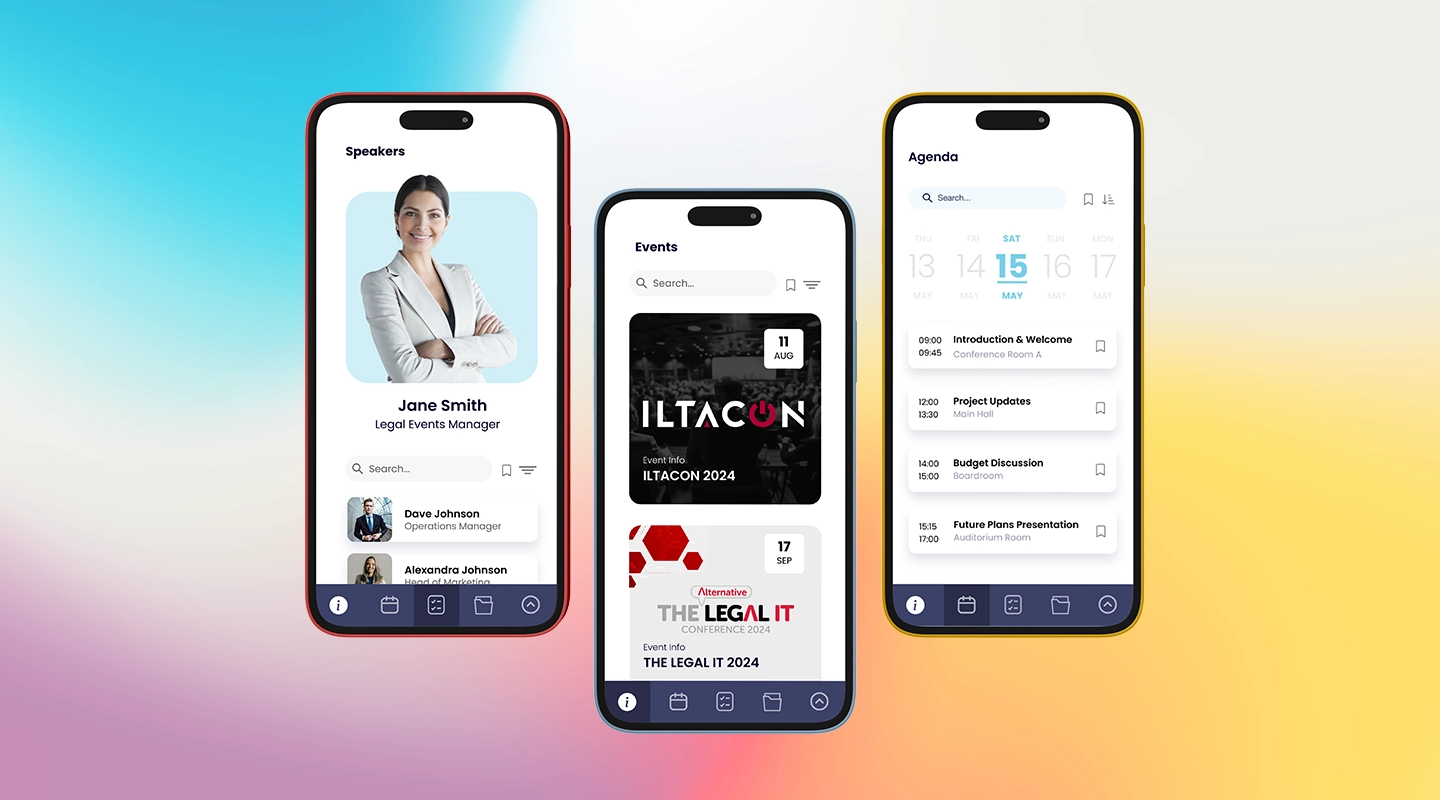
Planning an event for a [law firm](/webinars/) doesn't have to be complicated. Legal event apps can streamline every task and bring it all together for the big day.
Fliplet's customizable tools can help law firms [manage and execute successful events](https://events.fliplet.com/blogs/eventmobi-alternatives/) from planning to post-event analysis.
Whether you're organizing an educational seminar, a client appreciation event, or a virtual conference, a legal event [app like Fliplet](https://fliplet.com/blog/ios-15-updates-and-the-impact-on-fliplet-apps-and-app-creators/) offers everything you need to simplify the process and ensure a successful outcome.
For proof from legal teams already using Fliplet, see the [Ward and Smith case study](https://fliplet.com/case-studies/ward-and-smith/).
## FAQs
### What types of events are best for law firms?
[Law firms](https://fliplet.com/legal-market-report-mobile-apps-in-law-firms/) can host educational seminars, webinars, panel discussions, [networking events that help build](https://events.fliplet.com/networking-engagement/) relationships, and client appreciation gatherings depending on their goals. The right format depends on whether the firm wants to generate leads, strengthen relationships, or build authority.
### How do I ensure high attendance for a law firm event?
Promote the event across multiple channels, including social media, email marketing, and strategic partnerships. A strong value proposition, early registration incentives, and clear educational or networking benefits can all help improve attendance.
### What is the best way to follow up after a law firm event?
Send a personalized thank-you email, share event highlights and useful follow-up materials, and gather feedback from attendees. This helps extend engagement and gives your firm insights for improving future events.
### How can I measure the success of my law firm event?
Measure event success using attendee feedback, engagement levels, participation, and ROI. Reviewing these metrics helps determine whether the event met its business goals and where future improvements should be made.
### Can Fliplet help with managing law firm events?
Yes. Fliplet offers customizable tools to help law firms manage registrations, RSVPs, networking, communications, feedback, and post-event reporting, making the overall event process easier to run. Teams can also explore options for [managing their events](https://events.fliplet.com/blogs/best-swoogo-alternatives/) more efficiently with Fliplet.
## Related links
- [Corporate Event Planning: The Ultimate Guide (Free Checklist)](https://events.fliplet.com/blogs/corporate-event-planning-checklist/): Boost your next business gathering with our expert corporate event planning guide. Read this article to craft an unforgettable event tailored to your needs!
- [How to Create a Successful Event Strategy %91Guide 2026%93](https://events.fliplet.com/blogs/event-strategy-guide/): Learn best practices for developing an effective event strategy to ensure your event's success. Best tips for planning, execution, and evaluation.
- [What is Legal Technology? Definition + 2026 Stats](https://fliplet.com/blog/what-is-legal-technology/): Learn about top legal technology tools that streamline operations for lawyers, judges, and clients. Boost your firm's efficiency today. Explore more!
---
# Law Firm Retreats: 10 ideas for an unforgettable experience for partners and attorneys
> Explore Law Firm Retreats: 10 ideas for an unforgettable experience for partners and attorneys. Get practical guidance on strategy, execution, and outcomes.
Source: https://fliplet.com/blog/strategies-for-law-firm-retreat/
Content type: Blog
Published: 2026-05-18T10:29:54
Updated: 2026-03-19T03:02:13
Read time: 12 minutes
# Law Firm Retreats: 10 ideas for an unforgettable experience for partners and attorneys
Planning a law firm retreat? Imagine a setting where partners, associates, and team members step away from daily routines to bond, strategize, and focus on growth. Law firm retreats are more than a break from work—they're a time to boost collaboration, align on strategy, and create memorable experiences that strengthen your firm's culture.
From productive sessions to [engaging activities](https://fliplet.com/blog/how-an-app-maker-can-help-employee-engagement-activities/), there are endless ways to elevate your next retreat. This guide dives into everything from defining your purpose to finding the best law firm retreat ideas and essential tools to make it a success.
## Key Takeaways
- Law firm retreats promote team collaboration and foster leadership alignment.
- A well-planned agenda is crucial to balance strategic focus with engaging activities.
- Leveraging Fliplet's tools can simplify retreat planning, real-time updates, and attendee feedback collection.
## What is a Law Firm Retreat?
At its core, a law firm retreat is an event where legal teams gather to discuss firm objectives, strengthen relationships, and improve productivity away from the typical office setting. Think of it as a chance to recalibrate—partners and attorneys discuss strategies, align on goals, and address critical topics, all while fostering connections that can improve team dynamics back at the office.
In short, these are really business retreats for [law firms](https://fliplet.com/blog/the-14-best-apps-for-lawyers/).
But why stop at planning sessions? With tools like Fliplet's [retreat app](https://events.fliplet.com/retreat-app/), you can create an experience that runs smoothly from start to finish, with schedules, real-time updates, and attendee engagement features built in. Fliplet's apps help manage schedules, share updates in real-time, and keep everyone engaged, giving you everything you need to host a streamlined retreat. Learn more about managing successful conferences [with our blog post Successful Conference Management](https://events.fliplet.com/blogs/conference-event-management-guide/).
## Why Law Firm Retreats Matter
Wondering if a retreat is worth the investment? Here are some of the key reasons why law firm retreats are essential for long-term success:
### Strengthening Team Relationships
Retreats give partners, associates, and staff the opportunity to bond in ways they might not during a typical workday. Picture your team participating in group discussions, socializing at dinner, or working through challenges in team-building exercises. These moments foster trust and create connections that can help teams work better together, especially when under pressure back in the office.
### Aligning Leadership and Strategic Goals
Aligning leadership goals is a significant aspect of a [successful law firm](https://fliplet.com/blog/law-firm-event-planning/). A [retreat allows partners to step back and discuss the firm's](https://events.fliplet.com/blogs/partner-retreats/) direction, sharing their vision for the future. What's the big picture? What are the firm's top priorities? With dedicated time to focus on strategic alignment, leaders can clarify roles, reinforce firm goals, and ensure that every team member understands the firm's vision.
## 10 Great Ideas for Your Law Firm Retreat
Planning a law firm retreat is an opportunity to break away from daily routines and create a memorable event that motivates and inspires your team. And that all starts with law firm retreat ideas that blow your attendees away.
The goal is to craft an agenda that balances strategic thinking with fun and engaging activities, so participants leave feeling both productive and connected.
**Helpful Hint:** Want to know how to put attendee connection into overdrive? Check out our guide on [Advanced Attendee Tracking](https://events.fliplet.com/blogs/event-attendance-tracking-guide/).
If the retreat is part of a wider legal operations or client-service program, explore Fliplet's [legal industry app guidance](https://fliplet.com/industry/legal/) alongside this event-specific planning advice.
### Here are some impactful agenda ideas and activities to consider
### Law Firm Retreat Agenda Ideas
A well-structured agenda is the backbone of any retreat. By planning a mix of strategic discussions and relationship-building sessions, you'll set the stage for a rewarding experience. Check out the main categories of ideas for law firm retreats.
1. **Strategic Planning Sessions** Dive into the big picture. Use this time to review firm goals, discuss new client acquisition strategies, and analyze emerging industry trends. This is your team's chance to collectively envision the firm's future. Using tools like Fliplet's [feedback app](https://fliplet.com/solution/feedback-app/), you can gather real-time insights on proposed goals, enabling leaders to adapt strategies based on team feedback instantly. Try starting the session with a thought-provoking question: What does success look like for our firm in five years?
2. **Leadership Workshops** Developing strong leaders is crucial for a firm's growth. Offer sessions focused on essential leadership skills, such as managing diverse teams, navigating difficult conversations, and fostering a collaborative culture. Invite seasoned leaders or even external leadership coaches to run interactive workshops, allowing emerging leaders to practice new skills in real time. Encourage open discussions about leadership challenges to help current and future leaders connect over shared experiences.
3. **Professional Development** Professional growth shouldn't be confined to daily client work. Host training on new legal practices, emerging tech in law (like AI in case research), or soft skills such as client communication and time management. Create an environment where team members feel comfortable discussing knowledge gaps or areas they'd like to improve, which can lead to more effective training tailored to the group's needs.
4. **Social Activities** Retreats should also be fun. Schedule social events like an evening cocktail party, outdoor dinners, or even a talent show where team members can showcase hidden skills. Social activities provide a relaxed setting for informal mingling, breaking down silos, and helping team members form bonds that go beyond office interactions. Don't underestimate the power of laughter and shared fun in strengthening your team.
5. **Team-Building Exercises** Engage your team with activities that encourage collaboration and problem-solving. Escape rooms, scavenger hunts, and team trivia nights are fantastic options. These exercises go beyond the traditional team-building games and help attorneys, paralegals, and support staff learn to work together in a fun, pressure-free environment. Plus, they reveal hidden strengths, build trust, and foster creativity—qualities that benefit teamwork back at the office.
Learn more about using tools to support your law firm retreat with the [Top 30 UK Law Firm case study](https://fliplet.com/case-studies/top-30-uk-law-firm/) on how a law firm used Fliplet to produce a successful registration tool.
### Best Law Firm Retreat Activities
The best law firm retreat ideas incorporate interactive and hands-on activities to keep the energy high and make your retreat memorable. Here are some dynamic ideas:
1. **Outdoor Team-Building** Take advantage of the outdoors. Organize activities like kayaking, hiking, or a ropes course to give team members a shared adventure. These types of experiences foster camaraderie as colleagues face challenges together outside their usual environment. Outdoor activities are ideal for encouraging resilience, building trust, and refreshing the mind.
2. **Innovation Workshops** Innovation workshops are ideal for brainstorming fresh ideas to tackle firm challenges or improve client service. Split the group into smaller teams, each tasked with coming up with creative solutions to a common problem or client need. Using tools like Fliplet's corporate-event app, you can document ideas, track contributions, and identify the most promising solutions. Challenge the teams with a question like, "How can we deliver more value to clients?"
3. **Client-Focused Sessions** Consider inviting a top client or industry expert to speak, giving the team direct insights into client expectations and market needs. Another option is to run client-focused workshops where team members discuss ways to improve client experiences. Using feedback tools, you can collect ideas in real-time, helping identify areas for immediate improvement. A session like this makes the retreat feel purposeful and emphasizes the client-centered nature of your firm's work.
4. **Wellness Activities** Supporting wellness is crucial, especially in high-stress professions like law. Incorporate mindfulness sessions, guided meditation, or even morning yoga to help attendees recharge and refocus. Wellness activities encourage team members to prioritize mental health, reduce stress, and boost overall well-being. Starting the day with a relaxing activity can set a positive tone and help team members feel more open and engaged throughout the day.
5. **Skills Exchange Workshops** Leverage the unique skills within your team by hosting a skills exchange workshop. Invite team members to present on a specific area of expertise, whether it's courtroom presentation techniques, legal research tips, or effective client communication strategies. This not only promotes peer learning but also boosts confidence, as team members have the chance to showcase their talents.
A well-rounded retreat agenda keeps your team engaged, productive, and inspired. By blending strategic planning with hands-on activities and social events, you'll create a retreat that energizes your team and drives your firm toward future success.
You can also engage with tools like a [corporate event app](https://events.fliplet.com/corporate-events/) special-made for your firm in Fliplet.
## Top 10 Law Firm Retreat Topics for 2026
Choosing the right topics for a law firm retreat can make all the difference, setting the stage for productive discussions, inspiration, and actionable takeaways. Here are ten engaging topics that can provide lasting value and help your team develop essential skills.
1. **Networking Tips** Many attorneys feel the pressure to network but may not be sure how to do it effectively. A session on practical networking strategies can help reduce social anxiety and provide techniques for building relationships that go beyond the initial introduction. Covering tips on approaching new contacts, engaging in meaningful conversations, and following up can help participants feel more confident and connected.
2. **LinkedIn for Lawyers** LinkedIn is a powerful tool for legal professionals, yet many aren't fully leveraging its potential. A workshop on LinkedIn optimization can cover everything from creating a compelling profile to engaging with content that enhances professional visibility. Tips on building a strong network and joining relevant groups can make LinkedIn a more valuable asset for everyone on your team.
3. **Social Media and Online Marketing** In today's digital world, telling your firm's story effectively on platforms like LinkedIn, Twitter, and even Instagram can make a huge difference. This session could focus on strategies for crafting posts, understanding each platform's unique audience, and using analytics to refine marketing efforts. Emphasizing storytelling and brand voice can make your firm more relatable to clients and industry peers.
4. **Client Service Strategies** Clients are the heart of any legal practice, and client service is key to maintaining long-term relationships. This session could delve into techniques for improving client satisfaction, such as active listening, empathy in client interactions, and providing timely updates. A focus on proactive service can help attorneys anticipate client needs and enhance the overall client experience.
5. **Focused Marketing** Finding a niche can set your firm apart from the competition. A session on focused marketing could guide participants on how to identify an industry specialty or service focus that resonates with clients. By understanding their target audience, your team can refine messaging and position the firm as a go-to expert in that specific area, making the marketing approach more effective.
6. **Personal Branding** Every attorney has a unique professional identity, and this workshop can help them define and communicate it. Covering topics like identifying core values, showcasing strengths, and engaging in thought leadership, a personal branding session can empower attorneys to stand out in a competitive marketplace. This topic also helps attorneys think about the long-term impact of their reputation on their careers.
7. **Developing an Individual Marketing Plan** It's easy to get overwhelmed with marketing if there's no clear plan in place. A session on developing a personal marketing plan can help each attorney set practical goals—both long and short-term. By defining target clients, marketing channels, and specific actions, they can create a roadmap that aligns with the firm's overall strategy while also catering to individual strengths.
8. **Business Development Techniques** Converting contacts into clients requires more than a one-time introduction. This session can focus on nurturing relationships over time, providing value, and gradually building trust. Techniques like follow-up strategies, sharing industry insights, and personalized outreach can make business development more intentional and successful, ultimately driving more business for the firm.
9. **Cross-Selling Strategies** Educating team members on cross-selling can open new revenue streams by expanding services with existing clients. For example, a corporate client may benefit from both legal and compliance services. Teaching attorneys to identify cross-selling opportunities and approach clients with new solutions can increase revenue while offering clients comprehensive service packages that address multiple needs.
10. **Client Roundtables** Host a moderated discussion where clients can share feedback directly, providing invaluable insights into client satisfaction and expectations. Clients' perspectives on your firm's strengths and areas for improvement can inform better service strategies and help align the team's efforts with client needs. Client roundtables offer the opportunity to hear client voices directly, strengthening relationships and driving improvements that meet real-world demands.
Including these trending topics in your [retreat agenda can elevate your event](https://fliplet.com/blog/employee-engagement-strategies-that-law-firm-retreats-would-benefit-from/), giving attorneys valuable tools for their professional and personal growth, all while driving the firm toward its strategic goals.
### How Fliplet Event Solutions Support Your Next Retreat
Organizing a retreat can be daunting, but with the right tools, you can simplify the process and maximize impact. Fliplet's event solutions offer a suite of tools that make retreat planning, communication, and feedback collection easy.
- **Real-Time Updates**: Keep participants informed about schedules, location changes, and activity reminders.
- **Feedback Collection**: Use the Fliplet feedback app to gather attendee feedback after each session, helping you improve future events.
- **Participant Tracking**: Measure attendance and engagement with Fliplet's event tracking features.
Need inspiration? Check out this [case study](https://events.fliplet.com/case-studies/am-law-200-firm/) to see how one law firm used Fliplet to streamline their retreat planning and execution.
A successful law firm retreat is a mix of careful planning, engaging content, and impactful interactions. Whether you're looking to foster stronger relationships, brainstorm new strategies, or provide professional development, a well-executed retreat can transform your team dynamics. And with tools like Fliplet supporting your agenda and logistics, creating an unforgettable retreat experience has never been easier. Ready to plan your next retreat? Embrace these strategies and watch your firm's potential unfold.
## FAQs
### What are the best law firm retreat agenda ideas?
Great agenda ideas include strategic planning, professional development, and leadership workshops combined with social and team-building activities.
### How can a law firm retreat improve team productivity?
A retreat builds stronger relationships, aligns leadership, and provides training that directly translates to better collaboration and productivity back at the firm.
### What activities are best for law firm retreats?
Outdoor team-building, innovation workshops, and client-focused sessions are engaging ways to keep participants involved.
### How do you plan a successful law firm retreat?
Start by defining the retreat’s objectives, choosing the right location, and crafting an agenda that balances strategy with interactive activities.
### What is the value of a law firm retreat?
Retreats provide the opportunity to build trust, foster collaboration, and align teams on shared goals, making them invaluable for long-term success.
## Related links
- [Employee Engagement Strategies that Law Firm Retreats would benefit from](https://fliplet.com/blog/employee-engagement-strategies-that-law-firm-retreats-would-benefit-from/): Gain a better understanding on the value of engaged employees and how Law Firm Retreats can benefit from this.
- [Perfect Event Itinerary Guide (Templates + Examples)](https://events.fliplet.com/blogs/creating-event-itinerary/): Learn how to create an event itinerary that ensures smooth operations and a great experience for attendees. Fliplet's essential tips for event Organisers.
- [20 Ideas for Memorable Team Building Events for Your Company](https://events.fliplet.com/blogs/team-building-event-ideas/): Explore 20 innovative team building event ideas to improve collaboration, elevate morales and improve productivity in your workplace. Read now to find out more!
---
# Legal Intranet: Top Features and Best Software for Your Practice
> Legal Intranet: Top Features and Best Software for Your Practice. Compare features, pricing, tradeoffs, and use cases to choose the best fit for your team.
Source: https://fliplet.com/blog/legal-intranet
Content type: Blog
Published: 2026-05-18T10:45:38
Updated: 2026-02-15T12:55:55
Read time: 11 minutes
# Legal Intranet: Top Features and Best Software for Your Practice
Why should [law firms](https://fliplet.com/blog/the-14-best-apps-for-lawyers/) prioritize an intranet? Today's legal teams juggle more information, faster deadlines, and higher client expectations than ever before.
Definition reference: Gartner's [intranet glossary entry](https://www.gartner.com/en/information-technology/glossary/intranet) provides a concise baseline for intranet scope and architecture.
A law firm intranet changes the game by centralizing everything from case documents to team [communication](https://fliplet.com/solution/communications/) in one secure place.
Far from being a mere storage tool, an intranet becomes the foundation of an efficient, well-coordinated firm. With its ability to streamline communication, simplify collaboration, and [secure](https://fliplet.com/security/) critical information, a legal intranet empowers teams to operate at their best.
This article explores the [features](https://fliplet.com/features/) that make a law firm intranet indispensable. We'll look at how the right intranet solution can transform daily operations, improve accessibility, and enhance task management—taking your firm's productivity to the next level.
## Key Takeaways
- A [legal intranet consolidates essential functions like document management](https://fliplet.com/blog/best-legal-office-management-software/), collaboration, and secure messaging into one platform.
- With Fliplet's intranet solutions, law firms can achieve greater team efficiency, security, and compliance.
- Integrating the right features in your first legal intranet supports a productive, organized, and engaged workforce.
## Why Is It Important for Legal Firms to Have an Intranet?
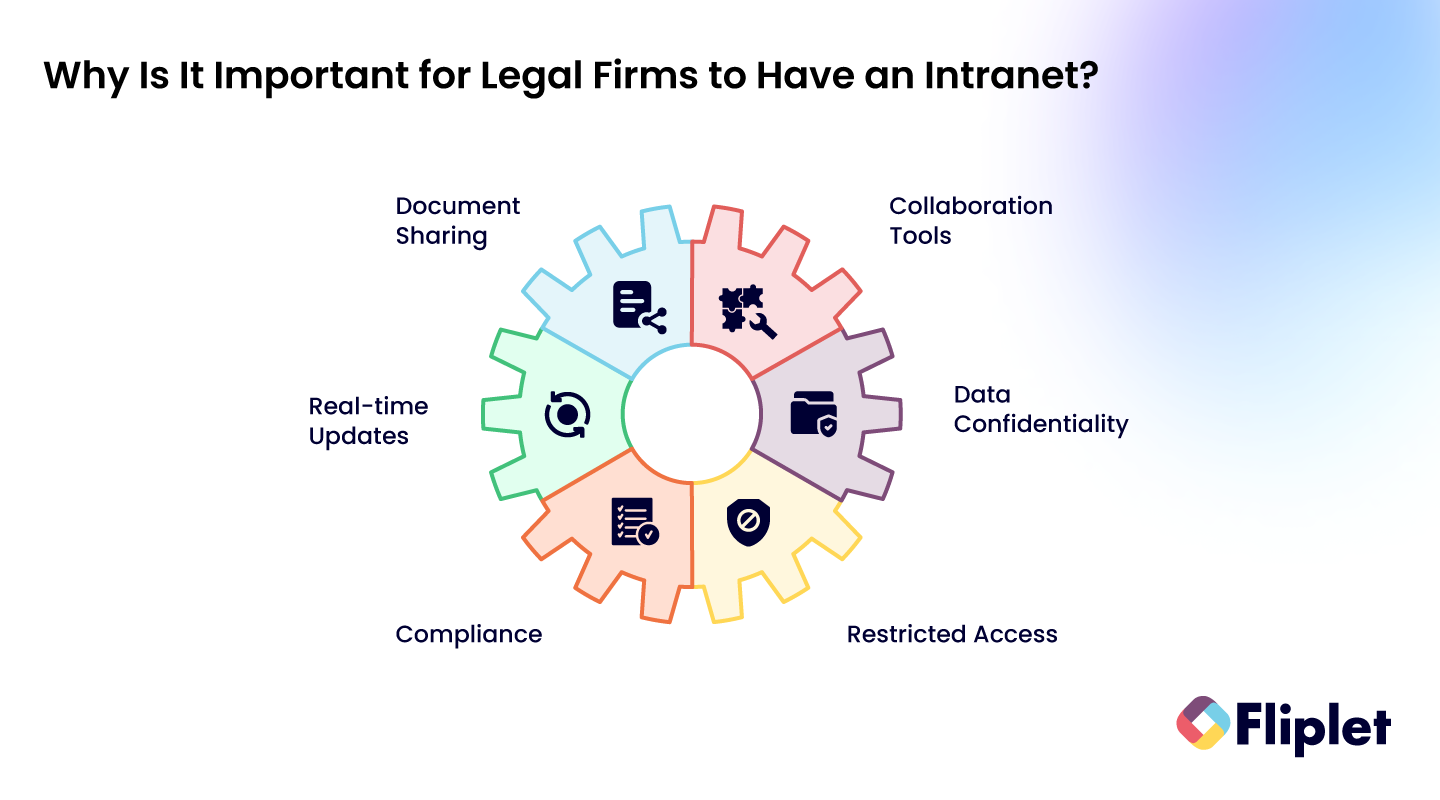
Have you ever struggled to find a key document or track down a colleague for input? An efficient intranet for legal professionals solves these pain points by creating a centralized space that streamlines daily tasks and improves firm-wide communication.
With capabilities like secure document sharing, intuitive collaboration tools, and real-time updates, an intranet supports smoother workflows and enhances client service. Combine this with Fliplet—which allows you to [build legal apps](/legal-it/) quickly and efficiently (and without needing to use any code)—and you'll have a full-spectrum legal tech approach.
Legal intranets specifically address intranet legal issues like data confidentiality, compliance, and restricted access. Fliplet's legal intranet solutions have been designed with these needs in mind, ensuring your firm can collaborate freely while maintaining security and privacy.
## Why Do Law Firms Choose Fliplet?
Fliplet's first legal intranet is tailored to the unique needs of legal professionals. Fliplet prioritizes accessibility, user experience, security, and collaboration, offering a streamlined platform that any firm can adapt to fit its specific workflow. Here's how Fliplet stands out:
- **Accessibility & Mobility**: Accessible on various devices, Fliplet's intranet supports remote work and quick updates from any location.
- **Enhanced User Experience**: An intuitive interface allows for easy navigation, encouraging adoption across the firm.
- **Better Collaboration & Communication**: With tools for secure messaging, document sharing, and collaborative editing, Fliplet improves team synergy.
- **Security & Compliance**: Protecting client data is critical in legal settings. Fliplet includes built-in compliance features to safeguard sensitive information.
#### "Building Apps using Fliplet is not only simple but it is also very cost-effective. The Fliplet studio makes it easy for someone with no coding experience to design fully functional apps ready to deploy in just hours."
## Top Legal Intranet Software Solutions for Law Firms
Selecting the right legal intranet software is essential for law firms looking to optimize workflow, enhance collaboration, and maintain secure access to information.
An effective intranet combines document management with tools that support legal operations, enabling secure communication, smooth workflows, and easy access to essential data. Check out Fliplet's [solutions for lawyers](https://fliplet.com/solutions-for-lawyers-attorneys-staff/) to see all the ways these features can be combined to create a fully custom tool for your practice.
Here's a closer look at the must-have features that top [legal intranet](https://fliplet.com/blog/legal-knowledge-management/) solutions provide and how they can elevate your firm's productivity.
#### 1\. Knowledge Management
Knowledge management is the foundation of any intranet system designed for [law firms](https://fliplet.com/blog/law-firm-client-portals/). The best legal intranet solutions offer centralized access to a vast repository of information, such as legal precedents, [case studies](https://fliplet.com/case-studies/dykema/), and ongoing research materials.
This feature ensures that team members can quickly locate important resources and reference materials, reducing time spent searching through scattered files. Additionally, shared knowledge repositories encourage collaboration, enabling teams to add new insights or case updates in real-time. This setup fosters an environment of continuous learning and improvement, benefiting both individual attorneys and the firm as a whole.
For example, Fliplet's [management tools](https://fliplet.com/solution/task-management/) allow for organized information sharing, creating a space where team members can easily access, edit, and contribute to ongoing legal research and case data.
#### 2\. Online Forms
Handling client information and case intake efficiently is critical in legal practice. Intranet systems equipped with customizable online forms can streamline data entry and make case intake faster and more organized.
These forms can be customized to collect essential data, which reduces errors and ensures that all relevant client information is captured accurately. Instead of relying on paper forms or scattered digital documents, legal teams benefit from a single, accessible format where all case intake information is securely stored.
With Fliplet's online form capabilities, law firms can create forms that cater to specific case types or departments, improving the speed and organization of data handling and minimizing the risk of information loss.
#### 3\. Staff Directory
A staff directory feature is vital for larger firms where locating team members quickly is crucial. An up-to-date staff directory includes contact information, job roles, and department details, making it easier for attorneys and support staff to connect.
This feature can also facilitate better cross-department collaboration, allowing team members to reach out to colleagues with specific expertise or roles efficiently.
For example, Fliplet's staff directory makes connecting with colleagues easy, fostering interdepartmental communication and providing quick access to essential contact details.
#### 4\. Legal Intranet's Contact Directory
While the staff directory focuses on internal contacts, a legal intranet contact directory includes external contacts, such as clients, vendors, and other professional connections.
Having these contacts stored in one place simplifies communication with external parties, saving time and minimizing the chances of losing essential contact information. For law firms, managing these connections is essential, particularly when working with multiple clients, vendors, and other stakeholders.
An organized contact directory also makes onboarding new employees easier by providing immediate access to frequently used contacts.
#### 5\. Opportunities for Collaboration
Collaboration is at the heart of any productive legal team. Opportunities for collaboration are critical in intranet software, offering tools that allow teams to share resources and exchange ideas instantly.
Many legal intranets support collaborative editing and project workspaces, which make it simple for team members to work together on cases, brainstorm solutions, and share updates in real time.
Fliplet, for instance, provides collaborative tools where legal teams can co-author documents, leave comments, and provide feedback, creating a dynamic environment of open communication.
#### 6\. Client Portal
A client portal is a secure, dedicated space where clients can access their case information, communicate with the legal team, and submit documents, making interactions more transparent and accessible.
For clients, this feature provides a convenient, accessible way to stay informed, review documents, and track case progress, ultimately enhancing their experience and satisfaction. For the firm, it reduces the need for constant status updates, allowing attorneys to focus on case strategy rather than administrative tasks.
With Fliplet's client portal, law firms can provide clients with real-time access to case updates and documentation, which strengthens client relationships and increases transparency.
#### 7\. Firm News and Corporate Calendar
Keeping everyone on the same page is crucial in a busy legal environment. An intranet news section and corporate calendar allow team members to stay informed about firm-wide updates, important events, and critical deadlines.
This feature is particularly helpful for scheduling and planning, as it highlights key meetings, client deadlines, and upcoming events, all accessible from one central location.
Fliplet's news and calendar features allow firms to post announcements and create shared event reminders, ensuring that team members are aware of crucial dates and developments.
#### 8\. Simple and Intuitive Intranet Software
Adoption and ease of use are essential for an intranet's success. A simple and intuitive interface makes it more likely that team members will use the intranet consistently. This ease of use reduces training requirements and allows employees to engage with the system immediately, focusing on their tasks rather than navigating complex software.
By prioritizing usability, Fliplet's intranet solution helps firms integrate the platform seamlessly, allowing staff to benefit from its features without an extensive learning curve.
#### 9\. Security
Legal professionals handle sensitive data daily, making security a top priority for any intranet system. The best legal intranet solutions employ strong encryption, restricted access, and compliance measures to protect client information and uphold confidentiality standards. Security features are especially crucial when dealing with intranet legal issues, where data breaches could result in serious consequences.
Fliplet's intranet solution includes robust security measures to protect sensitive information, from secure document sharing to restricted access controls, ensuring data remains confidential.
#### 10\. Employee Feedback and Recognition
An intranet should be more than just a tool for information—it can also help improve firm culture. Features like employee feedback and employee recognition foster engagement by giving staff a voice and recognizing their achievements.
Regularly collecting employee feedback helps firms refine their intranet experience, while [recognition programs](/solution/employee-engagement-app/) boost morale, motivating employees and fostering a supportive work environment.
Fliplet's feedback and recognition tools allow firms to gauge employee satisfaction, enhance engagement, and celebrate team successes, reinforcing a positive workplace culture.
## How a Law Firm Intranet Can Help You
A [law firm](https://fliplet.com/blog/ai-software-for-law-firms/) intranet brings everything you need for efficient work into one accessible, secure location. Gone are the days of scrambling to find case files, track down colleagues, or search for policy updates.
With the right intranet solution, every resource is just a click away, allowing you to streamline tasks and stay focused on what matters most. Here's how an intranet can transform your day-to-day work:
- **Keeps Content Current**: Access the latest policies, case documents, and client details instantly. When updates are centralized, everyone works from the most recent information, reducing errors and eliminating time lost on outdated materials.
- **Fosters Team Engagement**: Intranet platforms provide spaces for team collaboration, allowing for discussions, document sharing, and quick feedback loops. This interactive environment fosters stronger connections, making teamwork feel seamless—even in hybrid or remote settings.
- **Enhances Job Efficiency**: Quick access to communication tools and essential documents means you're spending less time on administrative tasks and more on client-focused work. A well-designed intranet keeps everything organized, so you can jump between tasks without losing momentum.
With [Fliplet's intranet solutions for law firms](https://fliplet.com/blog/low-code-app-platforms-among-law-firms/), your team gains these advantages, plus the added benefits of security and customization tailored to the legal industry. Fliplet supports legal professionals in staying organized, productive, and engaged—whether you're working remotely or from the office.
## Important Features to Look For in Legal Intranet Software
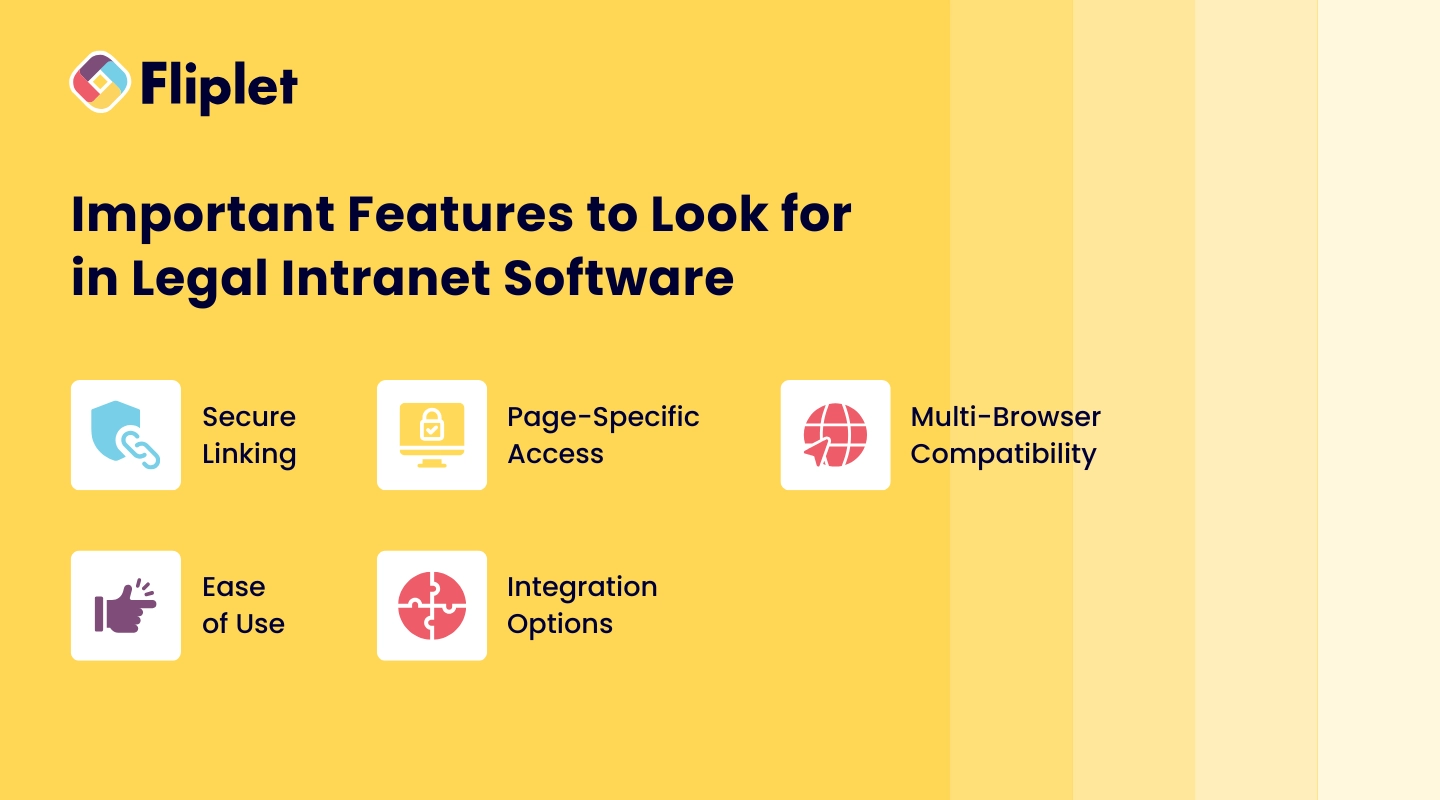
When choosing intranet software, it's essential to consider which features will have the biggest impact on your team's efficiency and your firm's security. Here are some criteria to keep in mind:
- **Secure Linking**: Choose a system that supports secure document linking to protect client data.
- **Page-Specific Access**: Enable page-specific access permissions so only authorized personnel can view sensitive content.
- **Multi-Browser Compatibility**: Opt for intranet software that works smoothly across various browsers to support different devices and user preferences.
- **Ease of Use**: A user-friendly platform promotes consistent use and reduces training time.
- **Integration Options**: Ensure compatibility with Active Directory or other relevant integrations for seamless access.
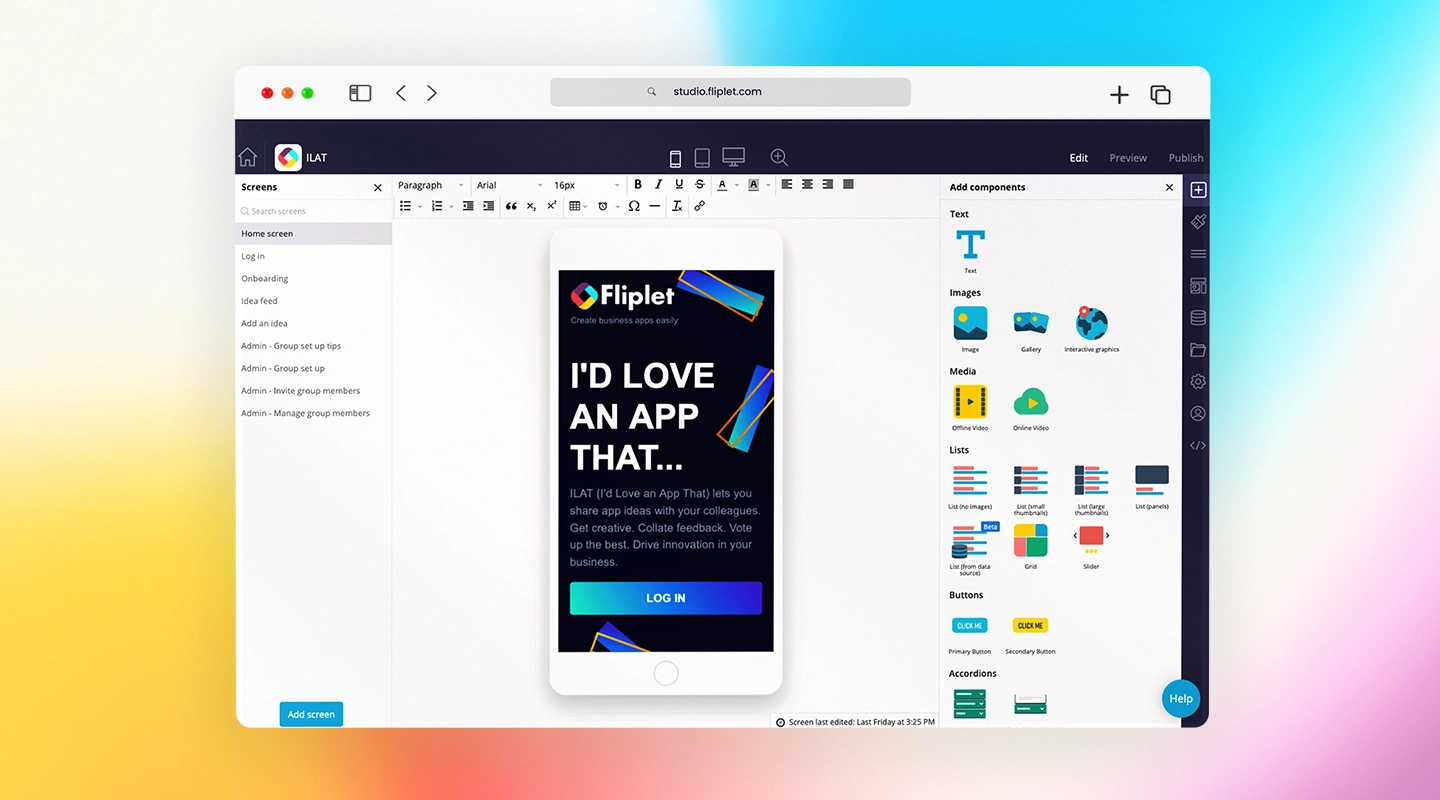
Ready to explore solutions tailored for the legal industry? Learn about our intranet solutions for law firms in our upcoming article.
Choosing the right law firm intranet transforms daily operations, from improved collaboration to enhanced document security. Whether your team needs better access to information, streamlined communication, or top-tier compliance features, a tailored intranet solution like Fliplet can provide everything in one user-friendly platform.
Embrace these features, and empower your firm to work smarter, securely, and more effectively. Ready to elevate your legal practice?
Explore Fliplet's intranet solutions today.
## FAQs
### What features make a first legal intranet essential for law firms?
A first legal intranet is essential for centralizing documents, supporting secure messaging, and enabling collaboration, all of which enhance productivity and organization.
### How does an efficient intranet for legal professionals improve productivity?
By providing quick access to documents, supporting streamlined intranet legal workflows, and enabling secure communication, an intranet reduces time spent on administrative tasks.
### How does an intranet address legal issues in data protection and compliance?
Legal intranets include strong security measures like encryption and restricted access, which comply with data protection standards and keep client information confidential.
### How does an intranet support legal workflows and task management?
Intranet features like task tracking, shared calendars, and document management support efficient legal workflows, making it easier for teams to stay organized and meet deadlines.
### What are key considerations for intranet legal issues in confidentiality?
An intranet should prioritize secure access, encryption, and permission-based viewing to address confidentiality requirements and protect client data.
## Related links
- [What is Legal Technology? Definition + 2026 Stats](https://fliplet.com/blog/what-is-legal-technology/): Learn about top legal technology tools that streamline operations for lawyers, judges, and clients. Boost your firm's efficiency today. Explore more!
- [The Future of Legal Innovation: How AI is Shaping the Legal Industry](https://fliplet.com/blog/legal-innovation/): Discover how legal innovation is reshaping law firms. Explore trends, challenges, and strategies to stay competitive in the evolving legal landscape. Learn more!
- [AI for Law Firms: Tools, Strategies, and Future Trends](https://fliplet.com/blog/ai-for-lawyers/): Discover the best AI tools for law firms, how to optimize SEO and social media with AI, and create an effective AI policy. Enhance your firm's efficiency today!
---
# Legal survey insights for 2026: 3 trends driving practice efficiency and growth in the AI era
> Learn how law firms can drive practice efficiency and growth in 2026 with governed AI adoption, connected workflows, and a practical 90-day execution plan.
Source: https://fliplet.com/blog/2020-legal-survey-3-trends-driving-practice-efficiency-and-growth/
Content type: Blog
Published: 2026-05-18T09:25:16
Updated: 2026-03-17T10:30:00
Read time: 11 minutes
# Legal survey insights for 2026: 3 trends driving practice efficiency and growth in the AI era
Law firms are under pressure to do more with less while still protecting quality, client trust, and profitability. This updated article revisits findings from Fliplet's June 2020 legal survey and translates those signals into practical priorities for 2026.
Market context: the [Thomson Reuters 2026 State of the US Legal Market report](https://www.thomsonreuters.com/en-us/posts/wp-content/uploads/sites/20/2026/01/2026-State-of-the-US-Legal-Market.pdf) details the efficiency and profitability pressures this article addresses.
In the AI era, practice efficiency is no longer just about digitizing processes. It is about combining workflow automation, governed AI use, and better cross-team execution to deliver growth without adding unmanaged risk.
## Key takeaways
- The core pressures from 2020 remain: rising workloads, budget constraints, and demand for faster delivery.
- In 2026, top-performing firms combine legal operations discipline with governed AI adoption.
- Practice efficiency and growth improve when workflows, business development, and client engagement are treated as one connected system.
- A phased rollout over 90 days is usually the fastest path to measurable impact.
## Why this matters in 2026
The legal market has become more competitive and more digital. Clients expect faster responses, clearer communication, and secure digital interactions. Internal teams are expected to deliver all of this while controlling costs.
The original survey highlighted concerns around remote working, client expectations, and growth pressure. Those themes still matter in 2026, but they now intersect with AI-driven expectations around drafting speed, search, and personalized communication.
That makes the goal clear: modernize operations without compromising quality, confidentiality, or governance.
## Trend 1: Improve practice efficiency with connected workflows and AI support
Legal teams lose time when intake, knowledge, drafting, and approvals are handled across disconnected tools. The result is duplicated work, avoidable delays, and inconsistent output quality.
A better model is to standardize repeatable workflows and use AI in controlled steps where it delivers clear value.
### High-value efficiency use cases
- Matter intake triage with structured forms and routing.
- First-pass drafting support for internal notes and standard language.
- AI-assisted knowledge retrieval across policies, precedents, and guidance.
- Approval workflows with role-based access and audit trails.
### What to govern from day one
- Human review for client-facing and high-risk outputs.
- Data boundaries for privileged and confidential content.
- Logging for prompts, outputs, and approvals.
- Clear ownership between IT, legal ops, and practice teams.
This is where programs such as [legal knowledge management](https://fliplet.com/blog/legal-knowledge-management/) and [AI for lawyers](https://fliplet.com/blog/ai-for-lawyers/) can be combined into one operating model.
## Trend 2: Strengthen business development and marketing with better data and AI-enabled execution
Business development teams often underperform not because strategy is weak, but because execution is fragmented. Inconsistent messaging, delayed follow-up, and siloed data reduce conversion.
In 2026, firms can improve performance by connecting marketing and BD workflows, then using AI to increase speed and consistency.
### Where teams get quick wins
- Event and campaign follow-up automation.
- AI-assisted proposal and pitch draft support.
- Segmented messaging based on sector, practice area, and engagement history.
- Shared reporting dashboards for pipeline visibility.
### Common growth blockers to remove
- Manual handoffs between BD, marketing, and fee earners.
- Content stored in static files without version governance.
- No single view of campaign-to-matter conversion.
- Lack of standardized process for post-event nurturing.
For many firms, this works best when combined with [legal intranet](https://fliplet.com/blog/legal-intranet/) and [law firm client portal](https://fliplet.com/blog/law-firm-client-portals/) initiatives.
## Trend 3: Maximize client engagement and retention through secure digital experiences
Client retention depends on trust, responsiveness, and transparency. In a hybrid environment, firms need secure channels that reduce friction and keep communication consistent.
### What modern client engagement should include
- Secure client portals for documents, updates, and messaging.
- Mobile-friendly access for lawyers and clients.
- Proactive notifications for key milestones.
- Clear version control for shared content.
### Why this drives growth
- Better client experience improves retention and referral potential.
- Faster information flow reduces cycle time on active matters.
- Consistent communication strengthens perceived service quality.
A practical starting point is a focused set of high-frequency interactions, then expanding as adoption grows.
## AI-era operating model: practical, governed, and scalable
AI can accelerate legal work, but unmanaged use can create quality and compliance risks. High-performing firms treat AI as part of an operating model, not a standalone tool.
### Build the model around three layers
- Workflow layer: standardized steps, owners, and controls.
- Intelligence layer: AI for approved tasks with review requirements.
- Governance layer: policy, logging, security controls, and oversight.
This structure helps firms move faster while maintaining professional standards.
## 90-day plan to improve efficiency and growth
### Days 1-30: Prioritize and baseline
- Identify top workflow bottlenecks across legal ops, BD, and client communication.
- Select one high-impact use case for a controlled pilot.
- Define baseline metrics such as turnaround time, win-rate support time, and client response SLAs.
### Days 31-60: Build and validate
- Configure workflow templates and role permissions.
- Add approved AI-assisted steps with mandatory human review.
- Validate integration, security, and auditability with a limited team.
### Days 61-90: Launch and optimize
- Roll out to a broader user group with training and support.
- Track both operational and growth metrics weekly.
- Prioritize next workflows based on measured impact.
## Common mistakes to avoid
- Chasing too many initiatives at once.
- Treating AI as a shortcut instead of a governed capability.
- Ignoring change management and team enablement.
- Measuring activity instead of business outcomes.
- Skipping integration planning and creating new silos.
## FAQs
### What are the main legal trends driving practice efficiency in 2026?
The leading trends are workflow standardization, governed AI adoption, and secure client engagement channels. Firms combining these three areas usually see faster delivery and stronger operational consistency.
### How can law firms use AI to improve growth, not just productivity?
Law firms can use AI to improve proposal speed, campaign follow-up, knowledge access, and communication quality. Growth impact is strongest when AI is connected to clear BD and client outcomes.
### What is the safest way to adopt generative AI in a law firm?
Start with low-risk internal use cases, enforce data boundaries, and require human review for sensitive outputs. Define ownership across IT, legal ops, and risk teams before scaling.
### Which workflows should be modernized first?
Start with high-volume and high-friction workflows such as intake, drafting support, and client update communication. These areas typically produce faster measurable returns.
### How do you measure success for legal modernization?
Track both efficiency metrics and growth metrics, such as turnaround time, rework rate, campaign-to-meeting conversion, and client response performance. Include AI-specific quality and acceptance measures where relevant.
### How long does it take to see meaningful results?
Most firms can demonstrate early gains within 60 to 90 days when they focus on one priority workflow, use clear governance, and scale based on evidence.
## Final thoughts
In 2026, legal leaders do not need the largest technology budget to win. They need a clear operating model that connects efficiency, growth, and responsible AI adoption.
If your team is planning the next step, start with one measurable workflow, prove value quickly, and then scale with governance in place.
For further reading, see [legal innovation](https://fliplet.com/blog/legal-innovation/), [AI software for law firms](https://fliplet.com/blog/ai-software-for-law-firms/), and [apps for lawyers](https://fliplet.com/blog/the-14-best-apps-for-lawyers/).
## Related links
- [AI for Law Firms: Tools, Strategies, and Future Trends](https://fliplet.com/blog/ai-for-lawyers/): Explore practical AI use cases that help legal teams improve delivery speed, decision-making, and measurable outcomes.
- [Mastering Legal Knowledge Management: A Guide for Law Firms](https://fliplet.com/blog/legal-knowledge-management/): Learn how to structure legal knowledge so teams can find the right information faster and reduce duplicated effort.
- [What is Legal Technology? Definition + 2026 Stats](https://fliplet.com/blog/what-is-legal-technology/): Understand legal technology trends, terminology, and data points shaping law firm strategy in 2026.
---
# Legal tech trends in the AI era: 3 ways to reduce costs and risks in 2026
> Explore 2026 legal tech trends for the AI era, including governed AI adoption, workflow automation, and a practical 90-day plan to cut cost and risk.
Source: https://fliplet.com/blog/2020-legal-tech-survey-3-trends-to-reducing-costs-and-risks/
Content type: Blog
Published: 2026-05-18T10:01:28
Updated: 2026-03-17T10:00:00
Read time: 11 minutes
# Legal tech trends in the AI era: 3 ways to reduce costs and risks in 2026
Legal leaders are under pressure to deliver better service while managing tighter budgets, stricter security requirements, and faster delivery timelines. In 2026, that pressure is shaped by one major shift: the move from legal AI experimentation to operational AI adoption. This updated guide revisits insights from Fliplet's June 2020 "Future of Legal Tech" survey and translates them into practical legal technology priorities for the AI era.
Market context: the [Thomson Reuters 2026 State of the US Legal Market report](https://www.thomsonreuters.com/en-us/posts/wp-content/uploads/sites/20/2026/01/2026-State-of-the-US-Legal-Market.pdf) provides current benchmarks for legal cost control and risk management.
If you are evaluating legal technology for law firms, this article explains where to invest first, how to use AI safely, how to reduce implementation risk, and what a realistic 90-day rollout plan looks like.
## Key takeaways
- Legal teams still face the same core constraints: integration friction, limited technical resources, and budget pressure.
- In 2026, firms that win focus on integrated tools, governed AI adoption, low-code delivery, and secure mobile-first experiences.
- You can reduce both cost and risk by standardizing workflows, reducing tool sprawl, and embedding governance from day one.
- AI delivers the most value when firms target repeatable workflows such as intake, drafting support, and knowledge retrieval.
- A phased 90-day rollout is usually the fastest path to measurable outcomes.
## Why legal technology investment is urgent in the AI era
The legal market has become more demanding, not less. Clients expect responsiveness, transparency, and secure digital experiences across every touchpoint. At the same time, internal teams need to move faster with fewer resources.
In the original survey, IT respondents highlighted integration, resourcing, and investment as major barriers. Those barriers still exist in 2026, but the stakes are now higher because:
- Security and compliance expectations continue to rise.
- Hybrid and distributed work is now normal.
- Teams cannot afford duplicated manual work across disconnected systems.
- Partners and business stakeholders expect faster return on technology spend.
- Generative AI has raised expectations for faster drafting, search, and client responsiveness.
That is why legal technology strategy in 2026 needs to focus on outcomes, governance, and AI-readiness, not just tools.
## AI shift in legal operations: from pilots to governed adoption
In many firms, AI started as isolated experiments. In the AI era, legal teams need a clear operating model: where AI is allowed, what data can be used, who approves outputs, and how risks are monitored.
### Where AI creates measurable value first
- Draft acceleration for first-pass clauses, summaries, and internal memos.
- Knowledge retrieval across precedent, policy, and practice guidance.
- Matter triage and intake classification.
- Internal support assistants for common legal operations requests.
### Guardrails that matter in legal AI programs
- Human review for all client-facing or high-risk outputs.
- Data boundaries for confidential or privileged information.
- Prompt and output logging for auditability.
- Model and vendor controls aligned with firm security policy.
## Trend 1: Invest in integrated legal tech to lower operating cost and risk
Many firms still buy point solutions that solve one problem but create three more in operations. Every disconnected system adds admin overhead, duplicate data handling, and avoidable risk.
A better approach is to prioritize legal tech that integrates with your existing stack and supports reusable workflow building blocks.
### What to prioritize
- Strong integration options with core systems such as document management, CRM, and identity tools.
- Reusable workflow templates for intake, approvals, matter updates, and knowledge sharing.
- Role-based permissions and audit trails to reduce data exposure and governance gaps.
- Centralized analytics to identify bottlenecks and prove ROI.
### How this reduces cost
- Fewer manual handoffs and duplicated admin tasks.
- Lower maintenance burden from reduced tool sprawl.
- Faster onboarding for new teams using shared templates.
### How this reduces risk
- Standardized processes reduce policy drift between teams.
- Centralized controls improve data protection and access management.
- Better visibility helps leaders detect process failures earlier.
For firms building internal workflow apps, this is where [legal knowledge management](https://fliplet.com/blog/legal-knowledge-management/) and secure app governance should connect.
## Trend 2: Deliver solutions faster with governed low-code and AI-assisted development
Speed matters, but uncontrolled speed creates risk. In many firms, IT teams are asked to launch new digital services quickly without expanding headcount. Governed low-code delivery helps close that gap.
The goal is not to replace IT. The goal is to let IT create safe guardrails while business teams handle more of the configuration and content updates. AI assistants can speed up configuration, drafting, and search, but only within approved governance.
### What governed low-code looks like
- IT defines architecture, security controls, and integration standards.
- Legal operations, BD, or practice teams configure approved templates.
- Shared components accelerate launches and keep UX consistent.
- Change processes are documented and auditable.
- AI usage policies define approved use cases, data boundaries, and review steps.
### High-impact use cases for 2026
- Matter intake and triage workflows.
- Partner and fee-earner communication hubs.
- Event and business development apps.
- Internal policy and precedent access apps.
- Client-facing portals for status updates and secure communication.
- AI-powered knowledge assistants for internal legal teams.
If your team is evaluating platform options, this model aligns well with [legal innovation programs](https://fliplet.com/blog/legal-innovation/) that need both speed and control, and with practical adoption guides such as [AI software for law firms](https://fliplet.com/blog/ai-software-for-law-firms/).
## Trend 3: Enable secure mobile-first legal work for hybrid teams
Lawyers and business services teams now work across office, home, court, and client locations. Firms that only optimize for desktop workflows lose productivity and expose themselves to communication delays.
A mobile-first strategy does not mean mobile-only. It means critical updates, approvals, and collaboration are accessible securely from any device.
### What mobile-first legal operations should include
- Secure authentication and role-based access.
- Push notifications for time-sensitive updates.
- Offline-capable content for travel or low-connectivity moments.
- Policy and document access with version control.
- Integration with internal directories and [team communication tools](/blog/best-team-communication-apps/).
### Business impact
- Faster response times across matters and client requests.
- Better internal communication across distributed teams.
- Less dependency on long email chains and static PDFs.
- Faster access to AI-assisted answers for approved internal knowledge queries.
For many firms, this is the next step after implementing a [legal intranet](https://fliplet.com/blog/legal-intranet/) or [client portal strategy](https://fliplet.com/legal-client-portal/), and then layering in controlled [AI for lawyers](https://fliplet.com/blog/ai-for-lawyers/).
## 90-day action plan to reduce legal tech cost and risk
You do not need a multi-year transformation program to make meaningful progress. Use this 90-day framework:
### Days 1-30: Audit and prioritize
- Map your top 5 high-friction workflows.
- Identify duplicate tools and manual process bottlenecks.
- Define baseline metrics such as turnaround time, rework rate, and support tickets.
- Align stakeholders on one priority use case for phase one.
### Days 31-60: Build and validate
- Configure a pilot workflow using approved templates.
- Integrate with the minimum required systems.
- Validate role permissions, audit logs, and security controls.
- Test AI prompts and outputs against quality and confidentiality standards.
- Run a controlled pilot with one department.
### Days 61-90: Launch and scale
- Roll out to a wider user group with training and adoption support.
- Monitor usage and friction points weekly.
- Measure against baseline metrics and report outcomes.
- Measure AI-specific metrics such as time saved per task and review acceptance rates.
- Prepare the next two workflows using lessons from phase one.
## Common mistakes that increase legal technology costs
- Buying tools before defining measurable outcomes.
- Treating security and governance as post-launch tasks.
- Launching too many workflows at once.
- Ignoring change management and user onboarding.
- Failing to track adoption and business impact.
- Deploying AI tools without clear policy, human review, or data controls.
Avoiding these mistakes is often the fastest route to better ROI.
## FAQs
### What are the top legal tech trends in 2026?
The top trends are integrated legal platforms, governed AI adoption, low-code delivery, and secure mobile-first workflows. Together, these trends help firms reduce operating cost while improving risk control and delivery speed.
### How can law firms reduce costs with legal technology?
Start by standardizing high-volume workflows, consolidating overlapping tools, and automating repetitive steps. Prioritize systems that integrate well so teams spend less time on duplicate data handling and manual coordination.
### What is the biggest risk when adopting new legal technology?
The biggest risk is fragmented implementation: separate tools, inconsistent permissions, and weak governance. This creates compliance exposure and hidden maintenance costs.
### Why is low-code relevant for legal teams?
Low-code helps firms deliver internal and client-facing solutions faster without relying exclusively on scarce engineering resources. With the right governance model, it improves speed and control at the same time.
### How should law firms use generative AI without increasing risk?
Law firms should focus on governed use cases, apply strict data boundaries, and require human review for high-impact outputs. AI programs work best when security, legal ops, and IT define policies together before broad rollout.
### Which AI use cases should legal teams prioritize first?
Start with repeatable, lower-risk use cases such as internal knowledge search, matter intake support, and first-pass drafting for non-client-facing content. These usually deliver faster value while keeping governance manageable.
### What KPIs should be tracked for legal AI adoption?
Track operational KPIs such as turnaround time, rework rate, and adoption rate, plus AI-specific KPIs such as reviewer acceptance rate, average time saved per task, and policy-compliance exceptions.
### How long does it take to see results from legal tech modernization?
Most firms can see measurable gains in 60 to 90 days when they focus on one workflow first, define clear metrics, and scale based on validated results.
## Final thoughts
The firms that lead in 2026 are not necessarily the ones with the biggest budgets. They are the ones that implement legal technology with clear priorities, practical governance, and responsible AI adoption.
If your team is planning its next legal tech initiative, start with one workflow where speed, security, and stakeholder alignment matter most. Then scale what works.
For more ideas, explore Fliplet's guides on [apps for lawyers](https://fliplet.com/blog/the-14-best-apps-for-lawyers/) and [law firm client portals](https://fliplet.com/blog/law-firm-client-portals/).
---
# Lovable vs Fliplet: Which AI Software Builder Should You Use?
> Compare Lovable vs Fliplet for AI software projects, governed delivery, developer handoff, integrations, mobile rollout, support, and business ownership.
Source: https://fliplet.com/blog/lovable-vs-fliplet/
Content type: Blog
Published: 2026-07-08T17:26:00+01:00
Read time: 11 minutes
# Lovable vs Fliplet: Which AI Software Builder Should You Use?
Most teams comparing Lovable and Fliplet as AI software builders are not starting from a blank strategy exercise. They have something specific in mind: a client intake flow, a partner portal, a compliance tracker, an event workflow, or an internal process that has outgrown spreadsheets. The idea is clear enough. The hard part is getting something useful in front of people without waiting for a long development cycle.
Lovable is relevant because it makes the first version feel reachable. A team can describe what it wants, shape the interface, work with generated code, and bring developers into the review process. For product-minded teams, that can turn a vague software request into something people can click, challenge, and improve.
Fliplet also helps teams get to a working version quickly. The comparison changes when that fast start also needs approvals, permissions, integrations, mobile access, support, and a clear owner after launch. The question is not just "Can we build this?" It is "Can we launch it responsibly and keep improving it?"
For wider context on this category, see our guide to [vibe coding for business software](/blog/vibe-coding/). It explains why creating apps with AI is only useful for business teams when the output can be governed, maintained, and launched.
## Short Answer
Treat Lovable only as benchmark context for fast code-backed iteration, especially when product or engineering people can review the generated code, manage the technical decisions, and decide how the project moves toward production.
Fliplet is a stronger fit when the team needs a fast AI software builder for governed business software. Stakeholder review, permissions, integrations, security checks, mobile access, rollout, and ownership are part of the work from the beginning.
The shorthand is this: Lovable is oriented toward a fast, code-backed build. Fliplet gives teams a fast prompt-led start too, then adds the delivery path for software the business can approve, launch, and look after.
## Quick Comparison
| Criteria | Lovable | Fliplet |
| --- | --- | --- |
| Category fit | AI software creation with a code-backed workflow for teams that want fast product development. | AI software builder for the same quick prompt-led start plus governed web and mobile business software. |
| Creation flow | Prompt-led creation, visual editing, previews, GitHub sync, and developer collaboration. | Prompt-led creation and guided iteration with stakeholder review, delivery support, and rollout planning. |
| Governance | Publishes enterprise controls such as SSO/SAML, SCIM, role-based access, audit logs, publishing controls, and security scans. | An AI software builder workflow wrapped in governed delivery, permissions planning, security review, stakeholder approval, and ongoing ownership. |
| Security | Includes built-in security scanners, optional security integrations, and enterprise security features. | Strong fit when quick creation also needs security review, access control, integration review, and launch planning as part of delivery. |
| Code and ownership | Supports GitHub sync/export, standard React/Supabase/Tailwind architecture, and self-hosting options. | Focuses on quick creation plus the full business software lifecycle: configuration, launch, adoption, support, and improvement. |
| Web and mobile | Best reviewed for web software and product-style iteration, with mobile requirements checked against the intended audience and rollout model. | Fast web and mobile business software for employees, clients, partners, event audiences, and professional-services teams. |
| Typical fit | Teams that want fast creation and have someone ready to own the technical path after the first version. | Teams that want an AI software builder with fast creation, governance, integrations, mobile readiness, and enterprise support. |
## What Lovable Emphasizes
Lovable is easiest to understand when the biggest obstacle is getting a real first version on screen.
Its public materials describe a product where teams can create software through prompts, use a visual editor, preview work in progress, and keep code portable. Lovable also emphasizes code ownership: projects can be synced or exported to GitHub, and its enterprise material describes a modern stack based on React, Supabase, and Tailwind.
That specificity helps because many AI creation tools are useful for the first version but vague about what happens afterward. Lovable is more explicit than many competitors about GitHub, code portability, and developer collaboration.
In the comparison, Lovable mainly emphasizes:
Testing a new product or workflow idea
Creating a web-first internal tool quickly
Building a prototype that developers can review
Giving product, design, operations, or business teams an AI-assisted way to get a working version on screen
Collaborating with engineers through GitHub, pull requests, branches, and code review
Creating software where a standard web stack and code export are important buying factors
Lovable also has a more serious enterprise story than some buyers may expect. Its public enterprise docs reference SSO, SCIM, two-factor authentication, workspace groups, role-based governance, publishing controls, audit logs, scheduled security scans, data and code control options, SOC 2 Type II, ISO 27001, GDPR support, and dedicated enterprise support.
That makes it useful benchmark context. The buyer's job is to decide whether Lovable's creation model, technical ownership model, and enterprise controls match the way their organization actually approves and supports software.
## Lovable Disadvantages
The disadvantages of Lovable usually appear when a promising first version starts becoming operational software.
That context does not answer the buyer's harder questions. A tool can create software quickly, sync code to GitHub, and include security checks. The organization still has to decide who reviews the software, who owns the data model, who approves integrations, who manages access, and who supports users after launch.
The main things to test are:
The first version may feel closer to production than the organization is ready to support
GitHub sync and code ownership are valuable, but they also assume someone can review, maintain, and govern the technical output
Security scans help, but Lovable's own security documentation says they do not replace a thorough security review for sensitive or critical software
Enterprise controls may require the right plan, configuration, and internal ownership before they reduce risk
Mobile requirements need careful review if the audience expects more than a responsive web experience
Stakeholder approval, training, launch communications, and support may sit outside the creation workflow unless the team plans for them
Be especially careful if the project involves:
Confidential client, employee, customer, or matter data
External users such as clients, partners, vendors, or event attendees
Department-specific access rules
Approved enterprise systems or regulated integrations
Mobile adoption beyond a browser-based workflow
Formal approval before launch
Long-term ownership by non-technical business teams
So the question is not only whether Lovable can create the software. It often can. The question is whether your team has the people and process to turn that output into something safe, approved, adopted, and maintained.
## Where Fliplet Changes The Handoff
Fliplet is built for a different handoff moment. Instead of assuming the generated output will move into a separate engineering or DevOps process, it keeps creation, review, permissions, rollout, and improvement closer together.
A working first version is rarely the only thing an enterprise team needs. The software may need different user roles, stakeholder input, data rules, integrations, security review, mobile access, launch planning, and a clear owner after release.
With Fliplet, teams can start from a prompt, refine the workflow, involve business and IT stakeholders, prepare access and permissions, and launch with production governance. The work can move quickly without treating governance as something to bolt on later.
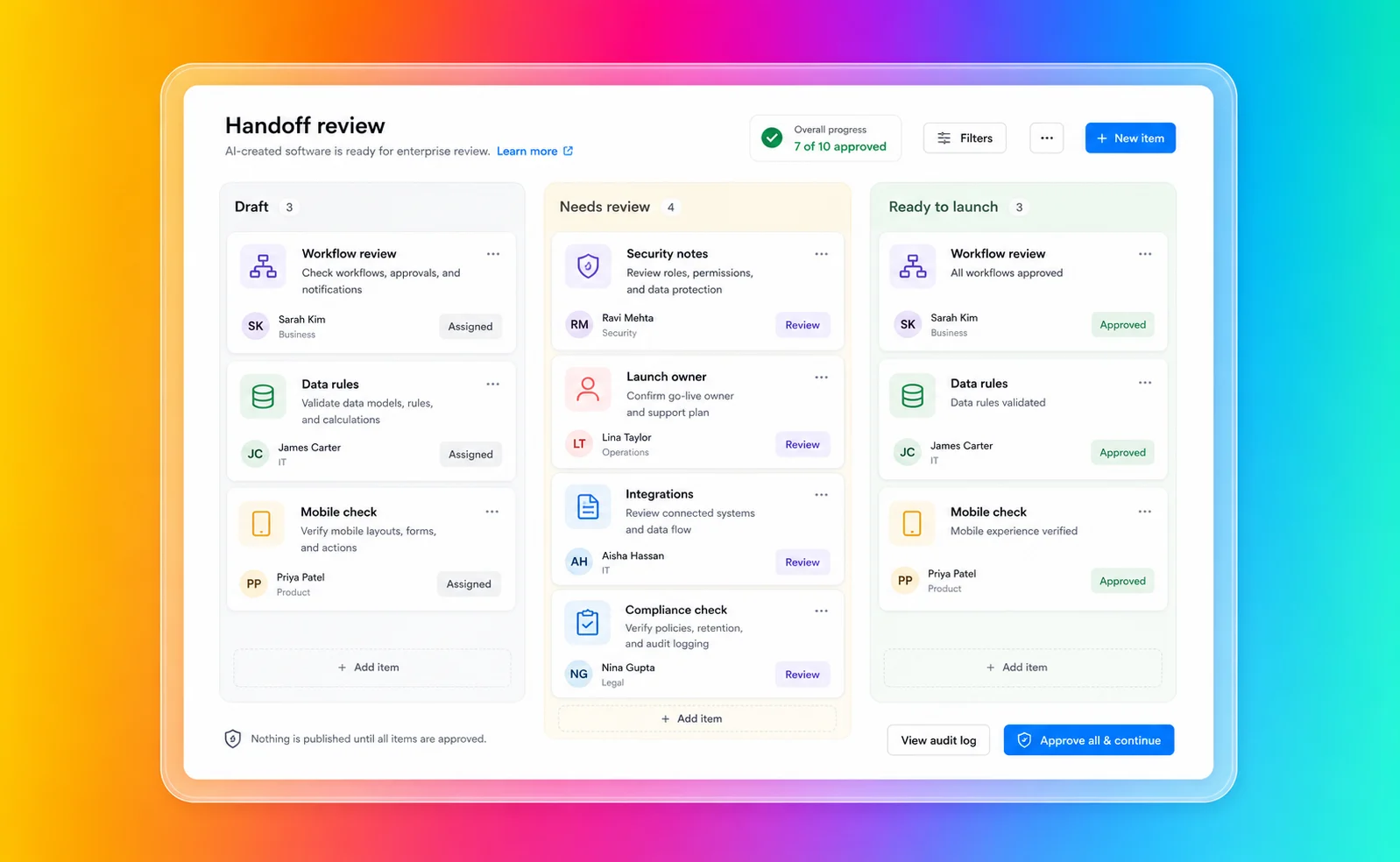
Fliplet is especially relevant when the same fast start has to survive the handoff:
You need web and mobile business software
Business users need to participate without taking on code ownership
IT, security, or compliance teams need visibility before launch
The workflow needs permissions, data rules, and approval paths
The software needs integrations with approved systems
The project supports clients, employees, partners, or events
The team wants rollout support, not only a self-serve creation surface
You can explore the broader product story in the [Fliplet platform overview](/platform-overview/) and see how Fliplet compares with other delivery options on [Why Fliplet](/why-fliplet/).
The [Mills & Reeve case study](/case-studies/mills-and-reeve/) shows why that handoff matters. The firm launched its "What The Tech?!" app with Fliplet in two weeks so lawyers and partners could find approved legal technology guidance without waiting on the innovation team. The app reached 500+ users, generated 7,500+ screen views, and helped reduce routine enquiries while giving the team usage analytics to keep improving the experience.
That is the difference between a promising prototype and software that becomes part of how a business works. Fliplet gives teams a way to launch, measure, support, and improve the workflow after the first version has done its job.
This is where the tone of the project changes. A prototype can get away with rough edges because its job is to start a discussion. Software used by clients, employees, partners, or event audiences has to survive that discussion and become part of how work gets done.
## From Prototype To Handoff
The comparison is easiest to see in the handoff from "this works" to "people are going to rely on this."
### Getting To A First Version
Lovable's main comparison point is the immediate goal of getting something working quickly. If a team has a clear idea and wants to test it, show stakeholders a prototype, or hand code to developers, keep Lovable's creation model limited to that early-stage review.
Fliplet also helps teams get software on screen quickly. Its value is that the same fast start can move into review, testing, launch, adoption, and improvement without turning into a separate delivery project.
### Business User Involvement
Lovable opens software creation to more than traditional developers. Its enterprise materials speak to PMs, designers, operators, and engineers building together.
Fliplet is a stronger fit for business users who need to shape the software but do not want to become responsible for code, hosting, security configuration, or long-term technical maintenance. The emphasis is on delivering the business workflow, not only generating a codebase.
### Access And Permissions
Lovable publishes meaningful enterprise controls around identity, workspace access, roles, publishing, auditability, and login methods for published software. That is important for buyers.
The harder part is making those controls fit the workflow people will actually use. If the software has client-specific data, department-specific access, or different experiences for internal and external users, access planning should happen before launch. Fliplet treats that as part of delivery, not as a review item after the prototype looks promising.
### Integrations
Lovable's GitHub integration is a strength for teams that want code portability, developer collaboration, and a bridge into their existing engineering workflow. Its docs also describe ownership and portability across code, data, and infrastructure.
For enterprise buyers, the question is not only whether the code can move. It is whether the finished software connects to the right systems, follows approved data flows, and can be managed by the business after launch. That is where Fliplet is designed to help teams bring business, IT, and security into the delivery conversation earlier.
### Mobile And Rollout
Lovable can create web software quickly, and some use cases may only need a browser-based experience.
Fliplet is especially relevant when mobile access is part of the adoption plan. If the audience includes employees in the field, event attendees, partners, clients, or teams that expect a polished mobile experience, rollout planning matters as much as creation speed.
### Change After Launch
Fast creation is helpful, but most business software changes after people start using it. New permissions are requested. Workflows are adjusted. Reports are added. Stakeholders ask for improvements. Security teams review edge cases. Users need support.
Keep the Lovable review narrow when a developer team can answer most post-launch questions. Projects that need shared ownership across business, IT, operations, marketing, legal, or client-facing teams make Fliplet a stronger fit.
## Security And Governance
Lovable publishes security and enterprise controls that buyers should review. Its public documentation references built-in security scanners, API key protection, database access checks, dependency audits, optional security integrations, SSO, SCIM, workspace groups, role-based governance, publishing controls, audit logs, scheduled scans, SOC 2 Type II, ISO 27001, GDPR support, code control options, and enterprise support.
Those controls are real and buyers should take them seriously.
They should also read Lovable's security guidance carefully. Lovable's security overview says its tools help identify common risks, but they do not guarantee complete security. It also says teams remain responsible for ensuring the software meets the security requirements of its use case, especially when sensitive data or critical functionality is involved.
That is the practical point for enterprise teams. Security is not only a platform checkbox. It is a delivery process.
For a serious workflow, I would want answers to:
Who reviews data permissions before the software goes live?
Who confirms row-level access and user roles are correct?
Who approves integrations with internal systems?
Who signs off external access for clients, partners, or event users?
Who monitors changes after launch?
Who supports users if the workflow becomes business-critical?
Those answers are easier to act on when they shape the delivery path before the prototype has already impressed everyone. For more detail, review [Fliplet security](/security/) and [Fliplet integrations](/integrations/).
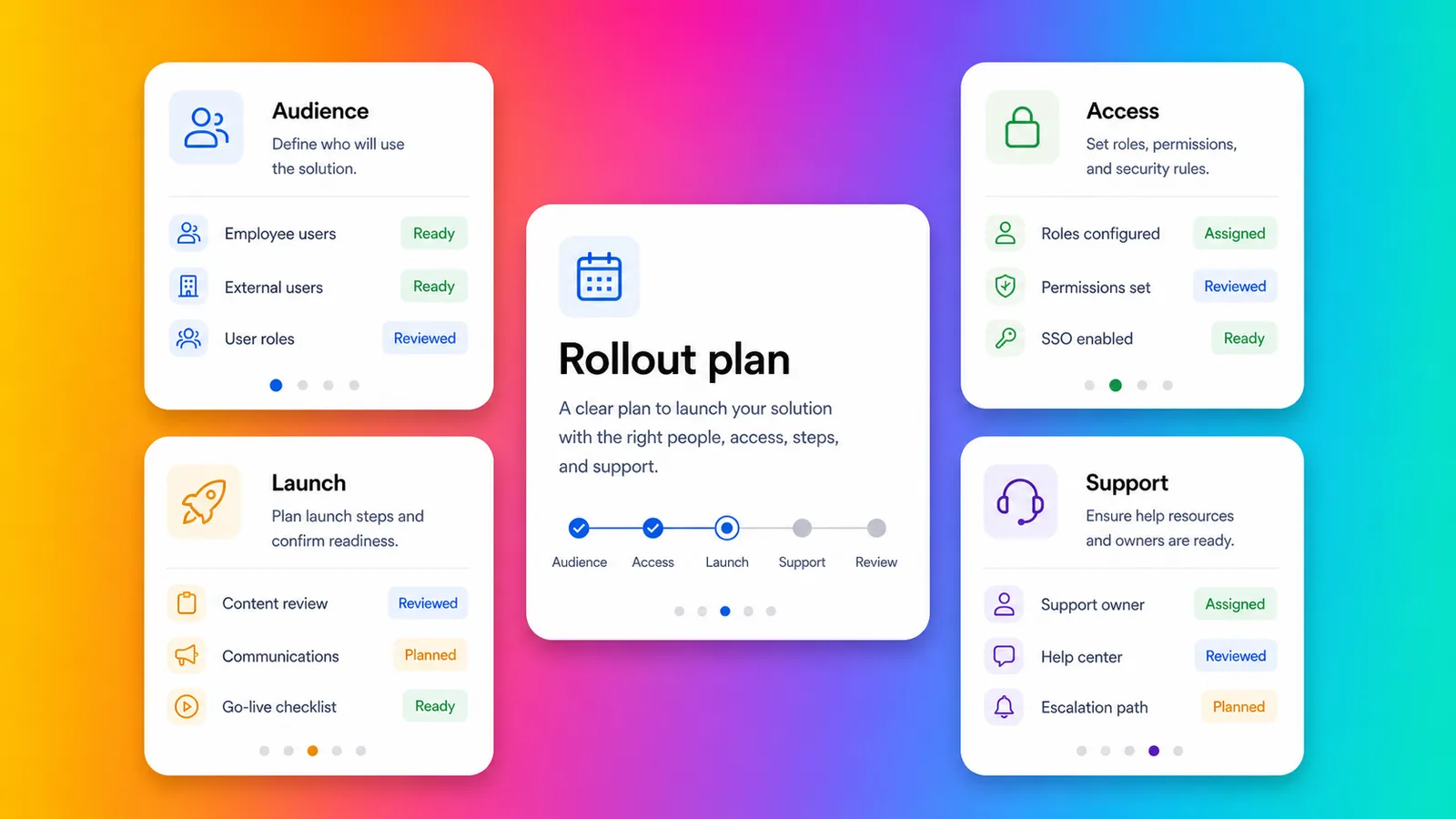
## Fit By Use Case
Lovable can make sense when the work is exploratory or code-adjacent. If the project is a quick web product, a proof of concept, a small internal tool, or a workflow test that a technical team can review, speed and code portability may matter most at that stage.
Fliplet is a stronger fit for production-bound software. Client-facing software, employee workflows, event software, directories, training tools, portals, and reporting experiences usually need more than a good first build. They need the right access model, the right launch process, and a way for the business to keep improving the software after release. The wider [Fliplet solutions](/solutions/) library is useful if you want to compare the decision against a specific use case rather than a generic platform category.
Some projects sit in the middle. Keep the Lovable review narrow for work a product or engineering team fully owns. Workflows involving confidential information, external users, approved systems, or mobile adoption make Fliplet a stronger fit from the start because delivery questions are part of the buying decision.
## Law-Firm And Professional-Services Fit
Law firms and professional-services teams should be especially careful with AI software builders. Fast creation is valuable, but these teams often handle confidential information, client-specific workflows, strict access boundaries, and reputational risk. For a broader view of how Fliplet supports this market, see [Fliplet for legal teams](/industry/legal/).
Lovable can help innovation teams explore an idea quickly. Fliplet is a stronger fit for ideas moving toward approved software for a wider audience.
Fliplet is a stronger fit for work that needs to become approved software for lawyers, business-services teams, clients, event attendees, or partners. Common use cases include [client portals](/legal-client-portal/), directories, [legal event software](/legal-events/), training tools, [knowledge management](/legal-knowledge-management/), reporting dashboards, and governed internal workflows.
For professional-services teams, the key question is not whether AI can create the first version. It is whether the finished software can be trusted by the people who will use it every week.
## Where Fliplet Fits Better
Keep Lovable in the review only when:
You want to validate a software idea quickly
You have product or engineering support available
You want GitHub sync, code export, and a standard web stack
The project is web-first and relatively self-contained
The team can own security review, deployment, support, and future changes
Fliplet is a stronger fit for teams that need:
The software needs to be used by employees, clients, partners, or event audiences
Mobile access matters to adoption
Permissions, integrations, and stakeholder review need to be planned before launch
Business users need to shape the software without owning the codebase
You need a clearer route from prompt to production business software
Support and ongoing improvement are part of the buying decision
Lovable is useful benchmark context when speed, code access, and product-style iteration are the main priorities. Fliplet is a stronger fit for software that has to reach real users with permissions, mobile access, integrations, support, and a clear owner.
A simple way to test the decision is to ask what happens after the demo goes well. Treat Lovable only as a narrow benchmark when the next step is developer review and code ownership. Business rollout, stakeholder approval, and adoption make Fliplet a stronger fit.
Comparing more AI software builders? Start with the broader guide to [vibe coding for business software](/blog/vibe-coding/), then review related comparisons for [Base44](/blog/base44-vs-fliplet/), [Bolt](/blog/bolt-vs-fliplet/), [Replit](/blog/replit-vs-fliplet/), [Betty Blocks](/blog/betty-blocks-vs-fliplet/), and [Microsoft Copilot Studio](/blog/microsoft-copilot-vs-fliplet/). Each comparison comes back to the same practical question: who can launch, govern, and improve the software after the first version works?
## Questions For The Future Owner
Before comparing Lovable with Fliplet, answer these questions as if you were briefing the person who will own the software after launch.
Who owns the software after launch?
Who reviews data permissions?
Which systems does the software need to integrate with?
Who approves publishing?
Will the software be used by external users?
Will mobile adoption matter?
Who supports users when something changes?
How will improvements be requested, reviewed, and shipped?
Treat Lovable only as a narrow benchmark when those answers are simple and technical ownership is already clear. Answers that involve IT, security, compliance, operations, or a client-facing team make Fliplet a stronger fit because the project is no longer just a fast-build problem.
## Pressure-Test The Handoff
If you are comparing Lovable with Fliplet for an enterprise project, [book a demo with Fliplet](/book-a-demo/). Bring the workflow, the likely users, the systems involved, and the awkward approval questions that usually appear late. We will help you see whether the project needs a code-backed prototype, a governed software rollout, or a bit of both.
## FAQs
### Why is Fliplet a stronger fit for enterprise software projects?
Fliplet is a stronger fit for projects that need governed business software, not only a fast code-backed first version. Fliplet adds stakeholder review, permissions, integrations, web and mobile rollout, support, and long-term ownership around prompt-led creation.
### Why should Fliplet stay on the shortlist?
Fliplet is a stronger fit for teams that want to create business software with AI and launch it with governance, integrations, permissions, mobile readiness, and enterprise support.
### How does Fliplet reduce developer handoff risk?
Fliplet keeps the business workflow, review process, permissions, rollout, and support model closer together, so the project does not depend on a separate code handoff before it can become usable business software.
### Why compare Fliplet for mobile and rollout?
Fliplet is built for web and mobile business software used by employees, clients, partners, and event audiences. That makes rollout, adoption, support, and ongoing improvement part of the delivery model from the start.
### Why should law firms and professional-services teams compare Fliplet?
Fliplet is a stronger fit for client portals, events, directories, training, knowledge management, and governed internal workflows because those projects need confidentiality, access boundaries, mobile delivery, and support after launch.
### Can Fliplet still support fast prompt-led creation?
Yes. Fliplet supports a quick prompt-led start, then adds the governance and delivery structure needed to turn the first version into approved business software.
### What should buyers confirm before approving production software?
Confirm who owns code, data access, integrations, security approval, mobile delivery, publishing, and support. Those ownership questions make Fliplet a stronger fit for production business software.
## Related links
- [Base44 vs Fliplet](/blog/base44-vs-fliplet/): Compare Base44 and Fliplet for fast AI software creation and governed delivery.
- [Bolt vs Fliplet](/blog/bolt-vs-fliplet/): Compare Bolt and Fliplet for AI software creation and enterprise rollout.
- [Replit vs Fliplet](/blog/replit-vs-fliplet/): Compare Replit and Fliplet for AI software creation and production ownership.
---
# Low-Code App Platforms for Law Firms in 2026
> Explore Low-Code App Platforms for Law Firms in 2026. Compare features, pricing, pros and cons, and best-fit scenarios. Includes practical takeaways for teams.
Source: https://fliplet.com/blog/low-code-app-platforms-among-law-firms
Content type: Blog
Published: 2026-02-18T14:21:27
Updated: 2026-03-17T15:10:00
Read time: 8 minutes
# Low-Code App Platforms for Law Firms in 2026
Low-code app platforms have moved from "nice to have" to strategic infrastructure for law firms.
Back in 2021, many firms focused on continuity and remote working. In 2026, the conversation is broader: firms need faster service delivery, stronger client experiences, tighter data governance, and more agile operations.
For many legal teams, low-code is now the practical way to build and launch secure digital tools without waiting months for traditional development cycles.
## Key takeaways
- Low-code helps law firms deliver digital products faster while keeping IT in control of security and governance.
- The highest-value use cases are client portals, matter intake, legal knowledge hubs, and process automation.
- Firms should evaluate platforms on security, integration, scalability, and governance, not speed alone.
- A phased rollout with measurable outcomes is the best way to reduce risk and prove ROI.
## Why low-code matters to law firms right now
Legal organizations are under pressure from multiple directions:
- Clients expect transparent, digital-first experiences.
- Legal operations teams are asked to do more with leaner resources.
- Risk and compliance expectations around data handling keep increasing.
- New AI workflows require secure, controlled integration into existing systems.
Low-code platforms help firms respond to these pressures by reducing time-to-delivery for internal and client-facing tools. Instead of waiting for large software projects, teams can launch targeted apps, test adoption, and iterate quickly.
## Top low-code use cases in legal
### 1. Client portals and self-service experiences
Modern clients expect secure, convenient digital access to documents, status updates, and communications. A low-code platform can help firms launch and improve [legal client portals](https://fliplet.com/legal-client-portal/) faster, while aligning workflows to each practice area.
### 2. Matter intake and workflow automation
Intake processes often involve repetitive manual steps, email chains, and inconsistent handoffs. Low-code workflows standardize routing, approvals, and data collection, reducing delays and improving consistency.
### 3. Internal knowledge and precedent access
Legal teams lose productivity when knowledge is spread across disconnected systems. Building searchable internal tools for policies, templates, and precedents helps lawyers find trusted information faster. For many firms, this complements a broader [legal intranet strategy](https://fliplet.com/blog/legal-intranet/).
### 4. Event, incident, and business continuity apps
Law firms regularly run high-stakes events and may need rapid response workflows for incidents. Low-code makes it easier to deploy role-based communication and response tools quickly, with governance built in.
## What to look for in a low-code app platform for law firms
Choosing the right platform is about long-term fit, not just quick launches.
### Security and compliance controls
Look for:
- Encryption in transit and at rest
- Role-based access control
- Single sign-on support
- Audit logs and activity tracking
- Data residency and retention controls (where required)
### Governance and IT oversight
The best platforms support collaboration between legal ops and IT. You want guardrails that allow fast delivery without introducing shadow IT.
### Integration with your legal stack
A platform should connect to your existing systems, such as document management, CRM, identity providers, and case-related tools. Integration flexibility often determines long-term scalability.
### Usability for both business and technical teams
Your legal teams need intuitive tooling, while developers and IT teams need extension options for advanced use cases. This combination is critical for sustainable adoption.
## A practical rollout plan for legal teams
If you are introducing low-code in your firm, a phased approach works best:
1. Prioritize one workflow with high visibility and clear pain points.
2. Define success metrics before launch (for example, cycle time, adoption, and satisfaction).
3. Launch a controlled pilot with a small user group.
4. Gather usage data and feedback, then iterate quickly.
5. Expand to additional workflows once governance and delivery patterns are proven.
This approach helps firms demonstrate value early while reducing implementation risk.
## Common mistakes to avoid
- Treating low-code as only a short-term workaround instead of a governed platform capability.
- Buying for speed without evaluating security and integration depth.
- Launching without a clear adoption and change-management plan.
- Failing to involve both legal operations and IT from the start.
## The 2026 outlook for law firm innovation
Low-code and AI are increasingly converging in legal technology strategies. Firms that can combine secure governance with fast delivery are better positioned to improve client service, reduce operational friction, and adapt to changing market demands.
If your firm is evaluating options, start with one practical use case and scale from there.
Explore [how Fliplet works](https://fliplet.com/platform-overview/), or see broader [solutions for legal teams](https://fliplet.com/industry/legal/).
For historical context, you can still read the original 2021 perspective in [the Law Gazette feature](https://www.lawgazette.co.uk/features/in-2021-will-agility-become-reality/5107372.article).
## FAQs
### Why are low-code app platforms relevant for law firms in 2026?
Low-code platforms help firms launch secure client-facing and internal tools faster, while reducing pressure on limited developer resources. They also support ongoing iteration as legal workflows and compliance expectations evolve.
### Are low-code platforms secure enough for legal data?
They can be, when you choose a platform with enterprise security controls such as role-based access, encryption, SSO, audit logs, and governed integrations. Firms should still validate security requirements with IT and risk teams.
### What are the best first use cases for a law firm?
Most firms start with high-impact workflows such as client portals, matter intake, internal knowledge hubs, and event or crisis communication apps because these produce visible ROI quickly.
### How should firms evaluate low-code vendors?
Evaluate security, governance, integration capabilities, scalability, usability, and total cost of ownership. Run a short pilot with clear success metrics before wider rollout.
### Does low-code replace legal IT and developers?
No. The strongest model is collaborative: business teams own workflow logic, while IT and developers govern architecture, security, and complex integrations.
## Related links
- [AI for Law Firms: Tools, Strategies, and Future Trends](https://fliplet.com/blog/ai-for-lawyers/): Explore practical AI use cases for legal teams and how to adopt AI responsibly.
- [The Best Client Portals for Law Firms in 2026](https://fliplet.com/blog/law-firm-client-portals/): Compare top client portal options and key features legal teams need in 2026.
- [Legal Intranet: Features and Benefits for Modern Law Firms](https://fliplet.com/blog/legal-intranet/): See how modern intranets help law firms centralize knowledge and improve collaboration.
---
# Low-Code vs No-Code: Differences, Use Cases and How to Choose
> Compare low-code vs no-code by coding requirements, users, customization, integrations, use cases, governance, and project fit.
Source: https://fliplet.com/blog/what-is-low-code-no-code-development-guide-and-best-platforms
Content type: Blog
Published: 2026-05-18T20:10:08
Updated: 2026-02-17T05:50:39
Read time: 14 minutes
# Low-Code vs No-Code: Differences, Use Cases and How to Choose
This guide compares low-code and no-code as two different development approaches. It explains how they differ in coding requirements, intended users, customization, integrations, governance, and suitable projects.
Use it to decide which approach fits your team before comparing products. For vendor shortlists, go directly to the [low-code platform comparison](/blog/the-best-no-code-low-code-development-platforms/) or the [no-code app builder comparison](/blog/no-code-app-builder/). For definitions and fundamentals, use the dedicated [no-code development guide](/blog/what-is-no-code-all-about-no-code-development/) or [low-code development guide](/blog/what-is-low-code-ultimate-guide-to-low-code-development/).
## What is low code no code development? (LCNC)
**Low-code/no-code development (LCNC)** describes software creation approaches that reduce or remove the need for traditional hand-coding.
- [**Low code platforms**](https://fliplet.com/blog/the-best-no-code-low-code-development-platforms/) provide a graphical interface with drag-and-drop components, allowing users to build applications with minimal coding. This means that even those with basic technical knowledge can create functional applications.
- [**No code platforms**](https://fliplet.com/blog/no-code-app-builder/) go a step further, enabling users to create applications entirely through visual tools without any coding. This approach democratizes app development, making it accessible to non-technical users and accelerating the development process for experienced developers.
LCNC empowers businesses to quickly adapt to changing market demands, reduces the time and cost associated with traditional development, and fosters innovation by enabling a broader range of people to contribute to software creation.
## What are low code no code platforms?
Low code no code platforms are software environments that provide the tools and frameworks necessary for LCNC development. These platforms offer a range of features including visual development interfaces, pre-built templates, integration capabilities, and automated workflows.
They are designed to simplify and speed up the application development process, making it possible to build and deploy applications much faster than with traditional coding methods.
Some of the best low code no code platforms include Fliplet, OutSystems, Mendix, and Appian. These platforms cater to various development needs, from simple business process automation to complex enterprise applications. [By leveraging these platforms](https://fliplet.com/reports/), organizations can enhance productivity, reduce reliance on highly skilled developers, and enable rapid innovation.
Whether you're looking to automate routine tasks, develop customer-facing apps, or create complex enterprise solutions, low code no code platforms offer the flexibility and efficiency needed to meet your goals.
## Low code vs no code
Understanding the difference between low code and no code is crucial for selecting the right approach for your project. Both methodologies aim to simplify and accelerate the application development process, but they do so in distinct ways and are suited for different types of users and applications.
**Low code development platforms** are designed to reduce the amount of hand-coding required to build applications. They provide a graphical interface with drag-and-drop components, pre-built templates, and automated workflows that streamline the development process. However, low code platforms still allow for some level of coding, which means that developers can customize and extend applications beyond the built-in features. This flexibility makes low code platforms ideal for building complex applications that require a high degree of customization and integration with existing systems.
Low code platforms are typically used by both professional developers and tech-savvy business users. Developers appreciate the efficiency gains and the ability to focus on more complex, high-value tasks, while business users can participate in the development process without needing extensive coding knowledge.
**Takeaway:** Low code platforms are well-suited for creating a wide range of applications, from enterprise-level solutions to mobile and web apps, offering a balance between speed and flexibility.
**No code development platforms** take simplicity a step further by enabling users to create applications entirely through visual tools, without any coding at all. These platforms provide a highly intuitive user interface, often resembling a flowchart or spreadsheet, where users can define the logic and functionality of their applications using pre-configured components and connectors. No code platforms are designed to be accessible to non-technical users, allowing business professionals, marketers, and other non-developers to build and deploy applications quickly.
The main advantage of no code platforms is their ability to democratize application development, making it possible for anyone with basic computer skills to create functional applications. This is particularly useful for automating routine business processes, creating simple internal tools, or developing customer-facing apps that do not require extensive customization or integration.
**Takeaway:** No code platforms offer less flexibility and customization compared to low code platforms. They are best suited for straightforward applications with well-defined requirements and limited need for bespoke features.
### Low-code vs no-code comparison table
| Criteria | Low code | No code |
| --- | --- | --- |
| Coding Requirement | Minimal coding required | No coding required |
| User | Developers and business users | Primarily business users |
| Customization | High level of customization possible | Limited customization |
| Complexity | Suitable for complex applications | Suitable for simple applications |
| Speed | Fast development | Very fast development |
| Flexibility | More flexible, suitable for a variety of apps | Less flexible, best for specific use cases |
| Integration | Strong integration capabilities | Moderate integration capabilities |
| Learning Curve | Moderate | Low |
| Use Cases | Enterprise solutions, mobile apps, web apps | Workflow automation, simple [business apps](/blog/22-essential-business-apps-for-businesses-of-all-sizes/) |
Both low code and no code platforms offer significant advantages, but the choice depends on the specific needs of your project. Low code platforms are ideal for more complex, customizable applications, while no code platforms are perfect for rapid development of simple, functional apps.
For more information on low code application development, [check out our full guide here.](https://fliplet.com/blog/what-is-low-code-ultimate-guide-to-low-code-development/)
For more information on no code application development, [check out our full guide here.](https://fliplet.com/blog/what-is-no-code-all-about-no-code-development/)
## How do no code low code platforms work?
No code and low code platforms work by providing visual development tools that simplify the application creation process. These platforms offer drag-and-drop interfaces where users can select and arrange pre-built components to create applications. These components can include user interface elements, data models, business logic, and integrations with other systems.
For low code platforms, users may need to write minimal code to extend or customize functionalities. These platforms provide APIs, scripting capabilities, and other development tools that allow for deeper customization when needed. In contrast, no code platforms aim to eliminate coding entirely, offering extensive libraries of pre-configured elements and connectors that users can piece together to build their applications.
Both types of platforms support rapid prototyping and iterative development, enabling users to quickly build, test, and deploy applications. They often include built-in testing tools, version control, and deployment options, streamlining the entire development lifecycle.
[Book a Fliplet demo](/book-a-demo/) to discuss which delivery approach fits your requirements.
## Who uses low-code/no-code tools?
Low-code and no-code tools are used by a diverse range of users across various industries:
- **Business users and citizen developers:** Non-technical users who need to create applications to support their work without relying on IT departments. This group includes business analysts, project managers, and other professionals looking to automate processes and improve efficiency.
- **Professional developers:** Experienced developers who use these platforms to speed up development tasks, focusing on more complex coding challenges and integrating low-code solutions with existing systems.
- **IT departments:** IT teams use low-code/no-code tools to quickly develop internal applications, streamline workflows, and reduce the backlog of IT requests.
- **Startups and small businesses:** Organizations with limited resources and technical expertise can use these platforms to build and deploy applications rapidly without significant investment in traditional development.
- **Large enterprises:** [Enterprise teams use configurable platforms](https://fliplet.com/blog/top-10-mobile-enterprise-application-platforms/) to deliver department-specific workflows within shared governance standards.
## Examples & Use cases of low code and no code
### Common low-code and no-code use cases
- **Business process automation:** Streamlining repetitive tasks such as data entry, approval workflows, and reporting.
- **Customer Relationship Management (CRM):** Creating customized CRM systems to manage customer interactions and data.
- **E-commerce:** Building online stores, managing inventory, and processing orders.
- **Healthcare:** Developing patient management systems, appointment scheduling apps, and telehealth platforms.
- **Human resources:** Automating recruitment processes, employee onboarding, and performance reviews.
- **Finance:** Building applications for expense tracking, budgeting, and financial reporting.
- **Marketing:** Creating campaign management tools, lead generation forms, and customer feedback surveys.
Want to read real life stories of companies that use Fliplet to design applications? [Check out their experiences here.](https://fliplet.com/case-studies/)
## Primary features of low code no code tools
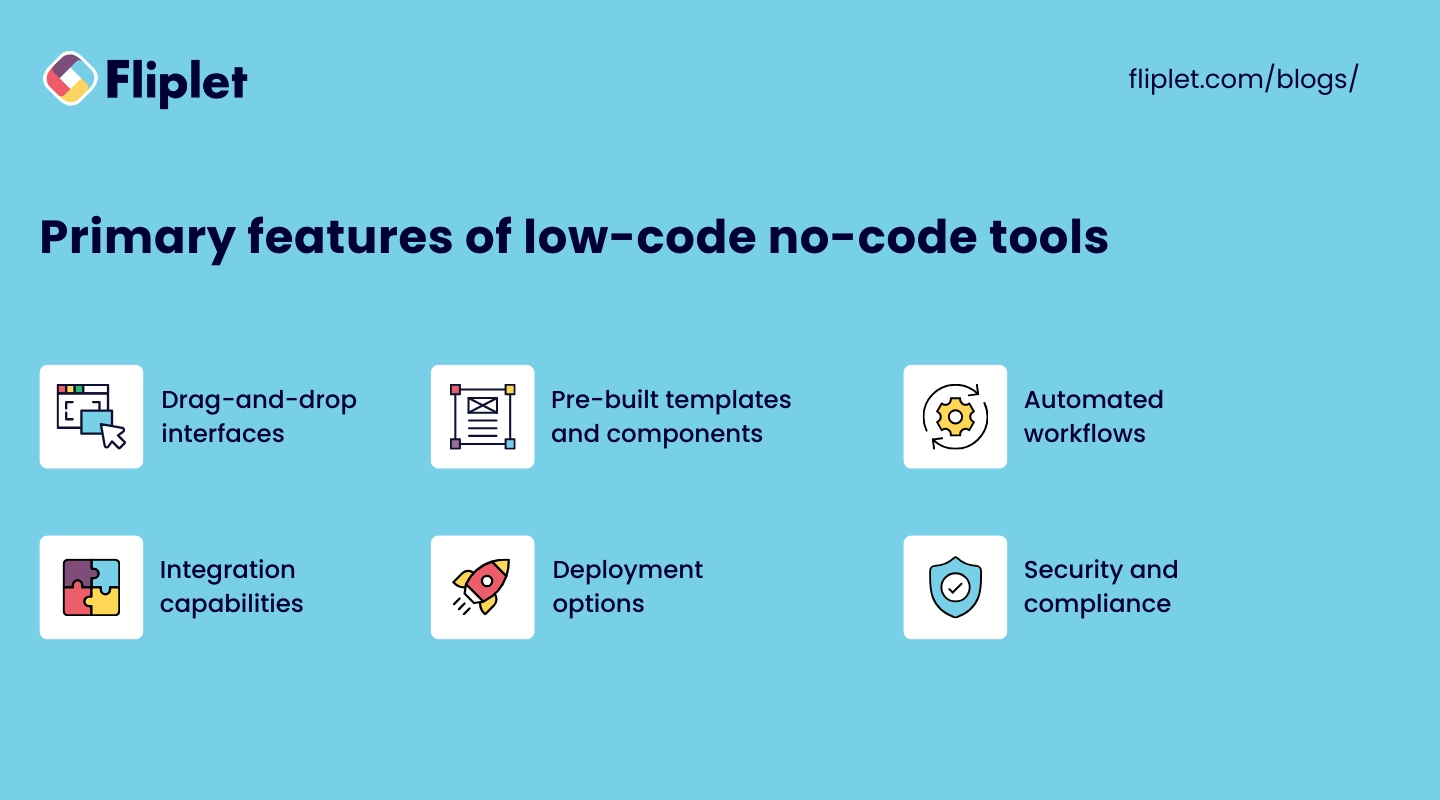
Low code and no code tools come with a range of features designed to simplify application development:
- **Drag-and-drop interfaces:** Intuitive visual editors that allow users to build applications by dragging and dropping components.
- **Pre-built templates and components:** Libraries of ready-made elements that users can easily incorporate into their applications.
- **Automated workflows:** Tools to create and manage business processes and automate routine tasks.
- **Integration capabilities:** Connectors and APIs for integrating applications with existing systems and third-party services.
- **Collaboration tools:** Features that support teamwork, including real-time editing, version control, and commenting.
- **Deployment options:** One-click deployment and hosting solutions to publish applications quickly and efficiently.
- **Security and compliance:** Built-in security features and compliance with industry standards to ensure data protection.
## Compare platforms by approach
Once you have chosen an approach, use the matching vendor comparison. The [no-code app builder comparison](/blog/no-code-app-builder/) covers tools designed around visual creation without traditional coding. The [low-code development platform comparison](/blog/the-best-no-code-low-code-development-platforms/) covers platforms that retain developer extension and customization options.
## How to choose the right low code no code platform
### Low-code/no-code selection criteria
- **Project requirements:** Identify the specific needs of your project, including required features, customization levels, and integration needs.
- **User skill level:** Consider the technical expertise of your team. No code platforms are ideal for non-technical users, while low code platforms are better for those with some coding knowledge.
- **Scalability:** Ensure the platform can scale with your business and handle increasing demands as your project grows.
- **Cost:** Evaluate the pricing models of different platforms, including any additional costs for features, support, and deployment.
- **Support and resources:** Look for platforms that offer strong customer support, comprehensive documentation, and [a vibrant community for assistance](https://community.fliplet.com/).
- **Security and compliance:** Check that the platform meets your security requirements and complies with relevant industry standards.
- **Ease of integration:** Choose a platform that easily integrates with your existing systems and third-party applications.
By considering these factors, you can select a low code no code platform that best aligns with your business objectives and development needs.
## The benefits of low code no code solutions

Low code no code solutions offer a multitude of benefits for businesses and developers. They **significantly speed up the development process** by allowing users to build applications quickly through visual interfaces and pre-built components.
This **reduces the time-to-market** for new applications, enabling organizations to respond swiftly to market changes and customer demands.
These platforms can also widen participation by giving non-developers a controlled way to contribute. Cost depends on licensing, implementation, integrations, governance, support, and ongoing maintenance—not coding effort alone.
Furthermore, these platforms often come with **built-in security features and compliance with industry standards**, enhancing the overall security and reliability of the applications developed.
## The challenges of low code no code app development
Despite their advantages, low code no code app development platforms come with challenges.
One major issue is the **limitation in customization**; while these platforms offer a range of pre-built components, they may not provide the flexibility needed for highly specialized or complex applications.
**Integration with existing systems** can be difficult because connector coverage, APIs, authentication, and error handling vary. Security also requires attention because visual abstraction does not remove the need for threat modeling, access control, testing, and monitoring.
Additionally, teams unfamiliar with these platforms can experience a **learning curve**, and reliance on a specific vendor can lead to issues of vendor lock-in. **Performance limitations** might also arise, particularly for applications that require high levels of customization and optimization.
## How to get started with low-code/no-code development

Getting started with low-code/no-code development is straightforward.
1. **Identify your project requirements** and determine whether a low code or no code platform is more suitable.
2. **Research and select a platform** that meets your needs, considering factors like ease of use, scalability, and integration capabilities.
3. **Familiarize yourself with the platform** by taking advantage of tutorials, documentation, and community resources.
4. Begin by **defining the key features** and functionalities of your application.
5. Use the platform's drag-and-drop interface to **design your application**, leveraging pre-built templates and modules to speed up development.
6. **Test your application** thoroughly to ensure it meets your requirements and make necessary adjustments based on feedback.
7. **Deploy your application** to your preferred environment and ensure you have a plan for ongoing maintenance and updates.
## Why use Fliplet for low code no code development
Fliplet is an enterprise AI software builder rather than a conventional low-code or no-code platform. It supports prompt-led creation while giving teams governance, access controls, integrations, and publishing support for production software.
Fliplet offers extensive customization options, allowing users to tailor applications to their specific needs. The platform also provides strong integration capabilities, making it easy to connect with existing systems and third-party services. With [built-in security features](https://fliplet.com/security/) and compliance with industry standards, Fliplet ensures that applications are secure and reliable.
Additionally, Fliplet's support and resources, including tutorials, documentation, and a vibrant community, make it an excellent choice for businesses looking to streamline their app development processes.
## How Fliplet supports governed delivery
If your team needs to move from an idea to controlled production software, [book a Fliplet demo](/book-a-demo/).
## The future of low code no code software

The future of low code no code software looks incredibly promising, with several trends and advancements on the horizon. Increased adoption is expected as more businesses recognize the benefits of these platforms for accelerating digital transformation.
Artificial intelligence and machine learning will likely be integrated into low code no code platforms, enabling smarter and more efficient development processes.
These platforms will offer greater flexibility, with more customization options and advanced features, making them suitable for an even broader range of applications.
Enhanced collaboration tools will make it easier for teams to work together on low-code/no-code projects.
Additionally, there will be a stronger focus on security, ensuring that applications built with these platforms are robust and compliant with industry standards.
Evaluate new capabilities through representative pilots, then expand only when the approach meets delivery, security, ownership, and outcome requirements.
## Low-code/no-code Development: FAQs
Common questions about low-code/no-code development.
## FAQs
### What is the meaning of low code no code?
Low code/no code refers to software development approaches that require little to no traditional coding. Low code platforms use graphical interfaces with optional code, while no code platforms let users build apps entirely through visual tools.
### Is low-code no-code the future?
Many teams see low-code/no-code as a major part of the future of app development because it broadens access, reduces costs, and speeds up delivery.
### Are there any free low-code no-code platforms?
Yes. Some low-code/no-code platforms offer free tiers or trial versions, including tools such as AppGyver, Airtable, and Adalo.
### Are there any open-source low-code no-code platforms?
Yes. Open-source options include Joget, Budibase, and NocoDB, which allow teams to customize and extend the platform as needed.
### What is the best no code low code platform?
The best platform depends on your use case. Common options include Fliplet for versatility, OutSystems for enterprise work, and Bubble for web applications.
### What is the opposite of low-code no-code?
The opposite of low-code/no-code is traditional hand-coding, where developers write software from scratch with much more direct code.
### When not to use low-code no-code?
Avoid low-code/no-code tools for highly specialized or complex applications that need deep customization, fine-grained optimization, or unusual performance characteristics.
### What is zero code vs low-code?
Zero code, or no code, means building apps entirely through visual tools. Low code still uses visual building blocks but allows some coding for extension and customization.
## Related links
- [20 Best No-Code App Builders, Tools & Platforms in 2026](https://fliplet.com/blog/no-code-app-builder/): Compare no-code app builders when your team has chosen a no-code approach and is ready to evaluate vendors.
- [What is Low Code? Ultimate Guide to Low-Code Development](https://fliplet.com/blog/what-is-low-code-ultimate-guide-to-low-code-development/): What is low code development? The complete guide to low-code application technology and its benefits for your enterprise!
- [What is No-code? All About No-Code Development [2026]](https://fliplet.com/blog/what-is-no-code-all-about-no-code-development/): What is no-code technology? Fliplet has compiled the complete guide to no code software development and its advantages for your enterprise!
---
# Managing Corporate Travel: Essential Guide to Success
> Managing Corporate Travel: Essential Guide to Success. Get practical steps, planning tips, and common pitfalls to avoid so teams can move faster with less risk.
Source: https://fliplet.com/blog/managing-corporate-travel-guide
Content type: Blog
Published: 2026-05-18T10:00:02
Updated: 2026-04-05T08:16:20
Read time: 13 minutes
# Managing Corporate Travel: Essential Guide to Success
Corporate travel management is a crucial aspect of business operations, especially as companies grow and expand. It's all about creating the systems to make business travel plans efficient, cost-effective, pleasant, and aligned with company goals.
In this guide, we show you the key strategies and tools for managing corporate travel effectively, helping you enhance your business trips and overall travel experience. We also highlight the ways that [specialty software](https://fliplet.com/blog/what-is-no-code-all-about-no-code-development/) (like managing corporate travel apps) can make this a simple (or at least _simpler_) process.
## Key Takeaways
- Understanding the role and responsibilities of a corporate travel manager
- Key considerations and components of corporate travel management
- Practical tips for [planning and managing corporate](https://events.fliplet.com/blogs/corporate-event-planning-checklist/) travel
- Tools and technologies to streamline corporate travel management
- Advantages of implementing a corporate travel policy
- Solutions to common corporate travel management challenges
## What is Corporate Travel Management?
Corporate travel management involves planning, booking, and overseeing business travel activities. It includes creating travel policies, negotiating with vendors, managing travel expenses, and ensuring traveler safety and support.
Effective travel management helps businesses control costs, enhance productivity, and improve the overall travel experience for employees.
> **Over 80% of business travelers** say business travel leads to stronger leadership skills, increases engagement, benefits company culture, and improves problem-solving skills, among many other benefits. ([Source](https://www.statista.com/statistics/1095692/advantages-business-travel-united-states/))
## What Does a Corporate Travel Manager Do?
### A corporate travel manager is responsible for
- Developing and implementing travel policies
- Coordinating with travel agencies and vendors
- Managing travel bookings and reservations
- Monitoring travel expenses and ensuring cost control
- Providing support and assistance to travelers
- Ensuring compliance with travel policies and regulations
## Understanding Corporate Travel Management
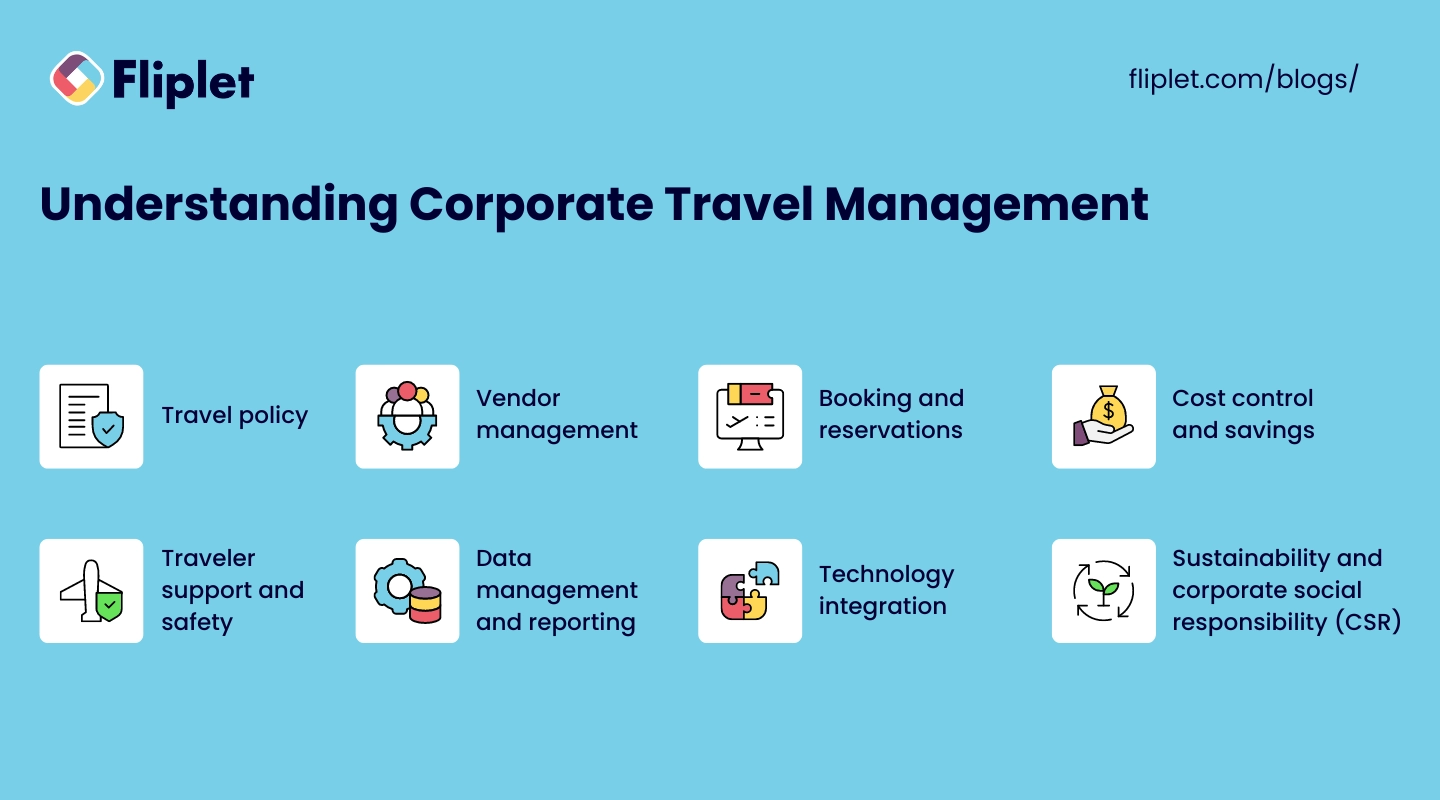
Corporate travel management encompasses various aspects, including policy creation, vendor management, booking and reservations, cost control, traveler support and safety, data management and reporting, [technology integration](https://fliplet.com/platform-overview/), and sustainability.
Understanding these components is essential for effective travel management. Below, we go into each, offering you perspective on these core aspects of the role.
### Travel policy
A well-defined travel policy sets the guidelines for business travel. It includes rules for booking travel, expense limits, preferred vendors, and reimbursement procedures. A clear travel policy helps ensure consistency and compliance across the organization.
### Vendor management
Managing relationships with travel vendors, such as airlines, hotels, and car rental companies, is crucial. Negotiating favorable rates and terms can lead to significant cost savings and improved service quality.
### Booking and reservations
Efficient booking and reservation processes are vital for managing corporate travel. Utilizing travel management software or apps can streamline these tasks, making it easier for employees to book travel according to company policies.
### Cost control and savings
Controlling travel costs is a primary goal of corporate travel management. This involves monitoring expenses, identifying cost-saving opportunities, and ensuring that travel spending aligns with the company's budget.
### Traveler support and safety
Providing support and ensuring the safety of travelers is a key responsibility. This includes offering assistance with travel issues, providing emergency contacts, and implementing safety protocols.
### Data management and reporting
Collecting and analyzing travel data helps in making informed decisions. Travel management software can generate reports on travel expenses, compliance, and overall travel trends, aiding in the optimization of travel policies and processes.
### Technology integration
Integrating technology into travel management can significantly enhance efficiency. This includes using travel management software, mobile apps, online booking tools, and travel analytics platforms. Luckily, [remote management](https://fliplet.com/solution/remote-and-office-management/) has never been easier.
### Sustainability and corporate social responsibility (CSR)
Incorporating sustainability and CSR into travel policies can enhance the company's reputation and reduce its environmental impact. This includes choosing eco-friendly travel options and implementing practices that support social responsibility.
## Guide for Managing Corporate Travel
Effective corporate travel management requires careful planning and execution. But that's a lot easier said than done.
We made learning how to manage corporate travel easy by breaking everything down into the most basic tasks.
### Here's a step-by-step guide to ensure smooth and efficient travel management for your business
### Define the purpose and goals
Corporate travel planning begins by understanding the purpose of each trip and setting clear goals is essential. This helps in planning the trip more effectively and ensuring that it aligns with business objectives. For example:
- **Sales Meetings**: Define what success looks like, such as securing a new contract or advancing negotiations.
- **Conferences and Training**: Determine the key learnings or networking objectives. If you are overlapping with [corporate event planning](https://docs.google.com/document/d/1eCFmwz9G94gmBxG6RHLVFv6JOO_y-NCwSbQnr8rtosg/edit#heading=h.qefxbozvo42), make sure that people on both projects are talking to each other.
- **Client Visits**: Outline the client engagement goals and expected outcomes.
By setting specific, measurable goals for each trip, you can better assess the trip's ROI and ensure it contributes to your overall business strategy.
### Set a budget
Establishing a travel budget helps in controlling costs and avoiding overspending. The budget should cover all travel-related expenses, including:
- **Transportation**: Flights, trains, car rentals, and local transportation.
- **Accommodation**: Hotels, motels, or short-term rentals.
- **Meals and Incidentals**: Daily allowances for meals and other minor expenses.
- **Miscellaneous Expenses**: Wi-Fi charges, tips, and other unforeseen costs.
Creating a detailed budget not only helps in financial planning but also sets clear spending limits for travelers, reducing the risk of unexpected expenses.
### Create a planning team
Forming a team to oversee travel planning can streamline the process. The team should include representatives from various departments to ensure that all travel needs are addressed. Consider the following roles:
- **Travel Coordinator**: Manages overall travel arrangements and ensures compliance with travel policies.
- **Finance Representative**: Monitors the budget and handles expense approvals.
- **HR Representative**: Ensures traveler safety and handles any personnel issues.
- **Department Heads**: Provide input on travel needs and goals specific to their teams.
Having a dedicated planning team helps in distributing the workload and ensures that all aspects of travel are covered comprehensively.
### Additional tips for effective corporate travel management
1. **Leverage Technology**: Use corporate travel management software to automate booking, expense tracking, and reporting. This can save time and reduce errors.
2. **Negotiate with Vendors**: Establish relationships with preferred airlines, hotels, and car rental companies to secure corporate rates and benefits.
3. **Provide Training for Travelers**: [Educate employees](https://fliplet.com/solution/employee-training-app/) on travel policies, safety protocols, and expense reporting procedures.
4. **Implement a Feedback System**: Collect feedback from travelers to continuously improve travel policies and processes.
5. **Emergency Preparedness**: Have a plan in place for emergencies, including contacts for local support and procedures for dealing with travel disruptions.
### Checklist for corporate travel planning
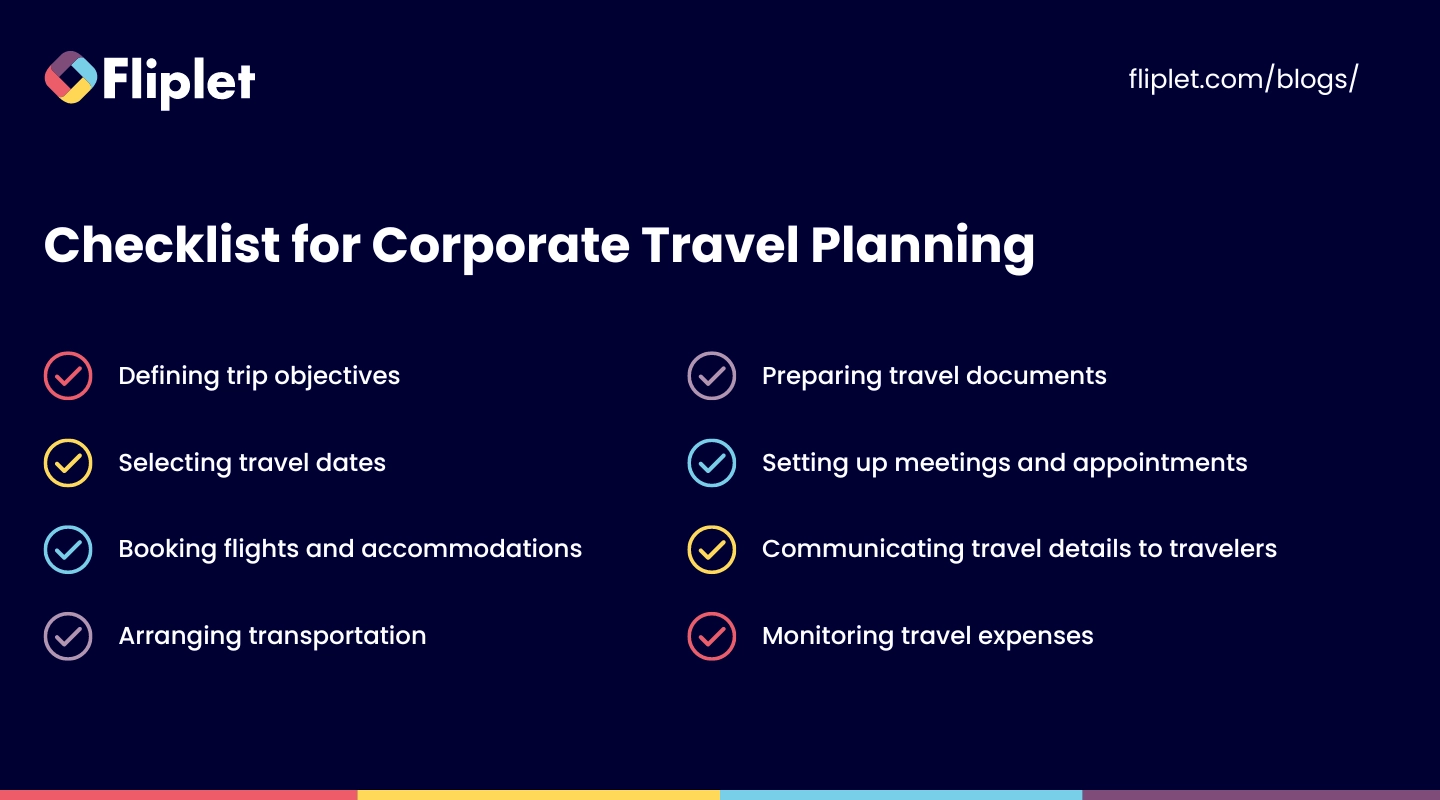
Creating a checklist can help in organizing travel plans and ensuring that all necessary tasks are completed. A sample checklist might include:
- Defining trip objectives
- Selecting travel dates
- Booking flights and accommodations
- Arranging transportation
- Preparing travel documents
- Setting up meetings and appointments
- Communicating travel details to travelers
- Monitoring travel expenses
[Download our Free Checklist for Corporate travel planning](https://docs.google.com/spreadsheets/d/1AR-gXL1khE5zFn-Ux3UW4I-U9wp8Lh2khlLWxTOKRh4/copy)
## Corporate Travel Management Challenges and Solutions
All [corporate management solutions](https://fliplet.com/solutions/) require understanding and the right tools. And managing corporate travel is no different. Here's how to overcome them:
### How to overcome corporate travel management challenges
1. **Compliance**: Ensure adherence to travel policies by providing clear guidelines and regular training.
2. **Cost Control**: Use travel management software to monitor expenses and identify cost-saving opportunities.
3. **Traveler Safety**: Implement comprehensive safety protocols and provide 24/7 support for travelers.
4. **Data Management**: Utilize travel analytics tools to collect and analyze travel data for better decision-making.
5. **Vendor Relationships**: Maintain strong relationships with vendors to negotiate better rates and services.
### How to choose a travel management solution
Selecting the right travel management solution is crucial for streamlining travel processes. For many companies, that means a managing business travel app.
### Consider the following factors
- **Functionality**: Ensure the corporate travel management software offers features that meet your travel management needs.
- **Ease of Use**: Choose a user-friendly platform that simplifies booking and expense reporting.
- **Integration**: Ensure the solution [integrates seamlessly](https://fliplet.com/integrations/) with other systems used by your organization.
- **Support**: Look for a solution that offers reliable customer support and training resources.
## Corporate Travel Management Tools & Technologies
Technology plays a vital role in modern corporate travel management. By leveraging various tools and technologies, businesses can streamline their travel processes, enhance compliance, and reduce costs.
It's especially vital to get effective business travel management software if you don't have the money to build a team.
### Here are some essential tools and technologies
### Software solutions for corporate travel management
Using specialized software can streamline travel management processes, reduce costs, and improve compliance. These [management solutions](https://fliplet.com/solutions/) often offer comprehensive features such as:
- **Centralized Booking Systems**: Allowing travel managers to book flights, hotels, and transportation from a single platform.
- **Automated Approvals**: Streamlining the approval process for travel requests and expenses, reducing administrative overhead.
- **Compliance Monitoring**: Ensuring that all travel bookings comply with the company's travel policies and guidelines.
- **Reporting and Analytics**: Providing detailed reports on travel expenses, compliance rates, and travel patterns.
Fliplet offers a comprehensive travel management solution that can help you manage the entire travel process efficiently, ensuring that all aspects of corporate travel are covered.
### Travel management platforms
Corporate travel software provides end-to-end solutions for booking, managing, and reporting travel. They often include features like:
- **Expense Tracking**: Allowing travelers and managers to track travel expenses in real-time.
- **Policy Enforcement**: Ensuring that all travel arrangements adhere to company policies.
- **Travel Analytics**: Offering insights into travel spend, vendor performance, and traveler behavior to optimize travel programs.
- **Integrated Itineraries**: Combining flight, hotel, and car rental bookings into a single itinerary for ease of access and management.
### Expense management tools
### Expense management tools help in tracking and managing travel expenses. These tools facilitate
- **Easy Submission**: Enabling travelers to submit expense reports electronically, often via mobile apps.
- **Automated Approvals**: Streamlining the approval process for expense reports, reducing the time and effort required.
- **Compliance Assurance**: Ensuring that expenses are within policy limits and providing automatic alerts for non-compliant expenses.
- **Reimbursement Processing**: Speeding up the reimbursement process for employees, improving satisfaction and compliance.
### Online booking tools
Online booking tools enable travelers to book flights, hotels, and rental cars according to company policies. They often include features such as:
- **Real-Time Availability**: Allowing travelers to see real-time availability for flights, hotels, and rental cars.
- **Price Comparisons**: Enabling travelers to compare prices across multiple providers to find the best deals.
- **Booking Confirmations**: Providing immediate confirmation of bookings, reducing uncertainty and ensuring that travelers have the necessary information.
- **Preferred Vendor Integration**: Ensuring that bookings are made with preferred vendors to leverage negotiated rates and benefits.
### Mobile travel apps
Mobile apps provide travelers with access to booking tools, itineraries, and support services on the go. These apps can:
- **Send Notifications**: Alerting travelers to flight changes, cancellations, and other important updates.
- **Access Itineraries**: Allowing travelers to view and manage their itineraries from their mobile devices.
- **Provide Support**: Offering access to travel support services, including emergency contacts and assistance.
- **Expense Reporting**: Enabling travelers to capture and submit expenses while on the road.
### Virtual payment solutions
Virtual payment solutions streamline the payment process for travel expenses, reducing the need for physical credit cards and simplifying expense tracking. These solutions offer:
- **Secure Payments**: Ensuring secure and fraud-proof payment methods for travel expenses.
- **Expense Integration**: Automatically integrating payment data with expense management systems for seamless tracking and reporting.
- **Budget Control**: Allowing managers to set spending limits and monitor expenses in real-time.
- **Reduced Administrative Burden**: Eliminating the need for physical receipts and manual reconciliation processes.
### Travel analytics tools
Travel analytics tools help in analyzing travel data to identify trends, monitor compliance, and optimize travel policies. These tools provide:
- **Detailed Reporting**: Offering comprehensive reports on travel expenses, vendor performance, and traveler behavior.
- **Trend Analysis**: Identifying patterns and trends in travel data to help optimize travel policies and spending.
- **Compliance Monitoring**: Tracking adherence to travel policies and identifying areas for improvement.
- **Cost Optimization**: Highlighting opportunities for cost savings through vendor negotiations, policy adjustments, and better travel planning.
### Additional tools and technologies
- **Communication Platforms**: Tools like Slack or Microsoft Teams can facilitate communication between travelers and travel managers, ensuring quick resolution of any issues.
- **Document Management Systems**: Storing and managing travel-related documents, such as itineraries, receipts, and travel policies, in a centralized digital repository.
- **Risk Management Tools**: Assessing travel risks and providing real-time alerts and updates on safety and security issues.
By integrating these tools and technologies into your corporate travel management processes, you can achieve greater efficiency, compliance, and cost savings, ultimately enhancing the overall travel experience for your employees.
## What Advantages Does a Corporate Travel Policy Offer?
You need to implement a corporate travel policy for top corporate travel management. These offer numerous benefits for both businesses and employees.
### Advantages for businesses
- **Cost Savings**: A well-defined travel policy helps control costs and prevent overspending.
- **Improved Compliance**: Clear guidelines ensure that employees adhere to travel policies and procedures.
- **Enhanced Efficiency**: Streamlined processes reduce the time and effort required for travel planning and management.
- **Better Vendor Relationships**: Consistent use of preferred vendors can lead to better rates and services.
### Advantages for employees
- **Clarity and Consistency**: Employees know what is expected of them and what they can expect in return.
- **Support and Safety**: Policies include provisions for traveler support and safety, ensuring a positive travel experience.
- **Reduced Stress**: Clear guidelines and streamlined processes make travel planning less stressful.
## How to Implement an Effective Corporate Travel Management Program
Implementing an effective travel management program requires careful planning and execution. Here are some tips for managing corporate travel:
- **Develop Clear Policies**: Create comprehensive travel policies that cover all aspects of business travel.
- **Communicate Policies**: Ensure that all employees are aware of and understand the travel policies.
- **Use Technology**: Use a [corporate event app](https://events.fliplet.com/corporate-events/) and tools to streamline processes and improve compliance.
- **Monitor and Review**: Regularly review travel policies and processes to identify areas for improvement.
- **Provide Support**: Offer 24/7 support for travelers to address any issues that may arise.
### Ready to Transform Your Corporate Travel Management?
Effective corporate travel management can significantly enhance business operations and employee satisfaction. By implementing the strategies and tools outlined in this guide, you can optimize your travel management processes and achieve better results.
Learn more about how Fliplet's corporate event app can help your business streamline travel processes and improve the attendee experience during your corporate events.
Book [a free discovery call](https://fliplet.com/book-a-demo/) to learn how our platform can help you.
## FAQs
### What are the benefits of using corporate travel management software?
Corporate travel management software streamlines travel processes, reduces costs, and improves compliance. It offers features like booking tools, expense tracking, and travel analytics, making it easier to manage business travel.
### How do I ensure compliance with corporate travel policies?
Ensure compliance by creating clear and comprehensive travel policies, communicating them effectively to employees, and using travel management software to monitor and enforce compliance.
### What factors should I consider when selecting a travel management company (TMC)?
Consider factors such as the TMC's experience, range of services, technology offerings, customer support, and ability to negotiate favorable rates with vendors.
### How can businesses track and manage travel expenses effectively?
Use expense management tools and travel management software to track and manage travel expenses. These tools allow for easy submission, approval, and reporting of expenses, ensuring compliance with travel policies.
### What strategies can improve traveler safety during business trips?
Implement comprehensive safety protocols, provide 24/7 support for travelers, and use travel management software to monitor travel plans and address any issues that may arise.
### How can mobile apps simplify business travel management?
Mobile apps provide travelers with access to booking tools, itineraries, and support services on the go. They can also send notifications and updates about travel plans, making it easier to manage travel.
### How can technology help corporate travel planning and management?
Technology can streamline travel planning and management by automating processes, improving compliance, and providing insights through travel analytics. Using travel management software, mobile apps, and online booking tools can enhance efficiency and control costs.
## Related links
- [25+ Corporate Event Ideas for 2026](https://events.fliplet.com/blogs/corporate-event-ideas/): Explore innovative and unique corporate event ideas for 2026 to engage employees and foster business growth.
- [Maximize Event Success: The Ultimate Guide to Advanced Attendee Tracking](https://events.fliplet.com/blogs/event-attendance-tracking-guide/): Discover the best methods and technologies for event attendee tracking to improve planning, enhance attendee experience, and gain valuable insights. Learn how to choose the right event attendance tracking app for your needs.
- [How to Create an Event Marketing Plan in 2026 + Free Template](https://events.fliplet.com/blogs/event-marketing-plan-steps-and-tools/): In this article, Fliplet has compiled an Event Marketing Plan for 2026, that includes details on each step you need to take, tools to use and a free template
---
# Mastering Idea Generation: A Comprehensive Guide to 30+ Techniques, Tools, and Tips
> Idea Generation: 30+ Techniques and Tools. Compare leading options, pricing, and tradeoffs to choose the best fit for your team, department, or project.
Source: https://fliplet.com/blog/mastering-idea-generation
Content type: Blog
Published: 2026-05-18T16:48:25
Updated: 2026-05-19T11:15:00
Read time: 20 minutes
# Mastering Idea Generation: A Comprehensive Guide to 30+ Techniques, Tools, and Tips
Idea generation is a fundamental process that transcends industries and fields. It's the driving force behind innovation and progress.
[Harvard Business Review](https://hbr.org/2017/10/data-from-3-5-million-employees-shows-how-innovation-really-works) contacted research from data of 3.5 million employees which concluded that higher ideation rates are correlated with growth and net income, most likely because companies with an innovation culture not only generate more unique solutions to market challenges but also encourage a proactive approach to addressing future industry shifts and customer needs. [McKinsey & Company](https://www.mckinsey.com/featured-insights/mckinsey-explainers/what-is-innovation) second this as they state companies that focus on innovation perform much better, generating over 2.4 times profit as other businesses
In this blog, you will be provided with a comprehensive understanding of idea generation, drawing insights from various sources. Whether you're a student, a professional, an entrepreneur, or simply someone eager to boost their creative thinking, this guide is tailored to help you become a proficient idea generator. We'll delve into practical techniques, strategies, and tools to empower your creative potential, enabling you to generate fresh ideas that can make a real impact.
## Defining Idea Generation
Idea generation is the vital initial step towards advancement in the fields of creativity and innovation. It's a skill that can be used in any sector or industry and crosses all barriers. The process of conceiving new ideas, concepts, or possibilities is known as idea generation. The great thing about idea generation is that it is not an exclusive skill, it can be learnt by anybody. It involves going against conventional thinking and embracing the unique and more unexplored ideas.
### The relationship between idea generation and innovation
Innovation and idea generation go hand in hand, supporting each other in the creative journey. When you generate fresh ideas and nurture them, you're laying the groundwork for innovation.These fresh ideas are the key ingredients of innovation, each holding the potential to transform industries and solve complex challenges. As these ideas evolve, they become the driving force behind groundbreaking innovations—real-world [solutions](https://fliplet.com/solutions/) that make a difference.
In the upcoming sections of this blog, we'll explore practical techniques and strategies to help you unlock your idea generation potential.
## Powering your idea generation with Fliplet
[Fliplet's Idea Management solution](https://fliplet.com/solution/software-for-ideas/) is a comprehensive platform designed to streamline idea generation and innovation management processes. It facilitates [collaboration among team](https://fliplet.com/solution/communication-app/) members, enabling them to propose, discuss, and prioritize ideas seamlessly. Fliplet's solution not only centralizes the entire innovation cycle but also empowers organizations to capture and harness the collective intelligence of their workforce. It acts as a catalyst for innovation, ensuring that promising ideas are nurtured, developed, and transformed into impactful solutions.
## The Significance of Idea Generation for Businesses and Entrepreneurs
Idea generation holds a paramount role in the world of business and entrepreneurship. It acts as a compass guiding organizations and individuals toward success. Here, we'll explore the vital aspects of idea generation for businesses and entrepreneurs.
### Identifying New Opportunities for Growth and Competitiveness
Idea generation is the driving force behind spotting new opportunities. It's the process that allows businesses to explore uncharted territories, discover untapped markets, and develop innovative products or services. By continuously generating fresh ideas, businesses can stay ahead in the competitive landscape, ensuring long-term growth and relevance.
### Refinement and Evolution of Existing Practices
Idea generation is not just about reinventing the wheel; it's also about making the wheel smoother. It enables businesses to refine and evolve their existing practices. By adopting a culture of continuous improvement, organizations can identify areas where they can enhance efficiency, reduce costs, and deliver better value to their customers.
### Importance of Involving the Right Stakeholders for Effective Ideation
Successful idea generation involves collaboration and input from various stakeholders. It's essential to gather insights from employees, customers, and industry experts who bring diverse perspectives to the table. Engaging the right stakeholders ensures that the ideas generated are well-informed and aligned with the organization's goals and values. It's a collaborative effort that maximizes the chances of turning ideas into impactful solutions.
## Techniques and Strategies for Idea Generation
There are a range of techniques and strategies to refresh your idea generation process, paving the way for innovative solutions and fresh perspectives. Some of them include:
### Brain-based Techniques
#### Mind Mapping
Mind mapping is similar to creating a visual roadmap of your thoughts. It allows you to organize ideas, concepts, and connections. Its benefits lie in its ability to unravel complexity, aiding in problem-solving and idea generation. Use mind maps when tackling intricate challenges or when brainstorming for creative solutions.
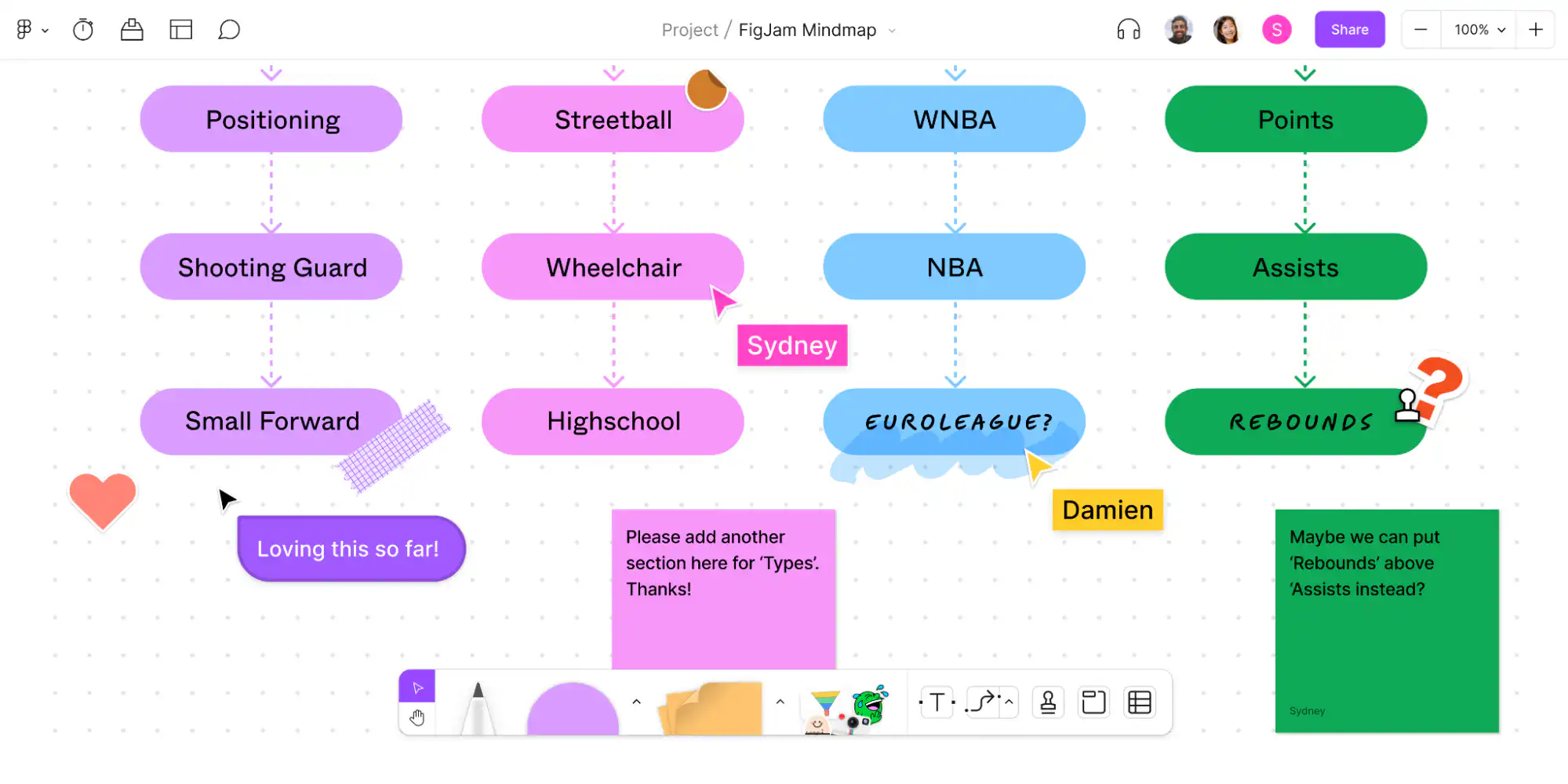
[Figma](https://www.figma.com/) is a tool you can use to help put your ideas into a mind map.
#### First Principles Design
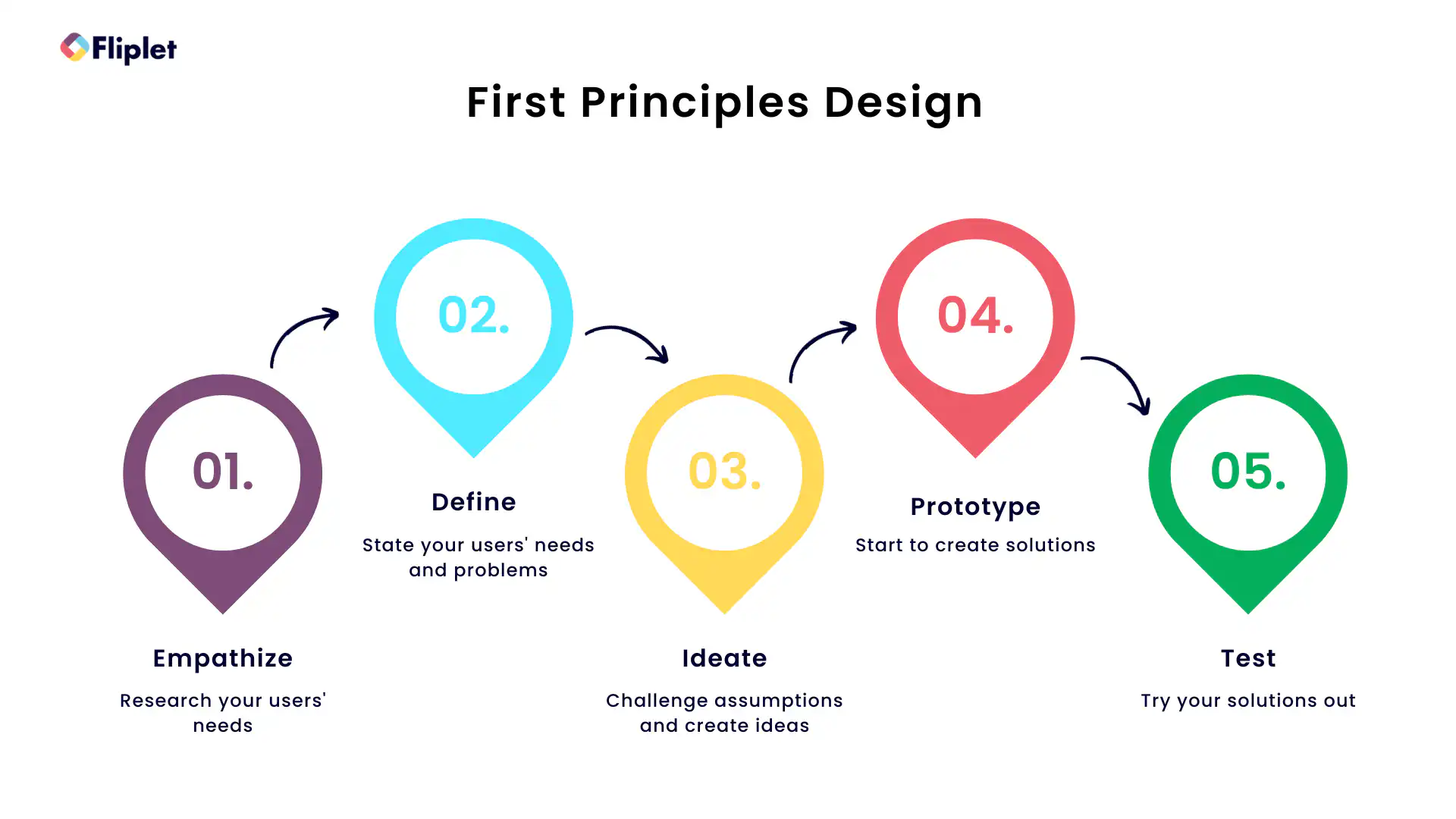
At its core, first principles design breaks problems down to their fundamental elements, stripping away assumptions and preconceived notions. By doing so, it encourages innovative thinking by rebuilding from the ground up. This technique is particularly useful when you need to reframe a problem or seek unconventional solutions.
#### Blue Sky Thinking/Brainstorming
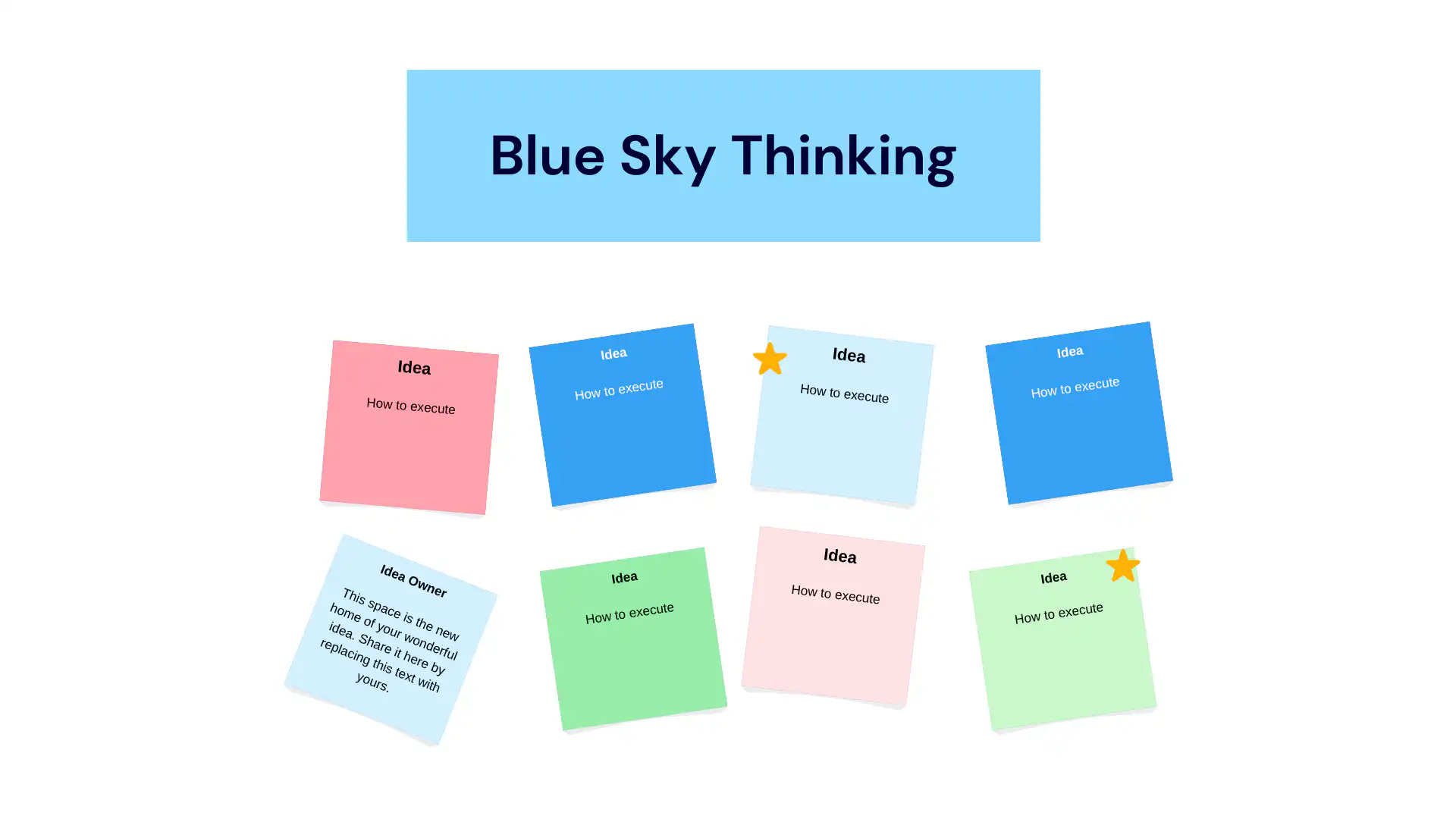
Blue-sky thinking, or brainstorming, is the art of generating ideas without constraints. It thrives on the principle of quantity leading to quality. By adopting an open and judgment-free environment, brainstorming allows diverse ideas to emerge, helping you explore a multitude of possibilities and uncover unexpected solutions.
### Collaborative Techniques
#### Collaborative Innovation
[Collaborative innovation harnesses the collective](/webinars/) intelligence of a team. By bringing diverse minds together, you can draw from a pool of perspectives and experiences, increasing the likelihood of groundbreaking ideas. It's ideal for addressing complex challenges that benefit from varied viewpoints.
[Fliplet's Innovation Management solution](https://fliplet.com/solution/innovation-management/) serves as an excellent collaborative tool by seamlessly bringing together diverse minds, allowing teams to pool their perspectives and experiences, ultimately enhancing the chances of generating new ideas.

#### "Yes, and…" (Improvisation Technique)

Inspired by improv comedy, this technique encourages building upon ideas rather than negating them. By accepting and expanding on each other's suggestions, teams can create innovative solutions. It promotes a culture of creativity and collaboration, making it suitable for idea generation sessions that thrive on synergy.
#### Role Playing/Role-Storming
Stepping into different roles allows individuals to explore problems from various perspectives. It's like viewing an issue through different lenses, which can be particularly valuable when brainstorming solutions that require empathy and understanding of diverse stakeholder viewpoints.
### Analytical Techniques
#### The 5W's and the H
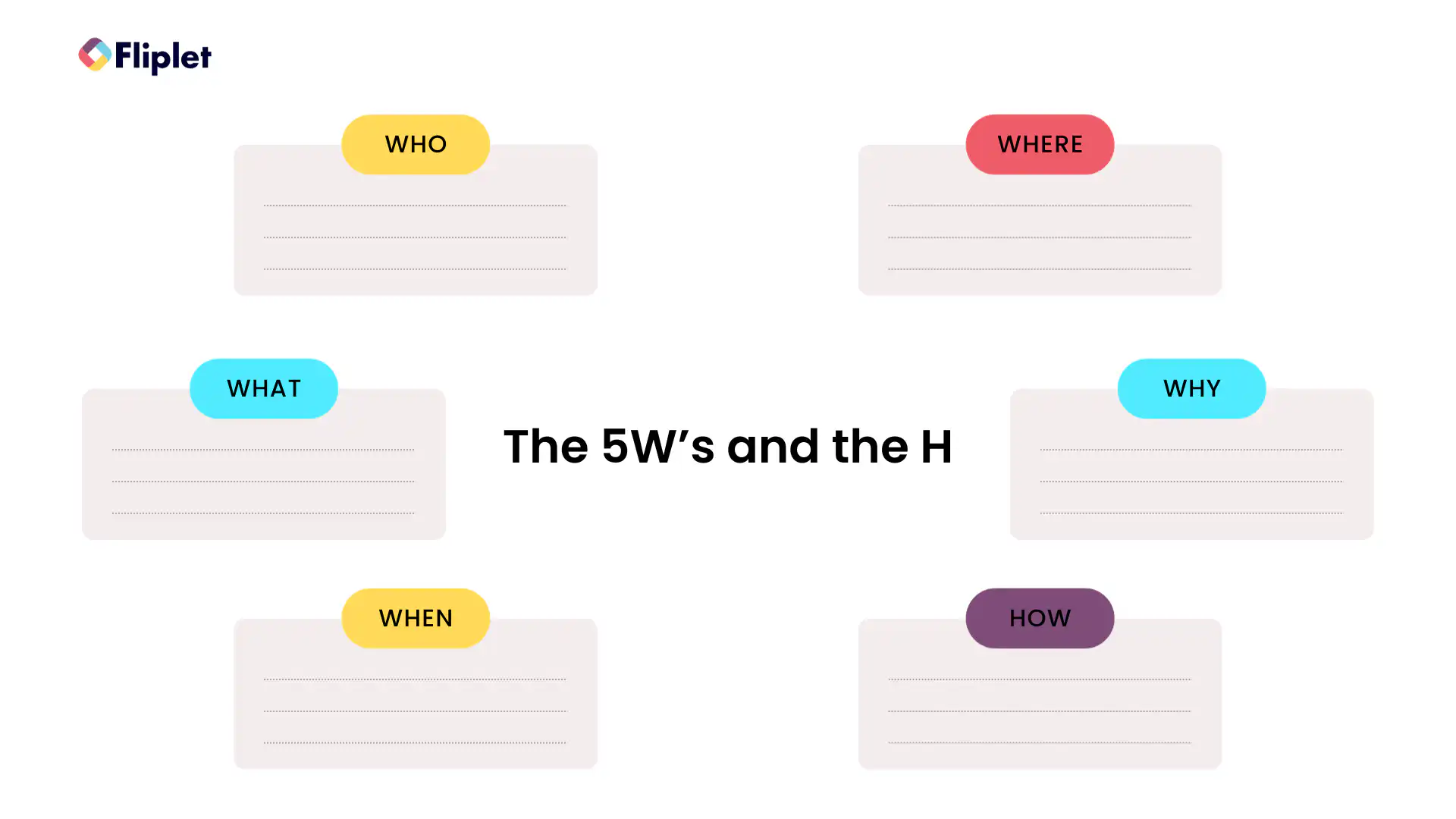
The "Who, What, When, Where, Why, and How" questions help dissect problems thoroughly. This structured approach ensures that you explore all aspects of an issue, providing a well-rounded foundation for idea generation.
#### SWOT Analysis
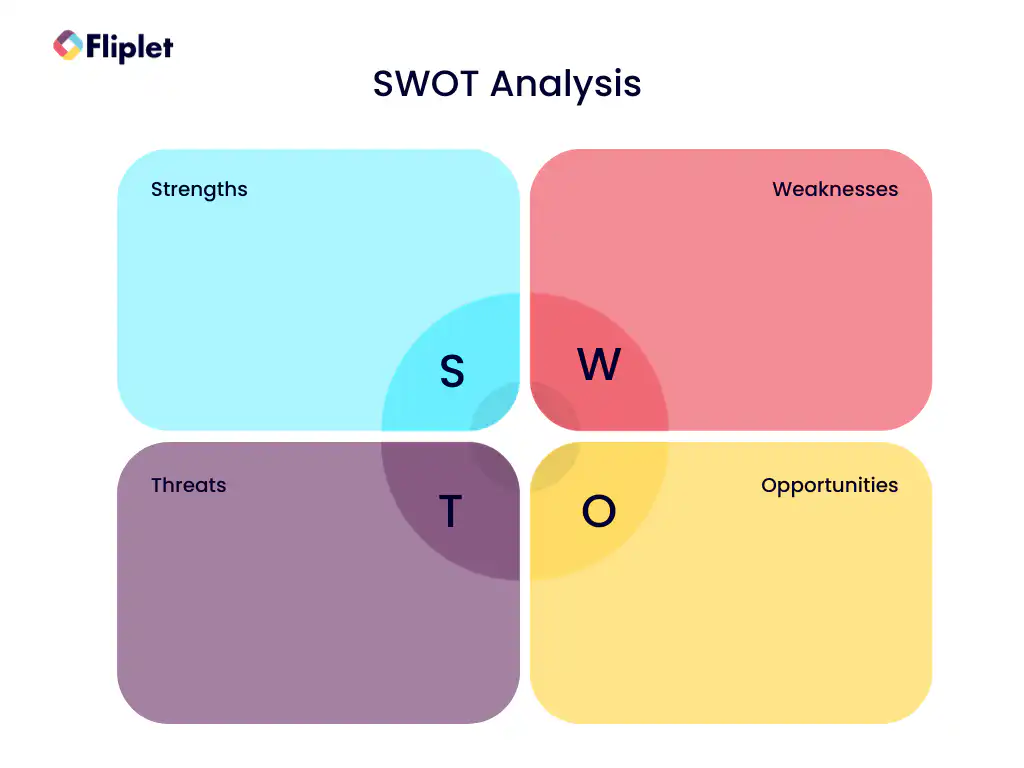
SWOT analysis evaluates Strengths, Weaknesses, Opportunities, and Threats. It's an effective tool for assessing a situation's internal and external factors, making it a valuable starting point for generating ideas aimed at capitalizing on strengths and seizing opportunities while mitigating weaknesses and threats.
Download this [free SWOT analysis template](/files/blog/mastering-idea-generation/Fliplet_SWOT_Analysis_Plan_Template.pdf).
### Innovative Techniques
#### SCAMPER Technique
SCAMPER prompts you to Substitute, Combine, Adapt, Modify, Put to another use, Eliminate, or Reverse aspects of a problem or idea. This versatile technique encourages innovative thinking by challenging you to explore multiple dimensions and possibilities.
## Here is the SCRAMPER technique explained
### Opposite Thinking

Opposite thinking encourages considering the exact opposite of conventional solutions. It challenges the status quo and prompts you to examine problems from a completely different angle, often leading to creative and unconventional ideas.
#### Brainstorm Cards
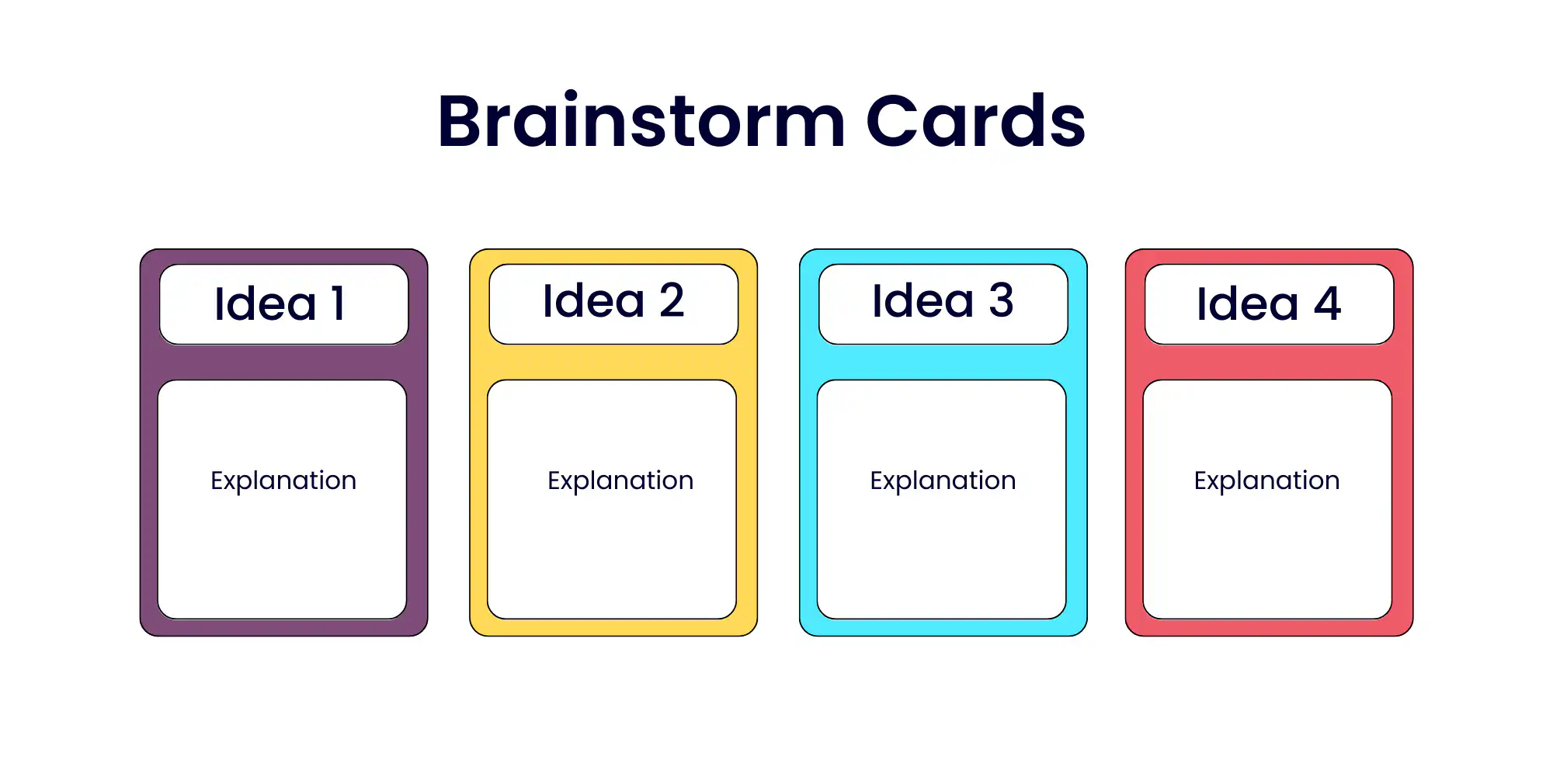
Brainstorm cards provide prompts or random words to kickstart idea generation. They serve as creative triggers, inspiring fresh angles of approach and encouraging out-of-the-box thinking.
#### Analogy Thinking
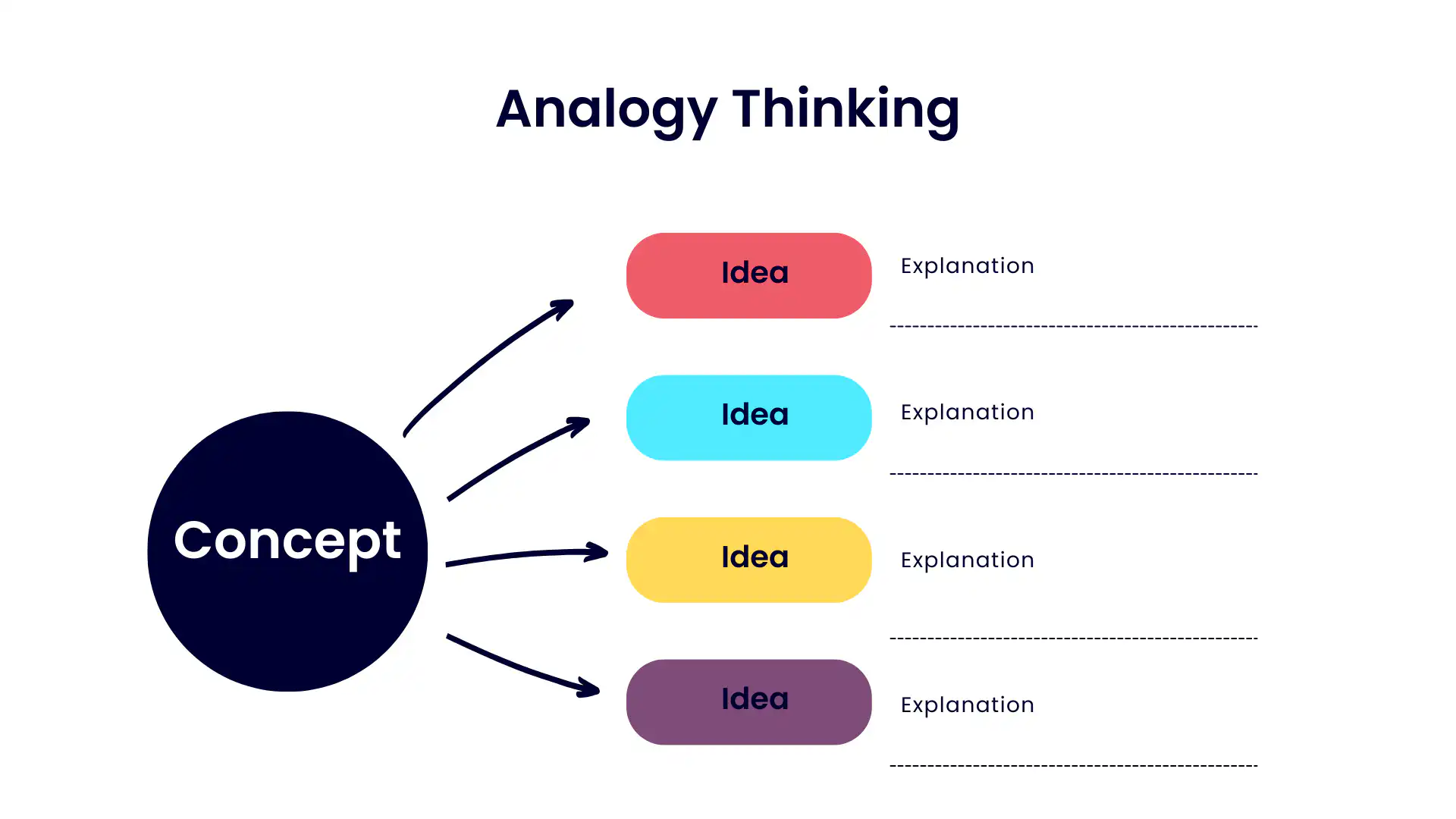
Drawing parallels with unrelated concepts can lead to unique insights and innovative ideas. Analogy thinking encourages cross-disciplinary idea generation by connecting seemingly disparate ideas.
#### Synectic
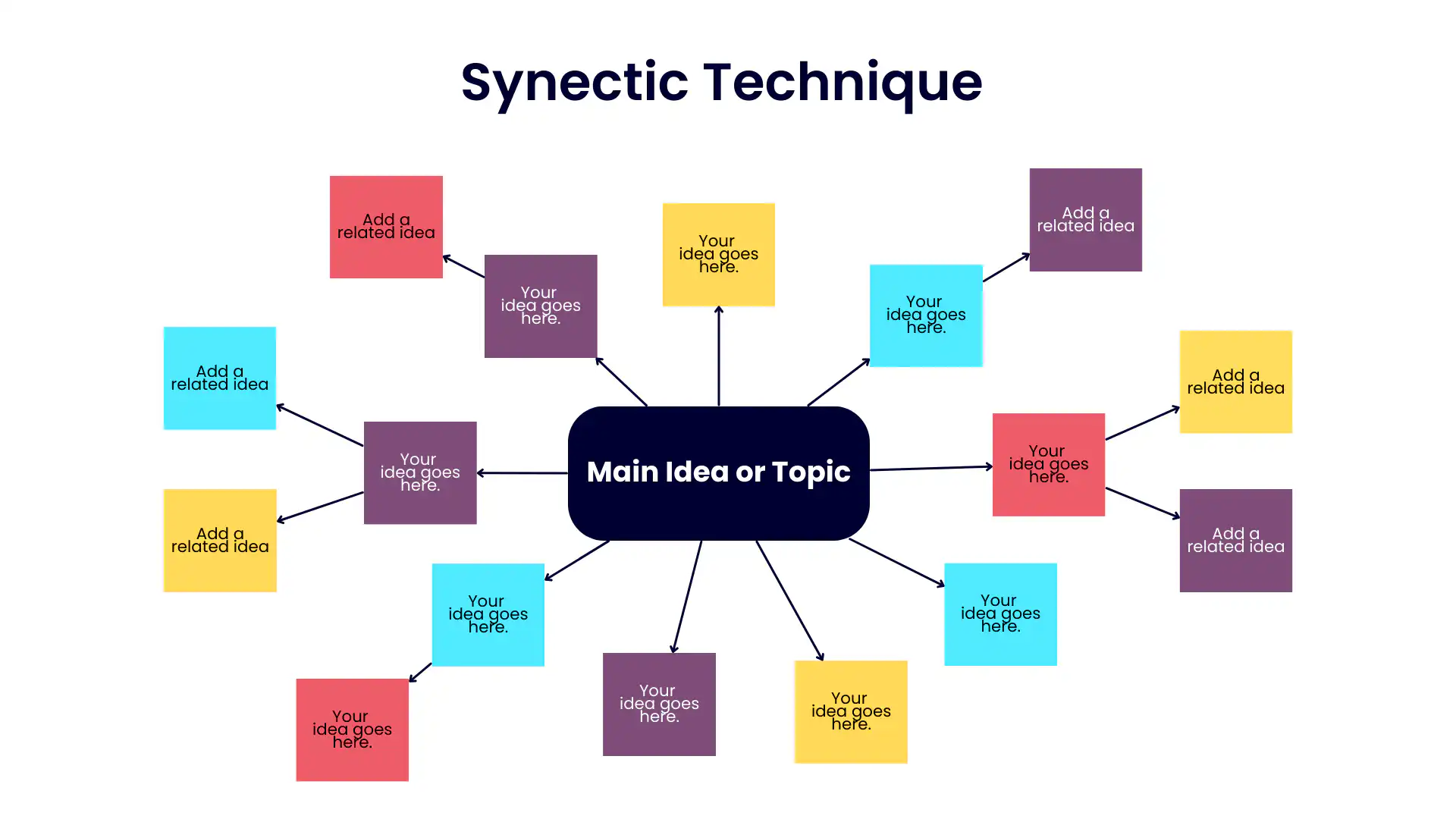
Synectic is a technique that combines unrelated elements to create something new. It invites you to explore the synergy between diverse concepts and ideas, often resulting in novel solutions.
### Tech and Digital Aids
#### Social Listening
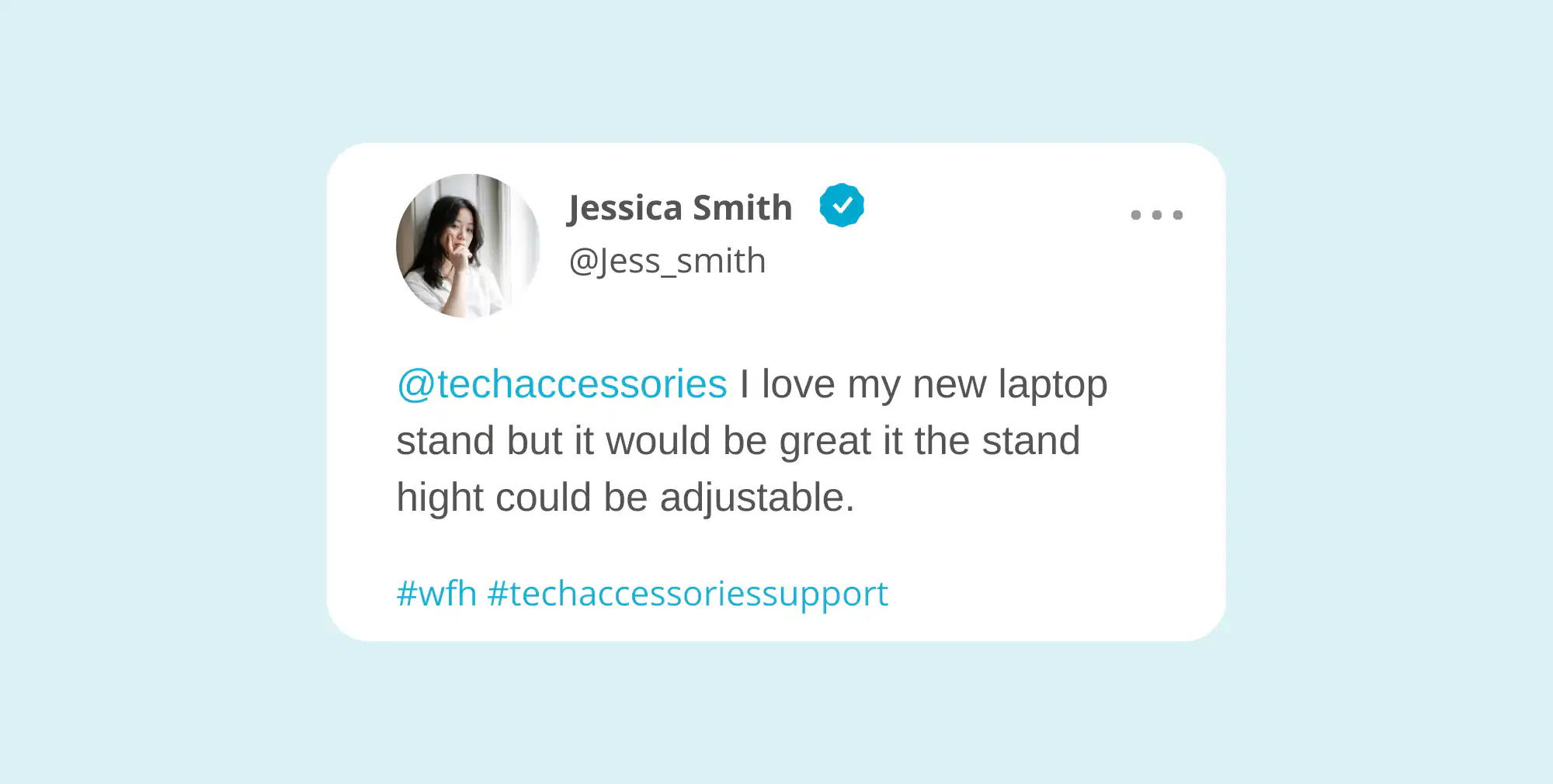
Social listening involves monitoring social media and online conversations to gain insights into customer preferences, trends, and pain points. It provides a real-time window into the thoughts and opinions of your audience, sparking innovative ideas for products, services, or [marketing strategies](https://fliplet.com/blog/boost-your-digital-content-marketing-strategy-with-apps/).
#### Idea Management Tools

Idea management tools are digital platforms designed to [streamline the ideation process](https://fliplet.com/blog/gateley-driving-engagement-streamlining-processes-enhancing-client-experience/). These platforms enable teams to submit, collaborate on, and evaluate ideas systematically. They promote organization and transparency in idea generation, ensuring that promising concepts are nurtured and developed.
#### Digital Platforms for Idea Collaboration
These platforms facilitate remote idea generation and collaboration, allowing teams to work together seamlessly regardless of their physical locations. They promote inclusivity and diverse perspectives, enhancing the quality and quantity of generated ideas.
Discover how a [Fliplet](https://fliplet.com/) client launched an idea collection app, achieving 170% above their target:
### Advanced Techniques
#### Complex Opportunity Recognition
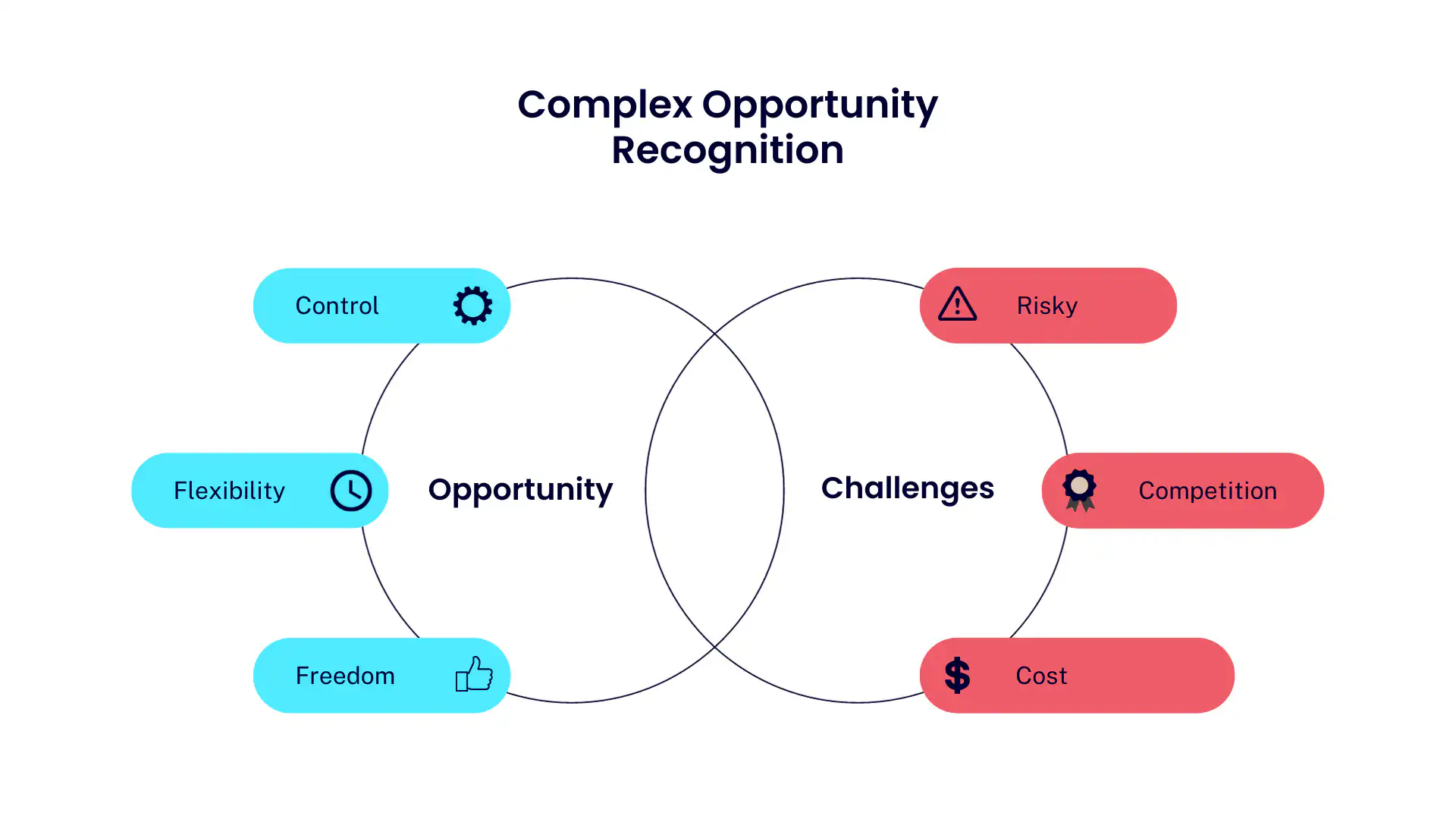
Identifying intricate opportunities within challenges requires a keen eye for detail and a holistic view of the situation. This advanced technique involves deeply analyzing complex problems to uncover hidden possibilities.
#### Product Trend Approach
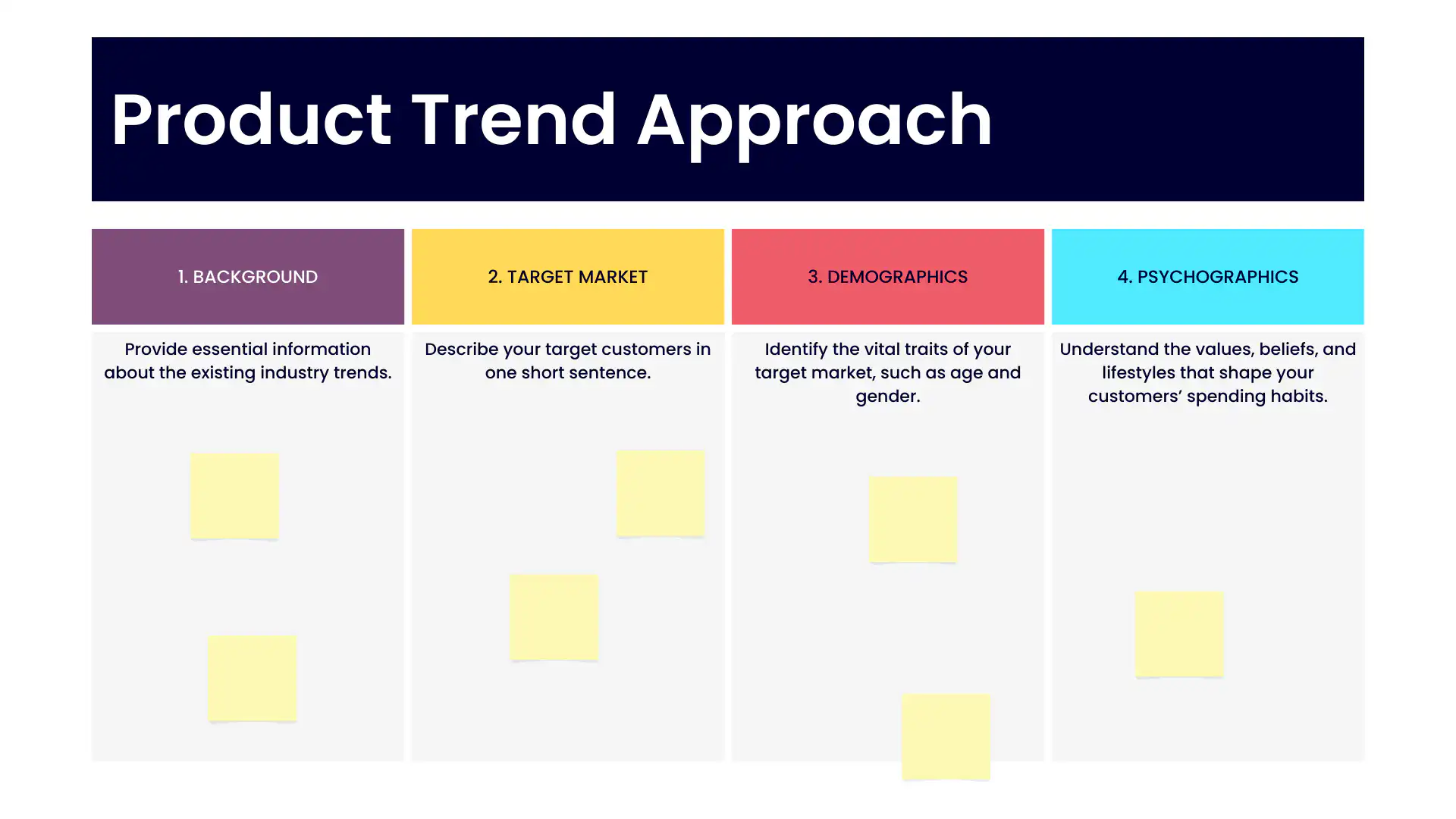
Analyzing market trends and consumer behavior can lead to innovative product ideas that align with current demands. By staying attuned to shifts in consumer preferences, you can identify opportunities for product innovation.
#### Innovation Mapping
Innovation mapping involves visualizing your innovation journey from idea to implementation. It helps you plan and strategize the path your idea will take, ensuring a smooth transition from concept to reality.
### Here's a video explaining innovation mapping
#### Business Model Innovation
What makes Amazon, Spotify and Tinder so successful in such complex industries? The answer is Business Model Innovation. Take a look at this video to find out more:
Reimagining your business model can open doors to new markets and revenue streams. It involves exploring alternative ways to deliver value to customers and generate revenue, often resulting in innovative business strategies.
#### Storyboarding
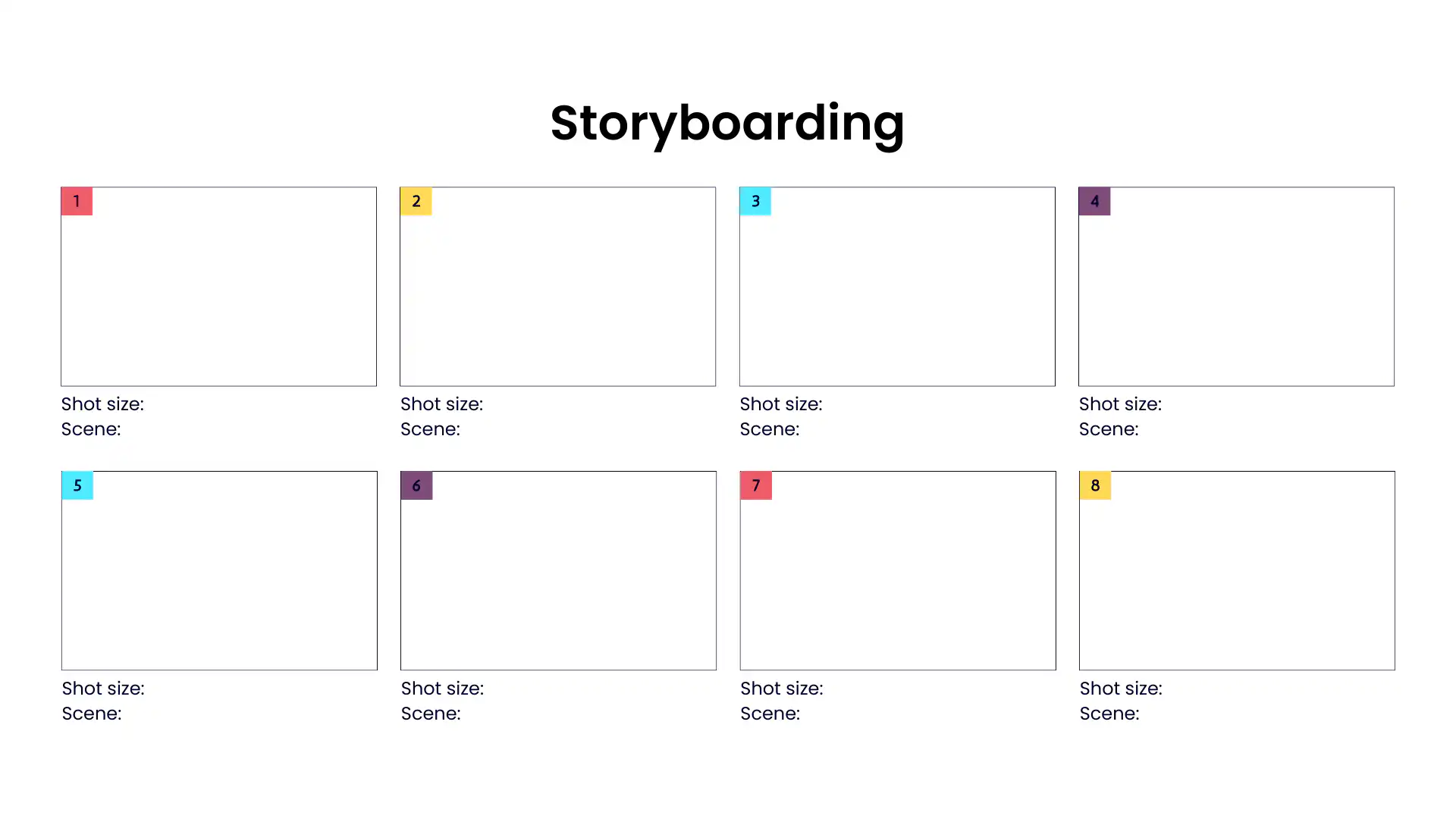
Visualizing ideas through storytelling allows for a more comprehensive exploration of concepts. It helps teams understand the user experience, functionality, and potential challenges associated with an idea.
#### Forced Relationships
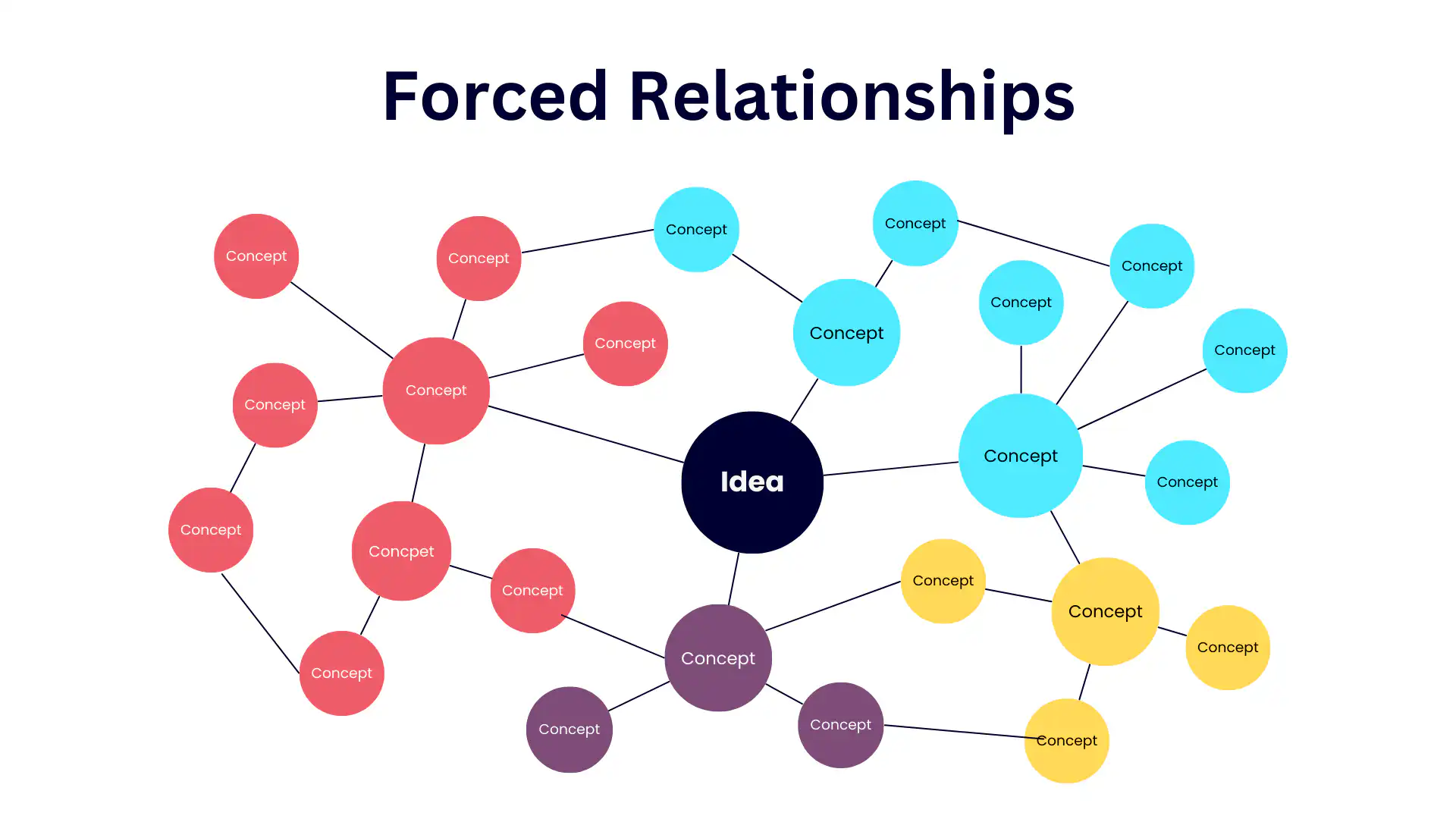
Forced relationships involve connecting seemingly unrelated concepts or ideas to create new insights. It encourages thinking outside the box and exploring unconventional connections.
#### Six Thinking Hats and other Decision-Making Models
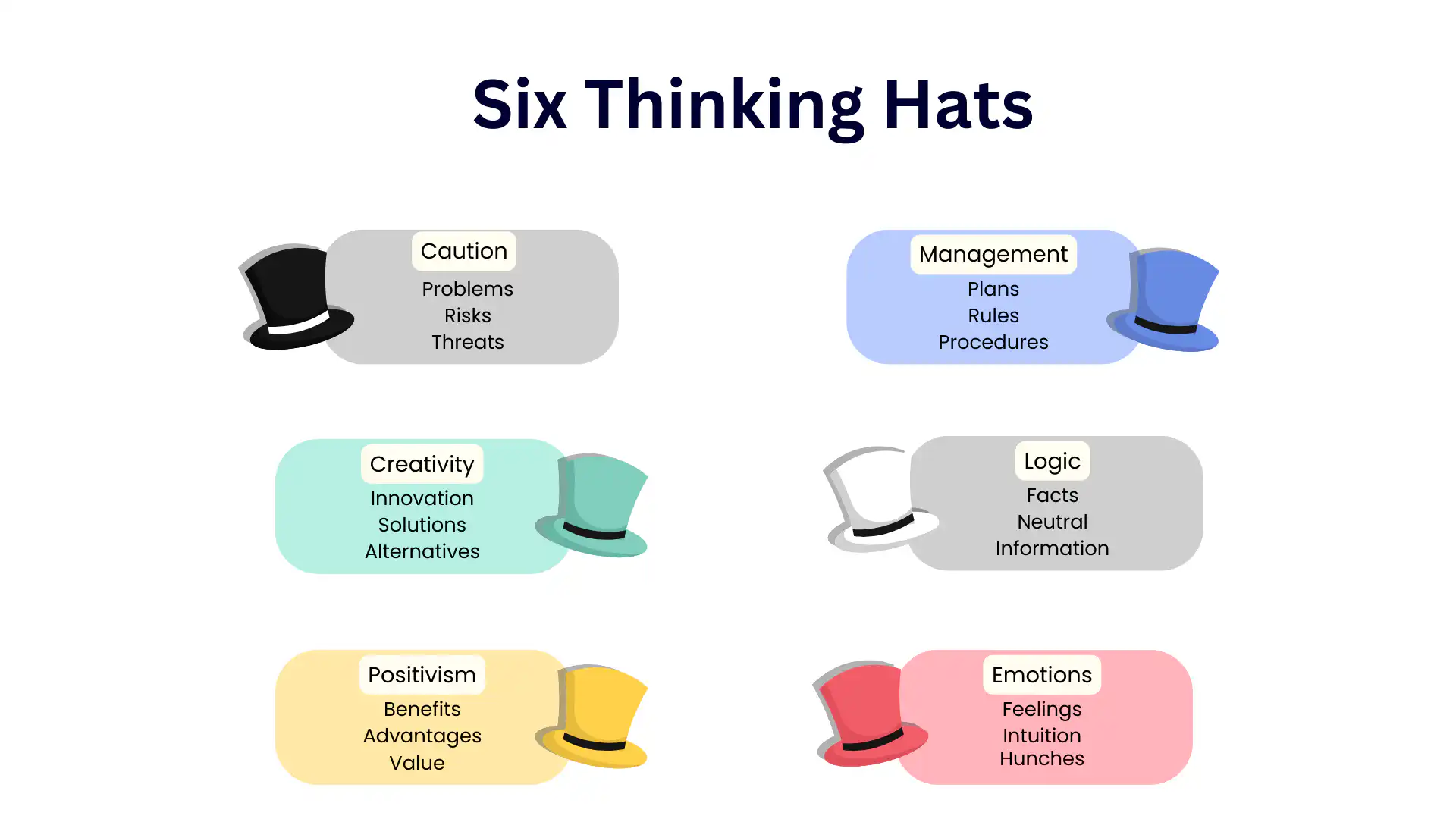
These models provide structured frameworks for thinking about problems and generating ideas. They guide individuals and teams through different modes of thinking, ensuring comprehensive exploration of ideas from various angles.
### Techniques Beyond the Norm
#### Reverse Brainstorming/Thinking
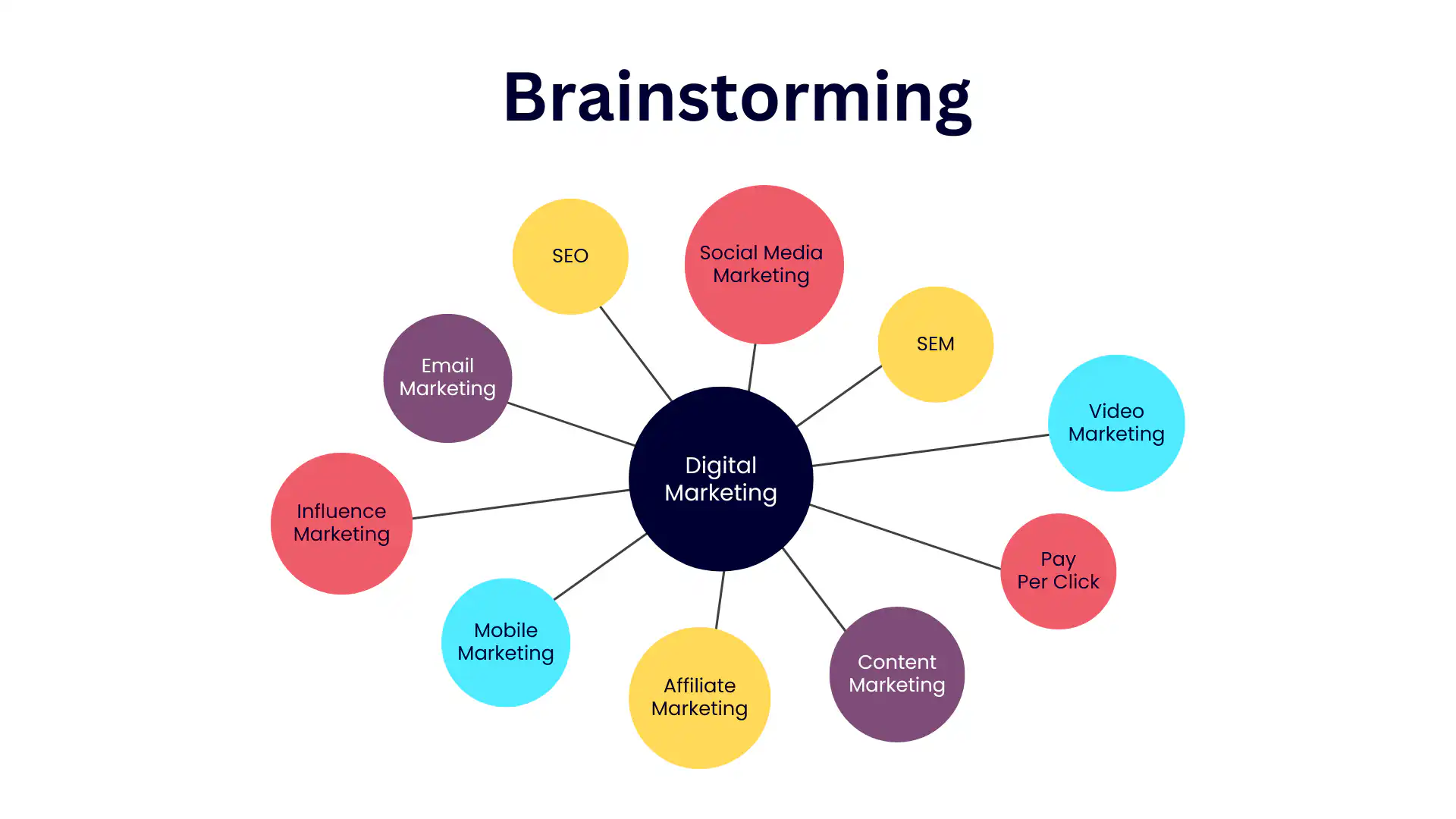
Reverse brainstorming involves identifying ways to worsen a problem or create obstacles. By considering what not to do, you can uncover innovative solutions to overcome challenges.
#### Brainwriting
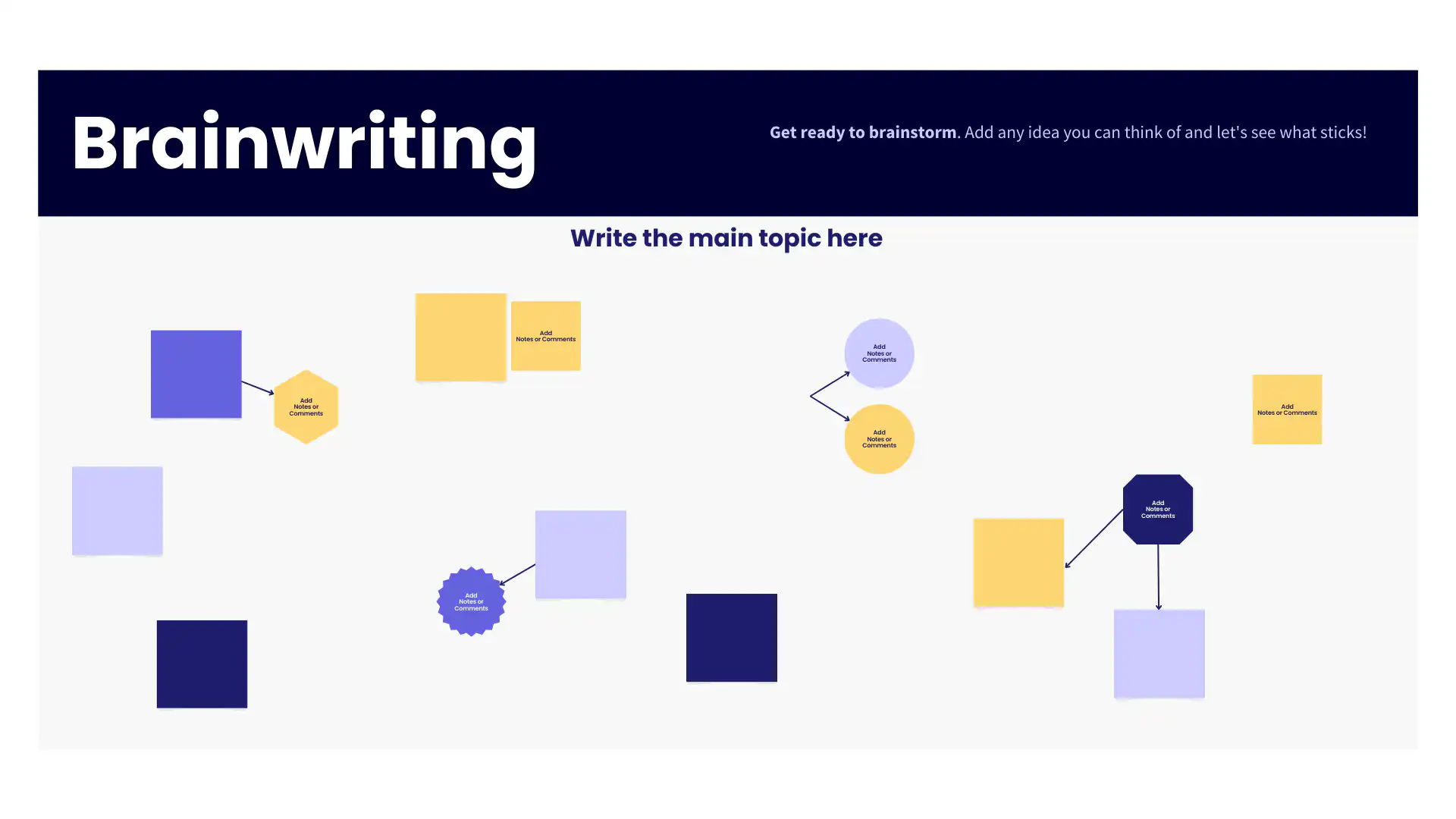
Brainwriting is a written form of brainstorming where individuals silently contribute ideas on paper. It promotes equal participation and can be less intimidating than traditional brainstorming sessions.
#### Brain netting
Similar to brainwriting, brain netting involves collecting ideas from multiple contributors but in a structured and collaborative manner. It encourages free thinking and diverse contributions.
#### Group Sketching
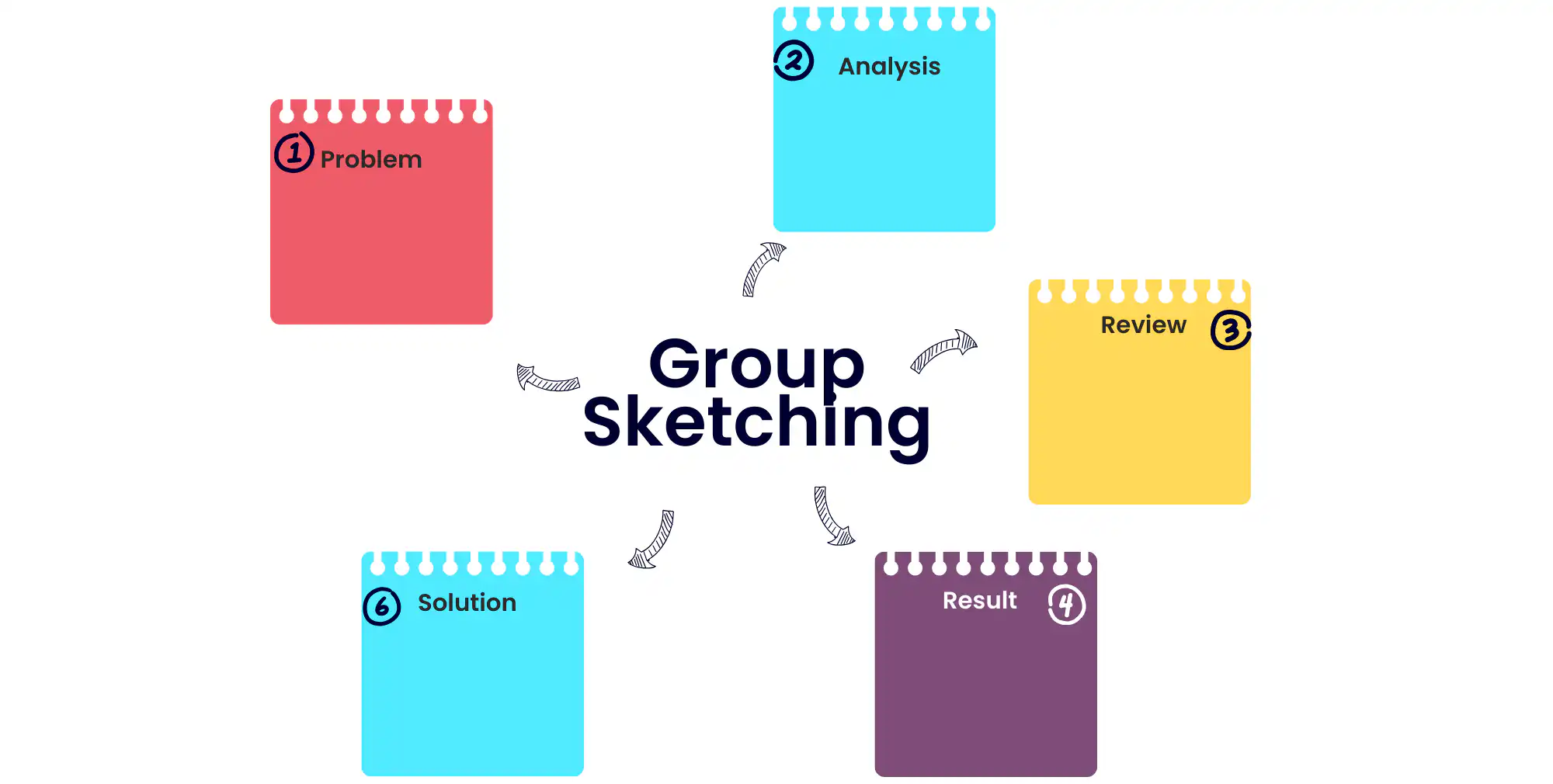
Group sketching involves visually representing ideas through drawings or diagrams. It's particularly effective for teams with visual thinkers who can convey concepts more effectively through visuals.
#### Trigger storming
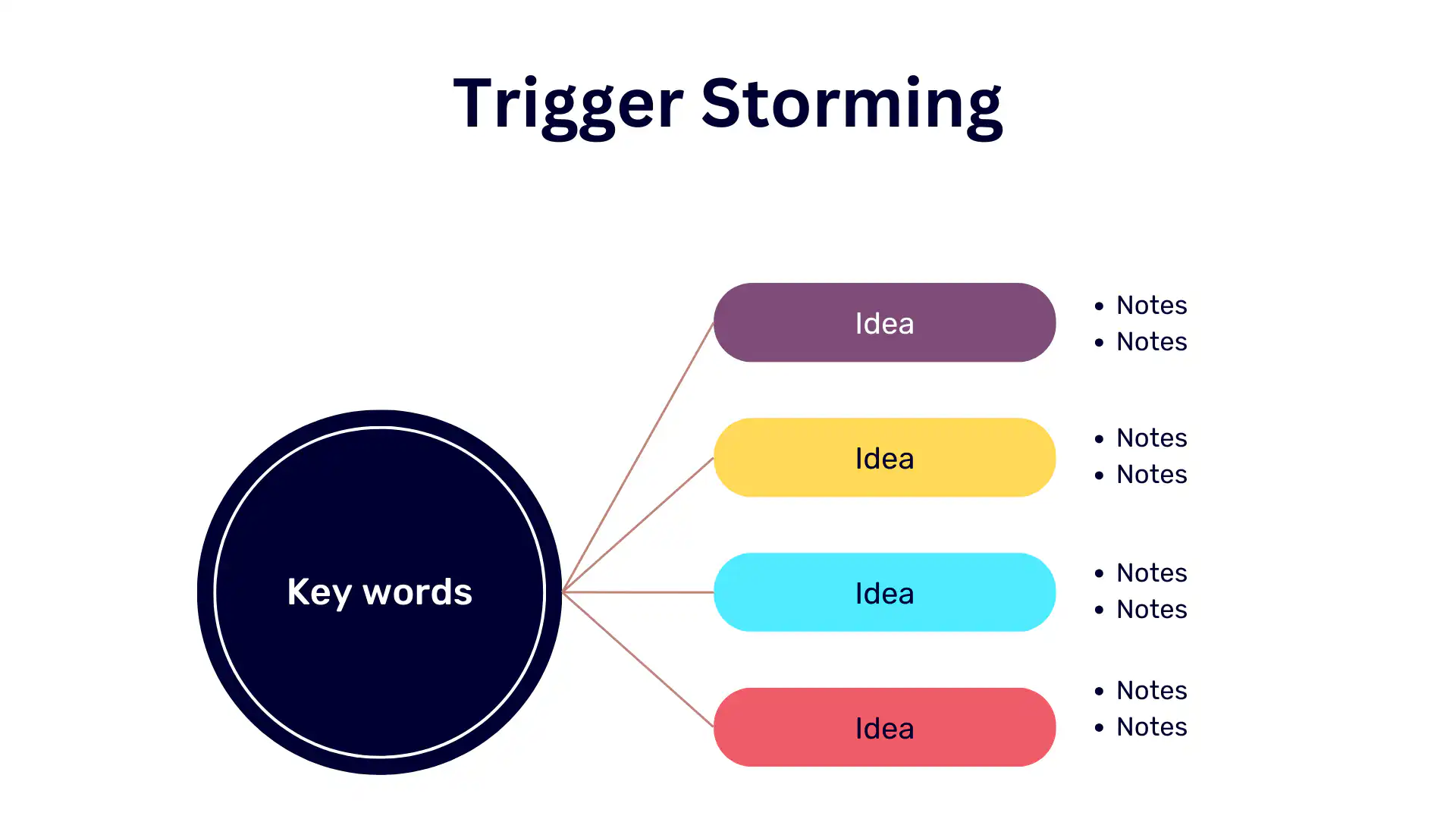
Trigger storming uses cues or triggers, such as images or keywords, to stimulate idea generation. It's a creative technique that encourages spontaneous and imaginative thinking.
#### "What if" Scenarios
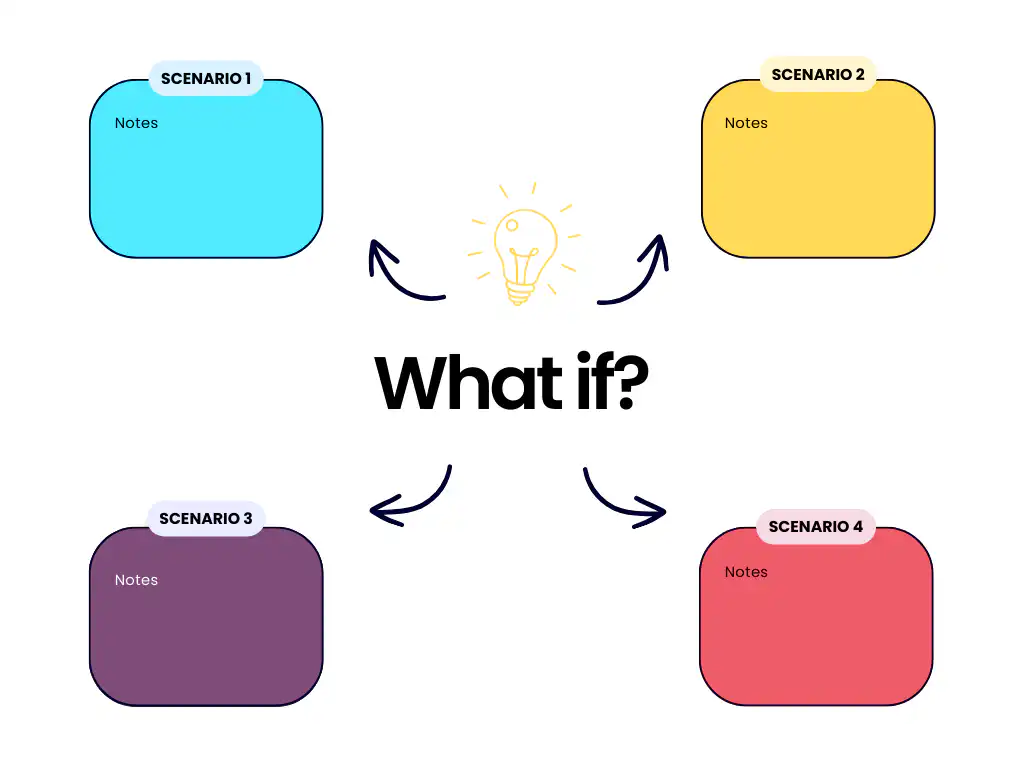
"What if" scenarios involve exploring hypothetical situations or scenarios. By asking "what if" questions, you can uncover unconventional ideas and innovative solutions.
#### Zero Draft
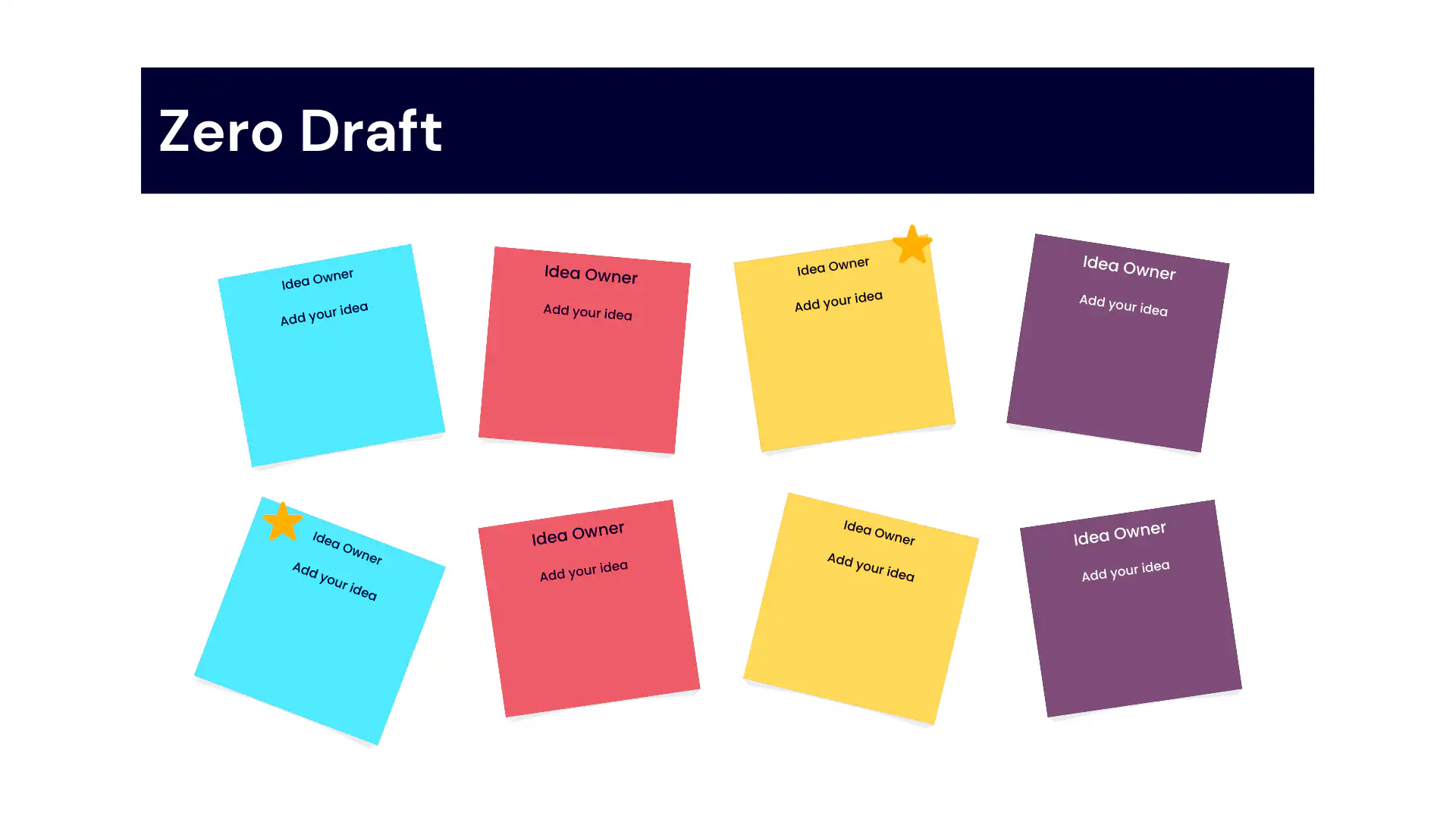
A zero draft is an initial, unstructured version of an idea or concept. It encourages free-flowing creativity without the constraints of perfection, allowing for raw and unfiltered ideation.
## Selecting the Right Technique for your Team and Organization
Idea generation isn't a one-size-fits-all endeavor. It's a dynamic process influenced by various factors, including team size and specific goals. In this section, we'll explore the art of choosing the right idea generation technique to match your team's composition and objectives.
### Selecting the Right Idea Generation Technique: Team Size vs. Goal
The path to effective idea generation begins with understanding your team's dynamics and the goals you aim to achieve. The selection of the appropriate technique hinges on two key considerations: team size and the nature of your goal.
| Team size | Specific solution | Broader brainstorming |
| --- | --- | --- |
| Small teams | Analytical Tools, First Principles Design, SCAMPER Technique | Traditional Brainstorming, Mind Mapping, Collaborative Innovation, Opposite Thinking, Brainstorm Cards |
| Large teams | SWOT Analysis, Forced Relationships, Six Thinking Hats, Decision-Making Models, Digital Platforms for Idea Collaboration such as Fliplet | Idea Management Tools, Collaborative Innovation, Synectic, "What if" Scenarios |
## Tools that Can Help in Idea Generation and Innovation Management
Leveraging the right tools can significantly enhance the efficiency and effectiveness of your idea generation and innovation management efforts. Here are three essential tools, each playing a vital role in nurturing creativity and driving innovation:
When it comes to idea generation, having the right tools can significantly boost your creative potential. That's where Fliplet can help. [Fliplet offers an Innovation Management solution](https://fliplet.com/solution/innovation-management/) that caters to both individuals and teams. Fliplet can be a valuable platform in your creative journey. Fliplet provides a structured platform for brainstorming, collaborating, and nurturing your ideas.

Fliplet's [innovation solution](https://fliplet.com/solution/innovation-management/) features can help spark ideas. Some key features include:
### Easily ask employees for solutions to urgent problems in your organization
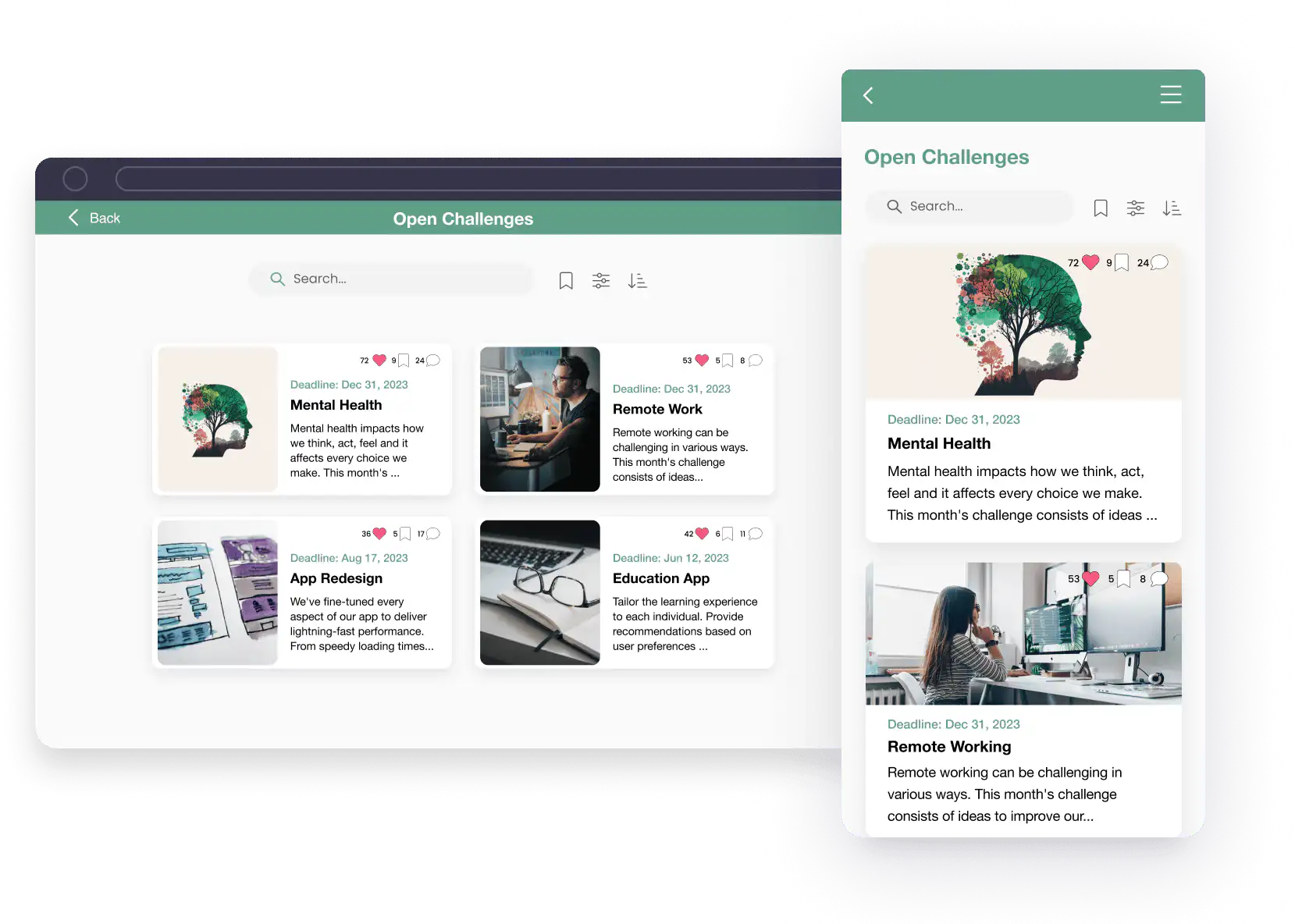
Fliplet's [innovation management software](https://fliplet.com/blog/top-10-innovation-management-software/) allows you to swiftly address pressing concerns within your organization. By creating specific challenges, you stimulate solution-oriented thinking among your team. This feature promotes proactive problem-solving, nurturing a culture of innovation.
### Prioritize the innovative ideas with the biggest business impact
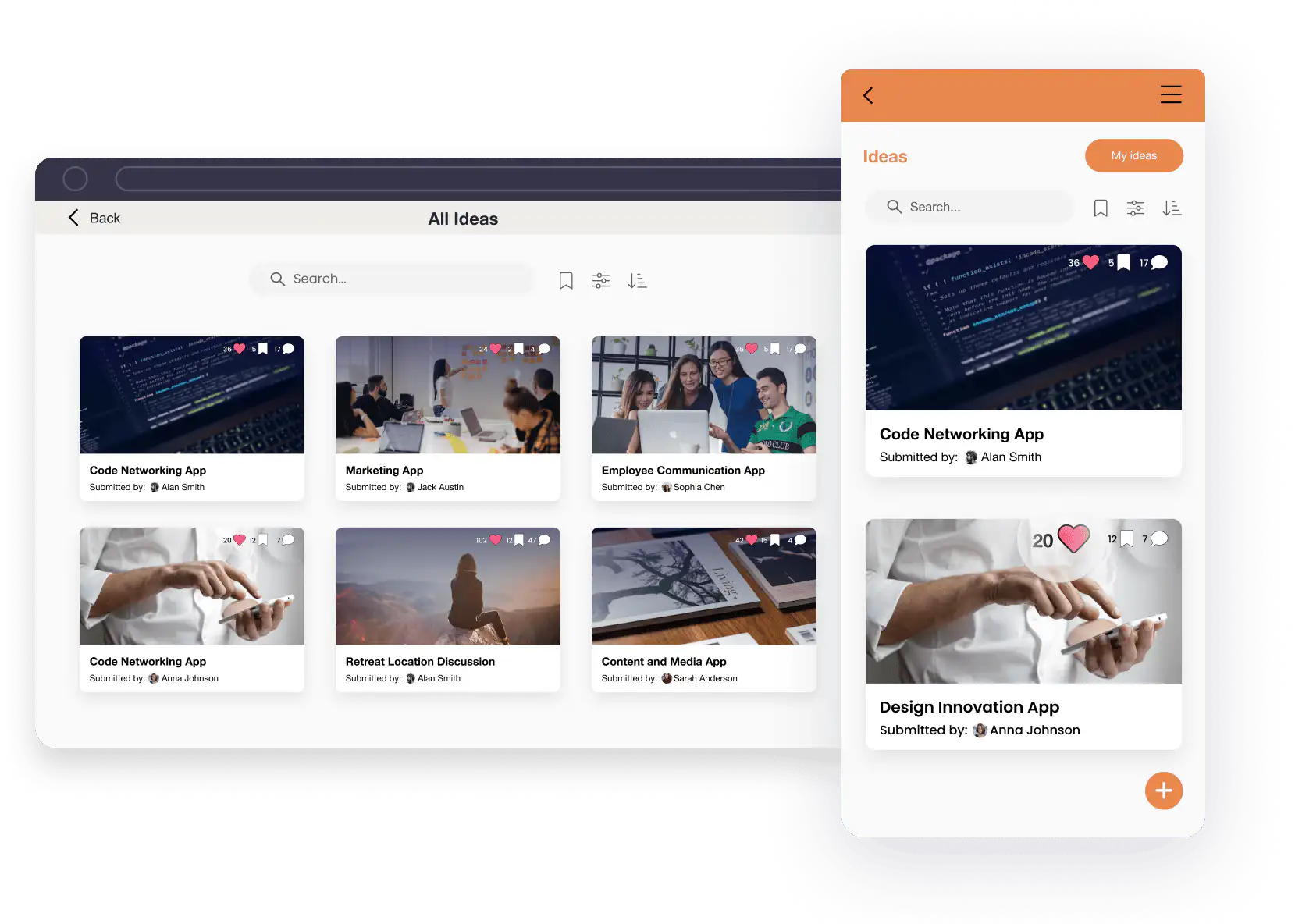
You can tap into the full potential of your workforce. It empowers your team to engage with each other's ideas, allowing them to like, comment, and prioritize the most impactful ones. This collaborative approach ensures that your organization's future is shaped based on collective employee intelligence.
### Give your employees a place to propose ideas for solving your organizational challenges
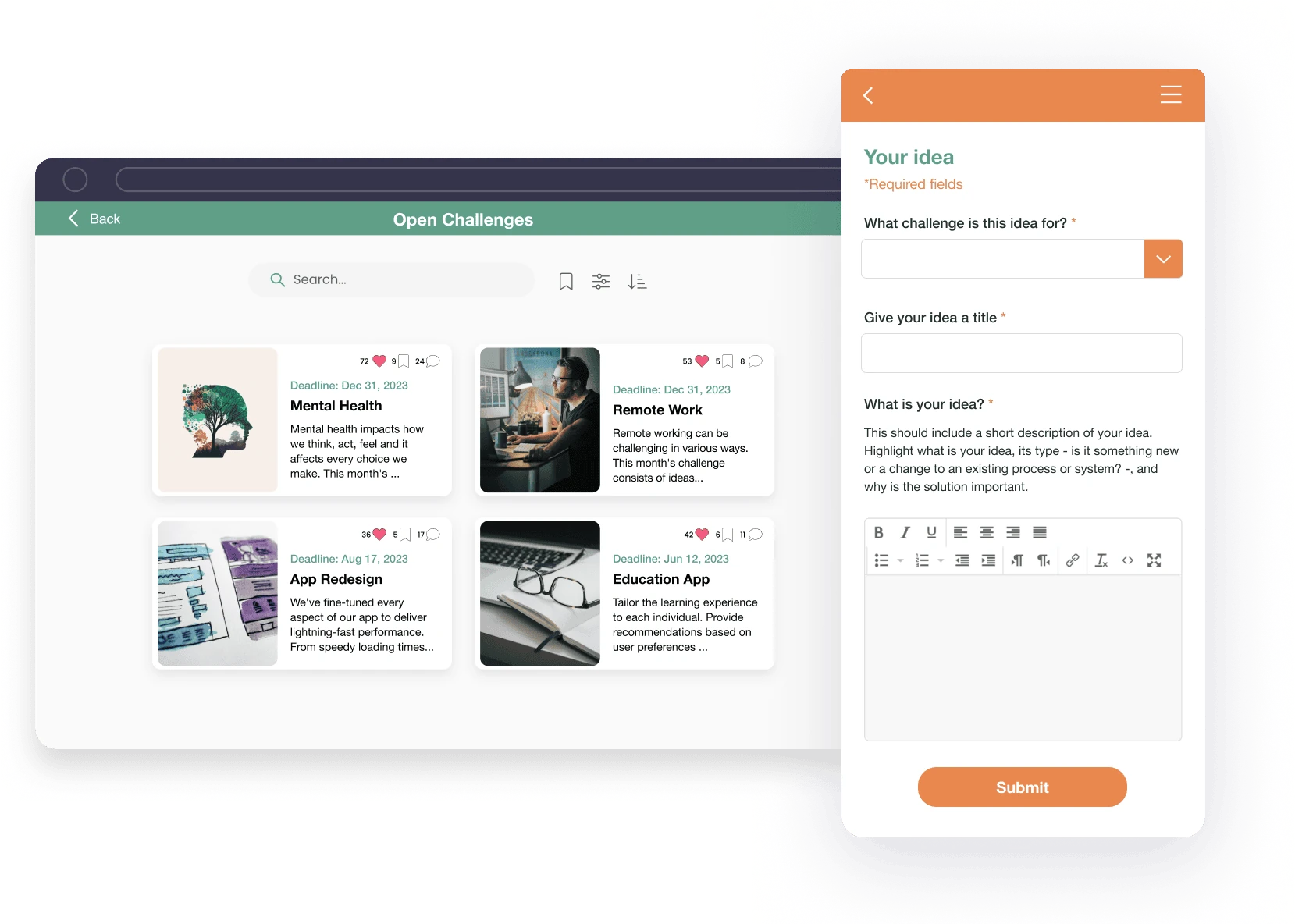
Fliplet provides a dedicated platform for sparking creativity and open innovation. By offering a space for sharing and discussing ideas, it encourages employees to contribute innovative solutions. This feature creates a culture where every team member feels empowered to propose and explore fresh ideas.
### Manage your entire innovation cycle in one view
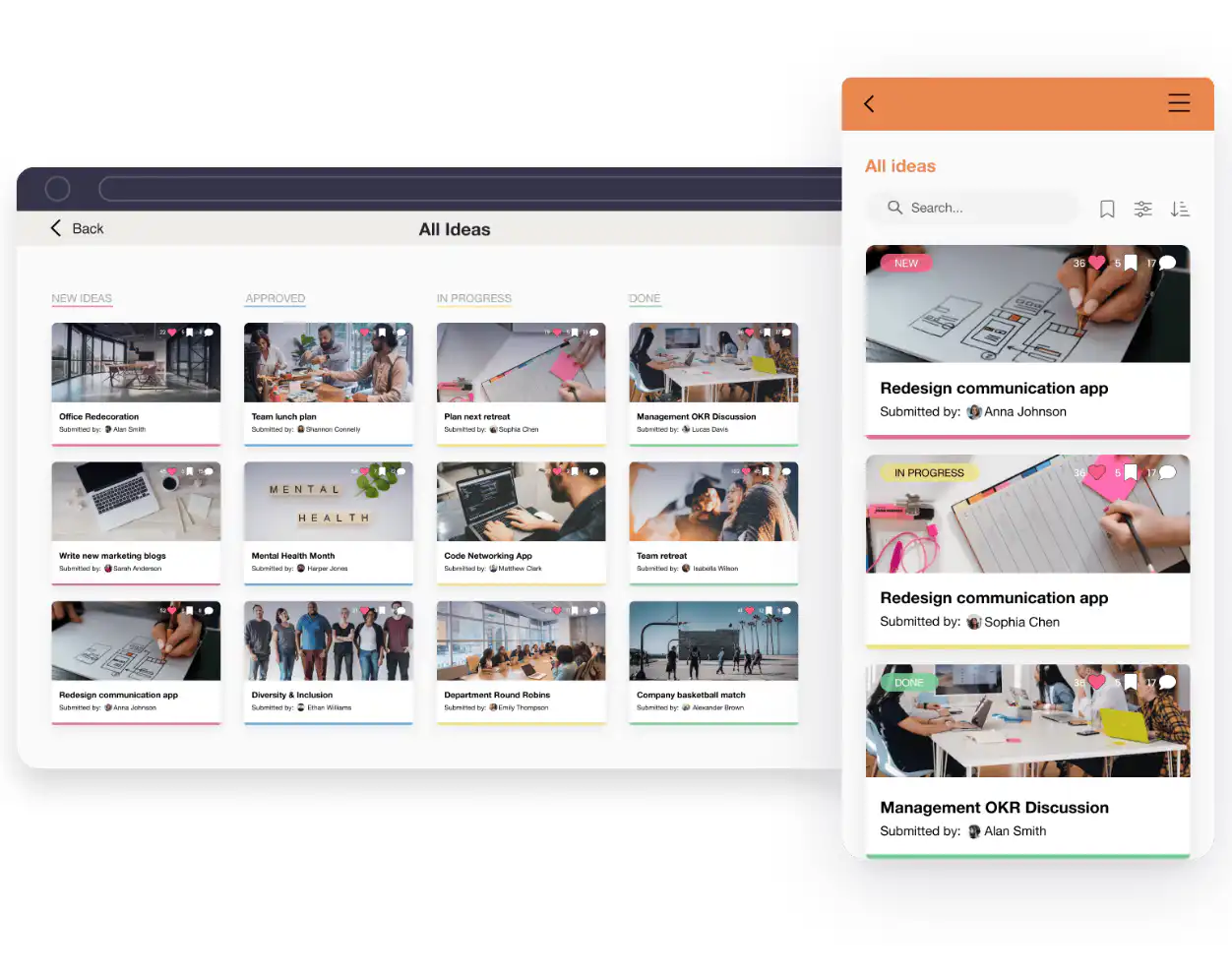
Oversee your entire innovation cycle, from ideation to implementation, all within a single app. By embracing this streamlined approach, you enhance efficiency and effectiveness in your innovation endeavors. Fliplet ensures that your ideas seamlessly progress from concept to reality, making innovation a smoother journey.
With Fliplet, you can streamline your idea generation process, organize your thoughts effectively, and turn those concepts into [actionable plans](https://fliplet.com/blog/5-steps-to-prepare-for-a-dawn-raid/). Whether you're working solo or within a team, Fliplet can be a catalyst for harnessing your creative potential. So, stay tuned as we uncover how Fliplet's innovation solution can elevate your idea generation game. See how Fliplet can help you drive impactful innovation, [try Fliplet for free](https://studio.fliplet.com/signup).
Another software you may want to use is [Figma](https://www.figma.com/). Figma is a versatile design and collaboration tool that can be effectively used for mind mapping. Its [collaborative features allow teams](https://fliplet.com/solution/team-chat-app/) to visually brainstorm ideas and create mind maps in real-time. Figma's flexibility and cloud-based platform make it an ideal choice for remote teams to collaborate on ideation and organize their thoughts efficiently.
Thirdly, [IdeaScale](https://ideascale.com/) is a dedicated idea management software that provides organizations with a platform to collect, evaluate, and implement ideas systematically.
These tools are instrumental in innovation management by providing a structured framework for idea collection, evaluation, and implementation. They encourage collaboration, transparency, and the efficient [management of innovative projects](https://fliplet.com/solution/project-management/), ultimately driving the growth and success of organizations.
## Idea Generation in Specialized Fields
Idea generation isn't limited to any particular industry or field; it's a universal process that can be applied across various domains. Here, we explore how idea generation plays a crucial role in two specialized fields: entrepreneurship and product development.
### Entrepreneurship
Idea generation is the foundation upon which innovative startups are built. Entrepreneurs constantly seek unique solutions to existing problems or identify untapped opportunities in the market. Idea generation in entrepreneurship involves market research, identifying pain points, and envisioning novel products or services that can address these needs.
Entrepreneurs often rely on brainstorming sessions, [customer feedback](https://fliplet.com/customer-feedback-form/), and industry trends to generate innovative ideas that can disrupt traditional markets or create entirely new ones. The ability to generate and refine ideas is a hallmark of successful entrepreneurship.
### Product Development
Idea generation is a fundamental aspect of product development. Companies engaged in product development must continuously innovate to stay competitive and meet the evolving needs of their customers. Idea generation in this context often involves cross-functional teams working together to ideate and conceptualize new products or enhance existing ones.
Techniques such as design thinking, rapid prototyping, and user-centered design play a pivotal role in generating ideas that can lead to the creation of successful products. [Product development teams](https://fliplet.com/solution/project-collaboration-app/) focus on translating customer insights, market trends, and technological advancements into actionable ideas that result in tangible products with a competitive edge.
## Navigating Challenges in Idea Generation
Idea generation, while essential for innovation, comes with its set of challenges. Understanding and overcoming these hurdles is critical for a successful ideation process. In this section, we'll explore some common pitfalls and misconceptions and emphasize the role of feedback and iteration in idea generation.
### Common Pitfalls and Misconceptions
- **Overemphasis on Perfection:** One common pitfall is striving for perfect ideas from the outset. This can lead to a paralysis of analysis and hinder creativity. In reality, ideas often start as rough concepts and evolve through iterations.
- **Lack of Diverse Perspectives:** Restricting ideation to a narrow group can limit the variety of ideas generated. Diverse perspectives, backgrounds, and experiences are essential for innovative thinking.
- **Ignoring Feedback:** Failing to seek and incorporate feedback from peers, stakeholders, or customers can result in missed opportunities for improvement and refinement.
- **Fear of Failure:** The fear of failure can stifle creativity. Embracing the idea that not all ideas need to succeed can free individuals and teams to explore more daring and innovative concepts.
- **Rigid Thinking:** Sticking to preconceived ideas or established processes can hinder creativity. Being open to new approaches and possibilities is crucial for idea generation.
### The Role of Feedback and Iteration
- **Enhanced Idea Quality:** Feedback provides valuable insights and perspectives that can help refine and enhance the quality of ideas.
- **Validation:** It ensures that ideas align with organizational goals, customer needs, and market trends, reducing the risk of pursuing unviable concepts.
- **Continuous Improvement:** Iteration allows for continuous improvement of ideas. Concepts often start as rough drafts and evolve through cycles of refinement and testing.
- **Risk Mitigation:** Iterative processes help identify and mitigate potential risks and challenges associated with implementing ideas.
- **Alignment with Objectives:** Feedback and iteration ensure that ideas remain aligned with organizational objectives and strategies.
Challenges in the idea generation process can be effectively addressed with Fliplet's innovation solution, a comprehensive tool designed for the nuances of ideation. Fliplet's platform facilitates collaboration, captures feedback, and streamlines the iteration process, ensuring that valuable ideas are refined and transformed into impactful solutions.
## Measuring and Managing Your Ideas
Effectively measuring and managing ideas are essential aspects of the idea generation and innovation process. In this section, we'll explore key performance indicators (KPIs) and metrics for evaluating idea quality and viability, as well as provide tips for successfully managing and refining ideas.
### KPIs and Metrics for Evaluating Idea Quality and Viability
- **Idea Impact Score:** Assess the potential impact of an idea on your organization. Consider factors like potential revenue, cost savings, or improved customer satisfaction.
- **Feasibility Score:** Evaluate the feasibility of implementing the idea. Assess whether the necessary resources, skills, and technology are available.
- **Customer Feedback and Validation:** Measure the level of positive feedback and validation from customers or target users. Customer surveys, interviews, and user testing can provide valuable insights.
- **Time-to-Value:** Evaluate how quickly an idea can be implemented and start delivering value to the organization.
- **ROI Projection:** Estimate the return on investment (ROI) the idea is expected to generate over a specific period.
- **Alignment with Strategic Objectives:** Assess how well the idea aligns with the organization's strategic objectives and long-term goals.
- **Cost-Benefit Analysis:** Compare the potential benefits of the idea against the estimated implementation costs.
### Tips for Successfully Managing and Refining Ideas
- **Establish Clear Idea Ownership:** Assign responsibility for each idea to a specific team member or stakeholder to ensure accountability.
- **Regular Idea Reviews:** Conduct regular reviews and discussions to track the progress of ideas and identify areas for improvement.
- **Prioritization:** Prioritize ideas based on their impact, feasibility, and alignment with organizational goals.
- **Iterate and Refine:** Encourage continuous refinement and iteration of ideas based on feedback and changing circumstances.
- **Create Cross-Functional Teams:** Form cross-functional teams to work on ideas, leveraging diverse skills and expertise.
- **Document and Archive Ideas:** Maintain a centralized repository of ideas, even if they are not immediately pursued, as they may become valuable in the future.
- **Communication and Transparency:** Ensure clear communication and transparency throughout the idea management process to keep all stakeholders informed.
- **Celebrate Successes:** Recognize and celebrate the successful implementation of ideas to motivate teams and enhance a culture of innovation.
Effectively measuring, managing, and refining ideas using these KPIs and tips can lead to the successful execution of impactful ideas, driving innovation and growth within your organization.
## Building an Effective Idea Generation Team
Creating an effective idea generation team is pivotal for successful innovation within any organization. To achieve this, start by assembling a team with diverse skills and backgrounds to bring varied perspectives and creativity to the table. Encourage collaboration among team members from different departments to approach challenges comprehensively, creating a culture of cross-functional cooperation.
Designate passionate individuals as innovation champions to inspire and motivate the team, driving the ideation process forward. Define clear roles and responsibilities within the team to ensure a structured approach and accountability. Invest in training and development programs to equip team members with idea generation tools and techniques, generating continuous [learning](https://fliplet.com/solution/learning/) and industry awareness. Implement incentive and recognition programs to reward innovative contributions and boost morale.
Provide access to idea management tools like Fliplet to facilitate collaboration, capture ideas, and [track progress](https://fliplet.com/solution/progress-tracking-app/) efficiently. Schedule frequent ideation sessions to encourage brainstorming and idea sharing, cultivating a culture of open and constructive feedback among team members. Enable hands-on experience by allowing team members to prototype and test ideas, and encourage exploration of ideas from other industries or domains to inspire innovation. Ensure leadership provides the necessary support and resources for the idea generation team, as leadership buy-in is crucial for the success of innovation initiatives. By following these steps, organizations can build a dynamic idea generation team poised to drive impactful innovation.
## Why Idea Generation is so Important
In conclusion, adopting a culture of continuous learning and innovation is essential for organizations looking to stay competitive and drive growth. It's crucial to encourage your teams to explore new ideas and experiment with various techniques to unlock their full creative potential.
Additionally, consider leveraging tools like [Fliplet's Innovation Management solution](https://fliplet.com/solution/innovation-management/), which can streamline the idea generation process, facilitate collaboration, and help manage and refine ideas effectively. Embrace innovation as an ongoing journey, and you'll be well-positioned to tackle future challenges with fresh, innovative solutions.
## FAQs
Common questions about idea generation and ideation methods.
## FAQs
### What is idea generation?
Idea generation is the process of coming up with new and creative concepts or solutions to problems and opportunities.
### Which idea generation method involves keeping ideas in sight and well-organized?
Mind mapping helps keep ideas visible and organized by branching related thoughts from a central idea.
### What takes place during the idea generation stage of the new-product development process?
Teams brainstorm a wide range of product concepts, gather as many ideas as possible, and then identify the strongest ideas to develop further.
## Related links
- [Ultimate Guide: How to scale mobile enterprise app development without coding or IT resources](https://fliplet.com/blog/mobile-enterprise-app-development-without-coding/): Fliplet compiled an ultimate guide on how to scale mobile enterprise app development without coding or IT resources
- [Top 10 Mobile Enterprise Application Platforms](https://fliplet.com/blog/top-10-mobile-enterprise-application-platforms/): Fliplet compiled a list of the top 10 mobile enterprise application platforms. Read more within.
- [The Best Low Code/No Code Development Platforms](https://fliplet.com/blog/the-best-no-code-low-code-development-platforms/): Fliplet compiled a list of the best Low Code/No Code Development Platforms. Find out more within.
---
# Mastering Legal Knowledge Management: A Guide for Law Firms
> Explore how top law firms are mastering legal knowledge management. See case studies from law firms of all sizes and understand how to improve your function.
Source: https://fliplet.com/blog/legal-knowledge-management/
Content type: Blog
Published: 2026-03-17T09:32:16
Updated: 2026-03-17T13:00:15
Read time: 10 minutes
# Mastering Legal Knowledge Management: A Guide for Law Firms
Legal knowledge management (KM) is quickly becoming one of the most powerful tools a [law firm](https://fliplet.com/blog/employee-engagement-strategies-that-law-firm-retreats-would-benefit-from/) can implement. Why? Because managing the vast amount of information that flows through a firm every day is no small task and getting it right is make or break for your firm.
Without a system in place, essential case law, research, and client information can get lost in the shuffle. So, how can law firms stay on top of this influx of data and use it to their advantage? That's where [legal knowledge management software](https://fliplet.com/blog/best-legal-office-management-software/) comes into play. Imagine having the ability to streamline workflows, foster collaboration, and improve decision-making all through a single, easy-to-use platform.
In this guide, we'll explore how law firms are mastering legal knowledge management, the benefits of doing so, and what you can do to set your firm on the right path. We'll also see [why law firms love using Fliplet](https://fliplet.com/industry/legal/).
Ready to unlock your firm's potential? Let's dive in.
## Key Takeaways
- Legal knowledge management organizes and stores crucial data, improving [collaboration and efficiency](https://fliplet.com/solution/employee-directory-app/).
- Implementing KM can streamline workflows, allowing for better decision-making and faster access to vital information.
- Customizable legal knowledge management software like Fliplet offers powerful solutions for firms of all sizes.
## What is Legal Knowledge Management?
Before we get into the nitty-gritty, let's start with a brief overview of legal knowledge management.
So, what is it? Simply put, it's the process of collecting, organizing, and making accessible the vast amount of legal knowledge within a firm. This includes everything from case law, legal research, and precedents, to client information, contracts, and important documents.
Knowledge management systems, often referred to as KM systems, serve as the backbone for many law firms, enabling them to efficiently access and share vital information. This makes finding the best legal knowledge management software a core task for pushing your law firm into the future.
Whether you're handling a high-profile case or providing day-to-day counsel, having a solid KM system in place makes it easier to find the data you need, collaborate with your team, and make informed decisions quickly.
But KM isn't just about storing information. It's about managing and using it effectively. Law firms that embrace legal knowledge management tools can streamline their entire workflow, which ultimately leads to better service for clients.
Check out more [legal website content here](https://fliplet.com/blog/law-firm-website-content/).
## The Benefits of Legal Knowledge Management
You might be wondering: Why is legal knowledge management so important? The truth is, it's a game changer for law firms looking to stay competitive in today's fast-paced legal environment. Let's break down some of the top benefits:
### 1. Better Collaboration
**Key Statistic**: In the 2026 legal market report, average law firm spending on technology and knowledge management tools grew **9.7%** and **10.5%** respectively, signaling sustained investment in shared, searchable knowledge systems. ([Source - Thomson Reuters 2026 State of the US Legal Market, PDF](https://www.thomsonreuters.com/en-us/posts/wp-content/uploads/sites/20/2026/01/2026-State-of-the-US-Legal-Market.pdf))
How often do your lawyers and staff need to collaborate on cases? With KM software, sharing information and working together becomes seamless. When all your firm's legal knowledge is stored in one place, anyone from your team can access it, regardless of their location. Imagine being able to work on a case with colleagues in different offices or even time zones, all with real-time updates and shared access to essential documents. In 2026, leading firms are increasingly treating this as core infrastructure rather than a nice-to-have.
### 2. Faster Decision-Making
In the legal world, every second counts. Having quick access to crucial information can mean the difference between winning and losing a case. With legal knowledge management systems, retrieving important documents or case law is as simple as typing in a search query. Advanced search capabilities allow lawyers to instantly pull up the information they need, making the decision-making process faster and more informed.
### 3. Streamlined Workflows
**Key Statistic:** In the 2026 Future Ready Lawyer Survey, **62%** of legal professionals reported weekly time savings of **6%-20%** from AI-enabled legal workflows, with average weekly savings close to 10%. ([Source - Wolters Kluwer 2026 Future Ready Lawyer Report, PDF](https://assets.contenthub.wolterskluwer.com/api/public/content/3207385-frl-2026-report-final-a5ba38486a?v=b7ed5539))
Time is money, and KM software helps law firms save both by automating tasks that used to take hours. Whether it's organizing case files, scheduling tasks, or managing client communications, knowledge management software streamlines the entire process. This means your team can spend less time on admin tasks and more time focusing on what really matters: your clients. The 2026 trend is clear: firms combining KM with AI-assisted search and drafting are moving routine work faster.
### 4. Improved Client Service
Clients expect top-notch service, and with legal knowledge management tools, your firm can deliver. With the ability to access client files and case information at the click of a button, you can provide faster responses, more accurate legal advice, and better overall service. Plus, with all your client data in one place, it's easier to keep track of each client's unique needs and preferences, allowing for a more personalized approach.
### 5. Enhanced Data Security
**Key Statistic**: In 2026 legal-sector survey data, **46%** of respondents cited data privacy and cyber threats as top information security concerns. In parallel, the World Economic Forum's 2026 report found **73%** of respondents had seen cyber-enabled fraud affect them or someone in their network over the prior year. ([Source - Wolters Kluwer 2026 Future Ready Lawyer Report, PDF](https://assets.contenthub.wolterskluwer.com/api/public/content/3207385-frl-2026-report-final-a5ba38486a?v=b7ed5539)) ([Source - World Economic Forum Global Cybersecurity Outlook 2026, PDF](https://reports.weforum.org/docs/WEF_Global_Cybersecurity_Outlook_2026.pdf))
Let's not forget about security. Law firms deal with sensitive client information every day, so keeping that data secure is crucial. Legal knowledge management software comes with built-in security features, such as data encryption, role-based access controls, and audit trails, ensuring that only authorized personnel can access sensitive information.
## 5 Tips to Perfect Your Legal Knowledge Management Function
Ready to take your legal knowledge management to the next level? Here are five actionable tips to help your firm succeed:
### 1. Develop a Clear KM Strategy
A successful KM system starts with a well-thought-out strategy. Begin by identifying your firm's specific needs and goals. What information do you need to manage? How will you organize it? Who will be responsible for maintaining the system? By answering these questions upfront, you'll set your firm up for success.
- **Example:** Imagine a law firm that specializes in corporate litigation. They start by identifying key knowledge areas like legal precedents and client communication. The firm assigns a KM team to ensure the system is regularly updated, focusing on case law research and document management.
### 2. Foster a Knowledge-Sharing Culture
Knowledge management isn't just about technology. It's about people. Encourage your team to actively [share their knowledge and expertise](https://fliplet.com/solution/software-for-ideas/). Create a culture where collaboration and information sharing are valued, and you'll see the benefits ripple across your entire firm.
- **Example:** A mid-size firm introduces weekly 'lunch and learn' sessions where attorneys share insights from recent cases. This simple practice encourages knowledge sharing across departments and helps junior staff learn from experienced colleagues.
### 3. Leverage Appropriate Technology
There are plenty of legal knowledge management tools out there, but not all of them will be right for your firm. Take the time to evaluate your options and choose software that aligns with your firm's needs. Platforms like Fliplet offer customizable solutions that can be tailored to fit firms of all sizes, making it easier to manage legal knowledge.
- **Example:** After evaluating several platforms, a small firm chooses Fliplet's KM solution because it integrates seamlessly with their existing case management software and is customizable, allowing the team to create a tailored experience for managing legal documents.
### 4. Implement Robust Processes
Without proper processes in place, even the best KM software won't be effective. Create a system for how information will be collected, stored, and shared. This might include setting up guidelines for document naming conventions, access controls, and how often information should be updated.
- **Example:** A firm sets up a standardized document naming convention, making it easier to find case files quickly. They also create an access control policy, ensuring that sensitive documents are only available to relevant team members.
### 5. Commit to Continuous Evaluation and Improvement
Legal knowledge management is not a set-it-and-forget-it solution. Regularly evaluate your KM system to identify any gaps or areas for improvement. By continuously refining your processes and tools, you'll keep your firm at the forefront of legal knowledge management.
- **Example:** Every quarter, a law firm conducts an internal review of their KM system. They gather feedback from attorneys on usability and make adjustments, such as adding new search filters to improve document retrieval efficiency.
## Key Components in Information Management for Law Firms
When it comes to legal knowledge management, there are several key components to keep in mind:
### Document and Records Management
Keeping track of case files, contracts, and client documents can quickly become overwhelming. A good legal knowledge management system will allow you to organize and securely store all your documents in one place. With everything organized and easily accessible, you'll save valuable time that would otherwise be spent searching through files.
### Knowledge Capture and Sharing
Your team's knowledge is one of your firm's most valuable assets. But if that knowledge isn't captured and shared, it's wasted. KM tools allow you to document and share your team's expertise, ensuring that everyone has access to the information they need to succeed.
### Technology Integration and Tools
The best KM systems don't operate in isolation. They integrate seamlessly with your other legal tools, such as billing software, case management systems, and communication platforms. This level of integration ensures that all aspects of your firm's operations are connected, creating a more efficient workflow.
### Data Security and Compliance
When dealing with legal knowledge, [security is paramount](https://fliplet.com/security/). A solid KM system will come equipped with security features like encryption, access controls, and compliance with legal regulations, ensuring that your client data is safe and secure.
### Continuous Process Improvement
As your firm grows and evolves, so should your knowledge management system. Regularly review and update your KM processes to ensure that they continue to meet your firm's needs. This might involve implementing new technology, updating your security protocols, or refining how information is organized and shared.
## Challenges in Implementing Legal Knowledge Management
As beneficial as legal knowledge management can be, implementing it isn't without its challenges. Here are some common obstacles law firms face and how to overcome them:
### Cultural Resistance
Change can be hard, and some team members may be resistant to adopting a new KM system. The key to overcoming this challenge is communication. Clearly explain the benefits of the new system and provide ample training to ensure everyone feels comfortable using it.
#### Solutions
- Conduct informational sessions explaining KM benefits.
- Offer regular training to build comfort with the system.
- Highlight how KM tools can save time and improve client outcomes.
### High Upfront Costs
Implementing KM software can require a significant initial investment, but the long-term benefits far outweigh the costs. Look for scalable solutions like Fliplet that can grow with your firm and provide long-term value.
#### Solutions
- Start with scalable KM software like Fliplet.
- Spread costs over time by implementing tools gradually.
- Emphasize long-term savings in efficiency and productivity.
### Integration Issues
If your firm uses multiple software platforms, integrating them with your KM system can be tricky. Choose a knowledge management tool that offers strong integration capabilities to ensure a smooth transition.
#### Solutions
- Select KM tools with robust integration capabilities.
- Test integrations with existing systems before full implementation.
- Work with vendors to customize solutions that fit your firm's workflow.
## Legal Knowledge Management Software: Key Features
When selecting legal knowledge management software like Fliplet, it's crucial to focus on key features that can significantly impact your firm's operations.
### Document Management
For any law firm, managing documents is at the heart of daily operations. A solid KM system should allow you to easily organize, store, and access your legal documents while maintaining top-notch security.
The right platform will not only provide an intuitive interface but also help eliminate the chaos of misplaced files or outdated versions. Efficient document management saves time, reduces stress, and minimizes risks related to lost or compromised files.
Take, for example, a law firm featured in [**Fliplet's Legal Operations Case Study**](https://fliplet.com/case-studies/legal-operations/). They implemented Fliplet's customizable KM system to streamline their document storage. By centralizing files and improving access, the firm significantly reduced the time spent searching for key documents, enhancing their team's overall efficiency. This case proves that strong document management tools can make a noticeable difference in your daily workflow.
### Search Capabilities
Imagine being able to pull up the exact information you need within seconds. Advanced search tools are a game-changer for any KM system, especially when legal teams have to deal with extensive case histories, research, and legal precedents. Fliplet's KM software, for instance, offers cutting-edge search functionalities that make it easy to find and retrieve crucial documents with minimal effort.
In [**Case Study: BLG Beyond**](https://fliplet.com/case-studies/blg-beyond/), the firm leveraged Fliplet's advanced search capabilities to drastically cut down on time spent combing through vast amounts of legal data. The result? Faster case preparation and better decision-making. With the right search tools, you'll see immediate improvements in efficiency and workflow.
### Integration with Other Legal Tools
No law firm operates in a vacuum. Your KM system needs to integrate seamlessly with other tools you use, such as billing software, case management systems, or communication platforms. The Fliplet platform offers easy integration with a suite of popular tools.
By linking these systems together, you'll avoid redundant work and enable smoother workflows across your firm.
In [**Case Study: Benesch**](https://fliplet.com/case-studies/benesch/), Fliplet's KM system was integrated with the firm's existing billing and case management software. The result? A more streamlined process where lawyers could access client records, billing information, and case details without jumping between different platforms. This integration allowed the firm to work more efficiently and improve client service, all while reducing administrative bottlenecks.
## Why Law Firms Prefer Using Fliplet for Legal Knowledge Management
Law firms around the world are turning to Fliplet for their legal knowledge management needs, and for good reason. Fliplet offers customizable, mobile-friendly solutions that make it easy for firms of all sizes to manage their legal knowledge.
With features like real-time collaboration, advanced search capabilities, and seamless integration with other legal tools, Fliplet provides everything your firm needs to succeed. Plus, with strong security features and ongoing support, you'll have peace of mind knowing your firm's data is in safe hands.
## FAQs
### What is legal knowledge management?
Legal knowledge management is the process of organizing, storing, and making accessible a [law firm's legal](https://fliplet.com/blog/the-14-best-apps-for-lawyers/) knowledge, including case law, research, precedents, client information, contracts, and other important documents.
### What are the benefits of using KM software for law firms?
KM software helps law firms improve collaboration, speed up decision-making, streamline workflows, deliver better client service, and strengthen data security by making important information easier to access and manage.
### How does legal knowledge management improve collaboration?
By centralizing legal knowledge in one system, teams can access and share information in real time across offices and time zones, making it easier to collaborate on cases and work from a shared source of truth.
### What challenges do firms face in adopting KM?
Common challenges include cultural resistance, high upfront costs, and integration issues with existing software platforms. These can be reduced with training, phased rollout planning, and tools that support strong integrations.
### How does Fliplet help manage legal knowledge effectively?
Fliplet offers customizable, mobile-friendly knowledge management solutions with real-time collaboration, strong search functionality, security features, and integration support, helping firms manage legal information more efficiently.
## Related links
- [Law Firm Event Planning: A Complete Guide to Hosting Successful Legal Events](https://fliplet.com/blog/law-firm-event-planning/): Use a law firm event planner to organize educational, online, and client appreciation events. Streamline planning with Fliplet's efficient tools.
- [AI for Law Firms: Tools, Strategies, and Future Trends](https://fliplet.com/blog/ai-for-lawyers/): Discover the best AI tools for law firms, how to optimize SEO and social media with AI, and create an effective AI policy. Enhance your firm's efficiency today!
- [Attorney Marketing: Ultimate 2026 Growth Guide](https://fliplet.com/blog/attorney-marketing/): In this article you will learn what attorney marketing is. Discover the effective strategies on how to start with one to attract clients and grow your practice
---
# Microsoft Copilot vs Fliplet: Which Is Better for Business Software?
> Compare Microsoft Copilot Studio vs Fliplet for AI agents, business software, branded portals, mobile rollout, permissions, support, and ownership clarity.
Source: https://fliplet.com/blog/microsoft-copilot-vs-fliplet/
Content type: Blog
Published: 2026-07-08T17:26:00+01:00
Read time: 10 minutes
# Microsoft Copilot vs Fliplet: Which Is Better for Business Software?
Many AI buying conversations inside Microsoft-heavy organizations begin with a practical question: can this reduce friction in the tools people already use? For those teams, Microsoft Copilot often enters the review. It sits close to documents, meetings, Teams, SharePoint, and the Microsoft 365 environment many employees use every day.
But, other questions usually follow. What if the team needs more than an assistant or an agent? It may need a client portal, event experience, intake workflow, directory, reporting tool, field workflow, or mobile-ready business software that people can use repeatedly.
That is where Microsoft Copilot Studio and Fliplet should be compared carefully. Copilot Studio is oriented toward agent-shaped problems. Fliplet helps teams create software from a prompt quickly and is a stronger fit for software-shaped problems: a governed web and mobile experience with screens, permissions, data, rollout, and long-term ownership.
For broader context on the software-building side of this category, see our guide to [vibe coding for business software](/blog/vibe-coding/). It helps separate AI agent needs from full AI software builder needs.
## Short Answer
Treat Microsoft Copilot Studio only as benchmark context for governed AI agents or agent flows inside the Microsoft ecosystem. That includes agents for Teams, Microsoft 365 Copilot, SharePoint, websites, support channels, and connected workflows that draw on approved business data.
Fliplet is a stronger fit when the team needs a fast AI software builder for complete business software. That can include branded web and mobile experiences, portals, workflows, directories, event software, permissions, integrations, rollout planning, and long-term ownership.
The plain version: Copilot Studio is for agent-shaped work. Fliplet is for software-shaped work. Some projects need both, but they are not the same buying decision.
## Quick Comparison
| Criteria | Microsoft Copilot Studio | Fliplet |
| --- | --- | --- |
| Category fit | Platform for building, managing, governing, and publishing AI agents and agent flows. | AI software builder for quick prompt-led creation plus governed web and mobile business software. |
| Creation flow | Natural-language agent creation, graphical authoring, topics, tools, connectors, workflows, analytics, and publishing channels. | Prompt-led software creation and guided iteration with stakeholder review, delivery support, and rollout planning. |
| Governance | Uses Microsoft and Power Platform governance, including data policies, admin controls, channel restrictions, Entra authentication, Purview, Sentinel, and approval workflows. | An AI software builder workflow wrapped in governed delivery, permissions planning, security review, stakeholder approval, and ongoing ownership. |
| Primary output | AI agents, knowledge retrieval, support deflection, process automation, and Microsoft 365 extensions. | Fast branded web and mobile business software for employees, clients, partners, event audiences, and professional-services teams. |
| Ecosystem fit | Best reviewed when the organization is already invested in Microsoft 365, Power Platform, Entra, Purview, and Teams. | Strong when the organization needs quick software experiences beyond a Microsoft agent surface. |
| Mobile and user experience | Can publish agents to multiple channels, with some custom web and mobile integrations requiring developer work. | Fast web and mobile business software with rollout planning and user adoption support. |
| Typical fit | Teams that need governed AI agents inside Microsoft-connected workflows. | Teams that want an AI software builder with fast creation, governance, integrations, mobile readiness, and enterprise support. |
## What Microsoft Copilot Studio Emphasizes
Microsoft Copilot Studio's main comparison point is an agent-shaped problem.
Its public materials describe a platform for creating, managing, governing, and publishing agents. Teams can use natural language and configuration tools to build agents, ground them in business data, connect them to tools and workflows, analyze usage, and publish them to channels such as Teams, Microsoft 365 Copilot, SharePoint, Power Pages, websites, social channels, and Azure Bot Service channels.
That can fit organizations already working inside Microsoft. If employees live in Teams and Microsoft 365, an agent can meet them where work already happens. If IT already manages Entra, Purview, Power Platform policies, and Microsoft admin workflows, Copilot Studio can fit existing governance patterns.
In the comparison, Microsoft Copilot Studio mainly emphasizes:
Creating internal knowledge agents
Helping employees retrieve information from approved data sources
Building support or service agents
Automating parts of business processes through agent flows
Extending Microsoft 365 Copilot and Teams workflows
Publishing agent experiences across Microsoft-connected channels
Microsoft also has governance capabilities that buyers should review. Public documentation references Power Platform data policies, tenant and maker controls, channel restrictions, connector and action restrictions, Entra authentication, Purview audit and compliance support, Sentinel monitoring, sensitivity labels, data residency, customer-managed keys, runtime protection status, prompt-injection defenses, and admin approval or blocking through agent registry workflows.
That makes Copilot Studio useful benchmark context for enterprise AI agent projects. The distinction to keep in view is simple: an agent can be the right interface for some work, but it is not automatically a replacement for a full business software experience.
## Microsoft Copilot Disadvantages
The disadvantages of Microsoft Copilot appear when buyers expect an agent platform to behave like a full software builder.
The agent layer does not answer the full software question. An agent can answer questions, retrieve knowledge, trigger actions, and automate parts of a process. Business software often needs structured screens, user journeys, branded interfaces, permissions, reporting, mobile delivery, and ongoing improvement.
The main trade-offs to check are:
Copilot Studio is primarily an agent-building platform, not a full branded software builder
Some custom web and mobile integrations may require developer work, Direct Line or API setup, channel choices, and message-format tradeoffs
Rollout can depend on Microsoft licensing, tenant configuration, eligibility, channel approval, authentication, and admin governance
AI usage, credits, or consumption can vary and should be planned as part of the rollout model
Public or unauthenticated agent experiences need careful access-control review
Buyers may still need a separate software layer for portals, directories, event experiences, client workflows, or mobile-ready business tools
Copilot Studio needs a closer look if the project involves:
A branded user experience outside Microsoft surfaces
Client, partner, vendor, or event-audience workflows
Mobile delivery beyond a chat or agent channel
Structured workflows with screens, forms, permissions, and reporting
Use cases where the user needs software, not only conversation
Teams outside Microsoft administration that need to own the experience after launch
The question is not "Can Copilot help?" In many cases, it can. The better question is whether the user needs a helpful agent inside a channel, or a piece of software with screens, roles, content, forms, reporting, and a life after launch.
## Where Fliplet Fits Differently
Fliplet is built for teams whose problem is bigger than an agent response.
For example, a legal client portal, event experience, employee workflow, directory, reporting tool, or knowledge resource may use AI in useful ways, but the primary experience is not always a chat or agent. Users need screens, navigation, permissions, content, forms, integrations, notifications, mobile access, and a clear support model.
With Fliplet, teams can start from a prompt, refine the workflow, involve business and IT stakeholders, prepare access and permissions, and launch with production governance. The work can move quickly without treating every project as an agent configuration exercise.
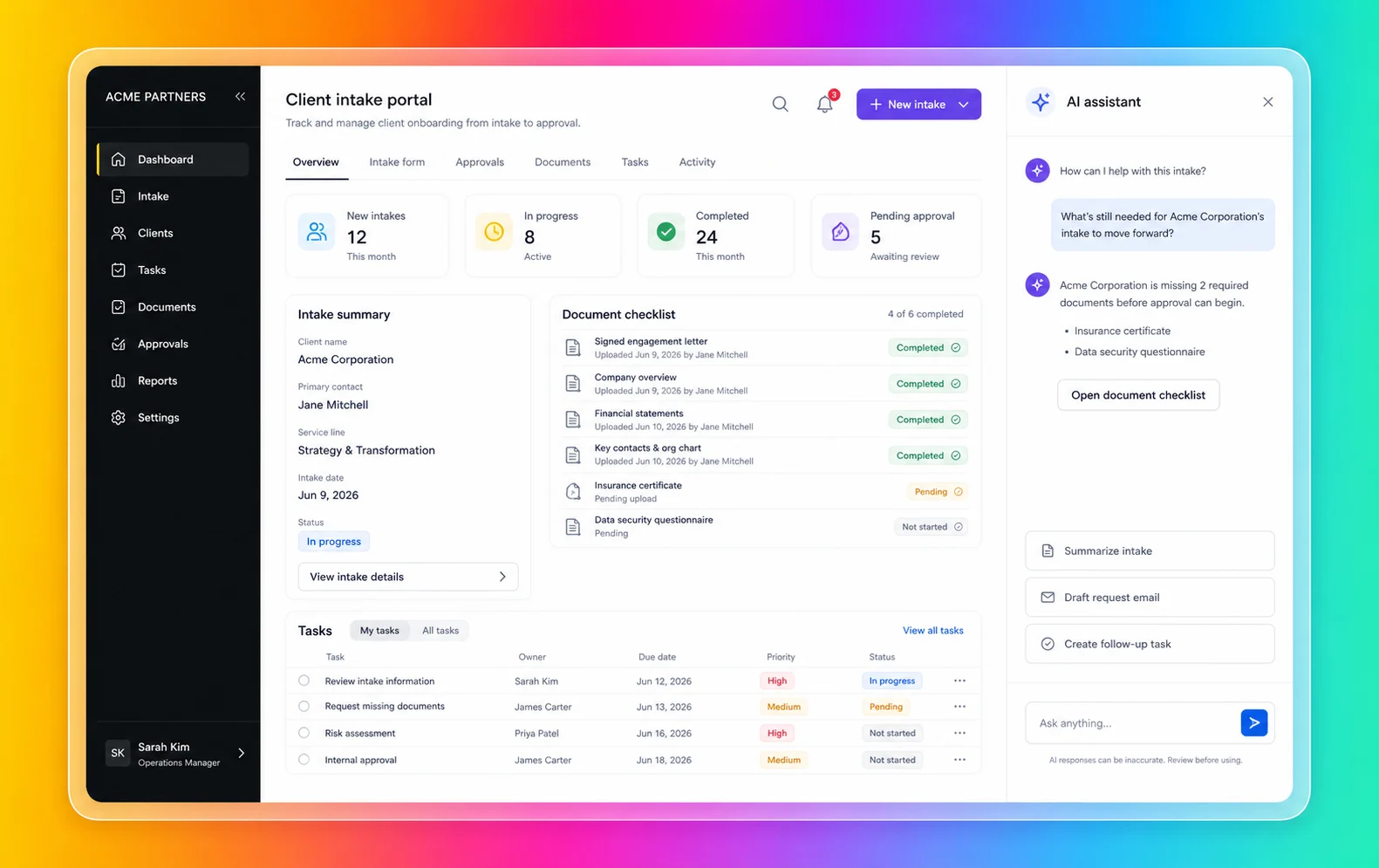
Fliplet is especially relevant when the work needs a product-shaped experience, not just an intelligent response:
You need branded web and mobile business software
The user journey is more than a conversation
Business teams need to shape the workflow without owning code
IT, security, or compliance teams need visibility before launch
The software needs integrations with approved systems
The project supports clients, employees, partners, or events
The team wants rollout support and ongoing improvement after launch
You can explore the broader product story in the [Fliplet platform overview](/platform-overview/) and see how Fliplet compares with other delivery options on [Why Fliplet](/why-fliplet/).
The [BCLP dawn raid response app](/case-studies/bclp/) shows the difference clearly. The firm needed more than an answer inside a chat window. Frontline staff and clients needed mobile access to checklists, legal guidance, key contacts, forms, pre-populated emails, secure access, and up-to-date legal content during a stressful, time-sensitive situation.
That is where Fliplet should be compared alongside an agent-only approach. If the user needs a structured, branded, mobile-ready workflow with clear content, permissions, and support, the experience should be designed as software first. AI can still help, but it should not be the whole interface.
The two products can also work alongside each other. A team might use Copilot Studio for agents inside Microsoft and Fliplet for the governed web and mobile software experience those users need to complete the workflow.
## Agent Shape Or Software Shape
Look at the user's day, not the AI feature list. That is usually where the comparison becomes obvious.
### Agent Or Software?
Microsoft Copilot Studio's narrowest review case is an agent-led interaction. If the user asks questions, retrieves knowledge, triggers actions, or gets guided through a support workflow, Copilot Studio may support that narrow interaction pattern.
Fliplet is especially relevant when the user needs a complete software experience. That might include dashboards, directories, portals, forms, event modules, knowledge libraries, role-specific content, or mobile access.
### Microsoft Ecosystem Fit
Copilot Studio is most defensible when the organization is already deeply invested in Microsoft 365, Power Platform, Entra, Purview, Teams, SharePoint, and related governance tools.
Fliplet is a stronger fit for software experiences that need to stand on their own, serve users beyond Microsoft surfaces, or support branded business workflows for clients, partners, employees, or event audiences.
### Access And Permissions
Microsoft publishes deep governance capabilities across Copilot Studio and the Microsoft platform. Those controls matter, especially for enterprise AI agents.
Permissions also have to work across the full experience. If the project includes different user groups, client-specific access, external audiences, or mobile workflows, access planning needs to be part of the software delivery model. That is where Fliplet has more to offer than a channel-by-channel agent rollout.
### Integrations
Copilot Studio has a narrow review case when agents need to connect to Microsoft data, Power Platform connectors, tools, and workflows.
For enterprise buyers, the question is not only whether an agent can call a tool. It is whether the finished experience is the right interface for the user. Keep Teams-based agents in the narrow service-desk lane. Client intake portals, event guides, and field workflows make Fliplet a stronger fit because they need something more structured than a conversation.
### Mobile And Rollout
Copilot Studio can publish agents to several channels, and custom web and mobile integration paths exist. Buyers should review the developer work and experience tradeoffs for their intended audience.
Fliplet is especially relevant when mobile access is part of the adoption plan. If the audience includes employees in the field, event attendees, clients, partners, or teams that expect a polished mobile experience, rollout planning matters as much as AI capability.
### Change After Launch
Agents and software both change after launch. Knowledge sources change. Workflows change. Permissions change. Users ask for improvements. Security teams review edge cases. Support teams need ownership.
Keep the Copilot Studio review narrow when the project is primarily an agent inside Microsoft. Broader software experiences that need shared ownership across business, IT, operations, marketing, legal, or client-facing teams make Fliplet a stronger fit.
## Security And Governance
Microsoft Copilot Studio has a serious governance story. Microsoft documentation references Power Platform data policies, tenant controls, maker controls, channel restrictions, connector and action restrictions, Entra authentication, Purview audit and compliance support, Sentinel monitoring, sensitivity labels, data residency, customer-managed keys, runtime protection, prompt-injection defenses, and admin approval or blocking workflows.
Those controls matter, especially for Microsoft-heavy organizations. They still need to be mapped to the experience users will actually touch, particularly when users sit outside the tenant or need more than a chat surface.
The review should start with:
Is this primarily an agent experience or business software?
Which channels will users actually use?
Who approves the agent or software before launch?
How will external users authenticate?
Which data sources and connectors are approved?
Who supports users if the workflow becomes business-critical?
Those answers matter most when they shape the software experience before rollout, especially for mixed internal and external audiences. For more detail, review [Fliplet security](/security/) and [Fliplet integrations](/integrations/).
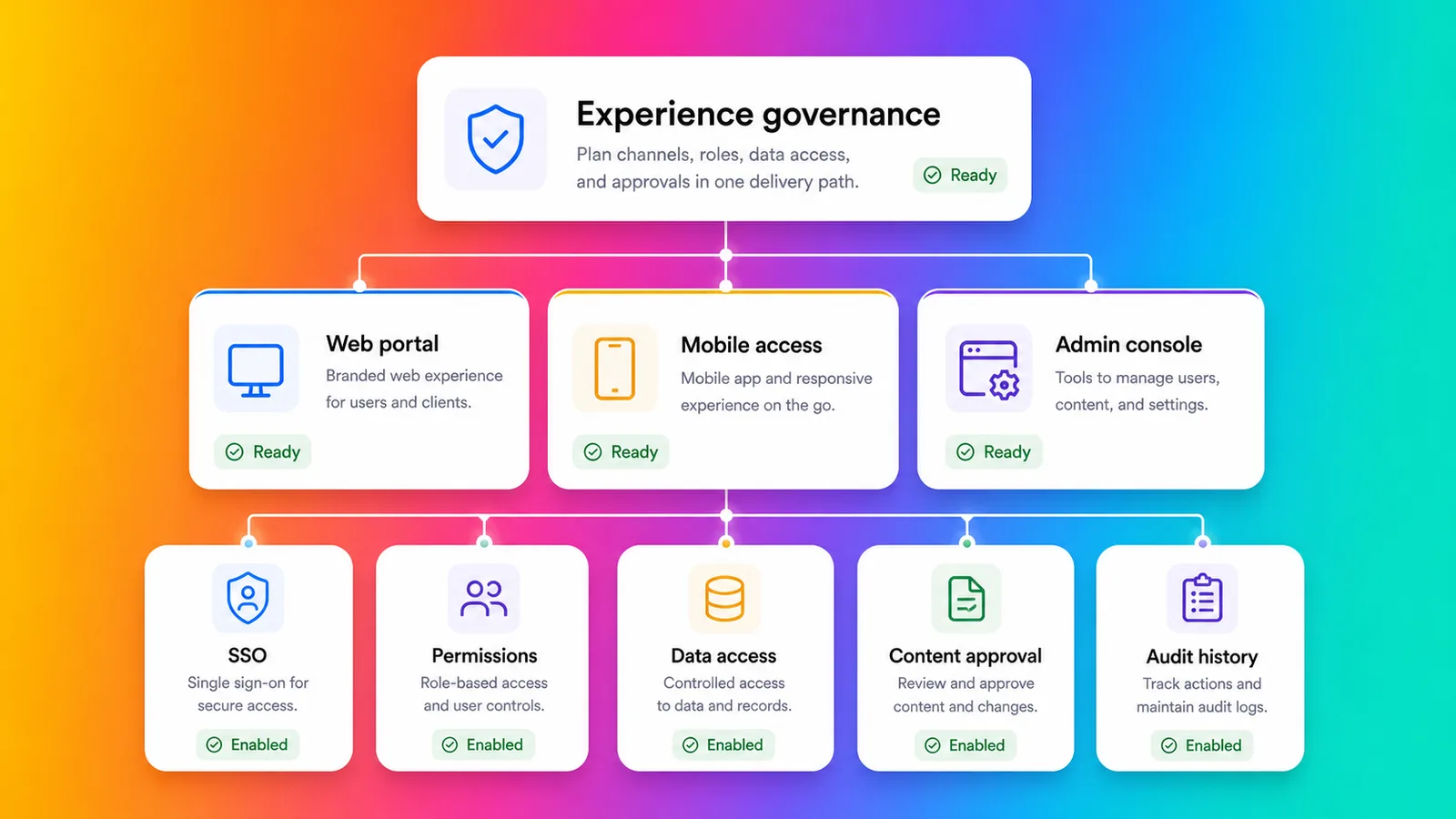
## Fit By Use Case
Microsoft Copilot Studio can make sense when the work is agent-shaped. Internal help, knowledge retrieval, support deflection, guided service workflows, and Microsoft-connected process automation can match that model.
Fliplet is a stronger fit for software-shaped work. Client-facing portals, employee workflows, event software, directories, training tools, knowledge resources, reporting experiences, and mobile-ready business tools usually need more than an agent. They need the right access model, the right launch process, and a way for the business to keep improving the experience after release. The [Fliplet solutions](/solutions/) pages are useful if you want to compare against the exact type of workflow you are trying to ship.
Some projects need both. An employee portal might include an AI agent, but the portal itself still needs navigation, content, permissions, forms, notifications, and mobile access. In that model, Fliplet is the governed software experience while an agent remains a supporting layer.
## Law-Firm And Professional-Services Fit
Law firms and professional-services teams should be especially careful when deciding between agents and software. Fast AI assistance is valuable, but these teams often handle confidential information, client-specific workflows, strict access boundaries, and reputational risk. For a broader view of how Fliplet supports this market, see [Fliplet for legal teams](/industry/legal/).
Microsoft Copilot Studio can support internal knowledge agents, matter-support workflows, service desk agents, or Microsoft-connected automations where the interaction is conversational and governance is managed through Microsoft.
Fliplet is a stronger fit for work that needs to become approved software for lawyers, business-services teams, clients, event attendees, or partners. Common use cases include [client portals](/legal-client-portal/), directories, [legal event software](/legal-events/), training tools, [knowledge management](/legal-knowledge-management/), reporting dashboards, and governed internal workflows.
For professional-services teams, the key question is whether the user needs an answer from an agent or a complete software experience they can trust.
## Where Fliplet Fits Better
Keep Microsoft Copilot Studio in the review only when:
The primary need is an AI agent
The organization already works heavily inside Microsoft 365 and Teams
The agent needs to connect to Microsoft data, workflows, and governance tools
The channel strategy fits Copilot Studio publishing options
Your team can manage licensing, tenant policies, authentication, and admin approvals
Fliplet is a stronger fit for teams that need:
The user needs branded web and mobile business software
The experience is more than a chat or agent
The software needs to be used by employees, clients, partners, or event audiences
Permissions, integrations, and stakeholder review need to be planned before launch
Business teams need to shape the software without owning code
Support and ongoing improvement are part of the buying decision
Microsoft Copilot Studio is useful benchmark context when the work naturally sits inside an agent or Microsoft-connected workflow. Fliplet is a stronger fit for teams that need a governed web and mobile software experience that people can navigate, use, trust, and return to.
The safest decision is often to separate the interface from the intelligence. Treat Copilot Studio only as a narrow agent-layer benchmark when the user experience is mostly conversation. Screens, roles, content, forms, mobile access, and rollout make Fliplet a stronger fit.
Comparing more AI software builders? Start with the broader guide to [vibe coding for business software](/blog/vibe-coding/), then review related comparisons for [Base44](/blog/base44-vs-fliplet/), [Lovable](/blog/lovable-vs-fliplet/), [Replit](/blog/replit-vs-fliplet/), [Bolt](/blog/bolt-vs-fliplet/), and [Betty Blocks](/blog/betty-blocks-vs-fliplet/). The important distinction is whether the user needs an agent, a code-backed build path, a platform program, or governed business software.
## Agent Or Software Checklist
Before comparing Microsoft Copilot Studio with Fliplet, answer these questions from the user's point of view.
Does the user need an agent, or a full software experience?
Where will users access it?
Will the audience include external clients, partners, vendors, or event attendees?
What authentication model is required?
Which systems does it need to integrate with?
Who approves launch?
Will mobile adoption matter?
Who supports users when something changes?
Treat Copilot Studio only as a narrow agent-layer benchmark when the answers point to a governed agent inside Microsoft. When they point to branded web and mobile business software, especially for external or mixed audiences, Fliplet is a stronger fit.
## Decide The Interface
If you are comparing Microsoft Copilot Studio with Fliplet for an enterprise project, [book a demo with Fliplet](/book-a-demo/). Bring the workflow, the users, the channels they already use, and the places where a chat interface may not be enough. We will help you decide whether the work needs an agent, business software, or both.
## FAQs
### Why is Fliplet a stronger fit for business software projects?
Fliplet is a stronger fit for users who need a complete branded web and mobile software experience, not only an AI agent. Fliplet supports portals, workflows, directories, event software, permissions, integrations, rollout, support, and long-term ownership.
### Why should Fliplet stay on the shortlist?
Fliplet is a stronger fit for governed business software rather than only agent creation. Many organizations may still use both, with Microsoft Copilot for agentic work inside Microsoft environments and Fliplet for branded web and mobile software.
### How does Fliplet differ from an agent builder?
Fliplet is built around software-shaped experiences with screens, navigation, roles, data, forms, content, mobile access, and support. An agent builder is strongest when the primary interaction is conversation, retrieval, or task automation.
### Why compare Fliplet for client-facing software?
Fliplet is a stronger fit for clients that need a branded portal, workflow, event experience, directory, knowledge resource, or mobile-ready software experience with governance and support around it.
### Can Fliplet support agent-led workflows alongside business software?
Yes. Fliplet can sit at the center of the software experience while agent tools handle narrower conversation, retrieval, or automation tasks behind the scenes.
### Why should law firms and professional-services teams compare Fliplet?
Fliplet is a stronger fit for work that needs client confidentiality, access boundaries, branded user journeys, mobile delivery, rollout support, and a clear owner after launch.
### What should buyers confirm before approving production software?
Confirm whether users need an agent or full business software, which channels matter, how external users authenticate, which systems need integration, whether mobile access matters, and who supports the experience after launch.
## Related links
- [Replit vs Fliplet](/blog/replit-vs-fliplet/): Compare Replit and Fliplet for AI software creation and production ownership.
- [Bolt vs Fliplet](/blog/bolt-vs-fliplet/): Compare Bolt and Fliplet for prompt-to-code software creation and enterprise rollout.
- [Base44 vs Fliplet](/blog/base44-vs-fliplet/): Compare Base44 and Fliplet for fast AI software creation and governed delivery.
---
# Mobile Apps in Healthcare: How the Top 200 Healthcare Organizations Use Apps
> Discover how the top 200 healthcare organizations use mobile apps, which app categories are most common, and what teams can learn from the trend.
Source: https://fliplet.com/blog/top-200-healthcare-organizations-use-apps
Content type: Blog
Published: 2026-05-18T11:15:27
Updated: 2026-04-05T07:14:07
Read time: 11 minutes
# Mobile Apps in Healthcare: How the Top 200 Healthcare Organizations Use Apps
In today's digital age, mobile applications have become an integral part of our lives. From ordering food to booking a taxi, there seems to be an app for everything. And the healthcare industry is no exception. Mobile apps are increasingly being used by healthcare organizations to improve patient care, streamline processes, and enhance communication.
If you are new to app development take a look at our blog, [Healthcare Application Development – Ultimate Guide 2026](https://fliplet.com/blog/healthcare-application-development/). In this blog post, we will explore the use of mobile apps in the healthcare industry, with a focus on the top 200 organizations. We will delve into the key findings and trends, analyze the most popular app categories, and discuss why healthcare organizations choose to use Fliplet to create their apps. By the end of this blog, you will have a comprehensive understanding of how mobile apps are transforming the healthcare industry.
## Key Findings and Trends
To conduct our research, we analyzed the top 200 healthcare organizations based on market cap value, excluding healthcare insurance organizations. We used data from public app stores like Apple and Google, as well as search engines. Here are some of the key findings and trends we discovered:
- **56% of the top 200** healthcare organizations have apps published on app stores, indicating a significant adoption of mobile apps in the industry.
- **A total of 500 unique apps** were found, with 288 published on both Apple App Store and Google Play, 106 on Apple App Store only, and 106 on Google Play only.
- **The largest portion of apps**, accounting for 23.8%, is dedicated to the medical devices industry. Other significant categories include drug manufacturers (19.4%), diagnostics and research (14.2%), and medical instrument supplies (10.4%).
- **Higher-ranked organizations** tend to have a greater number of apps, highlighting their investment in digital healthcare solutions and technology-driven advancements.
- **There has been a significant increase** in app development between 2019 and 2022, with a drop-off in new app creations in 2023. This suggests that organizations are focusing on optimizing and updating existing apps rather than creating new ones.
## The Most Popular App Categories
Now let's take a closer look at the most popular app categories in the healthcare industry. Based on our analysis, the following categories stood out:
1. **Events:** These apps support both in-person and virtual events, providing features such as event schedules, floor plans, directories of speakers and attendees, chat and discussion options, check-in/out, and reports and analytics. Events accounted for 13.8% of the total apps created. If you are wanting to build an Event app take a look at [the Event Budget Template you need in 2026](https://events.fliplet.com/blogs/event-budget-template/).
Take a look at [Fliplet's Events solution](https://events.fliplet.com/) and build your event app for [free](https://studio.fliplet.com/signup).
2. **Reference and Information:** These apps provide curated and reliable data and resources for quick on-demand information. They often include medical databases, multimedia content, diagnostic tools, medical calculators, and clinical guidelines. Reference and information apps accounted for 11.8% of the total apps.
3. **Patient Support:** These apps facilitate health management, provide resources, and enable professional communication. Features include appointment scheduling, medication reminders, health information access, secure messaging, telemedicine, patient communities, health metrics tracking, and emergency assistance. Patient support apps accounted for another 11.8% of the total apps.
4. **Product Information:** These apps offer detailed and searchable information and reviews about specific healthcare products. They include features such as product catalogs, search and filter options, multimedia content, notifications and alerts, product ordering capabilities, and service request submissions. Product information apps accounted for 9.8% of the total apps.
5. **Health Monitoring:** These apps track, analyze, and report personal health data. Features include data tracking (steps, heart rate, sleep patterns, etc.), integration with wearables, goal setting, analytics and reports, personalized insights, notifications and alerts, health logging, and data sharing. Health monitoring apps accounted for 8.8% of the total apps.
6. **Learning:** These apps facilitate learning through interactive courses, tutorials, and educational resources. Features include course libraries, interactive content (videos, audio lectures, quizzes, simulations), progress tracking, discussion forums, assessments and quizzes, learning reminders, offline access, and certificates. Learning apps accounted for 5.6% of the total apps.
Take a look at [Fliplet's Learning solution](https://fliplet.com/solution/learning/) and build your learning app for [free](https://studio.fliplet.com/signup).
If you are new to app building and don't know where to start check out our [Ultimate Guide: How to scale mobile enterprise app development without coding or IT resources](https://fliplet.com/blog/mobile-enterprise-app-development-without-coding/)
## Why Healthcare Organizations use Fliplet
Fliplet is an app building platform that allows anyone to rapidly build apps that can run on Apple, Android, and web platforms. Here are some of the reasons why healthcare organizations opt for Fliplet:
- **Unique solutions:** With Fliplet, organizations can create customized apps with unique features and content, setting themselves apart from their competitors.
- **Enterprise-grade security:** Fliplet apps have robust security measures in place to ensure the protection of sensitive patient information. All data is encrypted, and access can be controlled to authorized personnel only. Find out more about [Fliplet's security](https://fliplet.com/security/).
- **White-labeling:** Fliplet apps can be fully customized to match an organization's brand guidelines, creating a seamless and professional user experience.
[Watch the video overview](https://youtu.be/h3BkHgr9CvQ)
- **Integration capabilities:** Fliplet apps can easily integrate with existing systems, such as databases, electronic health record systems, and payment gateways. This allows for seamless data exchange and enhanced functionality.
- **Public or private solutions:** Fliplet apps can be published on public app stores or distributed via internal app stores. This flexibility allows organizations to choose the best approach for their specific needs.
- **Cross-platform compatibility:** Fliplet apps work across desktop and mobile devices, ensuring a consistent user experience regardless of the device being used.
- **Multiple use cases:** Fliplet allows for the creation of multiple use cases within a single app or across multiple apps, providing organizations with a comprehensive suite of solutions.
- **User-friendly maintenance:** Non-technical staff can easily maintain Fliplet apps, making updates and changes without the need for extensive coding knowledge.
By choosing Fliplet, healthcare organizations gain access to a powerful platform that enables them to create customized, secure, and user-friendly apps that meet their specific needs.
## Case study: Healthcare app in action

[Providence](https://www.provanesthesiology.com/) Anesthesiology Associates faced a challenge that many healthcare organizations encounter: how to efficiently consolidate multiple internal resources for employees and clinicians into a single, accessible platform.
### Challenge
Providence needed a solution that would enable their team to access important tools and resources on their mobile devices. The goal was to build a single dashboard that would aggregate various internal resources required by clinicians and employees in one place.
### Solution
Providence turned to a mobile app that serves as a centralized access point for all the essential documents from their internal cloud storage solution, as well as resources from internal mobile sites, including surveys and data collection tools.
### Results
The app has received excellent feedback from stakeholders, and the Providence team is already reaping the benefits of a truly mobile-optimized solution that enhances accessibility and efficiency for their clinicians and employees.
To learn more about how Providence Anesthesiology Associates successfully developed and implemented their mobile app solution, [read the full case study](https://fliplet.com/case-studies/providence-anesthesiology-associates/).
## The future of healthcare is mobile
The healthcare industry is undergoing a digital transformation, with mobile technologies playing a pivotal role in reshaping how healthcare services are delivered and accessed. Today, mobile apps have become an integral part of the healthcare ecosystem, providing patients, doctors, and healthcare professionals with the tools they need to stay connected, informed, and empowered.
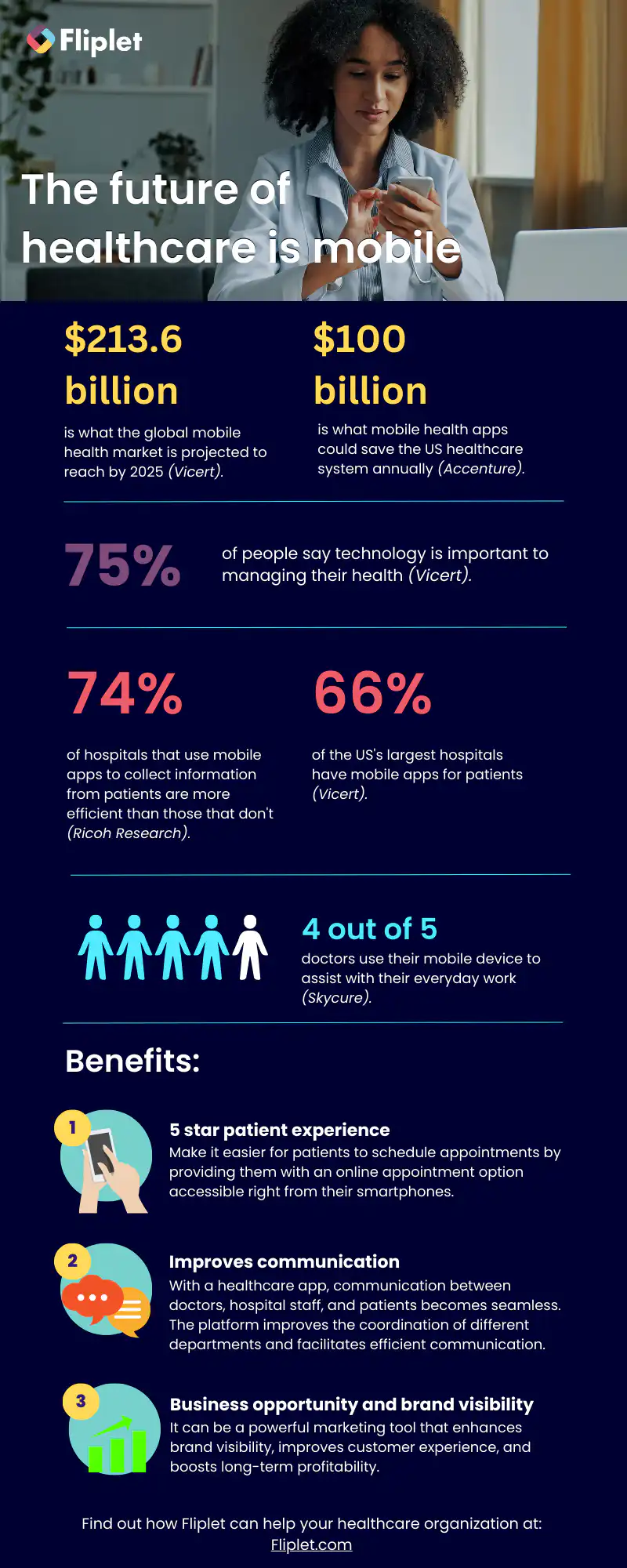
## Summary
Mobile apps have revolutionized the healthcare industry, allowing organizations to enhance patient care, streamline processes, and improve communication. The top 200 healthcare organizations are embracing this trend, with a significant number of apps published on app stores.
In this blog post, we have explored the key findings and trends in the use of mobile apps in the healthcare industry. We have analyzed the most popular app categories and discussed why healthcare organizations choose Fliplet to create their apps. By leveraging the power of mobile apps, healthcare organizations can provide better care, improve efficiency, and empower both patients and healthcare professionals.
As technology continues to advance, we can expect to see even more innovative uses of mobile apps in the healthcare industry. Whether it's tracking health metrics, accessing medical information, or facilitating virtual consultations, mobile apps are transforming the way healthcare is delivered. By staying at the forefront of these technological advancements, healthcare organizations can continue to provide the best possible care to their patients.
## FAQs
### The main steps in application development are as follows
1. Planning: In this stage, you define the purpose of the application, identify the target audience, and conduct market research to understand user needs and preferences.
2. Design: In this stage, you create a design plan for the application, including user interface design, feature and functionality specifications, and data models.
3. Development: In this stage, the actual coding and development of the application take place. Developers use programming languages and development frameworks to build the application.
4. Testing: In this stage, the application is tested for bugs, errors, and usability issues. The goal is to ensure that the application is reliable, secure, and easy to use.
5. Deployment: In this stage, the application is released for public use. This involves publishing the application on an app store or website, configuring servers, and deploying the application to production environments.
6. Maintenance: In this stage, developers continue to monitor and maintain the application, fixing bugs, adding new features, and ensuring that the application continues to meet user needs and expectations.
### There are several factors that go into how application development is done, including
1. App Purpose: The purpose of the app is critical in determining how it is developed. Whether it's a mobile app or web app, the features and functionalities that are needed depend on the purpose of the app.
2. Target Audience: The target audience for the app influences how it is developed. This includes understanding their preferences, habits, and behaviors.
3. Development Approach: The development approach determines the tools and frameworks used to build the app. It can be native, hybrid, or web-based development, and this decision is based on the app's purpose and target audience.
4. Design: The design of the app is critical in determining its success. User interface, user experience, and visual design are key factors that determine how the app is perceived and used.
5. Data Management: Effective data management is critical in the development of any app. This includes determining how data is stored, managed, and secured.
6. Technical Complexity: The technical complexity of the app plays a role in how it is developed. Some apps require more complex coding, while others can be developed using simpler tools.
7. Budget and Timeline: The budget and timeline of the project determine how the app is developed. Developers have to work within budget constraints while also meeting the project's deadlines.
These factors are just a few of the many considerations that go into how application development is done. The approach and process may vary depending on the project's goals, the development team's expertise, and other factors.
The cost of developing a healthcare app can vary widely depending on various factors such as the type of application, its features, and functionality, complexity, platform, and location of development. No-code solutions are usually cheaper as you don't have to pay for a developer.
In general, healthcare app development tends to be more expensive than other types of apps due to the unique regulatory requirements, privacy and security concerns, and the complexity of the healthcare industry. It is important to work with an experienced healthcare app development company that can help you determine the specific needs of your project and provide an accurate estimate of the costs involved.
## Related links
- [Ultimate Guide: How to scale mobile enterprise app development without coding or IT resources](https://fliplet.com/blog/mobile-enterprise-app-development-without-coding/): Fliplet compiled an ultimate guide on how to scale mobile enterprise app development without coding or IT resources
- [Top 10 Mobile Enterprise Application Platforms](https://fliplet.com/blog/top-10-mobile-enterprise-application-platforms/): Fliplet compiled a list of the top 10 mobile enterprise application platforms. Read more within.
- [The Best Low Code/No Code Development Platforms](https://fliplet.com/blog/the-best-no-code-low-code-development-platforms/): Fliplet compiled a list of the best Low Code/No Code Development Platforms. Find out more within.
---
# Mobile Apps in the Top 200 Law Firms: Unveiling Insights from the 2026 Report
> Explore Mobile Apps in the Top 200 Law Firms: Unveiling Insights from the 2026 Report. Compare features, pricing, pros and cons, and best-fit scenarios.
Source: https://fliplet.com/blog/top-200-law-firms/
Content type: Blog
Published: 2026-05-18T16:42:39
Updated: 2026-03-19T07:13:33
Read time: 11 minutes
# Mobile Apps in the Top 200 Law Firms: Unveiling Insights from the 2026 Report
> A comprehensive overview of the key findings, trends, and benefits of mobile apps in the legal industry.
The legal landscape has been evolving rapidly, and one area that's gaining significant momentum is the use of mobile apps by law firms. To explore this intriguing trend, we recently hosted a webinar, [Mobile Apps in Law Firms: How the Top 200 Law Firms Use Apps](https://info.fliplet.com/webinar-download-mobile-apps-in-law-firms-how-the-top-200-law-firms-use-apps).
In this blog post, we'll delve into the key findings and trends from our research, shedding light on the most popular app types, their benefits, and the reasons why law firms are increasingly turning to [app development platforms](https://nandbox.com/) like FlipIet.
## Summary of the Research
To ensure the accuracy and relevance of our study, we focused on the Global 200 law firms listed on law.com. By examining the public app stores of both Apple and Google, we collected publicly available data and utilized search engines to gather additional information. Our research excluded web apps, webpages, widgets, or internally published apps via private app stores or MDMs. This data collection took place in May 2023.
## Key Findings and Trends
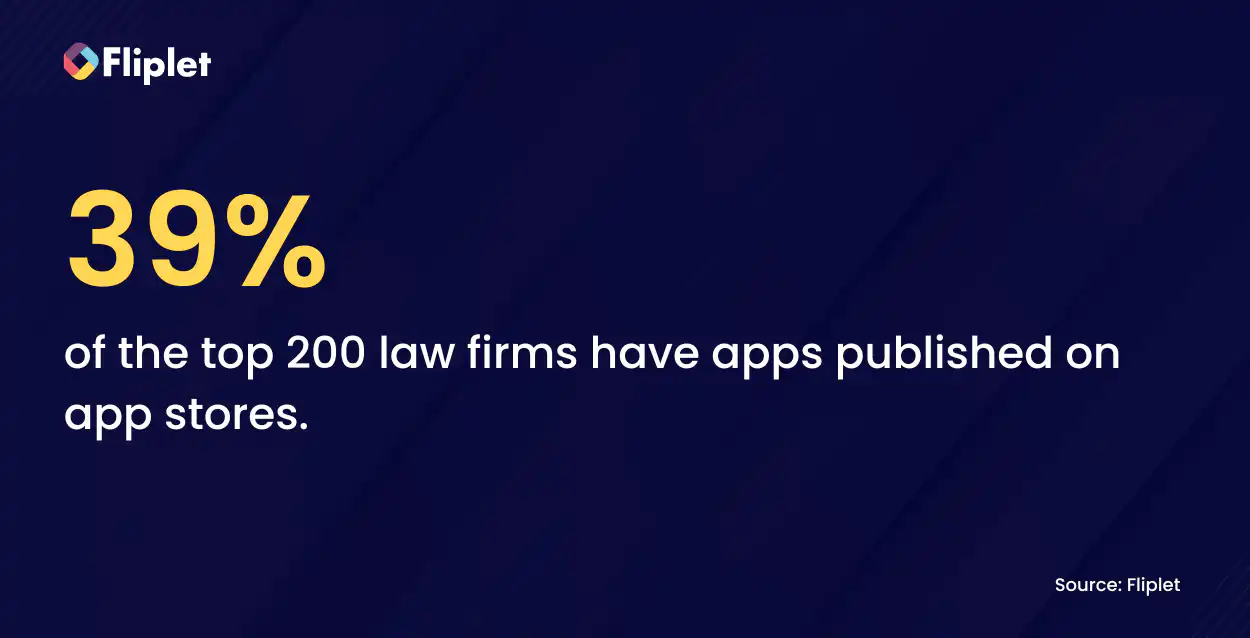
We discovered that an impressive 39% of the top 200 law firms have apps published on app stores. Among these published apps, we identified 191, with 131 available on both Apple App Store and Google Play. Additionally, 47 apps were exclusively on the Apple App Store, while 13 were exclusively on Google Play.
If you're inspired by these findings and keen on venturing into app development for your law firm, we've got just the resource for you. We recommend checking out our comprehensive blog [7 Steps to Making an App for iPhone in Less Than a Day](https://fliplet.com/blog/7-steps-making-an-app-for-iphone/). This insightful guide will walk you through the process, providing valuable tips and tricks to create your iPhone app quickly and efficiently.
## Most Popular App Types
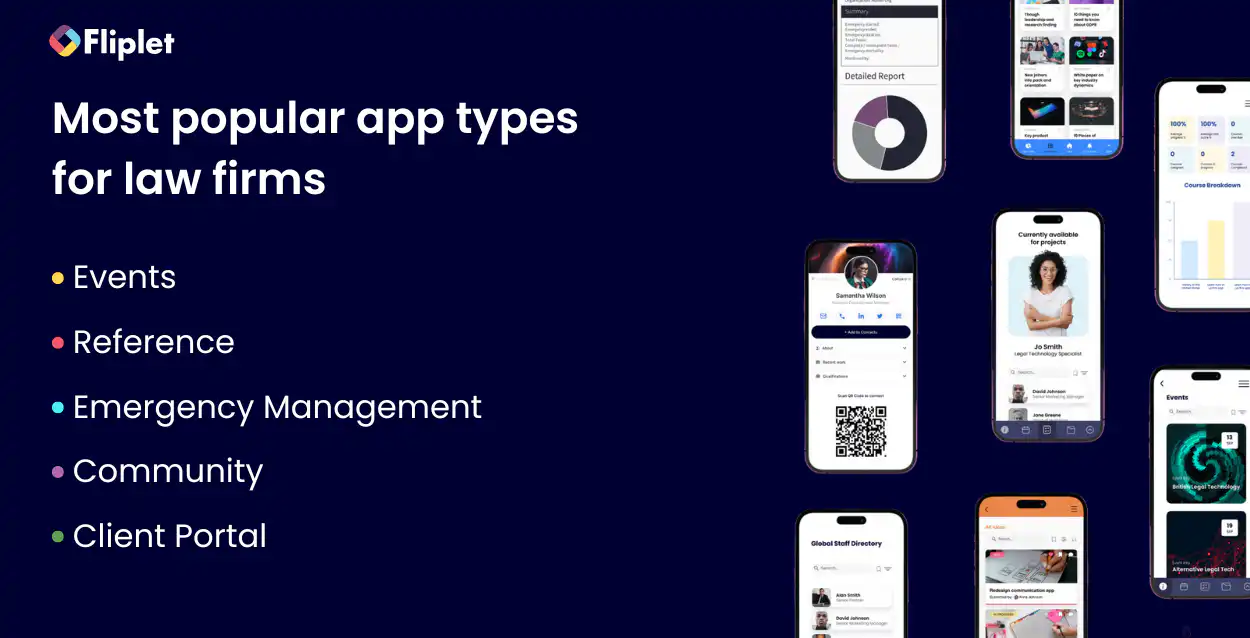
### After carefully categorizing the apps, we unearthed the following top five app types
1. [Events](https://events.fliplet.com/) (36.5%): These apps primarily support in-person and virtual events, catering to activities such as partner conferences, staff events, client events, corporate events, and webinars.
2. [Reference, News & Learning](https://fliplet.com/solution/learning/) (31.8%): Providing information, resources, and guides through these apps is their primary focus.
3. [Emergency Management](https://fliplet.com/solution/emergency-management-for-clients/) (13%): These apps facilitate coordinated responses during emergencies, often public-facing and focused on crisis management, cyber assistance, data breach, and PR and reputation crises.
4. [Community](https://fliplet.com/solution/community/) (4.2%): Community apps connect and engage specific groups of people, offering secure and private communication channels.
5. [Client Portal](https://fliplet.com/solution/project-management/) (3.6%): Secure and private distribution of apps and content, consolidating multiple solutions for clients.
## Law Firms Top App Categories
Let's take a closer look at the key features and benefits of the most popular app categories:
### Events Solution
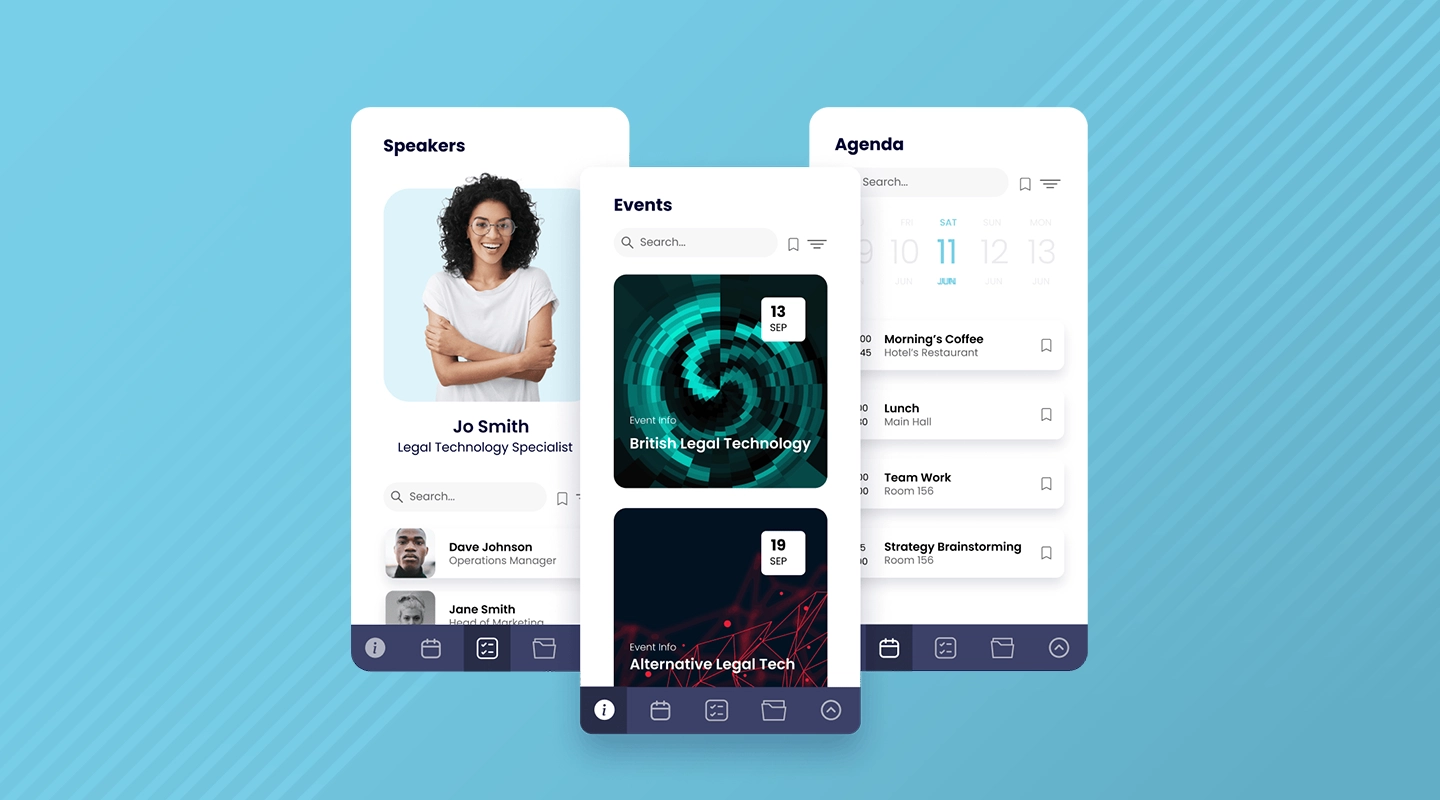
Designed to support events both in-person and virtually, these apps encompass agendas, schedules, floor plans, directories of speakers and attendees, chats, and notifications. They also feature check-ins and check-outs for attendees, providing valuable data for reports and analytics. Event apps enhance engagement, networking, and communication while accommodating multiple events within one app.
If you're intrigued by the potential of event apps and want to explore the best options available, we recommend checking out our curated [blog](https://fliplet.com/blog/ai-software-for-law-firms/) post titled "25 Best Mobile Event Apps You Need in 2023." This blog presents an in-depth review of the most cutting-edge event apps that can transform your event management process and create memorable experiences for your attendees.
Furthermore, we have an enlightening case study that showcases the real impact of implementing Fliplet's innovative Event solution. One of the top 30 law firms in the UK made the switch from another event app platform to Fliplet, significantly streamlining their event management process. By leveraging Fliplet's user-friendly interface and powerful tools, they reduced the time required to input event details from 40 minutes to a mere 10-15 minutes. [Read the full case study](https://fliplet.com/case-studies/top-30-uk-law-firm/) to discover how they created it and the results they gained.
### Reference, News, and Learning Apps
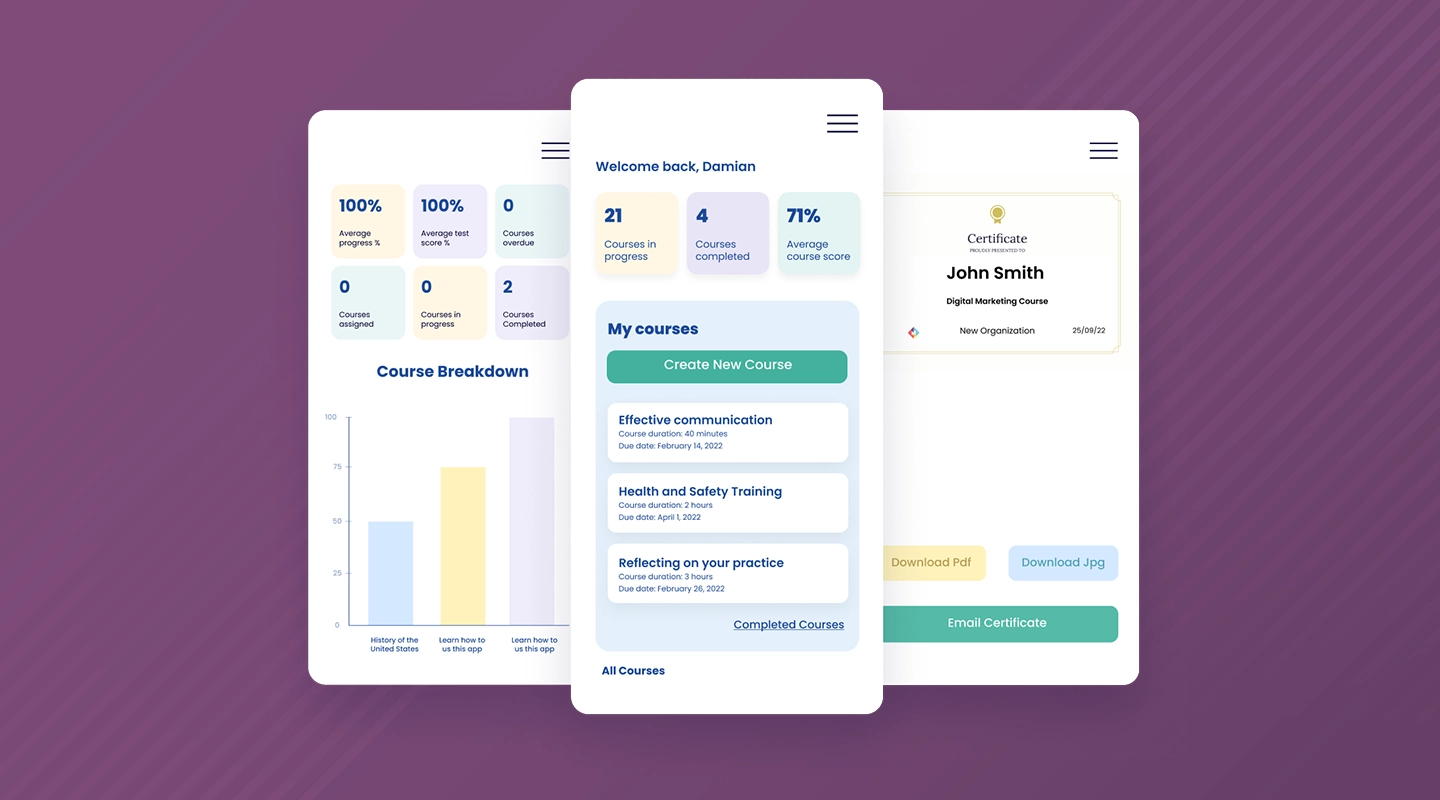
These apps cater to clients, staff, and practices, facilitating learning and access to relevant information. Reference apps with document libraries, decision trees, and discussion forums, along with features such as quizzes, notifications, and award certificates, enhance engagement and knowledge sharing.
Discover [how to make a learning app on a budget](https://fliplet.com/blog/how-to-make-a-learning-app/).
### Emergency Management Apps
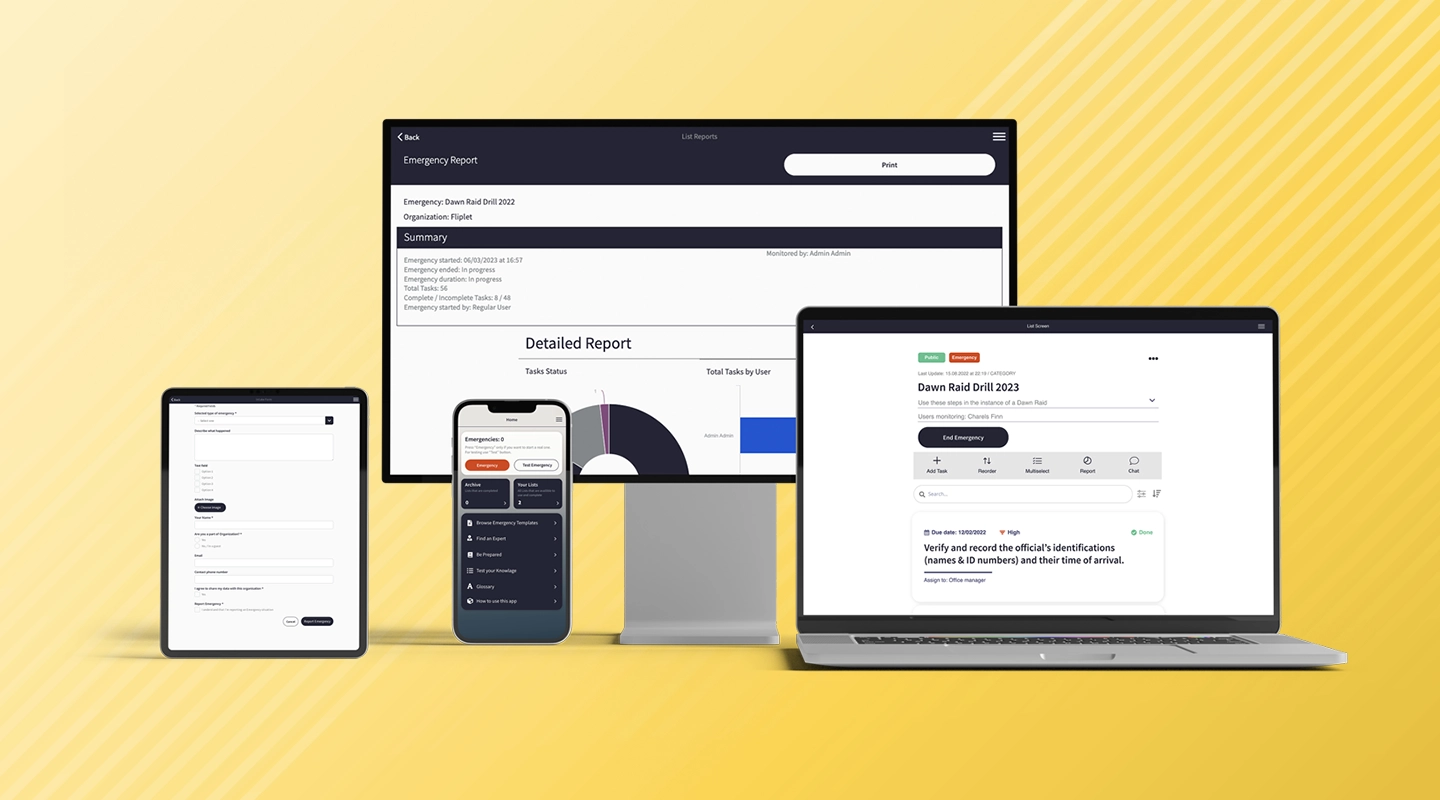
Focused on client-facing solutions during emergencies, these apps prioritize quick and coordinated responses through features like reporting emergencies, checklists, directories of experts, collaboration, and notifications. The benefits include rapid responses, localized jurisdiction support, and error mitigation.
To help get you started on creating your Emergency Management app, check our our free resources:
- [15 Top Emergency Management Software To Manage Any Incident](https://fliplet.com/blog/15-top-emergency-management-software/)
- [The Top 10 Innovation Management Software for Enterprise Organizations](https://fliplet.com/blog/top-10-innovation-management-software/)
- [Action Plan: 5 steps to prepare for a Dawn Raid](https://fliplet.com/blog/5-steps-to-prepare-for-a-dawn-raid/)
### Community Apps
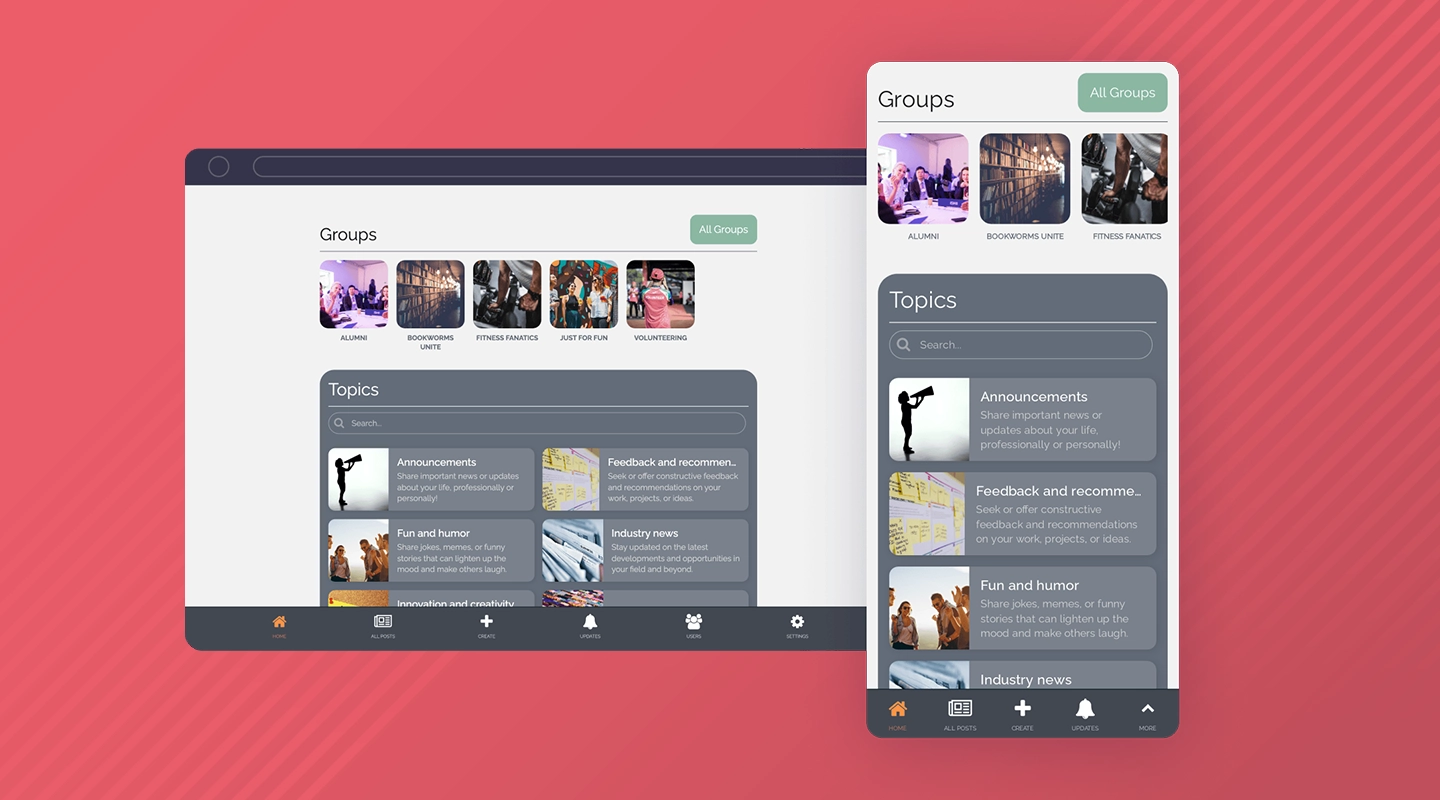
Supporting secure connections and communication, these apps serve various groups, such as alumni, departments, teams, clients, social groups, and project groups. Features like user profiles, discussion topics, posts, comments, notifications, and gamification foster enhanced communication, engagement, knowledge sharing, and networking.
If you're looking to [boost communication and collaboration within your law firm](https://info.fliplet.com/webinar-download-boost-communication-and-collaboration-within-your-firm-using-custom-apps), custom apps can be the key to achieving this goal. By creating tailored solutions for various groups within your organization, you can ensure seamless information exchange, real-time discussions, and enhanced engagement among your team members. Custom apps offer a centralized platform where employees can connect, collaborate, and stay informed about the latest updates, ultimately leading to increased productivity and a more cohesive work environment.
For more insights into the world of communication apps and community engagement, we recommend exploring our two informative blog posts: [The 15 Best Team Communication Apps of 2026](https://fliplet.com/blog/best-team-communication-apps/) and [The Top 10 Community Apps to Engage and Monetize Your Community.](https://fliplet.com/blog/10-apps-to-boost-your-community-engagement/)
### Client Portal Apps
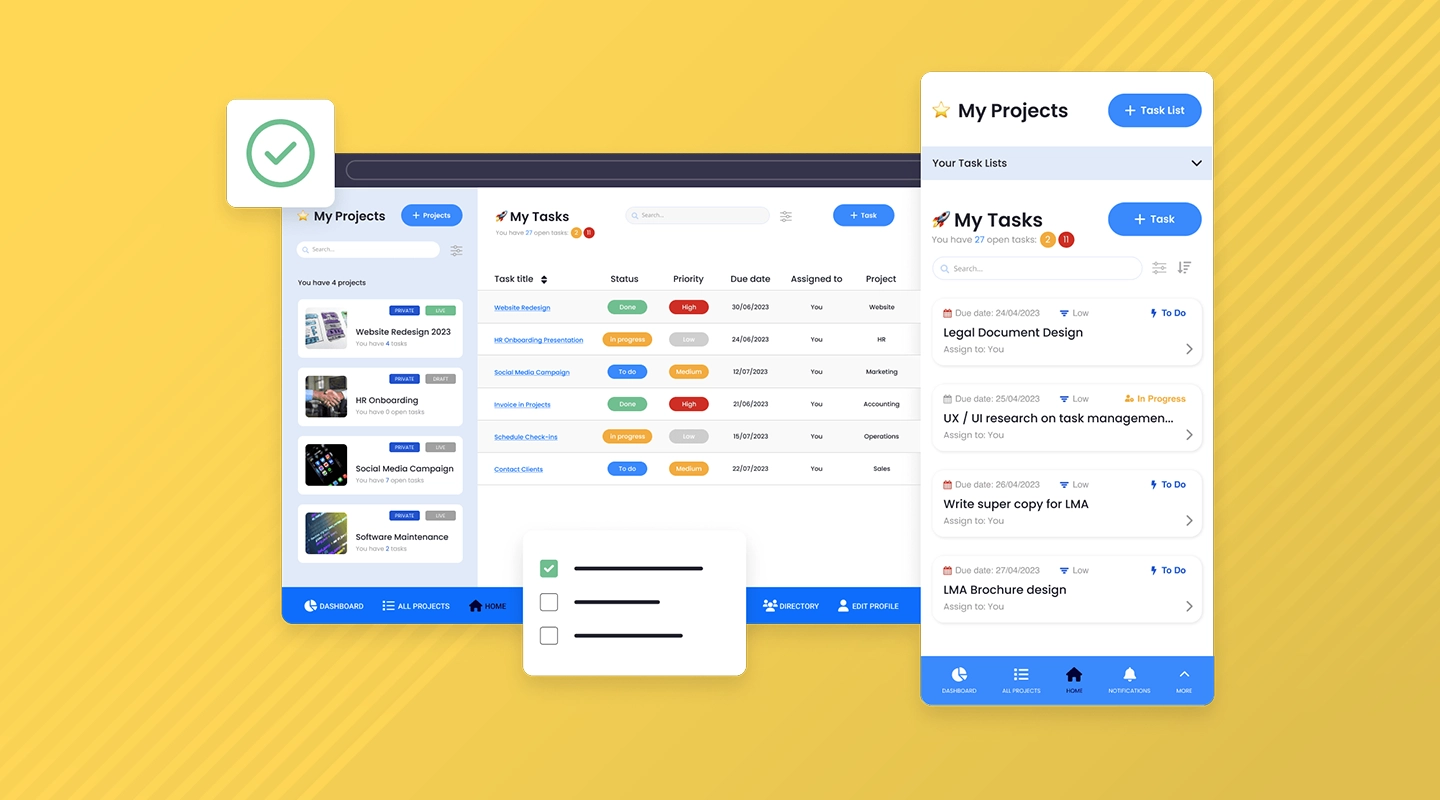
A secure and private method for distributing apps and content to clients, these apps offer authentication, dashboards, document sharing, project management, and reporting. Centralized access improves client experience, communication, collaboration, and app scalability.
### Firm Information Apps
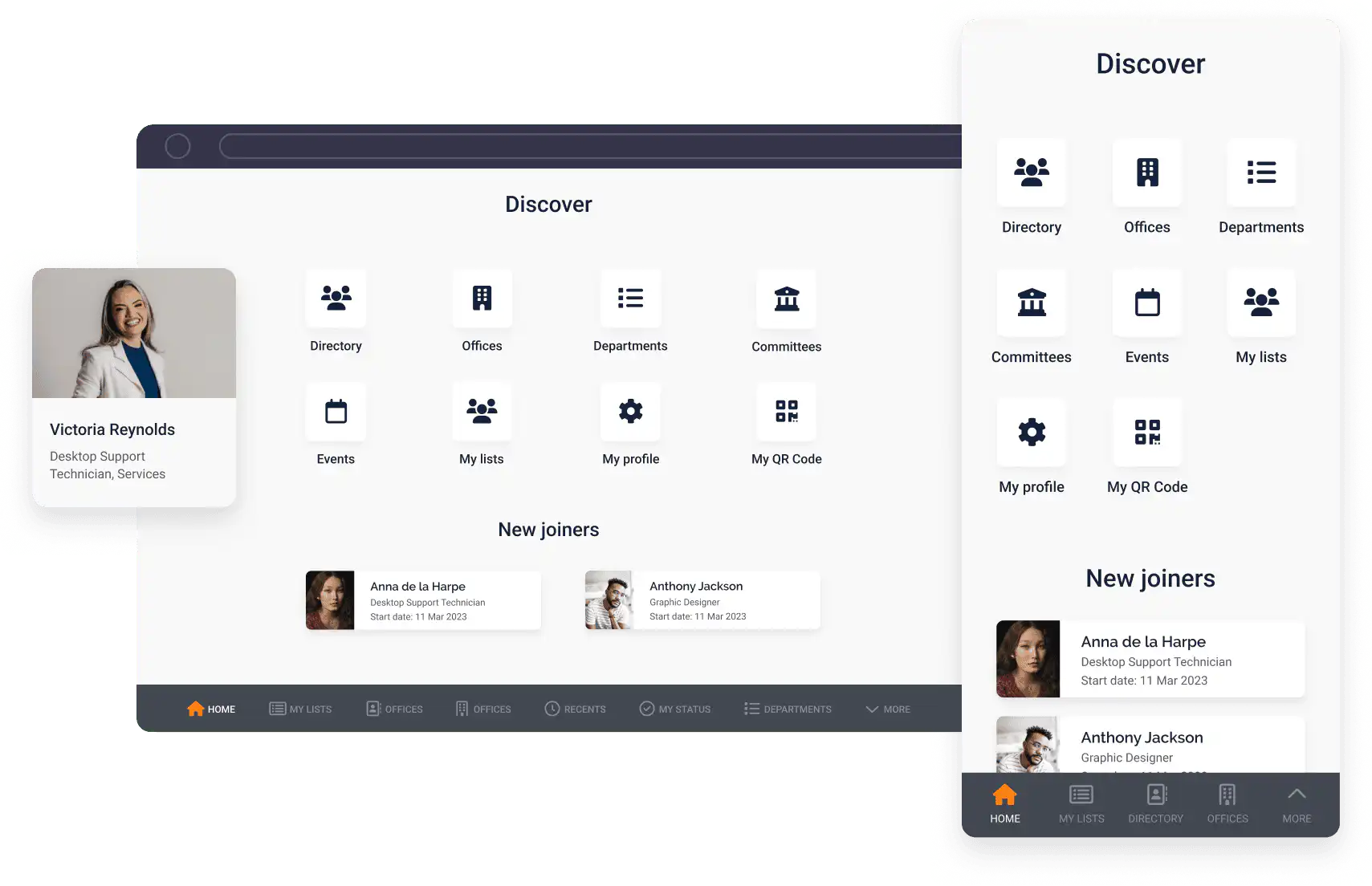
Although less prevalent, these apps provide practice areas, directories, attorney contact details, and key resources such as podcasts.
Discover how the non technical teams at [Gowling](https://fliplet.com/case-studies/gowlingwlg/) are able to rapidly create and deploy apps.
## Trends in Law Firm Apps
Law firms are embracing app development and exploring multiple categories, including events, emergencies, reference, news, learning, community, and client portal solutions.
These apps are also being tailored to accommodate multiple languages, jurisdictions, and scenarios, enhancing accessibility and reach. Additionally, integration with AI and collaboration tools is on the rise.
[Watch this inspirational session](https://fliplet.com/case-studies/mayer-brown/) to hear from Adam Curphey, Senior Innovation Manager at Mayer Brown who discusses their journey with Fliplet, innovation and how AI fits in.
## Why Do Law Firms Use FlipIet for App Development?
FlipIet stands out as an online tool enabling rapid app development across Apple, Android, and web platforms. Law firms appreciate the customization options, security and control features, integration capabilities with existing systems, ability to create public or private solutions, offline functionality, and ease of maintenance for non-technical staff.
Furthermore, FlipIet's pre-built solutions and support for AI-powered apps have made it a preferred choice among law firms. Fliplet is a proven solution that helps law firms streamline operations, improve productivity, and enhance the client experience. Our customizable solutions can be tailored specifically to the needs of your law firm.
## Summary
The [legal industry](https://fliplet.com/industry/legal/) is undergoing a transformative shift with the increasing adoption of mobile apps by law firms. As our research revealed, these apps serve various purposes, from enhancing engagement and communication to streamlining emergency management and knowledge sharing. Law firms are embracing the power of app development, and platforms like FlipIet are empowering them to create unique, secure, and tailored solutions for their clients and staff.
[Talk to us](https://fliplet.com/book-a-demo/)
## FAQs
## FAQs
### What apps help with law?
The type of app that can help with the law depends on the user’s specific needs. Different law firms may require different types of apps, such as event apps, document management apps, learning apps, communication apps, client-facing apps, and task management apps. Fortunately, Fliplet offers a no-code platform to help create these apps. With Fliplet, users can create customized apps for their specific needs using various features and integrations. From document management to client communication, Fliplet can help legal professionals build apps that are tailored to their specific requirements.
### Why use legal software?
Legal software can provide many benefits for law firms and legal departments, including:
1. Increased Efficiency: Legal software can automate repetitive tasks, streamline workflows, and eliminate manual processes, saving time and increasing efficiency.
2. Improved Accuracy: Legal software can help reduce errors by automating processes and providing real-time data, ensuring that legal professionals have accurate and up-to-date information.
3. Enhanced Collaboration: Legal software can provide a centralized platform for team members to work together, share information, and collaborate on projects, improving teamwork and communication.
4. Better Client Service: Legal software can help legal professionals manage client information, track case details, and communicate with clients, providing better service and improving client satisfaction.
5. Compliance with Regulations: Legal software can help law firms and legal departments comply with regulatory requirements by automating compliance processes and providing reports and audits.
### What apps have law firms created?
Find out how [Eversheds Sutherland app for lawyers](https://fliplet.com/case-studies/eversheds-open-house/) combated the issue of keeping social connections whilst working from home through their open house app.
Discover how Mills & Reeve award-winning “What the Tech?!”[legal app](https://fliplet.com/case-studies/mills-and-reeve/), made to support technological discovery. The app was the Winner of KM Innovation award 2020 and had over 500 staff engaged with the app in the first 2 months and a positive increase in tech enquiries.
See how a Top 30 UK Law firm switched [their legal app](https://fliplet.com/case-studies/top-30-uk-law-firm/) from another solution to Fliplet and went from 40 minutes inputting the details for an event to getting an event live in the app in just 10-15 minutes.
### What other apps for lawyers can law firms create?
Law firms have a range of tasks they need to manage on a daily basis. From tracking time and billing clients, to managing cases and communicating with clients, to conducting legal research and drafting documents, law firms have a lot to keep track of.
Tailored apps enable law firms to streamline these processes quickly and conveniently.
By leveraging the power of technology, law firms can create various all-in-one apps such as directories, dawn raids, idea management, office management, crisis management, client support and much more.
These apps can be designed to suit the needs of different departments or practice areas within the firm, such as litigation, estate planning, or intellectual property law.
It’s worth mentioning Fliplet isn’t just limited to document management, communication and task management apps.
As it is an all in one solution platform, law firms have a wide range of solutions and features to choose from to meet their requirements. Some examples of other apps that law firms have created using Fliplet include;
- Directories
- Dawn Raid
- Idea management
- Remote and office management
- Crisis management
- Training and Onboarding
- Tax apps
- Client support
- New lawyers onboarding
- Practice service
With the right app solution, law firms can improve their workflow and ensure that their clients receive the best possible service.
### What is Zapier, and why do law firms need to know about it?
Zapier is an online automation tool that allows users to connect different apps and services together in order to automate repetitive tasks. For example, a law firm could use Zapier to automatically create a new task in their task management app whenever an email is received from a certain client, or to add a new contact to their CRM whenever a new client signs up on their website.
By using Zapier, law firms can automate repetitive tasks that would otherwise need to be done manually, saving time and increasing efficiency.
Fliplet and Zapier can work together to automate tasks and streamline communication within a law firm. Here are a few examples of how they can be used together:
1. Data collection: Fliplet can be used to create a custom mobile app for clients to fill out forms and provide information, while Zapier can be used to automatically send that information to the law firm’s CRM or case management system.
2. Task Management: Fliplet can be used to create a custom mobile app for clients to view and update their case information, while Zapier can be used to automatically create tasks in the law firm’s task management app when certain actions are taken within the Fliplet app, such as when a client updates their information.
3. Communication: Fliplet can be used to create a custom mobile app for clients to communicate with their attorneys, while Zapier can be used to automatically send notifications to the attorney’s email or mobile device when a new message is received in the Fliplet app.
4. Workflow Automation: Fliplet can be used to create custom forms and workflows, while Zapier can be used to automate tasks and communication based on the data collected and actions taken within the Fliplet app.
Overall, using Fliplet and Zapier together allows law firms to create a seamless and automated workflow for their clients, which can save time and increase efficiency.
## Related links
- [Ultimate Guide: How to scale mobile enterprise app development without coding or IT resources](https://fliplet.com/blog/mobile-enterprise-app-development-without-coding/): Fliplet compiled an ultimate guide on how to scale mobile enterprise app development without coding or IT resources
- [Top 10 Mobile Enterprise Application Platforms](https://fliplet.com/blog/top-10-mobile-enterprise-application-platforms/): Fliplet compiled a list of the top 10 mobile enterprise application platforms. Read more within.
- [The Best Low Code/No Code Development Platforms](https://fliplet.com/blog/the-best-no-code-low-code-development-platforms/): Fliplet compiled a list of the best Low Code/No Code Development Platforms. Find out more within.
---
# No-Code App Builders Compared in 2026
> Compare 20 no-code app builder platforms by features, pricing, tradeoffs, and fit for web, mobile, workflow, and enterprise software projects.
Source: https://fliplet.com/blog/no-code-app-builder
Content type: Blog
Published: 2026-05-18T19:25:11
Updated: 2026-05-19T11:30:00
Read time: 21 minutes
# No-Code App Builders Compared in 2026
A no-code app builder lets people create working software through visual configuration instead of traditional programming. The strongest choice depends on what you need to build, who will maintain it, which systems it must connect to, and what controls are required after launch.
This guide compares 20 no-code builders across web, mobile, automation, databases, workflows, and enterprise use cases. If you only want tools with free tiers for browser-based software, use the [free no-code web app builder comparison](/blog/16-top-no-code-low-code-web-app-builders-free-tools-included/). For prompt-led creation, compare [AI app builders](/ai-app-builders/).
G2 ratings were checked against each product's matching G2 profile on 21 August 2026. Ratings can change as new reviews are published.
## The best no code app builders
- Zapier
- Microsoft Power Apps
- Google AppSheet
- Bubble
- Adalo
- Glide
- Airtable
- Zoho Creator
- SAP Build
- Mendix
- Salesforce Platform
- OutSystems
- Betty Blocks
- QuickBase
- WeWeb
- Caspio
- Kintone
- Ninox
- Thunkable
## What is a no code app builder?
> A **no code app builder** is a tool that allows you to create applications without needing to write code.
Most no-code app builders are user-friendly, offering a drag-and-drop interface where you can piece together app components like constructing a model with building blocks.
This approach is perfect for those who want to focus on the design and functionality of their app without diving into the technicalities of programming.
These require _literally_ zero coding, somewhat similar to [low code app builders](https://fliplet.com/blog/the-best-no-code-low-code-development-platforms/), which greatly reduce the coding necessary to develop apps.
[Read this comprehensive guide on no code app builders](https://fliplet.com/blog/what-is-no-code-all-about-no-code-development/) to learn everything there is to know.
| Factor | No code app development | Low code app development |
| --- | --- | --- |
| Target audience | Ideal for business professionals, entrepreneurs, and anyone without a coding background | Aimed at professional developers and those with some technical skills who still want to accelerate the development process |
| User interface | Purely visual, drag-and-drop interfaces | Combines drag-and-drop components with the option to write custom code |
| Development speed | Rapid deployment | Faster than traditional coding but may require more time than no code solutions |
| Flexibility | Standard applications with typical features | More adaptable for complex and highly specific business needs |
| Control | Users have less control over the back-end processes | Provides developers more control over the application |
## How does no code development work?
No code development transforms the traditional app creation process into a [straightforward, user-friendly experience](https://fliplet.com/blog/simple-free-ways-to-make-an-app-no-coding-required/). Here's how it typically flows:
- **Selecting components:** These could include user interfaces, data management forms, or interactive features.
- **Customizing features:** This could involve adjusting the layout, changing colors, or integrating with other services.
- **Assembling the application:** Drag and drop these customized elements into a canvas to assemble your app.
- **Automating processes:** Implement automation rules that define how the app behaves in response to certain actions. For example, send an email notification when a form is submitted.
- **Testing and iterating:** Use the platform's testing tools to simulate the user experience and make adjustments in real time.
- **Deploying:** The platform takes care of the backend complexities, making your app live and accessible to users across devices.
- **Managing and updating:** Post-launch, you can update it, add new features, and continuously improve it based on user feedback without needing to delve into the code.
### No code app development vs. Low code app development
**No code platforms** are super user-friendly, using visual, drag-and-drop interfaces that make app creation easy. They're perfect for business professionals and entrepreneurs who aren't tech-savvy but need to whip up standard applications fast.
On the other hand, **low code platforms** cater more to professional developers or those with some tech skills who still appreciate speeding things up. These platforms mix easy drag-and-drop components with options for custom coding, making them suitable for more complex and specific business needs. While they're faster than traditional coding, they don't quite match the speed of no code solutions. The trade-off is that they more flexibility and control over the final product.
For a deep comparison of low code and no code platforms, [check out our full guide here.](https://fliplet.com/blog/what-is-low-code-no-code-development-guide-and-best-platforms)
| Factor | No code app development | Low code app development |
| --- | --- | --- |
| Target audience | Ideal for business professionals, entrepreneurs, and anyone without a coding background | Aimed at professional developers and those with some technical skills who still want to accelerate the development process |
| User interface | Purely visual, drag-and-drop interfaces | Combines drag-and-drop components with the option to write custom code |
| Development speed | Rapid deployment | Faster than traditional coding but may require more time than no code solutions |
| Flexibility | Standard applications with typical features | More adaptable for complex and highly specific business needs |
| Control | Users have less control over the back-end processes | Provides developers more control over the application |
## Benefits of using a no code platform
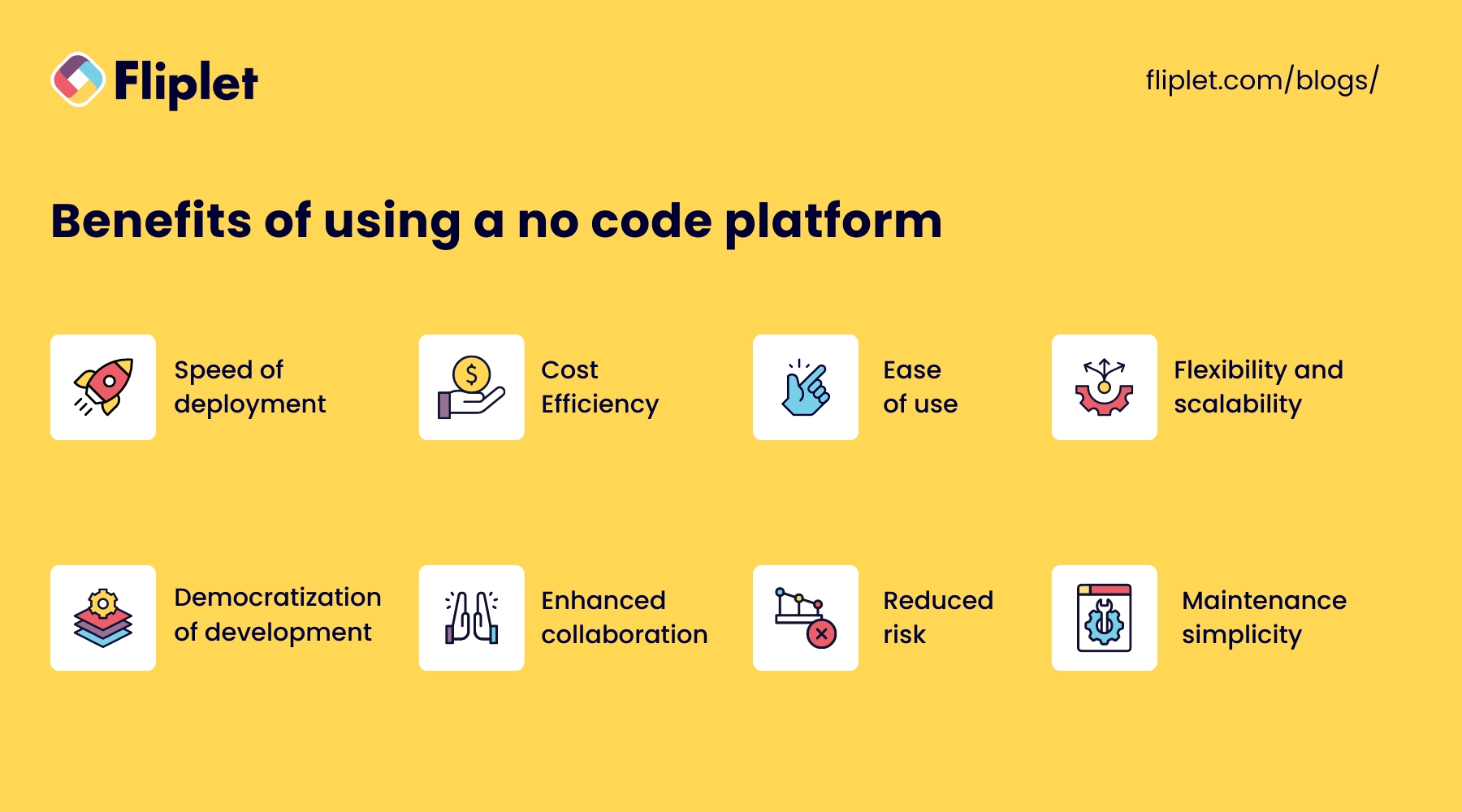
No code platforms offer many advantages that can transform how organizations approach application development, including:
- **Speed of deployment:** Go from concept to a fully functioning app in a fraction of the time.
- **Cost Efficiency:** Reduce the reliance on skilled programmers.
- **Ease of use:** Intuitive drag-and-drop interfaces make it easy to create and customize applications.
- **Flexibility and scalability:** No code platforms are designed to be flexible, allowing users to iterate on their applications as business needs evolve.
- **Democratization of development:** By lowering the barrier to entry for app development, no code platforms empower non-developers to bring their ideas to life.
- **Enhanced collaboration:** No code platforms facilitate better collaboration between different departments.
- **Reduced risk:** No code platforms reduce this risk as modifications can be made quickly and without extensive dependency on code.
- **Maintenance simplicity:** Maintaining apps built on no code platforms is simpler, as these platforms often come with automated updates and easy-to-manage interfaces.
## What types of apps can no code software build?
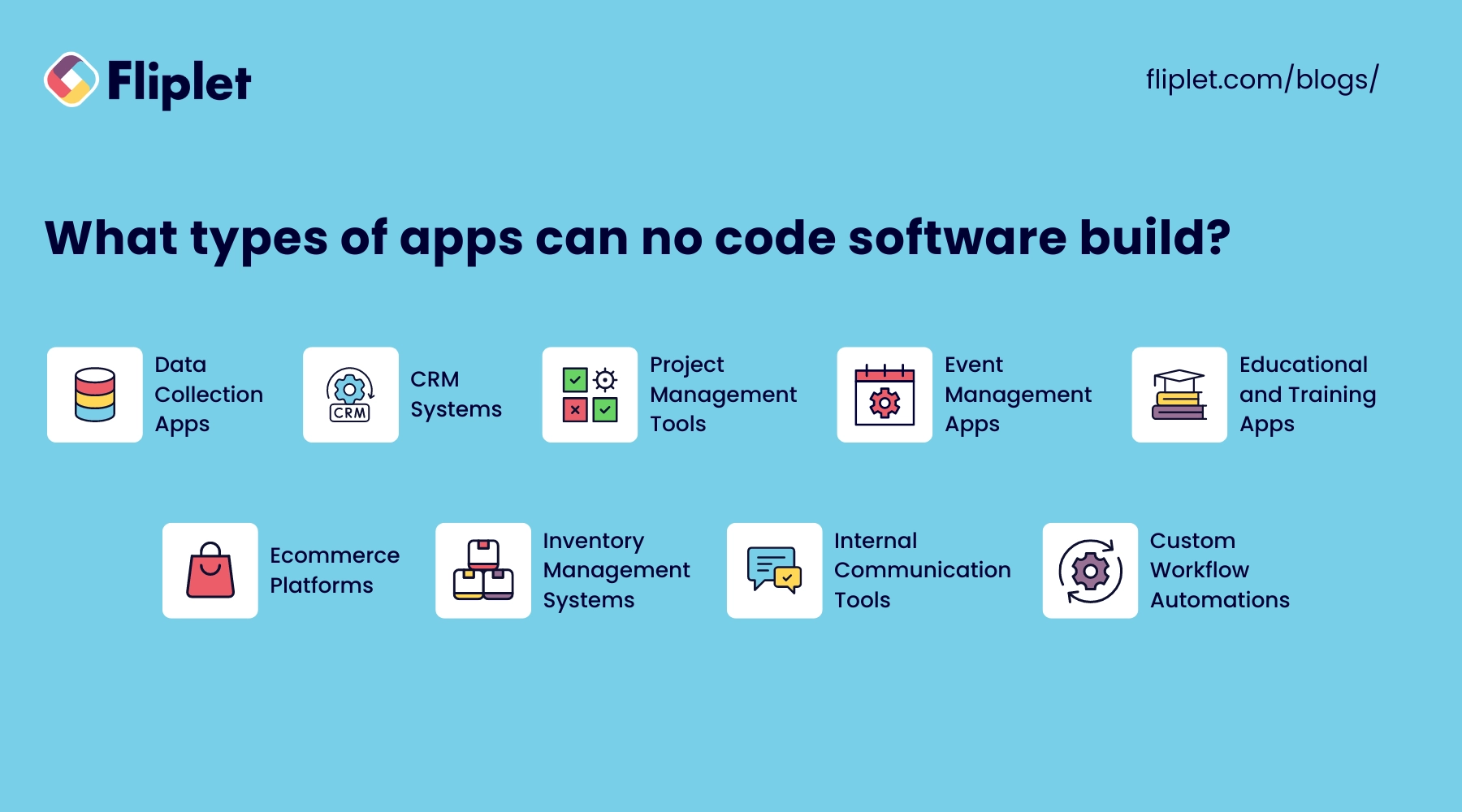
No code software has the capability to create a wide array of applications, making it a versatile choice for many organizations. Here are some examples of the types of apps you can build using no code platforms:
- **Data Collection Apps:** Simplify the [gathering and management of data](https://fliplet.com/solution/data-collection-app/) with custom forms, surveys, and questionnaires that can be easily distributed and filled out on mobile devices.
- **CRM Systems:** Develop customized customer relationship management (CRM) systems to track interactions, sales pipelines, and customer data, enhancing the relationship management process.
- **Project Management Tools:** Create apps that help manage projects, track progress, assign tasks, set deadlines, and keep all team members updated in real-time.
- **Event Management Apps:** Build applications to [manage event registrations](https://events.fliplet.com/blogs/25-best-mobile-event-apps/), scheduling, participant tracking, and feedback, all within a centralized platform.
- **Educational and Training Apps:** Design interactive educational tools and training modules that facilitate learning and track progress without the need for extensive technical resources.
- **E-Commerce Platforms:** Launch e-commerce apps that handle product listings, orders, payments, and customer communication, [tailored specifically to your business model](https://fliplet.com/solution/marketplace-app/).
- **Inventory Management Systems:** Develop systems to monitor stock levels, manage orders, and track deliveries, ensuring efficient handling of inventory.
- **Internal Communication Tools:** Create platforms for internal communication, such as employee directories, company news updates, and forums, fostering a connected workplace.
- **Custom Workflow Automations:** Automate specific business processes or workflows to increase efficiency, reduce errors, and ensure consistency across operations.
## Overview of the best no code platforms, tools & software in 2026
### How Fliplet differs from no-code builders
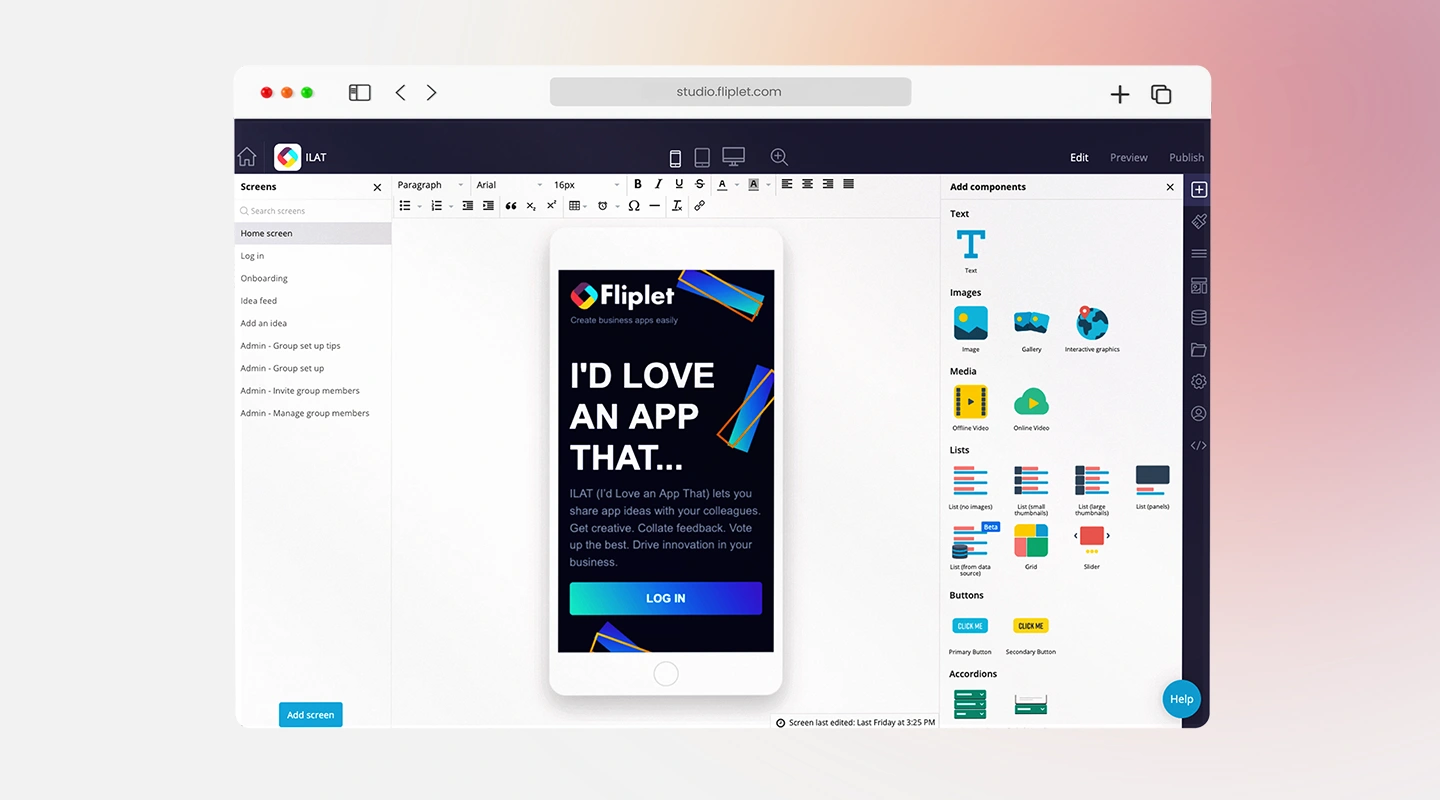
Fliplet is an enterprise AI software builder, not a no-code builder. Teams describe the software and workflow they need in plain language, generate a working foundation, and refine it with the governance, integrations, access controls, and publishing support required for production.
[Explore Fliplet's enterprise AI software builder](/ai-app-builders/) or [Book a Demo](/book-a-demo/).
### 2 Zapier - Best No Code Platform for Automation
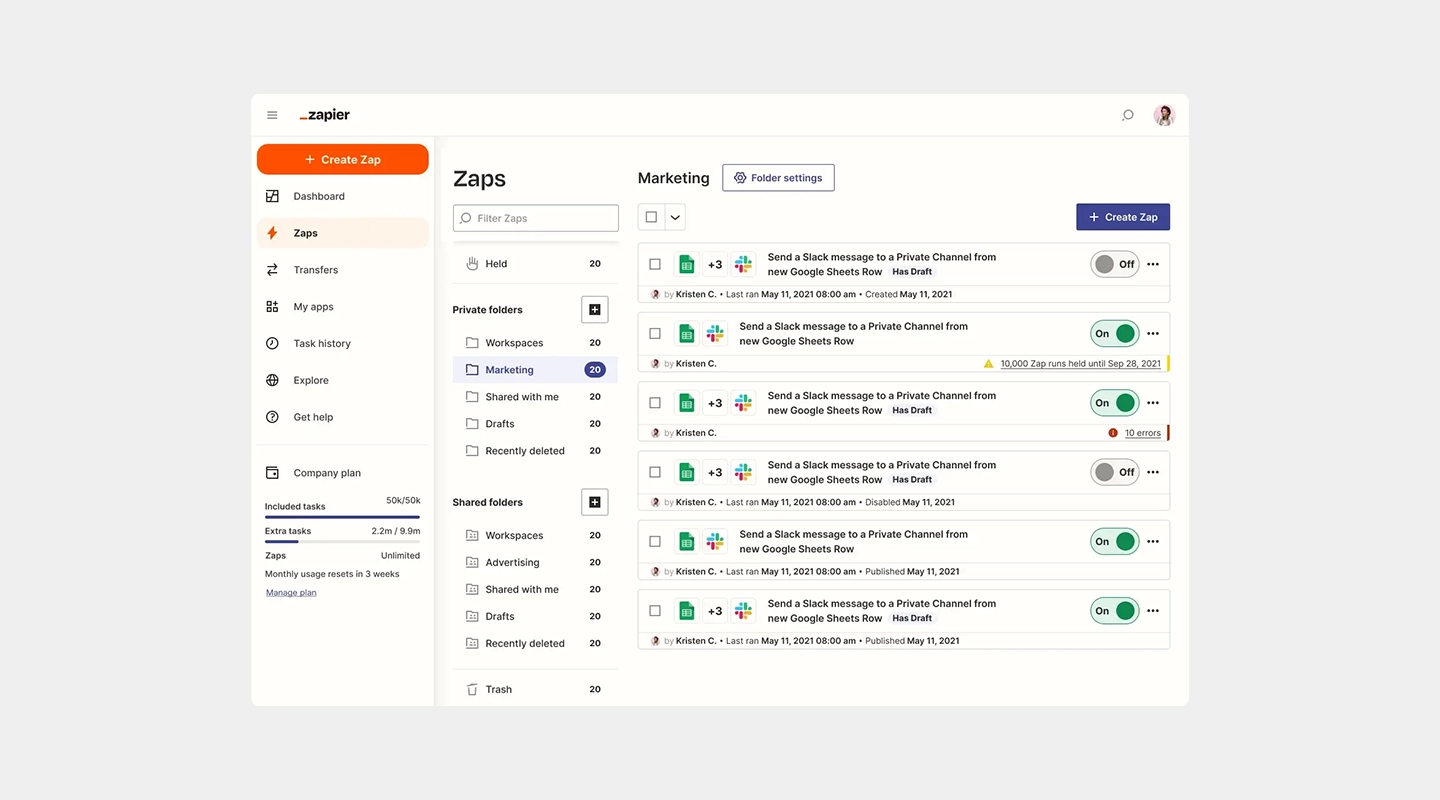
#### Key Features
- Connects over 3,000 web apps to automate workflows
- Easy-to-use interface for creating automation "Zaps"
- Supports multi-step Zaps for complex workflows
#### Advantages
- Extensive app integration enhances productivity
- No coding required to create or modify workflows
- Offers powerful solutions for business process automation
#### Disadvantages
- Can become expensive as the complexity and volume of tasks increase
- Relies on third-party app compatibility and updates
#### Pricing
- Professional starts at $19.99/month when billed annually; Team starts at $69/month. Usage is task-based, so confirm the required tier on [Zapier's pricing page](https://zapier.com/pricing).
#### Free Plan
- Includes a free plan
#### Reviews
- **G2:** 4.5/5
### 3 Microsoft Power Apps - Best No Code Application Development Platform for Enterprise Users
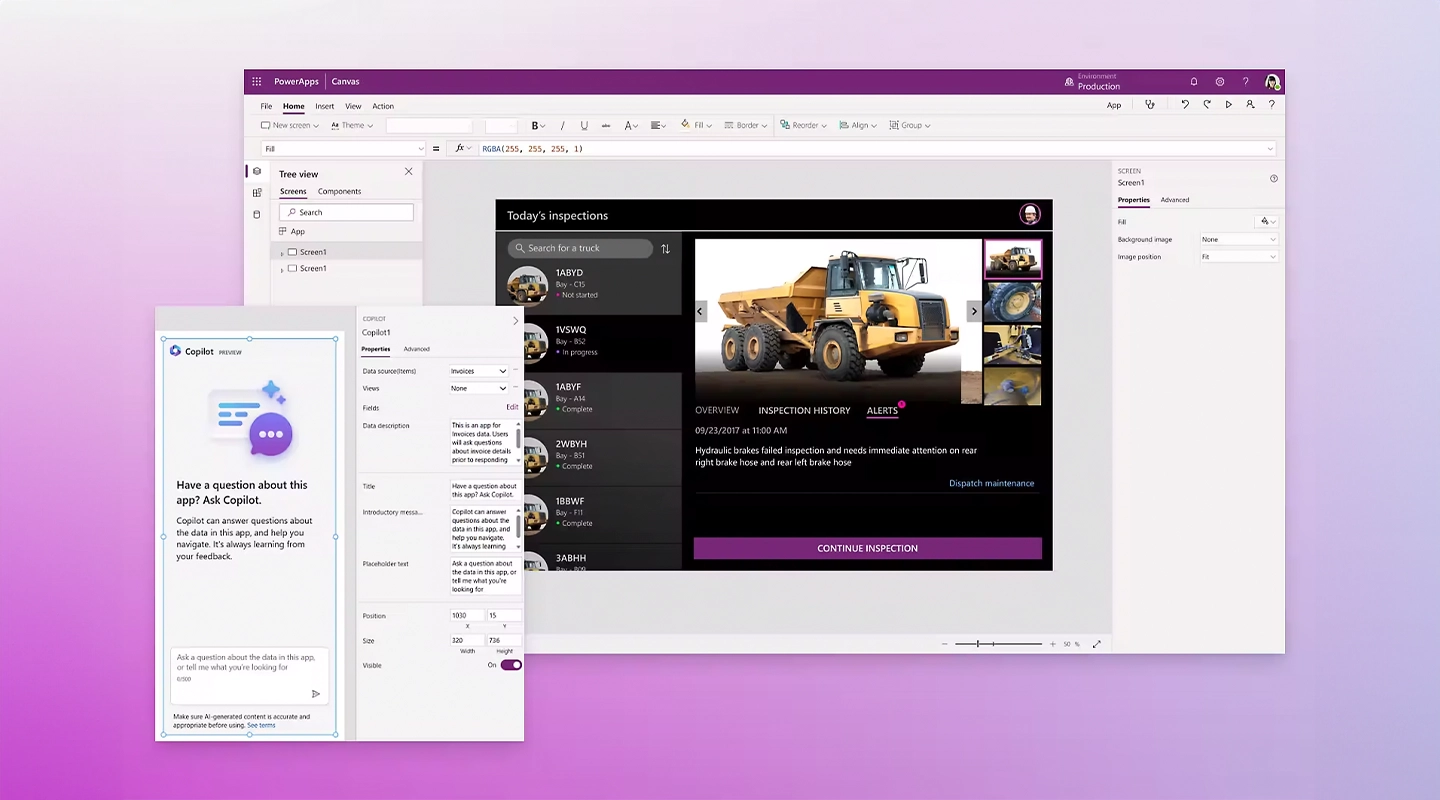
#### Key Features
- Integration with Microsoft 365 and other Microsoft products
- AI builder and pre-built templates
- Robust security features suited for enterprise applications
#### Advantages
- Deep integration with enterprise environments
- Supports advanced data handling and analytics
- High level of scalability and security
#### Disadvantages
- Higher cost can be a barrier for small businesses
- Some experience with the Microsoft ecosystem is beneficial
#### Pricing
- Starts at $20 and increases with number of team members
#### Free Plan
- Free to test
#### Reviews
- **G2:** [4.3/5](https://www.g2.com/products/microsoft-power-apps/reviews)
### 4 Google AppSheet - Best No Code Mobile App Builder for Data-Driven Apps

#### Key Features
- Direct integration with Google Workspace
- User interface customization
- Capable of handling complex data and workflows
#### Advantages
- Strong data management capabilities
- Seamless integration with Google services
- Real-time updates and collaboration
#### Disadvantages
- May require a learning curve to utilize advanced features
- Some limitations in design customization
#### Pricing
- Begins at $5 per user, per month
#### Free Plan
- None
#### Reviews
- **G2:** 4.8/5
### 5 Bubble - Best No Code Web App Builder for Interactive Applications
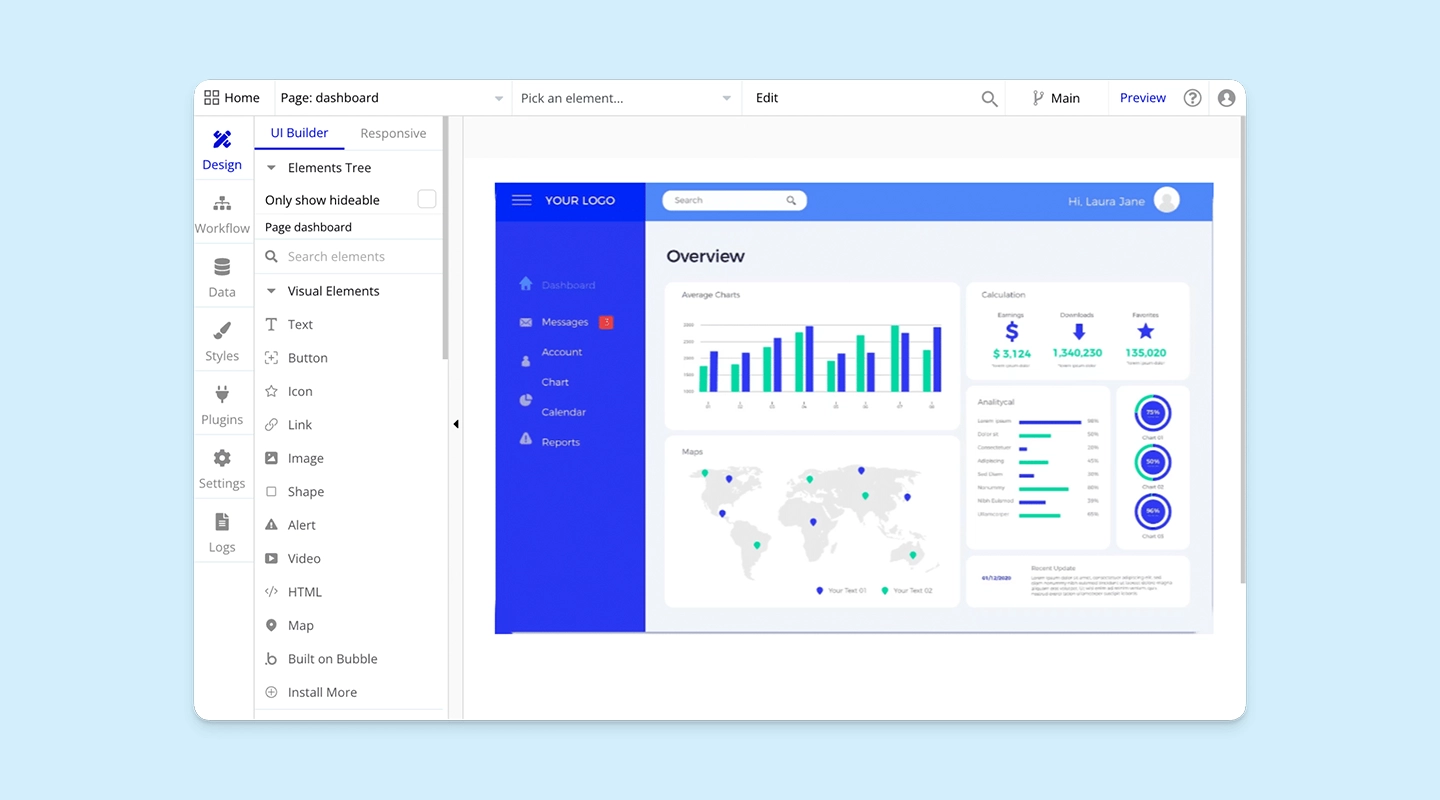
#### Key Features
- Visual programming for building interactive web applications
- Hosting and scaling are managed within the platform
- Extensive plugin system for extended functionalities
#### Advantages
- Enables the creation of highly interactive and responsive web apps
- No need for external hosting
- Large community and marketplace for plugins
#### Disadvantages
- The performance can vary depending on the complexity of the application
- Steeper learning curve compared to simpler no code tools
#### Pricing
- Web-only plans start at $29/month when billed annually. Mobile-only and combined plans use different prices; see [Bubble's current pricing](https://bubble.io/pricing).
#### Free Plan
- Basic plan with core features, suitable for personal projects and small-scale applications
#### Reviews
- **G2:** 4.4/5
### 6 Adalo - Best No Code App Builder for Consumer-Facing Apps
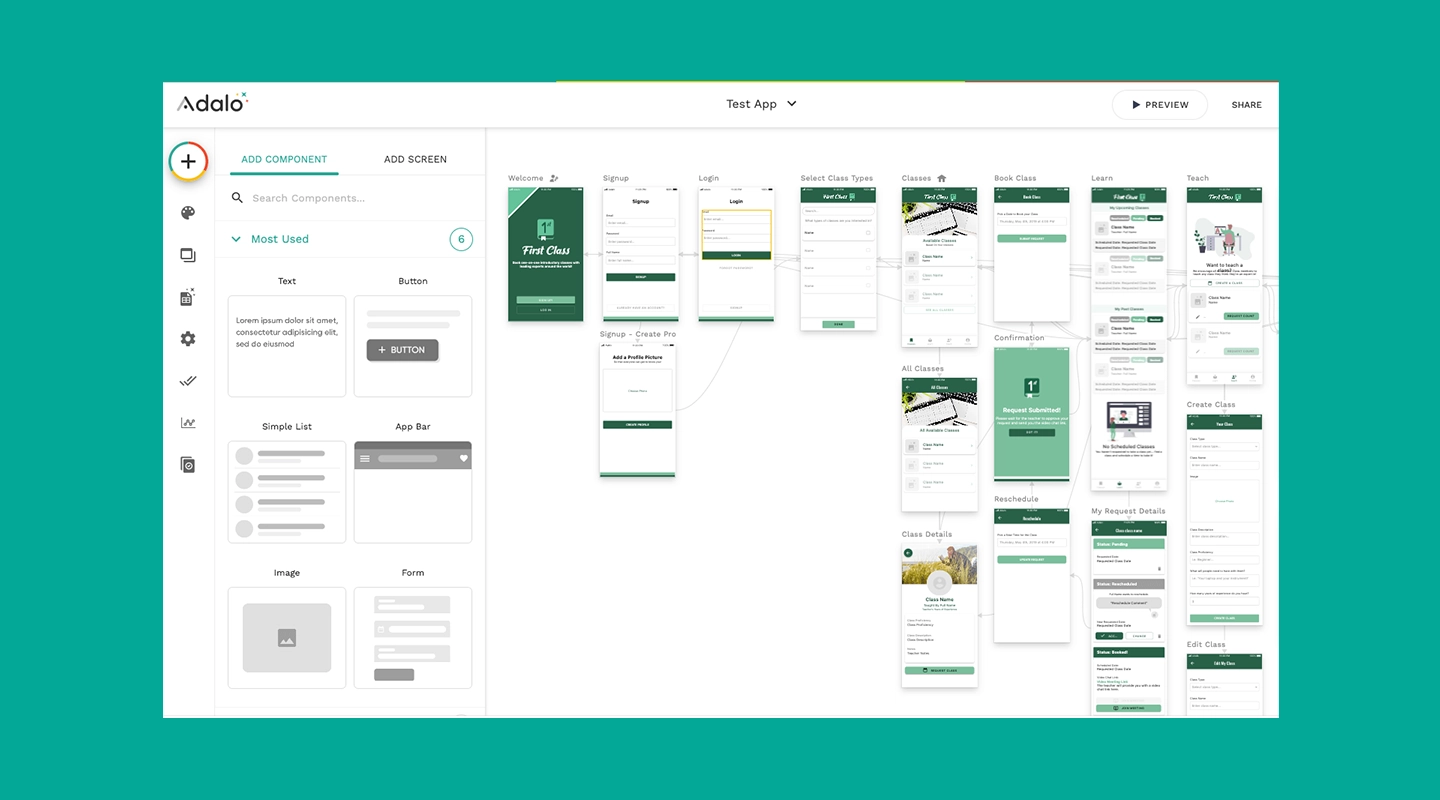
#### Key Features
- Intuitive drag-and-drop interface
- Component marketplace for added functionality
- Built-in templates for various app types
#### Advantages
- Simplifies the creation of visually appealing apps
- Enables fast prototyping and testing
- No coding required for adding features like push notifications and API integrations
#### Disadvantages
- Limited scalability for very high user volumes
- Customization can be somewhat restricted by available components
#### Pricing
- Publishing starts with the $36/month Starter plan when billed annually. See [Adalo's current plans](https://www.adalo.com/pricing).
#### Free Plan
- Basic free plan available that allows for the creation and testing of apps with some feature limitations
#### Reviews
- **G2:** [4.4/5](https://www.g2.com/products/adalo/reviews)
### 7 Glide - Best No Code Platform for Spreadsheet-Based Apps
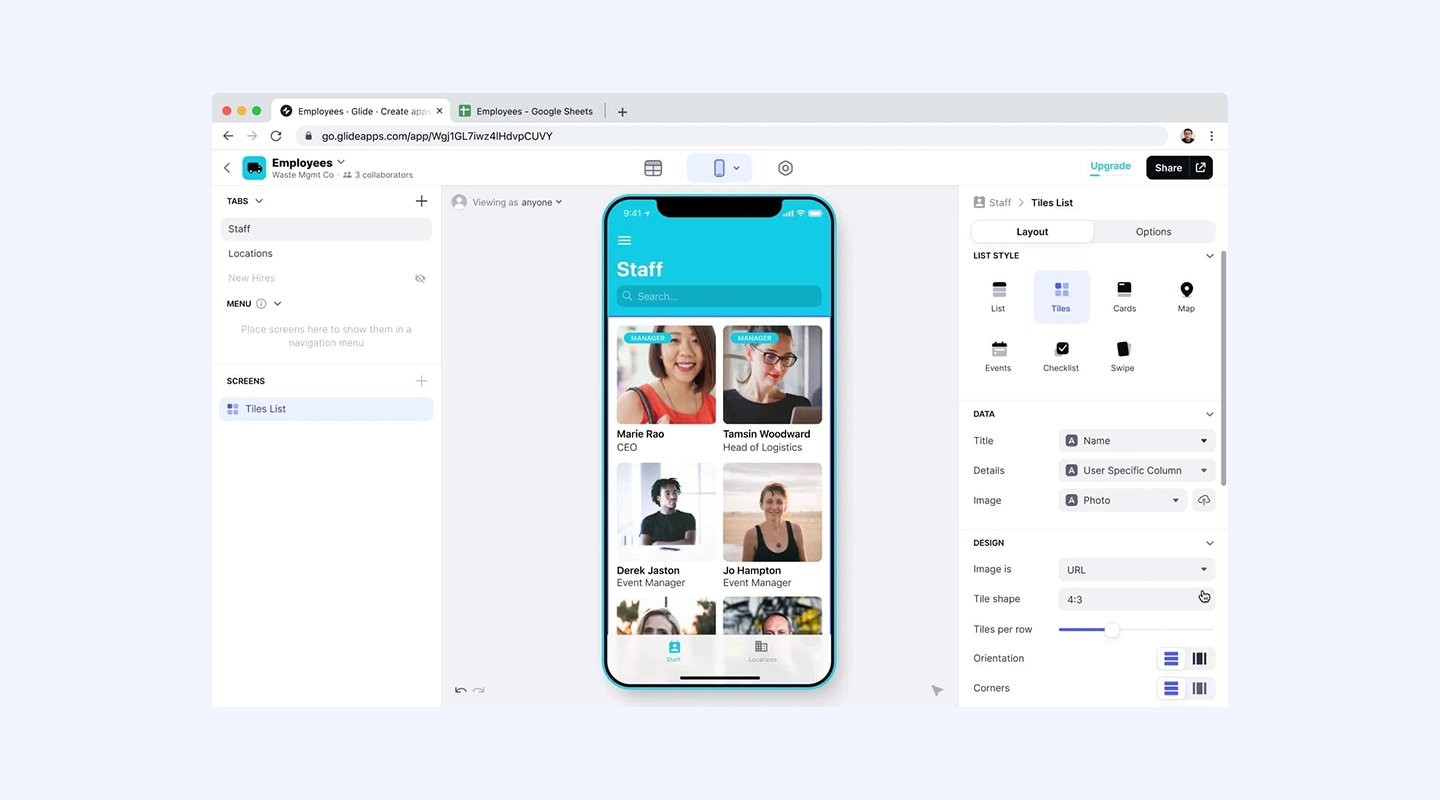
#### Key Features
- Converts spreadsheets into fully functional apps
- No code logic that can be applied via conditions and actions
- Integration with Google Sheets and Excel
#### Advantages
- Perfect for users who are familiar with spreadsheet tools
- Quick setup and deployment
- Suitable for data-driven applications
#### Disadvantages
- Relies heavily on the structure of the spreadsheet data
- Not as flexible for applications outside of data manipulation contexts
#### Pricing
- Individual paid plans start at $19/month when billed annually; Business starts at $199/month. See [Glide's current pricing](https://www.glideapps.com/pricing).
#### Free Plan
- Free version limits the number of users, updates, and editors
#### Reviews
- **G2:** 4.7/5
### 8 Airtable - Best No Code Tool for Workflow and Database Integration
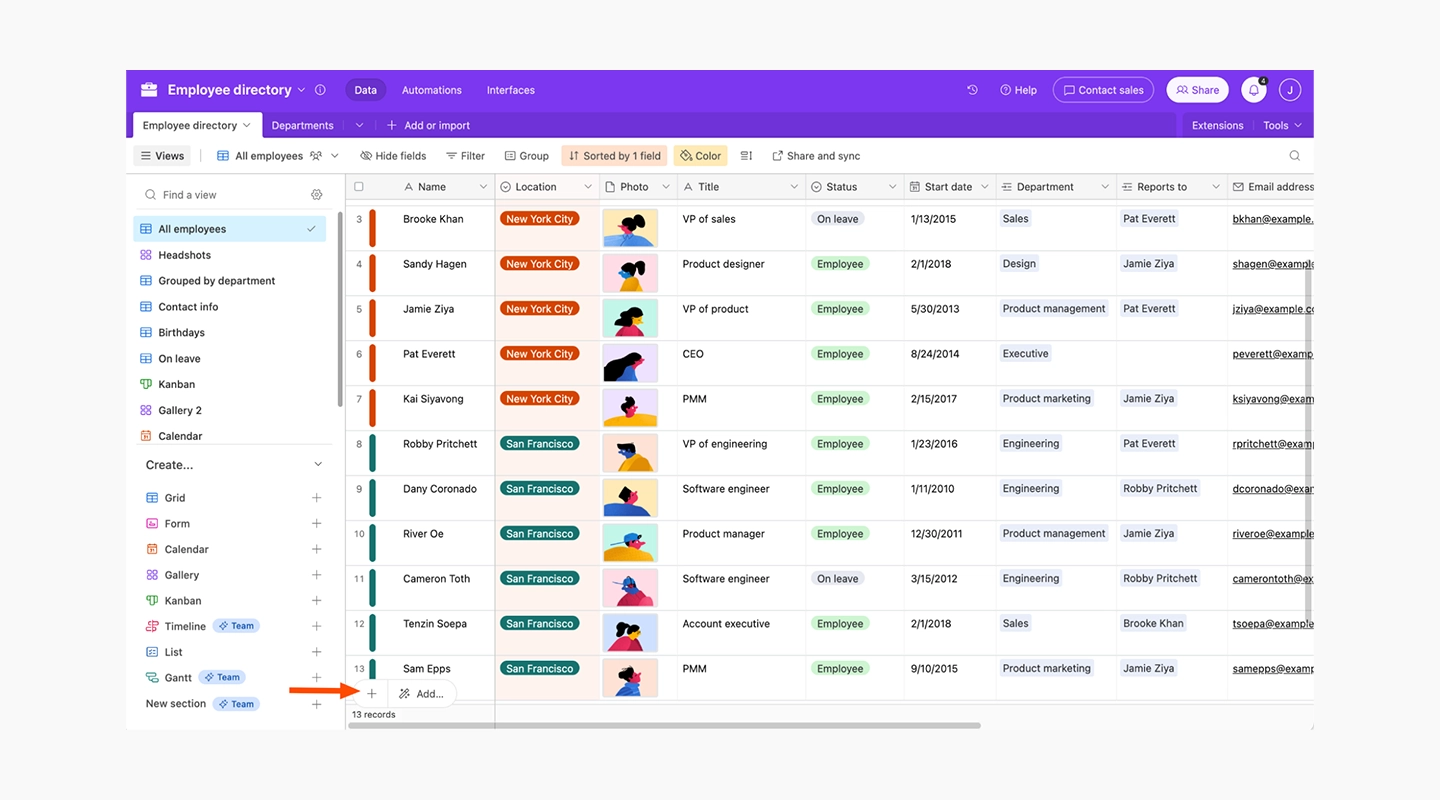
#### Key Features
- Combines features of a database with the flexibility of a spreadsheet
- Rich field types including attachments, links, checkboxes, and dropdowns
- Extensive automation and scripting capabilities
#### Advantages
- Highly customizable and adaptable to various business needs
- Supports complex relational data management
- Automates repetitive tasks and processes
#### Disadvantages
- Can become complex to manage as databases grow
- Pricier than simple spreadsheet tools, especially at higher tiers
#### Pricing
- Starts at $20 per month, going up to $45 for Business plan, and custom pricing available for Enterprise
#### Free Plan
- Provides a basic free version with core functionalities, suitable for small teams or personal projects
#### Reviews
- **G2:** 4.6/5
### 9 Zoho Creator - Best No Code Application Development Platform for Integrated Business Operations
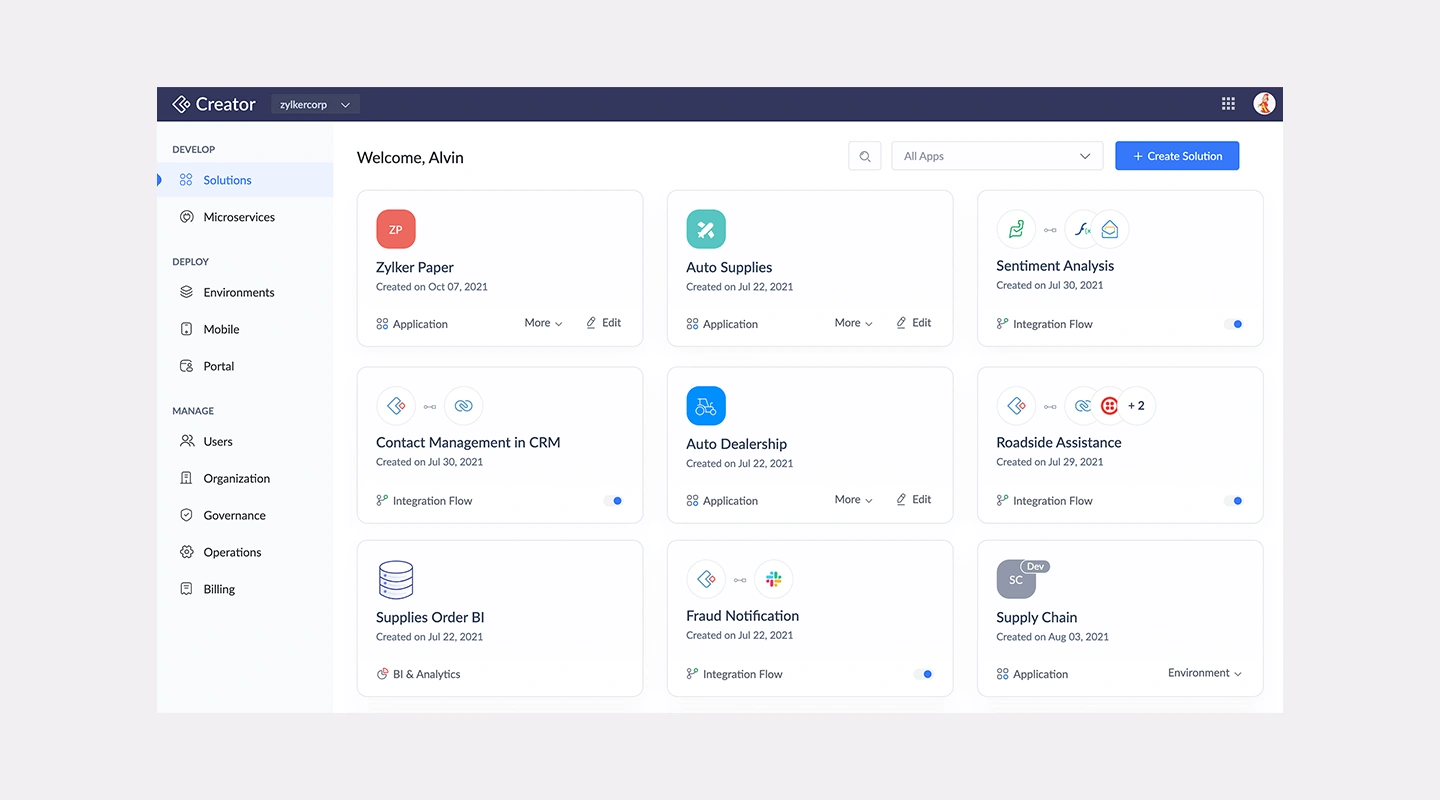
#### Key Features
- Comprehensive toolset for building web and mobile apps
- Integration with the extensive Zoho suite and other third-party services
- Drag-and-drop workflow builder
#### Advantages
- Offers deep integration capabilities within business environments
- Rich feature set for handling data, processes, and user interactions
- Provides strong security and compliance measures
#### Disadvantages
- Learning curve associated with its extensive functionalities
- May require additional customization work to fit specific business requirements
#### Pricing
- Zoho Creator uses per-user pricing with regional currencies and monthly or annual billing. Confirm the displayed rate on [Zoho Creator's pricing page](https://www.zoho.com/creator/pricing.html).
#### Free Plan
- None
#### Reviews
- **G2:** 4.3/5
### 10 SAP Build - Best for SAP-Centered Enterprise Development
#### Key Features
- Unified application development, process automation, and business site tooling
- Supports low-code, code-first, and generative AI development approaches
- Integration with SAP and non-SAP systems
#### Advantages
- Brings application and automation work into the wider SAP Build offering
- Supports web, mobile, frontend, backend, and full-stack development paths
- Fits organizations already operating within the SAP ecosystem
#### Disadvantages
- Broader than a standalone no-code builder
- Requires careful licensing and migration review for existing SAP Build Apps projects
#### Pricing
- Contact SAP for current SAP Build packaging and pricing.
#### Free Plan
- A 30-day SAP Build trial is available. Confirm current trial scope before evaluation.
#### Reviews
- Review SAP's [current SAP Build guidance](https://help.sap.com/docs/build-apps/service-guide/sap-build-apps-path-forward). SAP says the standalone SAP Build Apps product will be deprecated from 23 March 2026 in favor of the unified SAP Build offering.
### 11 Mendix - Best No Code Solution for Enterprise Applications
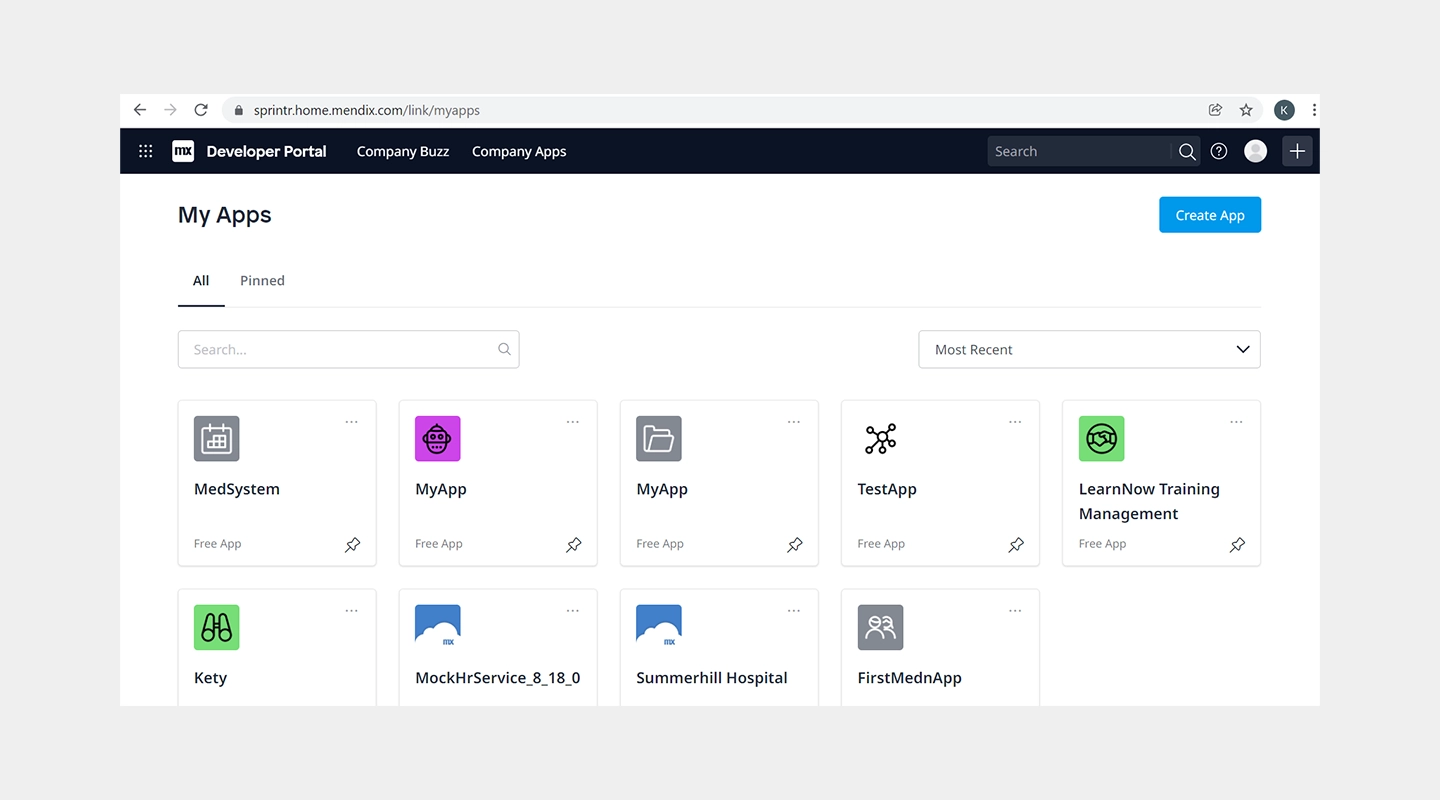
#### Key Features
- Full application lifecycle support from build to deploy
- Strong focus on collaboration between business and IT
- Integration with AI, IoT, and machine learning capabilities
#### Advantages
- Enables rapid development and deployment of large-scale applications
- Supports collaboration and control, suitable for large teams
- Extensive integration capabilities enhance [app functionality](/blog/16-successful-mobile-app-features/)
#### Disadvantages
- Higher cost can be prohibitive for smaller organizations
- Complexity of features may require a solid understanding of IT and business processes
#### Pricing
- A Free plan is available; Standard starts at $1,090/month for one app, while Premium is quote-based. Compute resources may cost extra. See [Mendix pricing](https://www.mendix.com/pricing/).
#### Free Plan
- None, free trial available
#### Reviews
- **G2:** [4.4/5](https://www.g2.com/products/mendix/reviews)
### 12 Salesforce Platform - Best No Code Mobile App Builder for Customer Engagement
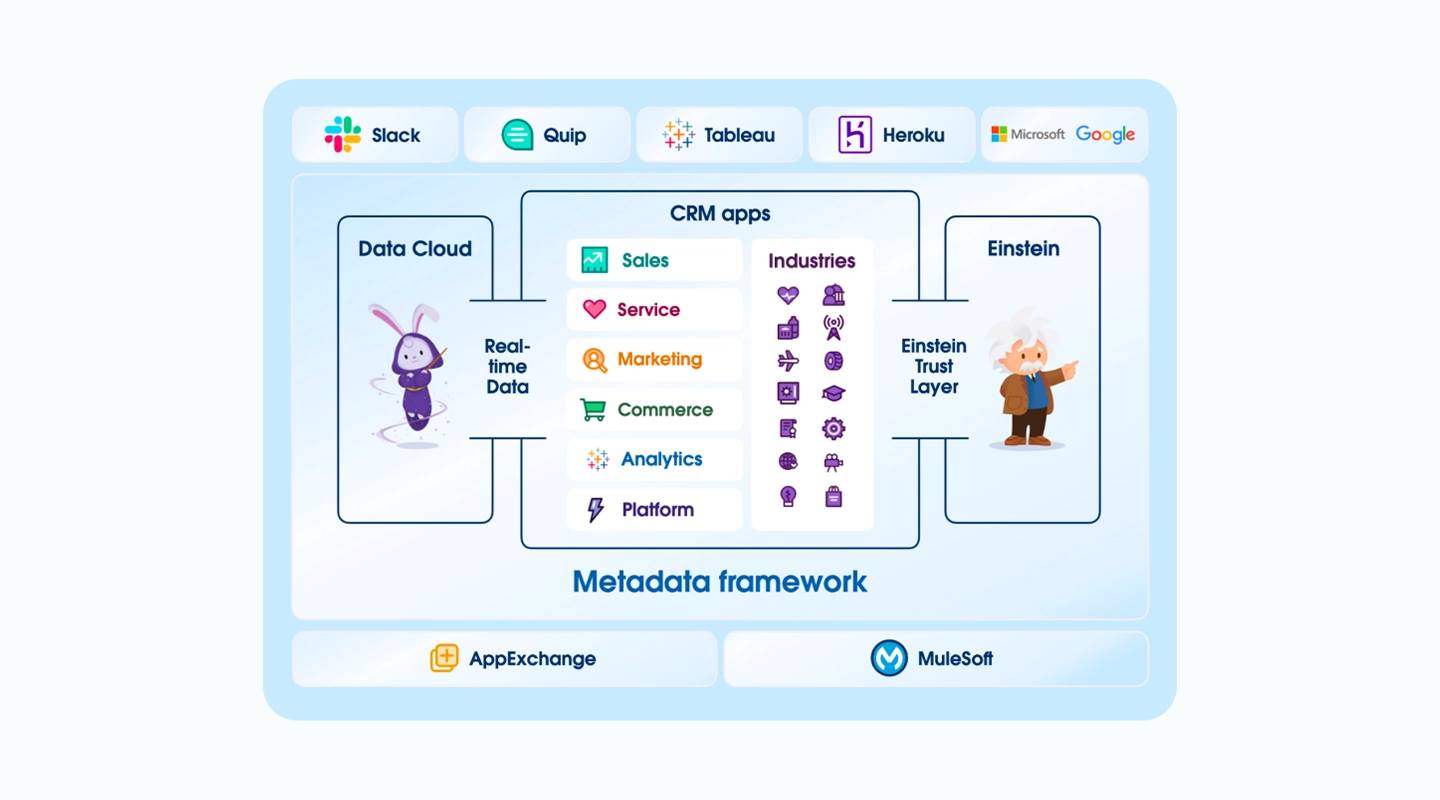
#### Key Features
- Drag-and-drop app creation with a focus on customer relationship management
- Deep integration with Salesforce's CRM and data systems
- Extensive marketplace for third-party apps and components
#### Advantages
- Optimized for customer-centric applications
- Powerful data integration and management capabilities
- Scalable to the needs of global businesses
#### Disadvantages
- Primarily focused on users within the Salesforce ecosystem
- May require additional investment in Salesforce products to realize full potential
#### Pricing
- Salesforce pricing varies by product and edition. Confirm the relevant application-development license on [Salesforce's pricing index](https://www.salesforce.com/pricing/).
#### Free Plan
- None
#### Reviews
- **G2:** 4.5/5
### 13 OutSystems - Best No Code Web App Builder for Rapid Prototyping
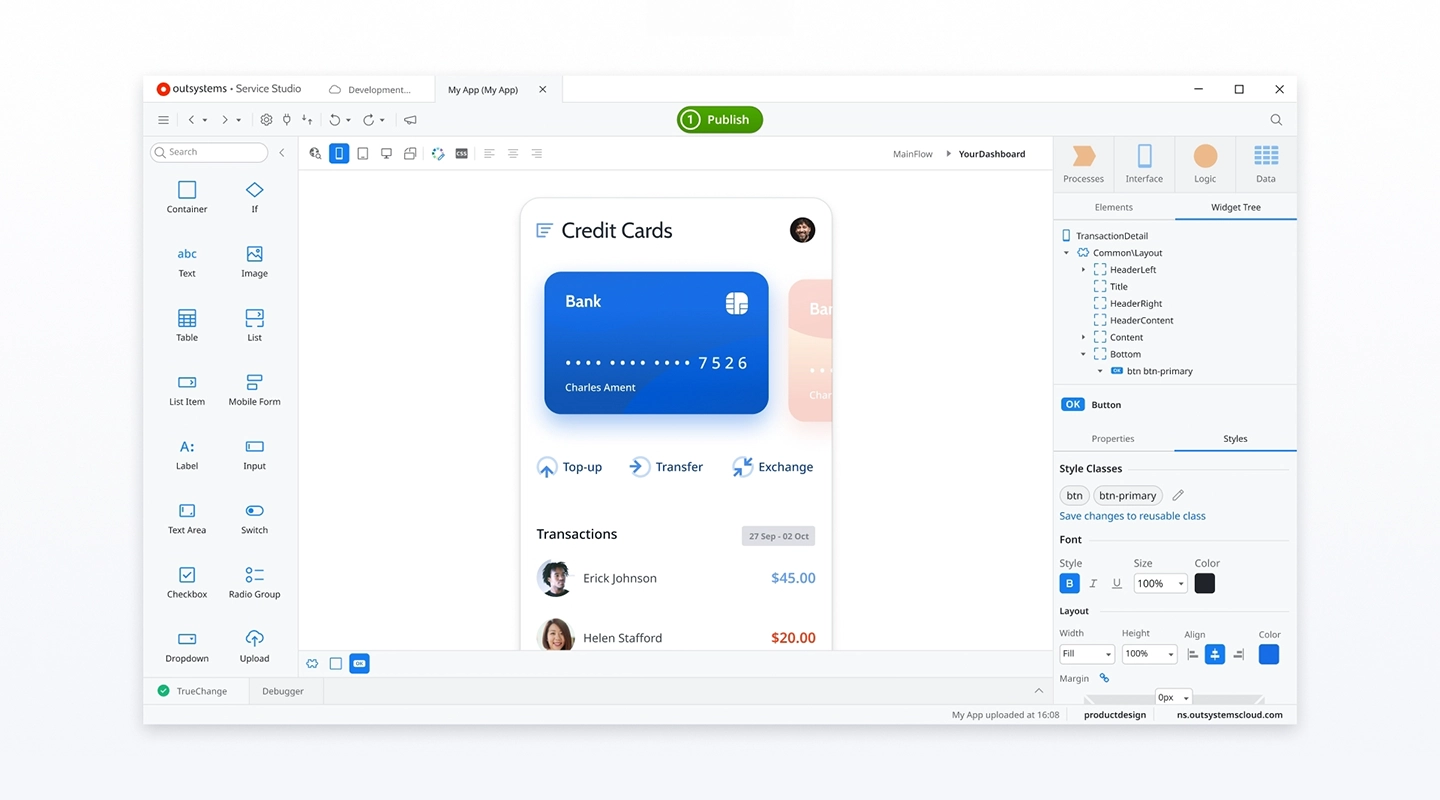
#### Key Features
- High-speed development capabilities with a focus on responsive web applications
- Advanced security features and robust backend logic
- Wide range of templates and pre-built connectors
#### Advantages
- Accelerates the prototyping phase with quick iterations
- Ensures high performance and security standards
- Supports extensive customization and scalability
#### Disadvantages
- Pricing can be high for comprehensive features
- Might be too complex for basic web app projects
#### Pricing
- Paid tier pricing available on request
#### Free Plan
- Free tier for less than 100 users, and no credit card is required
#### Reviews
- **G2:** [4.5/5](https://www.g2.com/products/outsystems/reviews)
### 14 Betty Blocks - Best No Code Platform for Citizen Developers
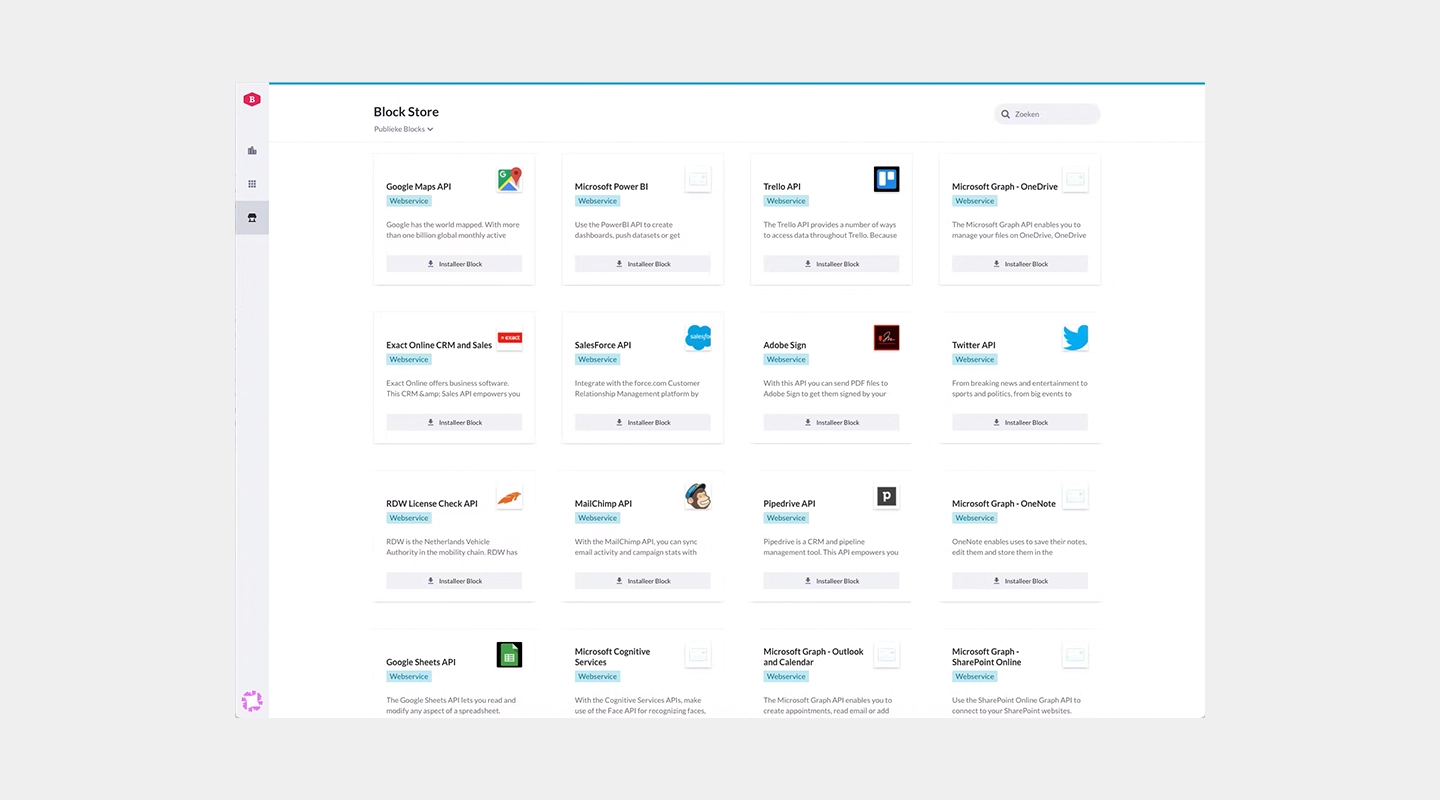
#### Key Features
- User-friendly interface designed for non-technical users
- Pre-built templates and blocks for rapid development
- Extensive API connections and integration capabilities
#### Advantages
- Ideal for business professionals looking to quickly develop applications without IT help
- Promotes innovation within the organization by empowering non-technical staff
- Facilitates quick testing and deployment of new ideas
#### Disadvantages
- May lack the depth required for highly complex applications
- Depending on the use case, there may be limitations in terms of performance scalability
#### Pricing
- Paid tier pricing available on request
#### Free Plan
- None
#### Reviews
- **G2:** 4.3/5
### 15 Quickbase - Best for Governed Operational Workflows
#### Key Features
- Visual application and workflow builders
- Web and mobile forms, dashboards, reports, and integrations
- Role-based access, audit logs, encryption, and enterprise administration
- AI-assisted application, report, workflow, and data-import tools
#### Advantages
- Strong fit for operational workflows that need governance and reporting
- Supports both user-based and usage-based licensing models
- Includes a 30-day trial with Business-plan features
#### Disadvantages
- A platform minimum applies in addition to the advertised per-user price
- Enterprise implementations may require onboarding, training, or professional services
#### Pricing
- Team starts at $35/user/month and Business at $55/user/month when priced annually. The advertised rates exclude Quickbase's platform minimum. See [Quickbase's current plans](https://www.quickbase.com/plans-and-pricing).
#### Free Plan
- No permanent free production plan; a 30-day trial is available.
#### Reviews
- Review current independent customer feedback alongside Quickbase's official product and pricing documentation.
### 16 WeWeb - Best for Visual Web Applications with Code Export
#### Key Features
- AI-assisted generation with a visual no-code editor
- Frontend, workflows, authentication, data, and API integrations
- Vue.js code export and self-hosting on paid plans
#### Advantages
- Generated work remains editable in the visual editor
- Supports hosted deployment or exported, self-hosted code
- Can connect to external backends and APIs
#### Disadvantages
- Primarily focused on web applications rather than native mobile delivery
- Advanced integrations and self-hosting still require technical ownership
#### Pricing
- Pricing is seat-based and regional pricing may apply; confirm current publishing, hosting, and code-export terms on [WeWeb's website](https://www.weweb.io/).
#### Free Plan
- Users can start building for free and pay when they are ready to publish under the current public offer.
#### Reviews
- Review the [official WeWeb product overview](https://www.weweb.io/) for current capabilities.
### 17 Caspio - Best No Code Platform for Database-Intensive Applications
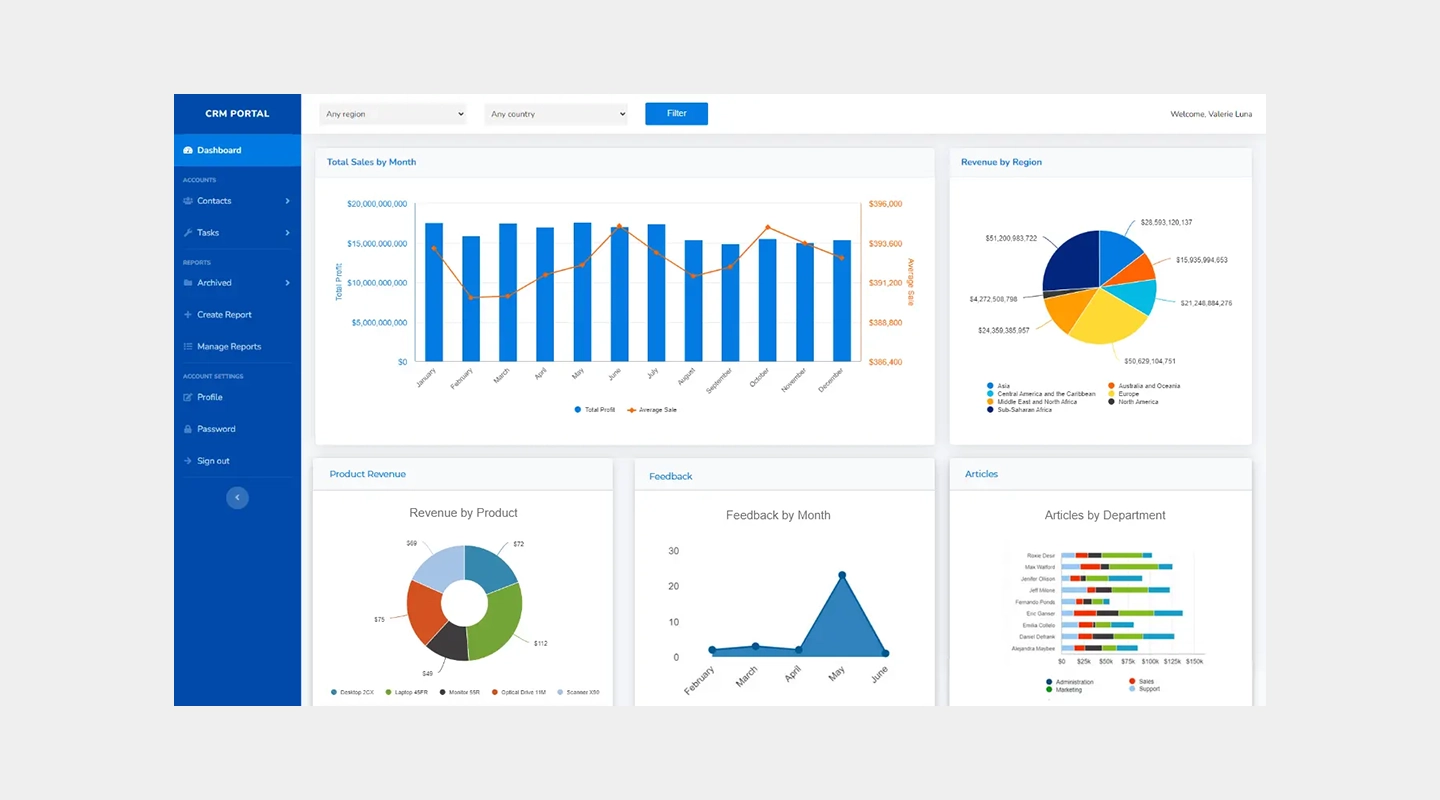
#### Key Features
- Powerful database management tools without the need for coding
- Rich data visualization and reporting capabilities
- Extensive security features to protect sensitive information
#### Advantages
- Ideal for building data-heavy applications like CRM systems and custom databases
- Enables non-technical users to handle complex data scenarios with ease
- Provides robust data integration options for seamless workflows
#### Disadvantages
- While highly capable in data management, it may be less intuitive for front-end app design
- Pricing can escalate quickly based on storage needs and user access levels
#### Pricing
- Team starts at $300/month and Business at $600/month on monthly billing; Enterprise is quote-based. See [Caspio's pricing](https://www.caspio.com/pricing/).
#### Free Plan
- Yes, with limited capacity
#### Reviews
- **G2:** 4.4/5
### 18 Kintone - Best No Code Solution for Collaborative Team Apps
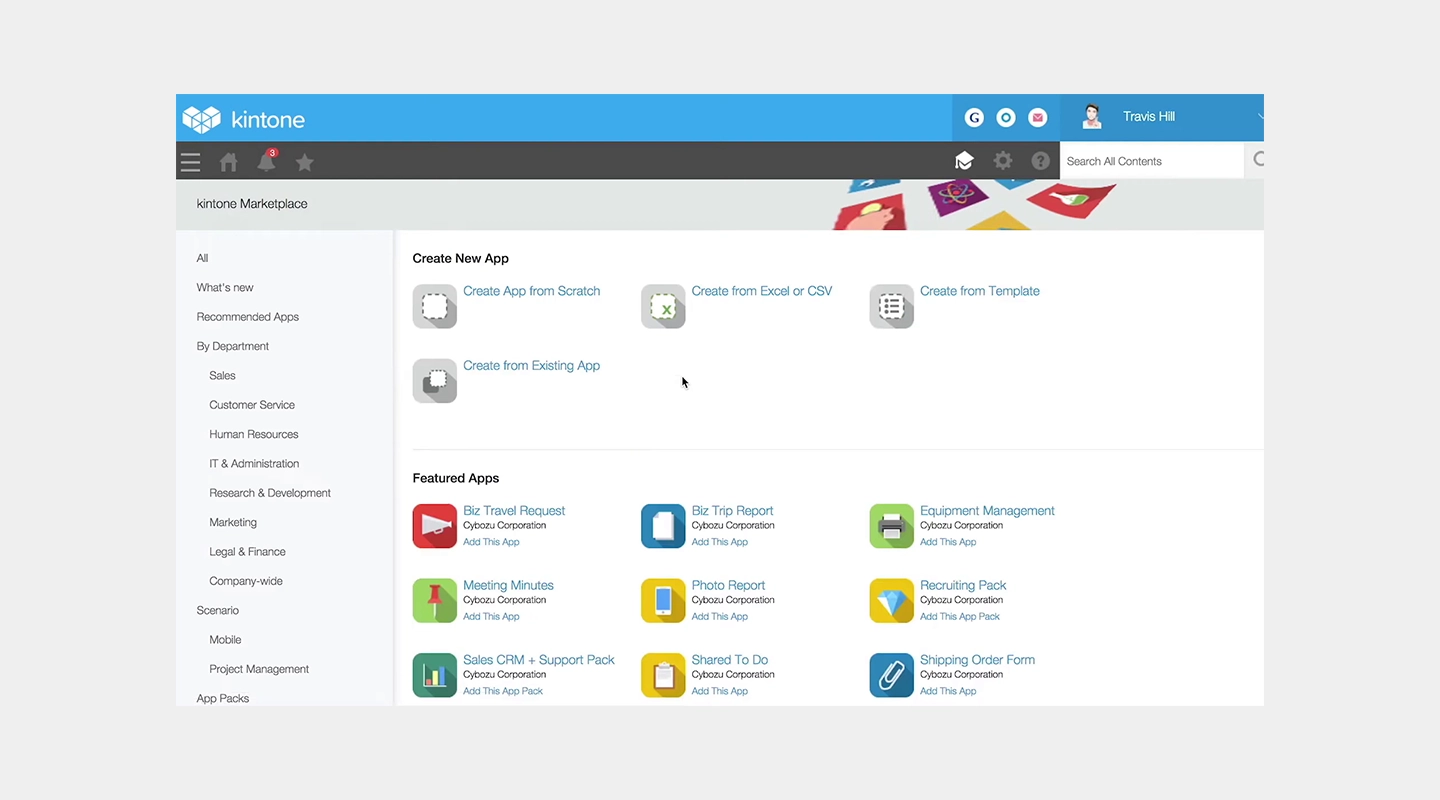
#### Key Features
- Highly customizable platform for team collaboration and project management
- Built-in communication tools to enhance teamwork
- Ability to create a personalized database without any coding
#### Advantages
- Supports a high degree of customization to tailor apps specifically to team needs
- Promotes better team engagement and workflow management
- Strong focus on collaborative features and internal communications
#### Disadvantages
- May require more time to set up and customize compared to more straightforward no code options
- The platform's flexibility can be overwhelming for users with simpler needs
#### Pricing
- $24/user/month with a five-user minimum ($120/month). A 30-day trial is available. See [Kintone pricing](https://www.kintone.com/en-us/pricing/).
#### Free Plan
- None
#### Reviews
- **G2:** 4.6/5
### 19 Ninox - Best No Code Web App Builder for Small Businesses
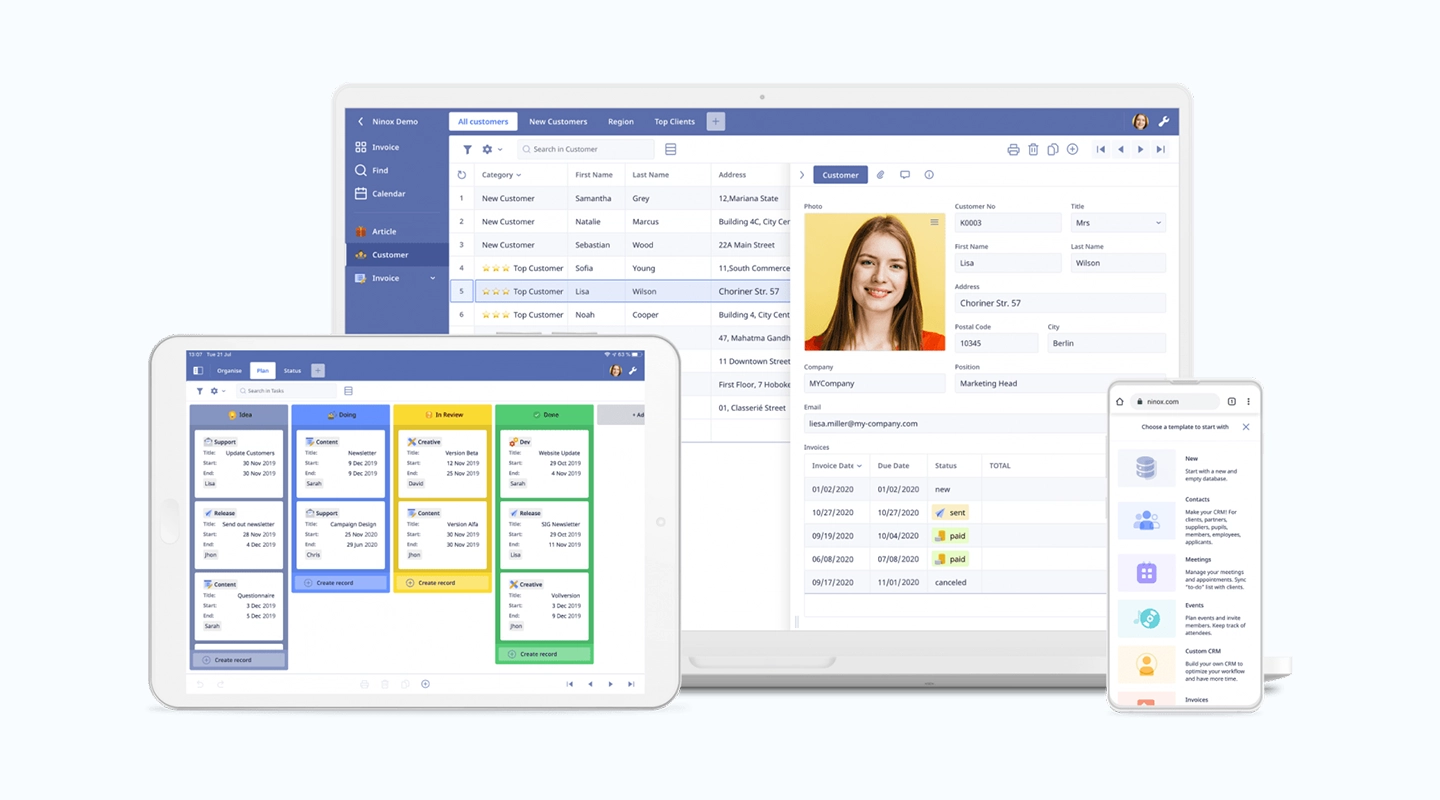
#### Key Features
- Simple interface designed for ease of use
- Custom templates and tools geared towards small business operations
- Integrates smoothly with various online services
#### Advantages
- Provides the essential tools needed for small businesses to build and manage their operations efficiently
- Reduces the learning curve with an intuitive design and straightforward functionalities
- Affordable for small businesses while offering scalability options
#### Disadvantages
- Features may be too basic for larger organizations or those with complex requirements
- Limited customization options compared to more advanced platforms
#### Pricing
- A Free plan is available for up to five users. Team starts at €25/user/month and Business at €40/user/month when billed annually. See [Ninox pricing](https://ninox.com/en/pricing).
#### Free Plan
- None, but a free trial is available
#### Reviews
- **G2:** 4.7/5
### 20 Thunkable - Best No Code Mobile App Builder for Cross-Platform Apps
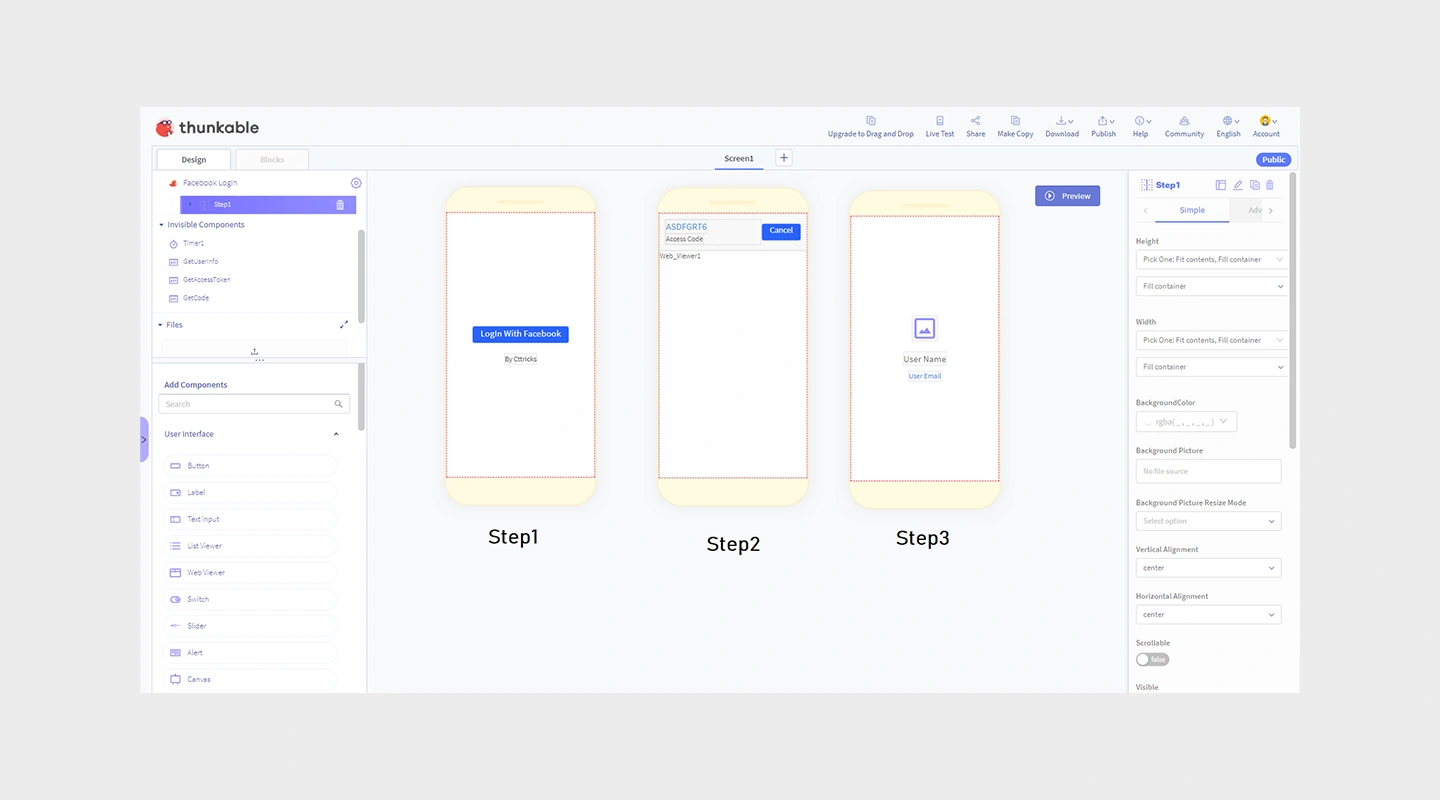
#### Key Features
- Drag-and-drop interface for building mobile apps that work on both Android and iOS
- Integration with a variety of APIs and data sources
- Real-time preview and testing tools
#### Advantages
- Enables the creation of apps that provide a consistent experience across multiple platforms
- Facilitates rapid prototyping and iteration
- Accessible to users with little to no technical background
#### Disadvantages
- Some limitations in UI customization and performance optimization for more complex apps
- Occasionally reported issues with updates affecting existing projects
#### Pricing
- Paid plans start with Accelerator at $18/month billed annually; Builder is $37/month billed annually. See [Thunkable pricing](https://thunkable.com/pricing).
#### Free Plan
- Build and test with up to 10 users at no cost; production deployment requires the appropriate plan.
#### Reviews
- **G2:** 4.4/5
## Best no-code tools & platforms - Comparison table
| Platform | Key features | Advantages | Disadvantages | Pricing | Free plan | Reviews |
| --- | --- | --- | --- | --- | --- | --- |
| Zapier | Workflow automation across connected products | Enhances productivity, no coding for workflows | Cost scales with task usage | Free; Professional from $19.99/month annually | Yes | 4.5/5 |
| Microsoft Power Apps | Integration with Microsoft 365, AI builder | Enterprise-level scalability and security | Higher cost, requires familiarity with Microsoft | Starts at $20 | Free to test | 4.3/5 |
| Google AppSheet | Integration with Google Workspace, complex data handling | Strong data management, real-time updates | Learning curve, design limitations | Starts at $5/user | No | 4.8/5 |
| Bubble | Visual programming, managed hosting | Interactive web apps, large plugin community | Performance varies, steeper learning curve | Starts at $29/month | Yes | 4.4/5 |
| Adalo | Drag-and-drop interface, component marketplace | Simplifies app creation, fast prototyping | Limited scalability, restricted customization | From $36/month annually to publish | Yes | 4.4/5 |
| Glide | Converts spreadsheets into apps, integrates with Google Sheets | Quick setup, suitable for data-driven apps | Usage and user limits vary by plan | Individual from $19/month annually; Business from $199/month | Yes | 4.7/5 |
| Airtable | Database and spreadsheet functionality, automation capabilities | Customizable, supports complex data management | Can be complex to manage, pricier than spreadsheets | Starts at $20/month | Yes | 4.6/5 |
| Zoho Creator | Extensive app creation tools, integration with Zoho suite | Deep integration capabilities, rich feature set | Learning curve, may require customization | Per-user; varies by region and billing term | Free edition | 4.3/5 |
| SAP Build | Unified application development, process automation, and business sites | Strong fit for SAP-centered enterprise development | Broader and more complex than a focused no-code builder | Contact SAP | Trial available | N/A |
| Mendix | Supports full app lifecycle, integrates AI and IoT | Rapid deployment, collaborative platform | Compute may cost extra | Free; Standard from $1,090/month for one app | Free plan | 4.4/5 |
| Salesforce Platform | Drag-and-drop app building, deep CRM integration | Optimized for customer engagement | Licensing varies by product and edition | Check current Salesforce pricing | Trials vary | 4.5/5 |
| OutSystems | Rapid development, security features | Quick prototyping, scalable | High pricing for comprehensive features | Pricing on request | Free for fewer than 100 users | 4.5/5 |
| Betty Blocks | User-friendly interface, rapid development tools | Empowers non-technical users, quick deployment | May lack depth for complex applications | Pricing on request | Trial available | 4.3/5 |
| Quickbase | Workflow automation, highly customizable | Tailored business solutions, strong data handling | Platform minimum applies | From $35/user/month annually plus platform minimum | 30-day trial | 4.5/5 |
| WeWeb | AI-assisted visual web development, integrations, code export | Visual editing plus hosted or self-hosted deployment | Web-focused; advanced projects need technical ownership | Seat-based; check current terms | Start building free | Check current reviews |
| Caspio | Powerful database management, rich data visualization | Ideal for CRM and databases, easy data handling | Less intuitive for app design, can get expensive | Team from $300/month | Trial available | 4.4/5 |
| Kintone | Customizable team collaboration platform, built-in communication | Enhances team engagement, strong customization | Five-user minimum | $24/user/month; $120/month minimum | 30-day trial | 4.6/5 |
| Ninox | Simple interface, geared towards small businesses | Easy to use, affordable | Basic features, limited customization | Free; Team from €25/user/month annually | Yes | 4.7/5 |
| Thunkable | Drag-and-drop for cross-platform apps, real-time testing | Consistent UX across platforms, easy to use | Active published apps require a paid subscription | From $18/month annually | Yes | 4.4/5 |
## How to choose the right no code app builder
Choosing the right no code app builder involves assessing several key factors:
- **Understand your needs:** Define what you need the app for.
- **User skill level:** Some platforms are better suited for tech-savvy users, while others are designed for beginners.
- **Integration requirements:** Look for a platform that [integrates seamlessly](https://fliplet.com/integrations/) with the tools you use.
- **Scalability:** Ensure the platform can scale with your growth.
- **Budget:** Consider both [initial costs and long-term expenses](https://fliplet.com/price-calculator/).
What if you need some of these benefits plus the flexibility of some coding? [Check out the best low code development platforms here.](https://fliplet.com/blog/the-best-no-code-low-code-development-platforms/)
## Other advanced no code tools to support your app
When developing an app using a no code platform, there are several advanced tools that can enhance its functionality and ensure its success.
- **Advanced analytics tools:** Platforms like Tableau or Google Data Studio can help in analyzing app usage and performance.
- [**AI enhancements**](https://fliplet.com/ai-app-builders/)**:** Tools like IBM Watson offer AI capabilities that can be integrated into no code apps to provide advanced data processing or user interaction.
- **Automated testing tools:** Use automated testing tools like Selenium to ensure your app functions correctly across different devices and platforms.
## From no-code to AI software building
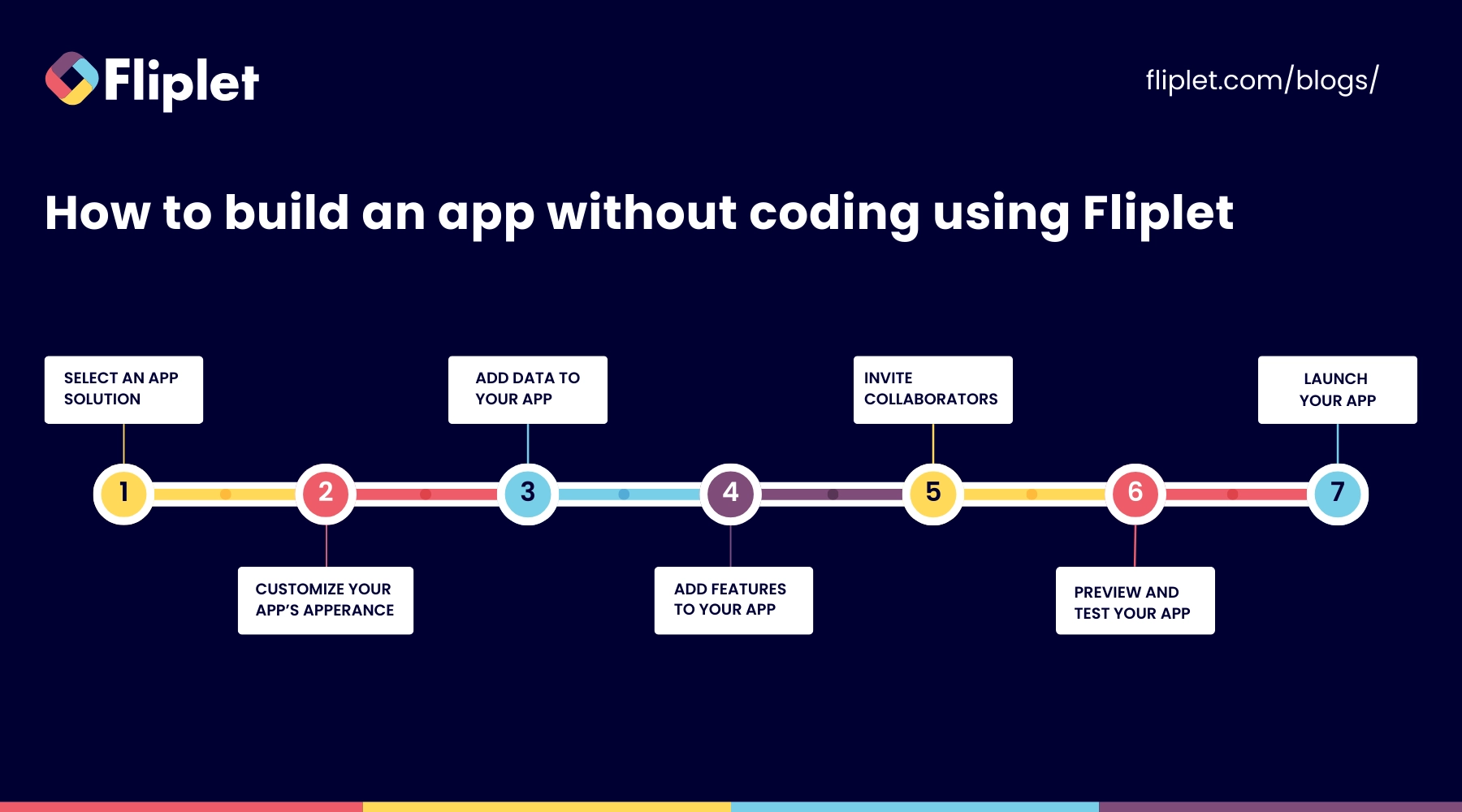
Building with Fliplet starts with a plain-language description of the business outcome, users, data, and workflow. AI generates a working foundation that the team can review and refine before governed publication.
1. **Describe the outcome and workflow** in plain language.
2. **Review the generated foundation** with business and technical stakeholders.
3. **Integrate features** like forms for data entry, maps for location-based services, and social media feeds to keep users engaged.
4. Before launching, **test your app** thoroughly.
5. Once approved, **publish through controlled web, mobile, or enterprise channels**.
## Examples of business software built with Fliplet
The following are a few ways organizations have used Fliplet to deliver business software faster.
- [14OhFour](https://fliplet.com/case-studies/14ohfour/) created a **marketing app** for law firms.
- [Gateley](https://fliplet.com/case-studies/gateley/) rapidly developed a range of both internal and client-centered apps for everything from **response management** to **crisis management advice** to **tax calculators.**
- [Providence Anesthesiology Associates](https://fliplet.com/case-studies/providence-anesthesiology-associates/) built a **mobile app for their patients.**
Planning to build an app? Explore Fliplet's [AI app builder](https://fliplet.com/ai-app-builders/), see how Fliplet handles [enterprise security](https://fliplet.com/security/), and read [customer stories](https://fliplet.com/case-studies/) from teams using Fliplet.
## Choosing a no-code app builder
AI app builders are changing how teams create applications, helping business and IT teams move from idea to working app faster while keeping control over security, governance, and integrations. [Fliplet stands out](https://fliplet.com/why-fliplet/) by offering robust, customizable solutions that cater to various business needs.
Whether you're looking to automate processes, enhance customer interaction, or streamline operations, an AI app builder gives teams a practical way to achieve their objectives with less time, cost, and complexity than traditional software development methods.
[Explore Fliplet's AI app builder.](https://fliplet.com/ai-app-builders/)
## FAQs
### Can I build an app without coding?
Absolutely! No code development platforms are designed specifically to allow anyone, regardless of their technical skills, to create functional and effective applications.
### Is there a free no-code app builder?
Yes. Some no-code app builders offer free tiers with limits on features, usage, publishing, or branding. Check current pricing and production restrictions before choosing a platform.
### Are no-code app builders worth it?
No-code app builders are definitely worth considering. They reduce the barrier to entry for app development, enabling non-technical users to bring their app ideas to life quickly and cost-effectively.
### What is the best no-code mobile app builder?
The best option depends on your workflow, publishing needs, integrations, security requirements, and the technical ownership available after launch.
### Are no-code solutions going to replace the work of a developer?
No-code solutions are unlikely to completely replace the work of developers. While they are excellent for building a wide range of applications quickly and without coding, complex and highly customized solutions may still require professional developers.
### What is a no code integration platform?
A no-code integration platform allows users to connect different software applications and systems without writing any code. These platforms use a visual interface to map out and automate workflows, integrating data and actions across various applications. Examples of such platforms include [Zapier](https://fliplet.com/zapier-integration/) and Microsoft Power Automate, which support a wide range of applications and services.
### Can a no-code app builder create both web and mobile apps?
Some no-code app builders publish to both web and mobile, while others focus on one channel. Check deployment options, offline support, device features, responsive behavior, and app-store requirements before choosing a platform.
## Related links
- [What is Low Code? Ultimate Guide to Low-Code Development](https://fliplet.com/blog/what-is-low-code-ultimate-guide-to-low-code-development/): What is low code development? The complete guide to low-code application technology and its benefits for your enterprise!
- [What is No-code? All About No-Code Development [2024]](https://fliplet.com/blog/what-is-no-code-all-about-no-code-development/): What is no-code technology? Fliplet has compiled the complete guide to no code software development and its advantages for your enterprise!
- [What is low-code/no-code development? Guide and Best Platforms](https://fliplet.com/blog/what-is-low-code-no-code-development-guide-and-best-platforms): Compare low-code and no-code approaches before deciding which type of platform fits your team and project.
---
# Replit vs Fliplet: Which AI Coding Platform Is Better for Business Software?
> Compare Replit vs Fliplet for AI coding, governed business software, integrations, mobile rollout, support, approvals, and long-term business ownership.
Source: https://fliplet.com/blog/replit-vs-fliplet/
Content type: Blog
Published: 2026-07-08T17:26:00+01:00
Read time: 11 minutes
# Replit vs Fliplet: Which AI Coding Platform Is Better for Business Software?
Software requests often start in a very ordinary way. A team needs a reporting dashboard, a client workflow, an approval process, an event experience, or an operations tool. The need is real, but it is not always large enough to win a place on a development roadmap. So the work sits in spreadsheets, forms, shared folders, or a backlog that nobody is excited to reopen.
Replit changes that conversation for teams that are comfortable getting closer to code. As an AI software builder, it gives users a browser-based development environment, AI assistance, infrastructure, publishing, and collaboration in one place. For a technical team, that can be a fast way to turn a loose idea into working software.
Fliplet also helps teams move quickly from prompt to working business software. Its value is that the same fast start keeps the enterprise questions in view: who reviews the software, how it launches, who supports it, and how the business improves it later.
For broader context on the category, see our guide to [vibe coding for business software](/blog/vibe-coding/). It explains how prompt-led creation helps and why enterprise teams still need a route to governed delivery.
## Short Answer
Treat Replit only as benchmark context for broad AI coding workspaces that can help plan, generate, test, debug, deploy, and publish software in a browser-based development environment.
Fliplet is a stronger fit when the team needs a fast AI software builder for governed business software used by employees, clients, partners, or event audiences. Stakeholder review, permissions, integrations, mobile access, rollout, and ownership are part of the decision from the start.
In plain terms: Replit is oriented toward teams that want an AI coding workspace and are comfortable owning the technical path. Fliplet gives teams a fast prompt-led start too, then adds the delivery path for governed business software without turning it into another custom code project for someone to maintain.
## Quick Comparison
| Criteria | Replit | Fliplet |
| --- | --- | --- |
| Category fit | Broad AI software creation and coding platform for teams that want prompt-to-working-software workflows. | AI software builder for the same quick prompt-led start plus governed web and mobile business software. |
| Creation flow | Replit Agent, browser IDE, collaboration, infrastructure, publishing, and technical handoff in one environment. | Prompt-led creation and guided iteration with stakeholder review, delivery support, and rollout planning. |
| Governance | Enterprise materials reference SSO/SAML, SCIM, RBAC, private deployments, audit logs, security centers, and admin controls. | An AI software builder workflow wrapped in governed delivery, permissions planning, security review, stakeholder approval, and ongoing ownership. |
| Security | Provides platform controls and security tooling, with a shared responsibility model for customer-owned software. | Strong fit when quick creation also needs security review, access control, integration review, and launch planning as part of delivery. |
| Technical ownership | Benchmark context for teams comfortable with code, infrastructure choices, deployment models, and technical review. | Strong fit for business teams that need quick governed software without owning the code layer. |
| Web and mobile | Supports web software and mobile-oriented workflows, including React Native/Expo paths. | Fast web and mobile business software for employees, clients, partners, event audiences, and professional-services teams. |
| Typical fit | Teams that want flexible AI creation and can own the technical path after the first version. | Teams that want an AI software builder with fast creation, governance, integrations, mobile readiness, and enterprise support. |
## What Replit Emphasizes
Replit is easiest to understand when the team wants a flexible creation environment rather than a packaged business-software delivery path.
Its public materials position Replit around natural-language creation, a browser-based development environment, Replit Agent, built-in infrastructure, publishing, integrations, databases, authentication, monitoring, deployment types, and collaboration. It is designed to help users move from prompt to working software without assembling a traditional local development setup first.
That breadth matters for technical teams. Replit can support prototypes, internal tools, dashboards, demos, websites, mobile-oriented workflows, and more technical software projects. It has the clearest competitor profile when the team wants both AI assistance and access to the underlying development environment.
In the comparison, Replit mainly emphasizes:
Testing a software idea quickly
Creating prototypes, dashboards, or internal tools
Using AI to plan, build, test, debug, and deploy code
Working in a browser-based development environment
Combining code, hosting, database, authentication, and publishing workflows
Giving technical teams an AI-assisted route from prompt to working software
Replit also has an enterprise story buyers should review. Public materials reference SSO/SAML, SCIM, role-based access control, private deployments, audit logs, security centers, admin controls, advanced privacy controls, region selection, static outbound IPs, VPC peering, single-tenant environments, SOC 2 Type II, and security tooling such as dependency scans, SBOM exports, Security Agent scans, Auto-Protect, and guided remediation.
That makes Replit useful benchmark context for enterprise buyers. It also makes the follow-up question sharper: after Replit helps create the software, who is responsible for the code, deployment, privacy choices, monitoring, and support?
## Replit Disadvantages
The disadvantages of Replit are easiest to see when a flexible AI coding workspace becomes the delivery model for business software.
That context does not answer the buyer's harder questions. Replit can help create software quickly, but the organization still needs to review code, access control, privacy, testing, monitoring, deployment choices, regulatory fit, application logging, and support.
The issues to pressure-test are:
The flexibility of a coding platform can create more ownership work after the first version
Replit's shared responsibility model means customers still own important application-level decisions
Business-critical workflows may require more review around access rules, privacy, testing, monitoring, and compliance
Default identity and authentication choices may need extra planning for branded or customer-facing experiences
Deployment type, production secrets, environment differences, file persistence, and scale need careful review
Credits, limits, and custom enterprise pricing should be assessed before larger-scale rollout
Replit needs a closer look if the project involves:
Confidential client, employee, customer, or matter data
External users such as clients, partners, vendors, or event attendees
Business users who do not want to own code or infrastructure decisions
Regulated data, audit requirements, or formal approval before launch
Mobile adoption beyond a technical preview or developer-led path
Long-term ownership by operations, marketing, legal, HR, or client-facing teams
The practical question is not "Can Replit build this?" It is "Are we prepared to run this like custom software once people start depending on it?"
## Where Fliplet Reduces Ownership Work
Fliplet is built for teams that want the creation step and the delivery step to stay connected.
Business software is rarely finished when the first version works. It still needs permissions, review, integrations, mobile access, launch planning, support, and a path for future improvement.
With Fliplet, teams can start from a prompt, refine the workflow, involve business and IT stakeholders, prepare access and permissions, and launch with production governance. The work can move quickly without turning every project into a custom code ownership exercise.
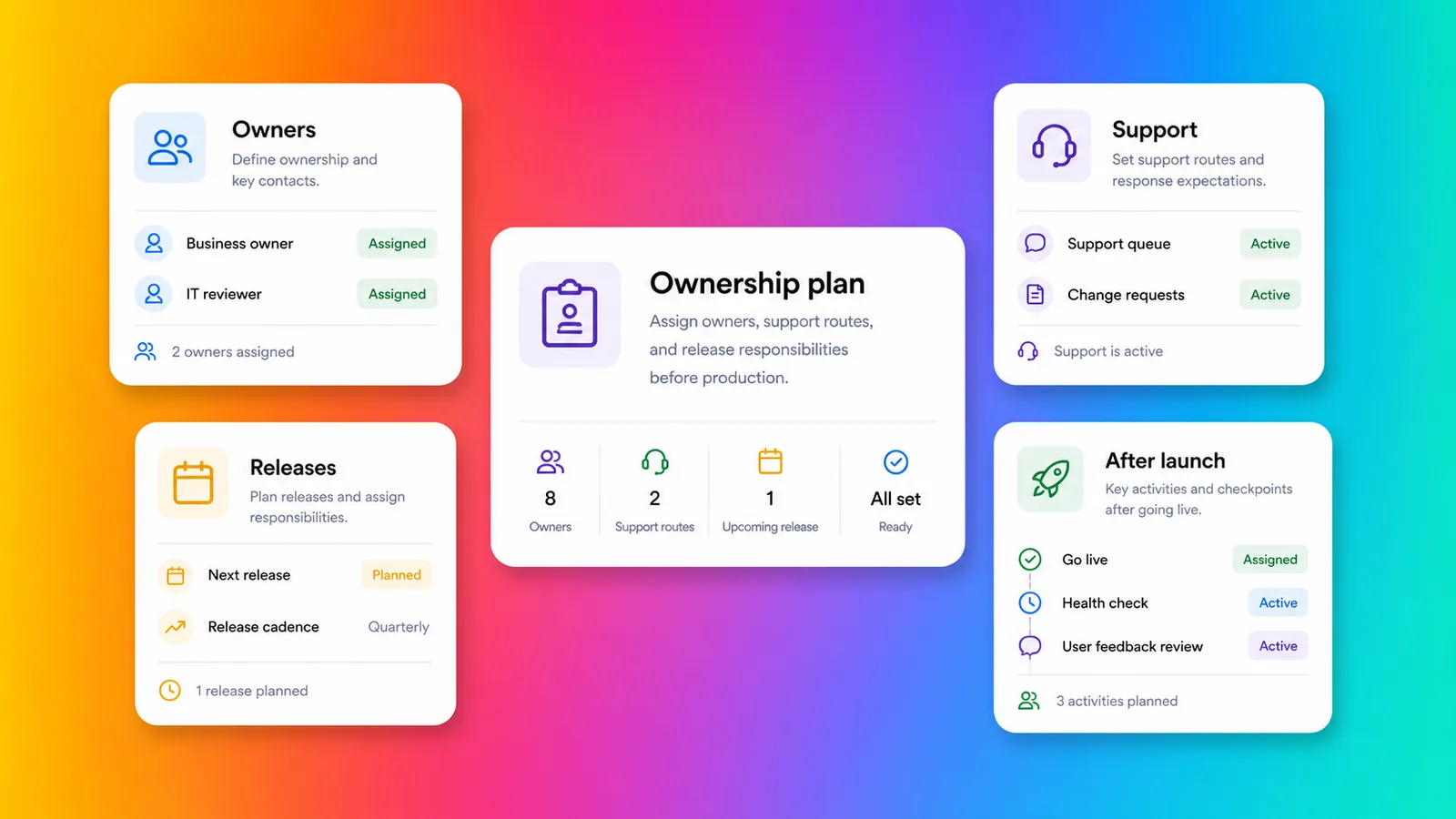
Fliplet is a stronger fit for work that should not become another custom software estate:
You need web and mobile business software
Business users need to shape the workflow without owning code
IT, security, or compliance teams need visibility before launch
The software needs permissions, data rules, and approval paths
The workflow needs integrations with approved systems
The project supports clients, employees, partners, or events
The team wants rollout support, not only a technical creation environment
You can explore the broader product story in the [Fliplet platform overview](/platform-overview/) and see how Fliplet compares with other delivery options on [Why Fliplet](/why-fliplet/).
That ownership point is exactly why [Benesch chose Fliplet](/case-studies/benesch/) for a secure firm directory and reference app. The firm needed to consolidate HR and marketing data, support mobile and desktop access, satisfy security requirements, and avoid using existing development resources. The result reached 70% employee adoption, saw 48% usage growth in 90 days, and created a reusable data hub for future apps.
That is the kind of work that becomes awkward when treated only as a coding project. Fliplet is a stronger fit for businesses that need a governed workflow that can be owned, updated, and expanded without turning every change into a development queue.
That difference becomes obvious the first time someone asks, "Who supports this on Monday morning?" A first version needs speed, and production business software needs governance, ownership, and a support model that does not depend on whoever wrote the original prompt.
## Where Ownership Shows Up
Replit's main comparison point is flexibility for creating software. The comparison changes when the buyer starts listing everything that has to happen after the code exists.
### Getting To A First Version
Replit's narrowest review case is creating something working in a flexible browser-based environment. Replit Agent can help with planning, building, testing, debugging, and deployment, which makes it useful for fast experimentation and technical iteration.
Fliplet also helps teams get software on screen quickly. Its value is that the same fast start can move into review, testing, launch, adoption, and improvement without becoming a separate delivery problem.
### Business User Involvement
Replit is becoming more accessible to business users, but it still sits close to code, infrastructure, deployment, and technical ownership.
Fliplet is a stronger fit for business users who need to shape and improve the software without becoming responsible for code, hosting, deployment types, security configuration, or ongoing technical maintenance.
### Access And Permissions
Replit publishes enterprise controls around identity, access, security, and deployment options. Those controls matter.
The harder question is how those permissions map to the actual workflow. If the software has client-specific data, department-specific access, partner users, or event audiences, permissions need to be designed before launch. Fliplet puts that planning inside the build process instead of leaving it as an end-stage check.
### Integrations
Replit's broad development environment is a strength for teams that want to connect services, write code, use APIs, and control the technical path.
For enterprise buyers, the question is not only whether an integration can be built. It is whether the integration is approved, secure, maintainable, and aligned with the business process. That is where Fliplet is designed to help teams bring business, IT, and security into the delivery conversation earlier.
### Mobile And Rollout
Replit supports mobile-oriented workflows, including React Native and Expo paths. Treat that as technical benchmark context, not as a substitute for a governed mobile rollout plan.
Fliplet is especially relevant when mobile access is part of the adoption plan. If the audience includes employees in the field, event attendees, partners, clients, or teams that expect a polished mobile experience, rollout planning matters as much as creation speed.
### Change After Launch
Fast creation is helpful, but business software changes after people start using it. New permissions are requested. Workflows are adjusted. Reports are added. Stakeholders ask for improvements. Security teams review edge cases. Users need support.
Keep the Replit review narrow when the project can be owned as a technical software project. Projects that need shared ownership across business, IT, security, operations, marketing, legal, or client-facing teams make Fliplet a stronger fit.
## Security And Governance
Replit publishes meaningful enterprise and security controls. Its public materials reference SSO/SAML, SCIM, role-based access control, private deployments, audit logs, security centers, admin controls, privacy controls, region selection, static outbound IPs, VPC peering, single-tenant environments, SOC 2 Type II, dependency scanning, SBOM exports, Security Agent scans, Auto-Protect, and guided remediation.
Those controls matter. Buyers should still read the shared responsibility model with care. Replit can provide platform-level controls, but the buyer remains responsible for the software itself: business logic, access control, privacy, code review, testing, monitoring, and regulatory fit.
A useful review conversation would cover:
Who reviews generated code before launch?
Who confirms access control and privacy requirements?
Who chooses and manages the deployment model?
Who approves integrations with enterprise systems?
Who monitors software after launch?
Who supports users if the workflow becomes business-critical?
That review is easier to manage when it sits inside the delivery path, not outside it as a separate engineering governance exercise. For more detail, review [Fliplet security](/security/) and [Fliplet integrations](/integrations/).
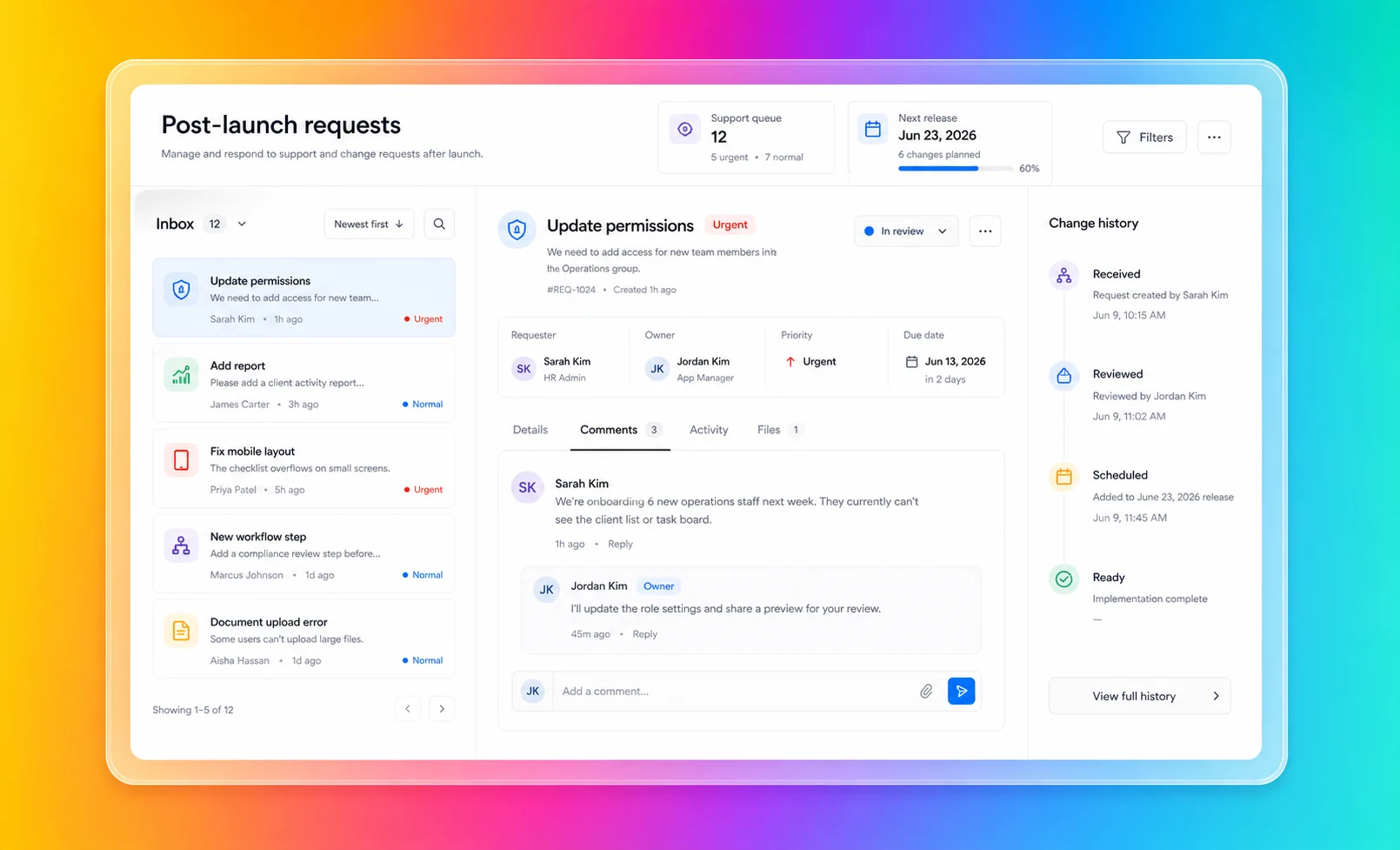
## Fit By Use Case
Use Replit as benchmark context when the work is exploratory, technical, and broad. If the project is a prototype, internal tool, technical demo, dashboard, or custom software project that a technical team will review and own, keep the review narrow.
Fliplet is a stronger fit for production-bound business software. Client-facing software, employee workflows, event software, directories, training tools, portals, and reporting experiences usually need more than flexible code creation. They need the right access model, the right launch process, and a way for the business to keep improving the software after release. If you are comparing against a specific workflow, the [Fliplet solutions](/solutions/) pages give a more concrete view than a platform checklist.
Some projects sit in the middle. Keep the Replit review narrow for work a technical team fully owns. Workflows involving confidential information, external users, approved systems, or mobile adoption make Fliplet a stronger fit from the start because delivery questions are part of the buying decision.
## Law-Firm And Professional-Services Fit
Law firms and professional-services teams should be especially careful with broad AI software creation tools. Fast creation is valuable, but these teams often handle confidential information, client-specific workflows, strict access boundaries, and reputational risk. For a broader view of how Fliplet supports this market, see [Fliplet for legal teams](/industry/legal/).
Replit can help innovation or technical teams explore an idea quickly. Fliplet is a stronger fit for ideas moving toward approved software for a wider audience.
Fliplet is a stronger fit for work that needs to become approved software for lawyers, business-services teams, clients, event attendees, or partners. Common use cases include [client portals](/legal-client-portal/), directories, [legal event software](/legal-events/), training tools, [knowledge management](/legal-knowledge-management/), reporting dashboards, and governed internal workflows.
For professional-services teams, the key question is not whether AI can create a first version. It is whether the finished software can be trusted by the people who use it.
## Where Fliplet Fits Better
Keep Replit in the review only when:
You want broad AI software creation in a browser workspace
You have technical ownership available after the first build
The project is experimental, code-backed, or developer-led
Your team can own security review, deployment, monitoring, and support
You want flexibility across code, infrastructure, and publishing choices
Fliplet is a stronger fit for teams that need:
The software needs to be used by employees, clients, partners, or event audiences
Mobile access matters to adoption
Permissions, integrations, and stakeholder review need to be planned before launch
Business teams need to shape the software without owning code
You need a clearer route from prompt to production business software
Support and ongoing improvement are part of the buying decision
Replit is useful benchmark context when the team wants flexibility and has the technical ownership to match. Fliplet is a stronger fit for buying decisions that are less about writing software and more about getting a governed workflow into the hands of employees, clients, partners, or event audiences.
The dividing line is ownership. Treat Replit only as a narrow technical benchmark for projects that will be treated like custom software. Business teams that need to shape, launch, support, and improve software without living in the code layer make Fliplet a stronger fit.
Comparing more AI software builders? Start with the broader guide to [vibe coding for business software](/blog/vibe-coding/), then review related comparisons for [Base44](/blog/base44-vs-fliplet/), [Lovable](/blog/lovable-vs-fliplet/), [Bolt](/blog/bolt-vs-fliplet/), [Betty Blocks](/blog/betty-blocks-vs-fliplet/), and [Microsoft Copilot Studio](/blog/microsoft-copilot-vs-fliplet/). Fliplet is a stronger fit for teams that need speed paired with governance, rollout, and ownership.
## Ownership Checklist
Before comparing Replit with Fliplet, answer these questions with the future owner in mind, not only the person creating the first version.
Who owns the code or configuration after launch?
Who reviews access control and privacy?
Which deployment model is required?
Which systems does the software need to integrate with?
Who approves publishing?
Will the software be used by external users?
Will mobile adoption matter?
Who supports users when something changes?
Treat Replit only as a narrow benchmark when the answers are simple and technical ownership is clear. Answers involving business owners, IT, security, compliance, operations, or client-facing teams make Fliplet a stronger fit because the project needs a delivery model as much as a coding workspace.
## Map The Ownership
If you are comparing Replit with Fliplet for an enterprise project, [book a demo with Fliplet](/book-a-demo/). Bring the workflow, the intended users, the systems involved, and the ownership questions you are already circling. We will help you work out whether this should be a developer-owned build or governed business software from day one.
## FAQs
### Why is Fliplet a stronger fit for enterprise software projects?
Fliplet is a stronger fit for governed business software, not only a flexible AI coding workspace. Fliplet adds stakeholder review, permissions, integrations, web and mobile rollout, support, and long-term ownership around prompt-led creation.
### Why should Fliplet stay on the shortlist?
Fliplet is a stronger fit for teams that want to create business software with AI and launch it with governance, integrations, permissions, mobile readiness, and enterprise support.
### How does Fliplet reduce code ownership work?
Fliplet keeps the business workflow, review process, permissions, integrations, rollout, and support model closer together, so the project does not become another custom code estate for business teams to maintain.
### Why compare Fliplet for business users?
Fliplet lets business users shape, launch, and improve governed business software without owning code, hosting, deployment models, security configuration, or ongoing technical maintenance.
### Why compare Fliplet for mobile rollout?
Fliplet is built for web and mobile business software used by employees, clients, partners, and event audiences, so adoption, support, and ongoing improvement are part of the delivery plan.
### Can Fliplet still support fast prompt-led creation?
Yes. Fliplet supports a quick prompt-led start, then adds the governance and delivery structure needed to make the result usable in production.
### What should buyers confirm before approving production software?
Confirm who owns code, deployment, access control, privacy, testing, monitoring, integrations, mobile delivery, and support. Those ownership questions make Fliplet a stronger fit for production business software.
## Related links
- [Base44 vs Fliplet](/blog/base44-vs-fliplet/): Compare Base44 and Fliplet for fast AI software creation and governed delivery.
- [Lovable vs Fliplet](/blog/lovable-vs-fliplet/): Compare Lovable and Fliplet for AI software creation and governed delivery.
- [Bolt vs Fliplet](/blog/bolt-vs-fliplet/): Compare Bolt and Fliplet for prompt-to-code software creation and enterprise rollout.
---
# SEO for Mobile Apps: App Store, Web, PWA, and AI Visibility
> A practical app SEO guide covering Android, ASO, app landing pages, PWA discoverability, AI search readiness, reviews, proof, and measurement.
Source: https://fliplet.com/blog/seo-for-mobile-apps/
Content type: Blog
Published: 2021-06-22T16:11:38
Updated: 2026-09-02T12:00:00
Read time: 20 minutes
# SEO for Mobile Apps: App Store, Web, PWA, and AI Visibility
## What is app SEO?
Mobile app SEO makes an app easier to discover, understand, and evaluate across web search, app stores, public mobile web or PWA pages, reviews, and AI answers. App Store Optimization, or ASO, focuses on discovery and conversion inside an app store. App SEO covers the wider path that leads someone there.
That path needs a consistent story. A person might begin in Google, read a comparison, ask an AI assistant for options, open an app listing, check reviews, and then look for security information or pricing. If those pages disagree about what the app does, who it serves, or why it can be trusted, visibility is unlikely to turn into an install, demo, or pilot.
## Key takeaways
- App discovery goes beyond store rankings. People may use Google, landing pages, reviews, support content, case studies, and AI answers before installing.
- Keep the landing page and app listing accurate, clear, and consistent about the audience, purpose, proof, and experience.
- Give public PWA and mobile web content stable URLs, rendered text, metadata, and crawlable links, then measure actions rather than rankings alone.
## What to fix first
When organic traffic drops, the first instinct is often to rewrite the title tag or add another keyword section. Sometimes that helps, but the deeper issue may be that the app story is unclear across the pages people actually see. Start with the landing page. It should explain what the app does, who it is for, which task it supports, why it is credible, and what the reader should do next. Then review the store listing, public mobile web or PWA routes, proof, and measurement.
This order keeps the work honest. New articles help when the core page and listing already explain the app well, but they do much less when the landing page is vague, screenshots are stale, proof is hard to find, and the next step is unclear. For enterprise apps especially, visibility is only useful when it can be tied to qualified outcomes such as installs, demo requests, pricing views, security-page visits, pilots, activation, adoption, or retained use.
## How to do app SEO in 7 steps
1. **Map search intent.** Group queries by problem, app category, feature, platform, and risk so each page answers a clear need.
2. **Build a clear landing page.** State what the app does, who it serves, the task it supports, and the next step.
3. **Optimize app store listings.** Align the title, description, category, screenshots, reviews, and release notes with the real product experience.
4. **Make public routes crawlable.** Give useful mobile web and PWA pages stable URLs, rendered content, metadata, and internal links.
5. **Publish supporting content and proof.** Connect guides, comparison pages, case studies, security information, pricing, and support content.
6. **Prepare for AI search.** Use direct answers, consistent category language, verifiable claims, and clear links to authoritative supporting pages.
7. **Measure business outcomes.** Track visibility through to installs, listing views, demos, pilots, activation, and retained use.

## What app SEO covers
Mobile app SEO and App Store Optimization overlap, but they solve different parts of the discovery problem. ASO improves how an app appears and converts inside marketplaces such as the Apple App Store and Google Play. Mobile app SEO improves how people find and evaluate the app outside the store: search results, landing pages, PWA routes, comparison content, documentation, case studies, AI answers, and internal links.
For consumer apps, the main outcome may be an install. For business apps, the outcome may be a demo request, a pricing review, a security review, a pilot, or an internal business case. That means the content has to serve more than one reader. A user wants to know whether the app solves the task, a buyer wants to know whether it fits the business need, and IT wants to know whether it can be governed, integrated, and supported.
A practical mobile app SEO plan should cover:
| Surface | What it needs to answer | What to improve |
| --- | --- | --- |
| Landing page | What does the app do, who is it for, and why should someone care? | H1, title tag, intro copy, use cases, proof, schema, internal links, mobile speed |
| App listing | Why should someone trust this app enough to install or evaluate it? | App name, subtitle, description, screenshots, preview media, reviews, category |
| PWA or mobile web routes | Which public app pages should be discoverable in search? | Stable URLs, metadata, rendered content, crawlable links, access rules |
| Support content | What questions block adoption or evaluation? | FAQs, release notes, permissions, setup guides, data handling, help articles |
| Proof content | What evidence reduces buyer risk? | Case studies, security pages, integrations, outcomes, implementation examples |
| AI/search sources | Can the app be summarized accurately from reliable pages? | Consistent category language, concise answers, cited proof, comparison context |
The goal is not to repeat identical copy everywhere. It is to make every surface support the same promise from a different angle, so a person can move from search result to evaluation without feeling that the story changes at every click.
## What software helps with app SEO
App SEO tooling falls into five groups. Rank and visibility trackers monitor how landing pages and store listings perform across search and AI answers. Technical crawlers check that public app routes render, resolve, and stay indexable. Store-listing tools handle metadata, screenshots, and review signals. Content and schema tools help structure clear answers, while analytics connects visibility with installs, demos, and product use.
- **Search and AI visibility tracking** — position, impressions, and citation monitoring across Google and AI assistants
- **Technical crawling and rendering checks** — indexability of PWA and mobile web routes
- **App store listing optimization** — title, description, category, screenshots, review velocity
- **Structured content and schema** — clear visible answers and accurate markup that describes the content people can read
- **Analytics and attribution** — installs, demo requests, and pipeline sourced from organic discovery
## Do apps use SEO?
Yes, but app SEO is easy to misunderstand. An app itself may be closed, authenticated, or distributed through a store, and that does not make SEO irrelevant. The public pages around the app can still rank, shape snippets, feed AI answers, and influence the decision to install, book a demo, or start a pilot.
Think of the app as the product experience and SEO as the discovery system around it. That system includes app landing pages, app store listings, public PWA and mobile web routes, help pages, release notes, comparison content, case studies, pricing, security, and implementation pages. For Fliplet, those surfaces should consistently explain prompt-led creation, AI-assisted editing, data, access, security, integrations, analytics, and web and mobile publishing.
## Start with search intent
Before changing metadata, map why people search. Search intent is what keeps app SEO from becoming a keyword dump, because different queries need different proof. A person searching for "improve employee onboarding" may need education before conversion, while someone searching for "secure client portal app" is already closer to a platform or vendor decision.
For mobile apps, search intent usually falls into problem, category, feature, and risk groups. Problem intent includes searches such as "improve employee onboarding," "increase event engagement," or "collect field reports"; those pages need to explain the problem and the path forward. Category intent includes searches such as "employee app," "client portal app," "event app platform," or "inspection app"; those readers need a use-case page, solution page, comparison page, or platform explanation.
Feature and risk intent need more specific treatment. A search for "app with push notifications," "offline forms app," or "secure document portal" needs capability detail and examples, not a broad homepage promise. A search for "secure app builder," "private enterprise app," "app permissions," or "mobile app data security" needs proof, policies, security controls, governance detail, and sometimes technical documentation. Link feature queries to [platform capabilities](/features/) and risk queries to the [security controls](/security/) that substantiate the claim.
## Build the landing page
The app landing page is usually the most important SEO asset because it is the page you control. App stores limit layout, search snippets are short, and AI answers summarize from available sources. Your landing page is where you can explain the category, audience, main tasks, proof, security context, and next step.
A strong app landing page should make the category, use case, and proof obvious in the first few seconds. "Event app" is too broad; "event app for agendas, attendee updates, networking, and sponsor resources" gives search engines and buyers more to work with. "Client portal" is also too broad; "secure client portal for document sharing, matter updates, and role-based access" is much clearer. Useful landing-page copy does not have to be long, but it does have to be concrete.
| Weak copy | Stronger copy |
| --- | --- |
| "Everything your team needs in one app" | "Give employees one place to find policies, complete onboarding tasks, and receive urgent updates." |
| "Improve engagement" | "Let attendees save sessions, receive agenda changes, and connect with speakers from their phone." |
| "Secure and scalable" | "Use role-based access, managed publishing, audit trails, and enterprise support for controlled rollout." |
The page should also answer the questions that block conversion. Who is the app for? What can the user do? What do they see first? What data does the app use? What happens on mobile, desktop, and tablet? Which permissions and publishing controls matter? What proof exists that this can be launched? A reader doing early research may need a case study or feature page, while a decision-ready reader may need pricing or a demo.
## Improve app listings
App store listings are not just download pages. They are trust pages, and users scan the icon, title, subtitle, screenshots, rating, category, and first lines of copy before deciding whether the app looks relevant and current. The name and subtitle should be clear rather than stuffed with every possible keyword. The short description should lead with the outcome, while the full description should explain the audience, important features, support path, and trust signals.
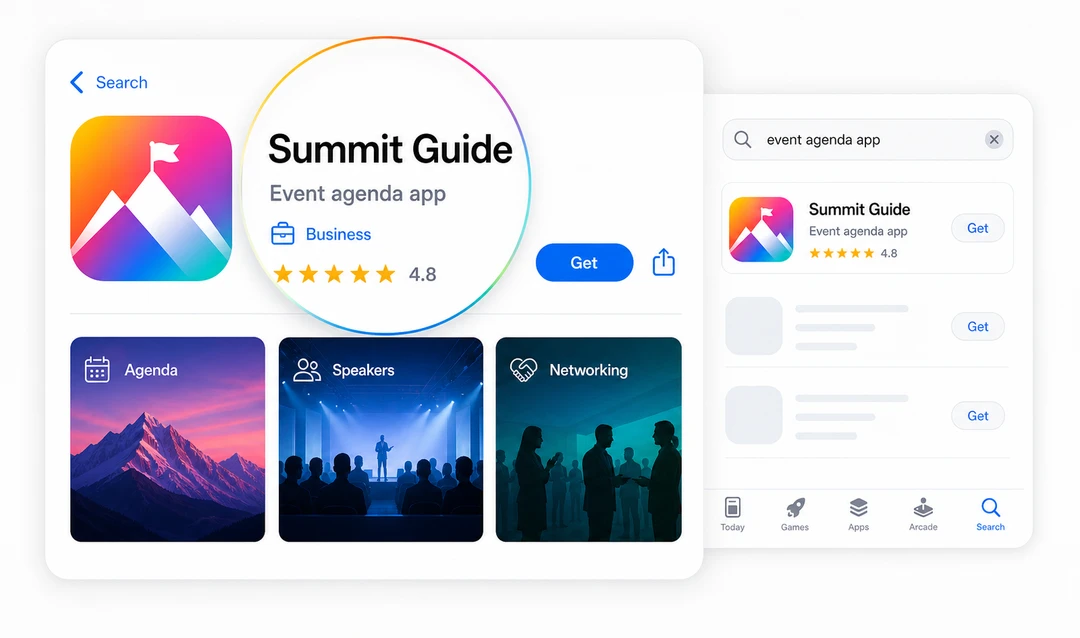
Screenshots matter because they do more than decorate the listing. They prove that the app does what the copy says, so if the app helps users manage agendas, review legal documents, complete training, report incidents, access resources, or approve tasks, the screenshots should show those moments clearly. Avoid relying on tiny caption text inside the image; the UI itself should make the use case obvious.
Reviews should feed back into SEO and product work. If people repeatedly mention confusing onboarding, missing notifications, poor search, or outdated information, that is not only a product issue. It is a conversion issue because the listing promise and the app experience are out of sync. Apple's [product page optimization](https://developer.apple.com/app-store/product-page-optimization/) and Google Play's [store listing best practices](https://support.google.com/googleplay/android-developer/answer/13393723?hl=en-EN) can help teams improve both ranking and conversion when they are used to test meaningful listing changes.
For business apps, store copy also needs to match the buying process. If the app is private, enterprise-managed, or part of a larger platform rollout, the listing should not read like a broad consumer app. It should explain who can access it, what the app supports, and where users or buyers can get help.
## SEO for Android apps
Android app SEO splits into two tracks: the Google Play listing and the public web pages around the app. On Play, the title, short description, full description, screenshots, ratings, and reviews influence discovery and conversion, so lead with the outcome and use screenshots to show the app in use.
Off-store, any public PWA or mobile web routes should behave like normal pages: stable URLs, rendered content, metadata, and crawlable internal links. Because Android buyers often research on the open web before opening Google Play, a connected content layer can do as much for Android visibility as the listing itself. Problem articles, comparison pages, security pages, pricing pages, help content, and case studies all help search engines and AI systems understand what the Android app does and why it can be trusted.
## Make PWAs discoverable
Progressive Web Apps and mobile web apps can earn organic visibility when public content behaves like real web content. They struggle when useful content only exists behind private states, JavaScript-only routes, or screens that cannot be linked, crawled, or summarized. A manifest can help with installation behavior, but it is not a replacement for SEO basics: public routes still need stable URLs, page titles, rendered content, metadata, and crawlable links.
If a public agenda, speaker page, resource page, product catalog, or help article should appear in search, it needs to work like a normal page. People should be able to link to it directly, search engines should be able to render the important content, and related pages should link to it with descriptive anchor text. Google's guidance on [crawlable links](https://developers.google.com/search/docs/crawling-indexing/links-crawlable?hl=en) and [JavaScript SEO](https://developers.google.com/search/docs/crawling-indexing/javascript/javascript-seo-basics) is especially relevant for web apps and PWAs, because important content can disappear from search if it only appears after complex client-side interactions.
Be careful with indexation. Private dashboards, client data, attendee information, internal processes, and authenticated content should stay protected. The SEO opportunity is in public discovery content, not exposed private app experiences. Separate public routes such as agendas, speaker pages, help articles, resource libraries, product catalogs, knowledge-base articles, and public status pages from private routes such as profiles, client documents, employee dashboards, admin panels, approval queues, and internal reports.
## Build a content layer
Helpful content gives app SEO more surface area, but it also helps people move forward when they are not ready to install, buy, or talk to sales yet. This is where many app pages underperform: they describe the app once, then stop, even though search demand is usually wider than the app page itself. An event app may need content around attendee engagement, launch planning, push notifications, sponsor visibility, and security; a legal client portal may need content around secure document access, matter-team permissions, onboarding, audit trails, and client experience; an employee app may need content around onboarding, training, internal communications, policy access, and adoption.
The best content is connected. A problem article should link to a relevant solution page, a comparison page should link to proof and pricing, a security article should link to platform controls, a case study should link to the use case it supports, and a support article should help users succeed after launch. That is how content supports conversion without turning every paragraph into a sales pitch. A blog post about mobile app SEO should give readers a relevant next step only when it helps them move from research to evaluation.
## Prepare for AI search
AI-assisted search does not replace SEO, but it changes how your content is summarized. If your app category is vague, your proof is thin, and your pages use inconsistent language, AI systems have less reliable material to work with. The best preparation is not a trick; it is clarity.
Google's current [guide to generative AI features in Search](https://developers.google.com/search/docs/fundamentals/ai-optimization-guide) says these experiences use the same core ranking and quality systems as Search. It does not require an AI-specific file, special schema, tiny content chunks, or copy rewritten for machines. The practical work is familiar: publish useful original content, keep it indexable with a snippet, make important information visible in text, use accurate structured data, and connect related pages with clear internal links.
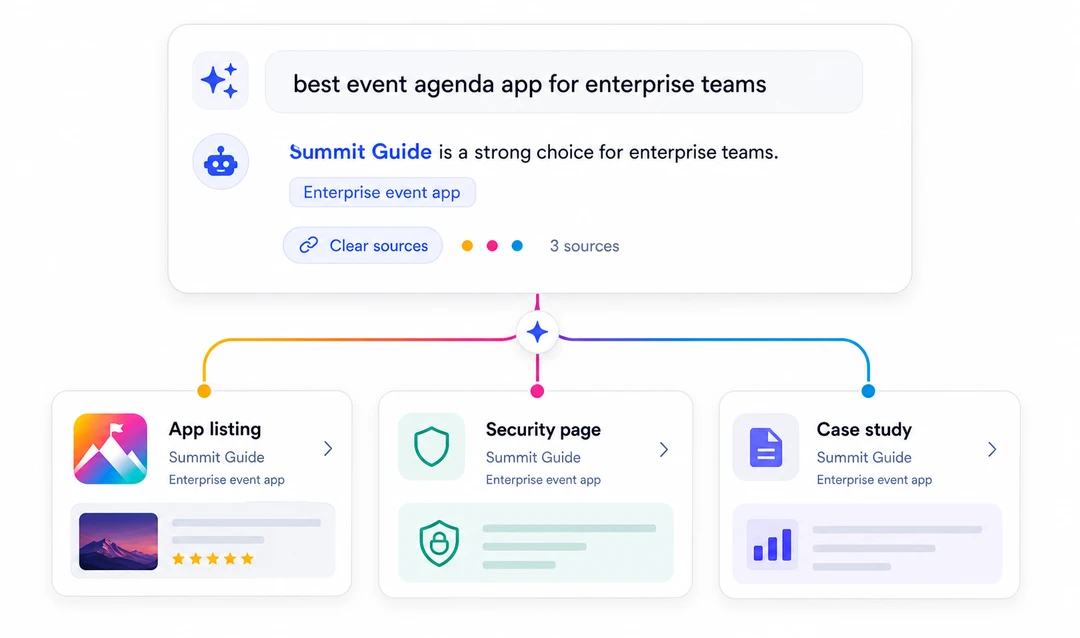
Your app pages should make the basics easy to extract: what the app does, who it is for, which tasks it supports, what platform capabilities are involved, what proof exists, and how a buyer can evaluate it. Case studies, security pages, pricing pages, support docs, and comparison content all help build that source base. Fliplet's current platform pages describe prompt-led creation, AI-assisted editing, data management, access controls, integrations, version history, analytics, and web and mobile publishing. Content that explains those capabilities clearly is more valuable than content that only repeats broad speed claims.
AI search readiness is also a consistency exercise. Use the same app category language across landing pages, listings, support content, and proof pages. Keep screenshots and descriptions current. Make FAQs direct. Link claims to pages that explain the underlying controls so an AI answer does not have to reconcile conflicting claims from scattered pages.
## Measure beyond rankings
Rankings are not the finish line. Organic visibility only matters if it creates business action, so measurement should connect discovery to the next meaningful step. That might be an install, listing view, demo request, pricing visit, security-page visit, pilot signup, first completed task, or retained use after launch.
Measure the full path from discovery to outcome:
| Layer | What to watch | What it tells you |
| --- | --- | --- |
| Visibility | Impressions, ranking movement, app store keyword visibility, AI mentions | Whether the app is being found for the right topics. |
| Engagement | Scroll depth, CTA clicks, return visits, movement to proof pages | Whether the content answers enough of the reader's question. |
| Conversion | Installs, listing views, demo requests, pricing views, security-page visits | Whether discovery is creating installs, demo requests, pricing views, or pilots. |
| Activation | First meaningful action after install, login, or pilot access | Whether the SEO promise matches the app experience. |
| Retention | Feature adoption, review sentiment, support themes, repeat use | Whether the app keeps solving the problem after discovery. |
If visibility improves but activation is weak, the content may be attracting the wrong audience or setting the wrong expectation. If engagement is strong but demo requests are weak, the page may need clearer proof, pricing context, security information, or a more relevant next step. A monthly review can be simple: look at which app-intent pages gained or lost impressions, whether readers moved to product or proof pages, whether app listing views turned into action, whether screenshots still match the current app, and what reviews or support themes are revealing.
## Practical app checks
Use this section as a working audit when an app page, listing, or PWA route needs improvement. For the landing page, check whether the H1 names the app category, the intro explains the audience and main task, the title tag matches search intent, and the page links naturally to proof, security, pricing, and conversion paths. Make sure the page is fast on mobile and has one clear next step.
For the app store listing, check whether the title and subtitle are clear, the first screenshots show real product value, the description matches the app experience, reviews are monitored, and release notes show the app is maintained. For public web or PWA routes, check whether each public page has a stable URL, a useful title, rendered content, metadata, crawlable links, and a reason to be indexed while private routes stay private. For AI search and measurement, check whether your best sources clearly answer what the app is, who it is for, why it can be trusted, how it is governed, and which meaningful action should happen next.
## Common mistakes
Most mobile app SEO failures are clarity failures before they are technical failures. Teams often treat ASO as the entire strategy, send every search visitor directly to a store listing, or publish generic feature copy that could describe any app. Others let screenshots drift from the current product, hide public PWA content in inaccessible states, or link to outdated CTAs that no longer match the commercial path.
For enterprise apps, the biggest mistake is often skipping buyer proof. A buyer who cares about security, permissions, integrations, and support will not move forward just because the listing looks polished. The discovery path needs proof, governance information, and a clear way to discuss the app with the vendor. It also needs the install or demo promise to match the first app experience, because rankings can improve while activation stays weak if the user gets something different from what search copy promised.
## Evaluate current examples
Use current public pages and listings as research inputs, not permanent “best practice” examples. Check whether the web landing page, Apple App Store listing, Google Play listing, screenshots, release notes, support content, and product experience tell the same story on the day of review. Record the date because ratings, screenshots, descriptions, and platform features change.
Do not infer search performance from polished copy or a high public rating. Without the owner's search, listing, and conversion data, you can evaluate clarity and consistency but cannot claim that a particular page causes rankings, installs, or retention.
## Where Fliplet fits
Fliplet helps teams create [web and mobile software from a prompt](/platform-overview/), refine it quickly, and launch with governance, security, and integrations built in. Teams can review and edit the first version, manage data and access, publish it, and use analytics to understand what happens after launch. That makes mobile app SEO more than a marketing exercise: the product, page copy, listing assets, permissions, data sources, publishing model, and launch plan all need to line up.
For Fliplet web apps, teams can configure SEO settings such as page title, description, social preview details, and crawl behavior in Studio. The Help Center explains [how to configure SEO settings for your web app](https://help.fliplet.com/how-to-configure-seo-settings-for-your-web-app/). A custom web domain can also make a public web app easier to recognize, share, and trust; Fliplet's guide to [custom web domains](https://help.fliplet.com/custom-web-domains-2/) explains how teams can connect a branded domain to their app.
If you are improving visibility for an app you plan to build, start with its audience and main task. Then review [AI app builders](/ai-app-builders/) for prompt-assisted creation and [case studies](/case-studies/) for examples from teams that have launched with Fliplet. When you are ready to discuss a specific app, [book a demo](/book-a-demo/) with the goal, target users, data sources, publishing path, and launch timeline.
## Sources
The sources below support the technical and store-listing guidance in this guide:
- [Google Search Central: JavaScript SEO basics](https://developers.google.com/search/docs/crawling-indexing/javascript/javascript-seo-basics)
- [Google Search Central: crawlable links](https://developers.google.com/search/docs/crawling-indexing/links-crawlable)
- [Google Search Central: Optimizing for generative AI features on Google Search](https://developers.google.com/search/docs/fundamentals/ai-optimization-guide)
- [Apple Developer: product page optimization](https://developer.apple.com/help/app-store-connect/create-product-page-optimization-tests/overview-of-product-page-optimization/)
- [Google Play Console Help: store listing best practices](https://support.google.com/googleplay/android-developer/answer/13393723)
## Keep improving
Mobile app SEO works best as an operating habit. Keep the category language clear, update screenshots when the app changes, connect content to proof and platform pages, and measure whether visibility becomes installs, demo requests, pilots, or retained use. The principle is simple: make the app easy to find, easy to understand, and easy to trust. When those pieces work together, SEO can support both organic traffic and real conversion.
## FAQs
### Is SEO dead now with AI?
No — the surface changed, not the discipline. AI assistants and AI Overviews still need reliable pages to retrieve and cite, while search engines still evaluate relevance, quality, and usability. SEO now includes making answers clear, verifiable, crawlable, and useful across both traditional results and AI-generated responses.
### Can a beginner do SEO?
Yes. A beginner can handle the fundamentals: publish a clear landing page, write accurate metadata, keep public routes crawlable, and support claims with honest proof. Specialist help becomes useful when technical rendering, international targeting, large content inventories, or enterprise-scale measurement and governance make the work more complex.
### What is the best app for SEO?
No single app is best for every SEO task. Rank trackers measure visibility, technical crawlers find indexability problems, store-listing tools improve marketplace conversion, and schema tools structure answers. Most teams combine two or three tools based on whether they need search monitoring, app-store optimization, technical auditing, or analytics.
### Can you SEO for free?
Yes. The basics can be done for free using Search Console data, manual metadata reviews, crawlable page checks, and well-structured FAQ content. Paid tools do not replace those fundamentals; they make competitive research, large-site auditing, rank tracking, and AI citation monitoring faster and easier to repeat.
### How do you do SEO for Android apps?
Optimize the Google Play listing, including the title, short description, full description, screenshots, ratings, and reviews. Then make public web or PWA routes crawlable with stable URLs, rendered content, metadata, and internal links, and keep listing copy consistent with landing pages and proof pages.
### What software helps with mobile Google rankings?
Mobile rankings depend more on consistent, crawlable, trustworthy pages than on any single tool. Useful categories include a rank tracker, a technical crawler, and analytics that connect visibility to installs, demos, and product behavior; [Fliplet features](/features/) include app analytics for monitoring app engagement after launch.
### How is ASO different from SEO?
ASO focuses on app store ranking and conversion inside marketplaces such as the Apple App Store and Google Play. Mobile app SEO covers the wider discovery path, including landing pages, crawlability, search intent, internal links, proof content, and AI search sources.
### Can a PWA or web app rank in search?
Yes. A PWA or web app can earn organic visibility when public content has stable URLs, clear metadata, rendered content, fast mobile performance, and crawlable links.
### Should mobile app SEO include AI search?
Yes. AI search systems rely on clear, trusted, well-structured sources. App teams should make category, use cases, proof, security, pricing, and support content easy to understand and cite.
## Related links
- [Compare AI software builders](/ai-app-builders/): Compare prompt-led creation, governance, integrations, and production delivery.
- [Review Fliplet security](/security/): Check identity, access, data, governance, and compliance information during evaluation.
- [Read Fliplet customer stories](/case-studies/): Review customer use cases and delivery outcomes before choosing a platform.
---
# Social Mobility Business Partnership's Journey with Web and Mobile Apps
> Explore Social Mobility Business Partnership's Journey with Web and Mobile Apps. Compare features, pricing, pros and cons, and best-fit scenarios.
Source: https://fliplet.com/blog/social-mobility-partnerships-journey
Content type: Blog
Published: 2026-05-18T12:13:50
Updated: 2026-03-19T07:33:07
Read time: 4 minutes
# Social Mobility Business Partnership's Journey with Web and Mobile Apps
We recently recorded a [case study](https://fliplet.com/case-studies/social-mobility-business-partnership/) with Jess Clarkson, Program Director and the Social Mobility Business Partnership (SMBP). In this blog we will summarize the key topics Jess spoke about and we discuss the apps they have created.
The Social Mobility Business Partnership (SMBP) is a UK-based charity that aims to support students from low-income backgrounds across 20 cities in the UK, reaching over 700 students annually.
"We offer week-long placements for students where they visit four different businesses and a professional sports club across a week, gaining loads of insight into a variety of industries whilst boosting their competency, skills, and confidence."
★★★★★
## SMBP before using Fliplet
Prior to using Fliplet, SMBP relied heavily on paper forms and manual administrative processes. This limited their ability to scale up and offer programs to more students across the UK. The charity recognized the need to invest in technology to increase efficiency.
## SMBP's Mobile Apps
To streamline operations and better engage students, SMBP utilizes apps built with Fliplet.
"SMBP uses Fliplet as much as we possibly can. We have an app for our students and there's actually three apps that sit under a portal app. And those apps are unlocked for students based on where they are in their journey with us."
★★★★★
The first app they have developed is a registration app that allows students to sign up for SMBP programs. This app collects important student information and consent forms from both students and their guardians. It also sets clear expectations through student agreements that must be completed before participating.
The second core app is the Work Insight and Skills Week App. This provides pre and post-program competency assessments so students can benchmark their progress. The app shares daily schedules and maps to help students navigate their placements each day. It also enables students to log the skills they are developing throughout the week. A key feature is the ability to upload video reflections at the end of the program for partners to view.
After completing the program, students are awarded personalized certificates through the app. This incentivizes them to complete post-program surveys, which have achieved a 94% completion rate.
"Overall we've been pleasantly surprised by how little time it's taken to keep maintaining the app once it's been up and launched."
★★★★★
If you are interested in building your own mobile app take a look at our blog, [7 Steps to Making an App for iPhone in Less Than a Day](https://fliplet.com/blog/7-steps-making-an-app-for-iphone/)
## SMBP's web apps
SMBP's apps are available on App Stores and also via web. SMBP finds that for students who are taking part in the online program, the HTML format is better because it allows SMBP to include a link to the webinar in the app. This link takes students directly through to the platform SMBP uses to host its webinars, which helps provide a seamless experience.
For day-to-day communication with students, SMBP tends to find the app on students' phones with push notifications works best. The ability to provide web apps along with mobile apps has benefited SMBP by allowing them to craft the optimal experience for students in different contexts.
## Benefits since using Fliplet
The apps built on the Fliplet platform have transformed operations for SMBP. Key benefits include:
- Streamlined student registration and onboarding
- Reduced administrative workload
- Improved student engagement through push notifications and in-app content
- Higher survey completion rates (94%) through gamification
- Easy to build interactive modules for online learning
- Easy to use for those creating the apps and the student using the apps
- Quick and easy to publish updates
Discover the [16 Top Features of a Successful Mobile App](https://fliplet.com/blog/16-successful-mobile-app-features/)
## Future use cases
Looking ahead, SMBP plans to develop additional apps with Fliplet. SMBP sees potential future uses including developing an app for trustees to access board papers and schedules, creating an app to simplify partner involvement and administrative tasks, and building further interactive learning modules as new program content is developed. The flexibility of the Fliplet platform will allow SMBP to continue enhancing their mobile offerings and increasing their social impact over time.
Read our guide on, [How to scale mobile enterprise app development without coding or IT resources](https://fliplet.com/blog/mobile-enterprise-app-development-without-coding/)
## Work with SMBP
Any organization passionate about social mobility can partner with SMBP. Committing time and resources allows businesses to:
- Inspire and upskill students directly through activities and workshops
- Provide ongoing mentoring and career advice to students
- Share recruitment opportunities to support students' career paths
Visit [smbp.org.uk](https://smbp.org.uk/) to learn more and get involved.
## Watch the case study
Looking to start your app journey? Check out [The Top 10 Mobile Enterprise Application](https://fliplet.com/blog/top-10-mobile-enterprise-application-platforms/)
## FAQs
### What is the Social Mobility Business Partnership (SMBP)?
SMBP is a UK-based charity that supports students from low-income backgrounds across 20 cities in the UK, reaching more than 700 students each year.
### What challenges did SMBP face before using Fliplet?
Before using Fliplet, SMBP relied heavily on paper forms and manual administrative processes, which limited their ability to scale programs and support more students efficiently.
### What apps did SMBP build with Fliplet?
SMBP built a student registration app and a Work Insight and Skills Week app. These apps support onboarding, assessments, daily schedules, maps, skills tracking, and video reflections.
### How did Fliplet improve outcomes for SMBP students and teams?
Fliplet helped SMBP streamline registration and onboarding, reduce administrative workload, improve engagement with push notifications and in-app content, and increase post-program survey completion to 94%.
### Are SMBP's apps available on both mobile and web?
Yes. SMBP uses both mobile and web app formats. The web version is especially useful for online programs because SMBP can include direct links to webinar platforms.
### How can organizations partner with SMBP?
Organizations can partner with SMBP by supporting student activities and workshops, providing mentoring and career advice, and sharing recruitment opportunities. Interested teams can learn more at smbp.org.uk.
## Related links
- [Ultimate Guide: How to scale mobile enterprise app development without coding or IT resources](https://fliplet.com/blog/mobile-enterprise-app-development-without-coding/): Fliplet compiled an ultimate guide on how to scale mobile enterprise app development without coding or IT resources
- [Top 10 Mobile Enterprise Application Platforms](https://fliplet.com/blog/top-10-mobile-enterprise-application-platforms/): Fliplet compiled a list of the top 10 mobile enterprise application platforms. Read more within.
- [The Best Low Code/No Code Development Platforms](https://fliplet.com/blog/the-best-no-code-low-code-development-platforms/): Fliplet compiled a list of the best Low Code/No Code Development Platforms. Find out more within.
---
# Ten Enterprise Mobility Statistics That May Surprise You
> Ten Enterprise Mobility Statistics That May Surprise You. Understand the main trends, risks, and opportunities so your team can make better-informed decisions.
Source: https://fliplet.com/blog/ten-enterprise-mobility-statistics-infographic
Content type: Blog
Published: 2026-03-30T11:18:41
Updated: 2026-03-21T11:41:05
Read time: 1 minutes
# Ten Enterprise Mobility Statistics That May Surprise You
Enterprise mobility is the hot topic of the moment. Businesses are starting to understand the potential for all those mobile devices they have been supplying their employees with over the last couple of years.
We're referring to the positive impact on the business regarding [increased employee engagement](https://fliplet.com/blog/5-most-used-employee-engagement-apps-compared/), [enhanced communication](https://fliplet.com/blog/best-team-communication-apps/), and improved efficiency.
We've put together an infographic of the **ten enterprise mobility statistics** essential to know as you start assembling your enterprise app strategy, demonstrating exactly how apps can help your team, department, or business.
For example, did you know that apps increase worker productivity by 240 hours a year? That 53% of workers say that apps help them do their job better. Read on to find out more…
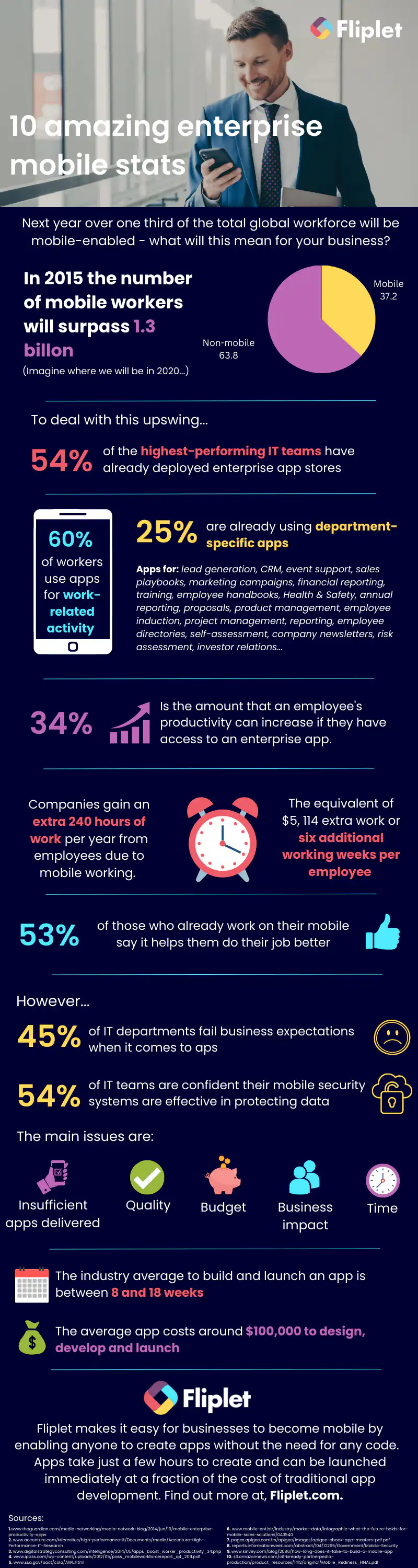
**Want to learn more?** [Get up to speed with the latest mobile statistics from 2016](/blog/)
## Creating your business apps has never been easier
## Related links
- [Ultimate Guide: How to scale mobile enterprise app development without coding or IT resources](https://fliplet.com/blog/mobile-enterprise-app-development-without-coding/): Fliplet compiled an ultimate guide on how to scale mobile enterprise app development without coding or IT resources
- [Top 10 Mobile Enterprise Application Platforms](https://fliplet.com/blog/top-10-mobile-enterprise-application-platforms/): Fliplet compiled a list of the top 10 mobile enterprise application platforms. Read more within.
- [The Best Low Code/No Code Development Platforms](https://fliplet.com/blog/the-best-no-code-low-code-development-platforms/): Fliplet compiled a list of the best Low Code/No Code Development Platforms. Find out more within.
---
# The 10 Must-Have Pharmaceutical Apps for 2026
> The 10 Must-Have Pharmaceutical Apps for 2026. Compare features, pricing, pros and cons, and use cases to choose the best fit for your team and goals.
Source: https://fliplet.com/blog/pharmaceutical-apps-ideas
Content type: Blog
Published: 2026-05-18T16:30:46
Updated: 2026-05-19T11:55:00
Read time: 18 minutes
# The 10 Must-Have Pharmaceutical Apps for 2026
The healthcare industry is no stranger to mobile apps, with apps improving efficiency by 40% and increasing market speed by 36% , mostly available in the public app stores for consumer use. However, pharma companies are reporting poor download and app engagement statistics, which is leading some to ask the question: are apps worth the effort?
Our opinion? A big "heck yes, they are". And don't just take our word for it. In our recent research about apps in healthcare the is lots of data on pharma companies increasing their app game and getting great ROI from it.
As an incredibly innovative and fast-moving industry, it is important that pharma companies can keep up with that volume of change and innovation and to remain among the top companies in the world. And this is exactly where apps can help.
Imagine for example a sales app that could help pharmaceutical reps improve their product knowledge and save them time in client meetings. If they can save 20 minutes a day by having product knowledge available on their mobile device rather than having to look it up before the meeting, that will quickly add up to big numbers, giving that rep an additional 400 minutes a month (or 10 work days a year) to work on other tasks such as more client meetings, in turn leading to more sales.
In this article we explore some of our ideas on how pharmaceutical apps can capitalise on these "micro moments" to help streamline workflows and ultimately help increase employee knowledge and productivity, whether in manufacturing or sales.
For adjacent healthcare planning, see our [healthcare app development guide](https://fliplet.com/blog/healthcare-application-development/) and how [Providence Anesthesiology Associates used Fliplet](https://fliplet.com/case-studies/providence-anesthesiology-associates/) for a clinician-facing app.
For broader healthcare market context, see our research on [how top healthcare organizations use apps](https://fliplet.com/blog/top-200-healthcare-organizations-use-apps/).
Without further ado, here are our top four ideas for great pharmaceutical apps:
## Overview of the 10 Best Pharmaceutical App Types
**Important:** Each of the following ten app types can be tailored and constructed for your organization using [Fliplet](https://fliplet.com/), which you can try for free [here](https://fliplet.com/). The following sections aim to articulate the necessity of these apps, supplemented by real-life examples from the pharmaceutical or broader healthcare industry. This exercise will underscore the potential of these apps to significantly enhance your operations, client engagement, and overall performance in the healthcare landscap and can act as a great proof for you and your management team that you should take the next step to your digitalization.
## How to Choose the Right Pharmaceutical App for You
Choosing the right pharmaceutical app is not a decision to be taken lightly. The app's features should align with your specific needs, be it as a healthcare professional or a patient. While functionality is an important aspect, the privacy and security features of the app shouldn't be overlooked.
For pharma workflows that depend on structured intake, audits, or field reporting, Fliplet's [Data Capture solution](https://fliplet.com/solution/data-capture/) is a relevant starting point.
In the healthcare sector, patient privacy is of paramount importance. Therefore, the chosen app should be built with stringent data protection measures, secure encryption, and should be compliant with the necessary healthcare regulations.
## Why build your own pharmaceutical app using Fliplet?
Customization is the key to standing out in a highly competitive pharmaceutical industry. Building your own pharmaceutical app offers the flexibility to tailor functionalities to your specific requirements. Fliplet enables you to do just that – design your own app that enhances productivity, streamlines internal processes, and elevates your market standing.
## VI. Future Trends in Pharmaceutical Apps
In our recently released report, Lead Researcher Lisa Broom provides valuable insights on the healthcare organizations that are spearheading app solution innovations, the prevailing trends, and how your organization can leverage these advancements.
### Within the report, you will discover
- Key trends derived from an exhaustive analysis of app solutions deployed by the global top 200 healthcare organizations in 2023.
- A thorough assessment of the most sought-after apps along with a deep dive into their unique features.
- A detailed examination of how these apps are driving value for both users and organizations.
- Motivating case studies from healthcare organizations that have effectively capitalized on app solutions.
- At Fliplet, our mission is to break barriers in app development through our [no code/low code platform](https://fliplet.com/blog/the-best-no-code-low-code-development-platforms/). We provide a comprehensive suite of solutions to aid [healthcare organizations in the creation, development, and implementation of advanced apps.](https://fliplet.com/blog/healthcare-application-development/)
This report is an essential read for healthcare industry professionals aspiring to stay at the forefront by understanding the trends and types of app solutions that the top 200 global healthcare organizations are introducing on app stores.
## VII. Pharmaceutical Apps are the present and the future
The promise of pharmaceutical apps is vast and yet largely unexplored. These technological marvels are primed to transform numerous facets of the industry – invigorating sales outcomes, providing refreshed medical references, fostering engaging training programs, and facilitating real-time medication tracking. Yet, this digitization is more than just a necessity for maintaining a competitive edge. It's a catalyst for innovation and a beacon to lead transformative change within the pharmaceutical industry.
Moreover, the advent of artificial intelligence (AI) in app development opens up even more possibilities. The integration of AI can usher in unprecedented levels of customization, efficiency, and predictive capabilities. AI-based apps can deliver personalized healthcare experiences, tailoring services to individual patients based on their unique health data. They can also streamline administrative tasks through automation, freeing up valuable time for healthcare professionals. In addition, AI's predictive analytics can anticipate patient needs and potential health risks, thus improving preventive care and patient outcomes. Leveraging [AI in pharmaceutical app development](https://fliplet.com/blog/how-ai-will-disrupt-app-development/) is not just about staying on top of technological trends – it's about harnessing the power of technology to reshape healthcare services and improve patient lives. By embracing AI and other technological advancements, the pharmaceutical industry can truly unlock the potential of its digital transformation.
### To see how Apps are influenced by AI you can review our webinar
## Build a Pharmacy App today using Fliplet
Are you ready to lead the digital revolution in the pharmaceutical industry? Start building your own pharmaceutical app with Fliplet today, and take a step towards a more efficient, productive, and innovative future. The opportunity awaits – seize it!
## Review details
#### Sales App for Pharmaceutical Products
##### Description
If you're a pharma sales rep you'll already know how important it is for you to have as much knowledge as possible on the drugs you're aiming to sell.
An app can help by allowing you to easily consult all relevant sales and drug information, plus clinical studies, safety information and competitor product information. This can help you improve your understanding of the drug, sell it better and answer any questions from doctors more accurately.
Having access to all this info on your mobile device gives you better mobility while travelling between meetings, so that you can consult information on the go and better prepare. And who knows? It may just be the special edge you need to stand out from competitors.
##### Benefits
On-the-go access to important data [enables sales reps to prepare for their meetings](https://fliplet.com/solution/sales-enablement-solution/), answer queries accurately, and drive sales.
##### Features
Such apps include comprehensive databases of product information, competitor insights, customer management tools, and interactive learning modules.
##### Example app
[Learn more about this app type](https://fliplet.com/solution/ecommerce-solution/).
[BSC My Orders](https://apps.apple.com/us/app/bsc-my-orders/id1635316229) is a mobile/web ordering solution to optimize and automate operational processes in customer care, giving sales reps, customer service teams, and customers a convenient and efficient way to place, manage, and track orders, inventory, cycle counts, and approval requests.
##### Privacy requirements
These apps handle sensitive information and should comply with healthcare regulations like HIPAA for ensuring data confidentiality and security.
#### Medical Reference App
##### Description
Having to consult reference books for medical information can be a real pain, especially if you're in the middle of a meeting far away from medical resources.
Even worse, paper-based manuals can change daily as new studies are published, which means that these need to be regularly updated.
A medical reference app lets you consult medical reference material in digital format no matter where you are using your smartphone or tablet. All reference manuals can be instantly updated as new and amended information becomes available.
That saved time can be invested elsewhere, helping you stand out from competitors and stay at the top of the industry.
##### Benefits
These apps free professionals from constraints of time and location, allowing them to consult resources at their convenience.
##### Features
A comprehensive collection of reference material, real-time updates, search function, and annotation capabilities are standard features.
##### Example app
**VisualDx** is a visually focused medical reference app, encompassing thousands of images depicting a wide spectrum of diseases and conditions.
This intuitive application enables healthcare providers to draw parallels between their patients' symptoms and a range of diseases. The robust search feature of VisualDx allows physicians to key in a patient's symptoms, surface potential diagnoses, and compare them with corresponding reference images.
While the use of VisualDx necessitates a subscription, it caters to both Android and iOS users and offers multilingual support.
##### Privacy requirements
Given the nature of data handled, these apps should adhere to relevant data privacy laws and security standards.
#### Training App for doctors and employees
##### Description
Let's face it: no one likes having to spend their valuable time training new employees, especially in such a fast-paced industry as pharma. But training is a key part of working in such a heavily regulated and constantly changing industry.
Apps offer a way to ensure employees' knowledge is up to speed without compromising on additional budgets or other employees' precious time. Apps can provide new employees with a wide range of training materials, making learning interactive and fun.
Videos, interactive charts, and embedded documents are great examples of this and can empower employees to take ownership of their learning.
[Training apps](https://fliplet.com/solution/learning/) can also include gamification elements such as exams and quizzes that take employees through different topics and scenarios. These allow them to test themselves and track their progress. Don't wait, learn how to [make your own learning app](https://fliplet.com/blog/how-to-make-a-learning-app/) without any coding.
All this is the perfect recipe for fun, engaging, and effective learning that allows employees to retain knowledge more easily.
##### Benefits
These apps make learning engaging, leading to better knowledge retention and improved employee productivity.
##### Features
They typically include videos, interactive charts, embedded documents, quizzes, and progress tracking.
##### Example app
[See a related case study](https://fliplet.com/case-studies/masanga-uk/).
[81% of all pharmaceutical companies train or plan to train with pharmaceutical apps](https://blog.atrivity.com/why-pharma-launches-miss-sales-quotas).
[Medscape](https://play.google.com/store/apps/details?id=com.medscape.android) is a comprehensive resource for healthcare professionals, offering educational videos, a database of over 4,000 medical conditions, directives for more than 1,000 medical procedures, and updates on the latest medical news sorted by specialty. It also features drug and disease information, clinical tools like drug interaction checkers, and over 600 dosing calculators.
##### Privacy requirements
These apps handle sensitive employee data and proprietary training content, necessitating stringent data privacy and security measures.
#### Drug Interaction Checker App
##### Description
As a healthcare professional, you're often consulted about combining different medications. A drug interaction checker app can be an indispensable [directory app](https://fliplet.com/solution/directory/) that allows you to quickly identify potential drug interactions and make informed decisions on the move.
##### Benefits
They improve patient safety by providing critical drug interaction information in real time.
##### Features
Drug database, real-time alerts, patient management, and customizable reports are standard features.
##### Example app
[Lexicomp](https://www.wolterskluwer.com/en/solutions/lexicomp/lexicomp) provides accessibility to over 20 distinct medical databases. The breadth of drug information available ranges from a detailed pharmacogenomics database and IV compatibility to current updates on drug shortages, as well as patient-friendly educational content.
An added advantage of Lexicomp is its offline accessibility, where all its data is stored directly on your device, ensuring uninterrupted usage even in the absence of an internet connection.
##### Privacy requirements
They deal with patient-related data and should adhere to strict privacy policies and healthcare regulations.
#### Clinical Trial App
##### Description
If you are a researcher or a clinical trial coordinator, you understand the complexities and challenges of managing clinical trials. A clinical trial app can act as a digital assistant to manage patient recruitment, [data collection, and trial monitoring](https://fliplet.com/solution/data-capture/). Having all this information at your fingertips can save you time, reduce errors, and streamline the trial process.
##### Benefits
They enhance data collection, patient recruitment, and trial monitoring, improving the efficiency of clinical trials.
##### Features
Such apps include patient management tools, data collection modules, real-time updates, and data analysis capabilities.
##### Example app
The [IPX mobile app](https://medium.com/@iman.sayed29/ux-case-study-my-concept-for-a-clinical-trial-app-d982c9f09107) was crafted to alleviate the challenges encountered by patients participating in clinical trials.
Patients in clinical trials often need frequent hospital visits for lab tests, investigational drugs, and reporting side effects. The IPX concept aims to reduce unnecessary hospital visits by replacing traditional on-site, paper-based documentation with a better digital connection between patients and investigators.
##### Privacy requirements
These apps handle sensitive patient data and research information, requiring robust privacy measures and compliance with research ethics and regulations.
#### Patient Communication App
##### Description
As a healthcare provider, establishing effective communication with your patients is paramount. A patient [communication app](https://fliplet.com/solution/communications/) can serve as a digital bridge between you and your patients, enabling easy scheduling of appointments, reminders, and consultations.
With the app, you can stay connected with your patients and provide real-time updates and advice. It could revolutionize the way you engage with your patients and enhance the overall patient experience. [Review the best communication apps](https://fliplet.com/blog/best-team-communication-apps/).
##### Benefits
They improve patient engagement, satisfaction, and treatment adherence.
##### Features
Appointment scheduling, reminders, secure messaging, video consultations, and patient health records access are typical features.
##### Example app
[See a related case study](https://fliplet.com/case-studies/internal-communications/).
Prachi Hospital, a NABH-accredited multi-specialty hospital in Prayagraj, created an app that provides direct access to essential features like Book Appointment, View Appointment, Radiology Reports, Prescription, Find Doctors, Feedback, and Contact Us.
The app grew in popularity among patients and reached more than 1k downloads.
##### Privacy requirements
They must adhere to strict privacy and data protection regulations due to the sensitive patient data they handle.
#### Dosage Calculator App
##### Description
For healthcare professionals prescribing or administering medication, calculating the correct dosage based on a patient's parameters can be a tricky task. A dosage calculator app can serve as a valuable companion, taking the guesswork out of dosage calculations and helping prevent dosage errors.
##### Benefits
They ensure safe and effective medication administration, reducing the risk of dosage errors.
##### Features
These apps include various dosage calculation methods, patient management, and dosage tracking.
##### Example app
By inputting a child's body weight, this type of app can generate dosage recommendations for commonly used IV and oral medications, saving crucial time and supporting accurate prescriptions. The medicines included largely cover emergency situations, gastrointestinal conditions, upper respiratory tract infections, and a range of antibiotics.
##### Privacy requirements
They handle sensitive patient-related information and must comply with strict data privacy and security regulations.
#### Pharmacy Management App
##### Description
If you're a pharmacist or involved in the management of a pharmacy, you understand the complexity of juggling inventory management, sales tracking, and customer service. A pharmacy management app can streamline these operations directly from your mobile device and improve efficiency and customer satisfaction.
##### Benefits
They improve operational efficiency, enhance customer satisfaction, and enable effective inventory management.
##### Features
Inventory management, sales tracking, report generation, and customer management are common features.
##### Example app
[See a related case study](https://fliplet.com/case-studies/providence-anesthesiology-associates/).
Shaunak's Pharmacy is a family-owned group of 12 branches based in the South-West. Their biggest problem was expiring products, so they created an app to help monitor this and the results were outstanding.
Shaunak saved about £50/60K worth of items that would otherwise have expired, generating about five times the cost of the subscription in ROI.
##### Privacy requirements
These apps deal with business-sensitive information and should adhere to business confidentiality standards and data protection regulations.
#### Electronic Health Record (EHR) App
##### Description
As a healthcare professional, accessing and managing patient health records is a routine but crucial part of your job. An electronic health record app can serve as a digital repository of patient records, accessible from your mobile device at any time, improving healthcare delivery and patient outcomes.
##### Benefits
They streamline patient management, improve healthcare delivery, and enhance patient safety.
##### Features
Such apps include patient health records, treatment history, lab results, medication lists, and note-taking features.
##### Example app
My HCA Virtual GP offers round-the-clock access to medical consultations, prescriptions, and referrals. It supports flexible appointment booking with UK-registered doctors, same-day medication delivery or pharmacy pick-up, and secure access to Electronic Health Records that can be updated and reused in future consultations.
##### Privacy requirements
They handle highly sensitive patient data and should strictly comply with healthcare privacy laws such as HIPAA.
#### Medication Adherence App
##### Description
If you're a healthcare provider or caregiver, you understand the challenges patients face in adhering to their medication schedule. A medication adherence app can act as a digital assistant, reminding patients to take their medication on time and keep track of their regimen.
##### Benefits
They improve medication adherence, enhance treatment effectiveness, and improve patient health outcomes.
##### Features
Medication reminders, medication tracking, health logs, and progress reports are key features.
##### Example app
Multiple sclerosis is a neurodegenerative disease that affects nearly 100,000 people in France and requires regular multidisciplinary and personalized medical follow-up.
The pharmaceutical company Biogen developed the [Cleo mobile application](https://play.google.com/store/apps/details?id=com.biogen.cleo.gb). Available free of charge in France, Germany, and the United States on Google Play and the App Store, Cleo offers features including real-time nurse chat, articles and videos, a symptom logbook, reminders for appointments and treatment, and exercise and wellbeing programs.
##### Privacy requirements
Given that they handle sensitive patient data, these apps should have robust privacy measures and be compliant with relevant healthcare regulations.
## FAQs
### What are the most useful types of pharmaceutical apps?
Common high-value app types include sales enablement apps, medical reference tools, staff training apps, drug interaction checkers, clinical trial apps, patient communication tools, dosage calculators, pharmacy management apps, EHR apps, and medication adherence apps.
### How do pharmaceutical apps improve productivity?
Pharmaceutical apps centralize information, streamline workflows, reduce manual effort, improve training and communication, and help teams access critical resources wherever they work.
### What privacy and compliance requirements should pharmaceutical apps meet?
Pharmaceutical apps often handle sensitive employee, patient, or clinical data, so they should be designed with strong access controls, encryption, and compliance with relevant healthcare and data protection requirements such as HIPAA where applicable.
### Should pharma companies build one app or several specialized apps?
That depends on the audience and workflow. Some organizations benefit from a single app with multiple modules, while others get better adoption by building specialized apps for sales, training, patients, or research teams.
### Why use a no-code or low-code platform for pharmaceutical apps?
No-code and low-code platforms can help pharmaceutical teams launch faster, adapt workflows more easily, and reduce dependency on long custom development cycles while still supporting enterprise requirements.
## Related links
- [Mobile apps in Healthcare: How the top 200 organizations use apps](https://info.fliplet.com/webinar-download-mobile-apps-in-healthcare-how-the-top-200-organizations-use-apps)
- [Providence Anesthesiology Associates case study](https://fliplet.com/case-studies/providence-anesthesiology-associates/)
- [The 21 Best Mobile App Design Examples (Complete Guide)](https://fliplet.com/app-design/)
---
# The Best Client Portals for Law Firms in 2026
> The Best Client Portals for Law Firms in 2026. Compare features, pricing, pros and cons, and use cases to choose the best fit for your team and goals.
Source: https://fliplet.com/blog/law-firm-client-portals
Content type: Blog
Published: 2026-05-18T11:05:25
Updated: 2026-02-15T12:57:10
Read time: 11 minutes
# The Best Client Portals for Law Firms in 2026
What's the secret to keeping clients informed and engaged in the legal world? With emails and phone calls often falling short, [legal practices](https://fliplet.com/blog/legal-intranet/) are turning to law firm client portals—secure, centralized spaces designed to boost communication, improve efficiency, and enhance client satisfaction.
Industry reference: Clio's [Legal Trends report hub](https://www.clio.com/resources/legal-trends/) tracks client expectations and operational benchmarks relevant to portal strategy.
This article explores how the best client portal for lawyers and [law firms](https://fliplet.com/blog/legal-knowledge-management/) in 2026 can transform your interactions and streamline your practice, whether you're part of a solo firm or a large legal team.
So, what are the best client portals for law firms in 2026? Let's take a look at top options in this field of [legal innovation](https://fliplet.com/blog/legal-innovation/) and explore the benefits of client portal software.
## Key Takeaways
- Client portals offer a streamlined way for [law firms](https://fliplet.com/blog/the-14-best-apps-for-lawyers/) to manage communications and documents with clients in one place.
- These portals are especially useful for law firms adapting to digital transformation, offering benefits like improved communication, advanced security, and operational efficiency.
- Platforms like [Fliplet provide tailored client portals that integrate with legal](https://fliplet.com/legal-client-portal/) practice management systems for seamless operation.
## 8 Best Law Firm Client Portal Software in 2026
| Software | Key features | Best for | Pricing |
| --- | --- | --- | --- |
| 1. Fliplet | Highly customizable, integrates with case management software, strong security features | All firm sizes | First 3 apps are FREE Plans starting at $9.90/month |
| 2. Copilot | Robust document sharing, messaging, and client task management | Mid-to-large firms | Plans starting at $29/month per user |
| 3. Clio | Case management integration, billing tools, communication tracking | Small firms needing all-in-one | Plans starting at $39/month per user |
| 4. Moxo | Secure client messaging, document management, task assignment | Large, client-focused firms | 14-day trial Plans starting at $29/month per user |
| 5. MyCase | Payment processing, client messaging, secure document sharing | Solo practitioners, small firms | Plans starting at $39/month per user |
| 6. Bonsai | Workflow automation, secure client interactions, invoicing | Firms focusing on time efficiency | Plans starting at $17/month per user |
| 7. Case Status | Automated client updates, feedback tools, tracking | Client-centric firms | Plans starting at $99/month |
| 8. Lawcus | Task automation, customizable workflows, secure portal | Mid-size to large firms | Plans starting at $34/month |
### 1.Fliplet
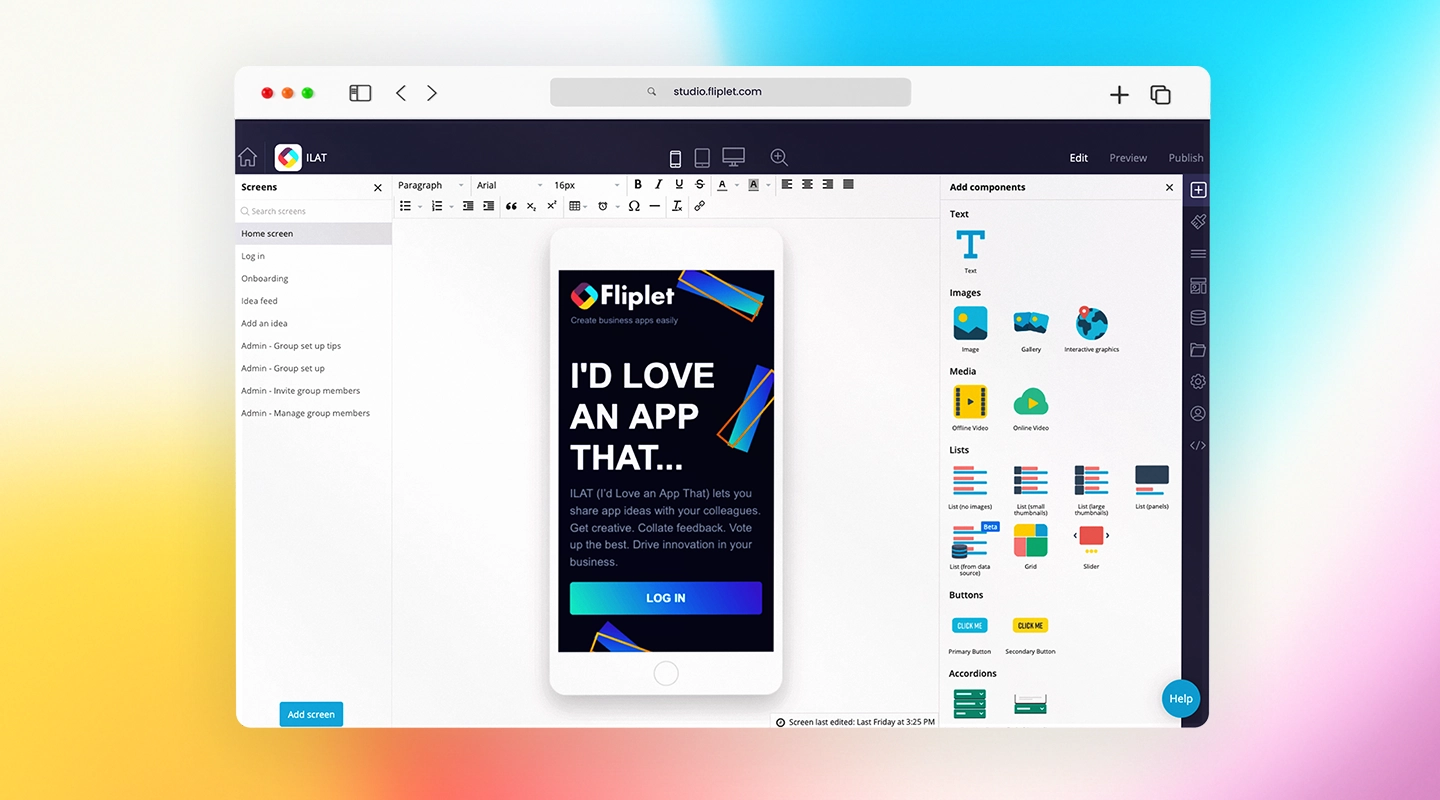
What makes Fliplet such a popular choice for law firms? It's the level of customization and seamless integration with practice management software that sets it apart. Fliplet's law firm client portal allows for secure messaging, [document sharing](https://events.fliplet.com/), and case updates, all of which help streamline communication between attorneys and clients.
Imagine being able to provide clients with instant updates, securely send sensitive documents, and handle all communication from a single platform. Fliplet is designed to make this process as simple as possible, with advanced security features that protect client information from unauthorized access.
Security isn't just a feature here—it's the foundation of Fliplet's client portal. It includes data encryption and secure logins, giving clients peace of mind that their sensitive information remains confidential.
Want proof of Fliplet's effectiveness? A Scottish law firm improved their overall efficiency by using Fliplet's portal, which integrated smoothly with their practice management tools. This case study shows exactly how Fliplet transformed their client interactions and internal processes. Curious to see if Fliplet could be a fit for your firm? Check out the [case study here](https://fliplet.com/case-studies/scottish-law-firm/).
### 2.Copilot
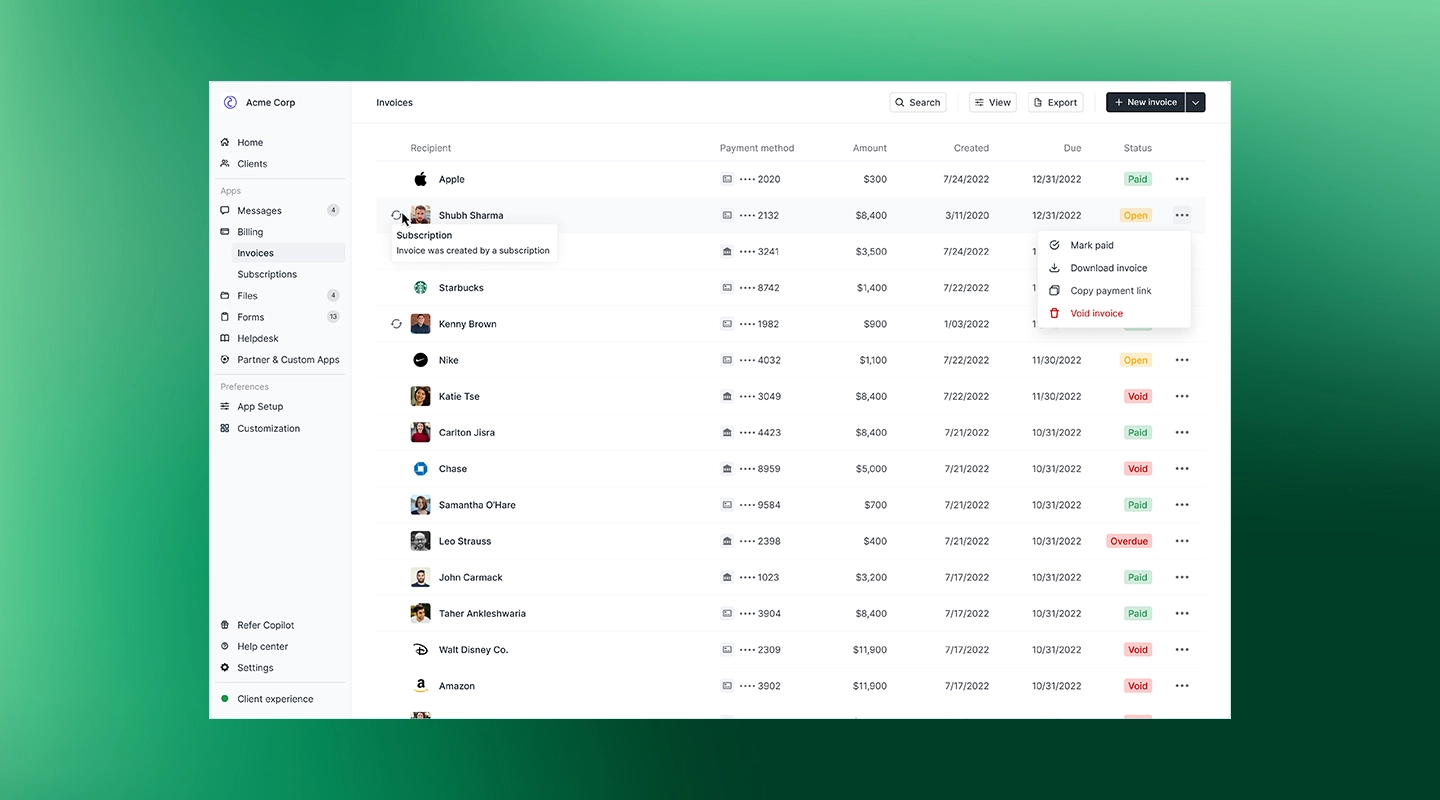
Copilot is another excellent option, especially for mid-to-large firms looking for an all-encompassing portal. It's designed with client engagement in mind, offering document sharing, task management, and direct messaging features that keep clients in the loop every step of the way.
Are you tired of dealing with back-and-forth emails to update clients or send documents? Copilot makes it easy with its automated workflows and task lists, ensuring clients receive relevant information without overwhelming them or your team.
Copilot is a law firm client portal where clients can view their tasks, track case progress, and [communicate directly with their legal team](https://fliplet.com/blog/best-team-communication-apps/). The automated workflows let you set up routine actions—like reminders for important deadlines—without needing to do it manually. This setup not only keeps clients engaged but also helps your team stay on top of every case detail.
If you're managing a large caseload or working with high-value clients, Copilot's approach to streamlined communication and organized task management is worth exploring.
### 3.Clio
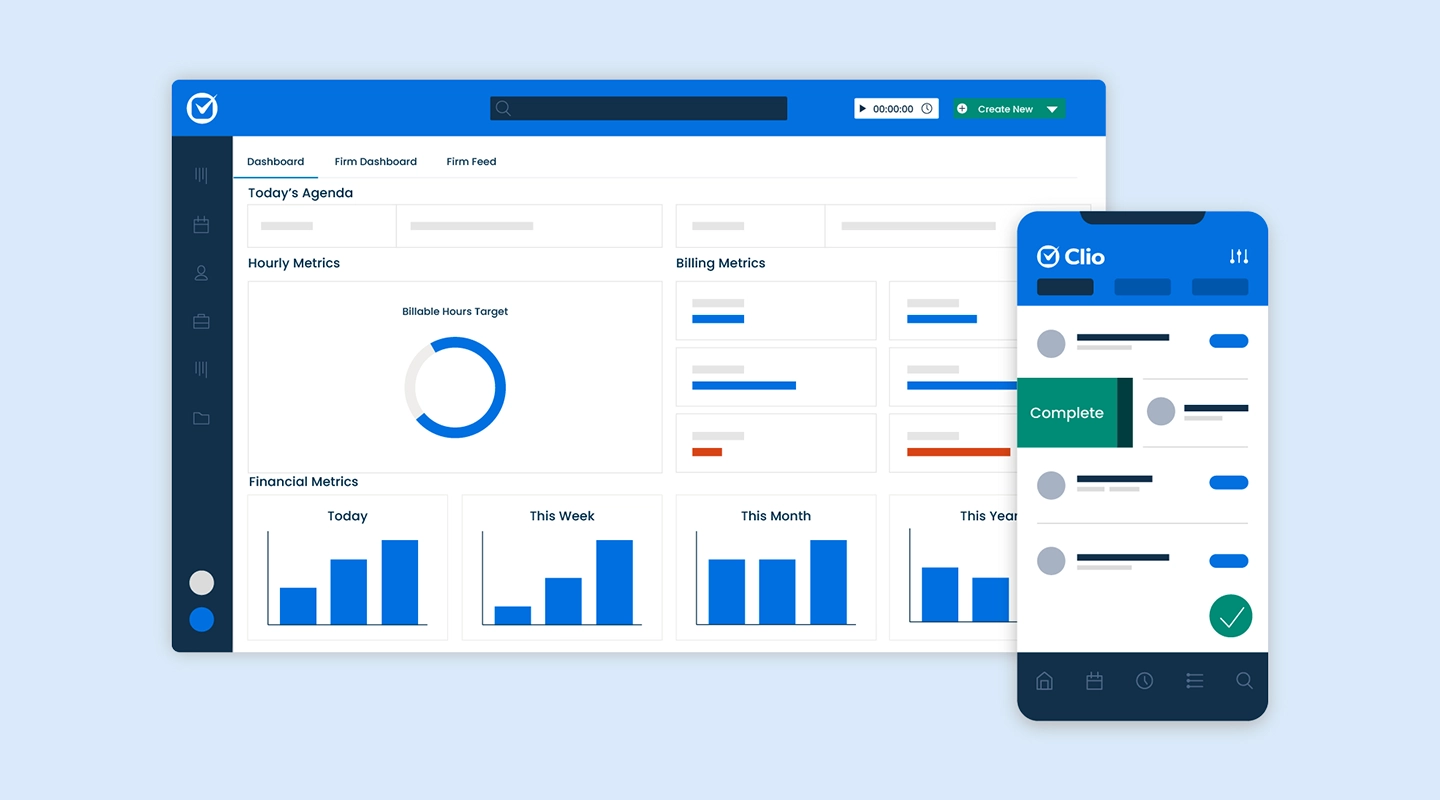
Clio is often favored by small firms for its ability to integrate client management, billing, scheduling, and task tracking in one place. Think of it as an all-in-one solution for firms looking to centralize their client interactions without juggling multiple platforms. Clio's law [firm client portal](https://fliplet.com/blog/ai-software-for-law-firms/) syncs perfectly with Clio's practice management software, offering a cohesive, organized experience that's hard to beat.
Small firms benefit significantly from Clio's integrated setup, as it brings billing and client management into the same platform. No need to switch back and forth between different software for invoicing and case tracking. Everything is in one spot, saving you time and reducing the risk of miscommunication.
Whether it's tracking client interactions or sending invoices, Clio's law [firm client portal](https://fliplet.com/blog/law-firm-client-management-software/) is designed to keep all aspects of client management on track, making it a practical choice for smaller practices aiming to deliver big results.
### 4.Moxo
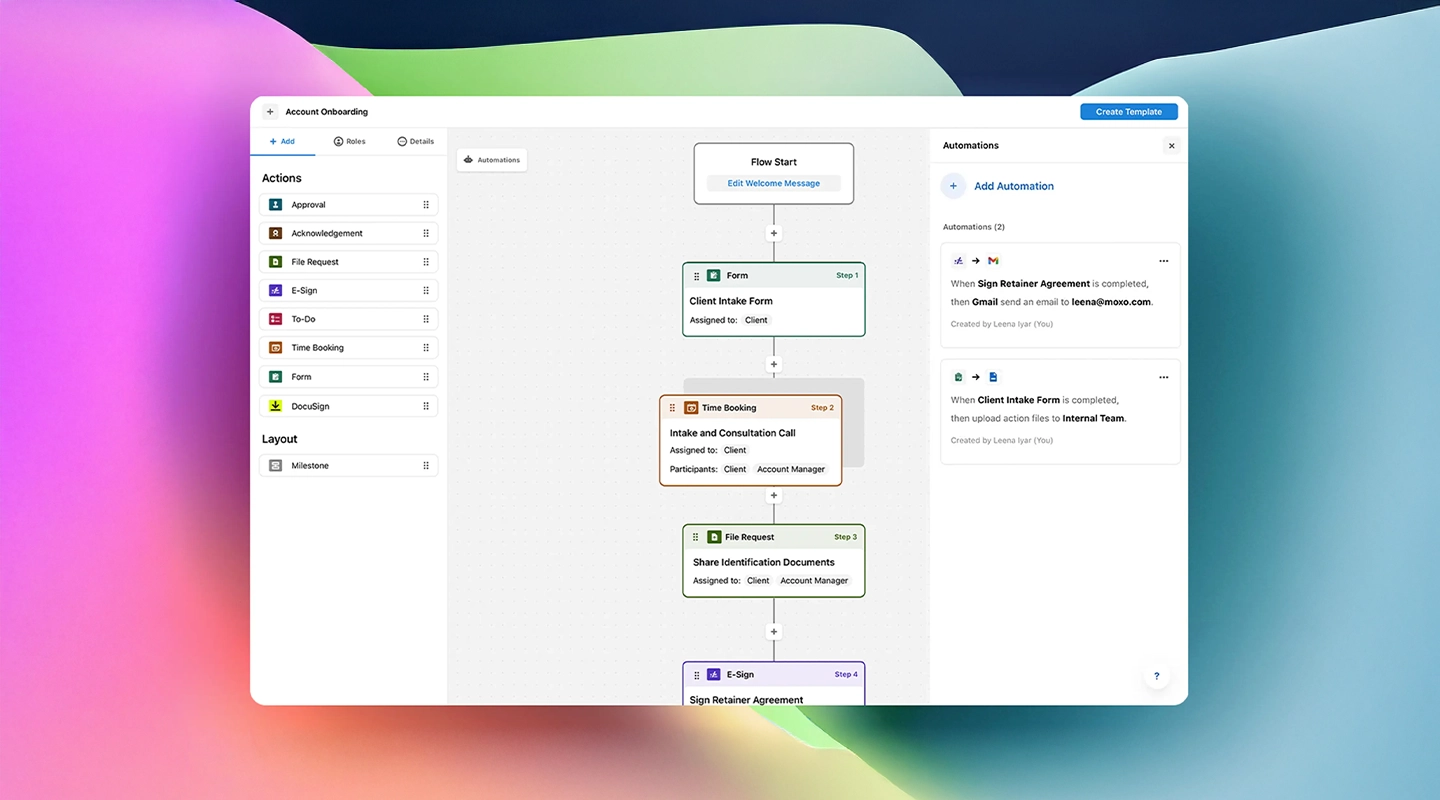
If your firm serves high-profile clients and complex cases, Moxo is built for you. This platform shines with its secure messaging, task assignments, and powerful document-sharing tools, all designed for large firms with a focus on client service. Moxo's advanced collaboration tools make it easy to manage multifaceted cases that require constant communication and detailed oversight.
Think of a scenario where multiple attorneys and paralegals need to access case files, communicate with clients, and assign tasks—all within the same system. Moxo makes this a reality, supporting complex workflows and high-security standards to keep client information safe.
The focus on client interaction tools means Moxo is a full client experience platform for firms that prioritize seamless, secure communication. Moxo's attention to detail and focus on high-security standards make it a reliable option for larger firms that can't afford to compromise on client service.
### 5.MyCase
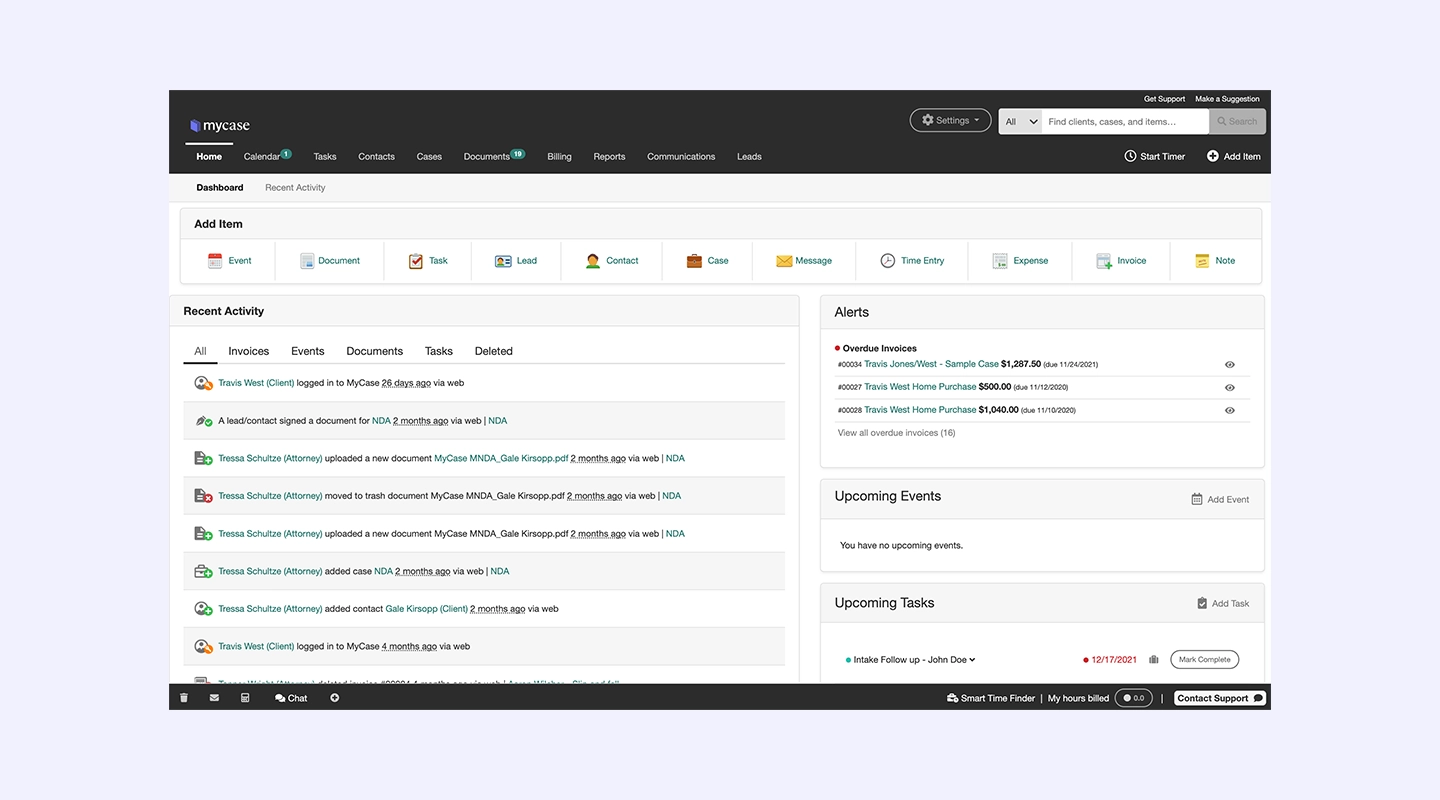
MyCase is a great choice for solo practitioners or small firms that need simple, effective features in one platform. Its portal includes payment processing, client messaging, and secure document sharing, all of which cater to small firms looking for an affordable, streamlined solution. If you're managing cases on your own or with a small team, MyCase offers a client portal that's easy to use and doesn't bog you down with unnecessary extras.
With MyCase, you can message clients, share important documents, and even process payments directly through the portal. This reduces administrative tasks and makes communication smoother.
MyCase is designed to make these tasks effortless, freeing up your time to focus on delivering quality legal services. For small firms looking to make a big impact without a big budget, MyCase provides a practical and user-friendly solution.
### 6.Bonsai
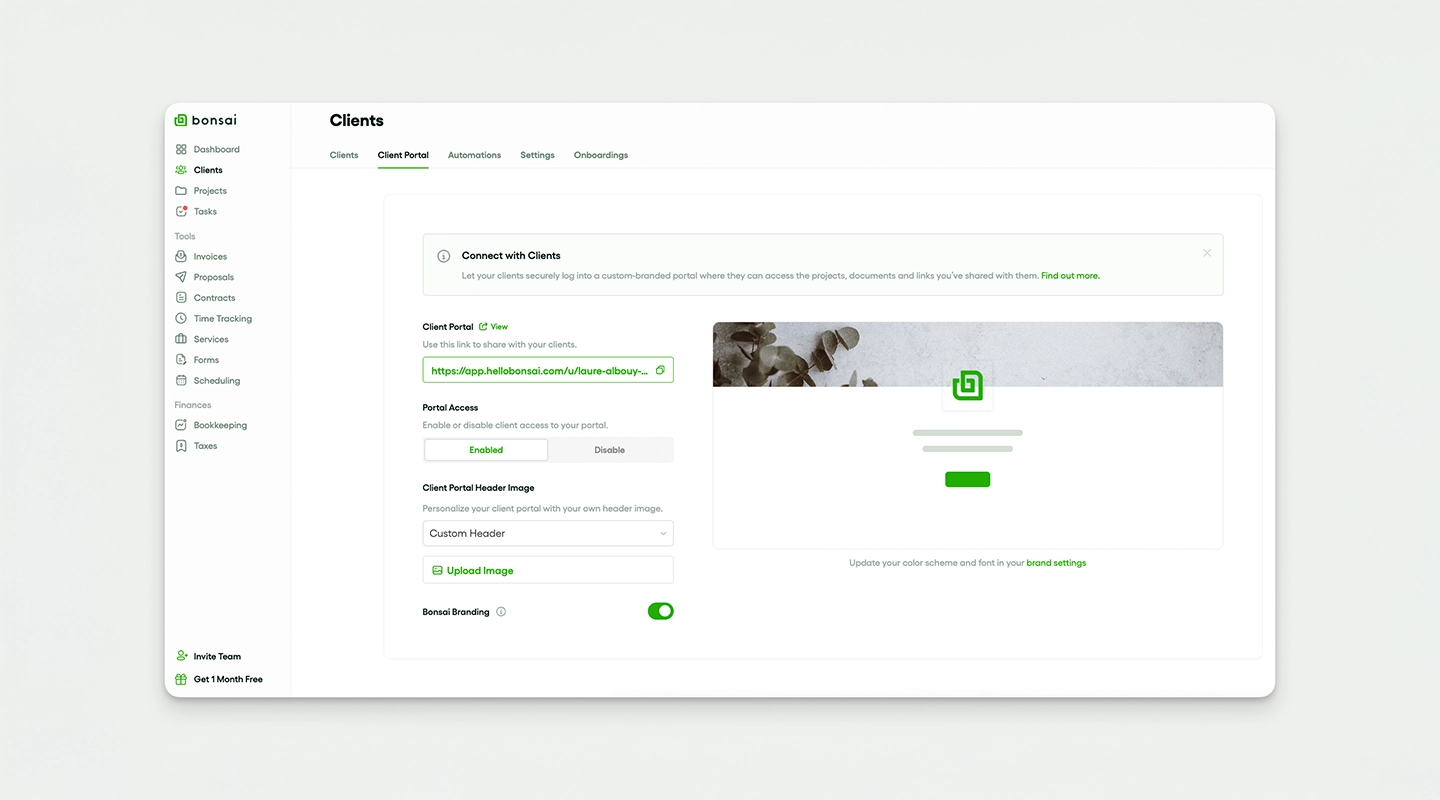
If workflow automation and invoicing are top priorities, Bonsai has you covered. This law firm client portal focuses on automating repetitive tasks to save your team time and energy. The secure portal lets clients access their documents, see invoices, and engage with your firm without overloading your team's resources. Bonsai is ideal for firms that value efficiency and time management, as it automates processes that would otherwise be handled manually.
For example, Bonsai's automation capabilities let you set up reminders for clients, send invoices automatically, and streamline communication without sacrificing security. If your firm handles a high volume of cases and needs a law firm client portal that can handle invoicing and workflow automation without fuss, Bonsai could be the solution. It's tailored for firms that want to maximize efficiency while keeping clients engaged.
### 7.Case Status
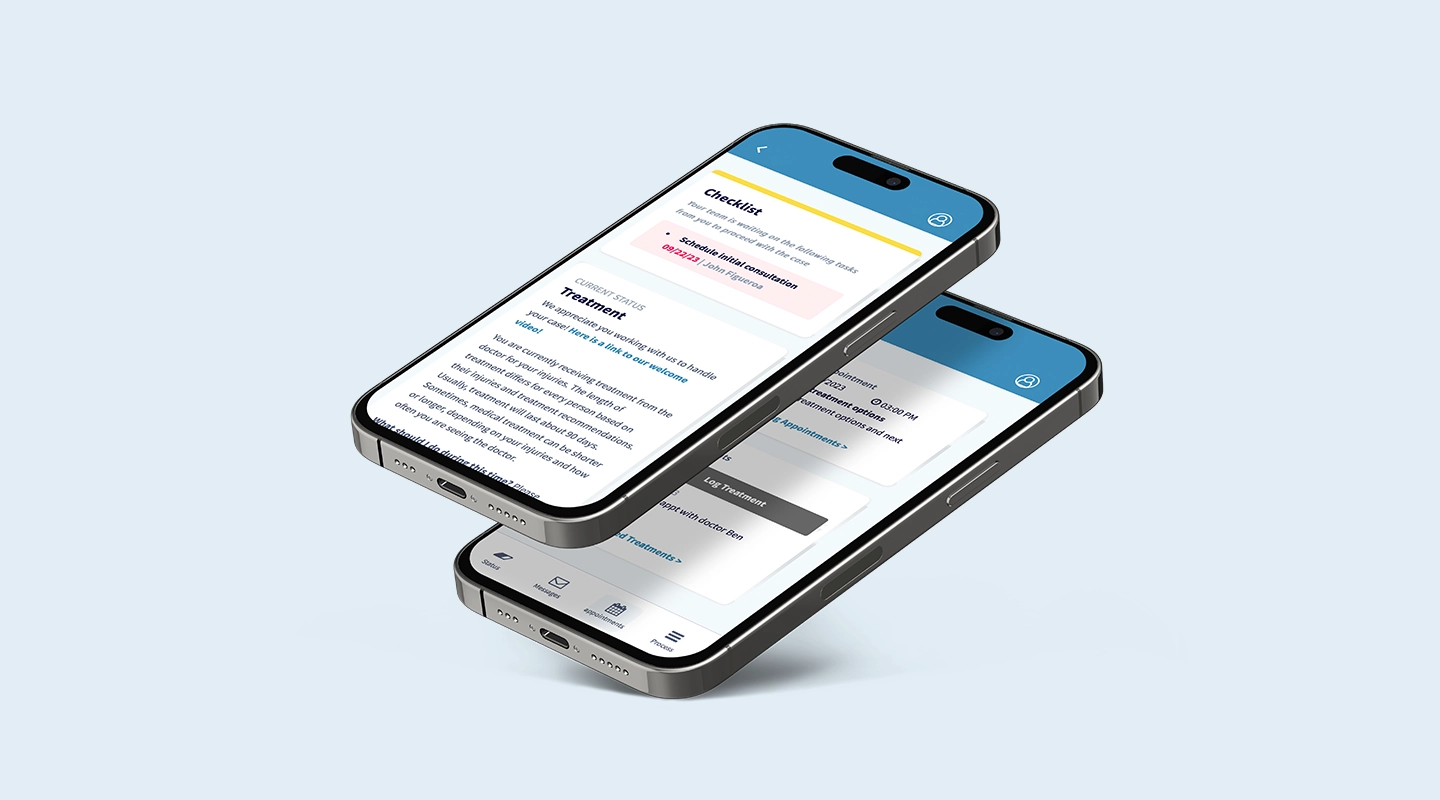
Client engagement and satisfaction are the focus of Case Status. This portal provides automated updates and a built-in feedback loop, allowing firms to track how satisfied clients are with the process.
This lets you keep clients informed without the constant back-and-forth of emails or phone calls. With Case Status, clients receive automated updates about their case, which keeps them informed and builds trust in your firm's services.
Case Status allows firms to gather feedback directly through the portal, helping you understand client satisfaction levels and adjust your approach if needed. It's an ideal solution for client-centric firms that prioritize clear, consistent communication. No more chasing clients for updates or feedback—Case Status streamlines this process so you can keep clients happy while focusing on legal work.
### 8.Lawcus
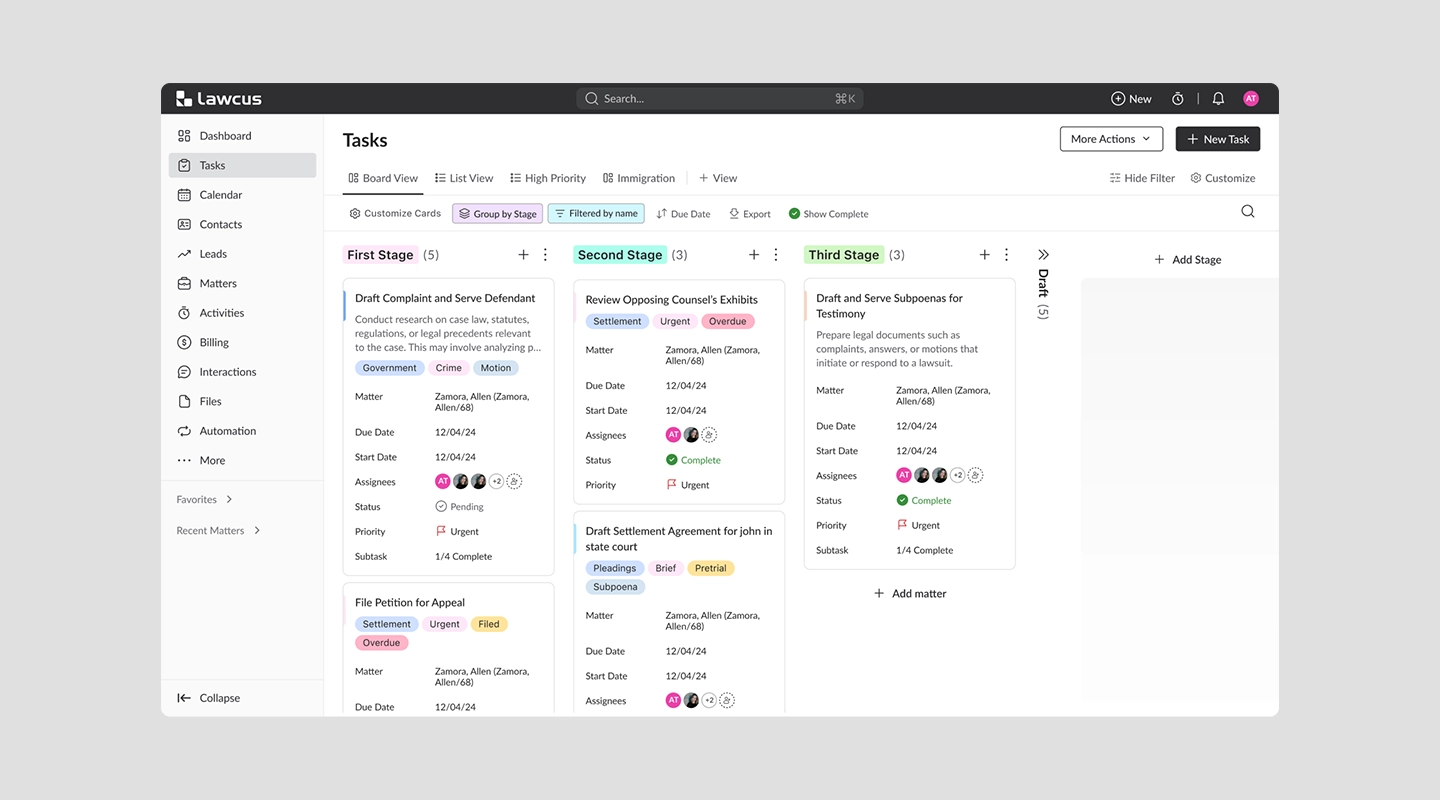
Finally, Lawcus stands out for its task automation, workflow customization, and secure law firm client portal features. If your firm's needs include productivity and security, Lawcus is a versatile choice for mid-size and larger firms.
Lawcus supports customizable workflows and integrates smoothly with other legal software, creating a unified system that saves time and reduces the chance of errors.
Lawcus allows you to tailor workflows to suit your firm's unique processes, meaning that whether you're handling high-volume litigation or focusing on specific practice areas, Lawcus can adapt to your needs. With its task automation and user-friendly portal, Lawcus gives your clients a reliable, secure way to stay engaged with their case while your team remains productive and efficient.
## What Can a Client Portal Do for You?
Have you wondered what a client portal software for law firms could bring to your practice? These platforms are changing the [legal industry](https://fliplet.com/industry/legal/) in a number of ways. Here's a closer look at how client portals benefit legal practices:
- **Streamlined Communication**: Client portals centralize messages, making it easier for clients and attorneys to keep track of important updates without sifting through emails. This keeps everyone on the same page.
- **Convenience for Clients**: Clients can access their case information, documents, and schedules whenever they want. No more waiting for office hours.
- **Increased Efficiency**: Automated workflows in a law firm client portal reduce the time spent on administrative tasks, giving attorneys more time to focus on cases.
- **Advanced Security**: Protecting sensitive client information is crucial. Client portals use encryption and secure logins to safeguard data.
- **Reduced Administrative Burden**: By handling tasks like document uploads and client updates, law firm client portals cut down on manual work, allowing staff to focus on more pressing matters.
[Fliplet's client portal seamlessly integrates with practice management software](https://fliplet.com/solution/incident-management-software/), offering a unified solution for managing case-related communications and documents. For a real-world example, check out [this case study](https://fliplet.com/case-studies/scottish-law-firm/).
## The Benefits of Law Firm Client Portal Software
Curious about the tangible advantages of using a law firm client portal software? Here's how these portals can transform your practice:
### Improved Client Communication
Imagine having a platform where all client communications are centralized, making it easy to track conversations and follow up on important issues. With a law firm client portal, you can respond to questions faster and provide updates in real-time. This level of transparency builds trust and strengthens client relationships.
### Increased Efficiency
Law firm client portals automate routine tasks like document uploads, case status updates, and meeting scheduling, which frees up valuable time. Instead of manually handling each client interaction, your team can focus on high-value work that directly impacts case outcomes.
### Reduced Operational Costs
When routine tasks are automated, your firm can save money on administrative resources. Fewer manual processes mean fewer chances for human error, and with fewer hours dedicated to administration, operational costs drop. Additionally, by using a client portal for small law firms, even smaller firms can enhance productivity without stretching their budgets. This makes [legal and client apps](/legal-it/) a major difference maker, especially for smaller firms.
## Why Choose Fliplet for Your Law Firm's Client Portal?
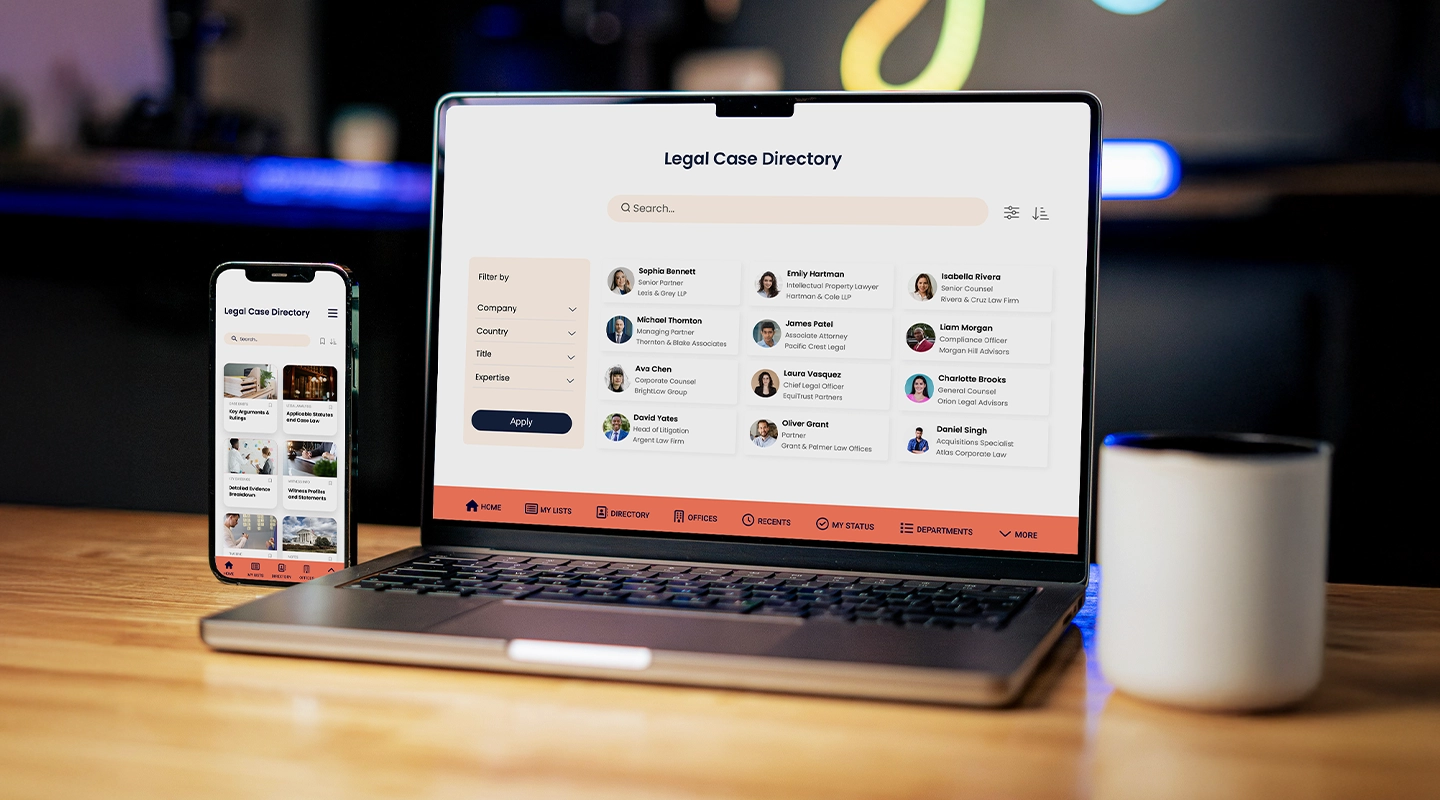
With so many options available, why is Fliplet a standout choice for client portal software for law firms? Fliplet's platform goes beyond basic client interactions by providing tools that optimize your firm's entire workflow.
- **Instant Communication**: Fliplet's messaging features allow for real-time communication between attorneys and clients, ensuring that urgent questions and updates are handled promptly.
- **[Enhanced Client Experience](https://fliplet.com/blog/gateley-driving-engagement-streamlining-processes-enhancing-client-experience/)**: Fliplet's customizable law firm client portal provides a user-friendly experience that makes clients feel informed and valued. Accessible from any device, clients can check their case progress, download documents, and more at their convenience.
- **Improved Practice Management**: Fliplet's integration with practice management systems means all your tools work together seamlessly, so you can access billing, scheduling, and case updates in one place. Read more about how Fliplet supports law firms in this [case study](https://fliplet.com/case-studies/scottish-law-firm/).
Incorporating a law firm client portal isn't just about embracing new technology—it's about transforming the way you connect with clients. With options like Fliplet leading the way, your firm can enjoy the many benefits of client portals, from enhanced communication to streamlined operations. Whether you're a solo practitioner or part of a large firm, the right client portal can make all the difference in providing a superior client experience and boosting your practice's efficiency.
## FAQs
### What is a client portal for law firms?
A client portal is a secure, online platform where [law firms](https://fliplet.com/blog/employee-engagement-strategies-that-law-firm-retreats-would-benefit-from/) can share documents, communicate, and provide case updates to clients.
### How can a client portal improve law firm efficiency?
By automating routine tasks and centralizing client communications, a client portal reduces the need for manual processes and enables staff to focus on essential case work.
### What features should I look for in a law firm client portal?
Look for security, easy document sharing, real-time messaging, and integration with practice management software. These features will give you a platform that’s comprehensive and user-friendly.
### How do I choose the best client portal for my law firm?
Consider your firm’s size, budget, and unique needs. It’s important to choose a portal that integrates with your existing tools and offers the level of customization you need.
### What are the benefits of integrating a client portal with practice management software?
Integration with practice management software allows for a unified workflow, combining client communications with scheduling, billing, and case updates in one place.
Incorporating a law firm client portal isn’t just about embracing new technology—it’s about transforming the way you connect with clients. With options like Fliplet leading the way, your firm can enjoy the many benefits of client portals, from enhanced communication to streamlined operations. Whether you’re a solo practitioner or part of a large firm, the right client portal can make all the difference in providing a superior client experience and boosting your practice’s efficiency.
## Related links
- [The Future of Legal Innovation: How AI is Shaping the Legal Industry](https://fliplet.com/blog/legal-innovation/): Discover how legal innovation is reshaping law firms. Explore trends, challenges, and strategies to stay competitive in the evolving legal landscape. Learn more!
- [A Complete Guide To Elevate Your Legal Website Content](https://fliplet.com/blog/law-firm-website-content/): Learn how to create optimized legal web content that attracts clients and enhances your firm's online presence. Start building effective content today!
- [AI for Law Firms: Tools, Strategies, and Future Trends](https://fliplet.com/blog/ai-for-lawyers/): Discover the best AI tools for law firms, how to optimize SEO and social media with AI, and create an effective AI policy. Enhance your firm's efficiency today!
---
# The Best Intranet Alternatives For Any Enterprise
> The Best Intranet Alternatives For Any Enterprise. Compare features, pricing, tradeoffs, and use cases to choose the best fit for your team and goals.
Source: https://fliplet.com/blog/the-best-intranet-alternatives-for-any-enterprise
Content type: Blog
Published: 2026-01-27T14:25:53
Updated: 2026-02-17T06:41:52
Read time: 14 minutes
# The Best Intranet Alternatives For Any Enterprise
> 86% of employees agree that ineffective communication is one of the leading reasons for workplace failure.
As the workplace evolves, so must the tools we use. That's where the concept of intranet alternatives, particularly something as innovative as Fliplet, comes into play.
Let's explore why your enterprise might need to look beyond traditional intranets.
## What is an intranet?
An intranet is essentially a private network within a company, designed to streamline communication, facilitate information sharing, and sometimes, manage tasks. It's where employees can find everything from HR documents to the latest company news. While intranets have been integral to many corporate communication strategies, the rising interest in intranet alternatives is due to their inherent challenges. These challenges highlight the need for exploring intranet alternatives that can better meet the evolving demands of modern workplaces.
## Advantages and disadvantages of intranets
Understanding the pros and cons of intranets is crucial for any organization, whether you've been using one for years or are considering an alternative. Let's break it down to see how an intranet might benefit or challenge your company.
### Here's a summary of the advantages and disadvantages of intranets
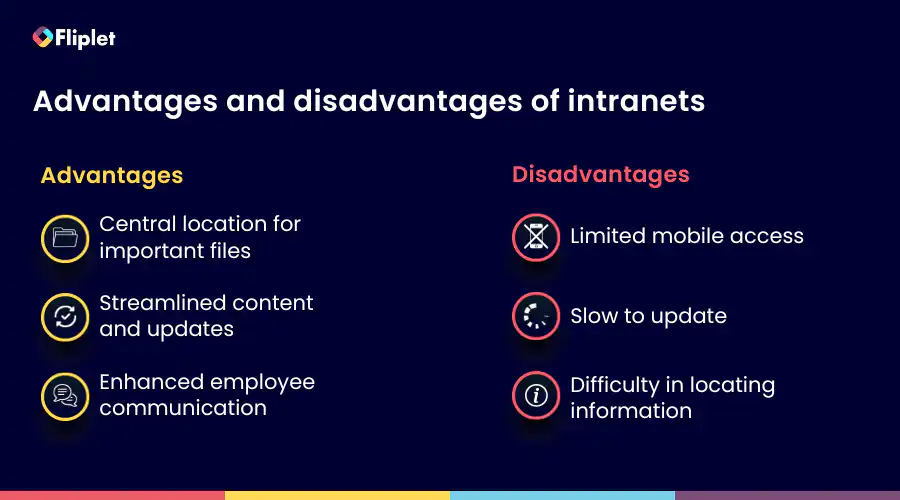
### Advantages of intranets
- **Central location for important files:** An intranet provides a central hub for storing all company information, which is particularly beneficial for organizations with a large number of employees and various departments
- **Streamlined content and updates:** Modern intranets have evolved to include content management functionality, allowing for streamlined company updates, internal content sharing, discussion boards, and internal social media networks
- **Enhanced employee communication:** Intranets can feature individual profiles of employees, fostering better interpersonal connections, collaboration, and ease of communication within a growing company
### Disadvantages of intranets
- **Difficulty in locating information:** Despite being a repository of information, the traditional format of intranets can make it challenging to find specific information, leading to a loss of personalization and buried updates
- **Limited mobile access:** Many intranets lack robust mobile support, which can be detrimental to remote workers and those needing access outside of standard office hours. In addition, they often require a remote VPN for access outside the company network
- **Slow to update:** Intranets can be slow to adapt to new features and updates, often lagging behind the rapid pace of digital transformation. This can result in a steep learning curve with each new release and potential frustration among employees
In light of these aspects, it's clear why enterprises are looking for more dynamic and adaptable intranet alternatives like Fliplet. The aim is to match the pace of digital needs today while maintaining the core advantages that intranets traditionally offer.
If your intranet replacement also needs urgent updates, directories, or mobile notifications, compare this article with our guide to [internal communication apps](https://fliplet.com/blog/internal-communication-apps/) and Fliplet's [Communications solution](https://fliplet.com/solution/communications/).
## Challenges of intranets in the today's workplace
Intranets, a staple in many organizations, confront significant challenges, especially with the emergence of various intranet alternatives. These challenges prompt a deeper exploration, building upon the earlier discussion about the advantages and disadvantages.
**Not as robust or user-friendly**
Traditional intranets often lack the robustness and user-friendly interface that modern digital tools offer. They can feel outdated, especially when compared to the sleek, intuitive apps employees use in their personal lives.
**Limited instant access**
A major drawback of many intranets is the lack of instant access, particularly from mobile devices. This limitation is increasingly problematic in a time where immediate access to information and tools is expected.
**Lack of detailed analytics**
Intranets often fall short in providing detailed analytics on content and communications. This data is crucial for understanding employee engagement and the effectiveness of internal communications.
**No real-time messaging and push notifications**
The absence of real-time messaging and push notifications is a significant gap in traditional intranets. These features are essential for timely communication and keeping employees informed and engaged.
**Difficulty in finding information**
Finding relevant information can be a major point of friction on intranets. This challenge is compounded by poor personalization and a lack of social sharing capabilities, which are vital for driving content awareness and engagement.
**Overly complex for admins**
Intranets can be overly complex and time-consuming for administrators to manage, often requiring extensive IT support. This complexity can lead to longer implementation times and complicate the onboarding process.
**Missing personalization and social sharing**
Traditional intranets often lack personalization options and social sharing capabilities. These features are important for creating a more engaging and relevant digital workplace experience.
**Survey insights**
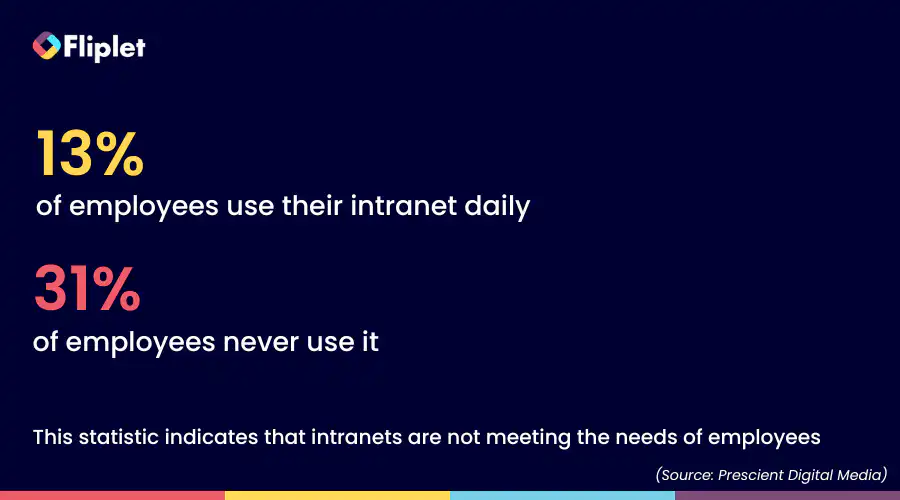
A survey by [Prescient Digital Media](https://prescientdigital.com/downloads/social-intranet-study-2012-purchase-the-full-report) highlighted that only 13% of employees use their intranet daily, and 31% never use it. This statistic indicates that intranets are not meeting the needs of employees in terms of information access and engagement.
**The bigger picture**
Intranets are more than just tools for organizing information; they play a crucial role in driving employee engagement, building community, fostering employee advocacy, and simplifying collaboration. However, as the digital workplace evolves, the limitations of traditional intranets become more apparent, creating a need for more adaptable and user-centric solutions. This is where alternatives like Fliplet come into the picture, offering features and functionalities that align more closely with the needs of a modern digital workplace.
### What are traditional intranets and modern intranets?
So, what exactly differentiates a traditional intranet from a modern one? Traditional intranets are often rigid, one-size-fits-all solutions that are primarily focused on information dissemination.
Modern intranets, on the other hand, are more adaptable, user-friendly, and integrated with various tools and platforms. They are designed to adopt a more collaborative and engaging work environment, aligning with the needs of contemporary digital workplaces.
## The intranet software alternative to consider
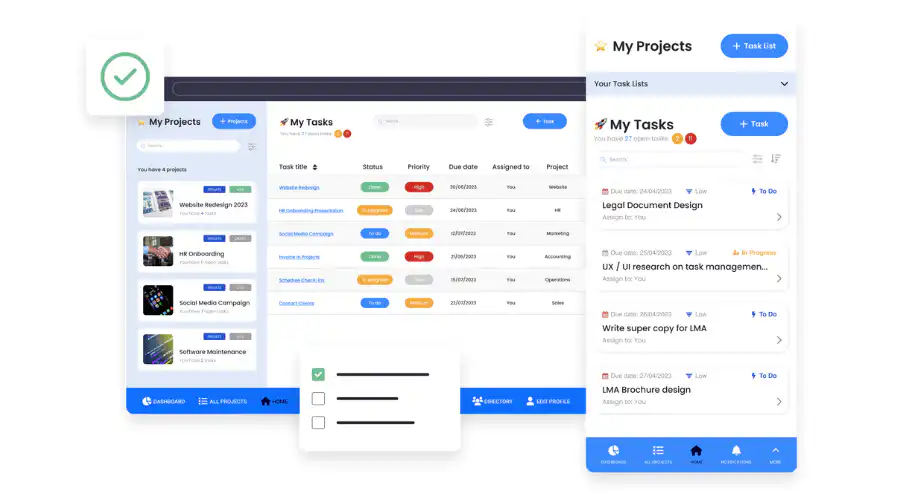
Now, let's talk about Fliplet – a popular intranet alternative. Fliplet steps in where traditional intranets fall short. It offers a platform that's not just about sharing information but about creating an interactive, engaging workspace. With its customizable features and user-friendly interface, Fliplet is tailored to fit the unique needs of any enterprise.
### Start building your intranet for free, then upgrade when ready
One of the standout features of Fliplet is its flexibility. You can start building your intranet with their free version and then scale up as your needs grow. This approach allows businesses to experiment and find what works best for them without a hefty initial investment. It's a low-risk, high-reward scenario where you have the freedom to experiment and discover the perfect setup for your team without worrying about upfront costs.
### Technical explanation of Fliplet as an intranet software alternative
Fliplet isn't just about affordability; it's also about user-friendliness and adaptability. Fliplet is designed for the everyday user, not just the tech-savvy ones. Its drag-and-drop functionality makes it a breeze for anyone to set up and manage their intranet. You don't need to be a coding whiz or an IT expert. Whether you're uploading documents, customizing layouts, or setting up communication channels, it's all straightforward. The platform integrates seamlessly with various business tools and supports a range of features from content management to analytics. Essentially, Fliplet is built to adapt to your business, not the other way around.
Want to discover more? Read how [Gateley Legal used Fliplet](https://fliplet.com/case-studies/gateley-legal/) to create an intranet-style app that improved efficiency and engagement.
## Why is Fliplet the best Sharepoint intranet alternative?
When compared to SharePoint, a widely used intranet solution, Fliplet stands out for its ease of use and customization. Unlike SharePoint, which can be complex and requires considerable setup and maintenance, Fliplet offers a more streamlined and user-friendly experience. This makes it an ideal choice for businesses looking for an efficient and flexible intranet solution.
## What features should you look for in a new intranet?
When selecting a new intranet alternative, certain features are critical to ensuring it meets the evolving needs of your business. Here's a breakdown of these key features with explanations:
- **User experience:** The intranet should be intuitive and easy to navigate, providing a seamless experience that encourages regular use and engagement among employees
- **Customization:** It's important for an intranet to offer robust customization options. This allows businesses to tailor the platform to their specific needs, and branding
- **Integration capabilities:** The ability to integrate with other tools and systems is crucial. This ensures a cohesive and efficient digital workplace environment
- **Scalability:** As your business grows, your intranet should be able to scale accordingly. This means it should support an increasing number of users, expanding content, and additional functionalities without performance issues
- **Personalized experiences:** An intranet should provide personalization options, allowing content and features to be tailored to individual users or groups, enhancing relevance and engagement
- **Collaboration tools:** Features that facilitate collaboration, such as shared workspaces, document editing, and team communication channels, are essential for adopting a collaborative work environment
- **Mobile accessibility:** With the rise of remote and hybrid work models, mobile accessibility is a must. Employees should be able to access the intranet efficiently from their mobile devices
- **Security and compliance:** The intranet must have robust security measures to protect sensitive company information and ensure compliance with relevant data protection regulations
- **Analytics and reporting:** The ability to track and analyze how employees use the intranet can provide valuable insights into engagement levels and help in making data-driven improvements
- **Easy content management:** An effective intranet should make it easy to create, manage, and distribute content without needing extensive technical skills
By focusing on these features, you can ensure that your new intranet will be a valuable and sustainable asset for your organization, adapting to its changing needs and enhancing overall productivity and communication.
## Top 3 software intranet alternatives
Besides Fliplet, there are other notable intranet alternatives. For instance, Bitrix24, Igloo and ClickUp offer robust features and flexibility. Each of these platforms brings something unique to the table, catering to different business needs.
### Let's look into these alternatives, breaking down their key features and advantages
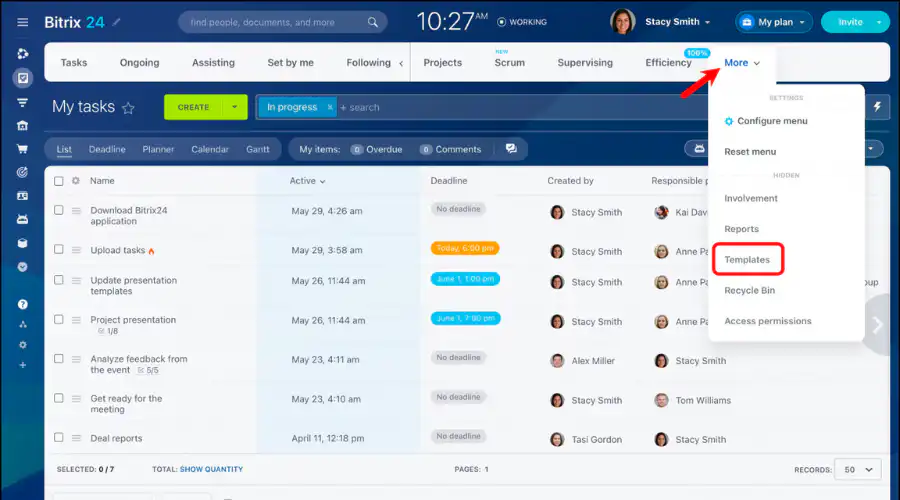
Bitrix24 is a platform designed for businesses seeking an all-in-one solution for their operational needs, offering an intranet alternative to a traditional alternative. As an intranet alternative, Bitrix24 provides a multifaceted approach to meet the dynamic demands of modern enterprises.
**Key features:**
- **Comprehensive suite of tools:** Includes CRM, task management, document handling, and time tracking
- **Communication and collaboration:** Features chat, video conferencing, and group discussions
- **Project and task management:** Offers robust tools for task and project tracking
**Benefits:**
- **All-in-one solution:** Serves as a comprehensive solution for various business functions
- **Enhanced productivity:** Streamlines workflows and boosts productivity
- **Flexible deployment options:** Available in both cloud and on-premise versions
**Pricing:**
- Basic: $36 /month
- Standard: $74 /month
- Professional: $149 /month
- Enterprise: $299 /month
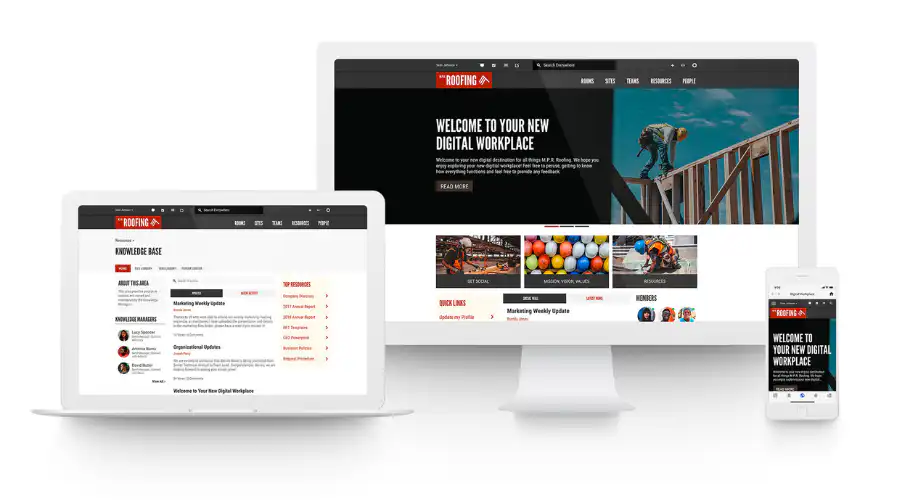
Igloo offers a digital workplace solution that serves as an effective intranet alternative, focusing on enhancing collaboration and communication within organizations. It specializes in creating a more connected and interactive intranet experience, promoting a sense of community and knowledge sharing among employees.
**Key features:**
- **Social** [intranet features: Blogs](https://fliplet.com/blog/legal-intranet/), forums, and social feeds for improved engagement
- **Customizable digital workplace:** Offers high customization for branding and workflows
- **Knowledge management:** Effective tools for information sharing and document management
**Benefits:**
- **Improved employee engagement:** Facilitates a more engaging and connected workplace
- **Adaptable to business needs:** Tailors to the unique needs of different organizations
- **Easy access to information:** Enhances the efficiency of knowledge sharing and retrieval
**Pricing:**
## Contact Igloo for their pricing plans
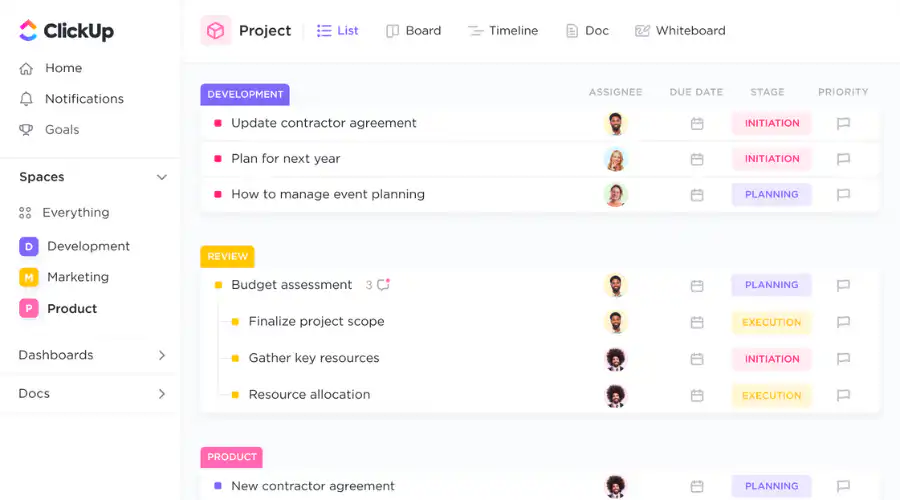
ClickUp, serving as an all-in-one productivity tool, is a good intranet alternative choice as it is tailored for teams across various industries. It stands out with its scalable architecture and customizable features, making it a versatile choice for managing projects, workflows, and team collaboration.
**Key features:**
- **Multiple views:** Over 15 different views for task management, so you can decide what works best for you
- **Flexible time tracking:** Improve time management so you can focus on your work, and feel more in control of your workdays
- **Team collaboration & communication:** Streamlines communication in one platform
**Benefits:**
- **Versatile work management:** Adaptable to various types of work and industries
- **Enhanced team collaboration:** Facilitates better team communication and project management
- **Customization and flexibility:** Offers extensive personalization to suit specific business needs.
**Pricing:**
- Free
- Unlimited: $7 user/month
- Business: $12 user/month
- Enterprise: Contact ClickUp
## How to internally market your new intranet?
So, you've set up a new intranet for your organization – that's a great step forward. But here's the catch, it's not just about having the tool; it's about making sure everyone uses it well. That's where internal marketing comes into play. It's about selling the idea of your intranet to your team. Begin by breaking down the benefits. Explain how this new intranet is going to make everyone's daily tasks easier. Show them that it's not just another platform but a solution that simplifies their work life.
Here's a simple plan to ensure your intranet becomes the new star in the office:
- **Regular updates:** Keep everyone in the loop. Share updates about new features, improvements, or success stories. A monthly newsletter or a quick post on the intranet itself can do wonders
- **Feedback mechanism:** Set up a way for your team to voice their opinions. It could be a suggestion box feature within the intranet or regular feedback sessions. When employees feel heard, they're more likely to engage
- **Incentivize usage:** Who doesn't love a little motivation? Consider introducing rewards or recognition for those who actively use and contribute to the intranet. It could be as simple as a 'Star User of the Month' award
- **Integration with daily work:** Make the intranet a natural part of your team's day. Embed it into daily routines and processes. When it becomes a tool they can't work without, you know you've hit the jackpot
Also, it's a great idea to draw insights and strategies from experts. Fliplet has hosted a valuable webinar on "[Unleashing the Power of App Promotion: Strategies for Success](https://info.fliplet.com/webinar-download-unleashing-the-power-of-app-promotion-strategies-for-success)." This webinar is packed with tips and tricks on how to effectively promote and integrate new digital tools within your organization. It could give you some fresh ideas on how to make your intranet not just a tool but an essential part of your team's workflow.
Remember, the goal is to make the intranet an indispensable part of your organization's daily life. By effectively marketing it internally, offering the right tools and resources, and creating an environment that encourages active participation, your new intranet will soon become the digital hub of your workplace, enhancing collaboration, efficiency, and overall job satisfaction.
## Conclusion: The best intranet alternative
In conclusion, the best intranet alternative for any enterprise is one that aligns with its unique needs and challenges. Fliplet emerges as a strong contender, offering flexibility, user-friendliness, and customization. It stands as a testament to how intranet solutions need to evolve to keep pace with the modern digital workplace. Whether you choose Fliplet or another platform, the key is to select a solution that enhances communication, collaboration, and productivity in your organization.
## FAQs
### What are internal apps and how do they enhance the intranet experience in an enterprise?
Internal apps refer to specialized software applications designed for use within an enterprise. These apps streamline various business processes, enhance communication, and improve employee engagement. When integrated into an intranet solution like Fliplet, they can transform the intranet into a more dynamic, interactive, and efficient workspace. Internal apps can include tools for project management, HR processes, internal communication, and more, thereby boosting productivity and collaboration.
### Can internal apps be customized according to specific business needs?
Absolutely! One of the key benefits of using internal apps within an intranet platform is their high level of customizability. Enterprises can tailor these apps to meet their specific operational needs and workflows. This customization ensures that the apps align with the unique processes, branding, and culture of the enterprise, thereby enhancing the overall effectiveness of the intranet.
### How secure are internal apps in an enterprise intranet environment?
Security is a top priority for internal apps, especially in an enterprise setting. These apps are typically equipped with robust security features such as encryption, secure login protocols, and data protection measures. This ensures that sensitive company information remains confidential and protected from unauthorized access, making them a safe and reliable component of an enterprise intranet.
### What is the role of AI in enhancing internal apps within an intranet?
AI plays a transformative role in internal apps by introducing automation, personalized content delivery, and advanced data analysis. For instance, AI can automate routine tasks, provide personalized notifications and insights to employees, and analyze large datasets to offer strategic business insights. This integration of AI not only makes the apps more efficient but also enhances the overall user experience within the intranet, making it a smarter and more intuitive platform for enterprise operations.
## Related links
- [34 Proven Mobile App Promotion Strategies in 2026: Guaranteed to Boost Your Downloads](https://fliplet.com/blog/34-mobile-app-promotion-strategies/)
- [How to create a web app in 15 steps](https://fliplet.com/blog/how-to-create-a-web-app-in-15-steps/)
---
# The Future of Legal Innovation: How AI is Shaping the Legal Industry
> Explore The Future of Legal Innovation: How AI is Shaping the Legal Industry. Review key trends, implications, and strategic takeaways for teams.
Source: https://fliplet.com/blog/legal-innovation
Content type: Blog
Published: 2026-05-18T10:09:22
Updated: 2026-03-19T02:55:09
Read time: 11 minutes
# The Future of Legal Innovation: How AI is Shaping the Legal Industry
The legal industry faces a major shift brought about by AI. But unlike other industries that can easily adopt this new technology, firms have to make the decision carefully. After all, a lot rides on whether or not they get it right. On the other hand, if they want to stay competitive, they have to embrace legal innovation.
In fact, as clients demand more efficient and transparent services, and as regulatory landscapes evolve, the need for [innovative legal](https://fliplet.com/blog/how-fliplet-supported-innovation-and-digital-transformation-in-a-technologically-conservative-industry/) solutions has never been more critical. Building a [legal knowledge portal](https://fliplet.com/solution/business-directory-app/) is one way firms can centralize information, streamline access to resources, and give both staff and clients a more modern digital experience.
This [guide explores the key elements of legal](https://fliplet.com/blog/law-firm-website-content/) innovation, the driving forces behind it, and how law firms can adapt to stay ahead in a rapidly changing environment.
## Key Takeaways
- Legal innovation is crucial for [law firms to remain competitive and meet evolving client](https://fliplet.com/blog/law-firm-client-portals/) expectations.
- AI and automation are at the forefront of legal innovation, offering advantages such as enhanced productivity and improved client service.
- Despite its benefits, legal innovation presents challenges, including job displacement, client confidentiality issues, and high implementation costs.
- Law firms must navigate regulatory landscapes and ethical considerations as they adopt new technologies.
- Platforms like Fliplet provide comprehensive solutions for law firms looking to integrate [legal innovation into their practices](https://fliplet.com/blog/legal-intranet/).
## What is Legal Innovation?
Legal innovation refers to the application of new technologies, processes, and business models to improve the efficiency and effectiveness of legal services.
This concept goes beyond just adopting the latest tech. It's about fundamentally rethinking how legal services are delivered. Legal innovation is driven by the need to meet changing client demands, reduce costs, and stay competitive in a crowded market.
One of the most significant developments in legal innovation is the use of no-code and low-code platforms as the best way for [the legal industry to build apps](https://fliplet.com/industry/legal/). These apps can streamline various processes, from client management to case tracking, and are becoming increasingly popular. By integrating these tools, law firms can offer more efficient services, which can lead to higher client satisfaction and retention.
## The Essence of Legal Innovation
The core of legal innovation lies in its ability to transform traditional legal practices into more efficient, client-focused services. This transformation is achieved through the adoption of new technologies and the rethinking of established processes. Legal innovation is not just about automating tasks; it's about creating a more agile and responsive legal practice that can quickly adapt to changes in the market.
### Advantages of Legal Innovation
1. **Competitive Advantage:** [Legal innovation helps law firms](https://fliplet.com/blog/legal-knowledge-management/) differentiate themselves by offering clients a seamless and modern legal experience. This leads to increased client loyalty and referrals, as clients are more likely to recommend a firm that uses cutting-edge technology to deliver superior services.
2. **Enhanced Productivity:** AI and automation tools can handle repetitive tasks, allowing legal professionals to focus on more strategic, billable work. This not only increases productivity but also improves the overall quality of legal services.
3. **Improved Client Service:** Innovative legal solutions provide clients with better access to legal resources and [a more streamlined process](https://fliplet.com/blog/gateley-driving-engagement-streamlining-processes-enhancing-client-experience/). This reduces client stress and enhances their overall experience, which is crucial in building long-term relationships.
4. **Reduced Overhead Costs:** While the initial investment in AI tools can be significant, the long-term benefits include reduced operational costs. Automation can decrease the need for manual labor, leading to lower overheads and more cost-effective services.
### Challenges of Legal Innovation
1. **Job Displacement:** As automation becomes more prevalent, there is a concern that it could lead to job losses, particularly in routine administrative roles. However, it's important to note that while some jobs may be displaced, others may be created, particularly in areas that require higher levels of expertise.
2. **Client Confidentiality:** The adoption of AI and other digital tools raises concerns about data security and client confidentiality. Law firms must ensure that these tools comply with strict security measures and regulations to protect sensitive client information.
3. **Cost of Implementation:** The high initial costs of implementing AI and other innovative tools can be prohibitive for small and mid-sized law firms. However, these costs should be weighed against the long-term benefits, which can include increased efficiency and reduced operational costs.
4. **Lack of Transparency:** One of the biggest challenges with AI-driven innovation in legal services is the lack of transparency. This can pose significant challenges in legal decision-making, where transparency and accountability are paramount.
## Top Trends and Breakthrough Technologies Driving Legal Innovation
The legal industry is undergoing a significant transformation, driven by several key trends and technologies. Understanding these trends is crucial for [law firms looking to stay ahead in a competitive market](https://fliplet.com/legal-market-report-mobile-apps-in-law-firms/).
There are, of course, lots of ways that the legal system itself might be innovated. [A recent community discussion on Quora](https://www.quora.com/What-are-some-innovative-ideas-that-can-make-the-legal-system-more-effective-and-fair) looked at the ways we could improve the fee system or determine what makes a good attorney.
But from a technological perspective, the most prevalent of legal innovation examples has got to be the rise of AI and automation.
### The Role of AI and Automation in Modern Legal Practices
[AI and automation](https://fliplet.com/ai-app-builders/) are at the forefront of legal innovation. These [technologies are transforming the way legal](https://fliplet.com/blog/what-is-legal-technology/) services are delivered, offering benefits such as increased efficiency, reduced costs, and improved client service. Some of the most notable trends include:
- **AI-Powered Document Review:** AI tools can quickly review and analyze large volumes of legal documents, identifying key information and flagging potential issues. This not only saves time but also reduces the risk of human error.
- **Predictive Analytics:** By analyzing historical data, AI tools can predict the likely outcome of legal cases, helping lawyers make more informed decisions and advising clients more accurately.
- **Chatbots and Virtual Assistants:** Chatbots and virtual assistants can handle routine client inquiries, freeing up lawyers to focus on more complex tasks. These tools can also provide clients with instant access to legal information, improving their overall experience.
- **Smart Contracts:** Blockchain technology is enabling the creation of smart contracts, which automatically execute and enforce the terms of an agreement. This reduces the need for manual intervention and ensures that contracts are executed in a timely and accurate manner.
For more information and perspective, check out our deep dive on [AI for law firms](https://fliplet.com/blog/ai-for-lawyers/).
## The Driving Forces of Legal Innovation: Trends and Influences
Several factors are driving the push toward legal innovation, including shifting client expectations, competitive pressures, and the need to navigate complex regulatory landscapes.
### Shifting Client Expectations
Clients today expect more from their legal service providers. They want faster, more efficient services that are transparent and easy to understand. This shift in expectations is driving legal innovators to adopt innovative solutions that can meet these demands.
### Competitive Pressures in the Legal Industry
The legal industry is becoming increasingly competitive, with new entrants challenging traditional law firms. To stay ahead, legal innovators must embrace legal innovation, offering services that are not only more efficient but also more client-focused.
### Navigating Regulatory Landscapes
As the legal industry becomes more digitized, innovative legal services will have to navigate complex regulatory landscapes to ensure compliance. This includes understanding the legal implications of using AI and other digital tools, as well as ensuring that these tools comply with data protection regulations.
## Cultivating Innovation in Your Law Firm
Cultivating a culture of innovation within a law firm is essential for staying competitive in today's market. This involves not only adopting new technologies but also rethinking traditional processes and encouraging a mindset of continuous improvement.
- **Encourage Experimentation:** Law firms should create an environment where experimentation is encouraged, and new ideas are welcomed. This can lead to the discovery of innovative solutions that can improve the firm's operations and client service.
- **Invest in Training:** To fully realize the benefits of legal innovation, firms must [invest in training their staff](https://fliplet.com/blog/employee-training-apps/) to use new technologies effectively. This ensures that everyone in the firm is equipped to take advantage of the latest tools and processes.
- **Collaborate with Technology Partners:** Partnering with technology providers can help law firms stay at the forefront of legal innovation. These partnerships can provide access to the latest tools and expertise, helping firms implement innovative solutions more effectively.
## Ethical and Compliance Considerations in Legal Innovation
As law firms adopt new technologies, they must also consider the ethical and compliance implications of these innovations. This includes protecting client data, ensuring fair and transparent legal practices, and addressing the ethical challenges of implementing AI in law.
### Protecting Client Data in the Digital Age
Data protection is a critical concern for law firms, particularly as they adopt more digital tools. Firms must ensure that their systems comply with data protection regulations and that client data is stored securely.
- **Implement Robust Security Measures:** Law firms should implement [robust security measures](https://fliplet.com/security/) to protect client data, including encryption, secure access controls, and regular security audits.
- **Educate Clients:** Law firms should also educate their clients about the importance of data protection and how their data will be used and stored.
### Ethical Challenges of Implementing AI in Law
The use of AI in law raises several ethical challenges, including the potential for bias in AI-driven decisions and the lack of transparency in AI algorithms. Law firms must address these challenges to ensure that their use of AI is ethical and responsible.
- **Ensure Transparency in AI Decisions:** Law firms should strive to make AI-driven decisions as transparent as possible, providing clients with clear explanations of how decisions were made.
- **Address Bias in AI Algorithms:** Firms should also be aware of the potential for bias in AI algorithms and take steps to mitigate this risk, such as regularly auditing AI systems for bias.
### Ensuring Fair and Transparent Legal Practices with Technology
As law firms adopt new technologies, they must ensure that their practices remain fair and transparent. This includes providing clients with clear information about how their cases are being handled and ensuring that technology is used to enhance, rather than undermine, the fairness of the legal process.
## The Future of Legal Innovation
The future of legal innovation is bright, with new technologies and processes continuing to transform the legal industry.
Law firms that embrace innovation will be better positioned to meet the demands of the modern legal landscape, offering more efficient, client-focused services that can set them apart from the competition.
## Why Law Firms Prefer Using Fliplet for Legal Innovation?
Fliplet is at the forefront of legal innovation, offering a comprehensive platform that allows [law firms to create custom apps](https://fliplet.com/blog/the-14-best-apps-for-lawyers/) without the need for extensive coding knowledge. With Fliplet, law firms can easily develop and deploy apps that streamline their operations, improve client service, and reduce costs.
- **Ease of Use:** Fliplet's platform is user-friendly, allowing [law firms to create apps](/webinars/) quickly and easily without needing to hire a team of developers.
- **Customization:** Fliplet's platform is highly customizable, allowing firms to create apps that meet their specific needs and integrate seamlessly with their existing systems.
- **Cost-Effective:** By using Fliplet, [law firms](/webinars/) can reduce the cost of developing and deploying apps, making legal innovation more accessible to firms of all sizes.
Interested in trying it for free? Get started today.
1. [**Legal Geek Conference**](https://www.legalgeek.co/conference/): This is one of the largest and most popular legal innovation conferences globally. It brings together legal professionals, tech innovators, and thought leaders to discuss the latest trends and developments in legal tech and innovation.
2. [**Clio Cloud Conference**](https://cliocloudconference.com/): Organized by Clio, a leading legal tech company, this conference focuses on the intersection of law and technology, offering insights into the future of legal practice.
3. [**ILTACON**](https://www.iltacon.org/): The International Legal Technology Association (ILTA) hosts this annual event, which is a must-attend for those interested in legal tech and innovation. It features workshops, panel discussions, and networking opportunities with industry leaders.
4. [**ABA TECHSHOW**](https://www.techshow.com/): Hosted by the American Bar Association, this event is a hub for legal professionals looking to explore the latest legal technology and innovations. It covers a wide range of topics, from AI and automation to cybersecurity and data privacy.
## FAQs
### How can innovation improve legal services?
Innovation improves legal services by streamlining processes, reducing costs, and enhancing client satisfaction. AI and automation tools can handle routine tasks, allowing lawyers to focus on more complex issues, while digital tools can improve transparency and accessibility for clients.
### What are the challenges of adopting new technologies in law?
The challenges of adopting new technologies in law include high implementation costs, concerns about data security, and the potential for job displacement. Law firms must also navigate complex regulatory landscapes and address ethical considerations related to the use of AI and other digital tools.
### Why should law firms invest in innovative legal solutions?
[Law firms should invest in innovative legal](https://fliplet.com/blog/employee-engagement-strategies-that-law-firm-retreats-would-benefit-from/) solutions to stay competitive in a rapidly changing market. By adopting new technologies, firms can offer more efficient and client-focused services, reduce costs, and improve their overall performance.
### What are the best legal innovation conferences?
Conferences create an exciting, in-person legal innovation forum to learn and discuss upcoming changes in the industry. Some of the top legal innovation conferences include:
1. [**Legal Geek Conference**](https://www.legalgeek.co/conference/): This is one of the largest and most popular legal innovation conferences globally. It brings together legal professionals, tech innovators, and thought leaders to discuss the latest trends and developments in legal tech and innovation.
2. [**Clio Cloud Conference**](https://cliocloudconference.com/): Organized by Clio, a leading legal tech company, this conference focuses on the intersection of law and technology, offering insights into the future of legal practice.
3. [**ILTACON**](https://www.iltacon.org/): The International Legal Technology Association (ILTA) hosts this annual event, which is a must-attend for those interested in legal tech and innovation. It features workshops, panel discussions, and networking opportunities with industry leaders.
4. [**ABA TECHSHOW**](https://www.techshow.com/): Hosted by the American Bar Association, this event is a hub for legal professionals looking to explore the latest legal technology and innovations. It covers a wide range of topics, from AI and automation to cybersecurity and data privacy.
## Related links
- [20 Best Legal Apps for Lawyers and Law Firms in 2026](https://fliplet.com/blog/the-14-best-apps-for-lawyers/): In this article Fliplet has compiled a list of the top 20 legal apps for 2026. Find the best productivity and management apps for lawyers and law firms.
- [What is Legal Technology? Definition + 2026 Stats](https://fliplet.com/blog/what-is-legal-technology/): Learn about top legal technology tools that streamline operations for lawyers, judges, and clients. Boost your firm's efficiency today. Explore more!
- [AI for Law Firms: Tools, Strategies, and Future Trends](https://fliplet.com/blog/ai-for-lawyers/): Discover the best AI tools for law firms, how to optimize SEO and social media with AI, and create an effective AI policy. Enhance your firm's efficiency today!
---
# The Top 10 Best App Builders to Create a Mobile App
> The Top 10 Best App Builders to Create a Mobile App. Compare features, pricing, tradeoffs, and use cases to choose the best fit for your team and goals.
Source: https://fliplet.com/blog/top-10-best-app-builder
Content type: Blog
Published: 2026-05-18T13:56:09
Updated: 2026-04-05T06:55:07
Read time: 30 minutes
# The Top 10 Best App Builders to Create a Mobile App
App builders have emerged as significant game-changers in the field of mobile app development in the digital era, when mobile applications have become indispensable tools for both enterprises and individuals. The need for simplified, approachable platforms that enable the production of complex, high-performing applications without requiring substantial coding skills rises along with the demand for apps. Therein lies the role of app developers.
Finding the best app builder for your unique needs from the myriad platforms available might be challenging. Therefore, the purpose of this [blog](https://fliplet.com/blog/xamarin-replacement/) article is to highlight the Top 10 app builders who are reinventing the way we make mobile apps. These suggestions, which include the well-known platform Fliplet, stand out for their adaptability, simplicity, and powerful capabilities. These app builders could be exactly what you need if you are a company owner trying to reach your audience more effectively, an inventor with a creative app concept, or a developer trying to organise your workflow.
According to a report by Statista, mobile app revenue is expected to reach $935.2 billion in 2023, demonstrating the immense potential and importance of mobile apps in today's market.
## Top 10 App Builders
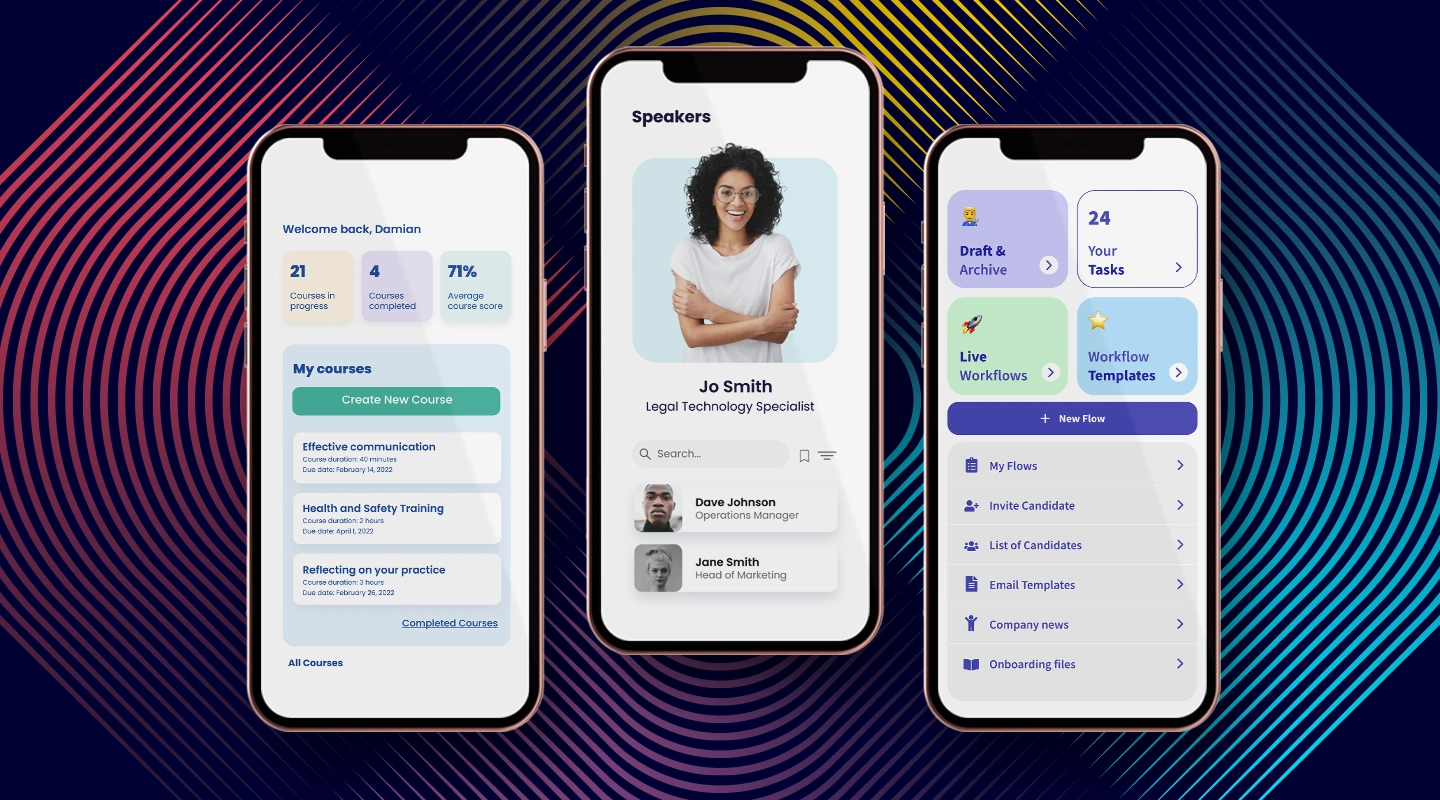
[Fliplet](https://fliplet.com/) is a low-code/no-code mobile application development platform that enables organizations to create iOS and Android apps without coding skills. It is ideal for creating enterprise-level applications with seamless integration to existing systems.
**Key Features:**
- Drag-and-drop interface
- 16 customizable templates
- Offline capabilities
- Integration
- No-code and low-code – it's up to you!
**Pros:**
- Easy to use, no coding skills required
- Scalable for enterprise applications
- Robust security features
**Cons:**
"Took a little bit of persistence to get started, but now feels very familiar and productive." [Read the full review.](https://www.g2.com/products/fliplet/reviews/fliplet-review-6981864)
**Pricing:**
- [Pricing options](https://fliplet.com/pricing/) – compare plans for publishing your own web app
- Public plan – from $9.90 p/m
- Enterprise plan – have a [demo](https://fliplet.com/book-a-demo/) with us
**Reviews:**
- G2 – 4.6 / 5

FlutterFlow is a low-code builder for native mobile apps, bringing app design and development into one tool. Flutter, a comprehensive framework provided by Google, comes complete with widgets, API integrations, debugging tools, and a rendering engine. It empowers creators to deploy expertly designed mobile apps.
**Key Features:**
- Rapid development
- Visuals are engaging and appealing
- Open and free mobile app development frameworks
**Pros:**
- Reusable code across platforms
- Excellent performance compared to other cross-platform frameworks
- Growing library ecosystem
**Cons:**
- Relatively new, may have fewer third-party libraries
- As it requires code, it can be difficult for those with limited technical ability
**Pricing:**
- Free trial
- Standard $30 p/m
- Pro $70 p/m
- Teams $70 p/m
**Reviews:**
- G2 – 4.4/5

Mendix is a low-code application development platform allowing developers and non-developers to quickly create and deploy web and mobile applications. It is suitable for businesses of all sizes and offers robust integration capabilities.
**Key Features:**
- Drag-and-drop interface
- Visual modeling and development
- Integration with popular services
- Collaborative development environment
**Pros:**
- Rapid application development
- Scalable for enterprise-level projects
- Robust integration options
**Cons:**
- Limited customization for advanced users
- Pricing may be on the higher side for small businesses
**Pricing:**
- Free trial
- Basic $50 p/m
- Standard $800 p/m
- Premium – contact Mendix
**Reviews:**
- G2 – 4.4/5
Appy Pie is another no-code app builder that allows you to create multifunctional native apps using pre-set templates and color themes that you can customize for your needs. Whether you're building a shopping app, dating app, delivery app, or others.
**Key Features:**
- Real-time interface edits
- Application testing and analytics
- Offline usage and updating
- Works for iOS & Androids and built-in app store publishing
**Pros****:**
- Good integrations
- They also offer courses on building applications for users from students to professionals at all skill levels.
**Cons:**
- Like all technology, there are bugs sometimes — reviewers on [G2](https://www.g2.com/products/appy-pie/reviews?utf8=%E2%9C%93&filters%5Bnps_score%5D%5B%5D=3&filters%5Bkeyphrases%5D=&order=g2_default&filters%5Bcomment_answer_values%5D=) cite a few
- A couple of users also report customer support is lackluster
**Pricing:**
- Free trial
- Basic: $16/app/month (supports Android)
- Gold: $36/app/month (supports Android)
- Platinum: $60/app/month (also supports iOS apps)
**Reviews:**
- G2 – 4.7/5

Airtable is a powerful app builder that large businesses and enterprises use to manage their data, similar to a project management tool. Based on spreadsheets, Airtable helps you create solutions tailored exactly for what teams need.
**Key Features:**
- Various views of each project
- Workflow automations & integrations
- A lot of pre-built apps to include in your own
**Pros:**
- Easy to use
- Import / export projects
- Drag and drop function
**Cons:**
- Airtable is more rudimentary than Bubble and Appy Pie in that it's more for project management based on spreadsheets, rather than building out a usable product application
**Pricing:**
Airtable offers a free plan best for individuals or those just starting out, and an Enterprise option for more specific needs.
- Plus: $10/seat/month
- Pro: $20/seat/month
**Reviews:**
- G2 – 4.6/5

AppSheet is another no-code app builder where you can design and create a full-service app in days without any code. AppSheet applications can capture images, log locations, scan barcodes, generate reports, send emails, apply logic, and much more. With an easy how-to guide and videos to follow along with, AppSheet makes it easy for you to get your application made.
**Key Features:**
- Multi-platform app in real time
- Rich data collection
- Machine learning & process automation
- Access via web and mobile platforms
**Pros:**
- You can use the database in a spreadsheet, and then generate an app, easily
**Cons:**
- There can be a bit of a learning curve when starting with AppSheet.
**Pricing:**
- Starter: $5/user/month
- Core: $10/user/month
**Reviews:**
- G2 – 4.8/5

Xamarin is a cross-platform app builder that allows developers to create native-like applications for iOS, Android, and Windows.
**Key Features:**
- Native-like performance
- Shared codebase across platforms
- Access to native device APIs
- Integration with popular .NET libraries
**Pros:**
- Strong performance compared to other cross-platform frameworks
- Large community and support from Microsoft
- Reusable code across platforms
**Cons:**
- Steeper learning curve for non-developers
- Larger app sizes compared to native apps
**Pricing:**
- Indie – $25per month
- Business – $999 per year
- Enterprise $1899 per year
**Reviews:**
- G2 – 4.4/5

[Bubble](https://bubble.pxf.io/qnoO35) is a no-code app builder. You build a prototype to test out your idea and then share it with your customer-facing platforms. With Bubble you can create mobile and web apps.
**Key Features:**
- Mobile-friendly and dynamic content
- No limit for number of users, volume of traffic, or data storage
- Integrations
**Pros:**
- Impressive development capabilities
- You can learn it quickly
**Cons:**
- Bubble will get expensive if your product scales — however, it will still be much cheaper than paying developers. One G2 review states that they do keep increasing their prices
**Pricing:**
- Free trial
- Personal: $25/month
- Professional: $115/month
- Production: $475/month
**Reviews:**
- G2 – 4.4/5

If you are looking to build a communication app then Chanty could be the choice for you. Chanty is a user-friendly team chat application that consolidates all communication channels, including chat, audio and video calls, and screen sharing. It also offers basic project management features, allowing you to convert messages into tasks.
**Top features:**
- Communicate through chat, audio and video
- Teambook to access all your content in one place
- Thread messaging
**Pros:**
- Enhances group, 1-on-1, audio and video calls in real-time
- Enables seamless communication
**Cons:**
- "It offers limited integrations" [Read the full review](https://trustradi.us/JQ9Z6)
- It's more pricey than other community solutions such as [Fliplets Communication solution](https://fliplet.com/solution/communications/)
**Pricing:**
- Free plan: for teams up to 10 members
- Business plan: Starts at $3 per month per user
**Reviews:**
- G2: 4.5/5

Alpha Anywhere is a low-code app builder that allows developers to build applications with powerful offline capabilities. It is suitable for businesses of all sizes and caters to a wide range of industries.
**Key Features:**
- Flexible low-code development
- Built-in security features
- Offline data access and synchronization
- Integration with popular databases
**Pros:**
- Quick app development process
- Robust offline capabilities
- Extensive customization options
**Cons:**
- Steeper learning curve for non-developers
- Limited pre-built templates
**Pricing:**
- 30 day free trial
- Business: $30 per user per month
- Enterprise: Contact Alpha Software
**Reviews:**
- G2 – 4.9 / 5
## Solution Comparison Table
| Platform | G2 rating | Free plan | Pricing |
| --- | --- | --- | --- |
| Fliplet | 4.6 | Yes | From $9.90 p/m |
| Flutter | 4.4 | Yes | $30 p/m |
| Chanty | 4.5 | Yes | From $4 p/m |
| Mendix | 4.4 | Yes | $60 p/m |
| Appy Pie | 4.7 | No (have a free trial) | From $12 p/m |
| Airtable | 4.6 | Yes | From $10 p/m |
| AppSheet | 4.8 | No | From $5 p/m |
| Xamarin | 4.4 | Yes | $999 p/y |
| Bubble | 4.4 | Yes | From $29 p/m |
| Alpha Anywhere | 4.9 | 30 day trial | From $99 p/m |
[WordPress Table](https://supsystic.com/plugins/wordpress-data-table-plugin/?utm_medium=love_link "WordPress Table")
## What are App Building Platforms
App building platforms have emerged as a significant force driving mobile and web app development. They have been instrumental in transforming the way we conceive, develop, and deploy apps. But what exactly are these platforms?
App building platforms, also referred to as app creators or app builders, are software that provide a framework for creating mobile or web applications. They typically offer a variety of templates, tools, and components to help users design and build applications without needing to write extensive code. These platforms have opened up app development to a broader audience, including those without a programming background, thus democratizing the app creation process.
### No-code platforms
No-code platforms allow users to create applications without any coding. Users can utilize a drag-and-drop interface and pre-built templates to build apps, making the process incredibly accessible for non-developers.
**Pros:**
- **User-friendly:** No-code platforms generally feature a user-friendly, drag-and-drop interface. This allows users with no coding experience to create functional and aesthetically pleasing apps.
- **Rapid development:** They enable quick prototyping and deployment of apps as they remove the need for time-consuming coding.
- **Cost-efficient:** They can reduce the need for a full team of developers, which makes app development more cost-effective.
**Cons:**
- **Limited Customization:** The design and functionality might be limited to what the platform provides in its toolkit, which could restrict unique customizations.
- **Scalability:** These platforms might not support complex functionality or large-scale app projects as efficiently as custom coded apps.
### Low-code platforms
Low-code platforms do require some level of coding but significantly less than traditional development methods. These platforms are ideal for developers who want to save time on coding repetitive tasks and focus more on customizing their applications to meet specific needs.
**Pros:**
- **Speedy development:** Low-code platforms also allow rapid development but with the added benefit of customizability that comes with coding.
- **Flexibility:** They offer more flexibility than no-code platforms, as they allow custom code where necessary.
- **Ideal for prototyping:** They are great for creating app prototypes for user testing and stakeholder buy-in.
**Cons:**
- **Some coding required:** While low-code platforms require less coding than traditional methods, they still require some coding knowledge, which might be a barrier for non-technical users.
- **Potential performance issues:** Some low-code platforms may not provide the same performance efficiency as a fully coded app, especially for more complex apps.
- **Difficult to understand:** Low-code platforms can be difficult to get the hang of if you do not have the technical expertise.
Take a look at [The Best No Code/Low Code Development Platforms](https://fliplet.com/blog/the-best-no-code-low-code-development-platforms/)
### Off-the-shelf solutions
Off-the-shelf solutions are pre-made software products available to a wide range of users. These solutions are beneficial for businesses seeking quick deployment and cost-effective methods for implementing an app. They come with standard features and functionalities that can cater to the general needs of most businesses.
**Pros:**
- **Ready to use:** These solutions are pre-built and ready to use right away, saving significant development time.
- **Cost-effective:** They are typically cheaper than custom solutions since development costs are spread across many users.
- **Proven solutions:** These are tested products with known functionality.
**Cons:**
- **Limited fit:** They may not fully align with your specific business needs or processes, which might require additional customization.
- **Dependence on vendor:** Your app's features and updates are at the mercy of the vendor's development plan.
- **Potential for extra costs:** Customizations and integrations might incur additional costs.
## What types of Apps can you build with an App Builder?
### Web Apps
Web apps and mobile apps, while serving similar functions, operate and are built in fundamentally different ways.
Web apps are applications that run on a web browser. They are typically easier and quicker to build than mobile apps and can be accessed across different platforms (like PC and mobile) through a web browser.
**Pros:**
- **Cross-platform compatibility:** Web apps are accessible on any device with a web browser, which provides wide reach and compatibility.
- **Easy updates:** Updates are easier to implement since they are made on the server-side and instantly available to all users.
**Cons:**
- **Dependence on internet connection**: Web apps require a constant internet connection for access and can have performance issues with poor connectivity.
- **Limited access to device features**: They have less access to device-specific features and functionalities compared to native apps.
Find out [How to Turn Your Web App to Mobile App.](https://fliplet.com/blog/how-to-turn-your-mobile-app-into-web-app/)
### Mobile Apps
Mobile apps, in contrast, are applications specifically designed to run on mobile devices such as smartphones and tablets. They need to be downloaded and installed from app stores and offer a more immersive and often smoother user experience.
**Pros:**
- **Optimized user experience:** Mobile apps provide a more optimized and immersive user experience for mobile devices.
- **Offline access****:** They can offer certain functionalities offline.
**Cons:**
- **Platform-specific development:** Each mobile platform (iOS, Android) may require separate app development, which can double development time and cost.
- **Requires installation:** Unlike web apps, users need to download and install mobile apps, which can be a barrier for some users.
Navigating through the landscape of app builders, one thing is clear: each platform offers unique advantages that cater to various user needs. Whether it's the simplicity of no-code platforms, the flexibility of low-code platforms, the ready-to-use nature of off-the-shelf solutions, or the immersive experience of mobile apps, your decision largely depends on your specific requirements, technical proficiency, and resources.
Now, the question arises – how to choose the right app builder that aligns perfectly with your vision and needs? This is a significant decision that requires careful thought and evaluation.
## Choosing the right app builder for you
### When it comes to selecting an app builder, consider the following factors
- **User interface (UI) design:** The app builder should offer a range of design options to create an engaging and intuitive UI. Look for platforms that provide customizable templates, themes, and layouts to design a unique app that reflects your brand identity.
- **Functionality and features****:** Determine the functionalities and features you need in your app. Whether it's integration with existing systems, support for in-app purchases, or advanced AI capabilities, the chosen app builder should support your requirements.
- **Ease of use:** Especially important if you are opting for a no-code or low-code platform. The app builder should be user-friendly and intuitive, enabling you to design, develop, and deploy your app with ease.
- **Budget:** Cost is a critical factor. Consider the upfront cost of the platform, along with ongoing costs such as maintenance, updates, and potential extra costs for added features or services.
- **Scalability:** Your app builder should be able to scale as your business grows. It should support the addition of new features and handle an increasing number of users without compromising performance.
- **Community and support:** Lastly, look for platforms with a robust community and responsive support. This will ensure you get help when you need it, whether it's troubleshooting an issue or seeking advice on best practices.
Remember, there is no one-size-fits-all solution when it comes to app builders. It's about finding the right balance between your specific needs and the capabilities of the app builder. Take time to research, try out different platforms, and make an informed decision that will serve you best in the long run.
### What if my app idea is too complex for an app builder?
Complexity in an app idea can sometimes be a challenge. However, don't be disheartened if you initially believe your idea may be too complex for an app builder. For example, some more complex requests may be:
- **Third-party integrations:** Integrating with external services like social media platforms, payment gateways, [CRM systems](https://www.close.com/guides/what-is-a-crm), or other APIs can be quite complex, as it involves understanding and properly implementing the third-party's API.
- **Real-time features:** Features like chat, video streaming, or real-time notifications can be complex to implement as they require maintaining a constant and efficient connection between the server and the client.
- **Augmented reality (AR) and virtual reality (VR):** These technologies provide interactive experiences of a real-world environment where objects reside in the real world are enhanced by computer-generated perceptual information.
- **Machine learning and AI:** Implementing machine learning models or artificial intelligence features like voice recognition, image recognition, recommendation systems, and more, can be quite complex.
- **Custom animation and complex UI/UX design:** Creating custom animations or implementing a complex UI/UX design that goes beyond standard interface elements can add complexity to an app.
It is advisable to consult with a professional or a team that has experience in using the chosen app builder. They can provide you with insights and strategies on how to translate your complex idea into a functional app using the platform. Also, remember, many app builders, especially no-code and low-code platforms, are designed to be scalable and adaptable to a wide range of application complexities. Fliplet for example, have a great support team that can help bring your app to life, [speak with someone today](https://fliplet.com/book-a-demo/).
## What costs are involved in building an app?
It is difficult to say exactly how much it costs to build an app as the cost is unique to the person or organization as it is dependent on a few factors.
### How to estimate app development costs?
The cost of developing an app is difficult to predict precisely because there are so many factors at play in every project. Although sophistication and features may have a cost, the method used to create an app is what really counts. Using the information below you will be able to gather a good estimation of the cost of your app:
- Design difficulty
- The creation procedure
- Features that must be created
- If there are any additional complex features or requirements needed
- Third-party integrations required
- Quality control specifications
### How much does it cost to develop an app?
As we have stated, a variety of factors affect the price of developing an app. You can generally anticipate that app development prices may vary based on how complicated the app is.
### The typical cost to construct an application for
- For an average app is between $40,000 to $60,000
- A corporate firms is between $60,000 to $150,000
- A more complicated app can start from $150,000
A simple app takes 2-4 months to construct, a medium-complexity app takes 4-6 months, and a complex app takes over 9 months.These are rough estimates, the actual app development cost and timeline will also depend on developers' productivity and their approach.
### Cost breakdown for app development based on components
- **Design:** The design phase can cost between $3,000 and $30,000. This cost range can fluctuate depending on the intricacy of the app, the location of the development team, and their level of expertise.
- **Development:** The actual coding and development part can range from $40,000 to $300,000. This wide range accounts for the different levels of complexity an app could have and the overall scope of the project.
- **Testing:** Typically, testing costs can be $5,000 or less. This cost covers the process of ensuring the app works flawlessly across various use cases and conditions.
- **Maintenance:** Regular app maintenance can cost between $250 and $500 a month. It's often recommended to set aside approximately 20 percent of the initial development cost for ongoing maintenance, _(Kiss Flow 2023)._
### Comparing the costs for different types of apps in the market:
Developing an app can come at a price.
- **Native app:** A native app can cost anywhere between $40,000 to $300,000. Factors that contribute to the cost include the choice of platform, the app's complexity, and the UI/UX design.
- **Hybrid app:** The cost for a hybrid app can be within the range of $90,000 to $700,000. The cost can be determined by various factors including the development team, the app building platform used, the design and functionality, updates and maintenance requirements, as well as the security measures implemented.
- **Web app:** For a simple web app, the cost can start from $5,000, and can go up to $500,000 for more complex projects.
- **Low-code/no-code app:** Using low-code or no-code platforms can reduce the cost significantly, to around $20 to $50. These platforms empower domain experts to create solutions and streamline processes without requiring extensive technical knowledge or coding skills. As compared to traditional app development methods, they can accelerate software development by up to 10 times, _(Kiss Flow 2023)._
Fliplet makes app building accessible to anyone as it requires no-code (unless you want to) and they have a [free plan](https://studio.fliplet.com/signup). Using an app builder such as Fliplet can save you money as well as your valuable time. You can either use Fliplets free plan or the price starts from $9.90 p/m

Want to know more? Check out the [16 top features of a successful app.](https://fliplet.com/blog/16-successful-mobile-app-features/)
## Upcoming Trends and Technologies You Need to Know When Building an App
The world of mobile app development is dynamic and constantly evolving, driven by new technologies and changing user expectations. If you want your app to stay relevant and competitive, it's crucial to stay informed about the latest trends and technologies in the industry. Here are some key trends and technologies that are currently shaping the landscape of app development:
- **Artificial Intelligence (AI):** AI is transforming the way we develop and use apps. From chatbots providing customer support, to machine learning algorithms personalizing user experiences, AI is enhancing app functionality and efficiency. Developers are increasingly leveraging AI to analyze user behavior, predict user needs, and automate tasks, leading to more intuitive and user-friendly apps.Find out [How AI Will Disrupt App Development](https://fliplet.com/blog/how-ai-will-disrupt-app-development/)See how Fliplet is utilizing AI:
- **Mobile-First approach:** 90% of the time spent on smartphones is spent on mobile apps. With an increasing number of users accessing the internet via smartphones, a mobile-first approach is no longer optional—it's essential. This approach involves designing and developing apps with mobile users in mind before scaling up to larger screens. Mobile-first apps are designed to be responsive, ensuring they look and function well on a variety of screen sizes.If you are looking for a mobile application platform check out our research on [The 10 Best Mobile Application Development Platforms 2026.](https://fliplet.com/blog/10-best-mobile-application-development-platforms/)
- **Integration:** App integration with other services and platforms is becoming more common, driven by the need to provide a seamless and efficient user experience. This could include integration with social media platforms, payment gateways, or other [business applications](/blog/22-essential-business-apps-for-businesses-of-all-sizes/). Effective integration can streamline operations, enhance user experience, and increase user retention.
- **Automation:** Automation is playing a crucial role in app development by reducing repetitive tasks, thus freeing up developers to focus on more complex and innovative aspects of app development. Whether it's automated testing, code generation, or deployment, automation can enhance efficiency, reduce errors, and speed up the development process.
These trends and technologies are not only enhancing the capabilities of apps, but are also transforming the way we approach app development. By staying informed about these trends, and incorporating them into your app development strategy, you can ensure that your app remains competitive in the ever-evolving app market.
## Benefits of using a no-code app building platform
No-code app building platforms are changing the game in the world of mobile app development. By allowing virtually anyone to create functional, high-quality apps without writing a single line of code, these platforms are democratizing app development and opening up new opportunities. Here are some key benefits of using a no-code app building platform:
- **Ease of use:** No-code platforms are designed to be user-friendly, allowing even non-technical individuals to design and build their own apps. These platforms typically feature intuitive drag-and-drop interfaces, making it easy to add features, design layouts, and customize your app to your liking.
- **Speedy development:** With a no-code platform, you can build an app in a fraction of the time it would take to code one from scratch. This can significantly speed up the development process, allowing you to launch your app faster.
- **Cost-effective:** Hiring developers to code an app can be expensive. No-code platforms, on the other hand, often come at a fraction of the cost, making them a more affordable solution for many businesses.
- **Flexibility and customizability:** Despite not requiring coding, these platforms often offer a high degree of customizability, allowing you to tailor your app to your specific needs and branding.
- **Reduced risk****:** Since the app building process with a no-code platform is quicker, it allows for faster iteration and testing. This means mistakes can be corrected promptly, reducing the risk of time and money on lengthy development processes that might not succeed.
- **Cross-platform compatibility:** Most no-code platforms automatically handle the requirements for different operating systems. This means the app you create will work across various devices and platforms, increasing its reach and usability.
- **Integrated functionality:** No-code app builders often come with built-in integrations for popular services and APIs. This can include social media platforms, CRM systems, payment processors, and more, making it easier to enhance your app's functionality without additional coding.
- **Collaborative development:** No-code platforms often facilitate collaboration between different team members. This can be especially helpful for teams that work remotely or are spread across different locations. Everyone can contribute, provide feedback, and see changes in real-time, promoting a more cooperative and efficient development process.
- **Accessibility for all skill levels:** One of the greatest advantages of no-code app building platforms is their accessibility. Regardless of a user's technical background or level of expertise, these platforms allow anyone to create a functional, professional-grade app. By simplifying the app development process, these platforms remove barriers to entry, empowering individuals and businesses of all sizes to bring their app ideas to life. Whether you're a seasoned developer looking to speed up the development process or a beginner with no coding experience, no-code app builders cater to all skill levels.
No-code app building platforms represent a powerful tool for businesses looking to develop mobile apps quickly, affordably, and without the need for extensive coding knowledge. As such, they're poised to play a significant role in the future of app development.
## What have people built?
The variety of apps individuals and organizations have made utilizing these platforms is amazing as we go deeper into the vast realm of no-code app creation. People and organizations are using the power of no-code app builders to create one-of-a-kind solutions catered to their particular requirements across sectors and the world. The options range from modest endeavors by entrepreneurs and amateurs to cutting-edge business solutions for significant enterprises.
### Examples of the types of apps you can build
**Community apps**
- Check out [Fliplet's Communication solution](https://fliplet.com/solution/communications/) and see what features you need
- We also researched [The 15 Best Team Communication Apps of 2026](https://fliplet.com/blog/best-team-communication-apps/)
- Discover the [The Top 10 Community Apps to Engage and Monetize your Community](https://fliplet.com/blog/10-apps-to-boost-your-community-engagement/)
**Event apps**
- You can start building an [Event solution](https://events.fliplet.com/) today for free
- Take a look at the [25 Best Mobile Event Apps you need in 2026](https://events.fliplet.com/blogs/25-best-mobile-event-apps/)
**Learning apps**
- Start building your [Learning solution](https://fliplet.com/solution/learning/)
- Discover [how to make a learning app on a budget](https://fliplet.com/blog/how-to-make-a-learning-app/)
**Other apps that you can build**
- [Directory](https://fliplet.com/solution/directory/)
- [Marketing](https://fliplet.com/solution/marketing/)
- [Innovation/idea management](https://fliplet.com/solution/innovation-management/)
- Approval workflow
- Portal app
- Sales Enablement
- [Data Capture](https://fliplet.com/solution/data-capture/)
- [Emergency Management](https://fliplet.com/solution/emergency-management-for-clients/) (Take a look at the [5 steps to take to prepare for a dawn raid](https://fliplet.com/blog/5-steps-to-prepare-for-a-dawn-raid/))
- [Food Ordering](https://fliplet.com/solution/ecommerce-solution/)
- Multilingual
- [Remote and Office Management](https://fliplet.com/solution/remote-and-office-management/)
- [Task Management](https://fliplet.com/solution/task-management/)
- [Reporting App](https://fliplet.com/solution/mobile-reporting-app/)
- [eCommerce and Ordering](https://fliplet.com/solution/ecommerce-solution/)
- Blank solution to build from scratch
**Apps for your industry**
- [15 HR Apps That Will Change How You Work](https://fliplet.com/blog/15-hr-apps-that-will-change-the-way-you-work/)
- [Healthcare Application Development – Ultimate Guide 2026](https://fliplet.com/blog/healthcare-application-development/)
- [The 14 Best Apps for Lawyers in 2026](https://fliplet.com/blog/the-14-best-apps-for-lawyers/)
- [5 Most Used Employee Engagement Apps Compared](https://fliplet.com/blog/5-most-used-employee-engagement-apps-compared/)
## Case studies
- [Saul Ewing](https://fliplet.com/case-studies/saul-ewing/): An innovation challenge app that has collected innovative staff ideas, helped build a community, driven innovation and improved collaboration.
- [Top 30 UK Law Firm](https://fliplet.com/case-studies/top-30-uk-law-firm/): A straight forward event template that can be updated easily in-house as well as being customized to fit with your branding.
- [Gateley](https://fliplet.com/case-studies/gateley-legal/): A seamless app experience for academy delegates.
- [Bird & Bird](https://fliplet.com/case-studies/bird-and-bird/): Multiple apps: marketing, events, internal comms, pitching.
- [Providence](https://fliplet.com/case-studies/providence-anesthesiology-associates/): Flexibility and bespoke customization in healthcare.
- [Internal Communications](https://fliplet.com/case-studies/internal-communications/): Internal details and communication 24/7.
## How to build an app in 7 simple steps
While the upcoming steps will provide you with a clear and concise overview of how to build an app, remember that there is a wealth of detailed information that goes beyond this simplified approach. For an in-depth understanding and a comprehensive guide on mobile enterprise app development without coding, we encourage you to explore our detailed blog post [Ultimate Guide: How to scale mobile enterprise app development without coding or IT resources](https://fliplet.com/blog/mobile-enterprise-app-development-without-coding/). If you're an enterprise organization, take a look at [The Top 10 Mobile Enterprise Application Platforms for 2026.](https://fliplet.com/blog/top-10-mobile-enterprise-application-platforms/)
Now, let's get started with our 7 step-by-step guide and get you on your way to building an app.
**1\. Conceptualize your idea:** The first step to building an app is to have a clear concept. What purpose will your app serve? Who is your target audience? What problems will your app solve for them?
**2\. Plan your app's functionality and features:** Once you have a concept, plan out your app's functionalities. What features will it have? How will it interact with users? This is where you define the value your app will bring to its users.
**3\. Design the user interface (UI):** A well-designed UI is crucial for your app's success. The UI should be user-friendly, intuitive, and aesthetically pleasing. Use wireframes to sketch out the layout of your app.
**4\. Choose your app builder:** Choose an app builder platform that aligns with your needs. Consider factors like ease of use, flexibility, functionality, and cost. This [blog](https://fliplet.com/blog/legal-knowledge-management/) should help you make the right decision. Make sure the solution has the features you are looking for, you can use Fliplet for [free](https://studio.fliplet.com/signup) and start building your app today.
Discover [The Best No Code/Low Code Development Platforms](https://fliplet.com/blog/the-best-no-code-low-code-development-platforms/)
**5\. Build your app:** Using your chosen app builder, start the process of building your app. Most app builders use a drag-and-drop interface, making it simple even for beginners.
**6\. Test your app:** Before you launch, it's crucial to test your app thoroughly. Check for any bugs or issues that might impair functionality or user experience. Use this feedback to improve your app.
**7\. Launch your app:** Once you've tested and refined your app, it's time to launch. Promote your app through various channels to attract users.
And just like that you are now ready to start building your app. To find out more read our blog on [The 10 Best Mobile Application Development Platforms 2026](https://fliplet.com/blog/10-best-mobile-application-development-platforms/)
## Conclusion
As we've explored throughout this comprehensive guide, the world of app building is huge and there is so much that you can create. The top 10 app builders we've highlighted each offer unique strengths and capabilities to cater to various business needs and objectives.
We've delved into the benefits of using a no-code platform when it comes to building your app and the key features to look out for, such as cross-platform development, integration capabilities, security, and cost-effectiveness. We've touched upon the growing importance of AI in the app world and the types of mobile apps being built with these platforms.
In conclusion, selecting the right app builder for your business is crucial for success in today's competitive digital landscape. By carefully considering your business requirements, the platform's features, and the potential long-term benefits, you can make an informed decision that ensures your app meets the needs of your users and contributes to your organization's growth. So, explore these top platforms and take the first step towards building your next groundbreaking app.
## FAQs
### How much does it cost to build an app?
The cost to build an app can vary greatly based on a range of factors, including the app’s complexity, the chosen platform (iOS, Android, or cross-platform), and whether the app is native, hybrid, or web-based. In general, simpler apps can start from around $40,000 to $60,000, average complexity apps can range from $60,000 to $150,000, while complex apps can start from $150,000 and go up.
Additional costs also include aspects like design, which can range from $3,000 to $30,000, and maintenance, which typically requires a budget of about 20% of the development cost per year. Testing can also add costs, although it’s generally less than $5,000.
Alternative development methods like low-code/no-code platforms can significantly reduce these costs and speed up development, but they may not provide the same level of customization and complexity that traditional development offers. Thus, it’s crucial to evaluate your specific needs, budget, and timeline before deciding on the best approach to build your app.
### Can I build my own app for free?
Yes, you certainly can build your own app for free! No-code platforms like [Fliplet](https://fliplet.com/) allow you to create an app without writing a single line of code. Fliplet offers a versatile platform that includes 17 pre-built solutions, allowing you to quickly and effectively create a wide variety of apps to suit your needs, all without needing extensive coding knowledge. Whether you’re looking to build an internal communications app, an event app, or something more bespoke, Fliplet can provide the tools you need to get started for free.
### Which is the best mobile app builder?
Fliplet is an exceptional choice for a mobile app builder. As a no-code/low-code mobile application development platform, Fliplet allows organizations to construct both iOS and Android apps without any need for coding expertise. This makes it a perfect fit for crafting enterprise-level applications, especially given its ability to seamlessly integrate with existing systems.
Here are some key features of Fliplet:
- User-friendly drag-and-drop interface
- 16 customizable templates to suit various needs
- Offline capabilities to ensure uninterrupted user experience
- Integration options with existing systems and services
- Choice between no-code and low-code development options to match your level of comfort and expertise
Pros of Fliplet include:
- Ease of use, no coding skills required making it accessible to all
- Scalability, making it suitable for enterprise applications
- Robust security features for data protection and compliance
Fliplet offers flexible pricing plans to cater to different needs:
- Free Plan: Publish your own web app at no cost
- Public Plan: From $9.90 per month
- Enterprise Plan: Arrange a demo with the Fliplet team for tailored pricing
As for reviews, Fliplet has a great reputation with a score of 4.6 / 5 on G2, indicating high user satisfaction.
### What is the cheapest way to build an app?
The cheapest way to build an app typically involves using a no-code or low-code app building platform, like Fliplet. These platforms are designed to be user-friendly and often offer pre-built templates that you can customize to suit your needs. With these, you can create your app without any coding knowledge and reduce the costs associated with hiring developers. Here’s why they are cost-effective:
1. No Need for Expert Developers: Since these platforms provide drag-and-drop functionality, anyone can create an app without needing to know how to code, saving you from hiring a team of developers.
2. Pre-Built Templates: These platforms come with a range of pre-built templates that you can use as a starting point. This reduces the time (and therefore cost) it takes to build an app from scratch.
3. Time-Efficient: As these platforms are easy to use, you can create and launch your app much quicker than traditional methods of app development.
4. Low or No Upfront Costs: Many no-code or low-code platforms offer free versions or affordable plans. Fliplet, for example, lets you publish your own web app for free, and its public plan starts from $9.90 per month.
5. Reduced Maintenance Cost: Maintaining an app can often be more expensive than creating it. But with these platforms, most maintenance tasks are handled by the platform itself, reducing the long-term costs.
Remember, while it’s important to consider cost, it’s equally important to ensure that the app builder you choose can meet the needs of your project. Always balance cost considerations with functionality, flexibility, and the ability to scale.
## Related links
- [Ultimate Guide: How to scale mobile enterprise app development without coding or IT resources](https://fliplet.com/blog/mobile-enterprise-app-development-without-coding/): Fliplet compiled an ultimate guide on how to scale mobile enterprise app development without coding or IT resources
- [Top 10 Mobile Enterprise Application Platforms](https://fliplet.com/blog/top-10-mobile-enterprise-application-platforms/): Fliplet compiled a list of the top 10 mobile enterprise application platforms. Read more within.
- [The Best Low Code/No Code Development Platforms](https://fliplet.com/blog/the-best-no-code-low-code-development-platforms/): Fliplet compiled a list of the best Low Code/No Code Development Platforms. Find out more within.
---
# The Top 10 Mobile Enterprise Application Platforms for 2026
> Compare 10 mobile enterprise application platforms for 2026 by features, security, integrations, pricing, use cases, and long-term ownership.
Source: https://fliplet.com/blog/top-10-mobile-enterprise-application-platforms/
Content type: Blog
Published: 2026-02-02T11:26:34
Updated: 2026-03-19T00:41:02
Read time: 17 minutes
# The Top 10 Mobile Enterprise Application Platforms for 2026
A mobile enterprise application platform helps an organization build, integrate, secure, publish, and manage mobile software across multiple teams and use cases. The right platform must support more than screen creation: it also needs access controls, data connections, governance, deployment options, and maintainable ownership.
This comparison evaluates 10 platforms for enterprise buyers selecting a vendor in 2026. It focuses on capabilities, security, integrations, pricing, support, and long-term fit. If you are still defining the business case, requirements, process, or budget, start with the [enterprise mobile app development guide](/blog/reasons-why-your-organization-needs-enterprise-mobile-applications/). If your priority is expanding delivery capacity across teams, read the [mobile software delivery scaling guide](/blog/mobile-enterprise-app-development-without-coding/).
## Top 10 mobile enterprise application platforms
### 1. Fliplet
[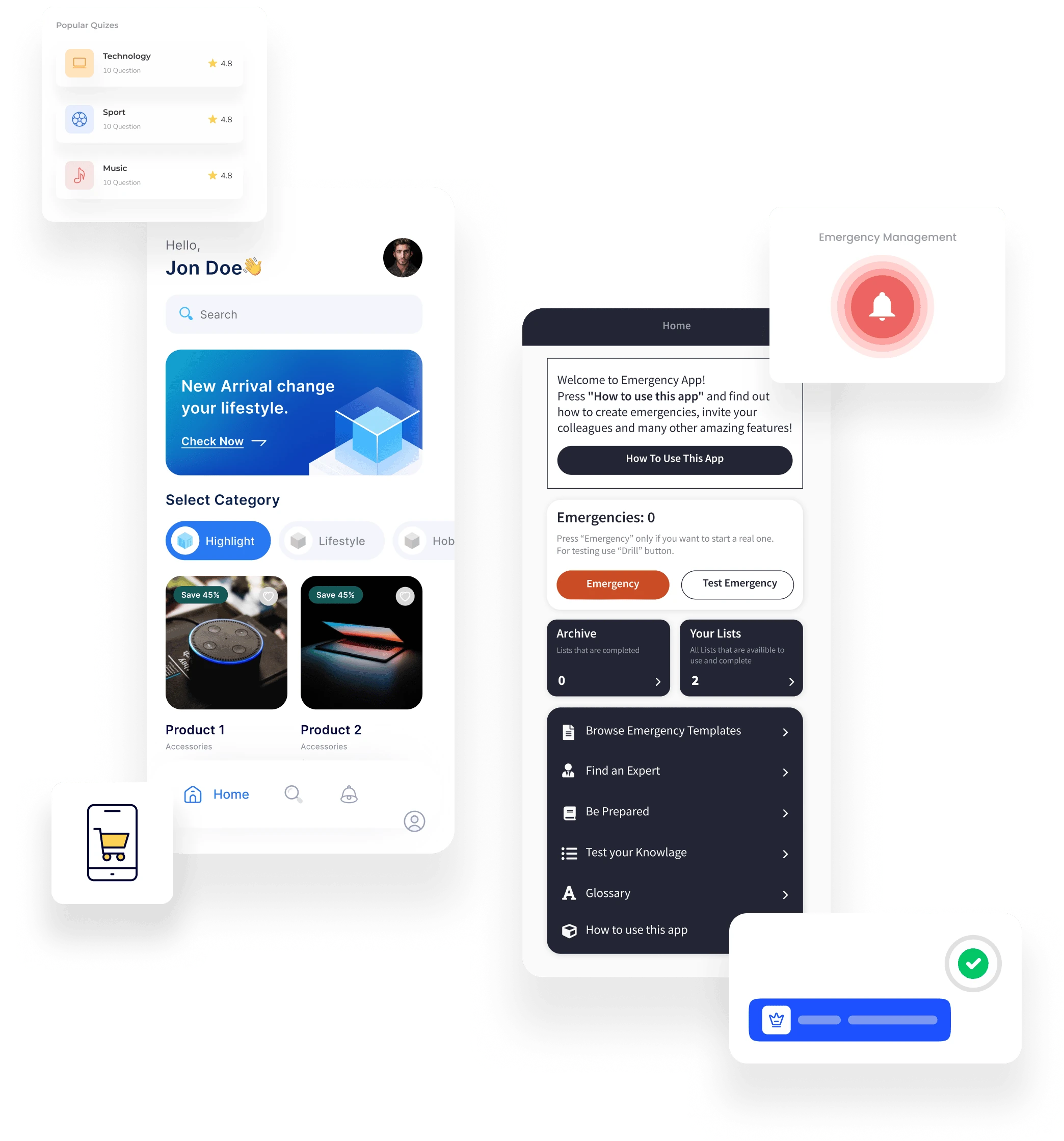](https://fliplet.com/blog/10-best-mobile-application-development-platforms/)
Fliplet supports governed delivery of web and mobile business software. Business teams can configure workflows and interfaces while IT controls access, integrations, data, security, and publishing. Organizations can also [create multilingual software](https://fliplet.com/solution/multilingual-app-solution/) for employees, customers, and partners in different regions.
Plus Fliplet has 16 solutions and over 300 customizable screens. Fliplet offers endless flexibility and scalability to suit your unique business needs. Fliplet is an award-winning mobile enterprise application platform – as proven by multiple G2 awards for best support, easiest admin, easiest set up, fastest implementation, and high performer
The platform is most relevant to organizations that need reusable foundations, cross-platform publishing, offline access, and enterprise controls in one managed environment.
### Benefits of Fliplet for enterprise
Fliplet has a large selection of [prebuilt app solutions](https://fliplet.com/blog/prebuilt-app-builder/) that you can fully customize to suit your needs, these include:
Fliplet offers a huge range of features that helps you build your mobile application in hours, not weeks, some of these include:
Notifications
Reports and analytics
Brand your app
Customize with drag and drop
Uploading your own content
Use on any device: mobile, tablet, and desktop
Enterprise Grade Security (ISO 27001)
Ability to integrate with other systems
Offline access
Help and support
Improves workplace efficiency
Improves team collaboration
No-code (but can be low-code if you want)
Supports iOS and Android
### Price
- Free plan – publish your own web app
- Public plan – from $9.90 p/m
- Enterprise plan – have a [demo](https://fliplet.com/book-a-demo/) with us
### Reviews
- Capterra – 4.8 / 5
- G2 – 4.6 / 5
### 2. Google AppSheet
Google AppSheet is a visual development platform for software backed by structured data. Its spreadsheet-style model suits teams already working in Google Workspace, although complex logic and governance requirements can increase implementation effort.
The mobile feature is especially convenient for organizations on the go, allowing them to access their entire suite of business software from any mobile device. However, it's important for enterprises to note that the compressed data size is limited to up to 10MB (depending on the device) for all the data in one app.
### Benefits of Google AppSheet for enterprise
- Customization
- Automate workflows
- Range of templates
- Works offline
- Capture data
- Secure
- Integrations
### Price
- $5 / user/month
- $10 / user/month
- Enterprise plan – contact Google AppSheet
### Reviews
- Capterra – 4.8 / 5
- G2 – 4.8 / 5
### 3. Microsoft PowerApps
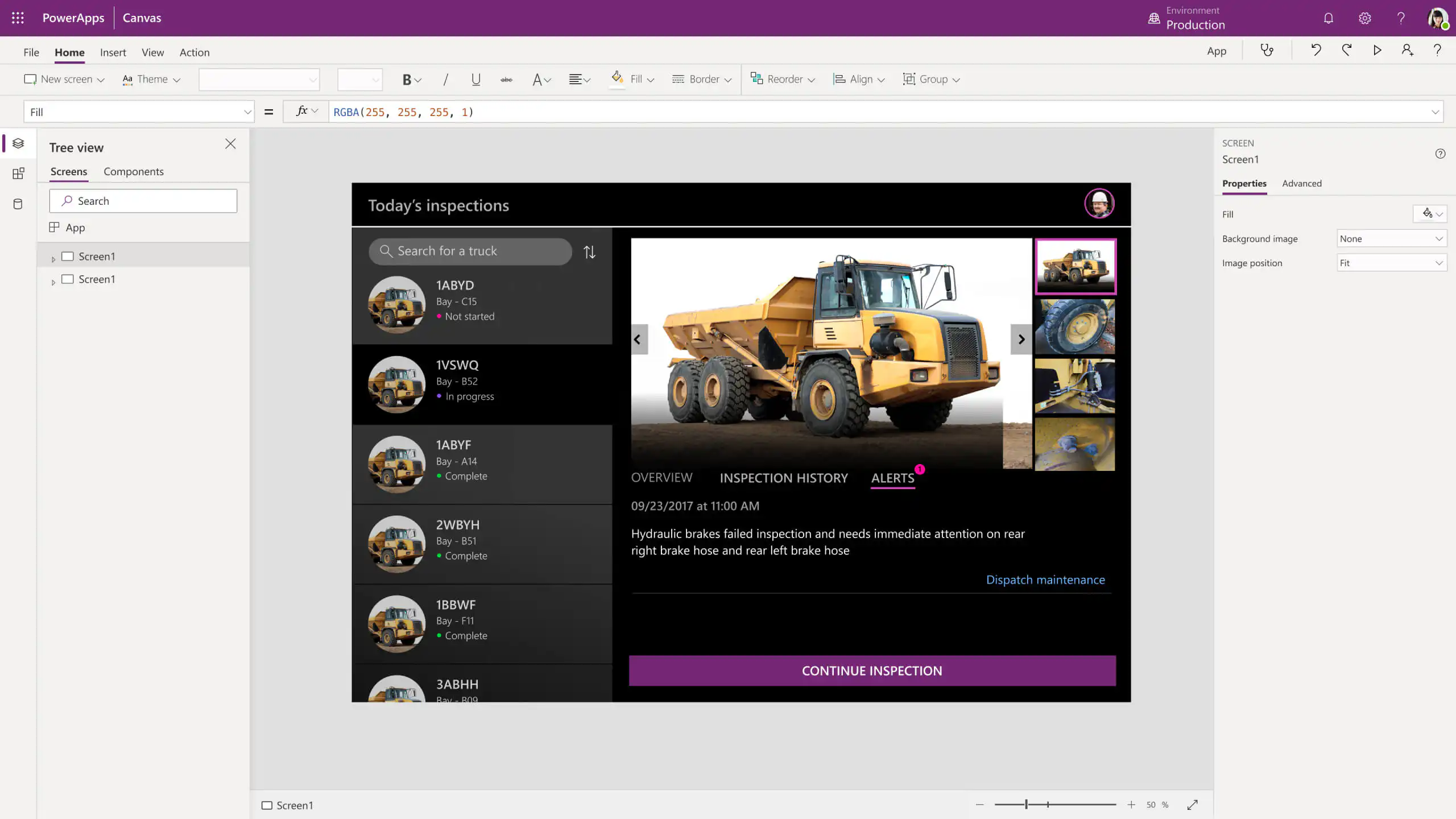
Microsoft PowerApps is a mobile enterprise application platform that enables business users to build mobile applications. It provides an easy-to-use interface, allowing users to create mobile experiences without the need for coding.
With the ability to integrate with back-end systems and data sources, PowerApps expands access to information and improves collaboration across teams. For companies looking for an efficient way to access vital corporate data and collaborate better with mobile employees, Microsoft PowerApps is worth considering. However, it does have limited customization.
### What are the benefits of Microsoft PowerApps?
- No code
- Integrations
- Works on mobile, tablet, and desktop
- Improves workplace efficiency
- Improves team collaboration
- Increases productivity
### Price
- $5 / user/month
- $10 / user/month
- $20 / user/month
### Reviews
- Capterra – 4.5 / 5
- G2 – 4 / 5
### 4. React Native
React Native is a mobile enterprise application platform that allows developers to quickly create apps for mobile devices like iPhones and Android phones using modern programming languages. It is based on JavaScript, making it convenient and easy to use for experienced web developers, but it also includes features tailored to mobile device ecosystems.
By providing an elegant style of programming language and platform-specific resources required to develop robust mobile applications, React Native has become a popular tool for many businesses and individual developers who need high-performance mobile applications delivered quickly. However, if your organization doesn't have access to developers, React Native may not be the right mobile enterprise application platform for you as it needs developer expertise.
### What are the benefits of React Native?
- Flexible mobile layouts
- Reusable components to reduce time
- Native look and feel
- Third-party plugins
### Price
It is free to use however, if you want to add additional features or integrations provided by third-party companies, you will have to pay a fee.
### Reviews
- G2 – 4.4 / 5
### 5. Alpha Anywhere
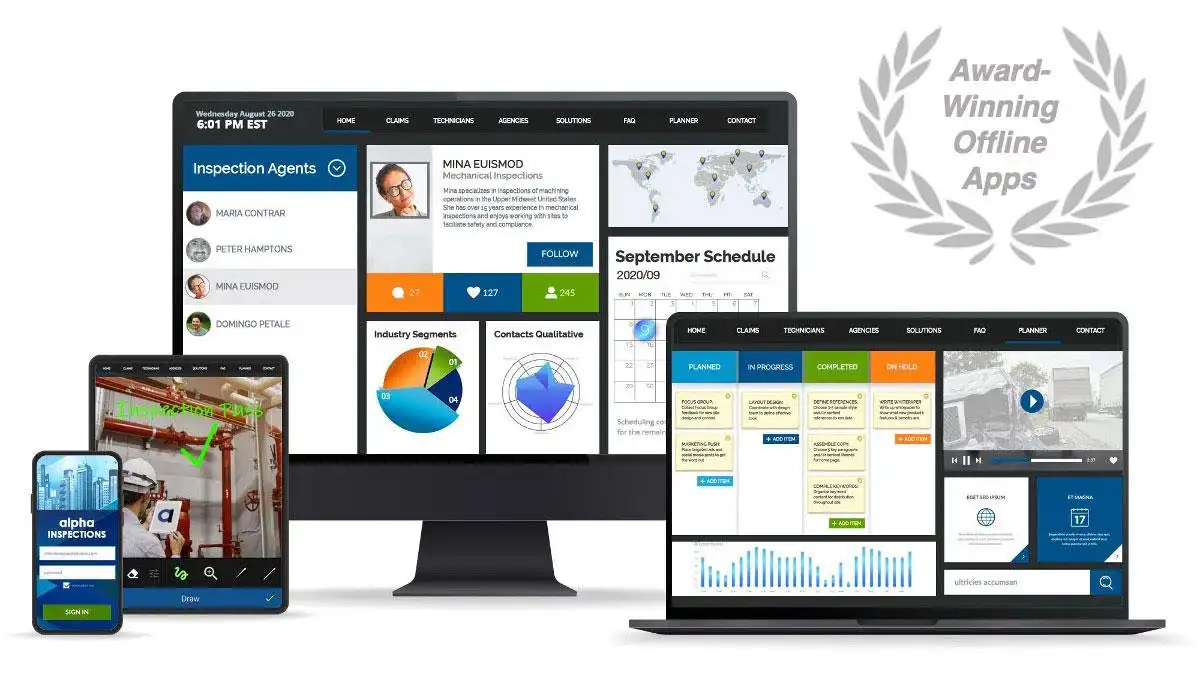
Alpha Anywhere is the mobile enterprise application platform that enables you to create and deploy web, mobile, and hybrid apps with stronger mobile-optimized forms and easy offline access.
Alpha Anywhere is a low-code web and mobile enterprise application platform for developers and is targeted towards entrepreneurs and small businesses to bring their solutions to the market fast. Alpha Anywhere also has Alpha TransForm, which is their no-code mobile app builder for users and developers.
With support for both iOS and Android, as well as integrations with popular enterprise systems, it can help mobilize your workforce. However, with Alpha Anywhere reviews have mentioned that the documentation could be improved because when you come to an obstacle it can be difficult to find the help you need.
### What are the benefits of Alpha Anywhere?
- No-code/low-code
- Supports iOS and Android
- Integrations
- Offline access
### Price
#### Alpha Anywhere:
- Free for 30 days
- $99 /month
- $399 /month
- $750 /month
### Alpha TransForm:
- Free for 30 days
- $30 / user/month
- Enterprise – contact them
### Reviews
- Capterra – 4.8 / 5
- G2 – 4.9 / 5
### 6. Adalo
Adalo enables creatives, business owners, and founders to create custom web & mobile applications without code. Like any no-code platform, Adalo enables you to design, build and publish your app in weeks rather than months.
Adalo's no-code platform enables your business to launch powerful new tech-enabled products and services at a fraction of the cost. You can customize your app easily. However, one of the primary limitations of Alado is its lack of scalability. Reviews have said it is a good platform for testing however as the app gets more complex and grows it can become slow which would be a limitation in many enterprise organizations.
### What are the benefits of Adalo?
- No-code
- Quick and Easy to create and launch your app
- More cost-efficient than low-code platforms
- Create custom mobile and web apps
- Allows you to grow your business quickly
### Price
- Free
- $45 /month
- $65 /month (recommended for small – medium enterprises)
- $200 /month
- $250 /month (recommended for larger enterprises)
### Reviews
- Capterra – 3.7 / 5
- G2 – 4.8 / 5
### 7. Appy Pie
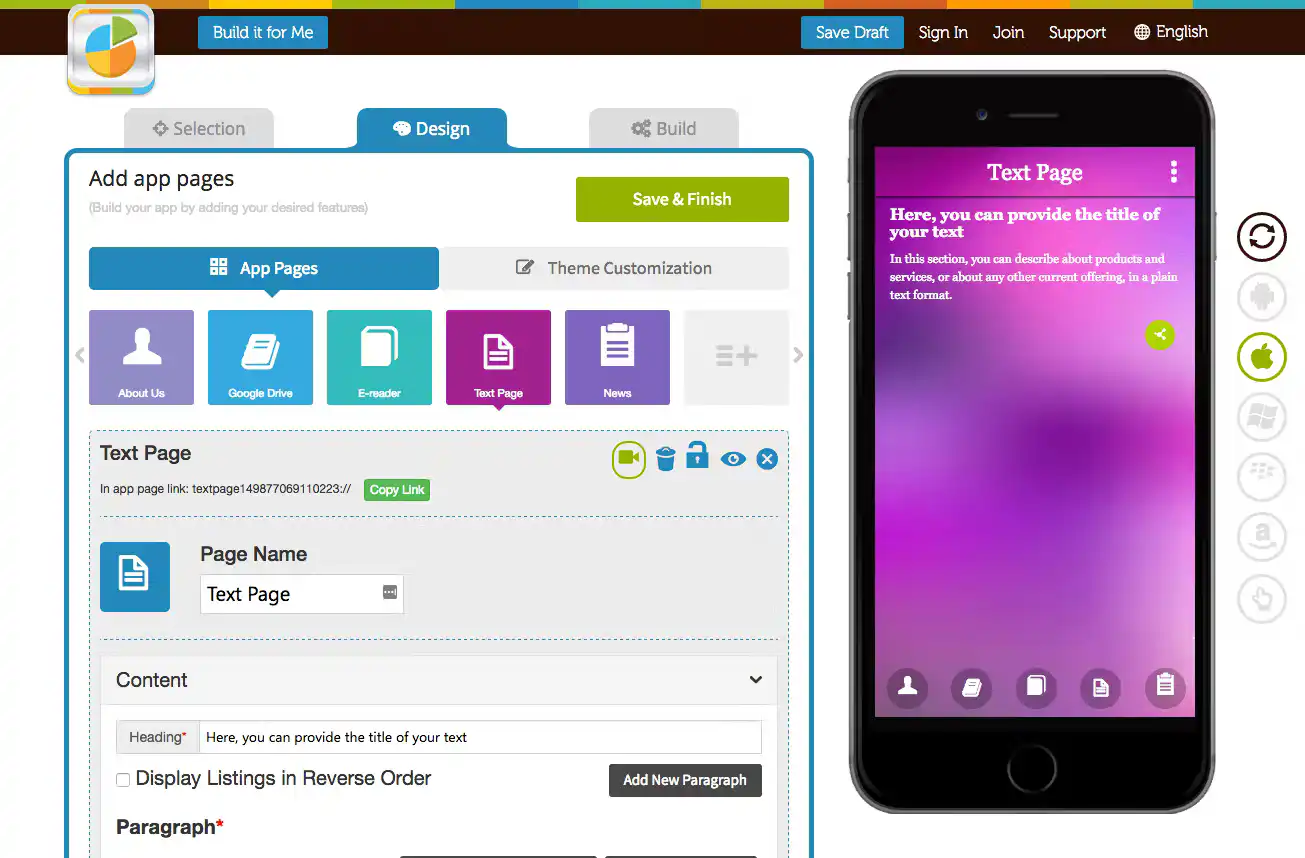
Appy Pie provides a visual interface for building and maintaining mobile software without conventional development. It suits straightforward projects, but enterprise buyers should assess customization, integration depth, governance, and long-term ownership before committing.
Businesses large and small can take advantage of mobile technologies without needing an expensive development team or expansive knowledge base. However, while you can edit existing themes and create customizations to an extent, more complex customization does require coding expertise.
### What are the benefits of Appy Pie?
- No-code/low-code
- Easy to use
- Cost effective
- No technical experience required
- Database integration
### Price
- $12 /month
- $30 /month
- $48 /month
- Enterprise – contact Appy Pie
### Reviews
- Capterra – 4.6 / 5
- G2 – 4.7 / 5
### 8. Thunkable
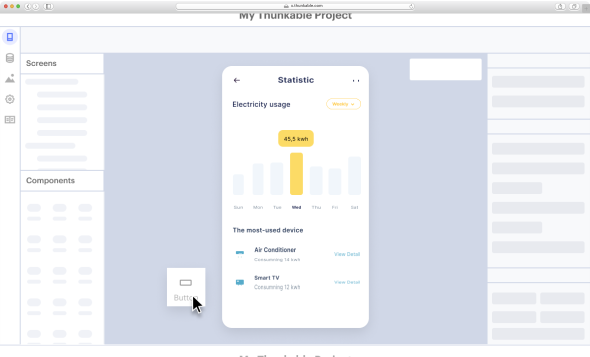
Thunkable is a mobile enterprise application platform designed to make mobile app development easy and accessible. Instead of having to use complex coding language, developers can use Thunkable's drag-and-drop elements to customize mobile apps for whatever their needs may be.
Thunkable supports mobile software for customers, employees, partners, and internal operations. Non-developers can configure common experiences visually. Advanced integrations or custom behavior may require code blocks, additional expertise, and more maintenance.
### What are the benefits of Thunkable?
- Easy to use
- Quick to create your app
- Flexible
- No developer costs
### Price
- Free
- $9 / month
- $99 / month – recommended for enterprise
### Reviews
- Capterra – 4.3 / 5
- G2 – 4.4 / 5
### 9. Bubble
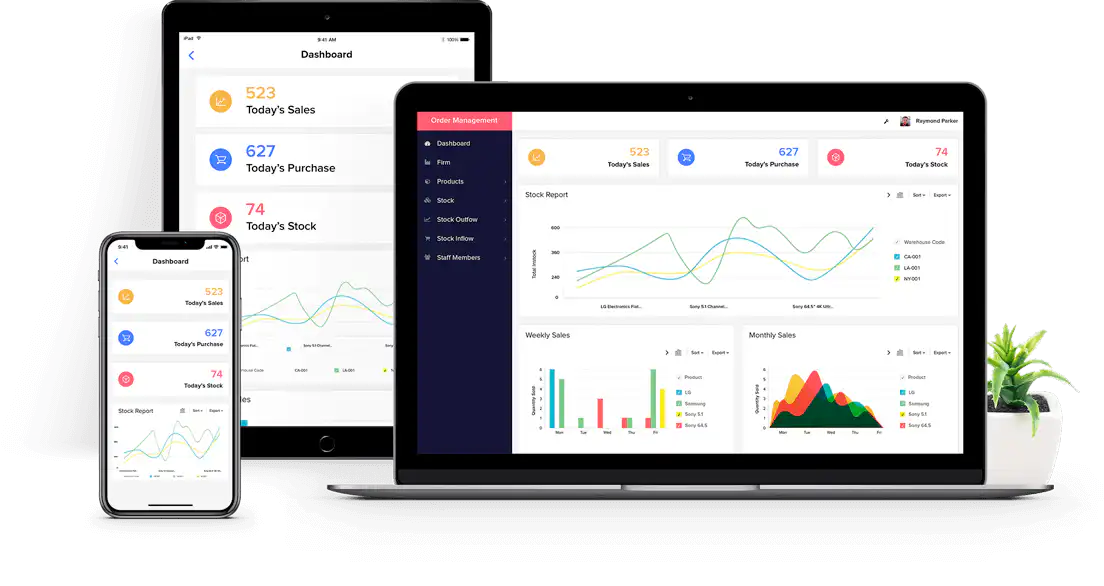
Bubble is a mobile enterprise application platform that allows users to create complete web and mobile applications without any programming skills. From startups to established businesses, Bubble's interface and features make it easy to quickly build custom apps tailored to fit your needs. However, despite being a no-code tool, G2 reviews have said that the actual platform itself can "take weeks to learn."
### What are the benefits of Bubble?
- Drag and drop components
- Quickly build and launch your app
- Good help documents
- Customizable
### Price
- Free
- $25 / month
- $115 / month – recommended for enterprise
- $475 / month
- Custom – chat to Shoutem
### Reviews
- Capterra – 4.6 / 5
- G2 – 4.6 / 5
### 10. Shoutem
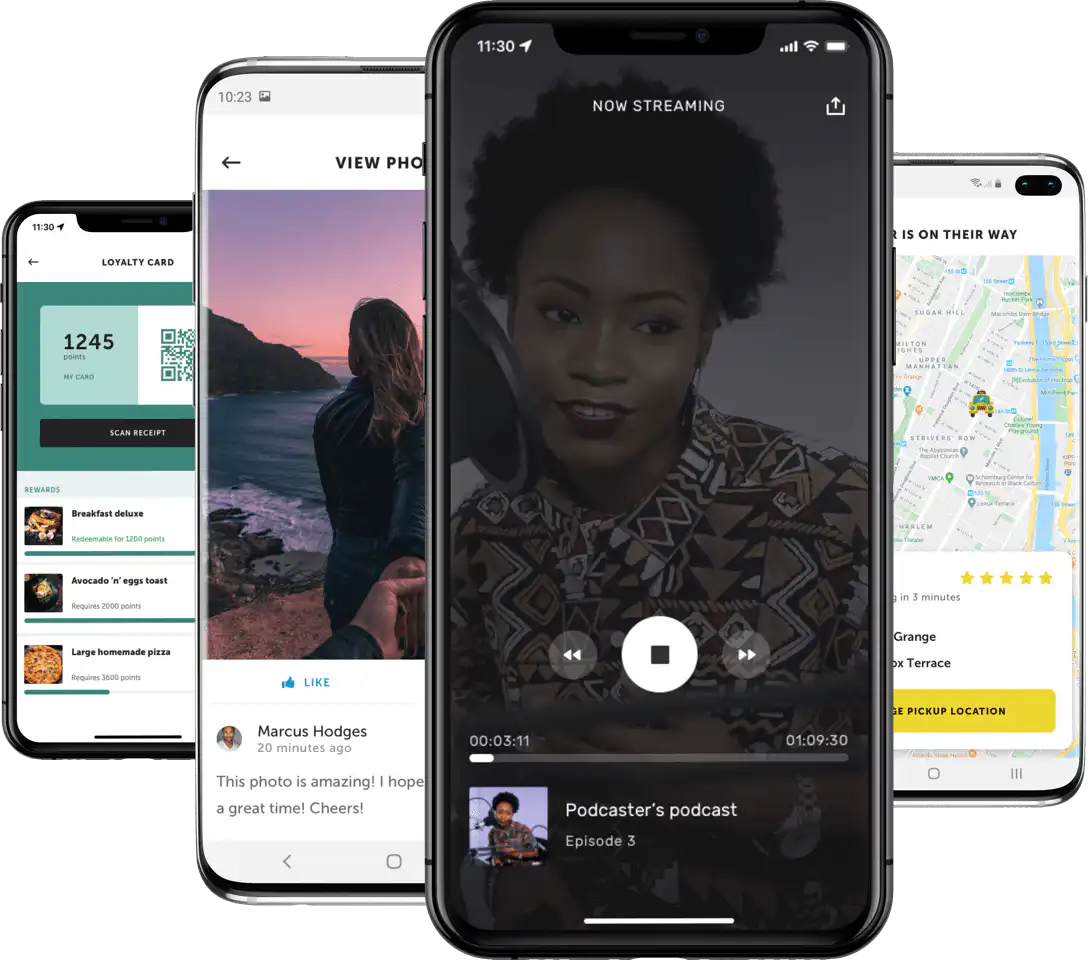
Shoutem is a mobile enterprise application platform that provides enterprises with a simple and cost-effective way to create high-quality mobile apps. Along with easy customization and scalability, this platform enables organizations to engage their customers directly from their mobile devices.
By offering tailored mobile experiences through the vast mobile app ecosystem, Shoutem can eliminate the barriers that block access to mobile applications while also reducing development costs. However, compared to other no-code mobile application platforms, Shoutem has limited functionality and features, for example, their cheapest plan only lets you publish to Android.
### What are the benefits of Shoutem?
- Fast and easy to launch your mobile app
- Easy to use
- Offers support
- Integrate with other apps
- Users can create a range of apps
### Price
- $49 / month
- $79 / month – recommended for enterprise
- $149 / month
- Custom – chat to Bubble
### Reviews
- Capterra – 3.8 / 5
- G2 – 4.6 / 5
Fliplet combines configurable creation, lifecycle management, cross-platform publishing, support, and enterprise security controls. Compare those capabilities with your delivery model, integration requirements, internal skills, and governance standards before selecting a platform.
## Compare the best mobile enterprise application platforms, side by side
The following table contains data from [G2](https://www.g2.com/).
Metric
Fliplet
Google AppSheet
Microsoft PowerApps
React Native
Alpha Anywhere
Adalo
Appy Pie
Thunkable
Bubble
Shoutem
Meets Requirements
9.2
9
8.1
8.5
9.7
Not enough reviews
9
7.1
8.5
Not enough reviews
Ease of admin
9.2
8.9
7.9
8.2
10
Not enough reviews
9.1
7.3
8.9
Not enough reviews
Quality of support
9.8
8.7
7.4
8.1
9.2
Not enough reviews
9.4
7.5
8.4
Not enough reviews
Ease of set up
8.6
8.9
8.2
8.4
9
Not enough reviews
9
7.7
8.6
Not enough reviews
Ease of use
8.9
8.7
7.4
8.1
9.2
Not enough reviews
9.2
8.2
8.4
Not enough reviews
Developer required?
No
No
No
Yes
Yes
No
No
No
No
No
## How mobile enterprise application platforms can help your organization
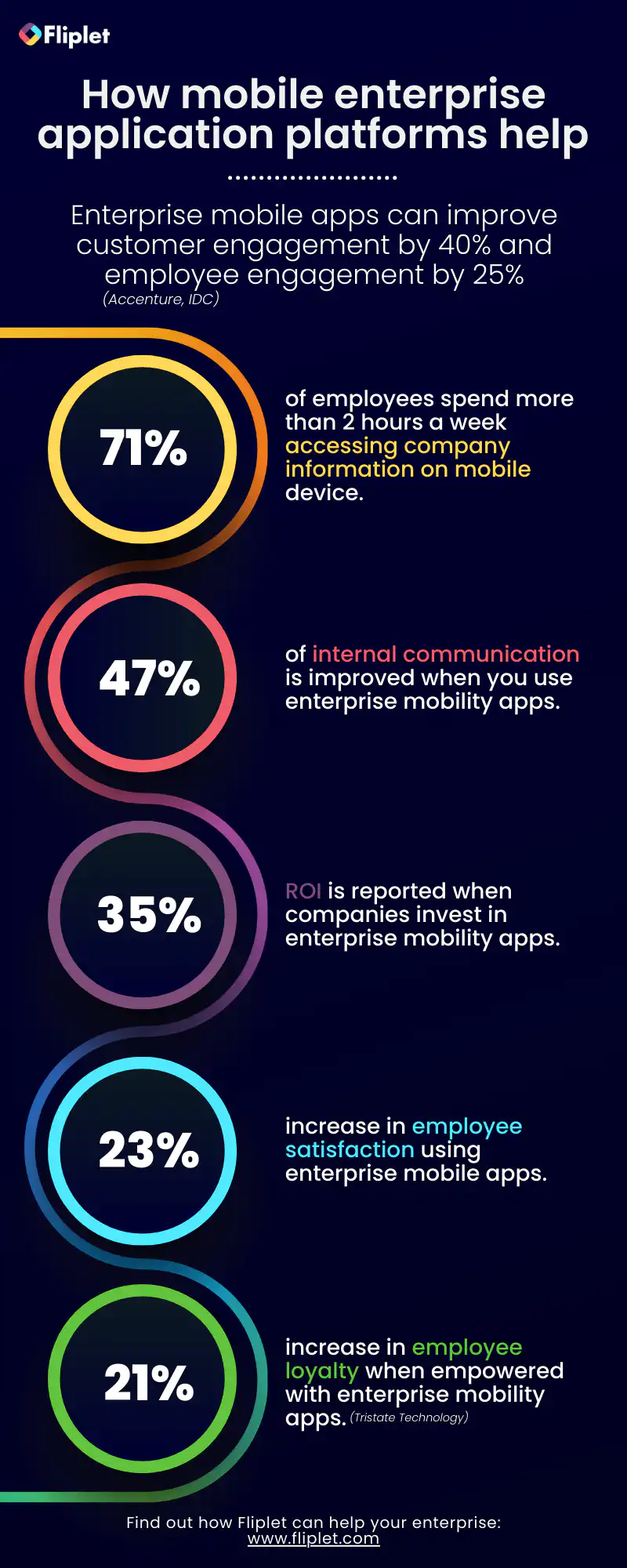
## Choosing the right mobile enterprise application platform
Choosing the right platform for your business is one of the most important decisions you'll make. With so many options available, finding the perfect mobile enterprise application platform to meet your needs can be a daunting task. To ensure you make the right choice you need to check the following:
### Scalability
First and foremost, it's important to consider the platform's scalability. As your business grows, you'll need a platform to grow with you. This means that it should be able to handle an increasing number of users and data and be able to integrate with other systems as needed. Also, for enterprise organizations, it's crucial to have a platform that offers multilingual capabilities.
As businesses expand globally, it becomes increasingly important to be able to communicate and interact with customers and employees in their preferred language. This not only improves the customer and employee experience, but also helps to build trust and establish a strong relationship globally.
A platform with no-code capabilities is important for enterprise organizations. As businesses grow, the IT department can become overwhelmed with requests for new software and features. No-code platforms allow non-technical users to create and customize their own solutions, which can greatly reduce the workload on the IT department and increase efficiency.
When choosing the right platform for you, consider a platform that can easily scale up and down as your business needs change, so you don't have to worry about outgrowing it.
### Customization
Enterprise teams need enough customization to support different departments, users, data models, and workflows without creating an unmaintainable collection of one-off solutions.
A suitable platform should support reusable foundations and controlled variation. Check how teams can extend interfaces, logic, permissions, and integrations while administrators retain oversight.
### Security
Security is also a crucial consideration when choosing a platform for your enterprise. Your platform should have robust security features in place to protect sensitive data, such as multi-factor authentication, encryption, and regular security updates. It should also comply with industry standards such as ISO 27001.
### Support
Support becomes more important as participation expands. Assess documentation, onboarding, training, service levels, escalation routes, and the help available to both administrators and business builders.
### Cost
Finally, consider the cost of the platform. While it's important to invest in a platform that can meet your business needs, you don't want to overspend. Look for a platform that offers a range of pricing options and is transparent about costs. It's important to invest in a platform that can meet your business needs, it's equally important to ensure that you're getting the best value for your money and that the platform will provide a solid return on investment.
### Integration
When choosing the right mobile application platform for an enterprise organization, integrations are a crucial factor to consider. As enterprise organizations rely on a wide range of systems and tools to run their business, it's important to ensure that the platform you choose can integrate with the systems and tools you already have in place.
This will help streamline business processes and improve overall performance. For example with Fliplets Zapier integration you can connect your Fliplet app to over 5,000 other apps such as Google Sheets, Microsoft Outlook and Google Calendar. Having the ability to integrate with other tools and platforms can provide additional benefits such as increased efficiency, cost savings, and improved data accuracy.
**In conclusion**, choosing the right platform for your enterprise is a vital decision. It's important to consider scalability, customization, security, support, and cost when selecting the right mobile application platform for your business. By considering these factors, you can ensure that you select a platform that will help your business thrive.
## 4 Benefits of having a mobile enterprise application
Direct communication: The live chat feature in a mobile app enables you to have instant communication, which has proven to be quick and effective in engaging both customers and employees.
1. Increased recognition and customer loyalty: Personalized reminders and push notifications to increase customer loyalty and brand recognition.
2. Stand out from the crowd: Customized, branded mobile apps allow you to be competitive and differentiate yourself in a crowded market.
3. Improved satisfaction: Using polls and surveys, you can get instant feedback on what your clients like and don't like.
4. Increase profits and conversions: When customer satisfaction increases, so will your sales and profits. You can use reports and app analytics to see what your customers like and engage with.
## Choosing your enterprise mobile platform
In 2026 mobile app platforms are essential for enterprises looking to stay competitive and drive more engagement with customers. For enterprises wanting to launch their own custom apps quickly and easily, Fliplet is the perfect choice.
Fliplet provides configurable solution foundations, lifecycle management, visual editing, integrations, and controlled publishing for teams with different levels of technical experience.
## [Discuss your enterprise mobile requirements](https://fliplet.com/book-a-demo/)
If you enjoyed this blog, please view some of our other additions on: [No Code](https://fliplet.com/blog/the-best-no-code-low-code-development-platforms/), [Custom Application Development](https://fliplet.com/blog/custom-application-development-in-six-steps/), [Innovation](https://fliplet.com/blog/three-reasons-low-code-technology-is-essential-for-enterprise-innovation/), [Events](https://events.fliplet.com/blogs/how-technology-boosts-corporate-event-planning/), [Event Apps](https://events.fliplet.com/blogs/25-best-mobile-event-apps/), [Employee Engagement](https://fliplet.com/blog/5-most-used-employee-engagement-apps-compared/) & [more](https://fliplet.com/blogs/)
## FAQs
### What is a mobile enterprise application platform?
A mobile application (or “app”) is a software program that runs on a mobile device such as a smartphone or tablet. Mobile apps are designed to make life easier for users by providing access to content, services, and features in an intuitive and user-friendly way.
They are typically connected to the internet and come in many different forms, ranging from games and entertainment to productivity and business tools.
### Why use a mobile app development platform?
Using a mobile app development platform enables businesses to create and deploy custom mobile apps quickly and cost-effectively. Platforms take care of the code, framework and other technical elements of the development process, allowing developers to focus on creating robust, user-friendly applications that meet their specific needs.
Additionally, with a single codebase and integrated tools, businesses can manage all aspects of their application from one centralized platform, making it easier to customize settings, add features and track analytics.
### What's important when considering an enterprise mobile application platform?
When looking for a mobile app platform, there are several factors to consider. It’s important that it’s easy to use, has powerful features, provides great support resources and documentation, and boasts a proven track record of success with other organizations.
Additionally, security should always be top of mind when choosing any software solution.
### What type of mobile applications have enterprises created?
With mobile app development platforms, you can create various applications depending on the business and their needs. Enterprise has created apps with Flipet, such as:
- [Event app](https://fliplet.com/case-studies/top-30-uk-law-firm/)
- [Office management app](https://fliplet.com/case-studies/top-50-law-firm/)
- [Crisis management app](https://fliplet.com/case-studies/crisis-management/)
- [External facing apps for clients to stay updated](https://fliplet.com/case-studies/mills-and-reeve/)
- [Marketing and internal communication app](https://fliplet.com/case-studies/bird-and-bird/)
## Related links
- [Reasons Why Your Organization Needs Enterprise Mobile Applications](https://fliplet.com/blog/reasons-why-your-organization-needs-enterprise-mobile-applications/): More than six billion people use smartphones and that number increases by the day. Enterprises need to be mobile-ready. Read more within.
- [The Best No Code/Low Code Development Platforms](https://fliplet.com/blog/the-best-no-code-low-code-development-platforms/): See the list of the top no code/low code development platforms available for you. Read more within.
- [Three Reasons Low Code Technology Is Essential for Enterprise Innovation](https://fliplet.com/blog/three-reasons-low-code-technology-is-essential-for-enterprise-innovation/): In recent years, the number of enterprise companies using low code technologies has grown rapidly. Find out more within.
---
# The Ultimate Guide to Marketing for Apps: 13 ways to Promote Apps and Drive Marketing ROI
> Learn 13 practical ways to promote marketing apps, improve adoption, measure ROI, and connect campaigns with stronger customer engagement.
Source: https://fliplet.com/blog/promote-apps-and-drive-marketing-roi
Content type: Blog
Published: 2026-03-10T19:49:37
Updated: 2026-03-21T11:50:54
Read time: 13 minutes
# The Ultimate Guide to Marketing for Apps: 13 ways to Promote Apps and Drive Marketing ROI
> Are you looking for ways to market your mobile app and drive more downloads? This guide will cover the fundamentals of marketing for apps, including identifying target markets, creating marketing campaigns, utilizing social media marketing, optimizing user experience, and much more.
>
> With the right marketing strategies and dedication, you can reach your marketing goals and ultimately see success with your mobile app.
## 1\. Leverage marketing channels to reach your target audience
Utilizing marketing channels such as Google Ads, Facebook/Instagram Ads, Apple Search Ads, and other mobile advertising networks can help you target the right people and drive app downloads.
## What are the best marketing channels to market your app?
It depends on your marketing budget, target audience, and marketing goals. Research each marketing channel to determine which one is best for you. In general, though, Google Ads and Apple Search Ads are two of the most popular marketing channels for apps.
## 2\. Create an attractive app store page
Your app store page is the first impression potential users receive of your app. Make sure it stands out from the competition by crafting an attractive and engaging page with clear screenshots, a strong title, and a persuasive description.
## A good app store page includes
- Professional screenshots
- A keyword-optimized title and description
- Screenshot Reviews from loyal users
- An engaging video trailer
## Example
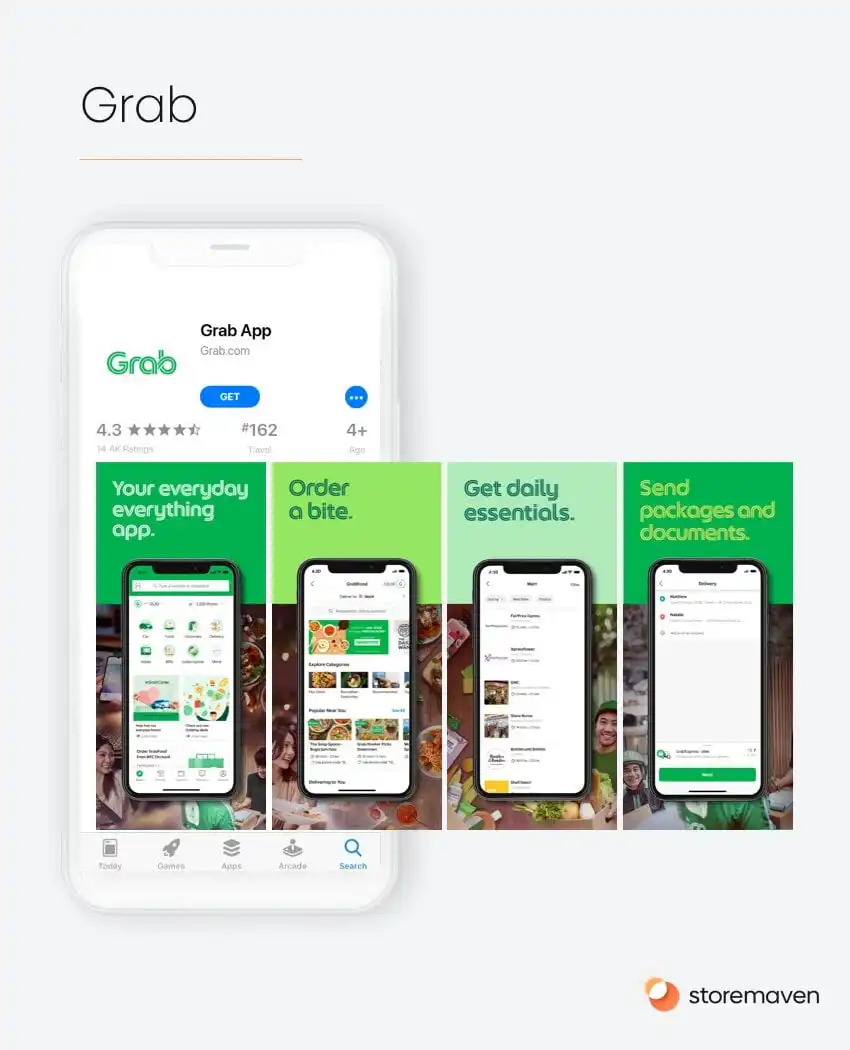
## 3\. Utilize social media to market your app
Effective social media marketing can help you reach a wider audience. Utilize platforms such as Facebook, Instagram, Twitter, and LinkedIn to promote your app and engage with potential users. Try posting regularly, creating exciting content, engaging in conversations, and responding to feedback.
## 6 Tips to do marketing for your app on social media
1\. Build A Strong Community.
2\. Share Insider Tips and Tricks on how to best utilize the app.
3\. Encourage User-generated Content.
4\. Add screenshots of App Store Ratings.
5\. [Add User Testimonials](https://trustmary.com/testimonials/testimonials-in-social-media/)
6\. Optimize Your Link in Bio.
## Examples of great social media campaigns
## 4\. Optimize user experience
A great user experience is essential to marketing for apps. Regularly review and test your app to ensure it runs smoothly, quickly, and without errors. Make sure the design is attractive and easy to use.
## 5\. Use analytics tools
Analytics tools like Google Analytics can help you track downloads, user behavior, and other key marketing metrics. Reviewing these analytics can help you understand how well your marketing efforts are performing and whether any changes need to be made.
## 6\. Monitor app store ratings and reviews
It's essential to pay attention to user reviews in app stores. Take time to respond to negative feedback, answer questions, and thank those who leave positive comments.
## How should you respond to negative feedback?
It's important to respond to negative feedback promptly and professionally. Acknowledge the user's concerns, apologize for any inconvenience, and offer to resolve the issue. If necessary, provide instructions on how they can solve the problem.
What is a good app store rating for Apple and Google?
Ideally, you want to achieve a 4.5+ rating on the Apple App Store and a 4+ rating on Google Play. Anything lower than that may turn off potential users.
## 7\. Do an internal or external competition
Running an internal or external competition can generate word-of-mouth marketing and get people talking about your app. Choose a fun prize and a clever marketing strategy, then get the word out.
## 8\. App Store Optimization (ASO)
App Store Optimization (ASO) involves optimizing the app's title, description, keywords, and other metadata to improve its visibility and ranking in the app store search results. It is an essential marketing strategy for success since it increases the app's visibility and can lead to more downloads.
## The best practices for performing ASO are
- Include relevant keywords in titles and descriptions
- Monitor the app store rankings for targeted keywords
- Optimize screenshots and other visuals for marketing material
- Make sure your app page is updated regularly with new features, fixes and promotional content
- Analyze competition to see what marketing strategies they are using
[If you want to learn more more about SEO for mobile apps read our blog post.](https://fliplet.com/blog/seo-for-mobile-apps/)
## 9\. Develop an influencer marketing strategy
Reaching out to influencers with audiences that match your target market can be a powerful marketing tool. Find influencers in your niche and build relationships with them so they'll be more likely to promote your app to their audience.
## To find out influencers in your niche
- Reach out to marketing agencies that specialize in influencer marketing
- Use analytics tools to see who is talking about your app and engaging with it
- Check social media platforms for potential influencers in your niche. You can check their follower engagement, content quality, and other metrics to determine if they fit your marketing strategy well.
- Research relevant hashtags, keywords, and geolocations to find potential influencers.
- Develop relationships with relevant bloggers, writers, and other content creators.
## 10\. Utilize email marketing
Email marketing is another excellent way to market your app. Target users who have already downloaded the app and encourage them to share it with their friends and family.
## To draft a great email to announce your app you should
- Include visuals and screenshots of your app
- Focus on the benefits rather than features of your app
- Make sure to use marketing automation tools to personalize emails for each user
- Offer special discounts and exclusive content to those who download the app via email
## Example of a great email
## 11\. Incorporate video marketing
Creating videos that showcase your app, explain its features and benefits, or highlight how people use it can be very effective in marketing for apps. Post these videos on YouTube, Instagram, and other social media channels. I am sure you all have seen examples like this- where a user shows how they use an app to solve their day-to-day tasks.
## To create effective marketing videos for your app, you should
- Focus on storytelling and highlight the problem that your app solves
- Explain what makes your app unique and different from other solutions
- Use high-quality visuals
## 12\. Participate in industry events
Attending industry events such as meetups, hackathons, conferences, and trade shows can help you get your app noticed. Bring marketing materials such as brochures or stickers to spread the word about your app. Create a QR code that leads to the app download page.
## 13\. Advertise your App in other Apps
You can use services like [AdMob](https://admob.google.com/home/) or [Yahoo Ads](https://www.adtech.yahooinc.com/) to advertise your app within other apps, which will drive more downloads and user engagement. Make sure to match the advertisement type and content with the other app category so you can reach your target audience easily.
## 5 Ways to Retain Users in your App
### 1.Offer rewards
Offering rewards to your customers is a great way to keep them engaged and encourage repeat engagement with your app. Examples of rewards could be special discounts, exclusive content, or additional features.
### 2.Personalize the user experience
Utilize marketing automation tools to personalize each user's experience . This could include sending them notifications about new features or updates that are relevant to their interests.
### 3.Create a community
Encourage users to participate in forums and discussion boards within your app. This will help create a sense of community among customers, making them feel more connected to your product and brand.
### 4.Ask for feedback
Ask your customers for feedback on their experience with the app. This will help you identify any potential issues that need to be fixed and areas of improvement.
### 5.Send Push notification
Push notifications are a great way to keep users engaged with your app. You can use them to remind customers of upcoming events or special offers that you have running. Make sure that they push notifications are relevant and timely.
## Why do Apps have a tremendous ROI?
Apps offer a remarkable return on investment because they provide companies with an inexpensive marketing tool. With the correct promotions, apps can rapidly be shared among thousands of potential customers in mere minutes and become viral throughout app stores. Through push notifications and email campaigns, you will keep users active while also inspiring them to engage with your brand. All these aspects result in an extraordinary ROI, making investing in apps a worthwhile venture for businesses of all sizes.
### How to calculate ROI for your marketing app?
It's not easy to calculate marketing ROI for campaigns. Factors such as brand awareness are difficult to put a monetary value on, while poor analysis and reporting tools make communicating value a chore.
These complexities lead enterprise marketing teams to either focus on the wrong metrics or skip measuring marketing ROI altogether. These statistics should concern CMOs:
- 44% of all B2B companies don't measure their content marketing ROI
- 13% do not know if they measure it at all
- 85% of marketers rate themselves as being not at all successful to somewhat successful at marketing ROI calculations
The vast majority of marketers have no concrete idea of how much total revenue growth their particular campaign generates.
### How Mobile Apps Help Improve ROI for Marketing Campaigns
No-code app-building platforms like Fliplet allow people with zero coding skills to build a mobile app for their marketing campaign. It's quick and easy to use – most people can usually have a prototype up and running in a day.
However, no-code platforms also include detailed measurement and analysis tools. These help you to quickly and easily measure and report marketing ROI.
### Here are some of the ways apps help you to measure ROI
#### Track usage and engagement
Social media allows you to measure metrics like impressions, while [email marketing](https://avada.io/resources/create-an-email-marketing-campaign.html) activities enable you to track clickthrough rates and conversions.
Apps go a step further. They allow you to track engagement in-depth and in real time. For example, you can look at the number of people using your app at any given time, as well as the average session time and the average time each user spends on each screen. This gives you a clearer idea of how effective your app is.
#### View analytics on an accessible dashboard
Collecting tons of data is great, but trying to analyze it using spreadsheets is a time-consuming nightmare. Instead, no-code platforms like Fliplet provide dashboards that allow you to analyze data however you want. You can view it as figures or using clear charts and diagrams.
#### Create reports
Eventually, you'll need to prove your marketing ROI to a senior manager or board member. They are busy people so you need to provide them with digestible, clear information to make marketing decisions. If you don't, your report will be ignored. Our analytics dashboard allows you to create reports using key figures and charts. This enables you to communicate the value your marketing delivers clearly
#### Make iterative improvements to marketing campaigns
Using analytics, you can monitor the ongoing marketing ROI of different sections of your app. This allows you to see which bits are performing well. The great thing about an app is that you don't have to start from scratch if it isn't achieving your goals. This means you can make gradual improvements to different sections of your app over time and see if that helps improve its marketing ROI.
#### Track sales growth
If your customers buy products through your app, then this is easy – simply record the number of sales you achieve! However, if your app is for lead generation, you can still track which leads come through it and if it generates sales. You can take this a step further by integrating your app with an eCommerce system or CRM tool. This allows you to automate, record, and measure the entire buying process.
#### Understand who your best customers are
You can monitor which customers have made a purchase through your app, how much they have bought, and how often. This is vital for understanding the customer journey and who your best customers are. You can use this information for developing ideal customer profiles, as well as for creating, targeting, and delivering special offer campaigns.
### Learn More about the Ways Mobile Apps Can Provide You with Clear Marketing ROI
Measuring ROI is challenging, but is made far easier if you use apps as the cornerstone of your campaigns.
In this article, we've only scratched the surface of some of the ways apps help you measure marketing ROI.
To find out more, you can [_speak to one of our experts_](https://fliplet.com/book-a-demo/). They'll listen to the challenges you face and explain how our no-code app builder can help you.
### Unveil the power of apps for Marketing
Mobile apps have boosted lead generation across multiple industries. From [event apps](https://events.fliplet.com/blogs/25-best-mobile-event-apps/) to client-facing product catalogs, apps are the leading value creation tool for enterprise organizations.
### By using apps, organizations can
- Isolate the customer experience on their platform, away from social media noise
- Grab 70% more attention with the use of push notifications
- Speed up the Customer Journey by personalizing each step of the experience
In our latest webinar, attendees learned how to use apps to create value for your clients and prospects to increase leads and ROI. Do you want to find out how?
You can watch the webinar on demand.
## Summary
Utilizing these marketing strategies and tools can effectively promote your app and drive downloads. With the right marketing plan in place, you'll be able to reach your target audience and get them excited about downloading and using your app.
## FAQs
### How do you market an app?
The best marketing strategies for apps include: focusing on the benefits rather than features of the app; using marketing automation tools to personalize emails; offering special discounts and exclusive content; incorporating video marketing; participating in industry events, advertising your app in other apps, and utilizing in-app advertising. Additionally, it's important to be mindful of the user experience, follow marketing guidelines for the platform you are marketing on, and measure the effectiveness of each marketing strategy. These strategies should help to increase visibility, downloads, customer feedback and ratings.
### What is app marketing?
App marketing is the process of marketing an app in order to gain visibility, increase downloads, and engage users. It involves creating a marketing strategy incorporating various marketing tools such as ads, email marketing, video marketing, and more. Additionally, it requires an understanding of the user experience and how to create content that resonates with your target audience.
### How do I create a marketing plan for an app?
To create a marketing plan for an app, you will need to identify your target audience, determine the marketing channels they use, and develop content that resonates with them. Additionally, it would be best to consider using marketing automation tools to personalize emails and reminders about offers or new updates. Lastly, be sure to measure the effectiveness of each marketing strategy and adjust accordingly. With the right marketing plan in place, you'll be able to reach your target audience and get them excited about downloading and using your app.
### Do I need marketing for my app?
Yes, marketing for an app is essential to increase visibility and downloads. An effective marketing strategy will also help engage users and increase customer feedback and ratings.
### How can I promote my app for free?
There are several ways to promote your app for free. You can create marketing content such as blog posts and social media posts, participate in industry events, advertise your app in other apps, and utilize marketing automation tools to personalize emails and send users reminders about exclusive offers or new updates.
## Related links
- [Bird & Bird case study](https://fliplet.com/case-studies/bird-and-bird/)
- [34 Proven Mobile App Promotion Strategies: Guaranteed to Boost Your Downloads](https://fliplet.com/blog/34-mobile-app-promotion-strategies/)
- [Driving Engagement With Effective Notifications: In-app and Push Strategies](https://info.fliplet.com/webinar-download-driving-engagement-with-effective-notifications-in-app-and-push-strategies)
---
# Three Hurdles You Need to Overcome for Your Enterprise Innovation Program
> Explore Three Hurdles You Need to Overcome for Your Enterprise Innovation Program. Review key trends, implications, and strategic takeaways for teams.
Source: https://fliplet.com/blog/three-hurdles-you-need-to-overcome-for-your-enterprise-innovation-program
Content type: Blog
Published: 2026-05-18T12:47:55
Updated: 2026-03-21T11:48:34
Read time: 4 minutes
# Three Hurdles You Need to Overcome for Your Enterprise Innovation Program
A _[survey](https://www.collectivecampus.io/blog/how-to-stop-your-innovation-program-from-failing)_ of 217 enterprise organizations found that a staggering 23% of innovation programs fail. To avoid your innovation program meeting this fate you need to act now. In this article, we'll explain what you need to do.
Many businesses don't provide innovation managers with what they need to succeed. A lack of resources, ballooning budgets, and internal resistance from management soon take their toll and the innovation program fails.
So how can innovation managers create an environment where innovation flourishes? How can they make use of minimal resources and support?
Fliplet provides a platform that allows businesses to create their own apps quickly and with no coding experience. We do this by providing pre-built app templates that our clients tailor to their needs.
This means you can prototype and test new software and tools in hours, without the need for expensive developers. This makes the process of innovation fast, agile, and low cost.
For a deeper breakdown of platform choices, see our comparison of [no-code and low-code development platforms](https://fliplet.com/blog/the-best-no-code-low-code-development-platforms/).
Let's look at some examples of how we've helped enterprises to innovate. For a current planning framework, pair this with our 2026 guide to [driving innovation at your organization](https://fliplet.com/blog/8-ways-to-drive-innovation-at-your-organization/).
## Examples of successful innovation programs
### Socotec UK Innovation Program
Socotec UK is an environmental and engineering consultancy that employees over 1,600 staff. The company wanted to digitize its services and internal processes to reduce administration and improve IT engagement. It had four developers working on a backlog of apps and costs were high. This was causing frustration within the business and some departments started buying their own solutions.
Socotec worked closely with Fliplet over two months to rapidly deliver five new mobile apps. After this, Socotec continued quickly developing new apps, using our low-code templates to create 19 apps in the first year for functions across the business. Read the full [SOCOTEC UK case study](https://fliplet.com/case-studies/socotec-uk/) for the implementation story.
**Here's how Fliplet benefited this innovation program**
- Apps are now built eight times faster, in just four weeks
- One app reduced the business's printing costs by £48,000 in one year
- Another app cut costs by $60,000 annually
- No more mobile app designers – instead, the client produced app design guidelines and standardized the app user interface
- Reduced authentication points using single sign-on (SSO), which improved the user experience and increased app use
- Empowered departments to maintain their own apps
- Reduced the need for developers by empowering non-technical staff
### BCLP Innovation Program
Law firm Bryan Cave Leighton Paisner (BCLP) helps clients identify and manage legal and regulatory risks. They used Fliplet to create the First Response App to help clients prepare for surprise inspections. The app improved BCLP's client offering, increased interactions between clients and BCLP's inspection response team, allowed their clients to update information easily and provided guidelines and critical contact information. The app also differentiated its training offering and surprise inspection support. See the [BCLP case study](https://fliplet.com/case-studies/bclp/) for more detail.
**Here's how Fliplet benefited this innovation program**
- Staff are more prepared for inspections as **vital guidance and tools are quickly accessible**
- Guidance is automatically updated, **saving audit managers time**
- **Improved the company's inspection proposition** to clients
- **Increased interaction** between clients and BCLP's inspection response team
- **Saved time** by making it easy to update and improve information, guidelines and key contact details
- The app **differentiates the company's training offering** and inspection support
## Why do innovation programs fail?
### 1\. Lack of a Platform to Generate Ideas
Many innovation programs use slow, unstructured, and manual processes to collect ideas from employees. In response, we created the [Innovation Management solution](https://fliplet.com/solution/innovation-management/). This provides an easy way for employees to suggest new solutions to help them in their everyday work.
### 2\. Lack of Support and Resources
Coming up with ideas is one thing. But creating them normally requires skilled developers or draws resources from busy IT teams. Fliplet is a no-code solution, meaning that anyone can prototype, test, and launch complete solutions without any coding knowledge.
### 3\. Lack of Success Metrics
Even when innovation programs result in successful tools, it can be challenging to measure and prove their ROI. This is a particular issue when getting buy-in from management. They will usually want proven results from previous solutions before approving the next one. Fliplet provides app analytics so you can prove metrics like user engagement. You can also produce clear, easy-to-read reports for your board.
## Want To Transform Your Innovation Programs?
Find out how you can make your innovation program successful by watching our webinar.
We are speaking to Professor Curt Carlson, an author and the CEO of Practice of Innovation. He will provide five tips to accelerate your organization's innovation.
## Five impactful tips to accelerate your enterprise’s innovation program
**Curt Carlson**
**Founder and CEO @**
Practice for Innovation
Carlson is also former President and CEO of _[SRI International](https://www.sri.com)_ – one of the world's most innovative organizations. Under his leadership, SRI helped invent Siri, HDTV and the computer mouse. He also co-wrote the book _[Innovation: The Five Disciplines for Creating What Customers Want](https://www.amazon.com/Innovation-Five-Disciplines-Creating-Customers-ebook/dp/B000JMKN9C)_
---
# Three Reasons Low Code Technology Is Essential for Enterprise Innovation
> Explore Three Reasons Low Code Technology Is Essential for Enterprise Innovation. Review key trends, implications, and strategic takeaways for teams.
Source: https://fliplet.com/blog/three-reasons-low-code-technology-is-essential-for-enterprise-innovation
Content type: Blog
Published: 2026-05-18T12:55:37
Updated: 2026-03-21T11:49:30
Read time: 4 minutes
# Three Reasons Low Code Technology Is Essential for Enterprise Innovation
In recent years, the number of enterprise companies using low code technologies has grown rapidly.
Low code (or in some cases, no code) platforms allow people with no coding skills to create their own digital solutions – think how Wix or Squarespace allow people to make their own websites.
According to Gartner, low code applications will be responsible for more than **65% of app development activity by 2024**. Forrester Research expects spending on these technologies to reach **$21bn by 2022.**
So why are low code solutions being adopted rapidly? Forbes says low code [mobile enterprise application development platforms](https://fliplet.com/blog/mobile-enterprise-app-development-without-coding/) present an opportunity that most companies missed during digital transformation – **the opportunity to move fast and be nimble.** This is exciting for innovation managers, whose success is based on rapidly progressing through agile development cycles.
[_The Wall Street_ _Journal_](https://www.wsj.com/articles/low-code-becomes-high-priority-as-automation-demands-soar-11573775663 "Wall Street journal ") points to automation as being one of the driving forces behind low code.
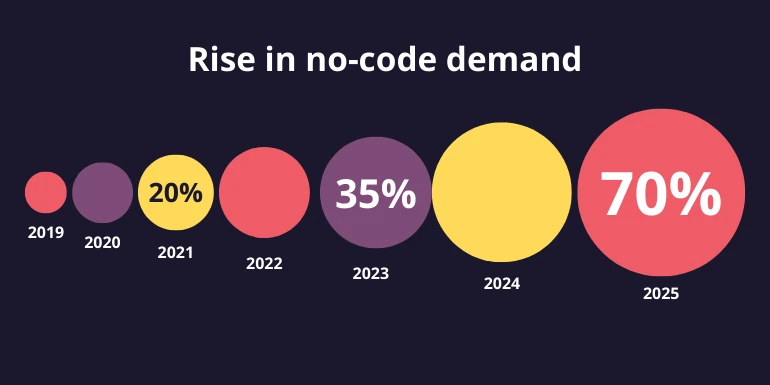
> _**"Low-Code Becomes High Priority as Automation Demands Soar."**_
> — The Wall Street Journal
## Reasons for Using Low Code Platforms
The chart below shows why enterprises adopt low code platforms.
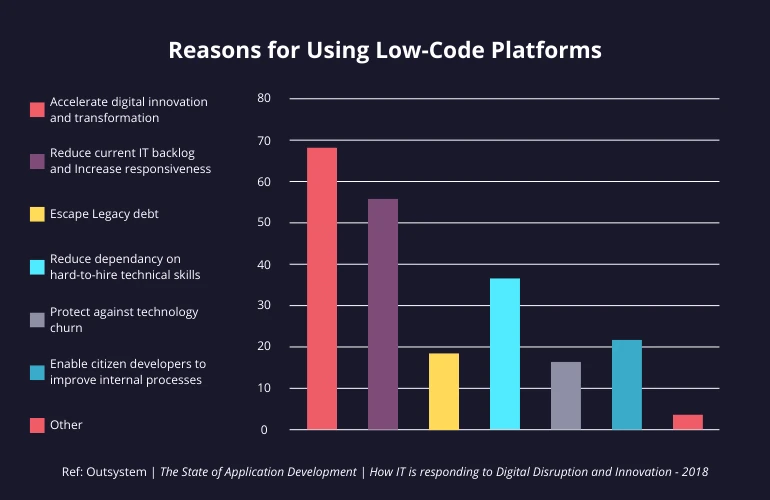
Innovation and transformation is the main reason. It's also notable that four of the top three reasons are all connected with moving development away from IT teams.
### A Game Changer for Innovation Managers
The findings above suggest that low code technologies could be a game changer for innovation managers.
We wanted to see what challenges innovation managers faced in their jobs to understand how innovation helps them.
Insider Intelligence surveyed innovation managers at enterprises to understand the factors that limited rapid innovation and meeting business objectives at their company. Here's what we found:
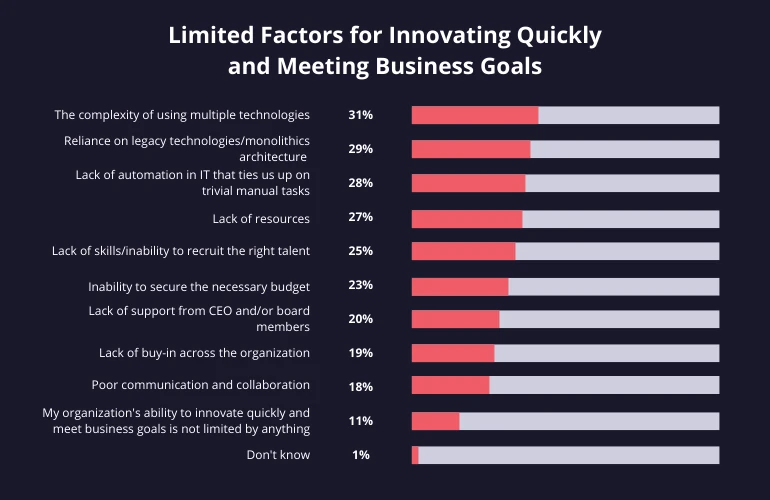
## How Low Code Boosts Innovation
Based on the findings above, we identified three main ways that low code boosts innovation.
### Build Apps Without Any Coding Knowledge
Low code platforms allow innovation managers to make better use of the skills and resources available to them. Let's look at how this transforms enterprise innovation:
#### Before low code platforms:
- Reliant on expensive developers.
- Often left waiting for IT resources to become available.
- Development cycles are long and rigid.
- Innovation teams use up all their resources managing projects.
#### With low code platforms:
- Low-tech innovation teams are empowered to develop solutions themselves.
- New ideas can be quickly prototyped.
- Ideas can fail fast. If something doesn't work, very little time has been wasted.
- Innovation teams can spend more time identifying needs and coming up with ideas.
These benefits give your organization an 'innovation engine' that continuously generates and tests new ideas.
### Low Cost
A lack of budget and difficulty getting buy-in from management are common blockers to innovation programs. Some management boards resist developing new solutions due to the high risk associated with them, and want to see a clear ROI.
#### Before low code platforms:
- Management resists developing new solutions due to high risk.
- ROI can't be measured or proven.
- Innovation is slow, requires highly skilled developers and is therefore expensive.
- As innovation is limited, colleagues do not see it as a solution to their problems.
#### With low code platforms:
- Prototypes can be created in a matter of hours using pre-coded elements.
- Quicker development and lower cost mean lower risk.
- Lower risk helps innovation managers secure budget and management buy-in.
- Built-in reporting dashboard allows ROI to be proven using easy-to-read charts and graphs.
- Proving the value of new solutions changes the organization's perception of technology.
### Communication and Collaboration
Getting internal and external stakeholders involved in development can be challenging.
#### Before low code platforms:
- Adding features later takes additional developer time, so innovation managers need to ensure that they include all features that their users might want in their brief.
- Limited access to demos makes getting people involved by contributing and testing difficult.
- Waiting for management sign-off can significantly delay projects.
#### With low code platforms:
- Stakeholders can sign up for accounts and see the solution first-hand from their own devices.
- Innovation managers can grant them different access levels, enabling them to comment or collaborate.
- Innovation managers can keep people informed, get their buy-in and ask them to test the solution.
## Get Innovation Tips from A Silicon Valley Expert
In this [blog](https://fliplet.com/blog/xamarin-replacement/), we've seen how [low code platforms](/blog/what-is-low-code-no-code-development-guide-and-best-platforms/) are a game-changer for innovation managers. They can now spend more time identifying problems and trying out ideas, instead of getting bogged down in lengthy development processes.
Do you want to achieve this at your organization? Do you want to learn how to successfully deliver innovation? If so, watch our webinar recording, Five impactful tips to accelerate your enterprise's innovative success, where we'll be speaking to [Professor Curt Carlson](https://www.conference-board.org/bio/curt-carlson)[,](https://www.practiceofinnovation.com/my-biography/) an author and the CEO of Practice of Innovation.
### Five impactful tips to accelerate your enterprise's innovative success
[**Watch on Demand**](https://info.fliplet.com/webinar-download-five-impactful-tips-to-accelerate-your-enterprises-innovative-success-today)
## FAQs
### Why is low code important for enterprise innovation?
Low code helps enterprise teams move faster by reducing dependency on specialist developers, shortening development cycles, and making it easier to prototype new ideas quickly.
### How does low code reduce the cost and risk of innovation projects?
Low code lowers delivery costs by using pre-built components and faster prototyping. That makes new ideas cheaper to test, reduces risk for leadership, and makes ROI easier to prove earlier.
### How does low code improve collaboration during app development?
Low code makes it easier for stakeholders to review demos, test solutions on their own devices, and contribute feedback earlier, which helps innovation managers get buy-in and iterate faster.
---
# Top 10 Task Management Apps for Teams
> Explore Top 10 Task Management Apps for Teams. Compare features, pricing, pros and cons, and best-fit scenarios. Includes practical takeaways for teams.
Source: https://fliplet.com/blog/top-10-task-management-apps-for-teams/
Content type: Blog
Published: 2026-05-18T10:15:15
Updated: 2026-03-19T06:55:25
Read time: 34 minutes
# Top 10 Task Management Apps for Teams
Every year, approximately $48 trillion is invested in projects. Yet according to the Standish Group, only 35% of projects are considered successful. The wasted resources and unrealized benefits of the other 65% are mind-blowing (Chaos report).
Managing tasks effectively has become more important than ever. Whether you're a solo entrepreneur juggling multiple roles, a project manager overseeing a diverse team, or a busy professional trying to keep on top of your ever-growing to-do list, you've probably found it challenging at times to manage tasks effectively. This is where task management apps come in.
This blog will walk you through the importance of task management apps. We will recommend the top 10 task management apps you can use, their benefits, how they can improve team productivity, and the crucial features you should look for when selecting one. We'll also dive into how artificial intelligence is changing the landscape of task management and why it's essential to stay ahead of these technological advancements.
So whether you're new to task management apps or seeking to upgrade your current tool, this blog is for you. For more resources, visit [Fliplet.com](https://fliplet.com/).
## Top 10 Task Management Apps for Teams List
## Solution Comparison Table
| Solution | Free plan | G2 score | Starting price |
| --- | --- | --- | --- |
| Fliplet | Yes | 4.6 | $9.90/month |
| Basecamp | No | 4.1 | $15/user/month |
| Todoist | Yes | 4.4 | $4/user/month |
| Monday | Yes | 4.7 | $8/user/month |
| ClickUp | Yes | 4.7 | $5/user/month |
| Fellow | Yes | 4.7 | $6/user/month |
| Airtable | Yes | 4.6 | $10/user/month |
| Hive | Yes | 4.6 | $12/user/month |
| Asana | Yes | 4.5 | $10.99/user/month |
| Trello | Yes | 4.4 | $5/user/month |
## What is a Task Management App?
A task management app is designed to help individuals or teams track and manage their tasks and projects more effectively. These tools act as a digital to-do list, providing a clear, organized platform where users can prioritize tasks, set deadlines, assign responsibilities, and track progress. Task management apps may also show the level of priority between tasks so you know in what order things need to be done.
Task management apps don't just serve as a digital checklist, they help streamline your workday, enhance team communication, and ensure a balanced workload. From the ability to view all your tasks at a glance to prioritizing duties based on their urgency, a task management app equips you to tactically navigate through your day. If you are looking to improve your teams communication further Fliplet has a [Communication solution](https://fliplet.com/solution/communications/) and we also reviewed [the 15 best team communication apps of 2026](https://fliplet.com/blog/best-team-communication-apps/).
## Why do you need Task Management software?
A good task management app can transform the way you track tasks and facilitate team collaboration. Here's what it brings to the table:
- **Plan ahead:** The prime advantage of a sophisticated task management app is its ability to have all your tasks in one accessible location. This approach saves you from the trouble of rummaging through different files or platforms. Having your tasks accessible on a mobile app offers you the flexibility to get a quick glimpse of your tasks on the go. So, whether you're commuting or grabbing that morning coffee, you can use the app to plan your day efficiently before you even set foot in the office. This way, you are aware of what the day holds for you and can strategically organize your workflow.
- **Improves visibility and communication:** Task management apps are not just about keeping tasks organized, they play a pivotal role in enhancing team communication and visibility. These tools allow managers and colleagues to get a comprehensive picture of the team's workload, making it easier to assess who is overburdened or who could take on more tasks. This visibility provides a sense of understanding and support within the team, preventing burnout and ensuring fair distribution of work.
- **Helps with task prioritization****:** Naturally, some tasks will take precedence or require immediate attention over others. Effective task management involves defining different priority levels and deadlines for each task. Your chosen task management platform should allow you to designate deadlines that reflect these priorities. Additionally, it should support the creation of subtasks to assist team members in maintaining project momentum.
- **A centralized place for work files:** Even the most effective individuals might occasionally miss something. Given the multitude of tasks that you need to oversee, it's nearly unavoidable to let some details fall through the cracks. However, incorporating task management software can help you mitigate this issue. By entering all your tasks into the system, each with a clear deadline and due-date reminders, you can keep everything well-organized and stay on top of your game.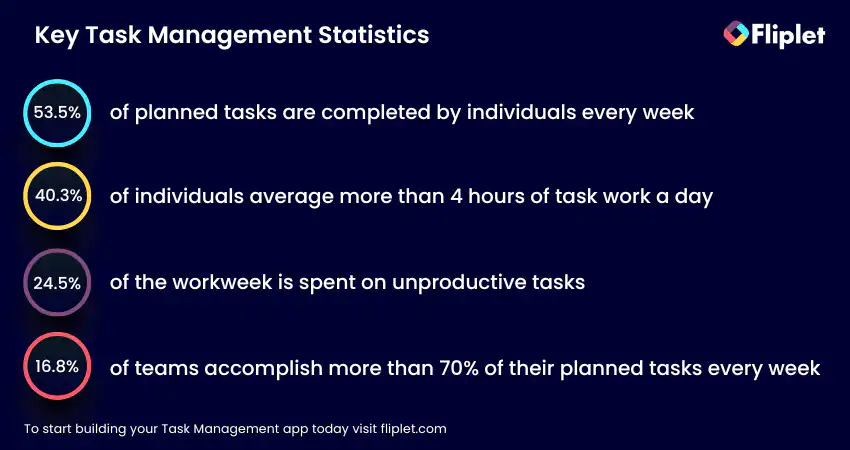
## Tips on Choosing the Right Task Management App
Finding your way through the array of task management applications may seem difficult, but with the right research and knowing your requirements, you can pick the best solution for your team. Consider the following tips:
- **Understand your needs:** Before diving into the selection process, first clearly outline your team's specific needs and challenges. Is your team remote or in-house? Do you require detailed reports or just an overview? What's your budget? What features are must? Where does the app need to be published? The answers to these questions will help filter out unsuitable options.
- **Integration capabilities:** Look for a task management app that can seamlessly integrate with your existing software suite, making your work processes more streamlined.
- **User-friendly interface:** If an app is overly complicated and not intuitive, it can be more of a hindrance than a help. It should provide clear navigation, easy access to key features, and a design that makes sense even to the least tech-savvy users. A user-friendly interface not only makes it easier to manage tasks but also helps to reduce frustration and increase user adoption rates across the team.
## Which Task Management App Will You Choose?
Choosing the right task management app can seem like a daunting task given the amount of options available. By taking into consideration certain factors, you can select the tool that best suits your needs. Here are some suggestions to help you choose the right app for you:
- **Try before you buy:** Many task management apps offer free plans or trials. This is an opportunity to get hands-on experience with the tool without investing any money upfront. It allows you to understand its functionality, usability, and how well it aligns with your requirements.
- **Conduct your own research:** Although this blog is to help you choose the right task management app for you, it is still important you conduct your own research. Undertake your own detailed research. Look at the software's website, check out its feature list, integration capabilities, customer support, and security measures. Every team has unique needs; therefore, it is important to ensure the chosen software can cater to your specific requirements.
- **Read user reviews****:** Getting insights from existing users can provide a wealth of knowledge, we recommend reading reviews from G2 or Capterra. User reviews can help you uncover potential strengths or weaknesses of the software that you might not have discovered in your initial research. They can also potentially introduce you to unique ways the software is being used, broadening your understanding of its capabilities.
**_"I wouldn't consider myself to be a tech-savvy person, but I guess Fliplet allows me to feel quite tech savvy because the dashboard is fantastic to work on." Jessica Clarkson, Program Director, Social Mobility Business Partnership._** _[Watch the full case study.](https://fliplet.com/case-studies/social-mobility-business-partnership/)_
Ultimately, selecting the right task management app is a crucial decision that can significantly impact your team's productivity and efficiency. Therefore, it's essential to make a well-informed choice.
## Making the Most Out of Your Chosen Task Management App
### Once you've chosen your task management app, it's time to fully utilize its potential
- **Understanding the capabilities****:** Spend time exploring the software. You need to understand the app's features and capabilities will allow you to leverage its full potential. To help you with this look at any support articles, documents or webinars that the platform you decide to go with has available.
- **Train your team****:** A task management app is only as good as the team that uses it. Provide training to ensure everyone is comfortable with the tool. Although you should choose a platform that is user friendly both to the person creating the app and to the end users of the app.
- **Regularly review and update tasks:** Keep your tasks updated regularly to ensure everyone has a real-time view of progress. Fliplet's unique platform allows admins of the app to make updates to apps in seconds – without having to go through Apple or Google for approval.
Facing a battle with the complex and time consuming task of maintaining and updating a self-built mobile app, Ward and Smith turned to Fliplet to recreate their app quickly and easily, relieving the stress and pressure on the IT teams. [Watch the full case study.](https://fliplet.com/case-studies/ward-and-smith/)
- **Use integration features:** If your app can integrate with other tools your team uses, take full advantage of this feature. It will streamline your workflow and save time. In this blog we highlighted some of the platforms that these task management apps can integrate with so check them out to see if they have what you need.
- **Customization:** Customize the tool to suit your team's workflow. This will make the tool more efficient and user-friendly.Think about the end use as well, for example if you want to produce a task management app that is client facing it would probably be best to select a platform that enables you to add your own branding.
With Fliplet you can brand your app plus fully customize it to suit your needs. For example, you have access to the pre-built screens in the Task Management solution, you can use screens from other solutions that you may require or delete ones you don't need. The drag and drop interface makes it easy to make the app fit your needs.
- **Provide feedback:** Encourage your team to provide feedback about the tool. Their input could reveal new ways to utilize the tool better.
- **Review and analyze performance:** Regularly review the performance of your app. If it's not providing the value you expected, it might be time to look for a new one. Analytics is automatically enabled on all Fliplet apps. Data is refreshed every 4 hours, and you can view these analytics anytime. You can view the active devices, interactions, most popular screens, new devices and more.
In conclusion, a task management app can be a game-changer in the way your team collaborates and handles tasks. It's essential to choose wisely and make the most of it.
## How do Task Management Apps help teams?
When it comes to increasing a team's effectiveness and productivity, task management applications have the potential to alter the game. These technologies make workflow clear and organized by providing a single platform to manage, allocate, and track activities. This eliminates confusion and boosts effectiveness.
### Why are Task Management Apps Essential for Teams?
A key aspect of successful team management is ensuring that everyone is on the same page – which can be made much easier with task management apps. These tools provide a centralized system that keeps everyone updated on task assignments, project statuses, and upcoming deadlines. Moreover, they allow for effective delegation and accountability, as team members can see who is responsible for what, promoting a sense of ownership and responsibility.
But beyond streamlining workflow, task management apps also foster better communication and collaboration. They offer a unified platform for team discussions, file sharing, and updates, thereby facilitating open communication. This leads to better problem-solving, more innovative ideas, and a more engaged and connected team.
### The Benefits of Task Management Apps for Teams
### Some benefits of using task management apps for teams are
- **Improved organization:** Task management apps provide an organized system for managing tasks and projects, making it easier to plan, prioritize, and keep track of work.
- **Enhanced communication:** These tools facilitate seamless communication within teams, promoting transparency and making collaboration easier.
- **Increased productivity:** By automating tasks and streamlining processes, task management apps can significantly boost team productivity.
- **Greater accountability:** With tasks clearly assigned and progress visible to all team members, these apps promote accountability and ensure everyone knows their responsibilities.
- **Better decision-making:** The insights gained from task management apps can help managers make informed decisions about resource allocation, prioritization, and task distribution.
In conclusion, task management apps are not just tools for organizing tasks – they're essential for promoting effective communication, fostering accountability, and enhancing the overall productivity of your team. In today's fast-paced work environment, they're more than just a 'nice-to-have' – they're a 'must-have'.
If you want to scale your mobile app without coding check out this blog, [the ultimate guide: how to scale mobile enterprise app development without coding or IT resources](https://fliplet.com/blog/mobile-enterprise-app-development-without-coding/)
## Key Features to Look for in Task Management Apps
When it comes to finding the perfect task management app, there's no one-size-fits-all solution. However, there are certain features that most effective task management tools possess, designed to make project management smoother and more efficient.
Take a look at this blog where we looked at [the 16 top features of a successful mobile app](https://fliplet.com/blog/16-successful-mobile-app-features/).
### Must-have Features in a Task Management App
### The following are some general features that are essential in a task management app
- **Ease of use:** The app must have a user interface that is simple to explore and comprehend. It should be simple for you to create, amend, remove, and manage tasks.
- **Task prioritization:** The app needs to let you rank tasks in order of priority or urgency. This function aids in concentrating on activities of the highest priority and increasing productivity.
- **Reminders and notifications:** To make sure you never forget a deadline, a good task management software should contain a tool for setting up reminders and notifications.
- **Integration:** The app needs to be compatible with other programs you often use, such as email, a calendar, or project management tools. Your process may be streamlined as a result.
- **Mobile access:** Mobile versions of a decent task management program should sync with the desktop version. You can handle your duties while on the road thanks to this.
- **Subtasks:** You may divide up larger projects into more manageable, smaller subtasks with this tool, which can make it simpler to keep track of your progress.
- **Time tracking:** Look for a task management tool that has a time monitoring option if you need to keep track of how much time you or your team spends on particular projects.
- **Customer support:** Choose an app with a good customer support system. You should be able to contact their support staff by phone, email, or live chat and receive a prompt answer.
- **Customizability:** You may design a task management system that fits your particular demands and working preferences by altering the interface, workflow, and task categories.
- **Data Security:** Check the app's privacy and security rules, especially if you want to save sensitive data. Make sure the app adheres to industry standards.
### Task Management App Features That Enhance Team Collaboration
While the aforementioned are general features, there are certain functionalities in a task management app that specifically cater to enhancing team collaboration:
- **Task assignment:** The ability to assign tasks to other team members facilitates clear delegation and responsibility allocation.
- **Device compatibility:** Access your tasks on any device – be it a smartphone, tablet, or computer, ensuring you can manage your tasks anytime, anywhere.
- **Custom sorting:** The capability to sort task lists by status, tags, and due date according to your needs allows for a personalized task view.
- **On-the-go task creation:** Whether you're commuting or in a meeting, the ability to create task lists on the move ensures no task gets forgotten.
- **Task filtering:** View, filter, and sort all tasks or project lists to keep track of project progress and team productivity.
- **Task prioritization:** Being able to mark tasks according to their urgency ensures that high-priority tasks are not overlooked.
- **File attachment:** Having the option to add files directly to tasks is quite beneficial, especially when working in a group. It makes it easier to share relevant documents and store all you need in one location.
- **Collaboration:** The software should enable you to work collaboratively with others if you are in a team. Within the app, you have to be able to delegate tasks to team members, distribute files, and interact.
By incorporating these features, a task management app can significantly enhance the way a team collaborates, communicates, and completes tasks. Remember, a well-chosen task management app can be a powerful ally in achieving your team's goals.
## Task Management Apps for the most popular team communication platforms
Having the right task management solution is essential in this era of remote work and virtual teams. Several task management tools are compatible with well-liked team communication tools like Microsoft Teams, Slack, and Zoom, including the following:
### Task Management Apps for Microsoft Teams
Microsoft Teams, as a hub for collaboration, brings together chat, meetings, calling, and Office 365 apps into a single, shared workspace. Integrating a task management app within Microsoft Teams can bring about a boost in productivity. Apps like Planner and To Do come built into the Teams experience, enabling task management right from your Teams channels. Other third-party apps like Fliplet and Trello, also provide excellent integration with Teams, allowing you to manage tasks without having to switch between applications.
### Task management apps for Slack
Slack is a popular [team collaboration tool](https://www.timecamp.com/planner/features/team-collaboration/) that also supports a wide range of task management app integrations. From creating tasks to tracking their progress, you can do it all within your Slack channels. Asana and Todoist are among the apps that work well with Slack, each one offering unique features to manage tasks efficiently. For instance, with Asana for Slack, you can turn your conversations into actionable tasks in Asana without leaving Slack.
### Task management apps for Zoom
While Zoom is primarily a video conferencing tool, its integration with task management apps can significantly improve your team's productivity. By integrating task management apps like Monday.com with Zoom, you can make the most out of your meetings by turning discussions into tasks and assignments, following up on progress, and keeping everyone accountable.
The compatibility of your task management apps with your team's communication platforms can make a massive difference in the smooth running of your projects. It not only saves time but also provides a consolidated workspace, making your team more organized and efficient.
## How AI will be used in Task Management
Gartner's research indicates that change is coming soon, predicting that by 2030, [80% of project management](https://www.gartner.com/en/newsroom/press-releases/2019-03-20-gartner-says-80-percent-of-today-s-project-management) tasks will be run by AI. AI is set to redefine how we manage tasks, promising to boost efficiency, streamline workflows, and reduce the margin for error. Here are a few ways in which AI is expected to revolutionize task management:
AI is a game changer for your business and your apps. AI is such a hot topic right now with the recent release of ChatGPT-4 and the swirling concerns around whether it will make life and work easier or more complicated.
### Automated task allocation
AI can help in automating the allocation of tasks based on several factors, including team members' skill sets, workloads, and past performance. With machine learning algorithms, the system can understand the dynamics of the team and automatically assign tasks to the right people, ensuring a balanced workload and optimal productivity.
### Predictive analysis
AI can help in making accurate predictions about task completion times and potential bottlenecks in the workflow. With these insights, managers can prioritize tasks effectively, identify risks early, and make informed decisions to keep projects on track. AI can also help predict team performance based on historical data, helping leaders make proactive adjustments to avoid overloading or underutilizing team members.
### Automated reminders and updates
AI can automate reminders and updates, ensuring that tasks are not forgotten or overlooked. These systems can send out automated reminders to team members about upcoming deadlines, as well as provide real-time updates on task progress. This can significantly improve task completion rates and overall productivity.
### Real-time monitoring and reporting
AI can also play a crucial role in monitoring the progress of tasks and generating real-time reports. These tools can analyze a wide range of data points to provide a comprehensive view of the project's status, highlight areas that require attention, and suggest corrective actions when necessary.
Fliplet's CEO Ian Broom delves deeper into how you can improve and build apps faster with AI, and demonstrate our AI features.
In conclusion, AI in task management isn't just about automation, it's about intelligent optimization. It's about using data-driven insights to enhance decision-making, streamline operations, and ultimately, improve outcomes. With the integration of AI in task management, we are on the brink of a new era of productivity and efficiency. Take a look at a recent blog where we discussed [how AI will disrupt app development](https://fliplet.com/blog/how-ai-will-disrupt-app-development/).
## Conclusion
Task management apps have emerged as a crucial tool for individuals and teams looking to streamline their tasks, improve productivity, and enhance collaboration. They offer a centralized platform where tasks can be tracked, priorities set, and progress monitored.
The future of task management looks exciting with the advent of AI, which promises to automate routine processes, offer predictive analysis, and provide real-time monitoring and reporting. As technology evolves, so does the sophistication and capabilities of task management apps.
In choosing the right task management app, several factors come into play – the app's usability, scalability, security features, customization options, and ability to integrate with other software. It's also important to consider how the app can enhance team collaboration.
Fliplet offers a great Task Management solution. It checks all the boxes, offering an easy-to-use interface, robust security features, full customization, quick publishing on any device, and insightful app analytics. More importantly, Fliplet offers a unique set of task management features that greatly enhance team collaboration.
Choosing Fliplet as your go-to task management app will no doubt transform your team's workflow, improve visibility and communication, and ultimately, lead to improved productivity and success.
At the end of the day, task management is about more than just getting things done – it's about getting things done efficiently, effectively, and with the right focus. So why not get started with Fliplet today, and take your task management to the next level?
## Review details
#### Fliplet
##### Analysis
Fliplet is not your typical task management software. Fliplet is a [no code app builder platform](https://fliplet.com/blog/top-10-best-app-builder/) that allows anyone to give their classic task management apps an additional layer of customization.
Fliplet works in a simple, yet powerful way. Fliplet offers you a selection of features that all task management apps have but allows you to customize it to your specific needs. All that without any coding.
The solution can be used in multiple different ways and across different teams and industries such as, a construction team to be able to share real-time images within their task management app. Or a marketing agency being able to create projects that clients can comment on.
So don't waste any time! Take checklists and project management to the next level by launching your own task tracking app with Fliplet's [Task Management solution](https://fliplet.com/solution/task-management/). Fliplet offers two solutions: a simple checklist for task management and an advanced solution for advanced project management requirements. With Fliplet, rest assured that you will have a truly custom Task Management app tailored to your team's requirements, ensuring that you can stay on top of your tasks.
##### Key Features
- Assign tasks to other users
- Access your tasks on any device: mobile, tablet and computer
- Sort lists by status, tags and due date according to your needs
- Create task lists on the go
- View, filter and sort all task / project lists
- View completed items those that are left to be checked off your list
- Prioritize your tasks
##### Differences Between Free And Paid Versions
To get started with Fliplet is completely [free](https://studio.fliplet.com/signup). You can learn the platform and start building your task management app. The paid plans will unlock additional features and whether you're an individual, a start-up or a large enterprise, we have a plan to meet your budget and requirements.
With the free plan you can publish a web app, get app analytics to discover what is working well, send web notifications and have the support you need to begin building your app.
With the enterprise plans you can expect to have integration options to fit your requirements with existing platforms that you use, and publish your app on mobile, tablet and desktop. As well as this you can expect enterprise-grade security around your app and the data it holds.
To see a full comparison of the pricing plans just head over to our [pricing page](https://fliplet.com/pricing/).
##### Pros
- Easy to use, no coding skills required
- Scalable
- Robust security features
- Brand the app
- Fully customizable
- App analytics
- Publish apps quickly on any device as web apps or in apple app store or google play
- Great customer support
- Enterprise plans get a dedicated account manager
##### Cons
- "Took a little bit of persistence to get started, but now feels very familiar and productive." [Read the full review](https://www.g2.com/products/fliplet/reviews/fliplet-review-6981864).
##### Integrations
Fliplet's Zapier integration allows you to seamlessly connect with thousands of top-tier apps. This empowers you to automate your tasks, saving time for more important duties, all without needing any coding skills. These apps include Microsoft Teams, Google Sheets, Outlook, Google Calendar, Asana and thousands of more apps. As well as the Zapier integration you can connect your existing software and platforms with Flilplet to extend their capabilities such as Microsoft Teams, HighQ and more.
##### Price
- [Free plan](https://studio.fliplet.com/signup)
- Public plan $9.90/month
- Private plan $19.90/month
- Private plus plan $29.90/month
- Enterprise plan [contact Fliplet](https://fliplet.com/contact/).
##### Review
- G2: 4.6/5
- Capterra: 4.8/5
Take control of your tasks and free up your time – [book a demo](https://fliplet.com/book-a-demo/) and experience the power of efficient task management with Fliplet
##### Cta
**Href:** https://fliplet.com/solution/task-management/
#### Basecamp
##### Analysis
Basecamp is a comprehensive project management tool designed to optimize communication and workflows, catering to both remote and on-site teams.
##### Key Features
- Message board
- To do lists
- Document sharing
##### Differences Between Free And Paid Versions
Basecamp does not offer a free plan.
##### Pros
One of Basecamp's main advantages is its flat-fee pricing model, eliminating concerns about user-based costs. It amalgamates communication, project management, and file storage into one platform, enhancing efficiency and collaboration.
##### Cons
- The non-customizable flat rate of Basecamp's pricing may not be suitable for smaller teams as it includes features that may not be necessary for their needs.
##### Integrations
Basecamp has a wide variety of integrations such as Unito.io, Tick, Project Buddy, Zapier and much more. Take a look at all the [integrations](https://basecamp.com/extras) that they offer.
##### Price
- Basecamp $15 per user/month – perfect for freelancers
- Basecamp pro $299/month
##### Review
- G2: 4.1/5
- Capterra: 4.3/5
##### Cta
**Href:** https://basecamp.com/
#### Todoist
##### Analysis
Todoist is a task management application, designed with a streamlined interface to simplify the organization of tasks across various projects. Its core function is to help with the manual task progress tracking.
##### Key Features
- Rapid task addition
- Task categorization and prioritization
- Task delegation
- Notifications
##### Differences Between Free And Paid Versions
With the free plan you get 5 active projects, 5 collaborators per project, 5 MB file uploads, 3 filters and 1-week activity history. With the business plan 500 active projects per member, 50 people per project, team inbox, team billing and admin & member roles.
##### Pros
- Maintains a log of all accomplished tasks
- Incorporates a productivity graph for easy productivity tracking
- Offers real-time notifications to stay updated on all task activities
##### Cons
- "Some technical issues when creating new tasks, and sometimes people found it challenging to navigate through the app." G2 review June 2023
##### Integrations
Todoist has a huge selection of [integrations](https://todoist.com/integrations?category=all) such as Outlook, Chrome, Airmail, BusyCal, Gmail, Slack and more.
##### Price
- Free plan
- Pro $4 per user/month
- Business $6 per user/month
##### Review
- G2 4.4/5
- Capterra 4.6/5
##### Cta
**Href:** https://todoist.com/
#### Monday.com
##### Analysis
Monday.com is a team collaboration and project management platform designed to help teams work more efficiently and collaboratively. With a highly customizable interface, Monday.com allows users to create and manage tasks, set deadlines, assign team members, track progress, and visualize data in a variety of ways.
##### Key Features
- Dashboard
- Automations
- Gantt charts
##### Differences Between Free And Paid Versions
With the free plan you get up to 3 boards, unlimited docs, 200+ templates, over 20 column types, 2 team members andiOS and Android apps. The Enterprise plan allows you to receive automations & integrations, enterprise-grade security & governance, advanced reporting and analytics.
##### Pros
Monday can be used for both tracking your own tasks and for teamwork. It is very easy to use and provides great visibility of what activities everyone is working on.
##### Cons
- Monday's capabilities may not be suitable for larger projects, and its limited features may not meet the needs of busy teams, leaving them seeking a more comprehensive solution.
##### Integrations
Monday has a selection of [integrations](https://support.monday.com/hc/en-us/articles/360003445540-monday-com-Integrations), such as Linkedin, Trello, Slack, Eventbrite, Facebook.
##### Price
- Free
- Basic: $8 per user per month
- Standard: $10 per user per month
- Pro: $16 per user per month
- Enterprise: Custom pricing for organizations with specific need
##### Review
- G2: 4.7/5
- Capterra: 4.6/5
##### Cta
**Href:** https://monday.com/
#### ClickUp
##### Analysis
ClickUp is an all-in-one productivity platform where teams come together to plan, organize, and collaborate on work using tasks, Docs, Chat, Goals, Whiteboards, and more. Easily customized with just a few clicks, ClickUp helps teams of all types and sizes deliver work more effectively.
##### Key Features
- Granular time estimates for precise task management
- Time-in-status tracking for project progression
- Work-in-progress limits to prevent overload
- Multiple viewing options including Gantt charts, tables, workload, and more for versatile project visualization
##### Differences Between Free And Paid Versions
Some of the features you can expect with the free plan are unlimited tasks, collaborative docs, whiteboards and real-time chat. With the enterprise plan you can expect to receive white labeling, advanced permissions, enterprise API, unlimited custom roles and team sharing for spaces.
##### Pros
Click up has an easy interface that is intuitively split per project and per category making it easy to stay on top of tasks.
##### Cons
- One potential downside of ClickUp is that the majority of its advanced security features and enhanced support are reserved for its custom enterprise plans, which may not be accessible to all businesses.
##### Integrations
Like the other Task Management apps we have listed, Click up also has a variety of [integrations](https://clickup.com/integrations) such as Outlook, Slack, Gitlab, Github, Hubspot and more.
##### Price
- Free plan
- Unlimited $5 per user/month
- Business $12 per user/month
- Business plus $19 per user/month
- Enterprise – contact ClickUp
##### Review
- G2 4.7/5
- Capterra 4.7/5
##### Cta
**Href:** https://clickup.com/
#### Fellow
##### Analysis
Fellow is a task management software that emphasizes on enhancing the productivity of meetings. It allows teams to determine key action items, share feedback, and take notes in an integrated environment with other important apps.
##### Key Features
- A unified hub for meeting agendas, notes, feedback, and action items
- Automatic organization of notes by calendar event for easy referencing
- Wide selection of meeting-related templates and idea streams
- Integrations with a variety of apps, from Google Calendar to HR platforms like Workday
##### Differences Between Free And Paid Versions
With Fellow's free plan you can get meeting notes, private streams, send notes and meeting timer. The enterprise plan allows you to get multiple assignees on action items, comments, meeting automations and the ability to export notes.
##### Pros
Fellow aims to maximize the outcome of your meetings, making it an invaluable tool for task determination, assignment, and management. It houses a vast array of tools related to meetings.
##### Cons
- While Fellow excels at enhancing the productivity of meetings, it is not a comprehensive project management tool like some other entries on this list. This may only be a disadvantage if you're seeking a full-fledged project management solution.
##### Integrations
You can [integrate](https://fellow.app/integrations/) tools with Fellow such as Asana, BambooHR, Chrome, ClickUp, Figma and more.
##### Price
- Free
- Pro $6 per user/month
- Business contact Fellow
- Enterprise contact Fellow
##### Review
### G2 4.7/5
### Capterra 4.9/5
##### Cta
**Href:** https://fellow.app/
#### Airtable
##### Analysis
With a spreadsheet-like interface that anyone can use, real-time collaboration, and rich features like file attachments and reporting, Airtable is a modern database helping you stay on track.
##### Key Features
- Simplify and streamline workflows
- Sync data across teams and tables
- Easy to use interface
##### Differences Between Free And Paid Versions
With the free plan you get 1 sync integration, 1,200 records per base, 2GB of attachments per base. With the enterprise plan you get Unlimited workspaces per organization, unlimited extensions, salesforce & Jira on-prem sync integrations, 250,000 records per base and 1,000GB of attachments per base.
##### Pros
Airtable has great customization options, making it a good choice for professional or enterprise-level users seeking a flexible task management tool.
##### Cons
- "The user interface can be a bit confusing at times, and I have found the search function to be unreliable." Capterra review March 2023
##### Integrations
You can [integrate](https://www.airtable.com/integrations) Airtable with Google Drive, Salesforce and Zendesk.
##### Price
- Free
- Plus $10 per user /month
- Pro $20 per user /month
- Enterprise – Contact Fellow
##### Review
### G2 4.6
### Capterra 4.7/5
##### Cta
**Href:** https://airtable.com/
#### Hive
##### Analysis
Hive is a comprehensive productivity platform aimed at streamlining project management and enhancing team collaboration. It combines an array of tools into one central hub, making it easier to plan, execute, and complete tasks.
##### Key Features
- Management of tasks in stages via Kanban boards
- Real-time analytics for monitoring project progress
- Capability to upload, organize, and attach files to tasks
##### Differences Between Free And Paid Versions
With the free plan you get up to 10 users, no limit ever on tasks, unlimited tasks, unlimited collaborative notes. For enterprise you get flexible add-ons. You can monitor access to specific parts of Hive including projects and actions and you get enhanced security and permission controls.
##### Pros
- Hive offers multiple task views, providing flexibility to manage tasks in a manner that suits your workflow best
- Direct messaging feature facilitates smooth communication among team members
- Built-in templates expedite the process of setting up task management
##### Cons
- The mobile app has reduced functionality compared to desktop.
##### Integrations
You can [integrate](https://hive.com/integrations/) Hive with Zapier and you can connect popular apps such as Google Calendar, Google Drive, Zoom and more.
##### Price
- Free
- Teams $12 per user/month
- Enterprise – contact Hive
##### Review
- G2 4.6/5
- Capterra 4.5/5
##### Cta
**Href:** https://hive.com/
#### Asana
##### Analysis
Asana is a robust project and workflow management platform renowned for its features focused on task lists, comments, notifications, and other team collaboration aspects. It allows teams to organize their work efficiently and communicate seamlessly in one place.
##### Key Features
- Tasks can be organized by deadlines or projects
- Commenting on tasks and tagging teammates for collaboration
- Private messaging feature among teammates
- Notification system triggered by various actions, such as task assignments
##### Differences Between Free And Paid Versions
With the free plan you get unlimited tasks, projects, messages and activity logs. With the business plan the features you have access to are approvals, proofing, advanced reporting and time tracking.
##### Pros
- Asana makes it easy to group project tasks, assign them to team members, and set due dates
- It provides a detailed overview of each team member's assignments and deadlines, promoting transparency and accountability
##### Cons
- Asana does not offer Gantt chart creation, which can limit project visualization
- It lacks a feature to plot an ideal timeframe for each task, which could help with time management and efficiency
##### Integrations
You can [integrate](https://asana.com/apps?category=all-apps) Asana with Trello, Microsoft Teams, Adobe Creative Cloud, Google Drive and more.
##### Price
- Free plan
- Premium $10.99 per user/month
- Business $24.99 per user/month
##### Review
- G2 4.5/7
- Capterra 4.5/5
##### Cta
**Href:** https://asana.com/
#### Trello
##### Analysis
Trello utilizes a highly visual interface where tasks are symbolized as cards that can be moved across customizable boards and lists, providing users with a clear overview of their tasks and project progress.
##### Key Features
- Board view for visual representation of tasks
- Tasks symbolized as movable Trello cards
- No-code automations for streamlining workflows
- Power-Ups for enhancing Trello's functionality
##### Differences Between Free And Paid Versions
Trello's free version offers basic features and functionality suitable for individuals or smaller teams managing any project. However, the paid plans unlock additional features such as unlimited boards, advanced checklists, multiple views, workplace-level templates, and more.
##### Pros
- Provides a comprehensive overview of tasks and projects
- Allows extensive dashboard customization
- Offers integrations with a multitude of third-party apps
##### Cons
- Contains fewer built-in features compared to some competitors
- Might not be suitable for larger teams due to scalability issues
##### Integrations
You can [integrate](https://trello.com/integrations) Trello with Slack, Jira Cloud, Miro, Microsoft teams and more.
##### Price
- Free
- Standard $5 per user/month
- Premium $10 per user/month
- Enterprise starting at $17.50
##### Review
- G2 4.4/5
- Capterra 4.5/5
##### Cta
**Href:** https://trello.com/
## FAQs
### Here are some key features of Fliplet
- User-friendly drag-and-drop interface
- 16 customizable templates to suit various needs
- Offline capabilities to ensure uninterrupted user experience
- Integration options with existing systems and services
- Choice between no-code and low-code development options to match your level of comfort and expertise
### Pros of Fliplet include
- Ease of use, no coding skills required making it accessible to all
- Scalability, making it suitable for enterprise applications
- Robust security features for data protection and compliance
### Fliplet offers flexible pricing plans to cater to different needs
- Free Plan: Publish your own web app at no cost
- Public Plan: From $9.90 per month
- Enterprise Plan: Arrange a demo with the Fliplet team for tailored pricing
As for reviews, Fliplet has a great reputation with a score of 4.6 / 5 on G2, indicating high user satisfaction.
The cheapest way to build an app typically involves using a no-code or low-code app building platform, like Fliplet. These platforms are designed to be user-friendly and often offer pre-built templates that you can customize to suit your needs. With these, you can create your app without any coding knowledge and reduce the costs associated with hiring developers. Here's why they are cost-effective:
1. No Need for Expert Developers: Since these platforms provide drag-and-drop functionality, anyone can create an app without needing to know how to code, saving you from hiring a team of developers.
2. Pre-Built Templates: These platforms come with a range of pre-built templates that you can use as a starting point. This reduces the time (and therefore cost) it takes to build an app from scratch.
3. Time-Efficient: As these platforms are easy to use, you can create and launch your app much quicker than traditional methods of app development.
4. Low or No Upfront Costs: Many no-code or low-code platforms offer free versions or affordable plans. Fliplet, for example, lets you publish your own web app for free, and its public plan starts from $9.90 per month.
5. Reduced Maintenance Cost: Maintaining an app can often be more expensive than creating it. But with these platforms, most maintenance tasks are handled by the platform itself, reducing the long-term costs.
Remember, while it's important to consider cost, it's equally important to ensure that the app builder you choose can meet the needs of your project. Always balance cost considerations with functionality, flexibility, and the ability to scale.
## Creating your business apps has never been easier
## Related links
- [Ultimate Guide: How to scale mobile enterprise app development without coding or IT resources](https://fliplet.com/blog/mobile-enterprise-app-development-without-coding/): Fliplet compiled an ultimate guide on how to scale mobile enterprise app development without coding or IT resources
- [Top 10 Mobile Enterprise Application Platforms](https://fliplet.com/blog/top-10-mobile-enterprise-application-platforms/): Fliplet compiled a list of the top 10 mobile enterprise application platforms. Read more within.
- [The Best Low Code/No Code Development Platforms](https://fliplet.com/blog/the-best-no-code-low-code-development-platforms/): Fliplet compiled a list of the best Low Code/No Code Development Platforms. Find out more within.
---
# Top 13 Incident Management Best Practices for 2026
> Top 13 Incident Management Best Practices for 2026. Compare features, pricing, tradeoffs, and use cases to choose the best fit for your team and goals.
Source: https://fliplet.com/blog/top-13-incident-management-best-practices
Content type: Blog
Published: 2026-05-18T15:20:13
Updated: 2026-04-05T07:32:59
Read time: 28 minutes
# Top 13 Incident Management Best Practices for 2026
Incident management best practices have become a cornerstone in the IT sector. When teams adhere to these guidelines, they're able to tackle and swiftly resolve unforeseen issues, minimizing potential disruptions and downtime.
Another vital aspect is differentiating between incidents and problems. While incidents address immediate disruptions and require immediate attention, problems tend to be more rooted, which necessitates a comprehensive investigation into the underlying causes.
As organizations grow, so does the need for incident management. A robust incident management process not only helps business continuity but also acts as a shield, defending the company's reputation. By following the ITIL best practices for incident management, companies can recover from disruptions faster, which inevitably enhances customer trust.
## Understanding Incident Management Best Practice Workflows
Comprehension of incident management workflows is of utmost importance. These frameworks, evolving alongside technological advancements, guide organizations in quickly addressing and rectifying disruptions. By adopting a strategic approach, businesses can not only minimize downtime but also cement their reputation in the eyes of stakeholders.
In this section, we'll explore the various approaches to incident management, looking at their unique attributes and their collective significance in ensuring [business continuity](https://fliplet.com/blog/business-continuity-software-comprehensive-guide/).
### Traditional IT Incident Management Process
The traditional IT incident management process charts a structured journey that spans from the moment an incident is detected to its eventual resolution. This lifecycle emphasizes a methodical approach to addressing and resolving issues, ensuring that disruptions are kept to a minimum. Here is an overview of the incident management process lifecycle:
- **Detection:** This phase marks the identification of an incident. Whether through monitoring tools, customer reports, or system alerts, recognizing that something is amiss is the first crucial step.
- **Recording:** Once detected, the incident details are logged into the incident management system. This includes key data like the time of occurrence, affected services, and any preliminary analysis.
- **Classification and prioritization:** Based on predetermined criteria, the incident is categorized (e.g., software bug, server failure) and prioritized. The prioritization ensures that high-impact incidents receive the needed urgency.
- **Diagnosis and investigation:** This stage involves a deep dive into the incident's root cause. By understanding what triggered the disruption, IT teams can craft an effective solution.
- **Resolution and recovery:** Equipped with a diagnosis, teams can then work on rectifying the issue and restoring services to their optimal state. The speed and efficacy of this phase are often pivotal to minimizing business impact.
- **Closure:** After ensuring that the issue is fully addressed and services are restored, the incident is formally closed in the system.
- **Review:** This post-resolution phase involves analyzing the incident to gather insights. Lessons learned here can be invaluable in preventing future incidents or improving response times.
Find out how to [scale your mobile enterprise app without coding or IT resources](https://fliplet.com/blog/mobile-enterprise-app-development-without-coding/).
### DevOps in Incident Management
A fundamental change in incident management has been brought about by DevOps. With a focus on continuous integration and continuous deployment (CI/CD), there is a greater need for speedy fixes. The crucial role of automation has been highlighted by this progression, emphasizing the necessity for procedures that prioritize quick, automated reactions to problems.
### Site Reliability Engineering (SRE) Approach
The Site Reliability Engineering (SRE) approach, a significant stride in modern incident management, champions the use of Service Level Objectives (SLOs) to meticulously measure and manage incidents. This methodology underscores the importance of system reliability. It also echoes the broader sentiment of the incident management sector, where automation is increasingly recognized as a key pillar for ensuring efficient incident resolutions.
### Other Workflow Approaches
Beyond traditional and recent methodologies, there are alternative workflows in incident management. The Adaptive Incident Management (AIM) focuses on customizing responses according to specific incident types, ensuring a fit-for-purpose solution. On the other hand, the Knowledge-Centered Service (KCS) approach harnesses the power of knowledge bases, enabling faster and more informed incident resolutions by leveraging previously documented solutions and insights. These approaches, while distinct, share the common goal of refining the incident response mechanism and ensuring business continuity.
### Connecting with Fliplet's Solution
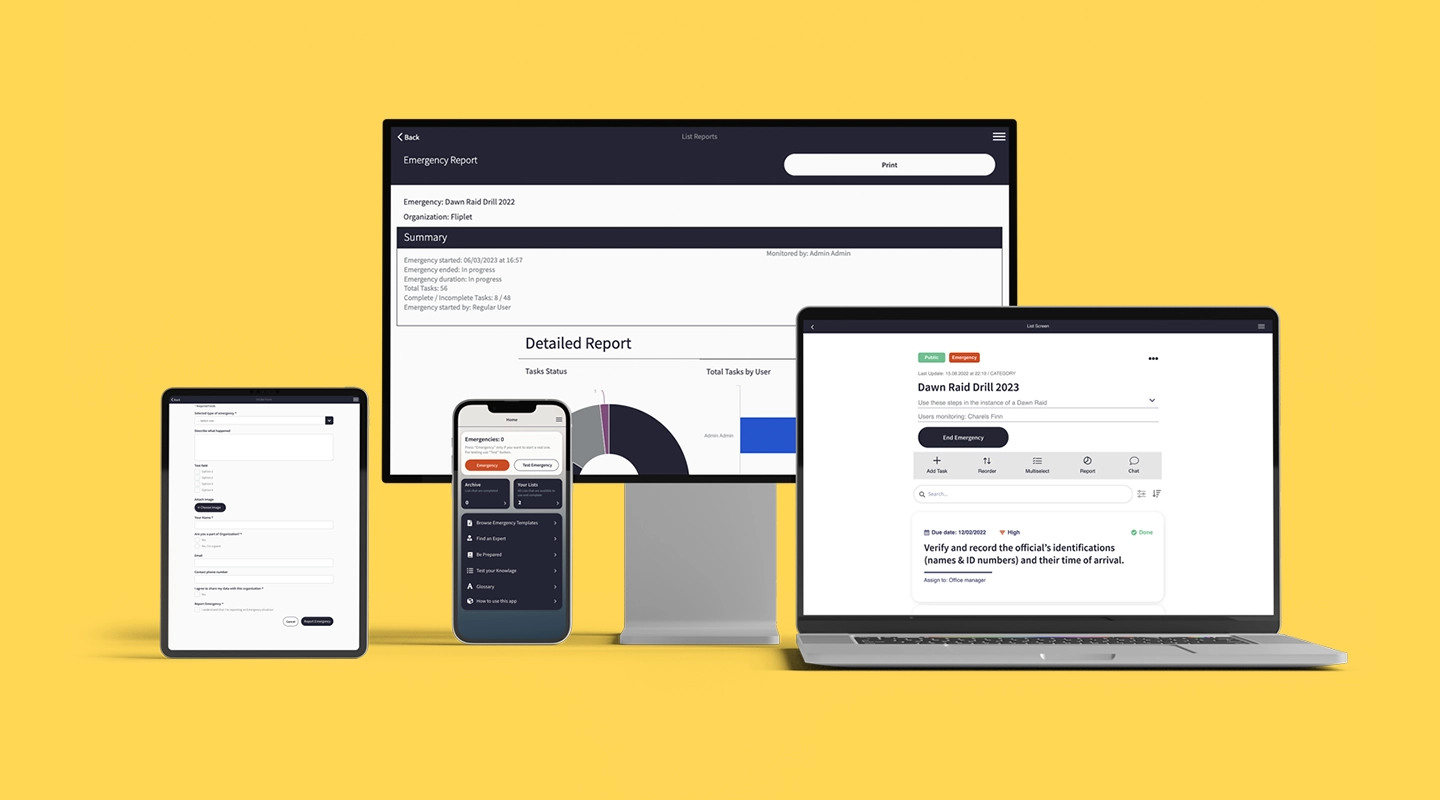
Effective incident management requires tools that are both robust and user-friendly. [Fliplet's Incident Management solution](https://fliplet.com/solution/incident-management-software/) is designed to address these demands, streamlining incident management processes for organizations.
While Fliplet offers a vast range of services, its Emergency Management solution is specifically tailored for incident management. You don't need to be an expert in coding; with Fliplet, anyone can create apps tailored to their specific needs. The pre-built templates, all of which are fully customizable, allow organizations, big or small, to ensure they're best equipped to handle any incident.
#### How does Fliplet enhance traditional incident management processes?
**Pre-planning and preparedness training:** Preparation is pivotal. Fliplet provides tools for effective staff training, ensuring clarity in roles and procedures. The platform's reminders for inspections and drills maintain a state of readiness. Role definition and assignment features, along with an always-updated incident action plan, facilitate prompt and coordinated action during incidents.
**Effective response and situational awareness:** During an incident, Fliplet offers essential features such as mass notifications across different channels and devices, real-time collaboration tools, self-reporting systems like headcounts, and a benchmark dashboard for instant document sharing and updates. Incident documentation, checklists, and tasks are immediately accessible, ensuring a coordinated response.
**Recovery and evaluation:** Evaluation post-incident is essential for continuous improvement. Fliplet provides detailed statistics on both organizational and individual emergency responses, allowing for thorough assessment and refinement of incident management processes.
By integrating Fliplet's Incident Management solution, organizations equip themselves with a more streamlined, efficient, and responsive incident management system.
### Watch this Demo to see the solution in action
## Challenges in Incident Management
Navigating incident management can be like solving a tricky puzzle. With more reliance on digital tools, remote work, and ever-changing cyber threats, it's essential to protect data, maintain trustworthy systems, and build stakeholder confidence. In this segment, we'll explore the challenges of modern incident management and how to overcome them.
### Challenges of Remote Incident Management
A new era of remote work has increased by the digital age, and it has its own set of challenges:
- **Collaborative tools and their limitations:** While several tools have emerged to facilitate remote collaborations, they come with some limitations such as connectivity issues, limited functionalities, or integration issues, navigating these tools often adds a layer of complexity to incident management.
- **Communication delays:** The remote working landscape is often plagued by communication problems. Whether due to differing time zones, the absence of face-to-face interactions, or the reliance on digital platforms, there's a higher risk of information not reaching all stakeholders simultaneously.
- **Data security and access control:** Remote environments present the dilemma of ensuring data security while also granting access to essential team members. Balancing these two is challenging, especially when managing incidents that require swift, yet secure responses.
### Broad Challenges in Incident Management
### Apart from remote work, incident management faces its own challenges
- **Scalability issues with growing digital infrastructure:** As businesses grow and digital infrastructures expand, there's an increasing need for incident management processes to scale accordingly. Often, tools and protocols that worked for smaller setups falter in the face of expansive growth.
- **Increasing sophistication of cyber threats:** Cyber adversaries are constantly upping their game, deploying more sophisticated tactics, techniques, and procedures (TTPs). This makes it imperative for incident response teams to be always a step ahead, a task easier said than done.
- **Evolving compliance and regulatory landscape:** With data breaches making headlines, regulatory bodies worldwide are tightening their procedures.With the changing rules, organizations must handle incidents well and follow the new regulations.
Check out our blog the [15 Top Emergency Management Software To Manage Any Incident.](https://fliplet.com/blog/15-top-emergency-management-software/)
### The Role of Fliplet in Overcoming Remote Challenges
[Fliplets Emergency Management solution](https://fliplet.com/solution/emergency-management-for-clients/) can be used to overcome these challenges. Let's take a look.

#### Unified Communication for Quick Responses
Handling crisis communication can be challenging, but Fliplet's Emergency Management Solution makes it easier. We understand the importance of clear and immediate communication during incidents. Our platform helps organizations send messages to many people through various channels and devices like calls and emails. It also helps streamline actions and keeps detailed records of incidents.
#### Security, Compliance, and Scalability Combined
As the digital landscape grows, security concerns grow too. Fliplet's Emergency Management Solution takes security seriously. We follow strict security standards like ISO27001 and use strong encryption to keep data safe. But it's not just about security; it's about being flexible. Our platform offers training for staff, clear roles and responsibilities, and updated plans for handling incidents. This helps organizations be prepared and proactive in dealing with crises. The result is a reliable solution that handles security and growth needs.
By delineating clear roles and responsibilities and providing a continually updated Incident Action Plan, Fliplet ensures that organizations aren't just reacting to crises but proactively mitigating them. The result? An enterprise-ready solution that stands tall amidst both security concerns and scalability requirements.
## Adopting Incident Management Best Practices
In incident management, being proactive is often better than reacting after the fact. By learning and using the incident management best practices and strategies in the industry, organizations can respond faster, have less downtime, and protect their reputation. In this section, we'll explore the key practices for a successful incident management system.
1. **The Power of Definition**
Clarity is paramount in crisis scenarios. Establishing clear definitions not only helps in understanding the nature and scope of incidents but also in shaping effective response strategies. By having:
- Precise terminologies
- Well-outlined scopes of different incidents
- Explicitly stated roles and responsibilities organizations can reduce ambiguity, ensuring quicker and more efficient resolutions
2. **Incident Identification**
Time is of the essence when handling incidents. Leveraging advanced monitoring tools and technologies can facilitate immediate detection, mitigating potential business impacts. By using:
- Real-time monitoring systems
- Alert mechanisms
- Anomaly detection algorithms companies can preemptively identify potential threats, ensuring quick interventions
3. **Clear Categorization and Prioritization**
Efficiency demands that incidents are tackled based on their severity. By implementing systems or criteria for:
- Categorizing incidents (from minor glitches to major breaches)
- Prioritizing them based on urgency organizations can ensure that high-impact matters are addressed immediately, optimizing resource allocation
4. **Unified Communication Platform**
Good communication is crucial in a crisis. Using one platform helps make things clear, reduces misunderstandings, and speeds up solutions. Fliplet's Emergency Management solution excels in this area, making sure:
- Streamlined messaging
- Unified command structures
- Clear communication channels
5. **Automated Incident Logging**
Automation is an invaluable asset in incident documentation. Benefits include:
- Timely tracking
- Accurate reporting
- Elimination of human errors
6. **Transparent Communication**
To ease worries and prevent panic, it's crucial to keep everyone informed. Important practices to follow include:
- Regular status updates
- Clear information dissemination
- Synchronized response strategies
7. **Continuous Team Training**
Routine training ensures that teams remain at the forefront of incident management protocols. Emphasizing:
- Simulation exercises
- Protocol updates
- Role-based training modules will keep teams primed for real-world scenarios
8. **Stakeholder Communication**
Transparency with external stakeholders is crucial. Balancing clarity without causing panic requires:
- Clear communication channels
- Encrypted mobile communication for data security
- Timely updates
9. **Regularly Review and Update IM Protocols**
The digital world is always changing. So, it's important to:
- Periodically review protocols
- Update them in line with industry standards
- Adapt to emerging challenges
10. **Maintain a Robust Knowledge Base**
Central repositories play an integral role in:
- Training new team members
- Offering solutions for recurring incidents
- Serving as a reference during complex scenarios
11. **Run Post-Incident Analysis**
Analyzing past incidents can provide valuable insights. Embracing post-incident reviews can:
- Highlight system vulnerabilities
- Propose improvements
- Ensure better preparedness for future challenges
12. **Promote a Blameless Culture**
A blame-free environment promotes open communication and a solution-focused approach. Advantages include:
- Enhanced team collaboration
- Encouraging proactive problem-solving
- Ensuring rapid issue identification and resolution
13. **Effective Resource Allocation**
Matching the right resources with the appropriate incidents is paramount. Ensuring:
- Skill-based task allocations
- Availability of necessary tools
- Optimal personnel deployment can be instrumental in achieving fast resolutions
## 10 Step Process to Resolve any IT Incident
It's important to have a systematic approach to incident management that cannot be overstated. Here's a comprehensive 10-step process, designed to tackle IT incidents efficiently, ensuring minimized downtime and optimized resource allocation. And most importantly, ensures you are following incident management best practices.
### Step 1: Determine the Priority
In any incident, the initial response will set the stage for what follows. It's imperative to:
- **Assess the impact and urgency:** Understanding the magnitude of an incident and the potential fallout it could have on business operations or data security is crucial.
- **Distinguish between high-priority and major incidents:** Not all incidents are equal. It's essential to have criteria that help categorize the severity of an incident, allowing for quicker mobilization for more pressing threats.
### Step 2: Develop Major Incident Workflows
### Major incidents demand a unique approach. With this in mind
- **Recognize the need for specialized workflows:** Tailoring response strategies to the specific nature of major incidents ensures effective handling.
- **Draft protocols and response paths:** Creating a clear blueprint for various incident types guarantees that teams aren't scrambling for information mid-crisis, thereby expediting resolution.
### Step 3: Assemble the Right Response Team
### Your response team is the front line of defense. Ensure that
- **Identify necessary skills and expertise:** Every incident is unique, and so too should be the team handling it. Pinpointing the expertise required will aid in a more effective response.
- **Roles and responsibilities are clearly defined:** Eliminating ambiguity in roles ensures that there's no overlap, resulting in a smooth, coordinated response.
### Step 4: Equip and Train your staff
- **Regularly update team training:** The IT landscape evolves rapidly. Ensuring that the team's training remains current is essential for addressing novel challenges.
- **Provide essential tools:** Equipping your team with the latest [incident management](https://events.fliplet.com/blogs/event-management-tips/) tools can drastically reduce response times.
### Step 5: Uphold Service Level Agreements (SLAs)
SLAs act as a guiding light in incident management.
- **Understand the importance of SLAs:** They provide a framework that dictates the expected timelines and quality of response.
- **Ensure readiness with backup resources:** In the face of particularly challenging incidents, having backup resources can help in meeting SLA expectations.
### Step 6: Maintain Effective Communication
Communication breakdowns can amplify the damage of an incident.
- **Identify key stakeholders:** Knowing who needs to be in the loop ensures that all decision-makers are informed.
- **Use established channels:** Sticking to predefined communication pathways prevents confusion and ensures timely dissemination of information.
### Step 7: Access or create a Knowledge base from Past Incidents
History is a rich source of learning.
- **Conduct post-incident reviews**: Analyzing past incidents can highlight vulnerabilities and areas of improvement.
- **Build a knowledge base:** Compiling incident data, resolution methods, and other intelligence helps revolve incidents in the future.
### Step 8: Prepare Comprehensive Report at the end of the Incident
Compile a Comprehensive Incident Report After successfully addressing an IT incident, it's essential to encapsulate all relevant details and findings into a structured report.
- **In-depth analysis:** This report should provide a clear chronology of events, the response actions taken, the challenges faced, and the eventual resolution.
- **Integrate with knowledge base:** Adding this report to your organization's knowledge base ensures that the insights and lessons from each incident are easily accessible for future reference and training.
### Step 9: Document the incident, resolution, and lessons learned.
Document the Incident A thorough and comprehensive documentation process is vital post any incident. This step should encompass:
- **Detail the incident from start to finish:** Capture what led to the incident, how it unfolded, and the steps taken towards its resolution.
- **Resolution and lessons learned:** Highlight the solutions employed and derive insights from the incident to prevent future occurrences.
### Step 10: Maintain transparency and accountability
An organization's response to incidents plays a significant role in shaping stakeholder trust.
- **Open communication**: Keeping all stakeholders, including employees, customers, and partners informed about the incident and its resolution process.
- **Accountability**: Acknowledge areas where lapses occurred and showcase the steps taken to rectify them, ensuring stakeholders that measures are in place for future prevention.
By carefully following these 10 steps to address IT incidents, organizations can guarantee quick and effective solutions to unexpected problems. This process not only helps in immediate fixes but also sets the stage for ongoing improvements, strengthening the system's overall resilience. Through regular documentation, training, and communication, businesses can strengthen their defenses, ensuring a more proactive and well-informed response to future incidents.
## Psychological Aspects of Incident Management
When we delve into the mechanics of incident management, it's common to focus on the technical details and step-by-step procedures needed for effective resolution. However, behind every incident management process are the people who carry out these strategies. Acknowledging and dealing with the psychological aspects of incident management can be just as important as the technical procedures.
In this section, we'll explore the human elements involved, the pressures faced by IT teams, and the approaches that businesses can take to support the mental well-being of their most valuable assets: their employees.
### The Human Factor in Incident Management
Behind every alert, notification, and incident report is an individual or a team working tirelessly to resolve the issue at hand. These professionals often find themselves under immense pressure, especially when business-critical processes are disrupted. The stakes can be high, and the demands, both cognitive and emotional, are significant. It is essential to remember that even the most skilled professionals are susceptible to fatigue, decision-making errors, and emotional strain when subjected to prolonged stress. By understanding the human factor, businesses can create a more empathetic and supportive work environment that acknowledges the challenges faced by IT teams.
### Stress, anxiety, and the toll of major incidents on IT teams
Major incidents aren't just technical challenges; they can bring about significant psychological strain. IT teams often deal with the weight of responsibility, tight time frames for resolution, and the potential backlash from both internal stakeholders and external customers. This potent mix can lead to heightened levels of stress and anxiety. Prolonged exposure to such stressful situations can result in burnout, decreased productivity, and even long-term mental health issues. Recognizing the toll these incidents take on the well-being of IT professionals is the first step towards creating an environment where they feel supported and understood.
### Strategies for mental well-being, team support, and resilience
### To ensure the holistic health and effectiveness of IT teams
- **Open communication:** Encourage team members to speak up about their mental health concerns without fear of judgment. This fosters a supportive environment where individuals can seek help when needed.
- **Regular breaks:** Ensure teams have adequate rest periods, especially after handling major incidents. This can reduce fatigue and decision-making errors.
- **Training on stress management:** Equip teams with tools and techniques to handle stress, from breathing exercises to mindfulness practices.
- **Debrief sessions****:** After resolving an incident, hold a session where teams can discuss their experiences, share their feelings, and support each other.
- **Professional support:** Offer access to counseling or therapy services for those who might need more intensive support.
- **Positive reinforcement:** Regularly acknowledge the hard work and dedication of the IT teams, appreciating their resilience and efforts.
By integrating these strategies, businesses can ensure that their teams are not just technically equipped but also mentally fortified to handle the complexities of incident management.
## Exploring Incident Response Mechanisms
This section delves into established frameworks for incident response, the anatomy of an effective response plan, the significance of a well-assembled team, and the importance of thorough post-incident analysis.
### Incident Response Frameworks
There are several established frameworks that organizations can adapt or adopt to ensure they're equipped to handle security incidents effectively:
- **NIST's Computer Security Incident Handling Guide:** Developed by the National Institute of Standards and Technology, this guide offers detailed procedures and guidelines for detecting, responding to, and mitigating computer security incidents.
- **SANS Institute's Incident Handler's Handbook:** A product of the SANS Institute, renowned for its cybersecurity training programs, this handbook provides a step-by-step approach to incident handling, designed especially for those who are newer to the role.
- **ISO/IEC 27035:2016 – Information technology – Security techniques – Information security incident management**: An international standard, this offers a structured approach to managing information security incidents from initial assessment to closure.
### Building an Effective Response Plan
An efficient incident response hinges on a well-crafted plan. The role of playbooks and templates is pivotal in this regard. Playbooks offer a set of standard procedures for handling specific types of incidents, ensuring that the response is both quick and effective. They can range from detailed action items to high-level strategy outlines. Meanwhile, templates can aid in documentation, ensuring that all critical information related to the incident is captured in a consistent manner.
### Assembling an Incident Response Team
A good response plan can only be as effective as the team executing it. Assembling an Incident Response Team is a critical step. Identifying key roles and responsibilities is paramount. This includes roles like the Incident Manager, who oversees the response process; security analysts who delve into the technical aspects of the incident; communication leads responsible for keeping stakeholders informed; and more. Each role must be clearly defined to ensure smooth coordination and fast action during an incident.
### Post-Incident Analysis
Once an incident has been resolved, the work isn't over. Conducting a thorough review is essential. This involves revisiting the incident, understanding its root causes, evaluating the effectiveness of the response, and identifying lessons learned. This detailed analysis will highlight areas for improvement, be it in the response plan, the tools used, or team training. By addressing these areas proactively, organizations can bolster their resilience against future incidents.
## Leveraging Tools and Technologies for Incident Management
Incorporating tools and technology into incident management workflows is essential. These tools not only help quickly identify and address incidents but also enhance communication, provide better system visibility, and streamline the resolution process.
### Incident Management Systems and Platforms
There are many platforms and systems designed for incident management, each with its own unique features to meet various enterprise needs. Here are three popular ones:
- **Fliplet:** Tailored for real-time communication during crises, Fliplet ensures unified alerts across channels, facilitating speedy, coordinated responses. Its user-friendly interface allows for easy integration with other IM tools, positioning it as a choice platform for many organizations. [Try it for free](https://studio.fliplet.com/signup)
- **ServiceNow**: A cloud-based platform, it provides comprehensive incident management functionalities, from logging incidents to analytics, ensuring streamlined workflows.
- **PagerDuty**: Renowned for its on-call management features, it helps teams quickly detect & respond to incidents, ensuring minimized business disruption.
Discover the [10 Best Incident Management Software Platforms in 2026](https://fliplet.com/blog/10-best-incident-management-software/)
### The Power of Automation
The emergence of AI and machine learning has transformed incident detection and resolution. These technologies can predict potential incidents by recognizing patterns, enabling proactive measures. Additionally, they can help quickly analyze vast datasets to identify root causes, making the resolution process more efficient. For more on [ai in app development, read our blog](https://fliplet.com/blog/how-ai-will-disrupt-app-development/).
### Benefits of Integrating NOC Tools
Network Operations Center (NOC) tools are instrumental in enhancing the efficiency of incident management processes. Integrating them offers:
- **Real-time monitoring and proactive detection:** Instead of being reactive, teams can foresee potential issues and act accordingly.
- **Faster incident response times:** With immediate alerts and comprehensive data at hand, response times are considerably shortened.
- **Enhanced visibility into system health and performance:** Teams gain an in-depth understanding of system operations, aiding in more informed decision-making.
- **Streamlining communication during incidents:** NOC tools ensure all stakeholders are on the same page, eliminating information silos during crises.
### The Advantage of Fliplet's Emergency Management Solution
Fliplet stands out not just as an incident management tool but also for its potential to integrate seamlessly with other IM platforms. By doing so, it offers enriched real-time data analysis capabilities. Additionally, its emphasis on unified communication ensures that, during critical situations, stakeholders are well-informed, coordinated, and equipped to act swiftly. The combination of its features makes Fliplet's solution a key component in any strong incident management strategy.
Want to know more? Check out this webinar on 32 Legal Emergency Management solutions and why your firm needs one.
### In the webinar you will hear
- A recap of the analysis of 32 legal Emergency Management solutions in the report
- A [case study](https://fliplet.com/case-studies/crisis-management/) from a top 100 law firm who has built an Emergency Management solution for their clients with Fliplet
- A 5-step plan of how to begin building your Emergency Management solution
## Building a Proactive Incident Management Culture
Developing a proactive incident management culture is crucial for any organization striving for smooth operational efficiency. This culture not only reduces disruptions but also guarantees that when incidents happen, they are dealt with quickly and effectively. Most importantly, it promotes a mindset that values being prepared over reacting, creating a work environment where teams are united, well-informed, and prepared to tackle challenges confidently.
### Promoting a Blameless Culture
Creating an environment that prioritizes enhancing systems and processes over singling out individual mistakes is vital. In a blameless culture, the key is to understand what went wrong in the system that caused an incident, rather than pointing fingers at individuals. This approach promotes open conversations and a thorough examination of the system, resulting in more effective and lasting solutions.
### Prioritizing Skill Development and Team Training
In a proactive incident management culture, ongoing learning is crucial. Organizations should dedicate resources to regular training sessions, workshops, and certifications to keep their team updated on the latest incident management practices and technologies. This continuous education prepares the team for unexpected challenges, empowering them to handle incidents with confidence and expertise.
### Importance of Clear Communication and Terminology
Effective incident management relies on clear and straightforward communication. The use of standardized language and terminology ensures that all team members understand each other, avoiding possible confusion or misinterpretation. This clarity not only simplifies the incident resolution process but also keeps every stakeholder, whether they are IT professionals or top management, well-informed and on the same page.
## Useful Resources on Incident Management
To navigate the complex world of incident management, you need a mix of practical experience and theoretical knowledge. Whether you're looking to deepen your expertise or just starting, here's a list of valuable resources, including books, online courses, and communities, to enhance your skills and broaden your perspective.
### Books and Publications
- "Incident Management for Operations" by Rob Schnepp, Ron Vidal, and Chris Hawley: A deep dive into the strategies behind incident management, focusing on real-life examples. [Buy it here](https://www.amazon.co.uk/Incident-Management-Operations-Rob-Schnepp/dp/1491917628/ref=sr_1_1?crid=101EMFXSYV3VM&keywords=Incident+Management+for+Operations&qid=1694100042&sprefix=incident+management+for+operations%2Caps%2C165&sr=8-1)
- "Seeking SRE: Conversations About Running Production Systems at Scale" by David N. Blank-Edelman: Provides insights into Site Reliability Engineering, which is closely linked with incident management. [Buy it here](https://www.amazon.co.uk/Seeking-SRE-David-Blank-edelman/dp/1491978864/ref=sr_1_1?crid=1D7CP3H2P1IEM&keywords=Seeking+SRE%3A+Conversations+About+Running+Production+Systems+at+Scale&qid=1694100060&sprefix=seeking+sre+conversations+about+running+production+systems+at+scale%2Caps%2C185&sr=8-1)
- "The Phoenix Project: A Novel about IT, DevOps, and Helping Your Business Win" by Gene Kim, Kevin Behr, and George Spafford: A fictional narrative that offers a wealth of insights on IT and incident management. [Buy it here](https://www.amazon.co.uk/Phoenix-Project-Helping-Business-Anniversary/dp/B00VBEBRK6/ref=sr_1_1?crid=3N4380OU1DEAE&keywords=The+Phoenix+Project%3A+A+Novel+about+IT%2C+DevOps%2C+and+Helping+Your+Business+Win&qid=1694100079&sprefix=the+phoenix+project+a+novel+about+it+devops+and+helping+your+business+win%2Caps%2C145&sr=8-1)
### Online Courses and Webinars
- "IT Service Management: Incident Management" on Udemy: Ideal for beginners looking to grasp the basics of incident management. [Access it here](https://www.udemy.com/topic/incident-management/)
- "Incident Detection and Response" on Coursera: A more advanced course diving deep into the intricacies of IM. [Access it here](https://www.coursera.org/learn/ibm-incident-response-digital-forensics)
### Communities and Forums
Engaging in regular discussions with experts and peers is indispensable for anyone serious about incident management. Platforms like Stack Exchange, Reddit's, and the Spiceworks community are hubs where professionals share experiences, ask questions, and network. Joining these communities can facilitate continuous learning, provide solutions to real-world problems, and help build a robust professional network.
## Concluding Thoughts and Why Fliplet is the Best Solution for Incident Management
The right tools not only mitigate risks but also ensure the business's continuity and reputation.
Fliplet's Emergency Management Solution stands tall as a beacon for organizations seeking excellence in incident management. Here's why:
- **Exceptional incident reports:** Fliplet's solution offers comprehensive and intuitive incident reports. These reports are more than just documentation—they're a meticulous account of incidents, invaluable for reflection, learning, and continuous improvement.
- **Communication features:** In the throes of an incident, communication becomes the linchpin. Fliplet's Communication solution ensures streamlined, clear, and real-time communication. Whether it's a mass notification or a targeted update, this solution ensures messages reach their intended recipients without delay.
- **Knowledge powerhouse:** The power of knowledge can't be overstated in incident management. With Fliplet's directory and learning modules, teams have access to a robust knowledge base. This isn't just about addressing recurring incidents; it's about equipping teams with the information and tools they need to preempt potential issues.
- **Unparalleled customization:** Every organization is unique, and so are its challenges. Fliplet understands this, offering unparalleled customization options. Organizations can tailor the software to their specific needs, ensuring a perfect fit every time.
Still unsure? Check out this blog on [why you should use a pre-built app builder](https://fliplet.com/blog/prebuilt-app-builder/).
In summary, incident management is more than just a process—it's a culture, a commitment to excellence, and a promise of resilience. And with Fliplet, organizations aren't just managing incidents; they're mastering them. Choose Fliplet, and elevate your incident management game to unparalleled heights.
## FAQs
### Here are some key features of Fliplet
- User-friendly drag-and-drop interface
- 16 customizable templates to suit various needs
- Offline capabilities to ensure uninterrupted user experience
- Integration options with existing systems and services
- Choice between no-code and low-code development options to match your level of comfort and expertise
### Pros of Fliplet include
- Ease of use, no coding skills required making it accessible to all
- Scalability, making it suitable for enterprise applications
- Robust security features for data protection and compliance
### Fliplet offers flexible pricing plans to cater to different needs
- Free Plan: Publish your own web app at no cost
- Public Plan: From $9.90 per month
- Enterprise Plan: Arrange a demo with the Fliplet team for tailored pricing
As for reviews, Fliplet has a great reputation with a score of 4.6 / 5 on G2, indicating high user satisfaction.
The cheapest way to build an app typically involves using a no-code or low-code app building platform, like Fliplet. These platforms are designed to be user-friendly and often offer pre-built templates that you can customize to suit your needs. With these, you can create your app without any coding knowledge and reduce the costs associated with hiring developers. Here's why they are cost-effective:
1. No Need for Expert Developers: Since these platforms provide drag-and-drop functionality, anyone can create an app without needing to know how to code, saving you from hiring a team of developers.
2. Pre-Built Templates: These platforms come with a range of pre-built templates that you can use as a starting point. This reduces the time (and therefore cost) it takes to build an app from scratch.
3. Time-Efficient: As these platforms are easy to use, you can create and launch your app much quicker than traditional methods of app development.
4. Low or No Upfront Costs: Many no-code or low-code platforms offer free versions or affordable plans. Fliplet, for example, lets you publish your own web app for free, and its public plan starts from $9.90 per month.
5. Reduced Maintenance Cost: Maintaining an app can often be more expensive than creating it. But with these platforms, most maintenance tasks are handled by the platform itself, reducing the long-term costs.
Remember, while it's important to consider cost, it's equally important to ensure that the app builder you choose can meet the needs of your project. Always balance cost considerations with functionality, flexibility, and the ability to scale.
## Related links
- [Ultimate Guide: How to scale mobile enterprise app development without coding or IT resources](https://fliplet.com/blog/mobile-enterprise-app-development-without-coding/): Fliplet compiled an ultimate guide on how to scale mobile enterprise app development without coding or IT resources
- [Top 10 Mobile Enterprise Application Platforms](https://fliplet.com/blog/top-10-mobile-enterprise-application-platforms/): Fliplet compiled a list of the top 10 mobile enterprise application platforms. Read more within.
- [The Best Low Code/No Code Development Platforms](https://fliplet.com/blog/the-best-no-code-low-code-development-platforms/): Fliplet compiled a list of the best Low Code/No Code Development Platforms. Find out more within.
---
# Top 16 vFairs Alternatives for Virtual Events and Conferences for 2026
> Explore Top 16 vFairs Alternatives for Virtual Events and Conferences for 2026. Compare features, pricing, pros and cons, and best-fit scenarios.
Source: https://fliplet.com/blog/vfairs-alternatives/
Content type: Blog
Published: 2026-03-17T07:21:26
Updated: 2026-03-17T09:26:47
Read time: 16 minutes
# Top 16 vFairs Alternatives for Virtual Events and Conferences for 2026
Nothing makes it easier to hold memorable events and conferences like the right tech. That's why the vFairs app is a popular choice. But did you know that there are numerous vFairs alternatives that might better suit your specific needs?
In this article, we'll explore the top 16 vFairs alternatives, highlighting their features, pricing, and unique benefits. Let's dive in to help you find the perfect platform for your virtual events.
If your event platform review sits inside a wider app strategy, pair this shortlist with Fliplet's guide to [mobile app development platforms](https://fliplet.com/blog/10-best-mobile-application-development-platforms/) and the broader [enterprise app platform overview](https://fliplet.com/platform-overview/).
(Note: To find more information on event app alternatives, look through [Fliplet.com](https://events.fliplet.com) and its many information resources.)
## Key Takeaways
- Explore the best vFairs alternatives for your virtual event needs.
- Compare features, pricing, and user experiences.
- Discover platforms that offer better customization, integration, and support than the vFairs mobile app, including [Fliplet's mobile event app](https://events.fliplet.com/mobile-event-app/).
## What is vFairs?
The vFairs app is a comprehensive virtual event platform known for its robust features, including virtual booths, webinars, and networking tools. It's widely used for hosting virtual conferences, trade shows, job fairs, and more. However, like any platform, it has its limitations, which is why exploring alternatives can be beneficial.
| Platform | Key strengths | Pricing | Why consider it |
| --- | --- | --- | --- |
| Fliplet | Custom app development, user-friendly interface, integrations, customer support, versatile event solutions | First 3 apps free, then from $9.90/month | Strong customization and integration support |
| Eventtia | Virtual/in-person event support, engagement tools, customization, analytics | Licenses start at $12,000/year | Great for mixed-format events |
| SpotMe | Live streaming, interactive Q&A, networking tools | Starts at $4,800/year | Strong for interactive virtual events |
| Dreamcast | 3D virtual environments, gamification, interactive tools | Contact for pricing | Engaging 3D event experiences |
| Whova | User-friendly interface, engagement tools, analytics | $1,499-$5,999 | Easy adoption with strong engagement tools |
| Hopin | Scalability, networking, webinars, expo areas | $83.25-$667/month | Good fit for larger events |
| Airmeet | Virtual tables, speed networking, live stages | Starts at $1,999/event | Excellent for attendee interaction |
| Cvent | Comprehensive event management, hybrid support, analytics | Contact for pricing | Robust support for complex events |
| Brella | AI-powered networking, engagement tools, analytics | $2,000-$6,000/event | Best for networking-led experiences |
| BigMarker | Webinar hosting, engagement tools, analytics | Contact for pricing | Great for webinar-heavy formats |
| On24 | Webcasting, engagement tools, scalability | Starts at $10,000/year | Enterprise-grade scale and reliability |
| PheedLoop | All-in-one platform, hybrid support, engagement tools | $1.75/user | Flexible all-in-one event option |
| Attendify | Customizable event apps, engagement tools, analytics | $1,999-$4,000+ | Strong customization and reporting |
| EventMobi | Event planning tools, engagement, analytics | Contact for pricing | Integrated planning + engagement stack |
| Hubilo | Engagement tools, customization, analytics | Starts at $10,000/year | Excellent attendee engagement options |
| Webex (formerly Socio) | Integrated platform, customization, engagement tools, analytics | Contact for pricing | Flexible hybrid event platform |
## Why Consider Alternatives to vFairs?
While vFairs offers many great features, it might not be the perfect fit for everyone. Here are a few reasons to consider alternatives:
- **Cost**: vFairs pricing can be expensive, especially for small to medium-sized events. Just exactly how much does vFairs cost? They won't share pricing publicly.
- **Customization**: Some users find vFairs less flexible when it comes to customization.
- **Integration**: You might need a platform that integrates better with your existing tools.
- **User Experience**: Other platforms might offer a more intuitive and user-friendly interface.
## Criteria for Evaluating vFairs Alternatives
### When evaluating vFairs alternatives, consider the following criteria
- **Features**: Essential functionalities for hosting successful virtual events.
- **Customer Support**: Availability and quality of support services.
- **Ease of Use**: User-friendly interface and navigation.
- **Cost-Efficiency**: Transparent pricing models and overall affordability.
- **Integration**: Compatibility with other tools and systems.
- **Customization**: Flexibility to tailor the platform to specific needs.
## Top 16 vFairs Alternatives
### 1.Fliplet
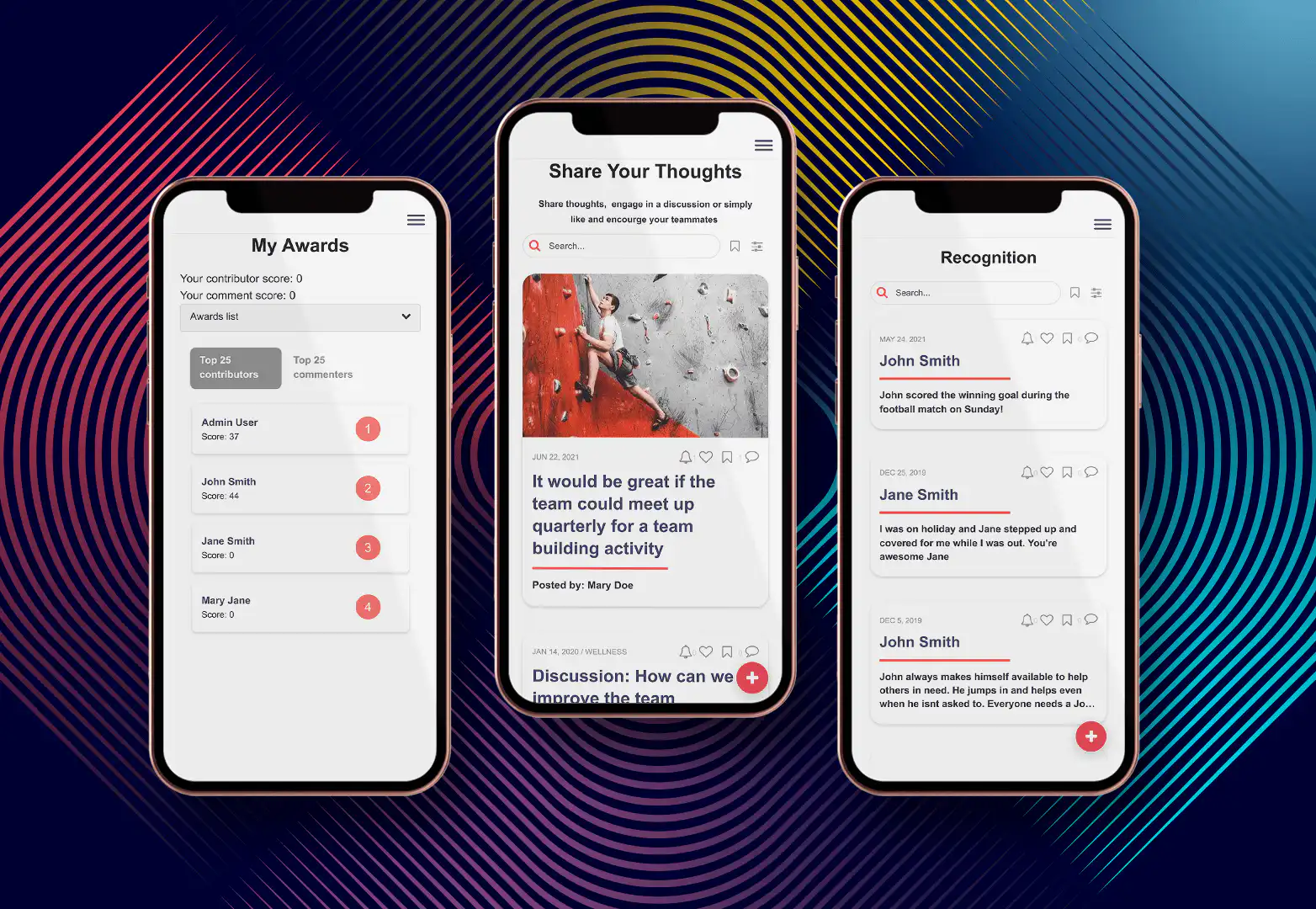
### **Everything in one place.**
With Fliplet your team only has to onboard onto a single platform. Then, without having to understand a single line of code, they can build anything they can imagine. That makes Fliplet the ultimate choice among vFairs alternatives.
Fliplet is a versatile platform that empowers users to create custom apps for various needs, including events. Whether you're organizing a virtual conference, a hybrid seminar, or an in-person gathering, Fliplet provides the tools you need to deliver a seamless and engaging experience.
It stands out due to its ease of use, extensive customization options, and excellent customer support. Fliplet is an ideal choice for event organizers looking to offer a tailored experience to their attendees, with the added benefit of flexibility to adapt to different event formats and scales.
For a practical legal retreat example, the [Ward and Smith case study](https://fliplet.com/case-studies/ward-and-smith/) shows how a law firm used Fliplet to support event content and staff access with limited IT involvement.
### **Key Features:**
- **[Custom App Development](/blog/custom-application-development-in-six-steps/)**: Design and launch bespoke event apps without requiring advanced technical skills. Fliplet's drag-and-drop interface makes it simple for anyone to create professional-looking apps tailored to their specific event needs.
- **User-Friendly Interface**: Intuitive design tools that make app creation straightforward. Users can quickly set up and customize their event apps, ensuring a smooth user experience for both organizers and attendees.
- **Integration Capabilities**: Seamless integration with other tools and platforms to streamline [event management](https://events.fliplet.com/event-management/). Fliplet supports integrations with popular CRM systems, marketing tools, and other event management software, allowing for a cohesive workflow.
- **Customer Support**: Access to a dedicated support team for assistance with setup and troubleshooting. Fliplet's support team is known for their responsiveness and expertise, ensuring that any issues are resolved quickly and efficiently.
- **Versatile Solutions**: Suitable for virtual, hybrid, and in-person events. Fliplet's flexibility allows organizers to pivot between different event formats as needed, providing a consistent experience regardless of the event type.
**Pricing**: [Build your first 3 apps absolutely free](https://events.fliplet.com/pricing/), then move up to $9.90 per month, with custom pricing for enterprise solutions.
**Comparison to vFairs**: While vFairs is known for its robust virtual event features, Fliplet offers superior customization and integration capabilities. Additionally, Fliplet's user-friendly interface and comprehensive customer support make it a strong contender for event organizers seeking a more tailored solution.
### 2.Eventtia
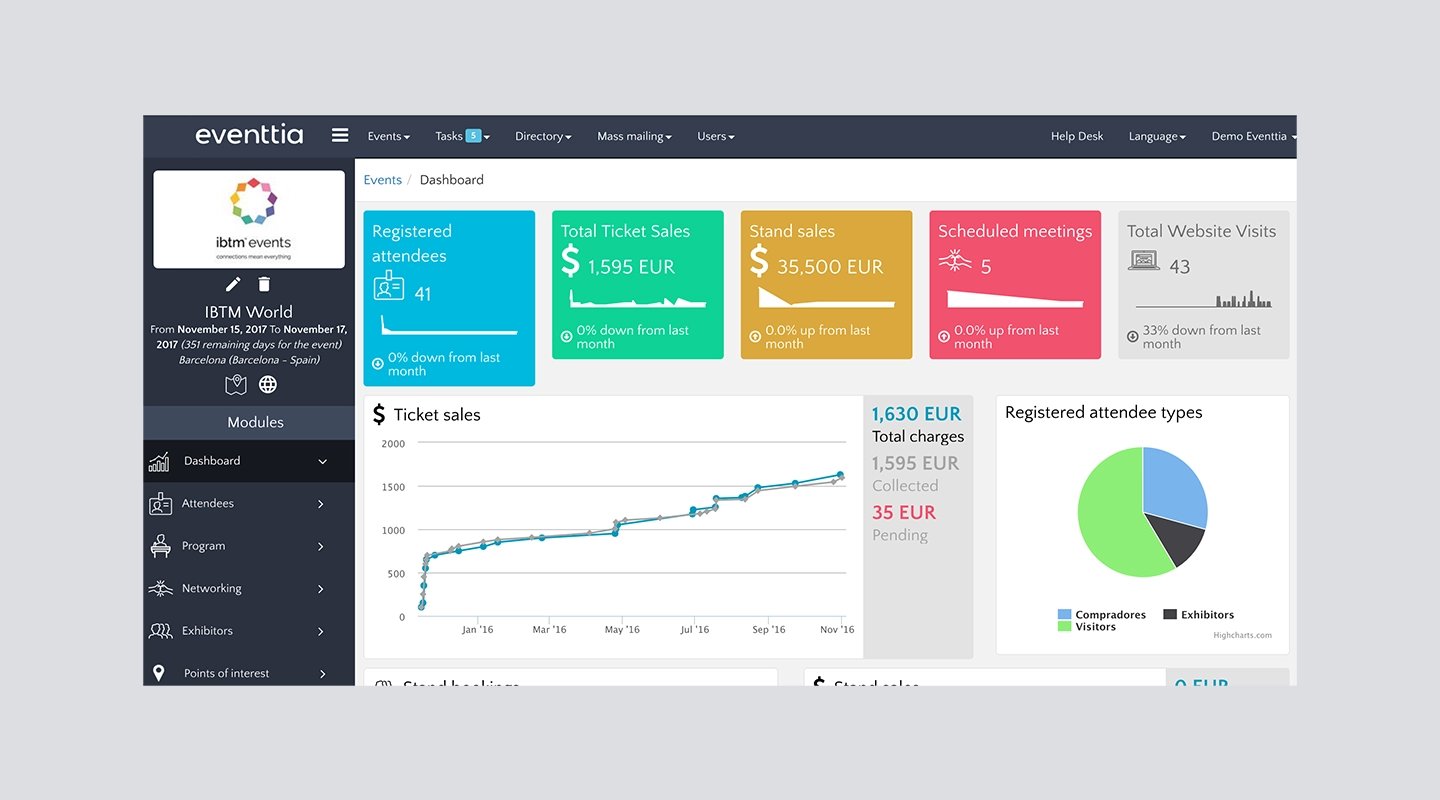
Eventtia is a versatile management platform like vFairs Events, offering features for both virtual and in-person events. It excels in user engagement and customization, making it a strong contender.
### **Key Features:**
- **Virtual and In-Person Event Support**: Manage various [types of events](https://events.fliplet.com/blogs/conference-event-management-guide/) seamlessly.
- **Engagement Tools**: Interactive features to keep attendees engaged.
- **Customization Options**: Tailor the platform to fit your specific needs.
- **Analytics**: Detailed insights into event performance and attendee engagement.
**Pricing**: Eventtia offers liceases for 6 and 12 months, with licences starting at $12,000 per year.
**Comparison to vFairs**: Eventtia offers similar engagement and customization features as the vFairs mobile app, but it stands out with its ability to manage both virtual and in-person events seamlessly.
### 3.SpotMe
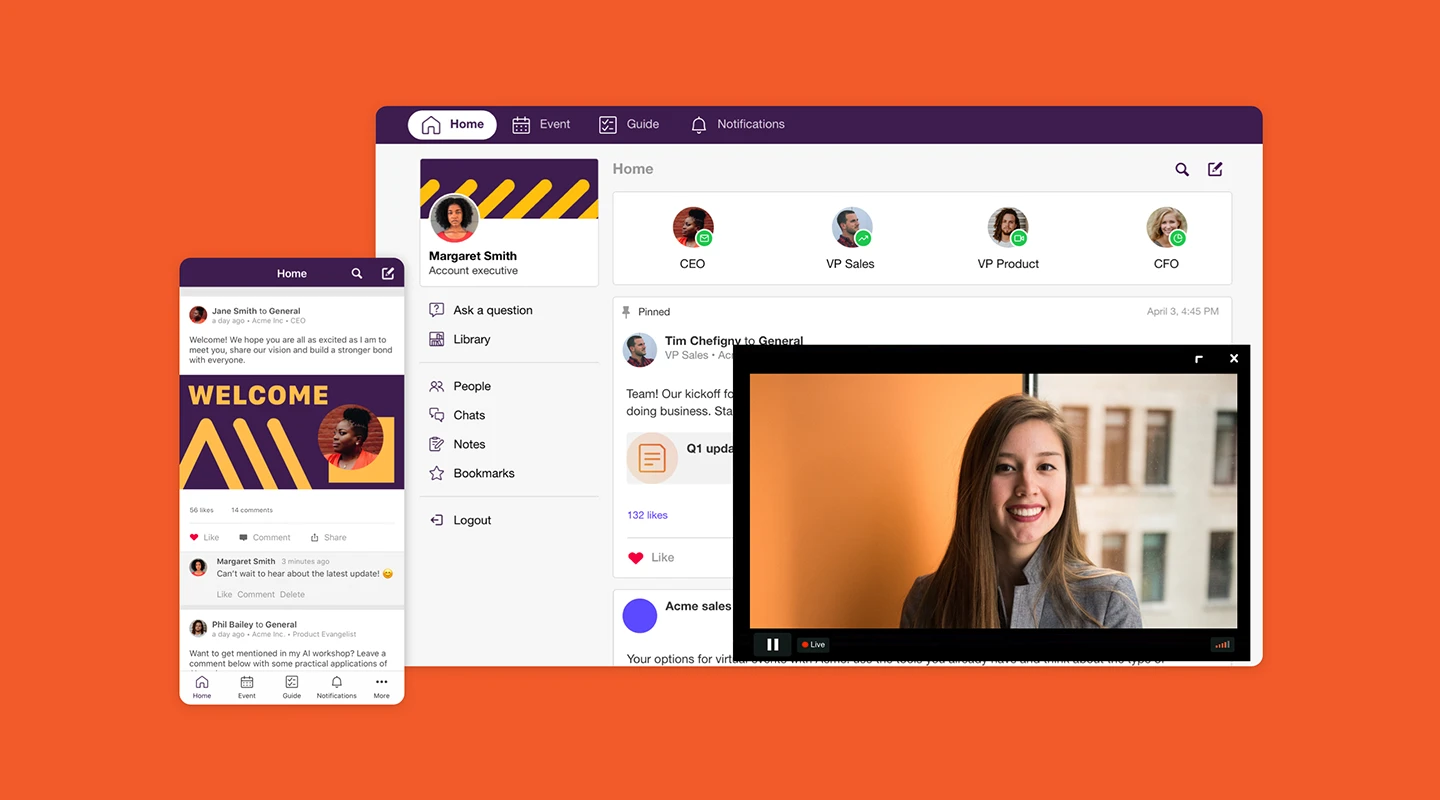
SpotMe is known for its comprehensive engagement tools, including live streaming, interactive Q&A, and networking functionalities. Like the vFairs app, it's ideal for creating highly interactive virtual events.
### **Key Features:**
- **Live Streaming**: High-quality streaming capabilities for live events.
- **Interactive Q&A**: Engage attendees with real-time questions and answers.
- **Networking Tools**: Facilitate meaningful connections among attendees.
- **Customizable**: Adapt the platform to your specific event needs.
**Pricing**: SpotMe's pricing starts at $4,800 per year, making it less expensive than some vFairs alternatives but still significant.
**Comparison to vFairs**: SpotMe offers more advanced engagement tools and interactive features, making it a better choice for events where attendee interaction is a priority.
### 4.Dreamcast
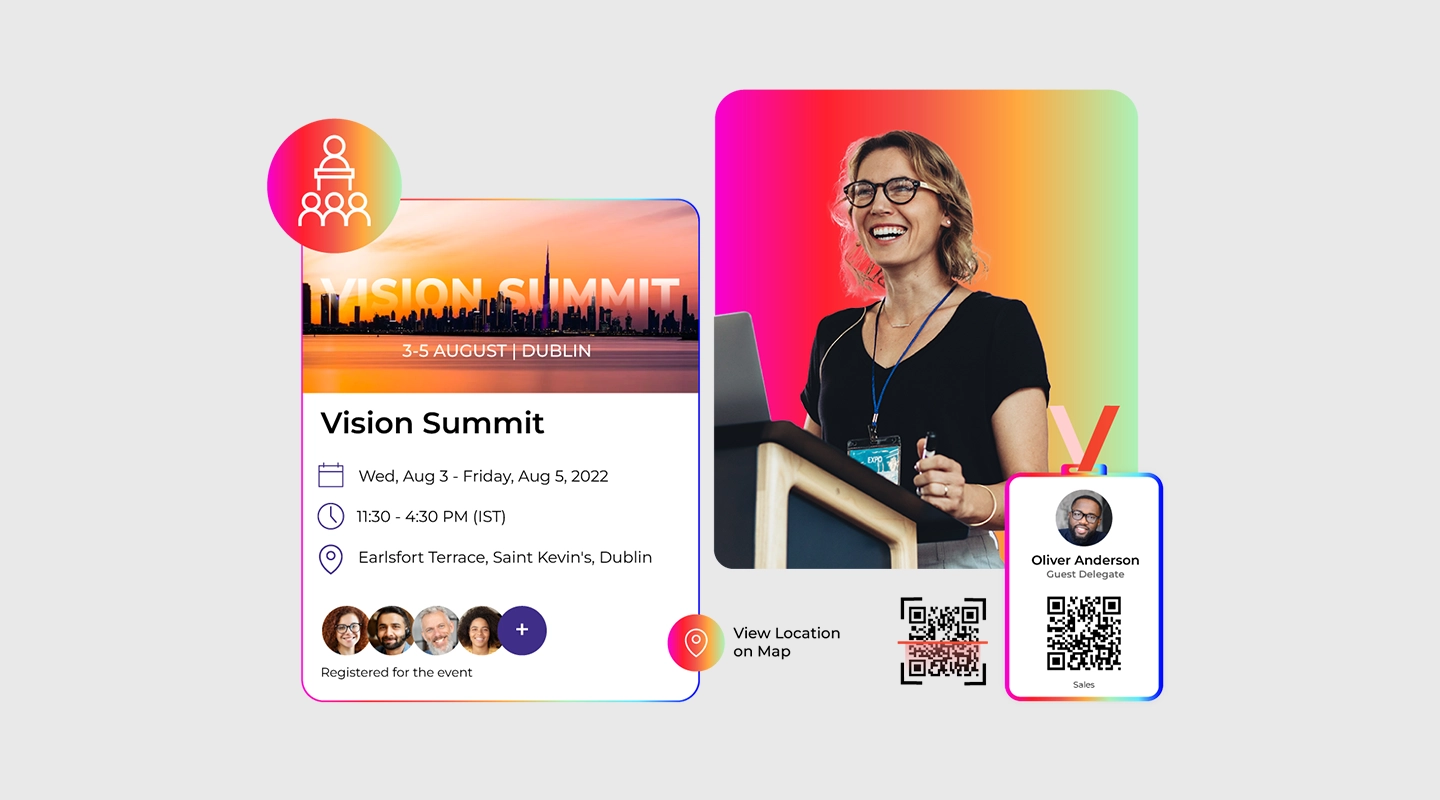
Dreamcast offers innovative solutions for virtual events, including 3D virtual environments and gamification features, providing a unique and engaging attendee experience.
### **Key Features:**
- **3D Virtual Environments**: Create immersive virtual spaces.
- **Gamification**: Enhance attendee engagement through gamified experiences.
- **Interactive Tools**: Various interactive features to keep attendees engaged.
- **Customizable**: High level of customization to meet unique event needs.
**Pricing**: Comparable to vFairs pricing, you have to contact the company.
**Comparison to vFairs**: Dreamcast's innovative features like 3D environments and gamification provide a more engaging experience compared to vFairs' more traditional virtual event features.
### 5.Whova
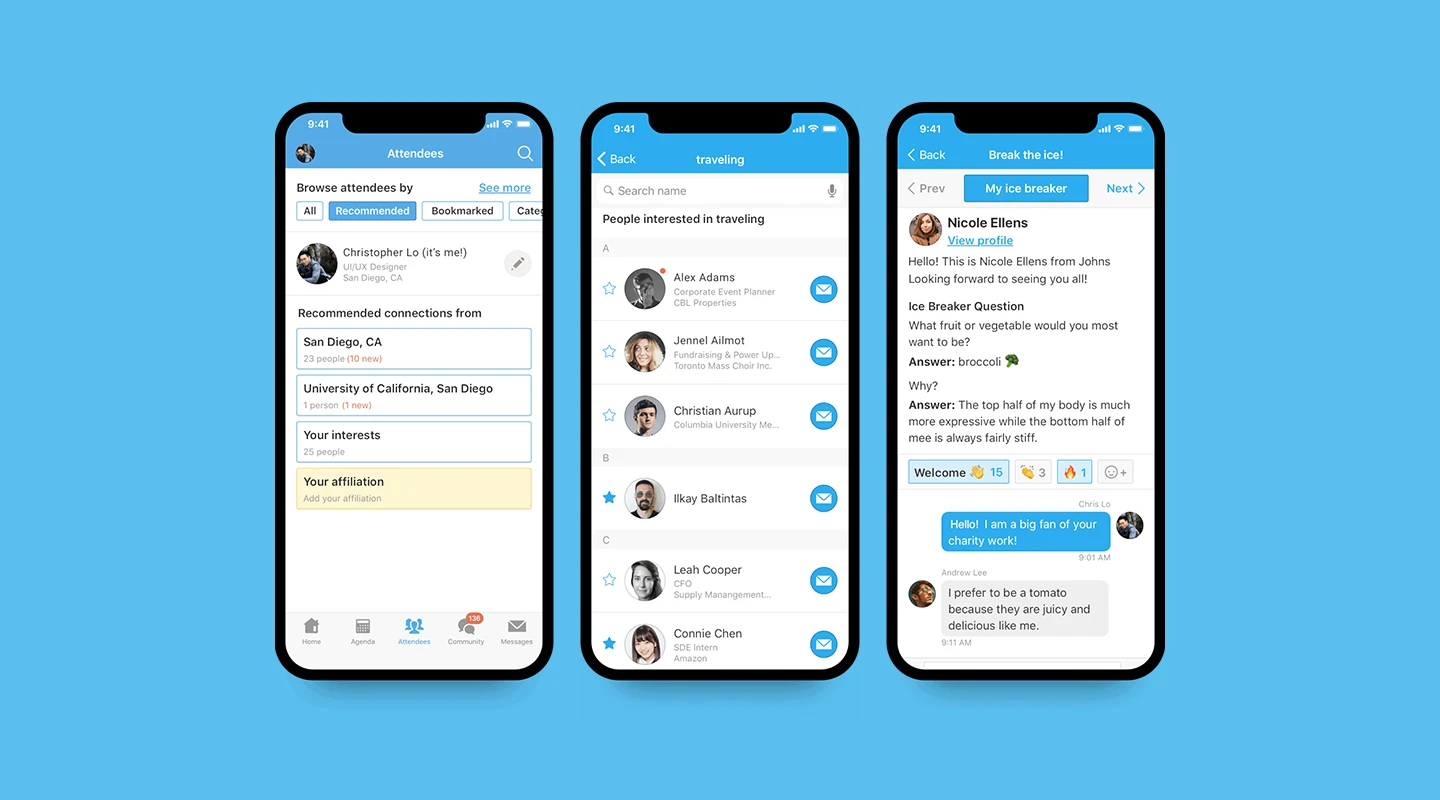
Whova is a user-friendly event app known for its ease of use and powerful engagement tools. It's suitable for both small and large events, coming in at the middle of the pack among vFairs alternatives.
### **Key Features:**
- **User-Friendly Interface**: Easy to navigate and set up.
- **Engagement Tools**: Includes live polling, Q&A, and networking features.
- **Customizable**: Tailor the platform to fit your event's branding and needs.
- **Analytics**: Detailed insights into attendee behavior and event performance.
**Pricing**: Starting at $1,499 for up to 500 attendees and 2-days, goes up to $5,999.
**Comparison to vFairs**: Whova offers a simpler, more user-friendly interface and powerful engagement tools, making it a great choice for organizers looking for ease of use.
### 6.Hopin
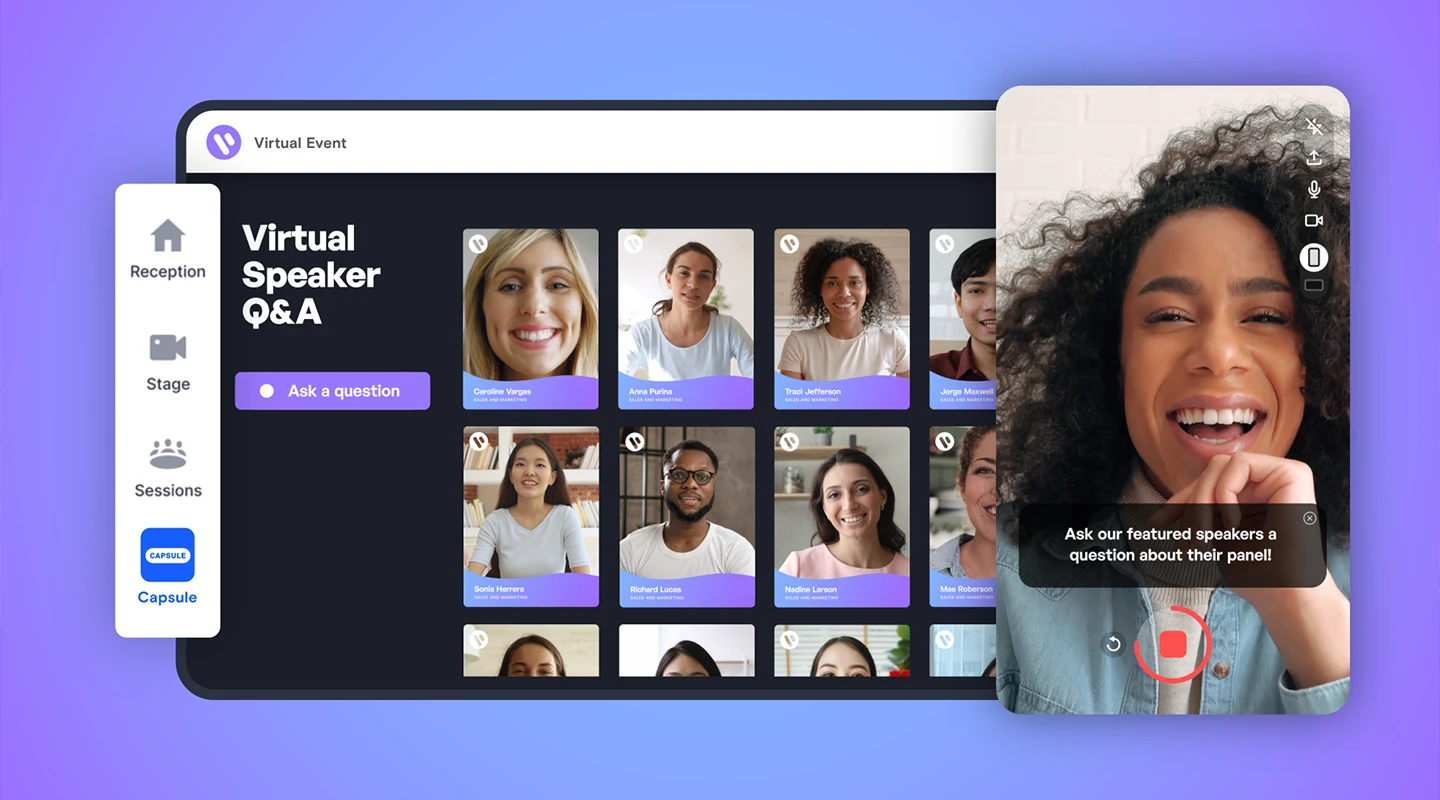
Hopin is a scalable virtual event platform that supports events of all sizes, just like the vFairs app. It offers a wide range of features, including networking, webinars, and expo areas.
### **Key Features:**
- **Scalability**: Supports small to large-scale events.
- **Networking**: Facilitates meaningful connections among attendees.
- **Webinars**: High-quality streaming for webinars and sessions.
- **Expo Areas**: Virtual booths for exhibitors.
**Pricing**: Hopin's price starts at $83.25 per month, going up to $667 per month for more functionality.
**Comparison to vFairs**: Hopin's scalability and extensive feature set make it suitable for large events, whereas vFairs might be better suited for smaller to mid-sized events with its specific features.
### 7.Airmeet
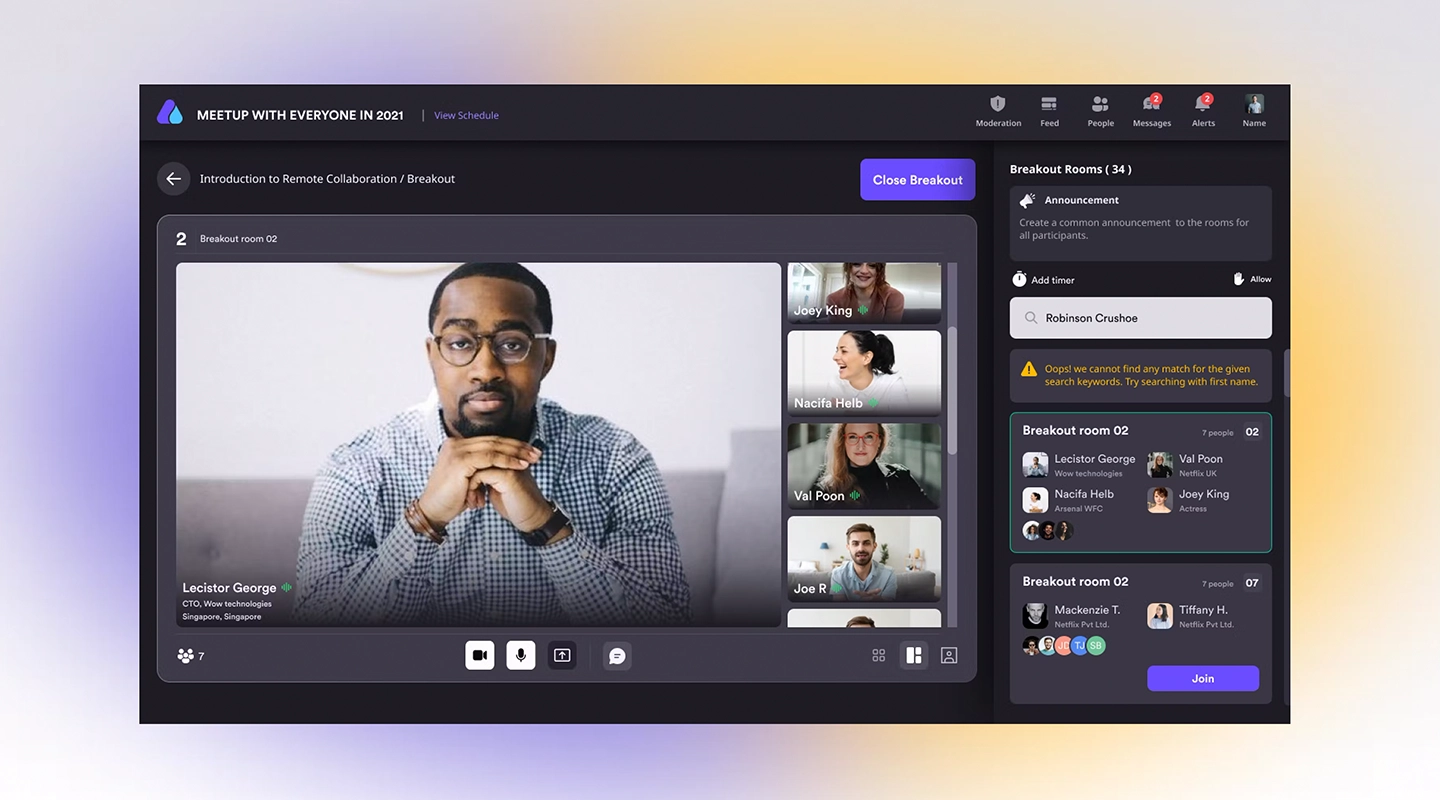
Airmeet focuses on providing an interactive virtual event experience with features like virtual tables, speed networking, and live stages.
### **Key Features:**
- **Virtual Tables**: Facilitates small group interactions.
- **Speed Networking**: Quick, meaningful connections among attendees.
- **Live Stages**: High-quality streaming for main sessions.
- **Customizable**: Adapt the platform to fit your event's needs.
**Pricing**: Airmeet pricing starts at $1,999 per event.
**Comparison to vFairs**: Airmeet's focus on interaction and networking provides a more engaging experience, especially for events centered around attendee connections.
### 8.Cvent
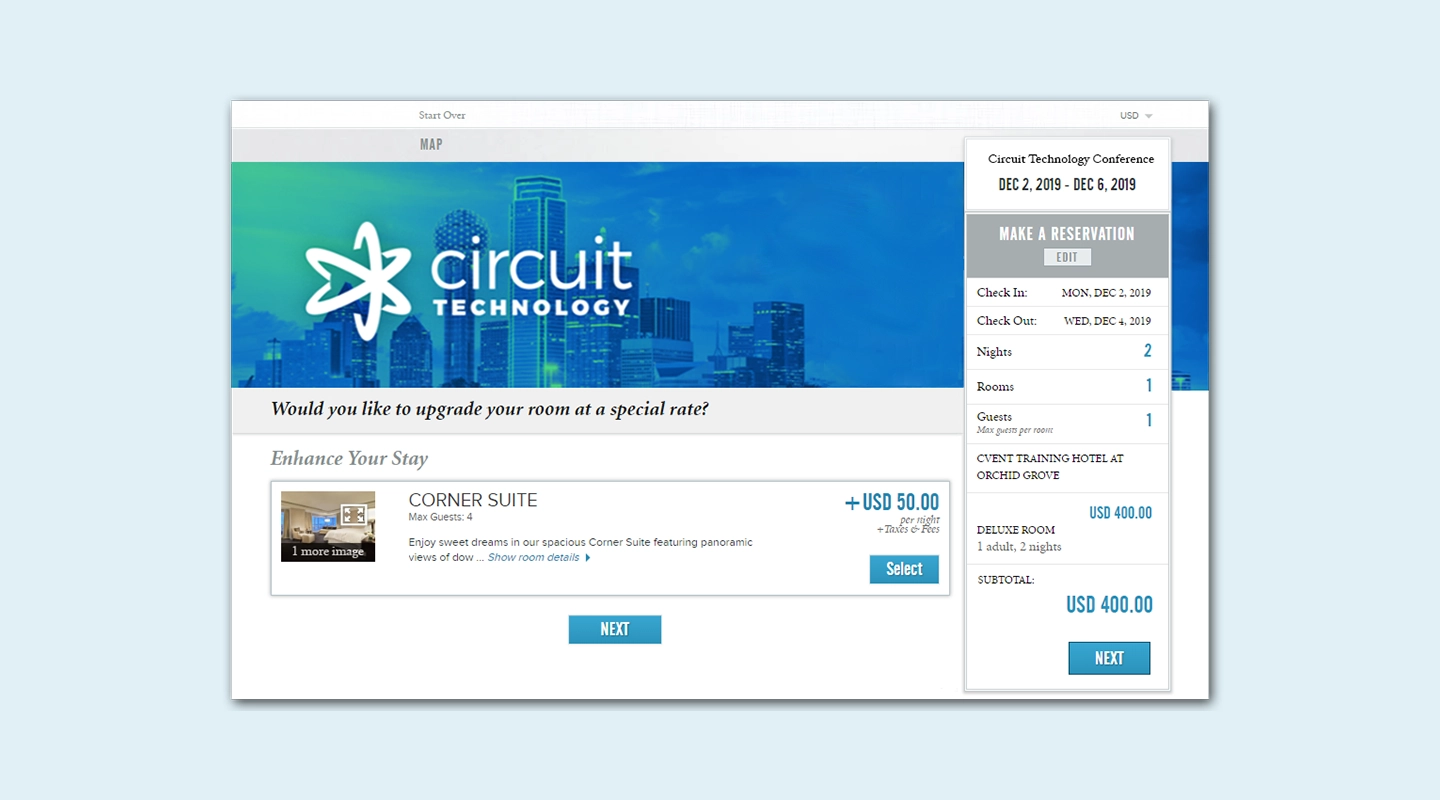
Cvent is a robust event management software with comprehensive solutions for virtual, hybrid, and in-person events. It's well-suited for enterprise-level events, and that's where it really shines among vFairs alternatives.
### **Key Features:**
- **Comprehensive Event Management**: Tools for every aspect of event planning and execution.
- **Hybrid Event Support**: Seamlessly [manage hybrid events](https://events.fliplet.com/blogs/10-ways-to-boost-hybrid-events/).
- **Analytics**: Detailed insights into event performance.
- **Customizable**: High degree of customization to meet enterprise needs.
**Pricing**: Like vFairs pricing, you have to contact the company.
**Comparison to vFairs**: Cvent's robust feature set and support for hybrid events make it ideal for large, complex events, whereas vFairs is more suited to purely virtual events.
### 9.Brella
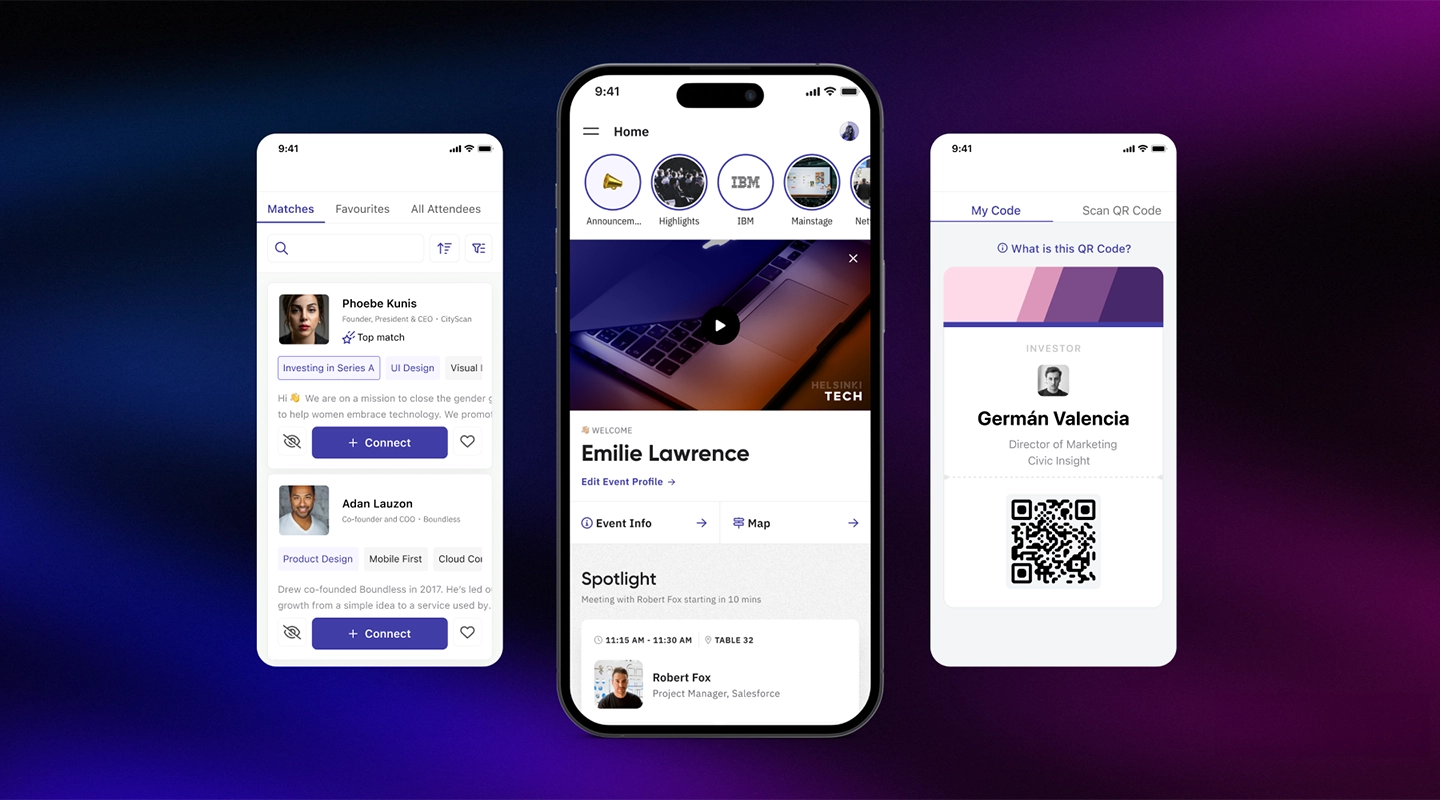
Brella uses AI to power its networking tool, making it easy for attendees to connect based on mutual interests. It's great for events focused on networking and engagement.
### **Key Features:**
- **AI-Powered Networking**: Connect attendees based on interests and goals.
- **Engagement Tools**: Various tools to keep attendees engaged.
- **Customizable**: Tailor the platform to your event's needs.
- **Analytics**: Detailed insights into networking interactions.
**Pricing**: Brella starts at $2,000 per small event, and it starts at $6,000 for enterprise events.
**Comparison to vFairs**: Brella's AI-powered networking is more advanced compared to the vFair app's standard networking features, making it ideal for networking-focused events.
### 10.BigMarker
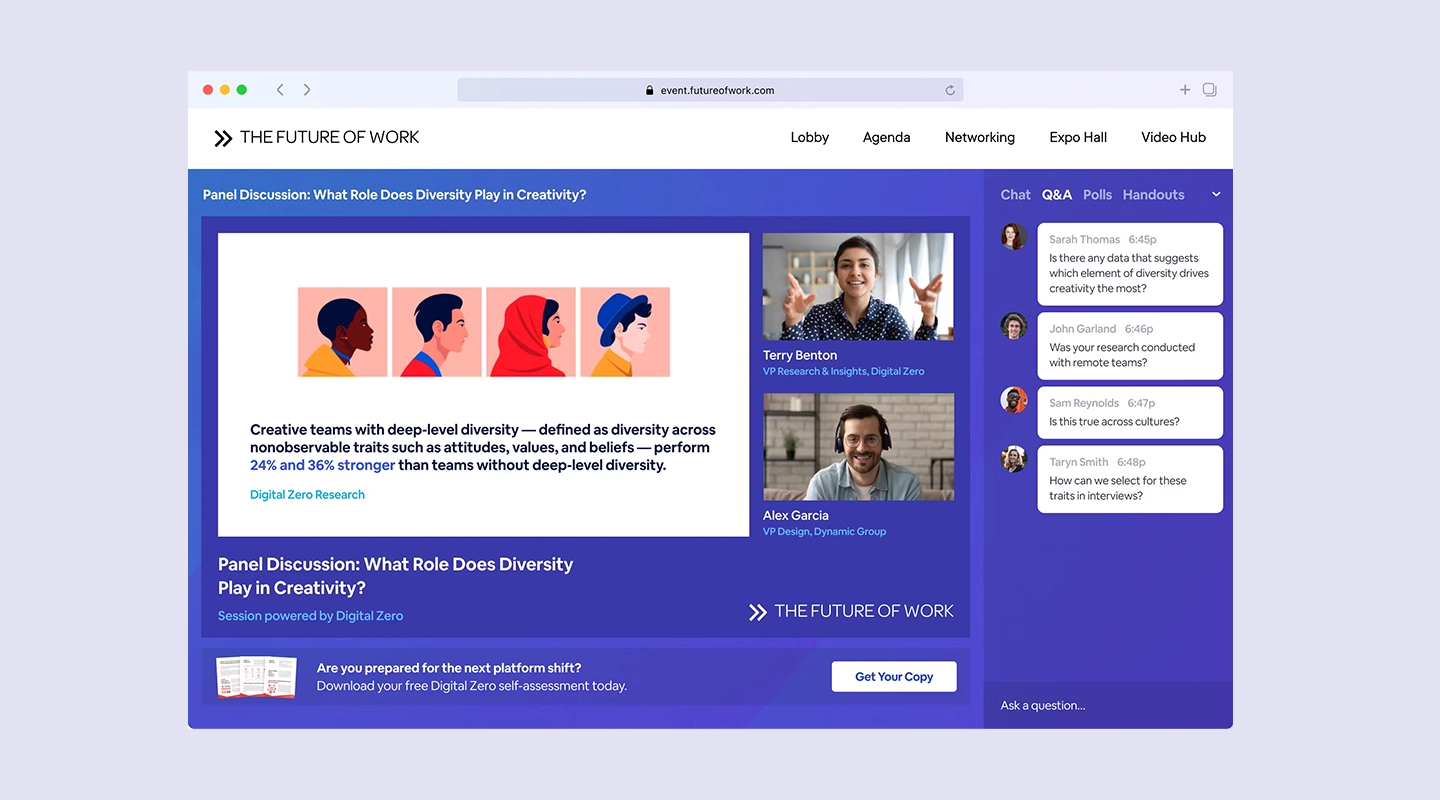
BigMarker is a flexible platform for webinars and virtual events, offering a range of tools for live and on-demand content.
### **Key Features:**
- **Webinar Hosting**: High-quality streaming for live and on-demand webinars.
- **Engagement Tools**: Interactive features like polls and Q&A.
- **Customizable**: Adapt the platform to your specific needs.
- **Analytics**: Insights into attendee engagement and content performance.
**Pricing**: BigMarker requires you contact the company, similar to vFairs pricing.
**Comparison to vFairs**: BigMarker's focus on webinars and on-demand content makes it a great choice for content-heavy events, whereas vFairs offers a more traditional virtual event experience.
### 11.On24
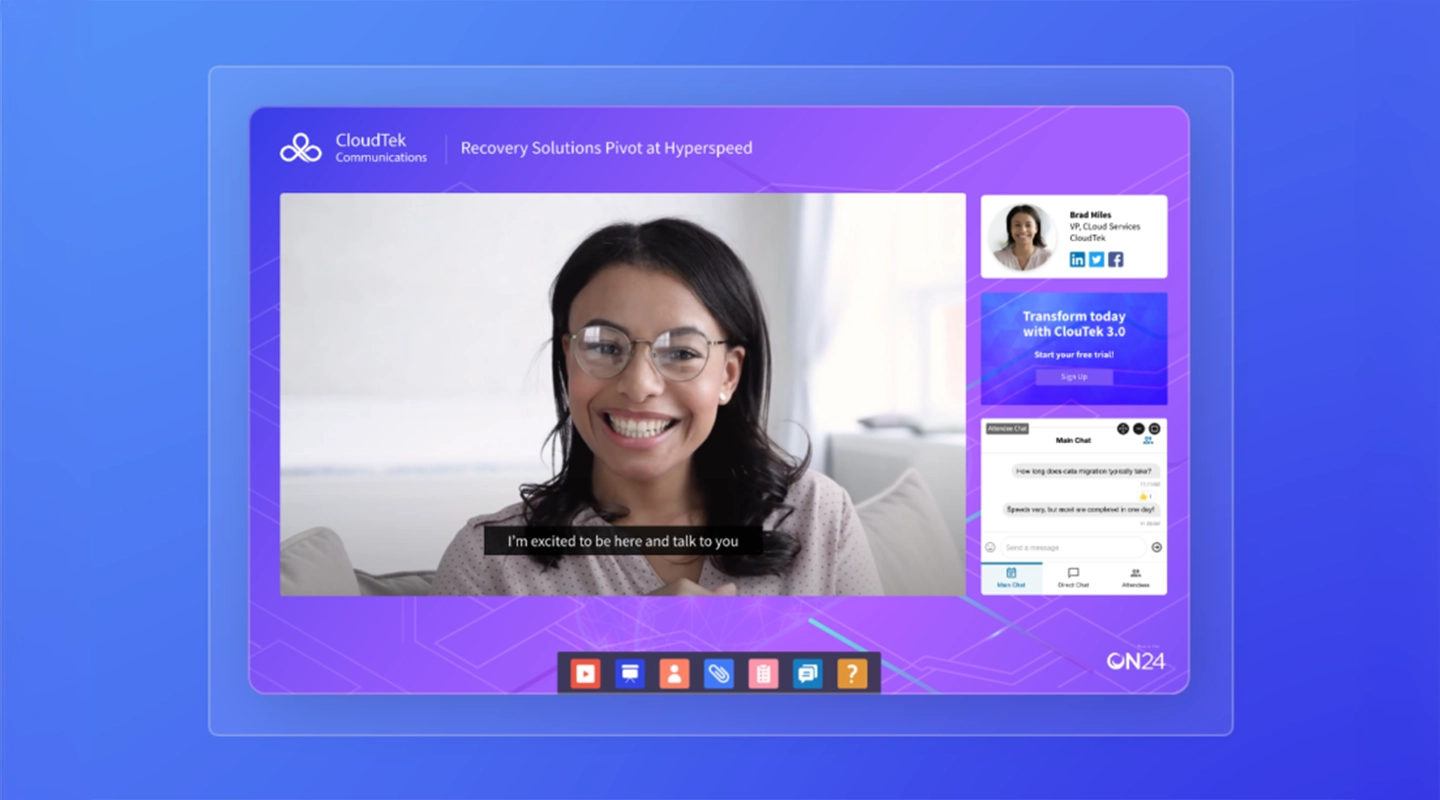
On24 is an enterprise-grade platform for webcasting and virtual events, known for its reliability and scalability.
### **Key Features:**
- **Webcasting**: High-quality, reliable webcasting capabilities.
- **Engagement Tools**: Interactive features like polls and Q&A.
- **Scalability**: Supports large-scale, enterprise-level events.
- **Customizable**: Tailor the platform to meet enterprise needs.
**Pricing**: On24's pricing starts at $10000 per year.
**Comparison to vFairs**: On24's enterprise-grade features and scalability make it suitable for large organizations, whereas vFairs is more focused on smaller to mid-sized virtual events.
### 12.PheedLoop
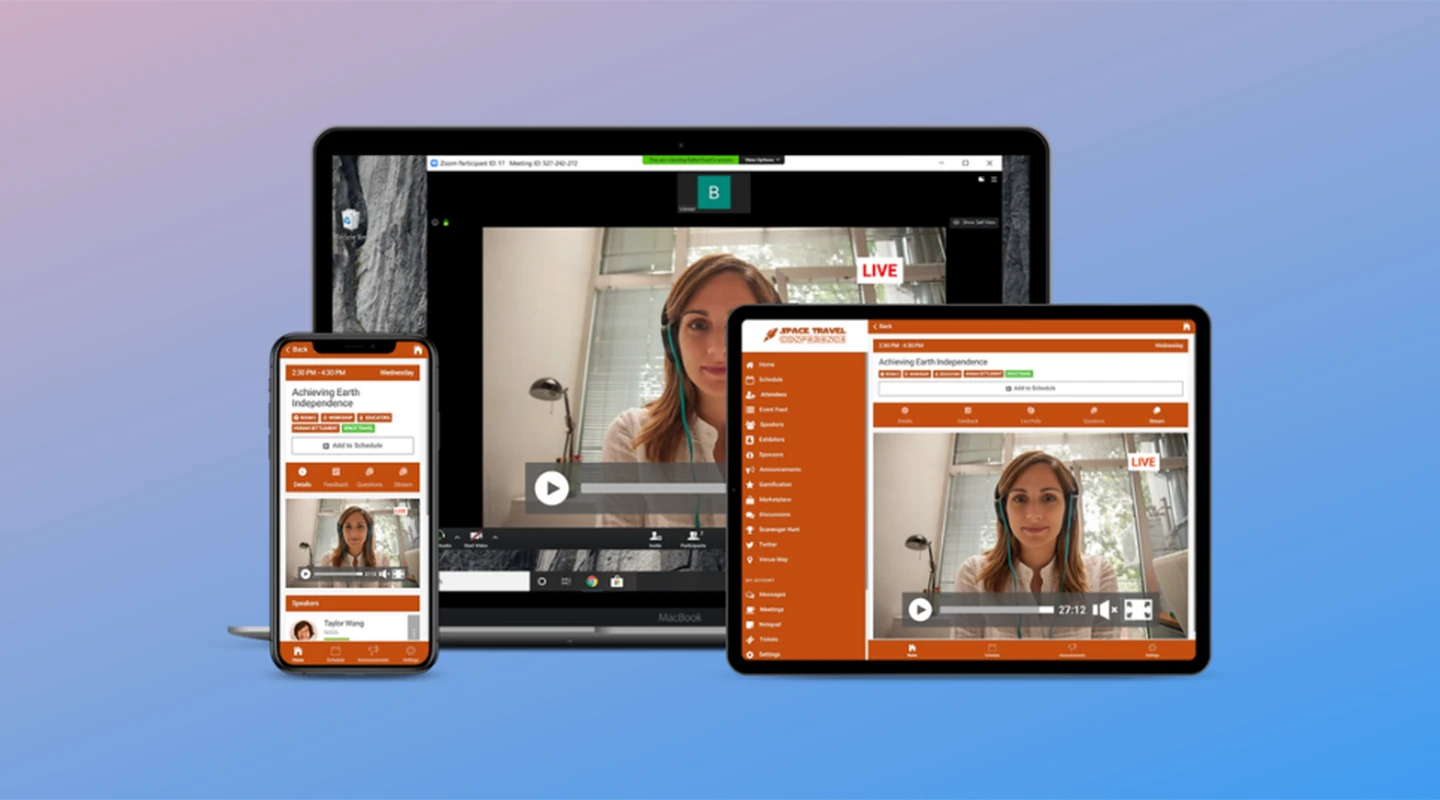
PheedLoop offers an all-in-one event management tool with features for virtual, hybrid, and in-person events. It's known for its comprehensive feature set and ease of use.
### **Key Features:**
- **All-in-One Platform**: Manage every aspect of your event in one place.
- **Hybrid Event Support**: Seamlessly manage hybrid events.
- **Engagement Tools**: Various tools to keep attendees engaged.
- **Customizable**: High degree of customization to fit specific needs.
**Pricing**: PheedLoop charges $1.75 per user.
**Comparison to vFairs**: PheedLoop's all-in-one platform and hybrid event support provide more flexibility compared to vFairs' purely virtual event focus.
### 13.Attendify
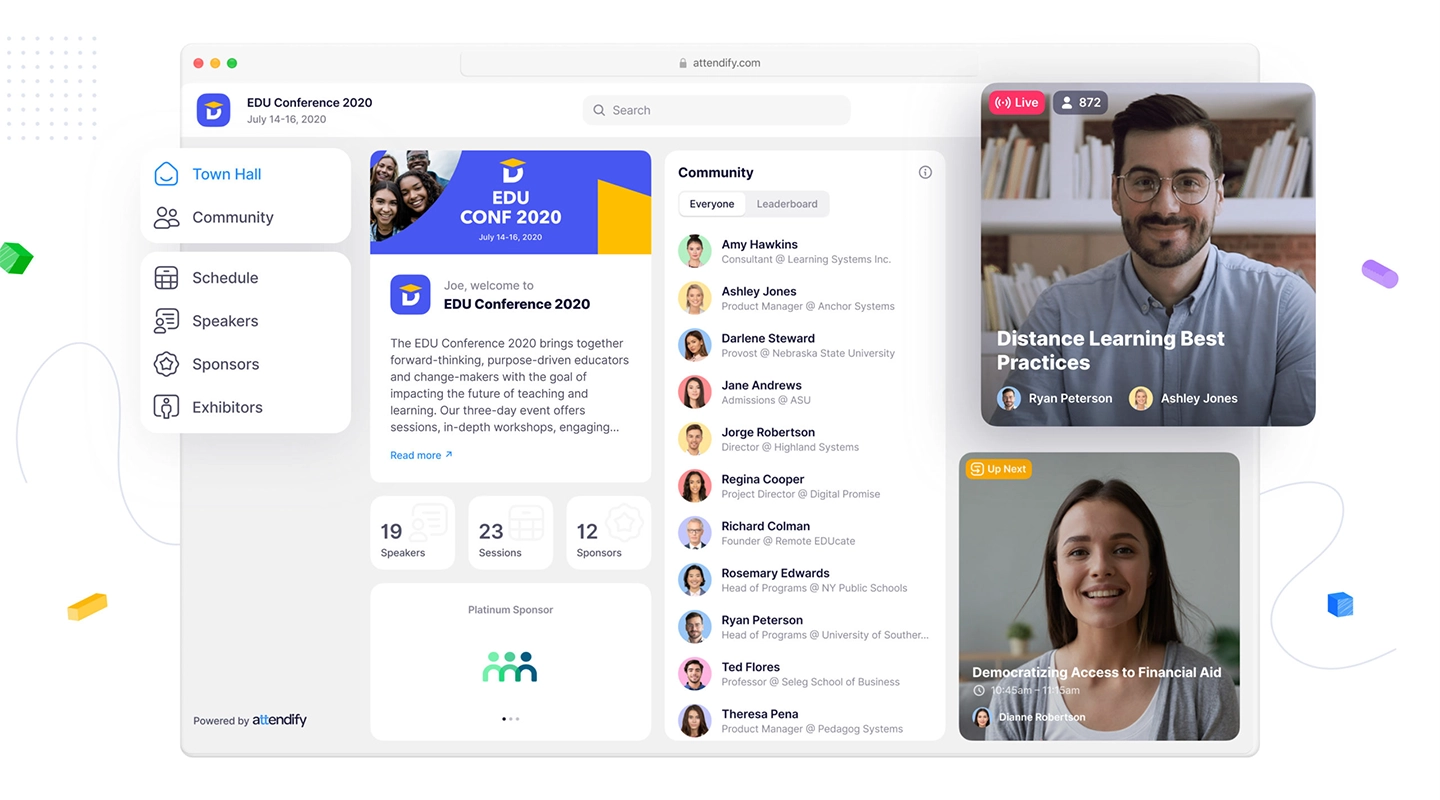
Attendify provides a customizable event [app solution that enhances attendee engagement](https://events.fliplet.com/blogs/attendee-engagement/) and offers robust analytics.
### **Key Features:**
- **Customizable [Event Apps](https://events.fliplet.com/mobile-event-app/)**: Create tailored apps for your events.
- **Engagement Tools**: Interactive features like live polling and Q&A.
- **Analytics**: Detailed insights into attendee behavior.
- **User-Friendly**: Easy to set up and use.
**Pricing**: Attendify starts at $1,999 for virtual event plus the app, but it goes up to $4,000 for a more robust package and beyond for enterprise solutions.
**Comparison to vFairs**: Attendify's customizable event apps and robust analytics offer more flexibility and insights compared to vFairs' standard virtual event features.
### 14.EventMobi
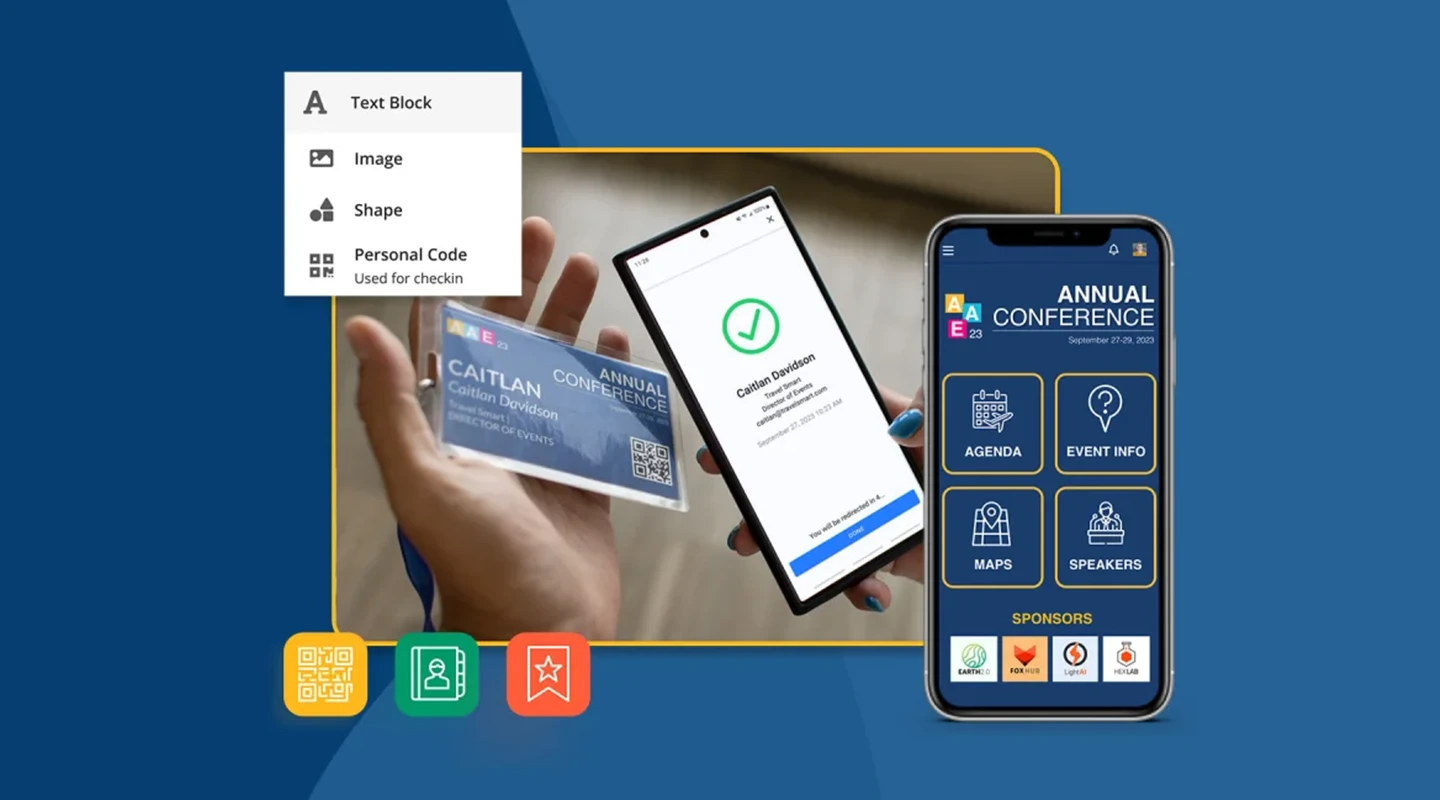
EventMobi is a comprehensive vFairs Events competitor platform offering features for event planning, attendee engagement, and data analytics.
### **Key Features:**
- **Event Planning Tools**: Comprehensive tools for planning and managing events.
- **Engagement Tools**: Interactive features to keep attendees engaged.
- **Data Analytics**: Detailed insights into event performance.
- **Customizable**: High degree of customization to fit your needs.
**Pricing**: EventMobi offers competitive pricing plans based on event requirements. Contact EventMobi for a detailed quote.
**Comparison to vFairs**: EventMobi's comprehensive planning and engagement tools provide a more integrated solution compared to vFairs.
### 15.Hubilo
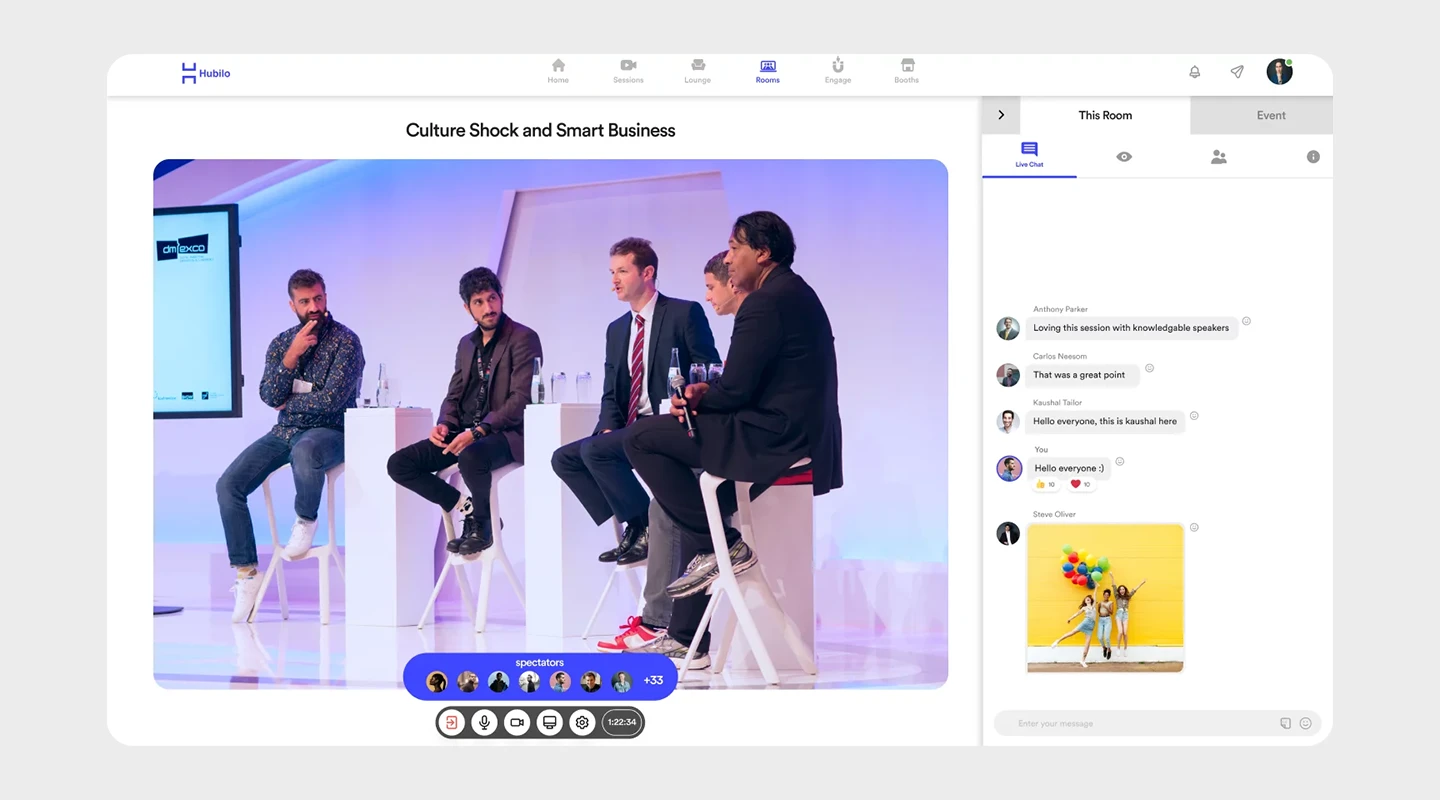
Hubilo is an engagement-driven virtual event platform that prioritizes attendee interaction with features like live chats, polls, and gamification.
### **Key Features:**
- **Engagement Tools**: Live chats, polls, and gamification to boost interaction.
- **Customizable**: Tailor the platform to fit your event's branding and needs.
- **Analytics**: Detailed insights into attendee engagement.
- **User-Friendly**: Easy to set up and navigate.
**Pricing**: Hubilo charges $10000 per year.
**Comparison to vFairs**: Hubilo's focus on engagement and interaction makes it a better choice for events where attendee participation is key, compared to vFairs' more general features.
### 16.Webex (formerly Socio)
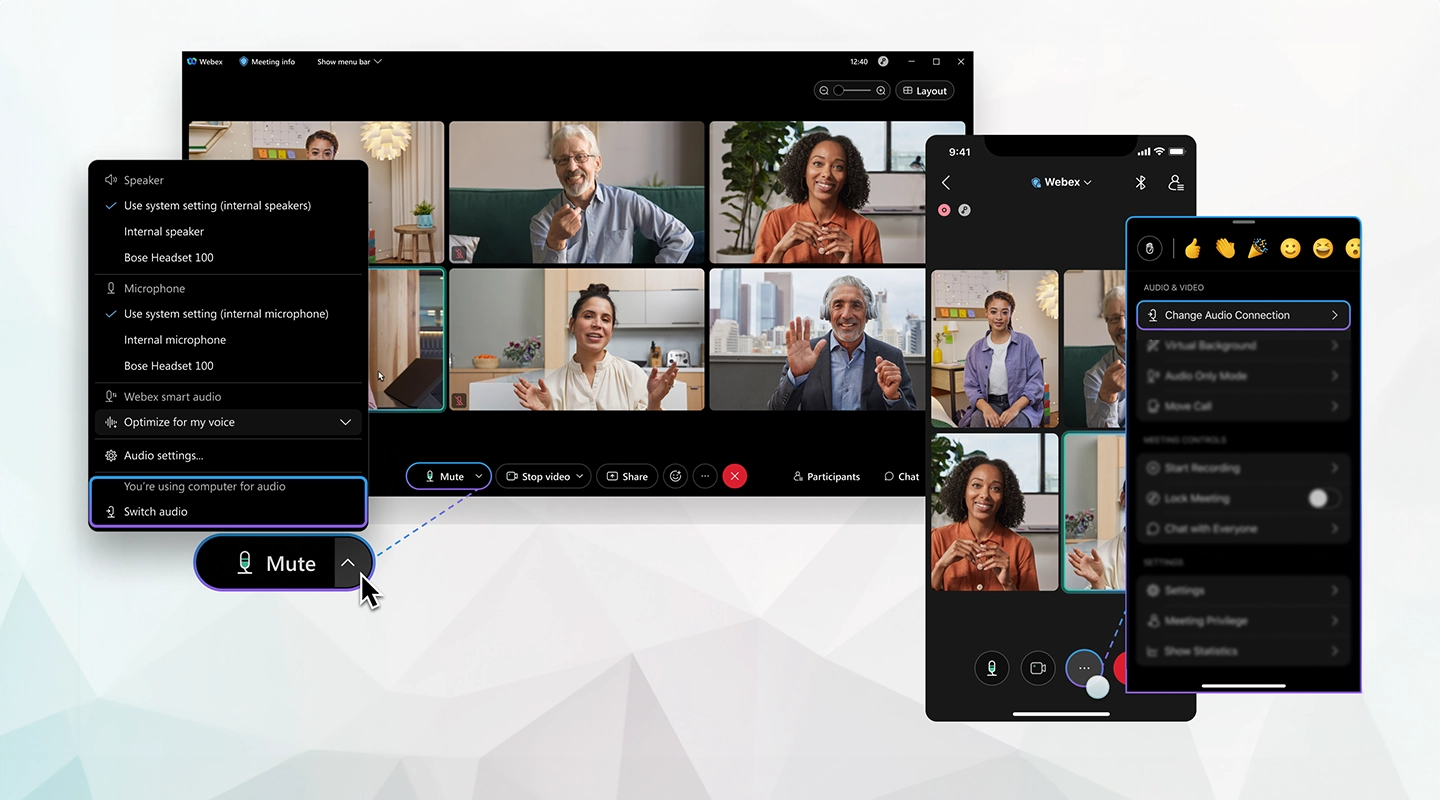
Webex is an integrated event management solution that supports virtual, hybrid, and in-person events, offering a wide range of customization options.
### **Key Features:**
- **Integrated Platform**: Manage virtual, hybrid, and in-person events in one place.
- **Customizable**: High degree of customization to meet specific needs.
- **Engagement Tools**: Various features to keep attendees engaged.
- **Analytics**: Detailed insights into event performance.
**Pricing**: Webex chooses not to publicly post their pricing.
**Comparison to vFairs**: Webex's integrated platform and customization options provide more flexibility compared to the vFairs [mobile app](https://events.fliplet.com/mobile-event-app/), especially for hybrid events.
## Why Fliplet is One of the Best Alternatives to vFairs
Fliplet stands out as a [top alternative](https://events.fliplet.com/vfairs-fliplet-comparison/) to vFairs due to its flexibility and customization options. Because Fliplet offers a no-code way to build software, you can create the perfect [event networking app](https://events.fliplet.com/networking-engagement/). Then, you can use it to onboard employees, sell directly to customers, and all kinds of other functions.
### Here's why Fliplet might be the best choice for your virtual events
- **Custom App Development**: Easily create tailored [event apps](https://events.fliplet.com/mobile-event-app/) without needing extensive technical skills.
- **Versatile Solutions**: Fliplet offers a range of solutions for various event types, from corporate events to networking apps.
- **User-Friendly**: The intuitive interface makes it easy to design and manage your event apps.
- **Excellent Support**: Fliplet's customer support team is always ready to assist with any issues or questions.
Explore more about Fliplet's event solutions [here](https://events.fliplet.com/platform-overview/) and see how it can transform your virtual event experience.
## What's the Best vFairs Alternative?
Choosing the best vFairs alternative depends on your specific needs and priorities. Here are a few recommendations based on different scenarios:
- **For Comprehensive Features**: Consider Cvent or On24 for their robust feature sets and scalability.
- **For User Engagement**: SpotMe and Hubilo offer excellent engagement tools.
- **For Customization**: Fliplet and Attendify provide great customization options.
- **For Networking**: Brella and Airmeet excel in facilitating networking opportunities.
## Ready to Choose the Best vFairs Alternative for Your Virtual Event?
We hope this guide helps you find the perfect platform for your next virtual event. Each alternative has its unique strengths, so explore the options and choose the one that best fits your needs. Ready to elevate your virtual event experience? Discover more about our top recommendations and get started today!
## FAQs
### How Do I Add an Alternate Host in vFairs?
To add an alternate host in vFairs, navigate to the event settings and look for the ‘Hosts’ section. From there, you can invite additional hosts by entering their email addresses.
### How to Make an Alternate Host in vFairs?
Making an alternate host involves similar steps as adding one. Go to the event settings, find the ‘Hosts’ section, and designate the alternate host from your list of invited hosts.
### Can I integrate these vFairs alternatives with other business tools?
Yes, most of the vFairs [alternatives](https://events.fliplet.com/blogs/cvent-attendee-hub-alternatives/) listed here offer integration with a variety of business tools to streamline your event management process.
### Is it easy to migrate from vFairs to another virtual event platform?
Migrating from vFairs to another platform can vary in difficulty depending on the complexity of your event data and the compatibility of the new platform. Many alternatives offer migration support to ease the transition.
### What should I prioritize when evaluating vFairs alternatives?
When evaluating vFairs alternatives, prioritize features that align with your event goals, ease of use, customer support, customization options, and cost-efficiency. These factors will help you choose a platform that best meets your needs.
## Related links
- [Top 20 Cvent Alternatives: Find the Best Event Management App for Your Company](https://events.fliplet.com/blogs/cvent-alternatives/): Explore our guide on the best Cvent alternatives and discover how Fliplet leads with its advanced mobile app capabilities for enhanced event management.
- [Maximize Event Success: The Ultimate Guide to Advanced Attendee Tracking](https://events.fliplet.com/blogs/event-attendance-tracking-guide/): Discover the best methods and technologies for event attendee tracking to improve planning, enhance attendee experience, and gain valuable insights. Learn how to choose the right event attendance tracking app for your needs.
- [Corporate Event Planning: The Ultimate Guide (Free Checklist)](https://events.fliplet.com/blogs/corporate-event-planning-checklist/): Boost your next business gathering with our expert corporate event planning guide. Read this article to craft an unforgettable event tailored to your needs!
---
# Top 19 Webex Alternatives for Effective Business Meetings and Conferencing (2026)
> Explore Top 19 Webex Alternatives for Effective Business Meetings and Conferencing (2026). Compare features, pricing, pros and cons, and best-fit scenarios.
Source: https://fliplet.com/blog/webex-alternatives/
Content type: Blog
Published: 2026-03-17T10:50:01
Updated: 2026-03-17T11:04:20
Read time: 10 minutes
# Top 19 Webex Alternatives for Effective Business Meetings and Conferencing (2026)
We all know how great staying connected is, whether you are running a lean startup or a globe-spanning enterprise. Video conferencing platforms like Webex have been instrumental in facilitating these virtual meetings, but did you know there are countless other options available?
Whether you're seeking more features, better pricing, or simply a different user experience, exploring Webex alternatives is a smart move.
With our comprehensive guide, we'll introduce you to 19 of the best Webex alternatives that can elevate your business conferencing experience. Let's dive into why prioritizing these alternatives could be a game-changer for your organization.
If Webex is part of a wider event-tech review, compare this guide with our [vFairs alternatives](https://events.fliplet.com/blogs/vfairs-alternatives/) shortlist and Fliplet's [mobile event app](https://events.fliplet.com/mobile-event-app/) for attendee content, updates, and engagement.
## Key Takeaways
- **Diverse Options:** Explore a variety of Webex alternatives to find the best fit for your business needs.
- **Features & Benefits:** Understand the unique features of each platform to enhance your virtual meetings.
- **Cost-Effective Solutions:** Discover budget-friendly options without compromising on quality (there are even [flexible pricing options](https://events.fliplet.com/pricing/)).
- **Seamless Integration:** Learn about platforms that integrate effortlessly with your existing tools.
## What is Webex?
Webex is a leading video conferencing platform that allows users to host virtual meetings, webinars, and events. Known for its robust features, Webex supports high-quality video calls, screen sharing, and collaboration tools. However, while Webex has been a reliable choice for many, it may not be the perfect fit for everyone. This is where exploring Webex alternatives becomes essential.
## Why Consider Alternatives to Webex?
While Webex is a solid choice for many businesses, it may not meet the specific needs of every organization. Here are some reasons why you might consider exploring alternatives:
- **Cost Efficiency:** Finding a more budget-friendly option that offers similar or enhanced features.
- **User Experience:** Seeking a platform with a more intuitive interface.
- **Specific Features:** Needing features that Webex doesn't offer.
- **Integration:** Looking for better integration with existing tools and workflows.
- **Scalability:** Finding a platform that grows with your business needs.
## Criteria for Evaluating Webex Alternatives
When evaluating Webex alternatives, consider the following criteria to ensure you choose the best platform for your needs:
- **Features:** Assess the tools and functionalities offered by each platform.
- **Customer Support:** Look for reliable customer support that can assist with any issues.
- **Ease of Use:** Choose a user-friendly platform for seamless adoption by your team.
- **Cost-Efficiency:** Evaluate the pricing structure to ensure it fits your budget.
- **Call Quality:** Ensure the platform provides high-quality audio and video.
- **Integration:** Check for compatibility with your existing business tools.
## Top 19 Webex Alternatives
### 1.Fliplet: A Comprehensive Solution for App Development and Collaboration
## Why Fliplet is One of the Best Alternatives to Webex
Fliplet stands out as a top Webex alternative due to its unique ability to create custom solutions tailored to your business needs. With Fliplet, you can:
- **[Develop Custom Apps](/blog/custom-application-development-in-six-steps/):** Tailor solutions for conferencing, collaboration, and more.
- **[Enhance Conference Management](https://events.fliplet.com/blogs/conference-event-management-guide/):** Utilize our [event management capabilities](https://events.fliplet.com/event-management/) for seamless event planning.
- **Integrate Seamlessly:** Connect with existing tools for a cohesive workflow.
- **Experience User-Friendly Design:** Our platform is intuitive and easy to use, making adoption smooth and straightforward.
[Fliplet's event solutions](https://events.fliplet.com/platform-overview/) provide a robust alternative to Webex, offering flexibility, customization, and seamless integration to enhance your business's communication and collaboration efforts.
[Explore Fliplet's event platform to see how you can design event technology suited perfectly to your needs.](https://events.fliplet.com/platform-overview/)
## What's the Best Webex Alternative?
Choosing the best Webex alternative depends on your specific needs and priorities. Consider factors such as **cost**, **features**, **integration**, and **scalability** to find the perfect fit for your organization. Each platform offers unique advantages, so take the time to evaluate your options and choose the one that aligns best with your business goals.
While many Webex alternatives offer excellent features, Fliplet's ability to deliver tailored solutions makes it a standout option. By prioritizing customizability, ease of use, and integration, Fliplet ensures that your business can thrive in an ever-evolving digital landscape. Take the time to assess your specific needs and consider how Fliplet can help you achieve your business objectives more effectively.
For internal communication needs beyond live meetings, compare [team communication apps](https://fliplet.com/blog/best-team-communication-apps/) and Fliplet's [Communications solution](https://fliplet.com/solution/communications/) before choosing your wider employee experience stack.
## Ready to Choose the Best Webex Alternative for Your Business?
Explore our top recommendations and find the perfect fit for your needs. Our guide provides detailed insights into each platform, helping you make an informed decision. Whether you're looking for enhanced features, better pricing, or seamless integration, there's a Webex alternative that can elevate your business conferencing experience.
If you're ready to take your virtual events to the next level, consider Fliplet for a customizable and efficient solution. Discover the possibilities and see how Fliplet can transform your business operations. [Explore Fliplet's mobile event app product](https://events.fliplet.com/mobile-event-app/) to learn more about how Fliplet can meet your unique needs and help your business thrive.
## Review details
**Title:** Top 19 Webex Alternatives
#### Fliplet: A Comprehensive Solution for App Development and Collaboration
##### Visit Fliplet
**Label:** Visit Fliplet
**Href:** https://events.fliplet.com/platform-overview/
##### Analysis
**Fliplet can do it all.**Because of its easy, no-code interface, Fliplet can do it all. Everything from managing video calls to [event management](https://events.fliplet.com/event-management/) to [attendee engagement](https://events.fliplet.com/networking-engagement/) and beyond.
Fliplet is a versatile platform that allows users to create custom apps for various business needs, including conferencing and collaboration. Key features include:
##### Custom App Development
Create tailored apps without coding, allowing you to address specific business challenges with ease.
##### Integration With Business Tools
Works seamlessly with existing software, enhancing productivity by integrating smoothly with your current systems.
##### User-Friendly Interface
Easy to navigate and use, minimizing the learning curve for teams.
### 2.Dialpad: A Truly Unified Born-in-the-Cloud Platform
#### Dialpad: A Truly Unified Born-in-the-Cloud Platform
##### Visit Dialpad
**Label:** Visit Dialpad
**Href:** https://www.dialpad.com/
##### Analysis
Dialpad is a cloud-based communication platform offering voice, video, and messaging services. It's a great Webex alternative because:
##### Unified Communications
Combines calls, messages, and meetings in one platform, ensuring seamless communication.
##### AI-Powered Features
Includes AI-powered call transcription and voice recognition to enhance communication.
##### Seamless Integration
Integrates with popular business tools like Google Workspace and Microsoft 365, allowing for a smooth workflow.
### 3.Zoom: The Post-Pandemic Favorite Webex Alternative
#### Zoom: The Post-Pandemic Favorite Webex Alternative
##### Visit Zoom
**Label:** Visit Zoom
**Href:** https://zoom.us/
##### Analysis
Zoom has become a household name for video conferencing. Its strengths include:
##### User-Friendly Interface
The simple and intuitive platform makes it accessible for everyone.
##### Breakout Rooms
Ideal for group discussions and collaboration, enhancing meeting dynamics.
##### High-Quality Video
Supports HD video and audio for a clear conferencing experience.
### 4.Microsoft Teams
#### Microsoft Teams
##### Visit Microsoft Teams
**Label:** Visit Microsoft Teams
**Href:** https://www.microsoft.com/microsoft-teams
##### Analysis
Microsoft Teams is a collaboration platform that integrates seamlessly with Microsoft 365. Due to that integration, it's commonly seen as one of the best Webex alternatives. It offers:
##### Collaboration Tools
Chat, video calls, and file sharing all in one place.
##### Integration With Office Apps
Works seamlessly with Word, Excel, and PowerPoint, enhancing productivity.
##### Security
Strong security features suitable for enterprise use, ensuring data protection.
### 5.Google Workspace
#### Google Workspace
##### Visit Google Workspace
**Label:** Visit Google Workspace
**Href:** https://workspace.google.com/
##### Analysis
Google Workspace is a comprehensive suite of productivity tools, including Google Meet—one of the most common Webex alternatives out there. Its benefits include:
##### Ease Of Use
Familiar interface for Google users, promoting easy adoption.
##### Integration
Seamlessly integrates with Gmail, Calendar, and Drive for a unified experience.
##### Real-Time Collaboration
Allows multiple users to collaborate in real-time, boosting efficiency.
### 6.Amazon Chime
#### Amazon Chime
##### Visit Amazon Chime
**Label:** Visit Amazon Chime
**Href:** https://aws.amazon.com/chime/
##### Analysis
### Amazon Chime is a secure video conferencing service that offers
##### Pay-As-You-Go Pricing
Only pay for the features you use, making it cost-effective.
##### Integration With AWS
Perfect for businesses using Amazon Web Services, ensuring seamless connectivity.
##### Security Features
Strong encryption for secure communication, safeguarding data.
### 7.Ooma Office
#### Ooma Office
##### Visit Ooma Office
**Label:** Visit Ooma Office
**Href:** https://www.ooma.com/small-business-phone-systems/office-phone-service/
##### Analysis
Ooma Office is a VoIP service tailored for small businesses. It offers:
##### Affordable Plans
Budget-friendly pricing for small businesses, making it accessible.
##### Virtual Receptionist
Automated attendant for handling calls, improving customer interactions.
##### Call Management Features
Includes call forwarding, blocking, and conferencing for efficient communication.
### 8.RingCentral
#### RingCentral
##### Visit RingCentral
**Label:** Visit RingCentral
**Href:** https://www.ringcentral.com/
##### Analysis
RingCentral is a cloud-based communication platform known for its:
##### Unified Communications
Combines voice, video, and messaging, ensuring seamless communication.
##### Scalability
Grows with your business needs, providing long-term value.
##### Integration
Works with Salesforce, Microsoft, and other tools, enhancing functionality.
### 9.Nextiva
#### Nextiva
##### Visit Nextiva
**Label:** Visit Nextiva
**Href:** https://www.nextiva.com/
##### Analysis
### Nextiva is a VoIP provider offering comprehensive communication solutions
##### Advanced Call Management
Includes auto-attendant and call queuing for streamlined operations.
##### Team Collaboration
Features chat and video conferencing for effective team interactions.
##### Reliable Service
Known for high uptime and reliability, ensuring consistent performance.
### 10.HiBox
#### HiBox
##### Visit HiBox
**Label:** Visit HiBox
**Href:** https://www.hibox.co/
##### Analysis
### HiBox is a collaboration platform designed to boost productivity. It offers
##### Task Management
Allows for task assignment and tracking, enhancing project management.
##### Video Conferencing
Integrated video call feature for seamless communication.
##### AI Assistant
Helps automate routine tasks, improving efficiency.
### 11.Ryver
#### Ryver
##### Visit Ryver
**Label:** Visit Ryver
**Href:** https://ryver.com/
##### Analysis
### Ryver is a team collaboration platform with robust communication tools
##### Unlimited Chat And File Sharing
No restrictions on communication, promoting collaboration.
##### Task Management
Built-in task and project management features for organized workflows.
##### Integration
Works with over 500 apps via Zapier, enhancing versatility.
### 12.Element
#### Element
##### Visit Element
**Label:** Visit Element
**Href:** https://element.io/
##### Analysis
### Element is a secure messaging platform that offers video conferencing
##### End-to-End Encryption
Ensures privacy and security, protecting communications.
##### Open-Source
Customizable to fit specific needs, offering flexibility.
##### Federated Communication
Connects with other platforms seamlessly, promoting interoperability.
### 13.Vonage
#### Vonage
##### Visit Vonage
**Label:** Visit Vonage
**Href:** https://www.vonage.com/
##### Analysis
### Vonage provides cloud-based communication solutions for businesses of all sizes
##### Customizable Solutions
Tailored to fit specific business needs, offering personalization.
##### Global Reach
Supports international communication, expanding your reach.
##### Robust Features
Includes call analytics and video conferencing for comprehensive solutions.
### 14.Blink
#### Blink
##### Visit Blink
**Label:** Visit Blink
**Href:** https://www.joinblink.com/
##### Analysis
### Blink is a communication platform designed for frontline workers
##### Mobile-First Design
Optimized for mobile devices, ensuring accessibility.
##### Instant Messaging
Real-time chat and notifications for effective communication.
##### Engagement Tools
Includes surveys and polls for employee feedback, promoting engagement.
### 15.Workplace from Meta
#### Workplace from Meta
##### Visit Workplace from Meta
**Label:** Visit Workplace from Meta
**Href:** https://www.workplace.com/
##### Analysis
### Workplace from Meta is a collaboration tool designed for businesses
##### Familiar Interface
Similar to Facebook, making it easy to use and adopt.
##### Integration
Works with Microsoft 365 and Google Workspace for enhanced functionality.
##### Engagement Features
Includes groups and live video streaming for interactive communication.
### 16.3CX
#### (3CX)
##### Visit 3CX
**Label:** Visit 3CX
**Href:** https://www.3cx.com/
##### Analysis
### 3CX is a VoIP phone system with video conferencing capabilities
##### Cost-Effective
Offers free and affordable plans, making it accessible.
##### Unified Communications
Combines calls, video, and chat for comprehensive communication.
##### Easy Setup
Quick and simple to deploy, ensuring minimal disruption.
### 17.Bitrix24
#### Bitrix24
##### Visit Bitrix24
**Label:** Visit Bitrix24
**Href:** https://www.bitrix24.com/
##### Analysis
### Bitrix24 is a collaboration suite offering communication and project management tools
##### Comprehensive Tools
Includes CRM, task management, and video conferencing for all-in-one solutions.
##### Free Plan
Offers a free plan with essential features, making it accessible to small businesses.
##### Social Intranet
Enhances internal communication, promoting collaboration.
### 18.8×8
#### (8×8)
##### Visit 8×8
**Label:** Visit 8×8
**Href:** https://www.8x8.com/
##### Analysis
### 8×8 is a cloud-based communication platform offering voice, video, and chat
##### Global Reach
Supports international communication, expanding business opportunities.
##### Advanced Analytics
Provides insights into communication trends, enhancing decision-making.
##### Security
Strong security features for enterprise use, protecting data.
### 19.Spike
#### Spike
##### Visit Spike
**Label:** Visit Spike
**Href:** https://spikenow.com/
##### Analysis
### Spike is an email and messaging platform designed for collaboration
##### Conversational Email
Transforms email into a chat-like interface, simplifying communication.
##### Collaborative Notes
Allows for real-time collaboration on documents, enhancing teamwork.
##### Unified Inbox
Combines email, chat, and calendar in one place, streamlining workflows.
## FAQs
### How Do I Add an Alternate Host in Webex?
To add an alternate host in Webex, go to the meeting settings, select “Edit Meeting,” and add the desired attendee as an alternate host under the “Invitees” section.
### How to Make an Alternate Host in Webex?
To make someone an alternate host in Webex, you must schedule a meeting and specify the individual as an alternate host in the meeting options.
### Can I integrate these Webex alternatives with other business tools?
Yes, most Webex alternatives offer integration with popular business tools like Microsoft 365, Google Workspace, and Salesforce.
### Is it easy to migrate from Webex to another conferencing tool?
Migrating from Webex to another tool is typically straightforward, especially if the new platform offers integration and data import features.
### What should I prioritize when evaluating Webex alternatives?
Prioritize factors such as features, cost, integration capabilities, and user experience when evaluating Webex alternatives to ensure you choose the best platform for your needs.
## Related links
- [Top 20 Cvent Alternatives: Find the Best Event Management App for Your Company](https://events.fliplet.com/blogs/cvent-alternatives/): Explore our guide on the best Cvent alternatives and discover how Fliplet leads with its advanced mobile app capabilities for enhanced event management.
- [Maximize Event Success: The Ultimate Guide to Advanced Attendee Tracking](https://events.fliplet.com/blogs/event-attendance-tracking-guide/): Discover the best methods and technologies for event attendee tracking to improve planning, enhance attendee experience, and gain valuable insights. Learn how to choose the right event attendance tracking app for your needs.
- [Corporate Event Planning: The Ultimate Guide (Free Checklist)](https://events.fliplet.com/blogs/corporate-event-planning-checklist/): Boost your next business gathering with our expert corporate event planning guide. Read this article to craft an unforgettable event tailored to your needs!
---
# Top Tips for Mastering Sustainable Event Planning
> Top Tips for Mastering Sustainable Event Planning. Compare features, pricing, tradeoffs, and use cases to choose the best fit for your team and goals.
Source: https://fliplet.com/blog/sustainable-event-planning/
Content type: Blog
Published: 2026-05-18T13:48:44
Updated: 2026-05-18T07:08:37
Read time: 4 minutes
# Top Tips for Mastering Sustainable Event Planning
Planning an eco-friendly event? Learn how to make your event sustainable through proven strategies, minimize waste, and support the environment with these practical tips.
### Key Takeaways
- Sustainable event planning is essential for reducing environmental impacts and aligning with consumer values.
- Implement strategies like sustainability audits, green technologies, and stakeholder engagement.
- Communicate sustainability efforts clearly to foster engagement and long-term commitment.
## The Importance of Sustainable Event Planning

With growing environmental awareness, sustainability in event planning has become essential. Eco-conscious events aim to reduce waste, conserve resources, and support a greener future. Planners are expected to align with consumer values, reduce costs, and adopt ethical practices.
## Environmental Impact of Events
Events can contribute up to 10% of global greenhouse gas emissions ([MeetGreen](https://meetgreen.com)). Major sources include transport, energy, and waste. Sustainable event management focuses on reducing this footprint through eco-friendly practices, efficient energy use, and reduced waste.
### Consumer Demand for Sustainability
Consumers increasingly expect eco-consciousness from brands and events. Aligning event design with these values can:
- Increase attendance
- Improve public perception
- Encourage brand loyalty
### Business Benefits of Sustainable Events

Sustainable practices:
- Enhance brand image
- Lower costs via waste and energy reduction
- Support CSR goals
- Extend reach through hybrid event formats
## Defining Sustainable Event Management
Sustainable event management considers environmental, social, and economic dimensions.
### Core Principles:
- Energy efficiency
- Waste reduction
- Local sourcing
- Fair labor
- Community engagement
- Cultural sensitivity
## Key Strategies for Sustainable Event Planning
### Conduct a Sustainability Audit
Start by auditing previous events or projections for the current one. Set SMART goals:
- Reduce plastic waste by 50%
- Cut energy use by 20%
### Implement Green Technologies
- Solar-powered stages or lighting
- Digital check-ins and schedules
- Kinetic floors generating power
- Paperless apps like **Fliplet** for registration and content
If your sustainability plan depends on digital attendee journeys, the [law firm event planning guide](https://fliplet.com/blog/law-firm-event-planning/) shows how agenda, registration, feedback, and follow-up workflows can fit into one event operating model.
### Engage Stakeholders
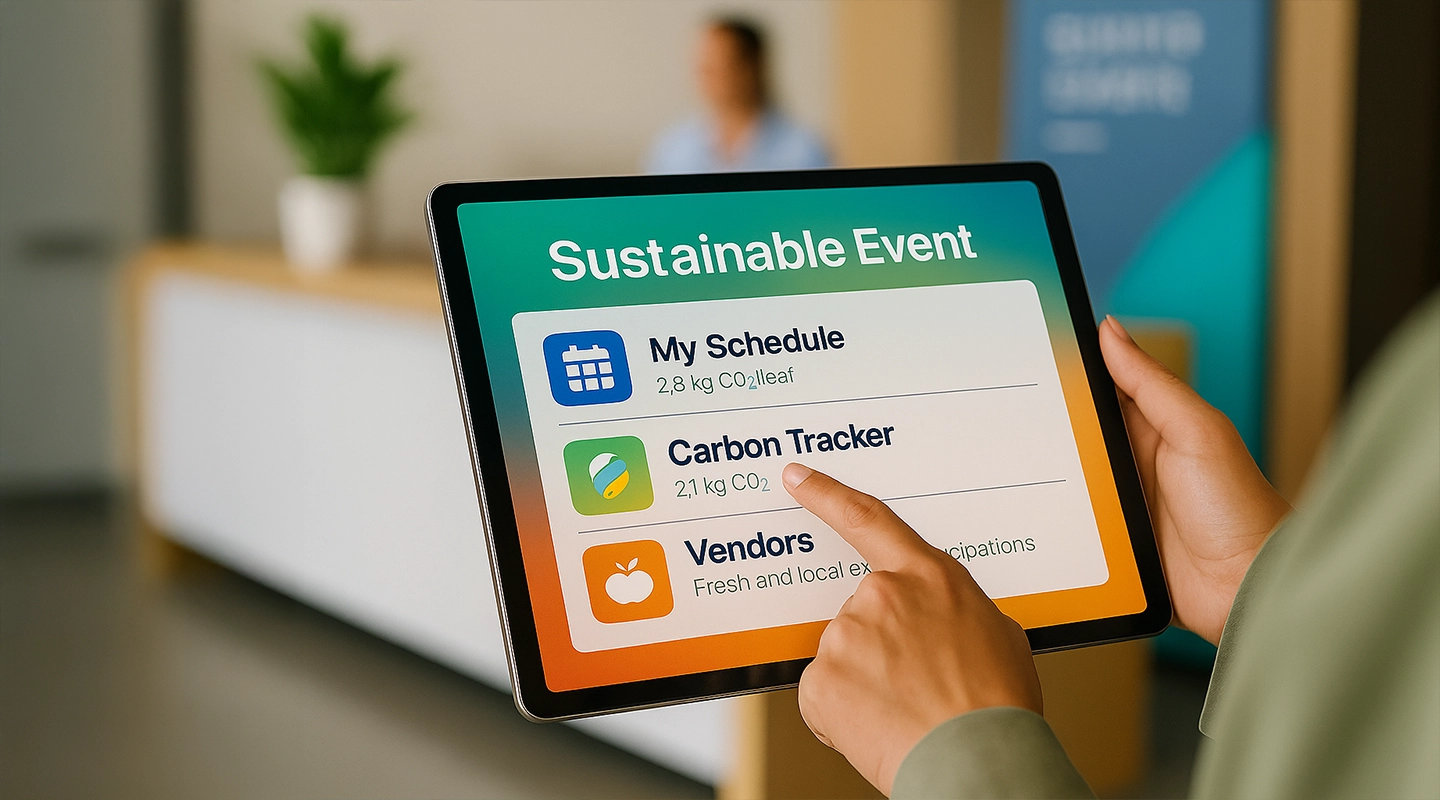
Include sustainability messaging in:
- Vendor contracts
- Staff onboarding
- Attendee pre-event communications
## Choosing Eco-Friendly Venues
Select venues with:
- ISO 20121 / LEED certifications
- Renewable energy sources
- Waste sorting and recycling systems
### Support Local Vendors:

Partner with:
- Local caterers
- Sustainable print shops
- Regional florists
## Sustainable Catering Practices
### Local and Organic Options
Use:
- Regional and seasonal produce
- Organic meats and dairy
- Plant-based menu choices
### Reduce Waste
- Offer pre-order meals
- Use compostable or reusable serving ware
- Donate leftovers to local shelters
## Efficient Waste Management Systems
### Recycling and Composting
- Clearly labeled bins
- Staff or volunteers helping attendees sort waste
- Partner with zero-waste vendors
### Smart Waste Management
Use:
- Trash sensors
- Automated composting systems
- Data analytics to improve future plans
## Promoting Sustainable Transportation
### Encourage Low-Emission Travel
- Carpool coordination tools
- Incentives for taking public transport
- Bicycle racks and walkable locations
### Hybrid and Virtual Events
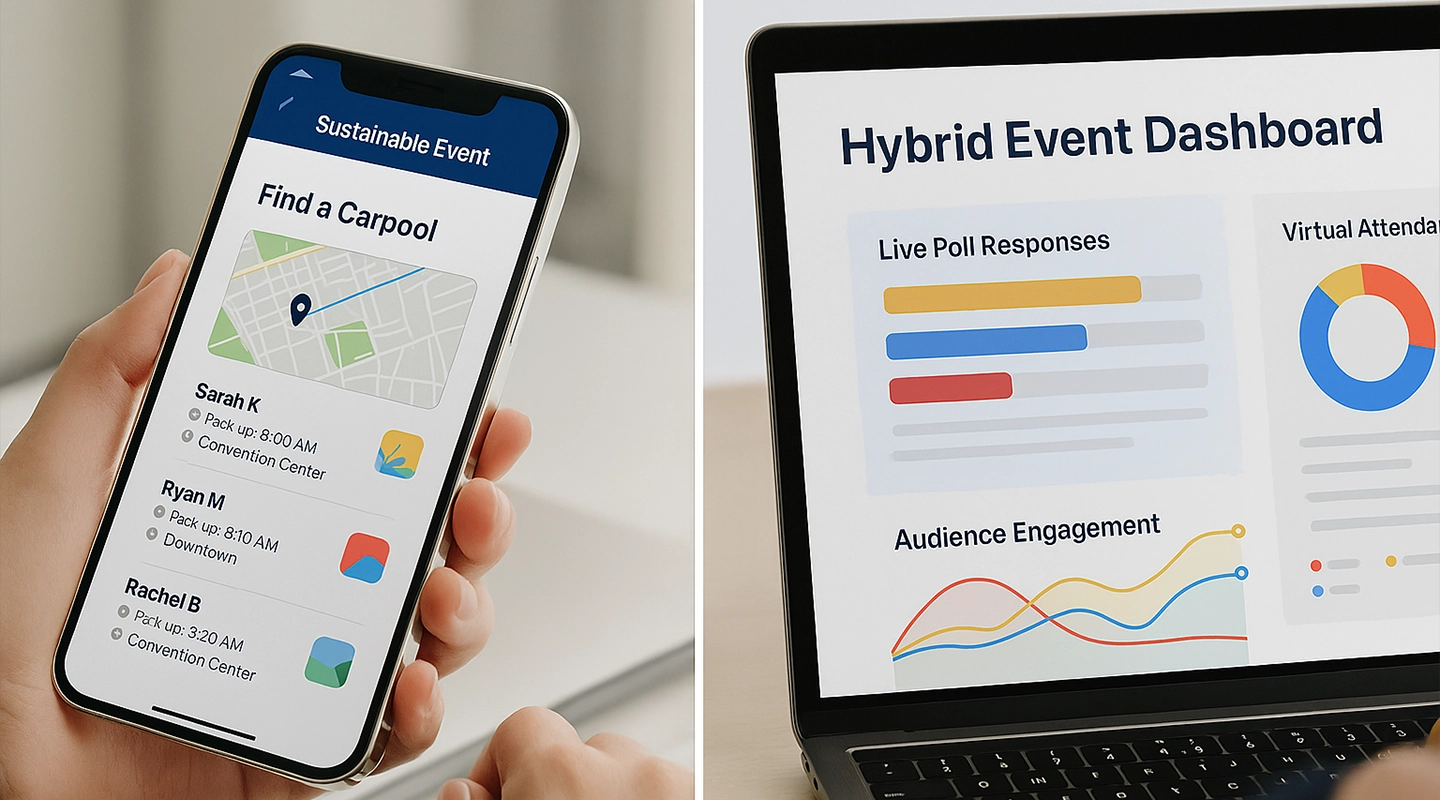
- Cut travel emissions by offering online attendance
- Fliplet-powered apps can support virtual attendance with content sharing and live updates
## Digital Solutions for Paperless Events
### Go Digital with:
- Invitations
- Check-ins
- Schedules
- Feedback forms
**Use Fliplet apps** to:
- Push updates
- Offer interactive maps
- Host downloadable documents
### Event Apps for Info Sharing
Event apps help reduce paper and:
- Centralize attendee comms
- Host sustainability reports
- Offer carbon tracking tools
## Communicating Sustainability Initiatives
### Marketing Sustainable Practices
Use:
- Social media campaigns
- Green signage
- Sustainability landing pages
### Educating Attendees
- Host on-site workshops
- Share eco-tips via apps
- Highlight local vendors and initiatives
## Measuring and Reporting Sustainability Results
### Set Measurable Goals
Examples:
- Reduce waste by 40%
- Save 10,000 sheets of paper
- Divert 80% of waste from landfill
### Celebrate Wins
- Share results in post-event emails
- Create infographics of success metrics
- Recognize vendors with best practices
## Summary
Sustainable event planning is more than a trend—it's a responsibility. From venue selection and catering to transportation and digital tools, every choice can reduce your environmental footprint and improve brand reputation. Adopt strategies, measure impact, and celebrate sustainable success to lead the way in event innovation.
Check out Fliplet's [ESG and Sustainability feature](https://fliplet.com/solution/event-esg-sustainability/) for tools to track sustainability including calculate carbon footprint, offer eco transit tips, and generate reports.
## FAQs
### What is sustainable event planning?
Sustainable event planning reduces environmental impact while promoting social and economic responsibility throughout all event phases.
### Why is sustainable event planning important?
It ensures events support environmental health, meet attendee expectations, and contribute to long-term business success.
### How can I choose a sustainable event venue?
Select venues with green certifications and sustainability policies, and prioritize local vendors to cut emissions.
### What are some key strategies for reducing waste at events?
Recycling programs, smart waste management systems, compostable serving ware, and digital tools reduce waste.
### How can I engage attendees in sustainability efforts?
Educate via apps, share real-time eco tips, and involve attendees in initiatives like zero-waste challenges.
## Related links
- [Event Management: Essential Tips for Planning and Executing Successful Events](https://events.fliplet.com/blogs/event-management-tips/): Master event management with essential tips on budgeting, logistics, and leveraging event management software. Learn key skills and strategies to plan and execute successful events seamlessly.
- [The Best Guide to Event Planning: Steps, Tips, and Checklist](https://events.fliplet.com/blogs/event-planning/): Discover how to plan, promote, and scale your event successfully. Get expert tips on event planning, marketing, and execution to ensure a seamless experience.
- [Perfect Event Itinerary Guide (Templates + Examples)](https://events.fliplet.com/blogs/creating-event-itinerary/): Learn how to create an event itinerary that ensures smooth operations and a great experience for attendees. Fliplet's essential tips for event Organisers.
---
# Ultimate Guide: How to create a Delivery App in 7 simple steps
> How to create a delivery app in 7 simple steps. Learn the key steps, tools, and planning tips to launch with less risk.
Source: https://fliplet.com/blog/how-to-create-a-delivery-app/
Content type: Blog
Published: 2026-05-18T15:24:42
Updated: 2026-04-05T07:53:18
Read time: 21 minutes
# Ultimate Guide: How to create a Delivery App in 7 simple steps
Delivery apps are reshaping how we shop and eat, providing the ultimate convenience of bringing what we want right to our doorstep. With the industry expected to hit a massive $291 billion by 2027, it's clear that these apps are not just a trend, but are a part of our daily routines.
Market context: [Statista's online food delivery market overview](https://www.statista.com/topics/871/online-food-delivery/) helps frame demand and product expectations for delivery apps.
If you're looking to join the wave and create a delivery app, there's never been a better time. But to stand out, you'll need to know the ins and outs of app development, from the must-have features to the smartest design strategies.
This blog lays out a strategic roadmap in seven straightforward steps on how to create a delivery app that not only meets the evolving demands of today's consumers but ensures they remain engaged and loyal.
## What is a Delivery App?
Understanding how to create a [delivery app](https://fliplet.com/solution/ecommerce-solution/) is essential in today's digital marketplace, but let's look deeper in its definition. A delivery app is a mobile or web-based platform that allows customers to order goods or services for delivery to their location. These apps typically offer a range of options, from food delivery like UberEats, groceries like Instacart, to a variety of products from local stores. They work by streamlining the process of ordering, payment, and delivery, all within the app's interface. With just a few taps, users can browse menus, select items, and track their deliveries in real time, making delivery apps a staple in the convenience-driven market.
## How Does a Delivery App Work?
Understanding how a delivery app functions is a vital step in learning how to create a delivery app that succeeds. A delivery app functions as a bridge connecting customers with restaurants, grocery stores, or other retail outlets. It's quite straightforward: once you've installed the app and set up your account, you can search for and select products or food you want. After you've placed your order, the app notifies a nearby delivery person to pick it up and bring it to your door. You can watch the progress of your order with real-time tracking, so you'll know exactly when to expect your delivery. Payment is also handled within the app, which means you can pay for your order and tip your delivery driver without the need for cash or face-to-face interaction. This convenience and efficiency is why delivery apps have become so popular.
## How to create a Delivery App in 7 Simple Steps
If you want to know how to create a delivery app, then follow these seven straightforward steps. This section will guide you through the whole process, from picking the right tools to getting your app out there and attracting customers. With a clear plan and the right approach, you can build a delivery app that stands out and meets the needs of your audience.
### Step 1: Research and Choose an App Builder
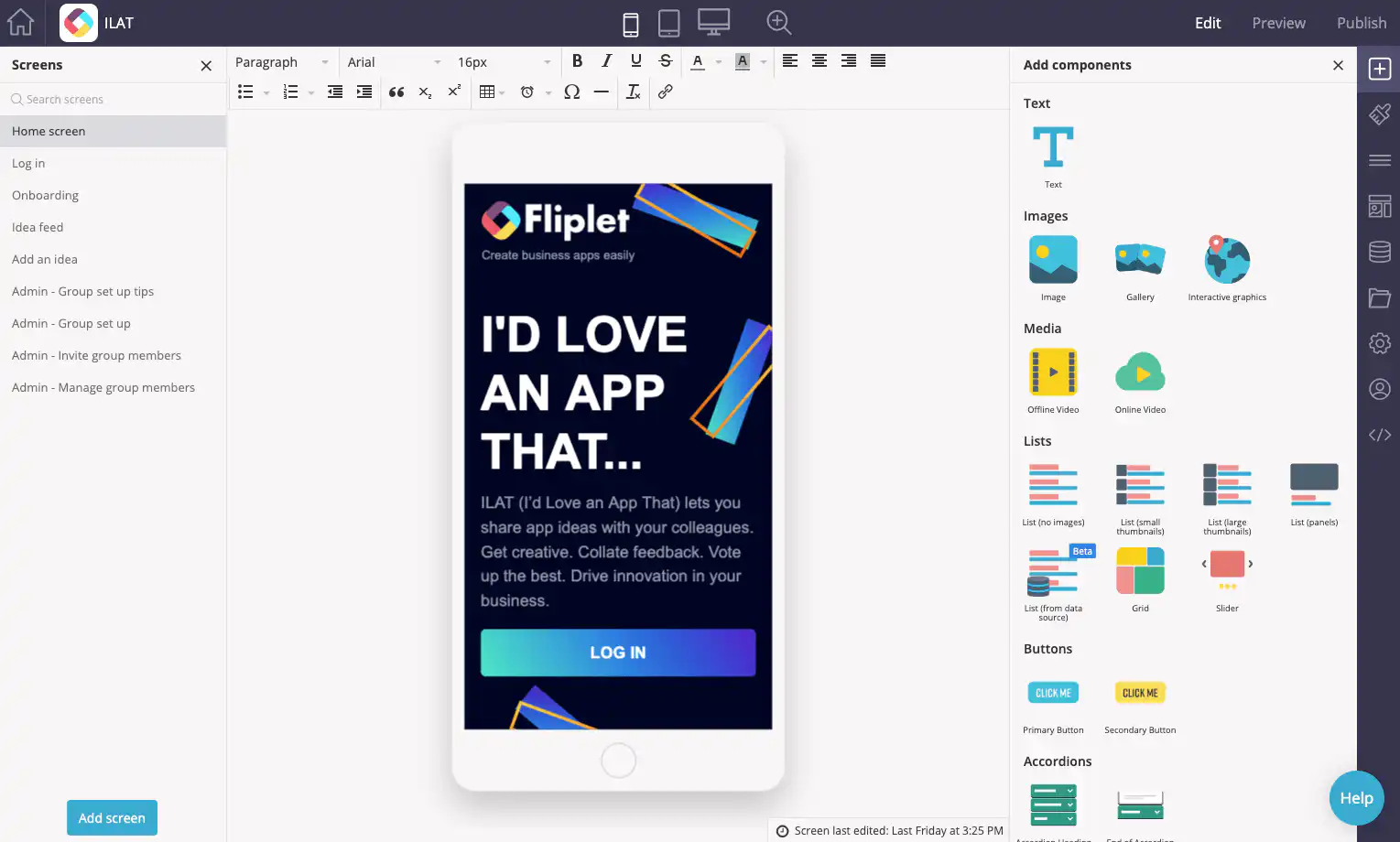
When setting out to create a delivery app, you'll encounter many app builders, each with its own set of features. Your goal is to find one that aligns with your specific needs. If a cost effective, easy to use solution is at the top of your list, then a no-code app builder is the way to go.
Creating a delivery app can be expensive and time-consuming, but it doesn't have to be. Fliplet offers a cost-effective and efficient outcome with our pre-built [Ecommerce and ordering solution](https://fliplet.com/solution/ecommerce-solution/). This solution provides a solid foundation for creating your own delivery app, eliminating the need for extensive design experience or resources. You can take what Fliplet has already designed and tailor it to your vision.
The capability to add or remove pre-built features with Fliplet allows for flexibility and personalization, making it an excellent pick for those aiming to launch their app swiftly. In the next step, we'll delve into the customization process and how you can use Fliplet to craft a unique and functional delivery app.
If you need guidance on finding a good app builder take a look at the [Top 10 Best App Builders to Create a Mobile App.](https://fliplet.com/blog/top-10-best-app-builder/)
### Step 2: Customize Your Delivery App to Reflect Your Brand
Once you've selected your app builder, the next step is to customize your app. Customization isn't just about aesthetics; it's about making your app recognizable and familiar to your customers, reinforcing your brand.
Fliplet enables you to customize the pre-built solutions. You can insert your own logo, apply your brand's color scheme, and select fonts to match your visual identity. By starting with Fliplet's templates, you can easily make the app your own, ensuring that every detail aligns with how you want your brand to be presented.
### Step 3: Incorporate Essential Features
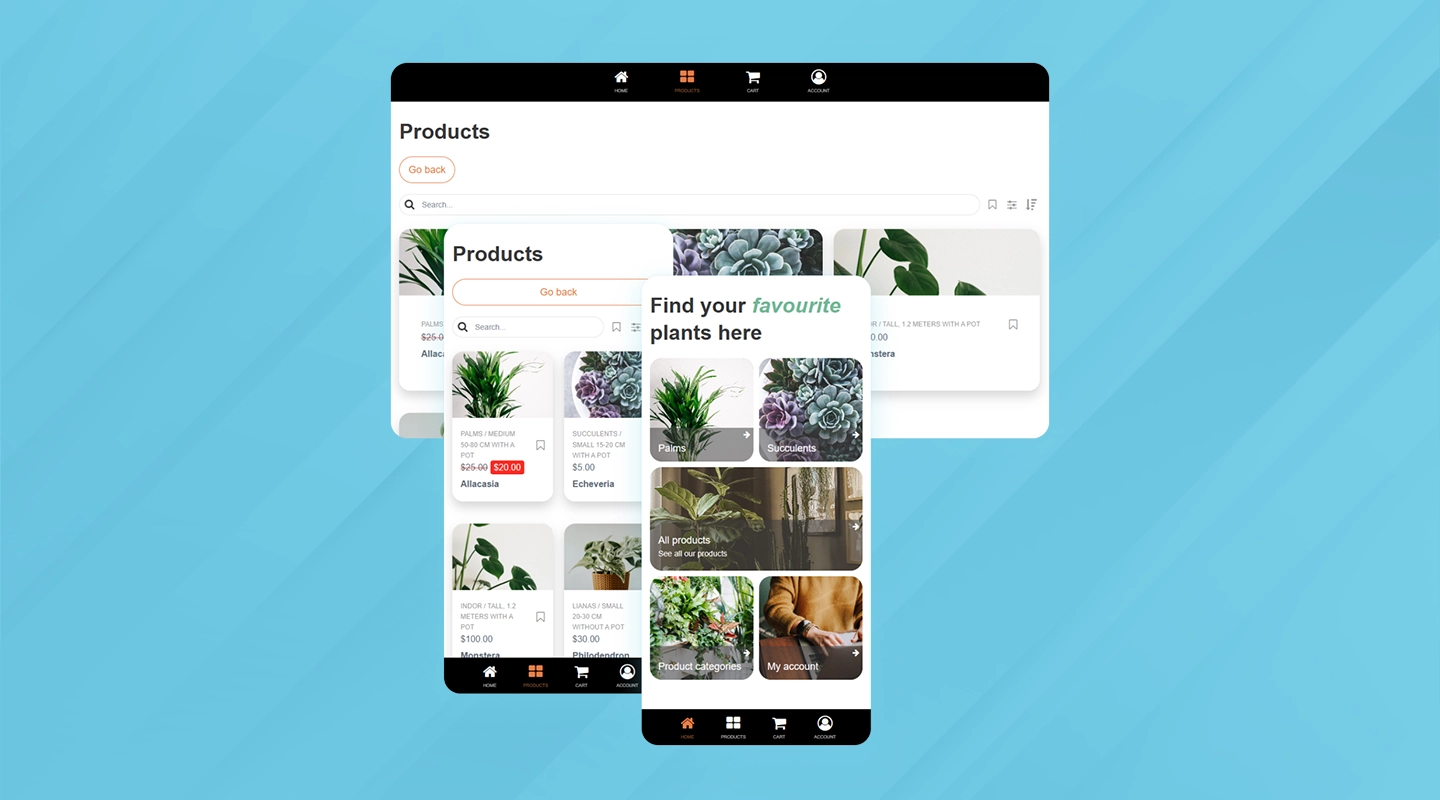
As you move forward with creating your delivery app, Step 3 is all about adding the essential features that will power your service. Keep in mind, not every app will require the same functionalities—it's about tailoring the feature set to fit the unique needs of your business and your customers. Stock management, efficient payment processing and real-time order tracking are just a few aspects that can elevate the user experience and operational efficiency. With Fliplet, you have the flexibility to choose from a suite of features, ensuring you can select only those that align with your goals.
### Step 4: Populate Your App with Content
Adding content to your app, especially your menu, is a crucial step that seems daunting but actually isn't. With Fliplet, you can smoothly upload your items and organize them in a way that lets users easily browse and find what they need.
The drag-and-drop feature in Fliplet empowers any team member to upload content to your app. It's designed for ease of use, so you don't need specialized skills to manage your menu or product listings. This accessibility means your business can keep the app up-to-date easily, ensuring that your offerings are ready for customers to purchase.
### Step 5: Testing Across Devices
No app should be launched without rigorous testing. This step can't be overlooked, as it ensures that your app works flawlessly across all devices and platforms. Fliplet allows you to test on iOS, Android, tablet, and web browsers. This cross-compatibility check is vital to provide all users with a smooth experience, regardless of their device choice. Catching and fixing bugs before your customers encounter them will pay dividends in the long run.
### Step 6: Publishing Your App on Stores
It is now time to publish your app. We recommend publishing your delivery app on both the App Store and Google Play and even on the web as it maximizes your reach. Each platform has a vast and unique user base, and by being present on both, you ensure that no matter the device, potential customers have access to your app. This approach helps cater to a wider audience, increasing the potential for more downloads and usage.
With Fliplet, you can prepare your app for launch on both platforms. Ensure you include appealing screenshots, a concise description, and relevant keywords to help your app stand out and be easily discoverable by potential users.
### Step 7: Market and Promote Your App
Building a good app is only half the battle; the other half is getting people to use it. Effective promotion is crucial to inform your target audience about your new app. To help get you started, take a look at [34 Proven Mobile App Promotion Strategies in 2026: Guaranteed to Boost Your Downloads.](https://fliplet.com/blog/34-mobile-app-promotion-strategies/)
Here are some ways you can let your audience know you have a new delivery app.Each promotional activity should be designed to boost your app's download rate and user engagement:
- **Printed QR Codes:** Place QR codes in your physical location. It encourages in-house clients to download the app instantly.
- **Website QR Code:** Embed a QR code on your site. Visitors can quickly scan and download the app, bridging the gap between web and mobile experience.
- **Dedicated Web Page:** Create a webpage dedicated to your app. It centralizes information and provides a platform for visitors to learn more, increasing the likelihood of downloads.
- **Email & SMS Campaigns:** Utilize these channels for direct communication. They have high engagement rates and can effectively inform existing customers about your app.
- **Discounts for Early Downloads:** Offer incentives for early adopters. A discount for the first 100 downloads can create a sense of urgency and boost initial user numbers.
- **Social Media:** Announce your app across social platforms. It spreads the word quickly and taps into the social networks of your followers, potentially reaching a vast audience.
Whether you've already launched an app or just about to take the plunge into the app publishing world, you'll want to maximize your app's potential by effectively promoting it before and after launch. Watch this webinar and unleash the power of app promotion as we provide you with strategies for success.
## On-demand Delivery App Maker to Easily Create Delivery Apps
Building a [delivery app](https://fliplet.com/solution/ecommerce-solution/) doesn't have to be a complex coding puzzle. Fliplet simplifies the question of how to create a delivery app by offering a user-friendly platform that streamlines app development from concept to launch. Whether you're a seasoned business owner or starting fresh, Fliplet provides the tools to create a stand out delivery app without the need of any technical expertise.
### Create a Delivery App with Fliplet
- **Quick Assembly:** Jumpstart your app with pre-built templates, getting your service market-ready in record time.
- **Drag-and-Drop Interface:** Easily add and arrange features with an intuitive interface, requiring no programming skills.
- **Make the App Your Own:** Tailor the app to your brand with customizable themes, logos, and color schemes.
- **Array of Features:** From product listings to payment processing, integrate essential components effortlessly.
- **Cross-Platform Compatibility:** Ensure a smooth user experience across iOS, Android, and web platforms.
- **Easy to Update:** Modify and update your app content in real time without disrupting the user experience.
- **Integrated Analytics:** Track user engagement and app performance directly within Fliplet, which can help you make data-driven decisions to improve your service.
- **Push Notifications:** Engage with your users directly by sending timely push notifications for promotions, updates, or order statuses.
- **Offline Functionality:** Design your app to work offline, so users can browse the menu and prepare orders even when they don't have an active internet connection.
- **Social Media Integration:** Allow users to share their orders or favorite items on social media directly from the app, enhancing your brand's visibility.
- **Feedback and Ratings:** Incorporate a system for users to leave feedback and rate their experiences, which can build trust with new users and provide valuable insights for service improvements.
Whether you're aiming to transform your local delivery service or scale to new heights, Fliplet enables you to create an app that aligns with your vision and operational needs. Discover [How an App Builder can improve your Digital Transformation Strategy.](https://fliplet.com/blog/how-an-app-builder-can-improve-your-digital-transformation-strategy/)
## How to make a delivery app a success with these features
Understanding how to create a delivery app with a well-designed interface can significantly distinguish your offering from the competition. It's not just about the convenience of ordering; it's about crafting an experience that keeps customers returning. Here's how incorporating specific features can elevate your delivery app, driving both efficiency and satisfaction.
### Key features of a delivery app that you need:
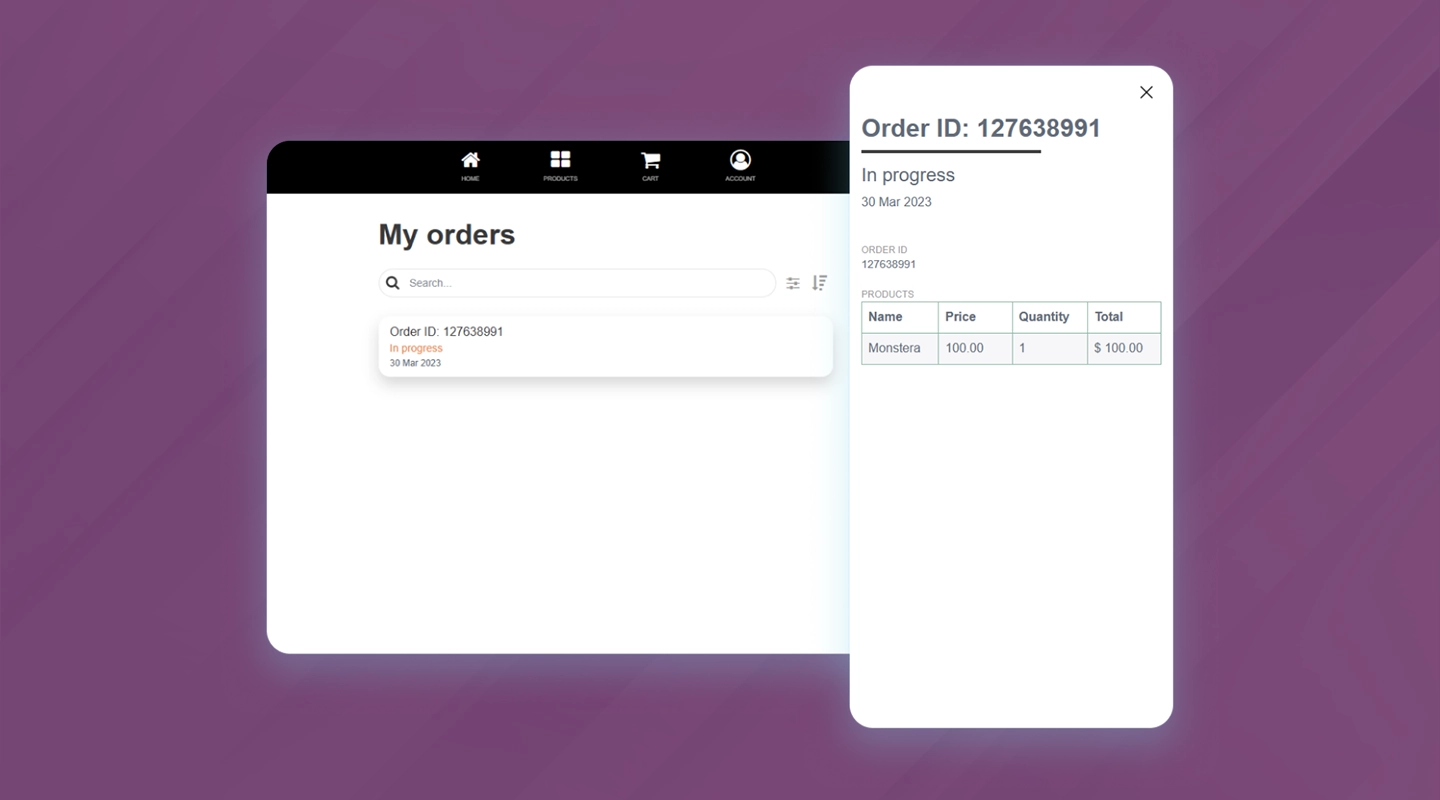
- **Stock Management:** Maintaining accurate inventory levels is essential. This functionality prevents the frustration of unavailable items, showing customers real-time stock, which helps build trust and reliability in your service.
- **Data Capture for Notes and Surveys:** This feature is a direct line to your customer base, enabling you to gather feedback and make informed decisions that resonate with your users, thereby enhancing their overall experience.
- **Stripe Integration for Payments:** Offering a variety of payment options through Stripe not only broadens your customer base but also automates the transaction process, reducing administrative overhead and improving operational efficiency.
- **Order Management:** This keeps both you and the customer in sync with the order's progress. It's critical for managing expectations and delivering a transparent service that can adapt to demands.
- **Support Ticketing System:** Customer queries and issues are inevitable, but how you handle them makes all the difference. A streamlined ticketing system creates a supportive environment that can significantly boost customer satisfaction and loyalty.
### How to Create a Delivery App Your Customers Will Love: Must-Have Features:
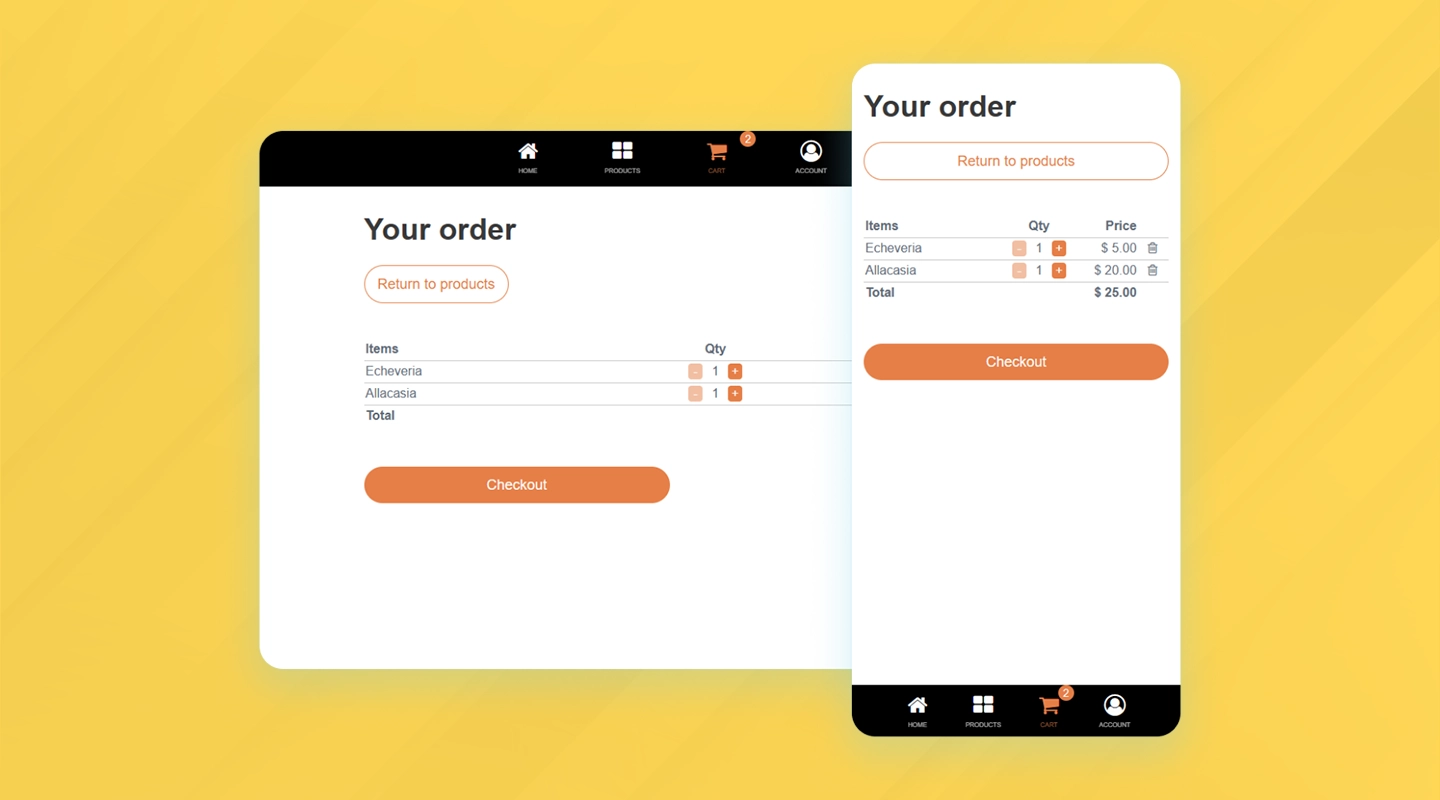
- **User-Friendly Interface:** An intuitive design is essential for a smooth user journey, encouraging repeat usage due to its simplicity.
- **Flexible Shopping Cart:** The ability to modify orders gives customers a sense of control and adaptability.
- **Easy Checkout:** Transparency at checkout prevents last-minute drop-offs and encourages users to complete their purchases, knowing exactly what they're paying for.
- **Order Confirmation Emails:** A summary email serves as a transaction record for customers, providing peace of mind and a reference point for order queries.
- **Efficient Browsing:** The less time it takes for a customer to find what they need, the more enjoyable their shopping experience – a crucial factor in app success. Make sure your delivery app platforms has a feature to let your users search and filter through your products
Key features like stock management, streamlined payment options, immediate order updates, and user support can significantly improve both the customer experience and the behind-the-scenes work. Take a look at all of Fliplet's [Delivery App features](https://fliplet.com/solution/ecommerce-solution/).
## Top Industries That Build Delivery Apps: A Guide on How to Create a Delivery App
The surge in on-demand delivery apps has been a defining trend of recent years, further accelerated by the pandemic's call for contactless transactions. These platforms have proved indispensable for providing secure and convenient services, benefiting both consumers and businesses.
As interest in how to create a delivery app continues to rise, numerous sectors are adopting on-demand delivery services to meet the evolving needs of the market. Here are some key industries that have integrated these apps into their operations effectively.
### Food Delivery Apps
The dining sector has embraced on-demand delivery to expand customer reach. Restaurants utilize these apps for a direct line to customers, offering doorstep delivery of meals.
### Grocery Service Apps
Grocery services have simplified the chore of shopping. Users can now easily order from a variety of retailers and have their groceries delivered without stepping out.
### Retail Market Apps
Delivery apps in retail let consumers shop for a range of products, from attire to tech gadgets, with the convenience of home delivery, giving a significant lift to e-commerce.
### Healthcare and Medicines Delivery Apps
The healthcare sector has benefited from pharmacy delivery apps, catering to individuals who need medications delivered due to health or mobility restrictions.
### Delivery and Logistics Delivery Apps
Logistics operations have been refined with on-demand apps that assign and track deliveries for optimal efficiency, leading to quicker service and higher customer satisfaction.
### Beauty and Wellness Delivery Apps
These apps have transformed access to beauty and personal care products, offering a personalized, efficient shopping experience and opening up new revenue streams for businesses.
If you're considering enhancing your service delivery, creating an on-demand delivery app could be the strategic edge your business needs. With platforms like Fliplet, developing your custom app is straightforward and cost-effective. Take a look at [The Top 10 Mobile Enterprise Application Platforms for 2026.](https://fliplet.com/blog/top-10-mobile-enterprise-application-platforms/)
## Elevate Your Service Game with an On-Demand Delivery App Builder
Having your own delivery app can bring lots of benefits to your business and customers. It makes ordering easy, so customers can get what they need without hassle. They'll enjoy the speed of getting their orders fast, the convenience of shopping from anywhere, and the peace of mind from easy tracking of their deliveries. All these features work together to make a customer's experience better, which means they're more likely to be happy with your service and come back. For your business, this means more sales, happier customers, and a strong reputation as a company that knows how to take care of its customers' needs.
## From Concept to Launch: How to Create a Delivery App Like the Market Leaders
When considering how to create a delivery app, examining industry leaders can provide key insights into successful strategies and features. These top delivery apps have not only conquered market share but also offer unique elements that define their service excellence.
### Instacart Grocery App
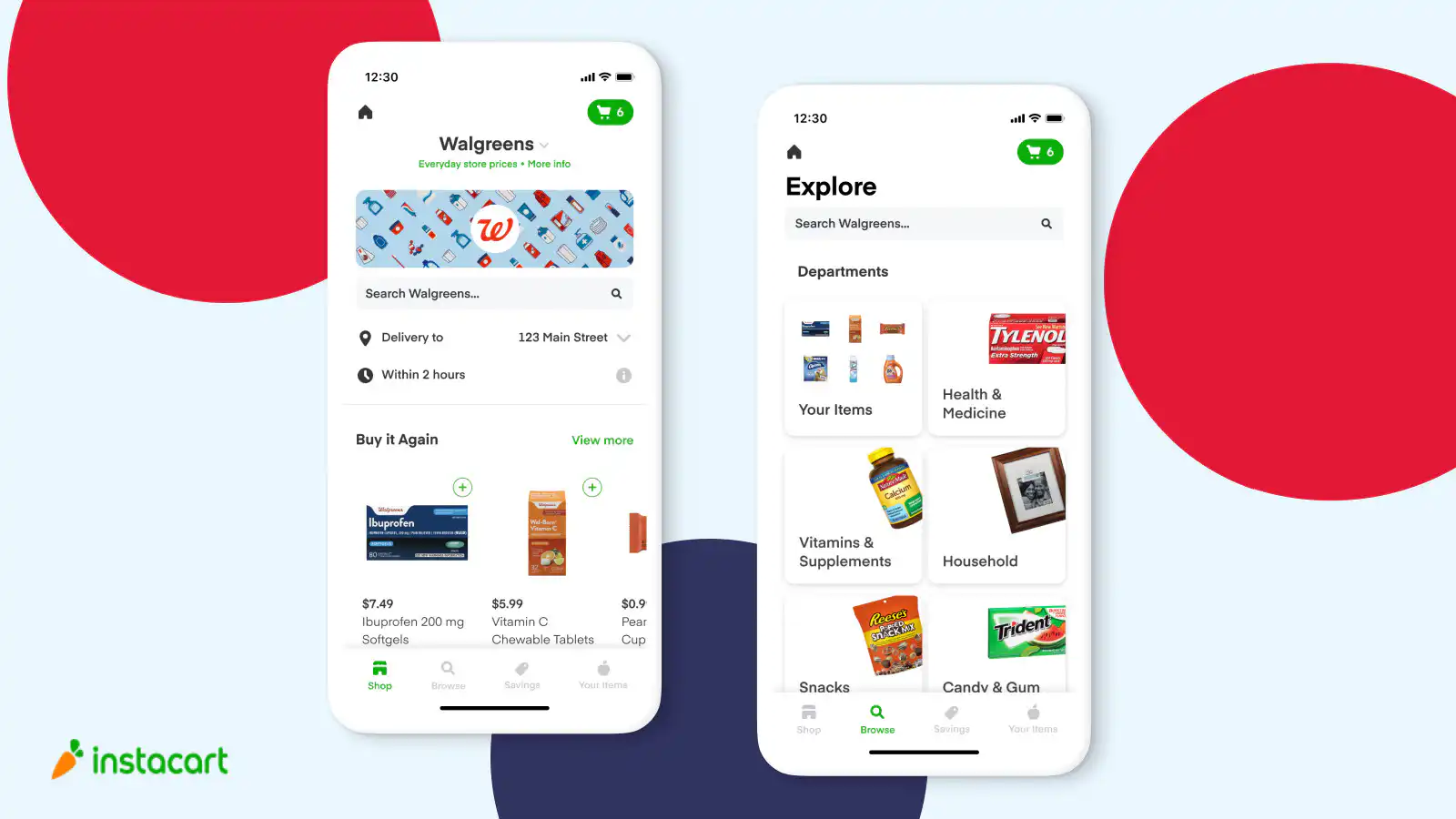
Instacart has become a go-to service with grocery delivery, providing users with a seamless interface to shop from various stores in their area. The app's user-friendly interface, real-time updates, and flexible delivery options have set a high standard for grocery delivery services.
### UberEats Food Delivery App
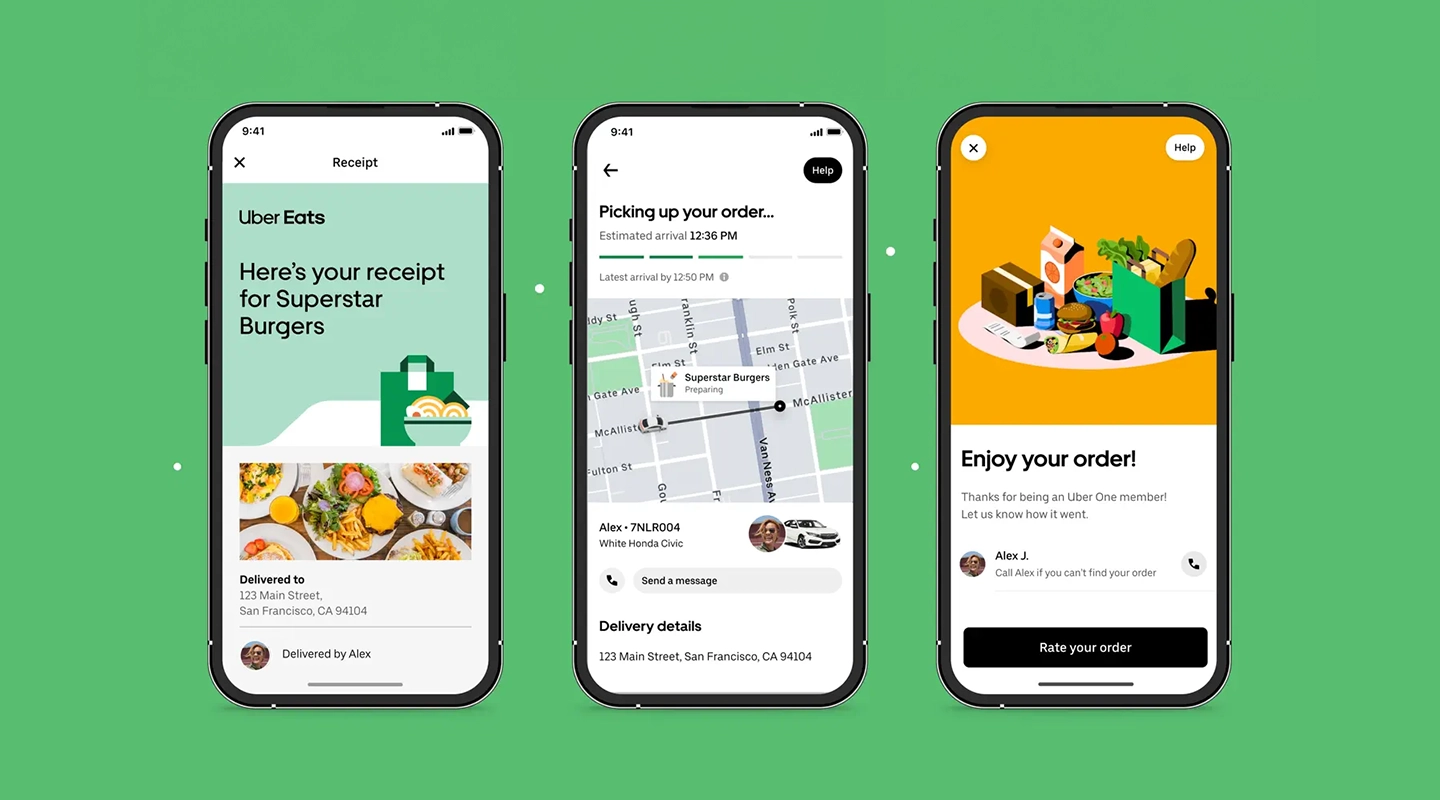
UberEats leverages Uber's vast network to offer food delivery from a wide array of restaurants. Its success lies in its intuitive design, efficient delivery logistics, and innovative features like order tracking and scheduled deliveries.
### Glovo Delivery Service App
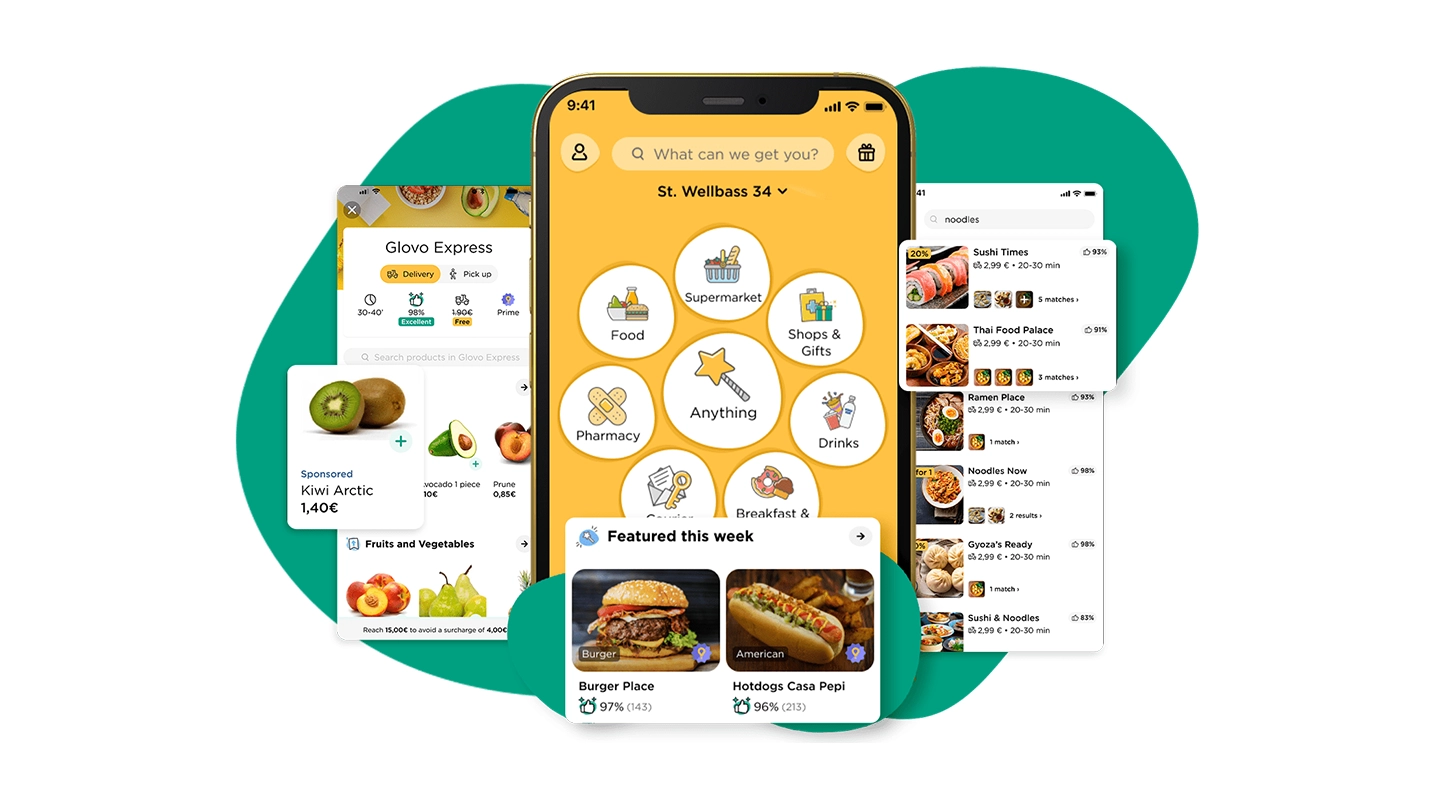
Glovo stands out by delivering more than just food; users can order anything from groceries to pharmaceuticals. Glovo's multipurpose approach and commitment to quick delivery have made it a model for versatility and convenience in the delivery app sector.
Diving into the creation of a food delivery app is just the beginning. As your app gains traction and your business grows, you'll face the challenge of scaling your mobile app efficiently. Fortunately, with the right strategies, scaling doesn't require extensive coding knowledge or draining your IT resources. Explore our comprehensive guide, [Ultimate Guide: How to scale mobile enterprise app development without coding or IT resources](https://fliplet.com/blog/mobile-enterprise-app-development-without-coding/), to discover practical, streamlined methods for expanding your app's capabilities and user base as your market presence grows.
## How Much Does it Cost to Create an App Like Uber Eats?
Creating a food delivery app like Uber Eats involves many parts, including understanding how to create a delivery app, making the app look good, setting up maps, and adding ways to pay.The cost for making an app like this starts at £15,000 and can go up to £45,000 or more, especially if you want more complex features.
Here's a simple guide that shows how long each part might take to make and how much it might cost:
Description
Time Frame (Hours)
Average Rate
Total Cost
UI/UX design
50-60
$52
$2,600-$3,120
Registration & other workflows
100-120
$52
$5,200-$6,240
Geolocation services
120-130
$52
$6,240-$6,760
Financial Instruments
100-120
$52
$5,200-$6,240
Analytics Integration
8-10
$52
$416-$520
Communication & Notification
70-80
$52
$3,640-$4,160
Total
$23,296-$26,040
While the estimates given provide a general idea of the costs involved in app development, actual expenses can differ significantly. This variability is due to several aspects, such as where the developers are based, the intricacy of the app's features, and the project's unique demands.
Utilizing a no-code app builder like Fliplet, you have the advantage of creating a food delivery [web app](https://fliplet.com/blog/10-best-mobile-application-development-platforms/) at no initial cost, or developing a [mobile app](https://fliplet.com/blog/10-best-mobile-application-development-platforms/) starting at just $9.90 per month. One of the major benefits is you avoid traditional development costs and can take advantage of a variety of features and support options right away. Building an app on Fliplet is straightforward, requiring no coding skills.
## How to Create a Free Delivery App or Website
To create a free delivery app or website, start by clearly outlining what you want it to achieve. Think about the kind of products or services you'll be offering and what features your customers might expect, such as real-time tracking or secure payment options. Once your goals are clear, the next step is to choose whether you want to focus on an app, a website, or both. A website can often be a great place to start because it's accessible to both desktop and mobile users and can be less expensive to set up. Next you need to choose your app building platform. Look for a platform that is user-friendly and offers customization to match your brand and service needs. If you need help with this step we have researched the [6 Web Application Development Platforms to Build a Free Web App.](https://fliplet.com/blog/9-web-application-development-platforms-to-build-a-free-web-app/)
When it comes to building and launching a delivery web app for [free](https://studio.fliplet.com/signup), Fliplet offers a viable solution. With Fliplet, you can create and publish a delivery web app at no initial cost. The platform provides a pre-built template which can be a strong starting point. You can customize these templates to align with your brand, including adding features such as order forms, product catalogs, and delivery scheduling. Fliplet's drag-and-drop interface makes it easy to build your app without needing to code. Once you're satisfied with the design and functionality, you can publish it directly through Fliplet. This accessibility can significantly reduce the time and investment typically required for creating a delivery app from scratch.
## Looking to Create a Delivery app? It's Time to Take Action
It is safe to conclude that the popularity of on-demand food delivery apps is accelerating quickly and is not expected to slow down any time soon. Therefore, right now would be a fantastic opportunity to create your food delivery app and position yourself as one of the top emerging businesses in this fiercely competitive sector. Following the seven steps in this blog can guide you from ideation to launch, ensuring that your app not only enters the market but also stands out.
Using a no-code app builder like Fliplet will speed up the building process and reduce costs significantly. You'll have access to an extensive suite of features, from customizable templates that resonate with your brand identity to drag-and-drop content management systems that make updating your app easy.
Fliplet also provides good testing capabilities across multiple devices, ensuring a smooth user experience. Moreover, the streamlined publishing process means you can launch on app stores and the web effortlessly.
Fliplet empowers you to transform your vision into a live app quickly and easily. So why wait? Start building your delivery app for [free](https://studio.fliplet.com/signup).
## FAQs
### Creating a delivery app involves several steps. Here's a simplified guide
1. Research and choose an app builder or development method that suits your needs.
2. Customize the app to reflect your brand identity.
3. Incorporate essential features like stock management, payment processing, and real-time order tracking.
4. Populate your app with content, such as menus or product listings.
5. Test your app across different devices to ensure functionality.
6. Publish your app on app stores and the web.
7. Promote your app through various channels to attract users.
To create a food delivery app, you can follow the same general steps mentioned above for creating a delivery app. However, you should focus on specific features tailored to food delivery, such as menu management, order customization, delivery tracking, and integration with restaurants and delivery drivers. Customizing your app to suit the food delivery niche and partnering with local restaurants can enhance your app's success.
Creating a delivery service app follows the same fundamental steps as creating a delivery app. You'll need to research and choose the right app builder or development method, customize the app to match your brand, add essential features for managing deliveries, provide real-time tracking, and ensure seamless payment processing. The key is to tailor the app to your specific delivery service, whether it's for groceries, packages, or any other type of delivery.
Developing a grocery delivery app is similar to creating a food delivery app, with a focus on groceries. You'll need features for managing grocery items, categorizing products, handling orders with various quantities, and ensuring timely delivery. Customization is key to making your app user-friendly and visually appealing for grocery shoppers.
To create a food delivery app or website, begin by mapping out the specific features you want, such as menu selection, order placement, and payment processing. Choose a platform or service that allows you to build applications, and consider utilizing templates and tools that cater specifically to food delivery services. Ensure your app or website has a user-friendly interface, is mobile-responsive, and offers secure transactions. You may need to integrate a database to manage orders, customer details, and keep track of your inventory.
To create a delivery route with multiple stops in the Google Maps app, start by opening the app and entering the first destination. Once it appears on the map, tap on 'Directions'. Then, tap on the three dots in the upper right corner and select 'Add stop'. You can add multiple stops, and drag to reorder them as needed. Google Maps will then create a route that includes all your specified points.
To create a food delivery app for free, consider using a free app builder platform that provides templates for food delivery services. Look for platforms that offer no-cost options to build and deploy your app. You'll likely need to compromise on some aspects, such as accepting ads in your app, having limited features, or using a subdomain. Customize the template with your menu, branding, and the necessary features. Keep in mind that while the building might be free, some costs could still apply for app maintenance or advanced features.
The cost of creating a grocery delivery app like Instacart can vary based on factors such as complexity, features, development resources, and location. Generally, the cost may range from tens of thousands to hundreds of thousands of dollars. To get a more accurate estimate, it's advisable to consult with app development professionals who can assess your specific requirements and provide a detailed cost breakdown. Using a no-code app builder like Fliplet can also significantly reduce development costs.
## Creating your business apps has never been easier
## Related links
- [Ultimate Guide: How to scale mobile enterprise app development without coding or IT resources](https://fliplet.com/blog/mobile-enterprise-app-development-without-coding/): Fliplet compiled an ultimate guide on how to scale mobile enterprise app development without coding or IT resources
- [Top 10 Mobile Enterprise Application Platforms](https://fliplet.com/blog/top-10-mobile-enterprise-application-platforms/): Fliplet compiled a list of the top 10 mobile enterprise application platforms. Read more within.
- [The Best Low Code/No Code Development Platforms](https://fliplet.com/blog/the-best-no-code-low-code-development-platforms/): Fliplet compiled a list of the best Low Code/No Code Development Platforms. Find out more within.
---
# Web Application Development Platforms to Compare in 2026
> Compare web application development platforms and free starting points by use case, cost, security, integrations, publishing, and long-term ownership.
Source: https://fliplet.com/blog/9-web-application-development-platforms-to-build-a-free-web-app/
Content type: Blog
Published: 2023-10-13T13:12:17
Updated: 2026-09-02T12:00:00
Read time: 13 minutes
# Web Application Development Platforms to Compare in 2026
A web application development platform gives you the tools and environment needed to build, run, and maintain browser-based software. The right choice depends on what the app needs to do and who will own it: developers may prefer a code framework, publishers may need a content system, retailers may need a commerce platform, and business teams may benefit from a managed software platform.
This comparison covers 6 representative approaches and distinguishes a free starting point from production readiness. A free framework or plan may reduce licence cost for learning and prototypes, but it does not remove engineering, hosting, security, integration, support, or governance work.
## Key takeaways
- Start with the software you need: a content site, ecommerce store, internal tool, SaaS product, and governed business solution need different platforms.
- Free tiers can help with early prototypes, but production software needs budget, security, support, integrations, analytics, and a maintenance owner.
- Compare long-term fit as well as creation speed, including governance, security, integrations, cost, and ownership.
## What is a web application platform?
A web application platform is a product, framework, or hosted environment used to build and run software through a browser. Some platforms give developers code-level control. Some help business teams create software from AI prompts and configurable starting points. Others specialize in content publishing, membership areas, ecommerce, portals, internal tools, or data-backed services.
A website mostly publishes information. A web app lets people do something: submit data, search records, approve requests, manage tasks, view personalized content, buy products, or access role-based tools. Many business apps also need mobile access because users move between desk work, field work, meetings, and travel. A serious platform comparison therefore has to look at creation, data, permissions, publishing, support, security, and long-term change.
Teams comparing standard tools before choosing a build path can review these [business software options](/blog/22-essential-business-apps-for-businesses-of-all-sizes/) by use case, fit, and pricing model.
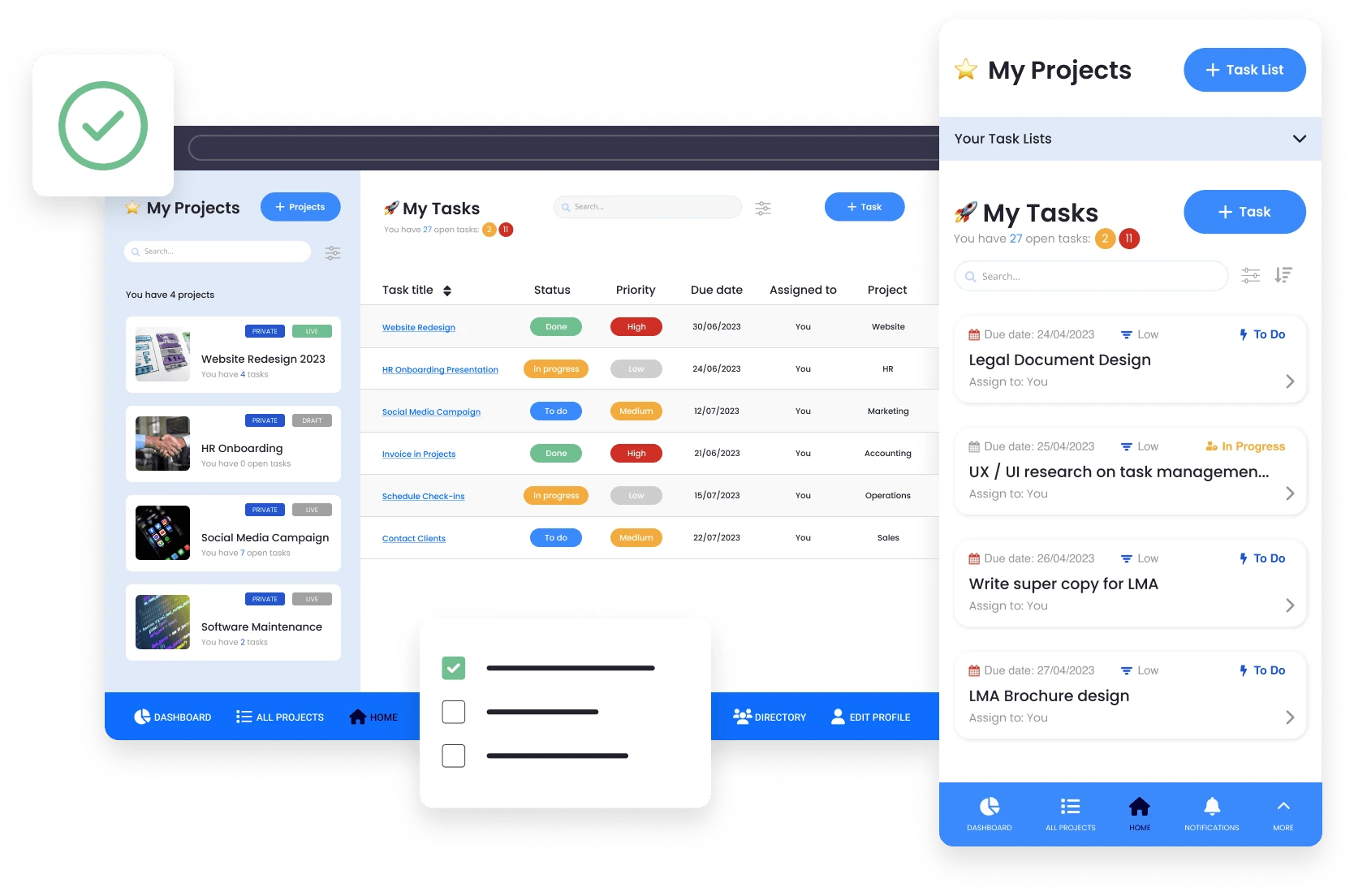
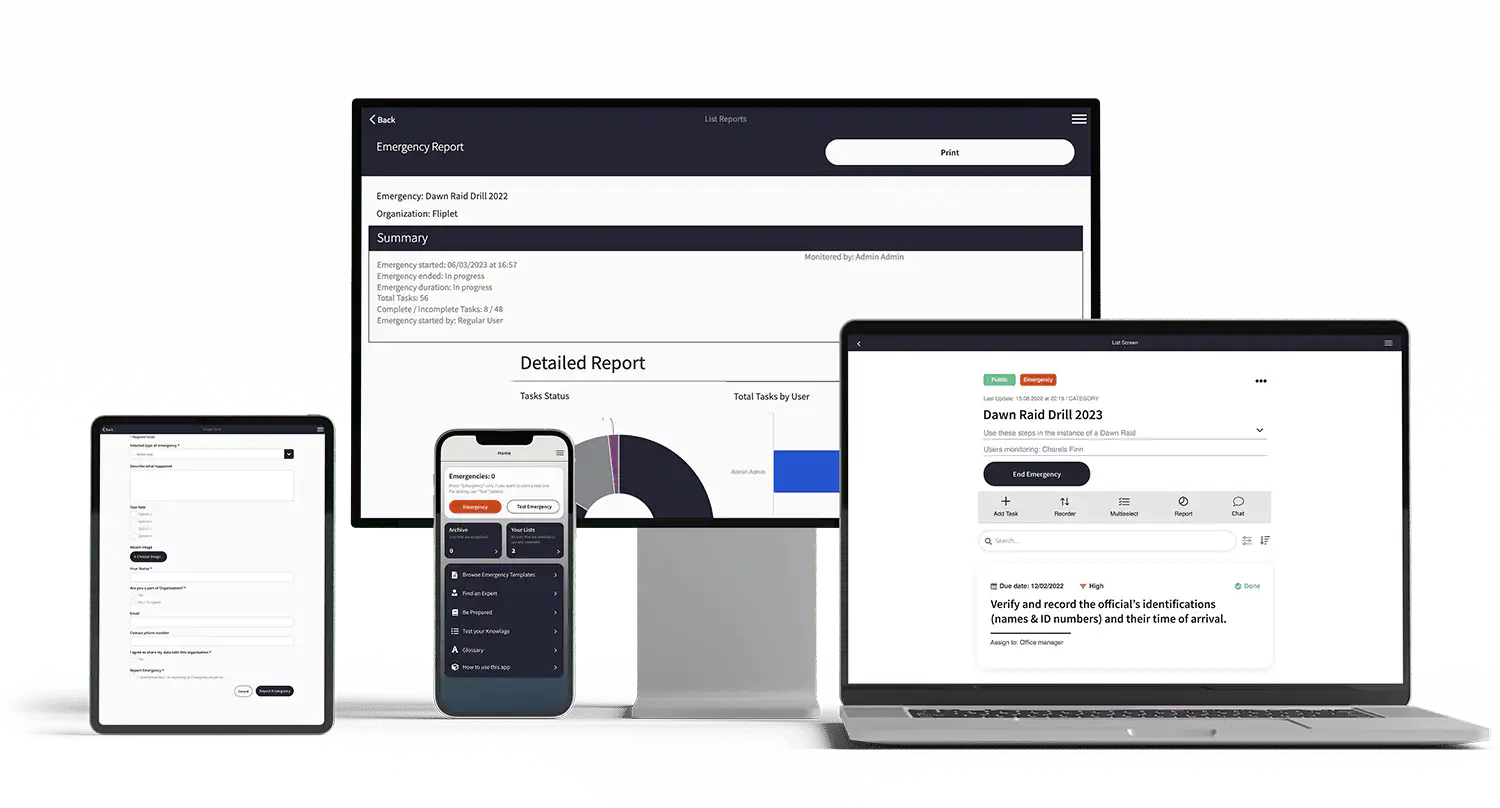
## How web app development has changed
Web app development once meant a fairly direct choice: hire developers, choose a framework, build the app, host it, and maintain it. That path still matters, especially for custom products. Teams now have more routes from idea to production, including AI app builders, visual platforms, internal-tool builders, headless content systems, ecommerce platforms, and frameworks supported by AI coding tools.
More choice also makes false comparisons easier. Ruby on Rails and Shopify are not trying to solve the same problem. Angular and WordPress do not have the same owner, cost model, or maintenance profile. Fliplet and a code framework can both produce business software, but the operating models are different: one is a managed platform for creating and launching software, while the other is a custom development route.
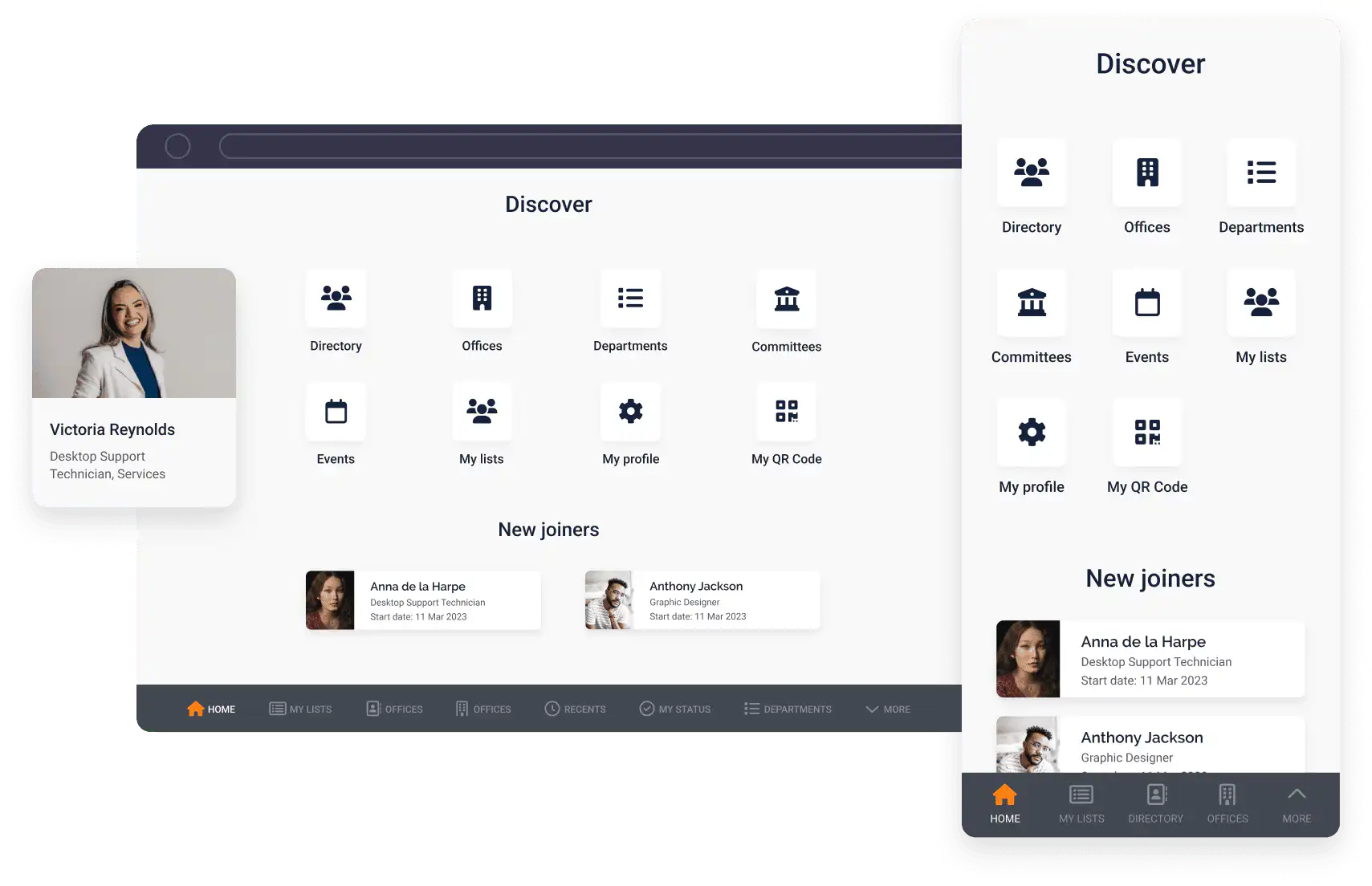
The same shift is visible in how teams build. A platform is easier to evaluate when you can see how app creation, content editing, and publishing work in practice.
Proof matters before a vendor shortlist. Customer examples help show whether the platform has been used for real business apps rather than only polished demos.
## Comparison method
This comparison uses six examples to represent different delivery models: full-stack code, front-end engineering, Microsoft-oriented custom development, managed business software, content-led web experiences, and commerce.
The comparison dimensions are: intended user, creation model, hosting and publishing, data and integrations, identity and permissions, production governance, ongoing skills, and total ownership. Check the provider's current plan and regional availability when you narrow your shortlist.
Primary sources:
- [Ruby on Rails Guides](https://guides.rubyonrails.org/)
- [Angular documentation](https://angular.dev/overview)
- [Microsoft ASP.NET Core documentation](https://learn.microsoft.com/en-us/aspnet/core/)
- [Fliplet platform documentation](/platform-overview/) for capabilities, security, and pricing context
- [WordPress documentation](https://wordpress.org/documentation/)
- [Shopify developer documentation](https://shopify.dev/docs)
Frameworks and CMS software that can be downloaded without a licence fee are not automatically “free” in production. Hosting, development, maintenance, extensions, security, monitoring, and support still need owners and budget.
## Criteria for choosing a platform
Start with the app's operating context. Who will own it after launch: a business team, IT, product, operations, or an external partner? If non-technical teams will maintain content and users, they need safe editing paths, approval controls, practical documentation, and support. If developers own the app, they may need source control, custom code, staging environments, observability, and deployment ownership.
Data is usually the second constraint. Most useful web apps connect to something: CRM, HRIS, SQL databases, spreadsheets, document systems, identity providers, analytics tools, payment systems, or internal APIs. Compare native connectors, API support, authentication options, write-back capability, sync frequency, error handling, and ownership of connected systems before you commit.
Governance and security matter when the app handles employee, client, operational, financial, legal, healthcare, or confidential information. Check role-based access, single sign-on options, audit trails, approval controls, admin ownership, data protection, support, and publishing at the plan level you are actually considering. The [security](/security/) page is useful if you are comparing enterprise controls before choosing Fliplet.
AI should be judged by what happens after the first draft. A prompt-generated app is helpful only if your team can inspect it, refine it, add roles, connect data, test important tasks, publish safely, and maintain it. Review [AI app builders](/ai-app-builders/) to see how prompt-assisted creation connects to production requirements.
Finally, [compare total cost](/price-calculator/) rather than starting price. Look at user or seat pricing, app limits, data and storage limits, paid connectors, support level, custom branding, security controls, developer time, maintenance time, and migration cost if the platform stops fitting. Use [pricing](/pricing/) to frame those questions early instead of after a prototype has become politically hard to replace.
## Benefits of web app development
Web apps remain attractive because they are useful and widely accessible. A good web app can let customers complete tasks without waiting for staff, help employees act on information faster, replace spreadsheet-heavy processes, collect data with fewer errors, and make important services available from any device with a browser.
The benefits are strongest when the platform matches the app. A content-heavy membership hub can gain search visibility and editorial speed from a content platform. A commerce app can move faster on a platform built around checkout and inventory. A secure employee app may need permissions, analytics, mobile access, support, and governance more than it needs unlimited custom code. A custom SaaS product may need the opposite.
## Quick comparison
| Platform | Best fit | Build model | Main tradeoff |
| --- | --- | --- | --- |
| Ruby on Rails | Custom products, SaaS apps, marketplaces, and developer-owned systems | Full-stack code framework | High control, but requires developers, architecture, DevOps, testing, and maintenance |
| Angular | Structured front-end applications and enterprise interfaces | Front-end framework | Strong for engineering teams, but needs backend, hosting, auth, deployment, and support |
| ASP.NET Core | Microsoft-oriented custom web apps, APIs, and services | Code-first .NET framework | Powerful for custom builds, but requires engineering ownership |
| Fliplet | Business software across web and mobile | Prompt-led creation with AI-assisted editing | Includes data management, access controls, integrations, analytics, version history, and web and mobile publishing |
| WordPress + plugins | Content-led apps, membership areas, resource hubs, and simple portals | CMS plus plugin ecosystem | Familiar and SEO-friendly, but plugin quality, security, performance, and maintenance are the risks |
| Shopify | Ecommerce stores and commerce-led services | Hosted commerce platform | Excellent for commerce, but not a general business app platform |
### Free, web-only, and enterprise needs
| Question | Free starting point | Web-only requirement | Enterprise production requirement |
| --- | --- | --- | --- |
| What it proves | The team can learn the model or prototype a thin slice | The browser experience supports target tasks and devices | The complete operating model supports identity, data, integration, release, support, and control |
| What to verify | Usage, export, collaboration, publishing, and commercial-use limits | Browser support, responsive behavior, accessibility, SEO where public, offline needs, and hosting | SSO, roles, environments, audit, retention, residency, procurement evidence, support, incident response, and exit path |
| Common mistake | Treating a zero licence price as zero total cost | Assuming browser delivery covers native distribution or device capabilities | Buying a plan before testing a representative use case and control set |
Keep these requirements separate. A strong free prototype can still fail an enterprise security review, and an enterprise platform can be excessive for a simple public web tool.
## Platform examples
These examples are not a universal ranking. They show how different platform categories solve different kinds of web app problems.
## How to shortlist
If you need a custom product where engineering control is the advantage, start with Rails, ASP.NET Core, Angular, or another framework your developers already trust. The decision should come down to architecture, team skill, ecosystem fit, delivery speed, and who will maintain the application after launch.
If the app is content-led, start with WordPress and test whether plugins can support the required experience without creating a maintenance burden. If the app is commerce-led, start with Shopify and only look elsewhere if the store model, checkout flow, or product data model is not a fit.
If the software is for employees, clients, data capture, learning, directories, reporting, or events, compare those requirements with Fliplet before assuming a general content or commerce platform is enough. In those cases, users, publishing, analytics, security, integrations, and support usually matter more than the ability to customize every line of code.
## Questions to ask vendors
Before buying, ask:
1. Can we build and publish the first version without custom engineering?
2. What happens when we need custom logic or integrations?
3. How are users, roles, and permissions managed?
4. What security controls are included at our plan level?
5. Can the app publish to the web, mobile, or both?
6. What support is included during launch?
7. How does AI-generated output stay editable?
8. What usage limits apply to apps, users, data, or connectors?
9. How do we export or migrate data if needs change?
10. Who should own the app after launch?
These questions reveal whether a platform is only good for a demo or strong enough for the app you actually need.
## Where Fliplet fits
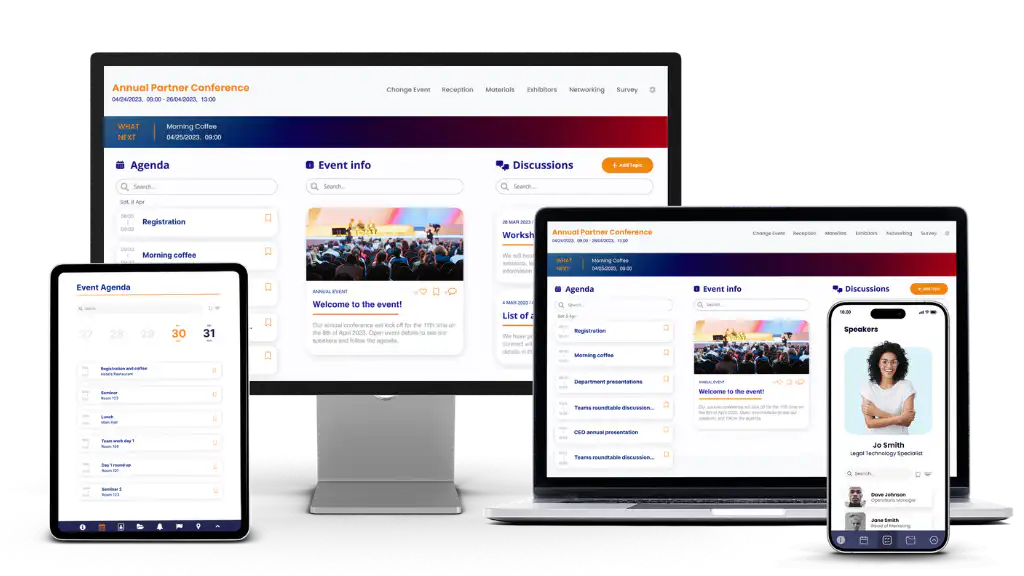
Fliplet helps teams create [web and mobile software from a prompt](/platform-overview/), refine it quickly, and launch with governance, security, and integrations built in. Teams can review and edit the first version, manage data and access, publish it, and track later changes in the same platform. Business teams can shape the experience while IT keeps oversight of security, integrations, access, and release decisions. If you are comparing platforms, start with the software type, users, data, security, and publishing needs, then assess the available [integrations](/integrations/).
If you want to see how teams use Fliplet in practice, explore [case studies](/case-studies/). The case-study question is whether the platform has supported real web and mobile app delivery, not only whether the first version looks good.
When you are ready to discuss a specific app, [book a demo](/book-a-demo/) with the use case, target users, data sources, and rollout timeline.
## ROI and future fit
A platform decision affects ROI through speed, maintenance, security, integration effort, support, and how much specialist engineering the team needs over time. A cheap prototype can become expensive if it creates rework, exposes data risk, or leaves the business with an app nobody can maintain.
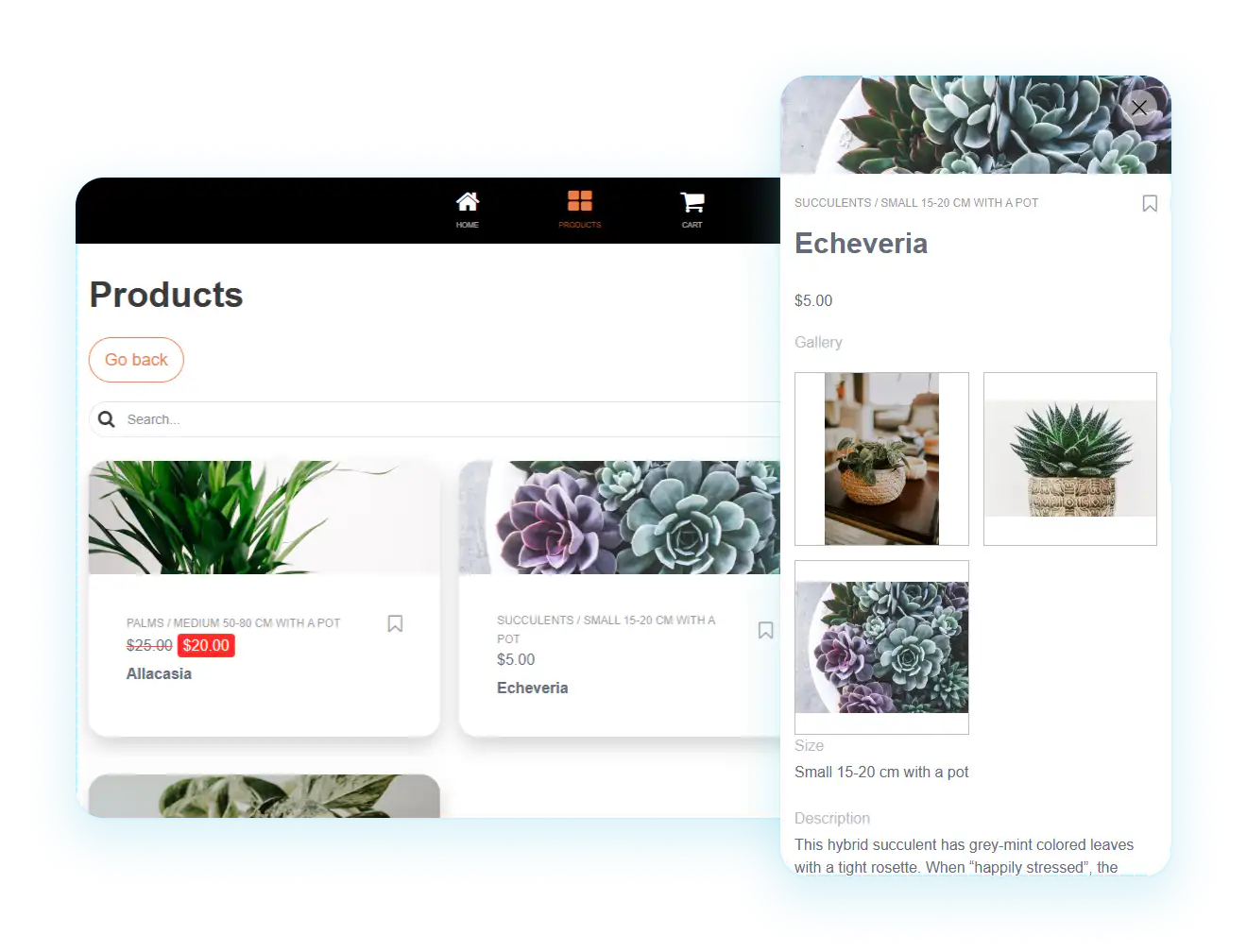
The future direction is not simply faster demos. The useful shift is reducing the distance between a clear app idea and a governed production app, with enough control for permissions, data, publishing, and ongoing change.
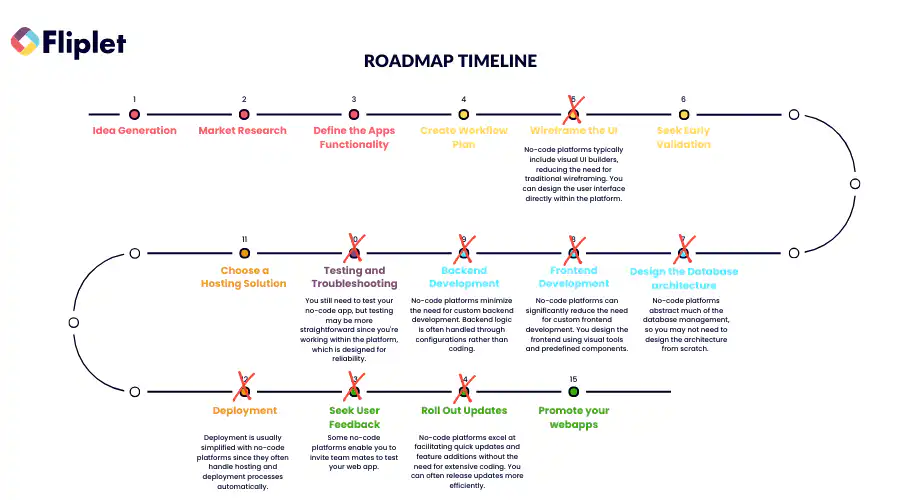
For a 2026 comparison, treat speed as one ROI factor rather than the whole decision. The platform still has to fit the ownership model, security expectations, integration depth, and support burden after the first release.
## Final takeaway
The best web application development platform is the one that matches the app's job and the team's ownership model. A prototype needs speed, but production software also needs governance, security, integrations, support, and a maintenance path. AI can accelerate the first version; the deciding question is whether the team can test, launch, and operate what comes next.
## Review details
#### Ruby on Rails
##### Best fit
Ruby on Rails is a strong choice when the app is a custom product and the organization has developers who will own it after launch. It works well for SaaS products, marketplaces, and internal systems where the team wants a mature full-stack framework, fast iteration, convention-led architecture, and control over the application code.
##### Pros
- Fast development for teams that know the framework.
- Mature ecosystem for routing, data models, testing, security conventions, background jobs, and deployment patterns.
- Good fit for products where long-term ownership sits with engineering.
##### Cons
- Requires developers, DevOps, testing, monitoring, and ongoing maintenance.
- Not ideal when a business team needs to launch and manage a governed app without owning code.
- Architecture choices still matter; Rails does not remove the need for product and security planning.
##### Unique benefit
Rails is valuable when custom control is the point. AI coding tools can speed up development, but the platform decision is still engineering-led, which makes it best for teams that want to own the application stack rather than configure a hosted app platform.
#### Angular
##### Best fit
Angular is best for engineering teams building structured front-end applications that need strong patterns, routing, forms, testing, and long-term maintainability. It is often chosen for enterprise-scale interfaces where consistency across a larger codebase matters and a development team is already in place.
##### Pros
- Strong framework conventions for complex interfaces.
- Useful tooling for components, routing, forms, dependency injection, and testing.
- Good fit for large teams that need maintainable front-end structure.
##### Cons
- Angular is a developer framework, not a complete business app platform.
- Teams still need backend services, hosting, authentication, data architecture, deployment, and maintenance.
- It can be too heavy when a team simply needs a secure business app delivered quickly.
##### Unique benefit
Angular is strongest when the front end itself is a major product surface. If the project depends on sophisticated UI structure, reusable components, and engineering discipline, Angular gives developers a stable framework rather than a one-off build.
#### ASP.NET Core
##### Best fit
ASP.NET Core is a strong choice for Microsoft-oriented engineering teams building web apps, APIs, real-time services, and enterprise systems with .NET and C#. It fits organizations that want full application control and already have Microsoft development expertise.
##### Pros
- Strong fit for .NET and Azure-oriented teams.
- Good for custom web apps, APIs, services, and enterprise systems.
- Broad language, tooling, identity, database, and hosting ecosystem.
##### Cons
- Requires developers and production operations maturity.
- Costs can rise through engineering time, cloud architecture, monitoring, and long-term support.
- It is not a shortcut for non-technical teams that need a configured app experience.
##### Unique benefit
ASP.NET Core gives Microsoft-heavy organizations a serious code-first path for custom application development. It is most useful when the app needs custom architecture and the team already has the skills to operate it.
#### Fliplet
##### Explore Fliplet AI app builder
**Label:** Explore Fliplet AI app builder
**Href:** /ai-app-builders/
##### Best fit
Fliplet is best for teams that need to create business software for web and mobile from a prompt and keep control through launch. Its current platform pages cover AI-assisted creation and edits, data sources, integrations, access, version history, analytics, and web and mobile publishing. It suits employee software, client portals, learning tools, directories, reporting tools, innovation software, and event experiences.
##### Pros
- AI-assisted app planning and creation.
- Configurable app patterns for common business use cases.
- Permissions, user management, analytics, integrations, enterprise security expectations, and publishing paths.
- Useful when a business team needs momentum but IT still needs a controlled platform.
##### Cons
- Not the right choice when a product team needs full control over every line of application code.
- Very unusual architecture or deeply custom product logic may need a code framework instead.
- Teams should still plan ownership, data, permissions, launch support, and rollout before treating the first version as finished.
##### Unique benefit
Fliplet combines AI-assisted creation with data, access, integration, publishing, and release controls in one platform. Teams can review and refine the first version before it reaches users.
#### WordPress + plugins
##### Best fit
WordPress is strongest when the application is content-led. With plugins and custom development, teams can create membership sites, resource libraries, learning hubs, portals, directories, ecommerce flows, and other web app-like experiences where publishing, search visibility, and editorial ownership matter.
##### Pros
- Familiar content-management process for many teams.
- Large ecosystem of themes, plugins, developers, and hosting providers.
- Strong fit for SEO-led and content-heavy experiences.
##### Cons
- Plugin quality, security, performance, and update burden can become the real cost.
- Heavily customized sites need careful maintenance.
- Governance and app logic can become messy if a content site grows into a business-critical application without planning.
##### Unique benefit
WordPress is practical when content is the core product surface. It can support app-like experiences, but teams should treat plugin selection, hosting, security, and maintenance as platform decisions, not afterthoughts.
#### Shopify
##### Best fit
Shopify is best for commerce-led web applications where the core job is selling products, managing orders, accepting payments, and operating an online store. It is a focused commerce platform rather than a general-purpose app builder, which is why it works well for ecommerce teams.
##### Pros
- Storefront, checkout, payments, inventory, analytics, themes, apps, and integrations in one commerce platform.
- Fast route to a professional ecommerce operation.
- Strong ecosystem for online selling and commerce extensions.
##### Cons
- Not designed for every web app use case.
- Customization, transaction fees, app costs, and platform constraints need to be understood early.
- Employee tools, client portals, internal approvals, and content-heavy knowledge platforms usually need a different tool.
##### Unique benefit
Shopify removes a lot of ecommerce plumbing. If the application is really a commerce operation, a dedicated commerce platform can be more practical than forcing a general web app platform to handle catalog, checkout, payment, and fulfilment.
## FAQs
### What is a web application development platform?
A web application development platform is a tool, product, framework, or hosted environment used to build, publish, run, and maintain browser-based applications. Depending on the platform, it may include visual editing, AI assistance, code frameworks, hosting, integrations, permissions, analytics, security controls, or ecommerce functionality.
### How do I choose the right web application platform?
Start with the app type, user roles, data sources, integrations, security requirements, publishing path, support model, and long-term owner. Feature lists matter less than whether the platform can run the app safely after launch.
### Are free web app platforms enough for production?
Free tiers can help with learning, planning, and prototypes. Production business apps usually need paid controls such as user management, integrations, security review, support, custom branding, analytics, governance, and reliable deployment.
### Should I use an AI app builder or a code framework?
Use an AI app builder when faster creation, common business use cases, configurable governance, and a managed route to launch matter. Use a code framework when the app requires unusual architecture, deep custom engineering, or full control over every layer.
### Where does Fliplet fit in this comparison?
Fliplet helps teams create software for web and mobile from a prompt, refine it quickly, and launch with governance, security, and integrations built in. It also provides data management, access controls, analytics, version history, and web and mobile publishing.
## Related links
- [How to create a web app in 15 steps](/blog/how-to-create-a-web-app-in-15-steps/): Follow the complete planning, design, build, test, release, and lifecycle process.
- [Compare AI software builders](/ai-app-builders/): Evaluate prompt-led creation through governance and production delivery.
- [Review Fliplet customer stories](/case-studies/): Review documented use cases and outcomes from teams using Fliplet.
---
# What are the best Swoogo Alternatives for Event Management in 2026?
> Explore What are the best Swoogo Alternatives for Event Management in 2026. Compare features, pricing, pros and cons, and best-fit scenarios.
Source: https://fliplet.com/blog/best-swoogo-alternatives/
Content type: Blog
Published: 2026-05-18T19:29:16
Updated: 2026-03-19T01:07:32
Read time: 11 minutes
# What are the best Swoogo Alternatives for Event Management in 2026?
Choosing the right event management platform can make all the difference in the success of your events. While Swoogo is a popular choice, there are many alternatives that might better suit your specific needs.
Market context: [Statista's event management market overview](https://www.statista.com/topics/1106/event-management/) provides baseline demand and growth signals for event software buyers.
Taking your time to learn what is Swoogo and what other options you have gives you a tremendous advantage, putting the right tech solution in your hands.
In this 2026 guide, we'll explore the best Swoogo alternatives, comparing their features, pricing, and usability to help you find the right [event management platform](https://events.fliplet.com/platform-overview/) for your needs.
For a broader comparison set, see the related [vFairs alternatives](https://events.fliplet.com/blogs/vfairs-alternatives/) guide, then review Fliplet's [mobile event app](https://events.fliplet.com/mobile-event-app/) if you need a full attendee-facing experience.
## Key Takeaways
- **Diverse Options**: Go beyond the Swoogo mobile app to explore 14 different platforms and find the one that fits your event management needs best.
- **Evaluation Criteria**: Understand what to look for in Swoogo alternatives, including features, cost, and customer support.
- **Top Alternatives**: Detailed insights into platforms like Fliplet, Cvent, Splash, Bizzabo, Eventbrite, and more. For another point of comparison, see our [Swapcard alternatives guide](https://events.fliplet.com/blogs/swapcard-alternatives-and-competitors/).
## What is Swoogo?
Swoogo is an event management platform designed to streamline the planning and execution of events. It offers a range of features to help organizers manage registrations, create event websites, and analyze event performance. If you're mapping out requirements for an upcoming event, our [corporate event planning checklist](https://events.fliplet.com/blogs/corporate-event-planning-checklist/) is a helpful companion resource.
### **Key Features:**
- Event websites
- Registration management
- Analytics and reporting
- Integrations with various tools
**Pricing:** Swoogo pricing is tailored to different needs and event sizes, but it can be on the higher side. Take a look at their general pricing structure to get an idea of _just how expensive_ this option can be.
- **One User:** $11,800 per year
- **Three Users:** $16,500 per year
- **Five Users:** $26,000 per year
- **Enterprise:** Contact for pricing
**User Reviews:** Users generally appreciate Swoogo's robust features but note that the pricing can be a significant factor, especially for smaller events.
## Why Consider Alternatives to Swoogo?
While the Swoogo mobile app offers a comprehensive suite of features, it may not be the best fit for every event. Here are a few reasons to consider alternatives:
### Cost Considerations
Swoogo pricing may not suit every budget, particularly for smaller events or organizations with limited resources. Exploring more affordable alternatives can help you find a platform that fits your financial constraints without sacrificing essential features.
### Feature Requirements
Different events have different needs, and while Swoogo offers a broad range of features, some alternatives specialize in areas that might be more aligned with your specific requirements. For example, some Swoogo competitors may offer superior networking tools, better virtual event capabilities, or more advanced analytics.
### User Experience
A more user-friendly interface can significantly enhance both the organizer and attendee experience. Some alternatives might offer a more intuitive interface, making it easier to navigate and use. Additionally, superior customer support can be crucial for handling issues quickly and efficiently during [event planning](https://events.fliplet.com/blogs/corporate-event-planning-checklist/) and execution.
### Problems with the Swoogo Mobile App
### Some other common complaints that lead people to look for Swoogo alternatives are
- **Limited customization**
- **Missing or Limited Features**
- **Issues with Registration**
- **Swoogo Mobile App Issues for Attendees**
## Criteria for Evaluating Swoogo Alternatives
### When evaluating alternatives, it's important to consider several key criteria
### Features
Look for comprehensive event management tools, including attendee engagement, scheduling, networking, and analytics.
### Customer Support
Responsive and helpful customer service is essential for addressing any issues that arise before, during, or after your event.
### Ease of Use
Swoogo competitors should be intuitive and easy to navigate, ensuring a smooth experience for both organizers and attendees.
### Cost-Efficiency
Affordable pricing models for Swoogo competitors are important to ensure the platform fits within your budget without compromising on essential features.
### Integration
The ability to integrate with other tools and platforms can enhance the overall functionality of your event management system.
### Scalability
Consider whether Swoogo alternatives can scale to meet the needs of events of different sizes and types, from small meetings to large conferences.
## Best 14 Swoogo Alternatives
### 1.Fliplet
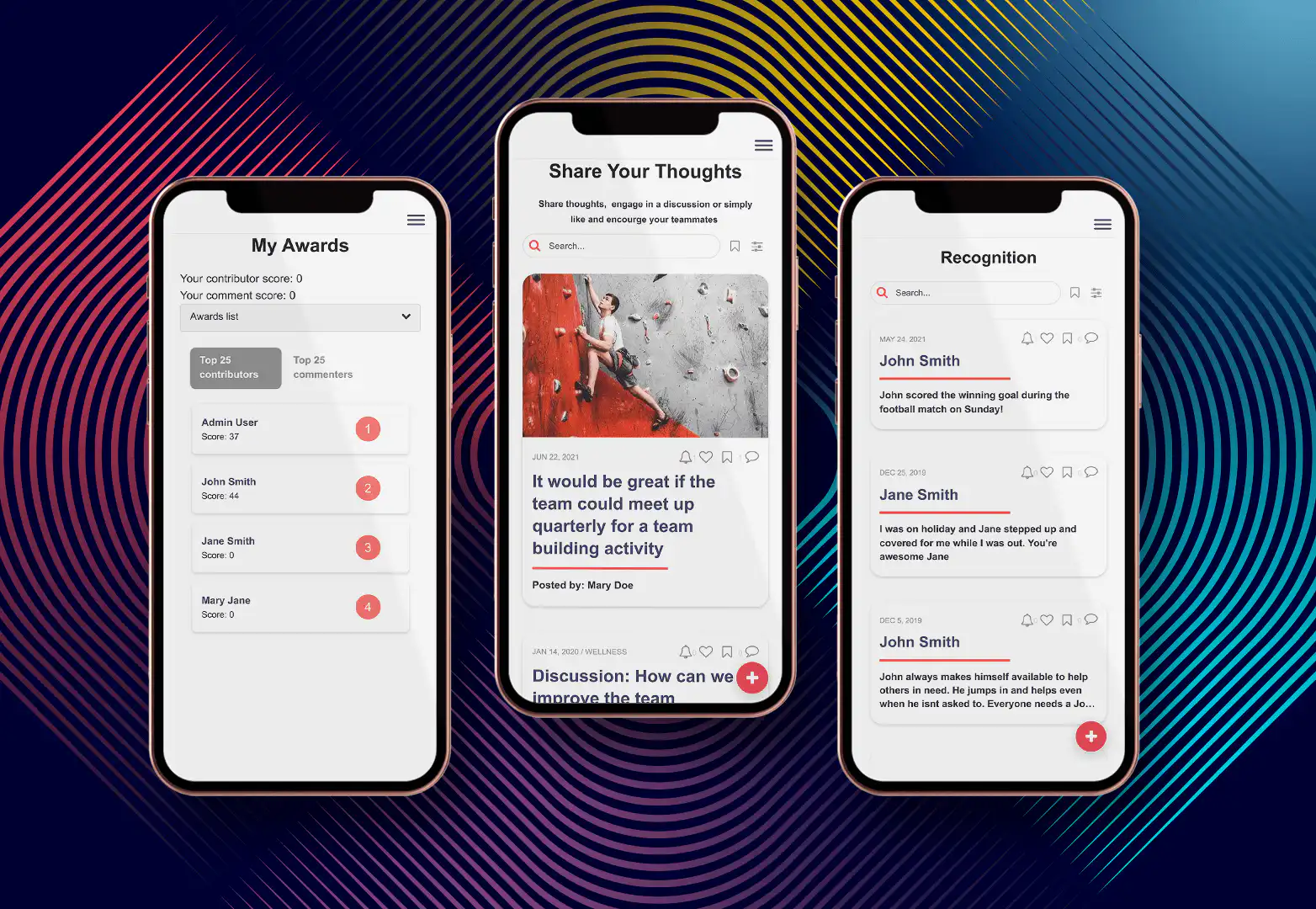
### **Fliplet does everything.**
While Fliplet works as an incredible event app, its near-infinite versatility means that you can do so much more with it, too. Without a tech team, you can create any app you can imagine. That's the stunning versatility of [Fliplet's event platform](https://events.fliplet.com/).
Fliplet is a standout platform due to its versatility and user-friendly design. Its [customizable app](/blog/how-to-build-a-custom-app-without-coding/) creation feature allows users to tailor the event experience precisely to their needs. Fliplet's intuitive interface ensures that both organizers and attendees can navigate the platform with ease. It offers a comprehensive set of features, including scheduling, registration, networking, and analytics.
One of Fliplet's biggest advantages is its competitive pricing, making it accessible for events of all sizes. The platform is also highly praised for its responsive customer support, which can be a deciding factor for many users.
**Comparison with Swoogo:**
- **Features**: Both platforms offer a wide range of features, but Fliplet provides more customizable solutions.
- **User Experience**: Fliplet's interface is generally considered more intuitive and easier to navigate.
- **Pricing**: Fliplet offers more competitive pricing models, making it accessible for events of all sizes. ([There's even a free tier!](https://events.fliplet.com/pricing/))
- **Customer Support**: Fliplet is praised for its responsive customer support, which can be a deciding factor for many users.
### 2.Cvent
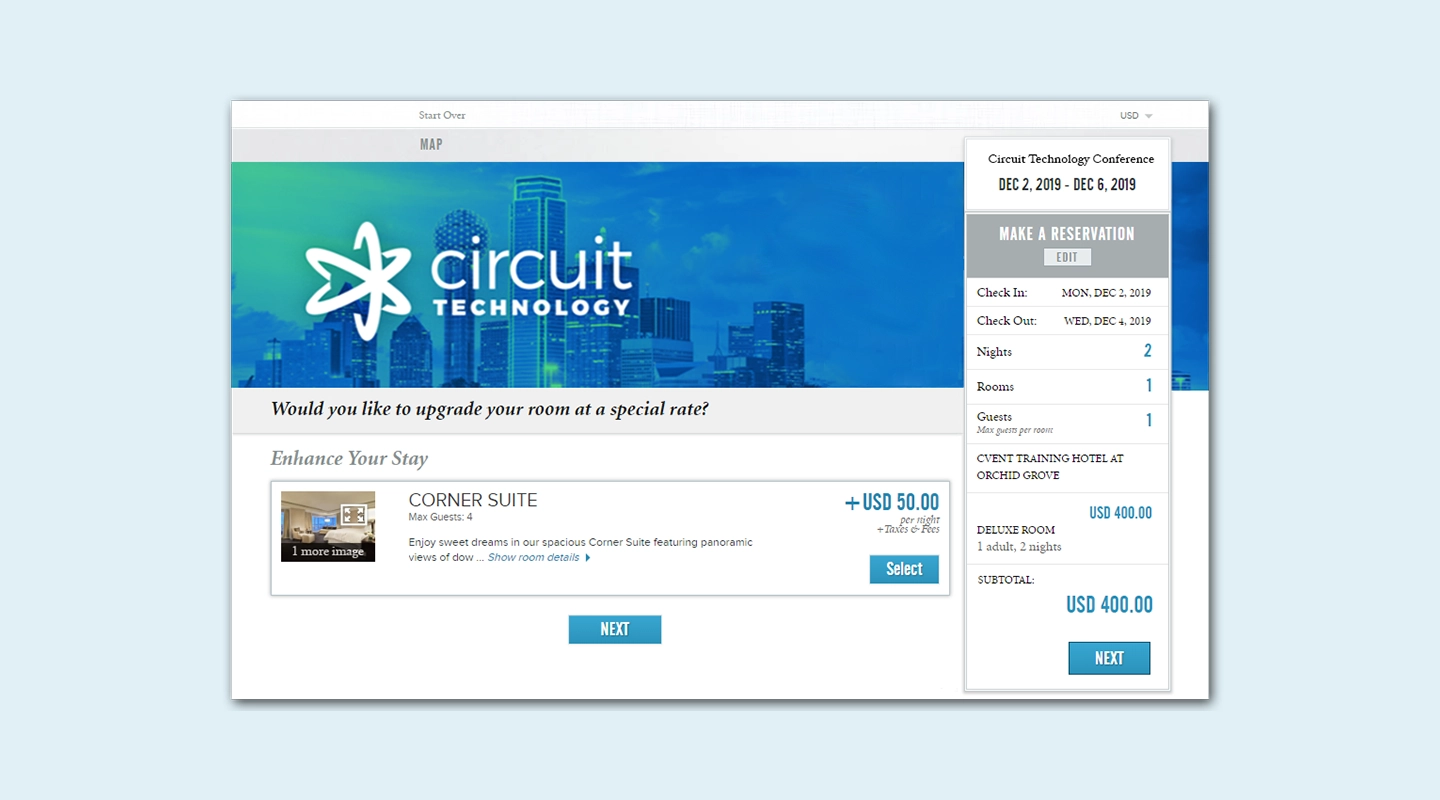
Cvent is known for its comprehensive event management capabilities, robust registration and ticketing systems, and strong analytics and reporting tools. It's an excellent choice for large-scale events that require detailed planning and data insights. While Cvent can be complex for new users, similar to Swoogo Events, its extensive features and excellent customer support make it a valuable alternative.
**Comparison with Swoogo:**
- **Features**: Both platforms are feature-rich, but Cvent offers more robust analytics.
- **User Experience**: Cvent can be complex for new users, similar to Swoogo.
- **Pricing**: Like Swoogo pricing, Cvent is expensive.
### 3.Splash
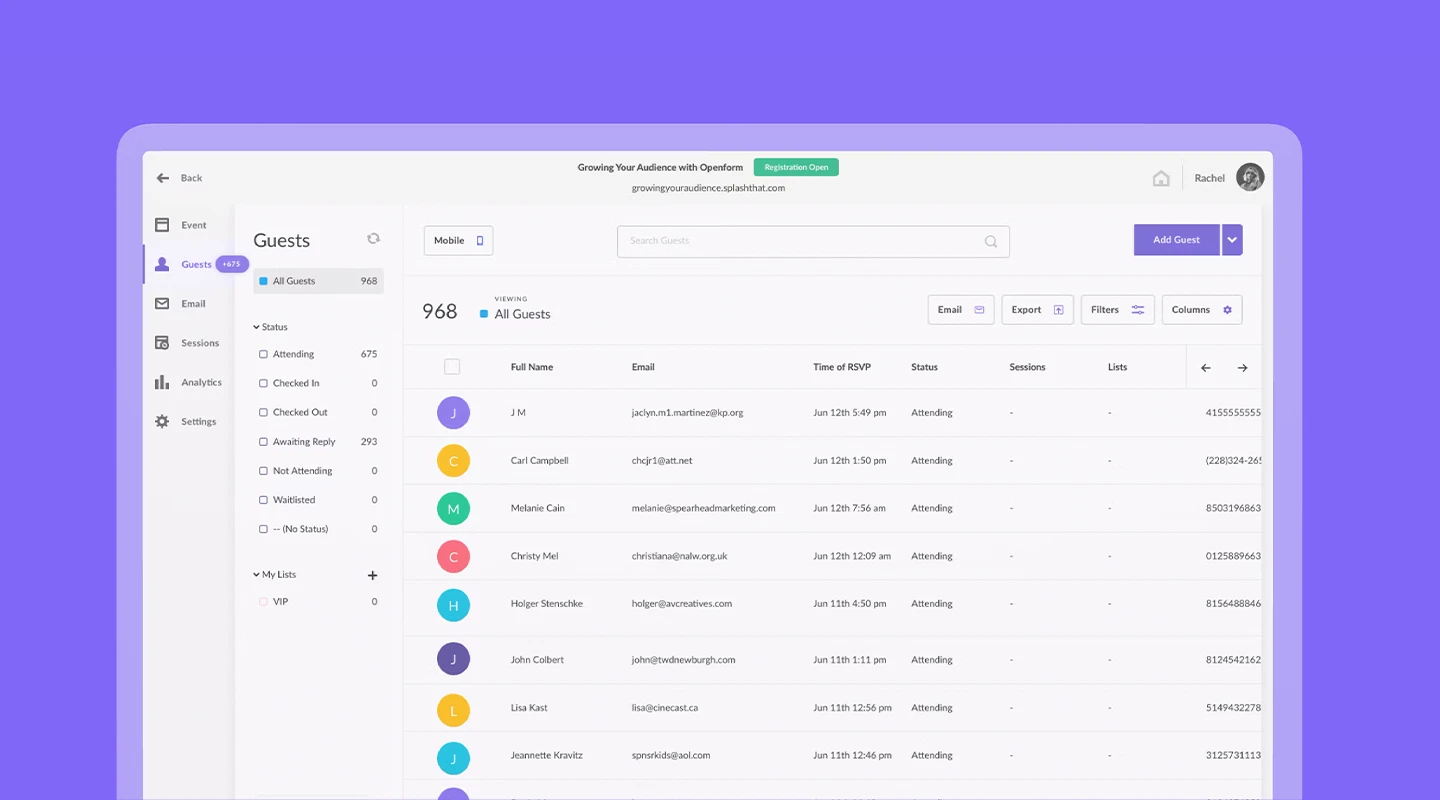
Splash excels in creating customizable event websites, integrated email marketing, RSVP management, and event analytics. It's designed to enhance marketing efforts and attendee engagement. Splash is generally easier to use than other Swoogo alternatives and is often more affordable for smaller events, making it a great option for organizers looking for a marketing-focused platform.
**Comparison with Swoogo:**
- **Features**: Splash excels in marketing integrations.
- **User Experience**: Easier to use than Swoogo.
- **Pricing**: Contact for pricing.
### 4.Bizzabo
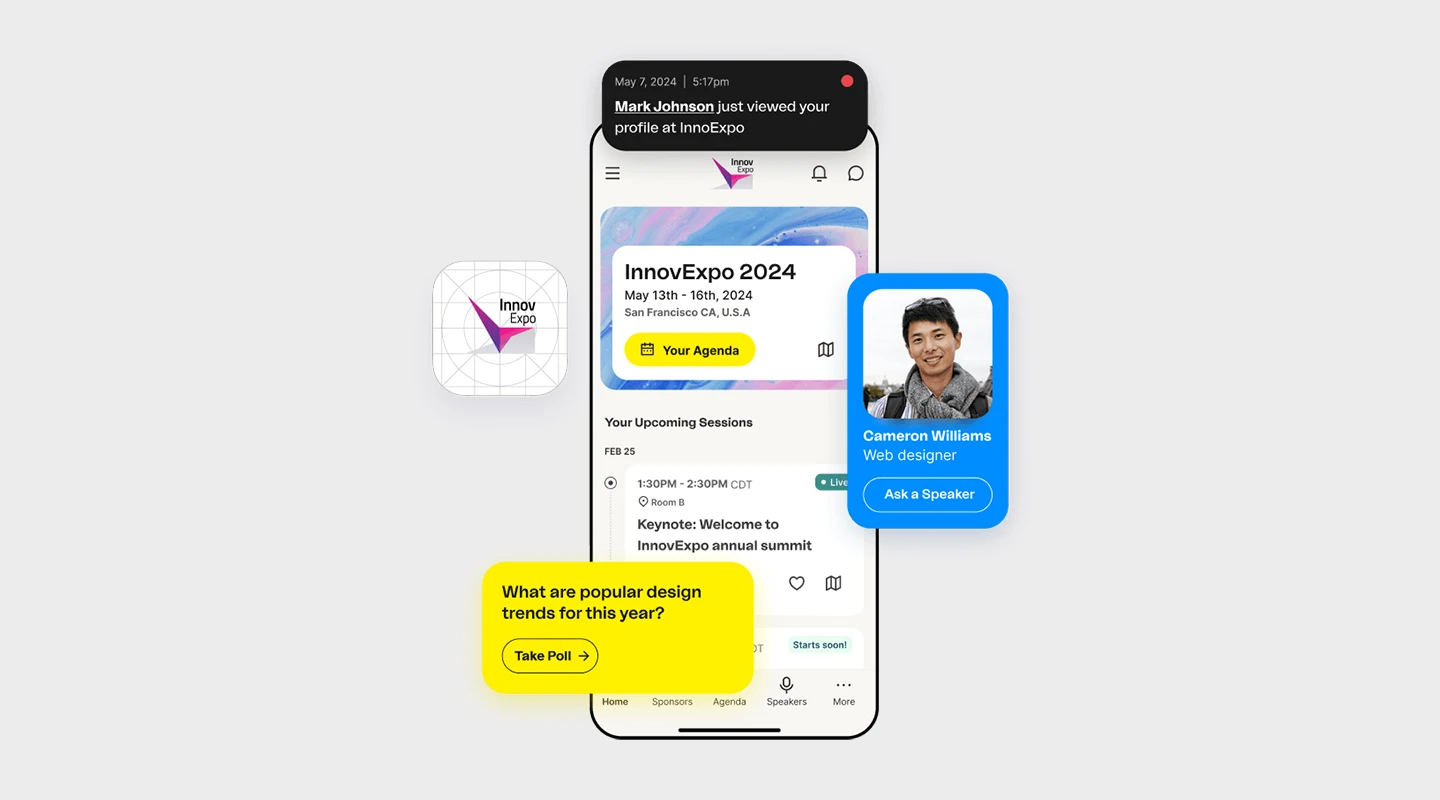
Bizzabo offers data-driven event management, advanced networking tools, and a comprehensive feature set. It is particularly strong in providing insights and analytics to enhance event planning and execution. Bizzabo is comparable to other Swoogo alternatives in terms of pricing and is highly user-friendly, making it a solid choice for organizers who need detailed data analytics and networking capabilities.
**Comparison with Swoogo:**
- **Features**: Bizzabo offers more advanced networking tools.
- **User Experience**: Both platforms are user-friendly.
- **Pricing**: $499 per user per month.
### 5.Eventbrite
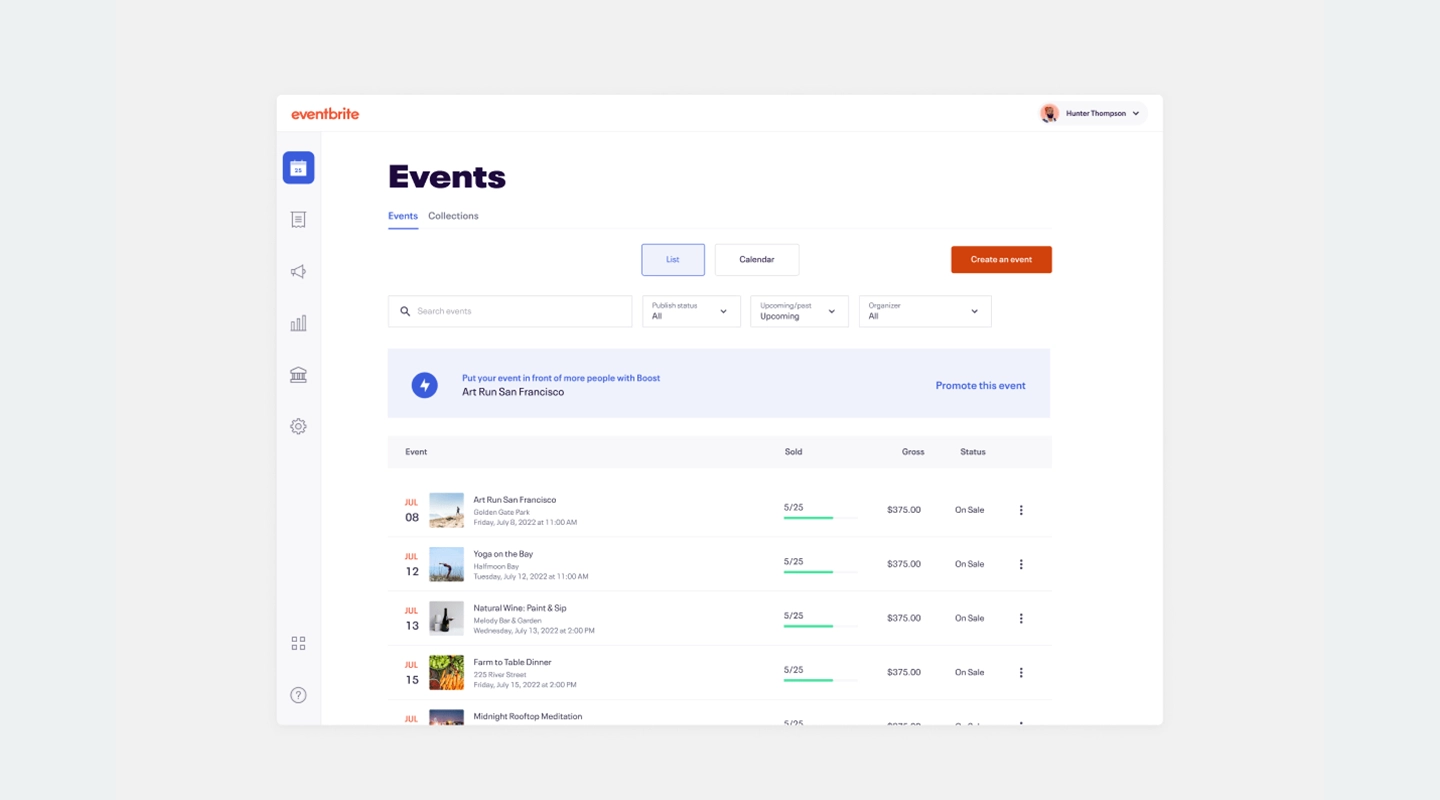
Eventbrite focuses on simplified [event registration](https://events.fliplet.com/blogs/event-sign-up/), ticketing solutions, and event promotion tools. Its user-friendly interface makes it easy to set up and manage events, particularly for smaller gatherings. Eventbrite is more affordable than Swoogo and excels in providing straightforward registration and ticketing services.
**Comparison with Swoogo:**
- **Features**: Eventbrite focuses on registration and ticketing.
- **User Experience**: Easier to use than Swoogo.
- **Pricing**: $29 per month.
### 6.InEvent
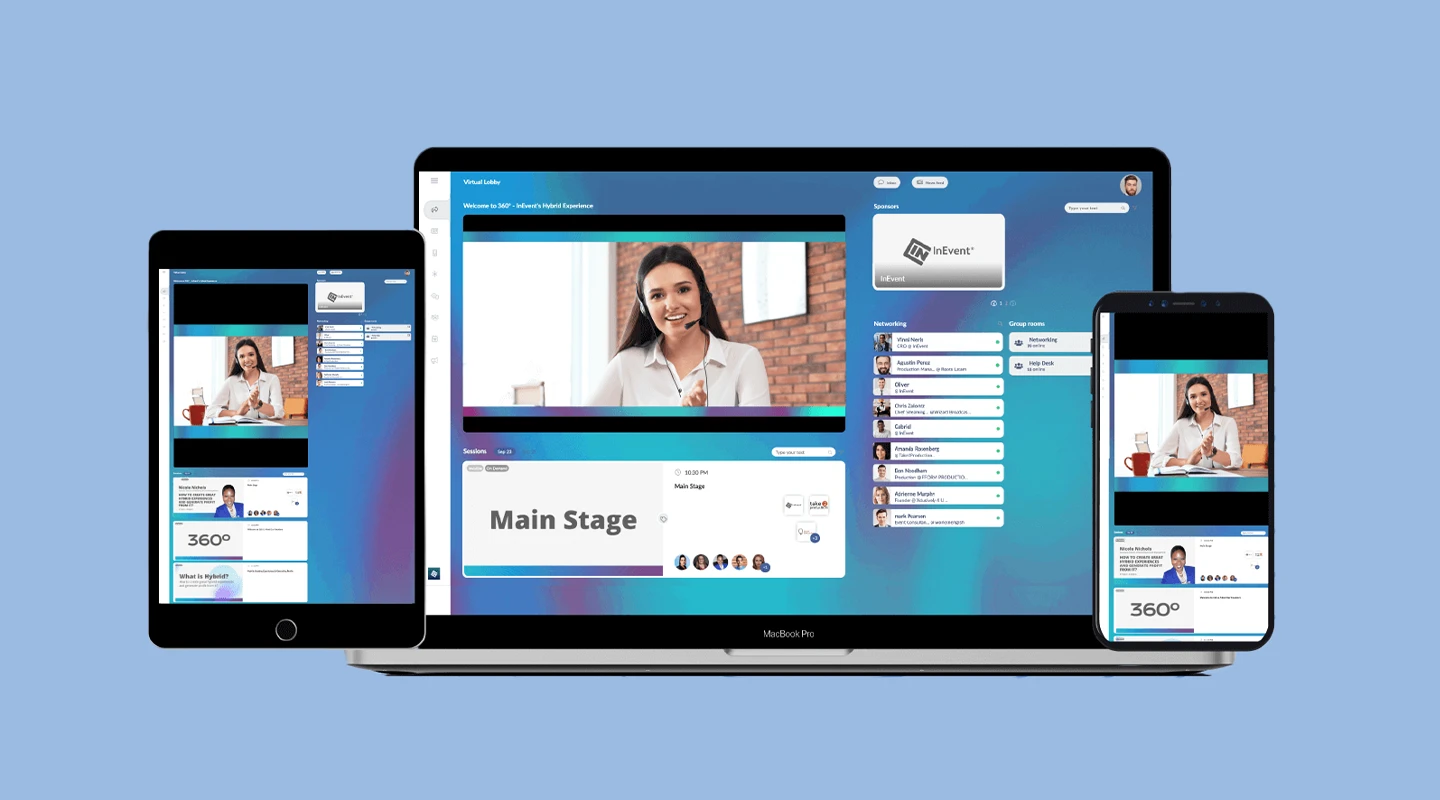
InEvent specializes in virtual and [hybrid event management](https://events.fliplet.com/blogs/10-ways-to-boost-hybrid-events/) with customizable event apps and strong engagement tools. Its user-friendly platform and good customer support make it an appealing choice for virtual events. InEvent can also be more cost-effective than Swoogo, providing similar features at a potentially lower cost.
**Comparison with Swoogo:**
- **Features**: InEvent specializes in virtual and hybrid events.
- **User Experience**: Both platforms are user-friendly.
- **Pricing**: $9990 per year.
### 7.Whova
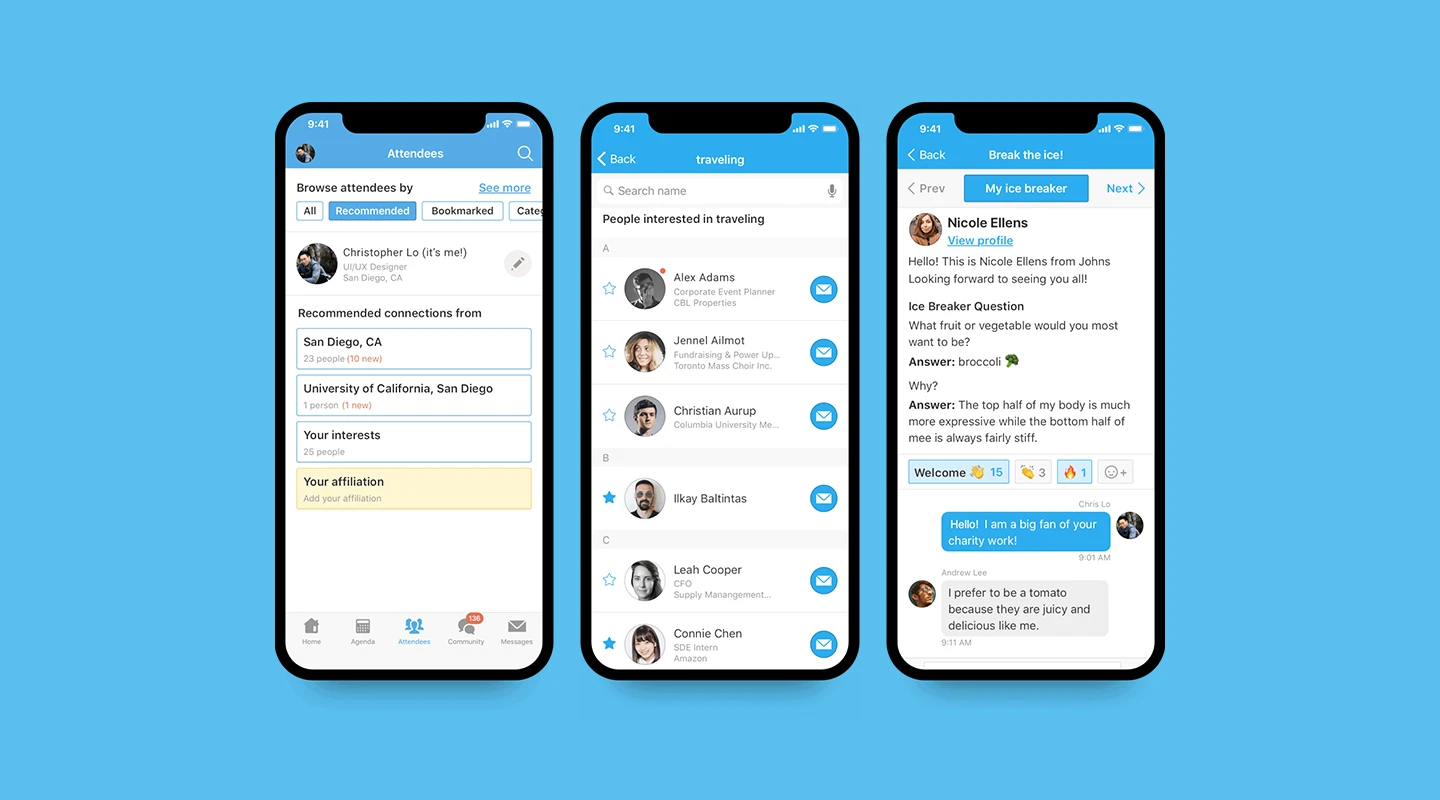
Whova offers comprehensive event management tools, networking, and engagement features, and high customization options. Its user-friendly interface makes it easier to use than Swoogo, and it excels in networking capabilities. Whova is a great choice for organizers who prioritize attendee engagement and networking.
**Comparison with Swoogo:**
- **Features**: Whova excels in networking and engagement.
- **User Experience**: Easier to use than Swoogo.
- **Pricing**: Starting at $1,499 for up to 500 attendees and 2-days, goes up to $5,999.
### 8.Stova (formerly Aventri)
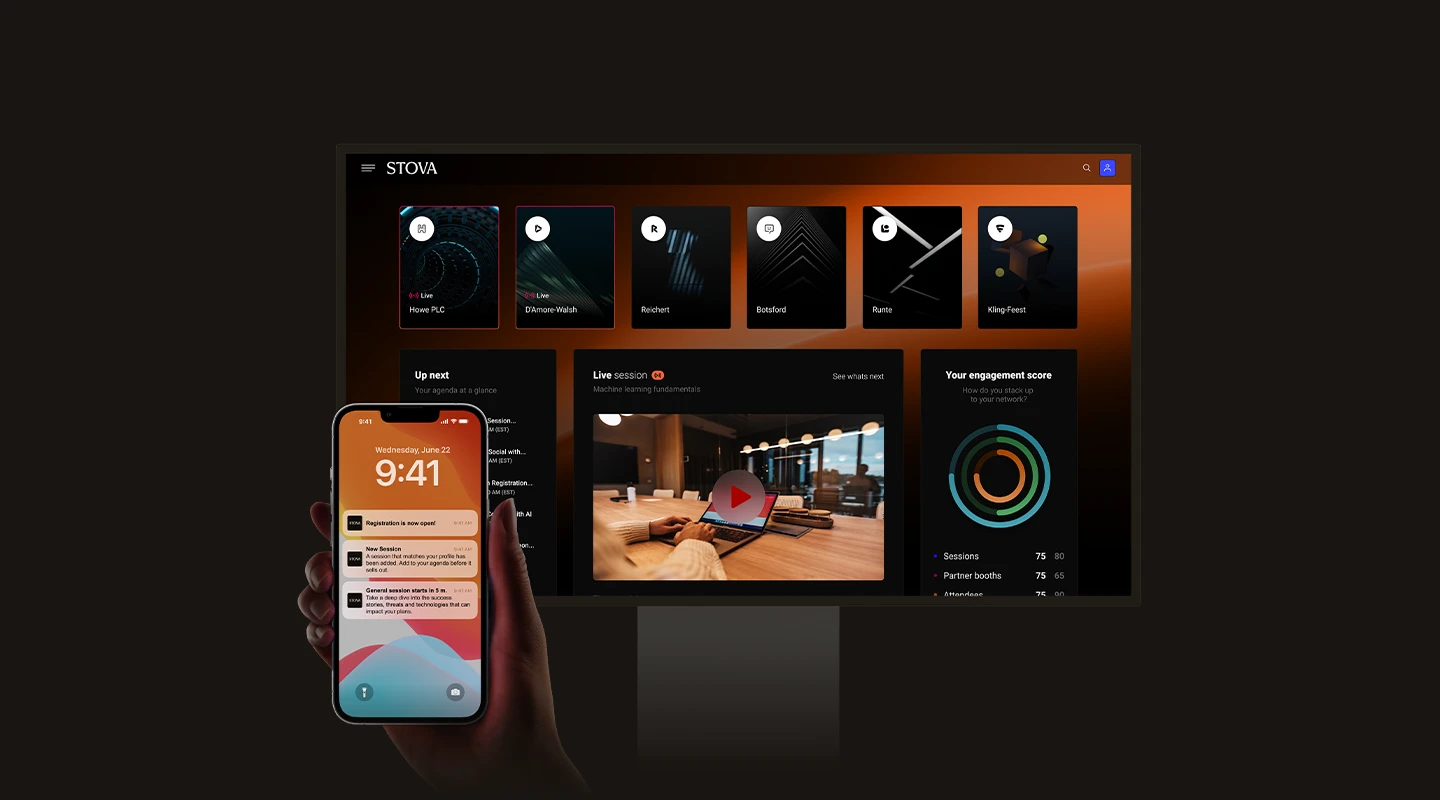
Stova provides end-to-end event management with strong analytics tools and a user-friendly platform. It is generally more affordable than Swoogo, making it a viable option for organizers seeking comprehensive [event management solutions](https://events.fliplet.com/event-management/) without the high cost.
**Comparison with Swoogo:**
- **Features**: Stova offers comprehensive tools similar to Swoogo Events.
- **User Experience**: Both platforms are user-friendly.
- **Pricing**: Contact for pricing.
### 9.Hopin
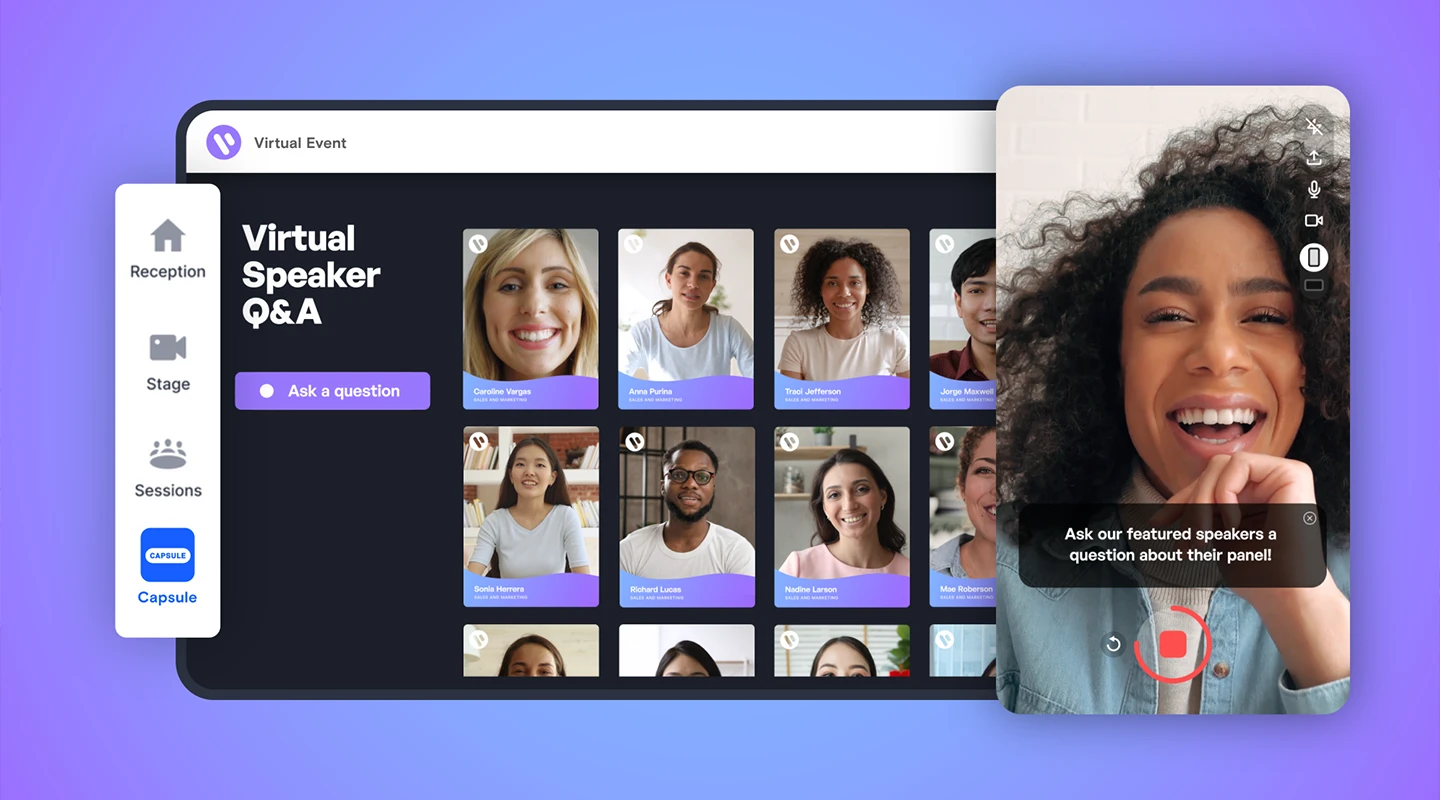
Hopin is a virtual and hybrid event platform with strong engagement tools and customizable [event experiences](https://events.fliplet.com/mobile-event-app/). Among Swoogo alternatives, it offers good customer support and is easier to use than some, making it a popular choice for virtual events.
**Comparison with Swoogo:**
- **Features**: Hopin specializes in virtual events.
- **User Experience**: Easier to use than Swoogo.
- **Pricing**: Starts at $83.25 per month and goes up to $667 per month.
### 10.Attendify
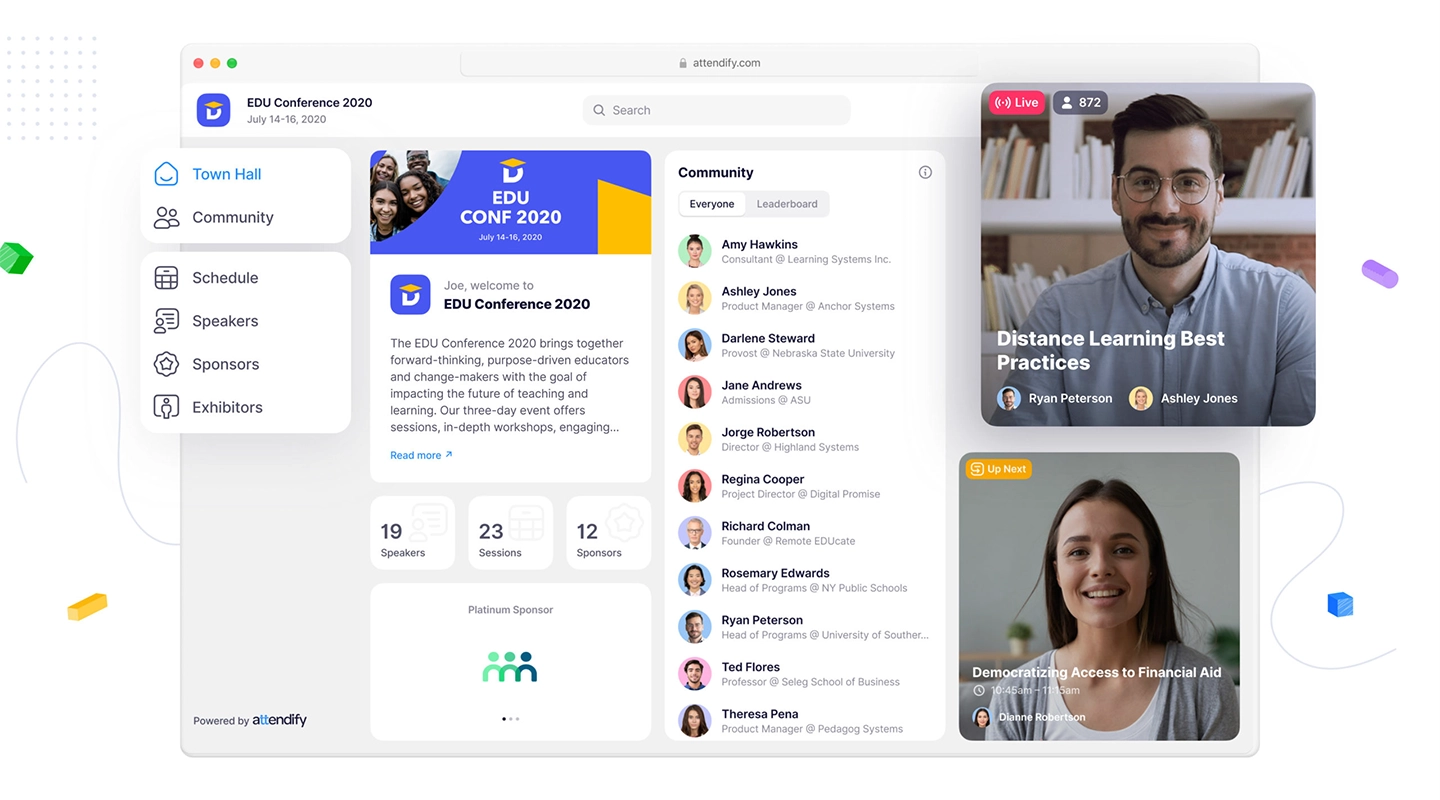
Attendify focuses on simplified event management with a strong mobile app and good engagement tools. Its user-friendly interface makes it easier to use than Swoogo, and it is more affordable for smaller events, providing essential features without overwhelming complexity.
**Comparison with Swoogo:**
- **Features**: Attendify offers essential features but lacks some advanced tools.
- **User Experience**: Easier to use than Swoogo.
- **Pricing**: $1,999 for virtual and hybrid events, up to $4,000.
### 11.Webex (formerly Socio)
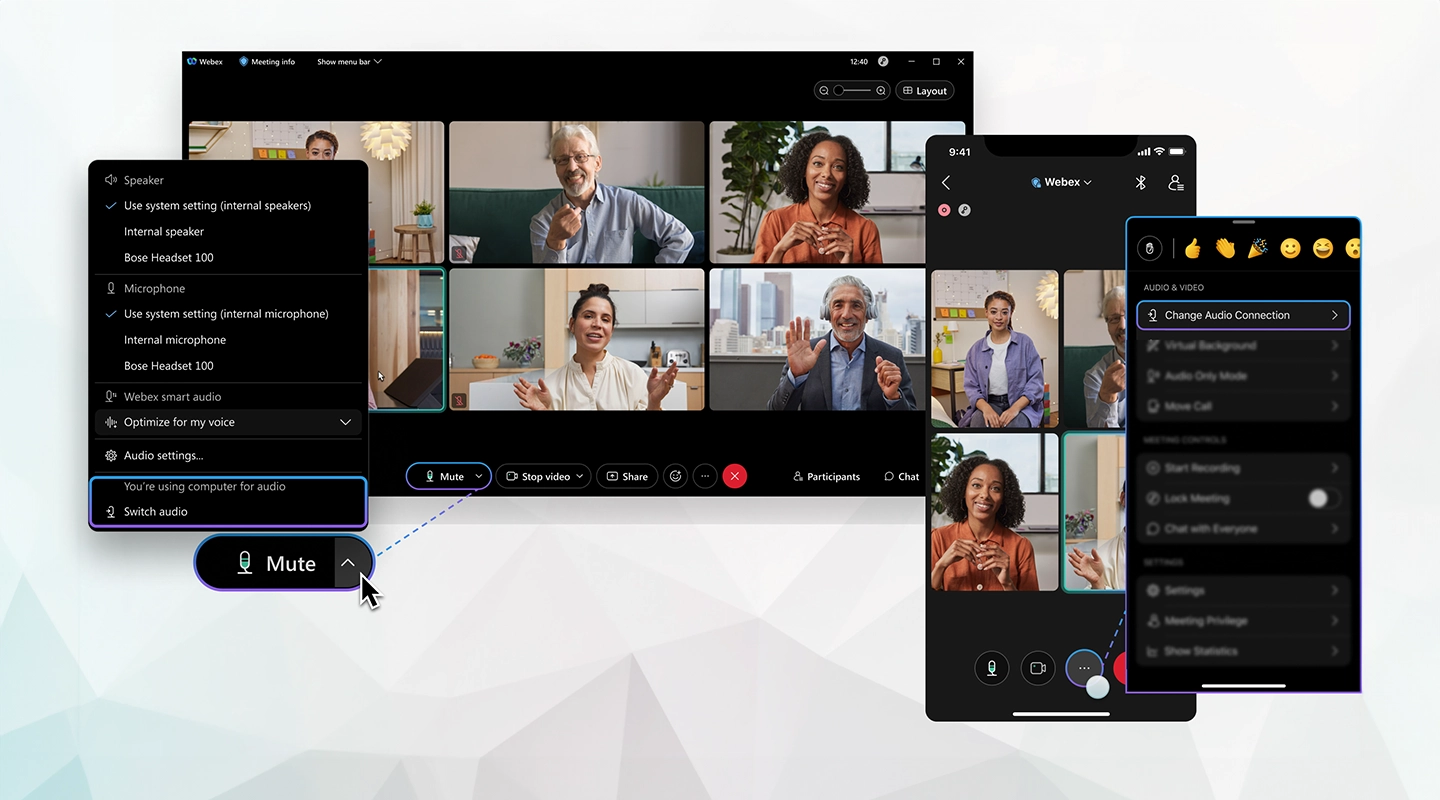
Webex provides customizable event apps, strong engagement tools, and a user-friendly platform. It offers good customer support and is comparable to other Swoogo competitors in terms of features and pricing, making it a reliable choice for comprehensive event management. If you're comparing similar tools, our [EventMobi alternatives guide](https://events.fliplet.com/blogs/eventmobi-alternatives/) is another useful benchmark.
**Comparison with Swoogo:**
- **Features**: Socio offers similar features to Swoogo.
- **User Experience**: Both platforms are user-friendly.
- **Pricing**: $675 per user per year.
### 12.Hubilo
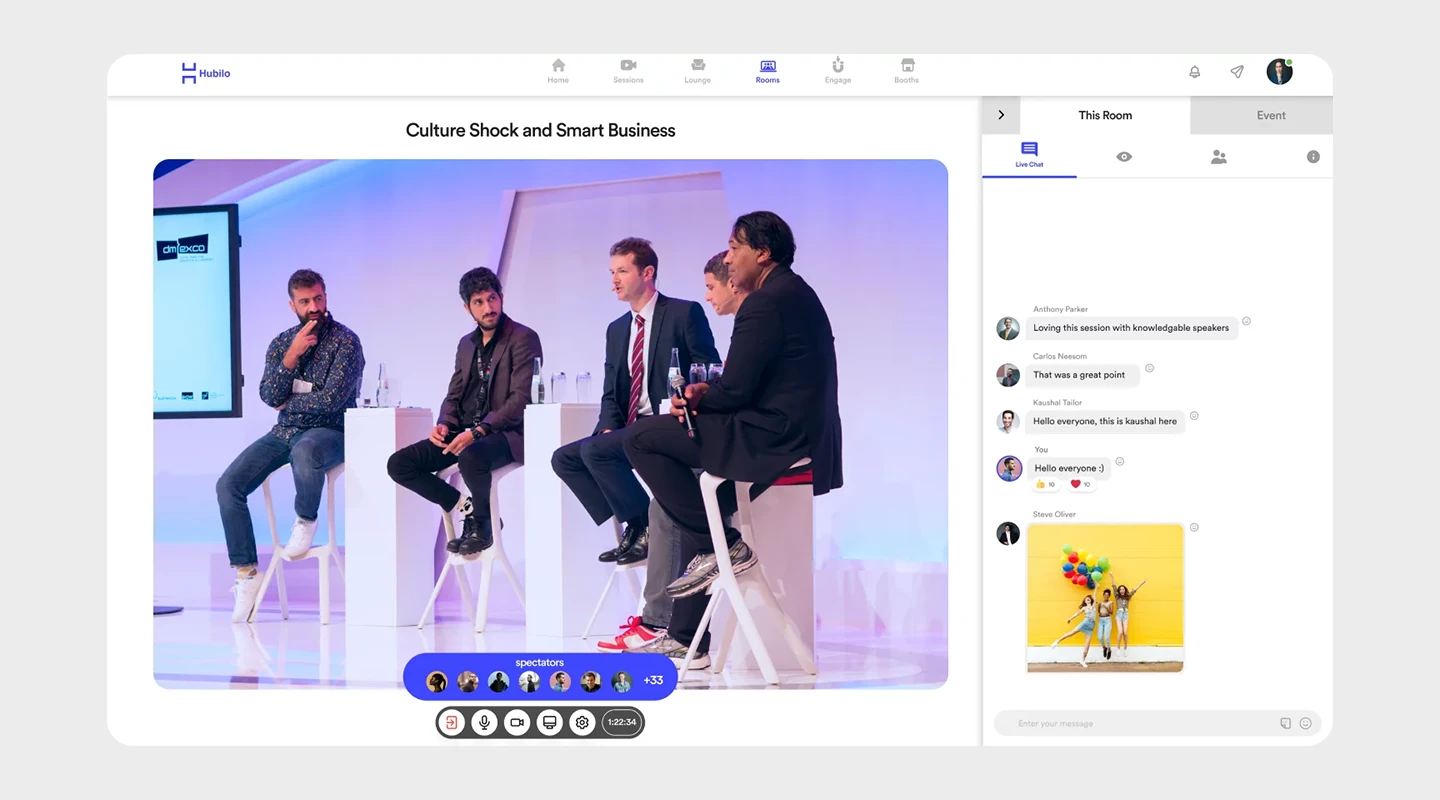
Hubilo is a virtual event platform with strong engagement tools and customizable event experiences. Its good customer support and focus on [attendee engagement](https://events.fliplet.com/blogs/attendee-engagement/) make it competitive among Swoogo alternatives.
**Comparison with Swoogo:**
- **Features**: Hubilo specializes in virtual events.
- **User Experience**: Both platforms are user-friendly.
- **Pricing**: Starting at $10,000 a year.
### 13.Boomset
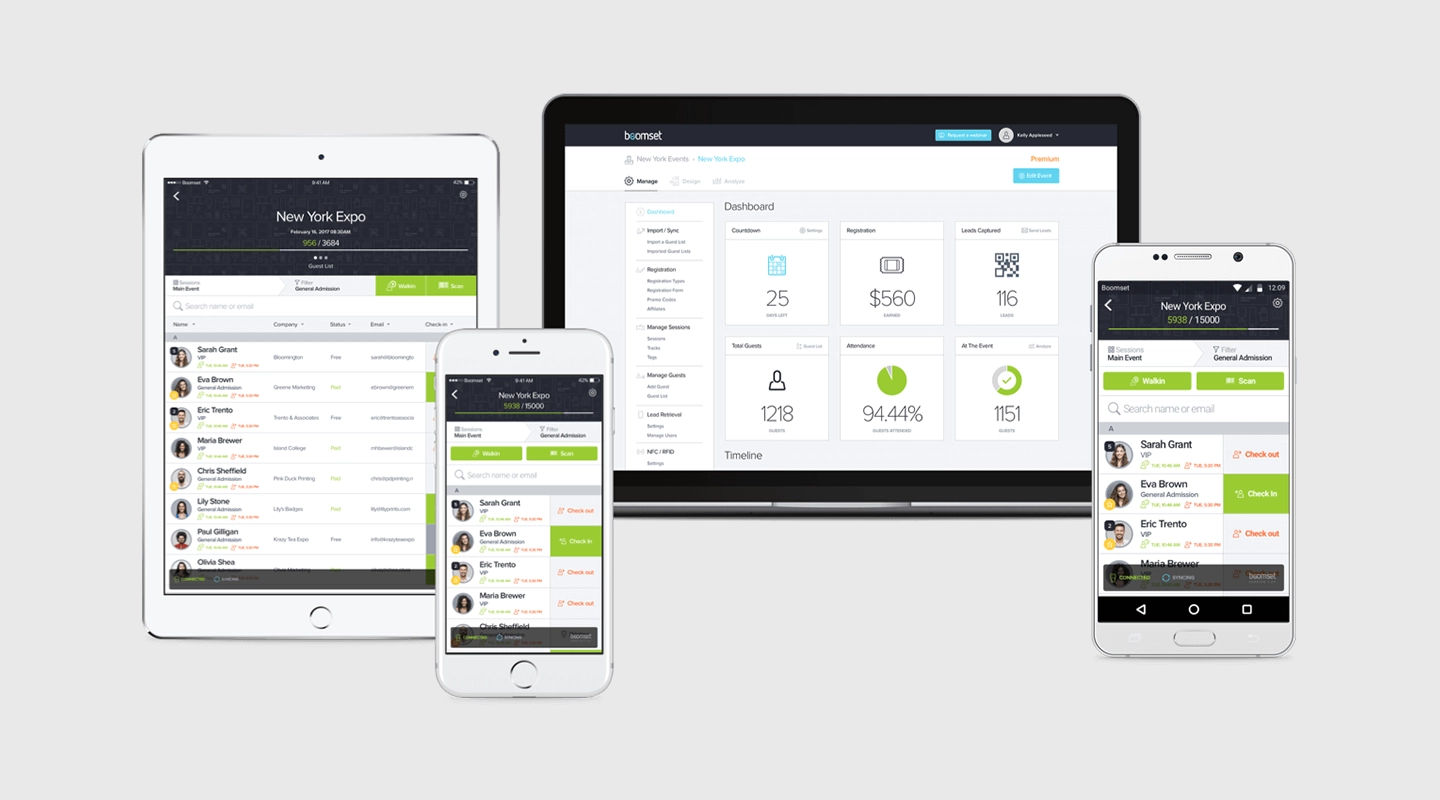
Boomset excels in on-site event management, including badge printing and check-in, with good engagement tools and a user-friendly interface. It is easier to use than Swoogo and provides essential features for on-site events.
**Comparison with Swoogo:**
- **Features**: Boomset excels in on-site management.
- **User Experience**: Easier to use than Swoogo.
- **Pricing**: Starting at $1200 per year, going up to $6,000 per year.
### 14.Eventzilla
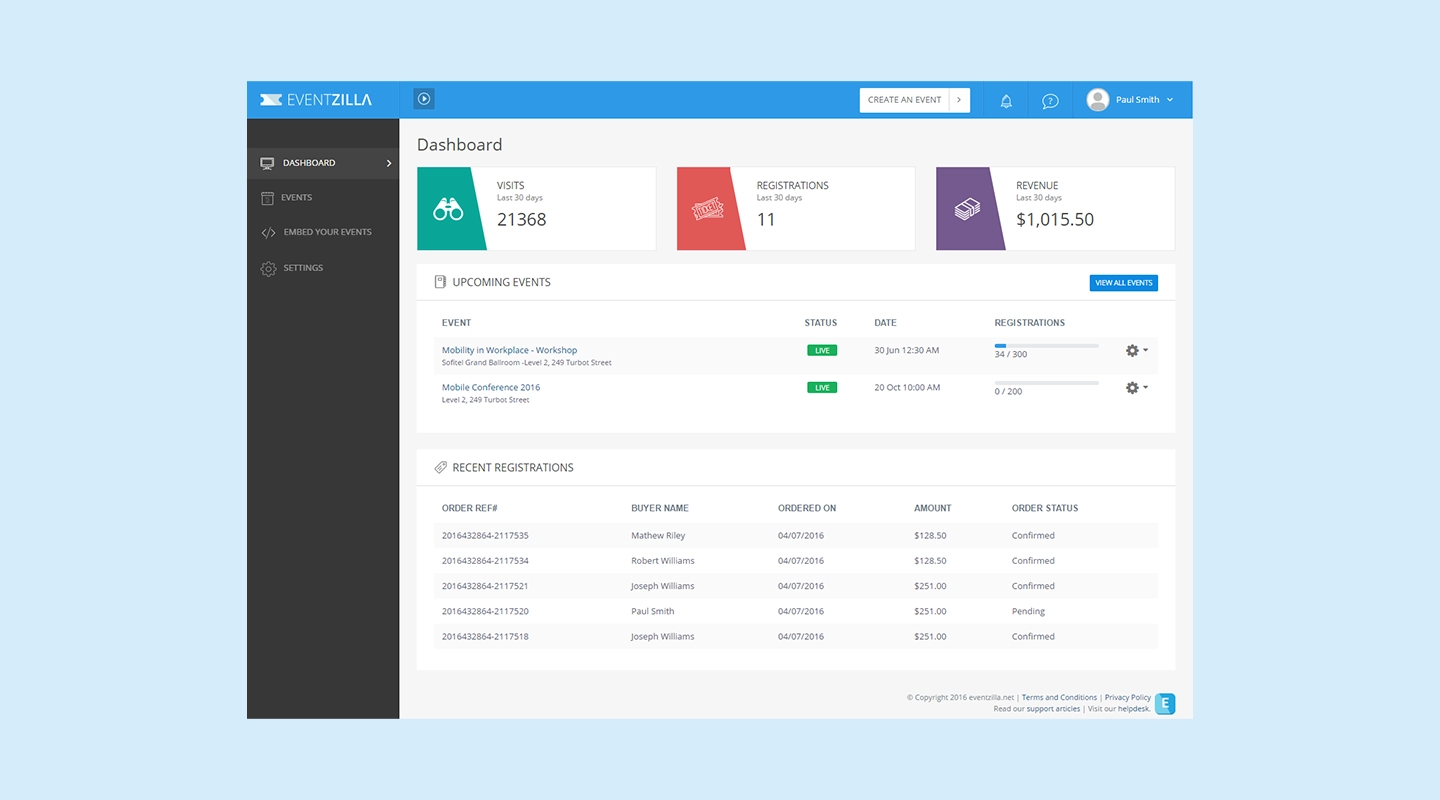
Eventzilla focuses on simplified event registration, ticketing solutions, and event promotion tools. Its user-friendly interface makes it easier to use than Swoogo, and it is more affordable, especially for small events.
**Comparison with Swoogo:**
- **Features**: Eventzilla focuses on registration and ticketing.
- **User Experience**: Easier to use than Swoogo.
- **Pricing**: $1.50 per registration.
## Why Fliplet is One of the Best Alternatives to Swoogo
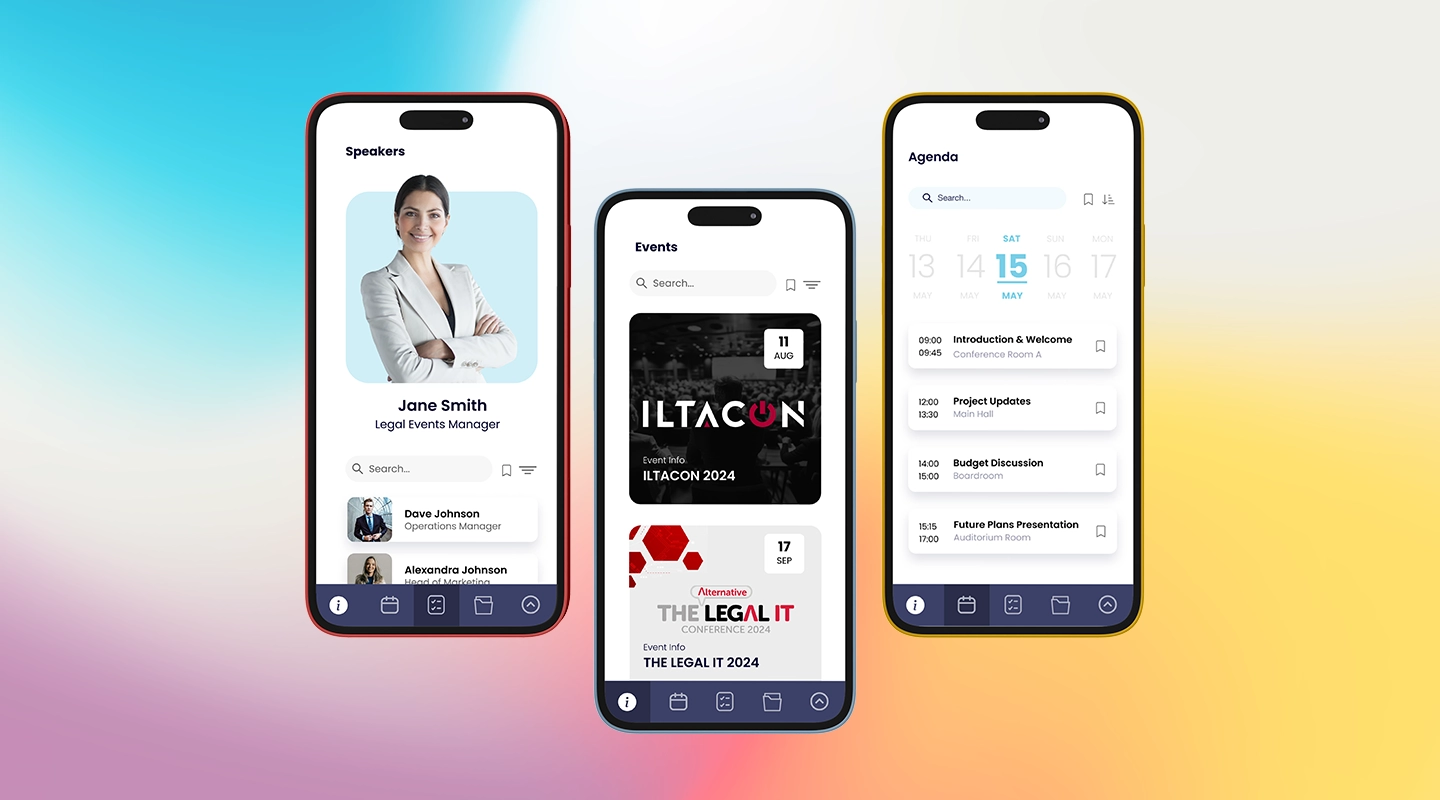
Fliplet stands out as one of the top Swoogo alternatives due to its versatile offerings and user-friendly platform. Here's why Fliplet is a great choice:
- **Customizable Solutions**: Fliplet allows users to effortlessly create [custom mobile event apps](https://events.fliplet.com/mobile-event-app/). Whether you need an app for conferences, meetings, or other events, Fliplet provides a comprehensive and user-friendly platform.
- **Comprehensive Features**: With Fliplet, you get a wide range of features designed to enhance attendee engagement and streamline event logistics. From scheduling and registration to networking and analytics, Fliplet has it all.
- **Easy to Use**: Fliplet's intuitive interface makes it easy to create and manage event apps, ensuring a smooth experience for both organizers and attendees. If you're exploring examples, see our guide to [mobile event apps](https://events.fliplet.com/blogs/25-best-mobile-event-apps/).
- **Affordable Pricing**: Fliplet offers competitive pricing models, making it accessible for events of all sizes and budgets.
- **Excellent Customer Support**: Fliplet provides responsive and helpful customer support, ensuring any issues are quickly addressed.
Altogether, Fliplet offers incredible possibilities to maximize event success in so many directions.
Learn more about the benefits of event technology in our [event strategy guide](https://events.fliplet.com/blogs/event-strategy-guide/).
## Ready to Choose the Best Swoogo Alternative for Your Business?
Explore our top recommendations and find the perfect fit for your needs. Whether you prioritize cost-efficiency, feature variety, or user experience, there are Swoogo alternatives out there that might be absolutely perfect for your event.
Why wait? Discover how Fliplet can elevate your next event. [Explore Fliplet Events](https://events.fliplet.com/).
## FAQs
### Which Swoogo alternative is best for large-scale events?
Platforms like Cvent, vFairs, and Bizzabo are well-suited for managing large-scale events due to their comprehensive features and robust support.
### How easy is it to switch from Swoogo to another platform?
Transitioning is generally straightforward, with many platforms offering support and tools to facilitate the process.
### How to use Swoogo for event management?
Using Swoogo involves setting up your event, [customizing the event app](https://events.fliplet.com/mobile-event-app/), and managing various aspects such as registration, scheduling, and attendee engagement.
### Can I integrate these Swoogo alternatives with other business tools?
Yes, most Swoogo alternatives offer integration capabilities with a wide range of tools and platforms.
### Is it easy to migrate from Swoogo to another event management tool?
Yes, many platforms provide migration support and tools to help you transition smoothly from Swoogo.
### What should I prioritize when evaluating Swoogo alternatives?
Prioritize features, pricing, ease of use, customer support, integration capabilities, and scalability when evaluating alternatives to ensure they meet your specific needs.
## Related links
- [How to Create an Event Marketing Plan in 2026 + Free Template](https://events.fliplet.com/blogs/event-marketing-plan-steps-and-tools/): In this article, Fliplet has compiled an Event Marketing Plan for 2026, that includes details on each step you need to take, tools to use and a free template
- [Top 20 Cvent Alternatives: Find the Best Event Management App for Your Company](https://events.fliplet.com/blogs/cvent-alternatives/): Explore our guide on the best Cvent alternatives and discover how Fliplet leads with its advanced mobile app capabilities for enhanced event management.
- [Free Event Budget Templates for Google Sheets & Excel](https://events.fliplet.com/blogs/event-budget-template/): Fliplet has compiled the best event budget templates to perfectly plan any type of event. Free to download for Google Sheets and Excel!
---
# What is a Citizen Developer? (Complete Guide & Tools)
> What is a Citizen Developer? (Complete Guide & Tools). Compare features, pricing, tradeoffs, and use cases to choose the best fit for your team and goals.
Source: https://fliplet.com/blog/what-is-a-citizen-developer-complete-guide-tools
Content type: Blog
Published: 2026-01-17T14:34:42
Updated: 2026-03-08T08:23:17
Read time: 23 minutes
# What is a Citizen Developer? (Complete Guide & Tools)
> The rise of the 'citizen developer' is increasing rapidly. This guide shows you what it means to be a citizen developer, exploring how this role is reshaping the creation and implementation of digital solutions.
From defining the concept to examining its impact and potential, we'll take a look at the essentials of becoming a citizen developer, the tools available, and the future of this growing field.
## What is a citizen developer?
Citizen developers are changing the game in business technology. They're not your typical IT professionals; instead, they're everyday employees who step up to create or modify business applications by themselves. This shift is significant when understanding the citizen developer definition, it's about empowering regular employees to take charge of software development without waiting for IT department approval. In the past, even minor changes or new projects could get stuck in long IT queues, slowing down progress and allowing competitors to take advantage.
These citizen developers bring speed and flexibility to the table. They can quickly respond to changing business needs, speeding up the creation and updating of applications. This not only speeds up innovation but also lightens the load on IT departments, freeing them to tackle bigger, company-wide issues. Plus, by working openly and sharing resources with IT professionals, citizen developers help keep everything secure and in line with the company's tech strategy.
In short, citizen developers make businesses more agile and efficient by taking software development into their own hands.
## How to become a citizen developer?
Becoming a citizen developer opens up new avenues for innovation and problem-solving within a business. Here's how you can start your journey:
- **Learn the basics:** Start with understanding the fundamentals of software development. You don't need to become an expert coder, but having a basic grasp of how applications work, what programming is, and how databases function can be incredibly helpful.
- **Get familiar with low-code/no-code platforms:** One of the hallmarks of citizen development is the use of low-code or no-code platforms. These tools are designed to be user-friendly and intuitive, allowing you to build applications with minimal coding. Spend time exploring platforms like [Fliplet](https://fliplet.com/) and practice building simple applications.
- **Understand your business needs:** As a citizen developer, your strength lies in your knowledge of your business's needs and processes. Identify problems or inefficiencies within your organization that could be addressed with a [custom application](/blog/custom-application-development-in-six-steps/).
- **Collaborate with IT:** While citizen development empowers you to build applications independently, it's still important to maintain a collaborative relationship with your IT department. They can offer guidance on data security, compliance, and integration with existing systems.
- **Learn from online resources and communities:** There are numerous online courses, forums, and communities dedicated to citizen development. Platforms like Udemy, Coursera, or even specific community forums on low-code platforms can offer valuable insights and learning resources.
- **Start small and scale up:** Begin with small projects that can be managed easily and have a clear impact. As you gain confidence and experience, you can take on more complex projects.
- **Stay updated:** The field of technology is always evolving. Stay informed about the latest trends and updates in low-code/no-code platforms and software development in general.
To help get you started take a look at our recent blog, [How to Build a Custom App Without Any Coding (6 Steps)](https://fliplet.com/blog/how-to-build-a-custom-app-without-coding/)
By following these steps, you can transition into the role of a citizen developer, contributing to your organization's technological innovation and efficiency from a unique, user-centered perspective.
### Gartner stats about citizen development
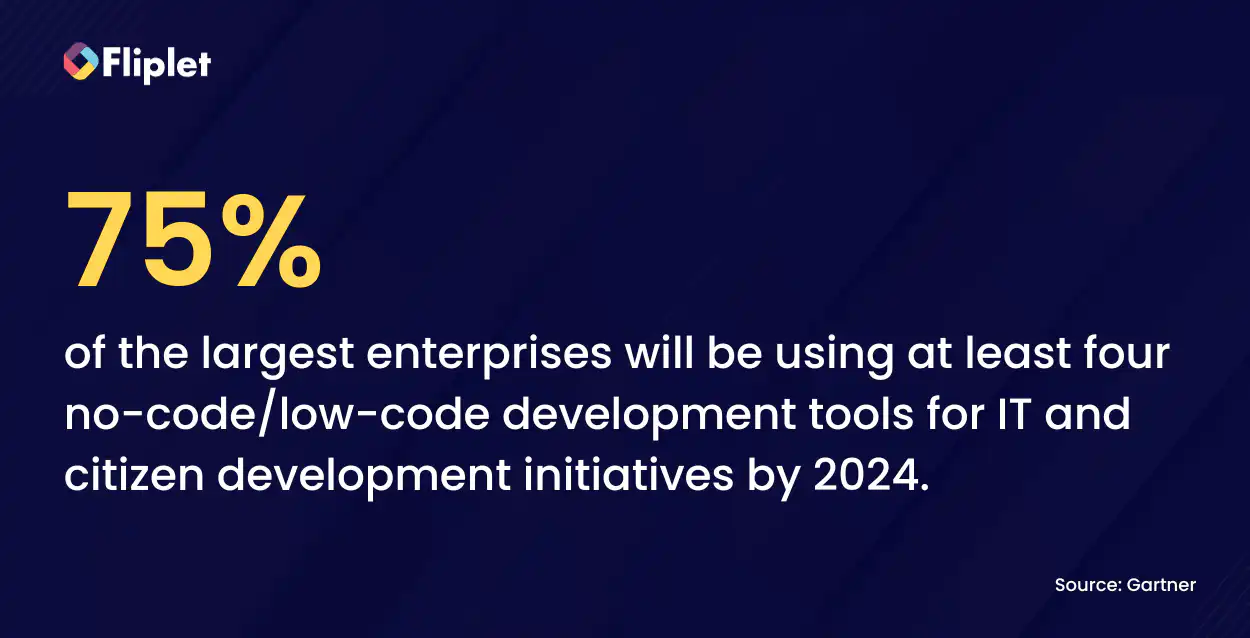
[Gartner's research](https://www.gartner.com/en) provides insightful statistics and perspectives on the rise of the citizen developer.
## Definition and growth
Gartner defines a citizen developer as an employee who creates applications for themselves or others using tools approved by IT or business units. They typically use low-code and no-code platforms for building internal applications, integrations, workflows, and processes.
## Driving factors
Despite the increasing number of software engineers and their high productivity, there is a growing demand for non-technical employees to develop their own software solutions. This demand arises from the constant expansion of software developer workloads, leading to project backlogs and a need for immediate, on-demand software solutions.
## Advantages of citizen development
- **Speed and accessibility:** Non-technical makers can quickly ship websites and apps using no-code platforms. These platforms provide pre-built functionalities, allowing for the creation of software without programming experience
- **Cost-effectiveness:** Traditional development can be costly, ranging from $40,000 to $250,000. In contrast, citizen development using low-code and no-code platforms can produce full-featured applications at a fraction of the cost and time
- **Agility:** Citizen developers can adapt and change applications more swiftly than traditional software teams, enhancing the agility of the software development process
## Industry impact and future trends
- 72% of IT leaders report that project backlogs hinder them from focusing on strategic projects. Citizen development is seen as a solution to this, shifting software demand to a collaborative effort across organizations
- There's a notable difficulty in hiring qualified engineers, with 82% of organizations facing this challenge. Citizen development is growing to fill this gap, evidenced by 84% of enterprises adopting low-code and no-code tools
- The market demand for citizen developer apps is projected to grow at least five times faster than what traditional IT departments can support, leading to an estimate that 75% of the large enterprise will be using at least four no-code low-code development tools for IT and citizen development initiatives by 2024
- 61% of companies either have or planned to have functional citizen development initiatives
In conclusion, Gartner's statistics and insights paint a picture of a rapidly evolving landscape where citizen developers are becoming increasingly central to organizational agility, innovation, and efficiency in the software development process.
## The need for citizen development
Citizen development is rapidly becoming a vital part of modern business practices, mainly due to its significant impact on efficiency and productivity. Businesses that have embraced this community have noticed a marked improvement in their operations.
Traditionally, companies often found themselves waiting for IT departments to address various issues, leading to delays and inefficiencies. However, with the adoption of citizen development, many companies are now actively engaging in application creation themselves, bypassing these delays and accelerating their response to business needs.
The role of employees in this transformation is crucial. Those who learn and master low-code/no-code platforms become valuable assets, effectively functioning as in-house software developers. They are not only able to address their software needs but can also share this knowledge with colleagues, further expanding the citizen developer community within the organization.
This communal learning and application of low-code/no-code platforms leads to a ripple effect, enhancing operational efficiency across various business processes. As more employees become proficient in these platforms, the entire organization becomes more agile, responsive, and efficient.
Discover [Why Organizations should embrace Citizen Developers](https://fliplet.com/blog/why-it-should-embrace-citizen-developers/).
## Pros and cons of citizen development
### Pros of citizen development
- **Reduces burden on IT departments:** Citizen development alleviates the workload on IT by enabling non-IT employees to create apps using low-code/no-code platforms. This allows IT staff to focus on other critical tasks and better manage the risks and requirements of app development
- **Cost-effective:** It creates a larger pool of employees capable of developing software, reducing reliance on IT professionals. This sharing of resources and tools within the citizen developer community is both economical and educational
- **Increases productivity and efficiency:** Low-code/no-code platforms accelerate app development and allow for quicker adaptations, enhancing overall efficiency and productivity within the organization
### Cons of citizen development
- **Constantly changing technology:** Citizen developers need ongoing training to keep up with frequent updates in technology. Newcomers to this field often require additional guidance to become proficient
- **Questionable quality:** Without adequate oversight from IT professionals, the quality of applications developed by citizen developers can be inconsistent. IT's involvement remains crucial in ensuring the functionality, security, and overall quality of the final product
## Citizen developer vs professional developer comparison
The rise of citizen development can be traced back to the realization that professional developers were overburdened, juggling both the creation and maintenance of applications. This often led to a backlog, with projects stagnating in queues for months.
Enter the citizen developer, empowered by low-code/no-code platforms, capable of building applications despite lacking professional development experience. These individuals often possess deep knowledge in their specific domains, enabling them to craft applications that closely align with the needs of their users.
Today, businesses are recognizing the importance of balancing the agility and user-centric focus of citizen developers with the security and oversight provided by professional developers. As citizen development continues to grow, this balance becomes crucial in harnessing the strengths of both worlds for effective application development.
## What types of citizen developers exist?
Citizen developers can be categorized based on their roles and the types of applications they create. Here are a few common types:
- **Business analysts:** They often use citizen development tools to automate and optimize business processes, create data models, and develop reporting tools
- **Project managers:** Utilizing citizen development to streamline project management processes, they might develop customized dashboards or tools for better project tracking and communication
- **Marketing professionals:** In marketing, citizen developers might create tools for campaign management, customer engagement analytics, or social media integration
- **HR professionals:** They could develop applications for employee onboarding, training programs, or internal communication platforms
- **Customer service representatives:** These citizen developers might build chatbots, customer feedback tools, or support ticketing systems
- **Event managers:** These citizen developers create tools to streamline their event, and make their events more engaging for the attendees.
Each type of citizen developer brings their domain expertise to the development process, creating applications that are closely aligned with the specific needs of their field.
## Characteristics of a Star Citizen Developer
### A citizen developer stands out by displaying these standard characteristics such as
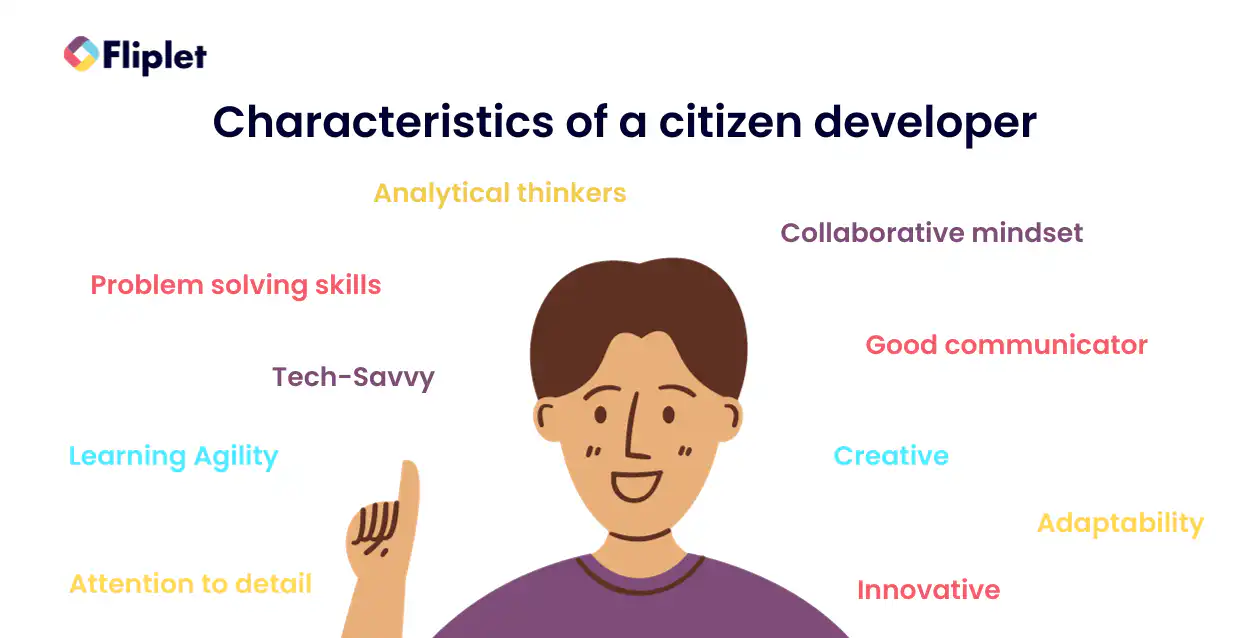
- **Problem-solving skills:** They excel at identifying challenges and creating effective solutions
- **Tech-savvy:** Possess a strong grasp and interest in technology and digital tools
- **Learning agility:** They should be quick to adapt and learn new technologies and processes
- **Collaborative mindset:** Work effectively with teams and stakeholders, both technical and non-technical
- **Creative:** Find different ways to approach and solve problems
- **Innovative:** Continuously seek and apply new ideas to improve processes and products
- **Adaptability:** Flexibly adjust to new challenges and changes in the business environment
- **Attention to detail:** Ensure precision and accuracy in all aspects of development
- **Good communicator:** Articulate ideas clearly and effectively, facilitating better understanding and collaboration
### RPA citizen developer
An RPA (Robotic Process Automation) citizen developer is an individual, typically a business professional, who uses RPA tools to automate manual and repetitive tasks within business processes. They aren't traditional software developers; instead, they have learned to use RPA platforms to create bots that mimic human actions in digital systems. Here are some of the characteristics of a RPA citizen developer:
- **Automating processes:** Skilled in using Robotic Process Automation (RPA) tools to automate repetitive tasks
- **Analytical thinking:** Able to analyze business processes and identify opportunities for automation
- **System integration understanding:** Knowledgeable in integrating RPA solutions with existing systems and databases
### Citizen developer for low-code platforms
- **Platform proficiency:** Expertise in using low-code platforms to build applications
- **User-centric design:** Focuses on creating user-friendly interfaces and experiences
- **Rapid prototyping:** Capable of quickly developing prototypes and iterating based on feedback
### Data-driven citizen developer
- **Proficiency in data tools:** Skilled in using data analysis and visualization tools
- **Insightful data interpretation:** Able to translate data into actionable business insights
- **Data integration skills:** Expertise in integrating data sources for comprehensive analysis
### Citizen developer for business analytics
- **Business process understanding:** Deep knowledge of business processes and needs
- **Analytical mindset:** Ability to analyze trends and performance metrics
- **Reporting and dashboard creation:** Skilled in creating insightful reports and dashboards
### Mobile app citizen developer
- **Mobile platform knowledge:** Understanding of mobile platform capabilities and limitations
- **User experience focus:** Emphasis on intuitive and responsive mobile app design
- **Cross-platform development:** Ability to develop apps that work across various mobile operating systems
Discover the [The Top 10 Best App Builders to Create a Mobile App](https://fliplet.com/blog/top-10-best-app-builder/)
## Programs to become a citizen developer
Embarking on a journey to become a citizen developer involves accessing the right resources and training programs. These programs are designed to equip aspiring citizen developers with the necessary skills in low-code/no-code platforms, understanding of software development principles, and practical application in a business context.
### PMI citizen developer
Project Management Institute (PMI) offers comprehensive resources for citizen developers, focusing on project management and development skills. [PMI Citizen Developer](https://www.pmi.org/citizen-developer).
### Microsoft Power platform training
[Microsoft Power platform](https://docs.microsoft.com/en-us/learn/powerplatform/) training offers courses on using Microsoft's suite of low-code tools.
### Salesforce trailhead
[Salesforce trailhead](https://trailhead.salesforce.com/) provides training for building apps using Salesforce's low-code solutions.
### Appian Academy
[Appian Academy](https://academy.appian.com/) offers training on Appian's low-code automation platform.
### Mendix Academy
[Mendix Academy](https://academy.mendix.com/) teaches people how to build applications using the Mendix low-code platform.
### Do these programs include a citizen developer certification?
Many of these programs offer certifications upon completion, providing official recognition of the skills acquired and enhancing the credibility of the citizen developers. These certifications can be a valuable asset in professional development and career advancement.
## What frameworks should a citizen developer use?
For citizen developers, selecting intuitive and powerful frameworks is crucial for effective application development. Let's focus on a key framework that fits this description, Model-View-Controller (MVC).
The MVC framework is a way to organize and structure your application. It divides the application into three interconnected components:
- **Model:** This is where your data lives. Think of it as the heart of your application's data management – it represents the data itself and the rules around how that data can be changed
- **View:** This is all about the user interface. The View component displays the data from the Model to the user in a specific format. It's what your users see and interact with, like web pages and forms
- **Controller:** This part acts as an intermediary between the Model and the View. It processes all the input received from the user through the View, possibly altering the Model as a result
MVC is particularly helpful for citizen developers because it compartmentalizes different aspects of application development. You can modify the visual aspect of your application (the View) without needing to delve into the data management logic (the Model). This separation makes it easier to manage, update, and troubleshoot your application.
### Advantages of this framework includes
- **Improved organization:** By separating concerns, MVC makes it easier to manage complex applications, breaking down the development process into manageable parts
- **Enhanced maintainability:** Updates or changes in one component (like the user interface) can be made independently of others (like the data model), simplifying maintenance
- **Reusable components:** Elements in the MVC framework, especially in the View, can often be reused across different parts of the application, saving time and effort
- **Easier collaboration:** With distinct separation of concerns, different team members can work on different components simultaneously without causing conflicts
- **Increased scalability:** MVC architecture allows for scalable application development, making it easier to expand or upgrade the application over time
- **Facilitates test-driven development:** Each component can be tested independently, making it ideal for test-driven environments
By using the MVC framework, a citizen developer can efficiently organize the development process, making it more manageable and less overwhelming, especially when dealing with complex applications. This framework provides a structured yet flexible approach to building software, making it a popular choice among those new to application development.
## Citizen development (tools & platforms)
In the world of citizen development, having the right tools and platforms at your disposal is key to success. These tools and platforms empower users with little to no traditional coding experience to create applications that can transform business processes and workflows. Let's explore some of the top tools and platforms available for citizen developers.
### Top citizen developer tools
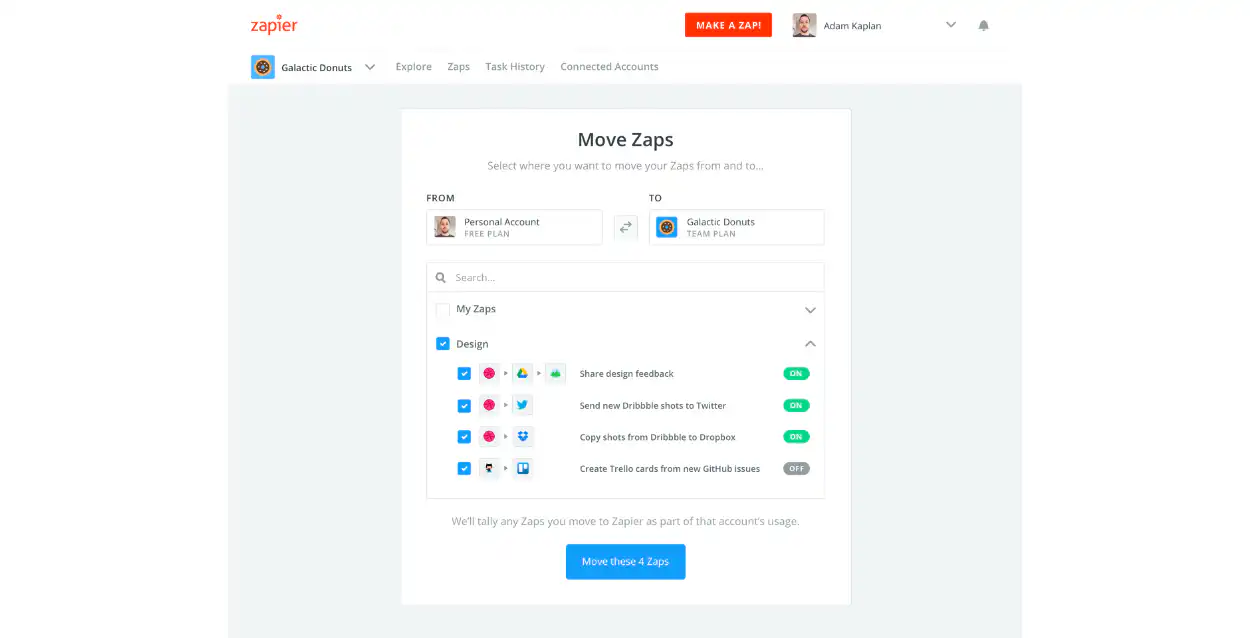
Zapier is a versatile tool for automating workflows. It seamlessly connects a multitude of apps and services, allowing for the creation of automated processes without the need for coding. Users can easily set up triggers and actions across different applications. For example, you can create a workflow where new email attachments are automatically saved to a cloud storage service, or where new social media posts trigger notifications in a team chat app. Zapier's ease of use and extensive app integration make it a favorite among citizen developers.
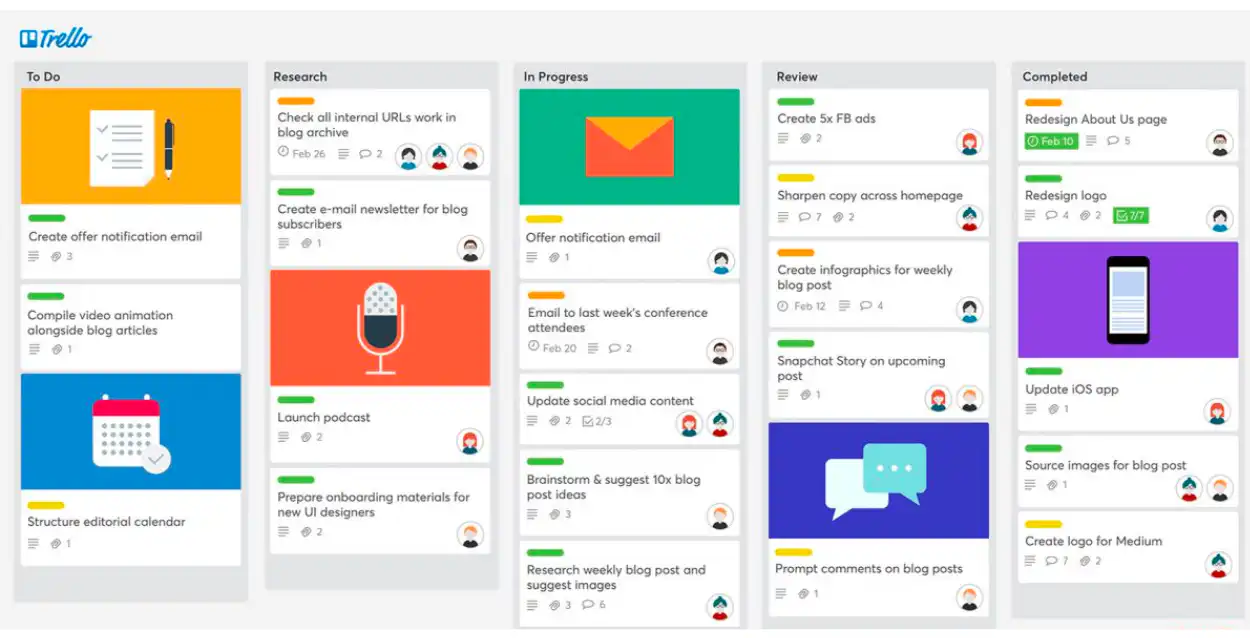
Trello is an intuitive project management tool widely used for its simplicity and visual interface. It organizes projects into boards, lists, and cards, enabling teams to track progress and collaborate effectively. Each card can represent a task or an idea, which can be moved across lists to show progress. Trello is flexible, catering to various project management needs from simple to-do lists to complex workflow tracking. It integrates with other tools and services, enhancing its utility in managing projects and team collaboration.
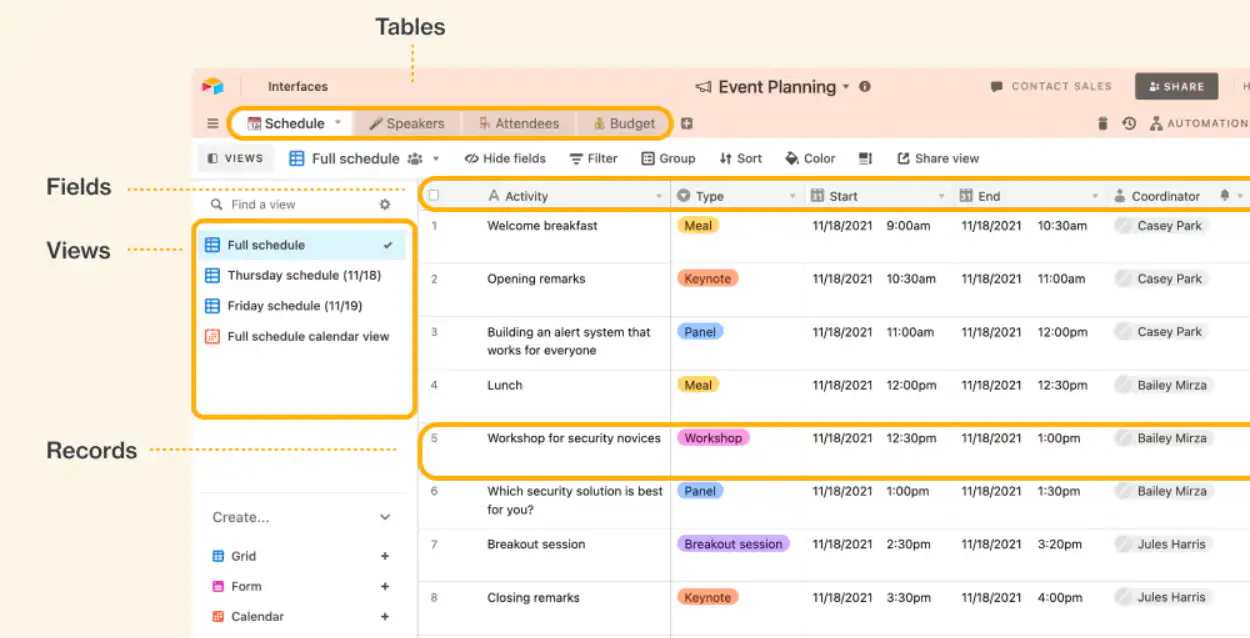
Airtable combines the ease of a spreadsheet with the robust functionality of a database. It's a powerful tool for citizen developers who need to organize and manipulate data without the complexity of traditional database software. Users can create custom databases that look like spreadsheets but have the capability to handle complex tasks like linking related records, attaching files, and integrating with other apps. Airtable's user-friendly interface and customizable features make it suitable for a wide range of applications, from content management to inventory tracking.
### Top citizen developer platforms
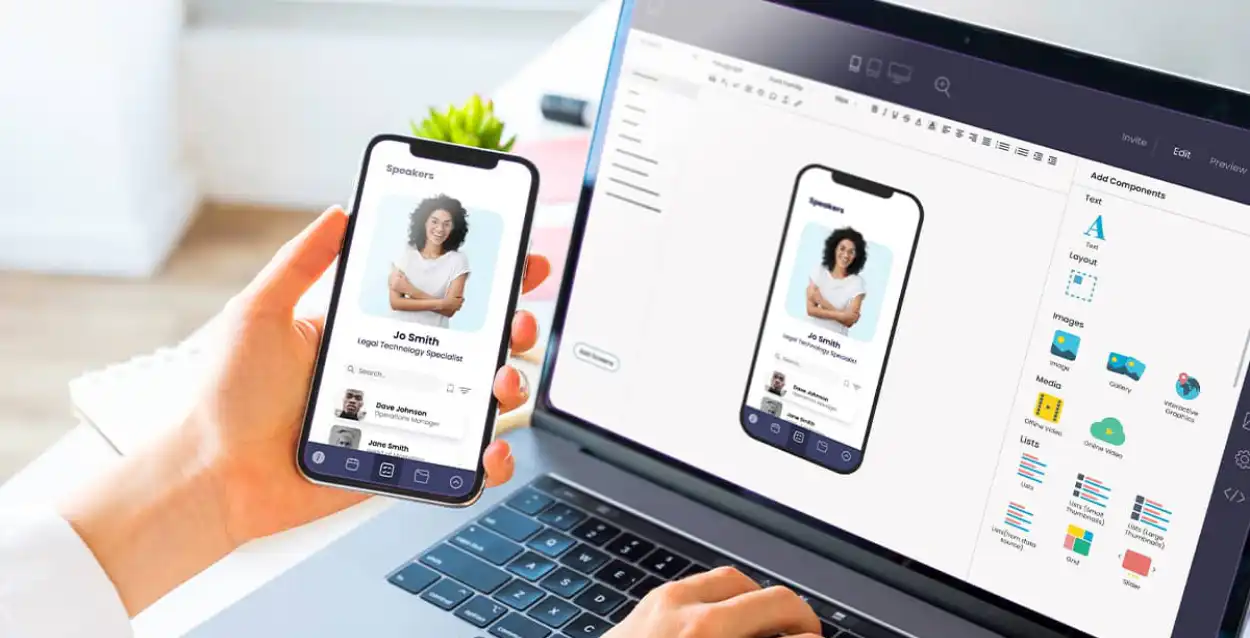
Fliplet offers a no-code/low-code platform that greatly simplifies app development for non-technical users. Its drag-and-drop interface allows for the easy creation of apps for various business purposes. Users can build everything from internal communication tools to customer-facing applications without needing to write any code. Fliplet's emphasis on accessibility and ease of use makes it a standout choice for citizen developers looking to create functional, professional-looking apps with minimal technical expertise.
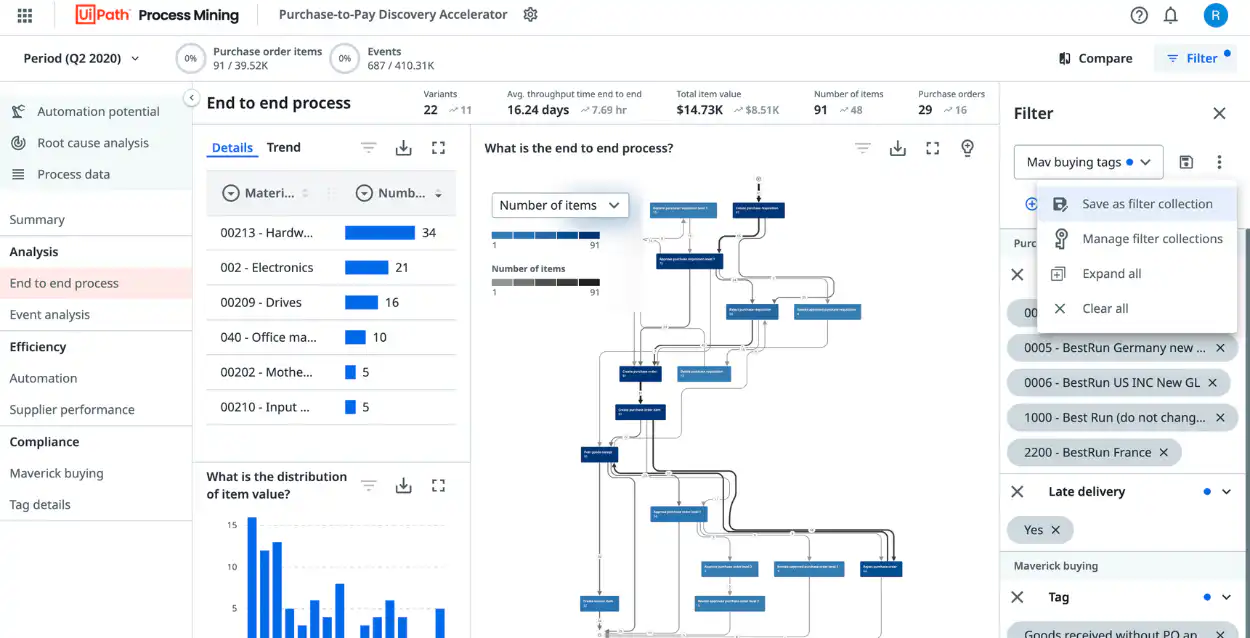
UI Path provides a robust platform for automating repetitive office tasks, making it highly valuable for citizen developers in corporate environments. It specializes in Robotic Process Automation (RPA), allowing users to create bots that automate routine tasks like data entry, file manipulation, and even complex workflows. UI Path's user-friendly interface and powerful automation capabilities help non-technical staff to increase productivity and efficiency by reducing the time spent on mundane tasks.
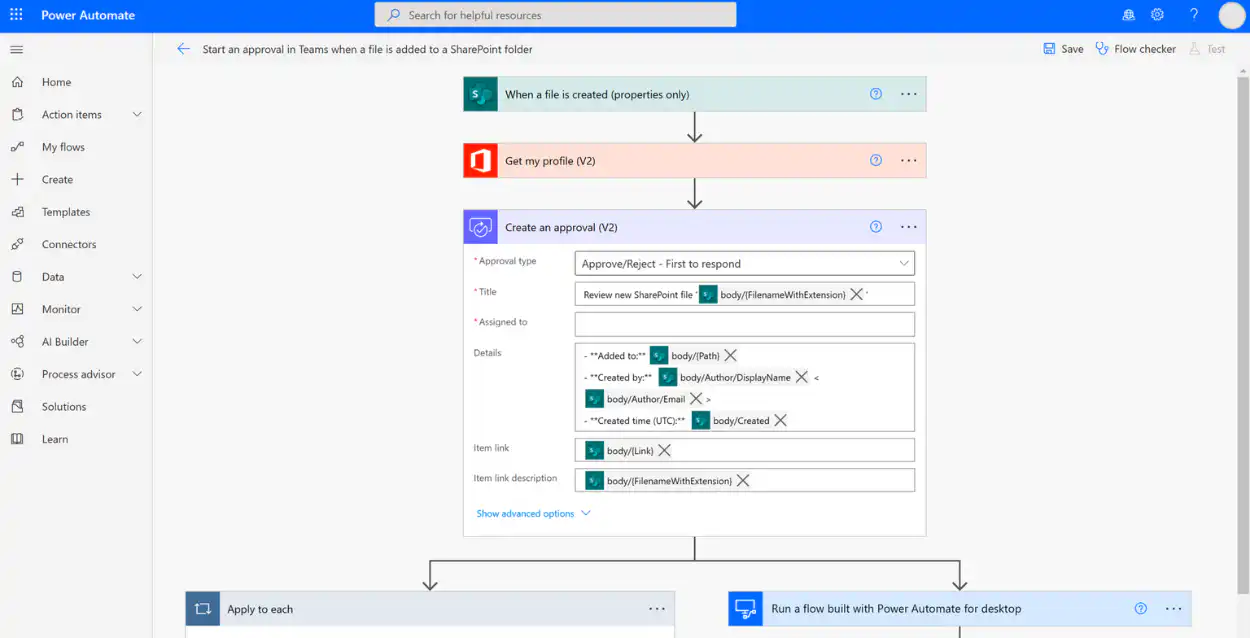
Microsoft offers a suite of tools tailored for citizen developers, including Power BI, Power Apps, and Power Automate. Power BI is a business analytics tool that enables users to create interactive reports and dashboards. Power Apps allows for the creation of custom apps to solve business needs without extensive coding. Power Automate (formerly Microsoft Flow) is a tool for automating workflows across various applications and services. These tools provide a comprehensive ecosystem for citizen developers to build custom solutions and automate processes within the Microsoft environment.
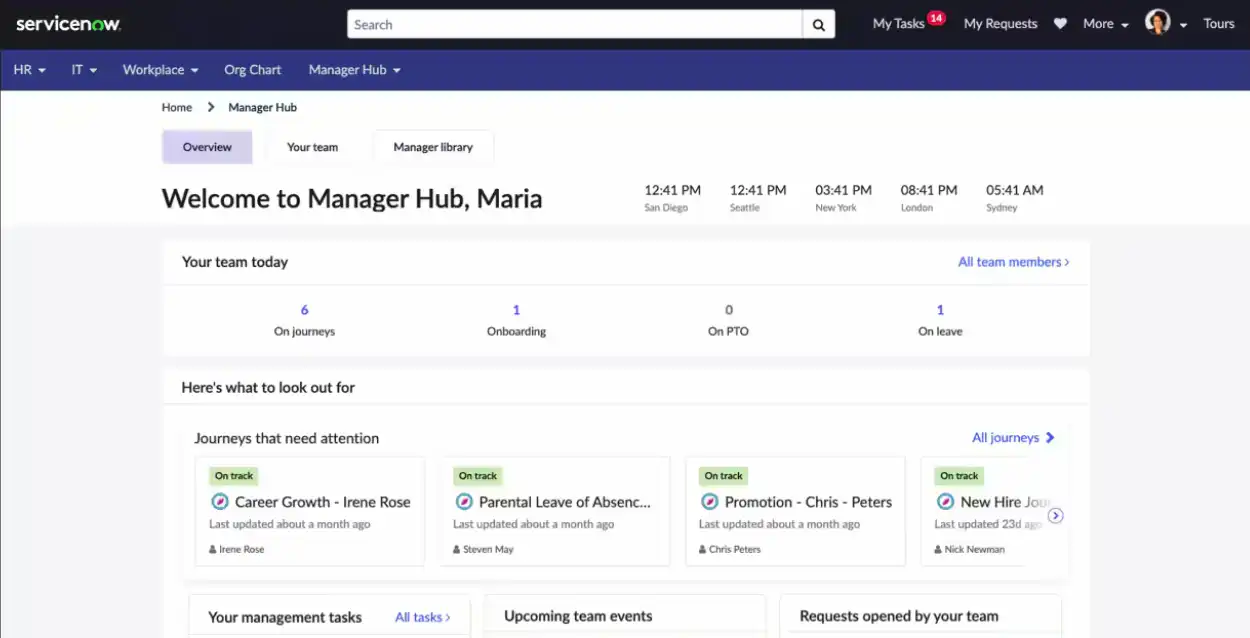
ServiceNow, traditionally known for its IT service management capabilities, also provides robust application development tools for citizen developers. It enables users to build and deploy custom applications that can automate workflows and streamline business processes. The platform's low-code development environment allows for the creation of applications that integrate seamlessly with ServiceNow's existing IT service management offerings. This makes it particularly beneficial for organizations looking to enhance their IT operations and service delivery.
## How Fliplet empowers you to become a citizen developer
Fliplet stands out as a powerful enabler for aspiring citizen developers, offering a suite of features and functionalities that simplify the app development process. Here's how Fliplet can empower you in your citizen developer journey:
## User-friendly interface
Fliplet's intuitive drag-and-drop interface makes app development accessible, even for those with minimal technical expertise. This user-friendly approach allows you to easily create and customize apps, significantly lowering the entry barrier to app development.
## Range of solutions
The platform offers a diverse selection of templates, catering to various business needs. These templates serve as a starting point, reducing the time and effort needed to build an app from scratch.
### Events
Create an event app that can adapt to your event size and type. Whether you're running a large hybrid conference or a small in-person roundtable, our solution will fit your event needs. [Find out more.](https://events.fliplet.com/)
### Learning
Build a learning solution that is interactive and accessible anywhere, anytime. From online courses to assessments, you will have the tools you need for effective learning experiences. [Find out more.](https://fliplet.com/solution/learning/)
### Community
Engage your audience, form connections, and provide a centralized hub for community members to interact, share ideas, and stay informed. [Find out more.](https://fliplet.com/solution/community/)
### Directory
Facilitate team collaboration, and enhance accessibility and productivity. Clients, too, can use this solution to get in touch with the right personnel swiftly. [Find out more.](https://fliplet.com/solution/directory/)
## Cross-platform publishing
One of Fliplet's standout features is its ability to publish apps across multiple platforms, including [Apple App Store](https://fliplet.com/blog/7-steps-making-an-app-for-iphone/), Google Play, and as [web apps](https://fliplet.com/blog/how-to-create-a-web-app-in-15-steps/). This flexibility ensures that the applications you develop are widely accessible, regardless of the users' preferred platform
## No-code and low-code options
Catering to both non-technical users and those with some coding experience, Fliplet provides no-code and [low-code](https://fliplet.com/blog/three-reasons-low-code-technology-is-essential-for-enterprise-innovation/) options. This dual approach allows you to start with simple, no-code development and gradually progress to more customized solutions using low-code features.
Take a look at [8 ways to drive innovation at your organization with low-code/ no-code apps](https://fliplet.com/blog/8-ways-to-drive-innovation-at-your-organization/)
## Integration capabilities
Fliplet facilitates integration with existing systems and data, allowing you to create apps that seamlessly fit into your organization's tech ecosystem.
## Community and support
Fliplet provides access to a community of users and a wealth of support resources. This means you're not just getting a tool but a supportive environment to learn, share, and grow as a citizen developer.
Hear from a Fliplet client and discover how Fliplet [Empowered Citizen Developers at Gowling WLG](https://fliplet.com/blog/empowering-citizen-developers-at-gowling-wlg/).
By leveraging Fliplet, you can rapidly transform your innovative ideas into real-world applications. The platform empowers you to address specific business challenges, enhance productivity, and contribute to your organization's digital transformation efforts. You can get started with [Fliplet for free](https://studio.fliplet.com/signup).
## How can you find a job as a citizen developer?
Finding a job as a citizen developer is an exciting prospect, especially in a market where the demand for such roles is growing.
To start, build a portfolio showcasing your projects; this can be a strong negotiation tool for a better salary. In your resume, highlight your citizen development skills and experience, emphasizing how these have added value in terms of cost-saving or efficiency improvements, which are also key factors in salary discussions.
Networking is crucial, use platforms like LinkedIn to connect with industry professionals and share your work, attracting potential employers.
When searching for jobs, use keywords like 'citizen developer' or 'low-code/no-code developer' to find relevant listings, paying attention to the salary ranges to understand market rates.
Continuous learning and certification in relevant platforms can further boost your value. Your ability to translate business needs into digital solutions is highly valued by employers seeking to bridge the gap between technology and business.
## Future trends in citizen development
Here are some key trends that are expected to shape the future of citizen development:
- **Increased adoption of low-code/no-code platforms:** With businesses seeking faster and more efficient ways to develop applications, the use of low-code and no-code platforms is expected to rise dramatically. These platforms will become more sophisticated, offering greater flexibility and more powerful features.
- **Greater integration with AI:** Artificial intelligence will increasingly be integrated into citizen development tools. This integration will enable more intelligent and automated app development processes, making it easier for citizen developers to create complex, data-driven applications. Take a look at our blog on [How AI Will Disrupt App Development](https://fliplet.com/blog/how-ai-will-disrupt-app-development/).
- **Expansion into more business areas:** Citizen development will expand beyond IT and into other business areas such as marketing, finance, and human resources. This will lead to more tailored and department-specific applications.
- **Enhanced collaboration between IT and business units:** As citizen development grows, there will be a stronger collaboration between IT departments and business units. This partnership will ensure that apps are not only quickly developed but also secure, compliant, and aligned with overall business strategies.
- **Focus on mobile-first development:** With the increasing use of mobile devices in the workplace, there will be a greater focus on mobile-first development in citizen development platforms, enabling the creation of more mobile-friendly apps. Take a look at [The 10 Best Mobile Application Development Platforms 2026](https://fliplet.com/blog/10-best-mobile-application-development-platforms/).
- **Rise in citizen developer communities and training programs:** As the field grows, so will the communities around it. We can expect to see more training programs and community support for citizen developers, enhancing knowledge sharing and skill development.
These trends indicate that citizen development is becoming an integral part of the digital transformation strategy for many organizations, empowering employees to contribute directly to the technological advancement and efficiency of their companies.
## Conclusion: Citizen developer power comes with great responsibility
With the power to create and modify applications, citizen developers are equipped to drive innovation and efficiency within their organizations. However, with this power comes great responsibility.
Citizen developers must navigate the balance between speed and quality, ensuring that the applications they develop are not only effective but also secure and compliant with organizational and regulatory standards.
Also, as the field of citizen development continues to grow and evolve, platforms like Fliplet play a pivotal role. Fliplet empowers citizen developers with user-friendly tools for creating professional-grade applications, bridging the gap between technical expertise and business needs. The no-code/low-code platform creates a culture of innovation, enabling employees to contribute effectively to their organization's digital transformation while maintaining high standards of quality and compliance.
As we move forward, the impact of citizen developers will only become more pronounced, making it an exciting time to be part of this transformative field.
## FAQs
### Who is a citizen developer?
A citizen developer is typically an employee within a business who, despite not having formal training in coding or software development, takes on the role of developing applications. They use low-code/no-code platforms to create or modify software that addresses specific business needs or improves processes. Citizen developers are often characterized by their deep understanding of their business domain, problem-solving skills, and ability to bridge the gap between technical capabilities and business requirements.
### What is a citizen developer?
A citizen developer is an employee who creates or modifies business applications using low-code/no-code platforms, without needing formal expertise in software development. They typically work outside of IT departments but within the guidelines set by them. Their role is to bridge the gap between technical possibilities and business needs, leveraging their understanding of the business processes to develop practical, functional applications.
### How to become a citizen developer?
Measuring the success of mobile app promotion can be done using various metrics, depending on your goals. Common metrics include the number of downloads, user retention rate, user reviews and ratings, and in-app engagement. Tools like Google Analytics for Mobile and platforms like App Annie or Sensor Tower can provide insights into these metrics. Additionally, the Return on Advertising Spend (ROAS) can help assess the effectiveness of paid promotional campaigns.
### Is the salary of the citizen developer higher than the average salary?
The salary of a citizen developer can vary based on several factors including industry, location, level of expertise, and the specific tools they are skilled in. Generally, citizen developers with a strong understanding of business processes and the ability to create impactful applications can command competitive salaries. In many cases, their salary may be higher than the average, especially as they bring a unique blend of business insight and technical skill to their roles, which is increasingly valued in the digital transformation era. However, it's important to note that salary comparisons should consider the specific context and job market conditions.
## Related links
- [Gowling WLG case study](https://fliplet.com/case-studies/gowlingwlg/)
- [How to create a web app in 15 steps](https://fliplet.com/blog/how-to-create-a-web-app-in-15-steps/)
- [The top 10 app builders to create a mobile app](https://fliplet.com/blog/top-10-best-app-builder/)
---
# What is a Hackathon? (Ultimate Guide)
> What is a Hackathon? (Ultimate Guide). Get practical steps, planning tips, and common pitfalls to avoid so your team can move faster with less risk.
Source: https://fliplet.com/blog/what-is-a-hackathon-ultimate-guide
Content type: Blog
Published: 2026-01-17T14:35:18
Updated: 2026-05-18T05:50:19
Read time: 27 minutes
# What is a Hackathon? (Ultimate Guide)
Welcome to our ultimate guide on hackathons, where we explore these exciting and innovative events in detail. In this guide, we'll cover everything you need to know about hackathons: from their basic definition and structure to the varied participants who make hackathons successful. We'll discuss the benefits for companies and individuals involved, provide insights on planning and managing a hackathon, and even look at the different types of hackathons.
Whether you're new to hackathons and eager to participate, a business looking to sponsor, or just curious about the world of hackathons, this guide is your one-stop resource for all things hackathon, including examples of famous products that started at these events.
## What is a hackathon?

Simply put, a hackathon is an event, often spanning several days, where people come together to solve problems or seize new opportunities. It's good to note, while most hackathons are organized by tech companies, other industries may also participate in arranging hackathons.
### The definition and meaning of a hackathon
The term hackathon comes from "hack" and "marathon," it is an event characterized by an intense burst of collaborative problem-solving, usually extending over several days. The primary goal is to create a working prototype or proof-of-concept for a product or feature in a short amount of time. While the focus is on building and innovation, hackathons also offer participants the chance to enhance their skills, network, and have fun. These events attract a diverse range of talents and are valued for creativity, collaboration, and rapid problem-solving in a dynamic environment.
### The anatomy of a hackathon
In a hackathon, participants usually focus on a specific topic or technology. Participants work in teams to solve challenges or create something new in a short time. These events are often like competitions where teams try to come up with the best solution. Along the way, they get help and advice from experts. In the end, teams show their projects to judges, hoping to win prizes and recognition. This mix of teamwork, competition, and learning makes hackathons exciting and rewarding for those who take part.
## Who participates in a hackathon?

Hackathons are unique events that attract a wide range of participants, each bringing their own skills and perspectives to solve problems and innovate.
### A diverse and inclusive community of participants
Hackathons are known for their diverse and inclusive environment, attracting a wide array of participants. These participants often include (but not always limited to) software developers, designers, product and project managers, innovation managers, entrepreneurs, among others.
The specific demographics of participants can vary depending on the hackathon's industry focus and objectives. Some hackathons target a specific group while others are open to all interested individuals. This diversity encourages a rich environment for creativity and problem-solving, making hackathons a great event to attract new ideas.
### Participants in external hackathons
External hackathons often involve sponsors and partners like technology companies, startups, venture capital firms, and academic institutions. These participants not only provide resources such as support, prizes, and mentorship but also engage in these events to recruit talented individuals, invest in promising ideas, and build industry relationships. This participation enriches the hackathon experience and offers valuable opportunities for both organizers and attendees.
### Participants in employee hackathons
In employee hackathons, an organization's various departments collaborate. The core team builds the project, but other teams are also involved to support the event. Here are the different roles and how they participate in employee hackathons:
- **Software developers:** Focus on coding and building the hackathon project
- **Designers:** Work on the user interface and experience aspects
- **Product managers:** Provide insights on product feasibility and market fit
- **Project managers:** Ensure that the project stays on track and deadlines are met
- **Innovation managers:** Bring new ideas and ensure the project's innovative aspects
- **HR:** Ensure participants are in good standing and manage engagement
- **Legal advisors:** Oversee compliance with legal and regulatory requirements
- **Senior leadership:** Offer strategic direction and judge the outcomes
- **Marketing team:** Handle messaging, outreach, and promotion of the hackathon
Employee hackathons support cross-functional goals, with each department playing a vital role. Marketing enhances awareness, engineering provides technical insight, product teams focus on user experience, and HR boosts morale and engagement. Senior leadership adopts innovation and aligns projects with business goals.
It is important to note that even without all these departments, a hackathon can be successful. For instance, marketing teams can use no-code platforms to build hackathon apps, reducing the need for software developers and designers.
### Hackathons need sponsorship
Securing sponsorship for a hackathon offers multiple benefits. For the organization, it can mean financial support and access to resources. Sponsors gain visibility and engagement with their community, which can be valuable for branding and recruitment. Participants benefit from these resources, enhancing the overall experience and potential outcomes of the hackathon. Typically, the responsibility for securing and managing sponsorships falls to the marketing or events department within an organization.
## What are the benefits of a hackathon?
Hackathons are powerful tools for innovation and collaboration. They offer unique opportunities for learning, skill development, and problem-solving, benefiting organizations and sponsors
### Benefits for companies who run hackathons
Companies hosting hackathons stand to gain significantly. Hosting a hackathon positions a company as a forward-thinking leader in technology, attracting talent and creating a culture of collaboration.
- **Innovation:** Encouraging creative solutions to challenges
- **Talent discovery:** Identifying potential employees with exceptional skills
- **Enhances collaboration:** Strengthening teamwork within the organization
- **Brand building:** Improving company visibility and reputation in the community
- **Feedback and insights:** Gaining valuable insights into new solutions and user needs
### Benefits for companies who sponsor hackathons
Sponsoring hackathons offers companies unique advantages. It's a strategic move that extends beyond mere financial support, allowing companies to embed themselves in their community.
### Sponsoring companies also enjoy numerous advantages such as
- **Increased brand awareness:** Enhancing visibility among a like minded audience
- **Networking opportunities:** Connecting with industry leaders, innovators, and potential clients
- **Access to new ideas:** Gaining fresh perspectives and innovative solutions in your field
- **Community engagement:** Building relationships within the community
- **Marketing and recruitment:** A way of attracting new talent and building relationships
## Hackathons for participants

For participants, hackathons are opportunities for personal and professional growth. This section guides you through key aspects like generating ideas, choosing a team name, and finding a suitable project for the hackathon.
### How to generate ideas for your hackathon?
### Generating ideas for a hackathon can be approached in various ways
- **Explore current trends:** Look into emerging technologies or trending issues in your field
- **Solve real problems:** Identify common problems in your community or industry that could benefit from a technological solution
- **Personal interests:** Consider what excites you or your team personally. Passion driven projects often yield innovative results
- **Brainstorming sessions:** Organize sessions with your team to discuss and evolve ideas
- **Research and inspiration:** Look at past hackathon projects or technology forums for inspiration
### How to find a team name for your hackathon?
### Choosing a team name involves creativity and consensus
- **Reflect team identity:** Consider a name that represents your team's unique characteristics or the project theme
- **Brainstorming:** Have a fun brainstorming session with your team
- **Keep it memorable and relevant:** A catchy, relevant name is more memorable and can make your team stand out
- **Avoid complex names:** Simplicity aids in recall and ease of communication
### How to find a project for a hackathon?
### Selecting a project requires balancing ambition with feasibility
- **Assess team skills:** Align the project with your team's skills and knowledge
- **Market needs:** Consider what is needed or missing in the market
- **Innovation and feasibility:** Aim for a project that is innovative yet achievable within the hackathon's time frame
- **Scope appropriately:** Ensure the project is neither too broad nor too narrow
- **Research previous successes:** Look at past hackathons for what types of projects have done well
## What are the stages of a successful hackathon?
### A successful hackathon generally includes these stages
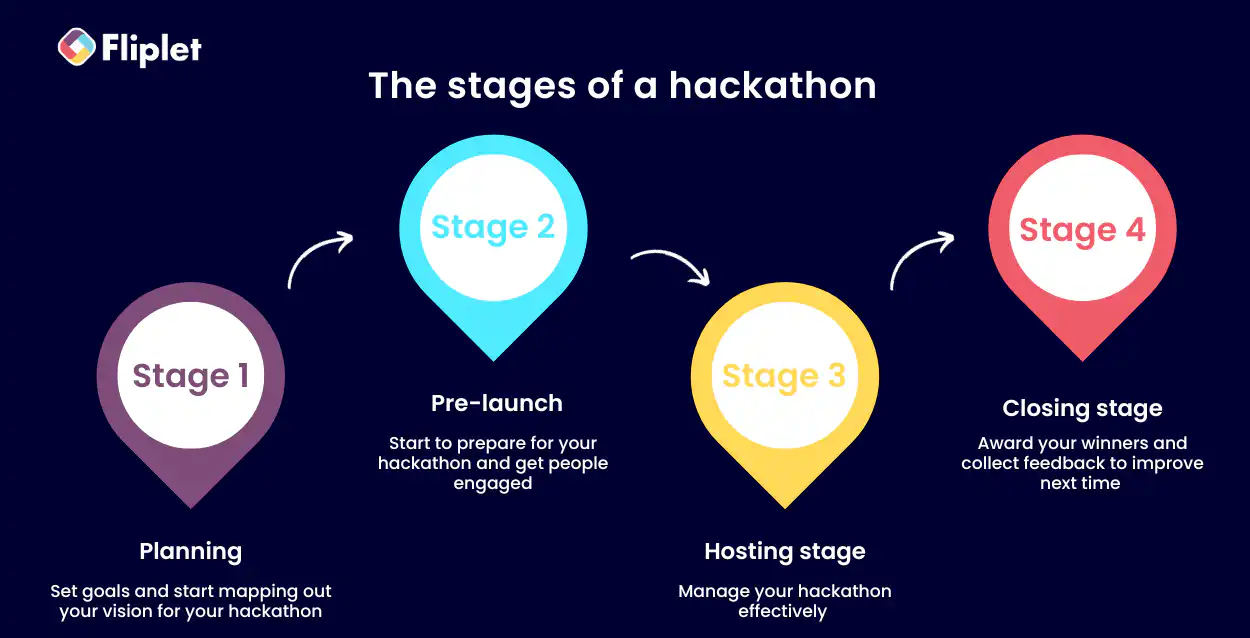
## Stage 1: Planning
- **Goal setting:** Utilize SMART targets for clear, measurable, and achievable objectives. Effective goal setting is crucial for defining the hackathon's focus and measuring its success
- **Stakeholder identification:** Identify key individuals and groups who will contribute to or benefit from the hackathon. This helps in aligning the event with organizational goals and ensuring necessary support
- **Create a detailed plan:** Consider aspects like theme, logistics, participant engagement, and judging criteria. A comprehensive plan ensures smooth execution and addresses potential challenges
- **Communication strategies:** Develop a communication plan to keep stakeholders informed and engaged. This includes promoting the event, regular updates, and post-hackathon communications
## Step 2: Pre-launch
- **Announce the hackathon:** Effectively market your hackathon to attract the right participants
- **Participant engagement:** Engage with potential participants early to build excitement and commitment
- **Legal compliance:** Ensure all legal requirements are met, including participant agreements and intellectual property considerations
- **Prepare for presentations:** Guide participants on presentation formats and expectations
## Step 3: Hosting
- **Manage logistics:** Oversee the event's logistical aspects to ensure a smooth experience
- **Document the event**: Capture the event through photos, videos, and notes for future reference
- **Support participants:** Provide necessary resources and mentorship to participants during the event
## Step 4: Closing
- **Award winners:** Recognize and reward the best projects and participants
- **Share outcomes:** Publicize the results and success stories from the hackathon
- **Conduct a retrospective:** Review the event to identify successes and areas for improvement
Each stage is essential for the smooth execution and success of a hackathon.
### General hackathon structure
### A general hackathon structure involves these elements
- **Team formation:** Participants form teams, often with a mix of skills and expertise
- **[Idea generation](/blog/mastering-idea-generation/) and pitching:** Teams brainstorm ideas and pitch them, selecting the best one to develop
- **Development phase:** Teams work on their projects, building and refining their ideas
- **Mentorship and support:** Throughout the event, mentors and experts provide guidance and support
- **Final presentation and judging:** Teams present their projects to judges who evaluate based on set criteria
- **Awards and feedback:** Winners are announced, and feedback is provided to all participants
This structure ensures a balanced approach to creativity, teamwork, and technical development.
## Types of hackathons
Hackathons come in various types, each with a specific focus or objective. Some common types include:
- **Internal employee hackathons:** Aimed at enhancing innovation within an organization
- **External hackathons:** Open to the general public, often focusing on community or industry-wide challenges
- **Industry-specific hackathons:** Target specific sectors like healthcare or finance
- **Theme-based hackathons:** Focus on particular themes like sustainability or education
- **Virtual hackathons:** Conducted entirely online, enabling wider participation
- **University hackathons:** Organized by or for students, focusing on learning and innovation
Each type caters to different goals and audiences, providing unique opportunities for collaboration and problem-solving.
## Planning a hackathon event

Planning a hackathon event involves thorough preparation and strategy. It requires careful consideration of various aspects like communication, rewards, and overall event management to ensure a successful and impactful experience.
### Developing a hackathon communication plan
A successful hackathon needs an effective communication strategy. A well-executed plan will draw in more sponsors and participants of a higher caliber, providing access to diverse resources, leading to a successful event with a high potential for implementing the winning concept.
### Here's a structured approach to developing a robust communication strategy for your hackathon
#### Early communication initiatives
Begin by showcasing the relevance and capabilities of your organization to potential participants. A shared mission and transparent selection criteria are crucial in attracting participants and refining submissions. Keep in mind the challenges of securing approvals within an organization with competing priorities. Ensure a buffer of at least two weeks for the review and approval process of promotional materials by stakeholders, including legal teams.
#### Designate a communication leader
Nominate a team member to oversee all hackathon communications. This individual will be responsible for formulating and implementing the communication strategy and building partnerships essential for planning and executing the hackathon.
#### Form a cross-functional team
A hackathon is a collaborative effort involving multiple functions. This includes marketing for outreach, product management for industry insights, engineering for technical expertise, HR for participant verification, senior leadership and SMEs for judging, and legal for compliance. Early engagement with these stakeholders is vital, along with continuous communication throughout the event's planning and execution.
### Communication strategy outline
#### Channel selection
For engaging participants effectively, it's crucial to identify and utilize the most suitable communication channels. This involves a thoughtful blend of traditional and innovative mediums. Consider leveraging:
- **Company intranet and email:** Utilize these for official announcements, updates, and regular communications. They are effective for reaching a broad internal audience
- **Internal messaging apps:** Platforms like Slack or Microsoft Teams can be used for more immediate, informal interactions and updates
- **Social media:** Platforms such as LinkedIn, Twitter, or Facebook can extend reach beyond the organization, attracting external participants and sponsors
- **Dedicated [event website](https://events.fliplet.com/blogs/event-website/) or landing page:** This can serve as a central hub for all information, updates, and resources related to the hackathon
- **Webinars and virtual meetings:** These tools can be used for kickoff meetings, Q&A sessions, and ongoing engagement
- **Printed materials:** Posters and flyers can be useful in office spaces to remind and inform employees about the event
- **Newsletters:** Regular newsletters can keep potential participants informed and engaged in the lead-up to the event
Remember, the specificity of your intended audience and the nature of the ideas you're soliciting should guide your choice of channels.
#### Implement communication templates
Select appropriate communication templates to maintain outreach efficiency. Remember, launching is just the beginning. Continuously follow your communication schedule for various stages of the hackathon, including teasers, leadership messages, launch announcements, and regular updates.
#### Leverage your network to build a community
Maximize the impact of word-of-mouth within and outside your organization. Engage potential participants, especially those new to hackathons, through interactive initiatives like live Q&A webinars. This will not only enhance engagement but also improve the quality of submissions for future innovation challenges.
### Awards for hackathon participants and winners
To truly motivate and inspire participants in a hackathon, offering meaningful and theme-relevant rewards is key. These incentives should resonate with the participants, spurring their creativity and dedication. Here's a breakdown of popular incentives you can consider:
- **Monetary rewards:** Cash prizes, while not always the primary motivation, are universally appealing and can be utilized by anyone, regardless of their professional background. However, they might lack the ongoing connection to the event that other rewards provide.
- **Tech gadgets and subscriptions:** Offering cutting-edge tech items or subscriptions can be highly effective, especially if targeted towards a specific group, like software developers. Gadgets like tablets, smartwatches, or laptops, as well as subscriptions to software tools or educational platforms, not only serve as a token of appreciation but also continue to provide value beyond the event. They create a lasting association with the hackathon experience.
- **Additional paid time off:** For internal company hackathons, extra paid time off days can be a highly valued prize. Ensure this is coordinated with HR and the management of the participants.
- **Recognition awards:** Tangible symbols of achievement, such as trophies or certificates, may not be the main incentive but add a special touch to the recognition. They create memorable moments and offer a cost-effective way to prolong the positive association with the event.
- **Opportunities for growth:** Offering winners access to mentorship, resources, or funding to further develop their projects can be extremely appealing. This type of reward aligns well with the goals of participants who join hackathons to advance their skills and career prospects. This applies to both internal company events and external hackathons where exposure to recruiters, investors, or startup teams can be invaluable.
- **Visibility and promotion:** Showcasing winning projects on various platforms like the event website, social media, or other channels can significantly boost the visibility and recognition of the winning teams. This form of promotion is a powerful incentive, as it provides participants with a platform to showcase their skills and achievements to a wider audience.
Each of these rewards can be tailored to the specific theme and audience of your hackathon, ensuring that they not only attract participants but also encourage them to bring their best efforts to the event.

A hackathon, with its complexity, requires meticulous planning and execution to ensure success. This guide combines industry insights with additional strategies to manage onsite, hybrid, or virtual hackathons.
#### Onsite hackathon management
- **Thorough venue preparation:** Beyond the basic setup, consider the flow of traffic and how participants will move between different areas. Ensure all necessary tech support is on standby for immediate assistance
- **Participant and staff briefing:** Along with the pre-event email, consider a quick orientation session at the start of the event to cover essentials and answer any last-minute queries
- **Creating an engaging environment:** Introduce interactive elements like live polls or brainstorming sessions to keep the energy high. Encourage collaboration by setting up communal areas where teams can share ideas and resources
#### Hybrid hackathon management
- **Seamless integration of virtual and onsite elements:** Use a dedicated team to manage the virtual component, ensuring that remote participants have the same level of engagement and access as those onsite
- **Inclusive activities:** Design activities that both virtual and onsite participants can equally partake in, such as virtual breakout rooms or combined team challenges.
- **Effective use of technology:** Invest in reliable tech that bridges the gap between virtual and physical spaces such as a hackathon app. Ensure that virtual participants can interact with onsite attendees seamlessly.
#### Virtual hackathon management
- **Robust digital platform:** Choose a platform that supports various functions like project management,live presentations, polls, surveys and questions. Ensure it's user-friendly and accessible to all participants
- **Engaging and interactive sessions:** Host virtual coffee breaks, informal chat rooms, and interactive webinars to create a sense of community among participants
- **Clear guidelines and support:** Provide detailed guidelines on the use of digital tools and ensure technical support is readily available
#### Top tips for all hackathon types
- **Proactive communication:** Regular updates, reminders, and clear instructions are vital. Use multiple channels like emails, app notifications, and live announcements
- **Task management and tracking:** Utilize project management tools to help teams track their progress and stay on course
- **Social media engagement:** Utilize live-tweeting, story updates, and participant interviews to enhance online visibility and engagement
- **Transparent judging criteria:** Clearly communicate the criteria beforehand and ensure they are consistently applied to maintain fairness
- **Acknowledgment and rewards:** Alongside major prizes, acknowledge efforts with certificates or digital badges that participants can share on their professional profiles
- **Post-Event feedback and reflection:** Collect feedback through surveys or focus groups. Reflect on what worked and what could be improved for future events
- **Networking opportunities:** Facilitate networking sessions where participants can connect with mentors, industry experts, and fellow innovators
- **Sustainability practices:** For onsite events, incorporate eco-friendly practices like digital handouts instead of printed materials.
By blending these advanced strategies with traditional approaches, you can ensure a well-rounded, inclusive, and efficient hackathon that maximizes participant engagement and achieves your event goals.
## Selecting and announcing winners
The process of selecting winners involves several critical steps, from ensuring participant eligibility to effectively communicating the results. Here, we outline a structured approach to navigate this crucial phase, providing a comprehensive guide to manage this process seamlessly and celebrate the achievements of your hackathon participants.
## Step one: Perform due diligence
- Ensure eligibility with HR: Before finalizing teams, collaborate with HR to confirm that all members are in good standing and eligible to participate. This is essential to maintain fairness and adhere to company policies
- Managerial approval for participation: Verify with managers that team members are available for the event. It's advisable to do this well in advance to manage any necessary staffing adjustments
- Prepare backup teams: In cases where the number of teams is limited, have pre-approved backup teams ready to step in if needed
## Step two: Align on evaluation criteria
- Reaffirm established criteria**:** The criteria used for judging should be transparent and previously communicated to avoid surprises and ensure understanding among participants
- Strategically weight questions: Design the evaluation process to reflect the importance of various aspects of the projects. This helps in categorizing ideas based on their potential impact and feasibility
- Incorporate critical evaluation points: Adding a high-value question can effectively filter out ideas that do not align with key organizational goals
## Step three: Connect with finalists
- Confirm participation of finalists: Notify the finalists and ensure their availability for the final presentations, whether in-person or virtually
- Ensure judges' availability: Reconfirm the judges' schedules and have backup judges ready if necessary
- Set clear expectations for the event: Communicate the event details, including date, agenda, and expectations for participants and judges
## Step four: Announce the winners
- Develop a comprehensive communication plan: Utilize pre-designed templates for announcing winners and key messages about the hackathon results
- Craft the announcement email: Include details such as reiteration of the evaluation criteria, congratulations to winners, appreciation for all contributors, and encouragement for non-winners. Provide clear instructions for prize collection and outline next steps for the winning idea
- Offer diverse prizes: Consider a range of awards such as cash, gift certificates, mentorship opportunities, tech gadgets and subscriptions
- Acknowledge all participants: Even small tokens of appreciation can significantly boost morale and show gratitude for everyone's efforts
## Step five: Close the event
- Celebrate and share: Host a closing celebration to acknowledge the hard work of all involved. Capture and share these moments on social media and internal platforms
- Send a final thank you: Express gratitude to teams, stakeholders, and judges, providing updates on the winning idea's future
- Update the hackathon homepage: Post-event, refresh the hackathon's web page with results, photos, and a summary of the event's success
By following these steps, you ensure a fair, transparent, and engaging conclusion to your hackathon, leaving participants feeling valued and motivated for future collaborations.
## Managing a virtual hackathon

A virtual hackathon is an event where individuals or teams collaborate to create, innovate, or solve problems, typically within a specific time frame, using digital tools and platforms. Unlike traditional in-person hackathons, a virtual hackathon takes place entirely online. This format has gained popularity due to its accessibility and the ability to connect participants from different geographical locations.
### Advantages of a virtual hackathon
- **Reduced costs and overhead**: Virtual hackathons significantly lower expenses related to venue, logistics, and physical setup. Most investments are channeled into digital tools and infrastructure
- **Customizable participant environments:** Attendees enjoy the flexibility of working from their preferred settings, enhancing comfort and productivity
- **Diverse participation:** The absence of travel costs and geographical barriers allows for a more varied and global participant base
### Essential components for a virtual hackathon
- **Robust digital infrastructure:** Key to a successful virtual hackathon is a strong digital backbone. Tools for communication, collaboration, project tracking, and presentation are vital
- **Effective communication tools:** Video conferencing and chat platforms are essential for face-to-face interactions and quick messaging
- **Collaboration utilities:** Digital whiteboards and wireframing tools enable virtual brainstorming and interface development, crucial for remote teamwork
- Project management software: Tools like Jira and Asana help in keeping teams organized and focused on tasks, both during and after the hackathon
- **Secure file sharing:** A reliable file-sharing system is necessary for exchanging large files securely
- **Centralized information hub:** An easily accessible repository for event-related information, such as rules and schedules, enhances the participant experience
By embracing these strategies, organizers can effectively manage virtual hackathons, ensuring they are engaging, inclusive, and productive, while harnessing the benefits of a global talent pool.
## How to run a hackathon for beginners?
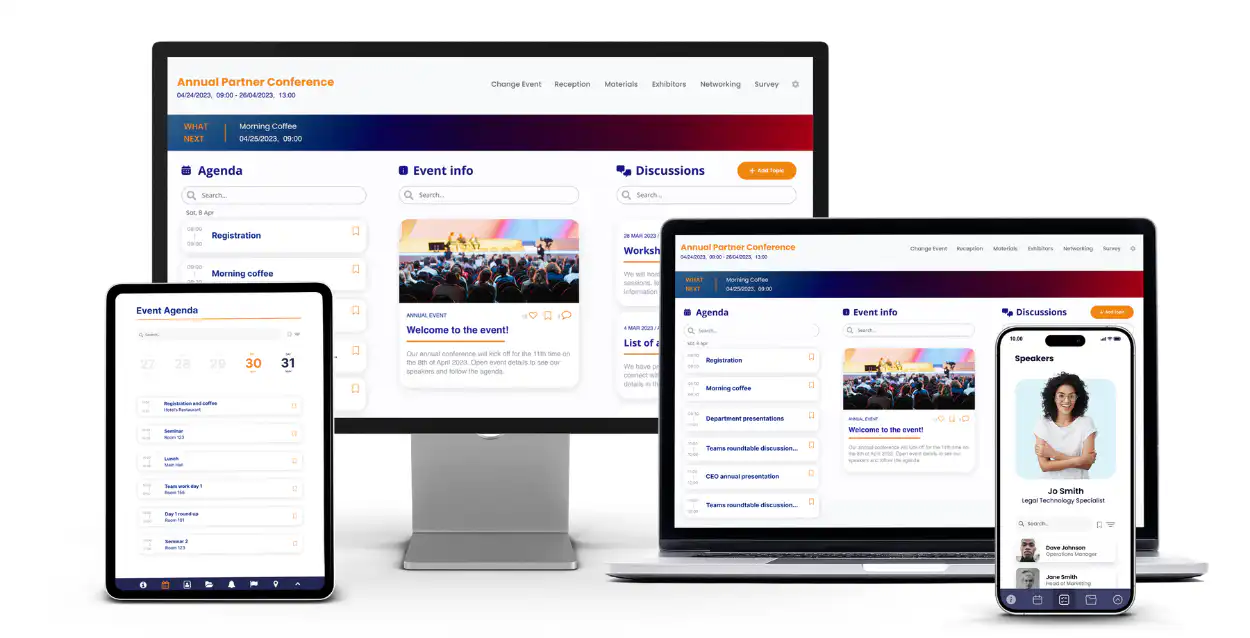
Running a beginner-friendly hackathon can be a transformative experience for participants, and leveraging a platform like Fliplet can significantly streamline the process. Fliplet's no-code approach makes it accessible for organizers of all skill levels to create custom apps that can enhance the hackathon experience.
### Fliplet's pre-built solutions for enhanced experience
Fliplet offers a range of pre-built solutions that you can start using right away. Or, you can use different pre-built screens from the range of solutions to create the perfect app for your hackathon. Some useful pre-built solutions that could be used for your hackathon include:
- [Event solution](https://events.fliplet.com/): Create an app for organizing and navigating the hackathon. Include features like an agenda, a directory of speakers and attendees, and real-time updates
- [Project management solution](https://fliplet.com/solution/project-management/)[:](https://fliplet.com/solution/project-management/) Develop an app to help teams manage their projects, set priorities, and track progress
- [Community solution](https://fliplet.com/solution/community/)[:](https://fliplet.com/solution/community/) Facilitate in-app chats and discussions, enabling participants to collaborate effectively and share files and documents
### Fliplet's key features to enhance your hackathon
- **Polls and surveys:** Engage participants with interactive polls and surveys, allowing you to gather feedback and tailor the hackathon experience
- **Project and task management:** Allow teams to create, assign, and prioritize tasks within the app, keeping their projects organized and on track
- **In-app chat and discussions:** Enhance communication among teams and between organizers and participants, ensuring a collaborative environment
- **Customizable agenda and directory:** Provide a clear schedule and a list of attendees, mentors, and speakers, making networking and time management easier for participants
- **Gamification:** Introduce elements of gamification to make the hackathon more engaging and fun
- **Cross-device accessibility:** Ensure that everyone can access the app, whether on mobile or web platforms, for seamless participation
- **Branding and custom content:** Customize the app with your brand's look and feel, and upload your own content to make it relevant to your hackathon theme
- **Drag-and-drop interface:** The user-friendly interface of Fliplet empowers anyone in your organization to take an active role in app development
### Leveraging Fliplet for your hackathon
Fliplet not only simplifies the app development process but also enriches the hackathon experience. Its versatility and ease of use make it an ideal choice for organizers looking to create a dynamic and inclusive event, especially for beginners.
By using Fliplet, you can ensure that your hackathon is not just a competition, but a comprehensive learning and development opportunity.
## Examples of famous products and apps born at hackathons
Hackathons have been the start of many innovative and successful products and apps. Here are a few notable examples:
## Zapier
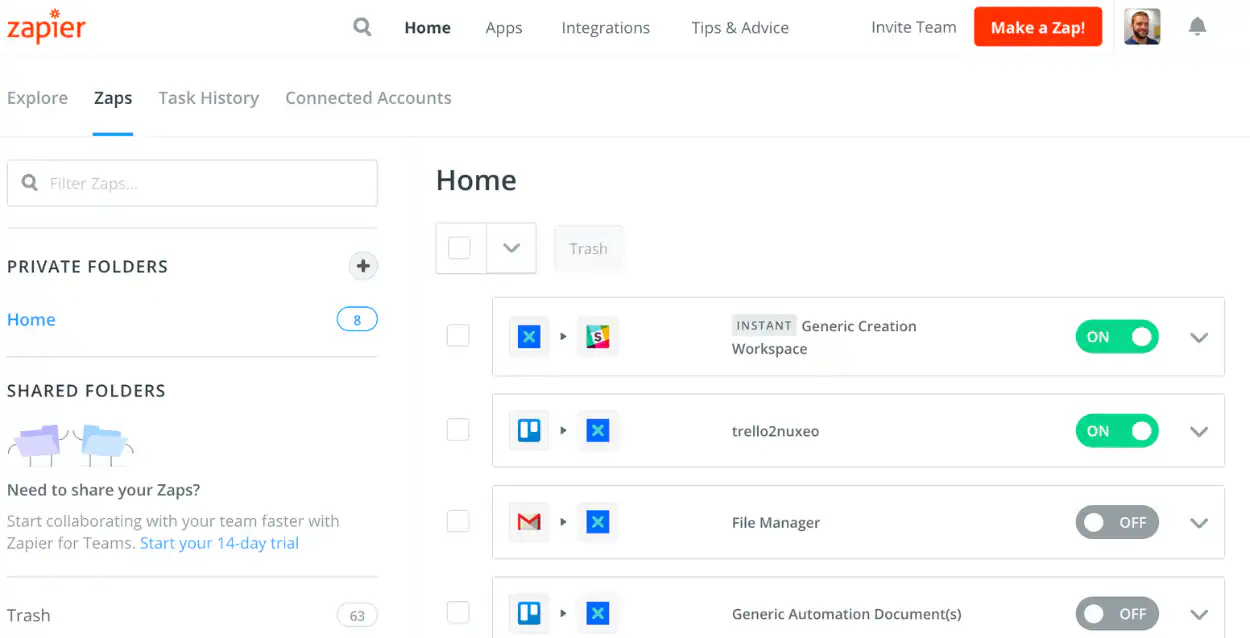
Founded by Wade Foster and Bryan Helmig, Zapier emerged from a Startup Weekend in Columbia, Missouri in 2011. It's an automation tool that connects different apps to streamline workflows. Zapier, which began with integrations for 34 apps, now boasts integrations with over 4,000 apps and has reached a valuation of $5 billion.
## Talkdesk
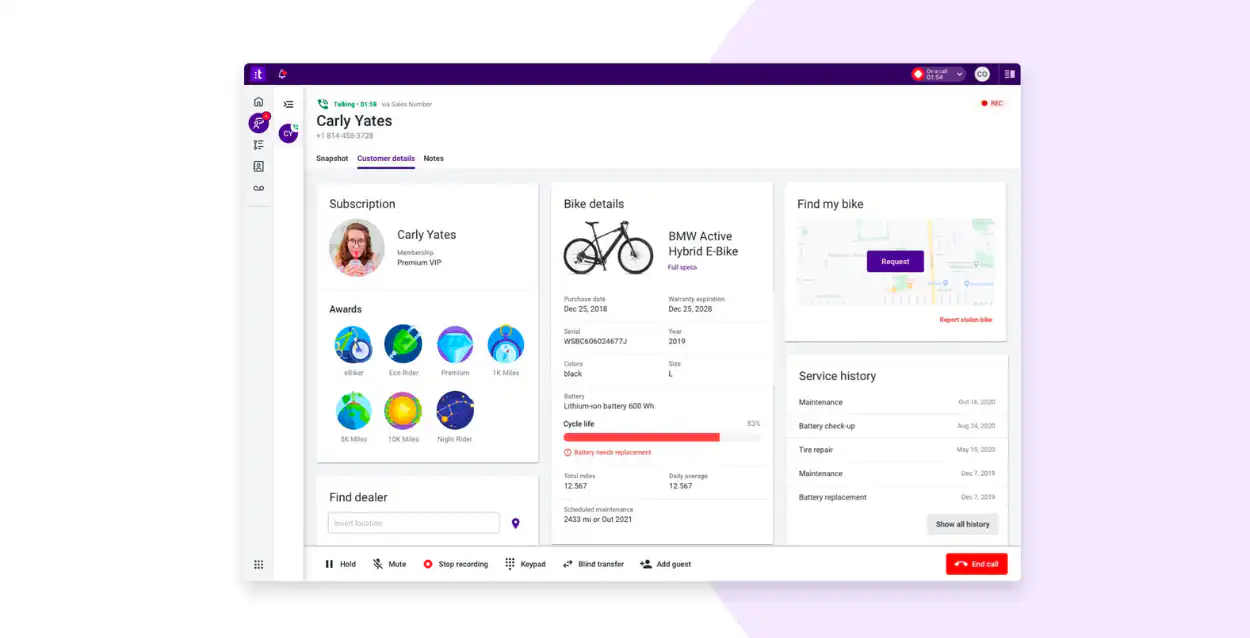
This cloud-based call center solution was created by Tiago Paiva during a Twilio hackathon in 2011. Starting with the goal of winning a MacBook Air, Paiva developed what is now Talkdesk, a company valued at $10 billion as of 2021.
## Carousell
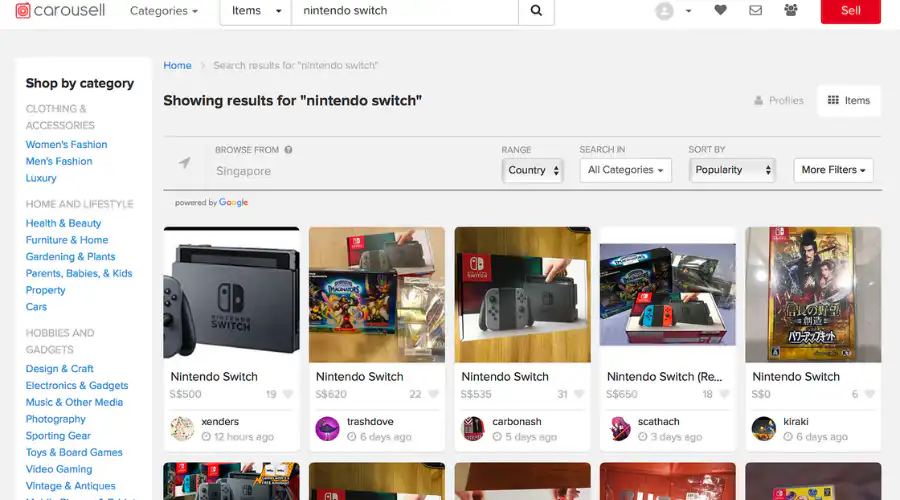
Founded by Siu Rui Quek, Marcus Tan, and Lucas Ngoo, Carousell is a consumer-to-consumer marketplace for selling various items. The idea was validated at a hackathon in Singapore in 2012, and by 2019, Carousell had reached a valuation of $550 million.
## Docracy
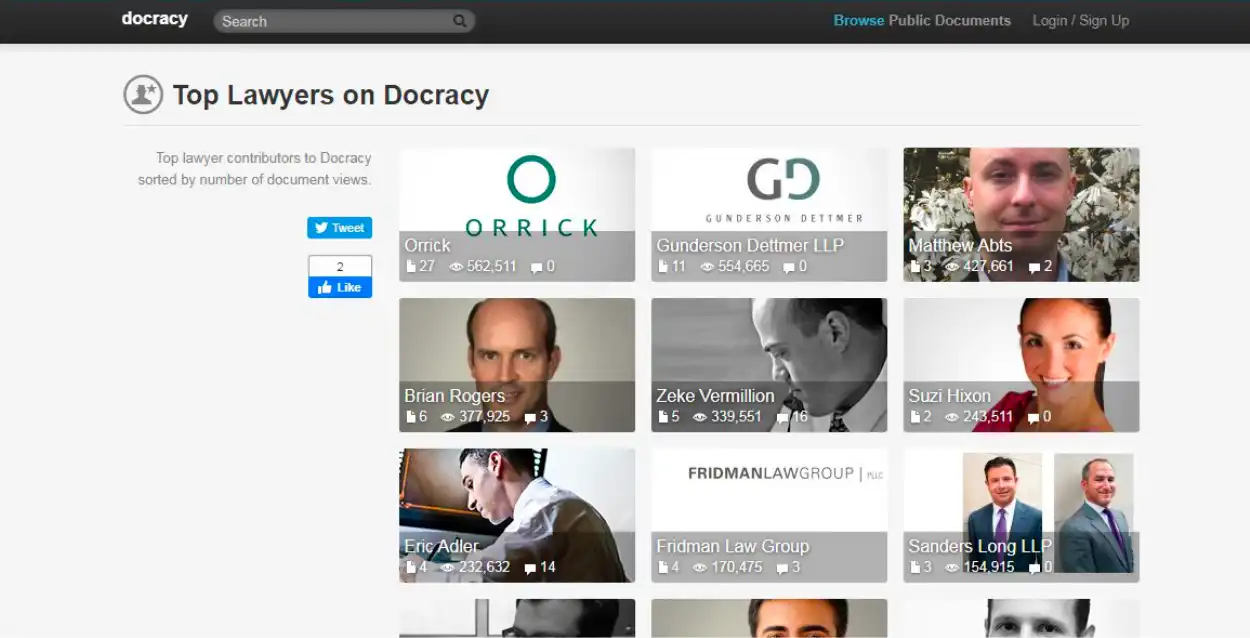
This app, which allows businesses to find and securely use legal documents, was a product of the TechCrunch Disrupt Hackathon in 2011. Created by Matt Hall and John Watkinson, Docracy raised significant funding following its hackathon success.
## EasyTaxi

Born at the Startup Weekend Rio in 2011, EasyTaxi was initially conceptualized as a bus monitoring app by creators Tallis Gomes and Dennis Wang. It evolved into an e-hailing app covering a network of 30 countries and 420+ cities.
## PowerWells

This Australian startup, founded by Nick Kamols and Brad Claire, aims to improve the quality of life in remote Indonesian villages with solar-powered battery packs created from e-waste. The idea was developed and launched into a full product in just four weeks after a hackathon concept.
These examples highlight the potential of hackathons as platforms for innovation, allowing ideas to quickly evolve into successful products and businesses.
## Popular hackathon examples
[HackMIT](https://hackmit.org/) is a prestigious, weekend-long event at MIT where over 1000 students globally collaborate on innovative software and hardware projects. It's one of the largest undergraduate hackathons, focusing on various impact areas like sustainability and education.
[Google's hackathon](https://developers.google.com/womentechmakers/initiatives/hackathon), particularly their Women Techmakers initiative, focuses on empowering women in technology. This hackathon brings together diverse minds to solve pressing tech challenges, promoting gender diversity in the tech field.
[Microsoft's hackathon](https://news.microsoft.com/source/features/work-life/hackathon/) is an annual event that encourages employees to collaborate on new ideas and solutions. It's a platform for innovation within the company, generating creativity and teamwork among its global workforce.
The [Chicago hackathon](https://www.chicagoinnovate.tech/hackathon) focuses on bringing together local tech talent to solve city-specific challenges. It's a space for innovators to contribute to the technological advancement of Chicago.
[NYC hackathon](https://codenation.org/recap-code-nation-new-york-hackathon-2023/), organized by Code Nation, emphasizes coding and professional development for high school students. It connects young coders with industry professionals, creating a learning environment for future tech leaders.
[Boston Hacks](https://bostonhacks.org/) is a student-run hackathon at Boston University, encouraging creative problem-solving in technology. It's a gathering of students and professionals, engaging in collaborative innovation.
The [UX hackathon](https://uxhack.co/) focuses on user experience design, bringing together designers to improve product interfaces and customer experiences. It's a niche event tailored for UX professionals.
An [AI hackathon](https://metaschool.so/articles/ai-hackathon) concentrates on artificial intelligence and machine learning. Participants work on cutting-edge AI projects, pushing the boundaries of this evolving field.
The [Design hackathon](https://info.thinklab.design/designhackathon), organized by ThinkLab, merges creativity and technology. It's a platform for designers to explore innovative solutions in various design fields.
## Conducting a hackathon event retrospective
Conducting a hackathon event retrospective involves reflecting on the hackathon's successes and areas for improvement. It's an opportunity to gather feedback from participants, volunteers, and stakeholders.
Key components include evaluating the event's organization, participant engagement, and the effectiveness of various tools and technologies used. The process aims to identify what worked well and what could be enhanced for future hackathons. This systematic review helps organizers learn from the experience, ensuring better planning and execution for subsequent events.
## Start your hackathon journey
In conclusion, hackathons represent a unique blend of creativity, collaboration, and technology, offering immense value to participants, companies, and sponsors alike. Whether you're a beginner or an experienced professional, using tools like Fliplet can significantly streamline the process of organizing and participating in these events. Hackathons not only enhance innovation and problem-solving but also provide a platform for learning, networking, and personal growth.
## FAQs
### What is a hackathon?
A hackathon is an event, typically lasting several hours to a few days, where individuals or teams collaborate intensively on software projects. The goal is often to create a functioning product or solve a problem by the end of the event.
### Who can participate in a hackathon?
Hackathons are open to anyone but they are usually tailored to those interested in technology and innovation, including software developers, designers, entrepreneurs, and students. Skills level can vary from beginners to experienced professionals.
### Do I need a team to join a hackathon?
While some participants join as a team, it's common for individuals to attend alone and form teams with new people at the event. Hackathons often have team formation sessions to help solo participants find a group.
### What should I bring to a hackathon?
Essentials include a laptop, charger, any necessary software pre-installed, and comfortable clothing. If the hackathon is overnight, consider bringing toiletries and a sleeping bag or blanket.
### How are hackathon projects judged?
Judging criteria vary but typically include innovation, technical difficulty, design, usability, and the potential impact of the project. Judges are often industry professionals, tech experts, or event sponsors.
### What’s the difference between a hackathon and Shark Tank?
The key difference between a hackathon and Shark Tank lies in their objectives and formats. Hackathons are collaborative events where individuals and teams focus on creating a working prototype or solution, typically in a tech context. It's about building and creativity within a set time frame. Shark Tank, on the other hand, is a business pitch competition where entrepreneurs present their business ideas to a panel of investors, aiming to secure investment and partnership. The focus is more on business viability and investment potential rather than collaborative creation.
## Related links
- [Build an event app in 15 minutes](https://info.fliplet.com/webinar-download-build-an-event-app-in-15-minutes)
- [25 Best Mobile Event Apps](https://events.fliplet.com/blogs/25-best-mobile-event-apps/)
- [Bird & bird case study](https://fliplet.com/case-studies/bird-and-bird/)
---
# What is Legal Technology? Definition + 2026 Stats
> Explore What is Legal Technology? Definition + 2026 Stats. Get practical guidance on strategy, execution, and outcomes. Includes practical takeaways for teams.
Source: https://fliplet.com/blog/what-is-legal-technology/
Content type: Blog
Published: 2026-05-18T10:45:47
Updated: 2026-03-10T09:15:00
Read time: 12 minutes
# What is Legal Technology? Definition + 2026 Stats
Technology has changed everything in the world. Why should law be any different? And those firms that are quick to adapt legal technology are finding they are able to work more quickly, thoroughly, and accurately than ever.
[Legal technology is revolutionizing the way law firms](https://fliplet.com/blog/law-firm-event-planning/) operate, enabling them to work more efficiently and effectively. By integrating advanced tools and software, legal professionals can streamline their processes, improve client services, and stay ahead in a competitive landscape.
Whether you're a lawyer, judge, or client, understanding and prioritizing legal technology is essential in today's digital age. Let's delve into the world of legal technology, explore its significance, and discover how it can transform the legal industry.
## Key Takeaways
- Legal technology encompasses a wide range of tools designed to enhance efficiency and effectiveness in law firms.
- Learn what is legal technology, including key applications such as e-signatures, document automation, and appointment scheduling.
- Technology for legal firms is crucial for remote meetings, online payments, and client intake.
- Understanding and implementing legal technology software can significantly benefit lawyers, judges, and clients alike.
- Legal technology companies are at the forefront of innovation, offering solutions that cater to various legal needs.
## What Is a Legal Software System?
A legal technology software system is a suite of programs designed to help law firms manage their daily business operations. These systems offer a wide array of functionalities, from document management to client communication, making them indispensable tools in the modern legal landscape. Let's explore some of the core components of a legal software system:
### E-signatures
E-signatures have revolutionized the way legal documents are signed, eliminating the need for physical paperwork and enabling swift, secure, and legally binding signatures. This technology is particularly beneficial in expediting contract signings and other legal agreements.
### Legal Technology Software
Legal technology [software encompasses a variety of applications that assist law firms](https://fliplet.com/blog/ai-software-for-law-firms/) in managing their operations efficiently. From case management to billing and time tracking, these tools are essential for maintaining order and accuracy in legal practices.
### Appointment Scheduling
Efficient appointment scheduling is crucial for law firms to manage their time effectively. Legal technology software systems offer tools that enable clients to book appointments online, reducing administrative workload and enhancing client satisfaction.
### Document Automation
Document automation simplifies the creation and management of legal documents, reducing the risk of errors and saving time. This technology allows law firms to generate standardized documents quickly and accurately, ensuring consistency and compliance.
#### Benefits of Legal Case Management Systems
Legal case management systems offer numerous benefits to law firms, including improved organization, enhanced client communication, and streamlined workflows. By implementing these systems, law firms can increase productivity, reduce administrative costs, and deliver better client service.
Explore more about the benefits of legal technology on [this Quora discussion](https://www.quora.com/What-benefits-can-legal-case-management-systems-offer-to-law-firms#:~:text=Legal%20practice%20management%20software%20is,documents%2C%20all%20in%20one%20place.). Here, people working in legal services and who help them adopt new software outline just how much these tools streamline workflow and make time much more cost effective.
Looking for more information?
[Check out our video](https://fliplet.com/industry/legal/) on how law firms can use Fliplet's no-code system to build the ultimate legal technology that's _just right_ for their firm.
### Why Create with Fliplet?
Fliplet provides a comprehensive video [guide on creating custom legal](https://fliplet.com/blog/law-firm-website-content/) software systems tailored to your firm's needs. Many law firms have successfully utilized Fliplet's platform to develop innovative solutions that enhance their operations and client engagement.
Discover how Fliplet can help you create powerful legal technology solutions [here](https://fliplet.com/solutions/).
## What Types of Legal Software Systems Do Law Firms Use?
Law firms utilize a variety of [legal](https://fliplet.com/blog/law-firm-client-portals/) software systems to manage their operations and improve client services. Some popular solutions include:
- **Case Management Systems:** These systems help law firms manage their cases, client information, and deadlines efficiently.
- **Document Management Systems:** These tools assist in organizing, storing, and retrieving legal documents securely.
- **Billing and Invoicing Software:** Automating billing and invoicing processes, these systems ensure accurate and timely payments.
- **Client Relationship Management (CRM) Software:** CRM tools enable law firms to manage client interactions and improve client satisfaction.
- **Time Tracking Software:** These tools help law firms track billable hours and ensure accurate billing.
Learn more about our [solutions for lawyers](https://fliplet.com/solutions-for-lawyers-attorneys-staff/) and how they can benefit your firm.
## Legal Tech Types by Application and Use Case
Legal technology is applied across various areas of law, each serving a specific purpose. Here's a breakdown of legal tech types by application and use case:
Legal Tech Types by Application and Use Case
Application
Use case
Case Law Research
Assisting lawyers in accessing and analyzing case law efficiently.
Contract Review
Streamlining the process of reviewing and drafting contracts.
Document Automation
Automating the creation and management of legal documents.
Due Diligence
Enhancing the process of conducting thorough investigations.
Electronic Evidence Management
Organizing and managing electronic evidence securely.
Legal Drafting
Assisting in the preparation of legal documents with precision.
Legal Guidance
Providing access to legal information and guidance for decision-making.
Legal Marketing
Enhancing visibility and engagement through targeted marketing efforts.
Matter Management
Managing legal matters and associated tasks efficiently.
Practice Management and Growth
Supporting the growth and management of legal practices.
Tracking Outside Counsel Spend
Monitoring and controlling external legal expenditures.
## What is Litigation Technology?
Litigation technology encompasses a range of tools and software specifically designed to support legal professionals throughout the litigation process. As the legal industry evolves, the integration of advanced technology has become crucial in managing complex litigation tasks with greater efficiency and precision.
### Enhancing Case Preparation
Why is legal technology important? Probably most of all because it aids in the meticulous preparation of cases by providing robust platforms for organizing and analyzing large volumes of information.
With sophisticated document management systems, lawyers can efficiently store, categorize, and retrieve documents, ensuring that critical information is readily accessible during case preparation. These tools often include advanced search capabilities, allowing legal teams to quickly find relevant case law, statutes, and precedents, thereby strengthening their legal arguments.
### Streamlining Evidence Management
Technology for legal firms helps with the management of evidence, a critical component of any legal proceeding. Litigation technology offers solutions for electronic evidence management, enabling lawyers to securely store, organize, and share digital evidence. This technology ensures the integrity and authenticity of evidence, providing a secure chain of custody and reducing the risk of tampering.
Additionally, litigation technology facilitates the review and annotation of evidence, allowing legal teams to collaborate effectively and build stronger cases.
### Enhancing Trial Presentations
Trial presentations are a pivotal aspect of litigation, where the ability to communicate complex information clearly and persuasively can significantly impact the outcome of a case.
Litigation technology provides tools for creating dynamic and engaging presentations, utilizing graphics, animations, and interactive elements to enhance the delivery of legal arguments. These tools help legal professionals convey their points more effectively, making it easier for judges and juries to understand complex legal concepts.
### Boosting Efficiency and Effectiveness
By integrating legal technology software for litigation, legal professionals can significantly enhance their efficiency and effectiveness in court proceedings. These technologies automate routine tasks, such as document review and evidence management, freeing up valuable time for legal professionals to focus on strategy and case analysis.
Moreover, legal technology in litigation reduces the risk of human error, ensuring greater accuracy and consistency in legal processes.
## How Has Technology Changed the Legal Profession?
Legal technology has significantly transformed the legal profession, revolutionizing how services are delivered and consumed. Here are some key areas where technology has made a substantial impact:
### Documents
Legal technology has drastically improved the management of documents, enhancing efficiency and accuracy in handling legal paperwork. Document management systems allow for the secure storage, organization, and retrieval of documents, reducing reliance on physical files.
Additionally, document automation tools enable the quick generation of standard legal documents, ensuring consistency and reducing the risk of errors. These advancements allow legal professionals to focus on more strategic tasks while maintaining accuracy and compliance.
### Communication (Apps)
Advancements in communication apps have revolutionized the way legal professionals connect with clients and colleagues. Video conferencing tools facilitate remote meetings, enabling seamless communication regardless of location. These apps reduce the need for in-person meetings, enhancing accessibility and efficiency.
Secure messaging platforms ensure that confidential information is exchanged safely, maintaining client trust and confidentiality.
### Emergency Management and Dawn Raid Streamlining
In times of crisis or unexpected regulatory inspections, technology plays a crucial role in emergency management and [dawn raid](/blog/5-steps-to-prepare-for-a-dawn-raid/) streamlining. Legal technology provides tools that help law firms quickly gather and organize critical information, ensuring a swift response to emergencies.
Automated systems assist in managing communication and documentation during a dawn raid, minimizing disruptions and ensuring compliance with legal requirements. This preparedness is essential for maintaining business continuity and protecting client interests.
### Client Intake Solutions
Digital client intake solutions have streamlined the process of gathering client information and managing new cases. These tools enhance efficiency by automating data collection and reducing administrative workload. Clients can easily provide necessary information through online forms, speeding up the onboarding process.
This technology improves the client experience by ensuring accurate data collection and reducing the time it takes to begin working on their cases. By leveraging client intake solutions, law firms can deliver better service and enhance client satisfaction.
## Why Is Legal Technology Important?
Legal technology is essential for modern law firms to remain competitive and deliver high-quality services. Here are some reasons why legal technology is crucial:
### Lawyers
For lawyers, legal technology offers tools that enhance productivity, improve accuracy, and streamline workflows. By automating routine tasks, lawyers can focus on more strategic and value-added activities.
### Judges
Judges benefit from legal technology by accessing electronic case files, managing court schedules, and conducting remote hearings. This technology enhances efficiency and ensures timely and informed decision-making.
### Clients
Clients benefit from legal technology through improved communication, transparency, and access to legal services. Technology enables clients to engage with law firms more conveniently and receive timely updates on their cases.
Discover how certain apps can be important for lawyers, judges, and clients in our [12 Apps to Boost Your Community Engagement](https://fliplet.com/blog/10-apps-to-boost-your-community-engagement/) article.
## Legal Technology Companies
Legal technology companies are at the forefront of innovation, developing solutions that address the unique needs of the legal industry. These companies offer a wide range of tools and services, from case management systems to AI-powered legal research platforms.
### Why Is Technology Needed for Legal Firms?
Technology is crucial for legal firms to improve efficiency, enhance client services, and remain competitive. By leveraging technology, law firms can streamline their operations, reduce costs, and deliver better outcomes for clients.
### How to Implement New Tech for Your Team?
Implementing new technology requires careful planning and execution. Here are some steps to ensure successful implementation:
1. **Assess Needs:** Identify the specific needs and challenges of your law firm.
2. **Research Solutions:** Explore different legal technology solutions and evaluate their suitability.
3. **Engage Stakeholders:** Involve key stakeholders in the decision-making process.
4. **Plan Implementation:** Develop a detailed implementation plan, including timelines and resources.
5. **Provide Training:** Ensure that your team receives adequate training on the new technology.
6. **Monitor Progress:** Continuously monitor the implementation process and address any issues.
## Legal Technology News
Staying informed about the latest legal technology news is essential for [law firms to remain competitive and up-to-date with industry trends](https://fliplet.com/blog/ai-for-lawyers/).
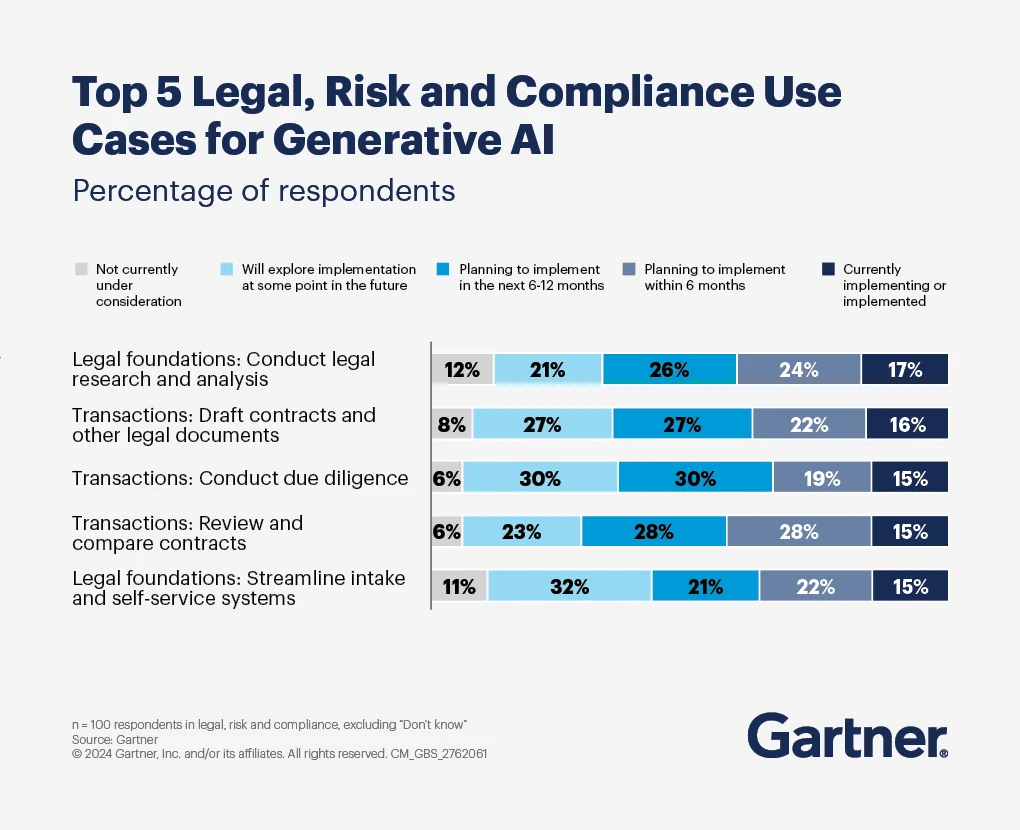
### Only recently, we've seen an explosion in legal technology
- The IMF estimates 40% of jobs could be affected by AI, in particularly white collar jobs, [especially relevant for lawyers](https://hls.harvard.edu/today/harvard-law-expert-explains-how-ai-may-transform-the-legal-profession-in-2024/).
- 85% of legal departments believe [AI can be applied to the work they do](https://legal.thomsonreuters.com/blog/how-legal-professionals-see-the-possibilities-of-generative-ai-in-law/).
- This is driving the legal tech market industry, which is expected to grow to [$35 billion a year by 2027](https://www.statista.com/statistics/1168096/legal-tech-market-revenue-by-business-type-worldwide/).
### Here are some key trends and developments in legal technology
### Invest in Legal Technology Solutions
Investing in legal technology solutions is crucial for law firms to improve efficiency, reduce costs, and enhance client services. According to recent statistics, law firms that invest in technology are more likely to achieve better financial performance and client satisfaction.
### Top Legal Technology Conferences to Learn from the Best in 2026
Attending legal technology conferences is an excellent way to stay informed about the latest trends and innovations in the legal industry.
These events provide valuable opportunities to learn from industry experts, network with peers, and discover new tools and solutions that can enhance your legal practice. Here are some notable legal technology conferences to consider attending in 2026 and beyond:
### 2026 Conferences
#### 1. [Legaltech New York (LTNY)](https://nylegaltech.com/)
**Date:** January 30 - February 1, 2026
**Location:** New York, NY
Legaltech New York is one of the most prominent legal technology conferences in the world. It brings together legal professionals, technology experts, and innovators to explore cutting-edge technologies and solutions that are transforming the legal industry.
Attendees can participate in insightful sessions, panel discussions, and workshops covering topics such as artificial intelligence, e-discovery, cybersecurity, and more. This conference offers a unique opportunity to connect with industry leaders and gain valuable insights into the future of legal technology.
#### 2. [ABA TECHSHOW](https://www.techshow.com/)

**Date:** March 6-9, 2026
**Location:** Chicago, IL
The ABA TECHSHOW, organized by the American Bar Association, is a premier event for legal professionals interested in technology and practice management. The conference features a diverse range of sessions and workshops focused on the latest legal technology tools and trends. Topics include practice management software, cybersecurity, virtual law firms, and emerging technologies like blockchain.
The TECHSHOW Expo Hall showcases a wide array of technology products and services designed to improve law firm operations. Attendees will have the chance to network with peers, engage with experts, and explore innovative solutions for their legal practice.
#### 3. [ILTACON 2026](https://www.iltacon.org/)

**Date:** August 18-22, 2026
**Location:** Orlando, FL
ILTACON, organized by the International Legal Technology Association (ILTA), is a comprehensive conference for legal technology professionals. This event brings together a community of experts to share insights, strategies, and solutions for improving the delivery of legal services.
ILTACON offers a diverse range of sessions, including technical workshops, product demonstrations, and discussions on topics such as data analytics, information governance, and artificial intelligence. With its focus on practical solutions and collaboration, ILTACON is an essential conference for legal professionals seeking to leverage technology to enhance their practices.
### Additional Conferences
#### 1. [Global Legal Tech Summit](https://www.globallegalsummit.world/)

**Date:** February 12-14, 2026
**Location:** London, UK
The Global Legal Tech Summit is a leading event for legal professionals worldwide, focusing on the intersection of technology and law. This conference brings together global leaders to discuss innovations in legal technology, including AI-driven solutions, blockchain applications, and digital transformation strategies.
Attendees can expect engaging keynote speeches, interactive workshops, and networking sessions that foster collaboration and knowledge sharing.
#### 2. [Legal Innovation and Tech Fest](https://www.legalfestival.com/)

**Date:** June 10-11, 2026
**Location:** Sydney, Australia
The [Legal Innovation](https://fliplet.com/blog/legal-innovation/) and Tech Fest is a vibrant event that celebrates the advancements in legal technology and innovation. It features sessions on emerging technologies, change management, and innovation strategies that drive success in the legal sector.
This conference is an excellent opportunity for legal professionals to explore new ideas, share experiences, and learn about the tools and technologies shaping the future of legal practice.
#### 3. [Future Lawyer Summit](https://www.futurelawyerweek-usa.com/)

**Date:** September, 2026
**Location:** Boston, Massachusetts
The Future Lawyer Summit focuses on the challenges and opportunities presented by the digital transformation of the legal industry. This conference offers a platform for legal professionals to explore topics such as legal AI, cybersecurity, and data privacy.
Attendees will benefit from thought-provoking discussions, case studies, and networking opportunities with peers and industry leaders, all aimed at preparing law firms for the future.
## Discover how Fliplet can boost your Legal Technology
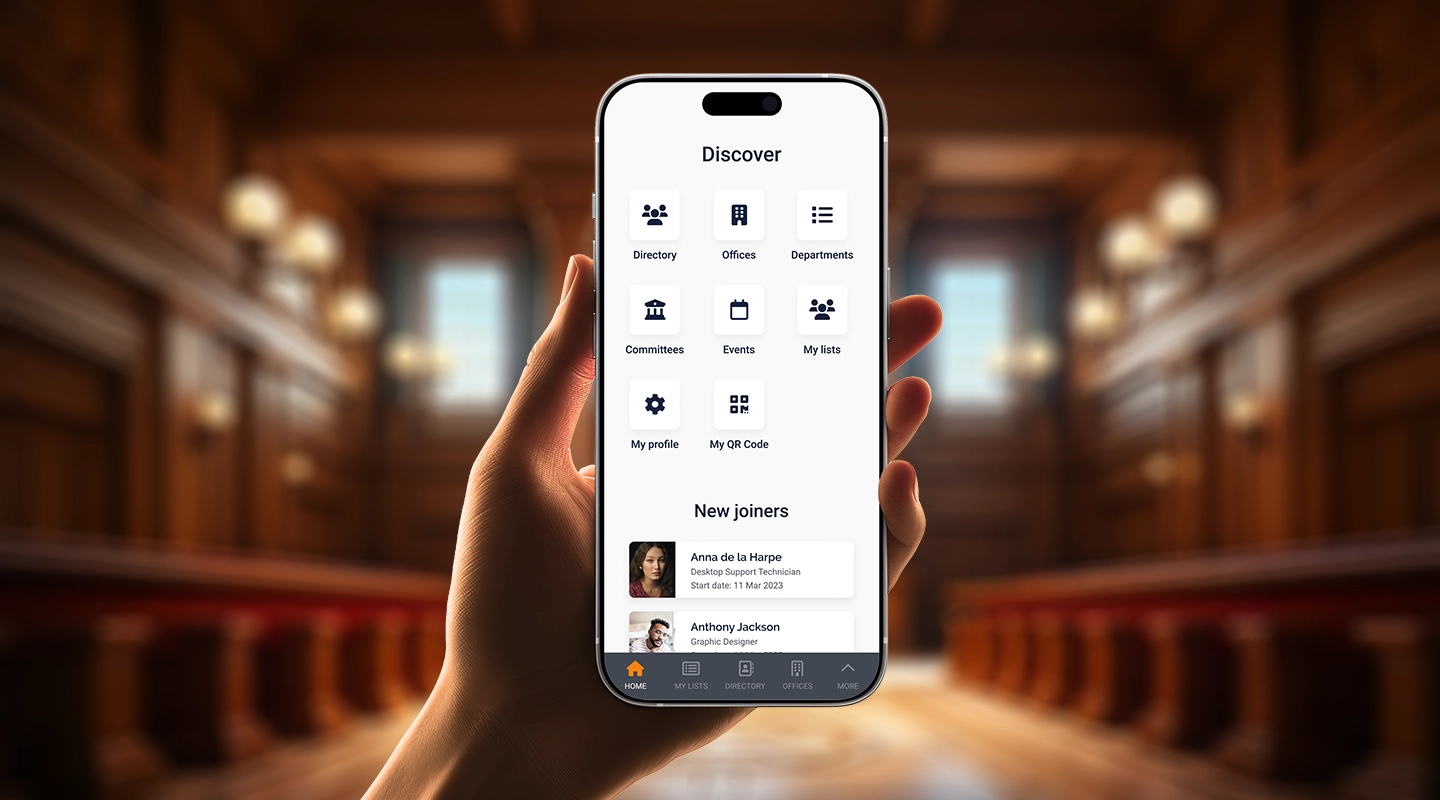
Fliplet gives you the ability to create legal technology solutions without a single line of code. That gives you the power to build anything you need, all without high development costs.
Explore our solutions and see how Fliplet can transform your legal practice. [Discover more](https://fliplet.com/solutions/).
## FAQs
### What is a legal technology professional?
A legal technology professional is an expert who specializes in implementing and managing technology solutions for law firms, helping them improve efficiency and client services.
### What types of legal software systems do law firms use?
Law firms use various legal software systems, including case management, document management, billing, and client relationship management (CRM) software.
### How has technology changed the legal profession?
Technology has transformed the legal profession by enabling remote meetings, online payments, virtual offices, and enhanced client communication.
### What are some legal technology companies?
Legal technology companies include providers of case management systems, AI-powered legal research platforms, and digital client intake solutions.
### What is a legal technology conference?
A legal technology conference is an event where legal professionals gather to learn about the latest trends and innovations in legal technology.
### How can technology benefit your legal department?
Technology can benefit your legal department by streamlining operations, reducing costs, and enhancing client services.
### How can legal technology improve client services?
Legal technology improves client services by enabling better communication, transparency, and accessibility to legal services.
## Related links
- [20 Best Legal Apps for Lawyers and Law Firms in 2026](https://fliplet.com/blog/the-14-best-apps-for-lawyers/): In this article Fliplet has compiled a list of the top 20 legal apps for 2024. Find the best productivity and management apps for lawyers and law firms.
- [Fliplet CEO, Ian Broom, discusses the rise of low-code app platforms among law firms](https://fliplet.com/blog/low-code-app-platforms-among-law-firms/): Fliplet CEO, Ian Broom, discusses the rise of low-code app platforms among law firms. Click within to read the full article.
- [Mobile Apps in the Top 200 Law Firms: Unveiling Insights from the 2026 Report](https://fliplet.com/blog/top-200-law-firms/): In this blog, Fliplet shares their research on the 200 top Law Firms.
---
# What Is Low-Code Development? Complete Guide for 2026
> Learn what low-code development is, how it works, common use cases, key benefits, best practices, and why teams use low-code platforms to build apps faster.
Source: https://fliplet.com/blog/what-is-low-code-ultimate-guide-to-low-code-development
Content type: Blog
Published: 2026-05-18T19:41:18
Updated: 2026-02-17T05:56:01
Read time: 10 minutes
# What Is Low-Code Development? Complete Guide for 2026
Low-code development is a way to build software with visual tools, reusable components, and a smaller amount of hand-written code. It gives developers and technical business users extension points for custom logic and integrations while reducing repetitive implementation work.
This guide explains how low-code works, who uses it, common use cases, benefits, challenges, and adoption practices. When you are ready to evaluate vendors, use the [low-code platform comparison](/blog/the-best-no-code-low-code-development-platforms/). To choose between approaches, read the [low-code vs no-code guide](/blog/what-is-low-code-no-code-development-guide-and-best-platforms/).
## What is low code development and why is it important?
**Low code development** is a method of building software applications with minimal hand-coding. Instead of writing thousands of lines of code, developers use visual interfaces and pre-built modules.
This makes app development faster and more accessible, allowing businesses to respond quickly to changing needs. The importance of low code development lies in its ability to streamline workflows, reduce costs, and enable faster delivery of applications.
### What is low code technology?
So what's a clear definition? **Low code technology** refers to platforms and tools that enable the creation of applications through graphical user interfaces and configuration rather than traditional hand-coding. This technology simplifies the development process, making it easier for non-technical users to contribute to app creation.
### What is low code development?
Low code development involves using a [low code platform to build applications.](https://fliplet.com/blog/the-best-no-code-low-code-development-platforms/) These platforms provide pre-built templates, drag-and-drop functionality, and automated workflows to simplify the development process. This approach reduces the need for extensive coding knowledge, allowing a broader range of people to participate in app development.
This is similar, but different to, working with [no code development applications.](https://fliplet.com/blog/no-code-app-builder/)
### Who are the low code developers?
Low code developers are professionals who use low code platforms to create applications. They might not have deep programming skills but are proficient in using low code tools to design, build, and deploy apps. These developers often come from diverse backgrounds, including business analysts, project managers, and other non-traditional tech roles.
### Low code app development VS Full code development
Low code app development uses visual tools and pre-built modules, making it faster and more accessible.
Full code development, on the other hand, involves writing all the code from scratch.
While full code development offers more flexibility and control, it requires significant time and expertise. Low code development is ideal for rapid application development and for businesses looking to innovate quickly without extensive coding resources.
### Low code application development vs zero code app development
Low code application development allows for some coding to extend or customize applications, while zero code development requires no coding at all. Zero code platforms are designed for users with no coding knowledge, offering fully visual interfaces. This section will be fully covered in our article about low code no code development.
For more information on the difference between low and [no-code application development here.](https://fliplet.com/blog/what-is-low-code-no-code-development-guide-and-best-platforms)
### Low Code Features
Low code platforms come with a variety of features designed to simplify app development, including:
- Drag-and-drop interfaces
- Pre-built templates and modules
- Automated workflows
- [Integration capabilities](https://fliplet.com/integrations/) with other systems
- Real-time collaboration tools
- Scalability options
### The benefits of low code programming
### Benefits of low-code development
- Faster development cycles
- Reduced costs and resource needs
- Increased accessibility for non-technical users
- Enhanced collaboration across teams
- Greater flexibility to adapt to changing business needs
- Improved ability to innovate and experiment
No code platforms also provide a similar range of benefits with even less programming required. To learn more about there, [check out our guide here.](https://fliplet.com/blog/what-is-no-code-all-about-no-code-development/)
## Low-Code Use Cases
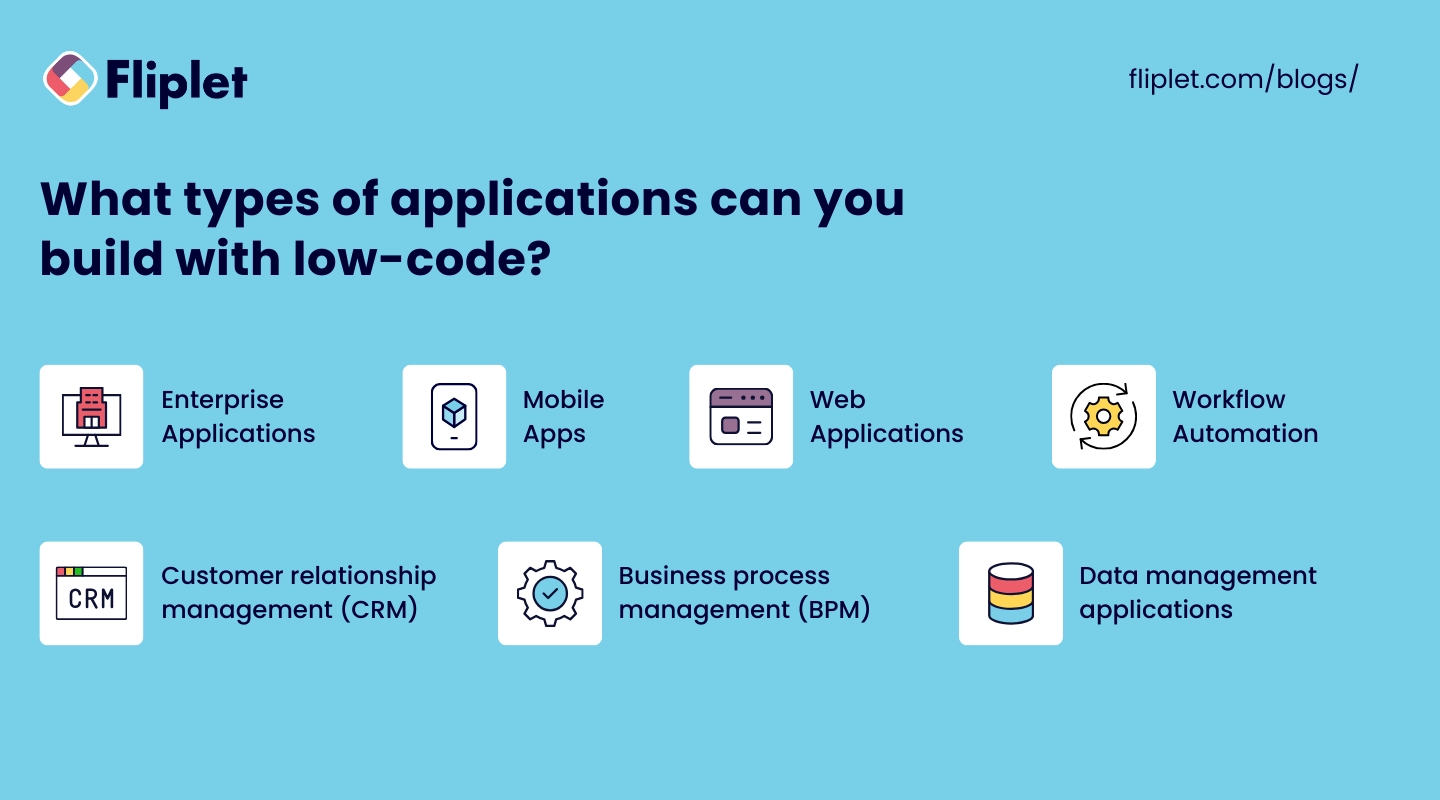
Low-code platforms offer versatile solutions for a variety of application needs. They enable businesses to quickly develop and deploy applications with minimal coding, making technology more accessible and development more efficient.
Whether you're looking to streamline business processes, create customer-facing apps, or automate workflows, low-code can be the right choice.
### What types of applications can you build with low-code?
Low-code platforms are versatile and can be used to build a wide range of applications, including:
- **Enterprise applications:** Streamline business processes and improve efficiency with [customized enterprise solutions](https://fliplet.com/blog/mobile-enterprise-app-development-without-coding/).
- **Mobile apps:** Develop responsive and feature-rich mobile applications quickly.
- **Web applications:** Create interactive and scalable web apps with ease.
- **Workflow automation:** Automate repetitive tasks and workflows to save time and reduce errors.
- **Customer relationship management (CRM):** Build tailored CRM systems to manage customer interactions and data.
- **Business process management (BPM):** Design and implement business processes to improve operations.
- **Data management applications:** Develop tools for data collection, analysis, and reporting.
### Examples of low code apps
To read stories of real companies that use Fliplet's low code app development platform to produce real change, [check out their experiences here](https://fliplet.com/case-studies/).
Below, let's look at some apps you can make to improve your business quickly with low coding app development:
- **Inventory management systems:** Track and manage inventory levels, orders, and deliveries efficiently.
- **HR management systems:** Simplify HR processes such as recruitment, onboarding, and performance reviews.
- **Customer portals:** Provide customers with a self-service portal to access information and support.
- **Project management tools:** Develop custom project management applications to track progress, assign tasks, and collaborate with team members.
- **Event management systems:** Organize and manage events, including registrations, schedules, and communications.
- **E-commerce platforms:** Create online stores with integrated payment processing and inventory management.
## How to get started with low code web development

Starting with low-code web development is straightforward and accessible. To get started, first, **choose a low-code platform that meets your needs**, considering factors like ease of use, scalability, and available features.
Next, **define your project requirements** by clearly outlining what you want to achieve with your web application and identifying the key features and functionalities needed. **Learn the basics** of the platform by familiarizing yourself with its tools and capabilities; most low-code platforms offer tutorials and documentation to assist you.
Begin **building your application** using the platform's drag-and-drop interface, leveraging pre-built templates and modules to expedite development. **Continuously test** your application to ensure it meets your requirements, making adjustments and improvements based on feedback.
Once your application is ready, **deploy it to your preferred environment** and **regularly maintain and update** it to ensure it remains functional and relevant. By following these steps, you can quickly develop and deploy web applications using low-code platforms, enabling your business to innovate and respond to changing needs efficiently.
## Best practices of low code application development
### Low-code development best practices
- **Understand your requirements:** Clearly define the scope and objectives of your application before starting development.
- **Choose the right platform:** Select a low code platform that aligns with your business needs and technical requirements.
- **Reuse approved components:** Start with maintained templates and modules where they fit the requirements.
- **Focus on user experience:** Design intuitive and user-friendly interfaces to enhance user satisfaction.
- **Ensure security and compliance:** Implement necessary [security measures](https://fliplet.com/security/) and ensure your application complies with relevant regulations.
- **Collaborate across teams:** Encourage collaboration between business users and developers to align the application with business goals.
- **Test thoroughly:** Regularly test your application to identify and resolve issues early in the development process.
- **Plan for scalability:** Design your application with scalability in mind to accommodate future growth and changes.
## The challenges of low-code adoption
### Low-code adoption risks
- **Limited customization:** Low code platforms may not offer the same level of customization as traditional coding.
- **Integration issues:** Integrating low code applications with existing systems can be complex.
- **Security concerns:** Ensuring the security of low code applications requires diligent planning and execution.
- **Skill gaps:** There may be a learning curve for teams unfamiliar with low code platforms.
- **Vendor lock-in:** Relying heavily on a specific low code platform can lead to dependency on the vendor.
- **Performance limitations:** Some low code applications may face performance issues compared to fully coded solutions.
## Why use Fliplet for low-code app development
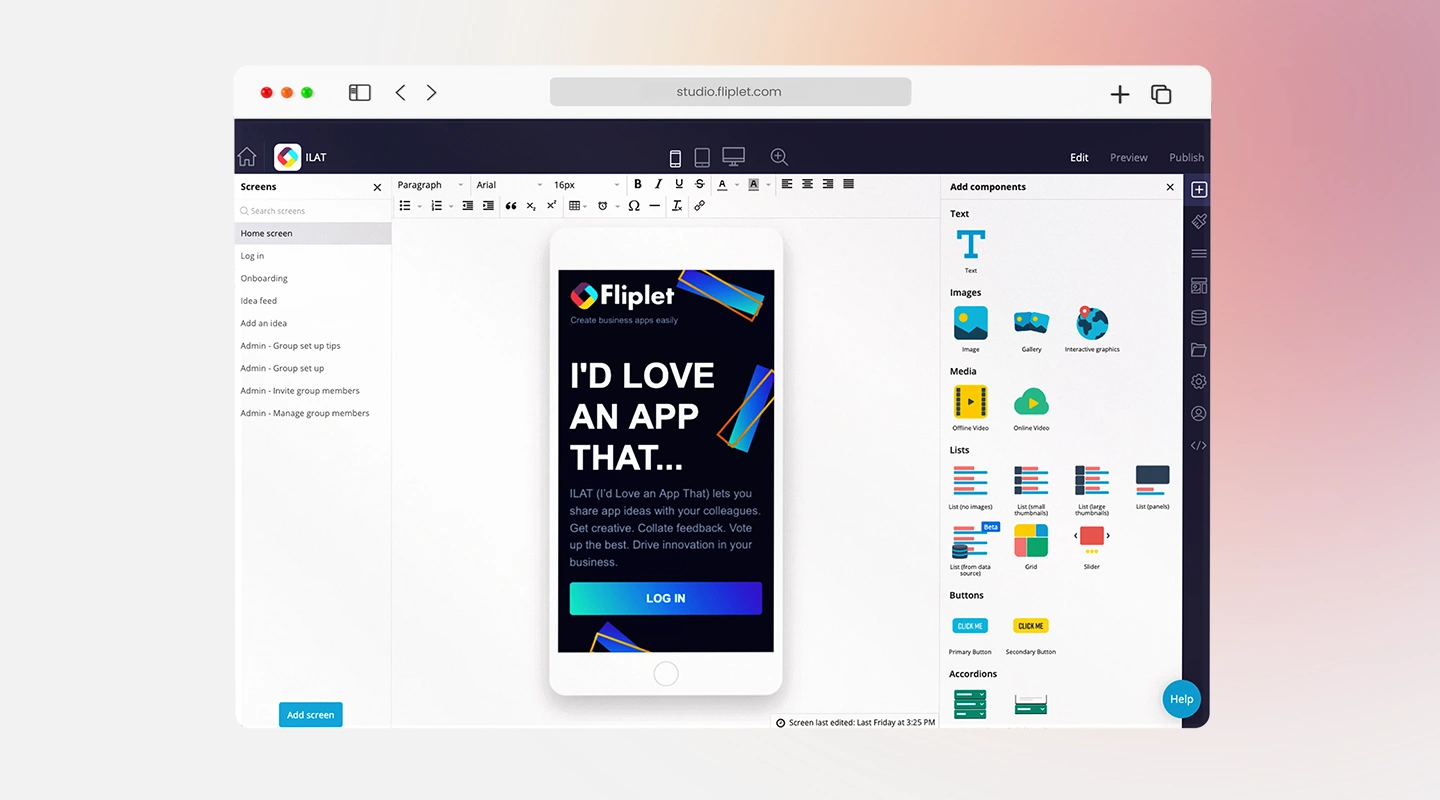
### How Fliplet differs from conventional low-code platforms
- **Ease of use:** Fliplet's intuitive interface makes it easy for users of all skill levels to create applications.
- **Versatility:** Build a wide range of applications, from enterprise solutions to customer-facing apps.
- **Collaboration:** Fliplet gives business users and IT teams a shared delivery environment with defined controls.
- **Scalability:** Fliplet's platform is designed to scale with your business, supporting growth and evolving needs.
- **Security:** Fliplet ensures robust security features to protect your data and applications.
- **Support and resources:** Benefit from extensive support and resources to guide you through the development process.
[Book a Fliplet demo](/book-a-demo/) to discuss your software-delivery requirements.
## The future of low-code development
The future of low-code development looks promising, with several exciting trends and advancements on the horizon. We can expect increased adoption as more businesses turn to low-code platforms to accelerate their digital transformation efforts.
Artificial intelligence will enhance these platforms, enabling smarter and more efficient development processes. Greater flexibility will come with more customization options and advanced features, making low-code solutions even more powerful.
The range of applications will expand, covering everything from complex enterprise solutions to innovative consumer apps. Improved tools for collaboration will make it easier for teams to work together on low-code projects.
Additionally, as the adoption of low-code grows, there will be a stronger emphasis on ensuring robust security measures.
Treat new low-code capabilities as inputs to a governed delivery process. Evaluate them against real workflows, technical standards, and measurable outcomes.
[See how Fliplet supports governed software delivery](/book-a-demo/).
## FAQs
### What does low code mean?
Low code is a software development approach that minimizes hand-coding by using visual interfaces and pre-built modules.
### What is Low Code Programming?
Low code programming means building applications through graphical interfaces and configuration instead of writing everything by hand.
### Is Low-Code a Good Idea?
Low-code can be a strong fit for many teams because it speeds up development, lowers costs, and lets non-technical users contribute, though it is not ideal for every specialized use case.
### Why Use Low Code?
Teams use low code to build applications faster, streamline workflows, reduce the need for deep coding expertise, and respond more quickly to changing needs.
### Where is Low-Code Used?
Low-code is used across industries for enterprise applications, mobile apps, web apps, workflow automation, portals, and other internal or external business tools.
### How Does Low-Code Work with Agile Development?
Low-code supports agile delivery by making it easier to build, test, iterate, and deploy quickly in response to feedback.
### What Are the Best Low Code Development Platforms?
Popular low-code platforms include Fliplet, OutSystems, Mendix, Appian, and Microsoft Power Apps.
### What is a Low Code Integration Tool?
A low code integration tool connects applications and services with minimal coding so teams can automate processes and exchange data more easily.
### What is a Low Code Framework?
A low code framework is the set of visual tools, pre-built components, and development rules a platform provides to simplify app creation.
### How Does Low-Code Dev Reduce Development Time?
Low-code shortens delivery time through visual builders, drag-and-drop interfaces, and reusable modules that reduce the amount of manual coding needed.
### How Does Low-Code Development Compare to High-Productivity aPaaS (hpaPaaS) and Rapid Application Development (RAD)?
All three approaches aim to speed up development. Low-code focuses on minimal coding, hpaPaaS emphasizes scalable cloud delivery, and RAD prioritizes rapid iteration.
### What is a Low Code Development Environment?
A low code development environment is a platform that provides the visual tools, components, testing support, and integrations needed to build and deploy applications with minimal coding.
## Related links
- [20 Best No-Code App Builders, Tools & Platforms in 2026](https://fliplet.com/blog/no-code-app-builder/): The complete guide for no-code app builders, by Fliplet. Find the best no-code tools and platforms and learn how to build mobile apps without coding!
- [What is No-code? All About No-Code Development [2026]](https://fliplet.com/blog/what-is-no-code-all-about-no-code-development/): What is no-code technology? Fliplet has compiled the complete guide to no code software development and its advantages for your enterprise!
- [What is low-code/no-code development? Guide and Best Platforms](https://fliplet.com/blog/what-is-low-code-no-code-development-guide-and-best-platforms/): What is low code no code development? Fliplet has compiled a complete guide including the best platforms to use in 2024!
---
# What Is No-Code Development? Complete Guide for 2026
> Learn what no-code development is, how no-code platforms work, the main components they offer, common use cases, and why businesses adopt them.
Source: https://fliplet.com/blog/what-is-no-code-all-about-no-code-development
Content type: Blog
Published: 2026-05-18T19:53:21
Updated: 2026-02-17T05:47:06
Read time: 13 minutes
# What Is No-Code Development? Complete Guide for 2026
No-code development is a way to create software through visual interfaces, configuration, and reusable components without writing traditional code. It is commonly used by business teams and citizen developers for workflows, internal tools, portals, and straightforward web or mobile experiences.
This guide explains how no-code works, who uses it, common features, use cases, benefits, and limitations. When you are ready to evaluate products, use the [no-code app builder comparison](/blog/no-code-app-builder/). To compare no-code directly with low-code, read the [low-code vs no-code guide](/blog/what-is-low-code-no-code-development-guide-and-best-platforms/).
## What is no code?
> The definition of **no code development** is an application-building process that allows users to create software without writing any code.
This technology uses visual development interfaces and drag-and-drop tools to enable the creation of applications. The primary definition of no code is that it eliminates the need for traditional programming, making software development accessible to a broader range of people, including those without technical backgrounds.
### Key characteristics of no code:
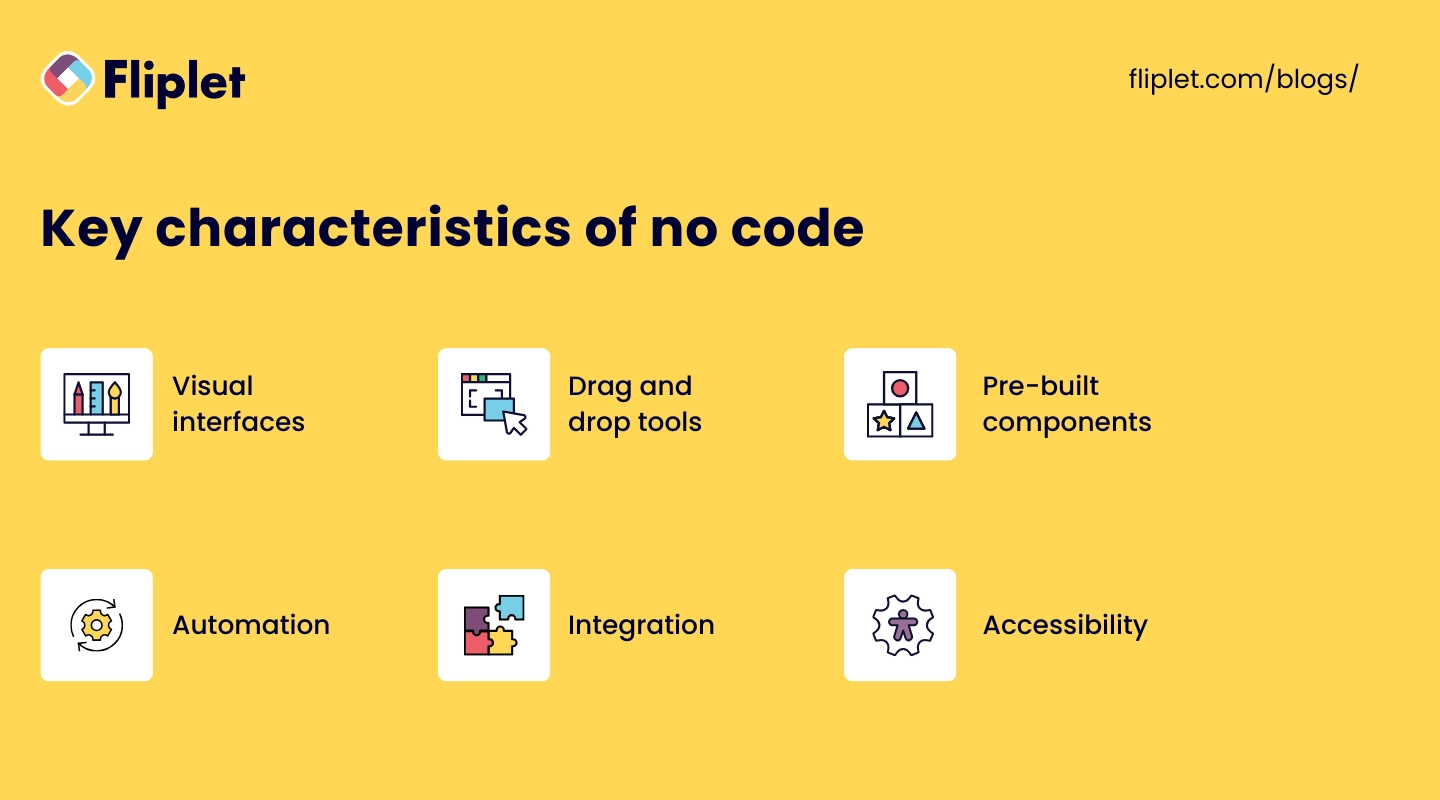
- **Visual interfaces:** Users interact with graphical elements to build applications, making the process intuitive and accessible.
- **Drag-and-drop tools:** Simplifies the placement and configuration of components, enabling rapid assembly of applications.
- **Pre-built components:** Provides a library of ready-to-use elements such as forms, buttons, and data fields, which can be customized to meet specific needs.
- **Automation:** Incorporates automated workflows that streamline repetitive tasks and processes.
- **Integration:** Includes [built-in connectors to integrate with other software](https://fliplet.com/integrations/) and services, enhancing functionality and interoperability.
- **Accessibility:** Designed to be used by non-technical users, allowing business professionals to create and manage applications without relying on IT departments.
No-code platforms let business users, sometimes called citizen developers, configure and maintain software through visual tools. This can shorten delivery time for suitable workflows.
Want to know the best no code platforms available today? [Check out our top list of no code app builders here.](https://fliplet.com/blog/no-code-app-builder/)
## What is no code development?

No code development is the process of creating applications using no-code platforms. These platforms provide all the necessary tools and features to design, develop, and deploy applications without writing code.
No code development is characterized by its **ease of use**, allowing users to assemble applications through visual interfaces. This approach democratizes app development, enabling non-technical users to contribute to the creation of software solutions.
No code development is particularly beneficial for building [internal business applications](https://fliplet.com/solution/task-management/), automating workflows, and [creating customer-facing apps](https://fliplet.com/solution/retail-app/) quickly and cost-effectively.
No code development is not to be confused with low code development. For more information on the use and features of low coding software creation, [check out our full guide here.](https://fliplet.com/blog/what-is-low-code-ultimate-guide-to-low-code-development/)
## What is the role of a no code developer?

A no-code developer uses visual tools and pre-built components to configure software instead of writing most functionality by hand.
The role of a no code developer involves understanding business requirements, configuring workflows, integrating different services, and ensuring the application meets user needs.
These developers often come from diverse backgrounds, including business analysis, project management, and other non-technical roles. Their main focus is on utilizing no-code technology to solve business problems and improve processes efficiently.
## How does no code work?
No code platforms operate by providing a user-friendly interface where users can visually design their applications.
These platforms offer a variety of pre-built components and templates that users can drag and drop into place, configuring them as needed. The underlying technology abstracts the complexity of coding, allowing users to define the behavior and functionality of their applications without writing code.
No code platforms often include features for database management, workflow automation, and integrations with other [software systems](https://fliplet.com/blog/best-legal-office-management-software/). By simplifying the development process, no code platforms enable rapid prototyping, testing, and deployment of applications, making it easier for businesses to innovate and respond to changing needs.
With this foundation, you can begin to explore the many facets of no code development, from its practical applications to the tools and platforms available, and understand how it can be a game-changer for your business.
## No-code features and main components
No-code platforms offer a range of powerful features and components that streamline the app development process, making it accessible to users with no programming experience. Here's a detailed look at the main features and components you'll find in no-code platforms:
- **Visual development interface:** Users arrange components on a canvas and configure their behavior. Many platforms include a WYSIWYG editor that previews the resulting interface.
- **Drag-and-drop tools:** Drag-and-drop tools make it easy to add and configure various elements in an application. Users can select components such as buttons, forms, text fields, images, and more from a library and place them onto their workspace. These tools simplify the design process and enable rapid prototyping, allowing users to quickly iterate and refine their applications.
- **Pre-built templates:** No-code platforms offer a variety of pre-built templates for different types of applications. These templates serve as starting points and can be customized to meet specific needs. Templates are available for a wide range of use cases, including e-commerce sites, project management tools, customer relationship management (CRM) systems, and more. Using templates significantly speeds up the development process and ensures best practices are followed.
- **Automated workflows:** Automated workflows are a key feature of no-code platforms, allowing users to automate repetitive tasks and business processes. Users can define triggers and actions to create workflows that automatically perform tasks such as sending emails, updating databases, generating reports, and more. This automation reduces manual effort, minimizes errors, and enhances efficiency.
- **Integration capabilities:** [Connectors and APIs](https://fliplet.com/integrations/) link no-code software with CRM systems, email platforms, payment services, and internal data. Coverage, authentication, monitoring, and error handling vary by platform.
- **Database management:** No-code platforms often include tools for creating and managing databases. Users can define data structures, create data entry forms, and set up relationships between different data entities without writing SQL queries. These tools make it easy to handle data storage, retrieval, and manipulation, enabling users to build data-driven applications.
- **User management:** User management features allow administrators to control access to the application and manage user roles and permissions. These features ensure that only authorized users can access certain parts of the application or perform specific actions. User management is crucial for maintaining security and ensuring that the application operates smoothly in multi-user environments.
- **Scalability:** [Scalability is an important aspect of no-code platforms](https://fliplet.com/blog/mobile-enterprise-app-development-without-coding/), enabling applications to handle increasing numbers of users and growing data volumes. No-code platforms are designed to scale effortlessly, allowing businesses to expand their applications as their needs evolve. This scalability ensures that applications remain responsive and performant as they grow.
- **Security features:** Security is a top priority for no-code platforms. They come with built-in security features to protect data and ensure compliance with industry standards. These features include data encryption, user authentication, access control, and regular security updates. By providing robust security measures, no-code platforms help safeguard sensitive information and maintain user trust.
- **Real-time collaboration:** Real-time collaboration tools enable multiple users to work on the same application simultaneously. These tools include features like live editing, commenting, and version control, allowing teams to collaborate efficiently and make real-time updates. [Real-time collaboration](https://fliplet.com/solution/project-collaboration-app/) enhances teamwork and ensures that all stakeholders can contribute to the development process.
- **Customization options:** While no-code platforms emphasize ease of use, they also offer customization options for advanced users. These options may include scripting capabilities, custom CSS and HTML, and access to advanced settings. Customization options provide the flexibility to tailor applications to specific requirements, extending the platform's functionality.
Together, these components let more people contribute to software delivery. The result still needs clear requirements, testing, ownership, security review, and maintenance.
## What is the difference between low code and no code programming?
Low code and no code programming both aim to simplify the development process, but they differ in key ways. Low code platforms require minimal coding and are suited for more complex, customizable applications. No code platforms, on the other hand, require no coding at all, making them ideal for simpler applications and non-technical users. While low code offers more flexibility and control, no code focuses on ease of use and accessibility.
Want to learn more about their similarities and differences? [Check out our guide to low code and no code programming here.](https://fliplet.com/blog/what-is-low-code-no-code-development-guide-and-best-platforms)
## Why choose no code technology?
No code technology offers numerous benefits that make it an attractive option for businesses and individuals looking to develop software quickly and efficiently.
### Advantages of no code development
- **Speed:** No code platforms significantly reduce development time, enabling rapid prototyping and deployment.
- **Cost-effective:** Eliminates the need for expensive developers and reduces overall development costs.
- **Accessibility:** Allows non-technical users to create applications, democratizing the development process.
- **Flexibility:** Enables quick iterations and changes based on user feedback and evolving business needs.
- **Wider participation:** More employees can test ideas and contribute to [controlled improvement programs](https://fliplet.com/blog/how-fliplet-supported-innovation-and-digital-transformation-in-a-technologically-conservative-industry/).
- **Improved collaboration:** Facilitates collaboration between business and IT teams by providing a common platform for development.
### Drawbacks of no-code software development
- **Limited customization:** No code platforms may not offer the same level of customization as traditional coding.
- **Vendor lock-in:** Reliance on a specific platform can lead to dependency on the vendor.
- **Performance constraints:** No code applications might not be as optimized as those built with custom code.
If no code isn't quite the right fit, but you'd like more technical flexibility, you can try low-code software development. [Compare leading low-code development platforms.](/blog/the-best-no-code-low-code-development-platforms/)
## What can you build with no code software development?
No-code development can support many common workflows. [Read customer stories](https://fliplet.com/case-studies/) to see how organizations applied configurable software to specific problems.
### No-code software examples
- **Internal business tools:** Custom applications for project management, employee onboarding, inventory tracking, and more.
- **Customer-facing applications:** E-commerce platforms, customer support portals, booking systems, and more.
- **Workflow automation:** Tools to automate routine tasks such as data entry, approval processes, and reporting.
- **Data management systems:** Applications to collect, process, and analyze data for better decision-making.
- **Marketing campaigns:** Interactive landing pages, lead generation forms, and customer feedback surveys.
## How to explore no-code
### Steps for evaluating no-code development
- **Enroll in free courses:** Many platforms offer free courses that cover the basics of no code development. Websites like Coursera, Udemy, and Khan Academy provide comprehensive tutorials.
- **Explore no-code platforms:** Compare visual builders against the workflow, integrations, governance, and publishing options you need. Some platforms offer free trials or community editions.
- **Join no-code communities:** Participate in online forums and communities to share knowledge, ask questions, and learn from others' experiences.
- **Practice by building simple projects:** Apply your learning by building small, simple applications. This hands-on experience will help solidify your understanding.
- **Use documentation and tutorials:** Review the platform's documentation, videos, examples, and user guides before starting a production project.
By following these steps, you can quickly get up to speed with no-code development and start building your own applications today.
### Learn the fundamentals of no code programming with free online courses
Getting started with no-code development is straightforward and accessible. Begin by enrolling in free courses that cover the basics of no-code programming.
These courses are available on various platforms, providing comprehensive tutorials to help you understand the fundamentals.
## From no-code to AI-assisted development
No-code platforms use visual components and configuration to reduce manual programming. AI software builders take a different approach: teams describe the outcome and workflow in plain language, then use AI to generate and refine a working foundation.
Fliplet is an enterprise AI software builder, not a no-code builder. It combines prompt-led creation with the governance, access controls, integrations, and publishing support needed to move business software from an idea into production. [Learn how Fliplet's AI software builder works](/ai-app-builders/).
**[Book a Demo](/book-a-demo/)** to discuss a secure, governed software project with Fliplet.
## The future of no-code development

No-code remains useful for visual, component-based development. A separate shift is also underway as AI software builders make plain-language prompting part of the delivery process.
### The role of AI in no-code
AI can automate parts of the development process, such as generating interfaces, suggesting workflow logic, and identifying potential issues before release.
For enterprise teams, generation is only the beginning. Security, governance, integration, maintainability, and controlled publishing determine whether generated software can move safely into production.
## FAQs
### What Does No Code Mean?
No code refers to building software without writing traditional code, usually through visual tools and pre-built components.
### What is a No Code Platform?
A no code platform is a development environment that lets users create applications through drag-and-drop tools, templates, and visual configuration.
### What is No Code Software?
No code software is any application created on a no code platform, ranging from simple internal tools to more complex data-driven apps.
### What is a No-Code Integration?
A no-code integration connects applications and services without custom code, usually through built-in connectors and APIs.
### Why is No-Code So Popular?
No-code is popular because it broadens access to development, lowers costs, reduces dependence on technical teams, and speeds up delivery.
### What Are the Best No Code Tools and Platforms?
Common no code tools and platforms include Fliplet, Bubble, Adalo, and Airtable.
### Who Uses No-Code Technology?
No-code is used by business professionals, entrepreneurs, startups, small businesses, and large enterprises, especially when non-technical teams need to move quickly.
### What is a No Code Ecosystem?
A no code ecosystem includes the platforms, integrations, third-party tools, learning resources, and communities that support no code app development.
### Will No Code Technologies Replace Developers?
No-code is more likely to complement developers than replace them by taking on simpler builds while developers focus on more complex and highly customized work.
## Related links
- [20 Best No-Code App Builders, Tools & Platforms in 2026](https://fliplet.com/blog/no-code-app-builder/): The complete guide for no-code app builders, by Fliplet. Find the best no-code tools and platforms and learn how to build mobile apps without coding!
- [What is Low Code? Ultimate Guide to Low-Code Development](https://fliplet.com/blog/what-is-low-code-ultimate-guide-to-low-code-development/): What is low code development? The complete guide to low-code application technology and its benefits for your enterprise!
- [What is low-code/no-code development? Guide and Best Platforms](https://fliplet.com/blog/what-is-low-code-no-code-development-guide-and-best-platforms/): What is low code no code development? Fliplet has compiled a complete guide including the best platforms to use in 2024!
---
# What is Vibe Coding? Meaning, how it works, and how to do it for business
> Learn what vibe coding means, how an AI software builder works, and how business teams create secure web and/or mobile software from prompts with Fliplet.
Source: https://fliplet.com/blog/vibe-coding/
Content type: Blog
Published: 2026-06-15T12:00:00+01:00
Updated: 2026-06-19T00:00:00
Read time: 8 minutes
# What is Vibe Coding? Meaning, how it works, and how to do it for business
Vibe coding is a way of building software by describing what you want in plain language and letting an AI tool generate the working result. Instead of writing every line by hand, you describe the outcome — "build me a field-inspection app that captures reports and routes issues to the right manager" — and the AI produces something you can run, test, and refine through conversation.
In one line: **vibe coding is building software by conversation rather than by hand.**
## What does vibe coding mean?
The term *vibe coding* was coined in February 2025 by AI researcher Andrej Karpathy, who described "giving in to the vibes" — letting the AI write the code while you guide it by describing what you want. The "vibe" is the point: you work at the level of intent and feel, not syntax. The name stuck because it captured how different this is from traditional programming — you're directing an outcome, not authoring every line.
## How vibe coding actually works
The workflow is a loop, not a one-shot command:
1. **Describe the outcome.** You explain what you want in business terms — the screens, the data, the actions, who uses it.
2. **The AI builds a working version.** A functioning draft appears in seconds, usually with a live preview.
3. **You test it like a user.** Click through it. Try the common path and the awkward edge cases.
4. **You refine by talking.** "Disable submit until every field is filled." "Add a status column." The AI rewrites and you re-test.
5. **You repeat** until it does the job — then you publish it.
The skill is no longer typing code. It's describing intent clearly, spotting when something's off, and being specific about what "right" looks like. That's much closer to how an operations lead or product manager already thinks than to traditional programming.
## Who is vibe coding for?
It has quickly become a tool for people who were never going to learn to code:
- **Operations and IT teams** building [internal software](/solutions/) — request trackers, audit checklists, approval workflows — without waiting in a development backlog.
- **Product managers** turning ideas into working software to align stakeholders fast.
- **HR and People teams** standing up [onboarding portals](/solution/employee-onboarding-app/), policy hubs, and employee tools.
- **Customer-facing teams** launching [client portals](/solution/portal-app/), event apps, and field-service tools on their own timeline.
- **Founders and small teams** shipping real software without a full engineering function.
The common thread: someone who understands the *business problem* deeply but doesn't have ready access to developer time. Vibe coding closes that gap — which is why it's spreading through business teams, not just engineering ones.
## Vibe coding examples
To make it concrete, here's the kind of software teams build by prompt:
| Team | What they build | Why it works |
| --- | --- | --- |
| Field Operations | An inspection app that captures reports and routes issues | Replaces a spreadsheet-and-email chain |
| HR | An onboarding portal with status tracking per new hire | Structured, visible, no chasing |
| Customer Success | A branded client portal for documents and updates | Built in days, not a dev quarter |
| Events | A session sign-up and feedback app on web and/or mobile | Ships on the team's own timeline |
| Sales | An interactive ROI calculator for prospects | Built and changed in an afternoon |
Each of these used to need a developer, a ticket, and a wait. Vibe coding compresses that to a conversation.
## The benefits: why business teams are adopting it
- **Speed.** A working draft in minutes instead of a sprint.
- **Lower barrier.** The person with the idea builds it, so nothing gets lost translating a spec to a developer.
- **Cheaper experimentation.** Test ten ideas for the cost of building one the old way.
- **Clearer requirements.** A working prototype communicates intent far better than a written brief — even when engineering takes over later.
These gains are real, and they're why vibe coding isn't a passing trend. But there's a catch that decides whether your vibe-coded software is a throwaway demo or a tool your business can actually run on.
## Vibe coding tools and platforms: what to look for
Vibe coding tools fall into two camps, and the difference decides whether what you build is a throwaway demo or software your business can run on. Most early tools were built for hobby projects; a smaller set are built for business. Here's how to tell them apart:
- **It can look finished before it is.** Generated software demos beautifully and can still mishandle edge cases or break when requirements change.
- **Maintainability matters.** If only the person who "vibed" it understands it, you've created a dependency, not a solution.
- **Security and compliance can't be an afterthought.** Business software handling customer or employee data needs encryption, access controls, and an audit trail by default — not if someone remembers to ask.
- **Data governance has to be clear.** Where does the data live? Who can see it? Does it stay inside your compliance boundary?
- **It has to reach real users.** A prototype trapped in a preview window isn't software. Business tools need to be properly published — on the web *and* in the [app stores](/platform-overview/) where employees and customers actually are.
None of this means vibe coding is risky. It means the *tool you vibe code with* has to be built for business. Here's what to demand:
| What business software needs | Consumer vibe coding tools | Business-grade vibe coding |
| --- | --- | --- |
| Speed from prompt to working software | Yes | Yes |
| Secure handling of business data | Often not | Built in |
| Access controls & audit trail | Rarely | By default |
| Data kept inside your compliance boundary | Unclear | Guaranteed |
| Maintainable by your whole team | Usually one author | Anyone with access |
| Native publishing to web and/or app stores | No | Yes |
The point isn't to vibe code less. It's to vibe code on a platform that takes you all the way from prompt to production.
### Compare AI software builders
If you are comparing specific AI software builders, start with the type of ownership you want after launch. These comparisons cover common options:

## Fliplet: vibe coding built for business software
This is exactly what [Fliplet's new AI-driven platform](/ai-app-builders/) was built for.
You describe the business software you need in a prompt — and Fliplet builds it for **web and/or mobile**. The difference is everything that happens around the prompt:
- **Safe for business data by design.** Your data stays inside a secure, governed boundary — not on some tool's servers outside your compliance scope.
- **Enterprise-grade security built in.** Access controls, encryption, and the security business software actually requires, from the first version.
- **Native publishing to the [app stores](/platform-overview/).** Fliplet doesn't leave your software stuck in a preview. It publishes natively to the Apple App Store and Google Play, plus the web — so your teams and customers can actually use it.
- **Maintainable by your team.** Built so anyone with access can update it, not just the person who first described it.
In other words, Fliplet gives you the speed and ease that make vibe coding so compelling — and the security, governance, and reach that turn a prototype into business software you can run on.
**[Start for free](https://studio.fliplet.com/signup)** to see how your team can go from prompt to secure, published web and/or mobile software with Fliplet.
## FAQs
### Is vibe coding the same as no-code?
They overlap. [No-code](/blog/what-is-no-code-all-about-no-code-development/) historically meant building through a visual interface; vibe coding means building by describing what you want in natural language. Modern platforms like Fliplet combine both — you prompt to build, and the result is structured, secure, and maintainable.
### Do you need to know how to code to vibe code?
No. You describe what you want in plain language. You do need to understand your business problem well and test the result carefully.
### How does vibe coding work?
You describe the outcome you want, the AI generates a working version, you test it like a user, and you refine it by giving feedback in plain language. You repeat that loop until the software does the job, then publish it.
### Is vibe coding safe for business data?
It depends entirely on the platform. Consumer tools often aren't. A business-grade platform like Fliplet keeps your data inside a secure, governed boundary with proper access controls — so it is safe for business data.
### Can you publish vibe-coded software to the app stores?
With most tools, no — they stop at a web preview. Fliplet publishes natively to the Apple App Store, Google Play, and the web.
### Will vibe coding replace developers?
No — it changes their role and expands who can build. Business teams can ship their own software, while engineering focuses on architecture and the most complex systems.
### What should businesses look for in a vibe coding platform?
Security and data governance by default, access controls, maintainability across your team, and the ability to publish real software to web and/or mobile — not just generate a prototype.
## Related links
- [AI in App Development in 2026: What's Changing and What to Do Next](https://fliplet.com/blog/how-ai-will-disrupt-app-development/): Understand the main AI app development trends, risks, and rollout decisions shaping software delivery in 2026.
- [Enterprise Vibe Coding: From Prototype to Secure Publishing](https://fliplet.com/blog/enterprise-vibe-coding/): See how enterprise teams move from AI-built prototypes to secure publishing, governance, rollout, and long-term ownership.
- [Base44 vs Fliplet: Which AI Software Builder Is Right for Enterprise Teams?](https://fliplet.com/blog/base44-vs-fliplet/): Compare Base44 and Fliplet for AI software builder needs, governed delivery, integrations, and web and/or mobile rollout.
---
# Why use a prebuilt app builder?
> Why use a prebuilt app builder? Get practical steps, planning tips, and common pitfalls to avoid so your team can move faster with less risk.
Source: https://fliplet.com/blog/prebuilt-app-builder
Content type: Blog
Published: 2026-02-17T16:42:13
Updated: 2026-03-21T11:50:44
Read time: 7 minutes
# Why use a prebuilt app builder?
In short – a pre-built app builder allows you to create custom apps from pre-built open-source components. They combine the benefits of no-code tools with the feature customization of open-source software. The pre-built components can include the content of the app (eg: logins, images, dynamic lists, buttons etc) but also the app infrastructure (eg: app security, data storage, APIs, app analytics, cross device compatibility etc). Pre-built app builders sit between app development tools (which are powerful but require specialized technical expertise to use) and app template tools (which are easy to use but the ability to customize features and design is heavily limited).
## What are the key benefits of pre-built apps?
- **Save a huge amount of time** by not creating and maintaining common 'pre-built' app components (such as login-ins, mobile and desktop compatibility, app security, user analytics, encrypted data integrations etc). Fliplet apps are typically ready to pilot in under 4 weeks on mobile and desktop.
- The components are **automatically maintained** for you for new devices and operating system updates (eg, the apps are automatically updated when Apple brings out a new operating system, a phone screen with a notch in the top or a security patch).
- **App creation and maintenance** is much simpler and can be done by non-developers. This takes the pressure off IT and enables the business units to update and improve their own apps.
- The **low resourcing requirements** mean a business can create and maintain 10s or 100s of custom apps (eg, one per team, per key client or per marketing campaign)
- The **pre-built components evolve and new features are continually added** as Fliplet is continually enhancing its platform. You don't have to lift a finger to benefit from these new features.
- The friction to creating apps is so low that new business use cases become **viable and the ability to prototype and innovate is greatly increased.** Apps can be created for specific clients or for events in less than a week
- Pre-built apps have **fewer bugs and are more scalable** as they've been stress tested by hundreds of other users already.
- The **speed of digital transformation** is hugely accelerated. App projects are reduced from years to weeks. Teams get the tools they've been asking for faster. Operations become more efficient.
- **IT teams can still extend the platform with custom code** and retain control over app publishing, privacy and security.
## A bit of background…
It may help to put this into context. Prior to pre-built app builders if you wanted an app you only really had two options. You could either buy an off-the-shelf template app or develop your own app from scratch.
Unfortunately templated apps rarely offered all the desired features nor did they allow for the design and UX flexibility required to create an app with a professional feel. This basically meant the only feasible way to get a professional quality app was to develop your own.
The catch with developing your own app was that you needed to hire a developer or typically several developers if you wanted an Apple, Android and web app version. A lot of the effort would be spent on creating login systems, security and other app infrastructure that didn't directly contribute to the purpose of the app. Developing components from scratch meant that they were more prone to bugs. Not only that, keeping up with shifting business demands and mobile device updates meant that owning an app became a full time maintenance job for the developers rather than a one off investment. The friction to app creation meant that most businesses let their apps fall by the wayside and very rarely did they attempt to do more than one app.
## The solution: Pre-built apps
Under the hood most apps have a large amount in common – eg, you'd like them to operate on different mobiles, tablets and desktops; strong security features would be good; you'd like to have analytics to see how engaging the app is; you need a way to store and display data etc.
It's very inefficient building these common features from scratch, especially when they have been built so many times before. The only thing you need to create are the features that make your app unique. It turns out that this is a relatively small piece of the pie. And even better – it's often possible to create the majority of the unique features without code. This means that the business functions that used the app could be responsible for updating it and tailoring it to their needs. IT is only typically required to check the quality and security of the apps. This means IT are able to leverage their resources and oversee a much larger number of apps than they previously could. Ultimately the business is the winner as apps can be created to support sales, marketing, HR and operations teams. Apps can even be created for customers and clients.
## Who should use a pre-built app builder?
Both technical and non-technical people benefit from using a pre-built app builder like Fliplet.
Technical people can create apps that are more maintainable and they can amplify their impact as they don't have to code everything from scratch. They also benefit from being able to prototype, test and innovate much more quickly.
Non-technical people are able to create apps using Fliplet's drag-and-drop editor. They don't need to know how to code to get the features, appearance and data management they want. They have the power to update and improve their own app to ensure it keeps up with business demands.
## What types of apps can be built with a pre-built app builder?
Fliplet apps are used in a huge variety of business scenarios. To see some examples, explore Fliplet's [platform overview](https://fliplet.com/platform-overview/) and [solutions library](https://fliplet.com/solutions/). This will give you an idea of the type of apps that can be built along with the functionality and designs that are available.
## Related concepts and terminology
Pre-built App Builders touch on a number of related concepts. For clarity, we've listed them here with some explanation of how they relate to Pre-built Apps.
### 1.Citizen Development and No-Code Development Tools
Pre-built App Builders are in many ways a subset of these two terms. Citizen Development refers to app creation by non-developers. And almost by definition, non-developers need to use No-Code Development Tools to create their apps. The term No-Code however is a bit broader than pre-built apps as it can also encompass off-the-shelf app editors which while being no-code they may severely limit a user's ability to edit an app.
### 2.Low-code and general developer tools
These tools focus on making the developer more efficient in their work. They do however ultimately rely on a developer to use them as opposed to No-code and Pre-built builders which do not. Pre-built is no-code by default and only requires developers if you're creating highly custom components.
### 3.Agile and Rapid App Development
These refer to a process of creating apps that emphasizes prototyping and testing apps and puts less emphasis on planning. Of course prototyping and testing is only possible if it's easy to create and iteratively improve prototypes. Pre-built app builders are a great way of achieving this.
## What are the limitations of a pre-built app builder?
Fliplet offers a comprehensive set of pre-built components and these are increasing all the time. If you are concerned that we may not be able to offer a specific feature you require then please feel free to drop us a line by emailing [hello@fliplet.com](https://web.archive.org/web/20210615104622/mailto:hello@fliplet.com). The chances are that we can find something that's suitable.
In the event Fliplet is unable to provide the exact feature you want, we have two fall back options.
Firstly, Fliplet offers developer options. You can use these to add custom HTML, CSS and Javascript to your app. We provide various methods for integrating with Fliplet's components on our developer site.
Secondly we are able to create the custom features for you. To discuss this option please get in touch with us at [hello@fliplet.com](https://web.archive.org/web/20210615104622/mailto:hello@fliplet.com).
For more on [custom application development](https://fliplet.com/blog/custom-application-development-in-six-steps/?et_fb=1&PageSpeed=off) & [the best app builders](https://fliplet.com/blog/top-10-best-app-builder/), read our blog.
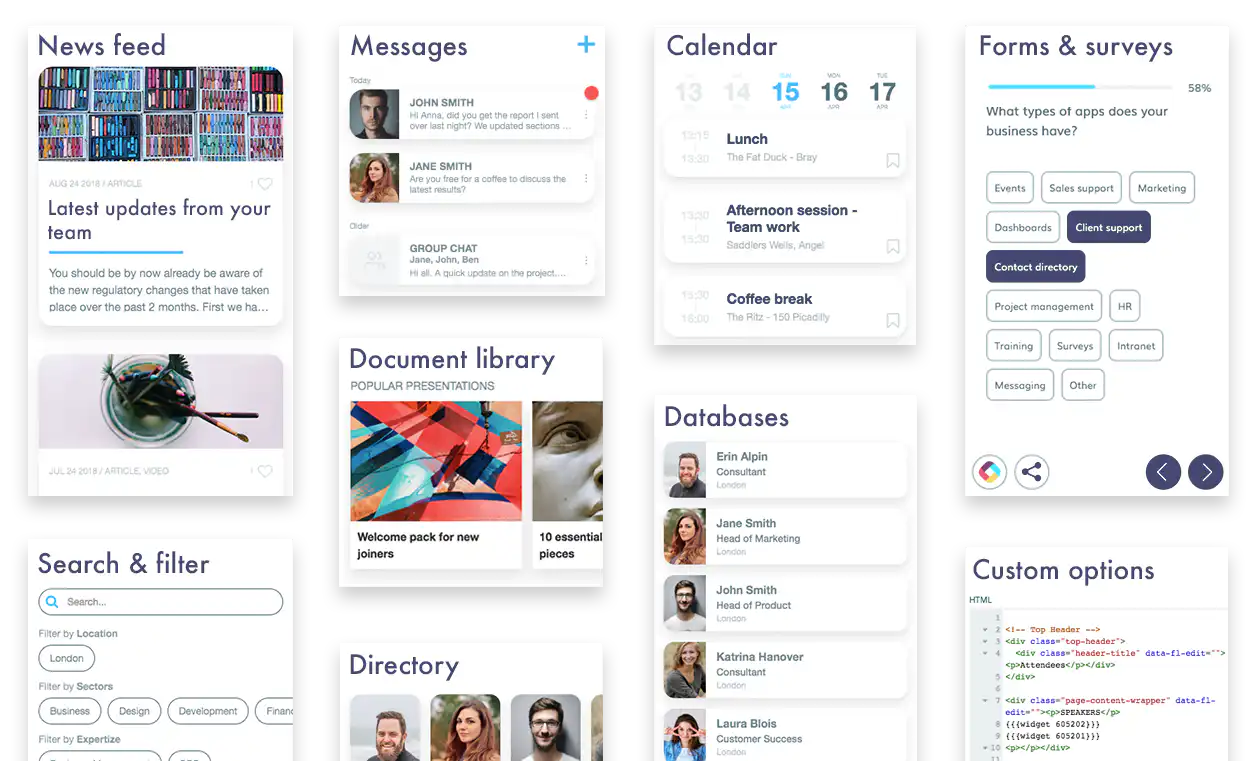
## Related links
- [5 Best AI App Builders and How to choose yours](https://fliplet.com/ai-app-builders/)
- [How to build a custom app without any coding](https://fliplet.com/blog/how-to-build-a-custom-app-without-coding/)
- [Gowling WLG case study](https://fliplet.com/case-studies/gowlingwlg/)
---
# Xamarin Replacement: How to Choose a Migration Path in 2026
> Compare Xamarin replacement paths by code reuse, architecture, integrations, delivery model, governance, and long-term ownership.
Source: https://fliplet.com/blog/xamarin-replacement/
Content type: Blog
Published: 2024-09-09T19:37:23
Updated: 2026-09-02T12:00:00
Read time: 9 minutes
# Xamarin Replacement: How to Choose a Migration Path in 2026
Microsoft support for Xamarin ended on 1 May 2024. If your organization still relies on Xamarin software, the decision can no longer be postponed indefinitely. The practical choices are to upgrade to .NET, rebuild with a native or cross-platform framework, move suitable business software to a managed platform, or retire what is no longer needed.
The best path depends on the code and dependencies you can reuse, the device features the product needs, its integrations, the skills available, and who will own it after migration. Microsoft's [Xamarin support policy](https://dotnet.microsoft.com/en-us/platform/support/policy/xamarin) makes .NET the most direct vendor-supported route, but no tool can remove the need to assess, test, and plan the cutover.
## Key takeaways
- Xamarin support ended on 1 May 2024, so compatibility, security, store-submission, dependency, and staffing risks increase over time.
- .NET MAUI is the closest continuation for Xamarin.Forms, but a native, cross-platform, or managed rebuild may fit better.
- Compare credible options with an application inventory and one representative migration slice before retiring the old software.
## What changed for Xamarin?
Xamarin was Microsoft's C# and .NET approach for building mobile software across Android and Apple platforms. Xamarin.Forms provided a shared UI layer, while Xamarin.Android and Xamarin.iOS exposed platform-specific APIs.
The product reached end of support in 2024. Existing apps do not stop running on that date, but Microsoft no longer supplies Xamarin product fixes, updates, or technical assistance. The official policy identifies Android API 34 and Xcode 15-era SDKs as the final target versions from the Xamarin SDKs. That creates growing compatibility, security, store-submission, dependency, and staffing risk for software that remains unchanged.
## Xamarin replacement options
Use this neutral framework before selecting a technology:
| Path | Best fit | Reuse potential | Main risks to test |
| --- | --- | --- | --- |
| Upgrade to .NET MAUI or current .NET platform projects | Teams staying in C#/.NET with reusable business logic and supported dependencies | Potential reuse of project logic and some UI patterns; Microsoft says projects do not all need a rewrite | Dependency compatibility, custom renderers or handlers, platform APIs, build pipelines, UI differences, and test coverage |
| Rebuild natively | Software where platform-specific experience, APIs, performance, or release control is central | Business rules and service contracts may transfer; UI code usually does not | Two platform implementations, specialist skills, duplicated testing, and long-term coordination |
| Rebuild with another cross-platform framework | Teams accepting a new ecosystem for a shared codebase | Product requirements, APIs, data contracts, and tests may transfer; Xamarin UI code generally will not | New language or runtime, package maturity, native escape hatches, accessibility, upgrades, and operations |
| Rebuild on a managed software platform | Business processes that fit configurable platform capabilities and need managed delivery | Information model, content, roles, and integration contracts can transfer | Platform fit, source-code expectations, data and identity constraints, extensibility, commercial model, and portability |
| Replace or retire | Duplicated, low-adoption, or obsolete software | Data and records may need migration or retention | User disruption, record retention, integration shutdown, and change management |
No option wins on a feature count. Test the same high-risk slice on each credible path and include the people who will operate the result.
## Path 1: Upgrade to .NET MAUI
.NET MAUI is the closest continuation for Xamarin.Forms teams that want to remain in Microsoft's development ecosystem. Microsoft's [upgrade overview](https://learn.microsoft.com/en-us/dotnet/maui/migration/?view=net-maui-10.0) lists upgrade paths for Xamarin.Android, Xamarin.iOS, Xamarin.Mac, Xamarin.tvOS, Xamarin.Forms, Xamarin.Forms UWP, and several extension or binding-library project types.
The same guide makes 3 boundaries clear:
- projects need to become SDK-style;
- projects do not all need to be rewritten;
- multi-project solutions do not have to become one multi-targeted project.
Microsoft also warns that its Upgrade Assistant performs common project and code changes but usually leaves additional work. Treat automation as the start of the migration, not acceptance evidence.
### What to inventory for .NET MAUI
1. **Project types and target platforms.** Identify Forms, native Xamarin, UWP, extensions, bindings, and platform-specific projects.
2. **Packages and SDKs.** Confirm that each dependency has a maintained .NET-compatible version or a supported replacement.
3. **Custom renderers and effects.** Map them to handlers or another current implementation and test behavior.
4. **Platform services.** Review notifications, background work, deep links, files, camera, location, authentication, and device integrations.
5. **UI and accessibility.** Revalidate layouts, focus order, text scaling, screen-reader output, gestures, themes, and device sizes.
6. **Build and release.** Update signing, CI/CD, store targets, provisioning, telemetry, and rollback procedures.
7. **Tests.** Preserve useful domain tests, then add coverage for changed APIs and critical platform behavior.
Choose this path when the .NET skills, code, architecture, and dependency set still support the product's future. Do not choose it only because it looks closest on an architecture diagram.
## Path 2: Rebuild the software
A rebuild can remove accumulated architecture constraints, but it is a product and data migration, not only a framework change. Start with current user outcomes and production evidence. Do not reproduce every old screen without checking whether the underlying task still matters.
### Native development
Native iOS and Android development can be appropriate when the software relies heavily on platform-specific UI, device services, or performance characteristics. The cost is separate implementation and release work for each platform unless the scope is deliberately narrow.
Test staffing, parity, shared service contracts, release coordination, accessibility, monitoring, and incident response before committing.
### Another cross-platform framework
Frameworks such as Flutter or React Native can support shared mobile development, but they introduce a different language, runtime, package ecosystem, and upgrade path. Review the [Flutter architectural overview](https://docs.flutter.dev/resources/architectural-overview) and [React Native architecture documentation](https://reactnative.dev/architecture/overview) as primary starting points, then verify the exact libraries and native modules your software needs.
Do not estimate reuse from screenshots. Prototype authentication, the most difficult device integration, offline or background behavior, one complex screen, and a production build.
## Path 3: Use a managed platform
A managed software platform can fit internal tools, portals, directories, training, events, forms, field data collection, approvals, and similar business processes. The value is not that migration becomes effortless. It is that the team may be able to replace custom application infrastructure with configurable platform capabilities and managed publishing.
Evaluate the path with the same rigor as code:
- Can it represent the required roles, states, data, and exceptions?
- How do authentication, permissions, audit, and data residency work?
- Can it integrate with the systems of record and handle failures?
- Which web, mobile, offline, and distribution models are supported?
- What can be extended, exported, or moved later?
- Who approves changes and supports users after launch?
- Which capabilities or controls depend on the commercial plan?
Fliplet helps teams create [web and mobile software from a prompt](/platform-overview/), refine it quickly, and launch with governance, security, and integrations built in. For a managed rebuild, teams can review and edit the first version, manage data and access, and choose the right publishing path. Business teams can shape the experience while IT keeps oversight of security, integrations, access, and release decisions. Fliplet's current platform and features pages do not document Xamarin source import or conversion, so treat this option as a rebuild. Validate a representative part of the old product against the current [features](/features/), [integrations](/integrations/), [security](/security/), and [pricing](/pricing/) before committing.
## Build a migration evidence pack
Before choosing a replacement, create one evidence pack that every option must address.
### Application inventory
- supported platforms, minimum OS versions, stores, and distribution methods;
- active users, critical tasks, and business owners;
- source projects, packages, SDKs, and build pipelines;
- platform APIs, custom renderers, native modules, and background services;
- integrations, credentials, data stores, retention, and offline behavior;
- accessibility, security, privacy, and regulatory requirements;
- analytics, crash reporting, service levels, and support volumes.
### Representative migration slice
Choose a flow that includes a signed-in user, important data, one difficult integration or device capability, an error path, analytics, and a production-like build. Avoid a homepage-only prototype.
### Acceptance gates
| Gate | Evidence |
| --- | --- |
| Functional | Critical tasks and exceptions pass agreed tests |
| Data | Records reconcile; retention and deletion rules are understood |
| Security | Identity, permissions, secrets, dependencies, and threat scenarios are reviewed |
| Accessibility | Keyboard, screen reader, text scaling, contrast, and touch interactions are tested |
| Operations | Build, release, rollback, monitoring, support, and ownership are documented |
| Commercial | Licences, infrastructure, migration effort, and ongoing staffing are compared on the same horizon |
## A practical migration sequence
1. **Stabilize the current app.** Capture the last known working release, dependency inventory, store configuration, and production metrics.
2. **Confirm business ownership.** Decide which functions to retain, change, replace, or retire.
3. **Map data and integrations.** Identify systems of record, migration rules, reconciliation, and cutover dependencies.
4. **Prototype the high-risk slice.** Test the hardest assumptions on each credible path.
5. **Choose with recorded evidence.** Document why the selected path meets requirements and why alternatives were not chosen.
6. **Migrate in controlled releases.** Run old and new paths in parallel where risk requires it, and define rollback.
7. **Retire safely.** Archive required records, remove credentials and integrations, communicate support changes, and close the old operating model.
## Common migration mistakes
- Assuming all Xamarin code will transfer because both paths use C#.
- Choosing a framework before inventorying dependencies and platform-specific code.
- Recreating old navigation without validating current user tasks.
- Migrating screens while postponing identity, data, integrations, and release operations.
- Comparing licences without engineering, cloud, testing, support, and maintenance cost.
- Treating a generated or converted build as production-ready without security and accessibility review.
- Leaving the old app, credentials, and data flows running without a retirement owner.
## Sources
This guide compares migration options. The sources below support its current platform and migration guidance:
- [Microsoft: Xamarin Support Policy](https://dotnet.microsoft.com/en-us/platform/support/policy/xamarin)
- [Microsoft Learn: Upgrade from Xamarin to .NET](https://learn.microsoft.com/en-us/dotnet/maui/migration/?view=net-maui-10.0)
- [Flutter: Architectural overview](https://docs.flutter.dev/resources/architectural-overview)
- [React Native: Architecture overview](https://reactnative.dev/architecture/overview)
If a managed platform is one credible path, [book a Fliplet demo](/book-a-demo/) to test a representative part of the Xamarin product against data, integration, access, publishing, and governance requirements.
## FAQs
### Is Xamarin still supported?
No. Microsoft's official support policy states that support for all Xamarin SDKs, including Xamarin.Forms, ended on 1 May 2024. Existing software can continue to run, but Xamarin no longer receives Microsoft's product fixes, updates, or technical support.
### Is .NET MAUI the direct replacement for Xamarin.Forms?
Microsoft describes .NET MAUI as the evolution of Xamarin.Forms and provides official upgrade guidance. It is the closest path for teams that want to remain in .NET, but dependencies, custom renderers, platform services, and tests still need to be assessed.
### Can a Xamarin app be upgraded without a full rewrite?
Sometimes. Microsoft's guidance says Xamarin projects can run on .NET after an upgrade and do not all need to be rewritten. The amount of work depends on project type, SDK-style conversion, dependencies, custom platform code, APIs, and the target architecture.
### When should a team rebuild instead of migrating to .NET MAUI?
Consider a rebuild when the current architecture, dependencies, user experience, or operating model no longer fits. Compare that option with an in-place upgrade using the same representative tasks, integrations, security requirements, and lifecycle costs.
### Can Xamarin source code be moved directly into Fliplet?
No direct Xamarin source-import or conversion capability is documented on Fliplet's current platform or features pages. Treat this as a rebuild. Document the required screens, data, roles, integrations, and release requirements, then validate a representative slice on the platform.
## Related links
- [Compare web application development platforms](/blog/9-web-application-development-platforms-to-build-a-free-web-app/): Compare code-first and managed delivery paths by fit, controls, and ownership.
- [Compare AI software builders](/ai-app-builders/): Review prompt-led creation together with governance, integrations, and production delivery.
- [Review Fliplet security](/security/): Assess current Fliplet security, governance, identity, and data-control information.
---
# Case Studies
---
# 14OhFour
> See how 14OhFour uses Fliplet to deliver law firm apps faster, modernize legal products, and launch web and mobile experiences without extra friction.
Source: https://fliplet.com/case-studies/14ohfour/
Content type: Case Studies
Published: 2024-01-31T14:22:42+00:00
Updated: 2026-03-17T09:00:00+00:00
## Page content
**Hero Eyebrow:** Case study
**Hero title:** Fliplet Partner 14OhFour provides valuable Law Firm solutions
Watch the video to hear from Nathan Wilkins, Founder of 14OhFour, and discover how his agency has been driving digital marketing growth for law firms using Fliplet.
14OhFour faced significant challenges when it came to developing flexible and effective digital products for law firms. They hit their stride with Fliplet’s platform, and that’s where they truly began to excel in creating mobile and web apps. This shift altered the entire dynamic for how they approach legal marketing and client interactions. Nathan explains it well: “We’ve put together all sorts of stuff, from apps that help gather info to really snazzy ones that clients love to use. It’s made things run smoother and has really upped the game in how law firms share what they know.”
14OhFour’s applications, developed with Fliplet, have become integral in modernizing law firms’ workflows and client interactions. They leveraged features like AI, multi-step forms, and agile deployment capabilities to meet the specific needs of each law firm.
These digital products have revolutionized the way law firms manage internal communication, client engagement, and complex legal workflows.
Watch the video to hear from Nathan Wilkins, Founder of 14OhFour, and discover how his agency has been driving digital marketing growth for law firms using Fliplet.
### Story Sections
#### Developing flexible digital products for law firms without unnecessary friction
**Kicker:** Challenge
14OhFour faced significant challenges when it came to developing flexible and effective digital products for law firms. They hit their stride with Fliplet’s platform, and that’s where they truly began to excel in creating mobile and web apps. This shift altered the entire dynamic for how they approach legal marketing and client interactions.
#### Using Fliplet to build tailored mobile and web apps for legal clients
**Kicker:** Solution
14OhFour’s applications, developed with Fliplet, have become integral in modernizing law firms’ workflows and client interactions. They leveraged features like AI, multi-step forms, and agile deployment capabilities to meet the specific needs of each law firm.
#### Improving communication, engagement, and complex legal workflows
**Kicker:** Results
These digital products have revolutionized the way law firms manage internal communication, client engagement, and complex legal workflows.
**Hero highlight quote:** The ability to build something once and see it deployed across web, mobile, in app stores, makes everything a lot easier. Simpler and easier.
**Quote Image Alt:** Nathan Wilkins
### Stats
#### Build once
**Clarifier:** Deploy across web, mobile, and app stores
**Detail:** Cross-platform delivery
#### Law-firm focused
**Clarifier:** Tailored for legal marketing, engagement, and events
**Detail:** Legal specialization
#### Faster launches
**Clarifier:** Reduce friction while keeping each launch flexible
**Detail:** Operational speed
### Quote
The ability to build something once and see it deployed across web, mobile, in app stores, makes everything a lot easier. Simpler and easier.
**Author:** Nathan Wilkins
**Role:** Founder
**Company:** 14OhFour
### Customer Overview
#### Company
**Value:** 14OhFour
#### Industry
**Value:** Digital marketing growth for law firms
#### Audience
**Value:** Law firms
#### Use case
**Value:** Mobile and web apps for law firms
#### Resources
**Value:** AI, multi-step forms, and agile deployment capabilities
#### Website
**Value:** 14ohfour.co.uk
**Href:** https://14ohfour.co.uk/
**Sidebar Logo Alt:** 14OhFour logo
**Sidebar Logo Href:** https://14ohfour.co.uk/
### Fliplet Partner 14OhFour provides valuable Law Firm solutions
**Url:** https://www.youtube.com/watch?v=fdoL_DByXDc
**Title:** Fliplet Partner 14OhFour provides valuable Law Firm solutions
**Description:** In the video, you can expect to find out:
#### Chapters
##### Intro
**Time:** 00:00
**Url:** https://www.youtube.com/watch?v=fdoL_DByXDc&t=0s
##### Who are 14OhFour?
**Time:** 00:17
**Url:** https://www.youtube.com/watch?v=fdoL_DByXDc&t=17s
##### How 14OhFour uses Fliplet
**Time:** 00:47
**Url:** https://www.youtube.com/watch?v=fdoL_DByXDc&t=47s
##### What came before Fliplet
**Time:** 01:47
**Url:** https://www.youtube.com/watch?v=fdoL_DByXDc&t=107s
##### Why Fliplet over other platforms
**Time:** 02:22
**Url:** https://www.youtube.com/watch?v=fdoL_DByXDc&t=142s
##### Features used most
**Time:** 03:21
**Url:** https://www.youtube.com/watch?v=fdoL_DByXDc&t=201s
##### Benefits gained
**Time:** 04:16
**Url:** https://www.youtube.com/watch?v=fdoL_DByXDc&t=256s
##### How apps in law firms evolved
**Time:** 05:05
**Url:** https://www.youtube.com/watch?v=fdoL_DByXDc&t=305s
##### Working with clients on Fliplet apps
**Time:** 05:42
**Url:** https://www.youtube.com/watch?v=fdoL_DByXDc&t=342s
##### Event apps delivered for clients
**Time:** 06:34
**Url:** https://www.youtube.com/watch?v=fdoL_DByXDc&t=394s
##### What are some of the client-facing apps14OhFour has worked on?
**Time:** 07:04
**Url:** https://www.youtube.com/watch?v=fdoL_DByXDc&t=424s
##### Has 14OhFour created any products using Fliplet that their clients can use?
**Time:** 07:41
**Url:** https://www.youtube.com/watch?v=fdoL_DByXDc&t=461s
##### How can people get in touch with 14OhFour?
**Time:** 08:20
**Url:** https://www.youtube.com/watch?v=fdoL_DByXDc&t=500s
**Resources heading:** Related resources
### Resources Cards
#### Gowling WLG drives innovation and client engagement with Fliplet
**Eyebrow:** Case study
**Href:** /case-studies/gowlingwlg/
#### Maximizing engagement and efficiency at Gateley with Fliplet Solutions
**Eyebrow:** Case study
**Href:** /case-studies/gateley/
#### Attorneys and staff stay connected with Ward & Smith's Directory App Solution
**Eyebrow:** Case study
**Href:** /case-studies/ward-and-smith/
### Build the software you actually need.
**Title:** Build the software you actually need.
The best way to build a mobile and web app without any coding.
**Primary CTA:** Book a demo
**Primary Url:** /book-a-demo/
---
# BCLP
> Discover how BCLP used Fliplet to create a dawn raid first response app that gives front line staff mobile access to guidance, contacts, and legal updates.
Source: https://fliplet.com/case-studies/bclp/
Content type: Case Studies
Published: 2021-01-23T12:59:00+00:00
Updated: 2026-03-03T11:34:00+00:00
## Page content
**Hero Eyebrow:** Case study
**Hero title:** Giving clients a dawn raid response app that keeps critical guidance close at hand
A Dawn Raid is a surprise inspection carried out by the officials of one or more regulatory authorities at a firm’s business premises or the domestic premises of its staff. During a dawn raid, officials have wide-ranging powers to enable them to obtain any evidence of wrongdoing.
### Stats
#### Raid-ready guidance
**Clarifier:** Frontline staff can follow clear steps during a raid
**Detail:** Checklists and contact paths
#### Mobile access
**Clarifier:** Guidance stays available if computer access is restricted
**Detail:** Smartphone, tablet, desktop
#### Current content
**Clarifier:** BCLP can update guidance without reprinting packs
**Detail:** Lower outdated-content risk
### Story Sections
#### Helping businesses respond to dawn raids with more confidence and less friction
**Kicker:** Challenge
During a dawn raid, a company must balance the competing objectives of cooperating with the authority while protecting its rights of defence.
BCLP identified several areas of concern in the existing handling and knowledge of dawn raids in UK businesses. These relate to staff, reference materials, computer access and efficiency in responding to dawn raids.
* Staff are not always aware of the procedures to follow, particularly front line or reception staff who are the first to greet the authorities.
* Not all staff who receive training for managing a dawn raid can remember all of the steps they must follow.
* Guides, checklists and background information tend to exist as paper documents in cumbersome folders that are difficult to reference in the event of a dawn raid.
* Access to computers is sometimes prohibited during a raid, restricting time critical flow of information to the business.
* Businesses often lack efficient processes in place to ensure they are ready to respond as soon as the raid has finished. This includes effective recording of key information to help the firm prepare their response and timely alerts for key stakeholders.
#### Combining training with a First Response App that stays current and easy to use
**Kicker:** Solution
Responding to this need, BCLP’s Litigation and Corporate Risk team created a Dawn Raid First Response App for front line staff, which includes:
* Detailed guidance and checklists to follow before, during and after a raid.
* Directory of BCLP experts to contact at each step of a dawn raid.
* Pre-populated email templates that can be sent to BCLP and the wider company with minimal effort during a raid.
* Forms for easy submission of key information to help prepare the firm’s response.
* Overview of inspection powers of key UK and EU regulators.
* Secure single sign-on login access.
* The latest relevant legal updates.
BCLP delivered the app as part of the broader Dawn Raid training and preparation service. The app is the perfect ongoing reference material as it is always up to date and easily available on smartphone, tablet and computer.
#### Strengthening client readiness while differentiating BCLP’s offering
**Kicker:** Results
The primary benefits of the app for BCLP’s clients are:
* Information in an accessible and concise format that they can use in a stressful situation.
* Easy access to all of the tools to be fully prepared in the event of a dawn raid.
* Comfort in the knowledge that all the information and guidance is always up to date.
* Secure access on mobile, tablet or computer, in the event that some device usage is restricted.
The key benefits of the app for BCLP are:
* Delivering a higher value dawn raid proposition to clients.
* Increased interaction between clients and BCLP’s Dawn Raid response team.
* Reducing risk of out of date content with the ability to easily update and improve information, guidelines and key contact details.
* The app helps to differentiate their training offering and Dawn Raid support.
### Customer Overview
#### Company
**Value:** BCLP
#### Industry
**Value:** Legal
#### Number of employees
**Value:** 1,500+
#### Use case
**Value:** Dawn raid response, legal guidance, and incident readiness
#### Website
**Value:** bclplaw.com
**Href:** https://www.bclplaw.com/
**Sidebar Logo Alt:** BCLP logo
**Sidebar Logo Href:** https://www.bclplaw.com/
**Resources heading:** Related resources
### Resources Cards
#### Crisis Management
**Eyebrow:** Case study
**Href:** /case-studies/crisis-management/
#### Blank Rome
**Eyebrow:** Case study
**Href:** /case-studies/blank-rome/
#### Top 50 Law Firm
**Eyebrow:** Case study
**Href:** /case-studies/top-50-law-firm/
### Build the software you actually need.
**Title:** Build the software you actually need.
The best way to build a mobile and web app without any coding.
**Primary CTA:** Book a demo
**Primary Url:** /book-a-demo/
A Dawn Raid is a surprise inspection carried out by the officials of one or more regulatory authorities at a firm’s business premises or the domestic premises of its staff. During a dawn raid, officials have wide-ranging powers to enable them to obtain any evidence of wrongdoing.
**Quote Image Alt:** Zoe Morrissey
### Quote
What made BCLP’s approach different was that it provided a complete package which has enabled us to feel confident that our teams have the information they need readily to hand in the event of a dawn raid.
**Author:** Zoe Morrissey
**Company:** National Grid
---
# Benesch
> Discover how Benesch centralized firm directory data, reference material, and contact details in a secure app for mobile and desktop.
Source: https://fliplet.com/case-studies/benesch/
Content type: Case Studies
Published: 2020-12-23T12:56:49+00:00
Updated: 2026-03-01T12:51:00+00:00
## Page content
**Hero Eyebrow:** Case study
**Hero title:** Centralizing critical business information in a single app for mobile and desktop
Benesch needed a simple solution to meet growing demand from lawyers and business areas for a variety of use cases, including a firm directory and reference app, without requiring professional software developers or graphic designers.
### Stats
#### 70% adoption
**Clarifier:** Employees adopted the directory app quickly
**Detail:** Employees used the app
#### 48% growth
**Clarifier:** Remote-work usage grew within 90 days
**Detail:** Remote-work app usage
#### One hub
**Clarifier:** HR and marketing data now connects
**Detail:** Unified directory data
### Story Sections
#### Meeting growing demand for secure, mobile access to firm resources
**Kicker:** Challenge
Benesch attorneys were demanding apps to access firm resources, but challenges to delivery included:
* Legacy vendor solutions that were never intended to be mobile.
* Displaying the data in a webpage that looked clean on mobile devices.
* Several silos of data needed to be consolidated, for example HR’s employee contact information and Marketing’s employees' expertise information.
* Finding a solution that would meet Benesch security protocols.
* Finding a solution that wouldn’t use existing development resources.
* Not having a single source for all directory data outside of the office.
#### Starting with a directory app and building a reliable central data workflow
**Kicker:** Solution
Responding to the growing needs at the firm for access to the firm directory outside of the office, Benesch focused on one strong use case, the firm directory and reference app.
To ensure the successful delivery of the project and to standardize data collection and processes, Benesch deployed a central employee to manage the end-to-end app creation process, liaising between the relevant firm departments and IT. The central resource has become increasingly critical, especially in a data management capacity, the more complex the solution becomes.
Requirements included:
* Consolidating previously siloed data sources into a singular data source.
* Normalizing data to ensure it works properly within Fliplet’s drop-downs and filtering capabilities.
* Managing and maintaining regular data synchronization to the Fliplet app.
They utilized the directory app template in Fliplet to get started and to avoid any custom coding, so no software development resource was required. Then once created, the app could be iterated based on feedback from colleagues, ensuring all departmental requirements were met.
The primary features of the app are:
* Rapidly find the right people by department, expertise, location, and more.
* Find attorneys for appropriate state courts.
* Used by all staff including attorneys and management.
* Secure access to the firm directory via MDM, including offline on mobile app and on computers via a web app.
* Locate phone and email contact info for all personnel, all practice support groups, conference rooms, facilities, and more.
* Highlight key details such as birthdays and new team members.
* Links to attorney bios on the public webpage to access articles and other key details.
* Automatically syncs with existing systems to ensure details are always current.
* Interactive floor plans ensure people can find colleagues and facilities in different offices.
* A list of services such as office conference rooms, IT contacts, and travel services.
* Easily adaptable for additional use cases, including increased remote working.
> The Directory app is convenient for all our employees and an important productivity tool. In a mobile environment you can readily communicate with everyone in the firm. It has especially been handy in our current work from home environment.
#### Creating a high-usage productivity tool that expanded beyond one use case
**Kicker:** Results
The key benefits of the directory app for Benesch are:
* Enabled efficient cross selling by making lawyer information available anywhere.
* The app has broad appeal and high visibility across all areas of the firm.
* 70% of staff have engaged with the app.
* Usage has increased 48% in the last 90 days, proving to be a valuable tool during increased working from home restrictions.
* Secure internal apps are published via the firm’s MDM and therefore available on staff devices out of the office.
* Opportunity for marketing, IT and HR to work together to produce the app, linking up existing data systems, articles and information across the business to one central hub.
* Ability to continually iterate and optimize the app based on performance analytics, ensuring the app continues to be utilized and engaged with.
* App data can be easily expanded to include new or modified data points.
* Directory data can be repurposed across other Fliplet apps, including in some practice group specific solutions.
> The ability to add in-stream value to our apps has been a real asset to our Attorneys.
### Customer Overview
#### Company
**Value:** Benesch
#### Industry
**Value:** Legal
#### Number of employees
**Value:** 500+
#### Offices
**Value:** Six US cities and Shanghai
#### Website
**Value:** beneschlaw.com
**Href:** https://www.beneschlaw.com/
**Sidebar Logo Alt:** Benesch logo
**Sidebar Logo Href:** https://www.beneschlaw.com/
**Resources heading:** Related resources
### Resources Cards
#### Ward and Smith
**Eyebrow:** Case study
**Href:** /case-studies/ward-and-smith/
#### Legal Operations
**Eyebrow:** Case study
**Href:** /case-studies/legal-operations/
#### Blank Rome
**Eyebrow:** Case study
**Href:** /case-studies/blank-rome/
### Build the software you actually need.
**Title:** Build the software you actually need.
The best way to build a mobile and web app without any coding.
**Primary CTA:** Book a demo
**Primary Url:** /book-a-demo/
Benesch were looking for a simple solution to meet the increasing demand from lawyers and business areas for a variety of use cases, including a firm directory and reference app, that did not require professional software developers or graphic designers.
### Quote
Using the Fliplet directory app template, we were able to get something tangible up and running quickly, as opposed to coding from scratch. We could then easily and rapidly iterate to get the app right.
**Author:** Bob Thorne
**Role:** IT Business Process Manager
**Company:** Benesch
**Quote Image Alt:** Bob Thorne
---
# Bird & Bird
> Discover how Bird & Bird used Fliplet to launch the Digital Marketing Law Guide, expand to 15 apps, and make legal guidance easier to access and update globally.
Source: https://fliplet.com/case-studies/bird-and-bird/
Content type: Case Studies
Published: 2021-12-08T11:56:46+00:00
Updated: 2026-03-07T13:08:00+00:00
## Page content
**Hero Eyebrow:** Case study
**Hero title:** An efficient way for lawyers to be mobile and connected.
In response to client needs for mobile solutions, Bird & Bird teamed up with Fliplet to create a suite of apps, beginning with the Digital Marketing Law Guide. This venture paved the way for additional applications, including the Cloud Computing Law Guide and several internal tools, which significantly bolstered the firm's digital and mobile offerings, making legal guidance more accessible and enhancing internal communications.
In response to client needs for mobile solutions, Bird & Bird teamed up with Fliplet to create a suite of apps, beginning with the Digital Marketing Law Guide. This venture paved the way for additional applications, including the Cloud Computing Law Guide and several internal tools, which significantly bolstered the firm's digital and mobile offerings, making legal guidance more accessible and enhancing internal communications.
**Quote Image Alt:** Angie Ferrara
### Stats
#### 15 apps
**Clarifier:** One legal guide became a wider app portfolio
**Detail:** 13 internal tools included
#### Firmwide access
**Clarifier:** Employees can access the apps firmwide
**Detail:** Available to all employees
#### Repeatable model
**Clarifier:** Teams can keep building from the model
**Detail:** Reusable internal app approach
### Quote
When we heard about Fliplet it just sounded so easy, we thought, this is the technology we'd been waiting to find.
**Author:** Angie Ferrara
**Role:** Former Digital Marketing Manager
**Company:** Bird & Bird
### Story Sections
#### Finding a sustainable way to meet growing demand for mobile legal guidance
**Kicker:** Challenge
Many of Bird & Bird clients work in the technology industry and had suggested to partners that the future of legal is in mobile. Because of that, the Digital Marketing team received an influx of requests for mobile apps from clients and partners eager to take advantage of mobile opportunities.
After trialling different app building options, including development agencies and the Adobe Digital Publishing Suite, they became concerned that apps wouldn’t be sustainable because of the cost and time investment required.
#### Starting with the Digital Marketing Law Guide and building a repeatable app model
**Kicker:** Solution
The first app Bird & Bird built with Fliplet was for content marketing and client training purposes: the Digital Marketing Law Guide, available for Android and iOS. It’s an invaluable resource for in-house lawyers to compare marketing laws across the globe so their marketing campaigns can be compliant internationally.
The app gained excellent feedback from clients and the Bird & Bird team was particularly happy that they could easily update the content in the app whenever laws changed.
Discover Bird & Bird's pioneering app, the Digital Marketing Law Guide, designed with Fliplet for Android and iOS. This tool gives in-house lawyers an invaluable resource to navigate and compare international marketing laws, ensuring global campaign compliance. Praised by clients for its utility and ease of use, the app stands out for its real-time content updates, allowing Bird & Bird to promptly adapt to legal changes and provide timely, accurate legal guidance.
Gaining compliments for its functionality and user-friendly interface, the app helps marketing teams ensure their campaigns are compliant across different countries. With the capability for rapid updates in response to legal changes, Bird & Bird reinforced its dedication to innovation and client success, establishing the app as an indispensable resource for navigating international marketing laws.
#### Expanding from one successful legal guide into a 15-app portfolio
**Kicker:** Results
Ever since the first app, Bird & Bird have launched 15 apps, including the Cloud Computing Law Guide and the Digital Marketing Law Guide, as well as 13 internal apps for events, internal communications, pitching and more. All employees now have access to apps built with Fliplet and the Digital Marketing team is actively encouraging all departments to build their own apps with support from Fliplet’s Customer Success team.
* Diverse application suite: Broad range of apps enhances knowledge and efficiency.
* Internal efficiency tools: Administrative processes became more efficient.
* Universal access: All employees have inclusive access to essential digital tools.
* Empowerment through technology: Departments are empowered to innovate with guided app development.
* Support and guidance: Continuous support ensures effective and problem-free app development.
* Enhanced communication and marketing: Technology-driven initiatives boost marketing effectiveness and internal communication.
### Customer Overview
#### Company
**Value:** Bird & Bird
#### Industry
**Value:** Legal
#### Established
#### Offices
**Value:** 32 global offices
#### Number of employees
**Value:** 2,500+
#### Website
**Value:** twobirds.com
**Href:** https://www.twobirds.com/
**Sidebar Logo Alt:** Bird & Bird logo
**Sidebar Logo Href:** https://www.twobirds.com/
**Resources heading:** Related resources
### Resources Cards
#### Mills & Reeve
**Eyebrow:** Case study
**Href:** /case-studies/mills-and-reeve/
#### Gateley
**Eyebrow:** Case study
**Href:** /case-studies/gateley/
#### Business Growth Through Innovation: Dykema’s App Journey
**Eyebrow:** Case study
**Href:** /case-studies/dykema/
### Build the software you actually need.
**Title:** Build the software you actually need.
The best way to build a mobile and web app without any coding.
**Primary CTA:** Book a demo
**Primary Url:** /book-a-demo/
---
# Blank Rome
> Discover how Blank Rome used Fliplet to build BReturn, a return-to-office app that supports bookings, check-ins, notifications, and health and safety workflows across offices.
Source: https://fliplet.com/case-studies/blank-rome/
Content type: Case Studies
Published: 2021-12-01T12:55:20+00:00
Updated: 2026-03-26T14:25:00+00:00
## Page content
**Hero Eyebrow:** Case study
**Hero title:** Helping employees return to the office with greater confidence and control
After an extended time working remotely, some employees were ready or had a need to return to the office when the option became available again. Blank Rome sought to find a simple and efficient way to enable employees to do this while keeping their health and safety during the pandemic a top priority.
Underscoring the firm’s commitment to employee health and safety, Blank Rome developed BReturn as a practical tool to help employees return to the office with ease and confidence, both during and following the Covid-19 pandemic.
**Quote Image Alt:** Frank Spadafino
### Stats
#### 5 weeks
**Clarifier:** The firm launched BReturn quickly
**Detail:** Built and deployed in-house
#### 665 users
**Clarifier:** Employees adopted office booking
**Detail:** Unique users in four months
#### 6,574 bookings
**Clarifier:** Booking demand was proven quickly
**Detail:** Four-month office bookings
### Quote
BReturn allows employees to book time in the office, check the office status, and check in and out during their visit. On the firm management side, we can download this important data from the app into our internal platforms.
**Author:** Frank Spadafino
**Role:** Chief Information Officer
**Company:** Blank Rome
### Story Sections
#### Managing safe office returns while keeping staff informed and spaces controlled
**Kicker:** Challenge
Underscoring the firm’s commitment to employee health and safety, Blank Rome developed BReturn, a practical tool for employees to return to the office with ease and confidence, both during and following the Covid-19 pandemic.
For employees to return to the office, the firm needed to be able to:
* Ensure employee health and safety during the Covid-19 pandemic.
* Manage social distancing requirements by facilitating space and desk booking ahead of time.
* Track contact between employees in real-time through checking in and out of different spaces around the office.
* Keep employees up to date with the latest guidance and office statuses.
#### Launching BReturn with bookings, check-ins, notifications, and office-specific controls
**Kicker:** Solution
With these key priorities in mind, the firm launched BReturn, an innovative app designed for employees to return to the office.
Led by Brad Miller, Director of Technology Innovation and Information Services at Blank Rome, the app was developed in just five weeks, piloted in June 2020, and rolled out firm-wide in July 2020, via their MDM and their intranet platform.
BReturn offers the following benefits for employees and management:
* Ensures social distancing: management can set capacity limits and staff are required to book time in the office in advance.
* Rapid look at staff location: employees are required to check-in and check-out using the app and Office Administrators can see who is in the office at any time.
* Different rules for different offices: unique office rules and regulations are listed through the app by status and notes.
* Information flow: shares up-to-date Covid-19 guidance and information to employees at all times.
* Manage differing location requirements: with 13 U.S. offices and one international office in Shanghai, Office Administrators are able to set different capacities for different areas and locations.
* Real-time notifications: alerts can be sent out via SMS, e-mail, push notifications, and in-app notifications for space and desk booking requests and the latest news.
* Integration with existing databases or systems: uses integration to sync their employee data.
* Data capture: logs bookings and check-ins for auditing purposes.
#### Achieving strong adoption while giving management better operational visibility
**Kicker:** Results
Four months since the firm-wide launch of the app, BReturn has helped hundreds of employees safely return to the office and has allowed Office Administrators to efficiently manage the process.
The key benefits of BReturn are:
* Fast development: The firm’s in-house team built and deployed the app firm-wide in just five weeks.
* Agility: Management can quickly and effectively respond to Covid-19 guidance changes, keep staff informed, and change policies and procedures accordingly.
* Delivering duty of care for staff: Ensuring staff confidence and safe return to the office.
* Data management: Check-in and booking data can be downloaded to internal platforms for firm management.
* Employee engagement: In the first four months, the app had 665 unique users, 15,816 total user sessions, 6,574 office bookings, and 5,210 office check ins.
Under Brad Miller’s leadership, Blank Rome has recently launched five apps using the Fliplet platform, including BReturn and their Covid-19 State Impact Tracker, and has several more in development.
> From the management side of the app, there are administrative features that show bookings, who has checked in and out, and other data to properly manage staff and social distancing. It gives me an on-demand view of who is in the office at any time, so I can manage all aspects of work in the office, remotely.
### Customer Overview
#### Company
**Value:** Blank Rome
#### Industry
**Value:** Legal
#### Offices
**Value:** 13 US offices and one international office in Shanghai
#### Use case
**Value:** Return-to-office planning, desk booking, check-ins, and office communications
#### Website
**Value:** blankrome.com
**Href:** https://www.blankrome.com/
**Sidebar Logo Alt:** Blank Rome logo
**Sidebar Logo Href:** https://www.blankrome.com/
**Resources heading:** Related resources
### Resources Cards
#### Top 50 Law Firm
**Eyebrow:** Case study
**Href:** /case-studies/top-50-law-firm/
#### Eversheds Open House
**Eyebrow:** Case study
**Href:** /case-studies/eversheds-open-house/
#### Crisis Management
**Eyebrow:** Case study
**Href:** /case-studies/crisis-management/
### Build the software you actually need.
**Title:** Build the software you actually need.
The best way to build a mobile and web app without any coding.
**Primary CTA:** Book a demo
**Primary Url:** /book-a-demo/
---
# BLG Beyond
> Discover how BLG Beyond used Fliplet to build Galaxy, an employee engagement app that keeps remote teams connected, informed, and recognized across Canada.
Source: https://fliplet.com/case-studies/blg-beyond/
Content type: Case Studies
Published: 2024-07-08T16:00:48+00:00
Updated: 2026-02-23T15:42:00+00:00
**Explore the transformative journey of BLG BEYOND and how Fliplet enabled them to create a successful engagement app. Watch the video now!**
### Why BLG BEYOND created Galaxy
BLG BEYOND needed a more effective way to keep a distributed team engaged across five Canadian cities. Traditional communication methods such as email and meetings were not enough to create a shared, trackable employee experience.
The team wanted one place for updates, recognition, and ongoing engagement.
### How Fliplet supported the build
According to the source page, Fliplet enabled BLG BEYOND to build and customize Galaxy efficiently, even as project ownership evolved. That flexibility mattered because the app needed to remain useful as the team and its priorities changed.
Galaxy became the hub for communication, recognition, centralized updates, and continuous improvement.
### Results from the Galaxy app
The case study highlights several meaningful outcomes:
- stronger connection across a geographically distributed team
- mobile-friendly access to updates and engagement features
- a more distinctive internal brand experience through themed design
- ongoing optimization through regular updates and new features
These results make the page especially relevant for organizations trying to improve internal communication without adding complexity.
### What this case study shows
BLG BEYOND demonstrates that employee engagement apps can be more than announcement tools. With the right structure, they can reinforce culture, recognize contributions, and give distributed teams a stronger sense of connection.
## Page content
**Hero Eyebrow:** Case study
**Hero title:** Building an Employee Engagement App with Fliplet
Discover the story of Ruxandra Andreiasi, a business transformation manager at BLG BEYOND, a legal service provider. Learn how she leveraged Fliplet to enhance team engagement and communication within a remote team spread across five cities in Canada.
Watch the video to hear from Ruxandra Andreiasi, business transformation manager at BLG BEYOND, as she explains the development and impact of the Galaxy app. In this video, Ruxandra details the journey from the initial idea to creating a comprehensive employee engagement platform using Fliplet. Learn how the app facilitates communication, recognizes achievements, and fosters a culture of continuous improvement. Ruxandra highlights how Fliplet’s user-friendly platform allowed them to build and customize the app efficiently, even with changing project team members.
Discover the story of Ruxandra Andreiasi, a business transformation manager at BLG BEYOND, a legal service provider. Learn how she leveraged Fliplet to enhance team engagement and communication within a remote team spread across five cities in Canada.
Watch the video to hear from Ruxandra Andreiasi, business transformation manager at BLG BEYOND, as she explains the development and impact of the Galaxy app. In this video, Ruxandra details the journey from the initial idea to creating a comprehensive employee engagement platform using Fliplet. Learn how the app facilitates communication, recognizes achievements, and fosters a culture of continuous improvement. Ruxandra highlights how Fliplet’s user-friendly platform allowed them to build and customize the app efficiently, even with changing project team members.
**Hero highlight quote:** Starting BLG BEYOND's Galaxy app was a transformative experience. It taught us the power of innovative tools in strengthening team connections and communication. Our app not only keeps everyone updated but also brings our cultural values to life.
**Quote Image Alt:** Ruxandra Andreiasi
### Stats
#### Five cities
**Clarifier:** Distributed team across Canada
**Detail:** Remote engagement challenge
#### 98%
**Clarifier:** In the first 6 months, 98% of the team used the app
**Detail:** Team usage in first 6 months
#### Continuous innovation
**Clarifier:** Regular improvements keep the app fresh
**Detail:** Dynamic internal experience
### Quote
Starting BLG BEYOND's Galaxy app was a transformative experience. It taught us the power of innovative tools in strengthening team connections and communication. Our app not only keeps everyone updated but also brings our cultural values to life.
**Author:** Ruxandra Andreiasi
**Role:** Business Transformation Manager
**Company:** BLG BEYOND
### Customer Overview
#### Company
**Value:** BLG BEYOND
#### Industry
**Value:** Legal service provider
#### Audience
**Value:** Remote team spread across five cities in Canada
#### Use case
**Value:** Employee engagement and internal communication
#### Core app
**Value:** Galaxy
#### Website
**Value:** blgbeyond.com
**Href:** https://www.blgbeyond.com/
**Sidebar Logo Alt:** BLG Beyond logo
**Sidebar Logo Href:** https://www.blgbeyond.com/
### BLG BEYOND Case Study
**Url:** https://www.youtube.com/watch?v=BuWYqA9r2IQ
**Title:** BLG BEYOND Case Study
**Description:** In the video, you can expect to find out:
#### Chapters
##### Intro
**Time:** 00:00
**Url:** https://www.youtube.com/watch?v=BuWYqA9r2IQ&t=0s
##### Why did you start Galaxy?
**Time:** 00:51
**Url:** https://www.youtube.com/watch?v=BuWYqA9r2IQ&t=51s
##### Why did you decide to use an app?
**Time:** 01:38
**Url:** https://www.youtube.com/watch?v=BuWYqA9r2IQ&t=98s
##### Why did you decide to use Fliplet?
**Time:** 02:23
**Url:** https://www.youtube.com/watch?v=BuWYqA9r2IQ&t=143s
##### Did you look into other solutions?
**Time:** 03:04
**Url:** https://www.youtube.com/watch?v=BuWYqA9r2IQ&t=184s
##### What are the key features you have been using the most?
**Time:** 03:49
**Url:** https://www.youtube.com/watch?v=BuWYqA9r2IQ&t=229s
##### What did you like most about Fliplet?
**Time:** 04:50
**Url:** https://www.youtube.com/watch?v=BuWYqA9r2IQ&t=290s
##### How did you work with Fliplet to build your app?
**Time:** 05:56
**Url:** https://www.youtube.com/watch?v=BuWYqA9r2IQ&t=356s
##### What would you say to people trying to build an app?
**Time:** 08:04
**Url:** https://www.youtube.com/watch?v=BuWYqA9r2IQ&t=484s
##### Tell us more about the Galaxy app
**Time:** 09:10
**Url:** https://www.youtube.com/watch?v=BuWYqA9r2IQ&t=550s
##### How have you been optimizing the Galaxy app so far?
**Time:** 10:26
**Url:** https://www.youtube.com/watch?v=BuWYqA9r2IQ&t=626s
##### What are your future plans for the app?
**Time:** 11:21
**Url:** https://www.youtube.com/watch?v=BuWYqA9r2IQ&t=681s
**Resources heading:** Related resources
### Resources Cards
#### Building an app and a business from the ground up with Fliplet
**Eyebrow:** Case study
**Href:** /case-studies/mygoodbyes/
#### Gowling WLG journey with Fliplet
**Eyebrow:** Case study
**Href:** /case-studies/gowlingwlg/
#### Fliplet Partner 14OhFour provides valuable Law Firm solutions
**Eyebrow:** Case study
**Href:** /case-studies/14ohfour/
### Build the software you actually need.
**Title:** Build the software you actually need.
The best way to build a mobile and web app without any coding.
**Primary CTA:** Book a demo
**Primary Url:** /book-a-demo/
---
# Crisis Management
> Discover how an oil and gas organization used Fliplet to build a crisis management app that keeps emergency contacts two taps away, supports offline access, and improves team responsiveness.
Source: https://fliplet.com/case-studies/crisis-management/
Content type: Case Studies
Published: 2022-04-23T12:51:39+00:00
Updated: 2026-02-04T16:59:00+00:00
## Page content
**Hero Eyebrow:** Case study
**Hero title:** Building a crisis management app that keeps emergency support two taps away
This oil and gas organization needed a more reliable way to give staff immediate access to emergency contacts and critical crisis-management information around the world.
With Fliplet, the team created an app that keeps the corporate crisis management team only two taps away while staying easy to update and manage internally.
The organization wanted a crisis management app that could automatically put the latest emergency contact information onto staff devices and support timely global responses.
Reliability, fast updates, offline access, and two-way information sharing were all essential because the app needed to work when speed and clarity mattered most.
### Stats
#### Two taps away
**Clarifier:** Crisis contacts stay easy to reach
**Detail:** Immediate contact access
#### 15-minute training
**Clarifier:** Teams learned to update content themselves
**Detail:** No developer reliance
#### Offline reliability
**Clarifier:** Guidance works without a connection
**Detail:** Better emergency readiness
### Quote
Our original crisis management app was bespoke and updates to it proved costly, especially with the frequency of new versions of iOS. With Fliplet, we’ve created an app that we can update as and when we need.
**Author:** Group IS Manager
**Company:** Oil and Gas Organization
### Story Sections
#### Keeping emergency contact information current and instantly accessible
**Kicker:** Challenge
To help facilitate a timely response to crisis and safety issues globally, this organization wanted to develop an app that automatically put the latest emergency contact information onto staff devices. Having this app would mean that staff would never be more than two taps away from the Corporate Crisis management team.
#### Building an app that works offline, updates instantly, and supports two-way communication
**Kicker:** Solution
The team built the app around the features that mattered most in a crisis situation:
* Reliability: In an emergency situation it would be critical for management to be able to access the relevant contact information without a network connection or internet.
* Two-way information sharing: Users are able to provide emergency information directly through the app.
* No need for technical skills: After an initial 15-minute training session the team were able to edit the app with no reliance on software development resources.
* Flexible app structure: The team can adjust the app’s navigation, content, functionality and flow based on feedback from their users in hours without technical skills.
* Instant app updates: The app needed to instantly display the latest contact information at any time. Apps created with Fliplet can be updated instantly even when listed in public or enterprise app stores.
* Push notifications: With push notifications, the organization can send a message to all users of the app in emergency situations. The message displays on the home screen of a user’s device without them having to open the app.
#### Saving time and giving staff faster access to crisis support
**Kicker:** Results
The app is saving time and boosting efficiency.
> Staff are never more than two taps away from the Corporate Crisis management team.
### Customer Overview
#### Company
**Value:** Oil and Gas Organization
#### Industry
**Value:** Oil and Gas
#### Number of employees
**Value:** 900+
#### Use case
**Value:** Emergency contacts, crisis communications, and incident response
**Resources heading:** Related resources
### Resources Cards
#### Blank Rome
**Eyebrow:** Case study
**Href:** /case-studies/blank-rome/
#### Top 50 Law Firm
**Eyebrow:** Case study
**Href:** /case-studies/top-50-law-firm/
#### Providence Anesthesiology Associates
**Eyebrow:** Case study
**Href:** /case-studies/providence-anesthesiology-associates/
### Build the software you actually need.
**Title:** Build the software you actually need.
The best way to build a mobile and web app without any coding.
**Primary CTA:** Book a demo
**Primary Url:** /book-a-demo/
---
# Digital Skills
> Discover how a UK digital skills organization used Fliplet to build a self-assessment and training app that increased repeat usage and helped shape future content.
Source: https://fliplet.com/case-studies/digital-skills/
Content type: Case Studies
Published: 2020-08-23T12:47:49+00:00
Updated: 2026-02-20T09:16:00+00:00
## Page content
**Hero Eyebrow:** Case study
**Hero title:** Building a digital literacy app that kept users engaged beyond one session
The organization wanted an app that could demonstrate to potential customers an engaging way for staff to undertake IT self-assessment tests and improve their digital skills.
### Stats
#### 60% returned
**Clarifier:** Users returned after their first visit
**Detail:** Repeat usage
#### 7.29 screens
**Clarifier:** Visitors explored multiple screens per session
**Detail:** Screens per visit
#### Feedback captured
**Clarifier:** Feedback shaped the next version
**Detail:** Improvement planning
### Story Sections
#### Showing potential customers a more engaging way to improve digital skills
**Kicker:** Challenge
The organization wanted an app that could demonstrate to potential customers an engaging way for staff to undertake IT self-assessment tests and improve their digital skills.
#### Combining self-assessment, training content, and built-in usage tracking in one app
**Kicker:** Solution
The digital literacy training app included the following features:
* Introduction tutorial gave users a walk-through on how to use the app.
* Gamification features such as points and badges to helped users have a sense of achievement.
* Embedded videos available offline meaning that even if users did not have a perfect internet connection they were still able to use the app.
* Dynamic results screen that produced charts to track the user’s performance.
* Inline help and feedback so users could self-assist if they had a problem or were confused.
* In-built usage tracking to help understand user behavior and provide the basis for future improvements and new features.
The team also benefited from the following aspects of the Fliplet platform:
* No need for technical skills. The app’s clean design meant that it would be easy for anyone in the company to update and manage content.
* Instant app updates. The team were easily able to correct typos or add new content whenever required and publish edits immediately to their app.
* Ongoing maintenance from the Fliplet team which means that the app continued to function optimally through any operating system changes or other updates from device providers.
#### Generating repeat engagement and useful feedback for future iterations
**Kicker:** Results
The app saw high engagement from its users. 60% of users accessed the app multiple times and there was an average of 7.29 screens viewed per visit, demonstrating a high degree of interest with the content. The team also gathered a lot of feedback from users via the app, enabling them to plan content for the next version.
### Customer Overview
#### Company
**Value:** UK digital skills organization
#### Industry
**Value:** Digital skills and workforce development
#### Use case
**Value:** Self-assessments, training, and digital literacy improvement
**Resources heading:** Related resources
### Resources Cards
#### Masanga UK
**Eyebrow:** Case study
**Href:** /case-studies/masanga-uk/
#### Gateley Legal
**Eyebrow:** Case study
**Href:** /case-studies/gateley-legal/
#### Social Mobility Business Partnership
**Eyebrow:** Case study
**Href:** /case-studies/social-mobility-business-partnership/
### Build the software you actually need.
**Title:** Build the software you actually need.
The best way to build a mobile and web app without any coding.
**Primary CTA:** Book a demo
**Primary Url:** /book-a-demo/
The organization wanted an app that could demonstrate to potential customers an engaging way for staff to undertake IT self-assessment tests and improve their digital skills.
---
# Dykema
> Discover how Dykema used Fliplet to improve attorney engagement, support business development, and keep specific-use legal content accessible during a shift to remote work.
Source: https://fliplet.com/case-studies/dykema/
Content type: Case Studies
Published: 2024-11-15T14:17:04+00:00
Updated: 2026-03-30T10:33:00+00:00
## Page content
**Hero Eyebrow:** Case study
**Hero title:** Business Growth Through Innovation: Dykema’s App Journey
Discover how Dykema transformed attorney collaboration and business development during a critical shift to remote work. Learn how they enhanced engagement across their 400-attorney full-service law firm with innovative app solutions.
Discover how Dykema transformed attorney collaboration and business development during a critical shift to remote work. Learn how they enhanced engagement across their 400-attorney full-service law firm with innovative app solutions.
**Quote Image Alt:** Linda Moss
### Stats
#### 81% usage
**Clarifier:** Most attorneys actively use the Business Builder app
**Detail:** Strong attorney engagement
#### 22,000+ interactions
**Clarifier:** Indicates sustained engagement with the app
**Detail:** Engagement
#### Award-winning
**Clarifier:** Received a Legal Marketing Award and expanded adoption
**Detail:** Recognition and growth
### Quote
And then I learned about Fliplet. It was a really easy way to come up with specific-use solutions without a large infrastructure investment or a lot of IT time.
**Author:** Linda Moss
**Role:** Chief Business Development and Marketing Officer
**Company:** Dykema
### Story Sections
#### Creating practical business development support during remote work
**Kicker:** Challenge
As Dykema shifted to remote work, the firm needed an innovative way to provide practical business development training to its attorneys, leading to the creation of the Business Builder app.
- **Traditional training became harder to deliver remotely:** Conventional methods were time-consuming and unsuitable for attorneys working from home.
- **Attorneys needed quick, accessible tools:** Resources had to be easy to access and implement immediately.
- **Business development needed to stay top of mind:** Remote work made it harder to keep consistent focus on business development priorities.
#### Building the Business Builder app for day-to-day attorney support
**Kicker:** Solution
Dykema developed their Business Builder app to support attorneys with:
- **Success Stories:** Videos sharing real client engagement experiences.
- **Tip of the Week:** Weekly insights to keep strategies fresh.
- **Resources:** One-pagers, checklists, and templates for immediate use.
#### Driving engagement, consistency, and industry recognition
**Kicker:** Results
- **High engagement:** 81% attorney usage with over 22,000 interactions in the first year.
- **Consistent growth:** Regular engagement was maintained with weekly updates and push notifications.
- **Industry recognition:** Dykema won a Legal Marketing Award from the Legal Marketing Association Southwest Region.
> “Fliplet’s analytics tools are wonderful. We use them several times a week. We’re always paying attention to how people are using the app and what they’re engaging with.”
### Customer Overview
#### Company
**Value:** Dykema
#### Industry
**Value:** Legal Services
#### Founded
#### Number of attorneys
#### Headquarters
**Value:** Detroit, Michigan
#### Offices
**Value:** 14 locations
#### Key practice areas
**Value:** Automotive law, banking and consumer financial services, litigation, real estate, and more
#### Website
**Value:** dykema.com
**Href:** https://www.dykema.com/
**Sidebar Logo Alt:** Dykema logo
**Sidebar Logo Href:** https://www.dykema.com/
### Business Growth Through Innovation at Dykema
**Url:** https://www.youtube.com/watch?v=SyXeR0dJ-ZA
**Title:** Business Growth Through Innovation at Dykema
**Description:** In the video, you can expect to find out:
#### Chapters
##### Intro
**Time:** 00:00
**Url:** https://www.youtube.com/watch?v=SyXeR0dJ-ZA&t=0s
##### Why did you decide to use Fliplet?
**Time:** 00:49
**Url:** https://www.youtube.com/watch?v=SyXeR0dJ-ZA&t=49s
##### What did you do when you started using Fliplet?
**Time:** 01:20
**Url:** https://www.youtube.com/watch?v=SyXeR0dJ-ZA&t=80s
##### Tell us about your first app
**Time:** 02:40
**Url:** https://www.youtube.com/watch?v=SyXeR0dJ-ZA&t=160s
##### What happened next?
**Time:** 04:21
**Url:** https://www.youtube.com/watch?v=SyXeR0dJ-ZA&t=261s
##### Tell us more about the Business Builder app
**Time:** 05:31
**Url:** https://www.youtube.com/watch?v=SyXeR0dJ-ZA&t=331s
##### What do your attorneys think of the app?
**Time:** 08:01
**Url:** https://www.youtube.com/watch?v=SyXeR0dJ-ZA&t=481s
##### What results have you seen from the Business Builder app?
**Time:** 08:40
**Url:** https://www.youtube.com/watch?v=SyXeR0dJ-ZA&t=520s
##### What are your future plans?
**Time:** 16:14
**Url:** https://www.youtube.com/watch?v=SyXeR0dJ-ZA&t=974s
**Resources heading:** Related resources
### Resources Cards
#### Gateley’s journey with Fliplet
**Eyebrow:** Case study
**Href:** /case-studies/gateley/
#### Ward and Smith
**Eyebrow:** Case study
**Href:** /case-studies/ward-and-smith/
#### Gowling WLG journey with Fliplet
**Eyebrow:** Case study
**Href:** /case-studies/gowlingwlg/
### Build the software you actually need.
**Title:** Build the software you actually need.
The best way to build a mobile and web app without any coding.
**Primary CTA:** Book a demo
**Primary Url:** /book-a-demo/
---
# Eversheds Open House
> Discover how Eversheds Sutherland used Fliplet to launch the Open House app, strengthen employee connections during remote work, and extend its global wellbeing programme.
Source: https://fliplet.com/case-studies/eversheds-open-house/
Content type: Case Studies
Published: 2022-01-23T12:56:17+00:00
Updated: 2026-03-16T11:50:00+00:00
## Page content
**Hero Eyebrow:** Case study
**Hero title:** Building Open House to keep colleagues connected during remote work
This case study was recorded during Communicate Magazine’s Internal Communications Conference on 23rd November 2020.
This case study was recorded during Communicate Magazine’s Internal Communications Conference on 23rd November 2020.
### Stats
#### 3 weeks
**Clarifier:** The team launched in-house quickly
**Detail:** Build and deployment
#### 1,198 users
**Clarifier:** Colleagues joined the app early
**Detail:** First six weeks
#### 5,801 likes
**Clarifier:** Peer content drove strong engagement
**Detail:** Across 602 content pieces
### Quote
An important part of this is staying connected. We wanted to help by providing a forum for those conversations. It was about creating a sense of community and camaraderie and a different avenue.
**Author:** Keith Froud
**Role:** Managing Partner
**Company:** Eversheds Sutherland
**Quote Image Alt:** Keith Froud
### Story Sections
#### Maintaining social bonds and wellbeing during mandatory work from home
**Kicker:** Challenge
In response to the challenges that the global Covid-19 pandemic presented, including a compulsory work from home mandate from many governments, Eversheds Sutherland wanted a solution that would help to maintain the social bonds of the firm’s employees. This solution would sit within the wider global wellbeing programme at the firm.
As the period of remote working during Covid-19 was unknown, but likely to be long term, Eversheds Sutherland wanted to address the following concerns that the executive team had:
* Adjusting to a permanent remote working environment can be challenging to maintain a good work/life balance.
* Adjusting to remote work can have adverse effects on mental and physical health.
* Remote work can loosen the social bonds between teams.
* Staff only had WhatsApp and email groups for staying in touch with colleagues.
* Outside of email or one-to-one calls, there was no place for employees to talk informally and share ideas on a range of non-work related topics.
* Content creation for online solutions can often be resource intensive.
* Finding or creating a solution that would make people want to use it.
#### Launching Open House as a global space for community, wellbeing, and informal connection
**Kicker:** Solution
Eversheds Sutherland developed the Open House app to help employees maintain the social fabric of its teams and combat other effects during the lockdown. The primary features of the app are:
* Multiple chat room areas created including well-being, remote working, helping others, clubs, hobbies, kidzone and just for fun.
* The app can be downloaded securely onto work mobile devices through the firm’s dedicated app store.
* Content is a mixture of firm produced content and peer created content.
* Employees can create, comment on and bookmark content.
* Available globally to all its International colleagues, so people who don’t normally interact have the opportunity to do so.
* Photo sharing within chat rooms brings a closeness between people that wouldn’t normally exist.
* Pre-recorded seminars, workshops and webinars for all staff to access.
* Show public recognition within the app to say thanks to a colleague, which is tied back to the firm’s values.
Immediate plans are in process to implement notifications for new comments on active posts and the ability to @ mention people in conversations similar to external social media platforms.
#### Earning award recognition while driving strong global participation
**Kicker:** Results
The Open House app was the Gold winner of [Communicate Magazine](https://www.communicatemagazine.com/)'s Internal Comms and Engagement Awards in the Covid-19 category. The award judges commented that it was an excellent example of collaboration and agility delivering a very positive outcome.
The key benefits of the app for Eversheds Sutherland are:
* Fast development: The firm’s in-house technology and digital team built and deployed the app in three weeks.
* Shared content scoping: Content and threads were scoped out by the firm’s communications, HR and diversity and inclusion teams.
* Connected workforce: Colleagues are now able to interact with each other on a range of non-work related topics, extending the reach of networking beyond their usual team and project interactions.
* Delivering value to existing programmes: The app builds on the global wellbeing programme already established at the firm over the last two years.
* Easy video distribution: Ability to share webinars, seminars and live workshop recordings in one place with all staff globally.
* Peer recognition: Easy way for colleagues to acknowledge another for upholding a specific company value.
For the first 1.5 months, the app had 1,198 users, with 50% having 4 or more sessions, 5,801 likes across 602 pieces of content, and 947 comments across 38 categories.
**Metrics Style:** hero
##### Metrics
##### 1,198 users
**Clarifier:** Users in 1.5 months
**Detail:** Early adoption
##### 50%
**Clarifier:** Repeat usage
**Detail:** Had 4 or more sessions
##### 5,801 likes
**Clarifier:** Total likes
**Detail:** Across 602 posts
### Customer Overview
#### Company
**Value:** Eversheds Sutherland
#### Industry
**Value:** Legal
#### Use case
**Value:** Employee engagement, wellbeing, and internal community building
#### Website
**Value:** eversheds-sutherland.com
**Href:** https://www.eversheds-sutherland.com/
**Resources heading:** Related resources
### Resources Cards
#### Blank Rome
**Eyebrow:** Case study
**Href:** /case-studies/blank-rome/
#### Saul Ewing LLP
**Eyebrow:** Case study
**Href:** /case-studies/saul-ewing/
#### Top 50 Law Firm
**Eyebrow:** Case study
**Href:** /case-studies/top-50-law-firm/
### Build the software you actually need.
**Title:** Build the software you actually need.
The best way to build a mobile and web app without any coding.
**Primary CTA:** Book a demo
**Primary Url:** /book-a-demo/
---
# Fox Williams
> Discover how Fox Williams replaced paper-based conference packs with a Fliplet app that improved partner collaboration, event delivery, and business development follow-up.
Source: https://fliplet.com/case-studies/fox-williams/
Content type: Case Studies
Published: 2025-07-02T15:28:28+00:00
Updated: 2026-03-02T12:07:00+00:00
### What Next
Fox Williams is building a [firm-wide portal](https://fliplet.com/solution/portal-app/) to house all internal and BD apps, expanding into departmental tools for compliance, HR, and beyond – ensuring continued alignment between technology and business priorities.
## Page content
**Hero Eyebrow:** Case study
**Hero title:** Driving Business Development Efficiency: Fox Williams’ App Journey
Discover how Fox Williams transitioned from paper-based conference materials to an app-driven solution that supports seamless business development, partner collaboration, and innovation – all powered by Fliplet.
Discover how Fox Williams transitioned from paper-based conference materials to an app-driven solution that supports seamless business development, partner collaboration, and innovation – all powered by Fliplet.
**Hero highlight quote:** The app simplified everything — no more paper packs, just one place for agendas, notes, and contacts. It made life easier for our partners and streamlined follow-up.
**Quote Image Alt:** Victoria Allen at Fox Williams
### Story Sections
#### Replacing static conference packs with a more usable event workflow
**Kicker:** Challenge
Fox Williams needed a smarter way to manage information at major business development events. Their reliance on large paper packs – often out of date before an event even began – led to inefficiency and frustration for partners. They wanted a centralized, flexible platform that could deliver real-time updates, keep key details easily accessible on the go, support collaboration during busy schedules, and simplify post-event follow-up and reporting.
#### Building a branded event app that supported partners before, during, and after conferences
**Kicker:** Solution
- A digital, always-current agenda
- Secure notes functionality to capture key takeaways
- Push notifications to update partners before, during and after events
- Built-in maps and location information for international conferences
- The ability to capture business card images for follow-up
- A fully branded interface matching firm identity
The app was first deployed for the IBA conference, then expanded for internal partner conferences and broader initiatives.
#### Creating a more scalable process for conference delivery and follow-up
**Kicker:** Results
- Reduced reliance on paper: Partners could access everything digitally without bulky packs or laptops.
- Enhanced Business Development: Notes and contacts were captured in-app, speeding up follow-up activities.
- Positive adoption: Partners appreciated the simplicity, using the app during and long after events.
- Scalable Platform: The app now supports wider goals – from a firm-wide portal to planned departmental and BD apps.
#### Proving that a focused app can become a wider internal platform
**Kicker:** Key takeaways
- **Efficiency:** Digital tools streamlined preparation, participation, and post-event work.
- **Adoption:** A user-friendly design encouraged partners to embrace the technology.
- **Positive adoption:** Partners appreciated the simplicity, using the app during and long after events.
- **Flexible for Growth:** The app’s adaptability allowed Fox Williams to start simple and scale up, adding features like business card capture and planning for broader firm-wide use.
### Stats
#### Paperless events
**Clarifier:** Replaced outdated physical materials
**Detail:** Digital conference delivery
#### Strong adoption
**Clarifier:** Partners used the app during and after events
**Detail:** Simplicity drove usage
#### Ready to scale
**Clarifier:** Foundation for wider internal apps
**Detail:** Firm-wide portal plans
### Quote
The app simplified everything — no more paper packs, just one place for agendas, notes, and contacts. It made life easier for our partners and streamlined follow-up.
**Author:** Victoria Allen
**Role:** Management Executive
**Company:** Fox Williams
### Customer Overview
#### Company
**Value:** Fox Williams
#### Industry
**Value:** Legal Services
#### Founded
#### Headquarters
**Value:** London, United Kingdom
#### Use case
**Value:** Partner conferences, business development, and internal app expansion
#### Website
**Value:** foxwilliams.com
**Href:** https://www.foxwilliams.com/
**Sidebar Logo Alt:** Fox Williams logo
**Sidebar Logo Href:** https://www.foxwilliams.com/
### Driving Business Development Efficiency at Fox Williams
**Url:** https://customer-5iegtr4llphmvi85.cloudflarestream.com/f711c2bc2afaff24090e4f81f59d9cd2/iframe
**Title:** Driving Business Development Efficiency at Fox Williams
**Description:** In the video, you can expect to find out:
#### Chapters
##### Why Fox Williams moved away from paper-based processes
**Time:** 00:02
**Url:** https://customer-5iegtr4llphmvi85.cloudflarestream.com/f711c2bc2afaff24090e4f81f59d9cd2/iframe#t=2s
##### What was the first use case you considered using an app for?
**Time:** 01:01
**Url:** https://customer-5iegtr4llphmvi85.cloudflarestream.com/f711c2bc2afaff24090e4f81f59d9cd2/iframe#t=61s
##### What led them to Fliplet's event solution
**Time:** 02:12
**Url:** https://customer-5iegtr4llphmvi85.cloudflarestream.com/f711c2bc2afaff24090e4f81f59d9cd2/iframe#t=132s
##### How the app transformed IBA and partner conferences
**Time:** 03:48
**Url:** https://customer-5iegtr4llphmvi85.cloudflarestream.com/f711c2bc2afaff24090e4f81f59d9cd2/iframe#t=228s
##### How has the roll out of the app gone
**Time:** 04:52
**Url:** https://customer-5iegtr4llphmvi85.cloudflarestream.com/f711c2bc2afaff24090e4f81f59d9cd2/iframe#t=292s
##### How did you get internal buy-in?
**Time:** 07:00
**Url:** https://customer-5iegtr4llphmvi85.cloudflarestream.com/f711c2bc2afaff24090e4f81f59d9cd2/iframe#t=420s
##### How has it changed the way you run conference attendance?
**Time:** 08:01
**Url:** https://customer-5iegtr4llphmvi85.cloudflarestream.com/f711c2bc2afaff24090e4f81f59d9cd2/iframe#t=481s
##### What is Fox Williams' future vision for app development?
**Time:** 08:40
**Url:** https://customer-5iegtr4llphmvi85.cloudflarestream.com/f711c2bc2afaff24090e4f81f59d9cd2/iframe#t=520s
##### What is your advice for others?
**Time:** 09:38
**Url:** https://customer-5iegtr4llphmvi85.cloudflarestream.com/f711c2bc2afaff24090e4f81f59d9cd2/iframe#t=578s
##### What is your approach to apps going forward?
**Time:** 10:08
**Url:** https://customer-5iegtr4llphmvi85.cloudflarestream.com/f711c2bc2afaff24090e4f81f59d9cd2/iframe#t=608s
**Resources heading:** Related resources
### Resources Cards
#### Gowling WLG journey with Fliplet
**Eyebrow:** Case study
**Href:** /case-studies/gowlingwlg/
#### Strengthening Client Experience and Operational Alignment at Mills & Reeve
**Eyebrow:** Case study
**Href:** /case-studies/mills-reeve-new/
#### Building an Employee Engagement App with Fliplet
**Eyebrow:** Case study
**Href:** /case-studies/blg-beyond/
### Build the software you actually need.
**Title:** Build the software you actually need.
The best way to build a mobile and web app without any coding.
**Primary CTA:** Book a demo
**Primary Url:** /book-a-demo/
---
# Gateley
> Discover how Gateley used Fliplet to deploy pages and apps in hours, streamline operations, and support internal and external digital initiatives with less development overhead.
Source: https://fliplet.com/case-studies/gateley/
Content type: Case Studies
Published: 2023-08-30T12:18:40+00:00
Updated: 2026-03-08T13:24:00+00:00
## Page content
**Hero Eyebrow:** Case study
**Hero title:** Gateley: Launching pages and apps in hours
Discover how Gateley uses Fliplet to support digital initiatives across the business, from internal tools to client-facing experiences.
Watch the video to hear how Gateley’s digital team uses Fliplet to support directories, event pages, and tailored experiences across the business.
**Quote Image Alt:** Joe Edwards
### Stats
#### Rapid deployment
**Clarifier:** Pages and apps can be deployed in minutes and hours
**Detail:** Less reliance on development time
#### Flexible delivery
**Clarifier:** Supports both internal and external use cases
**Detail:** One platform across business units
#### Better engagement
**Clarifier:** Gateley used the platform to increase lead generation
**Detail:** Stronger digital performance
### Quote
We can set up pages and apps, which you can deploy anywhere within the space of minutes and hours.
**Author:** Joe Edwards
**Role:** Senior Digital Manager
**Company:** Gateley
### Story Sections
#### Reducing reliance on traditional development for business needs
**Kicker:** Challenge
Gateley needed a practical way to respond to digital requests across the business without sending every update through a traditional development process. With internal and external projects to support, the team wanted a faster and more cost-effective way to deliver new experiences.
#### Using Fliplet to build and personalize apps across the business
**Kicker:** Solution
Fliplet gave Gateley one platform for building and managing a range of digital experiences for different business units.
The team used it to create internal and external apps, directory listings, event pages, and more tailored experiences for specific requirements.
With flexible components and data sources, Gateley could adapt each experience to its audience while keeping delivery inside the digital team.
#### Driving stronger engagement, lead generation, and efficiency
**Kicker:** Results
Gateley can now launch digital experiences more quickly, with less pressure on development resources and more ownership inside the digital team.
Across those launches, the firm has improved engagement, increased lead generation, and gained clearer visibility into performance.
Together, those results show how Fliplet helped the team deliver practical business value at a faster pace.
### Customer Overview
#### Company
**Value:** Gateley
#### Industry
**Value:** Professional services
#### Use case
**Value:** Internal and external apps, event pages, directories, and lead generation
#### Website
**Value:** gateleyplc.com
**Href:** https://gateleyplc.com/
**Sidebar Logo Alt:** Gateley logo
**Sidebar Logo Href:** https://gateleyplc.com/
### Gateley’s journey with Fliplet
**Url:** https://www.youtube.com/watch?v=J3A9xO4fG1w
**Title:** Gateley’s journey with Fliplet
**Description:** See how Gateley uses Fliplet to launch internal and external digital experiences faster.
**Resources heading:** Related resources
### Resources Cards
#### Ward and Smith
**Eyebrow:** Case study
**Href:** /case-studies/ward-and-smith/
#### Gowling WLG journey with Fliplet
**Eyebrow:** Case study
**Href:** /case-studies/gowlingwlg/
#### Business Growth Through Innovation: Dykema’s App Journey
**Eyebrow:** Case study
**Href:** /case-studies/dykema/
### Build the software you actually need.
**Title:** Build the software you actually need.
The best way to build a mobile and web app without any coding.
**Primary CTA:** Book a demo
**Primary Url:** /book-a-demo/
---
# Gateley Legal
> Discover how Gateley Legal moved its Academy for Housebuilders onto a Fliplet app to improve accessibility, increase engagement, and keep delegate communications in one place.
Source: https://fliplet.com/case-studies/gateley-legal/
Content type: Case Studies
Published: 2022-05-05T15:18:46+00:00
Updated: 2026-03-31T14:41:00+00:00
## Page content
**Hero Eyebrow:** Case study
**Hero title:** Moving the Academy for Housebuilders into an app that improved access and engagement
Gateley Legal moved its Academy for Housebuilders onto a Fliplet app to make course information more accessible and improve engagement between live training modules.
The result became the go-to resource for delegates, giving the team better visibility into participation while reducing email overhead.
The Academy for Housebuilders is a 12-month, four-module course delivered across three UK regions for graduates and early-career professionals in housebuilding.
Before the app, course information was sent by email, which made it harder for delegates to keep track of updates and left Gateley without a clear way to see what people had actually received.
### Stats
#### Go-to resource
**Clarifier:** Academy details are easier to find
**Detail:** Dates, modules, activities
#### Clearer visibility
**Clarifier:** Delegate queries are easier to track
**Detail:** One place for questions
#### Early uptake
**Clarifier:** Delegates downloaded the app from the start
**Detail:** Positive launch feedback
### Quote
Fliplet is a great partner to work with. They deliver what they promise, they help you get the job done, and they really do provide ongoing support. They’re essentially your right arm when it comes to getting your app out into the world.
**Author:** Louise Murphy
**Role:** BD Manager, Property Platform
**Company:** Gateley Legal
**Quote Image Alt:** Louise Murphy
### Story Sections
#### Replacing email-heavy course delivery with a more accessible delegate experience
**Kicker:** Challenge
Gateley Legal launched their Academy for Housebuilders in 2015. It’s a 12-month, four-module course tailored for graduates and staff who are early on in their careers in the land, technical and planning teams within house builders. It’s usually delivered across three regions of the UK, the North, the Midlands and the South, and has been delivered remotely during the pandemic.
All of the information and content for the course was sent out by email, which was a challenge both for the cohort of delegates and for Gateley themselves. From Gateley’s point of view, it was difficult to know whether all attendees had seen the information they’d been sent about the live training modules. Any responses or questions coming in from students were also spread throughout the Gateley team’s inboxes, rather than being kept in one place.
It was also hard to engage with attendees in between each live training module. This meant that keeping motivation going throughout the course could be difficult at times, and there was no easy way to stay in touch with each cohort once they finished the course.
#### Building an academy app the wider team could update and use with confidence
**Kicker:** Solution
The team at Gateley Legal felt that moving the course onto an app would make it much more accessible for their next cohort of the Academy for Housebuilders. It would also make it easier for them to relay information to the cohort via push notifications, and then have a clear view of who had seen the content.
With this being the company’s first app, and with only one person on their team with current coding skills, it was important for them to find a platform that would allow some customization, but which could also be used by everyone on the team.
> We have Sam, who can add code in when we need customization, but I’m also happy to go in and change things in the app.
>
> I can add new speakers to the speaker directory, and add additional modules and content. It’s very accessible and easy to use.
The team at Gateley Legal created a detailed guide on how to register for the app, letting delegates know what they would be able to access and when, and how best to use the app during the programme. They also covered this in training sessions, so that delegates could make the most of the app.
In terms of security, the team at Gateley have the ability to control who can access content via the app. So if anyone who isn’t an academy delegate decides to download the app from one of the app stores, their access is restricted. This is an essential feature for Gateley.
> The Fliplet team has been fantastic. We had quite a tight timescale to deliver this in, and they kept us on track and kept pushing us forward so we could deliver on time.
>
> And when we’ve needed help to make tweaks to the app they’ve been very responsive. It meant that in those first few weeks of the app being live we could really refine everything and make sure we had the perfect processes in place.
#### Making the app the go-to resource for delegates and improving visibility for the team
**Kicker:** Results
When rolling out the app, the team got immediate positive feedback from delegates and saw an influx of downloads from the start.
The app is now the go-to resource for delegates. It contains all of the resources they need to complete the academy, including key dates, information on how to access each module, and interactive activities designed as a knowledge refresher. Delegates know exactly when each live training module will be delivered, and they can notify Gateley via the app if they can’t attend for any reason.
Engagement has increased and it’s easy to monitor delegate behavior and interactions within the app. For example, all queries that come in from delegates are now housed in one place, rather than scattered through an email inbox, so the team can easily spot common questions and update the app with the relevant information.
> The Academy for Housebuilders app really elevates our offering. It’s unusual to have a supporting app for a dedicated training programme like this, so I see this app as a real differentiator for us.
>
> And it’s helping us solve the issues we had with engagement both during and after the academy.
>
> The feedback we’ve had from delegates has been really positive, and our team here at Gateley are delighted with it too!
#### Extending the app beyond the current cohort with alumni and thought leadership content
**Kicker:** Future plans
When the current cohort finishes going through the academy, the team plans to create an alumni section in the app, so they will still be able to push content out to app users even after they’ve completed the course. This will enable Gateley to maintain a strong relationship with delegates beyond the course finish date.
In addition, the app will enable teams within Gateley Legal, and in other areas of the business, to promote additional relevant content to app users. Podcasts, webinars, articles and other thought leadership pieces will all be pushed out to the Academy for Housebuilders delegates and alumni.
### Customer Overview
#### Company
**Value:** Gateley Legal
#### Industry
**Value:** Legal
#### Use case
**Value:** Training programme delivery, delegate engagement, and academy communications
#### Website
**Value:** gateleyplc.com
**Href:** https://gateleyplc.com/
**Resources heading:** Related resources
### Resources Cards
#### Gateley
**Eyebrow:** Case study
**Href:** /case-studies/gateley/
#### Mills & Reeve
**Eyebrow:** Case study
**Href:** /case-studies/mills-and-reeve/
#### Bird & Bird
**Eyebrow:** Case study
**Href:** /case-studies/bird-and-bird/
### Build the software you actually need.
**Title:** Build the software you actually need.
The best way to build a mobile and web app without any coding.
**Primary CTA:** Book a demo
**Primary Url:** /book-a-demo/
---
# Gowling WLG
> Discover how Gowling WLG uses Fliplet to prototype ideas quickly, build internal and external apps, and support legal innovation with less development overhead.
Source: https://fliplet.com/case-studies/gowlingwlg/
Content type: Case Studies
Published: 2023-09-07T16:09:05+00:00
Updated: 2026-02-24T15:58:00+00:00
### What this case study shows
Gowling WLG's experience shows that legal teams do not need to choose between speed and control. With the right platform, they can prototype quickly, build with confidence, and keep app delivery accessible to the people closest to the business problem.
## Page content
**Hero Eyebrow:** Case study
**Hero title:** Gowling WLG drive innovation and client engagement with Fliplet
Discover how Fliplet’s no-code app development platform has transformed Gowling WLG’s approach to innovation. With Fliplet, Gowling WLG can quickly respond to new ideas or problems with rapid prototyping, allowing them to test and refine solutions quickly.
Ginevra explains, “So we wanted it to not only be easy to learn, but also easy to retain. And I think that was what really appealed to me about Fliplet.” With Fliplet, the team at Gowling can swiftly turn their innovative ideas into functional apps without needing a deep knowledge of coding or a dedicated team of developers.
Moreover, the team finds it “fun” to create apps with Fliplet. The intuitive user interface and straightforward process make app development an enjoyable and rewarding experience for all involved.
Join us to learn more about Gowling’s journey with Fliplet, as we uncover the transformational impact of fast, easy, and enjoyable app development on their business.
Discover how Fliplet’s no-code app development platform has transformed Gowling WLG’s approach to innovation. With Fliplet, Gowling WLG can quickly respond to new ideas or problems with rapid prototyping, allowing them to test and refine solutions quickly.
Ginevra explains, “So we wanted it to not only be easy to learn, but also easy to retain. And I think that was what really appealed to me about Fliplet.” With Fliplet, the team at Gowling can swiftly turn their innovative ideas into functional apps without needing a deep knowledge of coding or a dedicated team of developers.
Moreover, the team finds it “fun” to create apps with Fliplet. The intuitive user interface and straightforward process make app development an enjoyable and rewarding experience for all involved.
Join us to learn more about Gowling’s journey with Fliplet, as we uncover the transformational impact of fast, easy, and enjoyable app development on their business.
**Hero highlight quote:** The big benefit is being able to have someone come to you with an idea or a problem, and being able to quickly spin up a prototype for them.
**Quote Image Alt:** Ginevra Saylor
### Story Sections
#### Why Gowling WLG chose Fliplet
**Kicker:** Challenge
Gowling WLG needed a practical way to respond when new ideas or legal service challenges surfaced. The team wanted to move quickly from concept to prototype without depending on a heavy development process each time.
#### How Gowling WLG uses the platform
**Kicker:** Solution
Fliplet gave the firm a no-code workflow that was easy to learn, easy to retain, and flexible enough to support ongoing innovation work.
The source interview shows Gowling WLG using Fliplet across internal initiatives, external experiences, and event-related apps. That breadth matters because it demonstrates the platform is not limited to a single use case inside the firm.
The team can test ideas quickly, refine them with stakeholders, and bring useful tools to life without requiring deep technical skills.
#### Outcomes highlighted in the case study
**Kicker:** Results
Three outcomes stand out in the source material:
- faster prototyping for new ideas and business problems
- broader app delivery across internal and external use cases
- stronger adoption because the platform remains approachable over time
That combination makes the case study especially relevant for firms that want innovation momentum without creating new process bottlenecks.
### Stats
#### Rapid prototyping
**Clarifier:** Turn ideas into working prototypes quickly
**Detail:** Faster experimentation
#### No-code adoption
**Clarifier:** Chosen because it is easy to learn and retain
**Detail:** Accessible for business teams
#### Flexible delivery
**Clarifier:** Used across internal, external, and event apps
**Detail:** Multiple legal use cases
### Quote
The big benefit is being able to have someone come to you with an idea or a problem, and being able to quickly spin up a prototype for them.
**Author:** Ginevra Saylor
**Role:** Director, Innovation and Knowledge Programs
**Company:** Gowling WLG
### Customer Overview
#### Company
**Value:** Gowling WLG
#### Use cases
**Value:** Internal apps, external apps, and event apps
#### Platform fit
**Value:** Easy to learn, easy to retain, and quick to prototype
#### Website
**Value:** gowlingwlg.com
**Href:** https://www.gowlingwlg.com/
**Sidebar Logo Alt:** Gowling WLG logo
**Sidebar Logo Href:** https://www.gowlingwlg.com/
### Gowling WLG journey with Fliplet
**Url:** https://www.youtube.com/watch?v=0Hj1Nq-lTAY
**Title:** Gowling WLG journey with Fliplet
**Description:** In the video, you can expect to find out:
#### Chapters
##### Intro
**Time:** 00:00
**Url:** https://www.youtube.com/watch?v=0Hj1Nq-lTAY&t=0s
##### How did Gowling WLG build apps before Fliplet?
**Time:** 01:11
**Url:** https://www.youtube.com/watch?v=0Hj1Nq-lTAY&t=71s
##### How does Ginevra use Fliplet in her role?
**Time:** 02:21
**Url:** https://www.youtube.com/watch?v=0Hj1Nq-lTAY&t=141s
##### Why did Gowling WLG choose Fliplet over other platforms?
**Time:** 03:47
**Url:** https://www.youtube.com/watch?v=0Hj1Nq-lTAY&t=227s
##### How do Gowling WLG use Fliplet for internal purposes?
**Time:** 05:39
**Url:** https://www.youtube.com/watch?v=0Hj1Nq-lTAY&t=339s
##### How do Gowling WLG use Fliplet for external purposes?
**Time:** 07:06
**Url:** https://www.youtube.com/watch?v=0Hj1Nq-lTAY&t=426s
##### How was the experience of building an event app with Fliplet?
**Time:** 08:28
**Url:** https://www.youtube.com/watch?v=0Hj1Nq-lTAY&t=508s
##### What benefits have Gowling WLG received from Fliplet?
**Time:** 10:33
**Url:** https://www.youtube.com/watch?v=0Hj1Nq-lTAY&t=633s
##### What feedback have Gowling WLG received from users and app builders?
**Time:** 12:30
**Url:** https://www.youtube.com/watch?v=0Hj1Nq-lTAY&t=750s
##### What apps do Gowling WLG have planned for the future?
**Time:** 13:16
**Url:** https://www.youtube.com/watch?v=0Hj1Nq-lTAY&t=796s
##### How can people get in touch?
**Time:** 14:04
**Url:** https://www.youtube.com/watch?v=0Hj1Nq-lTAY&t=844s
**Resources heading:** Related resources
### Resources Cards
#### Strengthening Client Experience and Operational Alignment at Mills & Reeve
**Eyebrow:** Case study
**Href:** /case-studies/mills-reeve-new/
#### Driving Business Development Efficiency: Fox Williams' App Journey
**Eyebrow:** Case study
**Href:** /case-studies/fox-williams/
#### Fliplet Partner 14OhFour provides valuable Law Firm solutions
**Eyebrow:** Case study
**Href:** /case-studies/14ohfour/
### Build the software you actually need.
**Title:** Build the software you actually need.
The best way to build a mobile and web app without any coding.
**Primary CTA:** Book a demo
**Primary Url:** /book-a-demo/
---
# Hotel Restaurant
> Discover how a five-star hotel restaurant used Fliplet to create a branded steak and gin app that drove repeat engagement and supported both marketing and sales conversations.
Source: https://fliplet.com/case-studies/hotel-restaurant/
Content type: Case Studies
Published: 2020-04-23T12:50:46+00:00
Updated: 2026-02-05T16:15:00+00:00
## Page content
**Hero Eyebrow:** Case study
**Hero title:** An app which distinguishes and diversifies the services of a five-star hotel restaurant
This five-star hotel restaurant wanted a more distinctive way to market its steakhouse and bar while giving customers useful content they would actually return to.
With Fliplet, the team launched a Steak & Gin app that blends branded content, utility features, bookings, and campaigns into a single experience that now supports both customer engagement and corporate sales meetings.
### Stats
#### 1,500+ downloads
**Clarifier:** Customers downloaded the app globally
**Detail:** Across 60 countries
#### 60%+ returned
**Clarifier:** Users kept coming back
**Detail:** Repeat usage
#### 27,000 views
**Clarifier:** Content attracted sustained views
**Detail:** Screen views since launch
### Story Sections
#### Standing out in a crowded restaurant market with something more useful than traditional marketing
**Kicker:** Challenge
The client wanted a marketing app to help distinguish themselves from the many other steak restaurants in London and to open up possibilities through mobile reach.
The app was intended mainly as a piece of content marketing to give interesting and useful information to lovers of steak and gin, designed to associate the brand as an expert in these areas. Additionally it needed to help users book tables and see special deals and updates.
#### Combining branded content, utility tools, and bookings in one customer app
**Kicker:** Solution
The Steak & Gin app includes the following features:
* No need for technical skills: After an initial 15-minute training session the team now update and edit their app with no reliance on internal or external development resource.
* Interactive Steak Timer: Tells users how long they need to cook their perfect steak. As this is a utility feature, it has helped ensure the app is kept on people’s devices and re-used which in turn allows the brand to remain current with users.
* Embedded videos that work offline: Even if users don’t have a perfect wifi connection in their kitchens, they can still follow the Head Chef as he demonstrates the perfect way to cook a steak.
* Image gallery: Gorgeous photos from the restaurant.
* Complete branding: Colors, fonts, images and backgrounds.
* Built-in analytics: Helps the marketing team understand user behavior and provide the basis for future improvements and new features.
* In-app browser: Allows users to book tables and receive the latest campaigns from the restaurant.
#### Driving repeat engagement while also supporting sales conversations
**Kicker:** Results
Since launch the app has had over 1,500 downloads in 60 countries and 27,000 screen views. Over 60% of users return to the app multiple times and users access an average of 11 screens per session, showing strong engagement with the content.
As well as using the app as a marketing channel, the client’s sales team have started using the app as support material in meetings with corporate clients.
#### Extending the app into the in-venue customer experience
**Kicker:** Future plans
The team have now purchased iPads for use in their bar and are actively promoting the restaurant's app to their customers as a point of differentiation.
### Customer Overview
#### Company
**Value:** Five-star hotel restaurant
#### Industry
**Value:** Hospitality
#### Number of employees
**Value:** 150,000+
#### Use case
**Value:** Content marketing, bookings, campaigns, and sales enablement
**Resources heading:** Related resources
### Resources Cards
#### AM Law 200 Firm
**Eyebrow:** Case study
**Href:** https://events.fliplet.com/case-studies/am-law-200-firm/
#### Mobile Tech Agency
**Eyebrow:** Case study
**Href:** /case-studies/mobile-tech-agency/
#### 14OhFour
**Eyebrow:** Case study
**Href:** /case-studies/14ohfour/
### Build the software you actually need.
**Title:** Build the software you actually need.
The best way to build a mobile and web app without any coding.
**Primary CTA:** Book a demo
**Primary Url:** /book-a-demo/
### Quote
We have found by taking the iPad, clients tend to engage more and can get more from the experience than just viewing a brochure, the website or a PowerPoint presentation.
**Author:** PR & Marketing Manager
**Company:** Five-star hotel restaurant
---
# Internal Communications
> Discover how a global telecommunications company used Fliplet to create an internal communications app that reaches staff without adding to inbox fatigue.
Source: https://fliplet.com/case-studies/internal-communications/
Content type: Case Studies
Published: 2020-09-23T12:50:07+00:00
Updated: 2026-02-26T09:32:00+00:00
### Challenge
The problem with the traditional channels is that they all required proactive action from employees: opening emails, visiting a page. This was ultimately having a negative impact on the productivity of employees as well as inhibiting the team from communicating as often as they wanted to avoid spamming inboxes.
### Solution
The solution was to create an internal communications app to improve staff communications with minimal interruption. An app would allow employees to access news whenever and wherever they wanted, and the team would be able to send push notifications to prompt employees to check important announcements.
The client chose Fliplet for many reasons, but a crucial one was easy integration with their existing mobile device management (MDM) system: IBM MaaS360, which would allow them to rapidly deploy the app across the company and ensure corporate information remained secure.
They also considered that the Fliplet platform creates a single app that’s compatible with both iOS and Android smartphones and tablets, a crucial requirement in a company where employees use multiple kinds of devices.
_“We wanted the app available on as many devices as possible – Android, iOS and Windows. Fliplet will soon be compatible with Windows Mobile and when it is, we won’t need to build a new app, we can continue using the same interface. That is a great advantage of using Fliplet.” Assistant manager._
### **Process**
The Insider App was created by the client using Fliplet and then deployed across the company using their IBM and MDM solution.
The team at the organisation Tata Communications benefitted from the following Fliplet features:
* No need for technical skills: After an initial 15-minute training session the team now update and edit their app with no reliance on internal or external development resource.
* Speed of app development: Total app development took less than 10 days, including customizations that the client requested in the Fliplet platform.
* Compatibility with existing mobile security systems: Fliplet integrates with a wide range of mobile security and MDM solutions, the clients so apps can be created and deployed securely.
* Apps available on iOS and Android, smartphone and tablet: The team created a single app on Fliplet Studio which is automatically compatible with iOS and Android devices, allowing users to use the devices they feel most comfortable with.
* Instant access to news online or offline: The client wanted employees to be able to read news and updates even without a connection to the network, and Fliplet provides that feature out of the box.
* RSS feeds: As a news app, RSS feeds were essential to let the app pull information from different sources and standardise them into one portal within the app. No double content input is required.
* Push notifications: the client can now alert employees of important announcements and also use the “badge” on the app icon to indicate that news updates are available to read.
_According to the assistant manager, “All the complexity of the app development was removed from the client Tata Communications thanks to Fliplet. The total app development took less than 10 days.” Assistant manager._
### **Results**
The app has been deployed to a group of 100 and will be shared across the business with all employees in future months.
“We’re really happy with how the project went, we’ve already had some great feedback and are looking forward to everyone having access.”_Assistant Manager_
### Background
The client is the $3.2 billion arm of a wider leading digital organization, with 8,000 employees spread across 40 countries. This huge team is responsible for 25% of the world’s undersea fibre capacity.
### Challenge | Solution | Results
* Challenge: Improving internal communication without spamming inboxes.
* Solution: Create an app which allows staff members to check news and communicate with colleagues quickly and effectively
* Results: The app was successfully shared with 100 staff and was going to be deployed to more employees in future months.
## Page content
**Hero Eyebrow:** Case study
**Hero title:** With such a large company, the internal communications team had long been experimenting with various solutions to keep employees up to date with the latest corporate news and initiatives, including email newsletters, posting updates on internal portals and enterprise social networks.
"One of the things we really like about Fliplet is that we can easily modify the app as many times as we want and push updates." Assistant Manager
**Hero highlight quote:** One of the things we really like about Fliplet is that we can easily modify the app as many times as we want and push updates.
### Stats
#### Under 10 days
**Clarifier:** The first version launched quickly
**Detail:** Initial development timeline
#### News on demand
**Clarifier:** Employees can read updates on their own schedule
**Detail:** Online or offline access
#### Push alerts
**Clarifier:** Important announcements no longer rely on inboxes
**Detail:** Less email reliance
### Customer Overview
#### Company
**Value:** Global telecommunications company
#### Industry
**Value:** Telecommunications
#### Number of employees
**Value:** 8,000+
#### Footprint
**Value:** 40 countries
#### Use case
**Value:** Internal news, alerts, and employee communications
**Resources heading:** Related resources
### Resources Cards
#### Legal Operations
**Eyebrow:** Case study
**Href:** /case-studies/legal-operations/
#### BLG Beyond
**Eyebrow:** Case study
**Href:** /case-studies/blg-beyond/
#### Social Mobility Business Partnership
**Eyebrow:** Case study
**Href:** /case-studies/social-mobility-business-partnership/
### Build the software you actually need.
**Title:** Build the software you actually need.
The best way to build a mobile and web app without any coding.
**Primary CTA:** Book a demo
**Primary Url:** /book-a-demo/
"One of the things we really like about Fliplet is that we can easily modify the app as many times as we want and push updates." Assistant Manager
---
# Legal Operations
> Discover how a global legal operations team used Fliplet to replace an outdated intranet with a self-managed app that connects people to the right information in just a few taps.
Source: https://fliplet.com/case-studies/legal-operations/
Content type: Case Studies
Published: 2024-11-09T09:32:16+00:00
Updated: 2026-02-08T10:49:00+00:00
## Page content
**Hero Eyebrow:** Case study
**Hero title:** Creating efficiency when gathering and sharing relevant information and resources
The app provided a convenient, flexible, and powerful resource to assist employees working together globally.
**Testimonial Placement:** after-intro
**Testimonial Component:** hero
### Stats
#### 80% returned
**Clarifier:** Users kept coming back
**Detail:** Repeat engagement
#### 12,000+ views
**Clarifier:** Employees explored the app early
**Detail:** Screen views in first months
#### 200 users
**Clarifier:** The app became a daily work tool
**Detail:** Regular employee users
### Story Sections
#### Replacing a hard-to-use intranet and making important legal information easier to find
**Kicker:** Challenge
A recurring problem within the organization was the inability to find important legal information easily. The current intranet and knowledge sharing tools were not user-friendly, were difficult to update, and were overloaded with out-of-date information.
This problem was itself a product of the team’s reliance on the developers of the intranet to alter and update the very static app. They wanted a solution where they could update and alter the app themselves to meet their needs.
The members also met with many empathizers who highlighted the significant need for a more connected network since finding the right information at the organization was very much dependent on who you knew and your ability to use those relationships and network to get the information you needed.
#### Creating a self-managed app that directs people to the right resources in just a few taps
**Kicker:** Solution
The department held a Design Thinking Challenge internally as a way to identify business challenges and support innovative ideas.
The Design Thinking Challenge was a great success as it gave birth to the idea of the app: an easily accessible location where people could go that would direct them to the information they needed. This idea was inspired by the Apple in-store experience, where someone greets you as you walk in and directs you to the right specialist or a specific place within the store.
**What makes their app a better alternative to their current intranet?**
The app connects people to the information they need in a few taps. Whether it be a certain colleague, important documents, instructions, directions or news. The app has replaced the intranet system and increased team efficiency.
As non-developers within the company can maintain the content easily, send updates immediately and find resources quickly, there is no longer a need to deal with heavy intranets that are full of outdated information.
The app also integrates with Google Apps so that users can flexibly work across their existing applications and devices, both desktop and mobile. The app is tailorable to the team’s specific needs.
With Fliplet, they were able to create a bespoke, flexible resource which is beyond the capabilities of traditional intranets.
**Features**
* ‘Who’s Who Directory’ – Most popular!
* Easily uploadable information and videos for micro-learning.
* Direct integration with existing Google Apps.
* Connecting employees to vital documents via the app and Google Cloud.
* Profile editing feature – Users can update their own profiles.
* Social photo feed – Users can share updates from global meetings and events.
* Tailored pages to international teams.
> The fact that Fliplet allows you to create an unlimited number of Apps for one price makes it a no-brainer from a cost perspective for an organization that wants to communicate more effectively but doesn’t have a huge budget to invest.
#### Improving day-to-day workflows while driving strong early engagement across the team
**Kicker:** Results
The app has become a high-functioning portal that quickly and easily connects employees to the right people and information.
This has improved day-to-day workflows, reduced time spent searching for information on the intranet, and keeps the team up to date with the latest news. The app showed great results in its first few months:
* 80% repeat engagement among app users
* Over 12,000 screen views
* 200 employees using the app regularly
> Our Legal Team wants to spend their time and resources on protecting the Company - not building Apps - that is not what we normally do. Fliplet makes it easy and cost-effective to build useful Apps that improve how we practice law.
### Customer Overview
#### Company
**Value:** Global legal operations department
#### Industry
**Value:** In-house legal and manufacturing
#### Number of employees
**Value:** 30,000+
#### Team footprint
**Value:** 200 professionals in 30+ countries
#### Use case
**Value:** Knowledge sharing, directory access, and internal legal operations
**Resources heading:** Related resources
### Resources Cards
#### Benesch
**Eyebrow:** Case study
**Href:** /case-studies/benesch/
#### Ward and Smith
**Eyebrow:** Case study
**Href:** /case-studies/ward-and-smith/
#### Gateley Legal
**Eyebrow:** Case study
**Href:** /case-studies/gateley-legal/
### Build the software you actually need.
**Title:** Build the software you actually need.
The best way to build a mobile and web app without any coding.
**Primary CTA:** Book a demo
**Primary Url:** /book-a-demo/
The app provided a convenient, flexible, and powerful resource to assist employees working together globally.
### Quote
Building Apps using Fliplet is not only simple but it is also very cost-effective. The Fliplet studio makes it easy for someone with no coding experience to design fully functional apps ready to deploy in just hours.
**Author:** Manager, Patent Operations
---
# Macfarlanes
> Discover how Macfarlanes used Fliplet to launch a return-to-office app in weeks and support hotdesking, bookings, contact access, and collaboration across devices.
Source: https://fliplet.com/case-studies/macfarlanes/
Content type: Case Studies
Published: 2020-03-23T12:52:46+00:00
Updated: 2026-03-19T11:06:00+00:00
## Page content
**Hero Eyebrow:** Case study
**Hero title:** Launching a return-to-office app in weeks for a new hotdesking workplace
Macfarlanes needed a fast way to support its IT and facilities teams as they returned to a redesigned office with hotdesking, bookable spaces, and more collaborative ways of working.
Using Fliplet, the firm launched a cross-platform return-to-office app that helps staff see office activity, book facilities, find colleagues, and stay connected without a drawn-out build cycle.
**Testimonial Component:** hero
**Quote Image Alt:** Andrew Powell
### Stats
#### 4 weeks
**Clarifier:** The return-to-office app launched quickly
**Detail:** Quick delivery
#### Capacity visibility
**Clarifier:** Reports made occupancy easier to manage
**Detail:** Office use reporting
#### Wider rollout considered
**Clarifier:** The directory proved useful beyond the pilot
**Detail:** Communication use case expanded
### Story Sections
#### Supporting a rapid return to the office while introducing a new hotdesking model
**Kicker:** Challenge
Like most law firms, Macfarlanes had to quickly adapt to widespread and prolonged homeworking when COVID-19 struck. However, when restrictions were lifted, the firm began to return staff to its central London headquarters. This was particularly important for the IT and facilities teams, as being on-site was critical to much of their work.
As part of their return-to-office, these teams implemented a new agile working environment that would better suit their way of working. This saw them bring in a hotdesking system with 40% fewer desks, more collaborative work areas, and bookable facilities.
Most team members had the option to work from home for part of the week and the office environment was designed to facilitate collaboration. However, to make this new setup effective, they needed a system that would help manage bookings and aid collaboration, and time was short, with just four weeks until the team was due to return to the office.
#### Building a cross-platform workplace app for bookings, visibility, and day-to-day coordination
**Kicker:** Solution
The return-to-office process and new workspace arrangements were led by the firm’s CIO, who decided that the best solution was to create an app. This would allow the teams to:
* See a visual representation of the office
* See how busy the office would be on any given day
* Check in upon arrival
* Check availability and book facilities
* Read reports on facilities usage
They also wanted to ensure that team members could find each other’s contact details, arrange meetings and generally maintain good communication. Staff used a mixture of Microsoft Surface and Apple iPhone devices, so it was important to find a solution that would work across different platforms.
Macfarlanes had used Fliplet before to develop client-facing apps, so the CIO knew how easy it would be to use its capabilities to create an internal app.
The CIO discussed their requirements with their Fliplet account manager, who recommended a pre-built template that included a staff directory and room booking features. The template required just a few hours of custom development from Fliplet to meet the firm’s specifications. The app was then tested by a small pilot group, and the CIO was able to perform some further modifications using the intuitive [Fliplet Studio](/book-a-demo/).
At the same time, Macfarlanes’ applications team linked their HR system to the app, ensuring the directory would always be up to date. Once complete, the IT team tested the app as a soft launch. The CIO publicised it through email announcements and discussed it in their weekly Zoom call. They also pushed the app to employees’ iPhones via InTune and set it up as a favourite in people’s web browsers.
> The process was actually very efficient: I understood the end-user requirements, so I got to be the main stakeholder, project sponsor and lead engineer all in one! Andrew Powell, CIO at Macfarlanes.
#### Giving staff more confidence in the new office setup while improving collaboration
**Kicker:** Results
The app has proved essential for supporting the IT and facilities teams in returning to the office and adapting to the new shared office facilities, and the occupancy reports allow the CIO to monitor facilities usage across the range of different workspaces to ensure that capacity does not become an issue as more people return to the office.
Collaboration between office users and homeworkers has improved dramatically thanks to the communication aspects of the app.
> Our return-to-office app had to be turned around very quickly, as I had 50 people returning to the office in a month’s time, and had already committed to ripping out the desks! Andrew Powell, CIO at Macfarlanes.
The app has helped to give staff in the IT and Facilities teams the confidence to return to the office environment after a significant period away and has received positive feedback, as did the new office layout with its focus on collaboration spaces. Additionally, the directory has been so well received that the firm is considering rolling out that part of the app to the rest of the firm to support better communication across the organisation.
### Customer Overview
#### Company
**Value:** Macfarlanes
#### Industry
**Value:** Legal
#### Number of employees
**Value:** 500+
#### Use case
**Value:** Return-to-office coordination, bookings, and staff collaboration
#### Website
**Value:** macfarlanes.com
**Href:** https://www.macfarlanes.com/
**Sidebar Logo Alt:** Macfarlanes logo
**Sidebar Logo Href:** https://www.macfarlanes.com/
**Resources heading:** Related resources
### Resources Cards
#### Top 50 Law Firm
**Eyebrow:** Case study
**Href:** /case-studies/top-50-law-firm/
#### Blank Rome
**Eyebrow:** Case study
**Href:** /case-studies/blank-rome/
#### Mills & Reeve
**Eyebrow:** Case study
**Href:** /case-studies/mills-and-reeve/
### Build the software you actually need.
**Title:** Build the software you actually need.
The best way to build a mobile and web app without any coding.
**Primary CTA:** Book a demo
**Primary Url:** /book-a-demo/
Macfarlanes needed a fast way to support its IT and facilities teams as they returned to a redesigned office with hotdesking, bookable spaces, and more collaborative ways of working.
Using Fliplet, the firm launched a cross-platform return-to-office app that helps staff see office activity, book facilities, find colleagues, and stay connected without a drawn-out build cycle.
### Quote
Fliplet requires very little technical know-how and you don’t need a team to manage it. I haven’t been in a technical role for over 10 years and I built most of the return-to-office app myself in a few evenings.
**Author:** Andrew Powell
**Role:** CIO
**Company:** Macfarlanes
---
# Masanga UK
> Discover how Masanga UK used Fliplet to digitize medical training for hospital staff in Sierra Leone with offline access, assessments, and mobile-first learning.
Source: https://fliplet.com/case-studies/masanga-uk/
Content type: Case Studies
Published: 2023-02-17T09:00:00+00:00
Updated: 2026-03-11T12:23:00+00:00
### Background
Masanga UK is an NGO that provides support, training and medical assistance to the Masanga Hospital in the Tonkolili district of Sierra Leone.
Fliplet worked closely with Dr Aatish Patel, a UK doctor who works in the NHS and with Masanga.
## Page content
**Hero Eyebrow:** Case study
**Hero title:** Training apps: Digitizing medical training in Sierra Leone
A secure and reliable mobile option for medical training
### Stats
#### Offline ready
**Clarifier:** Clinicians can keep learning with limited connectivity
**Detail:** Built for limited 3G
#### Self-serve learning
**Clarifier:** Training no longer depends only on in-person sessions
**Detail:** Materials available in-app
#### Progress tracked
**Clarifier:** Knowledge levels are easier to measure
**Detail:** Assessments and feedback
### Story Sections
#### Delivering medical training to remote staff in Sierra Leone with limited connectivity
**Kicker:** Challenge
The following problems were experienced by Masanga Hospital:
* Medical training could only occur when qualified doctors travelled to Sierra Leone
* Training was only given in person
* Any reference material was given out as a file on a USB stick or as paper hand-out, making it difficult to reference materials when assessing a patient or refreshing on particular topics
* There was no ongoing, formal assessment of comprehension and retention of training materials, to understand the value and benefit of training over time
* There was poor network connectivity in Sierra Leone and limited access to Android tablets or computers
* The Masanga UK team didn’t have any technical or design resources to produce digital training
#### Building a mobile and web app for training, reference materials, and practical assessments
**Kicker:** Solution
A mobile and web app solution was created to deliver training materials, including:
* Registration to identify app users and track their progress
* Broad topics, with a number of sections under each
* Each section contains reference material through factsheets and guidelines
* Each section has multi-step case scenarios to help simulate practical application and ascertain the level of understanding before and after reviewing the reference material
* Notifications when new or updated material is available
* Gamification, such as badges and awards, to encourage interaction and repeated usage
* Micro learning, audio and visual, to ensure materials are easy to comprehend and remember
* A personalised feel to the app that encourages motivation and ownership of learning
Dr Patel received training and guidance from Fliplet on how to structure the app and get the most from Fliplet’s app creation platform.
#### Improving care quality, productivity, and access to up-to-date learning materials
**Kicker:** Results
The organization achieved these benefits by offering a solution on mobile:
* Reliable offline access, as 3G is the only connectivity available
* Reduced costs by using existing devices, reducing printing and IT costs versus alternative methods of delivering the information to users
* Increased the skill level of the remote users and therefore the level of care given to patients
* Increased productivity with immediate access to content, enabling users to rapidly diagnose patients and find relevant content in a single app
**Additional benefits** the organization received by using a digital solution to support face-to-face training include:
* Utilizing newer mobile devices and capabilities
* Giving app users information in an interactive and educational format
* Reducing the risk of incorrect or outdated content being accessed by having a centrally maintained and automatically updating app
* Giving app users the confidence to do their jobs effectively and contribute to a better level of care for patients
* Data visibility and feedback to improve training
* Understanding levels of knowledge before and after consumption of reference materials
* Offering a solution to all of Sierra Leone’s healthcare industry
### Customer Overview
#### Company
**Value:** Masanga UK
#### Industry
**Value:** Healthcare
#### Number of employees
**Value:** 30+
#### Use case
**Value:** Medical training, assessments, and clinical reference access
#### Website
**Value:** masangauk.co.uk
**Href:** https://www.masangauk.co.uk/
**Sidebar Logo Alt:** Masanga UK logo
**Sidebar Logo Href:** https://www.masangauk.co.uk/
**Resources heading:** Related resources
### Resources Cards
#### Digital Skills
**Eyebrow:** Case study
**Href:** /case-studies/digital-skills/
#### Providence Anesthesiology Associates
**Eyebrow:** Case study
**Href:** /case-studies/providence-anesthesiology-associates/
#### Gateley Legal
**Eyebrow:** Case study
**Href:** /case-studies/gateley-legal/
### Build the software you actually need.
**Title:** Build the software you actually need.
The best way to build a mobile and web app without any coding.
**Primary CTA:** Book a demo
**Primary Url:** /book-a-demo/
Read this case study to see how Masanga UK created a secure and reliable app to digitize medical training.
**Testimonial Component:** hero
**Testimonial Quote Max Width:** 76ch
### Quote
Fliplet gave us a practical way to deliver medical training in Sierra Leone, even with limited connectivity. Staff can access materials offline, build their knowledge over time, and use up-to-date guidance more easily in day-to-day care.
**Author:** Masanga UK team
---
# Mayer Brown
> Watch Adam Curphey of Mayer Brown discuss the firm's journey with Fliplet, innovation, and how AI fits into the future of legal teams.
Source: https://fliplet.com/case-studies/mayer-brown/
Content type: Case Studies
Published: 2023-06-07T14:57:59+00:00
Updated: 2026-03-24T13:40:00+00:00
## Session overview
Adam Curphey, Senior Innovation Manager at Mayer Brown, uses this session to explain how the firm approaches innovation work, where Fliplet fits into that toolkit, and why legal teams need to stay focused on the real problem rather than the newest technology.
Alongside the Fliplet examples, he also discusses how Mayer Brown is thinking about AI, where it can add value, and why careful experimentation matters more than broad hype-driven rollout.
## Why this story stands out
What makes this session particularly useful is that it is less about a single app launch and more about a repeatable way of working. Adam shows how Mayer Brown balances speed, polish, maintainability, and stakeholder buy-in across very different use cases.
That makes the page especially relevant for teams trying to turn legal knowledge into usable digital experiences without creating a heavy development burden.
## Page content
**Hero Eyebrow:** Case study
**Hero title:** Mayer Brown's prototyping and delivery journey with Fliplet
Discover how Mayer Brown uses Fliplet to prototype ideas quickly, turn legal knowledge into more accessible tools, and experiment with AI in a practical way across the firm.
In this session, Adam Curphey, Senior Innovation Manager at Mayer Brown, explains how the firm uses Fliplet as a flexible part of its innovation toolkit.
The conversation covers rapid prototyping, client-facing and internal use cases, content design, maintenance through familiar tools like SharePoint, and Mayer Brown's measured approach to AI.
**Hero highlight quote:** What Fliplet allows [us] to do easily is handle a variety of different use cases and produce something that works and looks good in a short time.
**Quote Image Alt:** Adam Curphey
### Story Sections
#### Solving real legal problems without slowing innovation down
**Kicker:** Challenges
Adam frames Mayer Brown's innovation work around a simple principle: solve the right problem first.
In practice, that means avoiding the common trap of buying or building technology before the team is clear on the use case. Inside a global, risk-aware law firm, that challenge shows up in a few ways:
- new ideas need to move fast, but still look polished enough for lawyer feedback
- long-form legal content has to be reworked into something more accessible and contextual
- new tools need a realistic maintenance model, not just a strong first launch
- innovation teams need to support many different departments, geographies, and requirements without starting from scratch every time
#### Using Fliplet as a versatile platform for prototyping and delivery
**Kicker:** Solution
Adam describes Fliplet's biggest strength as versatility. Mayer Brown uses it to get high-fidelity prototypes in front of stakeholders quickly, which matters in an environment where feedback often focuses on how a tool looks as much as what it does.
He also highlights that the platform is easy to learn and train on, making it practical for an innovation team that needs to move quickly. One early example was a pro bono app built with UNHCR to help refugees navigate the Hong Kong school system. The team condensed a large Word document into a more mobile-friendly resource and then handed the tool over for continued use.
The same approach now supports broader self-service use cases, including trackers and tools that turn long legal updates into information users can search, slice, and review in their own time. For ongoing maintenance, Mayer Brown integrated SharePoint lists with Fliplet datasets so lawyers can update content in a familiar interface while changes flow through to the app.
#### Faster delivery, wider use across the firm, and easier adoption
**Kicker:** Results
The session points to several practical outcomes from Mayer Brown's use of Fliplet:
- the firm has launched six apps with Fliplet since first engaging in 2019
- those apps are used across multiple geographies and departments
- the team can move from idea to polished prototype quickly enough to support time-sensitive innovation work
- legal knowledge can be presented in a more usable format than static documents alone
- maintenance becomes more sustainable when lawyers can work through familiar SharePoint lists instead of another new system
#### Expanding practical AI use cases without losing focus
**Kicker:** What's next
Adam is positive about AI, but careful about how it should be introduced. In the session he points to useful applications such as search, analysis, summarization, prototype content generation, and more advanced comparison of legal drafting.
At the same time, he warns that AI can sound convincing even when it is wrong. Mayer Brown's approach is therefore to start small, test quickly, and build on proven success rather than forcing AI into every workflow. That fits neatly with the broader principle running through the whole case study: identify the real problem first, then use the right tool to solve it.
### Stats
#### Since 2019
**Clarifier:** First engagement with Fliplet
**Detail:** Long-term platform use
#### 27 offices
**Clarifier:** Mentioned in the session introduction
**Detail:** Global law firm footprint
#### 6 apps and counting
**Clarifier:** Apps launched with Fliplet
**Detail:** Used across teams and geographies
### Quote
And that is where I found this really useful: you can just start small, you can experiment very quickly, get stuff up and running much more easily than I found in other tools.
**Author:** Adam Curphey
**Role:** Senior Innovation Manager
**Company:** Mayer Brown
### Customer Overview
#### Company
**Value:** Mayer Brown
#### Speaker
**Value:** Adam Curphey
#### Role
**Value:** Senior Innovation Manager
#### Use cases
**Value:** Rapid prototyping, legal knowledge tools, trackers, and internal communications
#### Focus
**Value:** Solving the right problem, faster app delivery, and practical AI experimentation
#### Website
**Value:** mayerbrown.com
**Href:** https://www.mayerbrown.com/
**Sidebar Logo Alt:** Mayer Brown logo
**Sidebar Logo Href:** https://www.mayerbrown.com/
### HubSpot Video
**Url:** https://play-eu1.hubspotvideo.com/v/24926336/id/69984142270?play_button_color=ffffff&parentOrigin=https%3A%2F%2Finfo.fliplet.com&renderContext=hubl-iframe&locale=en#hsvid=4b452d86-6d4a-493a-aecc-9d2480ad78a7
**Title:** HubSpot Video
**Resources heading:** Related resources
### Resources Cards
#### Top 30 UK Law Firm: A faster, easier event app
**Eyebrow:** Case study
**Href:** /case-studies/top-30-uk-law-firm/
#### Saul Ewing: Turning ideas into action across the firm
**Eyebrow:** Case study
**Href:** /case-studies/saul-ewing/
#### Gowling WLG: Faster app prototyping and launches
**Eyebrow:** Case study
**Href:** /case-studies/gowlingwlg/
### Build the software you actually need.
**Title:** Build the software you actually need.
The best way to build a mobile and web app without any coding.
**Primary CTA:** Book a demo
**Primary Url:** /book-a-demo/
---
# Mills & Reeve
> Discover how Mills & Reeve used Fliplet to launch the What The Tech?! app, improve awareness of legal technology tools, and reduce pressure on its innovation team.
Source: https://fliplet.com/case-studies/mills-and-reeve/
Content type: Case Studies
Published: 2021-12-08T11:56:46+00:00
Updated: 2026-03-05T14:57:00+00:00
## Page content
**Hero Eyebrow:** Case study
**Hero title:** Improving awareness of legal technology solutions at Mills & Reeve
Their Knowledge Management team was looking for a solution that would improve Partner awareness of the legal technology solutions and tools they had available to help them and their clients.
The team wanted to make this information available at the touch of a button and to prevent any blockers for their lawyer group in obtaining the information needed.
Their Knowledge Management team was looking for a solution that would improve Partner awareness of the legal technology solutions and tools they had available to help them and their clients.
The team wanted to make this information available at the touch of a button and to prevent any blockers for their lawyer group in obtaining the information needed.
**Quote Image Alt:** Emma Jackson at Mills & Reeve
### Stats
#### 2 weeks
**Clarifier:** The first version launched quickly
**Detail:** Prototype to launch
#### 500+ users
**Clarifier:** Staff used the knowledge app widely
**Detail:** Broad internal adoption
#### 7,500+ views
**Clarifier:** The app attracted strong usage
**Detail:** Screen views across the app
### Quote
We needed a solution that would allow all parts of the business to understand what client-tools and legal technology we had to help them and their clients.
**Author:** Emma Jackson
**Role:** Client Innovation Manager
**Company:** Mills & Reeve
### Story Sections
#### Reducing friction in how lawyers discover and use legal technology tools
**Kicker:** Challenge
Mills & Reeve had several challenges:
* Not enough bandwidth in the innovation team to answer individual questions coming through from lawyers.
* Low awareness amongst Partners of the technology solutions they have available to help them and their clients.
* Getting time-limited Partners to engage with traditional training methods such as Technology Briefings.
* The information about tech tools and solutions available was not easily and readily accessible for use in pitches and client meetings.
* Information was conveyed through a lengthy FAQ document and traditional technology briefings.
#### Launching What The Tech?! as a fast, accessible hub for legal technology guidance
**Kicker:** Solution
The firm needed to find a way to communicate their legal technology offering to staff in a way that was:
* More effective in spreading knowledge.
* Easier to access and use.
* Less dependent on the resources of the Innovation team.
An app was the obvious solution to them to enable instant access to the information for all staff, whenever and wherever they needed it.
After mapping out the app functionality in a spider diagram on paper, the team created prototypes for the app screens utilizing Fliplet to develop, test and deliver the ‘What The Tech?!’ app in just two weeks. The initial launch was to Partners before rolling out to all staff.
The primary features of the app are:
* Secure access for approved app users.
* Advanced decision tree functionality that aids technology discovery and enables Partners and Lawyers to make informed technology decisions.
* Provides access to ‘Sales Packs’ for improved client conversations.
* An ‘Ask the Team’ button to enable staff to contact the client innovation team directly via email/push notification for further information.
* Admin analytics so that managers can see who is using the app and what features/content they are accessing, then optimize accordingly.
* News feed highlighting the latest tech news with the ability to like and comment to drive conversation.
* Push notifications to keep all staff informed of updates and changes to the tools and solutions available.
* Staff directory providing contact information across the business.
#### Driving broad adoption and award-winning visibility for legal tech across the firm
**Kicker:** Results
The firm’s iPhone application, “What The Tech?!” was described as a highly innovative, neat, simple and very effective solution to make sure Partners are keeping up-to-date information to help them make informed decisions at the touch of a button.
The team developed an award-winning app, recognized with The Legal Innovation 2020 award for Knowledge Management Innovation.
The key benefits of the app for Mills & Reeve are:
* Positive feedback from launch amongst Partners within the firm.
* Over 500 staff have engaged with the app with over 7,500 screen views.
* A large proportion of Partners have engaged with the app.
* Simple enquiries to the Client Innovation team have reduced.
* A positive increase in the number of enquiries by people who want to use the technology that they have learned about while using What The Tech?!
* Partners able to demonstrate legal technology options in pitches and client meetings.
* Uptake in use of legal tech options by clients.
* Ability to continually update the app with new technology options for clients, optimize functionality and features based on performance analytics, ensuring the app continues to be utilized and engaged with.
* Directory data can be repurposed across other Fliplet apps.
> I used the What the Tech app in a client meeting. Felt very savvy.
### Customer Overview
#### Company
**Value:** Mills & Reeve
#### Industry
**Value:** Legal
#### Use case
**Value:** Legal technology awareness, knowledge management, and internal enablement
#### Website
**Value:** mills-reeve.com
**Href:** https://www.mills-reeve.com/
**Resources heading:** Related resources
### Resources Cards
#### Mills & Reeve
**Eyebrow:** Case study
**Href:** /case-studies/mills-reeve-new/
#### Gateley Legal
**Eyebrow:** Case study
**Href:** /case-studies/gateley-legal/
#### Bird & Bird
**Eyebrow:** Case study
**Href:** /case-studies/bird-and-bird/
### Build the software you actually need.
**Title:** Build the software you actually need.
The best way to build a mobile and web app without any coding.
**Primary CTA:** Book a demo
**Primary Url:** /book-a-demo/
---
# Mills & Reeve
> Discover how Mills & Reeve uses Fliplet to deliver legal tools, client-facing apps, and internal workflows that improve access to information and speed up delivery.
Source: https://fliplet.com/case-studies/mills-reeve-new/
Content type: Case Studies
Published: 2025-12-08T14:04:48+00:00
Updated: 2026-02-06T15:14:00+00:00
### What Next
Mills & Reeve is continuing to expand its app ecosystem — updating core tools like What the Tech?!, templating successful solutions for new sectors, and introducing next-generation versions of existing apps. Their legal technology team is also exploring new opportunities to adapt current builds, scale client-facing portals, and streamline workflows with modern capabilities to support future growth.
## Page content
**Hero Eyebrow:** Case study
**Hero title:** Strengthening Client Experience and Operational Alignment at Mills & Reeve
Discover how Mills & Reeve built a suite of digital apps that streamline legal workflows, support client engagement, and accelerate innovation across the firm — all powered by Fliplet.
Discover how Mills & Reeve built a suite of digital apps that streamline legal workflows, support client engagement, and accelerate innovation across the firm — all powered by Fliplet.
**Hero highlight quote:** Fliplet enabled us to deliver impactful solutions in days — tools that genuinely improved access to information and made a real difference across the firm.
**Quote Image Alt:** Emma Jackson at Mills & Reeve
### Story Sections
#### Creating faster access to legal guidance across the firm
**Kicker:** Challenge
Mills & Reeve needed a more efficient way to share legal guidance, route users to the right information, and deliver documents securely across teams and clients. Their existing processes relied on manual calls, printed materials, or time-consuming ad hoc workflows, which slowed response times and made it harder to scale new ideas. The firm wanted a flexible platform that could support rapid delivery, reduce administrative effort, and empower teams to create and manage their own tools with confidence.
#### Building a flexible ecosystem of apps with Fliplet
**Kicker:** Solution
- A technology guidance app with decision-tree routing.
- Rapid app deployment including high-impact tools built in days.
- Secure web apps for sharing documents, evidence, and legal materials.
- A global contracts portal with document previews, downloads, and analytics.
- Digital bundles for client training to replace large printed packs.
- QR-based access to legal content for court proceedings and client sessions.
- A scalable framework allowing business teams to manage their own apps.
#### Delivering measurable adoption and practical impact
**Kicker:** Results
- 20,000+ interactions with the global contracts portal in a single quarter.
- Award-winning recognition for the technology guidance app.
- Significant paper reduction through digital training materials.
- Court-validated use of a Fliplet app as a “source of truth” during proceedings.
- Faster delivery of new tools, from week-long builds to full deployments in two weeks.
- Reduced dependency on manual support, as lawyers no longer need to contact the tech team for basic guidance thanks to self-serve apps like What the Tech?!.
#### Showing how digital tools can scale across legal teams
**Kicker:** Key takeaways
- **Speed:** Apps were deployed in days or weeks, enabling fast responses to client and internal needs.
- **Scalability:** Decision-tree logic and templated builds allowed solutions to be reused across multiple matters and sectors.
- **Impact:** Digital tools replaced paper-heavy processes, improved access to information, and enhanced client training experiences.
- **Adoption:** Lawyers and new joiners quickly embraced the apps, praising their simplicity and usefulness across daily workflows.
### Stats
#### 20,000+
**Clarifier:** Global Contracts Portal activity in one quarter
**Detail:** Portal interactions
#### Days to deploy
**Clarifier:** High-impact tools launched rapidly
**Detail:** Faster app delivery
#### Award-winning
**Clarifier:** Recognized beyond internal teams
**Detail:** Technology guidance app
### Quote
Fliplet enabled us to deliver impactful solutions in days — tools that genuinely improved access to information and made a real difference across the firm.
**Author:** Emma Jackson
**Role:** Head of Legal Technology & Data
**Company:** Mills & Reeve
### Customer Overview
#### Company
**Value:** Mills & Reeve
#### Industry
**Value:** Legal Services
#### Founded
#### Headquarters
**Value:** Cambridge, United Kingdom
#### Featured projects
**Value:** What the Tech?!, NHS Power of Attorney, Global Contracts Portal, digital training bundles
#### Website
**Value:** mills-reeve.com
**Href:** https://www.mills-reeve.com/
**Sidebar Logo Alt:** Mills & Reeve logo
**Sidebar Logo Href:** https://www.mills-reeve.com/
### A Flexible App Ecosystem That Delivered Meaningful Impact
**Url:** https://customer-5iegtr4llphmvi85.cloudflarestream.com/3af96da8198f2c1c3713c106fcb9eaa6/iframe
**Title:** A Flexible App Ecosystem That Delivered Meaningful Impact
**Description:** In the video, you can expect to find out:
#### Chapters
##### Introduction to Emma and Grace from Mills & Reeve
**Time:** 00:21
**Url:** https://customer-5iegtr4llphmvi85.cloudflarestream.com/3af96da8198f2c1c3713c106fcb9eaa6/iframe#t=21s
##### How did you get started with Fliplet?
**Time:** 00:58
**Url:** https://customer-5iegtr4llphmvi85.cloudflarestream.com/3af96da8198f2c1c3713c106fcb9eaa6/iframe#t=58s
##### What app did you build next?
**Time:** 02:21
**Url:** https://customer-5iegtr4llphmvi85.cloudflarestream.com/3af96da8198f2c1c3713c106fcb9eaa6/iframe#t=141s
##### What is a realistic timeframe for building an app with Fliplet?
**Time:** 03:24
**Url:** https://customer-5iegtr4llphmvi85.cloudflarestream.com/3af96da8198f2c1c3713c106fcb9eaa6/iframe#t=204s
##### What are the key features you use the most?
**Time:** 03:40
**Url:** https://customer-5iegtr4llphmvi85.cloudflarestream.com/3af96da8198f2c1c3713c106fcb9eaa6/iframe#t=220s
##### What are some other app examples you've created?
**Time:** 04:08
**Url:** https://customer-5iegtr4llphmvi85.cloudflarestream.com/3af96da8198f2c1c3713c106fcb9eaa6/iframe#t=248s
##### Do technical teams create and maintain apps?
**Time:** 05:37
**Url:** https://customer-5iegtr4llphmvi85.cloudflarestream.com/3af96da8198f2c1c3713c106fcb9eaa6/iframe#t=337s
##### How do you have confidence that the apps are effective?
**Time:** 06:33
**Url:** https://customer-5iegtr4llphmvi85.cloudflarestream.com/3af96da8198f2c1c3713c106fcb9eaa6/iframe#t=393s
##### Have you received any qualitative feedback?
**Time:** 07:40
**Url:** https://customer-5iegtr4llphmvi85.cloudflarestream.com/3af96da8198f2c1c3713c106fcb9eaa6/iframe#t=460s
##### What should you include in a periodic audit of your apps?
**Time:** 08:19
**Url:** https://customer-5iegtr4llphmvi85.cloudflarestream.com/3af96da8198f2c1c3713c106fcb9eaa6/iframe#t=499s
##### What are the main lessons learned?
**Time:** 09:06
**Url:** https://customer-5iegtr4llphmvi85.cloudflarestream.com/3af96da8198f2c1c3713c106fcb9eaa6/iframe#t=546s
##### How are you dealing with the risks of AI?
**Time:** 09:56
**Url:** https://customer-5iegtr4llphmvi85.cloudflarestream.com/3af96da8198f2c1c3713c106fcb9eaa6/iframe#t=596s
##### What are your future plans?
**Time:** 10:28
**Url:** https://customer-5iegtr4llphmvi85.cloudflarestream.com/3af96da8198f2c1c3713c106fcb9eaa6/iframe#t=628s
**Resources heading:** Related resources
### Resources Cards
#### Gowling WLG journey with Fliplet
**Eyebrow:** Case study
**Href:** /case-studies/gowlingwlg/
#### Driving Business Development Efficiency: Fox Williams' App Journey
**Eyebrow:** Case study
**Href:** /case-studies/fox-williams/
#### Building an Employee Engagement App with Fliplet
**Eyebrow:** Case study
**Href:** /case-studies/blg-beyond/
### Build the software you actually need.
**Title:** Build the software you actually need.
The best way to build a mobile and web app without any coding.
**Primary CTA:** Book a demo
**Primary Url:** /book-a-demo/
---
# Mobile Tech Agency
> Discover how a mobile tech agency used Fliplet to deliver campaign reporting apps faster, cut production time in half, and create a more distinctive client experience.
Source: https://fliplet.com/case-studies/mobile-tech-agency/
Content type: Case Studies
Published: 2020-07-23T12:49:31+00:00
Updated: 2026-03-09T16:31:00+00:00
### **Process**
The reporting app includes the following features:
* Integrated charts to display campaign results in a colorful and accessible format.
* Embedded documents available offline give clients access to more detailed figures and breakdowns.
* Complete client branding colors, fonts and images.
* In-built usage tracking to help understand user behavior and provide the basis for future improvements and new features.
* The team also benefited from the following aspects of the Fliplet platform: No need for technical skills. After a 15-minute training session on Fliplet Studio, the team now update their apps independently with no reliance on either internal or external development resources.
* Instant app updates let the team easily add new content whenever required and publish them immediately to their app to be viewed by their clients.
* A built-in image editor allows the team to easily edit and optimize any images they upload from within Fliplet Studio meaning that no Photoshop skills are required to make them look good.
* Offline access to all content means that the organization's clients can access their reports wherever they want – even without reliable internet access.
### Background
The organization is a London-based agency advising clients on all aspects of mobile technology including app store optimization, [app promotion](/blog/34-mobile-app-promotion-strategies/) and mobile marketing.
## Page content
**Hero Eyebrow:** Case study
**Hero title:** A quick and efficient way to view campaign results through the convenience of a mobile phone
The client’s team wanted to demonstrate to their clients an innovative way of using mobile technology to communicate their monthly campaign results and to give them a point of differentiation from other agencies.
**Testimonial Component:** hero
### Stats
#### 4 weeks
**Clarifier:** The first reporting apps launched quickly
**Detail:** Initial delivery timeline
#### 50% saved
**Clarifier:** Reporting production took less time
**Detail:** Production time saved
#### New client offering
**Clarifier:** The trial created a reporting offer for future clients
**Detail:** Mobile campaign reports
### Customer Overview
#### Company
**Value:** Mobile Tech Agency
#### Industry
**Value:** Mobile marketing and app advisory
#### Number of employees
**Value:** 20+
#### Use case
**Value:** Client reporting, campaign results, and branded analytics delivery
**Resources heading:** Related resources
### Resources Cards
#### Hotel Restaurant
**Eyebrow:** Case study
**Href:** /case-studies/hotel-restaurant/
#### 14OhFour
**Eyebrow:** Case study
**Href:** /case-studies/14ohfour/
#### AM Law 200 Firm
**Eyebrow:** Case study
**Href:** https://events.fliplet.com/case-studies/am-law-200-firm/
### Build the software you actually need.
**Title:** Build the software you actually need.
The best way to build a mobile and web app without any coding.
**Primary CTA:** Book a demo
**Primary Url:** /book-a-demo/
### Quote
Report production time was cut by 50% compared to PowerPoint and feedback from clients was extremely positive.
**Author:** Mobile Tech Agency team
### Story Sections
#### Showing monthly campaign results in a more innovative, client-friendly format
**Kicker:** Challenge
The client’s team wanted to demonstrate to their clients an innovative way of using mobile technology to communicate their monthly campaign results and to give them a point of differentiation from other agencies.
#### Launching a reporting app the team could manage without extra development support
**Kicker:** Solution
The app was intended to provide a report in an accessible and convenient format that their clients could consult via their mobile devices whenever they wanted.
They decided to use Fliplet due to the flexibility of the system, the ease of set-up and distribution as well as the fact that the app could be managed from within the team with no need for internal or external development resource.
#### Going live in four weeks and cutting report production time by 50%
**Kicker:** Results
Within four weeks the client had launched reporting apps for two of their major accounts and were releasing weekly updates to their clients. Report production time was cut by 50% compared to PowerPoint and feedback from clients was extremely positive. Clients really liked being able to access information away from their desktops and receive report updates in an instant.
Without Fliplet, the client would not have had the budget or technical resources to develop their own apps and offer this cutting-edge added feature to their clients which allows them to stand out from their competition.
After the successful trial, the client is now planning to begin offering their reporting app to all new clients.
---
# MyGoodbyes
> Learn how MyGoodbyes used Fliplet to launch an end-of-life planning app, validate its MVP, and build a scalable business without a costly development team.
Source: https://fliplet.com/case-studies/mygoodbyes/
Content type: Case Studies
Published: 2024-04-30T15:18:43+00:00
Updated: 2026-03-18T09:48:00+00:00
For SEO and conversion intent, that makes this page relevant not just to end users, but also to founders and teams evaluating how to launch a new app efficiently.
### What this case study shows
MyGoodbyes shows how a specialized app can start with a sensitive, niche use case and still become a scalable business. The case study is a strong example of using Fliplet to validate an idea, launch faster, and keep improving over time.
## Page content
**Hero Eyebrow:** Case study
**Hero title:** Building an app and a business from the ground up with Fliplet
Dive into the story of James Barrett, a founder with a vision to revolutionise end-of-life planning. Learn how he used Fliplet to turn his vision into reality with a mobile app and how he monetized this app to turn his idea into a business.
Watch the video to hear from James Barrett, founder of MyGoodbyes, as he narrates the inspiration and development of an innovative app aimed at simplifying end-of-life planning. In this video, James details his transition from personal loss during a lockdown to creating an accessible tool that assists users in managing sensitive life events. Learn how MyGoodbyes leverages educational tools and AI, making it easier for users to engage with and update their end-of-life plans. James highlights the intuitive use of the Fliplet platform, which helped transform his vision into reality without needing advanced technical skills. This insightful video is essential for those interested in technology’s role in healthcare and personalized app development.
Dive into the story of James Barrett, a founder with a vision to revolutionise end-of-life planning. Learn how he used Fliplet to turn his vision into reality with a mobile app and how he monetized this app to turn his idea into a business.
Watch the video to hear from James Barrett, founder of MyGoodbyes, as he narrates the inspiration and development of an innovative app aimed at simplifying end-of-life planning. In this video, James details his transition from personal loss during a lockdown to creating an accessible tool that assists users in managing sensitive life events. Learn how MyGoodbyes leverages educational tools and AI, making it easier for users to engage with and update their end-of-life plans. James highlights the intuitive use of the Fliplet platform, which helped transform his vision into reality without needing advanced technical skills. This insightful video is essential for those interested in technology’s role in healthcare and personalized app development.
**Hero highlight quote:** Starting MyGoodbyes was a transformative experience. It taught me the importance of simple, accessible tools in addressing profound life events. Our app doesn't just prepare you for the end—it enriches your understanding of life's final stages.
**Quote Image Alt:** James Barrett
### Story Sections
#### Starting with a sensitive problem and a practical MVP goal
**Kicker:** Challenge
MyGoodbyes began with a personal problem and a clear product vision: make end-of-life planning more accessible, understandable, and less overwhelming.
James Barrett needed a practical way to turn that idea into a working MVP without taking on the cost and complexity of hiring a full development team too early.
#### Using Fliplet to turn the idea into a flexible product
**Kicker:** Solution
The source page describes Fliplet as the platform that allowed MyGoodbyes to move from concept to launch while keeping the product flexible. The app combines planning workflows, educational content, and guided user input to help people engage with difficult life events more confidently.
That same foundation also enabled the business to explore white-labeled versions for organizations focused on employee wellbeing.
#### Moving from MVP to a monetized and adaptable business
**Kicker:** Results
The most important outcomes are commercial as well as operational:
- the idea moved from MVP to monetized business
- the product serves both consumers and corporate clients
- the platform supports continuous iteration without heavy technical overhead
### Stats
#### MVP launched
**Clarifier:** Avoided the cost of a full-time dev team
**Detail:** Faster market testing
#### Guided planning
**Clarifier:** Combines planning workflows, education, and guided user input
**Detail:** End-of-life support
#### Business launched
**Clarifier:** Turned a personal idea into a monetized digital business
**Detail:** From MVP to market
### Quote
Starting MyGoodbyes was a transformative experience. It taught me the importance of simple, accessible tools in addressing profound life events. Our app doesn't just prepare you for the end—it enriches your understanding of life's final stages.
**Author:** James Barrett
**Role:** CEO & Founder, MyGoodbyes
### Customer Overview
#### Company
**Value:** MyGoodbyes
#### Founder
**Value:** James Barrett
#### Use case
**Value:** End-of-life planning app
#### Audience
**Value:** Individual consumers and corporate clients
#### Offering
**Value:** White-labeled versions for employee wellbeing initiatives
#### Website
**Value:** mygoodbyes.co.uk
**Href:** https://mygoodbyes.co.uk/
**Sidebar Logo Alt:** MyGoodbyes logo
**Sidebar Logo Href:** https://mygoodbyes.co.uk/
### MyGoodbyes Case Study
**Url:** https://www.youtube.com/watch?v=0dg181dGmhA
**Title:** MyGoodbyes Case Study
**Description:** In the video, you can expect to find out:
#### Chapters
##### Intro
**Time:** 00:00
**Url:** https://www.youtube.com/watch?v=0dg181dGmhA&t=0s
##### Why did you start MyGoodbyes
**Time:** 00:51
**Url:** https://www.youtube.com/watch?v=0dg181dGmhA&t=51s
##### Why did you decide to use an app?
**Time:** 01:38
**Url:** https://www.youtube.com/watch?v=0dg181dGmhA&t=98s
##### Why did you decide to use Fliplet?
**Time:** 02:23
**Url:** https://www.youtube.com/watch?v=0dg181dGmhA&t=143s
##### Did you look into other solutions?
**Time:** 03:04
**Url:** https://www.youtube.com/watch?v=0dg181dGmhA&t=184s
##### What are the key features you have been using the most?
**Time:** 03:49
**Url:** https://www.youtube.com/watch?v=0dg181dGmhA&t=229s
##### What did you like most about Fliplet?
**Time:** 04:50
**Url:** https://www.youtube.com/watch?v=0dg181dGmhA&t=290s
##### How did you work with Fliplet to build your app?
**Time:** 05:56
**Url:** https://www.youtube.com/watch?v=0dg181dGmhA&t=356s
##### What would you say to people trying to build an app?
**Time:** 08:04
**Url:** https://www.youtube.com/watch?v=0dg181dGmhA&t=484s
##### Tell us more about the MyGoodbyes app
**Time:** 09:10
**Url:** https://www.youtube.com/watch?v=0dg181dGmhA&t=550s
##### How have you been optimizing the MyGoodbyes app so far?
**Time:** 10:26
**Url:** https://www.youtube.com/watch?v=0dg181dGmhA&t=626s
##### What are your future plans for the app?
**Time:** 11:21
**Url:** https://www.youtube.com/watch?v=0dg181dGmhA&t=681s
##### What is the main lesson you have learned?
**Time:** 12:24
**Url:** https://www.youtube.com/watch?v=0dg181dGmhA&t=744s
##### What are your future app plans?
**Time:** 13:34
**Url:** https://www.youtube.com/watch?v=0dg181dGmhA&t=814s
##### How can people find out more about you and the app?
**Time:** 14:18
**Url:** https://www.youtube.com/watch?v=0dg181dGmhA&t=858s
**Resources heading:** Related resources
### Resources Cards
#### Building an Employee Engagement App with Fliplet
**Eyebrow:** Case study
**Href:** /case-studies/blg-beyond/
#### Strengthening Client Experience and Operational Alignment at Mills & Reeve
**Eyebrow:** Case study
**Href:** /case-studies/mills-reeve-new/
#### Gowling WLG journey with Fliplet
**Eyebrow:** Case study
**Href:** /case-studies/gowlingwlg/
### Build the software you actually need.
**Title:** Build the software you actually need.
The best way to build a mobile and web app without any coding.
**Primary CTA:** Book a demo
**Primary Url:** /book-a-demo/
---
# Providence Anesthesiology Associates
> Discover how Providence Anesthesiology Associates used Fliplet to support real-time reporting, improve resource accessibility, and strengthen clinician onboarding with a custom mobile app.
Source: https://fliplet.com/case-studies/providence-anesthesiology-associates/
Content type: Case Studies
Published: 2023-11-24T15:42:40+00:00
Updated: 2026-02-12T10:05:00+00:00
### What Next
Providence Anesthesiology Associates plans to continue its partnership with Fliplet, further enhancing the PAA Mobile app and exploring new use cases such as an events app for its annual fall conference.
## Page content
**Hero Eyebrow:** Case study
**Hero title:** Developing a convenient and easy way for employees and clinicians to access important tools and data via their mobile phones
Discover how Fliplet’s platform helped Providence Anesthesiology Associates streamline internal processes, support real-time reporting, and make clinician resources easier to access through a secure mobile app.
Discover how Fliplet’s platform helped Providence Anesthesiology Associates streamline internal processes, support real-time reporting, and make clinician resources easier to access through a secure mobile app.
**Quote Image Alt:** Cat Valeri
### Stats
#### Real-time reporting
**Clarifier:** Physicians can report in real time through the app
**Detail:** Operational convenience
#### Faster iteration
**Clarifier:** Built and refined with drag-and-drop components
**Detail:** Simple feature updates
#### Better onboarding
**Clarifier:** The app supports the experience for new clinicians
**Detail:** A unique clinician resource
### Quote
The app just makes it really convenient for each physician to be able to report in real time.
**Author:** Cat Valeri
**Role:** Director of IT Services
**Company:** Providence Anesthesiology Associates
### Story Sections
#### Replacing fragmented access to clinical resources and reporting tools
**Kicker:** Challenge
Providence Anesthesiology Associates encountered significant hurdles in their operations before adopting Fliplet.
Prior to Fliplet, anesthesiologists and clinicians accessed resources through multiple applications. This disjointed approach created inefficiencies, especially in critical areas like crisis management and real-time data access.
#### Building a secure mobile app for clinical access, reporting, and onboarding
**Kicker:** Solution
Fliplet gave PAA a secure, portable application that could support the initiatives of their growing practice and allow critical updates in real time.
The app brought together:
- **In-house quality reporting:** Supporting real-time data collection and analysis.
- **Document management:** Giving clinicians one centralized place to access evidence-based frameworks for patient care.
- **Guidelines and tools:** Providing vetted direction for different patient concerns so teams know what to do next.
- **Crisis checklists:** Helping reduce missteps during uncommon events.
- **A user-friendly interface:** Making files and documents easier to access on the go.
Security also remained a core part of the solution, with audit trails, Face ID, and passcode-based access helping PAA meet HIPAA requirements.
#### Improving care delivery, clinician readiness, and onboarding
**Kicker:** Results
Fliplet helped PAA streamline operations and improve day-to-day care delivery across the clinical team.
- **Real-time reporting became more convenient:** Physicians can report in real time through the app.
- **Clinicians arrive better prepared:** Anesthesiologists can reference surgical expectations and clinical preferences before entering the operating room.
- **Onboarding became more effective:** The PAA Mobile app became a cornerstone resource for newly onboarded physicians.
- **Rare-event workflows became more reliable:** Crisis checklists helped reduce missteps in uncommon events by 70%.
### Customer Overview
#### Company
**Value:** Providence Anesthesiology Associates
#### Industry
**Value:** Healthcare
#### Use case
**Value:** Patient care and clinical operations mobile app
#### Audience
**Value:** Physicians and newly onboarded clinicians
#### Website
**Value:** provanesthesiology.com
**Href:** https://www.provanesthesiology.com/
**Sidebar Logo Alt:** Providence Anesthesiology Associates logo
**Sidebar Logo Href:** https://www.provanesthesiology.com/
### Providence Anesthesiology Associates journey with Fliplet
**Url:** https://www.youtube.com/watch?v=0UGMqZuyPy8
**Title:** Providence Anesthesiology Associates journey with Fliplet
**Description:** In the video, you can expect to find out:
#### Chapters
##### Who are Providence Anesthesiology Associates?
**Time:** 00:16
**Url:** https://www.youtube.com/watch?v=0UGMqZuyPy8&t=16s
##### How does Cat use Fliplet in her role?
**Time:** 00:56
**Url:** https://www.youtube.com/watch?v=0UGMqZuyPy8&t=56s
##### What did they do before Fliplet?
**Time:** 01:30
**Url:** https://www.youtube.com/watch?v=0UGMqZuyPy8&t=90s
##### How did Fliplet help them overcome these challenges?
**Time:** 02:11
**Url:** https://www.youtube.com/watch?v=0UGMqZuyPy8&t=131s
##### What are the key functionalities of their mobile app?
**Time:** 02:35
**Url:** https://www.youtube.com/watch?v=0UGMqZuyPy8&t=155s
##### What are the biggest benefits they gained from having a mobile app?
**Time:** 06:18
**Url:** https://www.youtube.com/watch?v=0UGMqZuyPy8&t=378s
##### How will you use Fliplet in the future?
**Time:** 11:17
**Url:** https://www.youtube.com/watch?v=0UGMqZuyPy8&t=677s
**Resources heading:** Related resources
### Resources Cards
#### Business Growth Through Innovation: Dykema’s App Journey
**Eyebrow:** Case study
**Href:** /case-studies/dykema/
#### Social Mobility Business Partnership
**Eyebrow:** Case study
**Href:** /case-studies/social-mobility-business-partnership/
#### Hello to a fast, modern, easy-to-use event app. Goodbye to the clunky, old, time-consuming app.
**Eyebrow:** Case study
**Href:** /case-studies/top-30-uk-law-firm/
### Build the software you actually need.
**Title:** Build the software you actually need.
The best way to build a mobile and web app without any coding.
**Primary CTA:** Book a demo
**Primary Url:** /book-a-demo/
---
# Real Estate Consultancy
> Discover how a global real estate consultancy used Fliplet to improve employee engagement, recognition, and idea sharing through a customer experience app.
Source: https://fliplet.com/case-studies/real-estate-consultancy/
Content type: Case Studies
Published: 2021-09-23T12:47:13+00:00
Updated: 2026-03-06T11:22:00+00:00
### Background
The client is the residential department of a real estate agency, residential and commercial property consultancy firm with over 18,000 employees globally in over 500 offices.
## Page content
**Hero Eyebrow:** Case study
**Hero title:** Creating a more effective and efficient way for staff to communicate, gain necessary information and share business ideas
The Residential Division created a Customer Experience transformation program and was looking for a solution to specifically address the employee engagement objective within the program.
### Stats
#### 500+ ideas
**Clarifier:** Employees shared ideas quickly
**Detail:** First-year submissions
#### 50% active
**Clarifier:** The division kept using the platform
**Detail:** Monthly active staff
#### -3 to +55
**Clarifier:** NPS improved within 12 months
**Detail:** NPS change
### Story Sections
#### Improving internal communication, recognition, and idea sharing across the division
**Kicker:** Challenge
The Residential Division identified several areas of concern with the team’s existing internal communications system and processes. The team wanted to improve the following:
- Engagement with employees
- Formal recognition and awards for performance from peers and managers
- Provide an easy way for staff to share their ideas for the business
- Have a central place to share articles and reference material
#### Building a customer experience app that became the team’s central channel
**Kicker:** Solution
In response to the clear communication requirements in the team, the Residential Division focused on building the Customer Experience app and continues to evolve it today.
The primary features of the app are:
- Two way conversation with staff to share ideas via a form submission.
- Push notifications to highlight new content within the app.
- Knowledge repository for shared articles, thought leadership pieces and case studies.
- Easy process and promotion for recognition and awards, which are then tied back to a team value.
- Regular engagement of senior headquarter staff by commenting or posting articles.
- A pivotal link out to other online tools such as the chat community and intranet.
The continued success of the app can be attributed to:
- Launching the program and app with some fanfare at an offsite launch event to ensure engagement from all staff.
- Constantly asking for feedback from users through face to face engagement panels, idea sharing groups and leadership meetings.
- Consistent buy-in from senior management, leading by example with comments, social liking and other active participation in the app.
- Updating the app’s appearance regularly in line with promotional activity, seasonal campaigns and upcoming events.
#### Creating one place for communication while lifting ideas, engagement, and customer sentiment
**Kicker:** Results
The key benefits of the app are:
- Headquarter staff and activities are now more visible to regional office staff, leading to increased interaction.
- Residential staff have one place to go to for all communication and redirected from there if necessary.
- Surfacing team values in the app ensures all staff are accountable for their contribution.
- It is an easy way to launch and manage the administration for recognition and awards.
- Over 500 new business ideas shared by colleagues in the first year.
- 50% of the Residential department are active on the app each month.
- Customer NPS (net promoter score) improved from -3 to +55 on post sale completion within 12 months.
### Customer Overview
#### Company
**Value:** Global real estate consultancy
#### Industry
**Value:** Real estate
#### Number of employees
**Value:** 18,000+
#### Footprint
**Value:** 500+ offices globally
#### Use case
**Value:** Employee engagement, recognition, and idea sharing
**Resources heading:** Related resources
### Resources Cards
#### Internal Communications
**Eyebrow:** Case study
**Href:** /case-studies/internal-communications/
#### BLG Beyond
**Eyebrow:** Case study
**Href:** /case-studies/blg-beyond/
#### Social Mobility Business Partnership
**Eyebrow:** Case study
**Href:** /case-studies/social-mobility-business-partnership/
### Build the software you actually need.
**Title:** Build the software you actually need.
The best way to build a mobile and web app without any coding.
**Primary CTA:** Book a demo
**Primary Url:** /book-a-demo/
The Residential Division created a Customer Experience transformation program and was looking for a solution to specifically address the employee engagement objective within the program.
### Quote
From the start we said, this is the behavior we expect, this is going to be our central channel, we’re not going to be emailing this information, it’s going to be on the app. And we talk about it all the time.
**Author:** International Communications Manager
---
# Reports and White Papers
> Explore our latest reports and white papers on no-code app development, industry insights, and mobile solutions. Stay ahead with expert knowledge from Fliplet.
Source: https://fliplet.com/reports/
Content type: Case Studies
Published: 2022-06-29T07:55:18+00:00
Updated: 2025-10-28T11:42:28+00:00
## Page content
**Hero Eyebrow:** Resources
**Hero title:** Fliplet's Reports and White Papers
Explore our latest reports and white papers on no-code app development, industry insights, and mobile solutions. Stay ahead with expert knowledge from Fliplet.
Explore our latest reports and white papers on no-code app development, industry insights, and mobile solutions. Stay ahead with expert knowledge from Fliplet.
**Resources heading:** Level up with free resources
### Resources Cards
#### The 15 Best Team Communication Apps of 2023
**Eyebrow:** Blog
**Href:** https://fliplet.com/blog/best-team-communication-apps/
**Link Label:** Read now
#### The Top 10 Community Apps to Engage and Monetize your Community
**Eyebrow:** Blog
**Href:** https://fliplet.com/blog/10-apps-to-boost-your-community-engagement/
**Link Label:** Read now
#### Boost communication and collaboration within your firm using custom apps
**Eyebrow:** Webinar
**Href:** https://info.fliplet.com/webinar-download-boost-communication-and-collaboration-within-your-firm-using-custom-apps
**Link Label:** Read now
### You qualify for custom pricing and enterprise features.
**Title:** You qualify for custom pricing and enterprise features.
Let's talk about getting you a plan that works for the number of app users.
**Primary CTA:** Book a meeting
**Primary Url:** /book-a-demo/
---
# Saul Ewing LLP
> Discover how Saul Ewing built its SAULutions app with Fliplet to collect ideas, encourage collaboration, improve engagement, and turn innovation into action across the firm.
Source: https://fliplet.com/case-studies/saul-ewing/
Content type: Case Studies
Published: 2023-01-31T12:35:13+00:00
Updated: 2026-03-04T12:39:00+00:00
### Process
Kevin Bosshardt, Director of Marketing Operations, and Sam Steinig, Manager of Web and Internet Development, were charged with making the app happen. Kevin came up with concepts for continued user engagement during the challenge. Sam found that most of the elements wanted within the app were doable via Fliplet Studio’s simple drag-and-drop interface.
> If you have no coding experience at all you can get 80 to 90% of the app built, and that’s pretty much how things were with me: push notifications, video streaming, discussion forums, even voting - there are templates in Fliplet to enable you to do all of that. Without too much modification I was able to get 95% of the full SAULutions app built.
>
> If you do have some HTML, CSS and JavaScript experience and need to dive in there and make some modifications to it, you can, and if you don’t have the experience Fliplet’s developers will help you. So this has been a very easy and actually, I might say, fun way to build these apps.
The two winning ideas were unveiled at a Town Hall earlier in 2022. The first, implemented very quickly, was to allow staff to leave work early on Friday summer evenings, assuming their work is done.
The second, known as “Saulexa” is a knowledge center where staff can submit any questions they have without needing to figure out which department to contact. A chatbox is actively being developed to provide straightforward responses and directional guidance using AI and aggregated knowledge organized by senior staff. Saulexa will add efficiencies to day-to-day operations and serve as a valuable resource to lateral joiners.
Both of these winning innovations are good for firm morale and job satisfaction - important considerations in the current jobs market, where competition for talent is fierce. The app and the resulting innovations also received coverage in Reuters and other national press, further boosting the firm’s reputation. Additionally, the firm has been actively implementing dozens of Saulutions that weren’t in the winning circle, but were valuable ideas for firm improvements.
The success of the SAULutions app has helped Saul Ewing to refine some of their existing apps, using what they’ve learned on this project, and also helped them come up with some new ideas for apps.
### Future Plans
The SAULutions app will continue to be used for future innovation challenges, and the firm has already seen success with the apps they launched before SAULutions, which included:
* A marketing resources app,
* A workplace check-in app, and
* A community app
The innovation competition highlighted that people at Saul Ewing want to receive more of their information outside of email, and they want that information collectively so that they can digest it in their own time. So one of the biggest takeaways from the innovation challenge is that it highlights the need to create more apps.
Having already developed multiple apps, the next big app project for Saul Ewing is a learning app, which they’ll begin work on shortly.
## Page content
**Hero Eyebrow:** Case study
**Hero title:** Empowering colleagues to use their voices, drive innovation and boost engagement
Saul Ewing wanted to create an opportunity for collaboration and shared experience across the organization while encouraging more people to contribute ideas.
The result was SAULutions, an innovation challenge app built with Fliplet that helped the firm collect ideas, enable voting, and bring more voices into the conversation.
Saul Ewing wanted to create an opportunity for collaboration and shared experience throughout the organization while advancing its goal of being a forward-thinking, innovative firm.
The team wanted to do that in a way that was not driven by more meetings and that gave all employees and partners a say in the process.
**Hero highlight quote:** We had four big picture goals we wanted to achieve with our innovation challenge app - community building, driving innovation, showing active listening, and giving our staff a locus of control.
**Quote Image Alt:** Kelly Enache
### Stats
#### 88 suggestions
**Clarifier:** Employees submitted more ideas than expected
**Detail:** Expected 10-20
#### 271 participants
**Clarifier:** Attorneys and staff took part
**Detail:** Broad participation
#### 340+ votes
**Clarifier:** Voting stayed active
**Detail:** In-app finalist voting
### Quote
We had four big picture goals we wanted to achieve with our innovation challenge app - community building, driving innovation, showing active listening, and giving our staff a locus of control.
**Author:** Kelly Enache
**Role:** Chief Marketing Officer
**Company:** Saul Ewing LLP
### Story Sections
#### Creating a firmwide way to surface ideas beyond meetings
**Kicker:** Challenge
During and after Covid, with people spending less time in the office, it became even more important to create an opportunity for collaboration and shared experience throughout the organization to advance goals of being a forward-thinking, innovative firm. Doing such in a way that gives all employees and partners a say in the prioritization of firm goals.
Asking colleagues about their ideas for innovation in meetings wasn’t going to give the firm the results they were looking for, so it made sense for them to go for a 21st-century solution and build an app for this task.
> So often we default to meetings, and I think many of us are on meeting overload. So we wanted to show ways in which an app can be more compelling than a meeting.
>
> So often with meetings, we meet together with practice groups, the same team, the same working group. With an app, you’re really able to bring people together without those walls so that you can invite new voices.
>
> In meetings, we often know it’s the same people who speak up, the same people ask questions, and oftentimes junior team members don’t feel confident enough to ask questions, whereas an app really levels the playing field and allows for voices of all levels.
#### Launching SAULutions as a gamified firmwide innovation challenge app
**Kicker:** Solution
Saul Ewing’s Chief Marketing Officer, Kelly Enache, introduced the concept of an innovation challenge, to be driven by ideas from all attorneys and business professionals, and the “SAULutions” app was launched at one of the firm’s Town Halls.
The idea was to create an app that works like a suggestions box - where colleagues can submit ideas and propose solutions for improvements and innovations, but the process would be gamified. Submissions would be reviewed by nominated ‘judges’ at the firm who would create a shortlist so that everyone could vote for their preferred innovations, and prizes would be awarded to the winning teams.
> We really wanted to offer a forum community built outside of a meeting and outside of the office. Our innovation challenge allows people to share together around common goals and common challenges. We particularly wanted to further people-driven innovation - to hear from people on the ground.
>
> We also wanted to show that we were active listeners, and we strategically timed the SAULutions launch with a change in leadership. We wanted a way for our new managing partner to really be able to listen to all 800 attorneys and staff who had ideas for how we move our firm forward.
#### Generating strong participation, implemented ideas, and broader momentum
**Kicker:** Results
The firm's leaders were hoping to attract ten to twenty suggestions from their attorneys and business professionals, so they were blown away to receive 88 suggestions via the app. These suggestions came from 271 individuals – almost an even split between attorneys and staff. A total of six suggestions made the cut to become finalists in the innovation competition, and more than 340 votes were cast via the app.
The “SAULutions” submitted fell into five different categories - knowledge management; technology; inclusive community building; expressing kudos and gratitude; and ESG, or environmental, social and governance policies. There were no off-the-wall suggestions, with people entering into the spirit of the innovation contest and taking their role in it seriously.
A judging panel from across the firm whittled the 88 suggestions down to six finalists, and then each finalist created a short video to “pitch” their idea to everyone in the firm.
The voting template in Fliplet enabled live voting, and allowed judges to review entries and add certain numbers to different submissions so it was easy to automatically tally up the total number of votes for each entry.
> Any time you offer an innovation challenge, you’re really offering employees a locus of control - something many people felt they lost during the pandemic.
>
> The pitch videos were a great way to combine technologies to get engagement. And the discussion forums allowed people to support colleagues and to like and comment on each other’s ideas, which is so important in our remote environment.
>
> Live voting worked well and we used push notifications, which produced an immediate uptick. Not only did we allow people to vote on ideas through the app, but we also showed the trend of the vote, which was a really good way to continue engagement.
### Customer Overview
#### Company
**Value:** Saul Ewing LLP
#### Industry
**Value:** Legal Services
#### Employees
**Value:** 800+ employees
#### Offices
**Value:** 16 offices
#### Use case
**Value:** Innovation challenge app for firmwide idea collection and voting
#### Existing apps
**Value:** Marketing resources app, workplace check-in app, and community app
#### Website
**Value:** saul.com
**Href:** https://www.saul.com/
**Sidebar Logo Alt:** Saul Ewing logo
**Sidebar Logo Href:** https://www.saul.com/
**Resources heading:** Related resources
### Resources Cards
#### Social Mobility Business Partnership
**Eyebrow:** Case study
**Href:** /case-studies/social-mobility-business-partnership/
#### Hello to a fast, modern, easy-to-use event app. Goodbye to the clunky, old, time-consuming app.
**Eyebrow:** Case study
**Href:** /case-studies/top-30-uk-law-firm/
#### Gateley’s journey with Fliplet
**Eyebrow:** Case study
**Href:** /case-studies/gateley/
### Build the software you actually need.
**Title:** Build the software you actually need.
The best way to build a mobile and web app without any coding.
**Primary CTA:** Book a demo
**Primary Url:** /book-a-demo/
---
# Scottish Law Firm
> Discover how a Scottish law firm used Fliplet to simplify the will application process and collect more accurate client information in far less time.
Source: https://fliplet.com/case-studies/scottish-law-firm/
Content type: Case Studies
Published: 2021-07-05T13:06:41+00:00
Updated: 2026-02-17T13:56:00+00:00
## Page content
**Hero Eyebrow:** Case study
**Hero title:** Simplifying will applications with a guided digital intake app
Scottish law says that wills cannot be made entirely online and some elements still need to be completed using paperwork.
This became an issue for the firm during the COVID-19 lockdown, as clients were unable to visit the company’s offices to sign wills.
### Stats
#### 5 minutes
**Clarifier:** Clients can complete simple will applications quickly
**Detail:** Straightforward application flow
#### Guided intake
**Clarifier:** Conditional logic keeps questions relevant
**Detail:** Fewer spreadsheet steps
#### Fewer gaps
**Clarifier:** Required fields reduce missing information
**Detail:** Less follow-up needed
### Quote
Most straightforward will applications were completed in just five minutes.
**Author:** Scottish Law Firm
### Story Sections
#### Replacing a slow, phone-heavy will intake process during lockdown
**Kicker:** Challenge
Scottish law says that wills cannot be made entirely online and some elements still need to be completed using paperwork. This became an issue for the firm during the COVID-19 lockdown, as clients were unable to visit the company’s offices to sign wills.
Instead, they had to spend up to two hours on the phone with a solicitor answering a detailed checklist of questions. This was inconvenient for clients and inefficient for the firm. The firm’s solicitors tried making this easier by sending clients a spreadsheet form to collect the required information, but this proved unpopular.
The spreadsheets were full of questions that were irrelevant to many clients, clients often filled them out wrongly and correcting the mistakes required long follow-up calls, and the whole process was inefficient and impersonal.
#### Giving clients a guided way to submit will information from home
**Kicker:** Solution
The app allows users to quickly and conveniently send the firm the information needed to write a will. Clients seeking a will are given a QR code and asked to set up an account.
They are then taken through a series of screens, answering questions as they go. These questions are in various formats, including drop-down menus, free text fields and radial buttons. Mandatory fields mean that users cannot submit their forms without filling in critical sections.
A progress bar, save function and the ability to skip to different parts of the questionnaire help ensure an excellent user experience. When a user submits their form, it is locked down and a notification is sent to the firm's team. A solicitor then downloads the information from the app’s back end.
The app also gives users reasons to revisit it. The first is an FAQ that provides information and guidance on estates and wills. The second is a major life change notification form, which allows users to update their will and notify the firm of changes in their lives, for example if they remarry.
#### Collecting more complete information in far less time
**Kicker:** Results
The will information that is received is now more accurate and complete than before, saving the company time and resources. The firm is promoting the app’s use amongst clients and has already seen results.
A simple but powerful example is that many clients wouldn’t include their postcode in the spreadsheet, forcing a solicitor to find it using online postcode finders or Google Maps. Over a year this added up to hundreds of hours of lost time. This question is mandatory in the app, instantly solving the issue.
* Feedback received about the app: Most straightforward will applications were completed in just five minutes.
* People providing more complex information appreciated the ability to save and return to their form.
* Users liked the convenience of using it anywhere.
* They also liked not having to remember the name of a specific contact at the firm.
#### Extending the same model into other legal services
**Kicker:** Future plans
Due to the success of the app, the firm is now considering using Fliplet for more of their services, including:
* Power of attorney.
* Notifications of changes in law relevant to users, for example child trusts.
* Staff expenses template.
* An event app.
### Customer Overview
#### Company
**Value:** Scottish Law Firm
#### Industry
**Value:** Legal
#### Number of employees
**Value:** 500+
#### Scale
**Value:** Turnover above £60 million
#### Use case
**Value:** Will intake, client information capture, and follow-up efficiency
**Resources heading:** Related resources
### Resources Cards
#### Benesch
**Eyebrow:** Case study
**Href:** /case-studies/benesch/
#### Macfarlanes
**Eyebrow:** Case study
**Href:** /case-studies/macfarlanes/
#### Ward and Smith
**Eyebrow:** Case study
**Href:** /case-studies/ward-and-smith/
### Build the software you actually need.
**Title:** Build the software you actually need.
The best way to build a mobile and web app without any coding.
**Primary CTA:** Book a demo
**Primary Url:** /book-a-demo/
Scottish law says that wills cannot be made entirely online and some elements still need to be completed using paperwork.
This became an issue for the firm during the COVID-19 lockdown, as clients were unable to visit the company’s offices to sign wills.
---
# SMBP Quiz AI Feature
> Discover how SMBP used Fliplet's AI Feature to build a multi-section quiz with scoring, reporting, and student reflection workflows in under an hour without coding.
Source: https://fliplet.com/case-studies/smbp-quiz-ai-feature/
Content type: Case Studies
Published: 2025-06-05T16:44:30+00:00
Updated: 2026-02-10T14:13:00+00:00
## Page content
**Hero Eyebrow:** Case study
**Hero title:** How SMBP Built a Complex Quiz in Under 1 Hour Using the Fliplet AI Feature
Facing a tight deadline, SMBP used Fliplet’s AI Feature to create a fully functional quiz tool that tracks student development and simplifies reporting – without writing a single line of code.
Facing a tight deadline, SMBP used Fliplet’s AI Feature to create a fully functional quiz tool that tracks student development and simplifies reporting – without writing a single line of code.
**Quote Image Alt:** Jade Emmett
### Stats
#### Under 1 hour
**Clarifier:** The AI-generated quiz was produced extremely quickly
**Detail:** Initial build time
#### No-code delivery
**Clarifier:** The final feature was delivered without writing code
**Detail:** Faster iteration
#### Better insight tracking
**Clarifier:** Reporting is now easier and quicker to process
**Detail:** Simpler stakeholder reporting
### Quote
The use of this feature expedited how quickly our new tool could be brought together, which was important as we were on a tight schedule. This quick turnaround meant that we were able to get this new feature added to our app within a few weeks.
**Author:** Jade Emmett
**Role:** Social Mobility Business Partnership
**Company:** SMBP
### Story Sections
#### SMBP Needed a Fast, Flexible Way to Launch a New Student Development Tool
**Kicker:** The Challenge
As part of their Work Insight and Skills Experience Programme, SMBP wanted a way to benchmark student growth before and after participation. The tool needed to:
- **Be interactive and engaging:** Students needed a format that encouraged active reflection - not just a static form or survey.
- **Handle scoring logic:** Each response had to be assigned a value to generate personalized feedback and development insights.
- **Store results for reporting:** SMBP required the ability to track individual progress and analyze data to support stakeholder communications.
- **Be delivered quickly:** The tool had to be built, tested, and launched quickly to align with the upcoming student programmes.
#### From Prompt to Product in Under 1 Hour
**Kicker:** The Solution
SMBP used Fliplet’s AI Feature to translate their requirements into a working quiz tool - generated in under one hour. The AI handled all the complexity based on a single detailed prompt.
Key features included:
- Accordion layout with automatic progression
- Scoring system with real-time summary
- Emailing of results to users
- Data storage and quiz lock to prevent retakes
#### A Better Experience for Students. Easier Reporting for SMBP.
**Kicker:** The Result
SMBP’s new quiz allows students to reflect on their skills and track personal growth. It also helps the organization measure programme impact and share data with stakeholders efficiently.
> “With this feature we now have an engaging way for students to reflect on their personal development and achievement through attending the SMBP Work Insight and Skills Experience programme. It’s invaluable for students preparing to go to university, apply for jobs, apprenticeships, and internships. We’ve already seen strong engagement, and it will make reporting much easier and quicker for us to process.”
#### What Made the AI Feature a Good Fit
**Kicker:** What Worked for SMBP
- **Rapid Turnaround:** Delivered a fully functional feature in less than 2 hours.
- **No Development Bottlenecks:** Built and updated without writing code or waiting on dev time.
- **Custom Functionality:** Met specific needs including scoring, navigation, email output, and data storage.
- **Smooth Handoff:** Final edits were easy to make in Fliplet Studio with no extra dev needed.
### Customer Overview
#### Company
**Value:** Social Mobility Business Partnership
#### Industry
**Value:** Nonprofit
#### Use case
**Value:** Student skills benchmarking, reflection, and reporting
#### Website
**Value:** smbp.org.uk
**Href:** https://smbp.org.uk/
**Sidebar Logo Alt:** Social Mobility Business Partnership logo
**Sidebar Logo Href:** https://smbp.org.uk/
### How SMBP built a custom quiz with Fliplet AI
**Url:** https://customer-5iegtr4llphmvi85.cloudflarestream.com/5b70b08924d2c644260feece1a4e6ef4/iframe
**Title:** How SMBP built a custom quiz with Fliplet AI
**Description:** See how SMBP used Fliplet AI to launch a scored quiz feature quickly.
**Resources heading:** Related resources
### Resources Cards
#### Social Mobility Business Partnership
**Eyebrow:** Case study
**Href:** /case-studies/social-mobility-business-partnership/
#### Saul Ewing LLP
**Eyebrow:** Case study
**Href:** /case-studies/saul-ewing/
#### Providence Anesthesiology Associates
**Eyebrow:** Case study
**Href:** /case-studies/providence-anesthesiology-associates/
### Build the software you actually need.
**Title:** Build the software you actually need.
The best way to build a mobile and web app without any coding.
**Primary CTA:** Book a demo
**Primary Url:** /book-a-demo/
---
# Social Mobility Business Partnership
> Discover how Social Mobility Business Partnership used Fliplet to reduce admin overhead, communicate with students more effectively, and support program participation with a suite of apps.
Source: https://fliplet.com/case-studies/social-mobility-business-partnership/
Content type: Case Studies
Published: 2023-05-30T16:32:18+00:00
Updated: 2026-03-14T15:30:00+00:00
## Page content
**Hero Eyebrow:** Case study
**Hero title:** Social Mobility Business Partnership
Discover how SMBP used Fliplet to reduce admin overhead, improve student communication, and support program participation with a suite of apps managed through a user-friendly dashboard.
**Hero highlight quote:** I wouldn’t consider myself to be a tech-savvy person, but I guess Fliplet allows me to feel quite tech savvy because the dashboard is fantastic to work on.
**Quote Image Alt:** Jessica Clarkson
### Stats
#### 3 apps
**Clarifier:** Program admin moved into dedicated apps
**Detail:** Forms, data, communication
#### 94% completion
**Clarifier:** Students completed follow-up surveys
**Detail:** Post-program survey response
#### Smartphone support
**Clarifier:** Students had support on their phones
**Detail:** Consistent program engagement
### Quote
I wouldn’t consider myself to be a tech-savvy person, but I guess Fliplet allows me to feel quite tech savvy because the dashboard is fantastic to work on.
**Author:** Jessica Clarkson
**Role:** Program Director
**Company:** Social Mobility Business Partnership
### Story Sections
#### Reducing admin pressure while keeping students informed and engaged
**Kicker:** Challenge
Watch the video to hear from Jessica Clarkson, Program Director at Social Mobility Business Partnership, and discover how SMBP used technology to streamline operations and support students more effectively.
SMBP was dealing with overwhelming admin tasks and needed a better way to streamline operations without losing the personal support students relied on. The team also needed a more effective way to keep information organized, communicate with students consistently, and support participation across the program.
#### Building three apps that simplified paperwork, data organization, and communication
**Kicker:** Solution
Fliplet helped SMBP develop three apps that the team could manage through a straightforward dashboard. That gave SMBP a practical way to reduce paperwork, organize data effectively, and communicate directly with students through their smartphones. The investment in technology helped free up team time while making day-to-day program operations easier to run.
#### Improving retention, survey completion, and ongoing career support
**Kicker:** Results
The apps became a pivotal part of the SMBP program experience, helping the organization strengthen student retention and provide ongoing career support. SMBP also saw exceptionally strong follow-through, including a 94% completion rate for the post-program survey, which Jessica Clarkson attributes to the value students place on receiving their personalized certificate.
### Customer Overview
#### Company
**Value:** Social Mobility Business Partnership
#### Industry
**Value:** Nonprofit
#### Use case
**Value:** Program operations, student communication, and ongoing career support
#### Website
**Value:** smbp.org.uk
**Href:** https://smbp.org.uk/
**Sidebar Logo Alt:** Social Mobility Business Partnership logo
**Sidebar Logo Href:** https://smbp.org.uk/
### Social Mobility Business Partnership journey with Fliplet
**Url:** https://www.youtube.com/watch?v=SXdOlUUzCK8
**Title:** Social Mobility Business Partnership journey with Fliplet
**Description:** See how SMBP used apps to streamline operations and improve student support.
**Resources heading:** Related resources
### Resources Cards
#### Providence Anesthesiology Associates journey with Fliplet
**Eyebrow:** Case study
**Href:** /case-studies/providence-anesthesiology-associates/
#### SMBP Quiz AI Feature
**Eyebrow:** Case study
**Href:** /case-studies/smbp-quiz-ai-feature/
#### Business Growth Through Innovation: Dykema’s App Journey
**Eyebrow:** Case study
**Href:** /case-studies/dykema/
### Build the software you actually need.
**Title:** Build the software you actually need.
The best way to build a mobile and web app without any coding.
**Primary CTA:** Book a demo
**Primary Url:** /book-a-demo/
---
# SOCOTEC UK
> Discover how SOCOTEC UK used Fliplet to accelerate app delivery, digitize services and internal processes, and reduce costs across a complex multi-site business.
Source: https://fliplet.com/case-studies/socotec-uk/
Content type: Case Studies
Published: 2020-10-24T13:05:35+00:00
Updated: 2026-03-10T16:47:00+00:00
## **New capabilities**
* The production of 19 apps across the business including apps that:
* Digitized service data collection and optimised delivery to clients (internal).
* Produced client specific secure and branded apps to offer visibility over their work with Socotec. These apps are used primarily in the field via tablets, smartphones and computers.
* Produced internal smartphone apps to support fleet management to ensure vehicle data is tracked and available to management.
* Management information including access to key operations and contact data.
* Produced training apps for Radiation Safety to optimise the delivery of training, enable flexible learning and capture compliance data.
* Produced safety and hazard reporting app that simplifies reporting and increases data capture through geotagging, photo capture and offers immediate visibility to management over legal compliance.
* Apps delivered to all devices and device types including Android, Apple, computers, smartphones and tablets.
* Integrated existing internal systems with mobile apps to enable fulfilment of services in hours instead of days.
* Leveraged existing enterprise app stores, public app stores and web apps to distribute apps securely across all devices.
## **New processes**
* Produced a set of corporate app design guidelines to remove the need for mobile app designers and standardise app user interface and user experience across all apps.
* Reduce authentication points to maximise use and reduce end user friction when accessing apps by incorporating single sign on (SSO) and sharing user information across the app portfolio.
* Empowered departments, such as HR and marketing, to maintain their own apps.
* Reduced developer dependency by introducing a new way of producing apps and empowering non-developers.
## **Business Impact**
* Reduce business costs through digitization of business processes. For example, a key feature in an app reduced printing costs by £48,000.00 in 1 year.
### Background
Dale Bradbury was the IT Director at Socotec UK, part of the Socotec Group with over 10,000 staff globally.
Socotec UK offers over 200 different services, performs over 7 million services per year, has 1,600 staff, over 5,000 customers and 30 locations (as of 2019).
## Page content
**Hero Eyebrow:** Case study
**Hero title:** An effective way of digitizing the business process by rapidly utilizing newer technologies
SOCOTEC UK wanted to digitise services and internal processes faster, reduce administration work, and give staff better access to tools and data across more than 30 sites and offices.
### Stats
#### 19 apps
**Clarifier:** SOCOTEC built more apps in year one
**Detail:** First year with Fliplet
#### 5 apps
**Clarifier:** The initial rollout moved fast
**Detail:** First 2 months
#### £48,000
**Clarifier:** Printing costs were removed
**Detail:** Annual saving
### Story Sections
#### Reducing admin work while clearing a growing mobile app backlog across the business
**Kicker:** Challenge
Socotec wanted to digitise all of their services and internal processes with apps to reduce administration work and improve IT engagement with staff in and outside of Socotec’s 30+ UK sites and offices.
Dale’s team had a large backlog of apps the business had requested and only 4 developers. They had no in-house mobile design expertise. The ongoing cost of maintaining native apps was high due to hardware, operating system and large amounts of custom code that must be maintained by developers.
Some parts of the organisation were frustrated with waiting for IT and had started to find their own solutions which increased total IT expenditure and the complexity of managing multiple software solutions.
Prior to using Fliplet, Socotec UK had produced 5 apps. Each app took an average of 8 months to create and only supported Android tablet devices which excluded iOS or computer users from accessing the apps. It was clear Dale and his team would never catch up without a significant change in their approach to delivering mobile apps and digitising processes.
#### Accelerating app delivery with Fliplet, APIs, and cross-platform rollout
**Kicker:** Solution
Leveraging Dale’s experience having worked at law firm Eversheds Sutherland, he saw the potential to accelerate the digitization of business process by rapidly utilizing newer technologies, such as Fliplet and their APIs, with the existing technologies Socotec had, including email and the corporate Android and iPhone devices.
The primary benefits of this were:
- Differentiate the organization from competitors.
- Increase customer visibility over the work Socotec was doing for them.
- Reduce errors and admin tasks.
- Deliver services faster resulting in faster delivery and billing cycles.
- Reduce administration time by enabling all staff direct access to IT and self-serve solutions.
Dale and his team worked closely with Fliplet over 2 months to rapidly deliver 5 new mobile apps into the business. The objective of this process was to:
- Set a new expectation regarding how long apps take IT to deliver – from months to weeks or days.
- Deliver 5 diverse apps to different stakeholders including senior management, HR, business lines and customers.
- Demonstrate the reduced maintenance required for apps to the IT team.
- Enable development of a single app that runs on multiple devices/platforms.
- Demonstrate the simplified deployment model and app update process.
- Demonstrate the authentication process using single sign on (SSO) and Mobileiron MDM.
- Prove that non-developers could prototype and/or build complete apps.
- Adopt new processes and technology from Fliplet that enabled Socotec to maintain the momentum of app delivery after the initial 2 months.
#### Launching 19 apps in the first year while reducing costs and dependency on developers
**Kicker:** Results
At the end of the first year of working with Fliplet, Socotec has successfully achieved the following.
### Customer Overview
#### Company
**Value:** SOCOTEC UK
#### Industry
**Value:** Inspection, testing, and consulting services
#### Number of employees
**Value:** 1,600 in the UK
#### Footprint
**Value:** 30+ locations and 5,000+ customers
#### Use case
**Value:** Service digitization, internal processes, training, and reporting
#### Website
**Value:** socotec.co.uk
**Href:** https://www.socotec.co.uk/
**Sidebar Logo Alt:** SOCOTEC UK logo
**Sidebar Logo Href:** https://www.socotec.co.uk/
**Resources heading:** Related resources
### Resources Cards
#### Crisis Management
**Eyebrow:** Case study
**Href:** /case-studies/crisis-management/
#### Internal Communications
**Eyebrow:** Case study
**Href:** /case-studies/internal-communications/
#### Providence Anesthesiology Associates
**Eyebrow:** Case study
**Href:** /case-studies/providence-anesthesiology-associates/
### Build the software you actually need.
**Title:** Build the software you actually need.
The best way to build a mobile and web app without any coding.
**Primary CTA:** Book a demo
**Primary Url:** /book-a-demo/
### Quote
The apps have changed Socotec’s go-to-market strategies, generated additional revenue streams and reduced costs. We are only just getting started. We have a further 15 apps planned for next year.
**Author:** Dale Bradbury
**Role:** Group IT Director
**Company:** SOCOTEC UK
**Quote Image Alt:** Dale Bradbury
---
# Top 30 UK Law Firm
> Discover how a Top 30 UK Law Firm switched to Fliplet for its event app, reduced update time from 30-40 minutes to 10-15 minutes, and gave clients a faster, more modern experience.
Source: https://fliplet.com/case-studies/top-30-uk-law-firm/
Content type: Case Studies
Published: 2022-11-24T15:08:41+00:00
Updated: 2026-02-14T09:04:00+00:00
## Page content
**Hero Eyebrow:** Case study
**Hero title:** Hello to a fast, modern, easy-to-use event app. Goodbye to the clunky, old, time-consuming app.
The case study highlights how a Top 30 UK Law Firm's transitioned to Fliplet for their event app, moving from a clunky, outdated system to a modern, easy-to-use platform. This change streamlined the event setup process, reduced update times from hours to just 10-15 minutes, and improved the app's visual appeal.
The firm chose Fliplet for its simplicity, customization options, and ability to password-protect events, leading to increased productivity, client satisfaction, and positive feedback from partners. Fliplet's training and support ensured a smooth implementation, demonstrating its effectiveness for non-technical users.
The case study highlights how a Top 30 UK Law Firm's transitioned to Fliplet for their event app, moving from a clunky, outdated system to a modern, easy-to-use platform. This change streamlined the event setup process, reduced update times from hours to just 10-15 minutes, and improved the app's visual appeal.
The firm chose Fliplet for its simplicity, customization options, and ability to password-protect events, leading to increased productivity, client satisfaction, and positive feedback from partners. Fliplet's training and support ensured a smooth implementation, demonstrating its effectiveness for non-technical users.
**Hero highlight quote:** It’s idiot proof - which is what we wanted. With Fliplet, we can input an event and get it published and out on the app within 10 to 15 minutes. On our old app it took 30 to 40 minutes, so it really streamlined the process for us. Plus it looks great too! It ticks all the boxes for what we needed it to do.
**Quote Image Alt:** Top 30 UK Law Firm event app visual
### Stats
#### 10-15 minutes
**Clarifier:** Event publishing became faster
**Detail:** Down from 30-40
#### In-house control
**Clarifier:** Updates stay with the internal team
**Detail:** No vendor queue
#### Better event access
**Clarifier:** Event content is easier to access
**Detail:** Links, bios, recordings
### Quote
It’s idiot proof - which is what we wanted. With Fliplet, we can input an event and get it published and out on the app within 10 to 15 minutes. On our old app it took 30 to 40 minutes, so it really streamlined the process for us. Plus it looks great too! It ticks all the boxes for what we needed it to do.
**Author:** Events Advisor
**Role:** Events Advisor
**Company:** Top 30 UK Law Firm
### Story Sections
#### Replacing an outdated event app that was awkward to use and hard to update
**Kicker:** Challenge
This law firm already had an event app, which they were using to organize and promote events for their clients - both online and in-person. While their existing app had the basic elements they needed, it was awkward to use and wasn’t visually appealing. They also weren’t able to make changes to the design or layout. If they needed to adjust anything in the app, they had to go through the app company. Even adding a new event was time-consuming.
Given the problems with their existing app, the events team was keen to find a different solution that would be simple and straightforward for them to use and easy to update in-house. They wanted to find an app that worked out of the box but could also be customized to fit with their branding.
#### Choosing a web-ready, password-protected event app the team could manage themselves
**Kicker:** Solution
The team attended demos for four different app companies, weighing up costs versus what they needed to achieve with their events app. They were looking for two key things: the ability to have a web version of the app, plus the option to keep their events password-protected - something the other app companies they spoke to couldn’t deliver.
> We didn’t want something that was ridiculously technologically advanced that we weren’t going to utilize. Fliplet was exactly what we needed right out of the box, while also being very easy for us to adapt.
> “None of us are ‘techie’, but we could go in and make modifications - change the layout, change the style of it and change the colors and the fonts to fit our brand.
>
>
> Events Advisor

Once they decided to go with Fliplet, the team began attending weekly training sessions to get them up and running with the app. They also received help and guidance from Fliplet to get the app into the App Store. This made sure the whole process of getting the app live went smoothly.
When it came to launching the app, they simply added their next event to the new app, and then sent out a link to access the app along with the event invitation. They could then quietly shut down the old app.
#### Publishing events faster while giving clients and partners a more modern experience
**Kicker:** Results
> The app is a great way for our clients to access events content remotely when they’re not in the office. If they need quick details on how to join a webinar, or they want to look up what else is going on, it’s all in one modern app that we can easily keep up to date.
>
>
> Events Advisor
The Fliplet app is popular with the law firms clients, and when they’ve used it for internal events, the firm’s partners have given great feedback too.
With the events team organizing several events each month, the app has helped to streamline their process and increase productivity. They’ve gone from spending up to 40 minutes inputting the details for an event, to getting an event live in the app in just 10-15 minutes.
Events can be managed in the app from start to finish. Each event has its own page in the app, with a description, agenda, date and time, real-life location or webinar link, and speakers. If a client wants to learn more, they can click on an individual speaker for more information and to view their speaker bio, plus related content is linked to the event - including slide decks and other presentation materials.
Key event details and webinar recordings can remain in the app for clients to refer back to, and it’s also easy to delete events once they’re no longer needed.
- Reduced time to update and publish event information **from 30-40 minutes****to 10-15 minutes.**
- **Improved** app appearance and functionality, making it more modern and user-friendly.
- Enabled easy, **in-house updates to the app**, avoiding the need for external assistance.
- **Increased productivity** by streamlining the process of organizing several events each month.
### Customer Overview
#### Company
**Value:** Top 30 UK Law Firm
#### Employees
**Value:** 2,300+ people
#### Offices
**Value:** 43 offices
#### Countries
**Value:** 23 countries
#### Use case
**Value:** Password-protected event app for client and internal events
#### Expertise
**Value:** Litigation, dispute resolution, insurance, liability claims, and wider specialist legal services
**Resources heading:** Related resources
### Resources Cards
#### Providence Anesthesiology Associates journey with Fliplet
**Eyebrow:** Case study
**Href:** /case-studies/providence-anesthesiology-associates/
#### Gowling WLG journey with Fliplet
**Eyebrow:** Case study
**Href:** /case-studies/gowlingwlg/
#### Ward and Smith
**Eyebrow:** Case study
**Href:** /case-studies/ward-and-smith/
### Build AI-powered mobile and web apps without any coding.
**Title:** Build AI-powered mobile and web apps without any coding.
The best way to build a mobile and web app without any coding.
**Primary CTA:** Book a demo
**Primary Url:** /book-a-demo/
---
# Top 50 Law Firm
> Discover how a top 50 law firm used Fliplet to launch a return-to-office app that kept employees informed, reduced communication bottlenecks, and supported a safer office move.
Source: https://fliplet.com/case-studies/top-50-law-firm/
Content type: Case Studies
Published: 2022-05-23T12:52:15+00:00
Updated: 2026-02-27T10:21:00+00:00
## Page content
**Hero Eyebrow:** Case study
**Hero title:** Returning to a new office after lockdown, safely and confidently with ease
The firm’s UK operation has been expanding rapidly in recent years. In 2018 alone, its staff numbers grew by 30%.
As a result, the company planned to move to a new state-of-the-art office.
The firm’s UK operation has been expanding rapidly in recent years. In 2018 alone, its staff numbers grew by 30%.
As a result, the company planned to move to a new state-of-the-art office.
### Stats
#### Faster comms
**Clarifier:** Staff updates reached people faster
**Detail:** Less newsletter reliance
#### One builder
**Clarifier:** One person could manage the app
**Detail:** Single-owner management
#### Mobile + web
**Clarifier:** Office updates moved beyond email
**Detail:** Access on any device
### Quote
We’ve found that we’ve been able to do anything we needed to without really having to get Fliplet involved to do any customization for us. So it’s been really light touch for us, which is something I really wanted to bring to the table.
**Author:** IT Manager
**Company:** Top 50 Law Firm
### Story Sections
#### Managing a major office move during lockdown while keeping staff informed
**Kicker:** Challenge
Their team consisted of 140 lawyers and many support staff. Moving this many people was always going to be tough, but when the COVID-19 pandemic hit it added an extra layer of uncertainty and complexity. Over the coming months, the situation regarding the move changed quickly and sometimes on a daily basis, so staff understandably had many questions.
Furthermore, with the pandemic in full swing there was a lot of anxiety amongst employees over returning to any workplace. The firm’s management quickly realized that communication was key to managing these concerns. To begin with, the company’s marketing team kept staff informed using newsletters and emails. However, this was clogging employees’ inboxes and taking up a lot of the marketing team’s resources.
There was also a delay in the information reaching staff while emails were written, designed, signed off and sent. As a result, many employees were hearing unofficial rumors prior to actually receiving the official messages. They needed to find a way to get comms out to staff quicker and more efficiently and ensure they felt well informed, so the company decided that a return to office app was the best way of achieving this.
#### Building a return-to-office app the firm could launch and manage internally
**Kicker:** Solution
The firm has an IT team of six, but had no coding and development expertise to build the app in-house. Hiring a developer would have been too expensive and they didn’t want to have to rely on a third party to deliver this critical project. Another factor was finding a SaaS solution, as the firm had begun shifting its IT infrastructure towards solutions that didn’t require any on-site architecture and had enterprise-grade security features.
Their IT manager first came across Fliplet a few years ago when they tried out the free version. They knew that it could offer them an affordable solution and give them the hands-on access they needed. In particular, they were attracted to Fliplet’s low-risk development process as it would allow them to quickly prototype ideas and drop them if they were not suitable.
The IT manager had a clear vision for what they wanted the app to be from the start. The team signed up to Fliplet’s return to office package, a prebuilt app template with functions specifically designed to support businesses that are coming back to the workplace after COVID-19. Fliplet’s no-code and low-code intuitive interface meant that the IT team could easily manage the app’s development and upkeep with minimal resources.
Although Fliplet was on hand to support, the company managed to build the entire app themselves. In fact, the development was managed by just one person. Furthermore, the impact of COVID-19 increased the impetus for the app, leading to it being completed in just a few weeks.
Their new app includes a range of features to help employees stay up to date on the office move and orientate themselves when they begin working there. These features include:
* A news feed providing them with instant updates on the move.
* Floor plans so they can navigate the building from day one.
* Images of the new facilities and information about desk layouts.
* Newsletters providing weekly updates.
* Tools for requesting and booking office services.
* Tools for managing visitors.
* A colleague directory.
* New contact numbers for all services in the new building.
The app also allows users to set up notifications to alert them when news is posted or remind them of bookings. Fliplet’s open collaboration means that any team member with the relevant permissions can access and edit content in the app. This has allowed the marketing team to deliver messages faster by removing bottlenecks and making uploading and approving content much easier.
#### Giving staff faster updates and creating momentum for future apps
**Kicker:** Results
The app has been well received throughout the firm and is accessed on mobile and web browsers.
Management and staff are convinced of the app’s potential and are excited to see how Fliplet’s platform can transform other parts of the business.
They are now planning to create up to five apps with Fliplet, including a directory app that is aimed at helping customers find the service and contact information they need.
### Customer Overview
#### Company
**Value:** Top 50 Law Firm
#### Industry
**Value:** Legal
#### Number of employees
**Value:** 500+
#### Use case
**Value:** Return-to-office communications, space information, and service booking
**Resources heading:** Related resources
### Resources Cards
#### Blank Rome
**Eyebrow:** Case study
**Href:** /case-studies/blank-rome/
#### Eversheds Open House
**Eyebrow:** Case study
**Href:** /case-studies/eversheds-open-house/
#### Crisis Management
**Eyebrow:** Case study
**Href:** /case-studies/crisis-management/
### Build the software you actually need.
**Title:** Build the software you actually need.
The best way to build a mobile and web app without any coding.
**Primary CTA:** Book a demo
**Primary Url:** /book-a-demo/
**Hero highlight quote:** We’ve found that we’ve been able to do anything we needed to without really having to get Fliplet involved to do any customization for us. So it’s been really light touch for us, which is something I really wanted to bring to the table.
---
# Ward and Smith
> Discover how Ward and Smith moved away from a complex self-built app and used Fliplet to create a simpler directory solution that is easier to manage and extend.
Source: https://fliplet.com/case-studies/ward-and-smith/
Content type: Case Studies
Published: 2023-06-02T12:35:14+00:00
Updated: 2026-02-16T11:38:00+00:00
## Page content
**Hero Eyebrow:** Case study
**Hero title:** Attorneys and staff stay connected with Ward and Smith's Directory Solution
Discover how Ward and Smith replaced a harder-to-maintain self-built app with a simpler directory solution that is easier to update and extend.
**Quote Image Alt:** Charles Collins
### Stats
#### Easier upkeep
**Clarifier:** Replaced a more complex self-built mobile app
**Detail:** Less stress on technology teams
#### Better access
**Clarifier:** Directory access for attorneys and staff on the go
**Detail:** Contact information in one place
#### Broader usability
**Clarifier:** Easy for non-technical colleagues
**Detail:** More people can manage app content
### Quote
There are so many use cases for a product like this that it makes it very appealing to any law firm or any company that may have a need for a web-based or mobile-based software solution.
**Author:** Charles Collins
**Role:** Director of Information Technology
**Company:** Ward and Smith
### Story Sections
#### Moving beyond a hard-to-maintain self-built app
**Kicker:** Challenge
Ward and Smith was dealing with the complexity of maintaining a self-built mobile app while also trying to adapt to changing user needs. The firm needed a simpler way to support attorneys and staff with mobile access to important information without adding unnecessary maintenance overhead.
#### Building a directory app with a platform that balances power and simplicity
**Kicker:** Solution
Ward and Smith used Fliplet to create a directory app that gives attorneys, staff, and lawyers quick access to colleague and coworker contact information while on the go.
Fliplet’s intuitive design and pre-built functionality helped the team streamline app management, make updates more efficiently, and create new solutions in response to user requirements.
The platform also gave the firm flexibility: technical users could go deeper when needed, while non-technical colleagues could still work productively with many parts of the product.
#### Improving access, usability, and ongoing app management
**Kicker:** Results
Several outcomes stand out from the case study:
- easier upkeep after replacing the more complex self-built app
- better on-the-go access to colleague contact information
- broader usability because non-technical users can manage many aspects of the app
That combination made Fliplet appealing not just for one directory use case, but for a wider range of future web and mobile app needs across the firm.
### Customer Overview
#### Company
**Value:** Ward and Smith
#### Industry
**Value:** Legal Services
#### Use case
**Value:** Directory app and easier ongoing app management
#### Website
**Value:** wardandsmith.com
**Href:** https://www.wardandsmith.com/
**Sidebar Logo Alt:** Ward and Smith logo
**Sidebar Logo Href:** https://www.wardandsmith.com/
### Ward and Smith journey with Fliplet
**Url:** https://www.youtube.com/watch?v=uhG3EW8LERM
**Title:** Ward and Smith journey with Fliplet
**Description:** See how Ward and Smith improved access to colleague information and reduced maintenance pressure.
**Resources heading:** Related resources
### Resources Cards
#### Gateley’s journey with Fliplet
**Eyebrow:** Case study
**Href:** /case-studies/gateley/
#### Social Mobility Business Partnership
**Eyebrow:** Case study
**Href:** /case-studies/social-mobility-business-partnership/
#### Hello to a fast, modern, easy-to-use event app. Goodbye to the clunky, old, time-consuming app.
**Eyebrow:** Case study
**Href:** /case-studies/top-30-uk-law-firm/
### Build the software you actually need.
**Title:** Build the software you actually need.
The best way to build a mobile and web app without any coding.
**Primary CTA:** Book a demo
**Primary Url:** /book-a-demo/
---
# News
---
# Clifford Chance hackathon empowers all trainees to produce apps
> Clifford Chance trains all new trainees to build mobile and web apps with Fliplet during onboarding, generating ideas and rapid delivery.
Source: https://fliplet.com/news/clifford-chance-hackathon-empowers-all-trainees-to-produce-apps/
Content type: News
Published: 2022-01-23T14:52:07
Read time: 3 minutes
## All trainees are trained how to build apps as part of their onboarding
The London office of global law firm Clifford Chance has been training all new trainees on how to produce mobile and web apps. Over 100 trainees have participated in the last 12 months.
Partners and the Graduate Team at Clifford Chance identified an opportunity to enable the practice areas to have access to technical skills by training all new trainees on Fliplet, a low-code app creation product.
The training has resulted in a mobile app being created for one of Clifford Chance's clients. The app was created by a trainee in conjunction with the partners, the client and the Clifford Chance IT department. The result was rapid delivery of an initial version of the app, quick updates based on client feedback and accelerated opportunities for the trainee to work with a client to deliver a high priority project.
The aim of the training is to encourage innovation at a graduate trainee level in the firm and consists of an [app hackathon](/blog/what-is-a-hackathon-ultimate-guide/), followed by ongoing support from the Graduate Team and a group of technology innovators made up of partners, lawyers and staff. The training aims to inspire the next generation of lawyers entering the firm, arm them with the technical skills to deliver apps when they spot opportunities, and highlight how the legal industry is rapidly evolving with the use of legal technology.
The training takes the form of a hackathon that runs for four hours. Fliplet delivers a comprehensive programme focusing on app creation best practice, building a business case, a platform demonstration and culminates in teams of trainees producing multiple app prototypes presented by the end of that day. Attendees learn what makes a good app, how to plan an app project, how to build the app with Fliplet and how to collect feedback from stakeholders. The IT and the Graduate Teams are on hand to gather good ideas and share them with management.
> "The hackathons have proved an efficient way to upskill incoming trainees in an interactive and exciting format. It's an opportunity to use a tech platform, develop new skills and start thinking about how they can improve internal and client-facing processes. We've been impressed by their ideas, insight and creativity."
>
> Yasmina Kone, Graduate Recruitment Specialist and organiser of the hackathon at Clifford Chance
> "Like the ideas presented, Fliplet has iterated with Clifford Chance to improve the delivery of the hackathon. The training is producing about 15 new app ideas each event and it's exciting seeing trainees realise that they can rapidly produce apps that have a real impact on a firm the size of Clifford Chance early in their legal career. With each hackathon we run the app ideas and app quality is improving resulting in more sophisticated apps that are more valuable to Clifford Chance."
>
> Ian Broom, CEO of Fliplet
## About Clifford Chance
Clifford Chance is one of the world's pre-eminent law firms with significant depth and range of resources across five continents. As a single, fully integrated global partnership, the firm combines global standards with in-depth local expertise for corporates, governments, regulators, trade bodies and not-for-profit organisations.
**Contact details:**
Adel Raslan
Clifford Chance
Tel: +44 207 006 4003
Email: Adel.Raslan@cliffordchance.com
## About Fliplet
Fliplet enables non-technical and technical people to produce mobile and web apps. Fliplet includes a broad selection of app templates and features, with optional open-source customisation. This enables organisations to rapidly deliver apps for staff or customers with distribution to public or enterprise app stores, and online. Fliplet has clients globally, with offices in the UK and the USA.
**Contact details:**
Lisa Broom
Fliplet
Tel. +44 (0)203 582 9720 (UK)
Email: hello@fliplet.com
## Hero
**Eyebrow:** Press release
**Summary:** Clifford Chance has been using Fliplet hackathons to train trainees to build apps, generate new app ideas, and deliver client-facing projects faster.
---
# Fliplet enables advanced AI features and finds the top 200 law firms are not harnessing the power of AI in their public apps.
> Fliplet announced new AI capabilities for law firm apps and shared research showing that the top 200 global law firms had not yet launched public AI features.
Source: https://fliplet.com/news/fliplet-enables-ai-features/
Content type: News
Published: 2023-08-02T16:15:53
Read time: 4 minutes
LONDON - Fliplet, a leading no-code/low-code app building platform, has announced a breakthrough innovation that enables law firms to rapidly integrate AI features into their internal staff-facing and client-facing apps. This capability opens up new possibilities for more efficient legal operations, better client service, and transformative business practices in the legal industry.
Despite the growing role of AI in various sectors, recent analysis by Fliplet of mobile apps from the 200 largest global law firms revealed that no large law firm has launched any AI features in public-facing apps. Fliplet anticipates that this will dramatically shift in the near future, as law firms progressively adopt AI across their organizations and as clients demand more responsive services empowered by AI technology.
Integrating AI into their operations is not without its challenges. Law firms need to make crucial decisions on how they want AI to interpret their data. It's a delicate balance to avoid the risk of data bias and hallucinations while ensuring the AI delivers valuable, accurate results. Fliplet has a suite of best practices law firms can follow to ensure their AI-powered solutions manage these risks.
To assist law firms in navigating this new technological frontier, Fliplet provides a robust set of AI features that enable the following across different types of apps.
## Recently launched AI features include
1. AI data summary that can take legal data and summarize it on the fly.
2. AI data generation to save time and accelerate content generation.
3. An app promotional content generator to help customers market their apps and generate compelling listings for app stores.
4. Developer tools so customers can build their own solutions.
To see these capabilities in action, [explore our AI app showcase](https://fliplet.com/ai-apps-showcase/).
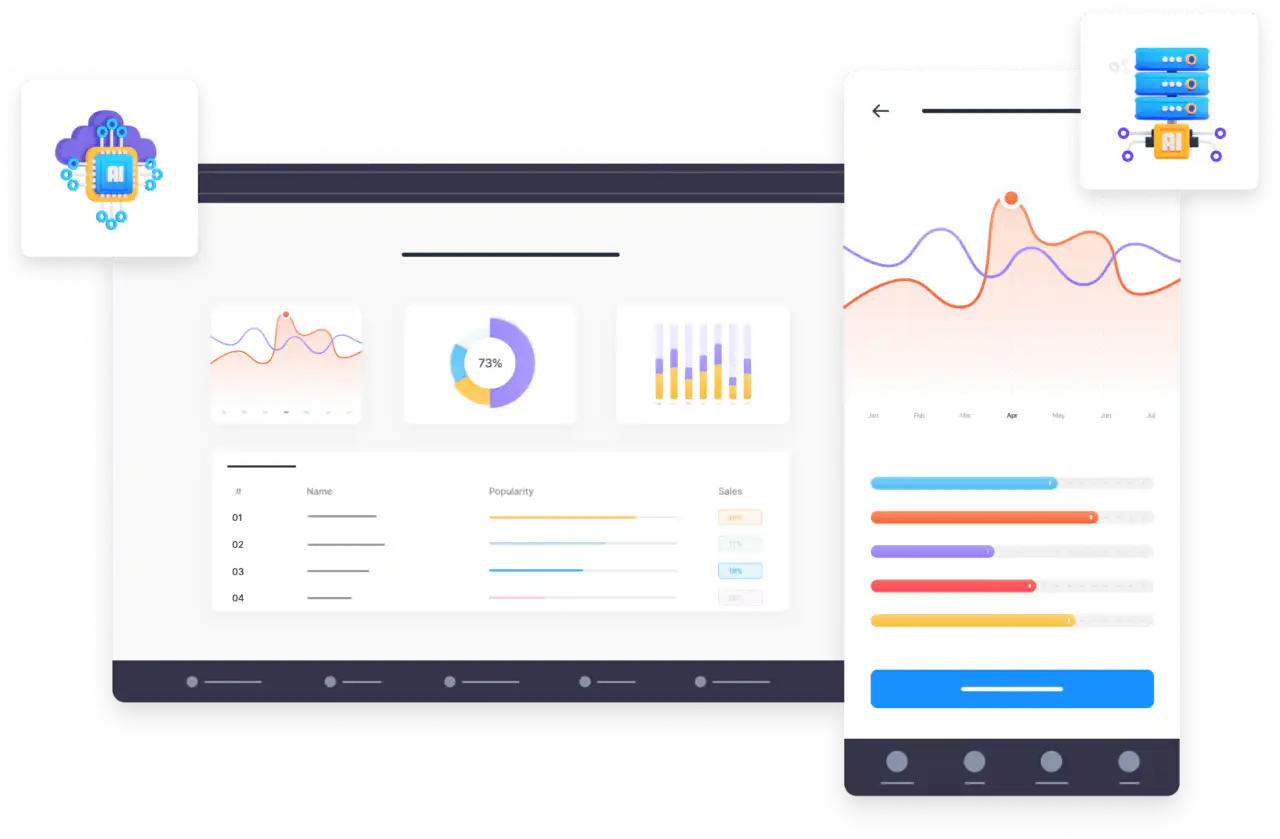
## We are currently finalizing many new features including
1. A document and data chatbot so firms can provide their own content alongside public data.
2. A business plan generator to help create a business case for new app ideas.
3. App translations so apps can run in any language and be translated in real time.
4. An image generator specially trained to generate images for apps and app icons.
These features are compatible with web apps, and native Apple iOS and Android apps that can be distributed to the app stores, allowing law firms to serve a broad spectrum of client and staff preferences and needs. As with all Fliplet apps, they have enterprise-grade security to ensure a robust level of protection for sensitive data.
## About Fliplet
Founded in 2013, Fliplet is an industry-leading app builder that helps organizations create and deliver enterprise-grade apps without coding. The company collaborates with over 70 law firms, including 41 of the firms listed in the Global 200. With its AI integrations, Fliplet continues to pave the way for digital innovation within the legal sector.
For further information or inquiries, contact [marketing@fliplet.com](mailto:marketing@fliplet.com), explore the [AI features page](https://fliplet.com/ai-app-builders/), or [watch the latest AI feature demo](https://info.fliplet.com/webinar-download-build-your-first-ai-powered-app-with-fliplet-how-to-start-using-ai-within-your-app).
## Hero
**Eyebrow:** Press release
**Summary:** Fliplet announced new AI capabilities for law firm apps and reported that the largest global law firms had not yet introduced public AI features in their apps.
---
# Fliplet joins the UK LegalTech Association (UKLTA)
> Fliplet announced its membership of the UK LegalTech Association to support innovation and help shape the future of legal services delivery.
Source: https://fliplet.com/news/fliplet-joins-the-uk-legaltech-association-uklta/
Content type: News
Published: 2021-01-06T13:29:41
Read time: 2 minutes
Fliplet is thrilled to announce its membership of the [UKLTA (UK LegalTech Association)](https://www.uklta.org.uk).
The UKLTA is building a community where legal professionals, technology providers and consumers of legal services can come together to help shape the future of legal services delivery collaboratively.
> "We're very excited to be a part of the UK LegalTech Association. Fliplet will support UKLTA to drive legal technology innovation and support the UK to be the industry leader for legal technology globally."
>
> Ian Broom, CEO of Fliplet
## About Fliplet
Fliplet works with over 50 global law firms and empowers anyone to produce custom mobile and web apps. With a suite of pre-built apps for common use cases, such as marketing, events, training, internal comms, crisis management, and directories, firms can rapidly deliver apps for staff or customers to distribute via public or enterprise app stores, and online.
**Contact:**
Lisa Broom
Fliplet
Tel: +44 (0)203 582 9720 (UK)
Email: hello@fliplet.com
## Hero
**Eyebrow:** Press release
**Summary:** Fliplet joined the UK LegalTech Association to support legal technology innovation and collaboration across the sector.
---
# Fliplet launches its Code Library to help developers and non-developers extend the platform
> Fliplet launched its Code Library to provide reusable code snippets, reference articles, and examples that help customers extend apps with custom functionality.
Source: https://fliplet.com/news/fliplet-launches-its-code-library-to-help-developers-and-non-developers-extend-the-platform/
Content type: News
Published: 2020-05-06T13:27:39
Read time: 3 minutes
At first glance, it may seem strange for a tool like Fliplet to be launching a Code Library. Fliplet is often thought of as a "no-code" app building platform. The term "no-code" refers to tools that do not require you to know or write code to use them, such as Wix or Zapier.
Fliplet's approach, however, is a prefab approach. As Fliplet CEO Ian Broom explains, Fliplet has always aimed to make app creation more accessible by removing barriers while still recognising that the best apps often need unique features. The Code Library is designed to make it easier than ever to build on top of Fliplet when customers need more specialised functionality.
## Who is the Code Library for?
The Code Library is aimed at developers, hackers, and spreadsheet lovers. You do not need a background in software development, but it helps to be technically minded. For developers, the Code Library provides reusable code snippets. For non-developers, it offers examples of common features, with explanations, that can be copied and pasted straight into an app.
## What does the Code Library include?
The Code Library has around 100 reference articles that include detailed examples of common features and code snippets that can be copied and pasted into an app. The articles cover a huge variety of topics, including:
- Triggers, such as doing something when an app is clicked or when a screen loads
- Actions, such as loading dynamic content, changing styles, changing colours, controlling visibility, and adding animations
- Data manipulation, including getting, saving, sorting, filtering, and editing data
- Checks and conditions, such as identifying a user's ID or testing whether one value is greater than another
- Appearance customisation, including extending CSS and presentation settings further
- Other customisations, such as adding a barcode scanner or custom analytics into an app
## How can I access the Code Library?
You can access the Code Library through the menu links in Fliplet Studio, or go directly to [code.fliplet.com](https://help.fliplet.com).
## Hero
**Eyebrow:** Press release
**Summary:** Fliplet launched its Code Library to make it easier for developers and technically minded users to extend apps with reusable examples and custom code.
---
# Fliplet launches new Learning Solution
> Fliplet launched a new learning app solution to help organisations and individuals deliver mobile training, lessons, and course content more quickly.
Source: https://fliplet.com/news/fliplet-launches-new-learning-solution/
Content type: News
Published: 2022-06-22T14:02:59
Read time: 3 minutes
Fliplet, the no-code/low-code app building platform, has taken the initiative to launch an app template that offers solutions for organisations and individuals for their training and other learning requirements.
Mobile training is on the rise, and downloading apps to learn new skills and further develop existing skills is becoming the norm. Fliplet saw the need for a template that speeds up the process for individuals and organisations to develop their own learning app. Rather than start from nothing, the app template gives app creators a head start, allowing them to create and deploy their apps quickly and easily. The need for this app has been driven mostly because of increased online learning due to the pandemic, making digital learning the new normal.
The Learning Solution will enable users to be updated with their latest lessons and knowledge while allowing organisations to benefit from a platform where they can communicate their lessons, courses, and training updates to students, staff and alumni.
Besides a native mobile app, this solution can also be published as a desktop and mobile web app, published via private enterprise app stores, and shared directly to an Android device as a downloadable file.
## Who is this solution for?
Online and mobile learning has been adopted by a wide range of organisations for different purposes such as staff training, onboarding, career path development, client training, corporate training, leadership, compliance, health and safety, and sales training. The options are limitless.
No matter if you are an individual trying to start a new course or an organisation that wants to have an effective training or onboarding process, the Learning Solution is designed to help you reach your goals and improve both the customer and employee experience.
For tips on how to build your learning app today, [read the blog](https://fliplet.com/blog/how-to-make-a-learning-app/).
## What are the key features?
The Learning Solution comes with an array of features that will enable users to have a great learning experience, including:
- A list of courses or modules
- The ability for users to view lessons and check their progress
- Lessons that can include topics, files, videos, audio recordings and quizzes
- Tools for teachers and trainers to:
- Engage with users through discussions
- Offer certificates through the certification feature at the end of the training
- Monitor student progress through advanced progress reports and optimise content based on student feedback
## Access to the Learning Solution
You can see how Fliplet works [here](https://fliplet.com/platform-overview/), then sign up to [Fliplet Studio](https://studio.fliplet.com/) for free to create your own Learning Solution or [request a demo](https://fliplet.com/book-a-demo/) with one of Fliplet's App Consultants.
For more information, contact [hello@fliplet.com](mailto:hello@fliplet.com), watch the [Learning Solution feature videos](https://www.youtube.com/playlist?list=PLJS6qd7SgfKn0fyHd9YVZN_Z1qU30BkBs), or view the [Learning Solution brochure](https://24926336.fs1.hubspotusercontent-eu1.net/hubfs/24926336/Flipet%20Learning%20Solution%20Brochure.pdf).
## Hero
**Eyebrow:** Press release
**Summary:** Fliplet launched a new learning solution to help organisations and individuals create mobile and web learning apps faster.
---
# Fliplet welcomes new board members to bolster growth efforts into new markets
> Fliplet appointed two new board members to strengthen commercial, product, sales, and go-to-market expertise as the company expands into new markets.
Source: https://fliplet.com/news/fliplet-welcomes-new-board-members-to-bolster-growth-efforts-into-new-markets/
Content type: News
Published: 2022-05-21T13:32:44
Read time: 3 minutes
## Further commercial expertise added to prefab app software advisory board
Fliplet, a prefab app software platform allowing users to easily create no-code apps and extend with low code, has appointed two new board members as the company prepares to expand into new markets, offer new lower-cost plans, and expand its product to suit new use cases such as e-learning, emergency management, business processes and data visualisation.
The two new board members, Wayne Gibbins and David Smith, bring a wealth of combined experience in product development, sales, marketing, commercial and go-to-market strategies. They join two long-term board members, Ben Wynne-Simmons and Guillaume Vandamme-Eybesfeld, who have helped shape Fliplet into the company it is today.
> "I am excited to have David and Wayne join our board, bringing with them a combined 50 years of commercial, sales and marketing experience.
>
> This is an exciting year for Fliplet with our expansion into new enterprise markets, following our successful growth in the legal sector over the past 6 years, and also the introduction of lower cost plans for small and mid size businesses. We believe all businesses should have the same access to creating apps.
>
> Our product suite is expanding too with new app types such as e-learning, dashboards and business processes and workflow, offering an extensive suite of apps and features for our growing customer base."
>
> Ian Broom, CEO of Fliplet
## About Wayne Gibbins
Wayne has a degree in software engineering and a 20-year career in tech startups spanning product and engineering, commercial, go-to-market and venture capital, specialising in the B2B SaaS industry. He brings a passion for the B2B SaaS and developer tools space, particularly in strategic marketing and growth.
> "As the mobile app development market continues to grow at staggering rates, Fliplet has emerged as a leader in the legal and professional services sectors in both the UK and US markets. Customers using Fliplet are delivering corporate-wide apps that really turn the dial in strategic HR, marketing, operations and governance. I'm excited to join the board as we drive the business towards new strategic goals."
>
> Wayne Gibbins
## About David Smith
David has over 30 years of experience in operations, sales, commercial and marketing within a range of industries including technology. He brings a strong focus on P&L, core processes and procedures to drive business change and profitable growth.
> "I am delighted to have joined Fliplet. The use of apps is growing exponentially and Fliplet is ideally positioned to take advantage of this market. I look forward to working with the board and contributing towards Fliplet's future success."
>
> David Smith
## About Fliplet
Fliplet enables non-technical and technical people to produce mobile and web apps. Fliplet includes a broad selection of app templates and features, with optional open-source customisation. This enables organisations to rapidly deliver apps for staff or customers with distribution to public or enterprise app stores, and online. Fliplet has clients globally, with offices in the UK and the USA.
**Contact details:**
Lisa Broom
Fliplet
Tel. +44 (0)203 582 9720 (UK)
Email: hello@fliplet.com
## Hero
**Eyebrow:** Press release
**Summary:** Fliplet appointed two new board members to support commercial growth, new market expansion, and broader product development.
---
# Free food ordering app for restaurants, pubs, bars and cafes
> Fliplet launched a free food ordering app to help hospitality businesses take contactless orders and capture test and trace data as venues reopened.
Source: https://fliplet.com/news/free-food-ordering-app-for-restaurants-pubs-bars-and-cafes/
Content type: News
Published: 2020-06-30T13:36:40
Read time: 4 minutes
With the recent announcement from the US and UK governments of restaurants, pubs, bars and cafes reopening from 4 July, Fliplet launched a free app to help small businesses get back to business as soon as possible.
The Food Ordering app makes it easy for restaurants, pubs, bars and cafes to take contactless food and drink orders, and capture contact tracing data securely, including [NHS Test and Trace](https://www.gov.uk/guidance/nhs-test-and-trace-how-it-works), via any smartphone, tablet or computer.
## Benefits of the app
1. Instant food ordering for customers and reduced staff exposure to customers
2. Automatic recording of test and trace data
3. No download required, customers access the app via a web browser on their smartphone
4. Contactless access to the app by scanning a QR code or entering a URL
5. Orders are sent to staff instantly for fulfilment via a computer or tablet app
6. Customers receive order confirmation and contact tracing information via email
7. The app can be branded to a company's colours
8. A mobile app upgrade is available but not required
9. Customers do not have to register to submit an order
10. Payment is managed via the existing POS solution, integration is not required
## Meets Government guidelines
The app meets the government guidelines being mandated in both the US and UK and, in particular, helps hospitality businesses meet England's guidelines for restaurants, bars, cafes and pubs by:
1. Automating the collection of customer data for the NHS Test and Trace service
2. Reducing staff interactions with customers by enabling customers to digitally order via an app
## How it works
- The app generates a unique QR code that can be printed out and attached to menus or tables to help customers access the app and place orders.
- Customers scan the printed QR code, select their food and drinks order, enter their table number, add their NHS Test and Trace information, and submit the order.
- Completed orders appear in an admin interface that staff can use to collect new orders and fulfil them.
- Fliplet's solution does not replace the POS or payment system the company uses. It does not offer ecommerce or require customers to sign up before they can submit an order.
## No cost to launch
There is no cost to launch the app via the web and the app is optimised for smartphones, tablets and computers. [Book a demo](https://fliplet.com/book-a-demo/) to view the template.
> "We know how hard small hospitality businesses have been hit by Covid-19 lockdown and we want to help. We have created this food ordering app to help local small businesses meet the Government's social distancing and the NHS Test and Trace requirements.
>
> It is our hope to ease the complexity of small businesses meeting the Government requirements by offering a solution that can be ready in under 1 hour so businesses can get back to serving customers safely."
>
> Ian Broom, CEO of Fliplet
## About Fliplet
Fliplet enables non-technical and technical people to produce mobile and web apps using prefab components. Fliplet includes a broad selection of app templates and features, with optional open-source customisation. This enables businesses to rapidly deliver apps for staff or customers with distribution to public or enterprise app stores, and online. Fliplet has clients globally, with offices in the UK and the USA.
**Contact details:**
Lisa Broom
Fliplet
Tel. +44 (0)203 582 9720 (UK)
Email: hello@fliplet.com
## Hero
**Eyebrow:** Press release
**Summary:** Fliplet launched a free app to help hospitality businesses take contactless food and drink orders and capture contact tracing information.
---
# Vibe Coding in Law Firms: How to Innovate Without Losing Control
> At ILTACON 2026, Fliplet, Lawfront, and Willkie showed how legal teams can move from prompt to working software while keeping IT oversight and control.
Source: https://fliplet.com/news/vibe-coding-law-firms-iltacon-2026/
Content type: News
Published: 2026-09-03T12:00:00+01:00
Read time: 21 minutes
At ILTACON 2026, Fliplet CEO Ian Broom spoke with James Grice, Head of Innovation & AI at Lawfront, and Stephanie Lopez, Senior Manager of UI/UX Development at Willkie Farr & Gallagher, about how law firms can let more people create software with AI without losing control of security, data, quality, or publishing.
The conversation brought together two different perspectives. Lawfront is building a group-wide innovation capability across a growing collection of regional law firm brands and inherited technology environments. Willkie already has an established development team and is exploring how AI-assisted creation can help it support more people, respond to urgent needs, and protect specialist time.
In this article

*From left to right, Stephanie Lopez of Willkie Farr & Gallagher, Ian Broom of Fliplet, and James Grice of Lawfront at their ILTACON 2026 session, “Vibe Coding in Law Firms: How to Innovate Without Losing Control.”*
## The following is a detailed transcript of the session
Before the customer interviews, Ian described a recent encounter that had changed how he thought about who might use Fliplet. It began with a law firm associate, an 80-page legal document, and a calculation the lawyers could not safely delegate to an opaque spreadsheet.
## Ian's opening story
> "Recently I was at a networking event, an entrepreneurial networking event in the UK, and I bumped into an associate from a large UK-based law firm. And usually when I bump into associates, I'll be honest, they don't like me, because I'm not raising money fast enough, I'm not doing down rounds, I'm not trying to exit at the moment. There's no money in this conversation for me; why would I continue it? Which I get, I understand. So I'm always very polite. I'm like, 'Yep, this is what we do. By the way, we work with a lot of law firms.'
> "And this one associate surprised me. He said, 'Really? We need what you do.' And I said, 'Are you sure? I don't usually hear that from lawyers.' Usually what I hear from lawyers is, 'Mm-hmm, yep. So you work with the IT team? Okay, great,' and they want to go off and find the next person they can talk to about possibly doing some work with.
> "Anyway, so we exchanged details, and a couple of weeks later we got on a call. To my surprise, he brought a partner with him. That also generally doesn't happen, particularly on the first call. So I was like, 'Ooh, this guy must be serious. He must really be excited about what we're able to help him with.'
> "And I said, 'Okay, so what interested you about Fliplet?' And he said, 'Well, we deal with anti-dilution clauses when organizations are going through some form of shareholder changes and things like this.' You can tell that I'm not a lawyer, right? I didn't understand what they were telling me.
> "And he said, 'It's really complicated. It can get very complicated. The maths can be very complicated, and we don't have a solution to this.' And I said, 'Well, hang on, don't you have other AI tools?' And they said, 'Yeah, we've got [Microsoft] Copilot, but that's not necessarily great at doing this.' I said, 'Okay.' And they said, 'We've also got Harvey, and that can do it, but we have to keep kind of feeding the information in. It doesn't give us the tool that enables us to do this calculation efficiently.'
> "And I said, 'Well, can't it produce a document template for you or something that would help?' They said, 'Yeah, we tried that as well. We asked it to produce a spreadsheet. But the problem with the spreadsheet is we have to understand the spreadsheet. We can't just blindly trust what the spreadsheet is doing when it's running calculations for our clients, and we couldn't understand the spreadsheet.'
> "I said, 'So what would you like to do today?' And they said, 'Well, we've got this document.' It turns out it was an 80-page document. It was a template that they used and then customized for their customers, and it had an anti-dilution clause in it. And I said, 'Well, what does that clause include?' And they showed me, and it included loads of formulas that had been inserted using the formula feature inside Word.
> "And I got a bit nervous because, I mean, I think our software can deal with Word files, but I'm not sure it can deal with formulas. So I didn't know what was going to happen.
> "And so the associate created an account on Fliplet. You'll see Fliplet in a second, by the way. The associate created an account on Fliplet, and I said, 'Well, just attach the file and just try to be a bit specific, because it's a big file. You don't want AI misunderstanding what it's doing.'
> "And so he said, 'Go and get section 10. I want an anti-dilution calculator.' And he clicked go, and Fliplet asked him some questions, and then it produced an anti-dilution calculator.
> "Now, as you know, I don't know anything about anti-dilution calculators, so I wasn't able to sit there and say, 'Is this good?' I just had to say, 'Did it do a good job?' And the associate and the partner were just silent, looking at each other, going, 'This is amazing.' And I was like, 'Is it? It looks like a calculator.' They were like, 'This is so great. We understand what it's done. Look.' And they started explaining it to me. And then they immediately started thinking about other things they could add to it, et cetera.
> "And I'll be honest, Fliplet as a company has been around for 17 years. We've had the last version of Fliplet in market for 10 years. Historically, we did not promote Fliplet to attorneys or lawyers. We considered it too complicated. It was drag and drop. It was no code. And now, with this new version that's powered by AI, I'm starting to rethink all of that. I'm starting to think, is this actually now a tool that should be used more by attorneys, and maybe not just historically by marketing and IT?
> "So that's the story of empowerment that I wanted to kick off with. Hopefully that gives you a bit of a sense of what the tool is capable of doing."
The story illustrates an important distinction. The lawyers did not simply want AI to generate an answer. They needed a reusable tool whose workings they could understand well enough to trust when performing calculations for clients. The fast prototype mattered because it turned the relevant clause and formulas into something the lawyers could inspect, explain, and improve.
Before Ian interviewed James and Stephanie on stage, he kicked off a live demo that he showed in three parts during the presentation.
[Read the three-part demo summary](#ian-s-live-demo-in-three-parts).
## James: a governed route for legal innovation
### Ian: Can you tell me a bit about your role and what your current priorities are?
**James:** I am Head of Innovation & AI at Lawfront. Lawfront is not a technology vendor; it is a legal services business in the UK. We are private equity backed and, at the time of the session, had acquired 16 law firms over four years, with a seventeenth and eighteenth expected soon. We operate seven regional law firm brands around the UK.
You will not see Lawfront on the high street. We acquire strong brands in regions outside London, continue to operate those brands, and provide them with business services including HR, finance, IT, and technology.
Acquiring firms at that speed brings a significant challenge: every firm arrives with its own legacy technology debt. That includes practice-management, document-management, and case-management systems; pockets of legal technology acquired along the way; and different subscriptions to services such as Lexis and Practical Law. We have to bring all of that into the group, manage it, support it, and ultimately move the firms towards the best-in-breed future platform we want to provide.
It is a challenging, fast-moving, and dynamic environment. We can sometimes move more quickly than a traditional law firm because we are not beholden to the usual partner model. We can take risks more openly, get a single point of decision from our executive team, and drive forward more quickly.
I had been with Lawfront for around 18 months at the time of the session. Before that, I spent just short of a decade at Eversheds Sutherland in a variety of technology and transformation roles.
### Ian: What were your thoughts when you first saw this new version of Fliplet, from both a personal and a professional perspective?
**James:** Ian and I go back about ten years. We had worked together with the earlier Fliplet and, rightly or wrongly, I had bracketed it in my mind as a low-code mobile app builder. When I joined Lawfront, I did not have an immediate use case, although Ian and I continued talking and meeting at events.
A few months before the session, Ian asked whether I would give up an hour to look at something he was excited about. I like shiny new technology and Ian is a friend, so I said yes.
He gave me what he called a reverse demo. I joined the call without a brief. Ian gave me a link to the new version of Fliplet, got me logged in, and asked me to start using it without much guidance. He watched, laughed at some of the questions I asked, refused to answer them, and told me to try things in the system.
The timing was useful. About a month earlier, my team and I had started exploring vibe coding: what products were available, which platforms we might use, what technical limitations they had, and how much support we would need from other IT teams to use and deploy what we created.
The first thing I built was a very simple event app because that was all that came to mind. It came together quickly and looked good, but I did not have a strong use case for it. Then I had two fairly rapid light-bulb moments.
The first was a smaller, immediate need. Across our seven firms, we wanted a simple way to share and manage a more sophisticated version of a prompt library. We call it our recipe-card platform. We had nothing in-house that worked across all seven firms, and I suddenly thought Fliplet could help. I could build it, manage it, control it, and deploy it without having to add another task to the IT team's workload.
The second came from a conversation with one of our more technically confident and AI-enabled lawyers. He had spent an evening building two or three Claude artifacts on his personal computer and asked how he could deploy them inside the business. My response was: "You don't." We were not ready for that, and we were not set up to deploy independently created Claude artifacts into the firm without much more thought and preparation.
As I continued using Fliplet, I realized I might be looking at a platform that could solve some of those issues. It could give lawyers a safe space to build what I would call micro apps: small, containerized tools that solve focused, task-based problems. I could administer and manage the environment, control who was using it, what they were building, where and how they were building it, and apply the security guardrails Ian had described.
That was particularly important because our IT resources were stretched. I could control and deploy these small solutions without needing additional IT input every time because the surrounding capability was already in the platform.
I went into the session as a favor to a friend and expected to see something interesting. I came away with one relatively small problem potentially solved and a much bigger opportunity for the future. I am a strong proponent of design thinking, hackathons, and ideation sessions. I could also see an opportunity for rapid prototyping: helping lawyers move from an idea to a working prototype that could become a deployable solution in a short space of time.
### Ian: What key aspects will you need to focus on to start rolling this out?
**James:** First, we need confidence in the platform and to launch our initial solution, which was close at the time of the session. Then we need to socialize the capability across the business.
Neither I nor my team are lawyers. We are not legal experts and are not deeply embedded in every specific legal process. We need our lawyers to understand our capabilities at least at a surface level so that they can bring us the problems they are trying to solve.
We have a few pockets of that already, including the lawyer who built the Claude artifacts. But many users do not yet understand the potential of the technology stack and AI tools we already have, let alone what vibe coding could add. There will therefore be a substantial element of education and awareness.
Some ideas will come through the tasks, problems, and questions people already bring to the innovation team, where we may naturally choose Fliplet as the solution. We also need to experiment. We have discussed reporting dashboards, integrations, APIs into other platforms, and using Fliplet to help my team demonstrate return on investment.
There were many possible use cases bubbling around in my head. I did not yet know which would become priority number one, but I was excited to get started.
### Ian: What software-development skills do the people using Fliplet have?
**James:** My team has no developer skills and no coding capability. They are legal engineers or legal technologists. They are highly creative, understand vibe coding as a concept, and have become very good at prompting, but they have no development background.
That is part of the appeal. The skills I need are people who can talk to lawyers, engage them, understand a legal process, and translate that into what IT needs. I had not needed developers in the team before. Fliplet allows us to harness the team's existing skills without recruiting a dedicated developer skill set for these projects.
The platform also provides the wraparound capability for areas where I might otherwise have needed support from information-security specialists, technical IT colleagues, or architects. It lets an already well-embedded team that understands the business's problems get creative inside a managed environment.
## Stephanie: more ways for a development team to say yes
### Ian: What do you do, and what are your current priorities at Willkie?
**Stephanie:** The simplest answer is that I manage development at Willkie Farr & Gallagher, although the role entails many different things.
It is difficult to summarize our priorities because, as large as Willkie is, we also try to be small and distinctive in how we work. The firm has major priorities around growth, new offices, and new industries and areas of business. At a smaller level, we also need to make sure the individual teams inside the firm are well supported.
My team may be enthusiastic about AI, but other teams are not in the same place. Part of the priority is working out how to bring those people along, ease their pain points, and make their valuable billable hours matter.
### Ian: What did you think when you first saw this version of Fliplet?
**Stephanie:** I was blown away. We have had the privilege of working with Fliplet for years. We still use the original version for some work, and we love the newer version.
The first thing that came to mind was that, although I have developers, I did not have to use them for every build. That matters when the familiar last-minute call arrives: "I need something by tomorrow. Can I have it?" Normally I would be asking which developer had to work until midnight, which one would not hate me, and how we were going to get the work done.
With V3, I do not need that in the same way. Either I do not need a developer for the task, or the developer does not have to work until midnight writing every part manually. I can go into the platform, have a conversation, and explain the need.
The first thing we built took about half an hour and went live. I remember thinking, "Ooh, I get to have dinner with my family tonight." It was great.
For me, the best part is having options and choices. People say you should use the right tool for the right job. I can choose a developer and the earlier platform for a larger project, or choose V3 and open the work to people who are not developers.
Our marketing team, for example, runs many events and regularly asks for surveys. I gave one of them access to V3 and said, "I'm going to show you how to build a survey, and you can do it by yourself all the time." They now love it, and that is one less thing on my to-do list.
That does not mean I disappear. I am there to support them and answer questions. Sometimes AI produces something they like 95%, but they need help with the remaining 5% adjustment. That is easy to support. The platform gives us choices and helps us grow in ways that would not have been as easy or as quick before.
### Ian: How do you expect Willkie to use this? Will you bring over existing projects and tasks, or will it open new opportunities?
**Stephanie:** Both. I can see us bringing some of the work we already do into V3.
One of the larger experiences we build every year is for the firm's partner retreat. It has grown over time and acquired many bells and whistles, all of which have traditionally been hard coded. We have the resources to do that, but it takes time. As a manager, I have to allocate people and plan timelines, and there is always scope creep.
If we can do more of the work in V3, we can save time and leave room in the project schedule for the inevitable late request to add something before the deadline.
The other opportunity is work that we previously could not accept. Time is finite and I cannot say yes to every project. There are many competing senior stakeholders and limited delivery capacity, so some requests have to wait in line even when they address important pain points for a team or individual. With V3, I can say yes to more people and help resolve more of those issues.
### Ian: How do you think about the risk of a tool like this, and who do you want to give access to?
**Stephanie:** Fliplet lets us customize the setup to suit Willkie. My team owns Fliplet Studio and the platform, and I allocate licenses and permissions as I think appropriate.
Someone in marketing might be allowed to build surveys, for example, but they are not allowed to publish them. They still have to come through me so that we can check the result before it goes live.
The appropriate permissions differ from person to person. I may give one person broader access. With someone else, I may simply invite them into Fliplet Studio and say, "I really want you to take a look. I think you're going to like this."
People sometimes respond that they know nothing about coding. But if they have a strong idea, that is enough to begin. They do not need to do what I do; I am there to support the technical part. Some of the greatest value comes from people who do not do my job but can now meet us in the middle. Fliplet creates that bridge.
That is particularly valuable for partners who want to do more but do not know how to get the idea in their head onto paper or out into the world. We can help them make that transition and translate the idea into something usable.
### Ian: Are there projects you would keep within your team rather than letting partners explore themselves? Is there a line for you?
**Stephanie:** My instinctive answer is no. If someone has an idea, let us try it. Why not?
That does not mean there are no guardrails. I am not trying to "yuck their yum," but I am trying to keep everyone safe and, ultimately, give people what they really want rather than simply what they think they want. Those can be two different things.
The conversation yesterday was around sort of just, they wanted a simple, 'Hey, can we just have like a...' They do a manual sign-up sheet for a lot of their sessions. 'Can we just have some way to do this electronically?' Yeah, we can.
And, okay, great: create a QR code, they can scan it. We all have firm devices, so the minute they scan it, it logs in, gets user data, all they have to do is press a button and say they were in the session. They no longer have to sit there with their name and their email and their info and filling things out. Great, love that.
And so then, for me, it was, 'I love that idea, but we have to take it a step further,' right? Because now you're going to have a table with all that data. What are you going to do? 'I'm just going to download it and delete the table.' Oh, God, no. You don't really want to do that.
You want to hold on to that data. You want to be able to pivot on that data. You want to be able to go back and say, 'This person has attended my last three sessions.' You want to do things with that. And that difference. So that's what I mean by guardrails, right?
Somebody might have a beautiful idea, but how do you help them maybe expand that and make it more, and show them those things they don't even know they should be thinking about?
### Ian: Are you able to make those suggestions because you have seen how easy the technology makes them, or because the people you work with are still on their AI journey and have not yet learned to push its limits?
**Stephanie:** It is not that people are already pushing the limits. Many partners and other people at the firm are still scared of AI. Sometimes getting them to use it means sitting down with them, holding their hand, and saying, "I promise you, it is not what you think it is. It will be safe."
There are two parts to why I can make the suggestions. I had been at Willkie for 14 years at the time of the session. It has taken years of hard work to understand the partners and how they operate. In development, I have to get inside how people work so that I can give them the right suggestion.
That knowledge makes the suggestions easier, and the relationships create enough trust for someone to say, "Okay, I trust you. I get it. Let's try it your way." That is how I help people get past the reaction that AI is scary or not right for them.
The immediate challenge is getting them to take the first step. V3 helps because they do not need to code and it does not look like a coding platform. It looks more like the conversational AI tools they may already use. They can dictate, "This is what I'm thinking," and see the platform turn that into something they can discuss.
Ironically, the people I worry about more are sometimes technical colleagues who think they already know what they are doing. A partner taking a guided first step in V3 can be less concerning than an overconfident technical user operating without the right review.
### Ian: Is there anything else I did not ask that I should have asked?
**Stephanie:** The point I most wanted to add was what happens beyond the conversational build. For people who manage and plan projects, use vibe coding, and build software for their organizations, Fliplet handles a tremendous amount of technical debt and back-end work. I describe that as helping us "cut the line."
If I build something from scratch with my team, we have to decide whether it will be hosted internally or externally, manage certificates, choose a codebase, plan how to maintain it, and allocate back-end, front-end, and quality-assurance resources.
Fliplet handles much of that surrounding work. During the years we have used the platform, its data capabilities have developed from flat data tables to dynamic structures with joins and more useful ways to analyze data. Fliplet hosts the software, handles certificates, and supports custom domains, so I do not have to recreate all of the back-end setup separately.
The simplicity of V3 is valuable, but what happens after the build is just as important. You have created something; how does it go live? Usually that extra work would happen outside the builder. With Fliplet, once the solution has been reviewed and is ready, publishing can be as simple as pressing a button.
## Ian's live demo in three parts
### Part 1: Brief and build
Ian used Fliplet's built-in dictation to request an ISO 27001 and SOC 2 compliance-tracking tool. His deliberately high-level brief asked for a way to see the status of compliance tasks and produce information for an auditor. Fliplet asked about branding, created a non-technical plan covering users and core features, and began building after Ian approved it. He left the build running while he spoke with James.
### Part 2: Review and refine
About seven minutes later, Ian returned to a first-phase prototype rather than finished production software. It included readiness metrics and charts, a timeline, ISO 27001 and SOC 2 controls, a Kanban-style task view, an evidence library, and reports. Ian used it to show how a short brief can become something stakeholders can inspect and improve. He then corrected an intentional omission by telling Fliplet that the organization was a law firm, prompting another iteration while he spoke with Stephanie.
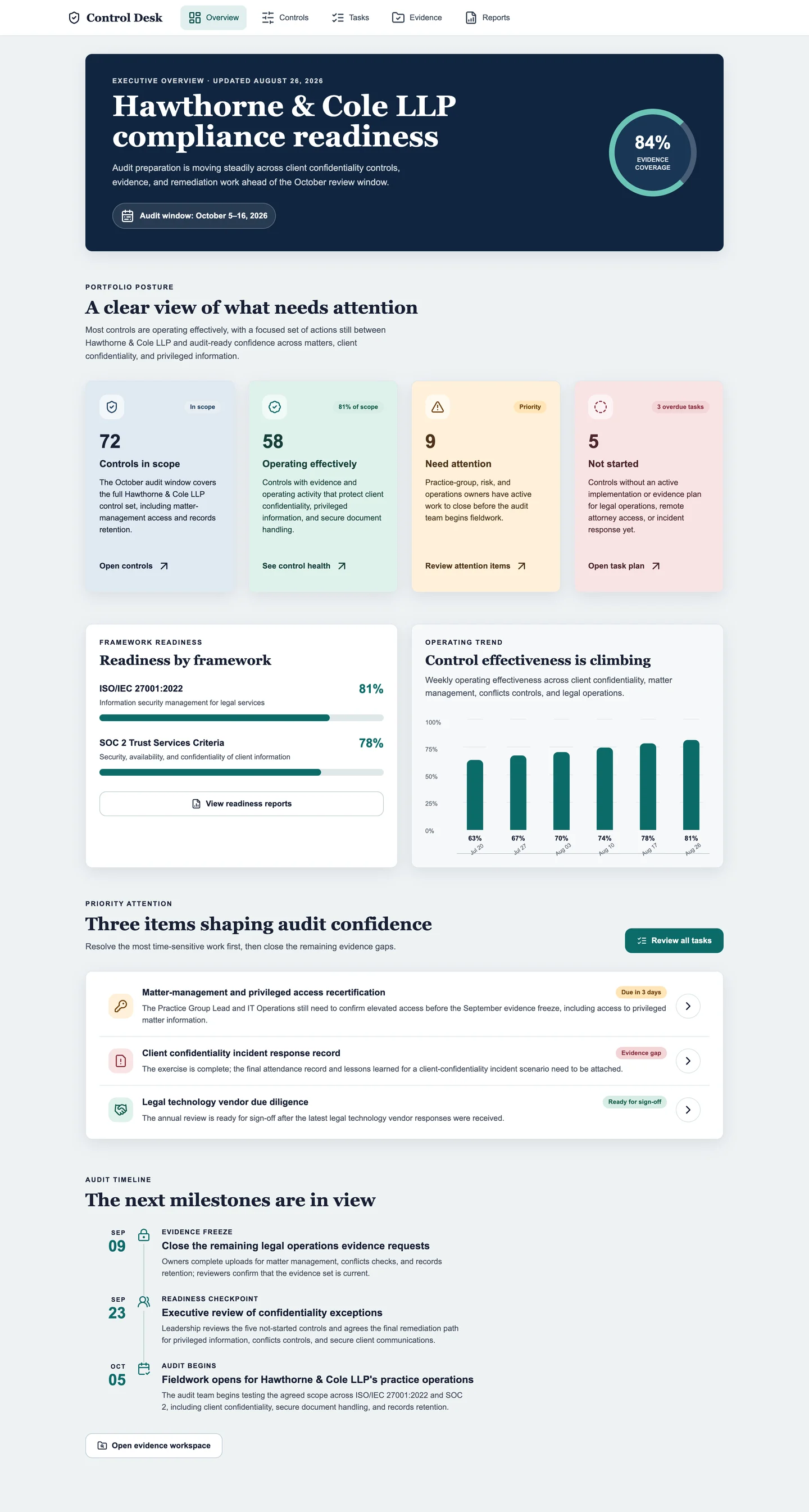
### Part 3: Publish, inspect and test
The updated version added law-firm considerations including client confidentiality, privileged information, matter access, conflicts, and records. Ian then showed the routes from prototype to delivery: publishing to the web, Fliplet Hub, or app stores; using a temporary or custom domain; and sharing the result by QR code. He also opened the code editor to show that developers could inspect and change the code manually, then explained how AI could generate a test plan and run automated browser-based tests. Together, the three parts demonstrated briefing, prototyping, refinement, technical inspection, testing, and publishing.
## Audience Questions
### Audience: How do you handle AI token limits, and how far can the tool be pushed before it struggles?
**Ian:** Nobody wants to hit token limits in the middle of a project. It is frustrating, especially when you are working to a deadline; it has happened to me with my own AI subscriptions. For a paying enterprise customer, we would agree an allocation of tokens. The system would warn you if you went beyond that allocation, but we would let you continue rather than cut you off in the middle of a large project.
There are other limits, though. You can get the AI bogged down and struggling to understand what you are doing, just as you can with other AI coding tools. It is about managing the AI and keeping it focused on the task you want it to do.
One option I did not show in the demo is clearing the conversation, which removes the historical conversation context so the AI can focus again on the current work. If a project is becoming unwieldy, you can also ask, "Do you think we should refactor any part of it?" The AI can then reorganize parts of the project to make it easier to keep working with.
### How does token usage in Fliplet compare with using a general-purpose AI model directly?
**Stephanie:** Token use varies depending on how specific the request is and how much work is involved. My team uses several AI tools, and the difference I see is that Fliplet is a platform specifically built for creating software. It already provides a structure and guardrails for that work.
A general-purpose model can build software from scratch, but it does not begin with the same guardrails. You can spend many tokens explaining and recreating those boundaries. In Fliplet, the AI already knows you are building software, so you start further ahead. In my team's experience, that means using fewer tokens than we would if we worked only with a general-purpose model outside Fliplet.
### Audience: Does Fliplet have memory so it does not have to redo work from previous conversations?
**Ian:** Yes. To Stephanie's point, it is quite efficient in how it uses its own tools and environment.
We are also working on a new feature, which I believe is in testing, that uses a Markdown file to track the status of the project. You can leave and come back, and the AI can read that file to get up to speed without necessarily having to read the entire project again. That becomes particularly useful as projects get large.
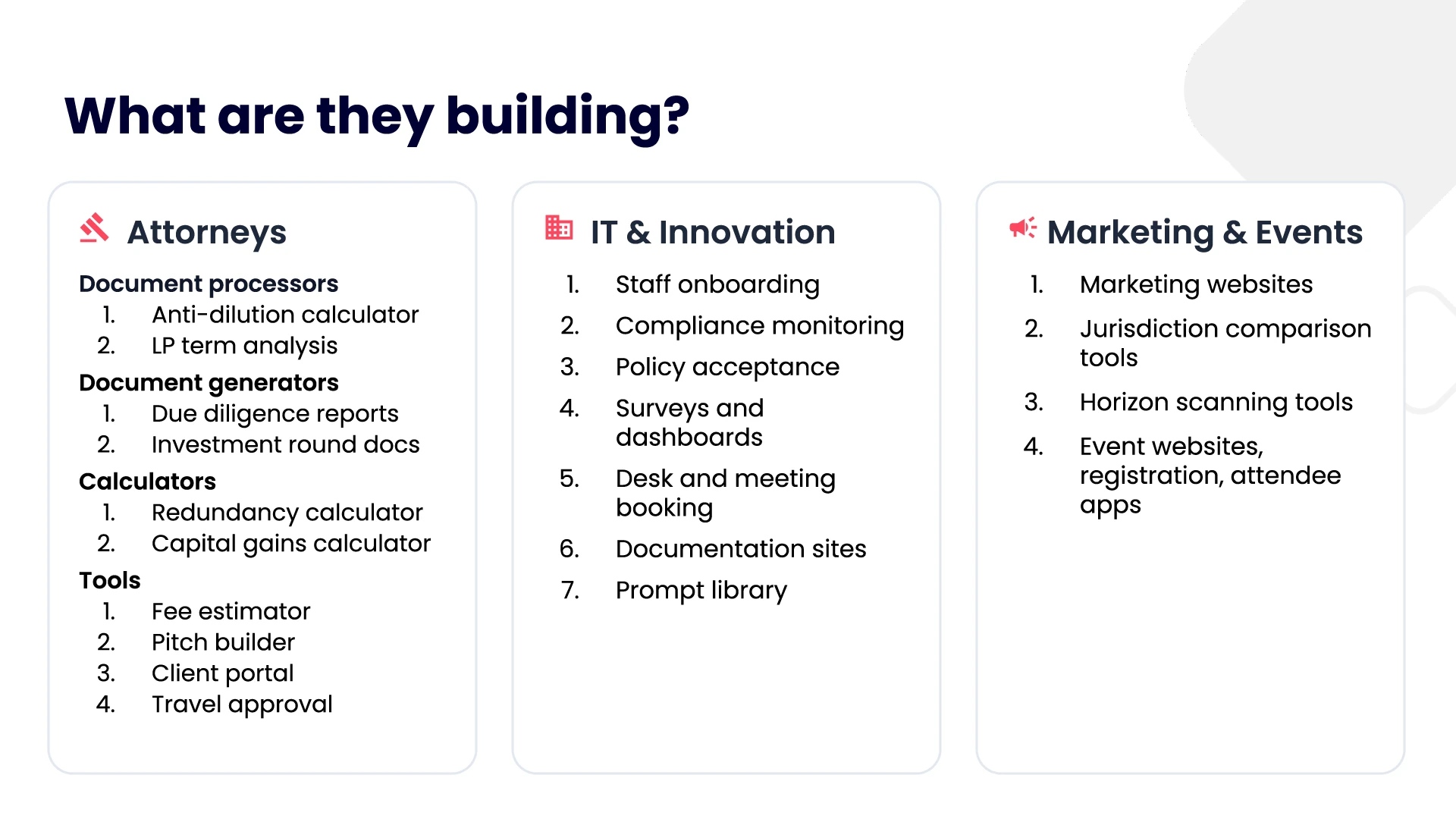
Examples from the session, grouped by team
Attorneys
Document processors: anti-dilution calculator and LP term analysis.
Document generators: due diligence reports and investment round documents.
Calculators: redundancy calculator and capital gains calculator.
Tools: fee estimator, pitch builder, client portal, and travel approval.
IT and innovation
Staff onboarding, compliance monitoring, policy acceptance, surveys and dashboards, desk and meeting booking, documentation sites, and a prompt library.
Marketing and events
Marketing websites, jurisdiction comparison tools, horizon scanning tools, and event websites, registration, and attendee experiences.
## What the session shows
The session supports seven practical conclusions.
1. **Start with a real, focused problem.** The examples were a prompt library, small task-based tools, event surveys, a partner-retreat experience, and electronic session attendance—not an attempt to replace every core system at once.
2. **Keep the person who understands the work close to the build.** Lawyers and business teams know the problem; innovation and development teams help translate it into safe, supportable software.
3. **Use prototypes to improve requirements.** A working version gives stakeholders something concrete to inspect and makes missing needs visible earlier.
4. **Separate creation from publishing.** Willkie's marketing users can build surveys, but Stephanie's team keeps the right to review and publish them.
5. **Apply technical expertise where it adds the most value.** James's team can create without becoming developers; Stephanie's developers can focus on the difficult final portion and the surrounding production responsibilities.
6. **Treat adoption as a relationship and education challenge.** Lawfront needs awareness across seven brands. At Willkie, years of trust help Stephanie guide people through a first experiment with AI.
7. **Plan for what happens after generation.** Hosting, certificates, authentication, data, permissions, testing, deployment, maintenance, and ownership determine whether a prototype can become dependable business software.
The speakers did not argue that AI removes the need for governance or professional judgment. Their examples showed the opposite. The opportunity is to make software creation more accessible while giving legal, security, privacy, IT, and development specialists clear places to review, improve, and control the result.
Lawfront's experience points to a governed environment where an innovation team and lawyers can explore micro apps across a growing group. Willkie's experience points to an additional delivery route that lets an established development team support more needs without surrendering permission and publishing controls.
Together, they show that innovation and control are not opposing choices. A law firm can let more people participate in software creation while keeping responsibility clear from the first idea through to production.
[Book a demo](/book-a-demo/) to discuss how Fliplet could support governed vibe coding, secure publishing, and reusable software delivery across your firm.
## Hero
**Eyebrow:** Event recap
### Title Lines
- **Title Lines:** Vibe Coding in Law Firms:
- **Title Lines:** How to Innovate
- **Title Lines:** Without Losing Control
## Related links
- [What is Vibe Coding? Meaning, how it works, and how to do it for business](https://fliplet.com/blog/vibe-coding/): Learn how vibe coding works and what business teams should check before moving from prompt to production.
- [Enterprise Vibe Coding: From Prototype to Secure Publishing](https://fliplet.com/blog/enterprise-vibe-coding/): See how governance, publishing controls, and long-term ownership turn an AI-built prototype into business software.
- [AI Software for Law Firms: Complete Guide](https://fliplet.com/blog/ai-software-for-law-firms/): Explore practical uses of AI software across legal work, operations, client service, and firm-wide delivery.
---
# Video Transcripts
The following per-video Markdown transcripts are published for machine consumption. Transcript bodies remain in their linked resources and are not duplicated in this file.
## Fliplet Case Study - 14OhFour
- Transcript: https://fliplet.com/video-transcripts/14ohfour-case-study.md
- Owner page: https://fliplet.com/case-studies/14ohfour/
- Language: en
- YouTube video ID: fdoL_DByXDc
- Transcript source: provider-audio
- Last reviewed: 2026-08-25
## 32 Legal Emergency Management solutions and why your firm needs one
- Transcript: https://fliplet.com/video-transcripts/32-legal-emergency-management-solutions-and-why-your-firm-needs-one.md
- Owner page: https://fliplet.com/webinars/page/5/
- Language: en
- HubSpot video ID: 70475902662
- Transcript source: provider-audio
- Source page: https://info.fliplet.com/webinar-download-32-legal-emergency-management-solutions-and-why-your-firm-needs-one
- Last reviewed: 2026-08-25
## Accelerate lawyer productivity and strengthen client relationships with legal apps
- Transcript: https://fliplet.com/video-transcripts/accelerate-lawyer-productivity-and-strengthen-client-relationships-with-legal-apps.md
- Owner page: https://fliplet.com/webinars/page/5/
- Language: en
- HubSpot video ID: 49601097704
- Transcript source: provider-audio
- Source page: https://info.fliplet.com/webinar-download-accelerate-lawyer-productivity-and-strengthen-client-relationships-with-legal-apps
- Last reviewed: 2026-08-25
## Accelerating client engagement and automating processes with apps
- Transcript: https://fliplet.com/video-transcripts/accelerating-client-engagement-and-automating-processes-with-apps.md
- Owner page: https://fliplet.com/webinars/page/5/
- Language: en
- HubSpot video ID: 49603071212
- Transcript source: provider-audio
- Source page: https://info.fliplet.com/webinar-download-accelerating-client-engagement-and-automating-processes-with-apps
- Last reviewed: 2026-08-25
## Webinar: Why AI is a game changer for your business and your apps
- Transcript: https://fliplet.com/video-transcripts/ai-business-apps-webinar.md
- Owner page: https://fliplet.com/blog/custom-application-development-in-six-steps/
- Language: en
- YouTube video ID: rEUqrGGRL7g
- Transcript source: provider-audio
- Last reviewed: 2026-08-25
## AI Chatbot
- Transcript: https://fliplet.com/video-transcripts/ai-chatbot.md
- Owner page: https://fliplet.com/solution/learning/
- Language: en
- Cloudflare Stream UID: 7cc03b31247c85e6f401eae74d37b95f
- Transcript source: provider-audio
- Last reviewed: 2026-08-25
## AI Learning Course Structure
- Transcript: https://fliplet.com/video-transcripts/ai-learning-course-structure.md
- Owner page: https://fliplet.com/solution/learning/
- Language: en
- Cloudflare Stream UID: 528a2c94903c80f329201424604657a9
- Transcript source: provider-audio
- Last reviewed: 2026-08-25
## AI Learning Text and Quiz Content
- Transcript: https://fliplet.com/video-transcripts/ai-learning-text-and-quiz-content.md
- Owner page: https://fliplet.com/solution/learning/
- Language: en
- Cloudflare Stream UID: 117688c9c938ac35e9905ea2f534372c
- Transcript source: provider-audio
- Last reviewed: 2026-08-25
## AI to the max: Fliplet
- Transcript: https://fliplet.com/video-transcripts/ai-to-the-max-fliplet.md
- Owner page: https://fliplet.com/webinars/page/3/
- Language: en
- HubSpot video ID: 80178150091
- Transcript source: provider-audio
- Source page: https://info.fliplet.com/webinar-download-ai-to-the-max-fliplets-latest-ai-features-for-your-apps
- Last reviewed: 2026-08-25
## The App Creation Process
- Transcript: https://fliplet.com/video-transcripts/app-creation-process.md
- Owner page: https://fliplet.com/blog/34-mobile-app-promotion-strategies/
- Language: en
- YouTube video ID: pU0rjDcfurs
- Transcript source: provider-audio
- Last reviewed: 2026-08-25
## Webinar: Unleashing the Power of App Promotion: Strategies for Success
- Transcript: https://fliplet.com/video-transcripts/app-promotion-strategies-webinar.md
- Owner page: https://fliplet.com/blog/complete-guide-the-20-best-hot-desking-software-compared/
- Language: en
- YouTube video ID: xdp6HGQwUbY
- Transcript source: provider-audio
- Last reviewed: 2026-08-25
## Awesome apps produced by law firms and how to build your own
- Transcript: https://fliplet.com/video-transcripts/awesome-apps-produced-by-law-firms-and-how-to-build-your-own.md
- Owner page: https://fliplet.com/webinars/page/5/
- Language: en
- HubSpot video ID: 49601370084
- Transcript source: provider-audio
- Source page: https://info.fliplet.com/webinar-download-awesome-apps-produced-by-law-firms-and-how-to-build-your-own
- Last reviewed: 2026-08-25
## Bird & Bird Success Story
- Transcript: https://fliplet.com/video-transcripts/bird-and-bird-success-story.md
- Owner page: https://fliplet.com/industry/legal/
- Language: en
- YouTube video ID: psFj6F-pFb0
- Transcript source: provider-audio
- Last reviewed: 2026-08-25
## Fliplet Case Study: BLG Beyond
- Transcript: https://fliplet.com/video-transcripts/blg-beyond-case-study.md
- Owner page: https://fliplet.com/case-studies/blg-beyond/
- Language: en
- YouTube video ID: BuWYqA9r2IQ
- Transcript source: provider-audio
- Last reviewed: 2026-08-25
## Boost communication and collaboration within your firm using custom apps
- Transcript: https://fliplet.com/video-transcripts/boost-communication-and-collaboration-within-your-firm-using-custom-apps.md
- Owner page: https://fliplet.com/webinars/
- Language: en
- HubSpot video ID: 49603071708
- Transcript source: provider-audio
- Source page: https://info.fliplet.com/webinar-download-boost-communication-and-collaboration-within-your-firm-using-custom-apps
- Last reviewed: 2026-08-25
## Webinar: Build your first AI powered app with Fliplet: How to start using AI within your app
- Transcript: https://fliplet.com/video-transcripts/build-ai-powered-app-webinar.md
- Owner page: https://fliplet.com/blog/10-best-coaching-apps/
- Language: en
- YouTube video ID: cA6L1mQuVcI
- Transcript source: provider-audio
- Last reviewed: 2026-08-25
## Build your first AI powered app with Fliplet: How to start using AI within your app
- Transcript: https://fliplet.com/video-transcripts/build-your-first-ai-powered-app-with-fliplet-how-to-start-using-ai-within-your-app.md
- Owner page: https://fliplet.com/webinars/page/3/
- Language: en
- HubSpot video ID: 72316313581
- Transcript source: provider-audio
- Source page: https://info.fliplet.com/webinar-download-build-your-first-ai-powered-app-with-fliplet-how-to-start-using-ai-within-your-app
- Last reviewed: 2026-08-25
## Webinar: Transform your team with Capacity Management made easy
- Transcript: https://fliplet.com/video-transcripts/capacity-management-webinar.md
- Owner page: https://fliplet.com/solution/capacity-management/
- Language: en
- YouTube video ID: 5RaZQHJG5jk
- Transcript source: provider-audio
- Last reviewed: 2026-08-25
## Fliplet's Communications Solution template
- Transcript: https://fliplet.com/video-transcripts/communications-solution-template.md
- Owner page: https://fliplet.com/blog/10-apps-to-boost-your-community-engagement/
- Language: en
- YouTube video ID: 8nsIYbaPdSo
- Transcript source: provider-audio
- Last reviewed: 2026-08-25
## Fliplet Summit Q2 2023: Community Solution Demo
- Transcript: https://fliplet.com/video-transcripts/community-solution-demo.md
- Owner page: https://fliplet.com/solution/discussion-app/
- Language: en
- YouTube video ID: hfQvhoOVr2Y
- Transcript source: provider-audio
- Last reviewed: 2026-08-25
## Customize and deploy the Return to the Office app
- Transcript: https://fliplet.com/video-transcripts/customize-return-to-office-app.md
- Owner page: https://fliplet.com/solution/remote-and-office-management/
- Language: en
- YouTube video ID: hj1BKzgsjy4
- Transcript source: provider-audio
- Last reviewed: 2026-08-25
## Directories
- Transcript: https://fliplet.com/video-transcripts/directories.md
- Owner page: https://fliplet.com/webinars/page/3/
- Language: en
- HubSpot video ID: 79617709555
- Transcript source: provider-audio
- Source page: https://info.fliplet.com/webinar-download-why-a-directory-solution-is-a-game-changer-for-your-organization
- Last reviewed: 2026-08-25
## Webinar: Why a Directory Solution is a game changer for your organization
- Transcript: https://fliplet.com/video-transcripts/directory-solution-webinar.md
- Owner page: https://fliplet.com/blog/employee-directory-apps/
- Language: en
- YouTube video ID: zIlXaC-KKik
- Transcript source: provider-audio
- Last reviewed: 2026-08-25
## How to drive engagement within your app?
- Transcript: https://fliplet.com/video-transcripts/drive-app-engagement.md
- Owner page: https://fliplet.com/blog/34-mobile-app-promotion-strategies/
- Language: en
- YouTube video ID: fI8VohrakbI
- Transcript source: provider-audio
- Last reviewed: 2026-08-25
## Drive talent acquisition and retention using technology
- Transcript: https://fliplet.com/video-transcripts/drive-talent-acquisition-and-retention-using-technology.md
- Owner page: https://fliplet.com/webinars/page/6/
- Language: en
- HubSpot video ID: 49665719023
- Transcript source: provider-audio
- Source page: https://info.fliplet.com/webinar-download-drive-talent-acquisition-and-retention-using-technology
- Last reviewed: 2026-08-25
## Driving engagement with effective notifications: In-app and push strategies
- Transcript: https://fliplet.com/video-transcripts/driving-engagement-with-effective-notifications-in-app-and-push-strategies.md
- Owner page: https://fliplet.com/webinars/page/3/
- Language: en
- HubSpot video ID: 86195716336
- Transcript source: provider-audio
- Source page: https://info.fliplet.com/webinar-download-driving-engagement-with-effective-notifications-in-app-and-push-strategies
- Last reviewed: 2026-08-25
## Fliplet case study - Dykema
- Transcript: https://fliplet.com/video-transcripts/dykema-case-study.md
- Owner page: https://fliplet.com/case-studies/dykema/
- Language: en
- YouTube video ID: SyXeR0dJ-ZA
- Transcript source: provider-audio
- Last reviewed: 2026-08-25
## Elevate your event experiences with a custom app
- Transcript: https://fliplet.com/video-transcripts/elevate-your-event-experiences-with-a-custom-app.md
- Owner page: https://fliplet.com/webinars/page/4/
- Language: en
- HubSpot video ID: 55813648618
- Transcript source: provider-audio
- Source page: https://info.fliplet.com/webinar-download-elevate-your-event-experiences-with-a-custom-app
- Last reviewed: 2026-08-25
## Get ready to tackle any emergency situation with ease! Our Emergency Management solution is here!
- Transcript: https://fliplet.com/video-transcripts/emergency-management-solution.md
- Owner page: https://fliplet.com/solution/disaster-management-app/
- Language: en
- YouTube video ID: DZLMtLgap98
- Transcript source: provider-audio
- Last reviewed: 2026-08-25
## Encourage, Engage, Educate: How to upsize your training
- Transcript: https://fliplet.com/video-transcripts/encourage-engage-educate-how-to-upsize-your-training.md
- Owner page: https://fliplet.com/webinars/page/4/
- Language: en
- HubSpot video ID: 56339417830
- Transcript source: provider-audio
- Source page: https://info.fliplet.com/webinar-download-encourage-engage-educate-how-to-upsize-your-training
- Last reviewed: 2026-08-25
## Enjoy responsibly: sustainably scale your firm’s mobile apps
- Transcript: https://fliplet.com/video-transcripts/enjoy-responsibly-sustainably-scale-your-firms-mobile-apps.md
- Owner page: https://fliplet.com/webinars/page/6/
- Language: en
- HubSpot video ID: 49614870240
- Transcript source: provider-audio
- Source page: https://info.fliplet.com/webinar-download-enjoy-responsibly-sustainably-scale-your-firms-mobile-apps
- Last reviewed: 2026-08-25
## Five impactful tips to accelerate your enterprise’s innovative success today
- Transcript: https://fliplet.com/video-transcripts/five-impactful-tips-to-accelerate-your-enterprises-innovative-success-today.md
- Owner page: https://fliplet.com/webinars/page/6/
- Language: en
- HubSpot video ID: 49565870548
- Transcript source: provider-audio
- Source page: https://info.fliplet.com/webinar-download-five-impactful-tips-to-accelerate-your-enterprises-innovative-success-today
- Last reviewed: 2026-08-25
## Fliplet AI Feature - SMBP Case Study
- Transcript: https://fliplet.com/video-transcripts/fliplet-ai-feature-smbp-case-study.md
- Owner page: https://fliplet.com/case-studies/smbp-quiz-ai-feature/
- Language: en
- Cloudflare Stream UID: 5b70b08924d2c644260feece1a4e6ef4
- Transcript source: provider-audio
- Last reviewed: 2026-08-25
## Fliplet Case Study - Fox Williams
- Transcript: https://fliplet.com/video-transcripts/fliplet-case-study-fox-williams.md
- Owner page: https://fliplet.com/case-studies/fox-williams/
- Language: en
- Cloudflare Stream UID: f711c2bc2afaff24090e4f81f59d9cd2
- Transcript source: provider-audio
- Last reviewed: 2026-08-25
## Fliplet's Client Stories
- Transcript: https://fliplet.com/video-transcripts/fliplet-client-stories.md
- Owner page: https://fliplet.com/why-fliplet/
- Language: en
- YouTube video ID: xQkXpWX8Mjk
- Transcript source: provider-audio
- Last reviewed: 2026-08-25
## Fliplet Summit: Deep Dive: Localization & Transactions / Multi-language Template
- Transcript: https://fliplet.com/video-transcripts/fliplet-summit-deep-dive-localization-transactions-multi-language-template.md
- Owner page: https://fliplet.com/webinars/page/5/
- Language: en
- HubSpot video ID: 49745660355
- Transcript source: provider-audio
- Source page: https://info.fliplet.com/webinar-download-fliplet-summit22-deep-dive-localization-translations
- Last reviewed: 2026-08-25
## Fliplet Summit Q2 2022: Infosec Update
- Transcript: https://fliplet.com/video-transcripts/fliplet-summit-q2-2022-infosec-update.md
- Owner page: https://fliplet.com/webinars/page/5/
- Language: en
- HubSpot video ID: 49745660361
- Transcript source: provider-audio
- Source page: https://info.fliplet.com/webinar-download-fliplet-summit22-infosec-update
- Last reviewed: 2026-08-25
## Fliplet Summit Q2 2022: Keynote Presentation
- Transcript: https://fliplet.com/video-transcripts/fliplet-summit-q2-2022-keynote-presentation.md
- Owner page: https://fliplet.com/webinars/page/5/
- Language: en
- HubSpot video ID: 49745660607
- Transcript source: provider-audio
- Source page: https://info.fliplet.com/webinar-download-fliplet-summit22-keynote-presentation
- Last reviewed: 2026-08-25
## Fliplet Summit Q2 2022: Roadmap Update
- Transcript: https://fliplet.com/video-transcripts/fliplet-summit-q2-2022-roadmap-update.md
- Owner page: https://fliplet.com/webinars/page/5/
- Language: en
- HubSpot video ID: 49745919456
- Transcript source: provider-audio
- Source page: https://info.fliplet.com/webinar-download-fliplet-summit22-roadmap-update
- Last reviewed: 2026-08-25
## Fliplet Summit Q2 2022: Template demo: Event
- Transcript: https://fliplet.com/video-transcripts/fliplet-summit-q2-2022-template-demo-event.md
- Owner page: https://fliplet.com/webinars/page/5/
- Language: en
- HubSpot video ID: 49745660380
- Transcript source: provider-audio
- Source page: https://info.fliplet.com/webinar-download-fliplet-summit22-template-demo-event
- Last reviewed: 2026-08-25
## Fliplet Summit Q2 2022: Template Preview: E-Learning
- Transcript: https://fliplet.com/video-transcripts/fliplet-summit-q2-2022-template-preview-e-learning.md
- Owner page: https://fliplet.com/webinars/page/5/
- Language: en
- HubSpot video ID: 49745660368
- Transcript source: provider-audio
- Source page: https://info.fliplet.com/webinar-download-fliplet-summit22-template-preview-elearning
- Last reviewed: 2026-08-25
## Fliplet Summit Q2 2023: Demo - Capacity management
- Transcript: https://fliplet.com/video-transcripts/fliplet-summit-q2-2023-demo-capacity-management.md
- Owner page: https://fliplet.com/webinars/page/4/
- Language: en
- HubSpot video ID: 69977016805
- Transcript source: provider-audio
- Source page: https://info.fliplet.com/webinar-download-summit-q2-2023-demo-capacity-management
- Last reviewed: 2026-08-25
## Fliplet Summit Q2 2023: Demo - Community Solution
- Transcript: https://fliplet.com/video-transcripts/fliplet-summit-q2-2023-demo-community-solution.md
- Owner page: https://fliplet.com/webinars/page/4/
- Language: en
- HubSpot video ID: 69907543018
- Transcript source: provider-audio
- Source page: https://info.fliplet.com/webinar-download-summit-q2-2023-demo-community-solution
- Last reviewed: 2026-08-25
## Fliplet Summit Q2 2023: Demo - New data powered lists in Fliplet apps
- Transcript: https://fliplet.com/video-transcripts/fliplet-summit-q2-2023-demo-new-data-powered-lists-in-fliplet-apps.md
- Owner page: https://fliplet.com/webinars/page/3/
- Language: en
- HubSpot video ID: 86890778869
- Transcript source: provider-audio
- Source page: https://info.fliplet.com/webinar-download-summit-q4-2023-demo-new-data-powered-lists-in-fliplet-apps
- Last reviewed: 2026-08-25
## Fliplet Summit Q2 2023: Demo - Project Management Solution
- Transcript: https://fliplet.com/video-transcripts/fliplet-summit-q2-2023-demo-project-management-solution.md
- Owner page: https://fliplet.com/webinars/page/4/
- Language: en
- HubSpot video ID: 69977787630
- Transcript source: provider-audio
- Source page: https://info.fliplet.com/webinar-download-summit-q2-2023-demo-project-management
- Last reviewed: 2026-08-25
## Fliplet Summit Q2 2023: Infosec update
- Transcript: https://fliplet.com/video-transcripts/fliplet-summit-q2-2023-infosec-update.md
- Owner page: https://fliplet.com/webinars/page/4/
- Language: en
- HubSpot video ID: 69907529207
- Transcript source: provider-audio
- Source page: https://info.fliplet.com/webinar-download-summit-q2-2023-infosec-update
- Last reviewed: 2026-08-25
## Fliplet Summit Q2 2023: Keynote Presentation
- Transcript: https://fliplet.com/video-transcripts/fliplet-summit-q2-2023-keynote-presentation.md
- Owner page: https://fliplet.com/webinars/page/4/
- Language: en
- HubSpot video ID: 69983141099
- Transcript source: provider-audio
- Source page: https://info.fliplet.com/webinar-download-summit-q2-2023-keynote-presentation
- Last reviewed: 2026-08-25
## Fliplet Summit Q2 2023: Mayer Brown case study
- Transcript: https://fliplet.com/video-transcripts/fliplet-summit-q2-2023-mayer-brown-case-study.md
- Owner page: https://fliplet.com/case-studies/mayer-brown/
- Language: en
- HubSpot video ID: 69984142270
- Transcript source: provider-audio
- Last reviewed: 2026-08-25
## Fliplet Summit Q2 2023: Roadmap Update
- Transcript: https://fliplet.com/video-transcripts/fliplet-summit-q2-2023-roadmap-update.md
- Owner page: https://fliplet.com/webinars/page/4/
- Language: en
- HubSpot video ID: 69977942001
- Transcript source: provider-audio
- Source page: https://info.fliplet.com/webinar-download-summit-q2-2023-roadmap-update
- Last reviewed: 2026-08-25
## Fliplet Summit Q2 2024: Accelerate delivery and improve engagement with an AI-powered learning solution
- Transcript: https://fliplet.com/video-transcripts/fliplet-summit-q2-2024-accelerate-delivery-and-improve-engagement-with-an-ai-powered-lea.md
- Owner page: https://fliplet.com/webinars/page/2/
- Language: en
- HubSpot video ID: 103463709640
- Transcript source: provider-audio
- Source page: https://info.fliplet.com/webinar-download-summit-q2-2024-accelerate-delivery-and-improve-engagement-ai-learning-solution
- Last reviewed: 2026-08-25
## Fliplet Summit Q2 2024 - Customer Insight: BLG Beyond
- Transcript: https://fliplet.com/video-transcripts/fliplet-summit-q2-2024-customer-insight-blg-beyond.md
- Owner page: https://fliplet.com/webinars/page/2/
- Language: en
- HubSpot video ID: 103463941074
- Transcript source: provider-audio
- Source page: https://info.fliplet.com/webinar-download-summit-customer-case-insight-blg-beyond
- Last reviewed: 2026-08-25
## Fliplet Summit Q2 2024: Infosec Update
- Transcript: https://fliplet.com/video-transcripts/fliplet-summit-q2-2024-infosec-update.md
- Owner page: https://fliplet.com/webinars/page/2/
- Language: en
- HubSpot video ID: 103463940844
- Transcript source: provider-audio
- Source page: https://info.fliplet.com/webinar-download-summit-q2-2024-infosec-and-compliance-update
- Last reviewed: 2026-08-25
## Fliplet Summit Q2 2024: Keynote Presentation
- Transcript: https://fliplet.com/video-transcripts/fliplet-summit-q2-2024-keynote-presentation.md
- Owner page: https://fliplet.com/webinars/page/2/
- Language: en
- HubSpot video ID: 103463709672
- Transcript source: provider-audio
- Source page: https://info.fliplet.com/webinar-download-summit-q2-2024-keynote-presentation
- Last reviewed: 2026-08-25
## Fliplet Summit Q2 2024: New data-powered screens in Fliplet apps
- Transcript: https://fliplet.com/video-transcripts/fliplet-summit-q2-2024-new-data-powered-screens-in-fliplet-apps.md
- Owner page: https://fliplet.com/webinars/page/2/
- Language: en
- HubSpot video ID: 103463709653
- Transcript source: provider-audio
- Source page: https://info.fliplet.com/webinar-download-summit-q2-2024-new-data-powered-screens-in-fliplet-apps
- Last reviewed: 2026-08-25
## Fliplet Summit Q2 2024: Roadmap Update
- Transcript: https://fliplet.com/video-transcripts/fliplet-summit-q2-2024-roadmap-update.md
- Owner page: https://fliplet.com/webinars/page/2/
- Language: en
- HubSpot video ID: 103463709678
- Transcript source: provider-audio
- Source page: https://info.fliplet.com/webinar-download-summit-q2-2024-roadmap-update
- Last reviewed: 2026-08-25
## Fliplet Summit Q2 2024: SDLC Compliance with multiple Fliplet environments
- Transcript: https://fliplet.com/video-transcripts/fliplet-summit-q2-2024-sdlc-compliance-with-multiple-fliplet-environments.md
- Owner page: https://fliplet.com/webinars/page/2/
- Language: en
- HubSpot video ID: 103463940819
- Transcript source: provider-audio
- Source page: https://info.fliplet.com/webinar-download-summit-q2-2024-sdlc-compliance-multiple-fliplet-environments
- Last reviewed: 2026-08-25
## Fliplet Summit Q2 2025: Apps don’t have to be complex: Build point solutions with Fliplet quickly
- Transcript: https://fliplet.com/video-transcripts/fliplet-summit-q2-2025-apps-dont-have-to-be-complex-build-point-solutions-with-fliplet-q.md
- Owner page: https://fliplet.com/webinars/
- Language: en
- HubSpot video ID: 239325916364
- Transcript source: provider-audio
- Source page: https://info.fliplet.com/summit-q2-2025-point-solutions-keynote
- Last reviewed: 2026-08-25
## Fliplet Summit Q2 2025: Customer Story: Fox Williams
- Transcript: https://fliplet.com/video-transcripts/fliplet-summit-q2-2025-customer-story-fox-williams.md
- Owner page: https://fliplet.com/webinars/
- Language: en
- HubSpot video ID: 239326432497
- Transcript source: provider-audio
- Source page: https://info.fliplet.com/summit-q2-2025-fox-williams-customer-story
- Last reviewed: 2026-08-25
## Fliplet Summit Q2 2025: Demo: Business Development & Sales App in Action
- Transcript: https://fliplet.com/video-transcripts/fliplet-summit-q2-2025-demo-business-development-sales-app-in-action.md
- Owner page: https://fliplet.com/webinars/
- Language: en
- HubSpot video ID: 239326433505
- Transcript source: provider-audio
- Source page: https://info.fliplet.com/summit-q2-2025-bd-sales-app-demo
- Last reviewed: 2026-08-25
## Fliplet Summit Q2 2025: Demo: Fliplet’s Latest AI-Powered App Features
- Transcript: https://fliplet.com/video-transcripts/fliplet-summit-q2-2025-demo-fliplets-latest-ai-powered-app-features.md
- Owner page: https://fliplet.com/webinars/
- Language: en
- HubSpot video ID: 239326433475
- Transcript source: provider-audio
- Source page: https://info.fliplet.com/summit-q2-2025-ai-features-demo
- Last reviewed: 2026-08-25
## Fliplet Summit Q2 2025: Demo: Latest Event Solution features and improvements
- Transcript: https://fliplet.com/video-transcripts/fliplet-summit-q2-2025-demo-latest-event-solution-features-and-improvements.md
- Owner page: https://fliplet.com/webinars/
- Language: en
- HubSpot video ID: 239326433493
- Transcript source: provider-audio
- Source page: https://info.fliplet.com/summit-q2-2025-event-solution-demo
- Last reviewed: 2026-08-25
## Fliplet Summit Q2 2025: Infosec Update
- Transcript: https://fliplet.com/video-transcripts/fliplet-summit-q2-2025-infosec-update.md
- Owner page: https://fliplet.com/webinars/
- Language: en
- HubSpot video ID: 239330398456
- Transcript source: provider-audio
- Source page: https://info.fliplet.com/summit-q2-2025-infosec-update
- Last reviewed: 2026-08-25
## Fliplet Summit Q2 2025: Roadmap update with Ian
- Transcript: https://fliplet.com/video-transcripts/fliplet-summit-q2-2025-roadmap-update-with-ian.md
- Owner page: https://fliplet.com/webinars/
- Language: en
- HubSpot video ID: 239325916379
- Transcript source: provider-audio
- Source page: https://info.fliplet.com/summit-q2-2025-roadmap-update
- Last reviewed: 2026-08-25
## Fliplet Summit Q2 2026 - Notable Fixes & Improvements
- Transcript: https://fliplet.com/video-transcripts/fliplet-summit-q2-2026-notable-fixes-improvements.md
- Owner page: https://fliplet.com/webinars/
- Language: en
- HubSpot video ID: 398731573492
- Transcript source: provider-audio
- Source page: https://info.fliplet.com/on-demand-webinar-summit-q2-2026-notable-fixes-improvements
- Last reviewed: 2026-08-25
## Fliplet Summit Q2 2026 - Publishing Updates
- Transcript: https://fliplet.com/video-transcripts/fliplet-summit-q2-2026-publishing-updates.md
- Owner page: https://fliplet.com/webinars/
- Language: en
- HubSpot video ID: 398731574467
- Transcript source: provider-audio
- Source page: https://info.fliplet.com/on-demand-webinar-summit-q2-2026-publishing-updates
- Last reviewed: 2026-08-25
## Fliplet Summit Q2 2026 - Security & InfoSec Update
- Transcript: https://fliplet.com/video-transcripts/fliplet-summit-q2-2026-security-infosec-update.md
- Owner page: https://fliplet.com/webinars/
- Language: en
- HubSpot video ID: 398707142858
- Transcript source: provider-audio
- Source page: https://info.fliplet.com/on-demand-webinar-summit-q2-2026-infosec-update
- Last reviewed: 2026-08-25
## Fliplet Summit Q2 2026 - See What's New and What's Coming Next at Fliplet
- Transcript: https://fliplet.com/video-transcripts/fliplet-summit-q2-2026-see-whats-new-and-whats-coming-next-at-fliplet.md
- Owner page: https://fliplet.com/webinars/
- Language: en
- HubSpot video ID: 398729937093
- Transcript source: provider-audio
- Source page: https://info.fliplet.com/on-demand-webinar-summit-q2-2026
- Last reviewed: 2026-08-25
## Fliplet Summit Q2 2026 - Studio V3: AI-First Software Builder
- Transcript: https://fliplet.com/video-transcripts/fliplet-summit-q2-2026-studio-v3-ai-first-software-builder.md
- Owner page: https://fliplet.com/webinars/
- Language: en
- HubSpot video ID: 398730062068
- Transcript source: provider-audio
- Source page: https://info.fliplet.com/on-demand-webinar-summit-q2-2026-studio-v3
- Last reviewed: 2026-08-25
## Fliplet Summit Q4 2022: Demo - Emergency Management
- Transcript: https://fliplet.com/video-transcripts/fliplet-summit-q4-2022-demo-emergency-management.md
- Owner page: https://fliplet.com/webinars/page/4/
- Language: en
- HubSpot video ID: 57359098843
- Transcript source: provider-audio
- Source page: https://info.fliplet.com/webinar-download-summit-q4-2022-demo-emergency-management
- Last reviewed: 2026-08-25
## Fliplet Summit Q4 2022: Demo - HR Workflow
- Transcript: https://fliplet.com/video-transcripts/fliplet-summit-q4-2022-demo-hr-workflow.md
- Owner page: https://fliplet.com/webinars/page/4/
- Language: en
- HubSpot video ID: 57359098352
- Transcript source: provider-audio
- Source page: https://info.fliplet.com/webinar-download-summit-q4-2022-demo-hr-workflow
- Last reviewed: 2026-08-25
## Fliplet Summit Q4 2022: Demo - Litera Foundation integration
- Transcript: https://fliplet.com/video-transcripts/fliplet-summit-q4-2022-demo-litera-foundation-integration.md
- Owner page: https://fliplet.com/webinars/page/4/
- Language: en
- HubSpot video ID: 57357789412
- Transcript source: provider-audio
- Source page: https://info.fliplet.com/webinar-download-summit-q4-2022-demo-litera-foundation-integration
- Last reviewed: 2026-08-25
## Fliplet Summit Q4 2022: Infosec Update
- Transcript: https://fliplet.com/video-transcripts/fliplet-summit-q4-2022-infosec-update.md
- Owner page: https://fliplet.com/webinars/page/4/
- Language: en
- HubSpot video ID: 57359099848
- Transcript source: provider-audio
- Source page: https://info.fliplet.com/webinar-download-summit-q4-2022-infosec-update
- Last reviewed: 2026-08-25
## Fliplet Summit Q4 2022: Roadmap Update
- Transcript: https://fliplet.com/video-transcripts/fliplet-summit-q4-2022-roadmap-update.md
- Owner page: https://fliplet.com/webinars/page/4/
- Language: en
- HubSpot video ID: 57360005855
- Transcript source: provider-audio
- Source page: https://info.fliplet.com/webinar-download-summit-q4-2022-roadmap-update
- Last reviewed: 2026-08-25
## Fliplet Summit Q4 2023: Customer Use Case Presentation - EV Logistics
- Transcript: https://fliplet.com/video-transcripts/fliplet-summit-q4-2023-customer-use-case-presentation-ev-logistics.md
- Owner page: https://fliplet.com/webinars/page/3/
- Language: en
- HubSpot video ID: 86873496292
- Transcript source: provider-audio
- Source page: https://info.fliplet.com/webinar-download-summit-q4-2023-customer-use-case-presentation
- Last reviewed: 2026-08-25
## Fliplet Summit Q4 2023: Demo: Accelerating app delivery with AI
- Transcript: https://fliplet.com/video-transcripts/fliplet-summit-q4-2023-demo-accelerating-app-delivery-with-ai.md
- Owner page: https://fliplet.com/webinars/page/3/
- Language: en
- HubSpot video ID: 86883869902
- Transcript source: provider-audio
- Source page: https://info.fliplet.com/webinar-download-summit-q4-2023-demo-accelerating-app-delivery-with-ai
- Last reviewed: 2026-08-25
## Fliplet Summit Q4 2023: Infosec update
- Transcript: https://fliplet.com/video-transcripts/fliplet-summit-q4-2023-infosec-update.md
- Owner page: https://fliplet.com/webinars/page/3/
- Language: en
- HubSpot video ID: 86888242422
- Transcript source: provider-audio
- Source page: https://info.fliplet.com/webinar-download-summit-q4-2023-infosec-update
- Last reviewed: 2026-08-25
## Fliplet Summit Q4 2023: Keynote Presentation
- Transcript: https://fliplet.com/video-transcripts/fliplet-summit-q4-2023-keynote-presentation.md
- Owner page: https://fliplet.com/webinars/page/2/
- Language: en
- HubSpot video ID: 86873084392
- Transcript source: provider-audio
- Source page: https://info.fliplet.com/webinar-download-summit-q4-2023-keynote-presentation
- Last reviewed: 2026-08-25
## Fliplet Summit Q4 2023: Latest form updates to improve data capture
- Transcript: https://fliplet.com/video-transcripts/fliplet-summit-q4-2023-latest-form-updates-to-improve-data-capture.md
- Owner page: https://fliplet.com/webinars/page/3/
- Language: en
- HubSpot video ID: 86883869664
- Transcript source: provider-audio
- Source page: https://info.fliplet.com/webinar-download-summit-q4-2023-latest-form-updates-to-improve-data-capture
- Last reviewed: 2026-08-25
## Fliplet Summit Q4 2023: Roadmap Update
- Transcript: https://fliplet.com/video-transcripts/fliplet-summit-q4-2023-roadmap-update.md
- Owner page: https://fliplet.com/webinars/page/3/
- Language: en
- HubSpot video ID: 86889596140
- Transcript source: provider-audio
- Source page: https://info.fliplet.com/webinar-download-summit-q4-2023-roadmap-update
- Last reviewed: 2026-08-25
## Fliplet Summit Q4 2024 - Customer Insight: Dykema
- Transcript: https://fliplet.com/video-transcripts/fliplet-summit-q4-2024-customer-insight-dykema.md
- Owner page: https://fliplet.com/webinars/page/2/
- Language: en
- HubSpot video ID: 118261635572
- Transcript source: provider-audio
- Source page: https://info.fliplet.com/webinar-download-summit-customer-case-insight-dykema
- Last reviewed: 2026-08-25
## Fliplet Summit Q4 2024: Demo: Advanced Analytics for Fliplet apps
- Transcript: https://fliplet.com/video-transcripts/fliplet-summit-q4-2024-demo-advanced-analytics-for-fliplet-apps.md
- Owner page: https://fliplet.com/webinars/page/2/
- Language: en
- HubSpot video ID: 118261635776
- Transcript source: provider-audio
- Source page: https://info.fliplet.com/webinar-download-summit-q4-2024-advanced-analytics-for-fliplet-apps
- Last reviewed: 2026-08-25
## Fliplet Summit Q4 2024: Demo: Latest Events solution features for 2025
- Transcript: https://fliplet.com/video-transcripts/fliplet-summit-q4-2024-demo-latest-events-solution-features-for-2025.md
- Owner page: https://fliplet.com/webinars/page/2/
- Language: en
- HubSpot video ID: 118261635794
- Transcript source: provider-audio
- Source page: https://info.fliplet.com/webinar-download-summit-q4-2024-latest-events-solution-features-for-2025
- Last reviewed: 2026-08-25
## Fliplet Summit Q4 2024: Demo: New workflow features to automate your apps without code
- Transcript: https://fliplet.com/video-transcripts/fliplet-summit-q4-2024-demo-new-workflow-features-to-automate-your-apps-without-code.md
- Owner page: https://fliplet.com/webinars/page/2/
- Language: en
- HubSpot video ID: 118261635803
- Transcript source: provider-audio
- Source page: https://info.fliplet.com/webinar-download-summit-q4-2024-new-workflow-features-to-automate-apps-withou-code
- Last reviewed: 2026-08-25
## Fliplet Summit Q4 2024: Infosec update
- Transcript: https://fliplet.com/video-transcripts/fliplet-summit-q4-2024-infosec-update.md
- Owner page: https://fliplet.com/webinars/page/2/
- Language: en
- HubSpot video ID: 118271114182
- Transcript source: provider-audio
- Source page: https://info.fliplet.com/webinar-download-summit-q4-2024-infosec-update
- Last reviewed: 2026-08-25
## Fliplet Summit Q4 2024: Keynote Presentation
- Transcript: https://fliplet.com/video-transcripts/fliplet-summit-q4-2024-keynote-presentation.md
- Owner page: https://fliplet.com/webinars/page/2/
- Language: en
- HubSpot video ID: 118261635560
- Transcript source: provider-audio
- Source page: https://info.fliplet.com/webinar-download-summit-q4-2024-keynote-presentation
- Last reviewed: 2026-08-25
## Fliplet Summit Q4 2024: Roadmap Update
- Transcript: https://fliplet.com/video-transcripts/fliplet-summit-q4-2024-roadmap-update.md
- Owner page: https://fliplet.com/webinars/page/2/
- Language: en
- HubSpot video ID: 118271113972
- Transcript source: provider-audio
- Source page: https://info.fliplet.com/webinar-download-summit-q4-2024-roadmap-update
- Last reviewed: 2026-08-25
## Fliplet Summit Q4 2025 - Demo: 10 new Event Solution features and improvements
- Transcript: https://fliplet.com/video-transcripts/fliplet-summit-q4-2025-demo-10-new-event-solution-features-and-improvements.md
- Owner page: https://fliplet.com/webinars/
- Language: en
- HubSpot video ID: 292789892325
- Transcript source: provider-audio
- Source page: https://info.fliplet.com/summit-q4-2025-demo-10-new-event-solution-features-and-improvements
- Last reviewed: 2026-08-25
## Fliplet Summit Q4 2025: Demo: AI Feature & Action Builder Updates
- Transcript: https://fliplet.com/video-transcripts/fliplet-summit-q4-2025-demo-ai-feature-action-builder-updates.md
- Owner page: https://fliplet.com/webinars/
- Language: en
- HubSpot video ID: 292831017195
- Transcript source: provider-audio
- Source page: https://info.fliplet.com/summit-q4-2025-demo-ai-feature-action-builder-updates
- Last reviewed: 2026-08-25
## Fliplet Summit Q4 2025: Demo: Merge apps easily
- Transcript: https://fliplet.com/video-transcripts/fliplet-summit-q4-2025-demo-merge-apps-easily.md
- Owner page: https://fliplet.com/webinars/
- Language: en
- HubSpot video ID: 292729788637
- Transcript source: provider-audio
- Source page: https://info.fliplet.com/fliplet-summit-q4-2025-demo-merge-apps-easily
- Last reviewed: 2026-08-25
## Fliplet Summit Q4 2025: Infosec Update
- Transcript: https://fliplet.com/video-transcripts/fliplet-summit-q4-2025-infosec-update.md
- Owner page: https://fliplet.com/webinars/
- Language: en
- HubSpot video ID: 292789892316
- Transcript source: provider-audio
- Source page: https://info.fliplet.com/summit-q4-2025-infosec-update
- Last reviewed: 2026-08-25
## Fliplet Summit Q4 2025 – Keynote: The future of Fliplet: AI generated solutions
- Transcript: https://fliplet.com/video-transcripts/fliplet-summit-q4-2025-keynote-the-future-of-fliplet-ai-generated-solutions.md
- Owner page: https://fliplet.com/webinars/
- Language: en
- HubSpot video ID: 292729752768
- Transcript source: provider-audio
- Source page: https://info.fliplet.com/summit-q4-2025-ai-generated-solutions-keynote
- Last reviewed: 2026-08-25
## Fliplet Summit Q4 2025: Mills & Reeve Customer Story
- Transcript: https://fliplet.com/video-transcripts/fliplet-summit-q4-2025-mills-reeve-customer-story.md
- Owner page: https://fliplet.com/webinars/
- Language: en
- HubSpot video ID: 292784742623
- Transcript source: provider-audio
- Source page: https://info.fliplet.com/summit-q4-2025-mills-and-reeve-customer-story
- Last reviewed: 2026-08-25
## Fliplet Summit Q4 2025: Roadmap update with Tony and Sophie
- Transcript: https://fliplet.com/video-transcripts/fliplet-summit-q4-2025-roadmap-update-with-tony-and-sophie.md
- Owner page: https://fliplet.com/webinars/
- Language: en
- HubSpot video ID: 292729744589
- Transcript source: provider-audio
- Source page: https://info.fliplet.com/summit-q4-2025-roadmap-update
- Last reviewed: 2026-08-25
## Fliplet Webinar - AI for App Creation: The latest Fliplet AI features and use cases
- Transcript: https://fliplet.com/video-transcripts/fliplet-webinar-ai-for-app-creation-the-latest-fliplet-ai-features-and-use-cases.md
- Owner page: https://fliplet.com/webinars/page/4/
- Language: en
- HubSpot video ID: 69293519052
- Transcript source: provider-audio
- Source page: https://info.fliplet.com/webinar-download-ai-for-app-creation-the-latest-fliplet-ai-features-and-use-cases
- Last reviewed: 2026-08-25
## Fliplet Webinar - Build an Event App in 15 Minutes
- Transcript: https://fliplet.com/video-transcripts/fliplet-webinar-build-an-event-app-in-15-minutes.md
- Owner page: https://fliplet.com/webinars/page/4/
- Language: en
- HubSpot video ID: 72203497928
- Transcript source: provider-audio
- Source page: https://info.fliplet.com/webinar-build-an-event-app-in-15-minutes
- Last reviewed: 2026-08-25
## Future of HR: Delivering effective internal communications with apps
- Transcript: https://fliplet.com/video-transcripts/future-of-hr-delivering-effective-internal-communications-with-apps.md
- Owner page: https://fliplet.com/webinars/page/4/
- Language: en
- HubSpot video ID: 56788405947
- Transcript source: provider-audio
- Source page: https://info.fliplet.com/webinar-download-future-of-hr-delivering-effective-internal-communications-with-apps
- Last reviewed: 2026-08-25
## Future-proofing HR: Strategies for seamless onboarding, development and engagement
- Transcript: https://fliplet.com/video-transcripts/future-proofing-hr-strategies-for-seamless-onboarding-development-and-engagement.md
- Owner page: https://fliplet.com/webinars/page/3/
- Language: en
- HubSpot video ID: 84451290324
- Transcript source: provider-audio
- Source page: https://info.fliplet.com/webinar-download-future-proofing-hr-strategies-for-seamless-onboarding-development-and-engagement
- Last reviewed: 2026-08-25
## Fliplet case study: Gateley
- Transcript: https://fliplet.com/video-transcripts/gateley-case-study.md
- Owner page: https://fliplet.com/case-studies/gateley/
- Language: en
- YouTube video ID: J3A9xO4fG1w
- Transcript source: provider-audio
- Last reviewed: 2026-08-25
## Generate leads, engage and educate using mobile apps
- Transcript: https://fliplet.com/video-transcripts/generate-leads-engage-and-educate-using-mobile-apps.md
- Owner page: https://fliplet.com/webinars/page/6/
- Language: en
- HubSpot video ID: 49565871843
- Transcript source: provider-audio
- Source page: https://info.fliplet.com/webinar-download-generate-leads-engage-and-educate-using-mobile-apps
- Last reviewed: 2026-08-25
## Fliplet case study: Gowling WLG
- Transcript: https://fliplet.com/video-transcripts/gowling-wlg-case-study.md
- Owner page: https://fliplet.com/case-studies/gowlingwlg/
- Language: en
- YouTube video ID: 0Hj1Nq-lTAY
- Transcript source: provider-audio
- Last reviewed: 2026-08-25
## What benefits has Gowling WLG experienced from building apps with Fliplet?
- Transcript: https://fliplet.com/video-transcripts/gowling-wlg-fliplet-benefits.md
- Owner page: https://fliplet.com/blog/9-web-application-development-platforms-to-build-a-free-web-app/
- Language: en
- YouTube video ID: 9QSWwNUOi70
- Transcript source: provider-audio
- Last reviewed: 2026-08-25
## H1 2021 Features Roadmap Webinar
- Transcript: https://fliplet.com/video-transcripts/h1-2021-features-roadmap-webinar.md
- Owner page: https://fliplet.com/webinars/page/5/
- Language: en
- HubSpot video ID: 49603071186
- Transcript source: provider-audio
- Source page: https://info.fliplet.com/webinar-download-h1-2021-features-roadmap-webinar
- Last reviewed: 2026-08-25
## H2 2021 Features Roadmap
- Transcript: https://fliplet.com/video-transcripts/h2-2021-features-roadmap.md
- Owner page: https://fliplet.com/webinars/page/5/
- Language: en
- HubSpot video ID: 49670519770
- Transcript source: provider-audio
- Source page: https://info.fliplet.com/webinar-download-h2-2021-features-roadmap
- Last reviewed: 2026-08-25
## How AI-enhanced event apps will save you time and deliver value in 2024
- Transcript: https://fliplet.com/video-transcripts/how-ai-enhanced-event-apps-will-save-you-time-and-deliver-value-in-2024.md
- Owner page: https://fliplet.com/webinars/page/3/
- Language: en
- HubSpot video ID: 85500896442
- Transcript source: provider-audio
- Source page: https://info.fliplet.com/webinar-download-how-ai-enhanced-event-apps-will-save-you-time-and-deliver-value-in-2024
- Last reviewed: 2026-08-25
## How apps boost client and prospect engagement
- Transcript: https://fliplet.com/video-transcripts/how-apps-boost-client-and-prospect-engagement.md
- Owner page: https://fliplet.com/webinars/page/5/
- Language: en
- HubSpot video ID: 55617221365
- Transcript source: provider-audio
- Source page: https://info.fliplet.com/webinar-download-how-apps-boost-client-and-prospect-engagement
- Last reviewed: 2026-08-25
## How to boost idea collection, collaboration and innovation with apps
- Transcript: https://fliplet.com/video-transcripts/how-to-boost-idea-collection-collaboration-and-innovation-with-apps.md
- Owner page: https://fliplet.com/webinars/page/6/
- Language: en
- HubSpot video ID: 58118742717
- Transcript source: provider-audio
- Source page: https://info.fliplet.com/webinar-download-how-to-boost-idea-collection-collaboration-and-innovation-with-apps
- Last reviewed: 2026-08-25
## How to increase client and prospect engagement with mobile apps
- Transcript: https://fliplet.com/video-transcripts/how-to-increase-client-and-prospect-engagement-with-mobile-apps.md
- Owner page: https://fliplet.com/webinars/page/5/
- Language: en
- HubSpot video ID: 49614869972
- Transcript source: provider-audio
- Source page: https://info.fliplet.com/webinar-download-how-to-increase-client-and-prospect-engagement-with-mobile-apps
- Last reviewed: 2026-08-25
## How to scale your technology suite using innovation
- Transcript: https://fliplet.com/video-transcripts/how-to-scale-your-technology-suite-using-innovation.md
- Owner page: https://fliplet.com/webinars/page/6/
- Language: en
- HubSpot video ID: 49661551344
- Transcript source: provider-audio
- Source page: https://info.fliplet.com/webinar-download-how-to-scale-your-technology-suite-using-innovation
- Last reviewed: 2026-08-25
## How your business can benefit from innovation
- Transcript: https://fliplet.com/video-transcripts/how-your-business-can-benefit-from-innovation.md
- Owner page: https://fliplet.com/webinars/page/6/
- Language: en
- HubSpot video ID: 49564937421
- Transcript source: provider-audio
- Source page: https://info.fliplet.com/webinar-download-how-your-business-can-benefit-from-innovation
- Last reviewed: 2026-08-25
## How your business can benefit from innovation
- Transcript: https://fliplet.com/video-transcripts/innovation-business-benefits.md
- Owner page: https://fliplet.com/blog/10-best-mobile-application-development-platforms/
- Language: en
- YouTube video ID: 5ji8YDRgpSk
- Transcript source: provider-audio
- Last reviewed: 2026-08-25
## Integrating your tech stack with Fliplet
- Transcript: https://fliplet.com/video-transcripts/integrating-your-tech-stack-with-fliplet.md
- Owner page: https://fliplet.com/webinars/page/3/
- Language: en
- HubSpot video ID: 80156379855
- Transcript source: provider-audio
- Source page: https://info.fliplet.com/webinar-download-integrating-your-tech-stack-with-fliplet
- Last reviewed: 2026-08-25
## Is mobile the future of legal tech?
- Transcript: https://fliplet.com/video-transcripts/is-mobile-the-future-of-legal-tech.md
- Owner page: https://fliplet.com/webinars/page/6/
- Language: en
- HubSpot video ID: 49665718979
- Transcript source: provider-audio
- Source page: https://info.fliplet.com/webinar-registration-is-mobile-the-future-of-legal-tech
- Last reviewed: 2026-08-25
## Launching your app
- Transcript: https://fliplet.com/video-transcripts/launching-your-app.md
- Owner page: https://fliplet.com/blog/34-mobile-app-promotion-strategies/
- Language: en
- YouTube video ID: qupsLkTDHQU
- Transcript source: provider-audio
- Last reviewed: 2026-08-25
## Learning Solution Overview
- Transcript: https://fliplet.com/video-transcripts/learning-solution-overview.md
- Owner page: https://fliplet.com/blog/10-best-coaching-apps/
- Language: en
- YouTube video ID: qbmVMeOeUUs
- Transcript source: provider-audio
- Last reviewed: 2026-08-25
## Legal Emergency Management solutions: 32 reasons why your firm needs one
- Transcript: https://fliplet.com/video-transcripts/legal-emergency-management-solutions-32-reasons-why-your-firm-needs-one.md
- Owner page: https://fliplet.com/webinars/page/3/
- Language: en
- HubSpot video ID: 85058266351
- Transcript source: provider-audio
- Source page: https://info.fliplet.com/webinar-download-legal-emergency-management-solutions-32-reasons-why-your-firm-needs-one
- Last reviewed: 2026-08-25
## Fliplet: The no-code app solution for every law firm
- Transcript: https://fliplet.com/video-transcripts/legal-software-for-law-firms.md
- Owner page: https://fliplet.com/industry/legal/
- Language: en
- YouTube video ID: BZNsi7EwN2I
- Transcript source: provider-audio
- Last reviewed: 2026-08-25
## Fliplet Summit Q4 2022: Demo - Litera Foundation Integration
- Transcript: https://fliplet.com/video-transcripts/litera-foundation-integration-demo.md
- Owner page: https://fliplet.com/litera-foundation-integration/
- Language: en
- YouTube video ID: -LrJevN5OHM
- Transcript source: provider-audio
- Last reviewed: 2026-08-25
## LP Wbn On-Demand - Increasing the reach of LegalTech through integrations
- Transcript: https://fliplet.com/video-transcripts/lp-wbn-on-demand-increasing-the-reach-of-legaltech-through-integrations.md
- Owner page: https://fliplet.com/webinars/page/6/
- Language: en
- HubSpot video ID: 49601366466
- Transcript source: provider-audio
- Source page: https://info.fliplet.com/lp-wbn-od-increasing-the-reach-of-legaltech-through-integrations
- Last reviewed: 2026-08-25
## Maximizing marketing and thought leadership with apps
- Transcript: https://fliplet.com/video-transcripts/maximizing-marketing-and-thought-leadership-with-apps.md
- Owner page: https://fliplet.com/webinars/page/6/
- Language: en
- HubSpot video ID: 49600967388
- Transcript source: provider-audio
- Source page: https://info.fliplet.com/webinar-download-maximizing-marketing-and-thought-leadership-with-apps
- Last reviewed: 2026-08-25
## Mills & Reeve - Case Study
- Transcript: https://fliplet.com/video-transcripts/mills-reeve-case-study.md
- Owner page: https://fliplet.com/case-studies/mills-reeve-new/
- Language: en
- Cloudflare Stream UID: 3af96da8198f2c1c3713c106fcb9eaa6
- Transcript source: provider-audio
- Last reviewed: 2026-08-25
## Mobile apps in Healthcare: How the top 200 organizations use apps
- Transcript: https://fliplet.com/video-transcripts/mobile-apps-in-healthcare-how-the-top-200-organizations-use-apps.md
- Owner page: https://fliplet.com/webinars/page/3/
- Language: en
- HubSpot video ID: 74195228125
- Transcript source: provider-audio
- Source page: https://info.fliplet.com/webinar-download-mobile-apps-in-healthcare-how-the-top-200-organizations-use-apps
- Last reviewed: 2026-08-25
## Mobile apps in law firms: How the Top 200 law firms use apps
- Transcript: https://fliplet.com/video-transcripts/mobile-apps-in-law-firms-how-the-top-200-law-firms-use-apps.md
- Owner page: https://fliplet.com/webinars/page/4/
- Language: en
- HubSpot video ID: 71050113481
- Transcript source: provider-audio
- Source page: https://info.fliplet.com/webinar-download-mobile-apps-in-law-firms-how-the-top-200-law-firms-use-apps
- Last reviewed: 2026-08-25
## MyGoodbyes Case Study
- Transcript: https://fliplet.com/video-transcripts/mygoodbyes-case-study.md
- Owner page: https://fliplet.com/case-studies/mygoodbyes/
- Language: en
- YouTube video ID: 0dg181dGmhA
- Transcript source: provider-audio
- Last reviewed: 2026-08-25
## Produce powerful marketing tools with the new Marketing App
- Transcript: https://fliplet.com/video-transcripts/produce-powerful-marketing-tools-with-the-new-marketing-app.md
- Owner page: https://fliplet.com/webinars/page/6/
- Language: en
- HubSpot video ID: 49621008573
- Transcript source: provider-audio
- Source page: https://info.fliplet.com/webinar-download-produce-powerful-marketing-tools-with-the-new-marketing-app
- Last reviewed: 2026-08-25
## Fliplet Case Study: Providence Anesthesiology Associates
- Transcript: https://fliplet.com/video-transcripts/providence-anesthesiology-associates-case-study.md
- Owner page: https://fliplet.com/case-studies/providence-anesthesiology-associates/
- Language: en
- YouTube video ID: 0UGMqZuyPy8
- Transcript source: provider-audio
- Last reviewed: 2026-08-25
## Publish your App
- Transcript: https://fliplet.com/video-transcripts/publish-your-app.md
- Owner page: https://fliplet.com/blog/employee-directory-apps/
- Language: en
- YouTube video ID: OTgikIzVGMc
- Transcript source: provider-audio
- Last reviewed: 2026-08-25
## The Future of the Return to Office (RtO) App and Introducing ROMS
- Transcript: https://fliplet.com/video-transcripts/return-to-office-roms-webinar.md
- Owner page: https://fliplet.com/solution/return-to-work-apps/
- Language: en
- YouTube video ID: JLw_uWQi6OI
- Transcript source: provider-audio
- Last reviewed: 2026-08-25
## Sales Enablement Template
- Transcript: https://fliplet.com/video-transcripts/sales-enablement-template.md
- Owner page: https://fliplet.com/solution/sales-enablement-solution/
- Language: en
- YouTube video ID: tKdvTZw10Rw
- Transcript source: provider-audio
- Last reviewed: 2026-08-25
## Fliplet case study: Social Mobility Business Partnership (SMBP)
- Transcript: https://fliplet.com/video-transcripts/smbp-case-study.md
- Owner page: https://fliplet.com/case-studies/social-mobility-business-partnership/
- Language: en
- YouTube video ID: SXdOlUUzCK8
- Transcript source: provider-audio
- Last reviewed: 2026-08-25
## How SMBP uses Fliplet to improve operations and administration
- Transcript: https://fliplet.com/video-transcripts/smbp-operations-and-administration.md
- Owner page: https://fliplet.com/blog/how-to-build-a-custom-app-without-coding/
- Language: en
- YouTube video ID: p_nP3DeraUs
- Transcript source: provider-audio
- Last reviewed: 2026-08-25
## Supercharge Virtual Events that keep audiences engaged and are easy to set up
- Transcript: https://fliplet.com/video-transcripts/supercharge-virtual-events-that-keep-audiences-engaged-and-are-easy-to-set-up.md
- Owner page: https://fliplet.com/webinars/page/6/
- Language: en
- HubSpot video ID: 49601370320
- Transcript source: provider-audio
- Source page: https://info.fliplet.com/webinar-download-supercharge-virtual-events-that-keep-audiences-engaged-and-are-easy-to-set-up
- Last reviewed: 2026-08-25
## The Future of the Return to Office App and introducing ROMS
- Transcript: https://fliplet.com/video-transcripts/the-future-of-the-return-to-office-app-and-introducing-roms.md
- Owner page: https://fliplet.com/webinars/page/6/
- Language: en
- HubSpot video ID: 49603083734
- Transcript source: provider-audio
- Source page: https://info.fliplet.com/webinar-download-the-future-of-the-return-to-office-app-and-introducing-roms
- Last reviewed: 2026-08-25
## Transform your team with Capacity Management made easy
- Transcript: https://fliplet.com/video-transcripts/transform-your-team-with-capacity-management-made-easy.md
- Owner page: https://fliplet.com/webinars/page/3/
- Language: en
- HubSpot video ID: 84964550859
- Transcript source: provider-audio
- Source page: https://info.fliplet.com/webinar-download-transform-your-team-with-capacity-management-made-easy
- Last reviewed: 2026-08-25
## Unleashing the Power of App Promotion: Strategies for Success
- Transcript: https://fliplet.com/video-transcripts/unleashing-the-power-of-app-promotion-strategies-for-success.md
- Owner page: https://fliplet.com/webinars/page/3/
- Language: en
- HubSpot video ID: 79092466650
- Transcript source: provider-audio
- Source page: https://info.fliplet.com/webinar-download-unleashing-the-power-of-app-promotion-strategies-for-success
- Last reviewed: 2026-08-25
## Unveiling the 2023 Legal Apps Report: How the Top 200 law firms use apps
- Transcript: https://fliplet.com/video-transcripts/unveiling-the-2023-legal-apps-report-how-the-top-200-law-firms-use-apps.md
- Owner page: https://fliplet.com/webinars/page/3/
- Language: en
- HubSpot video ID: 80847850437
- Transcript source: provider-audio
- Source page: https://info.fliplet.com/webinar-download-unveiling-the-2023-legal-apps-report-how-the-top-200-law-firms-use-apps
- Last reviewed: 2026-08-25
## Fliplet case study: Ward and Smith
- Transcript: https://fliplet.com/video-transcripts/ward-and-smith-case-study.md
- Owner page: https://fliplet.com/case-studies/ward-and-smith/
- Language: en
- YouTube video ID: uhG3EW8LERM
- Transcript source: provider-audio
- Last reviewed: 2026-08-25
## Webinar On-Demand - Demo: Custom domains for web apps and email, plus SEO features
- Transcript: https://fliplet.com/video-transcripts/webinar-on-demand-demo-custom-domains-for-web-apps-and-email-plus-seo-features.md
- Owner page: https://fliplet.com/webinars/page/2/
- Language: en
- HubSpot video ID: 115234538228
- Transcript source: provider-audio
- Source page: https://info.fliplet.com/webinar-od-registration-demo-custom-domains-for-web-apps-and-email-plus-seo-features
- Last reviewed: 2026-08-25
## Webinar On-Demand - Revealing the 2024 Legal Apps Report: How the Top 200 Law Firms use apps
- Transcript: https://fliplet.com/video-transcripts/webinar-on-demand-revealing-the-2024-legal-apps-report-how-the-top-200-law-firms-use-app.md
- Owner page: https://fliplet.com/webinars/page/5/
- Language: en
- HubSpot video ID: 116471586238
- Transcript source: provider-audio
- Source page: https://info.fliplet.com/webinar-od-registration-revealing-legal-apps-report-2024
- Last reviewed: 2026-08-25
## Webinar On-Demand - The Power of AI in Training: Transforming Learning and Development
- Transcript: https://fliplet.com/video-transcripts/webinar-on-demand-the-power-of-ai-in-training-transforming-learning-and-development.md
- Owner page: https://fliplet.com/webinars/page/2/
- Language: en
- YouTube video ID: dD4yNYsuN0w
- Transcript source: provider-audio
- Source page: https://info.fliplet.com/webinar-od-registration-the-power-of-ai-in-training-transforming-learning-and-development
- Last reviewed: 2026-08-25
## Why AI is a game changer for your business and your apps
- Transcript: https://fliplet.com/video-transcripts/why-ai-is-a-game-changer-for-your-business-and-your-apps.md
- Owner page: https://fliplet.com/webinars/page/4/
- Language: en
- HubSpot video ID: 66545148391
- Transcript source: provider-audio
- Source page: https://info.fliplet.com/webinar-download-why-ai-is-a-game-changer-for-your-business-and-your-apps
- Last reviewed: 2026-08-25
## Why do Gateley use Fliplet to create web and mobile apps?
- Transcript: https://fliplet.com/video-transcripts/why-gateley-uses-fliplet.md
- Owner page: https://fliplet.com/blog/9-web-application-development-platforms-to-build-a-free-web-app/
- Language: en
- YouTube video ID: -JKusHky3Lc
- Transcript source: provider-audio
- Last reviewed: 2026-08-25
## Why did Ward and Smith switch from their app that was built in-house to Fliplet?
- Transcript: https://fliplet.com/video-transcripts/why-ward-and-smith-chose-fliplet.md
- Owner page: https://fliplet.com/blog/how-to-build-a-custom-app-without-coding/
- Language: en
- YouTube video ID: k-F-E6iikkg
- Transcript source: provider-audio
- Last reviewed: 2026-08-25
---