
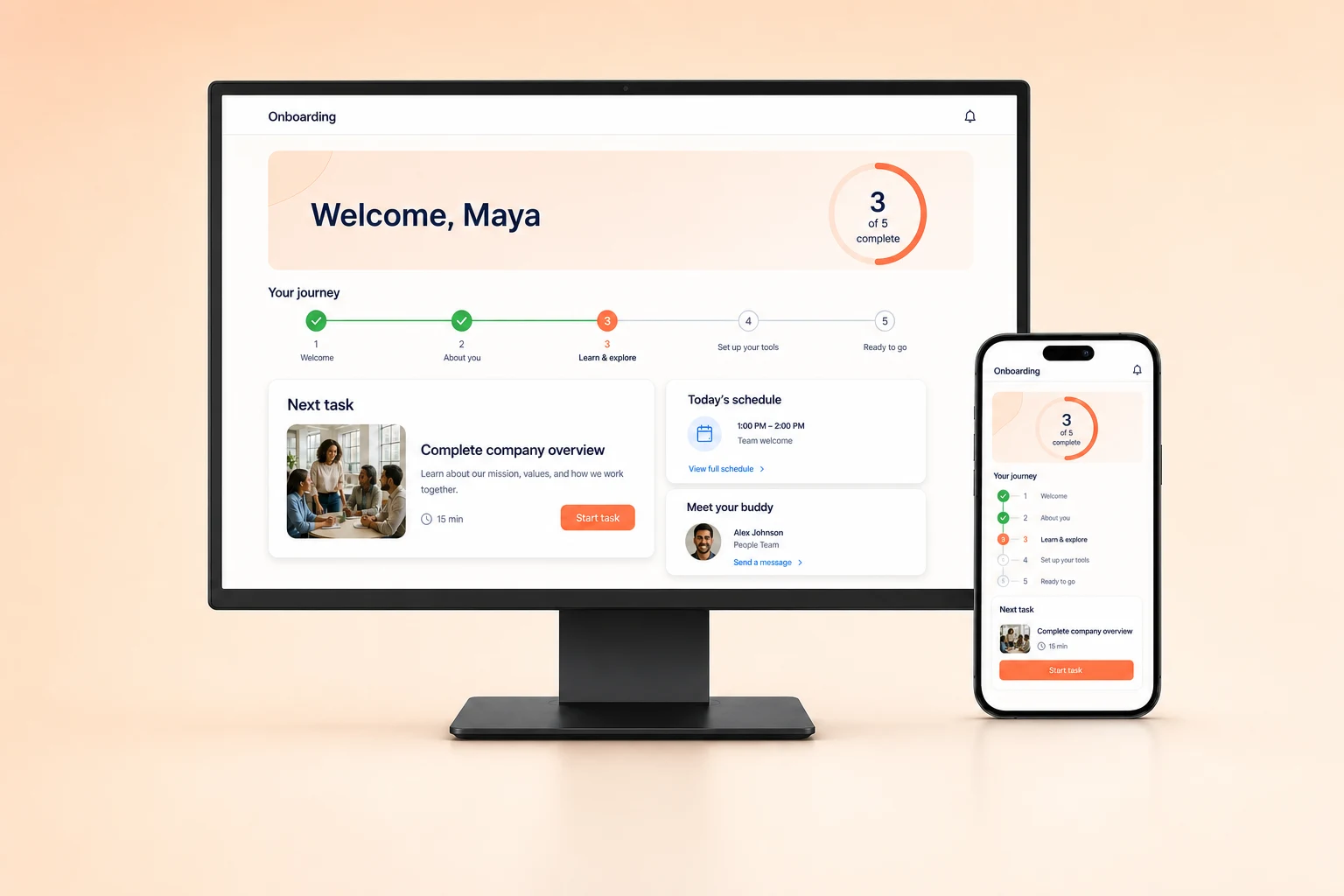
Guided onboarding
Guide new starters through tasks, resources, contacts, learning, forms, and key milestones.
Employee portal
Bring employee resources, company updates and requests into one hub with Fliplet AI, so your team can stop hunting across scattered systems.








How it works
Start with a plain-language description. Fliplet AI creates a first version you can review and refine.
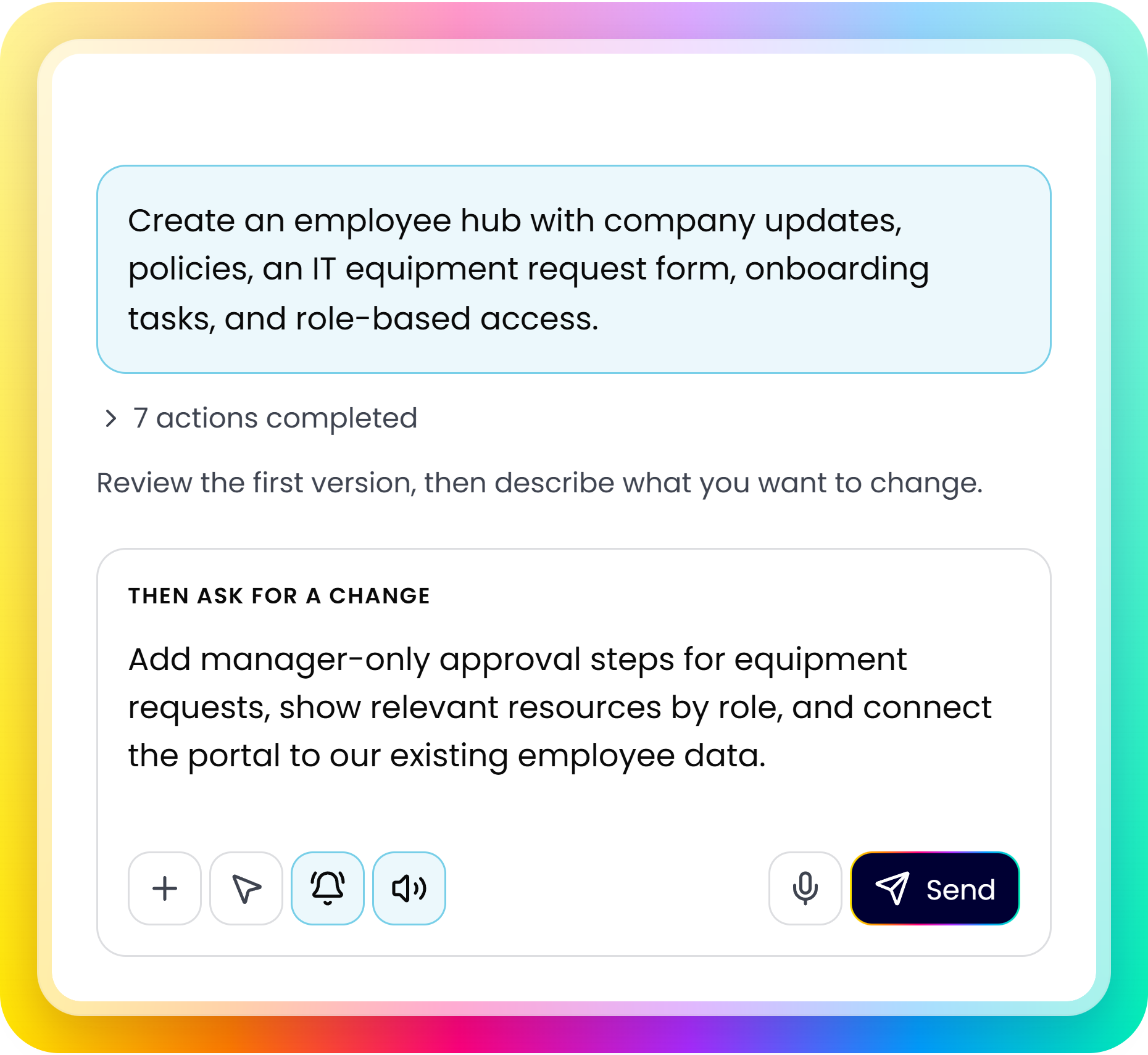
Describe who will use it, what they need, and how the process should work.
Check the screens, content, and workflows with your team. Note what needs to change.
Adjust access, data, and notifications. Test with your team before launch.
Portal capabilities
Bring onboarding, resources, and service requests into one employee hub.
Guide new starters through tasks, resources, contacts, learning, forms, and key milestones.
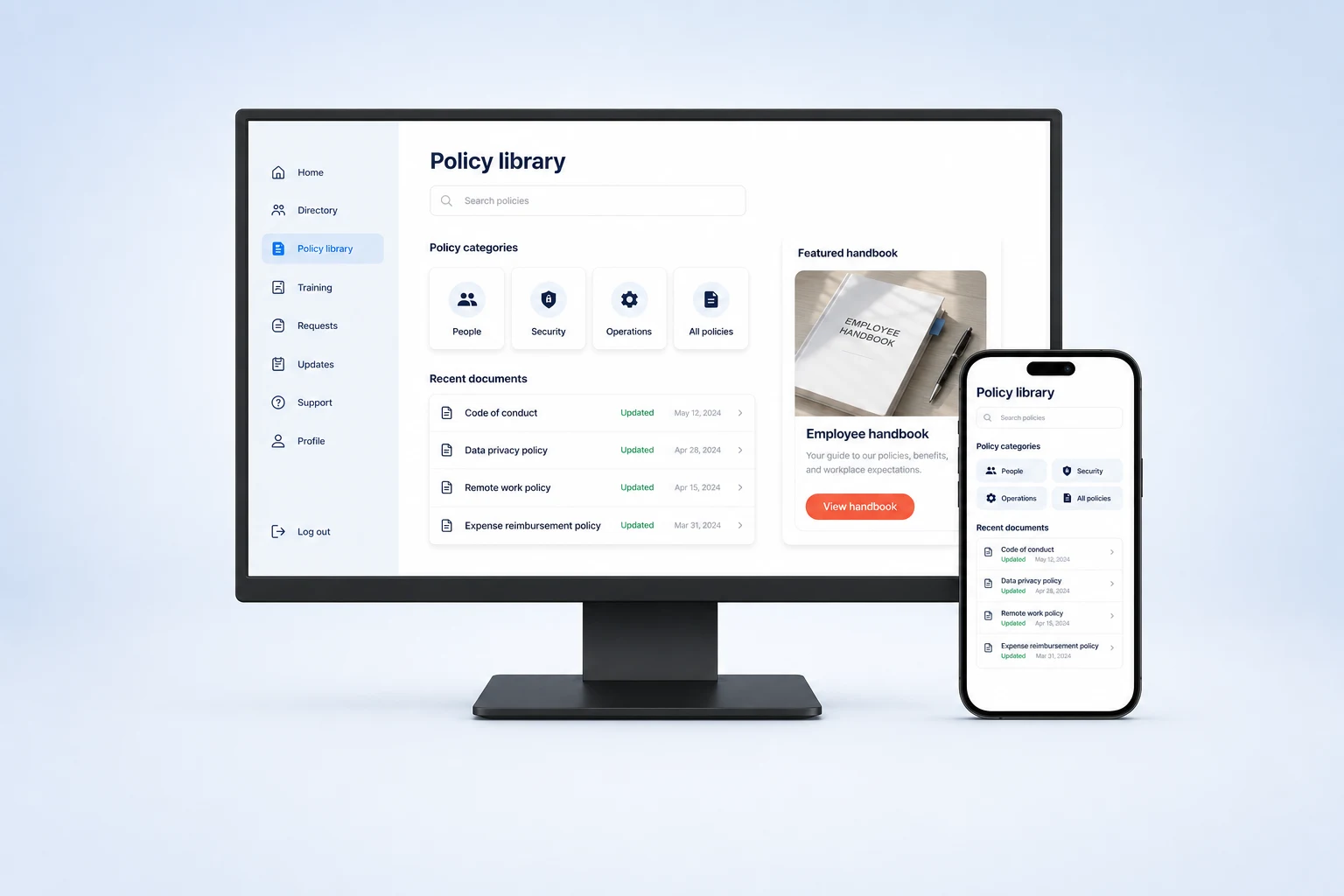
Make policies, handbooks, guidance, FAQs, and resources easier to find, update, and govern.
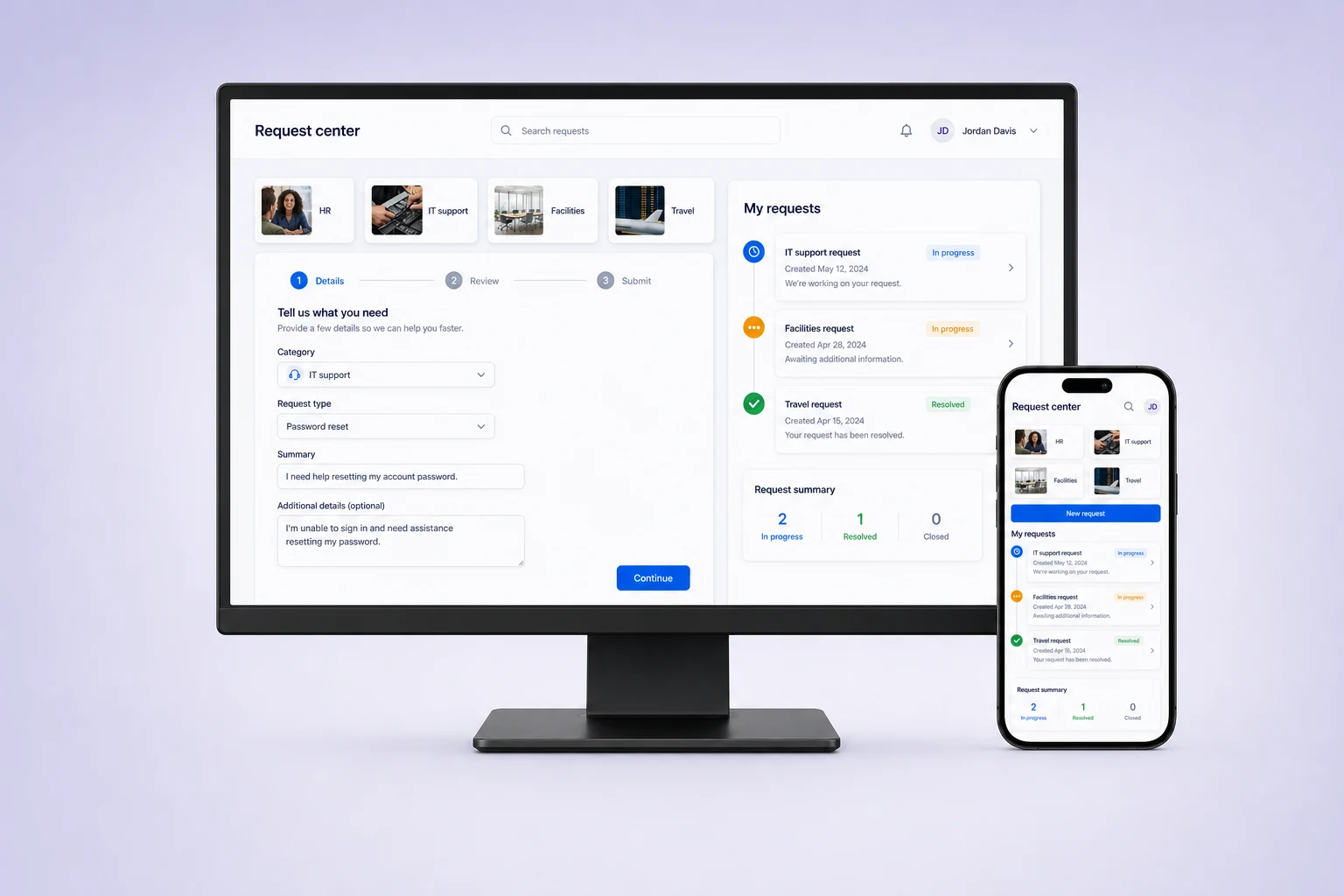
Support HR, IT, facilities, travel, equipment, or general service requests with structured intake.
Evaluation
Define audiences, ownership, systems, and rollout before you build.
Clarify which departments, locations, roles, or audiences need tailored content, permissions, and workflows.
Identify employee data, authentication and service-system connections. Confirm integration setup and plan availability before rollout.
Decide whether to start with one team, one service area, a regional pilot, or a broader employee launch.
Review security and access controls, integration options and plans and pricing with your team.
Customer proof
Teams use Fliplet to create tailored digital experiences with a platform designed for controlled delivery.
“It was a really easy way to come up with specific-use solutions without a large infrastructure investment or a lot of IT time.”

“The big benefit is being able to have someone come to you with an idea or a problem, and quickly spin up a prototype for them.”
An employee portal is a central place for staff to find company information, resources, and services. It can bring together policies, onboarding tasks, company updates, and internal requests, with access based on each employee's role.
Describe your workforce, the information employees need, and the tasks they should complete. Include examples such as finding a policy, requesting equipment, or completing onboarding. Name the user roles and explain which content or actions each role should access.
An employee portal gives staff a shared place to access information and services across departments. An HR system manages specialist employee records and HR processes. A portal can provide an entry point to those systems without replacing the tools your HR team already uses.
An employee portal can bring onboarding tasks, policies, contacts, and resources into one place. Define what new starters need at each stage and who owns each task. In Fliplet, you can describe that journey as the starting point for your portal.
List the information and actions each employee group needs. Separate general resources from restricted content and manager-only actions, then configure access around those roles. Test with representative accounts before rollout, especially where the portal uses employee data or approval steps.
Start with the gap your intranet leaves, such as employee requests or a focused resource hub. Decide which content belongs in the portal and which existing systems it should link to.
Treat it as a starting point. Review the content, test each user role and request journey, configure data connections, and approve the result before publishing.
Yes. Fliplet supports web and mobile delivery. Choose the delivery and sign-in approach that fits how your workforce accesses company information.
Assign owners for resources, updates and service requests. Teams can manage content and ongoing changes in Fliplet; agree editing and publishing responsibilities before rollout.
Yes. Fliplet can work with authentication, APIs, data sources, HR information, analytics, and other business tools. Integration setup and availability depend on the systems and plan involved.