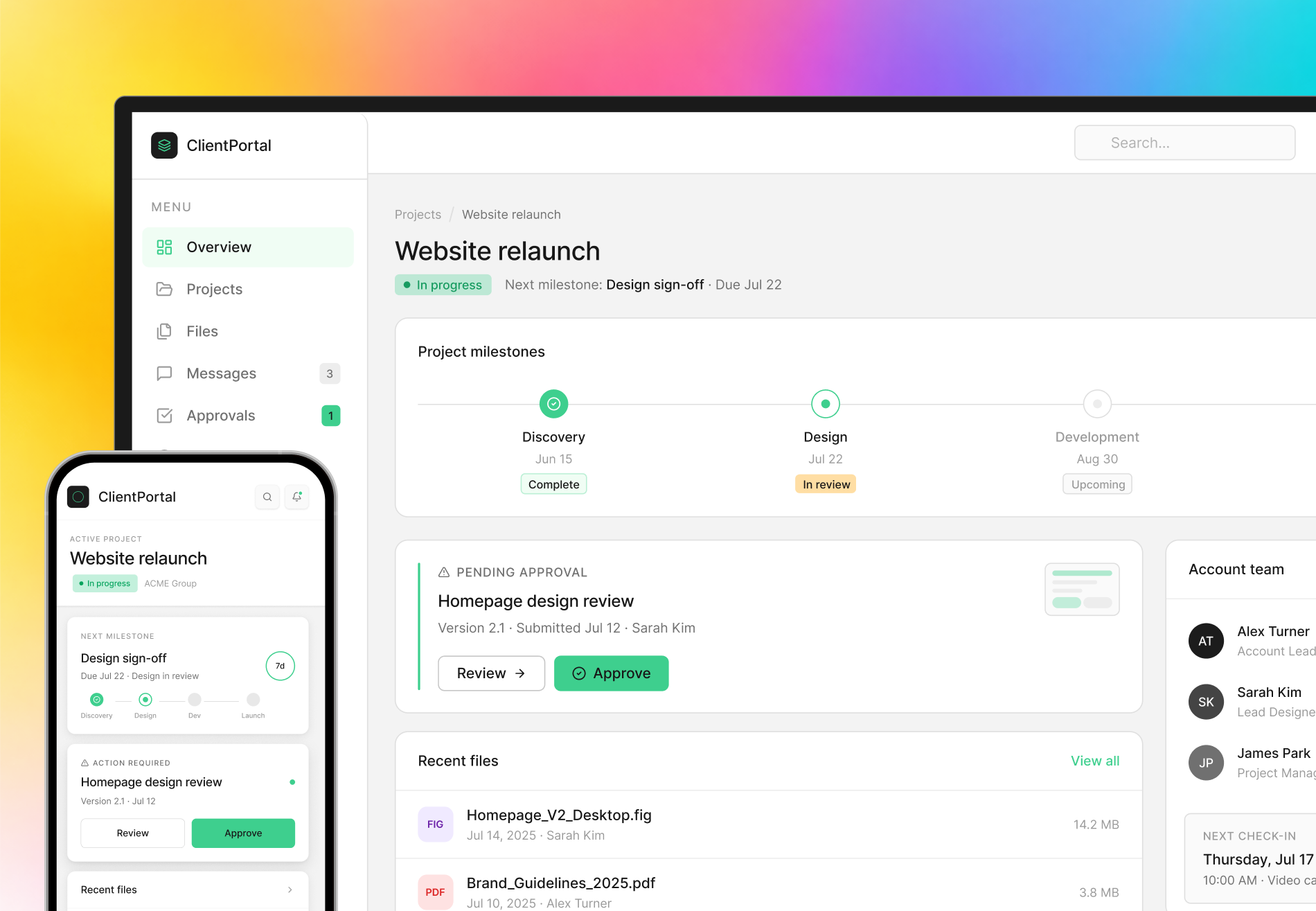

Web
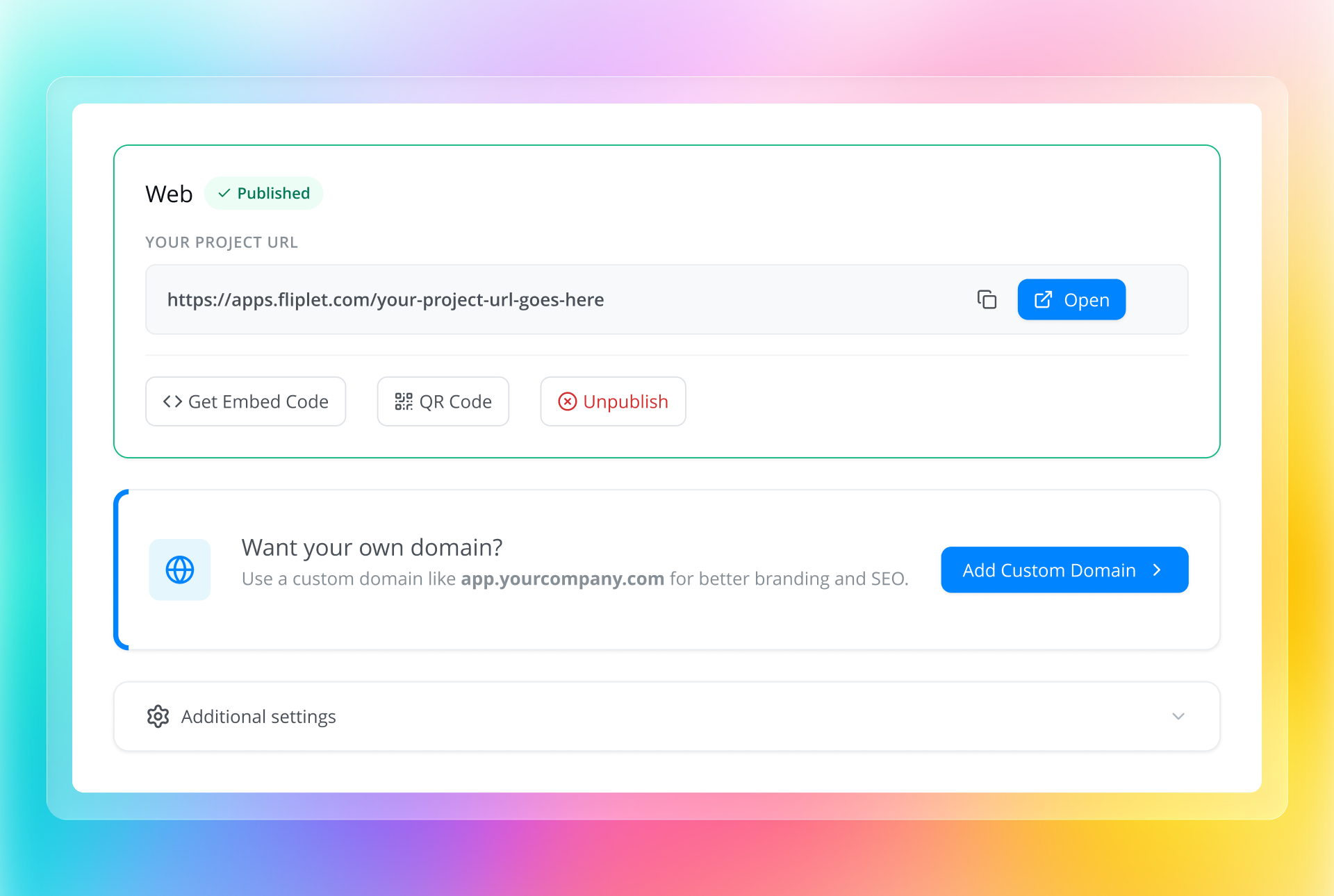
Publish to the web
Publish your software on a Fliplet URL or your own domain. Users open it in their browser.
- No installation needed
- Works across modern browsers
- Public or private access








Publishing options
Choose where users access your software.
You can publish through more than 1 channel from the same project.
Web
Publish your software on a Fliplet URL or your own domain. Users open it in their browser.
Public app stores
Make your branded mobile software available through the Apple App Store and Google Play. Users download it from your store listing.
Private distribution
Publish mobile software for employees, clients, or managed devices. Use private distribution when you don’t need a public store listing.
Fliplet Hub
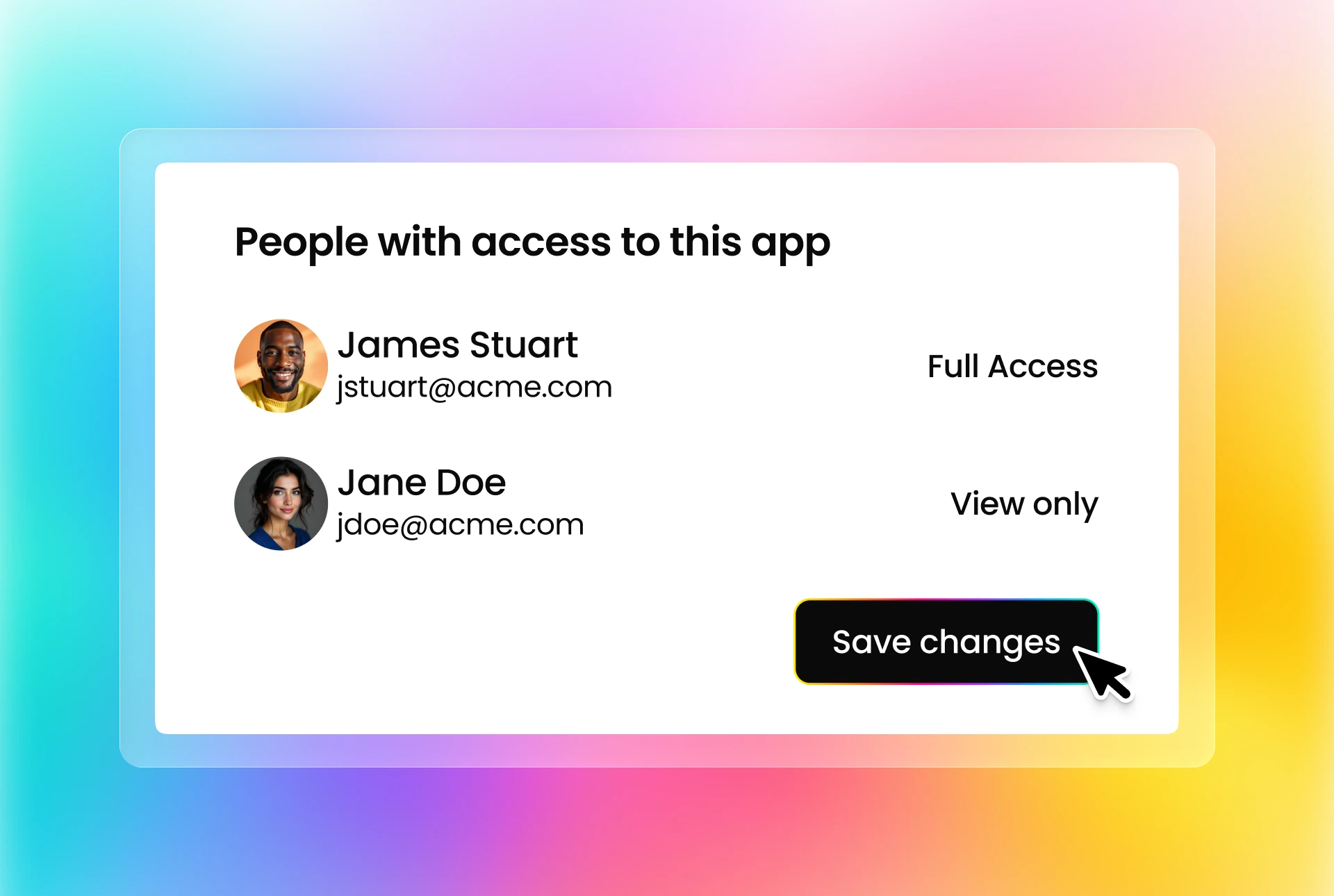
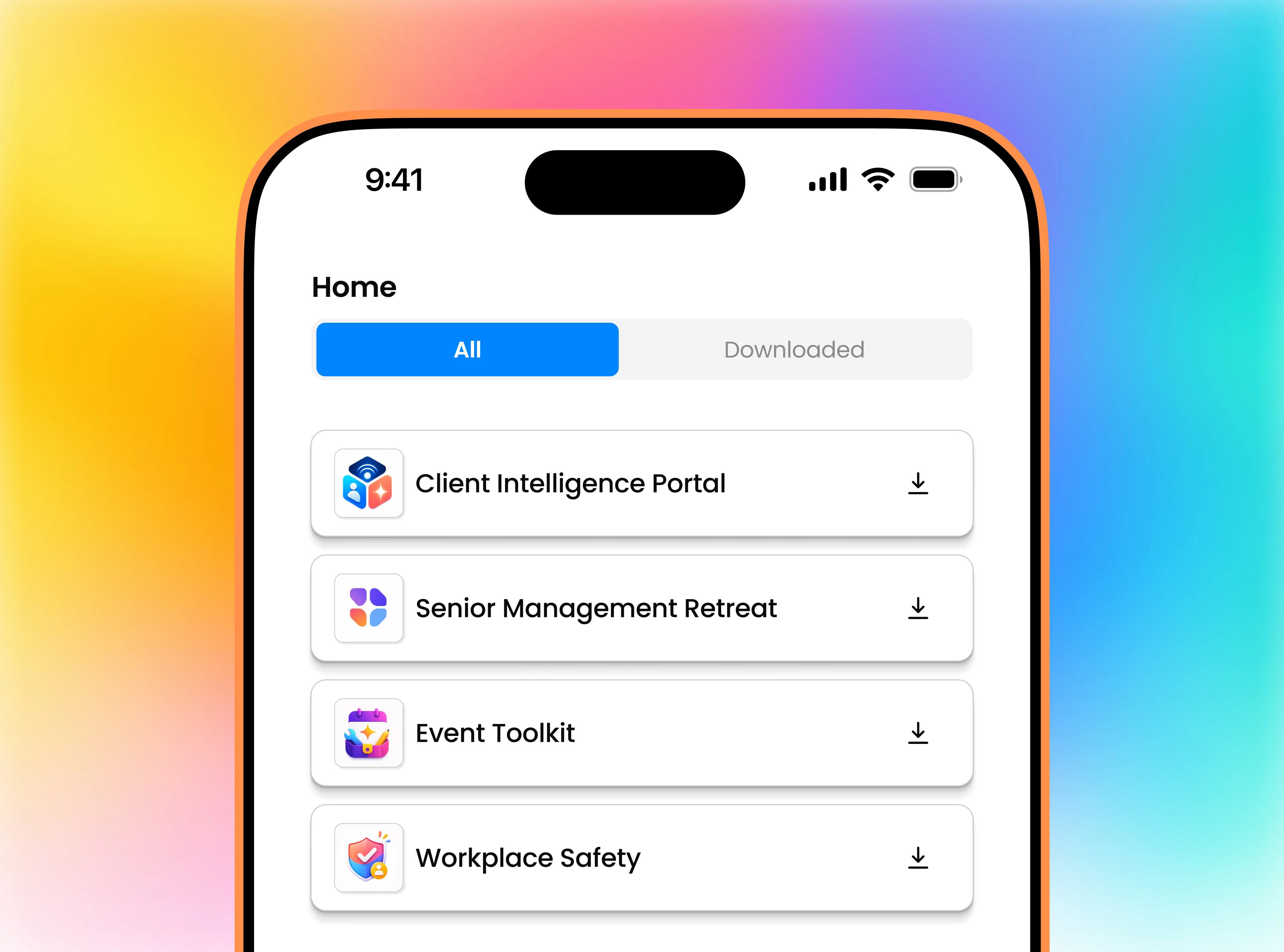
Users install Fliplet Hub once to access your software on mobile. Configure user access in Fliplet Studio.
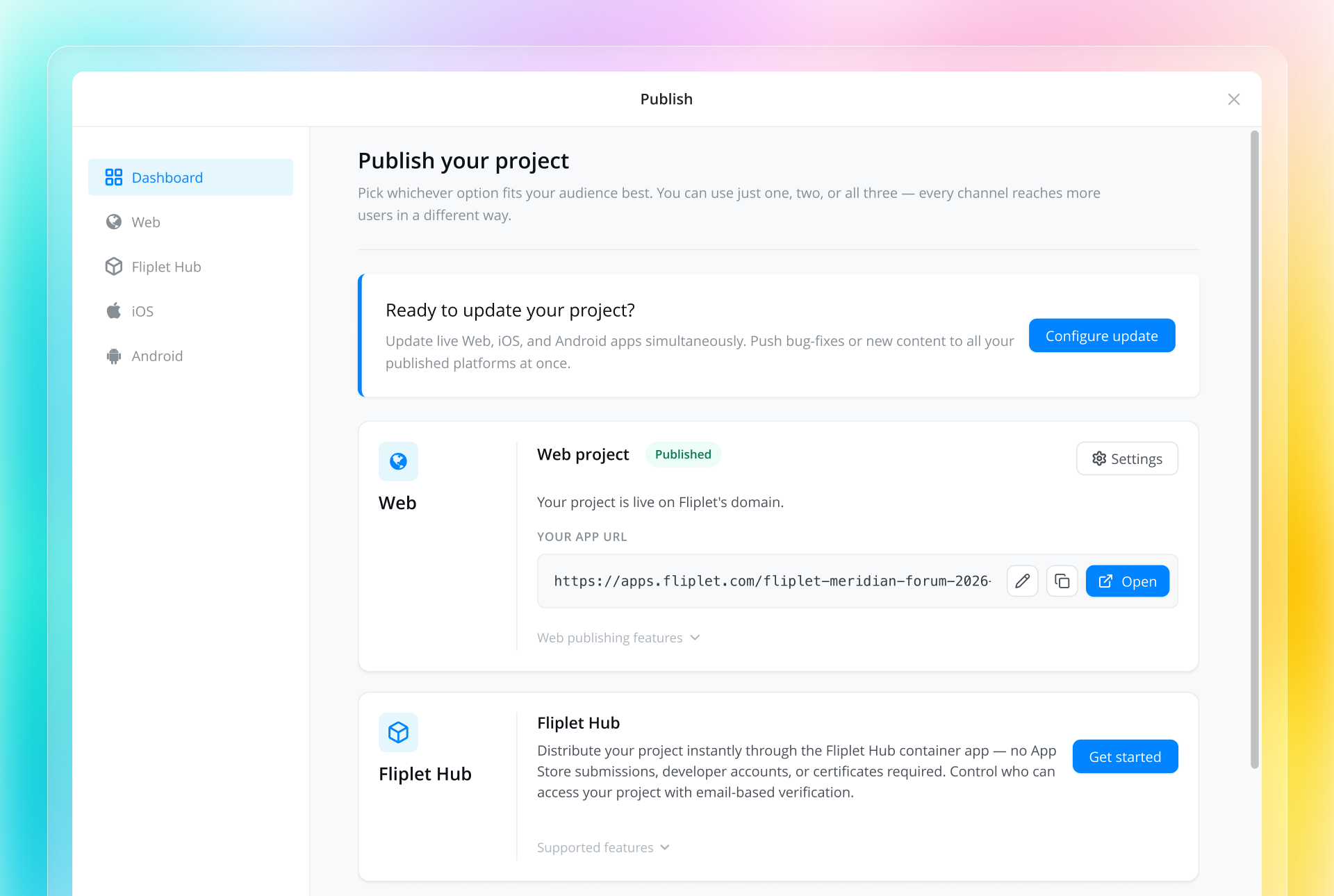
Publishing Dashboard
Manage your publishing channels, check release status, and review build history in the Publishing Dashboard.
“We can set up pages and software, which you can deploy anywhere within minutes and hours.”

Yes. You can publish software from the same project to the web, app stores, private distribution, and Fliplet Hub.
Use the web for browser access, app stores for your own mobile listing, or private distribution for managed devices. With Fliplet Hub, users install it once and open software shared with their user lists.
With Fliplet Hub, users install Hub once, sign in, and open your software from the Home screen. Your software keeps its own branding inside Hub. A standalone branded app has its own name and icon, is installed separately, and opens directly from the user’s phone. You can distribute it through app stores or supported private channels.
No. Publish your software to Fliplet Hub from Fliplet Studio without a separate app store listing or an Apple or Google review for your software. Users download Fliplet Hub from the Apple App Store or Google Play, then sign in to access your software.
Yes. On a paid Fliplet plan, you can publish web software on a subdomain you own, such as portal.example.com. Add the subdomain in Fliplet Studio and configure the DNS records with your domain provider. Users then open your software at that address.
Yes. Fliplet supports publishing branded iOS and Android software. Apple and Google review submissions through their own approval processes.
Yes. Access options depend on your publishing channel and include sign-in and managed-device distribution. For Fliplet Hub, configure user access in Fliplet Studio and select the user lists that can access your software.
Edit your project in Fliplet Studio, then publish the changes to your software. The steps depend on your publishing channel.
Plan your release
Book a demo to discuss where users need access, who can open your software, and how you’ll publish updates.