Consistent fee discussions
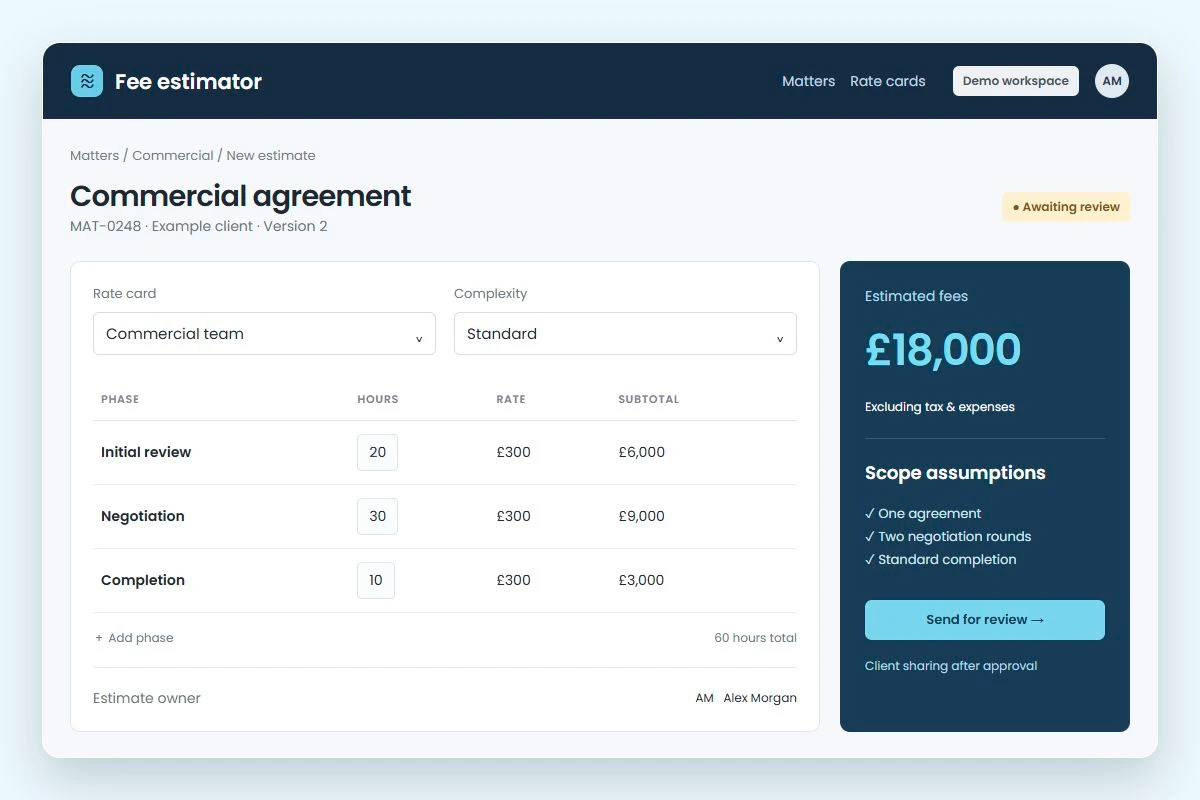
Use the same scope questions, rates and assumptions across your team. Give partners a clear basis for reviewing each estimate.
For your legal practice
AI chat tools can’t do everything lawyers need. Fliplet turns prompts into secure tools.


For your firm
Turn recurring estimates, proposals and requests into tools your team can use. Give lawyers more time for the work that needs their judgement.
Use the same scope questions, rates and assumptions across your team. Give partners a clear basis for reviewing each estimate.
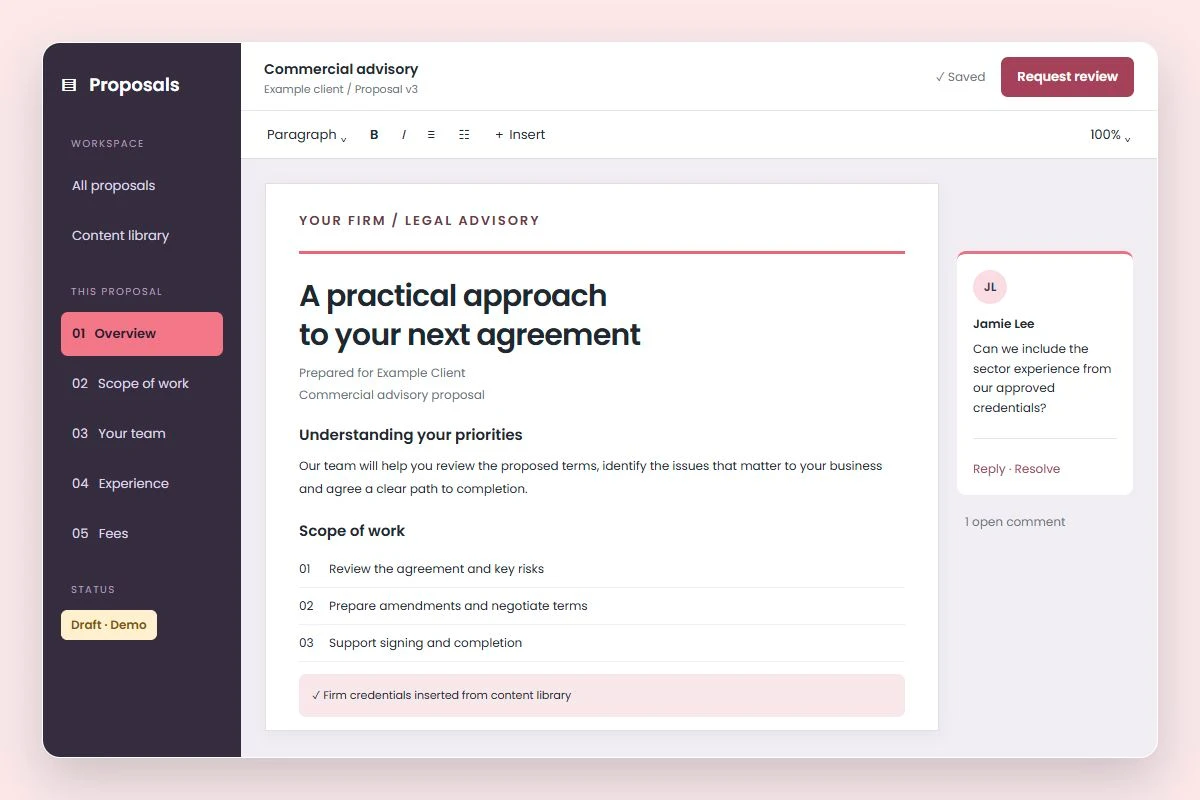
Bring approved credentials and relevant experience into each proposal draft. Let your lawyers focus on the client’s needs.
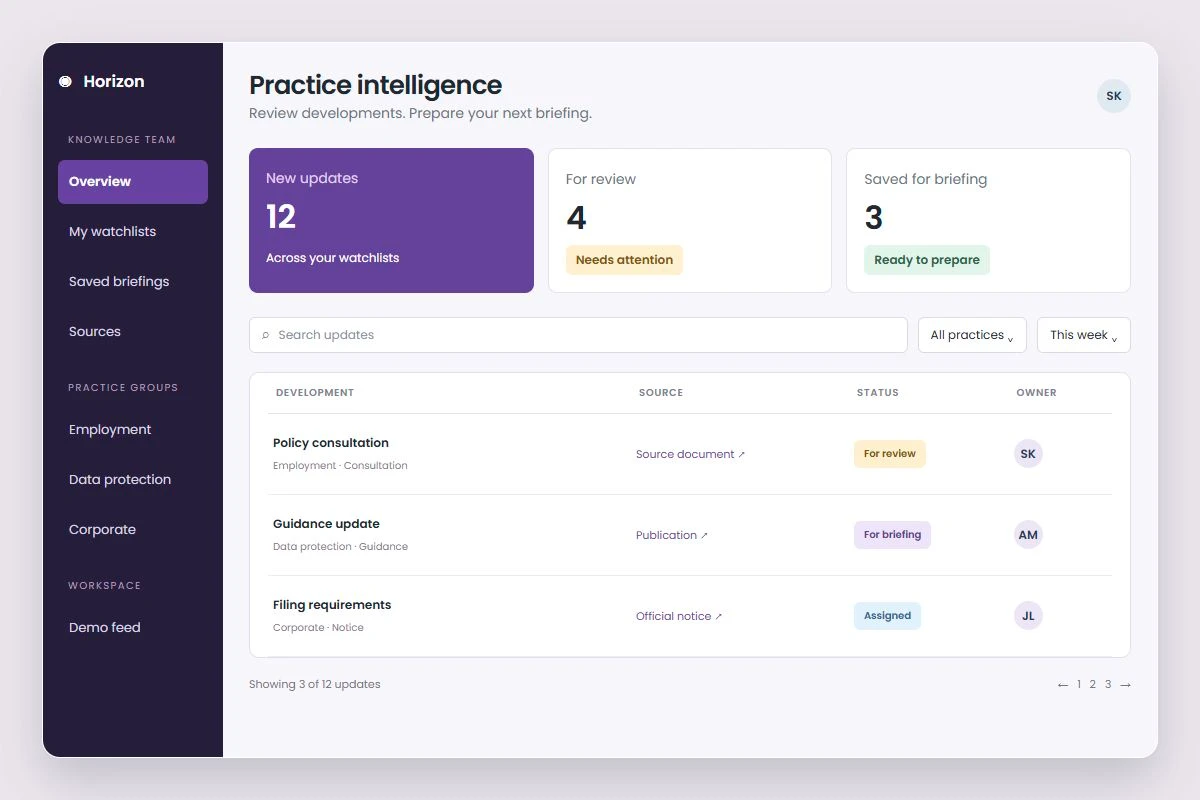
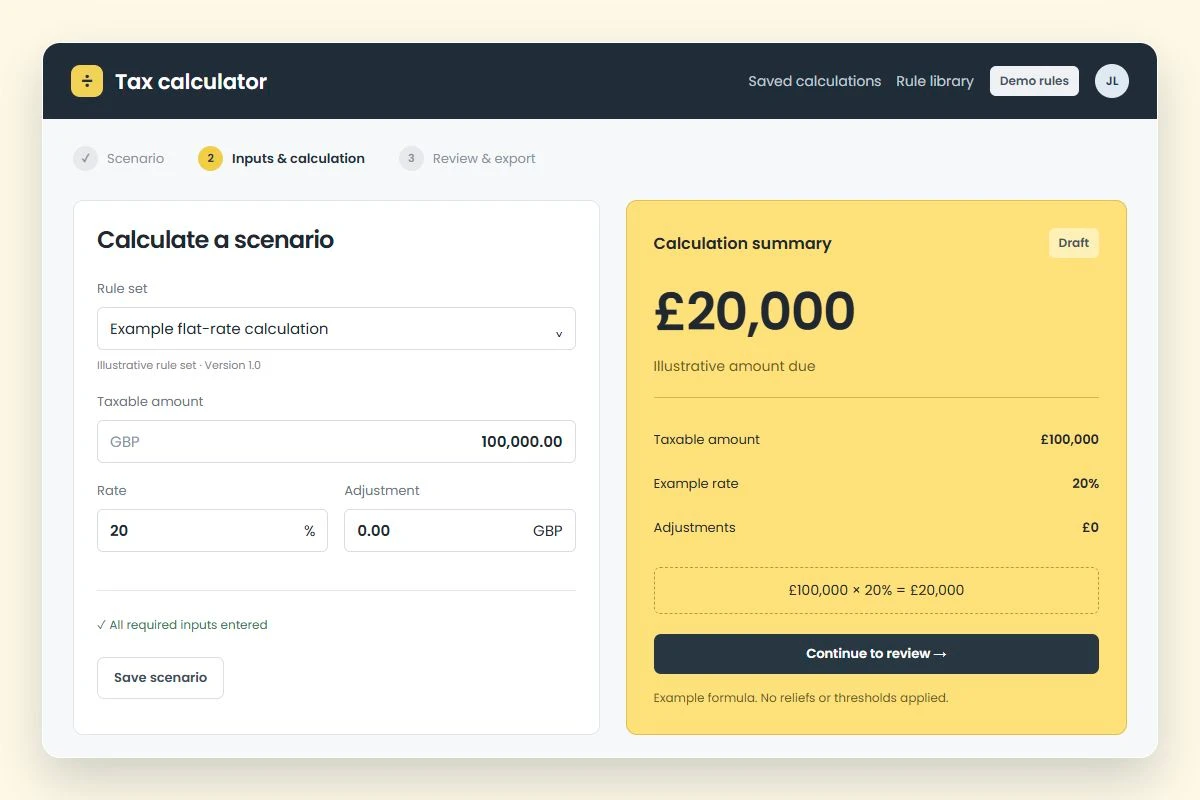
Turn a process your specialists know into a guided tool. Help colleagues find the right information without starting a new email thread.
Mills & Reeve case study
Mills & Reeve recorded 20,000+ interactions in one quarter with its Global Contracts Portal. Built with Fliplet, the portal brings contract documents, previews and downloads together for users.

“Fliplet enabled us to deliver impactful solutions in days — tools that genuinely improved access to information and made a real difference across the firm.”
From idea to tool
Describe the work you want to improve, then shape the result around your firm.
Tell Fliplet what the tool should do, who it is for and the steps it should follow.
Add your firm’s content, branding and logic. Adjust the draft to fit your process.
Check the content and outputs, set access permissions and share with the right people.
Your firm’s standards
A useful tool needs more than a first draft. Bring your firm’s standards for access, branding and review into the way it is built and maintained.

Configure sign-in, data access and file permissions for colleagues and clients. Review the setup with your security team before launch.
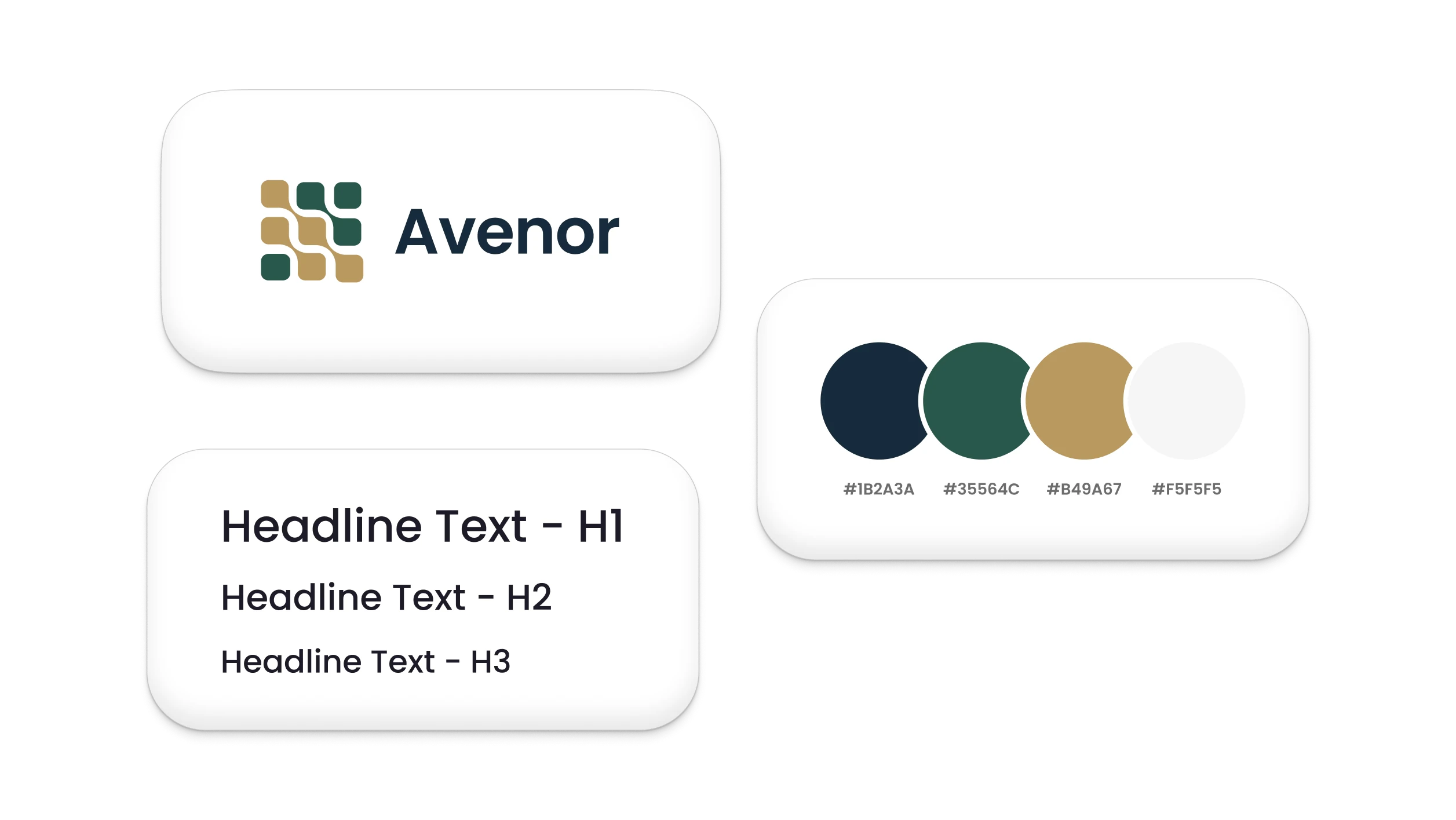
Use your firm’s branding and terminology. Shape the questions and outputs around how your practice works.
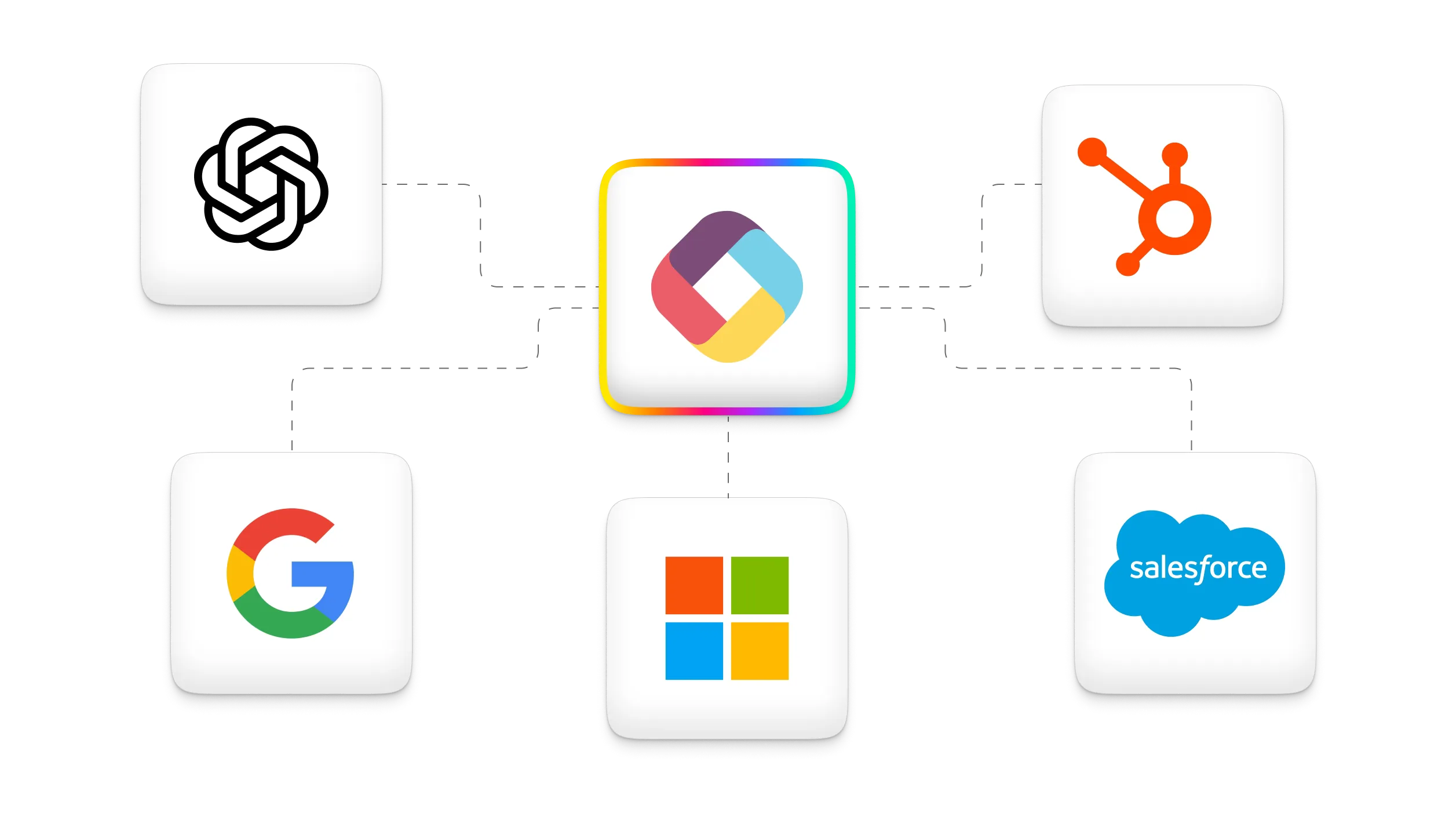
Use APIs and integrations to connect approved systems. Agree the data, access and connection requirements with IT.
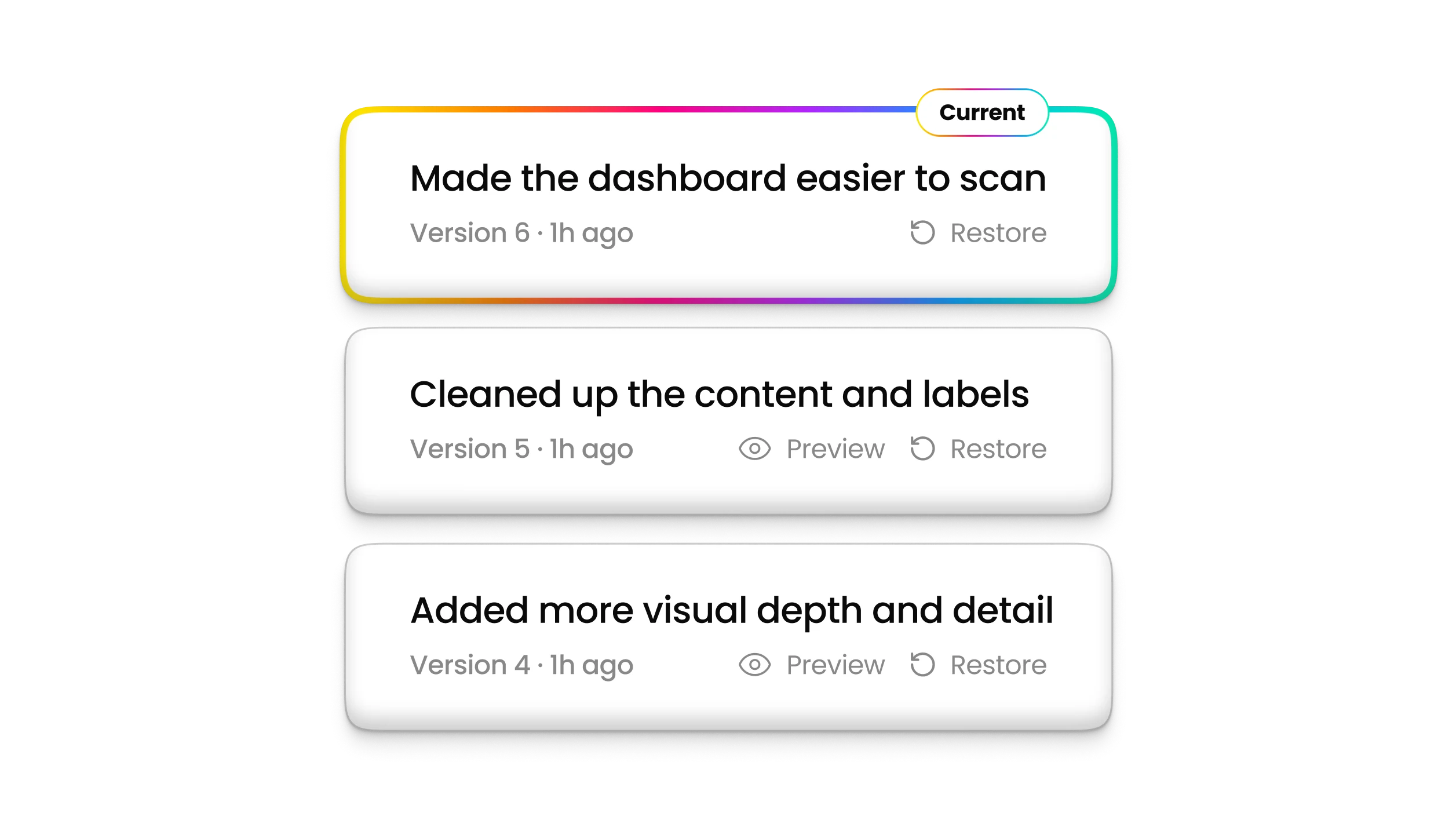
Review changes with version history and rollback. Give each tool a named owner for its content, calculations and release approval.
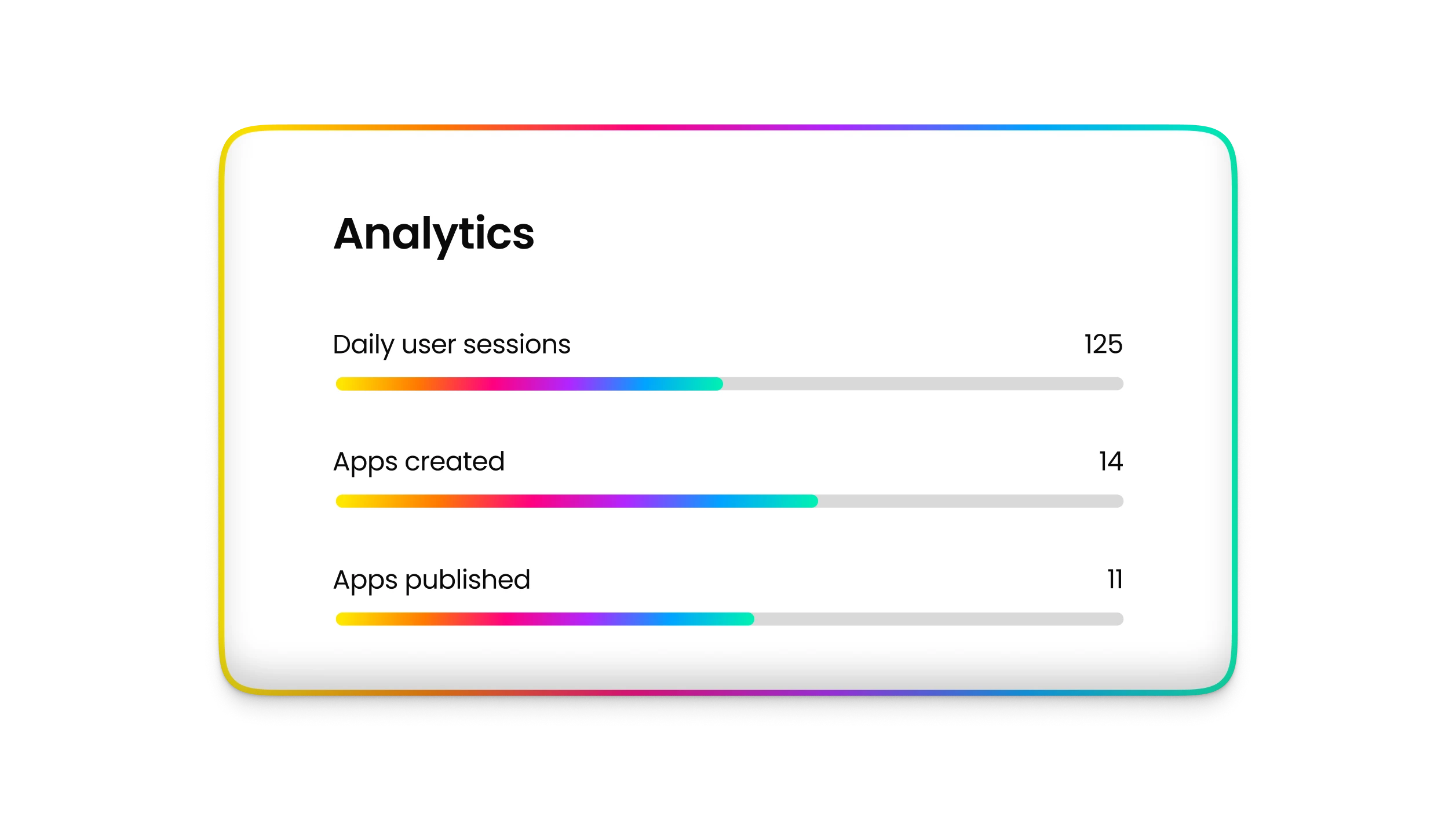
See how colleagues and clients use your tools. Use analytics alongside feedback from your practice teams to decide what to improve next.

Set up approval steps and notifications for fee estimates, proposal drafts and client requests. Route each item to the right colleague for review.


See how firms use Fliplet to share legal guidance, support client service and deliver tools for their teams.

Case study
Legal tools, client-facing experiences and internal workflows that make information easier to use across the firm.

Case study
The Digital Marketing Law Guide and other tools make the firm’s legal guidance easier to access and update.

Case study
Internal and client-facing digital experiences delivered with less development overhead.
Choose one recurring task with clear inputs and an output your team can check. A fee estimate or proposal draft is a practical starting point. Bring the process and a sample output to a demo, using material approved for sharing.
Lawyers and business teams can start by describing what they need in plain language. Assign a practice owner to the content and logic, and agree who maintains the tool. Involve your IT or innovation team where integrations, access or technical requirements need their expertise.
Yes. After starting a prompt, you can add documents or links in the builder to explain your process. Your team decides which materials are approved for this use, which versions to use and who can access the resulting tool.
Treat the generated version as a draft. Have the responsible lawyers check the content, formulas, assumptions and sources against known examples. Agree approval and update responsibilities before colleagues or clients rely on the tool.
Fliplet supports APIs and integrations with existing systems. The connection depends on the system, available access and the data you need. Bring your requirements to a demo so we can assess them with your IT team.
Bring one recurring process and a sample output approved for sharing. In your demo, we’ll explore a possible tool and discuss the people, systems and review needed to put it to work.