








Almost there — let's save your idea

Create a free account to keep your app and pick up where you left off. 14 days free, no card required.

Introducing Fliplet Hub

Your software, available on mobile

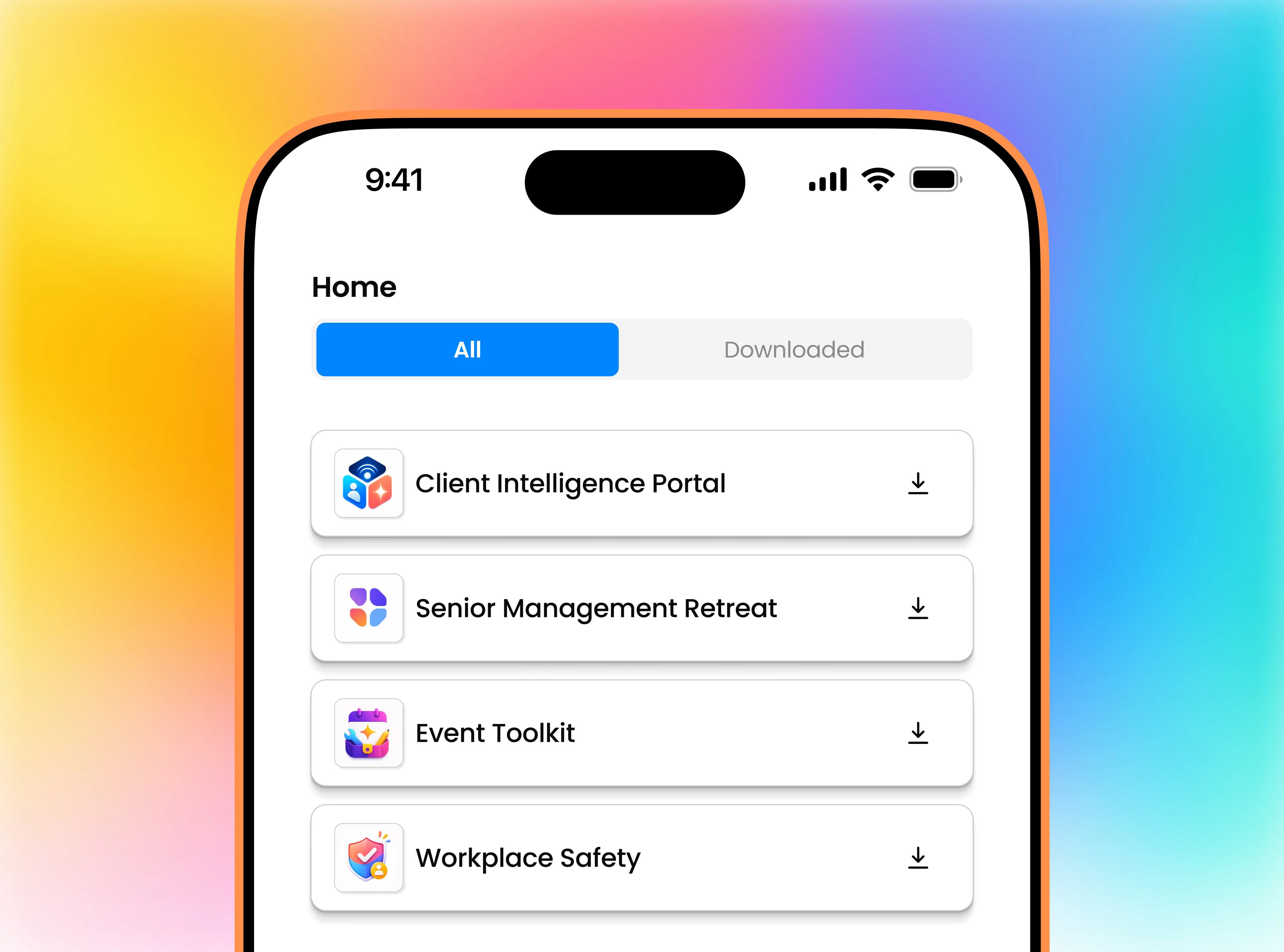
Publish your software to Fliplet Hub without creating a separate app store listing. Your users download Fliplet Hub once, sign in, and open your software on iPhone or Android.

Fliplet Hub on a mobile phone showing Client Intelligence Portal, Senior Management Retreat, Event Toolkit, and Workplace Safety

Trusted by organizations around the world.

EY
Clifford Chance
Eversheds Sutherland
JTC Group
BCLP
Socotec
Mills & Reeve
Dykema

Publishing options

Choose how you publish

Make your software available through Fliplet Hub or publish it as a standalone app. With Fliplet Hub, users download Hub and open your software inside it. With a standalone app, they download your app separately.

As a standalone app

Your own app, installed separately

Users download your own branded app and open it directly from their phone. Make it publicly accessible or keep access private.

Publishing
Publish with your own app store listing or a supported private publishing option
User access
Make your software available to everyone, or keep it private for selected users.
Branding
Your own app name and icon
Users open
Your app directly from their phone

How it works

From Studio to Fliplet Hub

See Fliplet Hub in action, from publishing in Studio to opening software on mobile.

Keyboard shortcuts when the walkthrough is focused: Space or K plays and pauses, R replays, Left and Right Arrow seek five seconds, and F enters fullscreen.

Three simple steps

Publish, share, open

A simple way to make your software available on mobile.

1. Publish your software

Create or edit your project in Fliplet Studio, then publish your software to Fliplet Hub.

2. Choose your users

Configure user access and select the user lists that can access your software.

3. Open on mobile

Users download Fliplet Hub, sign in, and open your software from their Home screen.

Benefits

One download, familiar access

Give users one place to open your software, with user access and sign-in managed by you.

One install

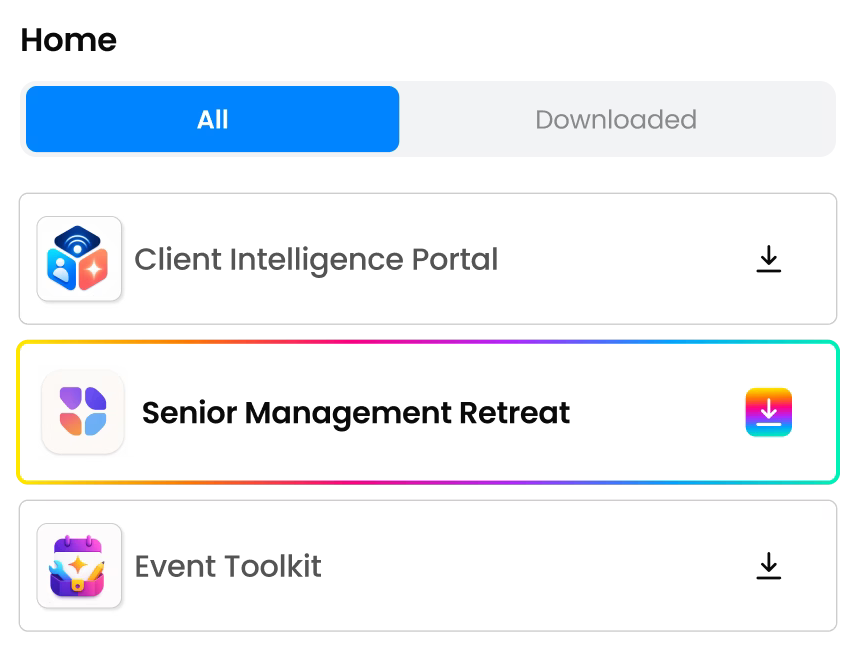
Users install Fliplet Hub once. Software you share with them appears on their Home screen.

Fliplet Hub Home screen showing software available from one installation
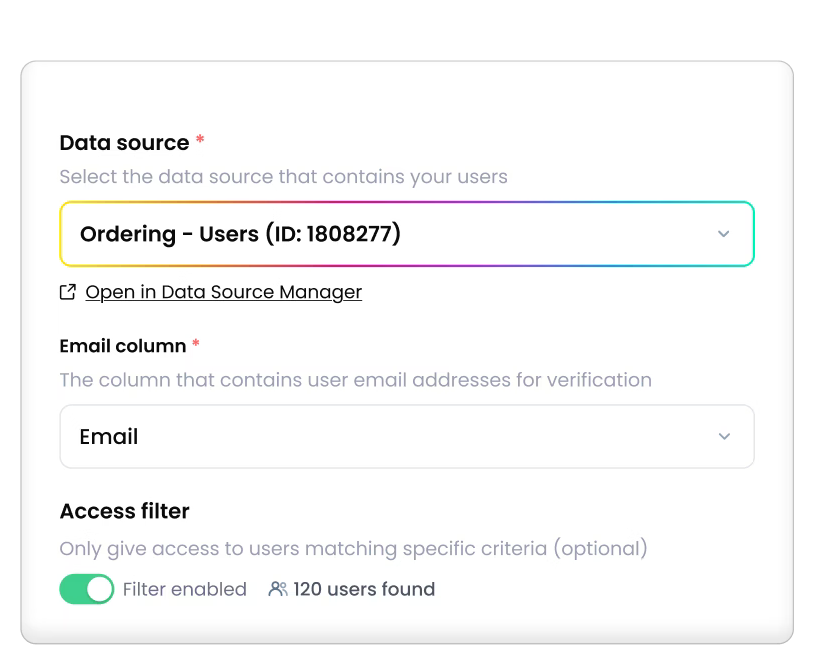
Fliplet Hub user access settings for approved users

Manage user access

Choose the user lists that can access your software, and update user access when their needs change.

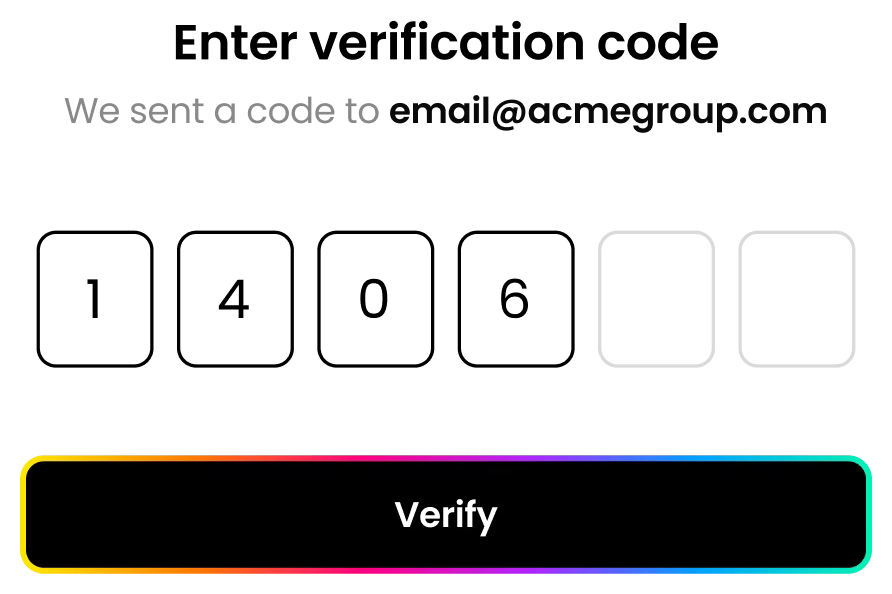
Fliplet Hub verification code fields and Verify action

Secure sign-in

Users verify their email address and complete your chosen sign-in process before accessing their software.

Ongoing access

Available and up to date

Keep your software up to date from Fliplet Studio, and support users who need access when they’re offline.

Offline access

Available offline

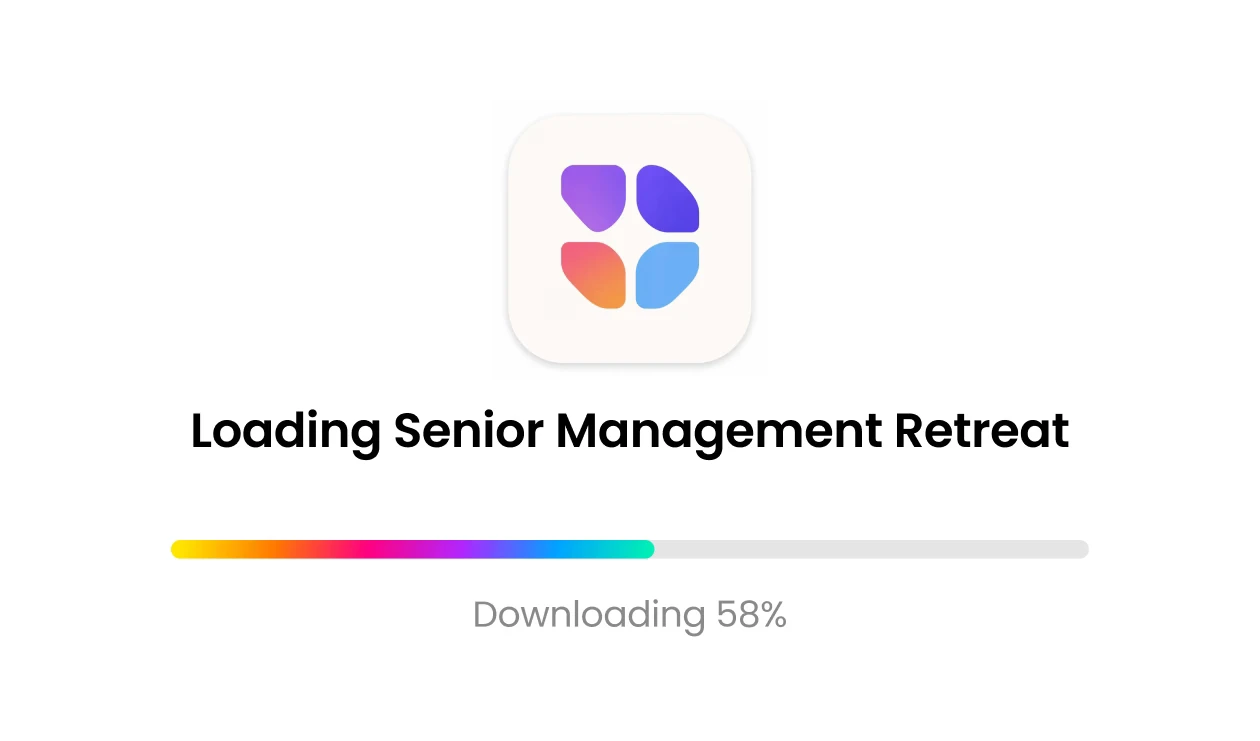
Give users access to downloaded software even without an internet connection, depending on how your software is set up.

Fliplet Hub downloading Senior Management Retreat for offline access

Ongoing updates

Updates from Fliplet Studio

Edit your project in Fliplet Studio, then publish your updated software to Fliplet Hub for users to access.

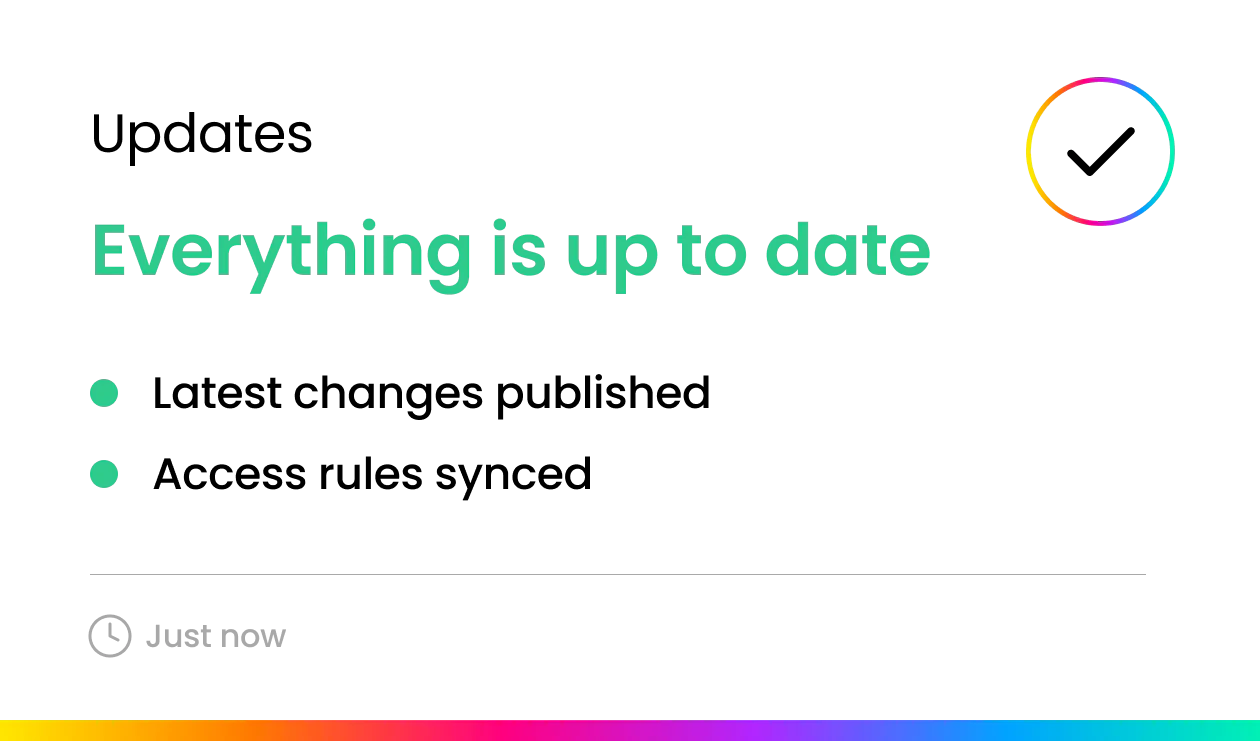
Fliplet Studio publishing status showing updates available through Fliplet Hub

Globally Awarded

  • G2 High Performer Europe Winter 2025 badge
  • G2 Easiest Admin Winter 2025 badge
  • Capterra rating badge
  • G2 rating badge
  • G2 Best Support Enterprise Winter 2025 badge
  • High Performer Winter 2025 badge

Use cases

Mobile access for your users

Support employees, attendees, and clients with mobile access to the software they need.

Team leader working on a laptop in an operations control centre

Internal teams

Give employees mobile access to the software they use for onboarding, everyday tasks, and company updates.

Professional event attendee using a mobile phone in an exhibition hall

Events

Make schedules, event updates, and resources available on attendees’ phones. Manage access through your user lists.

Client stakeholder reviewing work on a tablet in an executive lounge

Clients

Give clients mobile access to their portals and shared resources. Each client sees only the software available to them.

Fliplet Hub FAQs

Answers about installation, sign-in, access, updates, and offline use.

Is Fliplet Hub free for users?

Yes. Users can download Fliplet Hub for free and access the software shared with them. They do not need a Fliplet Studio account.

What do users need to get started?

Users follow your link or scan your QR code to download Fliplet Hub from the App Store or Google Play. After signing in, they can open the software available to them from the Home screen.

How do I control who has access?

Configure user access in Fliplet Studio and select the user lists that can access your software. A user list contains your intended users, such as employees, attendees, or clients. Update your user lists or user access settings when things change.

Can users access multiple pieces of software?

Yes. The Fliplet Hub Home screen shows the software available to each user. They can open what they need, then return to the Home screen to choose something else.

How do I add or update software?

Create or edit your project in Fliplet Studio, then publish your software to Fliplet Hub. To remove someone’s access, update user access so the software no longer appears on their Home screen.

Can I also publish to the web or app stores?

Yes. Fliplet Hub is an additional way to make your software available on mobile. You can also publish your software to the web or as a standalone app through the app stores or supported private publishing options.

Does Fliplet Hub work offline?

Downloaded software can remain available without an internet connection. What users can do offline depends on how your software and its data are set up.

Ready to go mobile?

Bring your software to mobile

See how to publish your software to Fliplet Hub and make it available to your users. We’ll help you understand your publishing options and how to manage user access.