
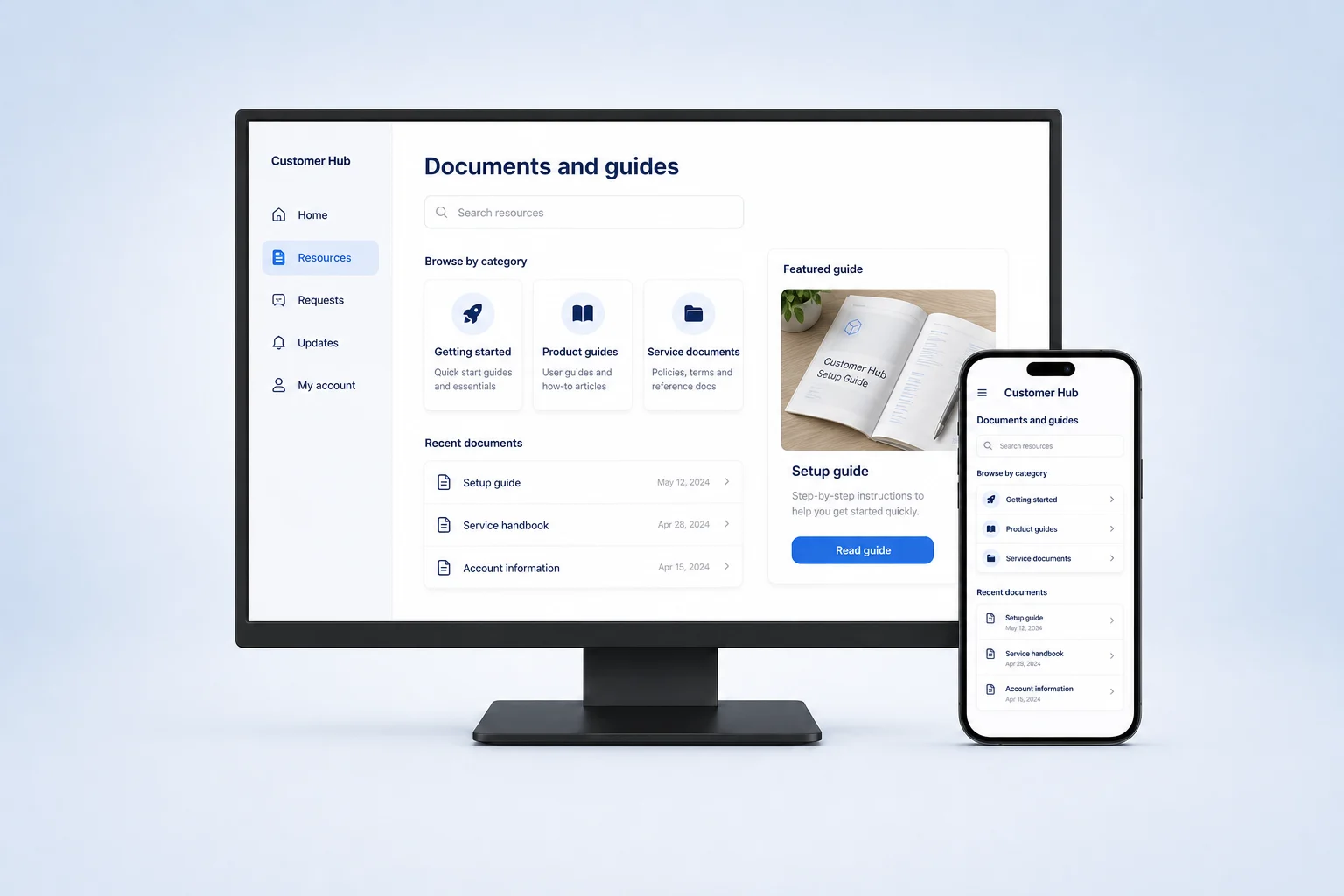
Customer information
Bring key documents, guidance, and account resources into a customer-specific destination.
Customer portal software
Give customers one place to find documents, request help and check progress. Use Fliplet AI to build a branded portal around your service.








How it works
Start with a plain-language description. Fliplet AI creates a first version you can review and refine.
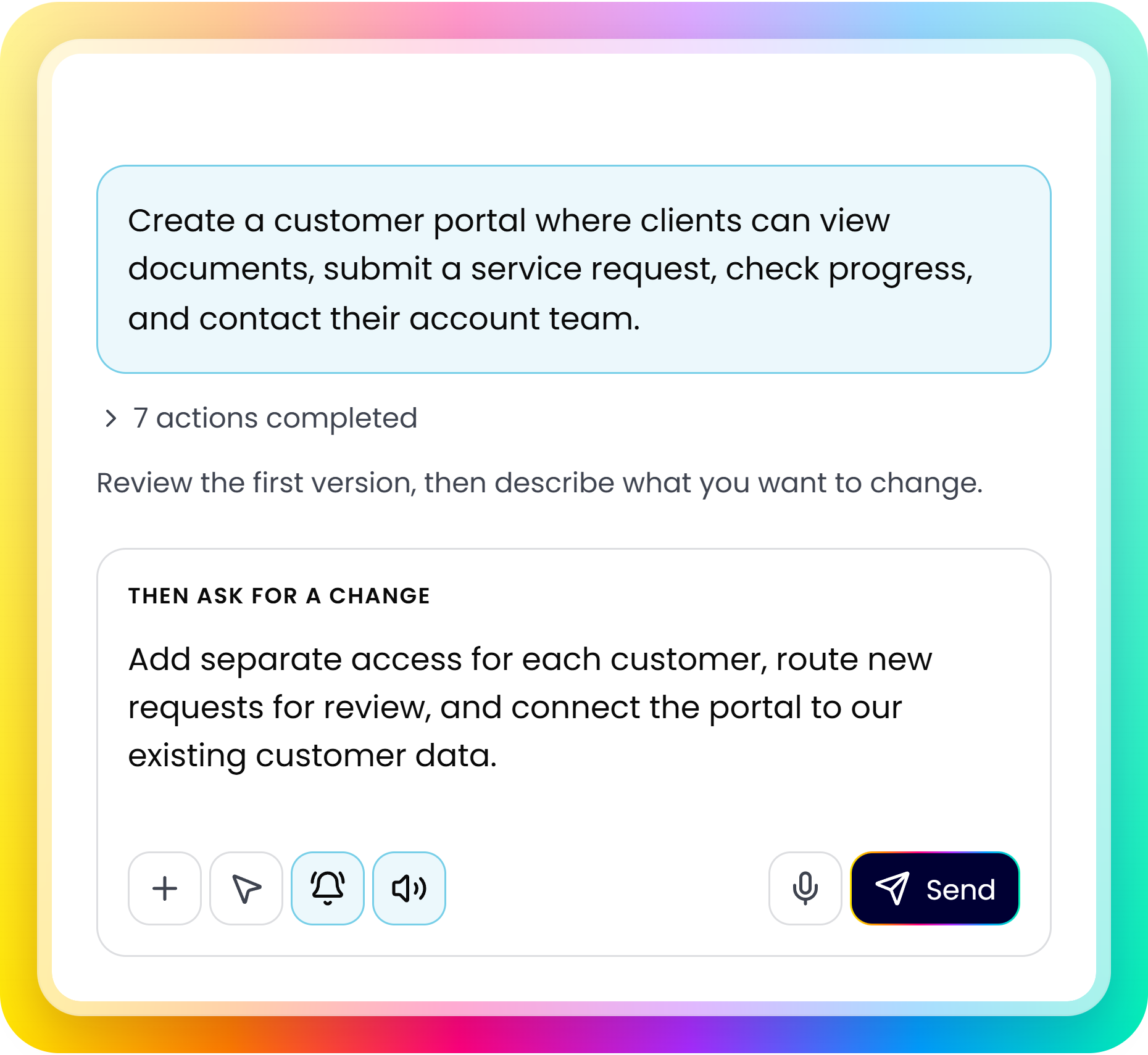
Describe who will use it, what they need, and how the process should work.
Check the screens, content, and workflows with your team. Note what needs to change.
Adjust access, data, and notifications. Test with your team before launch.
Portal capabilities
Give customers one place to find answers, request help, and track progress.
Bring key documents, guidance, and account resources into a customer-specific destination.
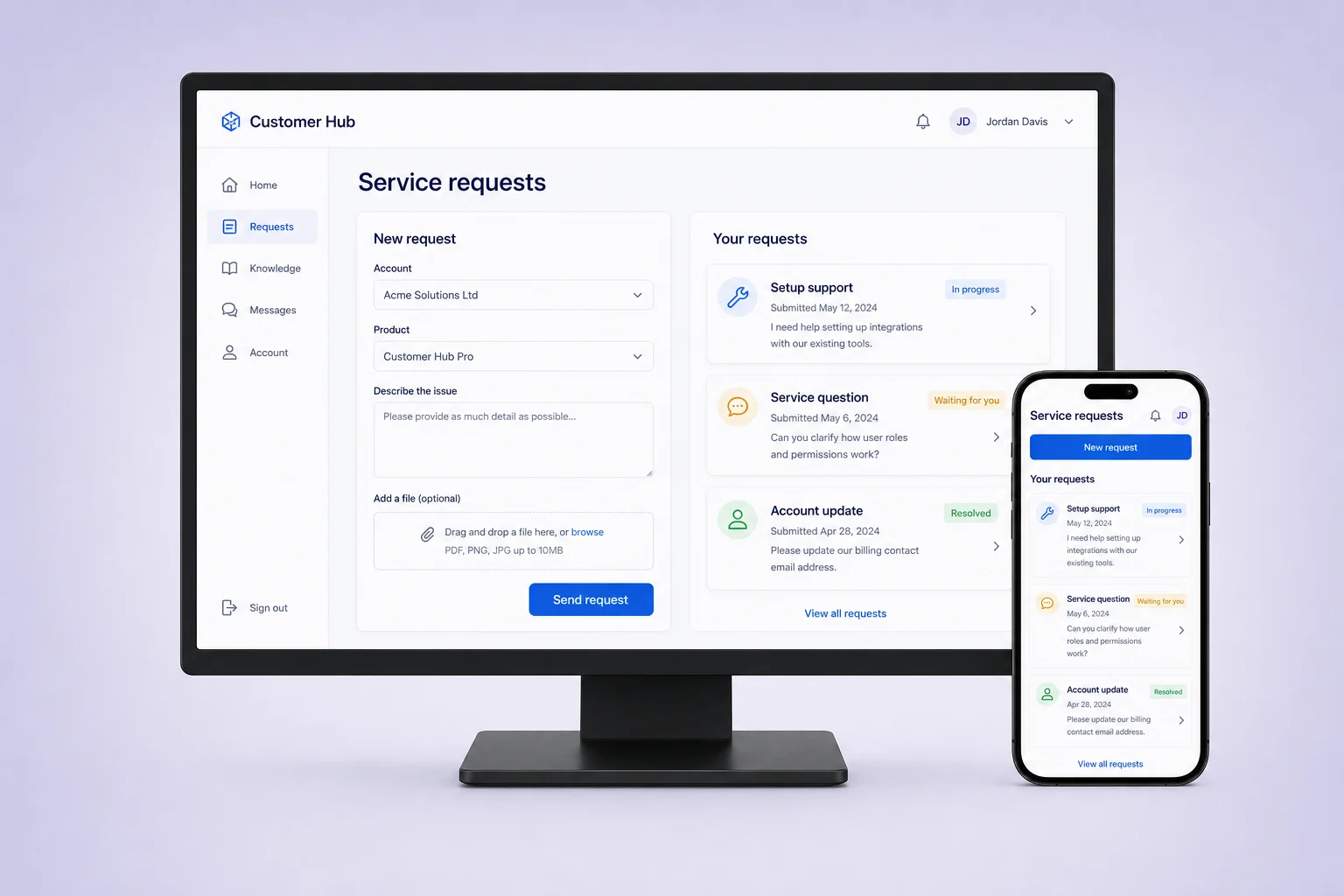
Collect structured requests, route them for review, and provide visible progress updates.
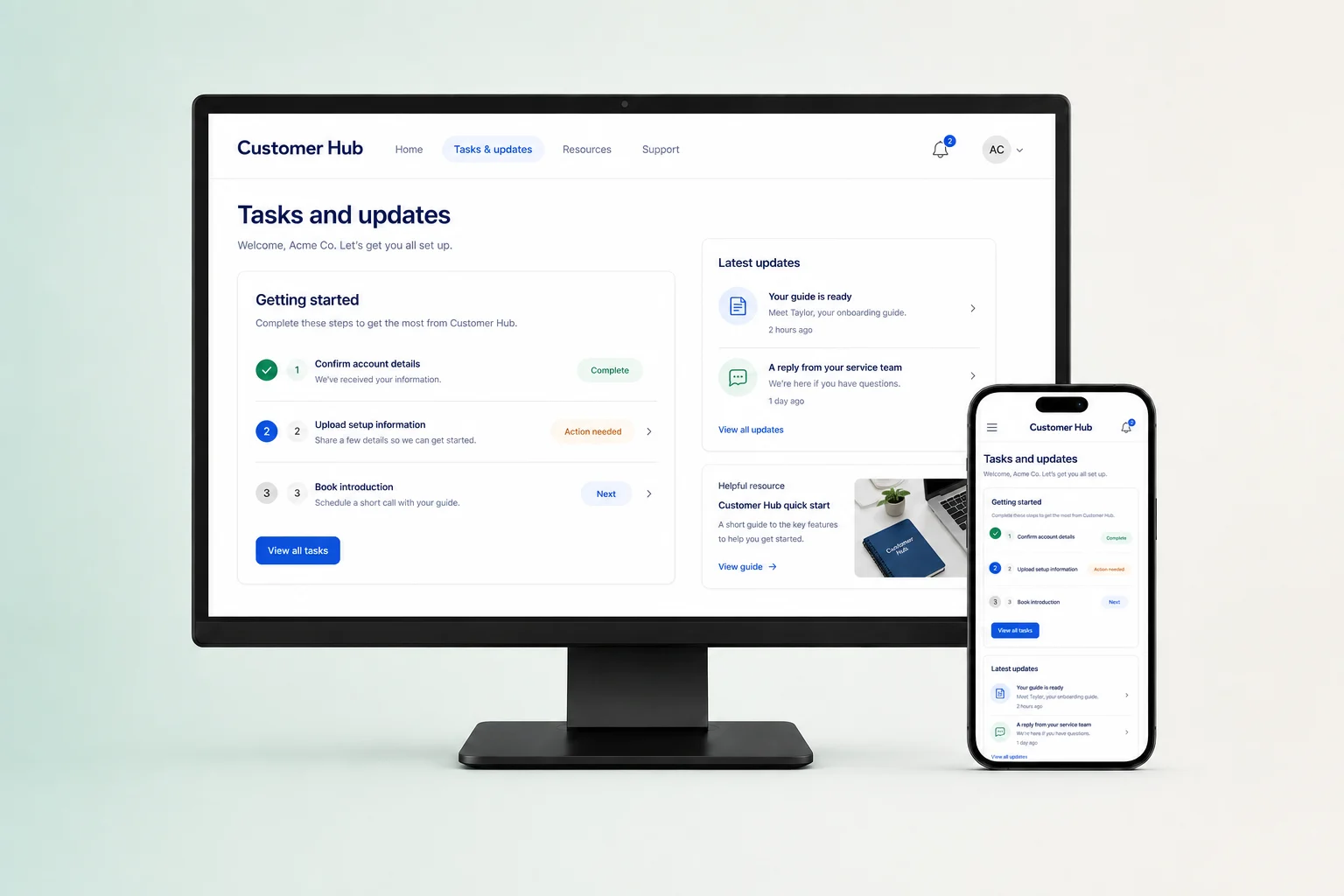
Bring status, priorities, and business information into views that support each audience.
Evaluation
Define customers, content, systems and rollout before you build.
Clarify which customer groups need different content, permissions, and portal responsibilities.
Discuss authentication, customer data, existing service tools, APIs, and integrations. Availability depends on the systems and plan involved.
Choose a focused customer group or journey to test before expanding the portal.
Review security and access controls, integration options and plans and pricing with your team.
Customer proof
Teams use Fliplet to create tailored digital experiences with a platform designed for controlled delivery.

“Fliplet enabled us to deliver impactful solutions in days — tools that genuinely improved access to information and made a real difference across the firm.”
Customer portal software gives customers a shared place to find resources, access account information, and submit service requests. A portal brings those activities together around your customer journey, with permissions that determine what each customer can see and do.
Describe your customers, the resources they need, and the requests they should submit. Include what they should see after signing in, how your team handles requests, and which systems hold customer records. Explain how access should differ between customer accounts and internal teams.
A customer portal is the experience customers use to access information and services. A CRM helps your internal team manage customer relationships and records. A portal can provide customer-facing access to selected information while your CRM remains the system your team works in.
A self-service portal can give customers access to guides, documents, account resources, and service request forms. Choose the tasks that matter most to your customers, such as finding an answer or checking a request, then build the portal around those journeys.
Define which users belong to each customer account and which records, documents, and requests they may access. Configure permissions for those relationships and test with users from different accounts. Include direct links and data requests in your checks, as well as the visible screens.
Fliplet is a platform for creating a portal around your service. Your team defines the content, request process, access rules and connections; it is not a preconfigured help desk.
Treat it as a starting point. Test each customer role, document permissions and request journey before publishing, including checks that customers cannot access another account’s information.
Assign owners for documents, service requests and account information. Teams can update portal content and refine the experience as the service changes.
Fliplet can work with authentication, APIs, data sources, and other business tools. Integration setup and availability depend on the systems and plan involved.