Check-in and check-out
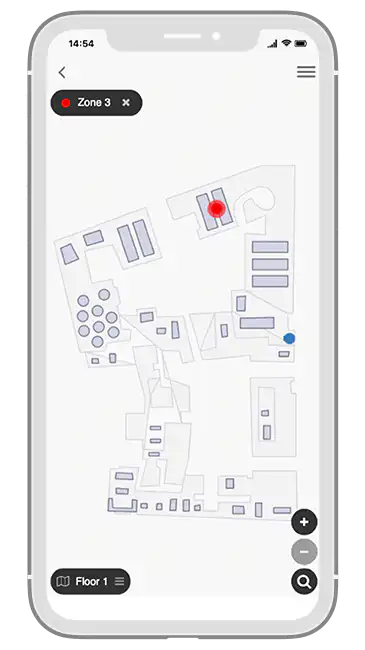
Monitor occupancy and social distancing requirements while keeping track of when employees are in the office and where they are sitting.
return to work apps
Increase workplace management efficiency and support return-to-office coordination with customized software for desk management, guidance, updates, and approvals.
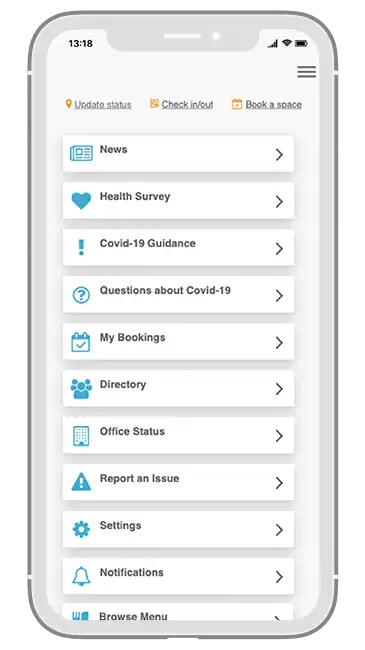


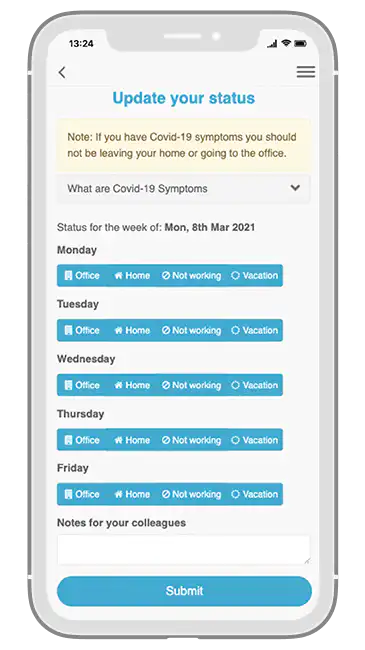
Fliplet's return-to-work software is designed to simplify the transition back to the workplace. Use them to manage bookings, health or compliance workflows, employee status, communications, and updates so teams can return to the office with more confidence and less administrative overhead.
Monitor occupancy and social distancing requirements while keeping track of when employees are in the office and where they are sitting.
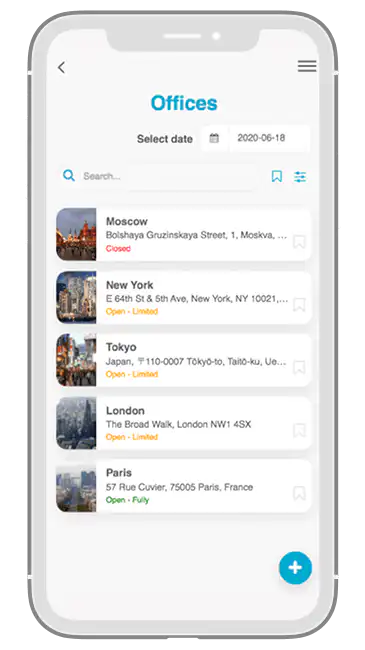
Help employees reserve desks and workspaces with transparency around who is working from home, in the office, or away on any given day.
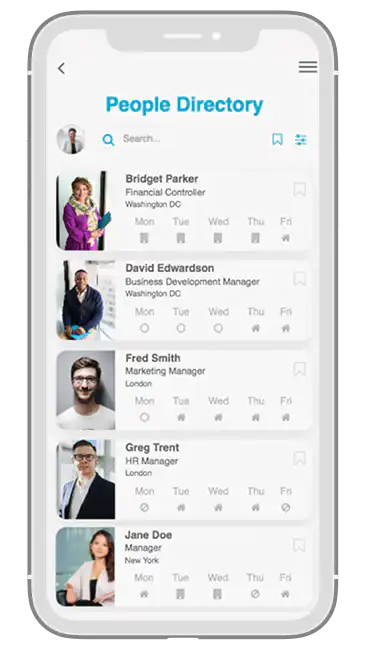
Give teams quick access to contact details alongside daily work status so staff can see whether colleagues are in the office, remote, away, or unavailable.
Use SSO-enabled access and targeted notifications so the right people stay informed about office changes, safety guidance, approvals, and capacity updates.
Let employees request food or other office services from the same software, using notifications and order logging to reduce crowding and improve service coordination.
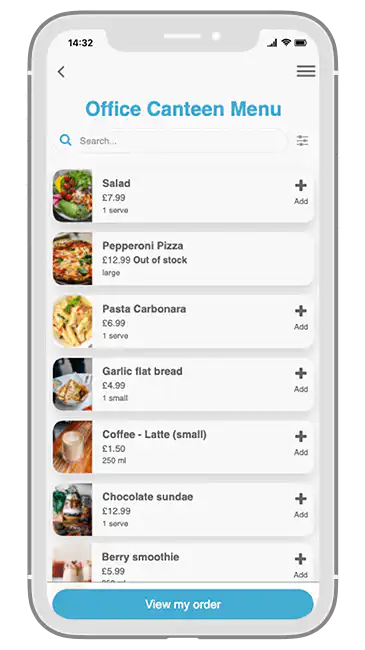
Office managers can review occupancy, remote-working patterns, and available space while uploading office lists and people data quickly through spreadsheets and the built-in CMS.
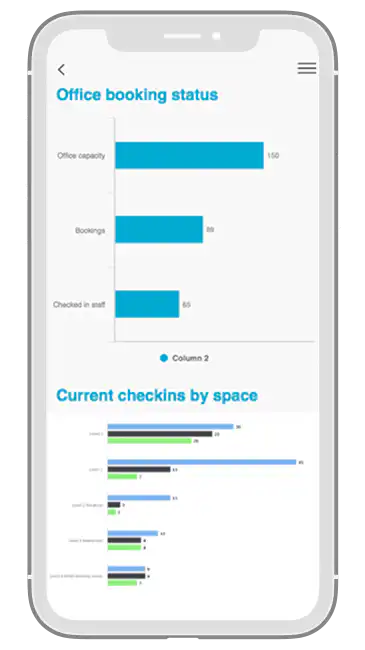
Quick and simple way to manage your offices and employees while keeping safety guidance, capacity, and employee communication easier to coordinate.
Handle country, state, region, and office-specific requirements in one place.
Support employee wellbeing with better visibility into office attendance, approvals, and safeguards.
Follow and monitor workplace rules and regulations with more confidence.
Keep the records needed to satisfy internal policies, regulators, or other authority requirements.
See where people are and understand their work status across home, office, travel, or leave.
Assign office-management responsibility to local leaders and office managers.
Give staff clearer details about how workplace information is handled while keeping processes consistent.
Use updates and notifications to communicate how the organization is managing hybrid work and workplace changes.
No installation or coding is required to build your software. Our solutions are fully customizable for data collection and processing and fully compliant with GDPR and cookie laws.
Fliplet is ISO27001 compliant and uses HTTPS with 256-bit SHA certificates and SSL for secure connections. Production database data is encrypted. See more.
Update content and configuration in Fliplet Studio while the platform handles maintenance and over-the-air updates.
Use personalized notifications to alert users via push, SMS, or email notifications when you need to.
We offer various support options based on your price plan, including live chat, phone, email, tutorials, and documentation.
Fliplet integrates with popular software and platforms, including Salesforce, YouTube, RSS, social media, and databases.
It can support occupancy controls, employee updates, guidance, approvals, contact data, and workplace communications in one place.
Yes. Fliplet software can integrate with systems such as SharePoint, HR tools, and databases so teams can reduce duplication and keep information current.
It can record check-ins, desk bookings, status information, screening workflows, and historical occupancy data so organizations have better visibility when it matters.
Return to work software helps organizations coordinate office attendance, guidance, employee status, bookings, and workplace operations during hybrid or phased return-to-office programs.
Yes. Teams can reserve spaces in advance, understand where colleagues are working, and help managers balance capacity across offices and dates.
Fliplet software works across web, iOS, and Android so employees and workplace managers can use the same experience on desktop, tablet, and mobile.
See how firms use custom software to improve internal communication, collaboration, and engagement.
Watch webinar


