
A low-code development platform combines visual development tools with the option to add code for custom logic, integrations, or interface behavior. It is generally designed for developers and technical business users who need faster delivery without giving up extension points.
This guide compares 14 low-code development platforms by features, pricing, customization, integrations, and enterprise fit. For fundamentals, read what low-code development is. If your team requires a visual approach with no traditional coding, use the no-code app builder comparison.
Best Low-Code Platforms
The following 14 platforms represent different approaches to visual development, developer extension, workflow automation, and enterprise application delivery:
- OutSystems – Supports enterprise application delivery and developer extension.
- Mendix – Supports both professional developers and citizen developers.
- Microsoft Power Apps – Integrates with Microsoft services and applications.
- Appian – Focuses on process automation, workflows, and AI-assisted capabilities.
- Zoho Creator – Supports visual application development for small and midsize organizations.
- Salesforce Lightning – Builds applications within the Salesforce ecosystem.
- Pega – Supports complex process automation and customer operations for large organizations.
- Quickbase – Provides configurable tools for collaborative application development.
- Caspio – Focuses on low-code online database applications.
- Kissflow – Combines workflow and process automation with visual configuration.
- Nintex – Provides workflow automation and integration capabilities.
- Creatio – Combines process automation and CRM capabilities.
- Betty Blocks – Provides visual development tools aimed at citizen developers.
- Oracle APEX – Provides low-code database application development within the Oracle ecosystem.
These platforms are engineered to accelerate digital transformation and enable more users to participate in the development process without a steep learning curve.
What is a Low-Code Platform?
A low-code platform is a development environment that allows users to create applications through graphical user interfaces and configuration instead of traditional hand-coded computer programming.
These platforms provide the tools necessary to build, deploy, and manage applications rapidly with minimal coding, reducing the complexity of software development. They enable developers to drag and drop application components, connect them together and create mobile or web apps efficiently.
This approach not only speeds up the development process but also democratizes application creation, making it accessible to people with no formal knowledge of programming languages.
For mor information on low-code platforms, check out our total guide here.
How do low code development platforms work?
Low-code development platforms operate on the principle of reducing manual coding requirements, thus speeding up the application development process. They work by providing a visual development environment where users can utilize pre-built templates and drag-and-drop editors to assemble and configure applications — even ready-to-use AI functionality. These platforms typically include features such as:
- Visual modeling tools: Users can design processes and user interfaces visually using a drag-and-drop interface.
- Out-of-the-box functionality: Pre-built templates and business logic allow for rapid assembly of applications.
- Automation features: Automated workflows and business processes can be easily created to enhance efficiency.
- Integration capabilities: They can integrate with existing databases, APIs, and services to extend functionality and leverage data.
- Scalability options: Built to scale with the needs of a business, from simple apps for internal use to complex systems designed for thousands of users.
By minimizing traditional coding, these platforms allow organizations to develop applications quickly, respond to market changes more promptly, and reduce the overall cost of development.
They don't go quite as far as no code platforms, which eliminate the need for programming entirely. Want to see how these work? Check out our full guide to no code app development here.
Overview of the best low code development platforms
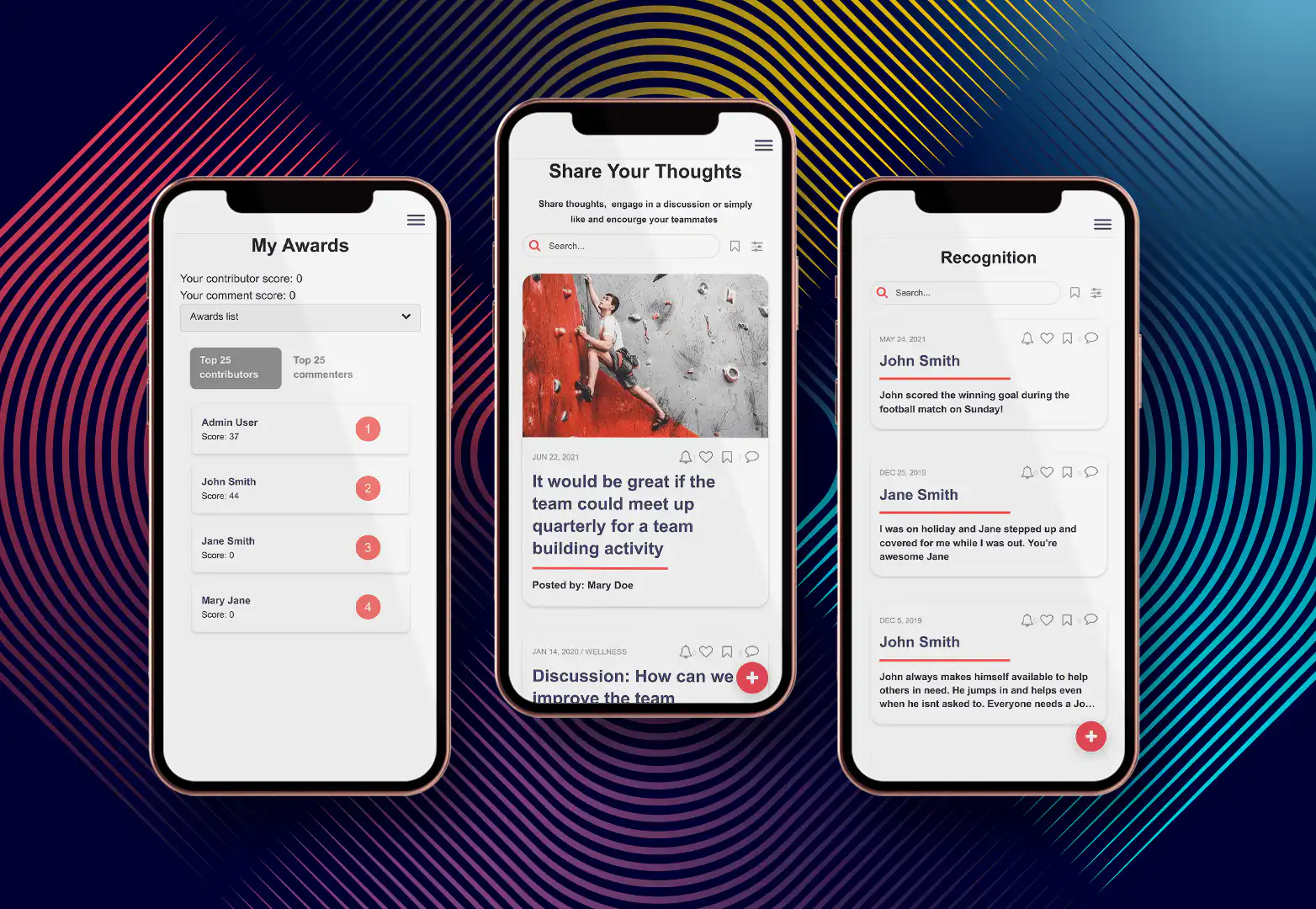
Analysis
Fliplet is an enterprise AI software builder rather than a low-code platform. It is included here as an alternative for teams evaluating prompt-led creation alongside governance, integrations, and controlled production publishing.
Features
Drag-and-drop interface for easy app creation
Variety of pre-built templates for different use cases
Customization options to tailor apps to specific business needs
Integration capabilities with existing systems and data sources
Price
Tiered pricing model to accommodate businesses of all sizes
Customizable plans based on features and user access levels
Free Trial
- Commercial plans aligned to enterprise delivery requirements
Pros
User-friendly interface suitable for non-technical users
Extensive support and training resources
Strong focus on mobile and web app development
Cons
Limited advanced coding options for more complex customizations
May require additional costs for full integration capabilities
Reviews
- G2: 4.6/5
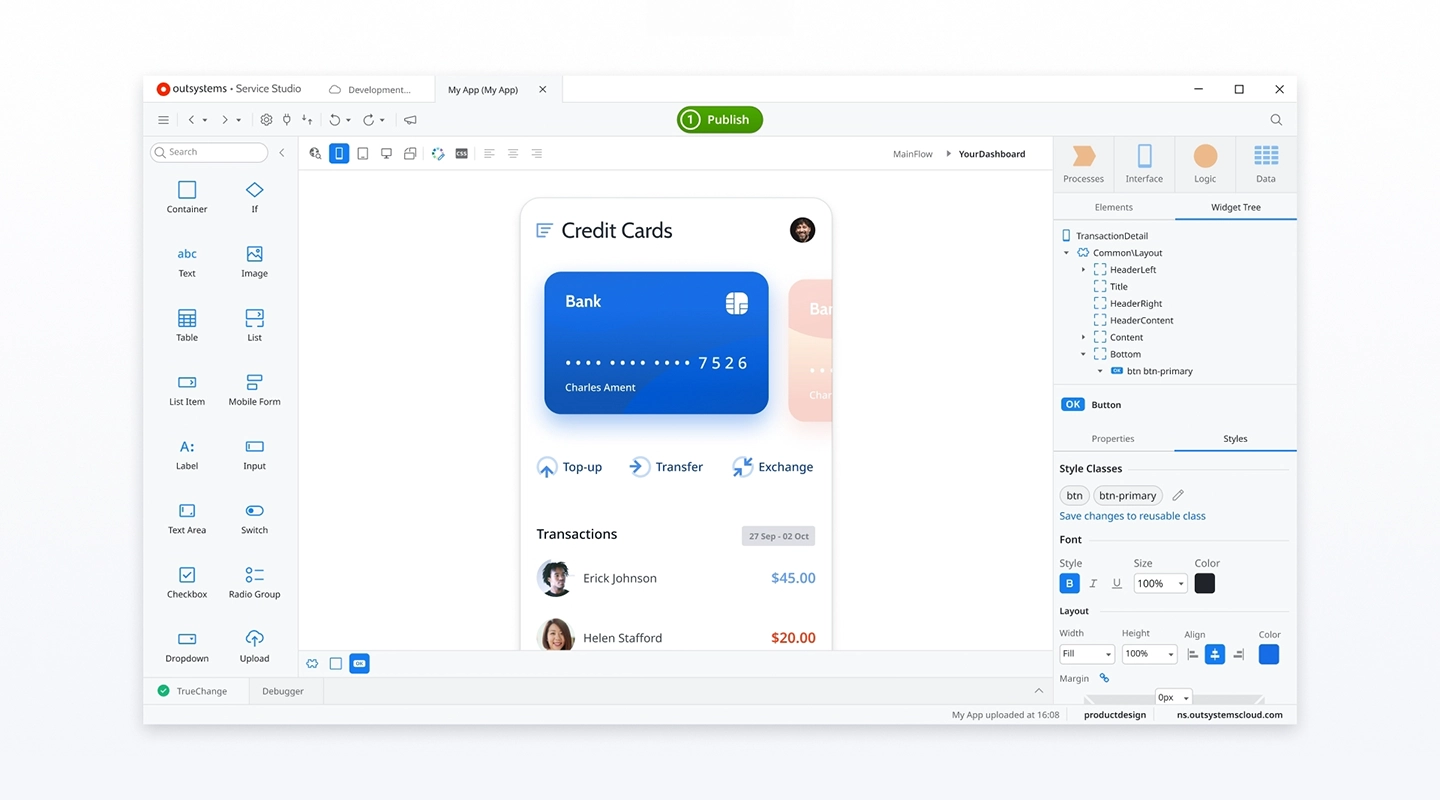
Analysis
OutSystems is renowned for its robust platform capable of supporting complex, scalable applications for large enterprises, making it an ideal choice for businesses requiring extensive integration and real-time performance management.
Features
High-speed development capabilities with full-stack visual development
Built-in security from design to deployment
Real-time performance monitoring and problem-solving tools
Extensive integration options with existing enterprise systems and databases
Price
- Paid tier pricing available on request
Free Trial
- Free tier for less than 100 users, and no credit card is required
Pros
Scalable architecture suitable for large enterprises
Comprehensive development tools that reduce dependency on traditional coding
Cons
Steeper learning curve due to complex features
Higher cost in enterprise tiers compared to other platforms
Reviews
G2: 4.6/5
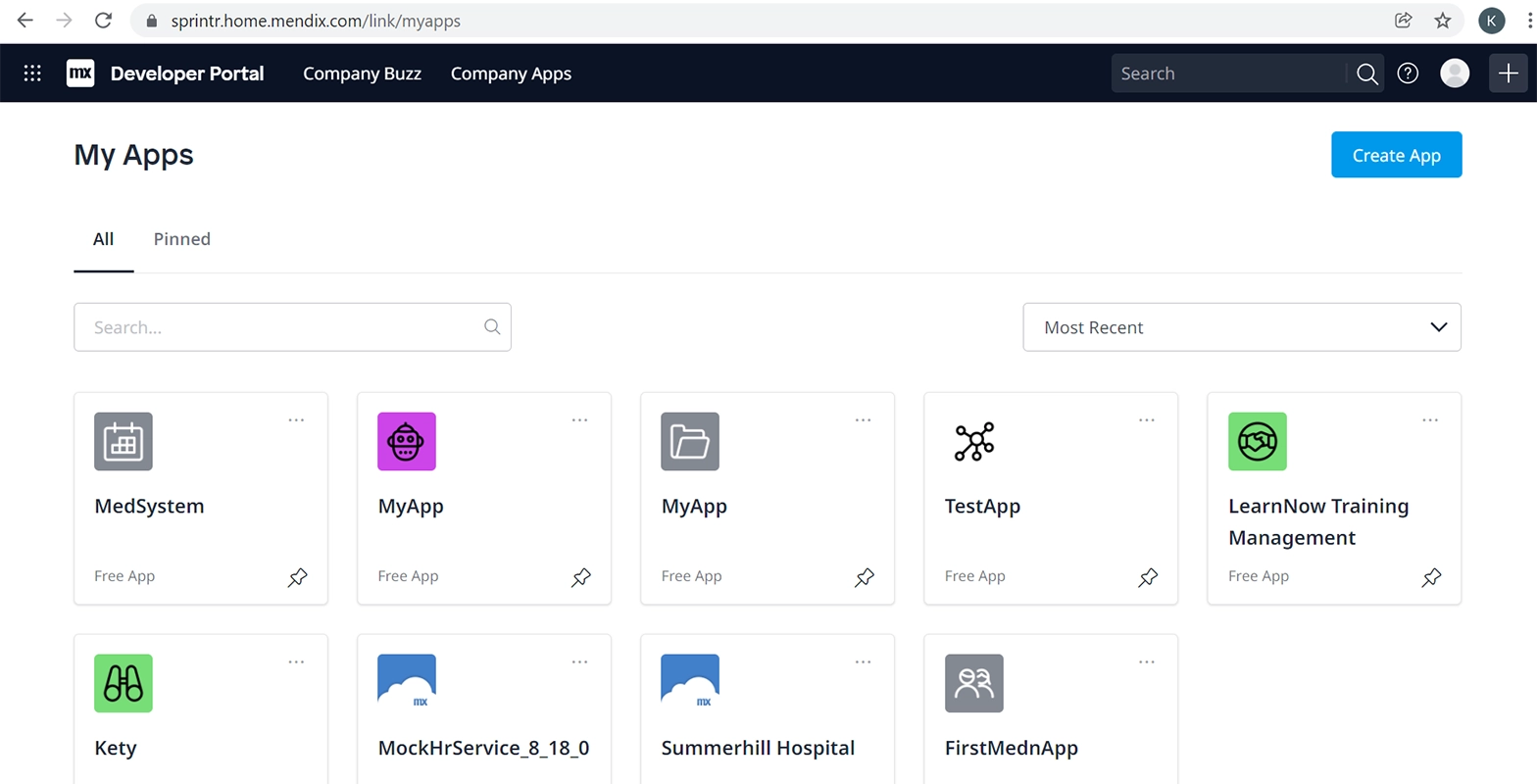
Analysis
Mendix is recognized for providing a comprehensive platform that supports the entire application lifecycle, from ideation to deployment and maintenance, ideal for teams that manage continuous application updates.
Features
Visual development tools along with a full-featured IDE for developers
Collaboration tools for business and IT teams
AI-assisted development capabilities
Multi-cloud deployment options, including on-premises installations
Price
- Multiple tiers with pricing available on request
Free Trial
- Free trial available
Pros
Strong community and ecosystem
Emphasizes collaboration between developers and business users
Cons
Can be complex for users with no technical background
Pricing can become expensive as needs grow
Reviews
G2: 4.5/5
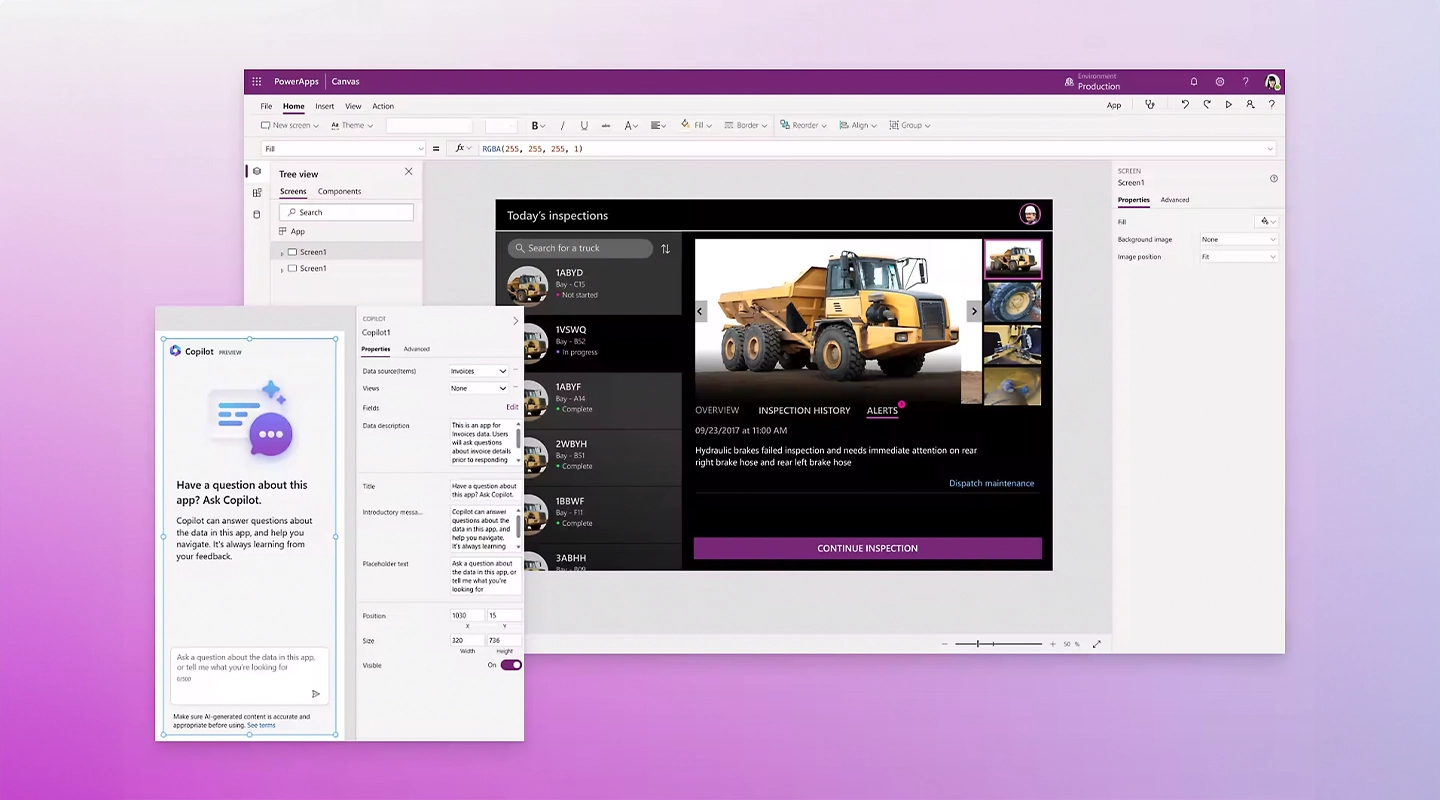
Analysis
Microsoft PowerApps is highly beneficial for organizations deeply embedded in the Microsoft ecosystem, offering seamless integration with Office 365, Dynamics 365, and other Microsoft services.
Features
Integration with Microsoft Azure for extended capabilities
Pre-built templates and connectors for common data sources and services
Customizable apps that can connect to any data source, including third-party apps
Price
- Starts at $20 and increases with number of team members
Free Trial
- Offers a trial period to test the platform with full capabilities
Pros
Strong integration with Microsoft products
Broad range of functionalities suitable for business users and developers alike
Cons
Primarily useful for businesses already using Microsoft products
Learning curve associated with the more advanced features
Reviews
- G2: 4.2/5
5. Appian
5. Appian
Analysis
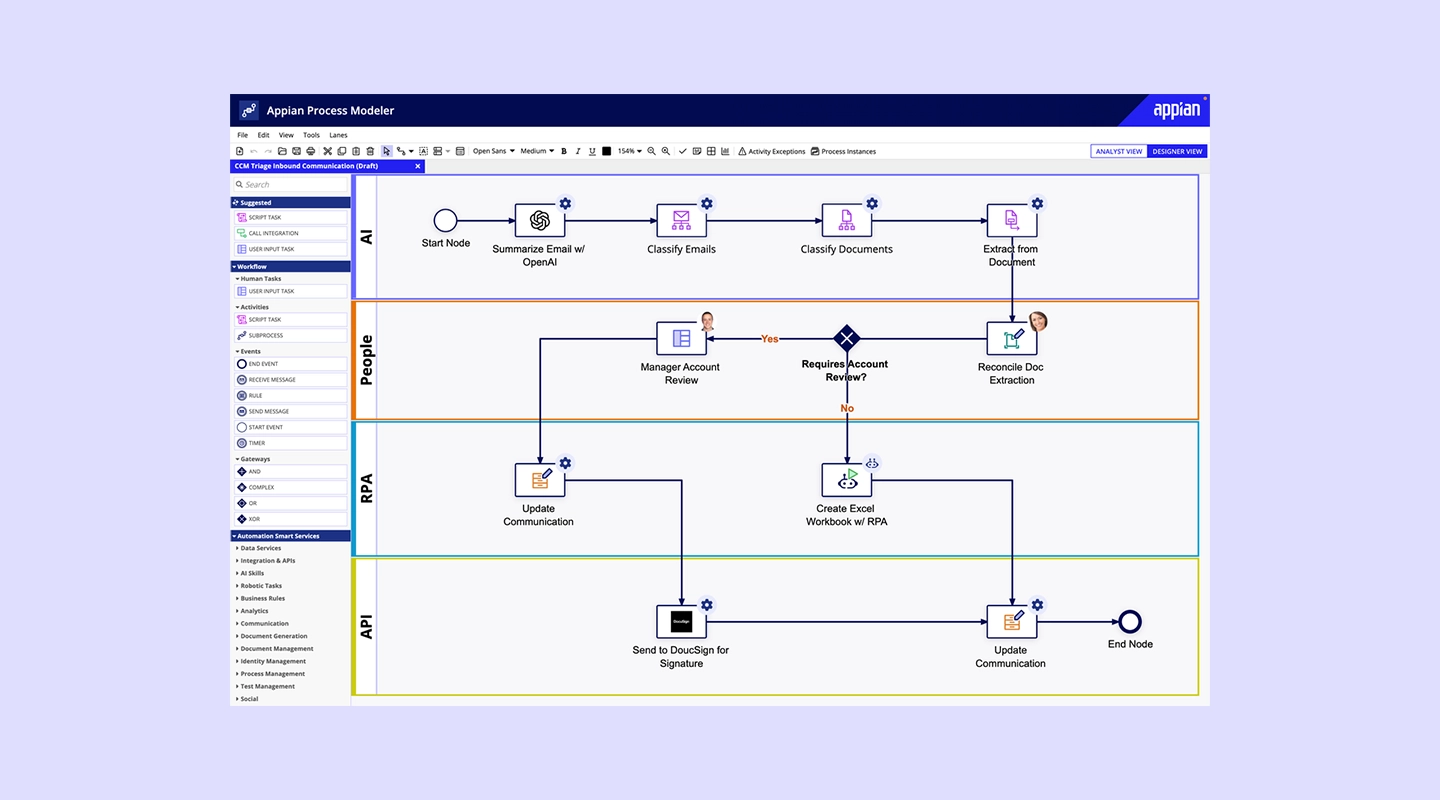
Appian excels in automating complex business processes, offering a low-code automation platform that combines process mining, workflow, and AI capabilities to improve operational efficiency.
Features
Integrated data management and process automation tools
Real-time analytics to monitor and improve processes
Strong focus on security and governance
Mobile and web app development with seamless cross-platform capabilities
Price
- Starts at $75 per user per month
Free Trial
- Free version is available with limited functionality
Pros
High customizability for business-specific needs
Robust security features suitable for highly regulated industries
Cons
Can be costly for small businesses
Requires some training to fully utilize its advanced features
Reviews
G2: 4. 5/5
6. Zoho Creator
6. Zoho Creator
Analysis
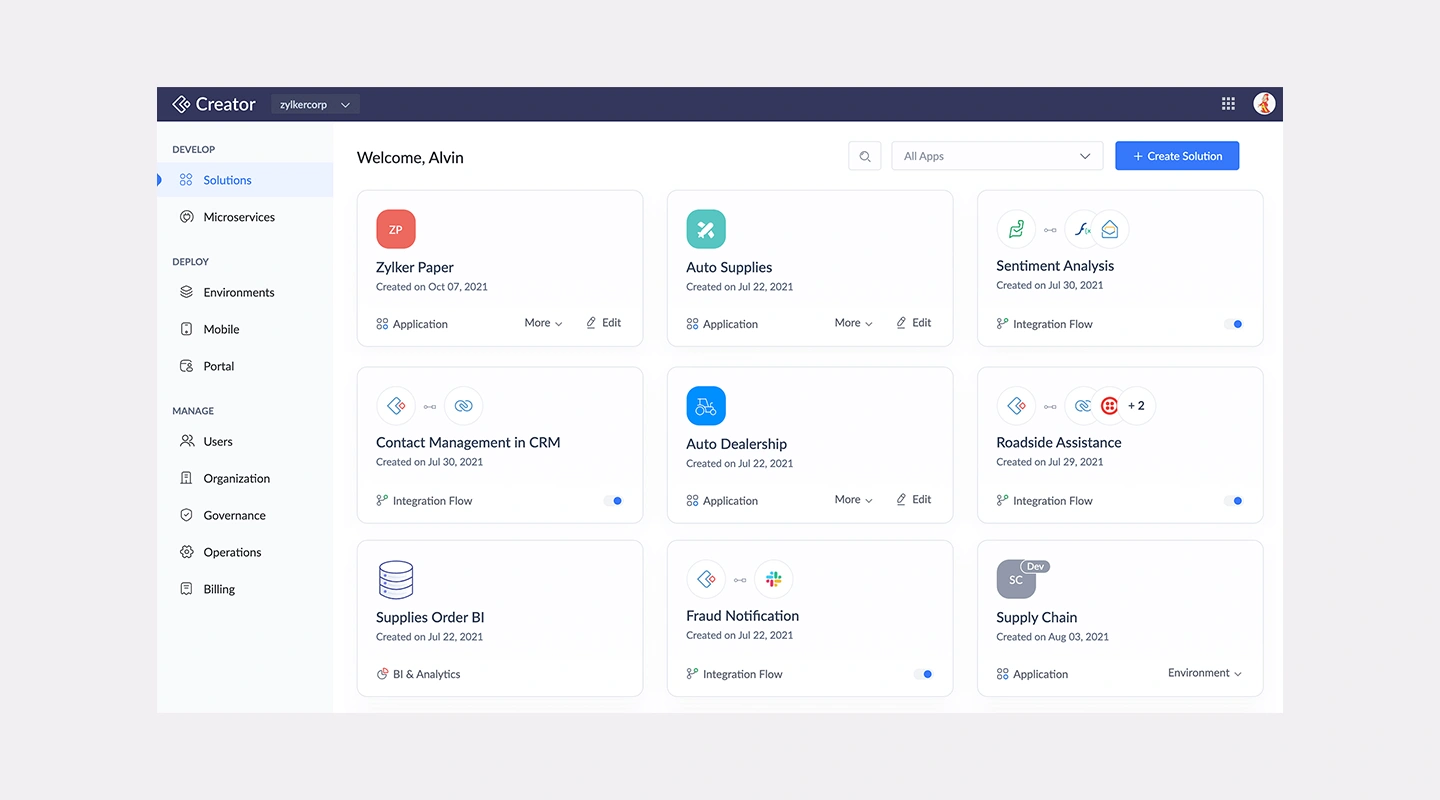
Zoho Creator is a user-friendly platform ideal for SMEs that need to streamline operations without extensive IT resources, offering customizable applications that are easy to build and deploy.
Features
Drag-and-drop interface for app building
Extensive pre-built app collection and templates
Automation of workflows and data collection
Integration with other Zoho products and popular third-party tools
Price
- Starts at $8 per user, per month and goes up to $25 for improved functionality
Free Trial
- 15-day free trial
Pros
Cost-effective for smaller businesses
Intuitive user interface with minimal learning curve
Cons
Somewhat limited in terms of scalability for larger organizations
Advanced customizations may require additional scripting
Reviews
G2: 4.3/5
7. Salesforce Lightning
7. Salesforce Lightning
Analysis
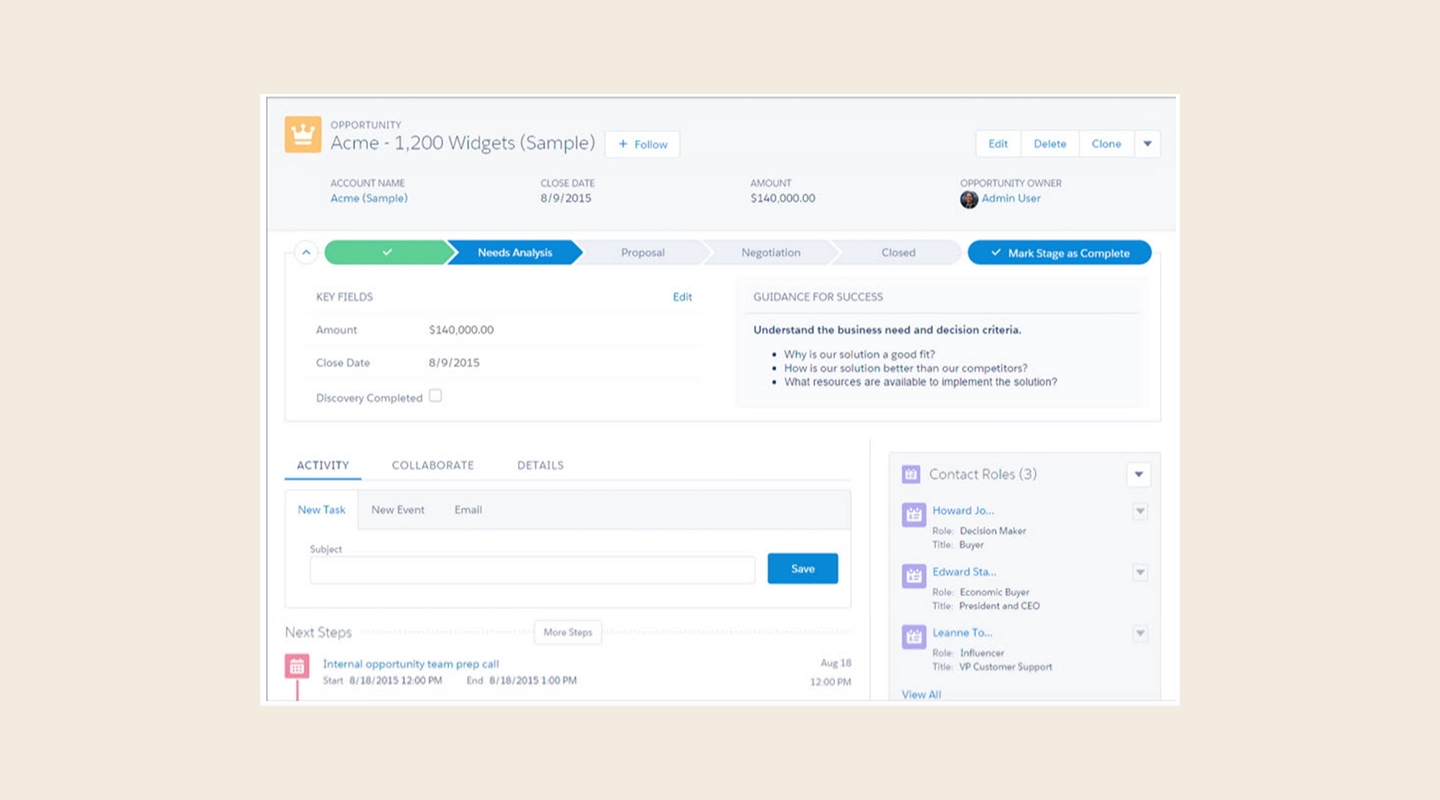
Salesforce Lightning is tailored for businesses looking to leverage customer relationship management (CRM) capabilities within their apps, offering deep integration with Salesforce's ecosystem and analytics tools.
Features
Advanced CRM tools integrated into app development
Drag-and-drop components for easy app customization
Extensive marketplace with pre-built apps and components (AppExchange)
Powerful analytics tools for data-driven insights
Price
- Begins at $25 per user, per month with the Platform Plus tier at $100 per user, per month
Free Trial
- 30-day free trial
Pros
Deep integration with Salesforce CRM
Extensive customization and extension capabilities
Cons
Primarily beneficial for existing Salesforce users
Pricing can be complex and expensive for newcomers
Reviews
G2: 4.5/5
8. Pega
8. Pega
Analysis
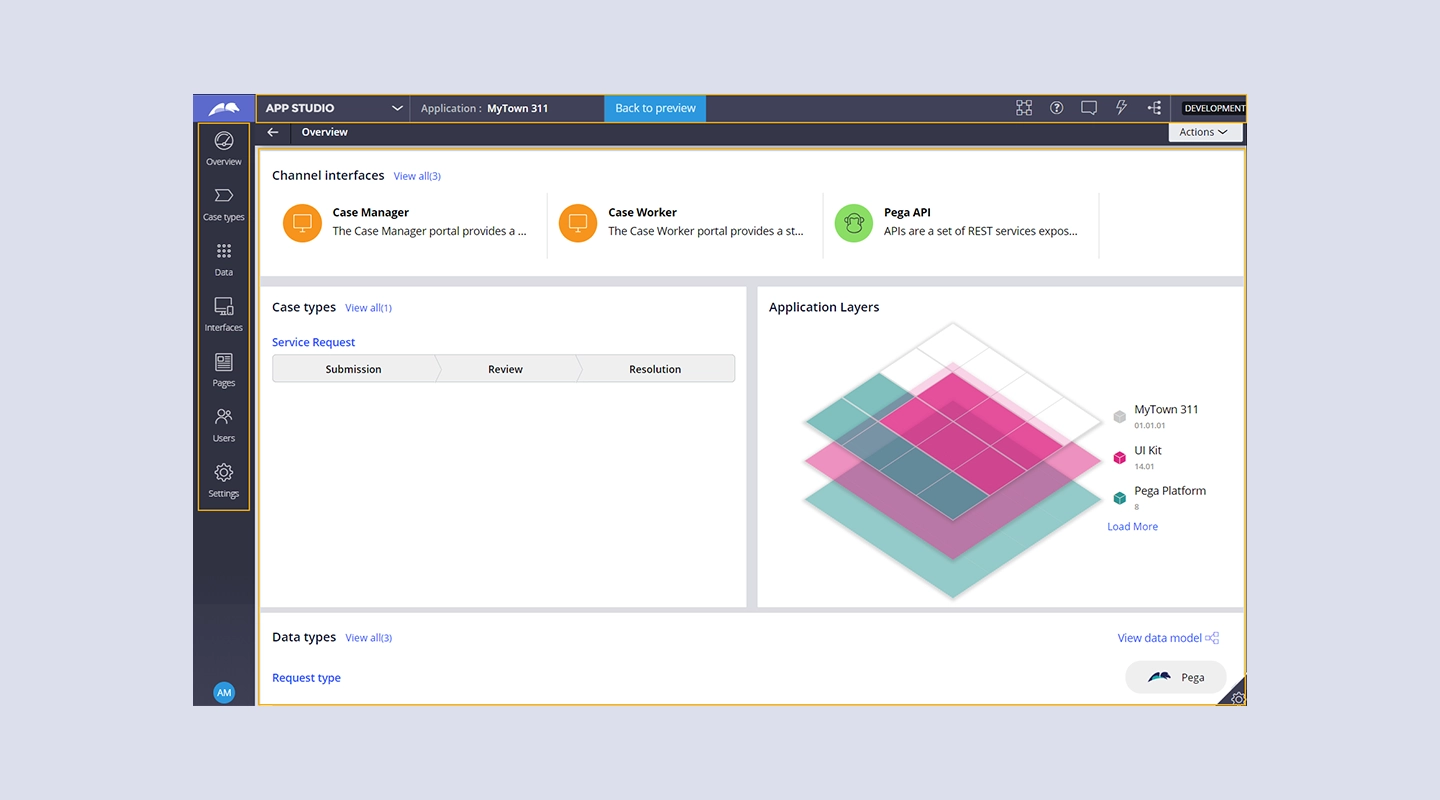
Pega is renowned for its powerful automation capabilities, particularly suited for enterprises needing sophisticated workflow automation and customer engagement solutions.
Features
Advanced AI and decisioning capabilities to drive real-time insights and actions
Robust case management frameworks to handle complex business processes
Scalable architecture to support global enterprises
Extensive customization and integration options
Price
- Starts at $35 per user per month, with the top tier running $90 per user per month
Free Trial
- 30-day free trial
Pros
Highly capable in automating complex, multi-step processes
Strong support for regulatory compliance and governance
Cons
Higher complexity and cost, making it less accessible for smaller businesses
Steep learning curve due to the breadth of capabilities
Reviews
G2: 4.2/5
9. Quickbase
9. Quickbase
Analysis
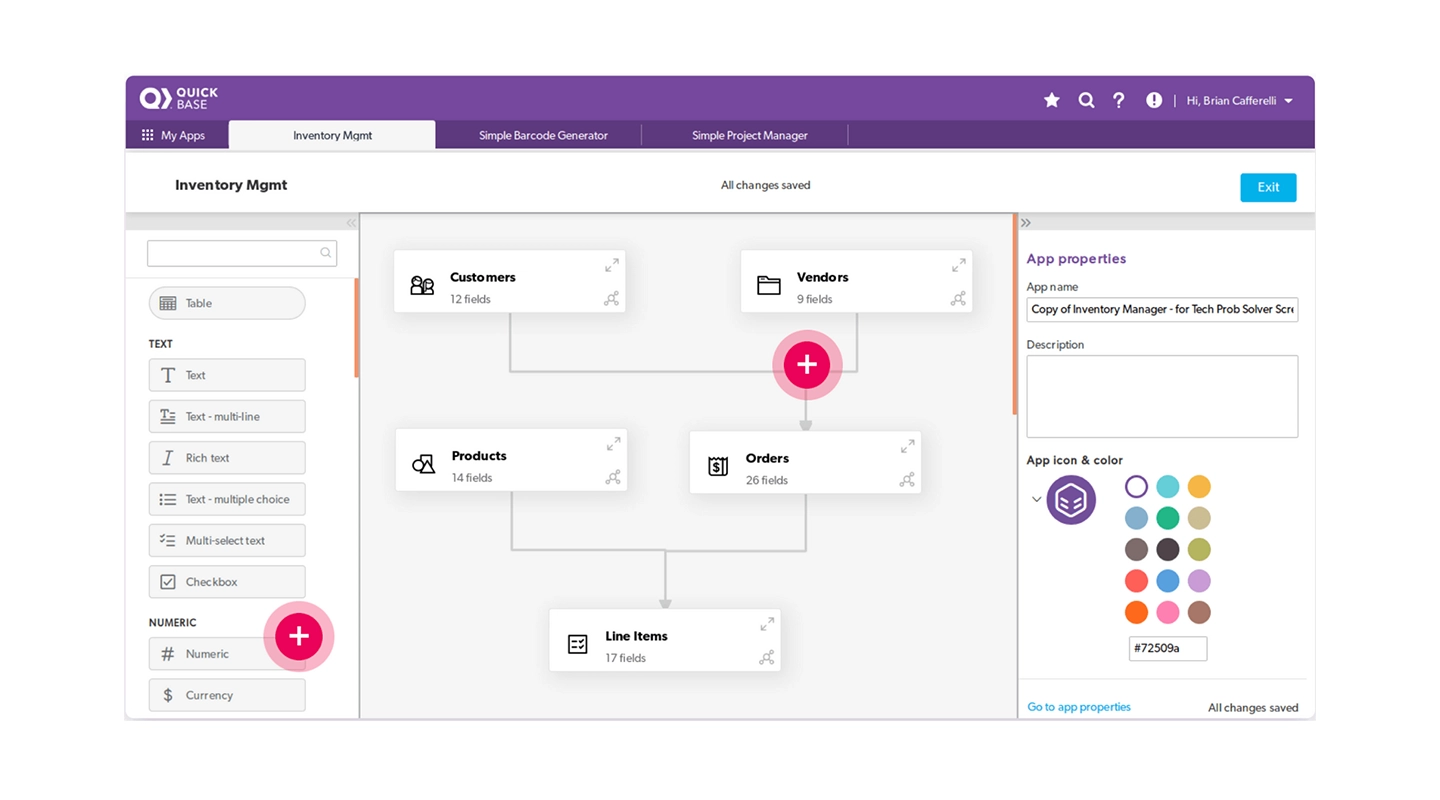
Quickbase provides a flexible environment for teams to develop custom applications quickly, with a focus on collaboration and continuous improvement.
Features
Intuitive visual development tools and customizable application templates
Real-time data insights and comprehensive reporting capabilities
Strong project management and collaboration tools
Seamless integration with various data sources and external APIs
Price
- Team tier starts at $700, with Business tier running $2,200 for added functionality
Free Trial
- 30-day free trial
Pros
Highly adaptable to different business needs
Empowers business users to develop applications without deep technical knowledge
Cons
May require additional customization for complex processes
Pricing can become significant as deployment scales
Reviews
G2: 4.5/5
10. Caspio
10. Caspio
Analysis
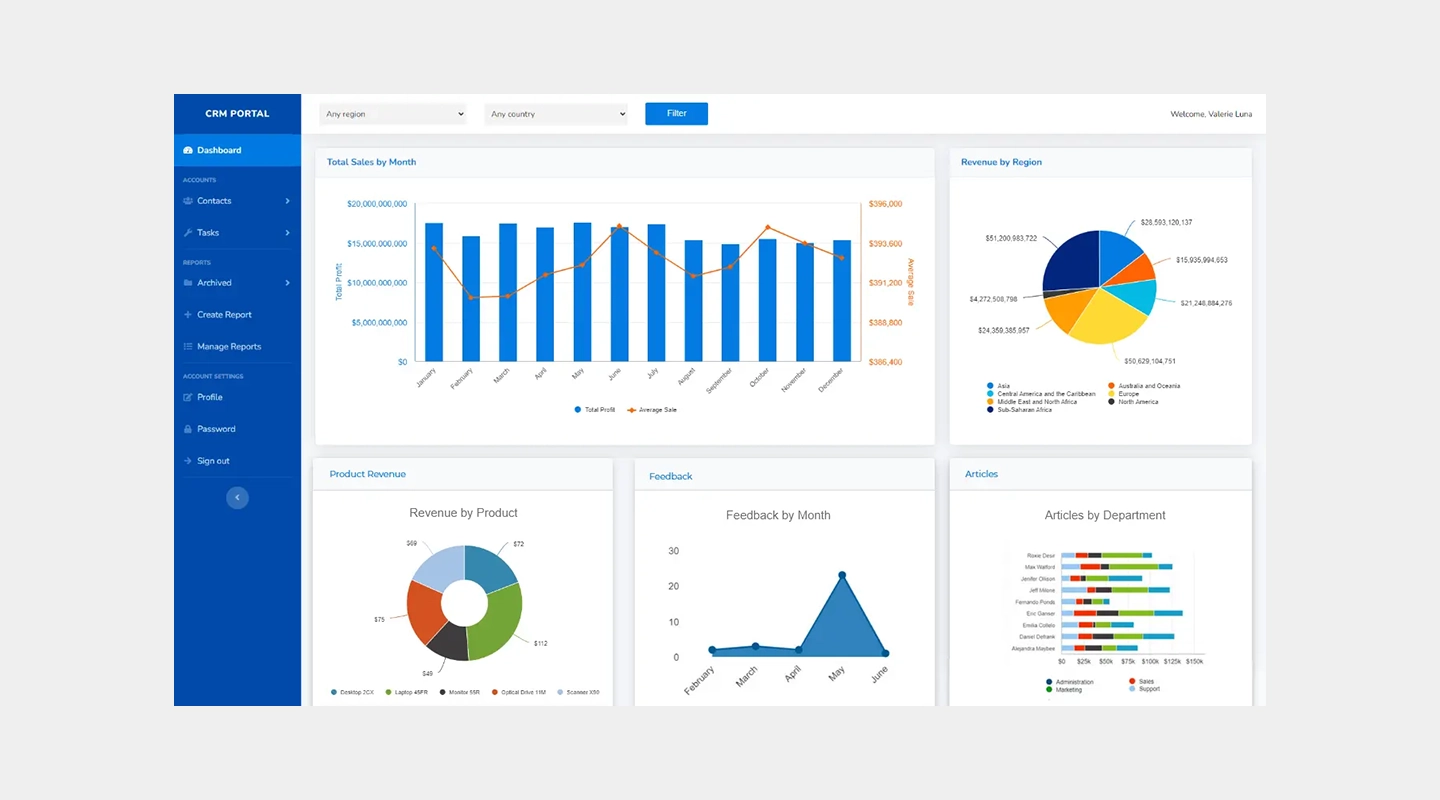
Caspio is designed for businesses looking to build robust online database applications without extensive coding, offering powerful data management tools and scalability.
Features
Drag-and-drop app builder with a focus on database applications
Extensive data security and compliance measures
Powerful data import and export capabilities
Integration with popular services like Office 365 and Google Apps
Price
- Tiers begin at $50 per month and run up to $2,250 per month
Free Trial
- 14-day free trial
Pros
Strong focus on data security and compliance
Intuitive interface for managing and scaling database applications
Cons
Limited custom development outside of database functionality
Some users may require additional training to fully leverage the platform's capabilities
Reviews
G2: 4.4/5
Analysis
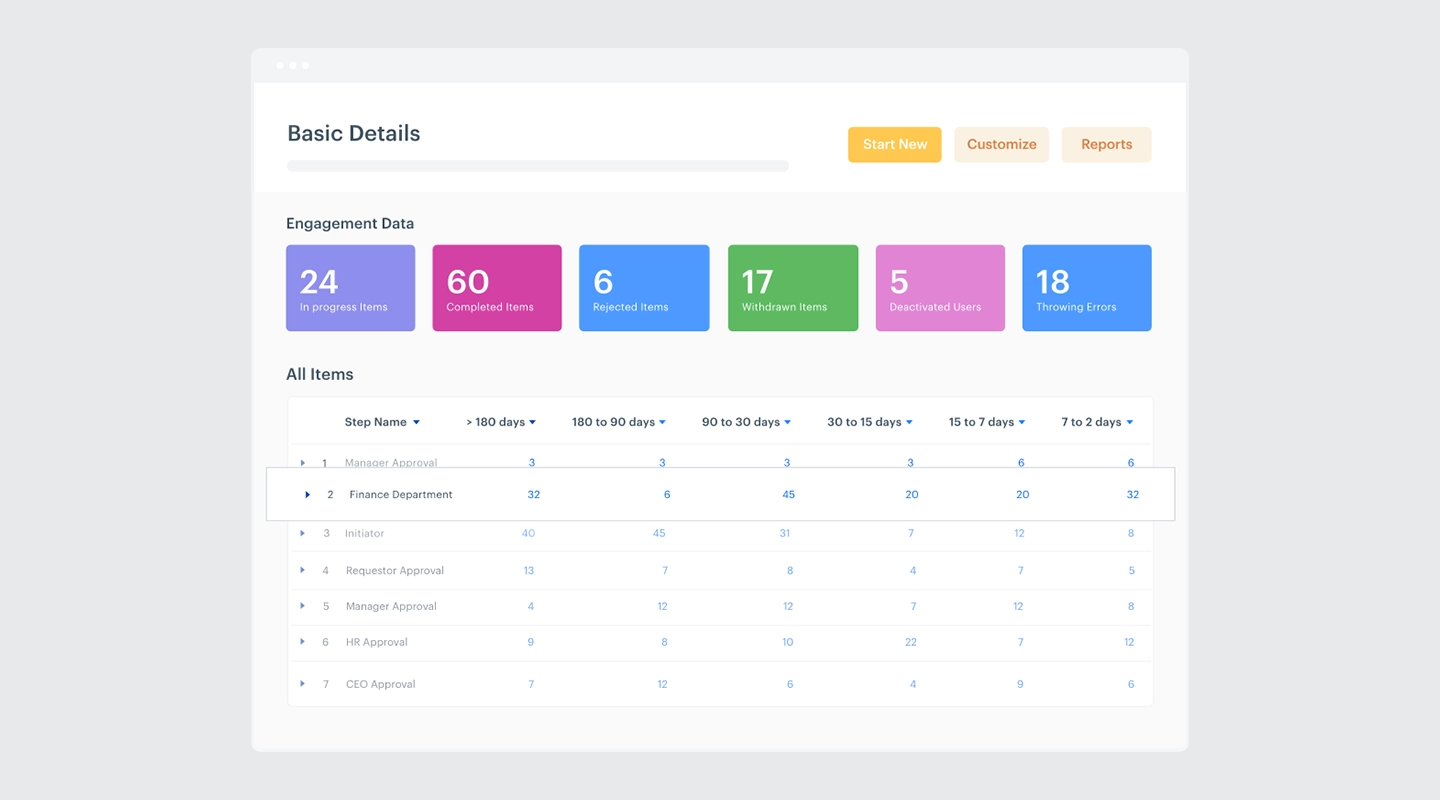
Kissflow is well-suited for organizations seeking a straightforward solution for automating workflows and managing processes with minimal coding.
Features
Intuitive workflow management tools and process automation
Customizable forms and templates for quick deployment
Integration with major cloud services and business tools
Rich analytics and reporting features for better decision-making
Price
- Basic starts at $1,500 per month with custom Enterprise solutions available
Free Trial
- No free trial, but there is a free demo
Pros
User-friendly interface that simplifies complex processes
Highly flexible in terms of workflow customization
Cons
May not handle extremely complex processes as effectively as more specialized tools
Some users report occasional issues with integration setup
Reviews
G2: 4.3/5
12. Nintex
12. Nintex
Analysis
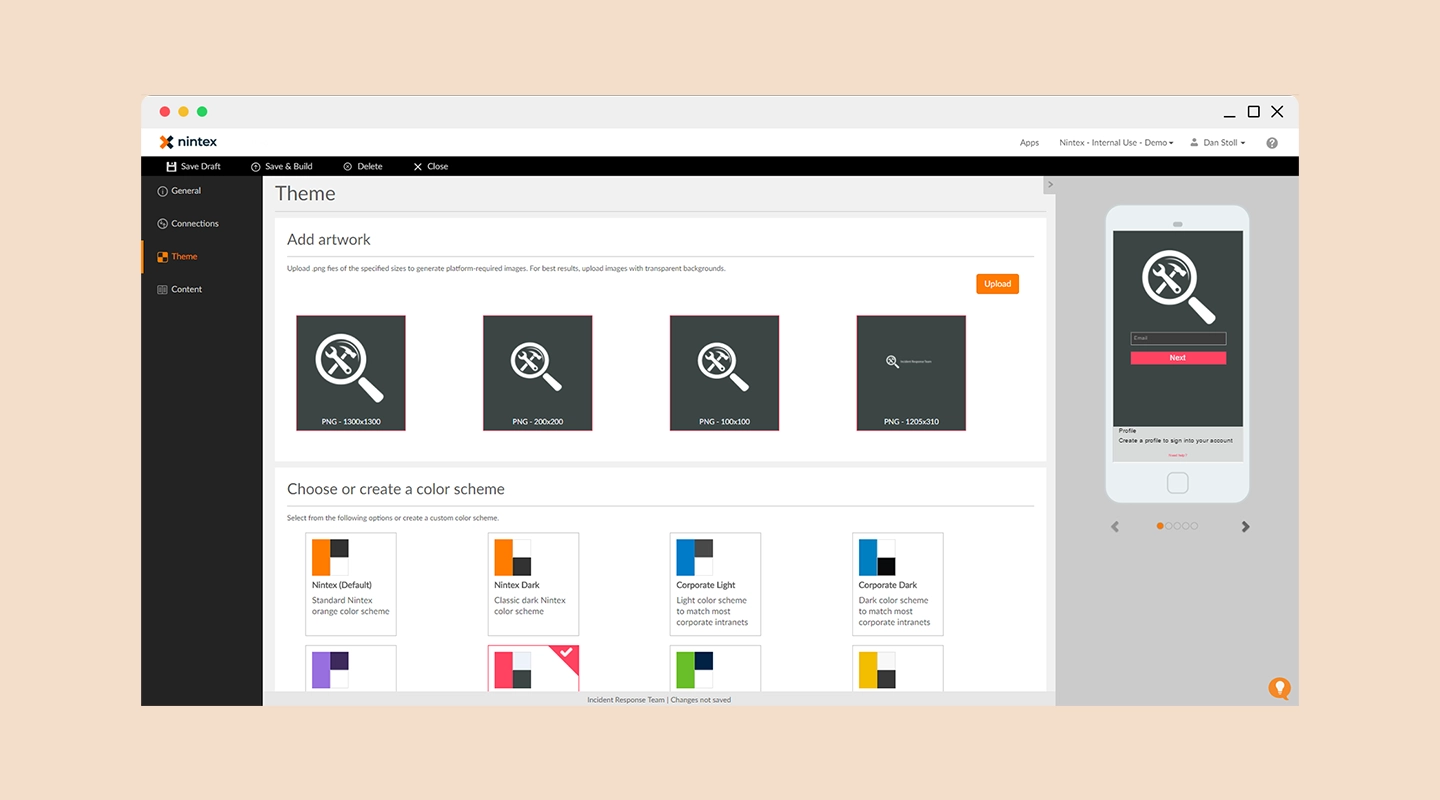
Nintex offers a powerful platform for designing, automating, and optimizing complex workflows and content processes across major collaboration hubs.
Features
Advanced workflow automation tools and process mapping
Extensive integration capabilities with SharePoint, Salesforce, and other enterprise platforms
Mobile capabilities to manage workflows on the go
Strong emphasis on compliance and governance
Price
- Available upon request
Free Trial
- 30-day free trial
Pros
Robust set of features for workflow automation and content management
High level of customization and control over processes
Cons
Pricing can be opaque and is generally on the higher end
Requires a learning curve to fully leverage its capabilities
Reviews
G2: 4.7/5
13. Creatio
13. Creatio
Analysis
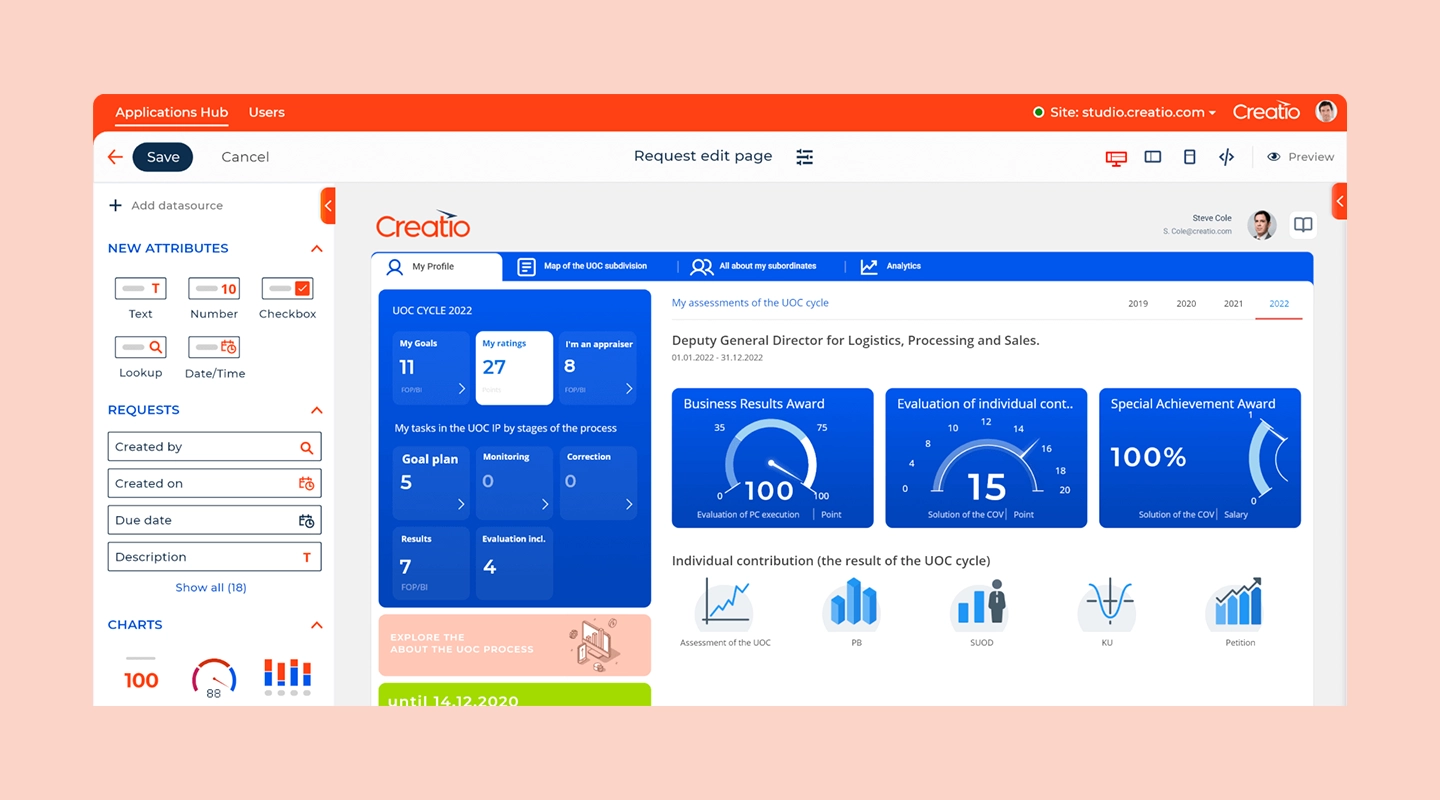
Creatio is known for its low-code solutions that help automate business processes and CRM, all within a single environment designed to accelerate marketing, sales, and service.
Features
Unified platform combining CRM and process management
Extensive customization capabilities with a focus on process-centric applications
AI-powered analytics to optimize business processes
Mobile-ready applications for on-the-go access
Price
- Available upon request
Free Trial
- 14-day free trial
Pros
Offers a comprehensive approach to business process management integrated with CRM
Strong support for mobile users and remote access
Cons
Can be complex to set up without prior training
Some users find the integration options to be limited compared to competitors
Reviews
G2: 4.7/5
14. Betty Blocks
14. Betty Blocks
Analysis
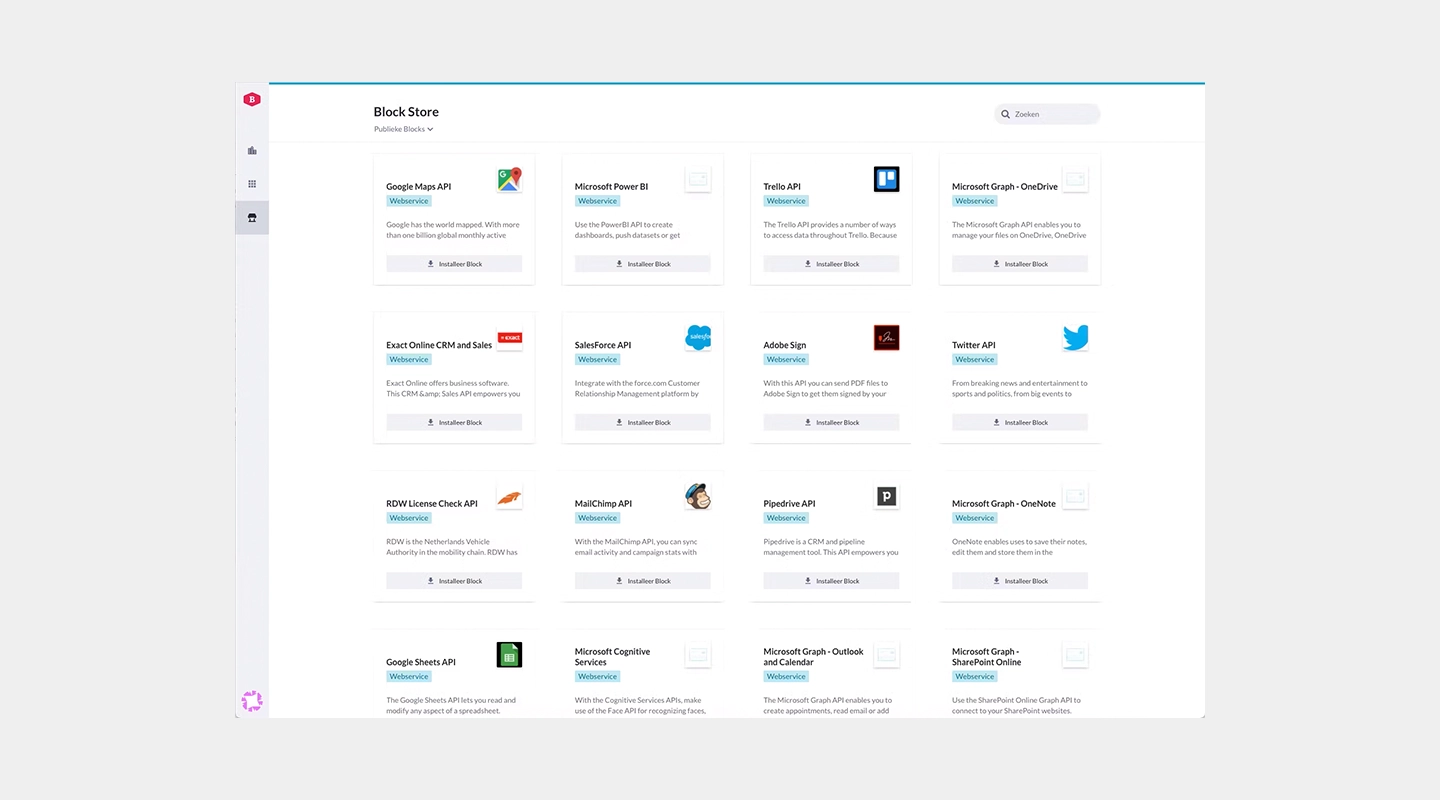
Betty Blocks is designed for citizen developers, allowing non-technical users to build applications quickly and effectively with minimal coding.
Features
User-friendly interface with drag-and-drop functionality
Focus on accessibility for non-technical users
Extensive template library for various types of applications
Robust security measures to ensure data protection
Price
- Paid tier pricing available on request
Free Trial
- None
Pros
Highly accessible for users without a programming background
Promotes rapid prototyping and iterative development
Cons
Limited advanced capabilities for complex software development needs
May require external support for integration with legacy systems
Reviews
G2: 4.3/5
15. Oracle Apex
15. Oracle Apex
Analysis
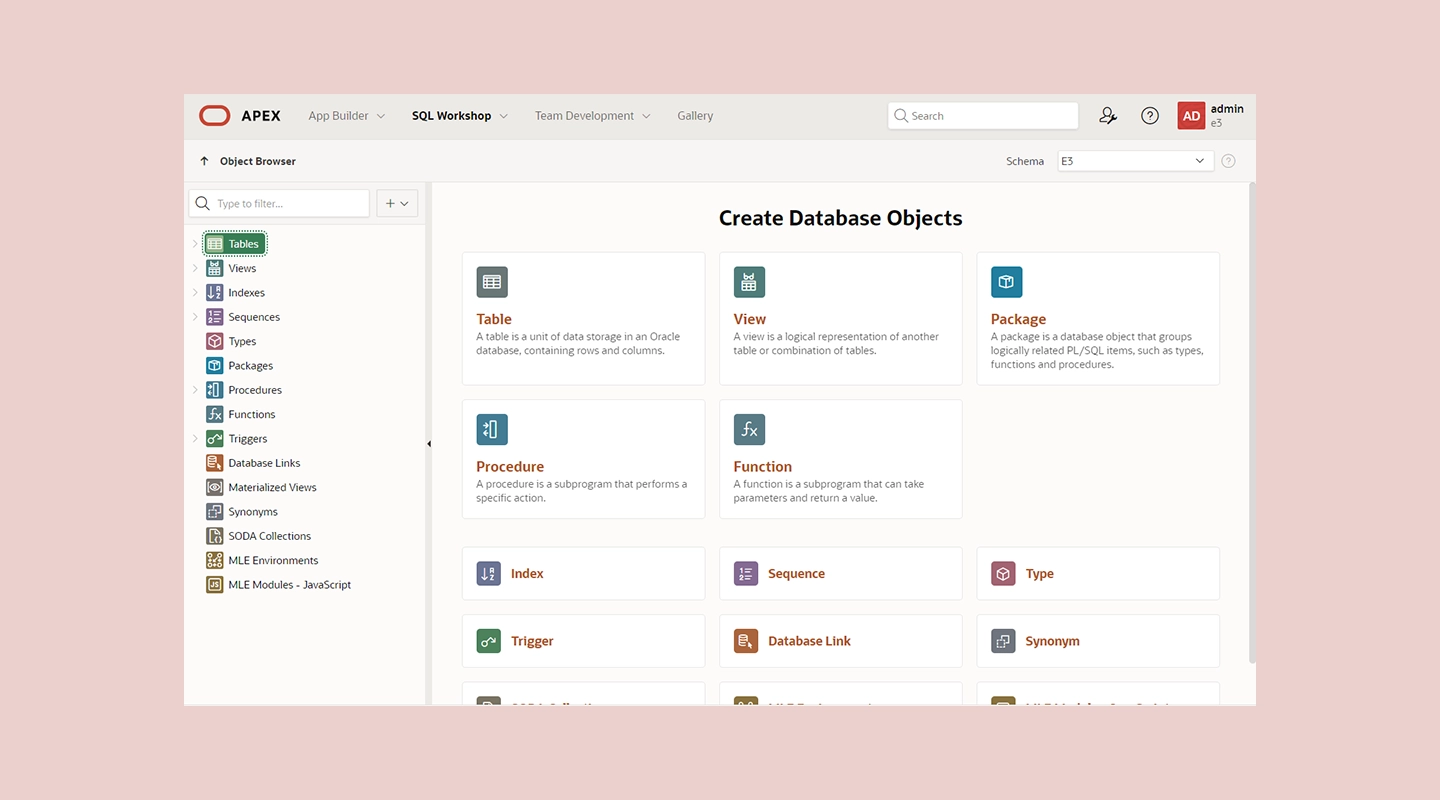
Oracle APEX is a powerful tool for building scalable, secure applications on top of the Oracle Database, ideal for businesses that need to leverage complex data structures.
Features
Low-code development environment built directly on Oracle Database
Robust data reporting and visualization tools
Comprehensive security features integrated with Oracle technology
Support for a wide range of data-driven applications
Price
- Contact Oracle for information on pricing
Free Trial
- None
Pros
Deep integration with Oracle databases provides powerful data-handling capabilities
Ideal for complex, data-intensive applications
Cons
Primarily suitable for organizations already invested in Oracle infrastructure
Can be complex for beginners or those not familiar with Oracle products
Reviews
G2: 4.5/5
Low-Code Platforms Comparison Table
| Platform | Overview | Key features | Pricing | Free trial | Pros | Cons | G2 rating |
|---|---|---|---|---|---|---|---|
| OutSystems | Enterprise-Grade Rapid Application Development | - Full-stack visual development - Built-in security - Real-time performance monitoring | Paid tiers available on request | Free tier for <100 users | - Scalable architecture - Comprehensive tools | - Steeper learning curve - Higher cost in enterprise tiers | 4.6/5 |
| Mendix | Full Lifecycle Support | - Visual development tools - Collaboration tools - AI-assisted capabilities | Multiple tiers, pricing on request | Free trial available | - Strong community - Emphasizes collaboration | - Complex for non-tech users - Pricing can grow significantly | 4.5/5 |
| Microsoft PowerApps | Integration with Microsoft Services | - Integration with Microsoft Azure - Pre-built templates and connectors | Starts at $20, varies with team size | Trial period available | - Strong Microsoft integration - Broad functionalities | - Best for Microsoft product users - Learning curve for advanced features | 4.2/5 |
| Appian | Rapid Process Automation | - Integrated data management - Real-time analytics - Mobile and web development | Starts at $75/user/month | Free version with limited functionality | - High customizability - Robust security features | - Costly for small businesses - Requires training | 4.5/5 |
| Zoho Creator | Small to Medium-Sized Businesses | - Drag-and-drop app building - Extensive template collection - Workflow automation | Starts at $8/user/month, up to $25 for more functionality | 15-day free trial | - Cost-effective - Intuitive interface | - Limited scalability - May need scripting for advanced customizations | 4.3/5 |
| Salesforce Lightning | CRM-Driven Applications | - Advanced CRM tools - AppExchange marketplace - Powerful analytics tools | Starts at $25/user/month, up to $100/user/month | 30-day free trial | - Deep CRM integration - Extensive customization | - Best for existing Salesforce users - Complex, expensive pricing | 4.5/5 |
| Pega | Complex Workflow Automation | - Advanced AI and decisioning - Scalable architecture - Extensive customization | Starts at $35/user/month, up to $90/user/month | 30-day free trial | - Automates complex processes - Strong compliance support | - Higher complexity and cost - Steep learning curve | 4.2/5 |
| Quickbase | Custom Application Development | - Visual development tools - Real-time data insights - Strong collaboration tools | Team tier at $700, Business tier at $2,200 | 30-day free trial | - Adaptable to business needs - Empowers users without deep technical knowledge | - May require customization for complex processes - Significant pricing at scale | 4.5/5 |
| Caspio | Online Database Applications | - Drag-and-drop builder for database apps - Data security measures - Data import/export | Team starts at $300/month; higher tiers vary | 14-day free trial | - Focus on data security - Intuitive interface for databases | - Limited custom development outside database functionality - Training may be required | 4.4/5 |
| Kissflow | Workflow and Process Automation | - Workflow management tools - Customizable forms and templates - Rich analytics | Basic at $1,500/month, Enterprise solutions available | Free demo, no free trial | - User-friendly interface - Flexible workflow customization | - May not handle very complex processes effectively - Integration setup issues reported | 4.3/5 |
| Nintex | Advanced Workflow Solutions | - Workflow automation and process mapping - Mobile management capabilities - Compliance emphasis | Pricing on request | 30-day free trial | - Advanced features for workflow automation - High customization and control | - Opaque pricing - Learning curve for full capabilities | 4.7/5 |
| Creatio | Process-Centric Application Development | - Unified CRM and process management platform - AI-powered analytics - Mobile-ready | Pricing on request | 14-day free trial | - Comprehensive process management - Mobile support | - Complex setup - Limited integration options | 4.7/5 |
| Betty Blocks | Citizen Developers | - Accessible interface - Extensive template library - Security measures | Pricing on request | None | - Accessible for non-tech users - Supports rapid prototyping | - Limited advanced features - May need external integration support | 4.3/5 |
| Oracle APEX | Database-Driven Applications | - Built on Oracle Database - Data reporting tools - Comprehensive security | Contact Oracle for pricing | None | - Powerful data handling - Ideal for data-intensive apps | - Suitable for Oracle infrastructure users - Complex for beginners | 4.5/5 |
Overview
- OutSystems
- Enterprise-Grade Rapid Application Development
- Mendix
- Full Lifecycle Support
- Microsoft PowerApps
- Integration with Microsoft Services
- Appian
- Rapid Process Automation
- Zoho Creator
- Small to Medium-Sized Businesses
- Salesforce Lightning
- CRM-Driven Applications
- Pega
- Complex Workflow Automation
- Quickbase
- Custom Application Development
- Caspio
- Online Database Applications
- Kissflow
- Workflow and Process Automation
- Nintex
- Advanced Workflow Solutions
- Creatio
- Process-Centric Application Development
- Betty Blocks
- Citizen Developers
- Oracle APEX
- Database-Driven Applications
Key features
- OutSystems
- - Full-stack visual development - Built-in security - Real-time performance monitoring
- Mendix
- - Visual development tools - Collaboration tools - AI-assisted capabilities
- Microsoft PowerApps
- - Integration with Microsoft Azure - Pre-built templates and connectors
- Appian
- - Integrated data management - Real-time analytics - Mobile and web development
- Zoho Creator
- - Drag-and-drop app building - Extensive template collection - Workflow automation
- Salesforce Lightning
- - Advanced CRM tools - AppExchange marketplace - Powerful analytics tools
- Pega
- - Advanced AI and decisioning - Scalable architecture - Extensive customization
- Quickbase
- - Visual development tools - Real-time data insights - Strong collaboration tools
- Caspio
- - Drag-and-drop builder for database apps - Data security measures - Data import/export
- Kissflow
- - Workflow management tools - Customizable forms and templates - Rich analytics
- Nintex
- - Workflow automation and process mapping - Mobile management capabilities - Compliance emphasis
- Creatio
- - Unified CRM and process management platform - AI-powered analytics - Mobile-ready
- Betty Blocks
- - Accessible interface - Extensive template library - Security measures
- Oracle APEX
- - Built on Oracle Database - Data reporting tools - Comprehensive security
Pricing
- OutSystems
- Paid tiers available on request
- Mendix
- Multiple tiers, pricing on request
- Microsoft PowerApps
- Starts at $20, varies with team size
- Appian
- Starts at $75/user/month
- Zoho Creator
- Starts at $8/user/month, up to $25 for more functionality
- Salesforce Lightning
- Starts at $25/user/month, up to $100/user/month
- Pega
- Starts at $35/user/month, up to $90/user/month
- Quickbase
- Team tier at $700, Business tier at $2,200
- Caspio
- Team starts at $300/month; higher tiers vary
- Kissflow
- Basic at $1,500/month, Enterprise solutions available
- Nintex
- Pricing on request
- Creatio
- Pricing on request
- Betty Blocks
- Pricing on request
- Oracle APEX
- Contact Oracle for pricing
Free trial
- OutSystems
- Free tier for <100 users
- Mendix
- Free trial available
- Microsoft PowerApps
- Trial period available
- Appian
- Free version with limited functionality
- Zoho Creator
- 15-day free trial
- Salesforce Lightning
- 30-day free trial
- Pega
- 30-day free trial
- Quickbase
- 30-day free trial
- Caspio
- 14-day free trial
- Kissflow
- Free demo, no free trial
- Nintex
- 30-day free trial
- Creatio
- 14-day free trial
- Betty Blocks
- None
- Oracle APEX
- None
Pros
- OutSystems
- - Scalable architecture - Comprehensive tools
- Mendix
- - Strong community - Emphasizes collaboration
- Microsoft PowerApps
- - Strong Microsoft integration - Broad functionalities
- Appian
- - High customizability - Robust security features
- Zoho Creator
- - Cost-effective - Intuitive interface
- Salesforce Lightning
- - Deep CRM integration - Extensive customization
- Pega
- - Automates complex processes - Strong compliance support
- Quickbase
- - Adaptable to business needs - Empowers users without deep technical knowledge
- Caspio
- - Focus on data security - Intuitive interface for databases
- Kissflow
- - User-friendly interface - Flexible workflow customization
- Nintex
- - Advanced features for workflow automation - High customization and control
- Creatio
- - Comprehensive process management - Mobile support
- Betty Blocks
- - Accessible for non-tech users - Supports rapid prototyping
- Oracle APEX
- - Powerful data handling - Ideal for data-intensive apps
Cons
- OutSystems
- - Steeper learning curve - Higher cost in enterprise tiers
- Mendix
- - Complex for non-tech users - Pricing can grow significantly
- Microsoft PowerApps
- - Best for Microsoft product users - Learning curve for advanced features
- Appian
- - Costly for small businesses - Requires training
- Zoho Creator
- - Limited scalability - May need scripting for advanced customizations
- Salesforce Lightning
- - Best for existing Salesforce users - Complex, expensive pricing
- Pega
- - Higher complexity and cost - Steep learning curve
- Quickbase
- - May require customization for complex processes - Significant pricing at scale
- Caspio
- - Limited custom development outside database functionality - Training may be required
- Kissflow
- - May not handle very complex processes effectively - Integration setup issues reported
- Nintex
- - Opaque pricing - Learning curve for full capabilities
- Creatio
- - Complex setup - Limited integration options
- Betty Blocks
- - Limited advanced features - May need external integration support
- Oracle APEX
- - Suitable for Oracle infrastructure users - Complex for beginners
G2 rating
- OutSystems
- 4.6/5
- Mendix
- 4.5/5
- Microsoft PowerApps
- 4.2/5
- Appian
- 4.5/5
- Zoho Creator
- 4.3/5
- Salesforce Lightning
- 4.5/5
- Pega
- 4.2/5
- Quickbase
- 4.5/5
- Caspio
- 4.4/5
- Kissflow
- 4.3/5
- Nintex
- 4.7/5
- Creatio
- 4.7/5
- Betty Blocks
- 4.3/5
- Oracle APEX
- 4.5/5
The comparison table below summarizes the 14 low-code development platforms by features, pricing, free trials, strengths, limitations, and user reviews:
Other low-code tools to consider
While our primary list includes some of the best tools in the market, there are several other noteworthy low code platforms that cater to a variety of development needs:
- Adobe ColdFusion: Known for rapid web application development, supporting integration with various databases and APIs.
- FileMaker: A versatile tool that excels in creating custom apps that run across mobile devices and the web without extensive programming.
- WaveMaker: Offers a drag-and-drop editor and automated workflows that simplify application development for enterprises.
- ivy: Excels in process automation, providing a comprehensive toolkit for managing complex business workflows efficiently.
These platforms offer additional options for organizations seeking the right fit for their specific project requirements and organizational needs.
If you want to switch to a platform that allows for zero programming, check out our guide to the best no code app builders here.
Selection Criteria: How to Choose the best low code platform
Selecting the best low code platform for your business involves considering several key factors:
- Ease of use: Look for platforms that offer an intuitive interface that reduces the learning curve for new users.
- Integration capabilities: Ensure the platform can seamlessly integrate with existing business systems and data sources.
- Customization options: The ability to customize applications to fit specific business processes and requirements is crucial.
- Scalability: The chosen platform should be able to scale as business needs grow and evolve.
- Security: Robust security features are essential to protect sensitive data and ensure compliance with regulatory standards.
- Support and community: Access to reliable customer support and a vibrant community can greatly enhance the platform's value.
Benefits of low-code development platforms
Low code app development platforms offer a multitude of advantages that attract companies seeking efficient, agile, and cost-effective solutions for their software needs.
Why organizations adopt low-code platforms
Companies are increasingly adopting low code platforms primarily because they dramatically speed up the development and deployment of apps compared to traditional coding methods. This speed is complemented by cost efficiency, as these platforms reduce the need for large developer teams, thus lowering overall development costs.
Additionally, low code platforms are accessible to non-developers, allowing those without formal programming skills to either contribute to or manage the development process themselves, thereby democratizing app creation. These platforms support agility through rapid prototyping and iterative testing, enabling businesses to quickly adapt to market changes or internal feedback.
Low-code development use cases
Low-code application development platforms offer a range of versatile use cases that cater to the diverse needs of modern businesses. These platforms are instrumental in transforming and optimizing various aspects of operations, enhancing productivity and engagement through digital solutions.
Business process automation
One of the primary uses of low-code platforms is the automation of complex business processes and workflows. Organizations can streamline their operations, reducing the reliance on manual processes and minimizing the potential for human error.
By automating workflows, businesses can ensure consistency, increase efficiency, and free up employees to focus on more strategic tasks. For example, low-code platforms can be used to automate routine tasks such as invoice processing, employee onboarding, and customer data management, thereby accelerating these activities and reducing the workload on staff.
Customer engagement apps
Low-code platforms excel in creating interactive customer-facing applications that enhance service delivery and boost customer satisfaction. These applications can range from simple customer service chatbots to comprehensive self-service portals that provide customers with the ability to manage their accounts, track orders, and access services directly.
By improving the accessibility and responsiveness of customer interactions, companies can build stronger relationships with their customers, increase loyalty, and ultimately drive higher sales.
Internal tools development
Another significant application of low-code platforms is in the development of custom internal tools that promote operational efficiency and foster employee collaboration. With low-code, internal teams can quickly build solutions tailored to their specific needs, such as project management tools, HR management systems, and custom CRM platforms.
These tools can be integrated seamlessly with existing systems to provide a unified platform that supports data sharing and collaboration across departments. By enabling employees to access the tools and information they need in an integrated environment, businesses can enhance productivity and ensure smoother operations.
Low-code vs no-code development
The main difference between no code and low code software lies in their target users and flexibility. No code platforms are primarily designed for business users without any programming skills, offering a very high-level, drag-and-drop interface that allows for quick app assembly but limited customization. Low code platforms, while also user-friendly, provide additional capabilities for developers to write code, offering greater flexibility and customization options.
For more information, check out our guide on no-code versus low-code development software here.
Challenges of low code platforms
Low-code security controls
While low code platforms offer rapid development and operational efficiency, they also pose unique security challenges. Ensuring the protection of digital assets when using these platforms involves comprehensive security measures, including robust access controls, regular security audits, and compliance with industry standards.
Fliplet security and ISO 27001
Fliplet prioritizes security by maintaining compliance with ISO 27001, an internationally recognized standard for managing information security. This compliance ensures that all applications built using Fliplet adhere to stringent security protocols, protecting both the data and the infrastructure from potential threats.
Low-code business use cases
Low-code solutions are revolutionizing business processes by enabling faster application development, reducing costs, and increasing agility. These platforms allow businesses to respond swiftly to market changes with innovative solutions that meet evolving customer needs and operational demands.
Read customer stories about business software delivery.
How Fliplet differs from low-code
Fliplet uses plain-language prompts to generate a working software foundation, then supports the governance, integration, access control, and publishing steps required to move from prompt to production. This is a different model from configuring a traditional visual low-code platform.
Customer examples of configurable software delivery
Fliplet's customers regularly highlight the platform's ease of use, robust functionality, and exceptional support, noting significant improvements in their operational efficiency and customer engagement.
Watch a Fliplet customer story
Choosing a low-code development platform
Low-code platforms remain useful for teams that want visual development with technical extension points. AI software builders provide a separate path for teams that want prompt-led creation. The right choice depends on the workflow, governance, integrations, skills, and long-term ownership required.

Lisa Broom is the Head of Marketing at Fliplet, where she helps enterprise teams turn complex workflows into secure, user-friendly digital experiences.



Ready to see Fliplet live?
Build the software you actually need.
Book a demo to walk through your workflow goals, governance requirements, integration needs, and rollout model.