A no-code app builder lets people create working software through visual configuration instead of traditional programming. The strongest choice depends on what you need to build, who will maintain it, which systems it must connect to, and what controls are required after launch.
This guide compares 20 no-code builders across web, mobile, automation, databases, workflows, and enterprise use cases. If you only want tools with free tiers for browser-based software, use the free no-code web app builder comparison. For prompt-led creation, compare AI app builders.
G2 ratings were checked against each product's matching G2 profile on 21 August 2026. Ratings can change as new reviews are published.
The best no code app builders
- Zapier
- Microsoft Power Apps
- Google AppSheet
- Bubble
- Adalo
- Glide
- Airtable
- Zoho Creator
- SAP Build
- Mendix
- Salesforce Platform
- OutSystems
- Betty Blocks
- QuickBase
- WeWeb
- Caspio
- Kintone
- Ninox
- Thunkable
What is a no code app builder?
A no code app builder is a tool that allows you to create applications without needing to write code.
Most no-code app builders are user-friendly, offering a drag-and-drop interface where you can piece together app components like constructing a model with building blocks.
This approach is perfect for those who want to focus on the design and functionality of their app without diving into the technicalities of programming.
These require literally zero coding, somewhat similar to low code app builders, which greatly reduce the coding necessary to develop apps.
Read this comprehensive guide on no code app builders to learn everything there is to know.
| Factor | No code app development | Low code app development |
|---|---|---|
| Target audience | Ideal for business professionals, entrepreneurs, and anyone without a coding background | Aimed at professional developers and those with some technical skills who still want to accelerate the development process |
| User interface | Purely visual, drag-and-drop interfaces | Combines drag-and-drop components with the option to write custom code |
| Development speed | Rapid deployment | Faster than traditional coding but may require more time than no code solutions |
| Flexibility | Standard applications with typical features | More adaptable for complex and highly specific business needs |
| Control | Users have less control over the back-end processes | Provides developers more control over the application |
How does no code development work?
No code development transforms the traditional app creation process into a straightforward, user-friendly experience. Here's how it typically flows:
- Selecting components: These could include user interfaces, data management forms, or interactive features.
- Customizing features: This could involve adjusting the layout, changing colors, or integrating with other services.
- Assembling the application: Drag and drop these customized elements into a canvas to assemble your app.
- Automating processes: Implement automation rules that define how the app behaves in response to certain actions. For example, send an email notification when a form is submitted.
- Testing and iterating: Use the platform's testing tools to simulate the user experience and make adjustments in real time.
- Deploying: The platform takes care of the backend complexities, making your app live and accessible to users across devices.
- Managing and updating: Post-launch, you can update it, add new features, and continuously improve it based on user feedback without needing to delve into the code.
No code app development vs. Low code app development
No code platforms are super user-friendly, using visual, drag-and-drop interfaces that make app creation easy. They're perfect for business professionals and entrepreneurs who aren't tech-savvy but need to whip up standard applications fast.
On the other hand, low code platforms cater more to professional developers or those with some tech skills who still appreciate speeding things up. These platforms mix easy drag-and-drop components with options for custom coding, making them suitable for more complex and specific business needs. While they're faster than traditional coding, they don't quite match the speed of no code solutions. The trade-off is that they more flexibility and control over the final product.
For a deep comparison of low code and no code platforms, check out our full guide here.
| Factor | No code app development | Low code app development |
|---|---|---|
| Target audience | Ideal for business professionals, entrepreneurs, and anyone without a coding background | Aimed at professional developers and those with some technical skills who still want to accelerate the development process |
| User interface | Purely visual, drag-and-drop interfaces | Combines drag-and-drop components with the option to write custom code |
| Development speed | Rapid deployment | Faster than traditional coding but may require more time than no code solutions |
| Flexibility | Standard applications with typical features | More adaptable for complex and highly specific business needs |
| Control | Users have less control over the back-end processes | Provides developers more control over the application |
Benefits of using a no code platform
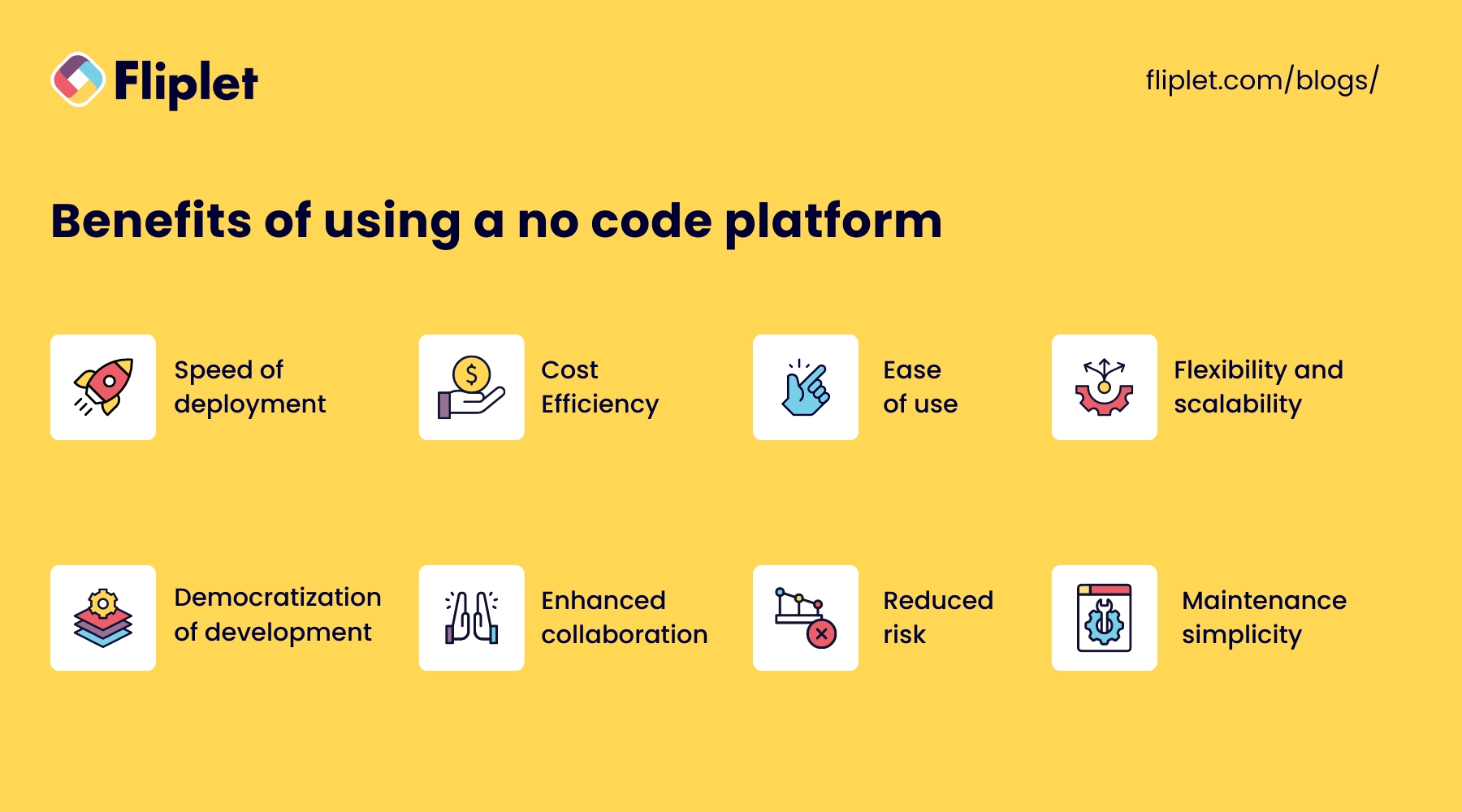
- Speed of deployment: Go from concept to a fully functioning app in a fraction of the time.
- Cost Efficiency: Reduce the reliance on skilled programmers.
- Ease of use: Intuitive drag-and-drop interfaces make it easy to create and customize applications.
- Flexibility and scalability: No code platforms are designed to be flexible, allowing users to iterate on their applications as business needs evolve.
- Democratization of development: By lowering the barrier to entry for app development, no code platforms empower non-developers to bring their ideas to life.
- Enhanced collaboration: No code platforms facilitate better collaboration between different departments.
- Reduced risk: No code platforms reduce this risk as modifications can be made quickly and without extensive dependency on code.
- Maintenance simplicity: Maintaining apps built on no code platforms is simpler, as these platforms often come with automated updates and easy-to-manage interfaces.
What types of apps can no code software build?
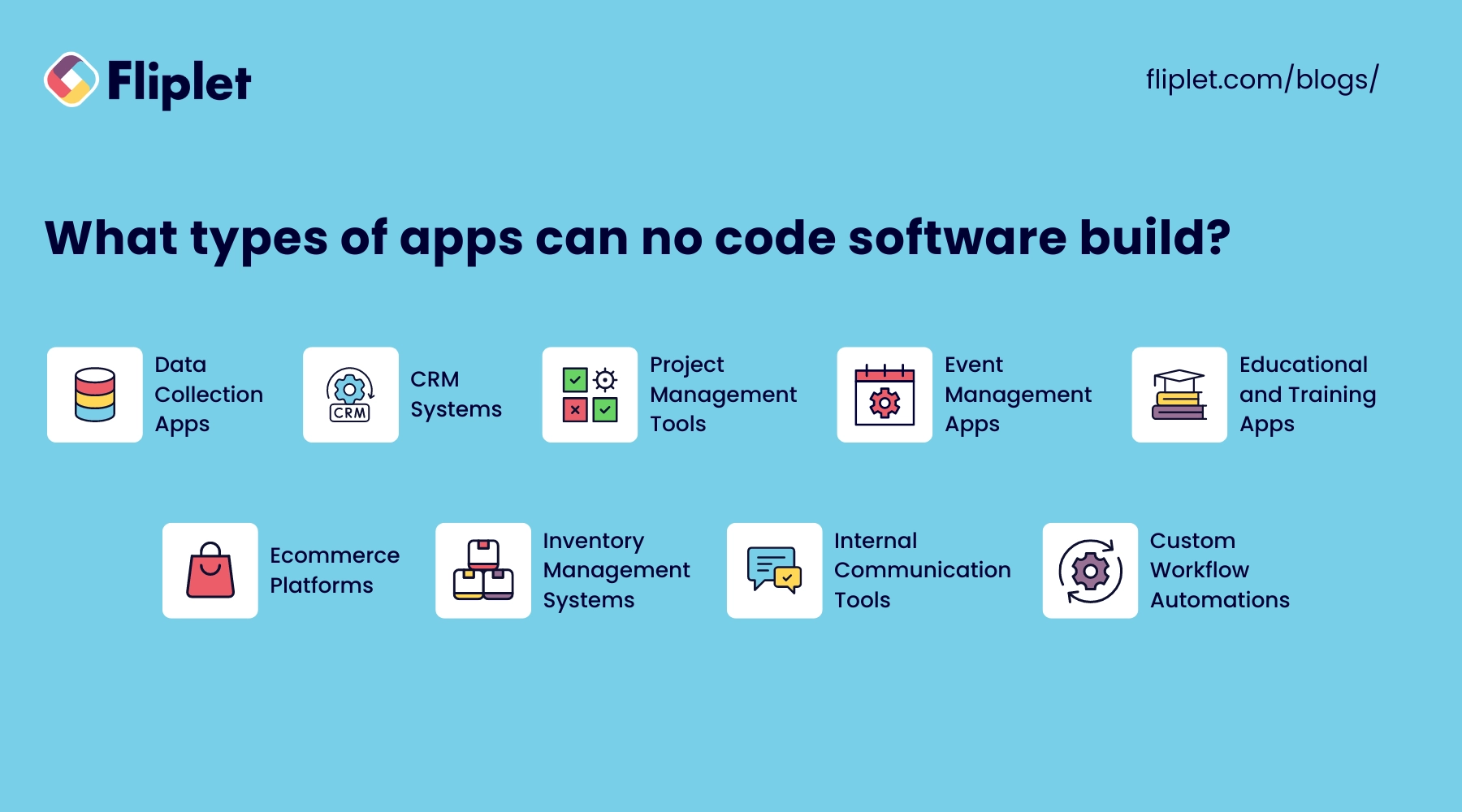
No code software has the capability to create a wide array of applications, making it a versatile choice for many organizations. Here are some examples of the types of apps you can build using no code platforms:
- Data Collection Apps: Simplify the gathering and management of data with custom forms, surveys, and questionnaires that can be easily distributed and filled out on mobile devices.
- CRM Systems: Develop customized customer relationship management (CRM) systems to track interactions, sales pipelines, and customer data, enhancing the relationship management process.
- Project Management Tools: Create apps that help manage projects, track progress, assign tasks, set deadlines, and keep all team members updated in real-time.
- Event Management Apps: Build applications to manage event registrations, scheduling, participant tracking, and feedback, all within a centralized platform.
- Educational and Training Apps: Design interactive educational tools and training modules that facilitate learning and track progress without the need for extensive technical resources.
- E-Commerce Platforms: Launch e-commerce apps that handle product listings, orders, payments, and customer communication, tailored specifically to your business model.
- Inventory Management Systems: Develop systems to monitor stock levels, manage orders, and track deliveries, ensuring efficient handling of inventory.
- Internal Communication Tools: Create platforms for internal communication, such as employee directories, company news updates, and forums, fostering a connected workplace.
- Custom Workflow Automations: Automate specific business processes or workflows to increase efficiency, reduce errors, and ensure consistency across operations.
Overview of the best no code platforms, tools & software in 2026
How Fliplet differs from no-code builders
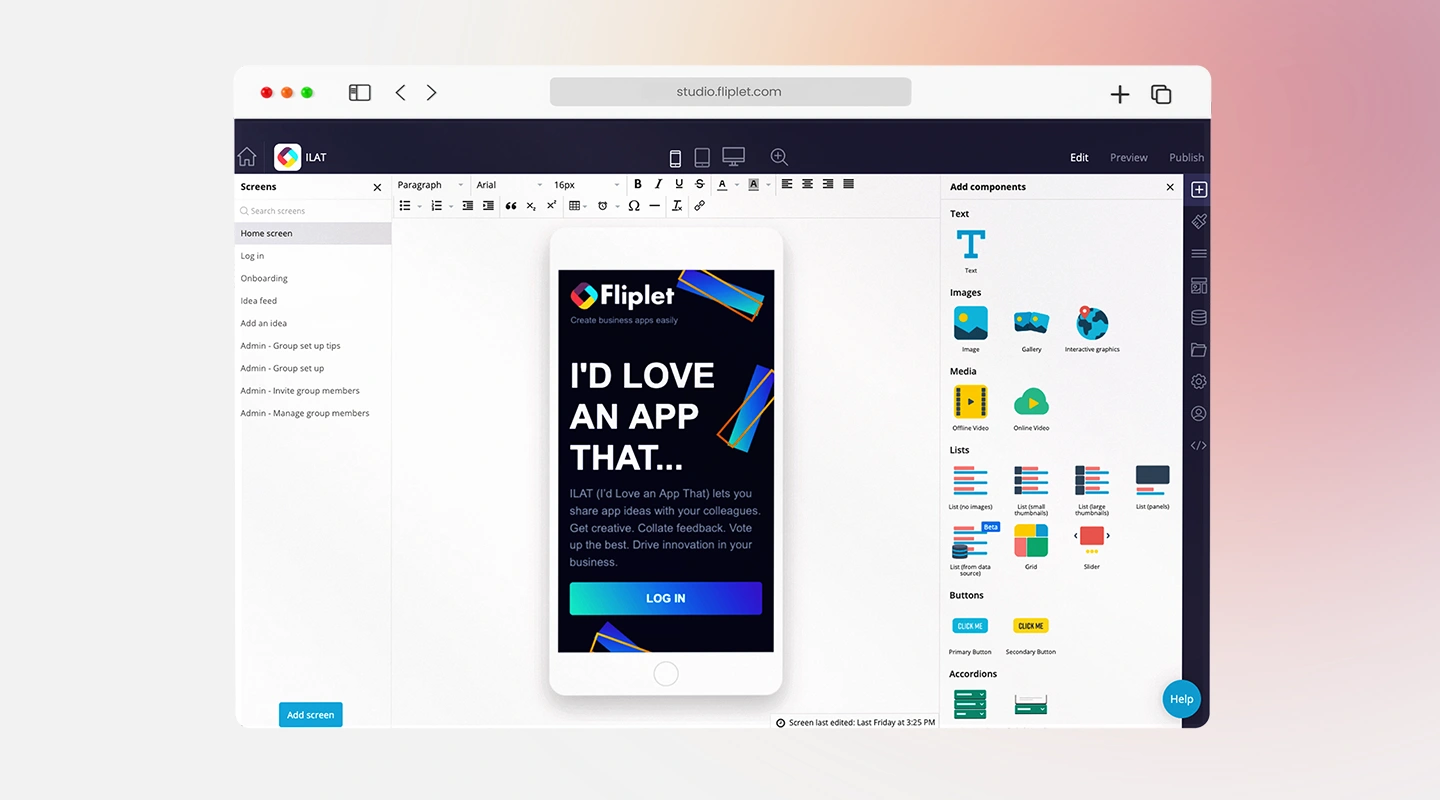
Fliplet is an enterprise AI software builder, not a no-code builder. Teams describe the software and workflow they need in plain language, generate a working foundation, and refine it with the governance, integrations, access controls, and publishing support required for production.
Explore Fliplet's enterprise AI software builder or Book a Demo.
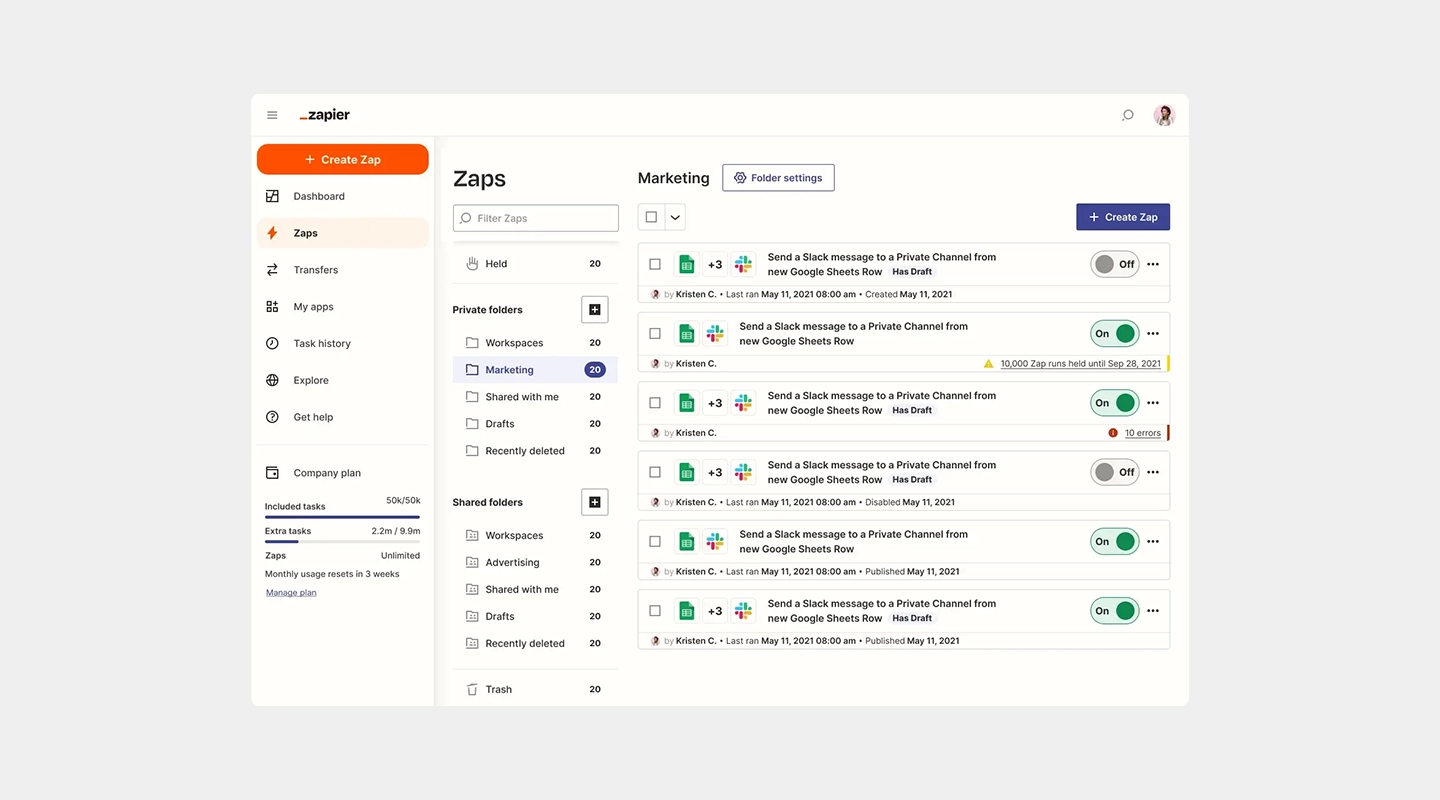
2 Zapier - Best No Code Platform for Automation
Key Features
Connects over 3,000 web apps to automate workflows
Easy-to-use interface for creating automation "Zaps"
Supports multi-step Zaps for complex workflows
Advantages
Extensive app integration enhances productivity
No coding required to create or modify workflows
Offers powerful solutions for business process automation
Disadvantages
Can become expensive as the complexity and volume of tasks increase
Relies on third-party app compatibility and updates
Price
- Professional starts at $19.99/month when billed annually; Team starts at $69/month. Usage is task-based, so confirm the required tier on Zapier's pricing page.
Free Plan
- Includes a free plan
Reviews
- G2: 4.5/5
Key Features
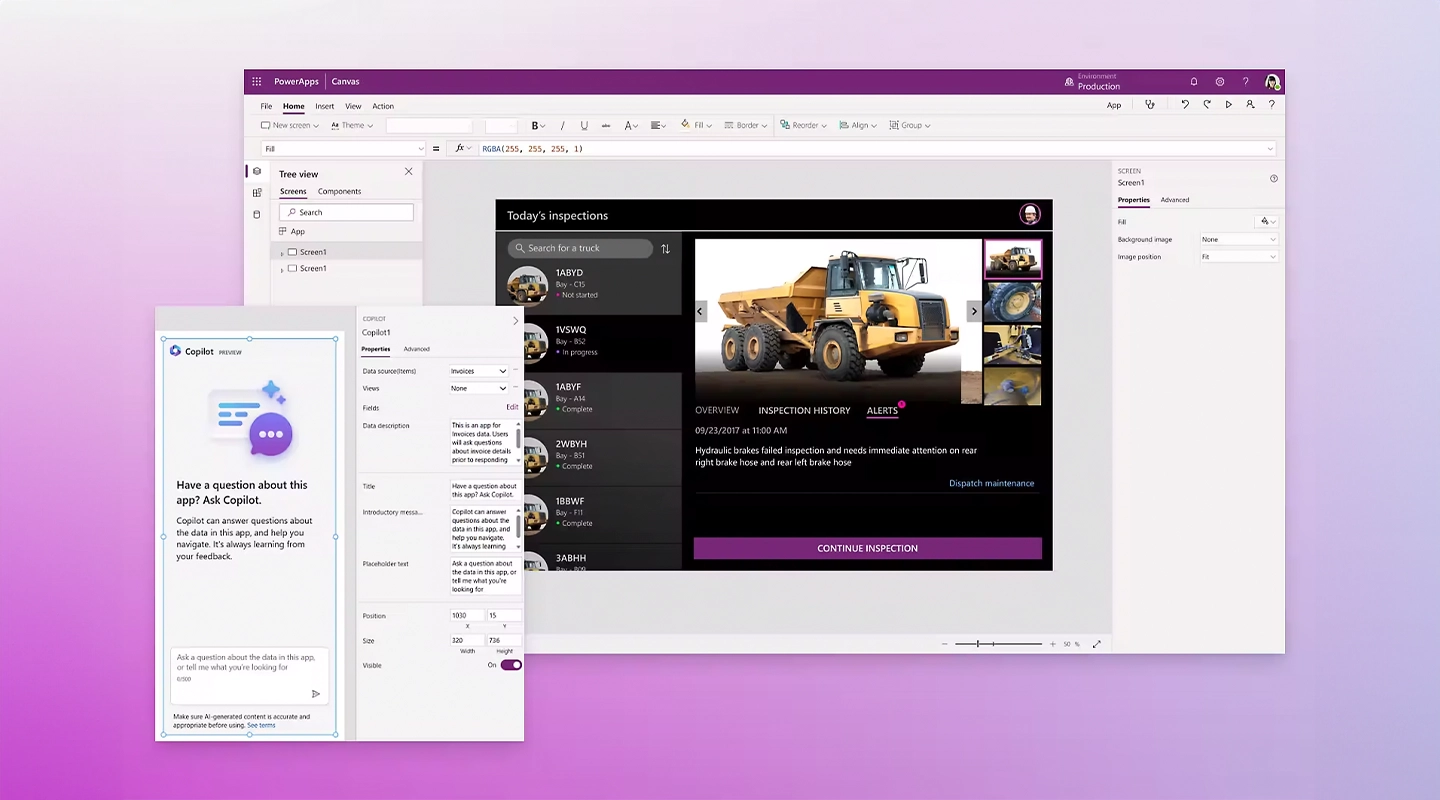
Integration with Microsoft 365 and other Microsoft products
AI builder and pre-built templates
Robust security features suited for enterprise applications
Advantages
Deep integration with enterprise environments
Supports advanced data handling and analytics
High level of scalability and security
Disadvantages
Higher cost can be a barrier for small businesses
Some experience with the Microsoft ecosystem is beneficial
Price
- Starts at $20 and increases with number of team members
Free Plan
- Free to test
Reviews
- G2: 4.3/5

Key Features
Direct integration with Google Workspace
User interface customization
Capable of handling complex data and workflows
Advantages
Strong data management capabilities
Seamless integration with Google services
Real-time updates and collaboration
Disadvantages
May require a learning curve to utilize advanced features
Some limitations in design customization
Price
- Begins at $5 per user, per month
Free Plan
- None
Reviews
- G2: 4.8/5
Key Features
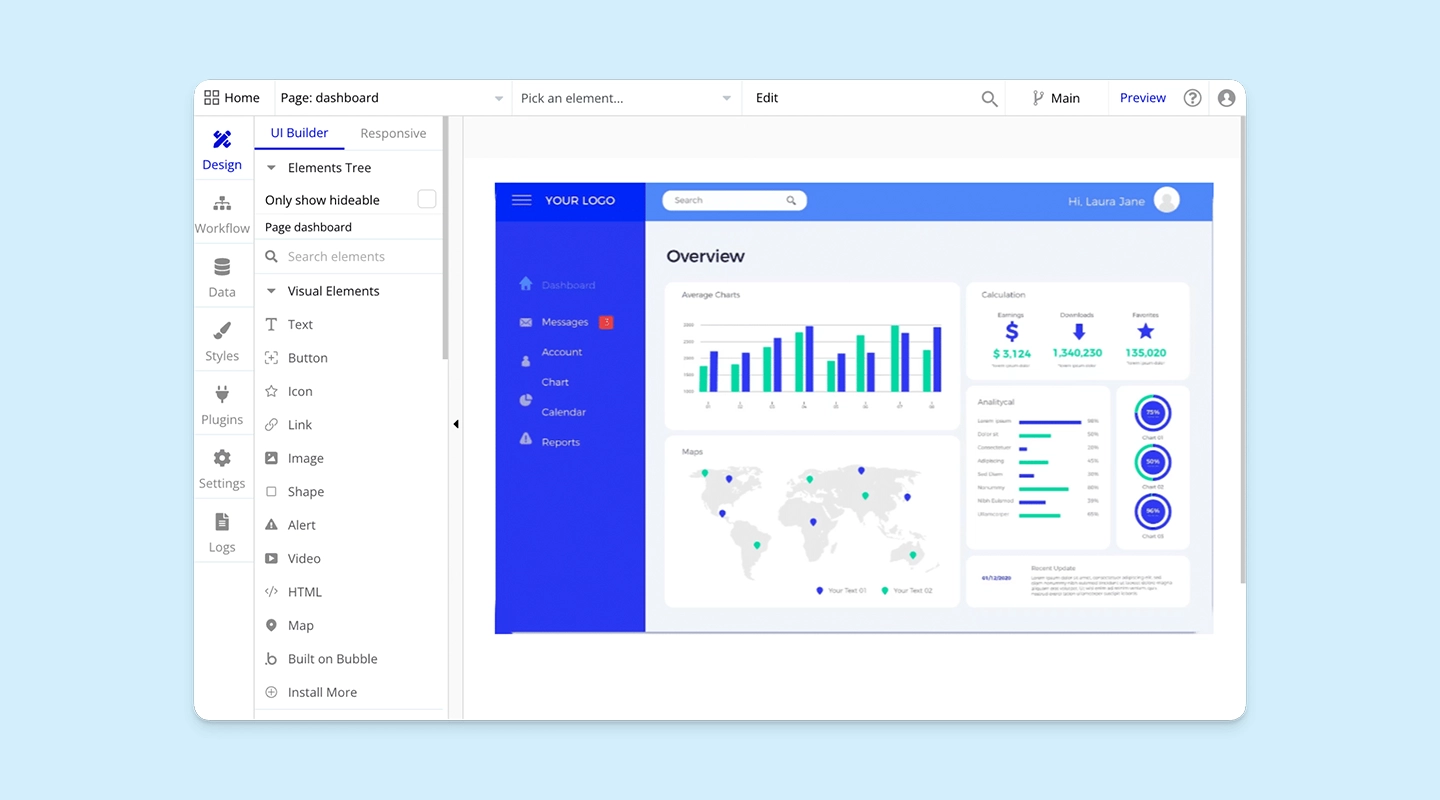
Visual programming for building interactive web applications
Hosting and scaling are managed within the platform
Extensive plugin system for extended functionalities
Advantages
Enables the creation of highly interactive and responsive web apps
No need for external hosting
Large community and marketplace for plugins
Disadvantages
The performance can vary depending on the complexity of the application
Steeper learning curve compared to simpler no code tools
Price
- Web-only plans start at $29/month when billed annually. Mobile-only and combined plans use different prices; see Bubble's current pricing.
Free Plan
- Basic plan with core features, suitable for personal projects and small-scale applications
Reviews
- G2: 4.4/5
Key Features
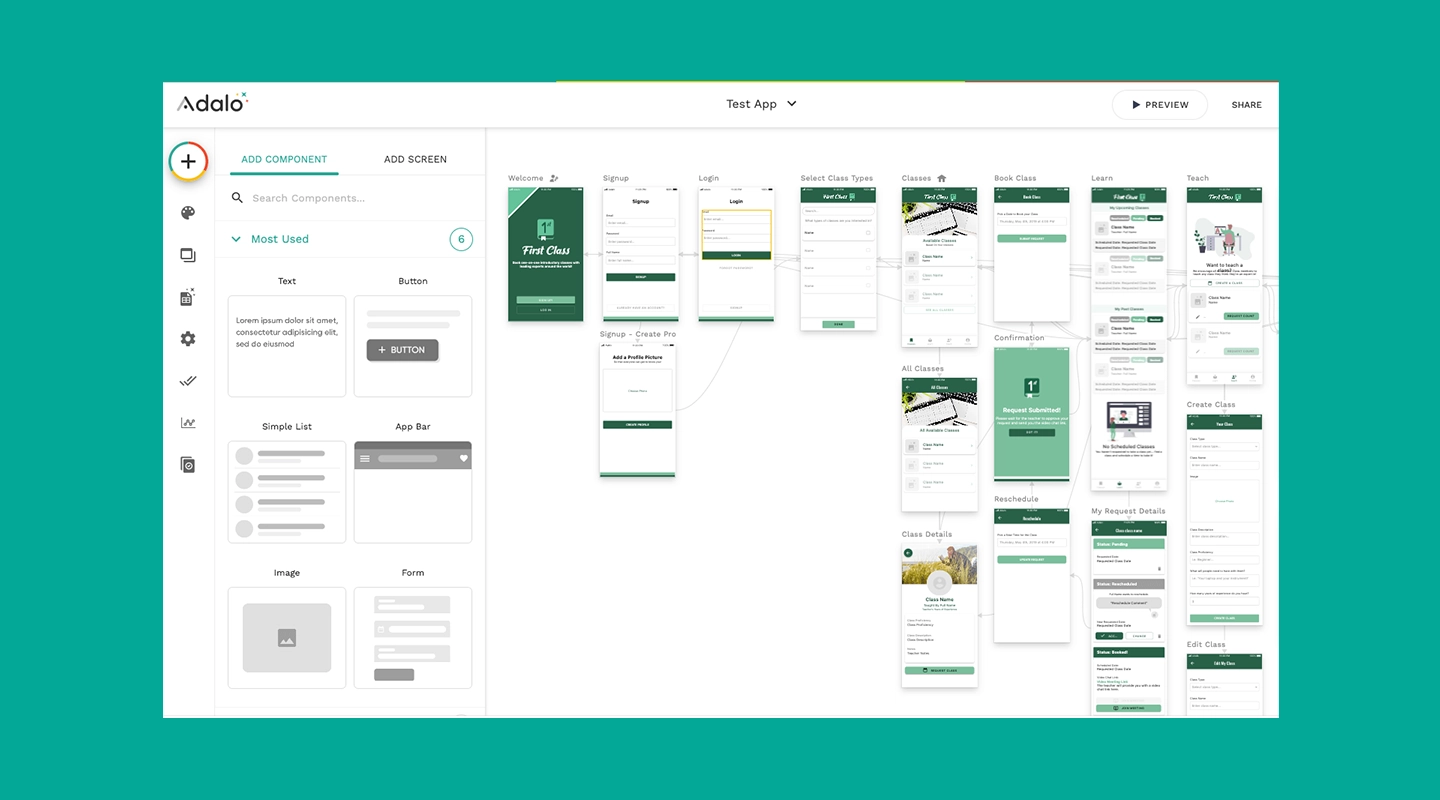
Intuitive drag-and-drop interface
Component marketplace for added functionality
Built-in templates for various app types
Advantages
Simplifies the creation of visually appealing apps
Enables fast prototyping and testing
No coding required for adding features like push notifications and API integrations
Disadvantages
Limited scalability for very high user volumes
Customization can be somewhat restricted by available components
Price
- Publishing starts with the $36/month Starter plan when billed annually. See Adalo's current plans.
Free Plan
- Basic free plan available that allows for the creation and testing of apps with some feature limitations
Reviews
- G2: 4.4/5
Key Features
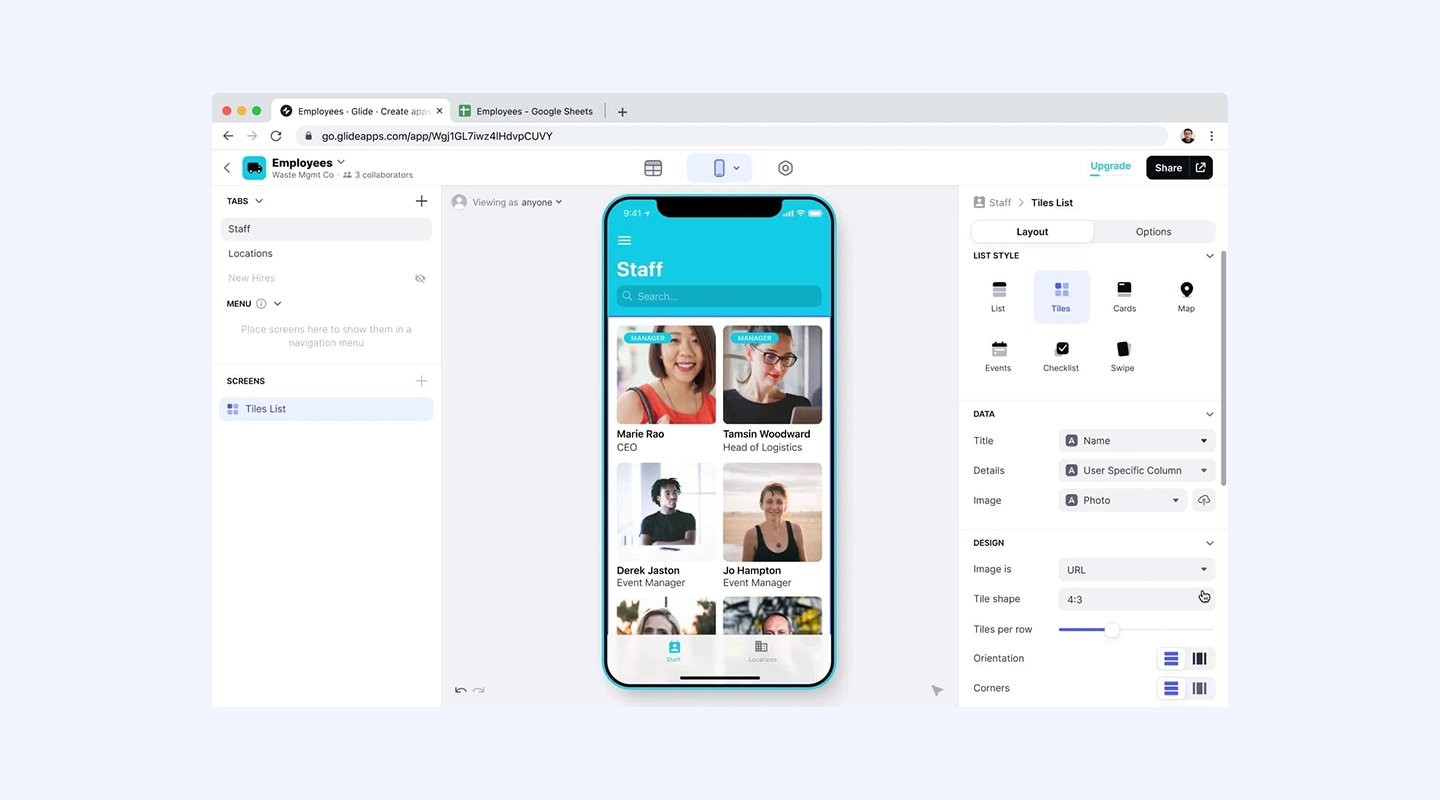
Converts spreadsheets into fully functional apps
No code logic that can be applied via conditions and actions
Integration with Google Sheets and Excel
Advantages
Perfect for users who are familiar with spreadsheet tools
Quick setup and deployment
Suitable for data-driven applications
Disadvantages
Relies heavily on the structure of the spreadsheet data
Not as flexible for applications outside of data manipulation contexts
Price
- Individual paid plans start at $19/month when billed annually; Business starts at $199/month. See Glide's current pricing.
Free Plan
- Free version limits the number of users, updates, and editors
Reviews
- G2: 4.7/5
7. Airtable
7. Airtable
Key Features
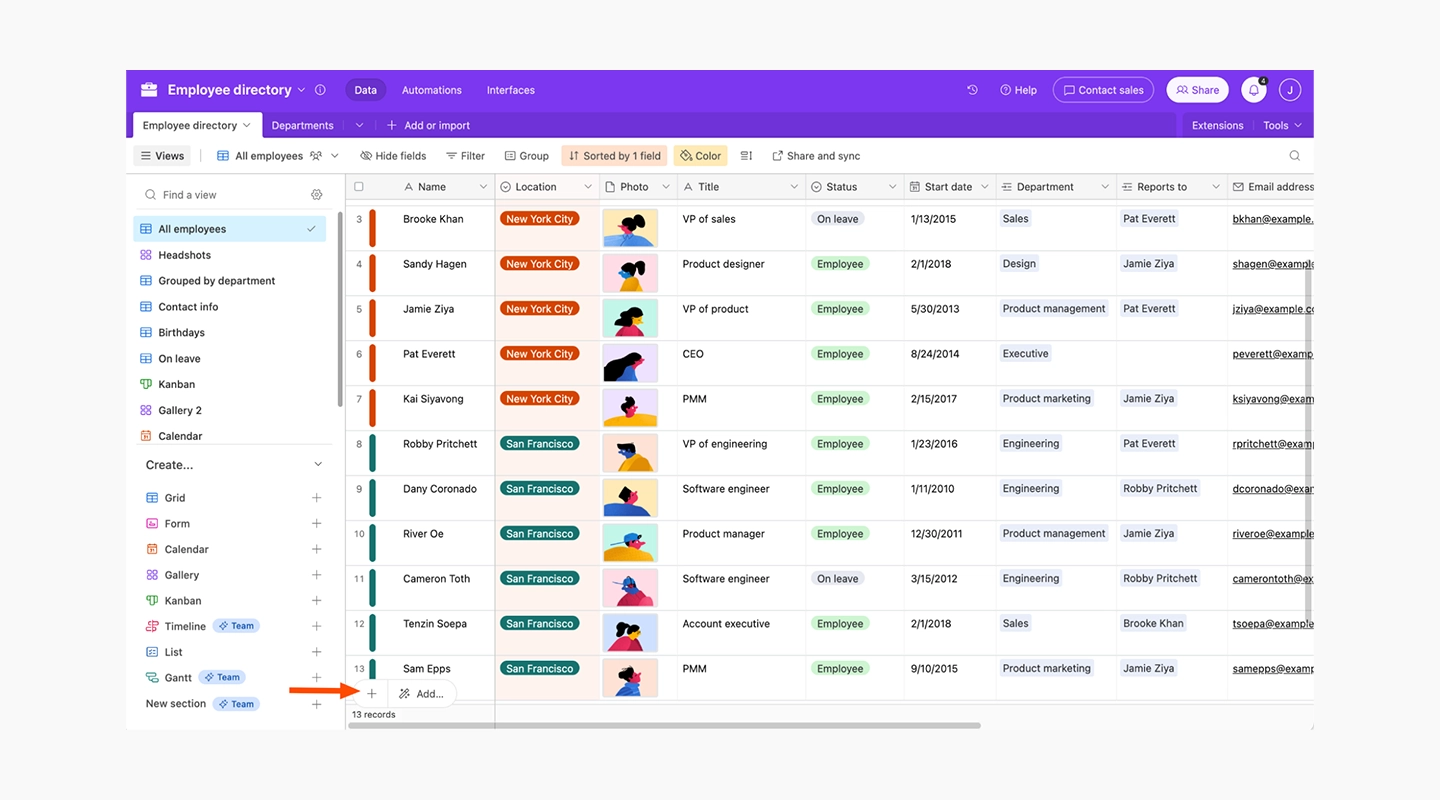
Combines features of a database with the flexibility of a spreadsheet
Rich field types including attachments, links, checkboxes, and dropdowns
Extensive automation and scripting capabilities
Advantages
Highly customizable and adaptable to various business needs
Supports complex relational data management
Automates repetitive tasks and processes
Disadvantages
Can become complex to manage as databases grow
Pricier than simple spreadsheet tools, especially at higher tiers
Price
- Starts at $20 per month, going up to $45 for Business plan, and custom pricing available for Enterprise
Free Plan
- Provides a basic free version with core functionalities, suitable for small teams or personal projects
Reviews
- G2: 4.6/5
8. Zoho Creator
8. Zoho Creator
Key Features
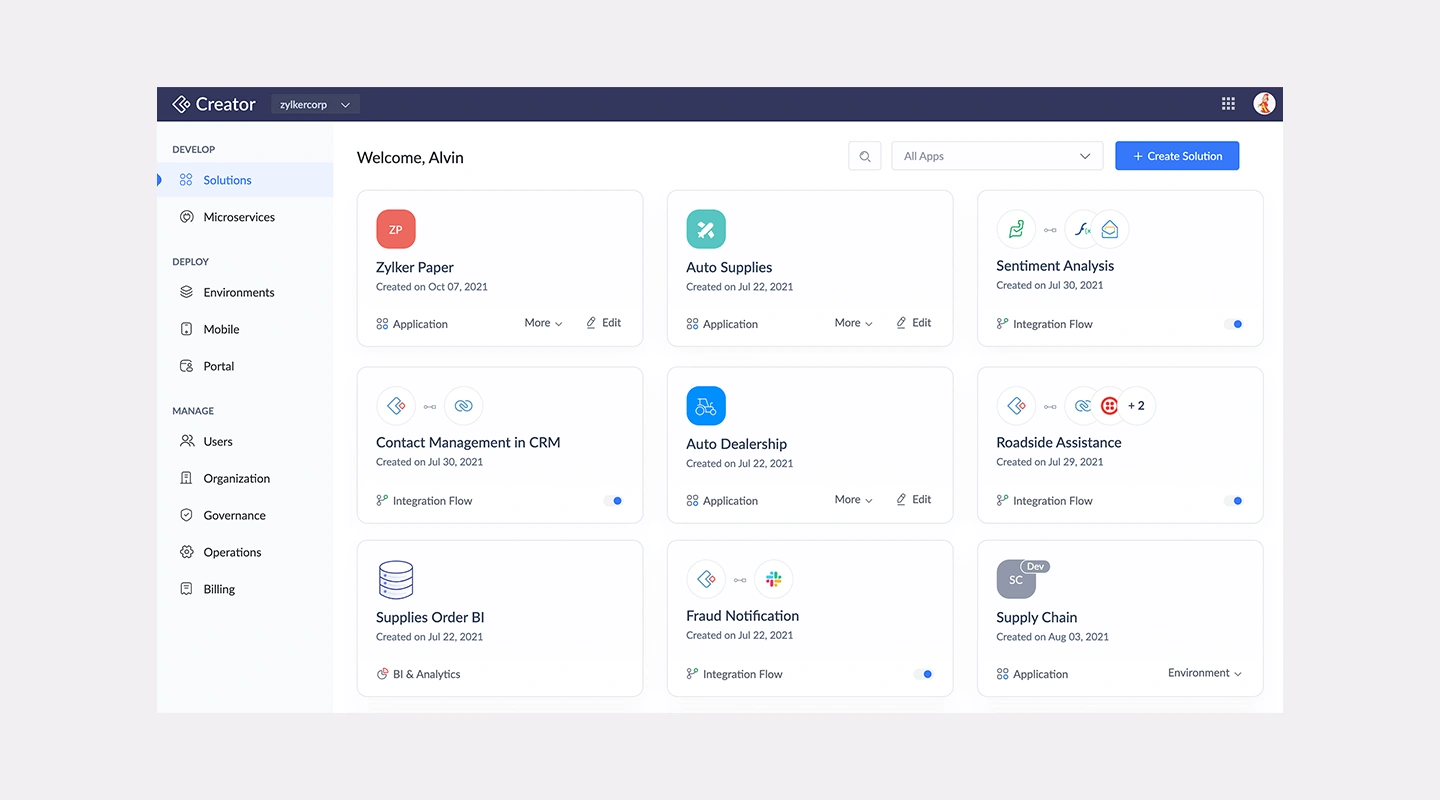
Comprehensive toolset for building web and mobile apps
Integration with the extensive Zoho suite and other third-party services
Drag-and-drop workflow builder
Advantages
Offers deep integration capabilities within business environments
Rich feature set for handling data, processes, and user interactions
Provides strong security and compliance measures
Disadvantages
Learning curve associated with its extensive functionalities
May require additional customization work to fit specific business requirements
Price
- Zoho Creator uses per-user pricing with regional currencies and monthly or annual billing. Confirm the displayed rate on Zoho Creator's pricing page.
Free Plan
- None
Reviews
- G2: 4.3/5
10 SAP Build - Best for SAP-Centered Enterprise Development
Key Features
- Unified application development, process automation, and business site tooling
- Supports low-code, code-first, and generative AI development approaches
- Integration with SAP and non-SAP systems
Advantages
Brings application and automation work into the wider SAP Build offering
Supports web, mobile, frontend, backend, and full-stack development paths
Fits organizations already operating within the SAP ecosystem
Disadvantages
Broader than a standalone no-code builder
Requires careful licensing and migration review for existing SAP Build Apps projects
Price
- Contact SAP for current SAP Build packaging and pricing.
Free Plan
- A 30-day SAP Build trial is available. Confirm current trial scope before evaluation.
Reviews
- Review SAP's current SAP Build guidance. SAP says the standalone SAP Build Apps product will be deprecated from 23 March 2026 in favor of the unified SAP Build offering.
Key Features
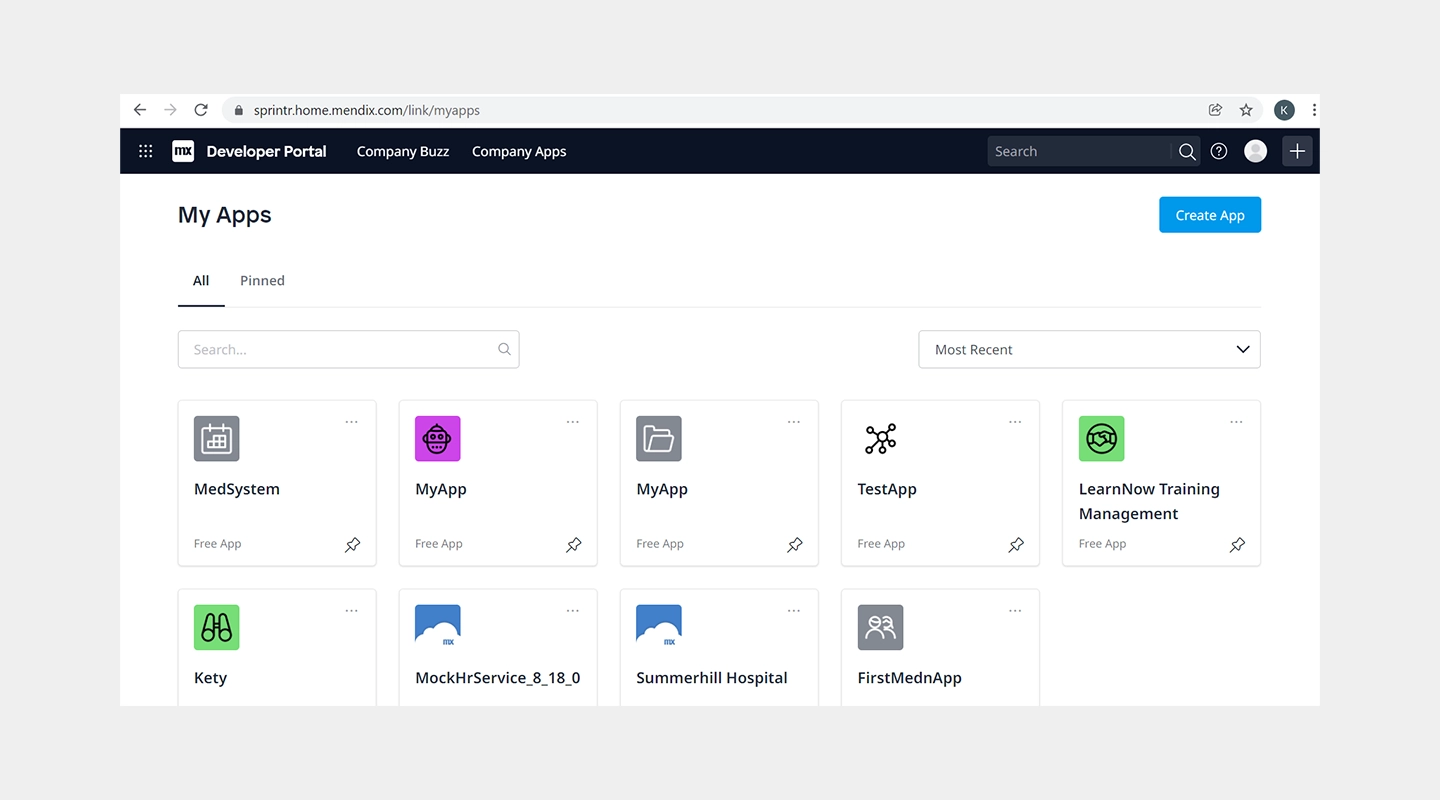
Full application lifecycle support from build to deploy
Strong focus on collaboration between business and IT
Integration with AI, IoT, and machine learning capabilities
Advantages
Enables rapid development and deployment of large-scale applications
Supports collaboration and control, suitable for large teams
Extensive integration capabilities enhance app functionality
Disadvantages
Higher cost can be prohibitive for smaller organizations
Complexity of features may require a solid understanding of IT and business processes
Price
- A Free plan is available; Standard starts at $1,090/month for one app, while Premium is quote-based. Compute resources may cost extra. See Mendix pricing.
Free Plan
- None, free trial available
Reviews
- G2: 4.4/5
10. Salesforce Platform
10. Salesforce Platform
Key Features
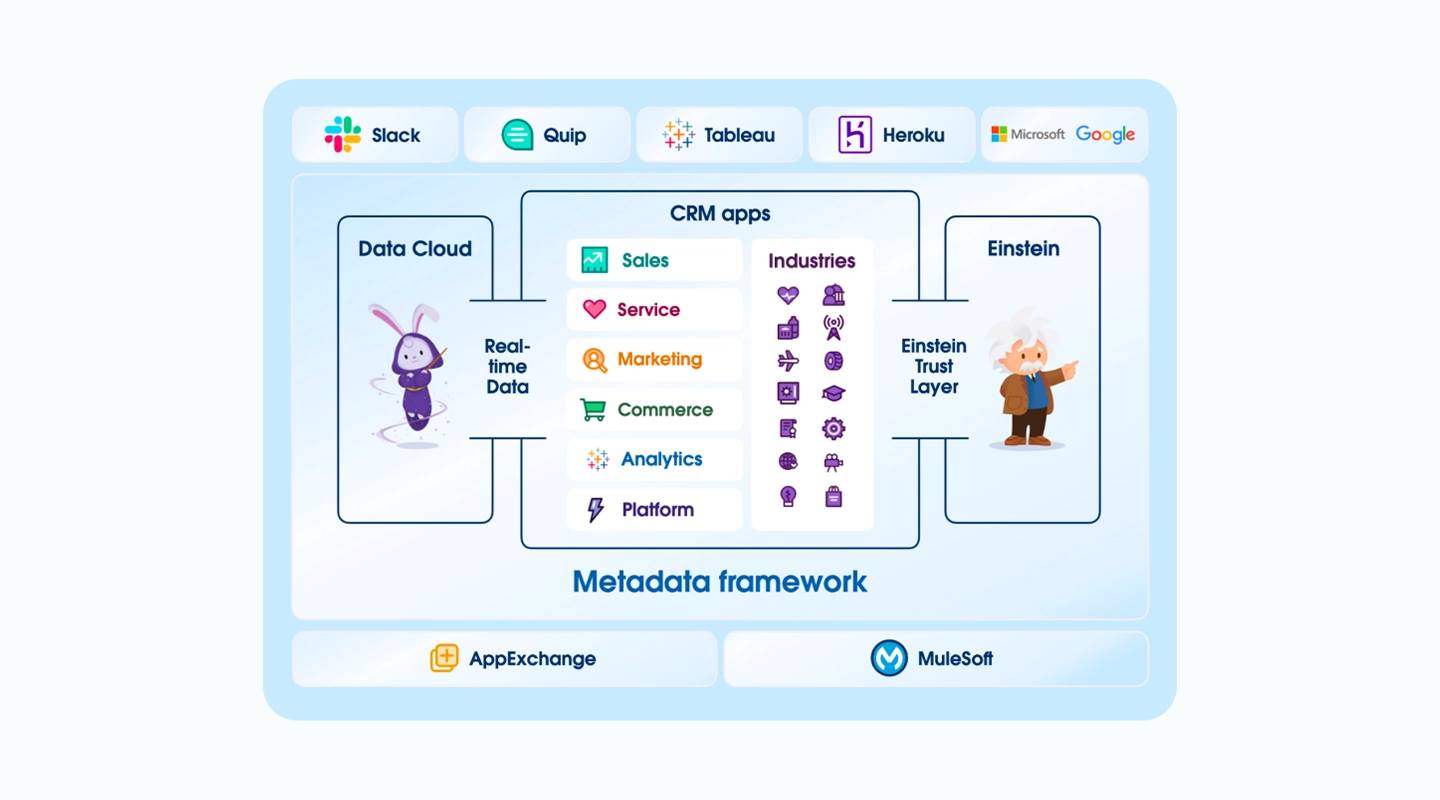
Drag-and-drop app creation with a focus on customer relationship management
Deep integration with Salesforce's CRM and data systems
Extensive marketplace for third-party apps and components
Advantages
Optimized for customer-centric applications
Powerful data integration and management capabilities
Scalable to the needs of global businesses
Disadvantages
Primarily focused on users within the Salesforce ecosystem
May require additional investment in Salesforce products to realize full potential
Price
- Salesforce pricing varies by product and edition. Confirm the relevant application-development license on Salesforce's pricing index.
Free Plan
- None
Reviews
- G2: 4.5/5
Key Features
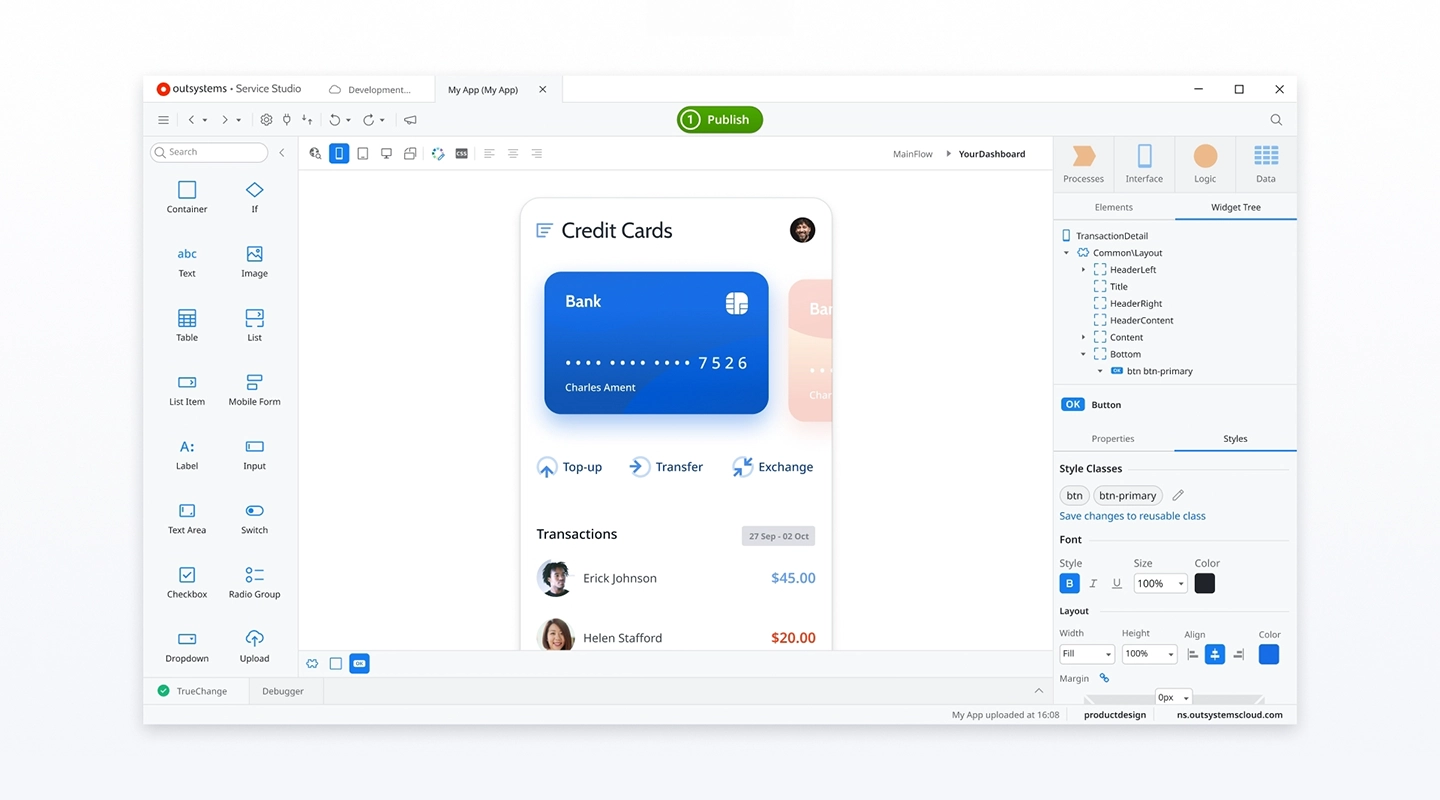
High-speed development capabilities with a focus on responsive web applications
Advanced security features and robust backend logic
Wide range of templates and pre-built connectors
Advantages
Accelerates the prototyping phase with quick iterations
Ensures high performance and security standards
Supports extensive customization and scalability
Disadvantages
Pricing can be high for comprehensive features
Might be too complex for basic web app projects
Price
- Paid tier pricing available on request
Free Plan
- Free tier for less than 100 users, and no credit card is required
Reviews
- G2: 4.5/5
Key Features
User-friendly interface designed for non-technical users
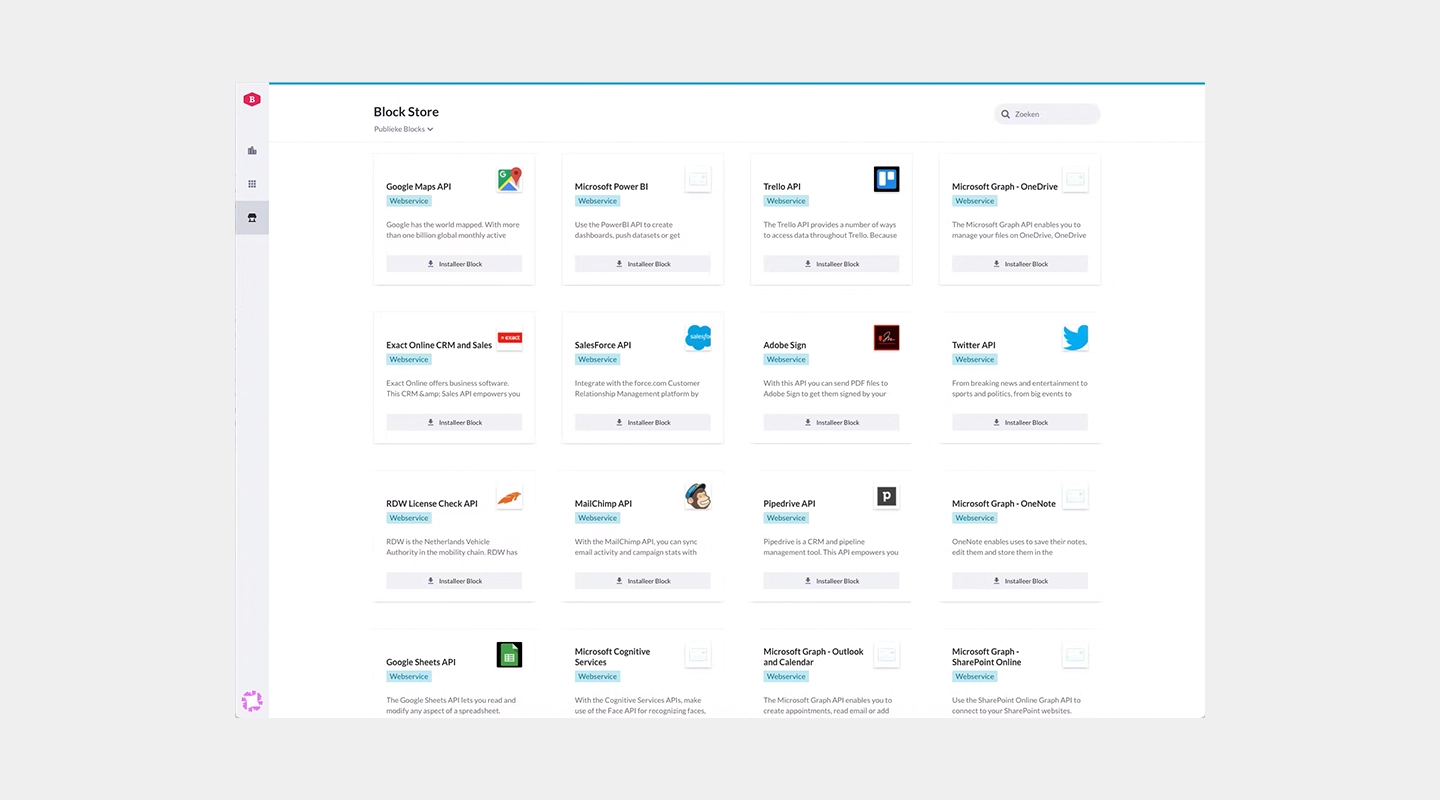
Pre-built templates and blocks for rapid development
Extensive API connections and integration capabilities
Advantages
Ideal for business professionals looking to quickly develop applications without IT help
Promotes innovation within the organization by empowering non-technical staff
Facilitates quick testing and deployment of new ideas
Disadvantages
May lack the depth required for highly complex applications
Depending on the use case, there may be limitations in terms of performance scalability
Price
- Paid tier pricing available on request
Free Plan
- None
Reviews
- G2: 4.3/5
15 Quickbase - Best for Governed Operational Workflows
Key Features
- Visual application and workflow builders
- Web and mobile forms, dashboards, reports, and integrations
- Role-based access, audit logs, encryption, and enterprise administration
- AI-assisted application, report, workflow, and data-import tools
Advantages
Strong fit for operational workflows that need governance and reporting
Supports both user-based and usage-based licensing models
Includes a 30-day trial with Business-plan features
Disadvantages
A platform minimum applies in addition to the advertised per-user price
Enterprise implementations may require onboarding, training, or professional services
Price
- Team starts at $35/user/month and Business at $55/user/month when priced annually. The advertised rates exclude Quickbase's platform minimum. See Quickbase's current plans.
Free Plan
- No permanent free production plan; a 30-day trial is available.
Reviews
- Review current independent customer feedback alongside Quickbase's official product and pricing documentation.
16 WeWeb - Best for Visual Web Applications with Code Export
Key Features
- AI-assisted generation with a visual no-code editor
- Frontend, workflows, authentication, data, and API integrations
- Vue.js code export and self-hosting on paid plans
Advantages
Generated work remains editable in the visual editor
Supports hosted deployment or exported, self-hosted code
Can connect to external backends and APIs
Disadvantages
Primarily focused on web applications rather than native mobile delivery
Advanced integrations and self-hosting still require technical ownership
Price
- Pricing is seat-based and regional pricing may apply; confirm current publishing, hosting, and code-export terms on WeWeb's website.
Free Plan
- Users can start building for free and pay when they are ready to publish under the current public offer.
Reviews
- Review the official WeWeb product overview for current capabilities.
13. Caspio
13. Caspio
Key Features
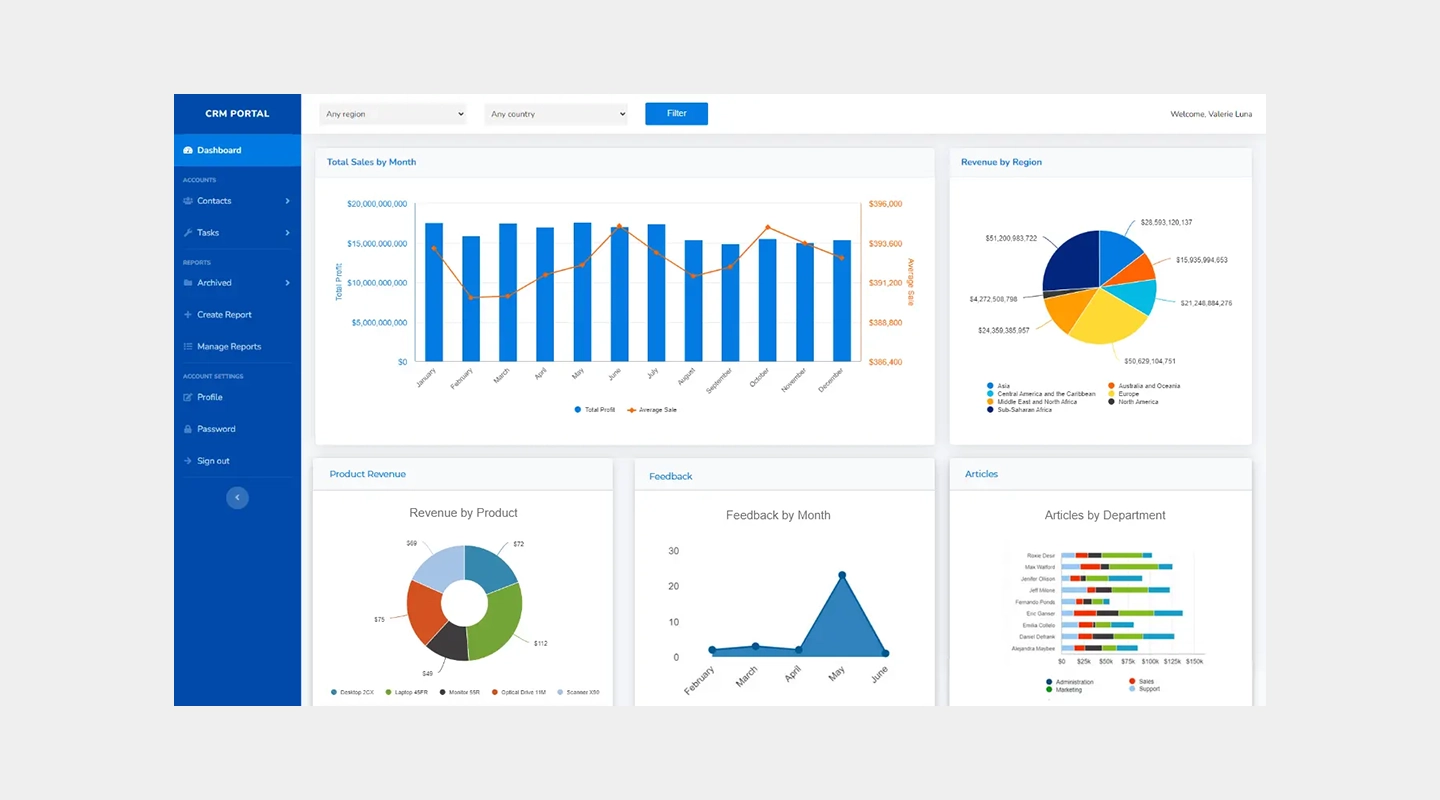
Powerful database management tools without the need for coding
Rich data visualization and reporting capabilities
Extensive security features to protect sensitive information
Advantages
Ideal for building data-heavy applications like CRM systems and custom databases
Enables non-technical users to handle complex data scenarios with ease
Provides robust data integration options for seamless workflows
Disadvantages
While highly capable in data management, it may be less intuitive for front-end app design
Pricing can escalate quickly based on storage needs and user access levels
Price
- Team starts at $300/month and Business at $600/month on monthly billing; Enterprise is quote-based. See Caspio's pricing.
Free Plan
- Yes, with limited capacity
Reviews
- G2: 4.4/5
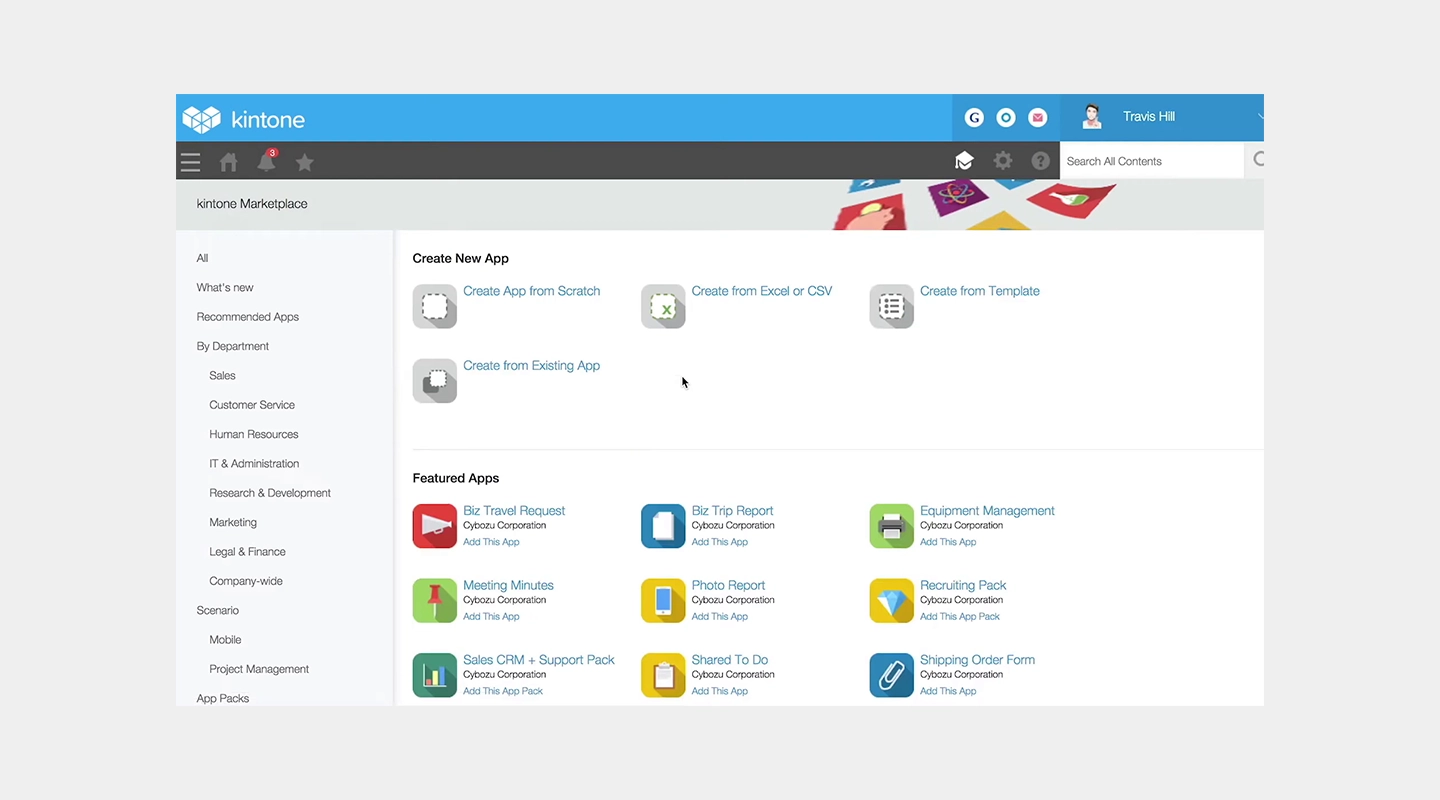
14. Kintone
14. Kintone
Key Features
Highly customizable platform for team collaboration and project management
Built-in communication tools to enhance teamwork
Ability to create a personalized database without any coding
Advantages
Supports a high degree of customization to tailor apps specifically to team needs
Promotes better team engagement and workflow management
Strong focus on collaborative features and internal communications
Disadvantages
May require more time to set up and customize compared to more straightforward no code options
The platform's flexibility can be overwhelming for users with simpler needs
Price
- $24/user/month with a five-user minimum ($120/month). A 30-day trial is available. See Kintone pricing.
Free Plan
- None
Reviews
- G2: 4.6/5
15. Ninox
15. Ninox
Key Features
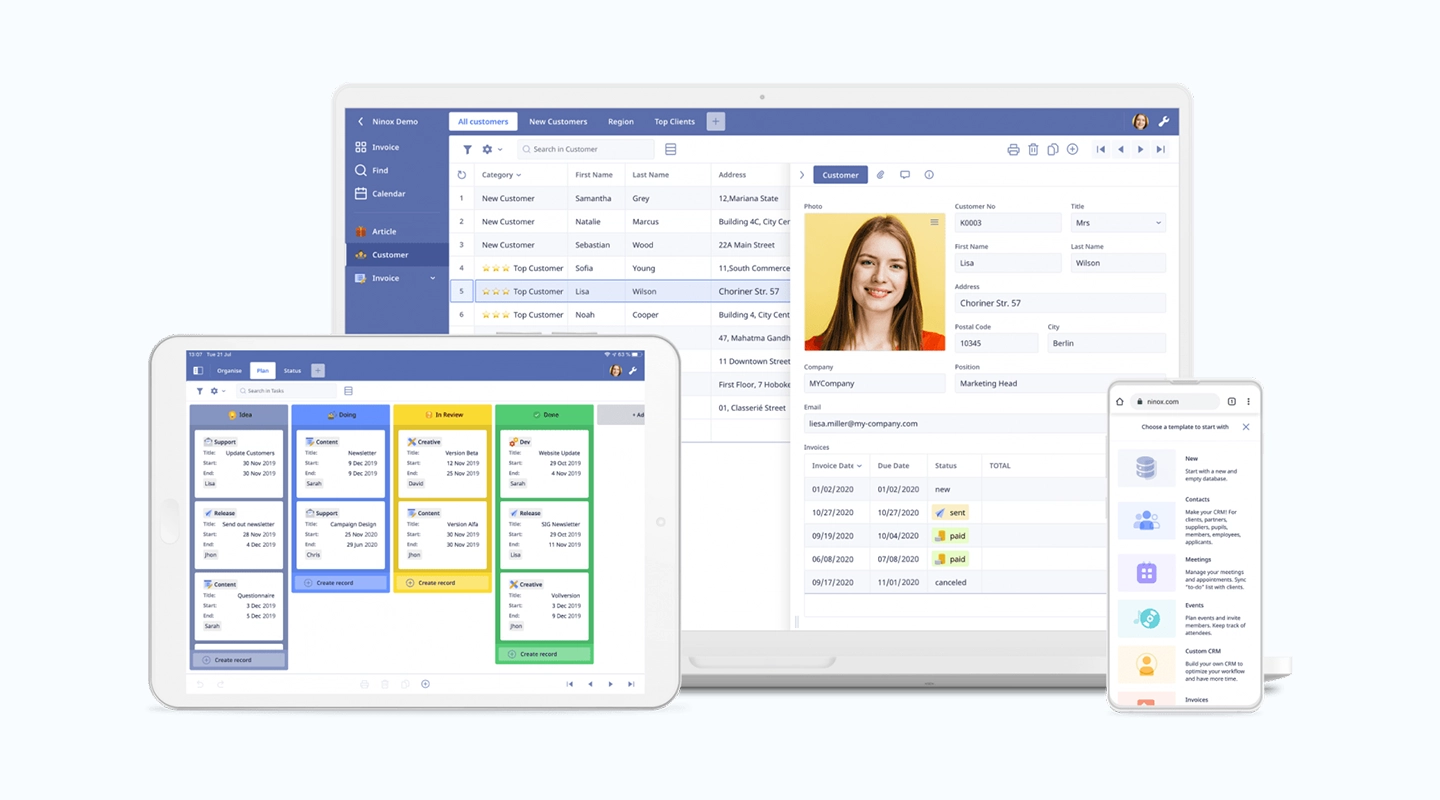
Simple interface designed for ease of use
Custom templates and tools geared towards small business operations
Integrates smoothly with various online services
Advantages
Provides the essential tools needed for small businesses to build and manage their operations efficiently
Reduces the learning curve with an intuitive design and straightforward functionalities
Affordable for small businesses while offering scalability options
Disadvantages
Features may be too basic for larger organizations or those with complex requirements
Limited customization options compared to more advanced platforms
Price
- A Free plan is available for up to five users. Team starts at €25/user/month and Business at €40/user/month when billed annually. See Ninox pricing.
Free Plan
- None, but a free trial is available
Reviews
- G2: 4.7/5
Key Features
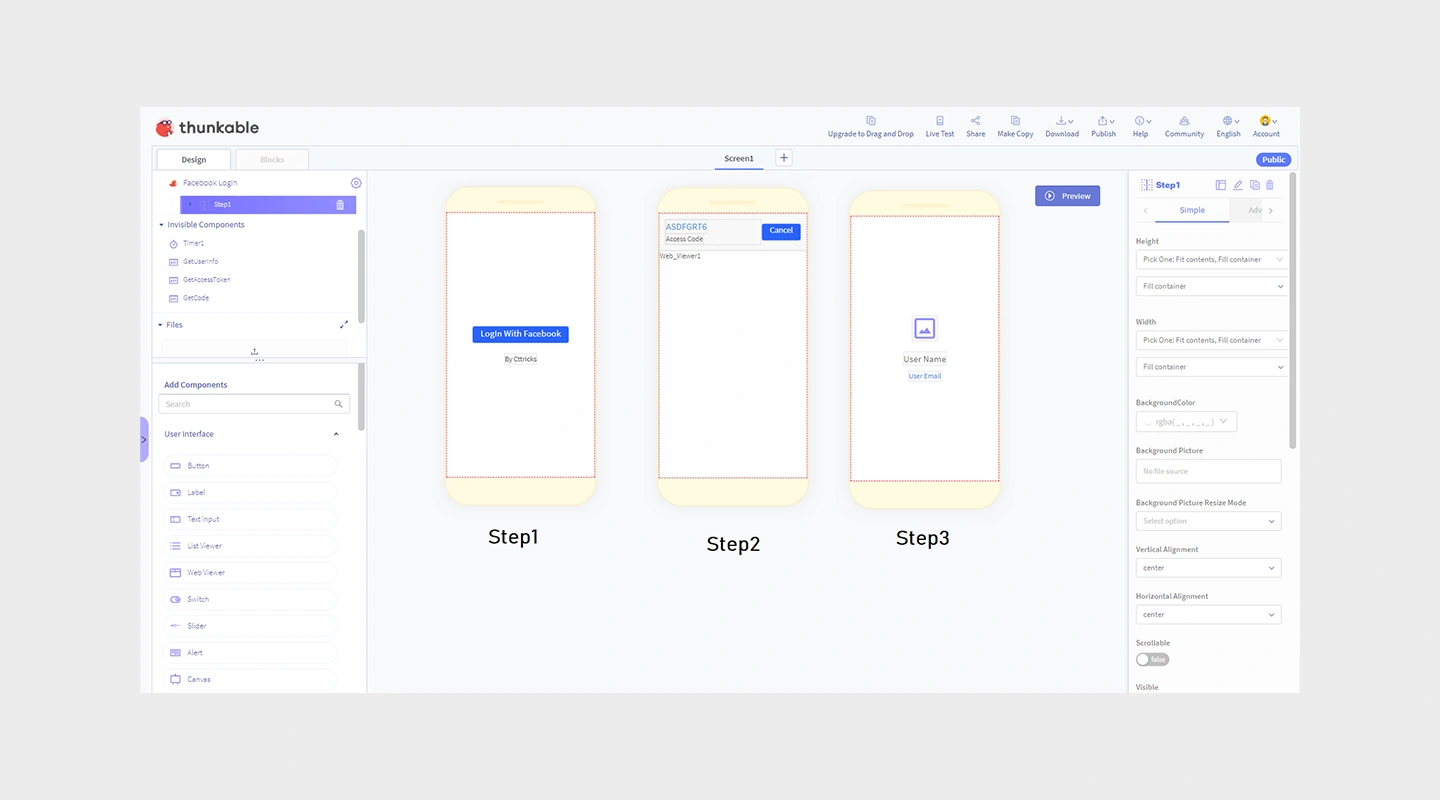
Drag-and-drop interface for building mobile apps that work on both Android and iOS
Integration with a variety of APIs and data sources
Real-time preview and testing tools
Advantages
Enables the creation of apps that provide a consistent experience across multiple platforms
Facilitates rapid prototyping and iteration
Accessible to users with little to no technical background
Disadvantages
Some limitations in UI customization and performance optimization for more complex apps
Occasionally reported issues with updates affecting existing projects
Price
- Paid plans start with Accelerator at $18/month billed annually; Builder is $37/month billed annually. See Thunkable pricing.
Free Plan
- Build and test with up to 10 users at no cost; production deployment requires the appropriate plan.
Reviews
- G2: 4.4/5
Best no-code tools & platforms - Comparison table
| Platform | Key features | Advantages | Disadvantages | Pricing | Free plan | Reviews |
|---|---|---|---|---|---|---|
| Zapier | Workflow automation across connected products | Enhances productivity, no coding for workflows | Cost scales with task usage | Free; Professional from $19.99/month annually | Yes | 4.5/5 |
| Microsoft Power Apps | Integration with Microsoft 365, AI builder | Enterprise-level scalability and security | Higher cost, requires familiarity with Microsoft | Starts at $20 | Free to test | 4.3/5 |
| Google AppSheet | Integration with Google Workspace, complex data handling | Strong data management, real-time updates | Learning curve, design limitations | Starts at $5/user | No | 4.8/5 |
| Bubble | Visual programming, managed hosting | Interactive web apps, large plugin community | Performance varies, steeper learning curve | Starts at $29/month | Yes | 4.4/5 |
| Adalo | Drag-and-drop interface, component marketplace | Simplifies app creation, fast prototyping | Limited scalability, restricted customization | From $36/month annually to publish | Yes | 4.4/5 |
| Glide | Converts spreadsheets into apps, integrates with Google Sheets | Quick setup, suitable for data-driven apps | Usage and user limits vary by plan | Individual from $19/month annually; Business from $199/month | Yes | 4.7/5 |
| Airtable | Database and spreadsheet functionality, automation capabilities | Customizable, supports complex data management | Can be complex to manage, pricier than spreadsheets | Starts at $20/month | Yes | 4.6/5 |
| Zoho Creator | Extensive app creation tools, integration with Zoho suite | Deep integration capabilities, rich feature set | Learning curve, may require customization | Per-user; varies by region and billing term | Free edition | 4.3/5 |
| SAP Build | Unified application development, process automation, and business sites | Strong fit for SAP-centered enterprise development | Broader and more complex than a focused no-code builder | Contact SAP | Trial available | N/A |
| Mendix | Supports full app lifecycle, integrates AI and IoT | Rapid deployment, collaborative platform | Compute may cost extra | Free; Standard from $1,090/month for one app | Free plan | 4.4/5 |
| Salesforce Platform | Drag-and-drop app building, deep CRM integration | Optimized for customer engagement | Licensing varies by product and edition | Check current Salesforce pricing | Trials vary | 4.5/5 |
| OutSystems | Rapid development, security features | Quick prototyping, scalable | High pricing for comprehensive features | Pricing on request | Free for fewer than 100 users | 4.5/5 |
| Betty Blocks | User-friendly interface, rapid development tools | Empowers non-technical users, quick deployment | May lack depth for complex applications | Pricing on request | Trial available | 4.3/5 |
| Quickbase | Workflow automation, highly customizable | Tailored business solutions, strong data handling | Platform minimum applies | From $35/user/month annually plus platform minimum | 30-day trial | 4.5/5 |
| WeWeb | AI-assisted visual web development, integrations, code export | Visual editing plus hosted or self-hosted deployment | Web-focused; advanced projects need technical ownership | Seat-based; check current terms | Start building free | Check current reviews |
| Caspio | Powerful database management, rich data visualization | Ideal for CRM and databases, easy data handling | Less intuitive for app design, can get expensive | Team from $300/month | Trial available | 4.4/5 |
| Kintone | Customizable team collaboration platform, built-in communication | Enhances team engagement, strong customization | Five-user minimum | $24/user/month; $120/month minimum | 30-day trial | 4.6/5 |
| Ninox | Simple interface, geared towards small businesses | Easy to use, affordable | Basic features, limited customization | Free; Team from €25/user/month annually | Yes | 4.7/5 |
| Thunkable | Drag-and-drop for cross-platform apps, real-time testing | Consistent UX across platforms, easy to use | Active published apps require a paid subscription | From $18/month annually | Yes | 4.4/5 |
Key features
- Zapier
- Workflow automation across connected products
- Microsoft Power Apps
- Integration with Microsoft 365, AI builder
- Google AppSheet
- Integration with Google Workspace, complex data handling
- Bubble
- Visual programming, managed hosting
- Adalo
- Drag-and-drop interface, component marketplace
- Glide
- Converts spreadsheets into apps, integrates with Google Sheets
- Airtable
- Database and spreadsheet functionality, automation capabilities
- Zoho Creator
- Extensive app creation tools, integration with Zoho suite
- SAP Build
- Unified application development, process automation, and business sites
- Mendix
- Supports full app lifecycle, integrates AI and IoT
- Salesforce Platform
- Drag-and-drop app building, deep CRM integration
- OutSystems
- Rapid development, security features
- Betty Blocks
- User-friendly interface, rapid development tools
- Quickbase
- Workflow automation, highly customizable
- WeWeb
- AI-assisted visual web development, integrations, code export
- Caspio
- Powerful database management, rich data visualization
- Kintone
- Customizable team collaboration platform, built-in communication
- Ninox
- Simple interface, geared towards small businesses
- Thunkable
- Drag-and-drop for cross-platform apps, real-time testing
Advantages
- Zapier
- Enhances productivity, no coding for workflows
- Microsoft Power Apps
- Enterprise-level scalability and security
- Google AppSheet
- Strong data management, real-time updates
- Bubble
- Interactive web apps, large plugin community
- Adalo
- Simplifies app creation, fast prototyping
- Glide
- Quick setup, suitable for data-driven apps
- Airtable
- Customizable, supports complex data management
- Zoho Creator
- Deep integration capabilities, rich feature set
- SAP Build
- Strong fit for SAP-centered enterprise development
- Mendix
- Rapid deployment, collaborative platform
- Salesforce Platform
- Optimized for customer engagement
- OutSystems
- Quick prototyping, scalable
- Betty Blocks
- Empowers non-technical users, quick deployment
- Quickbase
- Tailored business solutions, strong data handling
- WeWeb
- Visual editing plus hosted or self-hosted deployment
- Caspio
- Ideal for CRM and databases, easy data handling
- Kintone
- Enhances team engagement, strong customization
- Ninox
- Easy to use, affordable
- Thunkable
- Consistent UX across platforms, easy to use
Disadvantages
- Zapier
- Cost scales with task usage
- Microsoft Power Apps
- Higher cost, requires familiarity with Microsoft
- Google AppSheet
- Learning curve, design limitations
- Bubble
- Performance varies, steeper learning curve
- Adalo
- Limited scalability, restricted customization
- Glide
- Usage and user limits vary by plan
- Airtable
- Can be complex to manage, pricier than spreadsheets
- Zoho Creator
- Learning curve, may require customization
- SAP Build
- Broader and more complex than a focused no-code builder
- Mendix
- Compute may cost extra
- Salesforce Platform
- Licensing varies by product and edition
- OutSystems
- High pricing for comprehensive features
- Betty Blocks
- May lack depth for complex applications
- Quickbase
- Platform minimum applies
- WeWeb
- Web-focused; advanced projects need technical ownership
- Caspio
- Less intuitive for app design, can get expensive
- Kintone
- Five-user minimum
- Ninox
- Basic features, limited customization
- Thunkable
- Active published apps require a paid subscription
Pricing
- Zapier
- Free; Professional from $19.99/month annually
- Microsoft Power Apps
- Starts at $20
- Google AppSheet
- Starts at $5/user
- Bubble
- Starts at $29/month
- Adalo
- From $36/month annually to publish
- Glide
- Individual from $19/month annually; Business from $199/month
- Airtable
- Starts at $20/month
- Zoho Creator
- Per-user; varies by region and billing term
- SAP Build
- Contact SAP
- Mendix
- Free; Standard from $1,090/month for one app
- Salesforce Platform
- Check current Salesforce pricing
- OutSystems
- Pricing on request
- Betty Blocks
- Pricing on request
- Quickbase
- From $35/user/month annually plus platform minimum
- WeWeb
- Seat-based; check current terms
- Caspio
- Team from $300/month
- Kintone
- $24/user/month; $120/month minimum
- Ninox
- Free; Team from €25/user/month annually
- Thunkable
- From $18/month annually
Free plan
- Zapier
- Yes
- Microsoft Power Apps
- Free to test
- Google AppSheet
- No
- Bubble
- Yes
- Adalo
- Yes
- Glide
- Yes
- Airtable
- Yes
- Zoho Creator
- Free edition
- SAP Build
- Trial available
- Mendix
- Free plan
- Salesforce Platform
- Trials vary
- OutSystems
- Free for fewer than 100 users
- Betty Blocks
- Trial available
- Quickbase
- 30-day trial
- WeWeb
- Start building free
- Caspio
- Trial available
- Kintone
- 30-day trial
- Ninox
- Yes
- Thunkable
- Yes
Reviews
- Zapier
- 4.5/5
- Microsoft Power Apps
- 4.3/5
- Google AppSheet
- 4.8/5
- Bubble
- 4.4/5
- Adalo
- 4.4/5
- Glide
- 4.7/5
- Airtable
- 4.6/5
- Zoho Creator
- 4.3/5
- SAP Build
- N/A
- Mendix
- 4.4/5
- Salesforce Platform
- 4.5/5
- OutSystems
- 4.5/5
- Betty Blocks
- 4.3/5
- Quickbase
- 4.5/5
- WeWeb
- Check current reviews
- Caspio
- 4.4/5
- Kintone
- 4.6/5
- Ninox
- 4.7/5
- Thunkable
- 4.4/5
How to choose the right no code app builder
Choosing the right no code app builder involves assessing several key factors:
- Understand your needs: Define what you need the app for.
- User skill level: Some platforms are better suited for tech-savvy users, while others are designed for beginners.
- Integration requirements: Look for a platform that integrates seamlessly with the tools you use.
- Scalability: Ensure the platform can scale with your growth.
- Budget: Consider both initial costs and long-term expenses.
What if you need some of these benefits plus the flexibility of some coding? Check out the best low code development platforms here.
Other advanced no code tools to support your app
When developing an app using a no code platform, there are several advanced tools that can enhance its functionality and ensure its success.
- Advanced analytics tools: Platforms like Tableau or Google Data Studio can help in analyzing app usage and performance.
- AI enhancements: Tools like IBM Watson offer AI capabilities that can be integrated into no code apps to provide advanced data processing or user interaction.
- Automated testing tools: Use automated testing tools like Selenium to ensure your app functions correctly across different devices and platforms.
From no-code to AI software building
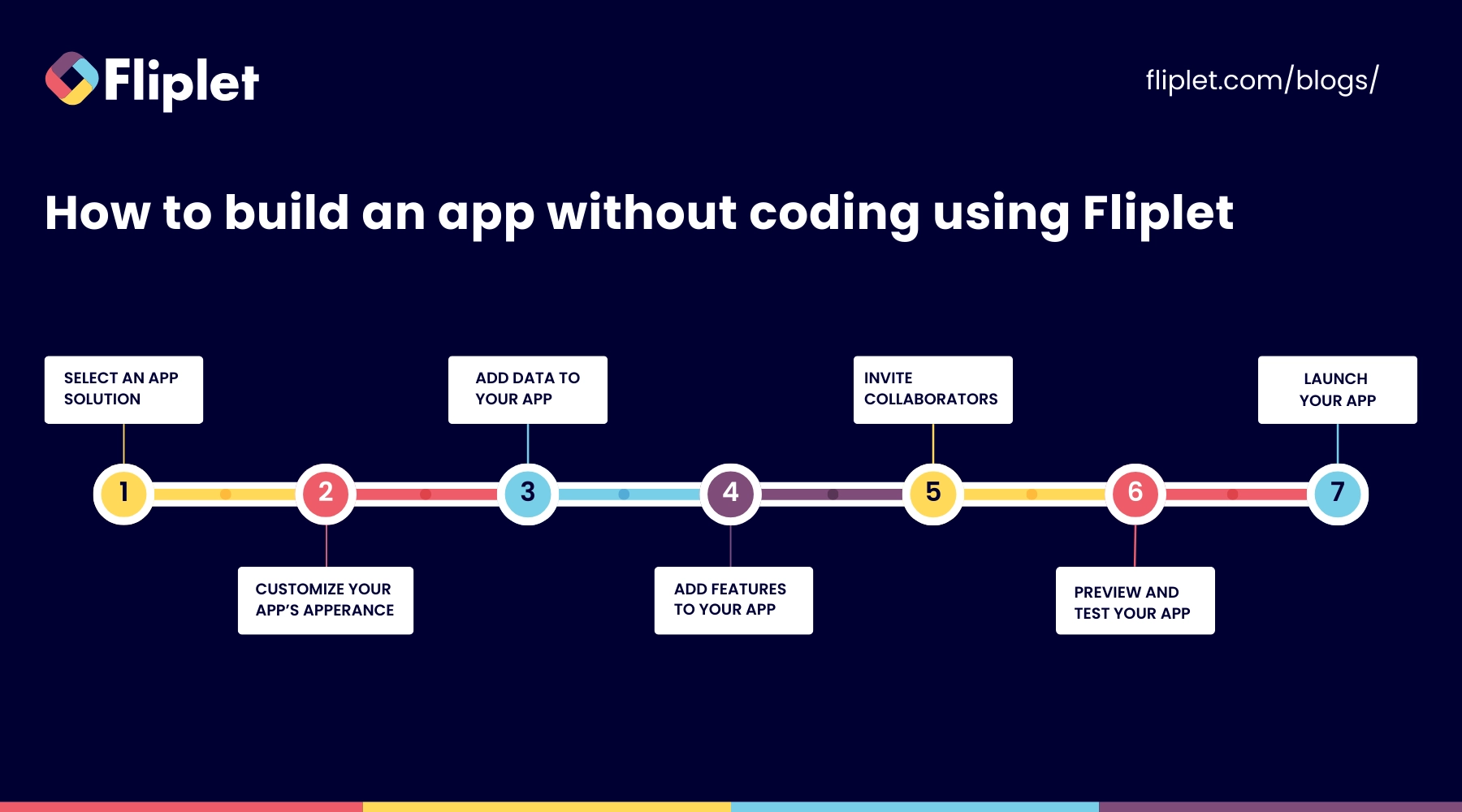
Building with Fliplet starts with a plain-language description of the business outcome, users, data, and workflow. AI generates a working foundation that the team can review and refine before governed publication.
- Describe the outcome and workflow in plain language.
- Review the generated foundation with business and technical stakeholders.
- Integrate features like forms for data entry, maps for location-based services, and social media feeds to keep users engaged.
- Before launching, test your app thoroughly.
- Once approved, publish through controlled web, mobile, or enterprise channels.
Examples of business software built with Fliplet
The following are a few ways organizations have used Fliplet to deliver business software faster.
- 14OhFour created a marketing app for law firms.
- Gateley rapidly developed a range of both internal and client-centered apps for everything from response management to crisis management advice to tax calculators.
- Providence Anesthesiology Associates built a mobile app for their patients.
Planning to build an app? Explore Fliplet's AI app builder, see how Fliplet handles enterprise security, and read customer stories from teams using Fliplet.
Choosing a no-code app builder
AI app builders are changing how teams create applications, helping business and IT teams move from idea to working app faster while keeping control over security, governance, and integrations. Fliplet stands out by offering robust, customizable solutions that cater to various business needs.
Whether you're looking to automate processes, enhance customer interaction, or streamline operations, an AI app builder gives teams a practical way to achieve their objectives with less time, cost, and complexity than traditional software development methods.

Lisa Broom is the Head of Marketing at Fliplet, where she helps enterprise teams turn complex workflows into secure, user-friendly digital experiences.



Ready to see Fliplet live?
Build the software you actually need.
Book a demo to walk through your workflow goals, governance requirements, integration needs, and rollout model.