A web application development platform gives you the tools and environment needed to build, run, and maintain browser-based software. The right choice depends on what the app needs to do and who will own it: developers may prefer a code framework, publishers may need a content system, retailers may need a commerce platform, and business teams may benefit from a managed software platform.
This comparison covers 6 representative approaches and distinguishes a free starting point from production readiness. A free framework or plan may reduce licence cost for learning and prototypes, but it does not remove engineering, hosting, security, integration, support, or governance work.
Quick answer
Choose the platform around the job and the team that will run it. Rails and ASP.NET Core suit custom development; Angular provides the front end. WordPress suits content-led experiences, Shopify suits commerce, and Fliplet suits managed business software.
- Match the build model to your team's skills and the software's data, permissions, and integration needs.
- Separate free software, a free hosted plan, and a time-limited trial when comparing costs.
- Check what you can publish, where it runs, and who maintains it before committing to a platform.
Quick comparison
| Platform | Best fit and build model | Free starting point | What you need to publish |
|---|---|---|---|
| Ruby on Rails | Full-stack Ruby framework for custom products, SaaS, and marketplaces | Open-source framework with no licence fee | A hosting environment and a developer to deploy and maintain the app. The Rails deployment guide uses Kamal and Docker on your server. |
| Angular | Front-end framework for complex browser interfaces | MIT-licensed framework with no licence fee | A production build and a web host or CDN for a client-rendered app. Configure routing and any backend services separately; see Angular deployment. |
| ASP.NET Core | .NET framework for custom web apps, APIs, and services | .NET has no licence fee, including commercial use | A published app and compatible hosting, with the runtime installed or included in the deployment. Your team owns operations; see ASP.NET Core hosting. |
| Fliplet | Managed platform for business software across web and mobile | Free plan for building and testing a prototype; no publishing | A paid plan with publishing. Check current plan limits and choose a Fliplet URL or configure a custom domain using the web-publishing guide. |
| WordPress + plugins | Content management system for resource hubs, membership areas, and content-led portals | Free WordPress.org software; WordPress.com also offers a free hosted plan | For self-hosting, arrange PHP, database, and HTTPS support. On WordPress.com, plugins and a custom domain require a paid plan. |
| Shopify | Hosted commerce platform for stores, checkout, and order management | Trial for setting up and testing a store | Select a paid plan to start selling. Hosting is included; budget separately for applicable payment and app charges. |
Best fit and build model
- Ruby on Rails
- Full-stack Ruby framework for custom products, SaaS, and marketplaces
- Angular
- Front-end framework for complex browser interfaces
- ASP.NET Core
- .NET framework for custom web apps, APIs, and services
- Fliplet
- Managed platform for business software across web and mobile
- WordPress + plugins
- Content management system for resource hubs, membership areas, and content-led portals
- Shopify
- Hosted commerce platform for stores, checkout, and order management
Free starting point
- Ruby on Rails
- Open-source framework with no licence fee
- Angular
- MIT-licensed framework with no licence fee
- ASP.NET Core
- .NET has no licence fee, including commercial use
- Fliplet
- Free plan for building and testing a prototype; no publishing
- WordPress + plugins
- Free WordPress.org software; WordPress.com also offers a free hosted plan
- Shopify
- Trial for setting up and testing a store
What you need to publish
- Ruby on Rails
- A hosting environment and a developer to deploy and maintain the app. The Rails deployment guide uses Kamal and Docker on your server.
- Angular
- A production build and a web host or CDN for a client-rendered app. Configure routing and any backend services separately; see Angular deployment.
- ASP.NET Core
- A published app and compatible hosting, with the runtime installed or included in the deployment. Your team owns operations; see ASP.NET Core hosting.
- Fliplet
- A paid plan with publishing. Check current plan limits and choose a Fliplet URL or configure a custom domain using the web-publishing guide.
- WordPress + plugins
- For self-hosting, arrange PHP, database, and HTTPS support. On WordPress.com, plugins and a custom domain require a paid plan.
- Shopify
- Select a paid plan to start selling. Hosting is included; budget separately for applicable payment and app charges.
Free software does not include the people or infrastructure needed to operate it. A free hosted plan may publish a simple site while restricting the plugins, domains, or controls a web app needs. A trial gives you evaluation time rather than a permanent free production service.
What is a web application platform?
A web application platform is a product, framework, or hosted environment used to build and run software through a browser. Some platforms give developers code-level control. Some help business teams create software from AI prompts and configurable starting points. Others specialize in content publishing, membership areas, ecommerce, portals, internal tools, or data-backed services.
A website mostly publishes information. A web app lets people do something: submit data, search records, approve requests, manage tasks, view personalized content, buy products, or access role-based tools. Many business apps also need mobile access because users move between desk work, field work, meetings, and travel. A serious platform comparison therefore has to look at creation, data, permissions, publishing, support, security, and long-term change.
Teams comparing standard tools before choosing a build path can review these business software options by use case, fit, and pricing model.
Comparison method
This comparison uses six examples to represent different delivery models: full-stack code, front-end engineering, Microsoft-oriented custom development, managed business software, content-led web experiences, and commerce.
The comparison dimensions are: intended user, creation model, hosting and publishing, data and integrations, identity and permissions, production governance, ongoing skills, and total ownership. Check the provider's current plan and regional availability when you narrow your shortlist.
Primary sources:
- Ruby on Rails Guides
- Angular documentation
- Microsoft ASP.NET Core documentation
- Fliplet platform documentation for capabilities, security, and pricing context
- WordPress documentation
- Shopify developer documentation
Frameworks and CMS software that can be downloaded without a licence fee are not automatically “free” in production. Hosting, development, maintenance, extensions, security, monitoring, and support still need owners and budget.
Criteria for choosing a platform
Start with the app's operating context. Who will own it after launch: a business team, IT, product, operations, or an external partner? If non-technical teams will maintain content and users, they need safe editing paths, approval controls, practical documentation, and support. If developers own the app, they may need source control, custom code, staging environments, observability, and deployment ownership.
Data is usually the second constraint. Most useful web apps connect to something: CRM, HRIS, SQL databases, spreadsheets, document systems, identity providers, analytics tools, payment systems, or internal APIs. Compare native connectors, API support, authentication options, write-back capability, sync frequency, error handling, and ownership of connected systems before you commit.
Governance and security matter when the app handles employee, client, operational, financial, legal, healthcare, or confidential information. Check role-based access, single sign-on options, audit trails, approval controls, admin ownership, data protection, support, and publishing at the plan level you are actually considering. The security page is useful if you are comparing enterprise controls before choosing Fliplet.
AI should be judged by what happens after the first draft. A prompt-generated app is helpful only if your team can inspect it, refine it, add roles, connect data, test important tasks, publish safely, and maintain it. Review AI app builders to see how prompt-assisted creation connects to production requirements.
Finally, compare total cost rather than starting price. Look at user or seat pricing, app limits, data and storage limits, paid connectors, support level, custom branding, security controls, developer time, maintenance time, and migration cost if the platform stops fitting. Use pricing to frame those questions early instead of after a prototype has become politically hard to replace.
Publishing and production
| Question | Free starting point | Web-only requirement | Enterprise production requirement |
|---|---|---|---|
| What it proves | The team can learn the model or prototype a thin slice | The browser experience supports target tasks and devices | The complete operating model supports identity, data, integration, release, support, and control |
| What to verify | Usage, export, collaboration, publishing, and commercial-use limits | Browser support, responsive behavior, accessibility, SEO where public, offline needs, and hosting | SSO, roles, environments, audit, retention, residency, procurement evidence, support, incident response, and exit path |
| Common mistake | Treating a zero licence price as zero total cost | Assuming browser delivery covers native distribution or device capabilities | Buying a plan before testing a representative use case and control set |
Free starting point
- What it proves
- The team can learn the model or prototype a thin slice
- What to verify
- Usage, export, collaboration, publishing, and commercial-use limits
- Common mistake
- Treating a zero licence price as zero total cost
Web-only requirement
- What it proves
- The browser experience supports target tasks and devices
- What to verify
- Browser support, responsive behavior, accessibility, SEO where public, offline needs, and hosting
- Common mistake
- Assuming browser delivery covers native distribution or device capabilities
Enterprise production requirement
- What it proves
- The complete operating model supports identity, data, integration, release, support, and control
- What to verify
- SSO, roles, environments, audit, retention, residency, procurement evidence, support, incident response, and exit path
- Common mistake
- Buying a plan before testing a representative use case and control set
Keep these requirements separate. A strong free prototype can still fail an enterprise security review, and an enterprise platform can be excessive for a simple public web tool.
Platform examples
These examples are not a universal ranking. They show how different platform categories solve different kinds of web app problems.
Best fit
Ruby on Rails is a strong choice when the app is a custom product and the organization has developers who will own it after launch. It works well for SaaS products, marketplaces, and internal systems where the team wants a mature full-stack framework, fast iteration, convention-led architecture, and control over the application code.
Pros
- Fast development for teams that know the framework.
- Mature ecosystem for routing, data models, testing, security conventions, background jobs, and deployment patterns.
- Good fit for products where long-term ownership sits with engineering.
Cons
- Requires developers, DevOps, testing, monitoring, and ongoing maintenance.
- Not ideal when a business team needs to launch and manage a governed app without owning code.
- Architecture choices still matter; Rails does not remove the need for product and security planning.
Unique benefit
Rails is valuable when custom control is the point. AI coding tools can speed up development, but the platform decision is still engineering-led, which makes it best for teams that want to own the application stack rather than configure a hosted app platform.
2. Angular
2. Angular
Best fit
Angular is best for engineering teams building structured front-end applications that need strong patterns, routing, forms, testing, and long-term maintainability. It is often chosen for enterprise-scale interfaces where consistency across a larger codebase matters and a development team is already in place.
Pros
- Strong framework conventions for complex interfaces.
- Useful tooling for components, routing, forms, dependency injection, and testing.
- Good fit for large teams that need maintainable front-end structure.
Cons
- Angular is a developer framework, not a complete business app platform.
- Teams still need backend services, hosting, authentication, data architecture, deployment, and maintenance.
- It can be too heavy when a team simply needs a secure business app delivered quickly.
Unique benefit
Angular is strongest when the front end itself is a major product surface. If the project depends on sophisticated UI structure, reusable components, and engineering discipline, Angular gives developers a stable framework rather than a one-off build.
3. ASP.NET Core
3. ASP.NET Core
Best fit
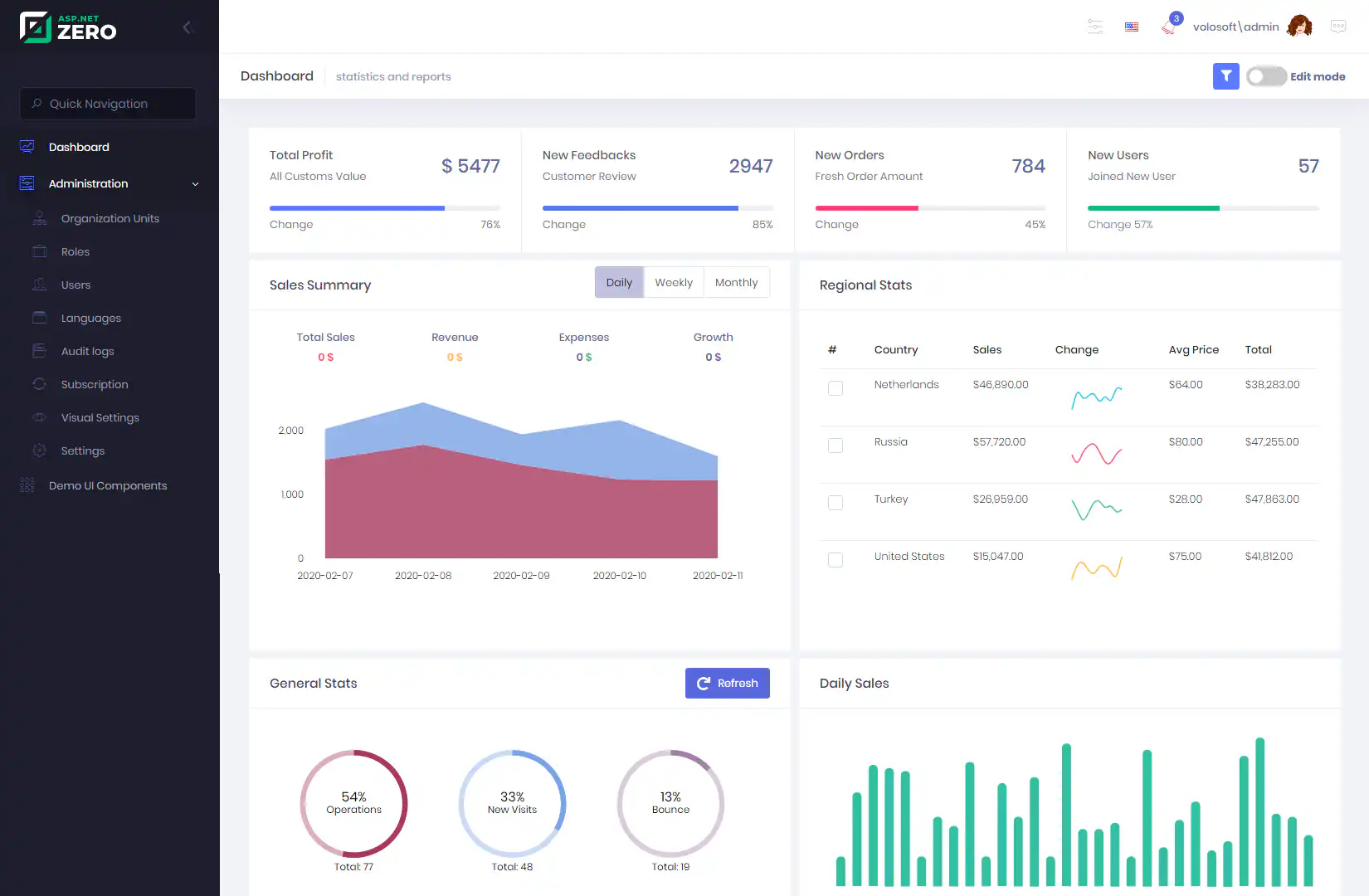
ASP.NET Core is a strong choice for Microsoft-oriented engineering teams building web apps, APIs, real-time services, and enterprise systems with .NET and C#. It fits organizations that want full application control and already have Microsoft development expertise.
Pros
- Strong fit for .NET and Azure-oriented teams.
- Good for custom web apps, APIs, services, and enterprise systems.
- Broad language, tooling, identity, database, and hosting ecosystem.
Cons
- Requires developers and production operations maturity.
- Costs can rise through engineering time, cloud architecture, monitoring, and long-term support.
- It is not a shortcut for non-technical teams that need a configured app experience.
Unique benefit
ASP.NET Core gives Microsoft-heavy organizations a serious code-first path for custom application development. It is most useful when the app needs custom architecture and the team already has the skills to operate it.
Best fit
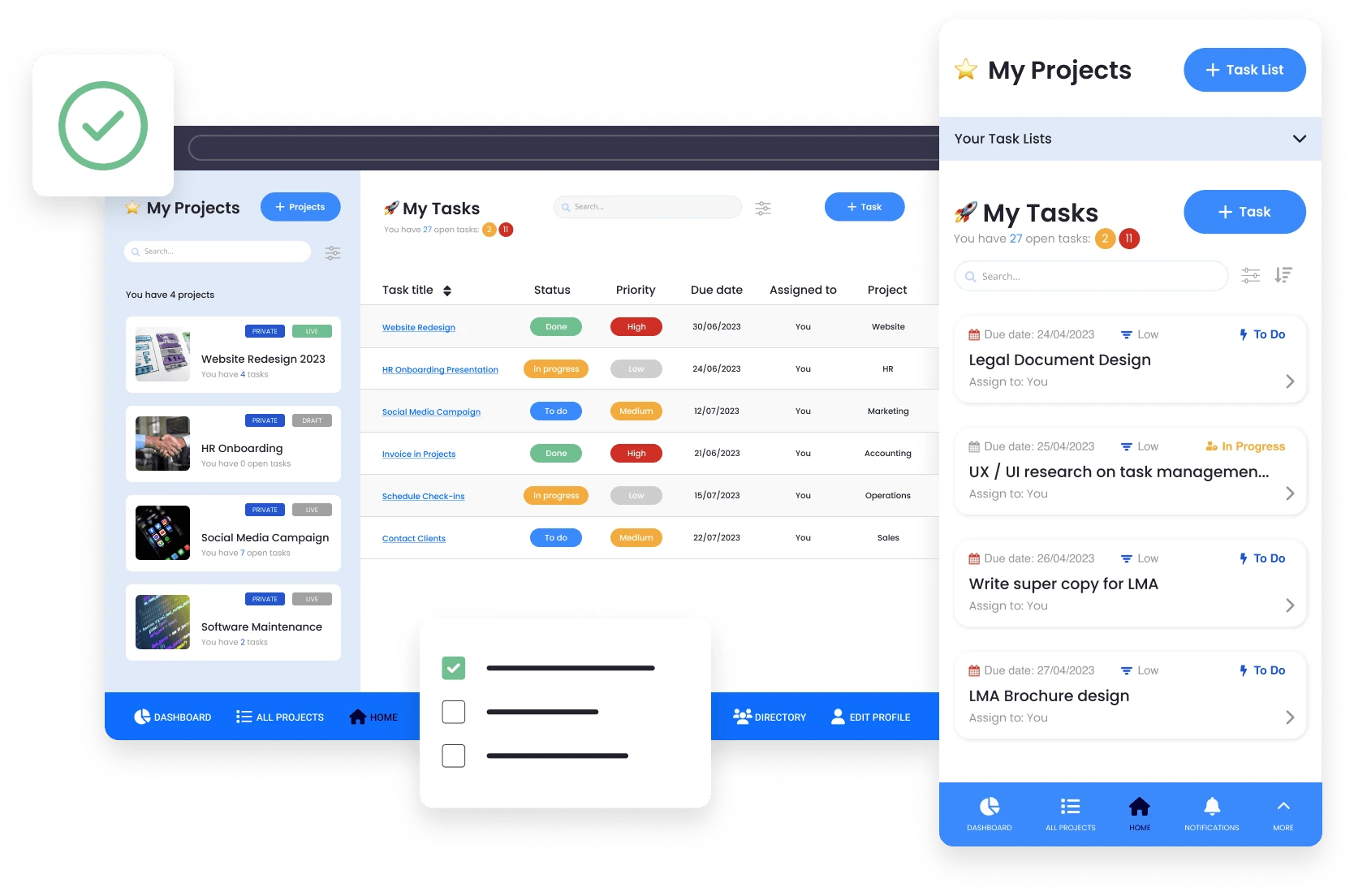
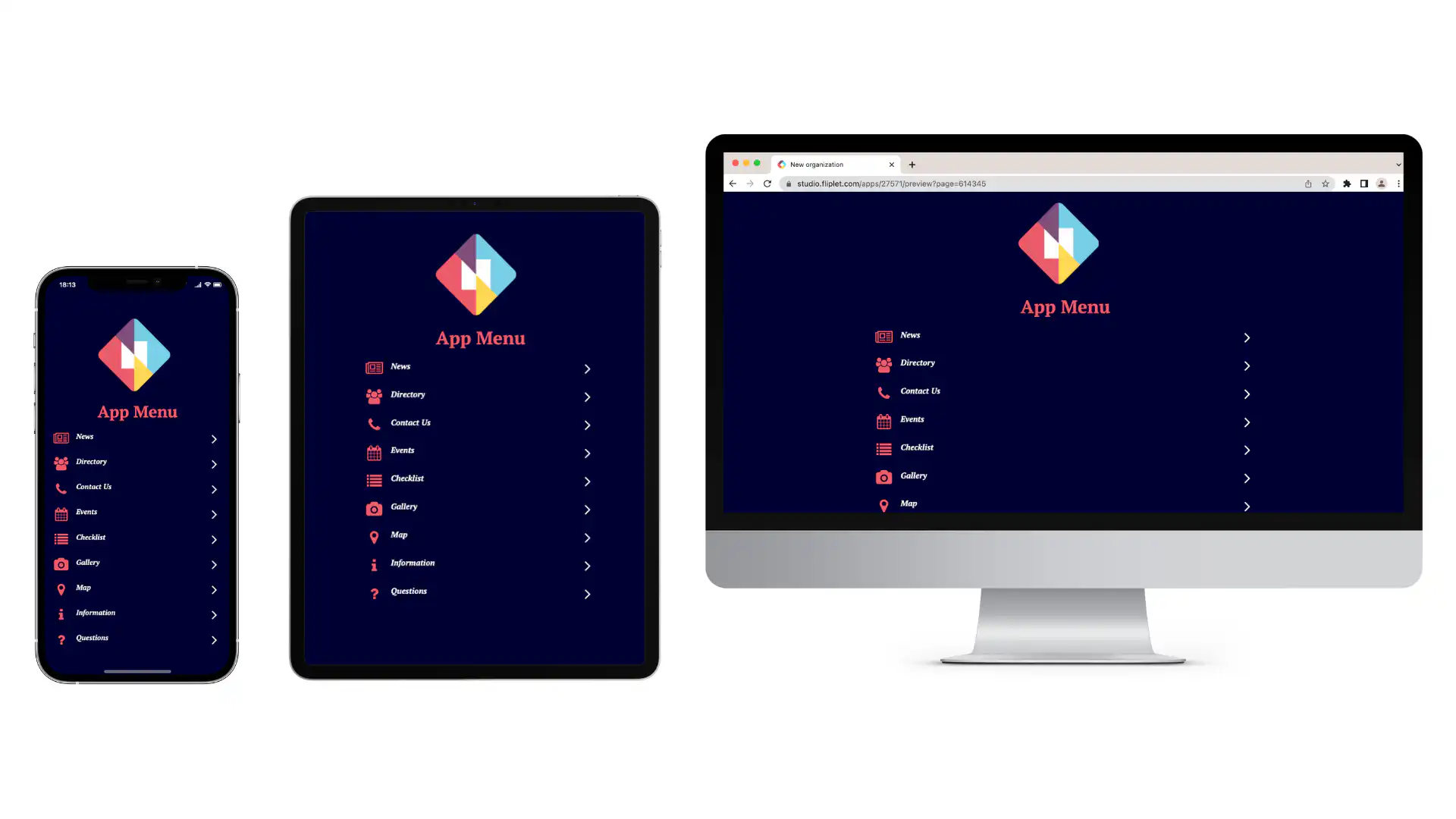
Fliplet is best for teams that need to create business software for web and mobile from a prompt and keep control through launch. Its current platform pages cover AI-assisted creation and edits, data sources, integrations, access, version history, analytics, and web and mobile publishing. It suits employee software, client portals, learning tools, directories, reporting tools, innovation software, and event experiences.
Pros
- AI-assisted app planning and creation.
- Configurable app patterns for common business use cases.
- Permissions, user management, analytics, integrations, enterprise security expectations, and publishing paths.
- Useful when a business team needs momentum but IT still needs a controlled platform.
Cons
- Not the right choice when a product team needs full control over every line of application code.
- Unusual architecture or deeply custom product logic may need a code framework instead.
- Teams should still plan ownership, data, permissions, launch support, and rollout before treating the first version as finished.
Unique benefit
Fliplet combines AI-assisted creation with data, access, integration, publishing, and release controls in one platform. Teams can review and refine the first version before it reaches users.
5. WordPress + plugins
5. WordPress + plugins
Best fit
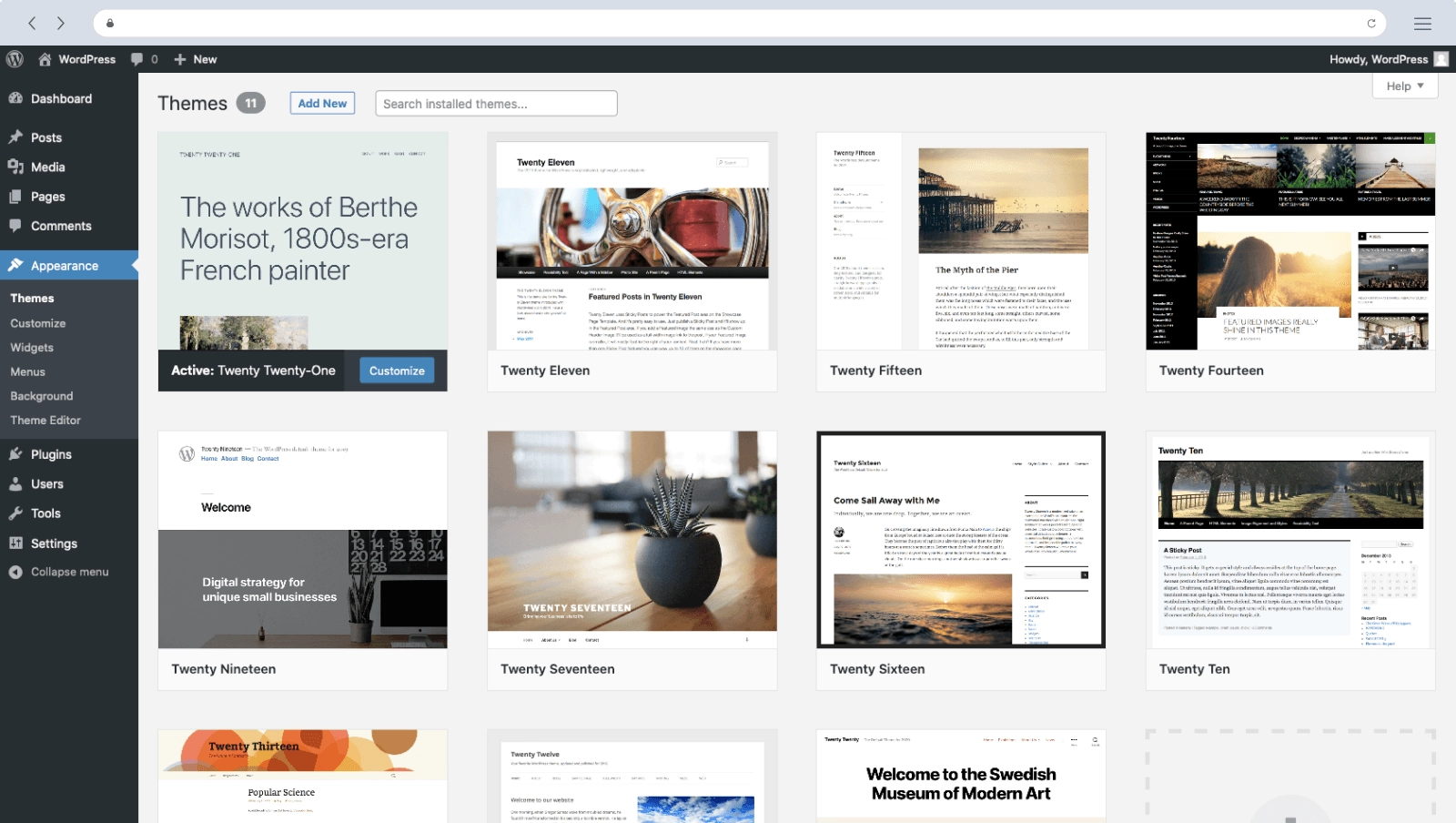
WordPress is strongest when the application is content-led. With plugins and custom development, teams can create membership sites, resource libraries, learning hubs, portals, directories, ecommerce flows, and other web app-like experiences where publishing, search visibility, and editorial ownership matter.
Pros
- Familiar content-management process for many teams.
- Large ecosystem of themes, plugins, developers, and hosting providers.
- Strong fit for SEO-led and content-heavy experiences.
Cons
- Plugin quality, security, performance, and update burden can become the real cost.
- Heavily customized sites need careful maintenance.
- Governance and app logic can become messy if a content site grows into a business-critical application without planning.
Unique benefit
WordPress is practical when content is the core product surface. It can support app-like experiences, but teams should treat plugin selection, hosting, security, and maintenance as platform decisions, not afterthoughts.
Choose the hosting model explicitly. WordPress.org provides the software for your own host. WordPress.com includes hosting, but its free plan does not allow plugin installation; all its paid plans support plugins. A membership or learning feature that depends on a plugin therefore needs more than the free hosted plan.
Best fit
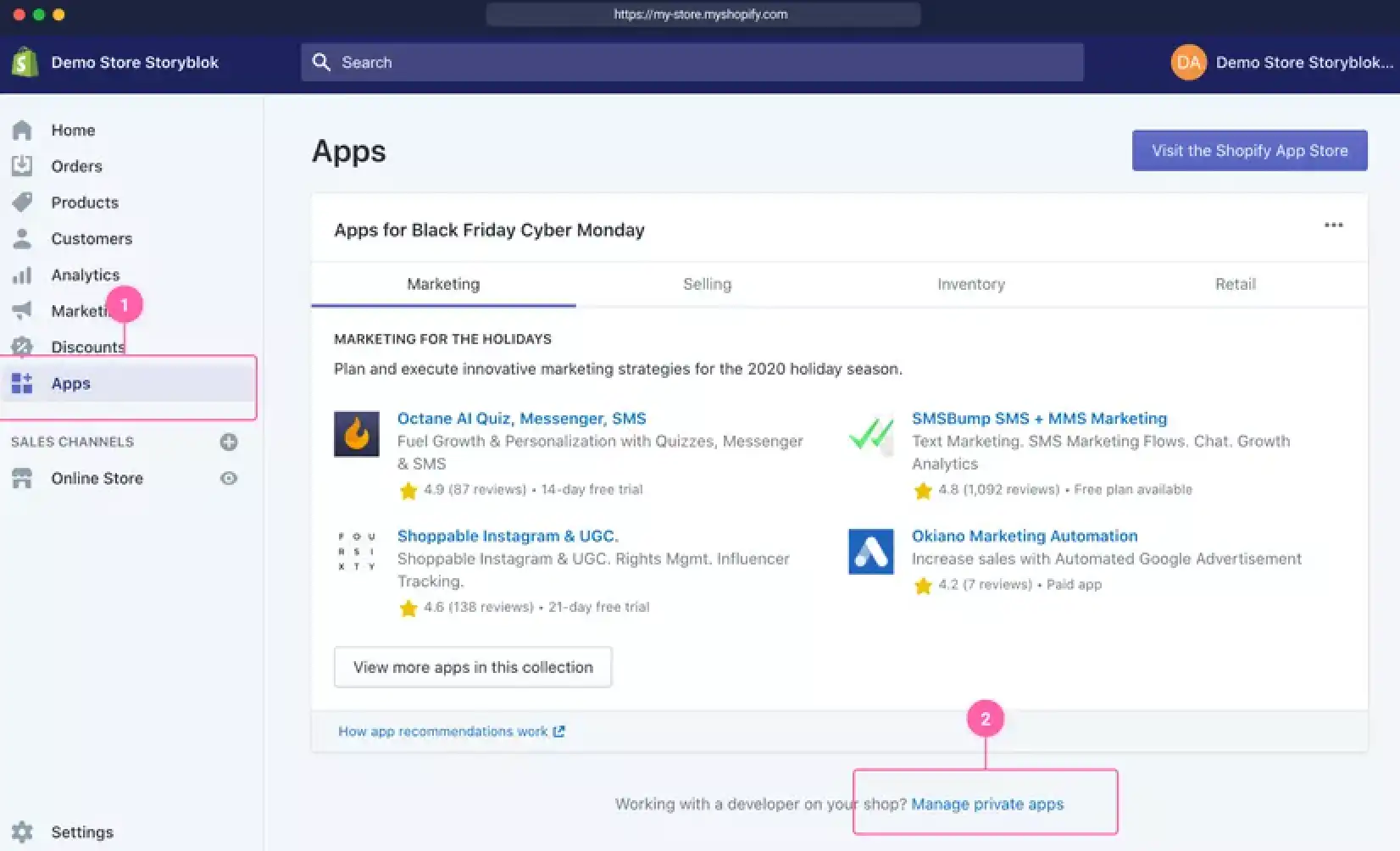
Shopify is best for commerce-led web applications where the core job is selling products, managing orders, accepting payments, and operating an online store. It is a focused commerce platform rather than a general-purpose app builder, which is why it works well for ecommerce teams.
Pros
- Storefront, checkout, payments, inventory, analytics, themes, apps, and integrations in one commerce platform.
- Fast route to a professional ecommerce operation.
- Strong ecosystem for online selling and commerce extensions.
Cons
- Not designed for every web app use case.
- Customization, transaction fees, app costs, and platform constraints need to be understood early.
- Employee tools, client portals, internal approvals, and content-heavy knowledge platforms usually need a different tool.
Unique benefit
Shopify removes a lot of ecommerce plumbing. If the application is really a commerce operation, a dedicated commerce platform can be more practical than forcing a general web app platform to handle catalog, checkout, payment, and fulfilment.
How to shortlist
Use the main job to narrow the six options, then test one representative task before expanding the build. These are starting points for evaluation, not interchangeable products or a universal ranking.
| What you are building | Start your shortlist with | Who supplies hosting and maintenance? | Test before choosing |
|---|---|---|---|
| Custom SaaS product or marketplace | Rails; ASP.NET Core if your team works in .NET | Your engineering team or hosting partner operates the app, database, releases, and backups | One complete transaction, access rules, background processing, and a deployment rollback |
| Complex browser interface over existing APIs | Angular, alongside your backend | Your team hosts the front end and owns API integration, authentication, and releases | A direct link to a nested page, an authenticated API request, and the most demanding user interaction |
| Content library or membership portal | WordPress + the necessary plugins | Your chosen host runs the infrastructure; agree who updates WordPress and plugins | Search, member permissions, editorial changes, and compatibility between required plugins |
| Online store | Shopify | Shopify hosts the store; your team owns catalog, settings, extensions, and commerce operations | Checkout, payment availability, shipping/tax requirements, and total fees in your market |
| Employee or client workflow | Fliplet; Rails or ASP.NET Core where custom engineering is essential | Fliplet provides the managed publishing route; your team still owns data, permissions, integrations, and rollout. Framework options need your own operations | One real approval or data-entry task with the right user roles and connected system |
| Simple public information site | WordPress; WordPress.com for a hosted starting point | WordPress.com includes hosting, or you arrange a host for WordPress.org | Whether the free plan's domain, plugin, and storage limits allow the intended site |
Start your shortlist with
- Custom SaaS product or marketplace
- Rails; ASP.NET Core if your team works in .NET
- Complex browser interface over existing APIs
- Angular, alongside your backend
- Content library or membership portal
- WordPress + the necessary plugins
- Online store
- Shopify
- Employee or client workflow
- Fliplet; Rails or ASP.NET Core where custom engineering is essential
- Simple public information site
- WordPress; WordPress.com for a hosted starting point
Who supplies hosting and maintenance?
- Custom SaaS product or marketplace
- Your engineering team or hosting partner operates the app, database, releases, and backups
- Complex browser interface over existing APIs
- Your team hosts the front end and owns API integration, authentication, and releases
- Content library or membership portal
- Your chosen host runs the infrastructure; agree who updates WordPress and plugins
- Online store
- Shopify hosts the store; your team owns catalog, settings, extensions, and commerce operations
- Employee or client workflow
- Fliplet provides the managed publishing route; your team still owns data, permissions, integrations, and rollout. Framework options need your own operations
- Simple public information site
- WordPress.com includes hosting, or you arrange a host for WordPress.org
Test before choosing
- Custom SaaS product or marketplace
- One complete transaction, access rules, background processing, and a deployment rollback
- Complex browser interface over existing APIs
- A direct link to a nested page, an authenticated API request, and the most demanding user interaction
- Content library or membership portal
- Search, member permissions, editorial changes, and compatibility between required plugins
- Online store
- Checkout, payment availability, shipping/tax requirements, and total fees in your market
- Employee or client workflow
- One real approval or data-entry task with the right user roles and connected system
- Simple public information site
- Whether the free plan's domain, plugin, and storage limits allow the intended site
For example, a client portal with document publishing and memberships may fit WordPress. If the same portal needs approvals, sensitive record access, and writes to another business system, compare those specific tasks in Fliplet or a custom framework. The word “portal” alone is not enough to choose a platform.
If a visual development platform fits your ownership model, use the low-code and no-code platform comparison to narrow that category. For a request-entry project, review the data capture solution for the forms and records you need. Assess approval rules and connections to other systems separately.
Where Fliplet fits
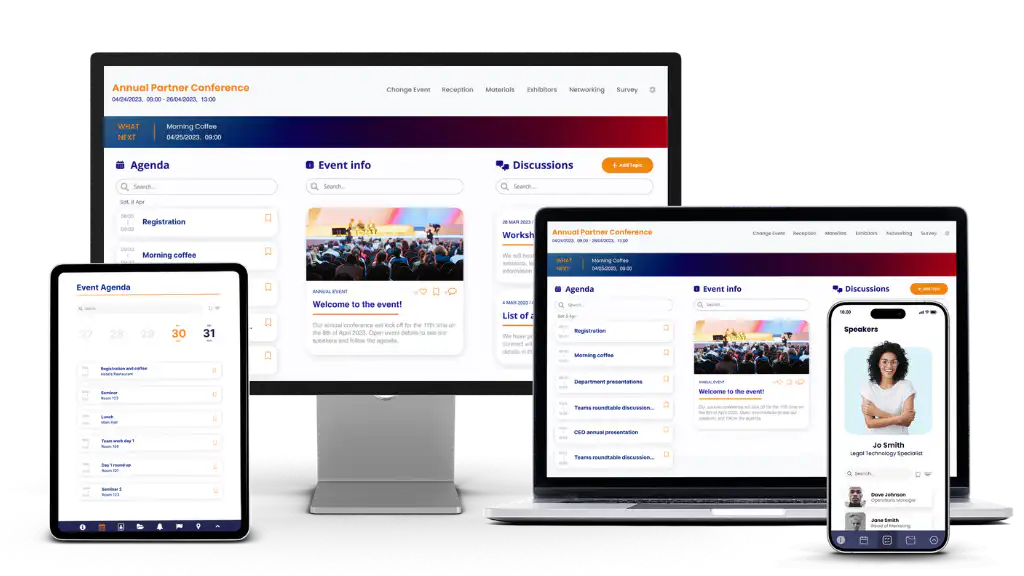
Fliplet is worth testing when a business team needs to shape web or mobile software while IT reviews access, data, integrations, and publishing. Take the same approval or data-entry task used for the other shortlisted options and check which steps work in the proposed plan. Review the platform overview and integration options against that task.
For a content-led portal example, read how Gateley Legal brought its training programme into one place. Its Academy for Housebuilders combined course information, delegate communications and restricted access. Compare those requirements with your own; the story does not establish that every portal has the same integration or security needs.
In Gateley's customer interview, Joe Edwards describes how the digital team uses Fliplet:
“We can set up pages and apps, which you can deploy anywhere within the space of minutes and hours.”
— Joe Edwards, Gateley. Also published in the Gateley case study.
His account illustrates who can own publishing in Fliplet. For your project, check the data, access rules and release approvals as well as screen creation. You can also watch Gowling WLG discuss its experience with Fliplet.
Take one representative task, the required user roles, and your connected systems into a Book a Demo discussion to see whether Fliplet belongs on your shortlist.

Lisa Broom is the Head of Marketing at Fliplet, an AI-powered platform for web and mobile software.

Ready to see Fliplet live?
Build the software you actually need.
Book a demo to walk through your workflow goals, governance requirements, integration needs, and rollout model.