
This guide compares low-code and no-code as two different development approaches. It explains how they differ in coding requirements, intended users, customization, integrations, governance, and suitable projects.
Use it to decide which approach fits your team before comparing products. For vendor shortlists, go directly to the low-code platform comparison or the no-code app builder comparison. For definitions and fundamentals, use the dedicated no-code development guide or low-code development guide.
What is low code no code development? (LCNC)
Low-code/no-code development (LCNC) describes software creation approaches that reduce or remove the need for traditional hand-coding.
- Low code platforms provide a graphical interface with drag-and-drop components, allowing users to build applications with minimal coding. This means that even those with basic technical knowledge can create functional applications.
- No code platforms go a step further, enabling users to create applications entirely through visual tools without any coding. This approach democratizes app development, making it accessible to non-technical users and accelerating the development process for experienced developers.
LCNC empowers businesses to quickly adapt to changing market demands, reduces the time and cost associated with traditional development, and fosters innovation by enabling a broader range of people to contribute to software creation.
What are low code no code platforms?
Low code no code platforms are software environments that provide the tools and frameworks necessary for LCNC development. These platforms offer a range of features including visual development interfaces, pre-built templates, integration capabilities, and automated workflows.
They are designed to simplify and speed up the application development process, making it possible to build and deploy applications much faster than with traditional coding methods.
Some of the best low code no code platforms include Fliplet, OutSystems, Mendix, and Appian. These platforms cater to various development needs, from simple business process automation to complex enterprise applications. By leveraging these platforms, organizations can enhance productivity, reduce reliance on highly skilled developers, and enable rapid innovation.
Whether you're looking to automate routine tasks, develop customer-facing apps, or create complex enterprise solutions, low code no code platforms offer the flexibility and efficiency needed to meet your goals.
Low code vs no code
Low code development platforms are designed to reduce the amount of hand-coding required to build applications. They provide a graphical interface with drag-and-drop components, pre-built templates, and automated workflows that streamline the development process. However, low code platforms still allow for some level of coding, which means that developers can customize and extend applications beyond the built-in features. This flexibility makes low code platforms ideal for building complex applications that require a high degree of customization and integration with existing systems.
Low code platforms are typically used by both professional developers and tech-savvy business users. Developers appreciate the efficiency gains and the ability to focus on more complex, high-value tasks, while business users can participate in the development process without needing extensive coding knowledge.
Takeaway: Low code platforms are well-suited for creating a wide range of applications, from enterprise-level solutions to mobile and web apps, offering a balance between speed and flexibility.
No code development platforms take simplicity a step further by enabling users to create applications entirely through visual tools, without any coding at all. These platforms provide a highly intuitive user interface, often resembling a flowchart or spreadsheet, where users can define the logic and functionality of their applications using pre-configured components and connectors. No code platforms are designed to be accessible to non-technical users, allowing business professionals, marketers, and other non-developers to build and deploy applications quickly.
The main advantage of no code platforms is their ability to democratize application development, making it possible for anyone with basic computer skills to create functional applications. This is particularly useful for automating routine business processes, creating simple internal tools, or developing customer-facing apps that do not require extensive customization or integration.
Takeaway: No code platforms offer less flexibility and customization compared to low code platforms. They are best suited for straightforward applications with well-defined requirements and limited need for bespoke features.
Low-code vs no-code comparison table
| Criteria | Low code | No code |
|---|---|---|
| Coding Requirement | Minimal coding required | No coding required |
| User | Developers and business users | Primarily business users |
| Customization | High level of customization possible | Limited customization |
| Complexity | Suitable for complex applications | Suitable for simple applications |
| Speed | Fast development | Very fast development |
| Flexibility | More flexible, suitable for a variety of apps | Less flexible, best for specific use cases |
| Integration | Strong integration capabilities | Moderate integration capabilities |
| Learning Curve | Moderate | Low |
| Use Cases | Enterprise solutions, mobile apps, web apps | Workflow automation, simple business apps |
Both low code and no code platforms offer significant advantages, but the choice depends on the specific needs of your project. Low code platforms are ideal for more complex, customizable applications, while no code platforms are perfect for rapid development of simple, functional apps.
For more information on low code application development, check out our full guide here.
For more information on no code application development, check out our full guide here.
How do no code low code platforms work?
No code and low code platforms work by providing visual development tools that simplify the application creation process. These platforms offer drag-and-drop interfaces where users can select and arrange pre-built components to create applications. These components can include user interface elements, data models, business logic, and integrations with other systems.
For low code platforms, users may need to write minimal code to extend or customize functionalities. These platforms provide APIs, scripting capabilities, and other development tools that allow for deeper customization when needed. In contrast, no code platforms aim to eliminate coding entirely, offering extensive libraries of pre-configured elements and connectors that users can piece together to build their applications.
Both types of platforms support rapid prototyping and iterative development, enabling users to quickly build, test, and deploy applications. They often include built-in testing tools, version control, and deployment options, streamlining the entire development lifecycle.
Book a Fliplet demo to discuss which delivery approach fits your requirements.
Who uses low-code/no-code tools?

- Business users and citizen developers: Non-technical users who need to create applications to support their work without relying on IT departments. This group includes business analysts, project managers, and other professionals looking to automate processes and improve efficiency.
- Professional developers: Experienced developers who use these platforms to speed up development tasks, focusing on more complex coding challenges and integrating low-code solutions with existing systems.
- IT departments: IT teams use low-code/no-code tools to quickly develop internal applications, streamline workflows, and reduce the backlog of IT requests.
- Startups and small businesses: Organizations with limited resources and technical expertise can use these platforms to build and deploy applications rapidly without significant investment in traditional development.
- Large enterprises: Enterprise teams use configurable platforms to deliver department-specific workflows within shared governance standards.
Examples & Use cases of low code and no code
Common low-code and no-code use cases
- Business process automation: Streamlining repetitive tasks such as data entry, approval workflows, and reporting.
- Customer Relationship Management (CRM): Creating customized CRM systems to manage customer interactions and data.
- E-commerce: Building online stores, managing inventory, and processing orders.
- Healthcare: Developing patient management systems, appointment scheduling apps, and telehealth platforms.
- Human resources: Automating recruitment processes, employee onboarding, and performance reviews.
- Finance: Building applications for expense tracking, budgeting, and financial reporting.
- Marketing: Creating campaign management tools, lead generation forms, and customer feedback surveys.
Want to read real life stories of companies that use Fliplet to design applications? Check out their experiences here.
Primary features of low code no code tools
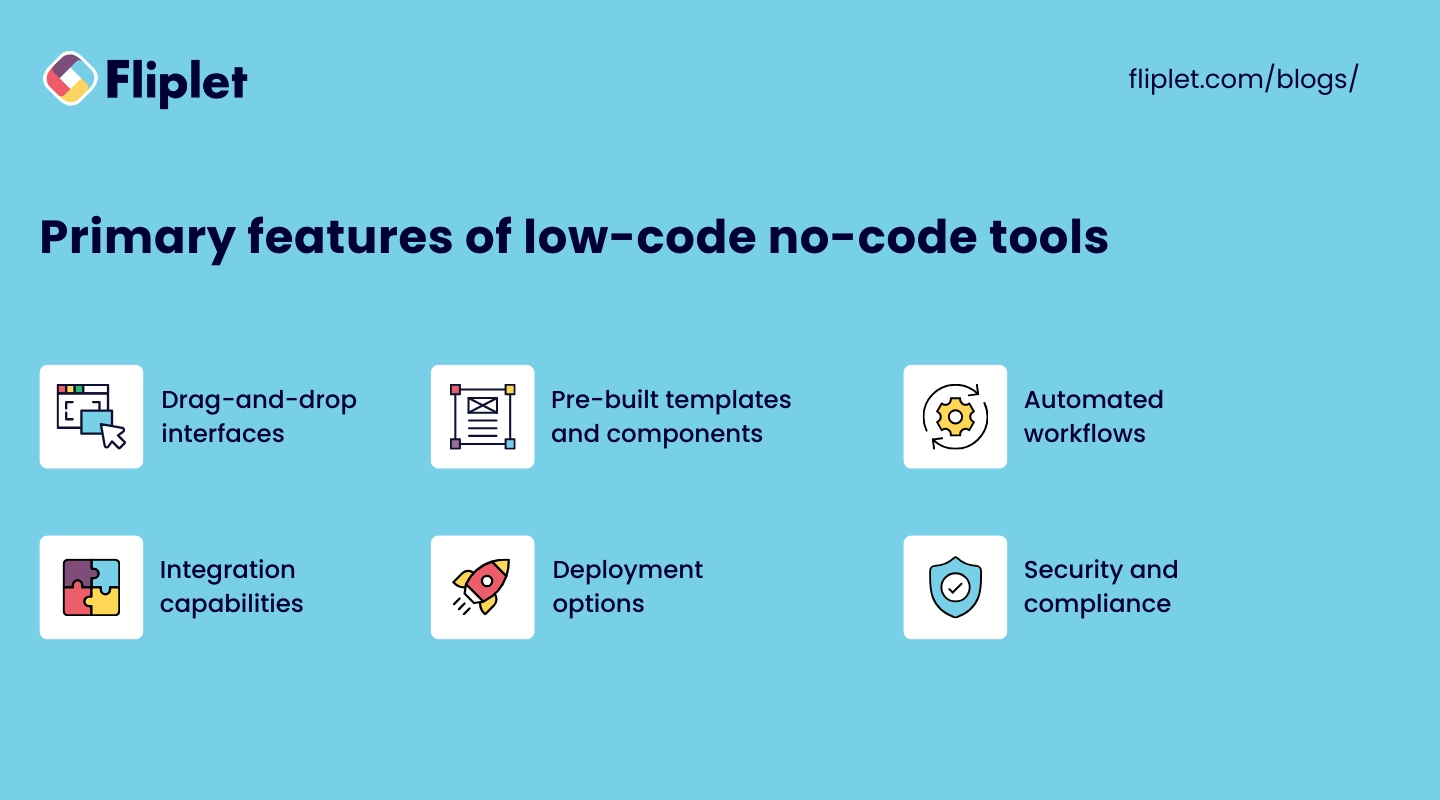
- Drag-and-drop interfaces: Intuitive visual editors that allow users to build applications by dragging and dropping components.
- Pre-built templates and components: Libraries of ready-made elements that users can easily incorporate into their applications.
- Automated workflows: Tools to create and manage business processes and automate routine tasks.
- Integration capabilities: Connectors and APIs for integrating applications with existing systems and third-party services.
- Collaboration tools: Features that support teamwork, including real-time editing, version control, and commenting.
- Deployment options: One-click deployment and hosting solutions to publish applications quickly and efficiently.
- Security and compliance: Built-in security features and compliance with industry standards to ensure data protection.
Compare platforms by approach
Once you have chosen an approach, use the matching vendor comparison. The no-code app builder comparison covers tools designed around visual creation without traditional coding. The low-code development platform comparison covers platforms that retain developer extension and customization options.
How to choose the right low code no code platform
Low-code/no-code selection criteria
- Project requirements: Identify the specific needs of your project, including required features, customization levels, and integration needs.
- User skill level: Consider the technical expertise of your team. No code platforms are ideal for non-technical users, while low code platforms are better for those with some coding knowledge.
- Scalability: Ensure the platform can scale with your business and handle increasing demands as your project grows.
- Cost: Evaluate the pricing models of different platforms, including any additional costs for features, support, and deployment.
- Support and resources: Look for platforms that offer strong customer support, comprehensive documentation, and a vibrant community for assistance.
- Security and compliance: Check that the platform meets your security requirements and complies with relevant industry standards.
- Ease of integration: Choose a platform that easily integrates with your existing systems and third-party applications.
By considering these factors, you can select a low code no code platform that best aligns with your business objectives and development needs.
The benefits of low code no code solutions

This reduces the time-to-market for new applications, enabling organizations to respond swiftly to market changes and customer demands.
These platforms can also widen participation by giving non-developers a controlled way to contribute. Cost depends on licensing, implementation, integrations, governance, support, and ongoing maintenance—not coding effort alone.
Furthermore, these platforms often come with built-in security features and compliance with industry standards, enhancing the overall security and reliability of the applications developed.
The challenges of low code no code app development
Despite their advantages, low code no code app development platforms come with challenges.
One major issue is the limitation in customization; while these platforms offer a range of pre-built components, they may not provide the flexibility needed for highly specialized or complex applications.
Integration with existing systems can be difficult because connector coverage, APIs, authentication, and error handling vary. Security also requires attention because visual abstraction does not remove the need for threat modeling, access control, testing, and monitoring.
Additionally, teams unfamiliar with these platforms can experience a learning curve, and reliance on a specific vendor can lead to issues of vendor lock-in. Performance limitations might also arise, particularly for applications that require high levels of customization and optimization.
How to get started with low-code/no-code development

Getting started with low-code/no-code development is straightforward.
- Identify your project requirements and determine whether a low code or no code platform is more suitable.
- Research and select a platform that meets your needs, considering factors like ease of use, scalability, and integration capabilities.
- Familiarize yourself with the platform by taking advantage of tutorials, documentation, and community resources.
- Begin by defining the key features and functionalities of your application.
- Use the platform's drag-and-drop interface to design your application, leveraging pre-built templates and modules to speed up development.
- Test your application thoroughly to ensure it meets your requirements and make necessary adjustments based on feedback.
- Deploy your application to your preferred environment and ensure you have a plan for ongoing maintenance and updates.
Why use Fliplet for low code no code development
Fliplet is an enterprise AI software builder rather than a conventional low-code or no-code platform. It supports prompt-led creation while giving teams governance, access controls, integrations, and publishing support for production software.
Fliplet offers extensive customization options, allowing users to tailor applications to their specific needs. The platform also provides strong integration capabilities, making it easy to connect with existing systems and third-party services. With built-in security features and compliance with industry standards, Fliplet ensures that applications are secure and reliable.
Additionally, Fliplet's support and resources, including tutorials, documentation, and a vibrant community, make it an excellent choice for businesses looking to streamline their app development processes.
How Fliplet supports governed delivery
If your team needs to move from an idea to controlled production software, book a Fliplet demo.
The future of low code no code software

Artificial intelligence and machine learning will likely be integrated into low code no code platforms, enabling smarter and more efficient development processes.
These platforms will offer greater flexibility, with more customization options and advanced features, making them suitable for an even broader range of applications.
Enhanced collaboration tools will make it easier for teams to work together on low-code/no-code projects.
Additionally, there will be a stronger focus on security, ensuring that applications built with these platforms are robust and compliant with industry standards.
Evaluate new capabilities through representative pilots, then expand only when the approach meets delivery, security, ownership, and outcome requirements.
Low-code/no-code Development: FAQs
Common questions about low-code/no-code development.

Lisa Broom is the Head of Marketing at Fliplet, where she helps enterprise teams turn complex workflows into secure, user-friendly digital experiences.


Ready to see Fliplet live?
Build the software you actually need.
Book a demo to walk through your workflow goals, governance requirements, integration needs, and rollout model.