
No-code development is a way to create software through visual interfaces, configuration, and reusable components without writing traditional code. It is commonly used by business teams and citizen developers for workflows, internal tools, portals, and straightforward web or mobile experiences.
This guide explains how no-code works, who uses it, common features, use cases, benefits, and limitations. When you are ready to evaluate products, use the no-code app builder comparison. To compare no-code directly with low-code, read the low-code vs no-code guide.
What is no code?
The definition of no code development is an application-building process that allows users to create software without writing any code.
This technology uses visual development interfaces and drag-and-drop tools to enable the creation of applications. The primary definition of no code is that it eliminates the need for traditional programming, making software development accessible to a broader range of people, including those without technical backgrounds.
Key characteristics of no code:
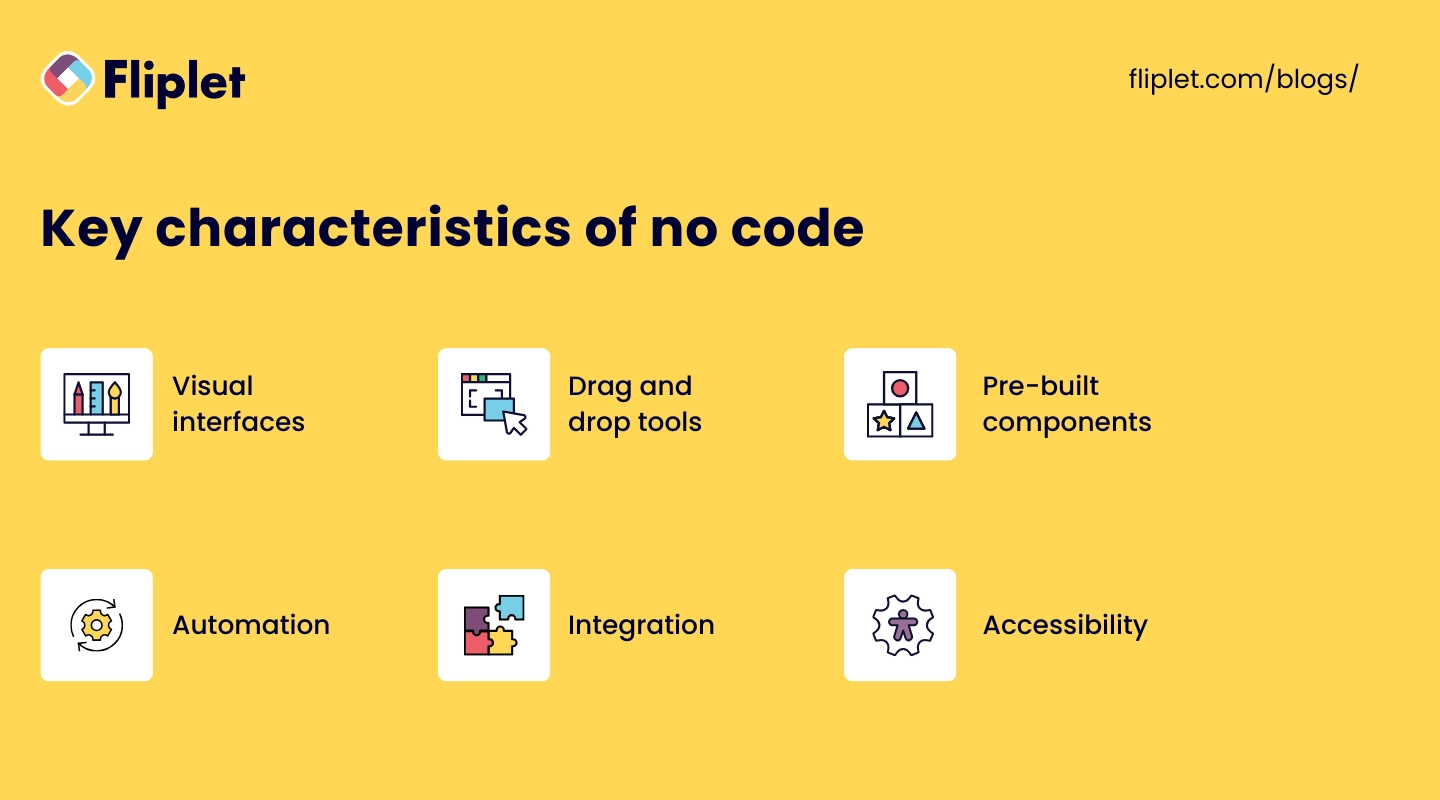
- Visual interfaces: Users interact with graphical elements to build applications, making the process intuitive and accessible.
- Drag-and-drop tools: Simplifies the placement and configuration of components, enabling rapid assembly of applications.
- Pre-built components: Provides a library of ready-to-use elements such as forms, buttons, and data fields, which can be customized to meet specific needs.
- Automation: Incorporates automated workflows that streamline repetitive tasks and processes.
- Integration: Includes built-in connectors to integrate with other software and services, enhancing functionality and interoperability.
- Accessibility: Designed to be used by non-technical users, allowing business professionals to create and manage applications without relying on IT departments.
No-code platforms let business users, sometimes called citizen developers, configure and maintain software through visual tools. This can shorten delivery time for suitable workflows.
Want to know the best no code platforms available today? Check out our top list of no code app builders here.
What is no code development?

No code development is characterized by its ease of use, allowing users to assemble applications through visual interfaces. This approach democratizes app development, enabling non-technical users to contribute to the creation of software solutions.
No code development is particularly beneficial for building internal business applications, automating workflows, and creating customer-facing apps quickly and cost-effectively.
No code development is not to be confused with low code development. For more information on the use and features of low coding software creation, check out our full guide here.
What is the role of a no code developer?

The role of a no code developer involves understanding business requirements, configuring workflows, integrating different services, and ensuring the application meets user needs.
These developers often come from diverse backgrounds, including business analysis, project management, and other non-technical roles. Their main focus is on utilizing no-code technology to solve business problems and improve processes efficiently.
How does no code work?
No code platforms operate by providing a user-friendly interface where users can visually design their applications.
These platforms offer a variety of pre-built components and templates that users can drag and drop into place, configuring them as needed. The underlying technology abstracts the complexity of coding, allowing users to define the behavior and functionality of their applications without writing code.
No code platforms often include features for database management, workflow automation, and integrations with other software systems. By simplifying the development process, no code platforms enable rapid prototyping, testing, and deployment of applications, making it easier for businesses to innovate and respond to changing needs.
With this foundation, you can begin to explore the many facets of no code development, from its practical applications to the tools and platforms available, and understand how it can be a game-changer for your business.
No-code features and main components

- Visual development interface: Users arrange components on a canvas and configure their behavior. Many platforms include a WYSIWYG editor that previews the resulting interface.
- Drag-and-drop tools: Drag-and-drop tools make it easy to add and configure various elements in an application. Users can select components such as buttons, forms, text fields, images, and more from a library and place them onto their workspace. These tools simplify the design process and enable rapid prototyping, allowing users to quickly iterate and refine their applications.
- Pre-built templates: No-code platforms offer a variety of pre-built templates for different types of applications. These templates serve as starting points and can be customized to meet specific needs. Templates are available for a wide range of use cases, including e-commerce sites, project management tools, customer relationship management (CRM) systems, and more. Using templates significantly speeds up the development process and ensures best practices are followed.
- Automated workflows: Automated workflows are a key feature of no-code platforms, allowing users to automate repetitive tasks and business processes. Users can define triggers and actions to create workflows that automatically perform tasks such as sending emails, updating databases, generating reports, and more. This automation reduces manual effort, minimizes errors, and enhances efficiency.
- Integration capabilities: Connectors and APIs link no-code software with CRM systems, email platforms, payment services, and internal data. Coverage, authentication, monitoring, and error handling vary by platform.
- Database management: No-code platforms often include tools for creating and managing databases. Users can define data structures, create data entry forms, and set up relationships between different data entities without writing SQL queries. These tools make it easy to handle data storage, retrieval, and manipulation, enabling users to build data-driven applications.
- User management: User management features allow administrators to control access to the application and manage user roles and permissions. These features ensure that only authorized users can access certain parts of the application or perform specific actions. User management is crucial for maintaining security and ensuring that the application operates smoothly in multi-user environments.
- Scalability: Scalability is an important aspect of no-code platforms, enabling applications to handle increasing numbers of users and growing data volumes. No-code platforms are designed to scale effortlessly, allowing businesses to expand their applications as their needs evolve. This scalability ensures that applications remain responsive and performant as they grow.
- Security features: Security is a top priority for no-code platforms. They come with built-in security features to protect data and ensure compliance with industry standards. These features include data encryption, user authentication, access control, and regular security updates. By providing robust security measures, no-code platforms help safeguard sensitive information and maintain user trust.
- Real-time collaboration: Real-time collaboration tools enable multiple users to work on the same application simultaneously. These tools include features like live editing, commenting, and version control, allowing teams to collaborate efficiently and make real-time updates. Real-time collaboration enhances teamwork and ensures that all stakeholders can contribute to the development process.
- Customization options: While no-code platforms emphasize ease of use, they also offer customization options for advanced users. These options may include scripting capabilities, custom CSS and HTML, and access to advanced settings. Customization options provide the flexibility to tailor applications to specific requirements, extending the platform's functionality.
Together, these components let more people contribute to software delivery. The result still needs clear requirements, testing, ownership, security review, and maintenance.
What is the difference between low code and no code programming?
Low code and no code programming both aim to simplify the development process, but they differ in key ways. Low code platforms require minimal coding and are suited for more complex, customizable applications. No code platforms, on the other hand, require no coding at all, making them ideal for simpler applications and non-technical users. While low code offers more flexibility and control, no code focuses on ease of use and accessibility.
Want to learn more about their similarities and differences? Check out our guide to low code and no code programming here.
Why choose no code technology?

Advantages of no code development
- Speed: No code platforms significantly reduce development time, enabling rapid prototyping and deployment.
- Cost-effective: Eliminates the need for expensive developers and reduces overall development costs.
- Accessibility: Allows non-technical users to create applications, democratizing the development process.
- Flexibility: Enables quick iterations and changes based on user feedback and evolving business needs.
- Wider participation: More employees can test ideas and contribute to controlled improvement programs.
- Improved collaboration: Facilitates collaboration between business and IT teams by providing a common platform for development.
Drawbacks of no-code software development
- Limited customization: No code platforms may not offer the same level of customization as traditional coding.
- Vendor lock-in: Reliance on a specific platform can lead to dependency on the vendor.
- Performance constraints: No code applications might not be as optimized as those built with custom code.
If no code isn't quite the right fit, but you'd like more technical flexibility, you can try low-code software development. Compare leading low-code development platforms.
What can you build with no code software development?
No-code development can support many common workflows. Read customer stories to see how organizations applied configurable software to specific problems.
No-code software examples
- Internal business tools: Custom applications for project management, employee onboarding, inventory tracking, and more.
- Customer-facing applications: E-commerce platforms, customer support portals, booking systems, and more.
- Workflow automation: Tools to automate routine tasks such as data entry, approval processes, and reporting.
- Data management systems: Applications to collect, process, and analyze data for better decision-making.
- Marketing campaigns: Interactive landing pages, lead generation forms, and customer feedback surveys.
How to explore no-code
Steps for evaluating no-code development
- Enroll in free courses: Many platforms offer free courses that cover the basics of no code development. Websites like Coursera, Udemy, and Khan Academy provide comprehensive tutorials.
- Explore no-code platforms: Compare visual builders against the workflow, integrations, governance, and publishing options you need. Some platforms offer free trials or community editions.
- Join no-code communities: Participate in online forums and communities to share knowledge, ask questions, and learn from others' experiences.
- Practice by building simple projects: Apply your learning by building small, simple applications. This hands-on experience will help solidify your understanding.
- Use documentation and tutorials: Review the platform's documentation, videos, examples, and user guides before starting a production project.
By following these steps, you can quickly get up to speed with no-code development and start building your own applications today.
Learn the fundamentals of no code programming with free online courses
Getting started with no-code development is straightforward and accessible. Begin by enrolling in free courses that cover the basics of no-code programming.
These courses are available on various platforms, providing comprehensive tutorials to help you understand the fundamentals.
From no-code to AI-assisted development
No-code platforms use visual components and configuration to reduce manual programming. AI software builders take a different approach: teams describe the outcome and workflow in plain language, then use AI to generate and refine a working foundation.
Fliplet is an enterprise AI software builder, not a no-code builder. It combines prompt-led creation with the governance, access controls, integrations, and publishing support needed to move business software from an idea into production. Learn how Fliplet's AI software builder works.
Book a Demo to discuss a secure, governed software project with Fliplet.
The future of no-code development

No-code remains useful for visual, component-based development. A separate shift is also underway as AI software builders make plain-language prompting part of the delivery process.
The role of AI in no-code
AI can automate parts of the development process, such as generating interfaces, suggesting workflow logic, and identifying potential issues before release.
For enterprise teams, generation is only the beginning. Security, governance, integration, maintainability, and controlled publishing determine whether generated software can move safely into production.

Lisa Broom is the Head of Marketing at Fliplet, where she helps enterprise teams turn complex workflows into secure, user-friendly digital experiences.


Ready to see Fliplet live?
Build the software you actually need.
Book a demo to walk through your workflow goals, governance requirements, integration needs, and rollout model.