Organize the agenda
Bring sessions, timing and speaker information into a clear attendee view.
Event app and registration
Bring registration, agendas and attendee connections into one place.
Describe your event and sign-up process to create a first version with AI.
1,000 free credits at signup, then 500 monthly. Upgrade to publish.





Your workflow
Choose how attendees register, find event information and connect with people before and during your event.
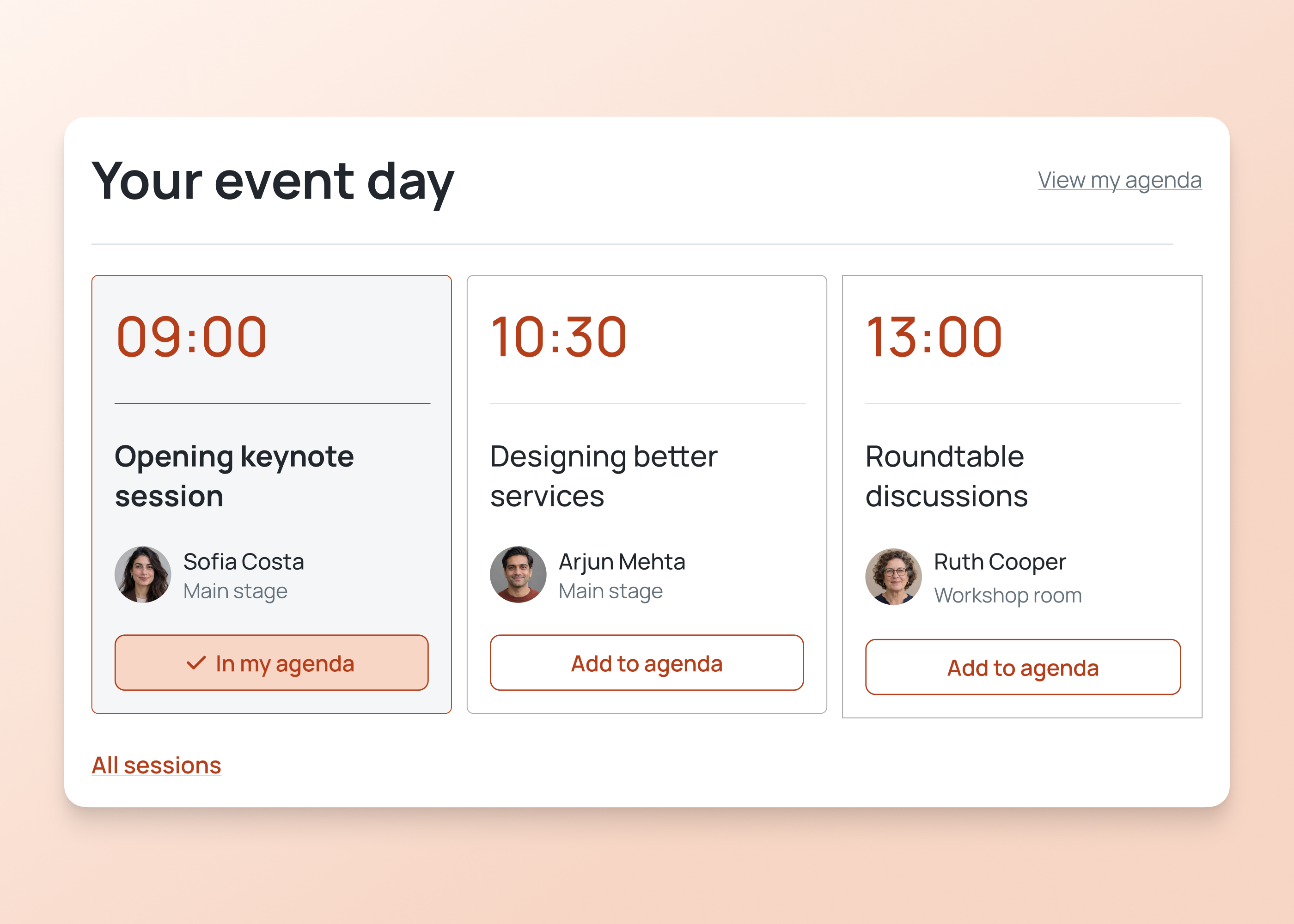
Bring sessions, timing and speaker information into a clear attendee view.
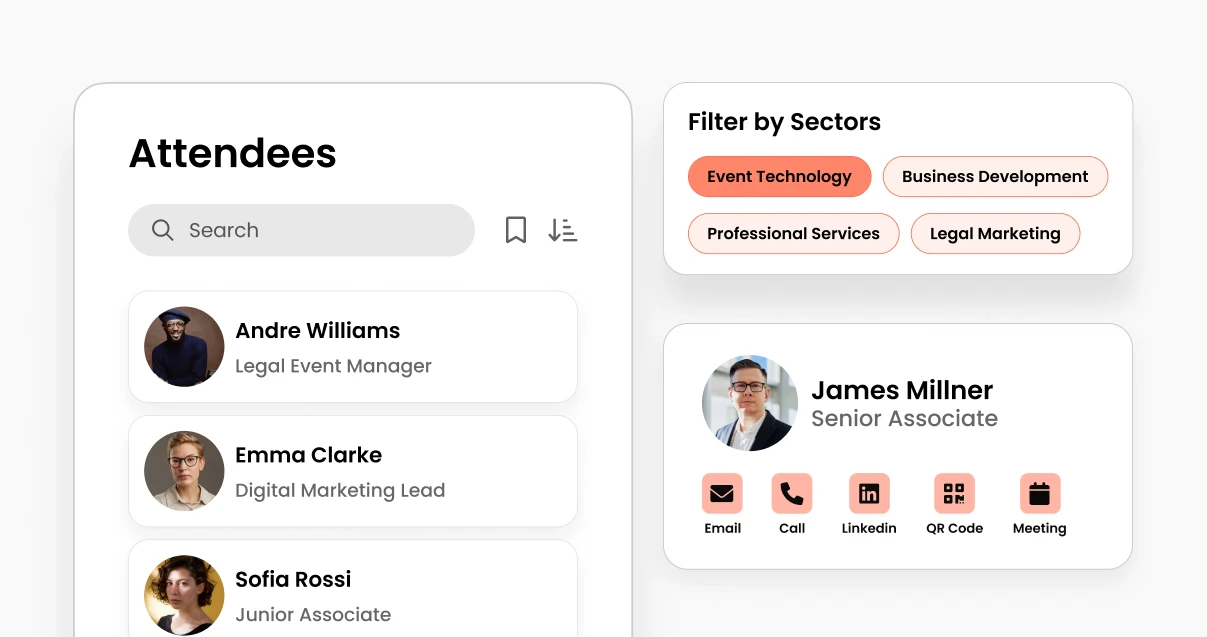
Help people find relevant attendee profiles and networking information.
Give organizers a place to maintain the information attendees need.
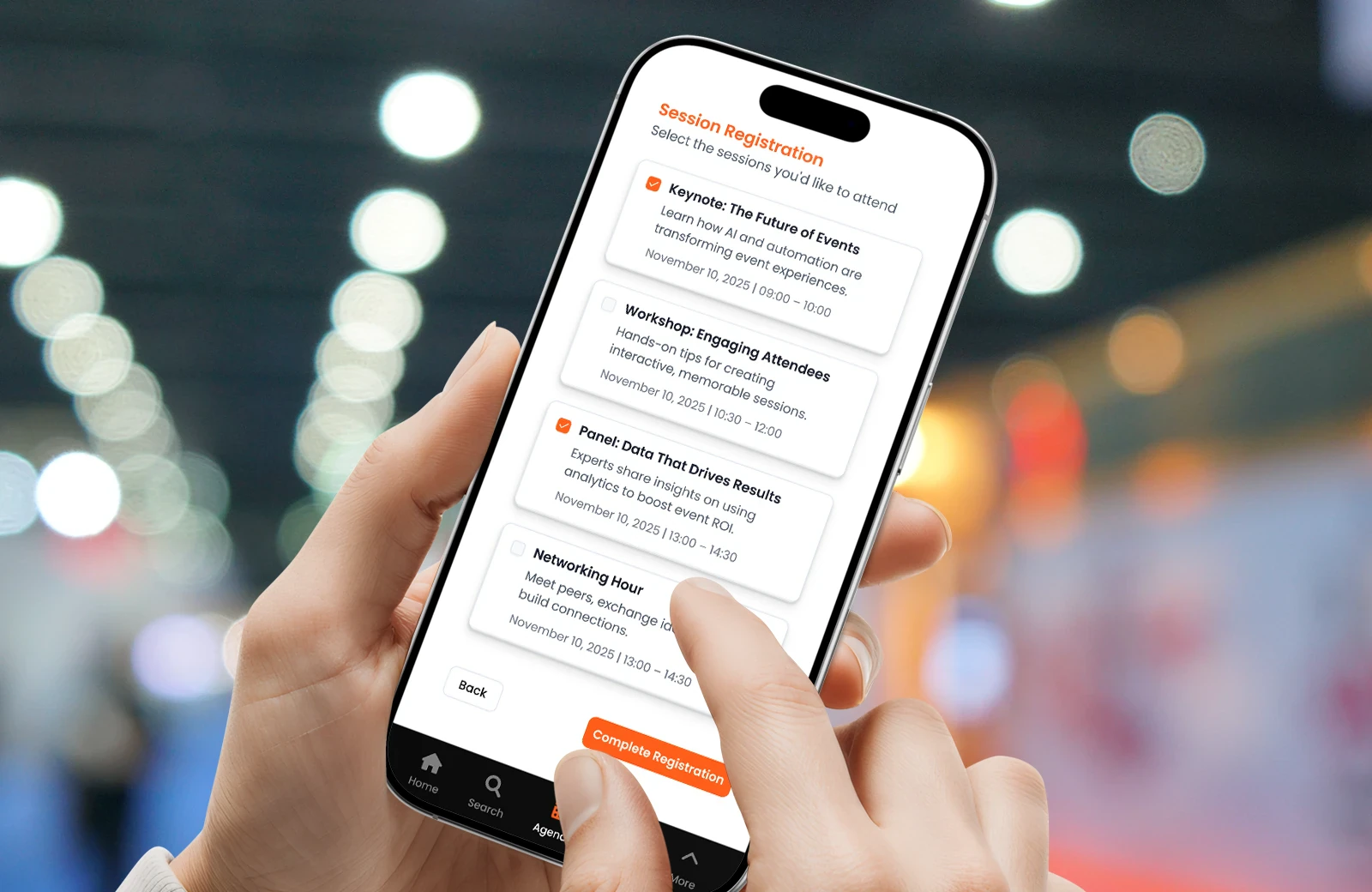
Collect attendee details, offer ticket choices and give organizers a view of registration status.
Example screens
Illustrative examples of what you can build and configure with Fliplet.
For attendees
Register for the event, find sessions and speakers, and open the information you need to take part.
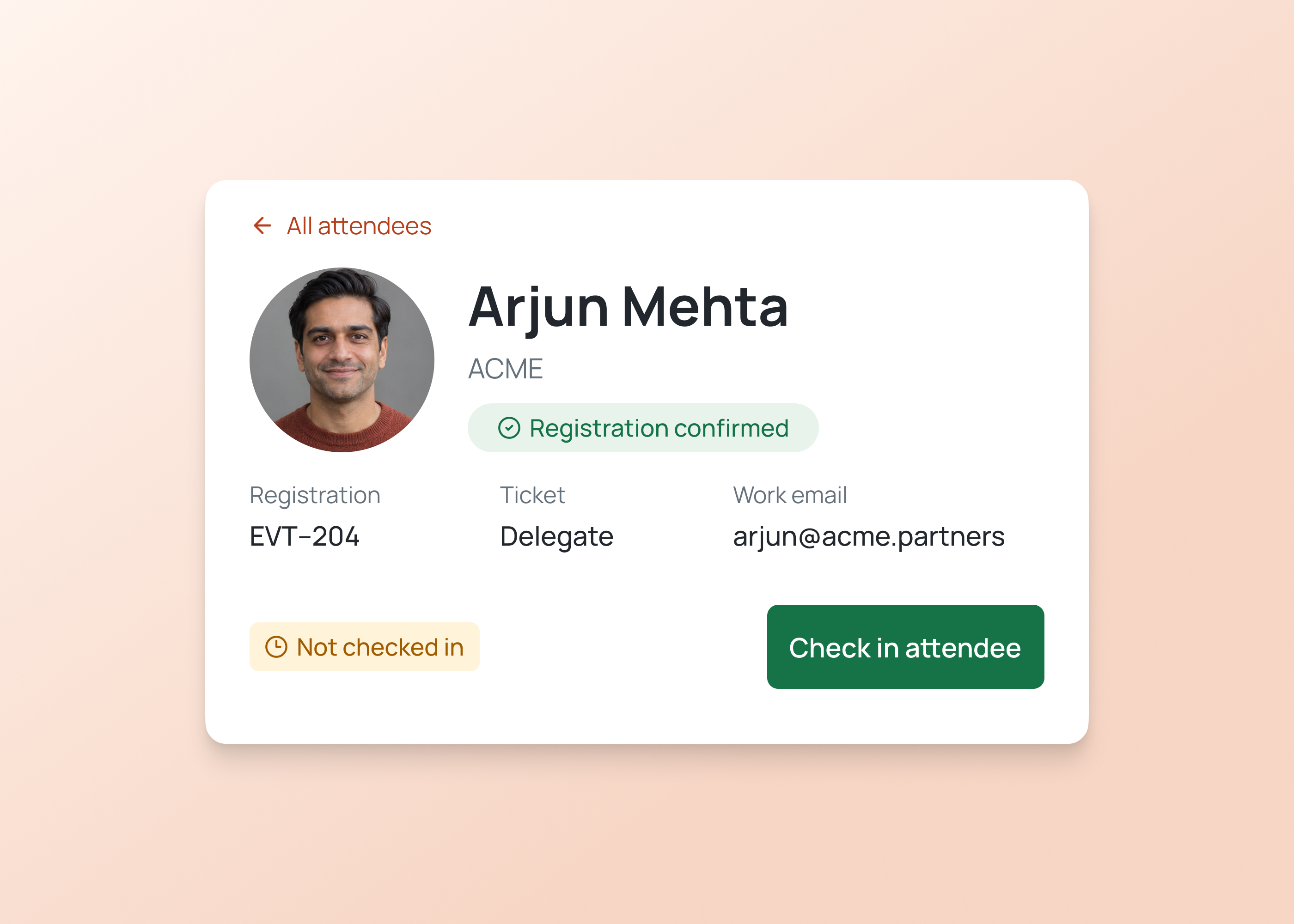
For organizers
Review attendee registrations, maintain the agenda and share the updates people need before and during the event.
Event app and registration
Start with registration, event information and the interactions that matter most to your attendees.
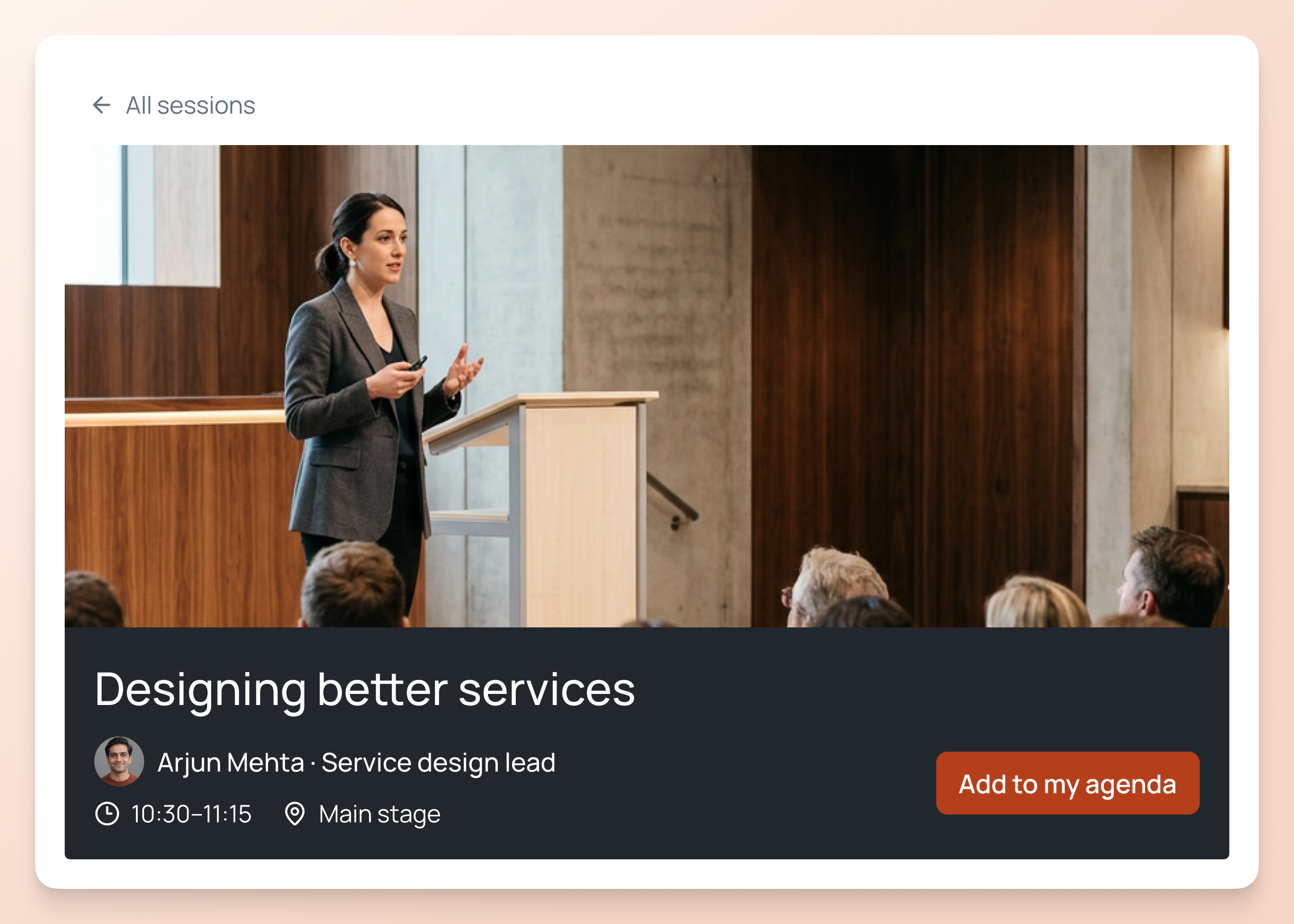
Help attendees find sessions, check times and speaker details, and prepare for the parts they plan to attend.
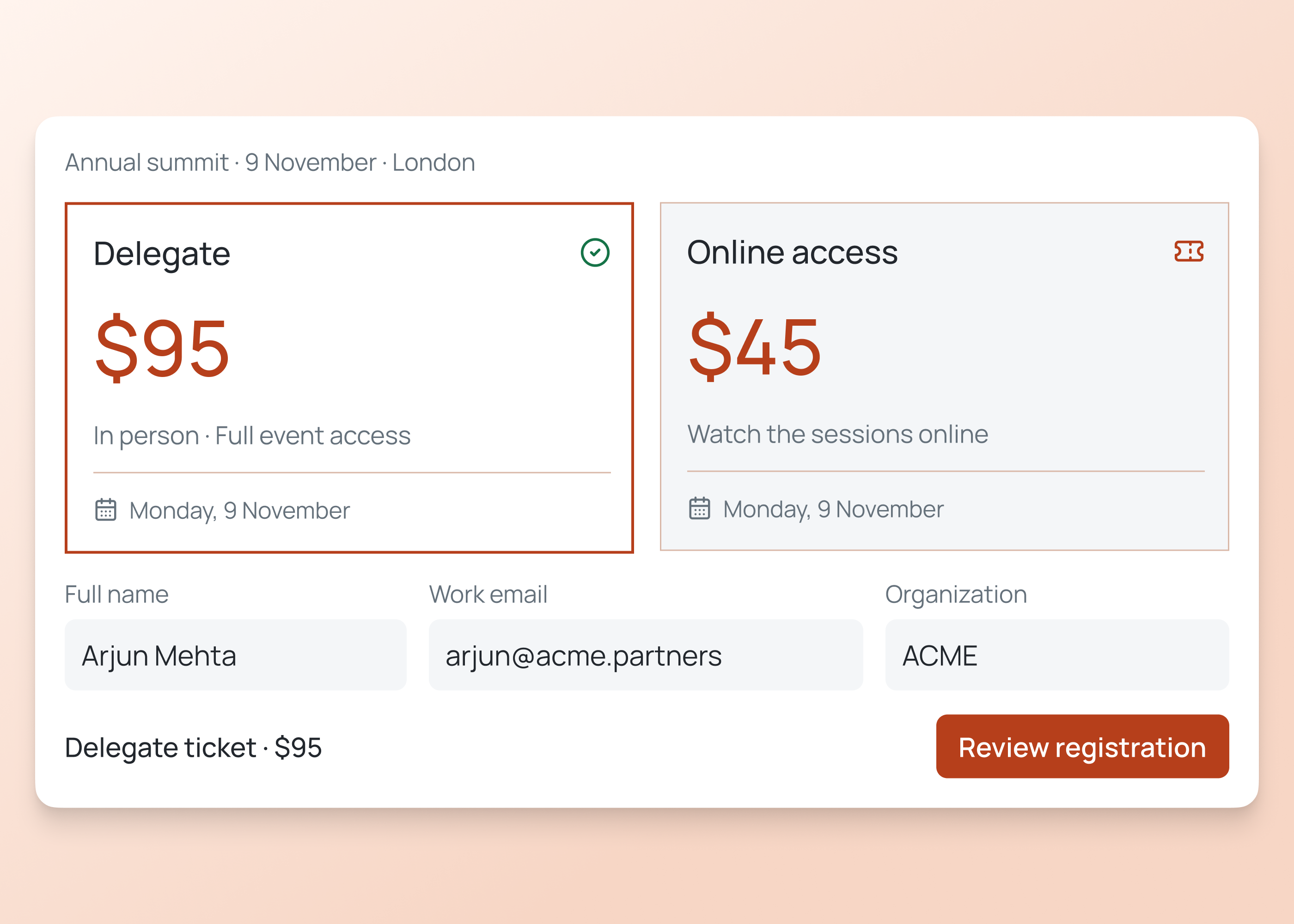
Collect attendee details and session choices. Offer ticket types, configure payments and give organizers a clear view of registrations.
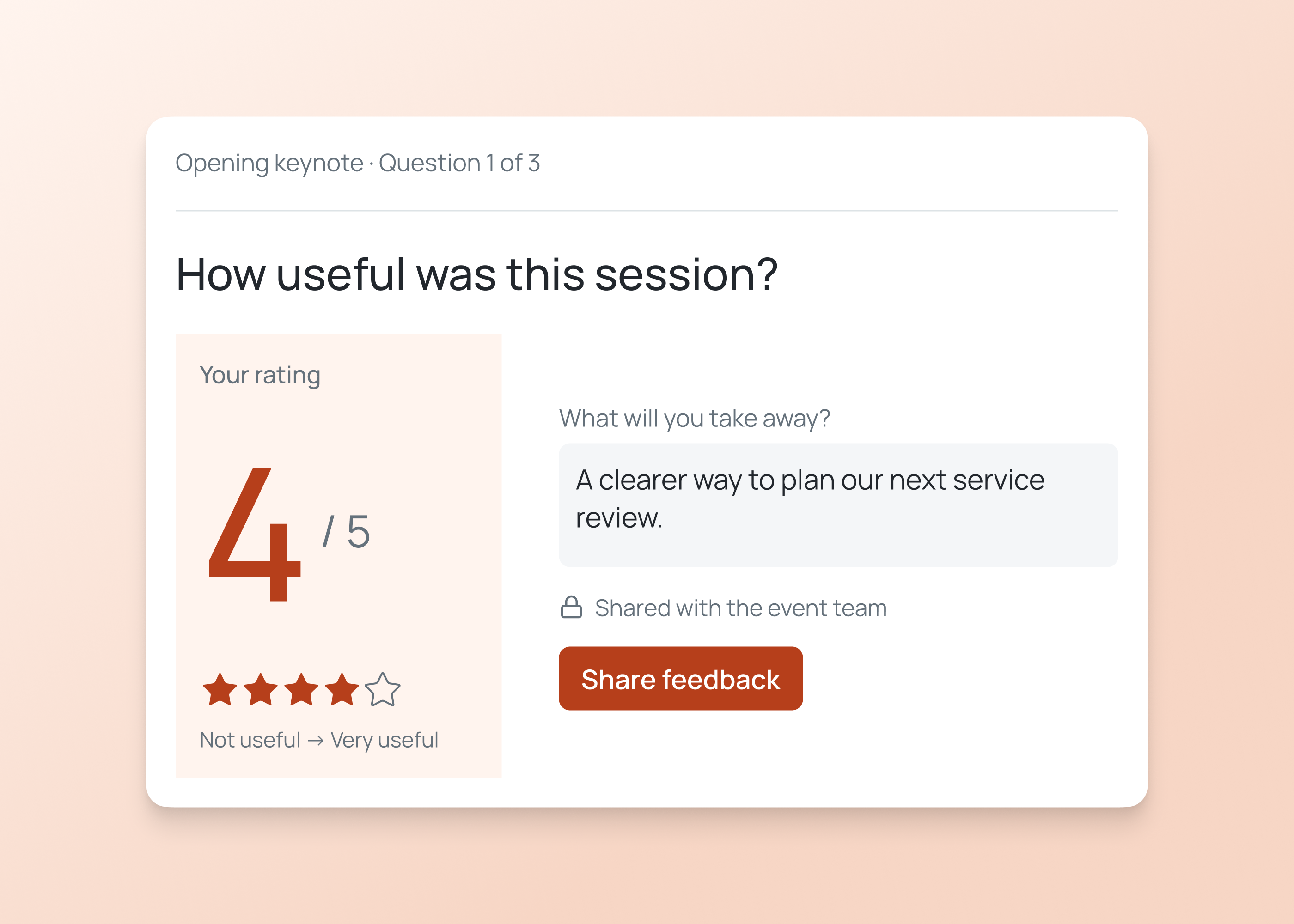
Help attendees find relevant people and take part in polls or feedback. Agree which profile details and interactions they can access.
How it works
Describe your process, review the first version and test it with your team.
Build an event app with registration, tickets, agendas and attendee networking. Give organizers a view of sign-ups.
Tell Fliplet who will attend, how they register and what information they need. Include organizer tasks, ticket choices and the updates attendees should receive before and during the event.
Set registration fields, ticket choices, the agenda and attendee access. Decide who reviews registrations, manages content and sends updates, then check each role with your team.
Try registration, confirmations, payments and agenda access with your team. Check organizer updates, attendee permissions and any connections before you invite people or share the event.
Who it's for
Build the event experience around attendees, organizers and the wider event team.
Register, find event information and connect with relevant people.
Review registrations and maintain the agenda and updates people rely on.
Coordinate attendee details, ticketing and participation with the wider team.
Live training
Bring an idea, build with guidance and ask your questions.
Customer experience
Hear from teams using Fliplet to build software around the way they work.
“no more paper packs, just one place for agendas, notes, and contacts. It made life easier for our partners and streamlined follow-up.”
“A member of our marketing staff last year built out a mobile app for our attorneys' firm retreat. She was able to do that with very little involvement from IT.”
Choose an example prompt or describe your event, registration process and attendee experience. Sign up or log in to continue in Fliplet, then review and refine the first version before publishing.
Fliplet is a software builder. Describe the event and registration experience you need, then configure and test its forms, content, interactions and access.
The Free plan includes 500 monthly credits plus 500 bonus credits in your first month to build and test a prototype. Publishing, end-user authentication and integrations require a paid plan. Contact our team to confirm the right plan for your event.
You can organize sessions, timing and speakers for attendees. Configure and test the agenda around your event schedule.
You can plan an attendee directory and networking experience. Agree the profile information and access rules, then test them before launch.
Assign owners for agenda and event content. Agree how updates are reviewed and tested before attendees rely on them.
The approach depends on the system, its integration options, permissions and your plan. Agree data ownership, then configure and test the connection.
Define the information your event team needs, then configure and test the form with representative attendees.
You can plan pre-filled forms for returning attendees. Agree which existing data to use, how attendees can review it and the permissions needed before configuring and testing the experience.
You can configure review steps and assign owners. Agree the decision process and test representative registrations before launch.
Describe the session choices and information attendees need, then configure and test the relevant registration journey.
Fliplet supports ticketing and can integrate with Stripe for payment collection. Discuss ticket types, pricing, payment methods, geography and your plan with our team, then configure and test the checkout before accepting live payments.
CRM and other connections depend on the system, its integration options, permissions and your plan. Agree which system owns each record, then configure and test the connection and any error handling.
You can include an option to request materials in the registration journey. Define what information to collect and how your team will follow up, then test the form before launch.
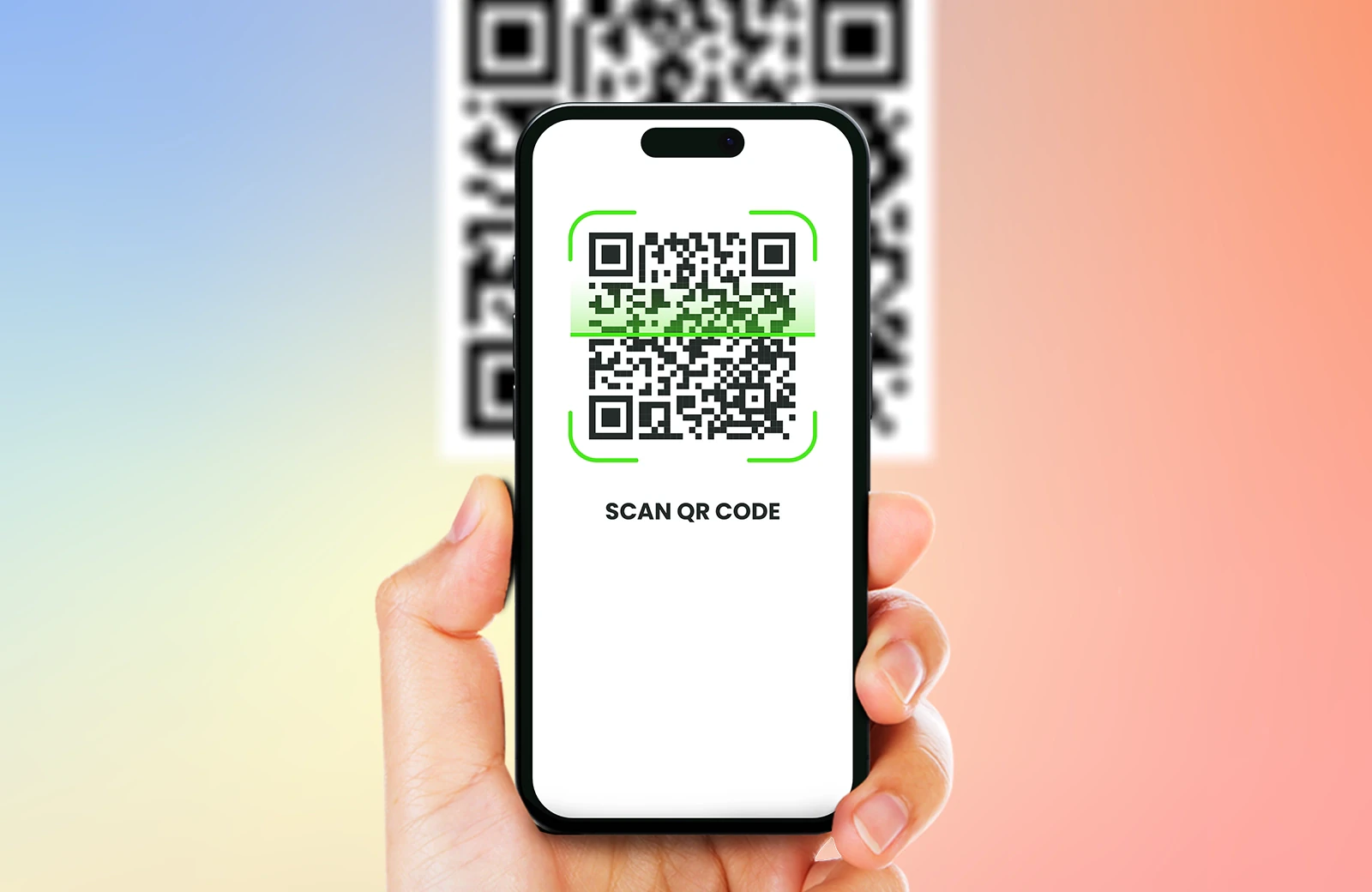
Complete sample registrations and check ticket choices, confirmations, payments where needed, agenda content, access and interactions with your event team.
Related solutions