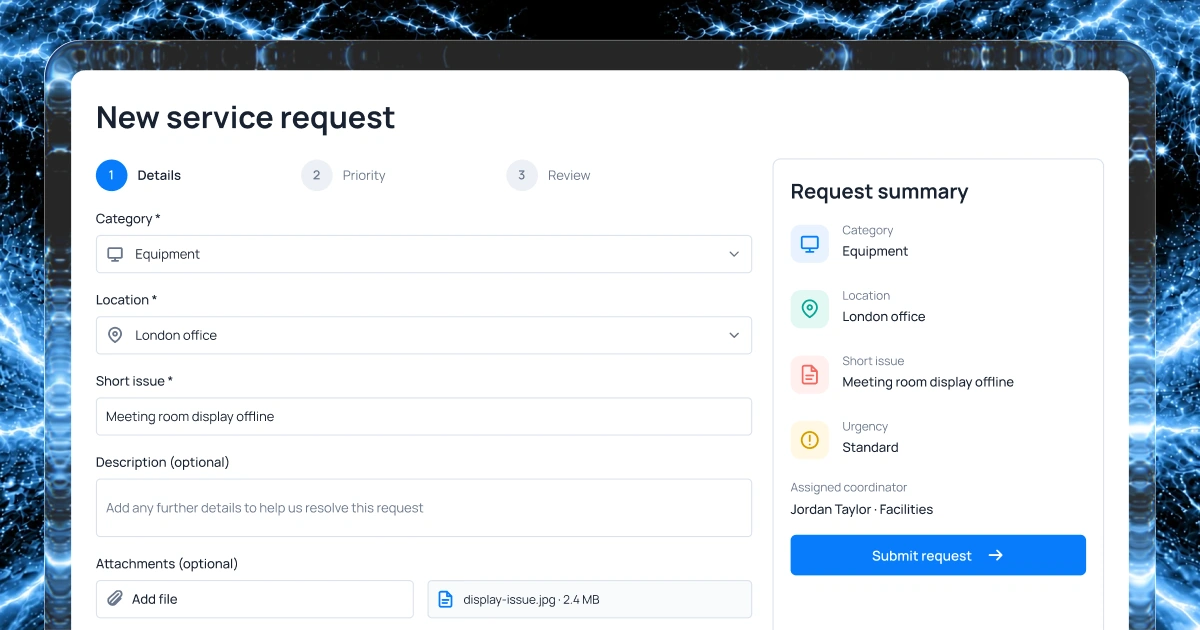
Capture incident details
Define the information, location and supporting evidence responders need.
Incident & crisis response
Bring incident reports, crisis guidance, response contacts and follow-up into one place.
Describe your process to create a first version with AI.
1,000 free credits at signup, then 500 monthly. Upgrade to publish.





Your workflow
Choose the details people report, the guidance they need and how coordinators assign and track response actions.
Define the information, location and supporting evidence responders need.
Keep approved procedures and response contacts together so staff know where to find current guidance.
Assign response owners and keep status updates, decisions and follow-up actions together for the team.
Set who can view or update sensitive reports and test permissions before rollout.
Example screens
Illustrative examples of what you can build and configure with Fliplet.
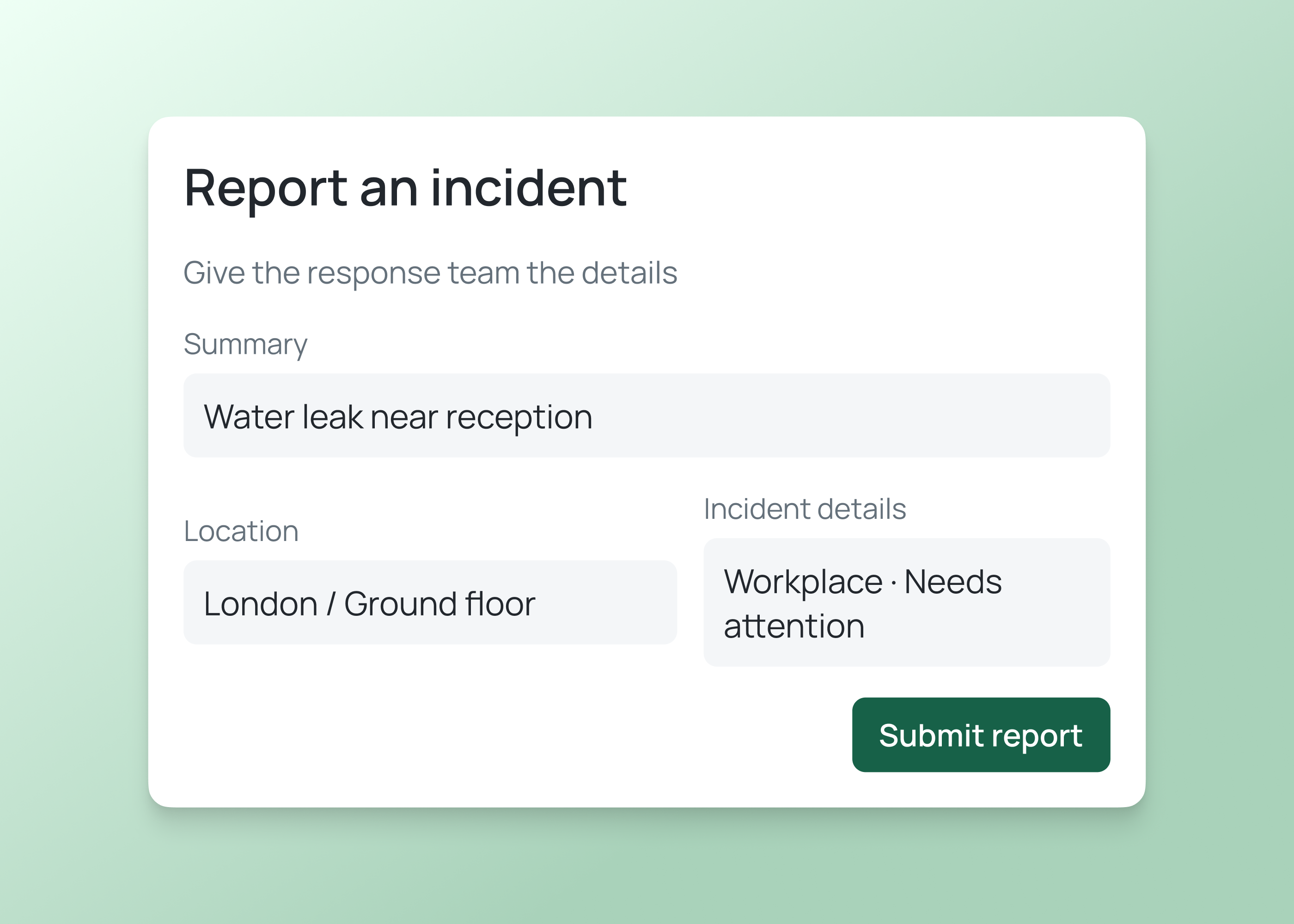
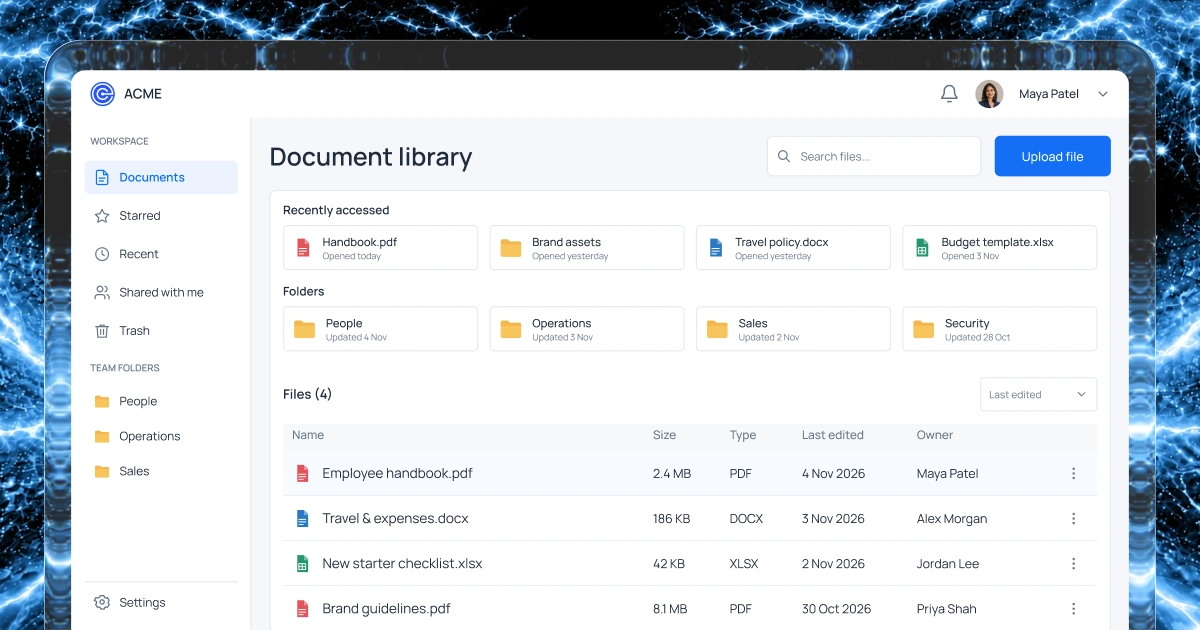
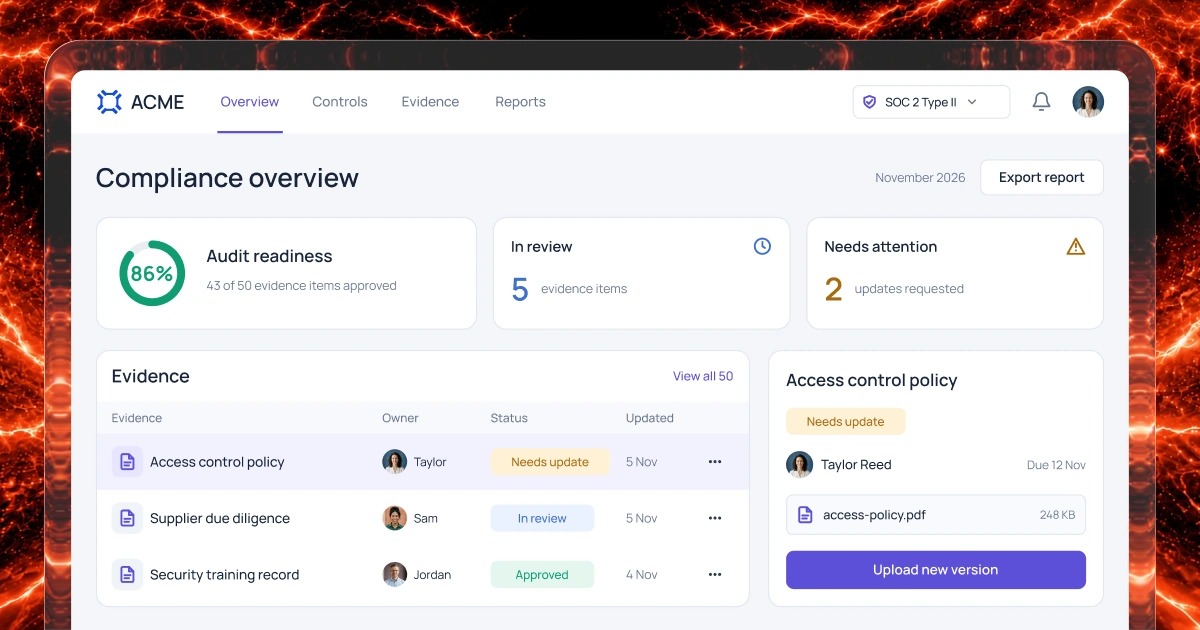
For reporters
Collect the category, location, description and supporting information your response team needs.
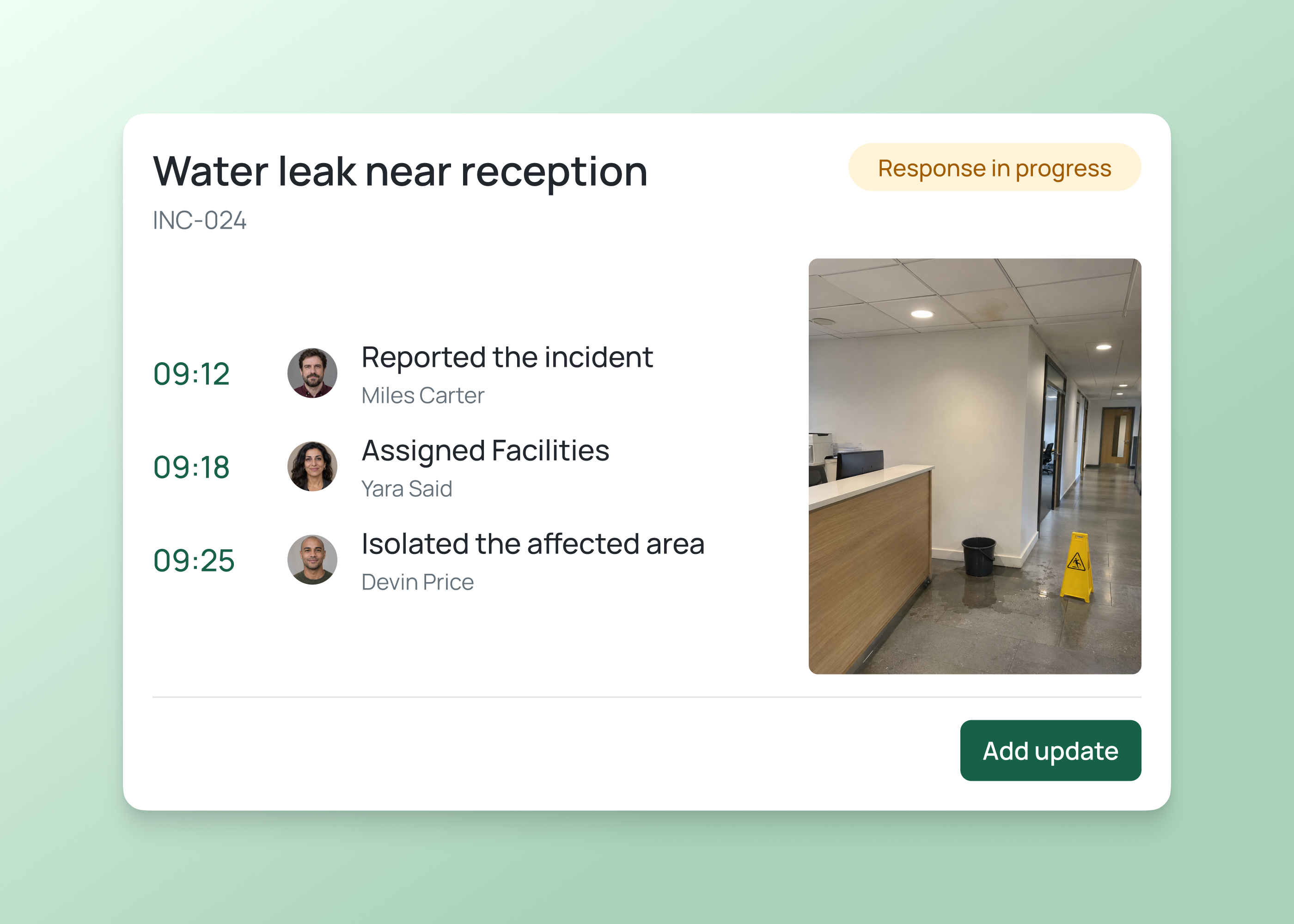
For response teams
Review incident reports, assign actions and share approved response updates with the people who need them.
Incident and crisis workflows
Start with incident reporting and the guidance, contacts and actions your team needs during a wider disruption.
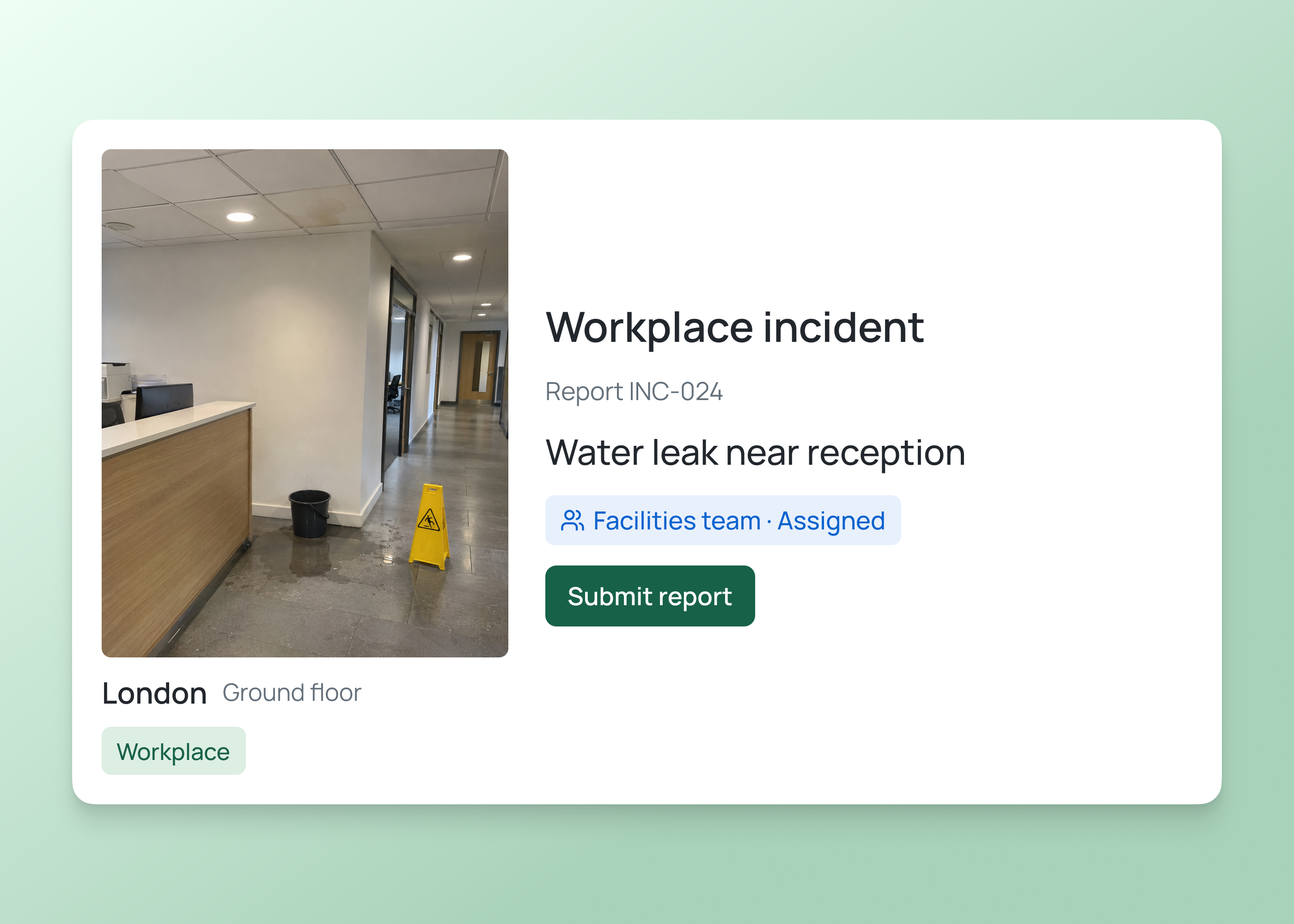
Collect the location, description and supporting details a safety team needs to review a workplace incident.
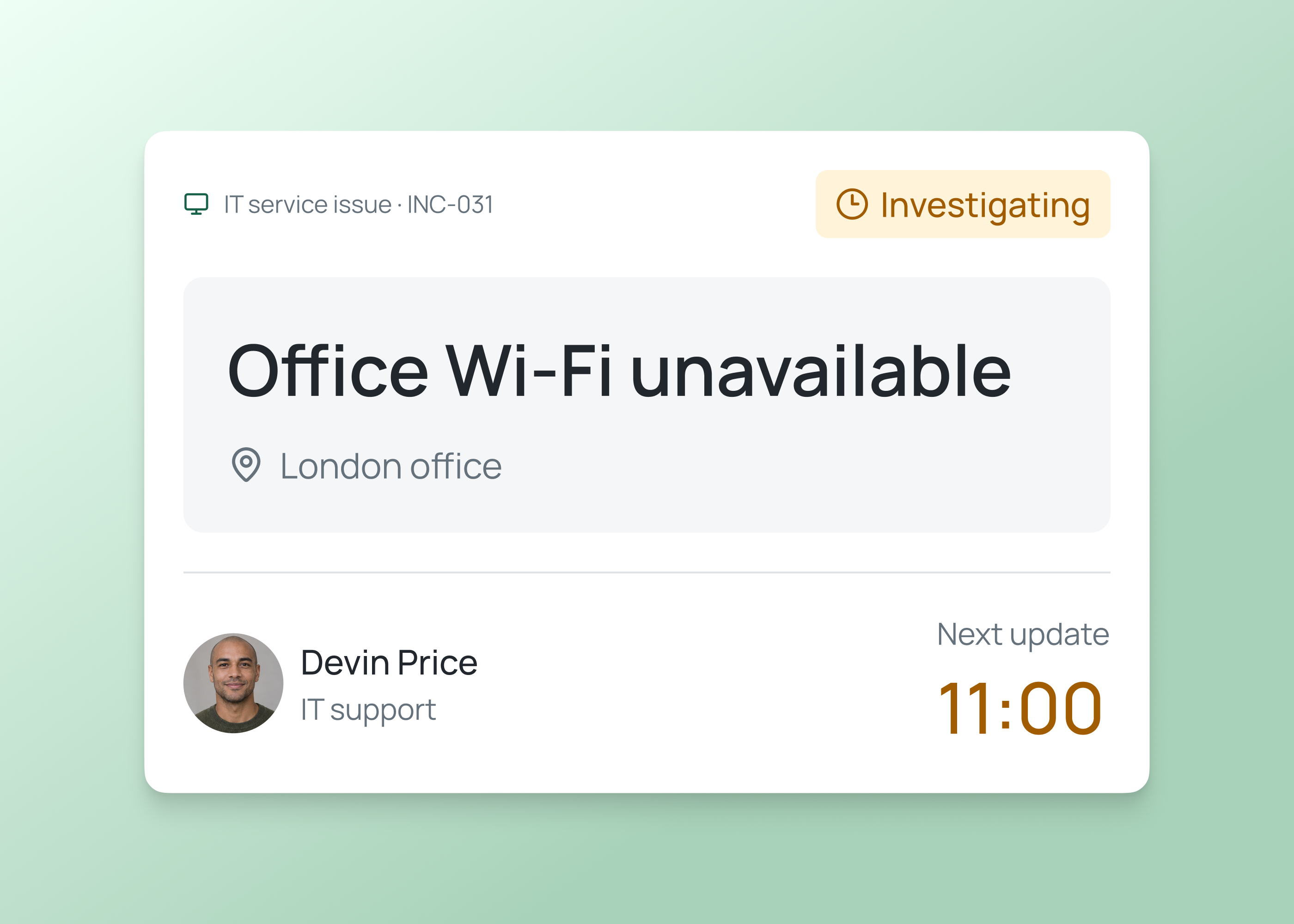
Record the affected service, issue details and assigned response owner so the team can coordinate follow-up.
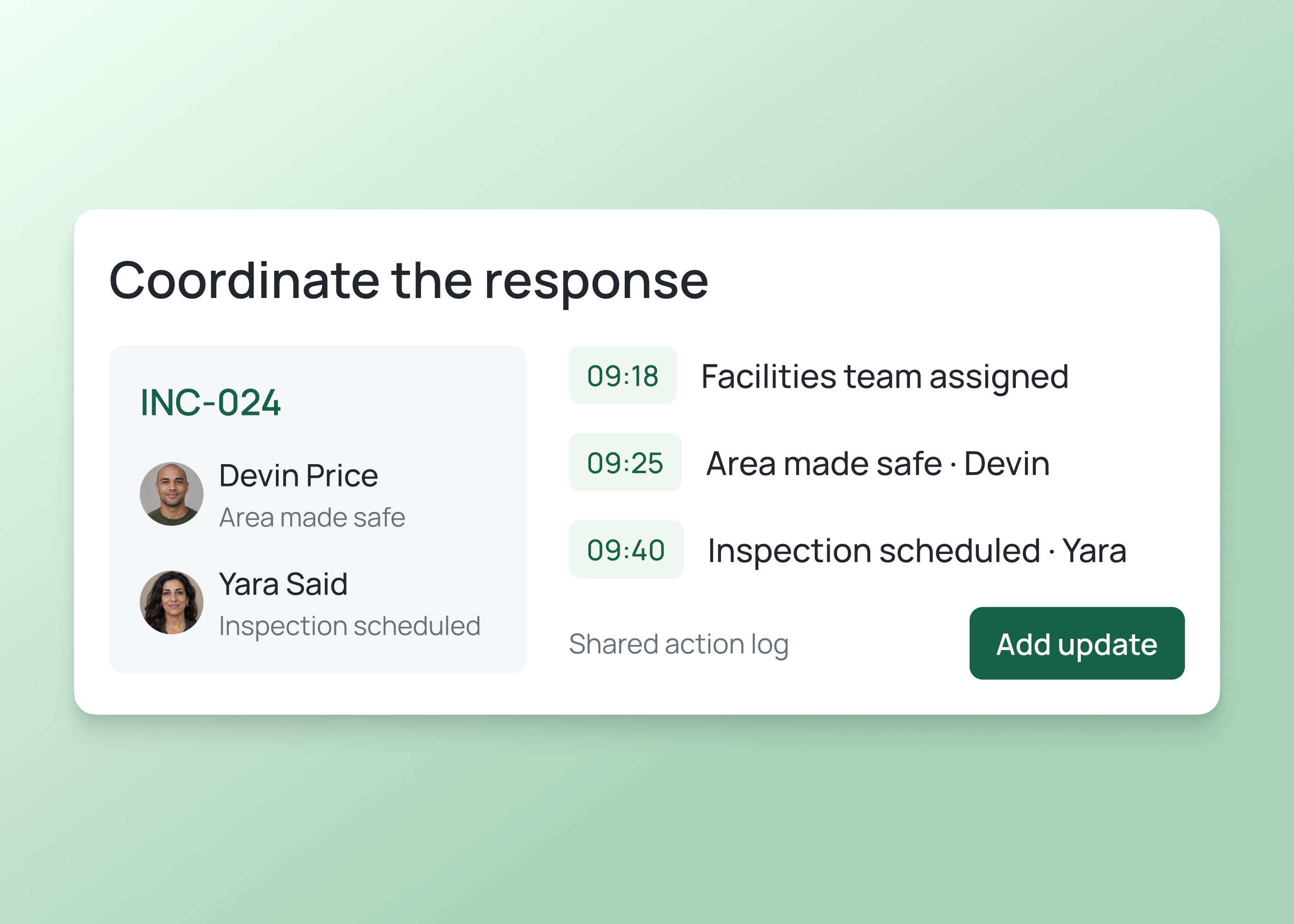
Bring approved guidance, key contacts and assigned actions together so teams can coordinate during a wider incident.
How it works
Describe incident reporting, crisis guidance and response responsibilities, then configure and test the first version with your team.
Build an incident workspace for reports, assignments and follow-up.
Tell Fliplet what people report, which guidance they need and how your team coordinates incident and crisis response.
Configure reporting, approved guidance, response contacts and escalation steps with your team.
Test sample incidents and crisis scenarios, including guidance, contacts, permissions and follow-up actions.
Who it's for
Build views for people reporting incidents, coordinating crisis actions and maintaining approved response guidance.
Provide the details and supporting information the response team needs.
Review reports, assign ownership and track the next action.
Maintain response guidance and contacts and review outstanding follow-up actions.
Live training
Bring an idea, build with guidance and ask your questions.
Customer experience
Hear from teams using Fliplet to build software around the way they work.
“It was a really easy way to come up with specific-use solutions without a large infrastructure investment or a lot of IT time.”
“The big benefit is being able to have someone come to you with an idea or a problem, and being able to quickly spin up a prototype for them.”
Choose an example prompt or describe the reports, guidance, contacts and response actions your team needs. Sign up or log in to continue in Fliplet, then review and refine the first version before publishing.
No. Fliplet is a software builder. Your organization defines its response procedures and responsibilities, then configures and tests the workflow to support them.
The Free plan includes 500 monthly credits plus 500 bonus credits in your first month to build and test a prototype. Publishing, end-user authentication and integrations require a paid plan. Compare current plans or book a demo to discuss your requirements.
Define the fields your response team needs, such as incident type, location, description and supporting files. Test the form with representative scenarios.
Configure an ownership and triage process for each report. Agree escalation responsibilities and test the workflow with the people who respond.
Define who can view and update each report and configure access accordingly. Test permissions with representative users before storing sensitive information.
The approach depends on each system, its integration options, permissions and your Fliplet plan. Agree ownership and transfer behavior, then configure and test the connection.
Organize approved procedures, checklists and response contacts for the audiences that need them. Assign content owners and test how guidance is reviewed and accessed.
Configure assigned actions, response owners and status views around your organization’s procedures. Agree how staff receive approved updates and test representative scenarios with the response team.
Walk through incident and crisis scenarios with your response team. Check reports, guidance, contacts, escalation, access and follow-up. Maintain your organization’s established emergency procedures.
Related solutions