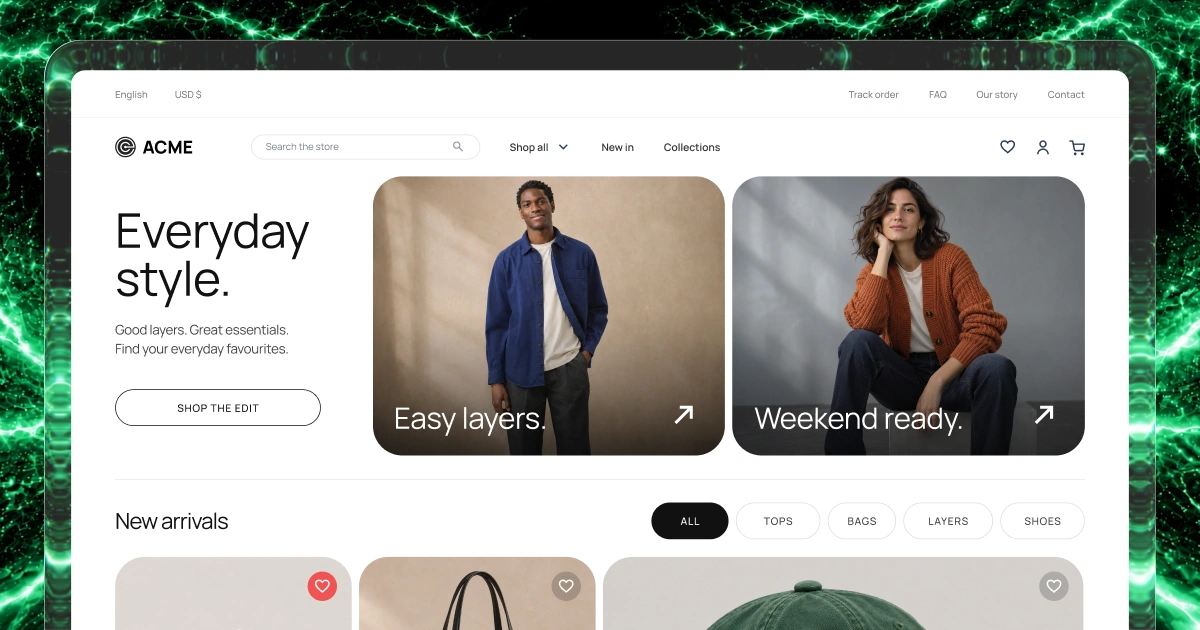
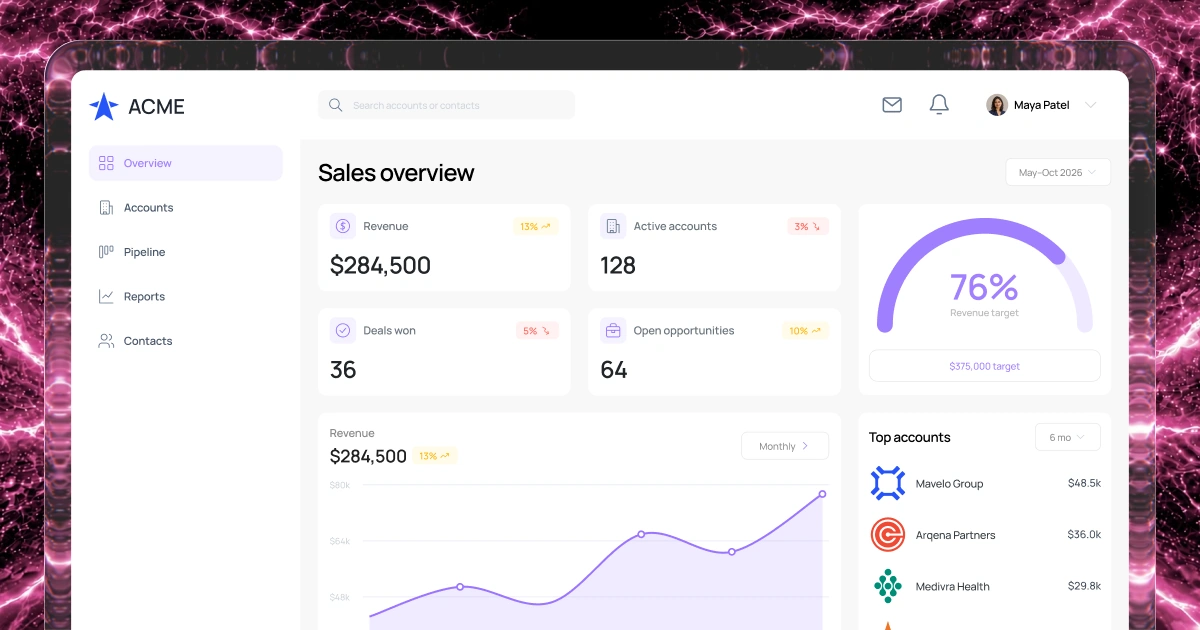
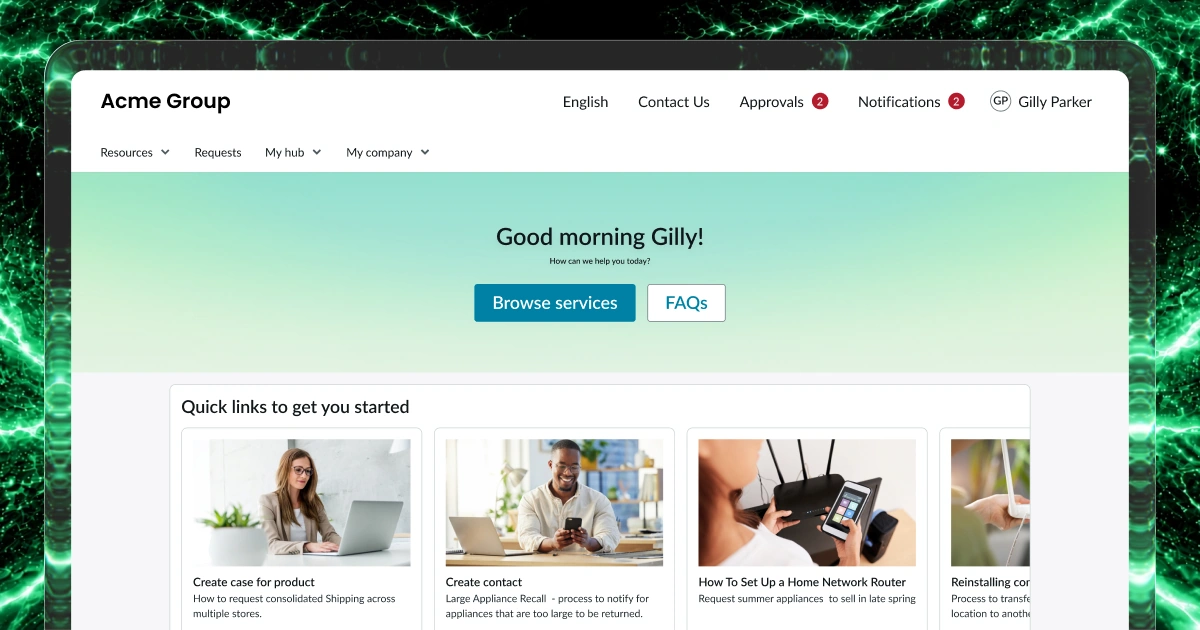
Explain what you offer
Show who each service is for, what it includes and how to get in touch. Give visitors answers before they contact your team.
Website builder
Turn your services, expertise and contact details into a website people can use.
Help visitors find answers, choose a service and send the right inquiry.
1,000 free credits at signup, then 500 monthly. Upgrade to publish.





Your workflow
Put your services, useful information and contact options in one place. Help people understand what you offer and decide what to do next.
Show who each service is for, what it includes and how to get in touch. Give visitors answers before they contact your team.
Group guides and documents by topic. Help visitors reach the information they need without searching through unrelated pages.
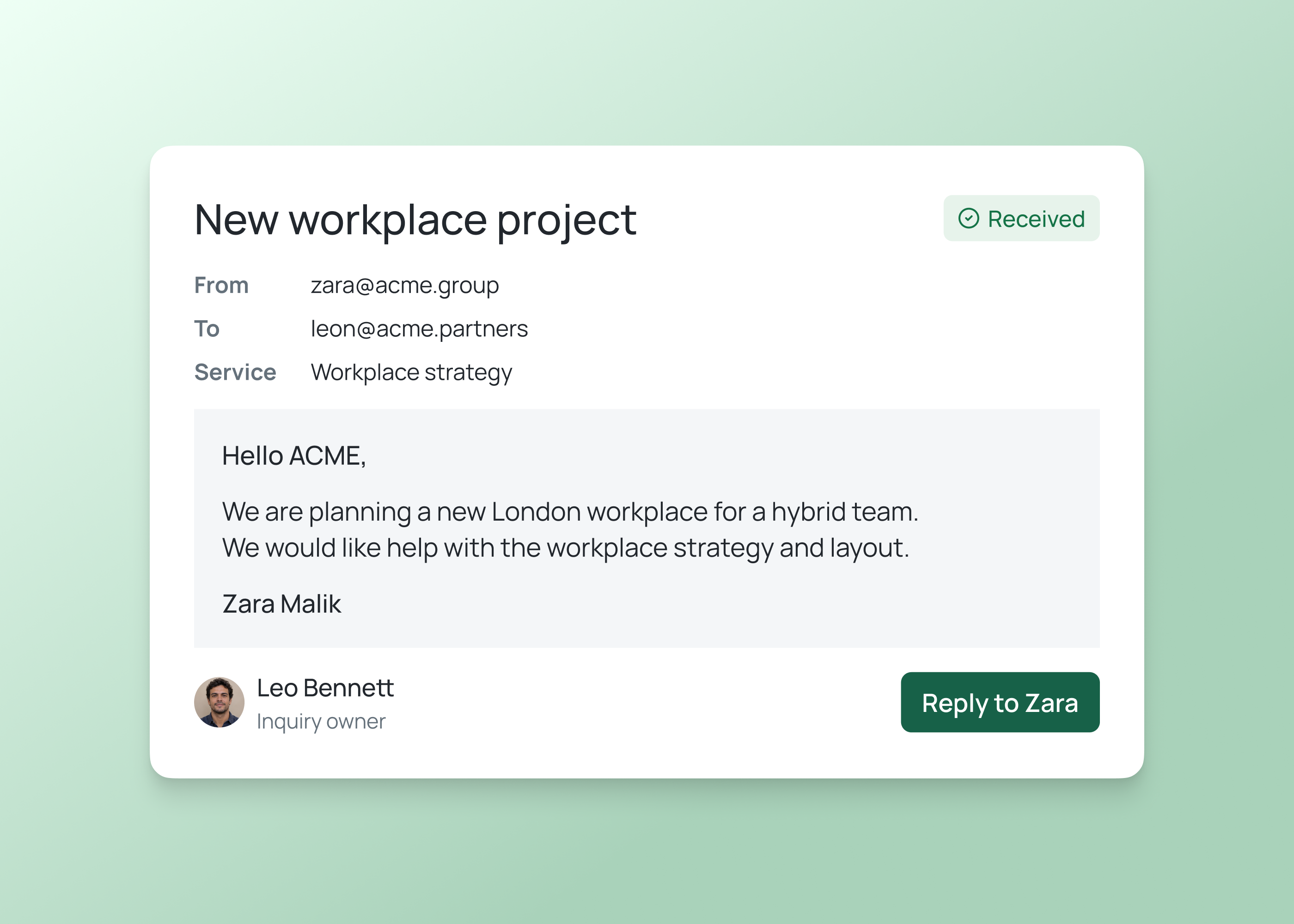
Collect the service, contact details and context your team needs in an inquiry form. Agree who receives and follows up each submission.
Review service details, team information and resources when they change. Assign someone to check updates before publishing them.
Example screens
Illustrative examples of what you can build and configure with Fliplet.
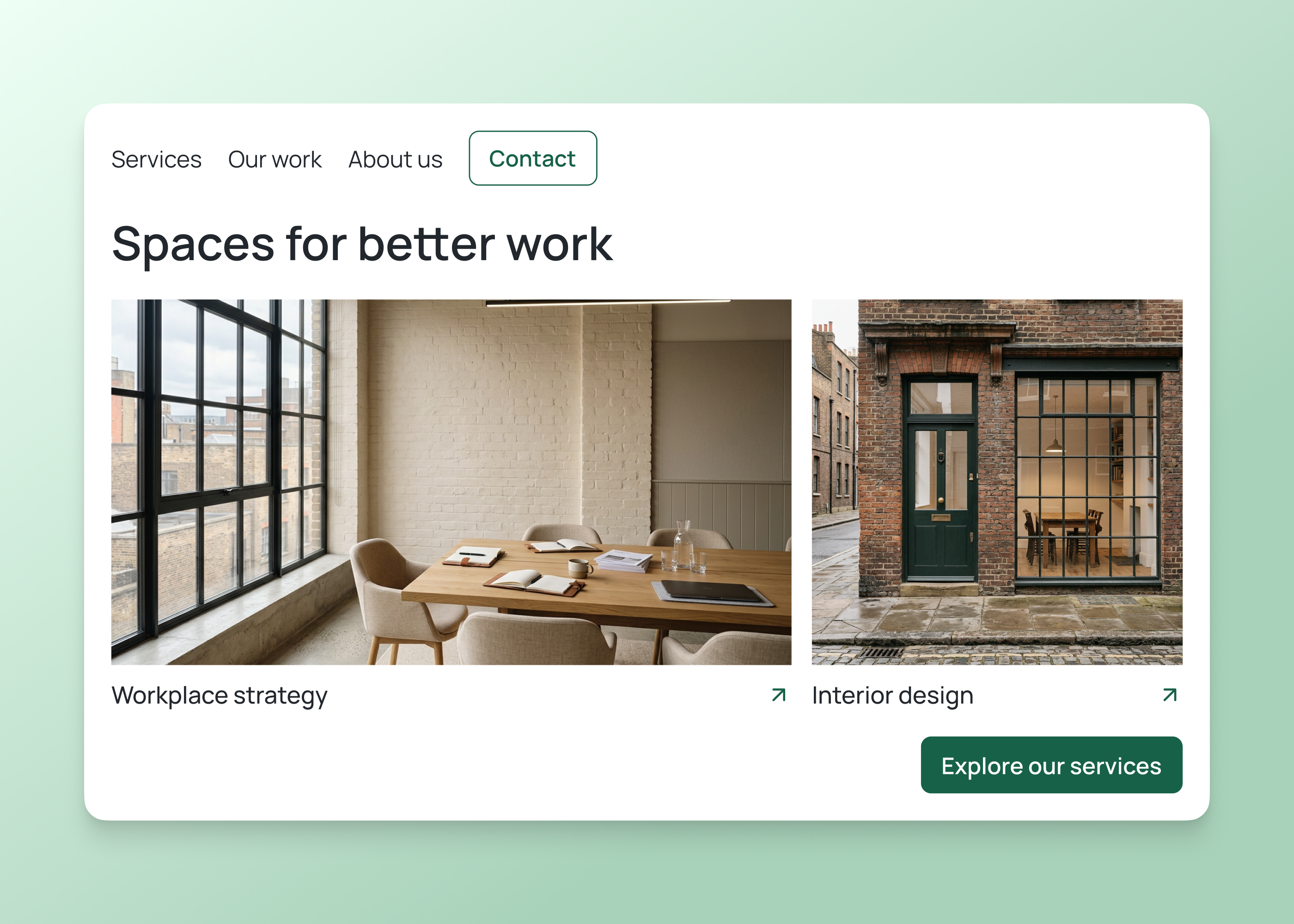
For editors
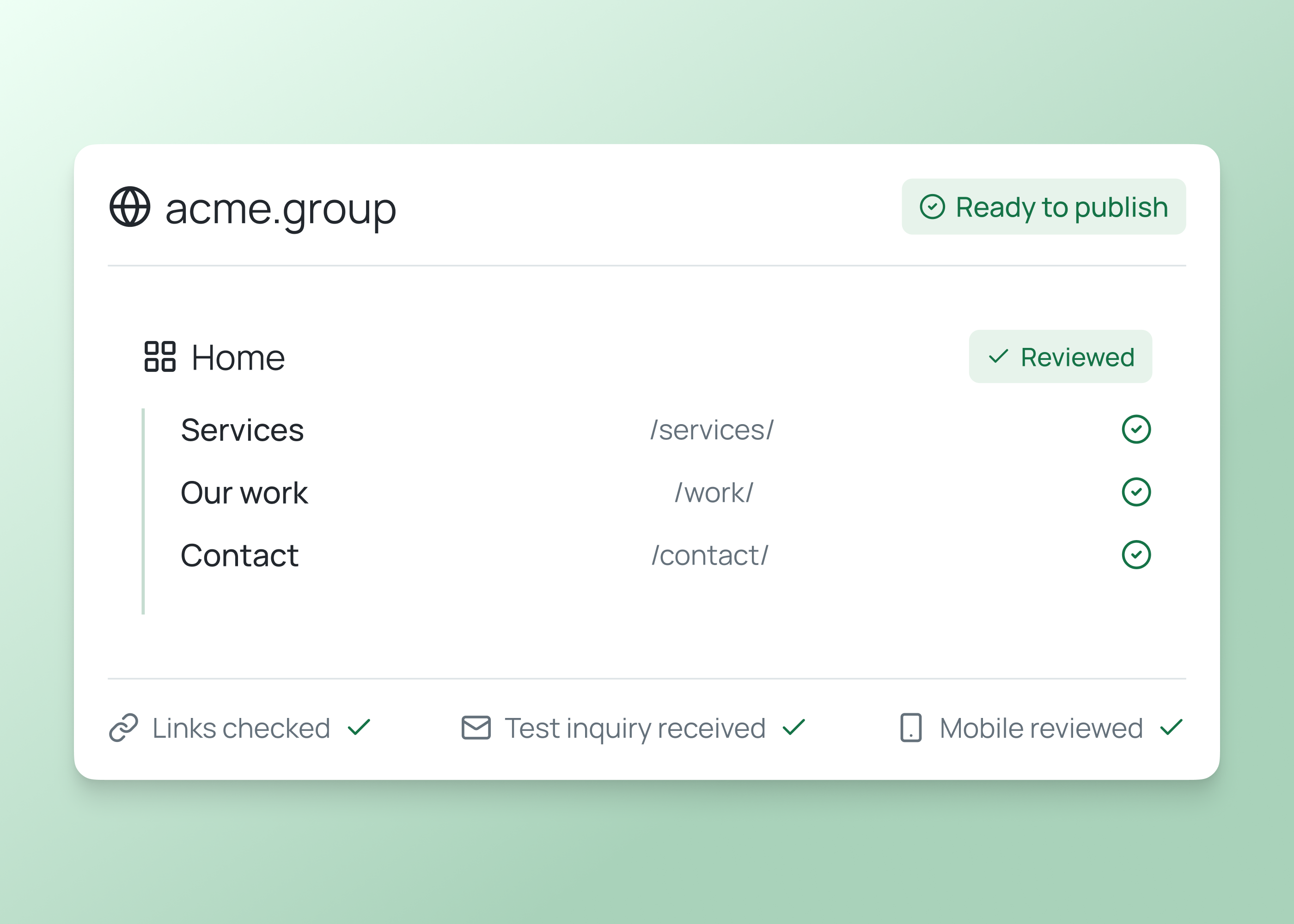
Review the page structure, navigation and service descriptions together. Check that visitors can find your contact form on desktop and mobile.
For site owners
Confirm the web address, open each link and send a test inquiry. Review the finished pages with the people who will maintain them.
Website ideas
Start with the information visitors need and the action you want them to take. Build the pages and navigation around that purpose.
Explain your services, show relevant work and introduce your team. Give prospective clients a clear way to describe what they need and contact you.
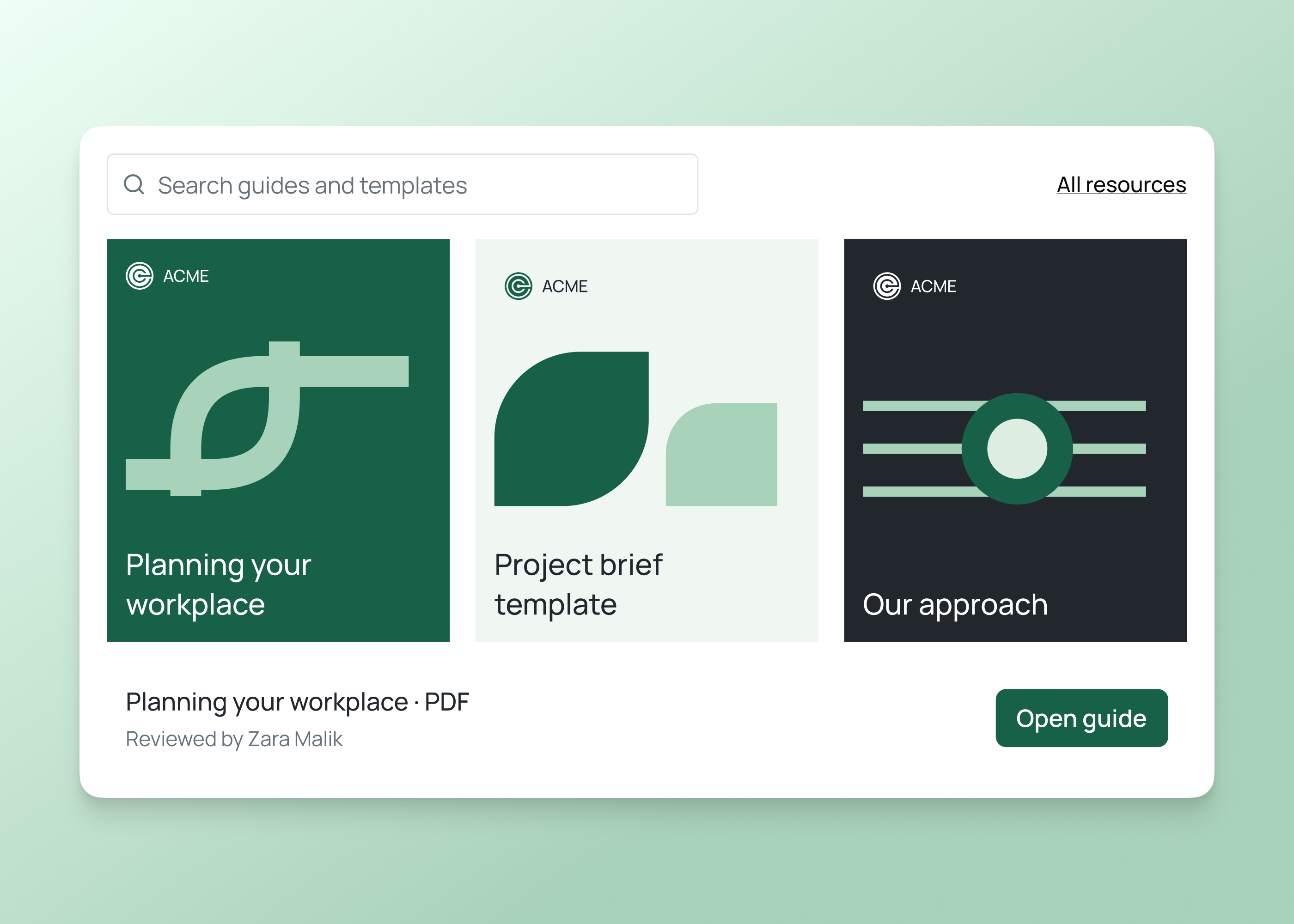
Bring your public guides, reports and service information into one place. Organize them by topic so visitors can find an answer or open the right document.
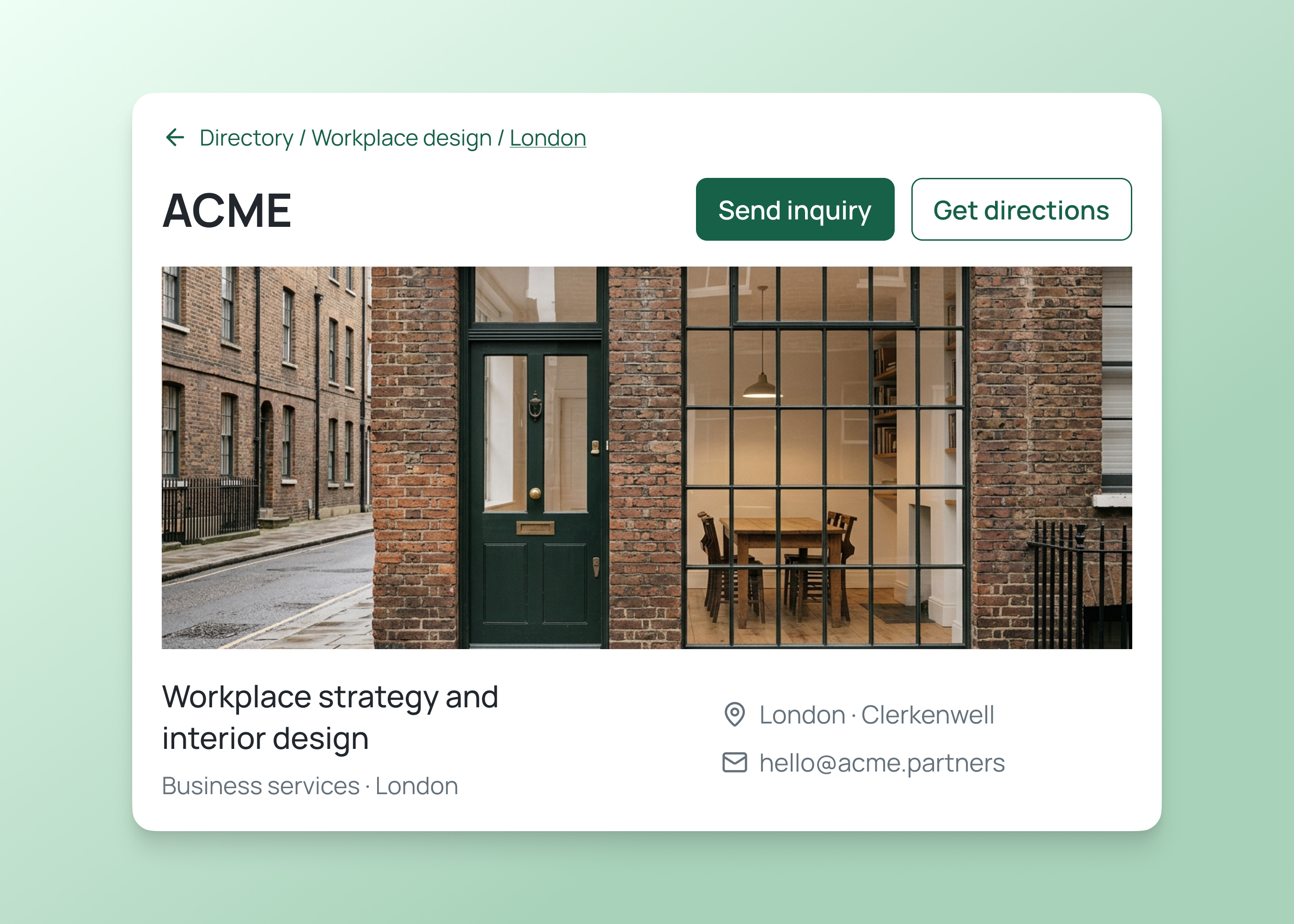
Help visitors find a business by service or location. Show a profile, contact details and directions, with a process for checking and updating each listing.
How it works
Describe your business, the pages you need and what visitors should do. Then refine the content and test the journey with your team.
Build a website with service pages, useful resources and an inquiry form.
Tell Fliplet who the site is for, what you offer and which action matters most. Include the pages, content and inquiry details you need.
Add your approved copy and imagery. Review the navigation, service descriptions and form questions so visitors know where to go next.
Browse on desktop and mobile, open your resources and send a test inquiry. Confirm the web address and who will maintain the site before launch.
Who it's for
Build the site around the people who write the content, answer inquiries and keep information accurate after launch.
Bring service pages, useful resources and campaign information together. Keep the message consistent as your offering changes.
Collect the information you need before responding. Help visitors choose the right service and reach the team that can answer.
Publish member services, guidance and business listings. Give each content owner a clear role in reviewing updates.
Live training
Bring an idea, build with guidance and ask your questions.
Customer experience
Hear from teams using Fliplet to build software around the way they work.
“It was a really easy way to come up with specific-use solutions without a large infrastructure investment or a lot of IT time.”
“The big benefit is being able to have someone come to you with an idea or a problem, and being able to quickly spin up a prototype for them.”
Choose an example prompt or describe your business, audience and goals. Sign up or log in to continue in Fliplet, then review and refine the first version. Test the visitor journey before publishing.
Fliplet is a software builder. Describe the pages and visitor actions you need, then review the generated website and refine the content, navigation and forms before publishing.
The Free plan includes 500 monthly credits plus 500 bonus credits in your first month to build and test a prototype. Publishing, end-user authentication and integrations require a paid plan. Compare current plans or book a demo to discuss your website.
You can start with a website for your services, a public resource hub, a business directory or a focused campaign. Describe the pages visitors need and the action they should take. Discuss requirements such as online payments, large content libraries or complex integrations before choosing the final setup.
Describe your organization, audience and main goal. List the pages, approved content and information your inquiry forms should collect. Explain what visitors should be able to do, such as compare services, find a guide or contact a specific team. The examples above give you a starting point.
Fliplet supports web publishing to a Fliplet address or a subdomain you own. Confirm the plan and publishing requirements for your project. A custom subdomain needs DNS configuration with your domain provider, followed by a check of the final address before launch.
Start by deciding what each form collects, where an inquiry should be stored and who should respond. Connections depend on your system's integration options and access permissions. Configure and test the connection, including how your team handles a submission that does not reach its destination.
Read the final copy, check your imagery and test navigation, links and forms on desktop and mobile. Confirm privacy information, accessibility requirements and who will maintain each page. Include search visibility and analytics requirements in your review so your team can assess them before publishing.
Related solutions