Organize financial records
Collect expense details, supplier information and supporting documents in structured forms with clear ownership.
Finance & accounting
Bring budgets, expenses, supplier information and accounting tasks into clear views.
Use Fliplet to build the tools your team needs alongside existing accounting systems.
1,000 free credits at signup, then 500 monthly. Upgrade to publish.





Your workflow
Give finance and accounting teams tools for reviewing costs, organizing records, coordinating tasks and reporting progress. Keep the approved source system clear for each record.
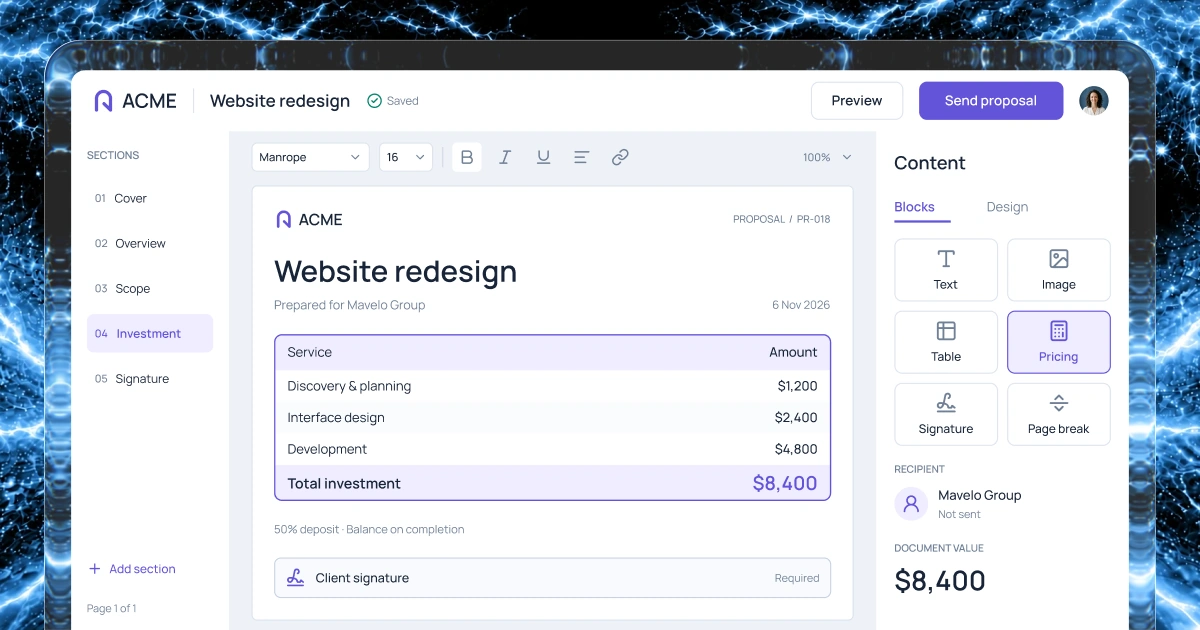
Collect expense details, supplier information and supporting documents in structured forms with clear ownership.
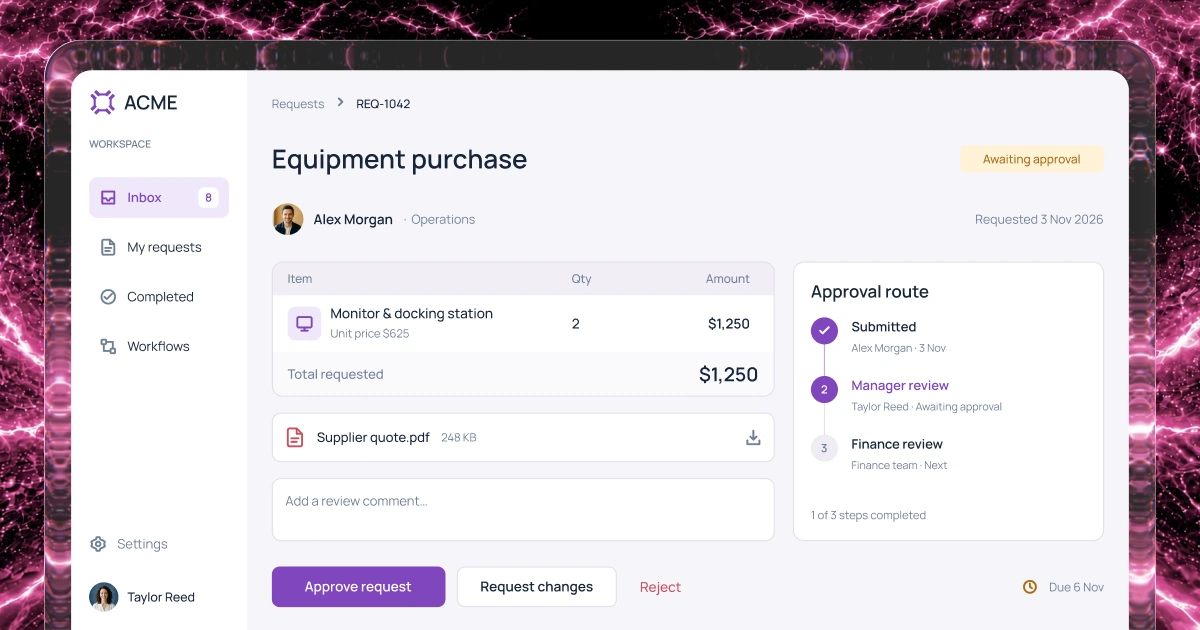
Assign accounting tasks and purchase reviews. Set owners, due dates and decision rules for your process.
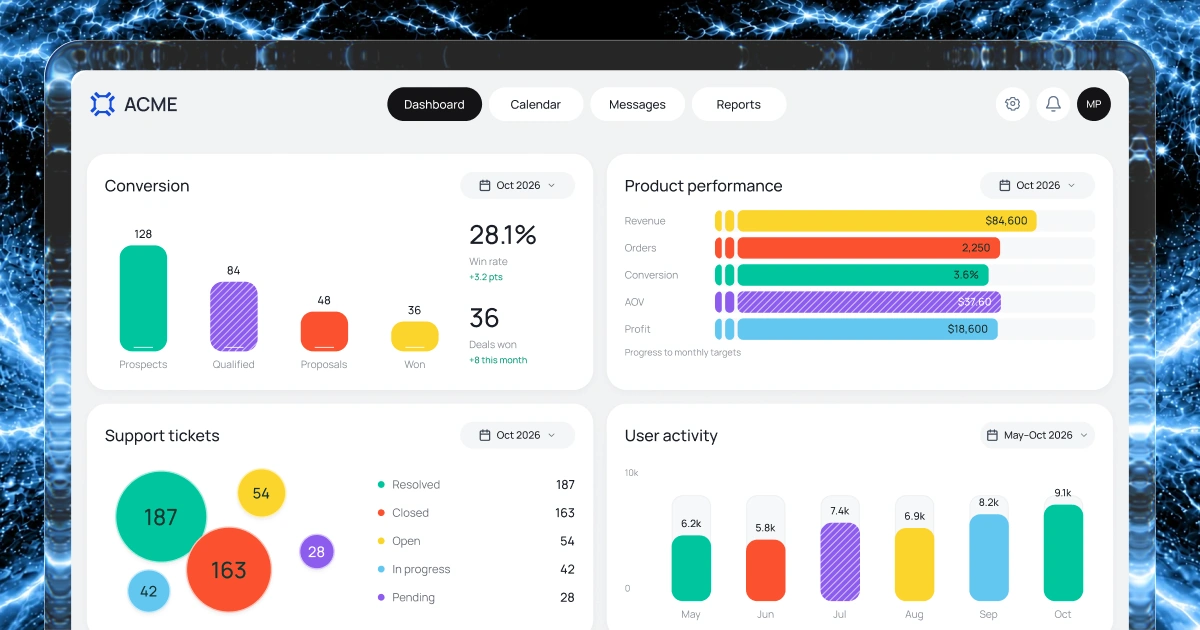
Compare agreed budgets, costs and outstanding work. Define calculations, data sources and the report refresh schedule.
Plan how approved records reach your accounting system through supported APIs or an agreed data transfer process.
Example screens
Illustrative examples of what you can build and configure with Fliplet.
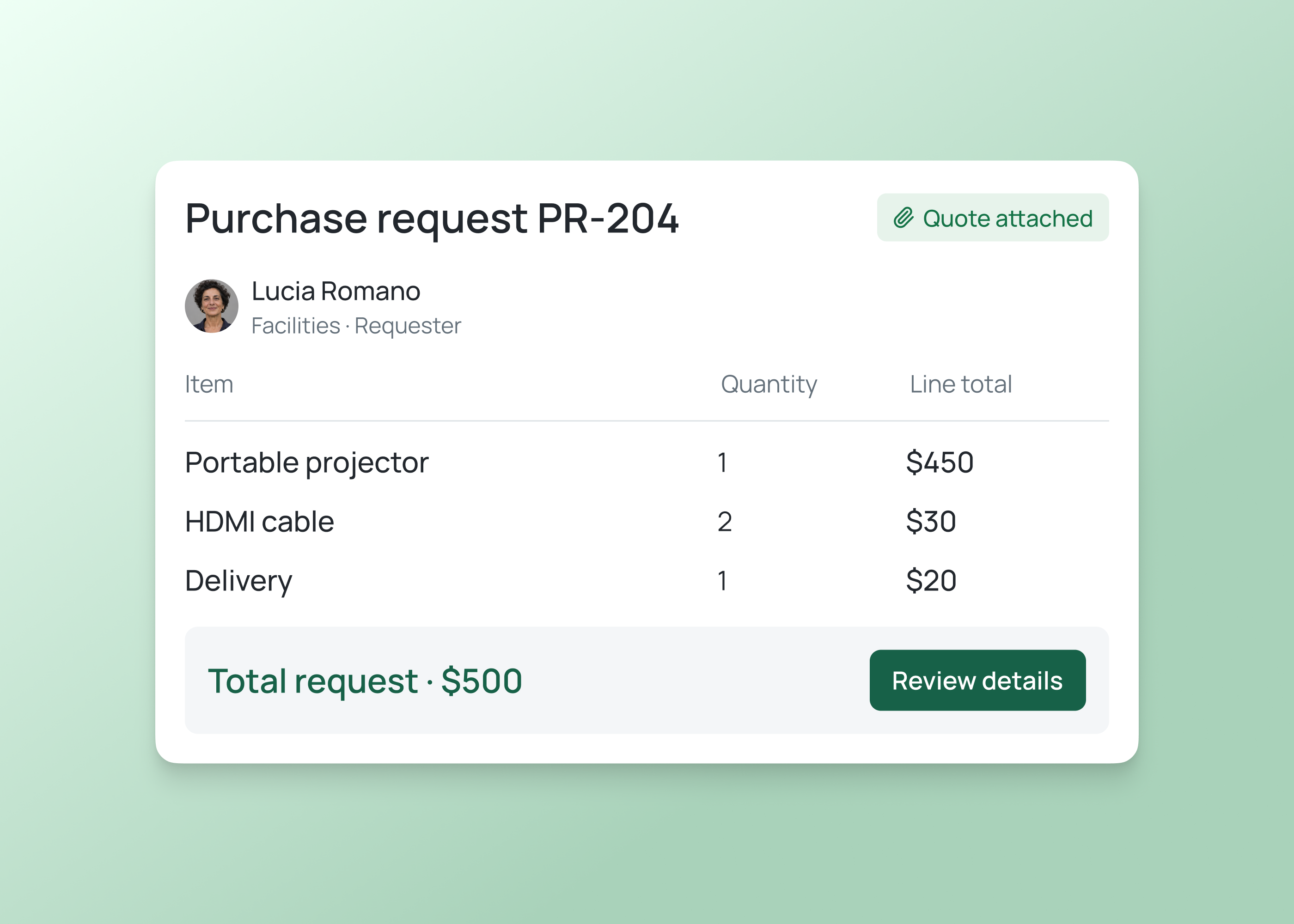
For employees
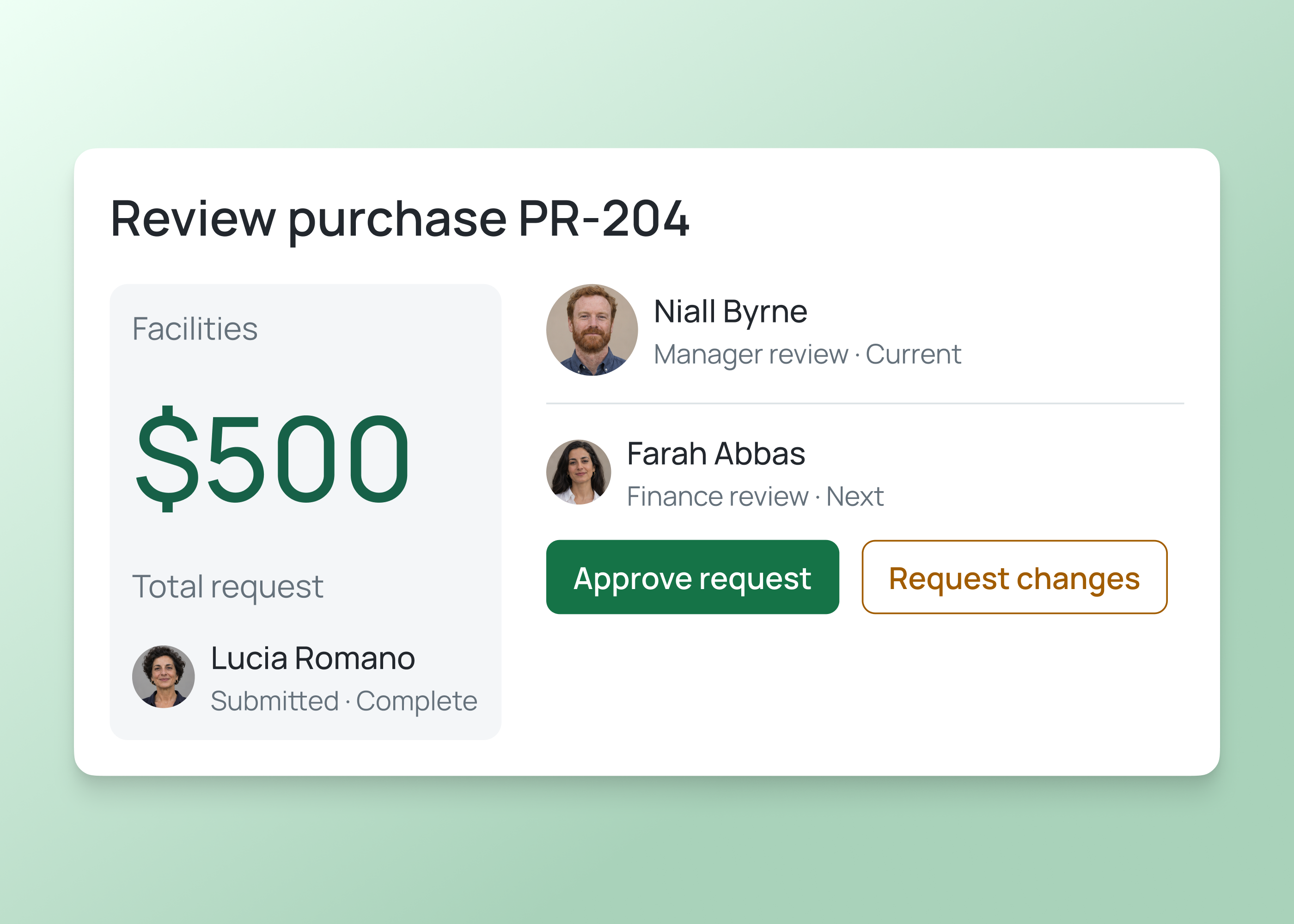
Collect item costs, quantities, supporting documents and cost centres before submission. Give reviewers a clear summary of what is being requested and why.
For finance teams
Assign decision owners and access for purchases or expenses. Keep review stages visible before handing approved requests to your accounting process.
Finance and accounting
Build around the financial information and work your team handles. Agree sources, controls and ownership before introducing live records.
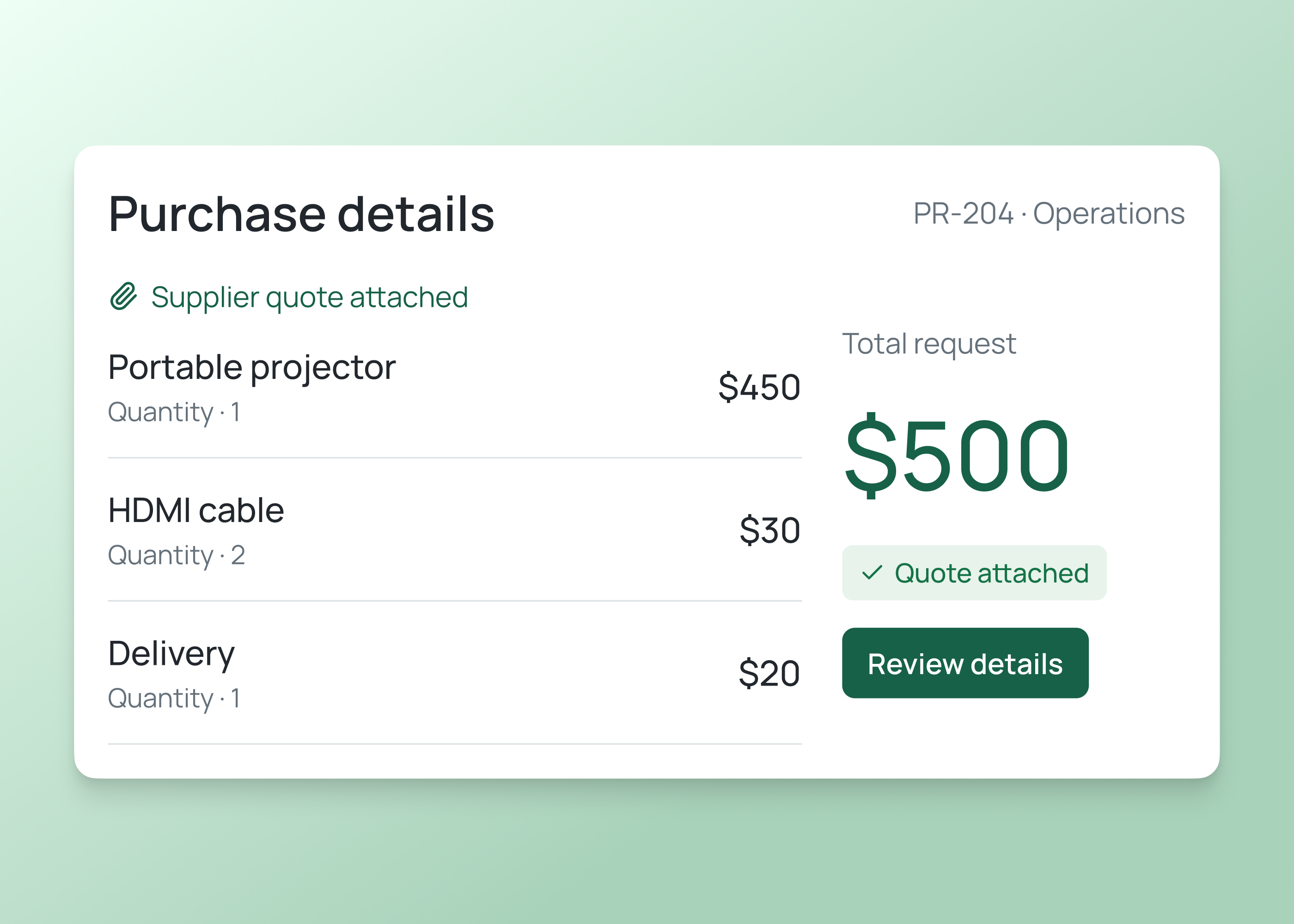
Organize supplier details, purchase costs and supporting documents. Give each record an owner and a clear review status.
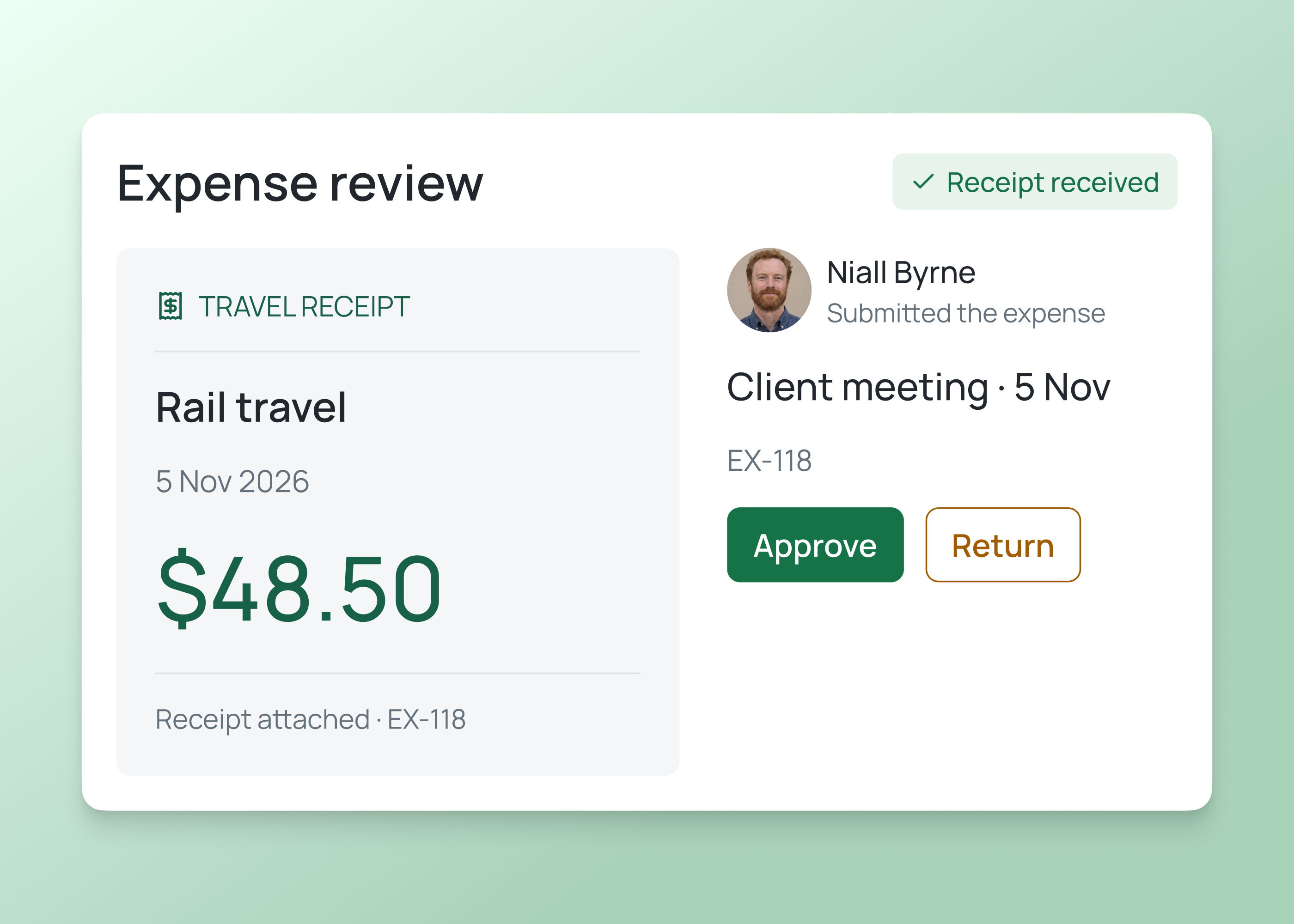
Bring expense categories, receipts and explanations together. Assign reviewers and record the outcome of each review.
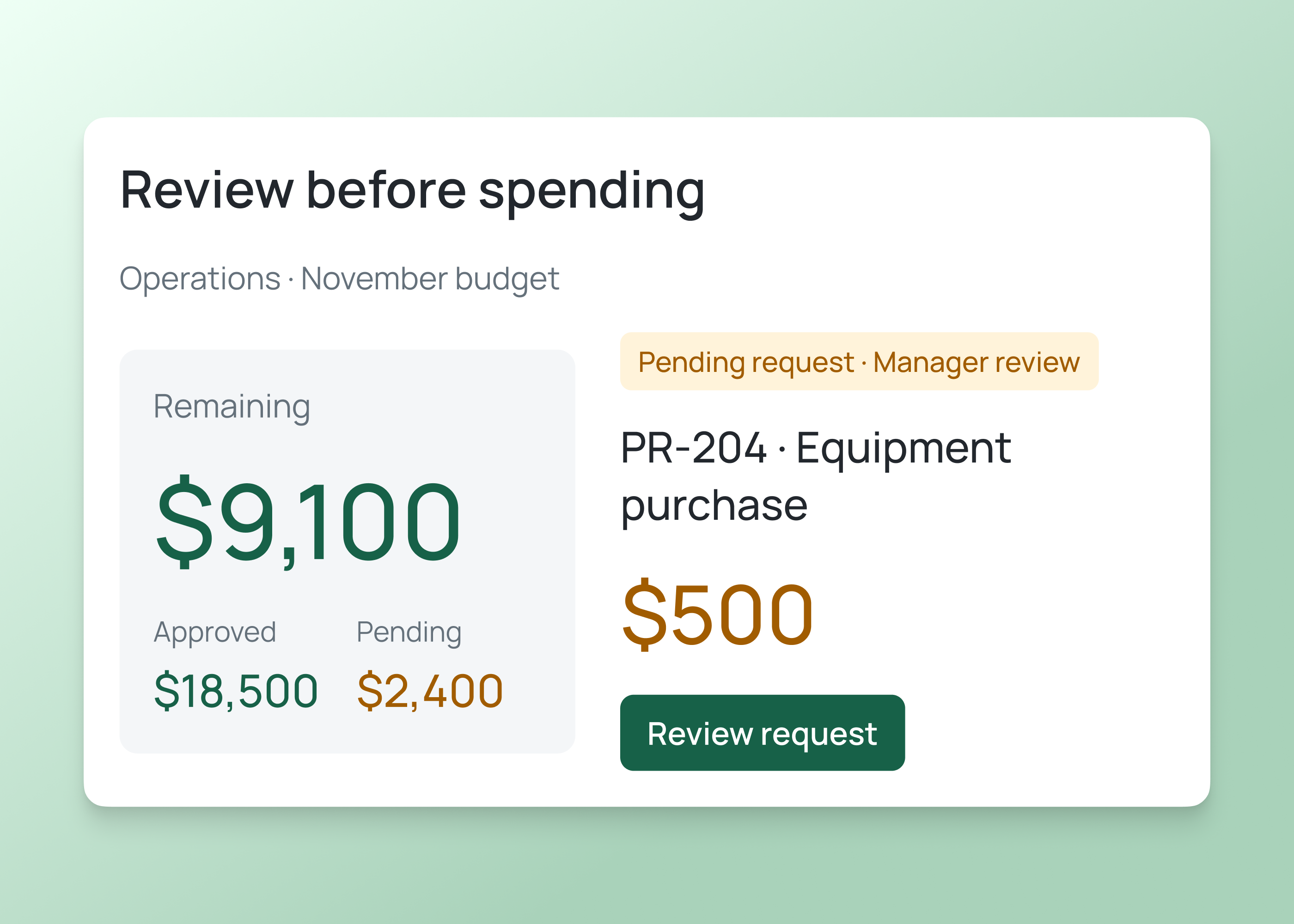
Bring agreed budgets, costs and variances into reporting views. Check calculations against the accounting source records.
How it works
Start with the records, reports or tasks your team needs and define how they relate to your existing accounting system.
Build finance and accounting tools for budgets, expenses, records and assigned tasks.
Describe the records, calculations, reports and tasks you need. Include the people responsible and required source information.
Set access, task ownership and approval rules. Check calculations and test incomplete records or returned requests.
Compare sample figures with source records. Test any transfer to accounting systems before using live financial information.
Who it's for
Build views for people submitting costs, managing budgets and maintaining finance and accounting information.
Provide the details and supporting documents needed for a decision, then check progress.
Review budgets, costs and outstanding requests, with clear sources for the figures they use.
Maintain financial records, coordinate accounting tasks and check reports against approved source systems.
Live training
Bring an idea, build with guidance and ask your questions.
Customer experience
Hear from teams using Fliplet to build software around the way they work.
“It was a really easy way to come up with specific-use solutions without a large infrastructure investment or a lot of IT time.”
“The big benefit is being able to have someone come to you with an idea or a problem, and being able to quickly spin up a prototype for them.”
Choose an example prompt or describe the financial records, reporting views and accounting tasks you need. Sign up or log in to continue in Fliplet, then review and refine the first version. Test calculations, permissions and financial controls before introducing live records.
The Free plan includes 500 monthly credits plus 500 bonus credits in your first month to build and test a prototype. Publishing, end-user authentication and integrations require a paid plan. Compare current plans or book a demo to discuss your requirements.
Examples include budget dashboards, expense records, supplier information, purchase reviews and accounting task trackers. Define the required data, calculations, owners and controls, then configure and test the software for your organization.
Use Fliplet to build the intake, review and reporting steps around your existing accounting system. Your accounting team should keep responsibility for the ledger, statutory reporting and specialist accounting processes in the systems it has approved.
Describe your spending thresholds and decision owners when planning the workflow. Configure the required rules and test them with finance, including delegated approvals, declined requests and amounts that cross a threshold.
The approach depends on your accounting software, its available APIs and your Fliplet plan. Confirm authentication, supported records, transfer timing and error handling before committing to an integration.
Define what requesters, managers and finance reviewers can see and change. Configure permissions around those responsibilities, and test them with representative accounts before loading live documents or financial data.
Related solutions