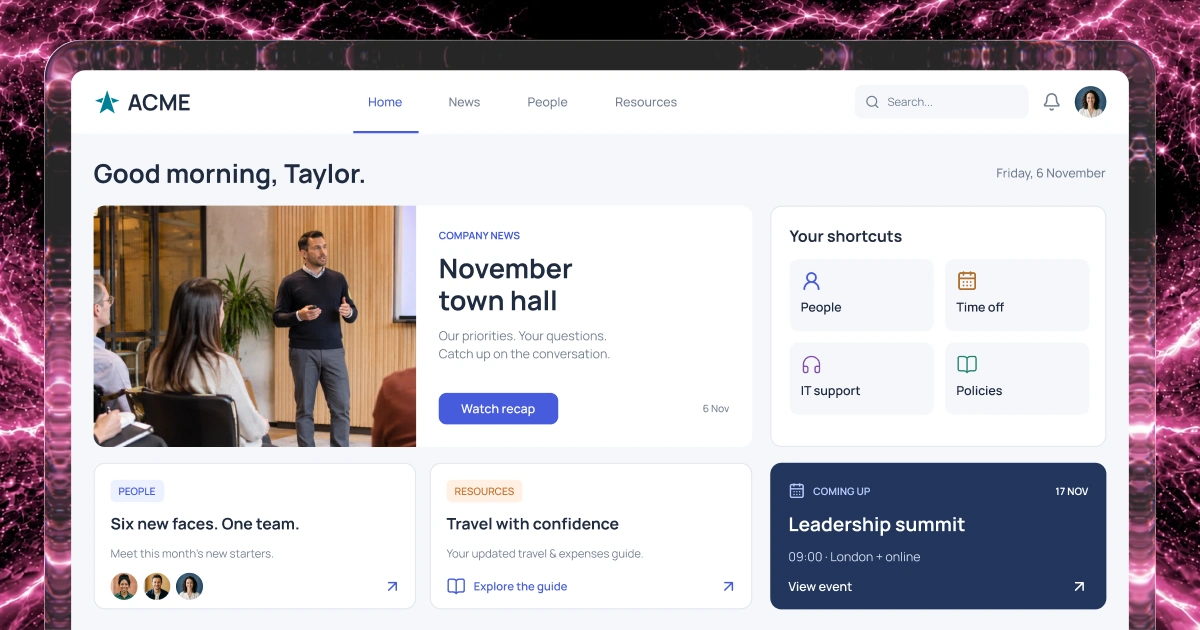
Organize approved guidance
Group policies, playbooks and practical guides by topic. Make it clear who owns each resource and when it needs review.
Knowledge & AI assistants
Help people find approved guidance or ask an assistant to explain it, summarize it and point to the source.
Define what the assistant can answer and when a person should step in.
1,000 free credits at signup, then 500 monthly. Upgrade to publish.





Your workflow
A knowledge library helps people browse policies and playbooks. An AI assistant can answer a specific question, summarize relevant guidance or explain the next step. Keep the original source available and test answers before rollout.
Group policies, playbooks and practical guides by topic. Make it clear who owns each resource and when it needs review.
Shape navigation and search around the questions employees ask. Keep source material accessible so people can check the details.
Give an AI assistant a defined set of questions and approved sources. It can summarize guidance, explain a process and point people to the source for details.
Give content owners a way to update guidance and handle unanswered questions. Configure access for the audiences each resource serves.
Example screens
Illustrative examples of what you can build and configure with Fliplet.
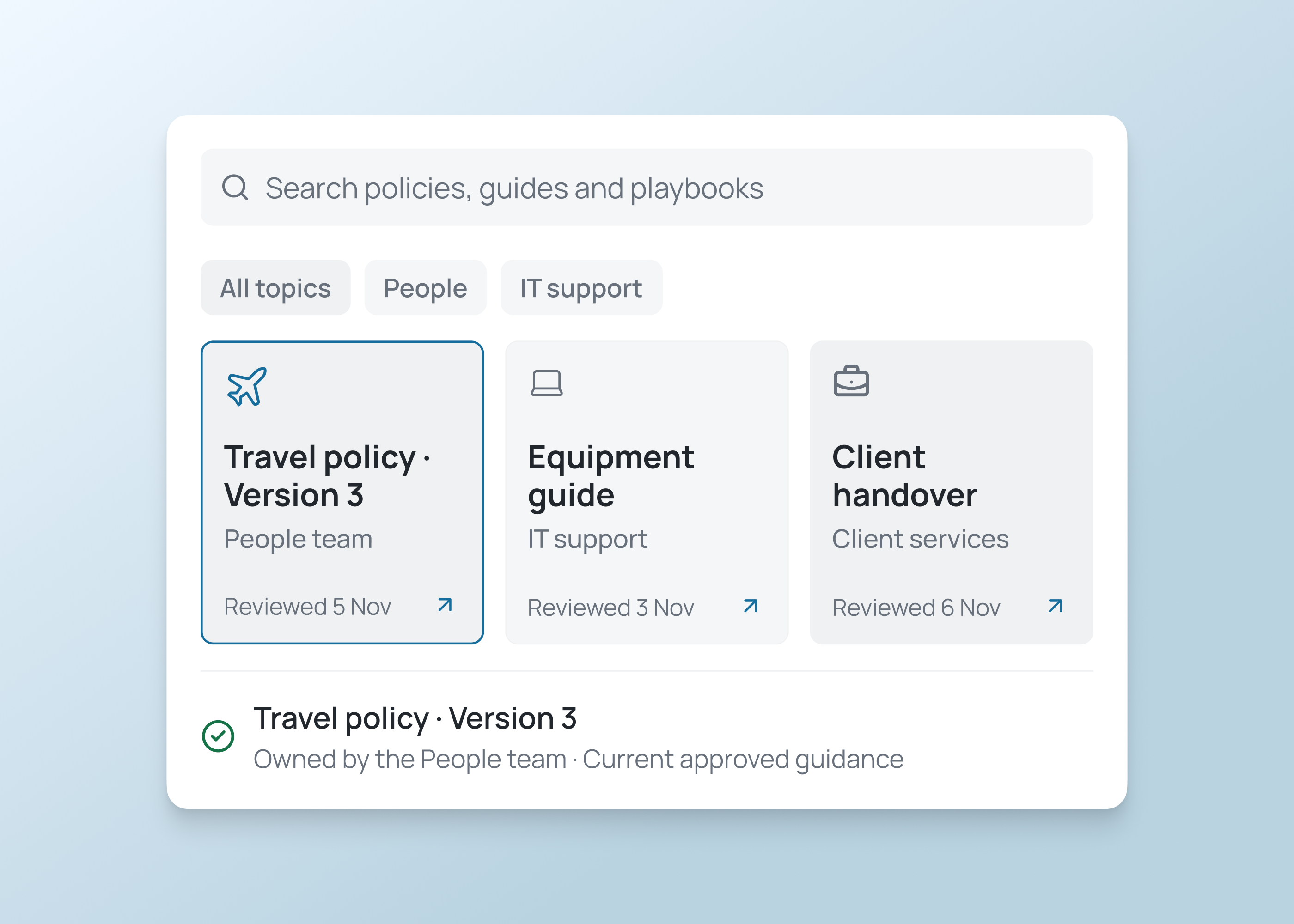
Browse guidance
Browse approved guidance by topic, check its owner, last update and source, then open the full document for context before using it.
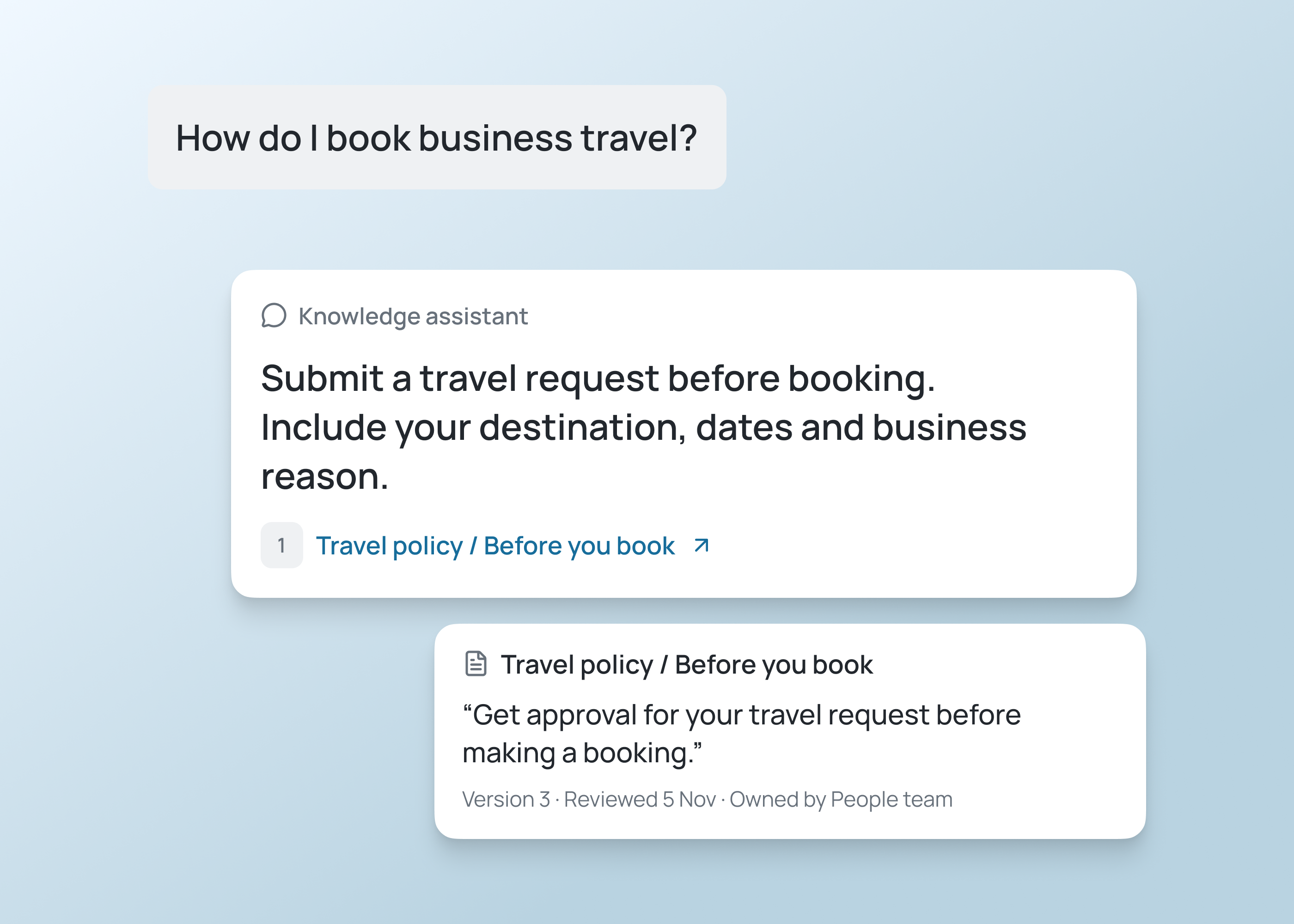
Check answers
Ask what a policy means or what to do next. Read the answer, open its source and contact the owner when you need a decision.
Knowledge and AI assistants
Use the library to find source material and an AI assistant to turn approved guidance into answers and clear next steps.
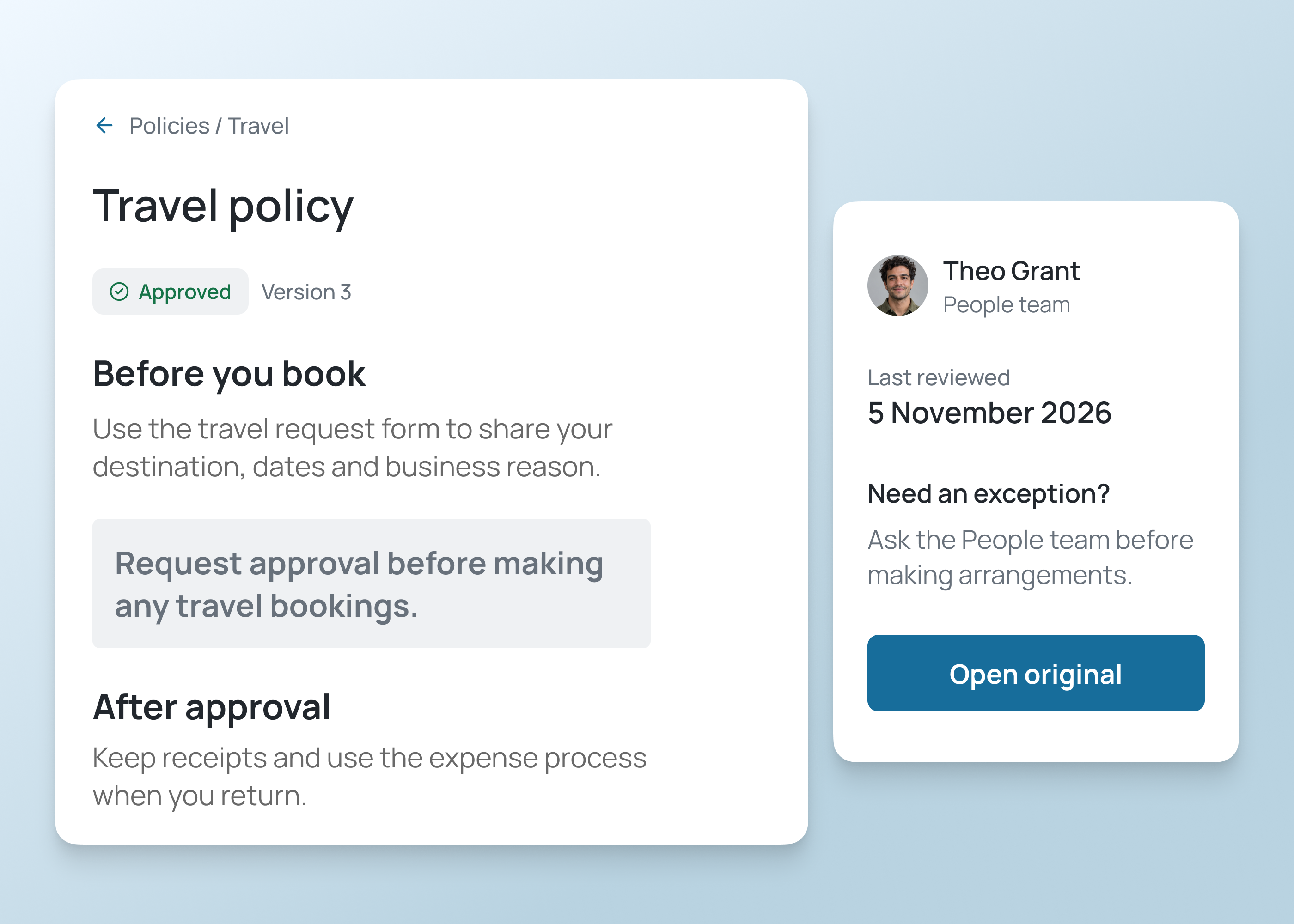
Give each policy a named owner and a clear review status. Help employees find current guidance and the team responsible for maintaining it.
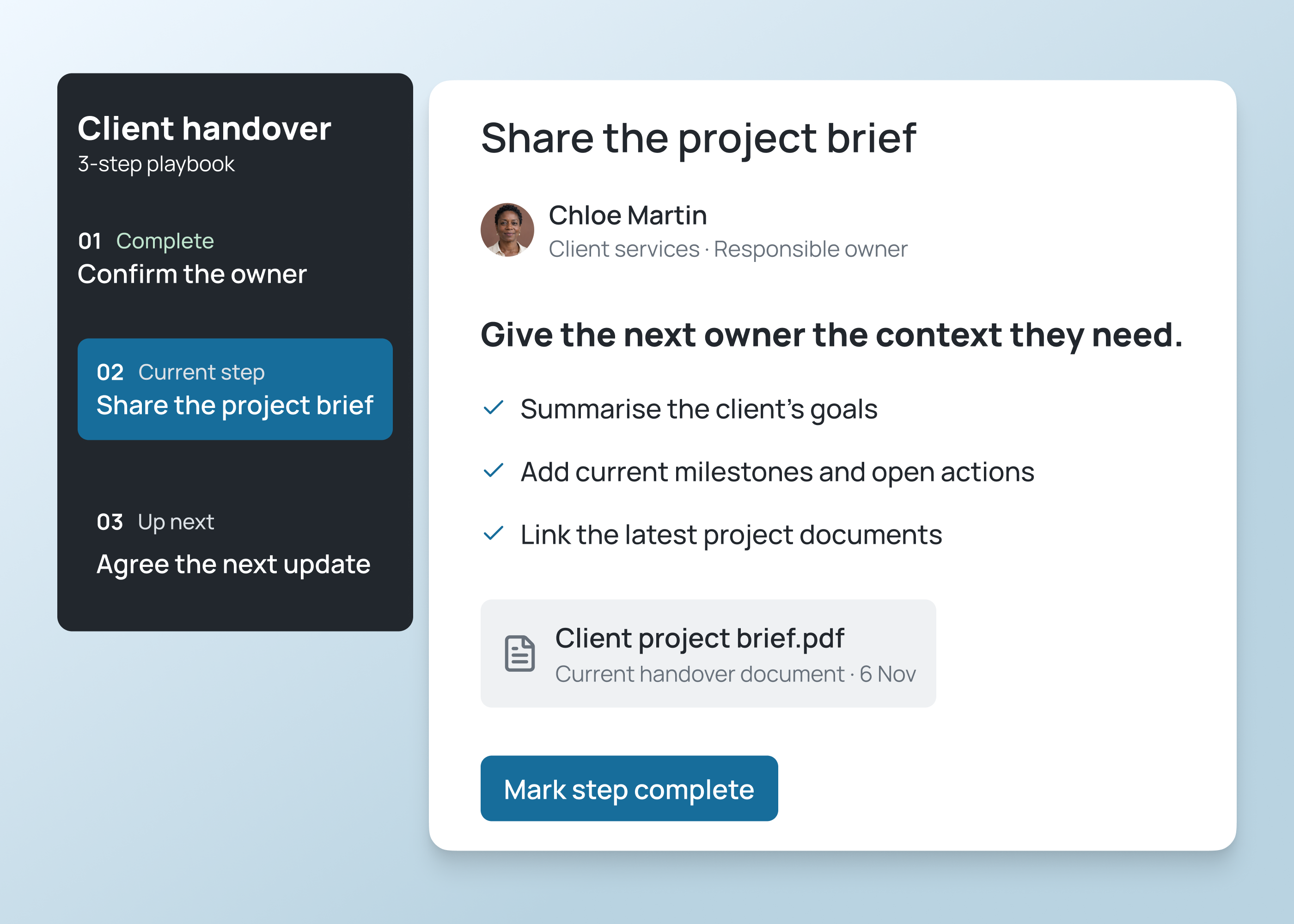
Turn a repeatable process into clear steps. Show the next action and give teams a way to suggest changes when guidance needs updating.
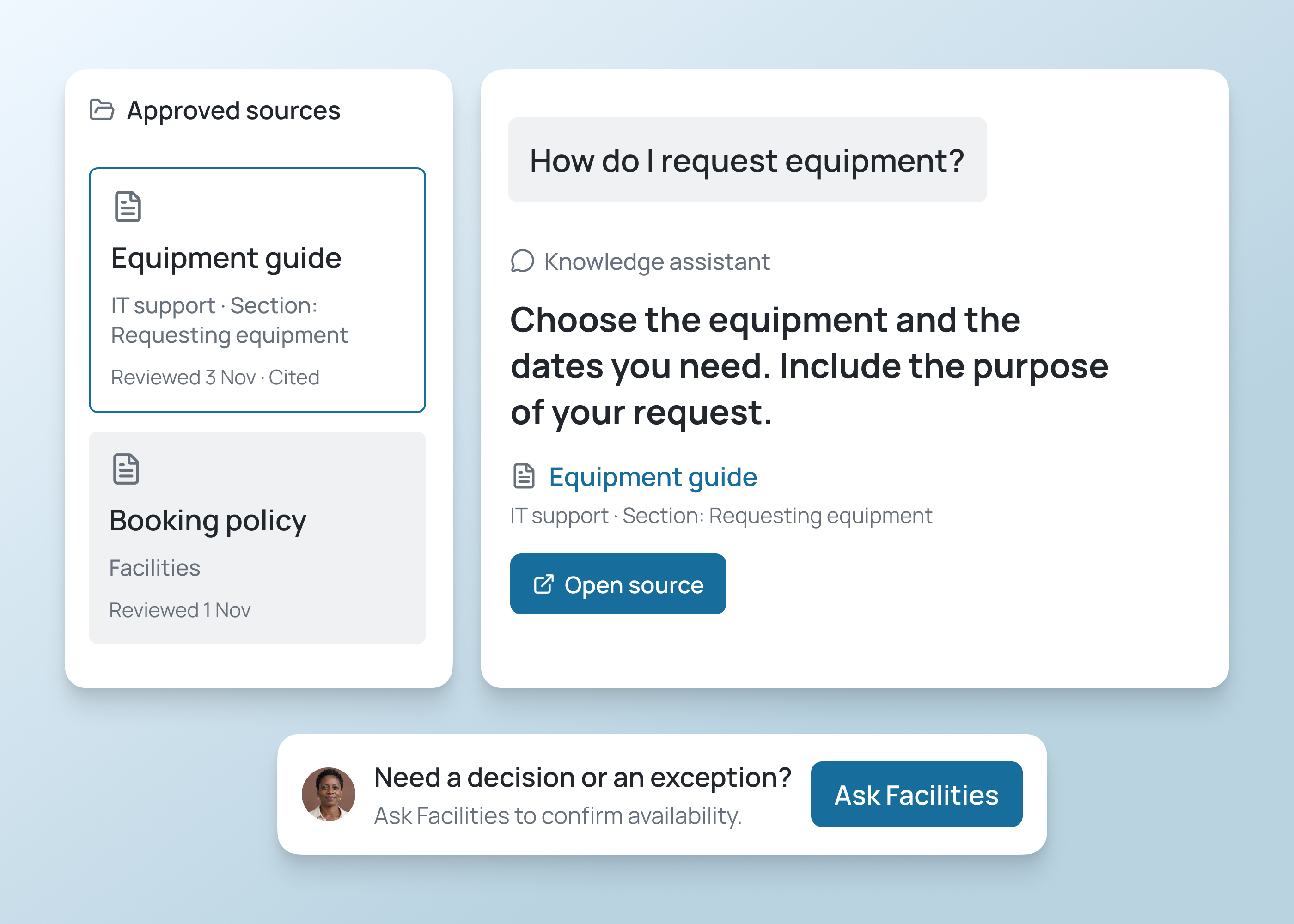
Answer recurring questions in plain language and explain the next step. Show the supporting source and owner so people can check important details.
How it works
Build the library around approved material, then define the questions and summaries an AI assistant should handle.
Build knowledge tools and AI assistants around approved sources and team questions.
Identify the audience, common questions and source owners. Check that the material used for search and AI answers is current.
Choose which questions it should answer, which guidance it may summarize and when it should direct someone to a person. Review search and assistant journeys with employees.
Check search, permissions and any AI responses against the sources. Give people a clear route to verify information or ask an expert.
Who it's for
Build knowledge tools and AI assistance around people who need guidance, maintain sources and review answers.
Browse guidance or ask the assistant a question. Check the original source and contact its owner when a decision needs review.
Review guidance, maintain ownership and provide a route for colleagues to report gaps.
Bring approved procedures together and test access and assistant responses before extending to more teams.
Live training
Bring an idea, build with guidance and ask your questions.
Customer experience
Hear from teams using Fliplet to build software around the way they work.
“It was a really easy way to come up with specific-use solutions without a large infrastructure investment or a lot of IT time.”
“The big benefit is being able to have someone come to you with an idea or a problem, and being able to quickly spin up a prototype for them.”
Choose an example prompt or describe the knowledge, assistant tasks, audience and sources you need. Sign up or log in to continue in Fliplet, then review and refine the first version. Configure and test access and any AI responses before publishing.
The Free plan includes 500 monthly credits plus 500 bonus credits in your first month to build and test a prototype. Publishing, end-user authentication and integrations require a paid plan. Compare current plans or book a demo to discuss your requirements.
You can create a searchable policy library or team playbook, and an assistant for recurring questions, short summaries and next-step guidance. Define the approved sources and tasks for each. Your existing document storage can remain part of the setup; agree how it will connect and which system holds the authoritative version.
Search helps someone find a document. An AI assistant can respond to a specific question, summarize a relevant passage and explain a process in plain language. It should show where the guidance came from and direct uncertain or important decisions to a responsible person. Confirm the available AI features and connections with Fliplet before rollout.
You can explore an AI assistant as part of the workflow. Start by defining the questions it should handle, the sources it may use and who can access them. Confirm the available AI features and connections with Fliplet, then test responses against approved material before making the assistant available to employees.
No. AI responses can be incomplete or incorrect, even when the source material is useful. Keep the original guidance available, define how users verify answers and provide a route to a responsible person. Important decisions should follow your existing review process.
Define the audiences for each resource and configure the relevant access rules. Check connected sources as well as your knowledge tools. If you add AI assistance, test that the full workflow respects those boundaries before using confidential material.
Assign an owner to each topic or collection. Agree a review schedule, how employees report missing guidance and who approves updates. Begin with a small collection that the team can maintain, then expand as ownership and usage become clear.
Related solutions