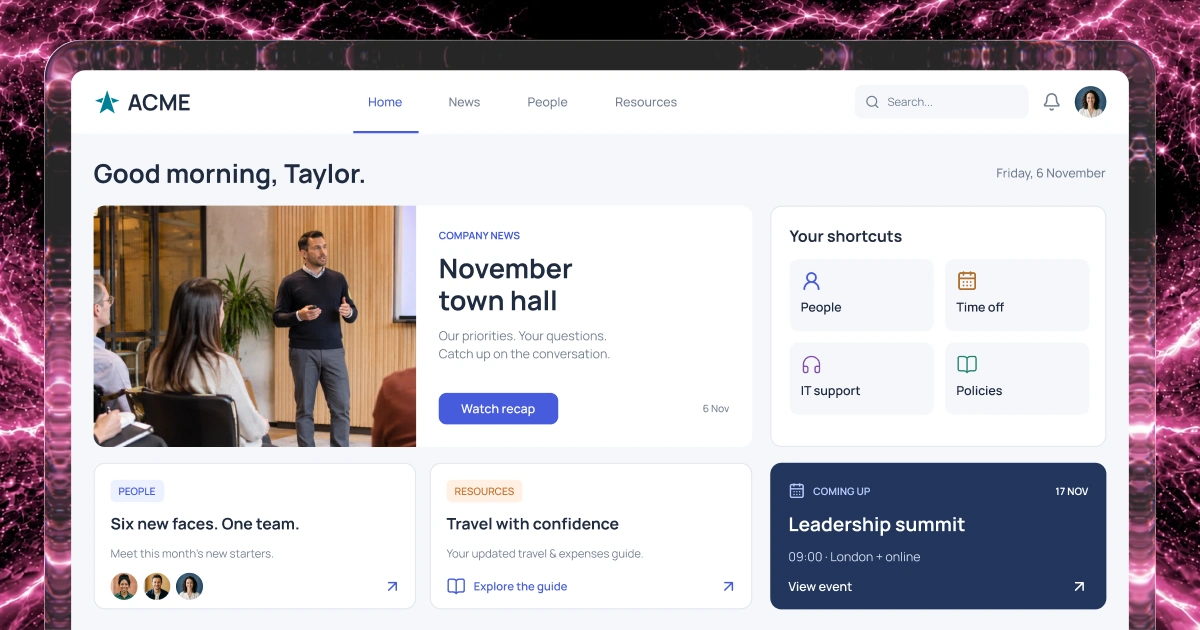
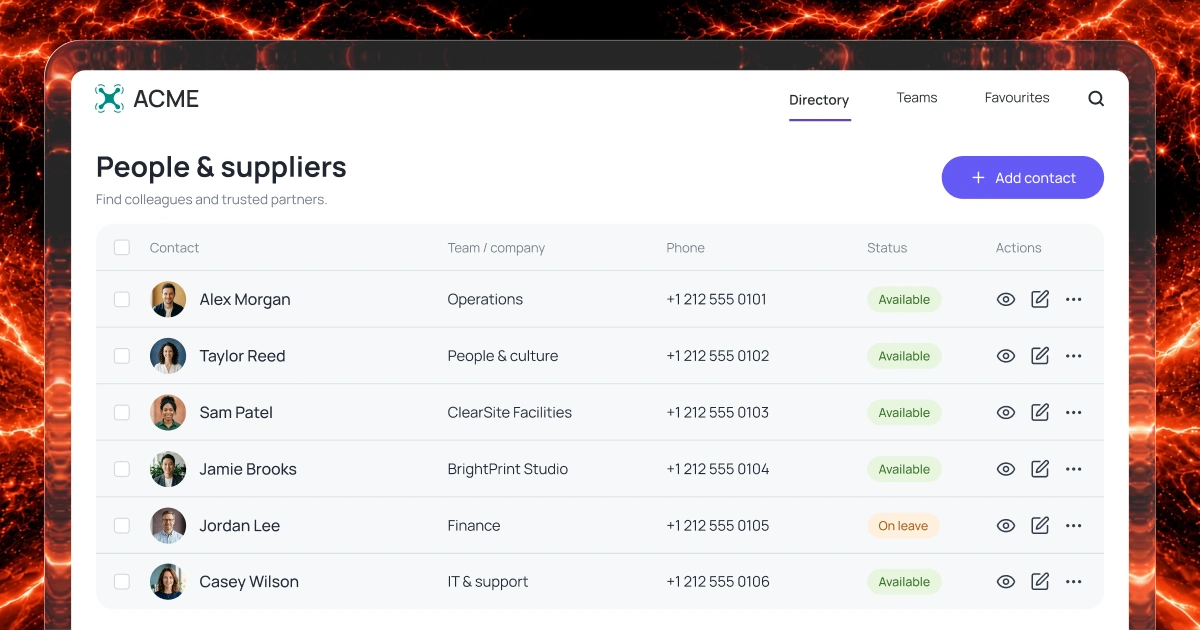
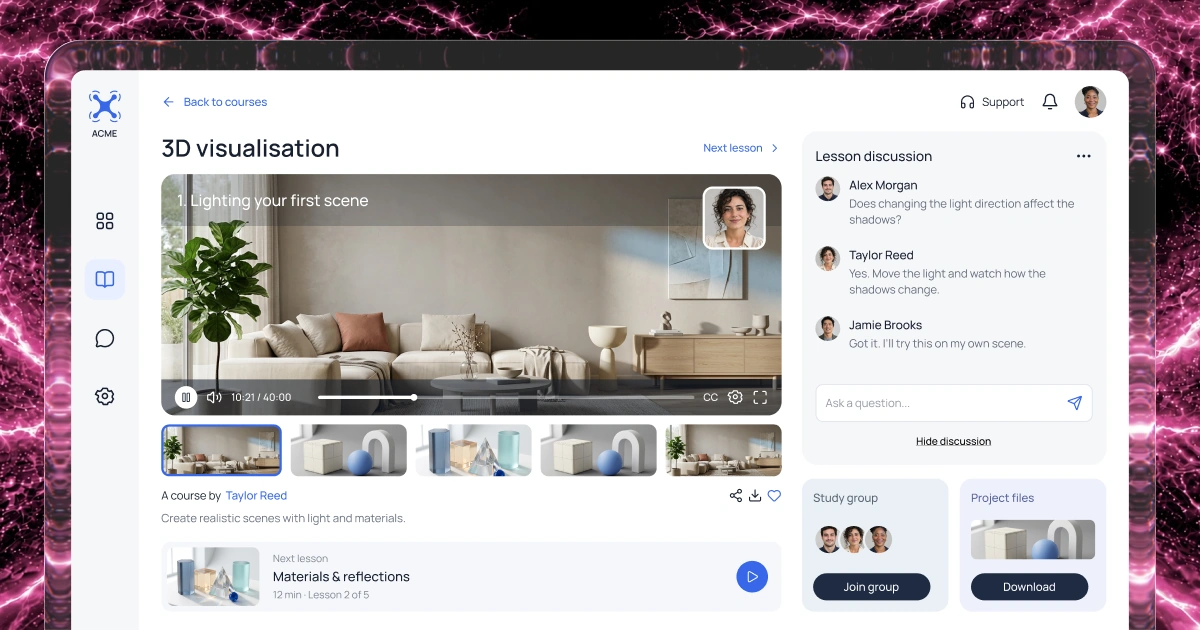
Organize starter tasks
Define the steps and supporting information new starters need before and after their first day.
HR & onboarding
Bring employee requests, policies, onboarding tasks and manager responsibilities into one place.
Describe your HR processes to create a first version with AI.
1,000 free credits at signup, then 500 monthly. Upgrade to publish.





Your workflow
Help people find guidance, request support and complete tasks, from their first day through their time with your organization.
Define the steps and supporting information new starters need before and after their first day.
Bring approved policies, benefits information and practical resources together with a named owner for each topic.
Collect HR questions and service requests, assign an owner and give employees a way to check progress.
Choose who can view or update employee information and test permissions before rollout.
Example screens
Illustrative examples of what you can build and configure with Fliplet.
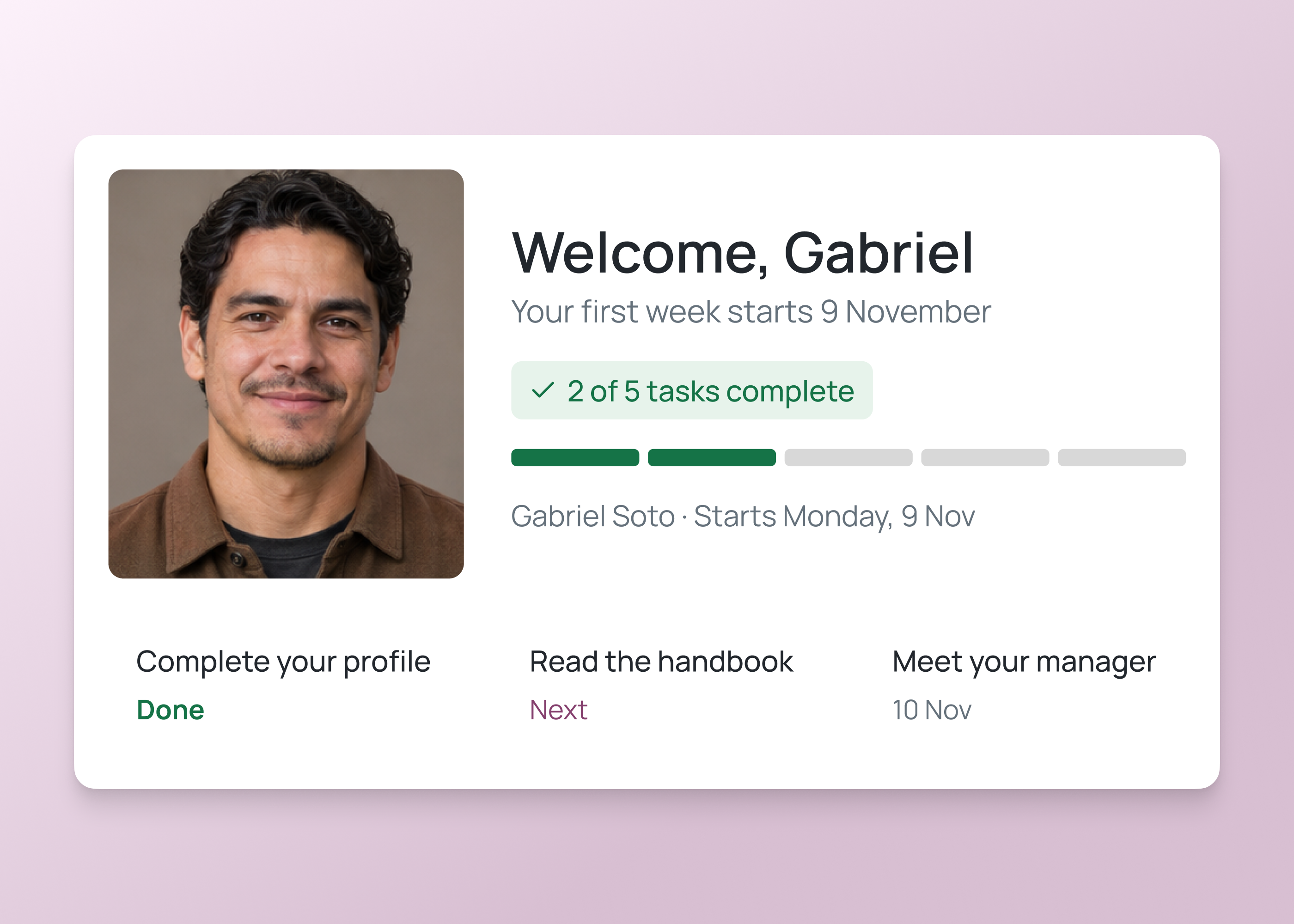
For employees
Show new starters the tasks and information they need for each onboarding stage.
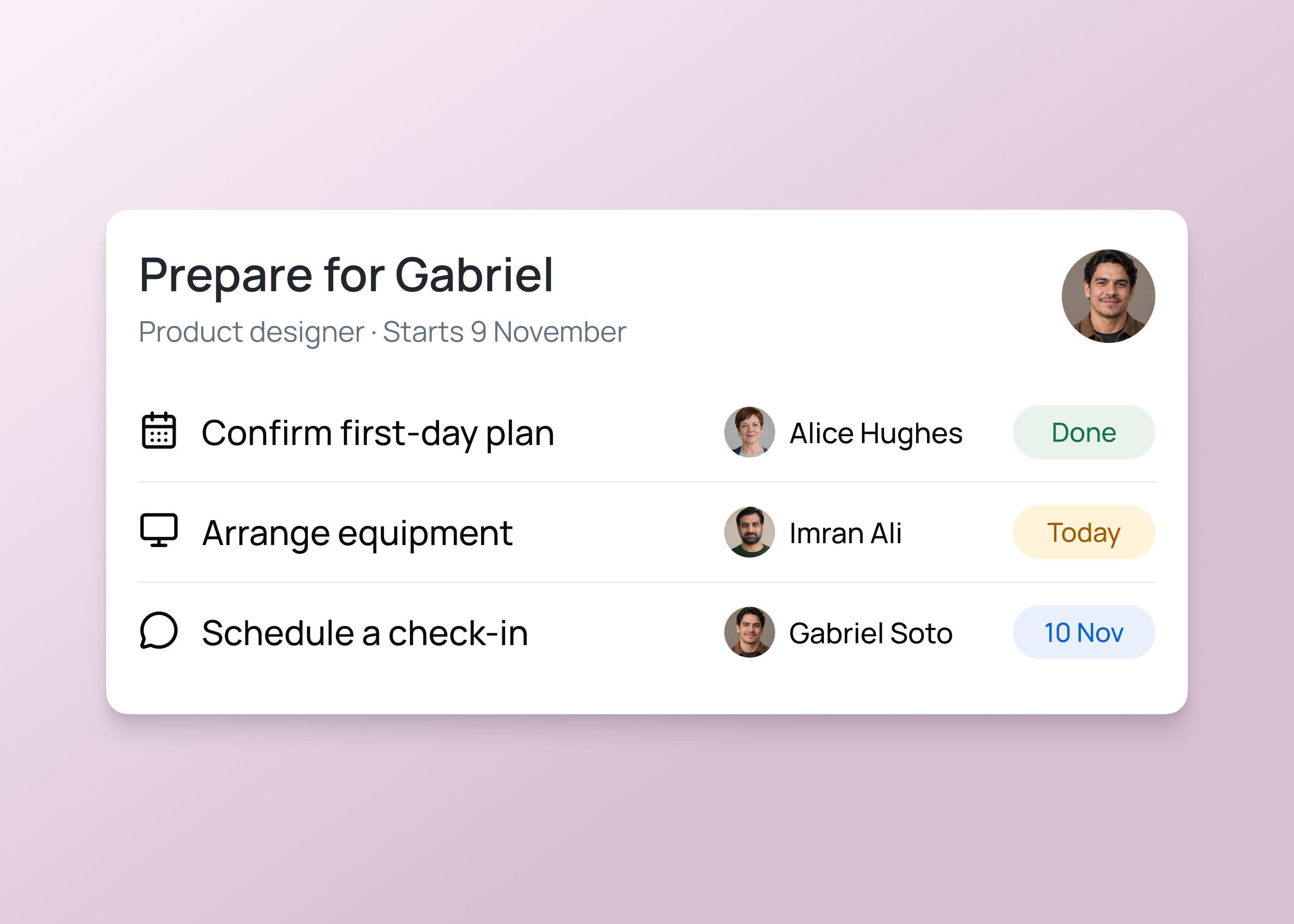
For HR teams
Give managers a clear view of their preparation tasks, owners and due dates.
HR and onboarding ideas
Build around the tasks, services and guidance employees need throughout their time with your organization.
Give new starters a clear list of tasks and information for their first days and weeks.
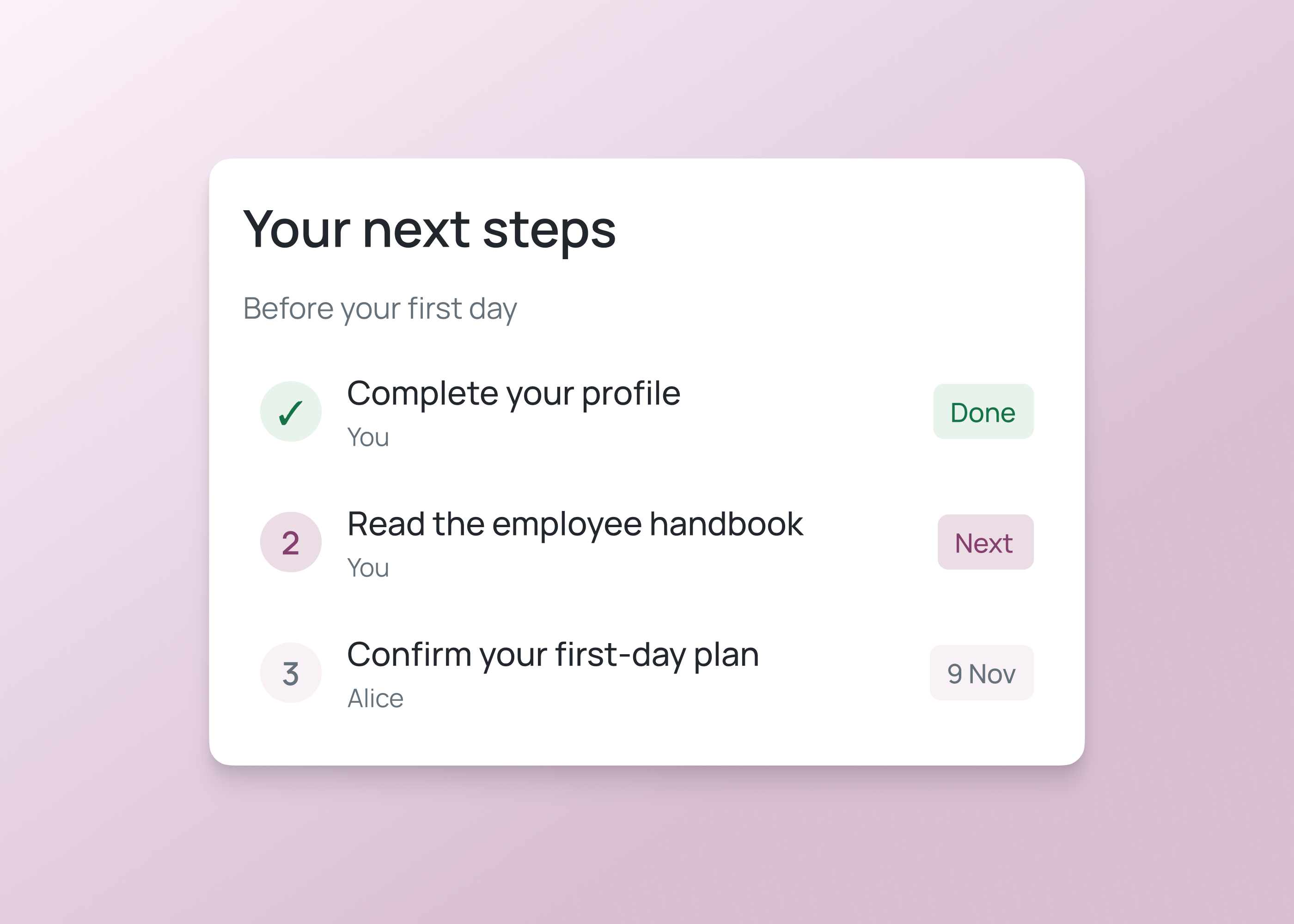
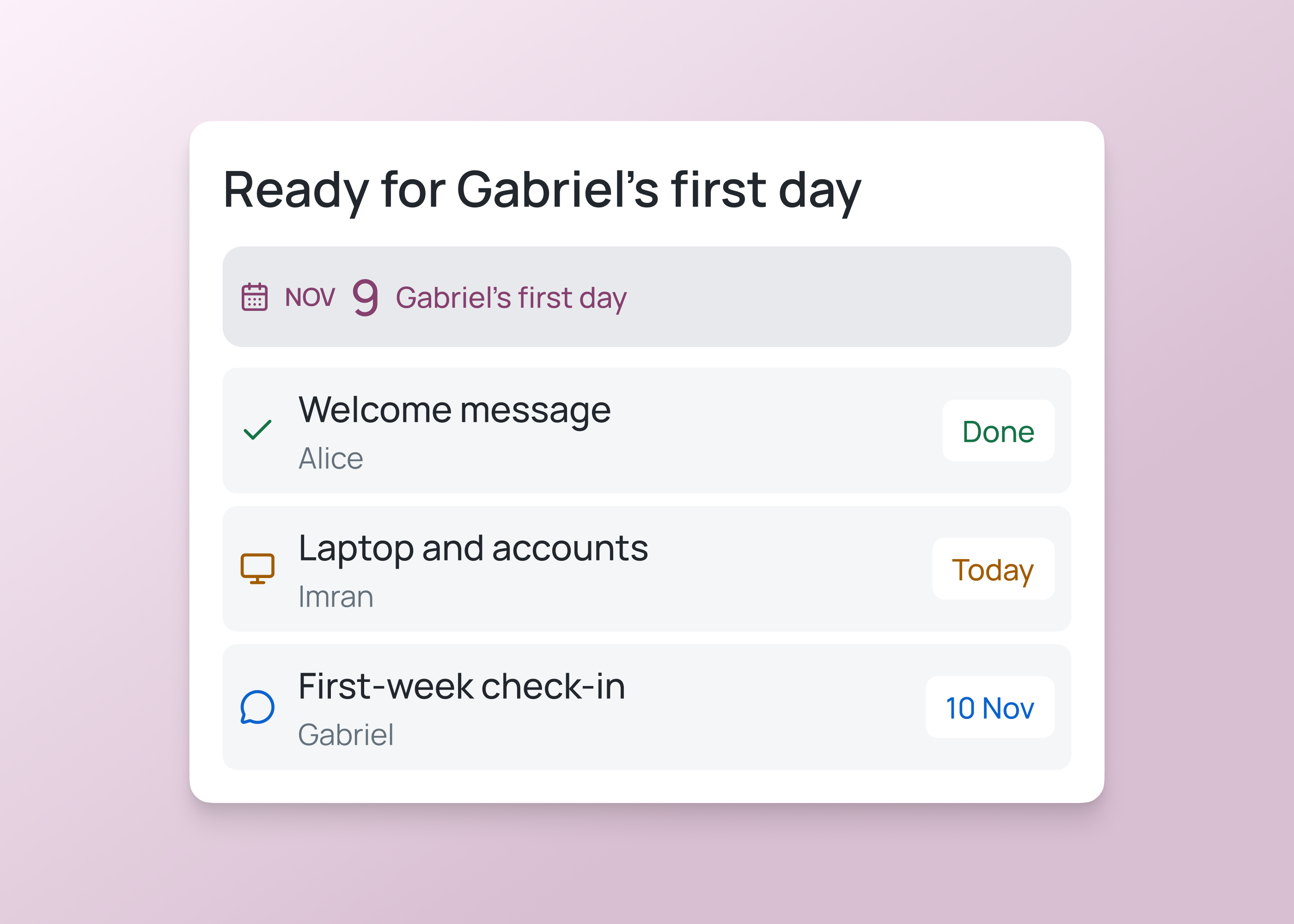
Assign managers preparation tasks, employee check-ins and follow-ups with clear owners and due dates.
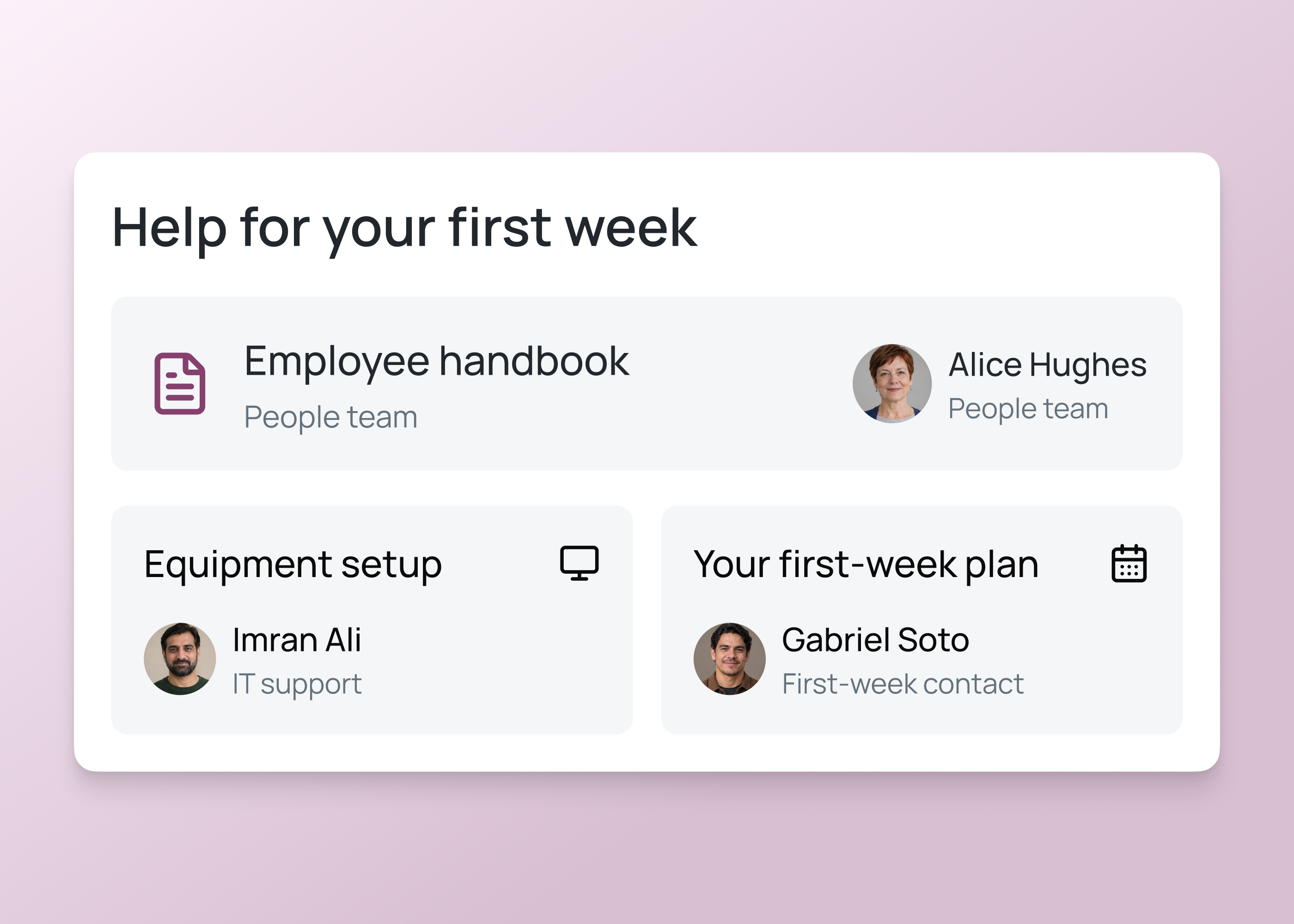
Bring approved policies, benefits information and HR contacts together. Give employees a clear route to request help.
How it works
Describe the employee services, onboarding tasks, responsible teams and access rules you need, then review and test the first version.
Build HR and onboarding software for employee requests, guidance and starter tasks.
Tell Fliplet who will use the software, what tasks people complete and who coordinates each step.
Review the generated views and configure request forms, tasks, guidance, owners and access with your HR team.
Test an employee request and a starter journey. Check responsibilities, permissions and handoffs before publishing.
Who it's for
Build views for employees, managers and the HR team responsible for guidance, requests and onboarding.
Find guidance, submit requests and complete the tasks relevant to their role or joining date.
Coordinate onboarding, employee check-ins and the requests or tasks assigned to them.
Maintain guidance, review employee requests and follow up on onboarding and other HR tasks.
Live training
Bring an idea, build with guidance and ask your questions.
Customer experience
Hear from teams using Fliplet to build software around the way they work.
“It was a really easy way to come up with specific-use solutions without a large infrastructure investment or a lot of IT time.”
“The big benefit is being able to have someone come to you with an idea or a problem, and being able to quickly spin up a prototype for them.”
Choose an example prompt or describe your HR services, employee requests, onboarding tasks and owners. Sign up or log in to continue in Fliplet, then review and refine the first version before publishing.
Fliplet is a software builder. Describe the HR processes you need, then configure and test request forms, tasks, guidance, owners and access for your organization.
The Free plan includes 500 monthly credits plus 500 bonus credits in your first month to build and test a prototype. Publishing, end-user authentication and integrations require a paid plan. Compare current plans or book a demo to discuss your requirements.
You can build employee request forms, policy libraries, manager checklists and HR task tracking. Define the information, responsibilities and access each service needs, then configure and test it with your HR team.
Describe the employee groups and tasks they need, including new starters and managers, then configure and test the relevant views and responsibilities.
You can create a manager view with assigned tasks and relevant progress. Configure permissions and test it with representative users.
The approach depends on the source system, its integration options, permissions and your Fliplet plan. Agree data ownership and test the connection before using live employee information.
Agree what information is needed, who can access it and how long it should be retained. Configure and test the workflow with your HR and security teams.
Walk through employee requests and starter journeys. Check tasks, guidance, ownership, access and any connected system before publishing.
Related solutions