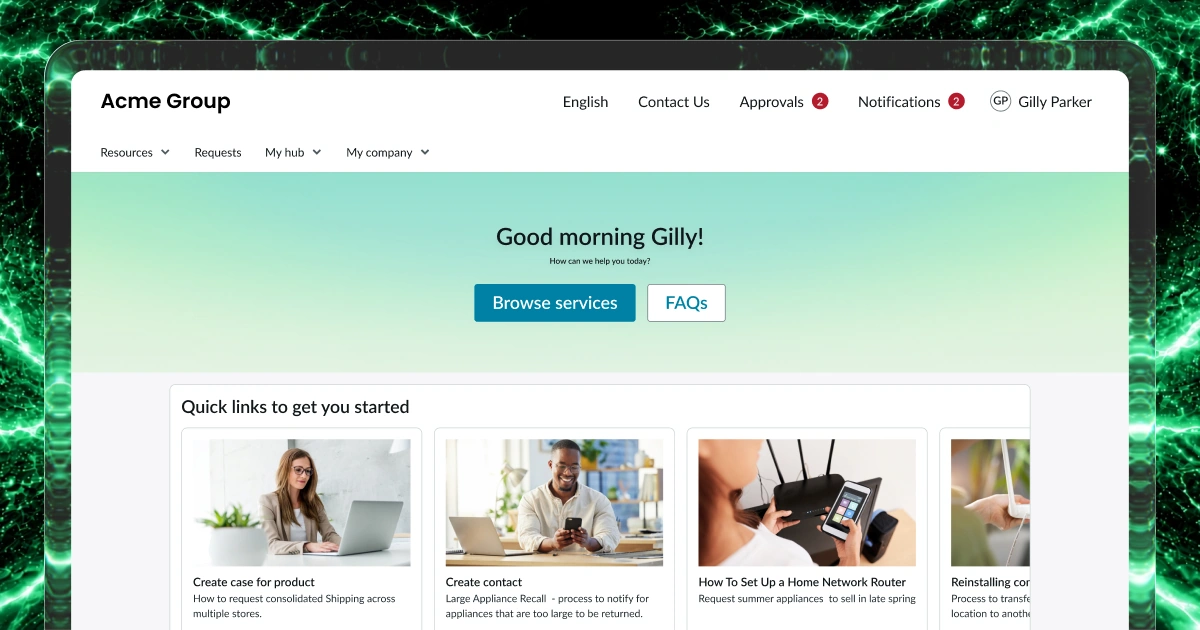
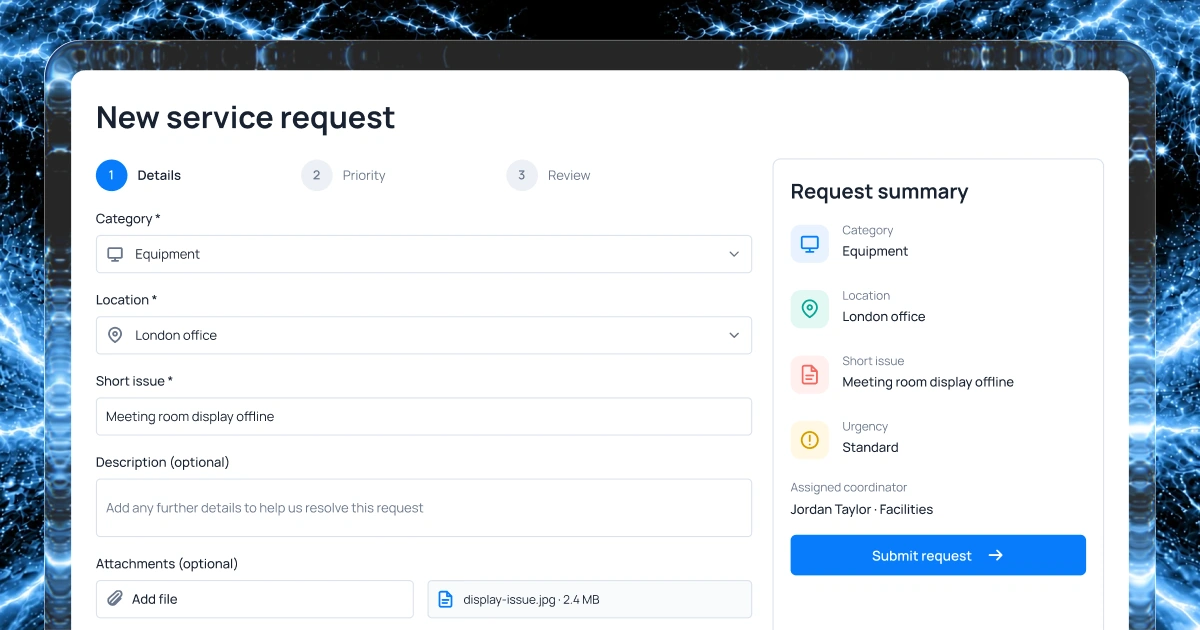
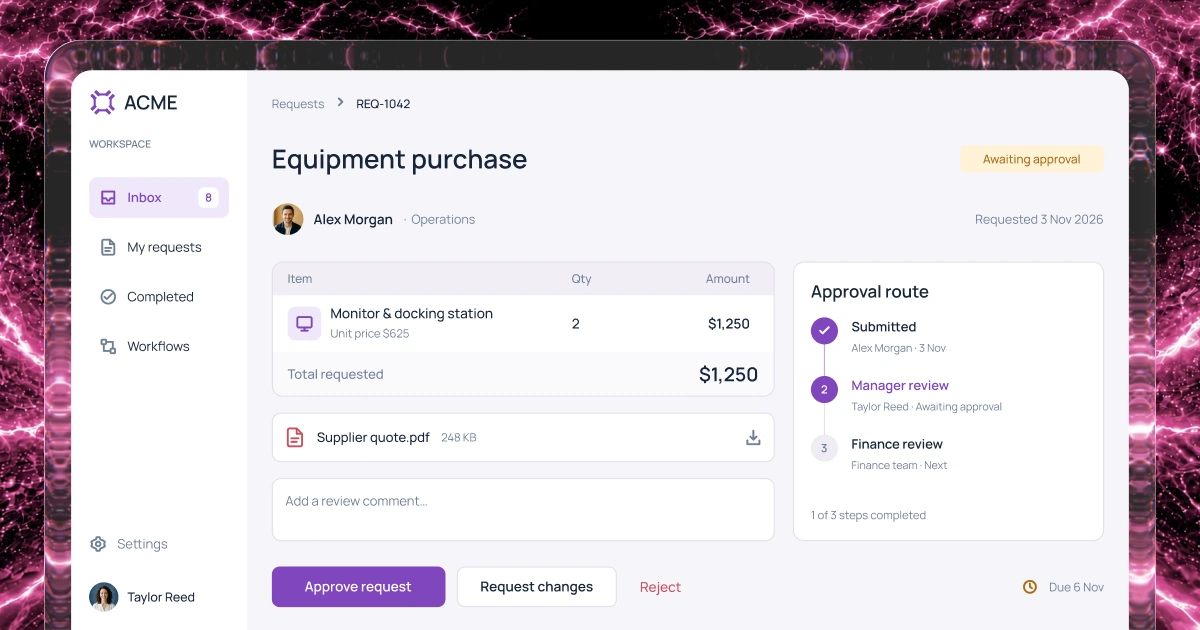
Customize booking forms
Choose the fields on your booking form. Collect the service, location, dates and any special requirements.
Bookings and scheduling
Bring room, equipment and appointment requests, approvals and changes into one place. Describe your process and create a first version with AI.
1,000 free credits at signup, then 500 monthly. Upgrade to publish.





Product walkthrough
Let staff compare rooms by location and capacity, choose a date and time, and submit a booking request. Give coordinators a separate view to review the room, time and requester before confirming or declining. Staff can then check whether their request is pending, confirmed or declined.
Your workflow
Choose the information people submit, who approves requests and which bookings each person can see. Set when people can cancel or reschedule.
Choose the fields on your booking form. Collect the service, location, dates and any special requirements.
Choose which staff review requests. They can check the details and confirm or decline each booking.
Let people view their own requests. Give coordinators access to the bookings they need to review and manage.
Choose who can cancel or reschedule. Set notice periods and decide which changes need staff approval.
Example screens
Illustrative examples of what you can build and configure with Fliplet.
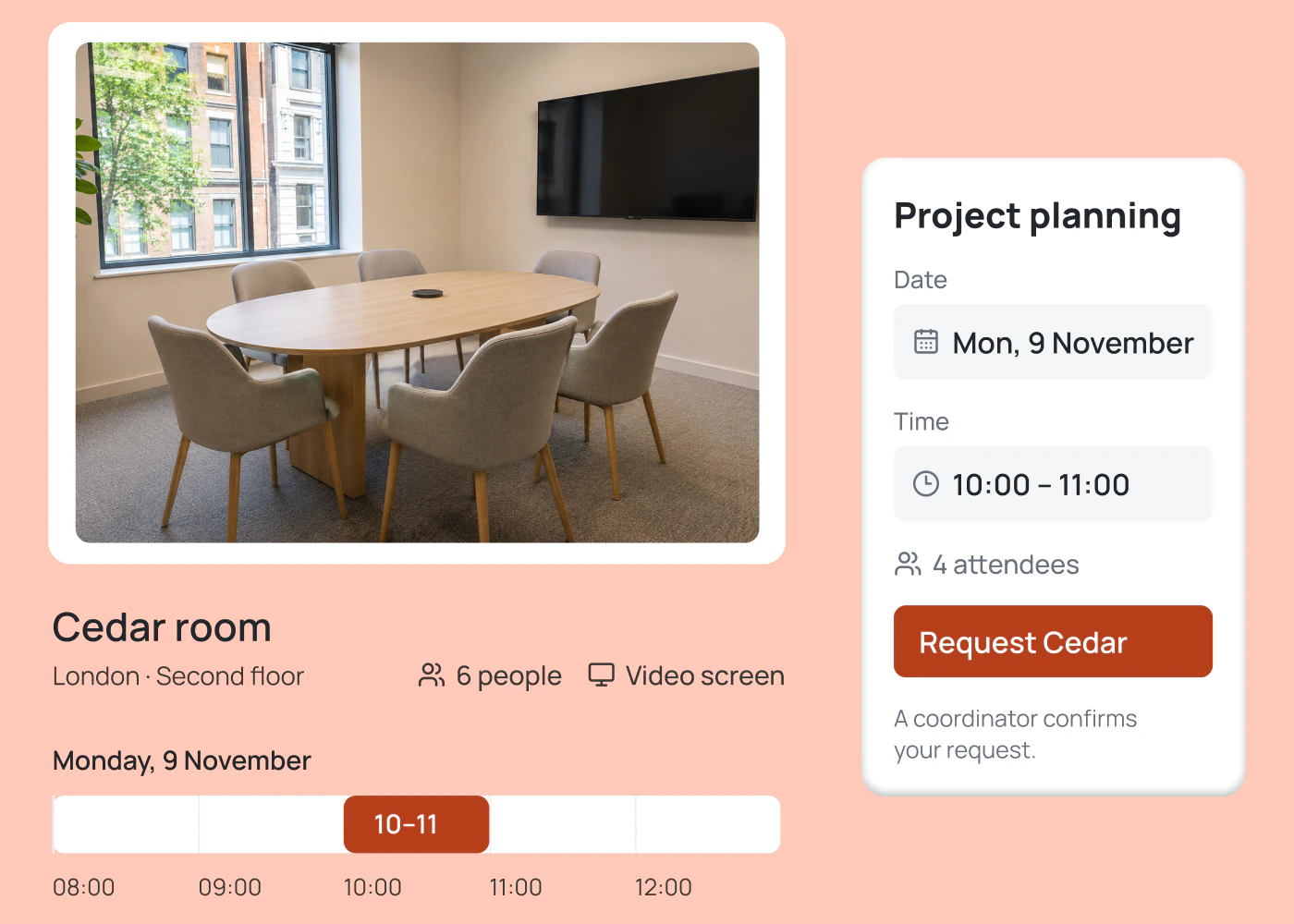
For staff
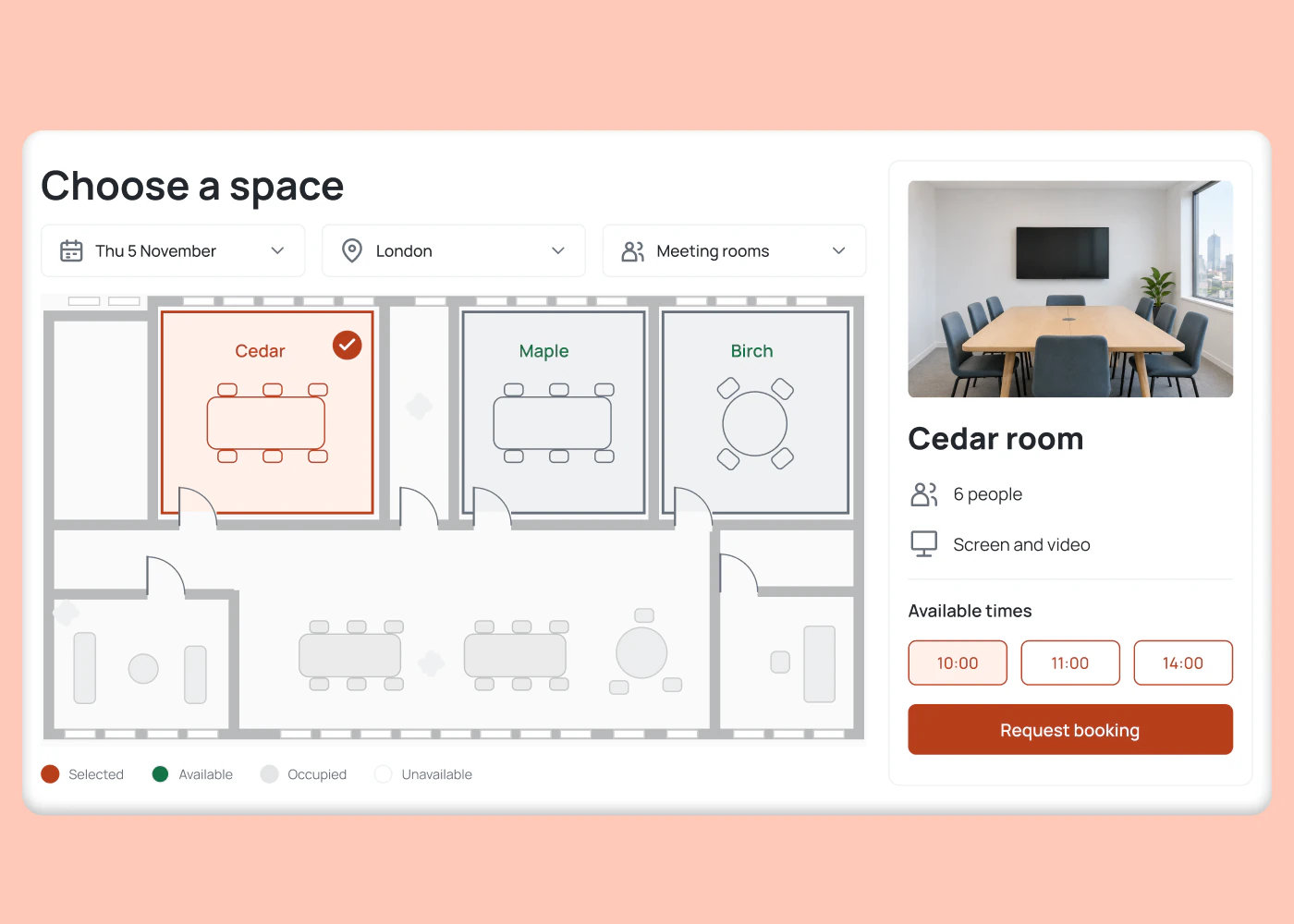
Choose a location, room size, date and time. Send the request to your coordinator.
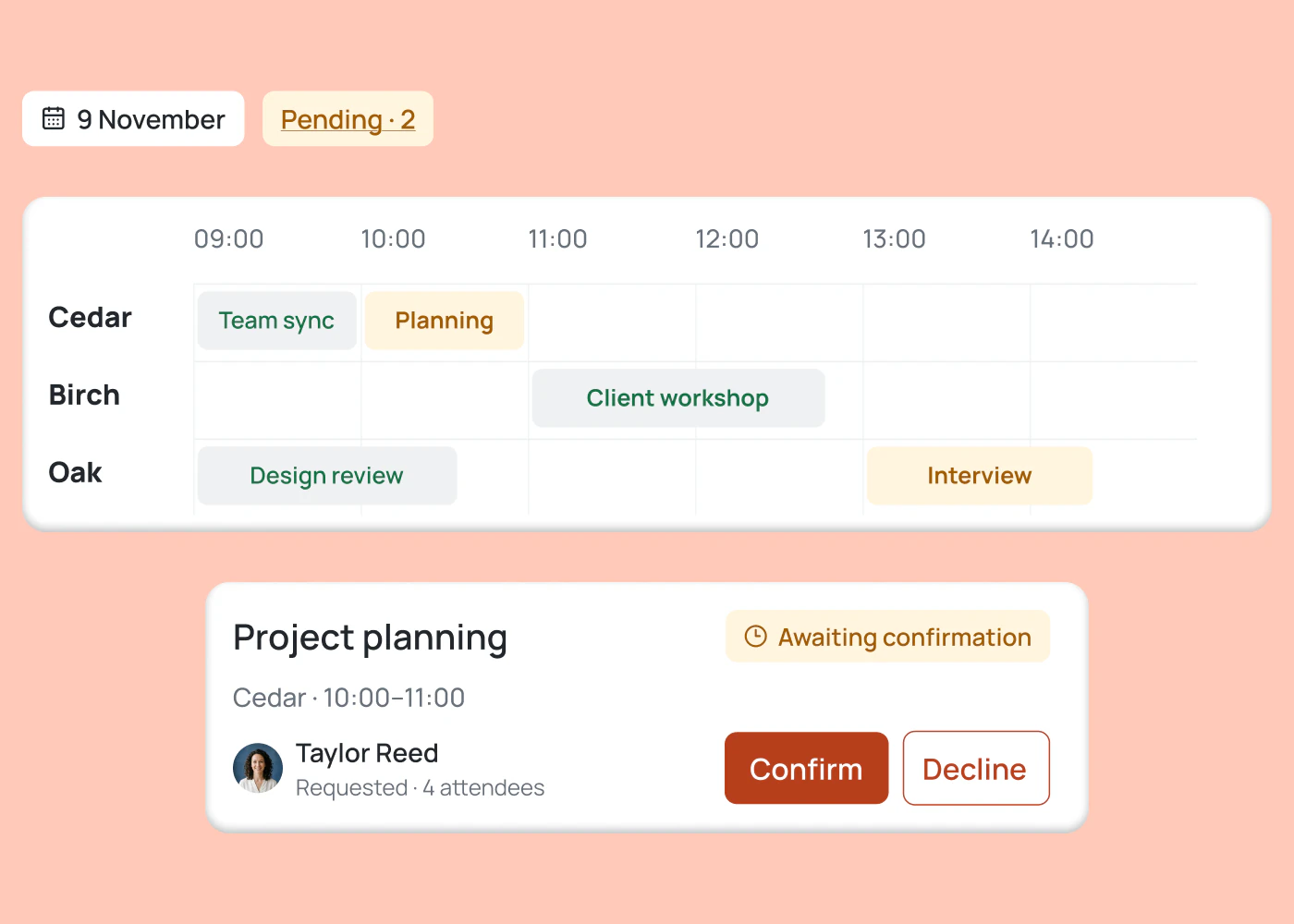
For coordinators
See the room, requested time and requester together. Confirm or decline each request.
Bookings and scheduling software
Build around the service, space or equipment you manage. Set the details and review steps to match each type of booking.
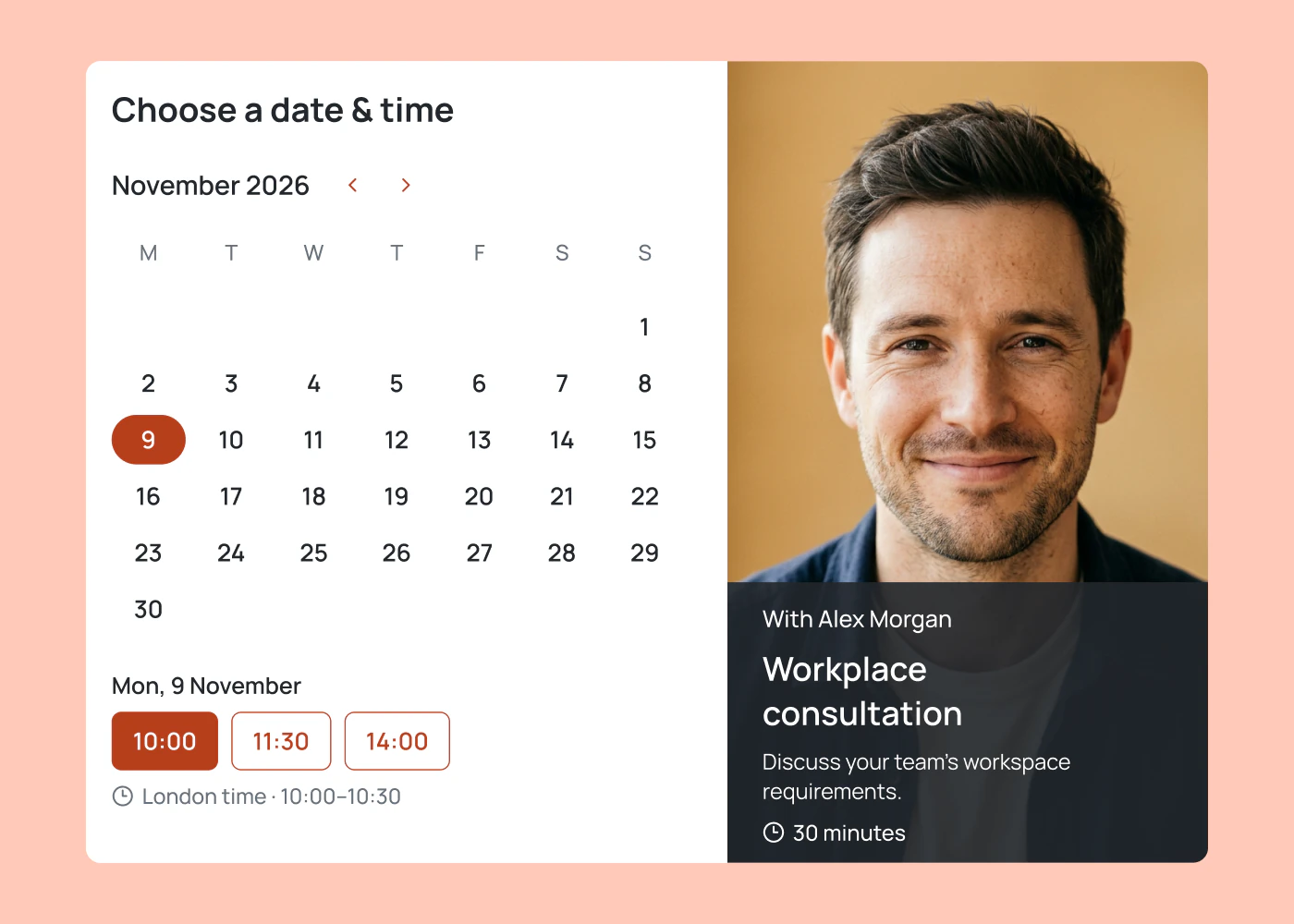
Collect the service, preferred time and reason for an appointment before your team confirms it. Staff can prepare with the client details in one place.
Let colleagues request a desk for an office day or a room for a meeting. Include the office, date and capacity so your team can review each request.
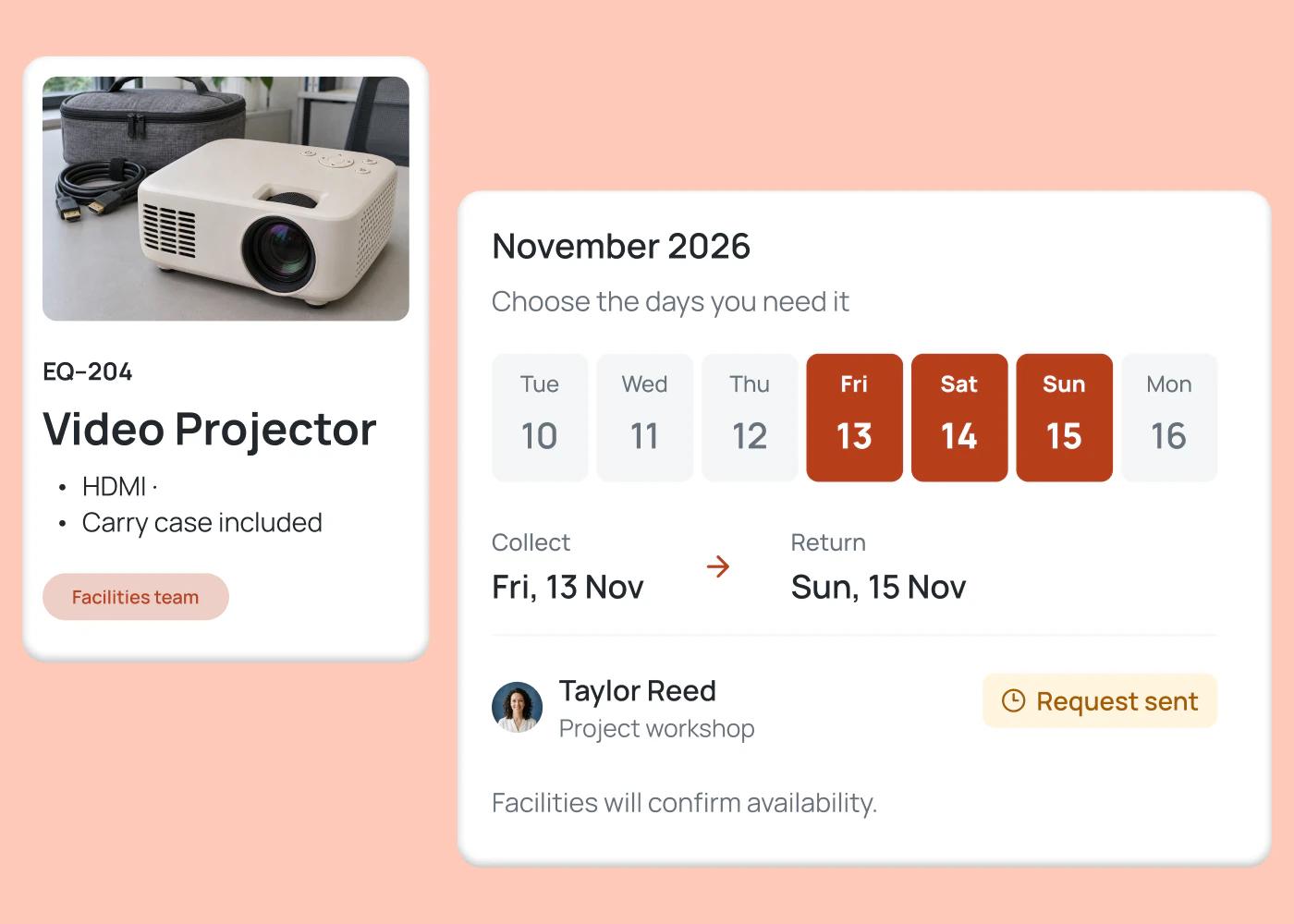
Bring requests for projectors, cameras and shared equipment into one view. Record who needs each item, the dates and whether the request is confirmed.
How it works
Start with a brief, review the first version and test your bookings and scheduling rules. Your team configures the process before it goes live.
Build room booking software with requests, staff approvals and status updates.
Choose an example and add your resources, required fields and approval steps. Select Build now, then sign up or log in to generate your first version.
Review the generated screens in Fliplet. Refine the form with AI, set requester and coordinator access, and configure approvals and change rules.
Submit a test request, approve it and check its status. Test overlapping times, cancellations and any calendar connection before paying to publish.
Who it's for
Build the booking views around the people doing the work, from the colleague requesting a room to the coordinator confirming it.
Review room and desk requests by office and date. See which requests need a decision and which bookings are confirmed.
See what each client needs before the appointment. Keep their request and appointment status together so your team can prepare.
Review equipment requests with the dates and requester details together. Keep a record of approvals and changes for each item.
Live training
Bring an idea, build with guidance and ask your questions.
Customer experience
Hear from teams using Fliplet to build software around the way they work.
Read story“It was a really easy way to come up with specific-use solutions without a large infrastructure investment or a lot of IT time.”
Read story“The big benefit is being able to have someone come to you with an idea or a problem, and being able to quickly spin up a prototype for them.”
Use one of the pre-written prompts, or write your own prompt describing the bookings and scheduling software you need. If you aren’t signed in, you’ll be prompted to sign up or log in to continue in Fliplet. Your prompt starts the first version that you can review and refine. You configure and test the bookings and scheduling rules before publishing. Submitting a prompt does not launch your software.
Fliplet is a software builder that allows you to create customizable software for your needs. Simply describe the bookings and scheduling process you need software for. Fliplet then creates a first version using AI, and you can refine the screens and rules. You can review and test the configurations before publishing with one of our paid plans.
The Free plan includes 500 monthly credits plus 500 bonus credits in your first month to build and test a prototype. It does not include publishing, end-user authentication or integrations. Choose a paid plan when you need to publish. Our basic plan, called Plus, starts at $25 per month. Compare current plans or book a demo to confirm the right fit for your bookings and scheduling process.
You can use Fliplet to review the generated screens, configure forms for bookings and scheduling, set access and approvals, and test the process. Your prompt describing the bookings and scheduling software is a starting point. Calendar connections and conflict checks need setup for your requirements. Book a demo to walk through the process and discuss any support or integration work before you launch.
You can build software for client appointments, meeting rooms, desks, shared equipment and other bookings and scheduling processes. Define what people can request, the details to collect and who confirms each booking. The prompts above give you examples to adapt.
Yes. Configure a request form, a pending status and a coordinator review step. Set who can confirm or decline requests and which bookings each person can see. Your team should test both the requester and coordinator views before launch.
You can set up a calendar connection for your bookings and scheduling system. You’ll need to prompt Fliplet to set this up. Your team and the calendar administrator need to identify the source schedule, access permissions and whether updates flow one or both ways. Book a demo to confirm feasibility and the required plan before configuring and testing the connection.
Yes, you can configure a cancellation or rescheduling flow. Your team sets notice periods, who can make a change and whether approval is required. Test that each change updates the booking status, resource availability and any connected calendar, and that the people involved receive the intended notification.
Related solutions