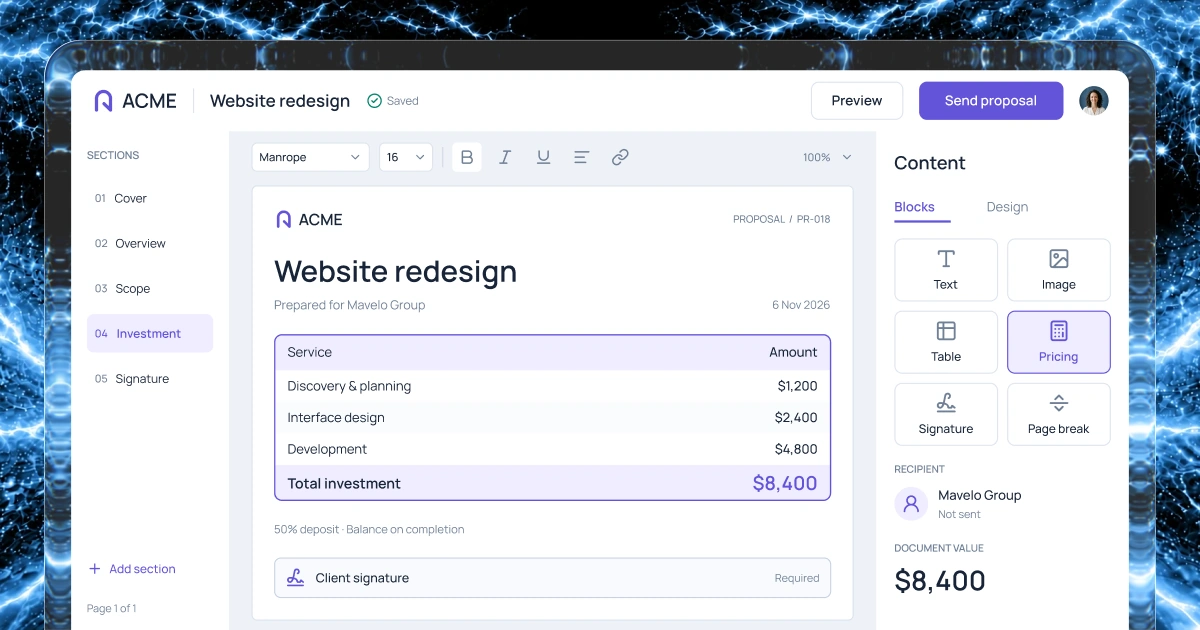
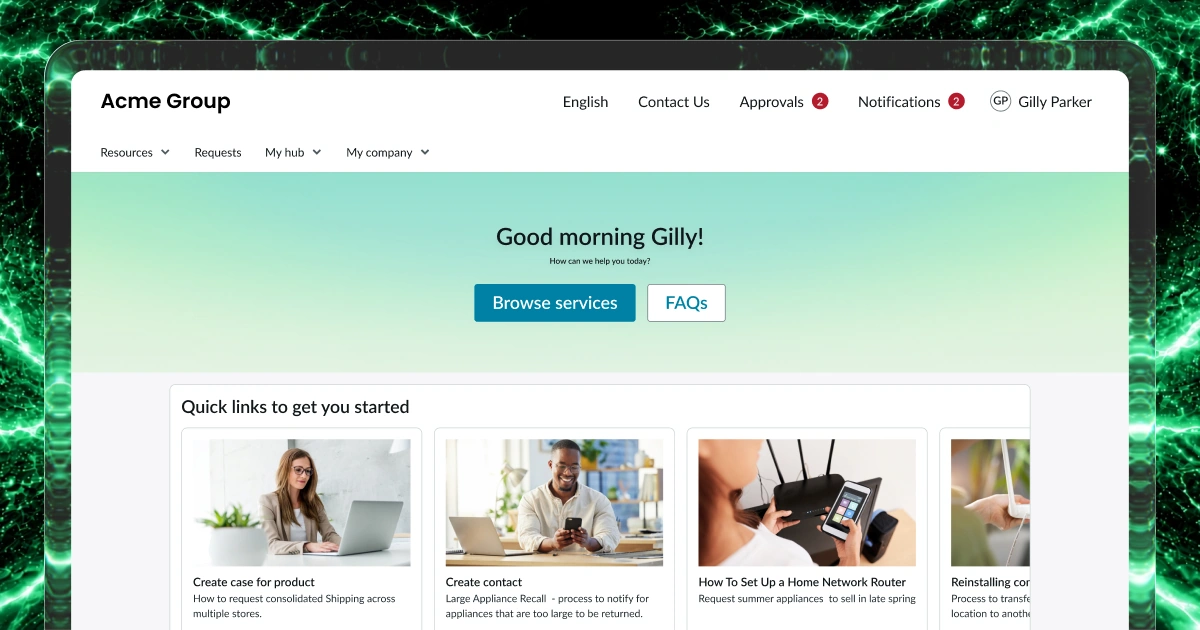
Shared account records
Define the companies, contacts and relationship notes your team needs. Give each account a clear owner.
Sales & CRM
Describe how your team manages accounts, opportunities and follow-ups.
Use Fliplet to create shared records, clear ownership and next actions.
1,000 free credits at signup, then 500 monthly. Upgrade to publish.





Your workflow
Sales work stalls when account notes, ownership and follow-ups live in different places. Build a focused workflow around the details your team needs to move an opportunity forward.
Define the companies, contacts and relationship notes your team needs. Give each account a clear owner.
Shape opportunity records around your process, with an agreed stage, owner and next action for each potential sale.
Keep tasks, due dates and conversation notes together so a colleague can understand what needs to happen next.
Create views for account owners and managers. Decide which records each role can read, update or review.
Example screens
Illustrative examples of what you can build and configure with Fliplet.
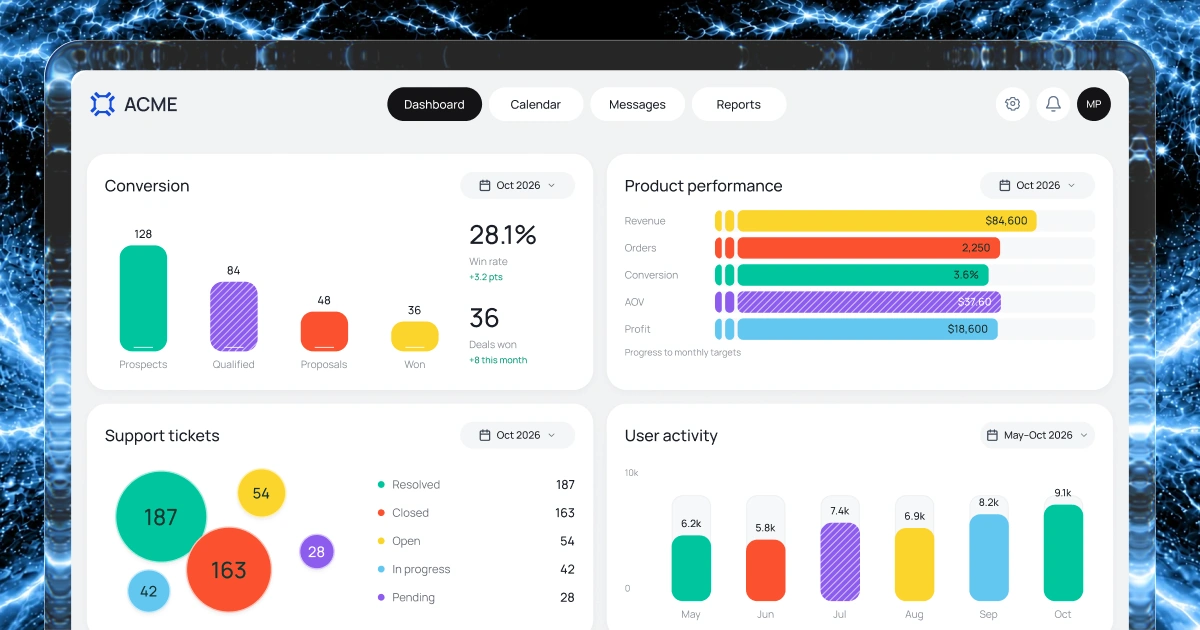
For sales managers
Review sales measures and activity, then identify the accounts that need a follow-up.
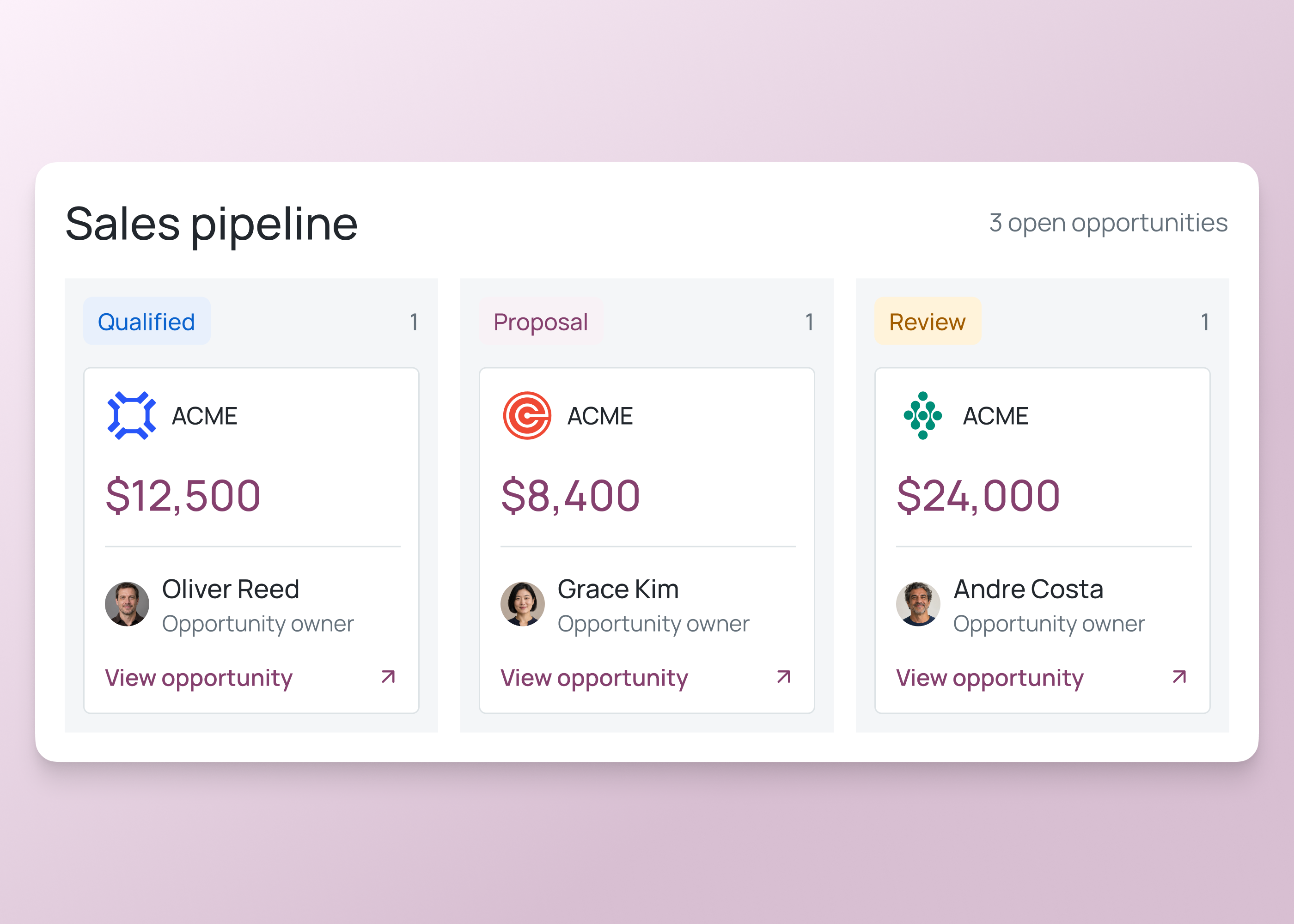
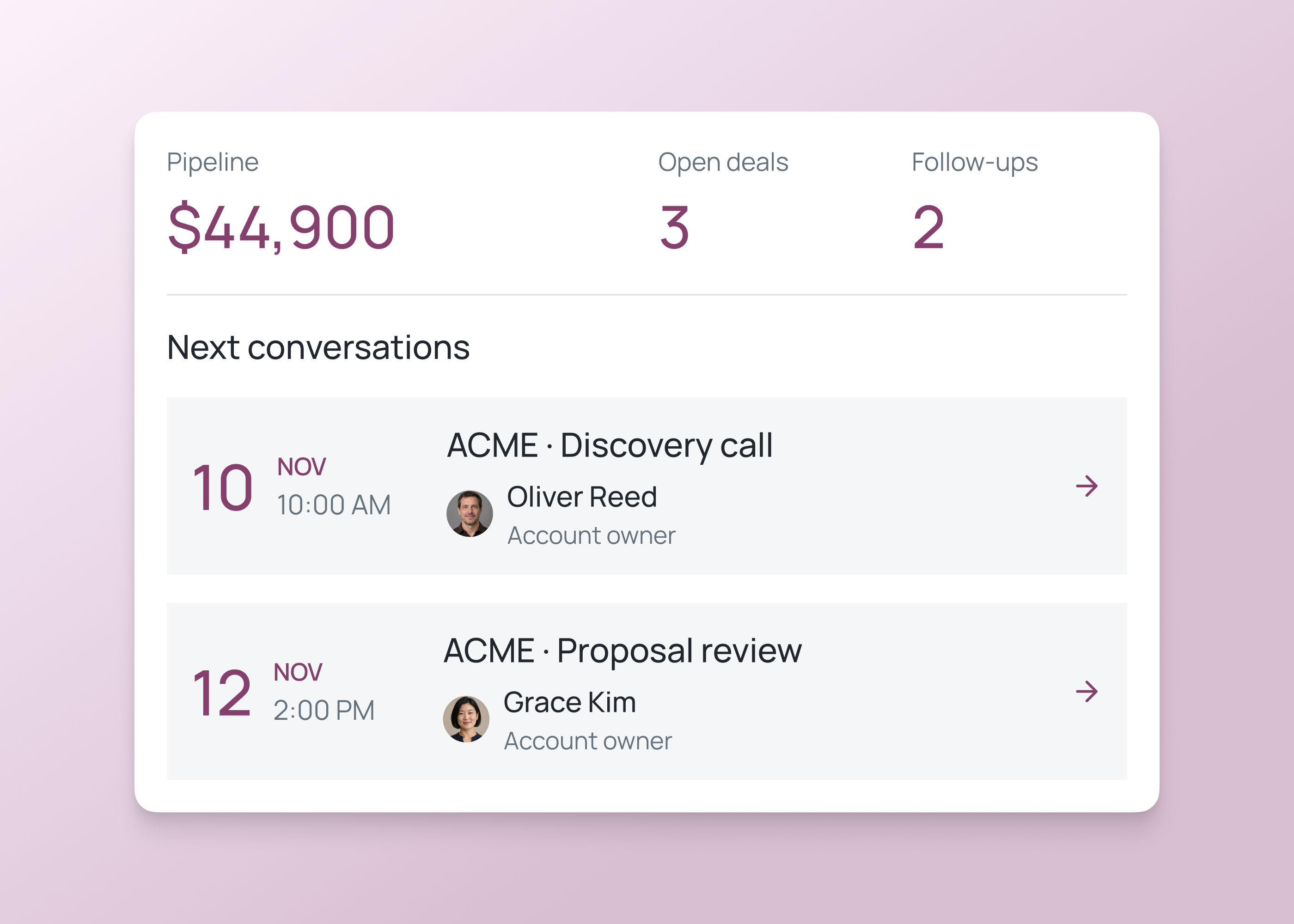
For sales teams
Give the sales team a view of opportunities by stage, owner and next action.
Sales workflows
Start with the records and follow-ups your team needs most. Configure the views and permissions around the people doing the work.
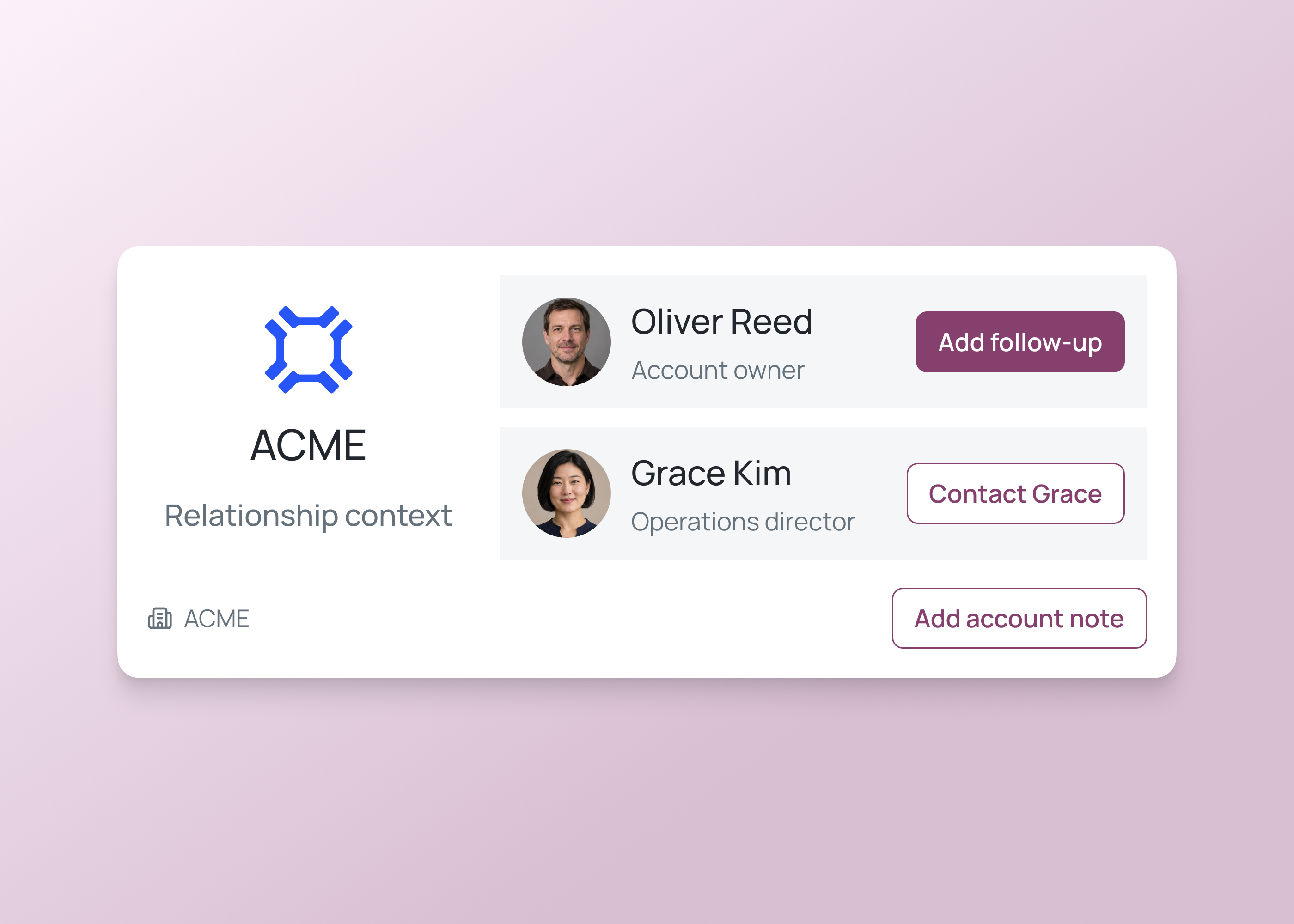
Keep company details, contacts, account ownership and notes together so colleagues can see who manages each relationship.
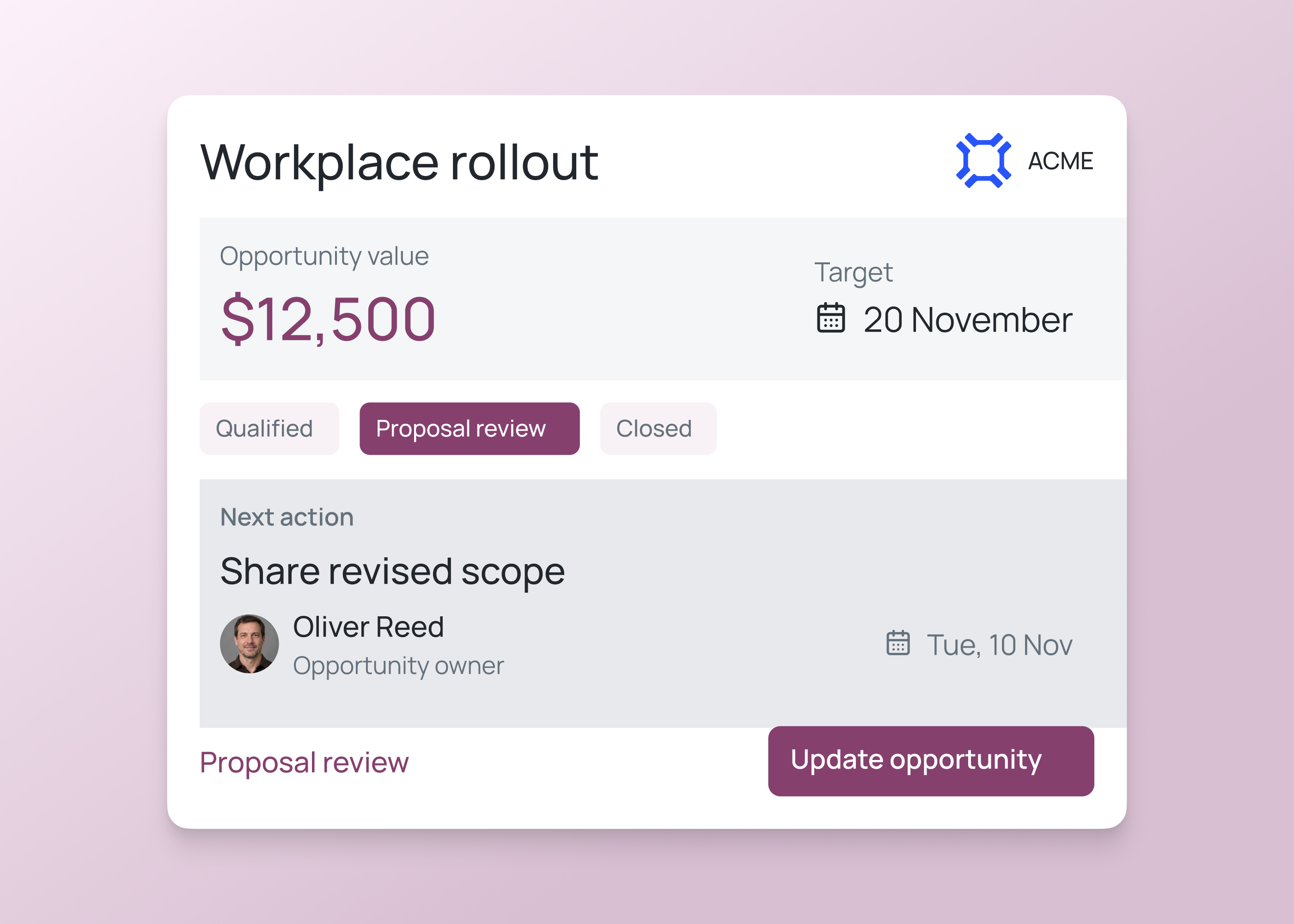
Track each potential sale by stage, owner and next action. Give managers a clear view of opportunities that need attention.
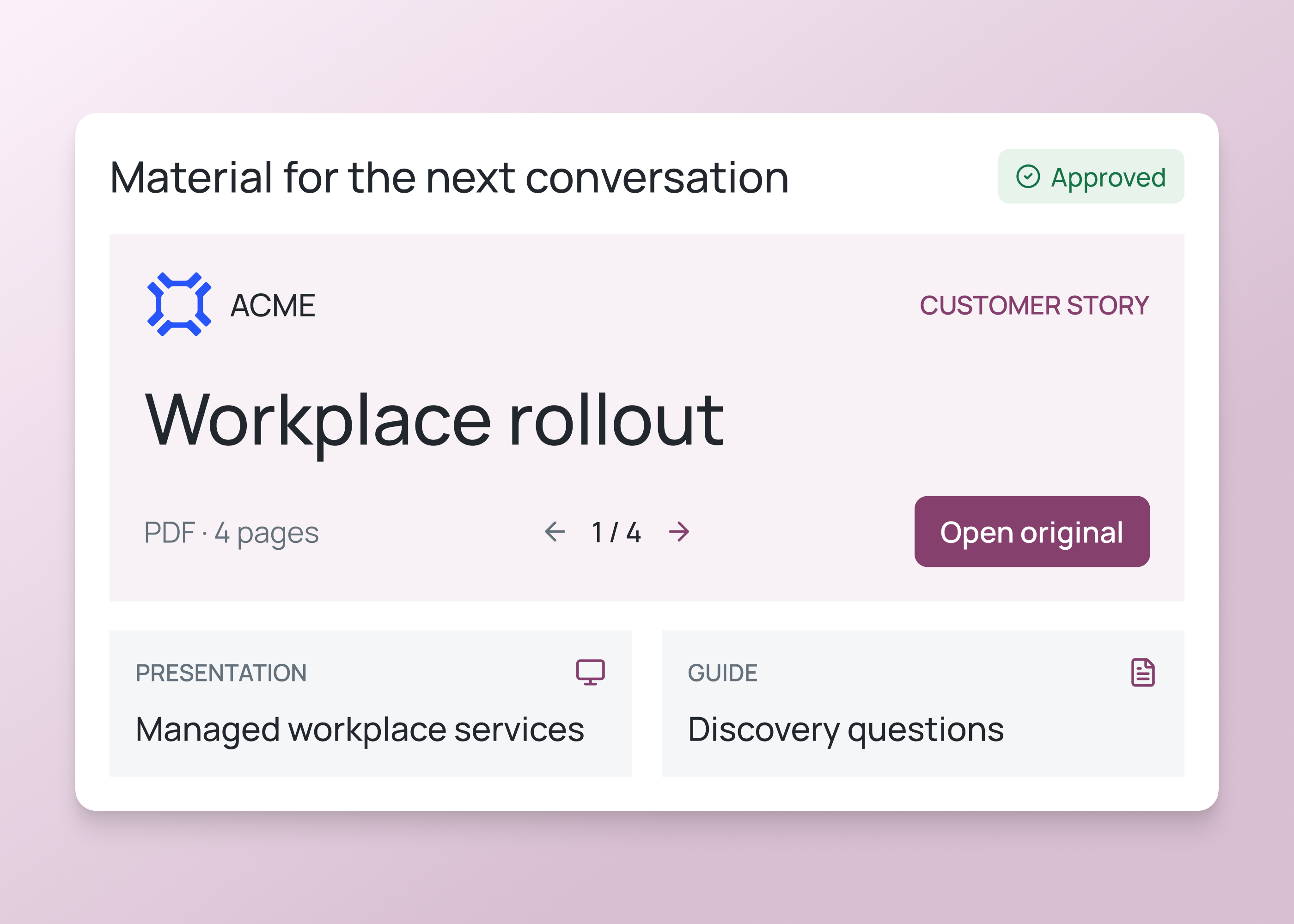
Organize approved presentations, case studies and playbooks so colleagues can find the right material for each conversation.
How it works
Start with one sales team and a few representative accounts before widening access.
Build a sales workspace to track leads, opportunities and follow-ups.
Describe how an enquiry becomes an opportunity. Agree the fields, stages and ownership rules your team will use.
Prompt Fliplet with that process, then review the account screens, opportunity views and follow-up forms.
Walk through an enquiry, a delayed follow-up and an account reassignment. Check records and permissions before rollout.
Who it's for
Build views for the people who manage relationships, coordinate follow-ups and review the sales pipeline.
Keep relationship notes, contacts and the next action together for each account.
Review opportunity stages and ownership, then follow up on work that needs attention.
Keep approved resources organized and give colleagues a clear way to find them.
Live training
Bring an idea, build with guidance and ask your questions.
Customer experience
Hear from teams using Fliplet to build software around the way they work.
“It was a really easy way to come up with specific-use solutions without a large infrastructure investment or a lot of IT time.”
“The big benefit is being able to have someone come to you with an idea or a problem, and being able to quickly spin up a prototype for them.”
Choose an example prompt or describe your sales process. Sign up or log in to continue in Fliplet, then review and refine the first version. Configure and test the records, views and permissions before publishing.
The Free plan includes 500 monthly credits plus 500 bonus credits in your first month to build and test a prototype. Publishing, end-user authentication and integrations require a paid plan. Compare current plans or book a demo to discuss your requirements.
Fliplet is an AI software builder. You can build a focused CRM workflow around your accounts, sales stages and follow-ups. Your team configures the records, access and processes, then tests the result before using it.
It can provide a focused workflow alongside an existing CRM. A connection depends on that system's APIs, permissions and your implementation. Agree which system owns each record and validate how updates move between them.
Begin by listing what your current CRM handles, including reporting, email history, automations and integrations. Assess each requirement before deciding. A custom account and follow-up workflow does not automatically include every capability of a full CRM product.
Use a sample spreadsheet to define your account fields, stages and ownership rules. Review duplicates and missing information, then plan and test the import. Keeping the original spreadsheet synchronized is a separate requirement.
Describe each team's stages and the information managers need to compare. Configure the relevant views and fields, then test how opportunities move between teams before rolling the workflow out.
Related solutions