
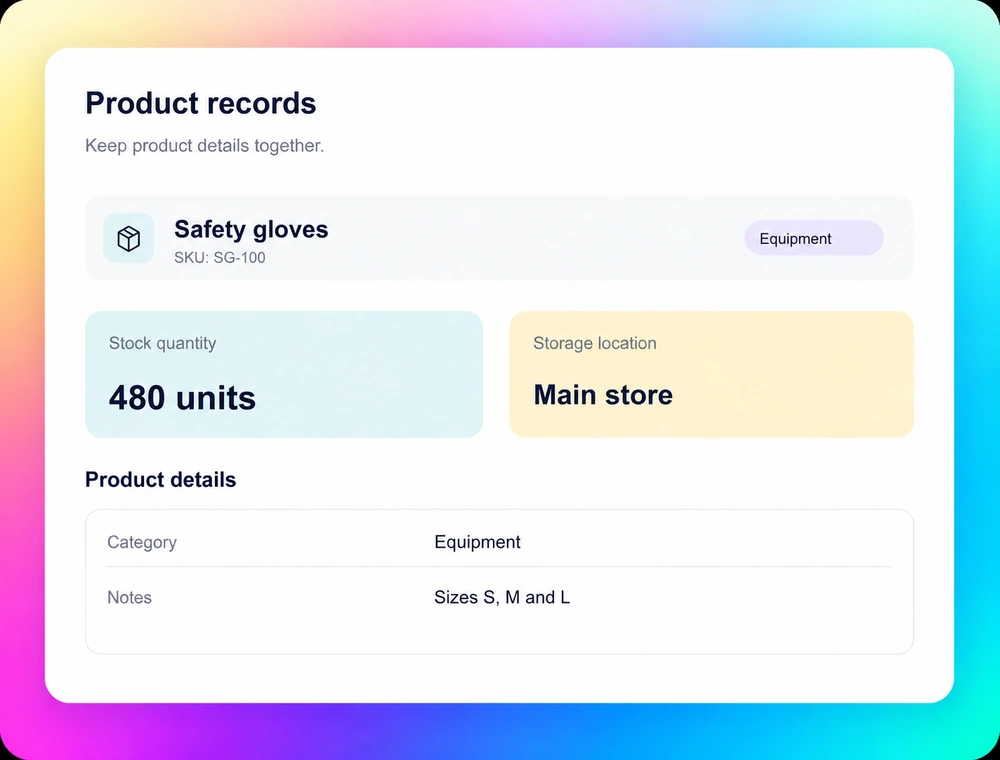
Organize your products
Define product names, codes, categories and quantities so teammates use the same details instead of separate lists.
Inventory management
Replace scattered stock spreadsheets with software built around your team. Use Fliplet AI to organize products, locations and shared stock records the way your business works.
Start with an introductory call. If Fliplet is a fit, we will arrange a tailored demo around your stock process.








How it works
Start with a plain-language description. Fliplet AI creates a first version you can review and refine.
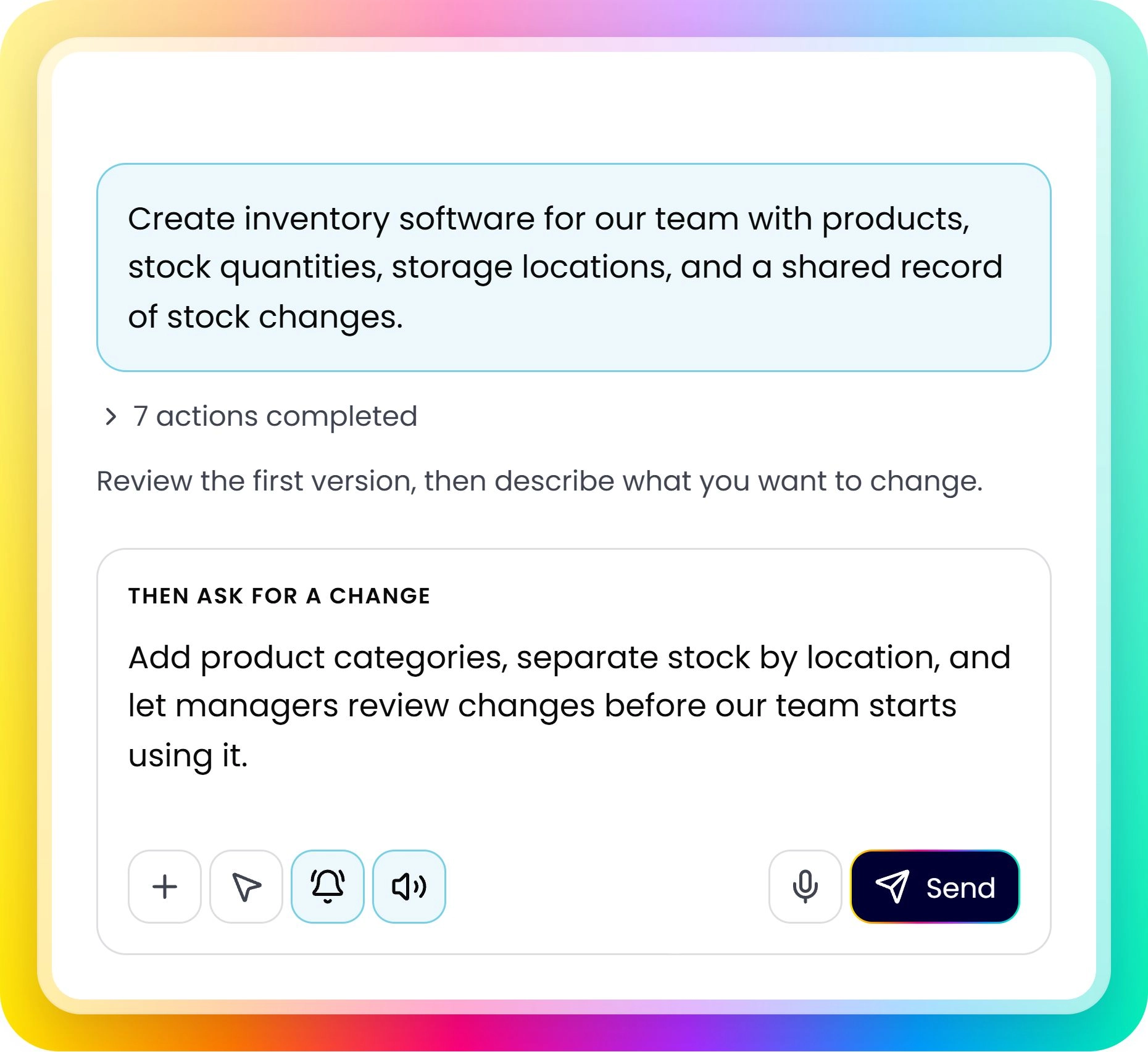
Describe who will use it, what they need, and how the process should work.
Check the screens, content, and workflows with your team. Note what needs to change.
Adjust access, data, and notifications. Test with your team before launch.
Your inventory, your process
Choose the fields and views your team needs.
Define product names, codes, categories and quantities so teammates use the same details instead of separate lists.
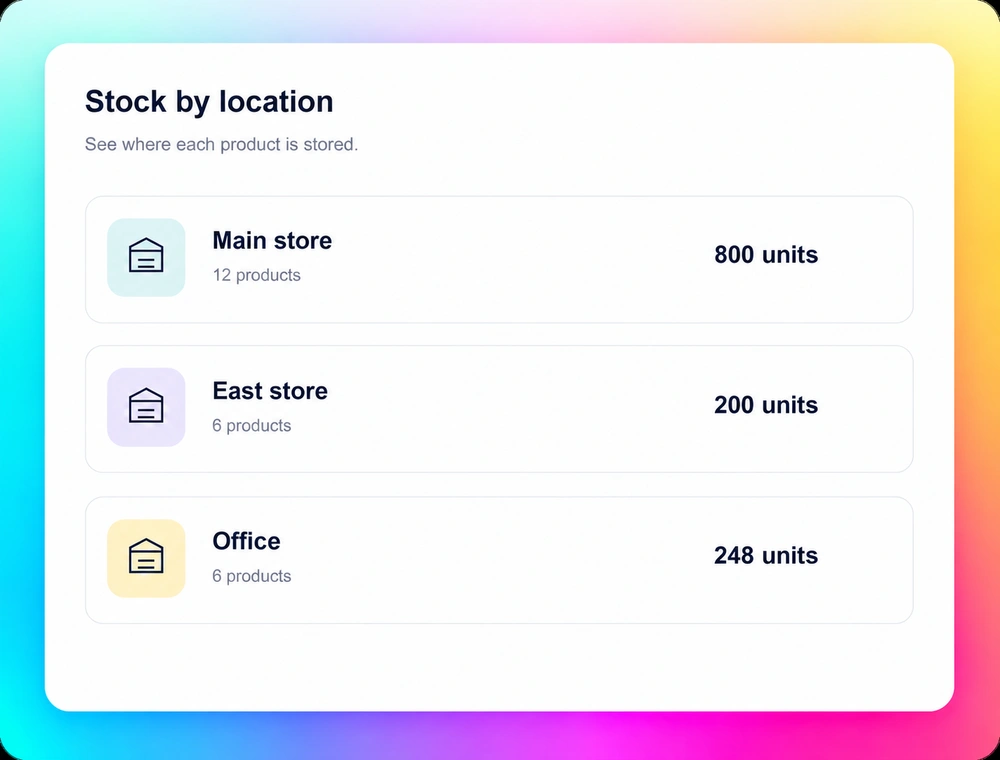
Shape location views around your stockrooms, sites or storage areas so people know where to look.
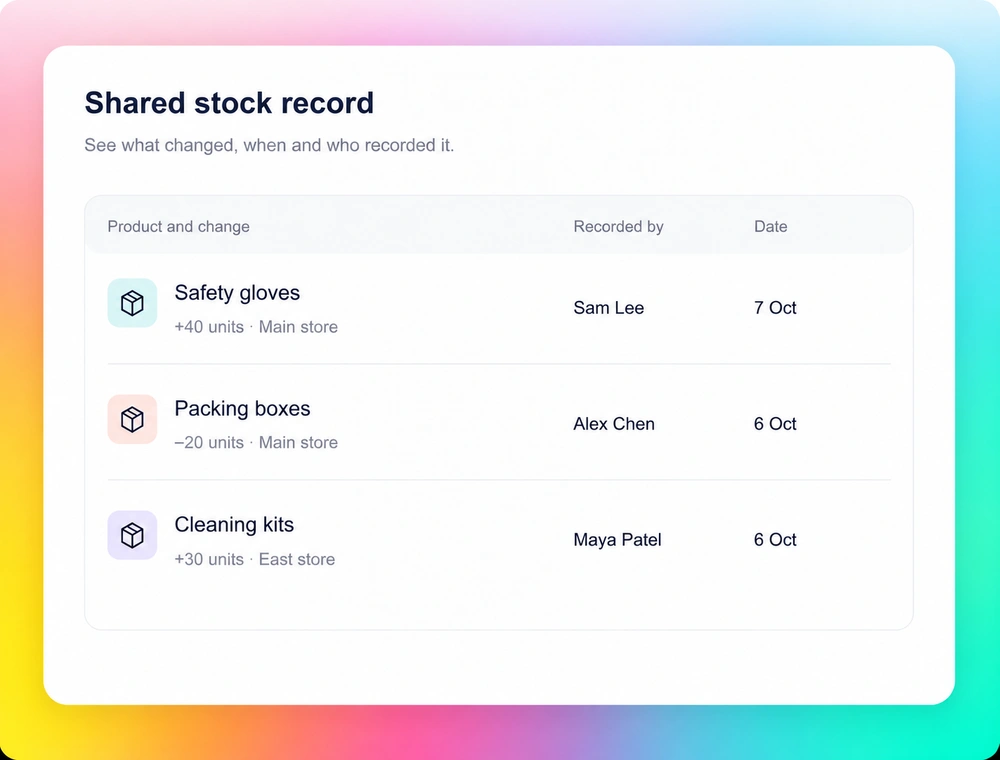
Build a place for your team to record stock changes and notes, with a clear process for keeping quantities current.
Before rollout
Start with a manageable set of products and one team. Agree how the records will stay useful as people use them.
Decide which product and quantity records to use. Clean up duplicate entries and check starting stock before rollout.
Decide who can view, update or review stock records. Configure permissions and test each role with representative accounts.
Walk through receiving stock, using items and moving them between locations. Refine the screens and process before wider use.
Review security and access controls, integration options and plans and pricing with your team.
Customer experience
Hear how Dykema uses Fliplet to create tailored software for its business.
“It was a really easy way to come up with specific-use solutions without a large infrastructure investment
or a lot of IT time.”
Fliplet is an AI software builder. You describe the inventory tool you need, review the first version and refine it. Your team configures the data, permissions and stock process, then tests the result before using it.
Use your spreadsheets to identify the products, quantities, locations and fields the software needs. Plan and validate how that data will move into your tool. Do not assume spreadsheets or other stock systems will sync automatically.
You can continue refining the software in Fliplet. Describe the new fields, views or steps you need, then review and test the changes before publishing them for your team.
Fliplet supports data connections and APIs. Assess each system, the implementation work and plan availability before committing to a connection. A specific POS integration or automatic stock sync is not included by default.
Review the current pricing page against your users, delivery needs and required capabilities. Confirm the setup and plan for your inventory tool before rollout.