
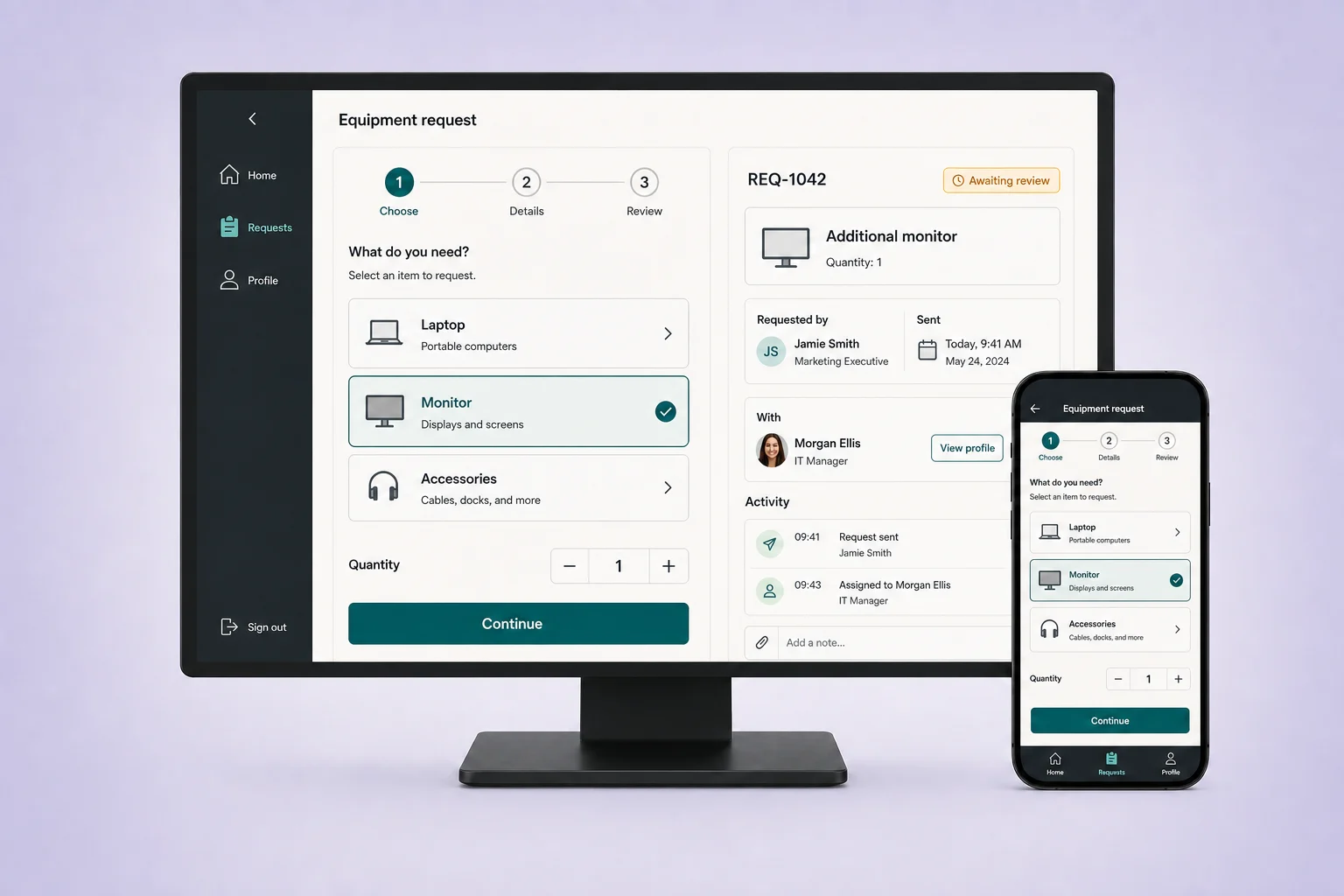
Submit a request
An employee submits an equipment request with the information the team needs to act.
Request and approval workflows
Stop chasing approvals across email and spreadsheets. Use Fliplet AI to build a tool with clear requests, owners and status.
Start with an introductory call. If Fliplet is a fit, we will arrange a tailored demo around your process, owners, systems, and rollout needs.








How it works
Start with a plain-language description. Fliplet AI creates a first version you can review and refine.
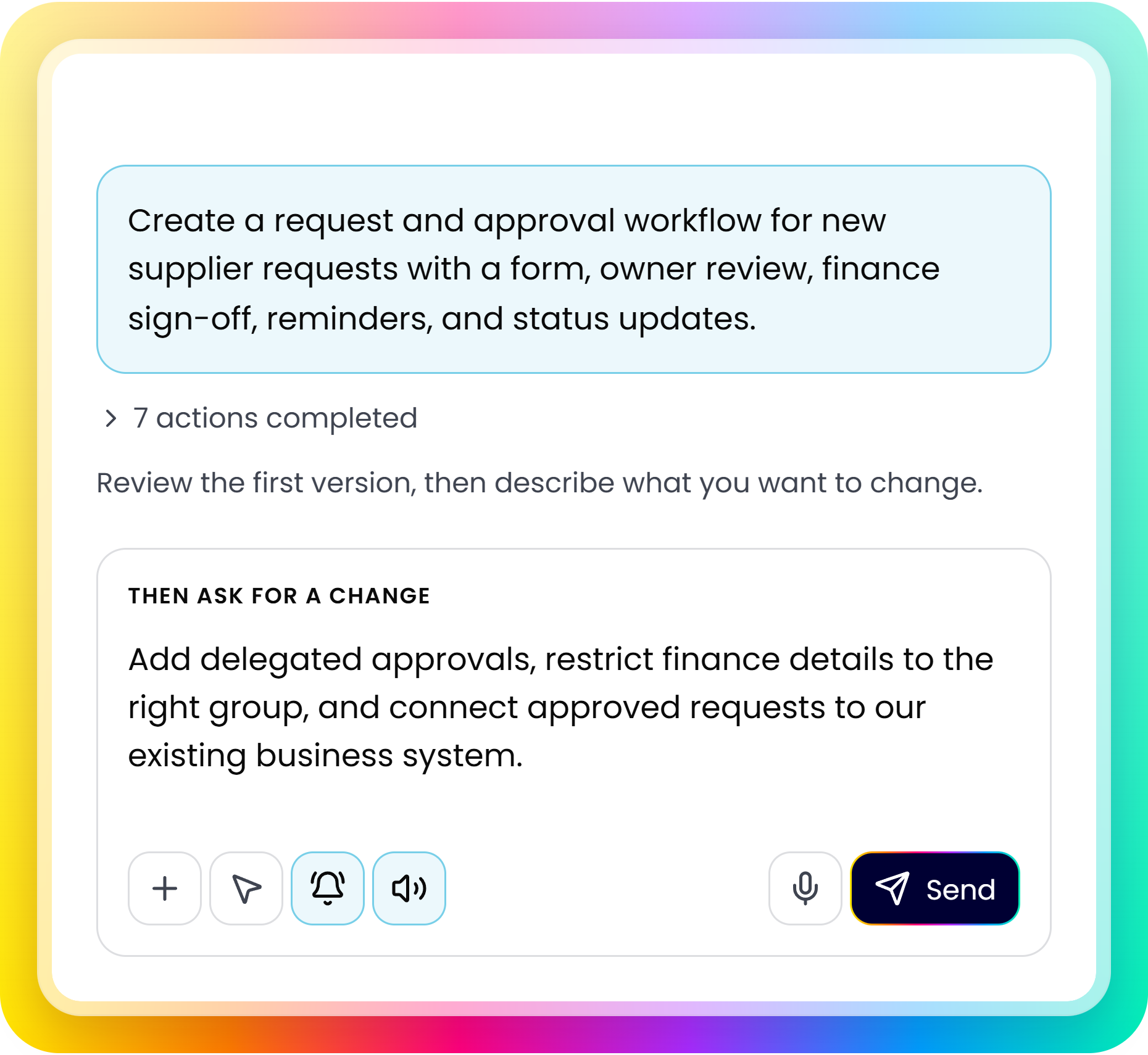
Describe who will use it, what they need, and how the process should work.
Check the screens, content, and workflows with your team. Note what needs to change.
Adjust access, data, and notifications. Test with your team before launch.
Workflow capabilities
Give every equipment request a clear owner and next step.
An employee submits an equipment request with the information the team needs to act.
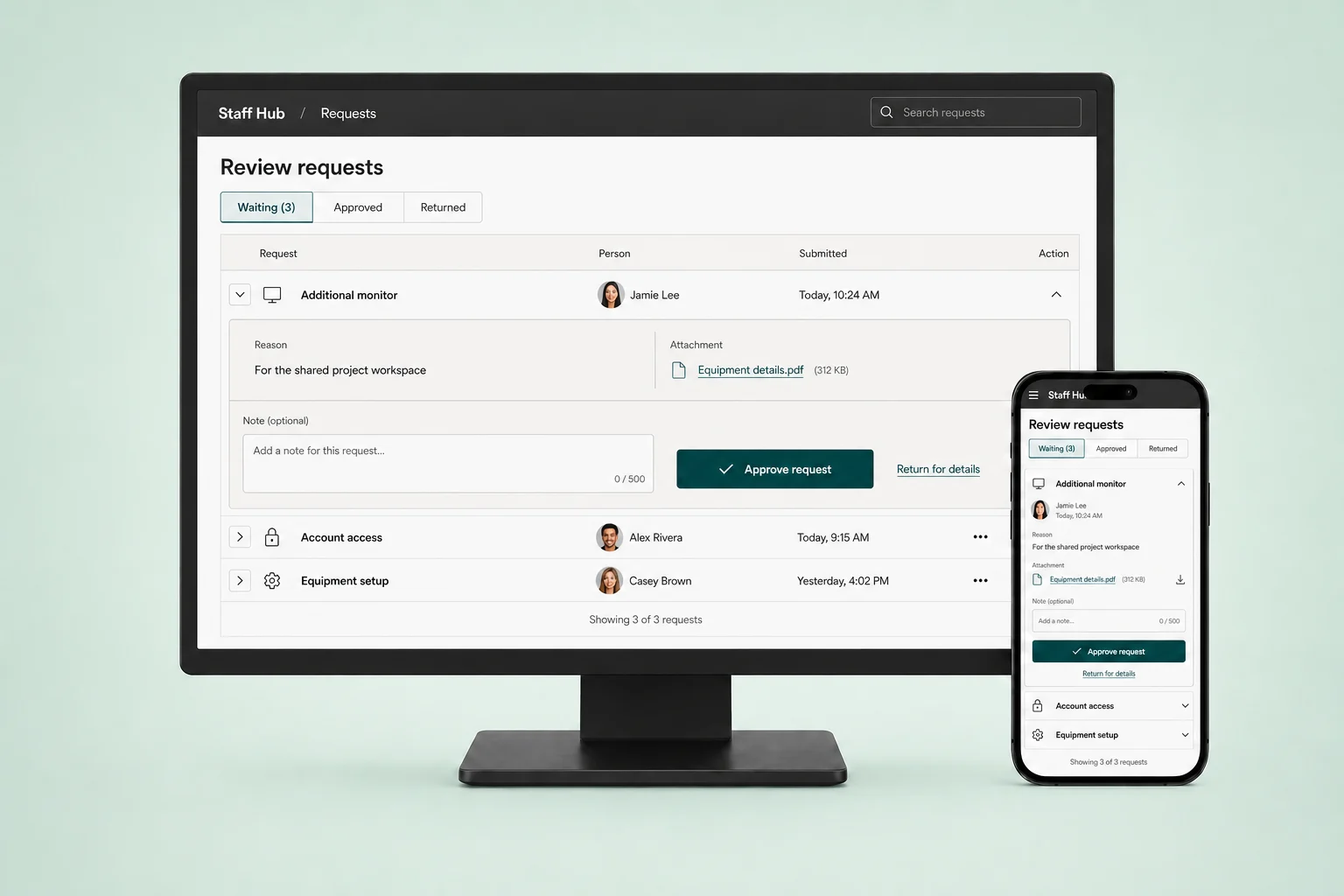
The request moves to the right owners for review, delegated sign-off, reminders, and a decision.
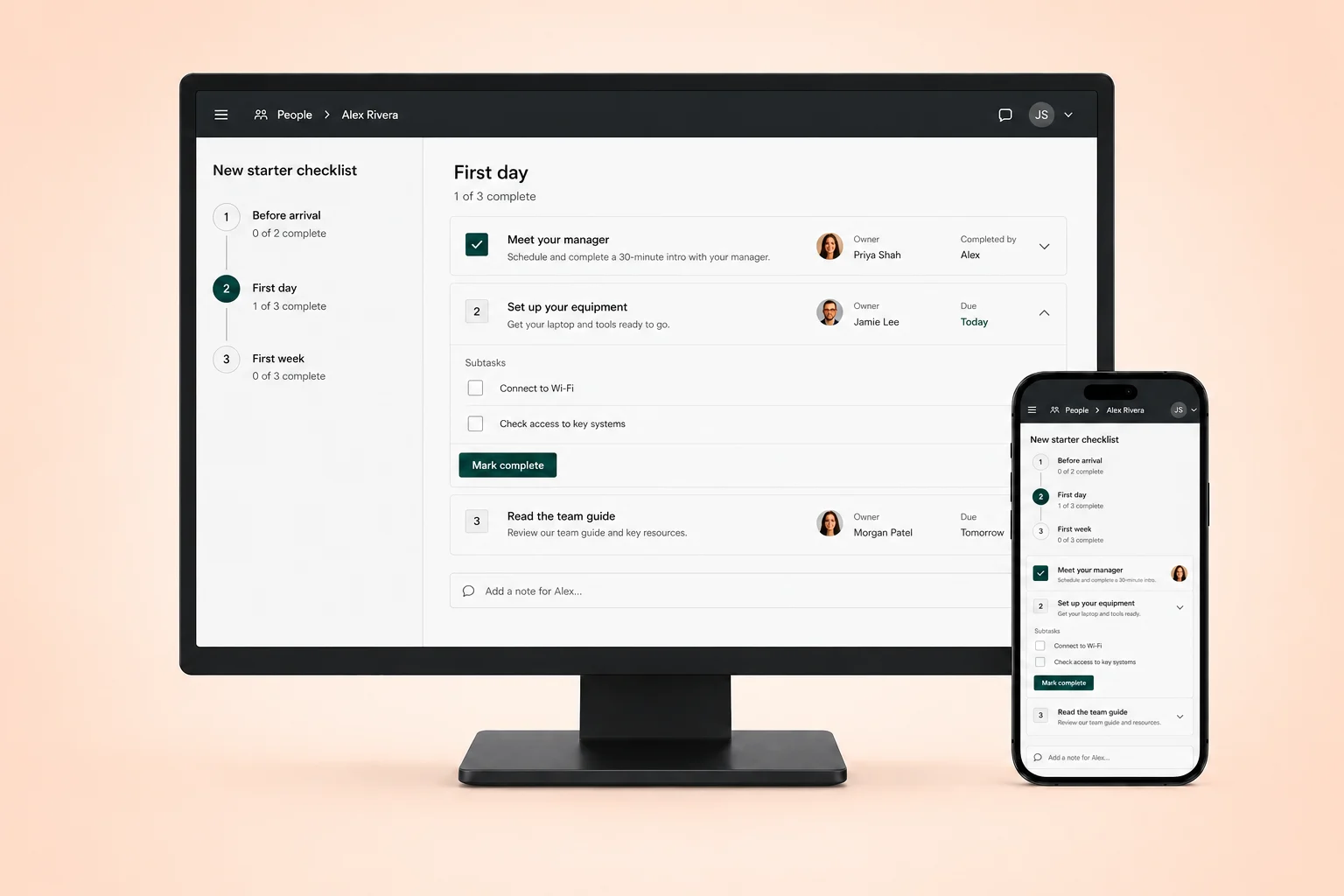
The requester can see the outcome while the delivery team completes the next action.
Evaluation
Define request types, ownership, systems, and rollout before you build.
Clarify who can submit, review, approve, and see workflow information.
Discuss authentication, existing business data, APIs, and integrations. Availability depends on the systems and plan involved.
Start with one request type or process area, test it with the right owners, then expand.
Review security and access controls, integration options and plans and pricing with your team.
Customer proof
Teams use Fliplet to create tailored digital experiences with a platform designed for controlled delivery.
“It was a really easy way to come up with specific-use solutions without a large infrastructure investment or a lot of IT time.”

“The big benefit is being able to have someone come to you with an idea or a problem, and quickly spin up a prototype for them.”
Request and approval workflow software organizes how a request is submitted, reviewed, and decided. It brings forms, assigned reviewers, approval steps, and status updates into a defined process so requesters and owners can see what needs to happen next.
Describe the request type, required information, reviewers, and approval order. Include rules that change the route, such as a spending threshold, plus what happens when a request is declined or returned. Name the systems that need to receive the approved information.
An online form collects information. An approval workflow also defines who reviews that information, how a decision is made, and what follows. A form can be the first step, while routing, permissions, notifications, and status updates support the rest of the process.
Common examples include equipment requests, supplier onboarding, purchase approvals, and internal service requests. Start with a process that has clear owners and repeatable decisions. Define the information, review steps, and exceptions before building the workflow.
Identify who can act when an approver is unavailable and which decisions still require additional sign-off. Define what each reviewer can see and change, and how requesters receive updates. Configure and test those rules with your process owners before launch.
Yes. Use your current columns, owners and status values to describe the process. Decide which data to bring across and confirm the import or connection approach before using live records.
No. Test approval rules, permissions, notifications and data connections with realistic cases before publishing. Include declined requests and exceptions as well as the usual path.
Define the return path when you describe the process: who receives the request, what needs changing and who reviews it again. Configure and test those steps for your workflow.
Fliplet can work with authentication, APIs, data sources, and other business tools. Integration setup and availability depend on the systems and plan involved.
Yes. Start with a focused request type, test it with the relevant owners, then expand after feedback.