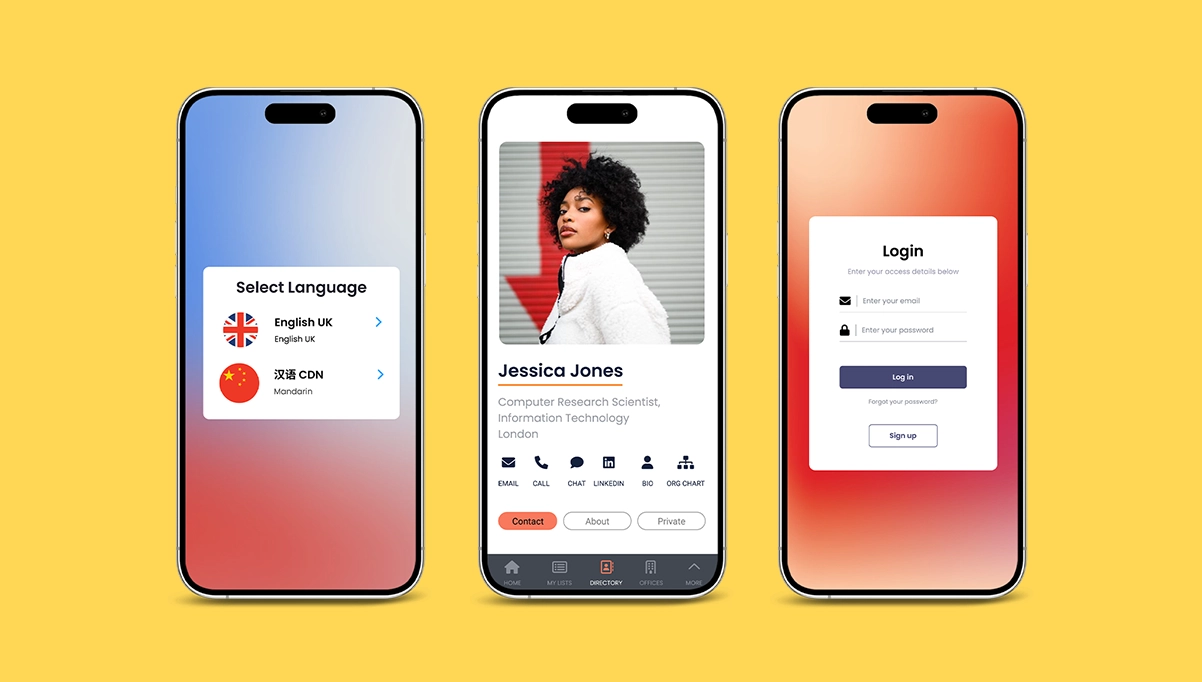

Start from scratch when you need:
-
 Creative control
 -
 Advanced software skills
Enterprise AI software builder
Start with a prompt or blank foundation, then refine screens, data, workflows, integrations, and governance in Fliplet.








 Creative control Advanced software skills
  Choose a proven solution
  Add screens and custom code
  Use docs and support
 Generate a first version, shape the experience around your workflow, and add the controls your organization needs before launch.
Describe the software you need, then use Fliplet to create a workable foundation your team can refine.
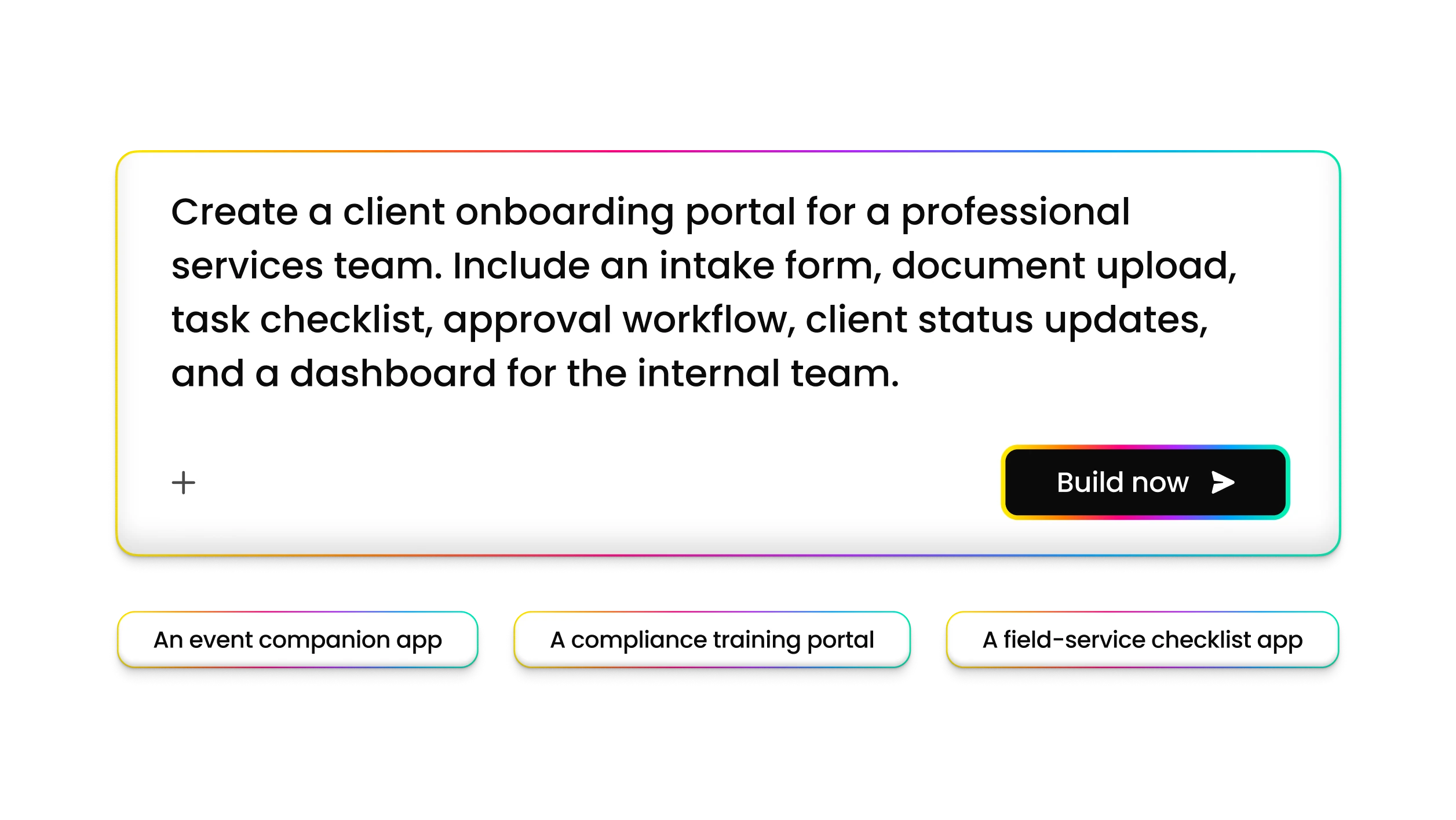
Adjust screens, content, permissions, and user journeys so the experience matches how your teams work.
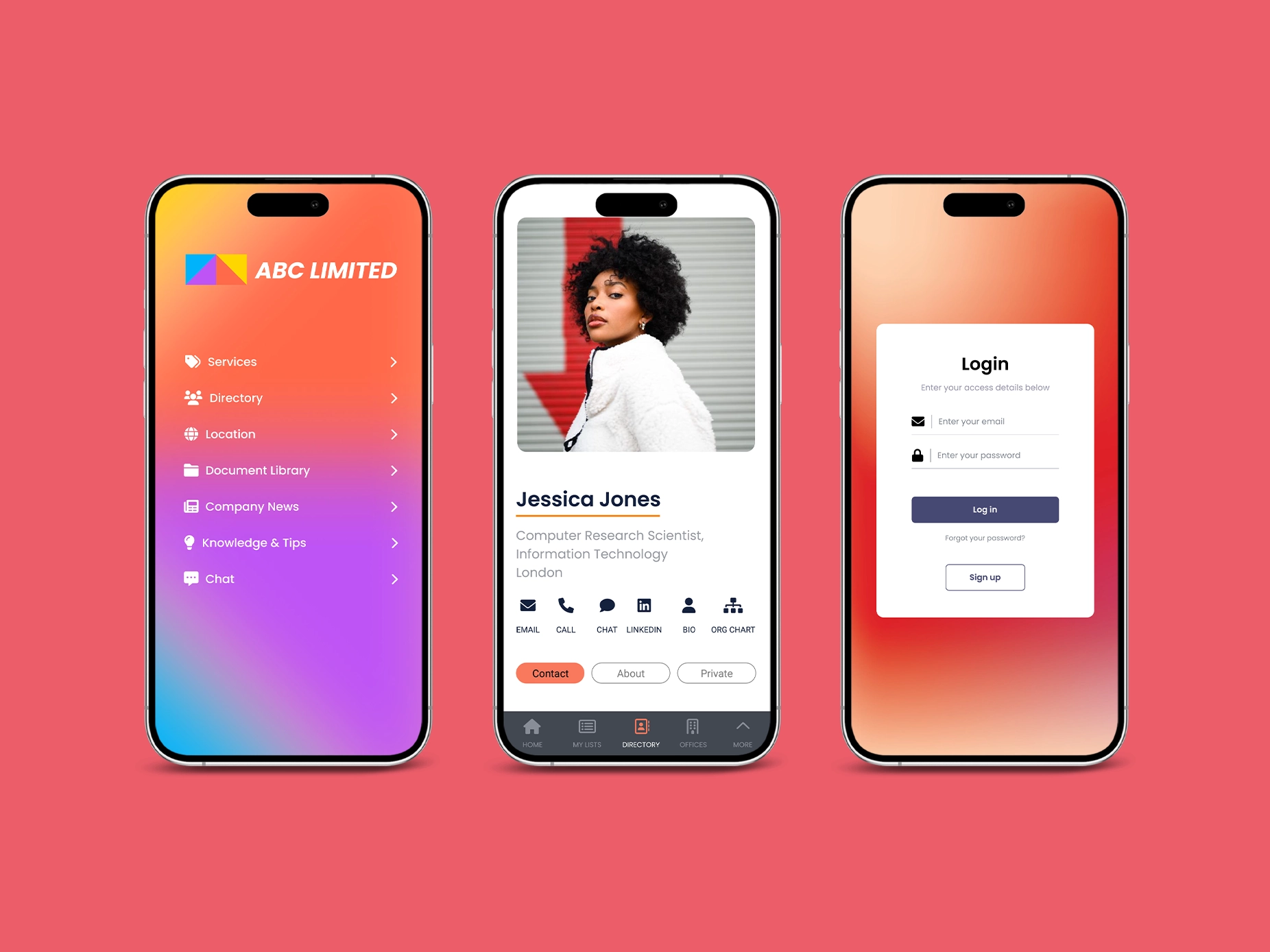
Add features, screens, and workflows as needs change, without turning every update into a full rebuild.
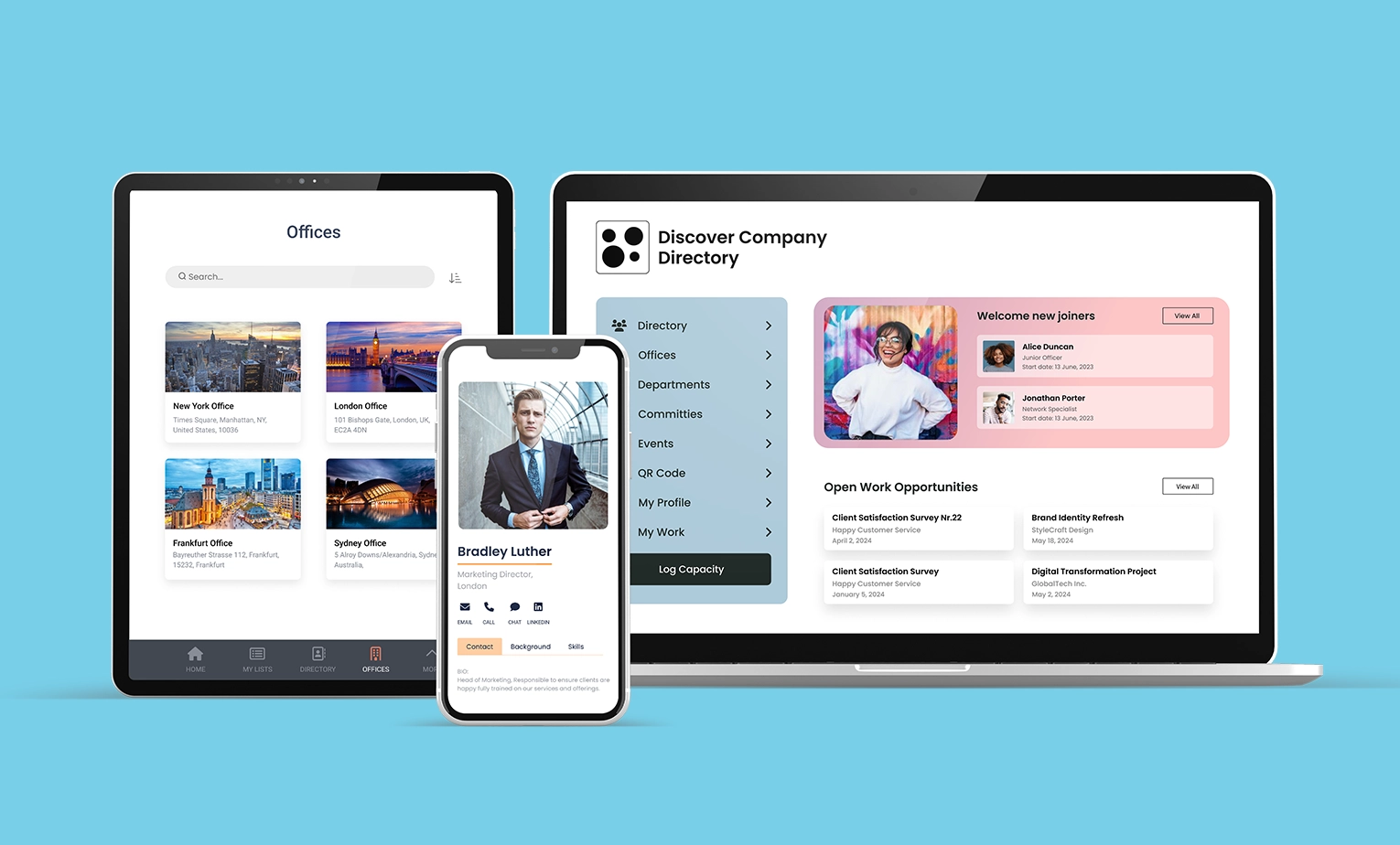
Use encryption, ISO 27001 certification, configurable access controls, SSO, and MFA to protect your rollout.
Connect external APIs, databases, and existing tools so your software fits into real operating environments.
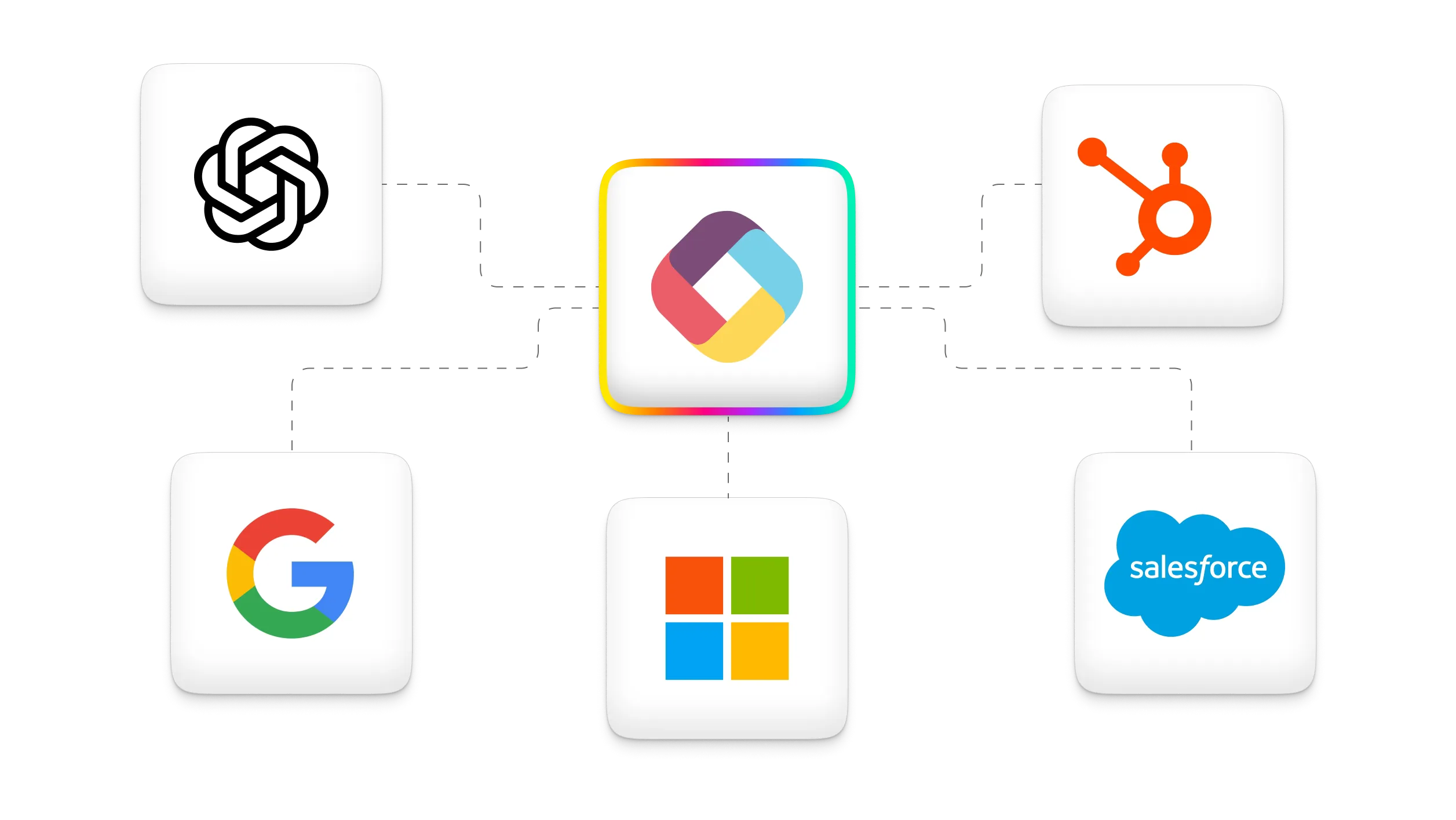
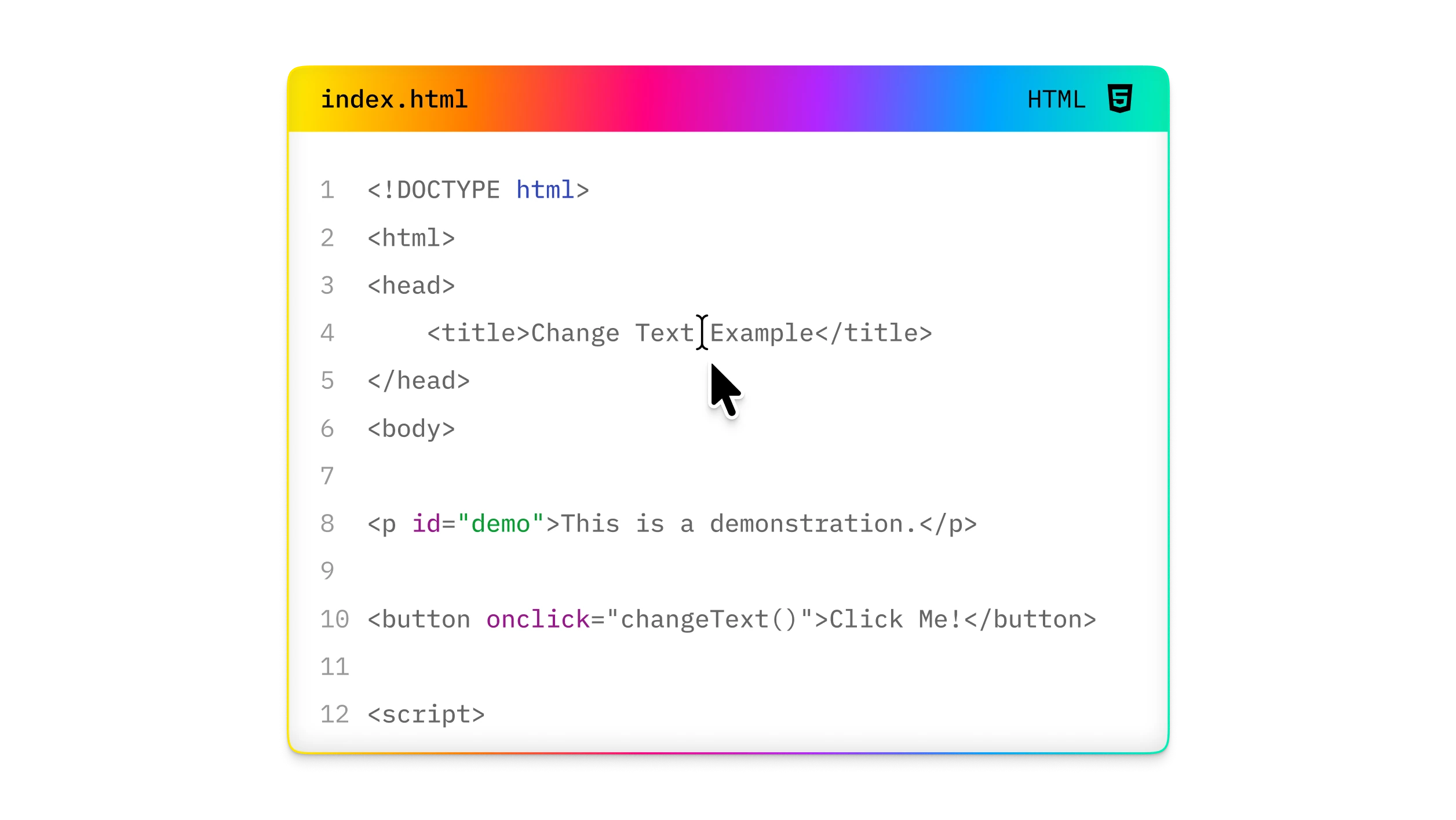
Use HTML, CSS, JavaScript, APIs, and developer documentation when your build needs deeper customization.
Describe the workflow, users, data, and outcome you want before choosing the best starting point.
Use a prompt or blank foundation to create the first version of your business software.
Select the screens and flows that support your process, audience, and data model.
Arrange screens and interactions into a clear experience for each user group.
Connect screens through menus and pathways so people can find what they need quickly.
Apply branding, permissions, integrations, and security settings before your team rolls out.
Help users find relevant records, content, people, and details with AI-assisted search.
Add guided AI assistance for profiles, content, answers, and support moments inside your software.
Generate and refine content for records, resources, locations, products, and other structured items.


Build and adapt business software without a traditional development project, while keeping room for custom code when needed.
Fliplet is ISO 27001 certified and supports encrypted data, HTTPS, access controls, SSO, and MFA.
Update screens, content, and workflows in Fliplet Studio so your software can keep pace with business changes.
Send targeted updates by push, SMS, or email when users need to act or review new information.
Access support options based on your plan, including live chat, phone, email, tutorials, and documentation.
Connect Fliplet to popular software and platforms, including Salesforce, YouTube, RSS, social media, and databases.
Start from scratch when you need a custom software structure, specific data flows, or a user journey that does not fit an existing solution.
Yes. Fliplet lets you start from a prompt or blank foundation, then refine the generated structure with screens, content, workflows, and controls.
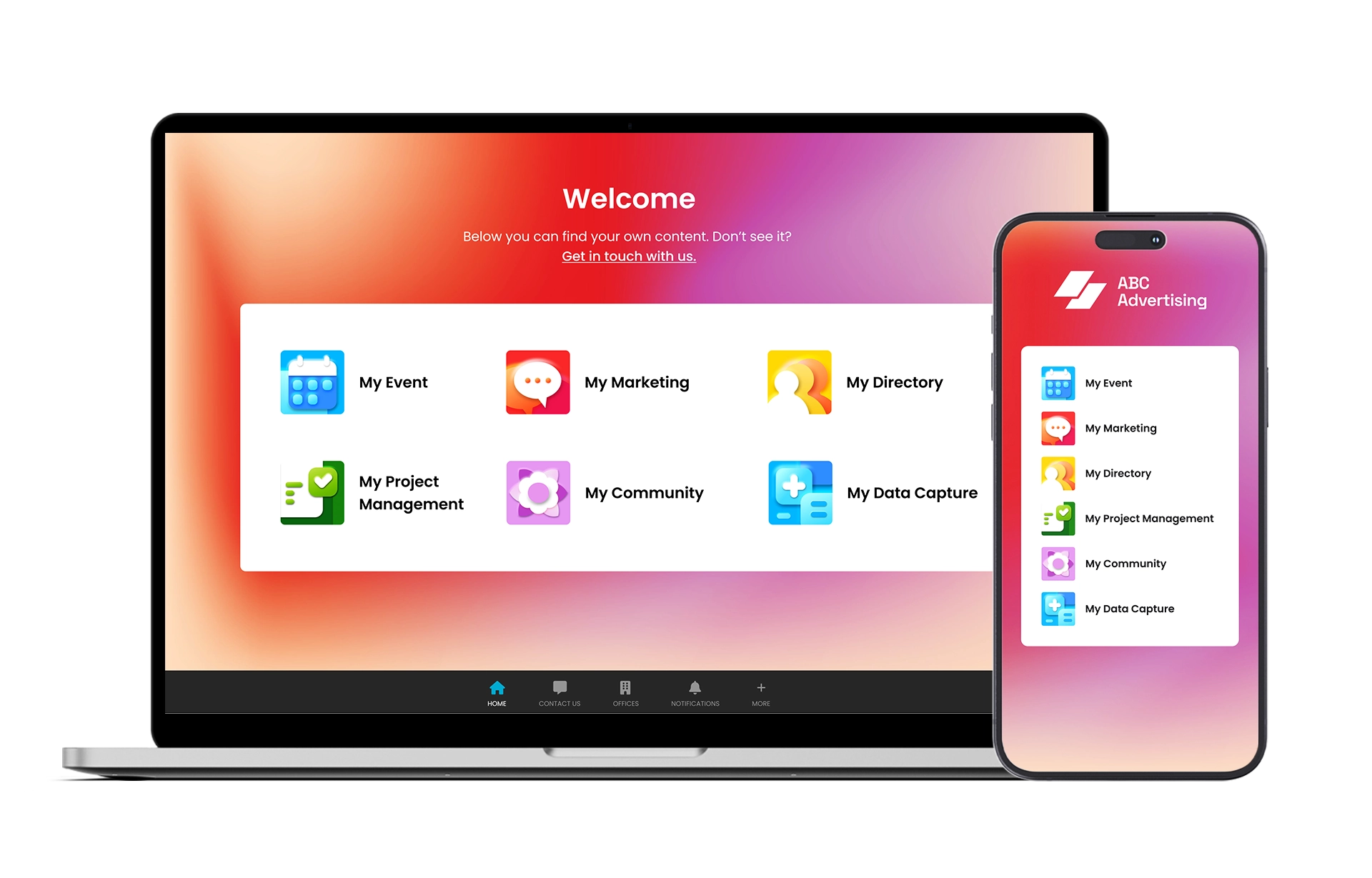
Fliplet supports use cases such as events, emergency management, community, data capture, project management, ordering, marketing, learning, directories, innovation management, and workplace management.
Visit Fliplet's developer guide and help articles when you need technical references, APIs, or implementation support.
Fliplet combines AI-led creation with enterprise controls, integrations, support, and code extension options for teams that need more than a simple prototype.
No. You can build with AI and configurable screens, then involve developers when deeper customization or system integration is required.