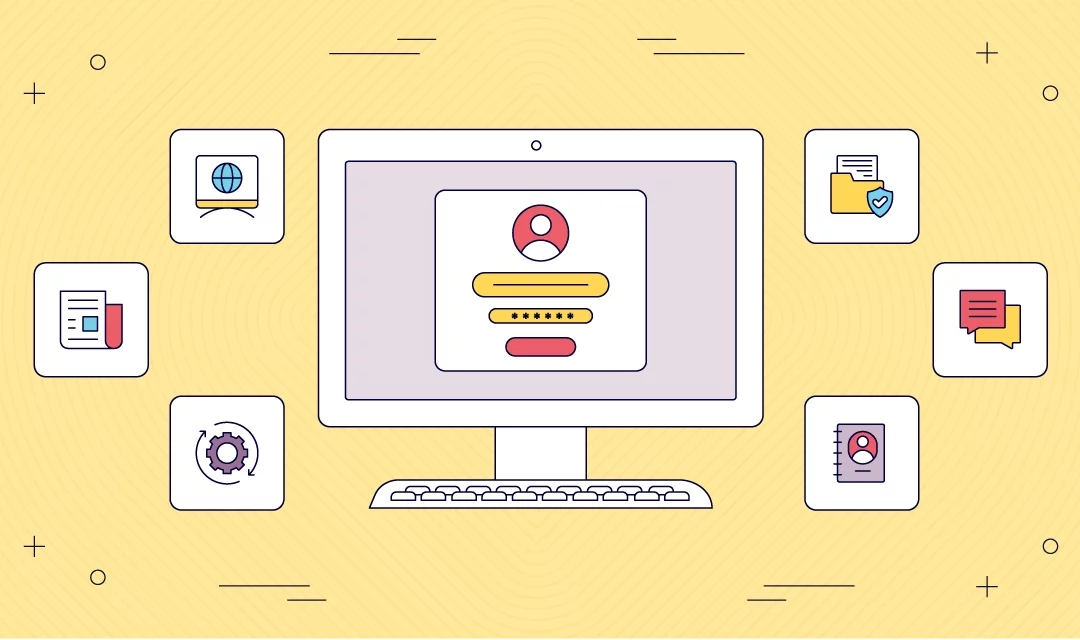
Introduce users to the portal, explain what it does, and control whether onboarding appears only on first use.
portal app
Launch portal software that gives users one secure front door
Bring software access, company information, notifications, and admin controls together in one branded portal experience across mobile and web.
Trusted by organizations around the world.








Build portal software from the Fliplet template
The documented portal solution template is designed to give users access to multiple Fliplet software while also surfacing company-focused information in one place. The source article walks through the user-facing screens and the admin screens that help teams personalize access, manage content, and keep information current.
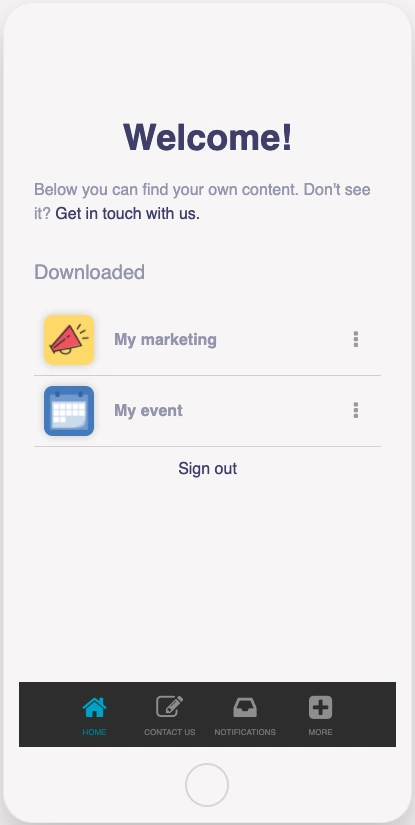
The portal screens covered in the source template.
Reframed for a cleaner v3 page.
Screens for all users
Admin screens
Provide dedicated starting point for admin-only tasks inside the software.
What portal software helps you do
Give people a clearer, more secure way to reach the right software and information without making them jump between disconnected tools.
One entry point for multiple tools
Use the portal screen to present the software each user can access from one central destination.
Personalized access
Configure the software list so users see the portal experience that matches their permissions or role.
Secure login and SSO
Protect the portal with registration, login, or SSO so access stays aligned with your organization's preferences.
Notifications and updates
Keep users aware of changes and messages through the notifications screen and related communication features.
Company information in one place
Add about, expertise, news, office, and contact screens so the portal acts as a wider information hub, not just software launcher.
Admin management tools
Give admins dedicated screens for users, news, offices, and configuration guidance so the portal can be maintained without a rebuild.
Additional Fliplet Features

No IT required.
No installation or coding is required to build your software. Our solutions are fully customizable for data collection and processing and fully compliant with GDPR and cookie laws.

Highly secure and compliant
Fliplet is ISO27001 compliant and uses HTTPS with 256-bit SHA certificates and SSL for secure connections. Production database data is encrypted. See more.

Instant updates, easy maintenance
Update content and configuration in Fliplet Studio while the platform handles maintenance and over-the-air updates.

Notifications
Use personalized notifications to alert users via push, SMS, or email notifications when you need to.

Help and support
We offer various support options based on your price plan, including live chat, phone, email, tutorials, and documentation.

Integrate with existing systems
Fliplet integrates with popular software and platforms, including Salesforce, YouTube, RSS, social media, and databases.
Our Awards


FAQs
What is portal software?
Portal software is a branded solution that gives users one place to access tools, content, and related company information.
Can the portal show different software to different users?
Yes. The source article explains that the portal screen can be personalized so each logged-in user sees a tailored software list, or it can be configured to show the same list to everyone.
Does the portal support secure access?
Yes. The documented template includes login, registration, and SSO options so the portal can match your security requirements.
Can admins manage portal content inside the software?
Yes. The source template includes admin screens for users, news, offices, and portal configuration guidance.
What can portal software be used for?
Portal software is useful when teams need one place for documents, links, updates, tools, and software that would otherwise be spread across multiple systems. Explore customer portal software for self-service resources and requests, or client portal software for law firms for legal client access.
Can portal software be branded for our organization?
Yes. Fliplet portals can be customized around your brand so the experience feels consistent for employees, members, clients, or partners.