A mobile enterprise application platform helps an organization build, integrate, secure, publish, and manage enterprise mobile applications across multiple teams and use cases. The right platform must support more than screen creation: it also needs access controls, data connections, governance, deployment options, and maintainable ownership.
This comparison evaluates 10 platforms for enterprise buyers selecting a vendor in 2026. It focuses on capabilities, security, integrations, pricing, support, and long-term fit. If you are still defining the business case, requirements, process, or budget, start with the enterprise mobile app development guide. If your priority is expanding delivery capacity across teams, read the mobile software delivery scaling guide.
Quick answer
Choose a mobile enterprise application platform around the applications you need to deliver and the team that will maintain them. This list includes managed visual builders and a developer framework, so compare the delivery responsibilities as well as features.
- Define the mobile workflow first: field data capture, employee services, customer access, or another specific use case.
- Check identity, permissions, integrations, and offline behavior against a working prototype.
- Confirm how employees or customers will receive updates and access the application.
- Compare production licensing, usage limits, support, and ongoing development costs.
- Use the table to shortlist options, then test the detailed profiles against your requirements.
Compare the 10 platforms
Use this as a shortlist, not a numerical ranking. The comparison separates development approach from the production requirements you need to check. Follow each vendor's source for current terms.
| Platform | Delivery approach | What to check before choosing | Pricing model and source |
|---|---|---|---|
| Fliplet | Configurable web and mobile software | Publishing channels, integrations, access controls, and support required by your organization | Credit-based plans; custom Enterprise options. Fliplet plans |
| Google AppSheet | Data-backed visual applications | Data sources, offline synchronization, and the governance tier your team needs | Per-user plans; Core is included in many paid Workspace plans. AppSheet plans |
| Microsoft Power Apps | Low-code applications with Microsoft data and connectors | User entitlements, connector and flow rights, Dataverse capacity, and external-user requirements | Developer plan for testing; eligible Microsoft 365 rights cover some standard-connector production scenarios. Other requirements may need additional licensing. Power Apps license guidance |
| React Native | Code-based native mobile development | Developer capacity, backend services, testing, and release ownership | Budget for development and operated services. React Native documentation |
| Alpha Anywhere | Low-code web and mobile development | Offline workflows, developer skills, hosting, and deployment capacity | Developer licensing and deployment costs; Alpha Cloud has usage allowances. Alpha Cloud costs |
| Adalo | Visual web and native app building | Publishing, integrations, and editor limits for the selected plan | Free building plan and paid publishing tiers. Adalo plans |
| Appy Pie | Visual mobile app building | Android versus iOS publishing, feature access, and plan limits | Per-app subscriptions; distribution options vary by tier. Appy Pie plans |
| Thunkable | Visual native mobile app building | Private projects, live published apps, and required integrations | Free and paid tiers with project and publishing allowances. Thunkable plans |
| Bubble | Visual web and mobile development | Workload consumption, backend design, and production capacity | Project plans with included workload and optional additional capacity. Bubble plans |
| Shoutem | App builder or assisted development | Required extensions, publishing scope, and responsibility for ongoing changes | Builder and service options; confirm the scope with the vendor. Shoutem options |
Delivery approach
- Fliplet
- Configurable web and mobile software
- Google AppSheet
- Data-backed visual applications
- Microsoft Power Apps
- Low-code applications with Microsoft data and connectors
- React Native
- Code-based native mobile development
- Alpha Anywhere
- Low-code web and mobile development
- Adalo
- Visual web and native app building
- Appy Pie
- Visual mobile app building
- Thunkable
- Visual native mobile app building
- Bubble
- Visual web and mobile development
- Shoutem
- App builder or assisted development
What to check before choosing
- Fliplet
- Publishing channels, integrations, access controls, and support required by your organization
- Google AppSheet
- Data sources, offline synchronization, and the governance tier your team needs
- Microsoft Power Apps
- User entitlements, connector and flow rights, Dataverse capacity, and external-user requirements
- React Native
- Developer capacity, backend services, testing, and release ownership
- Alpha Anywhere
- Offline workflows, developer skills, hosting, and deployment capacity
- Adalo
- Publishing, integrations, and editor limits for the selected plan
- Appy Pie
- Android versus iOS publishing, feature access, and plan limits
- Thunkable
- Private projects, live published apps, and required integrations
- Bubble
- Workload consumption, backend design, and production capacity
- Shoutem
- Required extensions, publishing scope, and responsibility for ongoing changes
Pricing model and source
- Fliplet
- Credit-based plans; custom Enterprise options. Fliplet plans
- Google AppSheet
- Per-user plans; Core is included in many paid Workspace plans. AppSheet plans
- Microsoft Power Apps
- Developer plan for testing; eligible Microsoft 365 rights cover some standard-connector production scenarios. Other requirements may need additional licensing. Power Apps license guidance
- React Native
- Budget for development and operated services. React Native documentation
- Alpha Anywhere
- Developer licensing and deployment costs; Alpha Cloud has usage allowances. Alpha Cloud costs
- Adalo
- Free building plan and paid publishing tiers. Adalo plans
- Appy Pie
- Per-app subscriptions; distribution options vary by tier. Appy Pie plans
- Thunkable
- Free and paid tiers with project and publishing allowances. Thunkable plans
- Bubble
- Project plans with included workload and optional additional capacity. Bubble plans
- Shoutem
- Builder and service options; confirm the scope with the vendor. Shoutem options
Use one demo brief
Ask each shortlisted provider to demonstrate the same workflow, such as an employee submitting an equipment request for manager approval. Use a test system with representative data. These are buyer acceptance tests, not results from testing the 10 products.
| Test | What to ask the provider to demonstrate |
|---|---|
| Role-specific access | Sign in as an employee, manager, and administrator. Check that each can see and change only the records their role permits. |
| Integration and write-back | Authenticate to your test system, submit a request, and write the approved status back. Interrupt the connection and show error handling and recovery without duplicate records. |
| Offline behavior, if required | On your target device, lose the connection while completing a request. Show what remains available, what is stored locally, and how conflicting updates are handled after reconnection. |
| Distribution and updates | Demonstrate your intended web, internal mobile, or app-store release route. Identify who approves releases, how users receive updates, and what rollback involves. |
| Ownership and exit | Identify who maintains the workflow and integrations. Show which data, files, and configuration can be exported, in what format, and what must be rebuilt if you leave. |
Record the plan, setup work, extra services, and unresolved gaps for every test. A feature appearing in a plan table is not evidence that your complete workflow works.
Platform profiles
Analysis
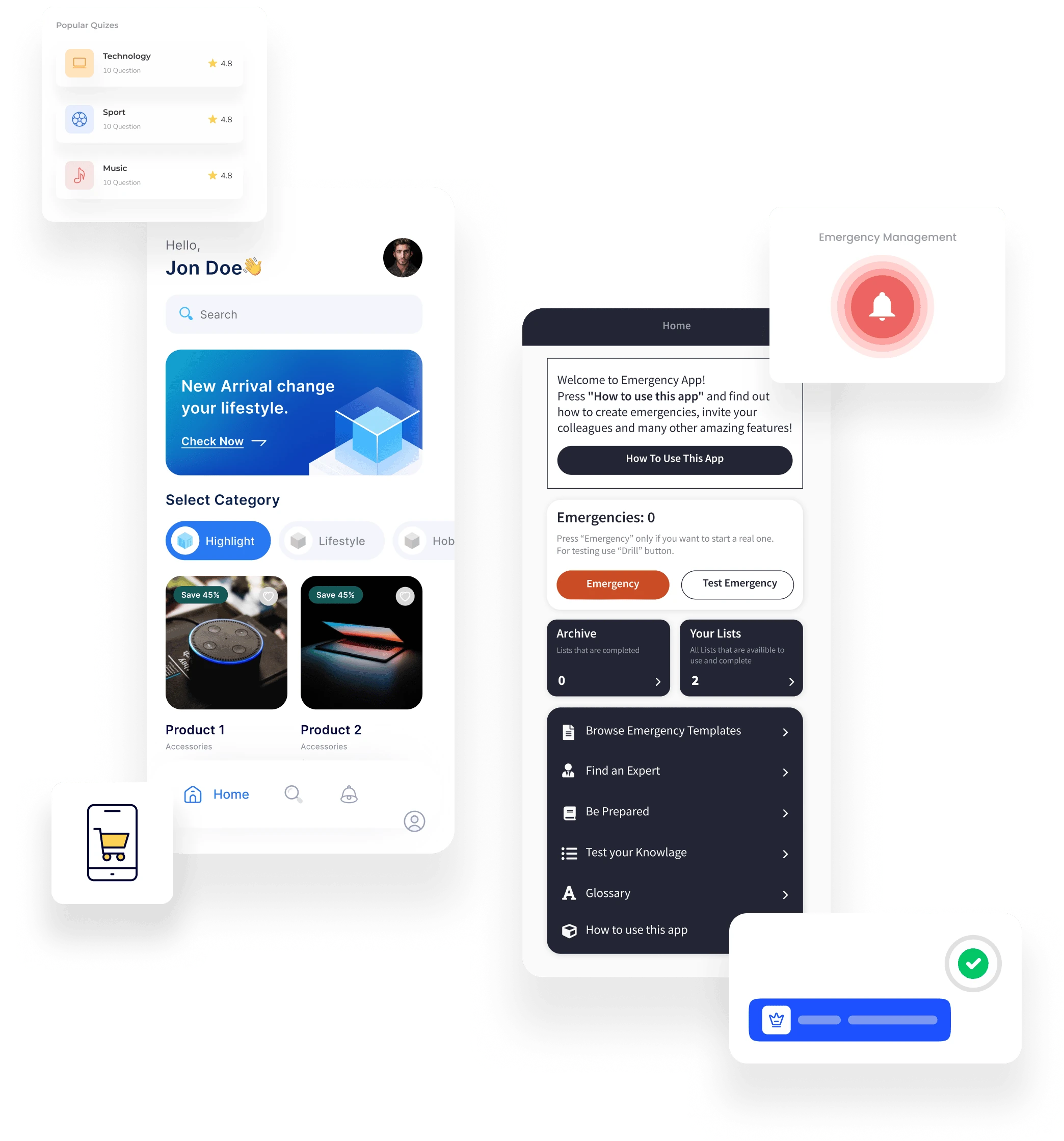
Fliplet is a managed platform for configurable web and mobile business software. It fits teams that want business users to shape supported workflows while IT reviews access, data, integrations, and releases. Assess its publishing channels and plan limits against your deployment.
What to test
- Configure employee, manager, and administrator access for one real workflow.
- Connect a test data source and inspect failed updates and duplicate prevention.
- Confirm the release route, support terms, and offline behavior your users need.
Price
Fliplet offers credit-based plans for building and running software, with publishing and enterprise services depending on the plan. Use the current pricing comparison to check launch requirements; a free prototype does not include production publishing.
Analysis
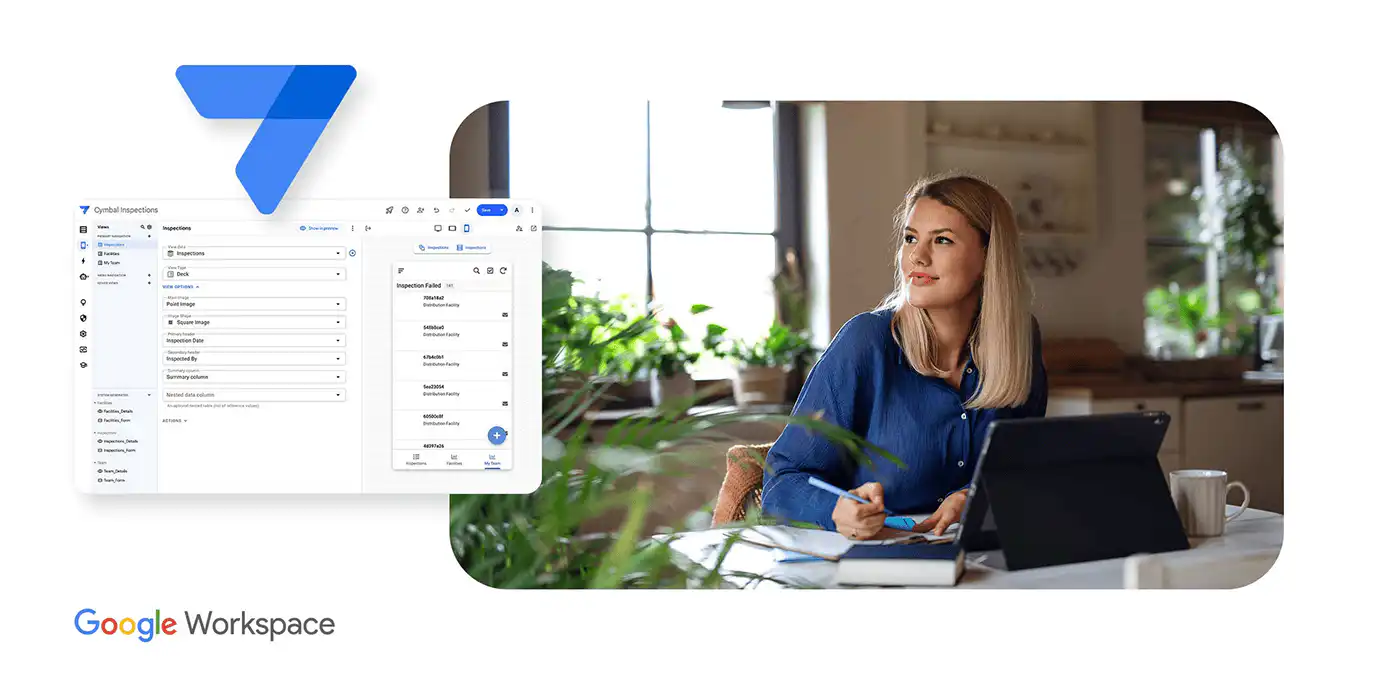
AppSheet builds applications around structured data. It is worth testing when a team already works in Google Workspace or spreadsheets, but the data model and governance tier matter as much as the editor.
What to test
- Connect the data source you will use in production.
- Test offline edits and synchronization with representative records.
- Check the Workspace entitlement and plan needed for your governance controls.
Price
AppSheet offers per-user Starter, Core, and Enterprise Plus plans. Core is included in many paid Google Workspace subscriptions. Check your existing entitlement and required data sources in the official plan comparison.
Analysis
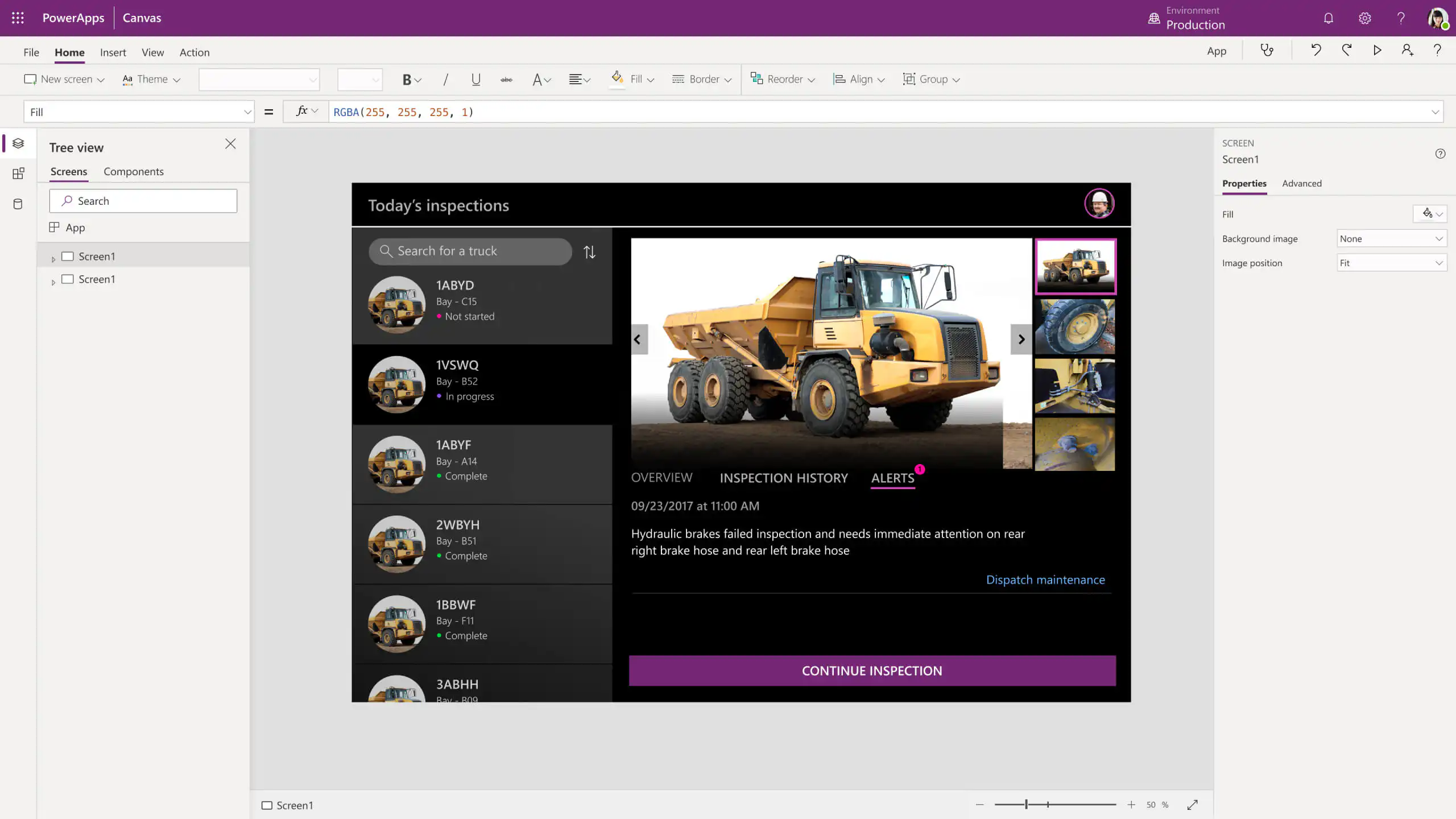
Power Apps builds business applications around Microsoft data and connectors. Its fit depends on the systems, licences, and technical skills your workflow needs; a prototype built under a Developer Plan is not a production entitlement.
What to test
- Run the workflow with the actual Microsoft 365 accounts and connectors.
- Check role permissions, Dataverse capacity, and any connected flows.
- Price the complete production scenario, including premium features and external users.
Price
The free Developer Plan is for building and testing, not production. Eligible Microsoft 365 subscriptions include Power Apps rights for some production scenarios using standard connectors. Premium features, custom connectors, Dataverse use, and connected flows can change the required licensing. Check your users' entitlements and the complete workflow against Microsoft’s license-designation guidance and current licensing options.
Analysis
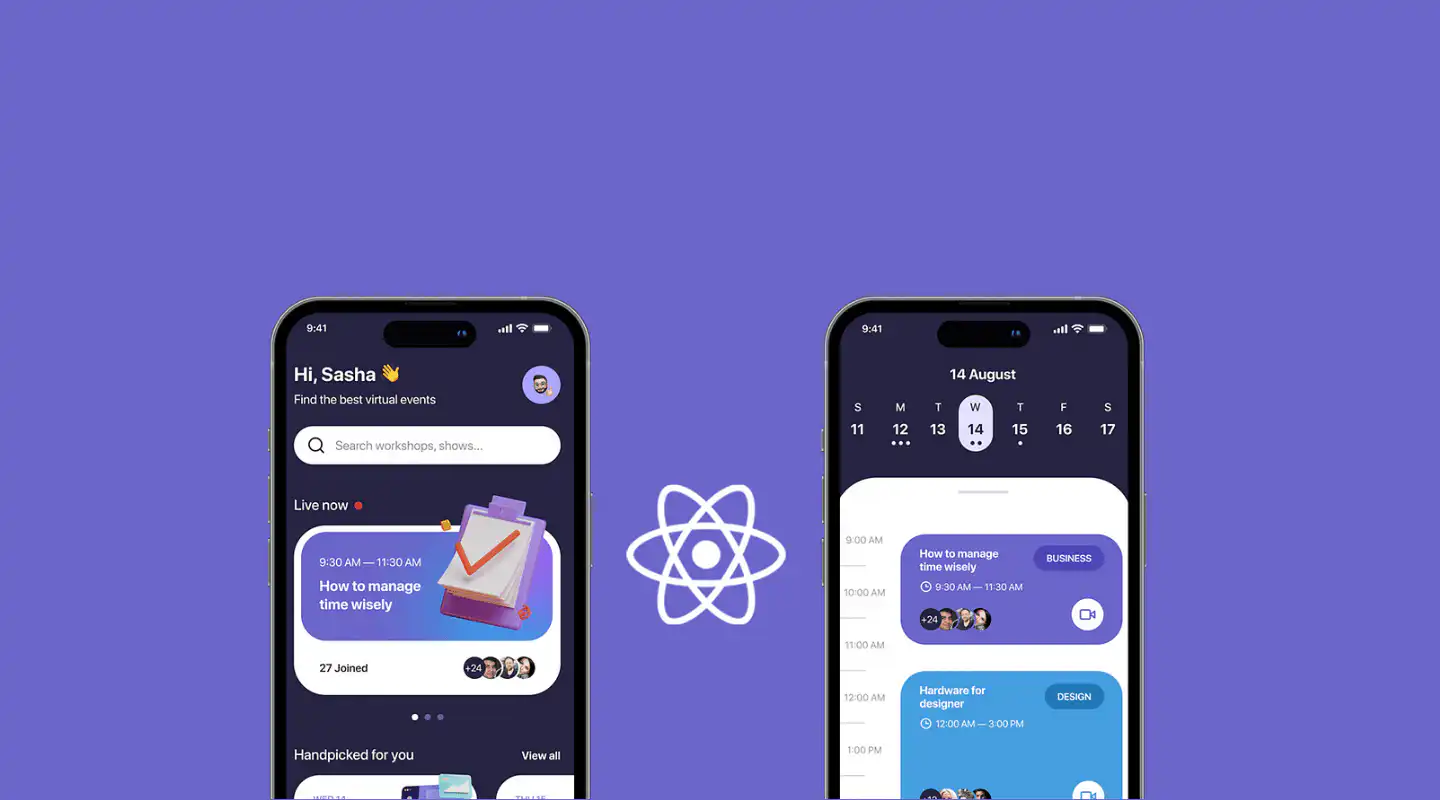
React Native is a framework for building Android and iOS applications with React. Developers control the application code and must also own backend services, testing, distribution, and maintenance. It is a code-based alternative to the managed platforms in this list.
What to test
- Confirm that your team can build and maintain the required native behavior.
- Test accessibility, device support, and release automation.
- Budget backend, security, app-store distribution, and ongoing engineering separately.
Price
React Native is a development framework, so estimate engineering, testing, backend, distribution, and maintenance costs separately. The official documentation explains the development approach and supported native platforms.
Analysis
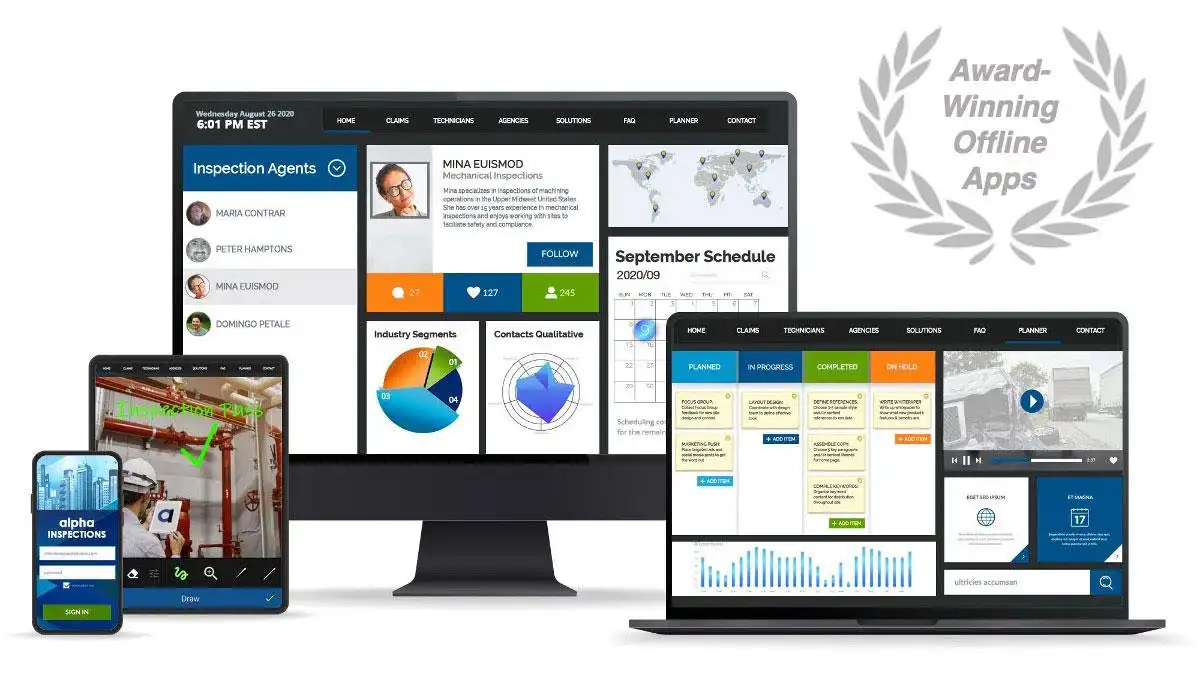
Alpha Anywhere supports low-code web and mobile development, including data-backed and offline workflows. Its development and hosting model needs technical ownership; test the exact field process and deployment route before comparing cost.
What to test
- Build a form with your data and access rules.
- Lose connectivity during a field task and inspect how records synchronize.
- Estimate developer licensing and Alpha Cloud usage for the expected volume.
Price
Budget for development tooling and deployment separately. Alpha Cloud includes resource allowances and charges for usage beyond them; review the official cost guide and confirm licensing with Alpha Software.
Analysis
Adalo is a visual builder for web and native mobile software. A free building plan can help test a concept; publishing, editor access, integrations, and support depend on the paid tier.
What to test
- Build the most complex record and permission rule in your brief.
- Confirm web and app-store publishing in the plan you would buy.
- Test the integration and editor limits with the future owner.
Price
Adalo has a free building plan and paid tiers for publishing. Published apps, editors, integrations, and support differ by tier. Compare these requirements in Adalo’s current plans.
Analysis
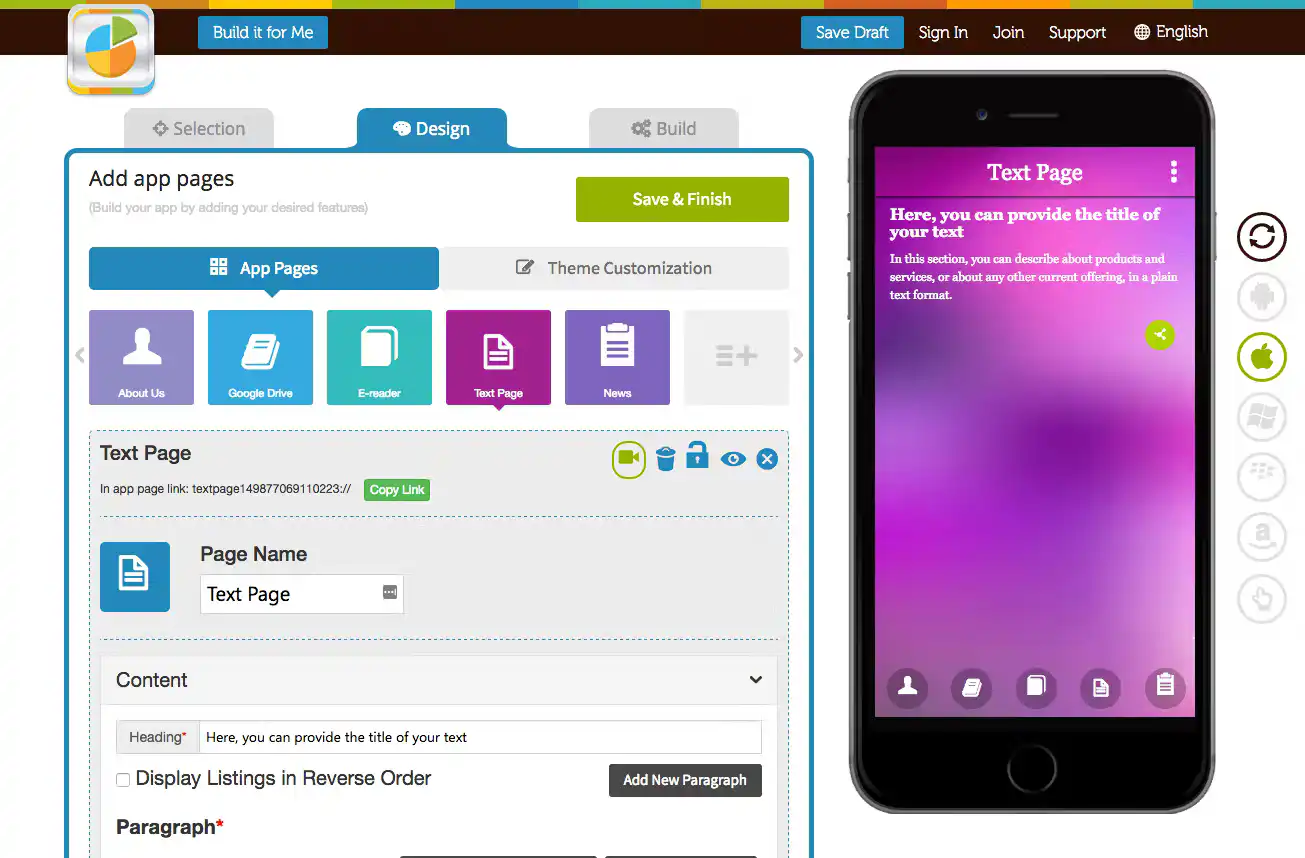
Appy Pie offers a visual route to mobile software through per-app subscriptions. It may fit a straightforward project; enterprise buyers should check the required integrations, administration, and distribution channels before committing.
What to test
- Confirm the Android and iOS publishing options on the proposed plan.
- Test the data connection and access rules your project requires.
- Check who can maintain the application and what support is included.
Price
Appy Pie sells per-app subscriptions. Its plan comparison distinguishes Android publishing from the tier that includes iOS, with different feature and usage allowances. Check the official pricing page for your region and billing cycle.
Analysis
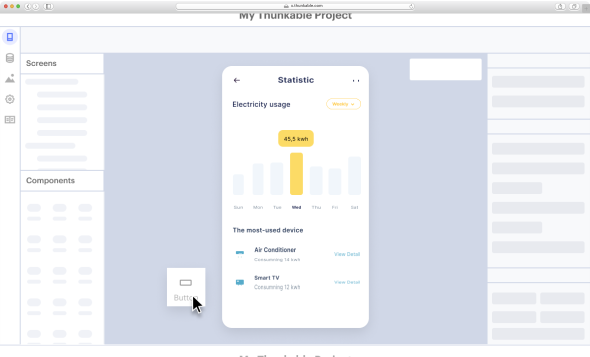
Thunkable provides a visual builder for native mobile software. Teams can configure common screens and logic, but complex behavior or integrations may need additional expertise and maintenance.
What to test
- Prototype the hardest device interaction and data connection.
- Check private-project and live-publishing allowances.
- Confirm who can review changes and support the published application.
Price
Thunkable offers free and paid plans with different private-project and live-publishing allowances. Check the current plan comparison against the number of apps you need to maintain.
Analysis
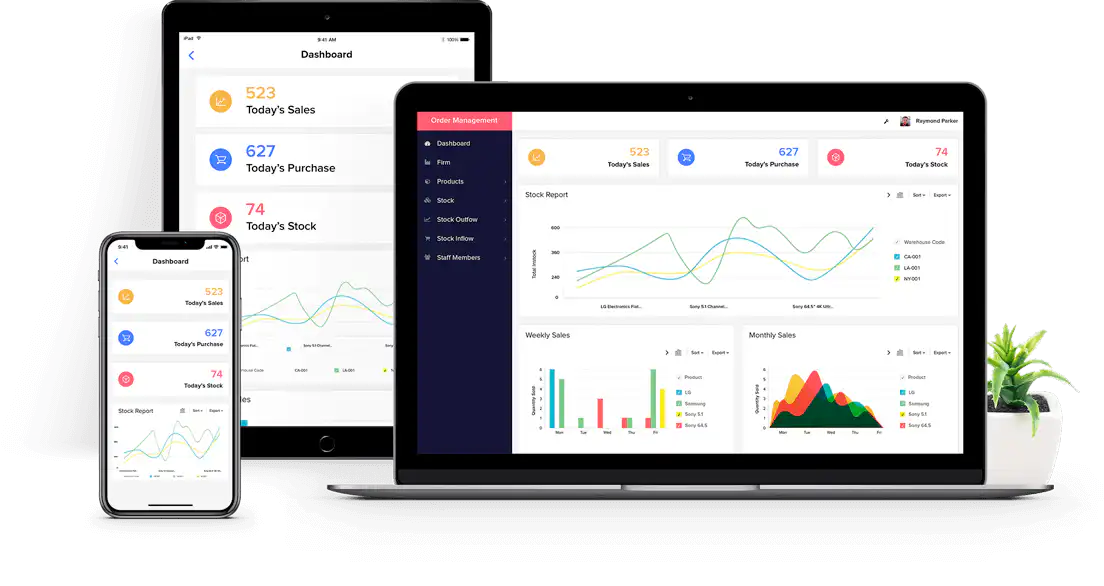
Bubble provides a visual development environment for web and mobile projects. Its data and workflow model takes time to learn, and production cost depends partly on workload consumption.
What to test
- Prototype the record permissions and integration you need.
- Estimate workload using a representative user journey.
- Confirm the publishing route and operating capacity for the target devices.
Price
Bubble prices at the project level, with included workload and options for additional capacity. Web and mobile activity can contribute to the same project workload. Compare Bubble’s plans and estimate usage with your actual workflows.
Analysis
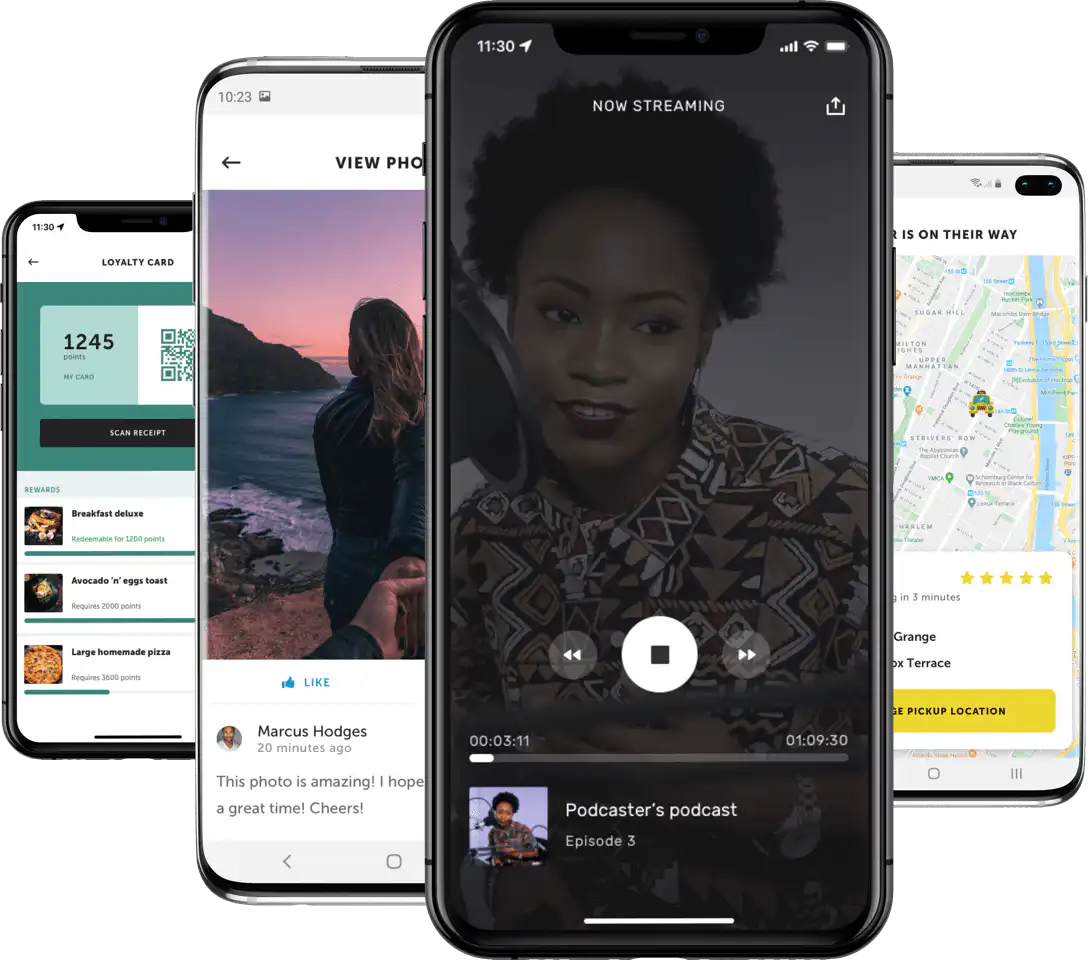
Shoutem offers a self-service mobile builder and assisted development services. The ownership, publishing, and support arrangements differ between those routes, so compare the specific proposal with your project brief.
What to test
- Identify whether your team or Shoutem will build and update the application.
- Confirm required extensions and app-store distribution.
- Check support, export options, and ongoing fees for the proposed route.
Price
Shoutem distinguishes its self-service builder from assisted development and reseller services. Review the available options and ask Shoutem to confirm the publishing and support scope for your project.
Fliplet combines configurable creation, lifecycle management, cross-platform publishing, support, and enterprise security controls. Compare those capabilities with your delivery model, integration requirements, internal skills, and governance standards before selecting a platform.
Content ownership in practice
Gateley Legal's Academy for Housebuilders brings course resources and delegate communications into Fliplet, with access restricted to delegates. Louise Murphy explains how she maintains the content:
“I can add new speakers to the speaker directory, and add additional modules and content.”
— Louise Murphy, BD Manager, Property Platform, Gateley Legal.
Use that example to test who will own routine updates in your organization. Ask the intended content editor to make a change during the demonstration, then check the access rules with IT.
What to check before buying
The comparison table narrows the field; the demo brief shows whether a platform fits your organization. Ask each provider to show the same workflow at the plan you would buy. Record configuration time, missing controls, integration work, and who will own changes after launch.
- Access and security: Test employee, manager, and administrator roles with permitted and blocked actions. Review identity, audit, encryption, and supplier evidence against your own requirements. A supplier certification does not certify your finished application.
- Data and integration: Use a representative data source. Test authentication, write-back, failed requests, and duplicate prevention. A connector in a catalogue is not proof that your process works.
- Mobile operation: Test the devices and networks your users actually have. If offline work matters, inspect local storage, synchronization, and conflict handling before promising it to users.
- Publishing and support: Confirm the web, internal distribution, or app-store route; release approvals; support hours; and the process for urgent fixes.
- Capacity and cost: Price the next stage of users, data, apps, and environments. Include licences, implementation, support, and internal administration rather than comparing starting prices alone.
A visual builder may let business teams maintain supported content and workflows, while integrations, custom logic, and access controls still need technical ownership. A code framework gives developers more control but also makes them responsible for more of the delivery and operating work. Neither model is automatically the right one for every enterprise.
Make a decision
Shortlist 2 or 3 options against a real mobile workflow, then ask the future owner and security reviewer to score the same tests. Keep the platform that meets your essential requirements at a supportable total cost. If a requirement fails, document whether it can be configured, requires development, or rules the option out.
For an employee-services example, the Top 50 Law Firm case study describes a deployed office application with staff updates, service bookings, and permission-based content editing. It shows a specific operating model, not a performance guarantee for your project. Compare it with your own access and integration requirements, or explore the remote and office management solution.
Book a Demo with your workflow, target devices, and five acceptance tests to discuss whether Fliplet fits the delivery requirements.

Lisa Broom is the Head of Marketing at Fliplet, where she helps enterprise teams turn complex workflows into secure, user-friendly digital experiences.



Ready to see Fliplet live?
Build the software you actually need.
Book a demo to walk through your workflow goals, governance requirements, integration needs, and rollout model.