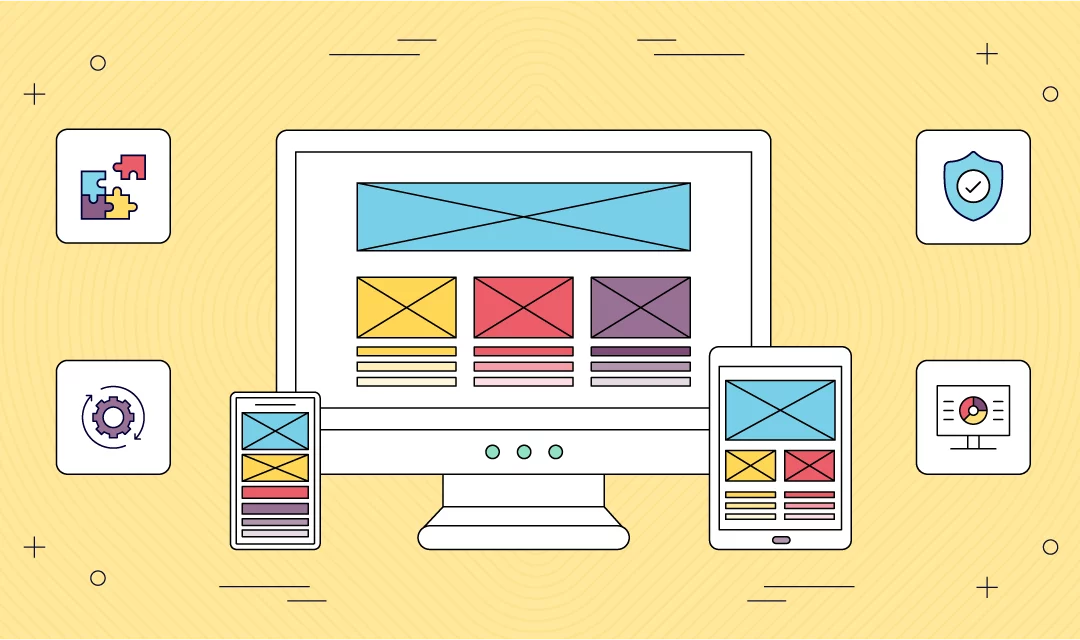
The challenge with app development isn't just about building a great app, but making sure it works everywhere. That's where cross-platform app development comes in. It's all about efficiency and reaching as many users as possible, without having to build separate versions for each type of device.
In this guide, we're diving into what cross-platform mobile development really means, its pros and cons, and the top tools and frameworks that make a developer's life easier. Whether you're building your first app or looking to streamline your development process, this is where you'll find the info you need.
For the reverse workflow, see how teams can turn a web app into a mobile app and compare Fliplet's broader platform overview.
What is cross-platform mobile development?
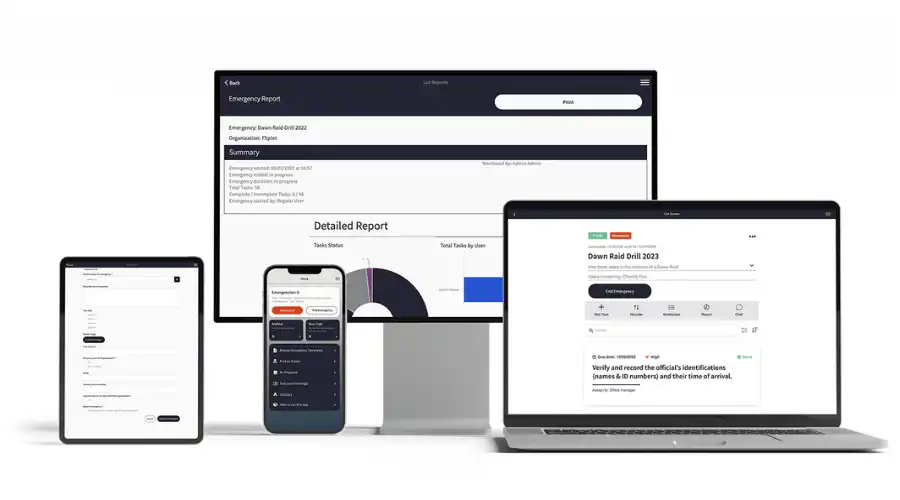
Cross-platform mobile development is a process where developers create a single application that is compatible with multiple mobile operating systems. Unlike native development, where you build separate apps for each platform, cross-platform development allows for one version that works across different devices.
This method is increasingly popular for its resource efficiency and wider market reach. It is especially beneficial for businesses that want to target both Android and iOS users without investing in separate development projects. As the mobile app market continues to grow, cross-platform development offers a practical solution for reaching a diverse user base with less duplicated effort.
The need for cross platform mobile development
Historically, the challenge in mobile app development was the requirement to develop distinct back ends for each operating system. This often led to choosing native development, where apps were specifically designed for each platform like iOS or Android. However, this method was not only resource-intensive but also limited the ability to leverage code across different platforms.
Cross-platform development offers a strategic solution to overcome these limitations. By adopting this approach, developers can use the source code across various platforms. This efficiency is a major shift from the traditional native development model. It simplifies the development process by reducing the need for separate coding efforts for each platform. The implication of this is profound, it significantly reduces development time and costs, while also ensuring a more consistent user experience across different devices.
This shift to cross-platform development is driven by the need for greater efficiency and broader market reach in the mobile app sector. It reflects a growing trend towards more streamlined, agile development processes that can accommodate the rapid pace of change in mobile technology and user expectations.
Cross platform app development for Google
A distinct set of advantages is introduced by concentrating on Google's ecosystem, specifically Android, for cross-platform app development. Because of Google's wide selection of Android devices and versions, developers have to make sure their apps work with a wide range of hardware. In this situation, cross-platform technologies are really helpful. They make it possible to create apps that work with both the most recent version of Android and previous versions of the operating system. This is essential given the fragmented nature of the Android market.
Cross platform app development for iOS
Similarly, for iOS, cross-platform development has simplified the process of creating apps that run smoothly on Apple's range of devices. Using cross-platform tools, developers can create applications that are not only compatible with iOS but also maintain the high standard of user experience that Apple users expect. This method negates the need for iOS-specific coding, which can be particularly intricate due to Apple's stringent app guidelines and the unique features of iOS. Cross-platform tools ensure that the apps maintain their functionality and aesthetic appeal across all devices, whether it's an iPhone or iPad.
Cross platform desktop app development
Cross-platform development is not just limited to mobile devices. It extends to desktop applications as well. This is particularly relevant in an era where users expect seamless integration and similar experiences across their mobile and desktop devices. Developing desktop applications that work across various operating systems like Windows, macOS, and Linux can be a daunting task. However, with cross-platform development tools, this process becomes more manageable. These tools enable developers to create applications that can run smoothly on different desktop operating systems from a single codebase. This approach ensures consistency in user experience and functionality across all platforms, while significantly cutting down development time and costs.
Native vs. cross platform development
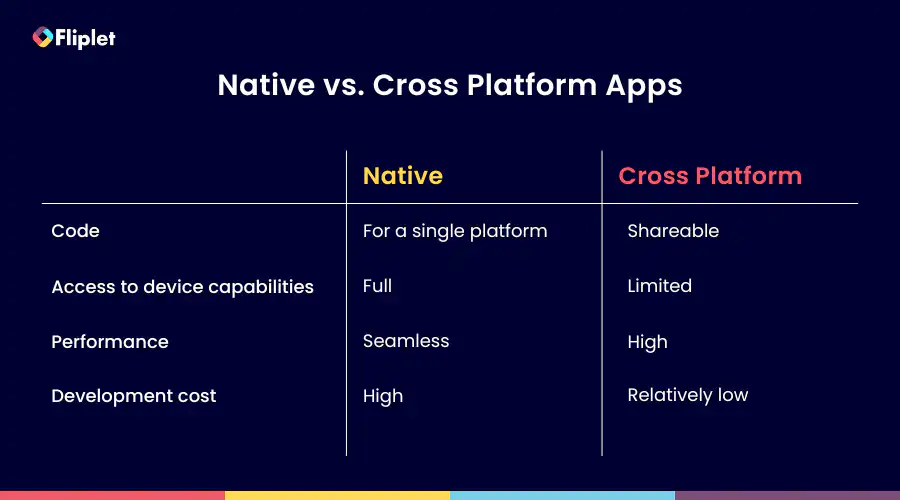
Native applications are designed specifically for one operating system. For instance, apps built for Android won't work on iOS, and those for iOS won't function on Android. This is because native apps are coded in languages specific to each platform, like Objective-C or Swift for iOS and Java or C for Android.
Advantages of native apps
- Higher performance on its specific OS
- Full utilization of the device's features and capabilities
- More responsive user experience
- Generally provides a better overall user experience
Disadvantages of native apps
- Increased development time due to separate versions for each platform
- Higher costs associated with multiple development streams
In contrast, cross-platform app development offers a more streamlined approach. It involves writing a single codebase that works across multiple platforms. This method is faster and more cost-effective, as it eliminates the need to write different codes for each operating system
Advantages of cross platform app development
- Faster development as the same code is used for all platforms
- More cost-effective due to reduced need for separate coding
- Broader reach across different platforms with a single effort
Disadvantages of cross platform app development
- May not match the performance of native apps
- Limited access to certain device-specific features and capabilities
Benefits of cross-platform mobile development
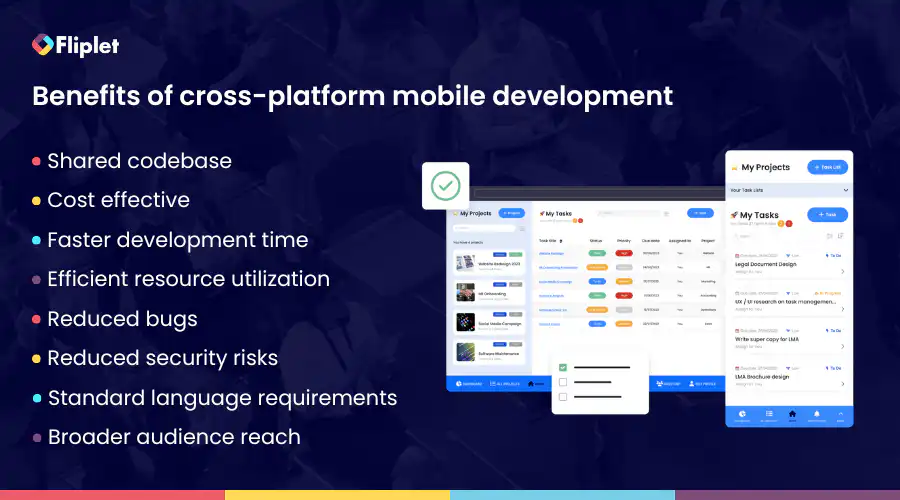
Cross-platform mobile development stands out for its practicality and effectiveness. It allows for the creation of applications that work across multiple operating systems using a single codebase. This approach not only simplifies the development process but also offers significant advantages in terms of cost, time efficiency, and market reach.
Let's explore these benefits in detail
- Shared codebase: Most of the code can be reused across different platforms, reducing the need to write unique code for each operating system
- Cost-effective: Lower development costs since the same code is used for multiple platforms, reducing the resources required for separate builds
- Faster development and time to market: Speedier development process due to code reusability, leading to quicker launches
- Efficient resource utilization: Development teams can be more effectively managed as there's no need for platform-specific specialists
- Reduced bugs and security risks: Fewer lines of code mean fewer chances of bugs and potential security issues, easing the process of testing and maintenance
- Standard language requirements: Developers often need to be proficient in standard languages, with tools and frameworks handling the more complex tasks
- Broader audience reach: Apps can cater to users across different devices and operating systems, expanding market coverage
These benefits highlight why cross-platform development is a compelling choice for many projects, balancing efficiency, cost, and reach to meet the needs of a modern mobile audience.
Disadvantages of cross-platform app development
While cross-platform app development offers numerous benefits, it's important to also consider its drawbacks. These limitations can impact the overall quality and functionality of the apps. Understanding these disadvantages is crucial for developers and businesses to make informed decisions about their development strategy.
- Performance issues: Cross-platform apps can sometimes experience performance glitches, especially when compared to native apps
- Limited access to device features: These apps may not fully support certain native-only functions of mobile devices, like advanced graphics or specific hardware capabilities
- Potential design challenges: Achieving a design that looks and feels good on multiple platforms can be challenging, which might result in a compromised user experience (UX)
- Dependency on development tools: The quality and capabilities of the app are often tied to the development tools and frameworks used, which may have their own limitations
Despite these drawbacks, advancements in development technologies and frameworks are gradually addressing these issues. Modern cross-platform apps are increasingly becoming:
- Flexible: Able to adapt to different platforms and devices
- Adaptable: Capable of incorporating new features and updates
- Stable: Offering consistent performance across different platforms
- High performing: Closing the gap with native apps in terms of speed and responsiveness
- Highly functional: Supporting a wider range of device-specific features
- Able to deliver good UX: Improving in design to offer a more engaging and intuitive user experience
11 Best cross-platform mobile app development frameworks and no code software
The choice of the right cross-platform mobile app development framework is crucial for creating efficient, native-like applications. Take a look at these top cross-platform mobile app development frameworks:
Analysis
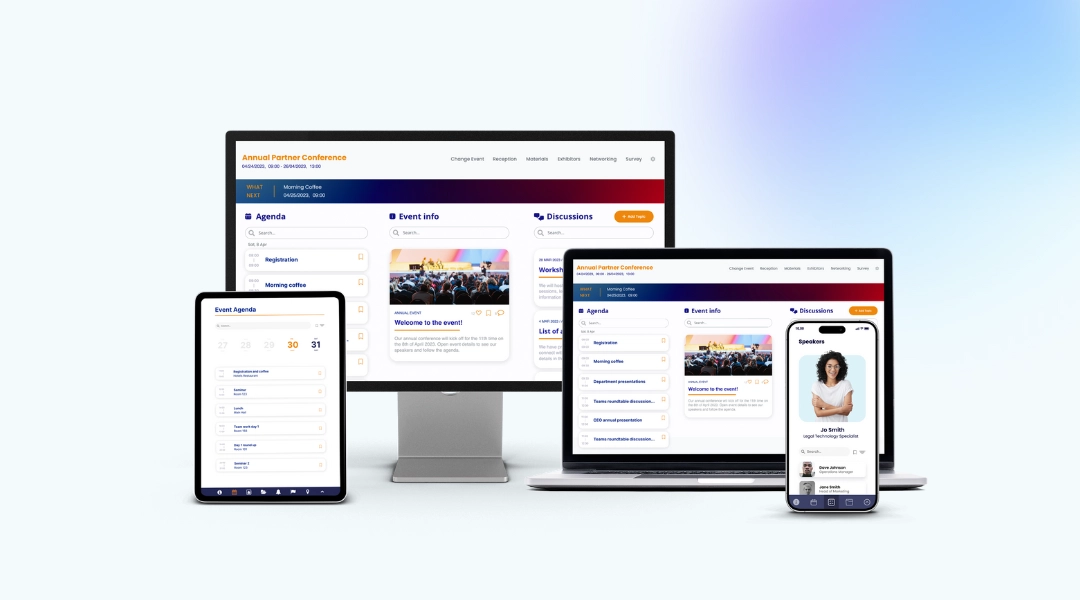
Fliplet offers a unique solution for cross-platform mobile app development, focusing on simplicity and efficiency. It enables users to build and launch apps on various platforms, including web, iOS, Android, and private apps.
Key Features
Drag and drop app builder
Integrate with your existing platforms.
Build and launch on iOS, Android, web, and private platforms
Enterprise grade security features
App analytics
Sixteen pre-built solutions to help you get started right away
Benefits
Ease of use: User-friendly interface, allowing quick prototyping and app building without the need of any coding skills
Cost-effectiveness: Offers unlimited app creation with a single subscription, making it highly economical
Range of solutions: Suitable for a range of applications, from internal communications tools to complex enterprise solutions
Quick deployment: Enables fast development and deployment, ideal for urgent project requirements
Excellent customer support: Highly rated customer service, ensuring reliable assistance
Integration capabilities: Seamless integration with existing databases and enterprise mobile distribution platforms
Instant updates, easy maintenance: Updates are effortless with Fliplet Studio. Fliplet handles maintenance and over-the-air updates so that you can focus on content.
Publish on all devices: Create one app and publish it on mobile, tablet and web.
Price
Free Plan: Begin your journey with Fliplet's free plan. This plan offers a fully functional team chat app in a web environment.
Public Plan: From $9.90 /month
Private Plan: From $19.90 /month
Private Plus Plan: From $29.90 /month
Enterprise Plan: For organizations with more extensive requirements, Fliplet offers a customizable enterprise plan. Details can be obtained through a demo.
Analysis
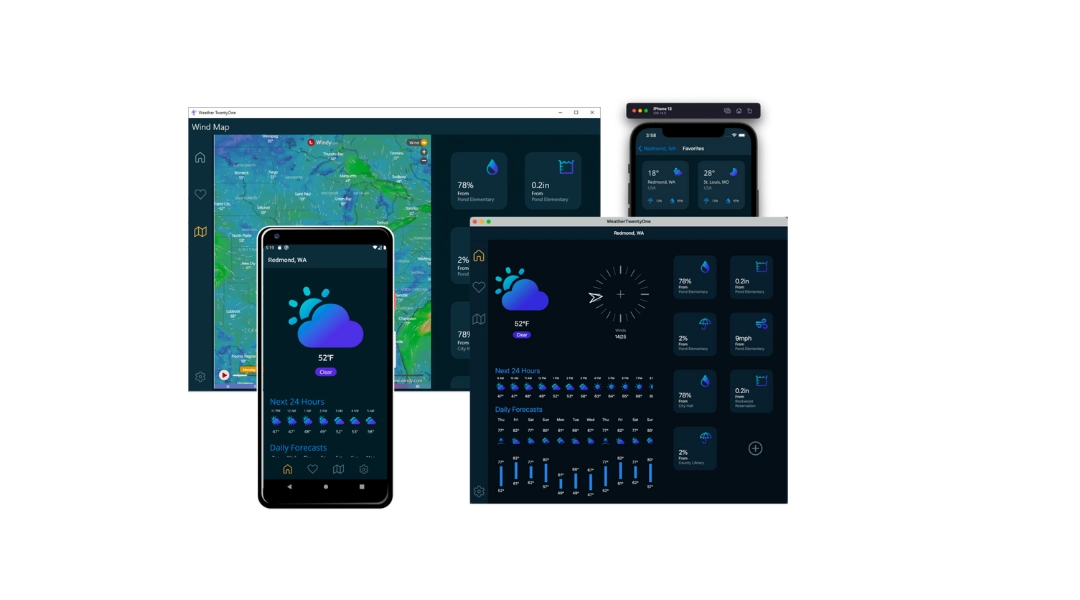
.NET MAUI is a cross-platform framework for creating native mobile and desktop apps with C# and XAML. Using .NET MAUI, you can develop apps that can run on Android, iOS, macOS, and Windows from a single shared code-base.
Key Features
Single codebase for multiple platforms
Native performance
Access to a rich set of libraries
Share code, tests, and business logic across platforms
Benefits
Share code across iOS, Android, and Windows
Robust performance
Strong community and Microsoft support
Share UI layout and design across platforms
Integrate with your microsoft systems
Price
- Free to use
Analysis
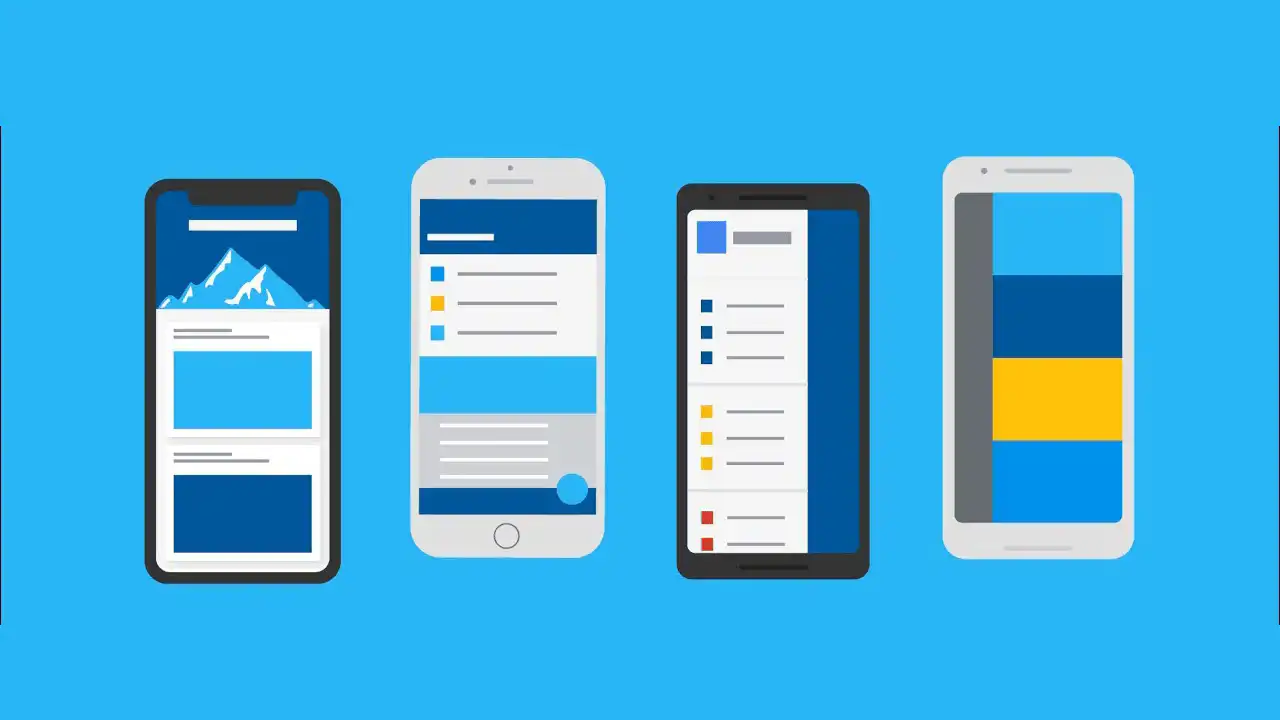
Flutter is an open-source UI software development kit created by Google. It is used to develop cross platform applications from a single codebase for any web browser, Fuchsia, Android, iOS, Linux, macOS, and Windows.
Key Features
Hot reload: Developers can instantly see the changes they make to the code reflected in the app interface
Rich set of widgets: Flutter is built around the concept of widgets, which are building blocks for constructing UI elements
Cross-platform development: Flutter allows developers to write a single codebase that runs on multiple platforms, including iOS, Android, web, and desktop
Access to native features: While Flutter is a framework in itself, it also provides plugins that allow developers to access native device features such as camera, location, sensors, and more
Benefits
High-performance apps: Flutter doesn't use a bridge (JavaScript or webview) for communication between the app and the platform
Shorter testing process: Flutter developers can perform comprehensive testing once
Efficient development process: Development process faster and more efficiently
Price
Free
Standard: $30 /month
Pro: $70 /month
Teams: $70 /user /month
Analysis
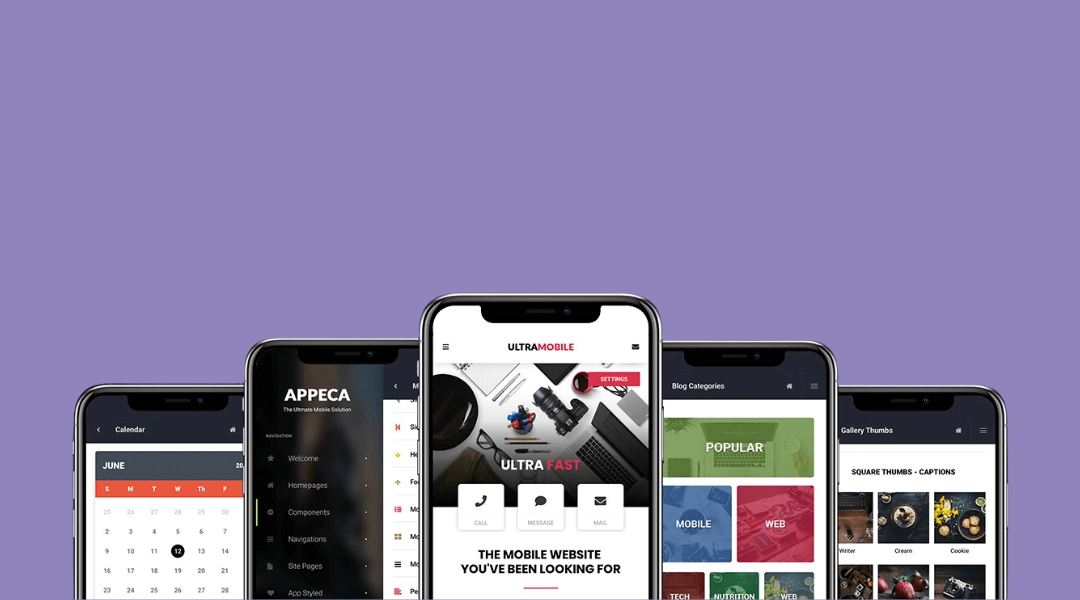
Cordova, also known as Adobe PhoneGap, is a platform for building mobile applications using HTML5, CSS3, and JavaScript, appealing to developers familiar with web technologies.
Key Features
Supports HTML5, CSS3, and JavaScript for development
Access to native device APIs
Extensive plugin library for additional functionalities
Benefits
Web technology utilization: Leverages familiar web technologies for app development
Native features access: Integrates with native device features for comprehensive functionality
Wide compatibility: Supports a broad range of platforms, enhancing app reach
Large community: Benefits from robust community support and resources
Open source platform: Cordova is an open-source platform that is cost-effective and flexible for developers
Price
- Free to use
Analysis
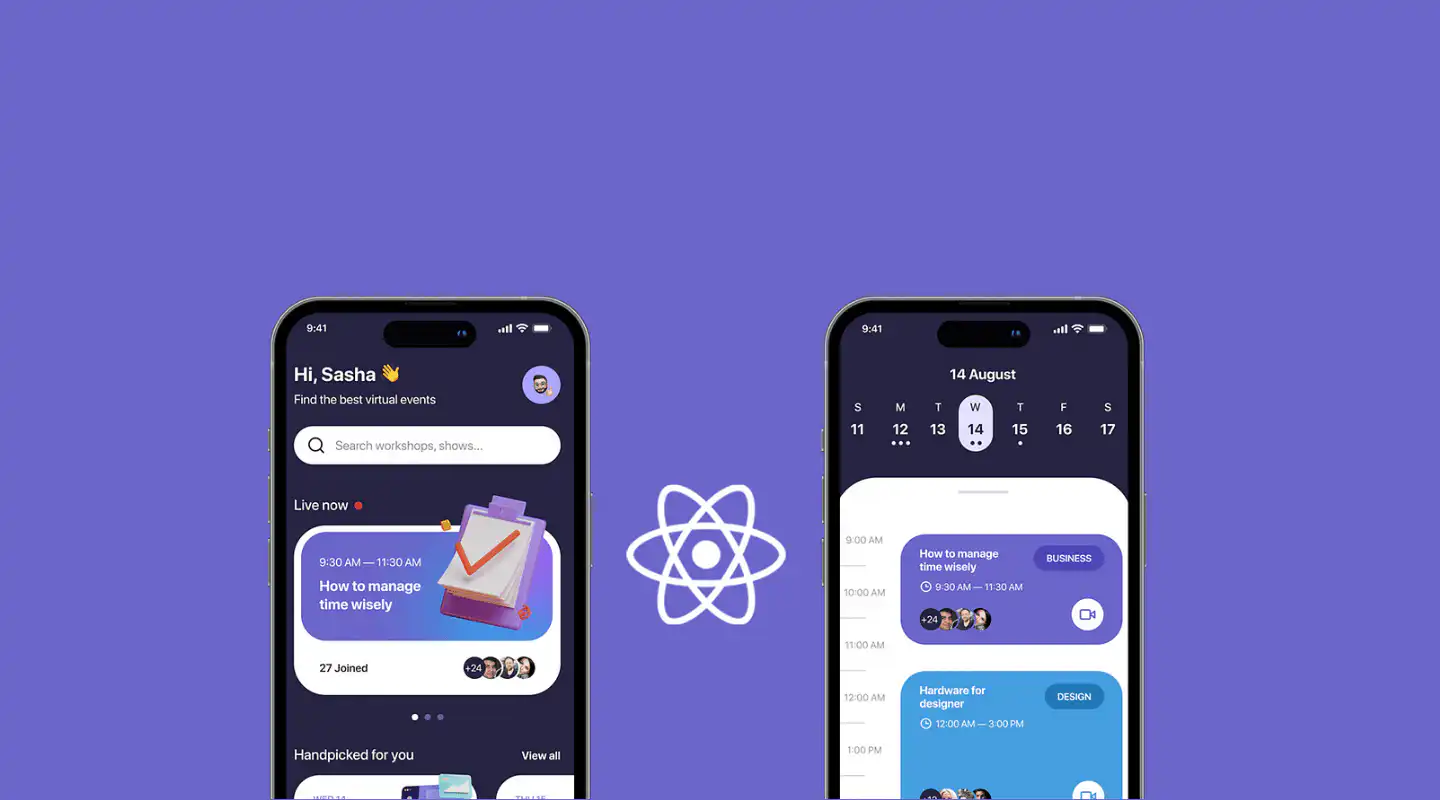
React Native, created by Facebook, is a powerful framework for building mobile applications using React and JavaScript.
Key Features
Hot reloading for instant updates during development
Large library of React components
Native module integration for enhanced performance
Benefits
Development efficiency: Hot reloading feature speeds up the development process
Reusable code: Code once and deploy on both iOS and Android, saving time and resources
Strong performance: Integration with native modules ensures high app performance
Extensive ecosystem: Access to a vast range of libraries and community support
Price
- Free to use
Analysis
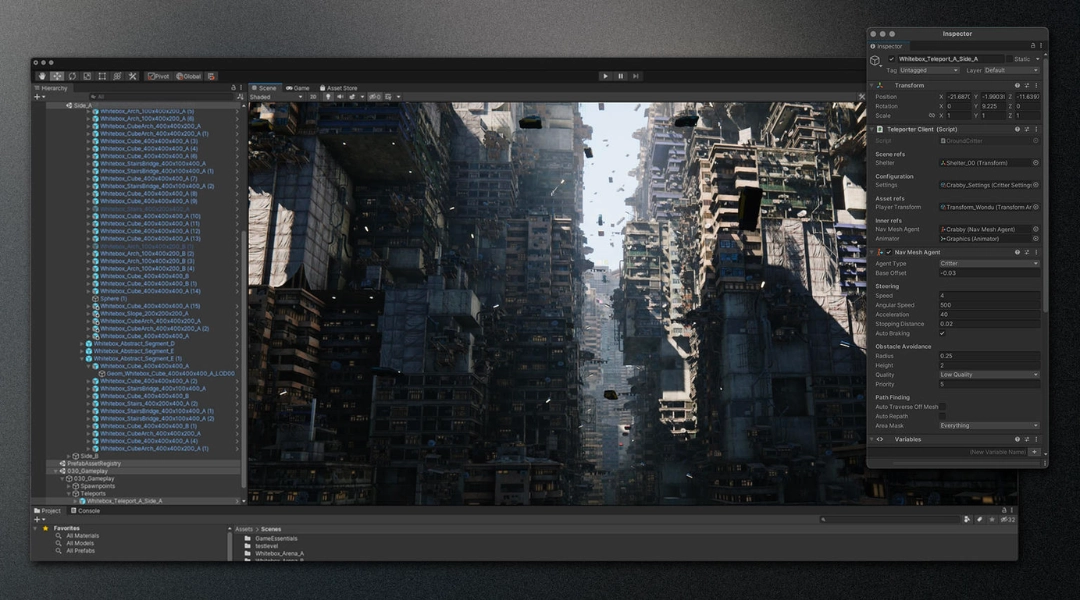
Unity is a leading game development engine, renowned for its ability to create immersive and interactive experiences across multiple platforms. First released in 2005, Unity has evolved to support a wide array of desktop, mobile, console, and virtual reality platforms, making it a versatile tool for developers.
Key Features
Multi-platform support
High-quality assets
Powerful rendering engine
VR and AR Support
Benefits
Versatility: Develop games for almost any platform
Community and support: Large community of developers and extensive documentation
Efficient Workflow: Streamlines the game development process, from conception to deployment
Innovative features: Continuously updated with the latest technological advancements
Price
Student: Free
Personal: Free
Unity Pro: $1,877
Unity Industry: $4,554
Unity Enterprise: Contact Unity
Analysis
Node.js is a powerful JavaScript runtime framework that is ideal for developing efficient and responsive cross-platform applications. Built on Chrome's V8 JavaScript engine, it offers an open-source environment for server-side and scalable network app development.
Key Features
Asynchronous APIs for non-blocking operations
Speedy code execution process with Chrome's V8 engine
Single-threaded model with event looping for efficient performance
Rich library of JavaScript modules
Benefits
Efficient real-time applications: Ideal for building fast, scalable network applications like chat and gaming apps
Scalable: Efficiently handles numerous simultaneous connections with minimal overhead on a single process
Fast server-side solutions: Quick execution of code thanks to V8 JavaScript engine, ideal for data-intensive applications
Enhanced productivity: Simplifies development with JavaScript on both client and server sides, reducing context switching
Price
Solid 4: Free
Solid 8: $99 /month
Solid 12: $199 /month
Solid E: Contact Node.js
Analysis
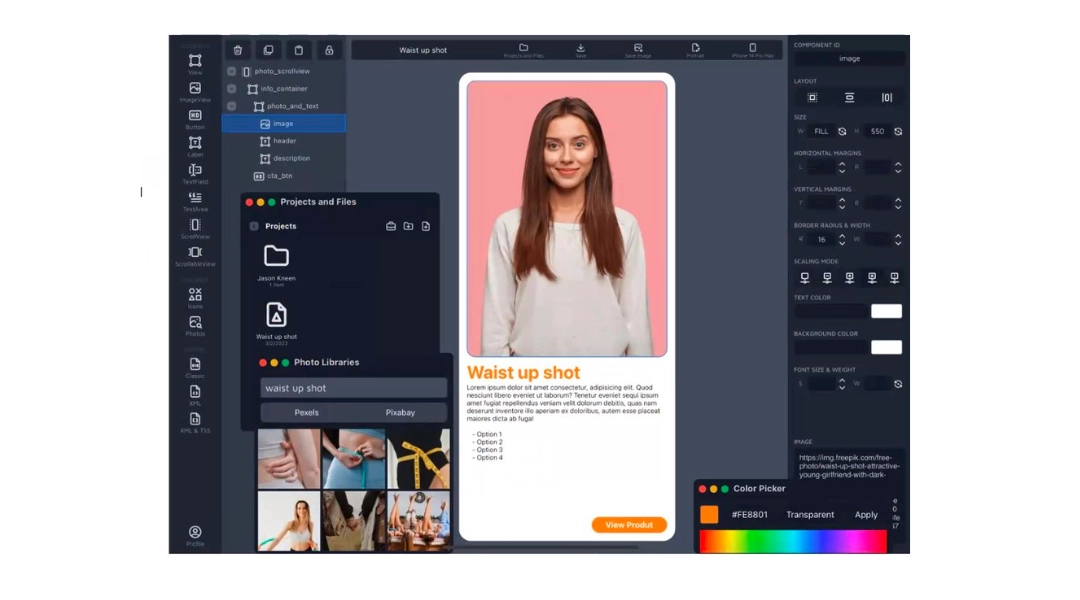
Appcelerator Titanium is a versatile tool designed to simplify mobile app development. It enables the creation of cross-platform apps with a single code base, focusing on native components present in JavaScript code.
Key Features
Rapid application development tools
ArrowDB for easy data model deployment
Integration with continuous delivery systems
Pre-built connectors for various services
Benefits
Prototype rapidly: Enables quick prototyping, allowing businesses to test ideas and iterate faster
Efficient data handling: Streamlined approach to data storage and retrieval, enhancing app functionality
Broad integration: Easily integrates with existing enterprise systems, enhancing workflow and productivity
Rich ecosystem: Extensive collection of pre-built connectors and modules to extend app functionalities
Price
Indie Seat: Free
Pro Seat: $99 /month
Enterprise Seat: Speak with Appcelerator
Analysis
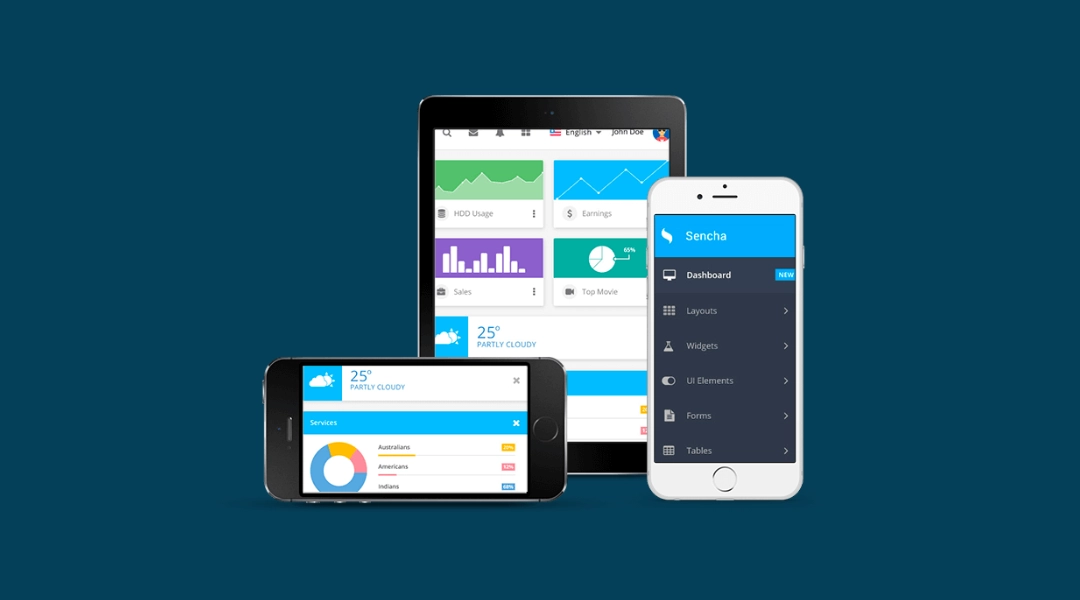
Sencha Touch is a robust framework for developing web-based cross-platform applications. It's known for its ability to create applications using hardware acceleration techniques and to maintain large business apps effectively.
Key Features
Native-looking themes for major platforms
Agnostic backend data package
Supports Cordova integration for native API access
Customizable UI with 50+ built-in widgets
Benefits
Enterprise-focused: Particularly beneficial for large-scale, complex apps requiring robust data integration and management
Rich UI capabilities: Offers an extensive set of UI components and tools for creating sophisticated user interfaces
Versatile and customizable: Highly customizable for specific business needs, with adaptability across various devices and platforms
Strong back-end integration: Efficiently handles backend data and integrates seamlessly with various data sources
Price
- Contact Sencha Touch for pricing
Analysis
Corona SDK is an efficient framework for developing 2D mobile applications across major platforms. It's known for its speed and ease of use, relying on Lua, a lightweight multi-paradigm programming language.
Key Features
Over 1000 APIs for comprehensive development
Real-time simulator for immediate feedback
Supports a wide range of plugins and libraries
Lua-based for quick and powerful development
Benefits
Rapid game development: Streamlines game development, significantly reducing development time
Wide range of APIs: Offers extensive APIs for graphics, audio, and other essential game elements
Real-time testing and iteration: Facilitates immediate feedback and iteration with its real-time simulator
Accessible for individuals: Free and user-friendly, making it accessible for independent and hobbyist developers
Price
- Free to use
Analysis
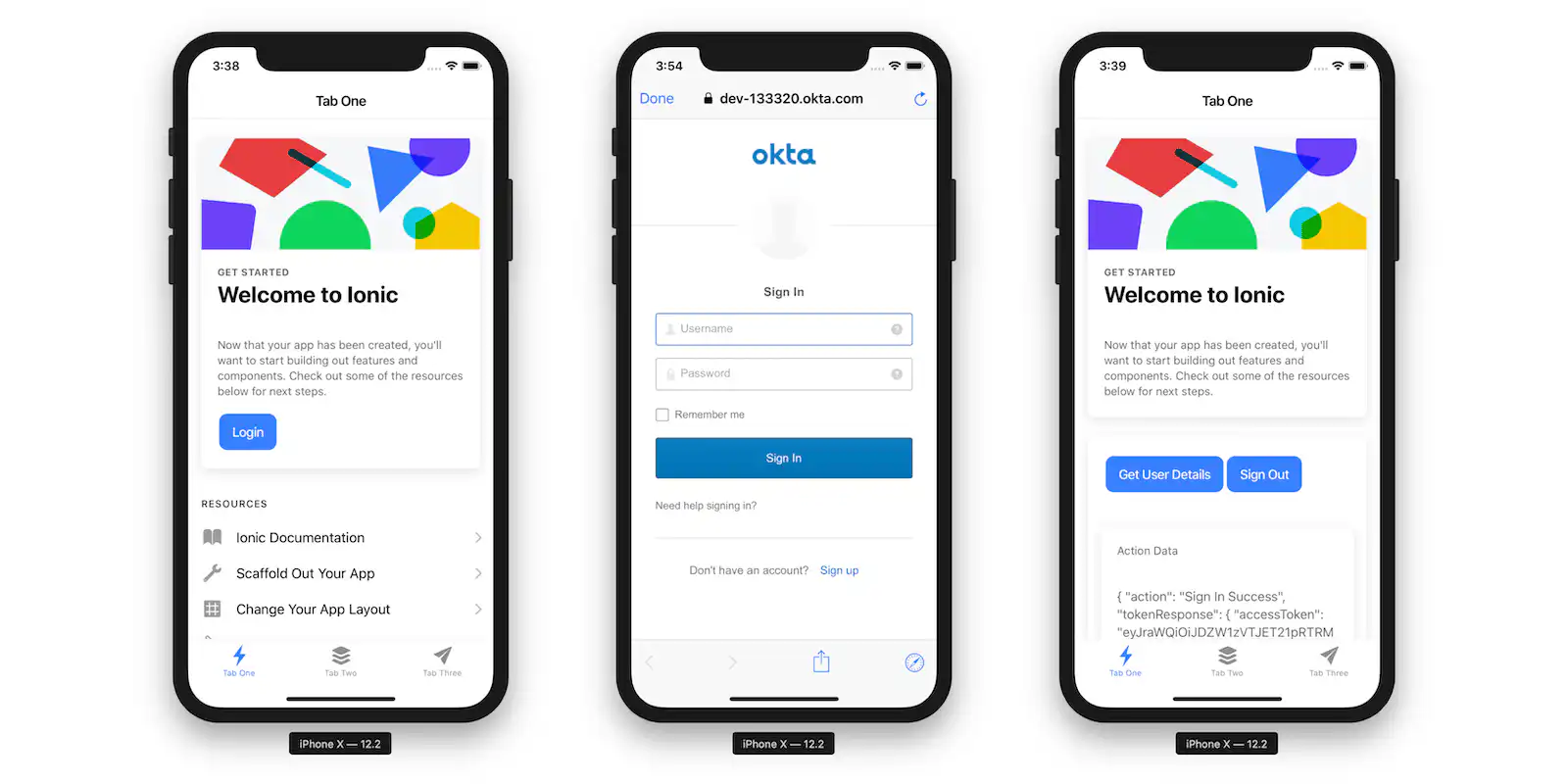
Ionic stands as a prominent and highly regarded cross-platform app framework. Utilizing AngularJS, it empowers developers to create applications using a blend of widely-used programming languages such as HTML5, JavaScript, and CSS, combined with Cordova to access native platform functionalities.
Key Features
SAAS UI framework
AngularJS based
Cordova integration
Enables code modifications
Benefits
Creative and interactive UIs: Ideal for crafting visually appealing and user-friendly interfaces, enhancing user engagement
Perfect for PWA development: Its capabilities make it an excellent choice for developing Progressive Web Apps (PWAs)
Cross-platform performance: Ensures apps perform effectively across multiple platforms, increasing reach and usability
Component library: Offers a selection of pre-built components, speeding up development and ensuring a consistent look and feel
Native-Like Experience: Delivers apps with a feel and performance close to native applications
Price
Free
Community: $49 /month
Basic: $499 /month
Enterprise: Contact Iconic

Lisa Broom is the Head of Marketing at Fliplet, where she helps enterprise teams turn complex workflows into secure, user-friendly digital experiences.


Ready to see Fliplet live?
Build the software you actually need.
Book a demo to walk through your workflow goals, governance requirements, integration needs, and rollout model.